
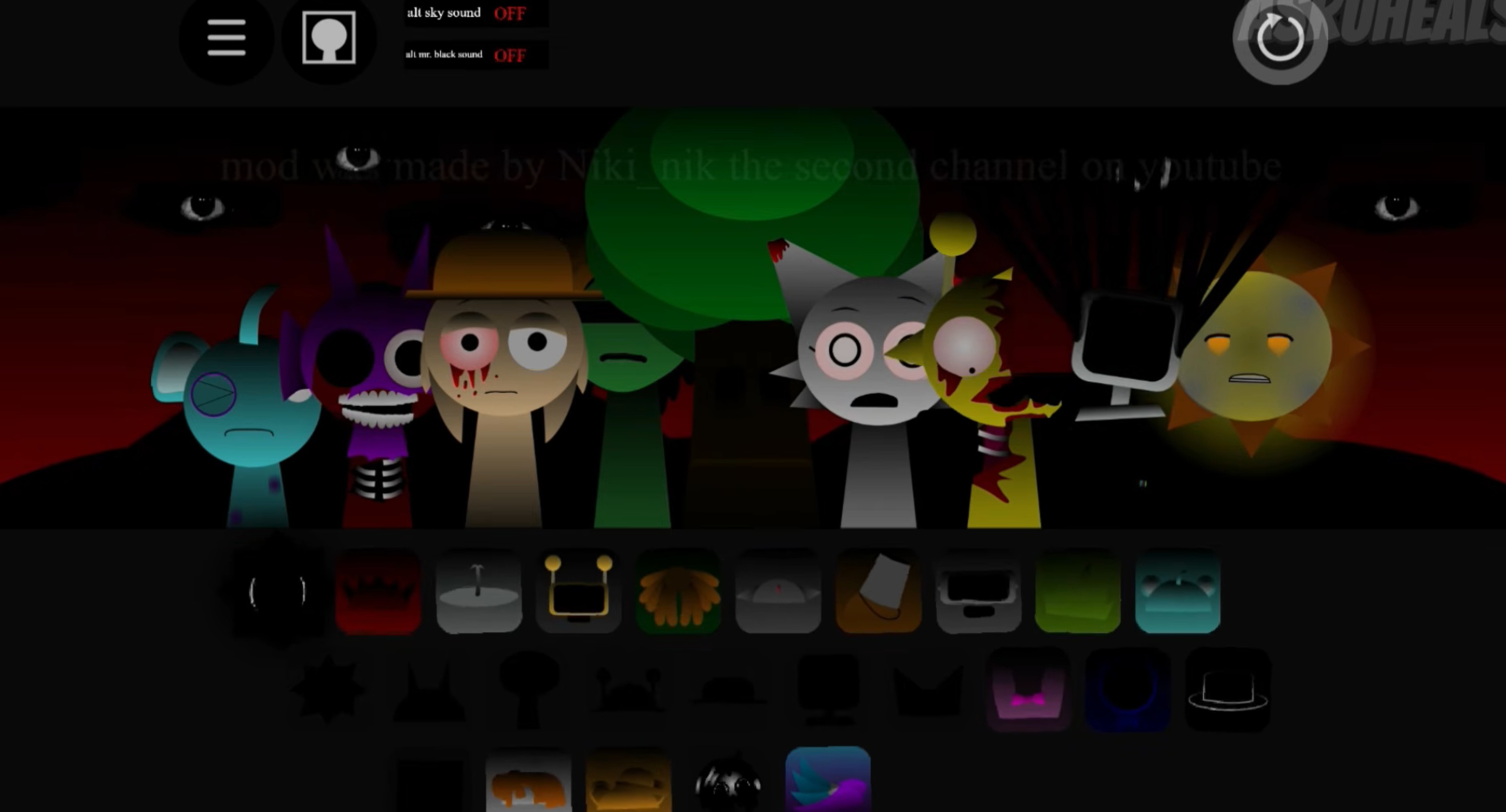



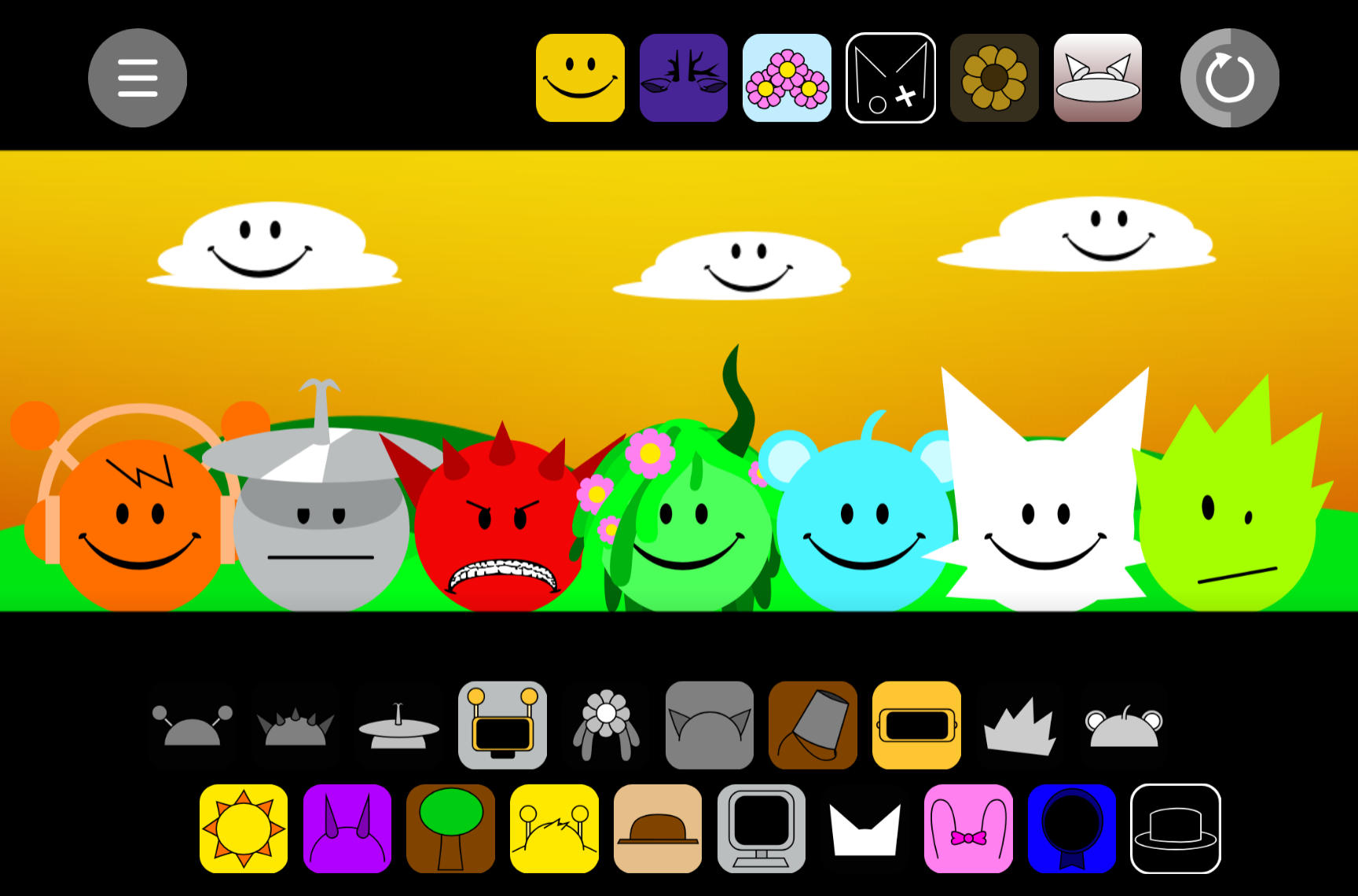
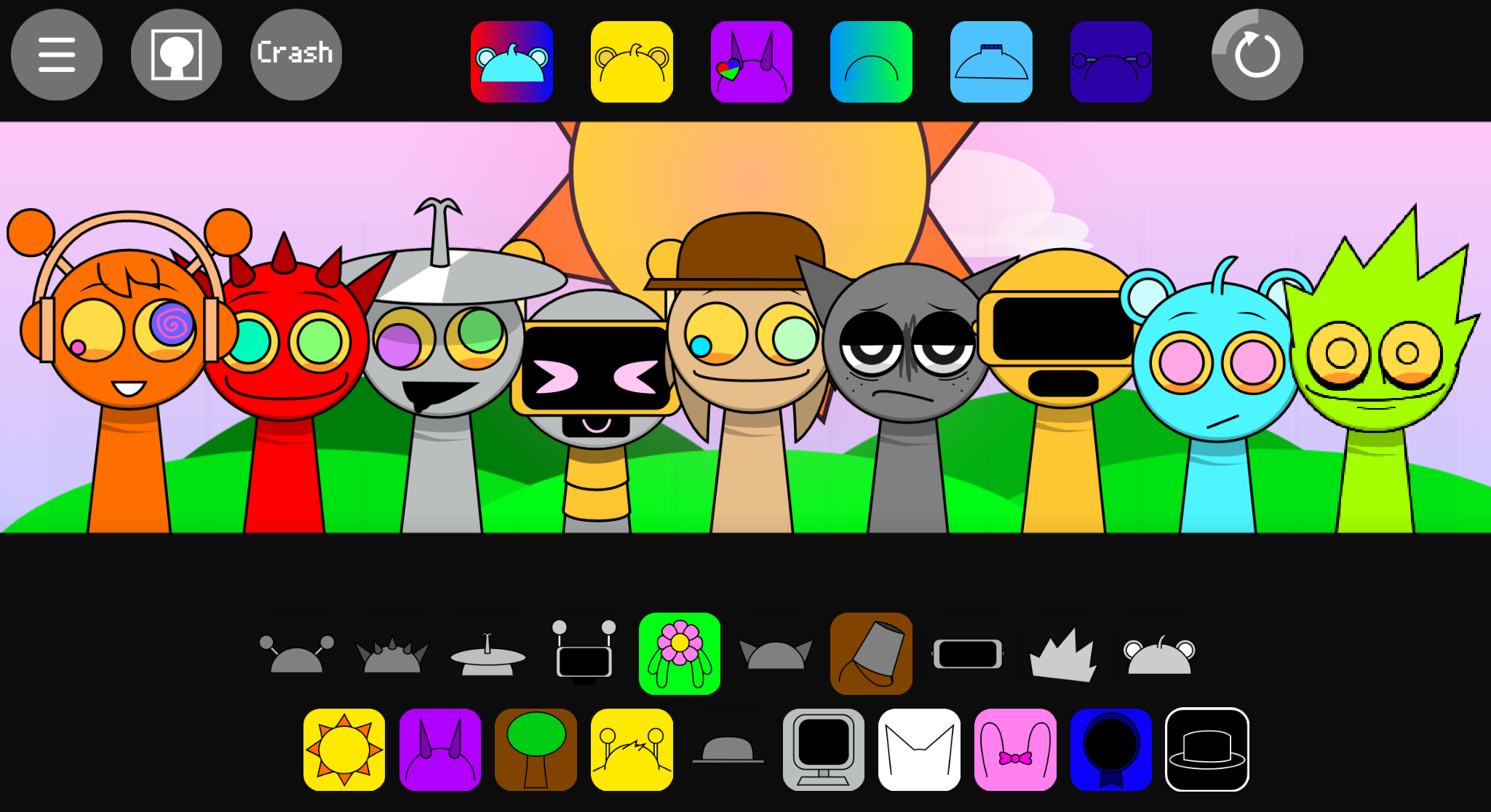
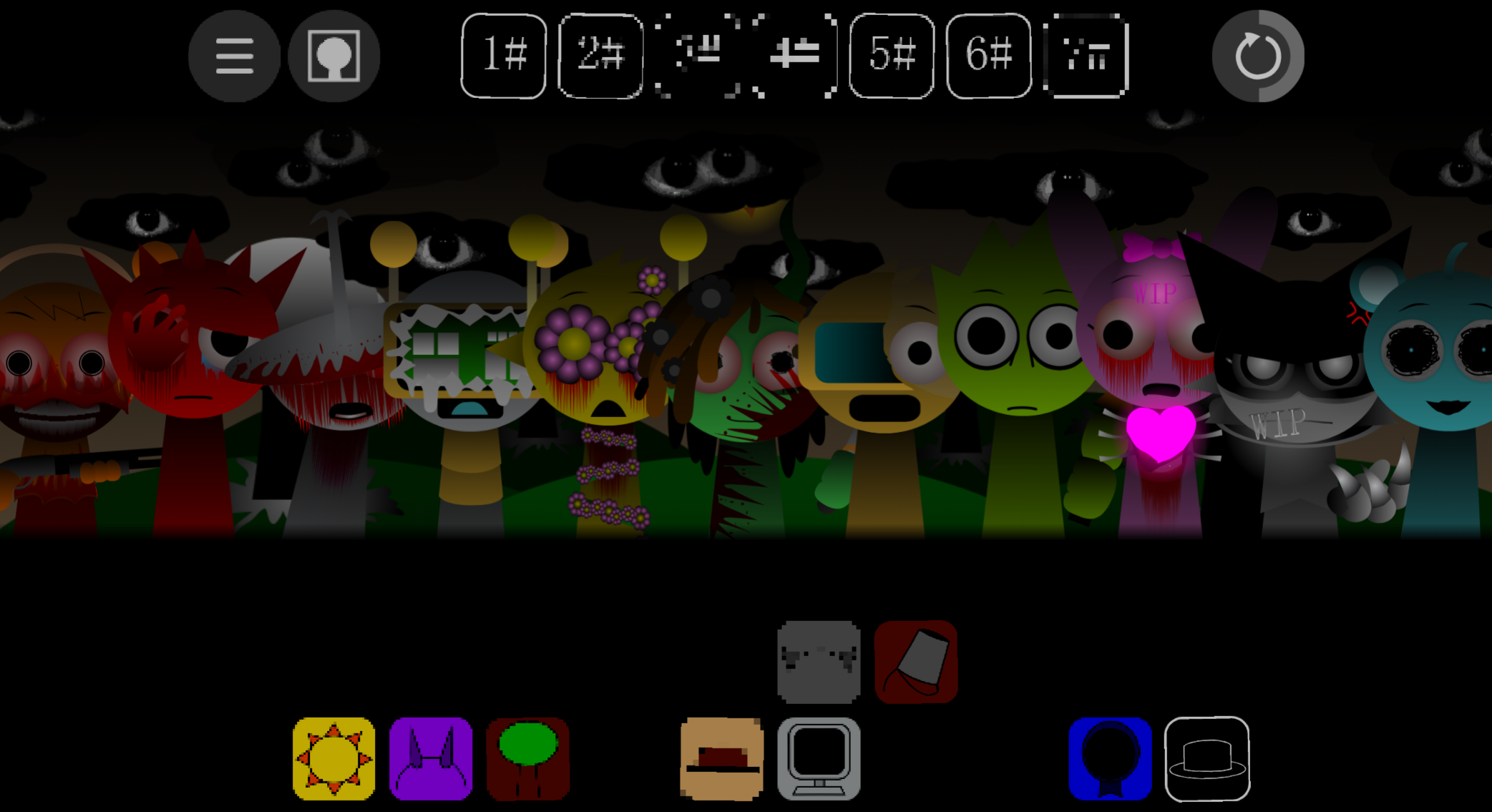
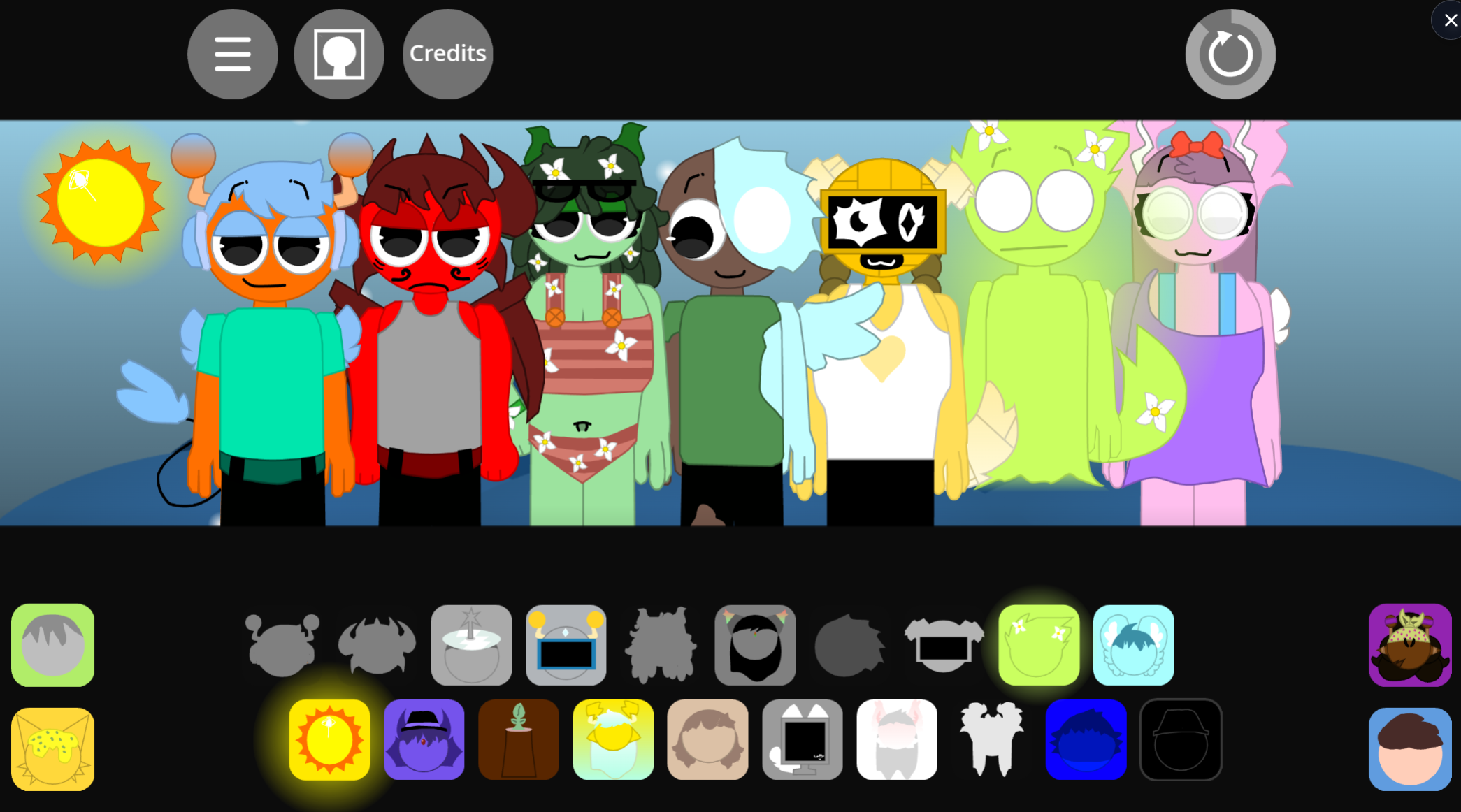
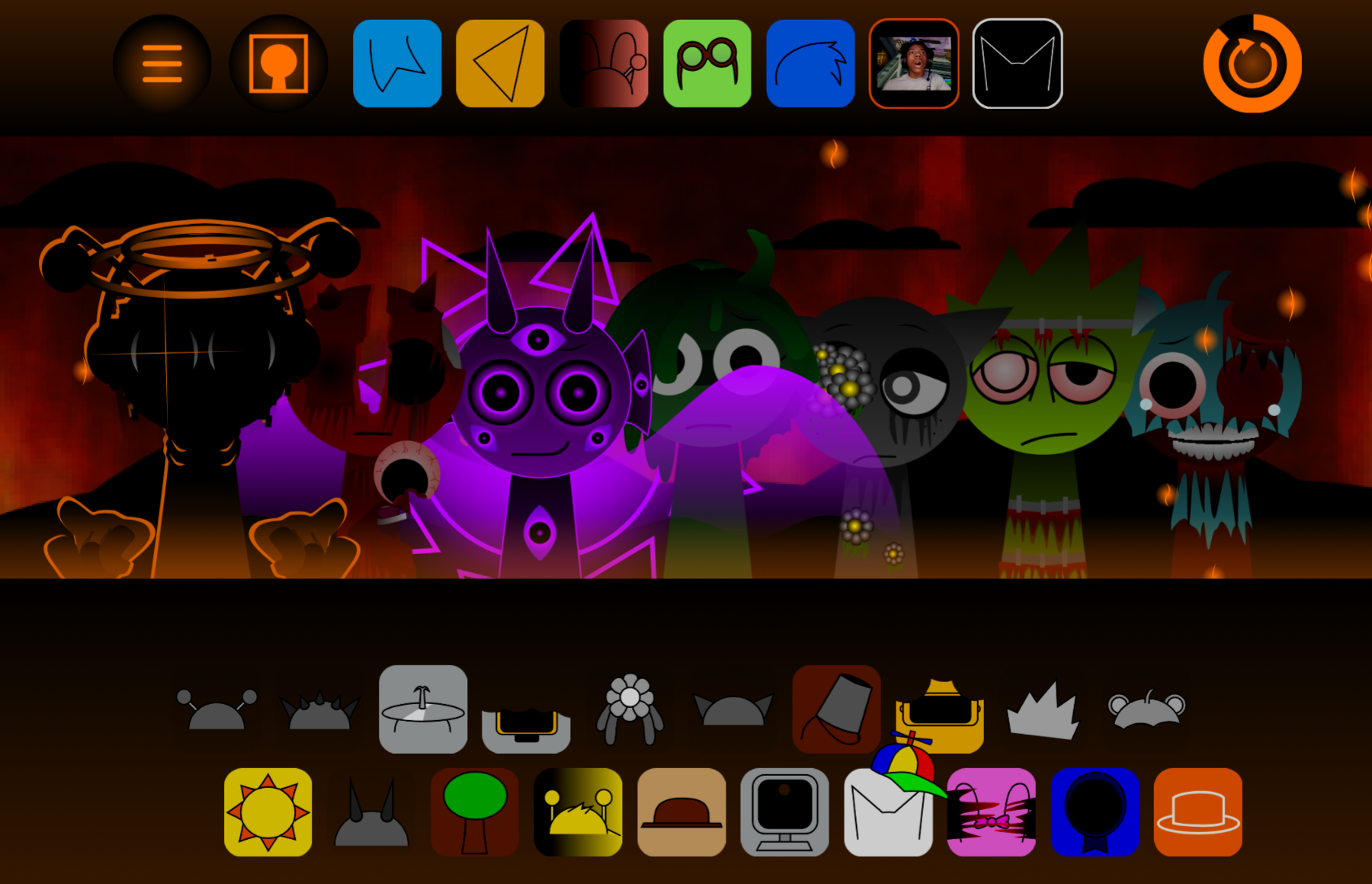
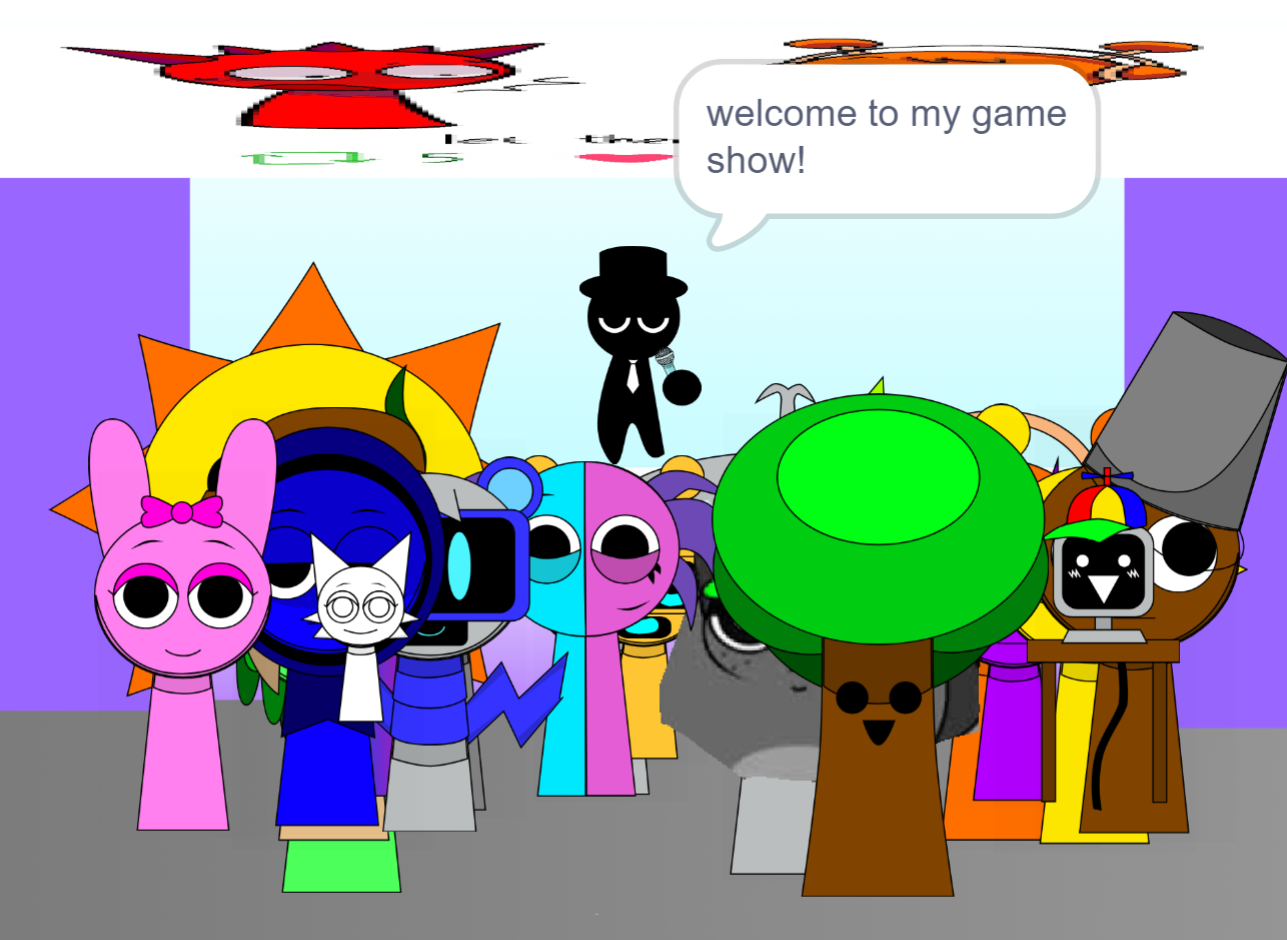
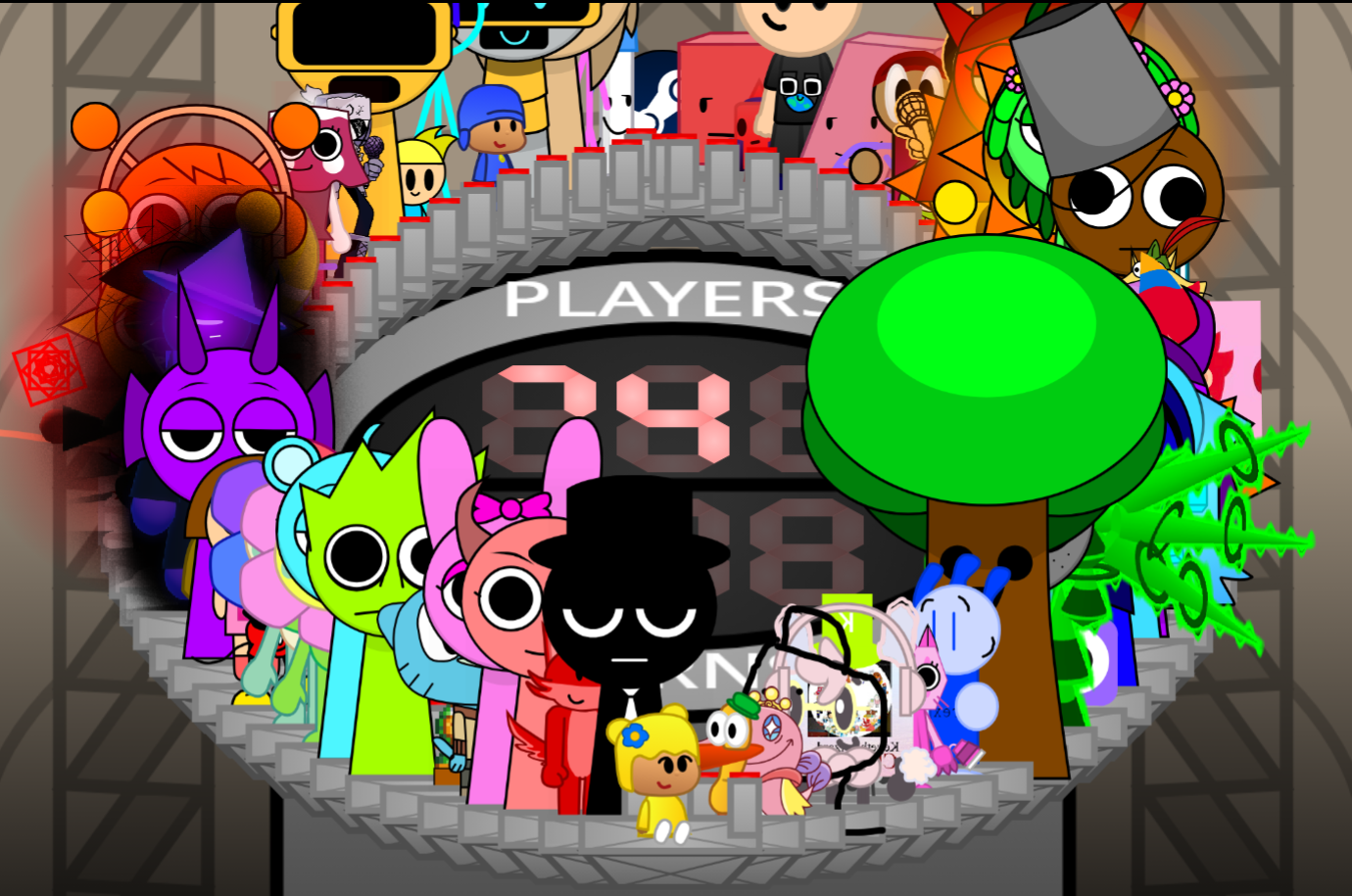
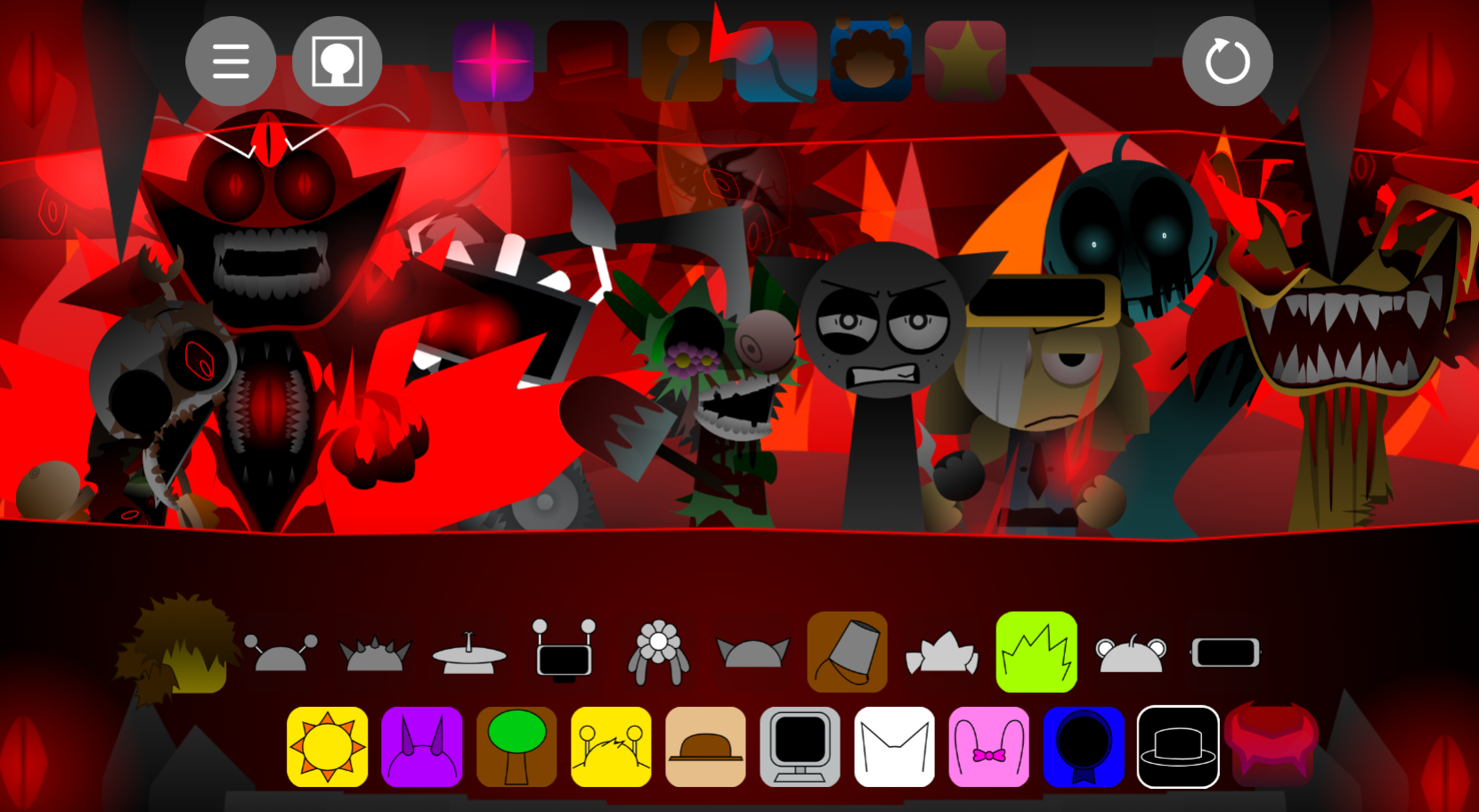
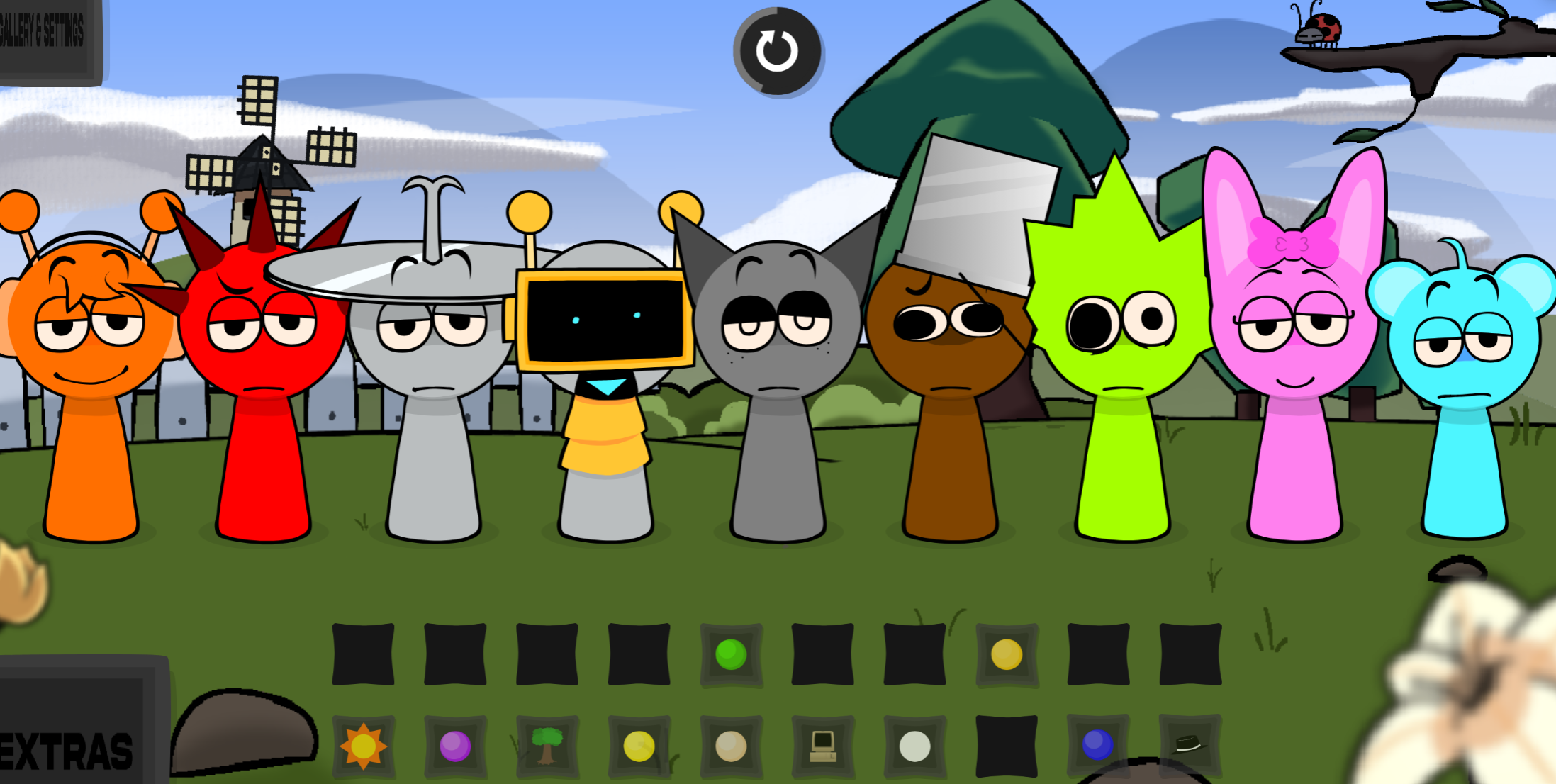
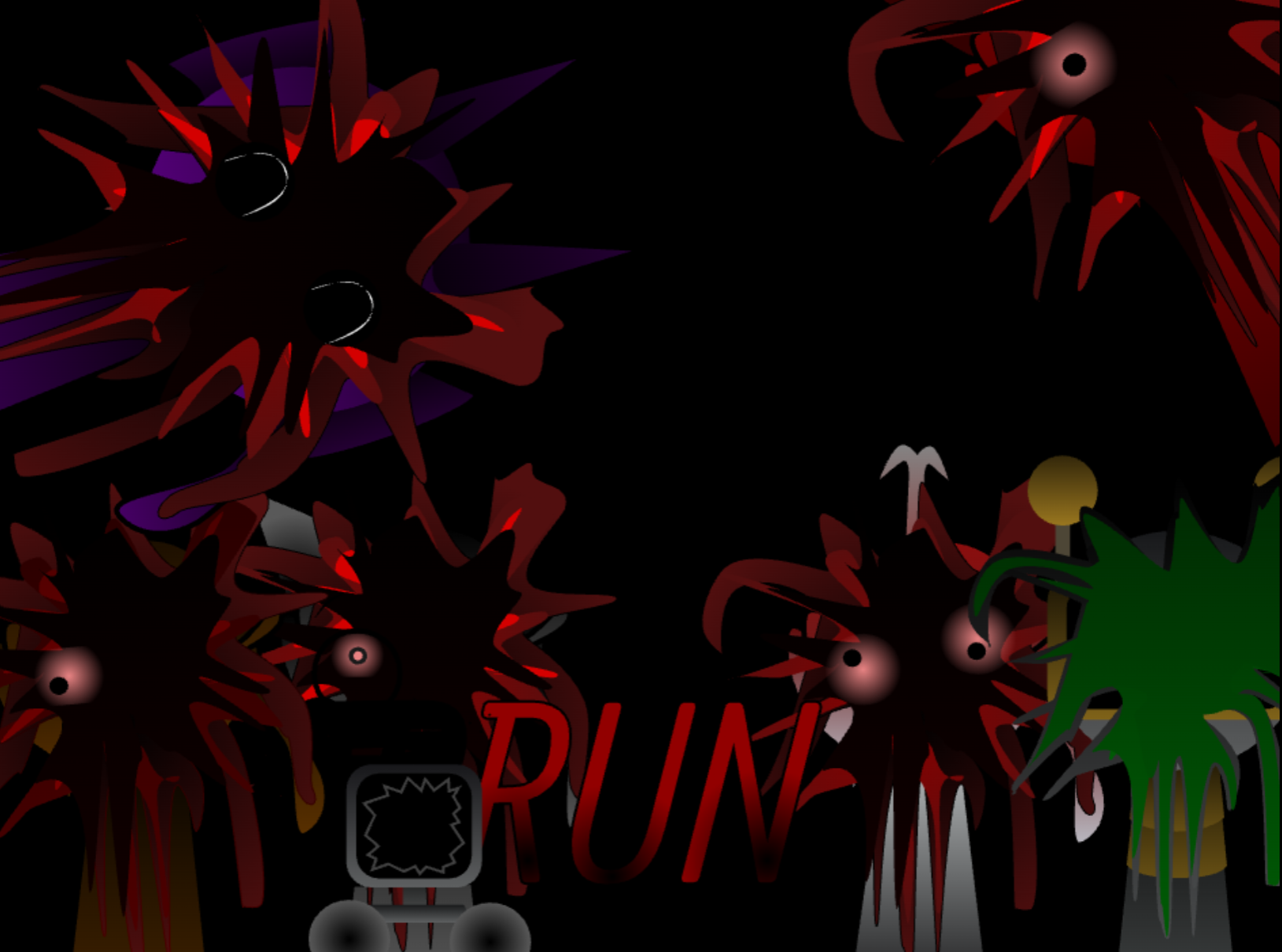
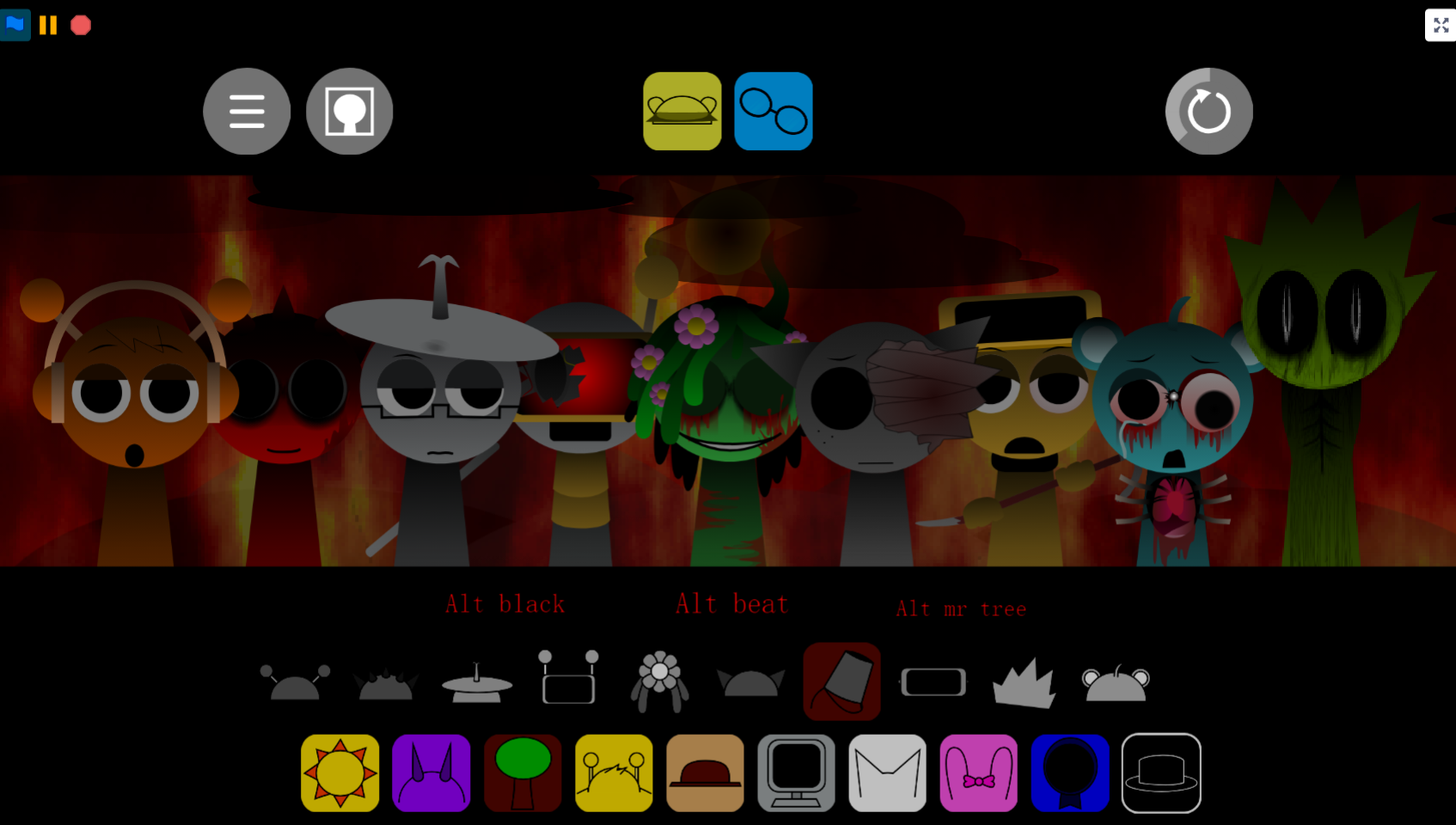

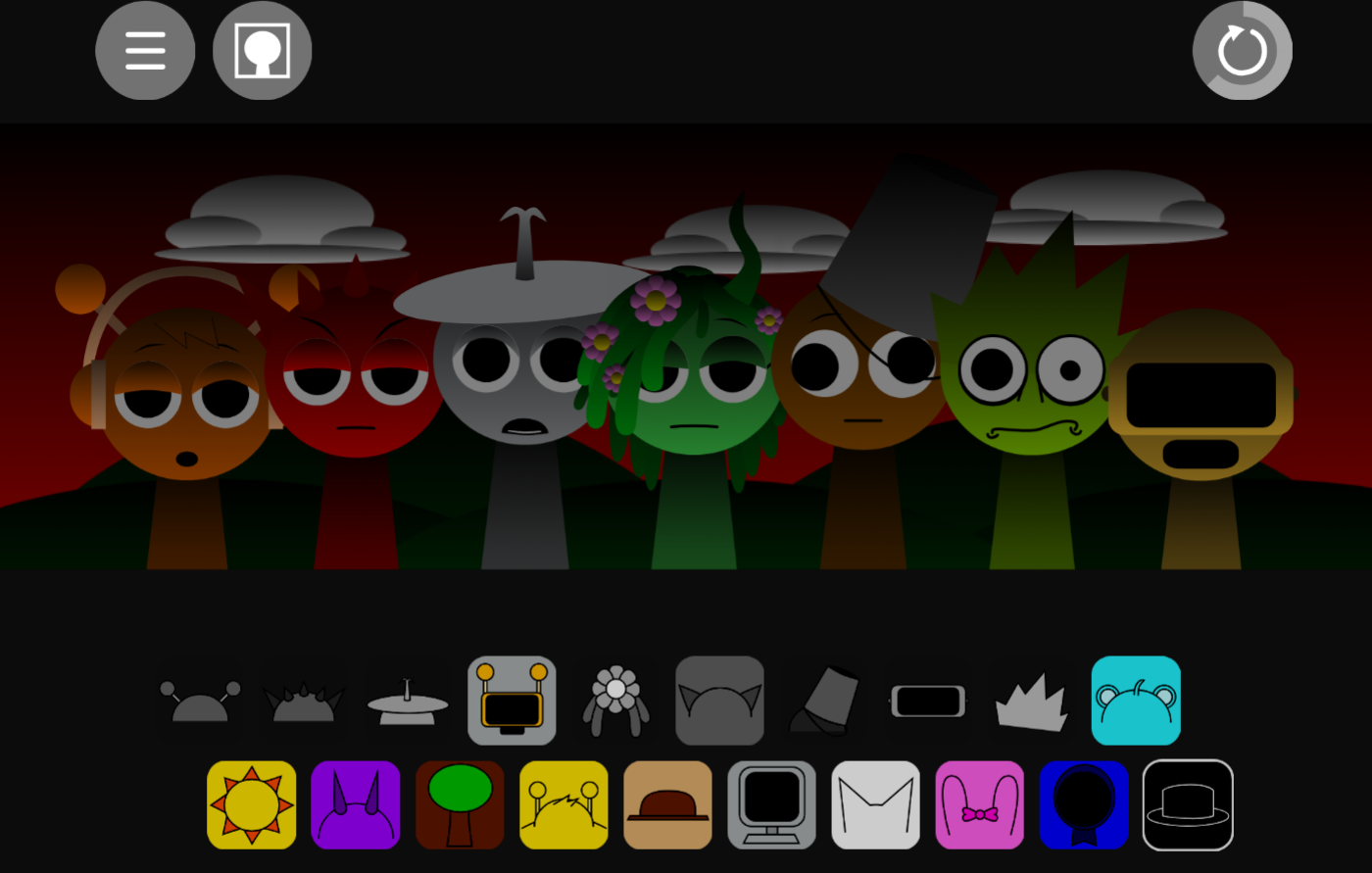
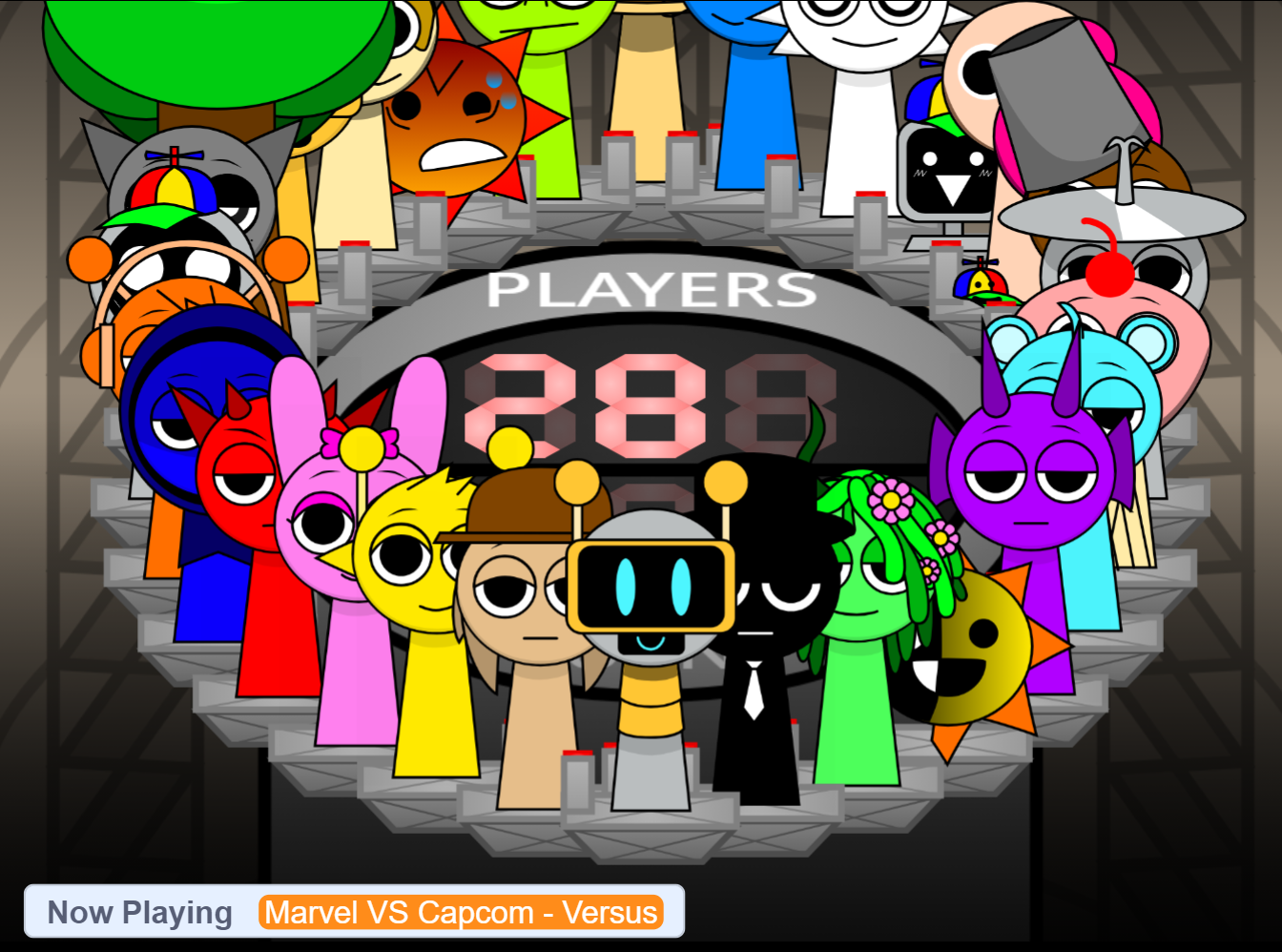
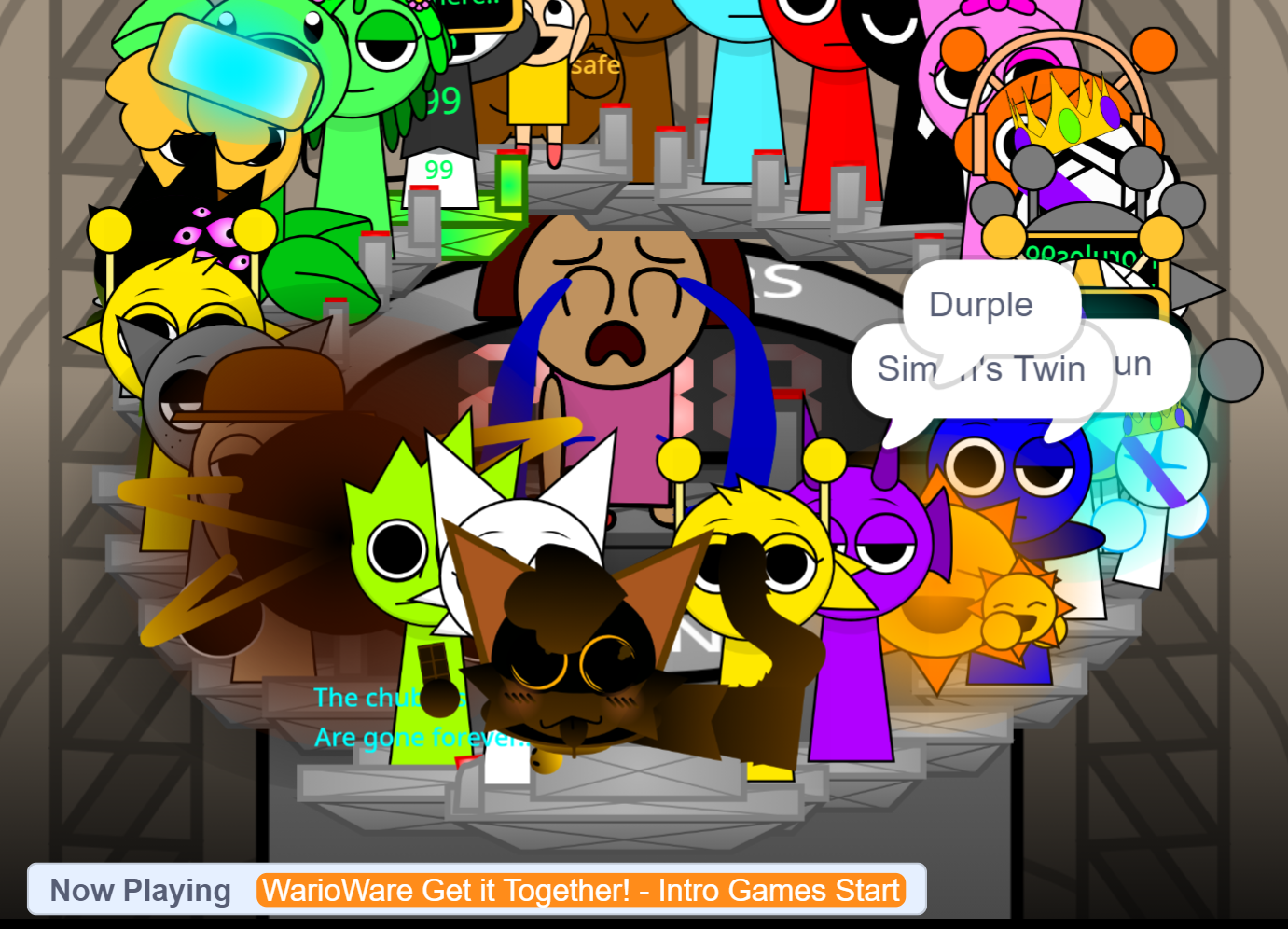
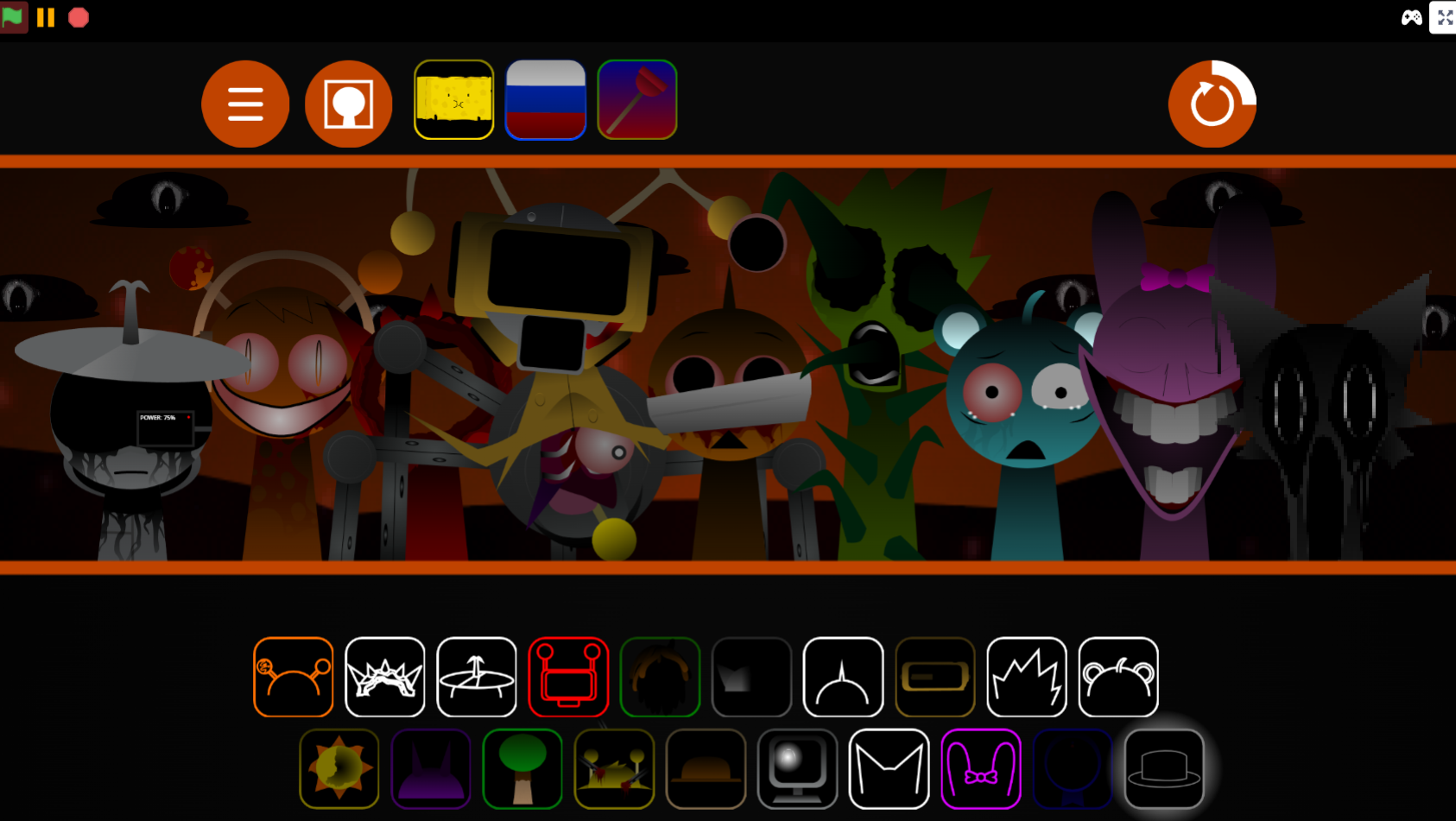
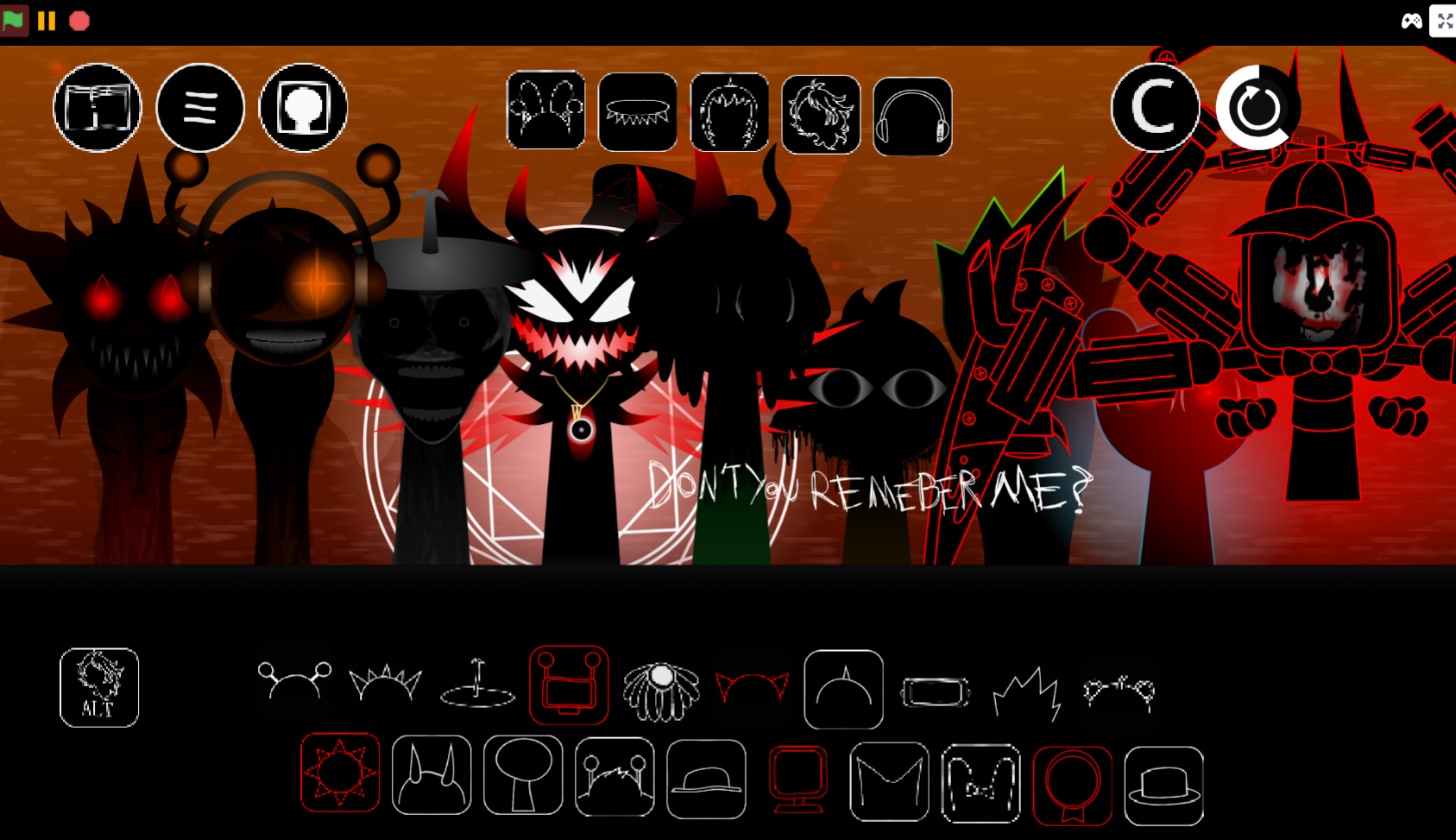
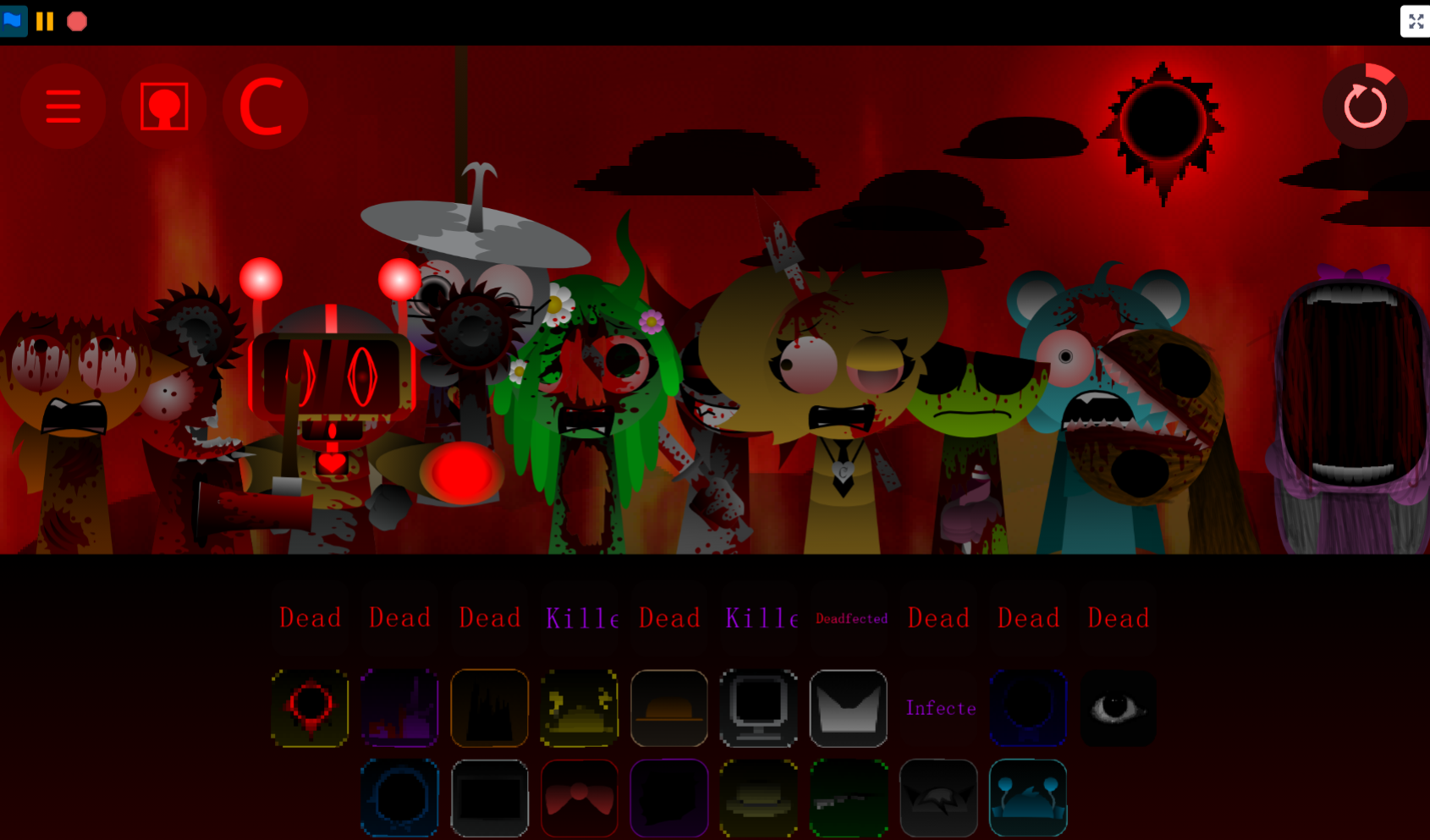
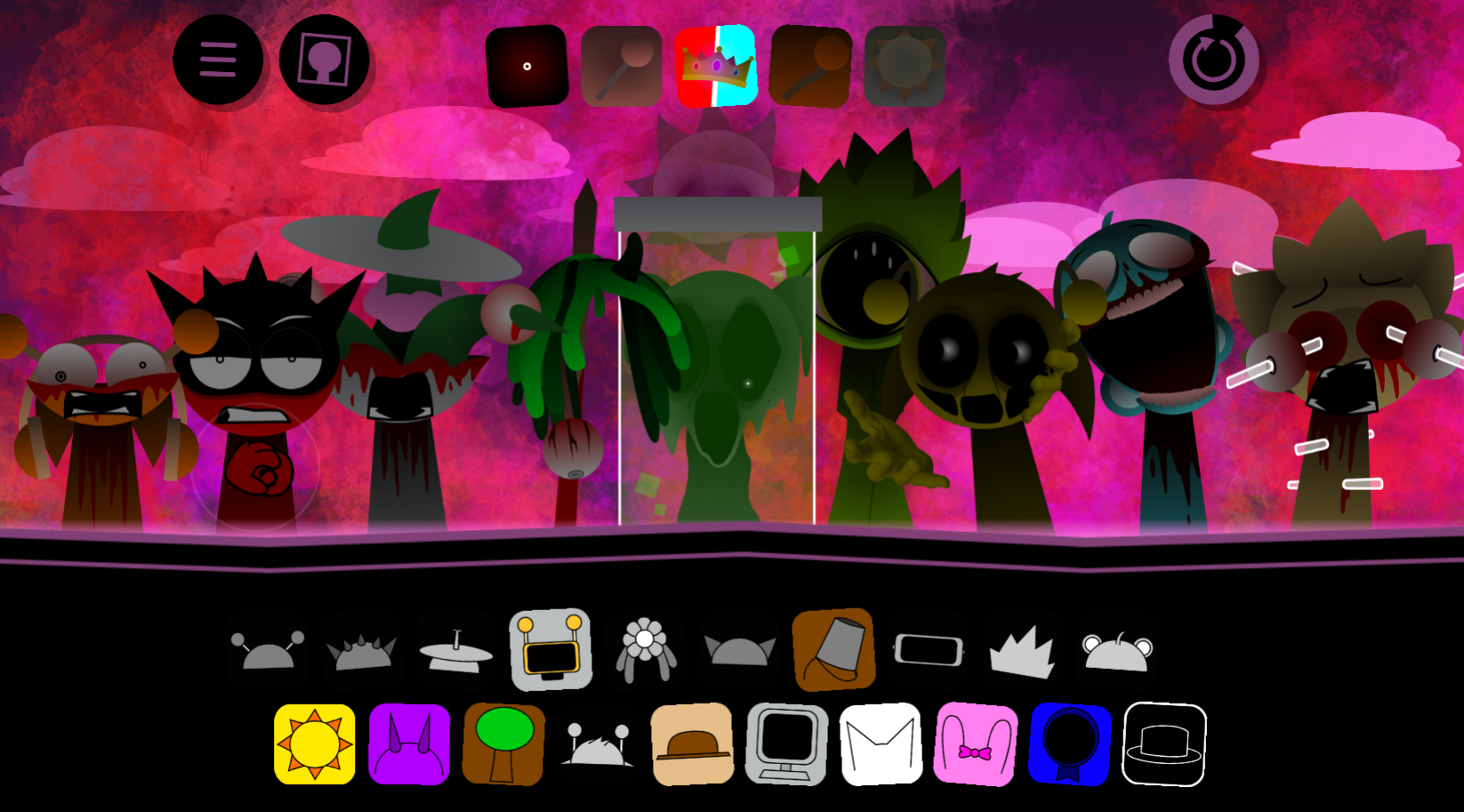
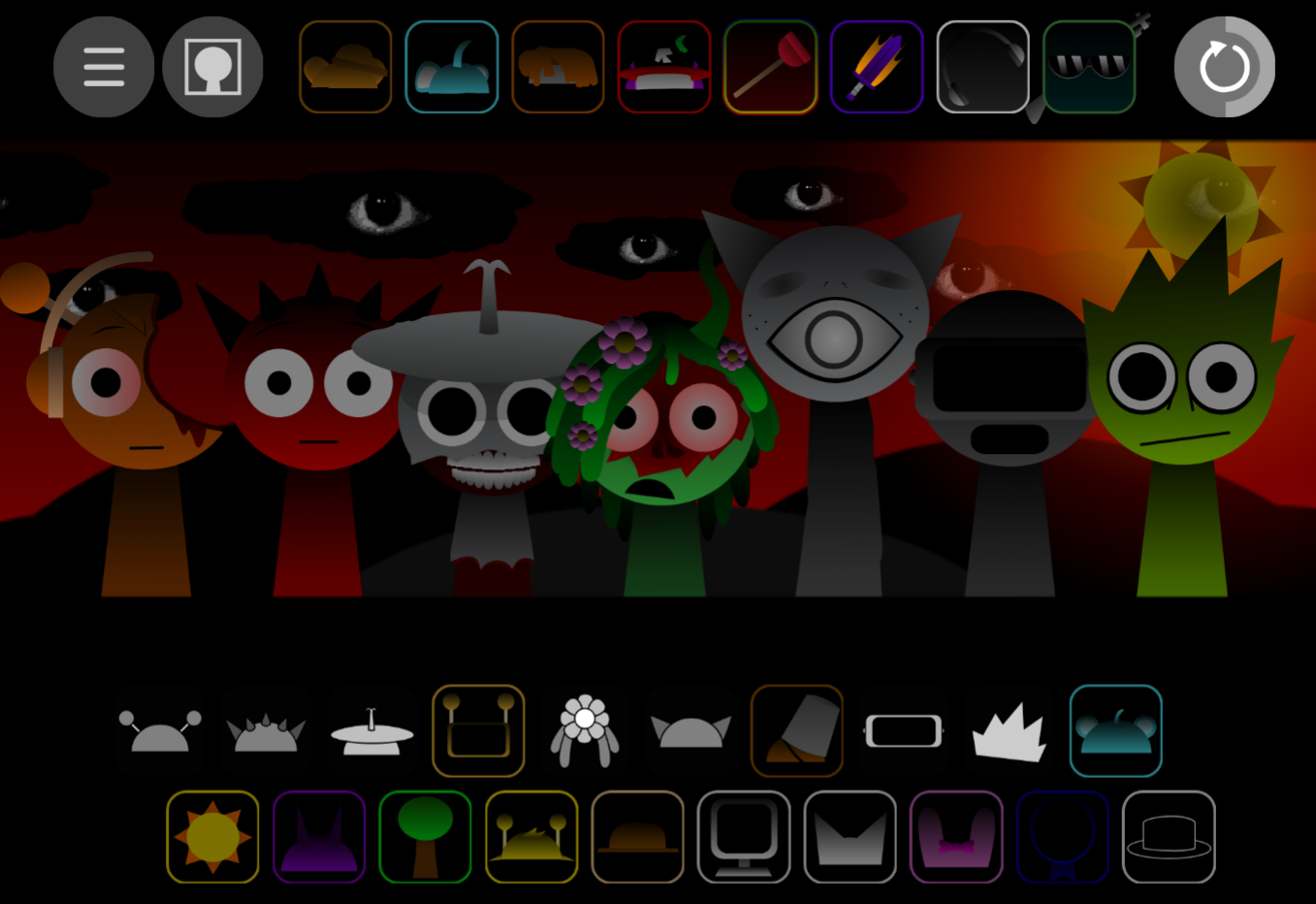
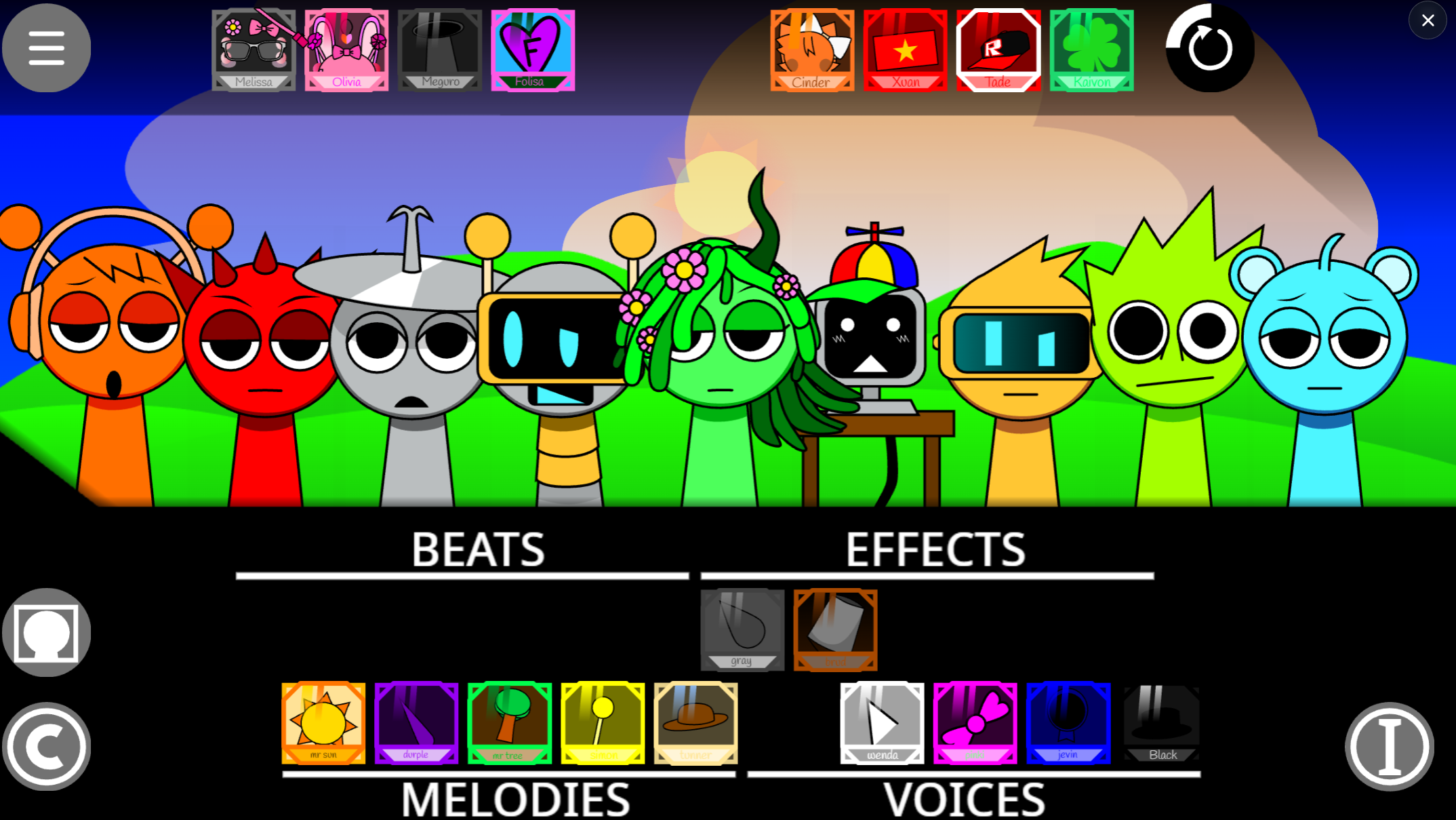
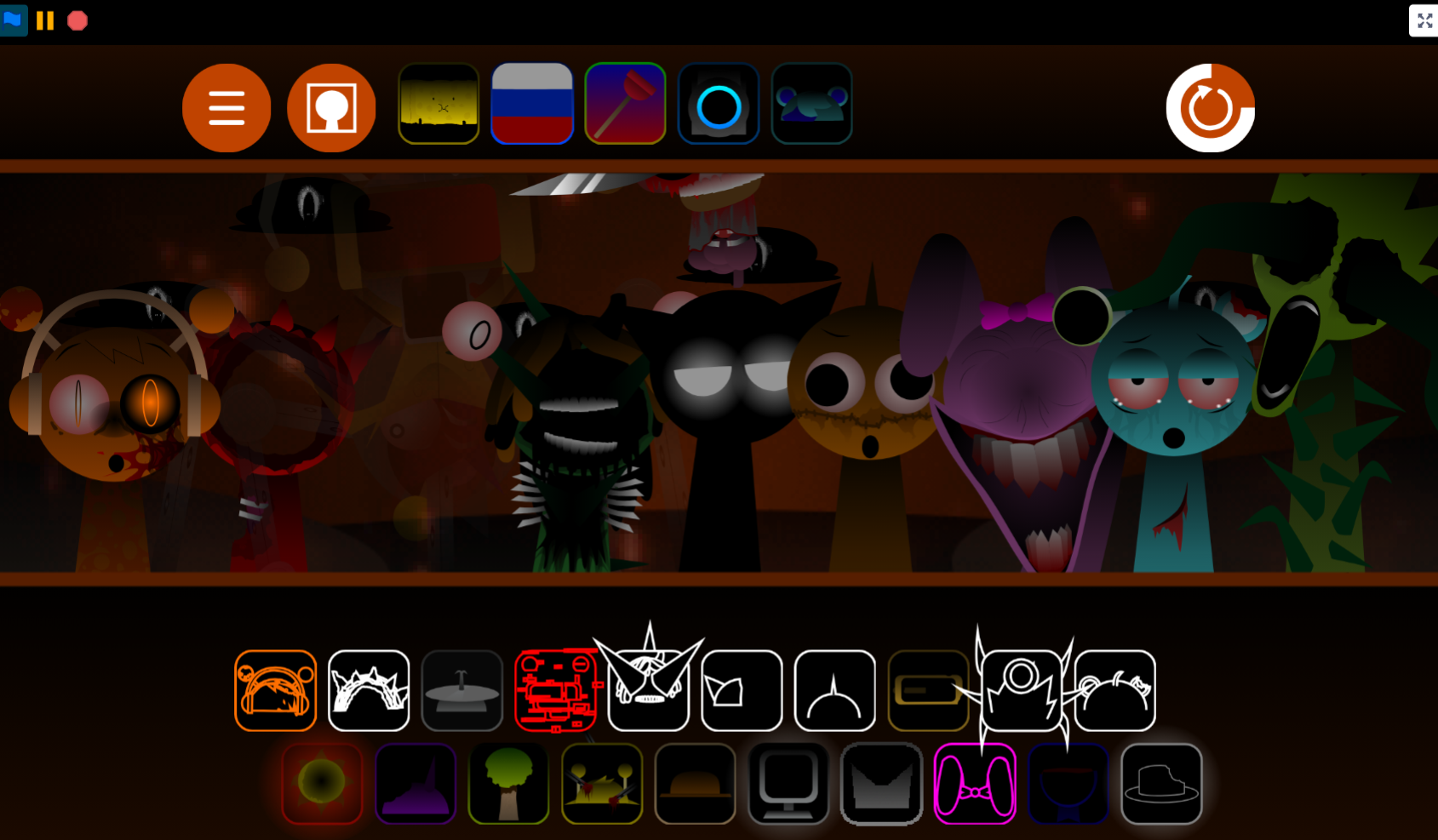
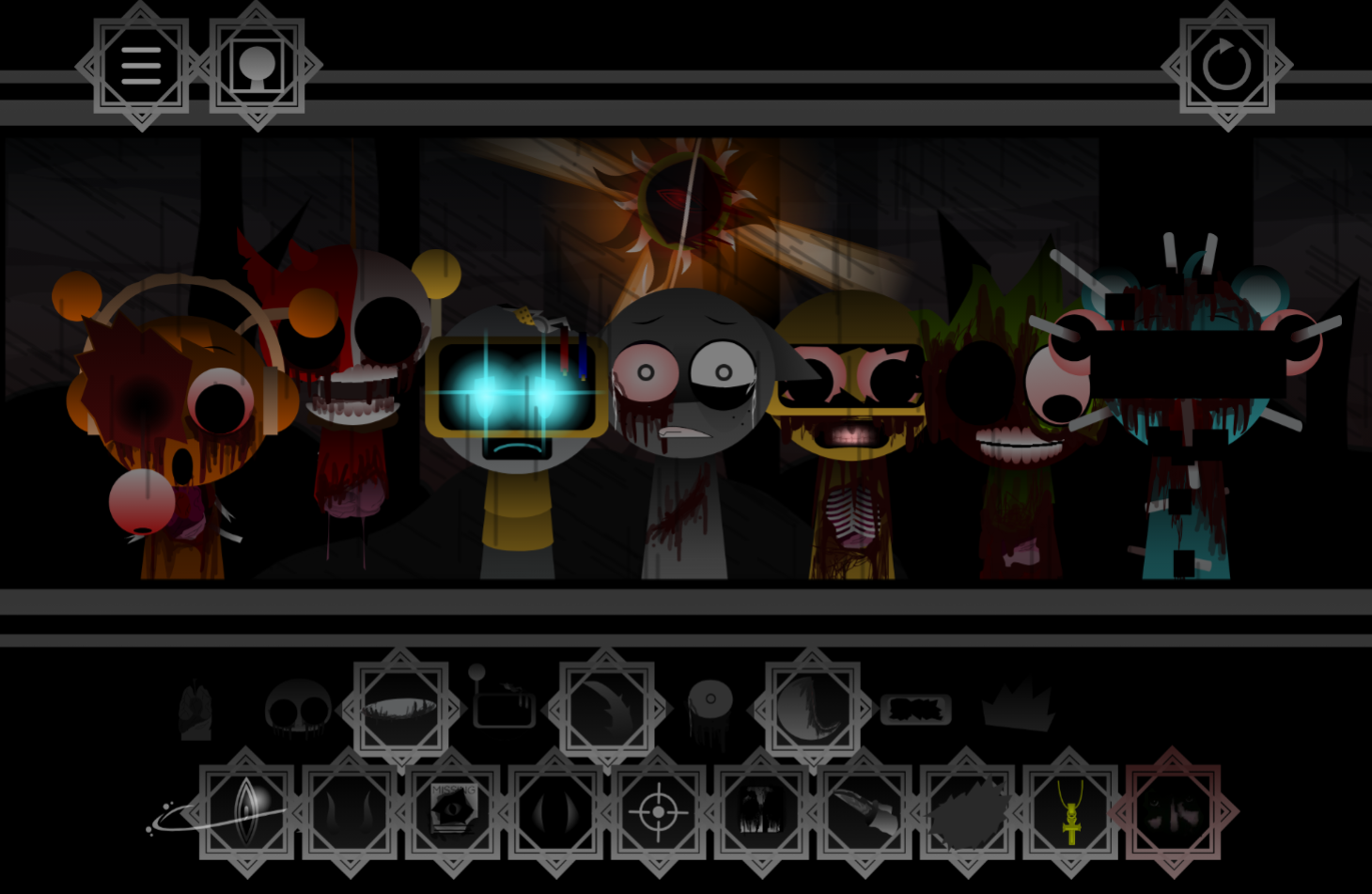
Sprunki Reversed Randomized Phase 3 is a fan-made remix that flips familiar Phase 3 content backward and reassigns character sounds unpredictably with each session.
Unlike standard Sprunki mods that add new visuals or themes, this variant reshapes how you hear and interact with existing Phase 3 elements—reversed audio loops change rhythmic patterns, and randomized character mappings force you to rediscover which icon triggers which sound every time you play.
This article breaks down the core mechanics that define the mode: how the reversal algorithm affects timing and melody recognition, what the randomization system actually shuffles, and which Phase 3 assets remain stable versus which ones transform.
You’ll see concrete examples of reversed loops, understand why randomization resets between sessions, and learn how these two features combine to create a distinct remix experience rather than a simple reskin.
Features of Sprunki Reversed Randomized Phase 3
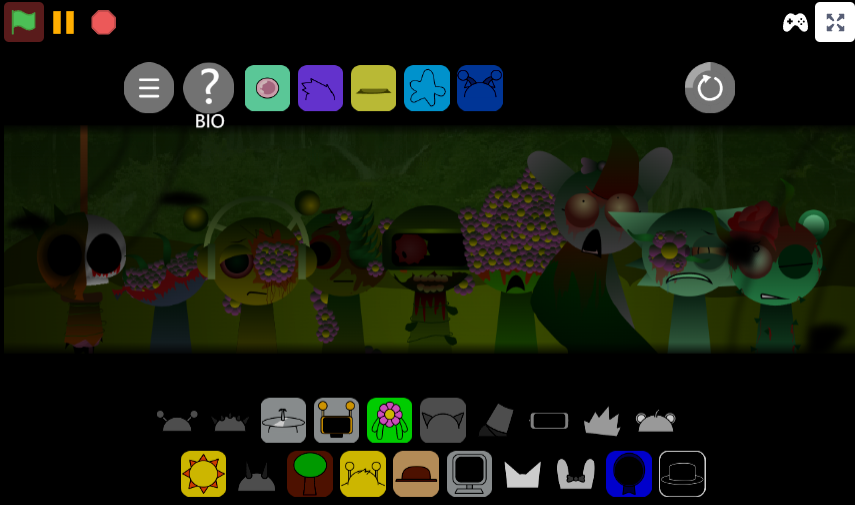
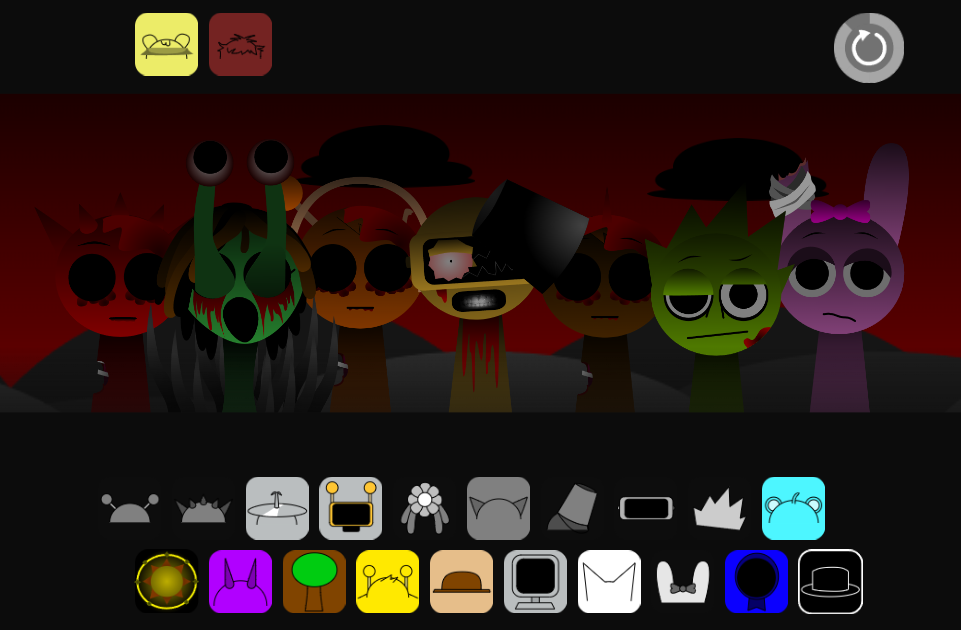
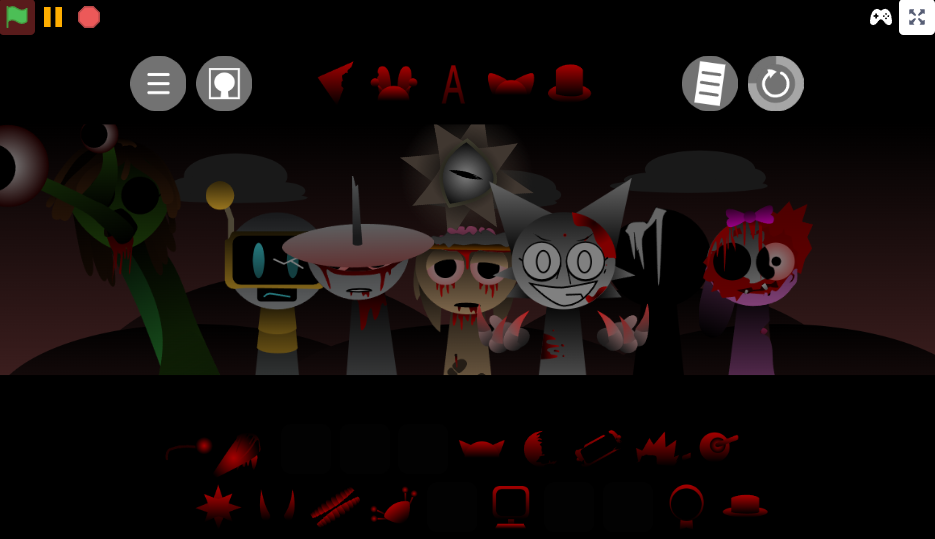
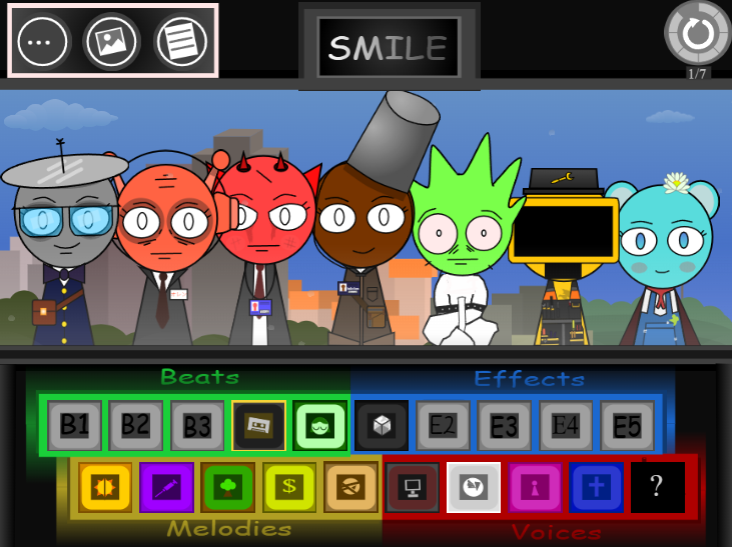
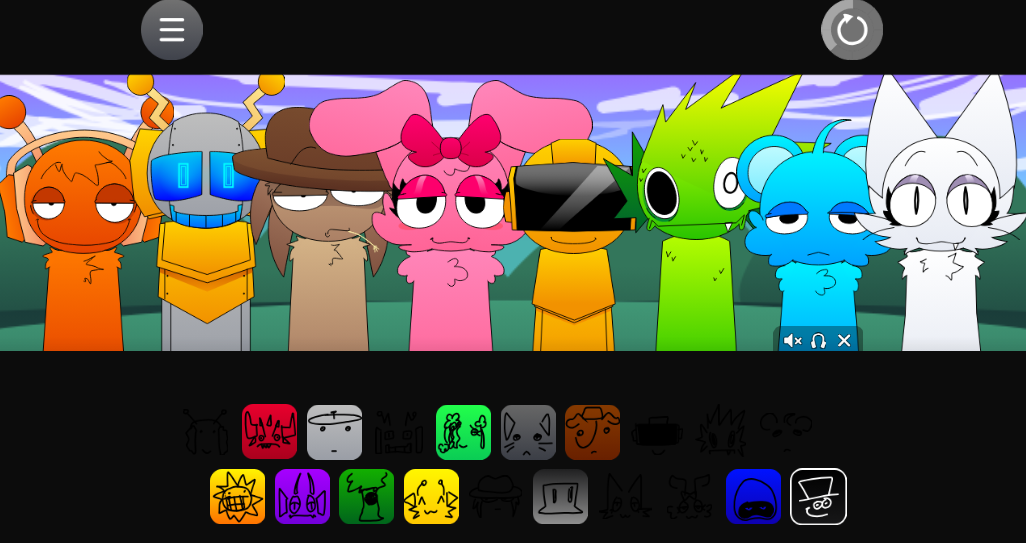
Sprunki Reversed Randomized Phase 3 is a fan-made Phase 3 remix where familiar Sprunki content plays in reverse and character assignments shuffle unpredictably. Dragging icons onto characters can trigger swapped, scrambled, or unexpected sound loops, so the same setup rarely produces the same rhythm twice. Loops, vocals, beats, and character rhythms flip into eerie backward-sounding versions of their usual Phase 3 forms, which changes timing, mood, and readability.
A sound that feels obvious in standard Sprunki can become harder to place because the vocal timing lands differently and the beat often pulls away from the track rather than pushing it forward.
The randomized layer makes the reversal more intense. A familiar character may suddenly deliver a warped vocal chop, a strange drum hit, a flipped melody, or a noisy texture that changes the whole direction of the mix. Players cannot rely on routine or memorized roles; experimentation matters more than pattern recognition.
Visually, the mod supports the audio chaos with a glitch-heavy Phase 3 style. Backward animations, distorted presentation, remixed character behavior, and unstable-looking feedback make the screen feel active and unpredictable. The visuals reinforce the feeling that the entire phase is running against normal Sprunki logic.
For beginners, start with two or three characters, listen for stable loops, then add more only when the track has room. Too many randomized reversed sounds at once can overwhelm the mix fast.
Key Characters and Randomized Features
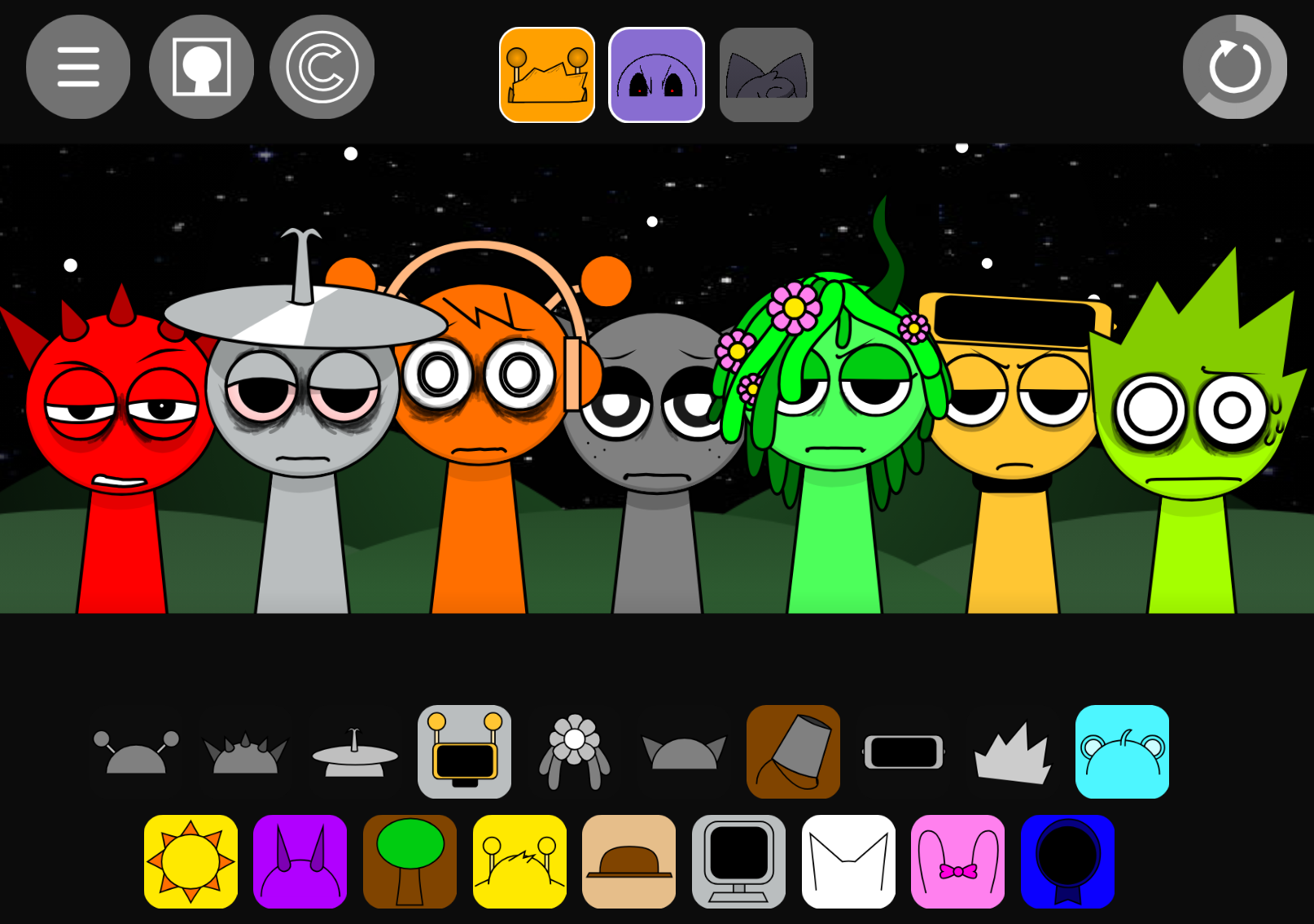
Key characters in Sprunki Reversed Randomized Phase 3 are not defined by fixed sound roles. The mod randomizes how characters connect to beats, vocals, effects, and melodic fragments, so a familiar Sprunki character may behave nothing like expected once placed into the layout.
- Randomized character assignments: In standard Sprunki, players learn which character handles a beat, melody, or vocal. Here, those expectations are scrambled. Dragging a character into the board becomes a test because the triggered loop may not match the character’s usual identity.
- Reversed vocals and vocal chops: Reversed audio changes timing, mood, and readability. A vocal line may feel like it is pulling against the rhythm instead of riding with it, which forces players to listen carefully before stacking more characters on top.
- Scrambled layout behavior: Beats, effects, and musical layers can appear in unexpected positions, so the board does not guide players through a clean progression. Every drop can either reveal a strange new groove or clutter the track immediately.
- Glitched character feedback: Animations and visual reactions often feel distorted or backward, matching the randomized reversed audio.
Do not treat every character like their normal Sprunki version. Test each randomized sound loop first, then decide whether it deserves a place in the mix.
Mastering the Reversed Audio Mechanics
Mastering the audio mechanics in Sprunki Reversed Randomized Phase 3 means trusting your ears before your habits. Icons are not fixed shortcuts. The inverted and randomized structure forces each build to be discovered through listening, reacting, and adjusting in real time.
Identify loops by sound rather than placement. A drag-and-drop action might trigger a reversed vocal chop, a flipped melody, a bass-like pulse, or a chaotic texture that feels disconnected from what the character usually suggests. Players who rely only on muscle memory will hit a wall quickly.
Test one icon at a time and listen for its function:
- Bass-like weight: Does the loop give the track a stable low-end center?
- Rhythmic pulse: Does it help define the beat, even if the timing feels reversed?
- Melody fragment: Does it add movement without fighting the other layers?
- Vocal texture: Does the reversed voice support the mood or clutter the mix?
- Noise/effect layer: Does it create atmosphere, or does it overwhelm everything else?
Reversed audio does not always stack cleanly. Two loops can sound interesting alone but become messy together, especially if both carry strong pitch movement or warped vocal timing. Instead of forcing every character into the setup, remove anything that muddies the rhythm.
Start with a small group, listen to how the reversed elements answer each other, then expand only when the track has a stable center. If a drop suddenly breaks the rhythm, clear part of the board and rebuild around the strongest loop.
How to Play Sprunki Reversed Randomized Phase 3
To play Sprunki Reversed Randomized Phase 3, place characters onto the soundboard and build a track by testing how each icon behaves. The usual Sprunki roles are scrambled, so a familiar icon may trigger a reversed or randomized loop instead of the sound you expected.
- Start with one character. Place a single icon and listen closely. Decide whether it sounds like a beat, vocal, effect, melody, or texture.
- Add a second layer. Check whether the new loop supports the first one or fights against it. Reversed audio can make timing feel strange, so give the combination a moment before judging it.
- Build around the strongest loop. If one sound gives the track a clear center, keep it and use it as the anchor for the rest of the mix.
- Avoid filling the board too quickly. The randomized setup can turn a clean idea into clutter fast.
- Reset when the mix collapses. If the board starts sounding overloaded, clear or reduce the setup. Rebuilding is part of the phase.
Reversed audio changes how you should listen. Vocals, melodies, and drops may feel like they are moving against the rhythm, which makes timing harder but gives the phase its puzzle-like edge. Controlled trial and error is the safest way to learn it: test, listen, adjust, and only then expand.
Practical Mixing Tips for Beginners
Build small, test often, and let the track prove itself before adding more icons. The goal is not to fill every slot quickly. The goal is to find a rhythm that survives the mod’s chaotic loop changes.
Start with two or three characters and listen for how their loops sit together before expanding. Because reversed parts can blur the beat, a pairing that seems empty at first may actually become the strongest base once another layer drops in. If the track starts sounding cluttered or clashing, clear space early instead of trying to rescue an overloaded mix.
Use the drag-and-drop layout as a testing tool. Move icons around, swap character pairings, and watch the updated animations for clues about which combinations are locking in cleanly.
- Keep the strongest loop and remove the noisy one. If two layers compete, do not keep both just because they sound interesting alone.
- Treat reversed vocals like texture first. A strange reversed vocal can support the groove, but it can also knock the build off balance if stacked too quickly.
- Leave room in the mix. Empty space can make reversed sounds easier to read.
- Do not chase a perfect song immediately. The phase is designed around unpredictability, so build around what works in the moment.
- Reset without hesitation. Clearing the board can reveal a better structure faster than trying to fix a crowded track.
Control in Sprunki Reversed Randomized Phase 3 comes from adapting to chaos without letting it take over the mix. Start small, listen carefully, and rebuild around the sounds that actually hold together.
Related Games
- Sprunki Swapped Version Port Remix — Its character-role swapping makes it the closest follow-up for players who enjoy Phase 3’s unpredictable “who sings what” remix logic.
- Sprunki Phase 4 FATAL ERROR — This is a strong next click for players who want the randomized chaos pushed into a harsher, glitchier Phase-style presentation.
- Sprunki Simplified Phase 2 All Character — Its all-character setup offers a more readable way to compare voices and roles before jumping back into reversed randomized layering.
Enjoy!
Discuss Sprunki