
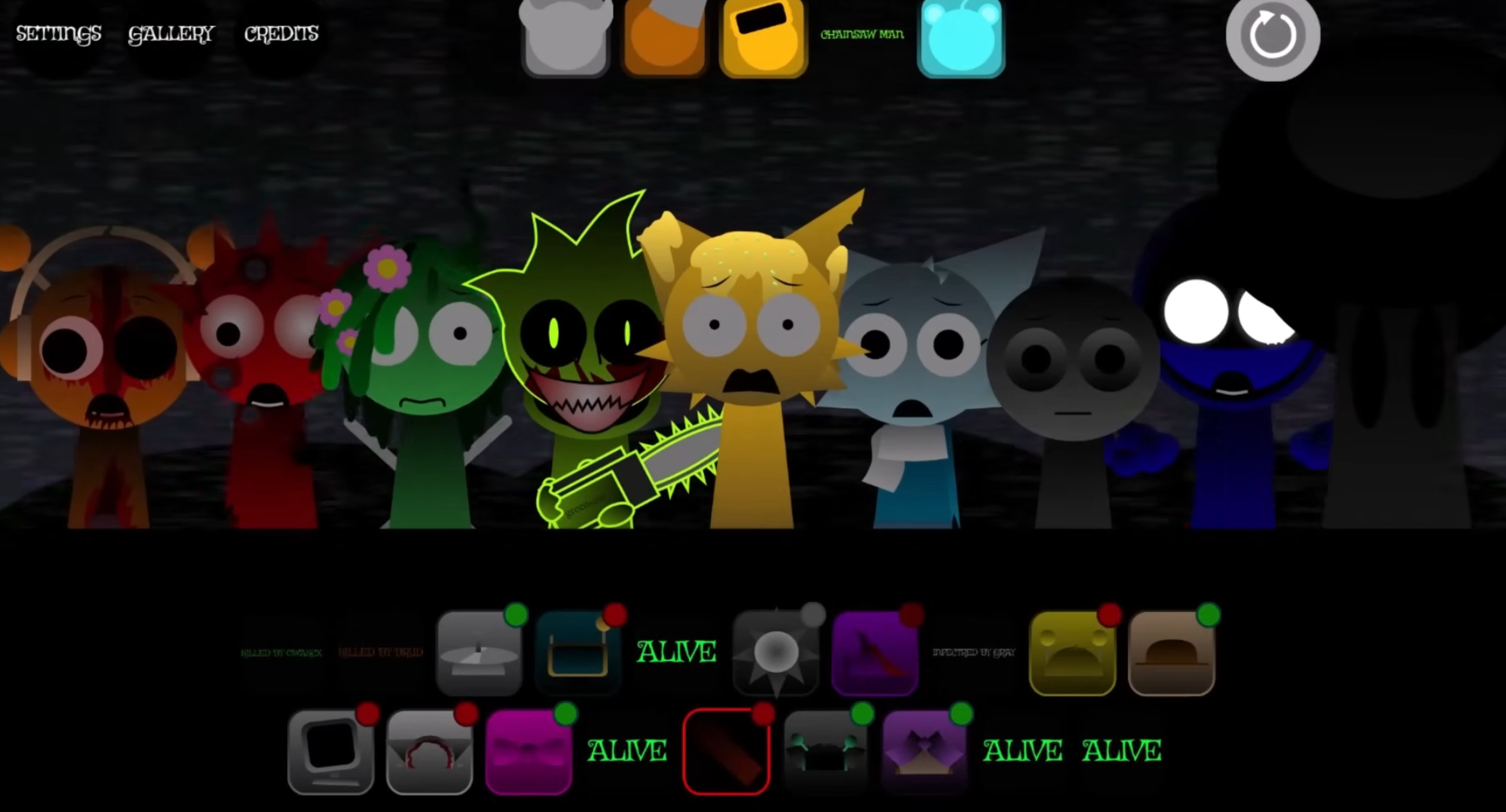



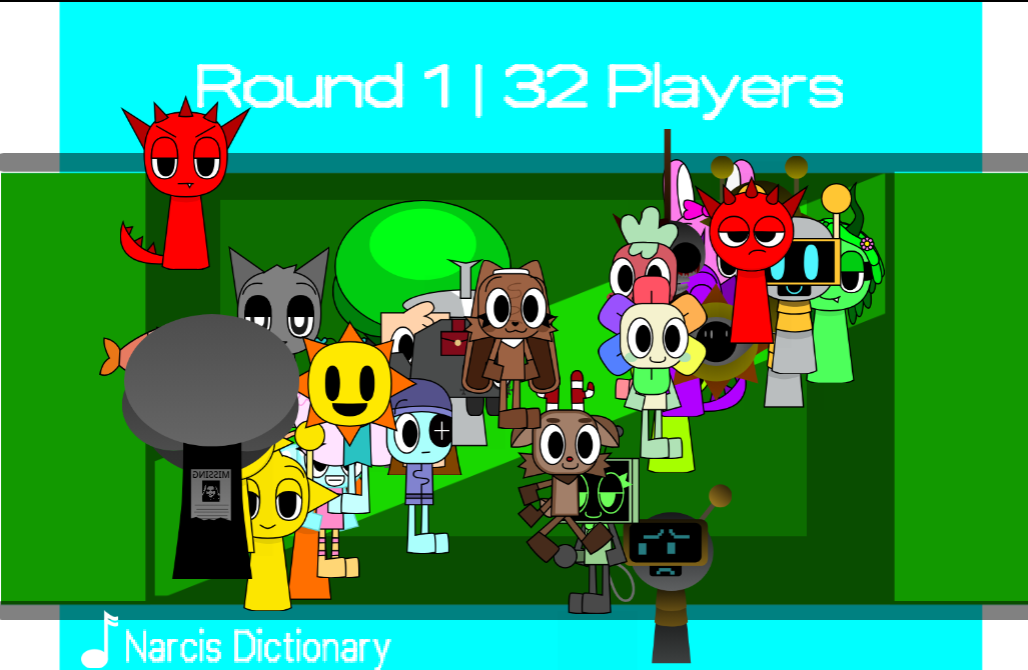
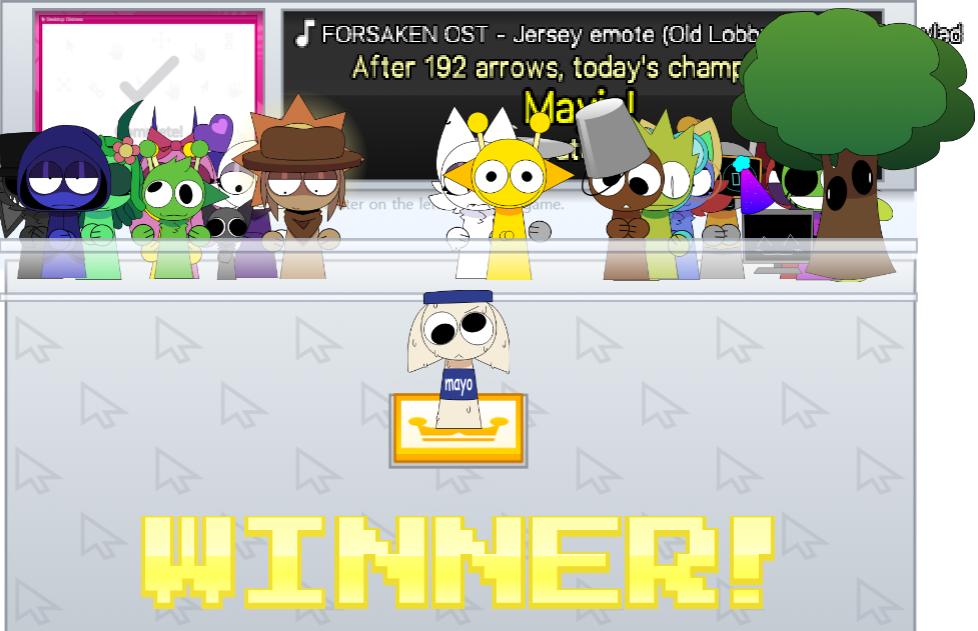
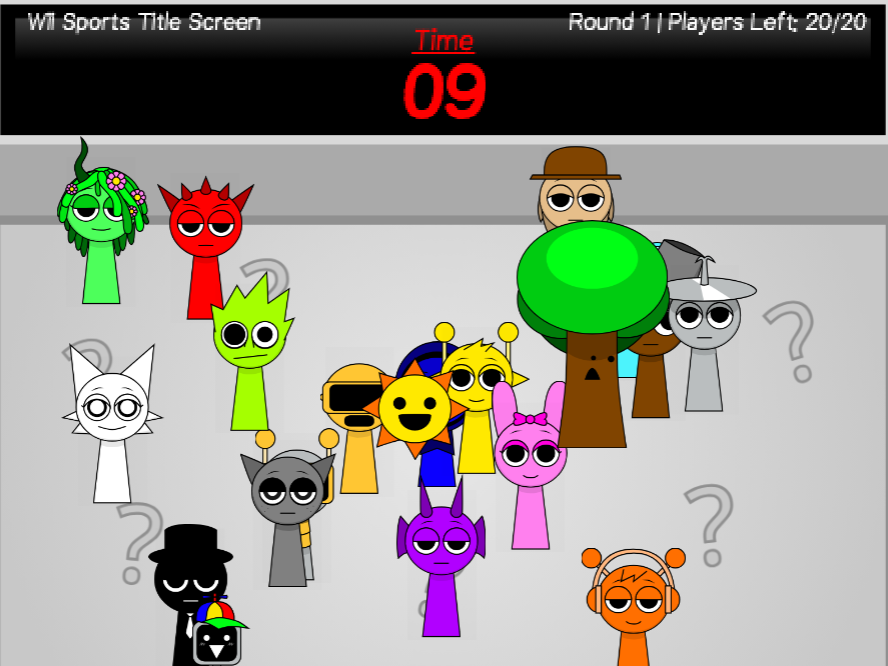
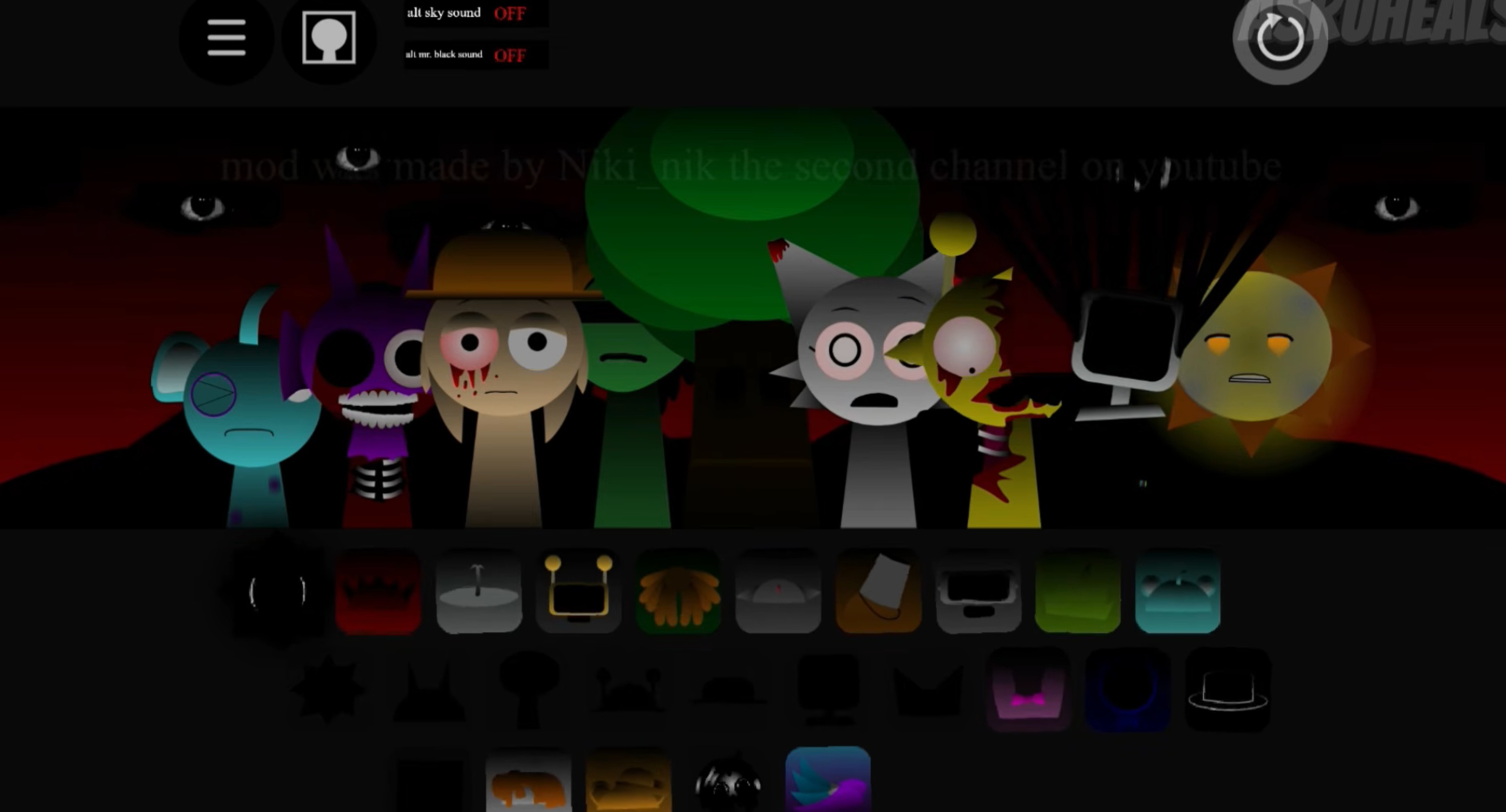
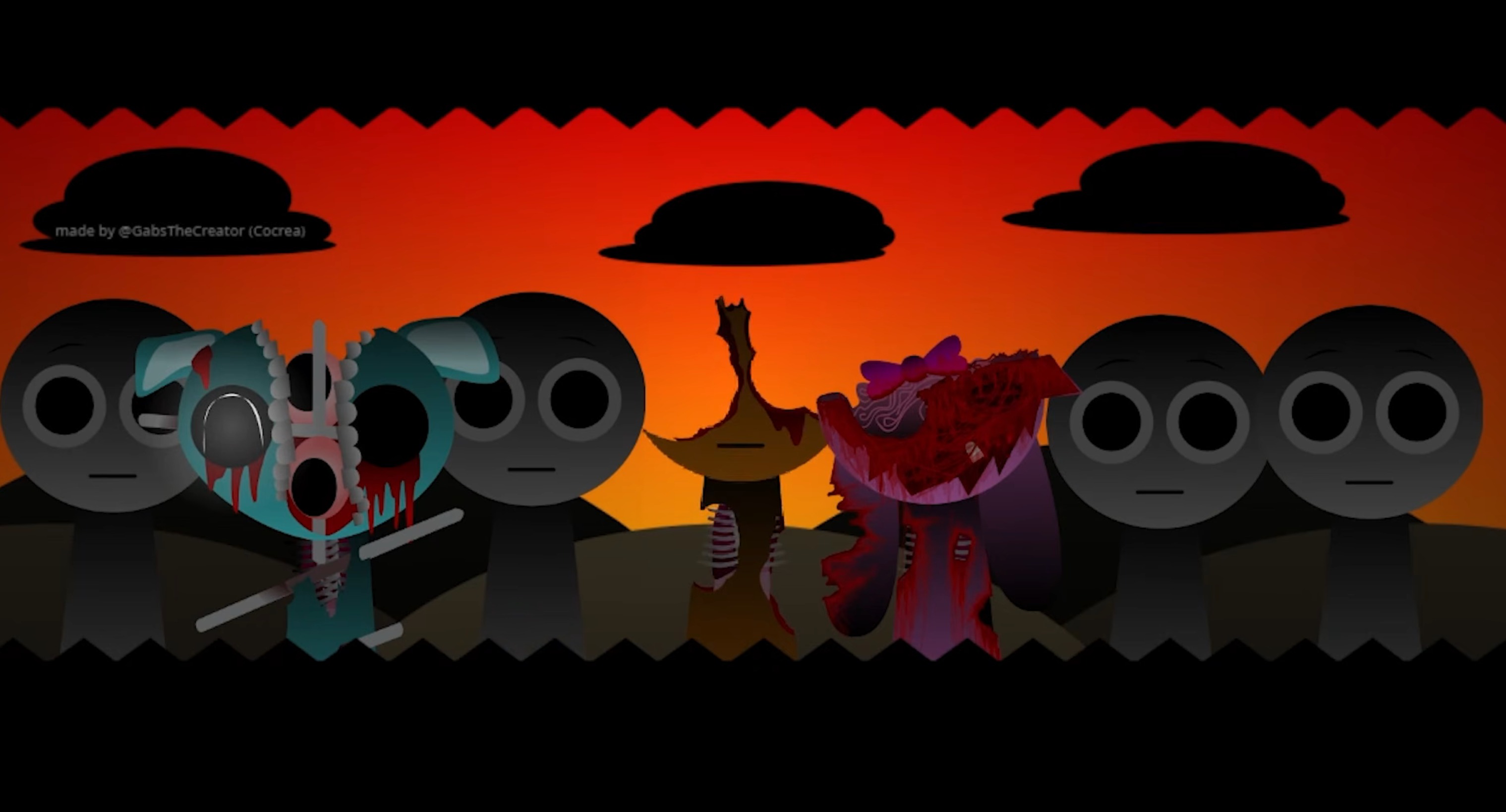
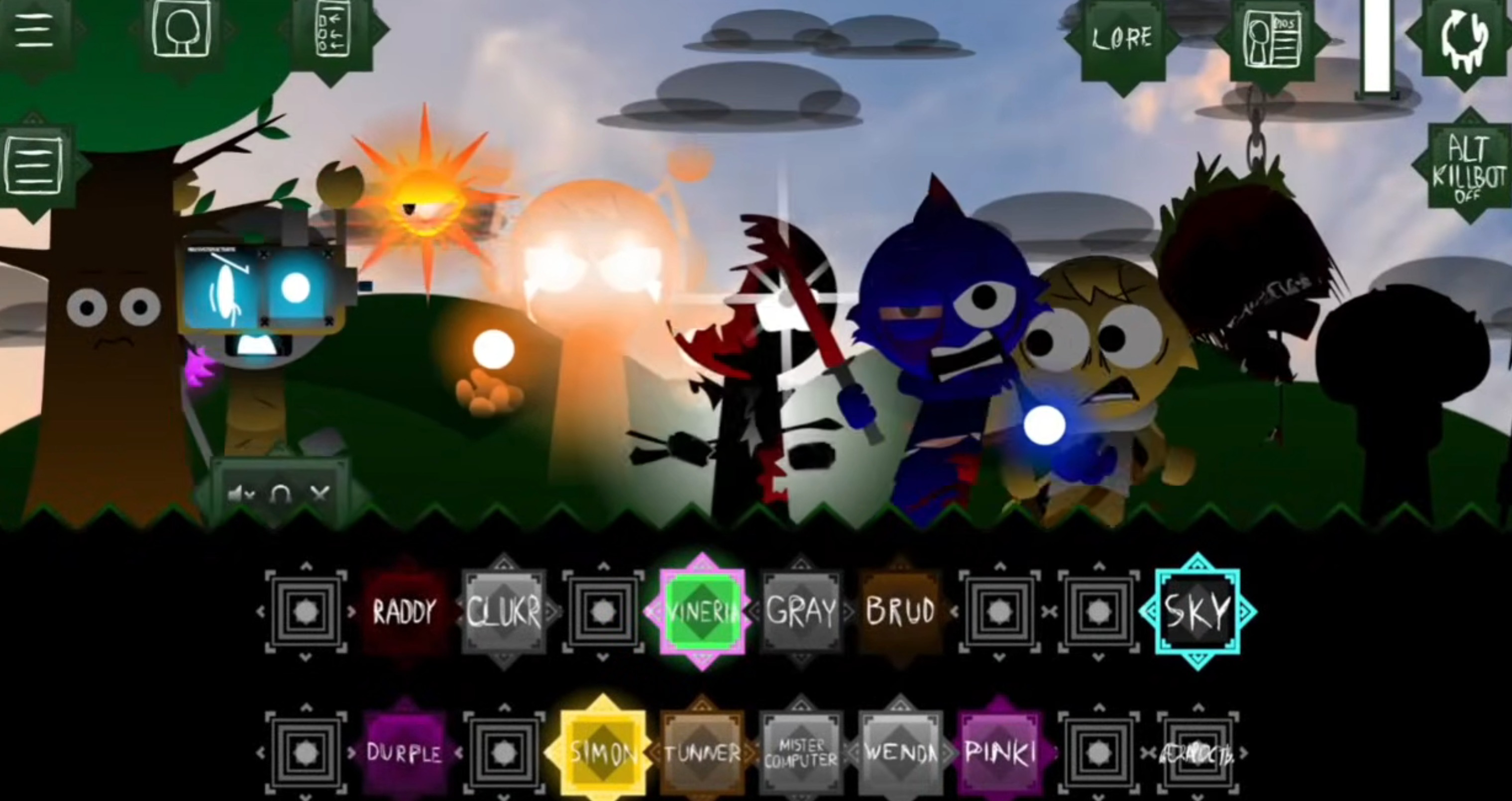
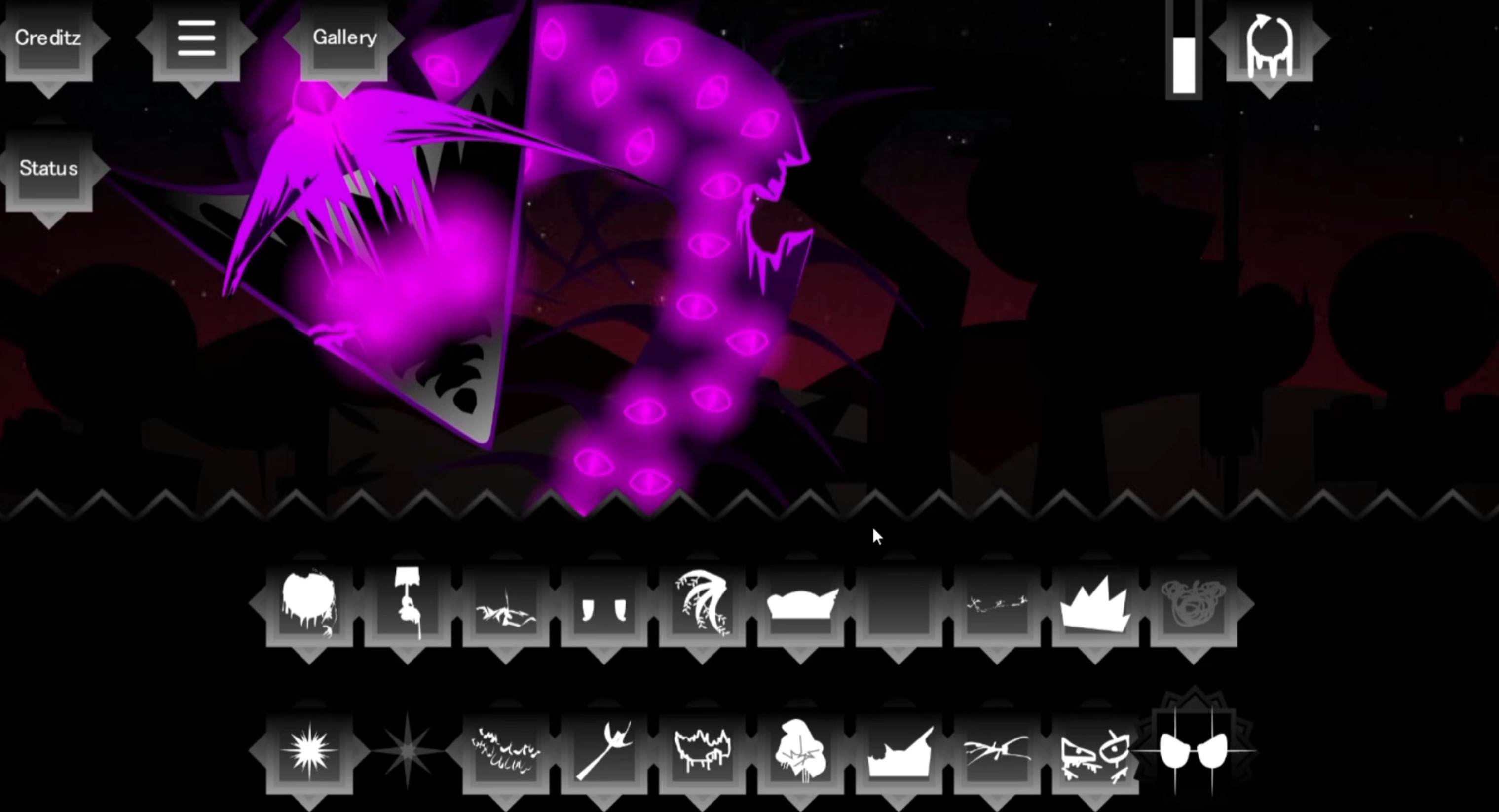
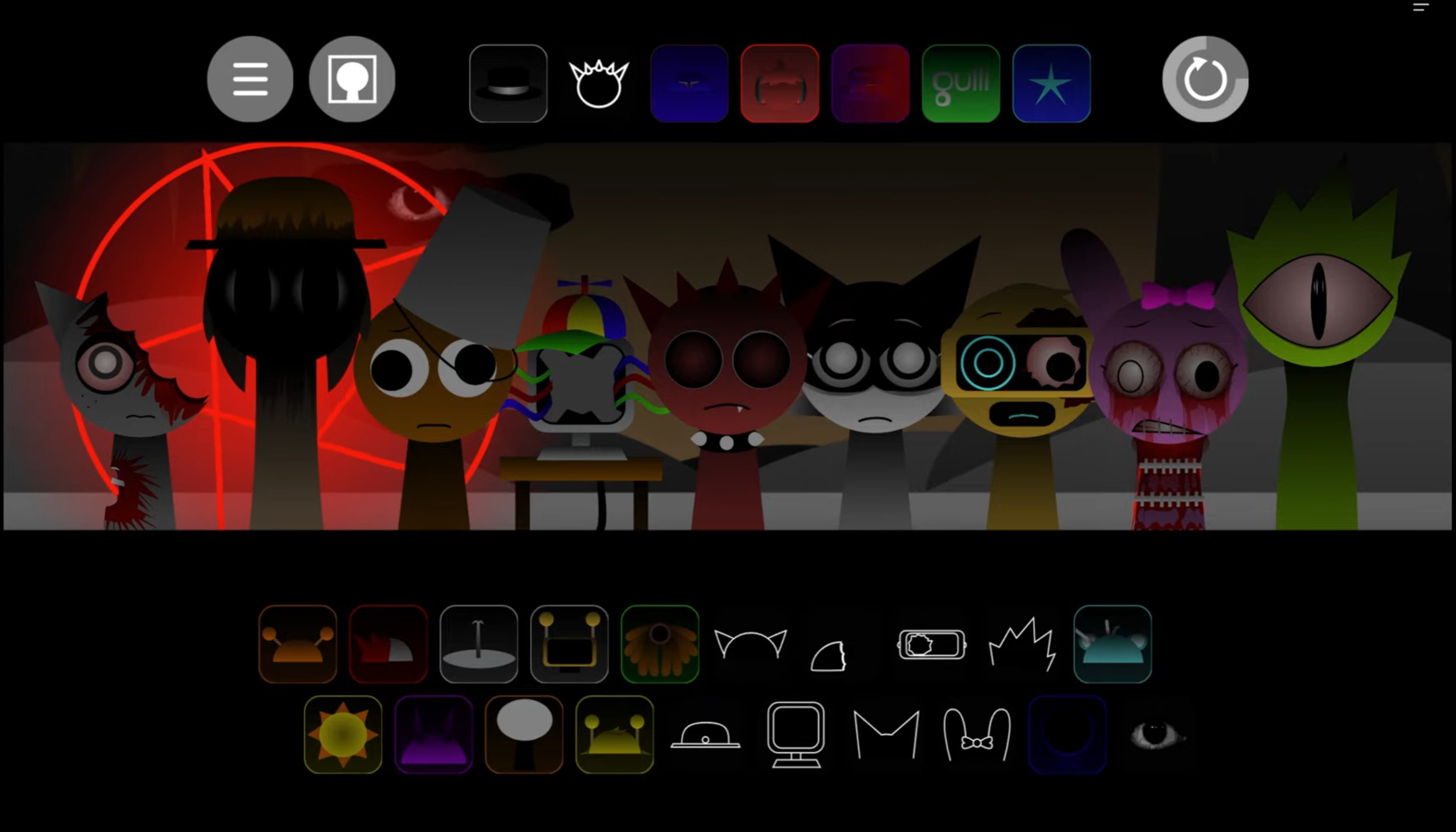
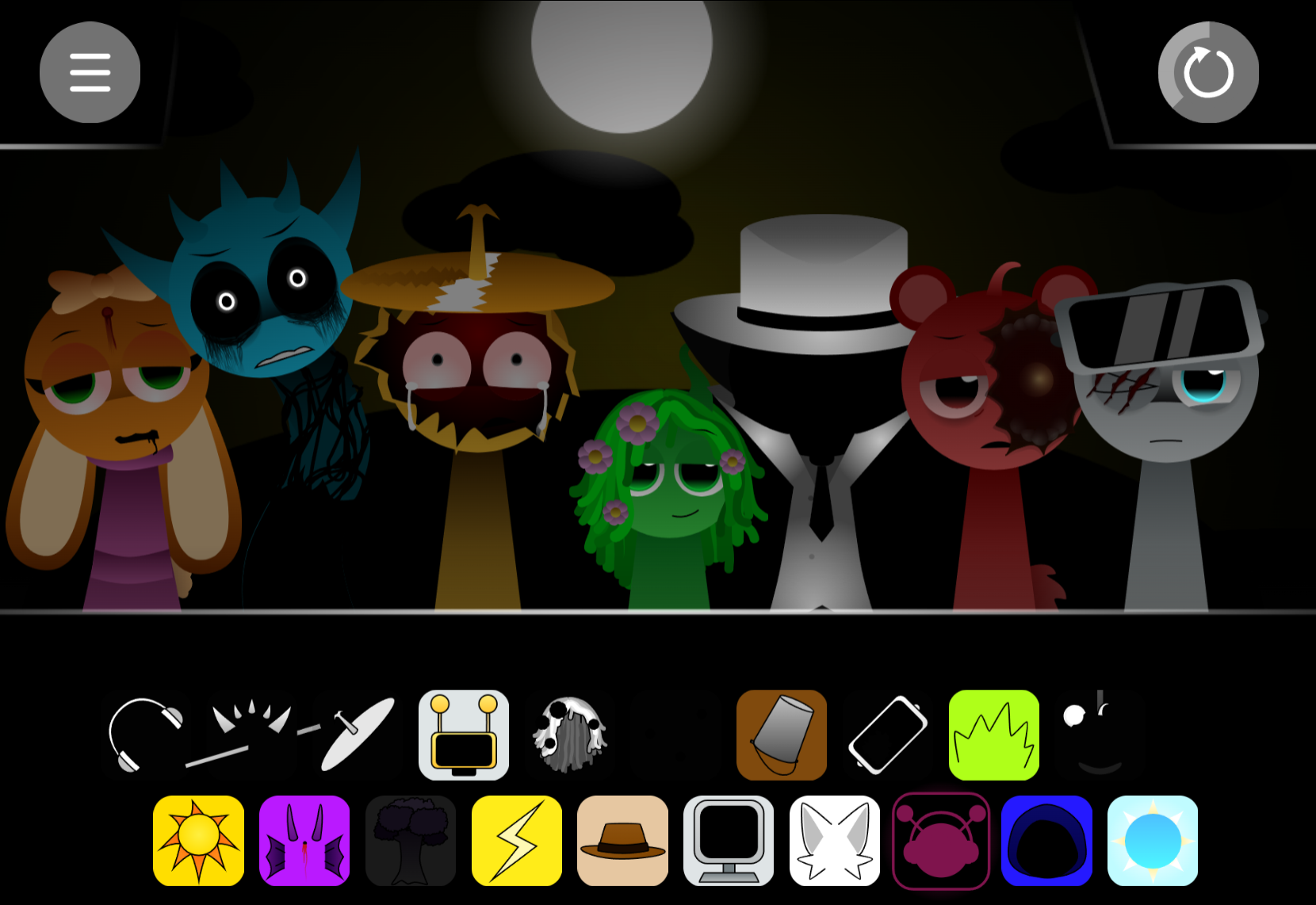
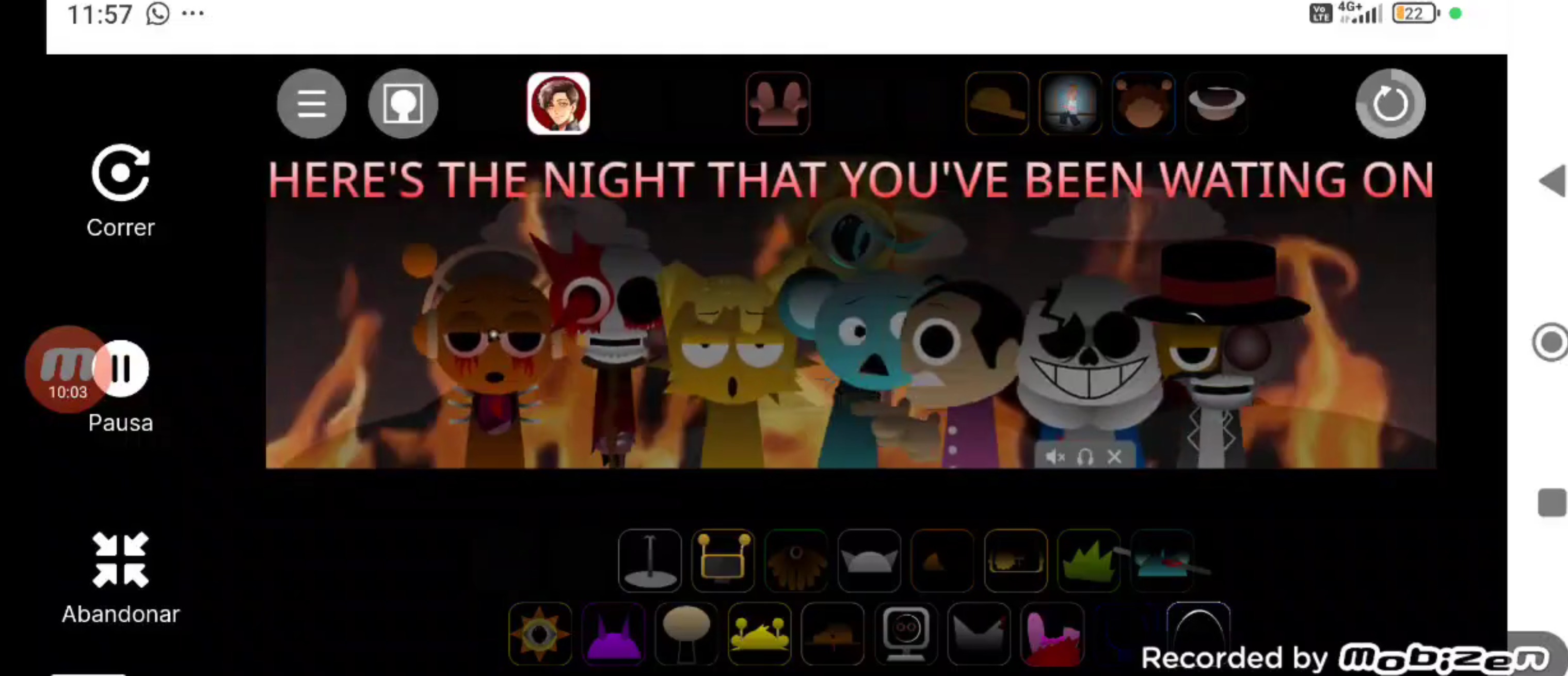
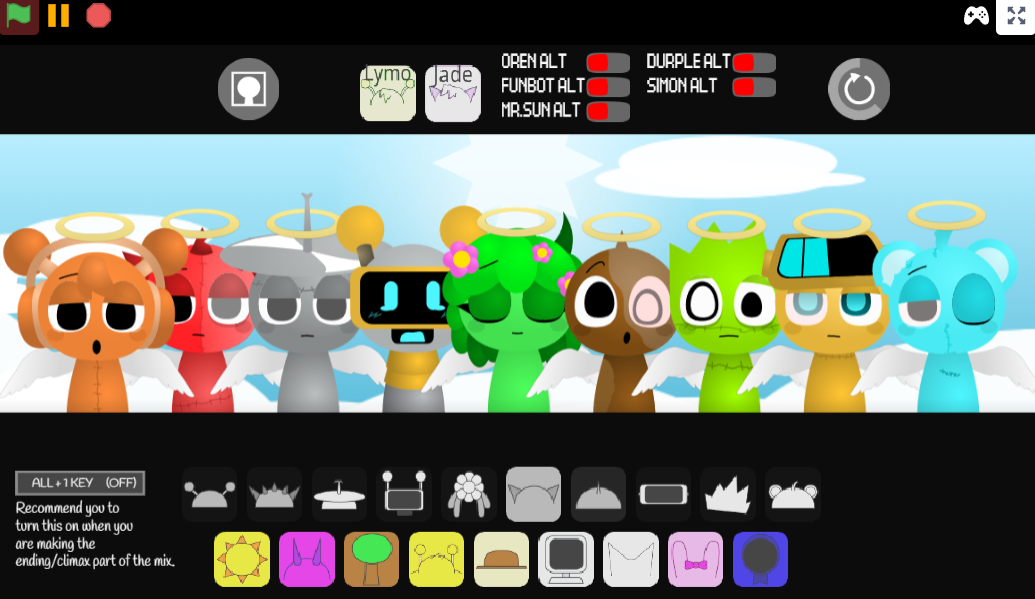
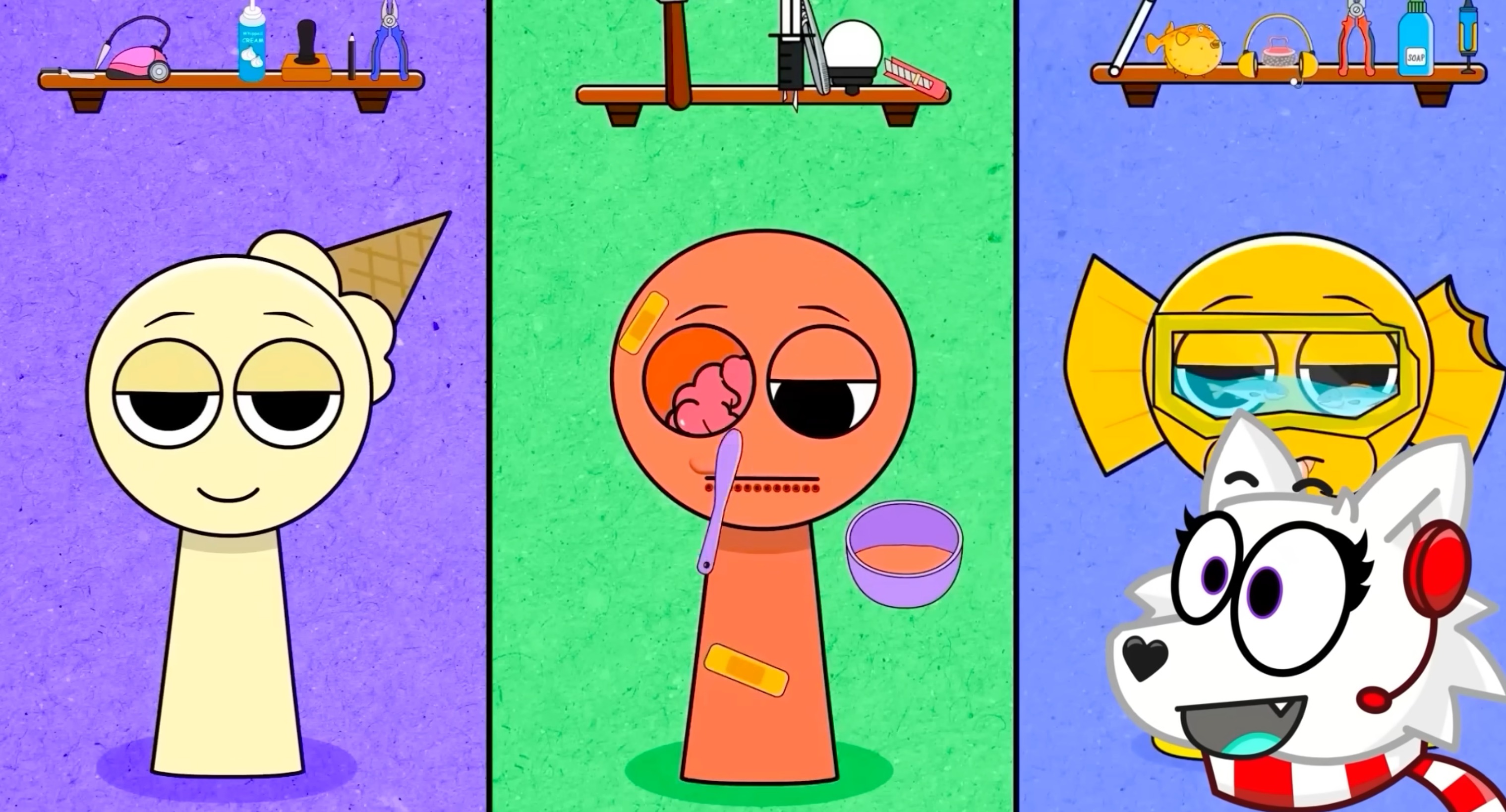
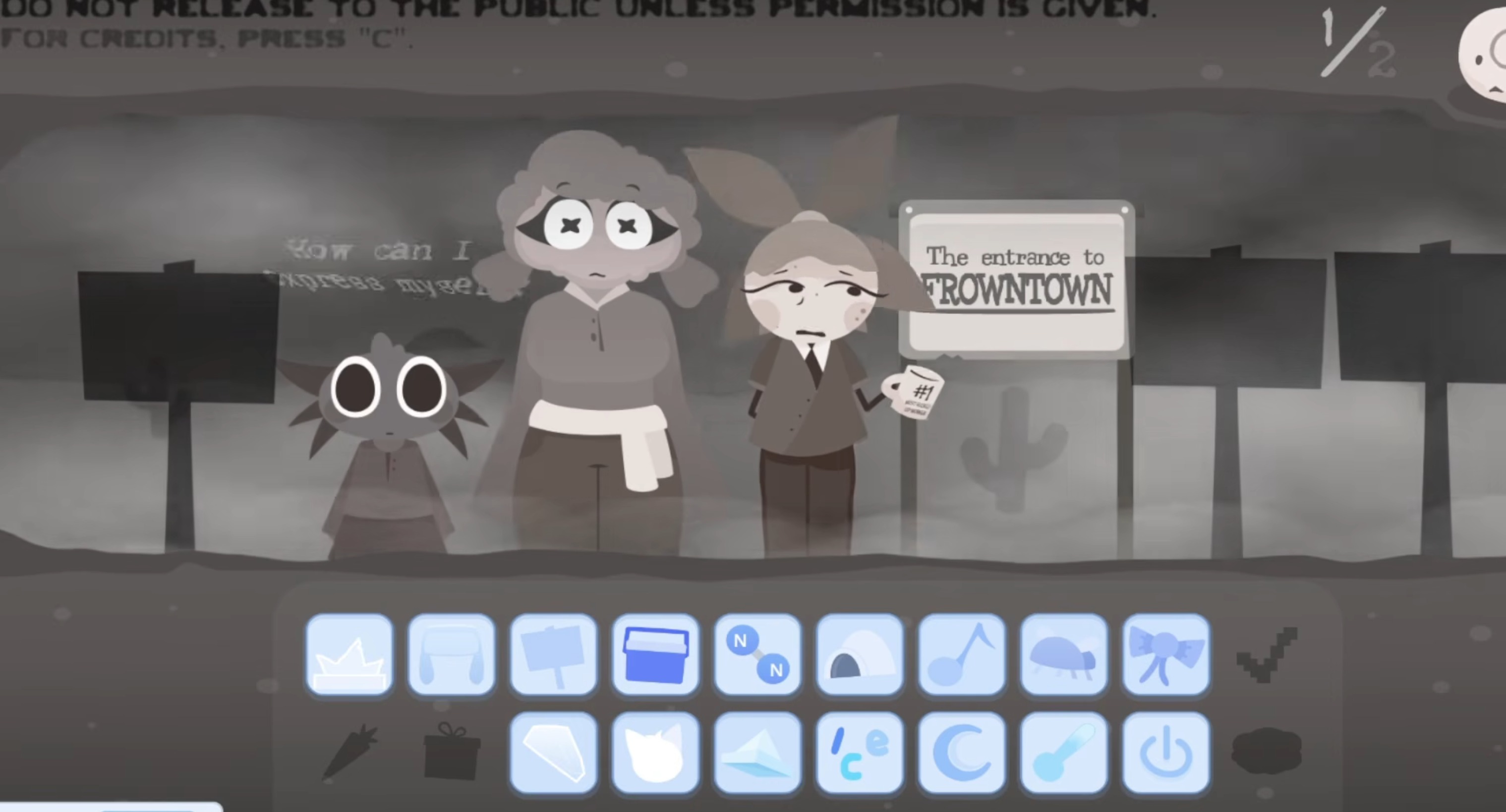
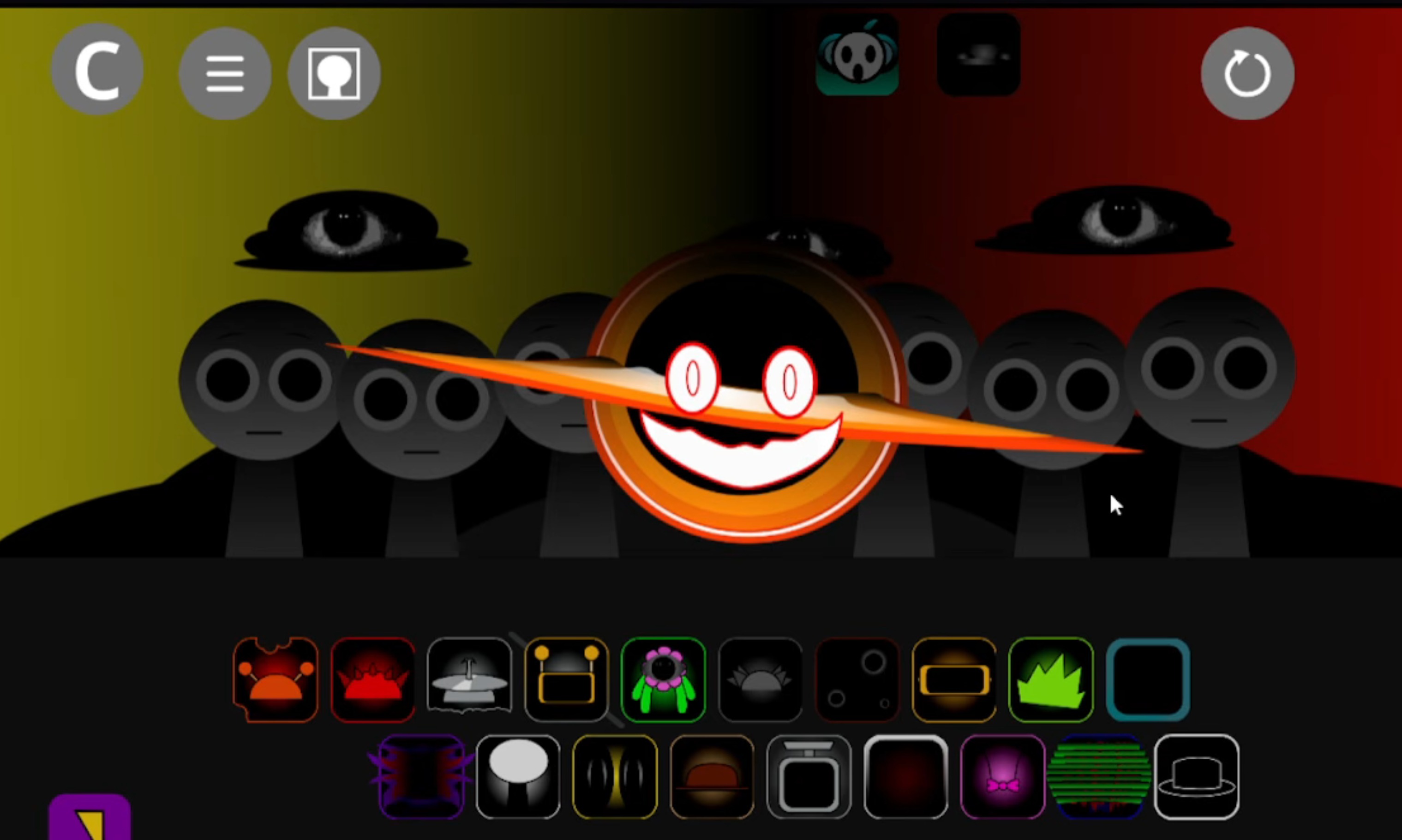
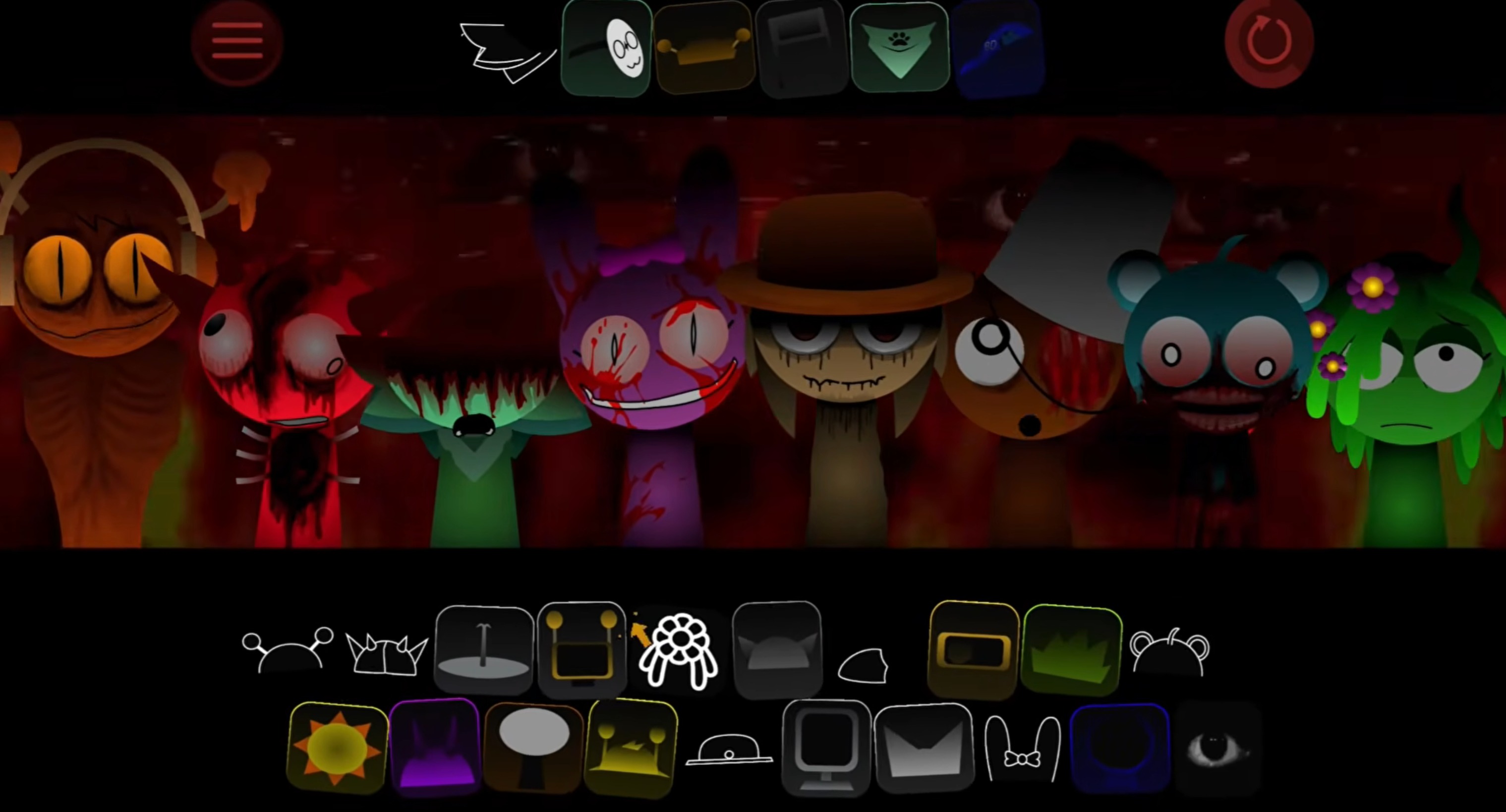
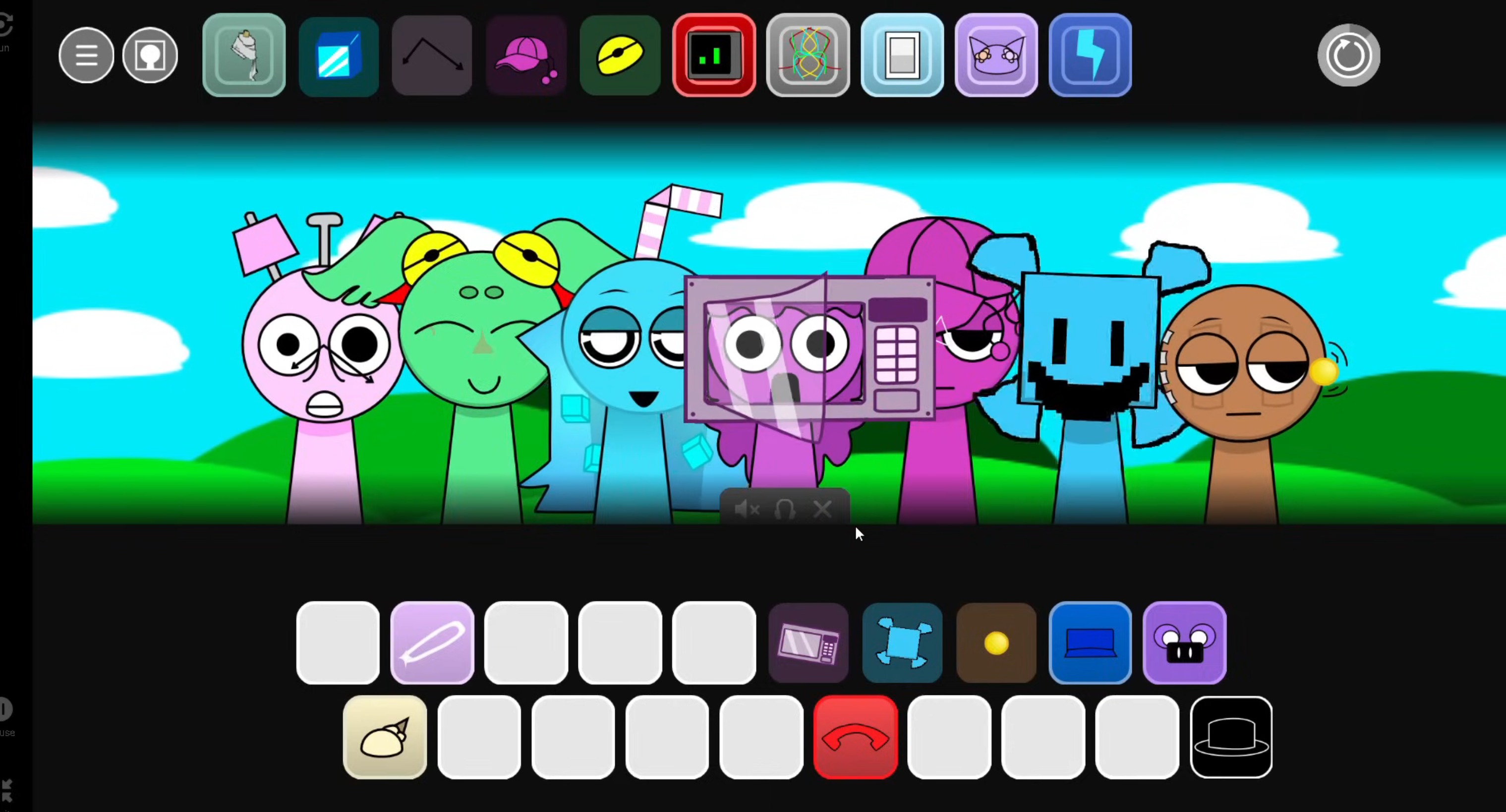
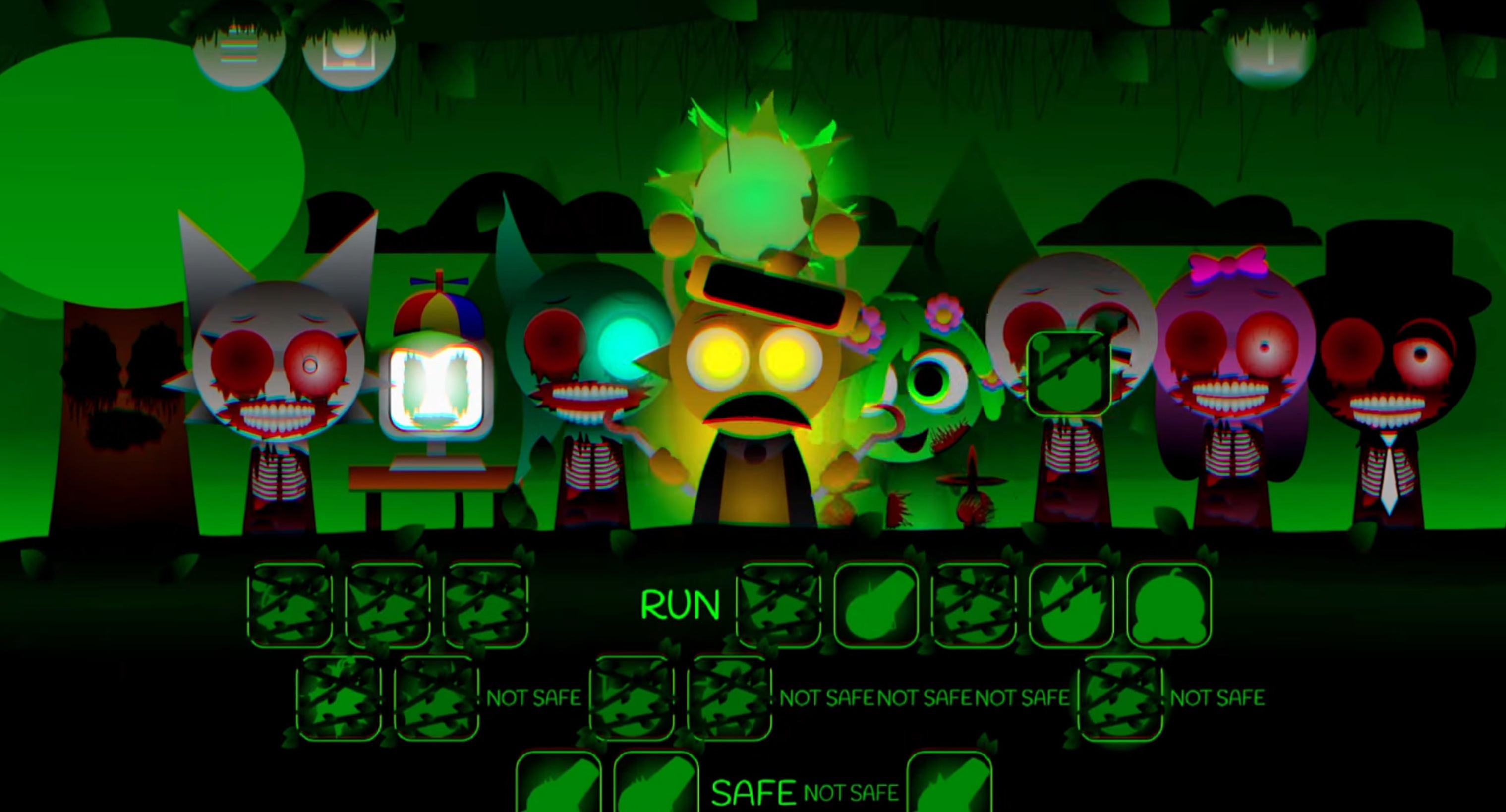
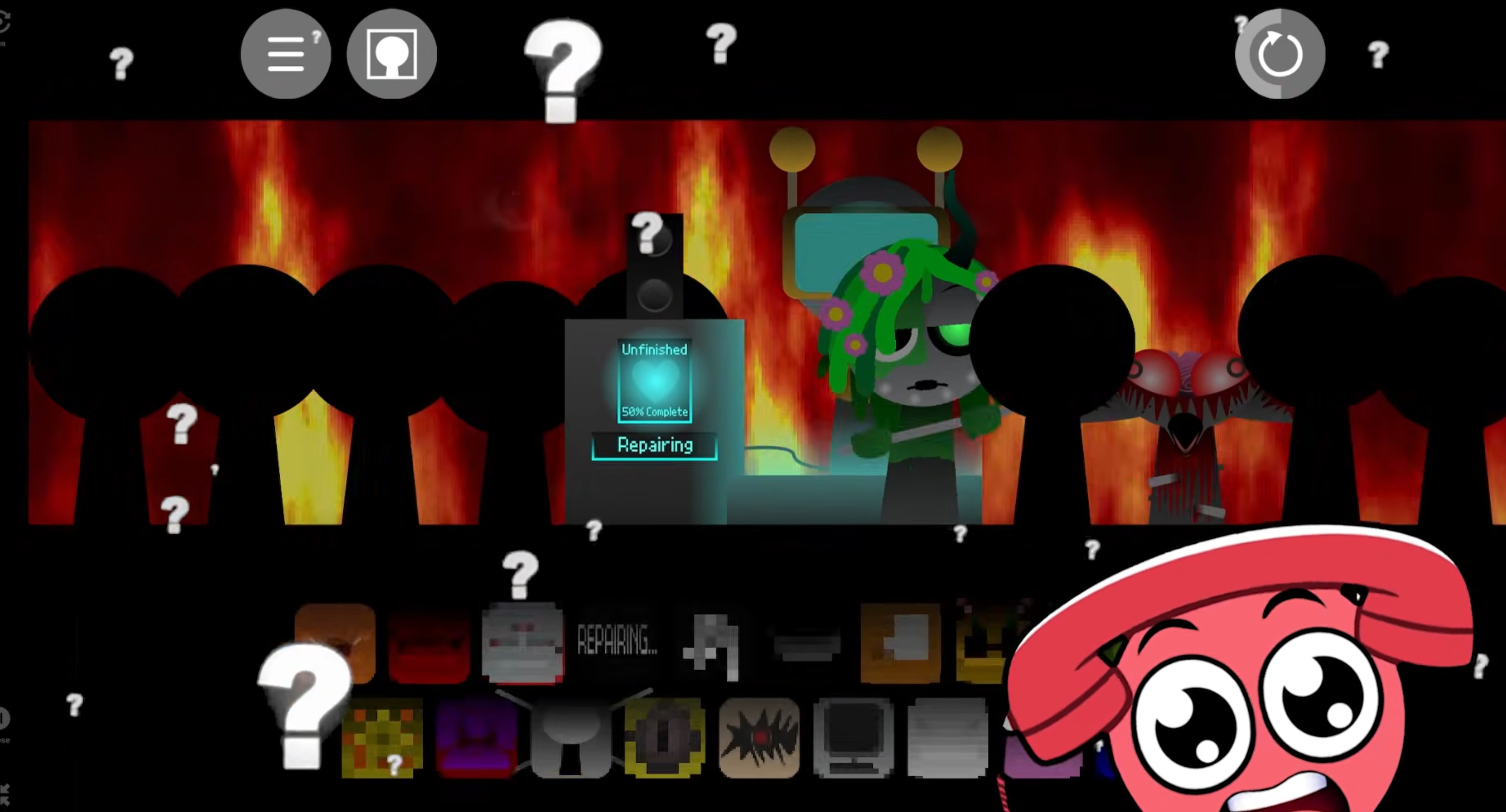
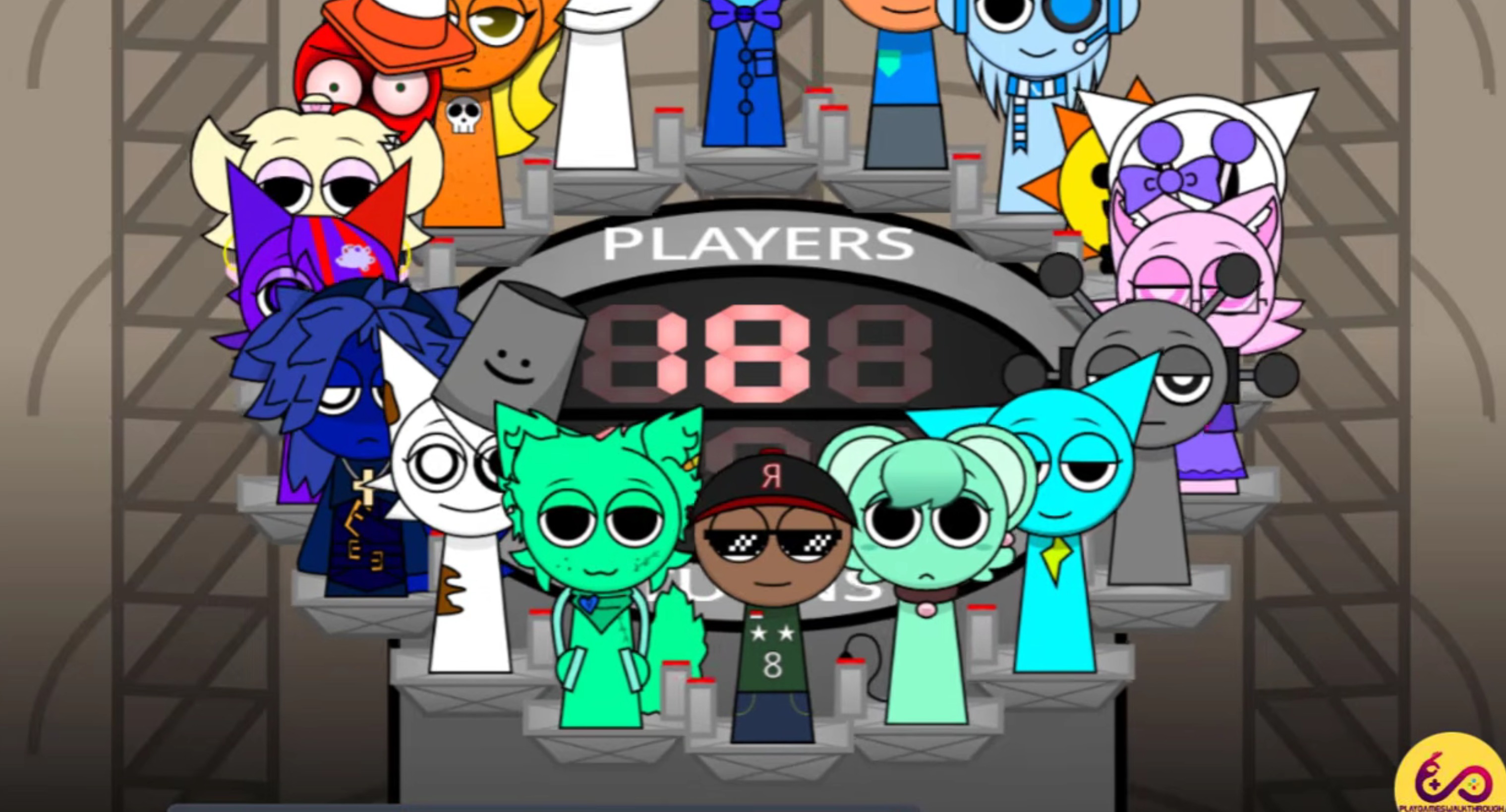
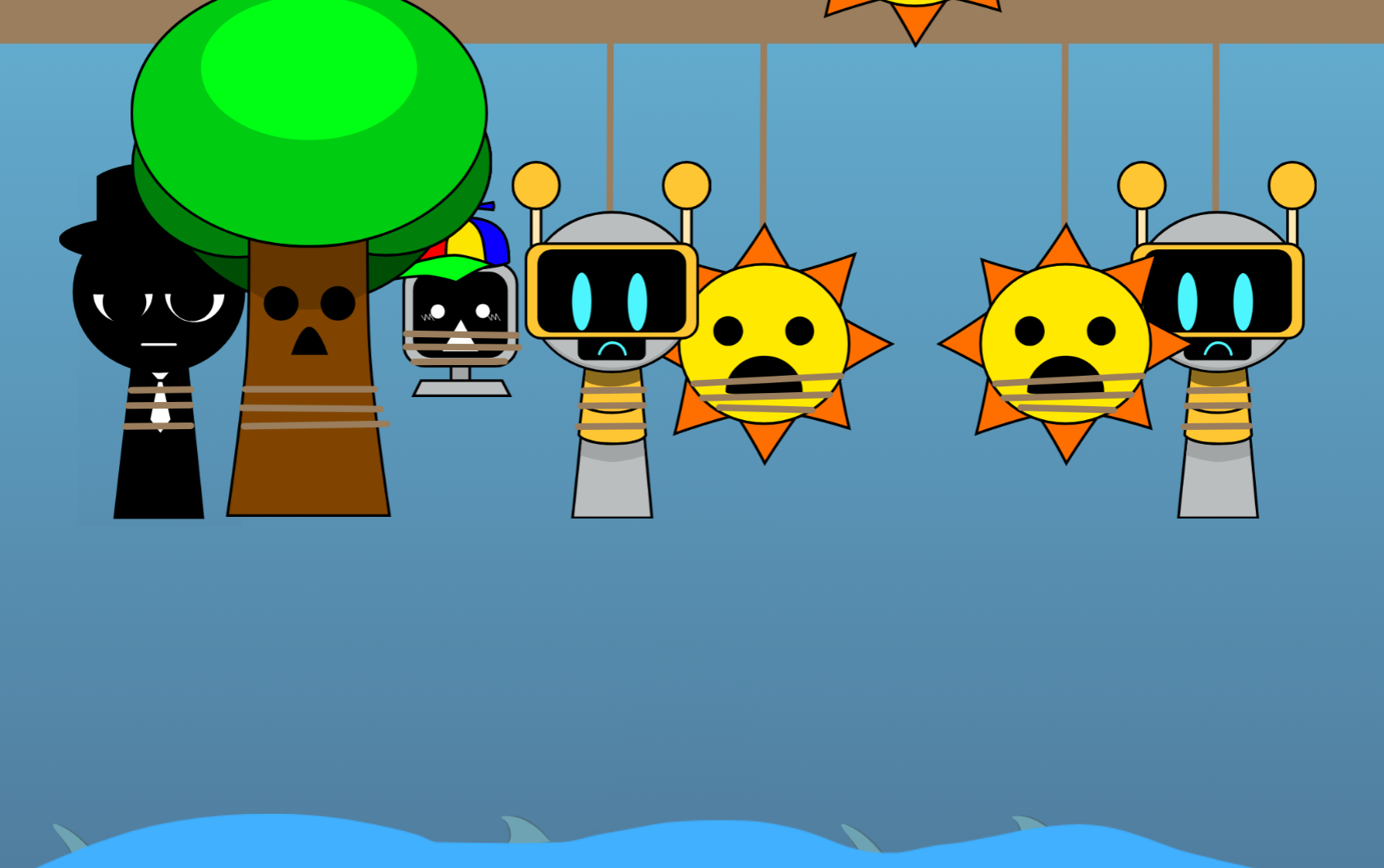
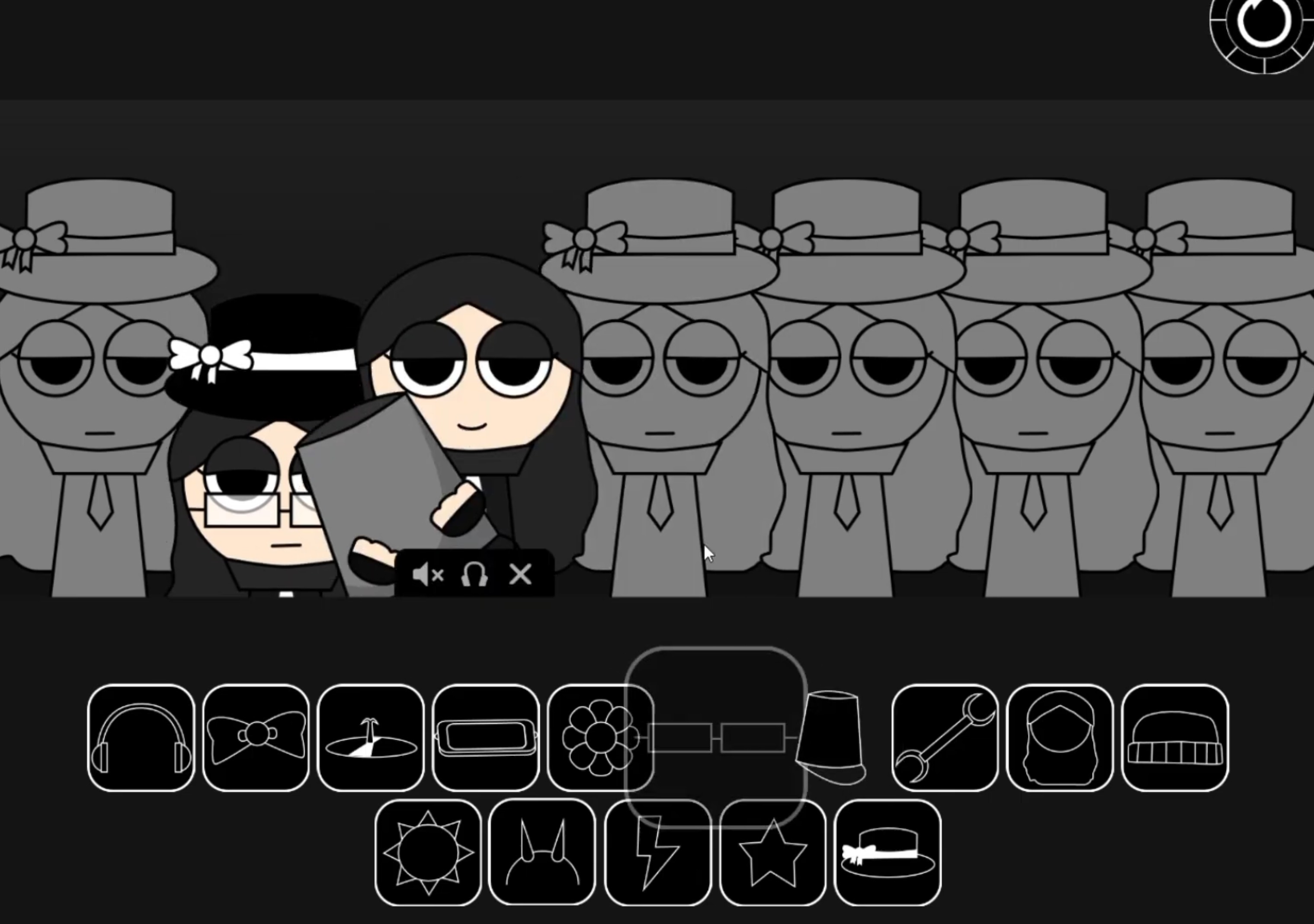
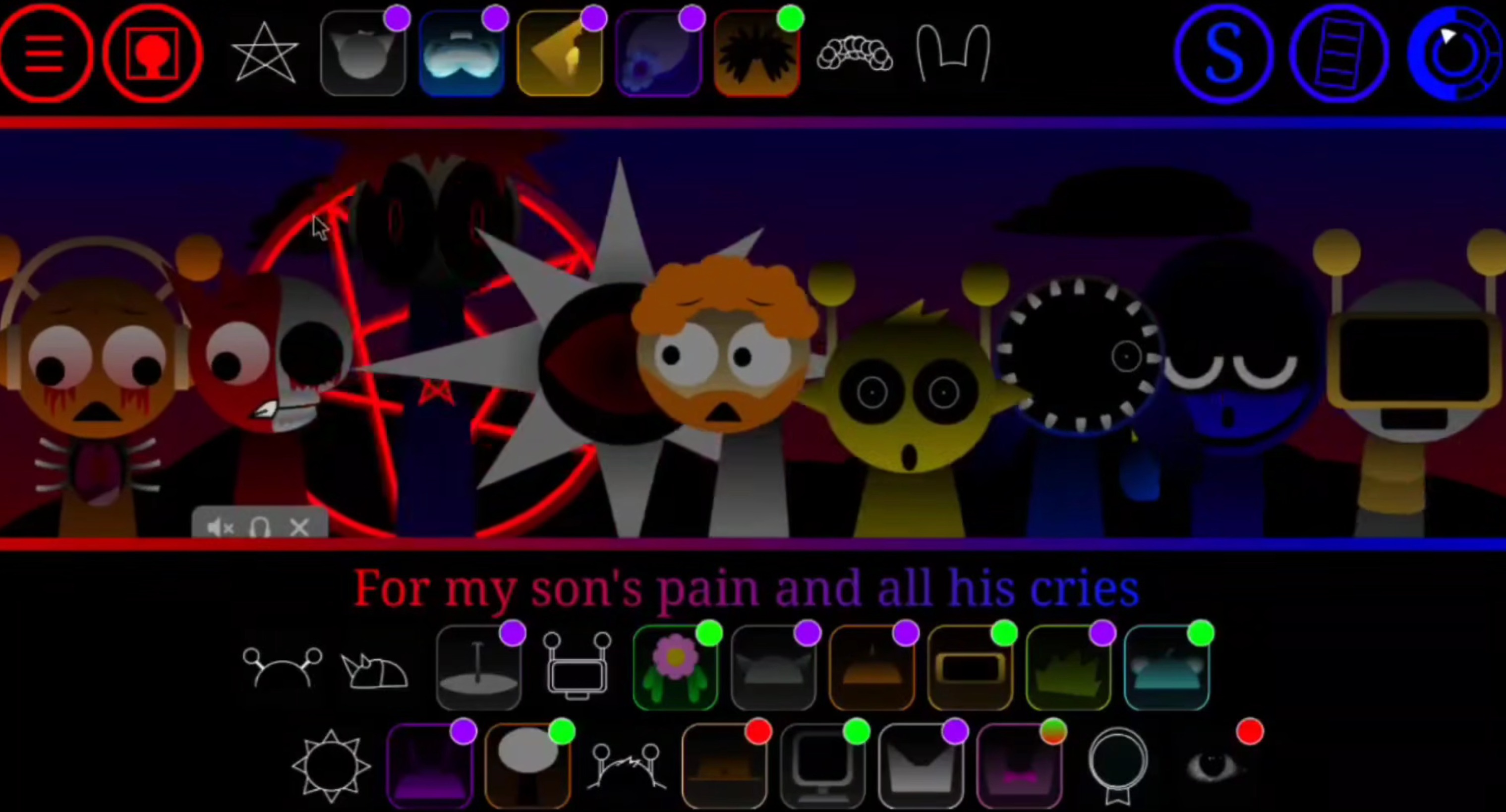
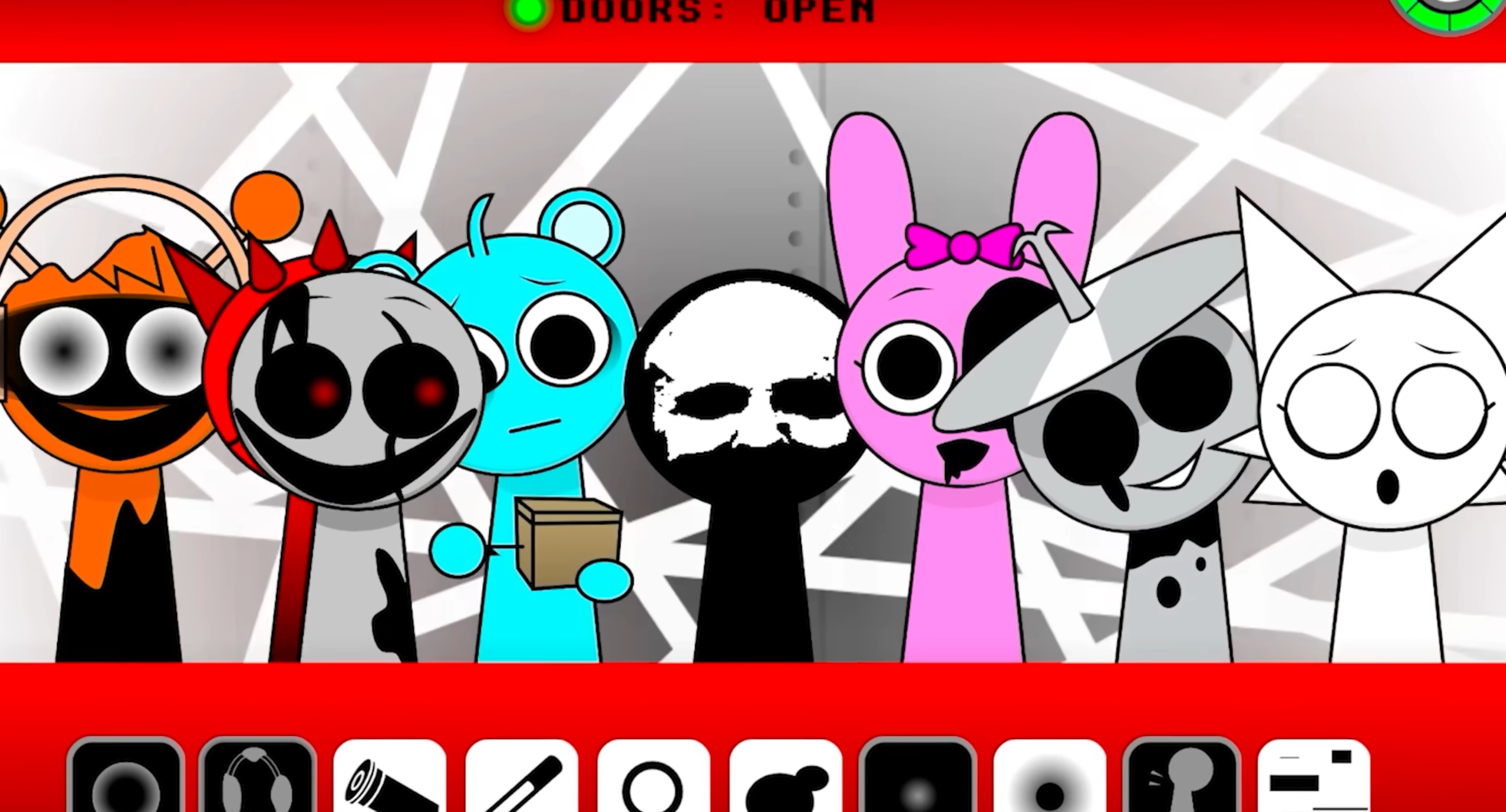
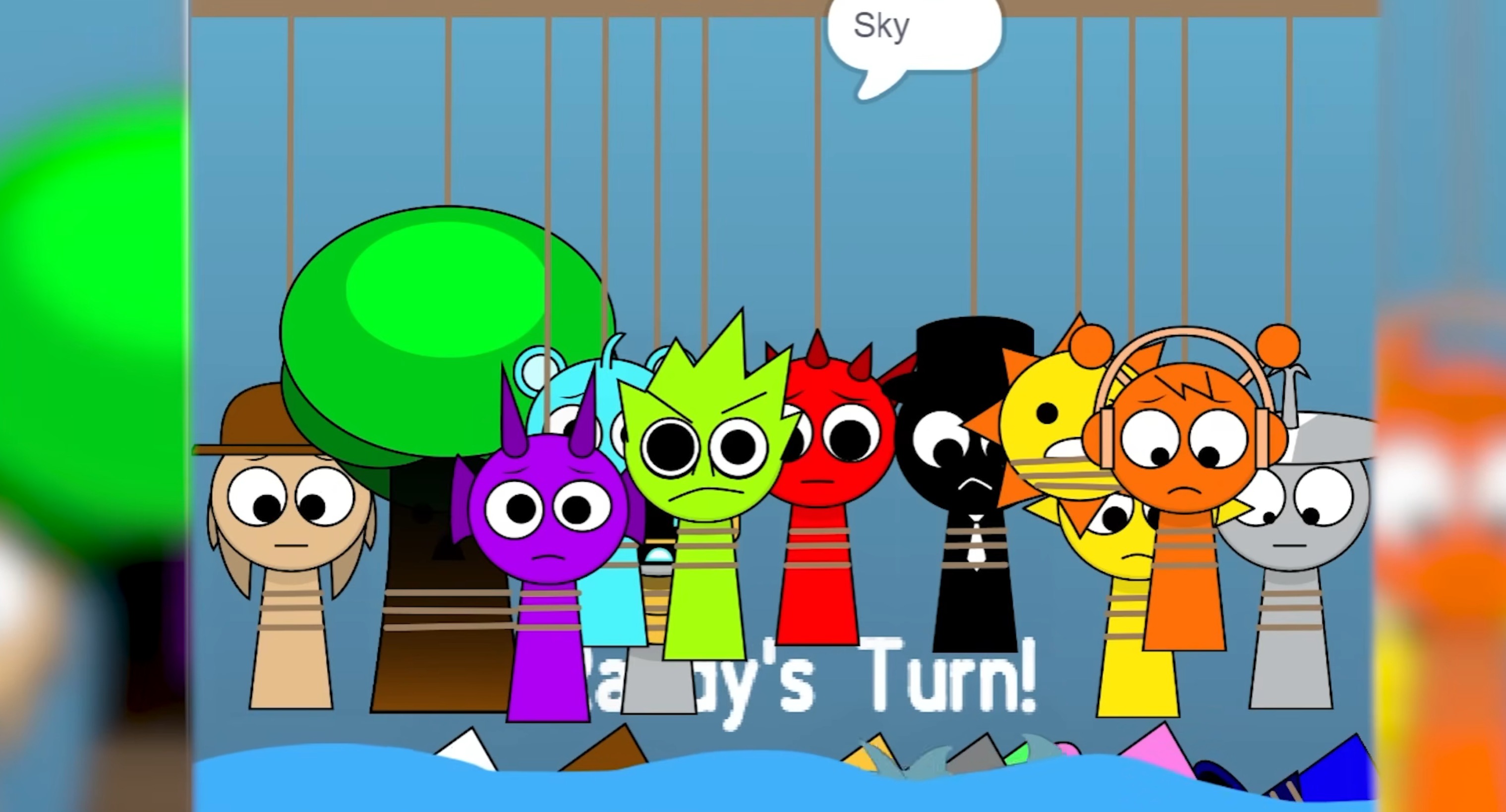
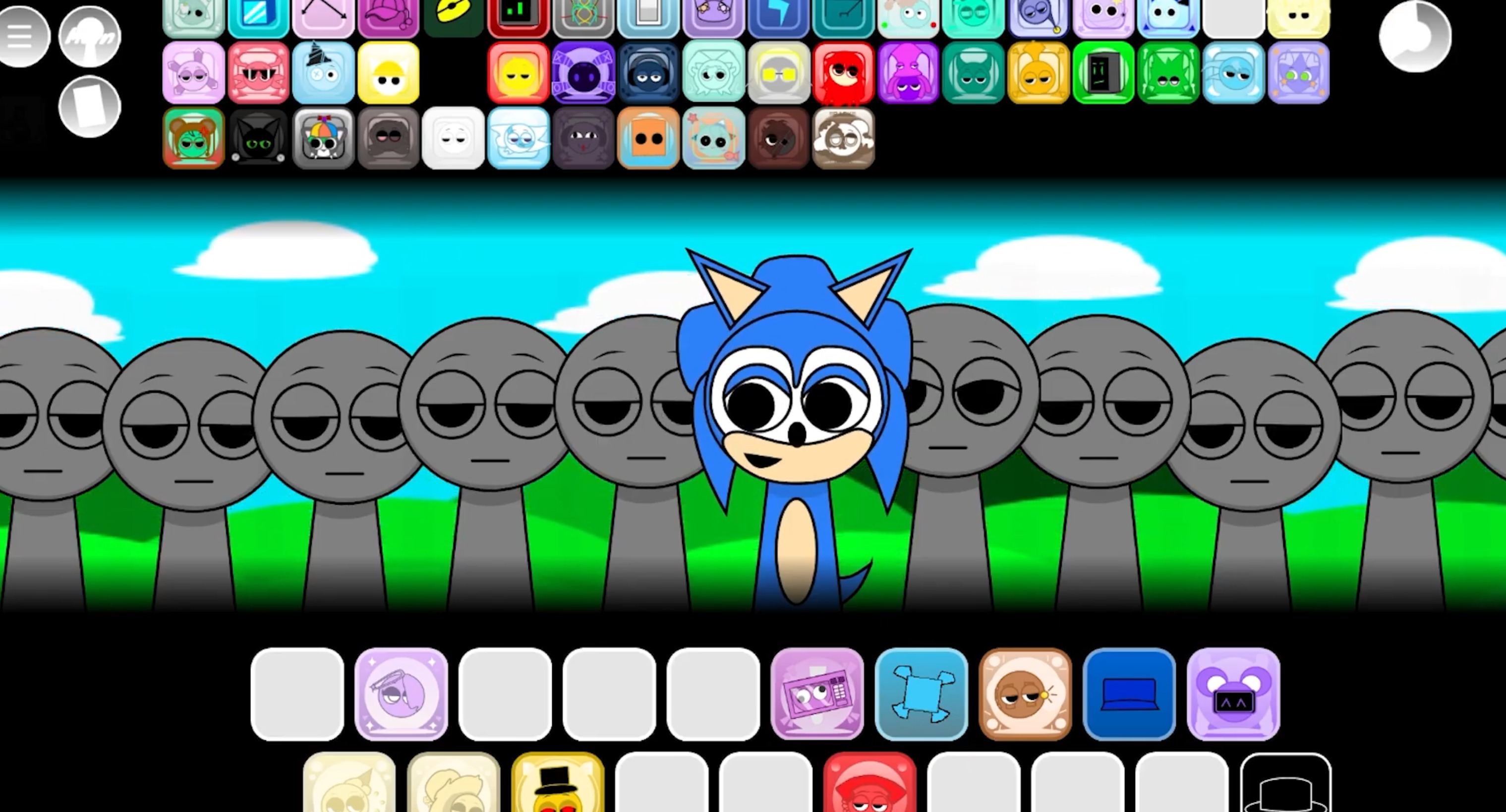
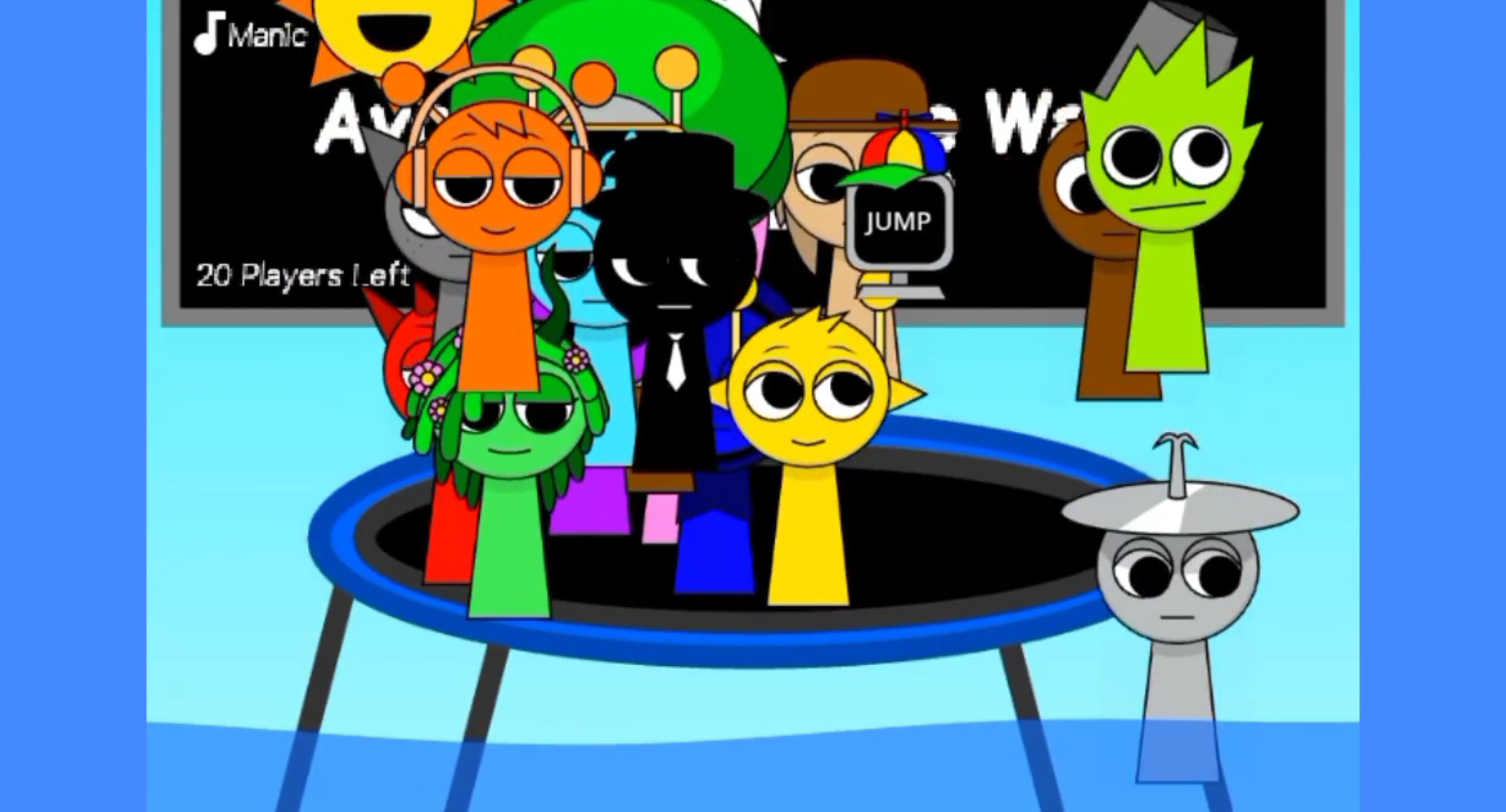
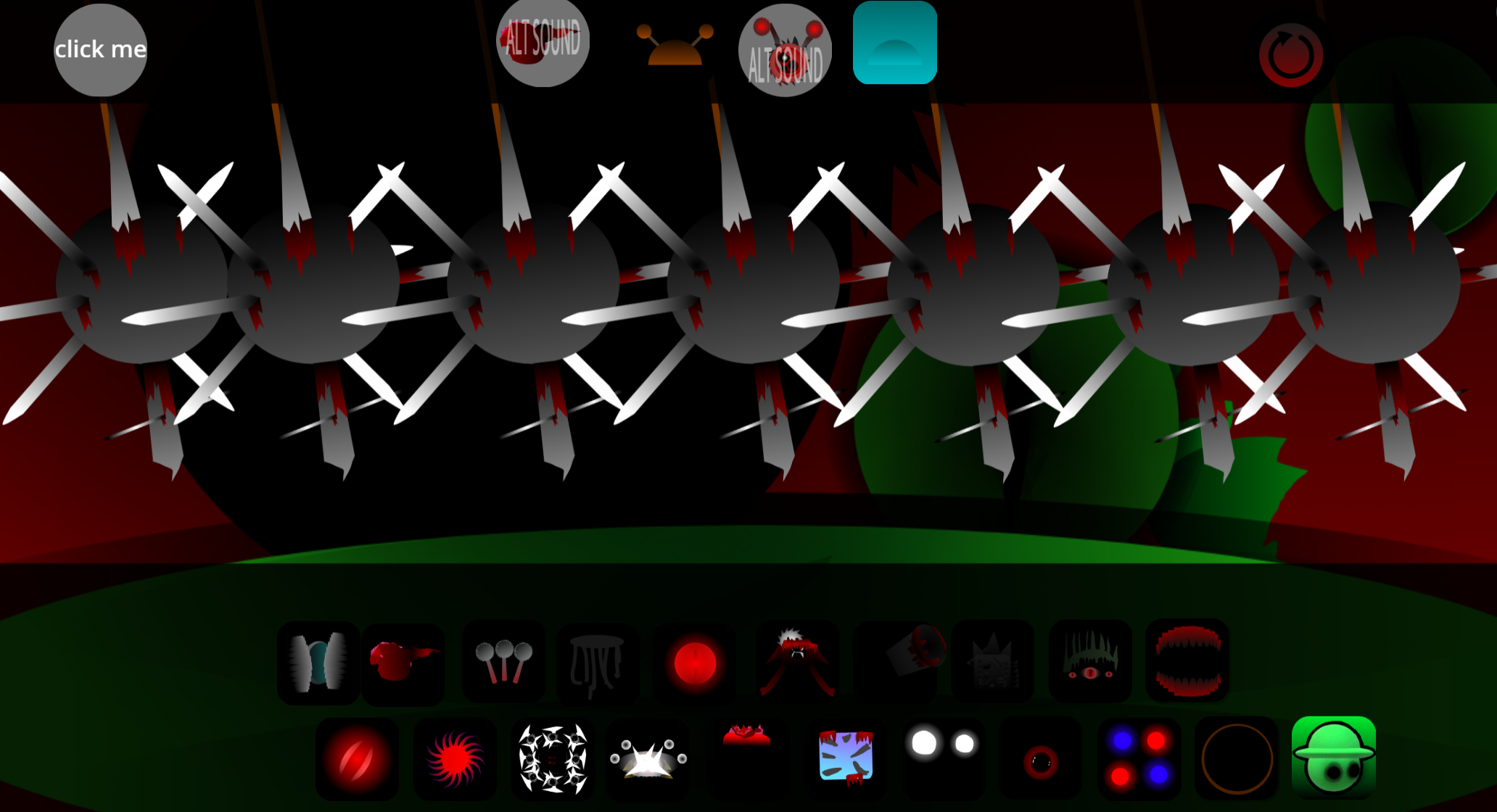
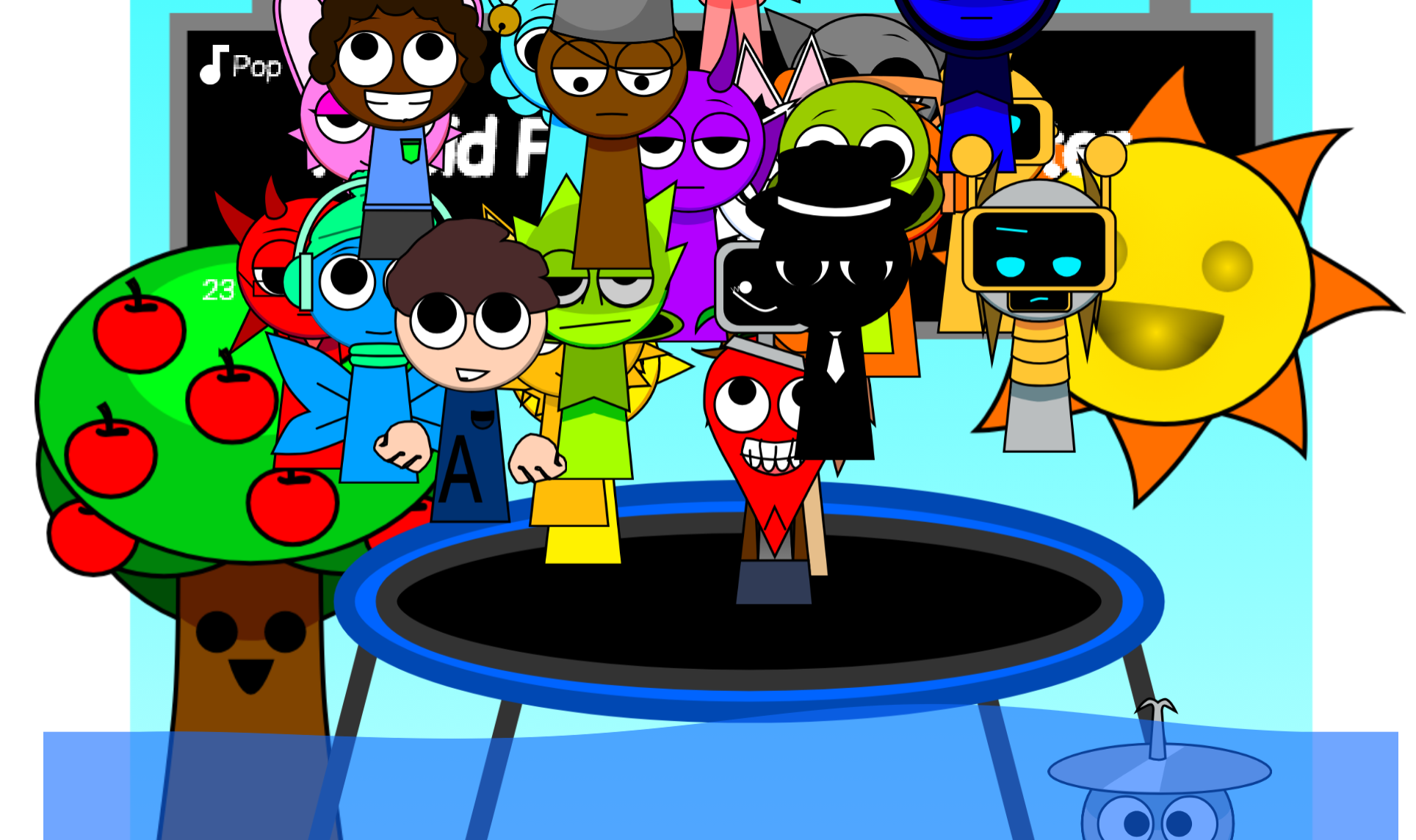
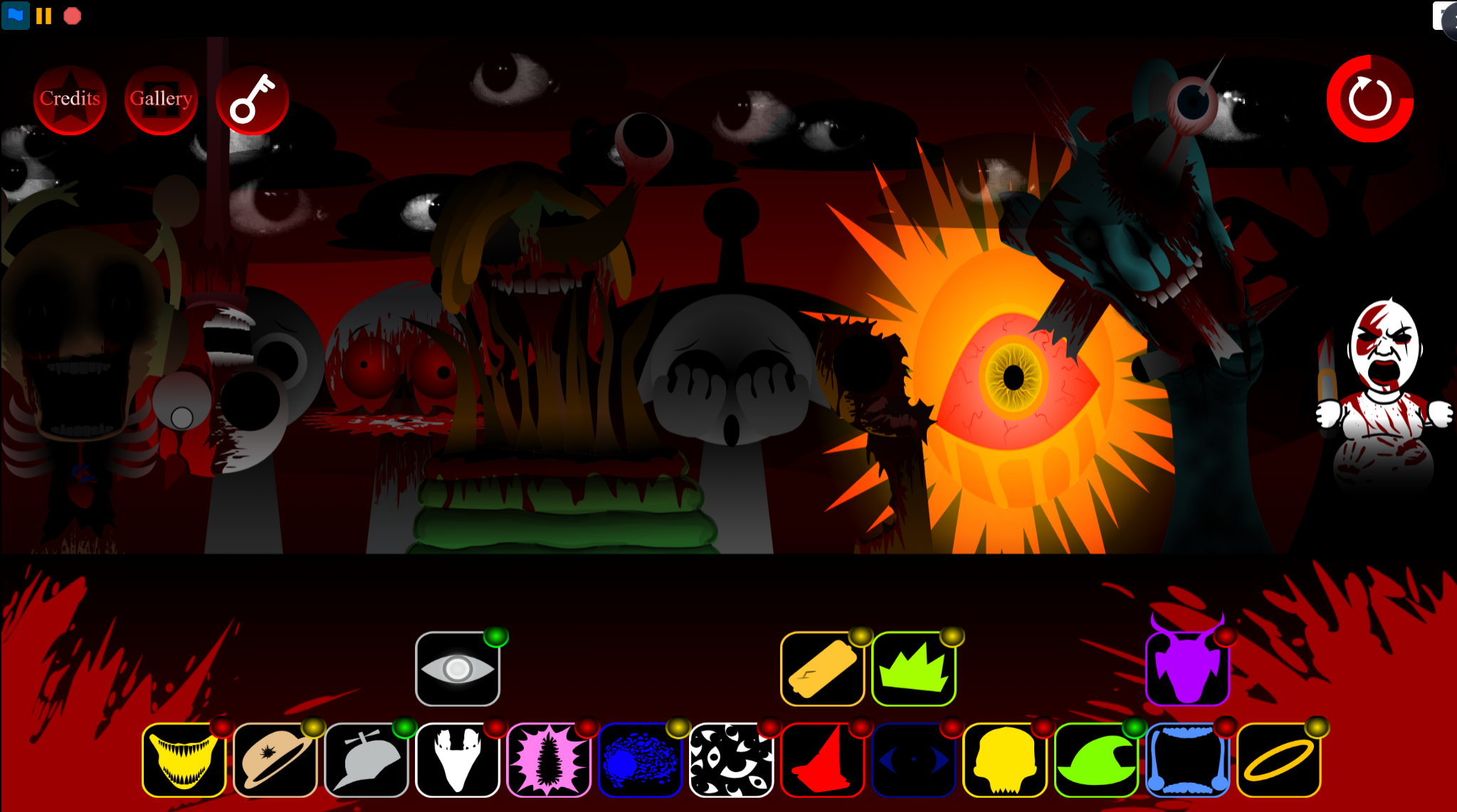
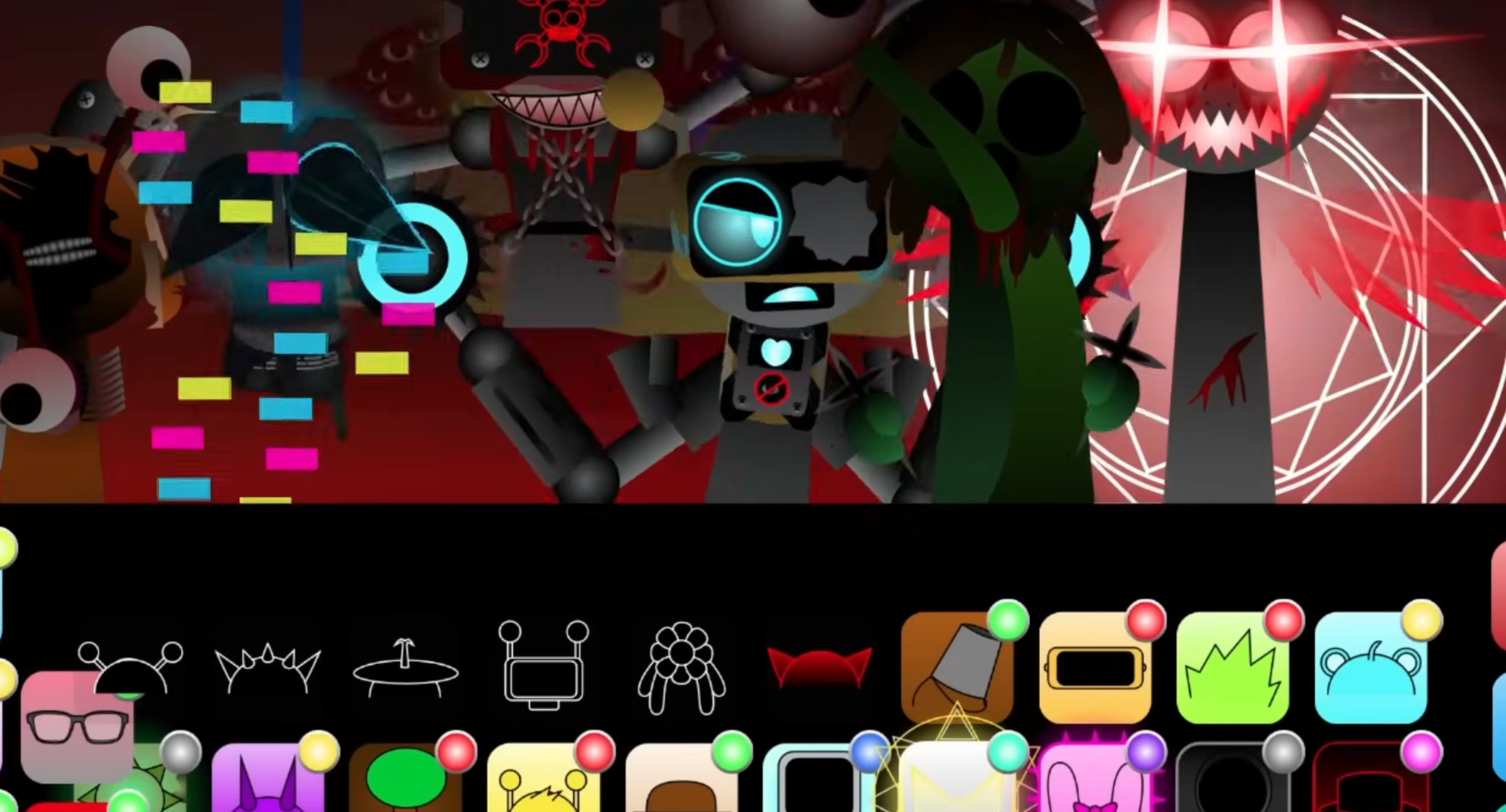
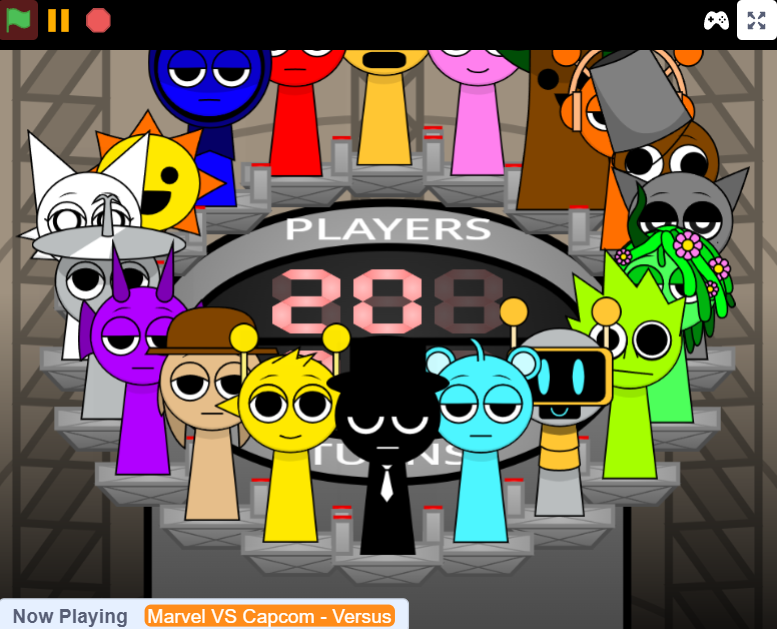
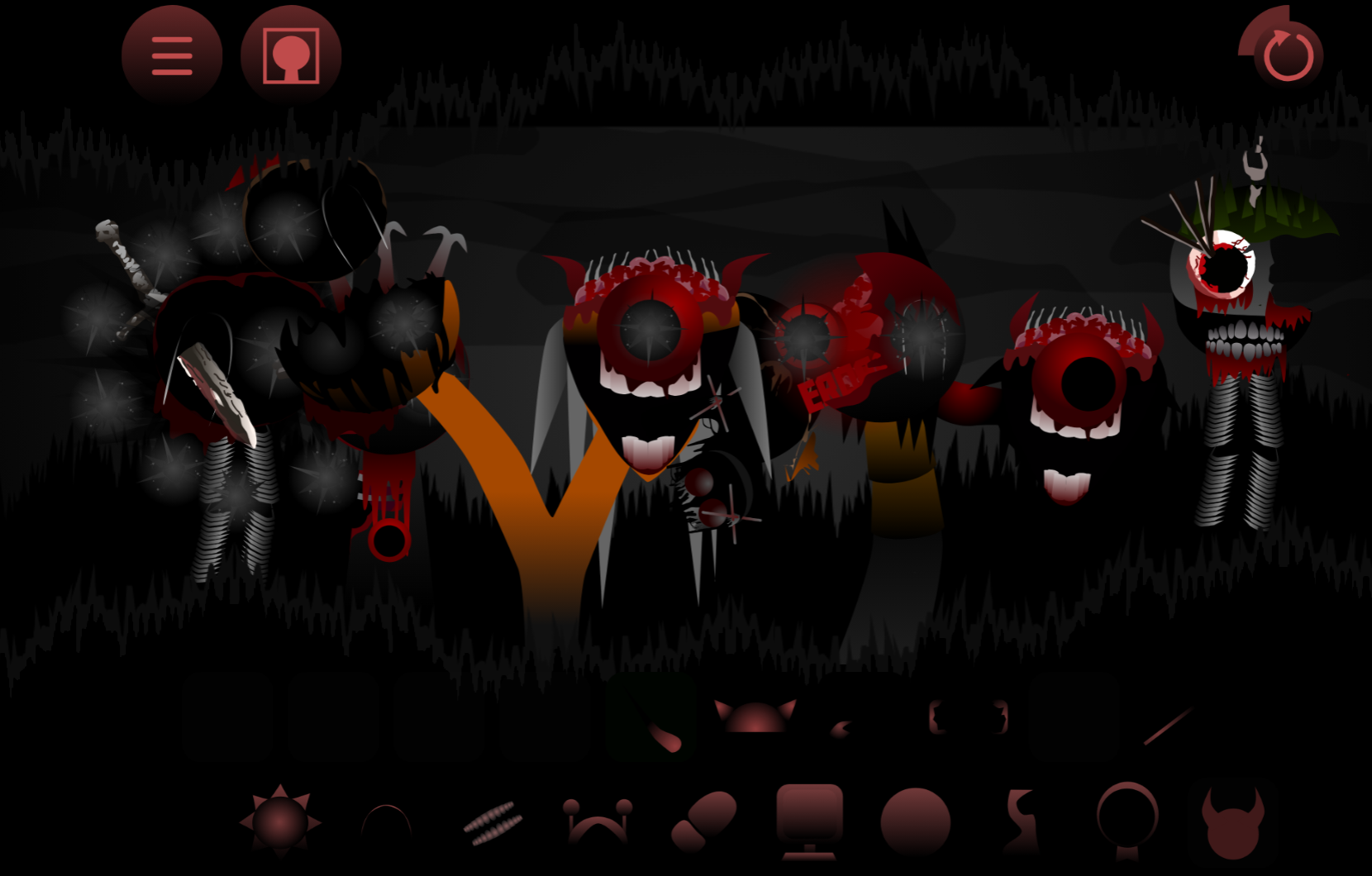
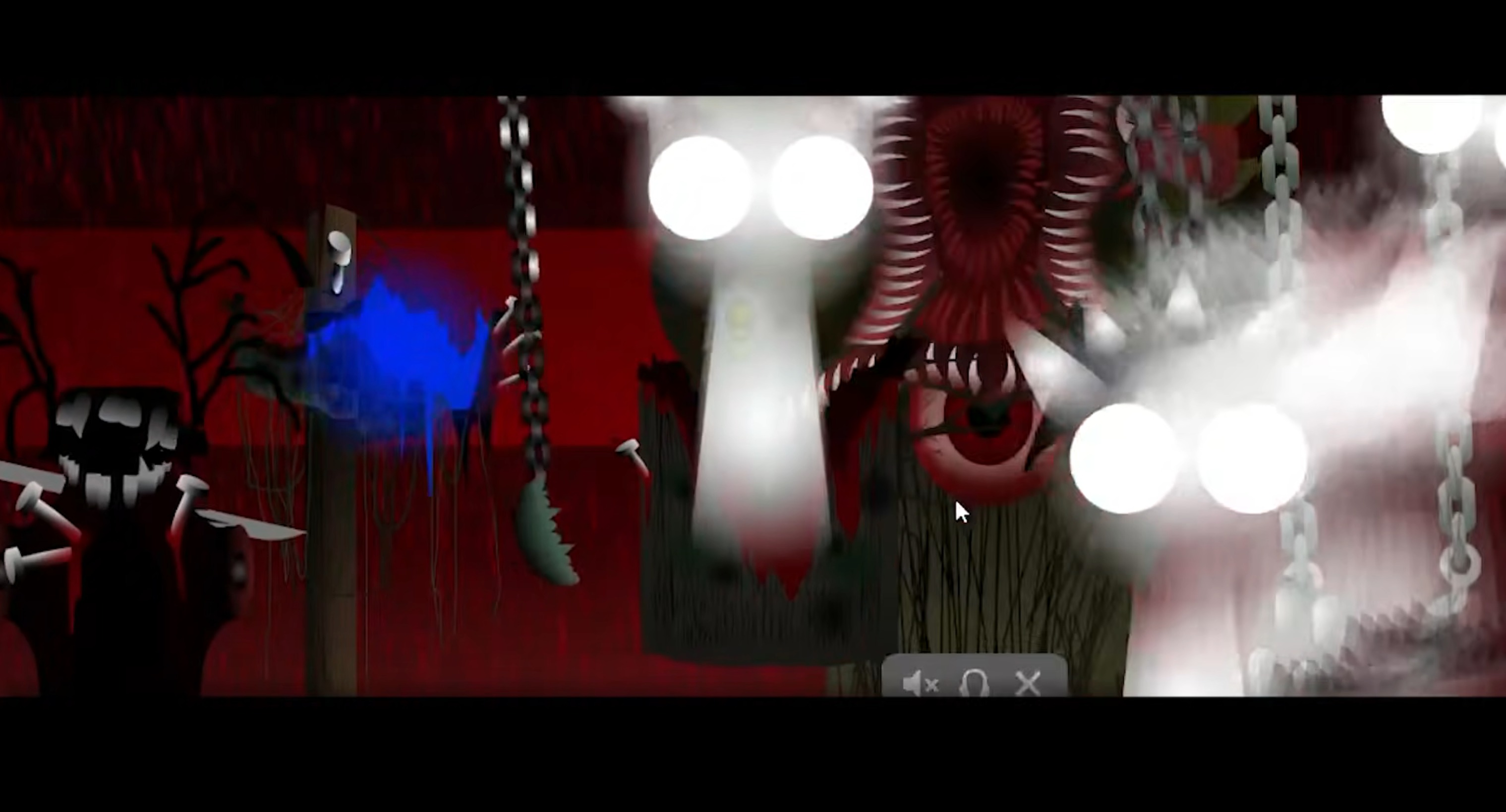
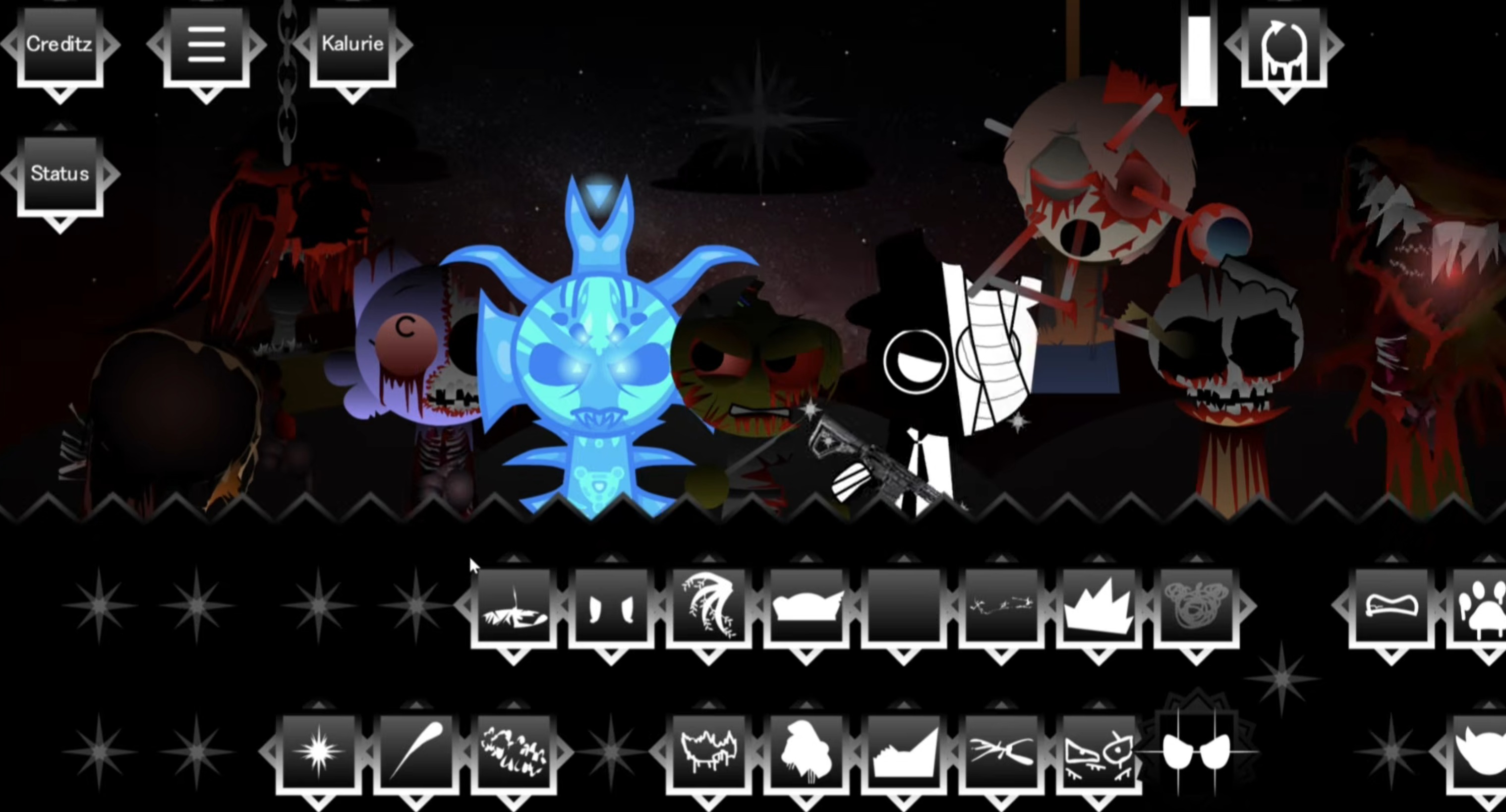
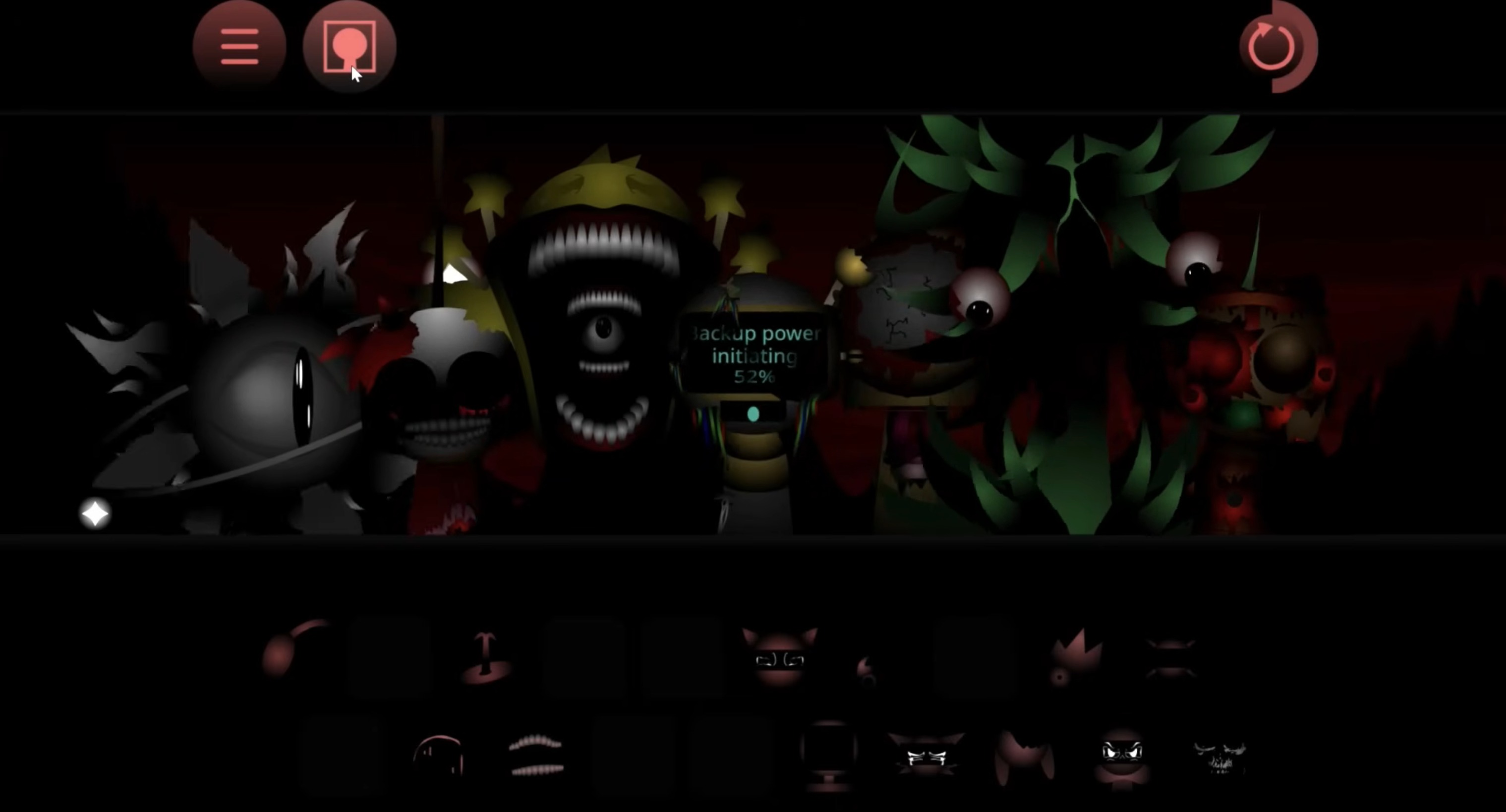
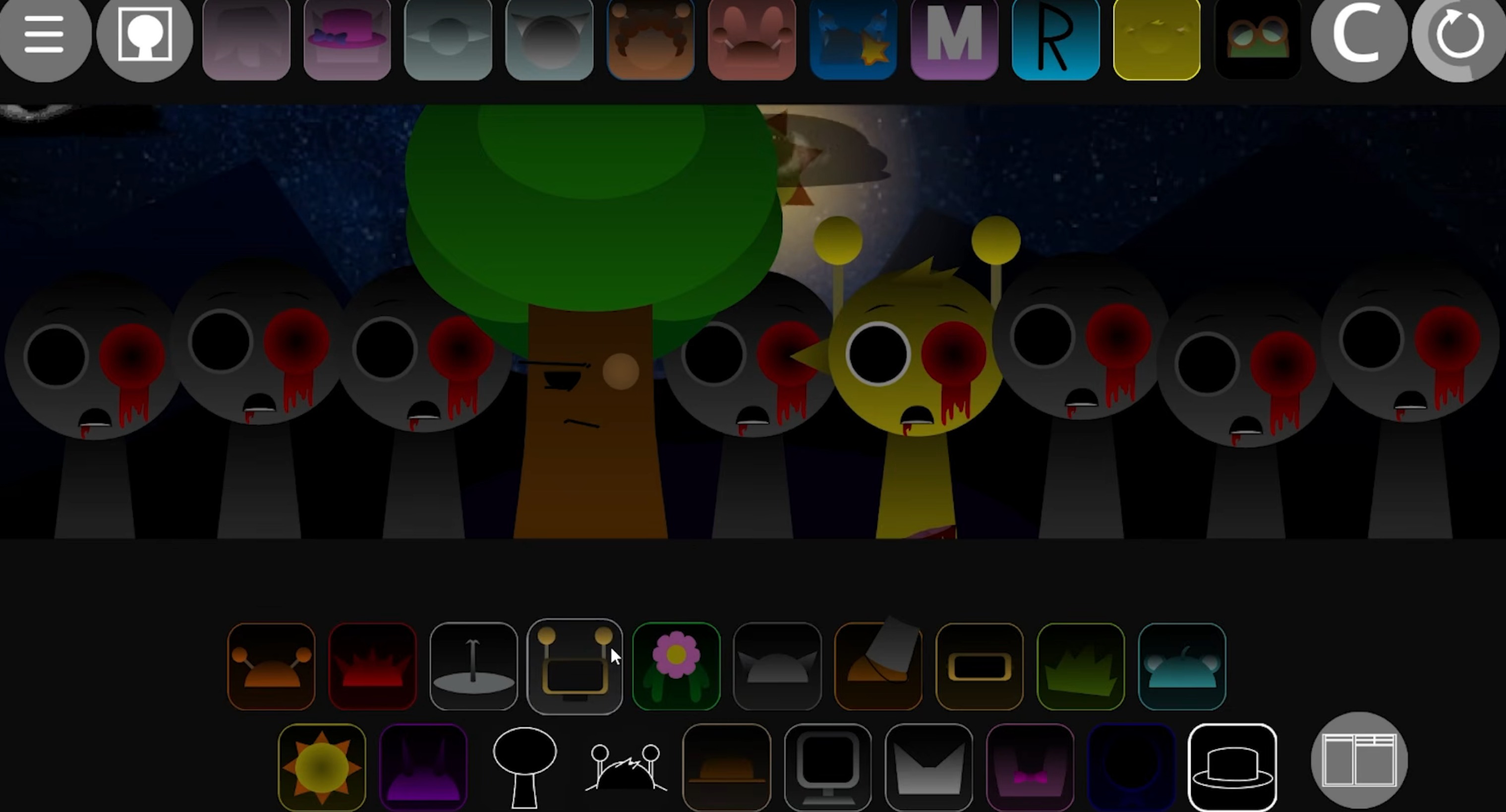
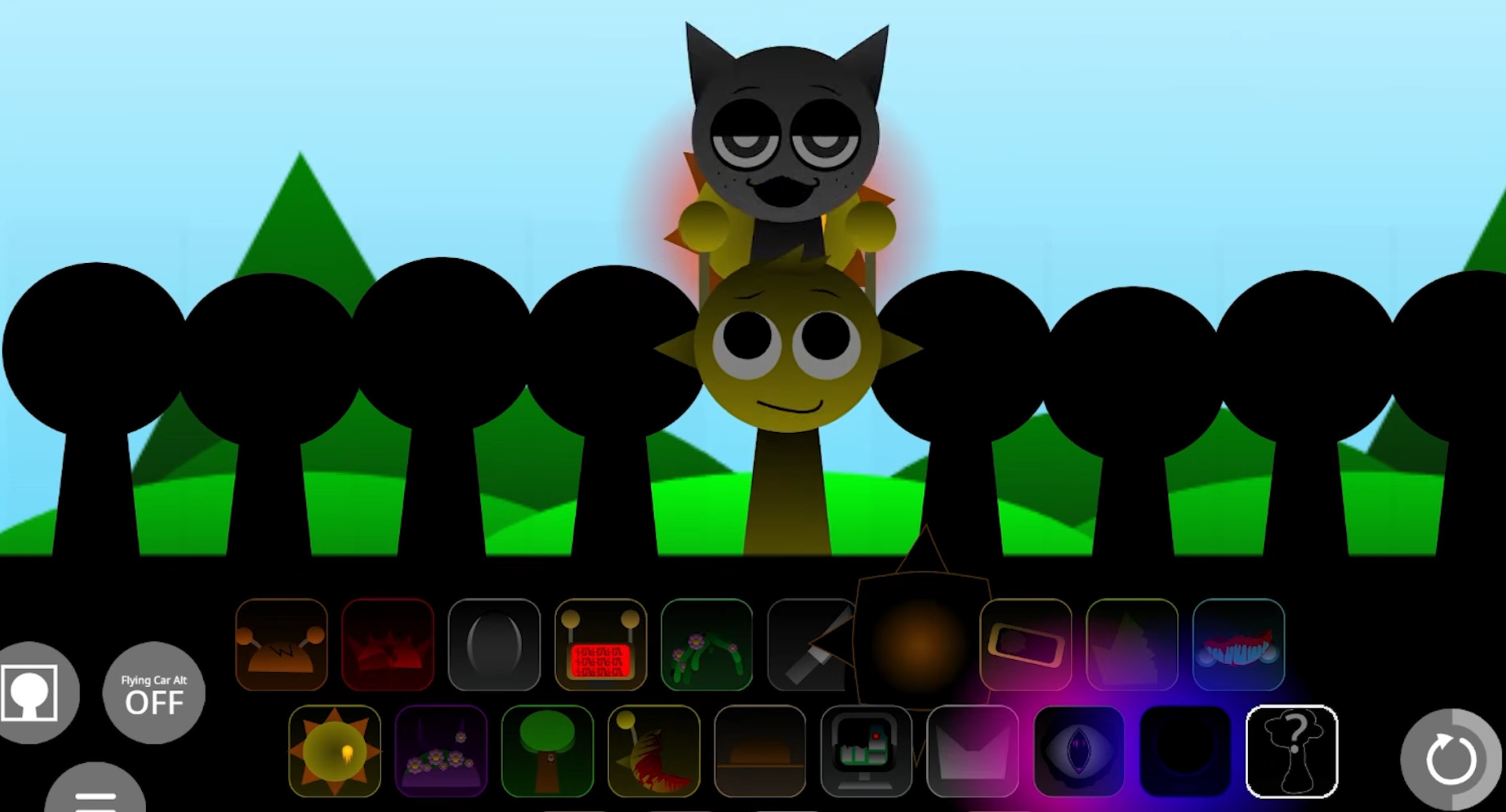
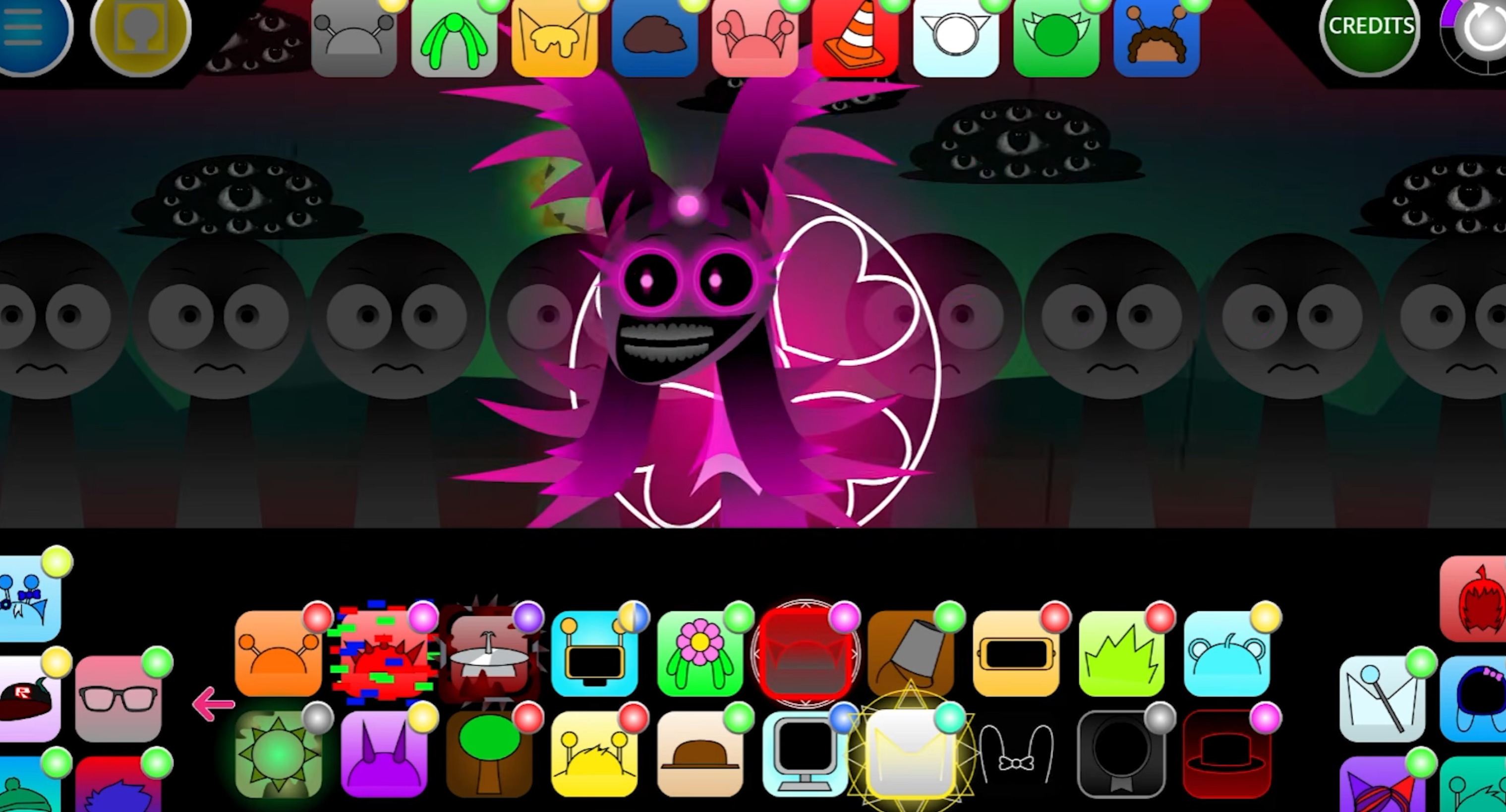
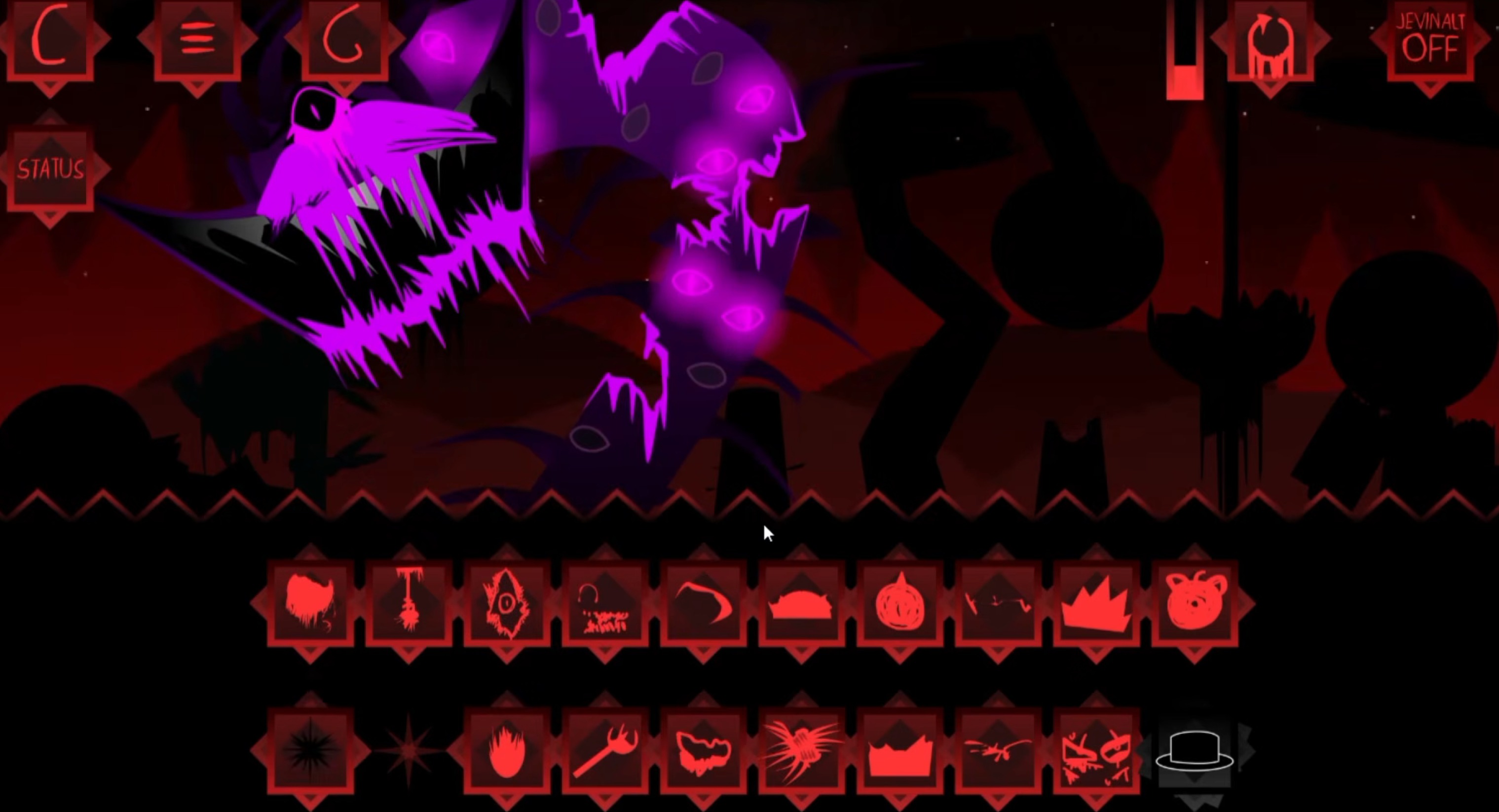
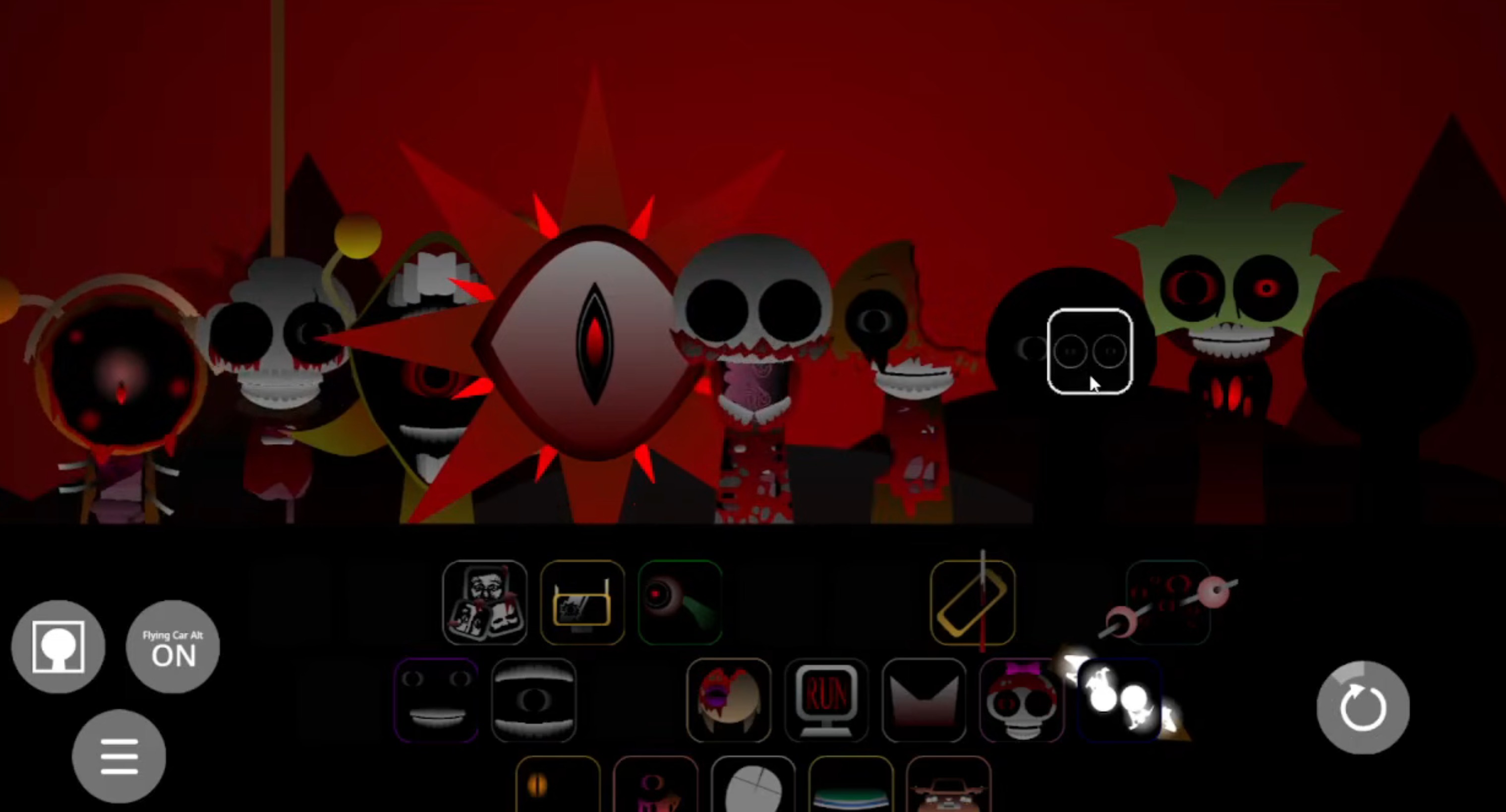
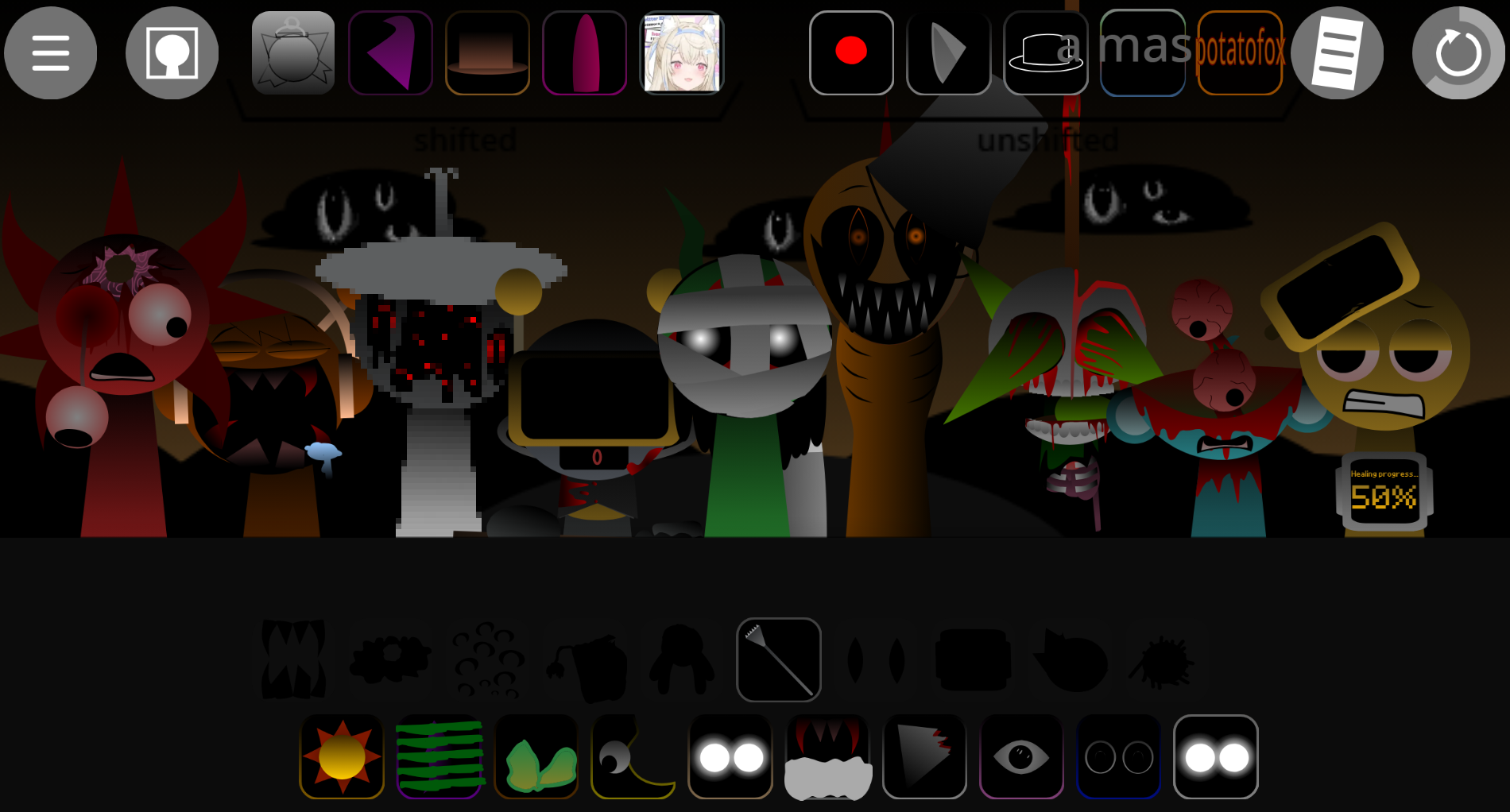
Sprunki Effects Attack is a fan-made music-mixing mod that layers rogue beats, darker sound palettes, and aggressive audio stacking into the original Sprunki framework.
Unlike lighter variants, this mod pushes players toward harsher timbres and denser arrangements, rewarding experimentation with disonant loops and overlapping effects tracks. The result is a noticeably grittier sonic profile that stands apart from the base game’s cleaner aesthetic.
This article breaks down the features that define Sprunki Effects Attack—its expanded sound library, the mechanics behind effect layering, and the specific design choices that shift the mixing experience toward intensity over melody.
Sprunki Effects Attack
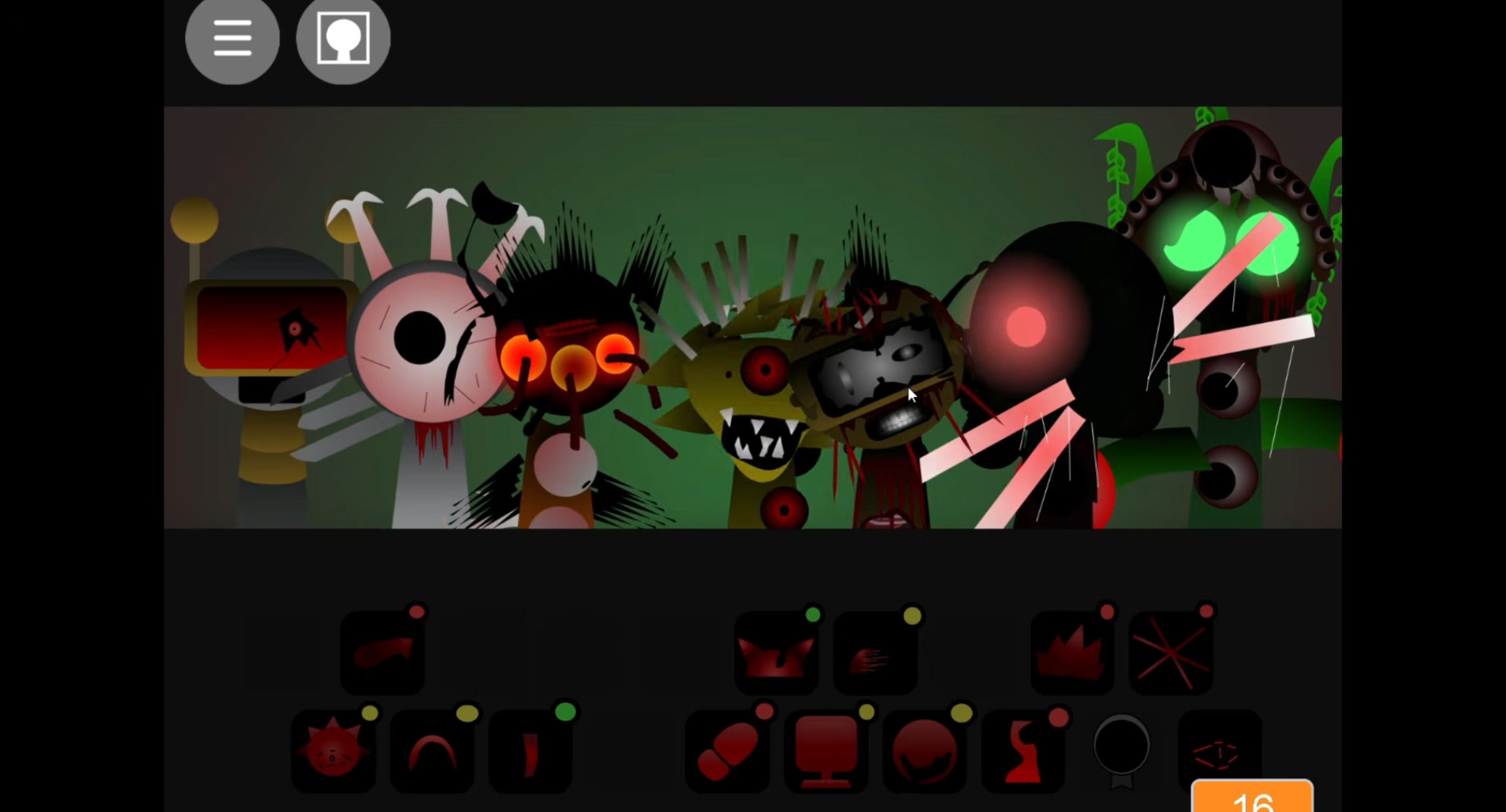
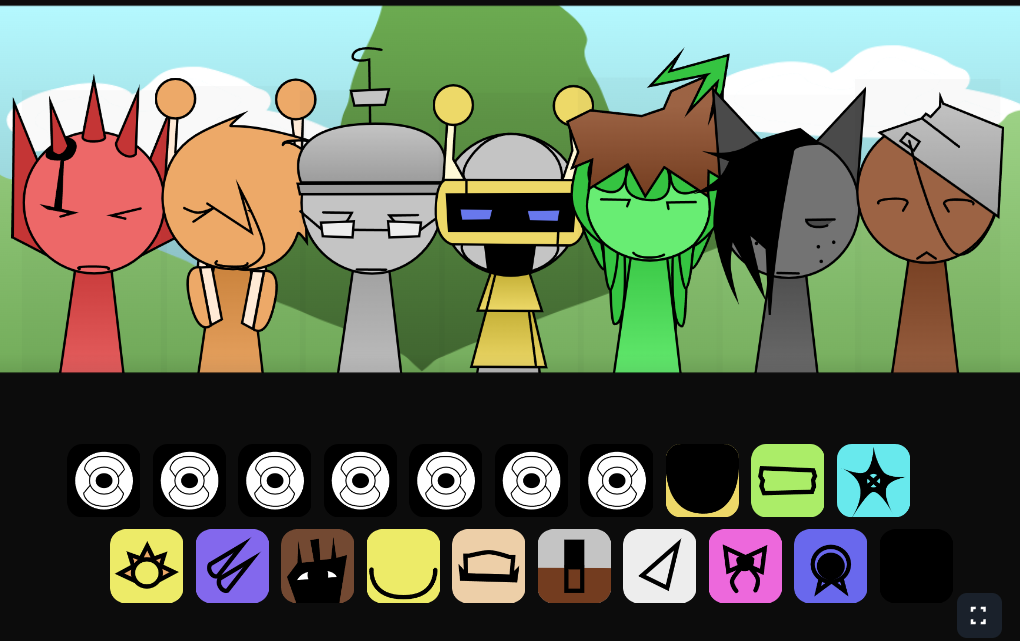
Sprunki Effects Attack is a fan-made music-mixing mod built around rogue beats, darker sound layers, and aggressive audio stacking. The V2.0 update refines the chaotic interface and improves sound balancing while preserving the mod’s experimental, horror-flavored personality. The core mechanic remains drag-and-drop character placement, but successful mixes require rhythm-first layering rather than random stacking.
Each character functions as both a sound source and a visual trigger, with certain combinations producing creepy animation shifts or phase-style changes. The update addresses player feedback by cleaning up the workspace and making beat behavior more readable, giving creators better control over experimental soundscapes without removing the mod’s volatile edge.
Key Features of the V2.0 Update
V2.0 reshapes how players build mixes by improving the interaction between rhythm, effects, attack layers, and character reactions.
- Cleaner chaotic layout: The interface is easier to read while preserving the mod’s strange, rogue feel, making it simpler to test unusual combinations without losing the beat.
- Rhythm-first structure: Primary rhythm icons anchor the tempo in the bottom slots before darker effects, vocals, and aggressive attack sounds are added.
- Unpredictable beat behavior: Beat characters feel more volatile, making pacing important. Random stacking colapses mixes into noise, while staged layering creates controlled chaos.
- Distinct character identities: Each character has a unique icon, animation, appearance, and sound profile. The roster is functional rather than cosmetic.
- Visual-reactive combinations: Certain pairings trigger animation changes or phase-like shifts, turning the screen into part of the feedback loop.
- Improved sound balancing: The mod retains its dark, experimental sound, but cleaner balance makes it easier to identify which icon is shaping the track.
- Community-shaped polish: V2.0 reflects player feedback, including contributions from users like Floppa337 and Kit!, who praised the improved sound balancing and cleaner animations. The mod was originally envisioned with rogue beats by Pepper666.
Characters and Sound Effects
Characters function as layered audio tools. Each contributes a sound, an animation, and a possible visual reaction, so choosing a character also determines how the mix may behave.
The roster breaks down by role:
- Primary rhythm characters create the pulse and should usually be placed first. They make later layers easier to judge because the tempo has a clear anchor.
- Vocal effects characters add tension, eerie texture, or softer movement. They work well after the beat is stable because they depen the mood without overwhelming the mix.
- Aggressive attack sounds add impact and pressure but can drown out subtler loops if stacked too early.
- Visual-reactive pairings trigger animation shifts, darker phase changes, or creepier board behavior when certain characters are combined.
Strong mixes often come from contrast: rogue beat characters paired with softer vocal layers. That combination creates tension without turning every slot into noise. The beat pushes forward, the vocals add unease, and the effects fill the space between them.
How to Play Sprunki Effects Attack
Treat the board like a controlled build rather than a random soundboard. The goal is to let chaos expand gradually while keeping the rhythm readable.
Place rhythm icons in the bottom slots first.
Start with primary rhythm characters. These sounds anchor the tempo and prevent the mix from drifting too early.
Add vocals after the beat is stable.
Softer vocal effects add atmosphere without immediately overpowering the rhythm.
Layer attack sounds carefully.
Aggressive attack-style hits intensify the track but can crowd the board. Add them one at a time to hear what each one changes.
Watch the animations as you listen.
Visual changes are important feedback. Creepy shifts or phase-style animation changes often mean a character combination is doing more than adding a basic loop.
Remove and rebuild when the mix gets muddy.
If the track becomes too cluttered, remove one or two loud icons and rebuild from the rhythm upward. The mod rewards patient adjustment more than maximum stacking.
Mastering the Rogue Beats
Build in stages. The mod works best when each layer has a purpose: rhythm first, tension second, impact third.
The bottom rhythm slots are the foundation. Once filled with stable beat characters, the rest of the board becomes easier to shape. Test small combinations rather than filling every available space. A single vocal layer can make the beat feel creepier, while one sharp effect can push the track into a darker state. Adding five intense sounds at once may obscure the exact pairing that caused the best change.
The V2.0 layout makes this process easier because the screen is cleaner and the animations are more readable. When a character pairing triggers a visual shift, pause before adding more. Listen to the loop, watch the movement, and decide whether the change improves the track or only makes it busier.
A strong build usually follows this pattern:
- Start with two or three rhythm anchors.
- Add one softer vocal or atmospheric effect.
- Introduce one aggressive attack layer.
- Watch for animation or phase changes.
- Adjust before adding another icon.
This approach keeps the mix experimental without losing structure.
Tips for Better Mixes
Focus on contrast, spacing, and readable layering.
Start with the rhythm slots.
Place primary rhythm icons in the bottom slots before anything else. Rogue beat characters can pull the mix off-center if heavier effects arrive too early.
Add one icon at a time.
Each new character can shift the sound, animation, or mood. Slow testing makes it easier to identify which icon created a cleaner groove, a harsher clash, or a creepy phase change.
Use contrast instead of volume.
Pair aggressive attack sounds with softer vocals. This builds tension while leaving space for the main beat to breathe.
Do not overcrowd the board.
More icons do not always mean a better mix. Too many intense layers can blur the details that make the mod interesting.
Watch for visual clues.
Animation changes signal deeper character reactions or stronger combinations.
Rebuild from the beat when needed.
If the track starts to feel messy, remove loud effects first, keep the rhythm anchors, and add layers back one by one.
Treat every placement as a test.
The most effective mixes come from listening closely, spacing out additions, and letting the board mutate gradually.
Related Games
- Sprunki Mechanical Attack — This is the closest follow-up because it shares the aggressive “Attack” energy and lets players compare how another mod handles dense, high-impact beat layering.
- Sprunki Mechanical Attack Is Insane Level — This works well for players who enjoy the overwhelming side of Sprunki Effects Attack and want an even more intense version of chaotic rhythm experimentation.
- Sprunki Definitive Phase 9 Fan Made — Its fan-made phase structure and darker presentation match the article’s focus on creepy transformations, experimental sound combinations, and community-built Sprunki lore.
How Does This Compare to Other Aggressive Mods?
Players interested in high-energy themes can compare this chaotic style to Sprunki Mechanical Attack on gosprunki.com to see how different creators handle aggressive sound design. The wider Sprunki universe includes fan-made mods that range from simple sound remixes to elaborate horror-themed phase variants. This mod fits that tradition, drawing inspiration from the creepy adventures seen in the GameToons series where characters restore balance through strange journeys. Fans value these variations because they expand the roster and introduce darker, more experimental audio layers that the original game never explored.
Discuss Sprunki