
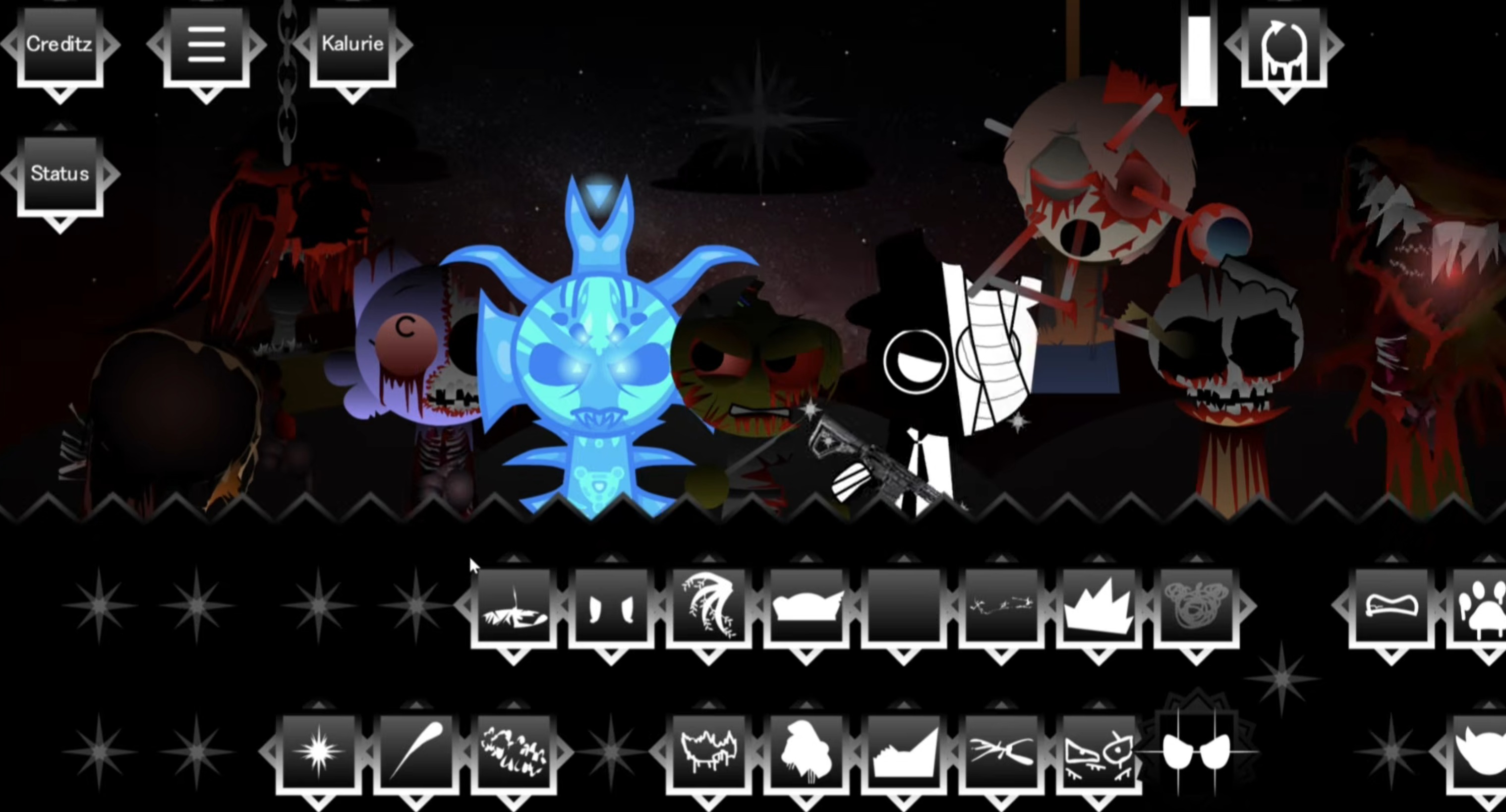



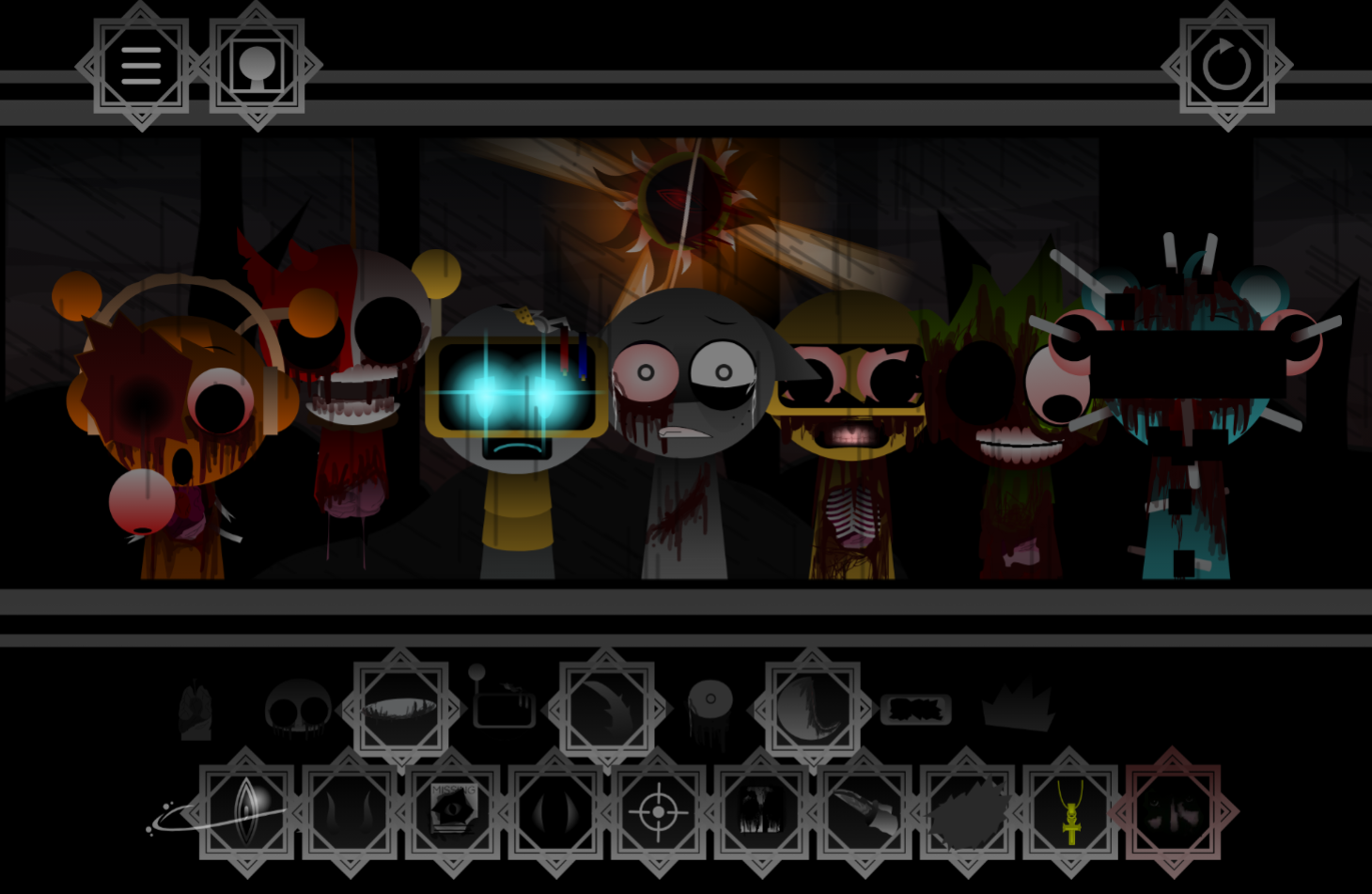
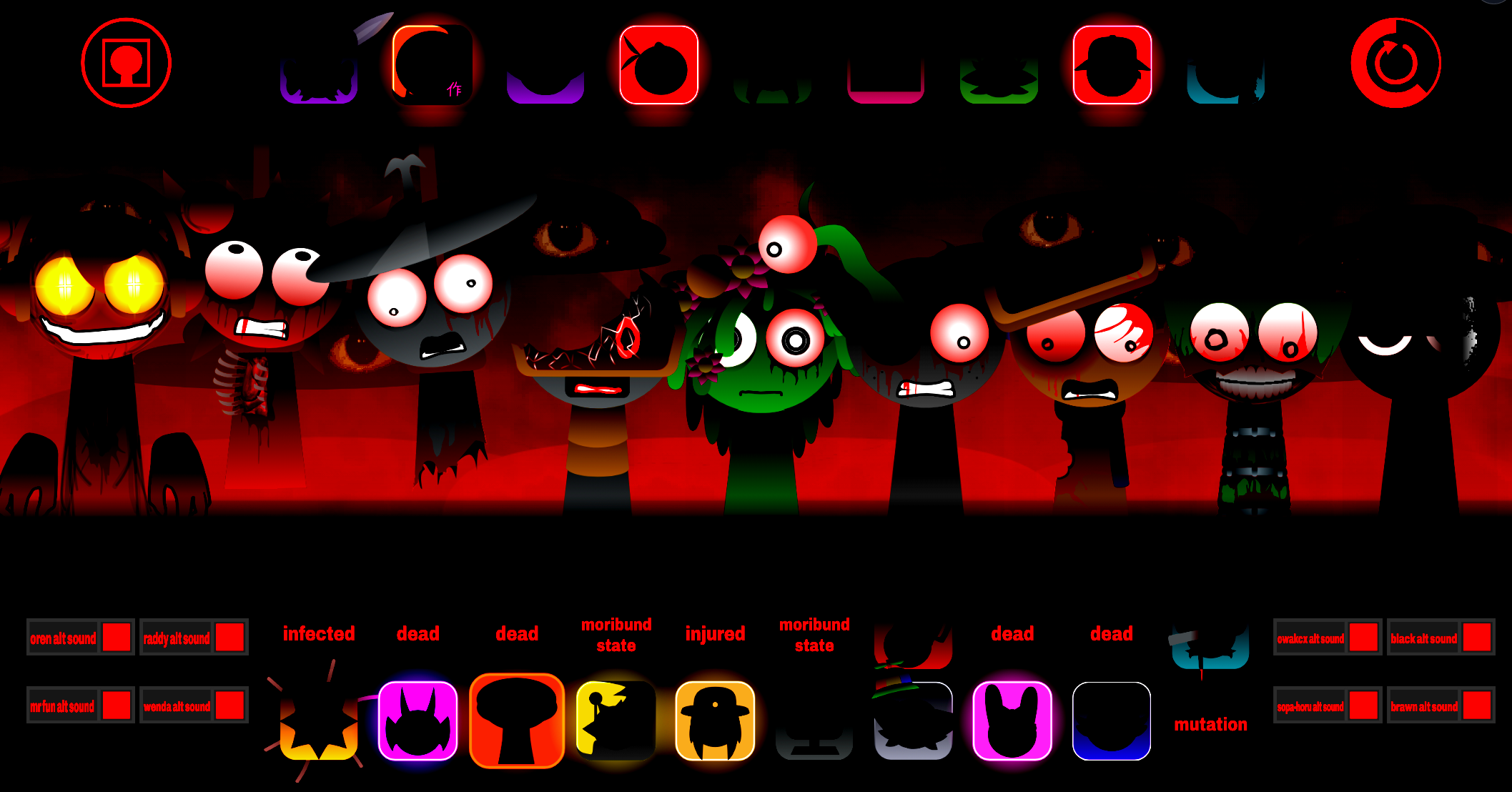
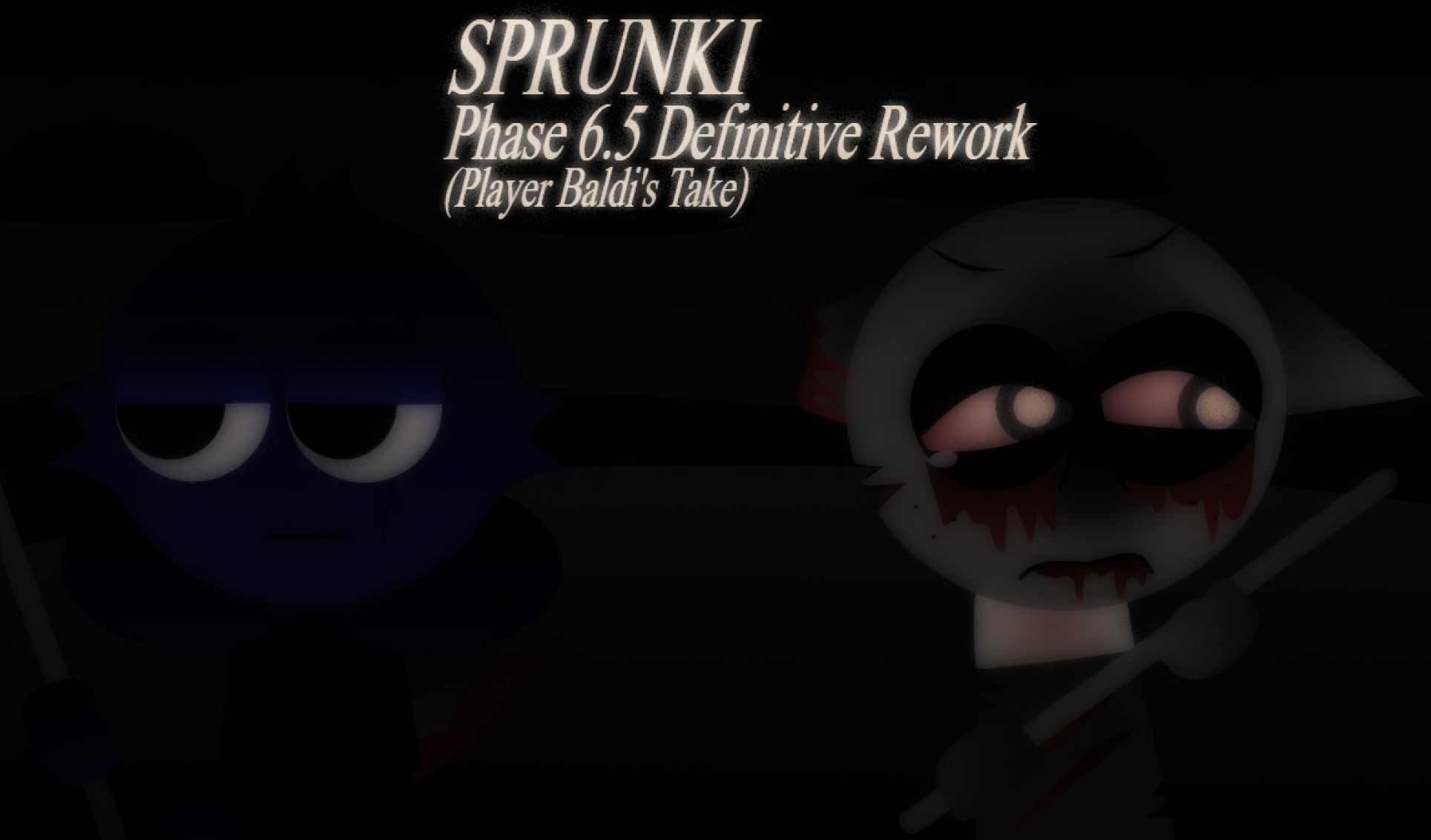
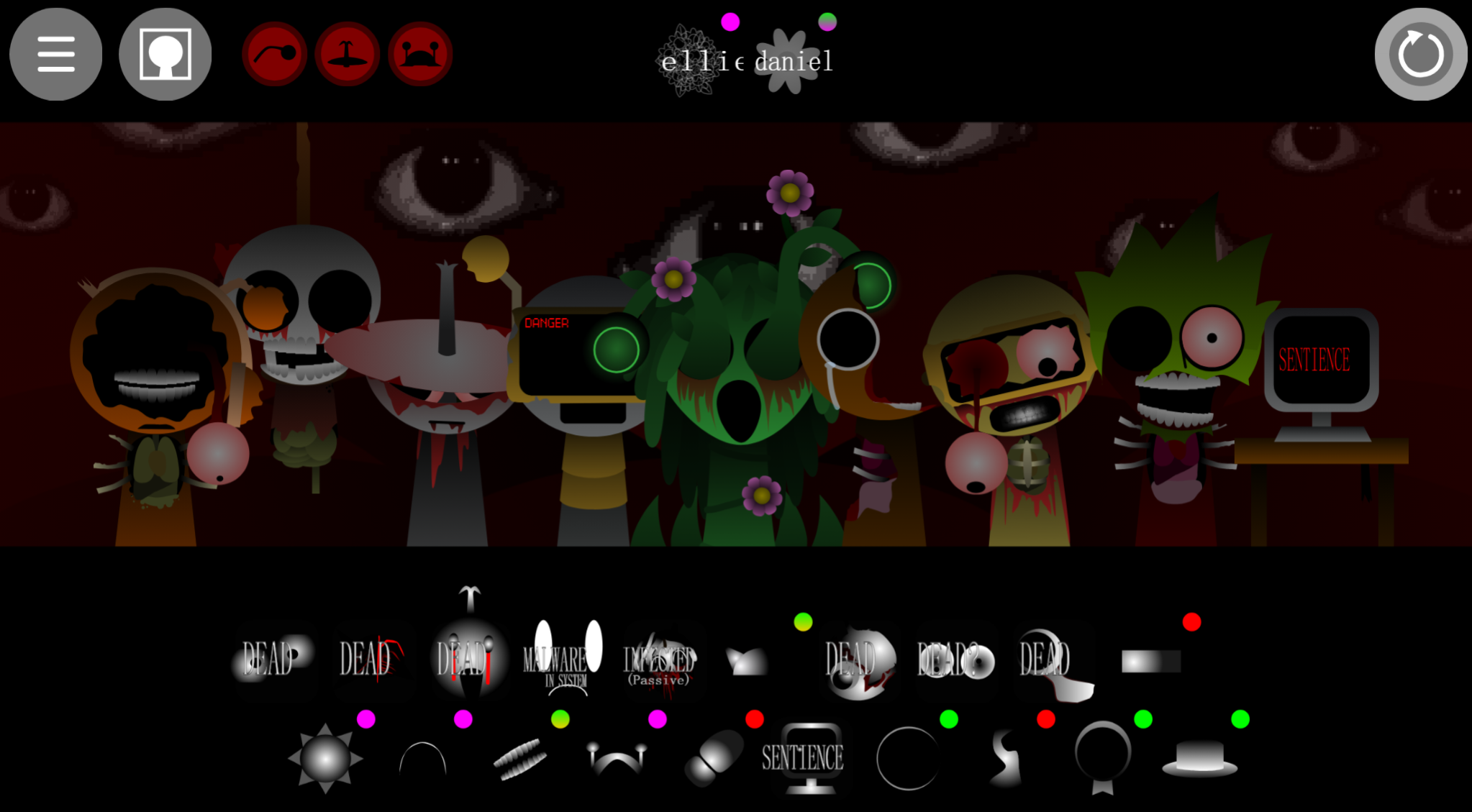
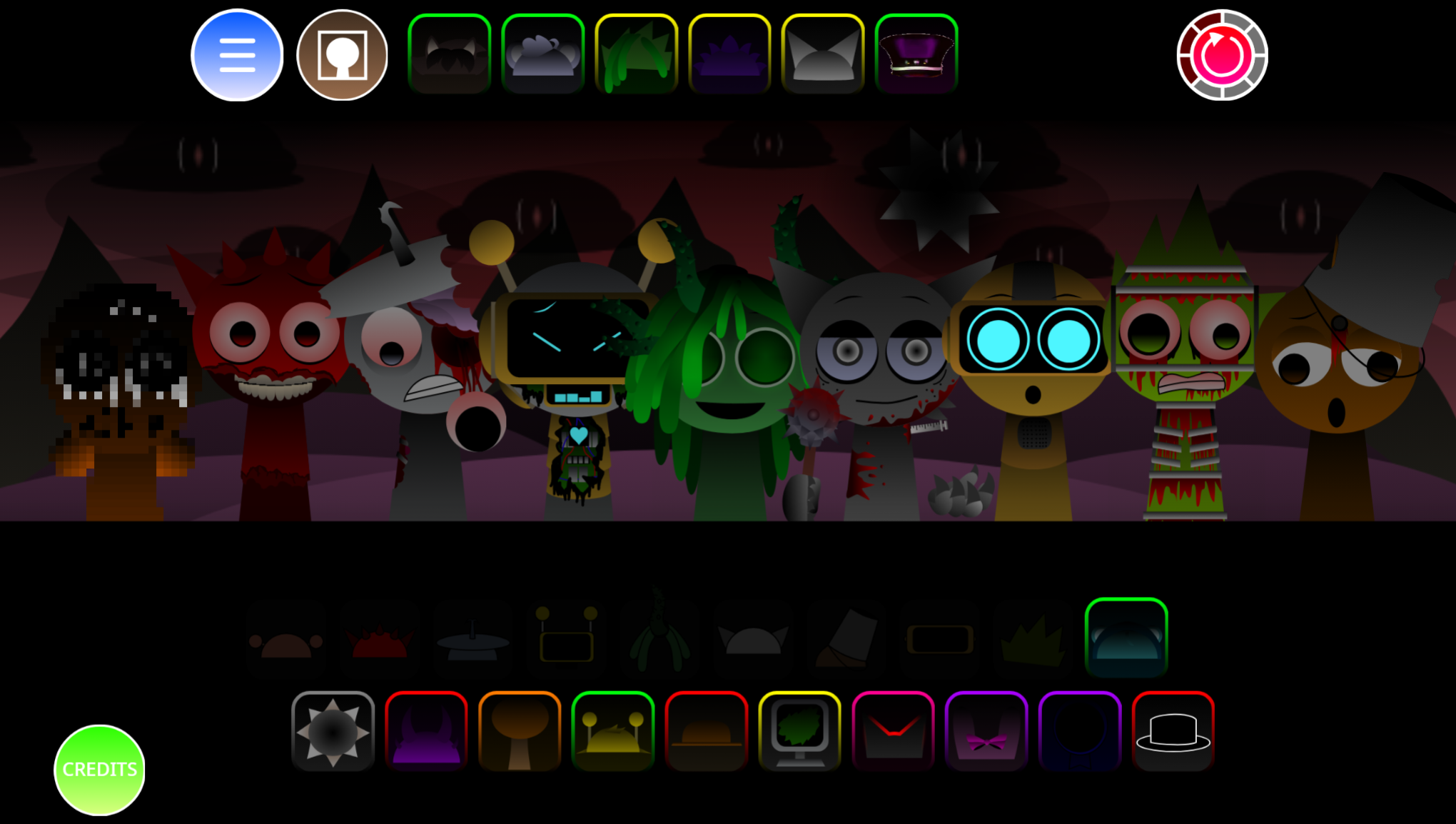
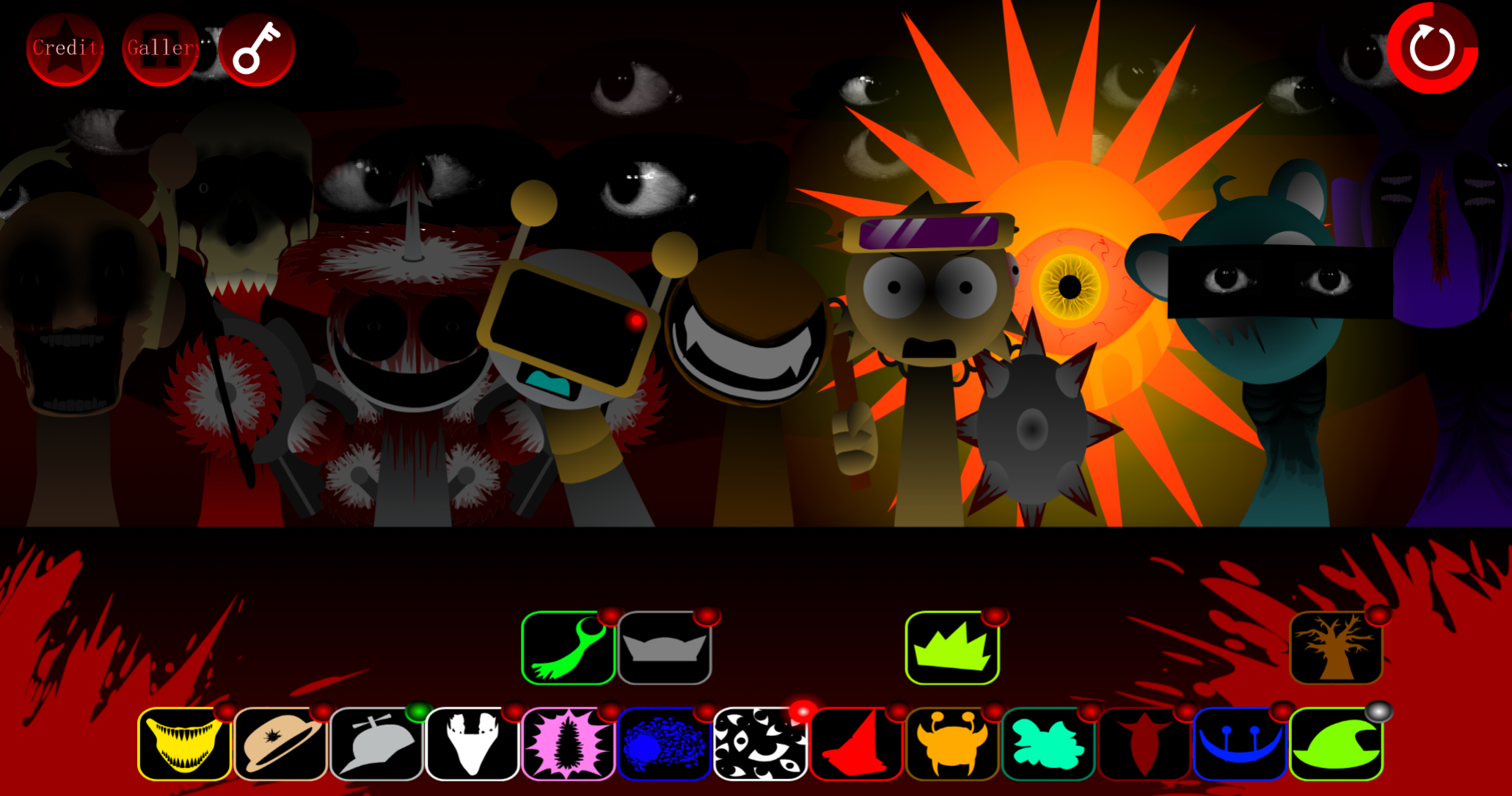
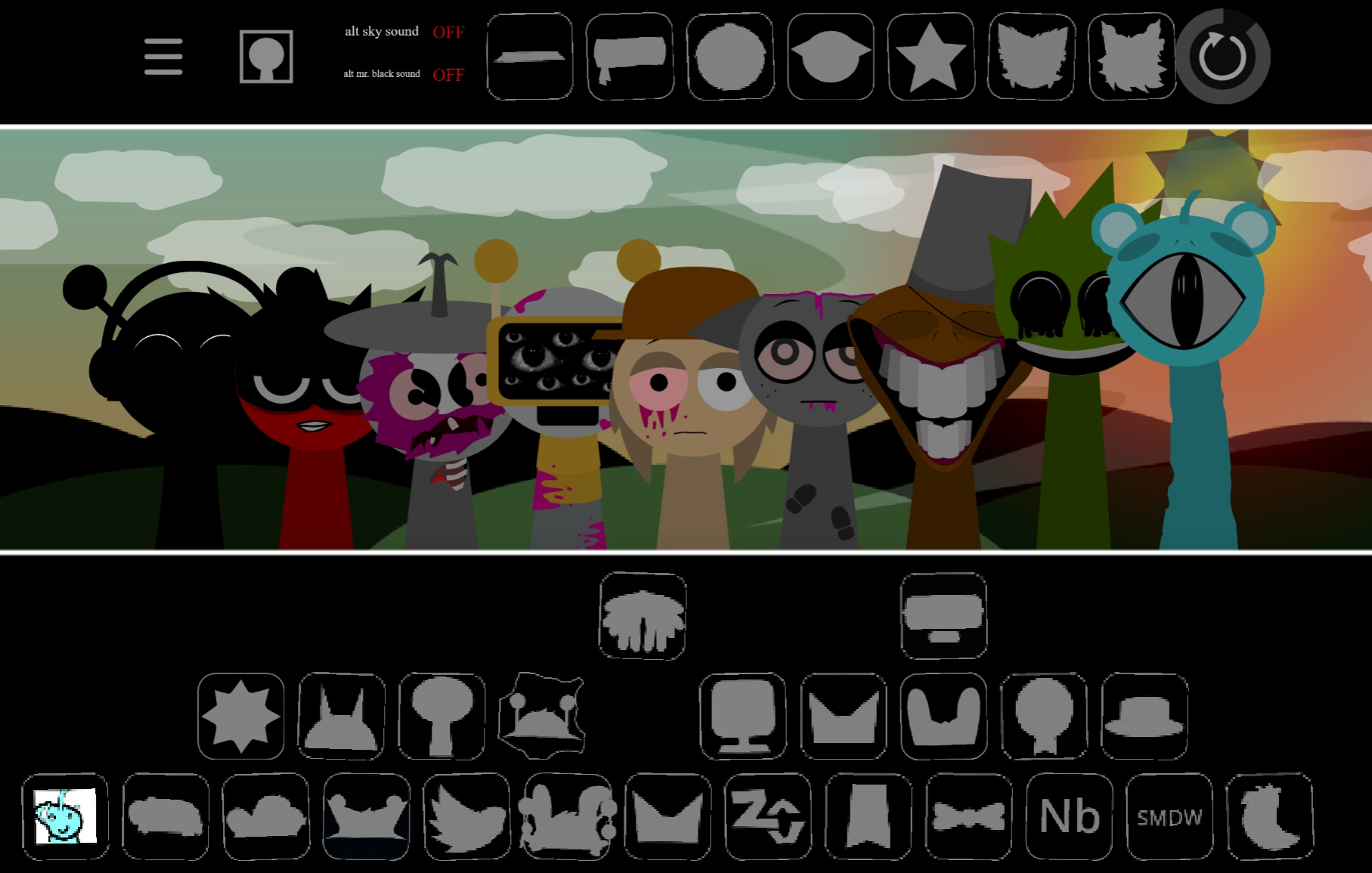
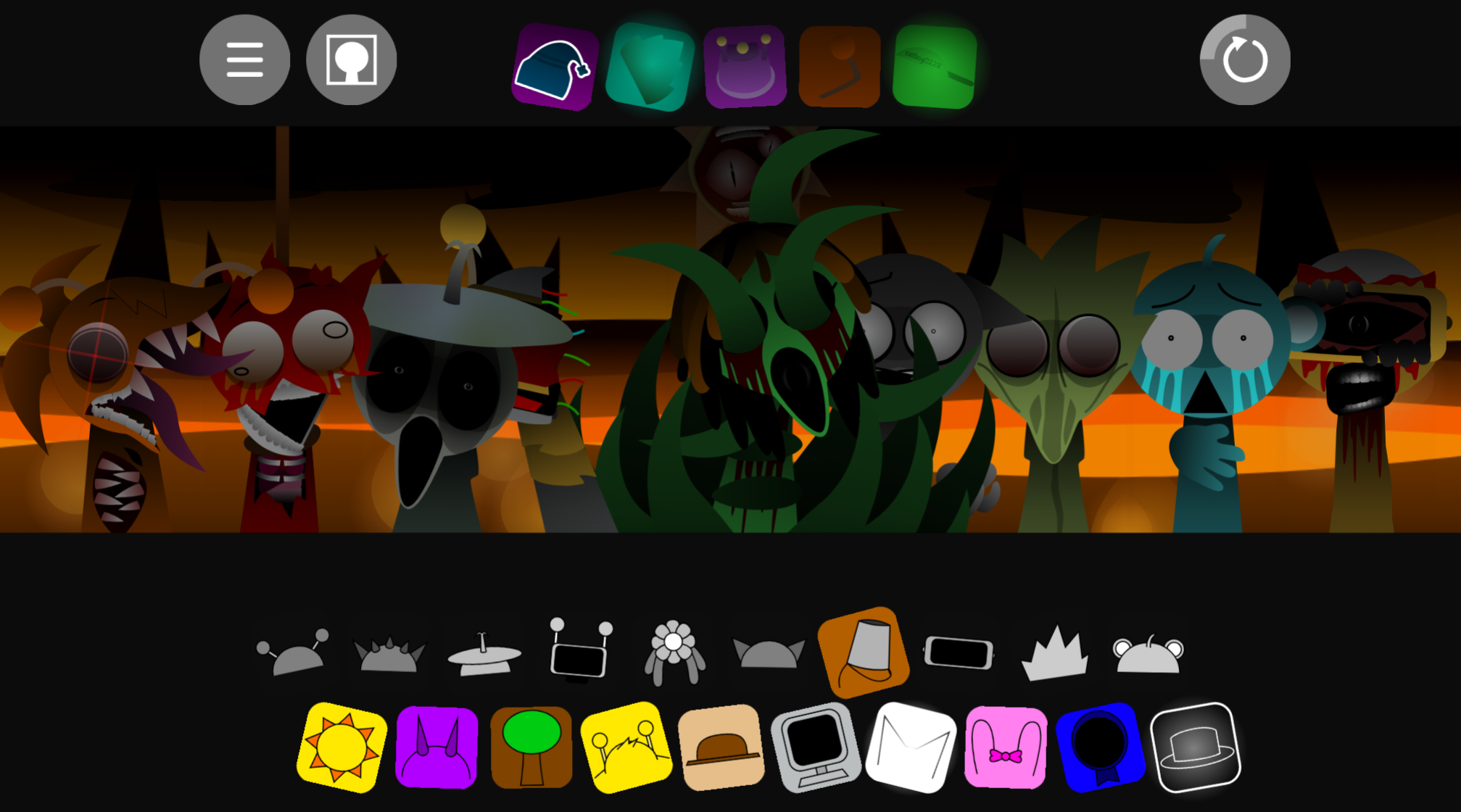
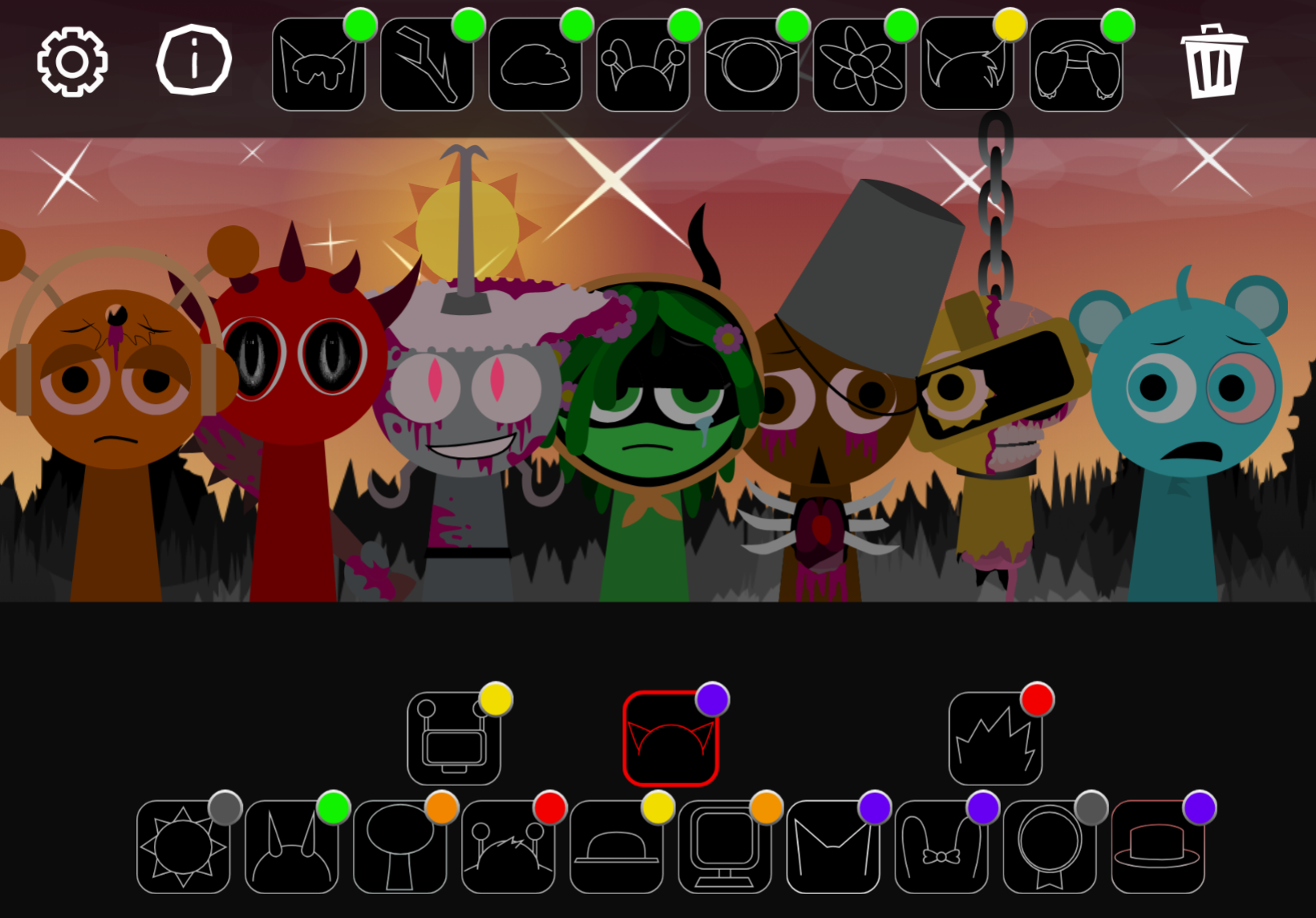
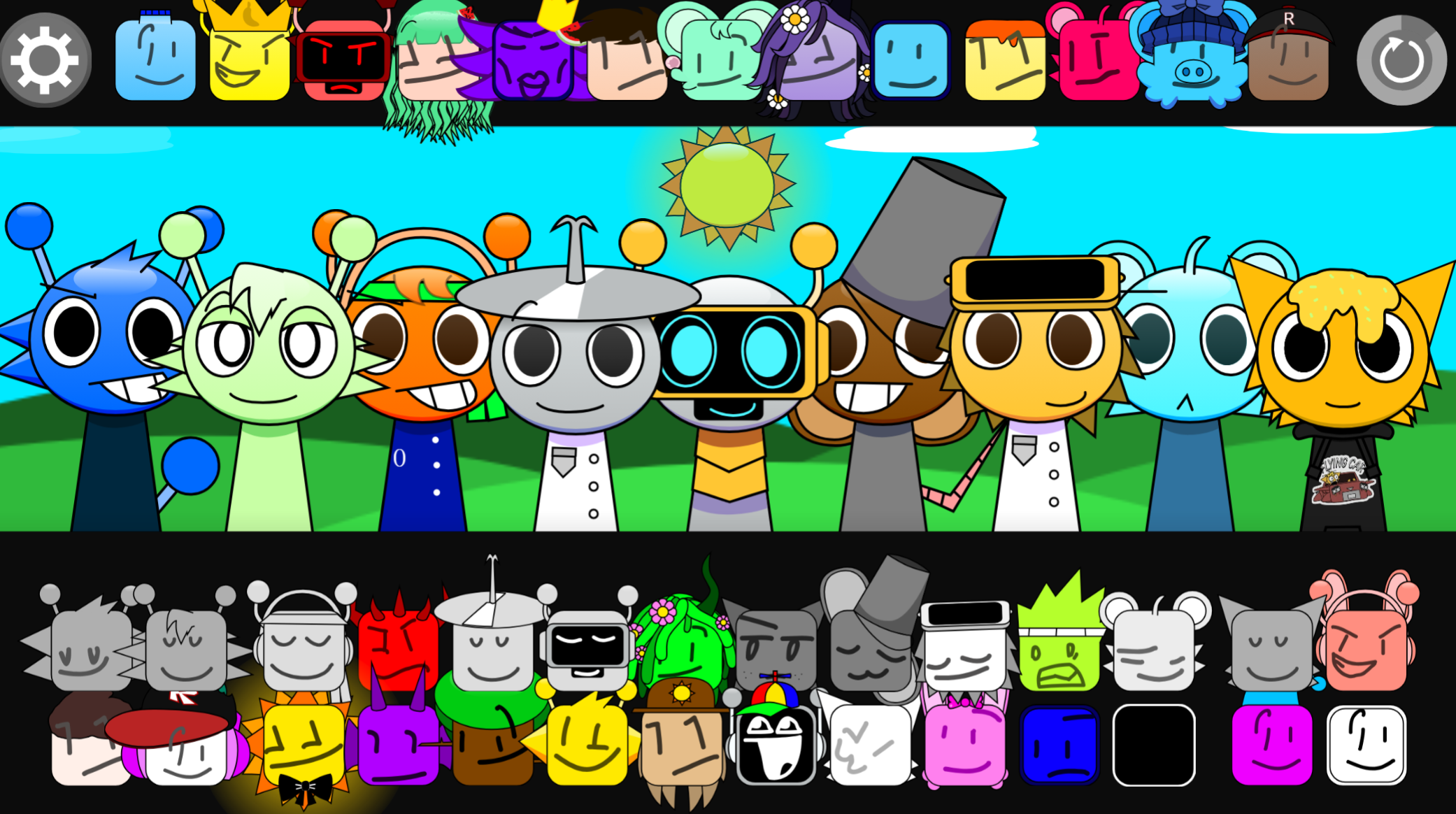
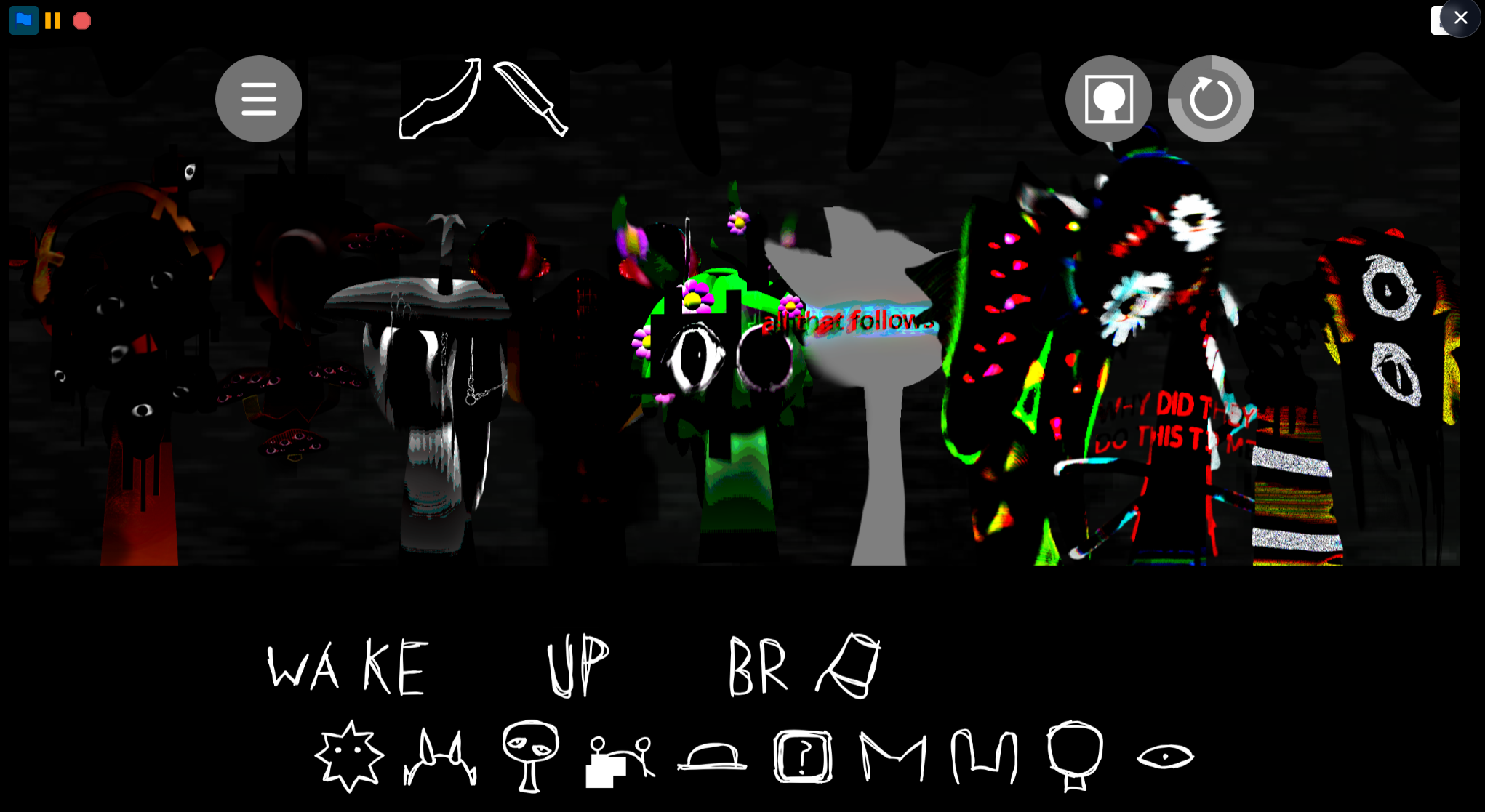
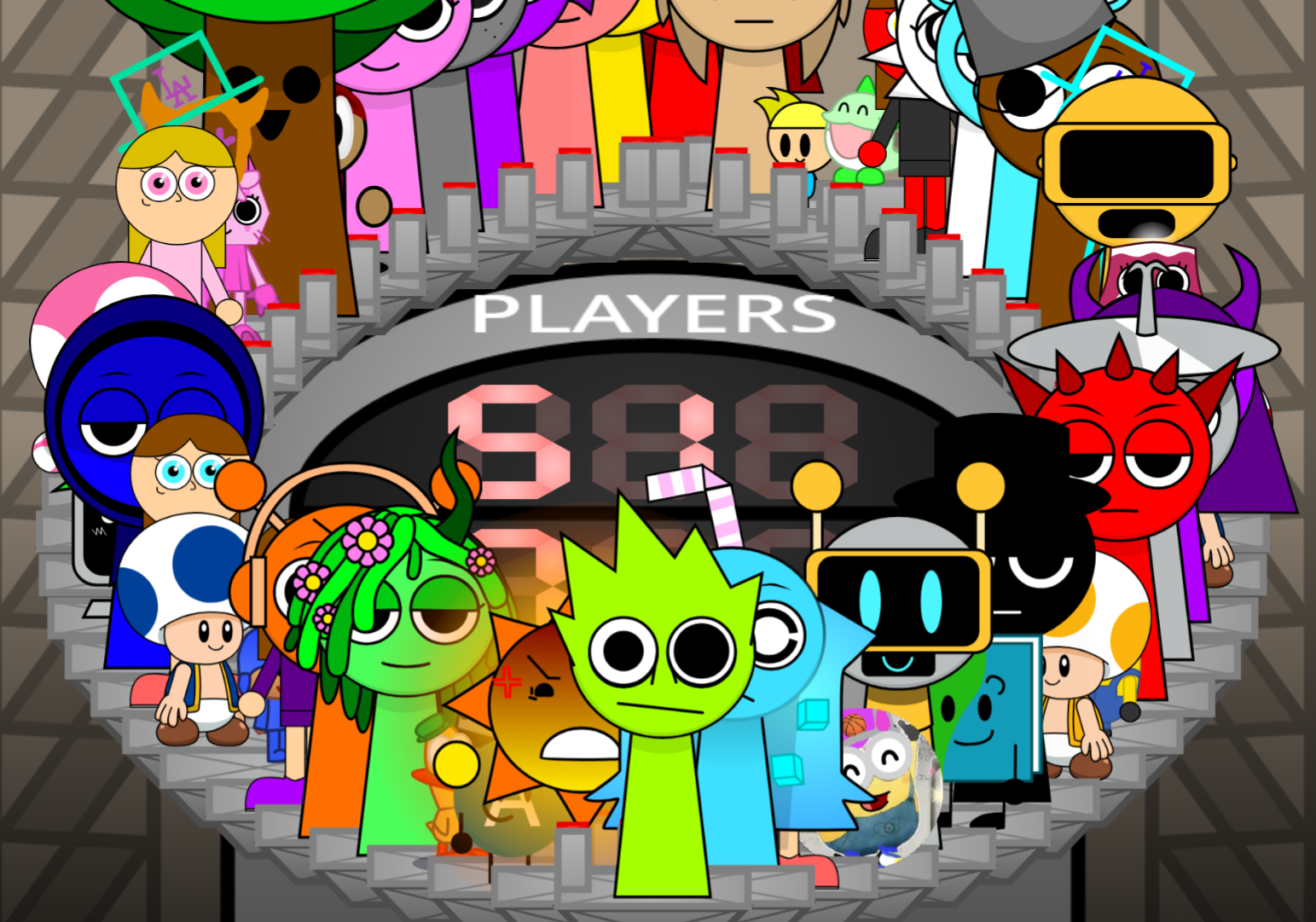
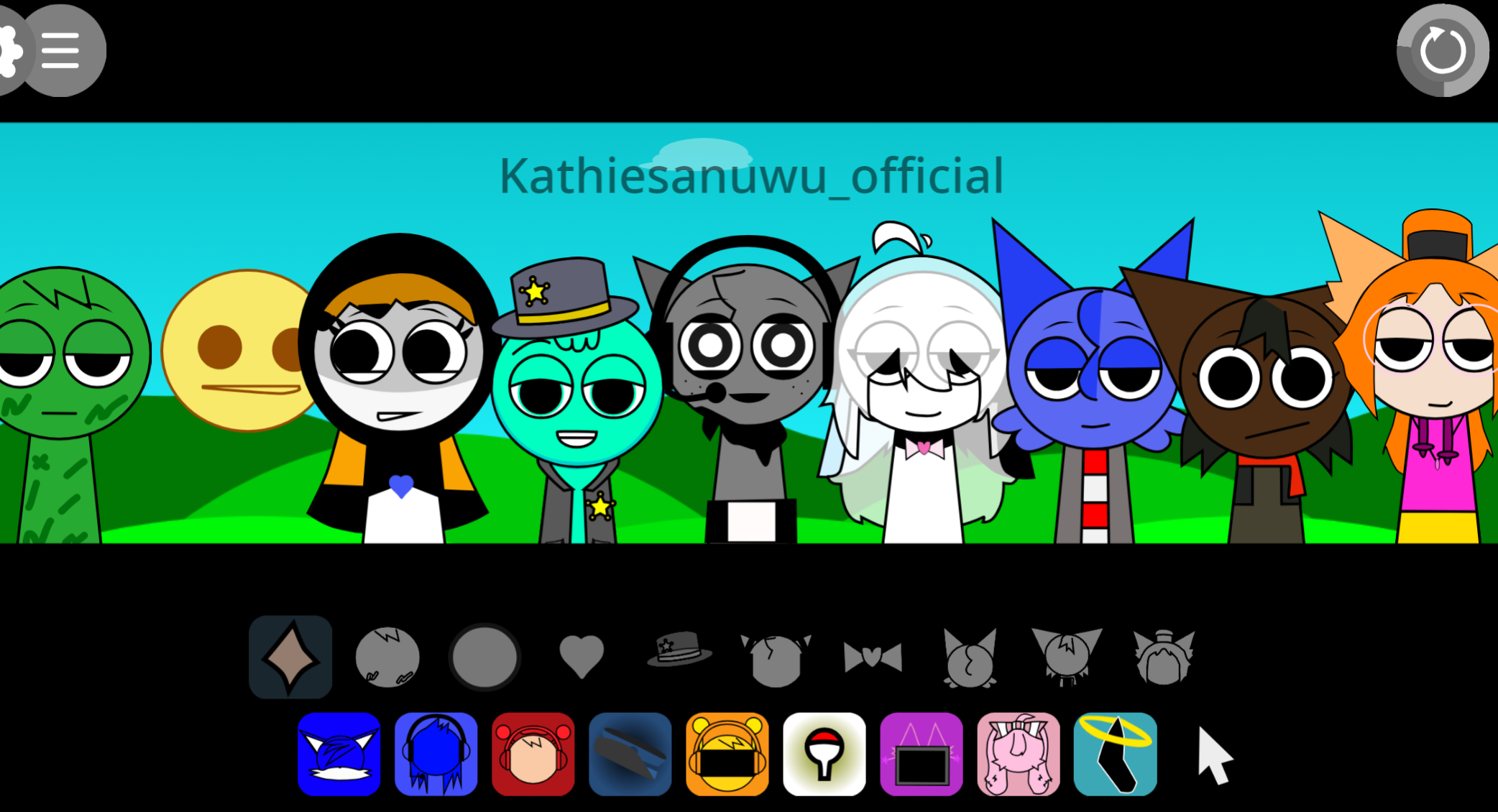
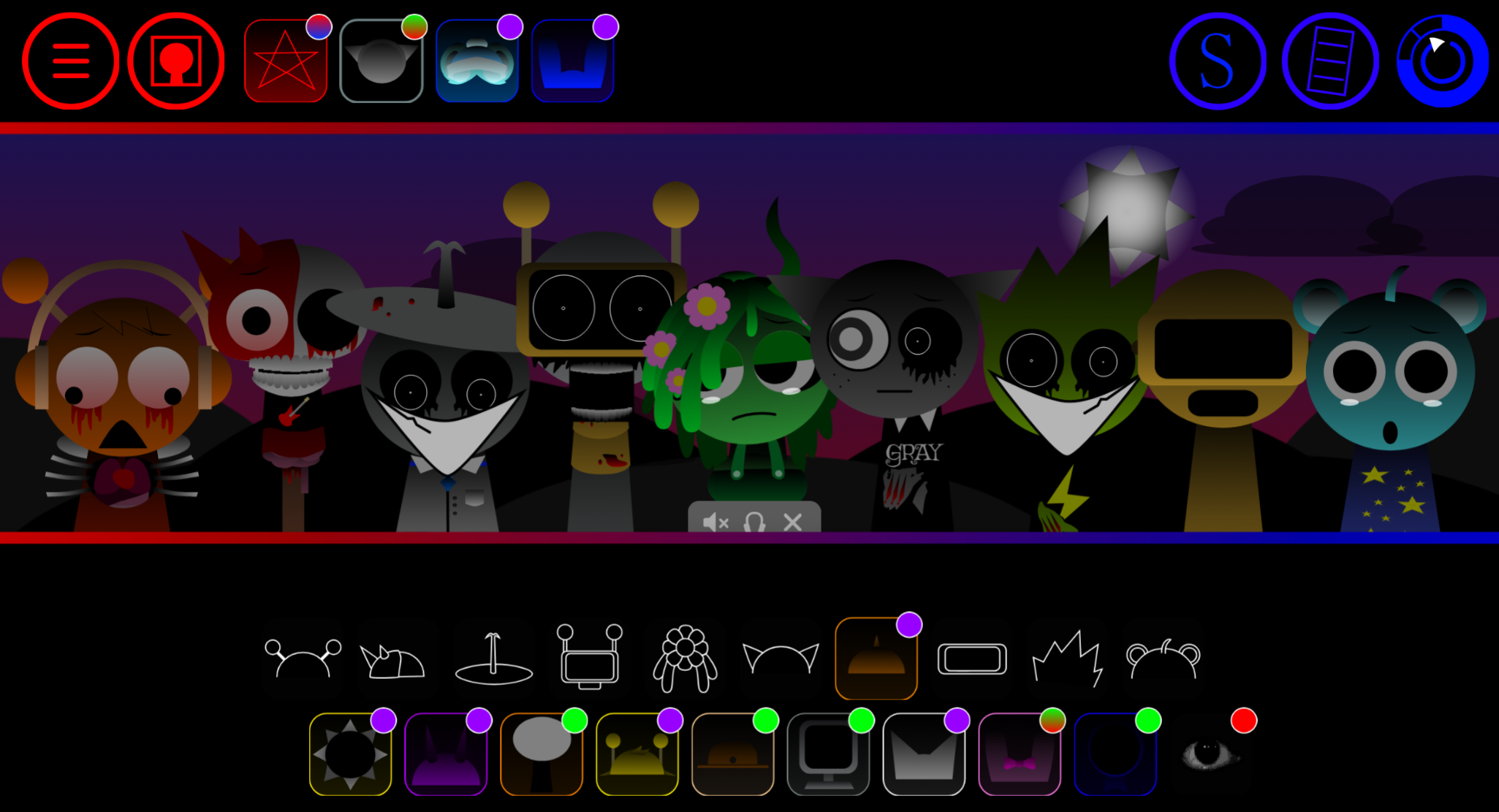
Sprunki Definitive is a music creation mod where you build loops by placing sound characters on a stage—but it rewards careful listening over random clicking.
This article focuses on the clearest play-focused answers: how the controls actually work, which mechanics matter most when your loop gets messy, and the practical details that help you move from chaotic noise to something that sounds intentional.
Sprunki Definitive
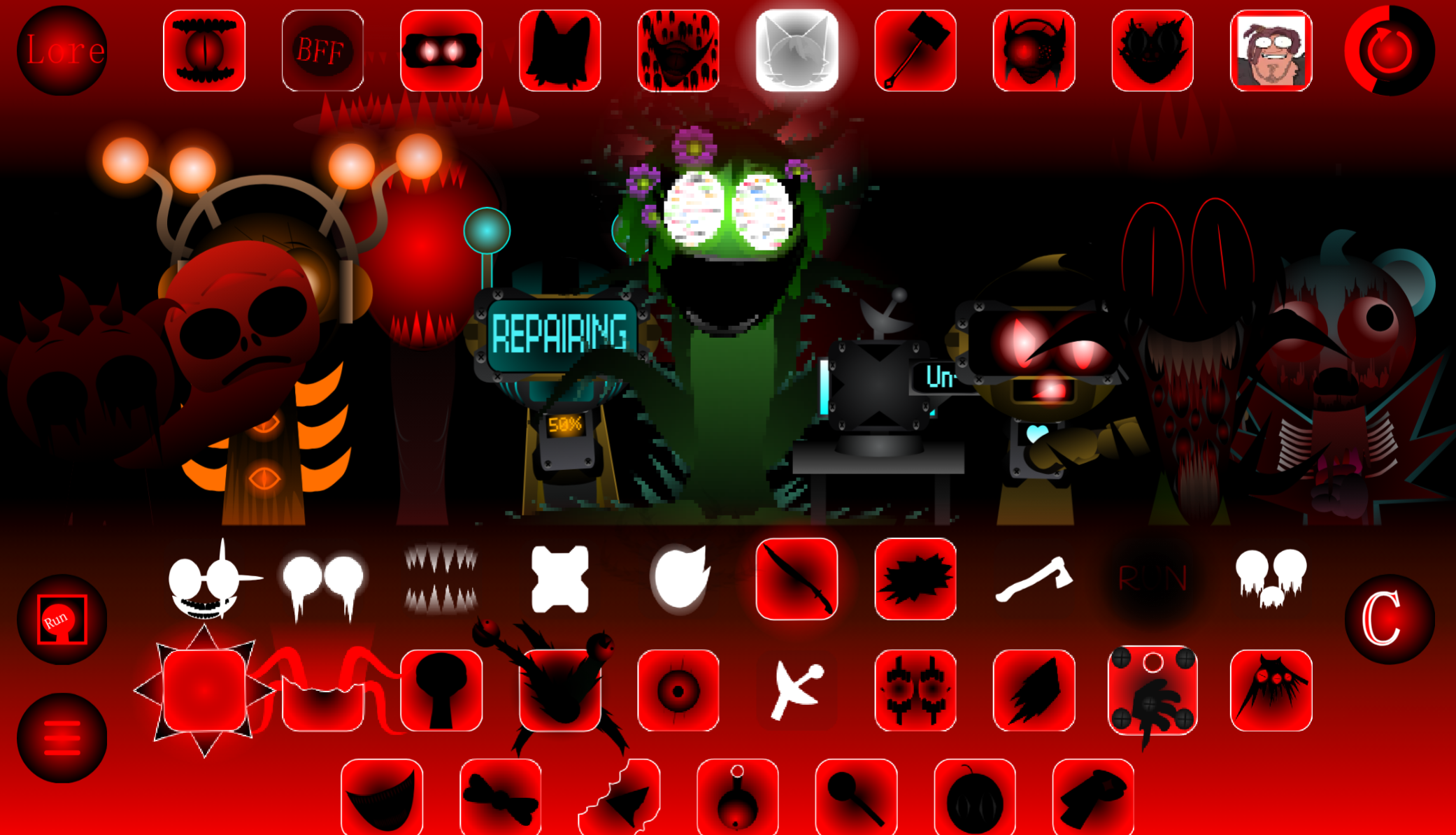
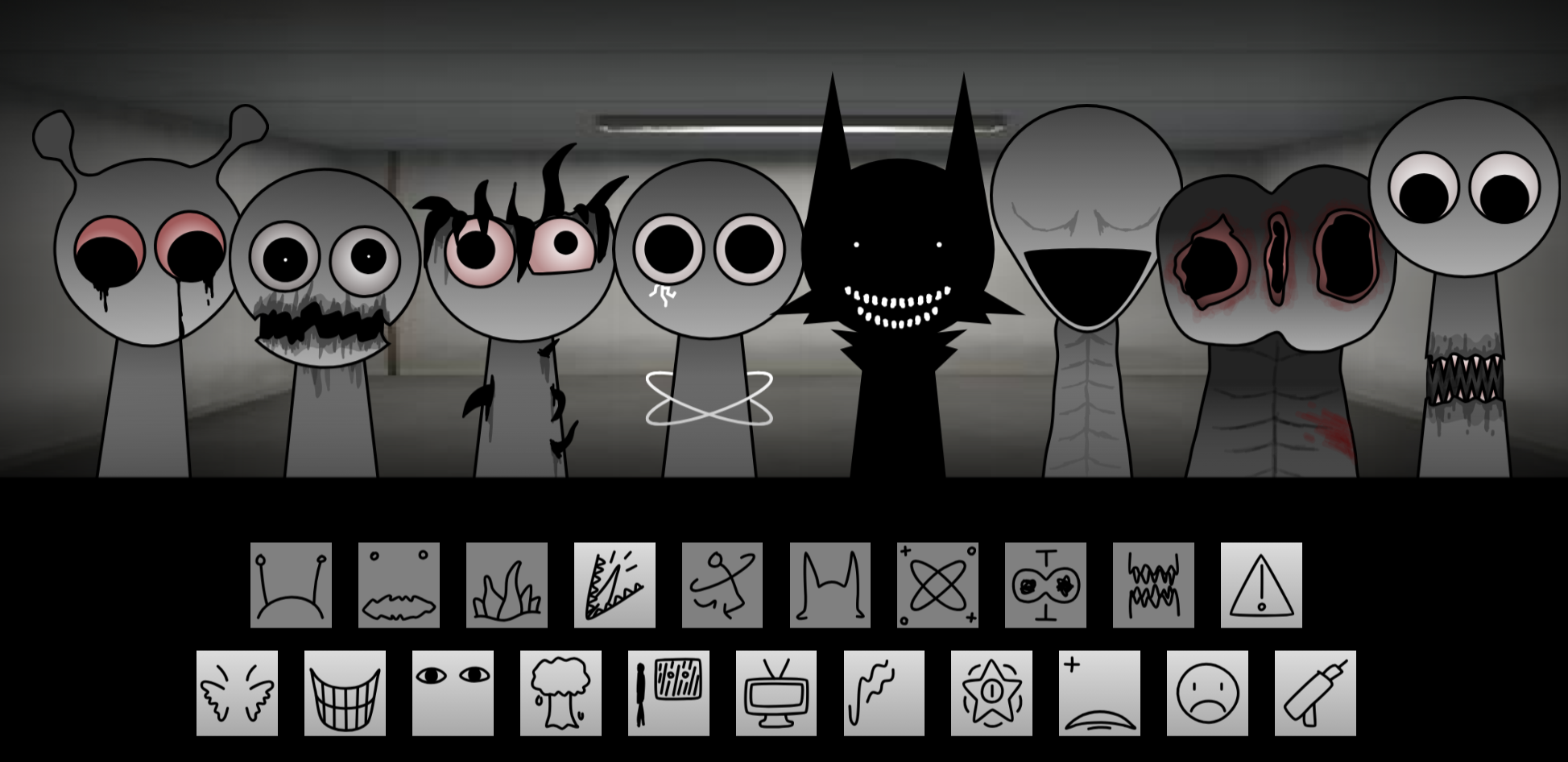
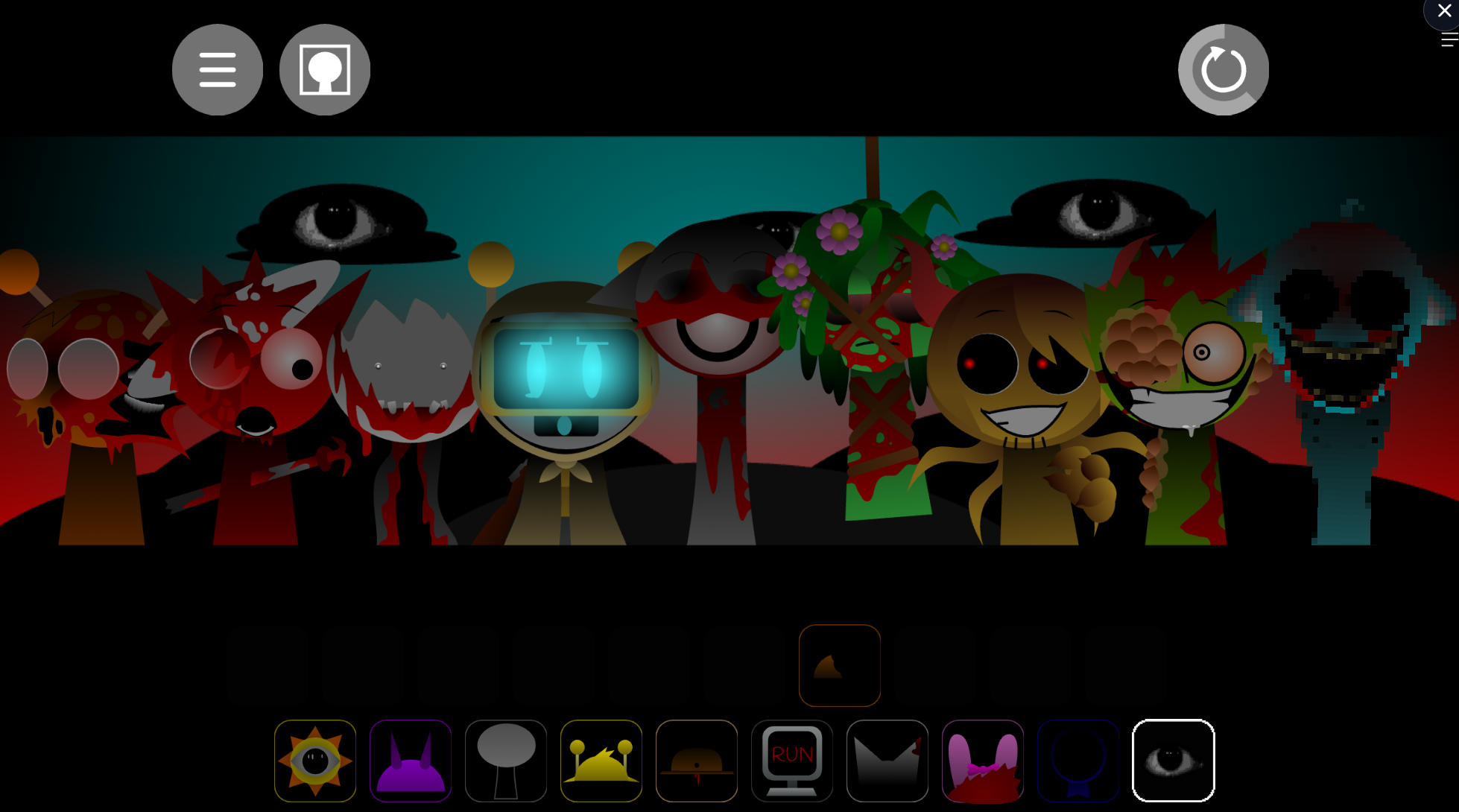
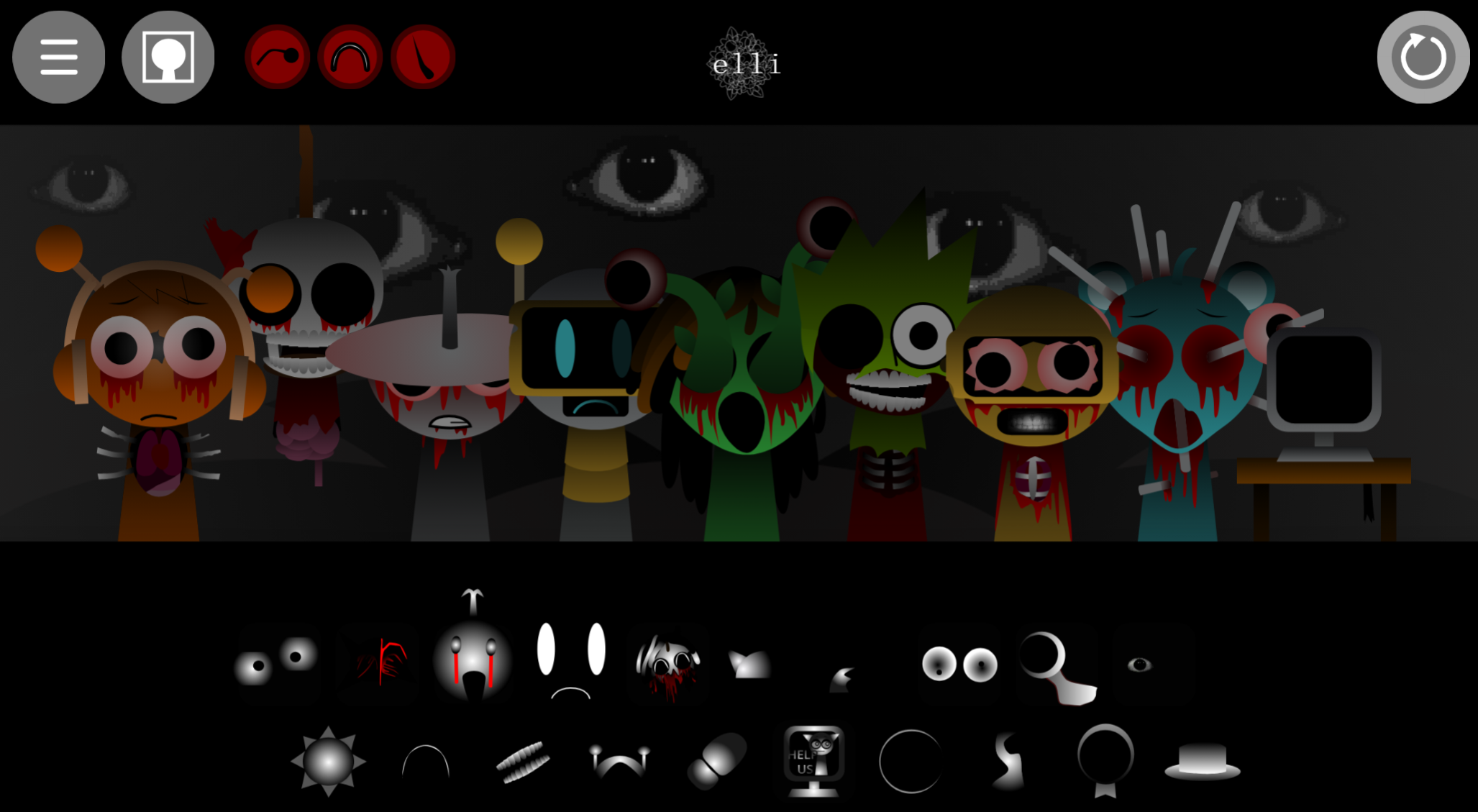
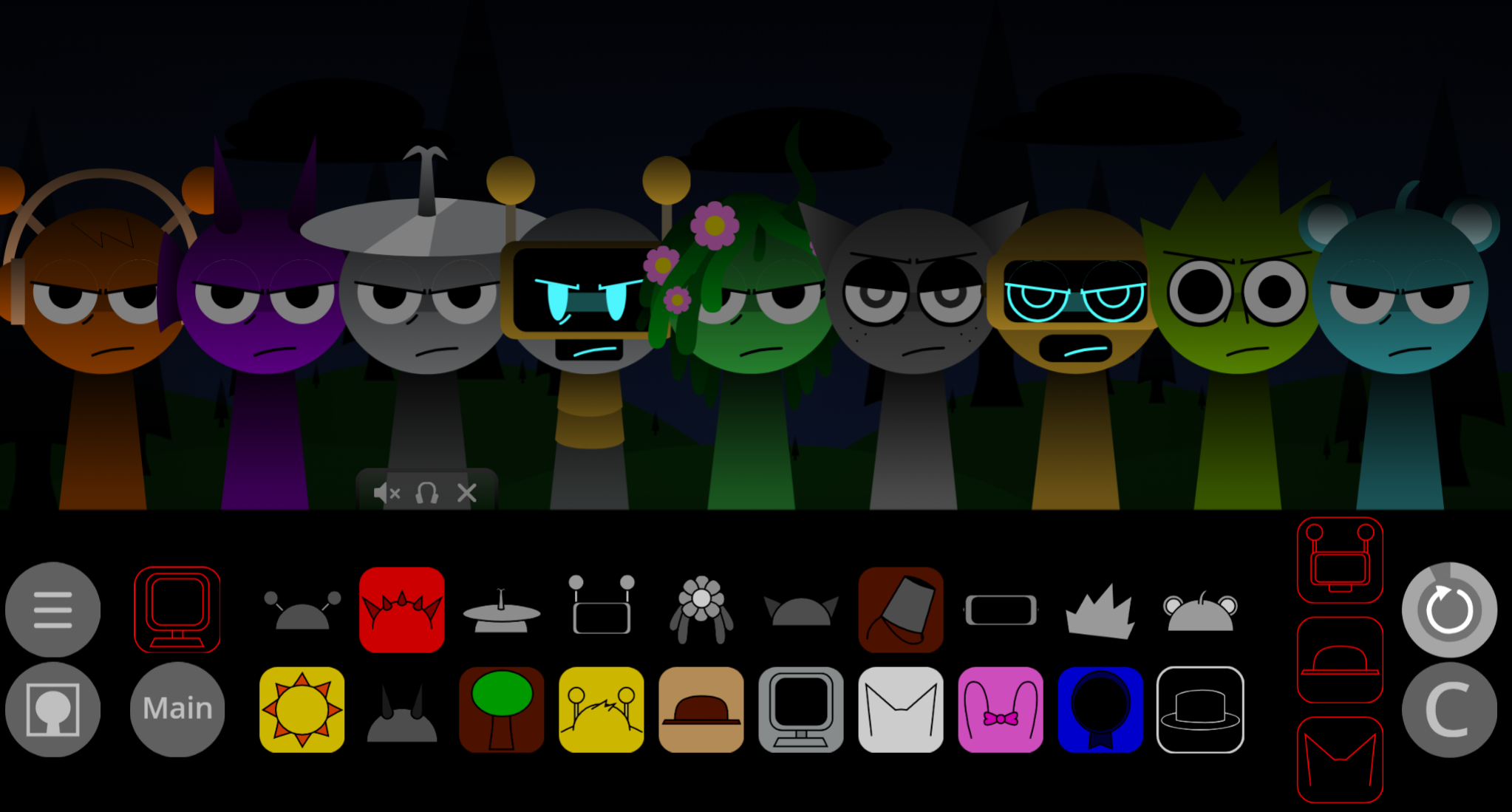
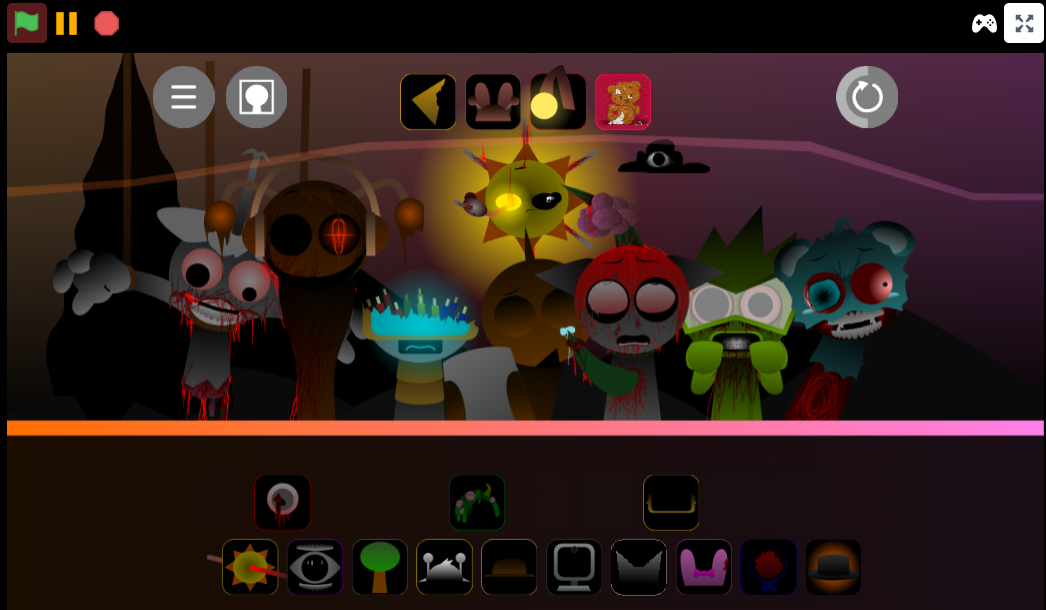
Sprunki Definitive is a web port by @MichaelTyree that strips the fan-made music game down to its core loop-building mechanics. Based on @colorfulstone88’s template, this release removes the multi-phase horror elements and heavy mod clutter found in later community expansions. You drag sound icons onto character slots to build layered beats, testing combinations without lag or broken assets.
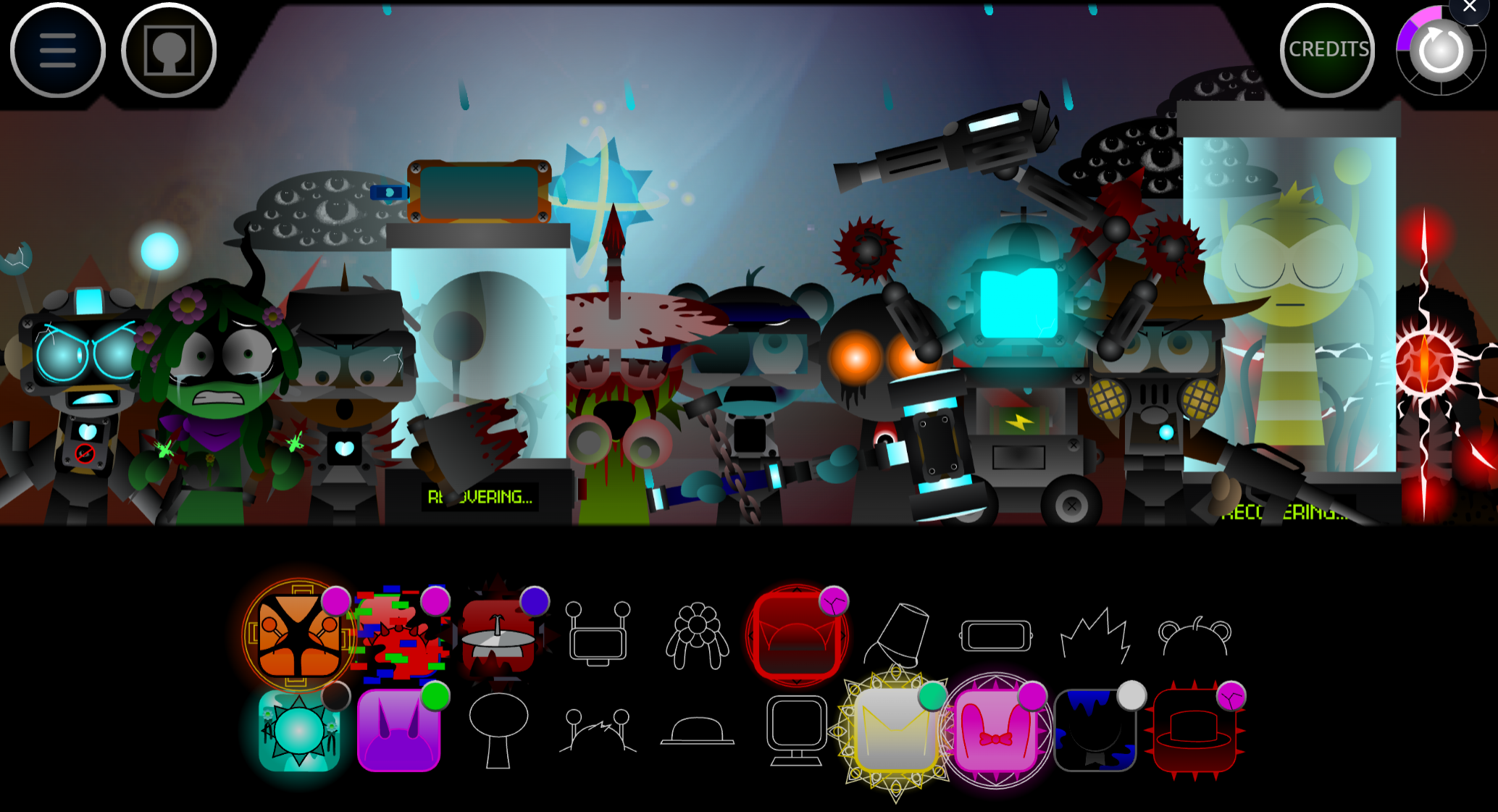
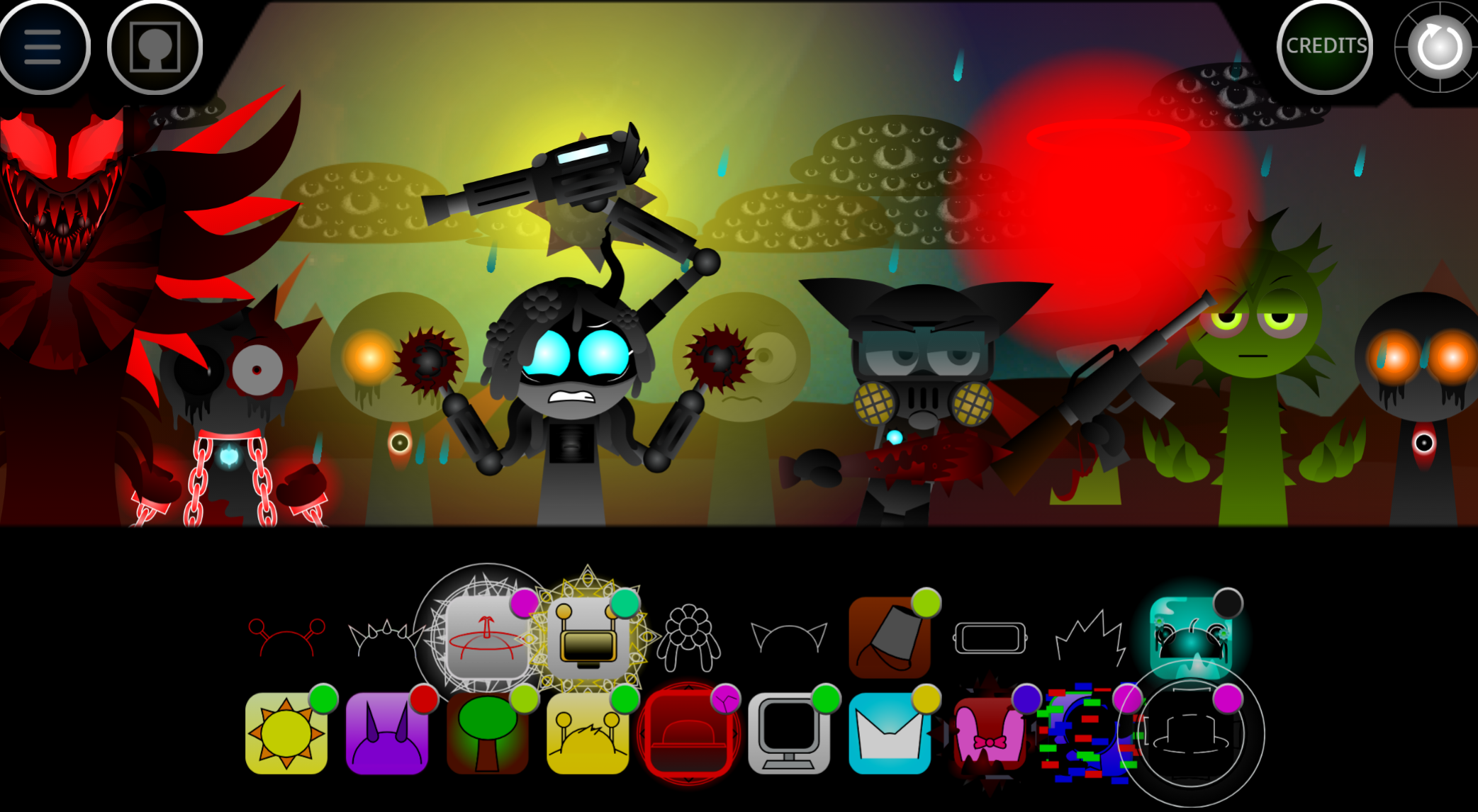
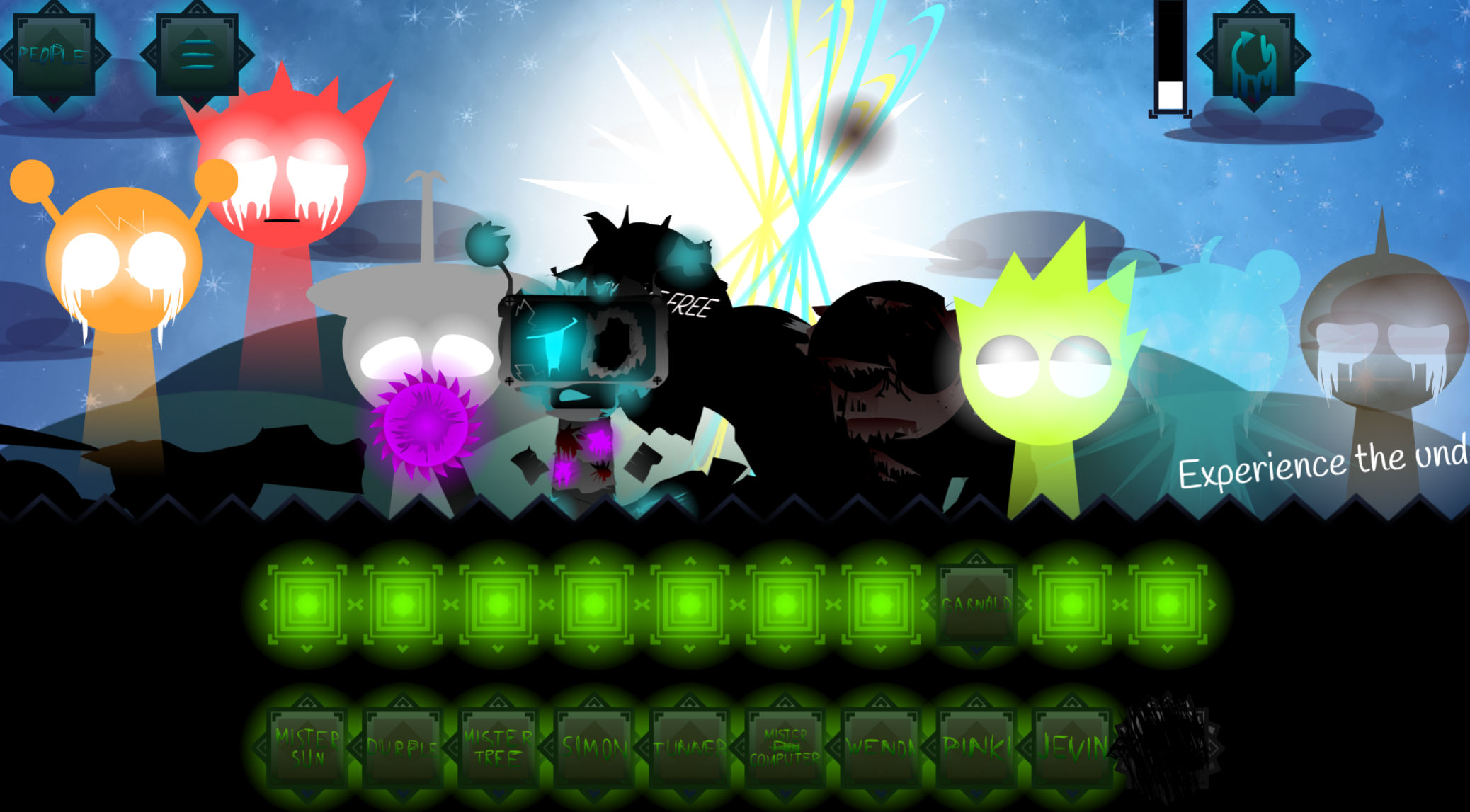
The single-phase setup keeps things stable and beginner-friendly, making it a practical training ground before tackling more complex fan phases like Sprunki Definitive Phase 3 or Phase 17.
Start with one character, listen to its loop, then add the next layer only when you understand what changed. A beat icon is usually the safest first pick because it gives your track steady rhythm. From there, add melody, voice, and effect characters around it until the mix feels balanced.
The Clean template lets you test combinations quickly. Some pairings sound smooth immediately, while others clash fast. That contrast is the point: Sprunki Definitive rewards careful listening more than random clicking.
How to Play Sprunki Definitive
Drag characters into empty slots and combine beats, voices, melodies, and effects into a looping remix.
Pick your first sound layer
Start with a beat or rhythm character so the mix has a stable base.
Add characters into the slots
Each character adds a different sound and animation. Watch the visuals and audio to track who is active.
Build deeper layers
Add vocals, effects, and expanded beat options once the rhythm is clear. If the track gets crowded, remove one layer and try a cleaner combo.
Experiment with remix flow
There is no single correct mix. Try different character orders and listen for loops that blend instead of fighting each other.
Beginner Mixing Guide
The main goal is to understand how each sound stacks into the loop. Do not try to solve the whole mix immediately.
- Start with one sound. Drop a single character into a slot and learn its role before adding more layers.
- Add slowly. Bring in one new character at a time and pay attention to the change in timing, texture, and vibe.
- Listen more than you click. Use your ears as the main guide. If a sound clashes, swap it instead of forcing it to work.
- Keep space in the mix. Balanced layering often works better than filling every slot.
Pro Mixing Tips
Build the loop in layers
Start with rhythm, add an effect for space, bring in melody for direction, and use vocals only when the mix has room.
Swap one character at a time
Replacing one icon can shift the whole mood. Change slowly so you can hear what improved and what broke the groove.
Use the built-in controls
Mute helps compare layers, solo or focus lets you hear one character alone, remove clears a bad part, and restart gives you a clean reset when the loop gets messy.
Stop when it clicks
If the combo feels tight, leave it alone. Overediting flattens good mixes fast.
Related Games
- Sprunki Simplified Phase 2 All Character — This is a natural follow-up if you like Sprunki Definitive’s clean drag-and-drop mixing but want a slightly broader character set to test combinations.
- Sprunki Definitive Phase 9 Fan Made — This suits players ready to move from the basic Sprunki Definitive sandbox into a fan-made phase with more evolved sound and visual ideas.
- Sprunki The Definitive Phase 11 Mix — This is a stronger next-click for players who understand the core loop and want a denser Definitive-style mix to experiment with.
Who Uses This Template?
The community values having a reliable foundation, especially since the sheer number of custom phases can confuse newcomers. Players like OrenmsiSprunki have checked out the port, and creators appreciate the bug-free sandbox for sharing custom mixes without worrying about broken assets or laggy interfaces. While players seeking massive horror transformations or dozens of hidden cutscenes may find the single-phase setup too simple, it works well for practicing mixing skills in a smooth, lag-free environment.
Discuss Sprunki