
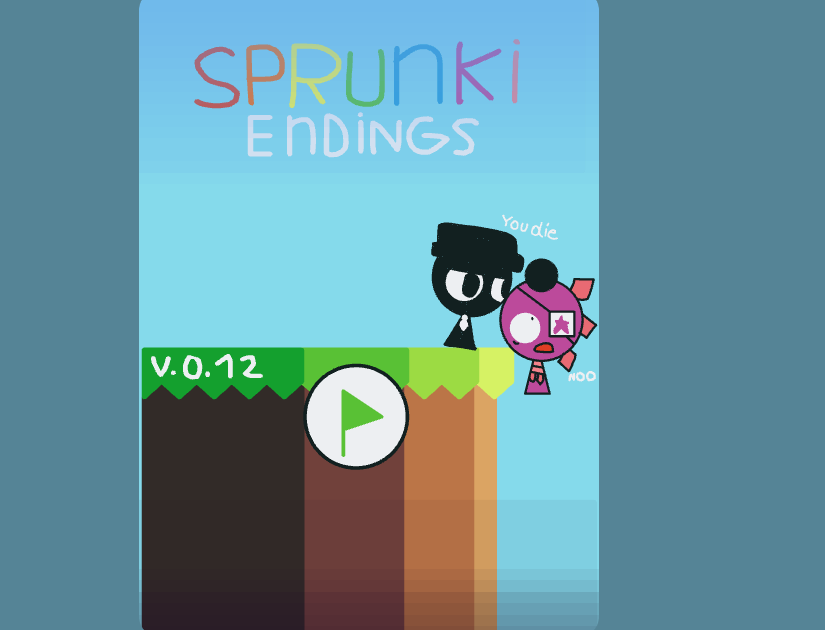



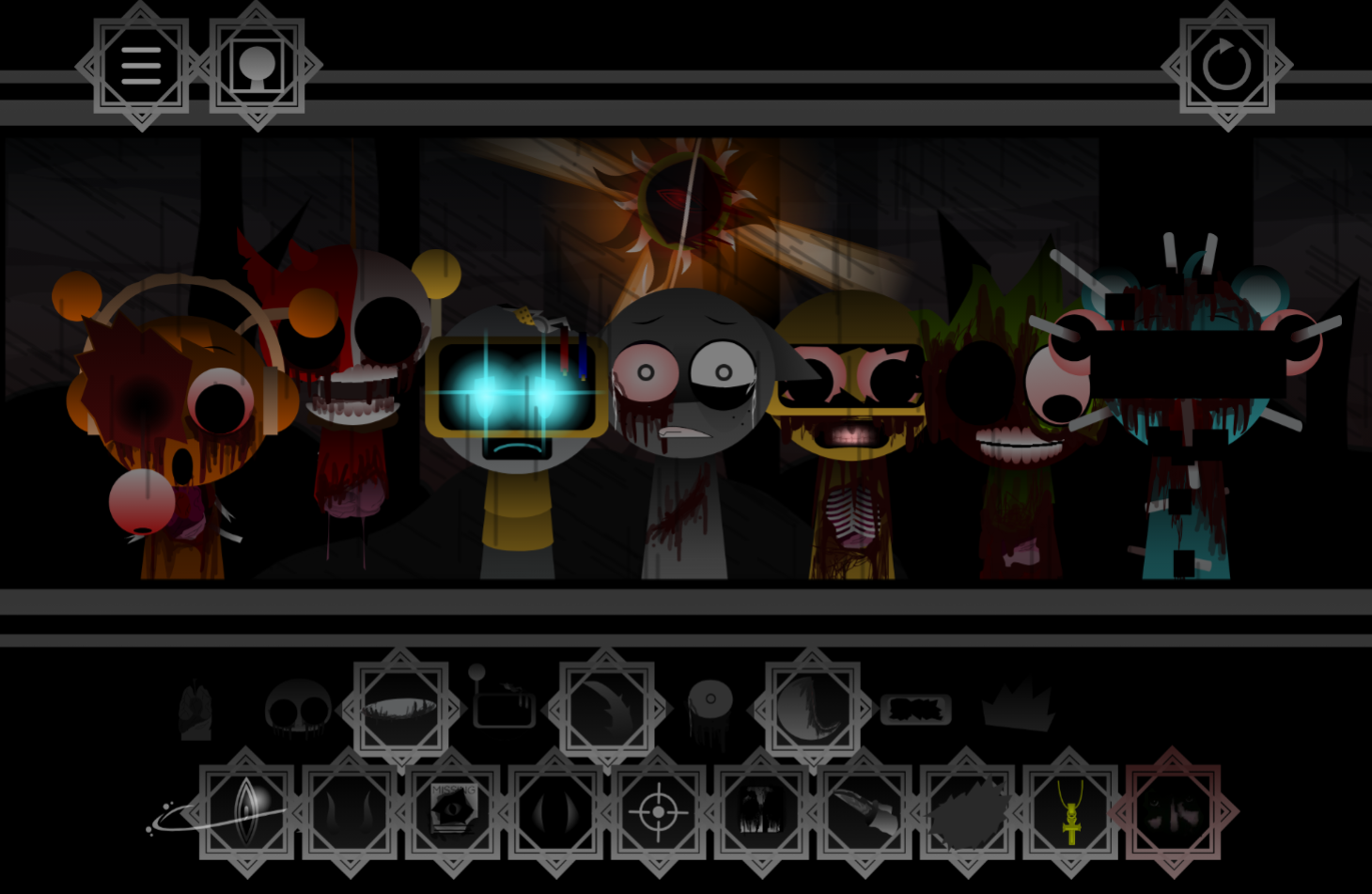
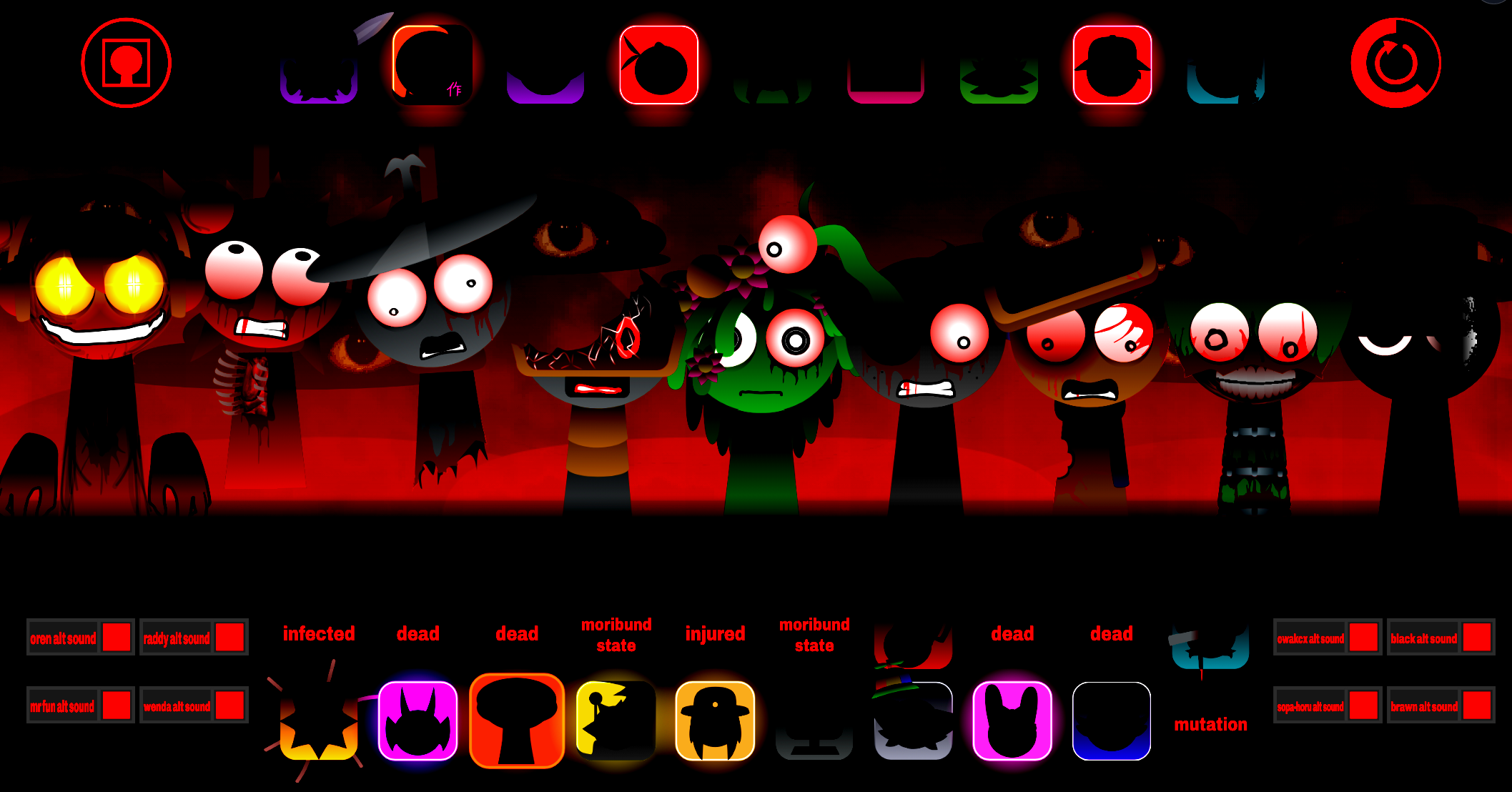
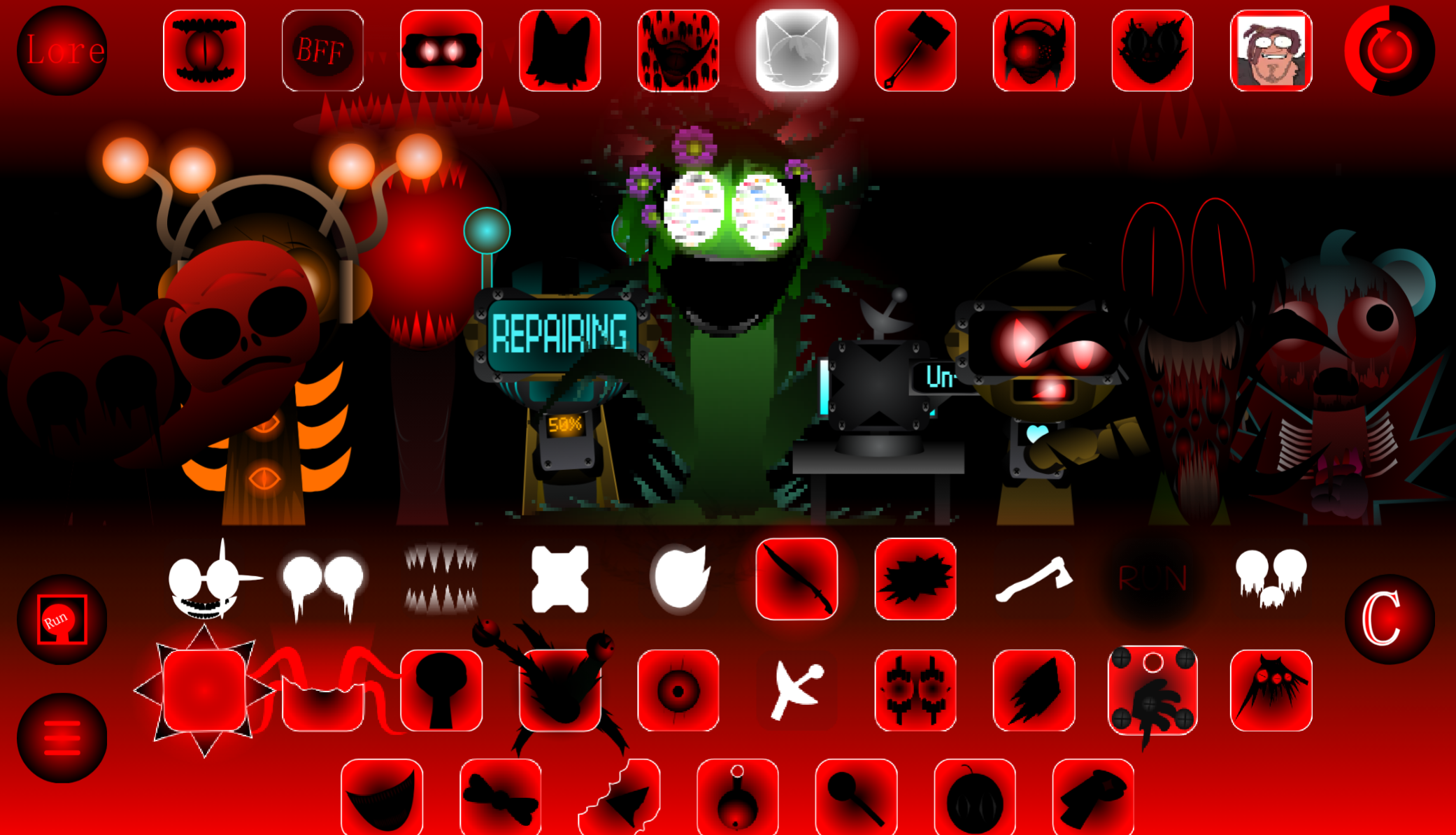
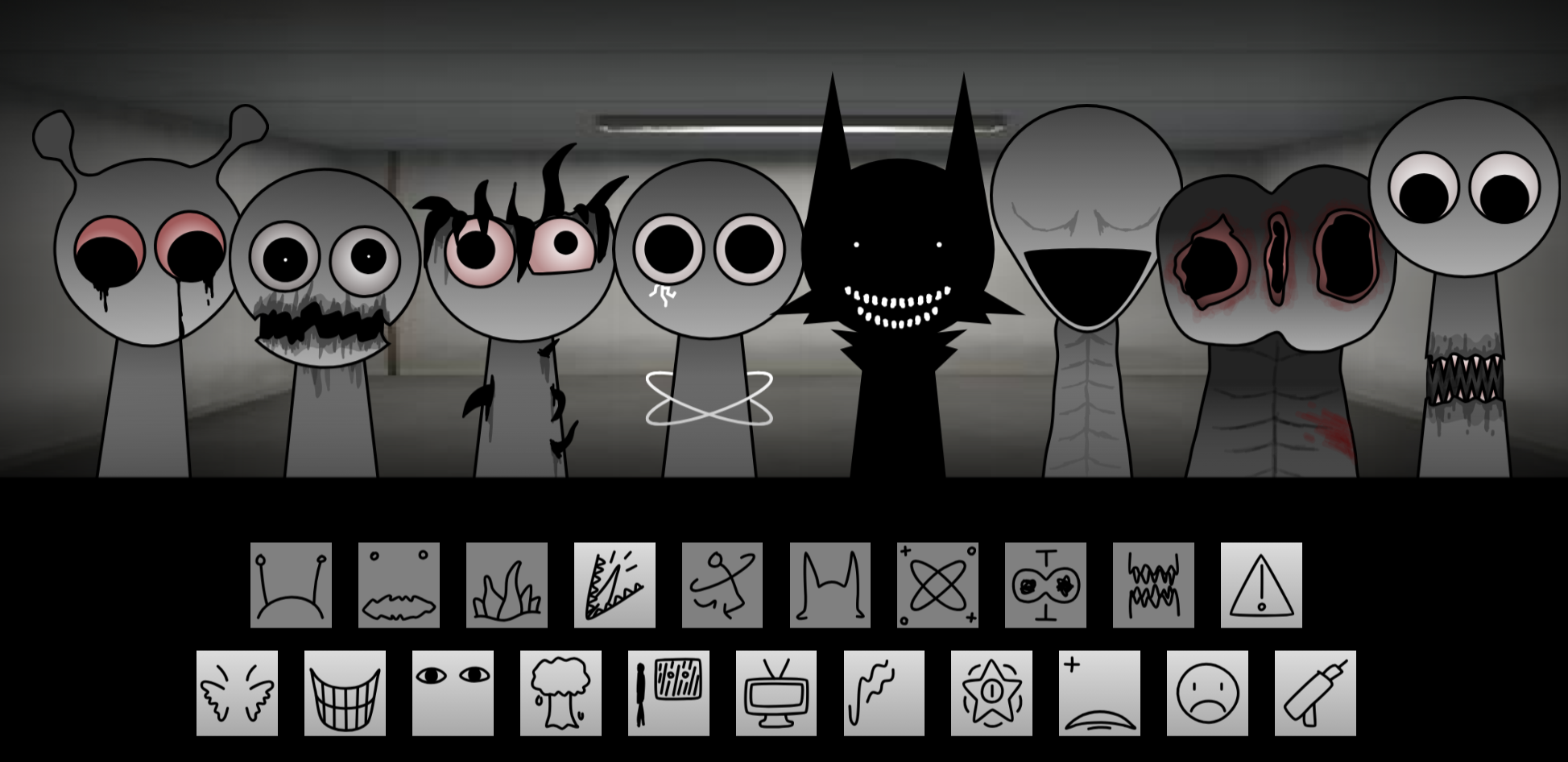
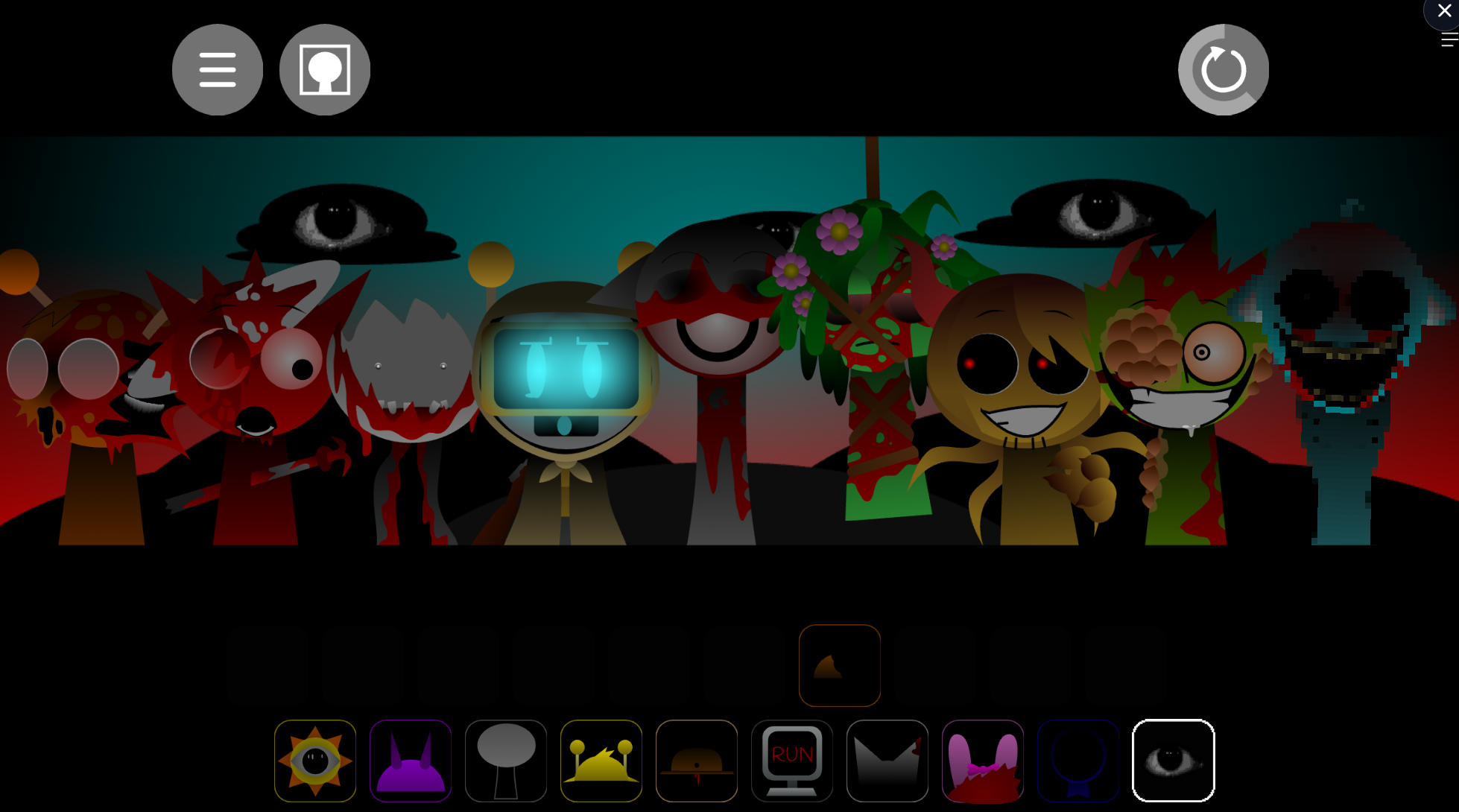
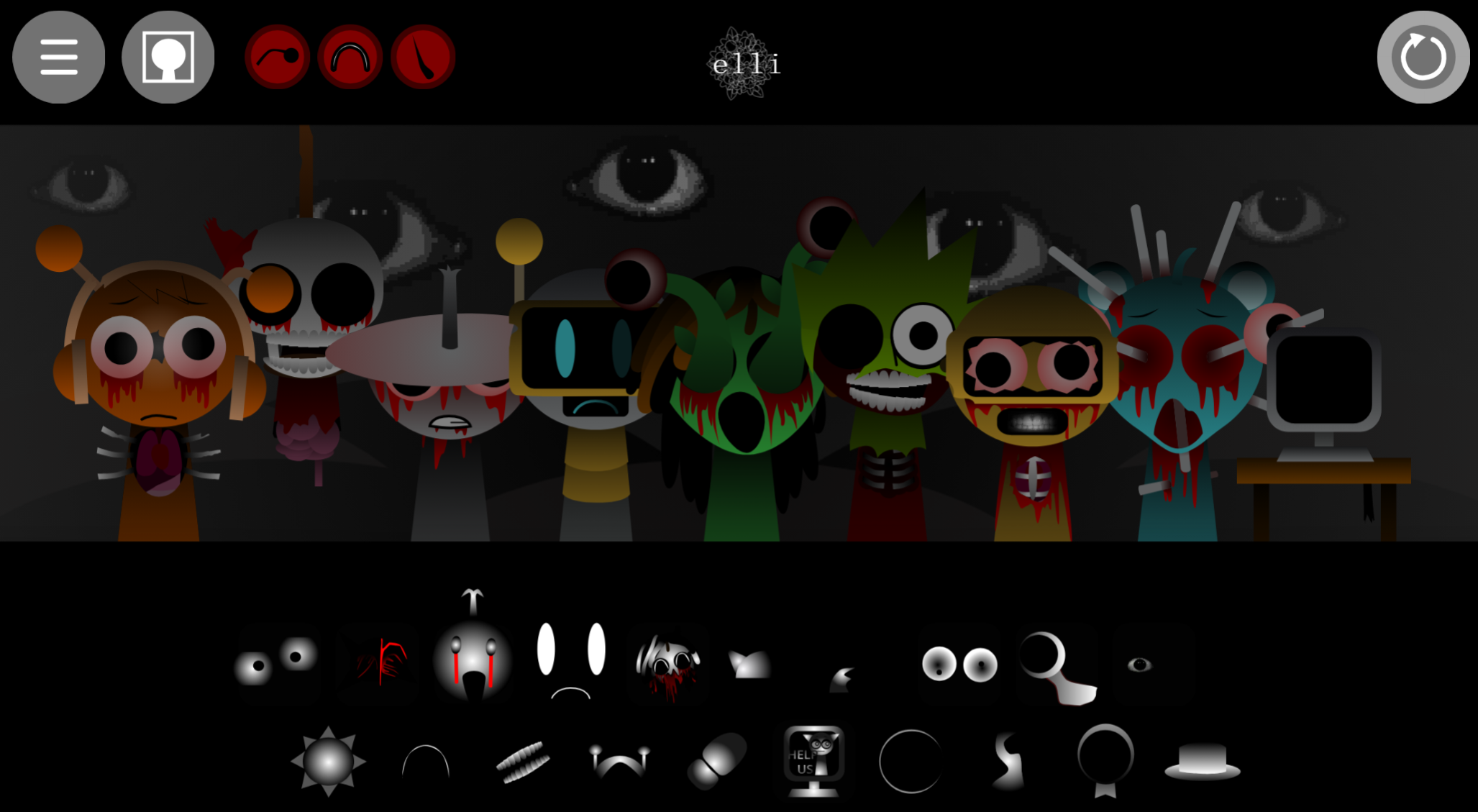
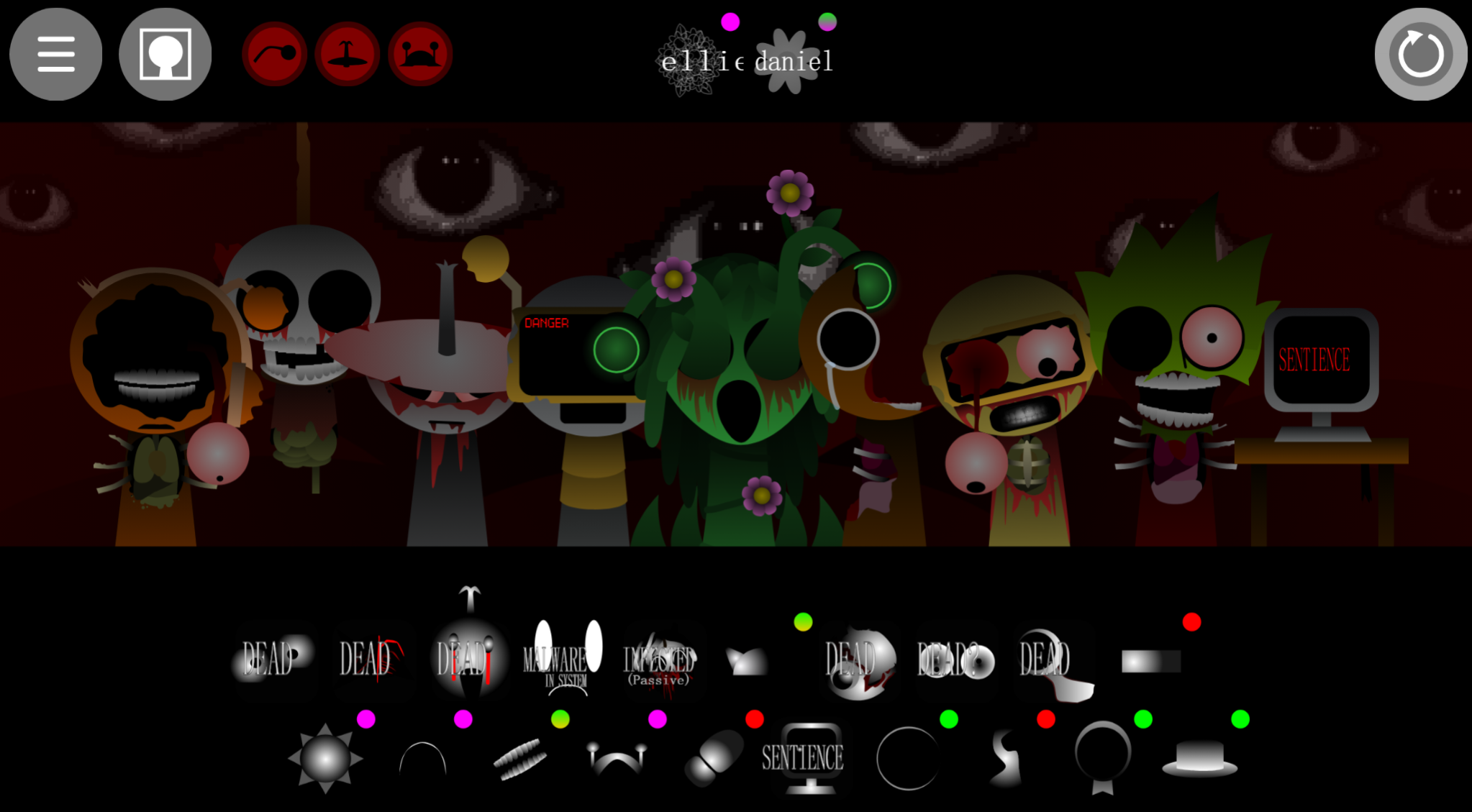
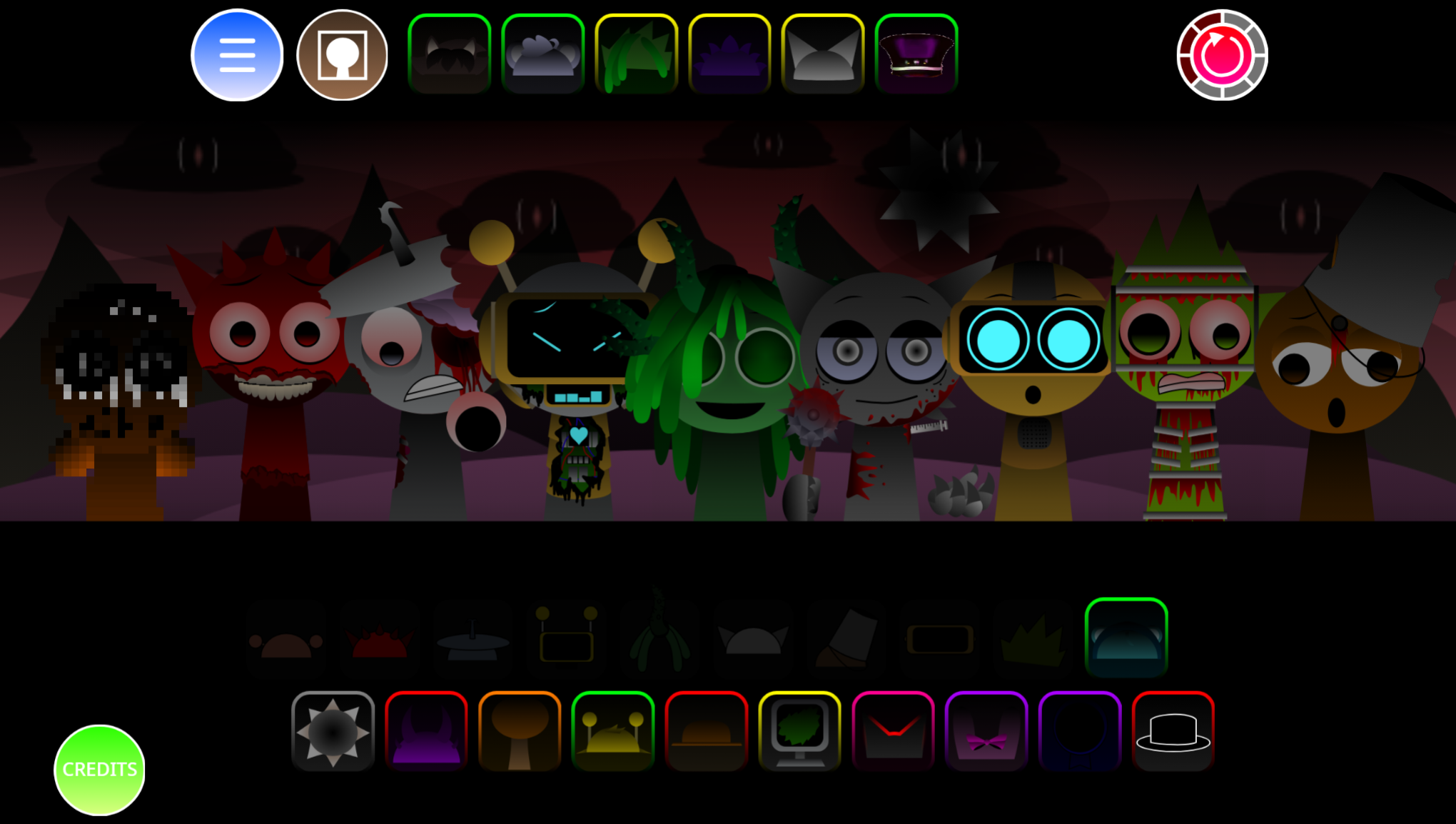
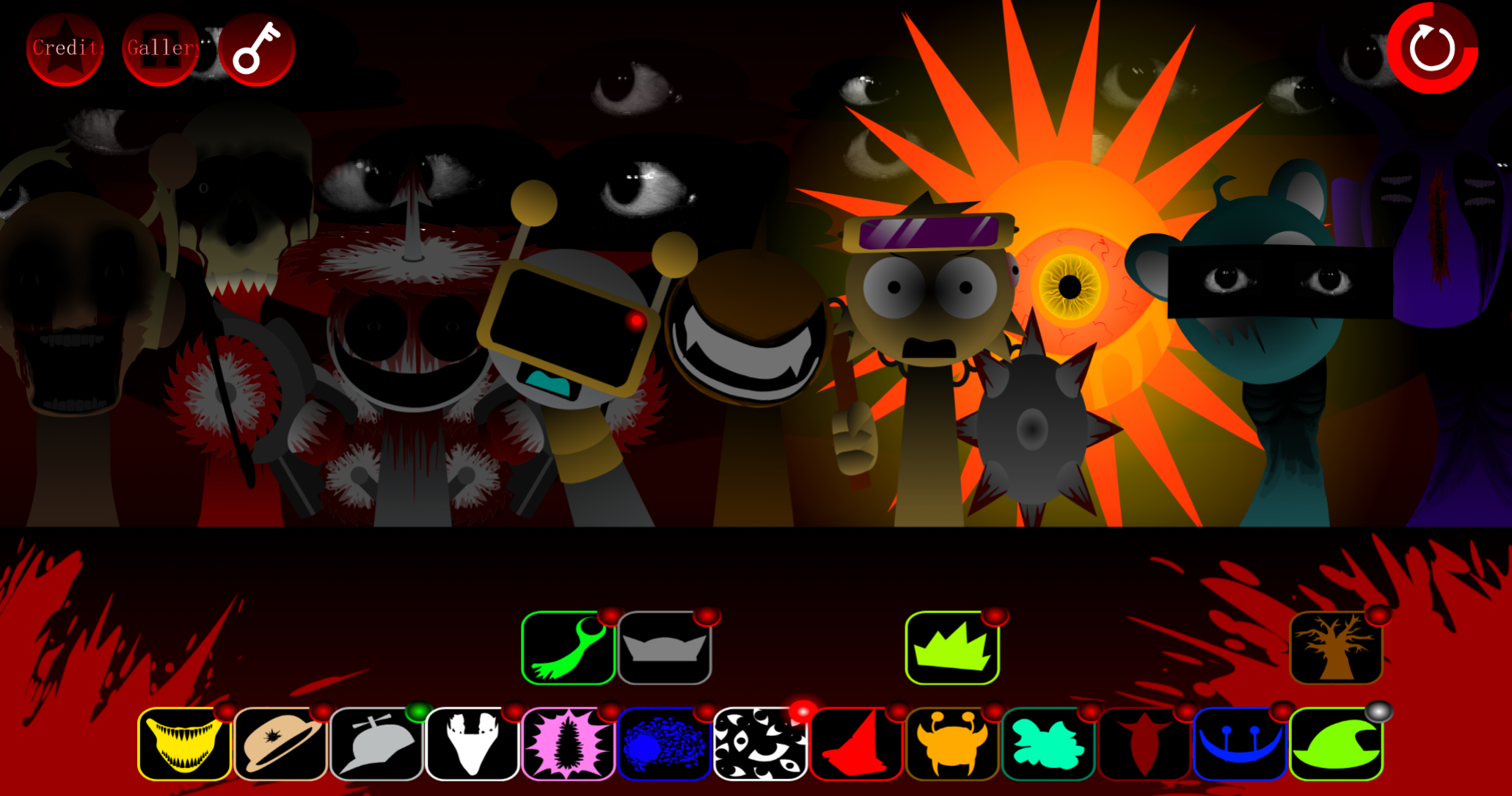
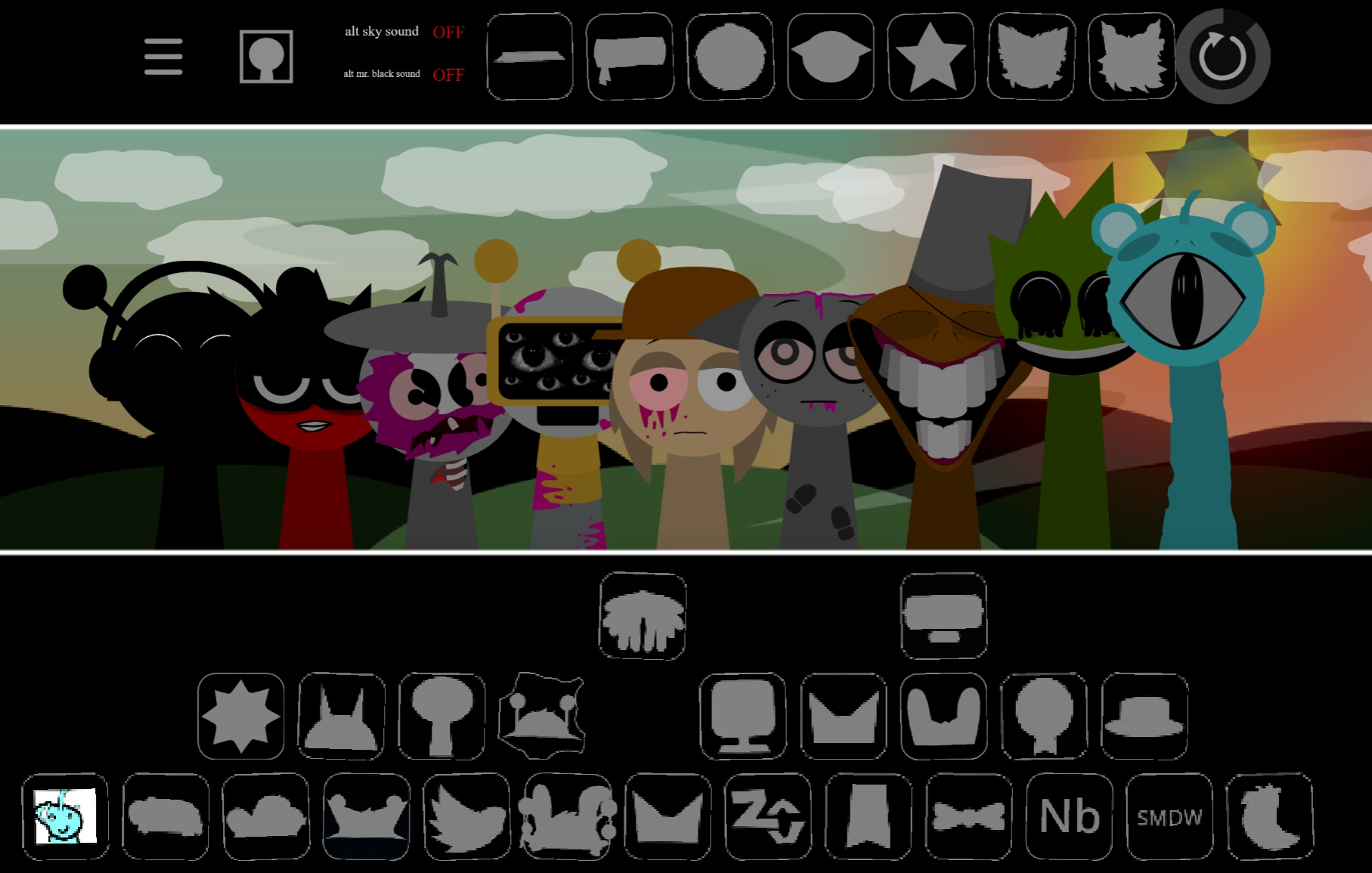
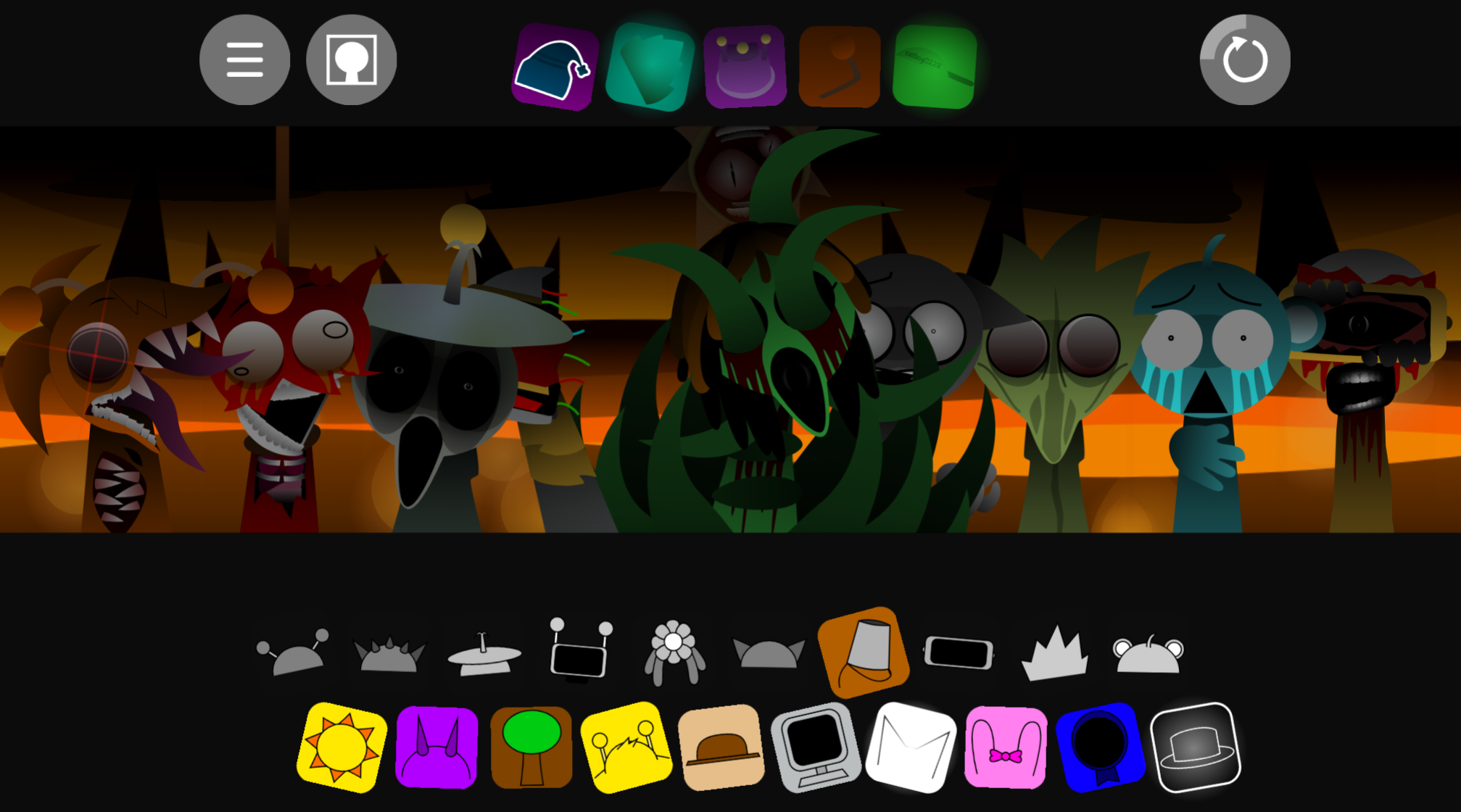
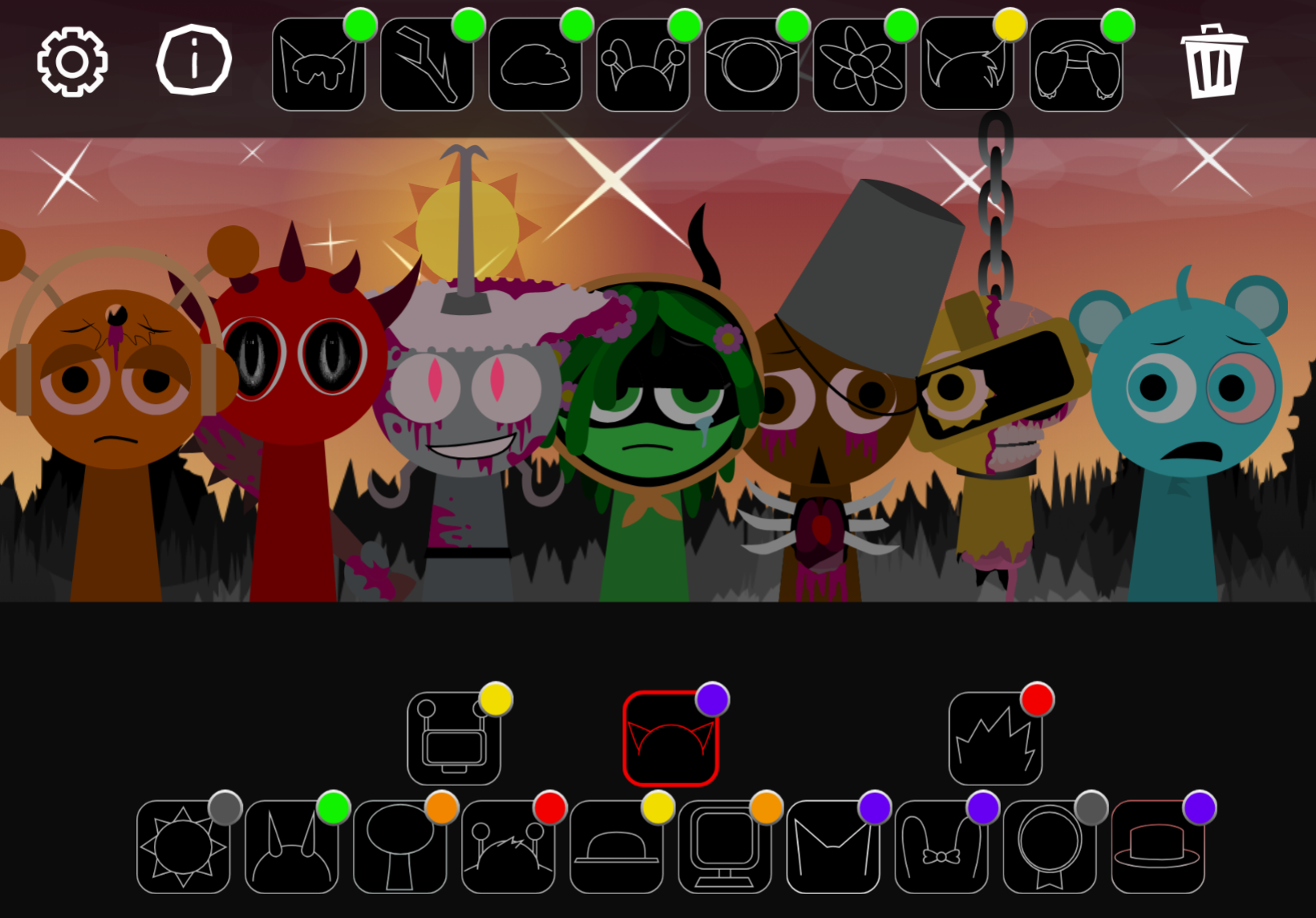
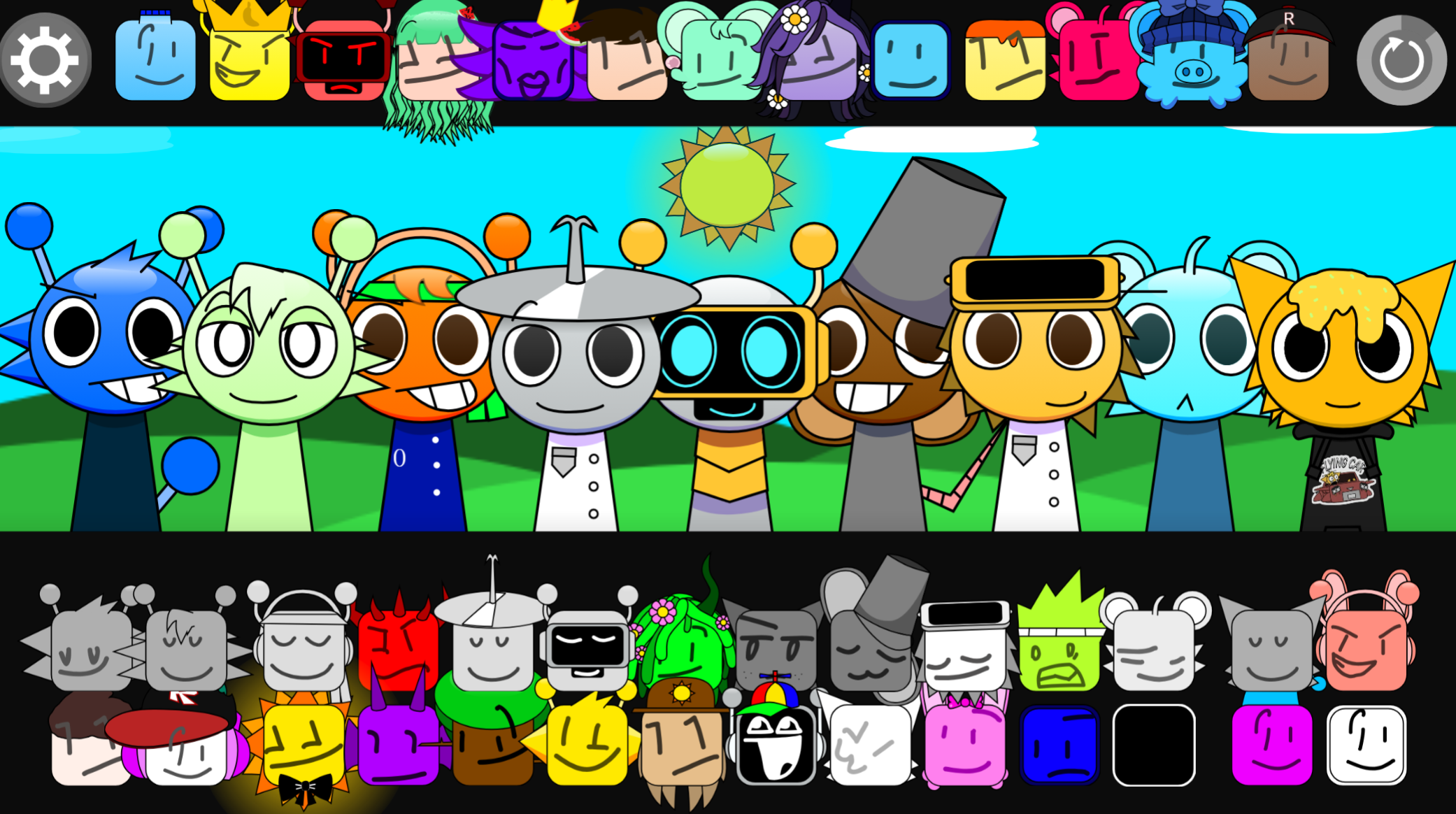
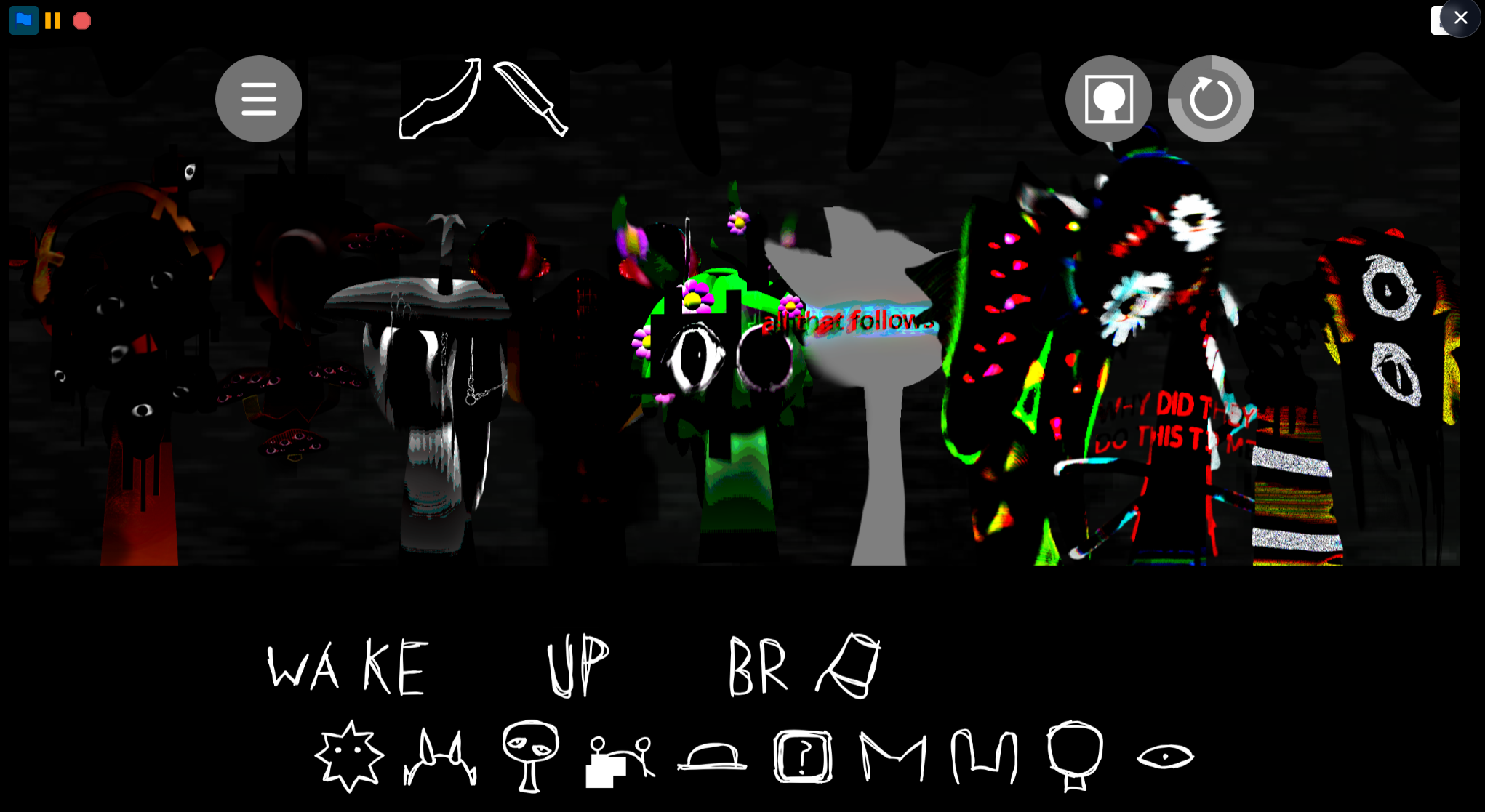
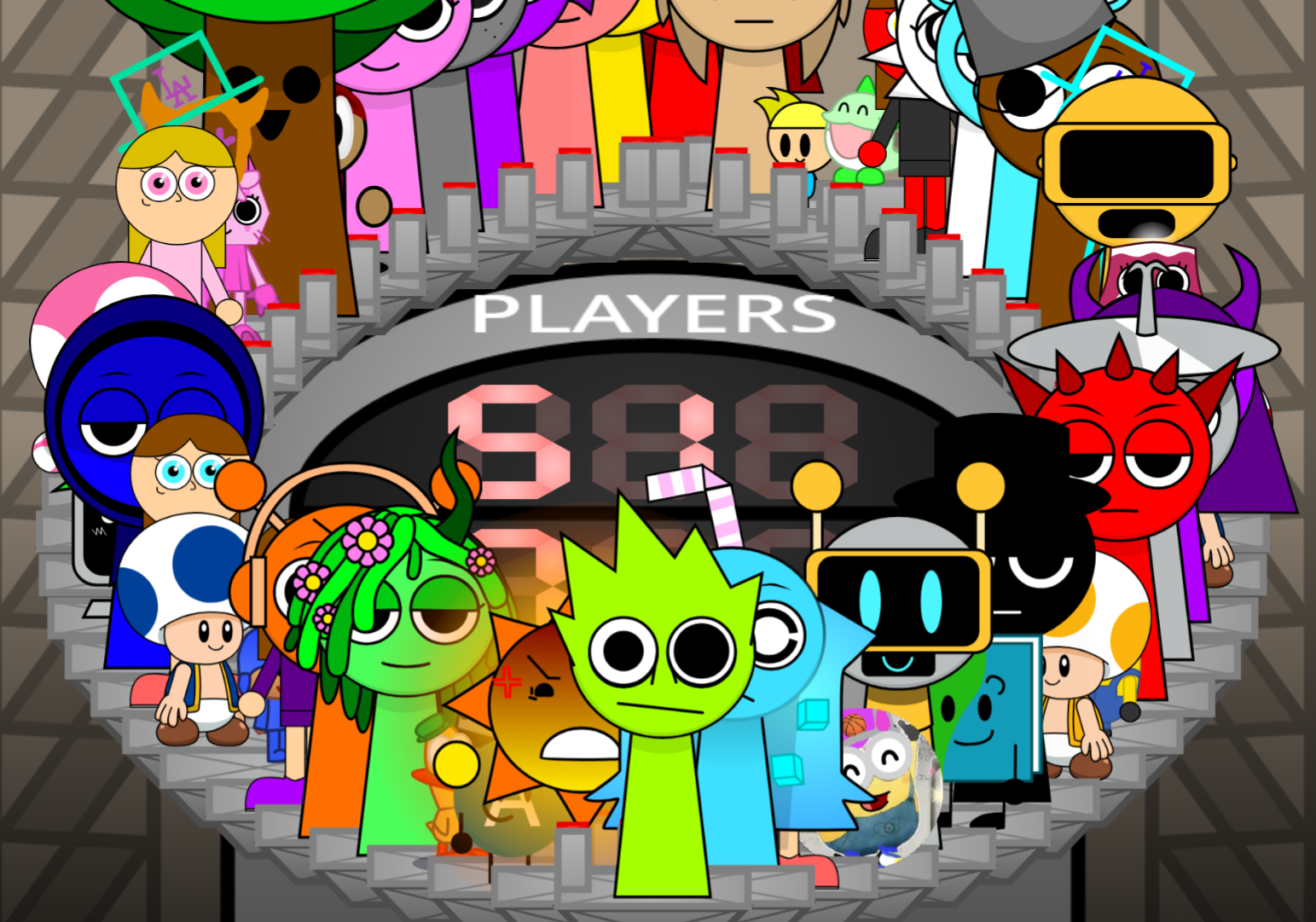
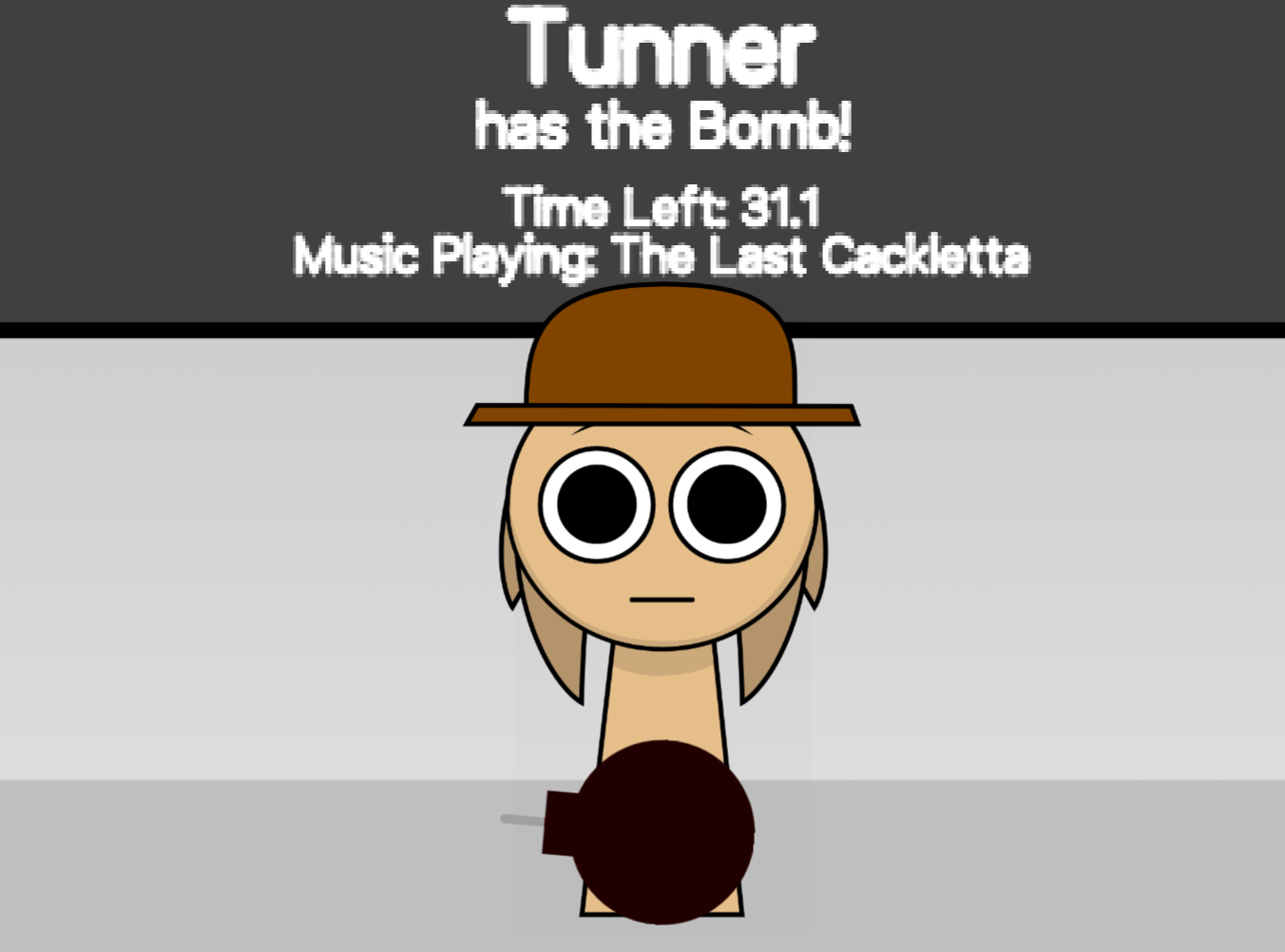
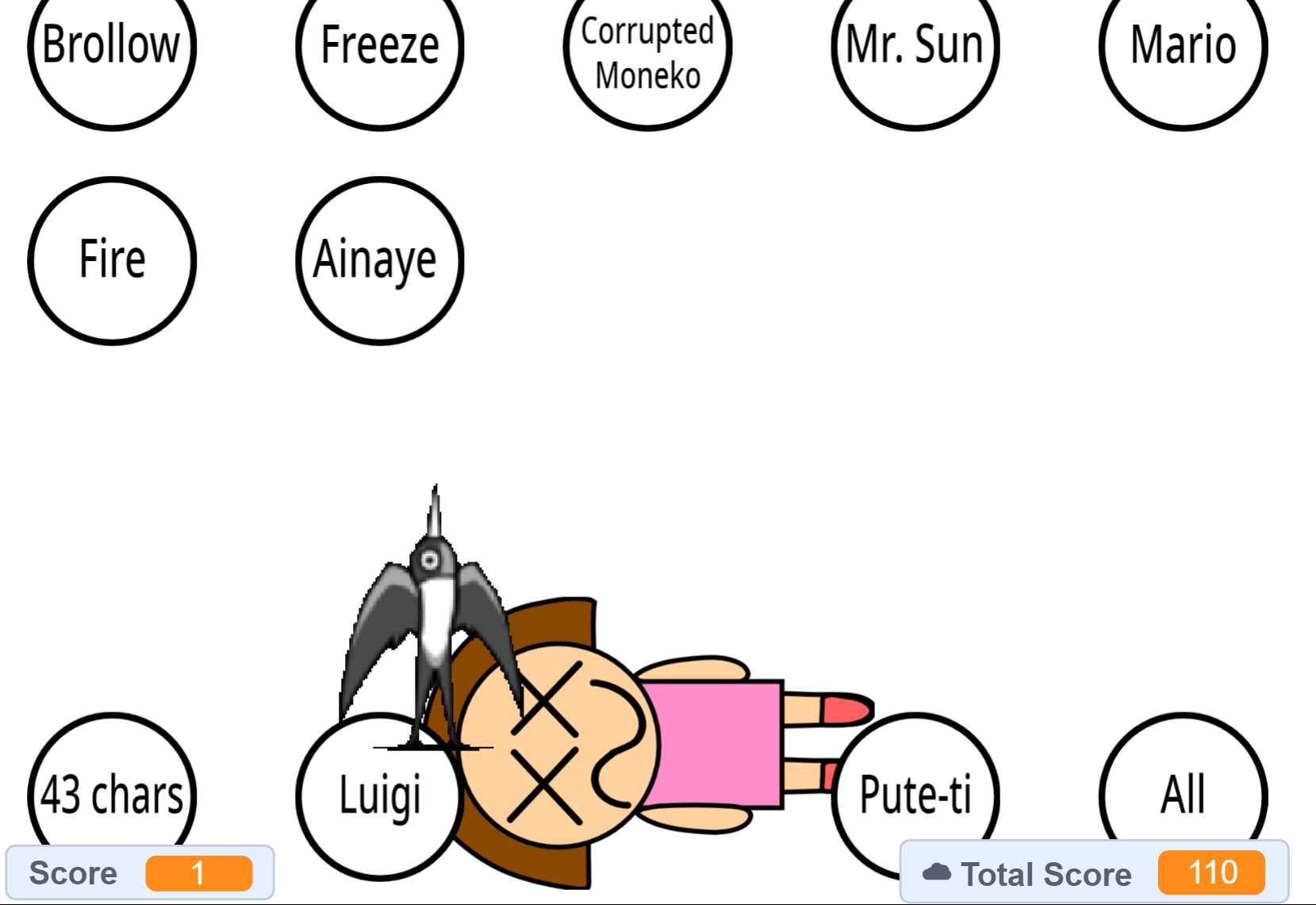
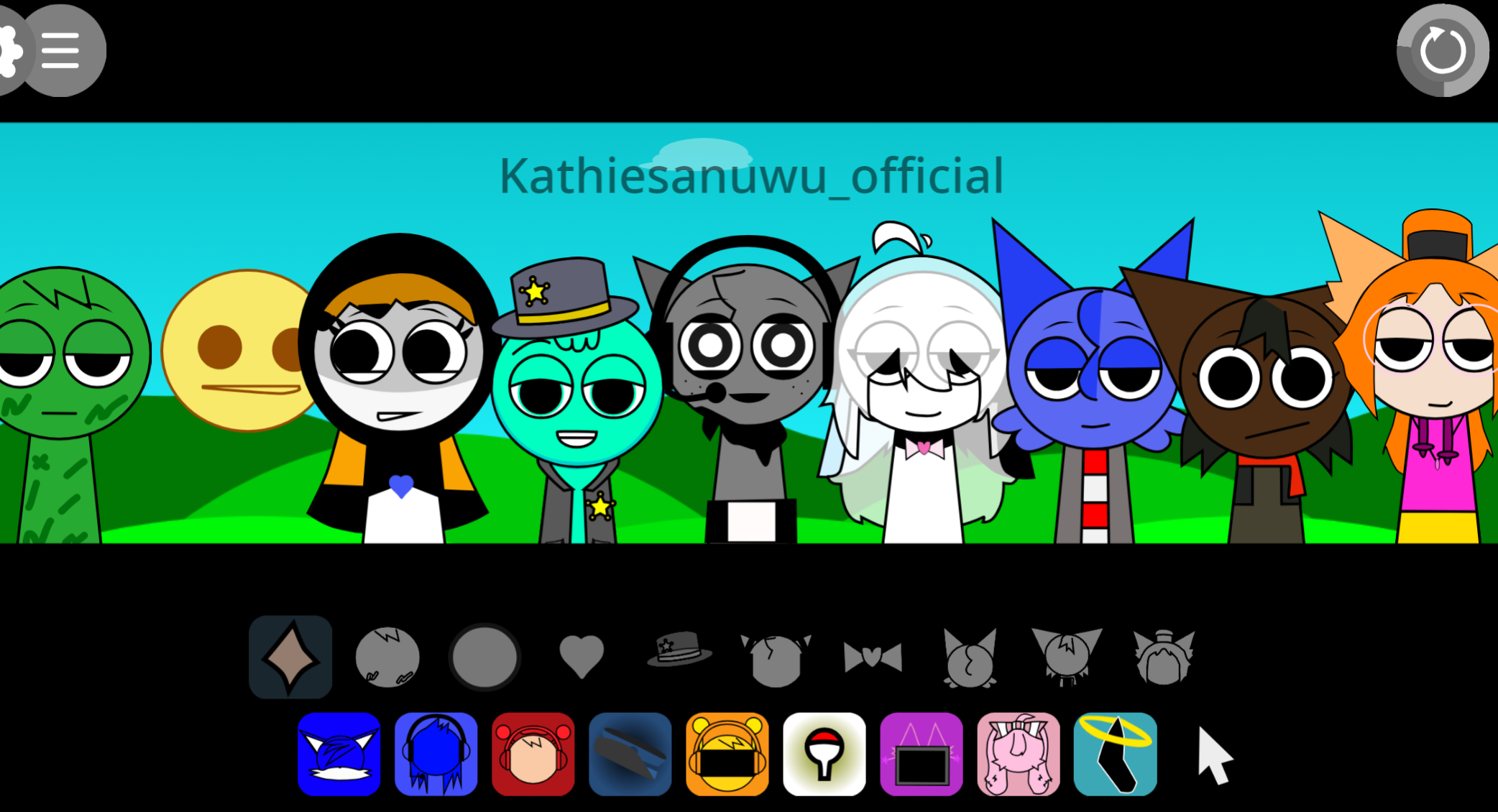
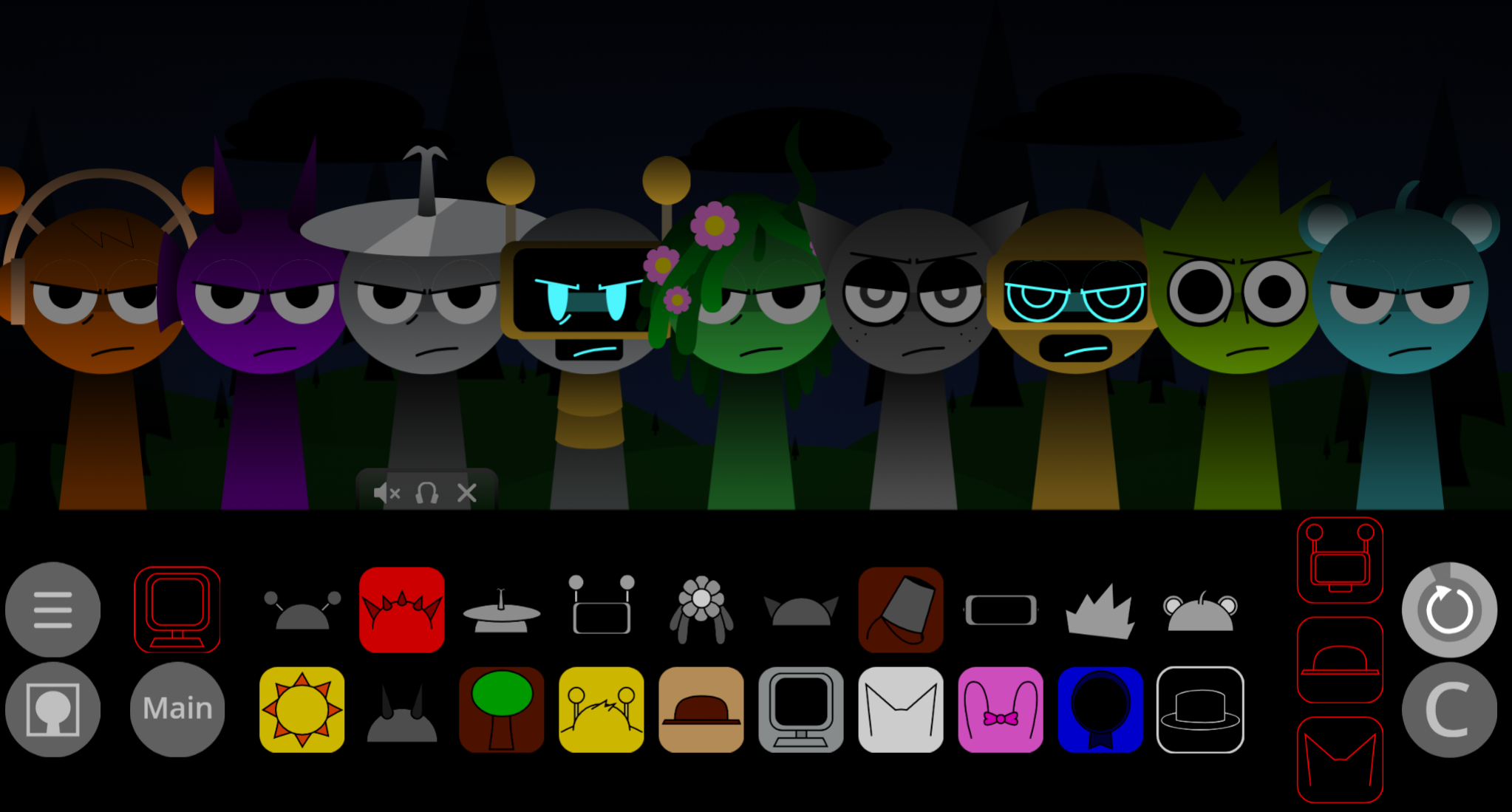
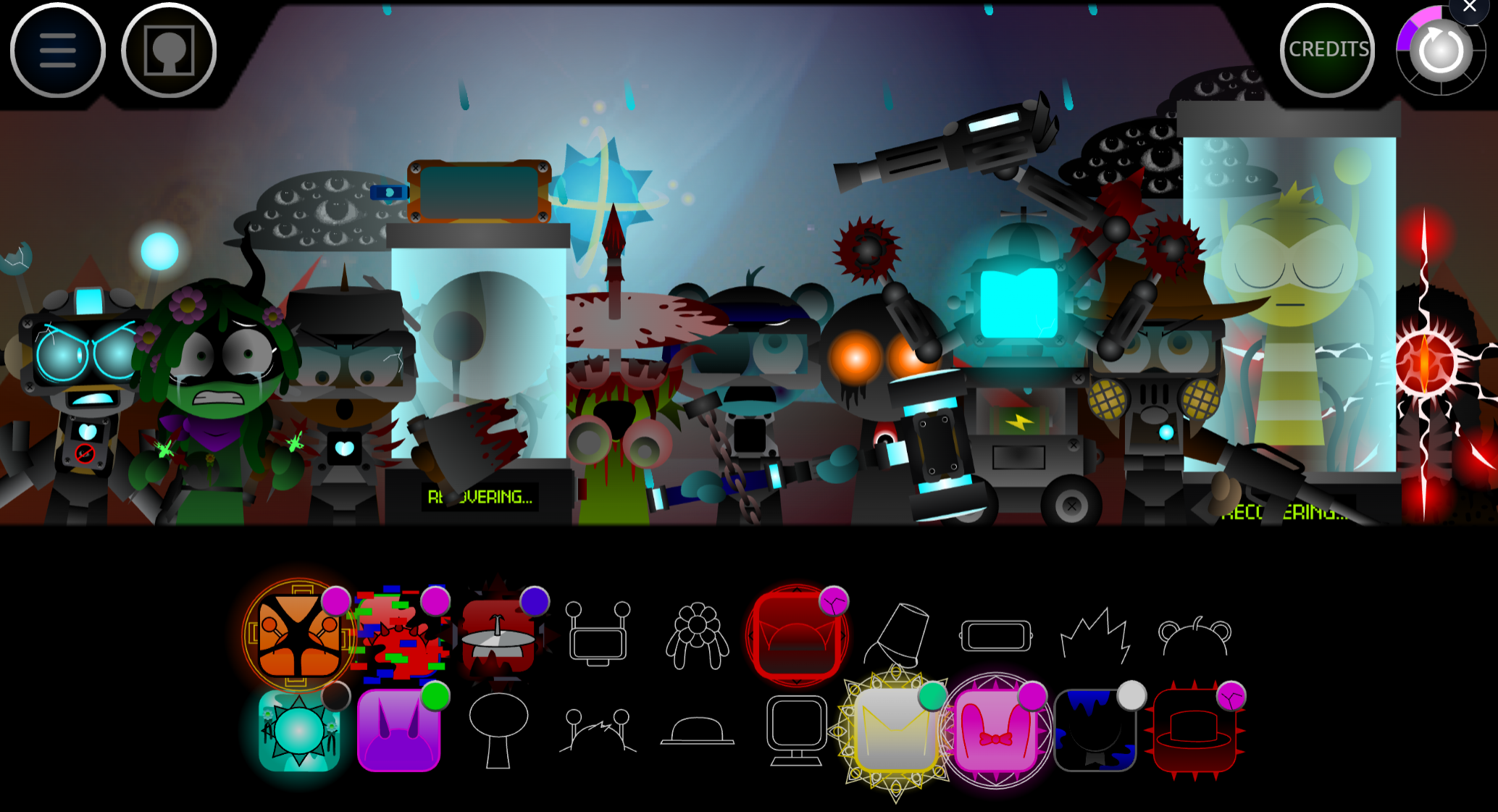
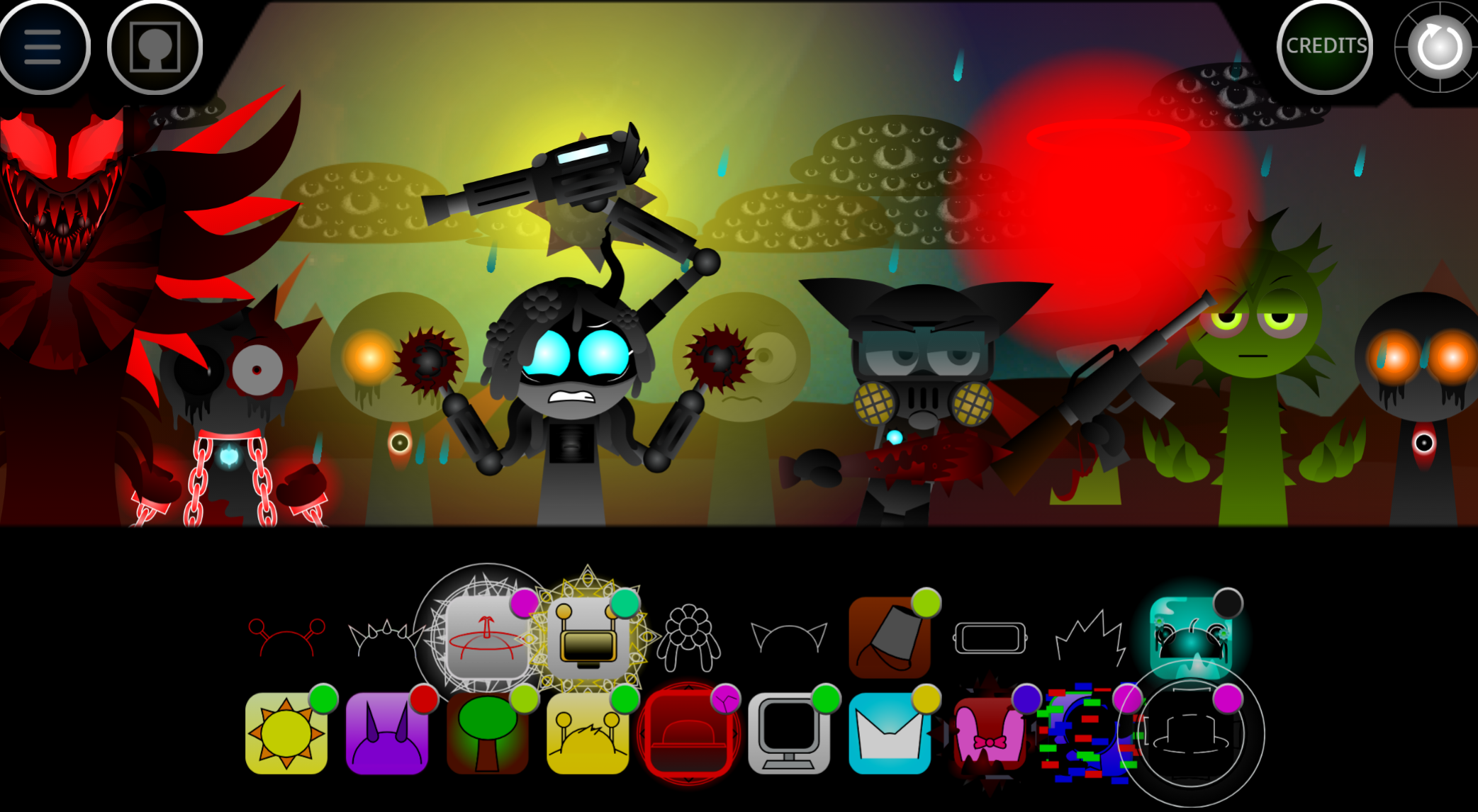
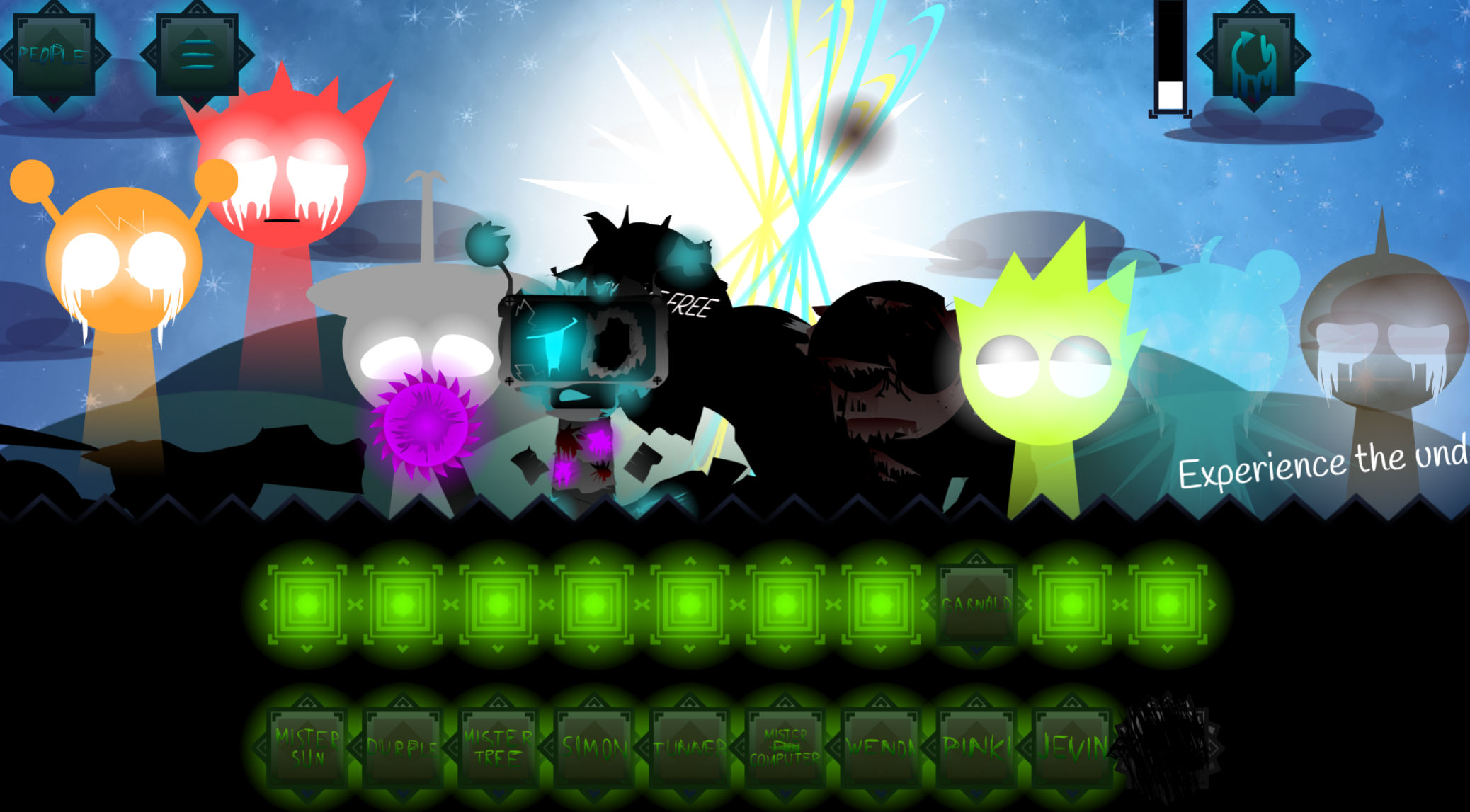
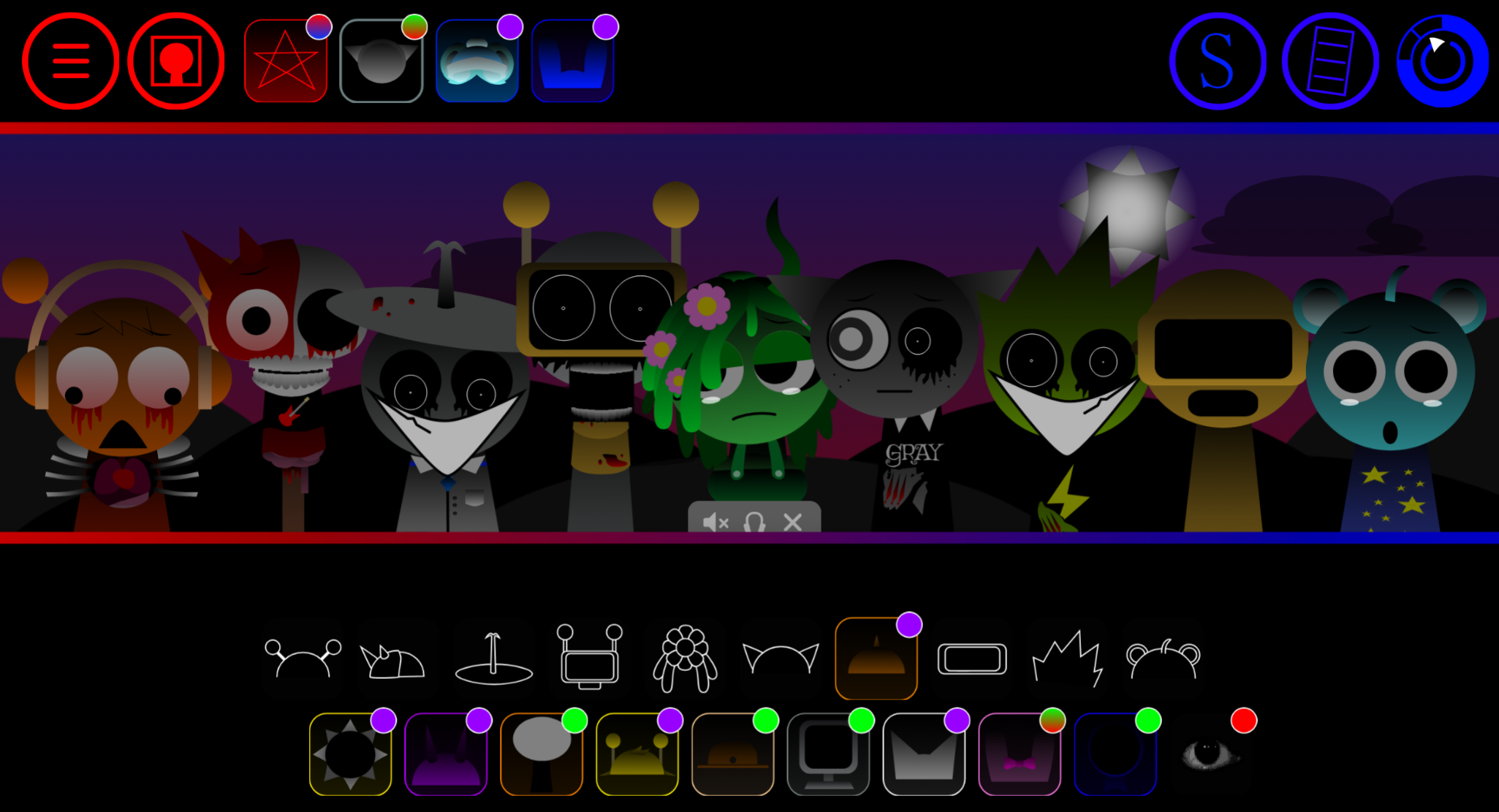
Sprunki Endings Gallery is a browser-based collection feature that lets players discover and revisit 21 distinct Ending scenes without replaying full mixes.
Each Ending unlocks when you trigger specific character combinations in Normal Mode, then saves to your gallery for instant replay—no need to reconstruct the exact sound arrangement that triggered it. This article breaks down how the gallery system works, what separates each Ending visually and narratively, and which character pairings unlock which scenes.
You’ll see the full roster of 21 Endings with unlock conditions, plus the differences between Normal Mode discoveries and the gallery’s replay interface.
Sprunki Endings Gallery
Sprunki Endings Gallery is a browser-based collection feature that lets players discover and revisit 21 distinct Ending scenes without replaying full musicixes. Accessed through a photo icon in the Sprunki interface, it functions as a dedicated viewing space for outcomes that range from playful Normal Mode moments to darker Horror Mode scenarios.
Developed by @Crystal_Sprunki555 (v.0.12), the gallery tracks which Endings you’ve found and shows community discovery stats.
Each scene pairs hand-drawn visuals with unique music loops, creating short interactive moments focused on character fates—survival, transformation, infection, or death. Available on gosprunki.com, it works on mobile and desktop browsers with simple click or tap controls.
Features of Sprunki Endings Gallery
The gallery operates as a separate menu area within Sprunki. Instead of rebuilding mixes to see Endings, you access them directly through the photo icon, making it easier to browse, replay, and compare scenes.
Key features:
- Photo icon entry point: Keeps the gallery tucked into the interface without cluttering the main play area.
- Separate viewing space: Lets you revisit Endings quickly without re-entering the music mixing loop.
- Normal and Horror Mode styles: The same character world rendered in two distinct moods—brighter and playful versus dark and unsettling.
- Discovery focus: Less about arranging characters or building tracks, more about triggering and collecting outcomes.
- Browser-friendly: No download required. Open, browse a few scenes, retry, and leave without committing to a long session.
Visuals, Sound, and Design
The gallery uses dramatic framing, glowing effects, and cinematic staging to make each Ending feel like a finale rather than a static image.
Visuals
Scenes preserve the recognizable Sprunki style—thick lines, bold colors, expressive faces—but add spectacle through bright effects and larger compositions. The strongest contrast comes from the shift between modes: Normal Mode keeps the quirky energy, while Horror Mode introduces corrupted, erie, or deliberately unsettling presentations.
Sound
Music loops, beats, and audio cues shape the mood of each Ending. The layering supports quick scene changes and reactive moments, helping each outcome land as a complete audiovisual experience rather than just a visual snapshot.
Design
Built for immediate impact: click, trigger, watch, listen, retry. It’s a discovery gallery where you experiment with characters, buttons, and scene elements to uncover new outcomes.
How to Play Sprunki Endings Gallery
Launch the game in a supported browser, press Play, and interact with the scene to trigger different Endings. The format is simple: click, tap, retry, and experiment.
Open the game
Launch Sprunki Endings Gallery in your browser. Turn sound on—music loops and audio cues help define each scene.
Press Play
Use the main Play button to enter the first scenario. Watch for characters, buttons, or background elements that respond to clicks or taps.
Interact with the scene
Click or tap Sprunki characters and objects to trigger animations, sound changes, or a new Ending. Some outcomes are obvious; others require unusual interactions.
Use the retry button
The loop arrow at the bottom left restarts or returns you after an Ending, making it easy to test another choice without reloading.
Handle movement sections
Some scenes include light platforming. Use the left/right arrow buttons to move and the up arrow to jump, especially in the vertical mobile layout.
There’s minimal guidance, so the fun comes from asking “what happens if I click this?” and gradually filling out the collection through trial and discovery.
Strengths and Weaknesses
Sprunki Endings Gallery works best as a compact discovery experience. Its 21 Endings give players a reason to experiment and retry scenes. Its main limitation is that it’s not trying to be a traditional challenge-based game.
Strengths
- Strong variety: 21 distinct Endings make each new scene feel like a small reward.
- Good collection hook: The Endings List and community discovery stats create a checklist feel, so you can track seen and missing outcomes.
- Low-pressure format: Suits short sessions, quick browsing, music loops, and fan-made character moments.
- Clear tonal contrast: Normal Mode and Horror Mode give the gallery more range than a single visual style would.
- Community-driven charm: The rough, creative style fits the Sprunki mod scene and its experimental energy.
Weaknesses
- Limited traditional gameplay: The focus is uncovering scenes, not clearing levels, solving complex puzzles, or competing for scores.
- Light long-term depth: Once most Endings are found, there’s less progression to chase beyond completion.
- Not for every player: Anyone expecting a strong story arc, demanding mechanics, or a fully polished standalone mode may find it brief.
Related Games
- Sprunki With Fan Character — This is the closest follow-up for players who enjoy Sprunki Endings Gallery’s fan-made character focus and want another community-driven take on the cast.
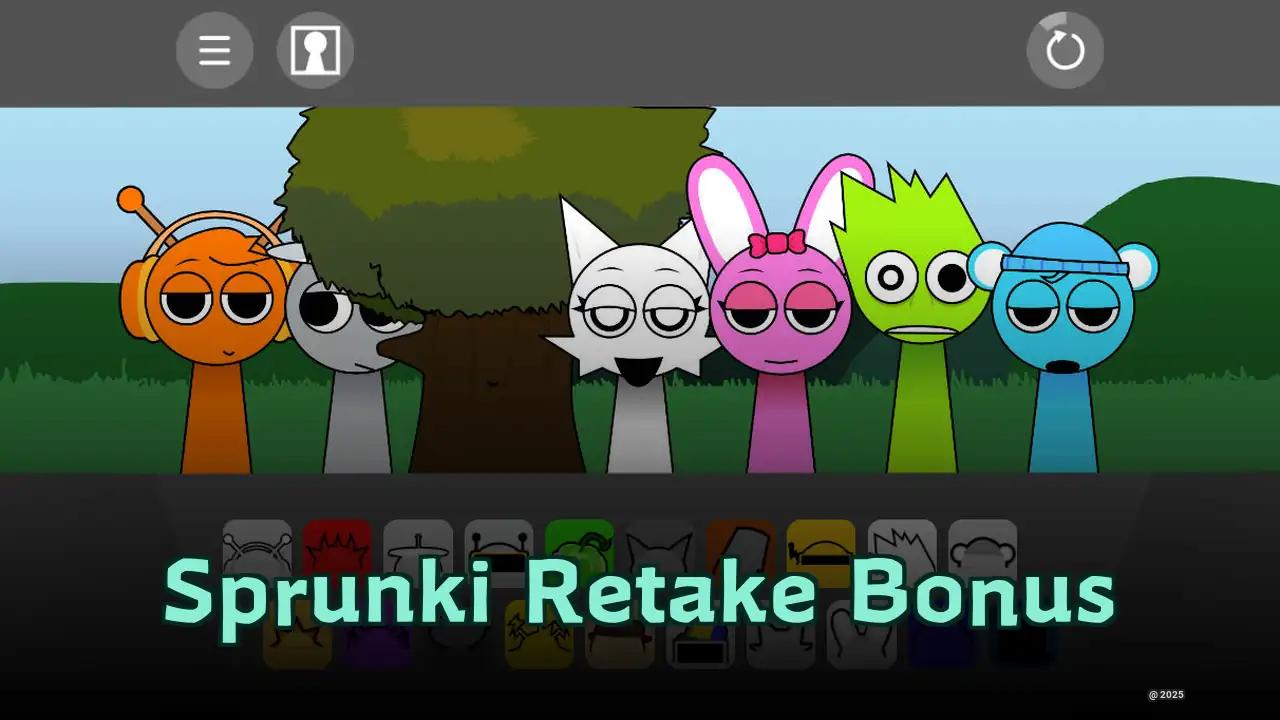
- Sprunki Retake New Human Version with Bonus — Its alternate character designs and bonus content match the gallery’s appeal of uncovering fresh visual interpretations rather than just clearing levels.
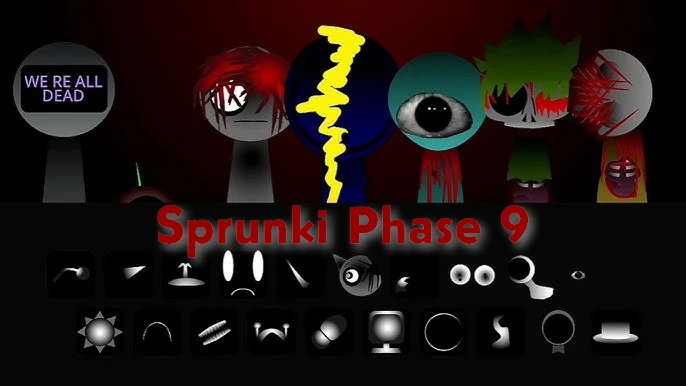
- Sprunki Definitive Phase 9 Fan Made — This works well for players who liked the darker, fan-built Sprunki atmosphere and want a more music-focused mod with a stronger phase-based identity.
Is Sprunki Endings Gallery Worth Playing?
Sprunki Endings Gallery is worth exploring if you enjoy the creative side of Sprunki and want a quick way to browse Endings in one accessible place. It works best as a discovery gallery rather than a full gameplay mode.
The appeal is direct: click the photo icon, open the dedicated view, press Play, interact with scenes, and uncover the 21 Endings. The browser-friendly layout helps if you want to revisit visuals, sound cues, character fates, Normal Mode scenes, Horror outcomes, or hidden character discoveries without extra menu clutter.
Best for:
- Players who like collecting or reviewing Sprunki Endings
- Short interactive scenes with music and visual payoff
- Completion-minded players tracking all 21 scenes
- Anyone who wants a simple reference inside the experience
Less ideal for:
- Players expecting new gameplay systems
- Anyone looking for deep mechanics or a long story campaign
- Players who want a fully polished standalone gallery mode
Sprunki Endings Gallery is a compact, useful feature for browsing and discovering Endings, especially if you enjoy Sprunki’s mix of music, character drama, Normal and Horror presentation, and fan-made experimentation.
Discuss Sprunki