
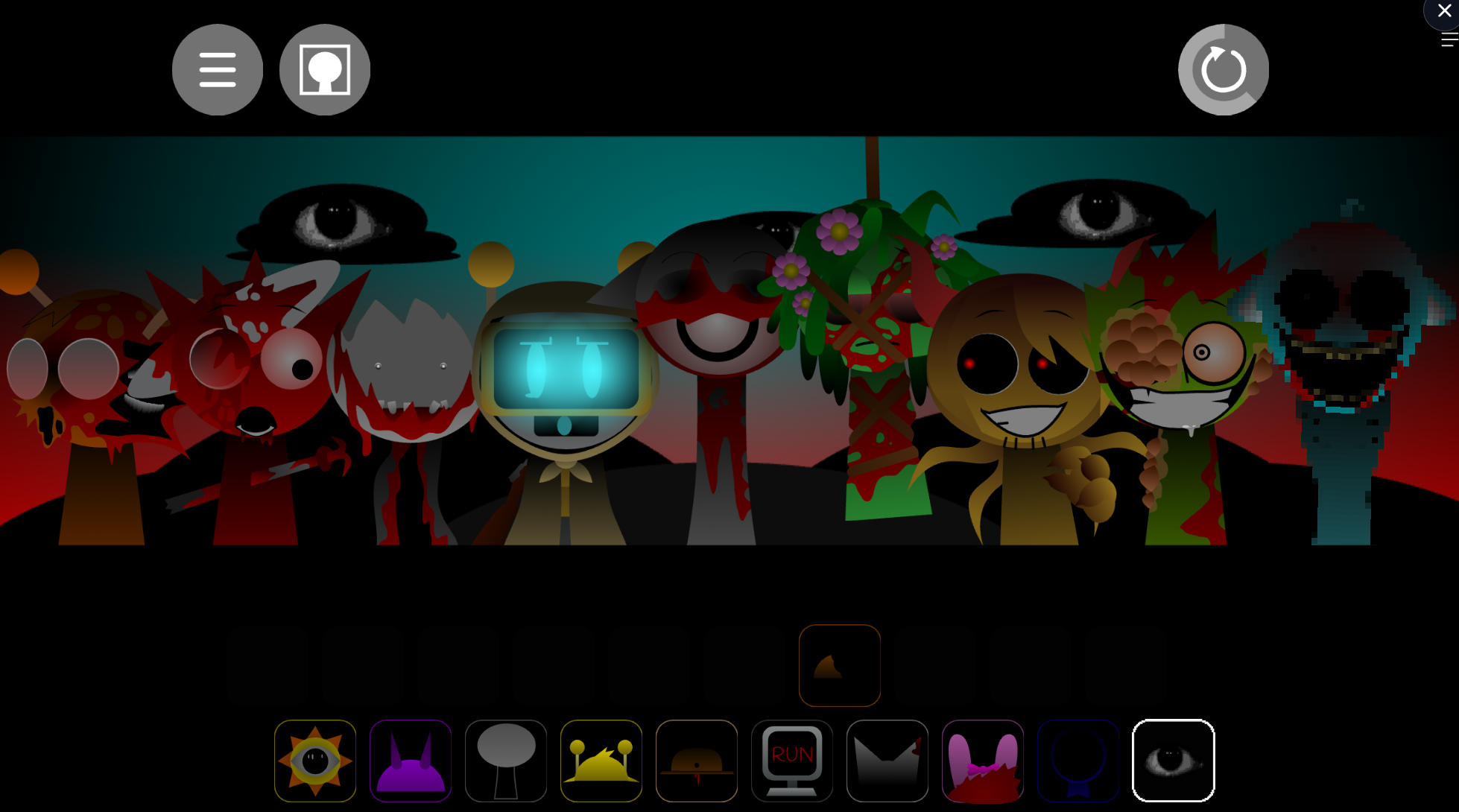



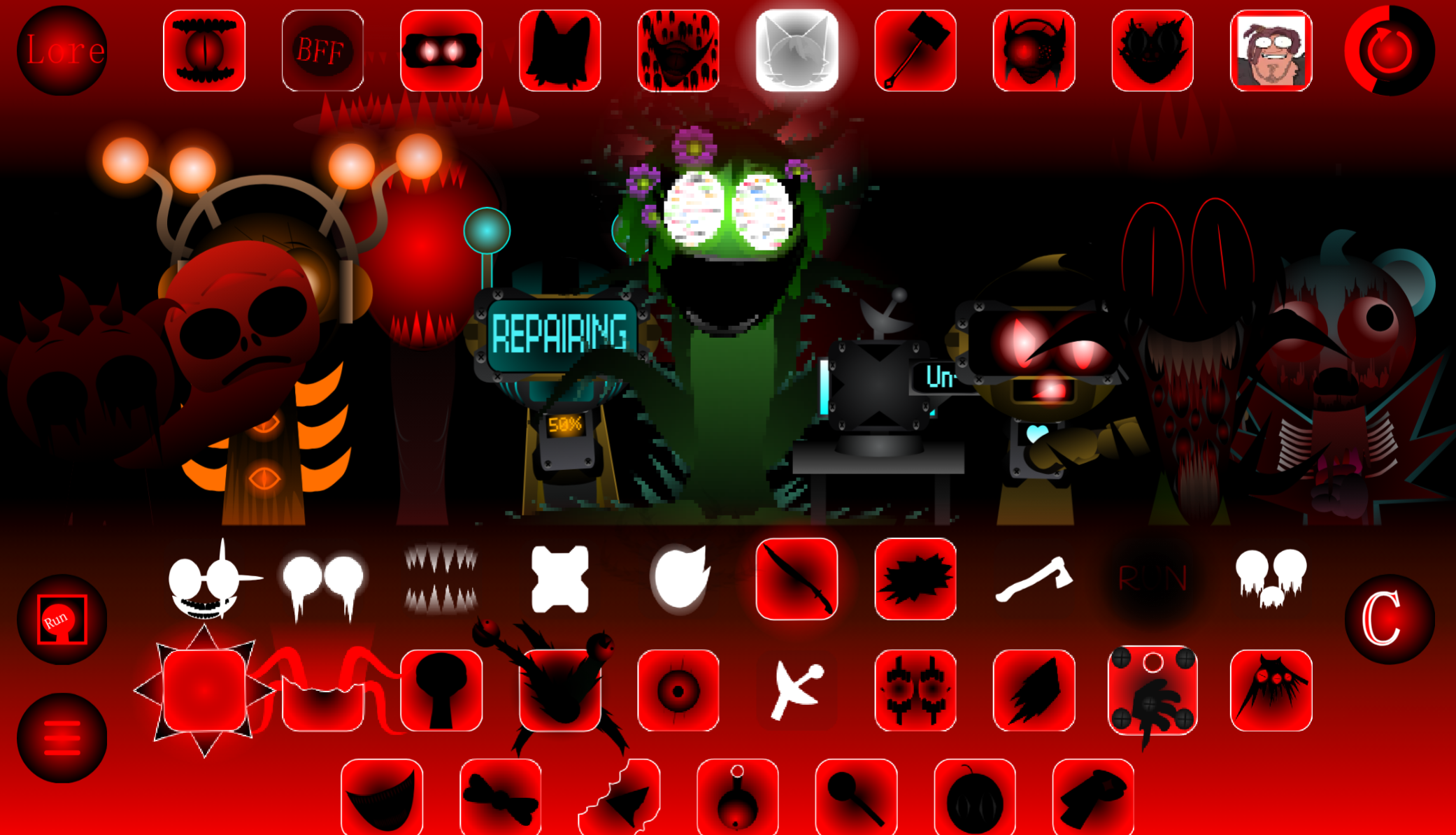
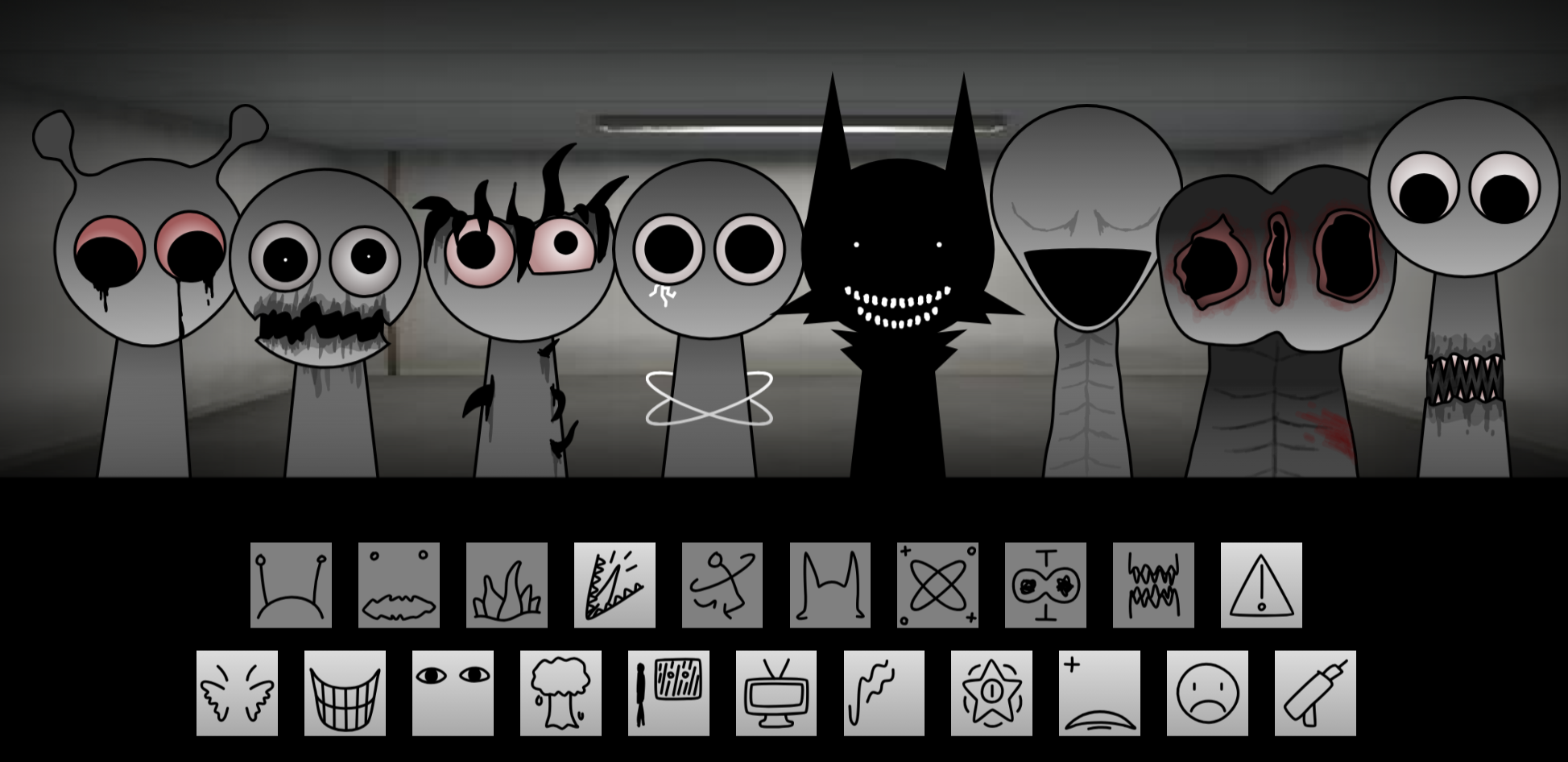
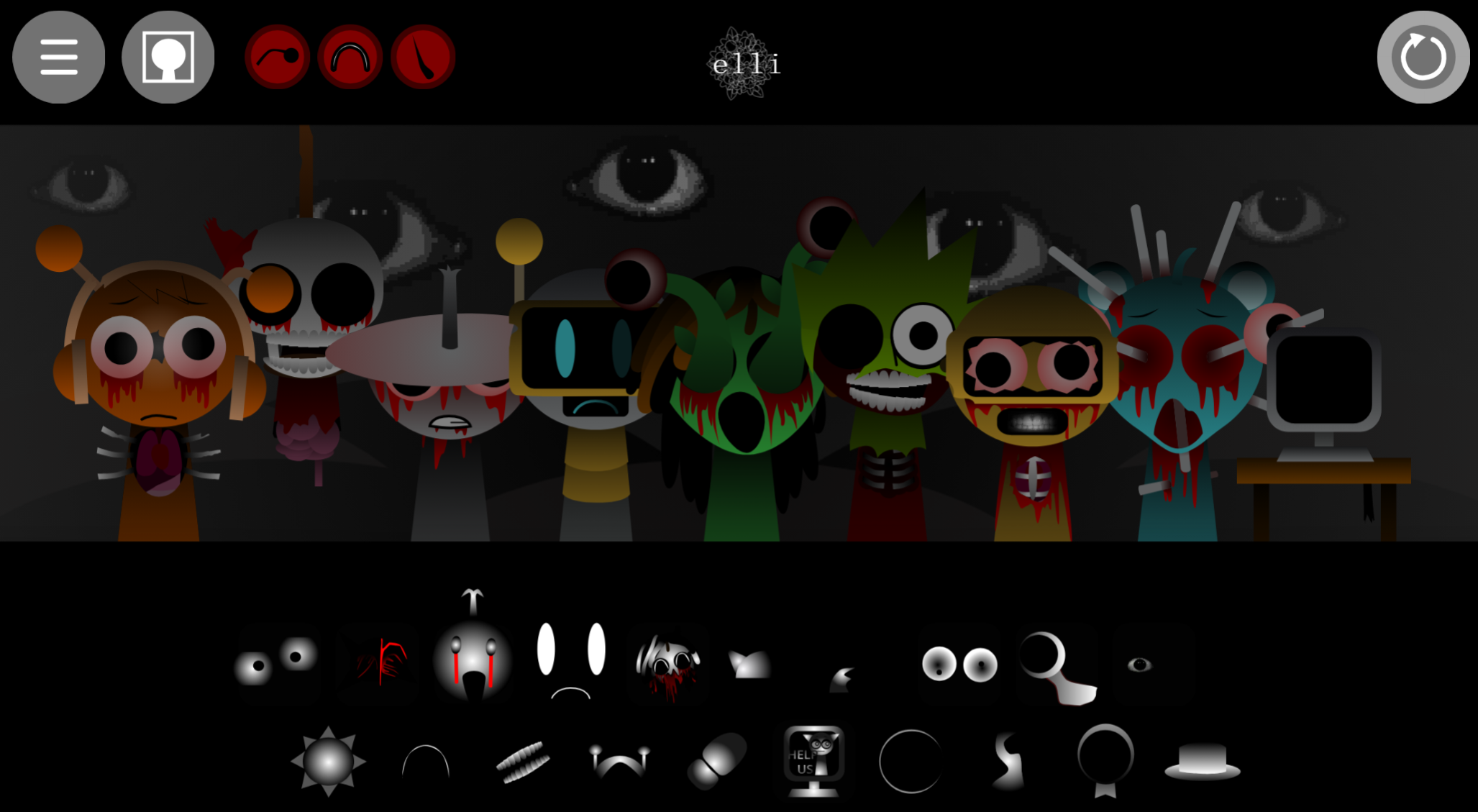
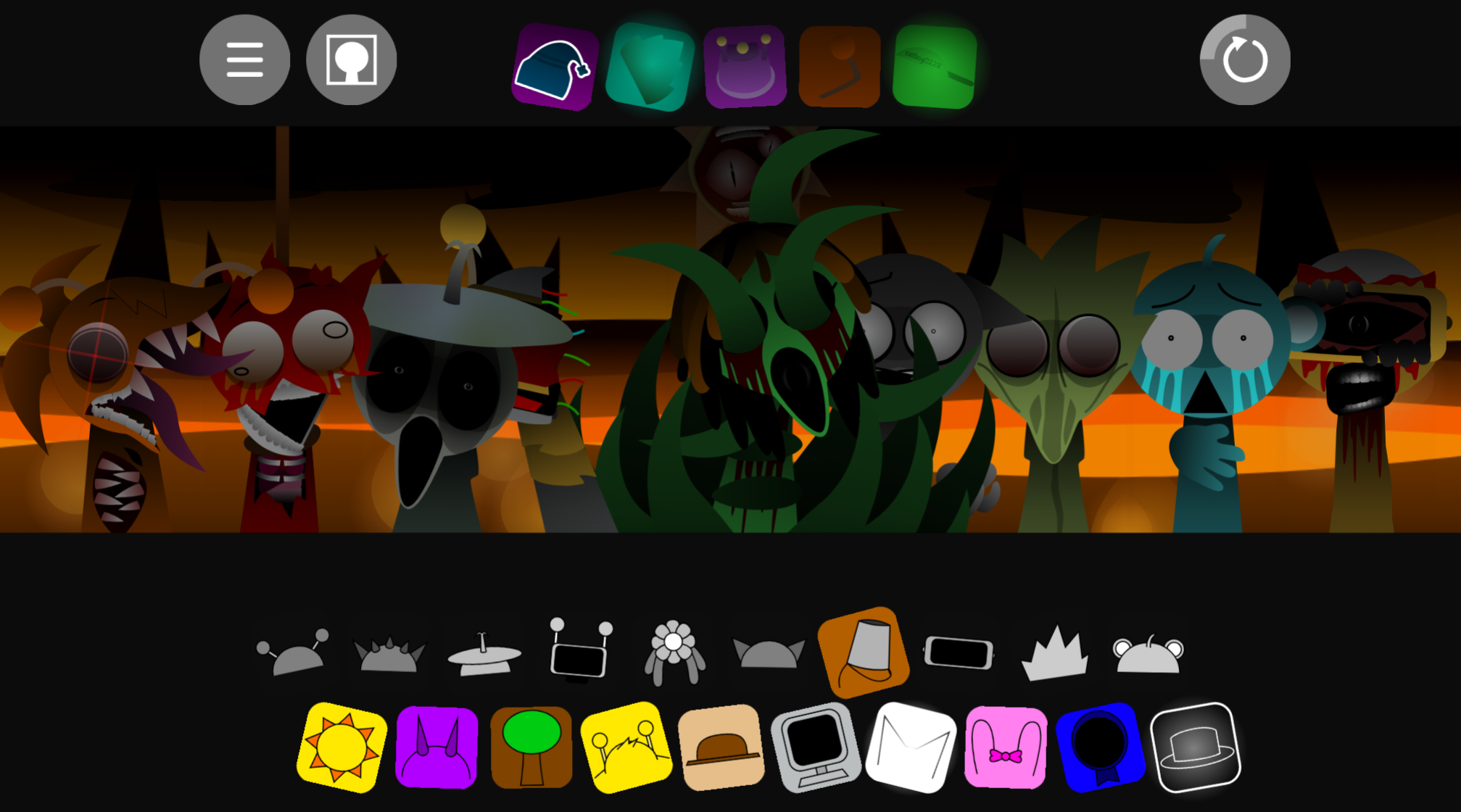
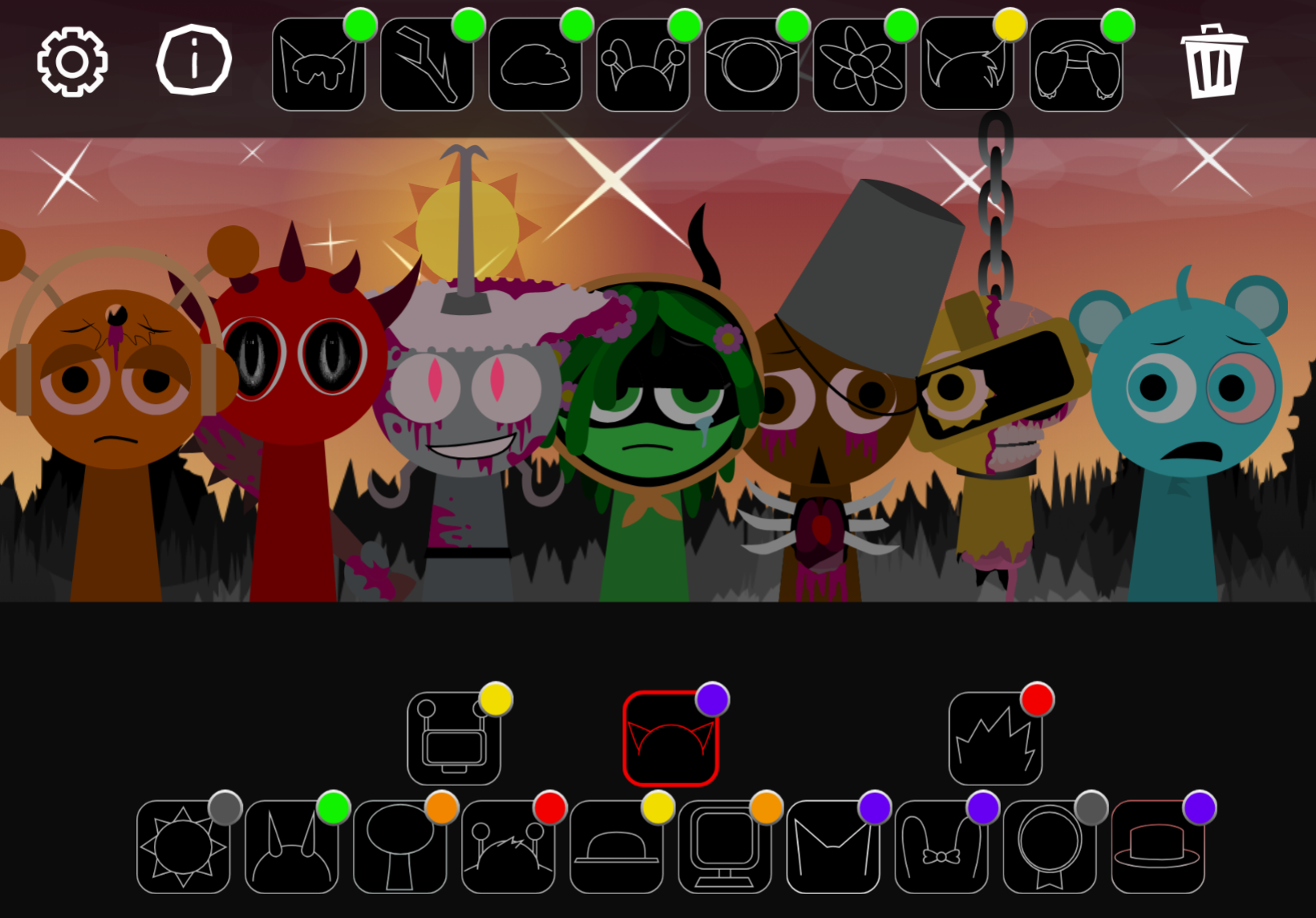
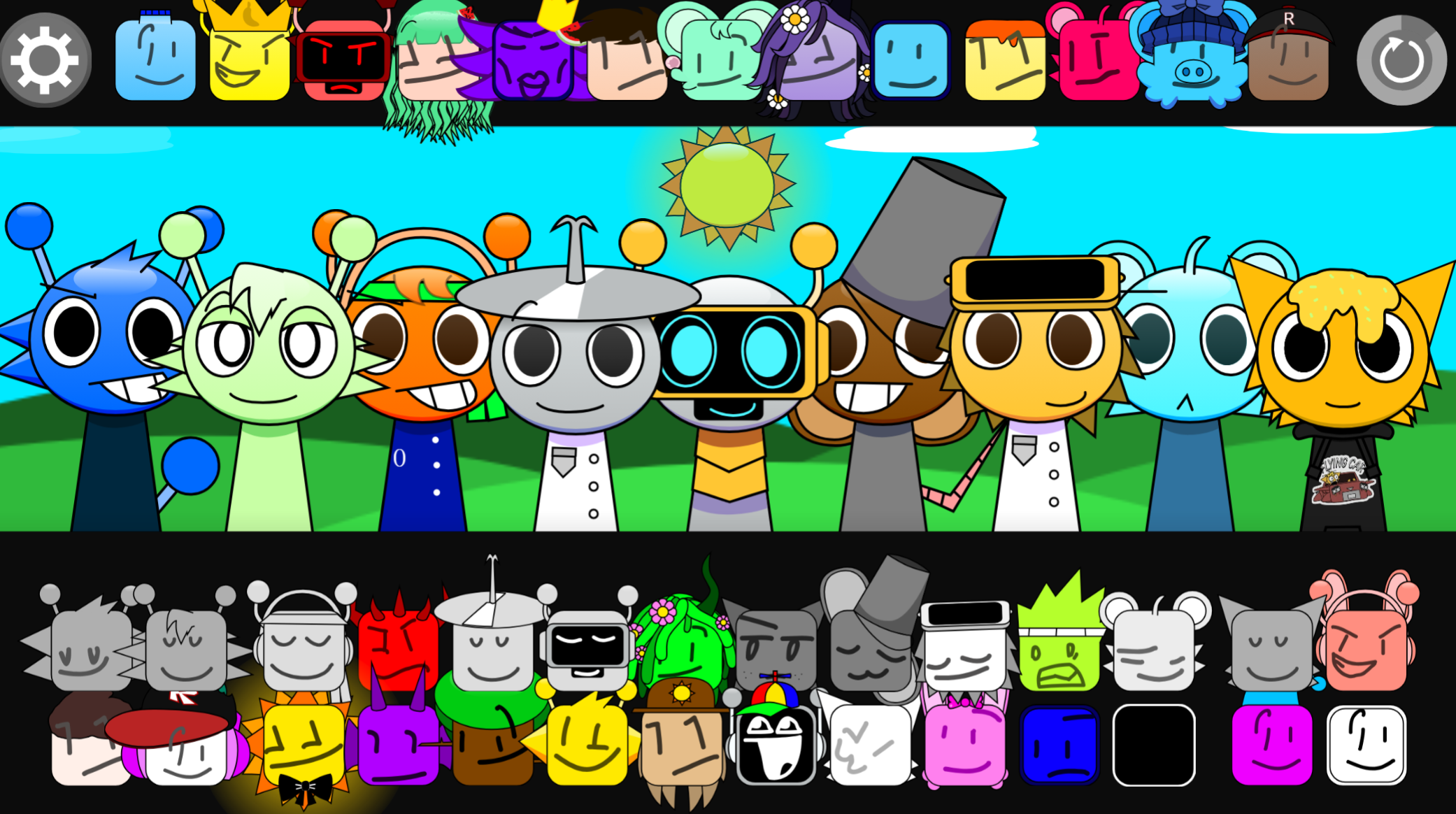
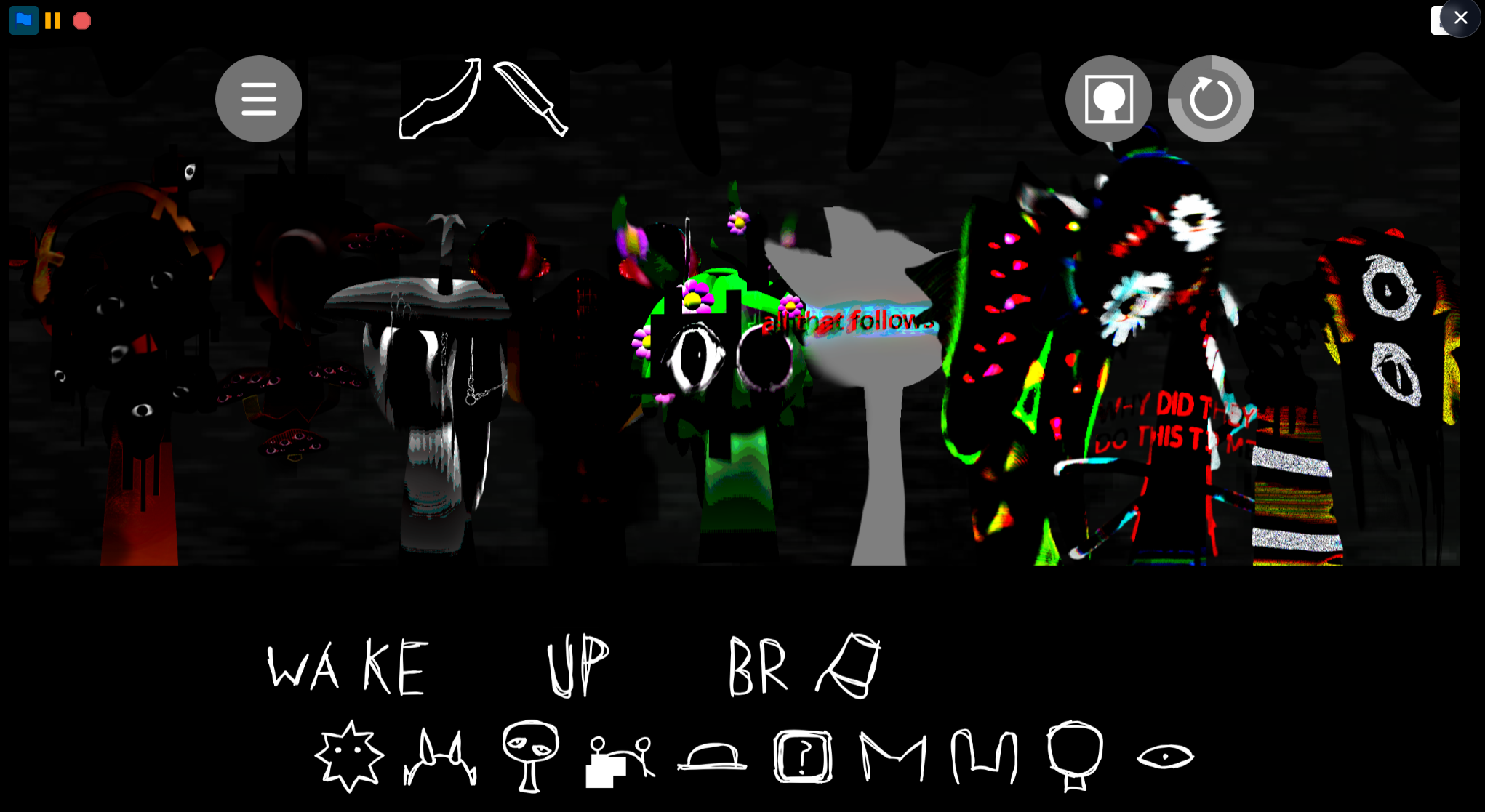
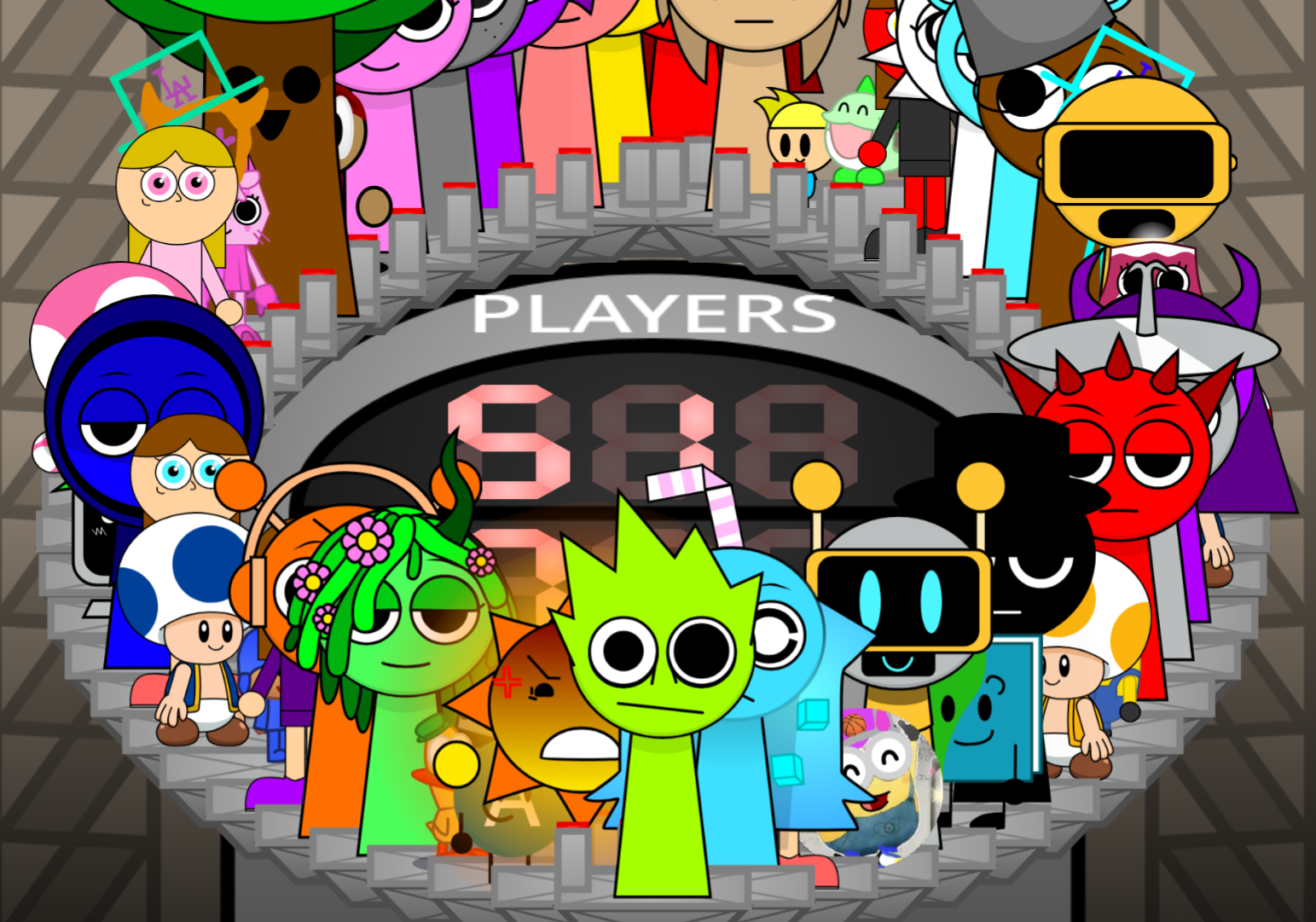
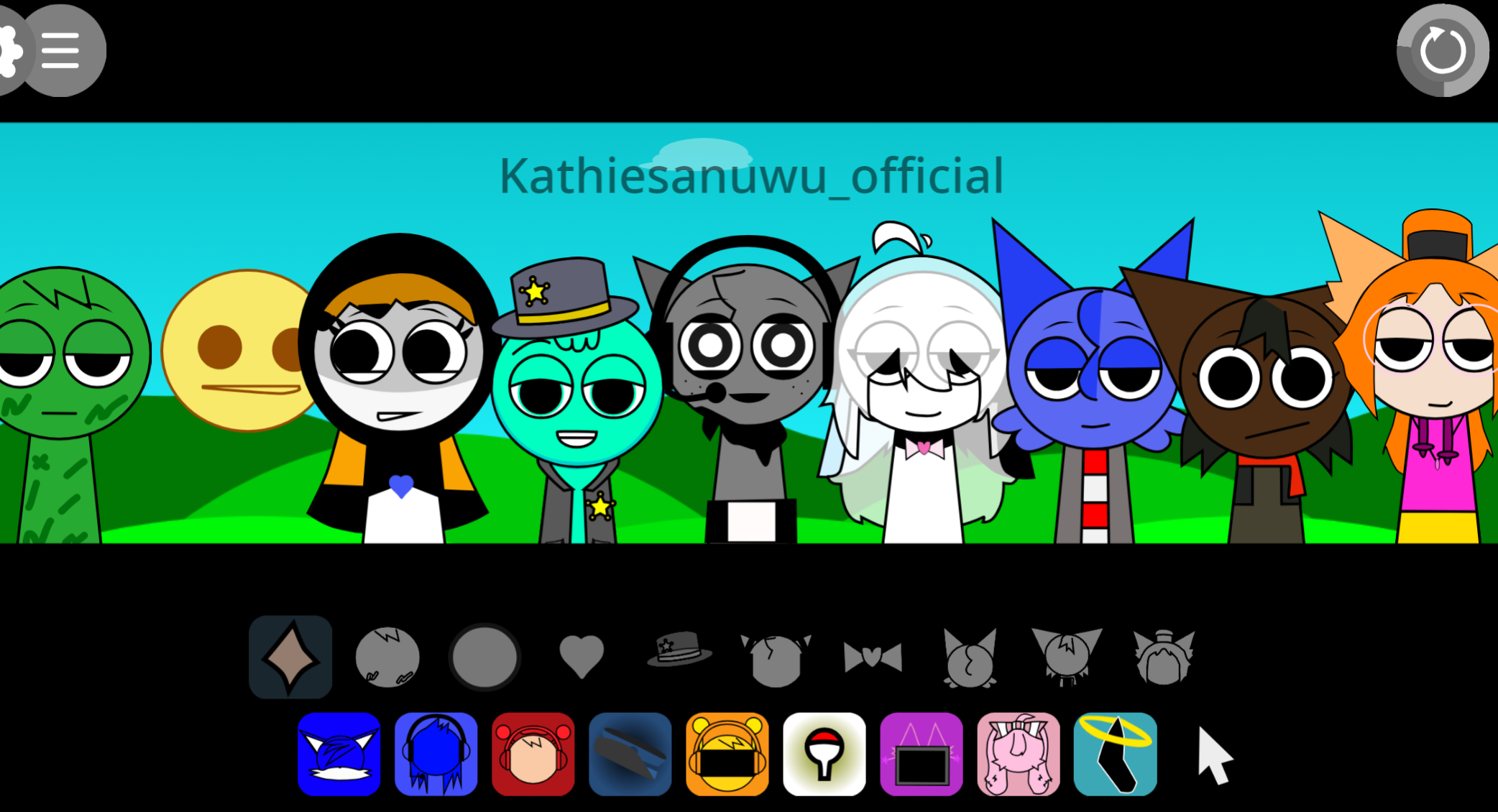
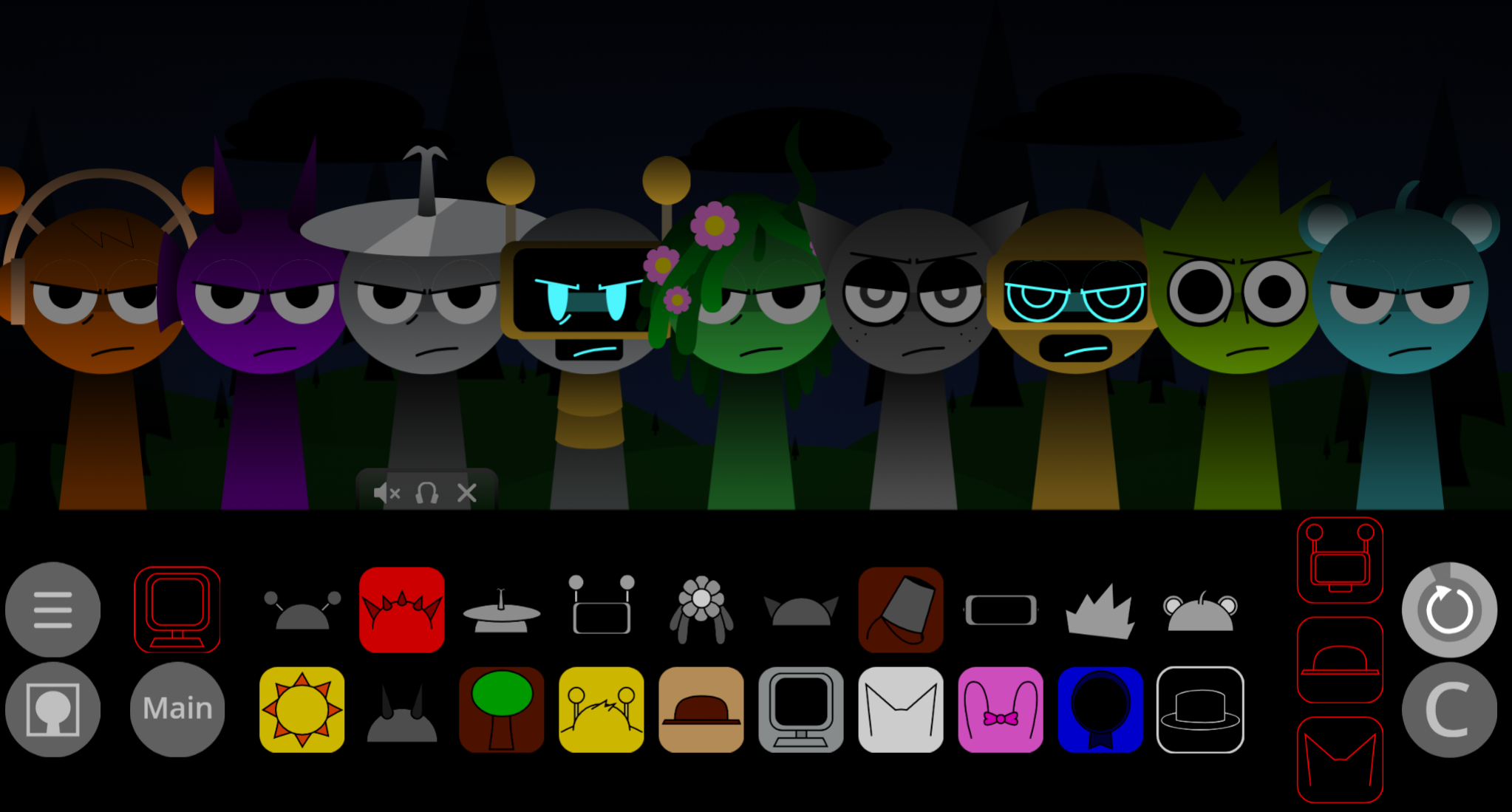
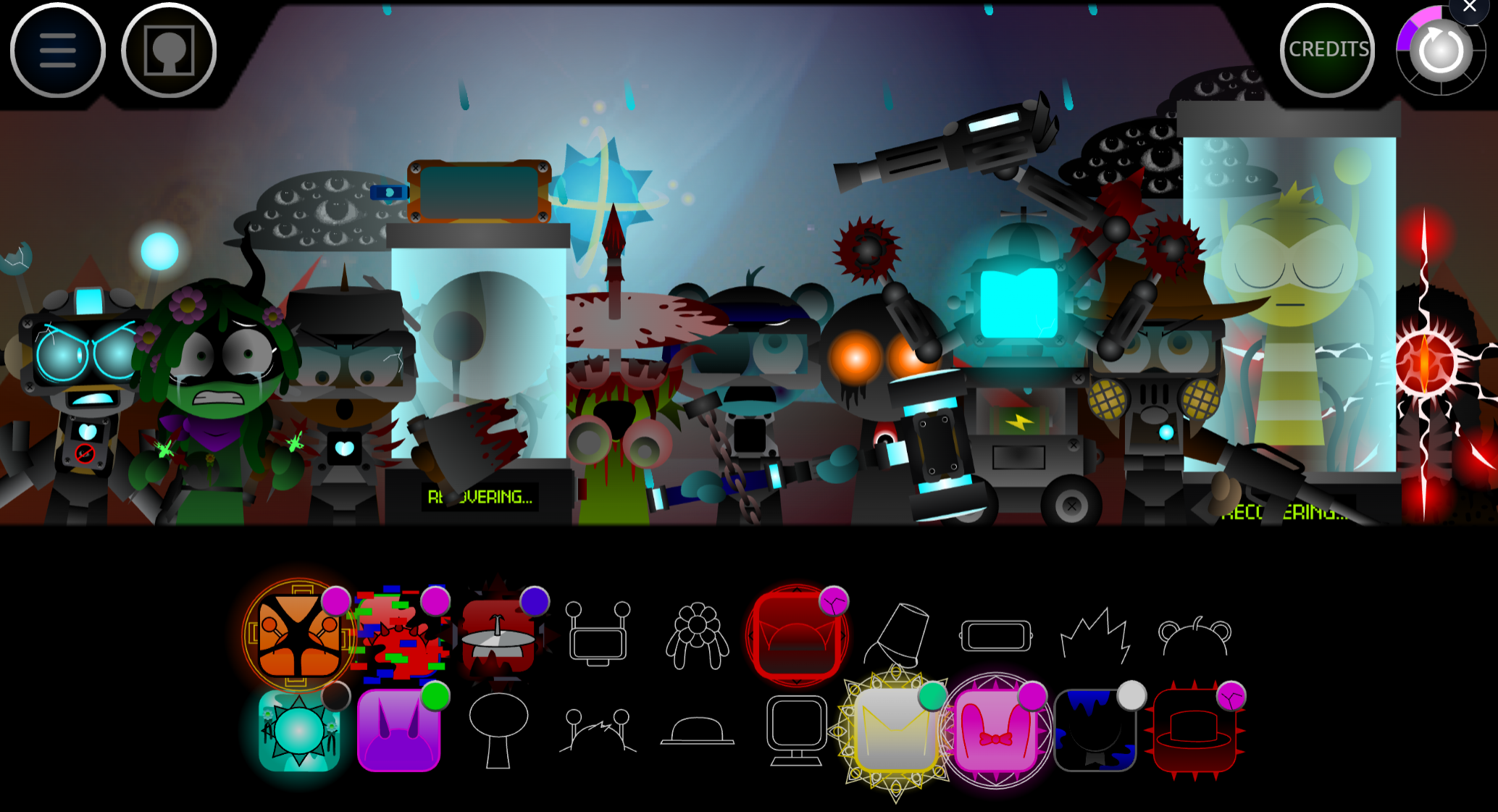
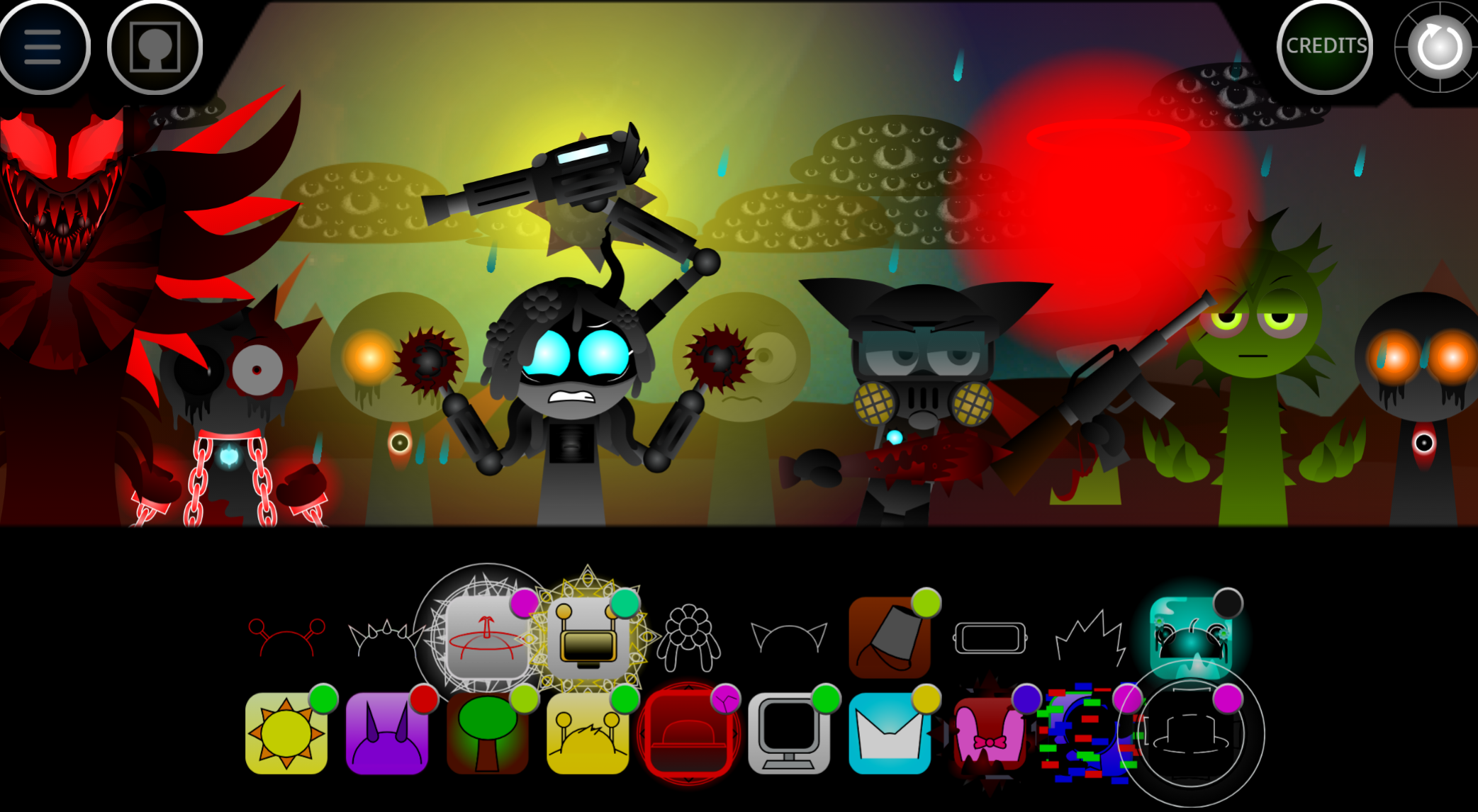
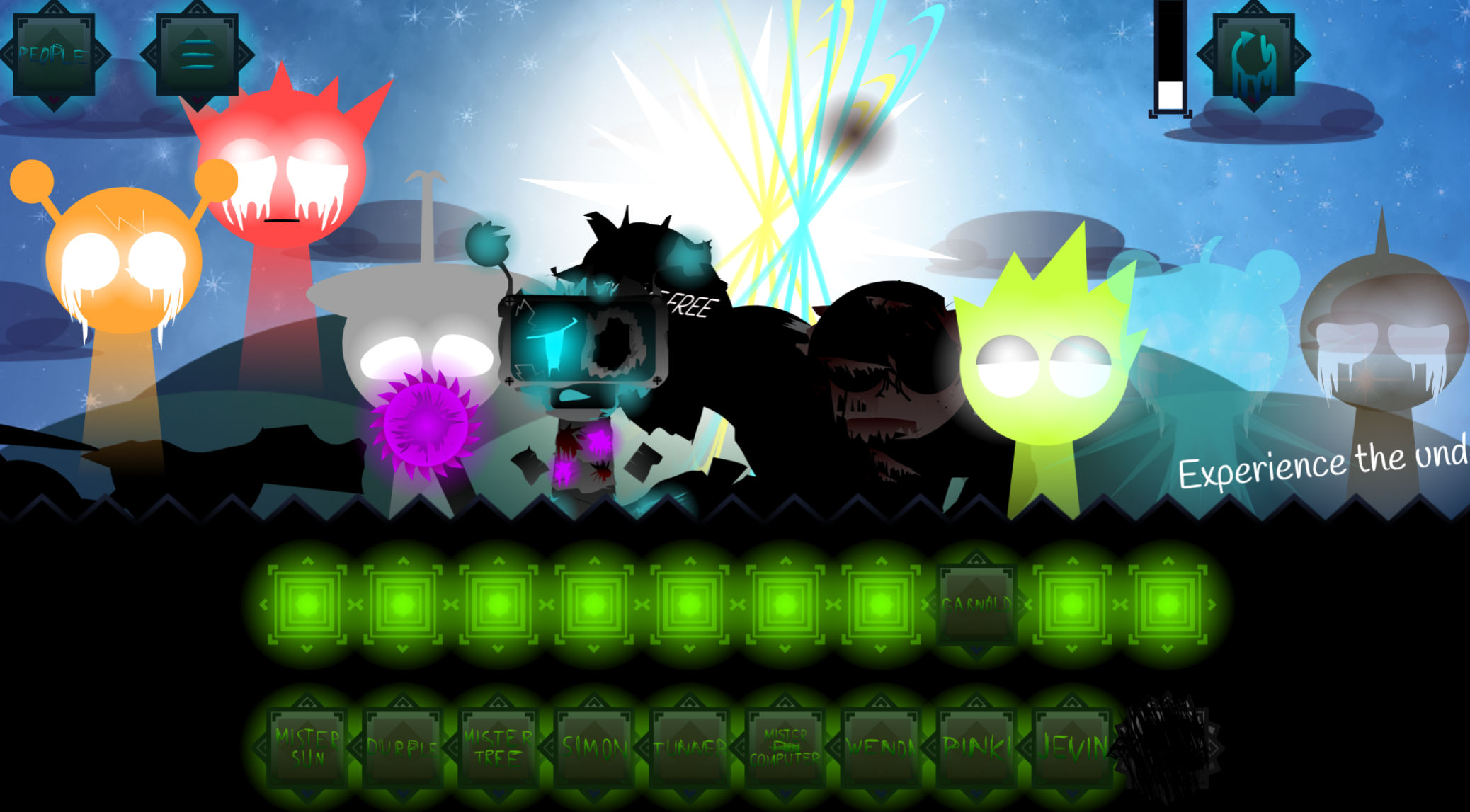
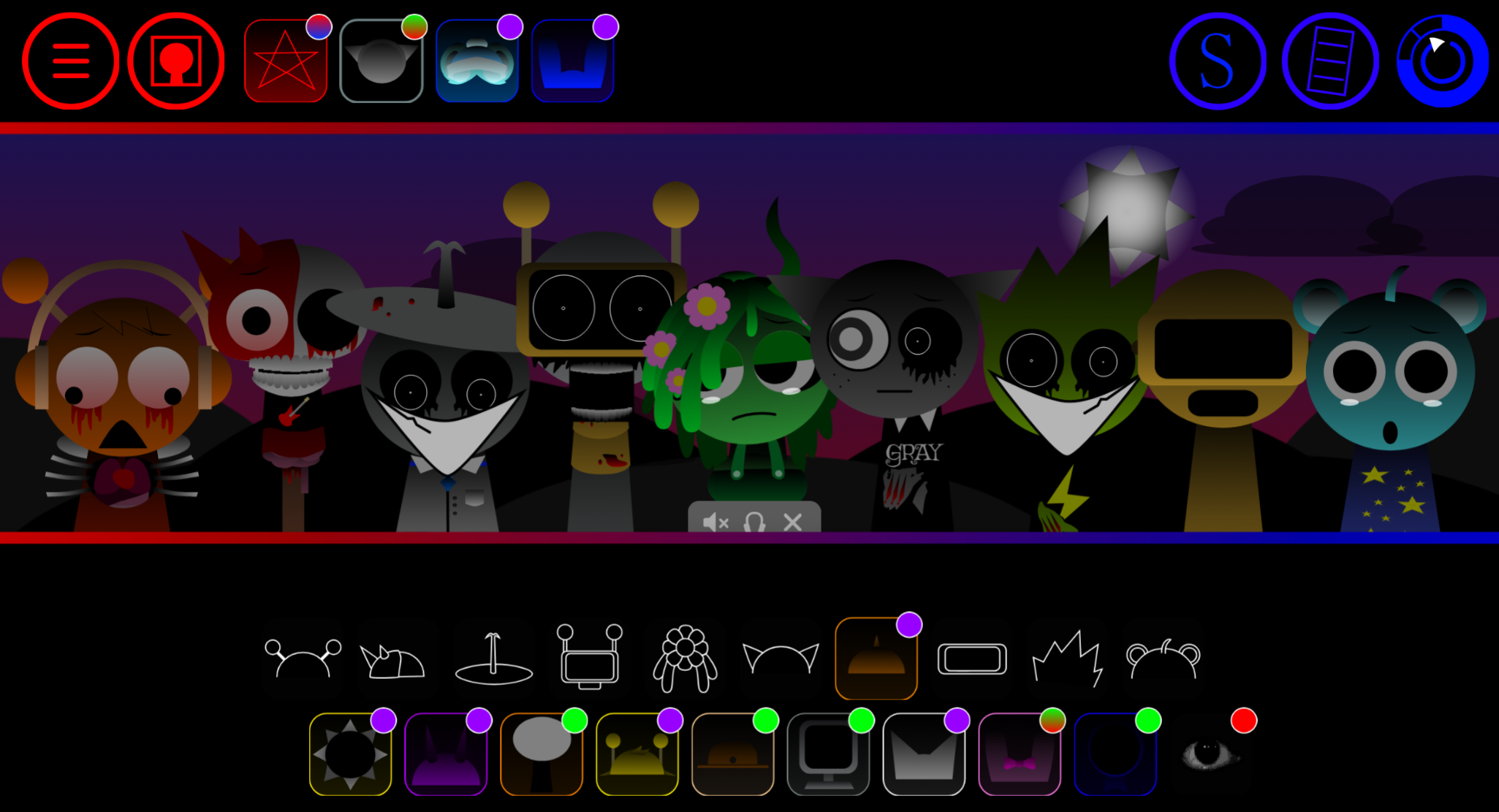
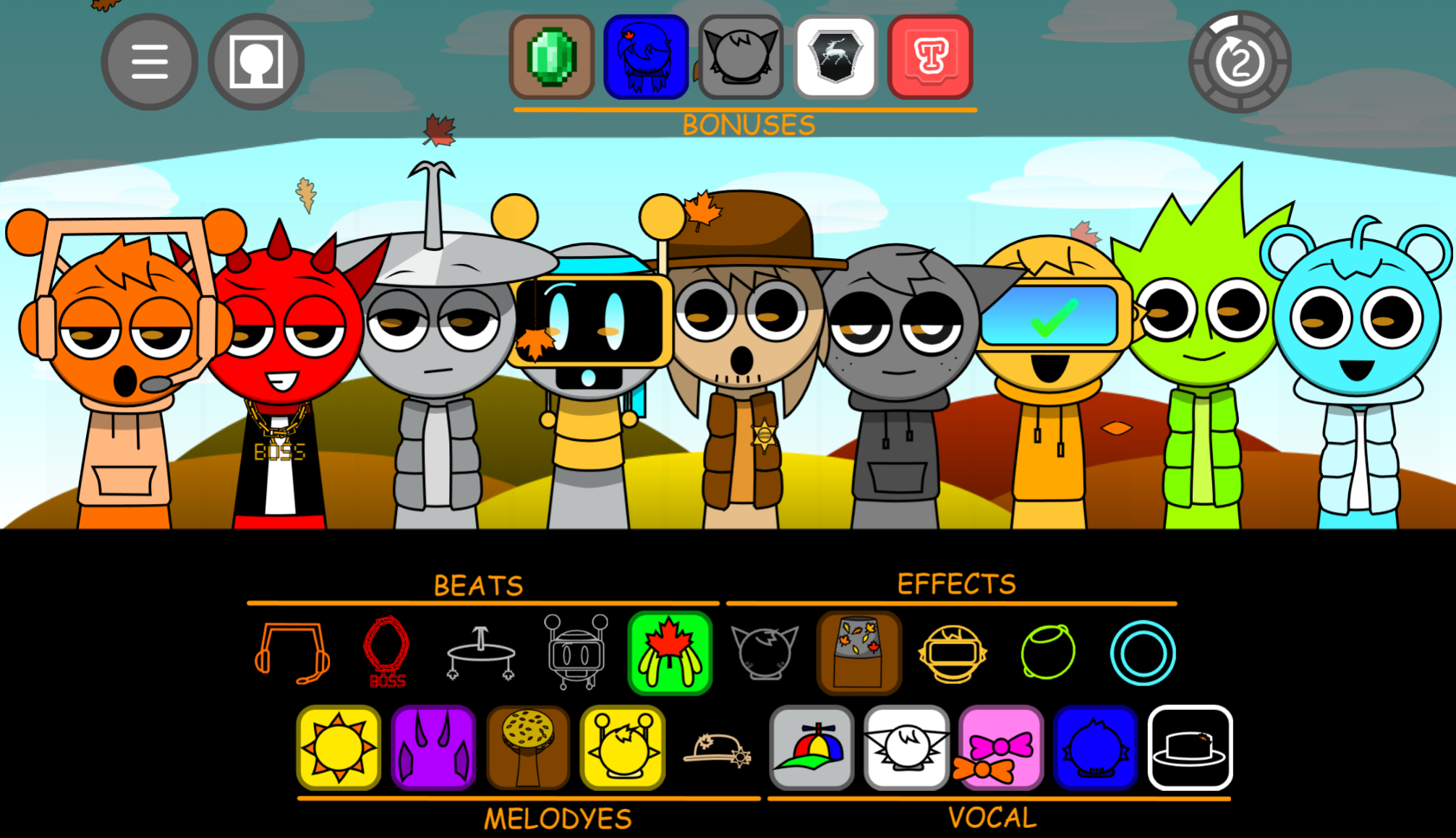
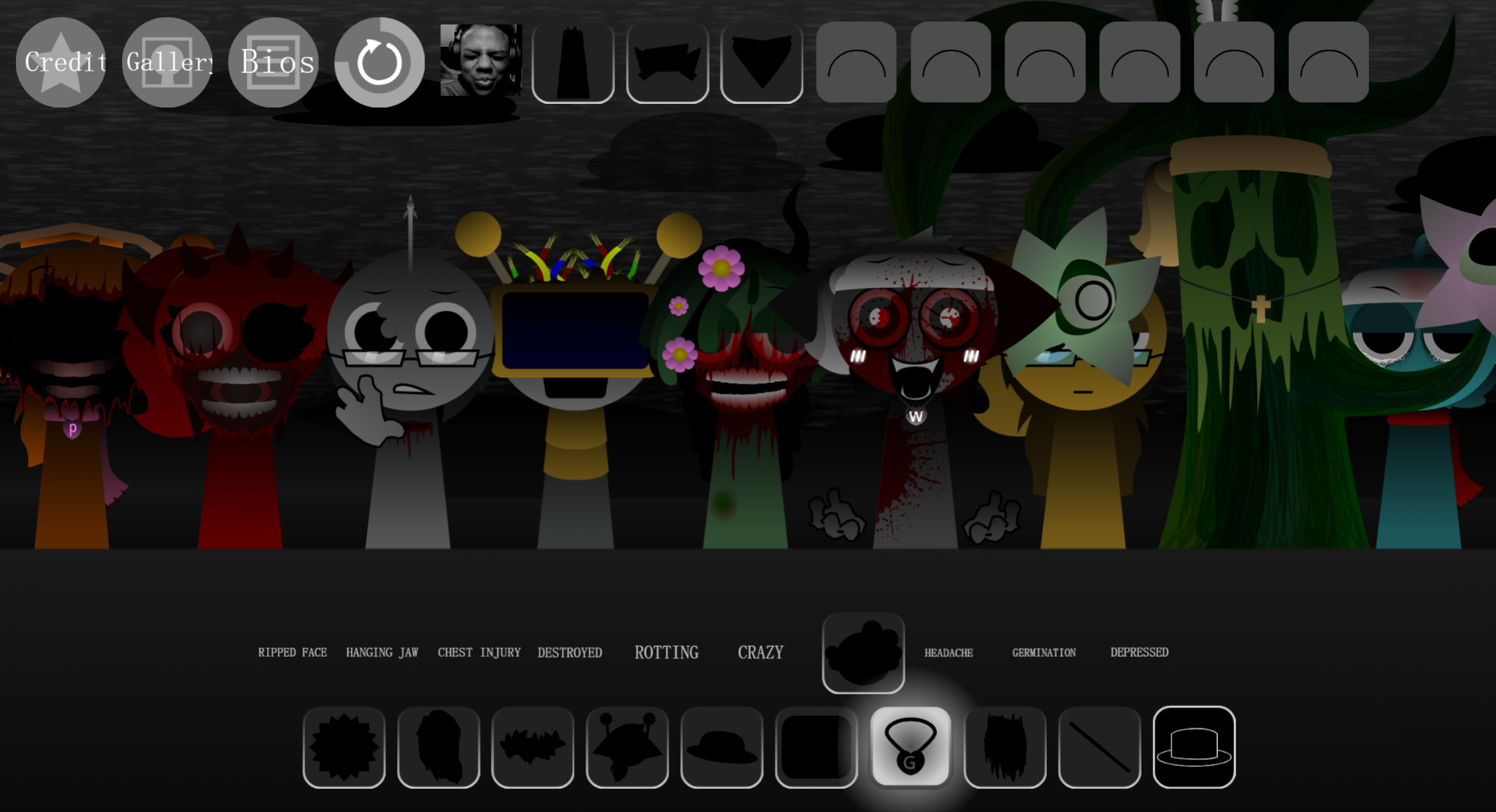
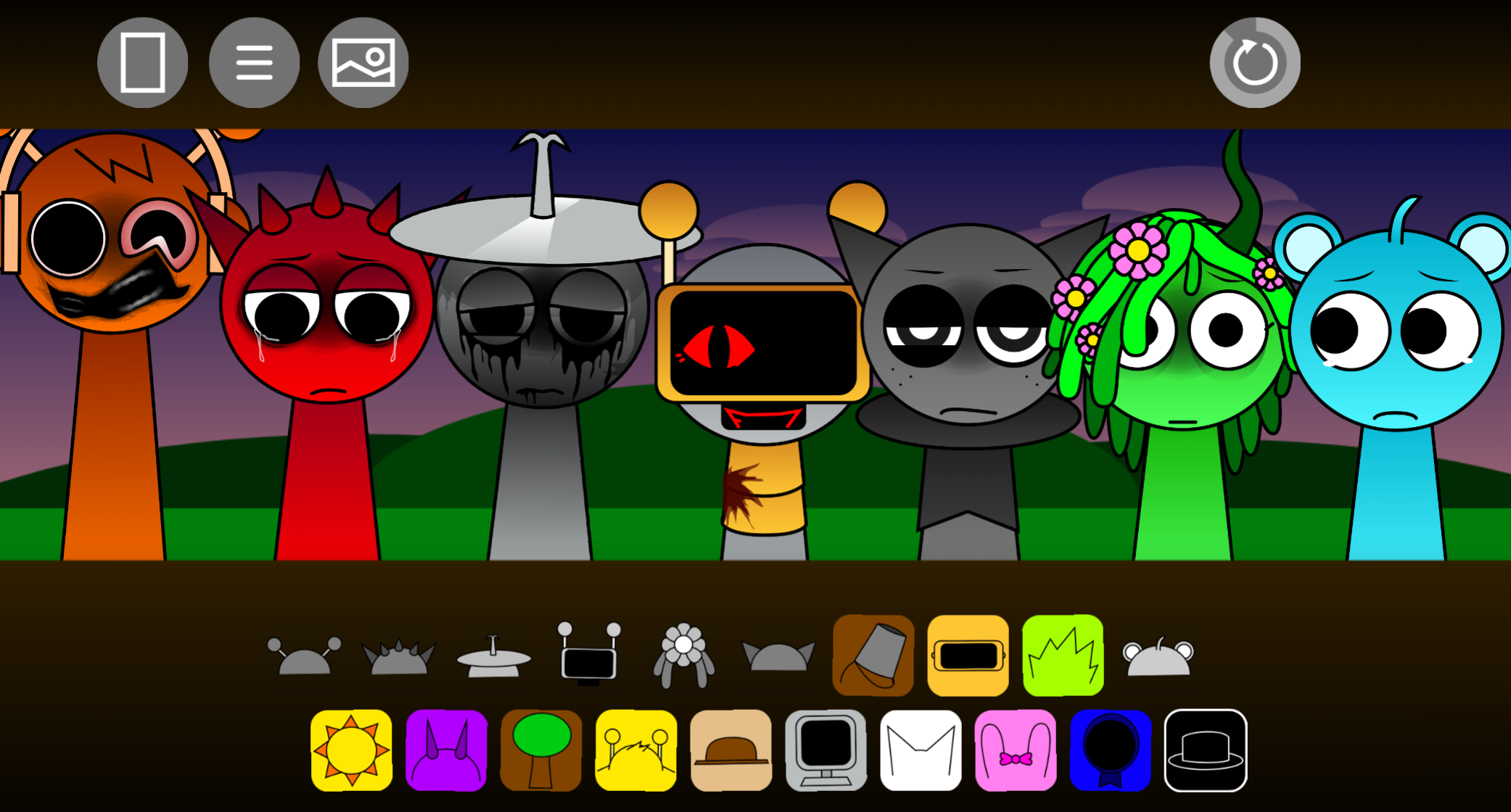
Sprunki Megaswap (Full Version) Bezie’s Take is a community-made music-mixing mod where players drag beats, effects, melodies, and vocals onto blank stage avatars to build layered tracks in-browser on gosprunki.com.
This breakdown covers what makes this variant stand out: swapped sound banks that shift familiar Sprunki loops into new arrangements, keyboard shortcuts (Key and Shift) that toggle between normal and hidden modes mid-session, and a stage layout that preserves the original drag-and-drop structure while reordering which avatar plays which sound type. The article walks through the mod’s audio swaps, mode-switching mechanics, and how those changes affect composition workflow.
If you want to know which features actually differ from baseline Sprunki mods and how they work in practice, the sections below provide concrete comparisons and playable examples.
What Is Sprunki Megaswap (Full Version) Bezie’s Take?
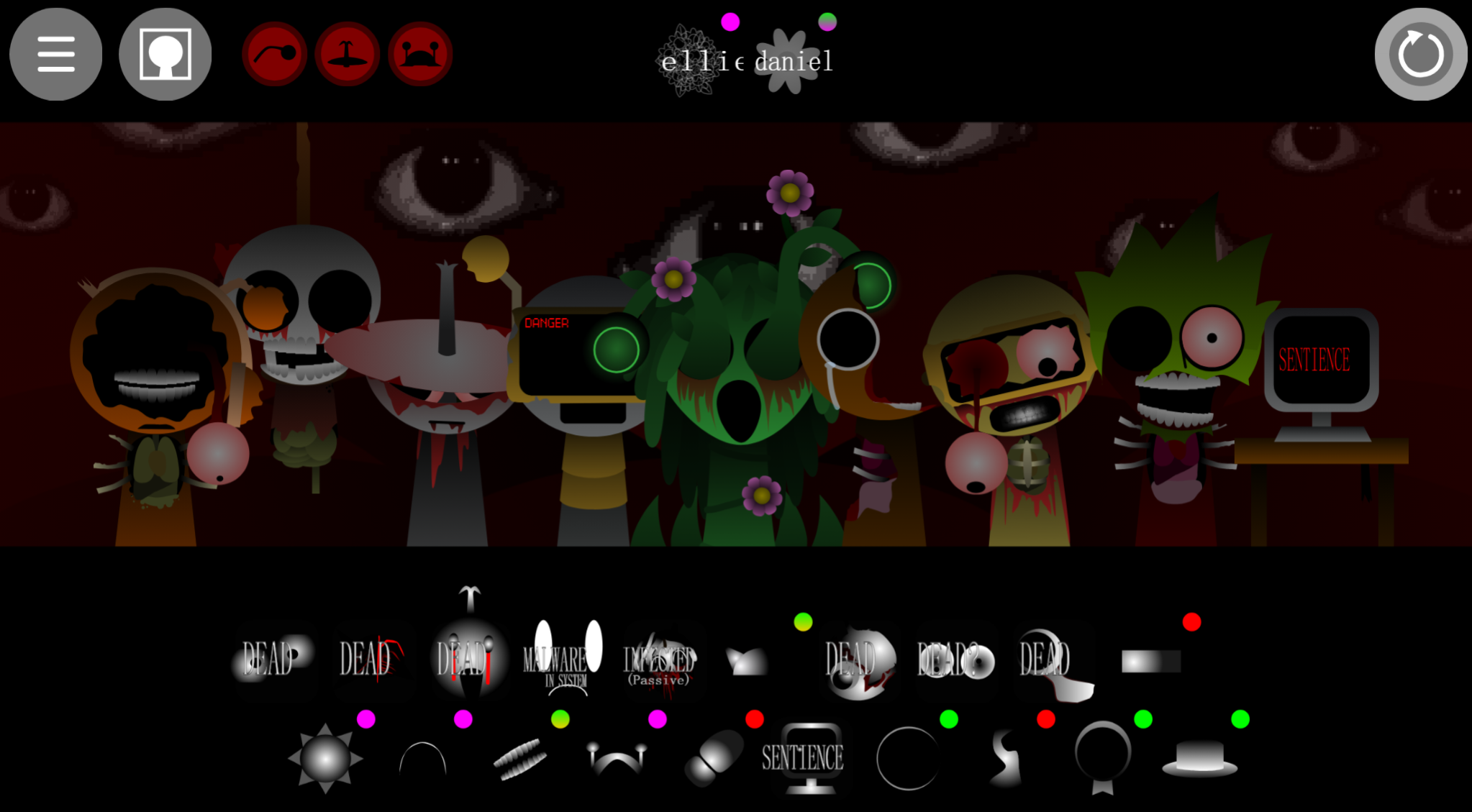
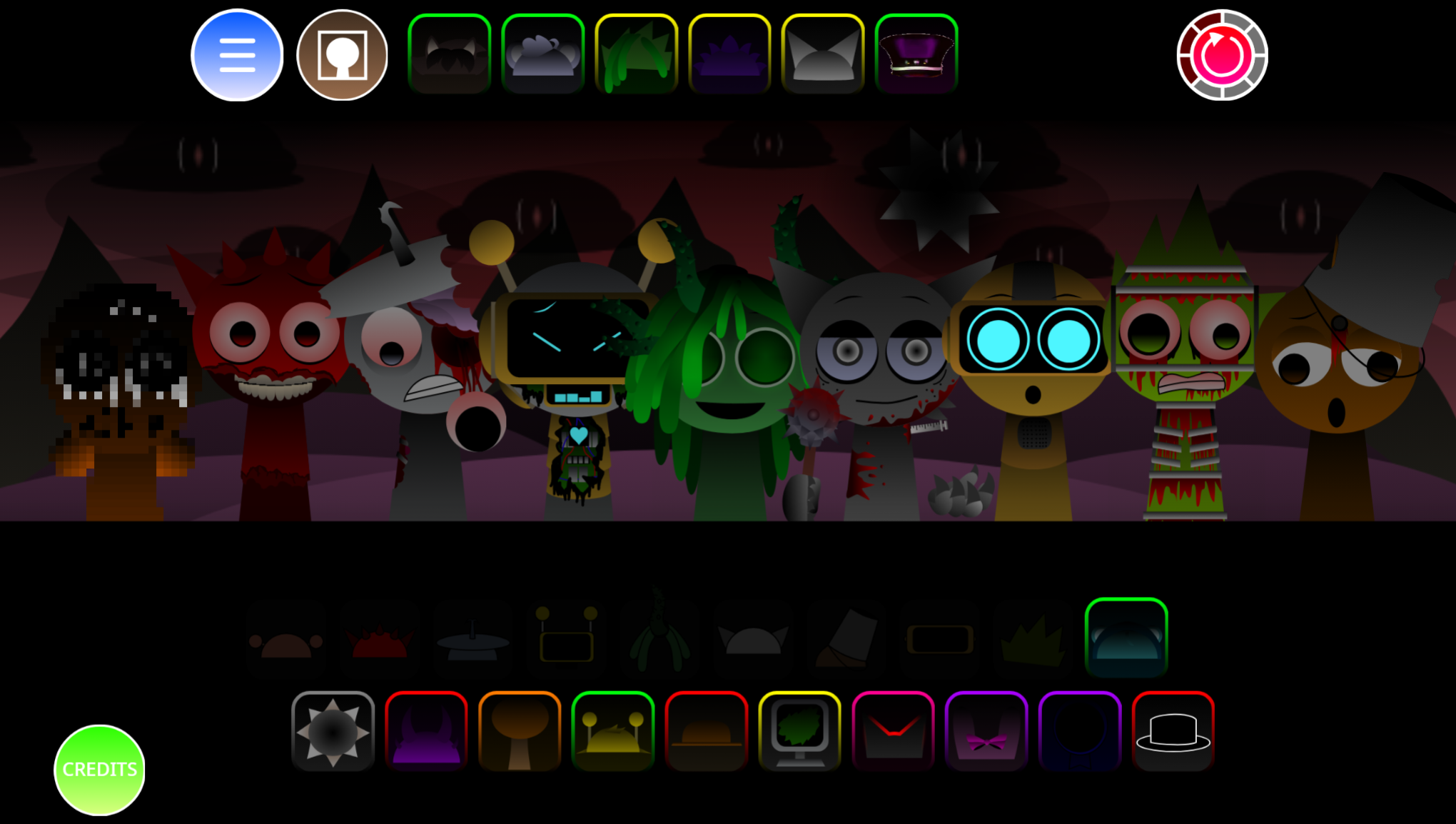
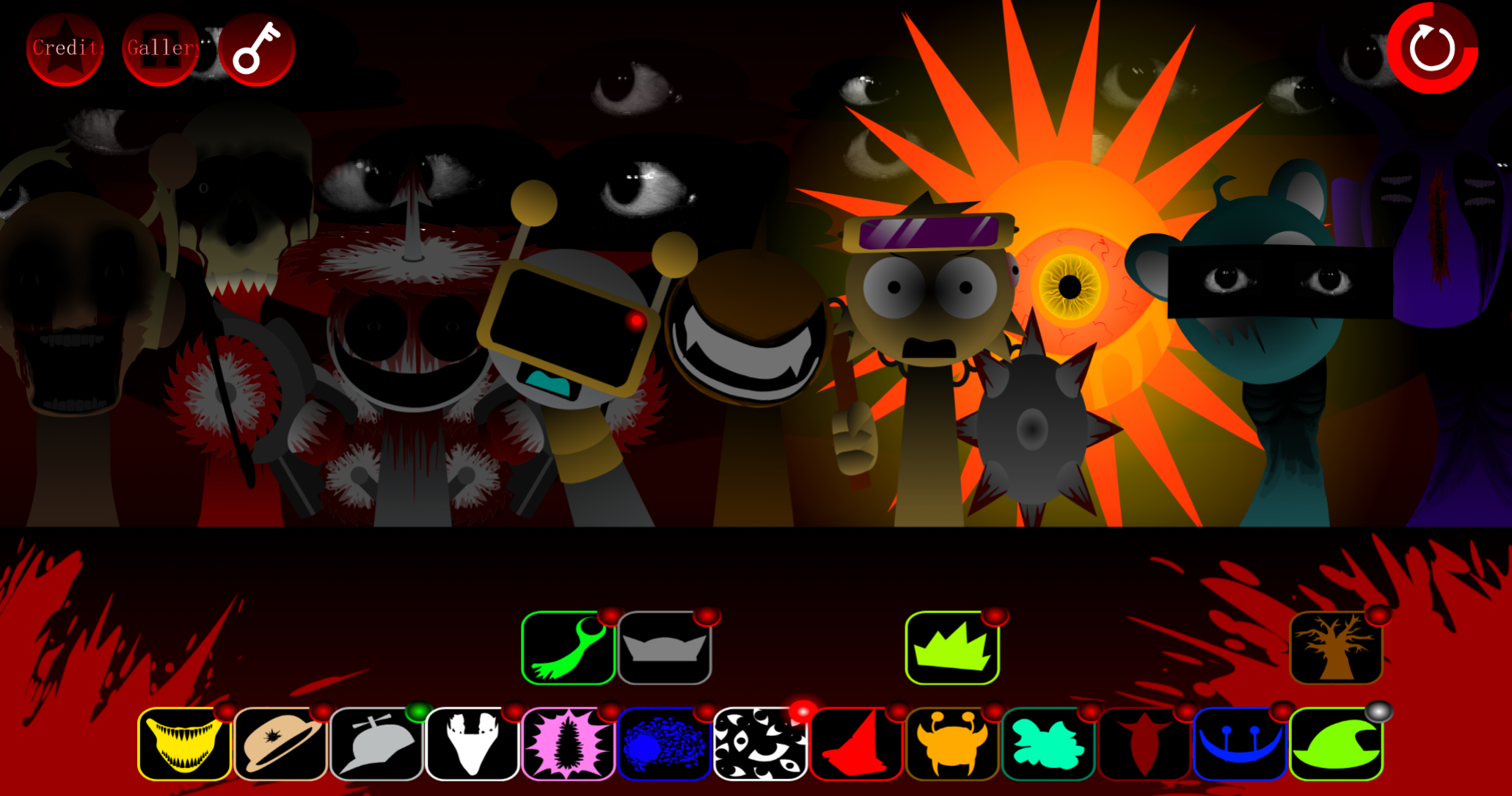
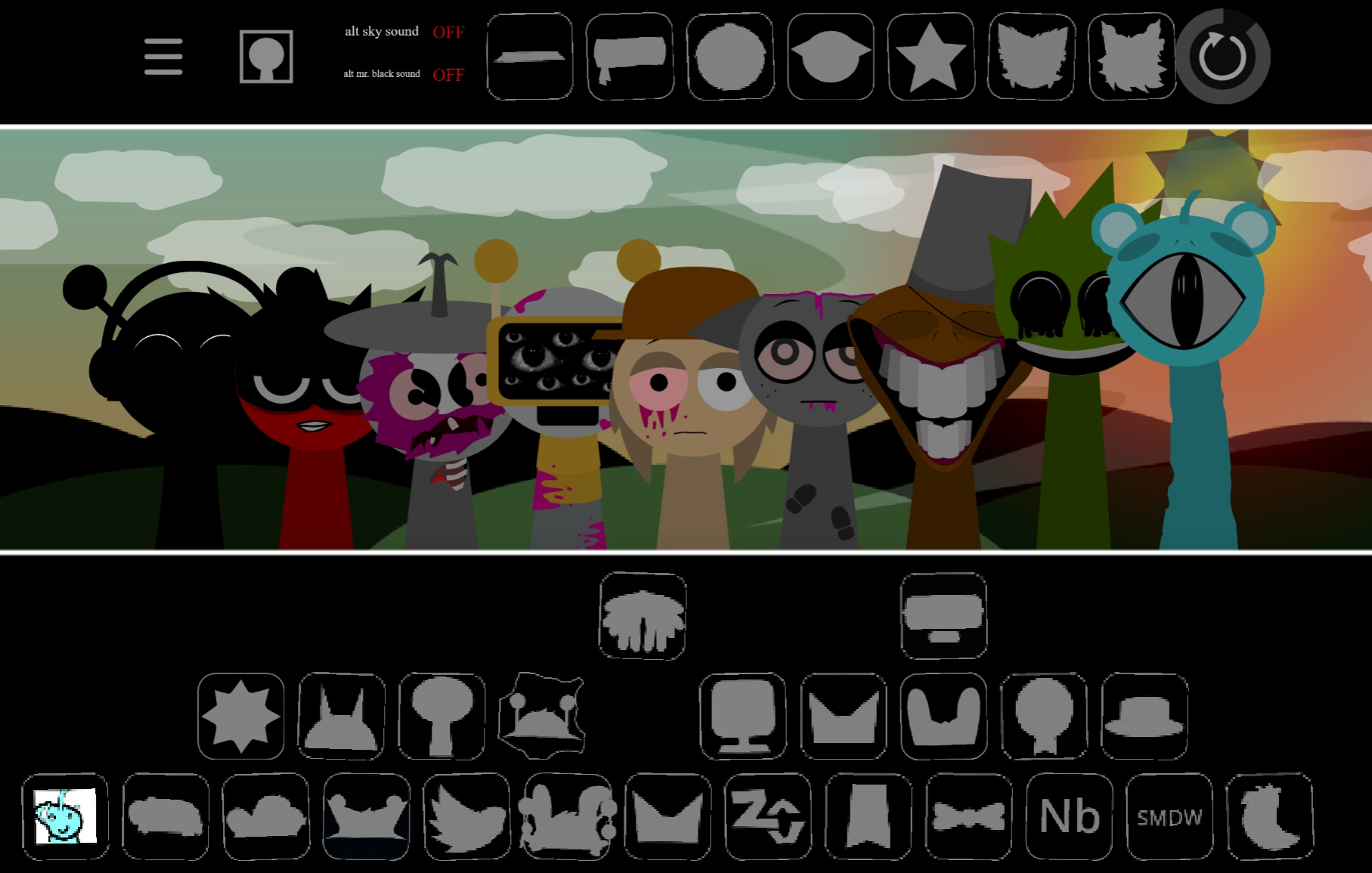
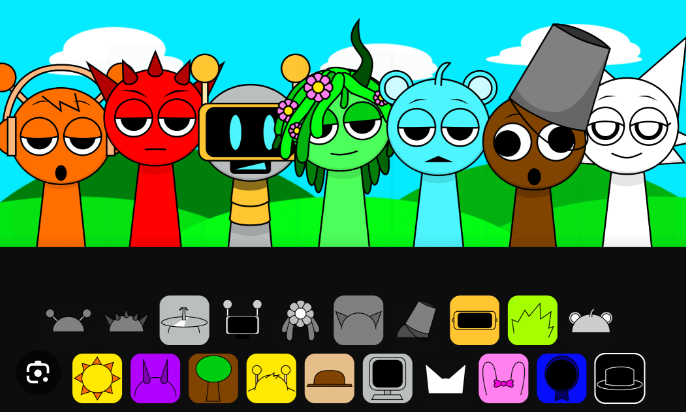
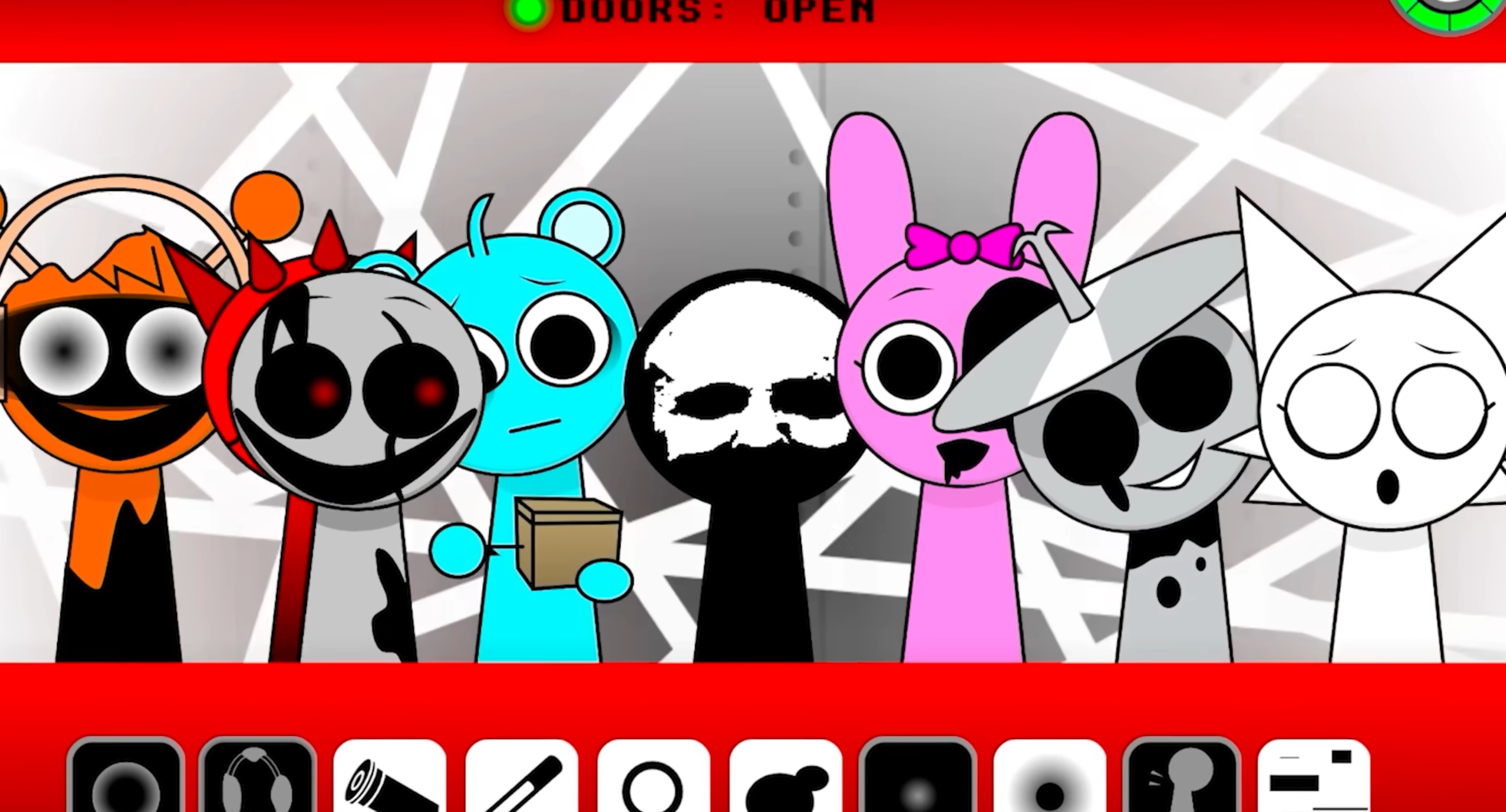
Sprunki Megaswap (Full Version) Bezie’s Take is a community-made music-mixing mod where players drag beats, effects, melodies, and vocals onto blank stage avatars. Each sound assignment triggers an immediate visual transformation and synchronized loop, building both a track and a performance. The interface merges rhythm composition with real-time character animation.
The defining feature is its lineup of Shift modes—Original, Tetra-Shifted, 7-Shifted, Triple-Shifted, and Tri-Shifted—each reimagining the roster’s audio design and visual aesthetics. Certain sound pairings trigger hidden Legendary Interludes, unlocking full animated cutscenes that reveal lore sequences. Despite its dark, infected visual style, the setting follows a non-lethal premise with a zero death toll.
Developed by @ArigariBezie for the V2.0 release, this edition extends the Megaswap lineage while remaining distinct from other community variations like Footlong Nachos’ take. The mod is playable in-browser on gosprunki.com.
Key Features & Shift Modes
Each Shift mode reinterprets the same roster through altered sound design, visual treatments, and atmosphere:
- Original
- Tetra-Shifted
- 7-Shifted
- Triple-Shifted
- Tri-Shifted
A rhythm-heavy arrangement may become more forceful in one Shift, while another emphasizes echoing vocals or darker synth textures. Avatar designs change with each mode, making them feel like separate performance spaces rather than menu variations.
Hidden Legendary Interludes appear when specific sound combinations are triggered. These fully animated sequences unlock lore-focused cutscenes beyond the mixing screen. Because exact recipes aren’t documented, discovering them requires experimentation and attention to unusual stage behavior.
How to Play Sprunki Megaswap V2.0
Assign sound elements to blank avatars and build layered tracks one role at a time.
- Start with a beat. Place a rhythm icon on a character to establish the foundation. The avatar transforms and begins its loop.
- Add effects and melodies. Layer additional icons to shape texture, mood, and movement.
- Layer vocals carefully. Vocal parts shift atmosphere, especially when paired with particular melodic or effect loops.
- Watch the stage. Visual transformations provide immediate feedback about assigned roles.
- Switch Shift modes. Test the same setup across Original, Tetra-Shifted, 7-Shifted, Triple-Shifted, and Tri-Shifted formats to compare treatments.
- Try unusual pairings. Some combinations activate Legendary Interludes instead of adding another loop.
Mixing & Discovery Tips
Build gradually rather than filling every slot immediately. A simple rhythm foundation makes it easier to hear how each added element changes the arrangement and reveals which character transformations correspond to specific sounds.
For hidden-content discovery:
- Test one new sound against a stable beat-and-melody base.
- Revisit combinations that create unusually dramatic visual or atmospheric changes.
- Compare the same pairing across multiple Shift modes.
- Watch for stage behavior that differs from normal loop performance, which may indicate a Legendary Interlude trigger.
- Experiment with thematically linked combinations, since secret sequences are tied to specific sound setups.
Related Games
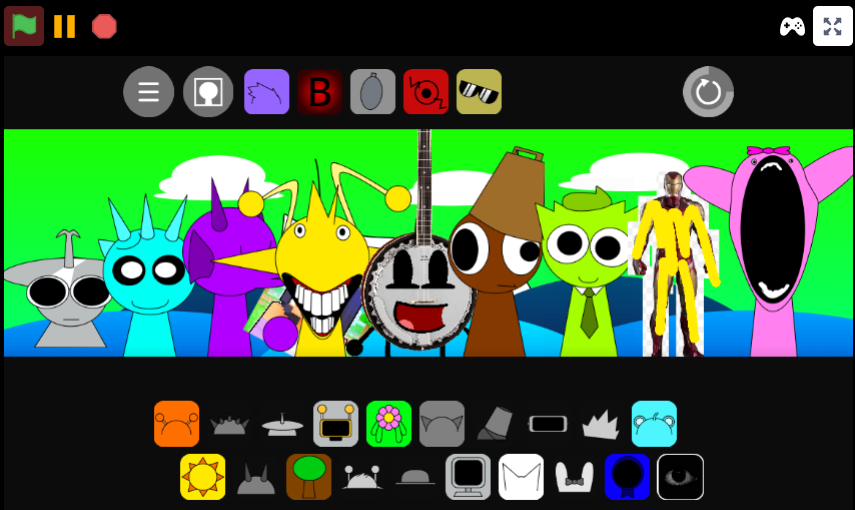
- Sprunki Megaswap Footlongs Take — This alternate Megaswap take is the most direct comparison for players who want to contrast Bezie’s Shift-mode soundscape, character redesigns, and secret-combination presentation with another community interpretation.
- Sprunki MEGASWAP Maxwells Take — Maxwell’s version offers another closely related Megaswap variation for exploring how a different creator reshapes the same slot-based beat layering and transformed-avatar concept.
Where Can You Play This Version?
The V2.0 edition is available in-browser on gosprunki.com. Players can test the full roster, compare Shift modes, and search for hidden Legendary Interludes in @ArigariBezie’s animated Megaswap take.
Discuss Sprunki