



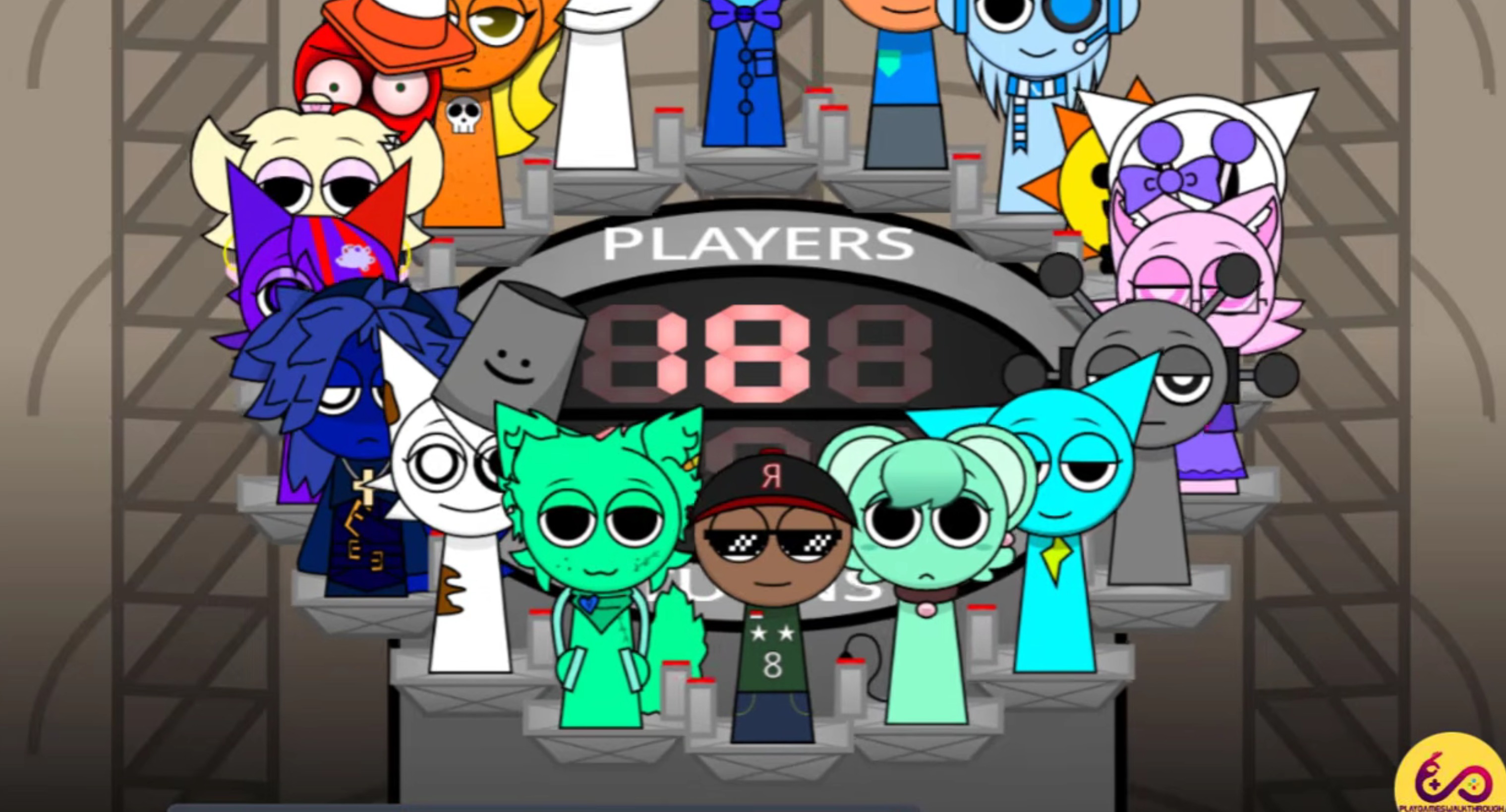
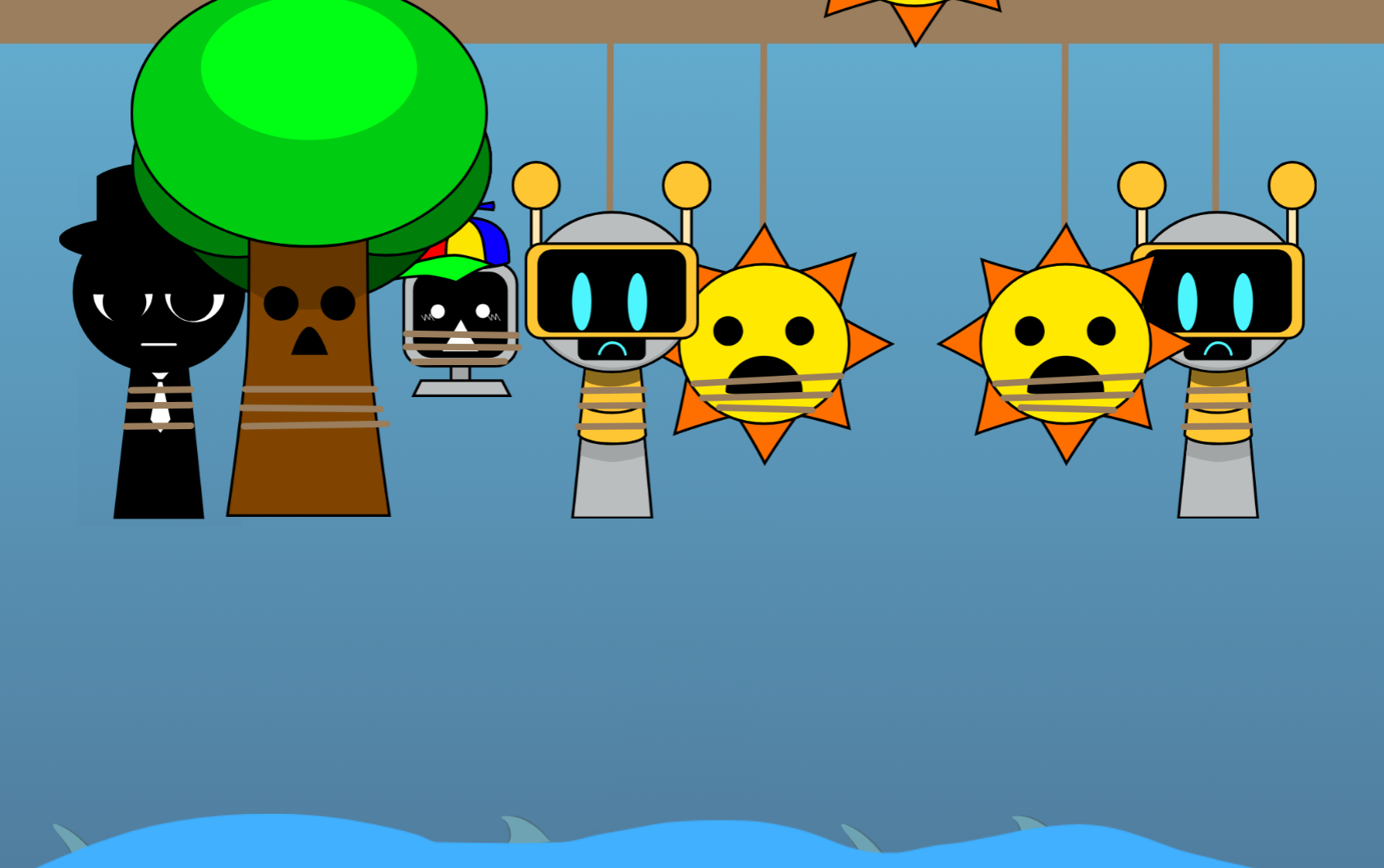
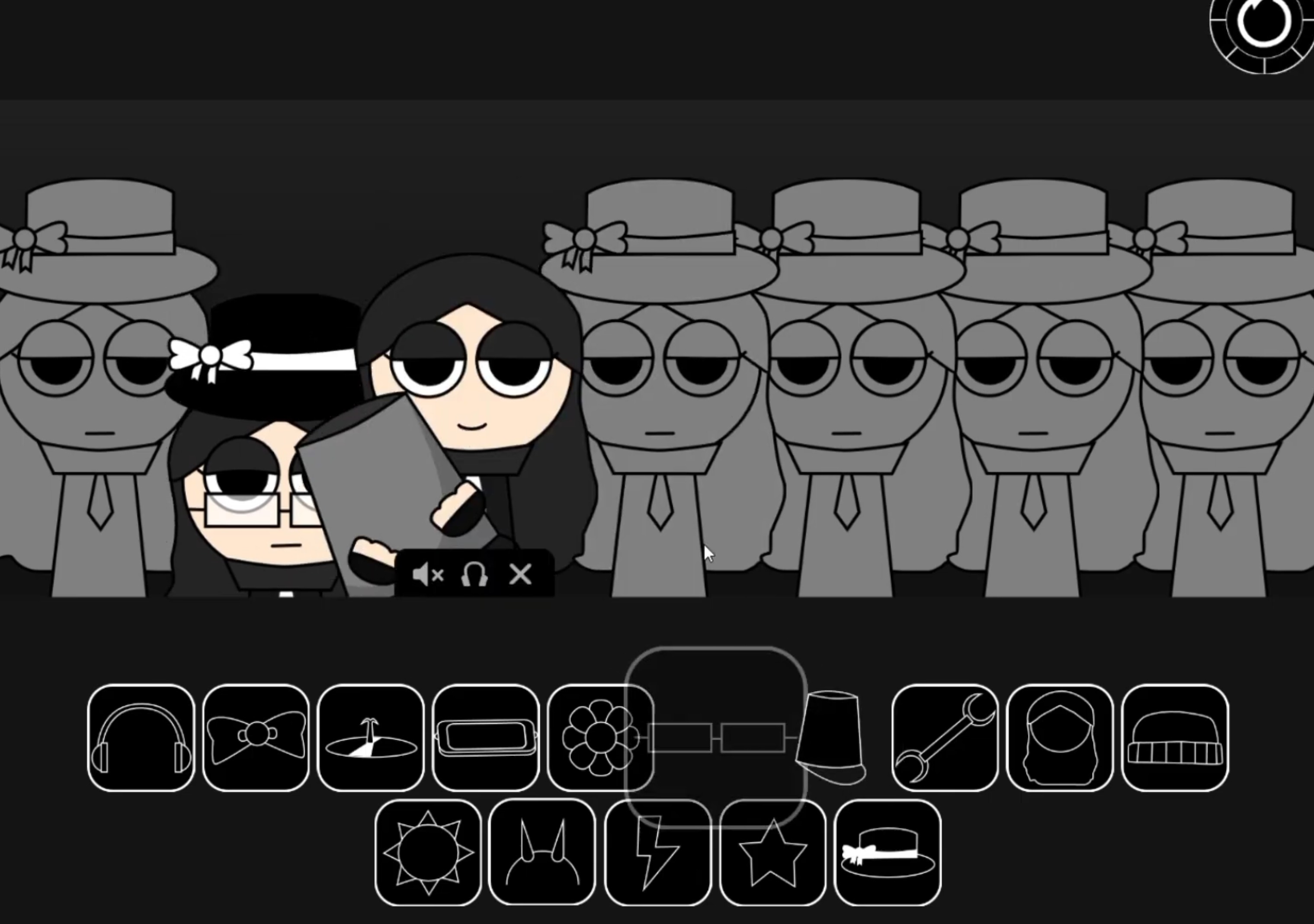
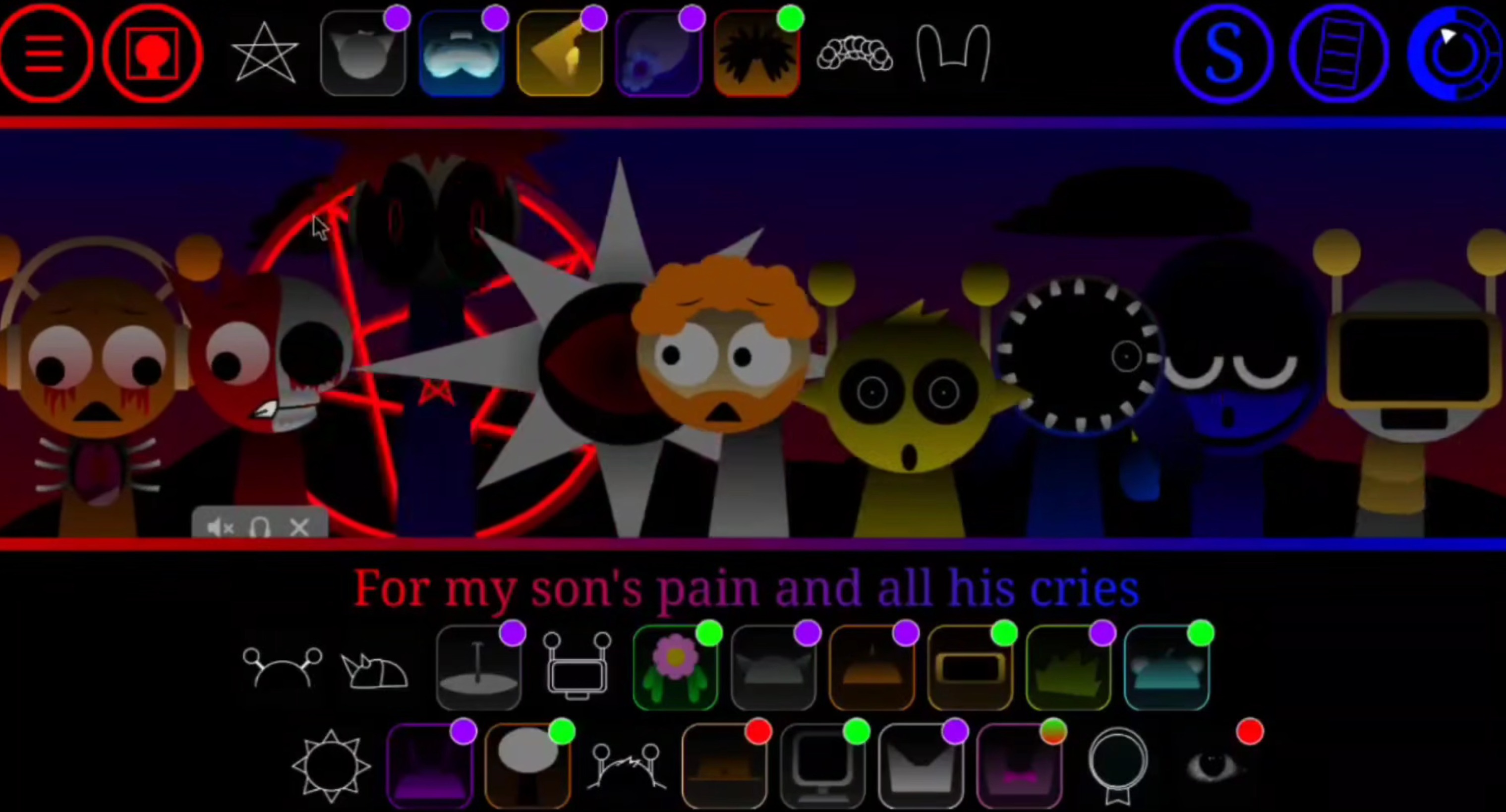
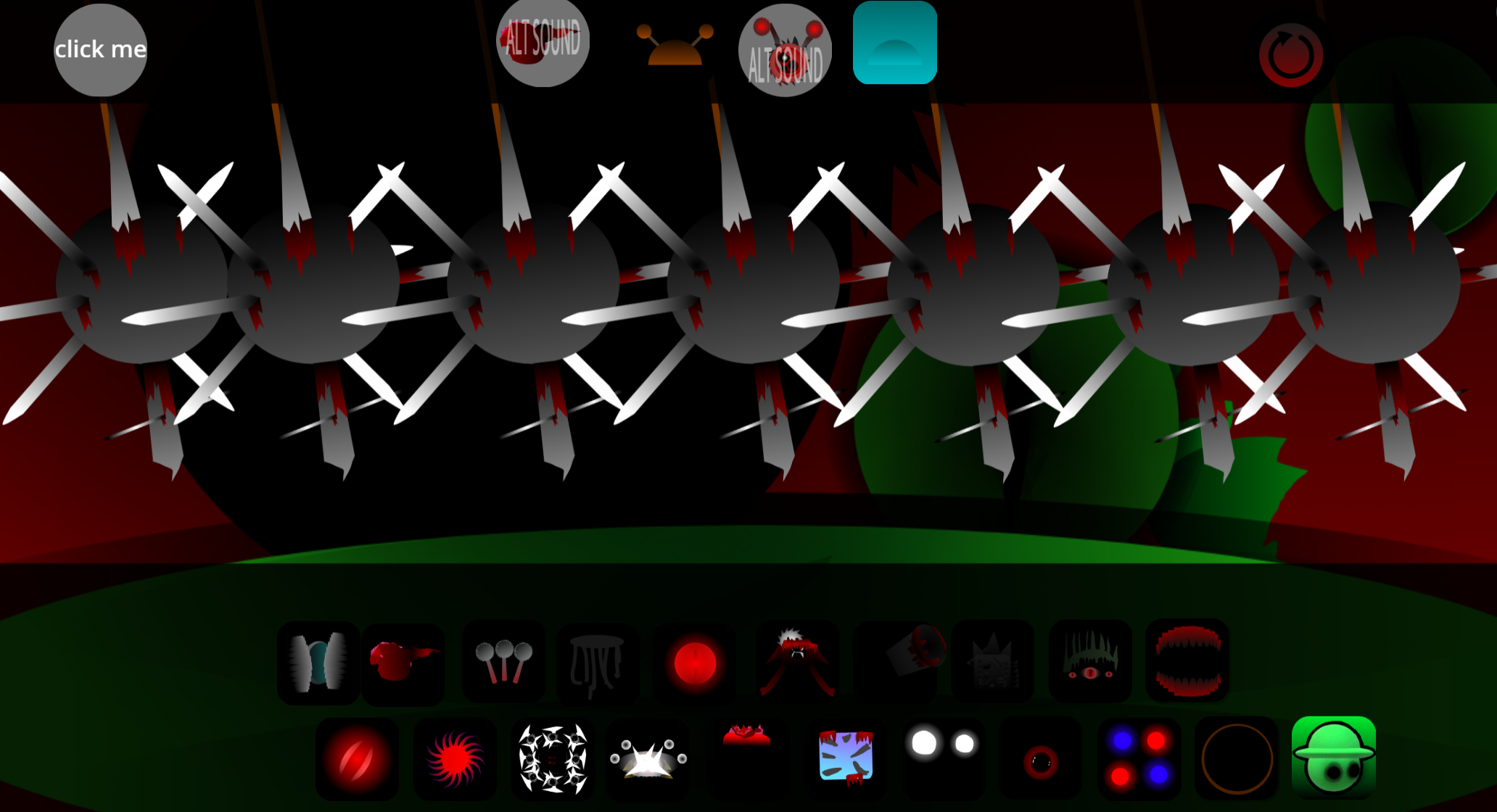
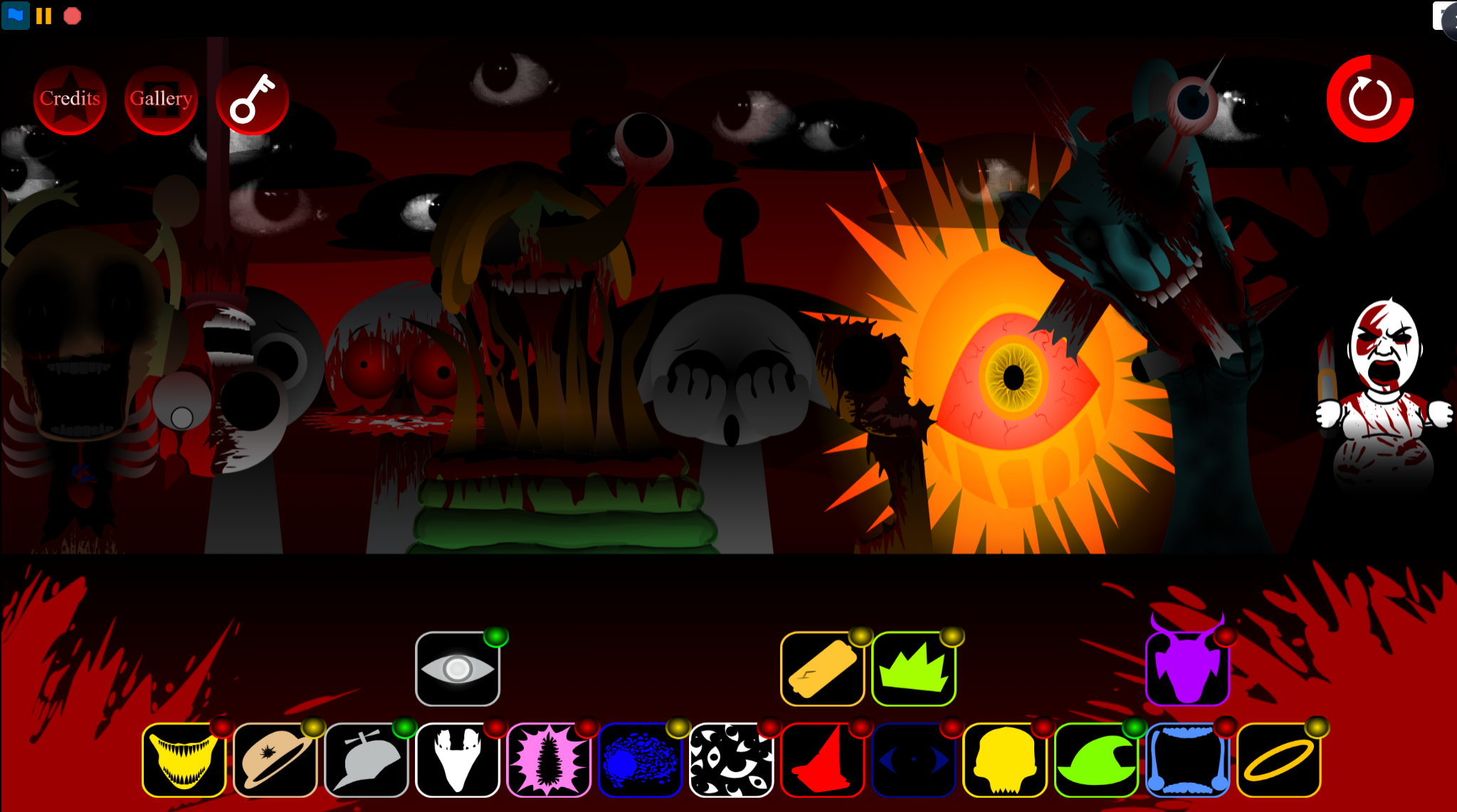
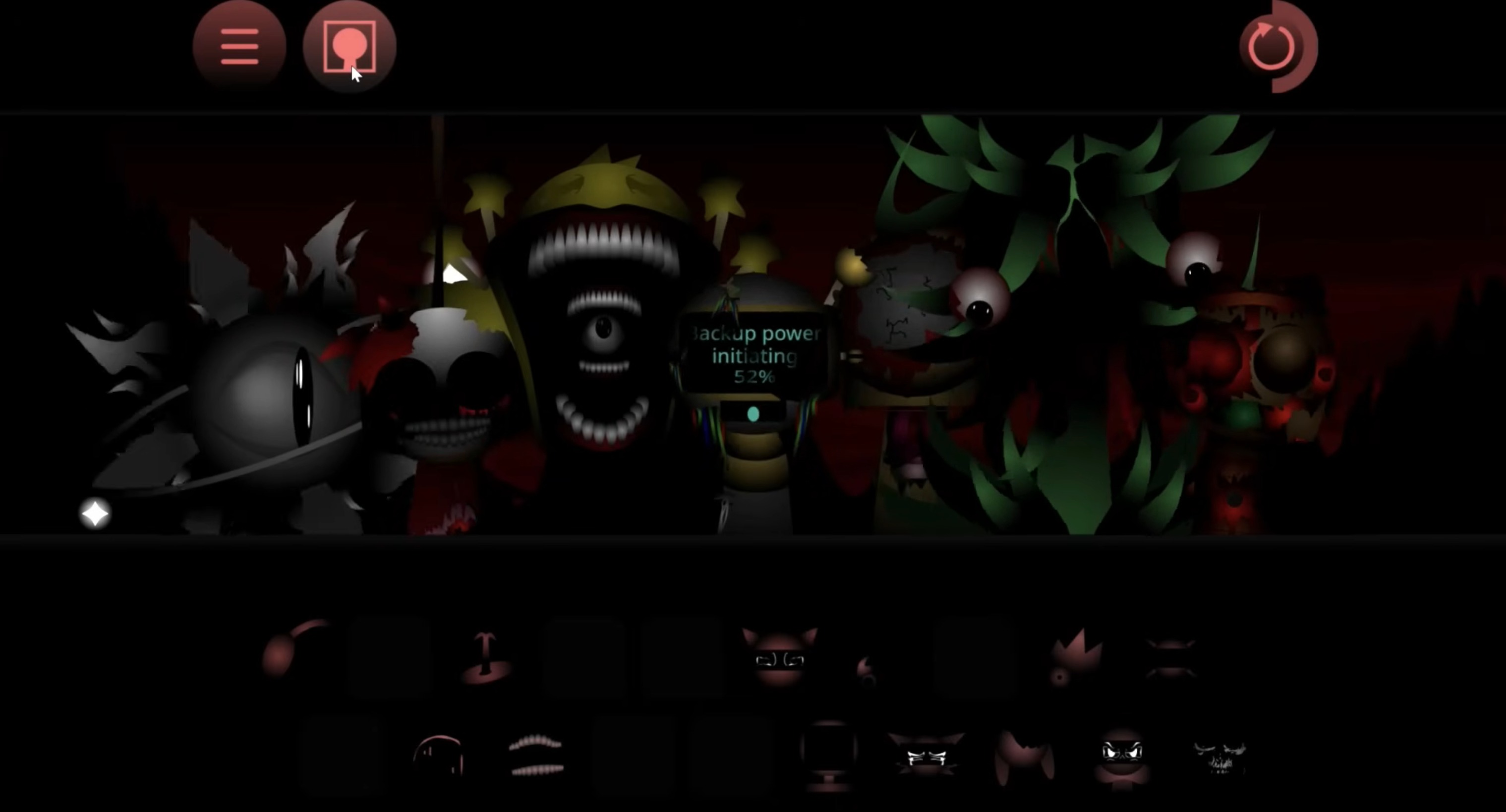
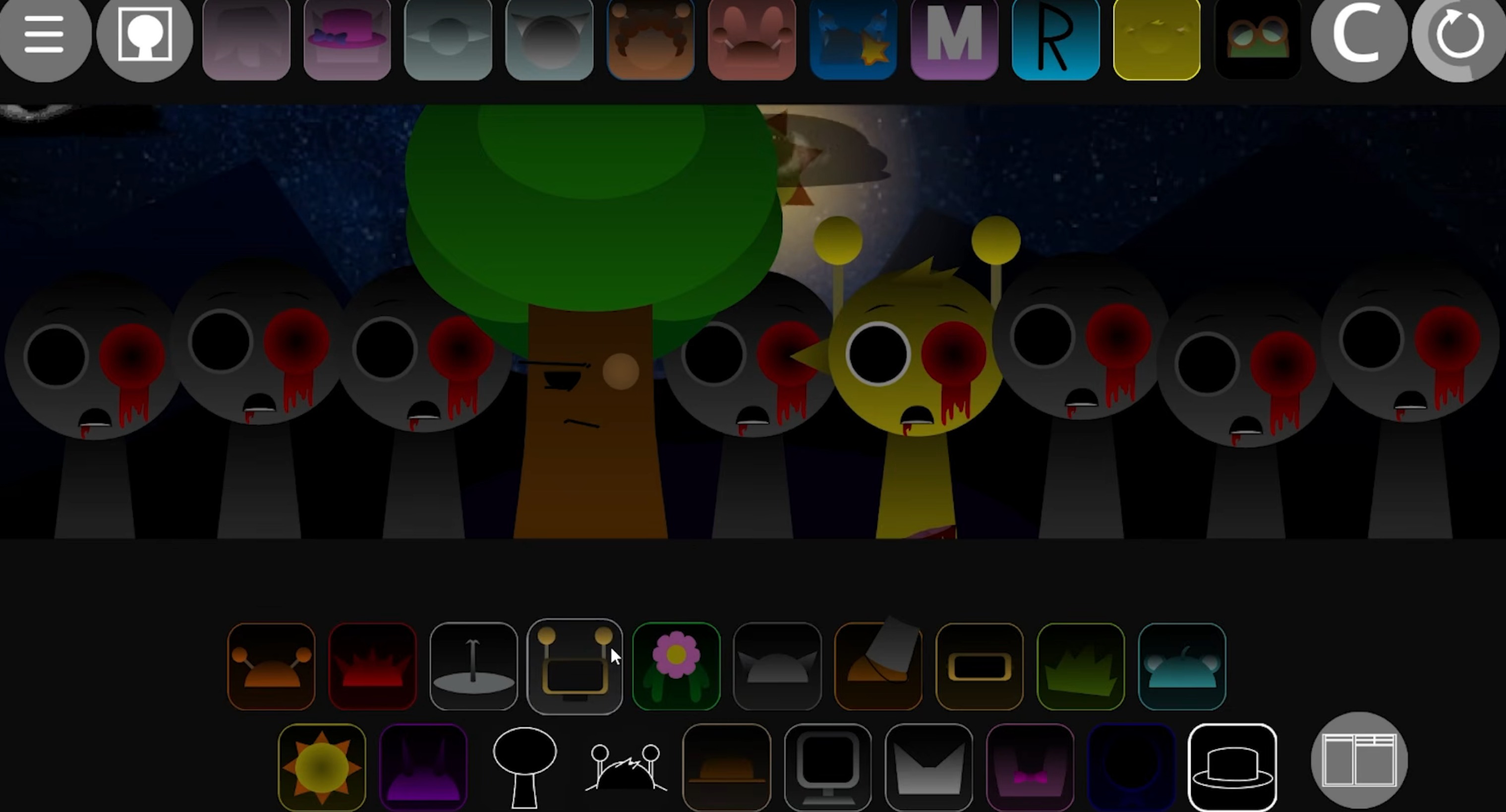
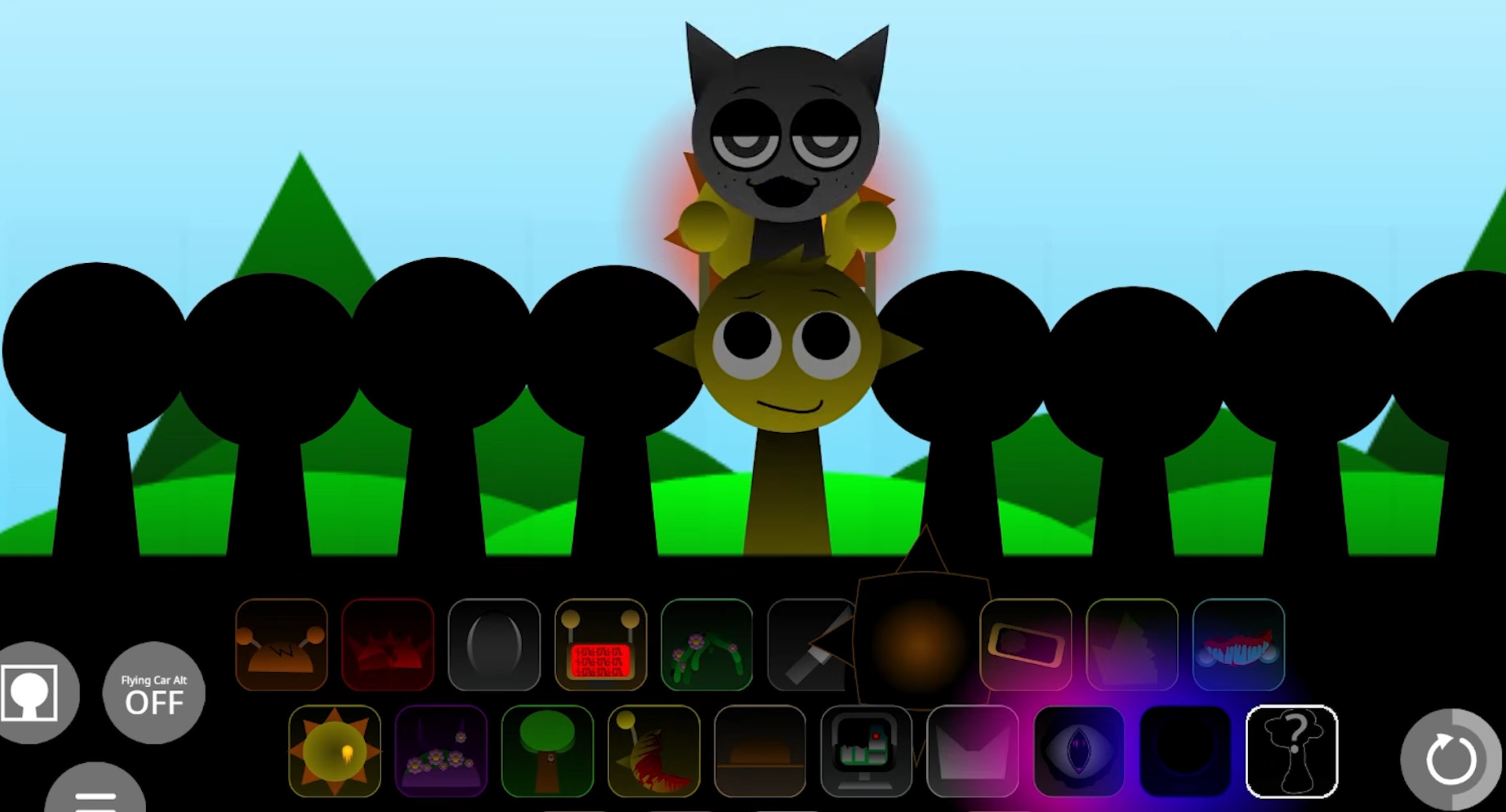
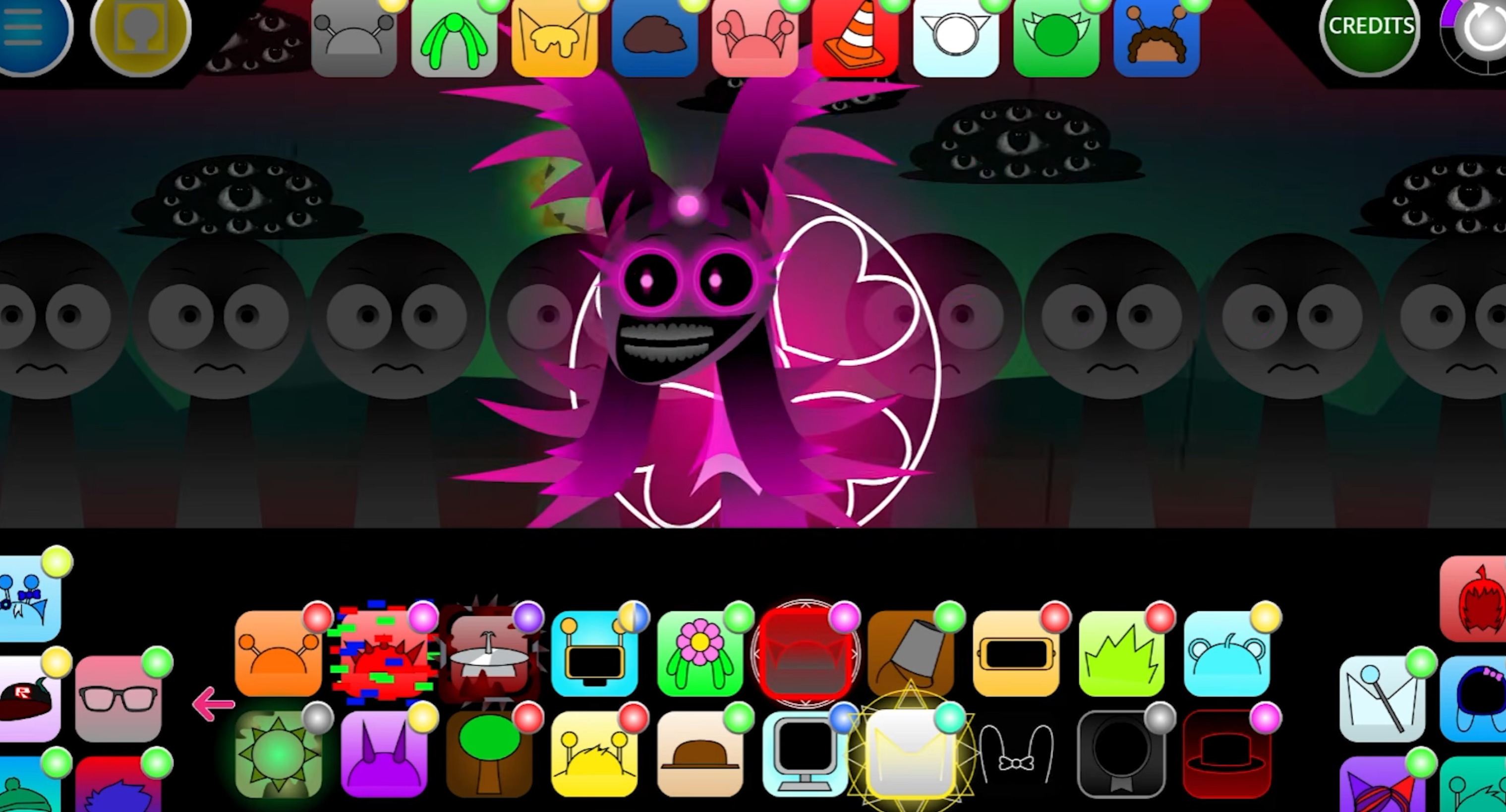
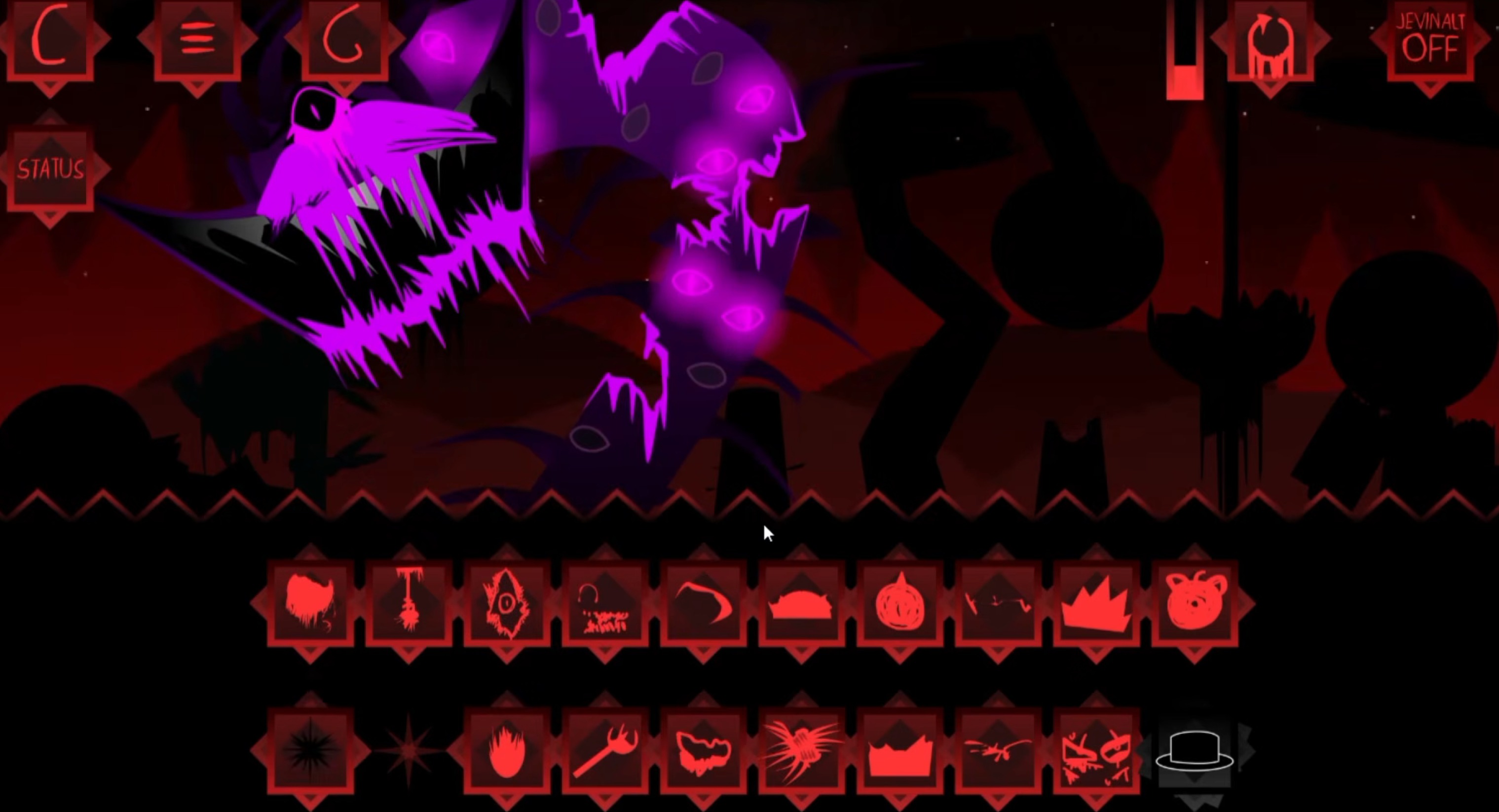
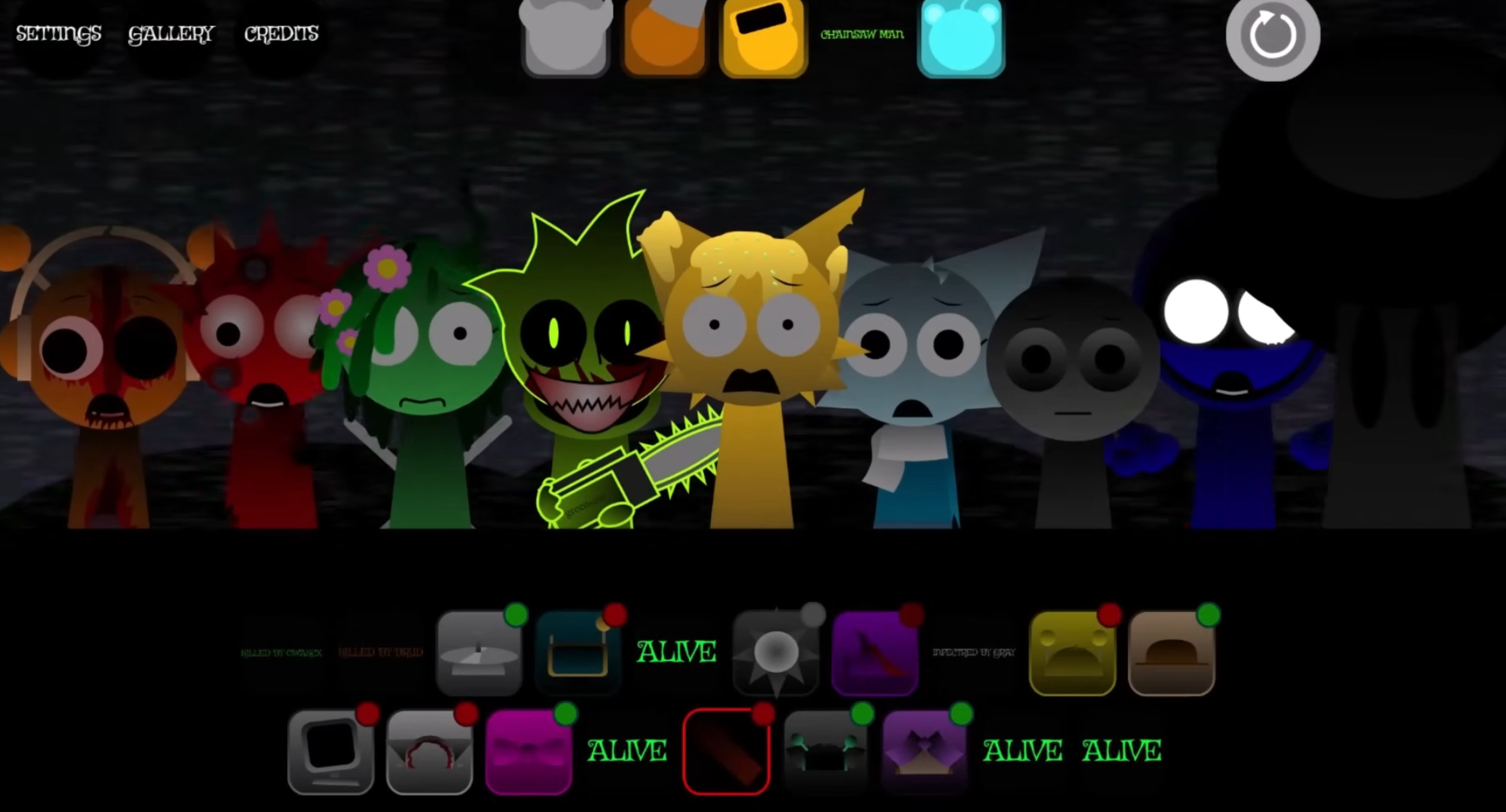
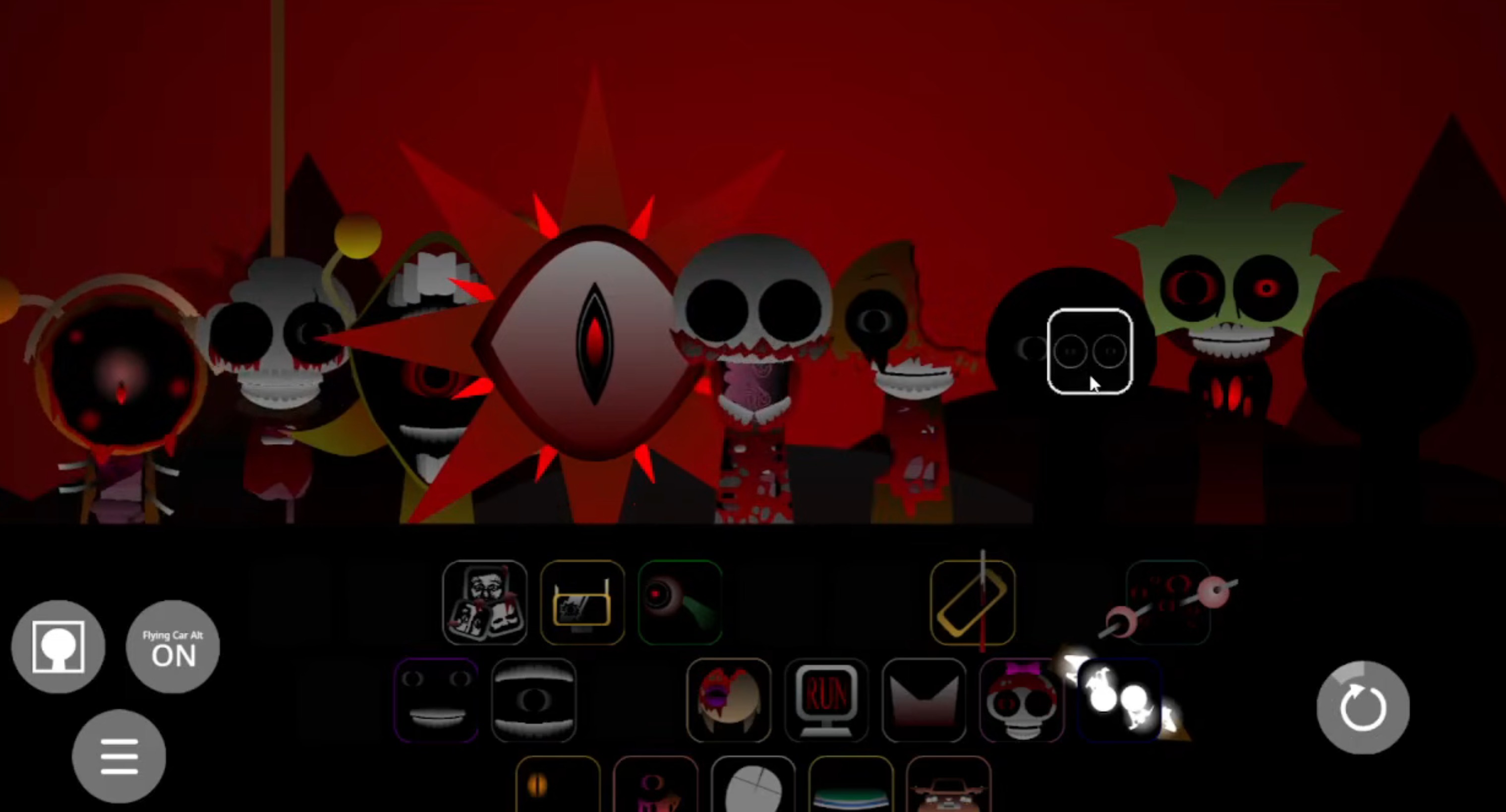
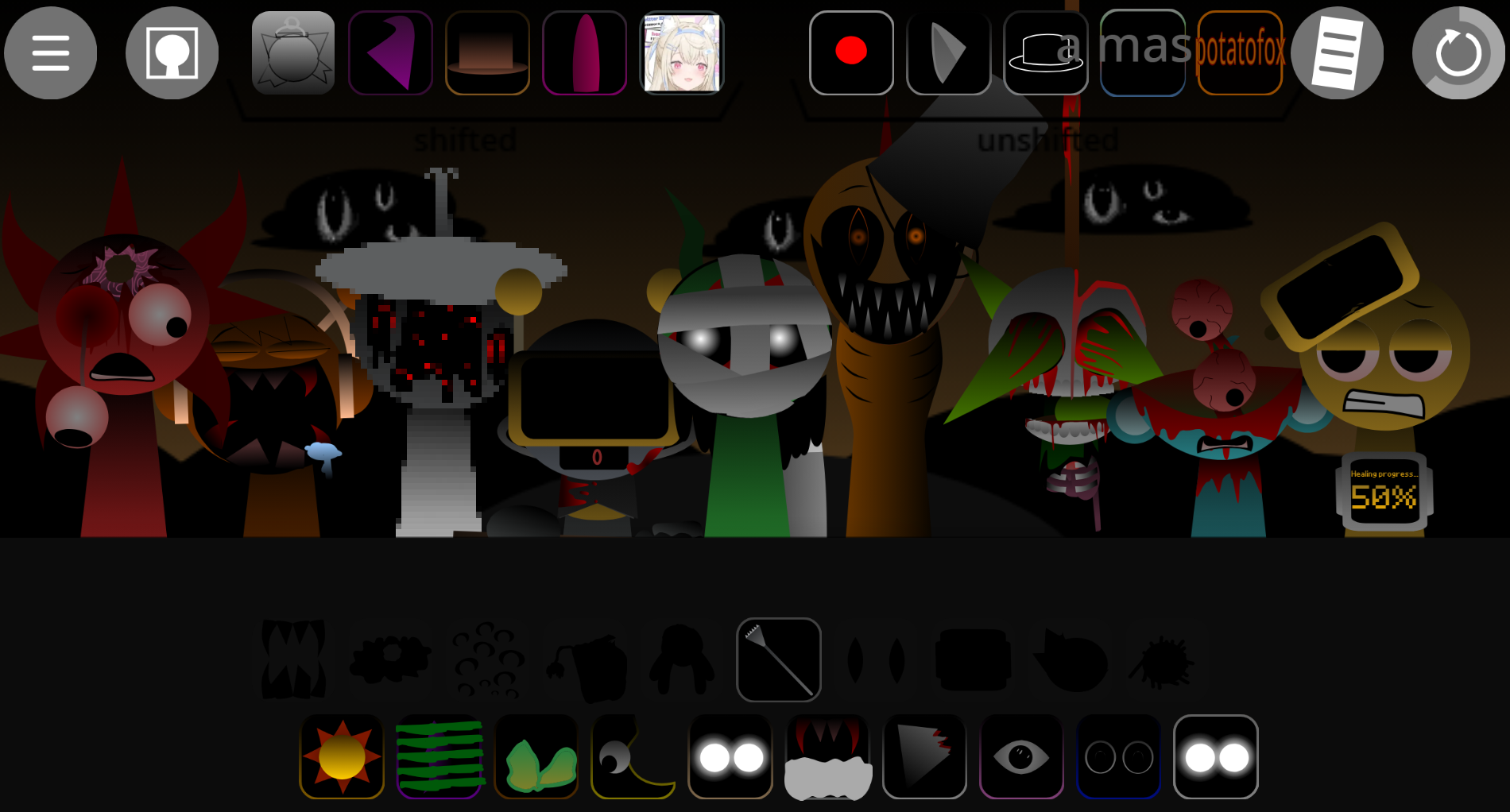
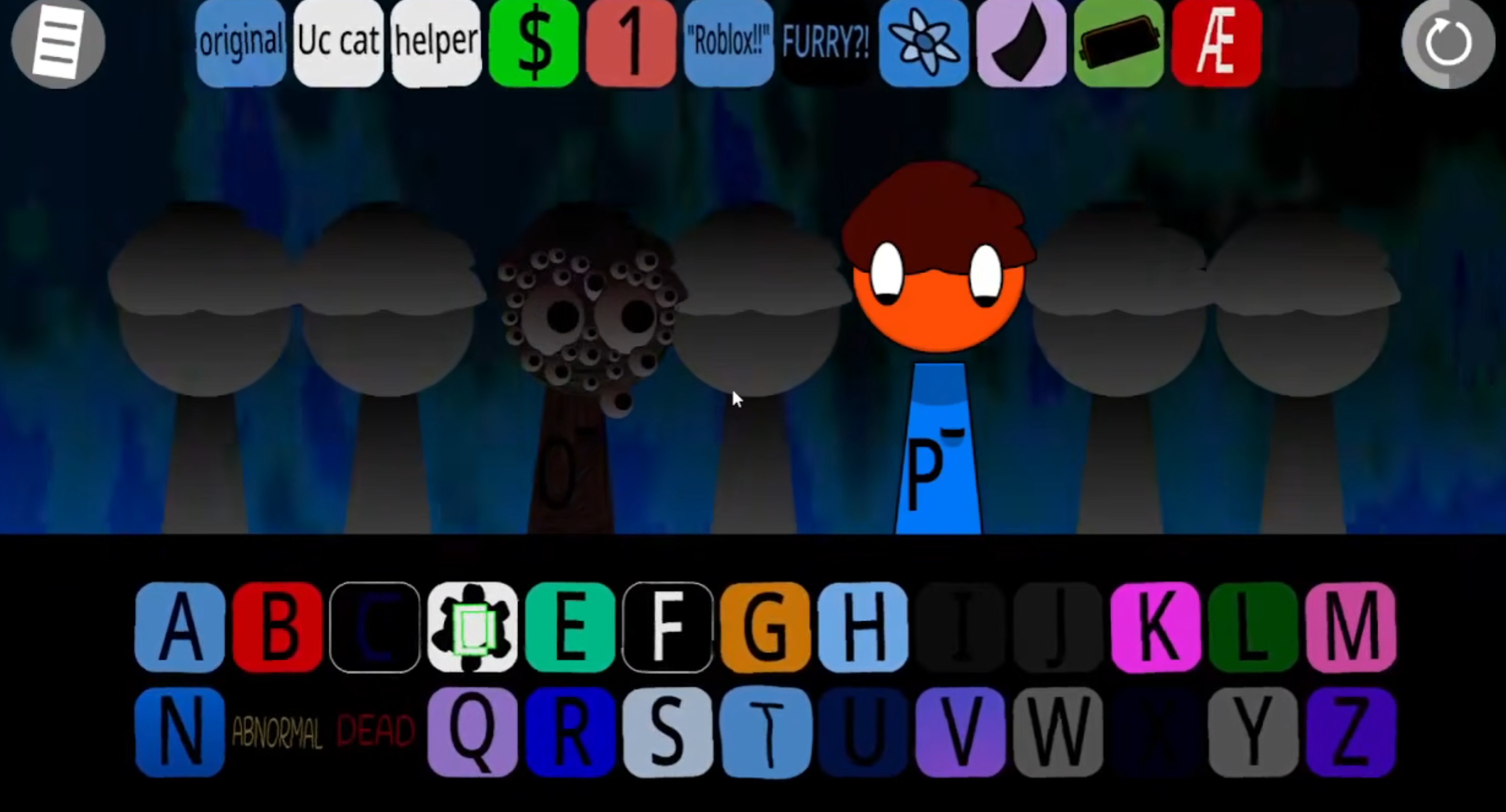
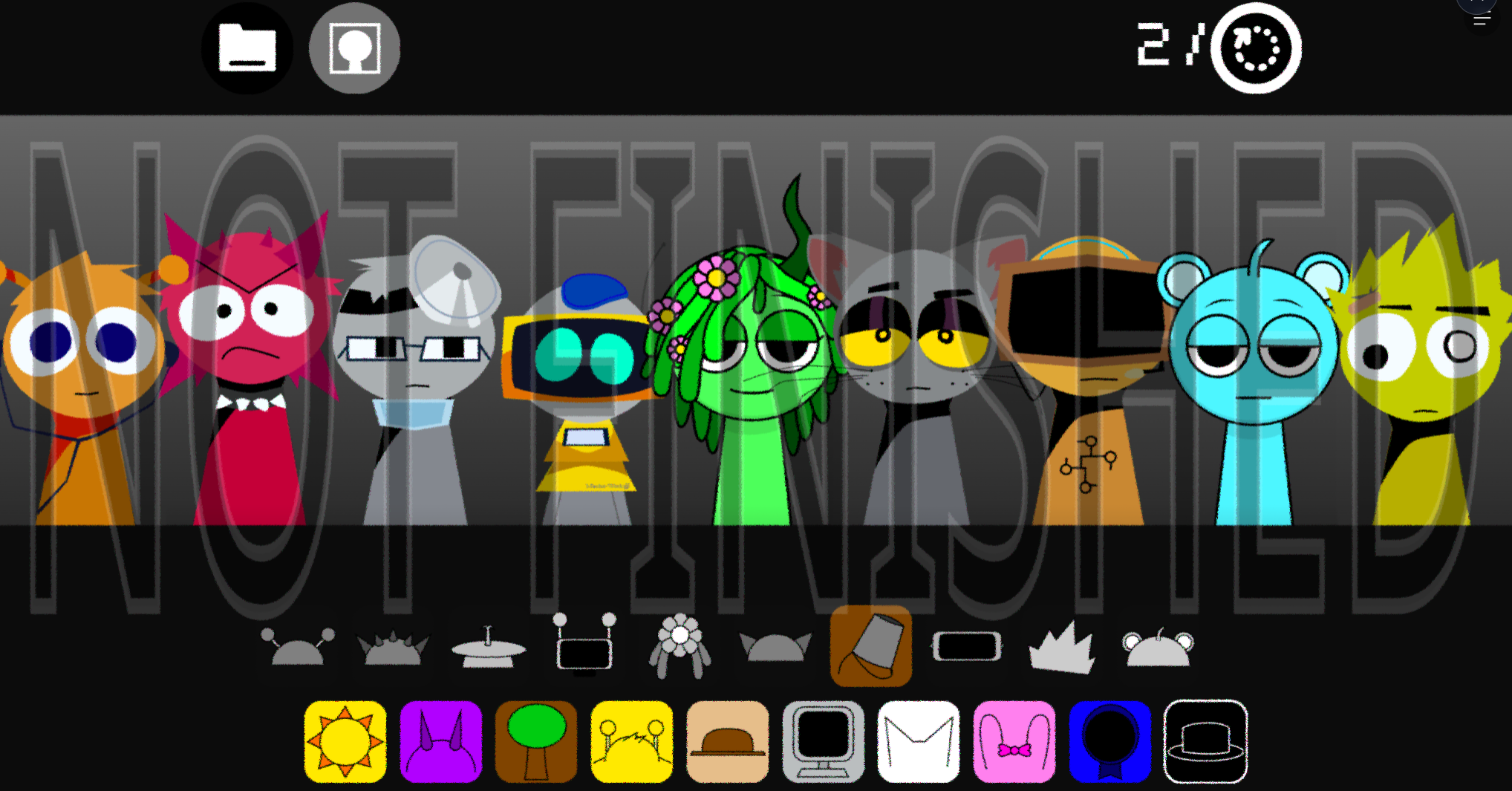
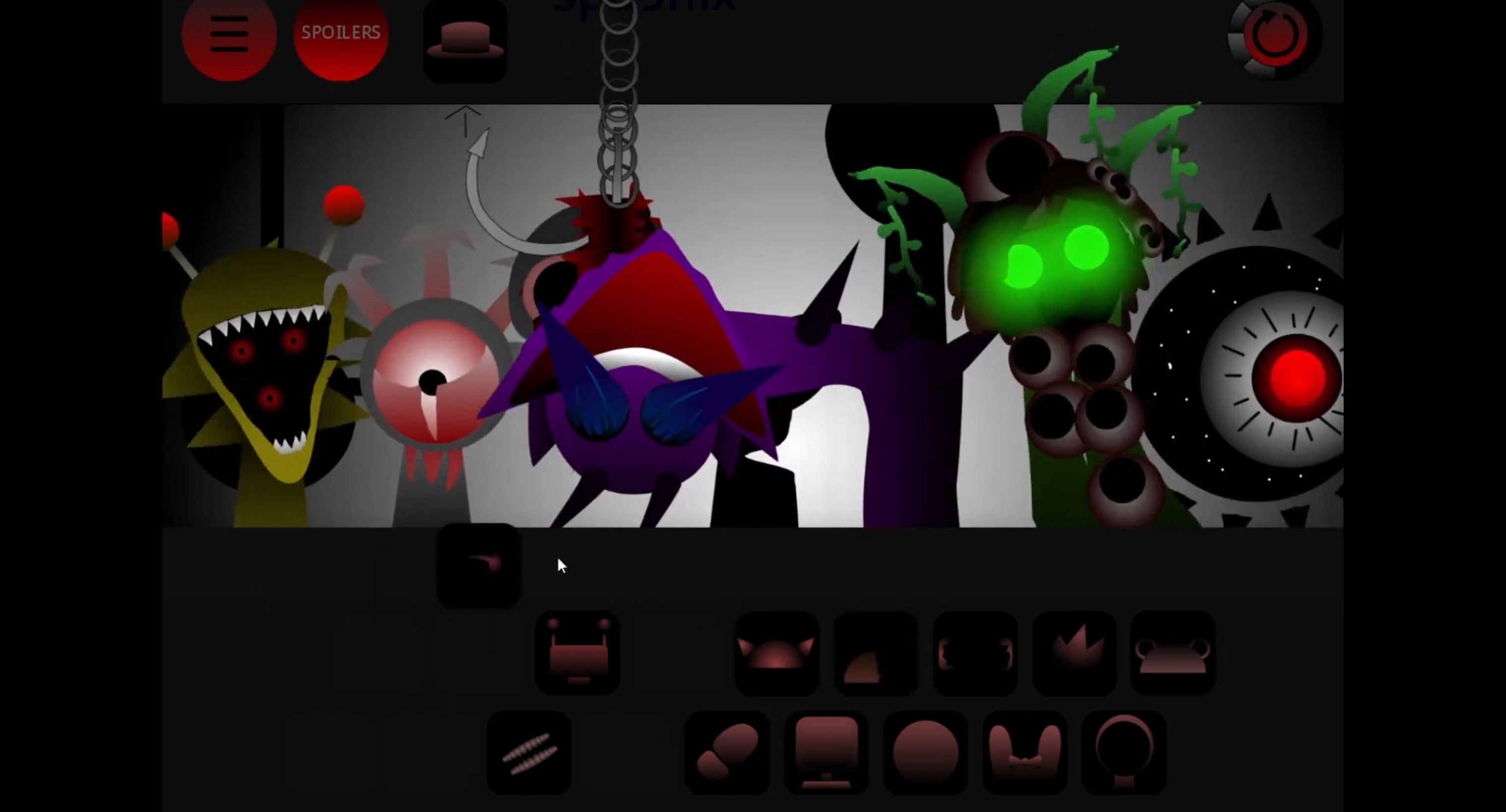
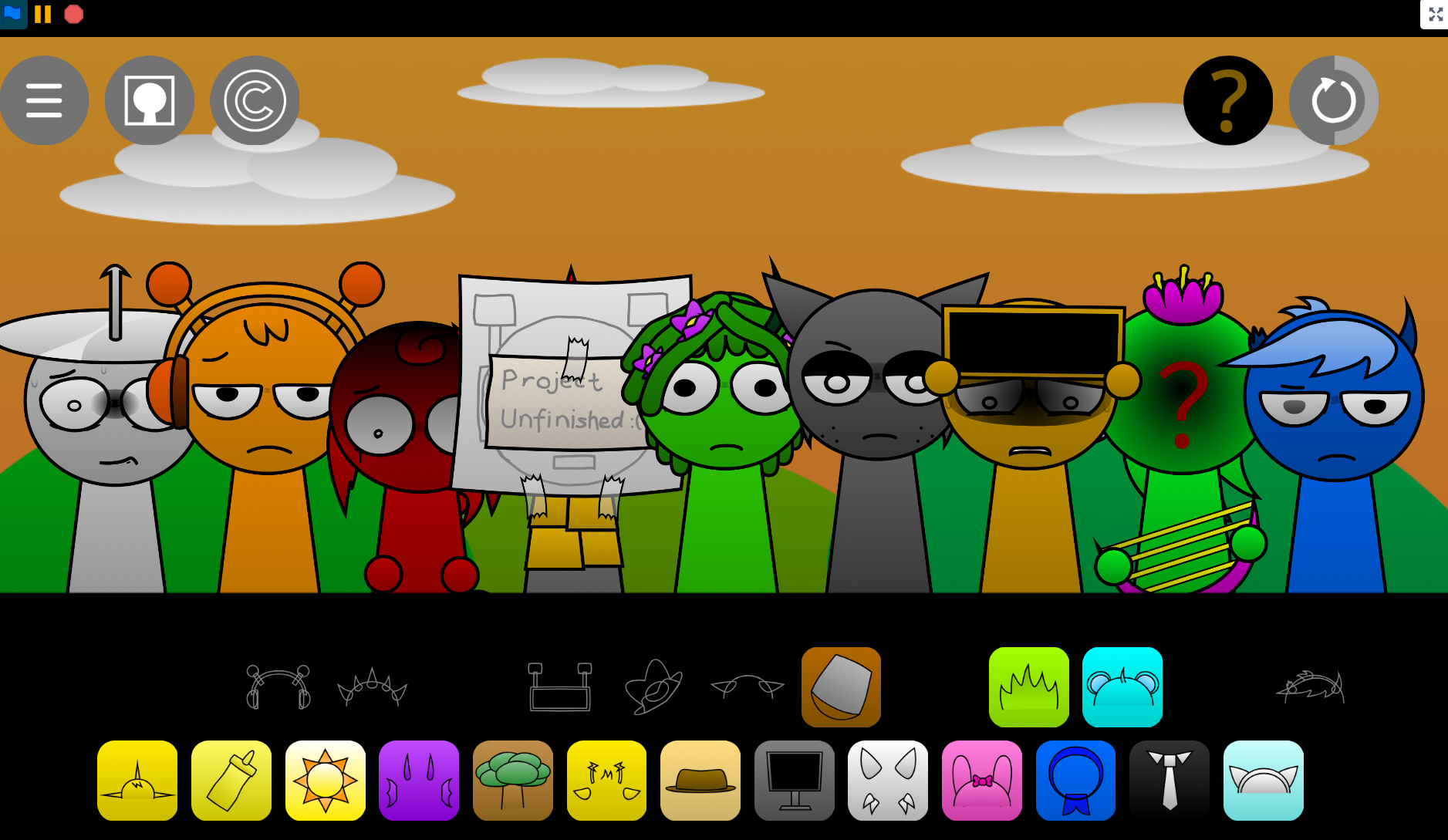
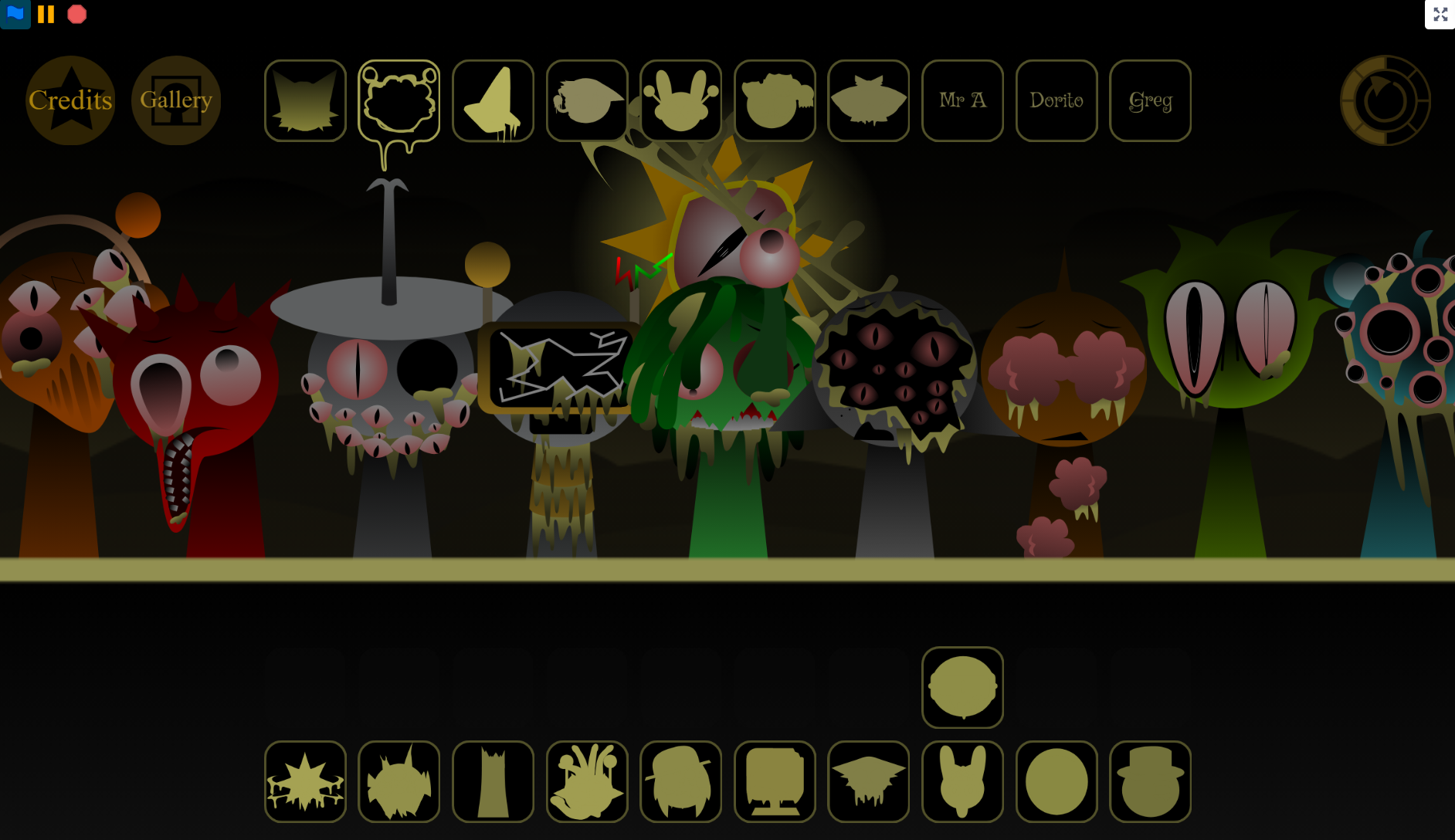
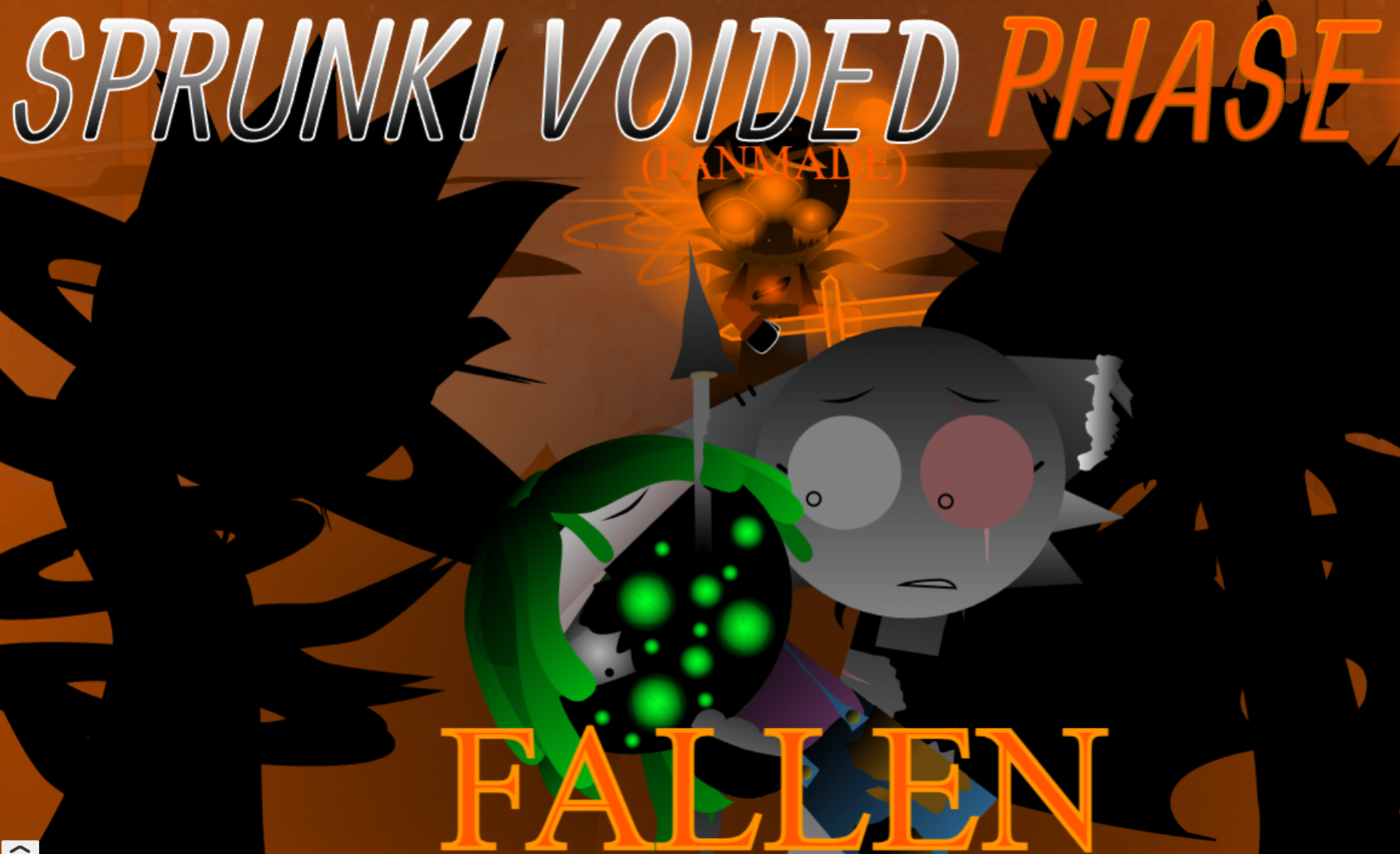
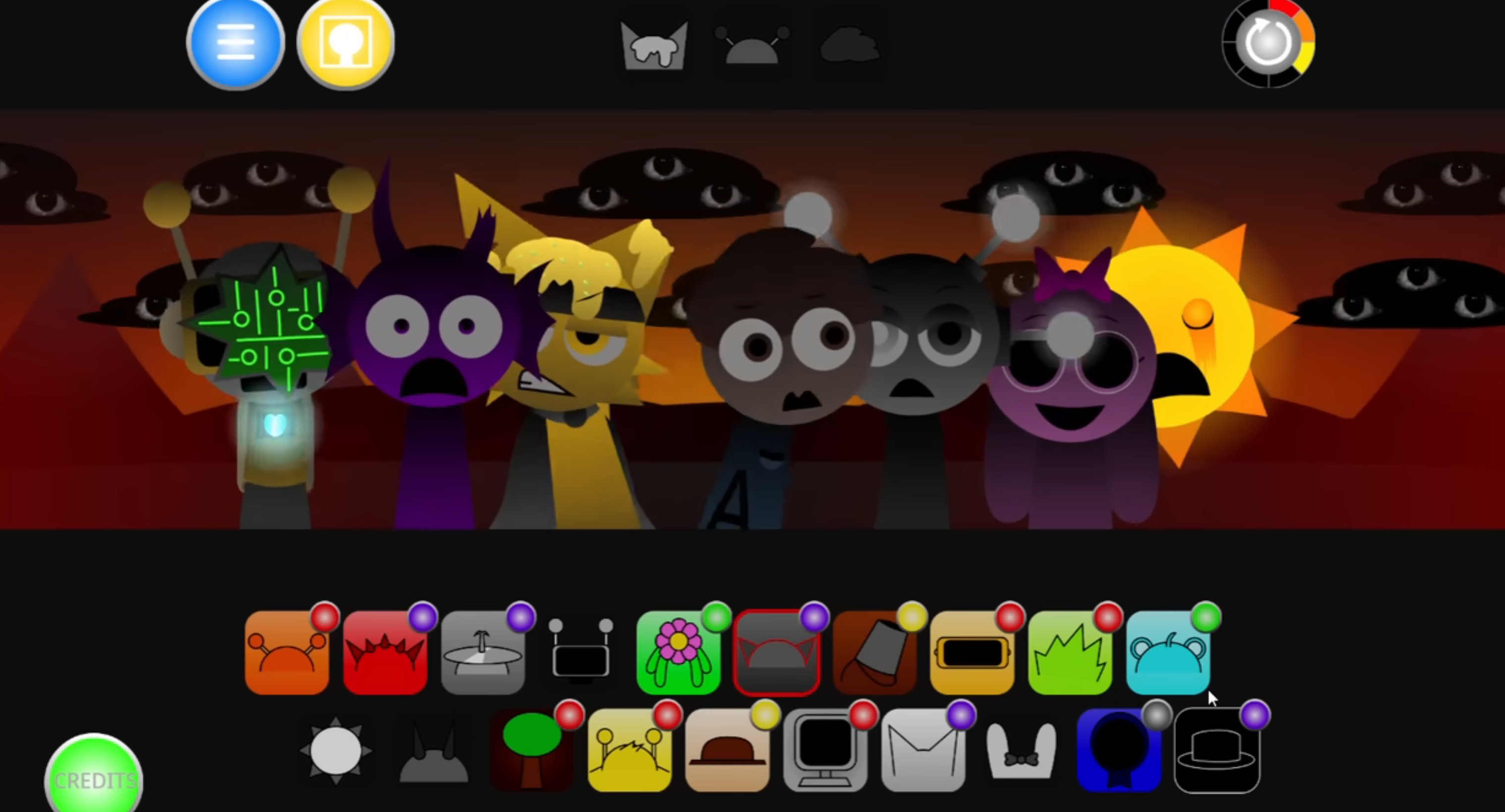
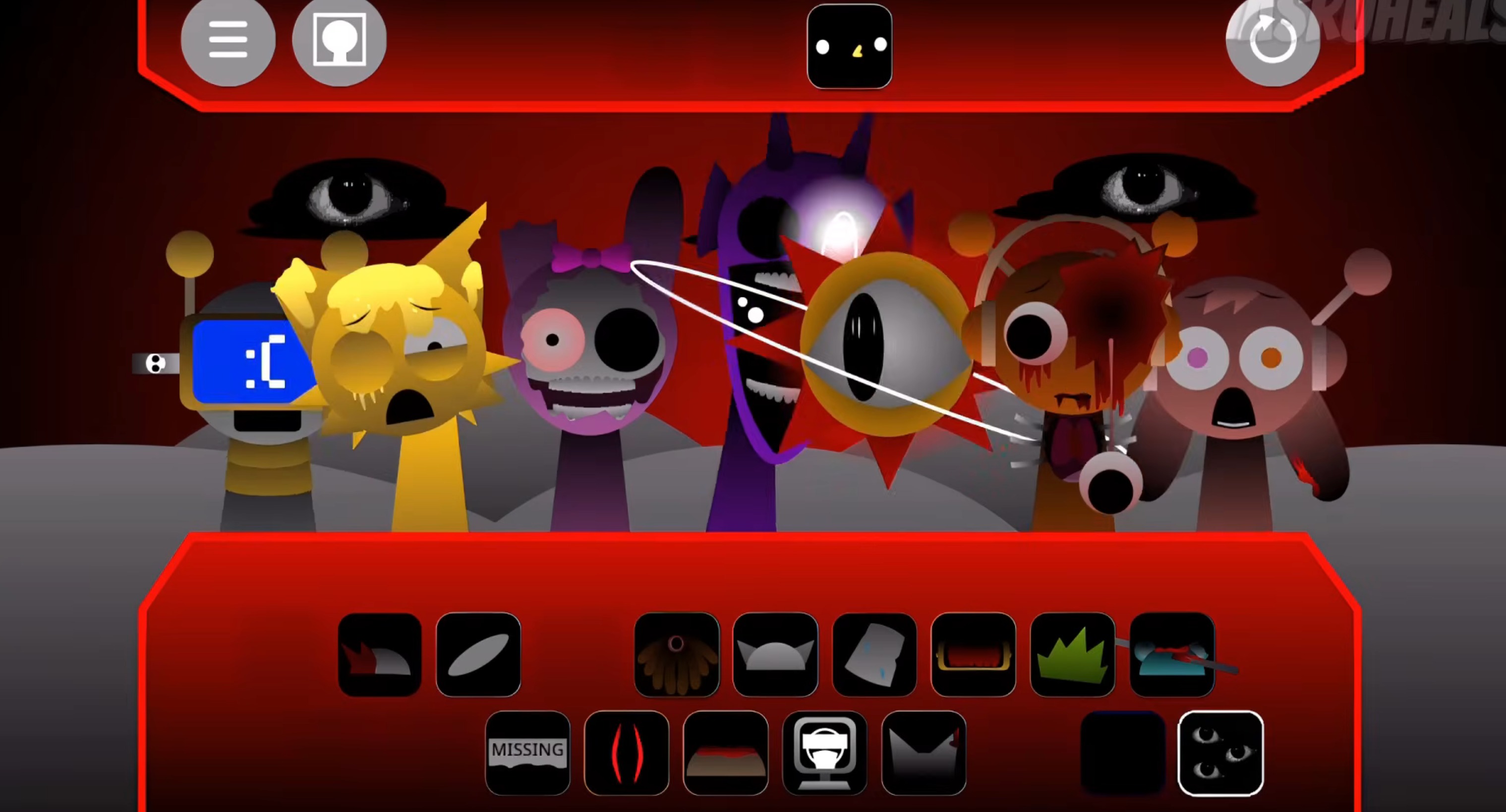
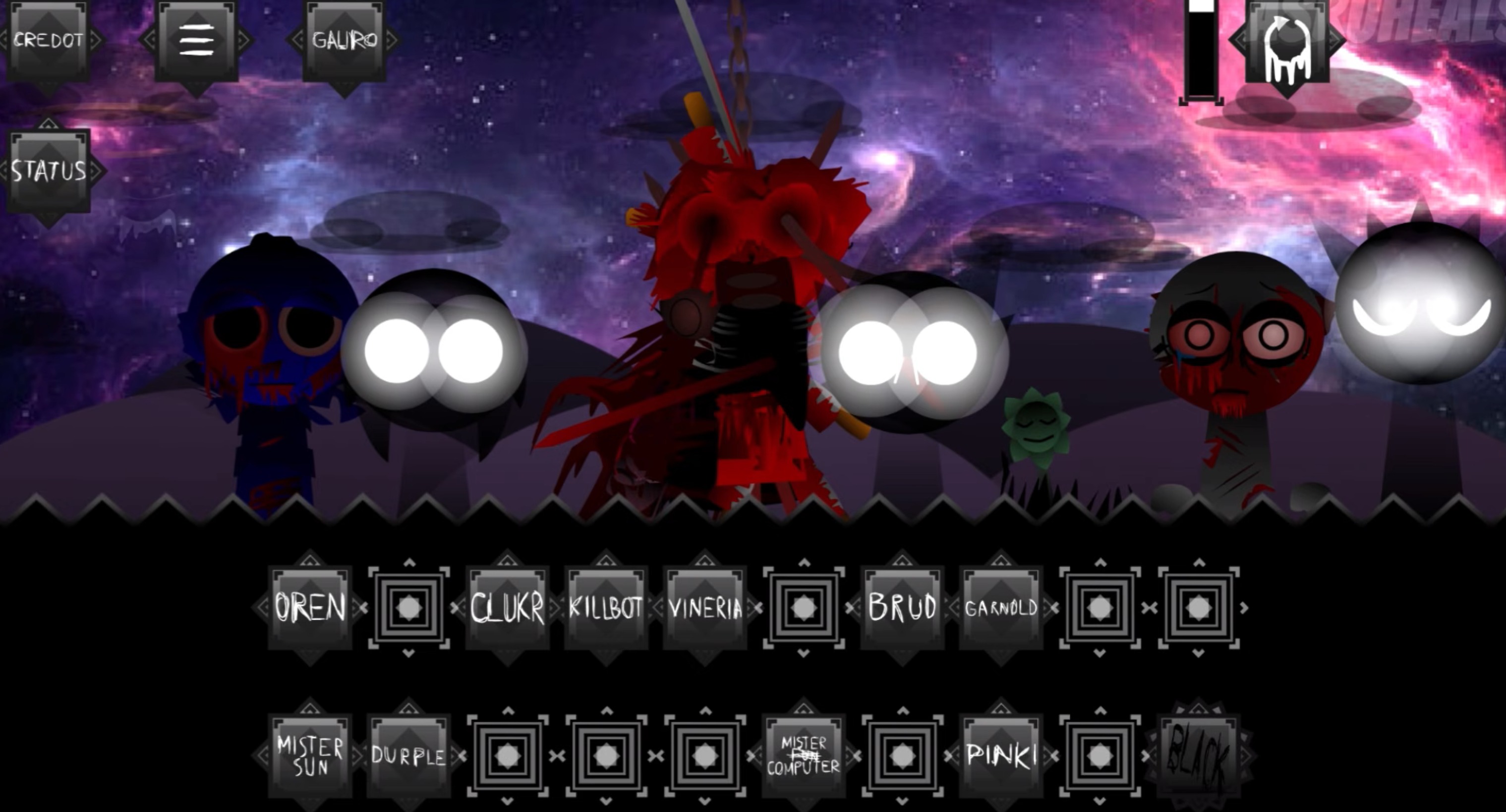
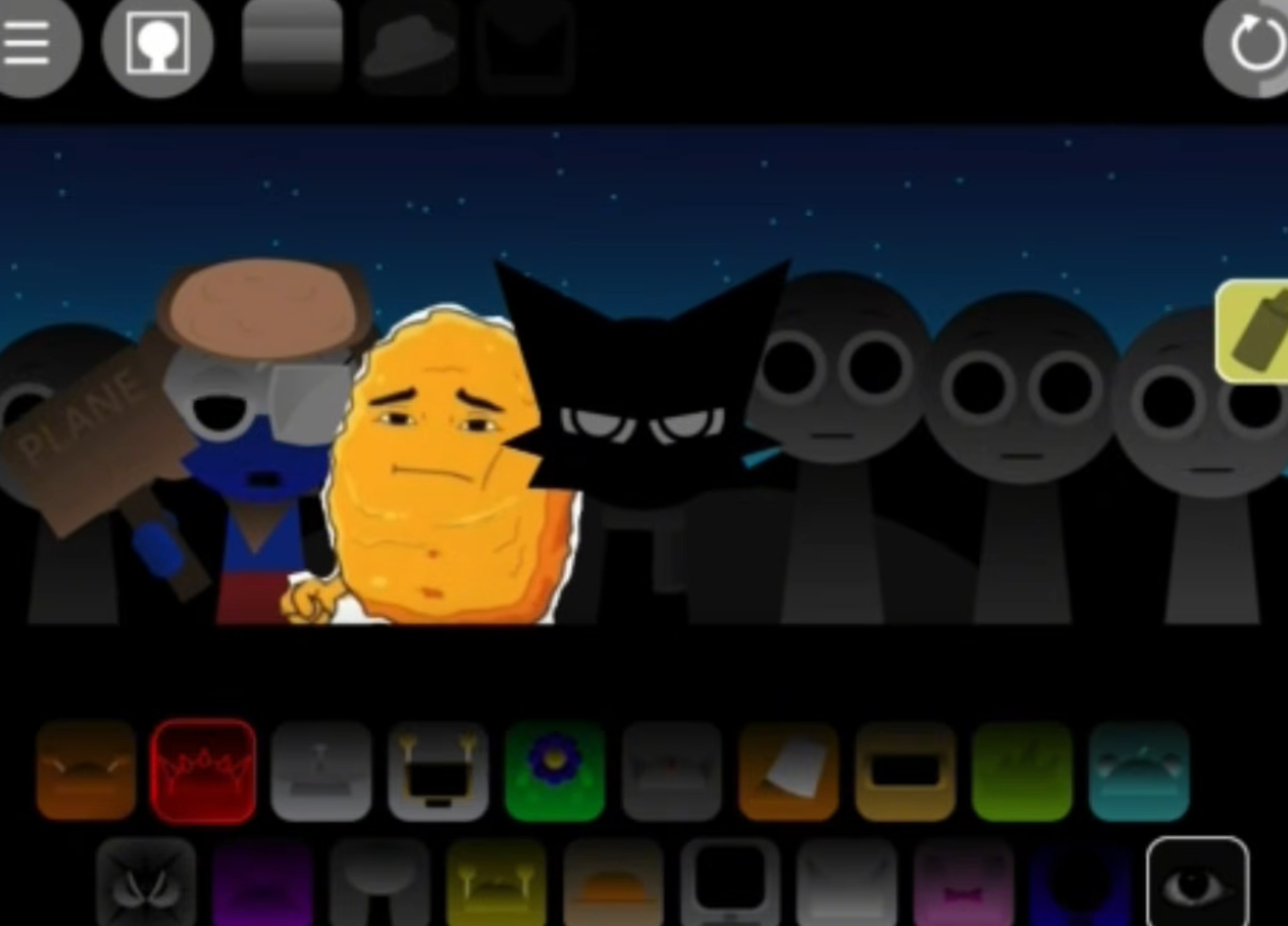
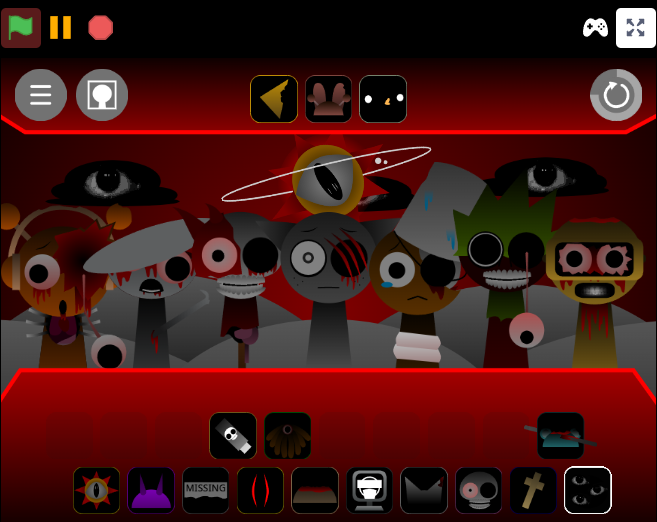
Sprunki The Real Phase 8 strips away the usual rhythm-game energy and replaces it with something slower, heavier, and more deliberate.
This browser-based horror music mixer lets you drag dark characters onto the stage and layer their loops into unsettling beats, but the pacing and tone shift completely from earlier phases. Understanding how the mechanics change—what triggers hidden sounds, how character combinations work, and which elements unlock new visuals—makes the difference between random noise and intentional composition.
This article walks through the most useful gameplay answers: how to access Phase 8, what each character does, how to layer sounds effectively, and which combinations unlock special animations or horror transitions.
Sprunki - The Real Phase 8: Beginner Guide to the Horror Beats
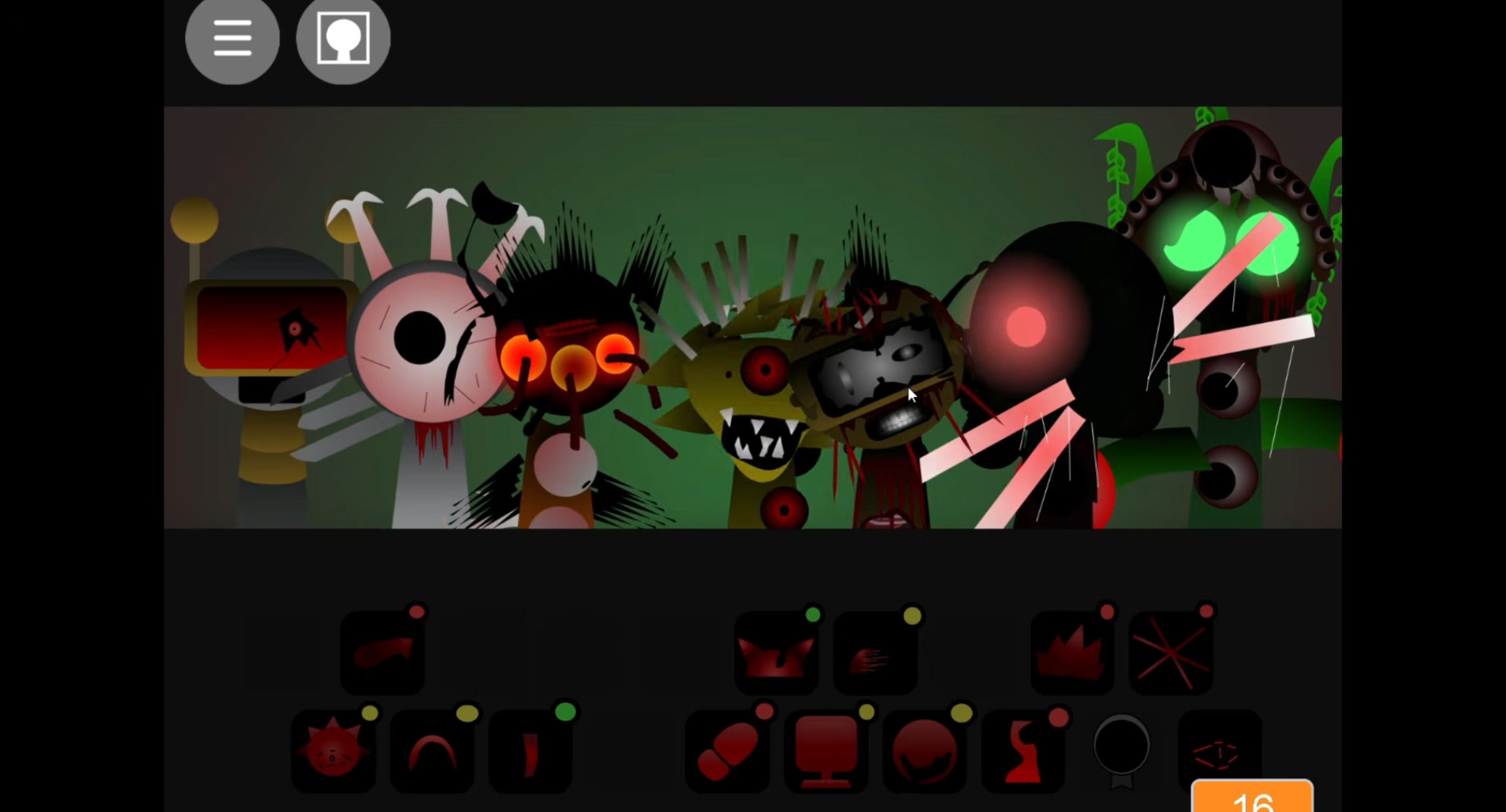
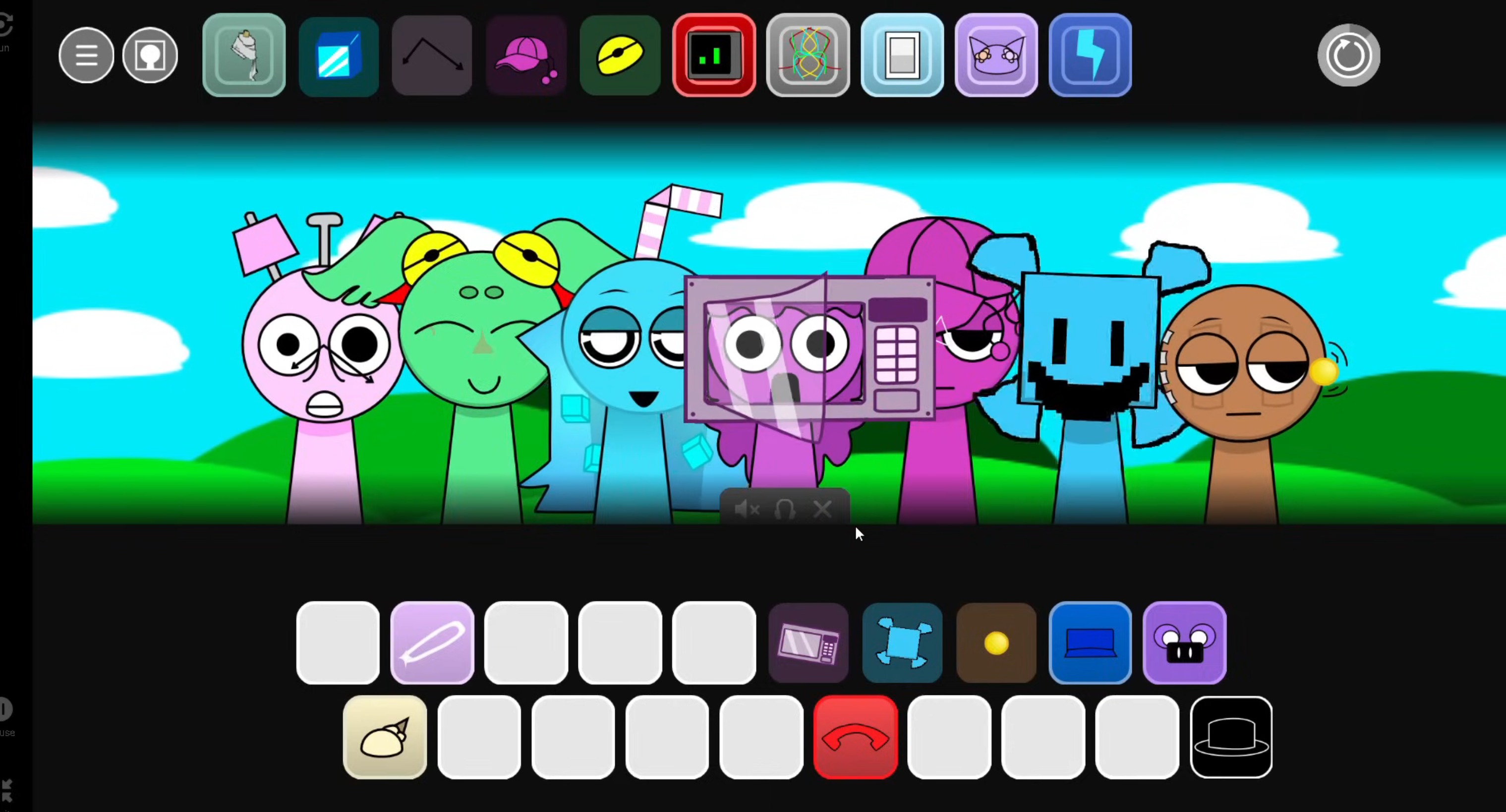
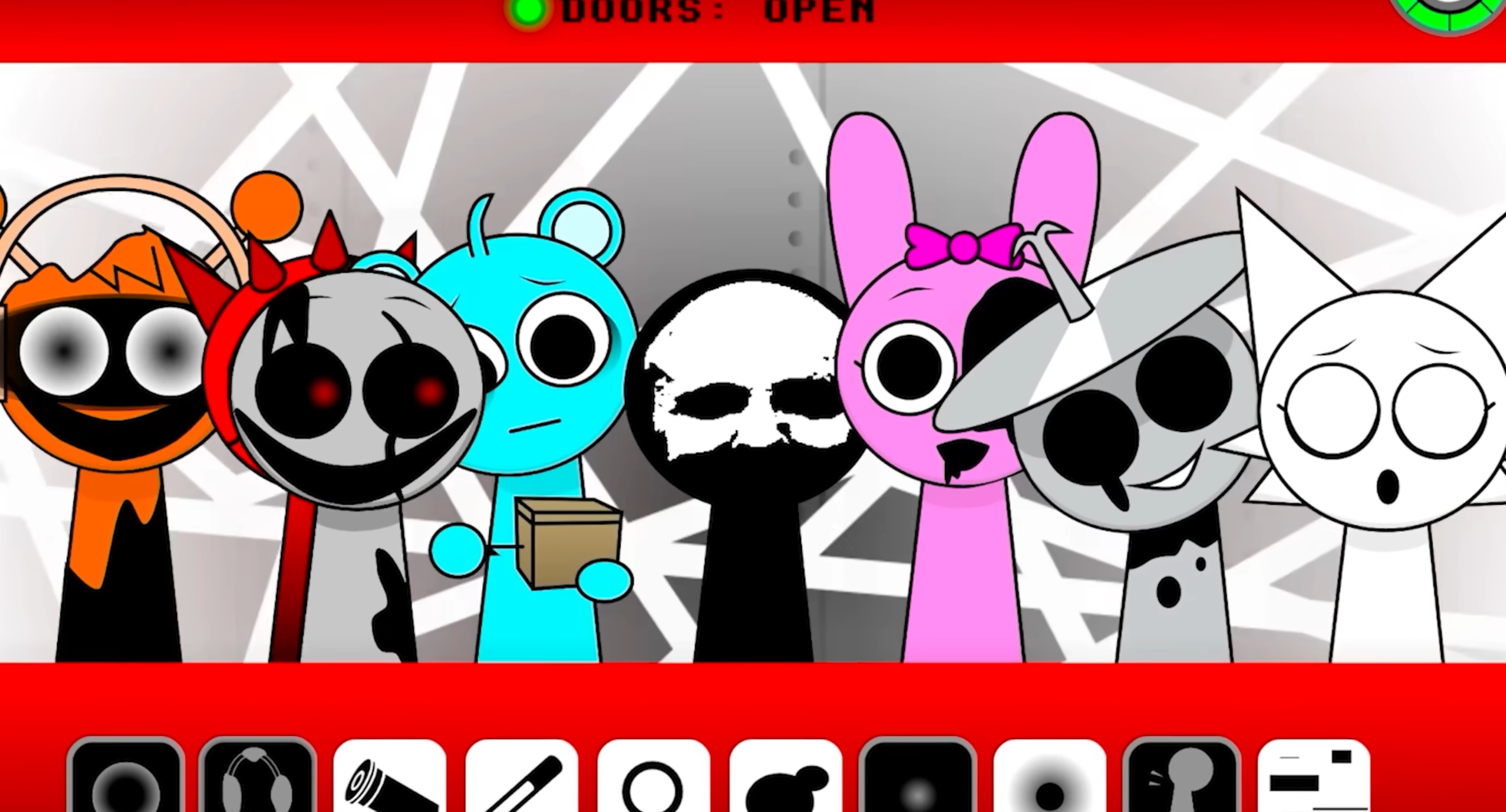
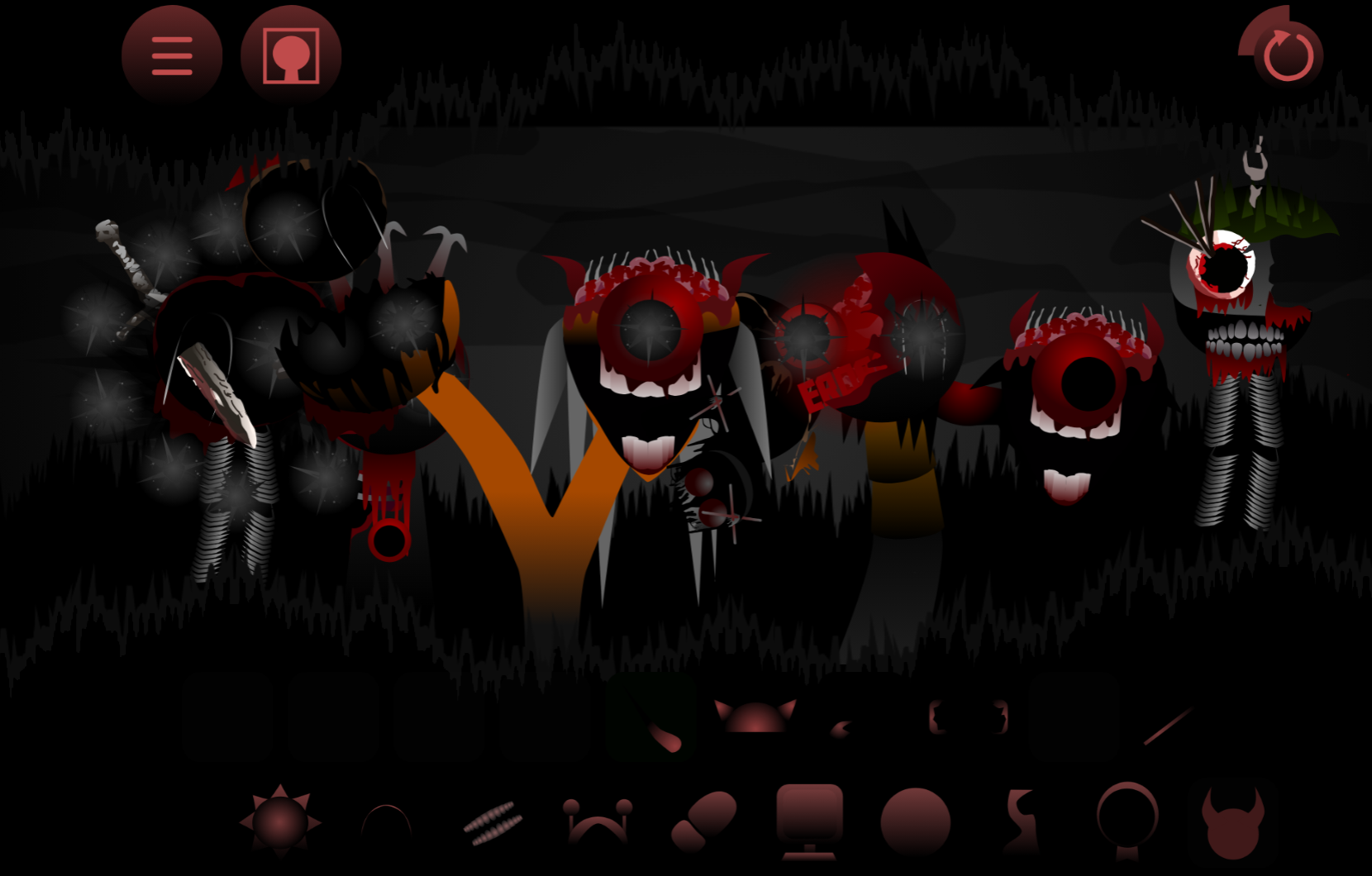
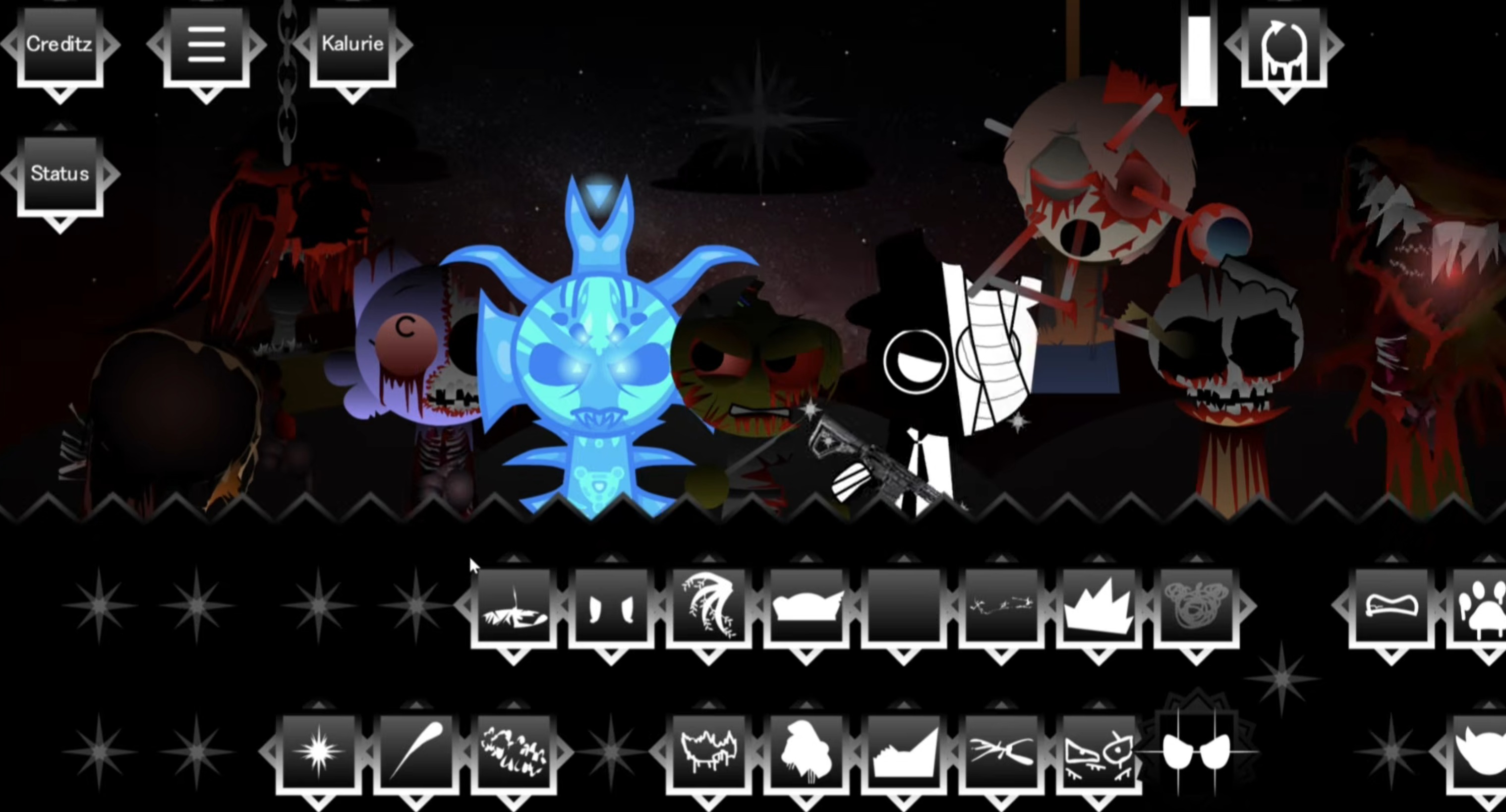
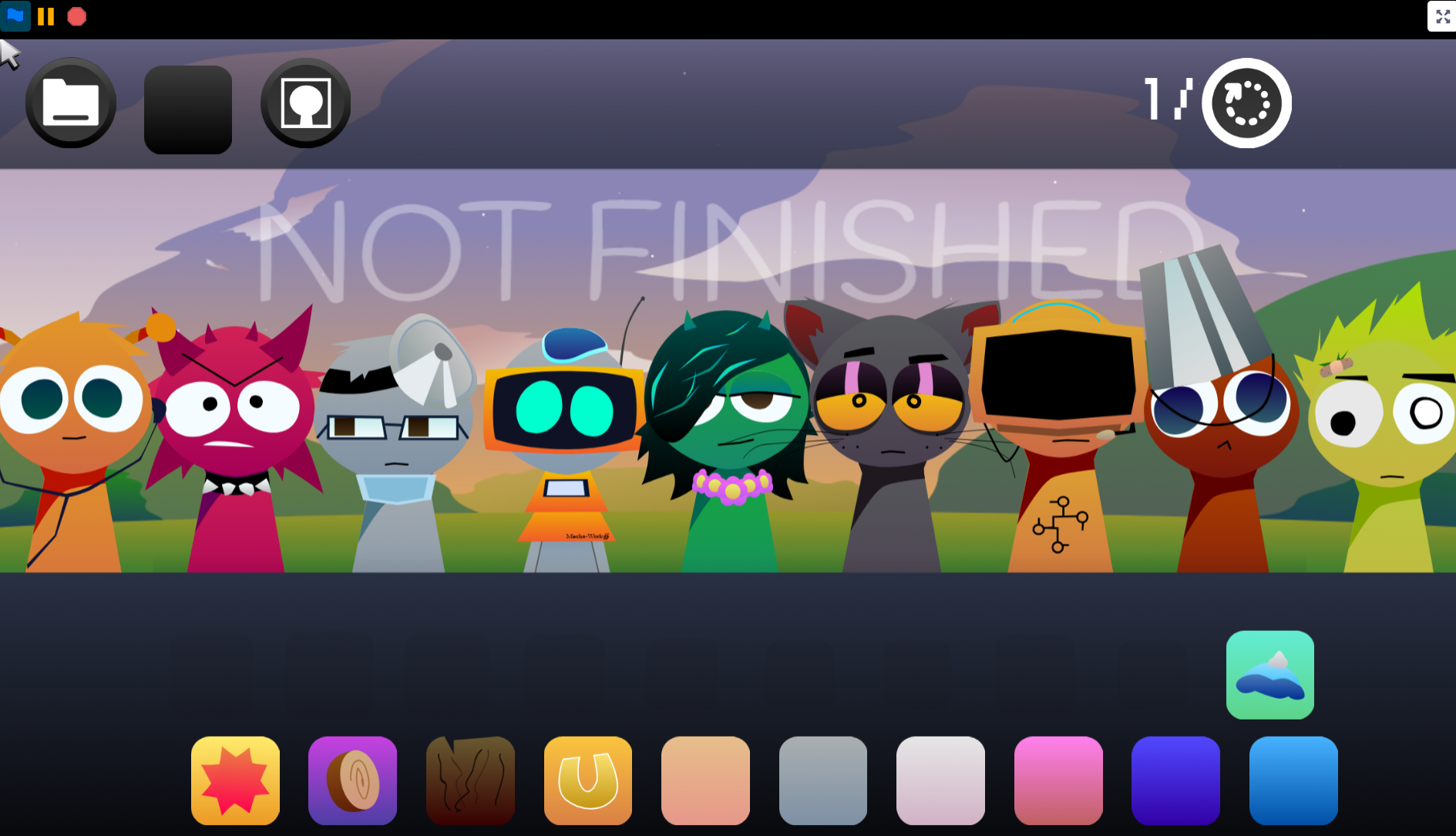
Sprunki - The Real Phase 8 is a browser-based horror music mixer where you drag dark characters onto the stage and layer their loops into a beat. Each character adds a hollow, erie sound—some thin and ghostly, others delivering stronger rhythm or melodic weight. The core challenge is resisting the urge to stack every character at once. Tension comes from slow layering, empty space, and deliberate timing.
Your first goal is to hear how loops fit together before chasing intensity. Start with two or three characters, let the track breathe, and notice how much mood the silence creates. In The Real Phase 8, empty space is not dead air. A quiet gap makes the next beat feel colder or sharper. If your mix gets mesy, pull one character off and listen to how the atmosphere changes. That stripped-back approach helps you learn which sounds create tension and which ones push the track into chaos.
How to Play Sprunki - The Real Phase 8
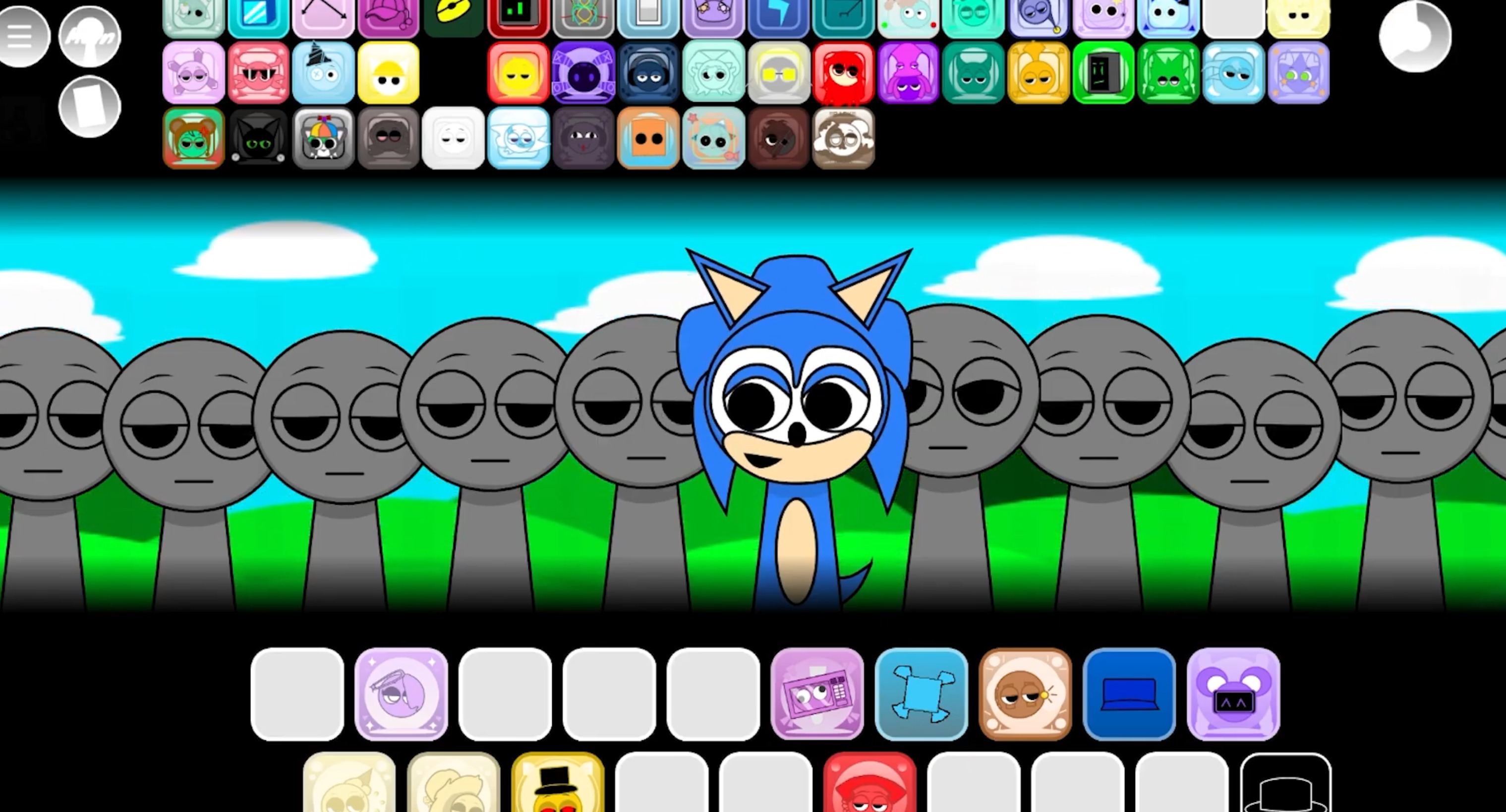
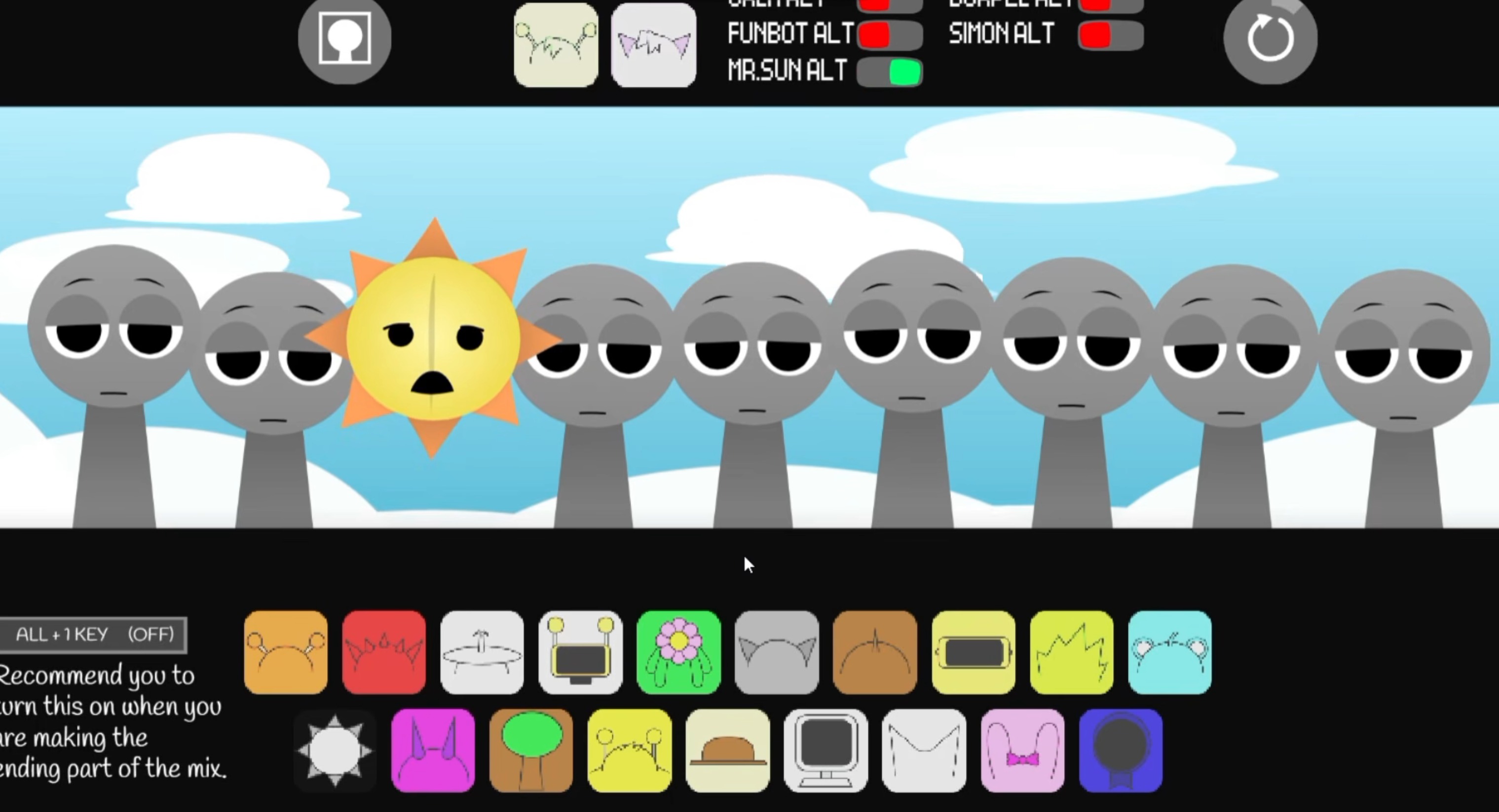
Load the game in your browser, choose a character, and drag it onto the stage to activate its loop. Build your track by adding, removing, and swapping characters until the beat feels balanced.
A strong starting method:
Begin with a low rhythm or simple pulse.
This gives your mix a floor without crowding it.
Add one erie melody or hollow vocal loop.
Let it run for a few cycles so you hear how it sits against the rhythm.
Test one darker layer at a time.
If the new sound adds tension, keep it. If it muddies the atmosphere, remove it.
Use swaps deliberately.
Every character changes both audio and mood, so treat each drag-and-drop as part of the arrangement.
The Real Phase 8 rewards slow layering and attention to the space between sounds. A thin melody or hollow beat can do more work than a crowded stack because the horror depends on what you leave exposed.
For better control, experiment in short passes. Make one mix focused on rhythm, another built around thin melodies, then combine the strongest pieces once you understand how the characters react together.
How to Layer Your Horror Melodies
Build from the beat upward and give each eerie loop its own space. The goal is not to stack every dark sound at once, but to create a slow, unsettling rise where each melody feels intentional.
Start with two or three characters and listen closely. A hollow melody works best when it floats over the rhythm instead of fighting it. Avoid adding another layer the moment the track feels empty—that emptiness is part of the horror. Gaps between notes make the next sound feel sharper.
Once your core melody feels balanced, add one new element at a time. Let it play long enough to judge whether it supports the mood. If the track turns muddy, pull something back instead of forcing more onto the stage.
Think of the beat as the floor and the horror melodies as shadows moving across it. Keep the rhythm steady, place unsettling loops on top gradually, and let silence do some of the heavy lifting.
Key Visual and Audio Upgrades in Phase 8
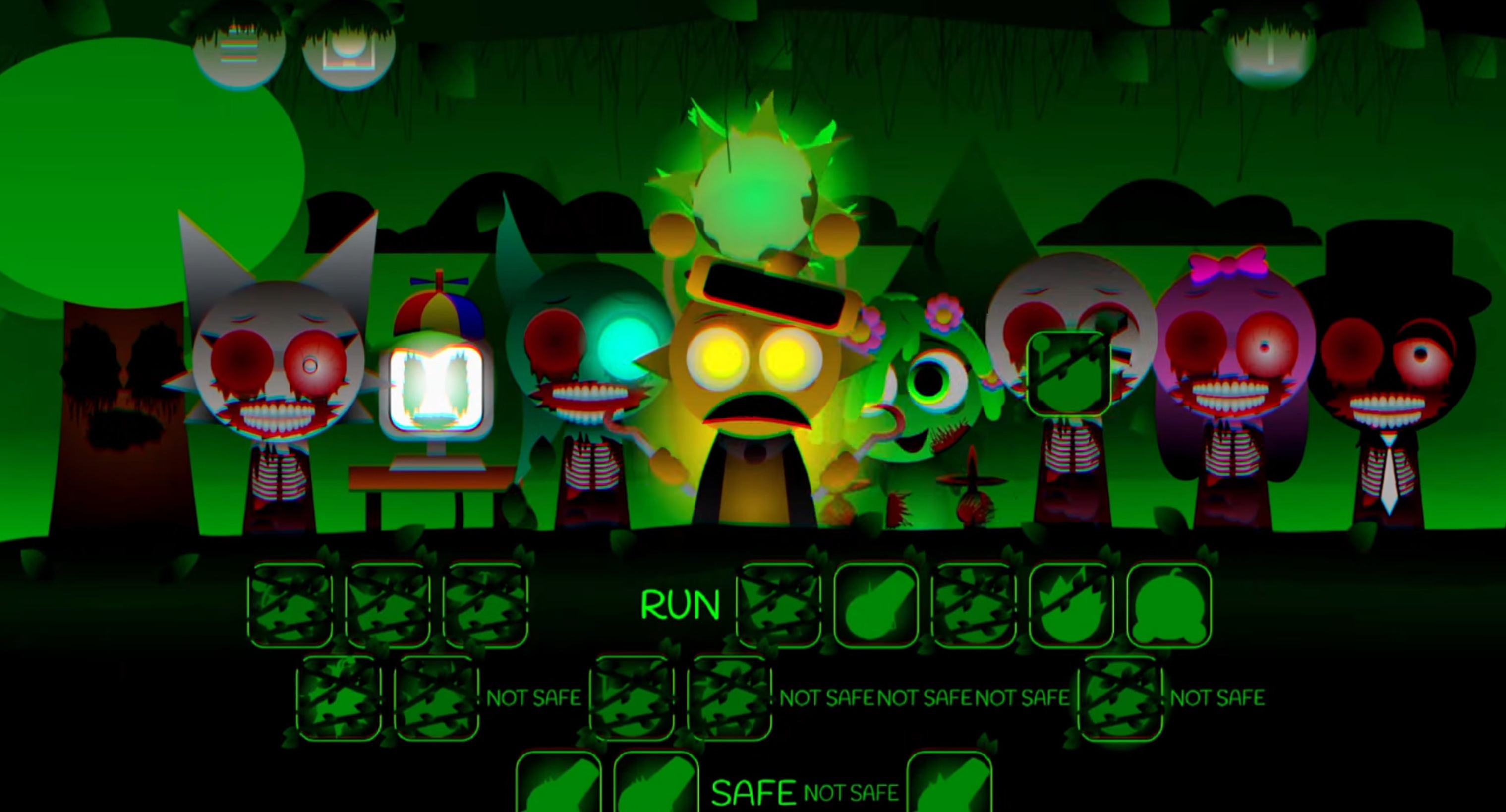
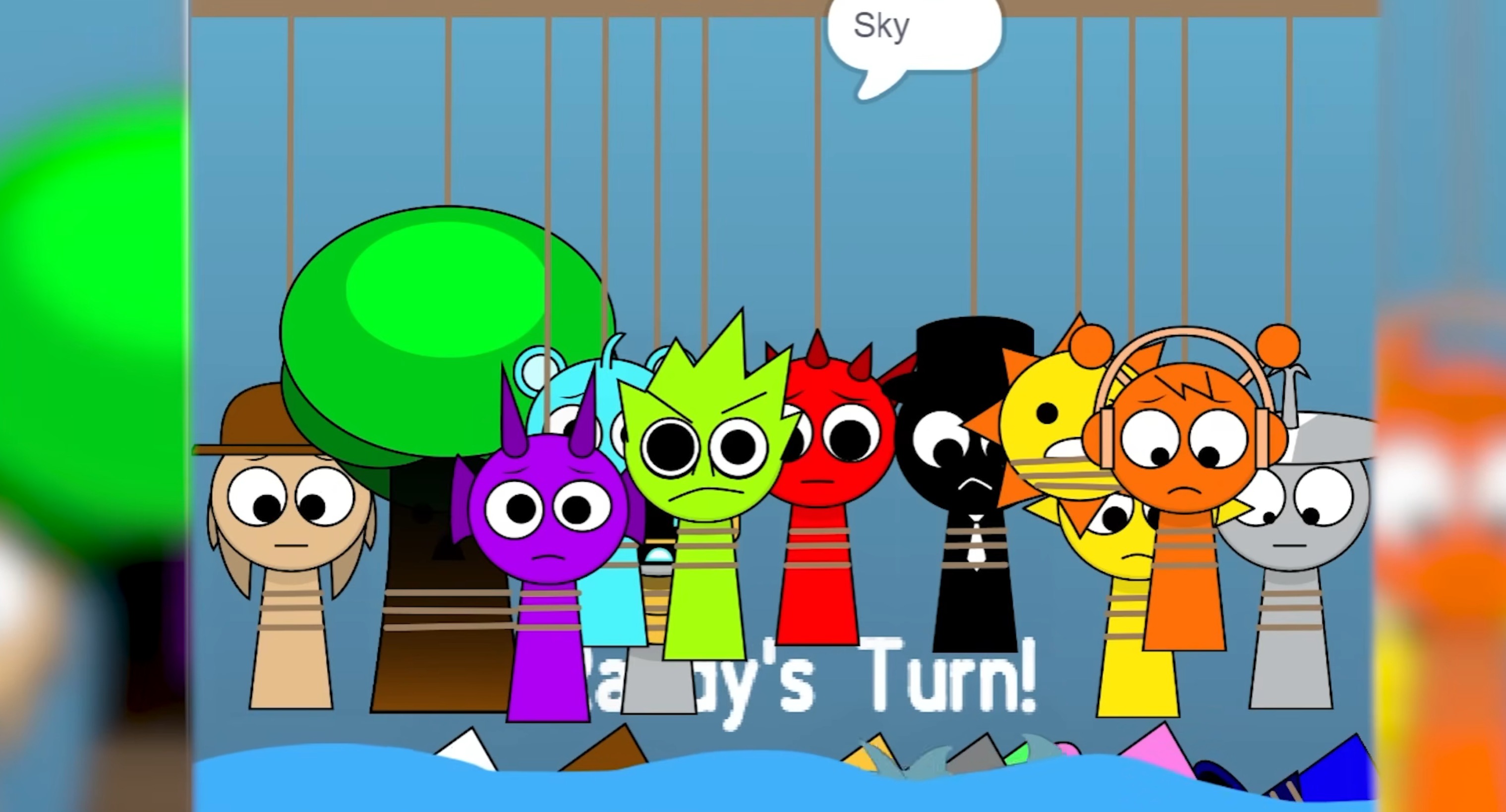
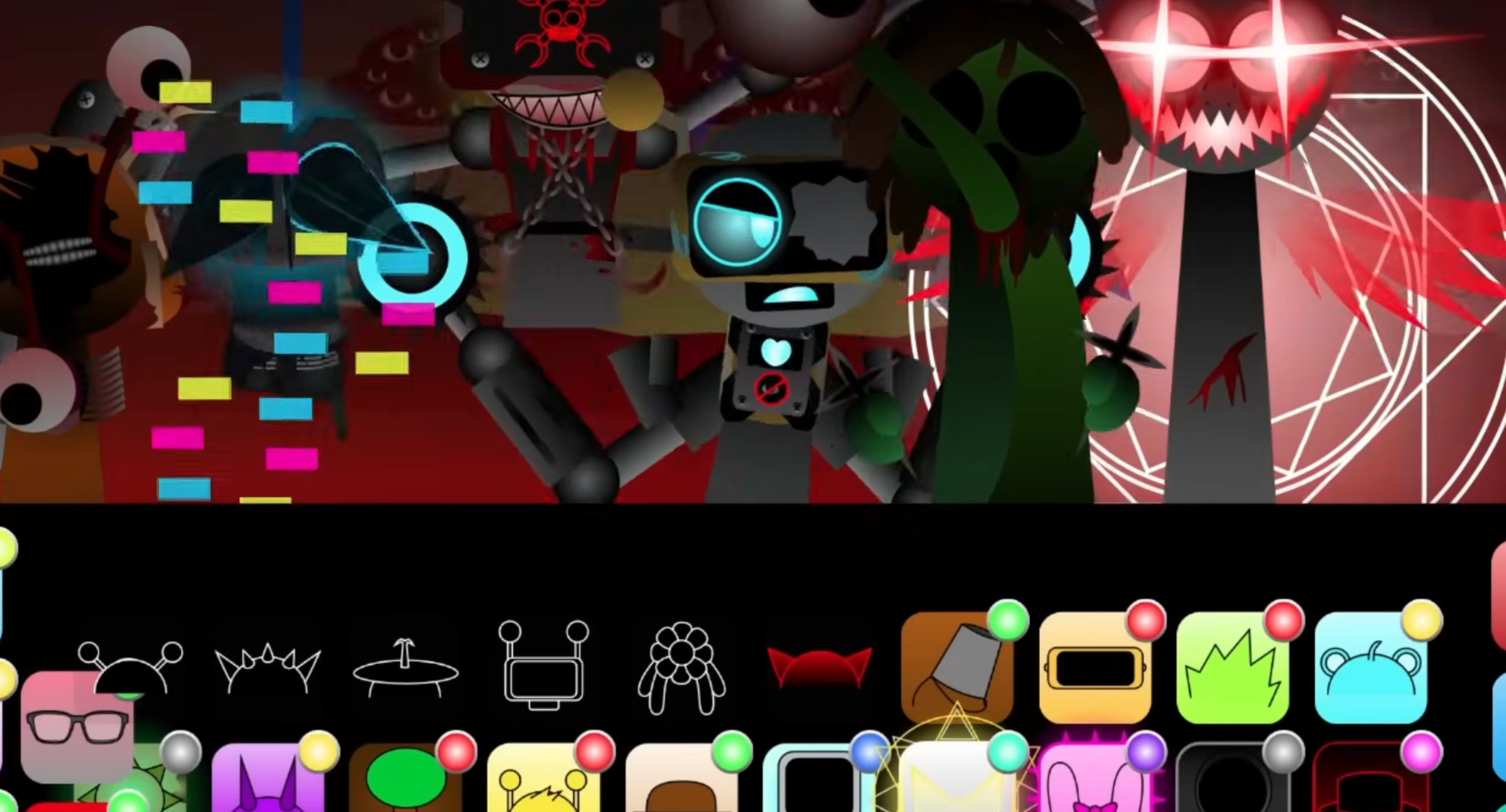
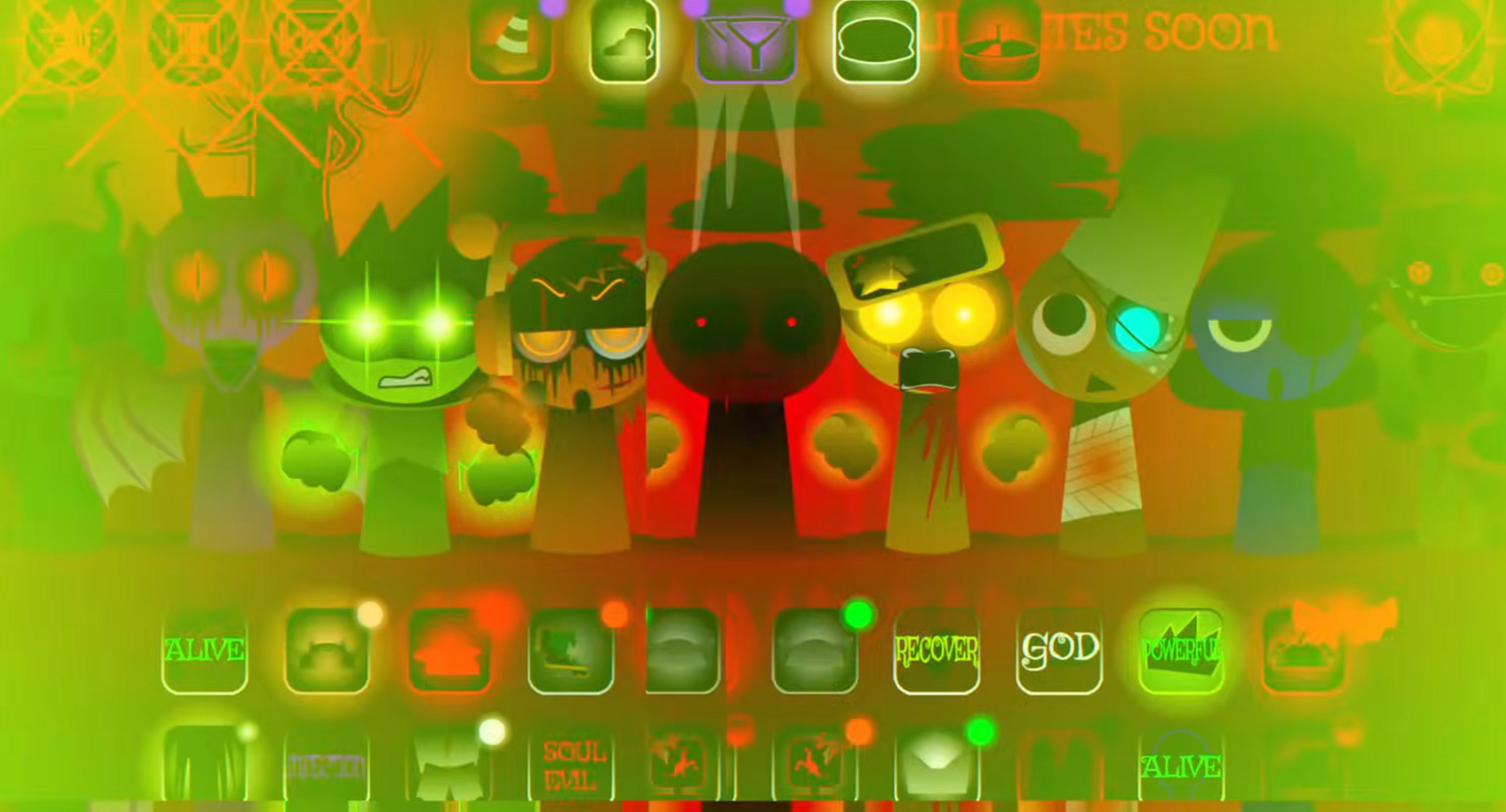
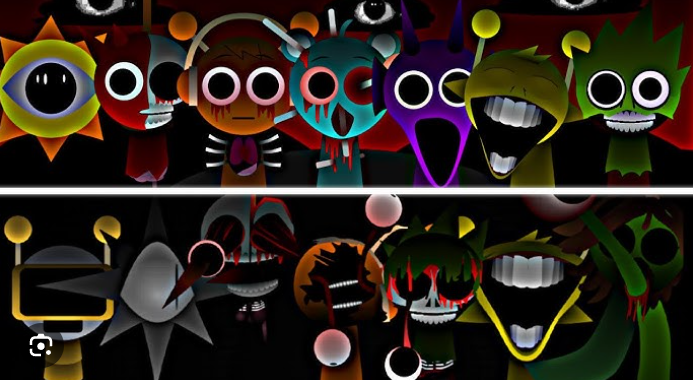
The upgrades in The Real Phase 8 come from how the game makes every sound gap feel active. The graphics are brighter and sharper on the surface, but filtered through a darker style that gives each character and screen effect more weight.
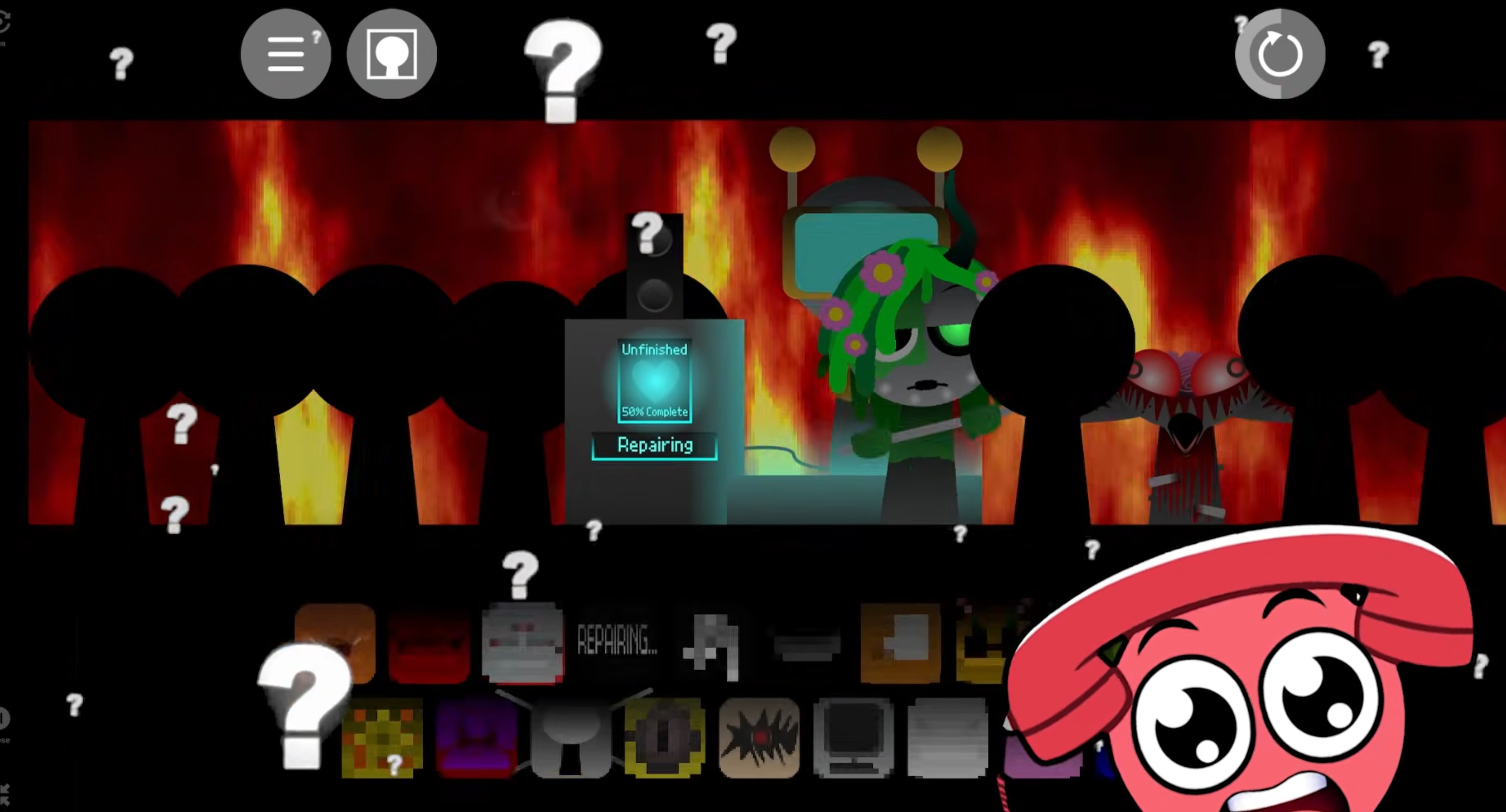
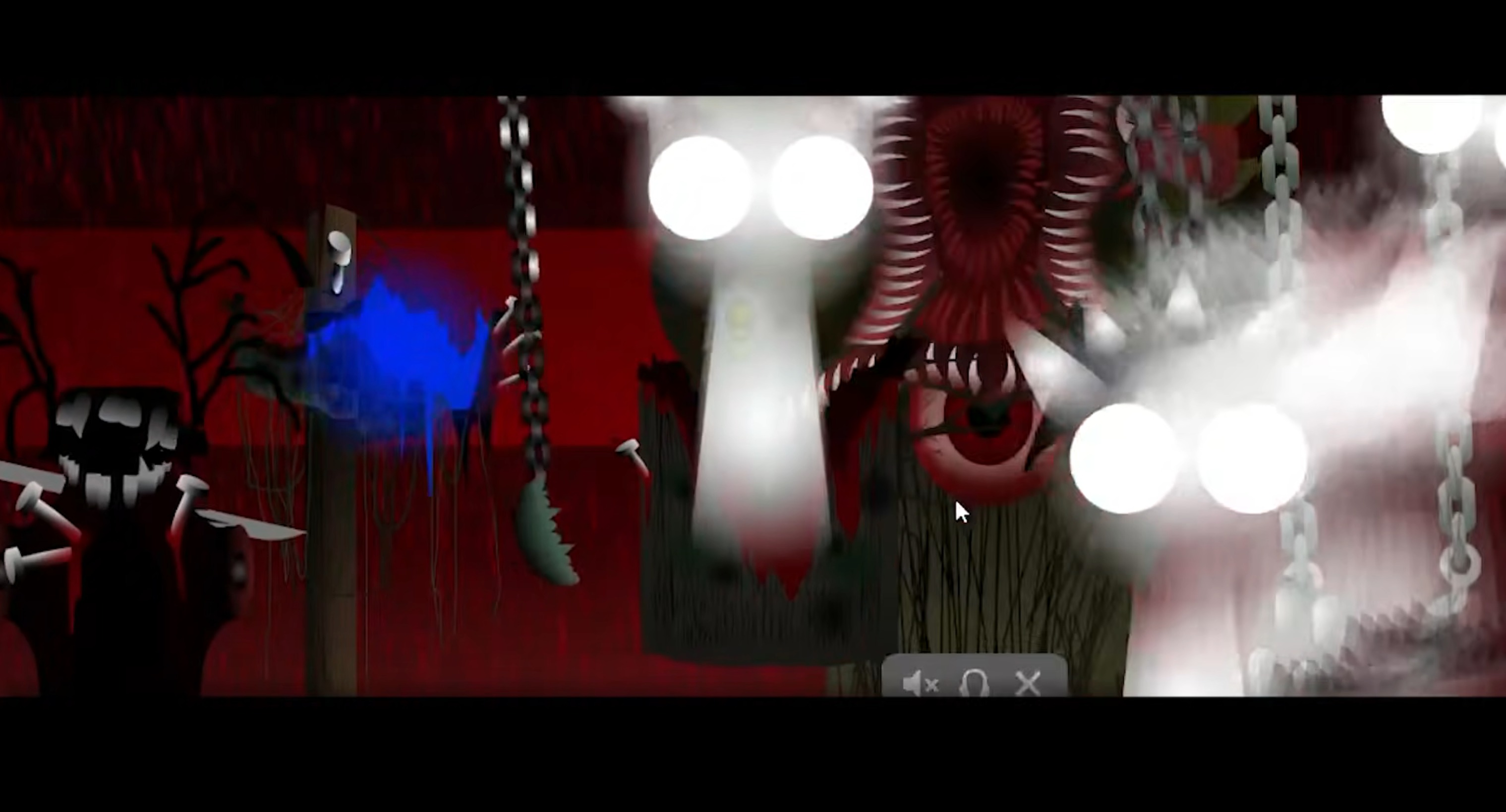
Character swaps stand out more clearly. When you change performers, the transition feels deliberate rather than like a small background action. You are not only layering sounds—you are watching the mood shift in real time. Each swap can make the screen feel heavier or more unstable.
The audio upgrade is less about volume and more about tension. Even when a character stops singing or a loop drops out, the atmosphere does not disappear. Lingering mood cues and visual effects fill the empty spaces, so the track keeps breathing.
Swap one character at a time and watch how the visual hit lines up with the audio change. Phase 8 rewards attention to small shifts, especially when screen effects and sound design begin working together.
Pro Tips for Crafting Creepy Beats
The strongest creepy beats usually come from restraint. Use fewer layers, choose darker sounds with intent, and let empty space do real work.
Start with two or three sounds.
Pick a low rhythm, one eerie melody, and maybe a hollow vocal loop. This gives the atmosphere room to breathe and helps you hear small details that would get buried in a crowded mix.
Use silence like a sound.
When a loop drops away or pauses against a darker pattern, the empty space creates tension and makes the next sound feel more severe.
Layer for mood, not volume.
Add each character because it changes the feeling: colder, more nervous, more hollow. If a loop does not build tension, leave it out.
Listen before you swap again.
After every change, let the loop run for a few cycles. You will hear whether the sounds drift together atmospherically or start fighting for space.
Remove before you add.
If the mix feels too busy, take one character off the stage before adding another. In this Phase, subtraction often creates more horror than another layer.
Related Games
- Sprunki Phase 9 ggtp v1.5 — This is the most natural follow-up because it continues the late-phase GGTP direction with darker character treatment and lets players compare how Phase 9 expands the horror mood after The Real Phase 8.
- Sprunki Battered and Bleak but Anti Shifted New Things — Its battered, bleak tone matches the article’s focus on stripped-back tension, unsettling loops, and a less cheerful Sprunki atmosphere.
- Sprunki Phase 5 The Blackened Killer Anti Shifted New Things — This works for players who want another horror-leaning phase built around darker character variants rather than the bright, bouncy style of standard Sprunki mixes.
Why Play Sprunki - The Real Phase 8?
The Real Phase 8 changes the usual rhythm-game feeling into something slower, darker, and more deliberate. Instead of stacking bright loops until the track becomes crowded, you work in a space where timing, silence, and restraint shape the mood.
This version is strongest when treated like a soundtrack tool. A small setup of two or three characters can create more tension than a full stage if the loops are placed carefully. Hollow melodies, low rhythms, and eerie pauses all matter because the game pushes you to control atmosphere, not just sound.
The Real version also brings a sharper horror edge through its character sounds and visuals. Each swap feels more dramatic because the screen stays vivid but disturbing, even when the music pulls back. That contrast gives the mix weight: you are not only making a beat, you are shaping an unsettling scene.
If you usually enjoy Sprunki for fast, chaotic combinations, The Real Phase 8 flips that approach. It asks you to slow down, listen harder, and build fear through space. The best mixes are not always the busiest ones—they are the ones where every sound feels like it was placed for a reason.
Discuss Sprunki