
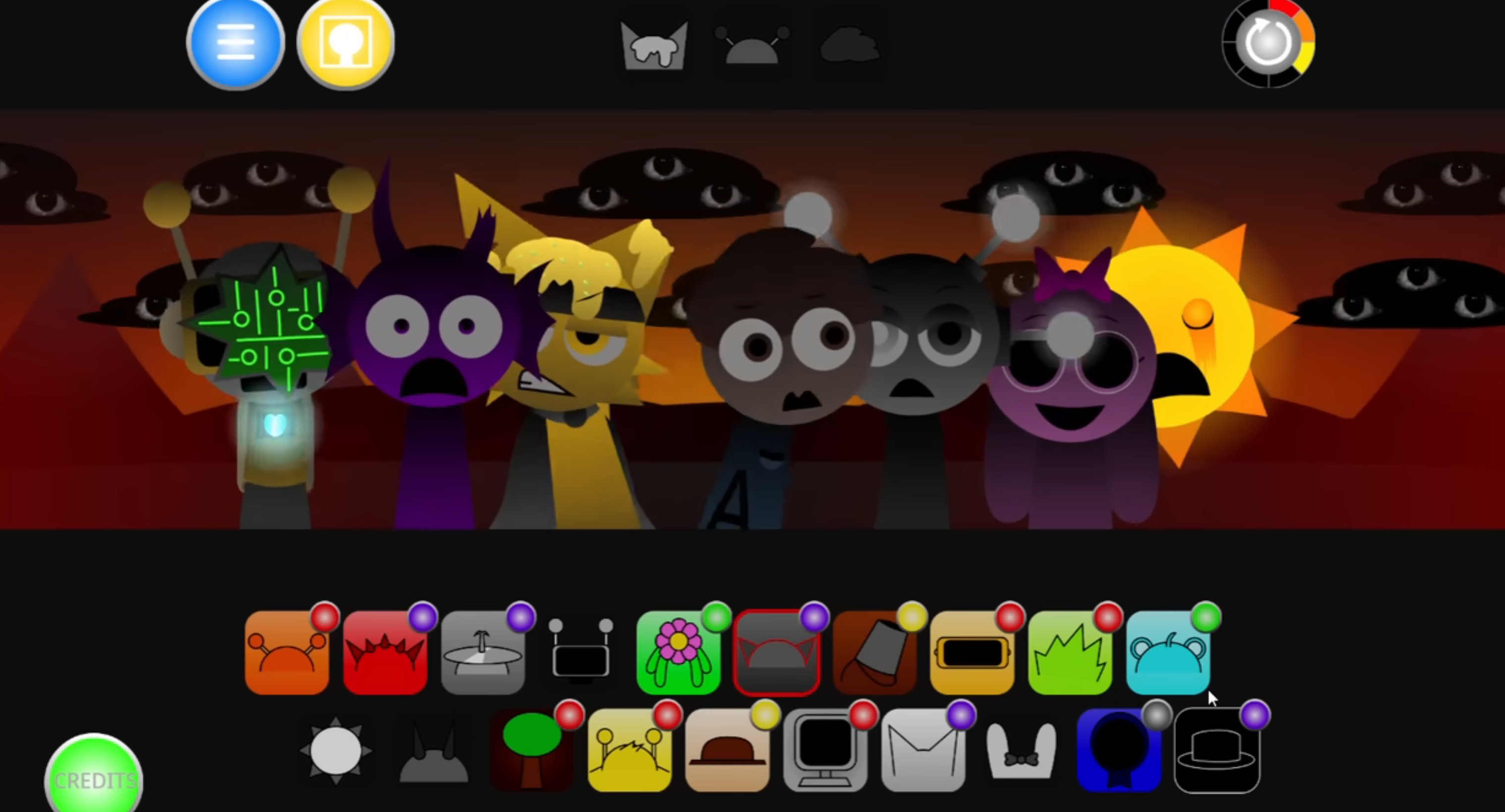



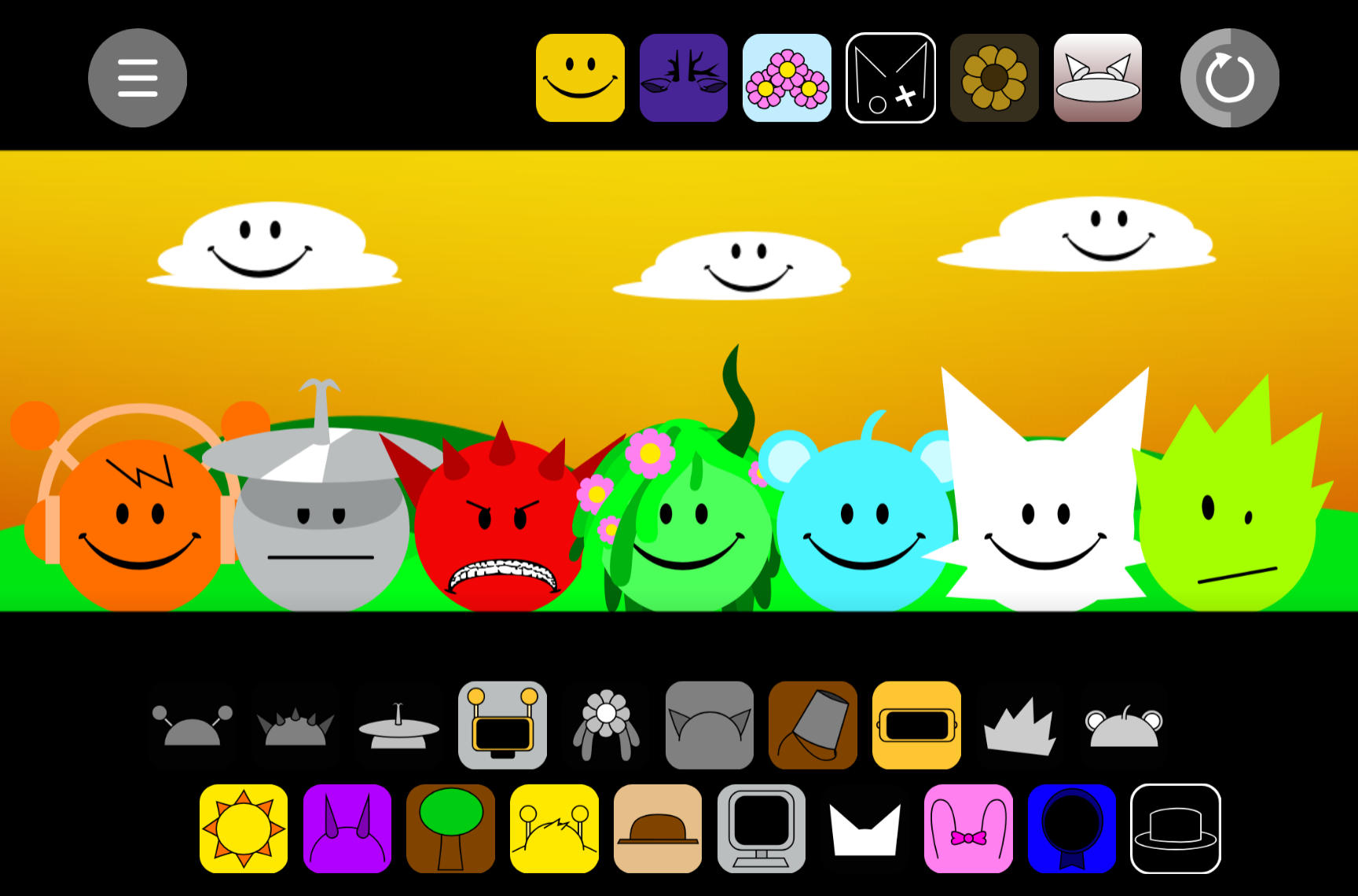
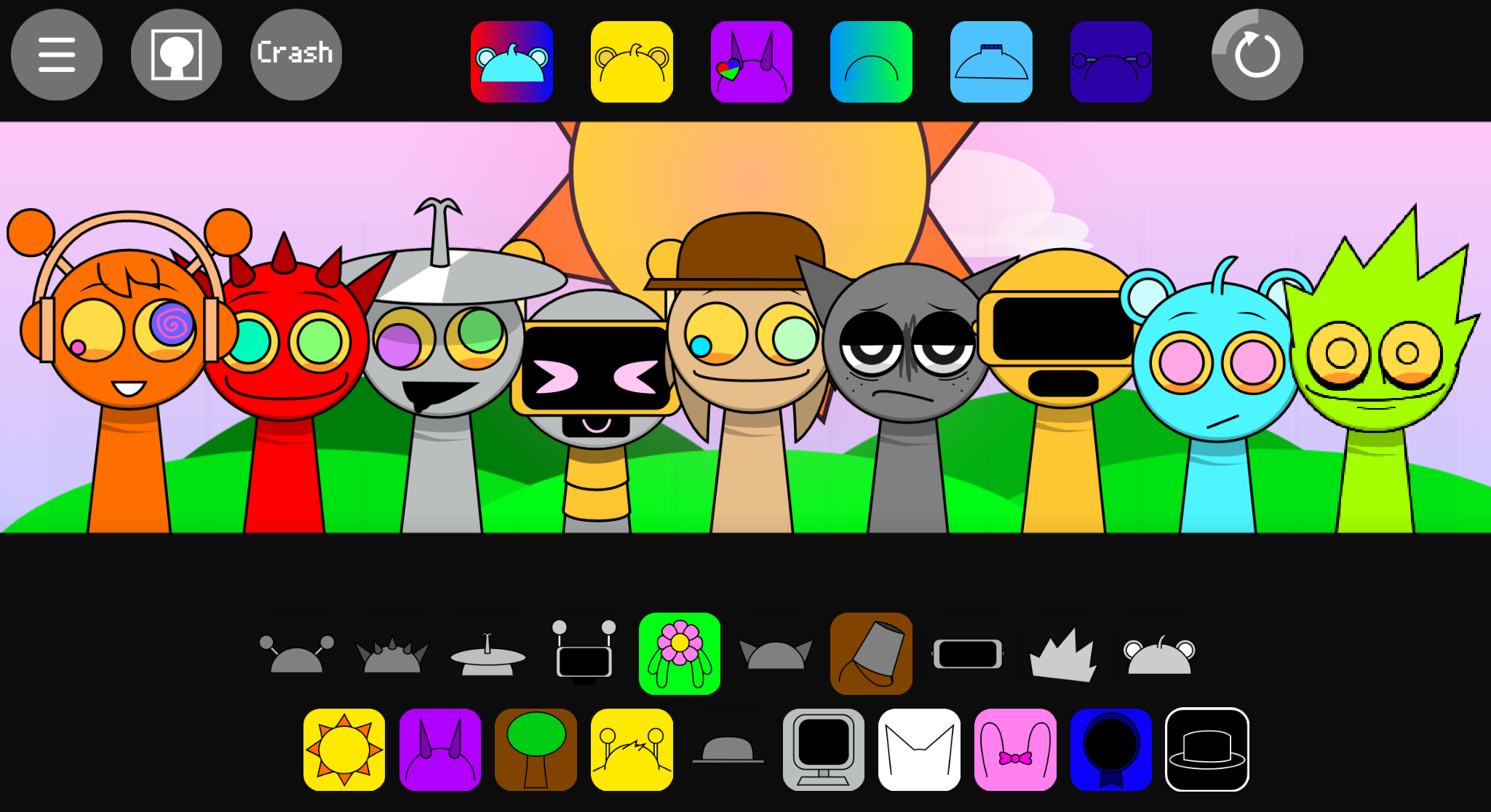
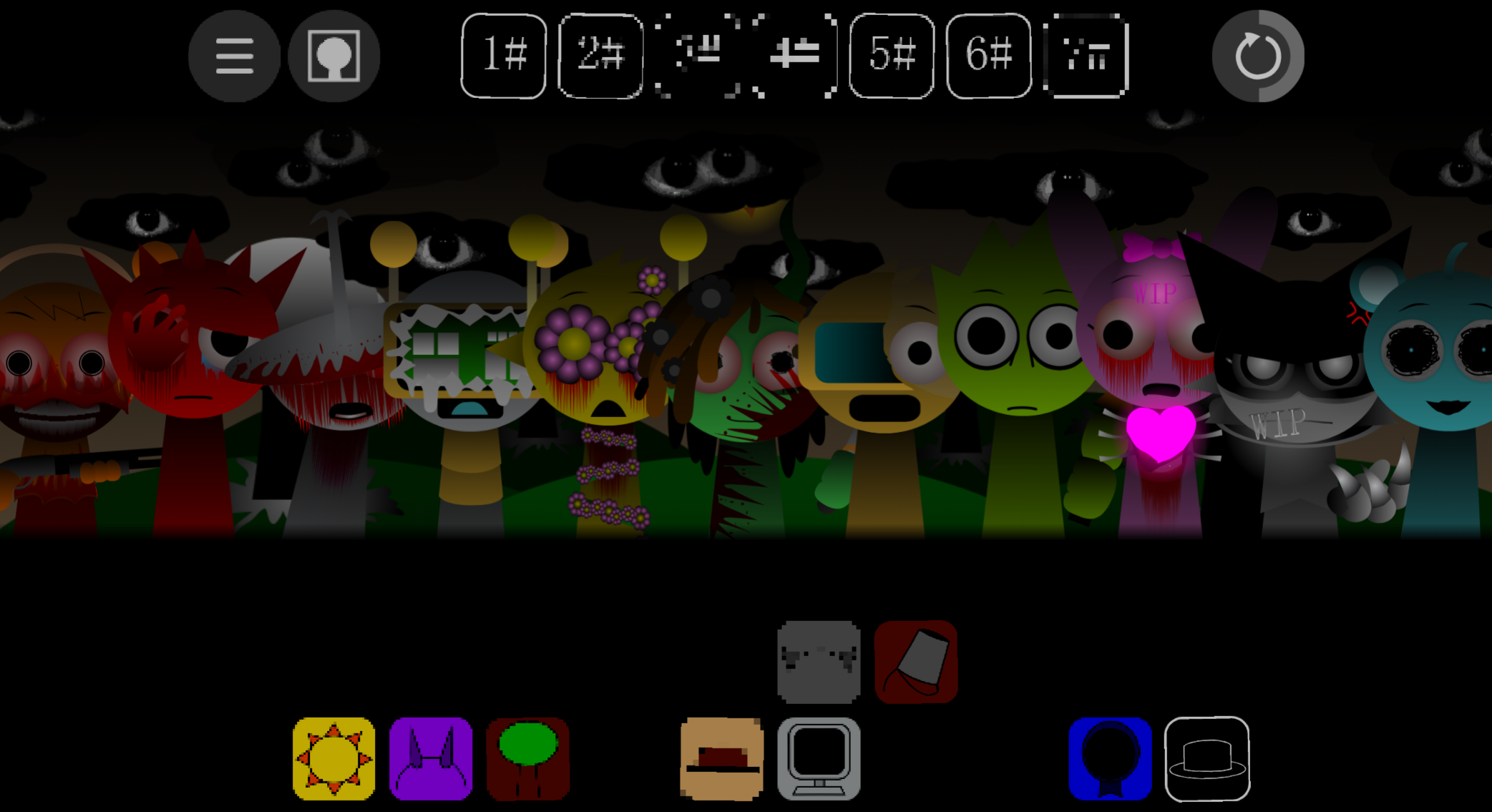
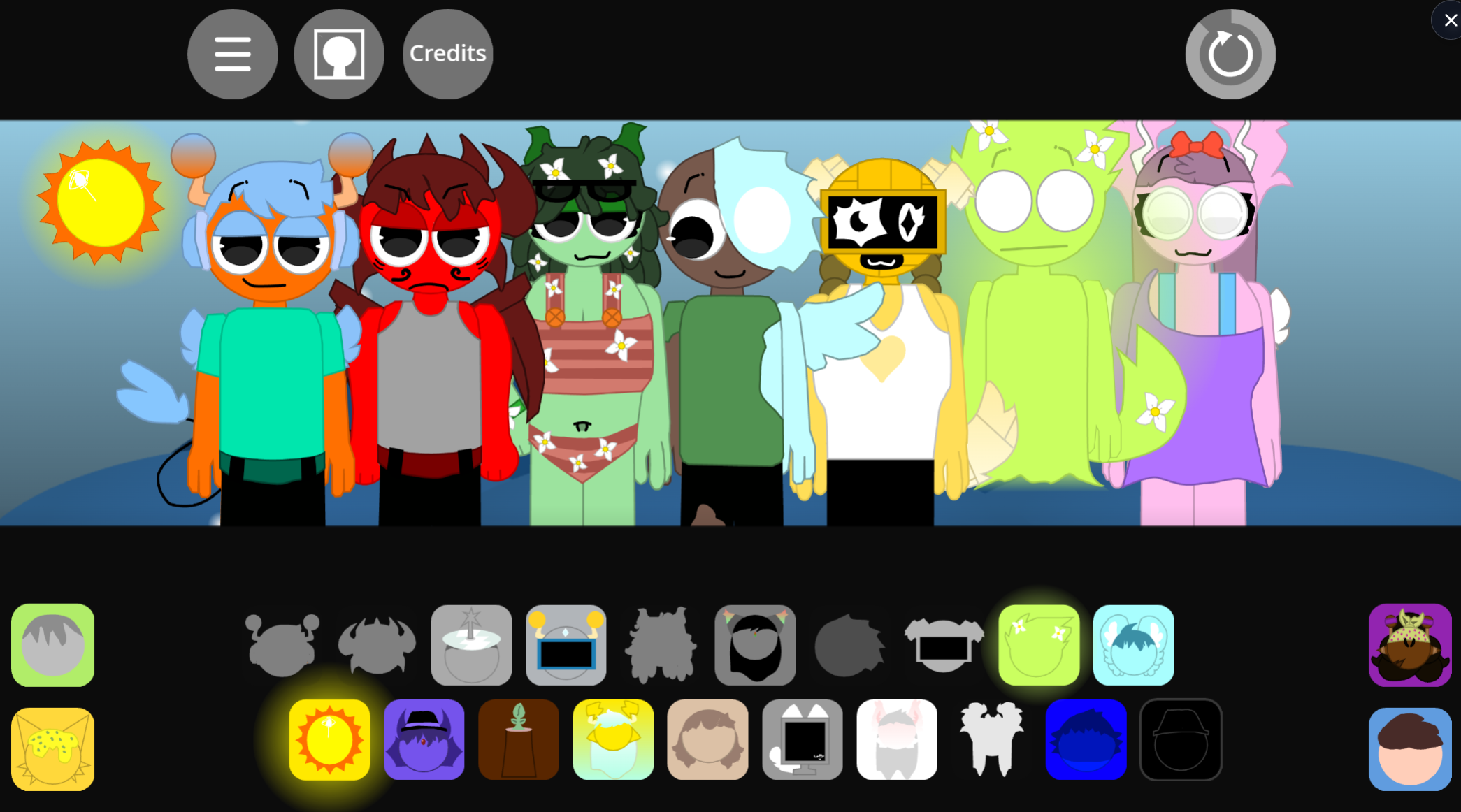
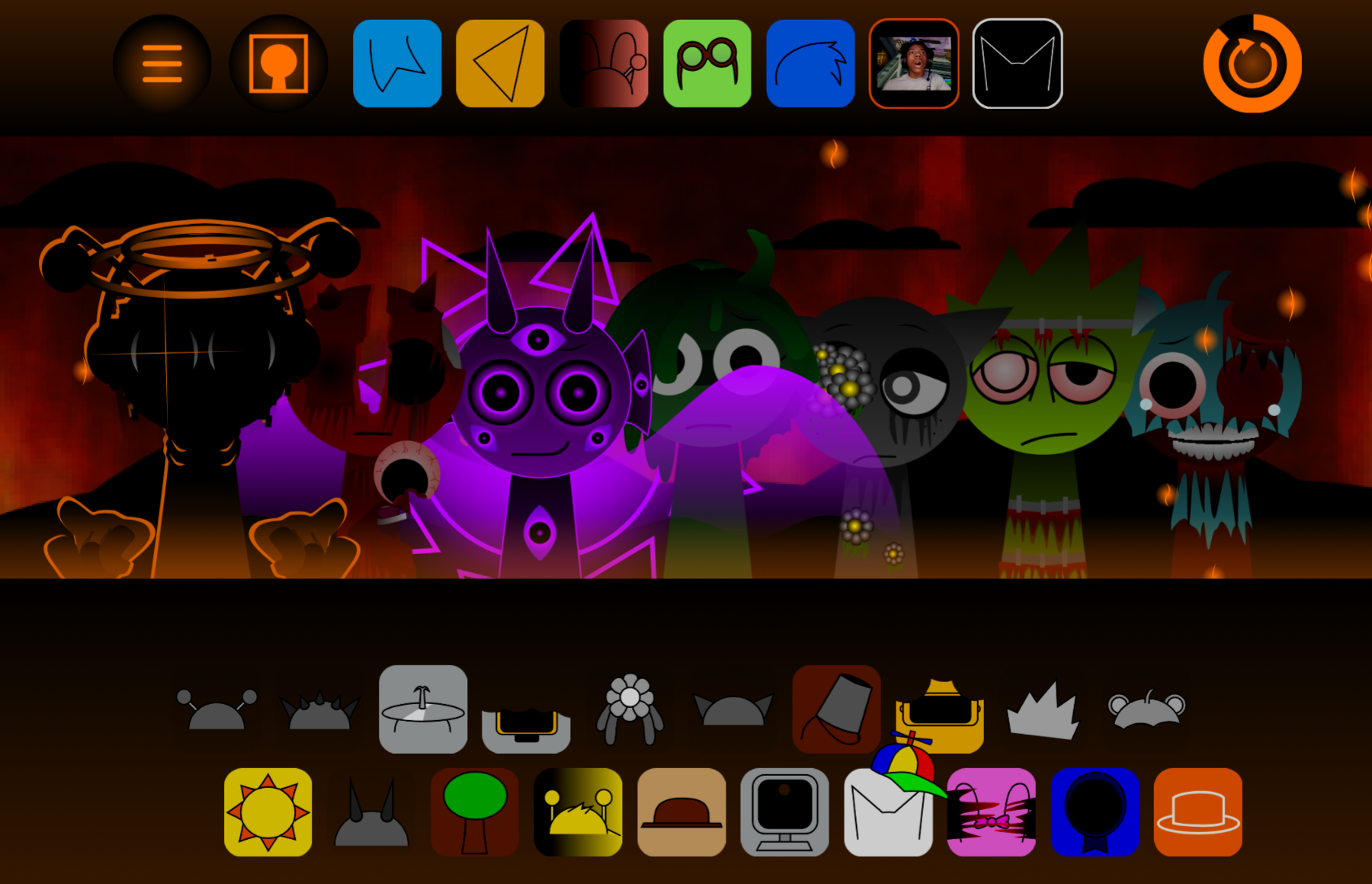
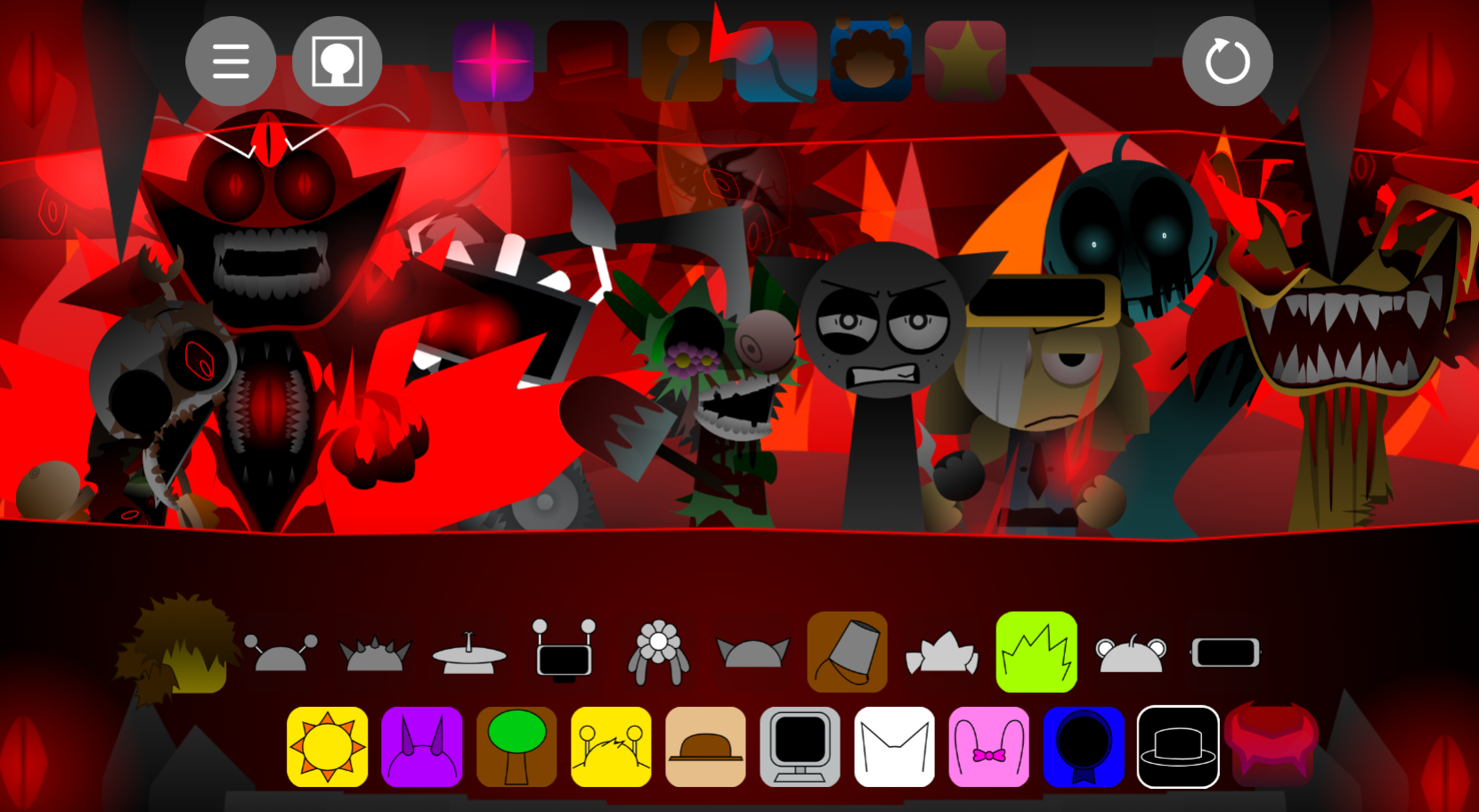
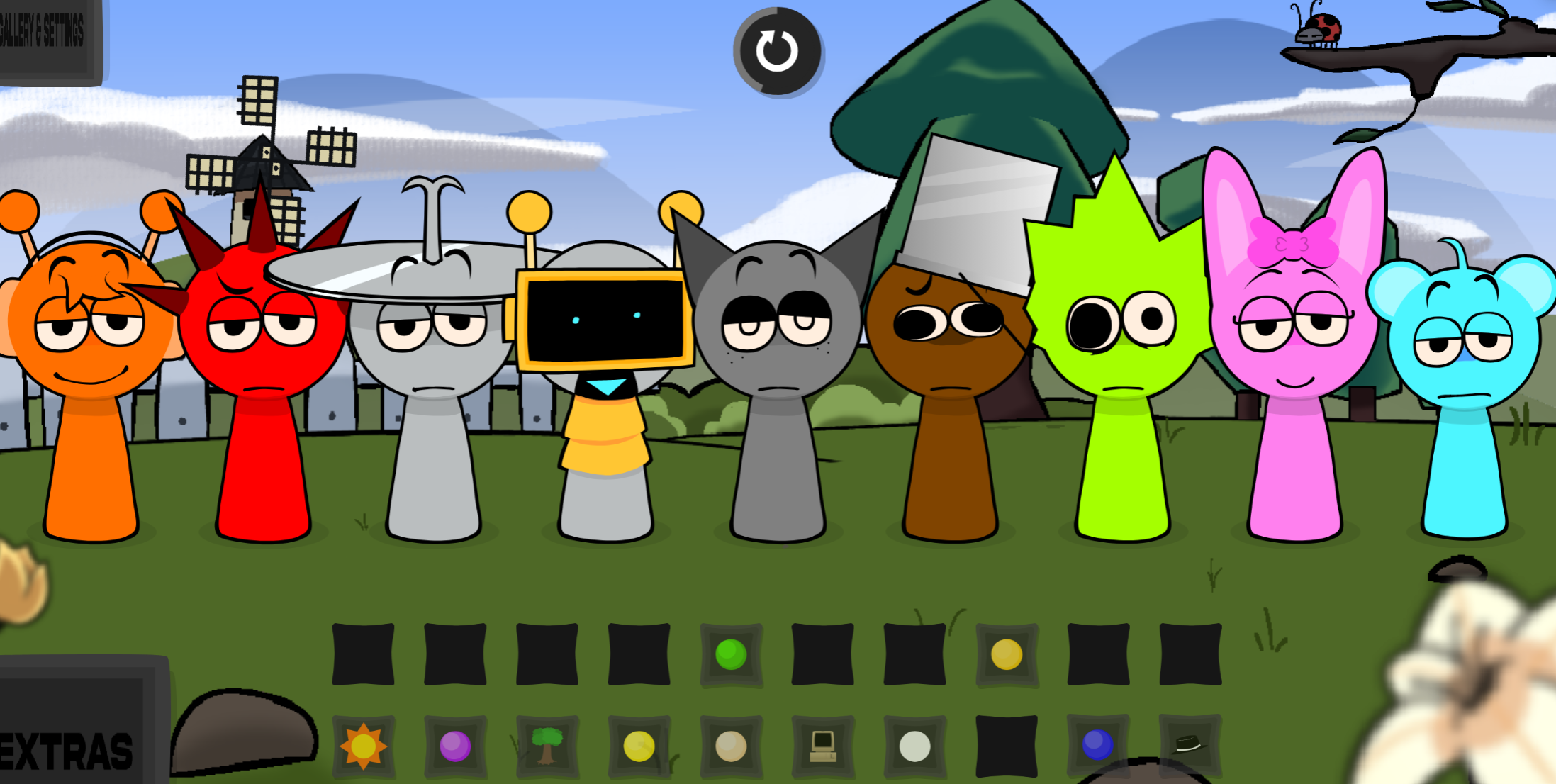
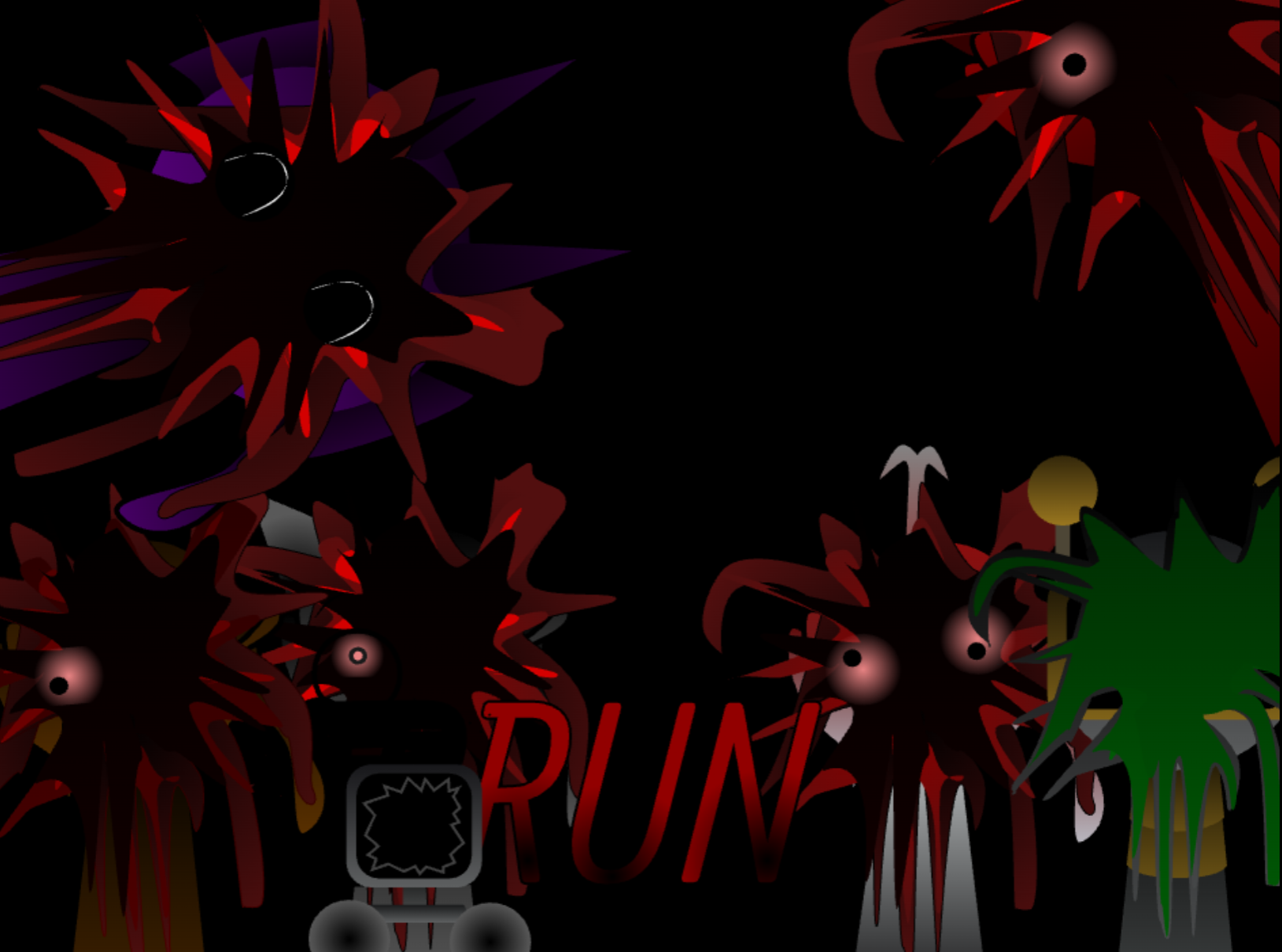
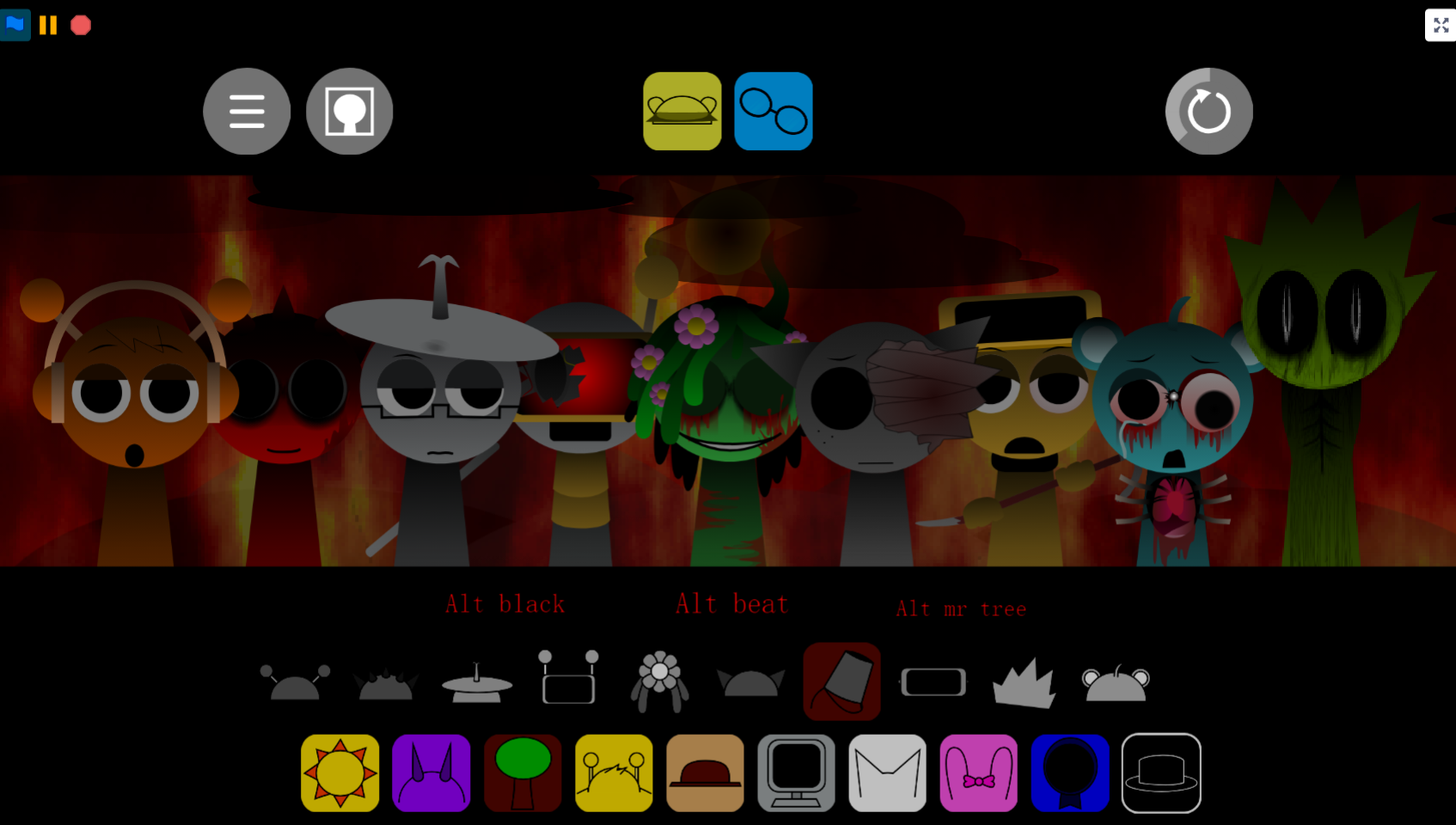
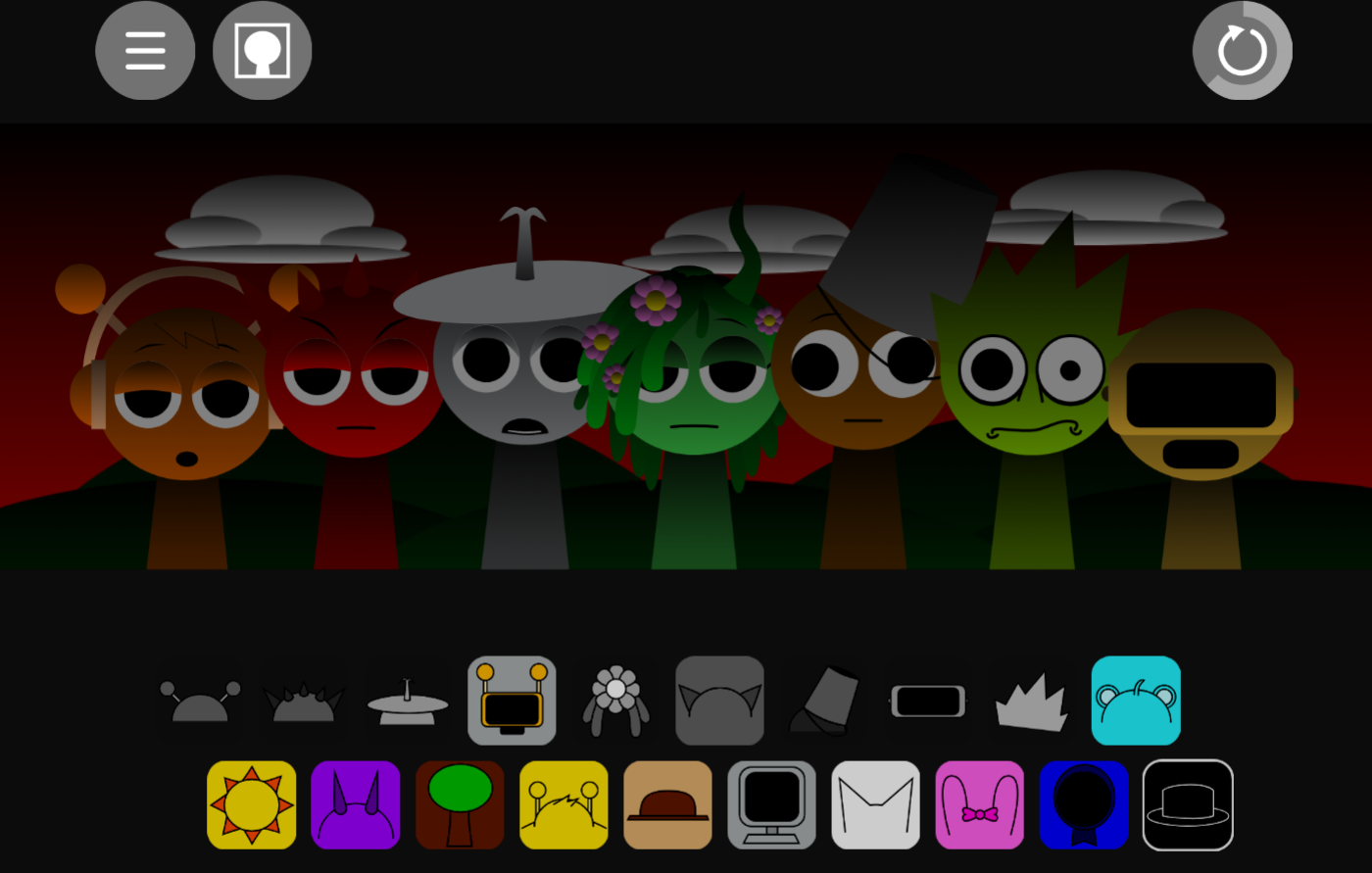
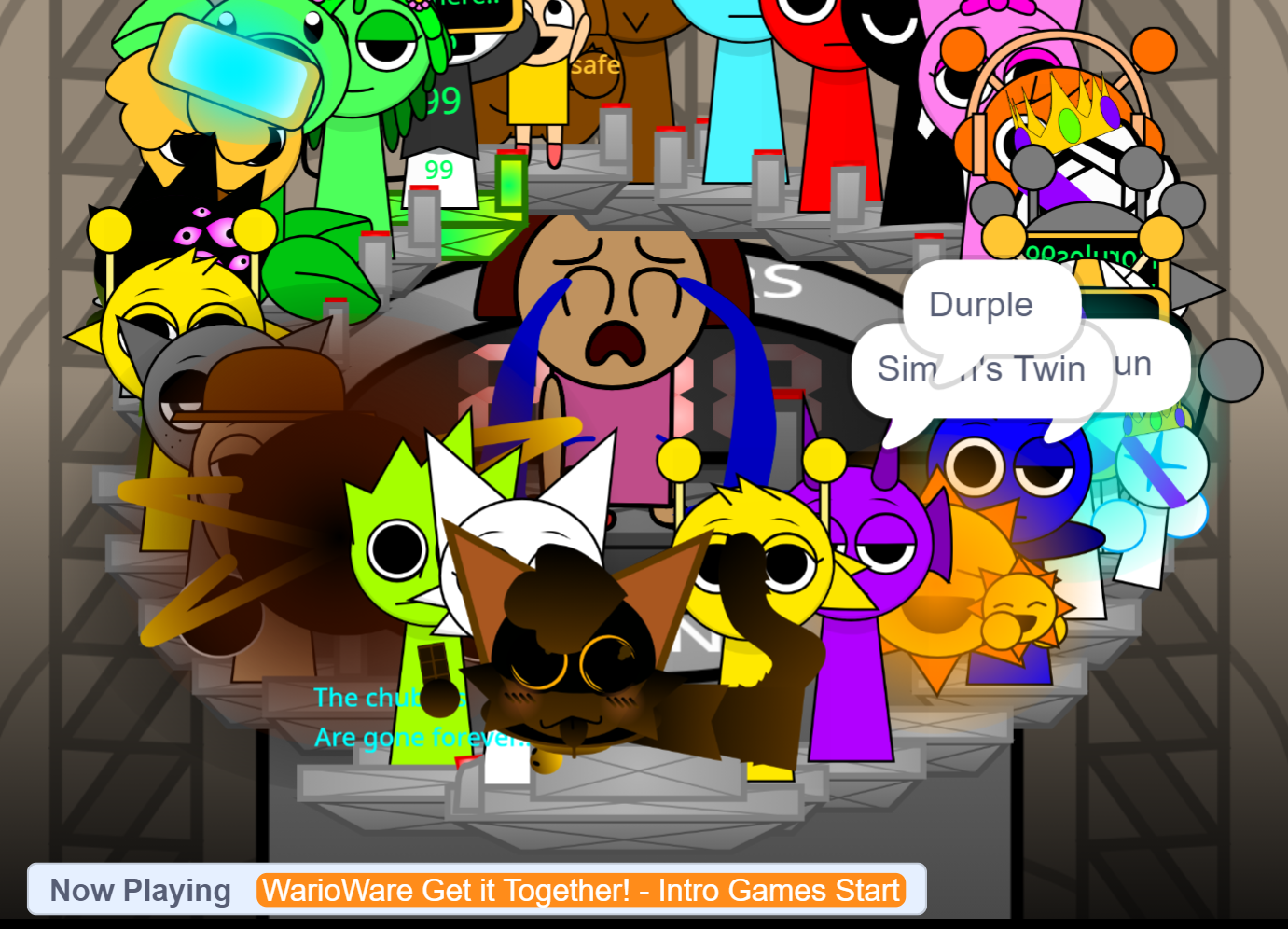
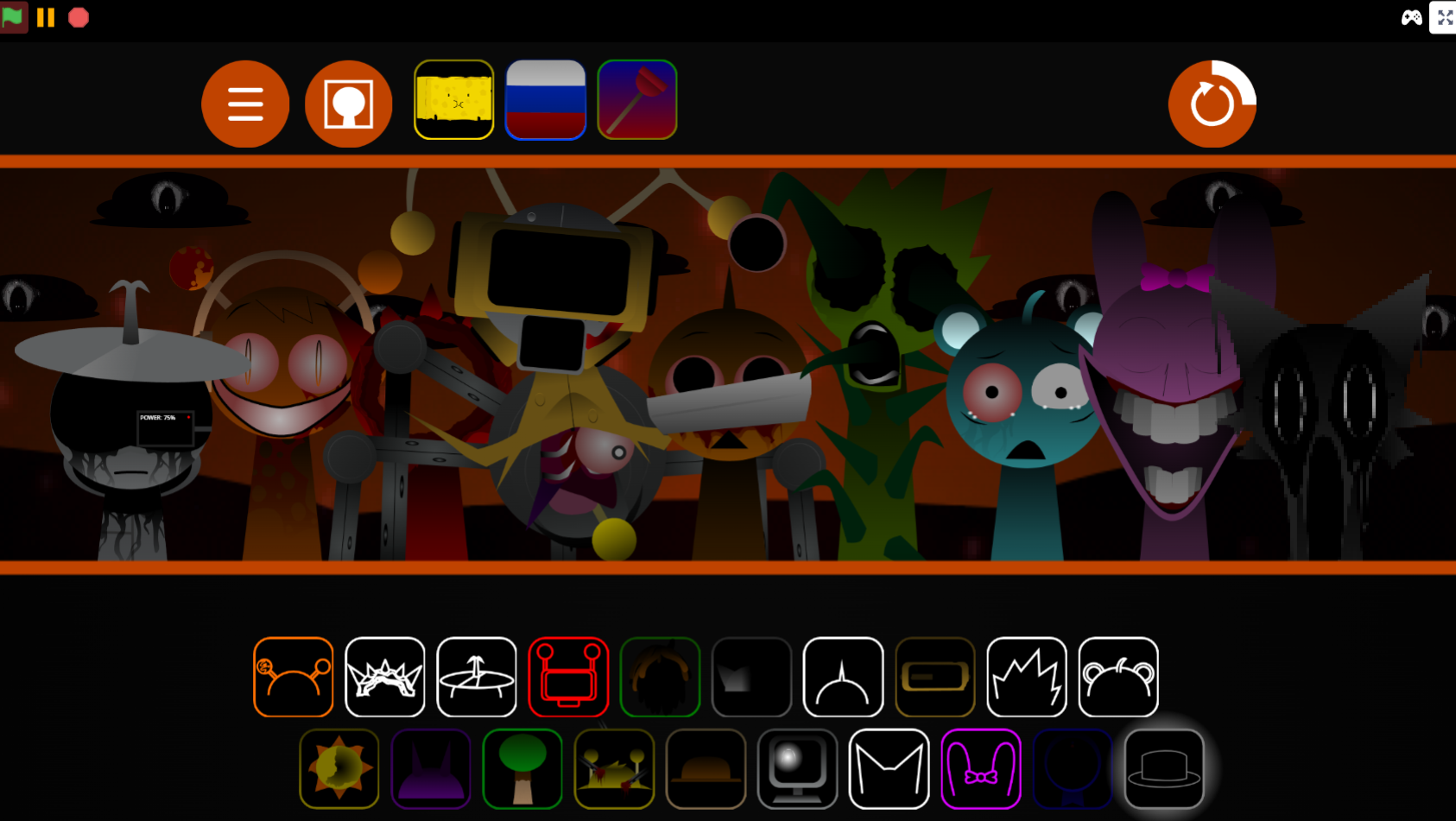
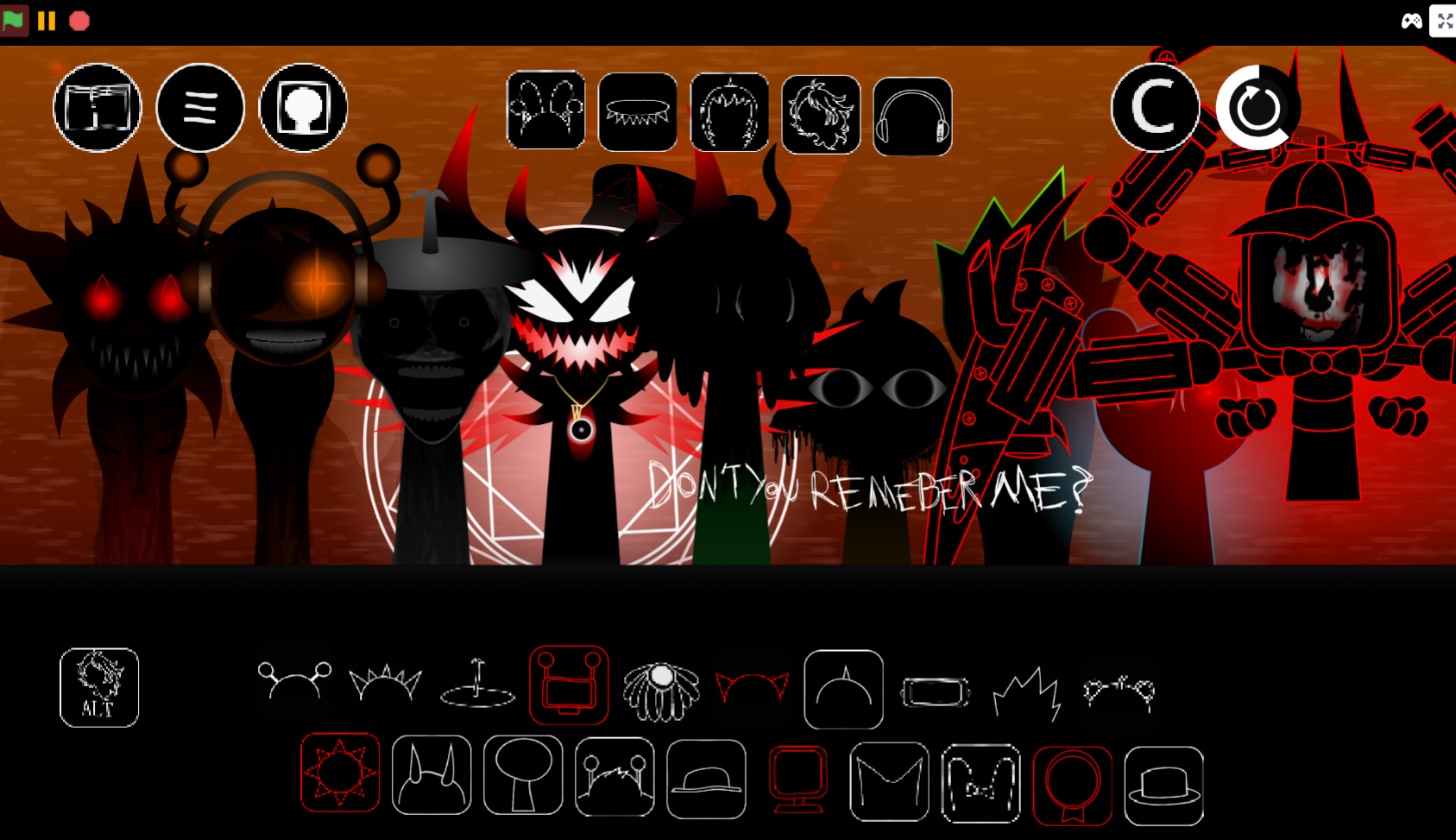
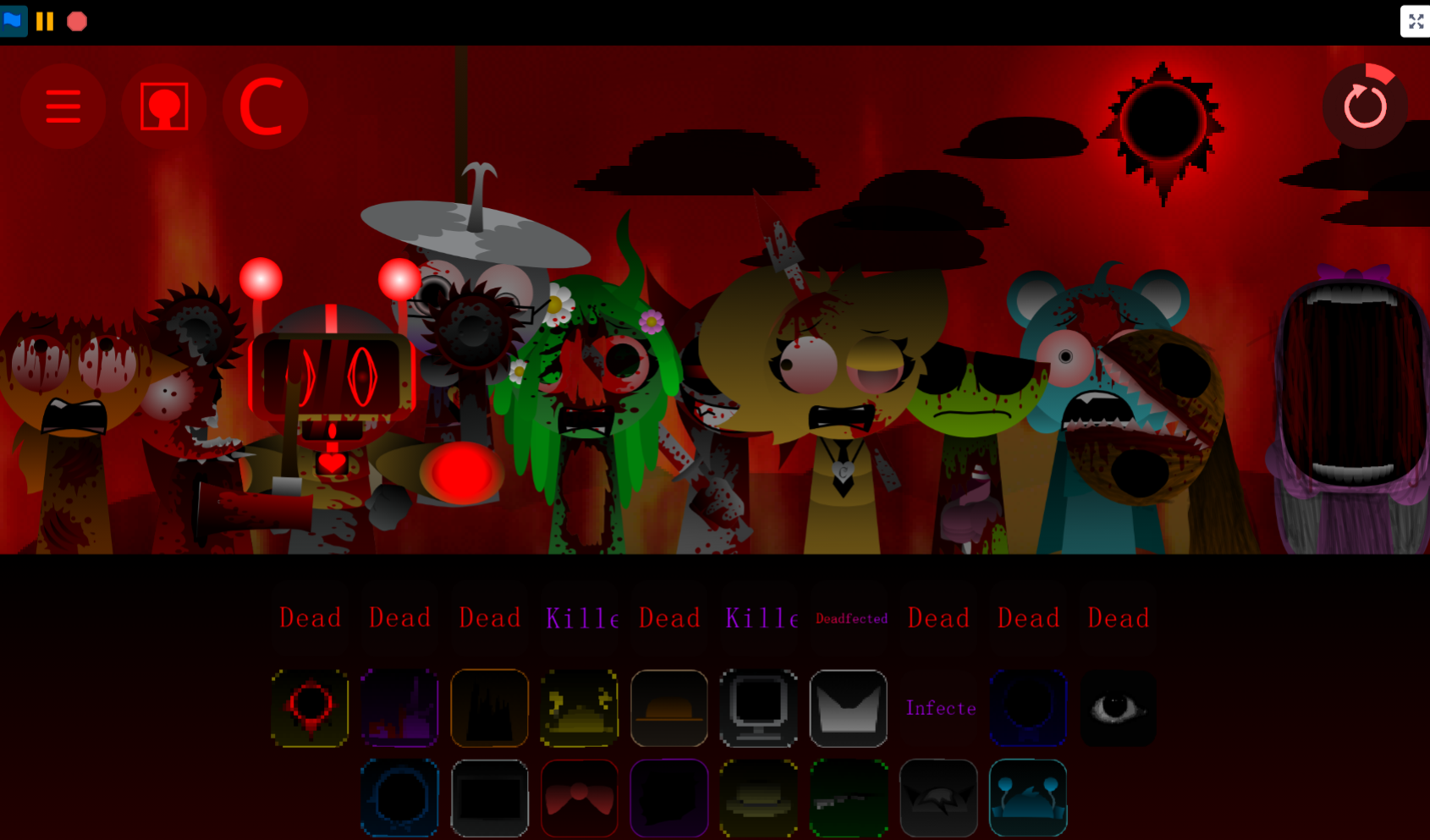
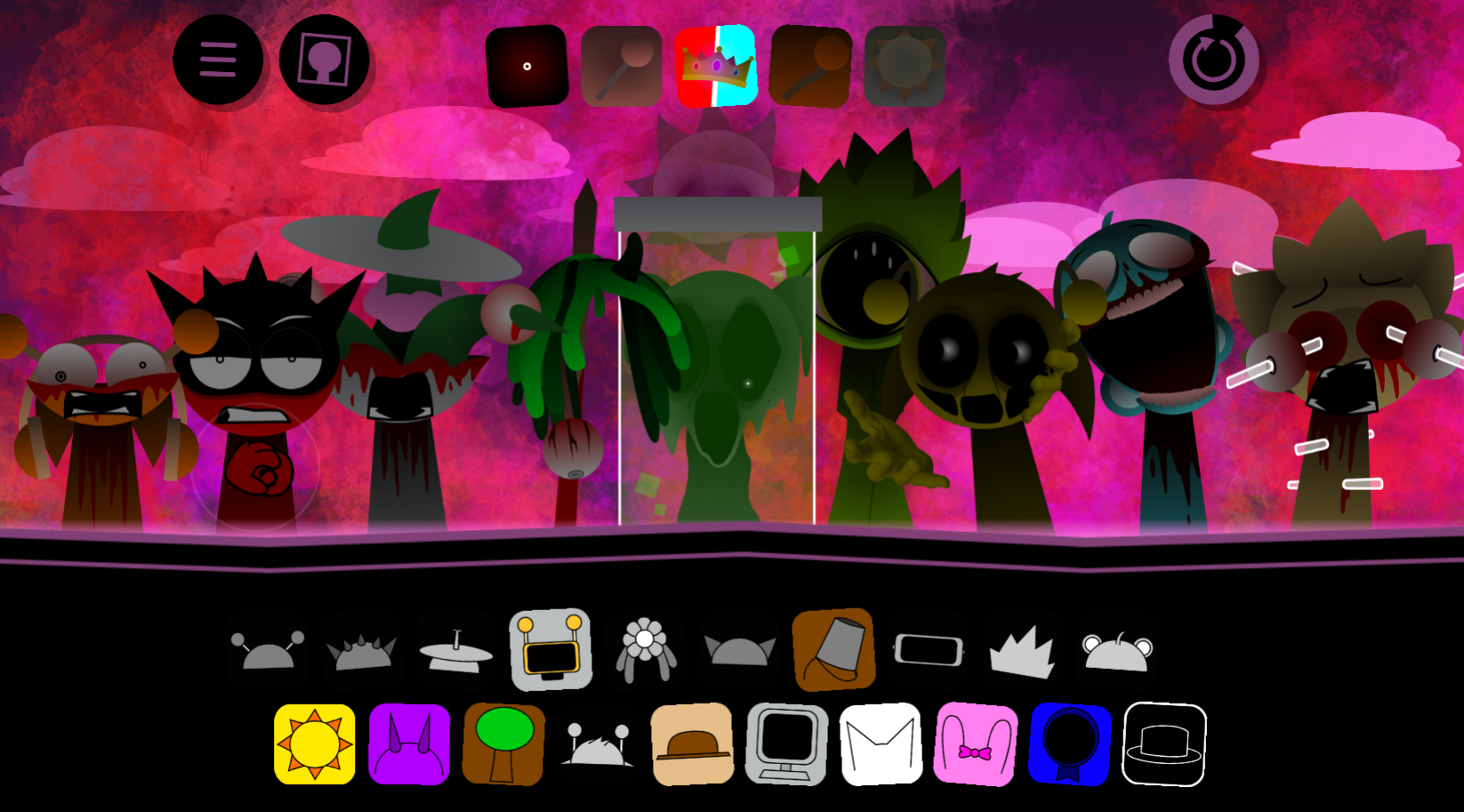
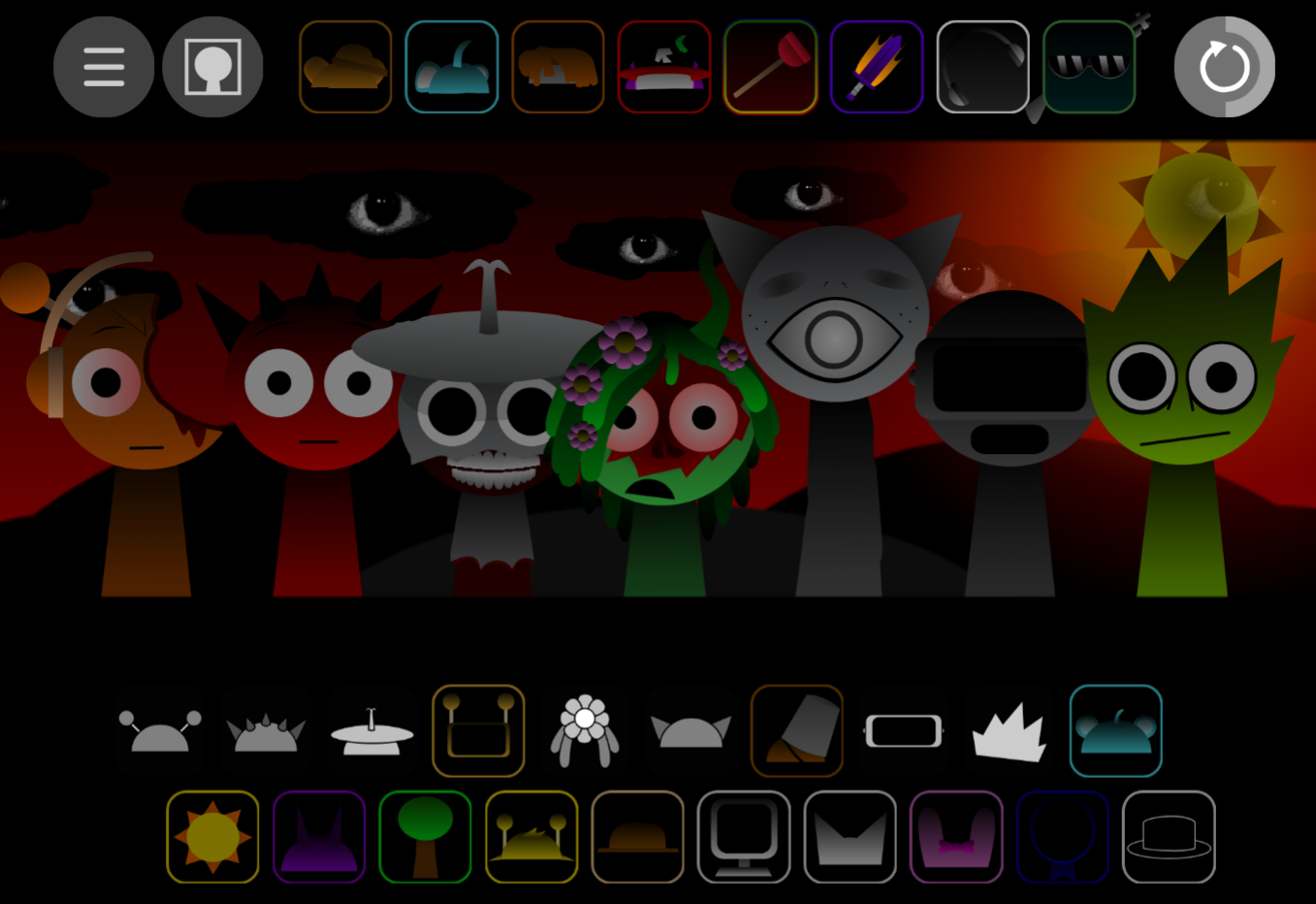
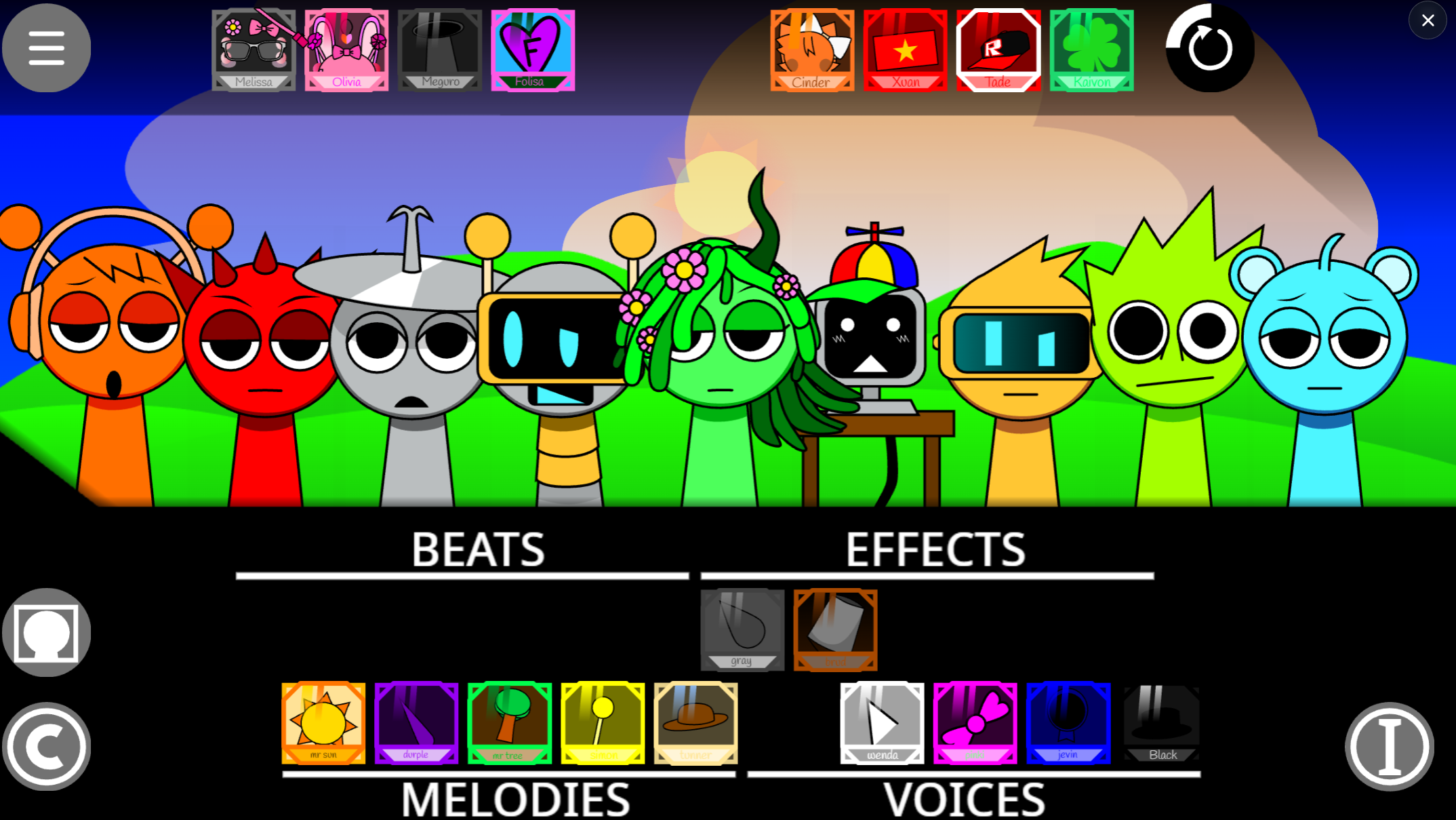
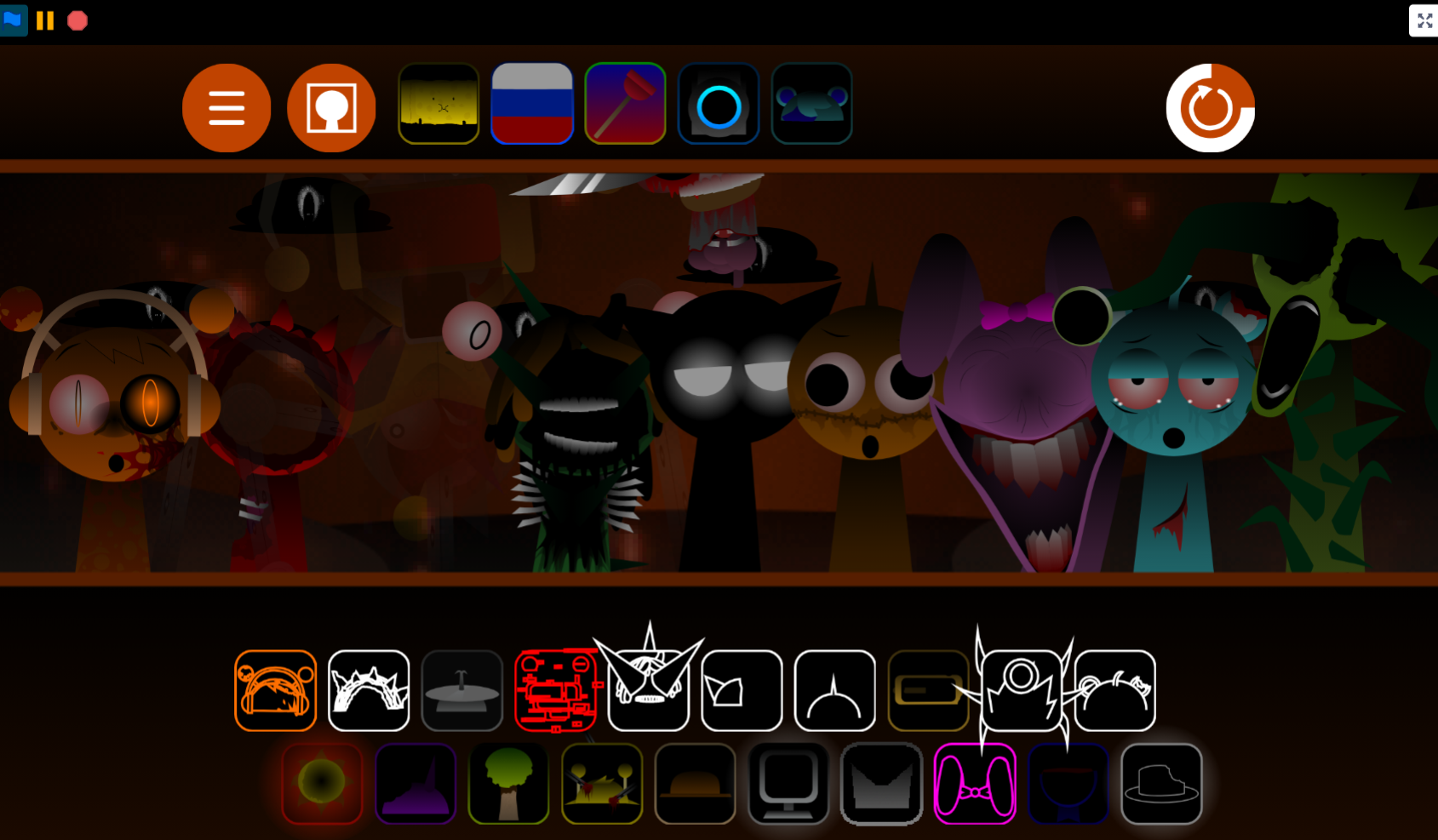
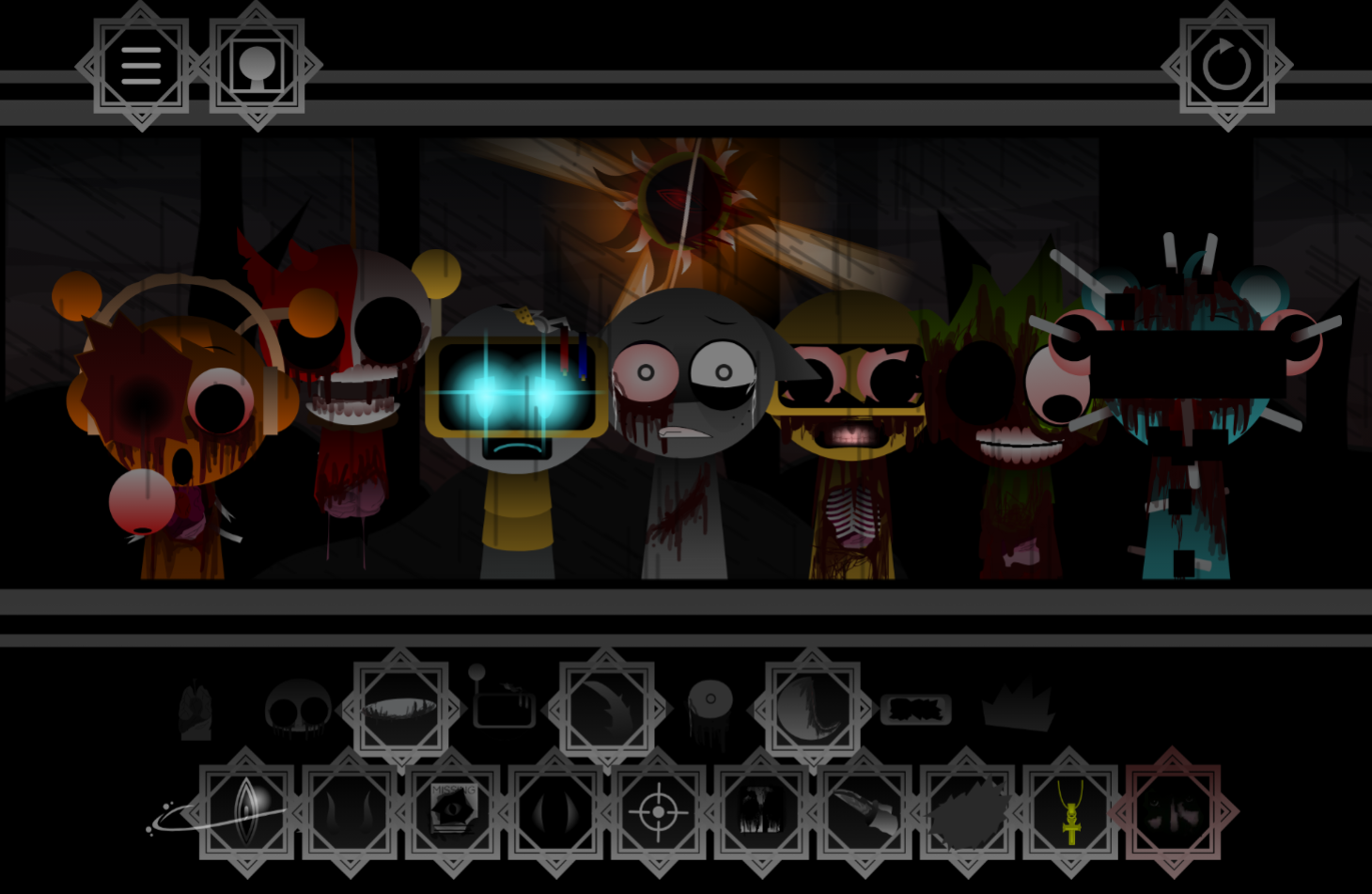
Sprunki Hyper Shifted Remake Phase 2 separates itself from basic variants by leaning into two distinct sound modes—Key and Shifted—that reshape how each character loop behaves when you stack them on stage.
Key mode delivers cleaner, melodic layers that lock into familiar Sprunki rhythms, while Shifted mode introduces bitcrushed vocals, jagged electronic textures, and flickering character transformations that make every combination feel volatile without collapsing into noise. This article breaks down how those two modes work in practice, what the character roster brings to each mode, and why the visual feedback—glitching sprites, color shifts, and real-time stage reactions—matters when you’re building a live mix.
You still play by dragging characters onto stage to layer beats, vocals, and effects, but the Hyper framework pushes each loop toward sharper contrasts and faster transitions than the original Sprunki template allowed.
Sprunki Hyper Shifted Remake Phase 2
Sprunki Hyper Shifted Remake Phase 2 is a fan-curated reworking of a classic glitch-heavy mod that keeps the familiar drag-and-drop music format while redirecting it into a warped timeline.
This Remake treats Phase 2 as an altered branch where familiar roles are reassigned, the cast feels unstable by design, and the soundboard pushes controlled distortion.
You still Play by building a live mix with character-based loops—beats, vocals, and effects stack on stage in real time—but the texture shifts toward bitcrushed vocals, jagged electronic layers, and flickering character transformations that make each combination feel volatile without becoming unreadable.
Creator Durple2025Animations frames it as “my take & timeline” on the original, giving the current lineup a clear mood even with a smaller roster than some older mods.
Key Features of the Shifted Timeline
The central idea behind the Shifted timeline is redirection, not restoration. This version reshapes the lineup so returning figures feel off-balance in new ways, which gives the remake its strongest identity.
The chaos has been cleaned up without losing its edge. The mod keeps the glitch-heavy style but supports it with cleaner animation work and a more organized soundboard, making the action easier to track even when the screen is flickering and audio is pushing toward static.
Stage interaction is tighter. Dragging characters into place triggers layered loops that can shift during play, building around distorted beats, unstable vocal drops, and electronic textures that threaten to collapse into noise. The result is controlled-chaotic rhythm: experimentation still drives the experience, but the framework is stable enough to read what each layer is doing.
Visually, the Hyper side shows up as constant instability. Characters flicker, warp, and change style in ways tied closely to the music. Sound and visuals work as one system, so testing different combinations is about hearing new layers and seeing how each added performer pushes the scene further into organized distortion.
How to Play Sprunki Hyper Shifted Remake Phase 2
Build a live mix by placing performers on stage and adjusting the lineup as the track starts to mutate. The goal is simple, but the mod’s identity comes from how quickly a stable groove can turn unstable if the layers don’t support each other.
- Start by adding characters to the stage. Each performer introduces a loop tied to a beat, vocal line, or distorted electronic effect.
- Listen for balance, not just intensity. The mod leans into warped audio textures and unpredictable drops, so piling on chaos is usually less effective than finding combinations that reinforce one another.
- Swap combinations often. Different lineups noticeably change both the music and the visuals. This remake is built around that variation rather than strict sequencing.
- Expect a smaller setup for now. The roster may feel modest compared with older mods, but that makes it easier to test each role and learn what every shifted performer contributes.
Mastering the Glitchy Phase 2 Soundboard
Mastering the Glitchy Phase 2 soundboard is more about control than speed. Each performer adds layered loops, and too many distorted parts can push the mix from sharp and tense into something washed out or cluttered.
Build from a steady base, then introduce unstable parts one by one. Because some combinations shift while playing, a setup that sounds clean at first can become harsher or denser over time, making active listening more important than simply filling every slot.
A few habits help:
- Build in layers. Start with a base rhythm, then test vocal or effect-heavy characters over it.
- Watch for instability. If the mix begins to blur into static or lose rhythmic definition, remove overlapping distorted parts and rebuild.
- Try unusual pairings. Warped vocals and heavier electronic beats can reshape the entire track in surprising ways.
- Read the visuals as well as the audio. Flicker, warping, and sync effects often signal how intense the current setup has become.
The most satisfying mixes usually don’t come from maximum chaos. They come from shaping that chaos into something deliberate.
Pro Tips for Balancing the Unstable Mix
Balancing the unstable mix comes down to knowing where tension ends and clutter begins.
- Start with one unstable anchor. Use a single performer to hold the tempo or rhythmic identity of the track, then add stranger layers around it. This keeps the heavier loops readable for longer.
- Treat vocal drops as pressure points. Some vocal layers sound exciting at first but quickly swallow the percussion. If the beat starts losing definition, swap that layer out instead of forcing it to work.
- Use the visuals as a diagnostic tool. In this remake, screen effects aren’t just decorative. When the flicker and warping feel tightly synced to the audio, the mix is usually holding together. When both sound and image become scattered at once, the setup is often tipping into mess.
- Work with the smaller roster instead of against it. The limited lineup makes testing faster, helping players identify which pairings create controlled tension and which ones collapse into noise.
Related Games
- Sprunki Hyper Shifted Phase 3 — This is the clearest next step after the remake’s Phase 2 because it continues the same Hyper Shifted timeline with more evolved glitch layering, character instability, and escalating sound design.
- Sprunki Hyper Shifted Phase 4 — Players who like Phase 2’s cleaner remake structure but want a bigger, more chaotic roster should jump to Phase 4 for a fuller version of the same warped audiovisual formula.
- Sprunki Hyper Shifted Phase 4 FANMADE — This fanmade Phase 4 fits the article’s “my take & timeline” angle by showing how the Hyper Shifted concept keeps branching through community-built reinterpretations rather than one fixed canon.
Enjoy it!


Discuss Sprunki