



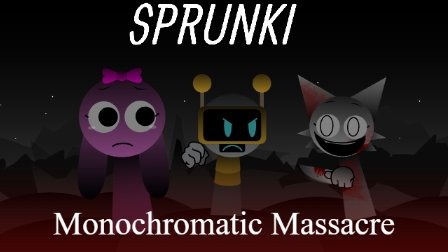
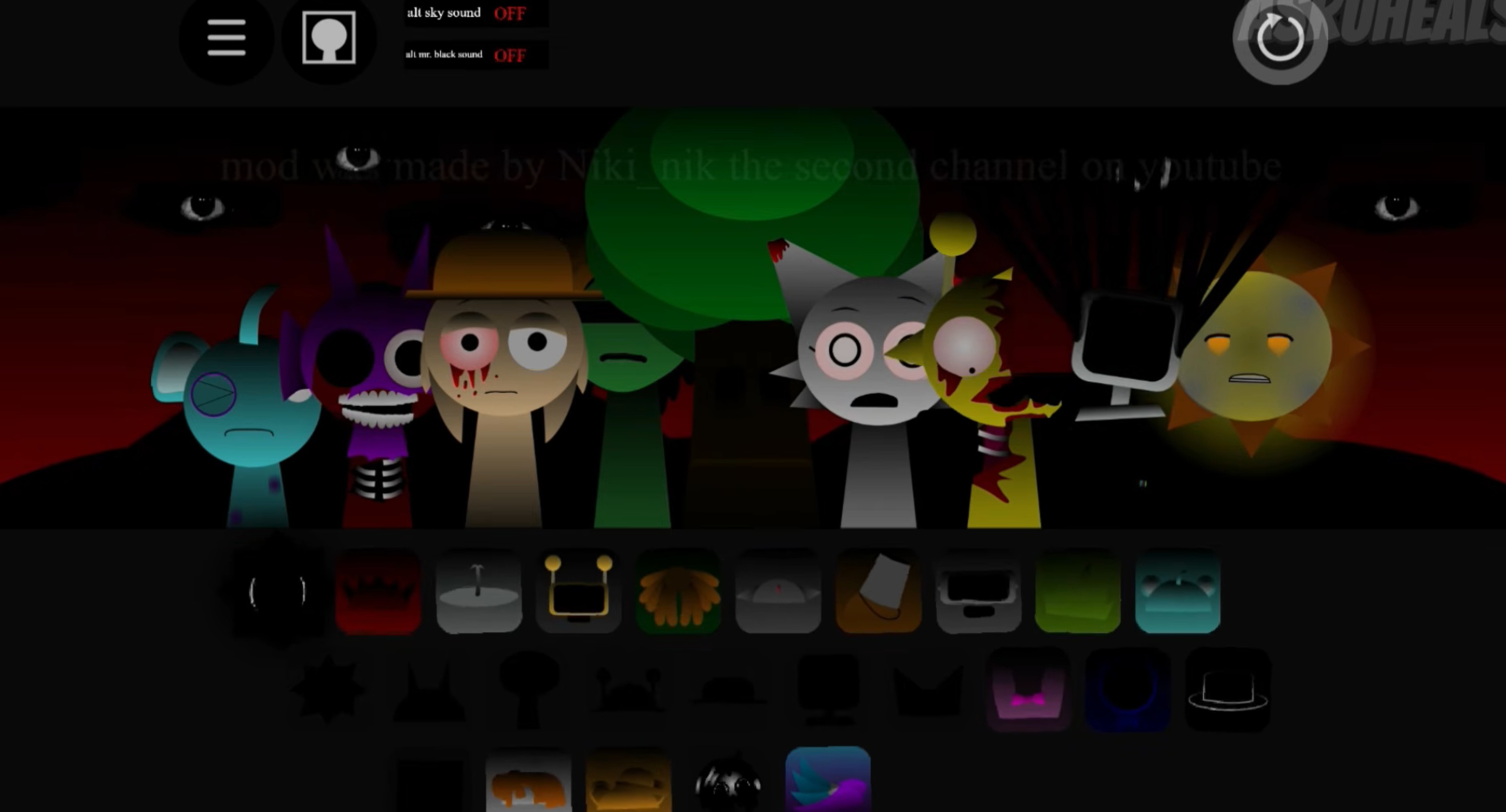
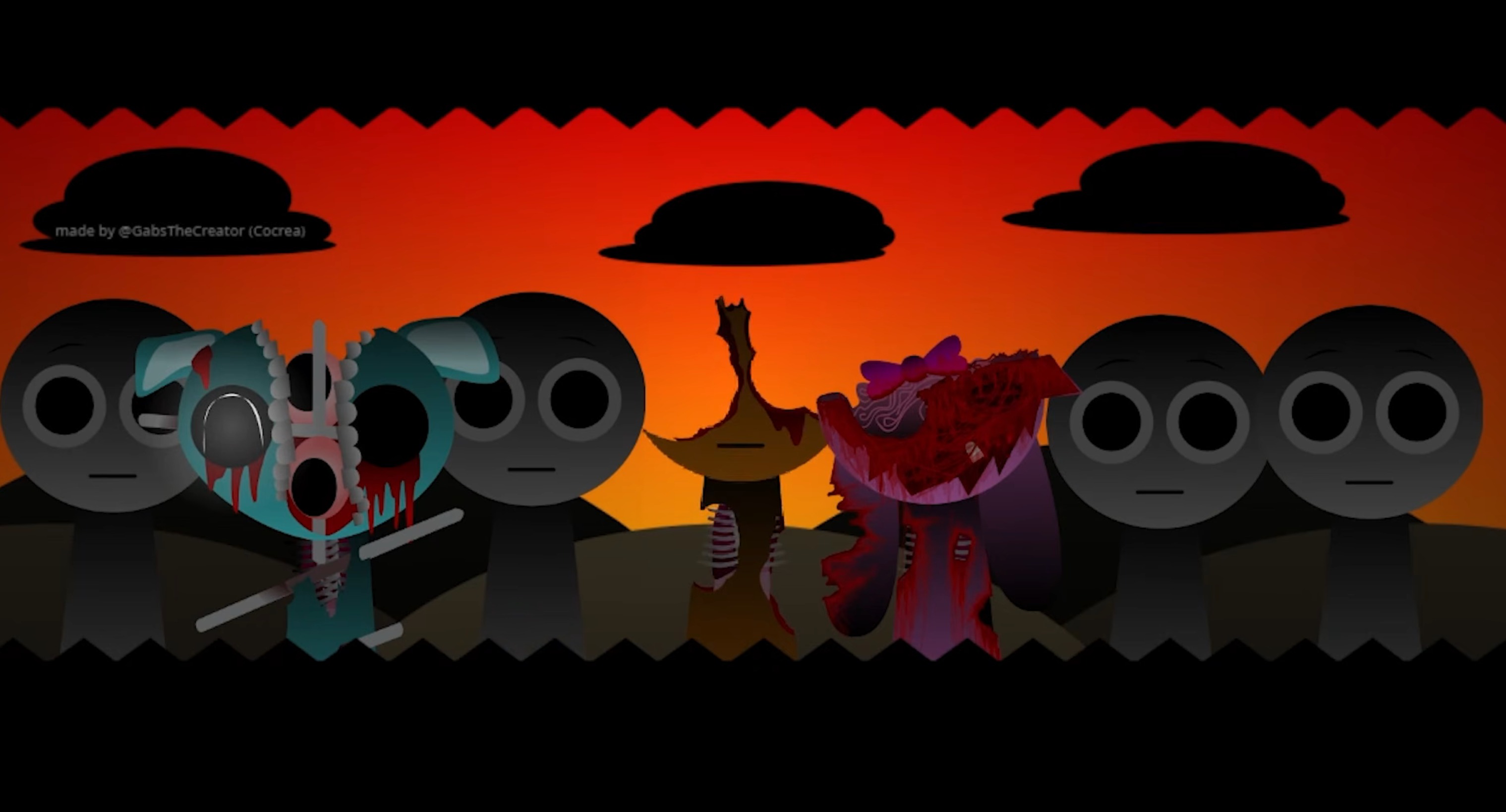
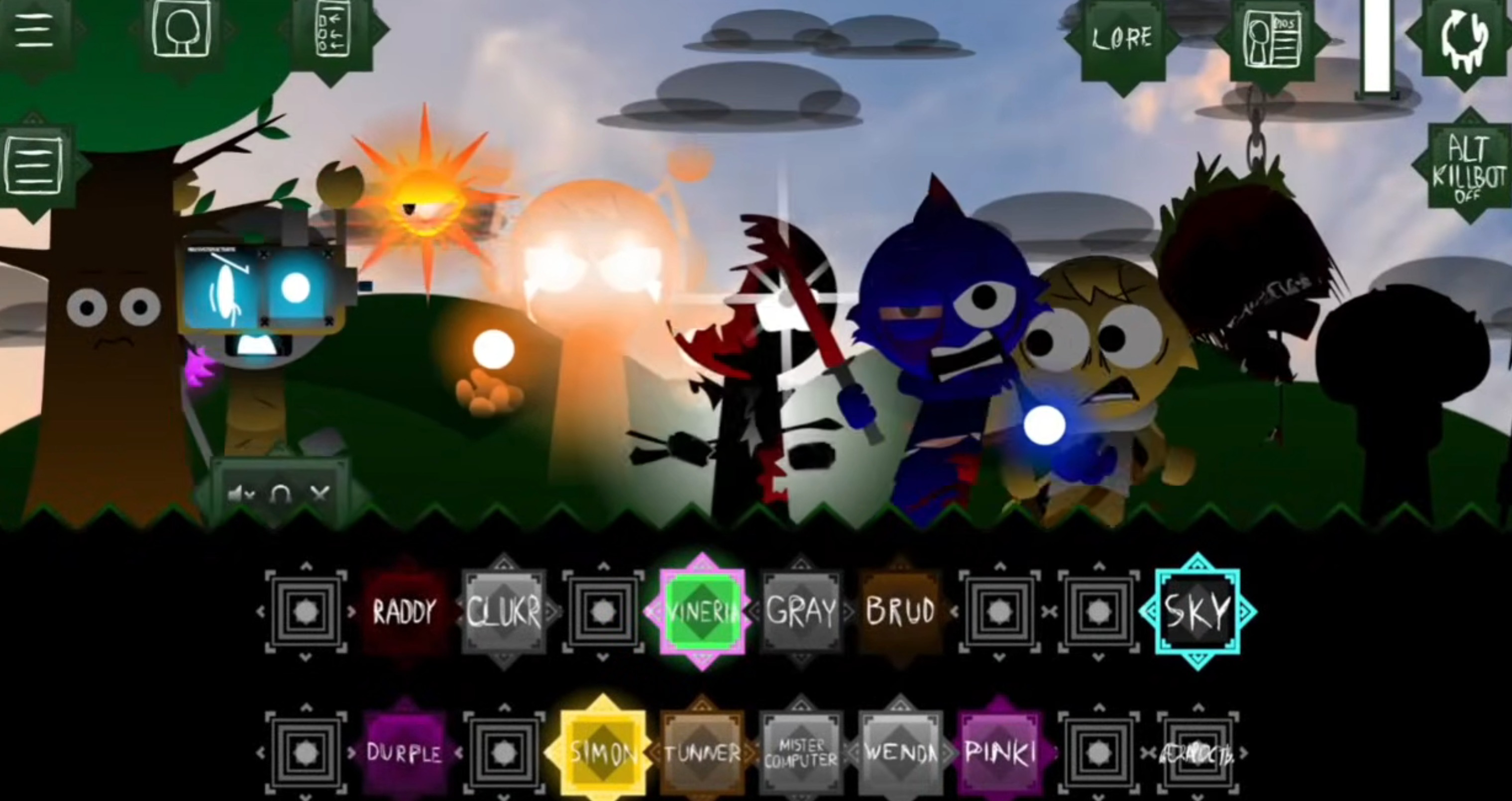
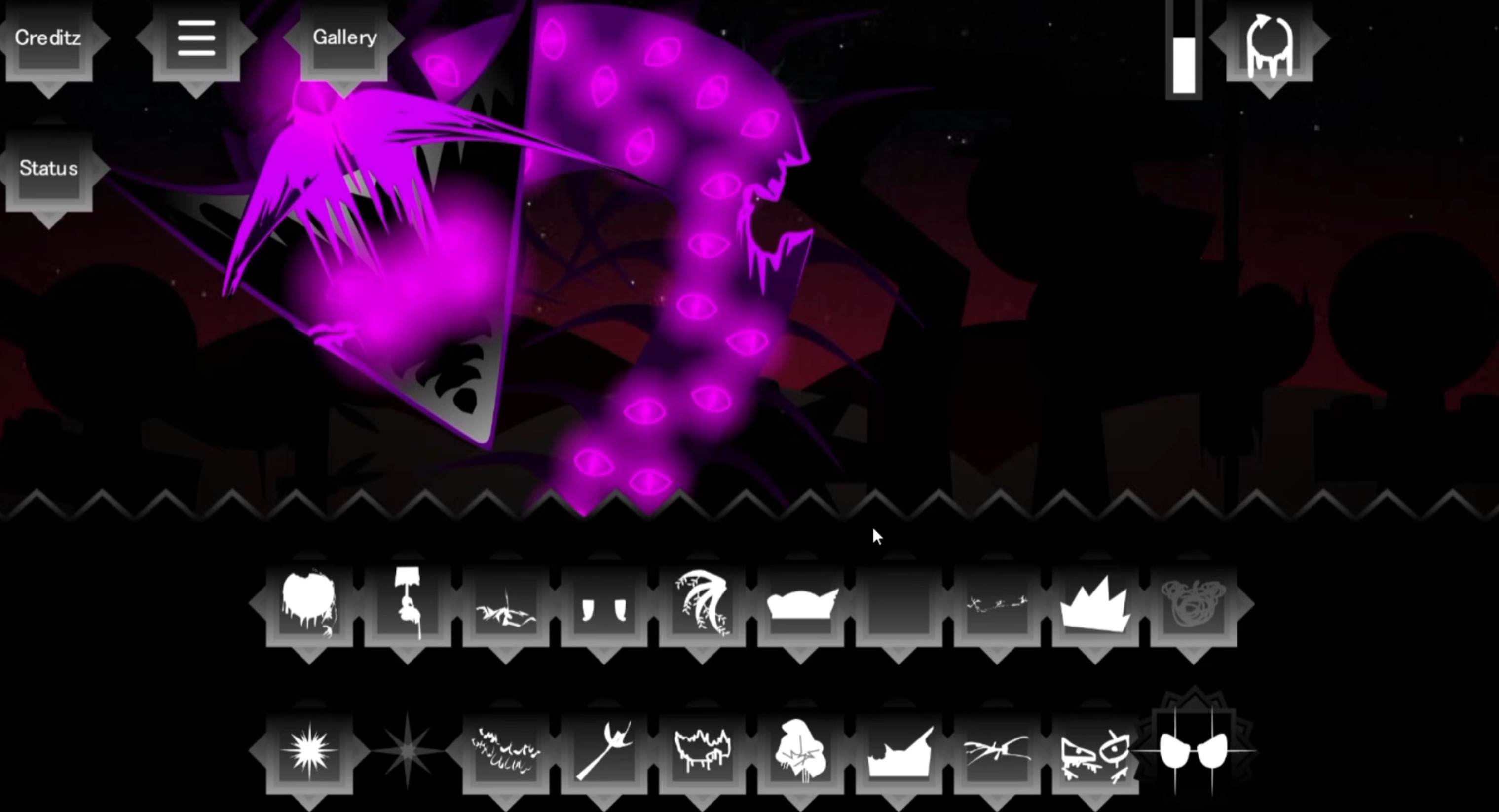
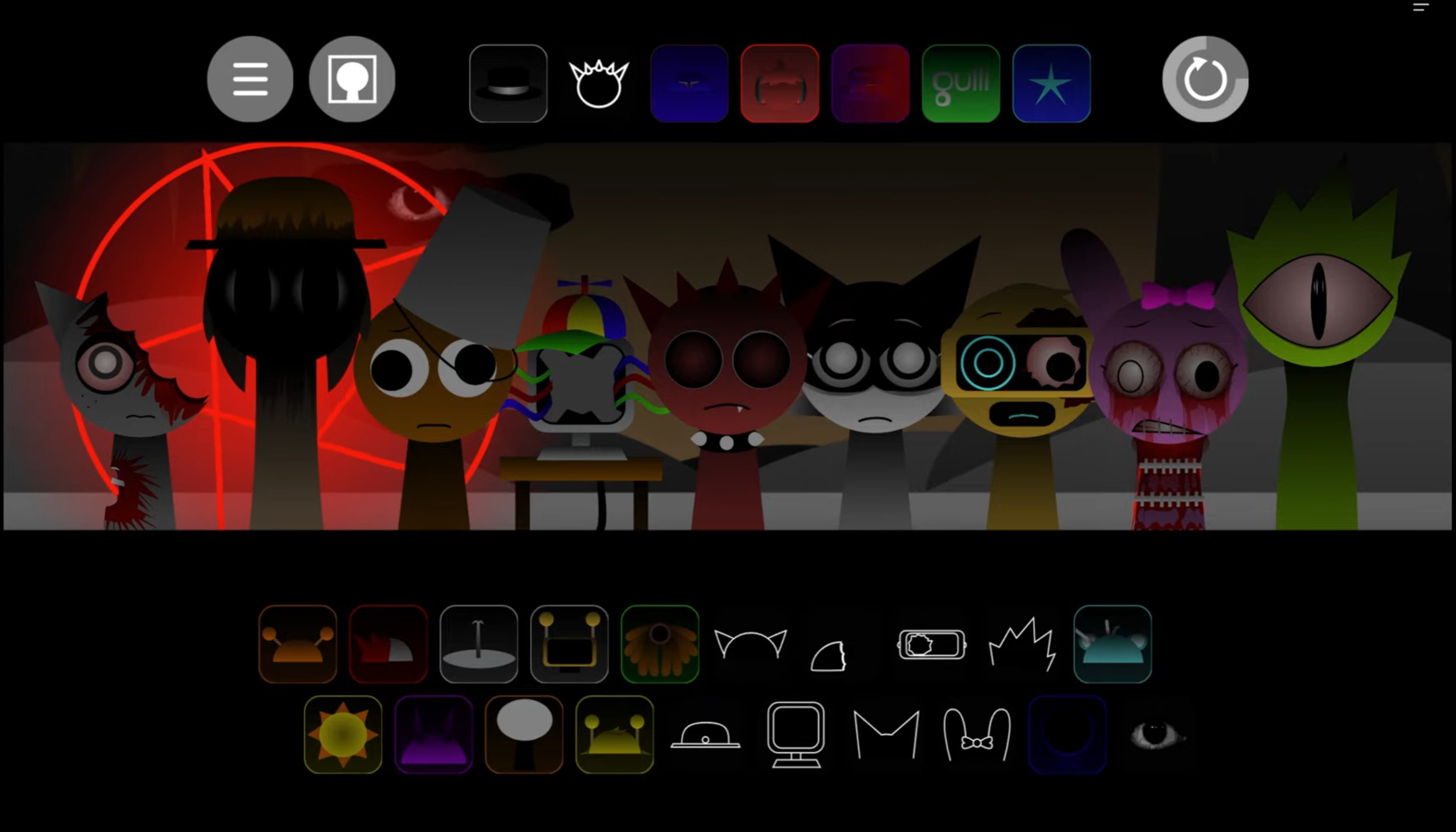
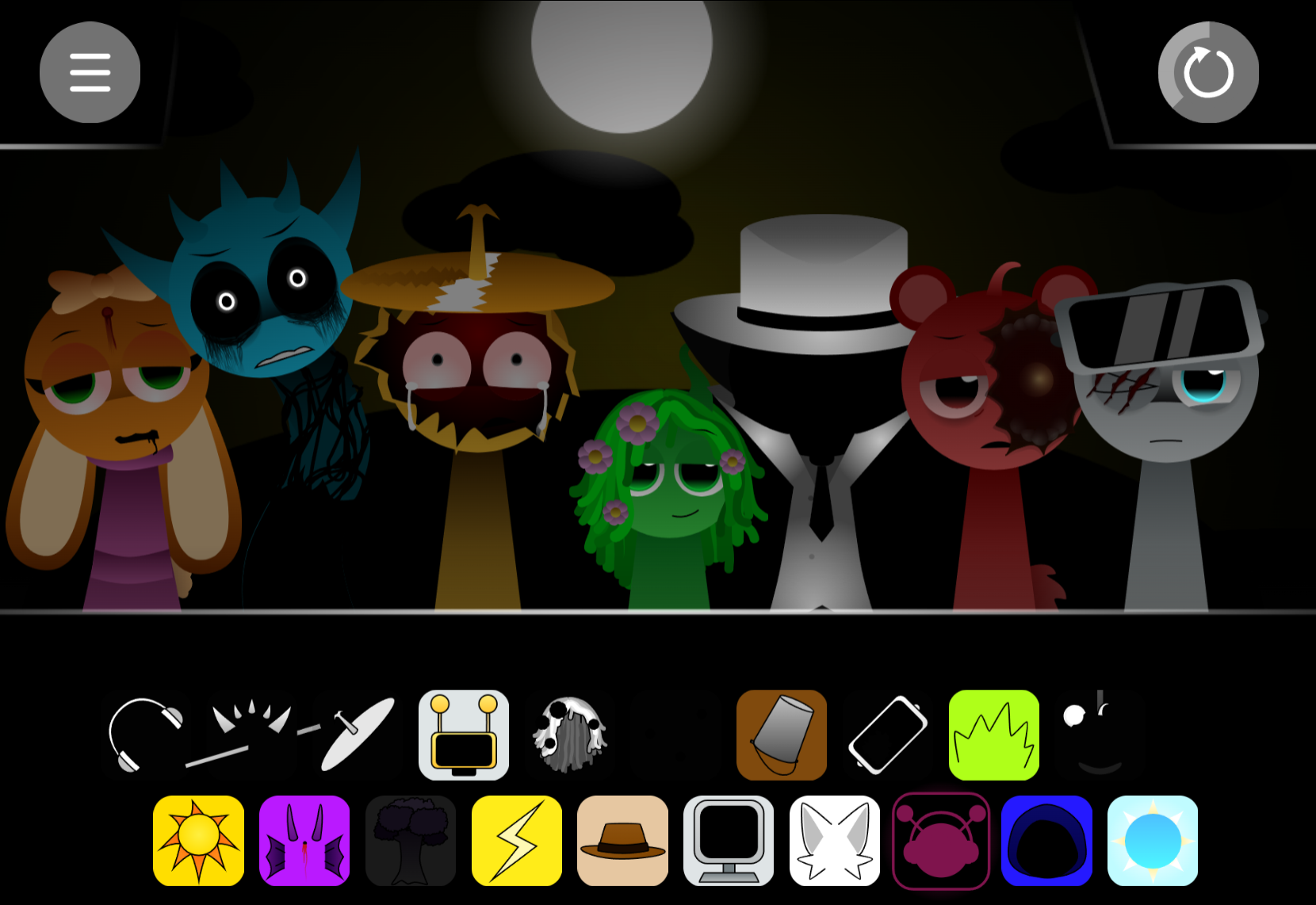
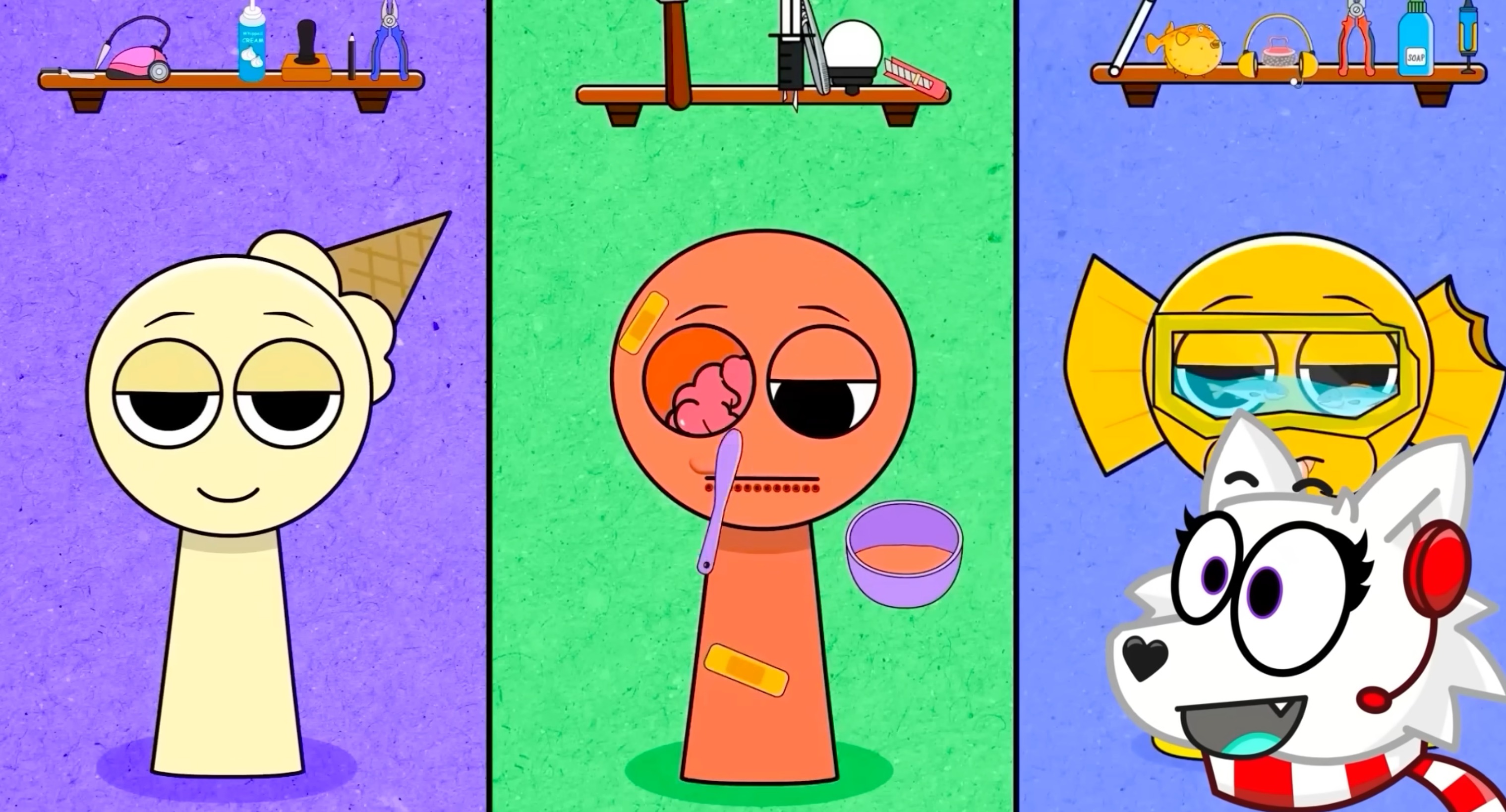
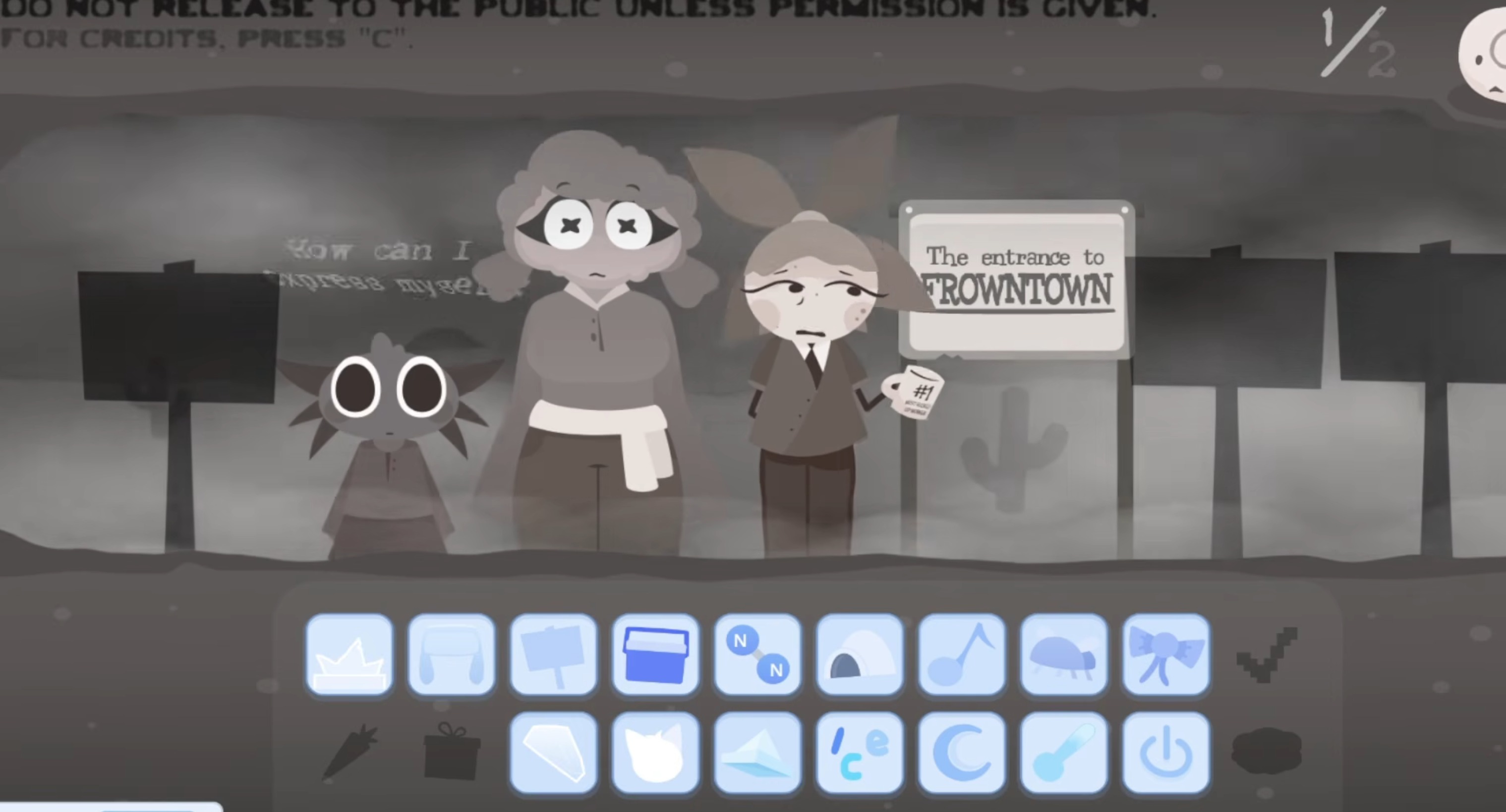
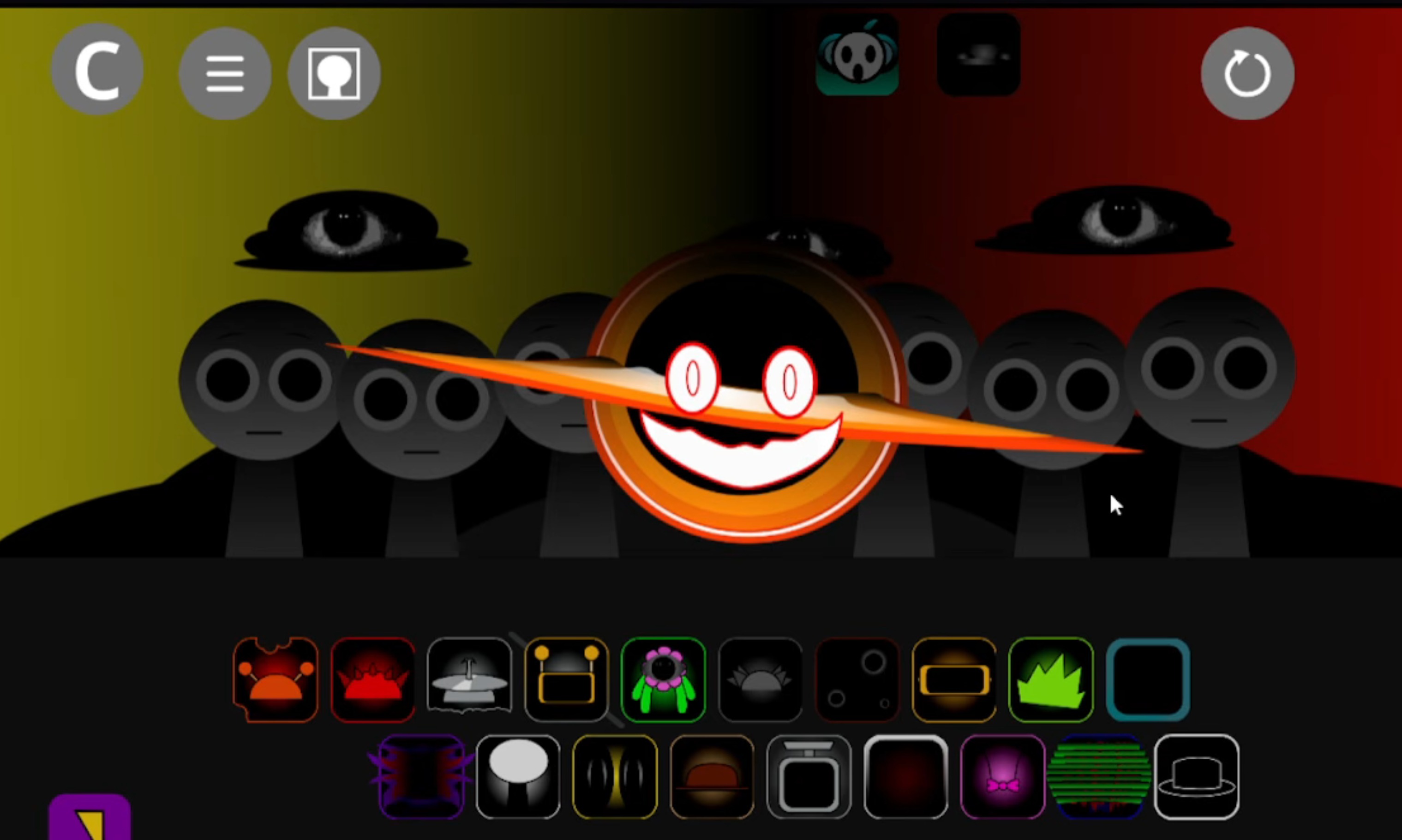
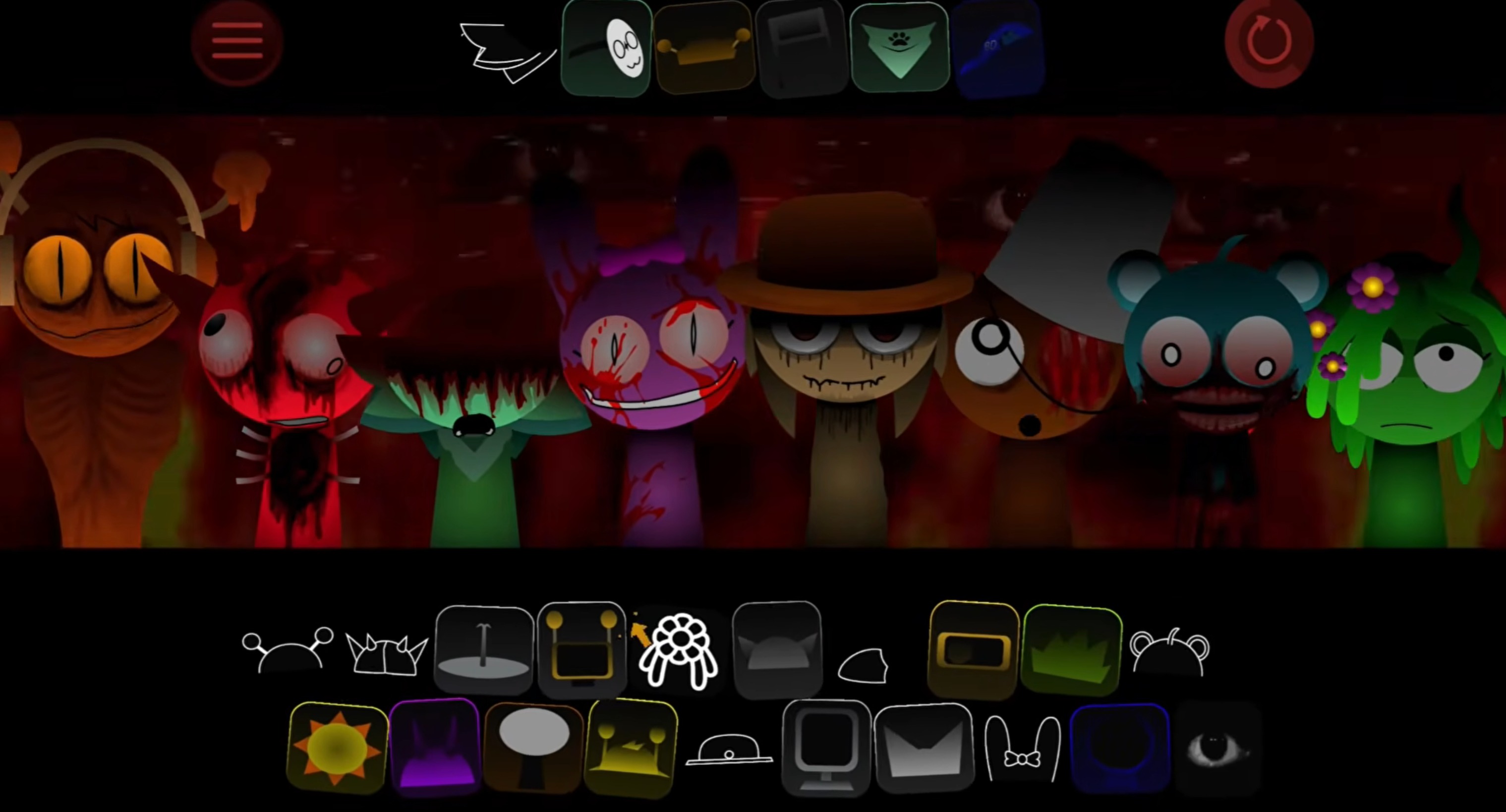
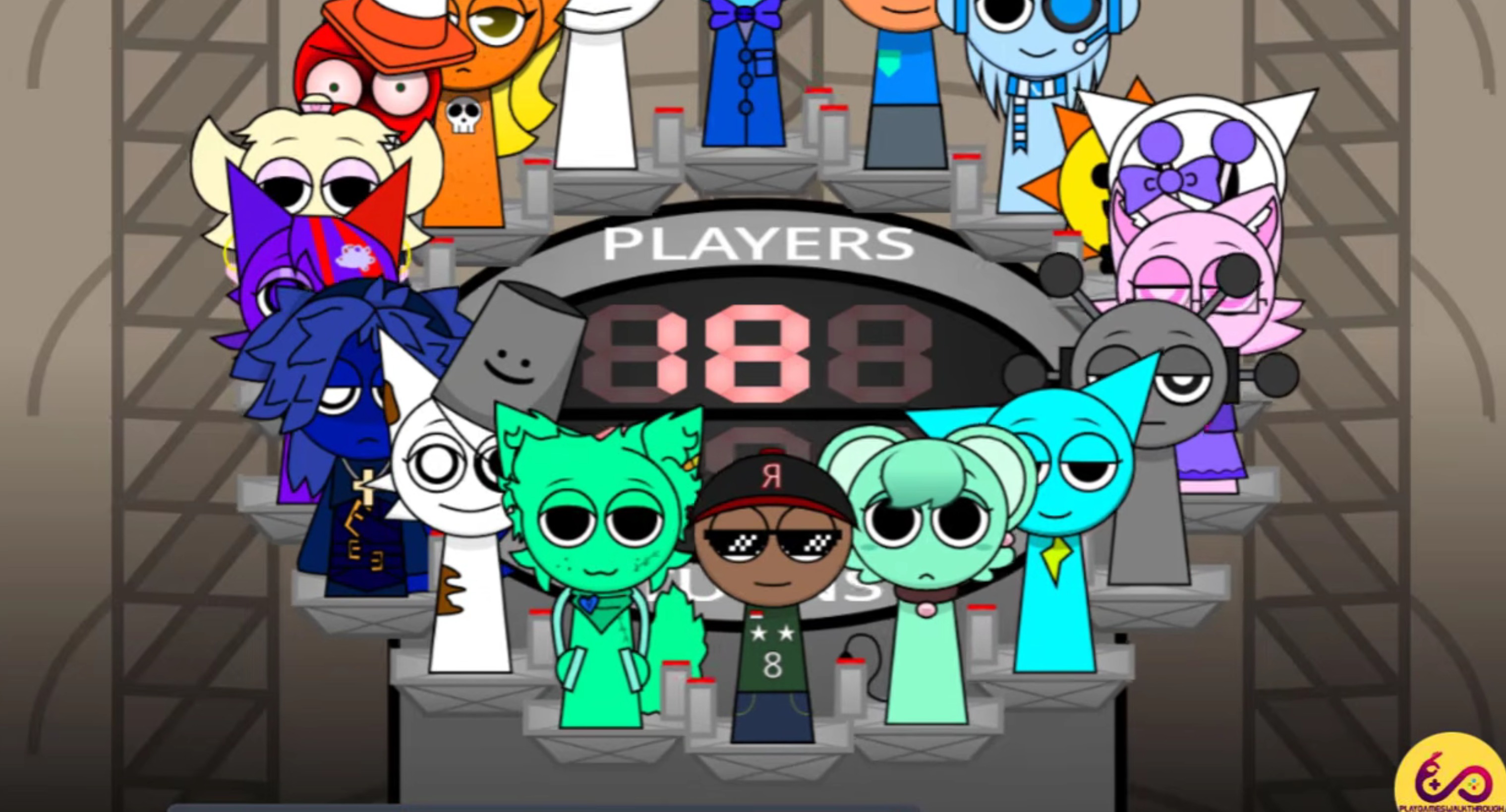
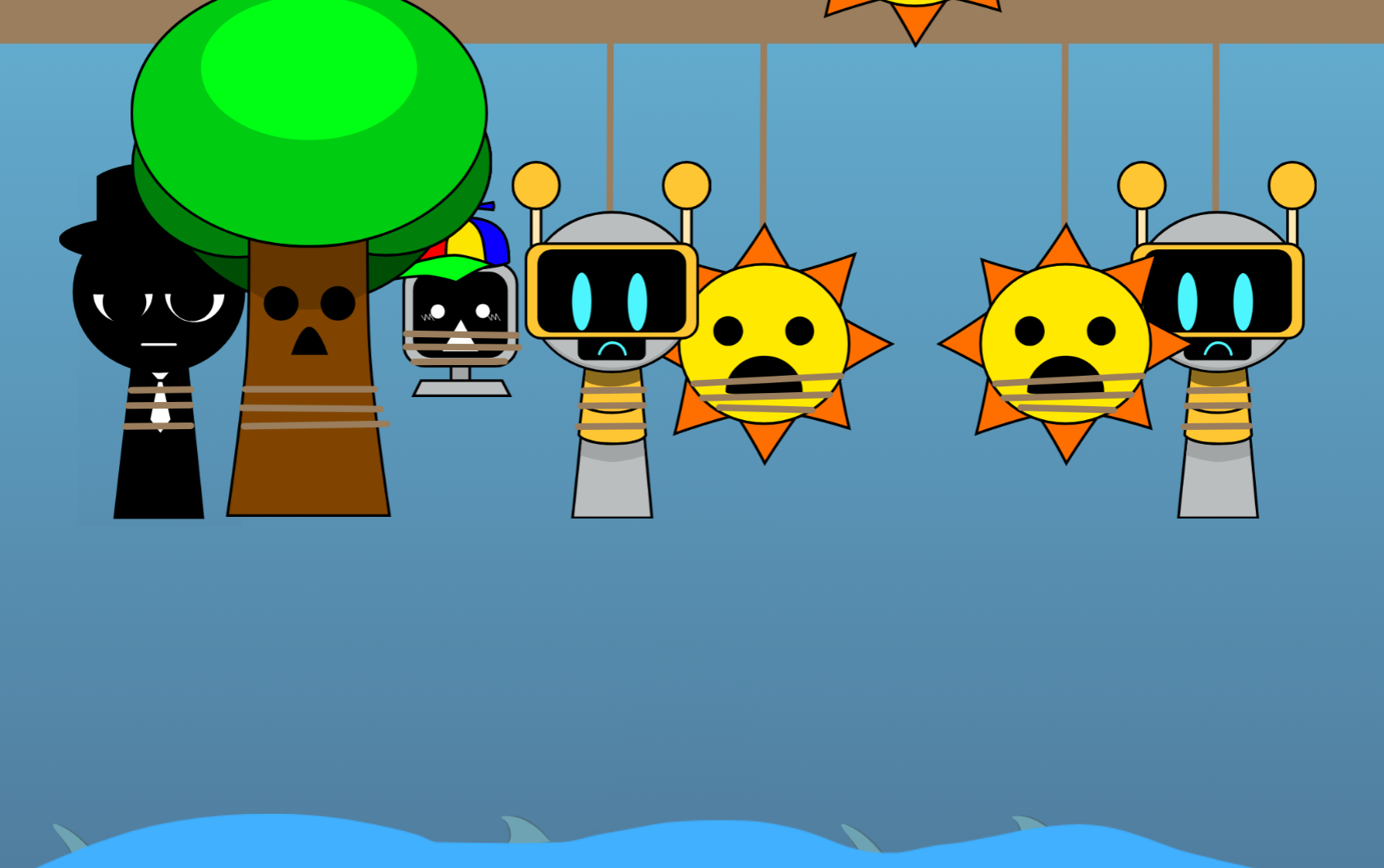
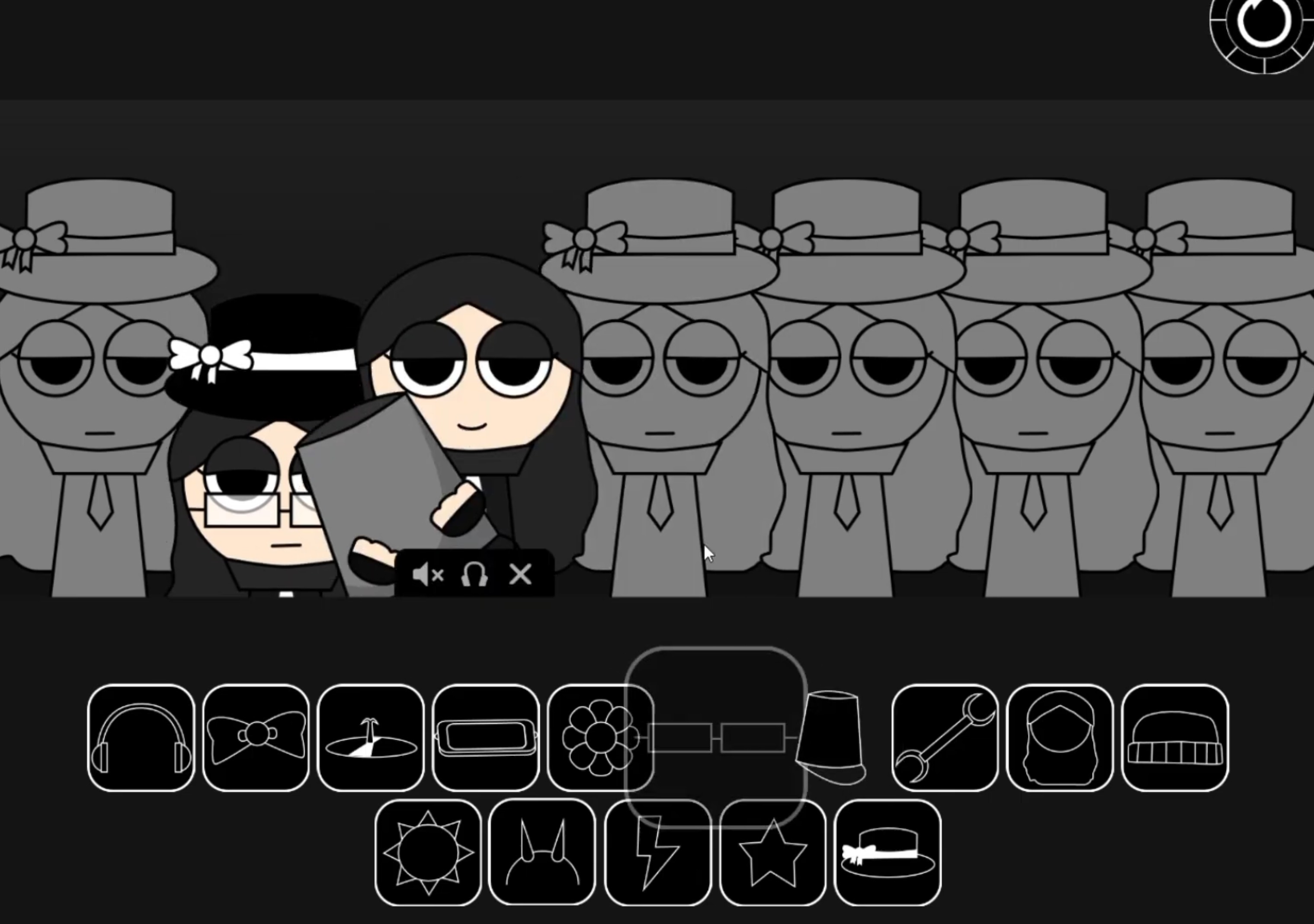
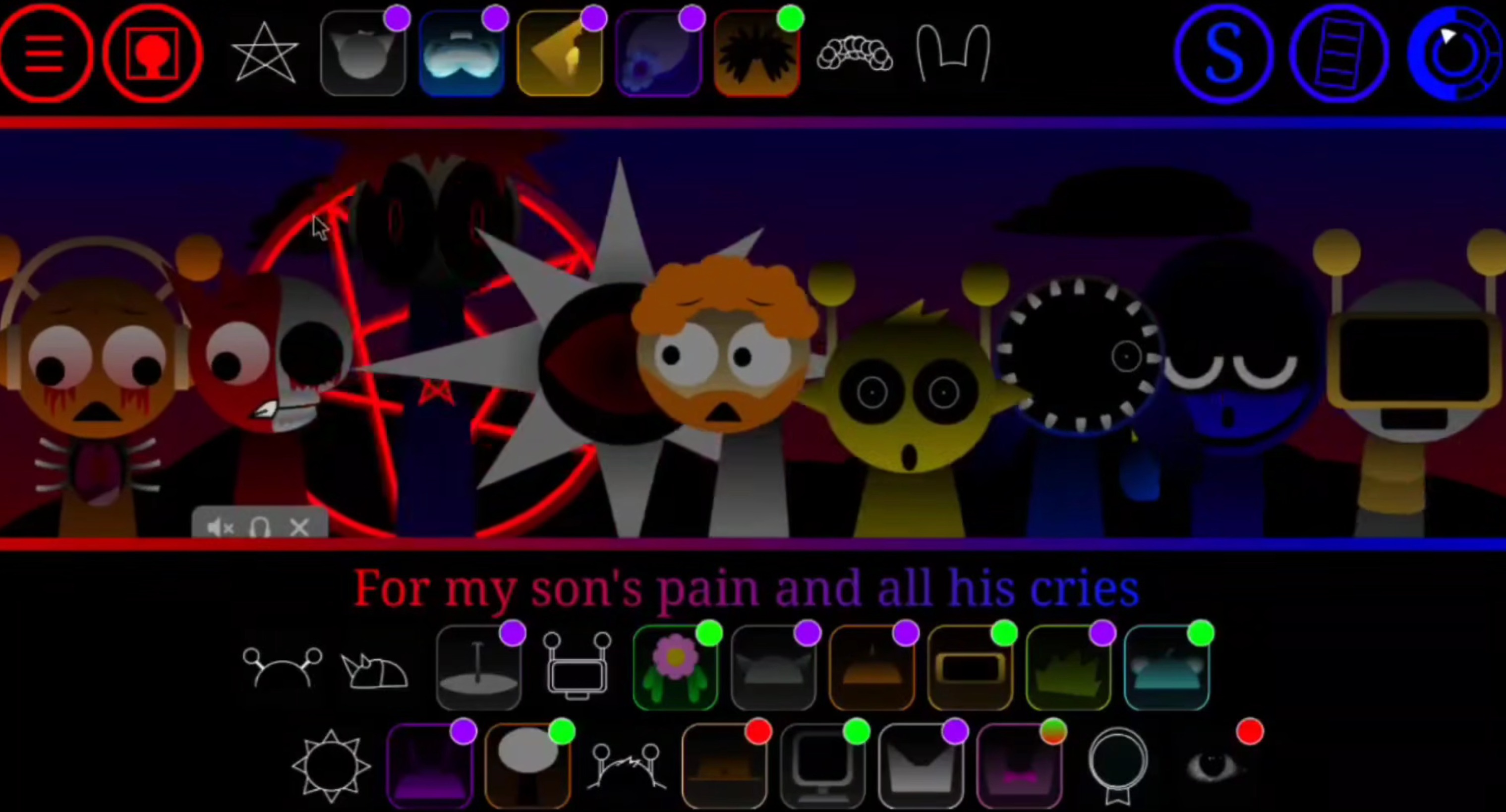
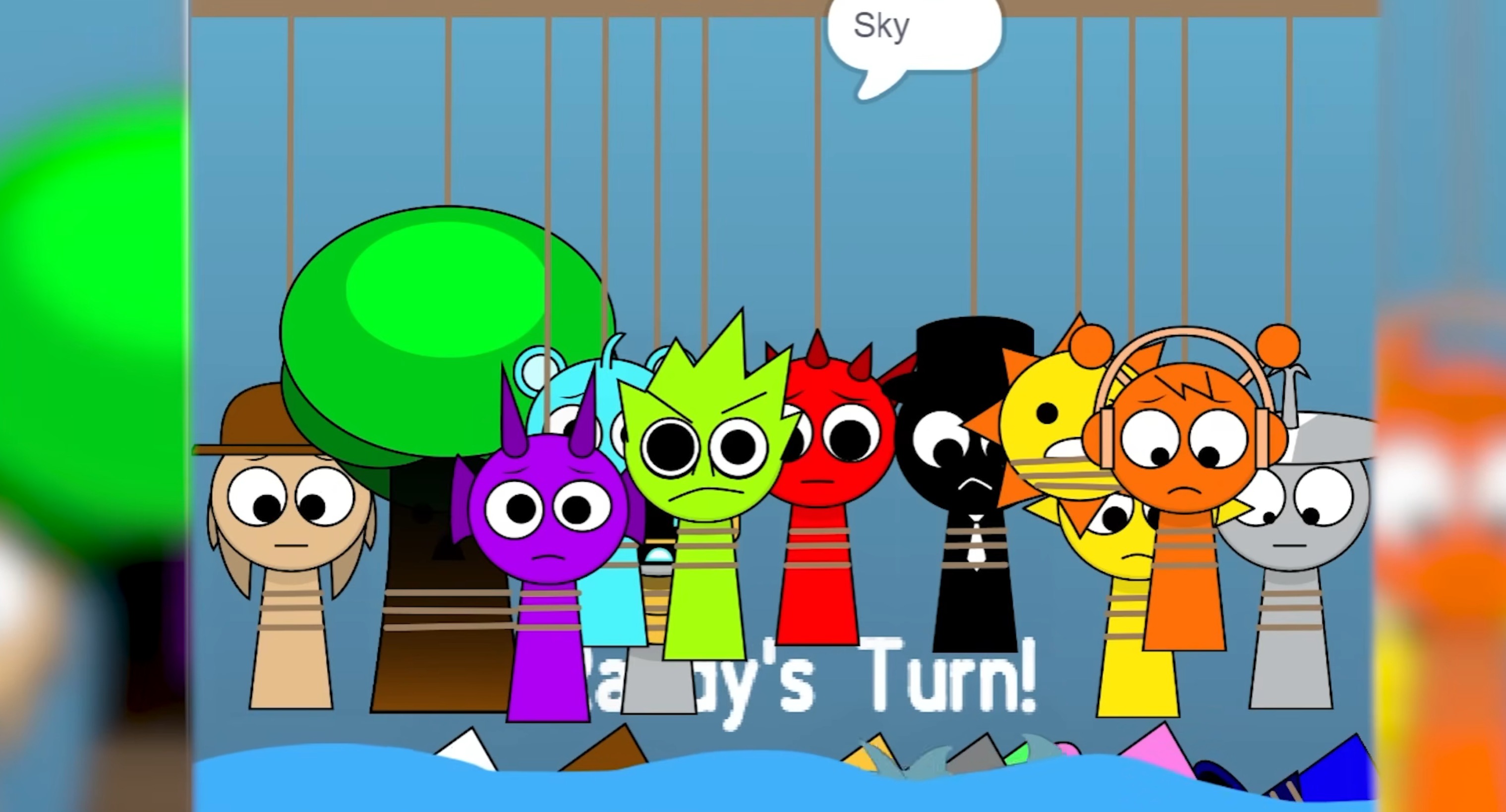
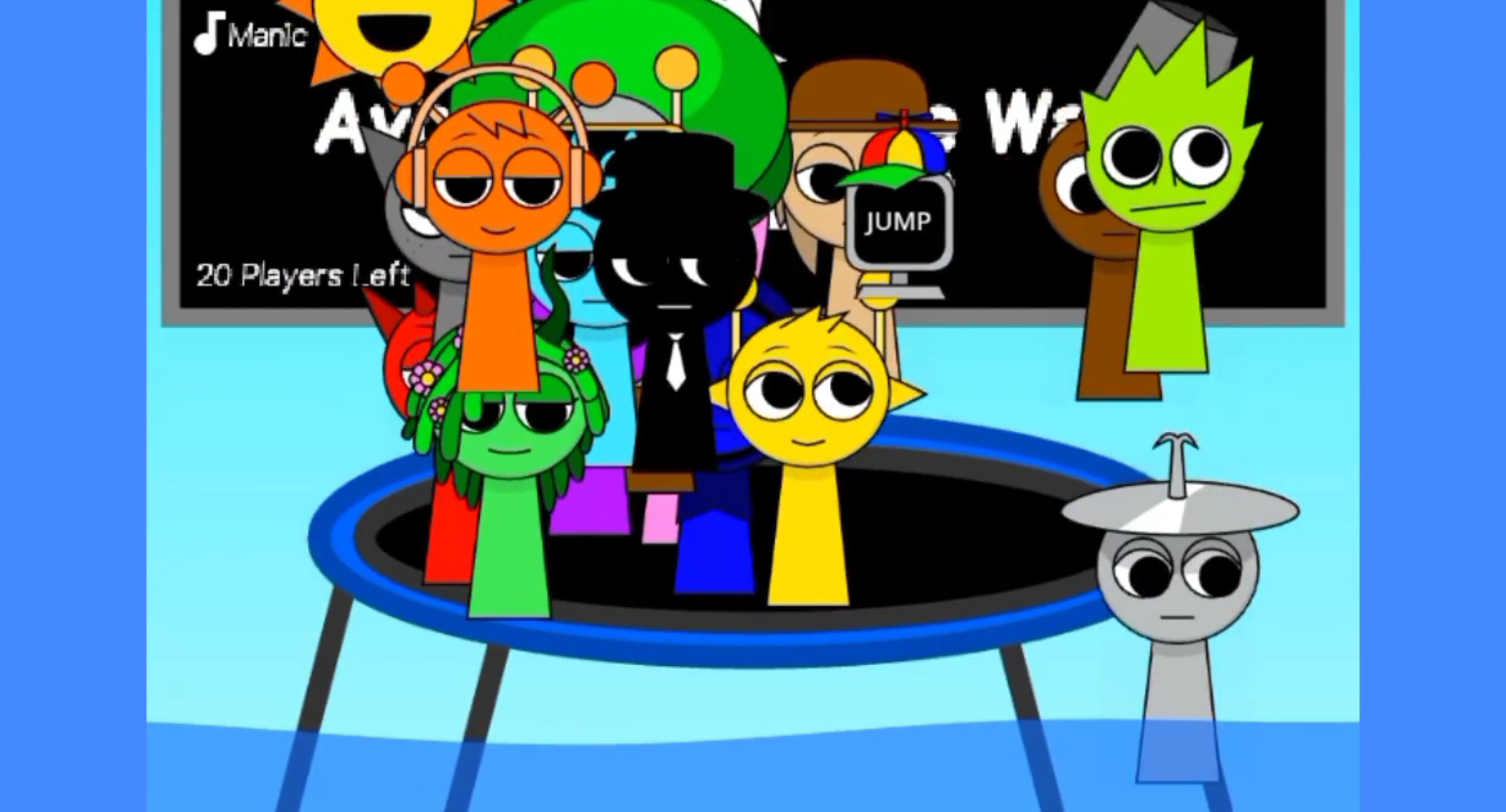
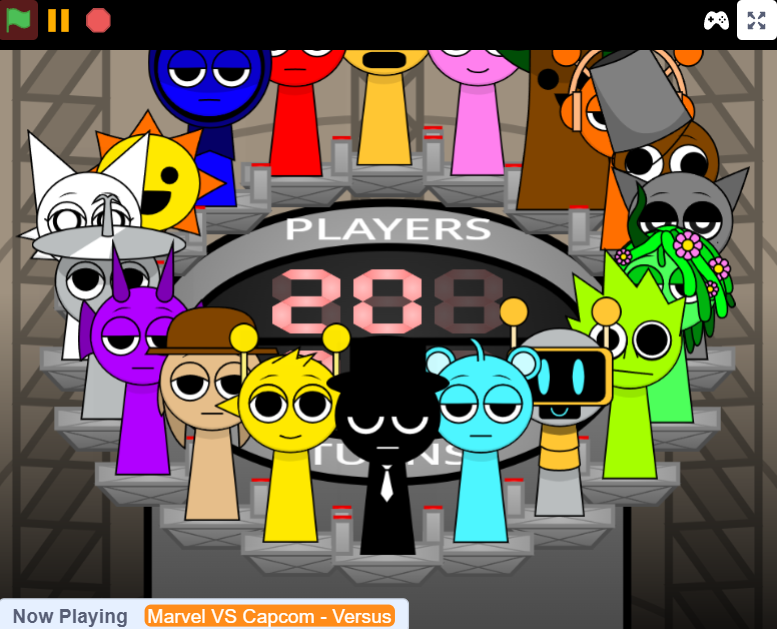
Sprunki Phase 13 Demo V 1.8 is a browser-based music-mixing game that layers horror aesthetics over the drag-and-drop sound creation format familiar to Incredibox players.
This Phase 13 iteration introduces glitch-heavy visuals, distorted character designs, and sound loops built around industrial and ambient tension rather than conventional melody. The demo runs directly in-browser with no download, letting you stack vocal samples, beats, and effects by dragging icons onto animated characters that react to each sound layer you add.
This breakdown covers the specific features that set Phase 13 apart—visual style shifts, sound palette changes, and mechanical tweaks—plus what the demo version includes versus full builds and how the Phase numbering actually works in the Sprunki mod ecosystem.
Sprunki Phase 13 Demo V 1.8: Features and Gameplay
Sprunki Phase 13 Demo V 1.8 is a browser-based musicmixing game that takes the standard Sprunki format into darker territory. This demo represents one of the final main phases in the Sprunki universe, with recent updates addressing bugs and improving transitions sound layering.
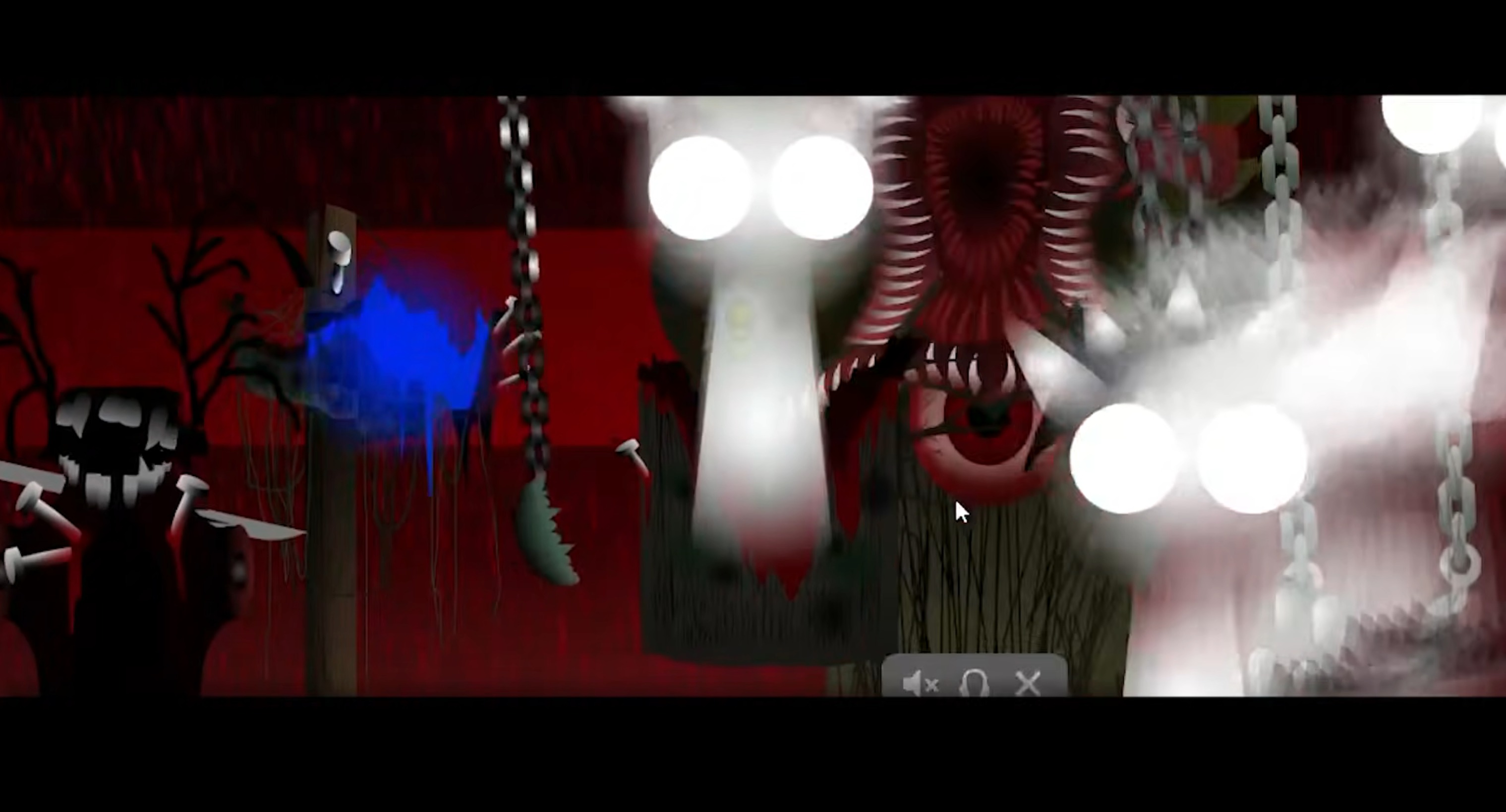
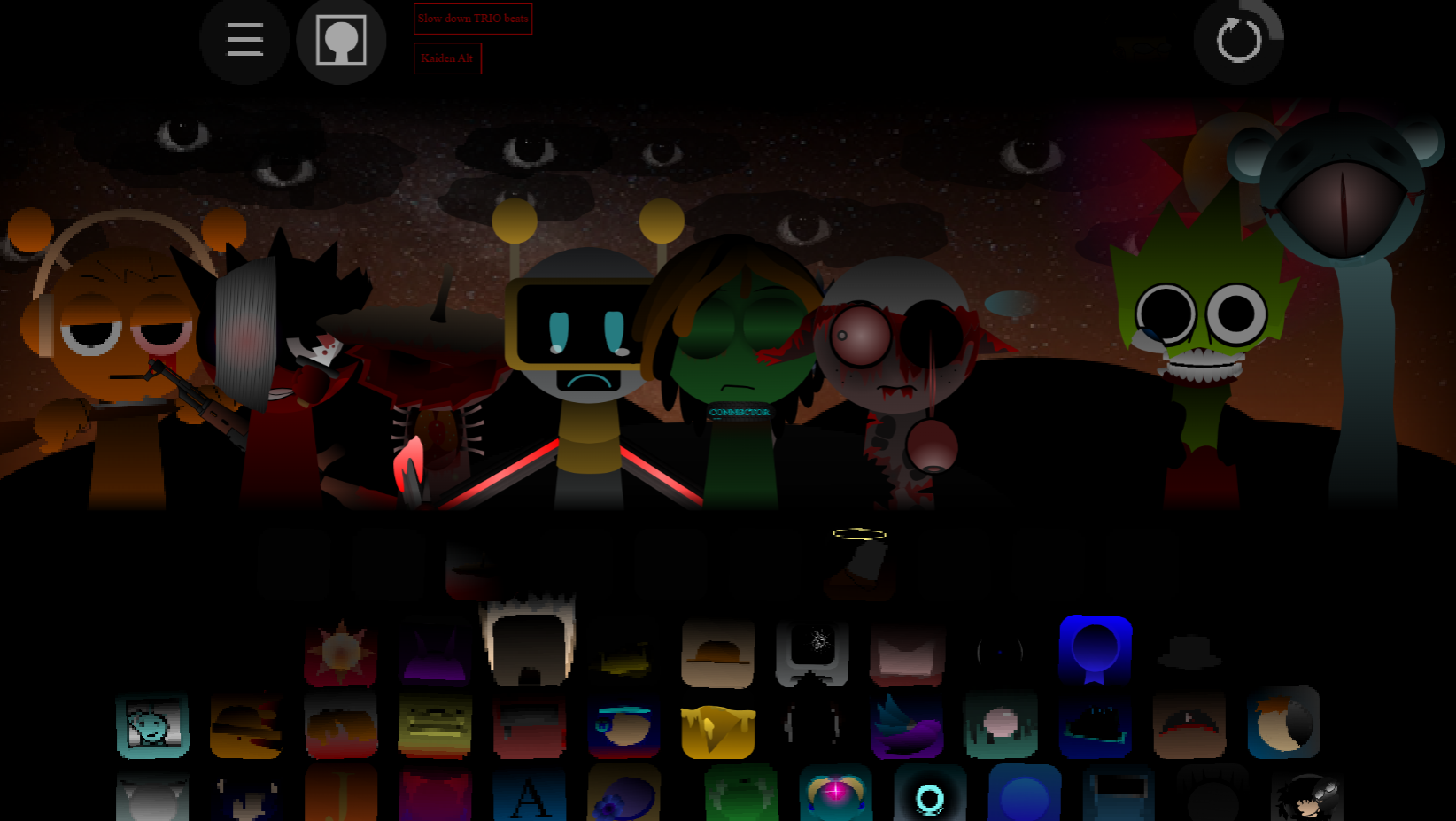
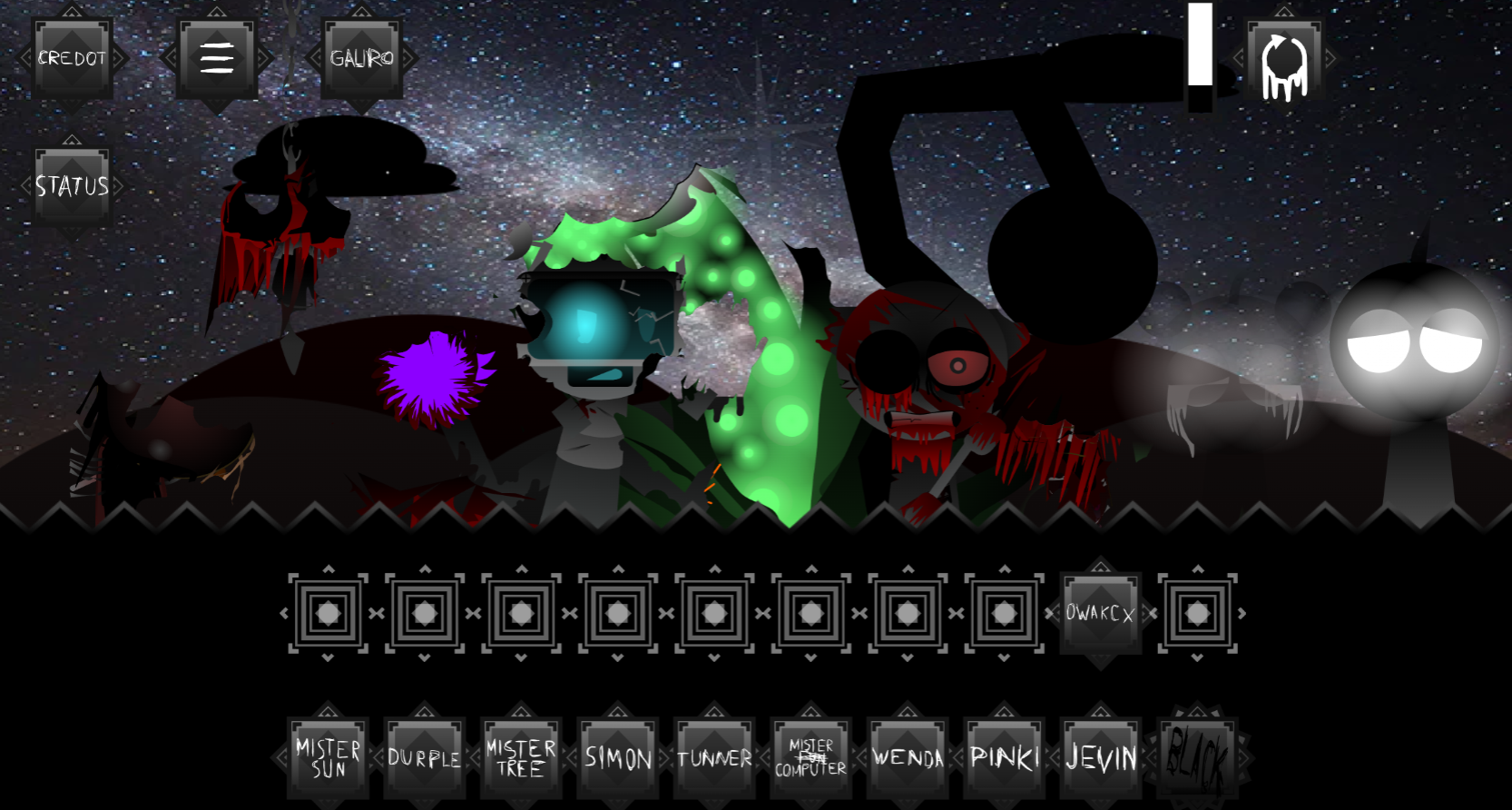
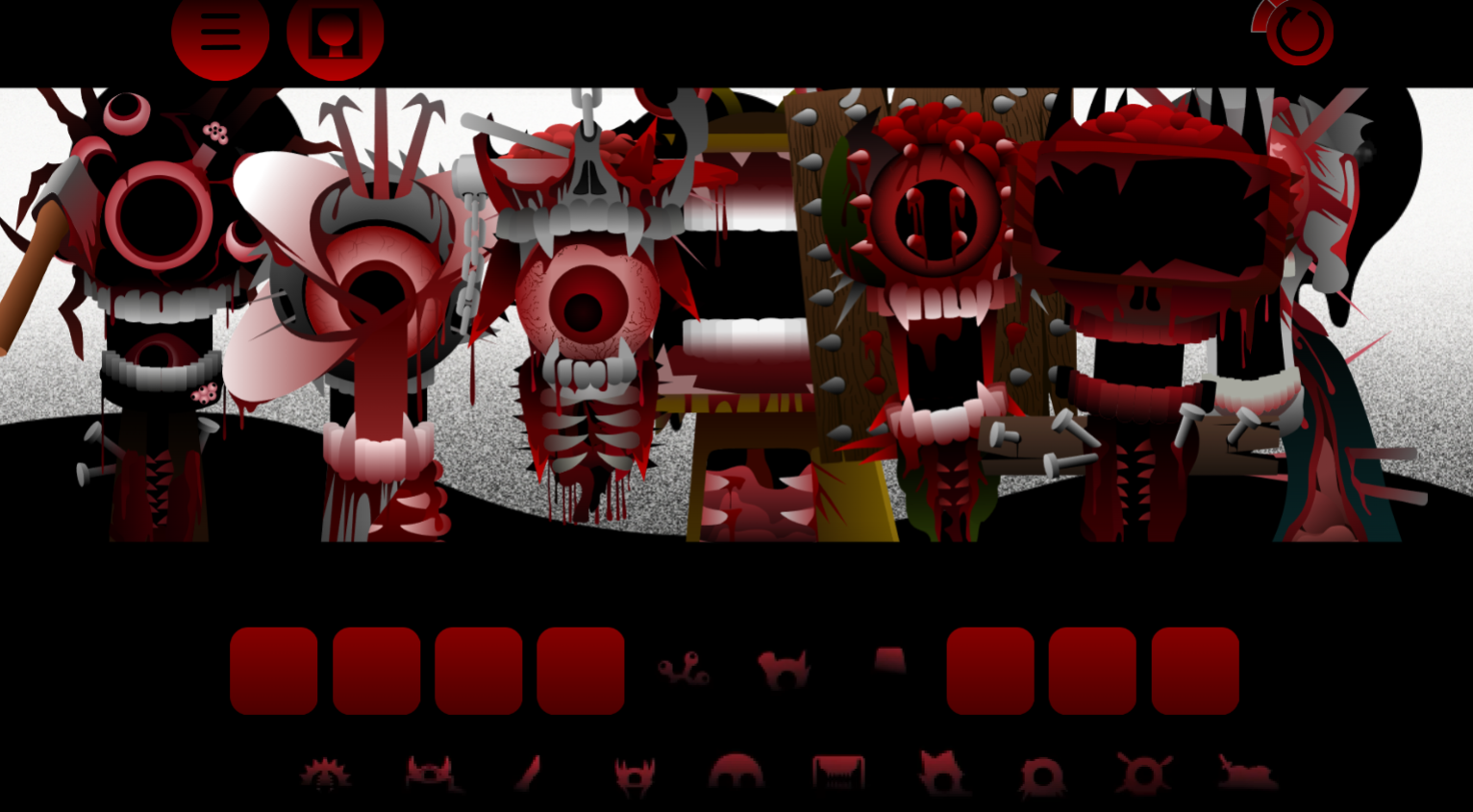
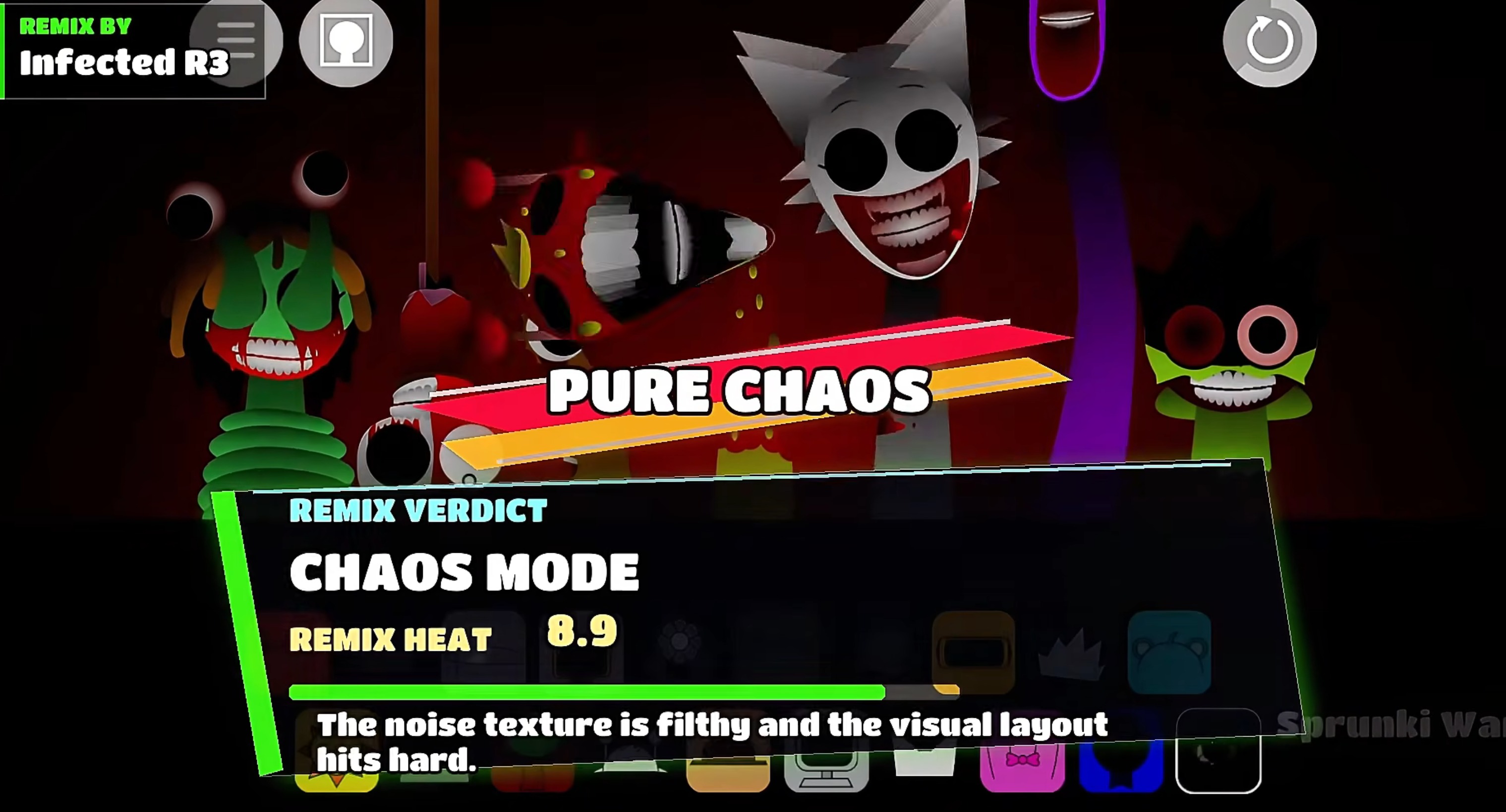
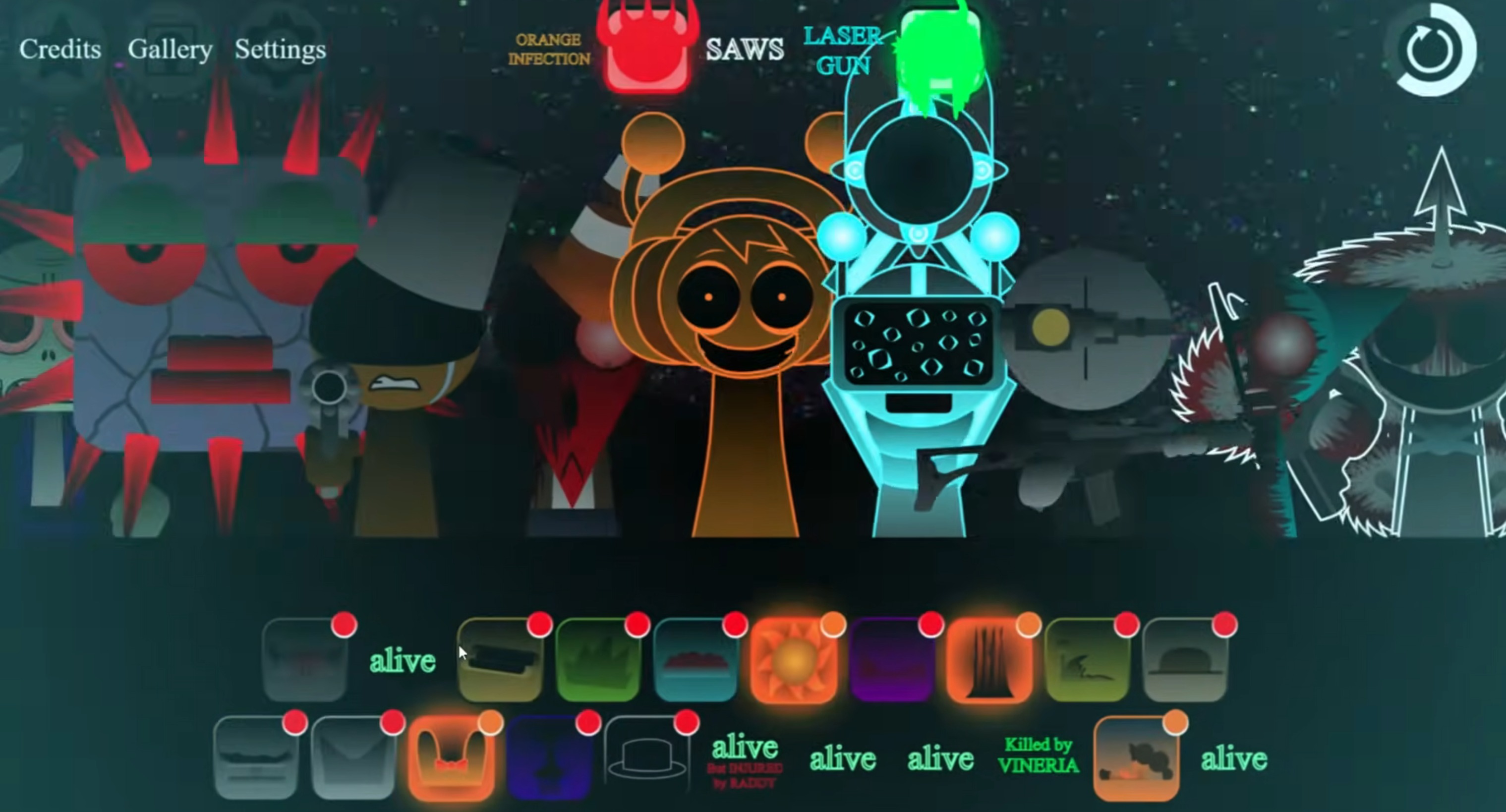
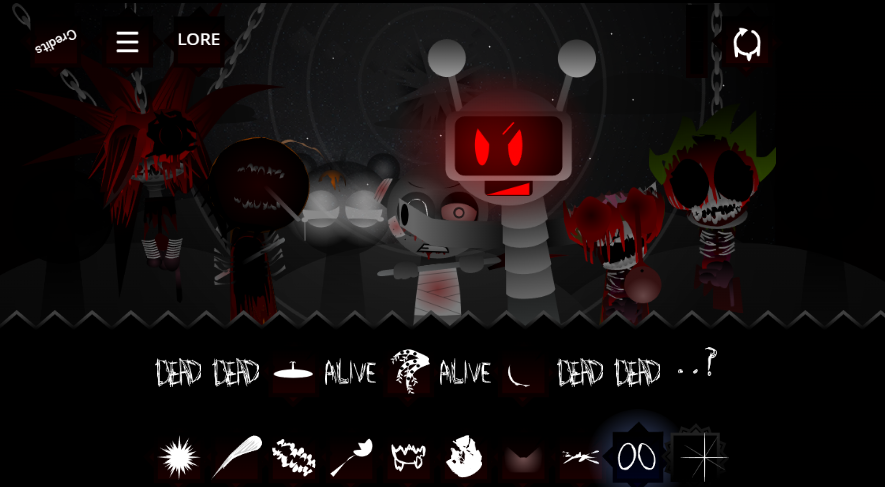
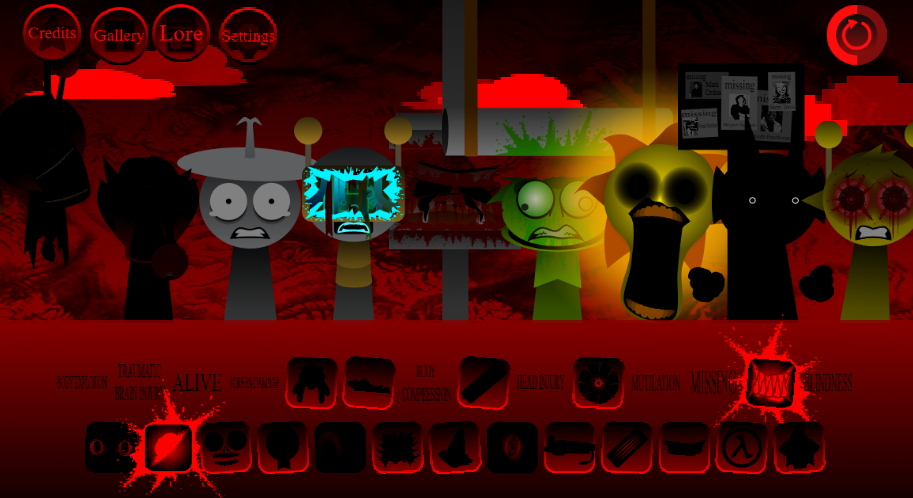
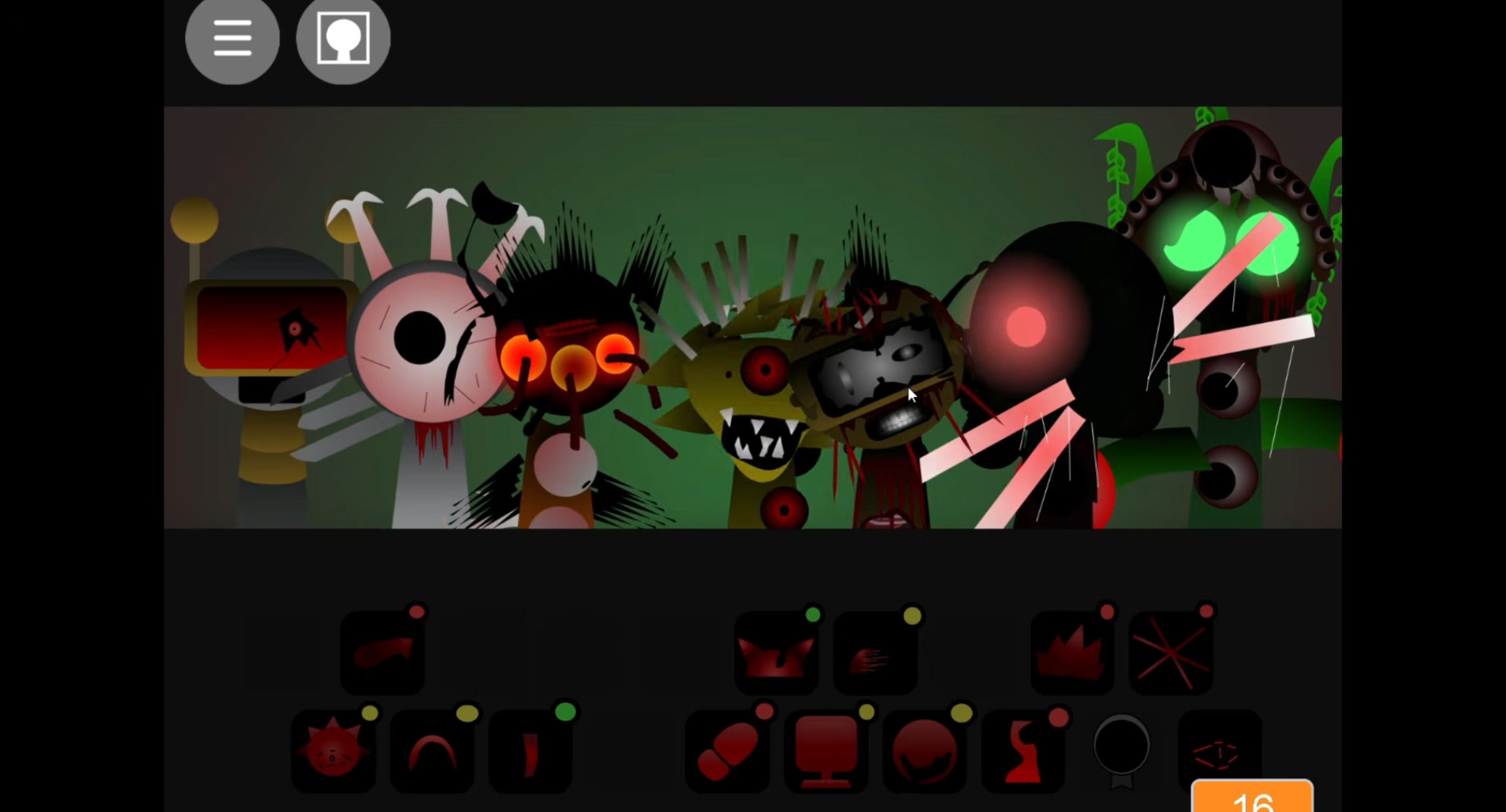
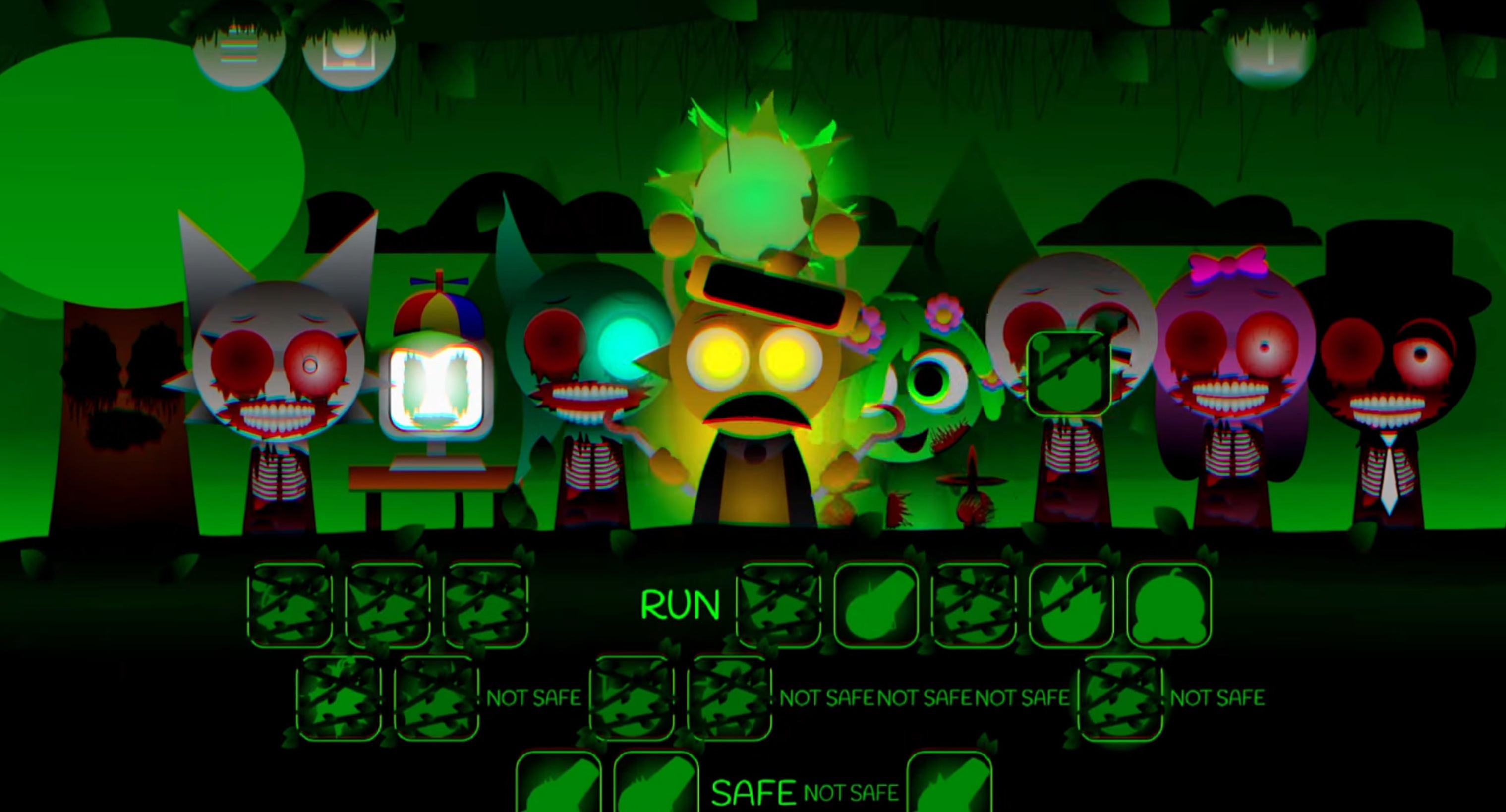
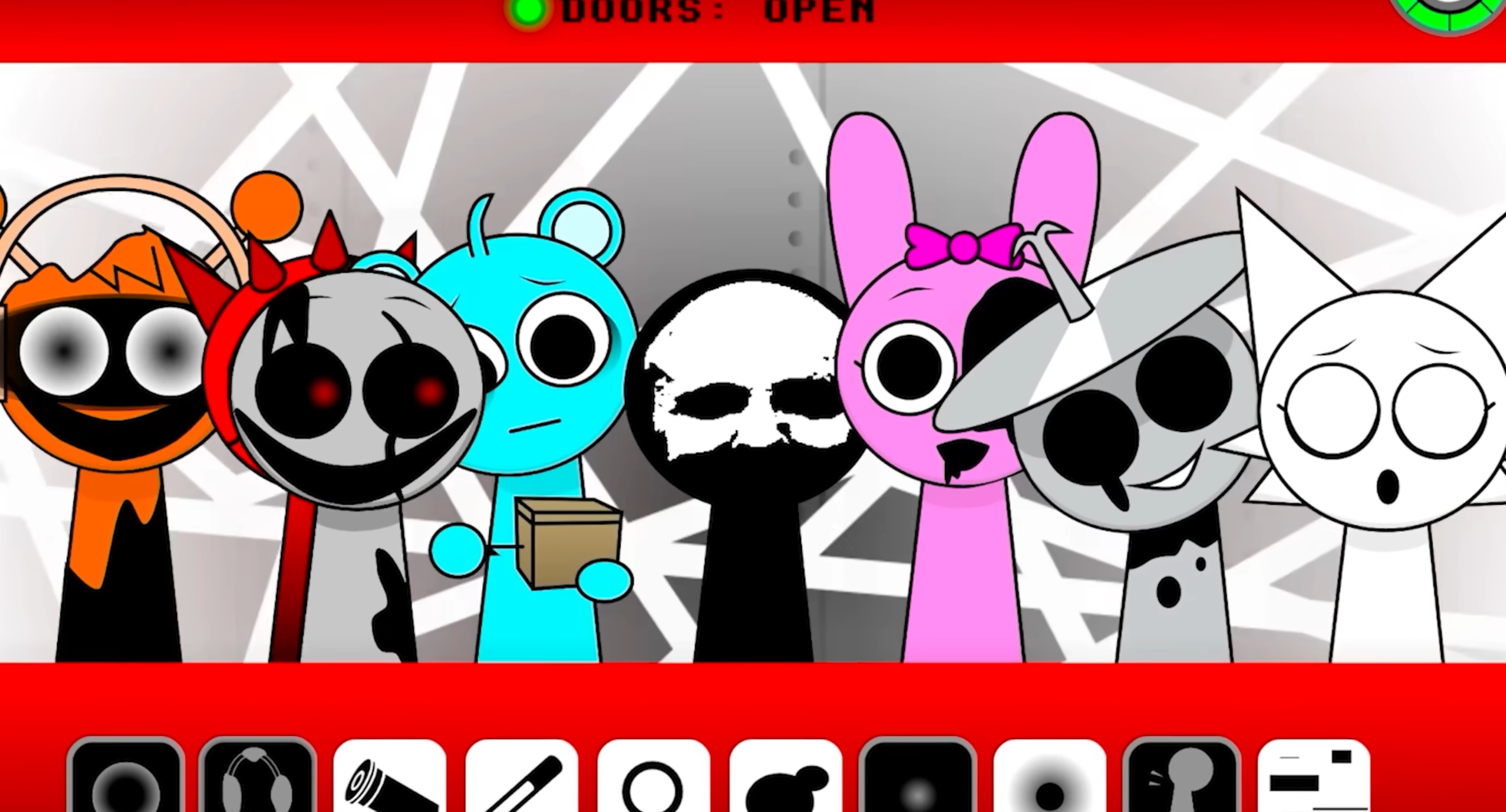
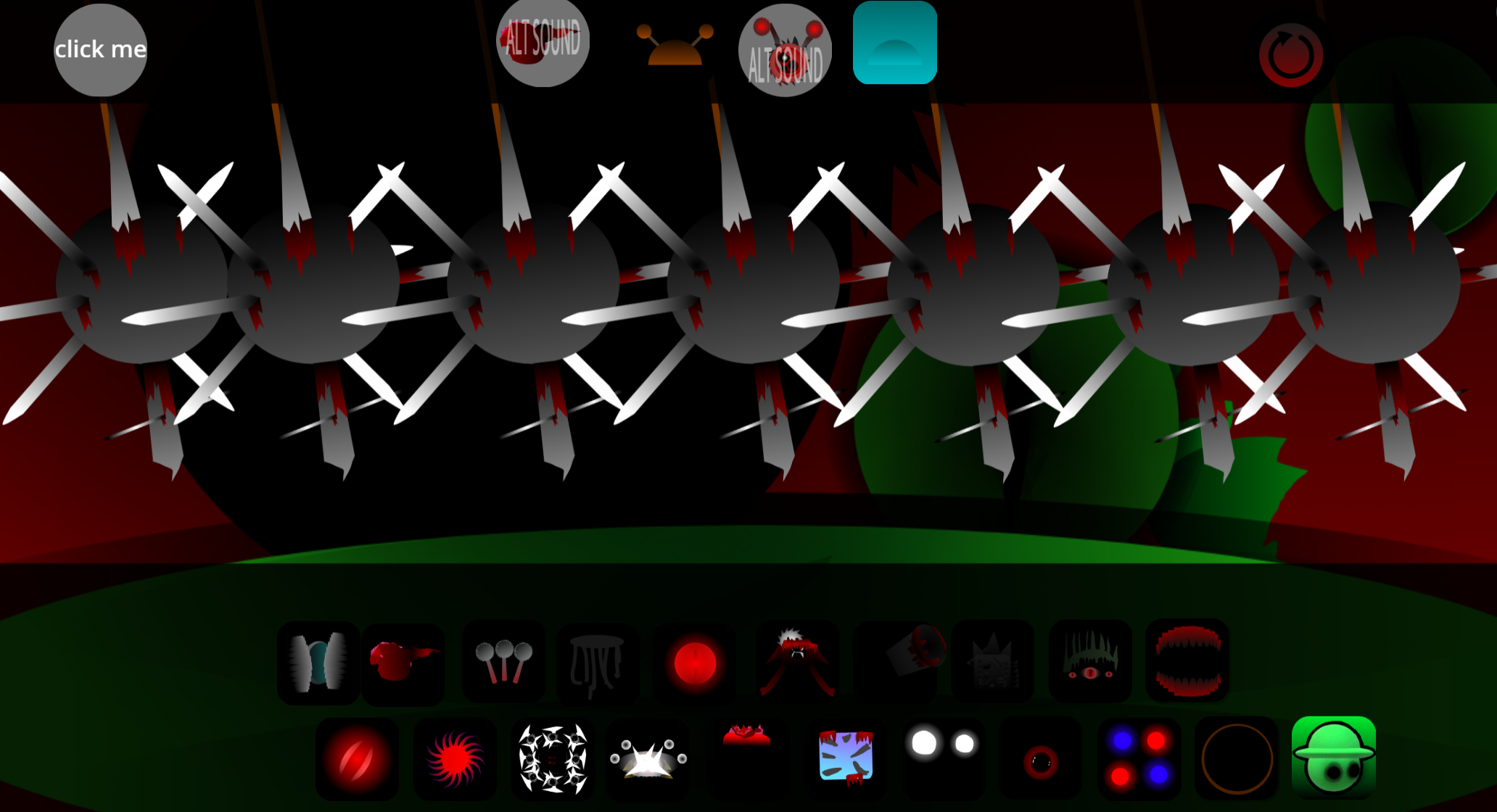
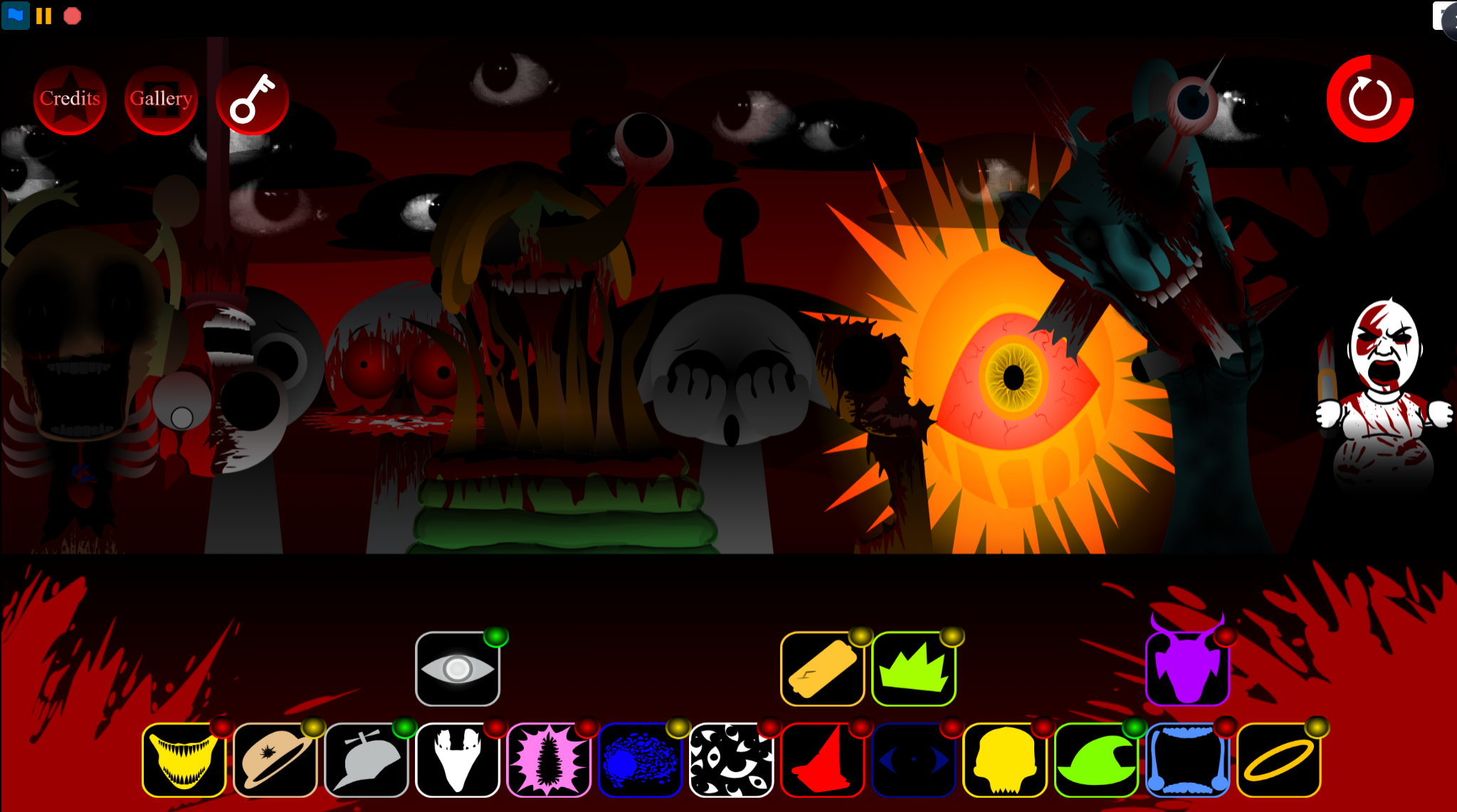
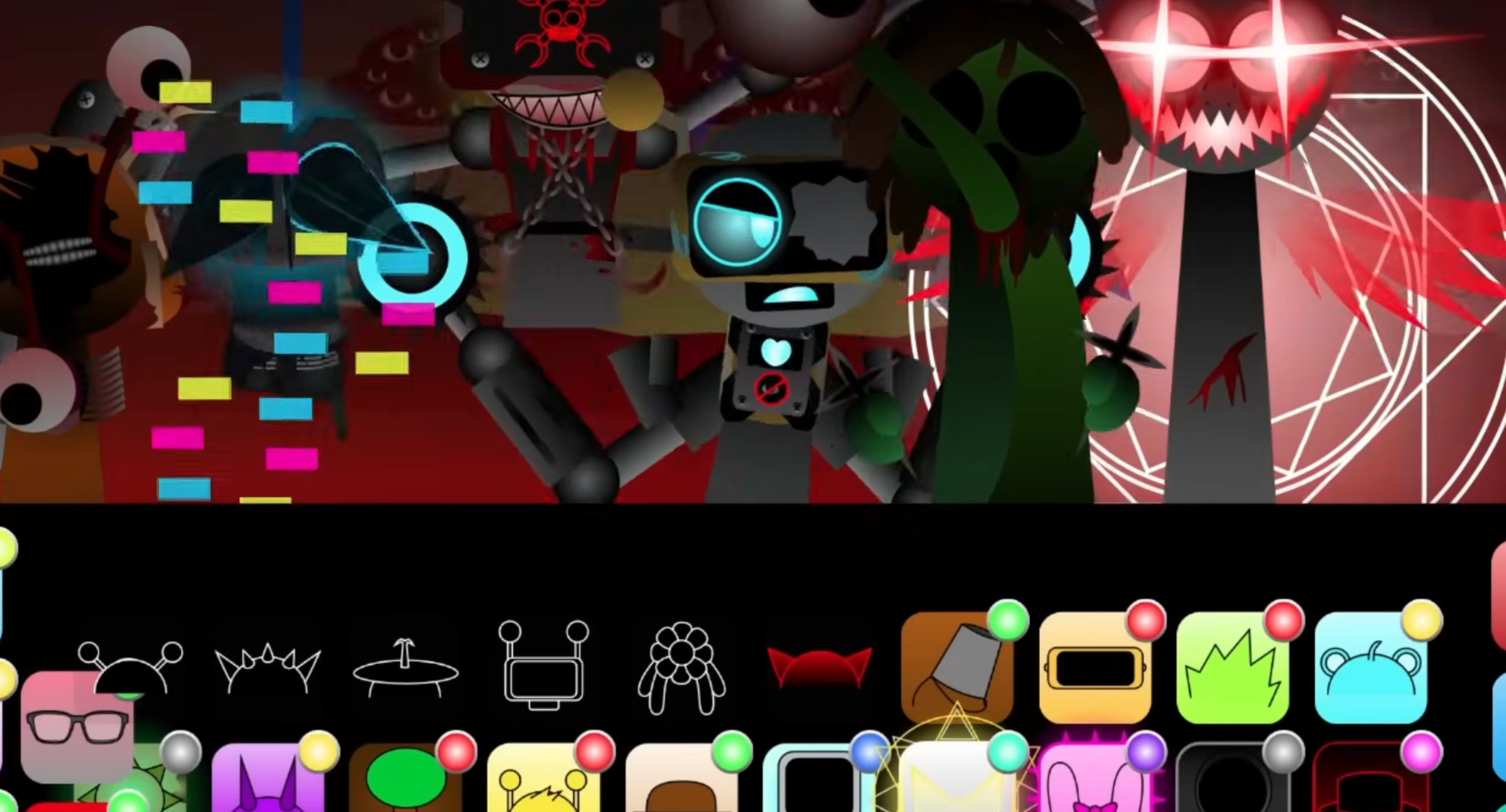
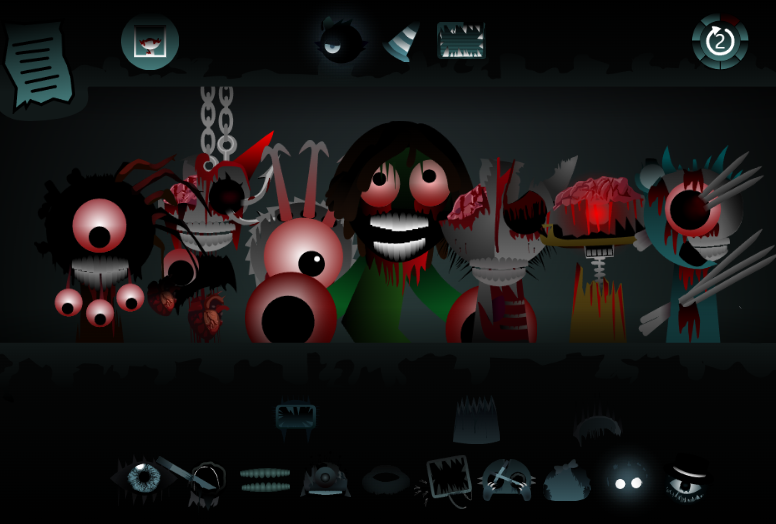
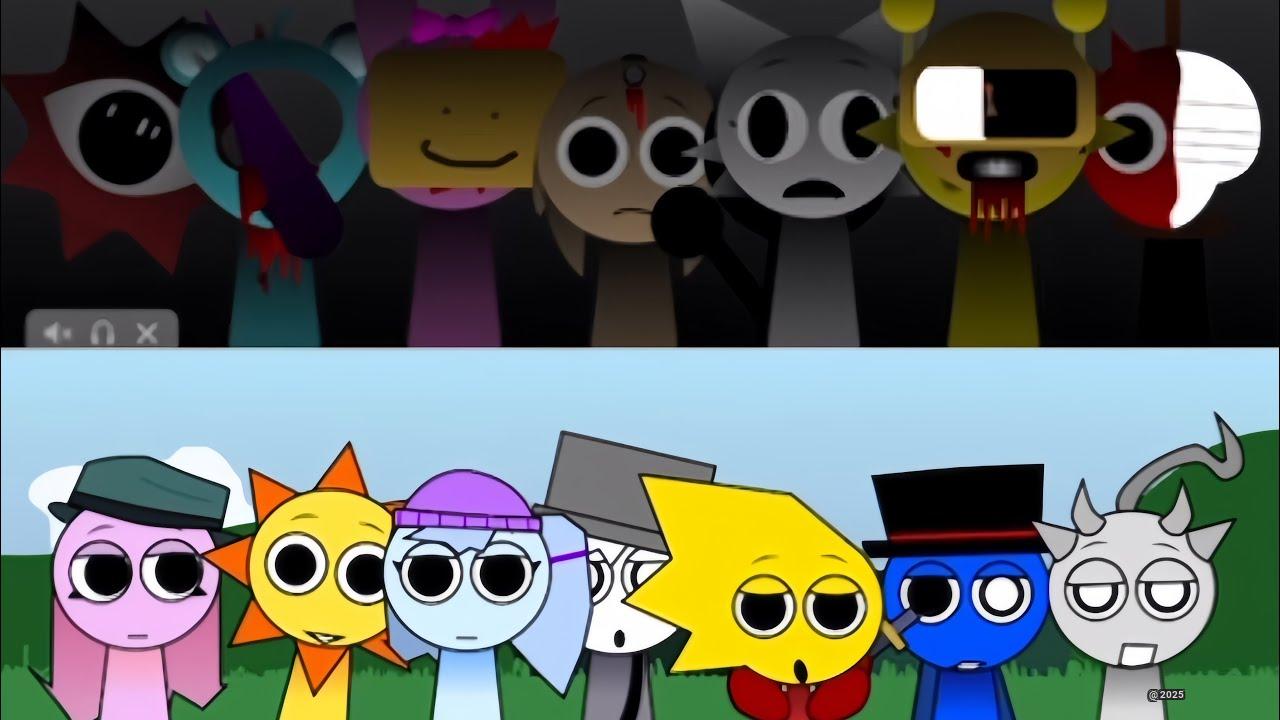
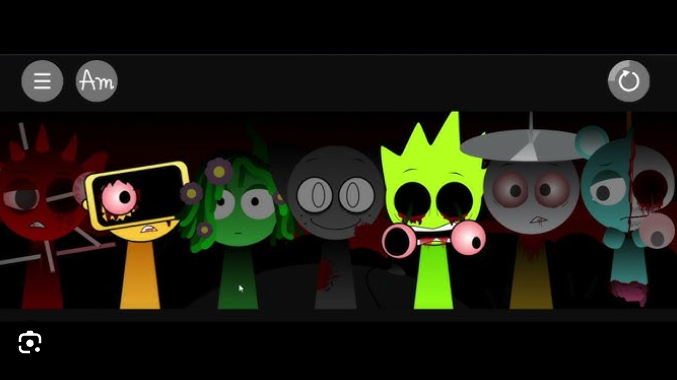
The version focuses on a fully corrupted aesthetic: every character appears in monster form from the start, eliminating the typical normal-to-scary progression. The drag-and-drop mixing system remains intact, letting players layer distorted beats, eerie ambience, and horror effects to build tracks.
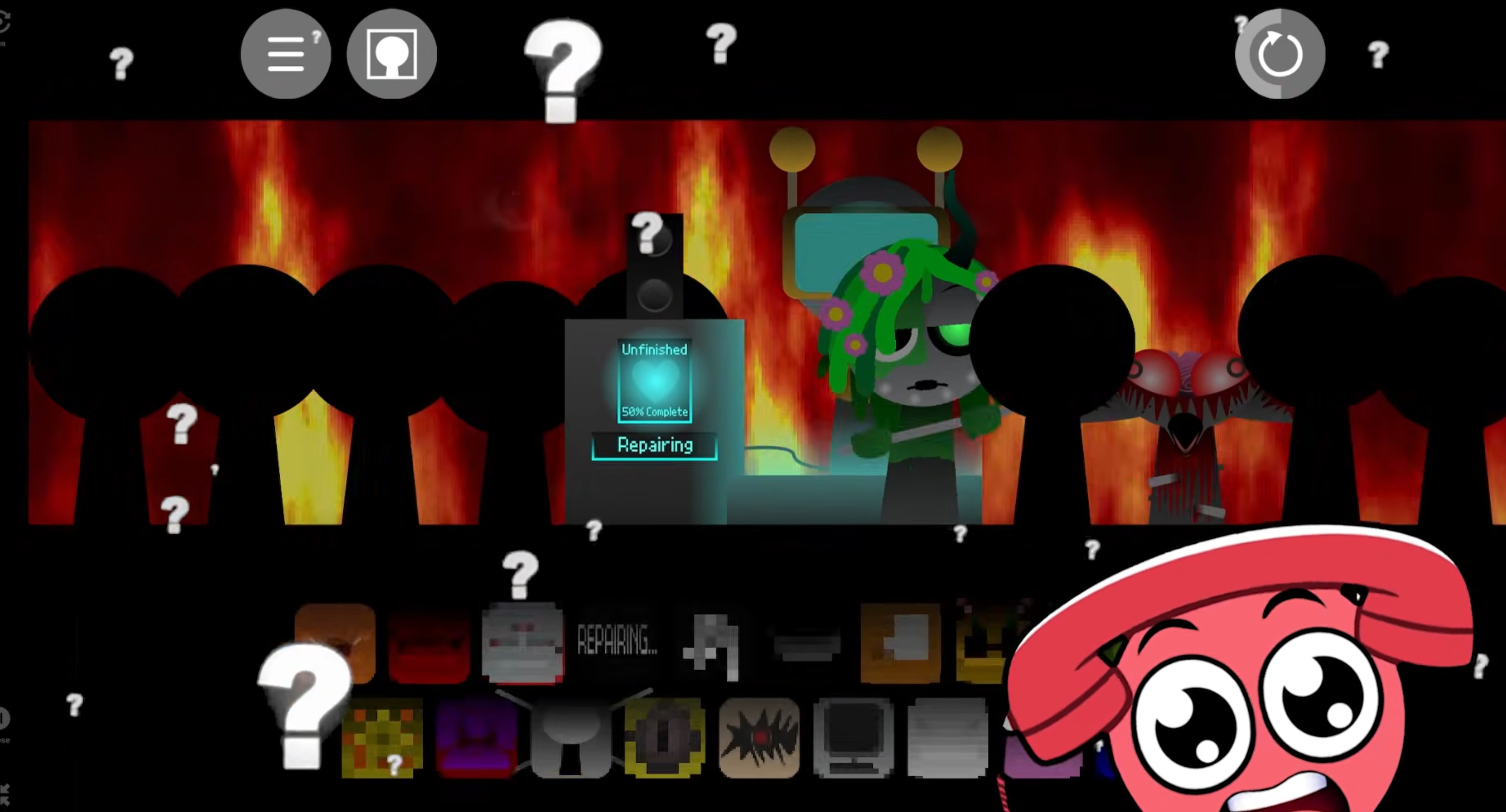
A standout addition is the BigB Mode Easter Egg, which adds a customized facecam overlay and unique sound bite honoring content creator BigBPlus—a meta-layer showing how the mod weaves in community humor and fan culture.
The demo’s rough, work-in-progress feel fits its horror tone. Visuals stay dark and intense throughout, with corrupted character designs and animations maintaining consistent atmosphere.
Audio layers feel deliberately rougher, with growling bass, distorted rhythms, and sudden horror effects replacing cleaner sound profiles. You can play it free through sites like gosprunki.com or Cocrea with no download required.
Sprunki Phase 13 Demo V 1.8
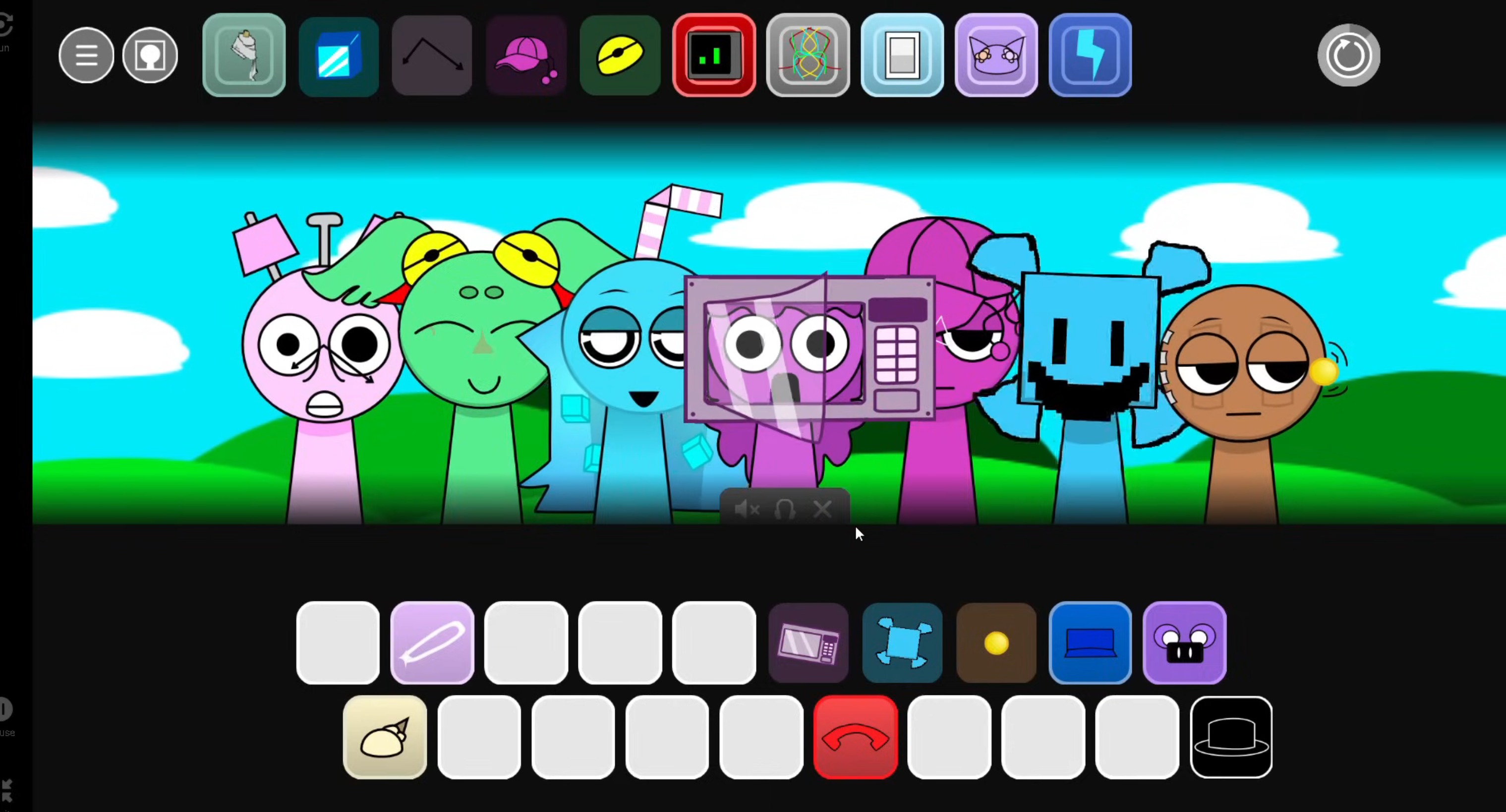
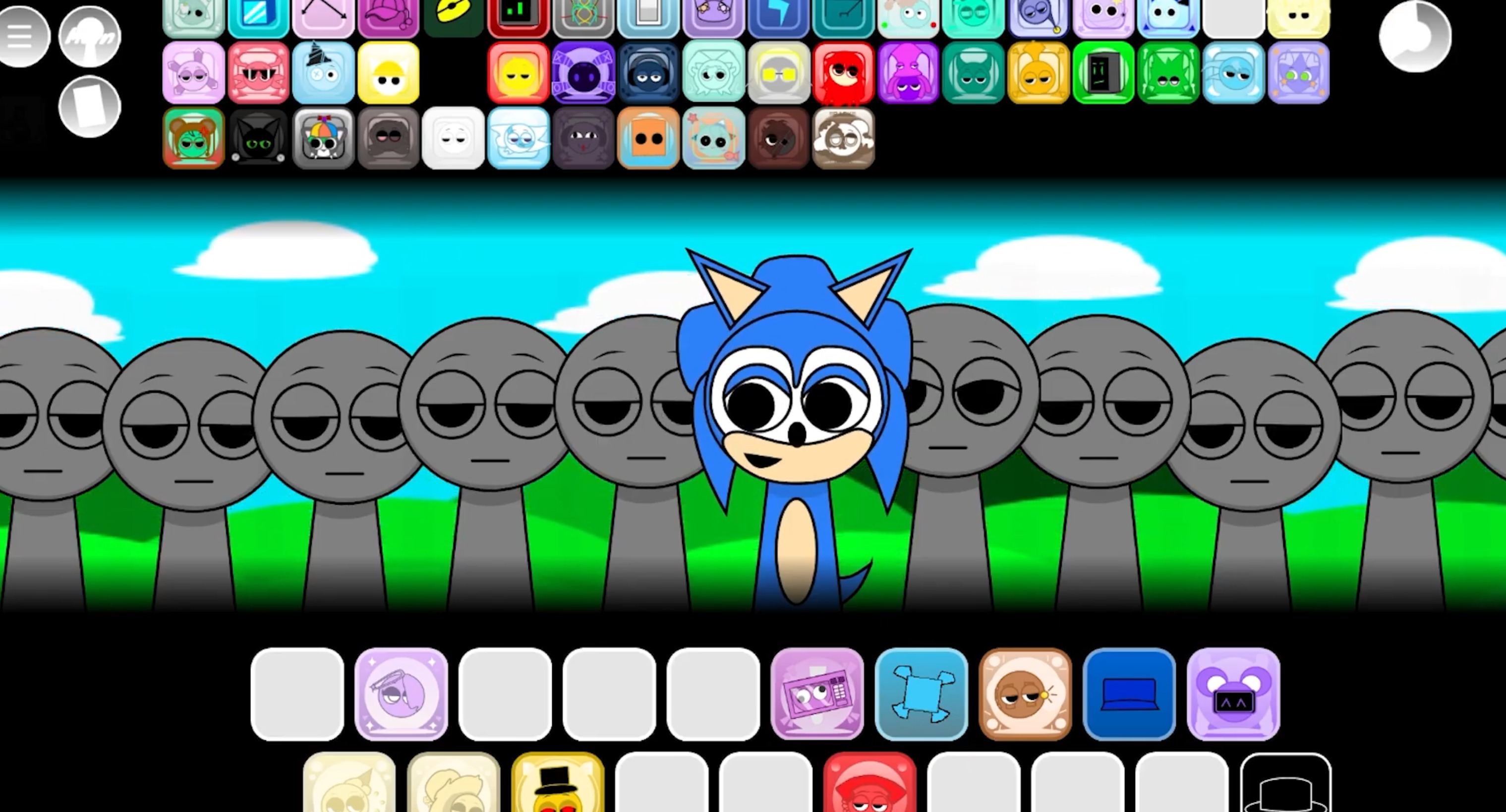
Open Sprunki Phase 13 Demo V 1.8 in a supported browser—no install or setup needed. The drag-and-drop flow is straightforward: pick characters or icons, place them into mix slots, and listen as each adds a new layer.
Since this phase leans into eerie ambience and heavy bass, start by adding sounds slowly and listen for how each piece shifts the mood. Characters are already corrupted, so the horror tone hits immediately. Swap pieces in and out, compare combinations, and let the strange clashes guide your mix. The goal is finding your preferred balance, and the demo gives room to experiment without pressure.
How to Play Sprunki Phase 13 Demo V 1.8
- Open the demo through Cocrea or gosprunki.com
- Drag characters into mix slots to activate their sounds
- Layer beats, effects, and ambience to build your track
- Swap characters to hear how rhythm, bass, melody, or horror effects change
- Reset and rebuild when the mix gets too crowded
The demo works best as an experimental session. Some combinations create stronger rhythms or smoother melodies; others clash in ways that fit the corrupted style.
Building Better Mixes
Treat Phase 13 like a mixing challenge rather than stacking every sound at once:
- Pick a mood first: Choose sounds matching the horror-heavy atmosphere
- Build in quick passes: Add a few characters, listen, then adjust before adding more
- Test combinations: Some pairings create stronger groves, others bring harsher textures
- Fine-tune layers: Use any available volume or effect controls so one layer doesn’t overpower the track
- Compare versions: Switch fast, save your best run
The community around this demo stays active, with players sharing custom icons and asking about future updates—chatter even mentions a potential “version 6.0” or Sprunki Phase 14 Demo. Creators including @Mirr and James remain responsive, fixing bugs and pushing updates based on player feedback. This back-and-forth keeps the mod evolving and makes it a lively space for anyone into Sprunki remixes and original characters.
Related Games
- Sprunki Phase 12 Demo Update V2 — This is the clearest follow-up for players who want to compare Phase 13’s smoother demo updates against the previous main-phase sound and icon setup.
- Sprunki Swapped Retextured New Sounds — Its focus on reworked visuals and fresh audio layers matches the article’s emphasis on testing how new Sprunki sounds blend, clash, and change a mix.
- Just Sprunkin Around — This fits readers drawn to Phase 13’s playful community energy and Easter-egg-style remix experimentation rather than a strict lore-heavy phase.
What Makes Sprunki Phase 13 Demo V 1.8 Stand Out?
The clearest reason Sprunki Phase 13 Demo V 1.8 stands out is the way it uses Sprunki and Phase to feel more distinct than a basic variant.

Discuss Sprunki