
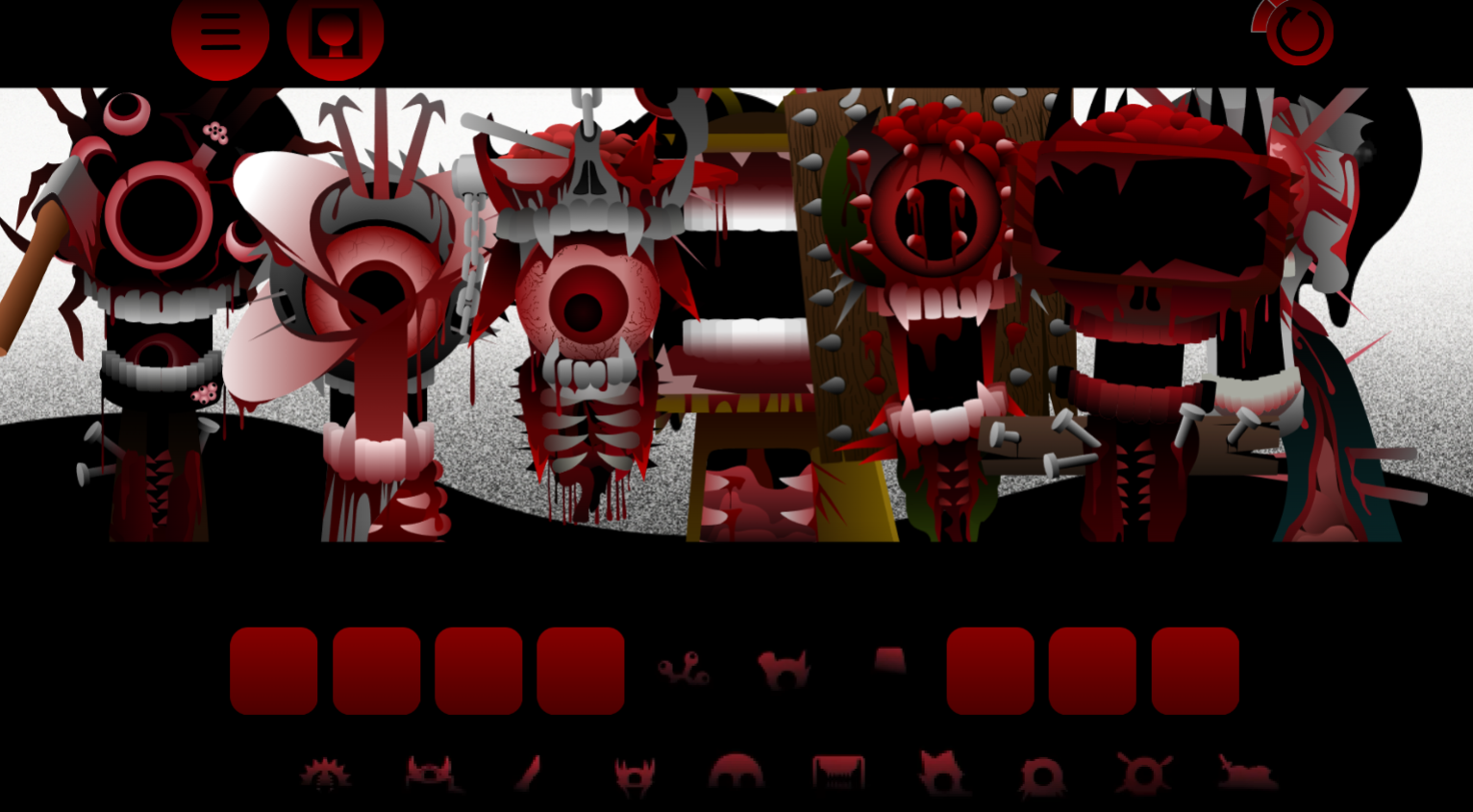



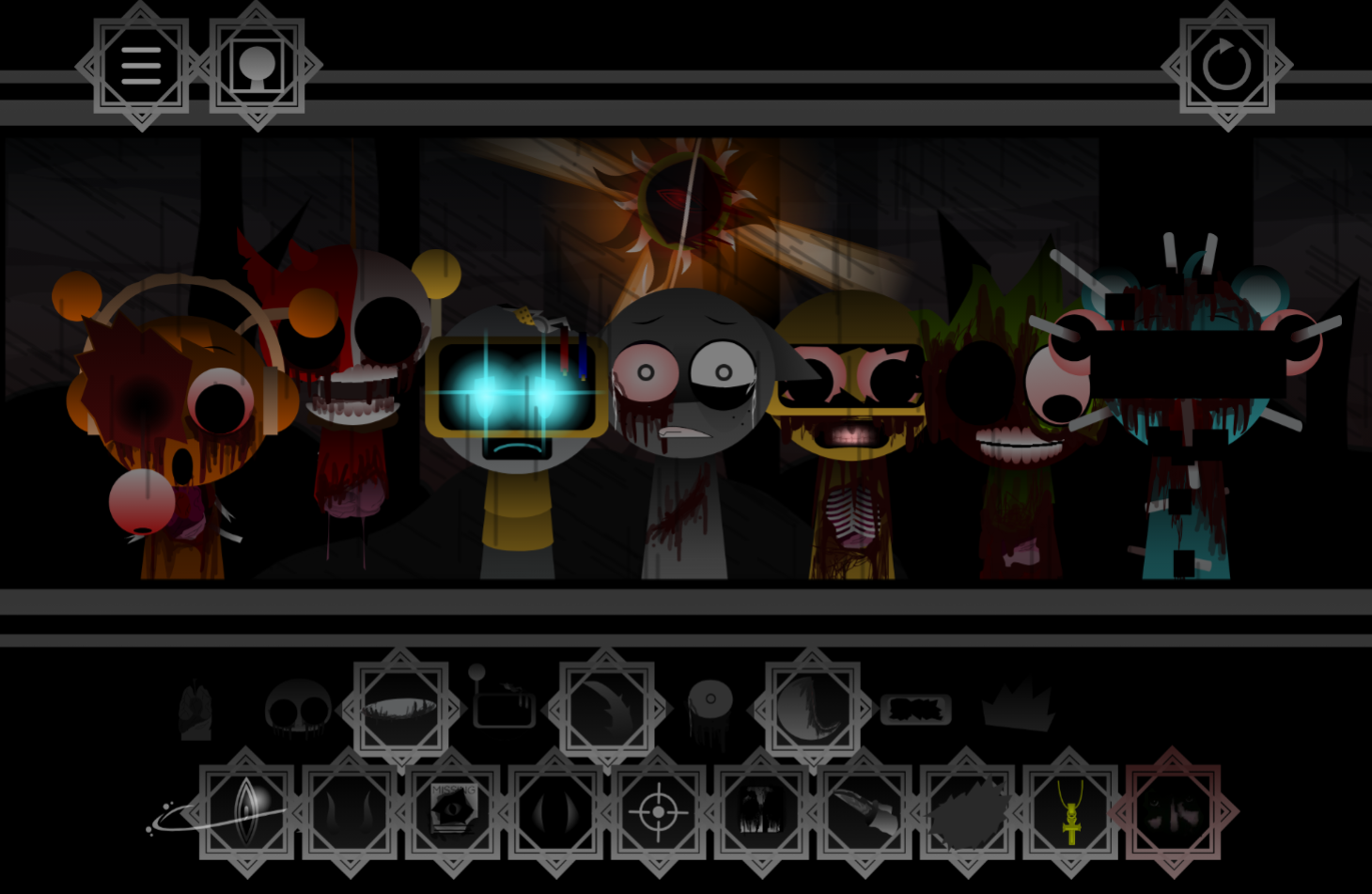
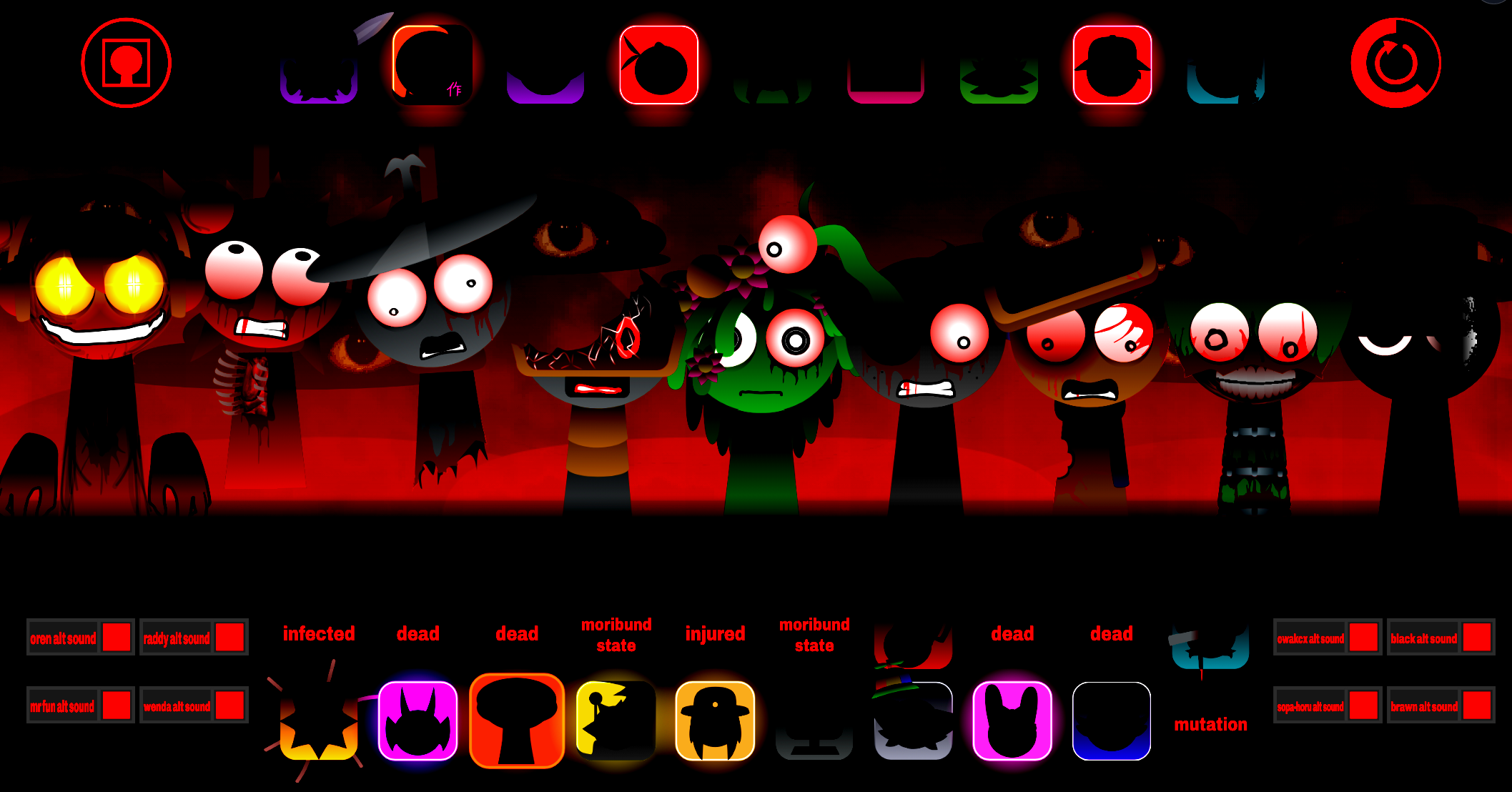
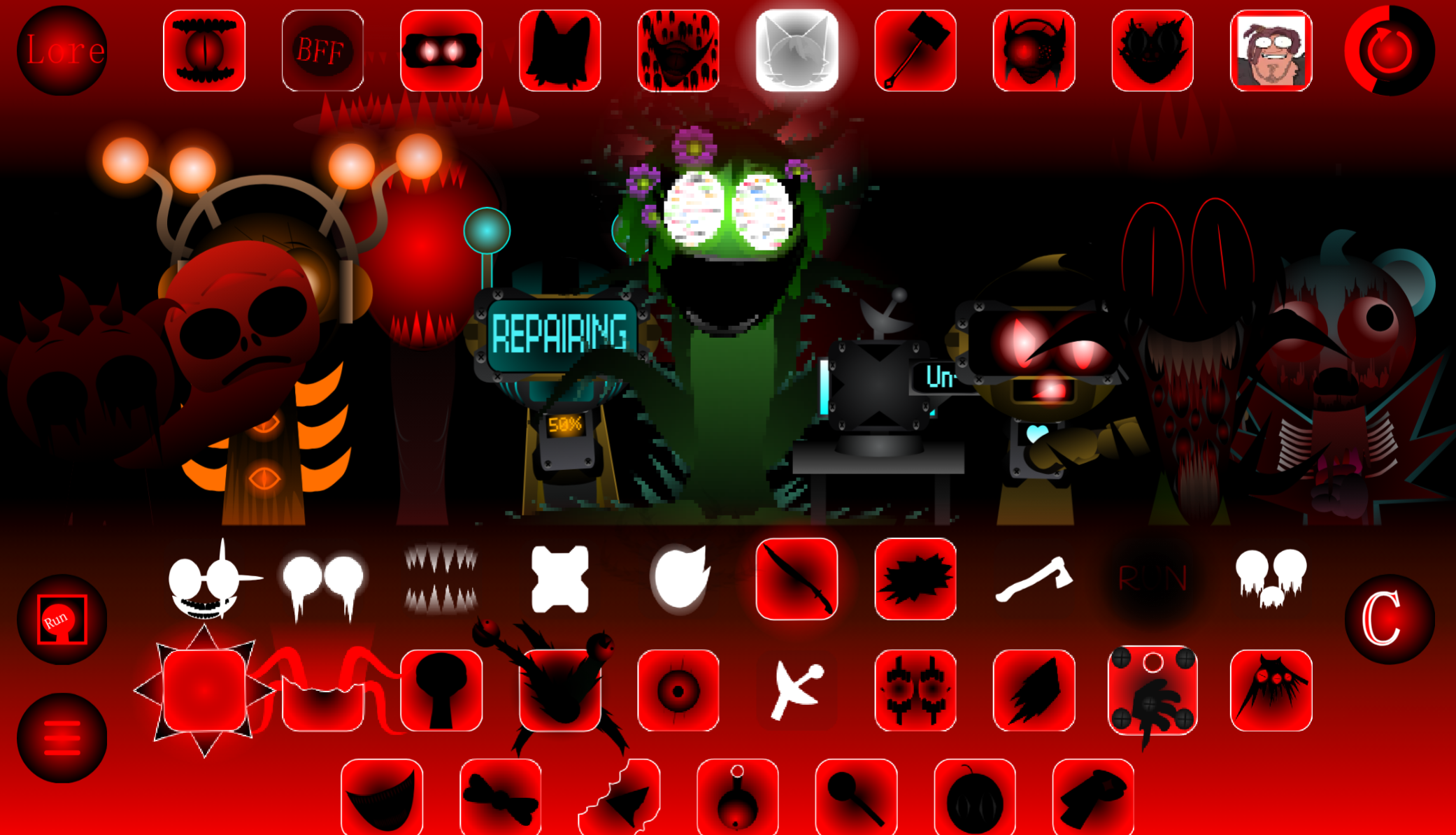
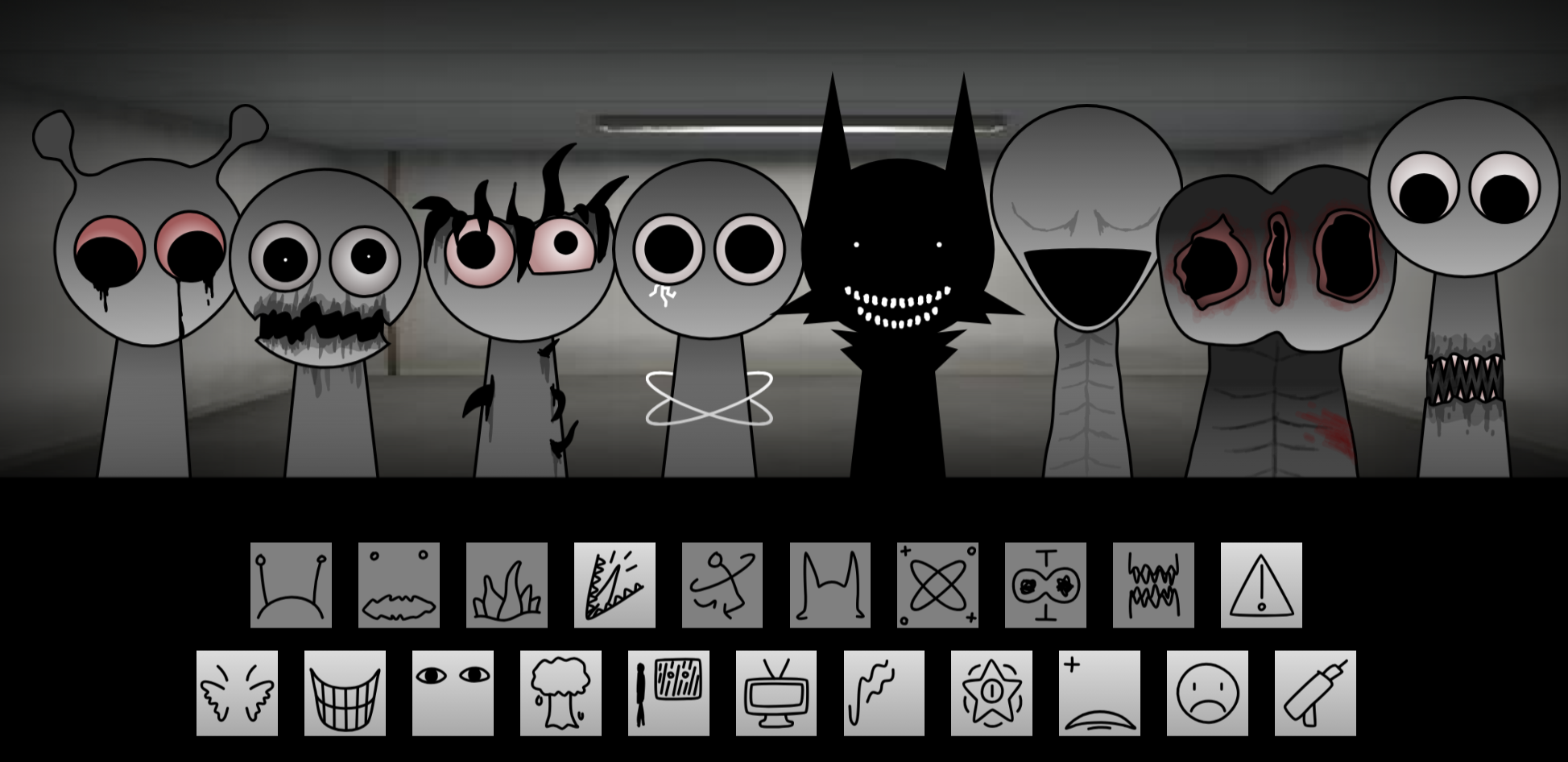
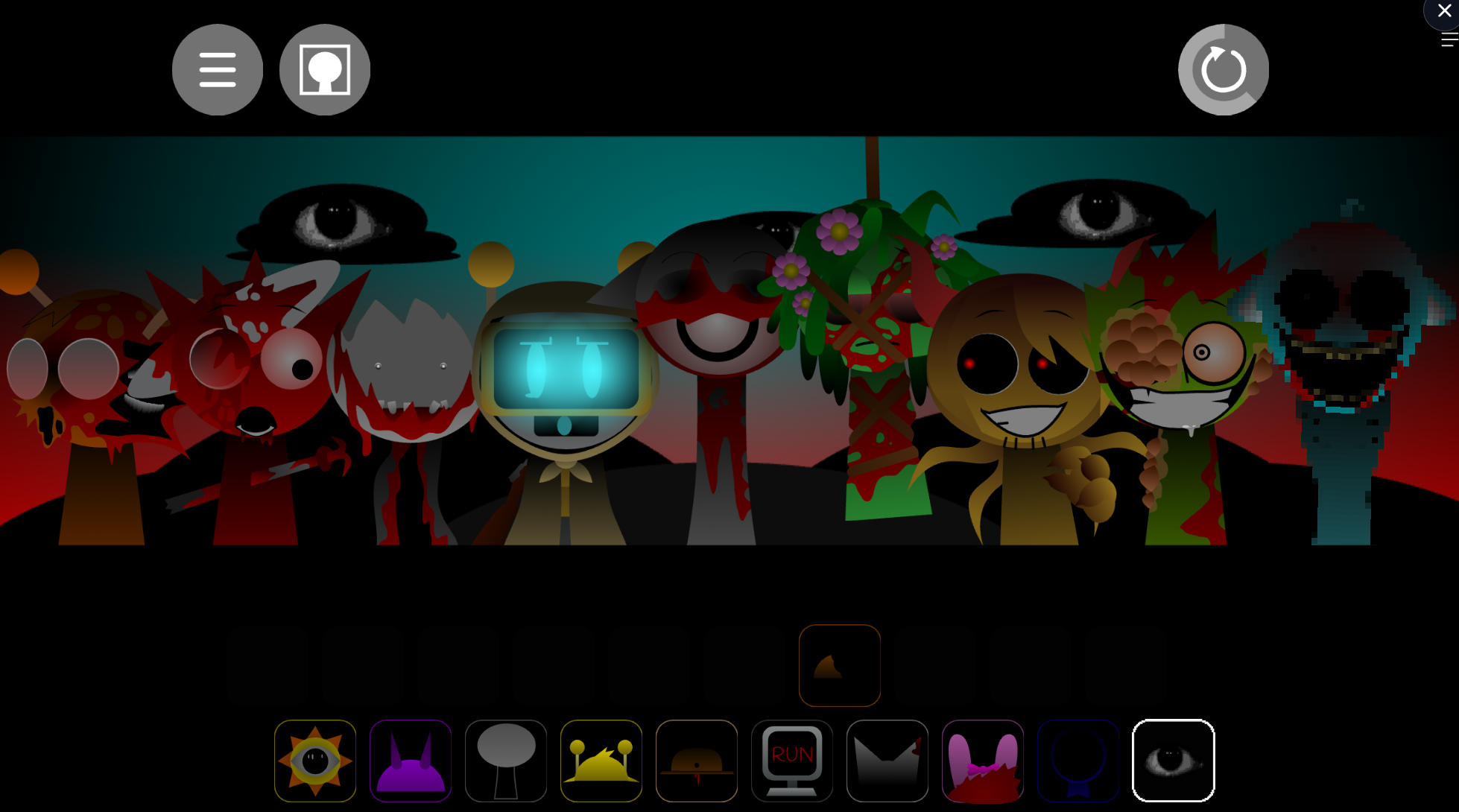
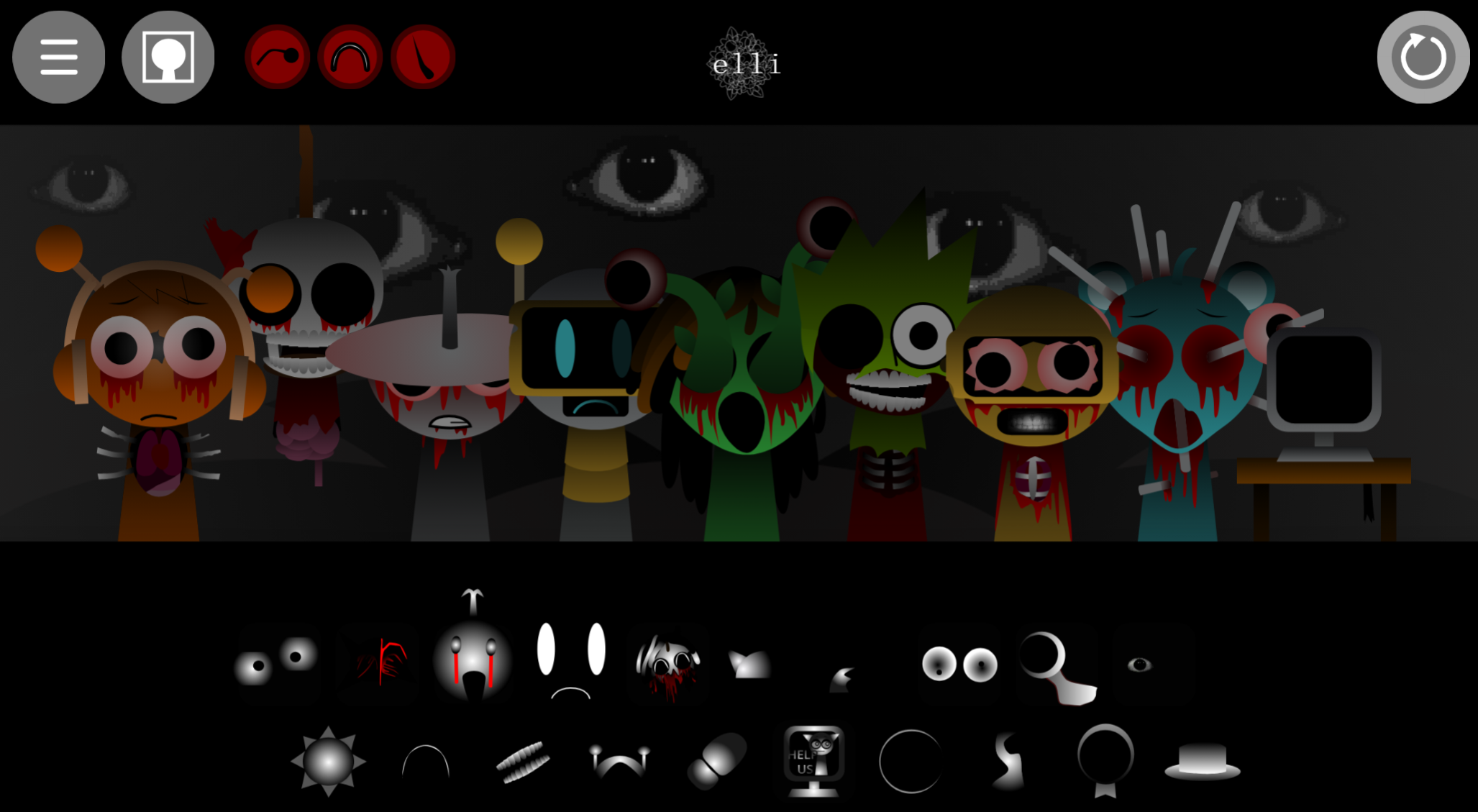
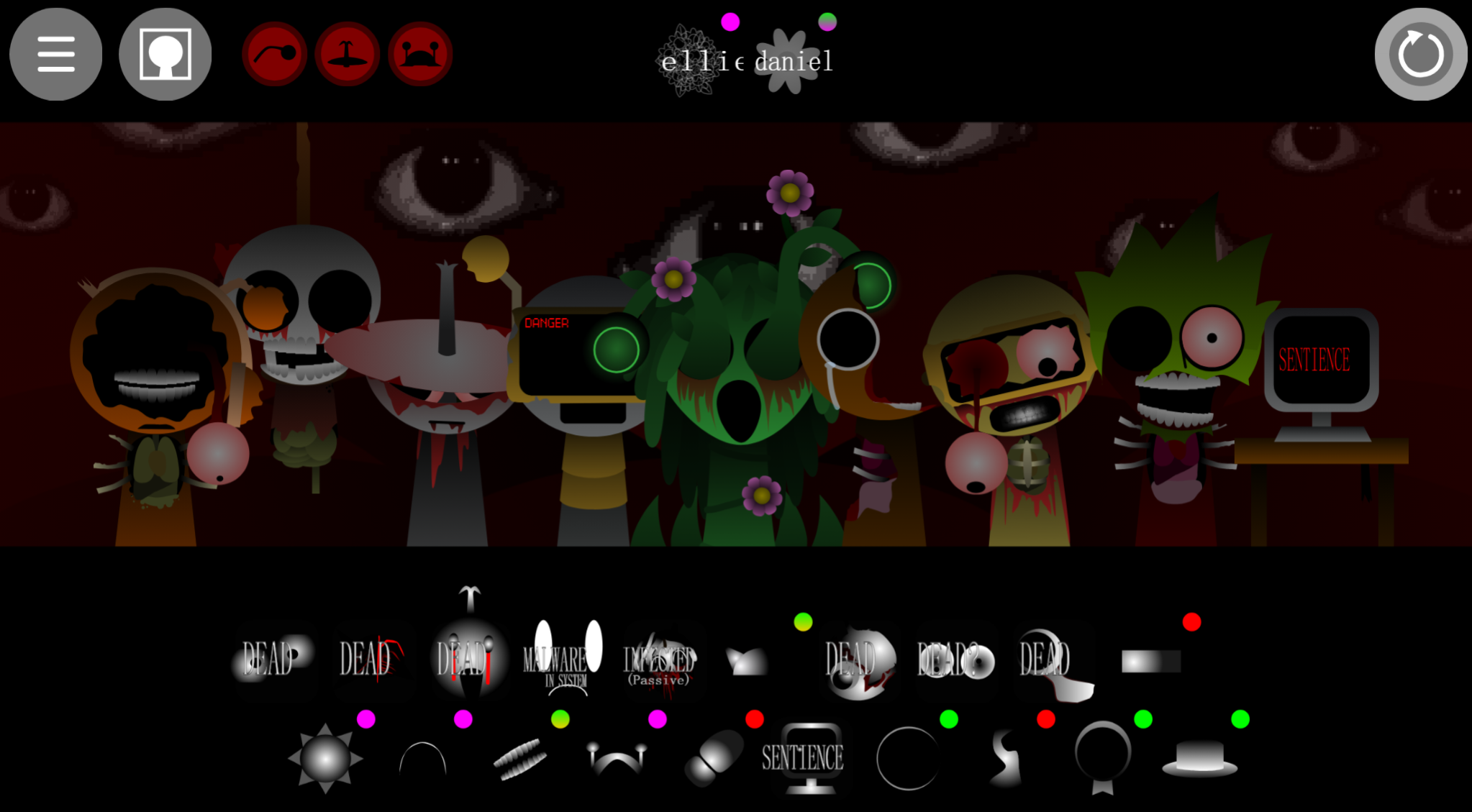
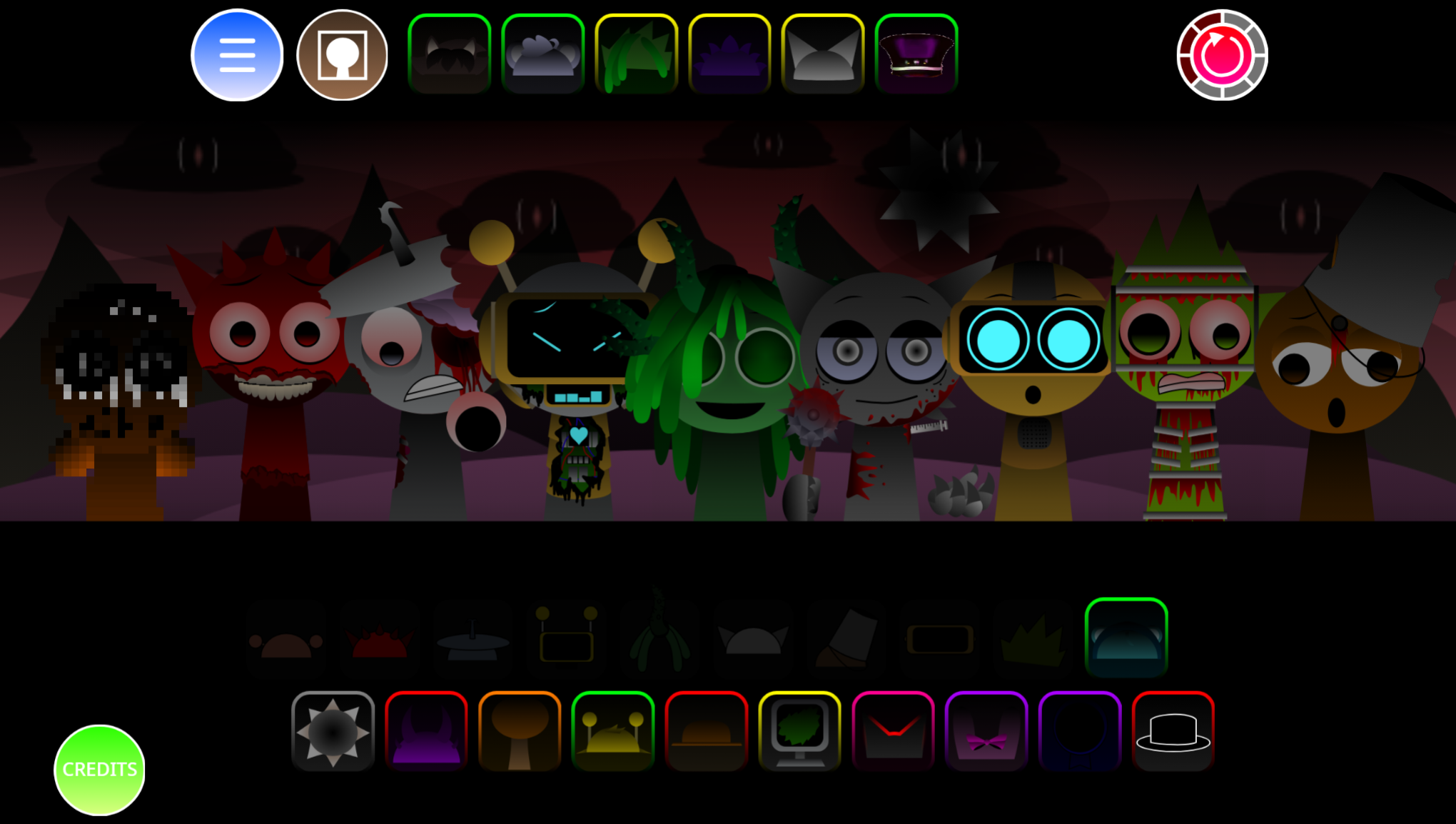
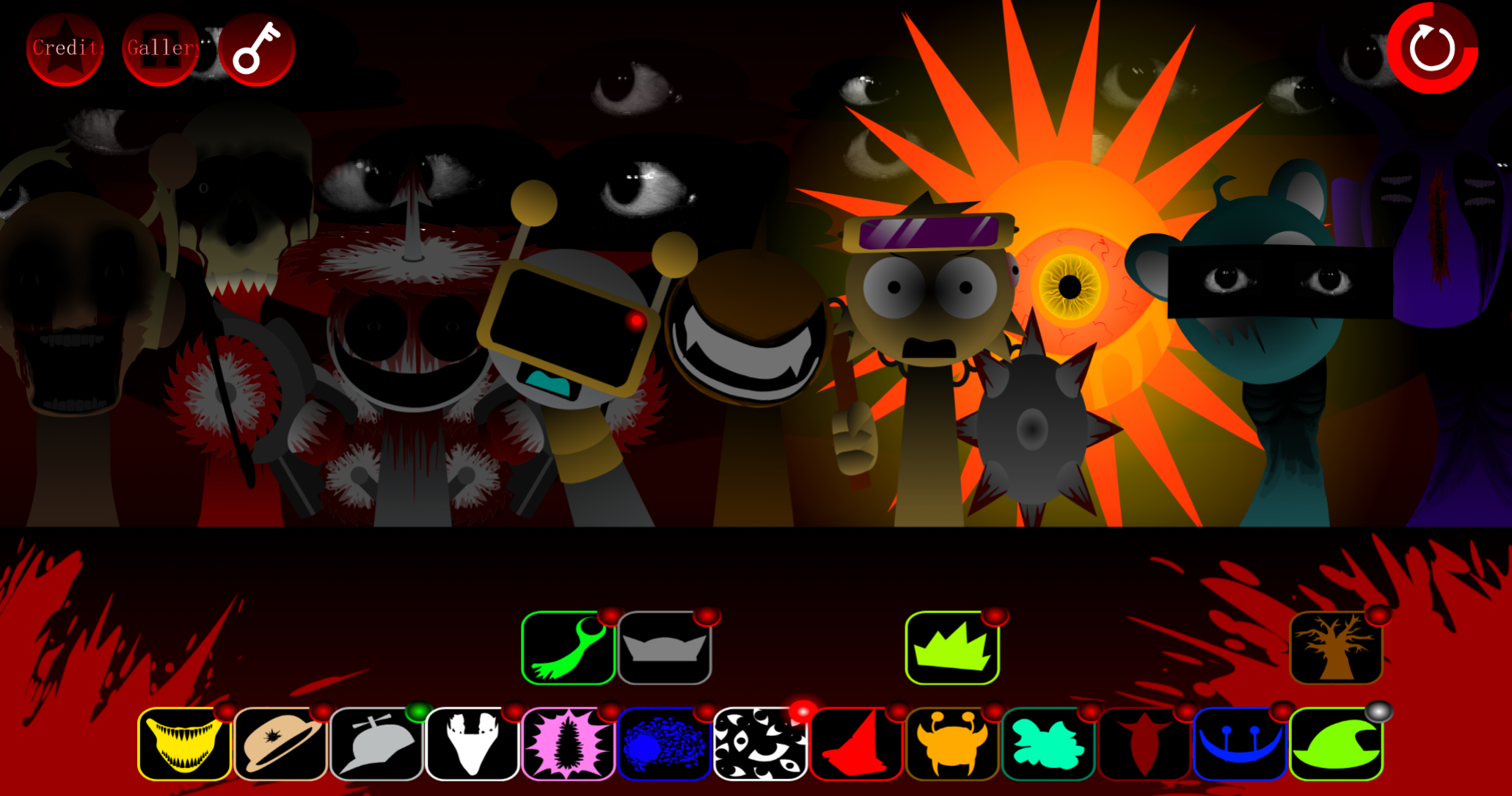
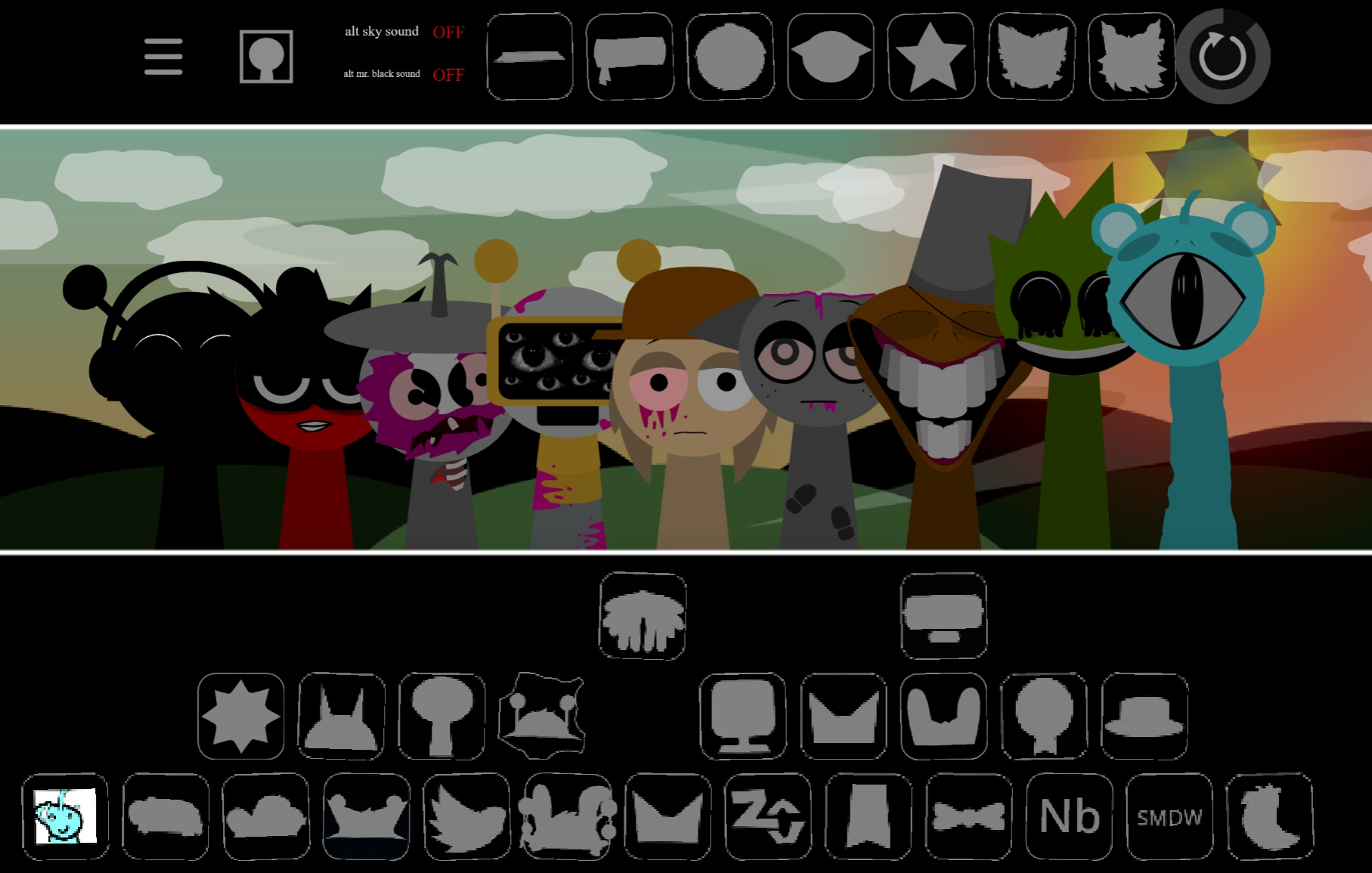
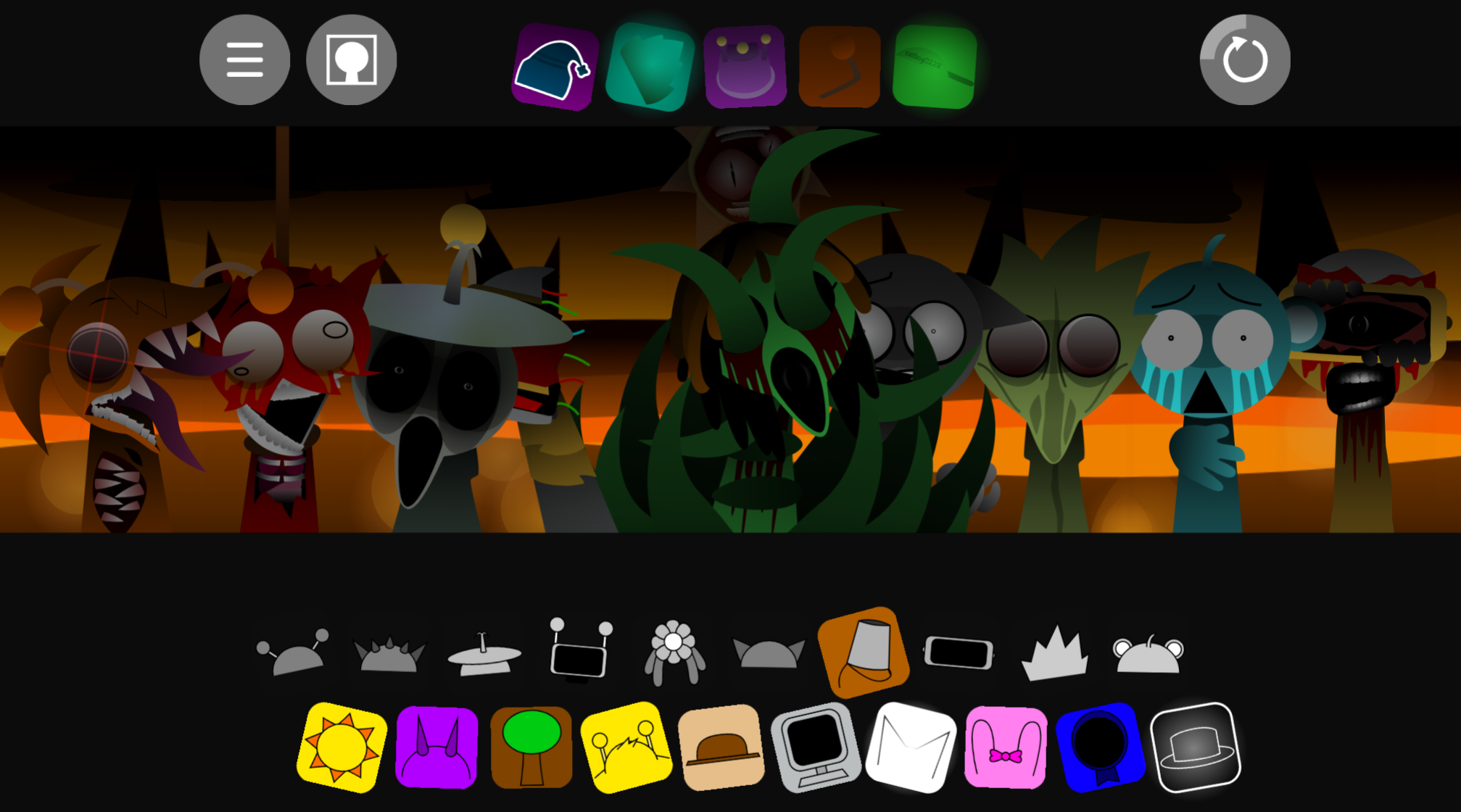
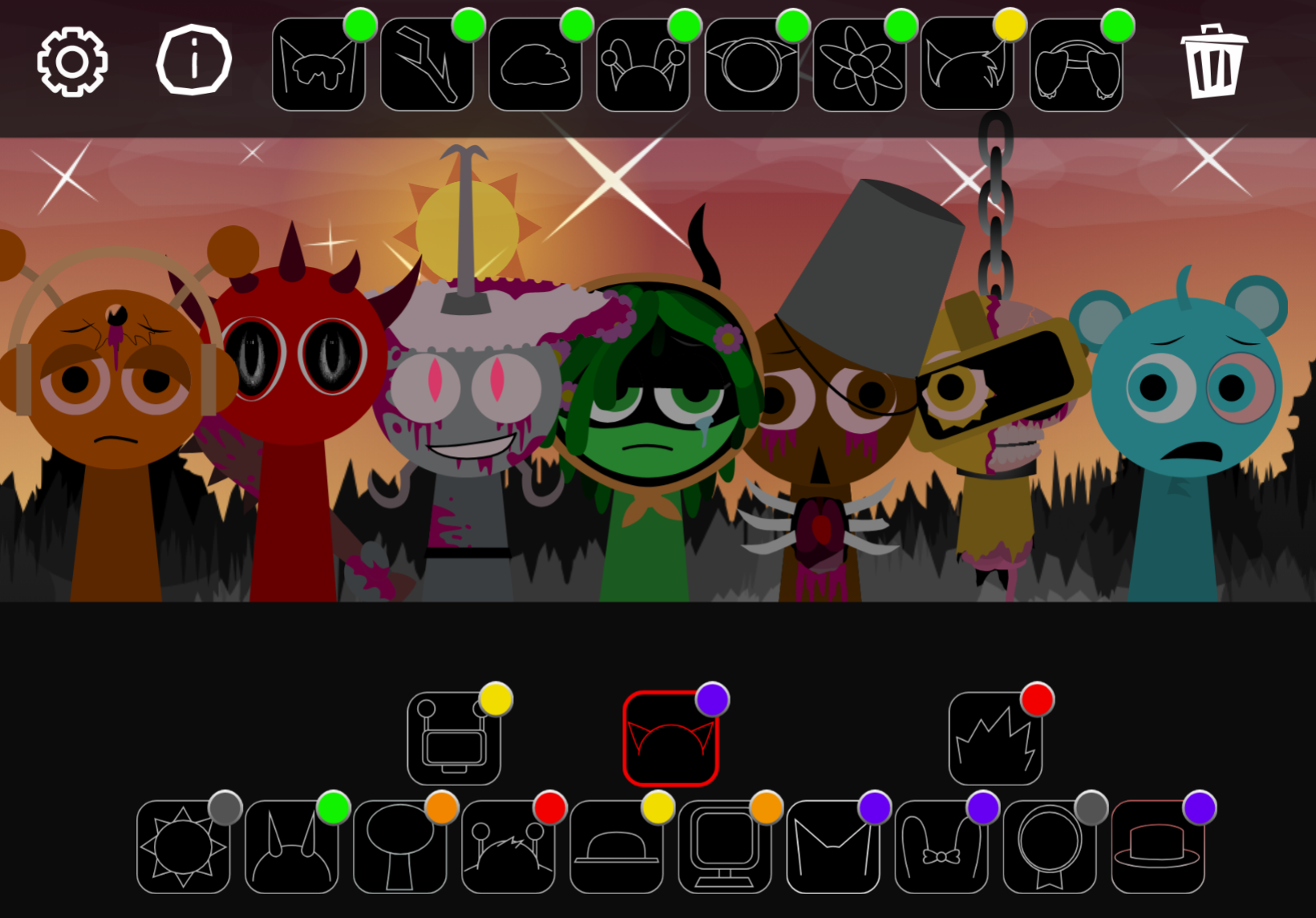
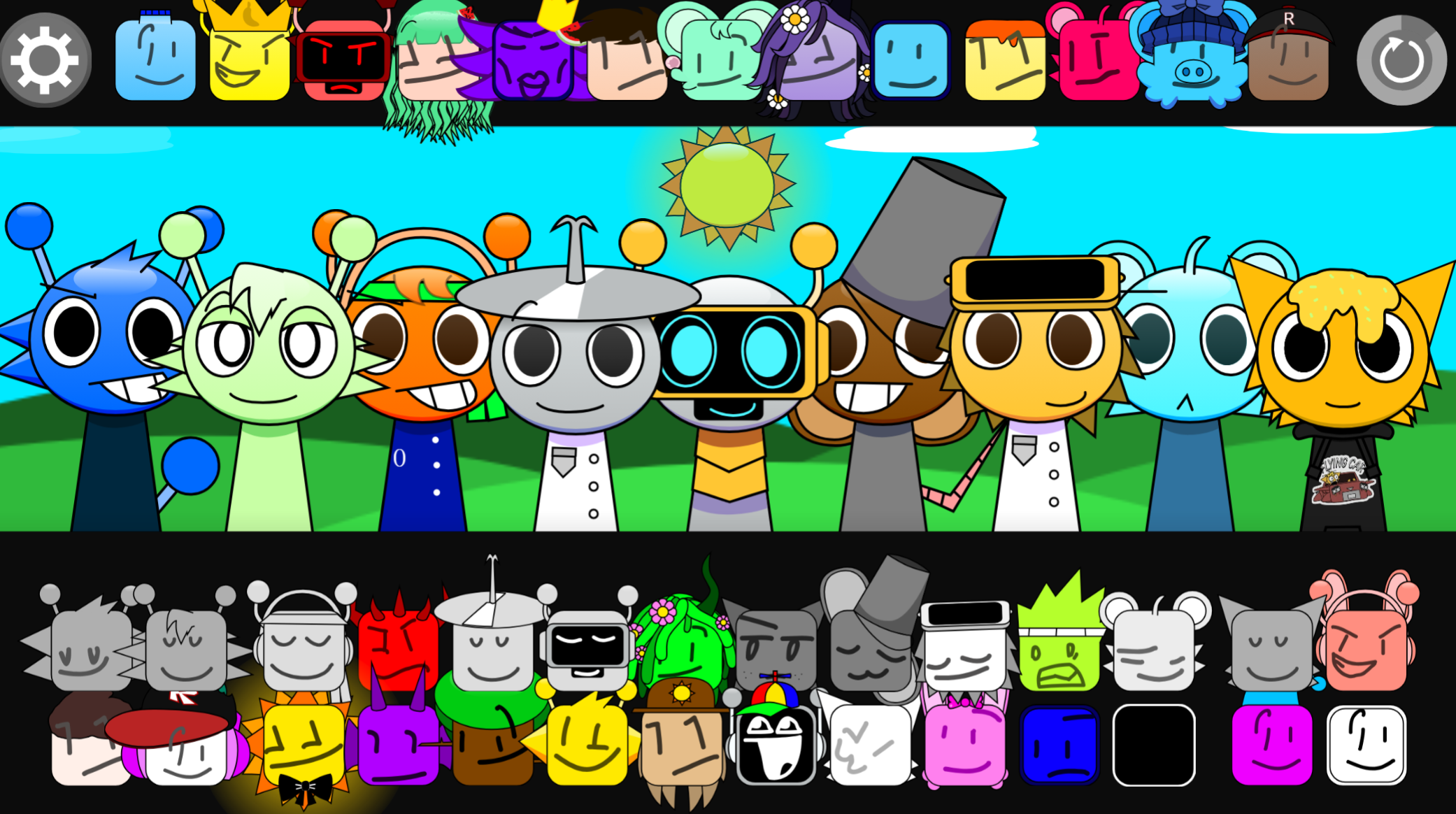
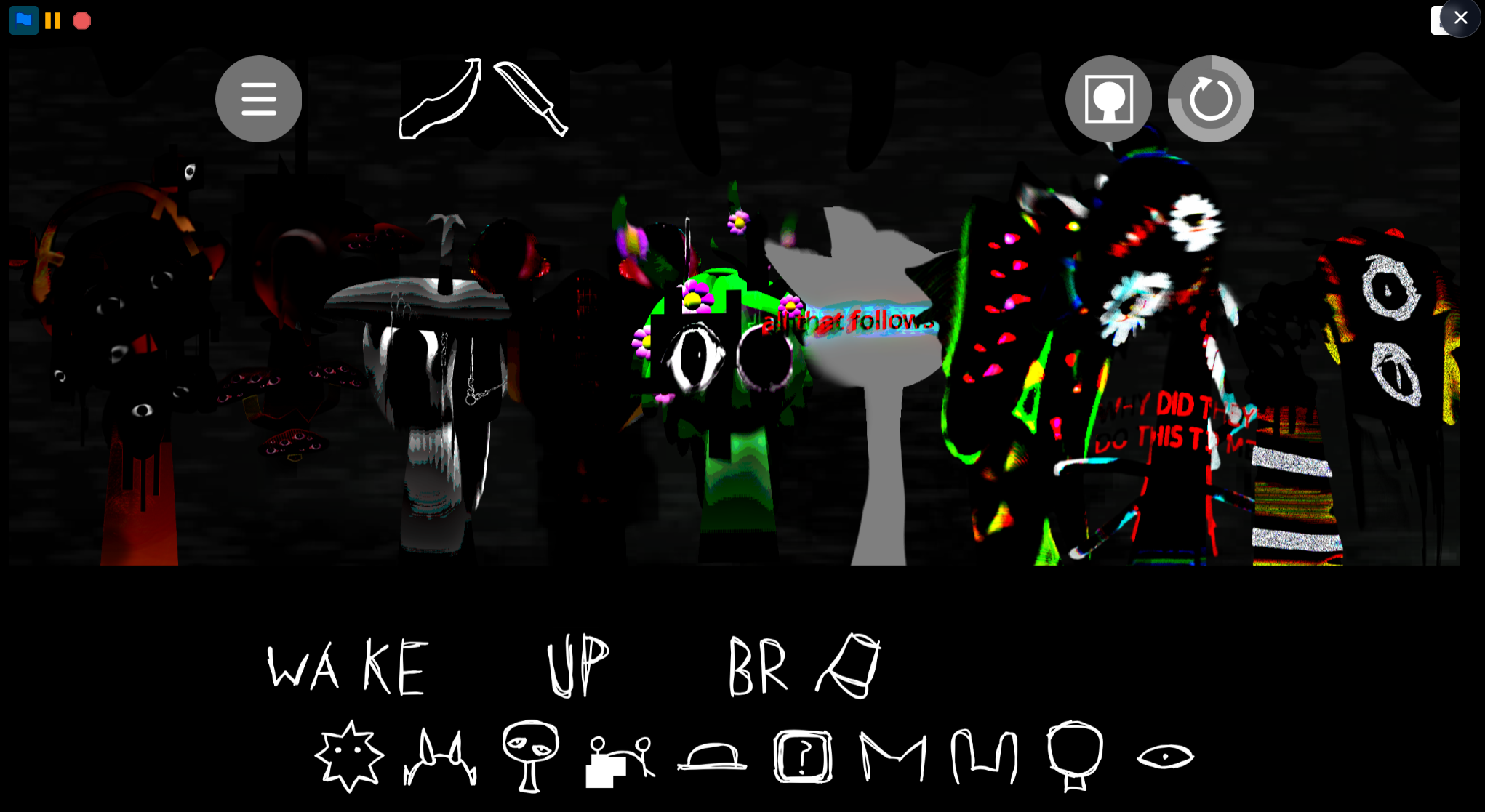
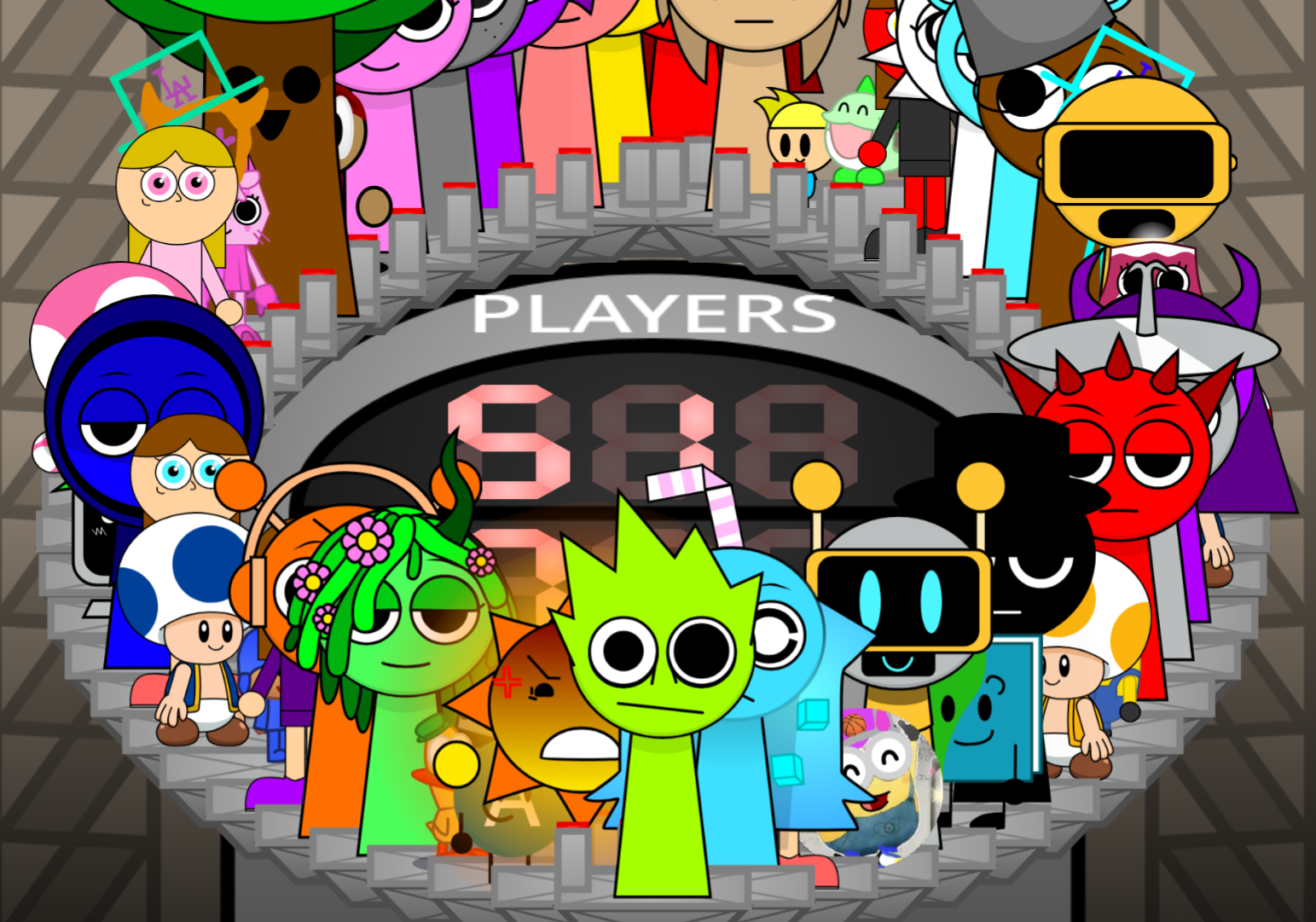
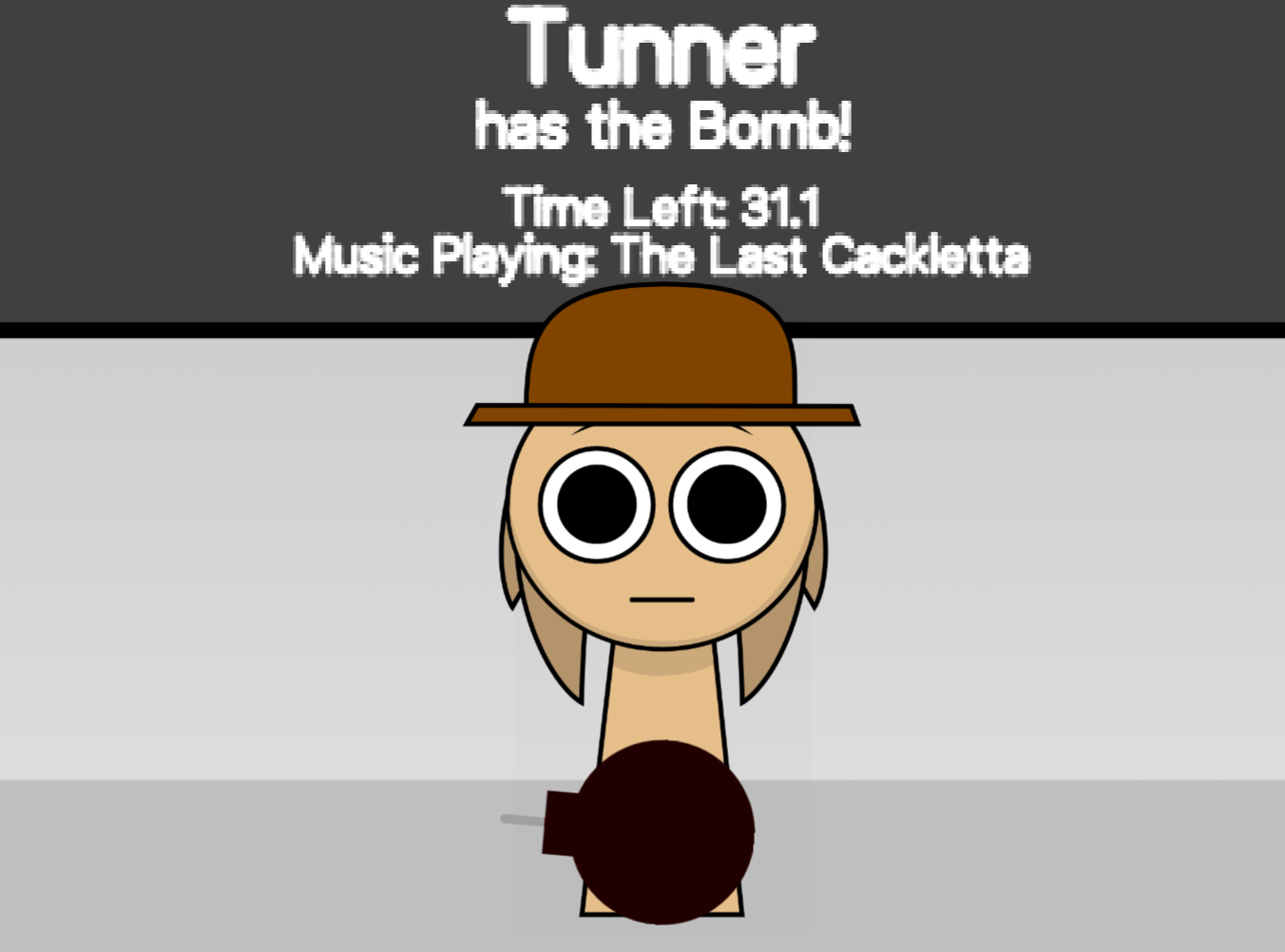
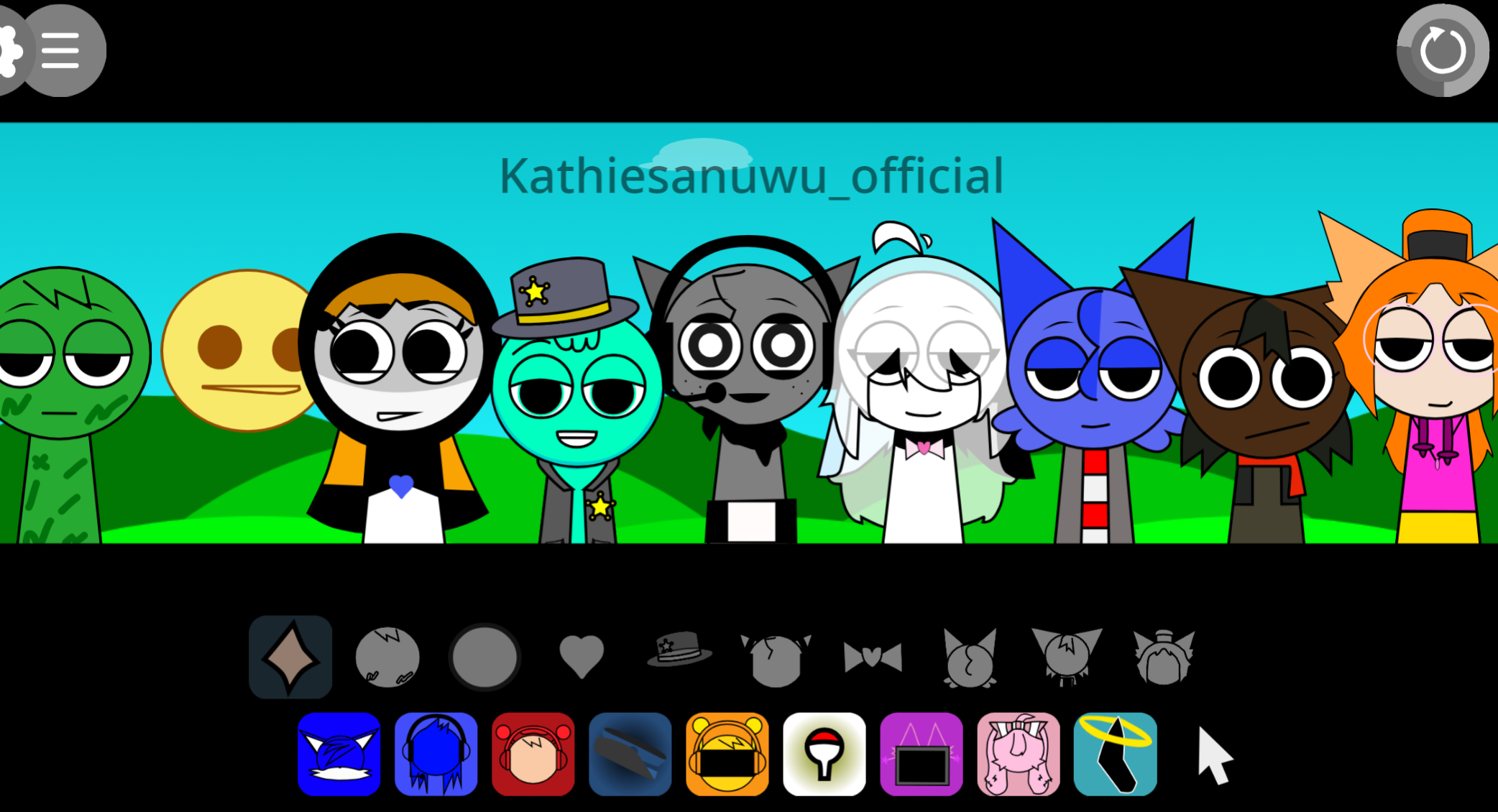
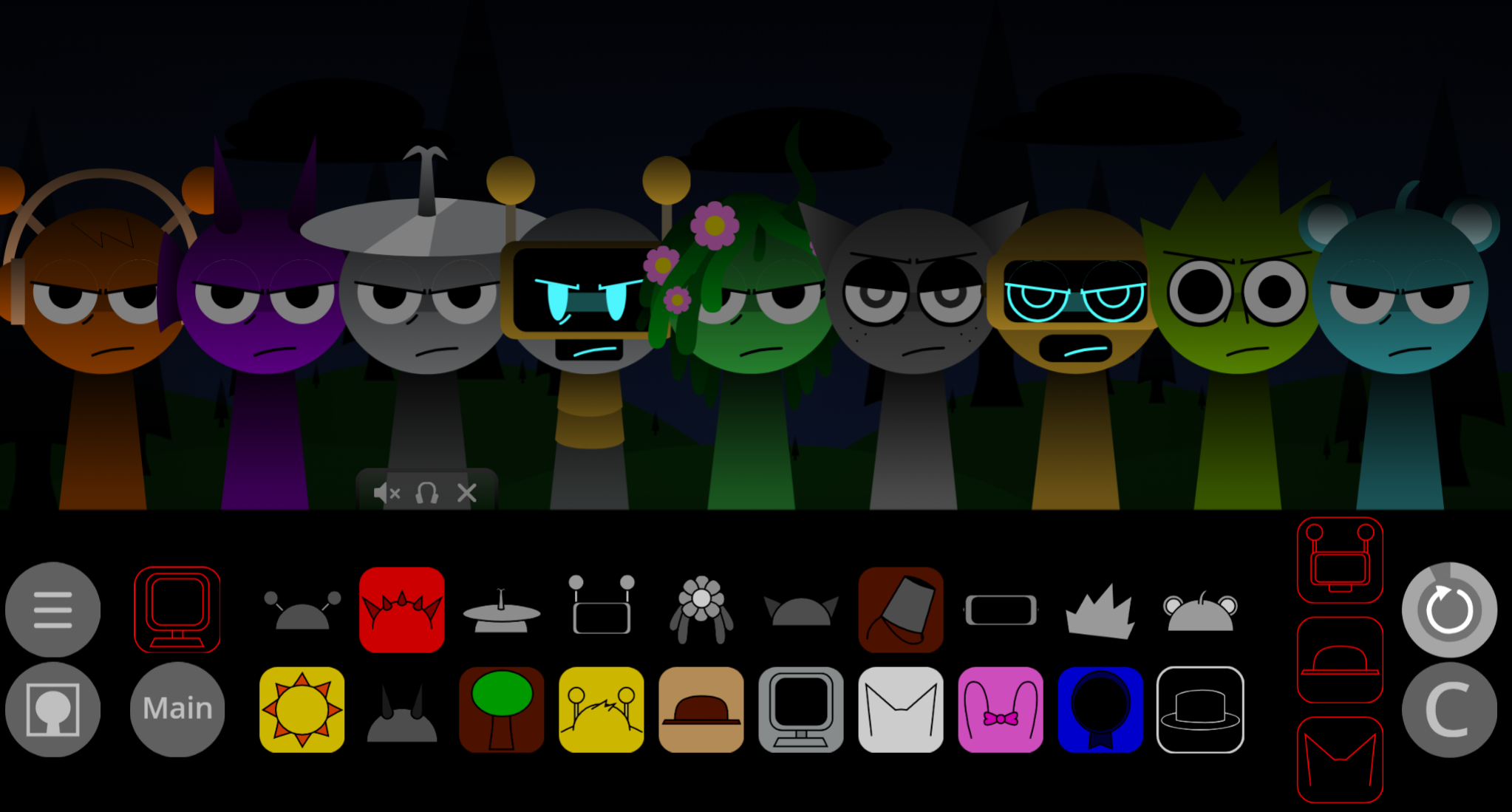
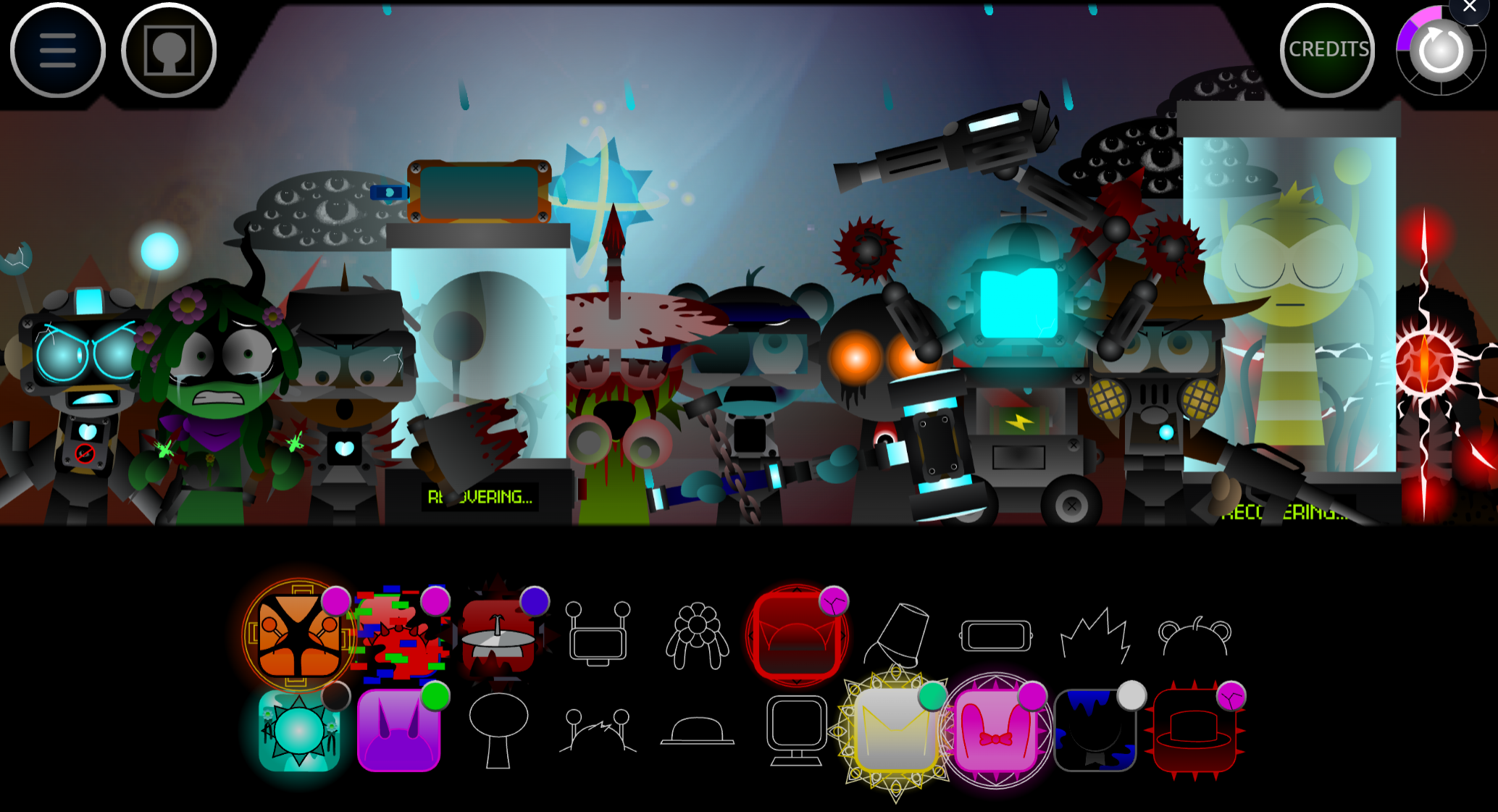
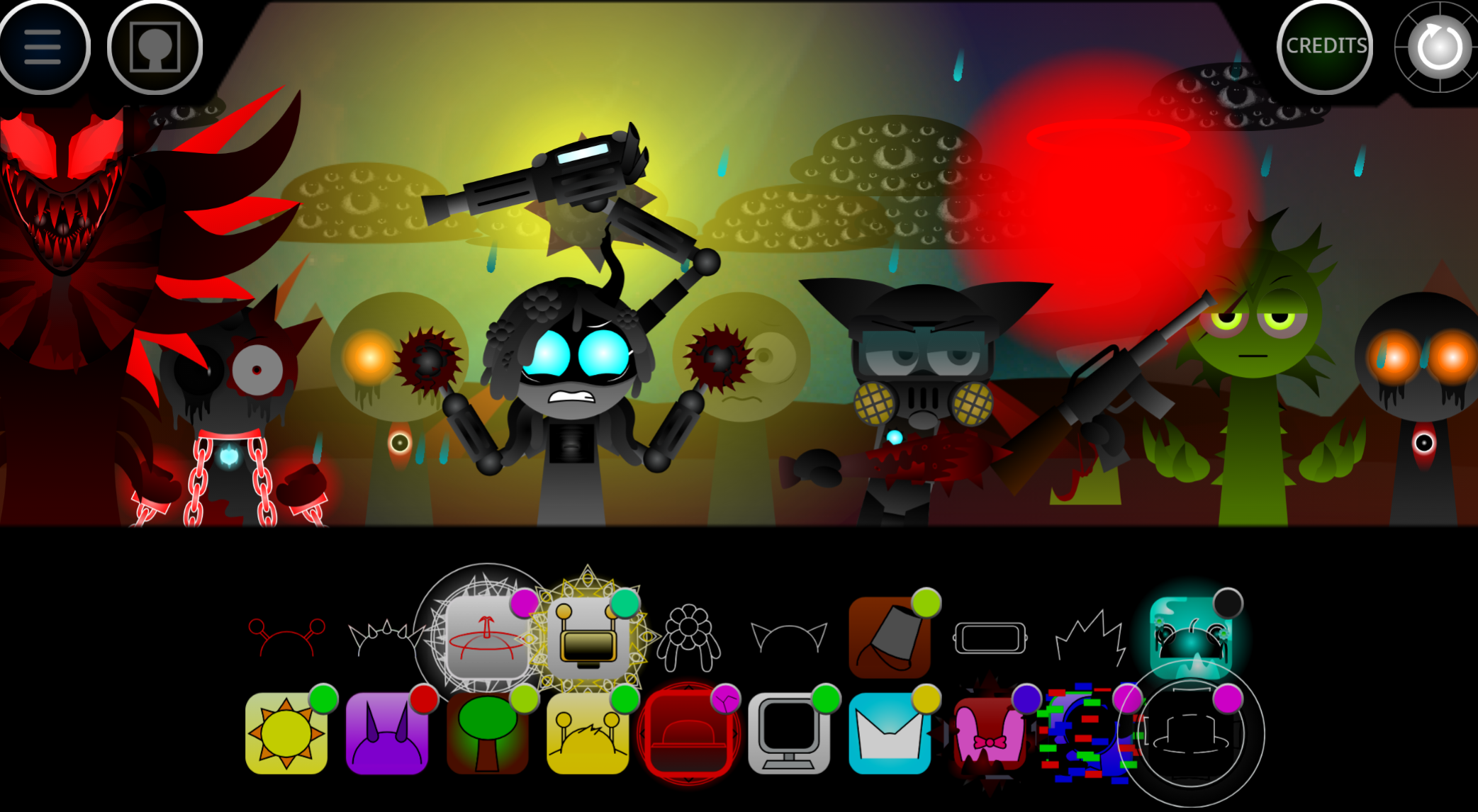
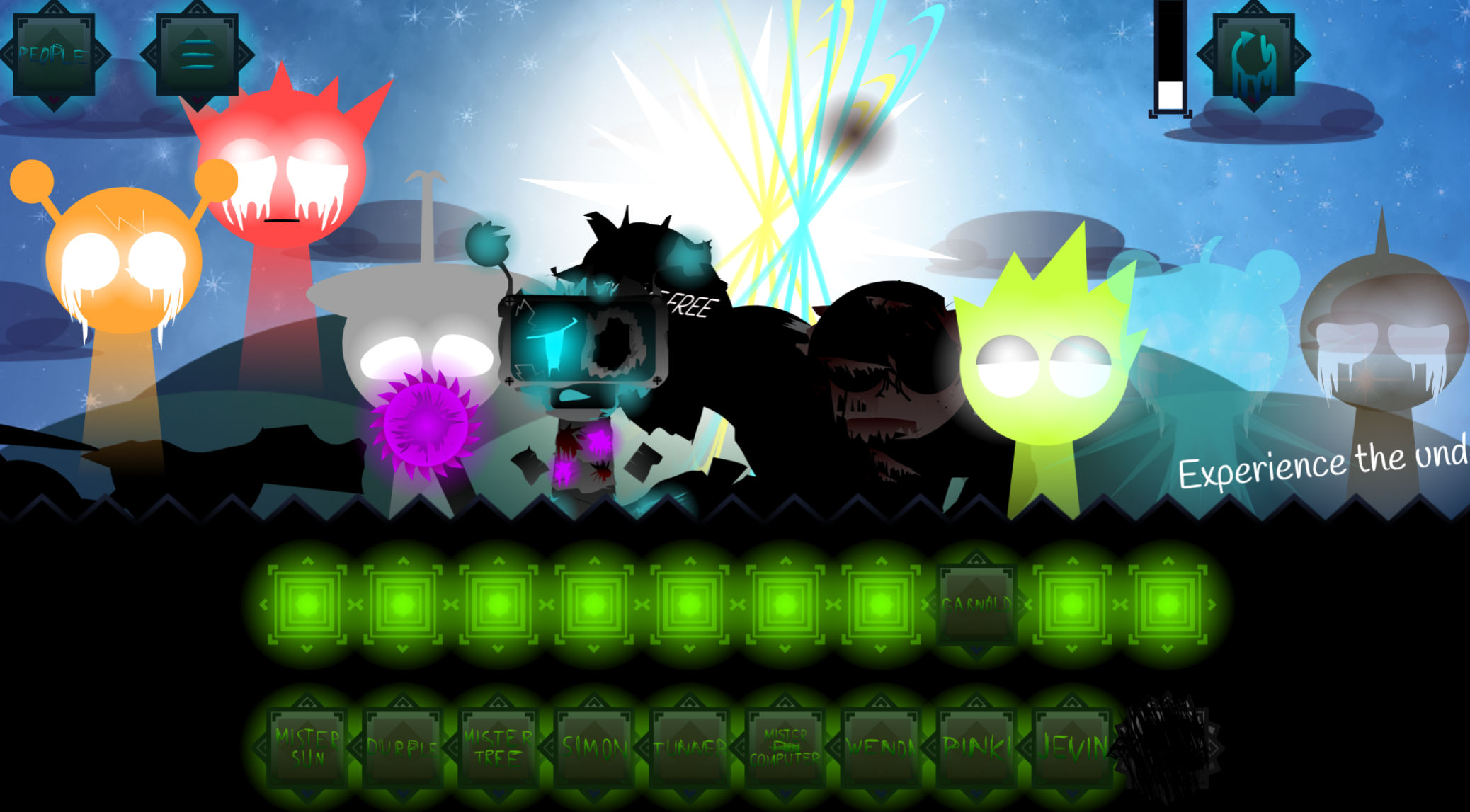
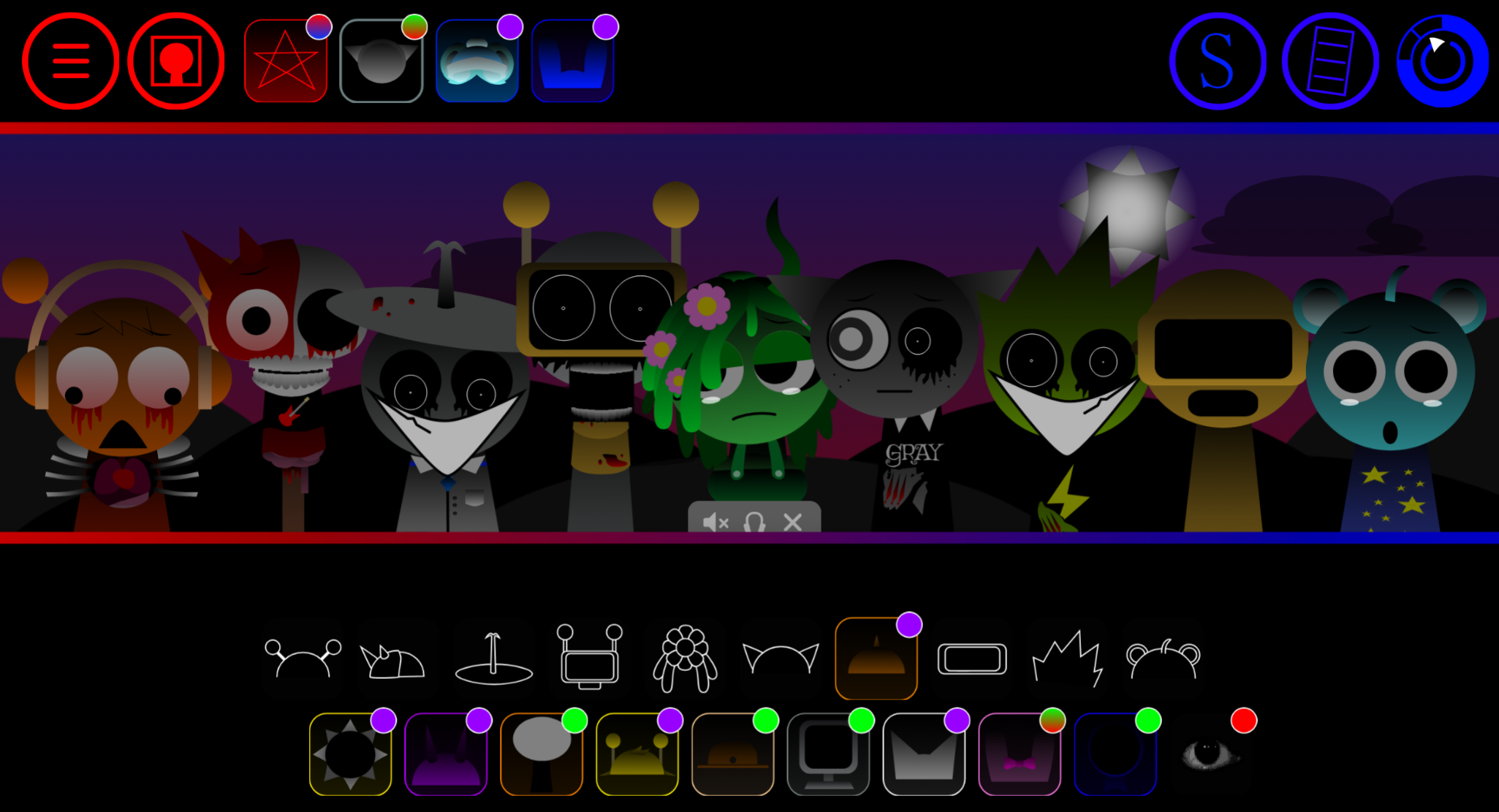
Sprunki Phase 29 is a fan-made mod in the Sprunki series that builds on the music-mixing gameplay established in earlier phases.
Players open the game, select characters to layer sounds, and create musical compositions by dragging avatars onto the stage. This article covers the most practical gameplay details: how to run Phase 29, which mechanics carry over from previous phases, and what new sound combinations or visual elements players can expect when they start mixing.
The focus here is on clear, play-focused answers—what you need to know to jump in, experiment with the interface, and understand how Phase 29 fits into the broader Sprunki sequence without speculation about unconfirmed features or lore.
What Is Sprunki Phase 29?
Sprunki Phase 29 is an unofficial, community-created entry in the Sprunki Phase series—a collection of fan-made music-mixing games inspired by Incredibox. It follows the core Sprunki format: selecting characters or icons to trigger loops, beats, melodies, and effects, letting you layer sounds into compositions. Phase 29 is part of a loose numbering system seen across fan builds like Sprunki Phase 102, Phase 14 REMASTERED, and Phase 155.
Because these phases are community-driven and often reposted or modified, the exact features of Phase 29 depend on the specific hosted version you play. There is no single centralized source or official release. Phases typically differ in visual themes, character designs, sound sets, and tone—ranging from lighthearted to horror-influenced. To understand what Phase 29 actually offers, focus on the game page you open: the playable format, visible controls, sound library, character roster, and any creator credit listed.
How to Play Sprunki Phase 29
Sprunki Phase 29 typically runs directly in your browser. Open the game page, select Run to load the build, and start interacting with the character or sound icons to create layered music.
Basic controls:
- Run – starts the game
- Pause – stops playback so you can study the layout
- Full screen – expands the view for easier visibility
- Display settings (if available) – options like Fixed, Cover, or Center top adjust how the game scales or positions on your screen
These display settings are layout preferences, not core mechanics. Use them to improve clarity, especially if character placement or interface elements are hard to read at default size.
Tips and Strategies
- Use full screen. A larger view makes character icons, timing cues, and visual changes easier to follow.
- Pause before experimenting. If the phase has unclear sequencing or overlapping sounds, pausing lets you study the setup before adding more layers.
- Adjust display settings. Try Cover or Center top if the default layout crops elements or leaves too much blank space.
- Compare with other phases. If you’ve played earlier Sprunki phases, notice how Phase 29 handles pacing, visual style, or sound variety. This helps you adapt faster, though each version may differ.
- Trust the current build Because Phase 29 may vary between hosting sites, rely on the visible controls and in-game behavior rather than secondhand descriptions.
Related Games
- Sprunki Definitive Phase 9 Fan Made — This is the strongest follow-up because it is another fan-made Sprunki “phase” build, making it useful for comparing how unofficial phase entries reinterpret characters, sounds, and presentation.
- Sprunki Simplified Phase 2 All Character — Its phase-based structure and all-character focus make it a practical comparison point for readers interested in how Sprunki gameplay changes across numbered versions.
- Sprunki Swapped Version Port Remix — This remix-style entry fits the article’s angle on fan variations by showing how Sprunki mods can alter familiar roles and audio-visual combinations without relying on a fixed official canon.
Why Play Sprunki Phase 29?
Sprunki Phase 29 is worth trying if you’re exploring the Sprunki Phase series and want to see how this version handles character design, sound layering, and thematic presentation. Its value is comparative—you can assess how it differs from other numbered phases in tone, mechanics, or visual treatment.
It’s also low-friction if the hosting page offers simple browser controls like Run, Pause, and Full screen, letting you test it without installation. Just verify features directly from the version you play rather than relying on generalized claims about the phase.
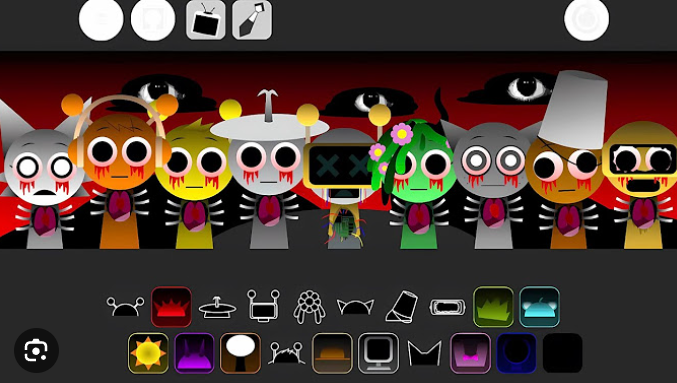
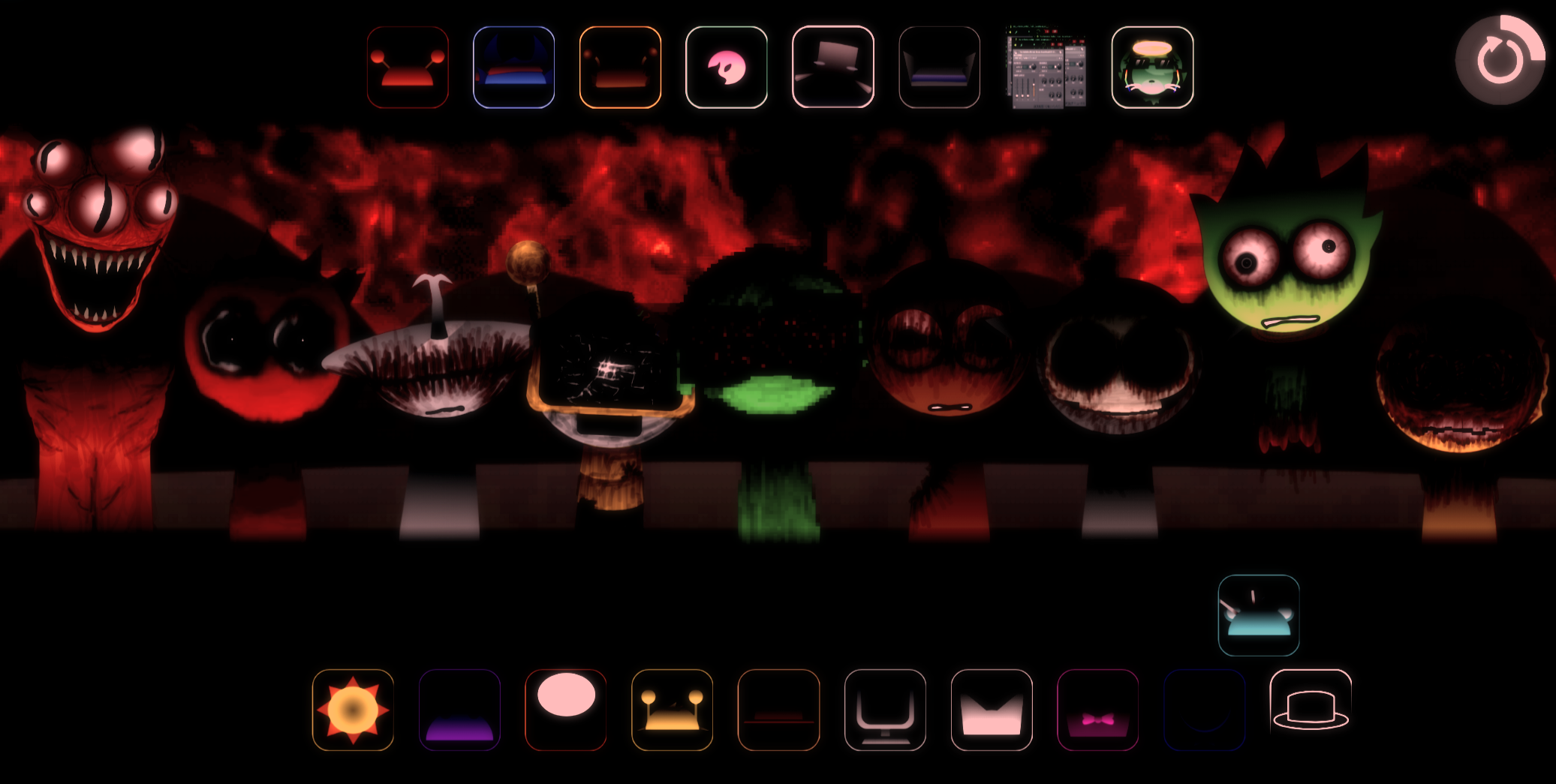
Discuss Sprunki