
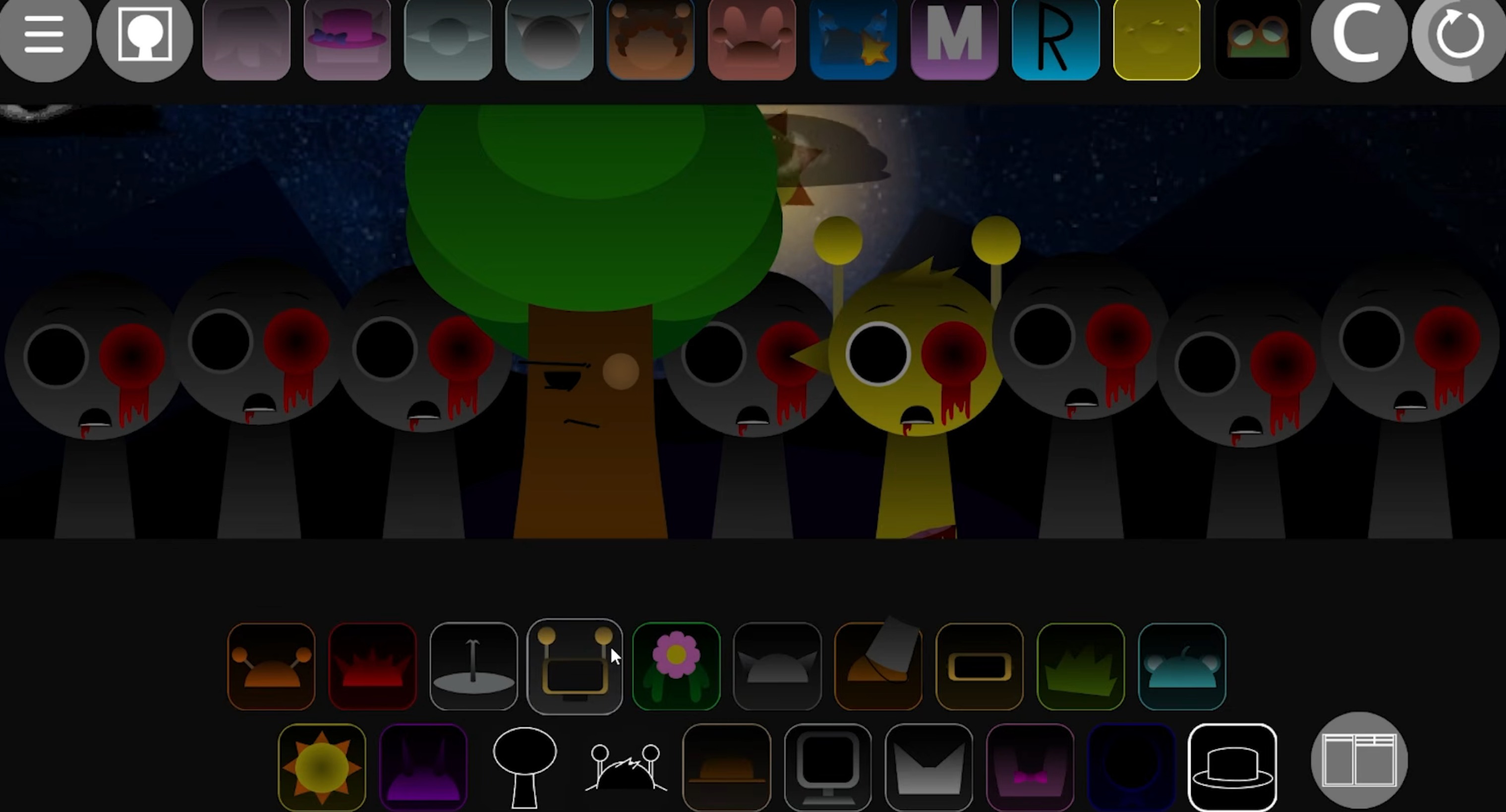



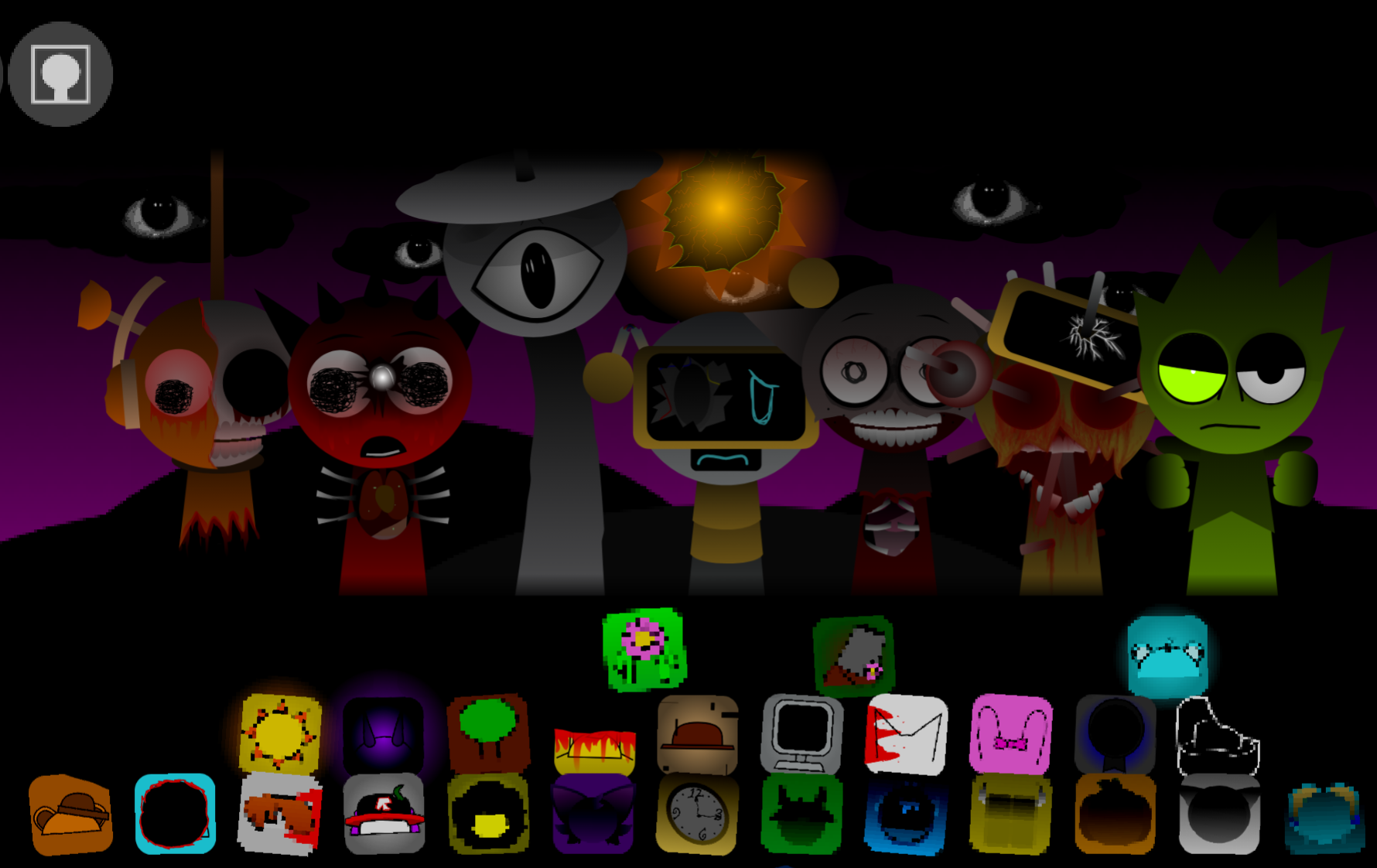
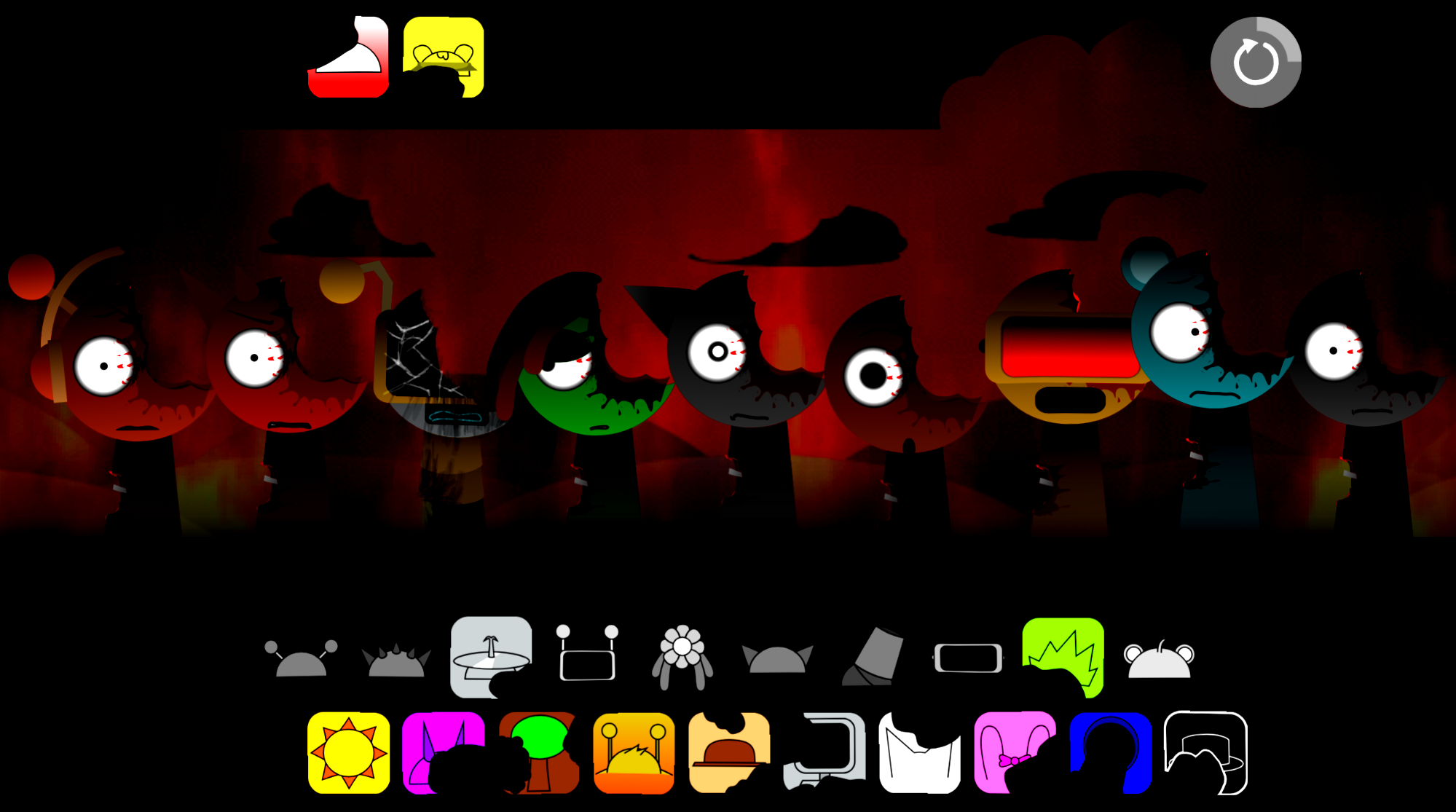
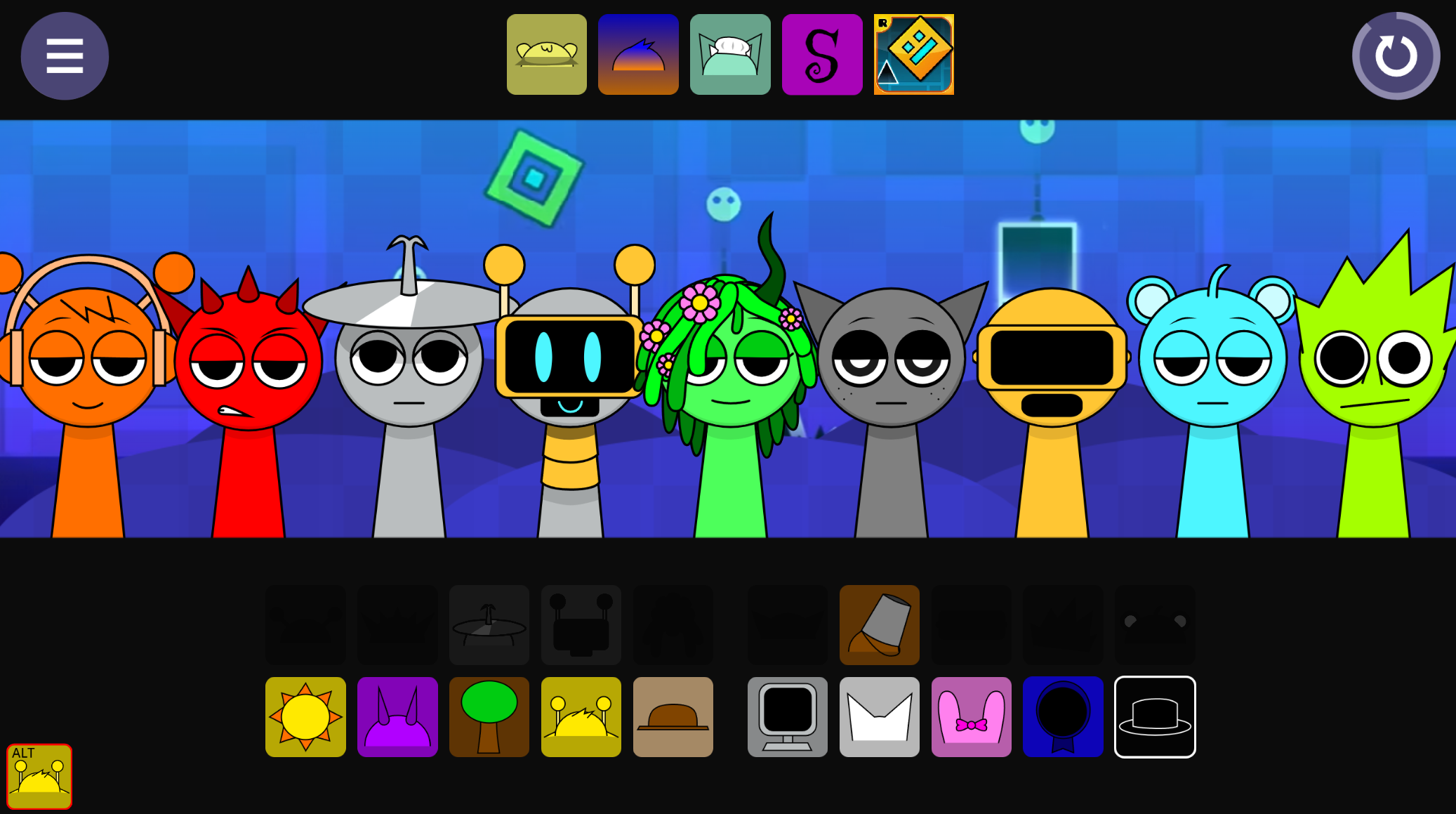
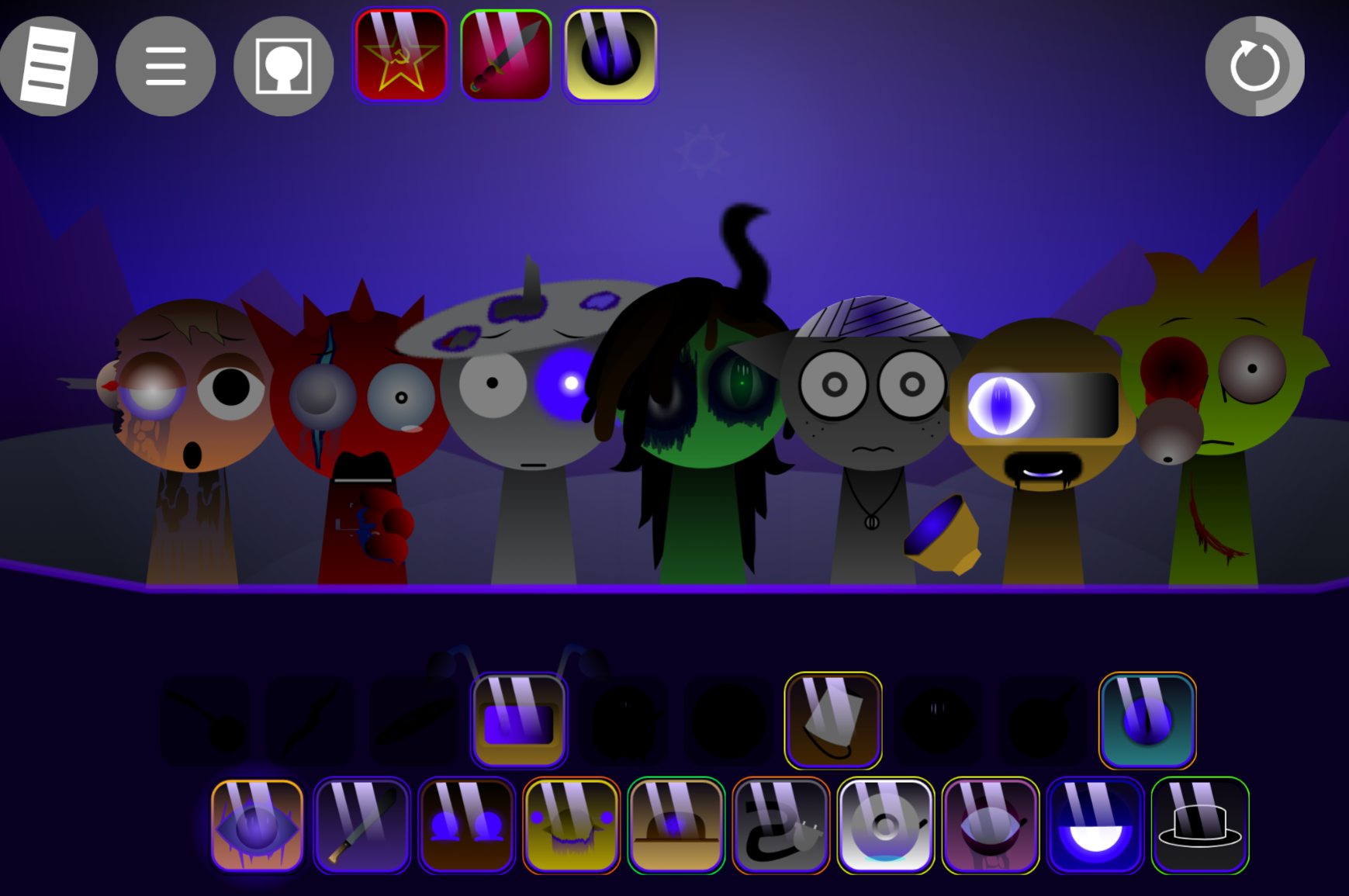
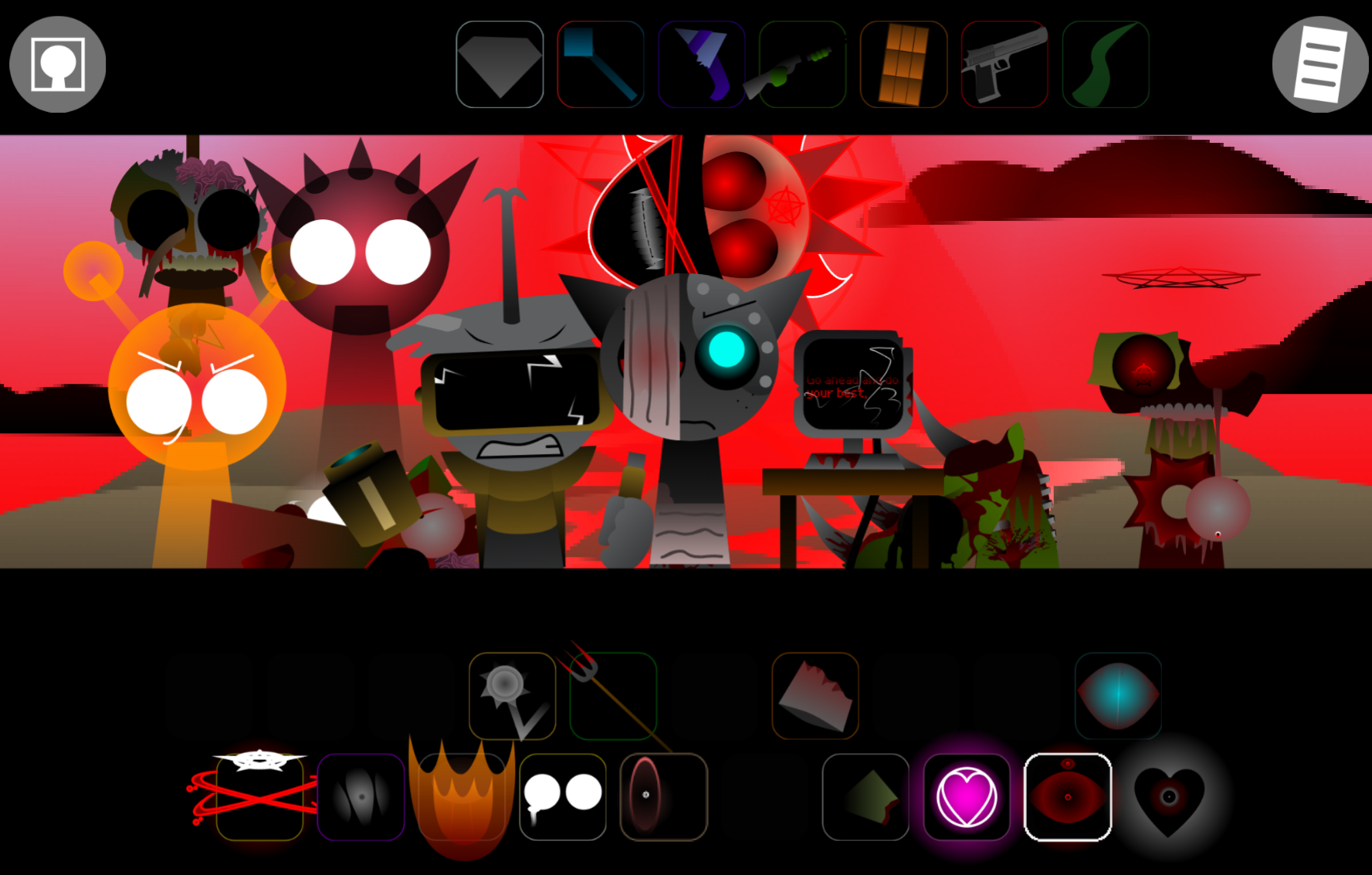
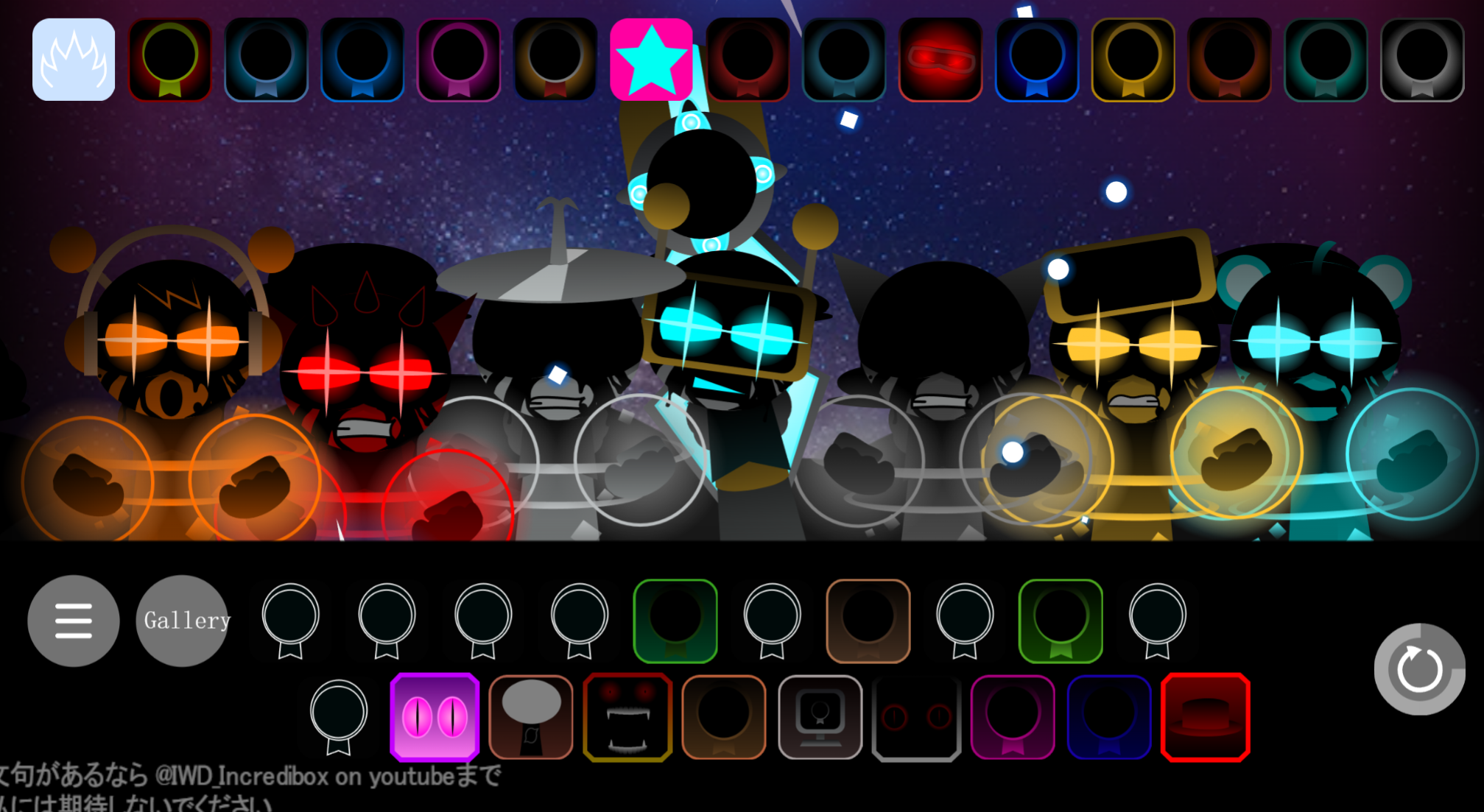
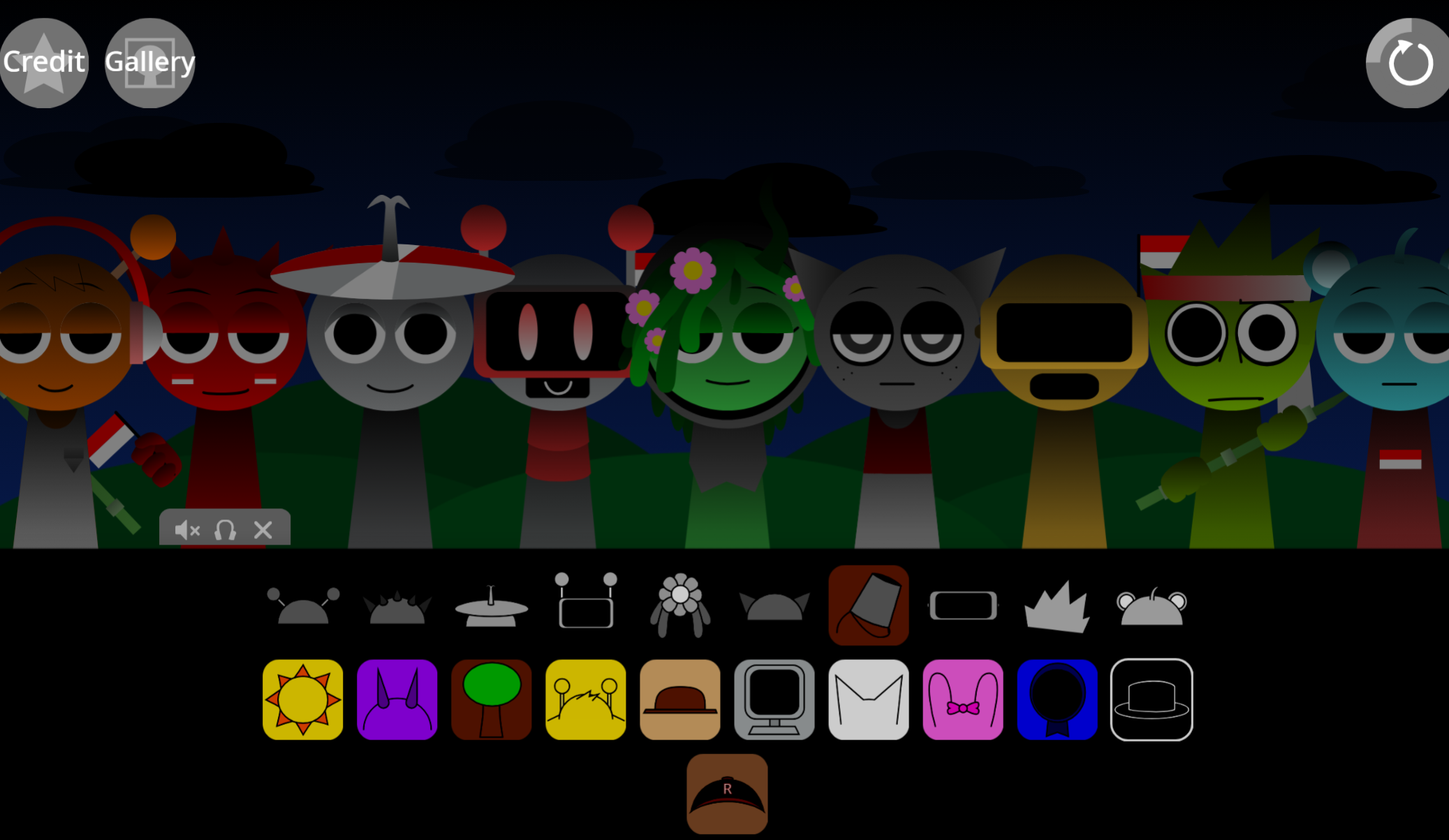
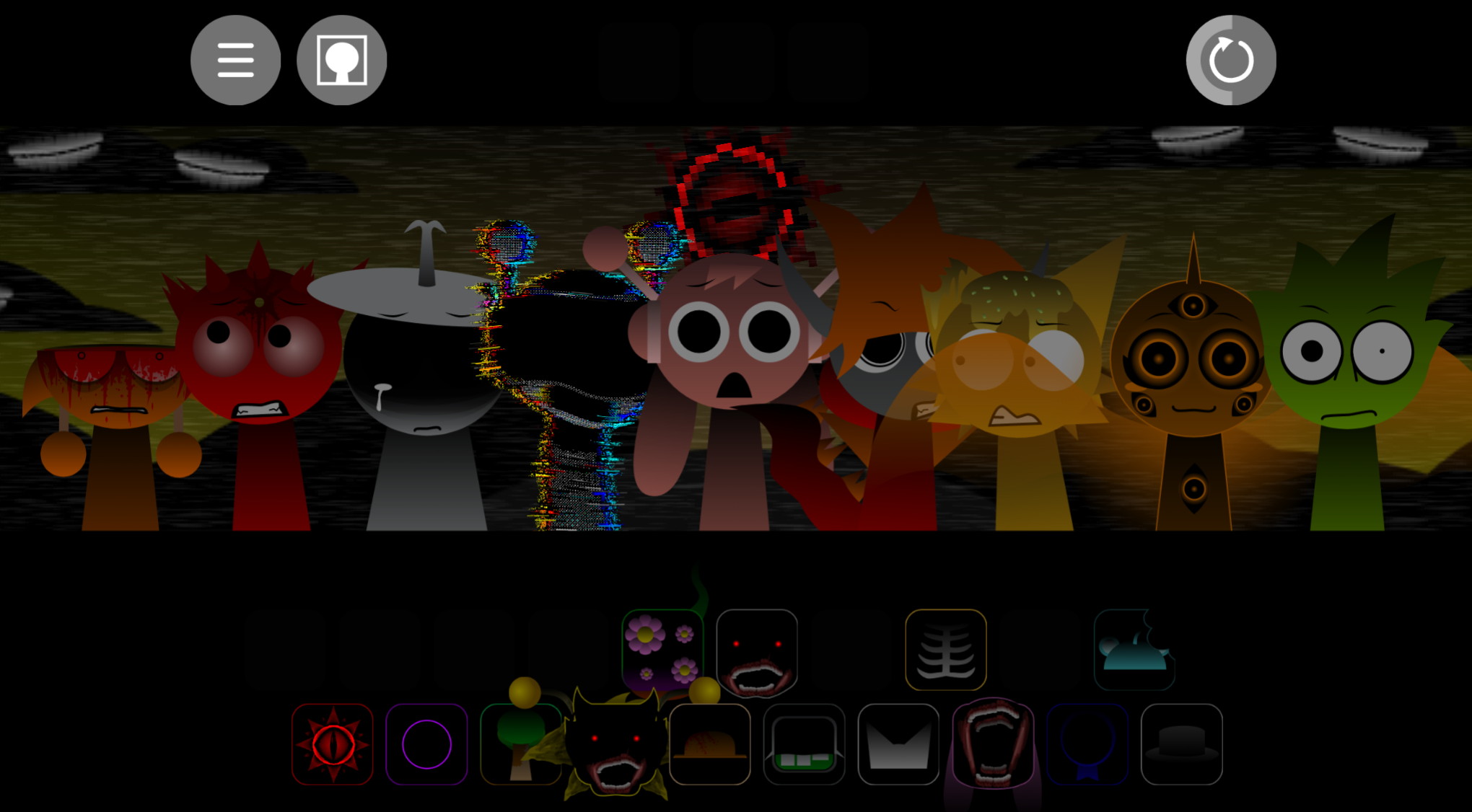
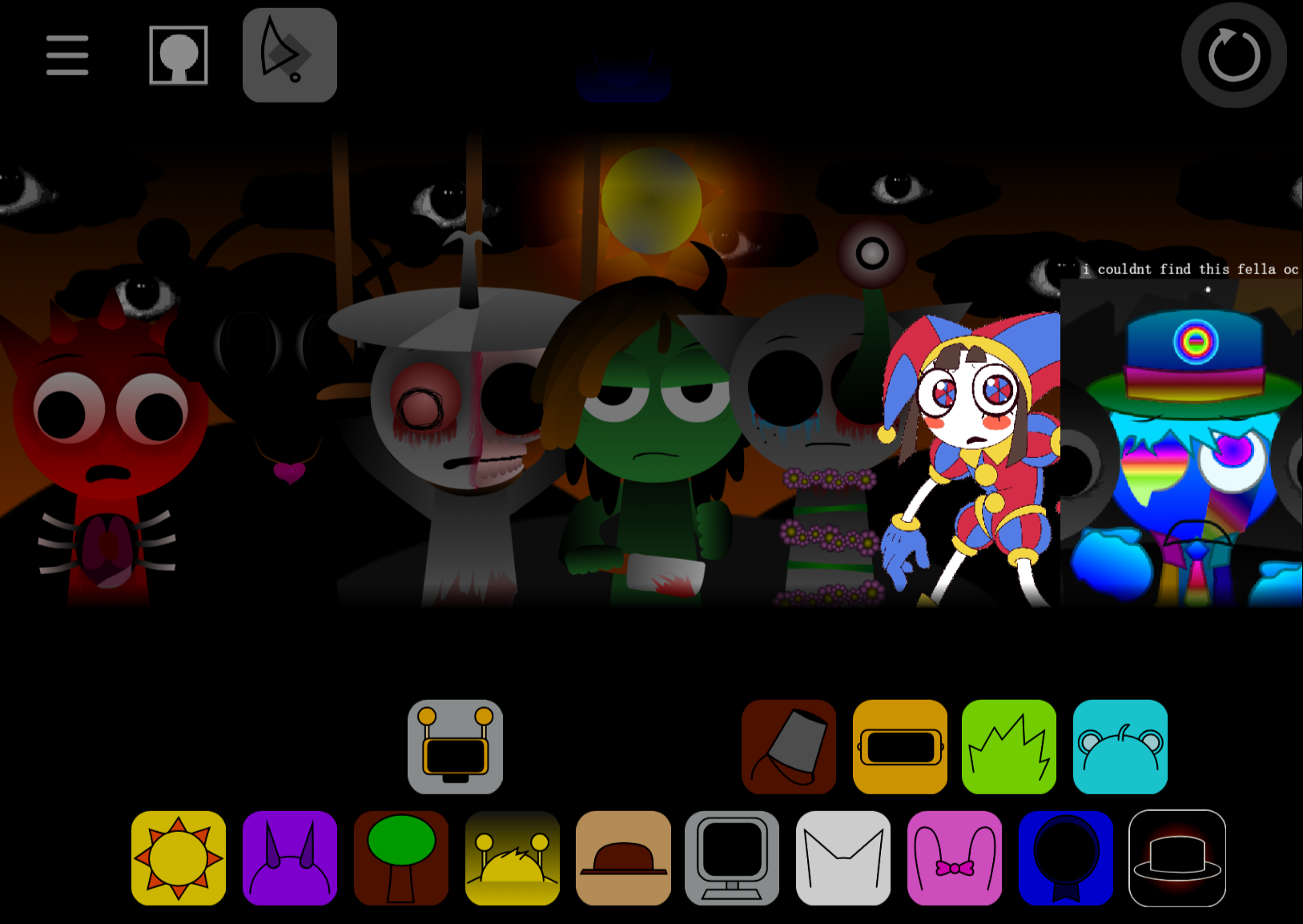
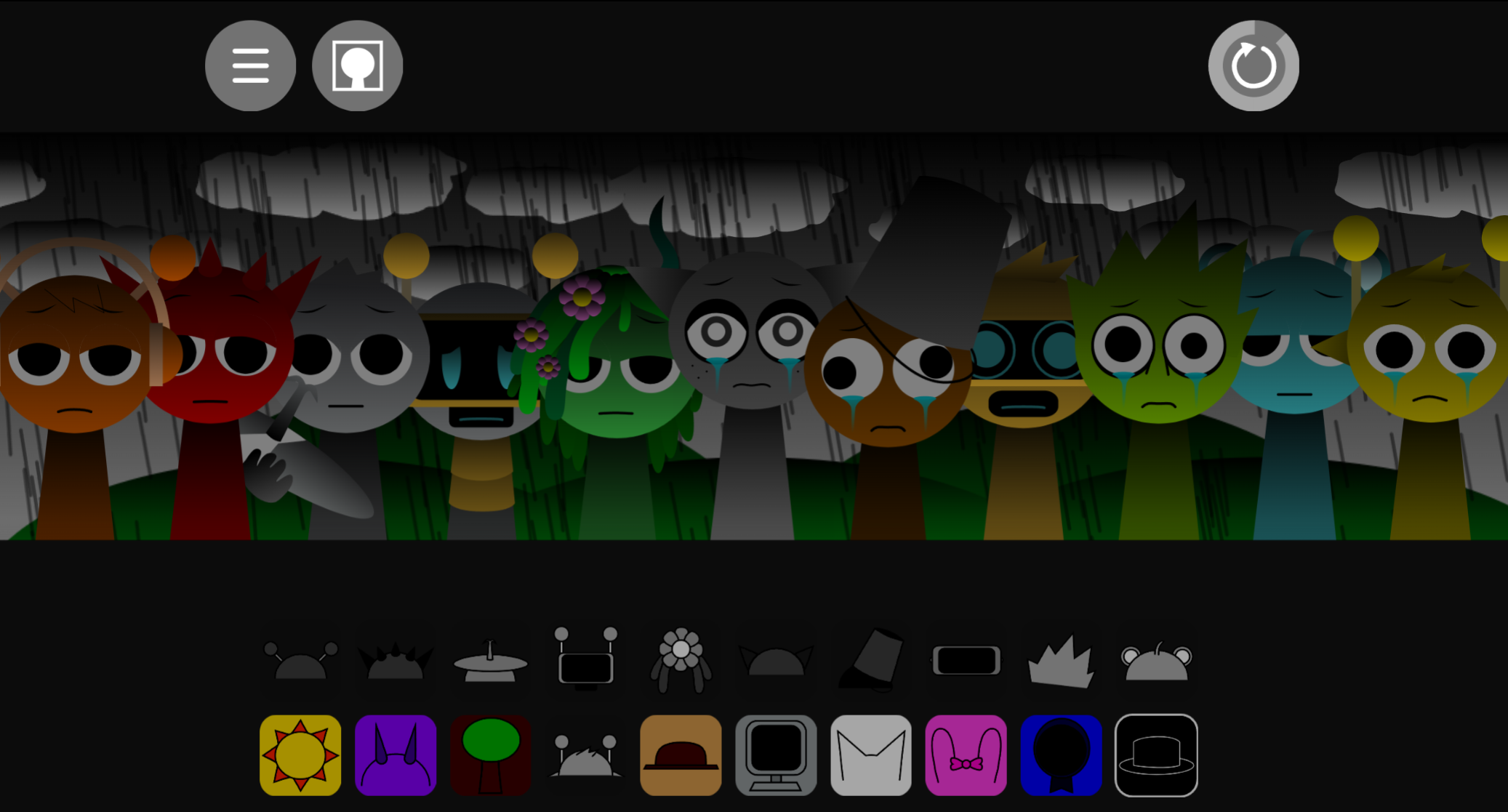
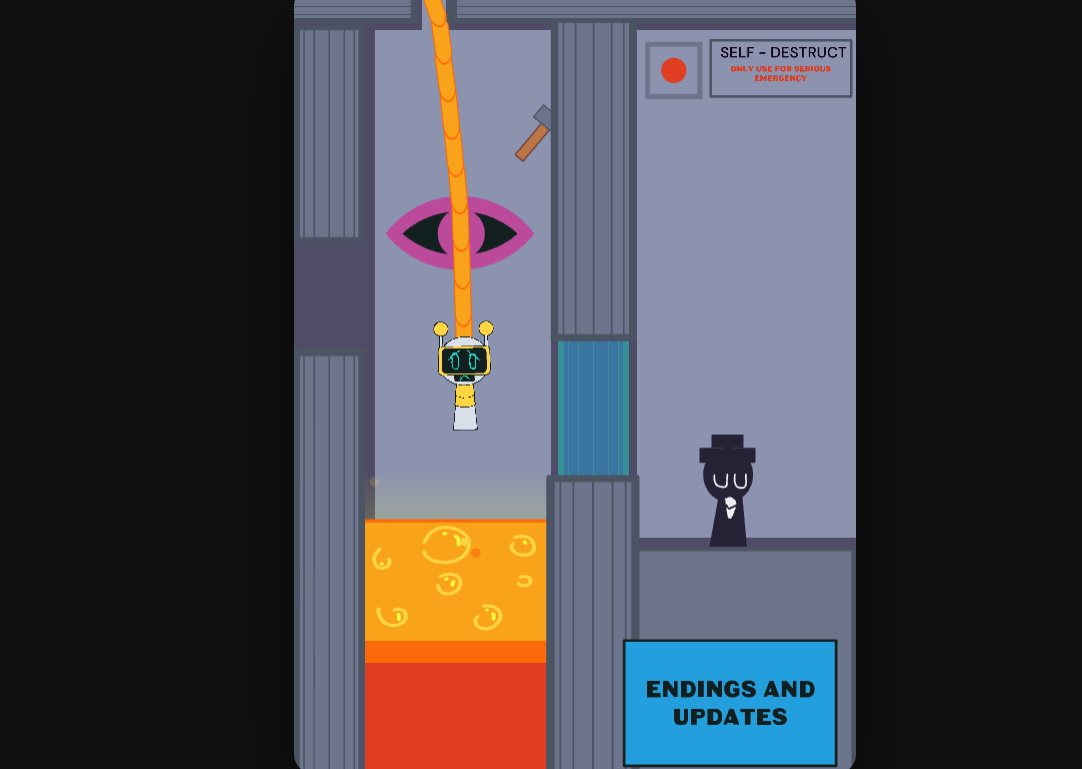
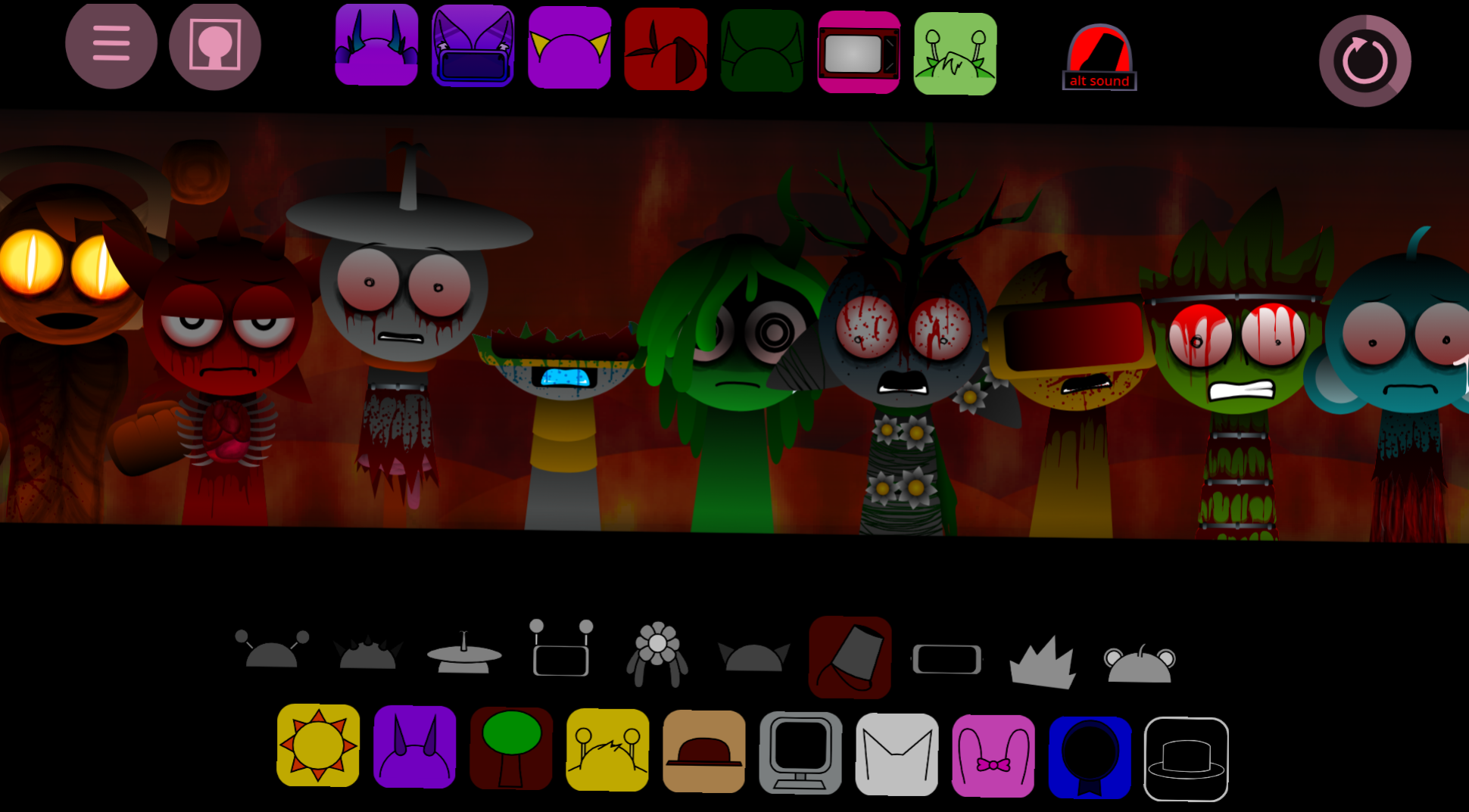
Sprunki Aria Treatment is a fan-made horror mod that transforms the entire Sprunki roster through Aria’s spreading madness.
This article covers the core gameplay loop, how the infection system works, which characters change first, and the practical steps to access and play the mod.
Sprunki Aria Treatment
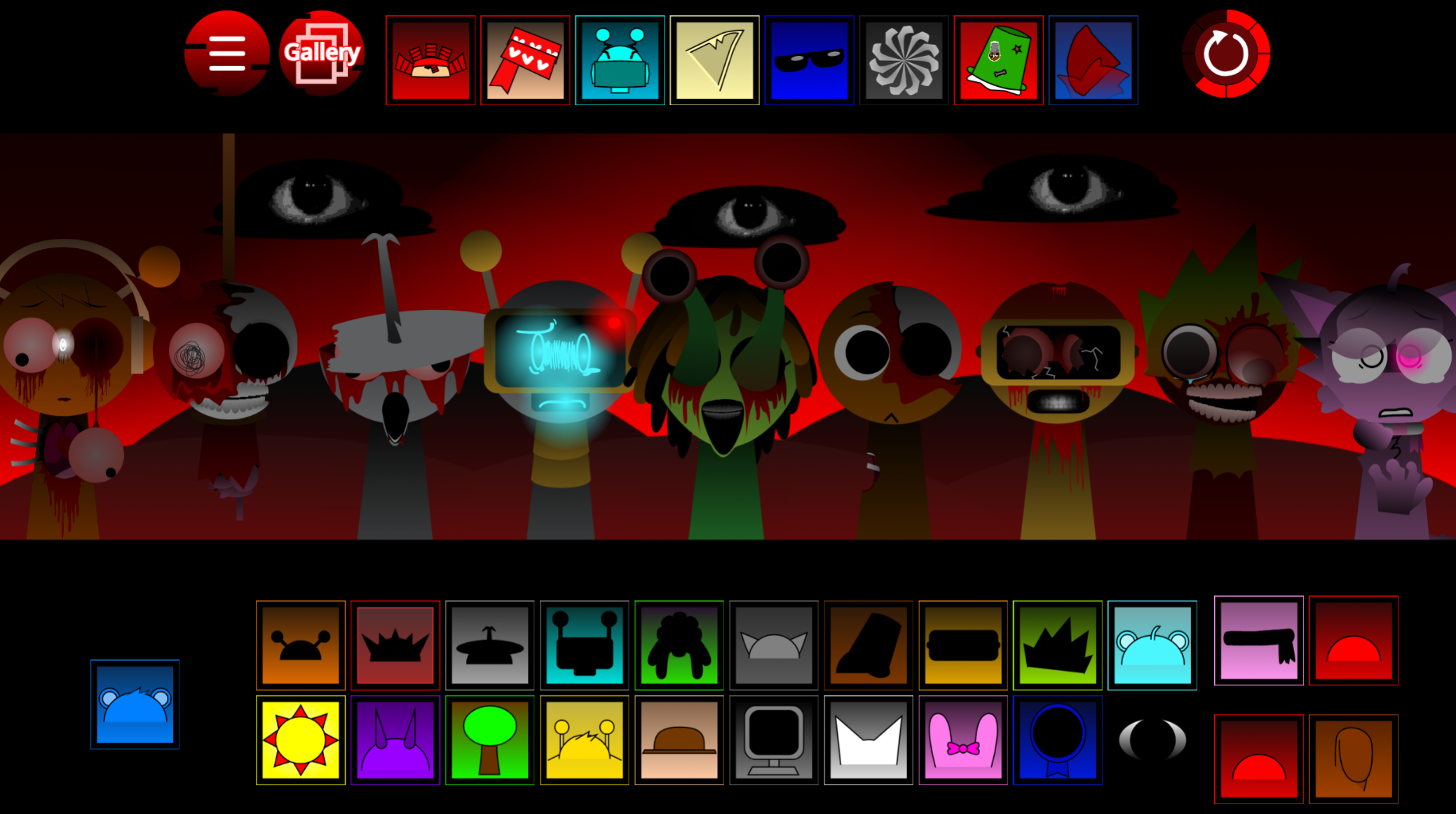
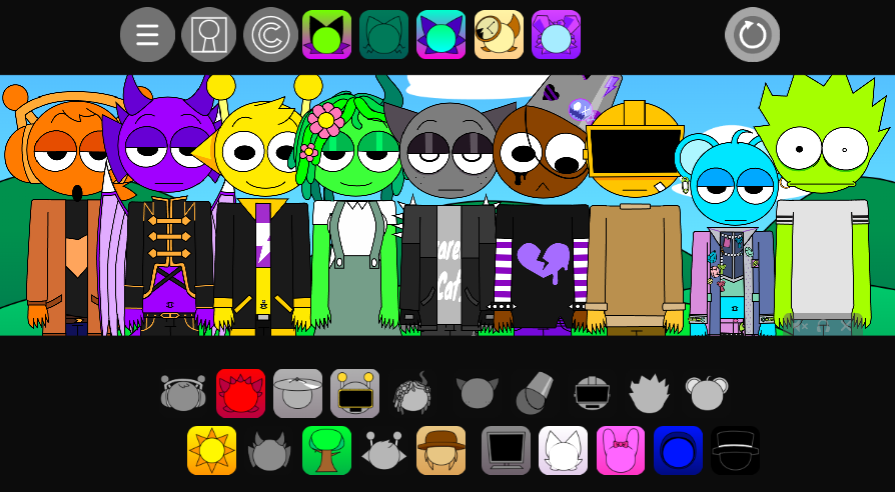
Sprunki Aria Treatment is a fan-made horror mod where Aria’s madness infects the entire roster. Open it in your browser and use the drag-and-drop system to build tracks. Pick sound icons, place them on characters, and layer beats, vocals, melodies, and erie effects. Aria’s Treatment twists the soundboard into something darker and glitchier as you add more loops.
Start with one rhythm or base loop, listen to how it changes the mood, then add vocals and effects around it. The horror style shows through distorted animations, heavy beats, glitch vocals, and tense atmosphere.
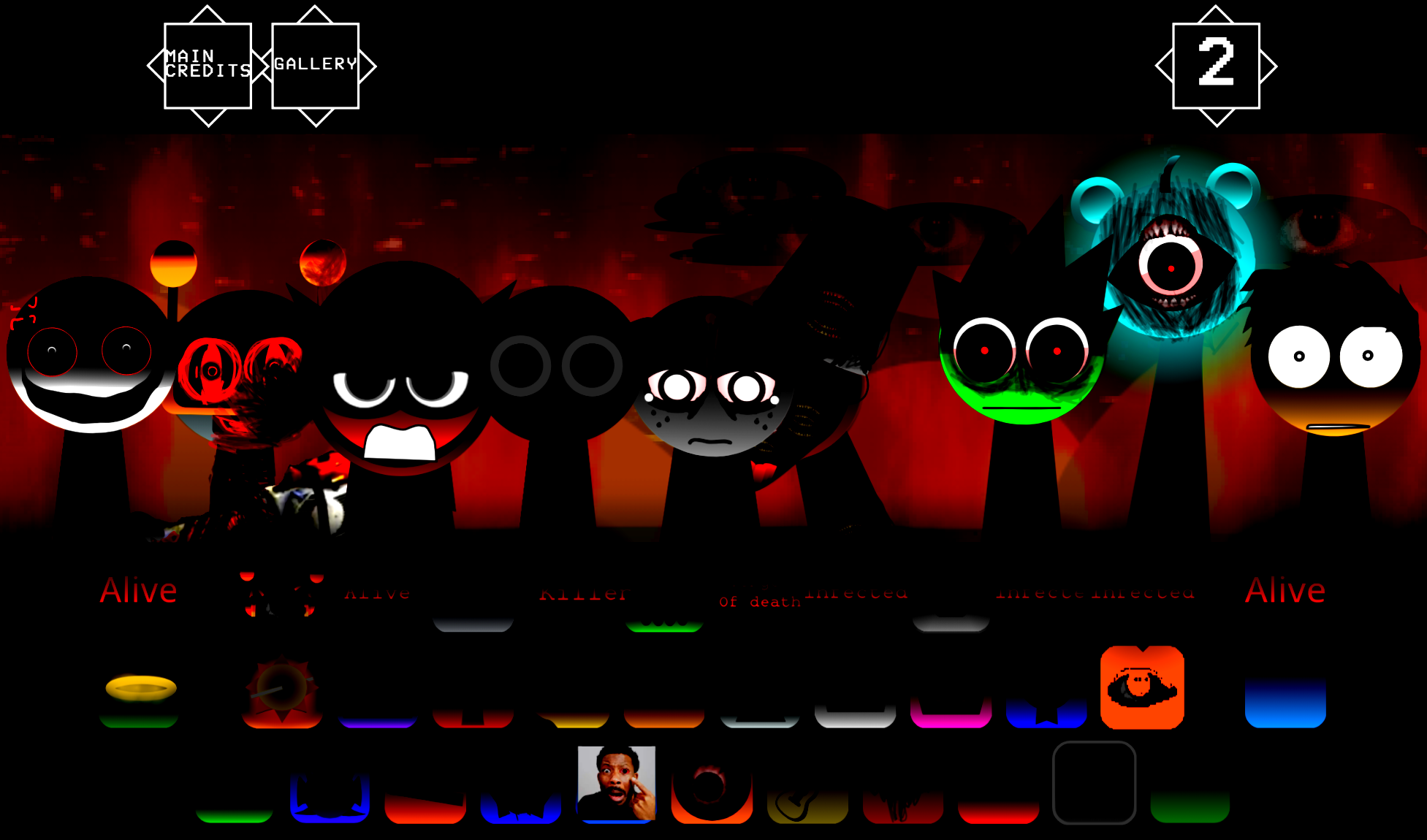
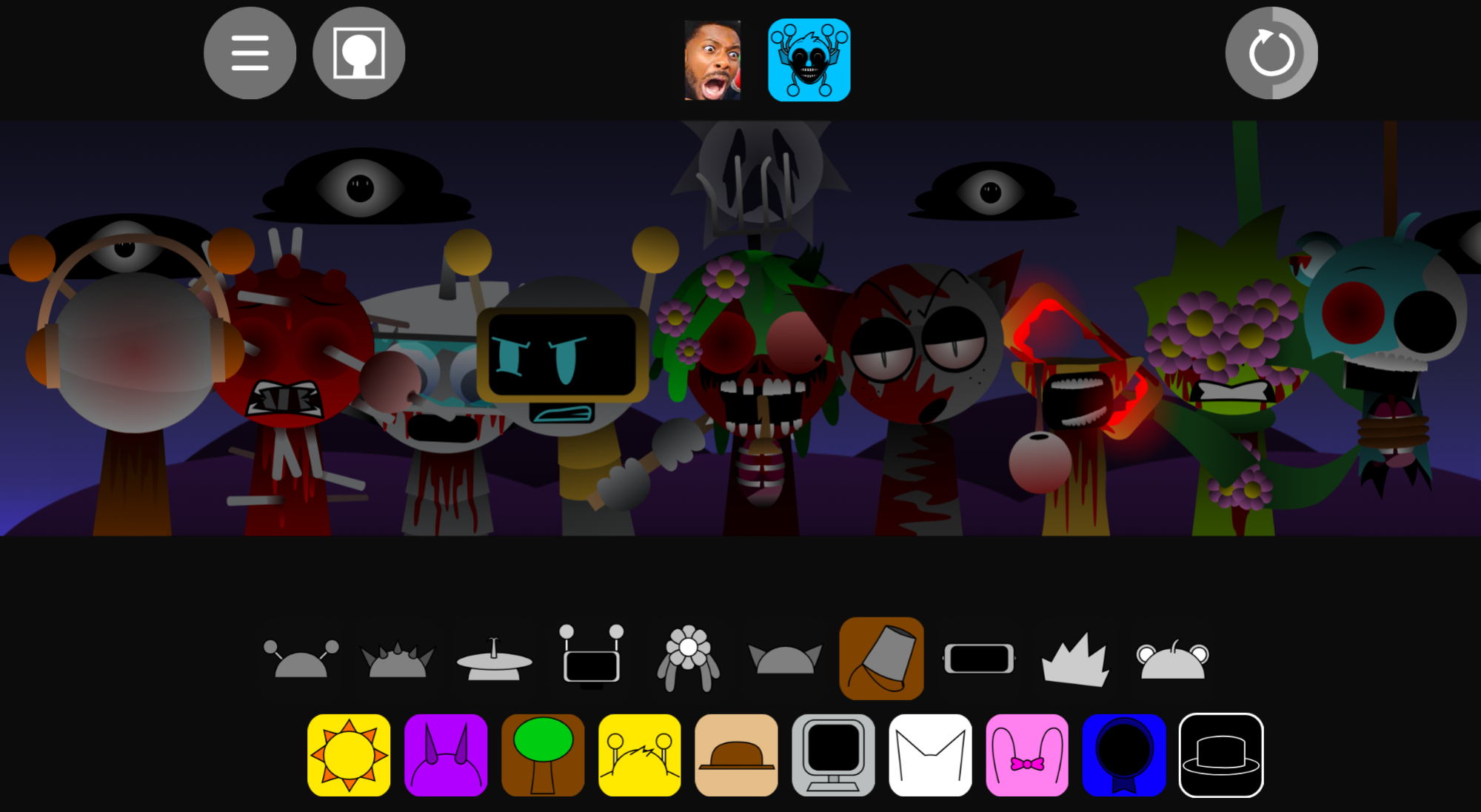
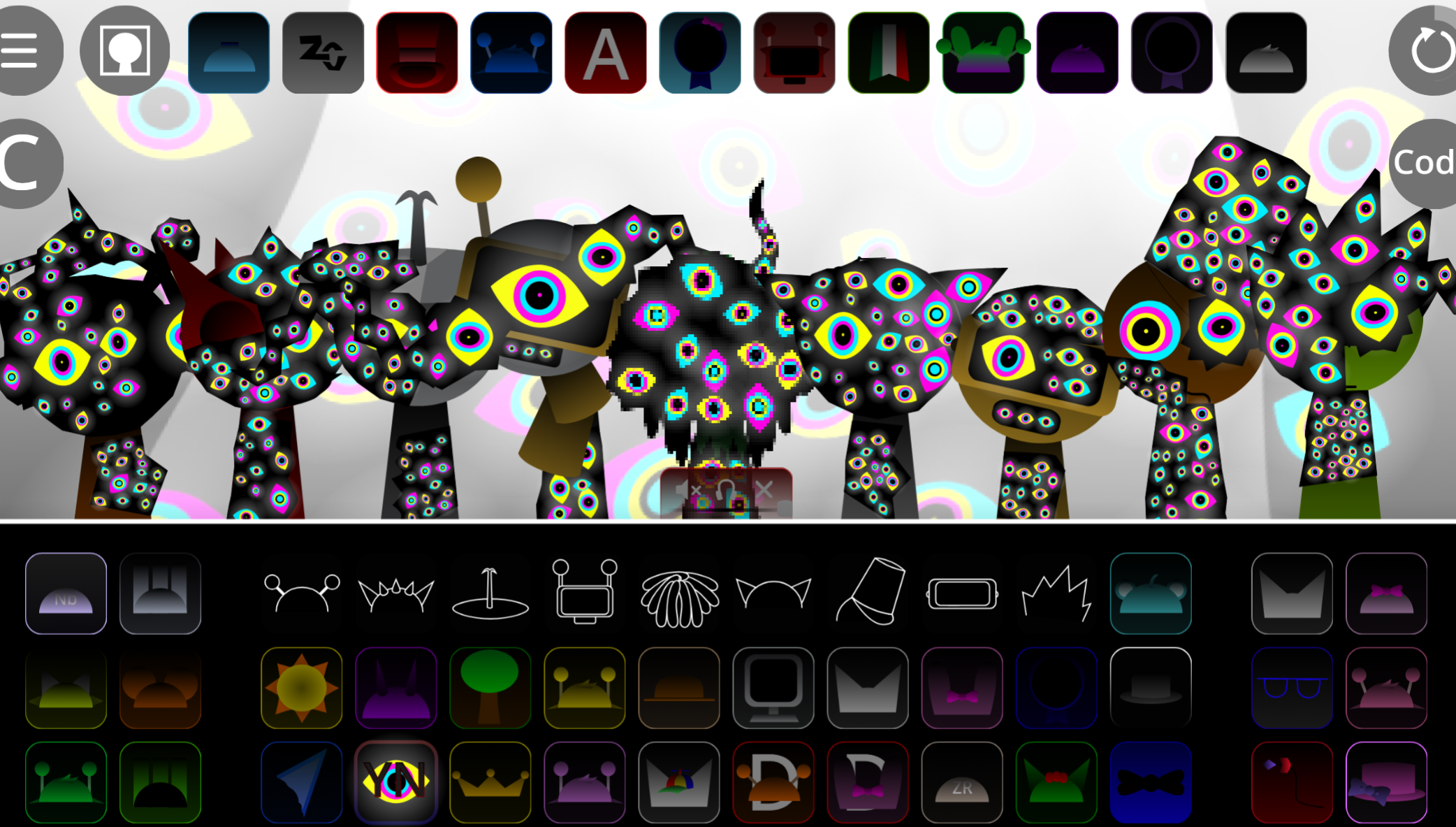
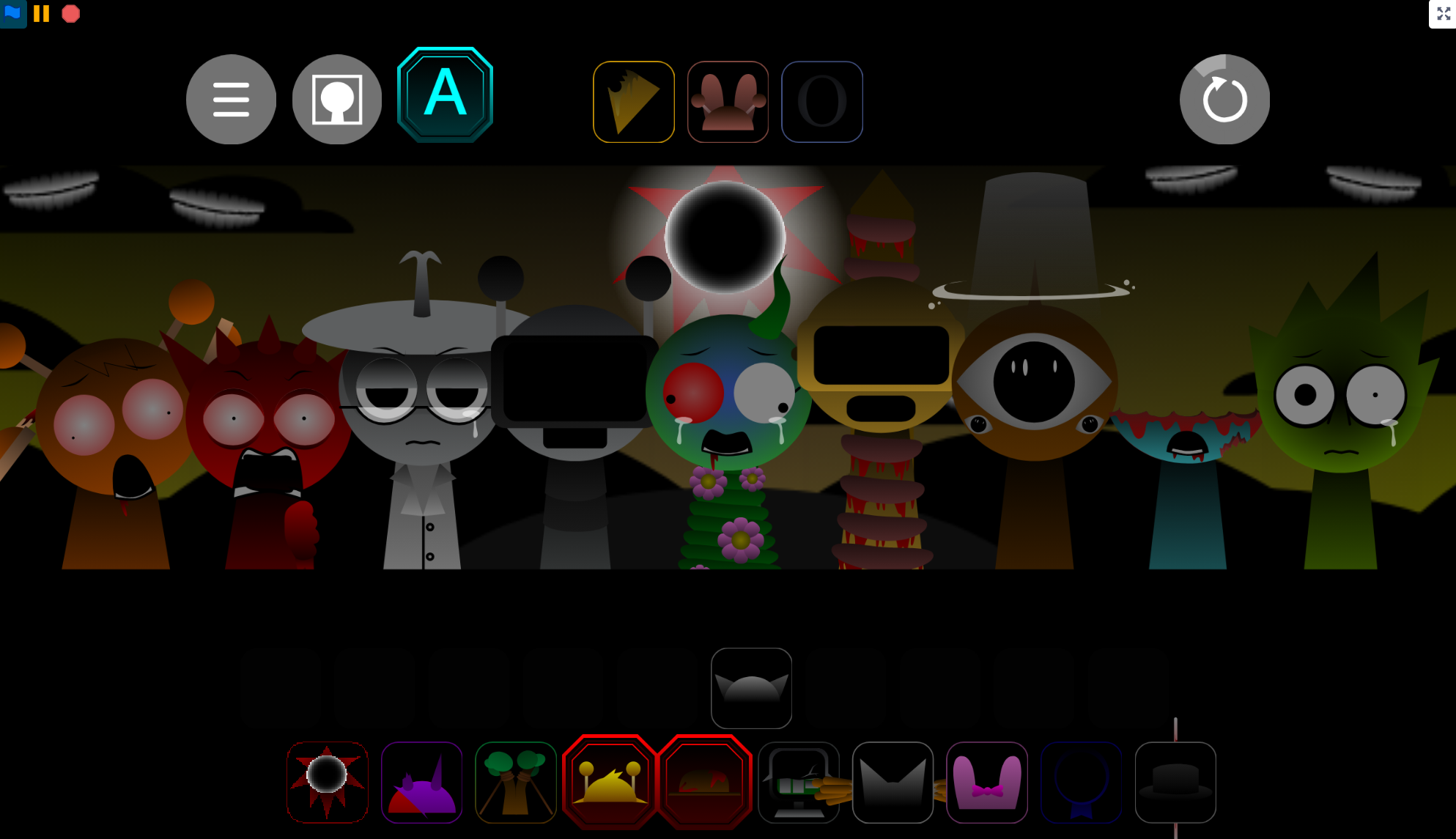
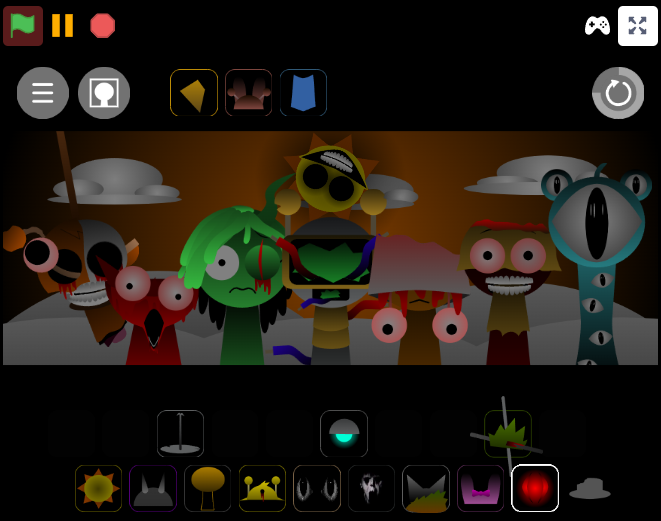
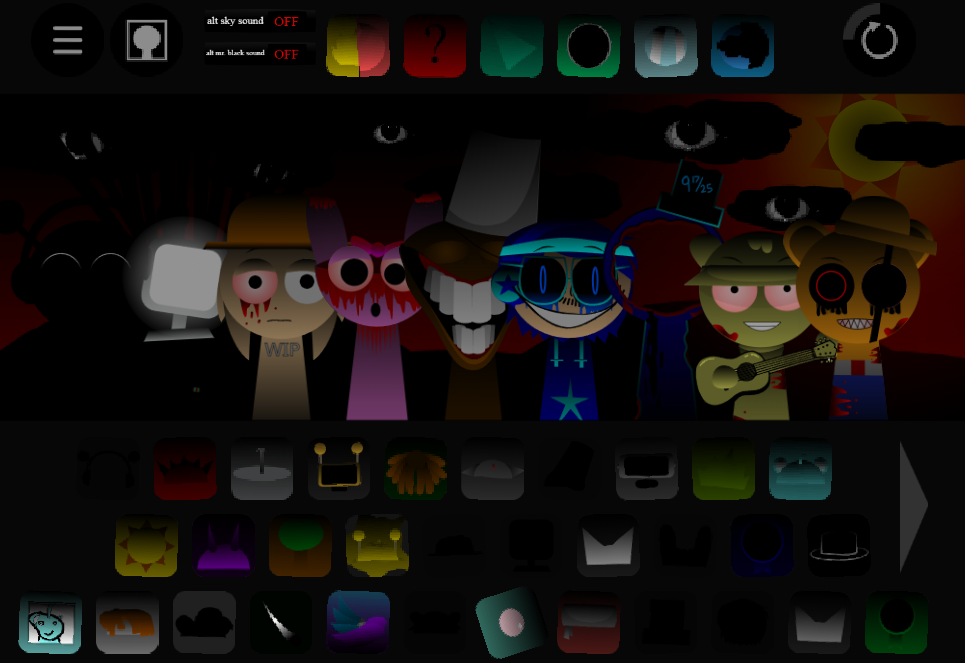
If your version includes Horror Mode, trigger it by placing the black hat or corrupted icon on a character. The lighting drops, the stage darkens, and characters shift into corrupted Aria-style forms. Play the browser version on Gosprunki.com, test combinations, and rebuild your mix as the board becomes more unstable.
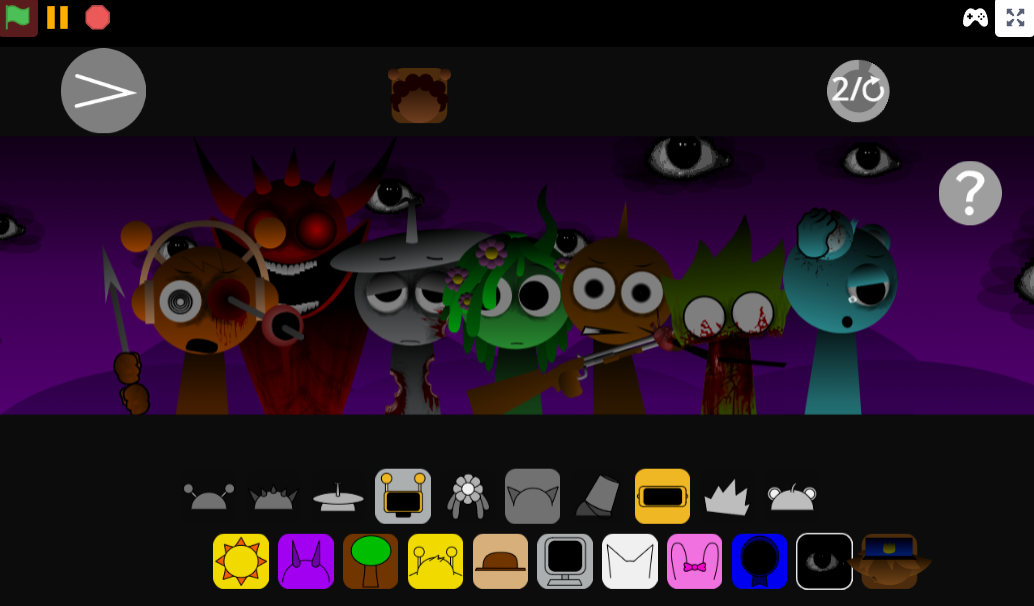
This mod introduces a full-scale treatment where one character’s nightmare spreads to everyone. The creators built it to show what happens when Aria’s specific madness takes over the entire soundboard. Visually, the mod features distinct designs for Phase 1 and Phase 2, showing the progression. The art style captures the unsettling vibe of the original Sprunki universe, which was taken down on Scratch for its blood and gore. Character animations twitch and distort as you add more layers.
The mod was built using a template by Muhammadcarlyt. The development team, led by Gloopz, worked to make the transition into the horror phase feel as crepy as possible. Community response has been strong, with players like MrSunSprunkiShow praising the music and others calling the beats sick.
This fits into the wider Sprunki ecosystem as a specialized treatment variant, similar to Sprunki Skiyak Treatment Official or Sprunki Pinki Eye Treatment Phase 5. Fans of horror phases will appreciate the dark aesthetic, though players who prefer the cute, upbeat style might find the gore intense. Because this is fan-made, some sound combinations can get chaotic if you crowd the board too quickly.
How to Play Sprunki Aria Treatment
Pick your sounds
Choose icons from the sound library. Each icon connects to a character and adds its own loop.
Drag and drop into the mix
Place icons on characters to layer beats, voices, melodies, and horror effects. As loops stack, the track can become intense or muddy.
Experiment with combinations
Swap characters to hear how different loops react under Aria’s influence. Some combinations stay rhythmic, others push into distorted horror.
Adjust or reset
If the board gets too crowded, remove layers and rebuild. Save or share your track when the mix sounds right.
Mixing Tips
Good Mixing in Sprunki Aria Treatment is about control. Add one element, listen for its role, then decide whether the track needs another layer.
Start with a steady beat so the mix has an anchor. Add vocals, glitch effects, and darker loops around it. If Aria’s influence makes the sound too chaotic, pull pieces off and rebuild instead of forcing more noise onto the stage.
The strongest mixes come from deliberate changes: one loop for structure, one for atmosphere, one for tension, one for disruption. Spamming every slot creates instant chaos, but careful layering makes the horror mood hit harder.
How Do You Keep the Board Under Control?
There is no confirmed fixed survival system for this fan release, but these Tips help manage the board:
- Start with a small base loop. Add one rhythm character first, then build around it after you hear how the beat sits.
- Build in short phases. Add one character, listen, watch the visual reaction, then decide if the board can handle more.
- Keep one safe sound active. A steady beat or cleaner loop anchors the creepy sounds when the Treatment turns glitchy.
- Test combinations instead of spamming. Browser-based Sprunki mods can feel different across devices, so simple drag-and-drop choices are easier to manage.
- Reset when the mix turns muddy. If every loop is fighting for space, remove layers and rebuild with fewer, stronger sounds.
Related Games
- Sprunki dark mode treatment — This is the closest follow-up because it uses the same treatment-style horror remix idea, turning the soundboard into a darker infected version built around creepy visual and audio changes.
- Sprunki Mr Sun Takes Over Phase 3 — It matches Aria Treatment’s character-driven takeover angle by focusing on one figure reshaping the whole phase and pushing the mix into a more intense horror direction.
- Sprunki Phase 3 Reimagined New Start — This works as a next click for players who want another horror-phase remix with familiar drag-and-drop Sprunki mixing but a refreshed presentation and mood.
Enjoy!
Discuss Sprunki