
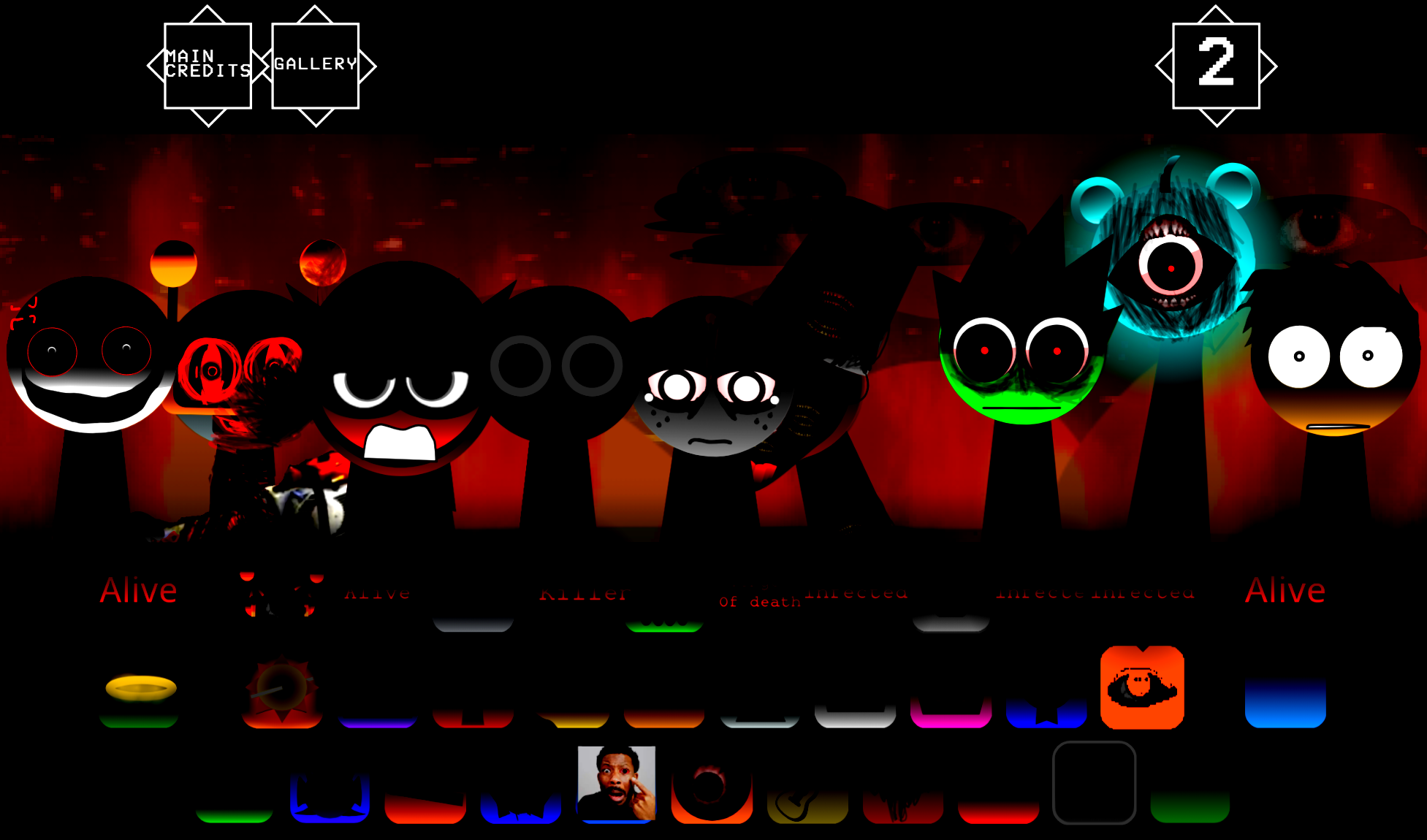



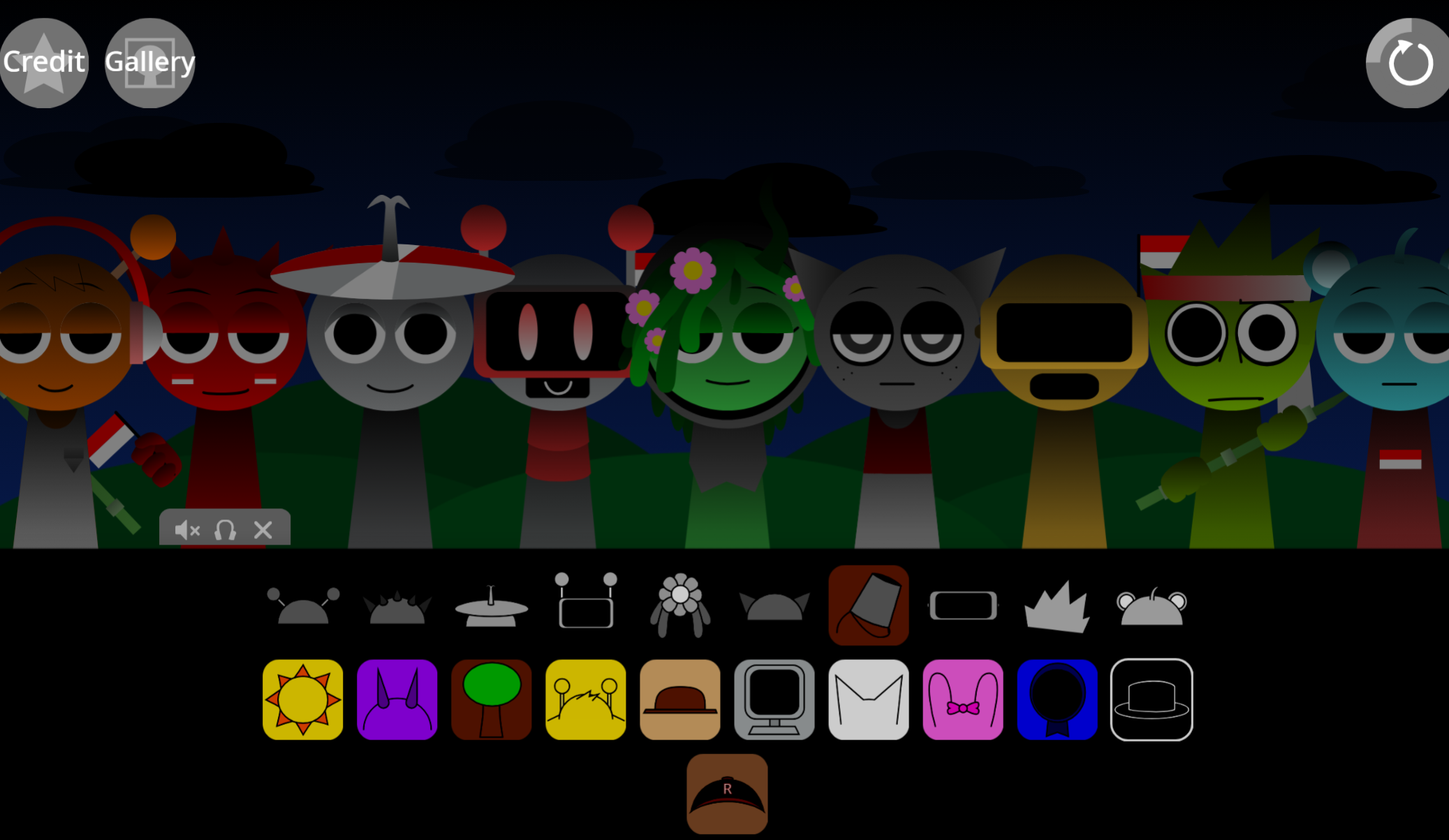
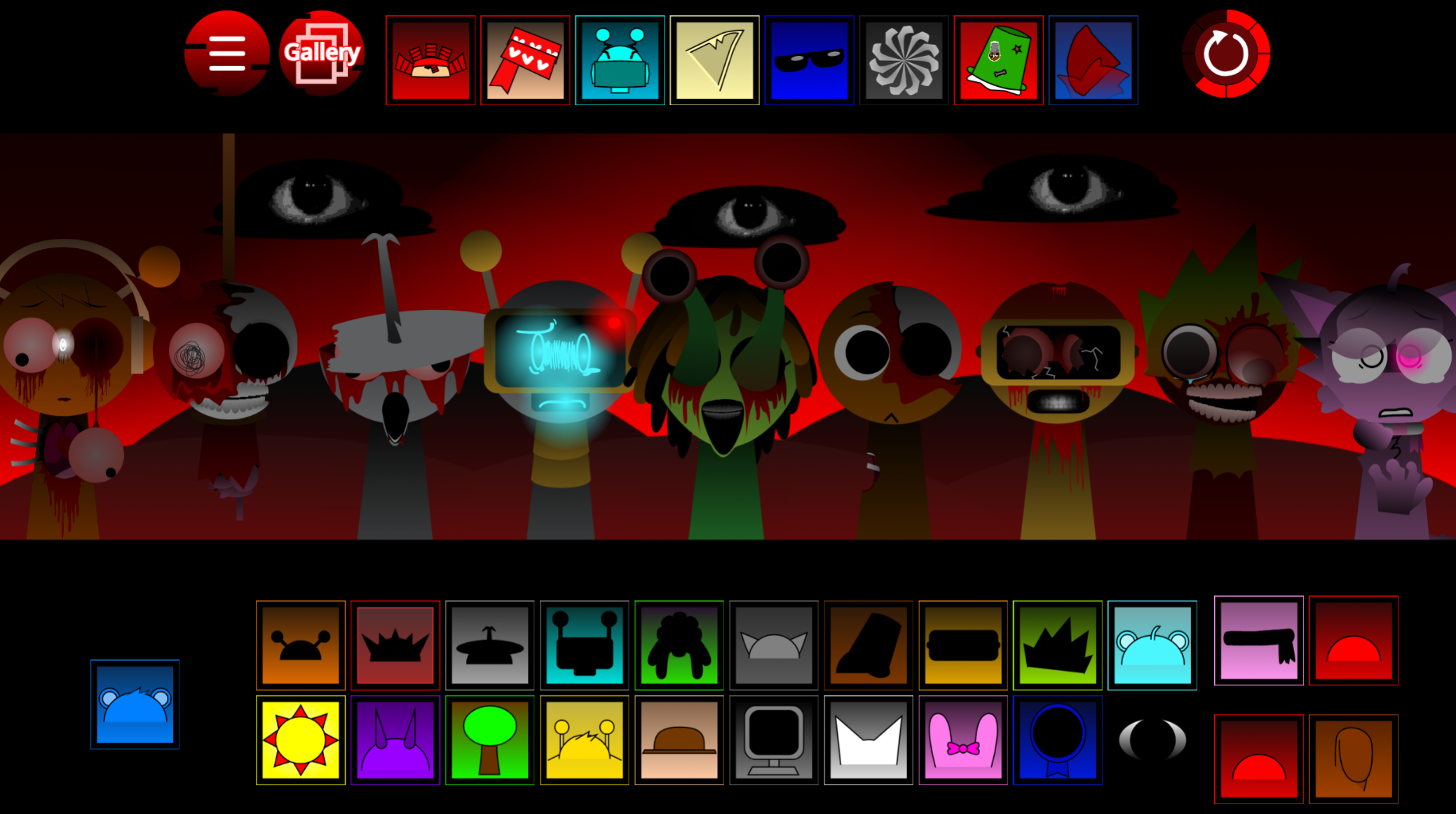
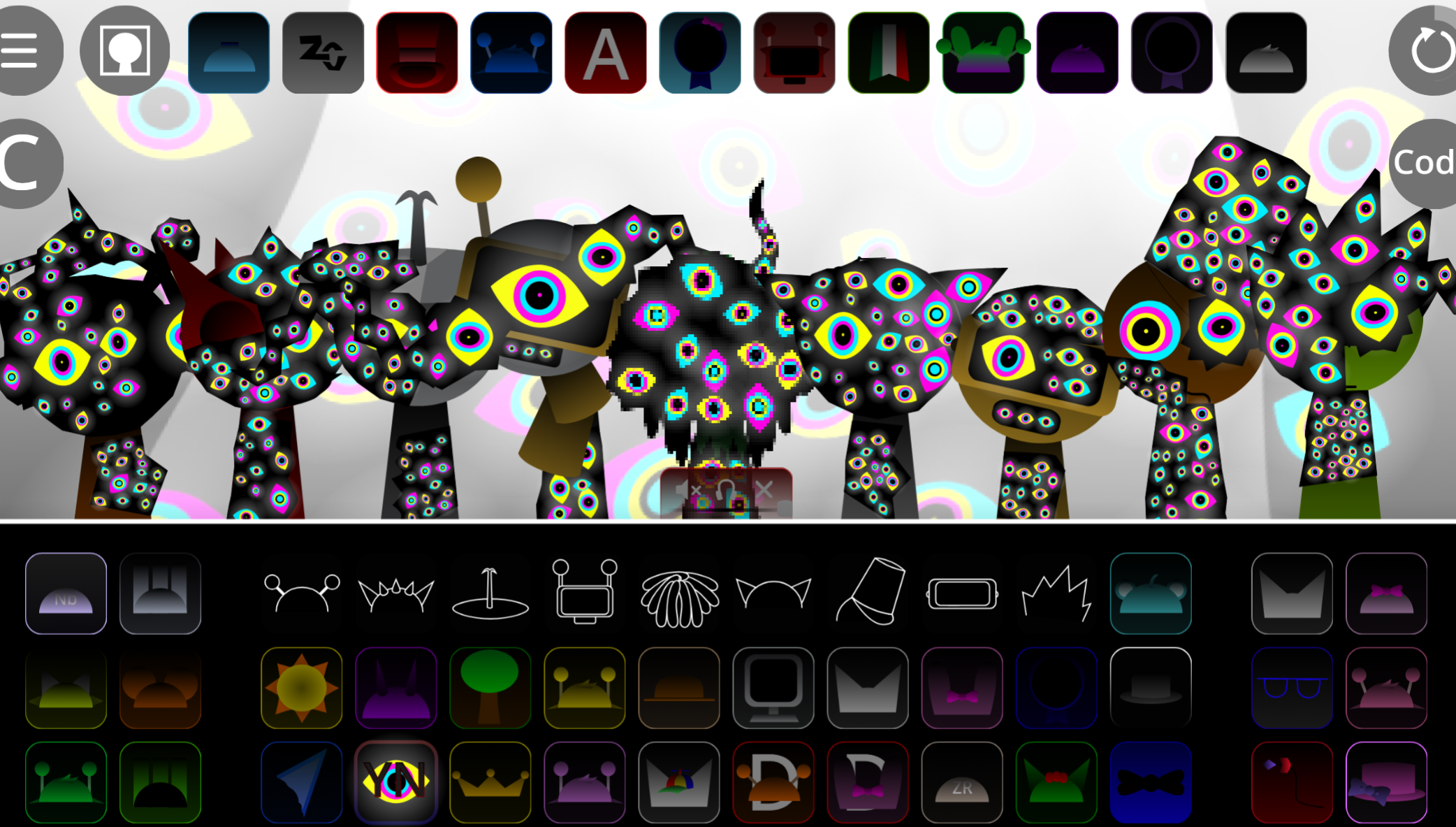
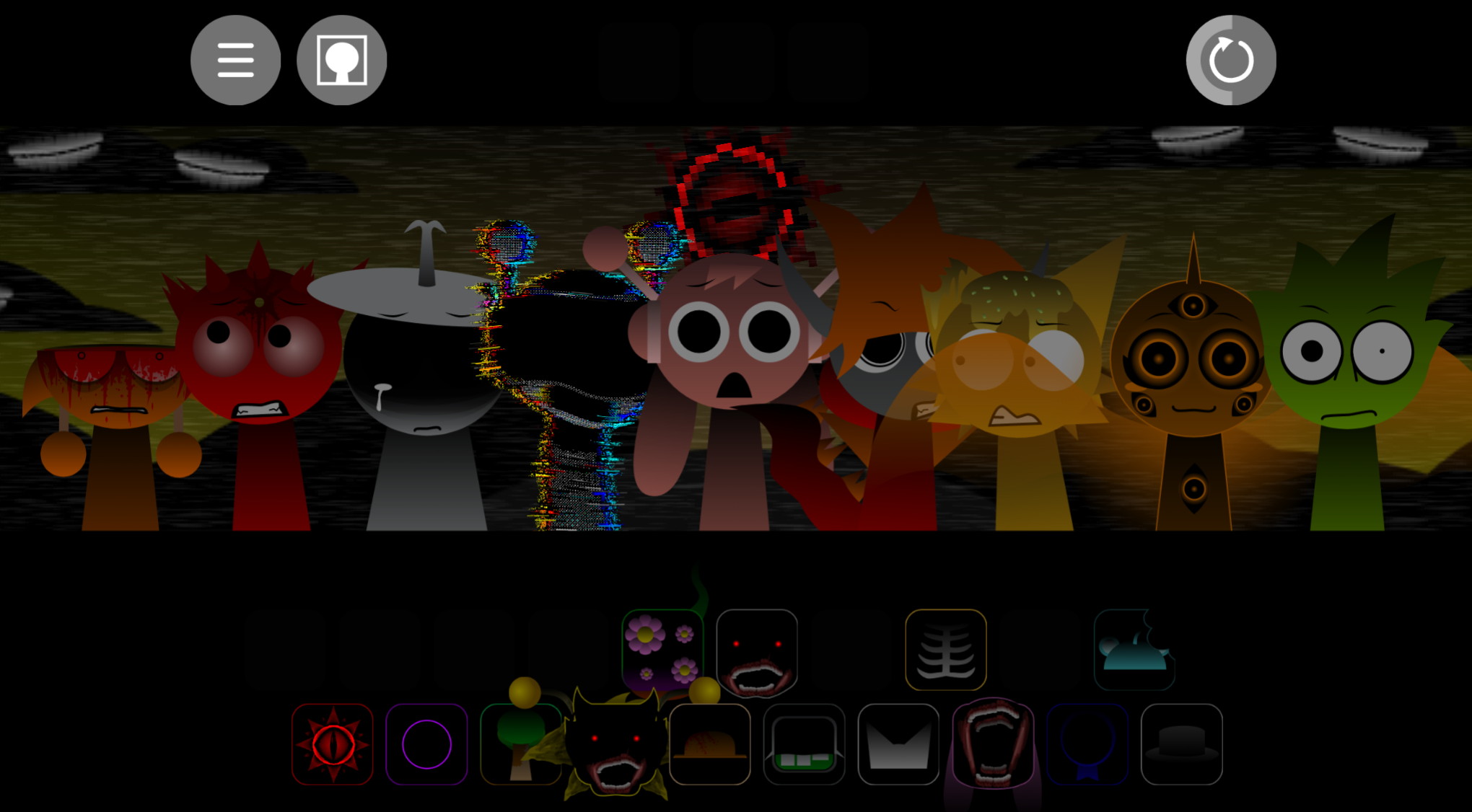
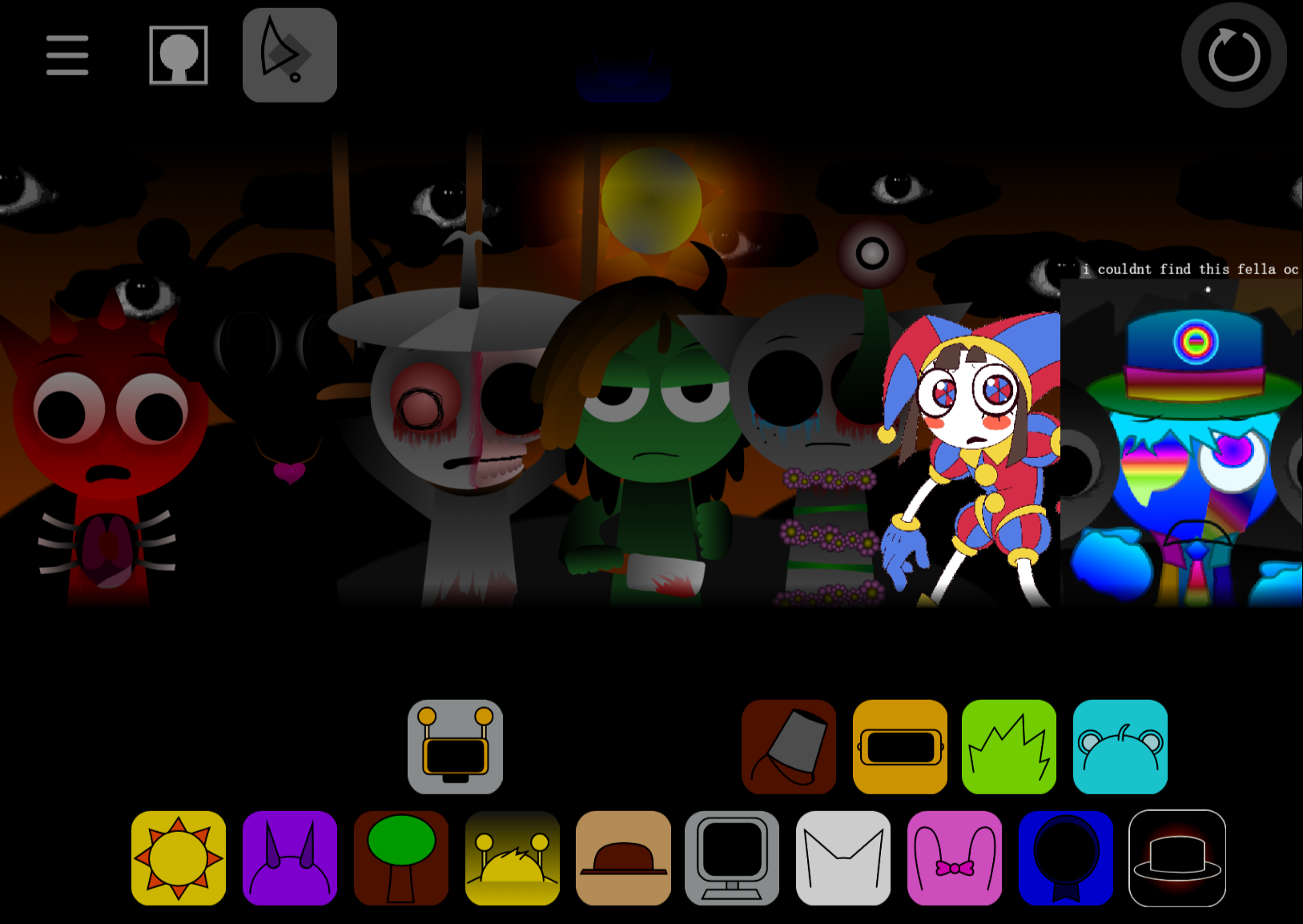
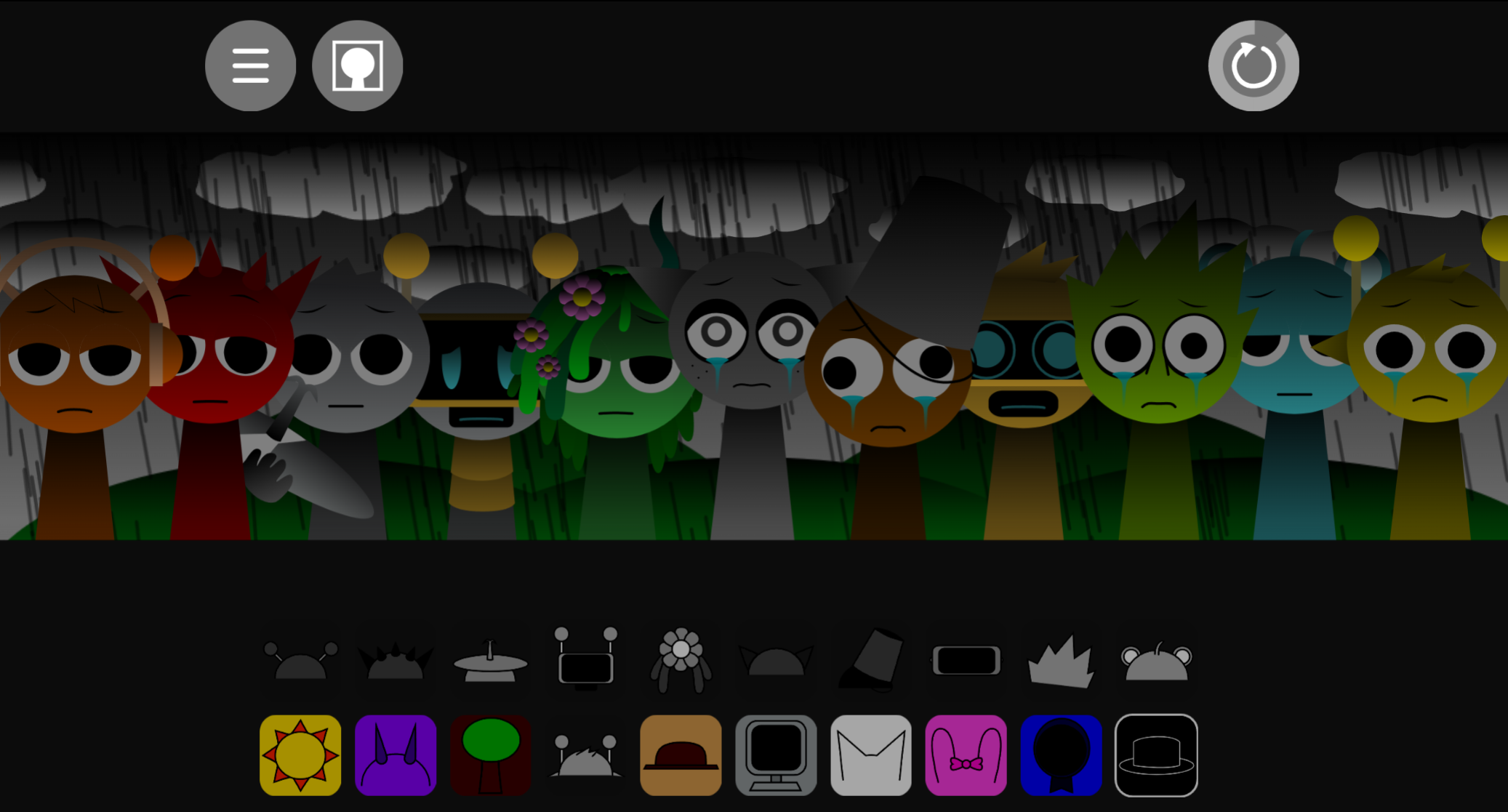
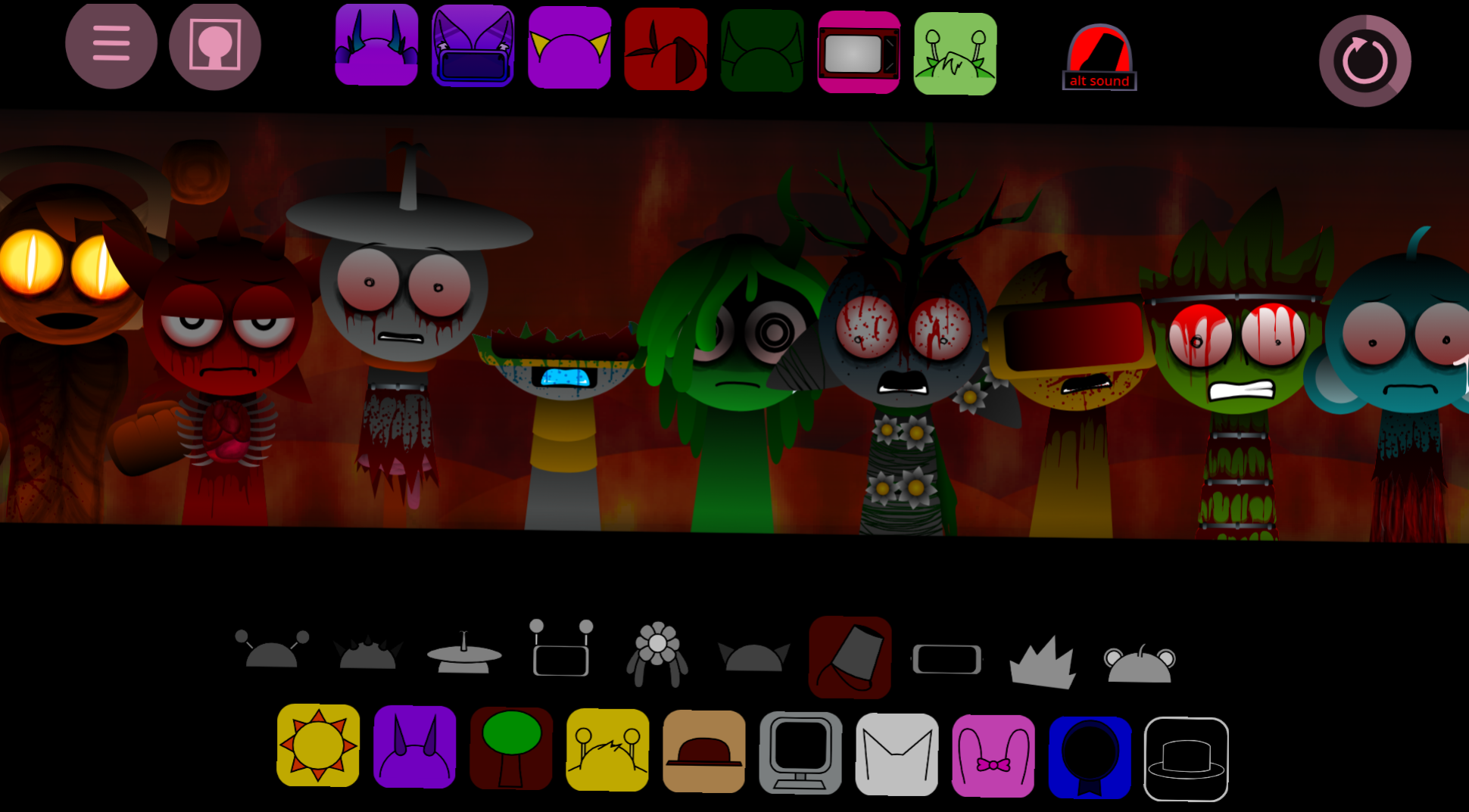
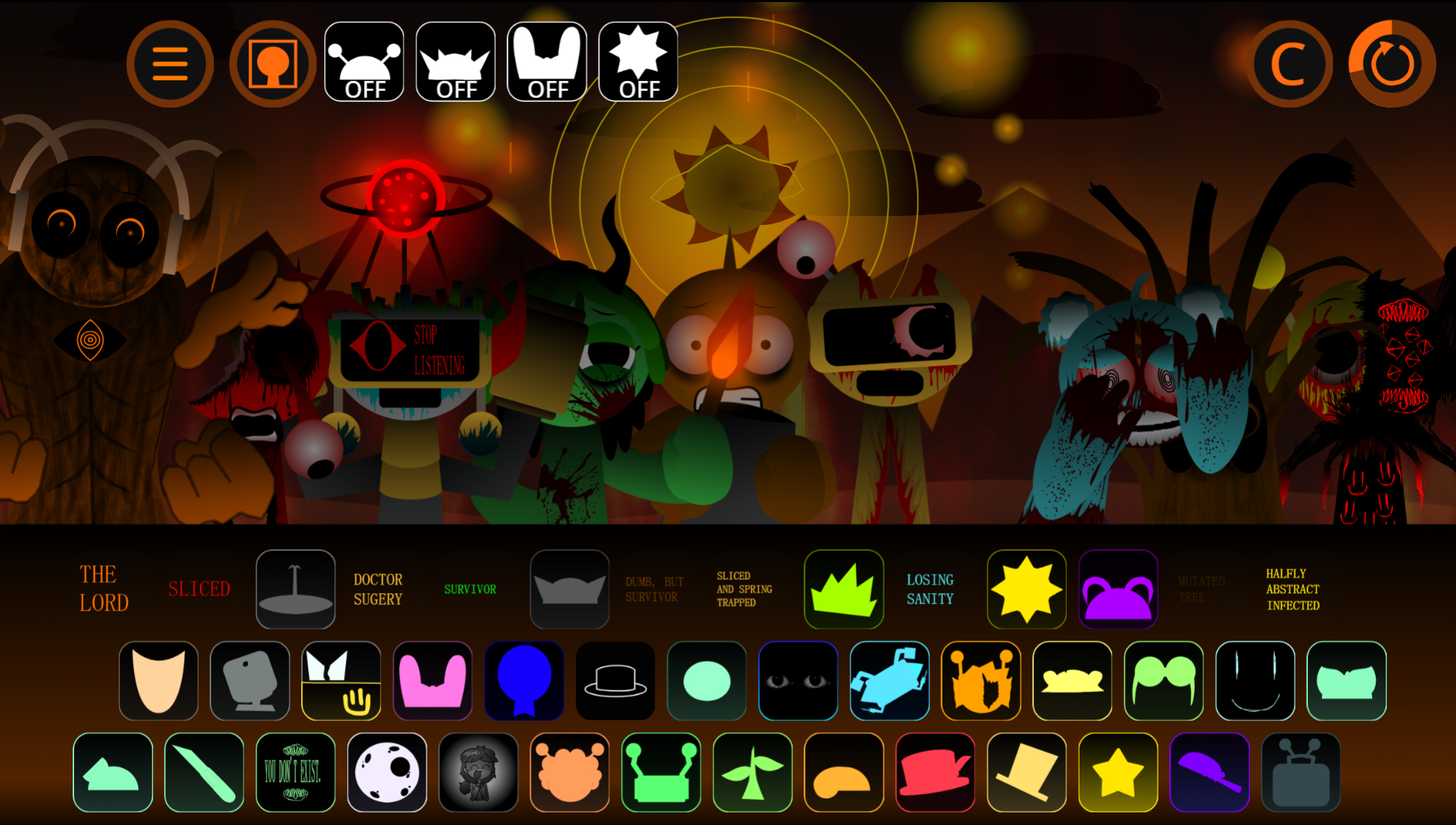
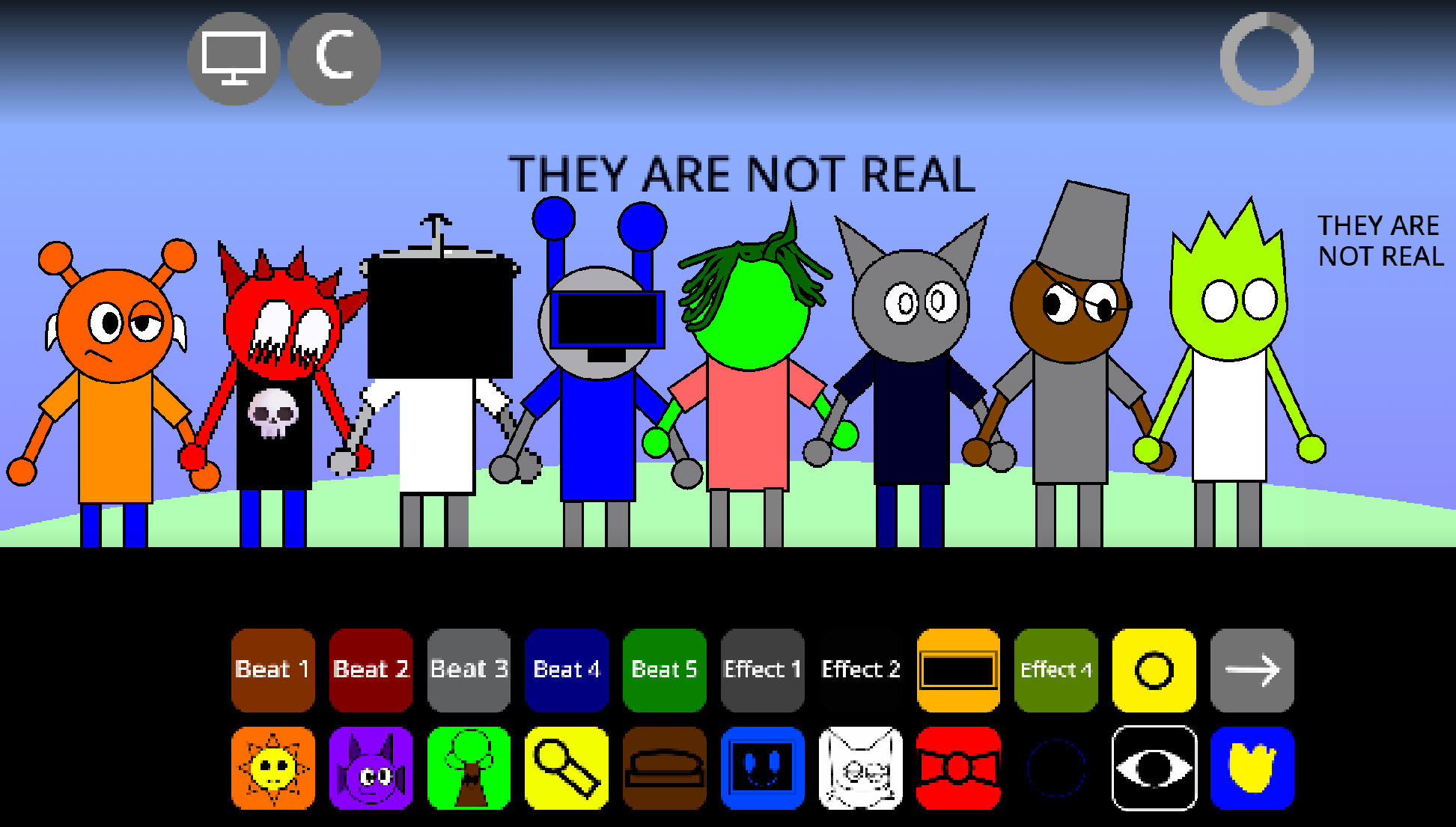
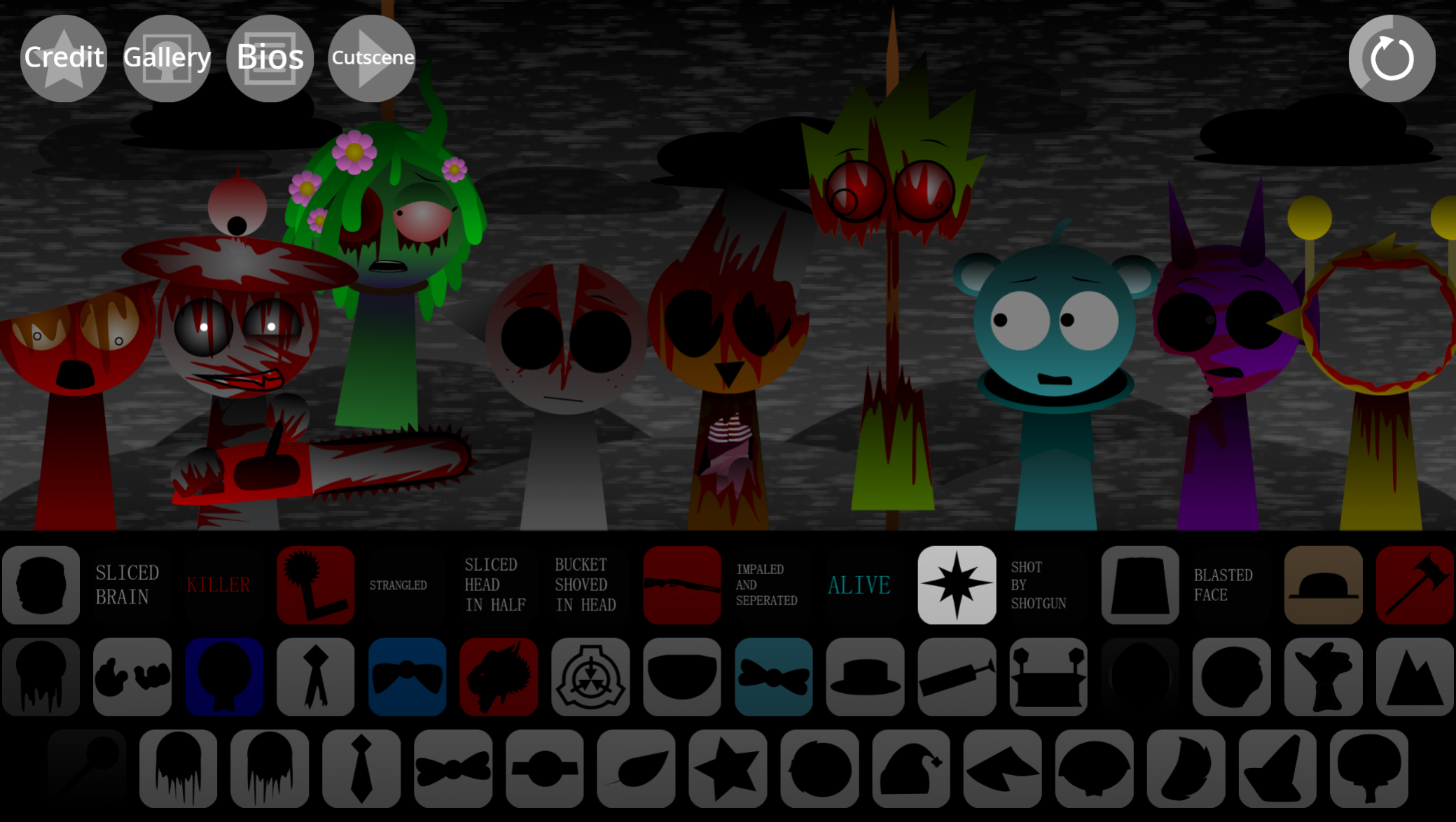
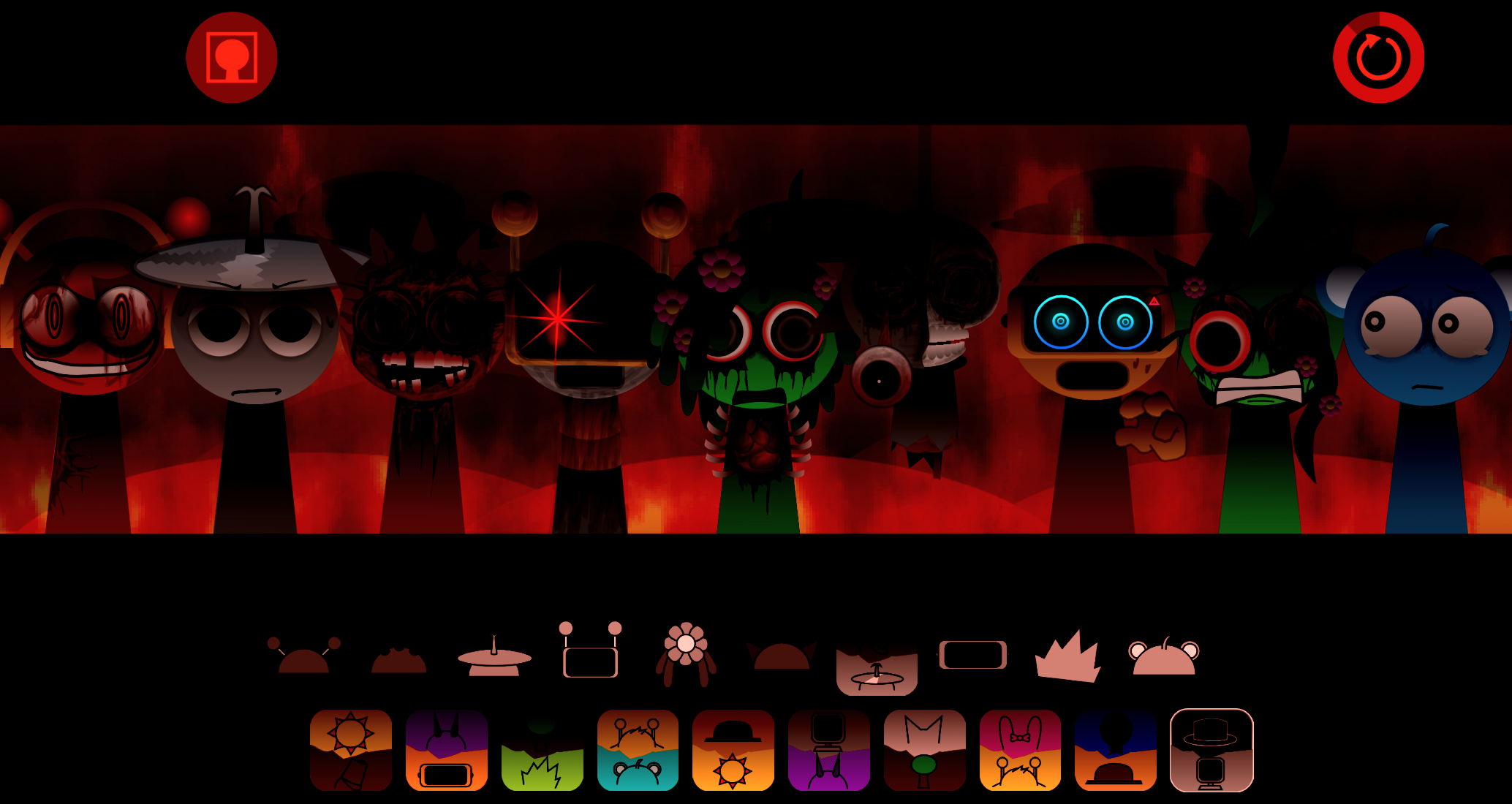
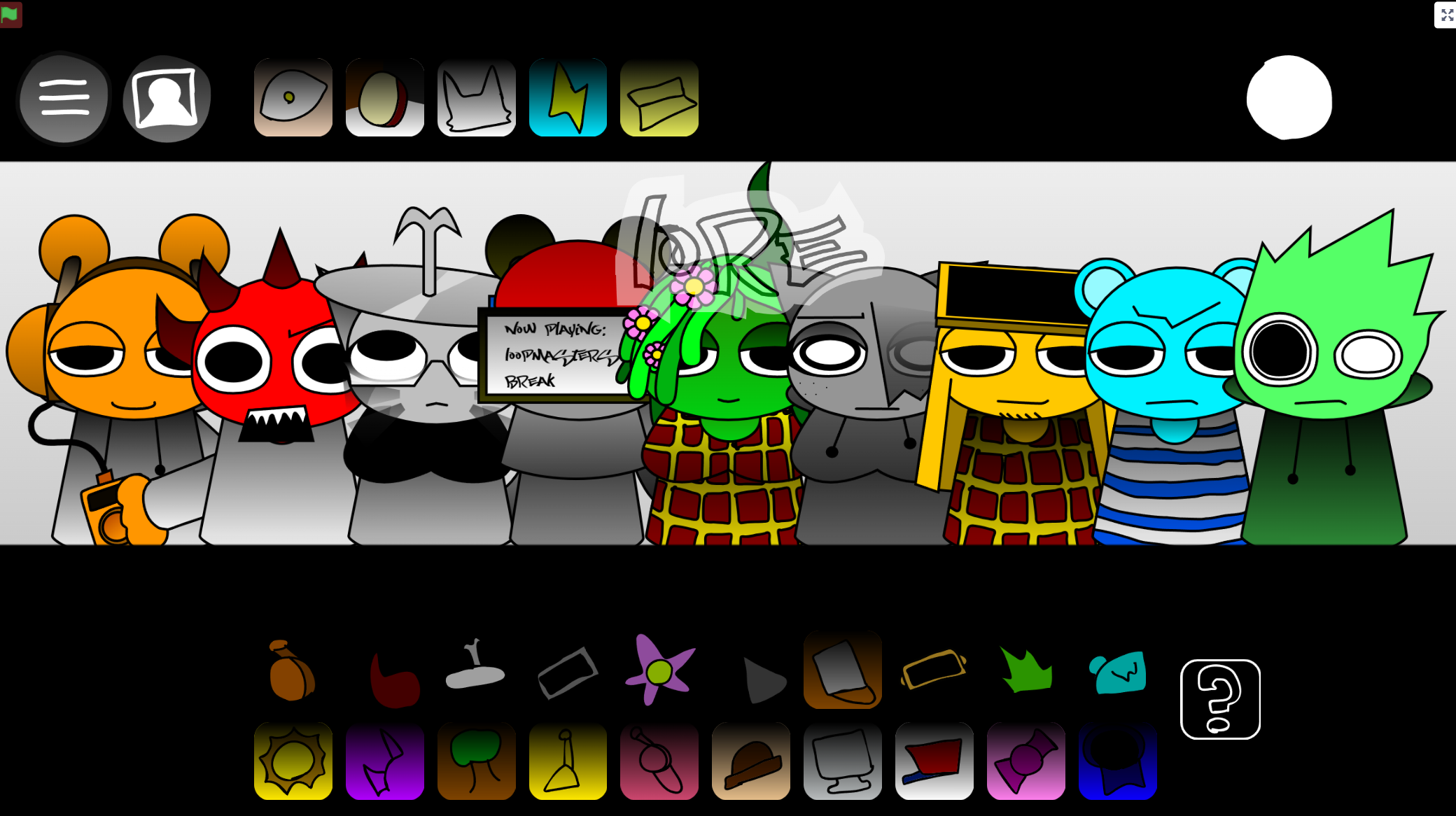
Sprunki Reversed Redone flips the standard Sprunki workflow: you place characters right to left instead of left to right to trigger their musical parts in the correct order.
This browser-playable mod keeps the drag-and-drop interface and layer-mixing core intact, but the reversed placement mechanic forces you to rethink muscle memory built in earlier Sprunki sessions. This breakdown walks through the features that define the mod—how the reversed activation works in practice, which visual and audio elements carry over from the original Sprunki framework, and what changes when you adapt your mixing approach to mirrored stage.
You’ll see concrete examples of character placement, layer timing, and interface feedback so you know exactly what to expect before you open the mod in your browser.
Sprunki Reversed Redone
Sprunki Reversed Redone is a browser-playable Sprunki music mod built around a reversed activation mechanic: instead of arranging performers left to right, players place characters from right to left to activate their parts in the intended sequence. Originally created by GreenVineria on Scratch, ported and updated by TheRealLF2, and including contributions credited to @RexyBoi16, the mod revisits the earlier Sprunki Reversed concept in a more polished, completed form.
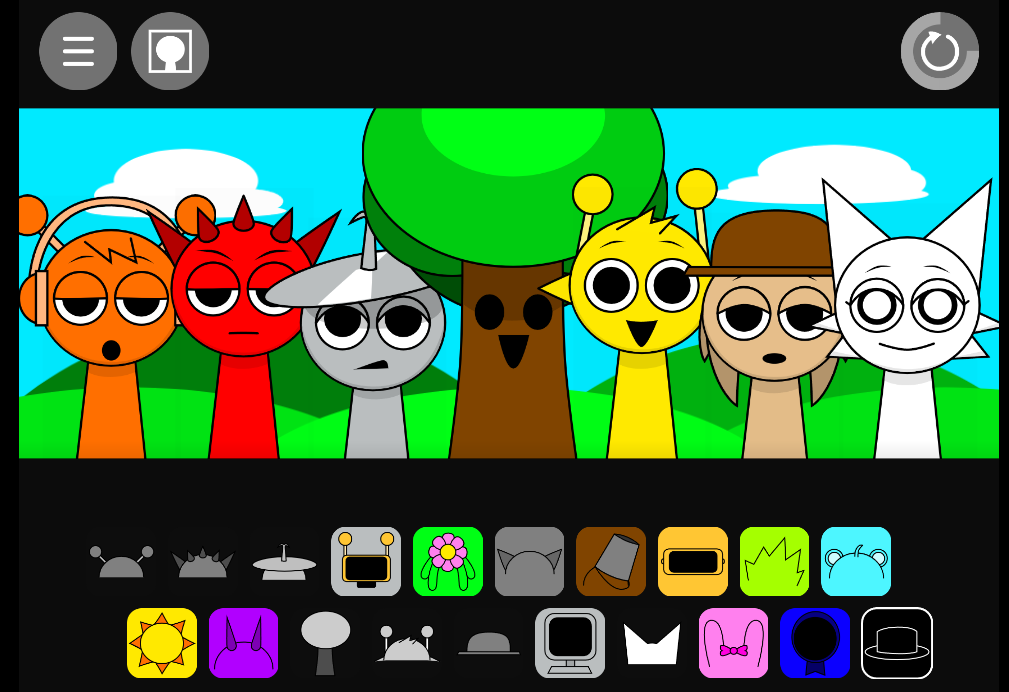
The mod keeps Sprunki’s accessible character-based format—drag a performer onto the stage, hear its loop, and combine it with other parts—but turns placement order into a creative puzzle. Beats, bass lines, melodies, vocal snippets, electronic textures, and percussion produce different results depending on how the reversed lineup is built. Active updates have ended, but the finished mod remains available through browser-based Sprunki portals, including gosprunki.com and Sprunki.com.
Features of Sprunki Reversed Redone
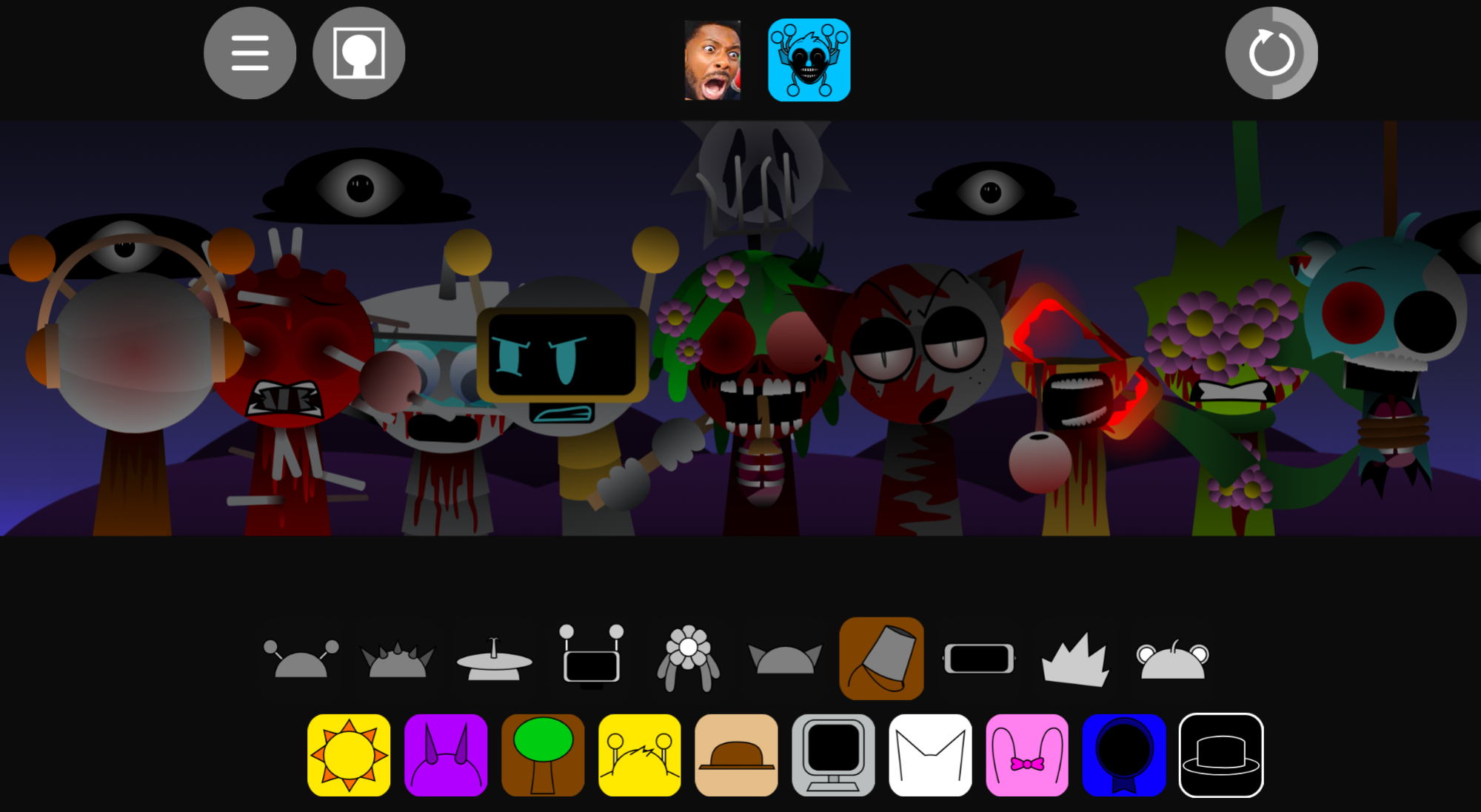
The defining feature is its flipped activation logic. Characters are still selected from a roster and dropped into the mixing area, but the stage must be approached from the right side first. This changes how players plan a track: a sound is part of a sequence whose placement affects the flow of the complete arrangement.
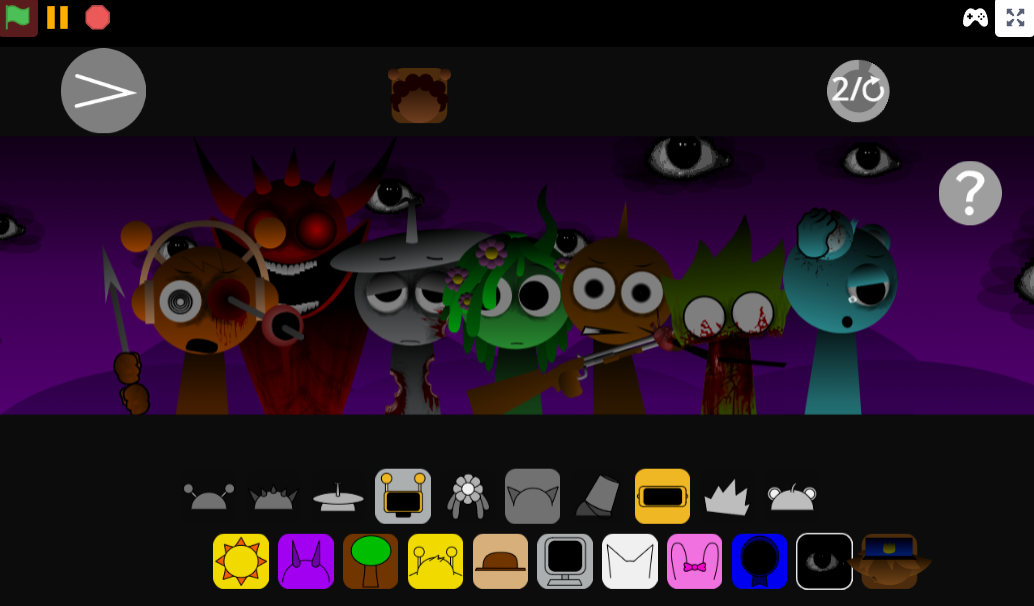
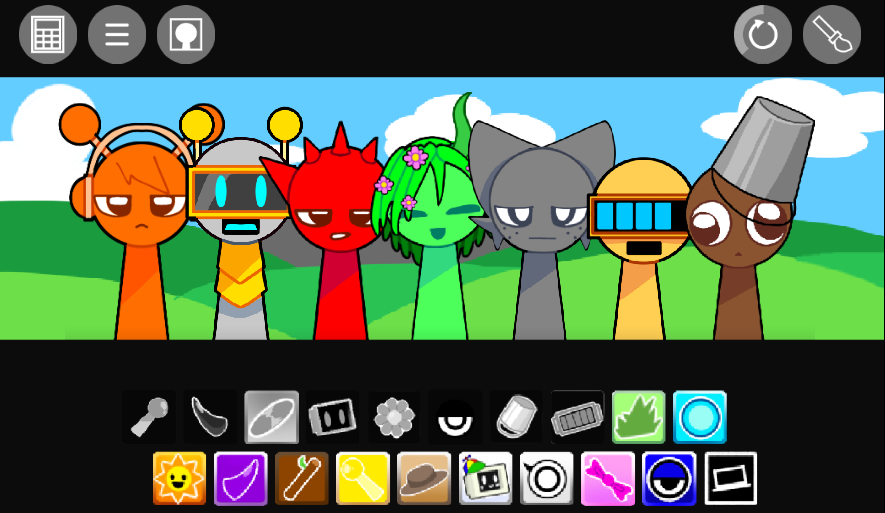
The roster includes more than 20 performers, with character roles spanning drummers, bassists, vocalists, and other sound-focused personalities. Original samples draw from hip-hop, electronic music, and percussion, providing variety to build a straightforward groove, a melody-led track, or a deliberately strange combination of layers.
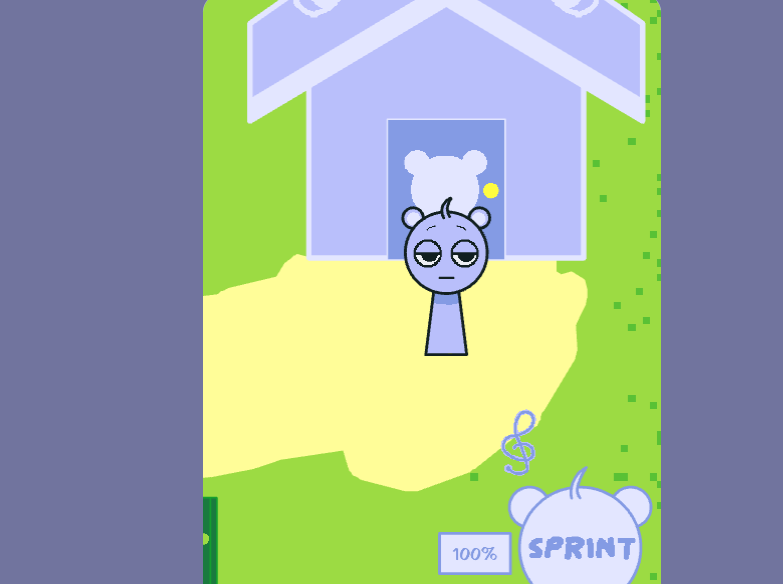
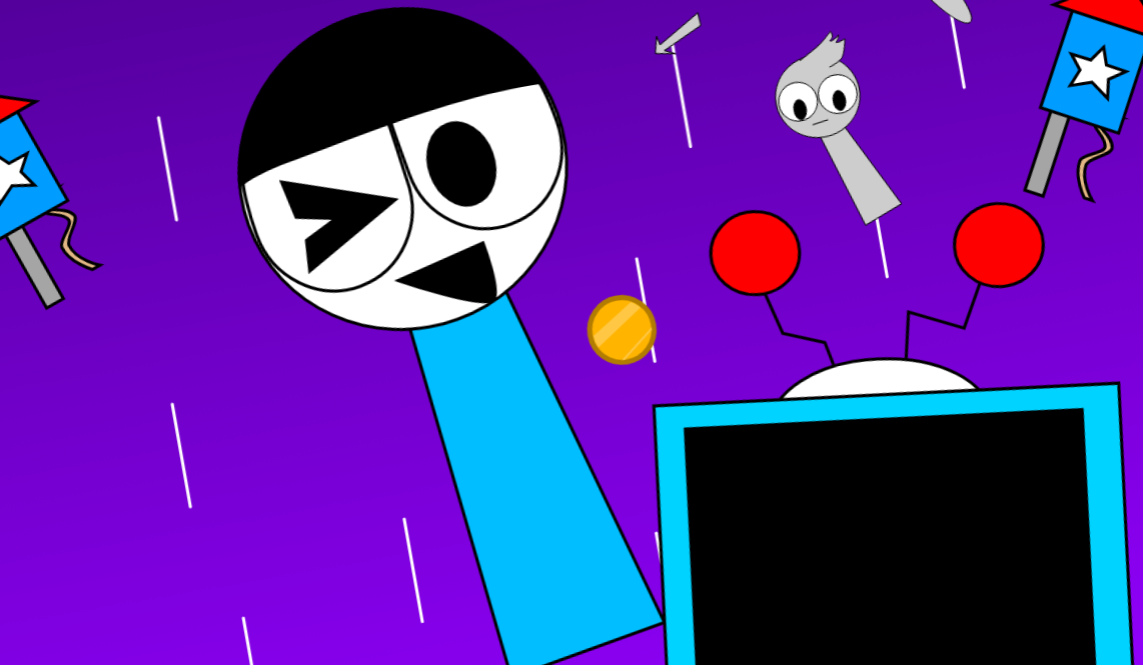
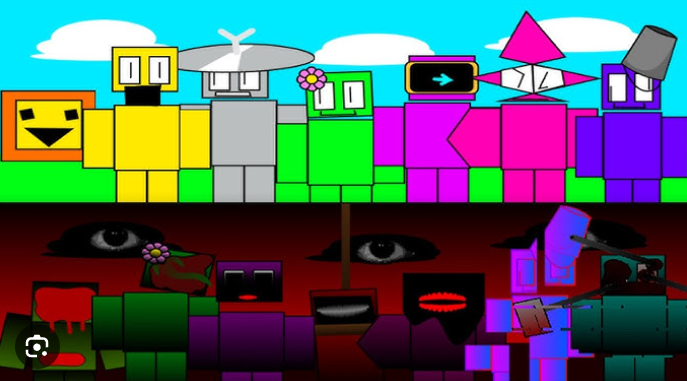
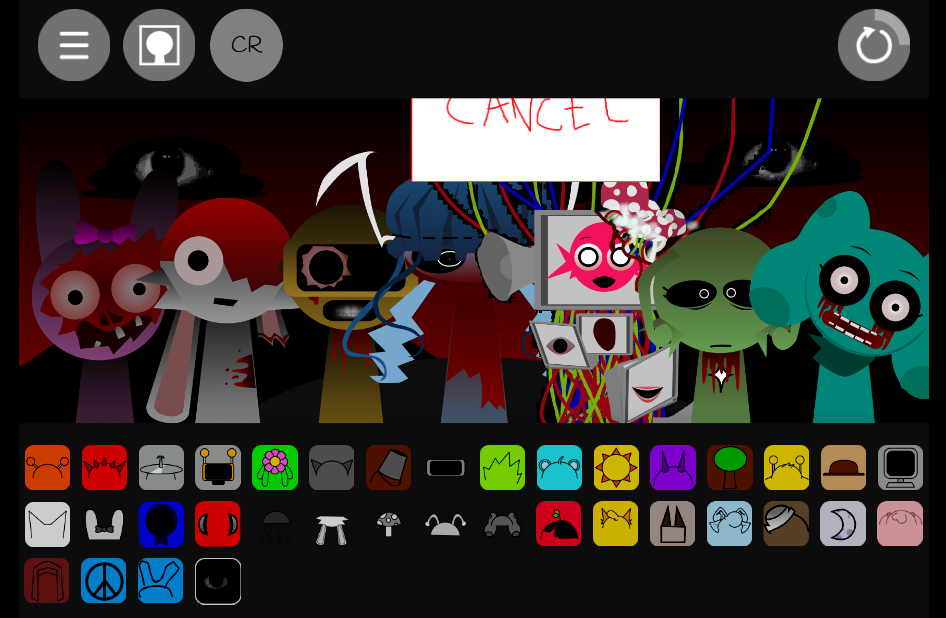
The presentation is bright and cartoon-like, with animated characters responding to the beat as their sounds become active. These animations offer visual indication of which layers are playing and how densely the mix has developed. Unlike Sprunki projects that lean into Horror Mode lore, this mod’s focus is the music-making mechanic itself.
Flipped Soundscapes and Reverse Mixing
The reverse rule makes composition less predictable without adding technical complexity. A player can begin with a drum loop, bass pulse, vocal part, or melodic texture, then continue layering characters backward until the track develops a clear identity.
This process creates a fuller soundscape rather than a series of disconnected triggers. A different reversed order may make the same collection of sounds feel tighter and more percussive, more spacious and atmospheric, or more centered on melody and vocals.
Available volume controls and effect tools provide additional ways to shape the result. They can lower an overly dominant percussion layer, bring a quieter vocal detail forward, intensify a particular section, or make competing loops sit together more cleanly.
How to Play Sprunki Reversed Redone
Choose a character from the roster.
Start with any performer that gives the mix a useful foundation—a beatmaker, bass part, vocal, or percussion character.
Place the first character on the right side.
Build from right to left, rather than following the standard left-to-right instinct. This reversed placement activates the intended sequence.
Add layers backward.
Continue adding characters one at a time, moving leftward. Combine drums with electronic textures, hip-hop-influenced samples, melodic parts, and vocals to hear how the groove changes.
Listen before filling the stage.
Let each new layer play long enough to understand its role. A busy lineup may sound weaker than a smaller mix with clear rhythmic spacing.
Remove, swap, and rebuild.
If a part crowds the arrangement or disrupts the rhythm, take it out and test another performer. Reversed mixes reward experimentation.
How to Mix in Reverse
A successful reverse mix usually develops through small decisions. Start with one active character and use its animation and sound as the reference point for every new addition.
- Establish a core layer. Begin with a beat, bass-like pulse, vocal rhythm, or melody that gives the arrangement direction.
- Build through combinations. Add another character in reverse order and listen for whether it supports, contrasts with, or overwhelms the existing sound.
- Use the visuals as feedback. Character animations show which layers are currently active and make it easier to notice when the stage is becoming too crowded.
- Try unexpected pairings. A vocal may work better beside an electronic effect than beside a second vocal, while a percussion layer can turn a sparse melody into a more complete groove.
- Rearrange freely. Changing one position, replacing one performer, or rebuilding several layers can create an entirely different result.
Treat the stage as an experiment. Rather than aiming immediately for a finished track, keep testing how reversed samples blend until the rhythm, texture, and animated presentation feel balanced—or intentionally chaotic.
Tips for Backward Beats
-
Build one layer at a time. Start with a steady sound, then add percussion, effects, melodies, or vocals around it. A clear foundation prevents the backward arrangement from becoming a wall of samples.
-
Choose complementary character roles. Pair distinct functions—a bass-like pulse, a drum pattern, and a melodic or vocal element. When each character has a recognizable role, the final mix is easier to follow.
-
Arrange before filling every slot. Test a short right-to-left sequence before expanding it. Leaving space between entries can make the timing and tension of the reversed pattern feel more deliberate.
-
Swap only one character when troubleshooting. If the mix feels off, replace a single layer rather than rebuilding everything at once. This makes it easier to identify the sound responsible for disrupting the flow.
-
Balance the final texture. Use volume adjustments and effects so forceful percussion does not bury quieter melodies, vocals, or ambient details.
-
Save promising versions. Preserve an arrangement before making major changes. Comparing saved mixes can reveal which reverse sequence has the strongest groove.
Related Games
- Sprunki Swapped Retextured New Sounds — Its swapped character arrangement and new sound set make it a fitting follow-up for players who enjoy rethinking familiar Sprunki roles and audio combinations.
What Makes the Reversed Order Work?
The reversed mechanic changes how players approach familiar sounds. A drum placed first on the right may anchor the rhythm differently than when it arrives later in the sequence. A vocal sample may feel more prominent or more ambient depending on whether it opens the reversed lineup or closes it.
This structure invites players to reconsider how timing and layering affect a mix. The same roster produces different results when the order shifts, making arrangement itself part of the creative process rather than a neutral background choice.
Discuss Sprunki