
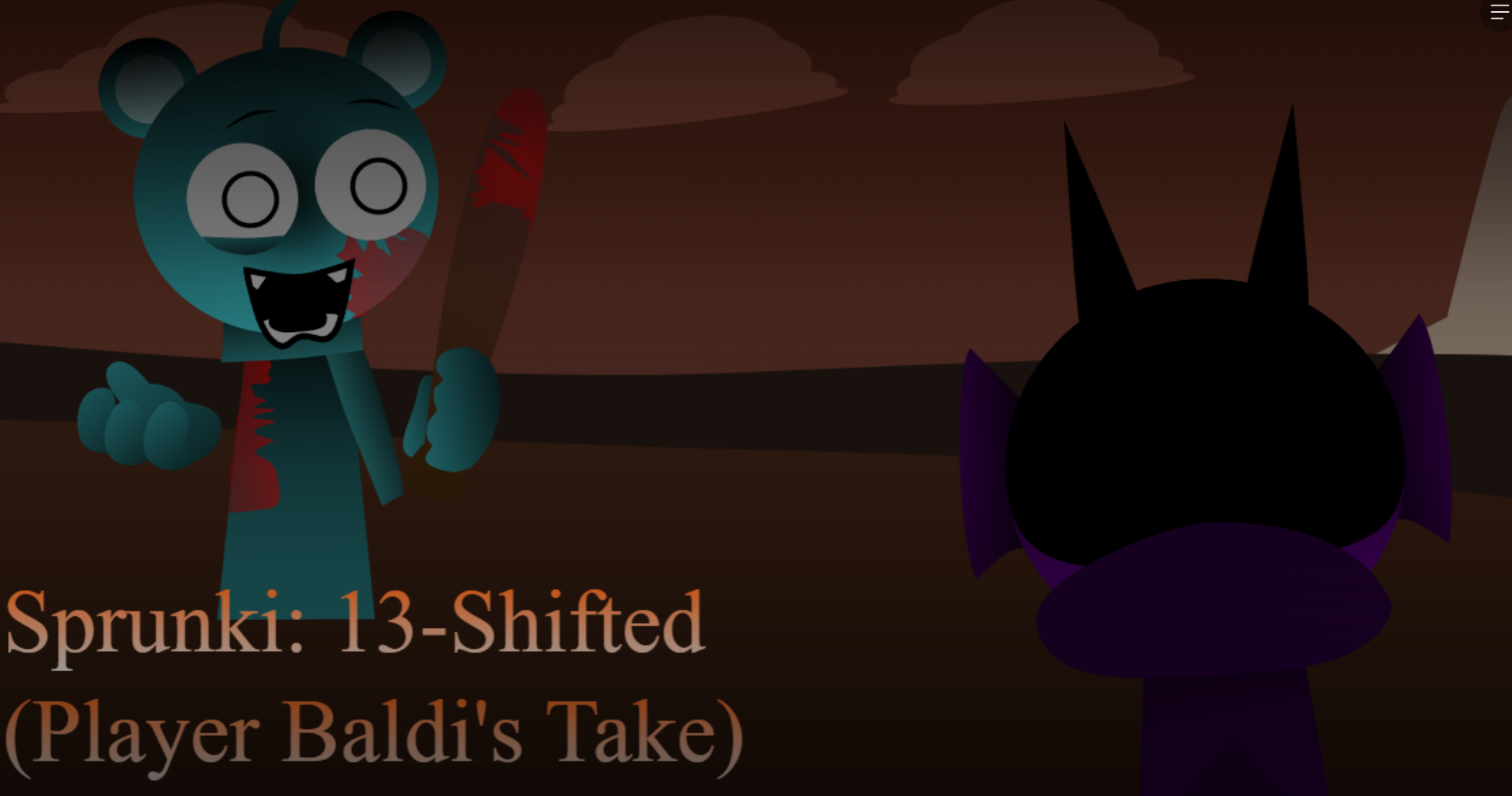



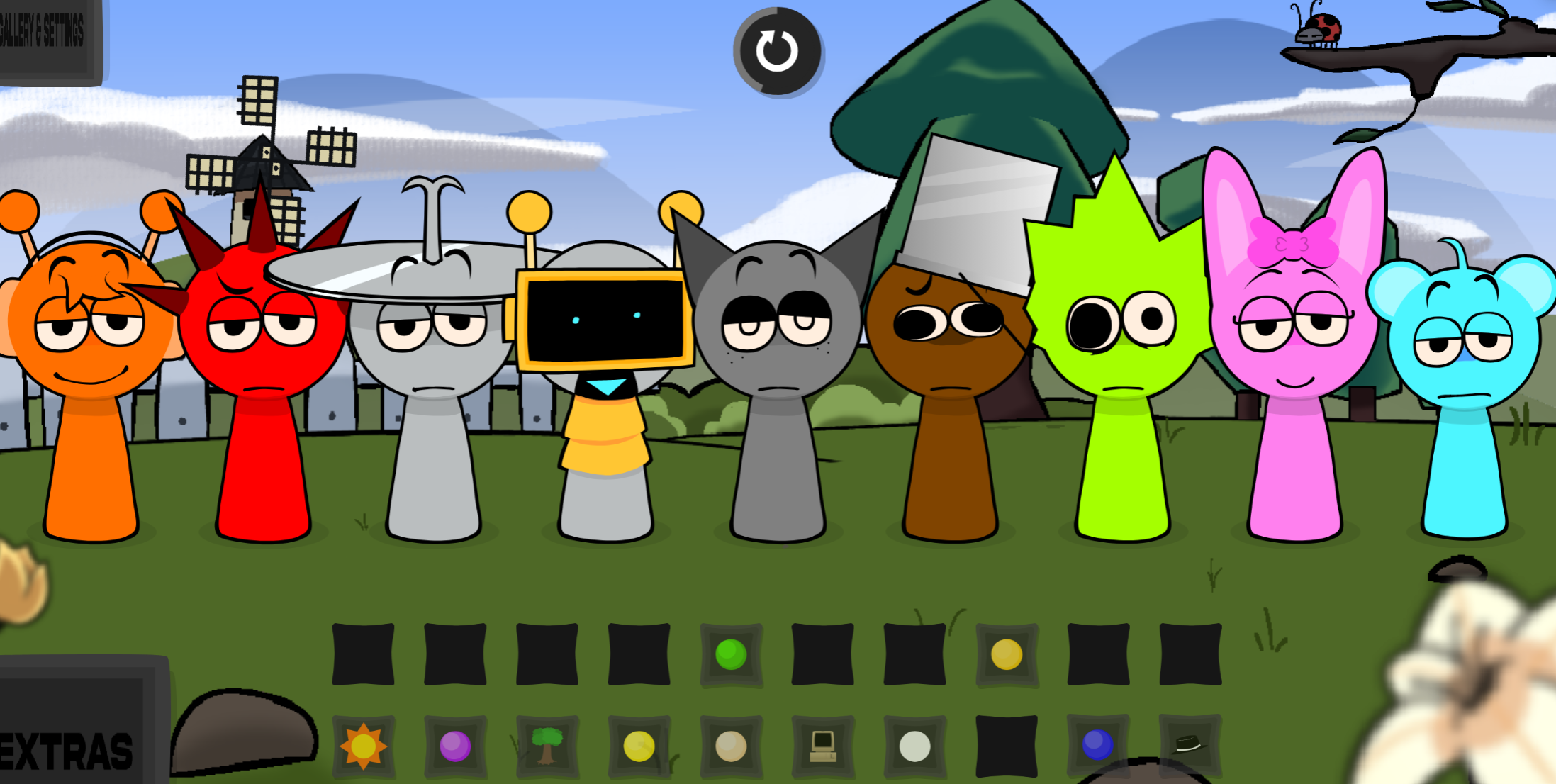
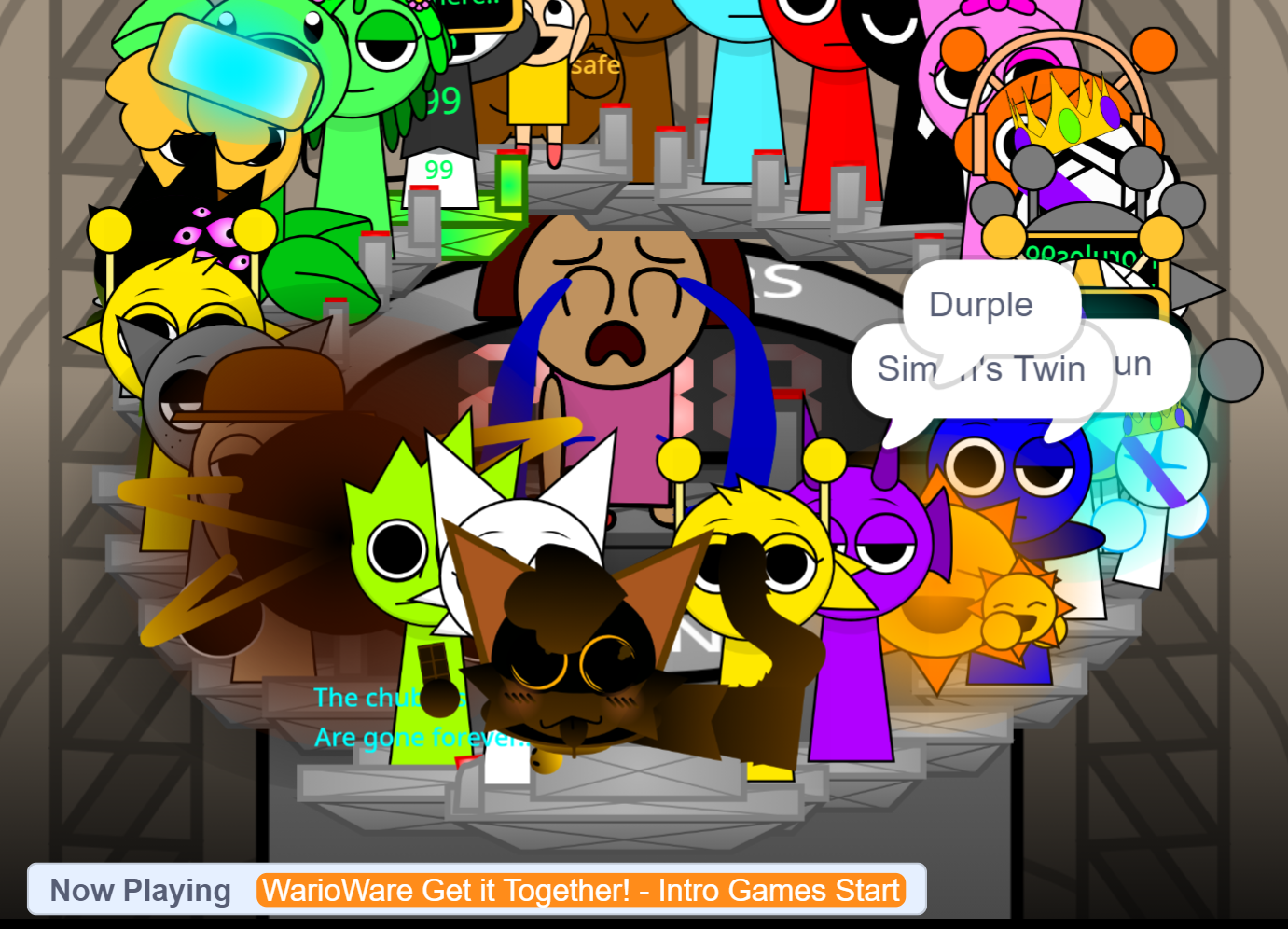
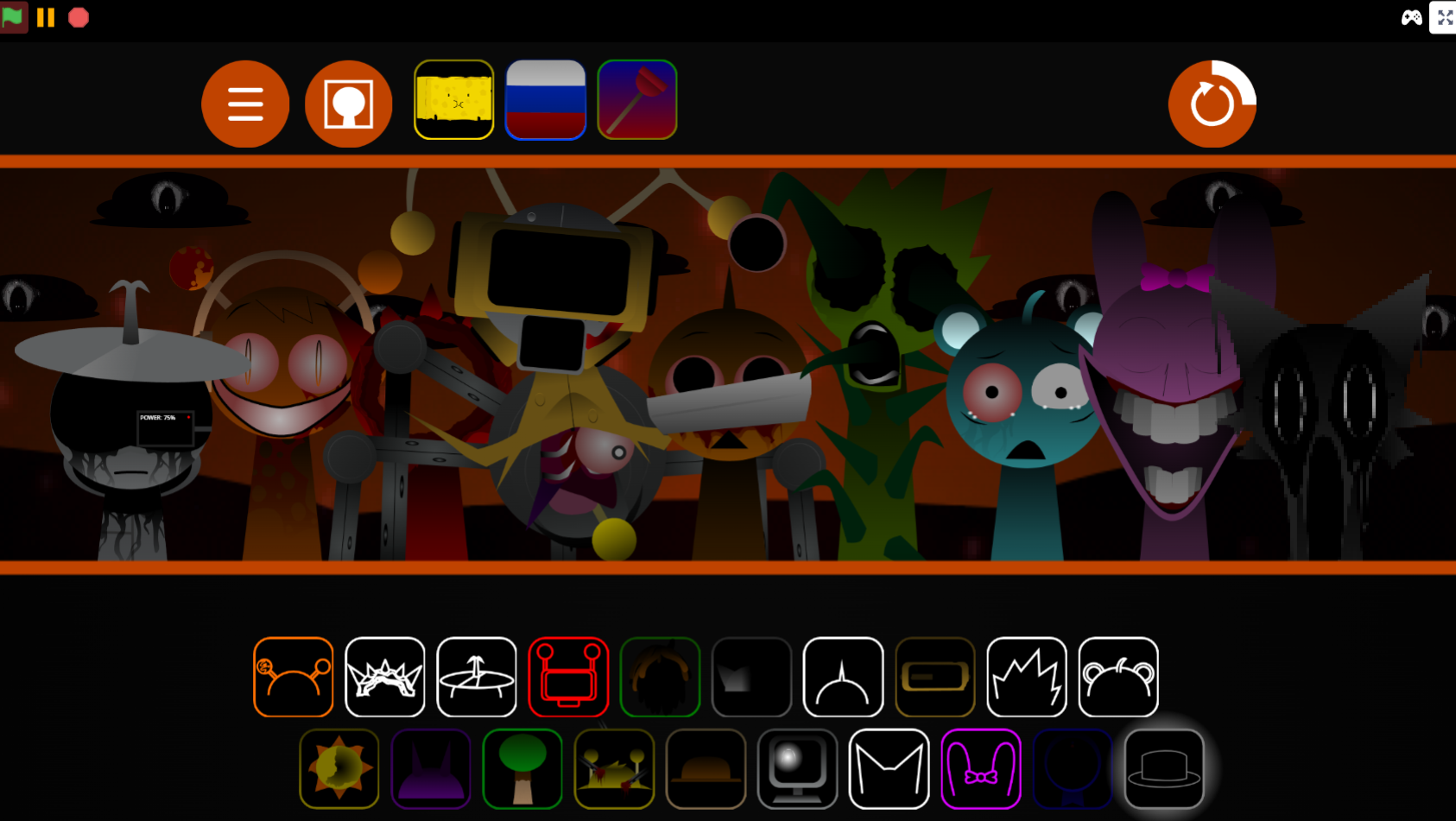
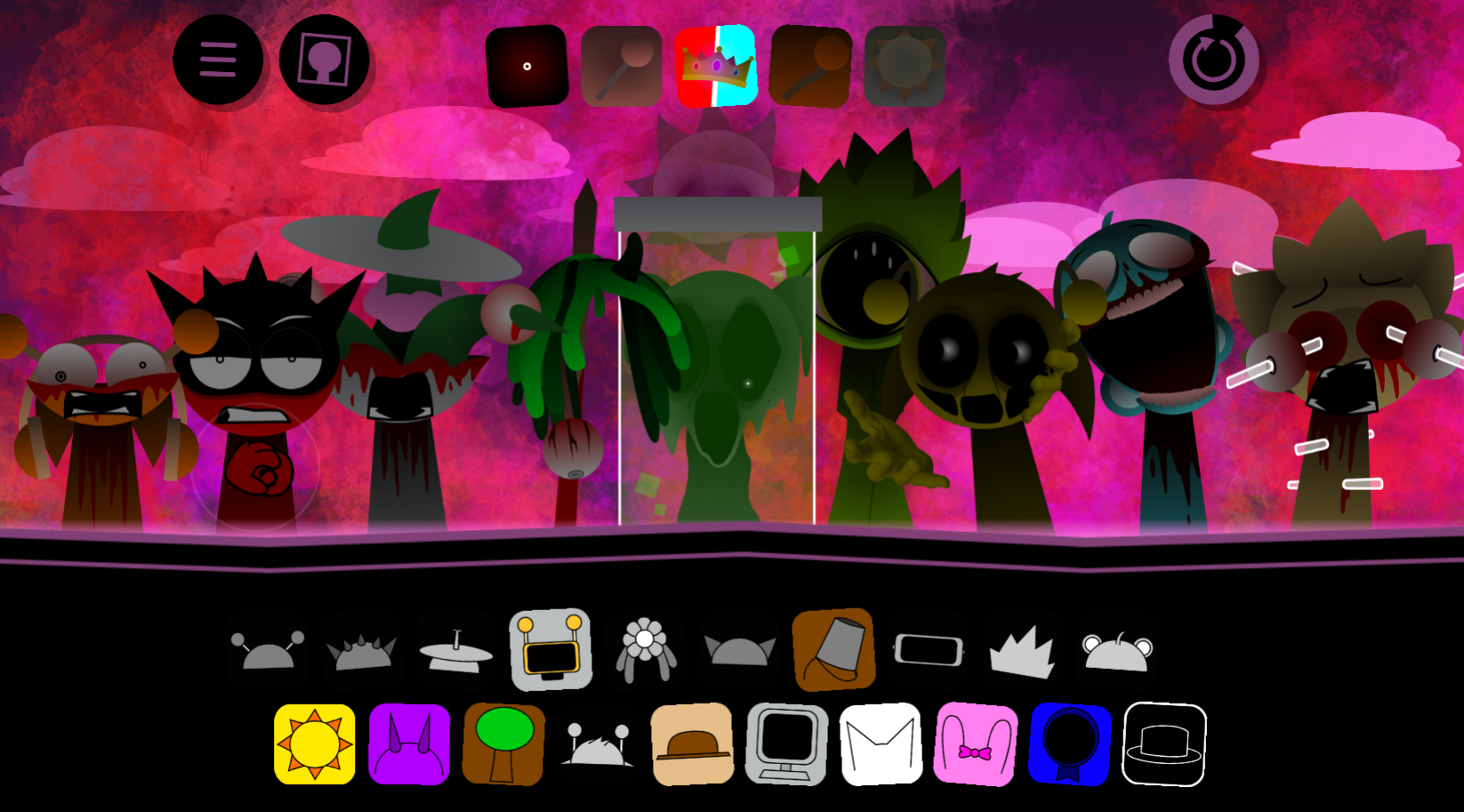
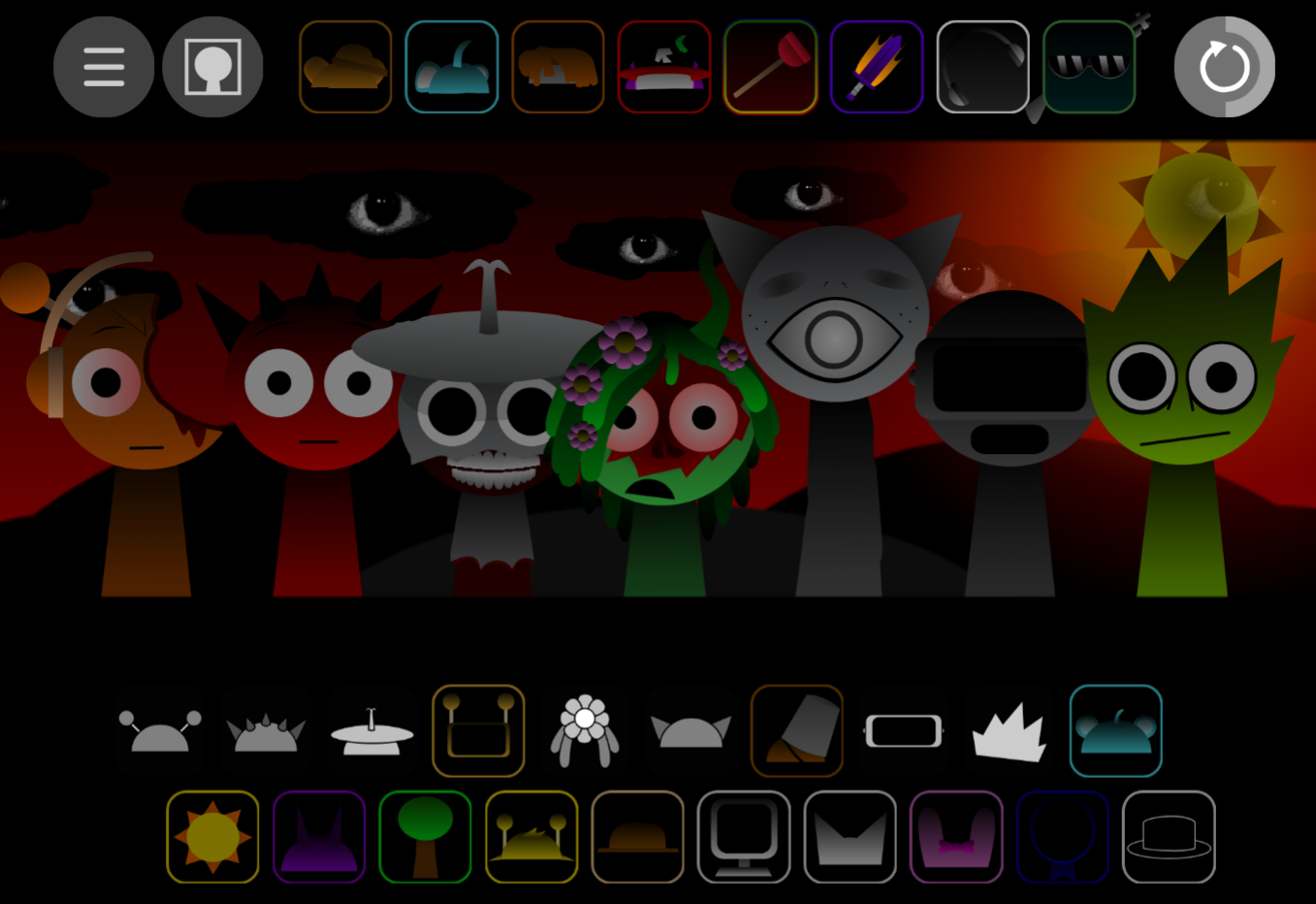
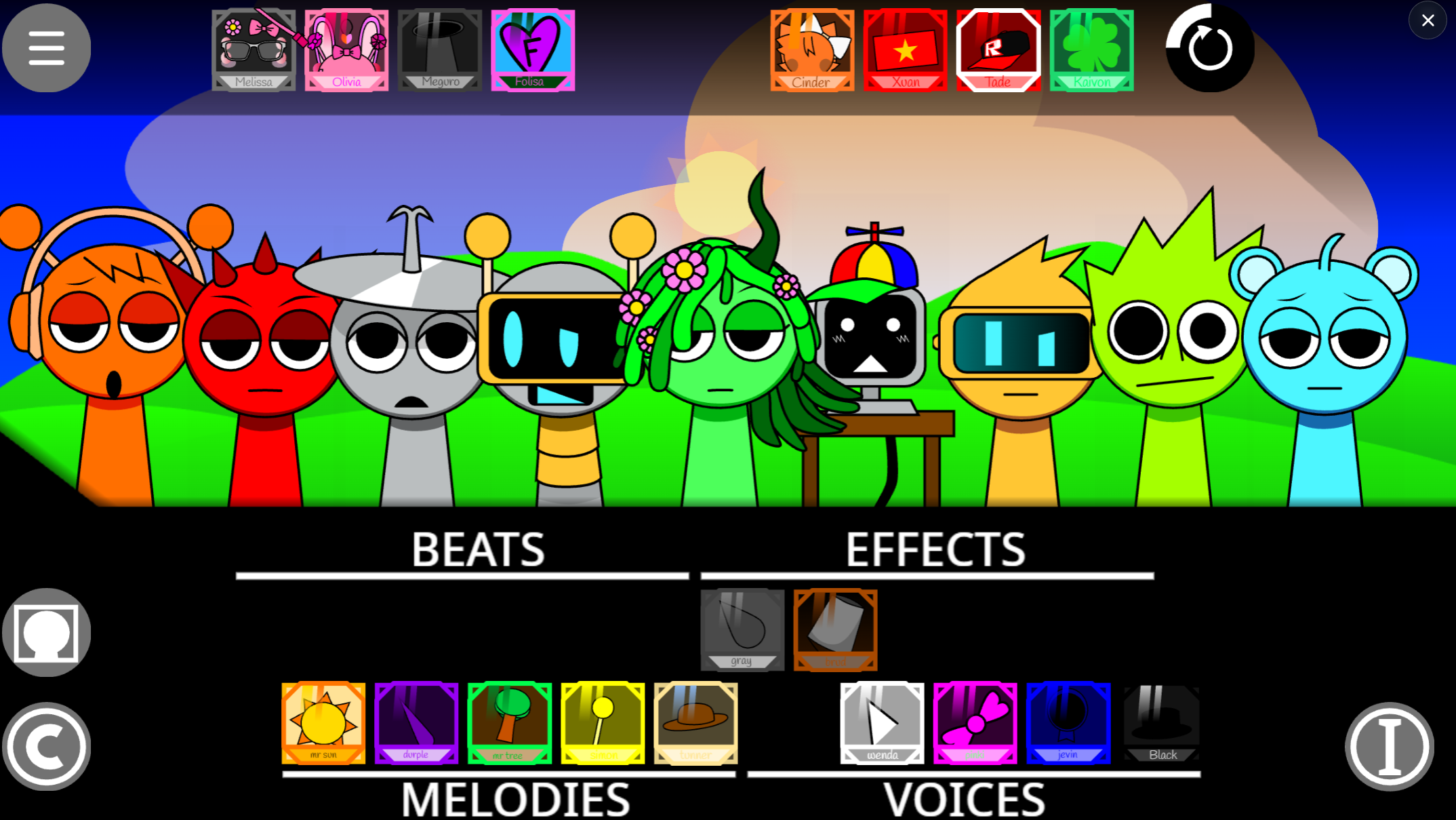
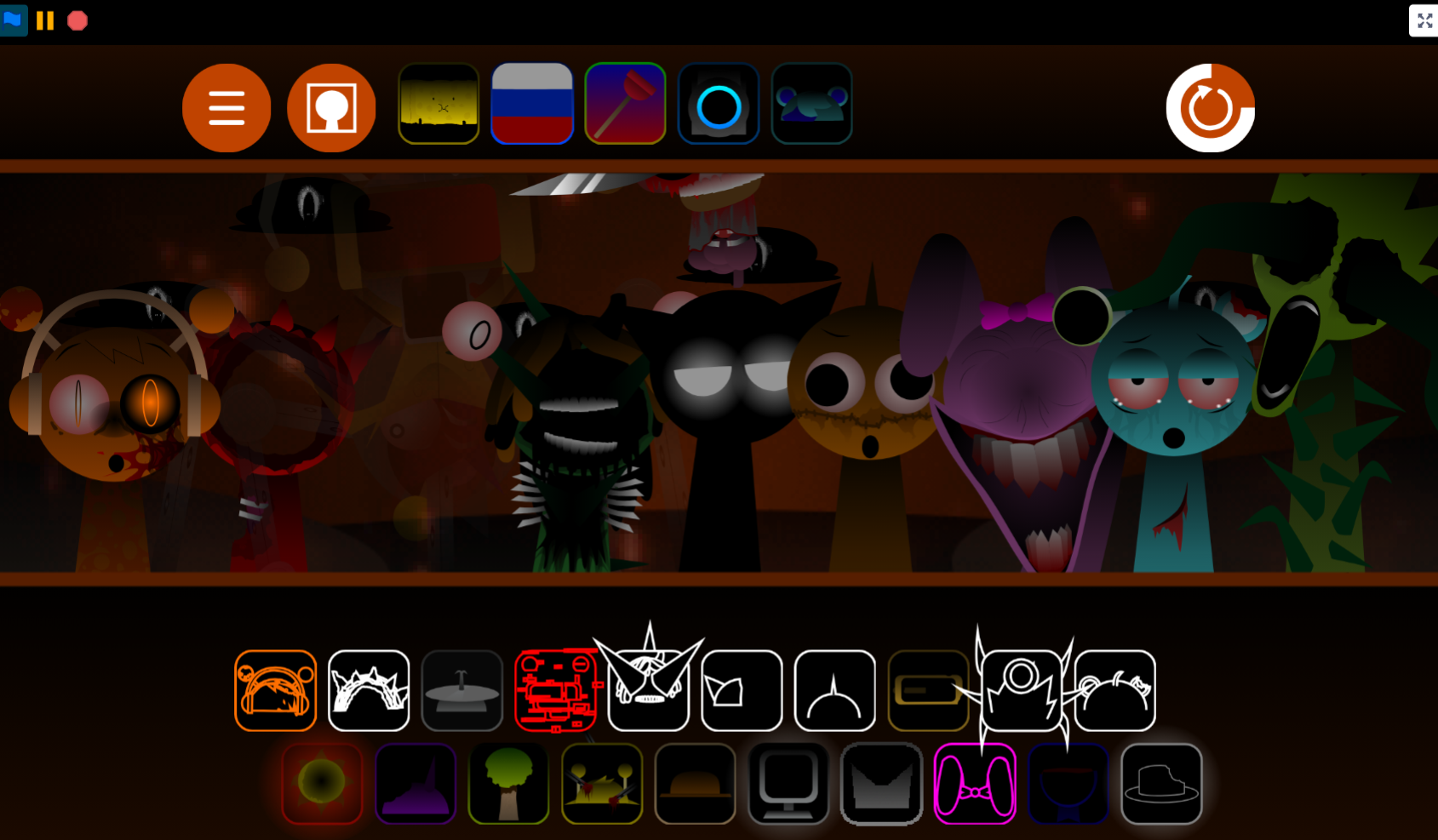
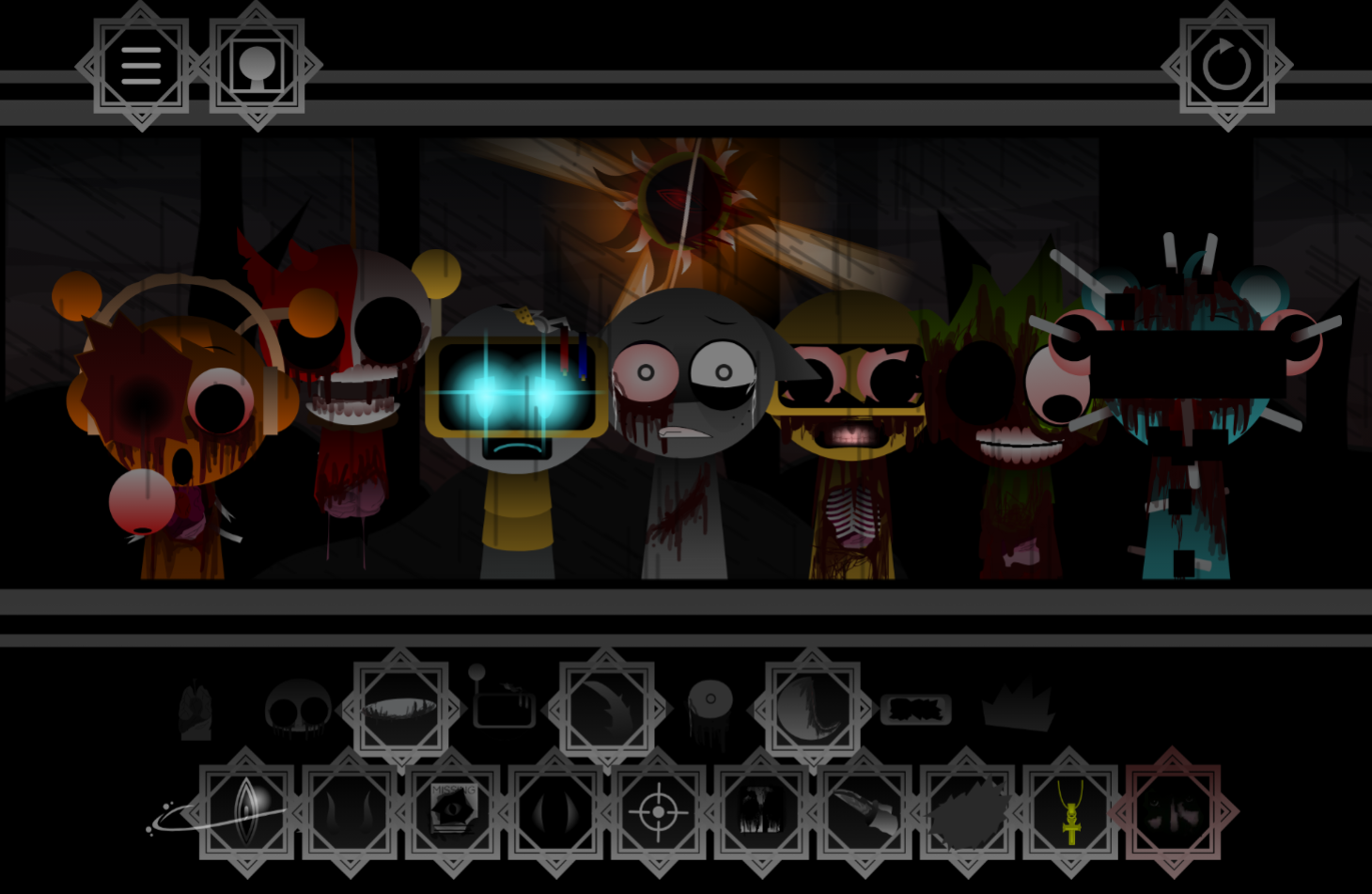
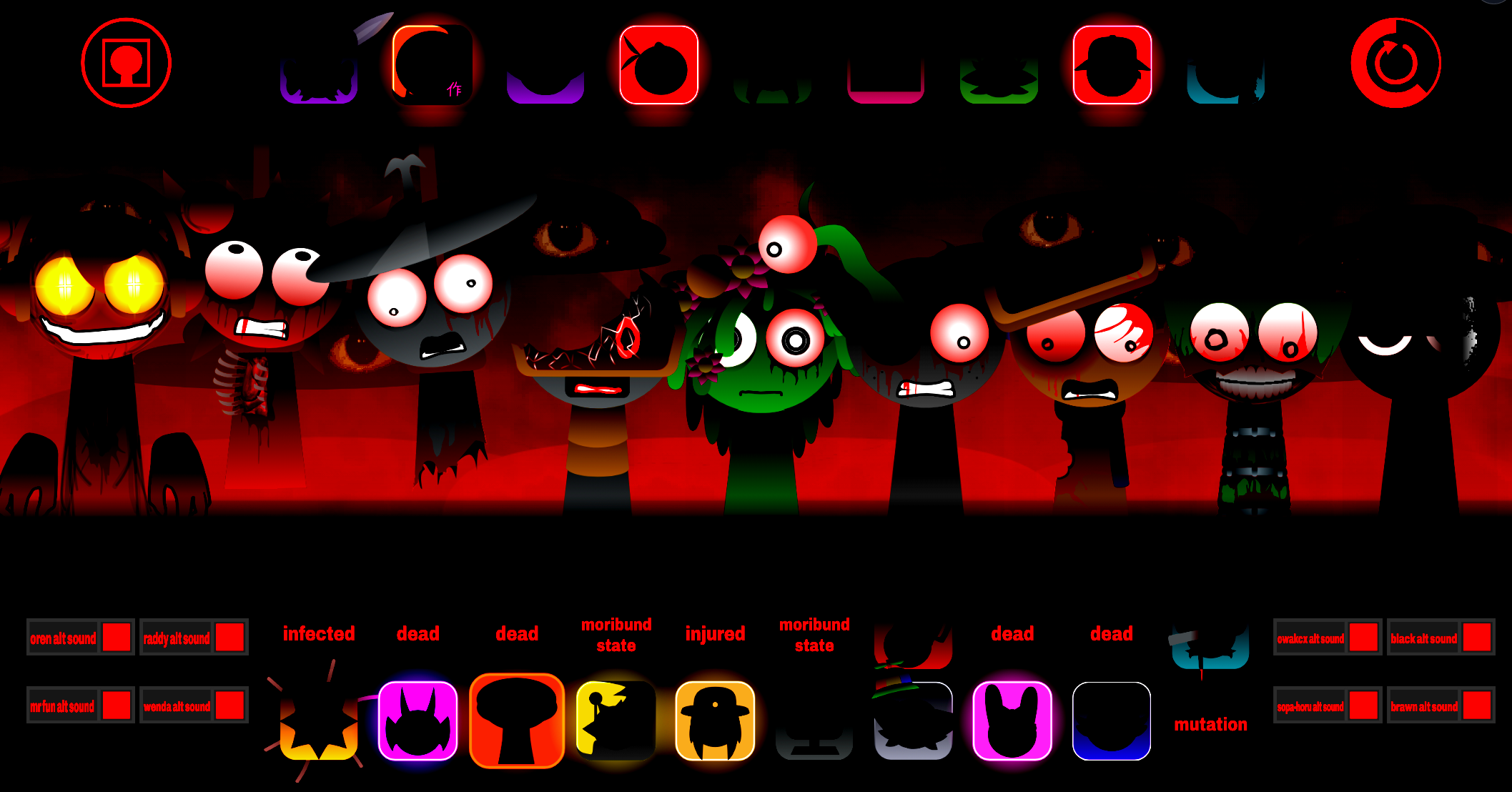
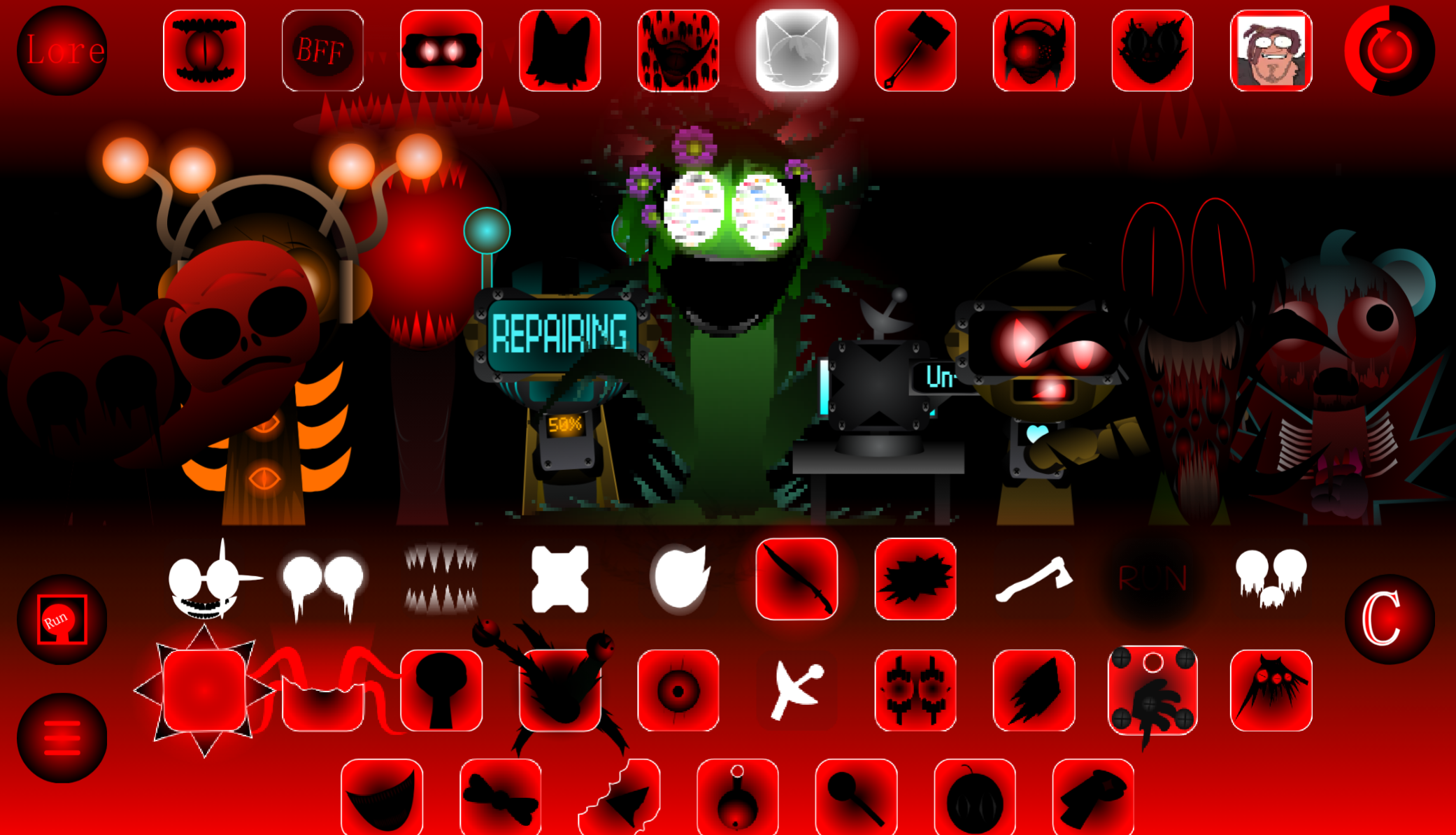
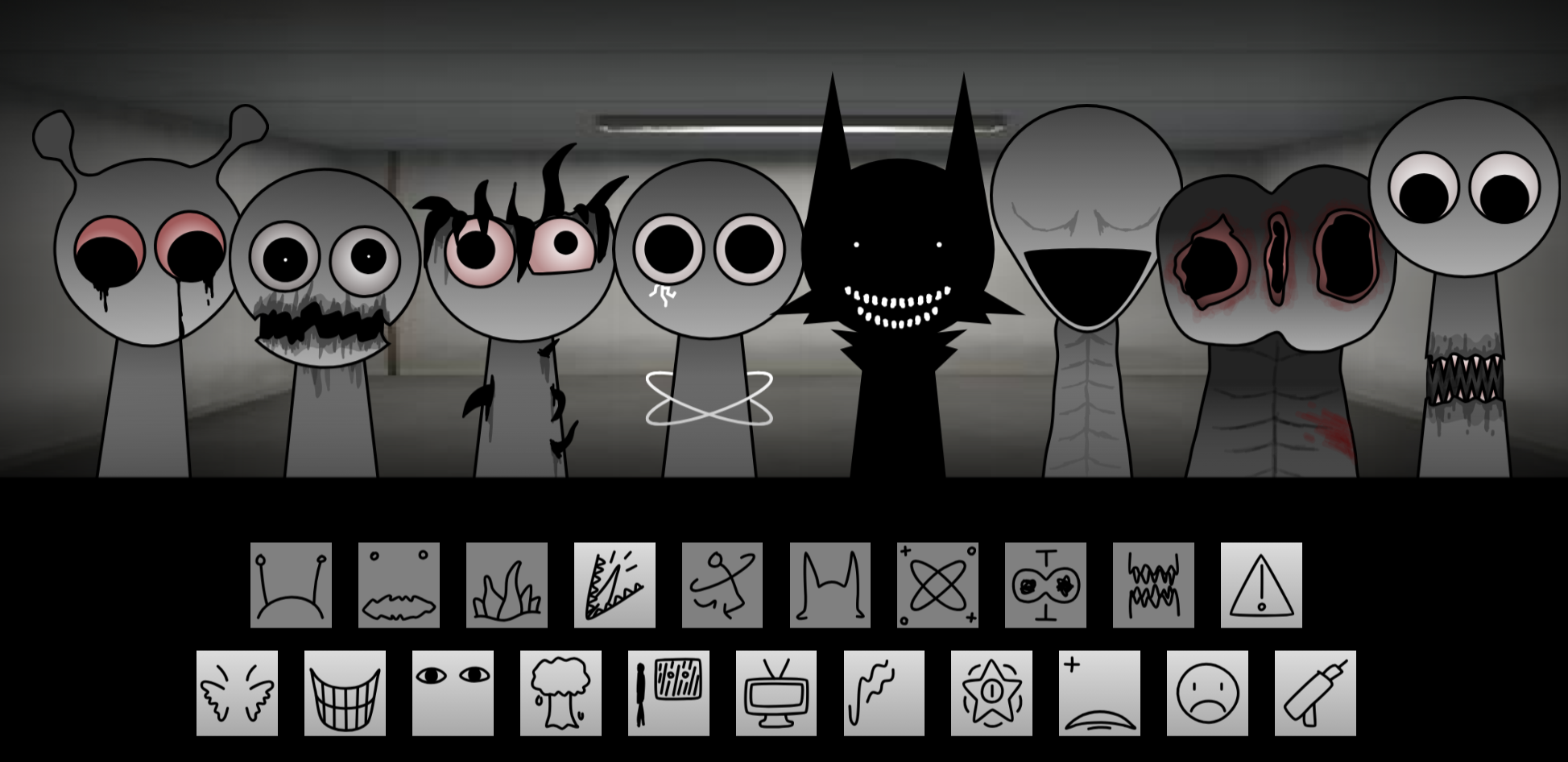
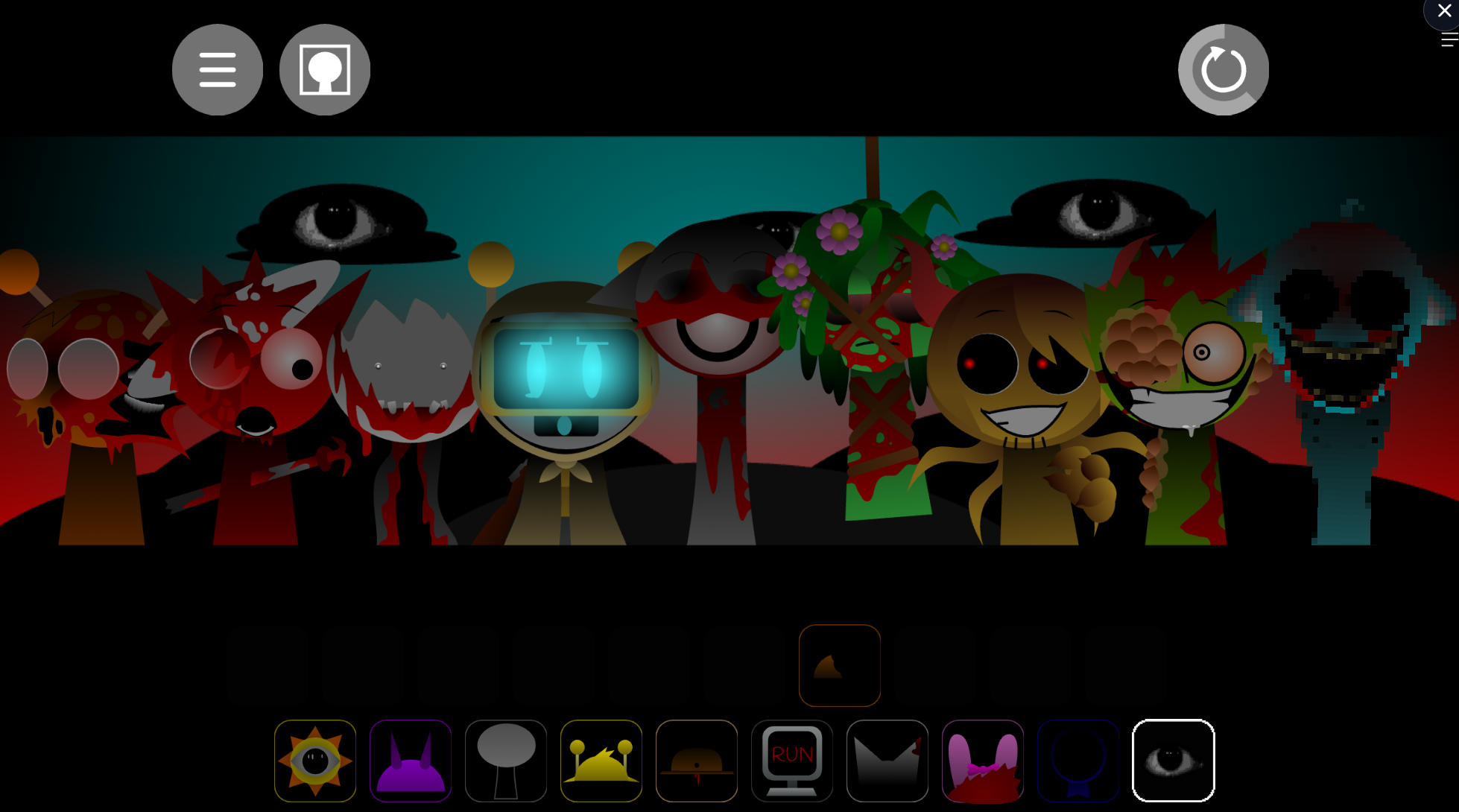
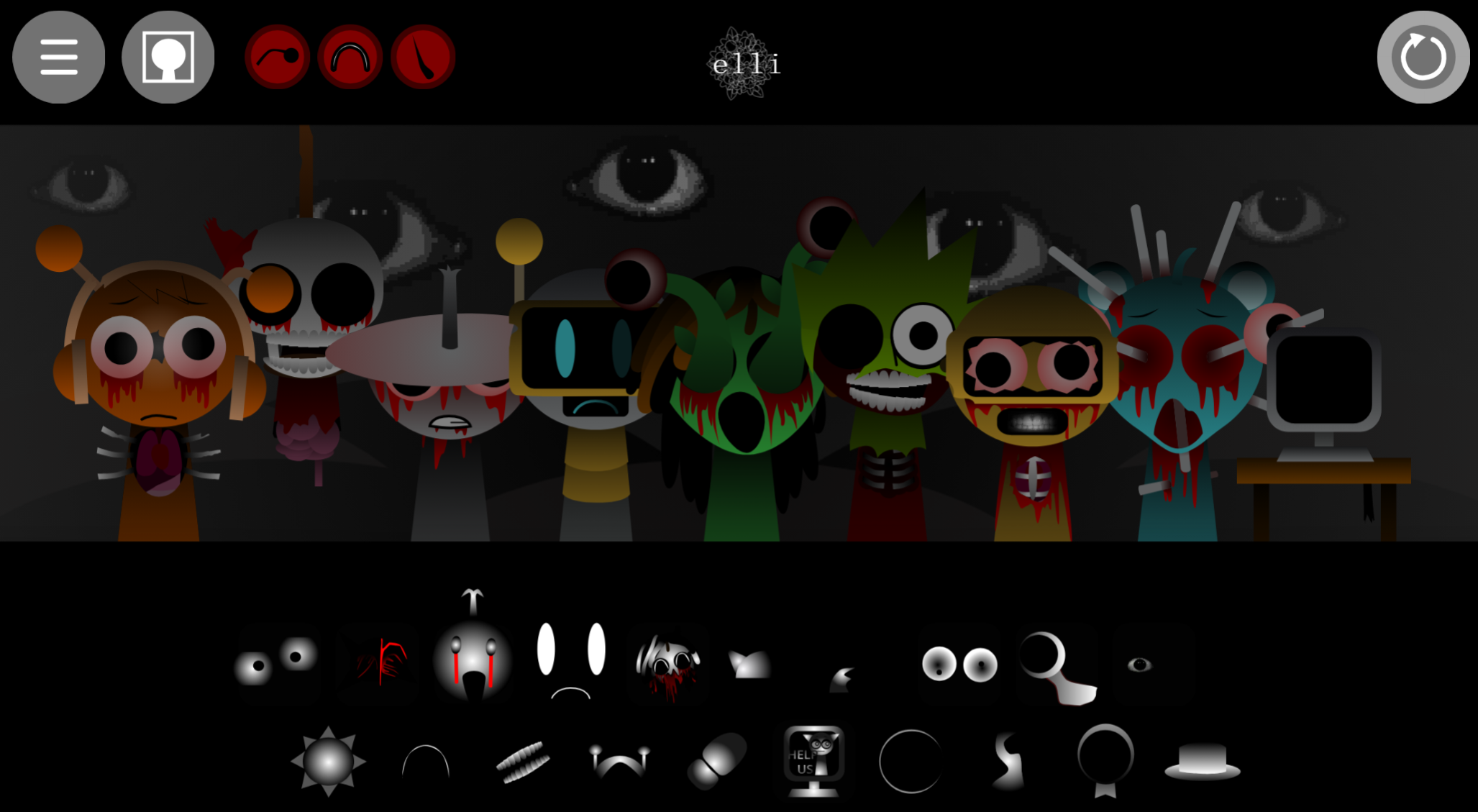
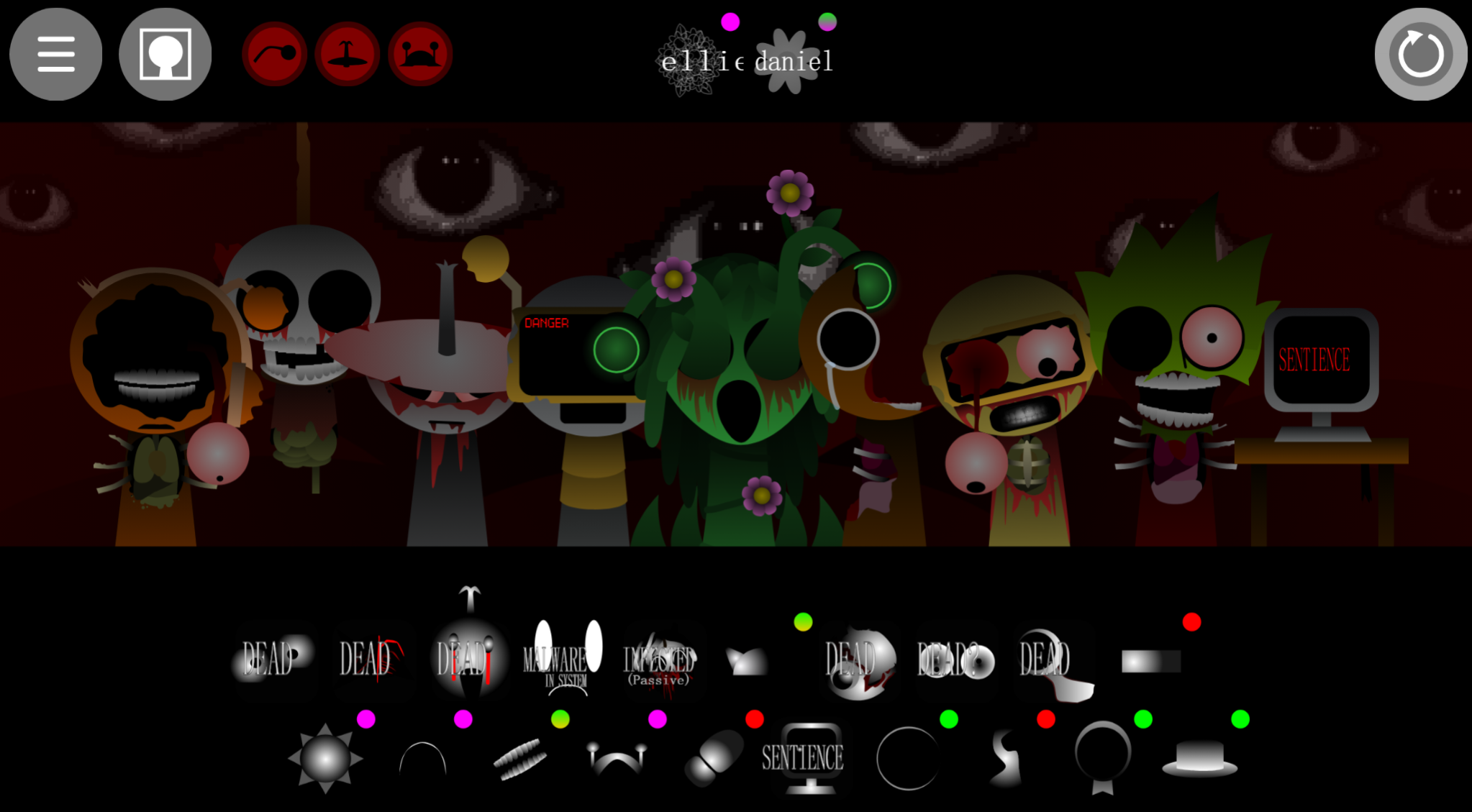
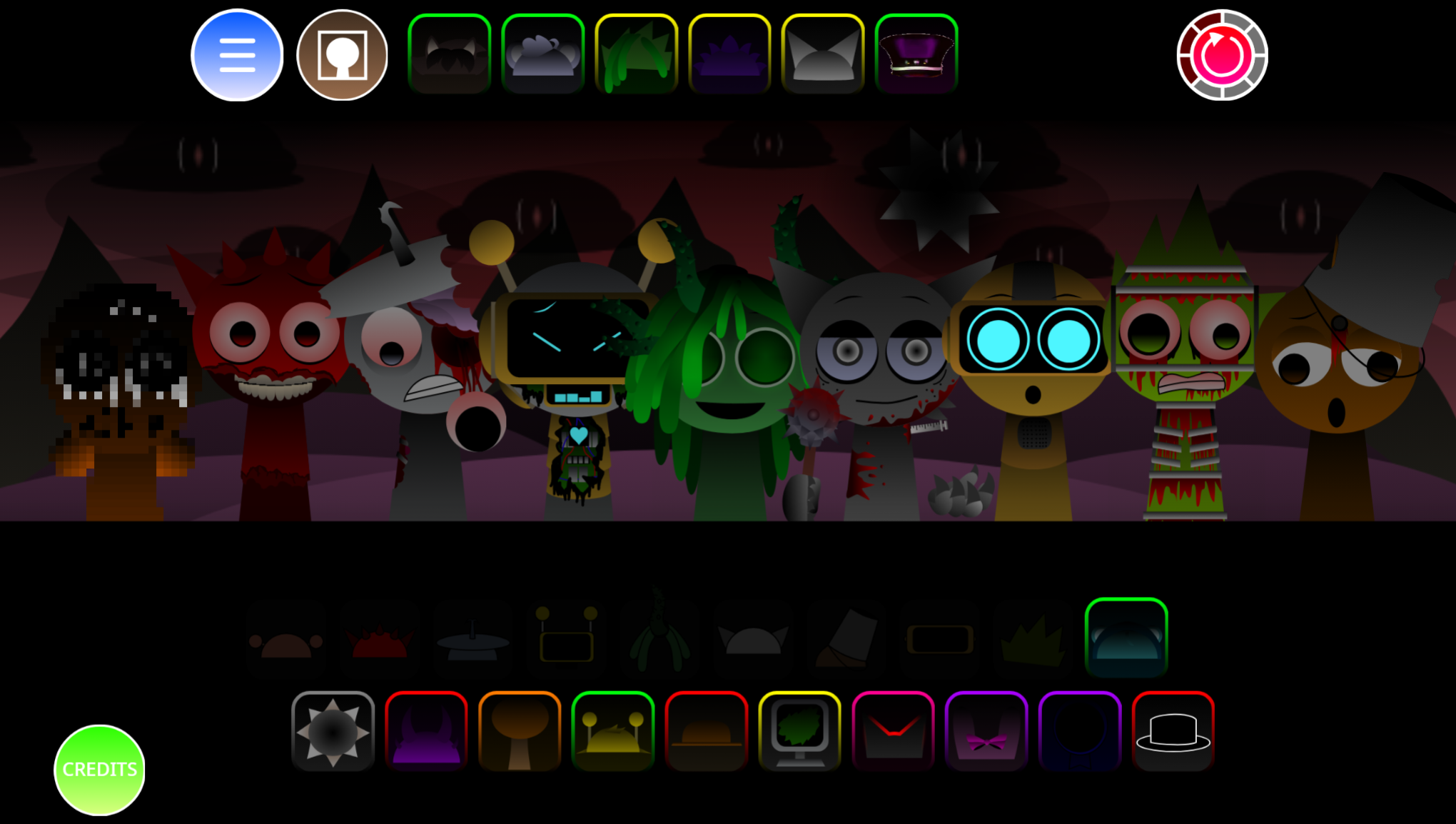
Sprunki 13 Shifted Player Baldis Take is a mod variant that replaces standard Sprunki characters with Baldi-inspired designs while shifting the sound palette toward education-horror aesthetics.
The “Shifted” label refers to both the visual overhaul and the audio remapping—loops that normally carry melodic or percussive roles now layer unsettling classroom samples, ruler slaps, and distorted vocal cues. This article breaks down the specific features that separate this version from generic Sprunki mods: the character roster changes, how the shifted audio affects loop composition, and why the Baldi theme creates unpredictable mixing results.
Because the visuals can feel intentionally unstable, audio becomes the clearer guide for whether a loop strengthens or cluters your arrangement.
Features of Sprunki 13-Shifted (Player Baldi’s Take)
Sprunki 13-Shifted (Player Baldi’s Take) applies a harsher Phase 3 treatment to the drag-and-drop music format. The Shifted identity affects audio, character behavior, and visuals simultaneously, creating an altered performance rather than a cosmetic reskin.
Mod author @PlayerBaldi released Version 1.0 on 2026/08/07, building on collaborative work from NyankoBFlol and Aron Studios with inspiration from Mystman12’s Baldi’s Basics. The result pairs accessible music creation with an unstable, distorted aesthetic that intensifies as you layer sounds.
-
Aggressive Phase 3 audio: Character loops carry a harder, more dramatic Vortex-Shifted profile. Layers churn and clash rather than settling neatly, so sparse mixes can become abrasive as more performers join.
-
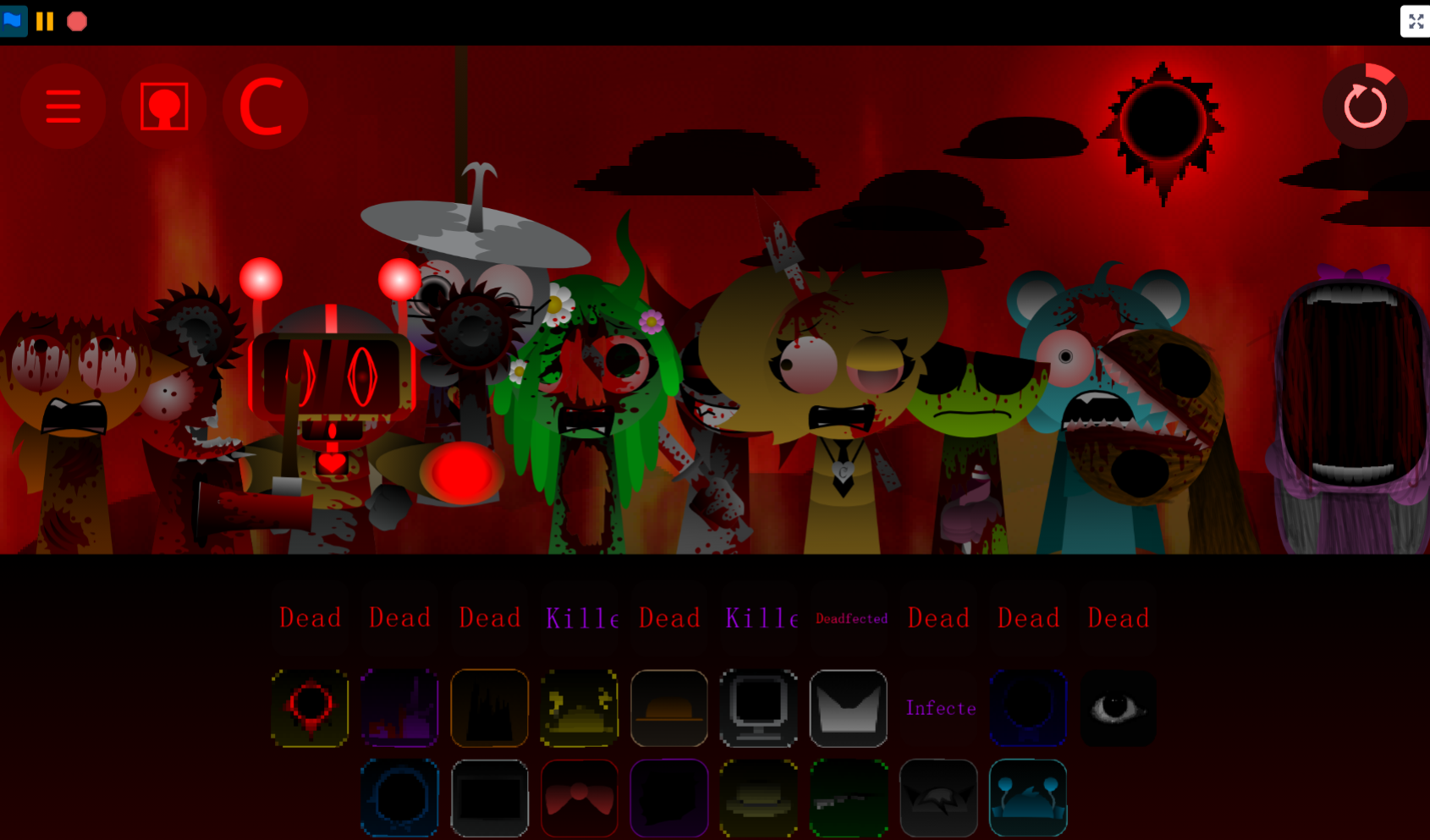
Altered character behavior: Shifted, swapped, double-shifted, and “Alive” variants change mood and force, encouraging combinations that feel unstable or deliberately off-kilter rather than balanced.
-
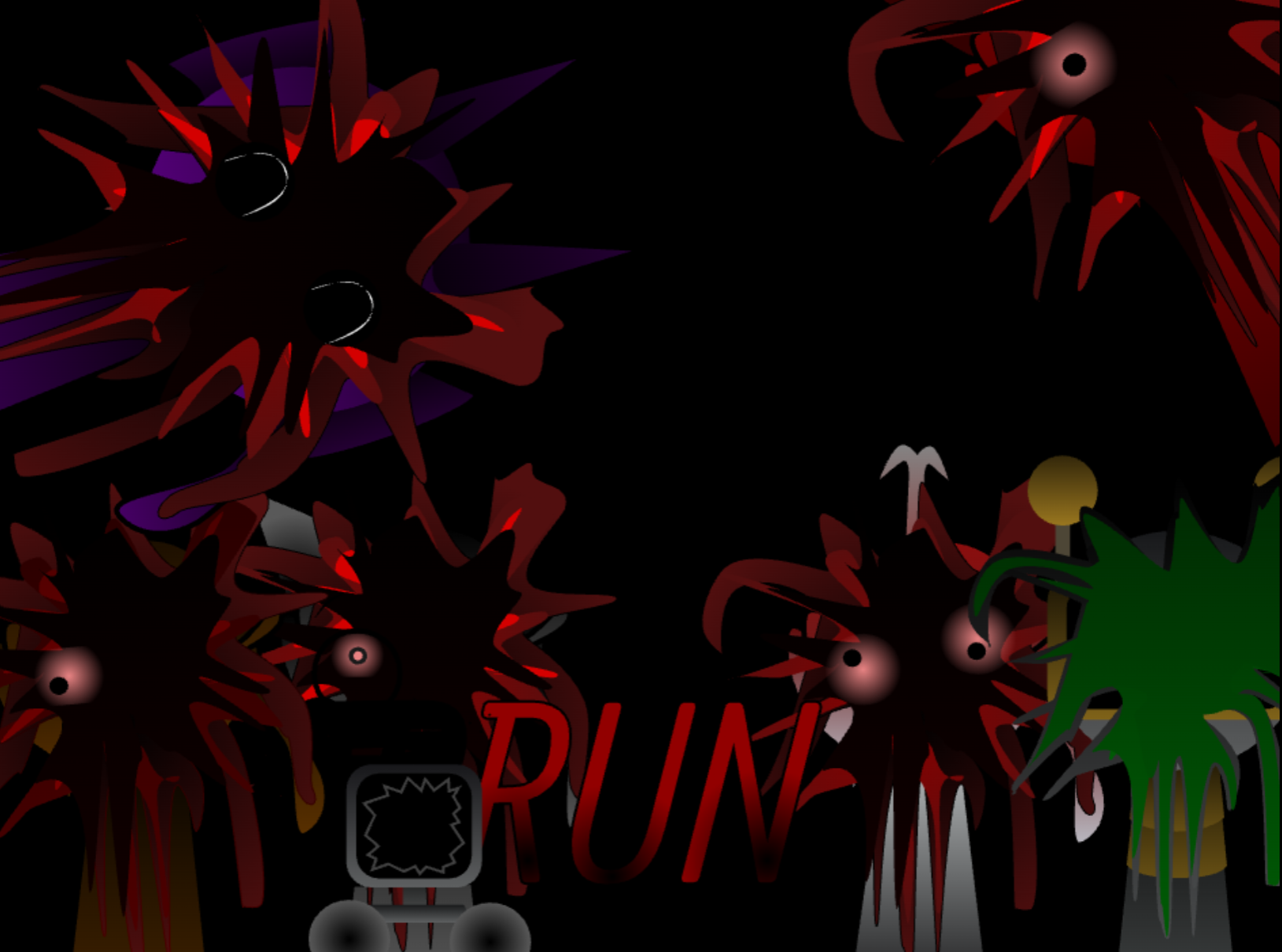
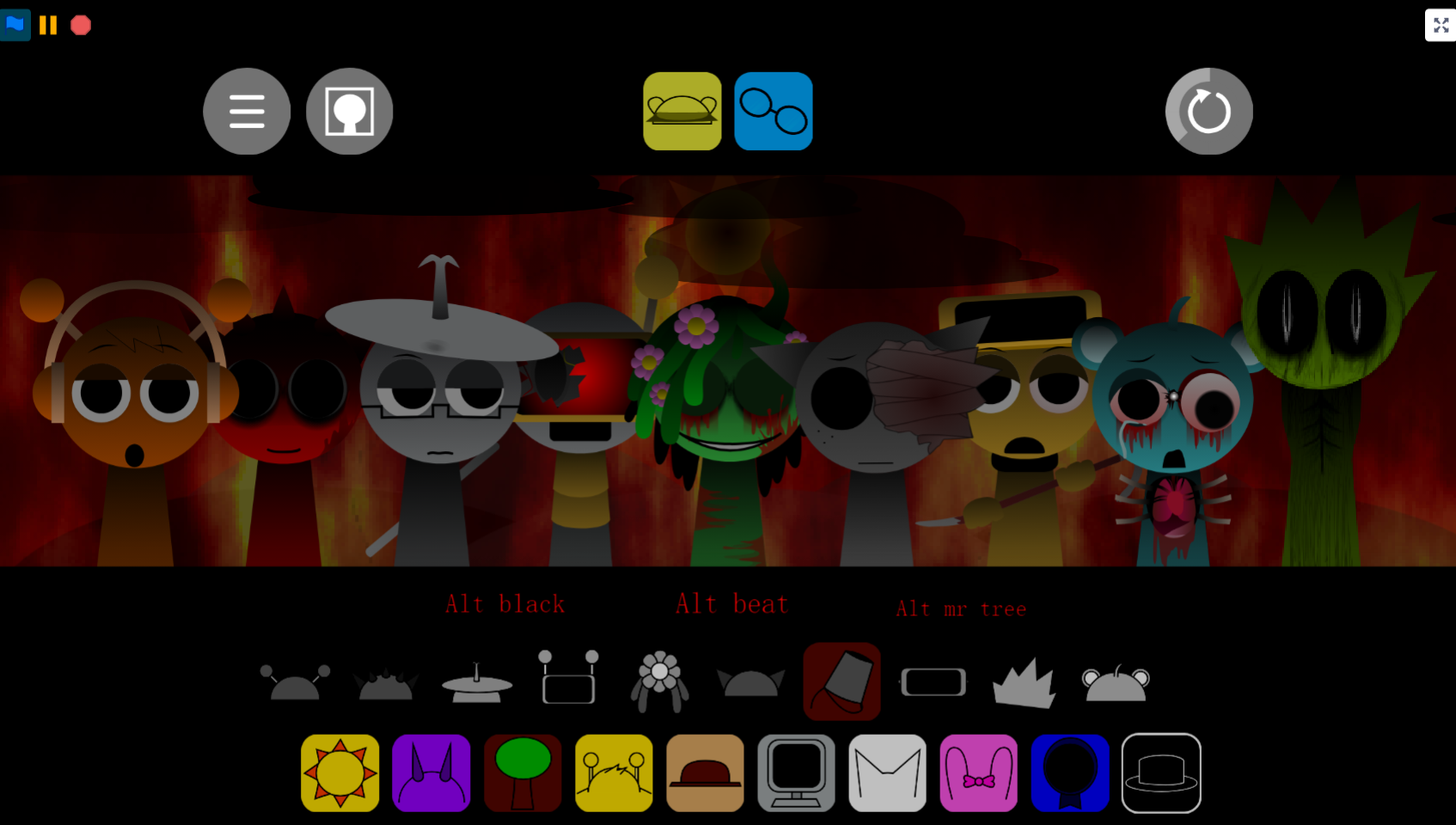
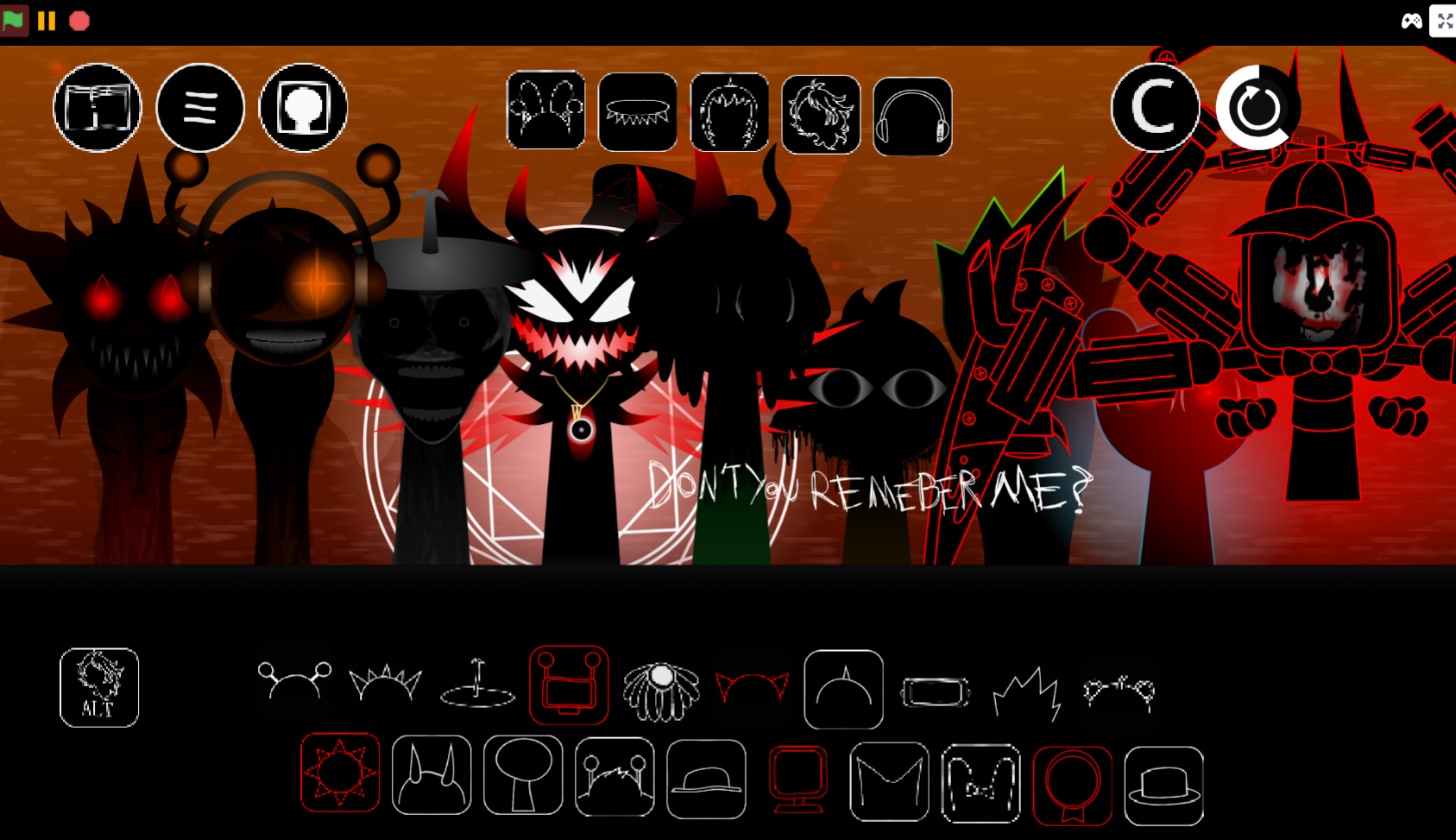
Eerie visual progression: Toggle between cartoon-style ghost performance and horror mode. In horror mode, characters’ teeth stretch farther apart the longer their loops run, tying visual distortion to sustained sound. Glitchy animation drift reinforces the uneasy effect.
-
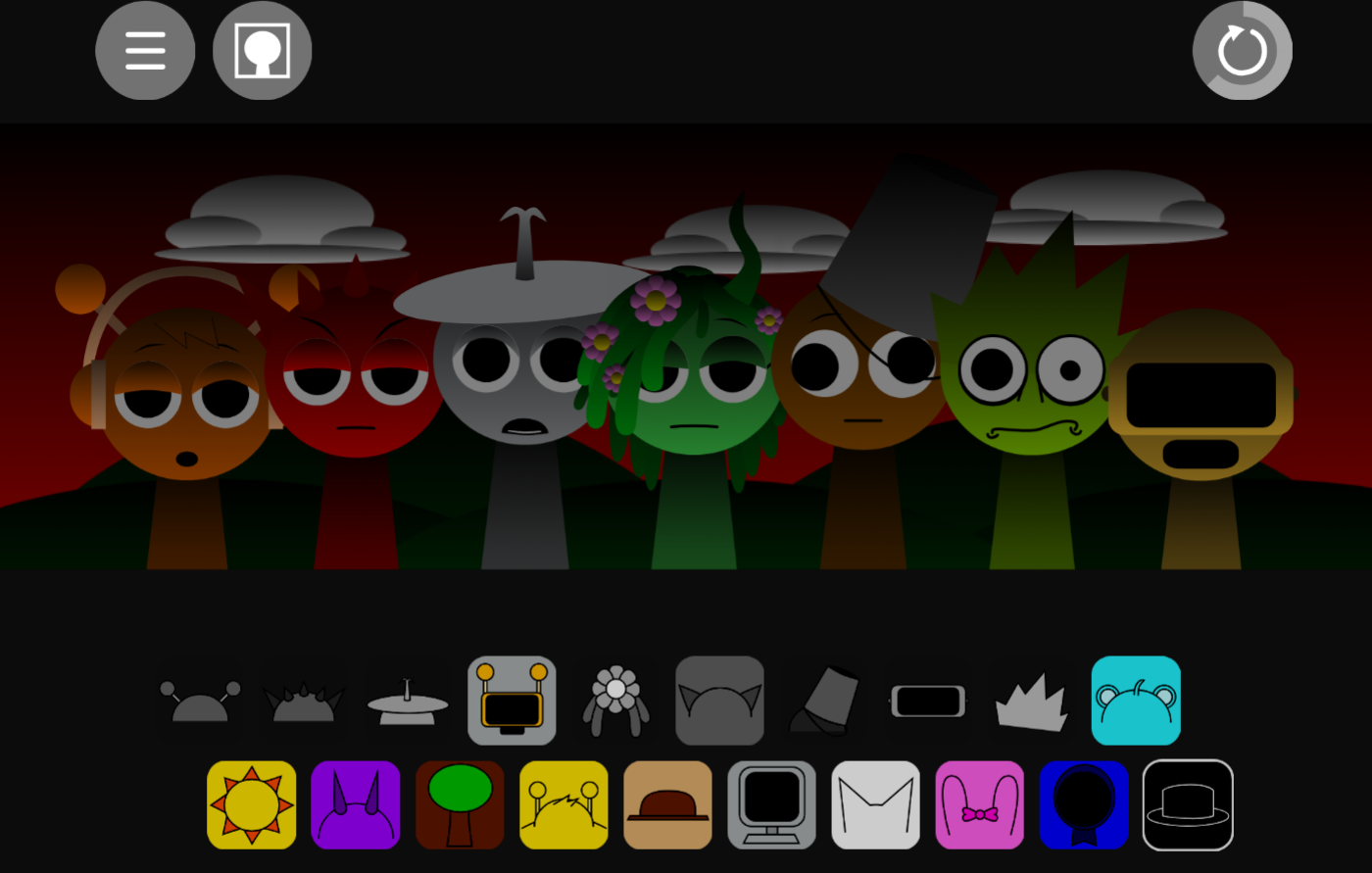
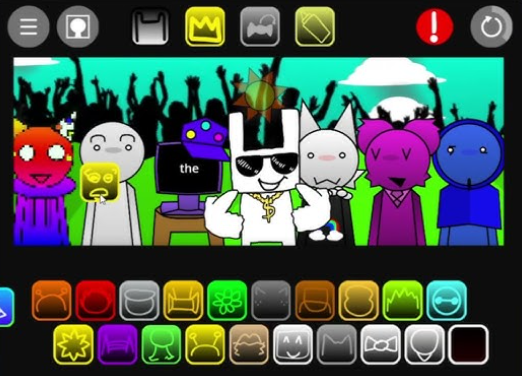
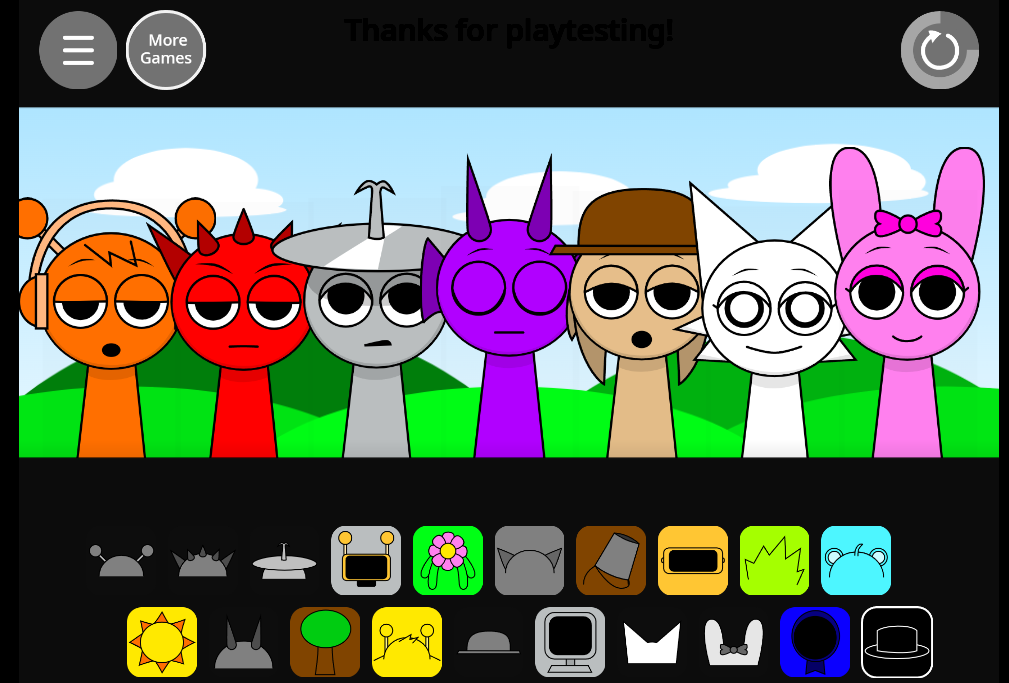
Distinctive cast: Sky—cyan-colored with round ears, a single hair strand, and visible injury marks—is the only character under 18. Mr. Sun, Mr. Tree, and Tanner contribute to the somber atmosphere, while Oren, Raddy, and Vineria provide beats, melodies, and atmospheric parts.
Sprunki 13-Shifted (Player Baldi’s Take)
The mod runs in a browser with no download. Drag performers onto the stage and their loops combine into a real-time Composition. There is no timer, required sequence, or fixed solution. Build a mix gradually and listen to how each new character changes rhythm, texture, and tension. Because visuals can appear unstable by design, audio is the better guide for whether a loop strengthens or muddies the arrangement.
How to Play Sprunki 13-Shifted (Player Baldi’s Take)
-
Choose performers. Start with characters like Oren, Raddy, or Vineria to establish a beat, melody, or atmospheric sound.
-
Build the mix. Drag characters onto the stage one at a time and listen to how the Shifted sound palette changes the arrangement.
-
Try altered variants. Use Shifted or “Alive” versions when you want a darker or more forceful turn. These work best as intentional changes rather than automatic replacements.
-
Change the visual mood. Toggle to horror mode to see the visual progression. Sustained loops make expressions increasingly distorted, including the widening teeth effect.
Composition Tips
-
Start with a steady pulse. Establish dependable percussion before adding melodies or harsher textures. This anchors the mix when aggressive Shifted loops enter.
-
Add layers gradually. Listen after every placement. Vortex-like layering can create compelling clashes, but too many intense parts at once may obscure the rhythm.
-
Create contrast. Combine grounded beats with erie melodic fragments or quieter atmospheric sounds. A restrained layer can make a dramatic loop feel more purposeful than continuous intensity.
-
Use altered forms as transitions. Shifted and Alive characters can mark a change in mood or energy. Introduce them when the track needs to become more distorted, not simply because a slot is open.
-
Trust the sound over the motion. Animation drift and unsettling visuals are part of Player Baldi’s Take, but audio determines whether the Composition works. Remove any loop that weakens the balance and leave room for remaining parts to breathe.
Related Games
- Sprunki Vortex Shifted Remake Phase 3 Player Baldis Take — Its later-phase Shifted presentation makes it a fitting follow-up for players who want another PlayerBaldi remix with similarly distorted horror visuals and layered music-building.
- Sprunki Vortex Shifted Phase 1.5 Remake Player Baldis Take — This earlier Vortex Shifted remake offers a useful companion perspective on the same unsettling sound-loop formula before its Phase 3 escalation.
Can You Toggle Back to Lighter Visuals During a Mix?
Yes. The toggle between ghost performance and horror mode is available while loops are playing, so you can shift the visual presentation mid-Composition without restarting. This lets you match the visuals to the current intensity of your arrangement or test how the horror mode’s stretching teeth effect looks at different stages. The audio layers continue uninterrupted during the switch.
Discuss Sprunki