
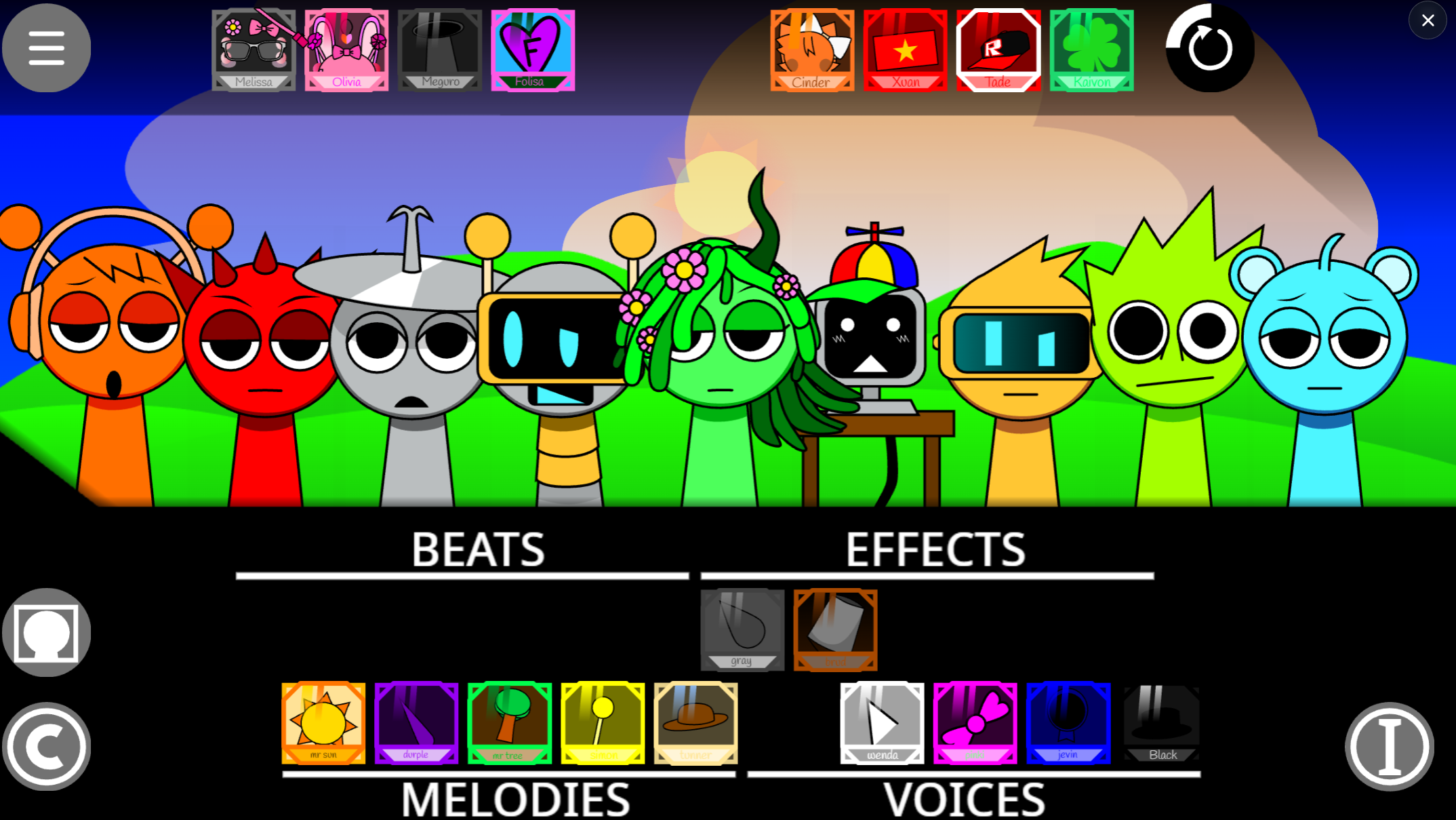



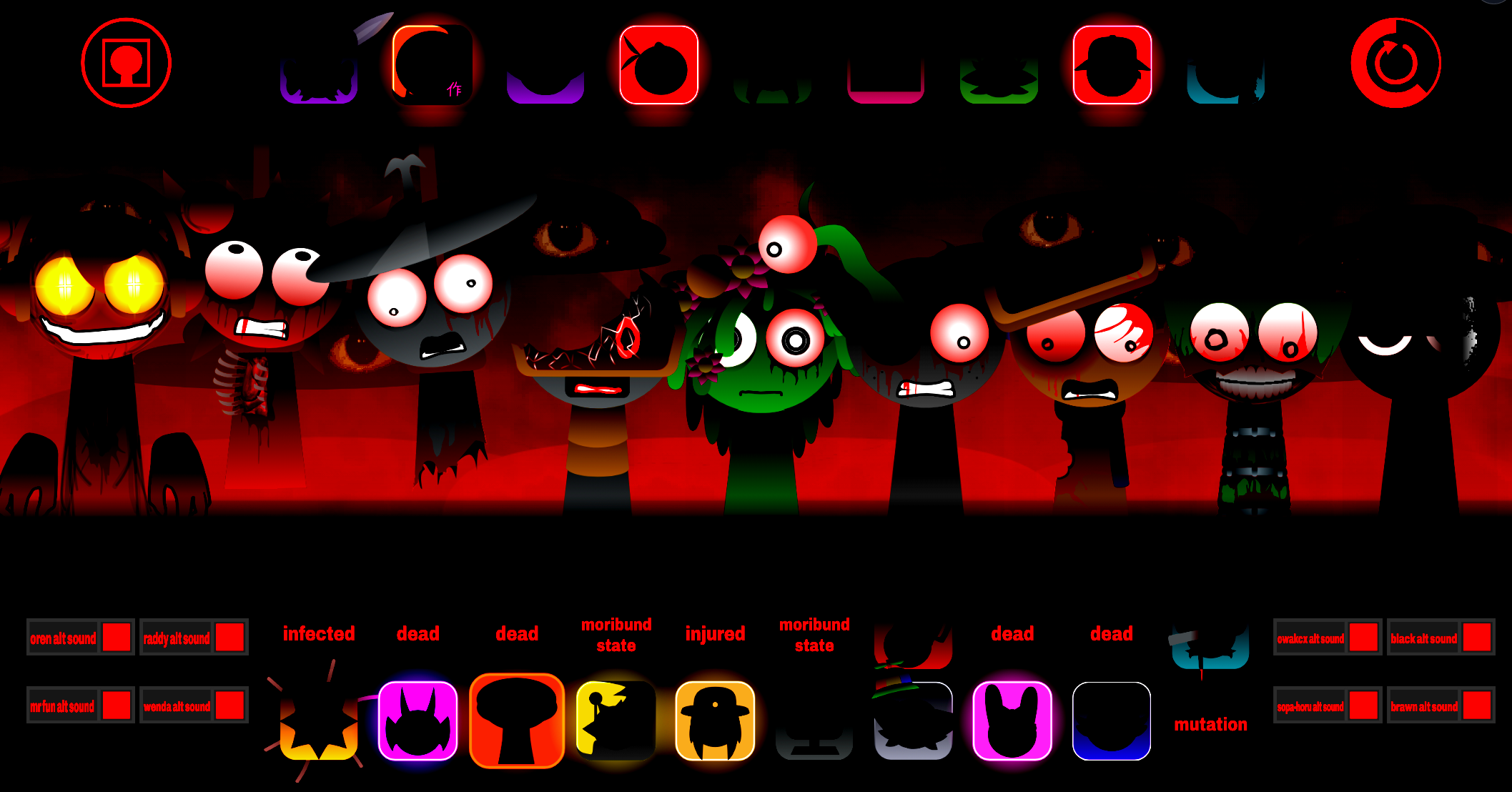
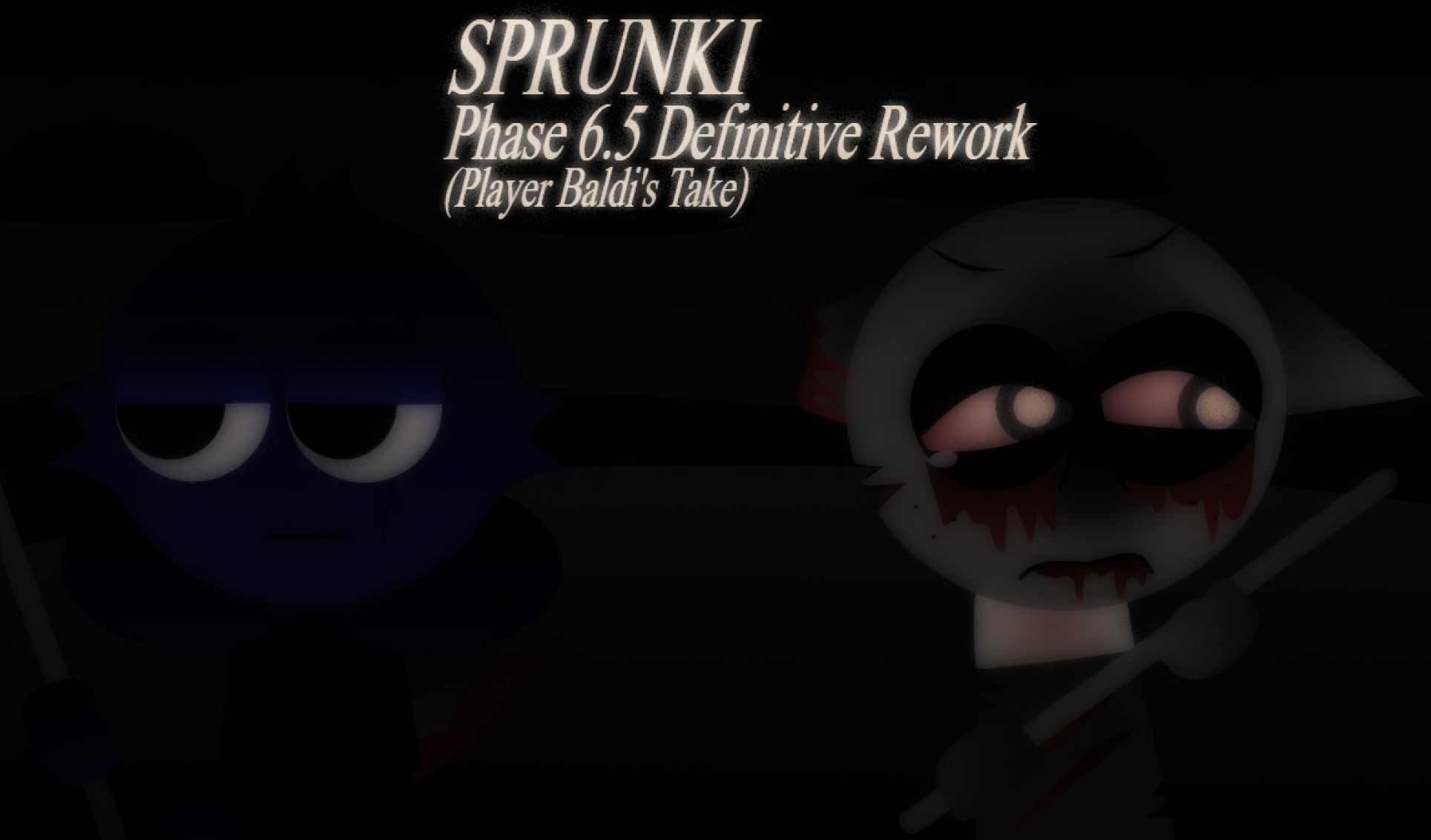
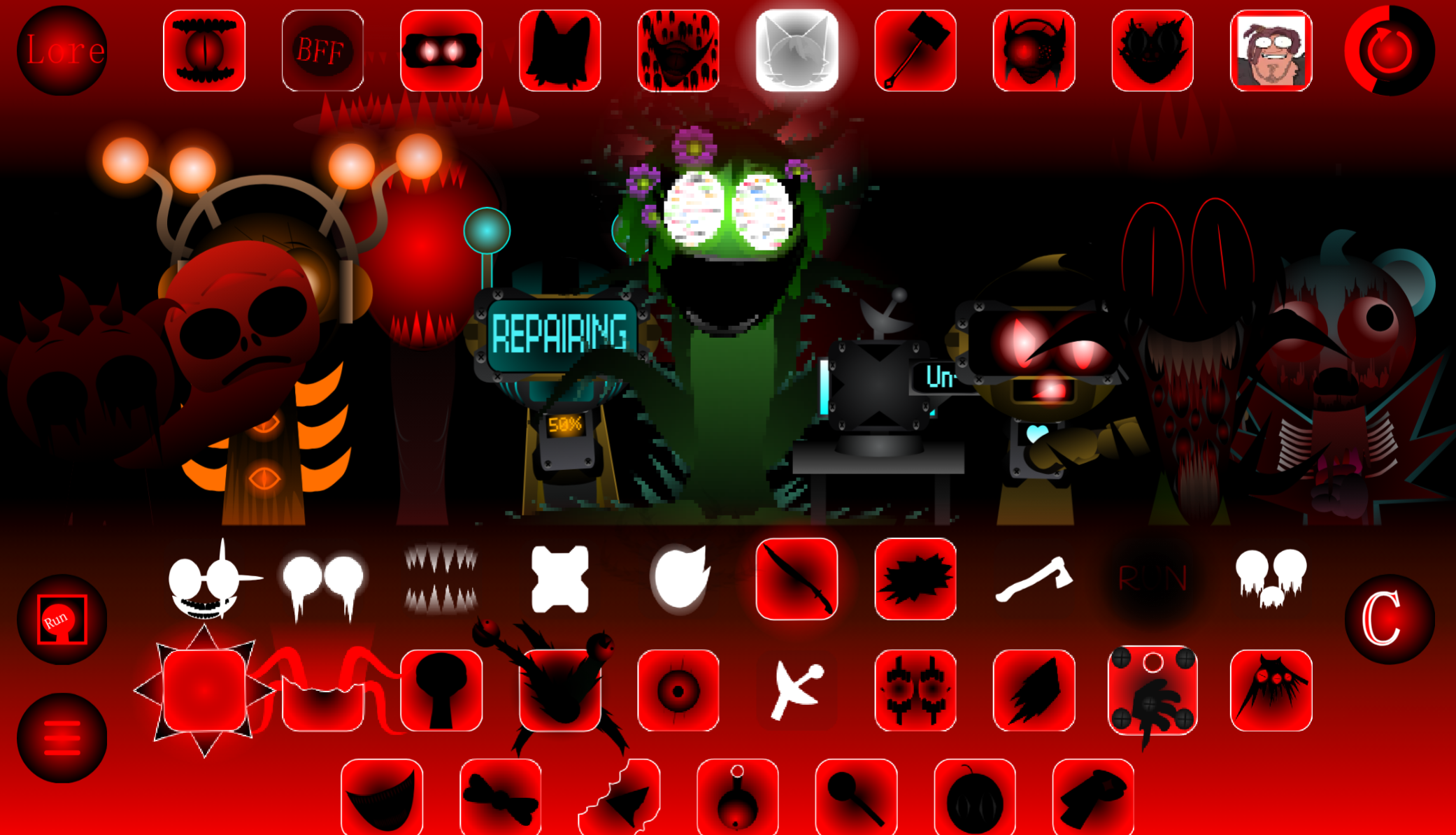
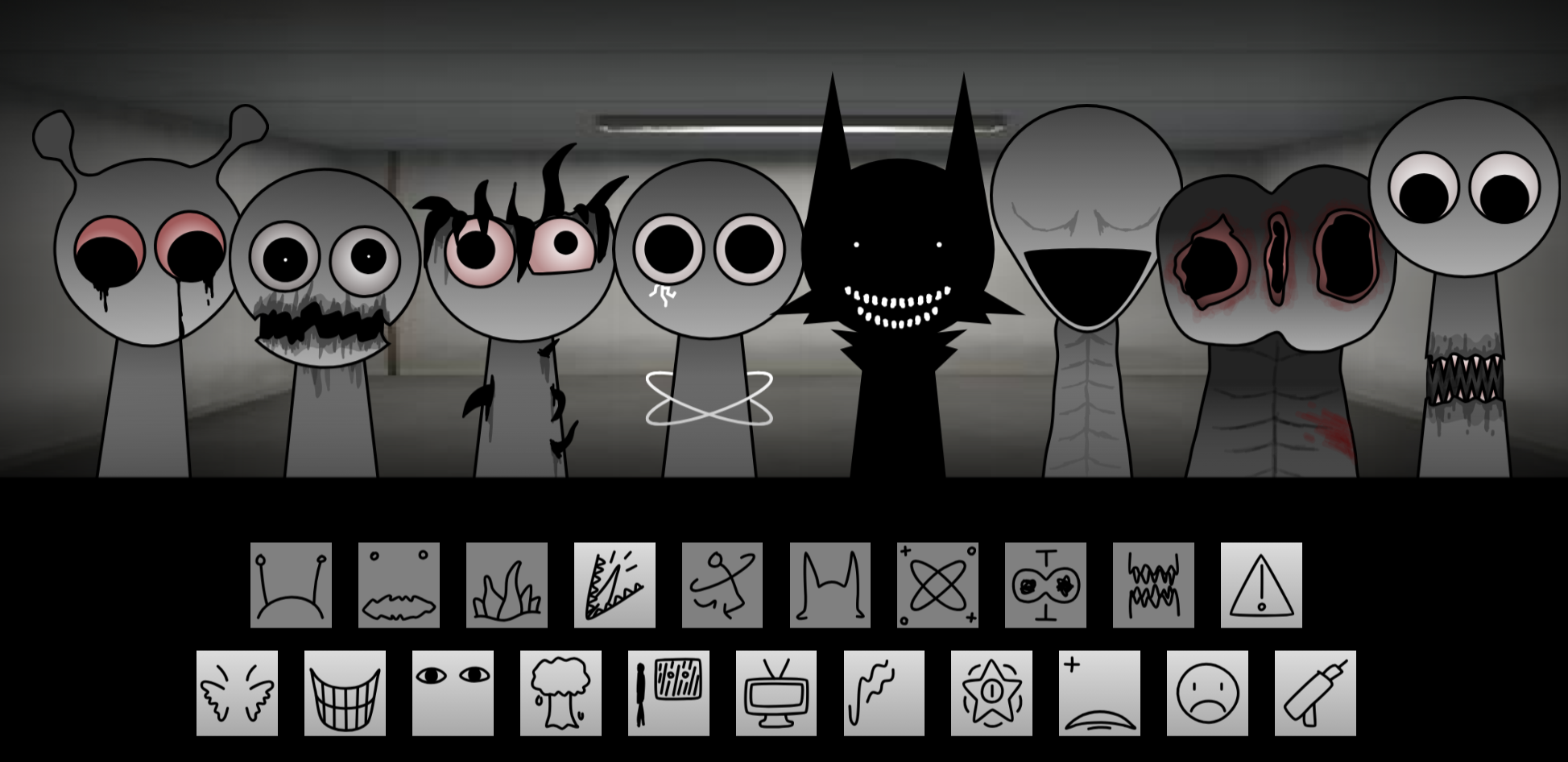
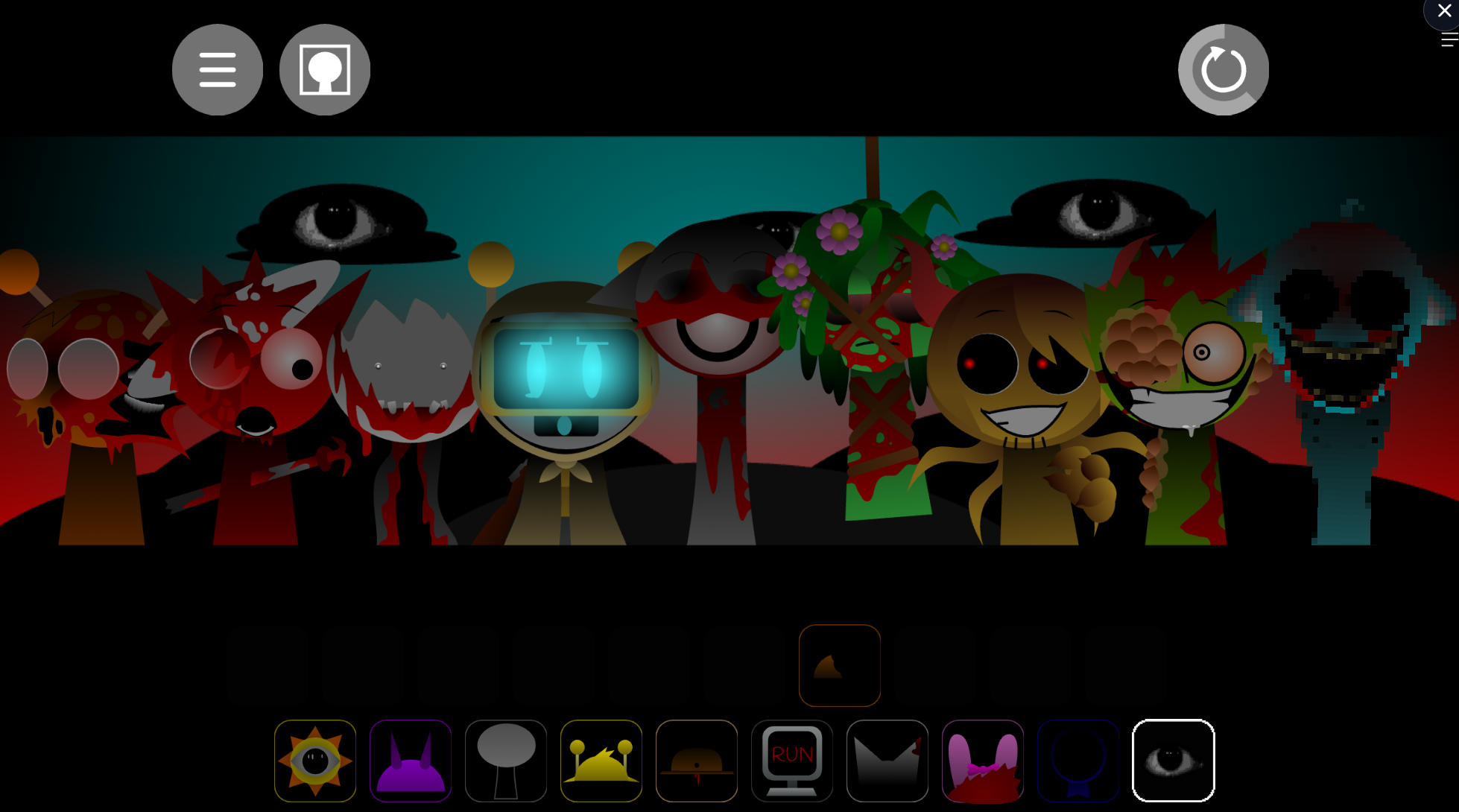
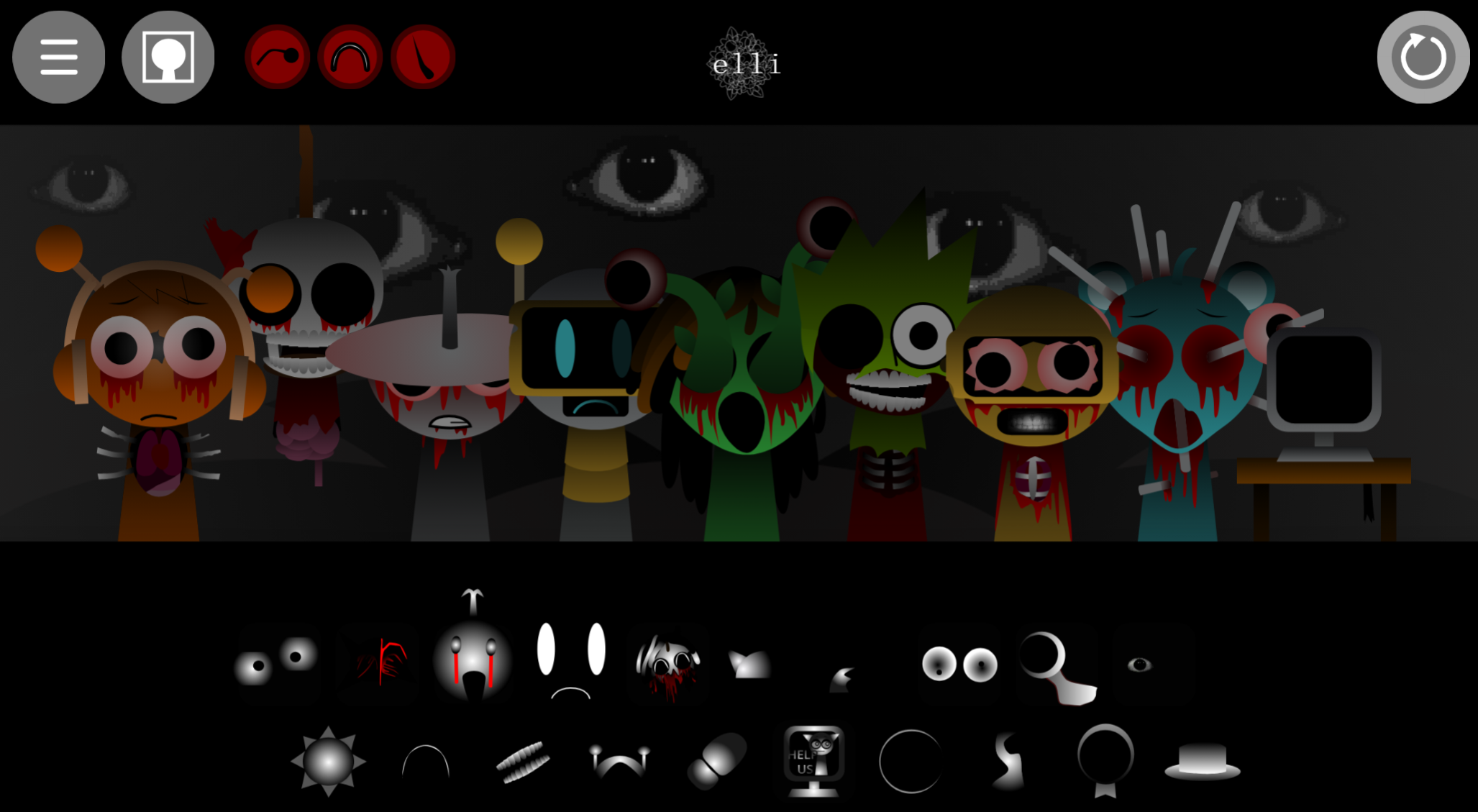
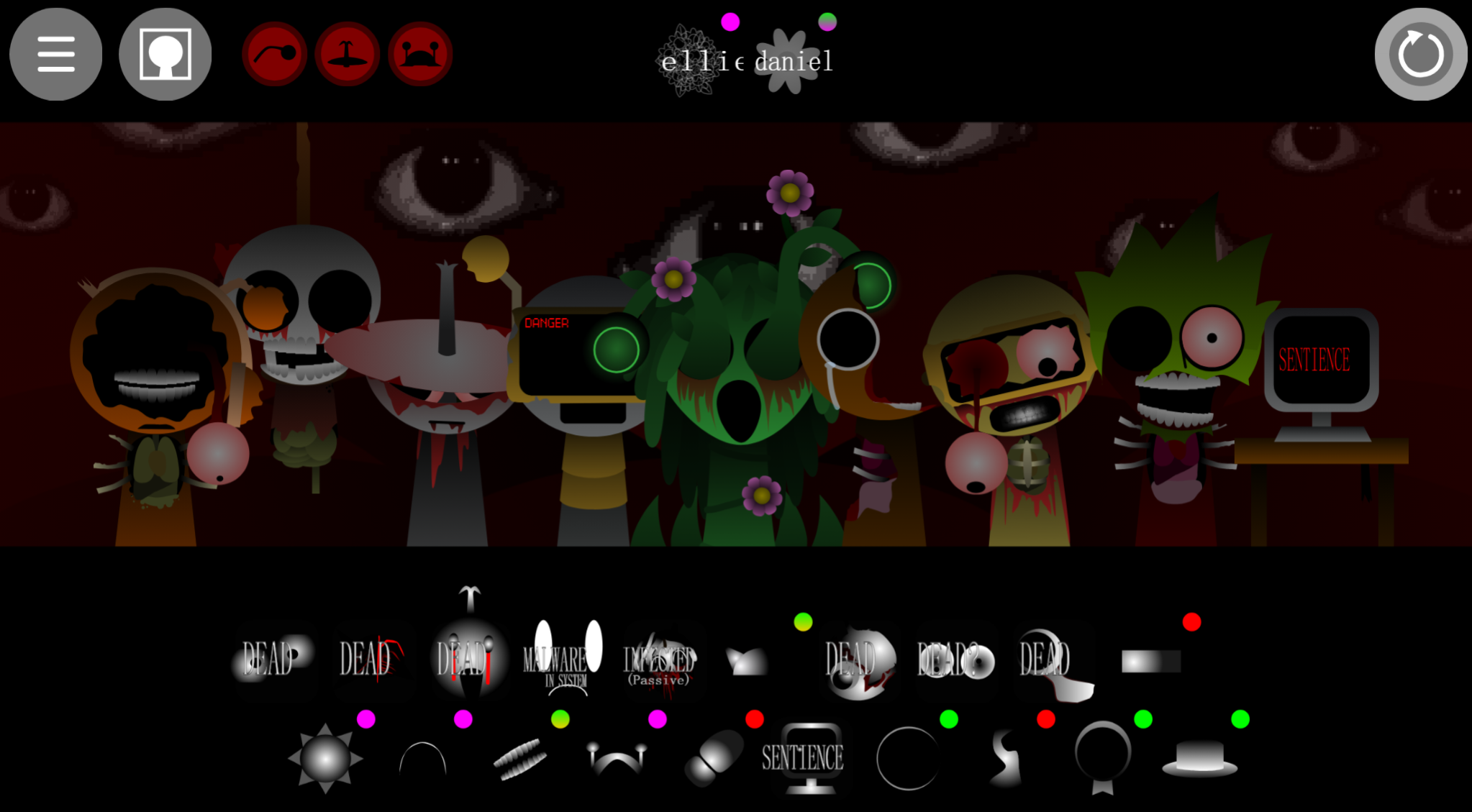
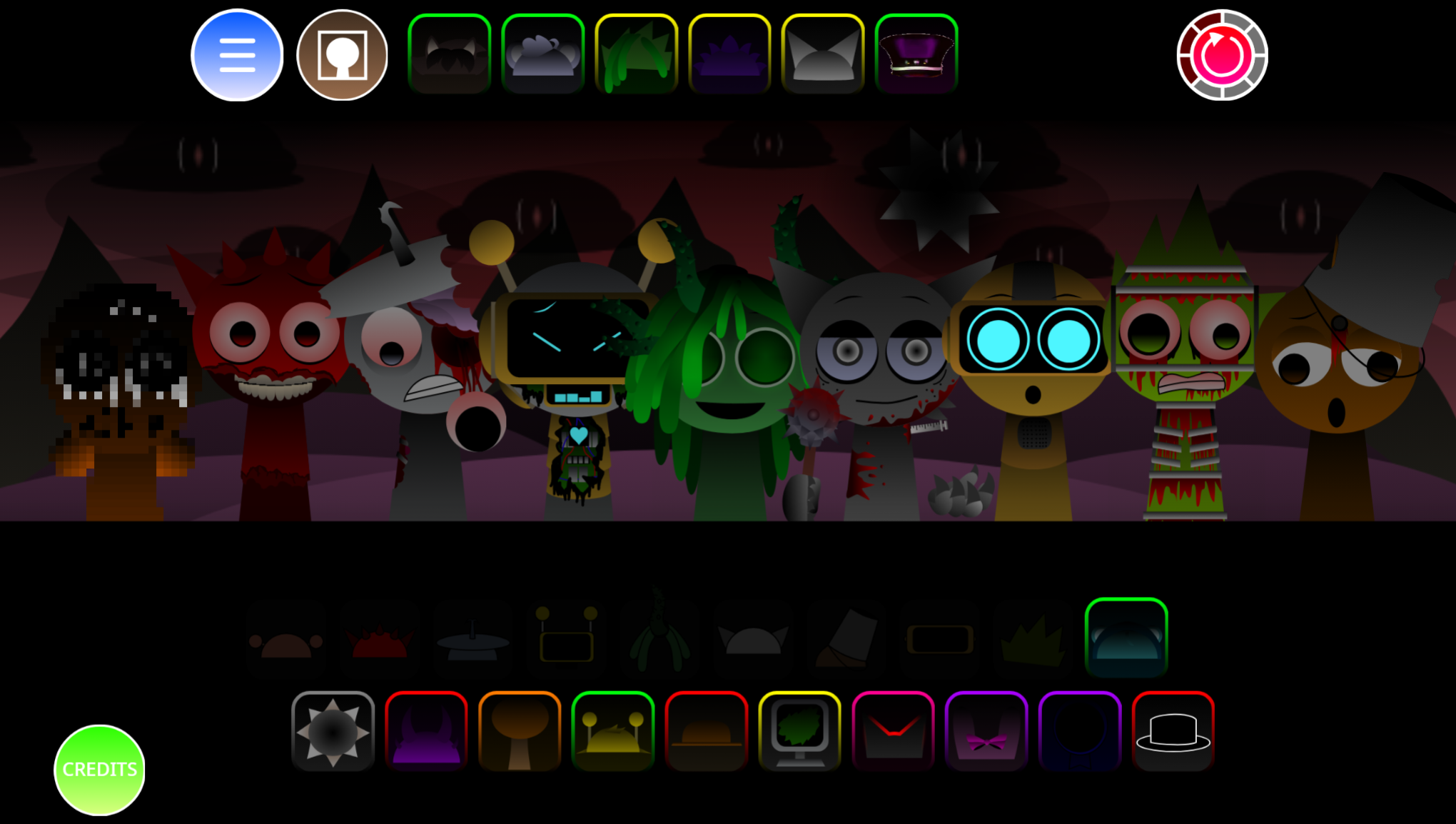
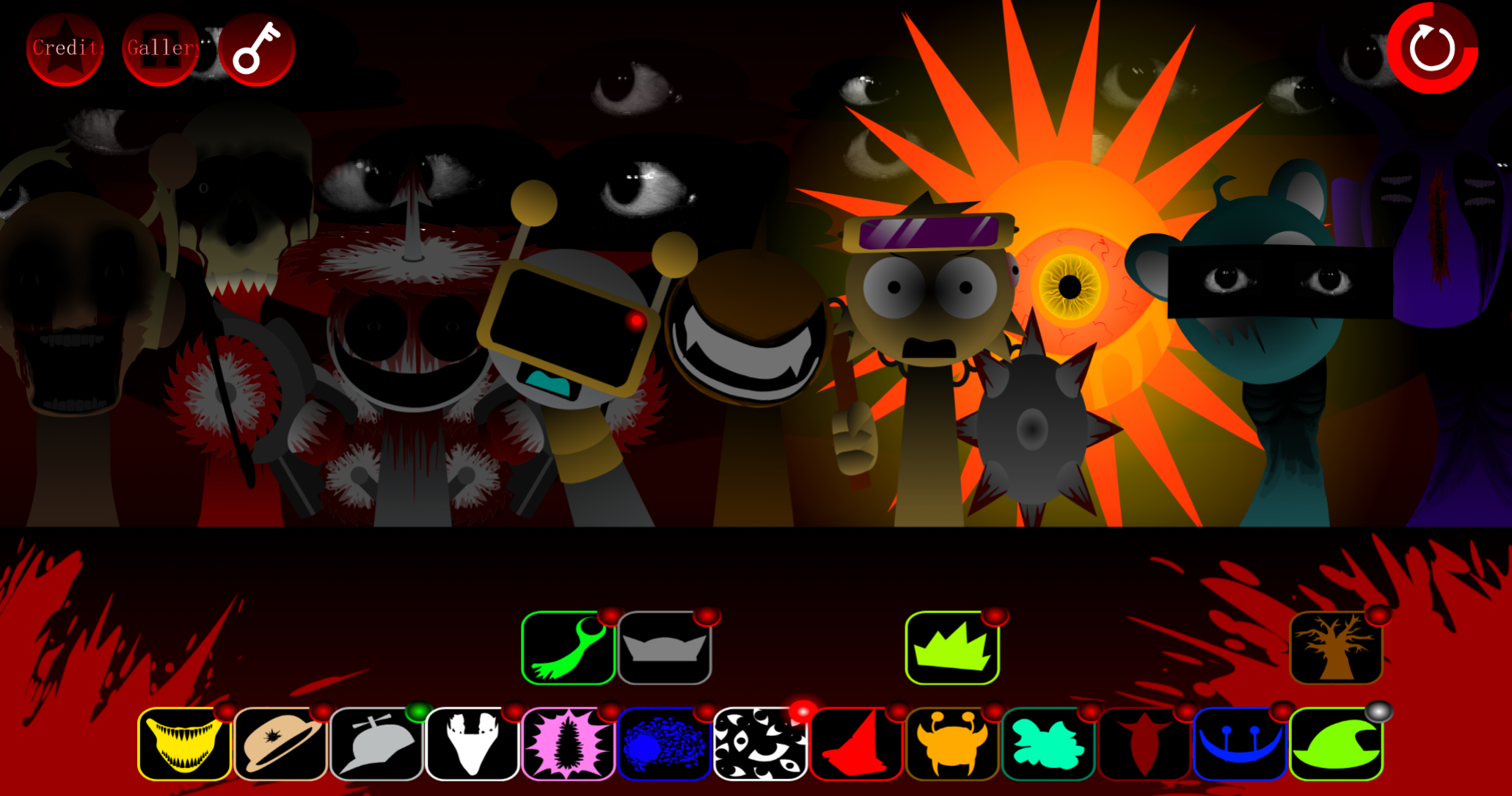
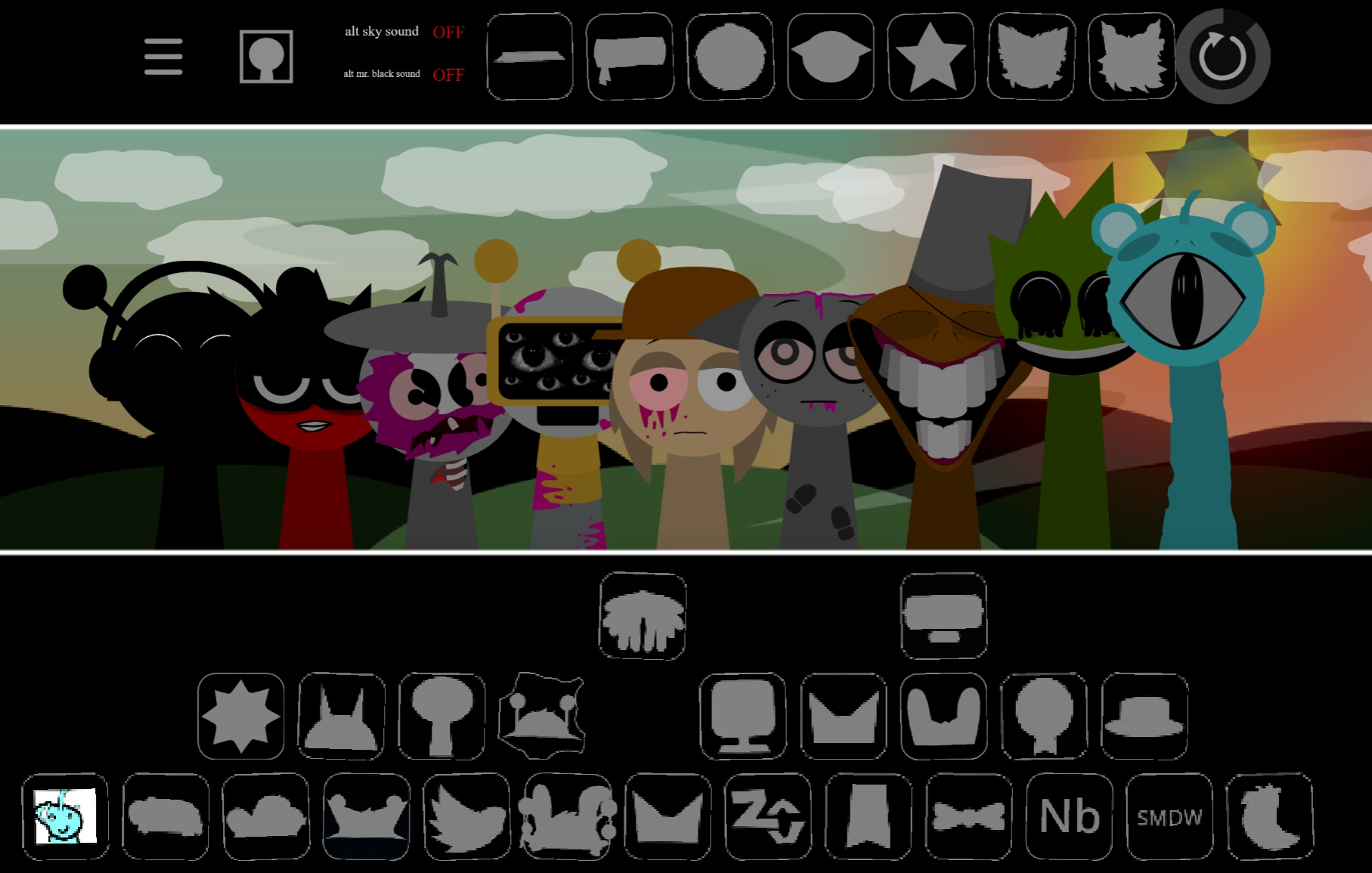
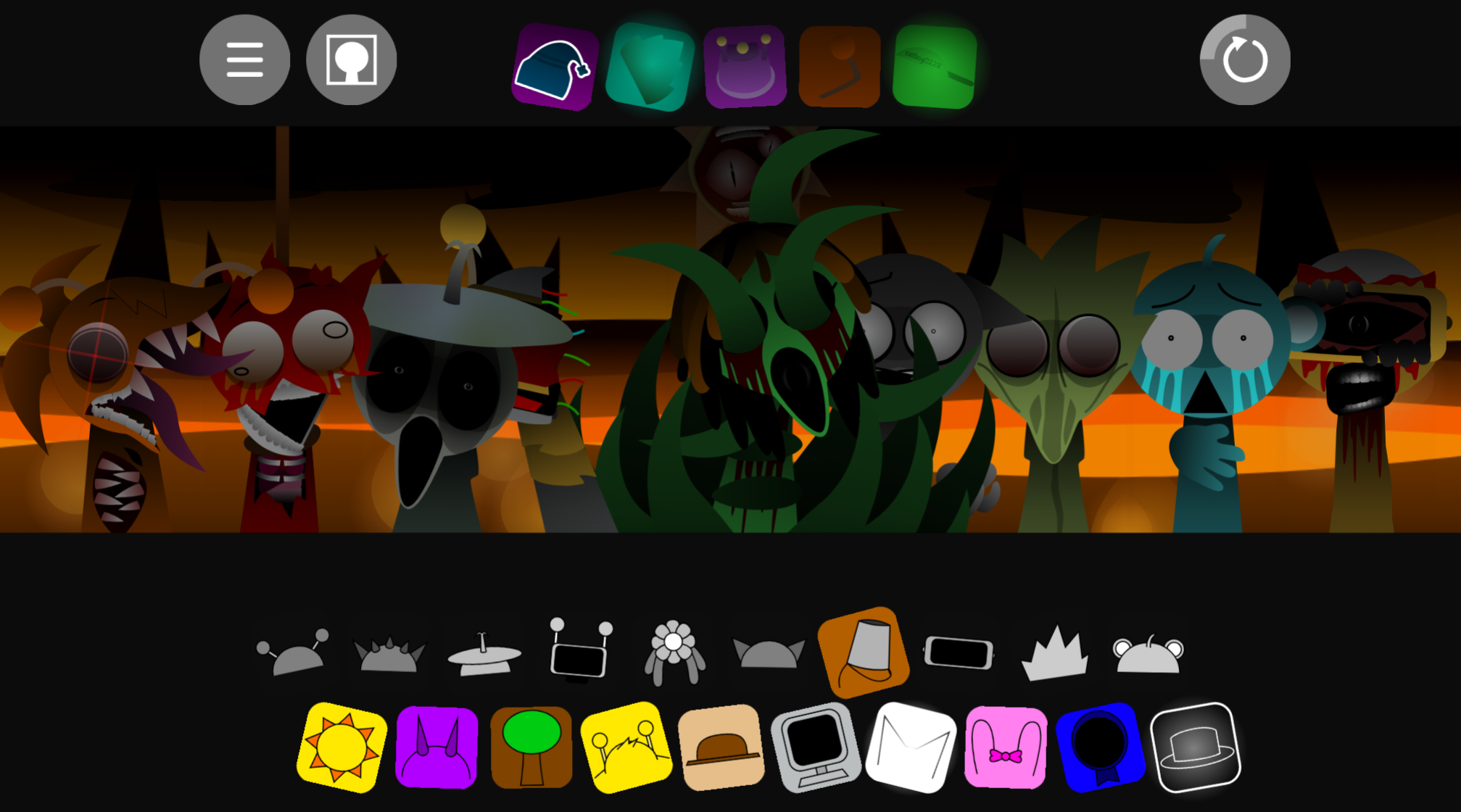
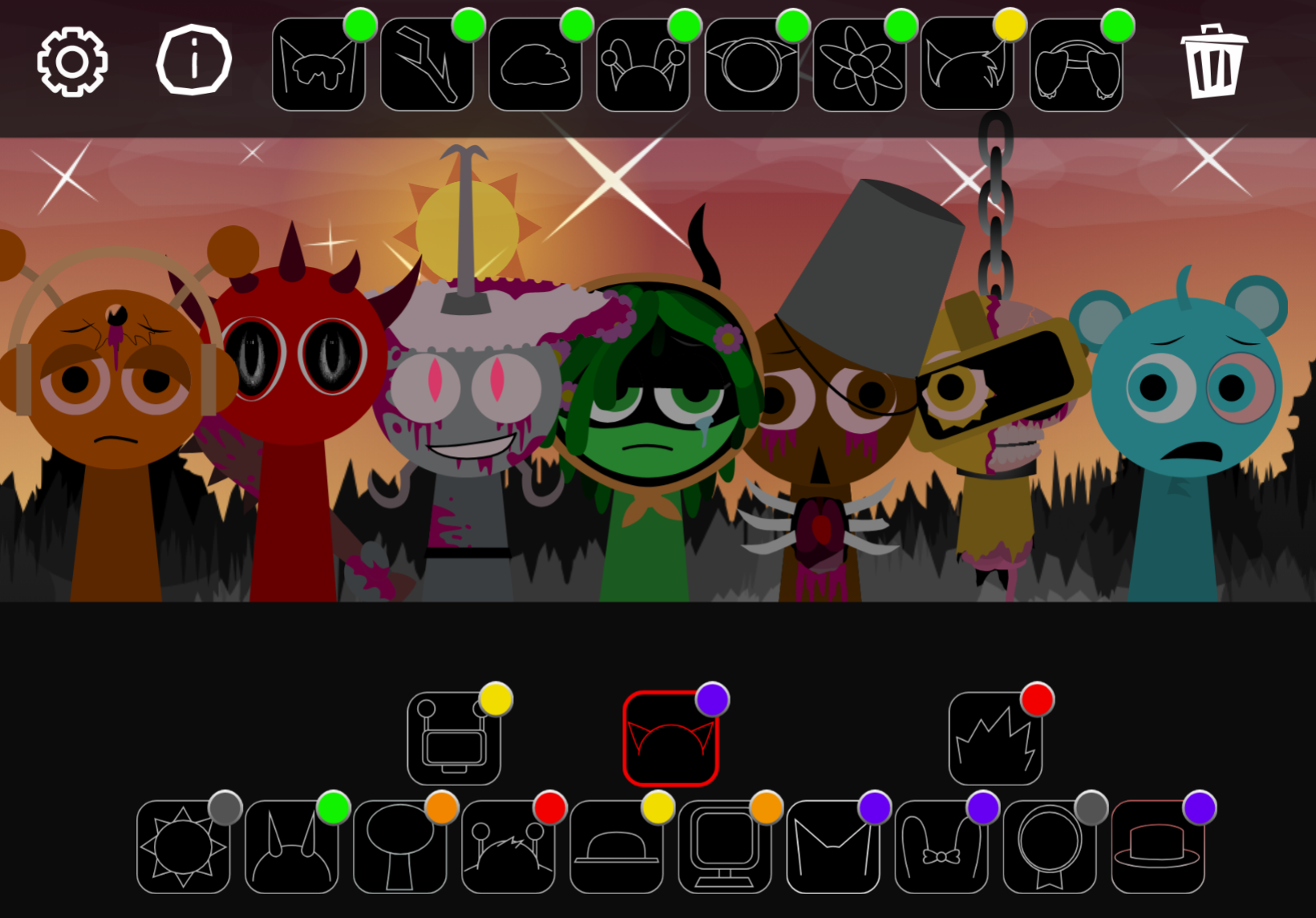
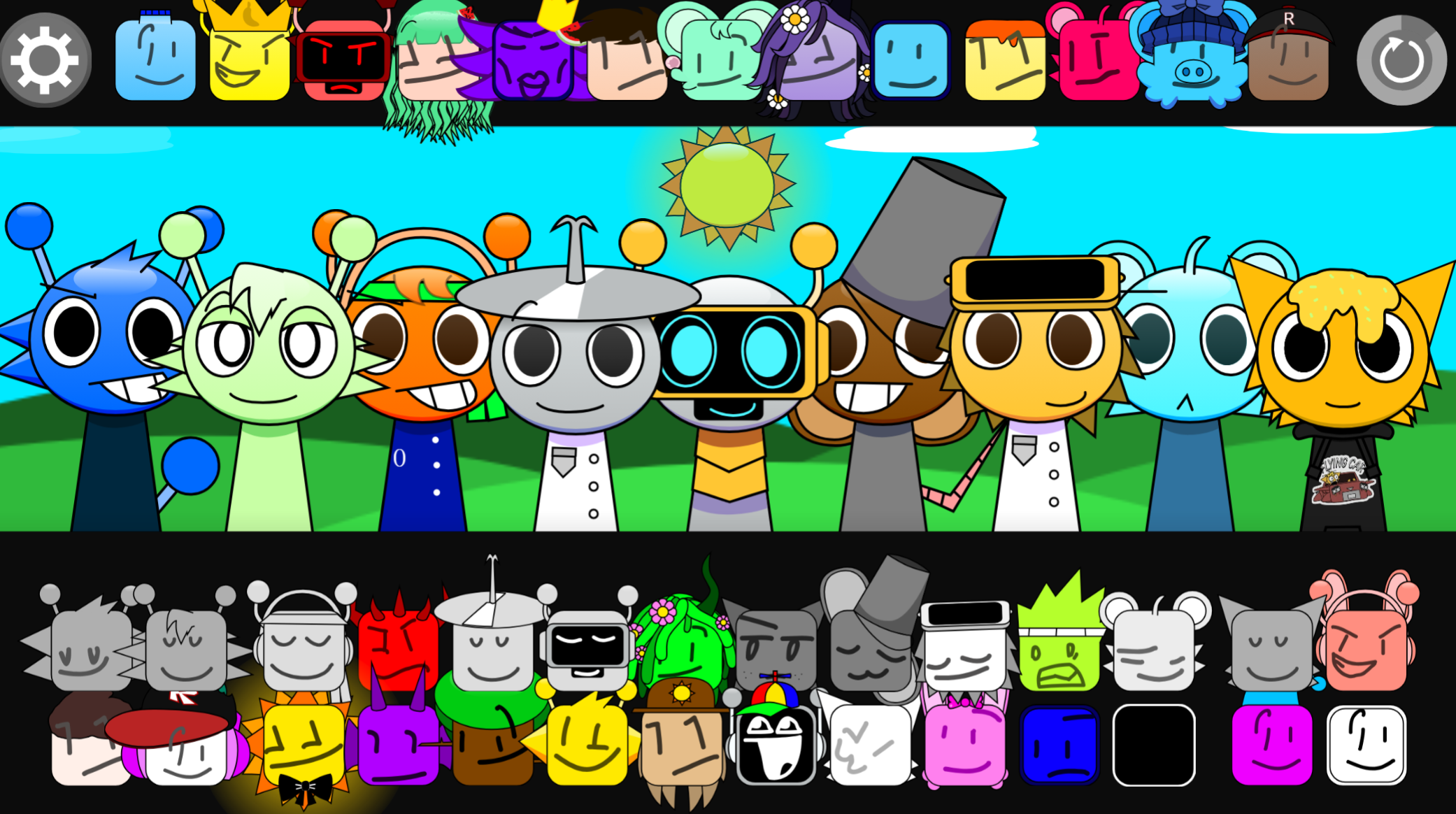
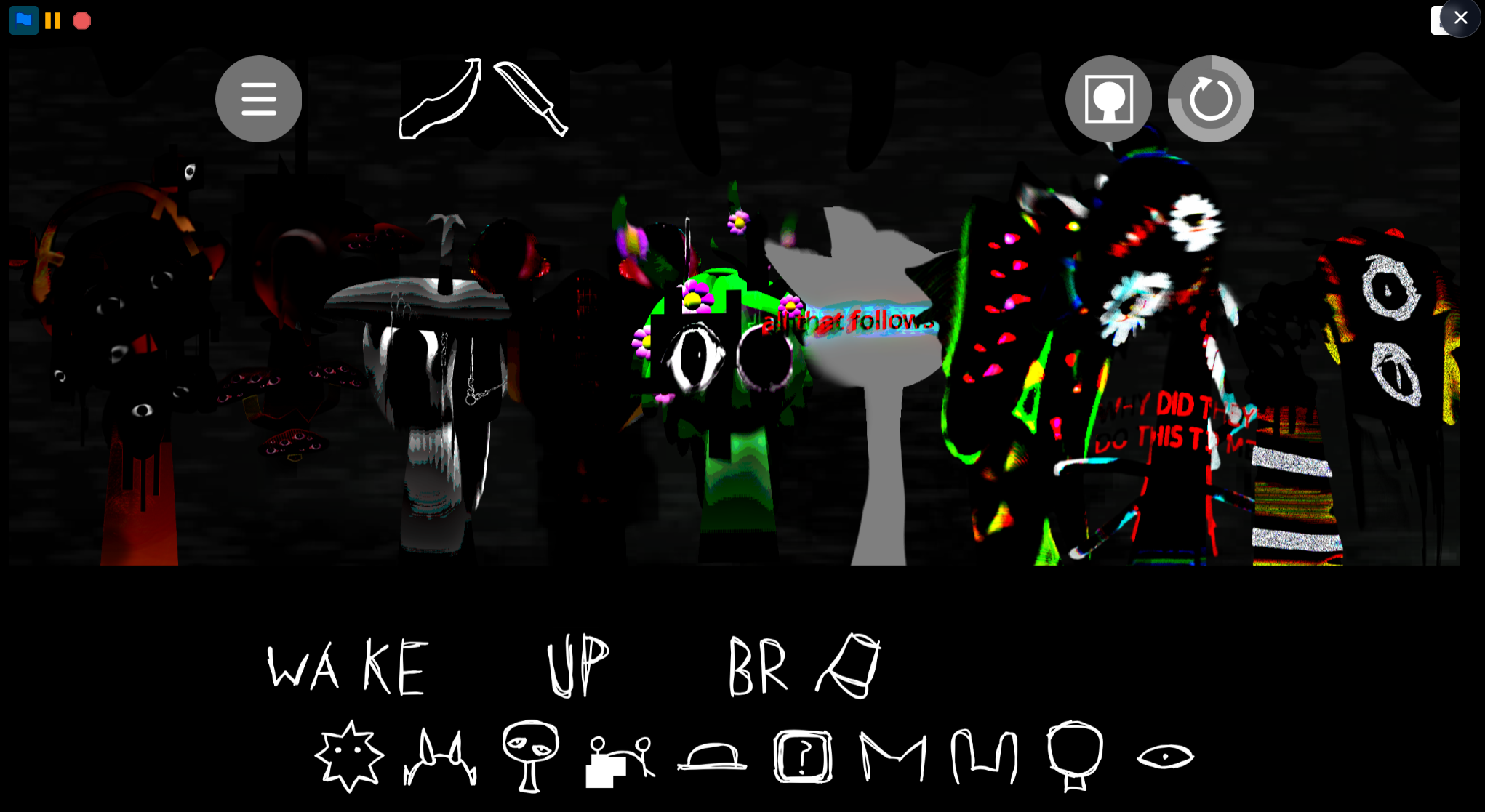
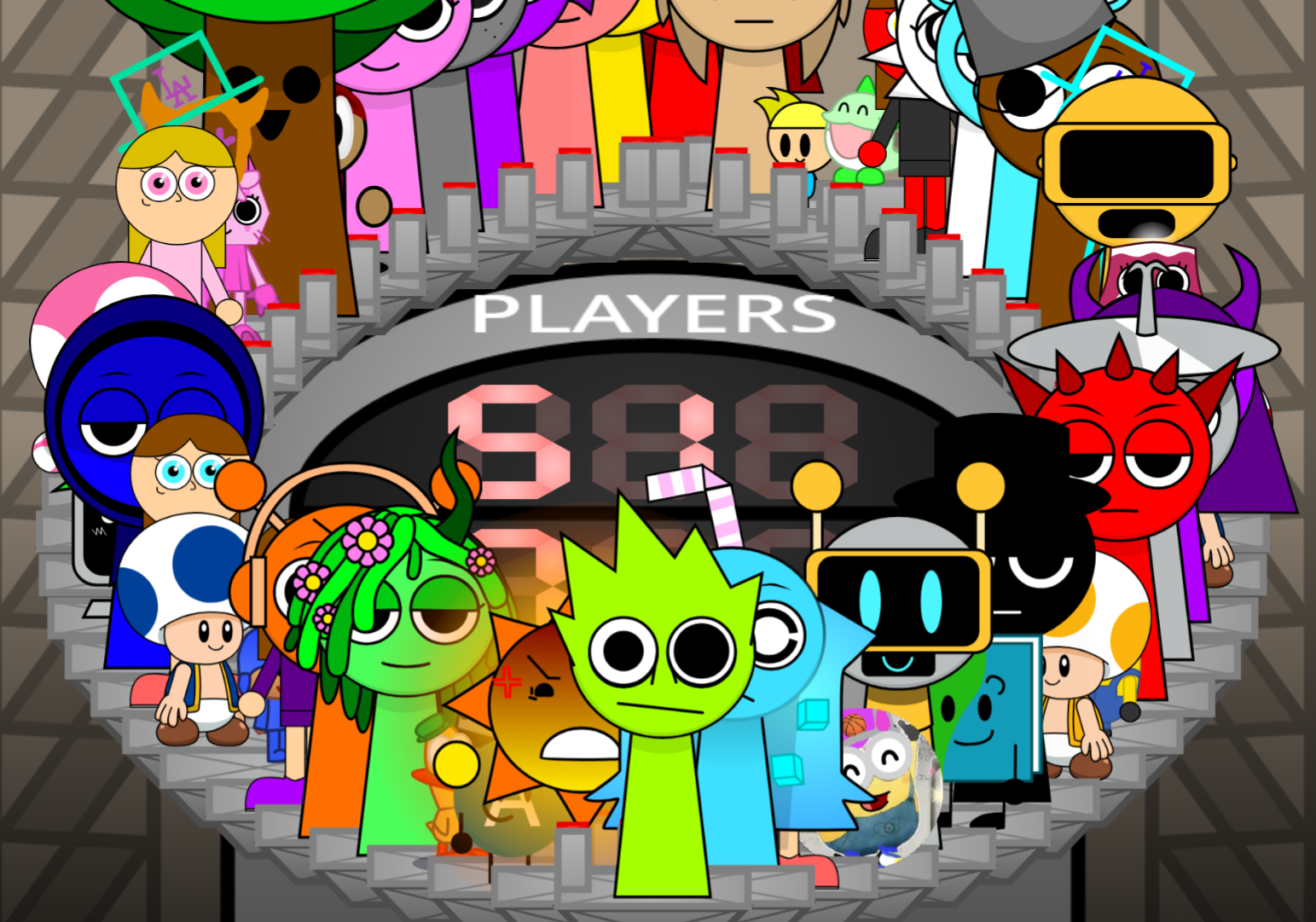
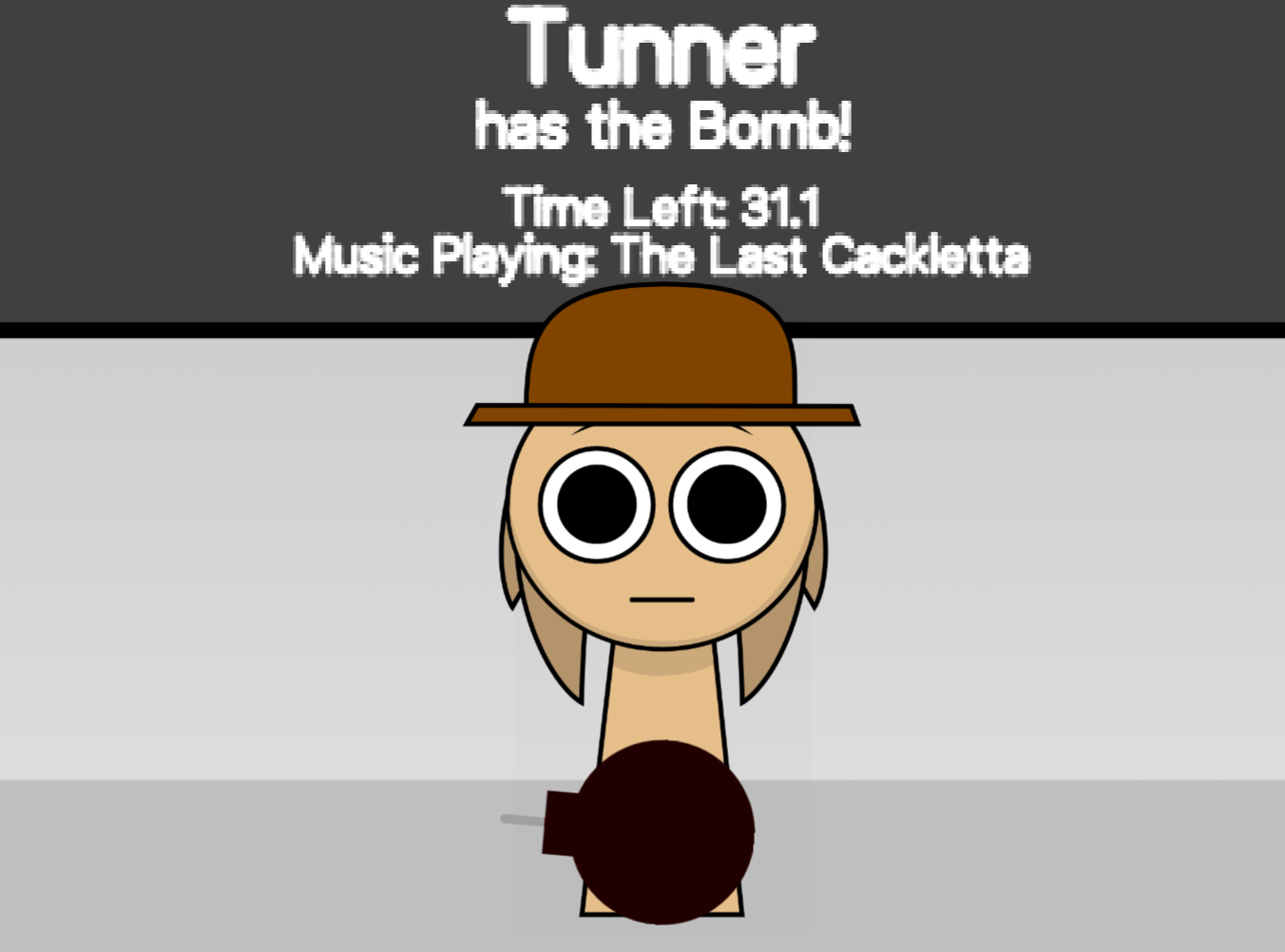
Sprunki Melissa Realm DEMO is a fan-made Incredibox mod built around the original character Melissa, featuring custom animations and experimental sound mixing mechanics.
You’ll find practical answers on unlocking animations, layering sounds effectively, and understanding Melissa’s role in the realm structure.
Sprunki Melissa Realm (DEMO) V2.0
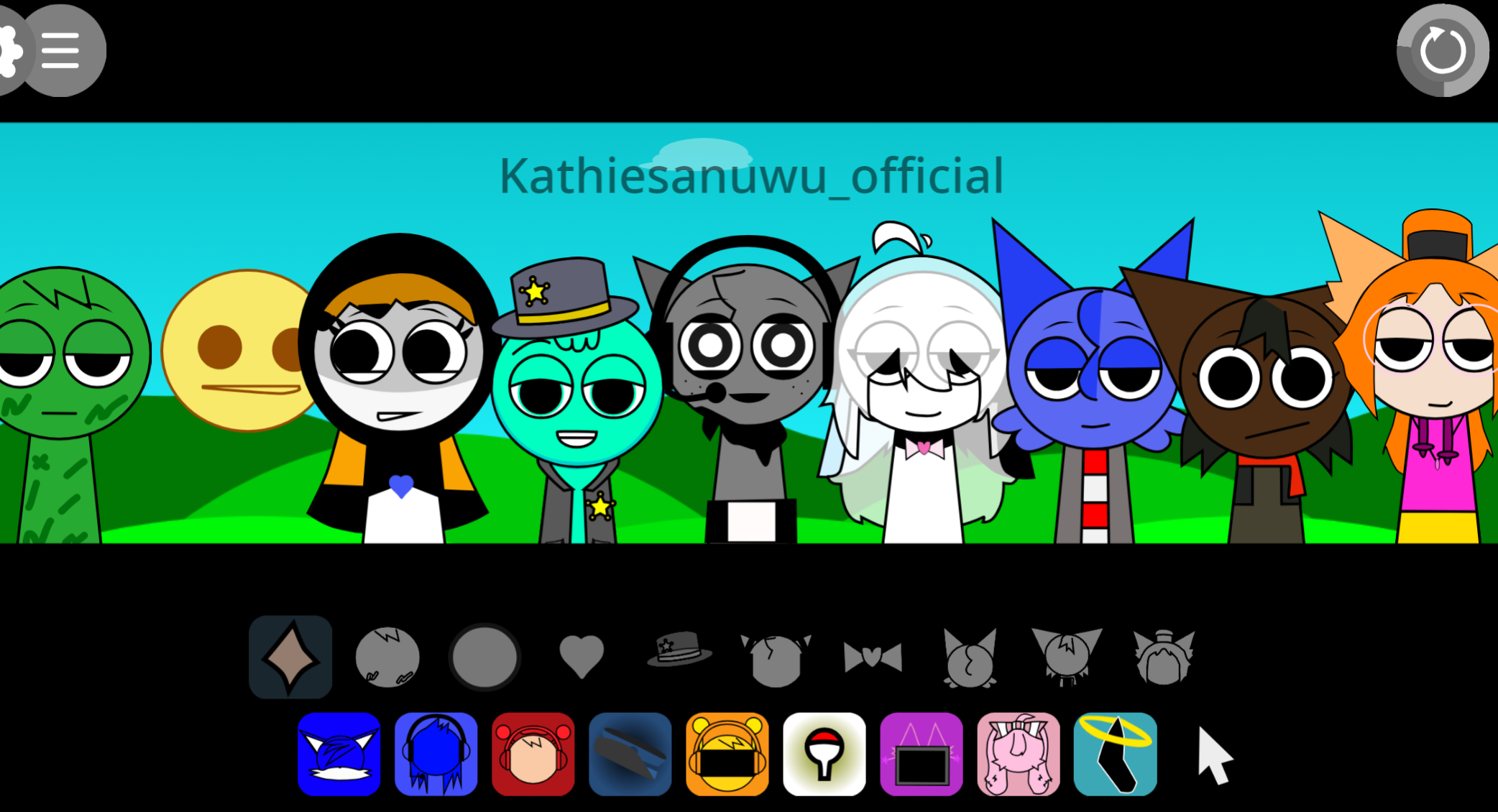
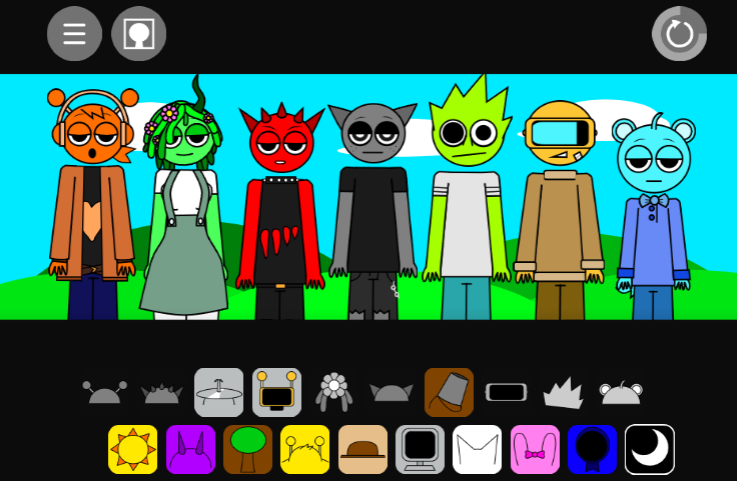
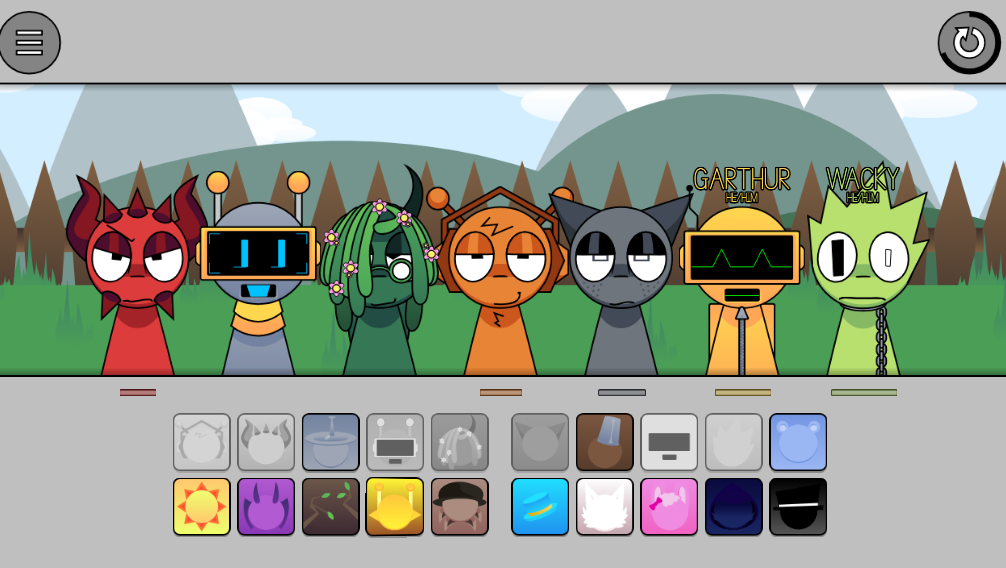
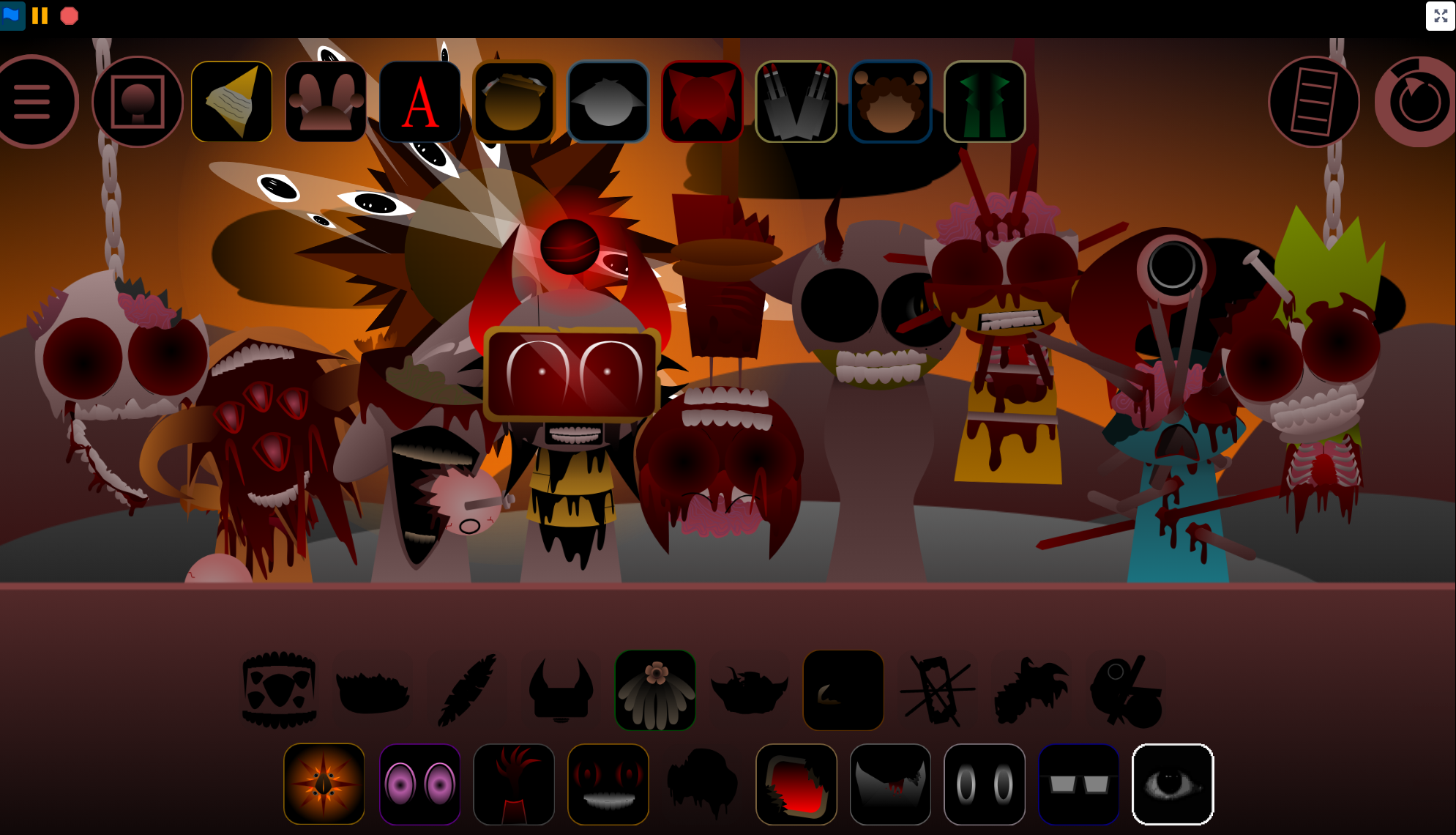
Sprunki Melissa Realm (DEMO) V2.0 is a fan-made browser mod by @Meguro0605yt, available on gosprunki.com. Players build tracks by placing character sound loops into the mix, combining beats, effects, melodies, and vocal elements. The mod shifts focus to Melissa, a community original character, and her unstable, glitch-inspired Realm.
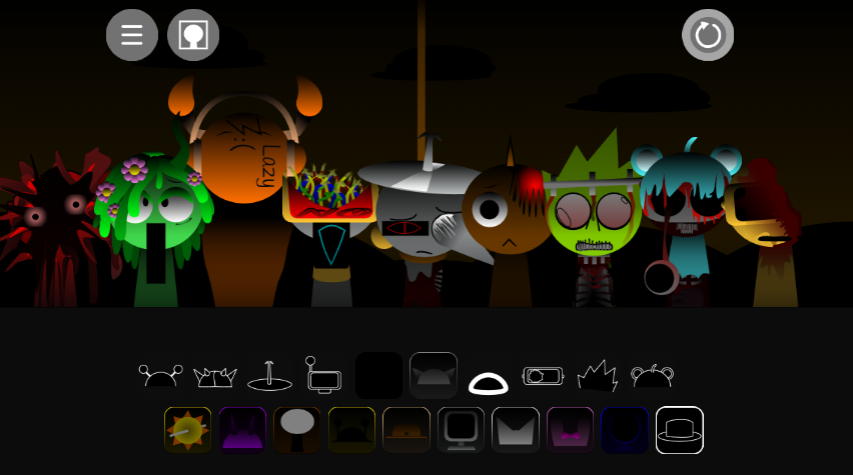
Melissa’s custom visuals, shifting expressions, and energetic animations create a deliberately unpredictable “Melissa gone crazy” atmosphere. The demo also includes character variations and custom audio testing for Vineria, giving the mix more than the standard Sprunki cast.
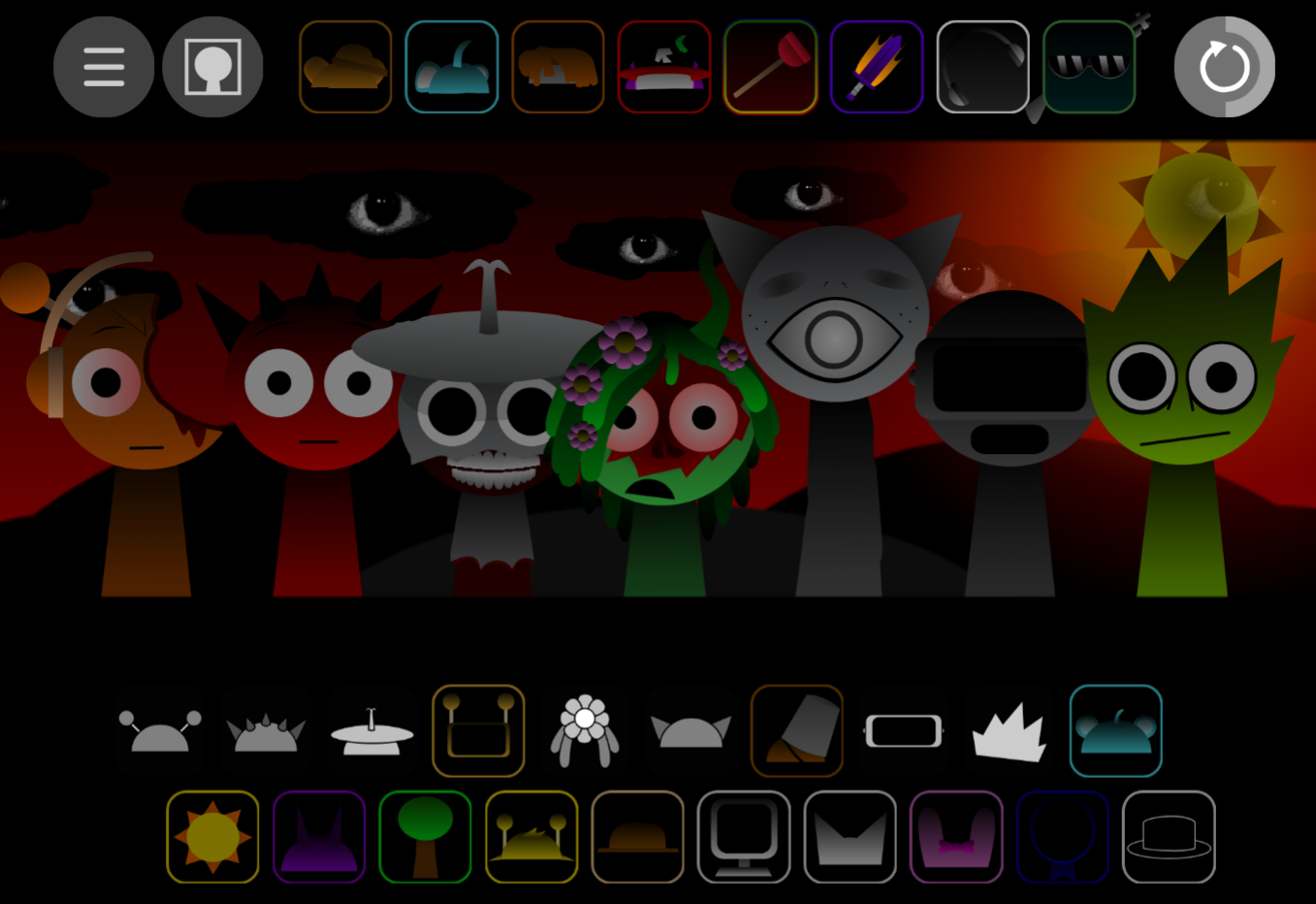
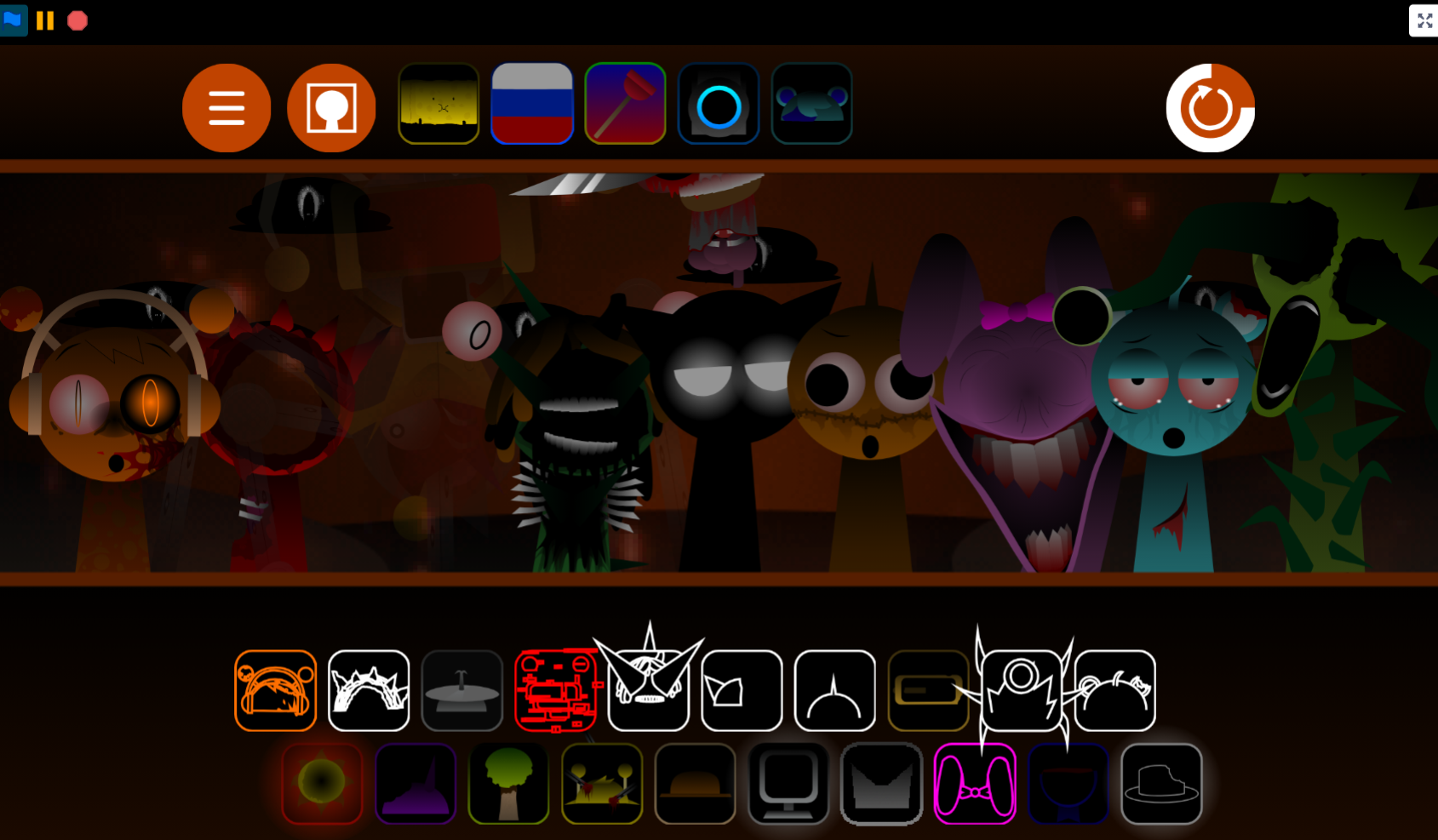
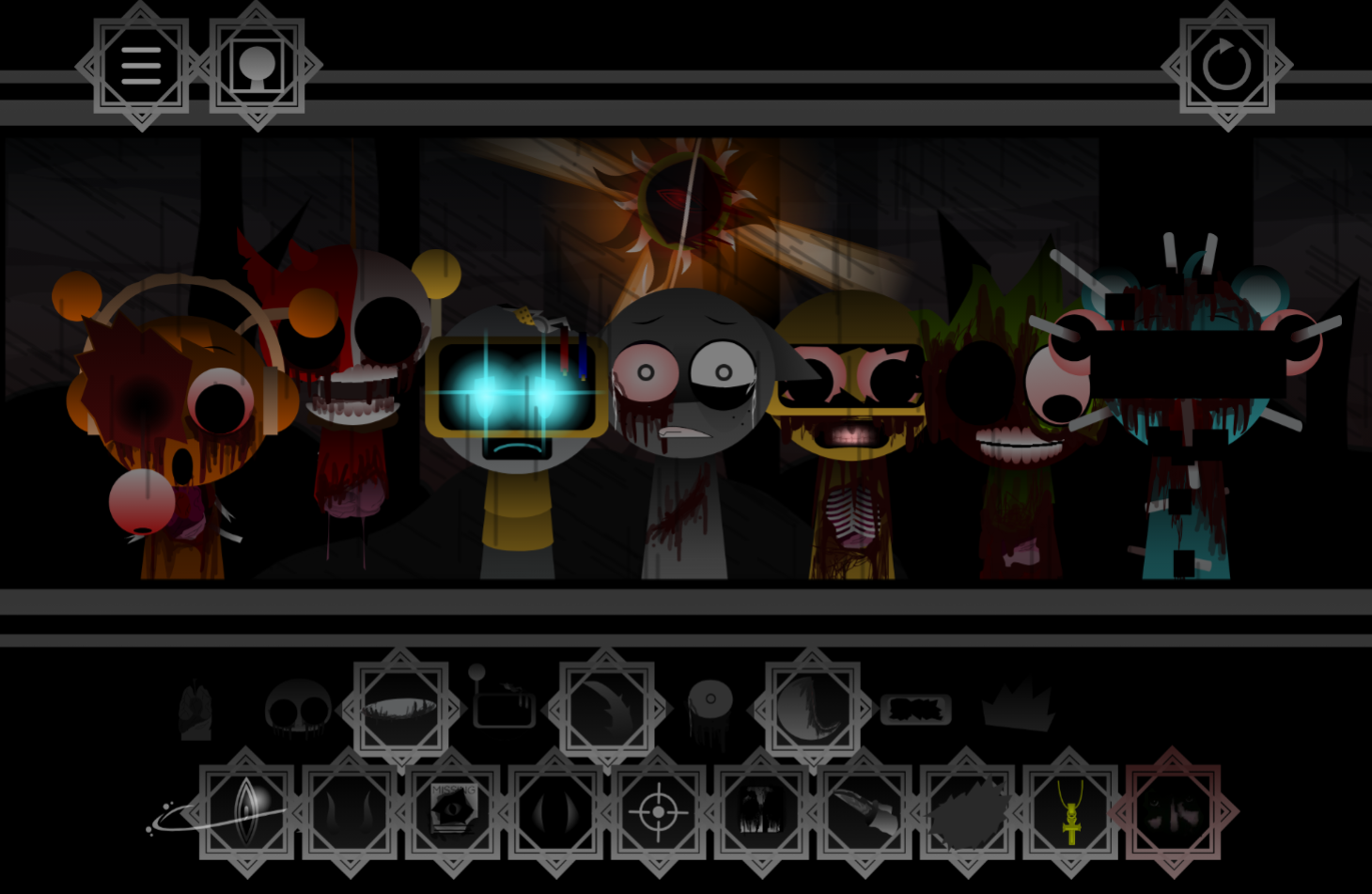
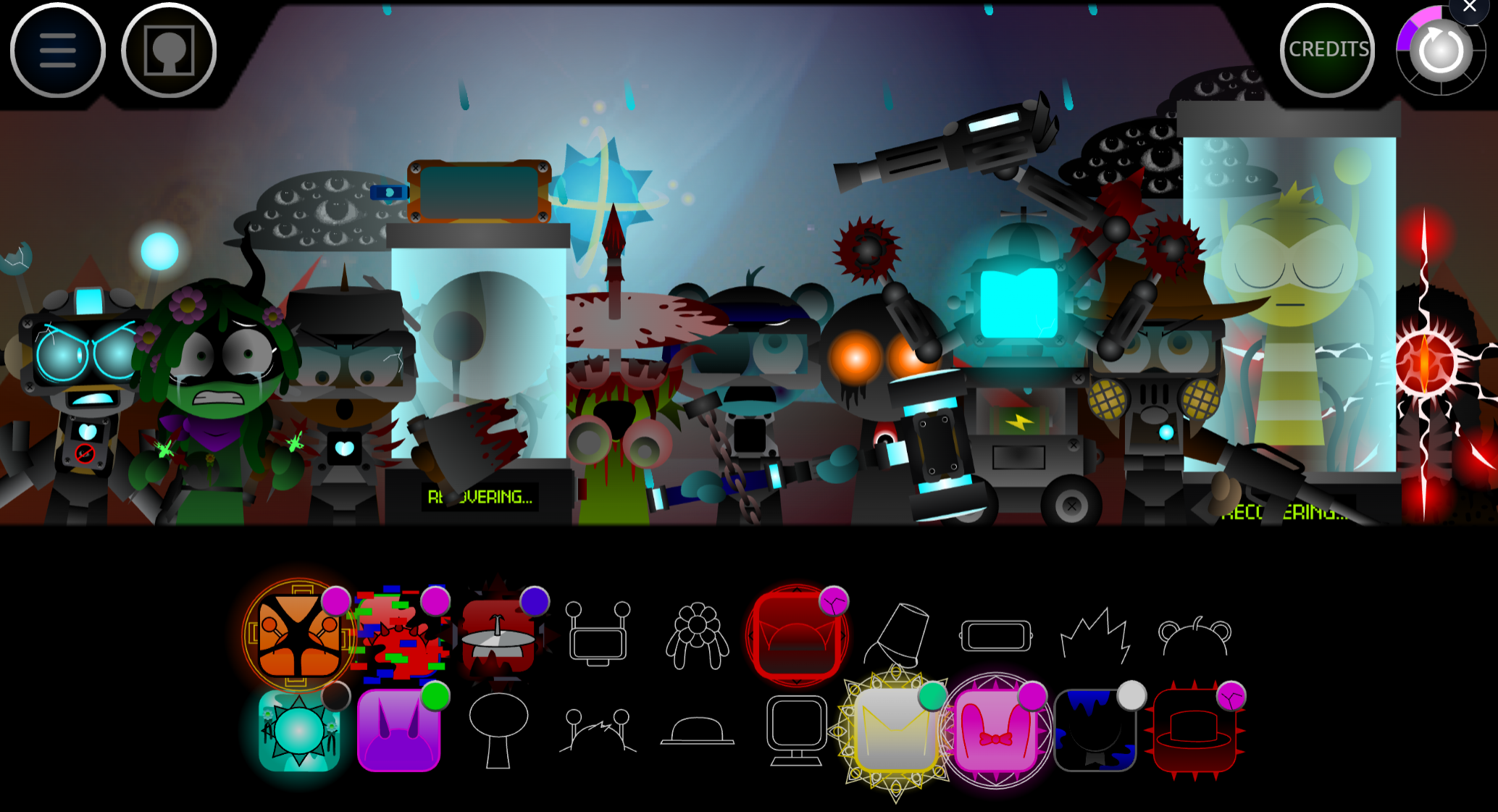
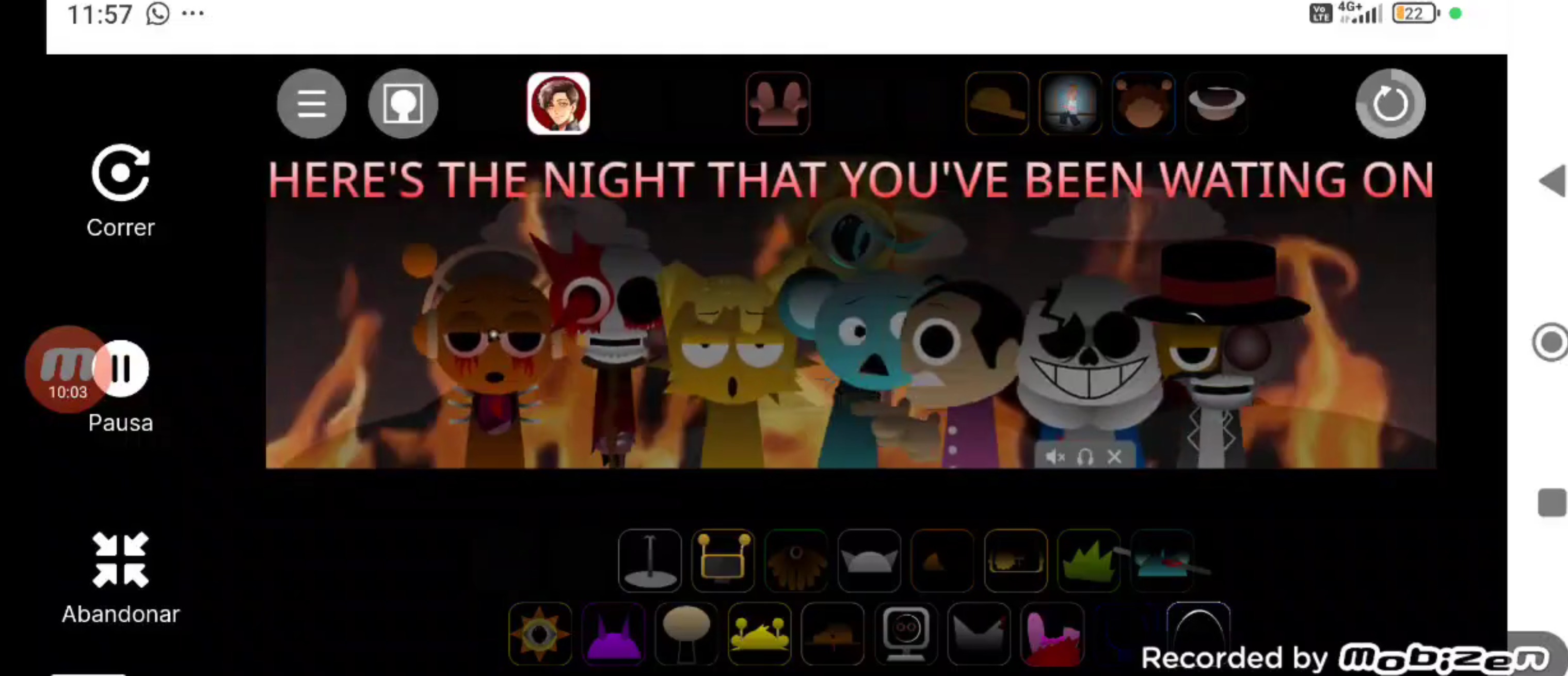
As an evolving V2.0 preview, Melissa Realm centers on experimenting with its custom sound design, fragmented environments, and early narrative hints. Visual glitches and mysterious Realm details give each arrangement an unsettled, character-driven tone.
How to Play Sprunki Melissa Realm (DEMO)
Play directly in a web browser on gosprunki.com—no installation required.
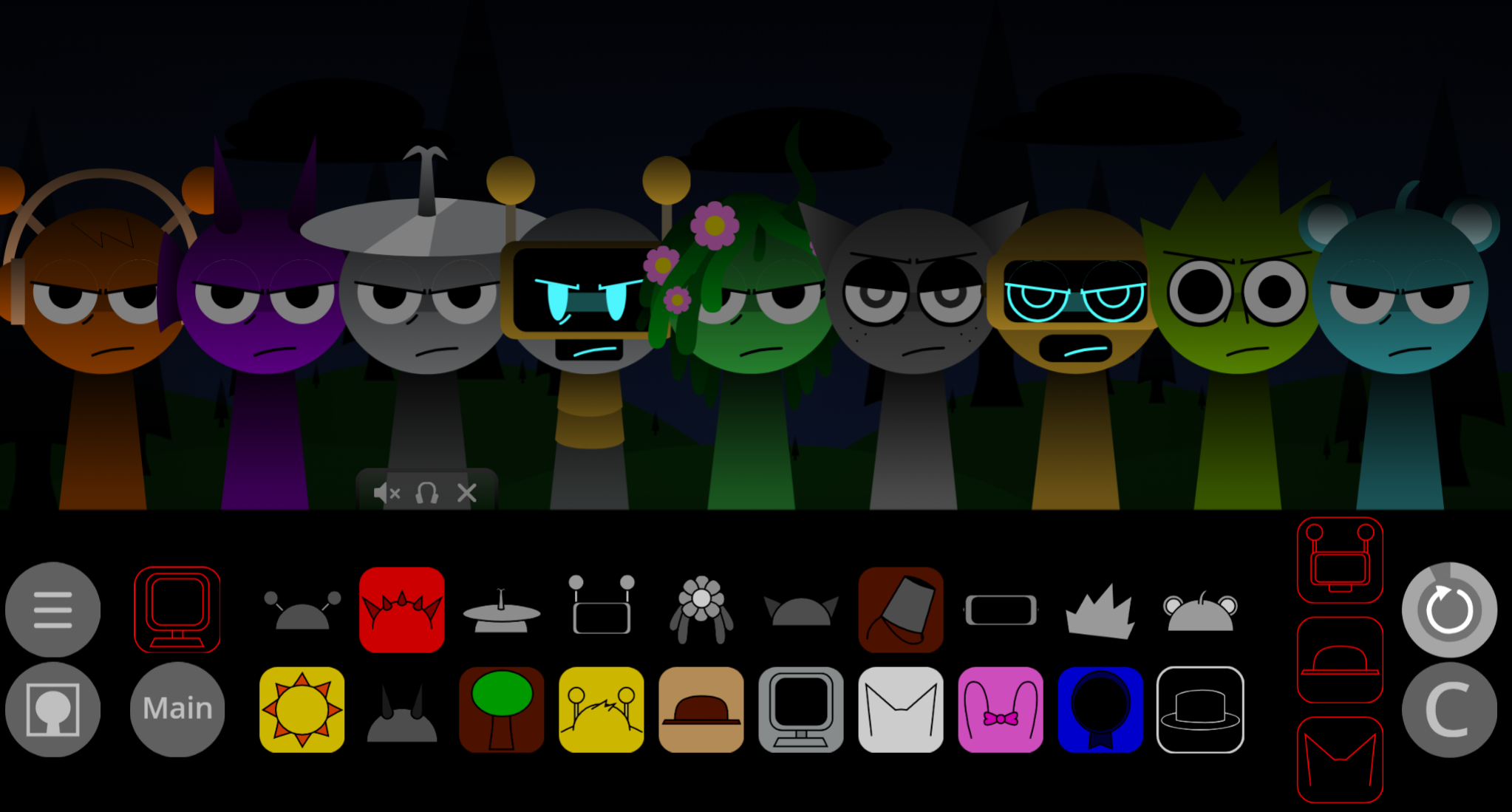
- Open the demo and review the available character and sound elements.
- Drag characters into the active mix area to add their loops.
- Layer beats, melodies, effects, and voices to create a track.
- Swap or remove elements to test different Melissa and Vineria combinations.
- Watch the characters’ animations and reactions as the mix develops.
The DEMO has a limited sound selection, so its main appeal is discovering how small changes in layering alter the mood of Melissa’s Realm.
Mixing Tips
Build around atmosphere before density. Start with a clear beat or pulse, then add one textured effect and a melodic or vocal layer. This leaves room for the glitchy details and character animations to stand out.
- Add one sound at a time when testing unfamiliar loops.
- Avoid filling every layer at once; crowded mixes can hide the demo’s fragmented mood.
- Use unusual effects sparingly to create tension or a sense of exploration.
- Try switching a single character variation, such as Vineria, rather than rebuilding the whole track.
- Treat the limited DEMO sound pool as a creative constraint for focused soundscapes.
Related Games
- Sprunki Simons Realm OC — This OC-focused realm mod is a natural follow-up for players who want another custom-character soundscape with distinct visuals and remixable beat layers.
- Sprunki With Fan Character — Its fan-character premise closely matches Melissa Realm’s community-created cast and offers more drag-and-drop music mixing built around original designs.
Why Play Sprunki Melissa Realm (DEMO)?
This mod suits players who enjoy OC-centered projects, custom animations, and experimental mixing. Melissa takes the spotlight, while Vineria’s custom audio variation and the Realm’s glitch-shaped presentation add distinctive options for building short, atmospheric tracks.

Discuss Sprunki