
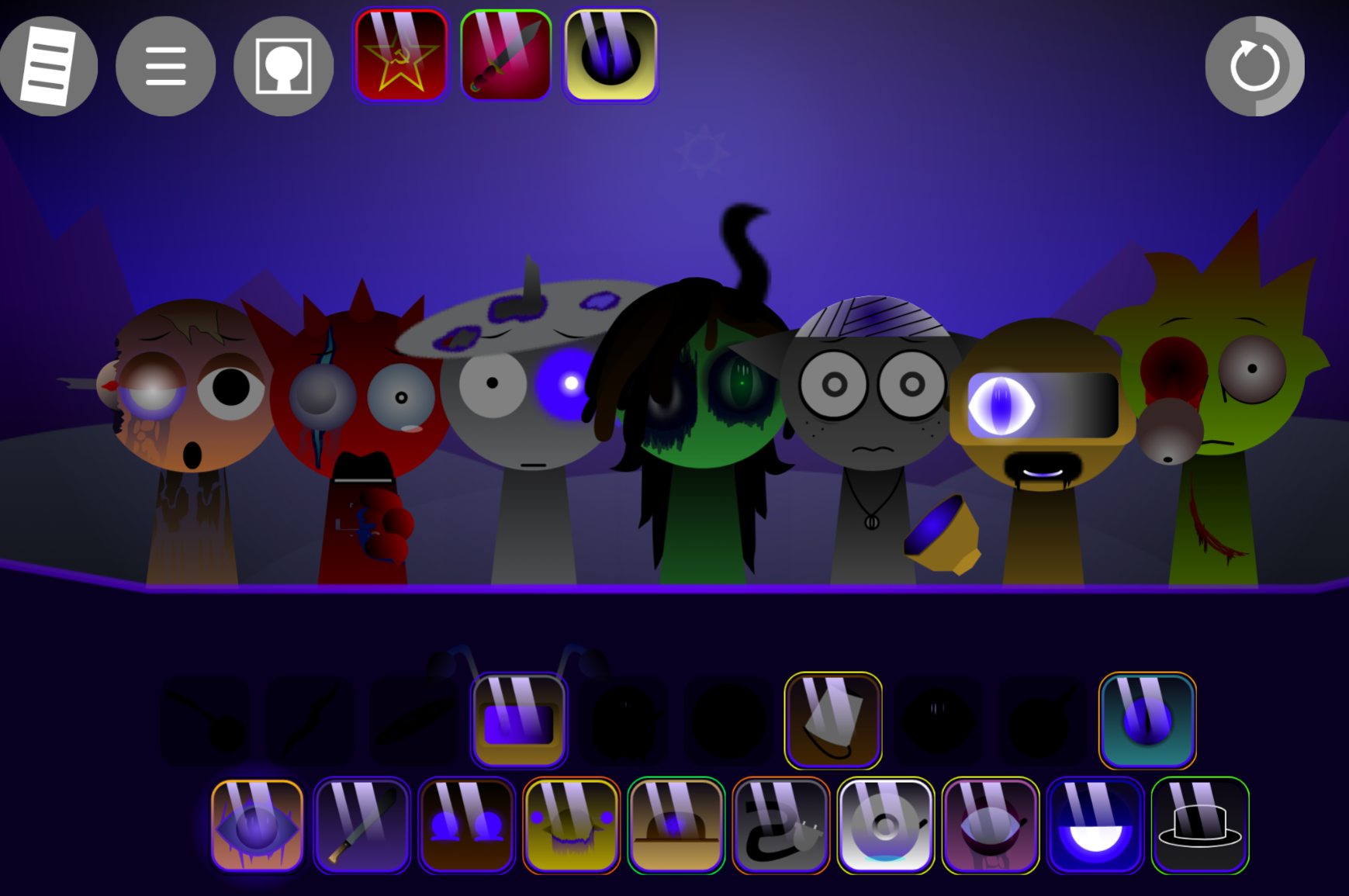



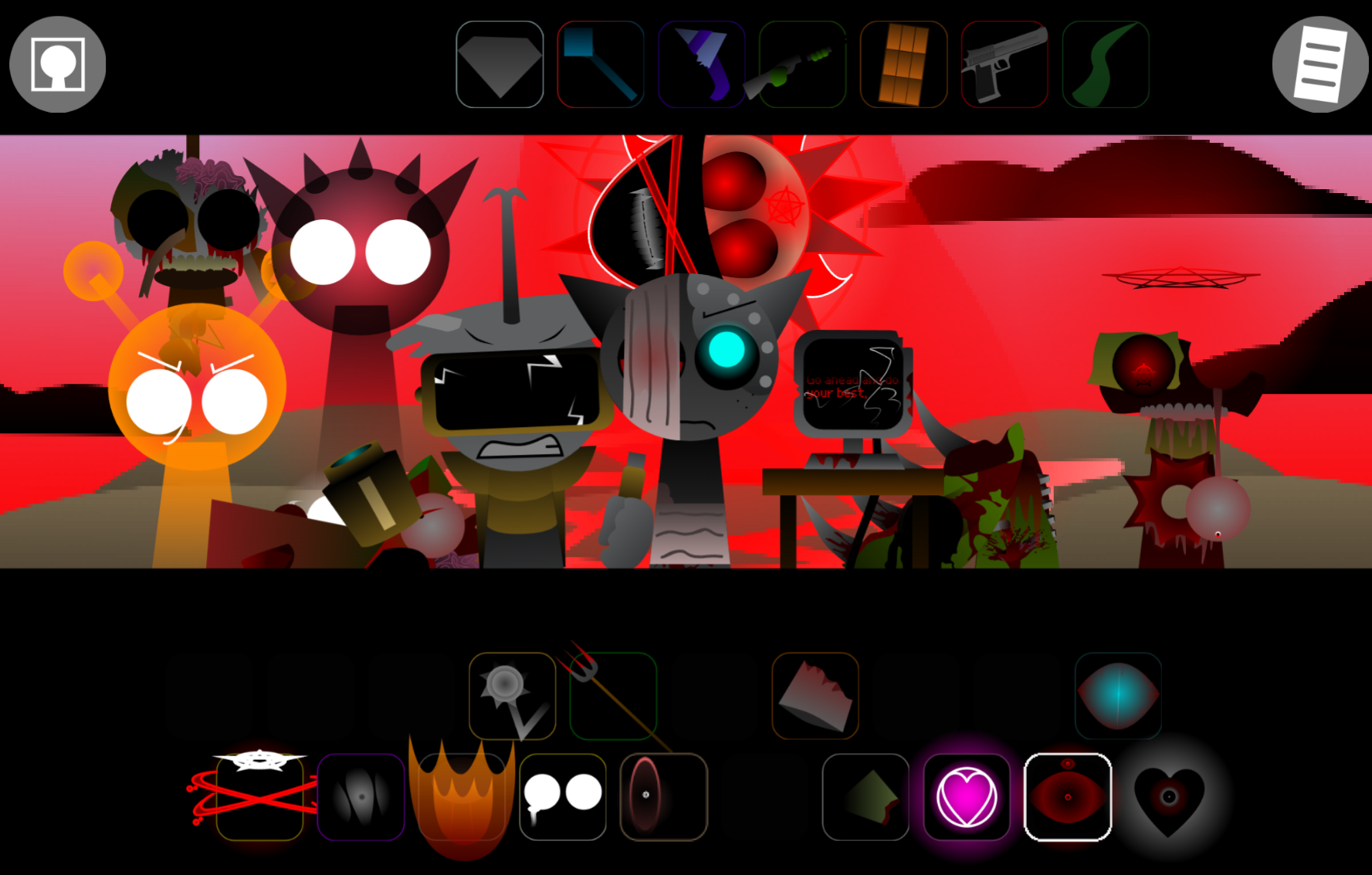
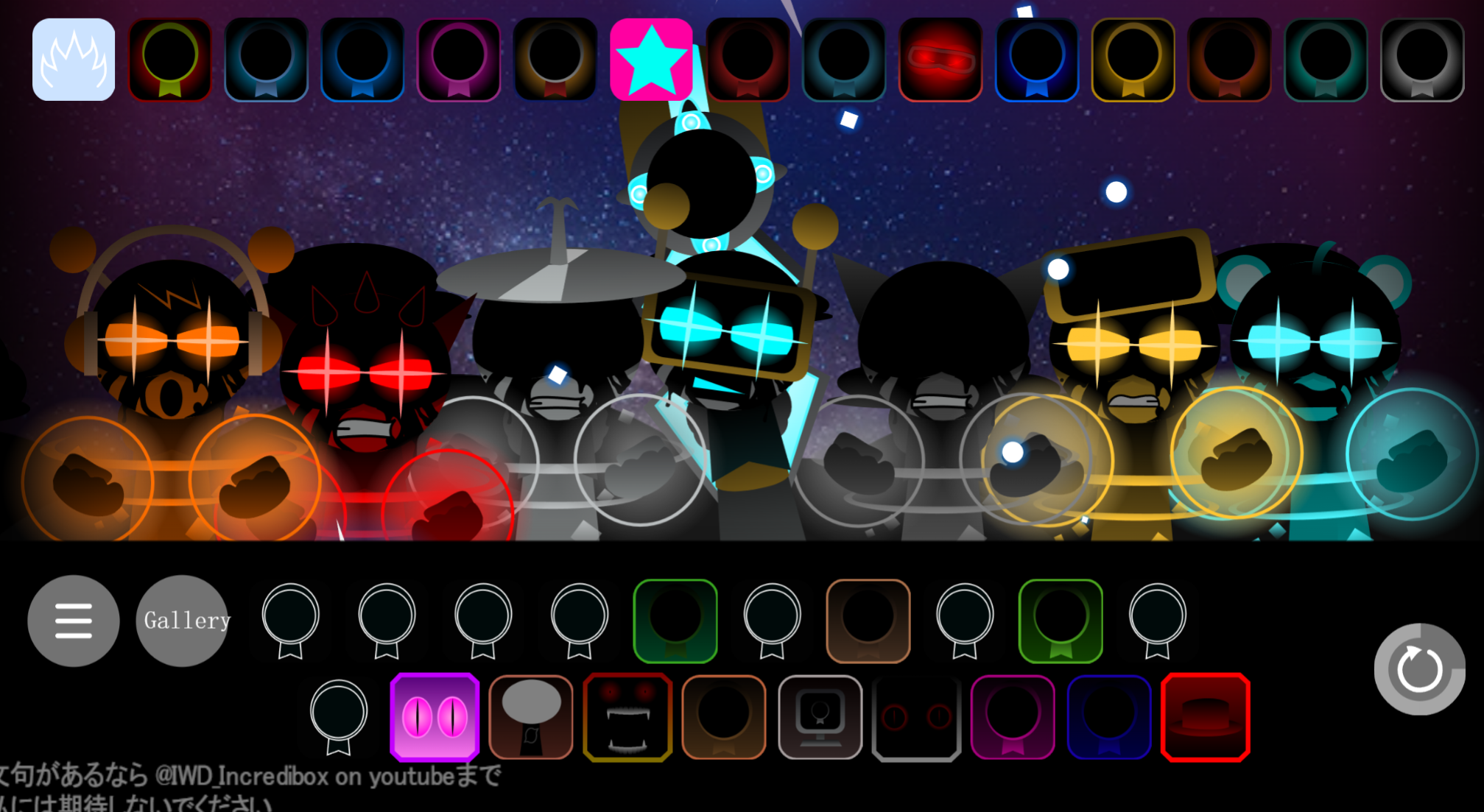
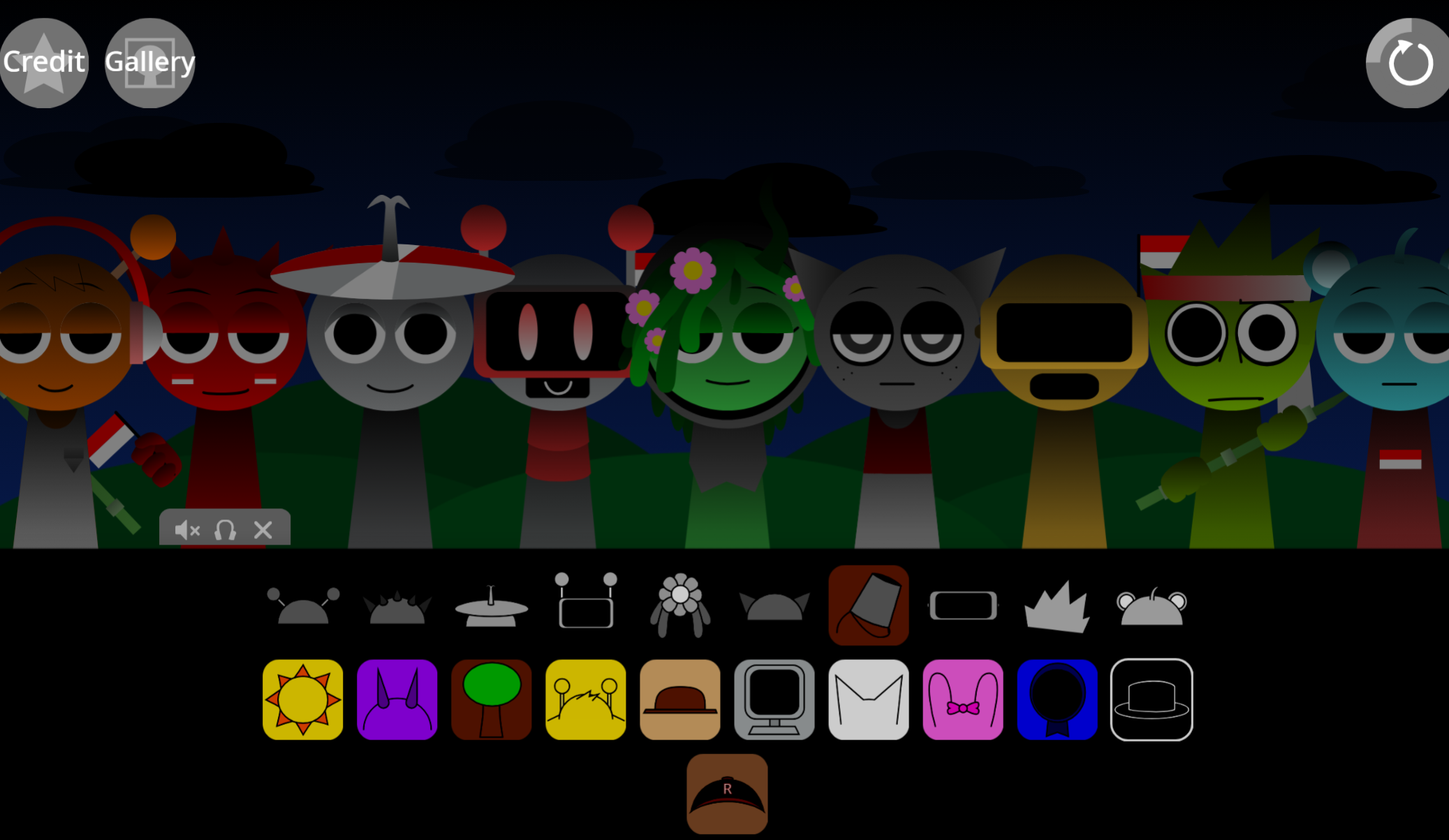
Sprunki Pulsar Polarization is a rhythm-based mixing mode that layers sound through polarized channels, creating spatial separation between beats, vocals, and effects.
The core mechanic revolves around restraint: instead of stacking every available sound, you select which elements occupy each polarized layer, then balance their intensity to avoid mudy overlap. This approach transforms chaotic loops into clean, dimensional tracks where each component has defined space.
The strongest advantage is clarity during live play.
What Is Sprunki - Pulsar Polarization?
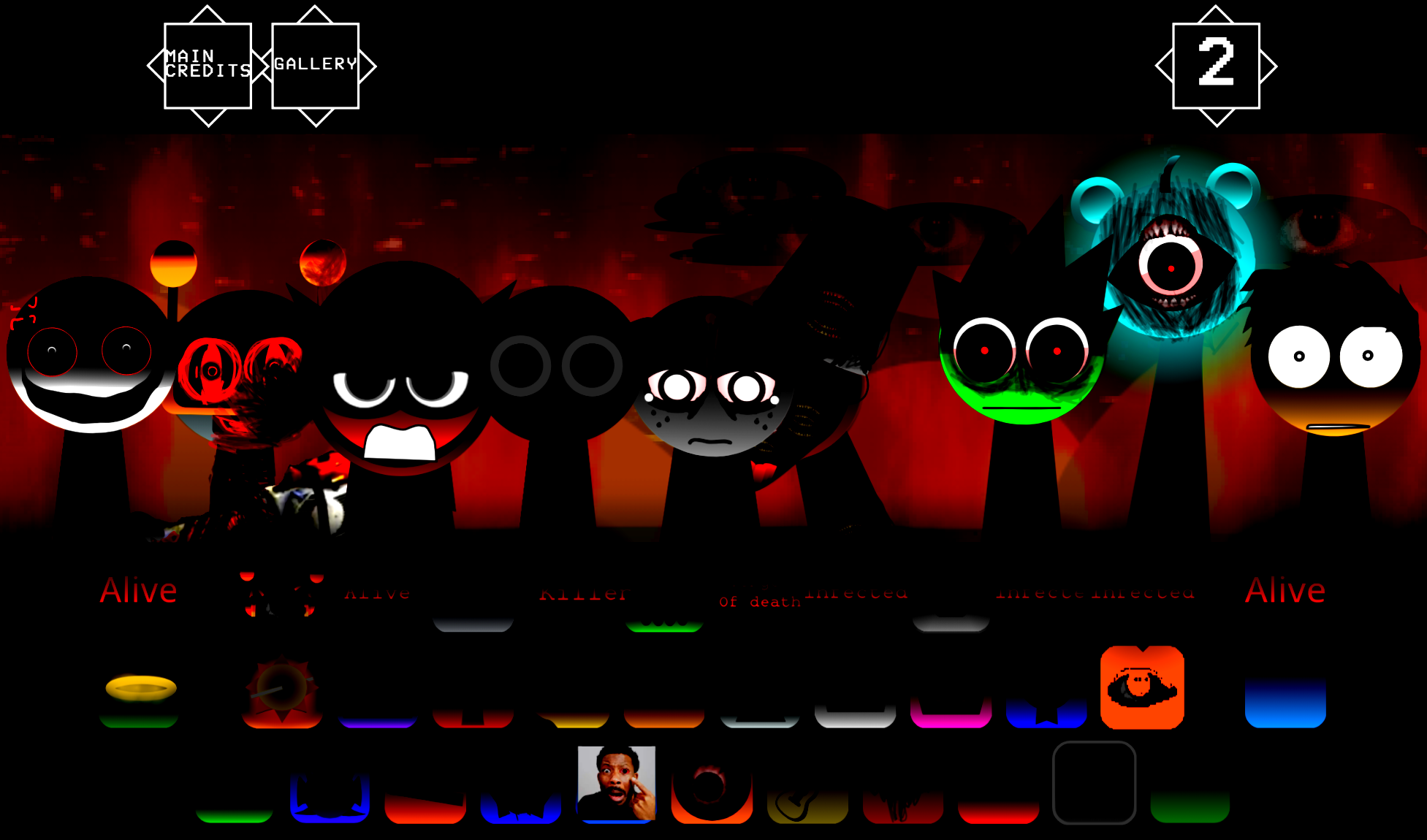
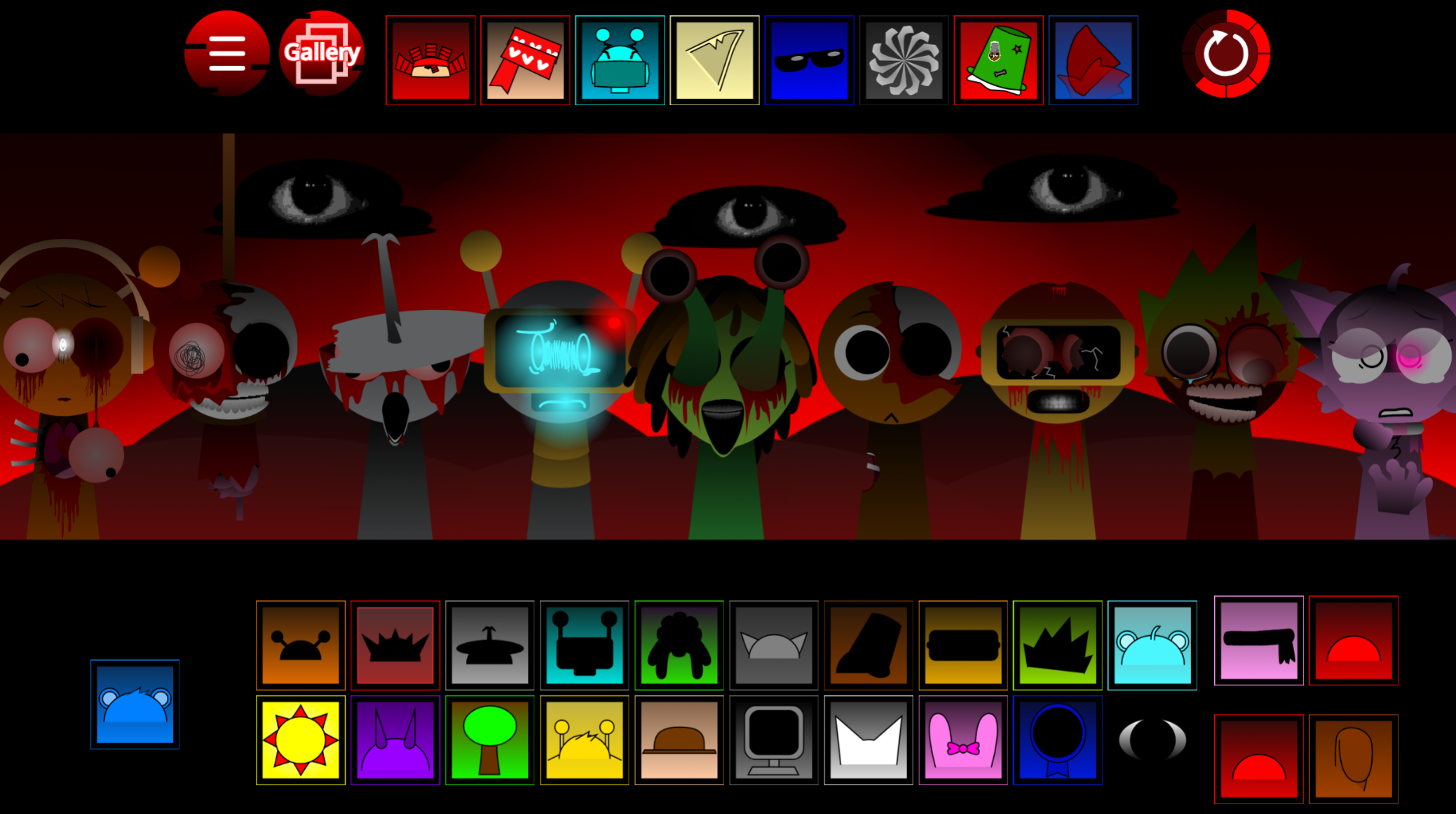
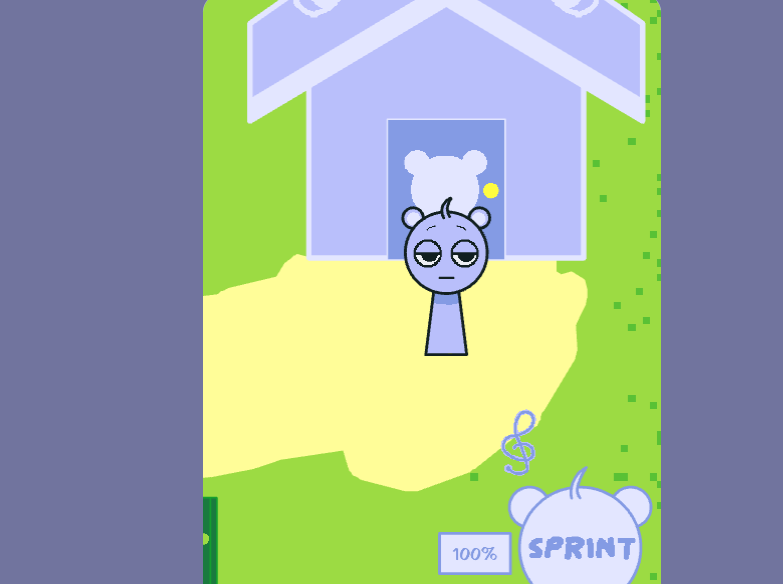
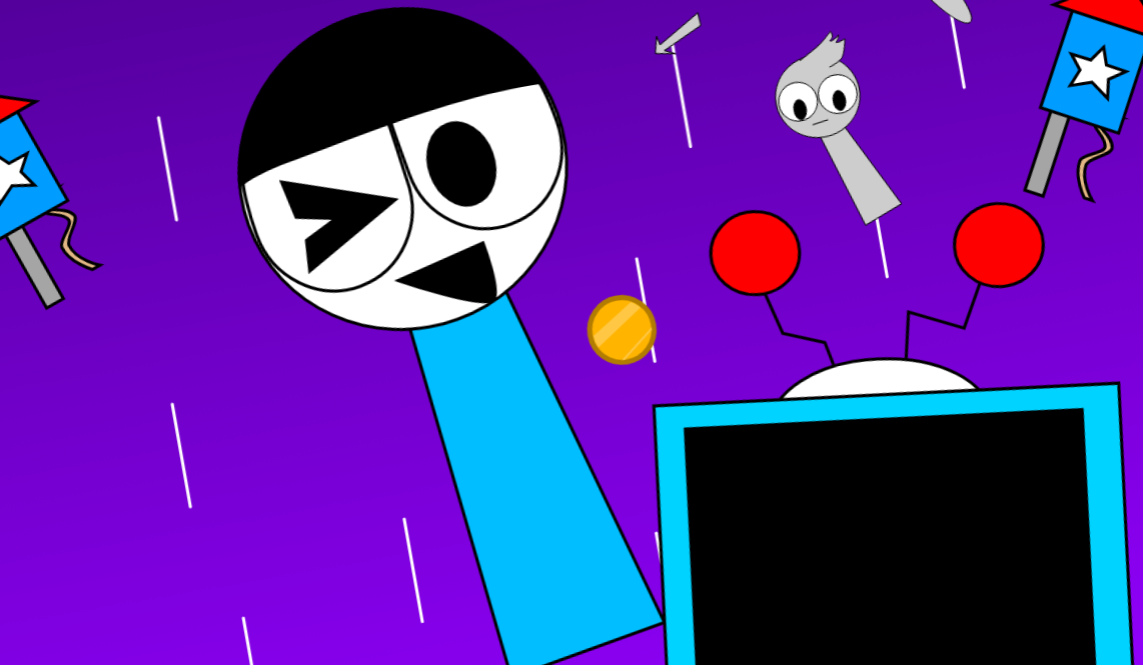
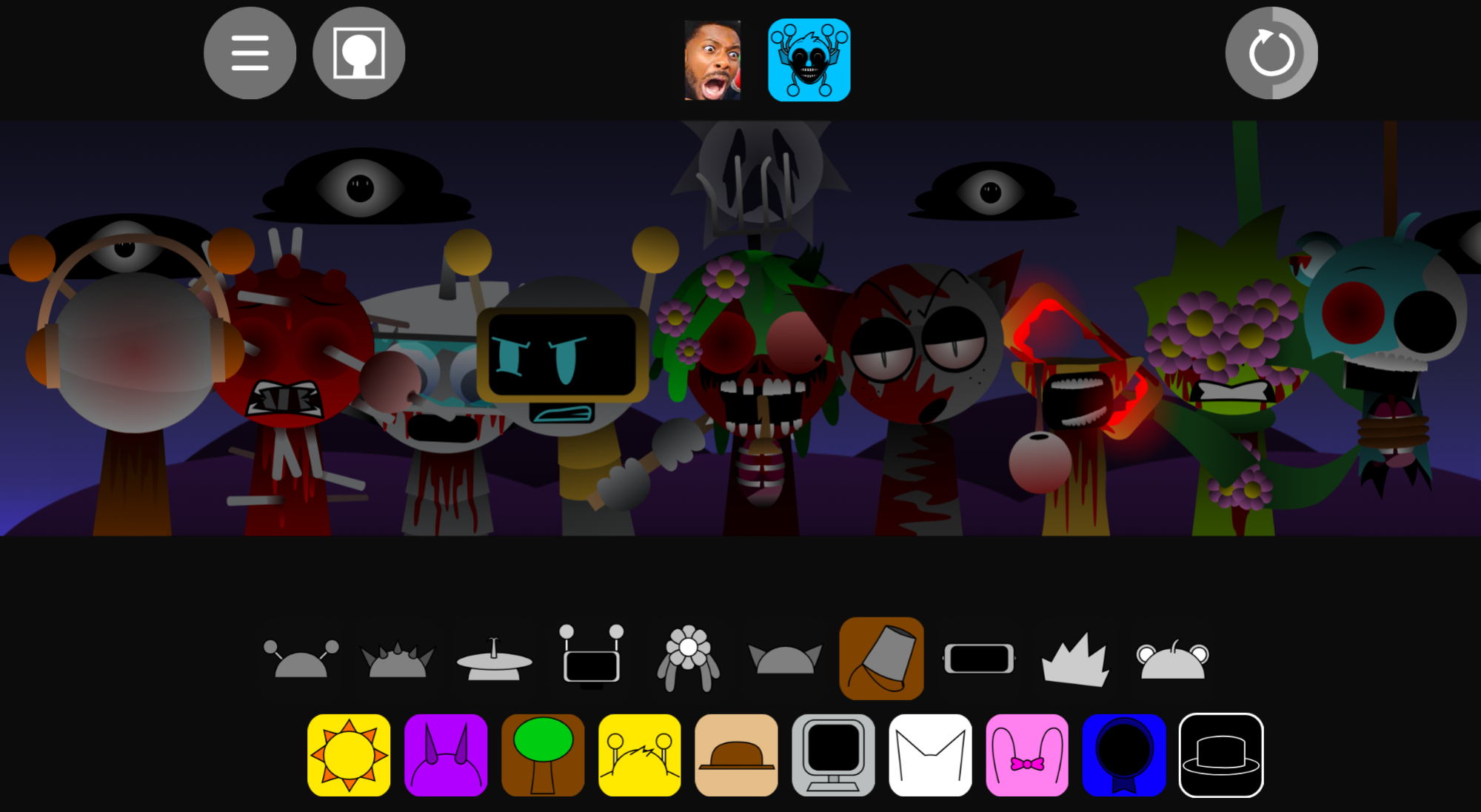
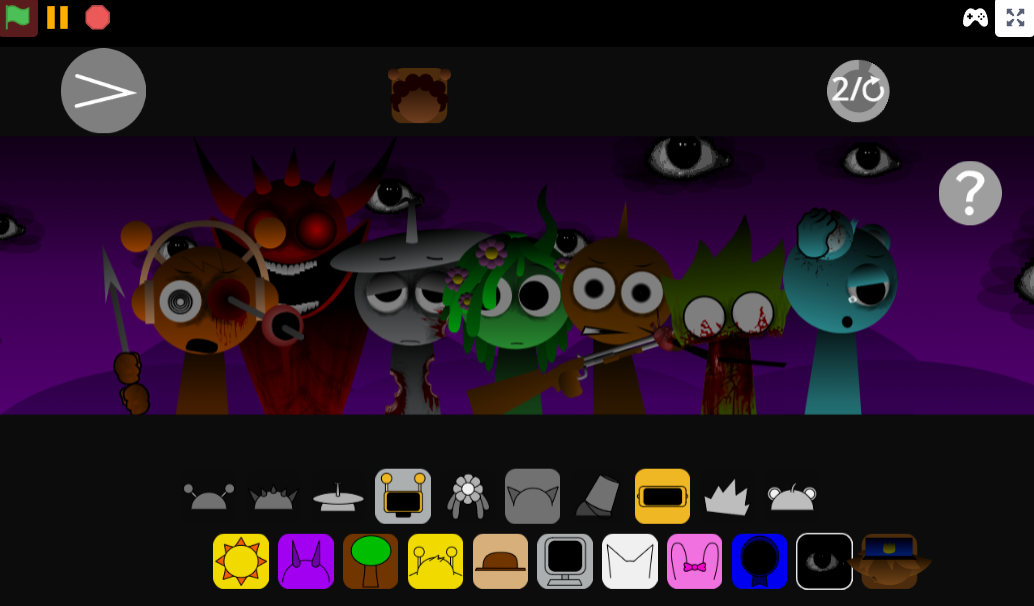
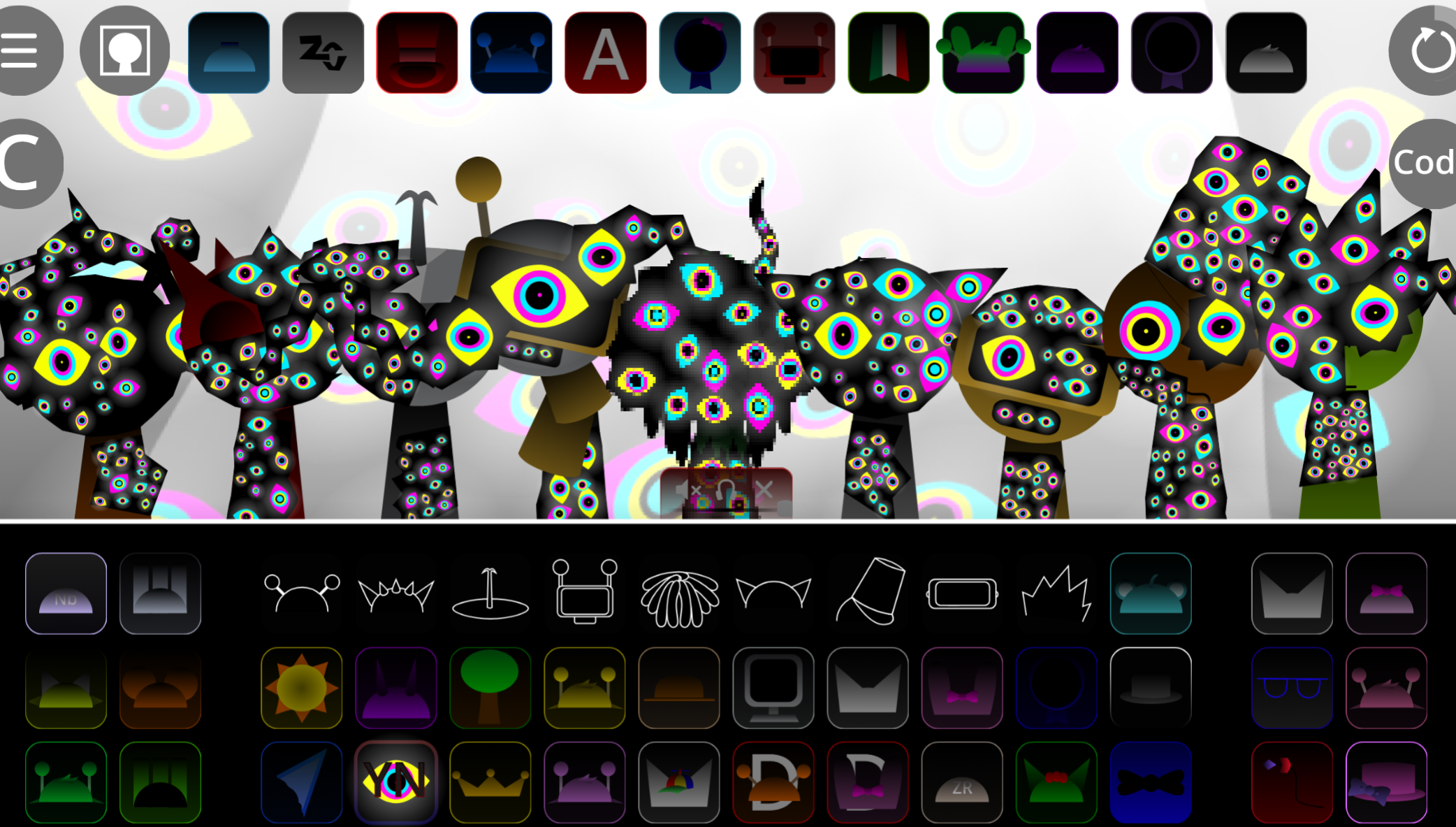
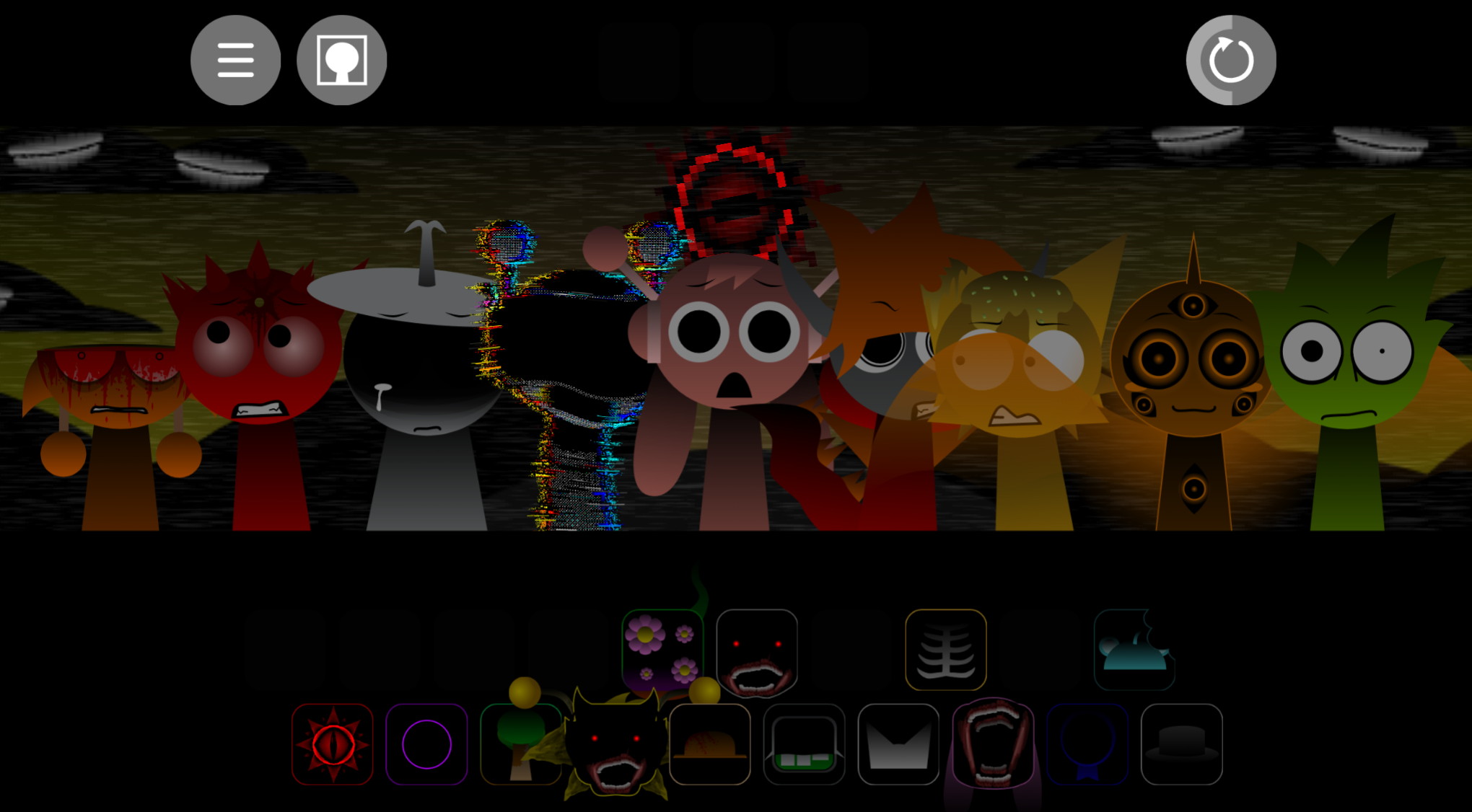
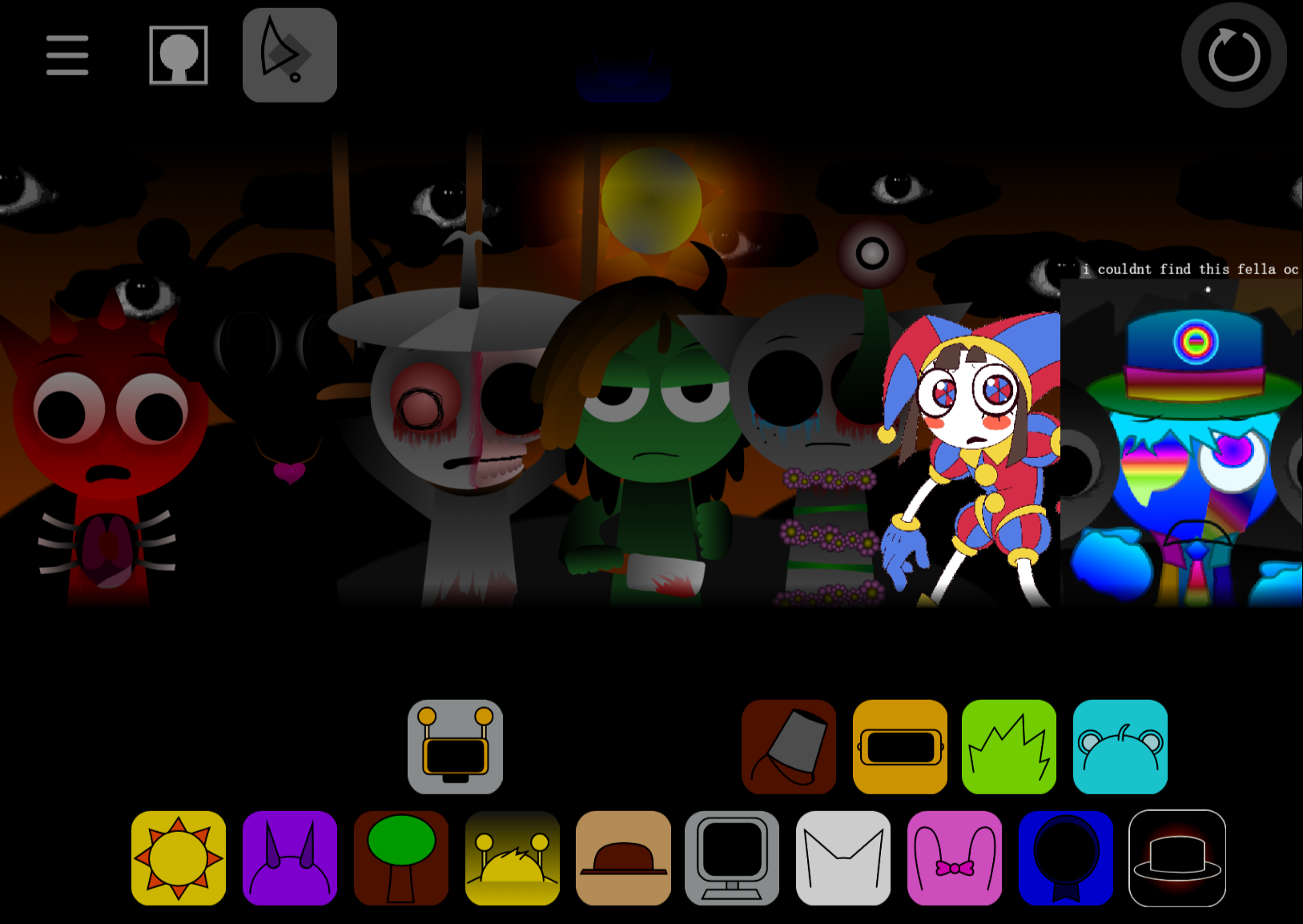
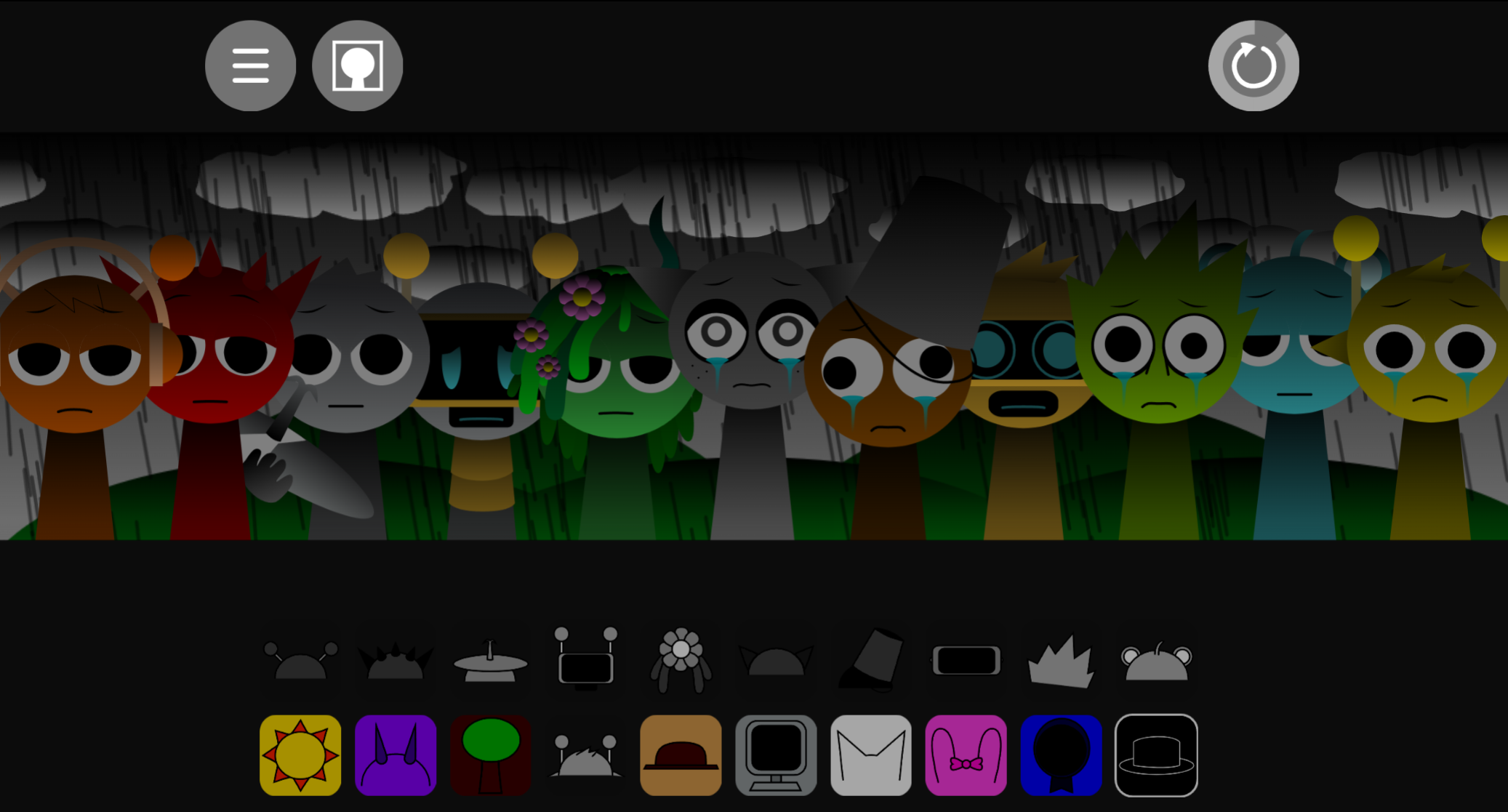
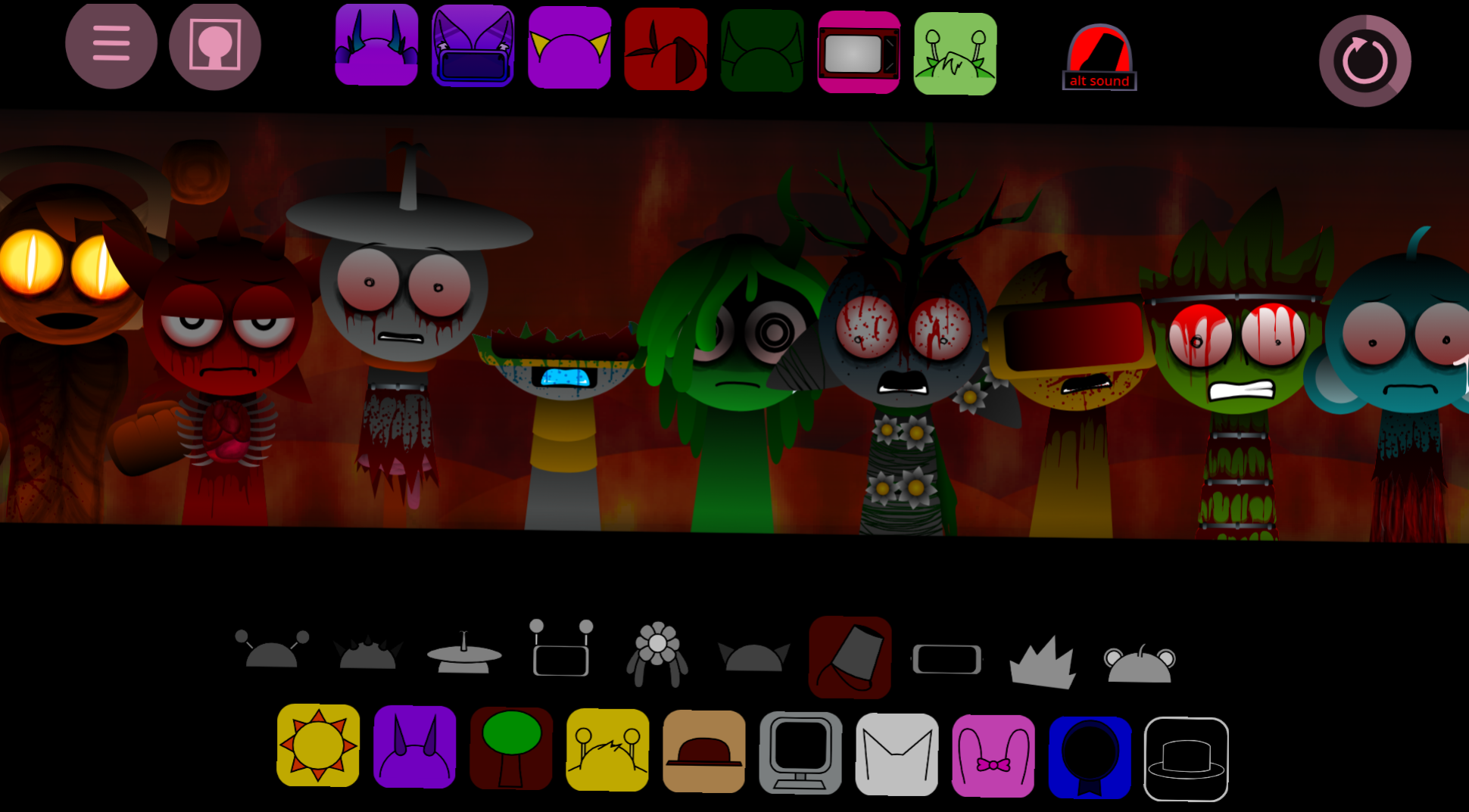
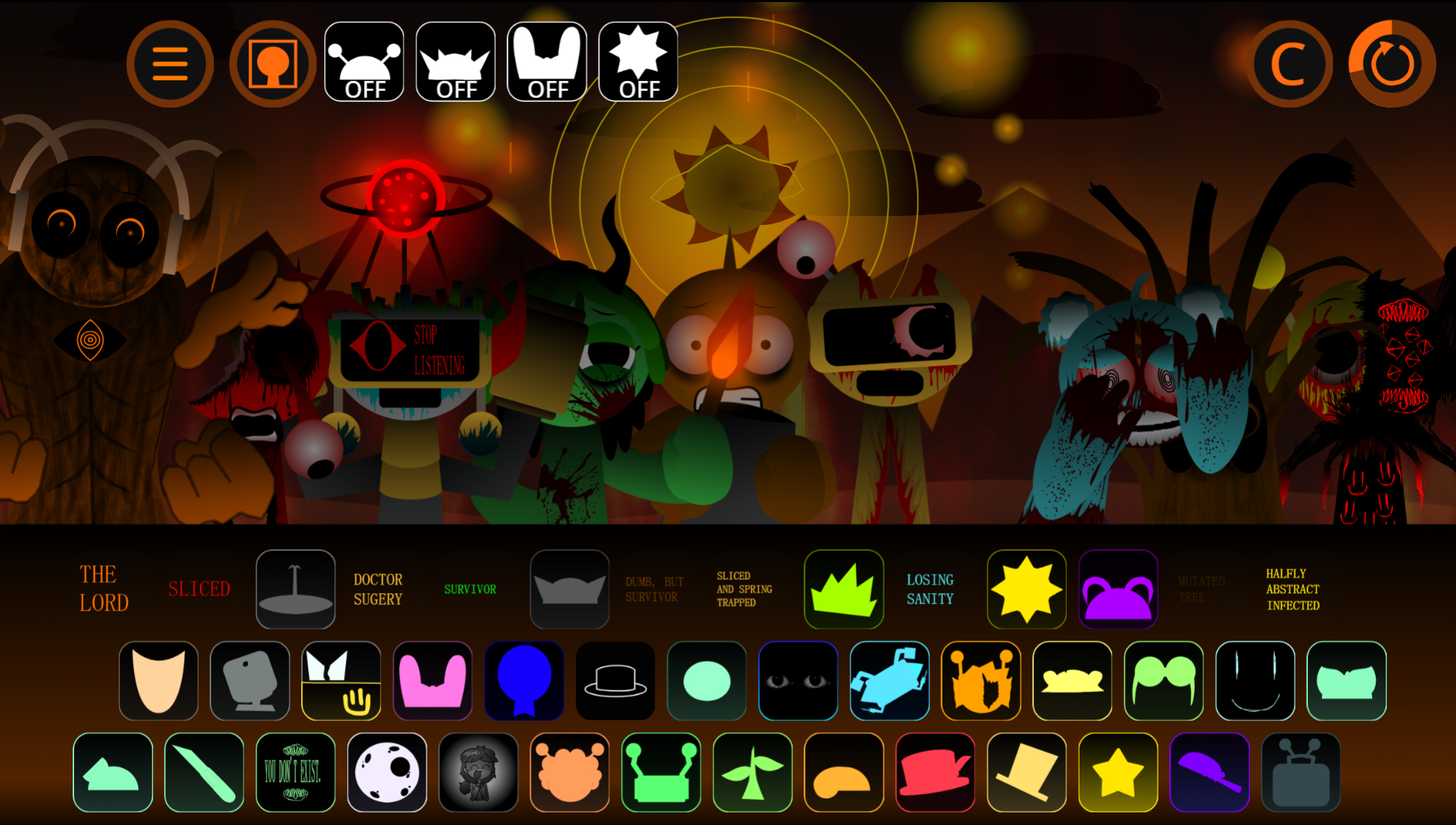
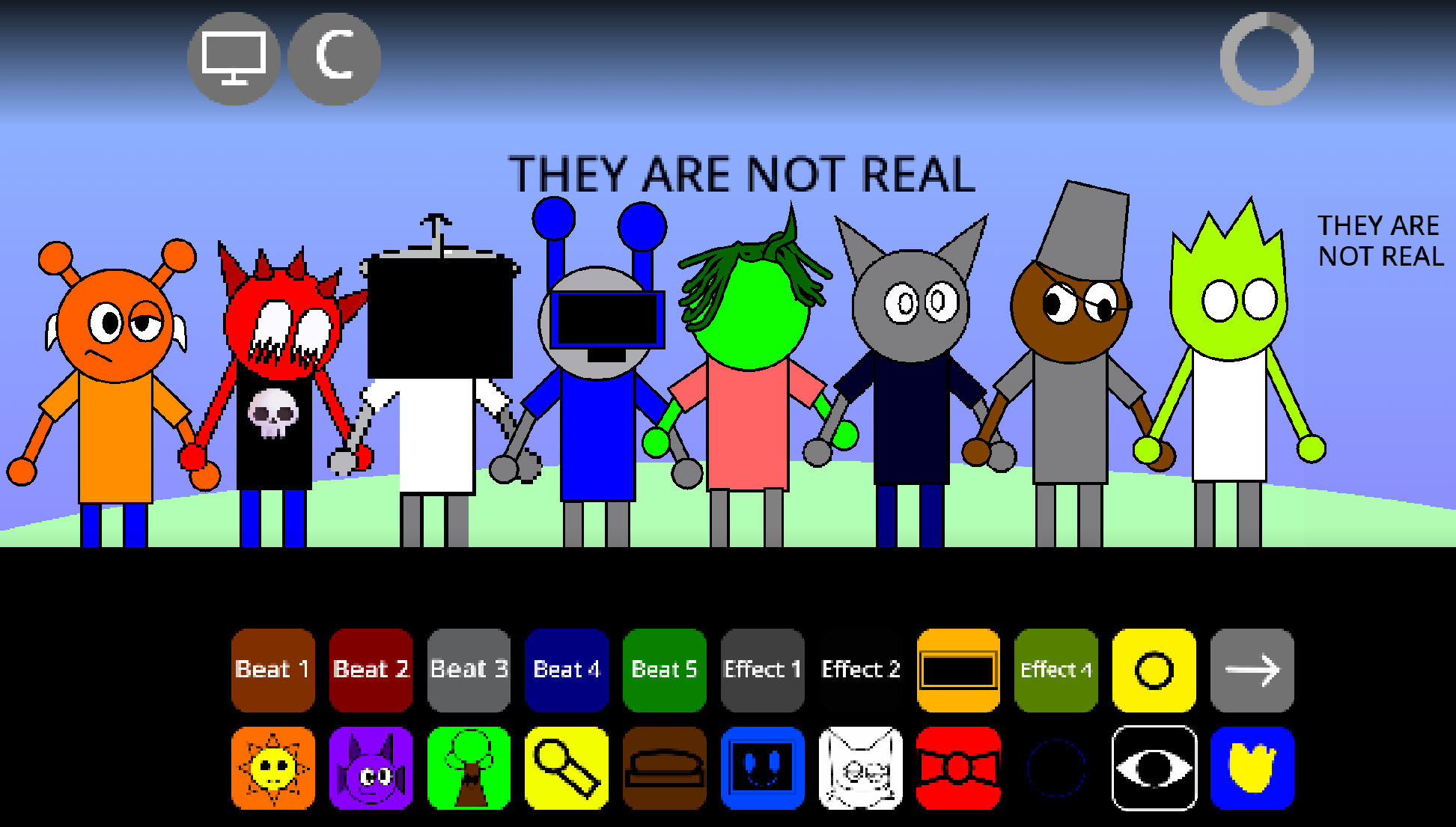
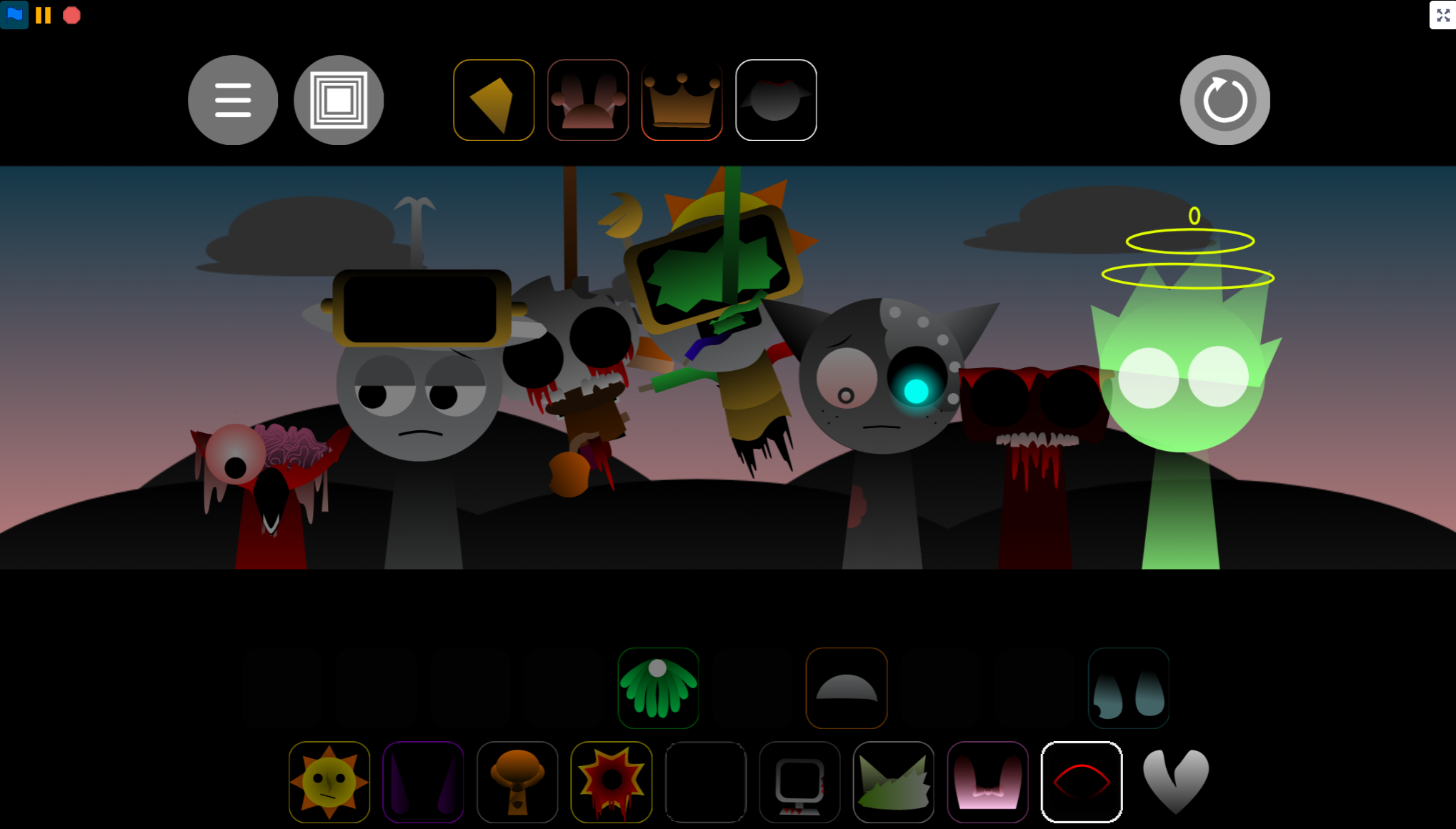
Sprunki - Pulsar Polarization is a community-crafted mod that places Sprunki’s character-based music mixing on a widescreen stage where the environment responds to your arrangement. Players drag characters onto a 16:9 performance space, each contributing a beat, vocal, melody, or effect. As the mix intensifies, the background and character animations shift, building toward a Phase 2 transformation that alters the setting and character appearances. Certain combinations reveal hidden phases and eerie visual changes.
The mod’s audio has been rebalanced so that key tracks remain audible in complex, multi-layered mixes. Individual Mute, Focus, and Remove controls let players isolate sounds and reshape arrangements without starting over.
Pulsar Polarization V3.0 was developed by @skoller, @Shadowmilkgaming, @TheMythicFox, and @awesomeofsauce using @JayGames’ “Jaybox Sprunke Template: 16:9 Version.” Community response has focused on the mod’s atmosphere: Jevin_Officialz called it a “PEAK MOD,” while jaskon the mod maker noted its “NICE LORE.”
How to Play Pulsar Polarization
Select characters and place them onstage to build a composition. There is no fixed song path—a mix can become melodic, rhythmic, dense, or unsettling depending on the performers chosen.
-
Place and layer characters. Start with a beat or rhythm, then add vocals, melodies, and effects. Each character has a distinct role, so small changes can alter the mood and groove.
-
Fine-tune the arrangement. Mute temporarily silences a part, Focus isolates it for closer listening, and Remove clears it from the stage.
-
Test combinations deliberately. Different character setups may trigger hidden musical interactions or phase behavior. Replace one loop at a time rather than rebuilding the entire arrangement.
-
Watch the phase behavior. As intensity builds, the stage and character animations respond. Phase progression changes appearances and unlocks content, with some characters taking on stranger forms in Phase 2.
Key Features
-
16:9 widescreen stage: The broader visual frame makes background changes and character movement feel responsive to the music.
-
Phase 2 transformation: Background elements and character animations morph as the track intensifies, creating a darker atmosphere.
-
Clearer layered audio: Key tracks have been adjusted to remain audible when several performers are active, so rhythms, vocals, and effects retain their individual presence.
-
Direct arrangement controls: Mute, Focus, and Remove make it easier to isolate sounds, compare alternatives, and reshape a composition.
-
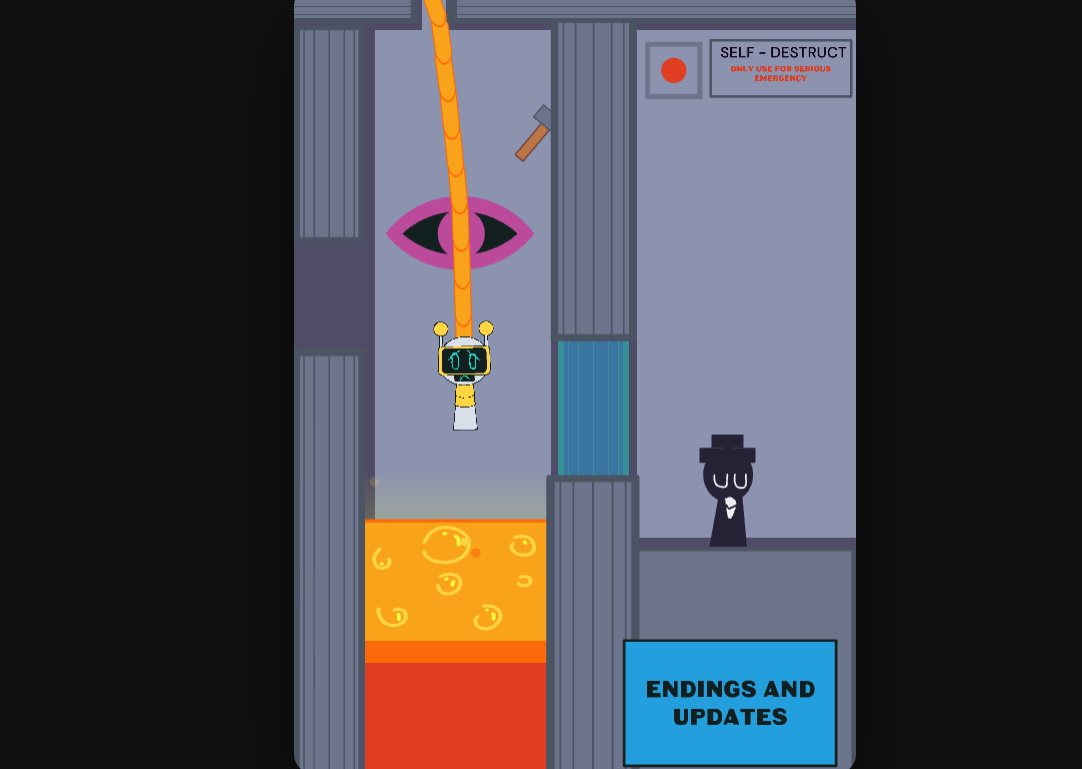
Hidden combinations: Experimenting with different characters can reveal concealed phases, musical details, and eerie transitions that contribute to the mod’s implied narrative.
Why Play Sprunki - Pulsar Polarization?
Pulsar Polarization suits players who want Sprunki’s accessible music-building format with a more dramatic setting and stronger audiovisual progression. No music-production background is needed—a drag-and-drop choice can add a rhythmic layer, alter the emotional tone, or drive the stage toward its next transformation.
The mod rewards longer experimentation. Its adjusted audio makes it easier to distinguish subtle percussion, vocal loops, and instrumental effects in dense arrangements, while its control menu supports intentional refinement. Players can test one character against another, isolate the strongest sections, and discover which sounds best support the track’s central rhythm.
Mixing Tips
Effective mixing in Sprunki Pulsar Polarization starts with restraint. A smaller arrangement makes it easier to identify which loops are carrying the rhythm, melody, and atmosphere.
-
Build around a foundation. Begin with a beat, then introduce a melody, vocal, or effect that supports its timing.
-
Add layers one at a time. Listen after every new character is placed. If the mix becomes crowded, use Mute or Focus to determine which sound is competing with the main groove.
-
Use character changes as arrangement tools. Replacing a single loop can produce cleaner rhythmic pairings or more atmospheric melodic blends, especially when guiding the mix toward a more intense phase.
-
Protect important details. If a subtle vocal, percussion line, or effect gets lost, remove a less essential performer and compare the result.
-
Experiment before settling. Hidden phases and transitions are tied to combinations, so test alternate lineups even after finding a rhythm that works.
Related Games
- Sprunki Simplified Phase 2 All Character — Its Phase 2 focus makes it a natural follow-up for players interested in Pulsar Polarization’s dramatic visual shift and evolving character-based music mix.
- Sprunki Phase 4 Reimagined The Forgotten Experiment — The “Forgotten Experiment” premise offers a stronger lore-tinged continuation for fans drawn to the mod’s eerie transitions and implied atmospheric story.
Enjoy!

Discuss Sprunki