



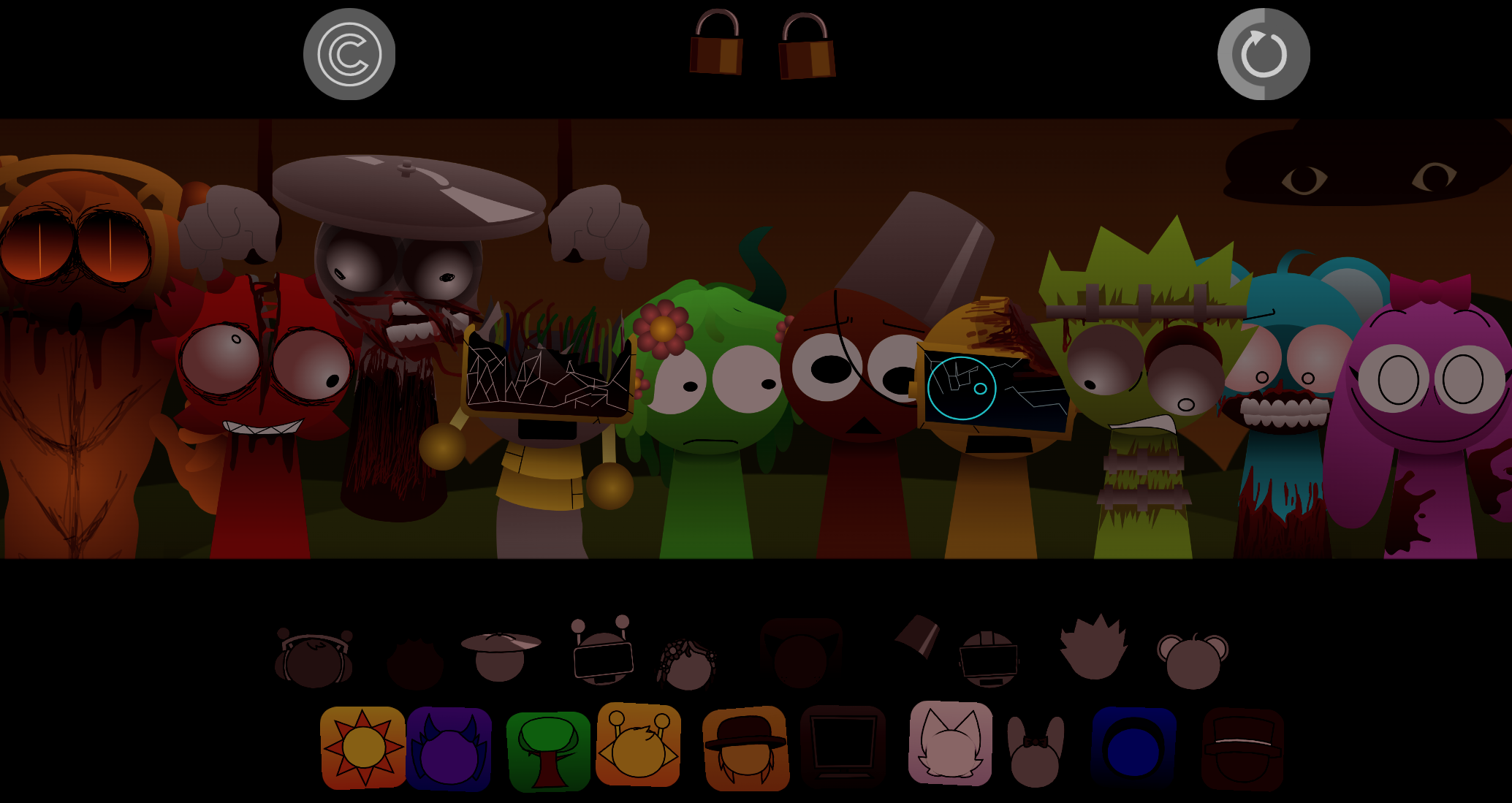
SprunkBlox
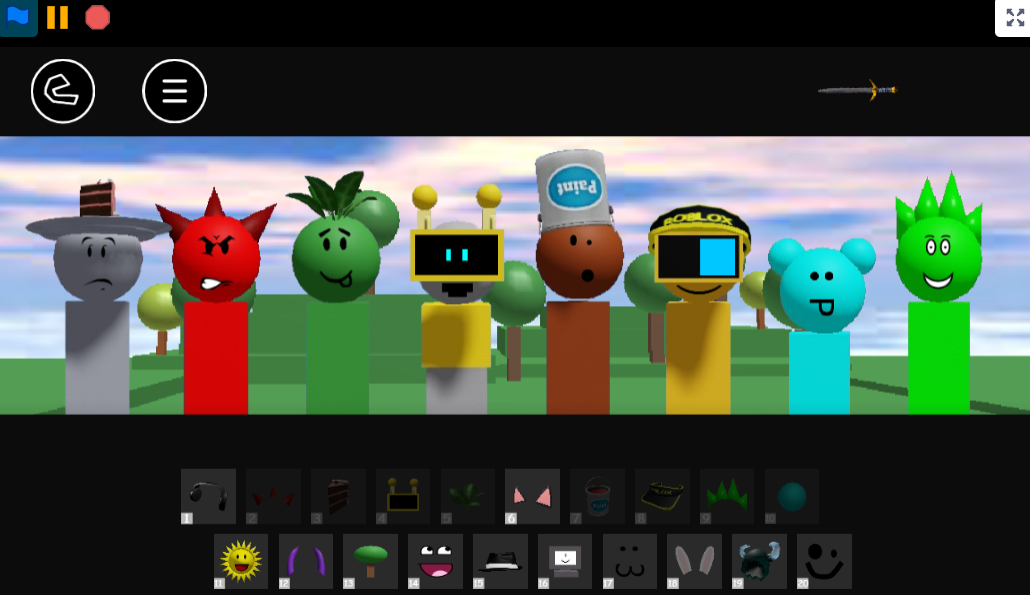
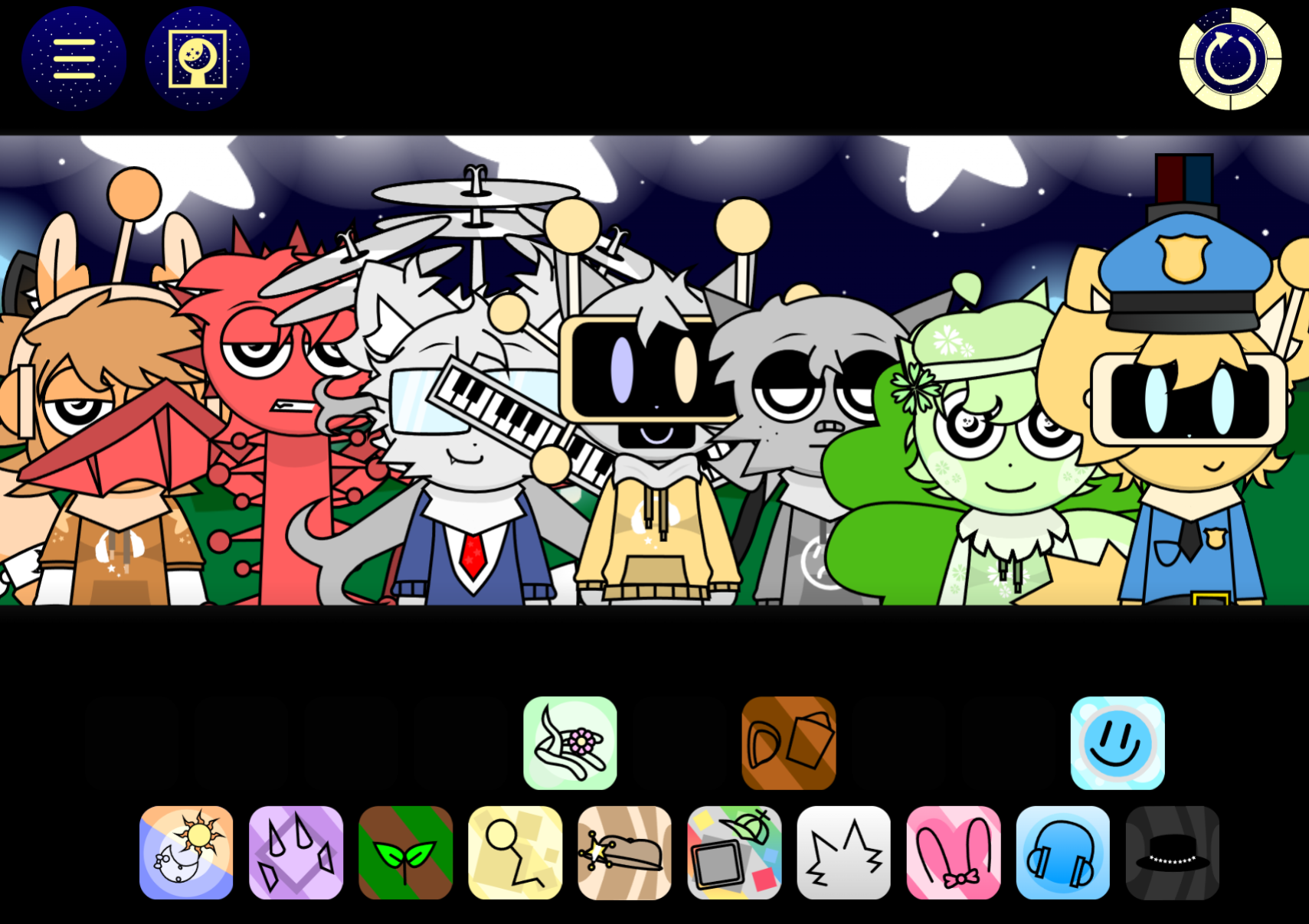
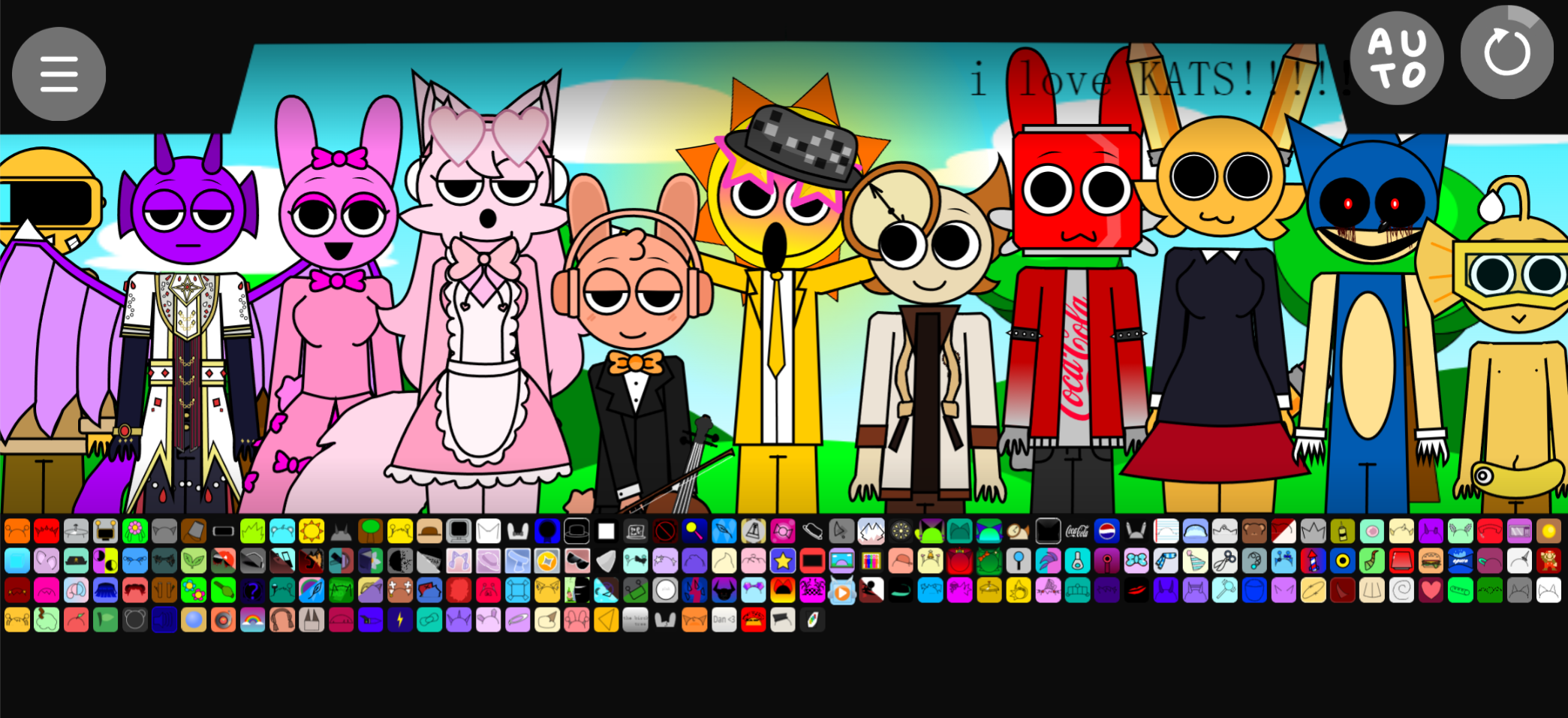
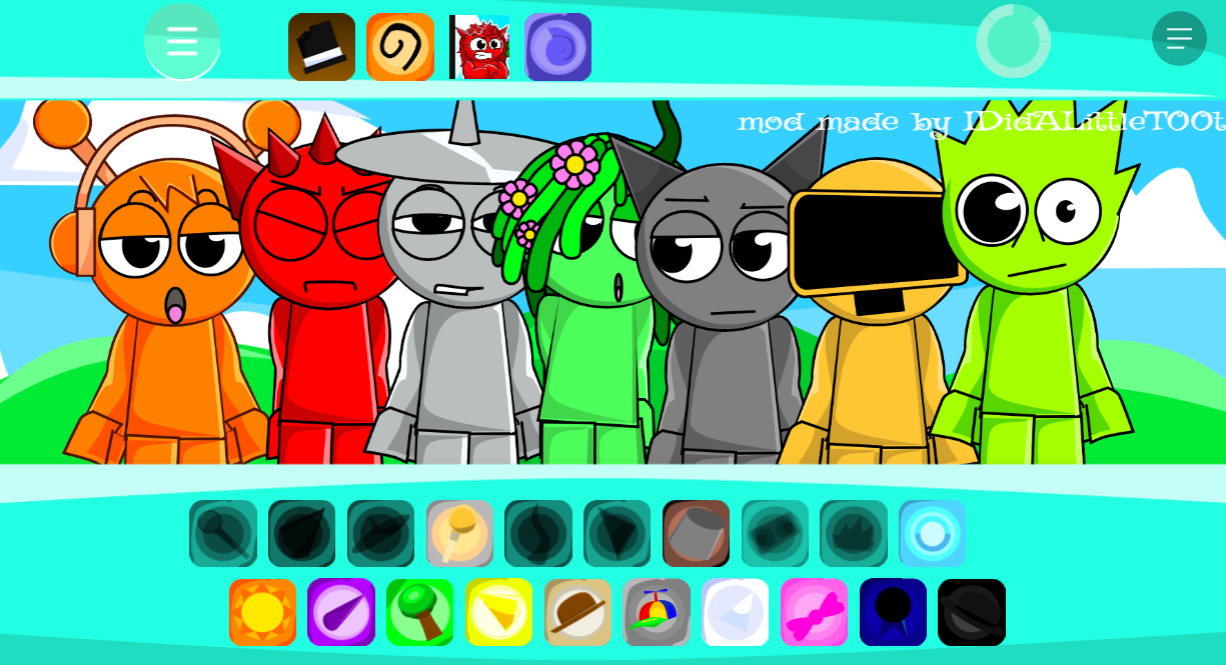
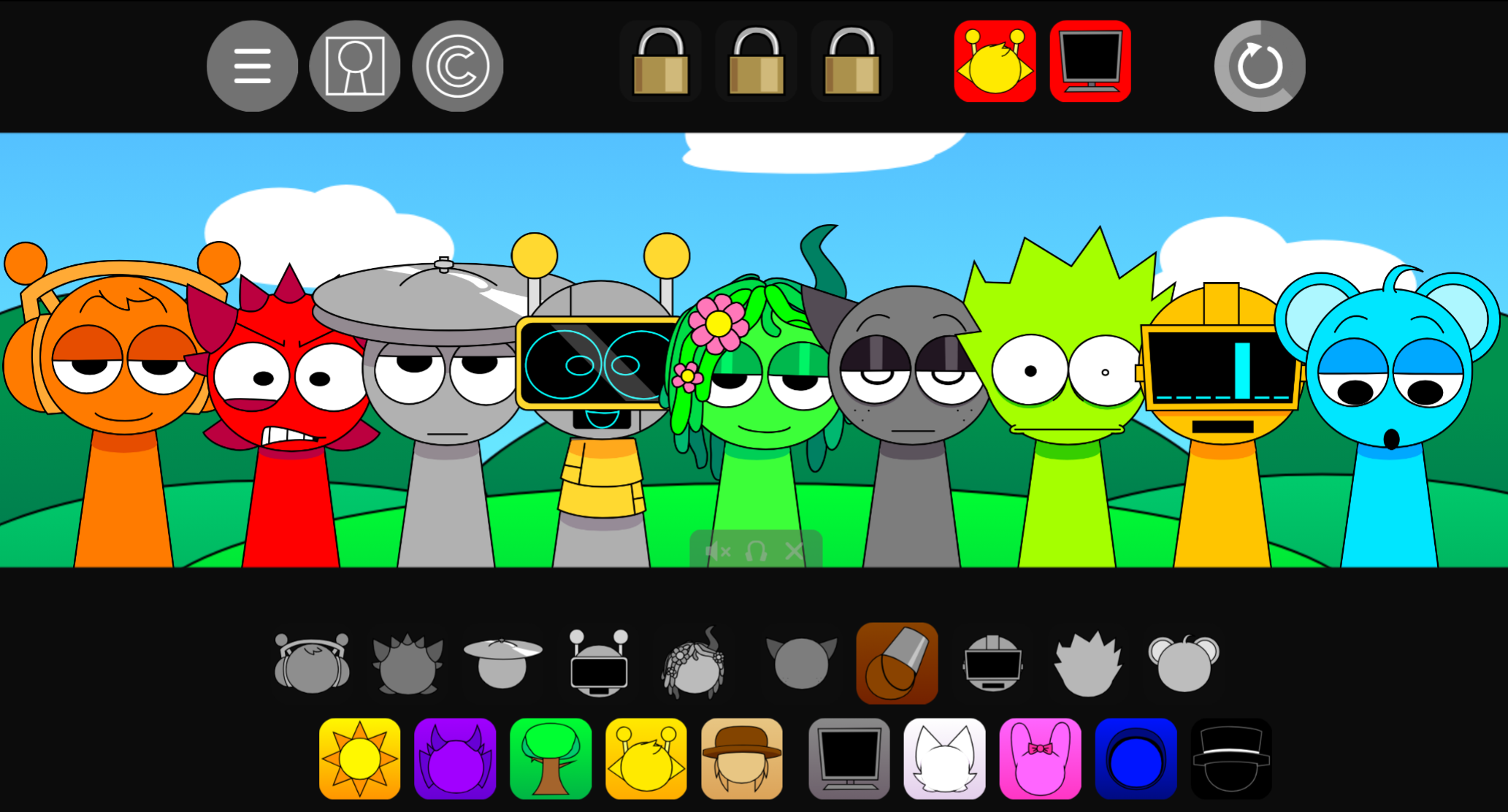
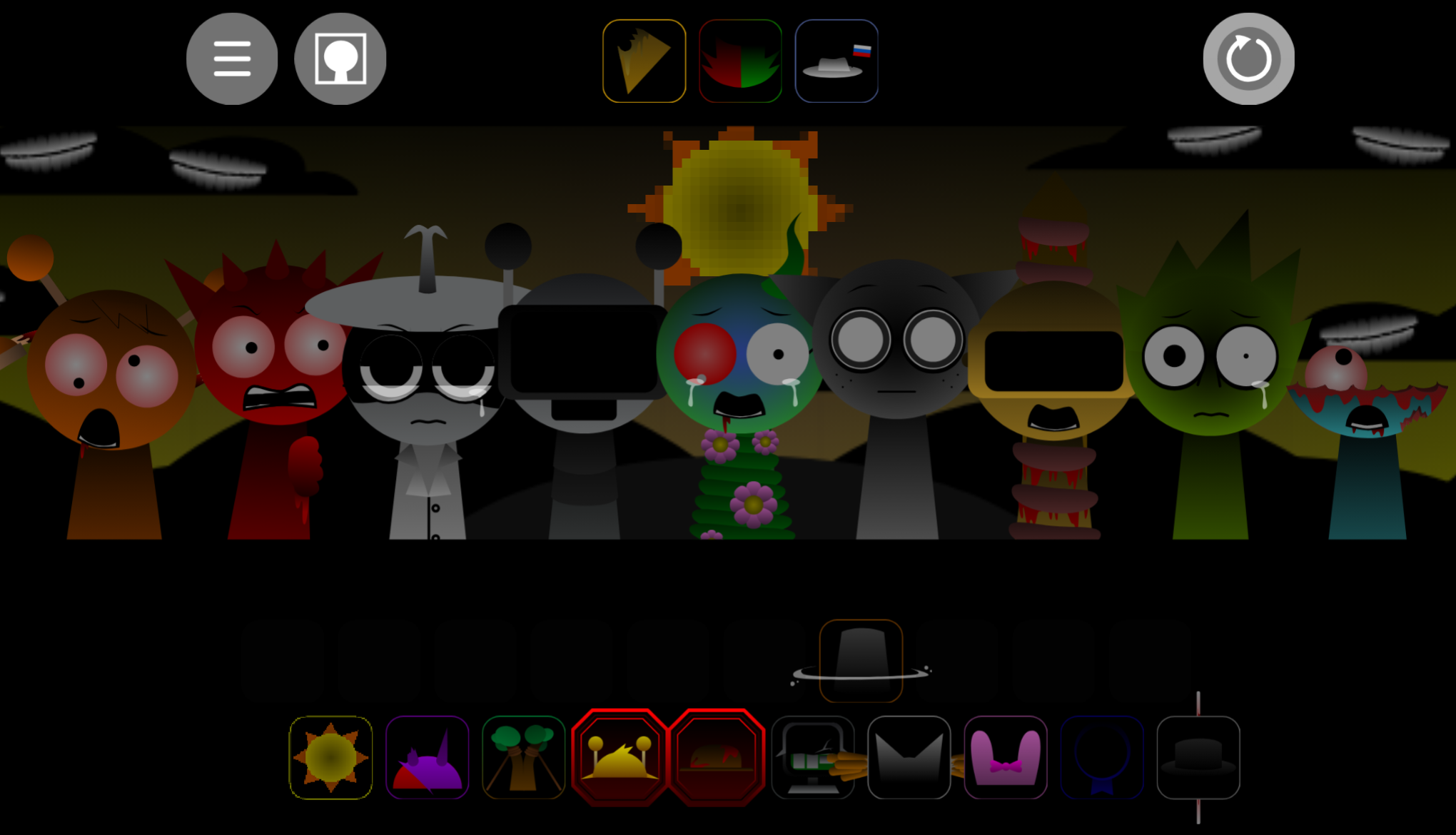
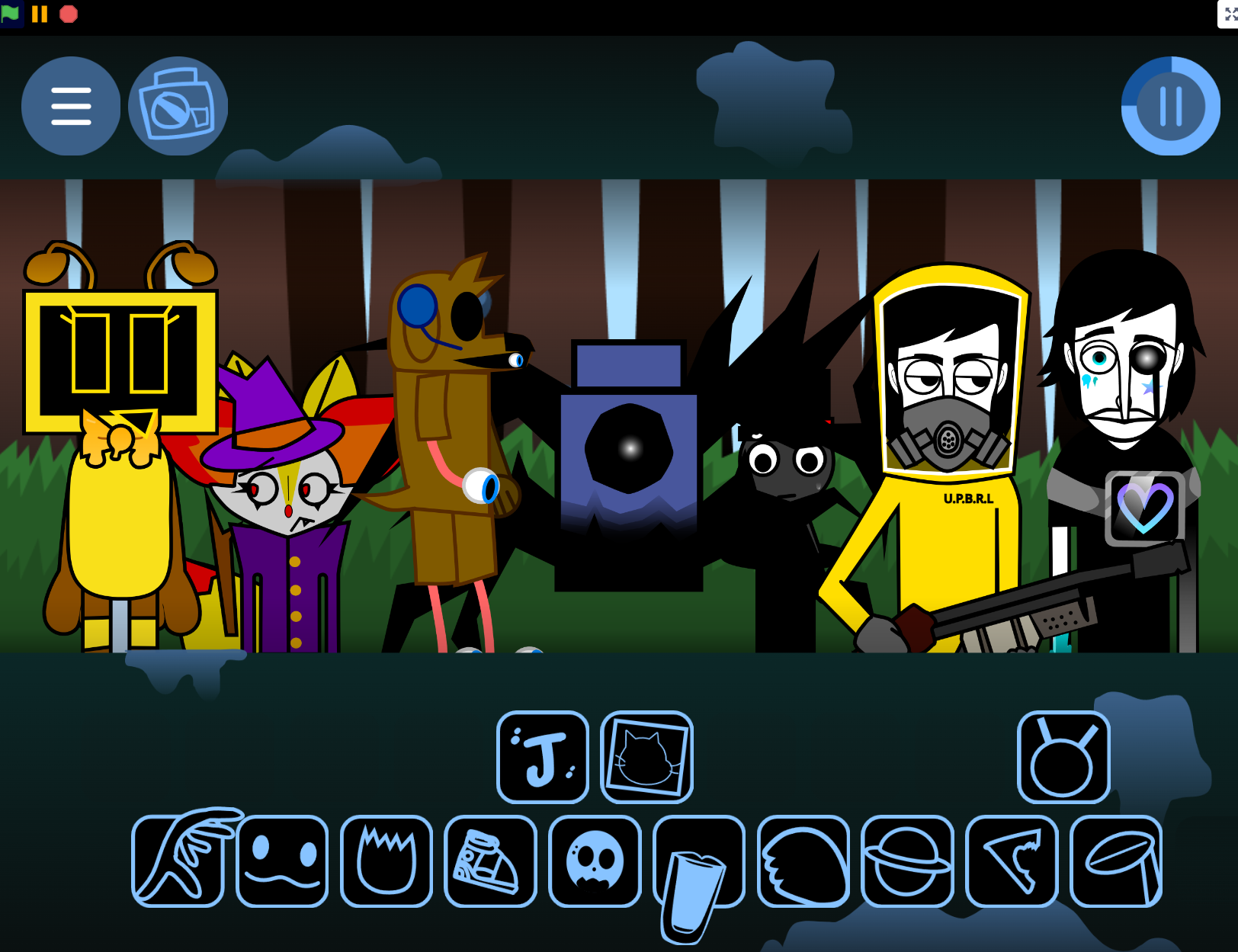
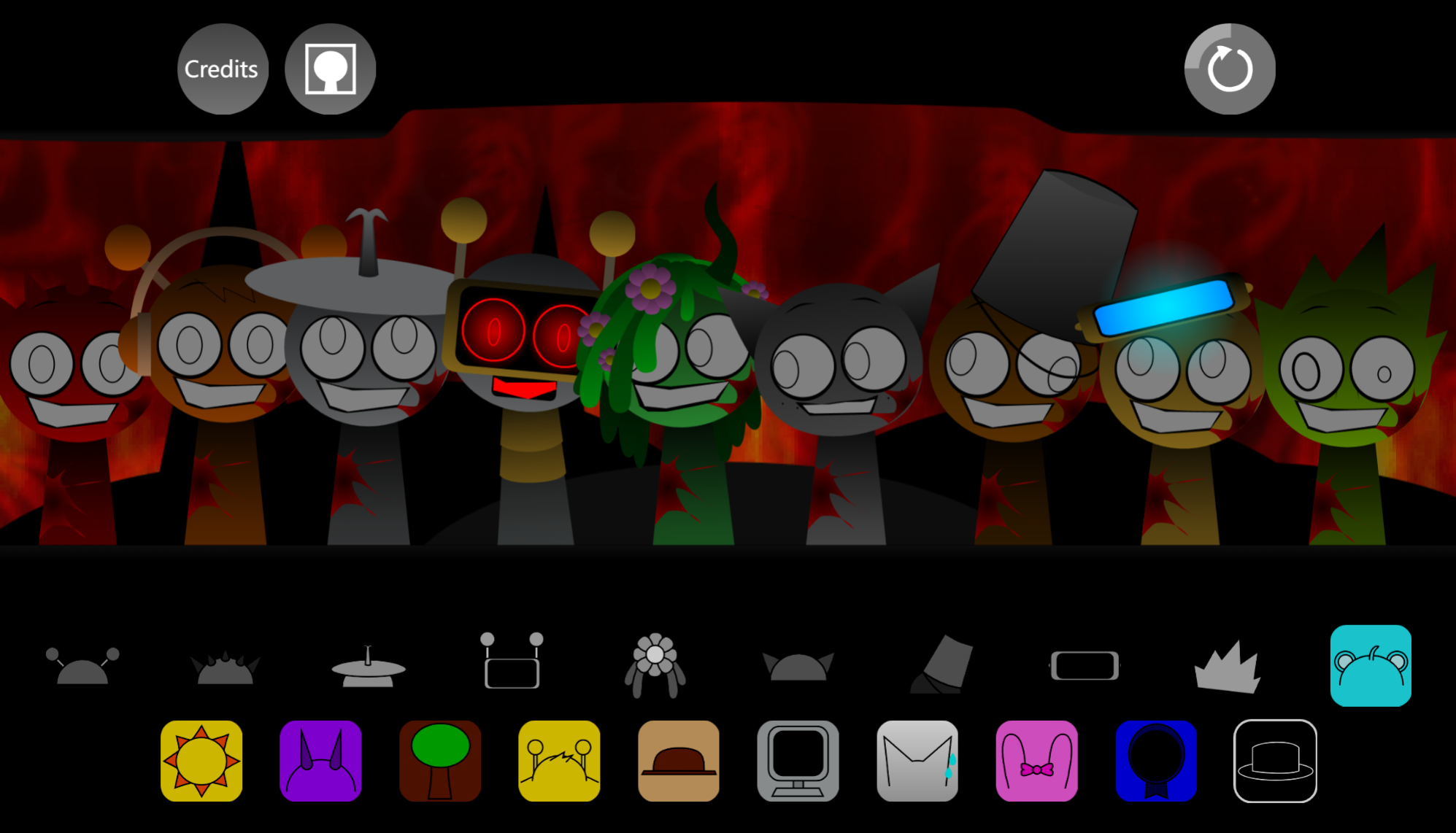
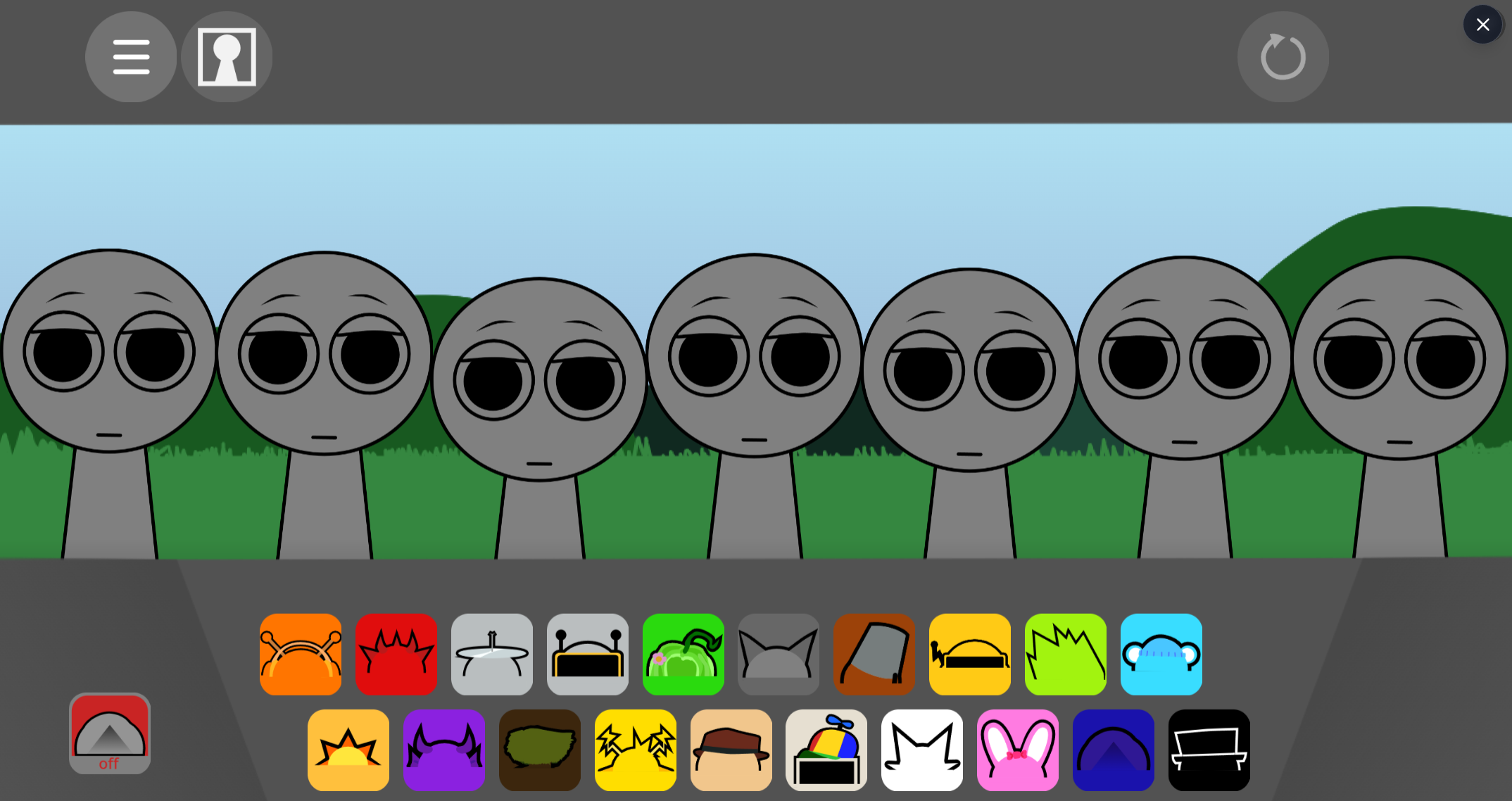
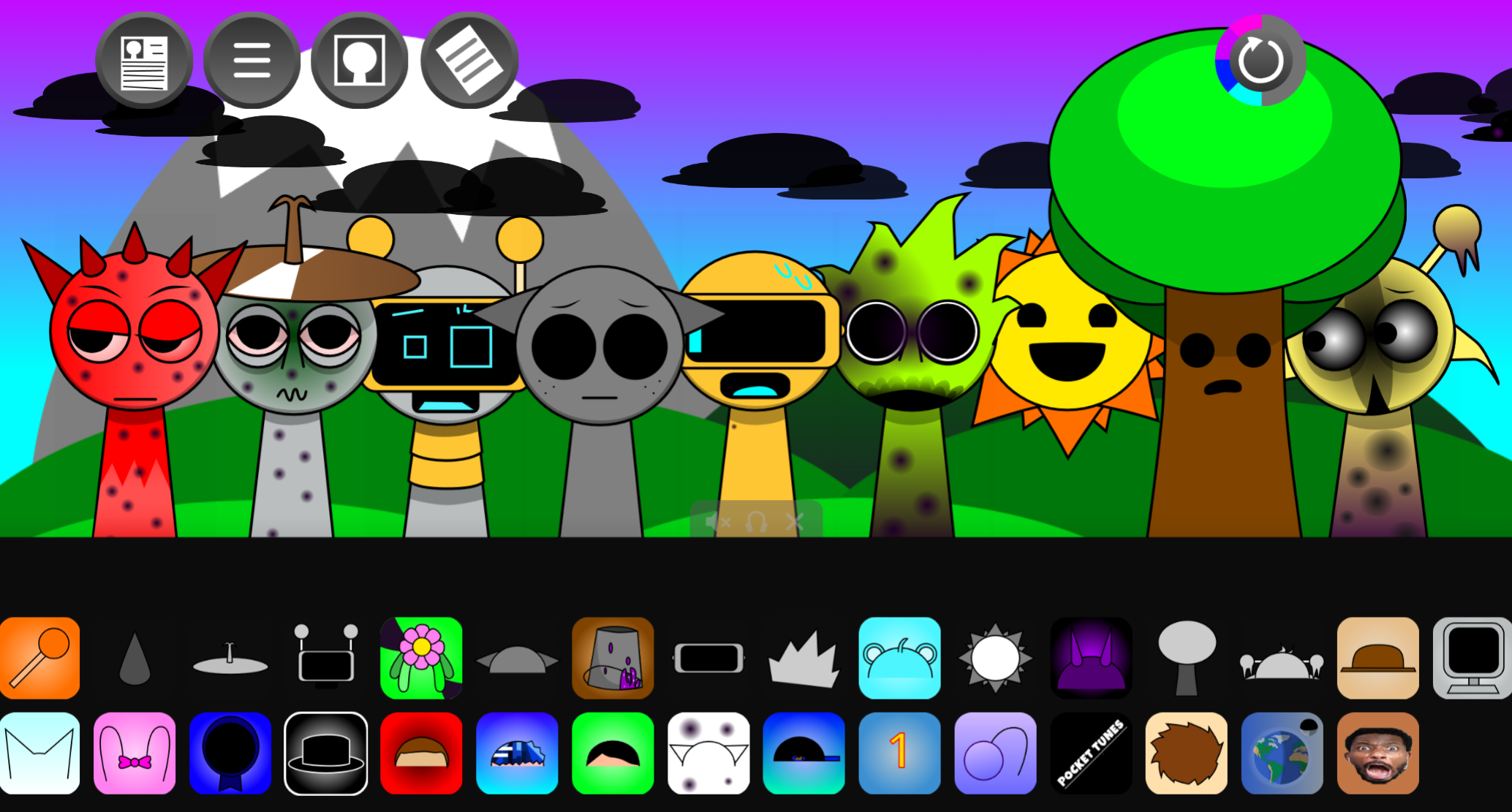
SprunkBlox merges two massive internet cultures into one addictive rhythm game. This fan-made mod takes the loop-based music gameplay of Sprunki and Incredibox, then wraps it in Roblox’s blocky, nostalgic visual style. You get seven blank Roblox avatars standing on a familiar stage, and your job is to dress them up with sound icons that give each one both a recognizable look and a musical role.
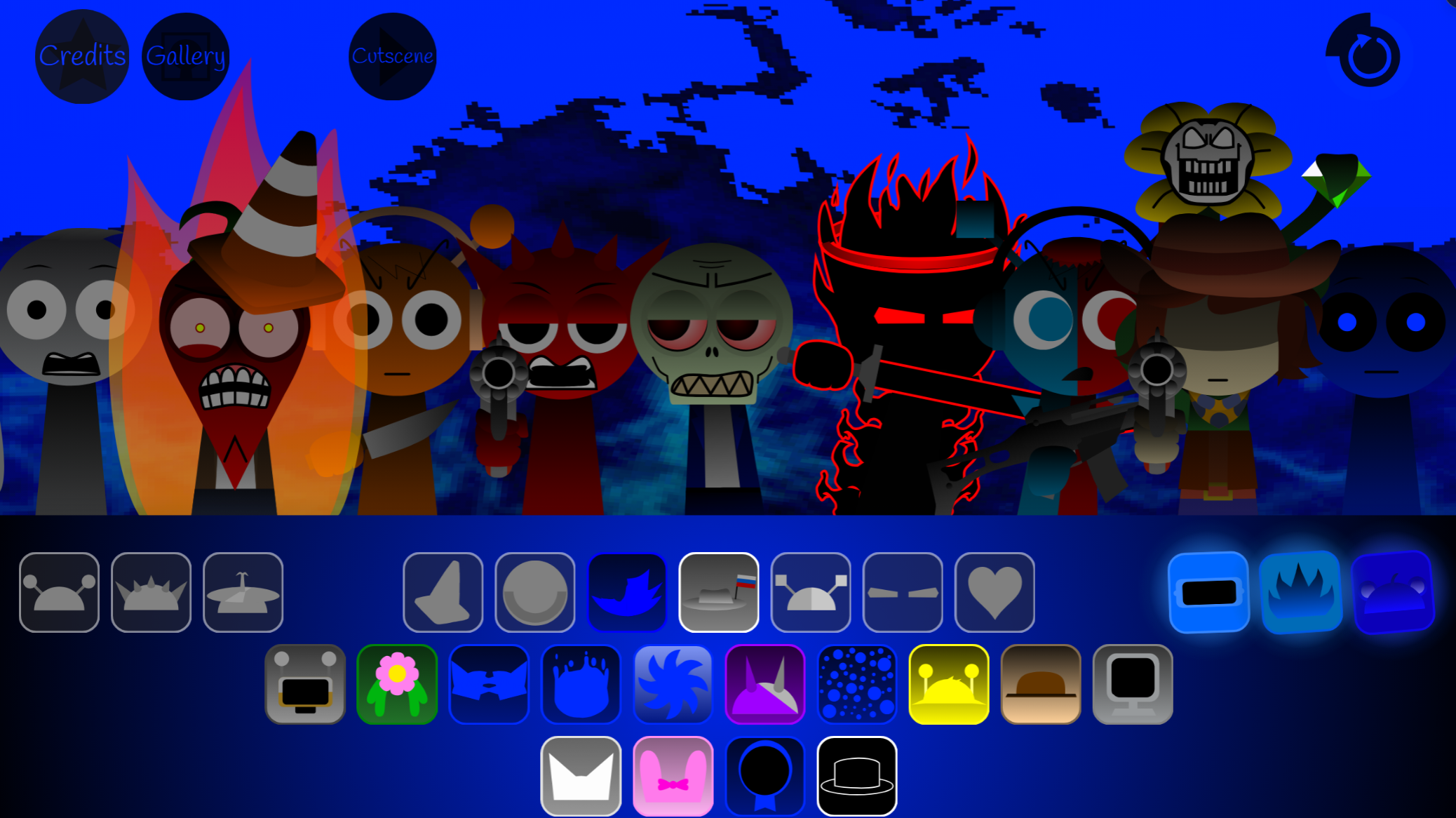
The game keeps Sprunki’s core drag-and-drop formula intact. Icons are split into four categories—Beats, Effects, Melodies, and Voices—and when you place one on an avatar, the game automatically layers that character’s loop into your growing track. The result is an interactive music experience that feels like a genuine crossover between a Roblox world and a Sprunki mod.
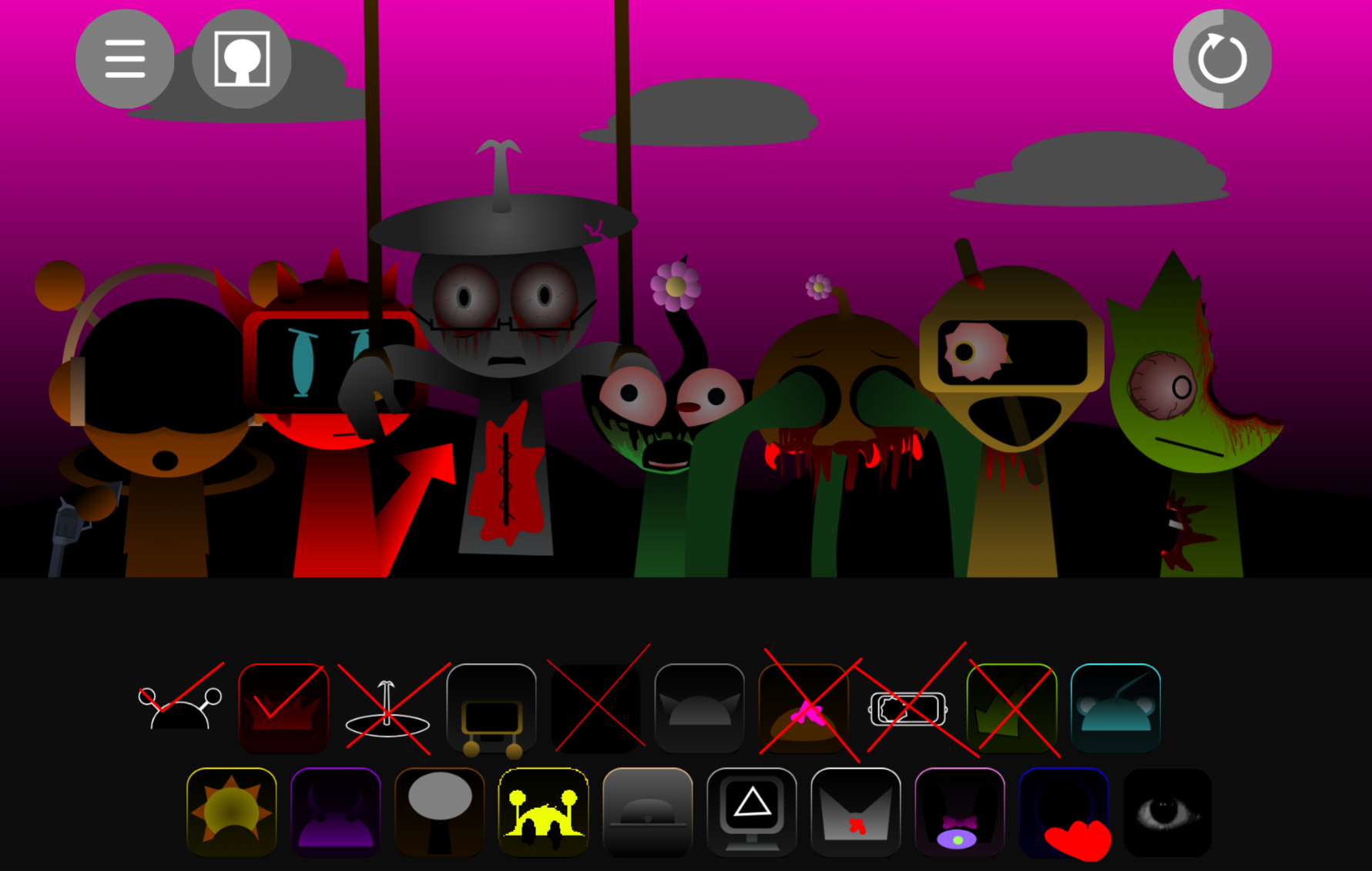
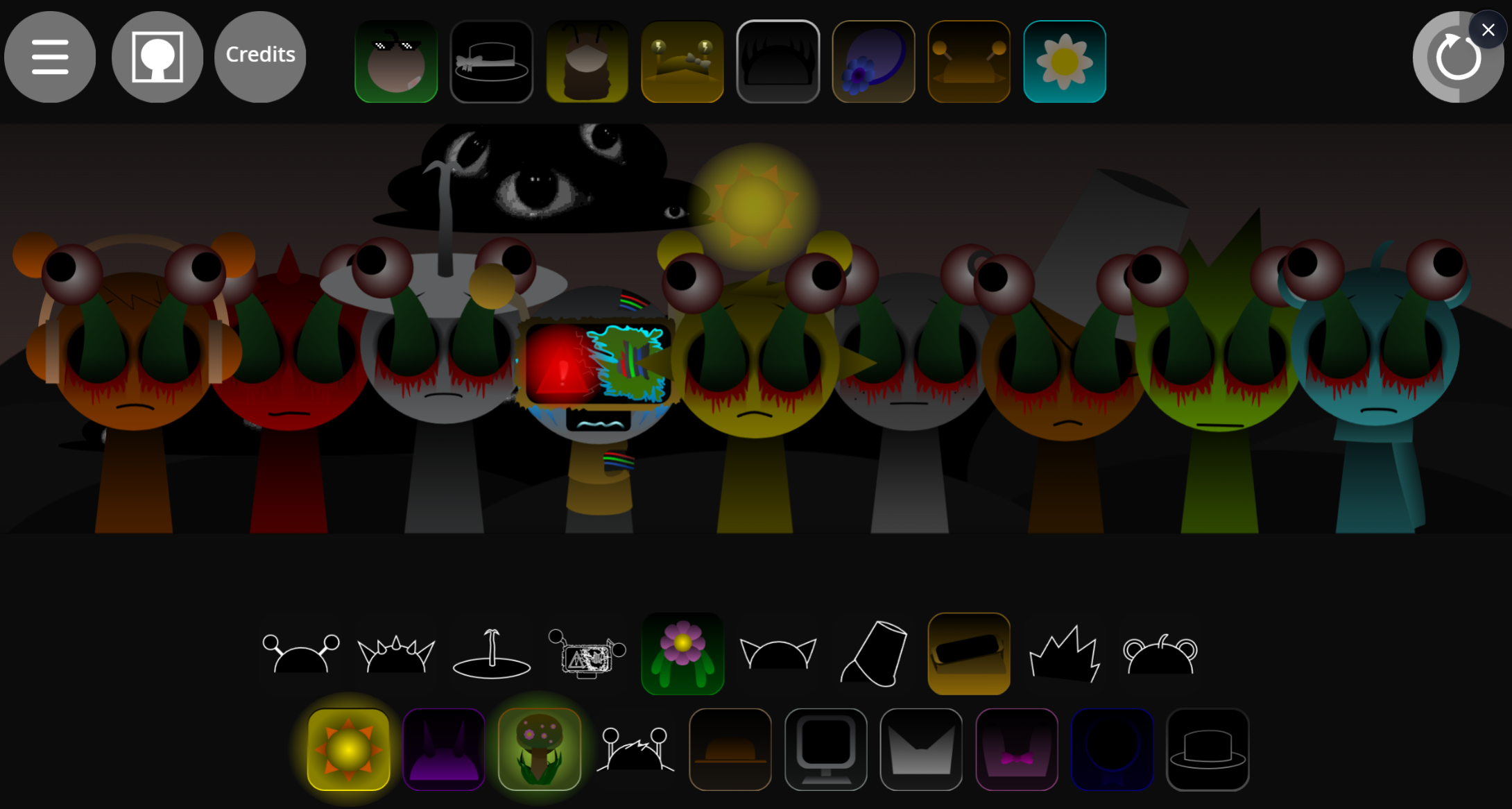
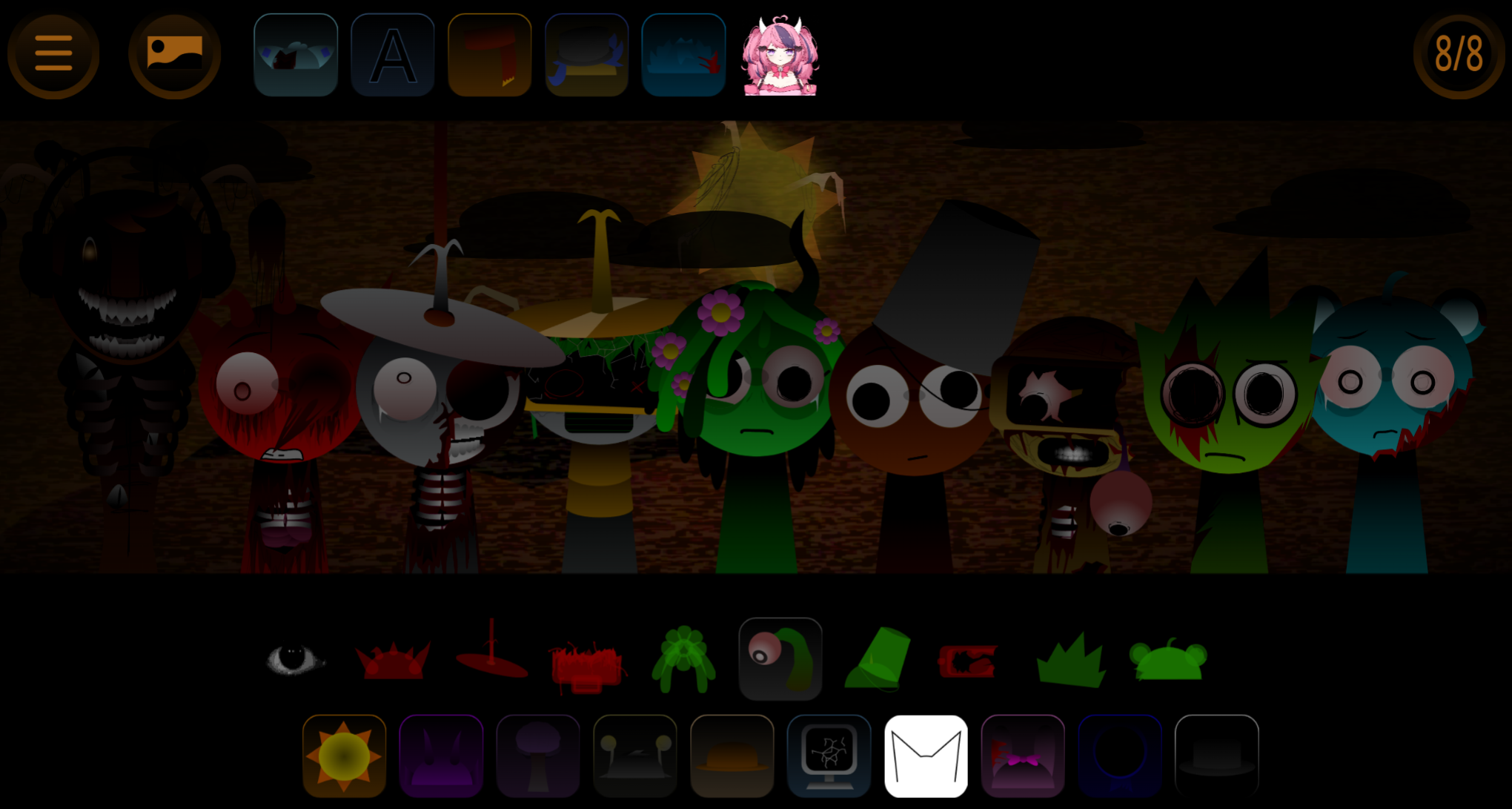
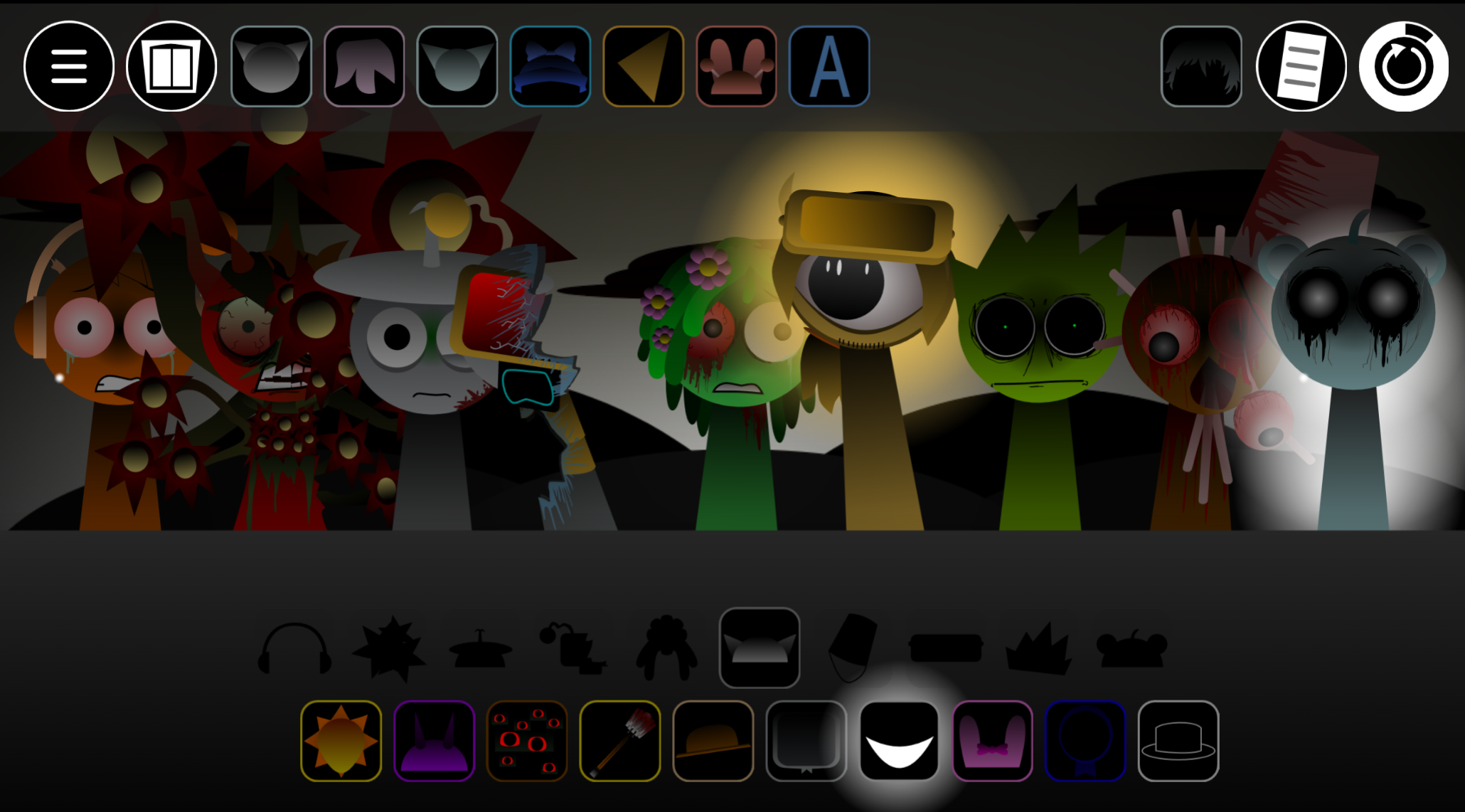
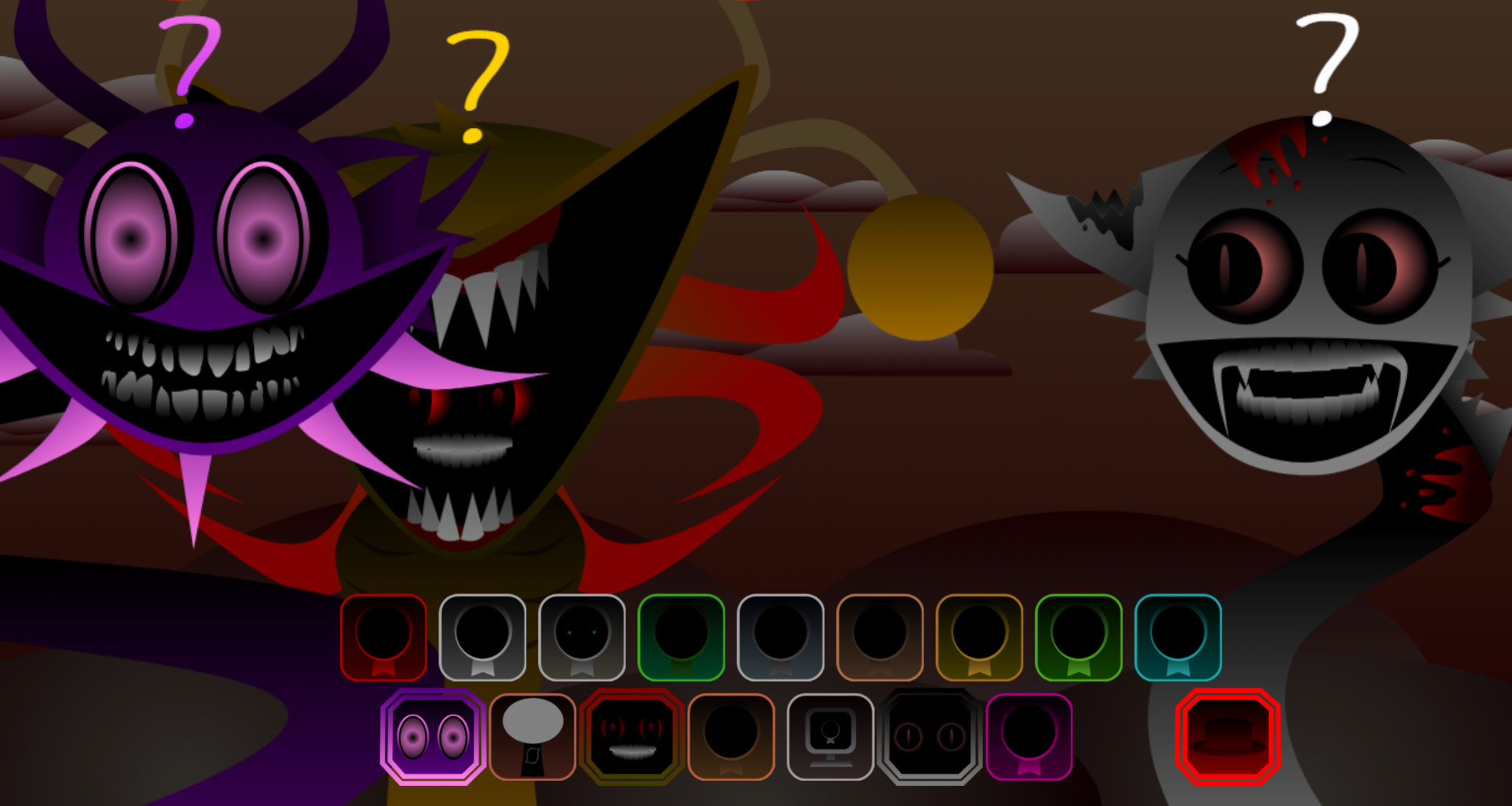
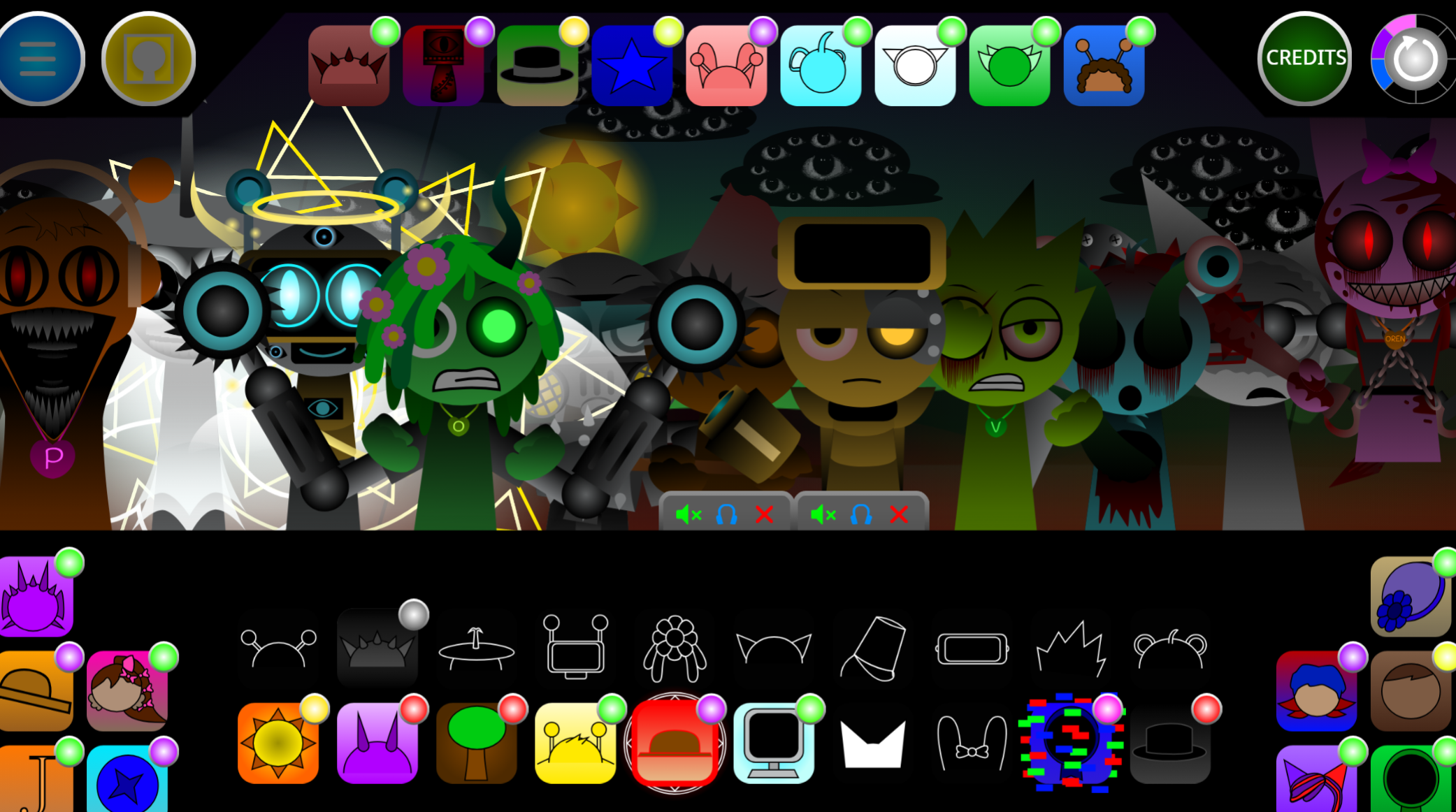
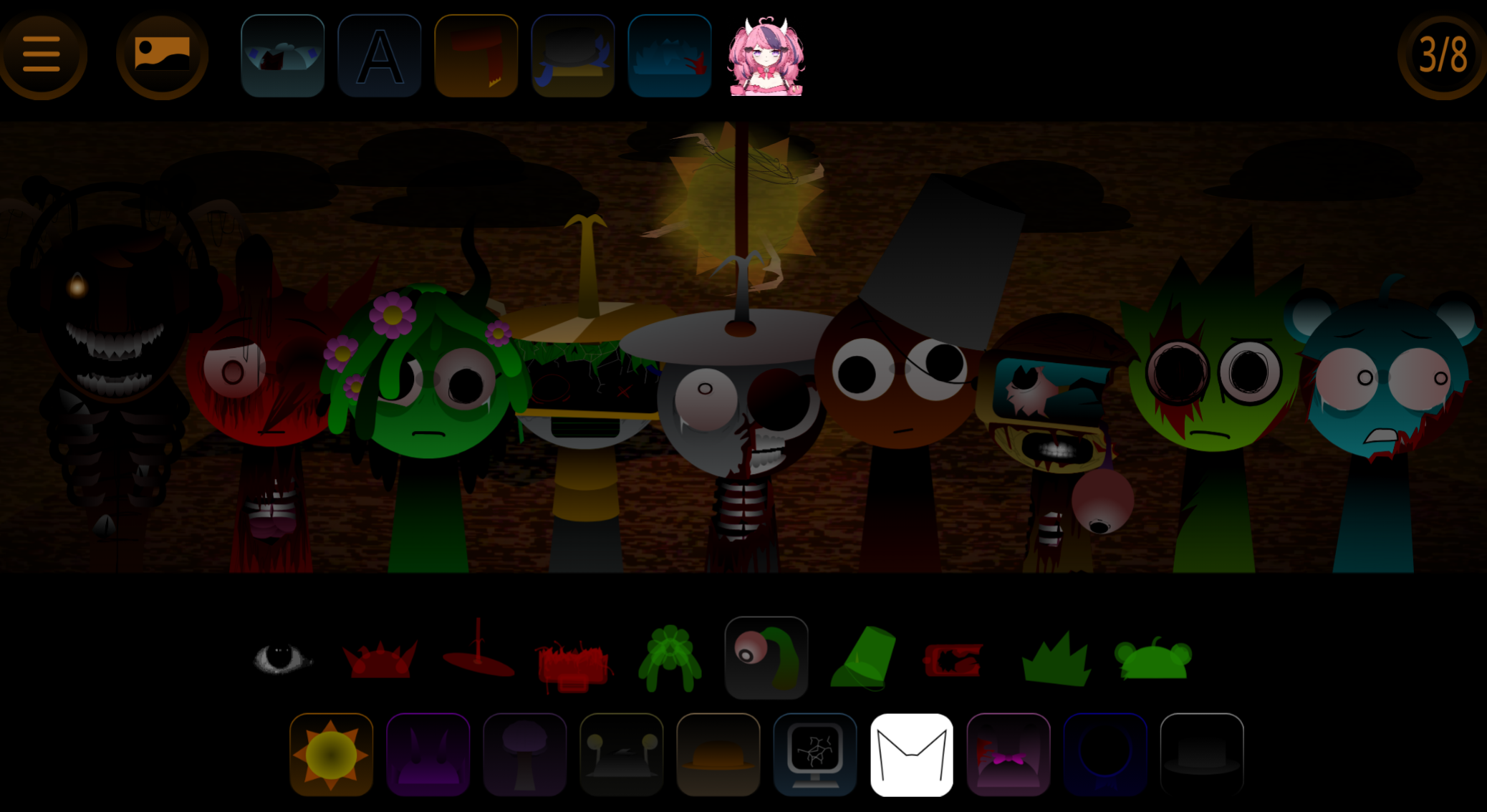
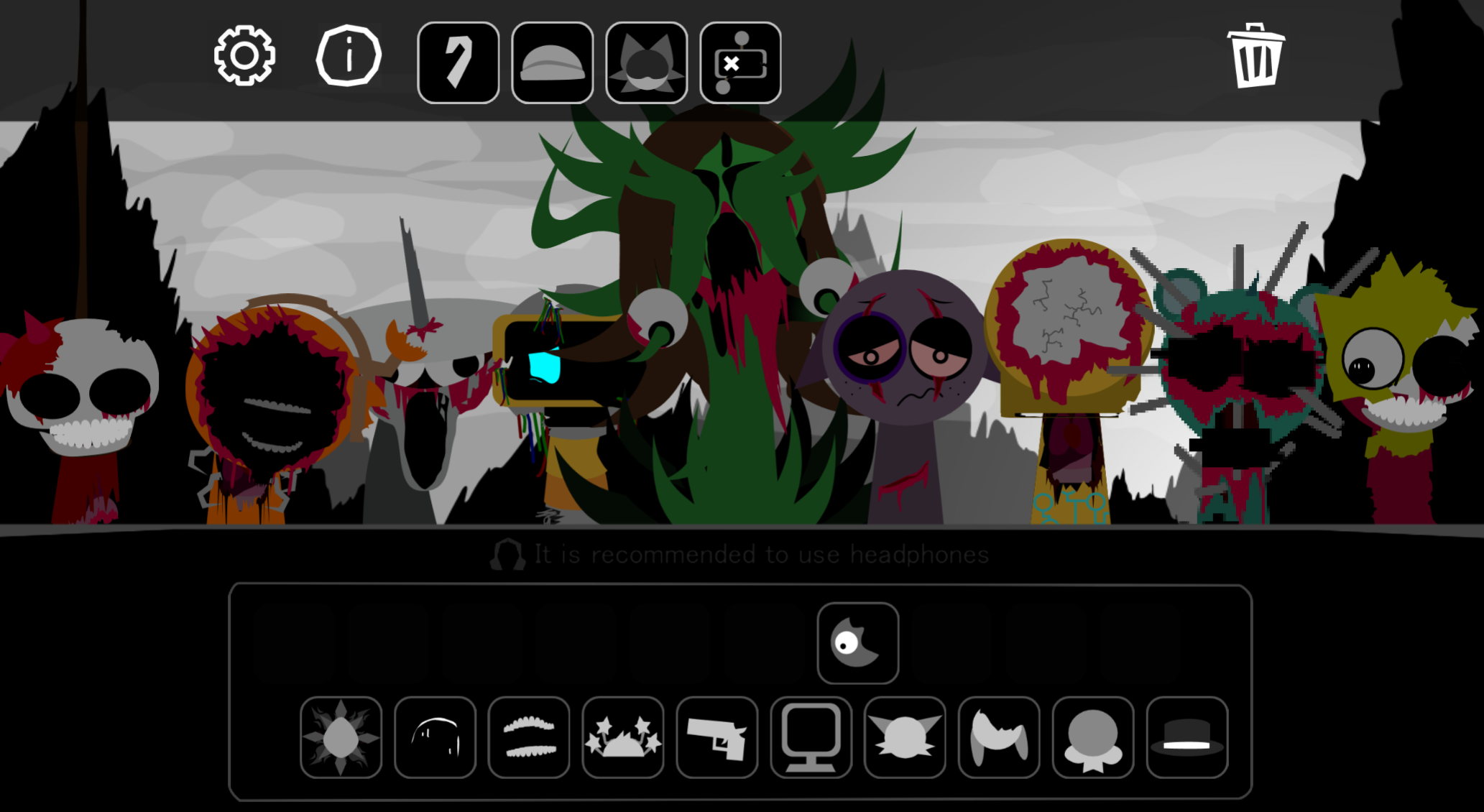
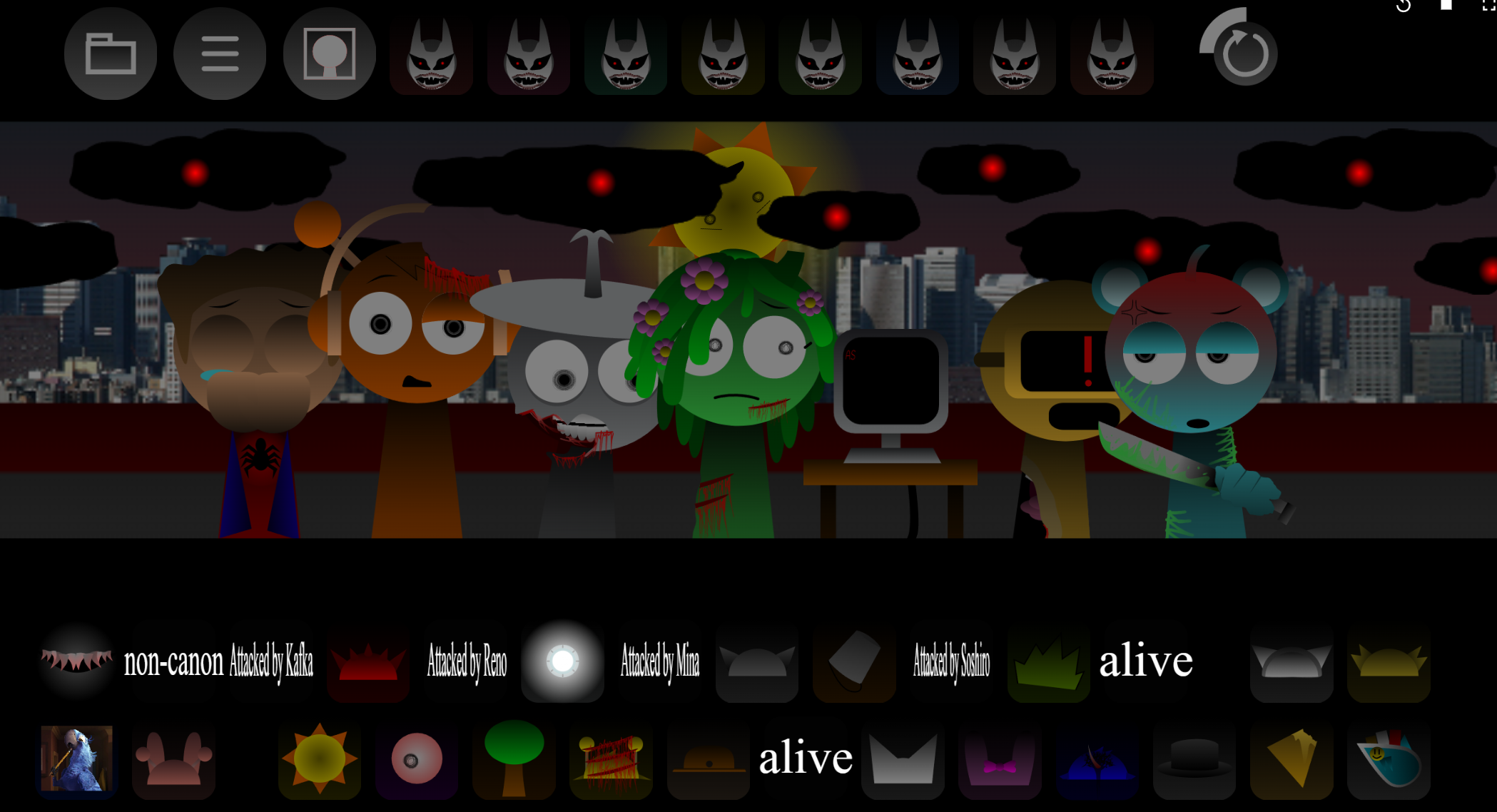
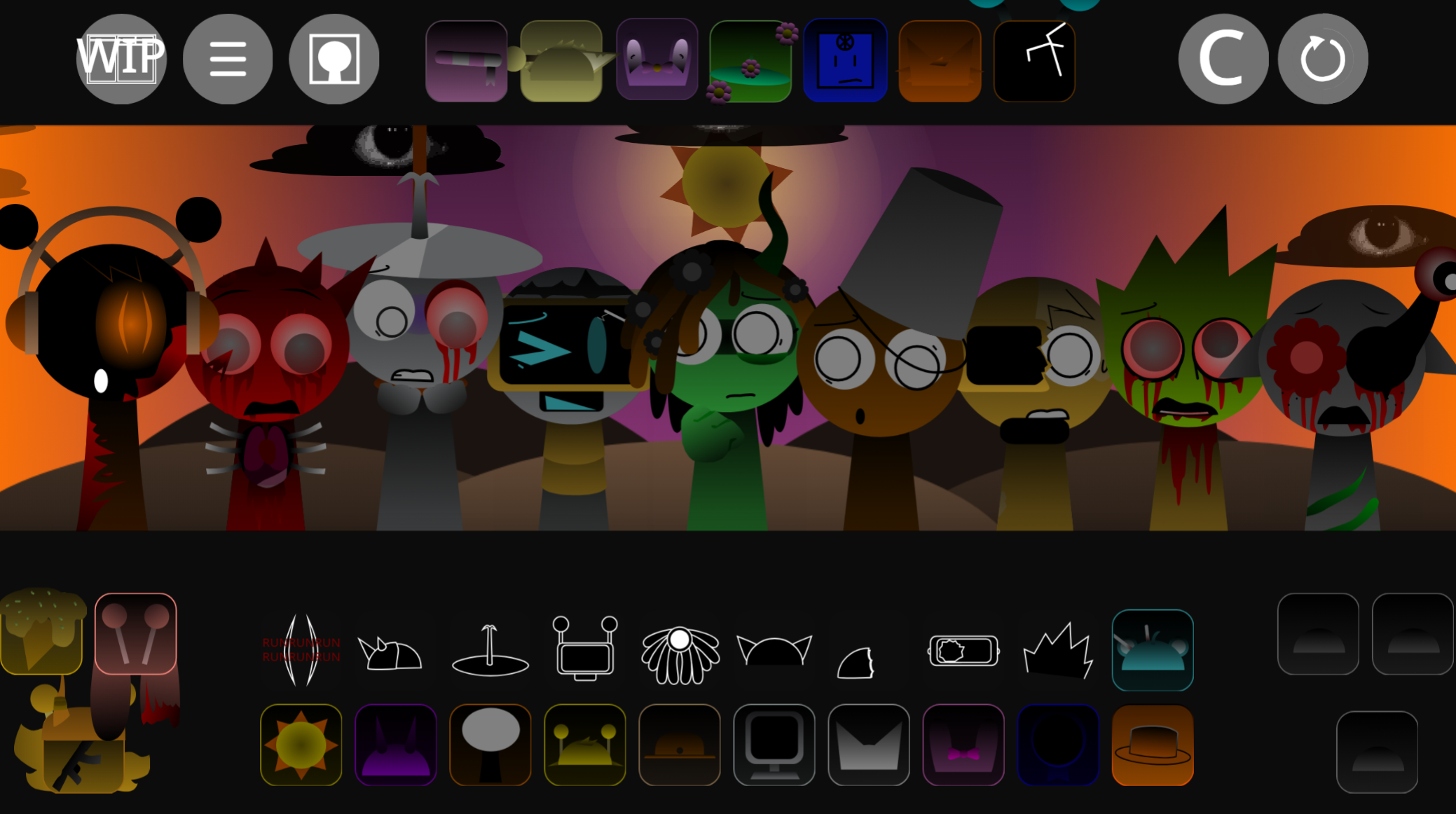
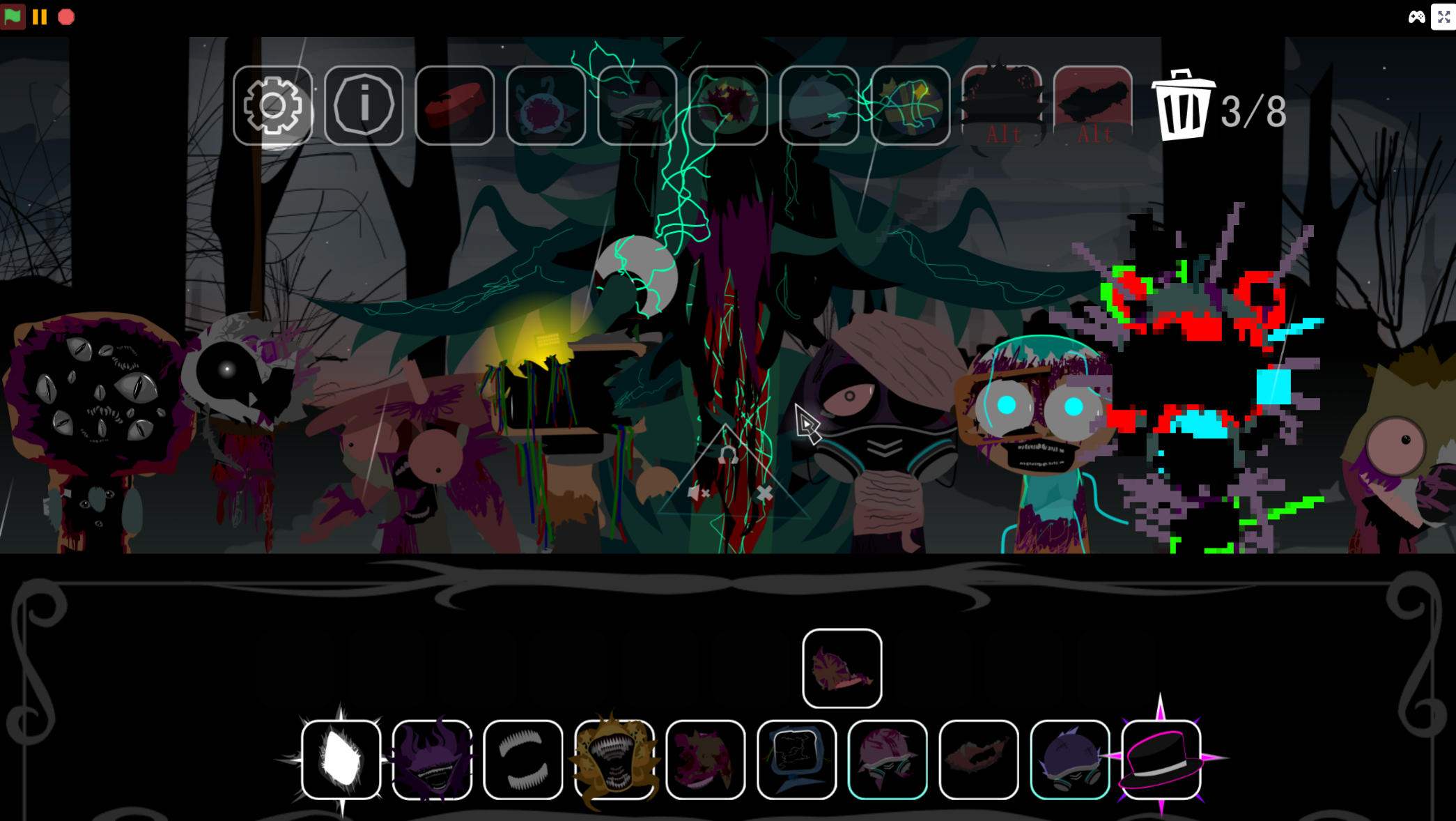
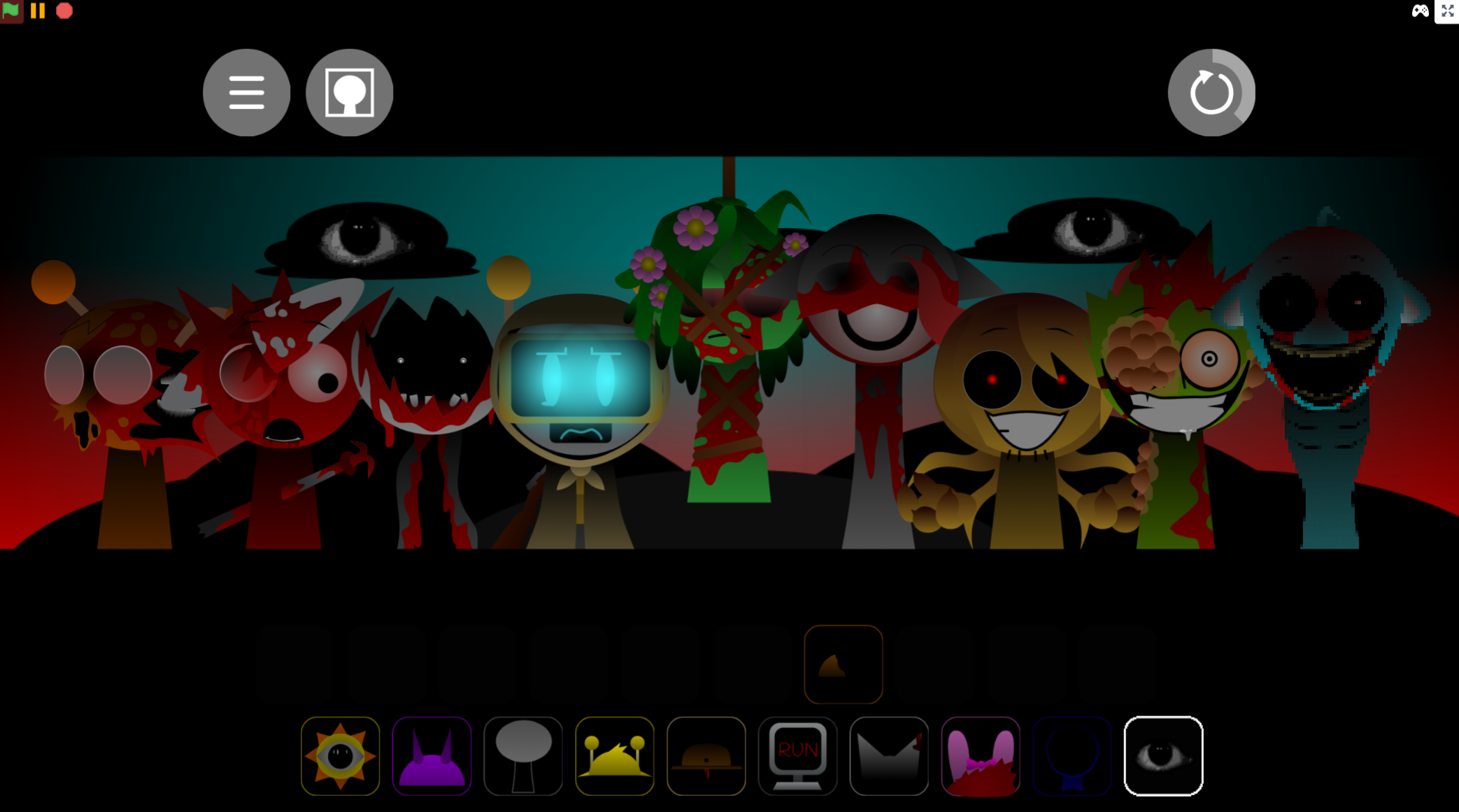
What makes SprunkBlox stand out is its two-phase design. Normal Mode celebrates everything nostalgic about early Roblox: bright colors, cheerful vocals, and iconic community memes. Horror Mode flips that on its head. Drag a cursed item onto any character, and the entire stage transforms into a corrupted, glitchy nightmare with blood-red skies, mutated avatars, and a heavy industrial soundtrack. It’s the same blocky world, but now it’s haunted.
How to Play SprunkBlox
Playing SprunkBlox is straightforward. You start with seven blank avatars on the stage, then build your track by assigning each one a sound and appearance.
At the bottom of the screen, you’ll find the icon menu organized into Beats, Effects, Melodies, and Voices. Pick an icon and drag it onto one of the blank avatars. That character immediately takes on a Roblox-inspired look—like a Noob, Bacon Hair, or Guest—and starts playing their assigned loop. The game syncs everything automatically, so as you add more characters, the track builds itself into a full mix.
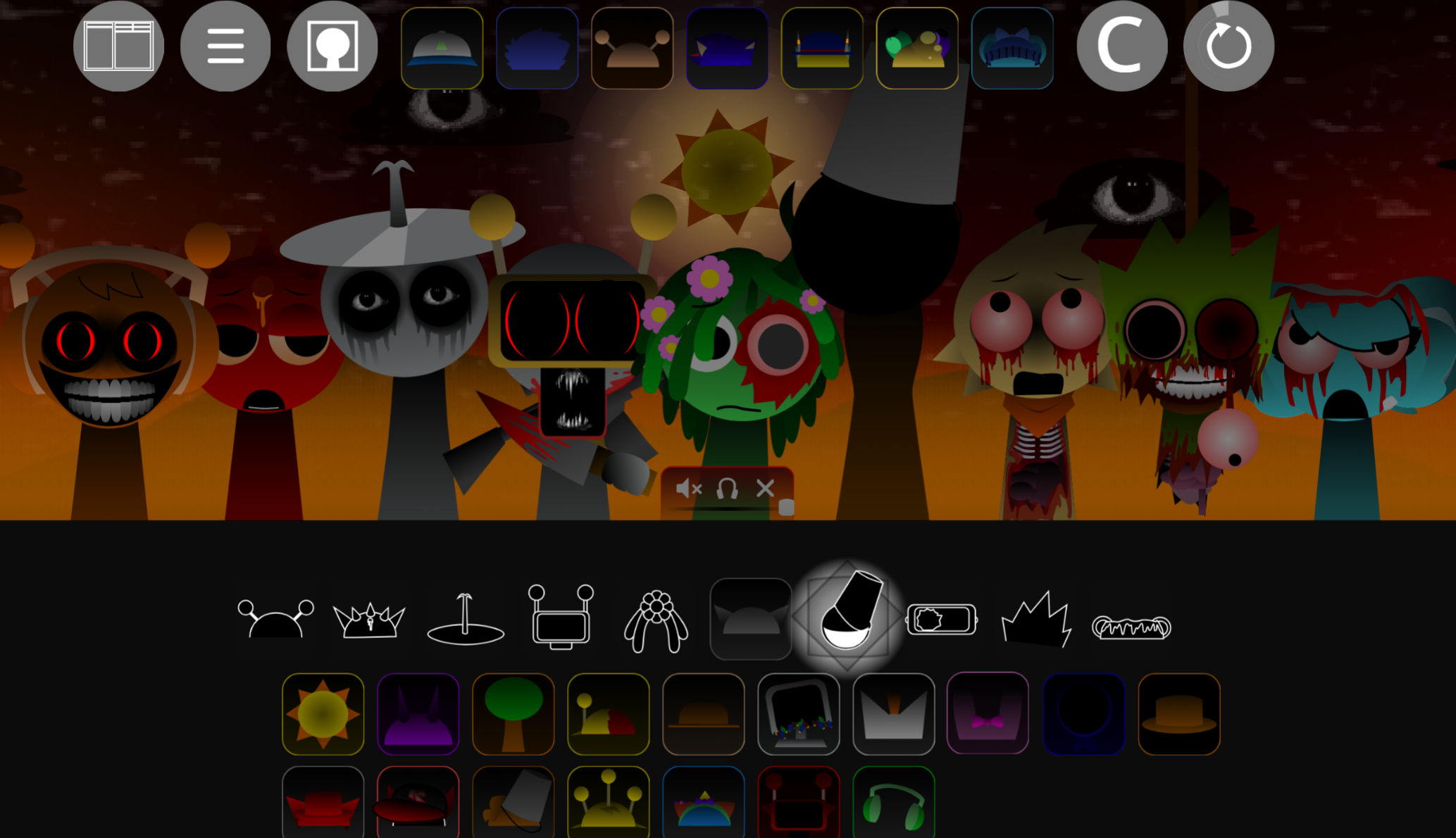
If you want to fine-tune your composition, hover over any character to mute them or solo their part. This is useful when you want to isolate a specific sound or hear how individual loops fit together. You can layer as many characters as you want, swapping icons in and out until the mix sounds right.
To trigger Horror Mode, drag the cursed accessory—usually a shadowy, glitched item—onto any character. The stage immediately shifts. The sky turns red, the avatars mutate into distorted forms, and the upbeat music gets replaced by a darker, heavier version. The best approach is to build a complete mix in Normal Mode first, then experiment with the horror transition to see how the contrast changes the feel of your track.
Features of SprunkBlox
SprunkBlox uses the classic drag-and-drop music gameplay that made Incredibox popular. You place icons onto blank avatars, and the game automatically syncs each character’s loop into one cohesive soundtrack. The sound library is organized into four categories—Beats, Effects, Melodies, and Voices—which makes it easy to experiment with different parts of the track without getting lost in a cluttered menu.
The game’s defining feature is its two-mode structure. Normal Mode is bright and nostalgic, filled with cheerful Roblox references and upbeat vocals. Horror Mode is the opposite: corrupted visuals, glitched characters, blood-red lighting, and sinister audio. The shift between the two is dramatic and instant, triggered by a special cursed item that you drag onto any character.
Each avatar is a Roblox-inspired parody with a distinct musical function. Some handle rhythm, others provide vocals or melodies, and a few focus on atmospheric effects. This gives every character a recognizable role in the mix, so you can build tracks with intention rather than just layering random sounds.
You also get precise control over the mix. Muting or soloing individual characters lets you isolate specific loops, which is helpful when you want to hear hidden details or build more deliberate compositions. This level of control makes it easier to create both catchy, upbeat tracks and unsettling, experimental horror mixes.
Tips and Strategies for the Best Mixes
Start in Normal Mode and build a full, satisfying foundation before triggering Horror Mode. The contrast between the two phases is much stronger when you’ve already created a complete, upbeat track. Rushing straight into horror mode means you miss out on the emotional shift that makes the transformation effective.
Layer the core parts in a deliberate order. Begin with the beat—usually the Noob—to establish the rhythm. Add melody next, using the Guest’s synth loops to create a harmonic foundation. Then bring in vocals like Bacon Hair’s “Life is Roblox” loop, and finish with effects from the Admin to fill out the track. This approach keeps the mix balanced and makes it easier to hear how each part contributes.
Use mute and solo controls often. Soloing individual characters lets you hear hidden details that get buried in a full mix. In Horror Mode especially, soloing the corrupted voices reveals whispers, reversed audio tracks, and creepy Easter eggs that you’d otherwise miss. This is also useful for troubleshooting when a mix sounds muddy or unbalanced.
Experiment with contrast. Some of the best mixes come from pairing heavy, abrasive sounds with quieter, unsettling melodies. In Horror Mode, try combining the Noob’s distorted beat with the Guest’s high-pitched frequencies, then layer in Bacon Hair’s glitching vocals. The clash between loud and quiet, aggressive and eerie, creates tension that makes the track more memorable.
If you’re streaming or recording gameplay, be ready for the jumpscare. The sudden shift in lighting and the aggressive sound design when you trigger Horror Mode are notorious for catching players off guard. Knowing it’s coming doesn’t make it less effective, but it helps you avoid cutting off your recording mid-reaction.
Similar Games
Enjoy Now!
Discuss Sprunki