
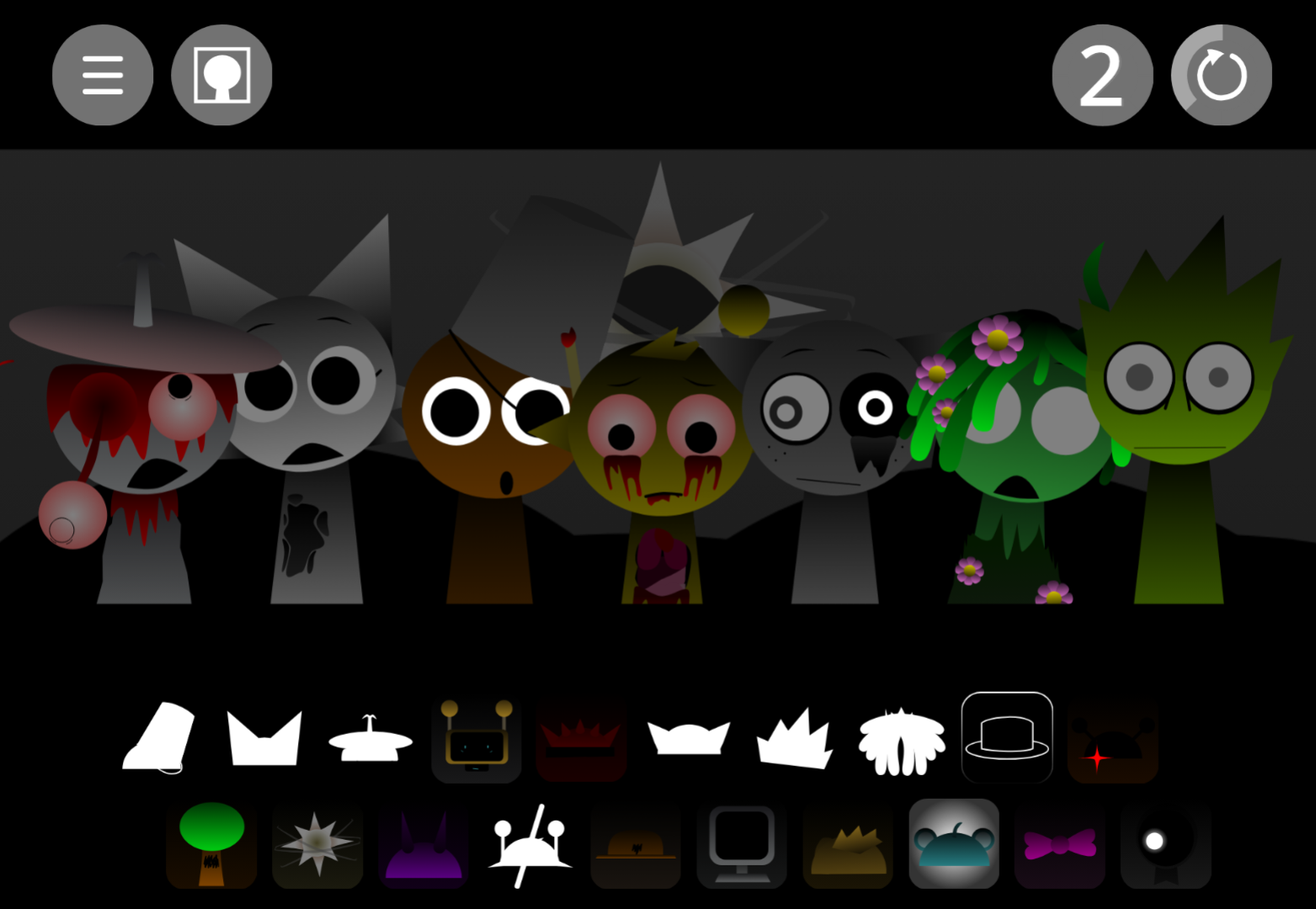



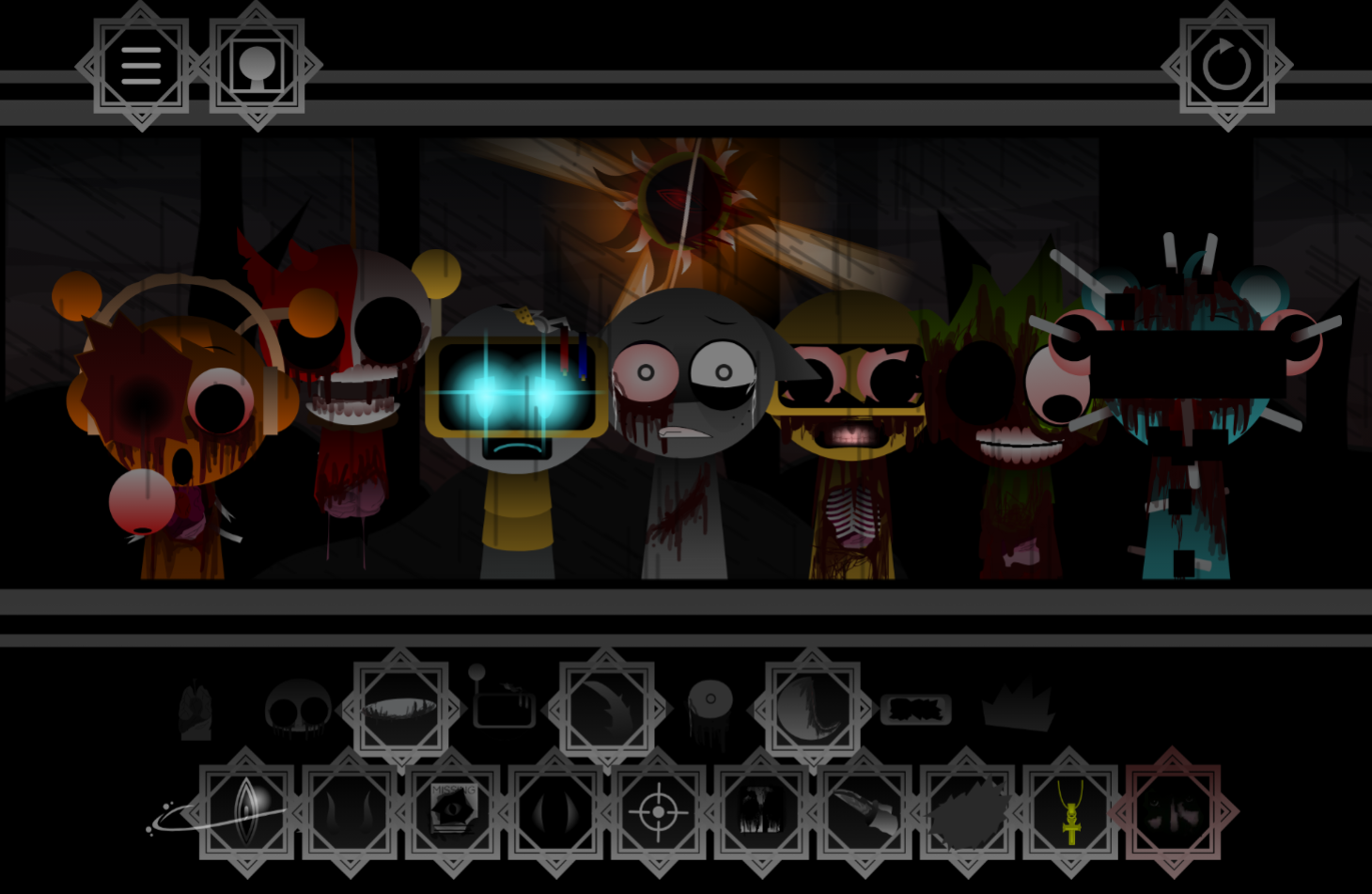
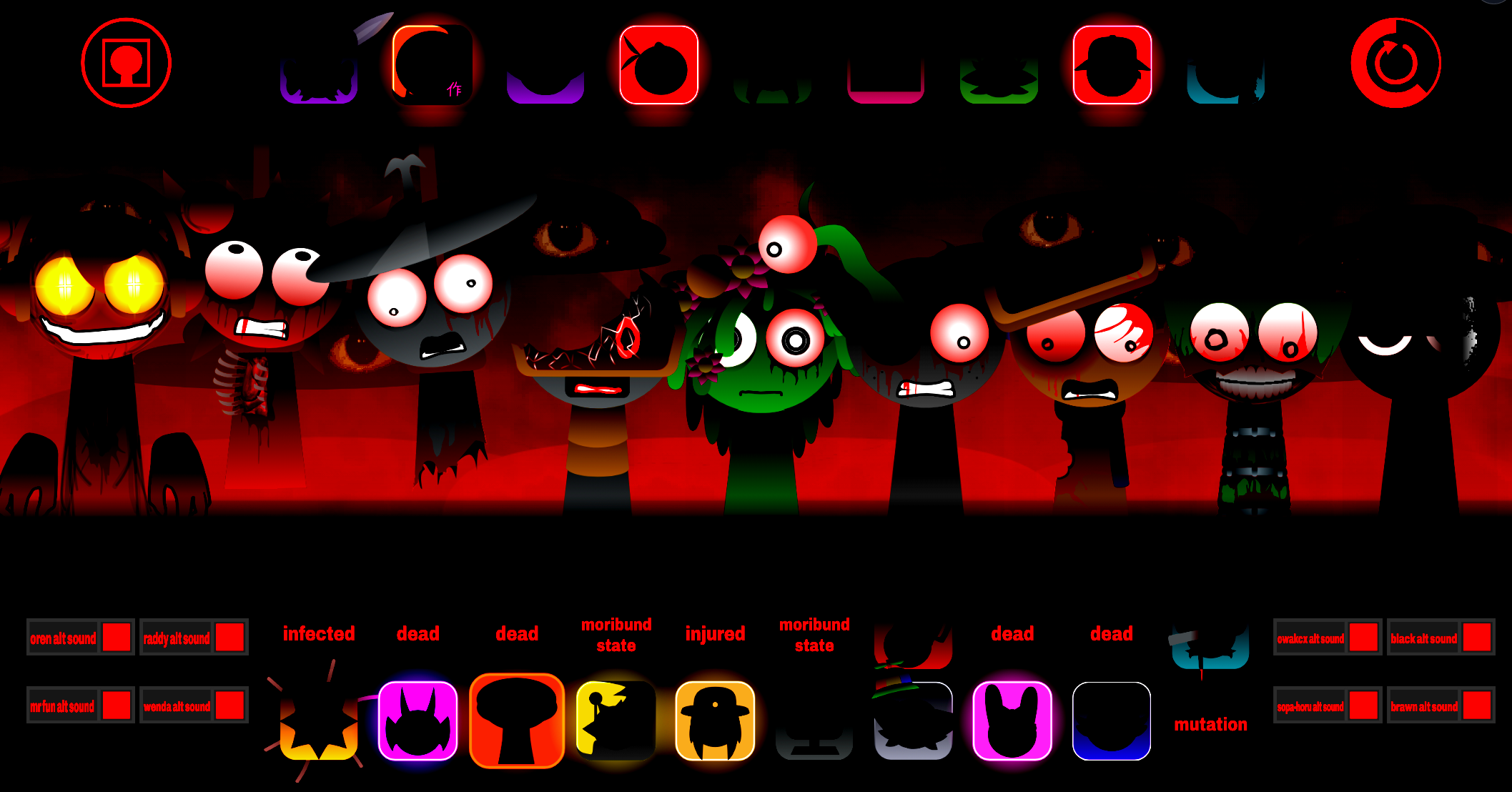
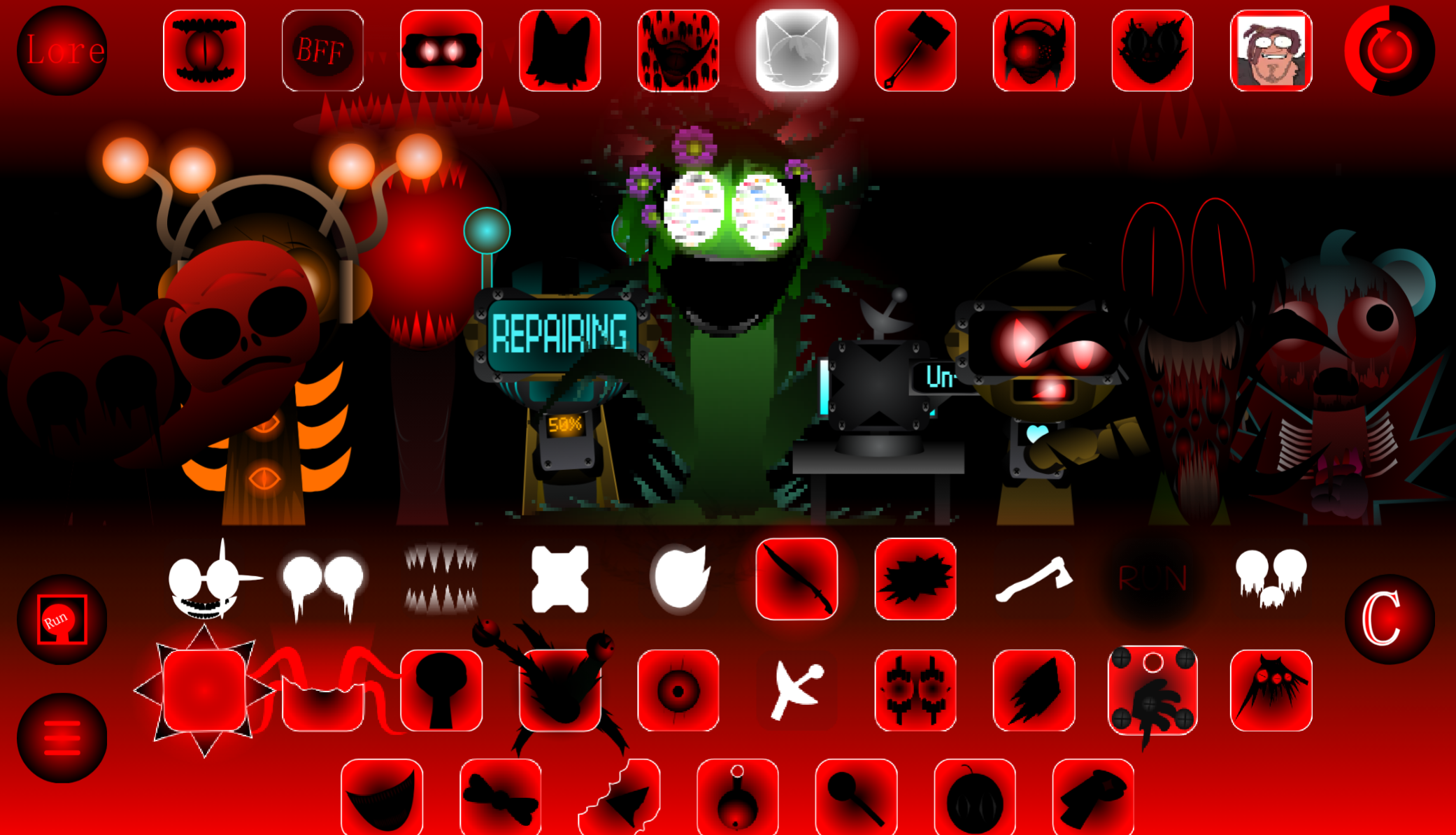
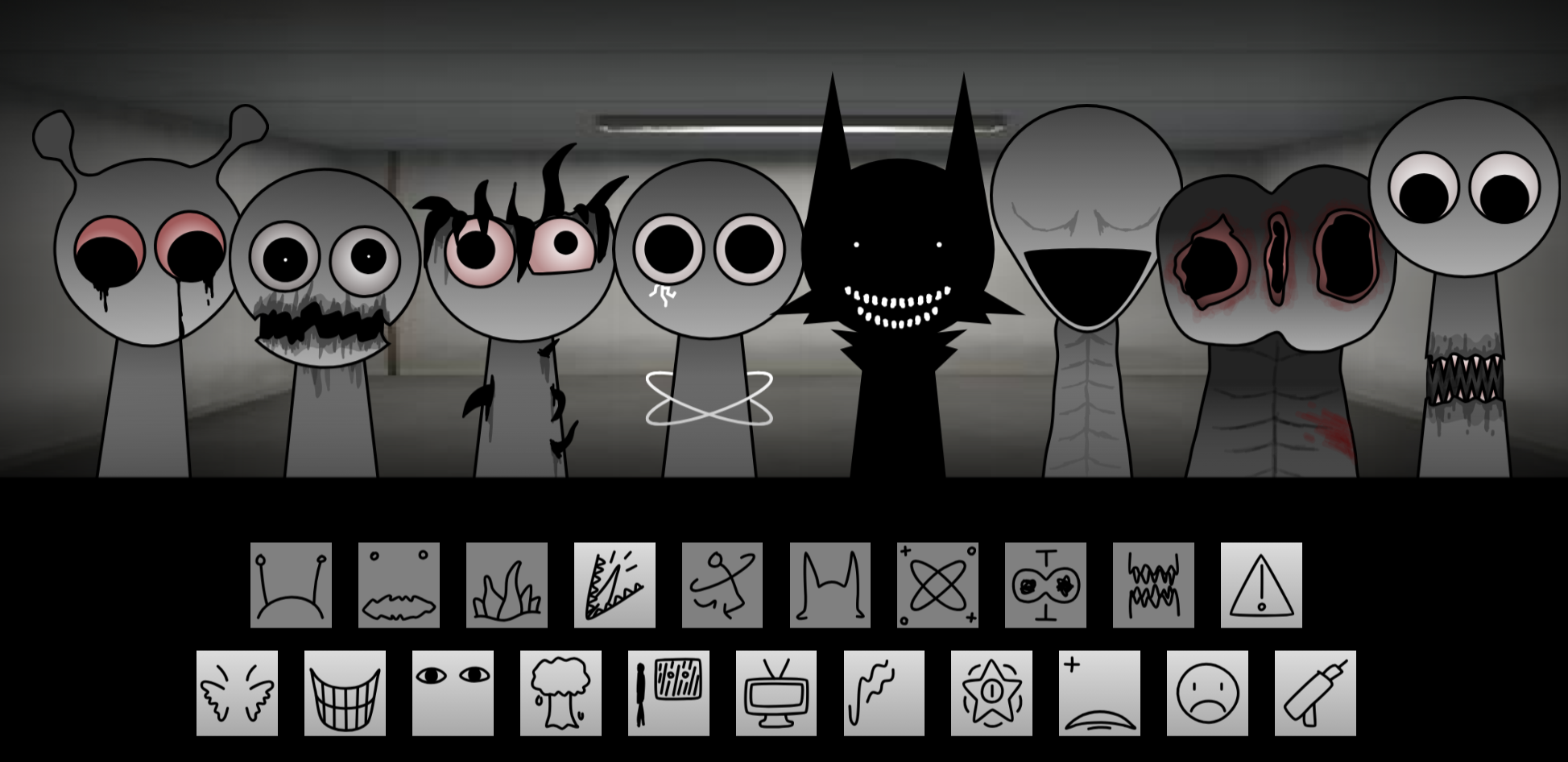
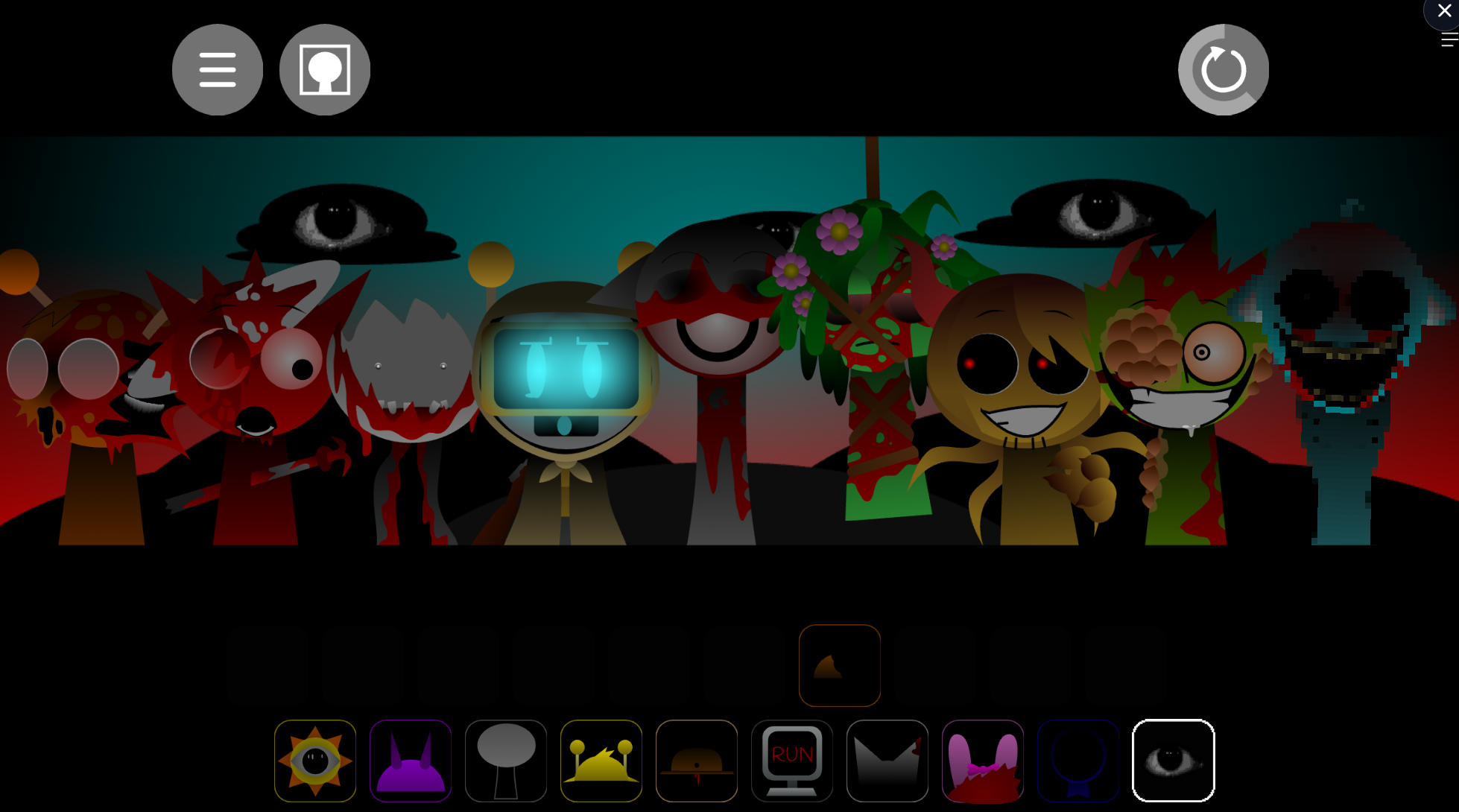
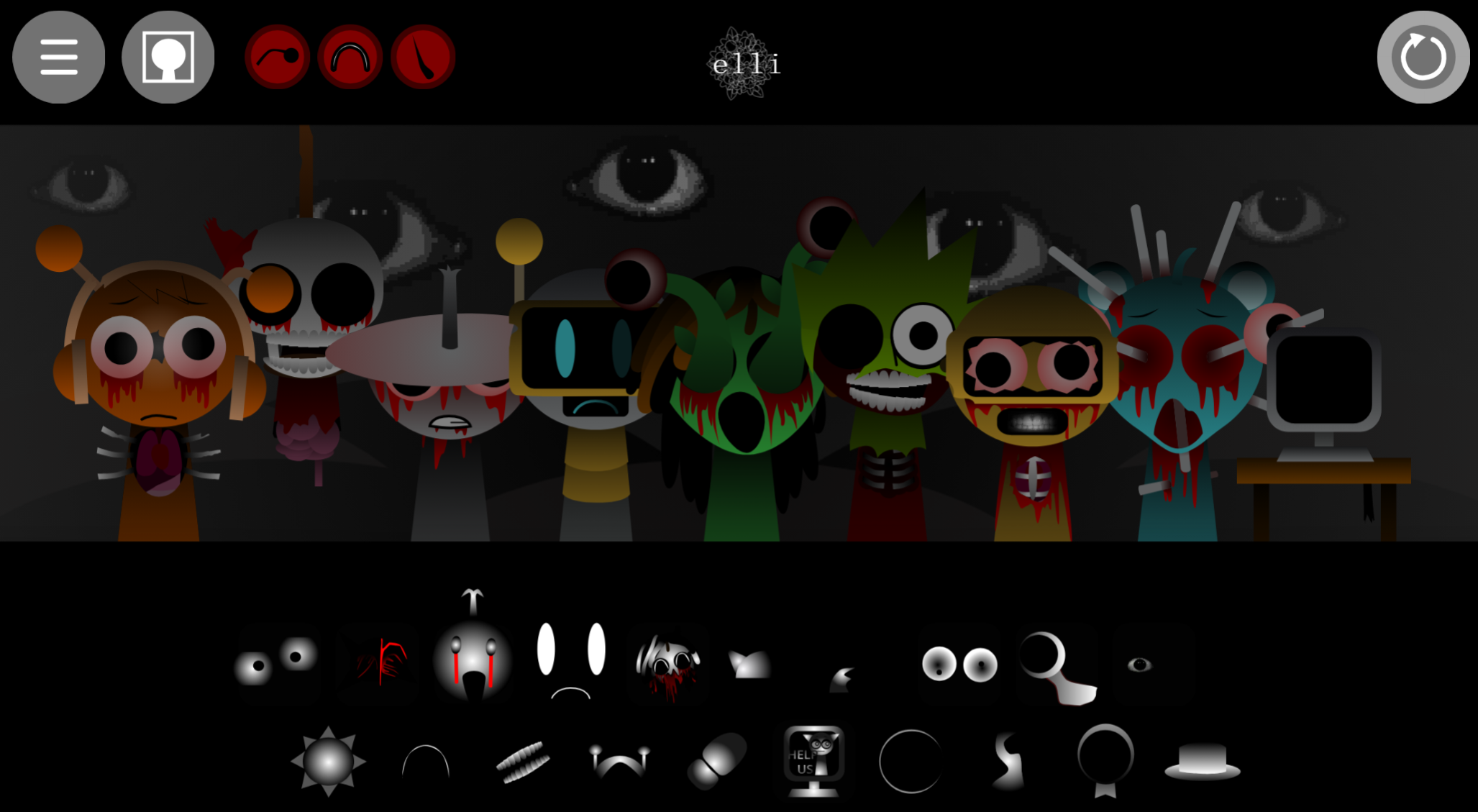
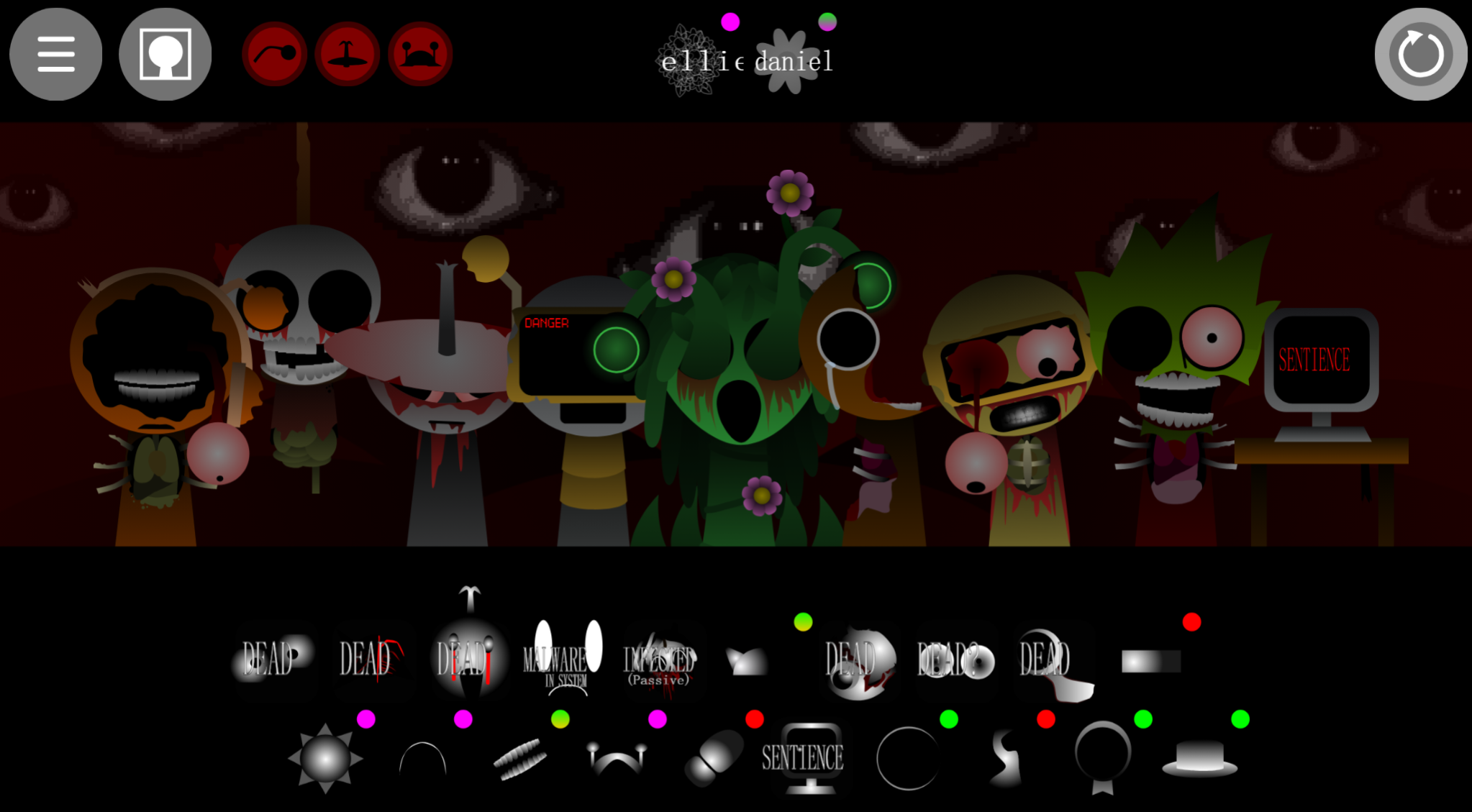
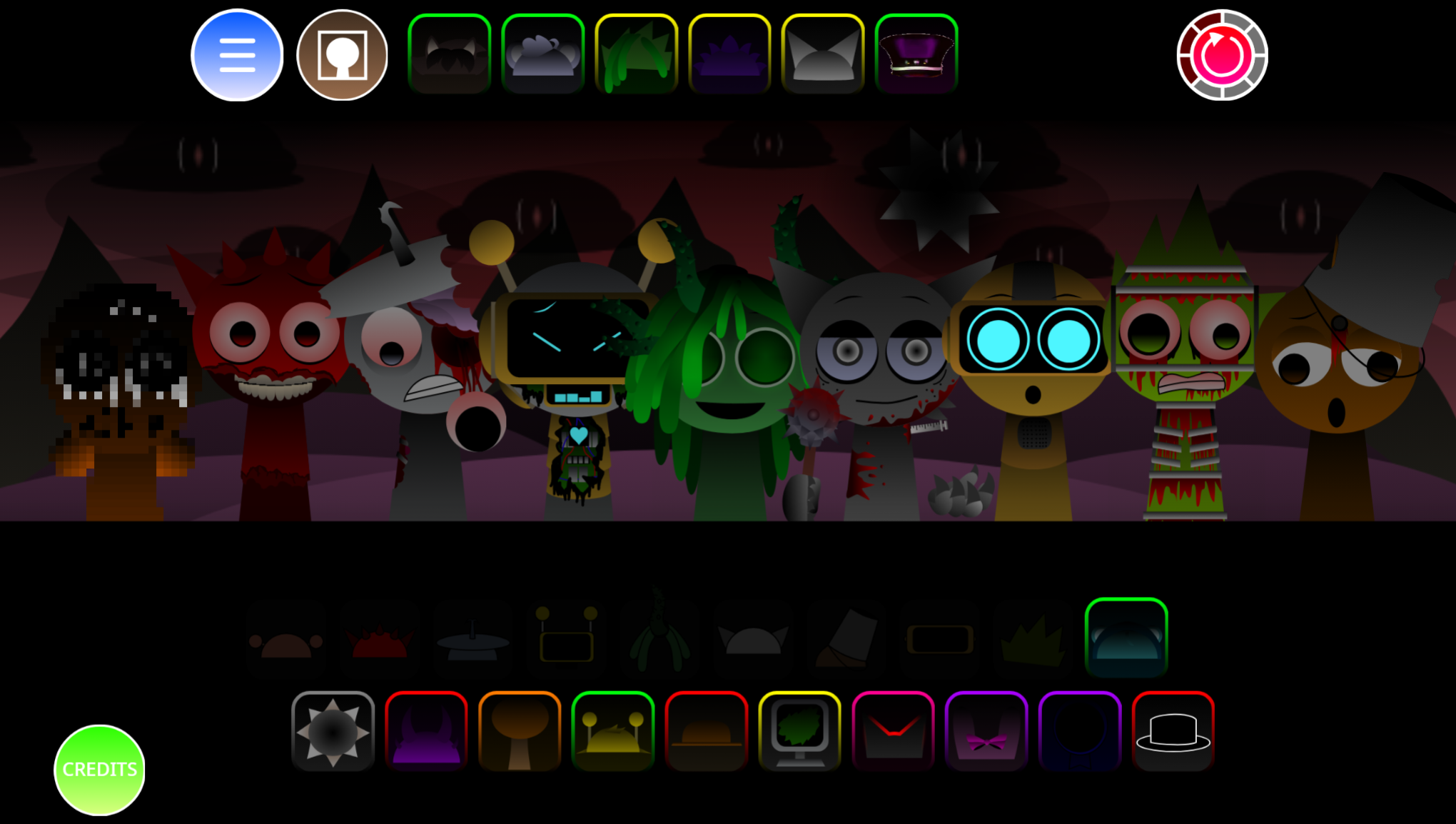
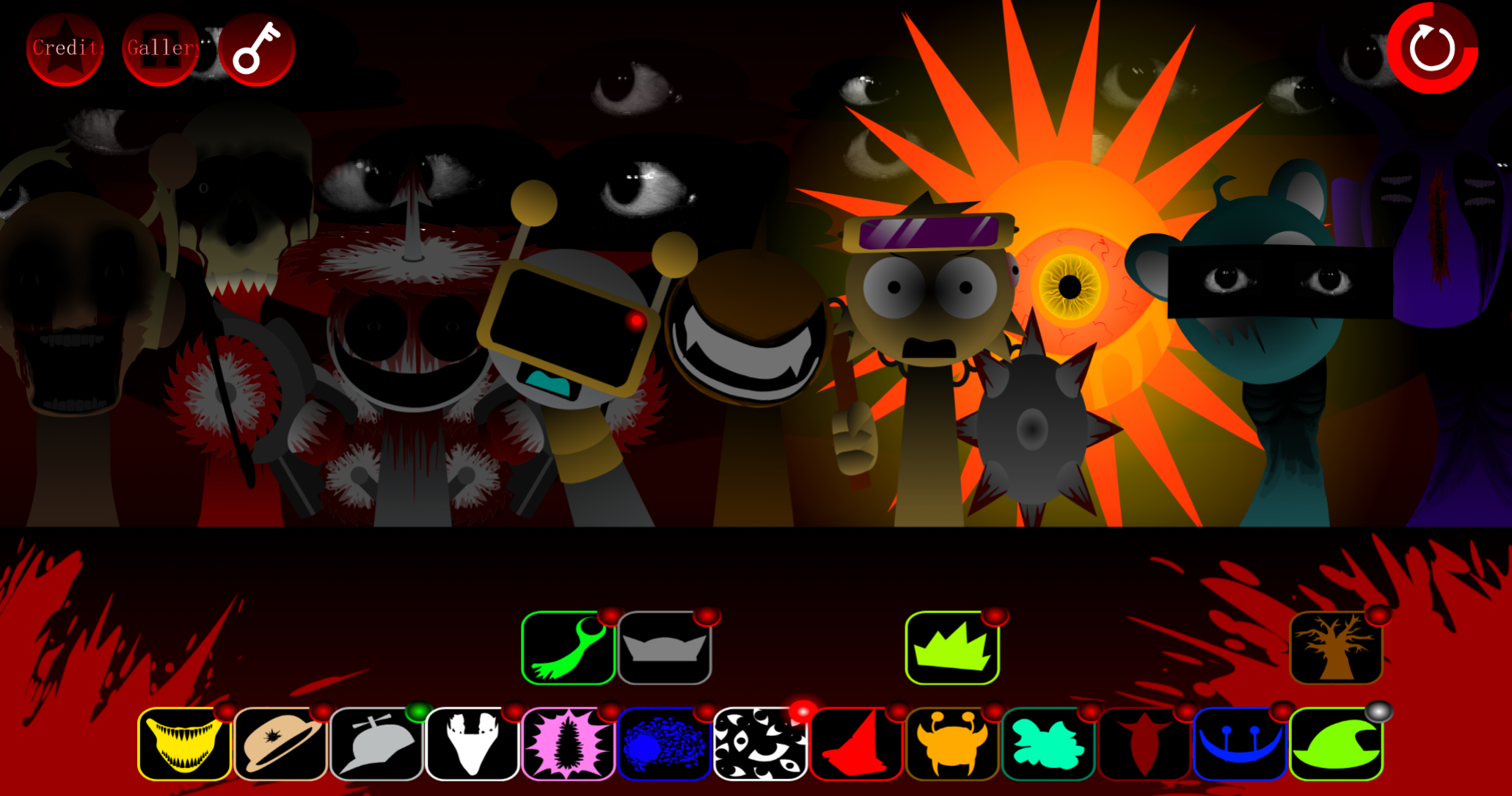
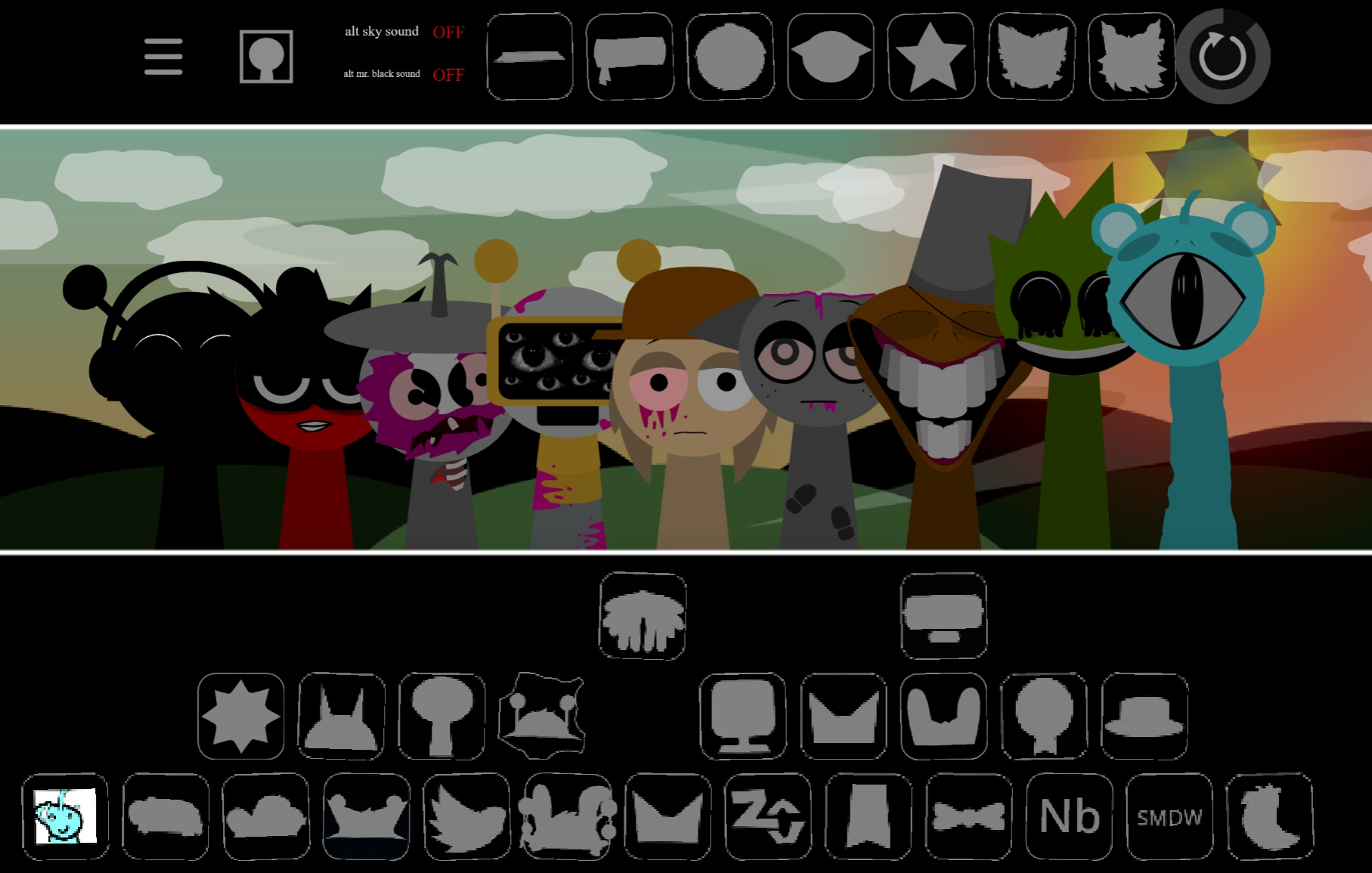
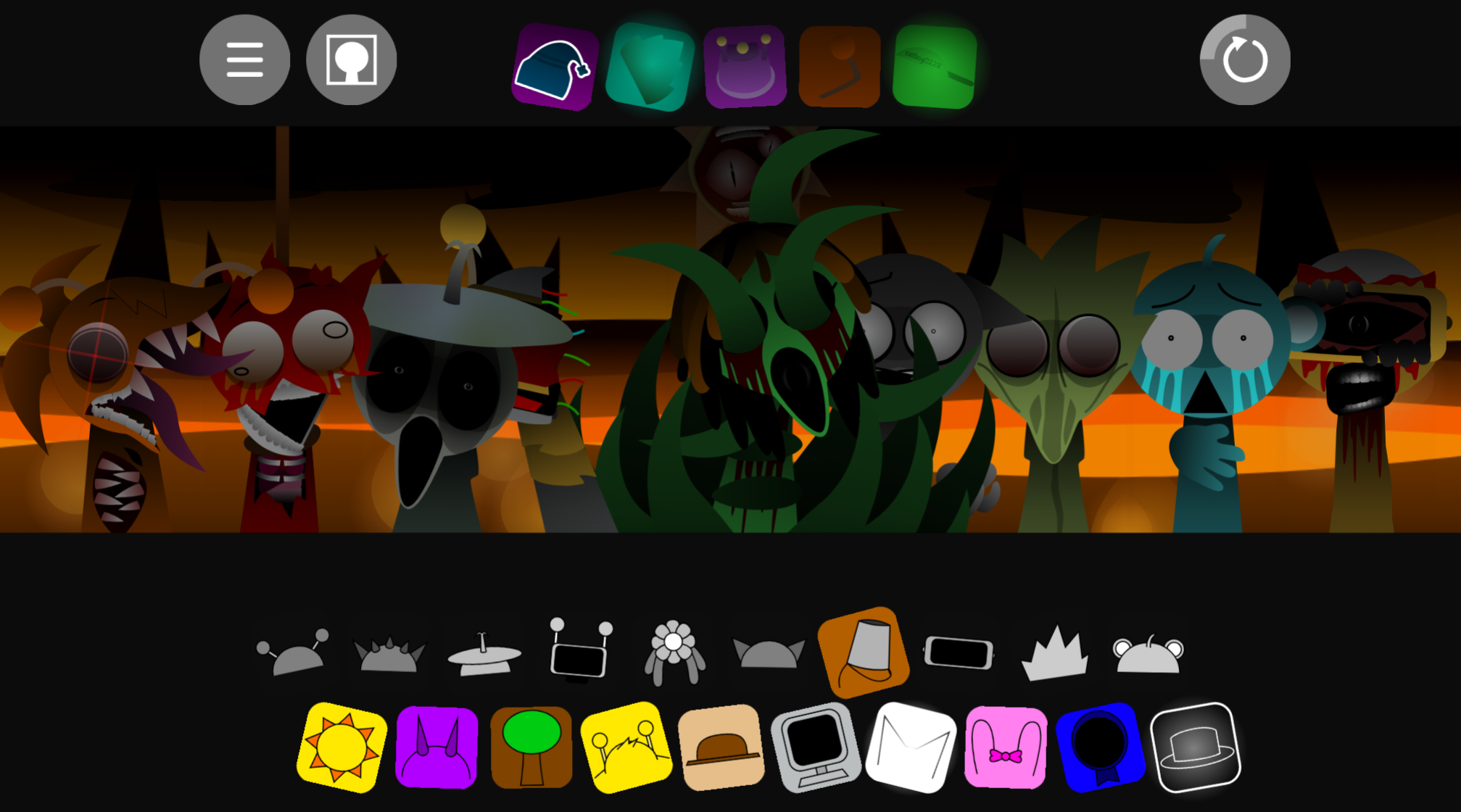
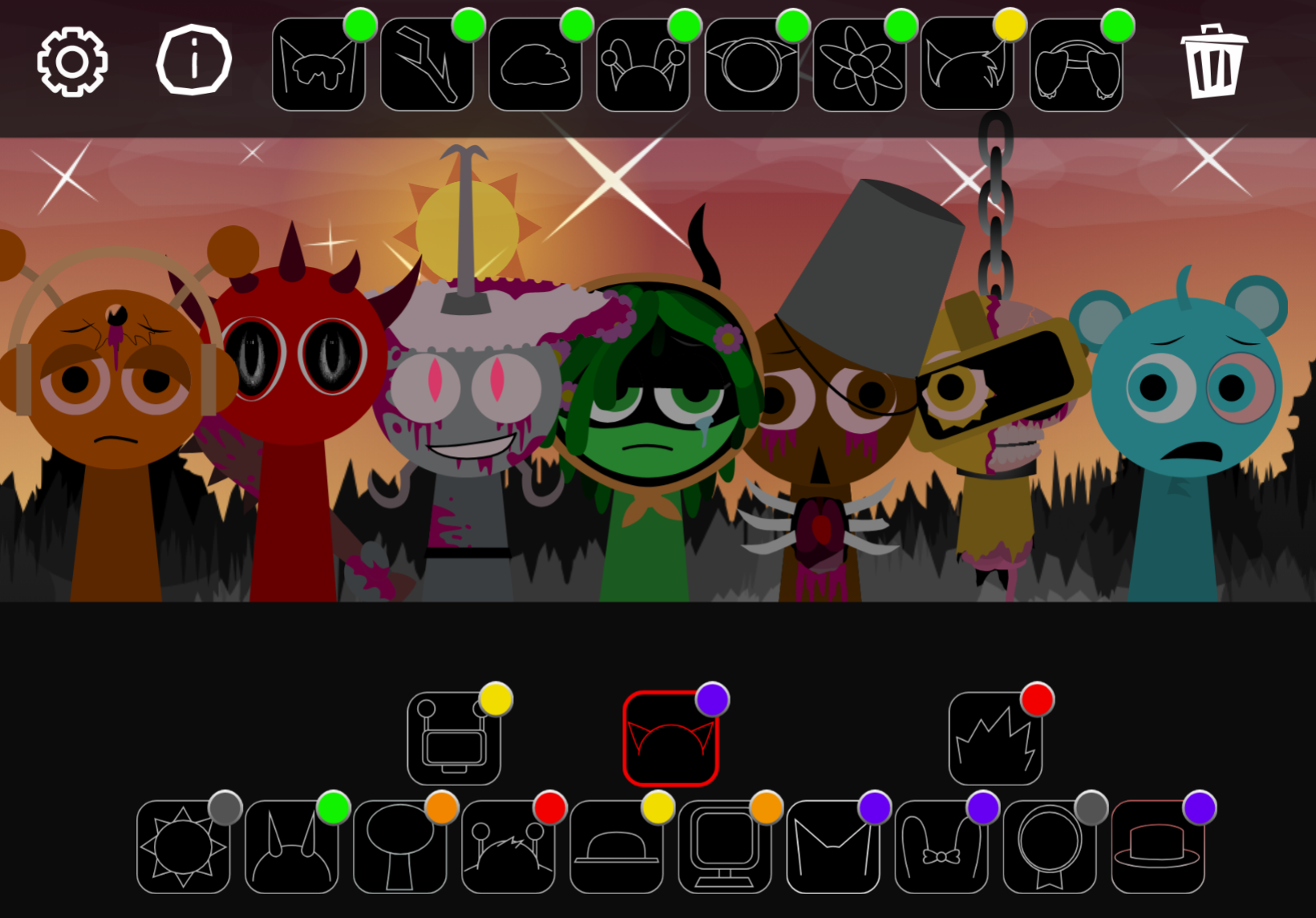
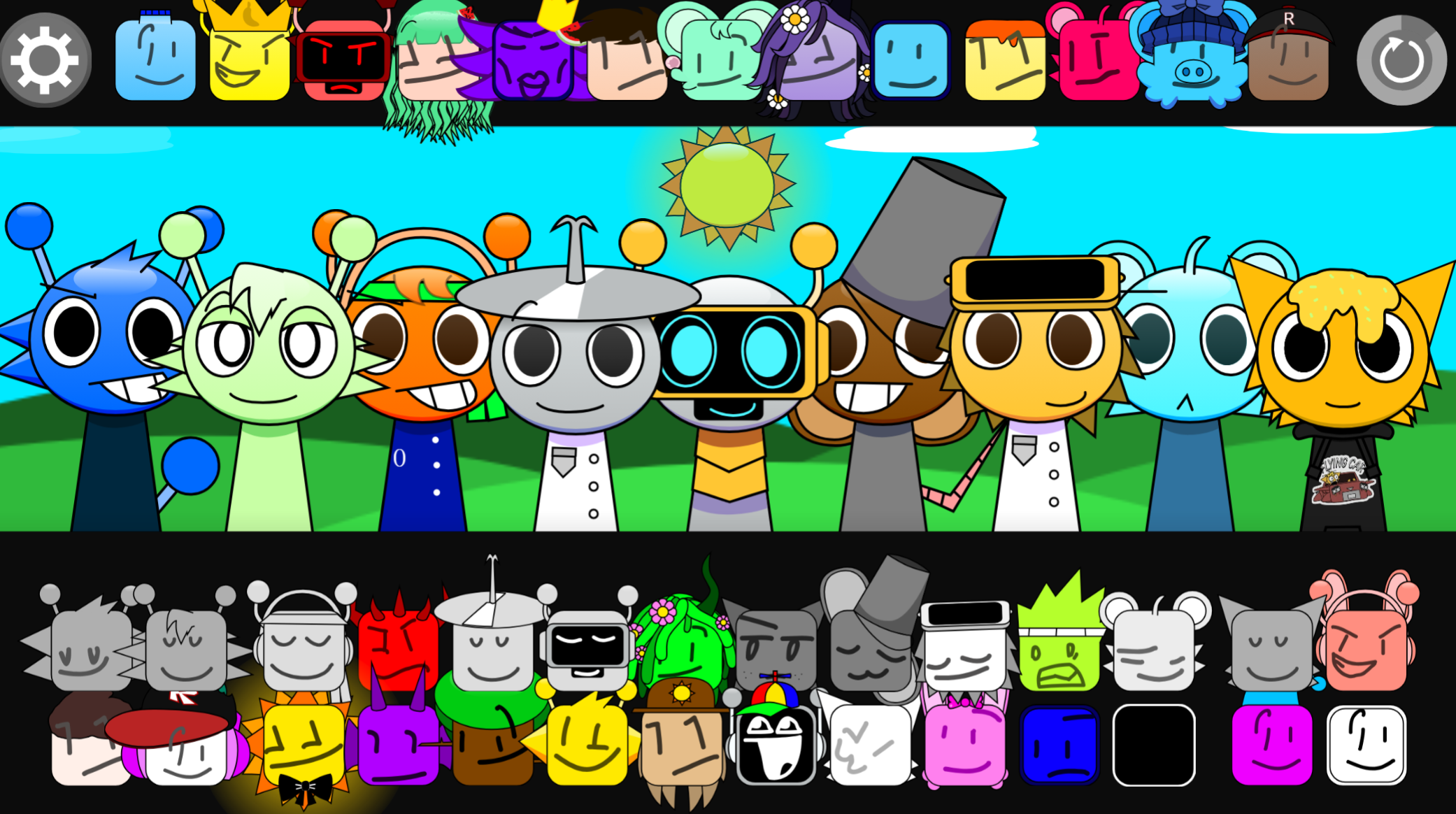
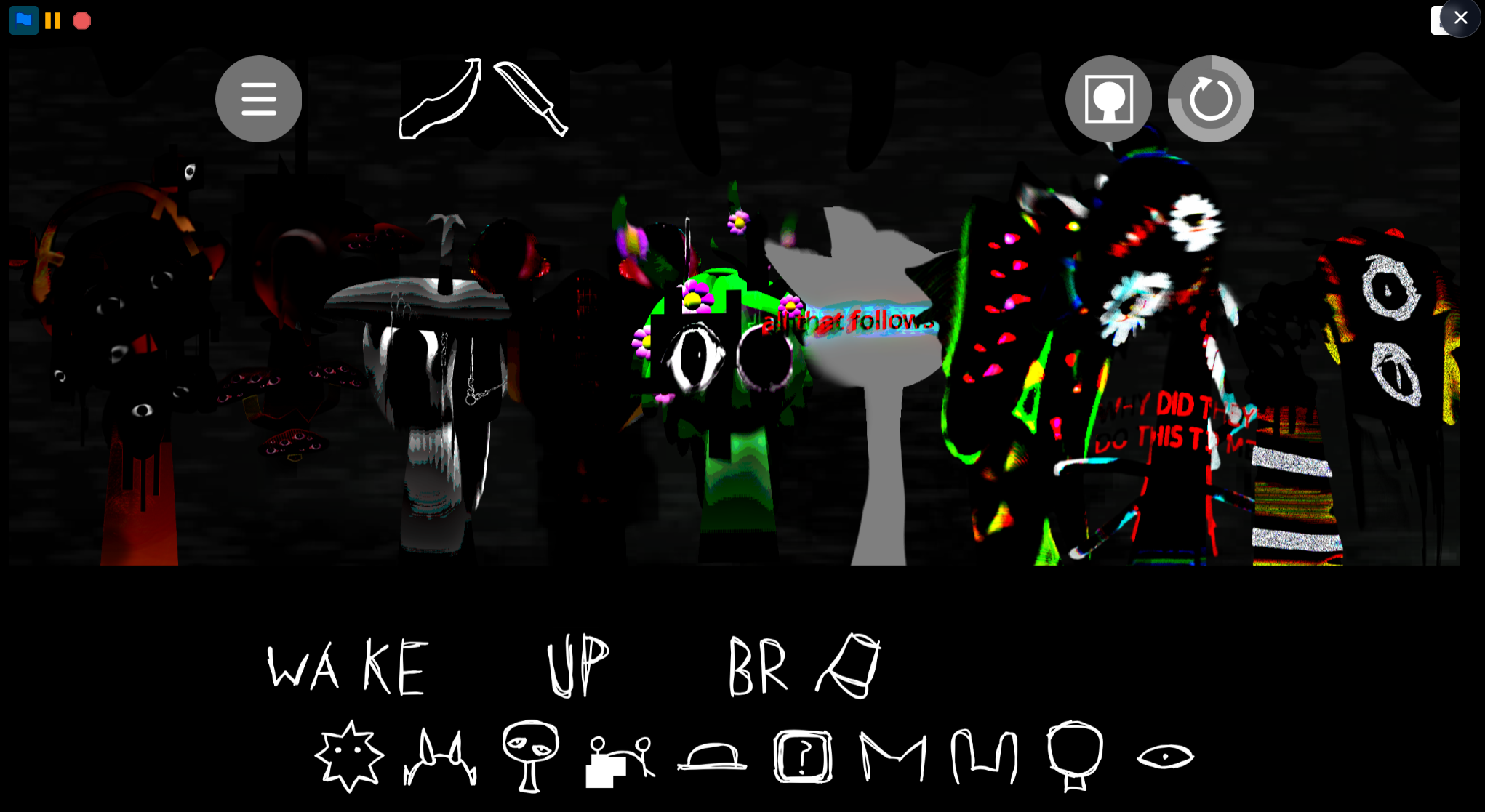
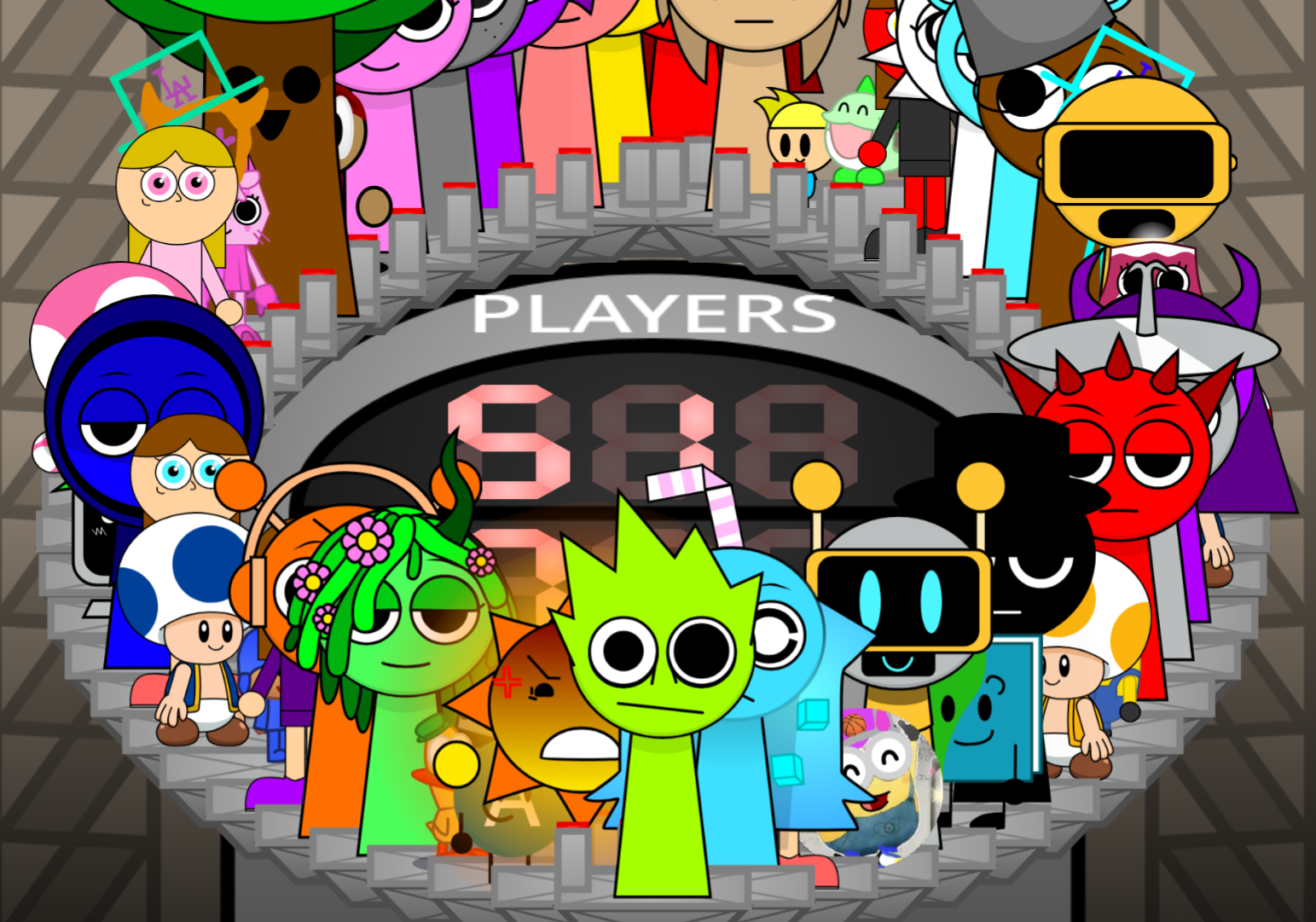
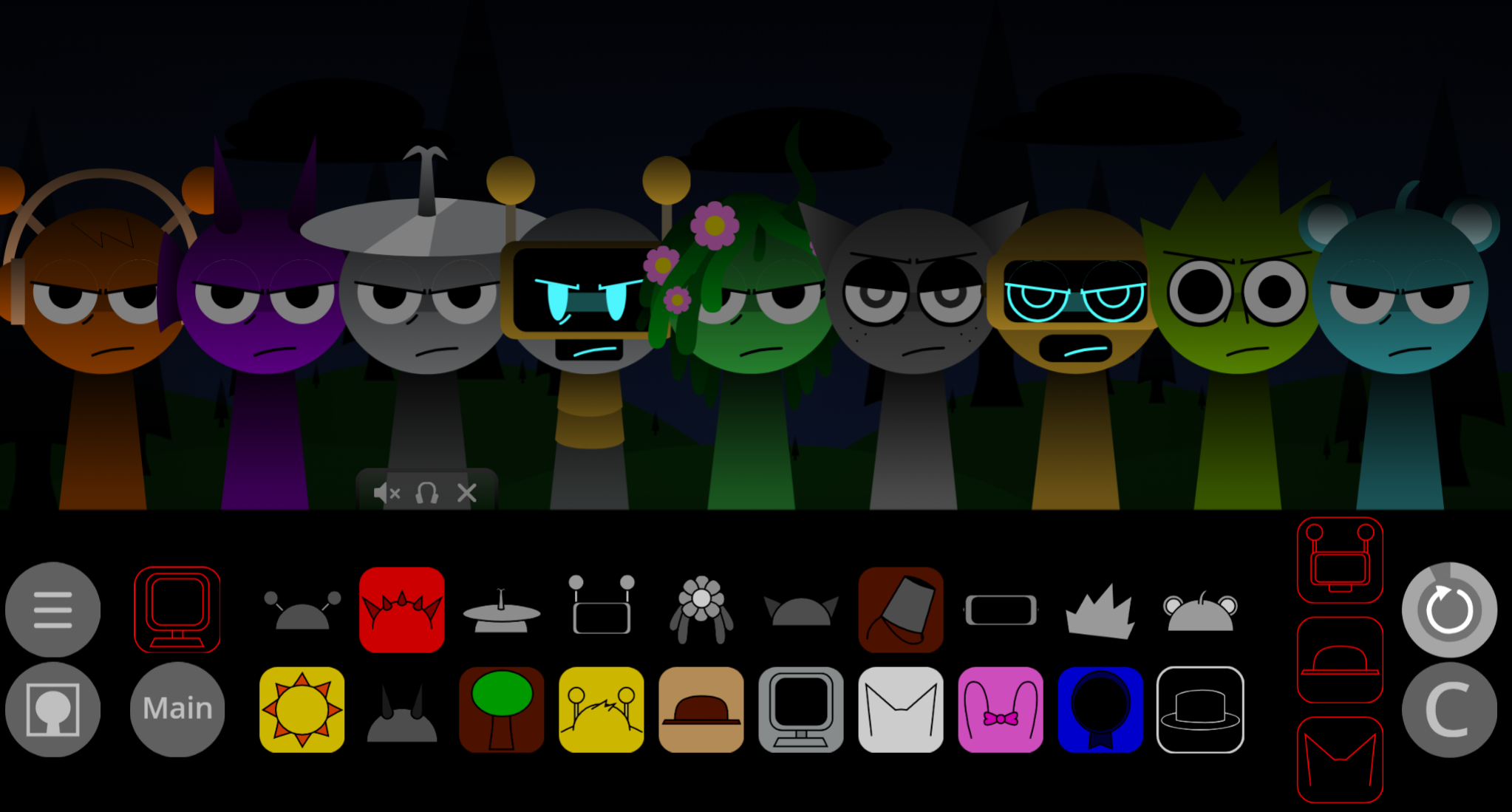
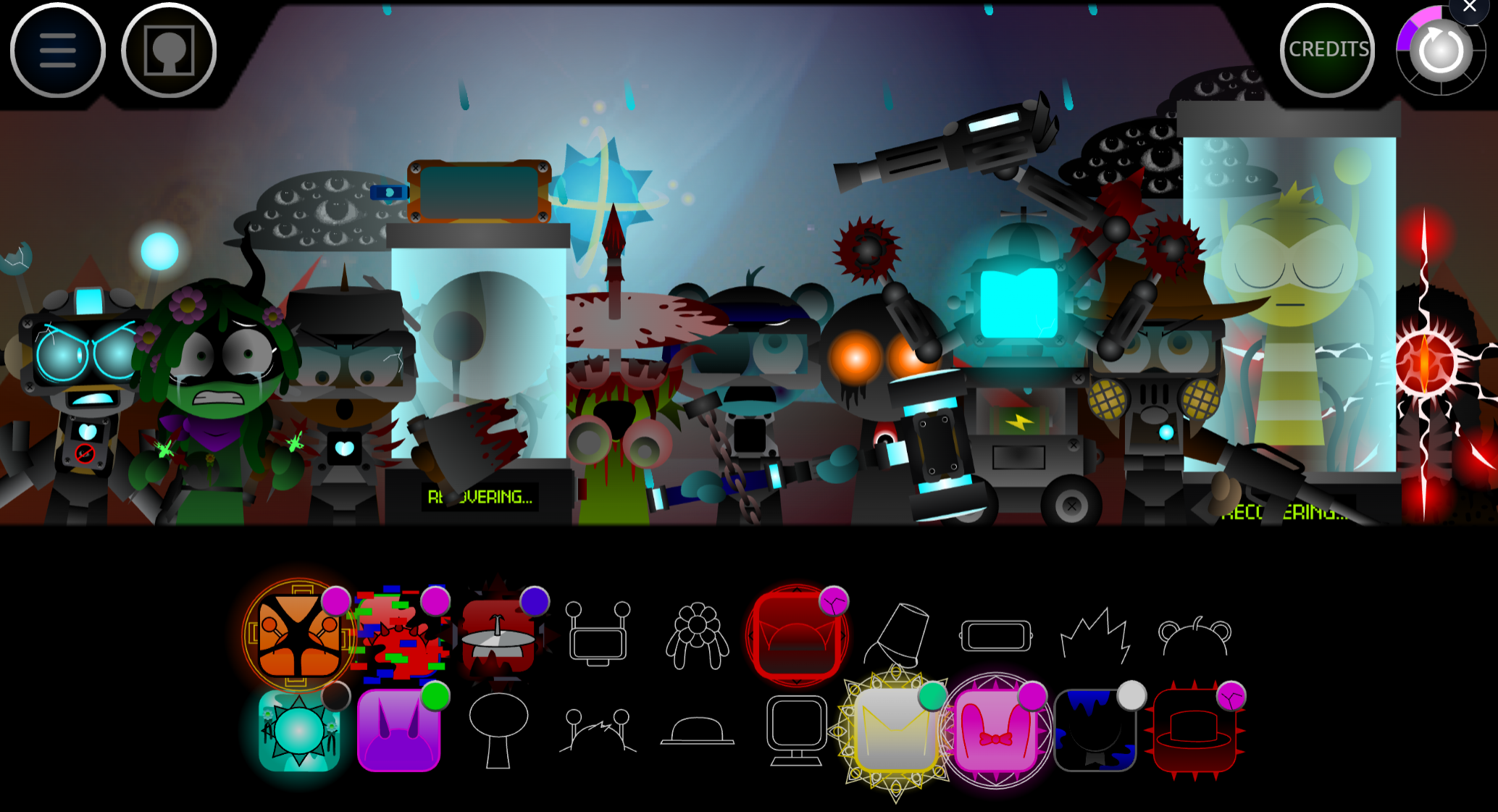
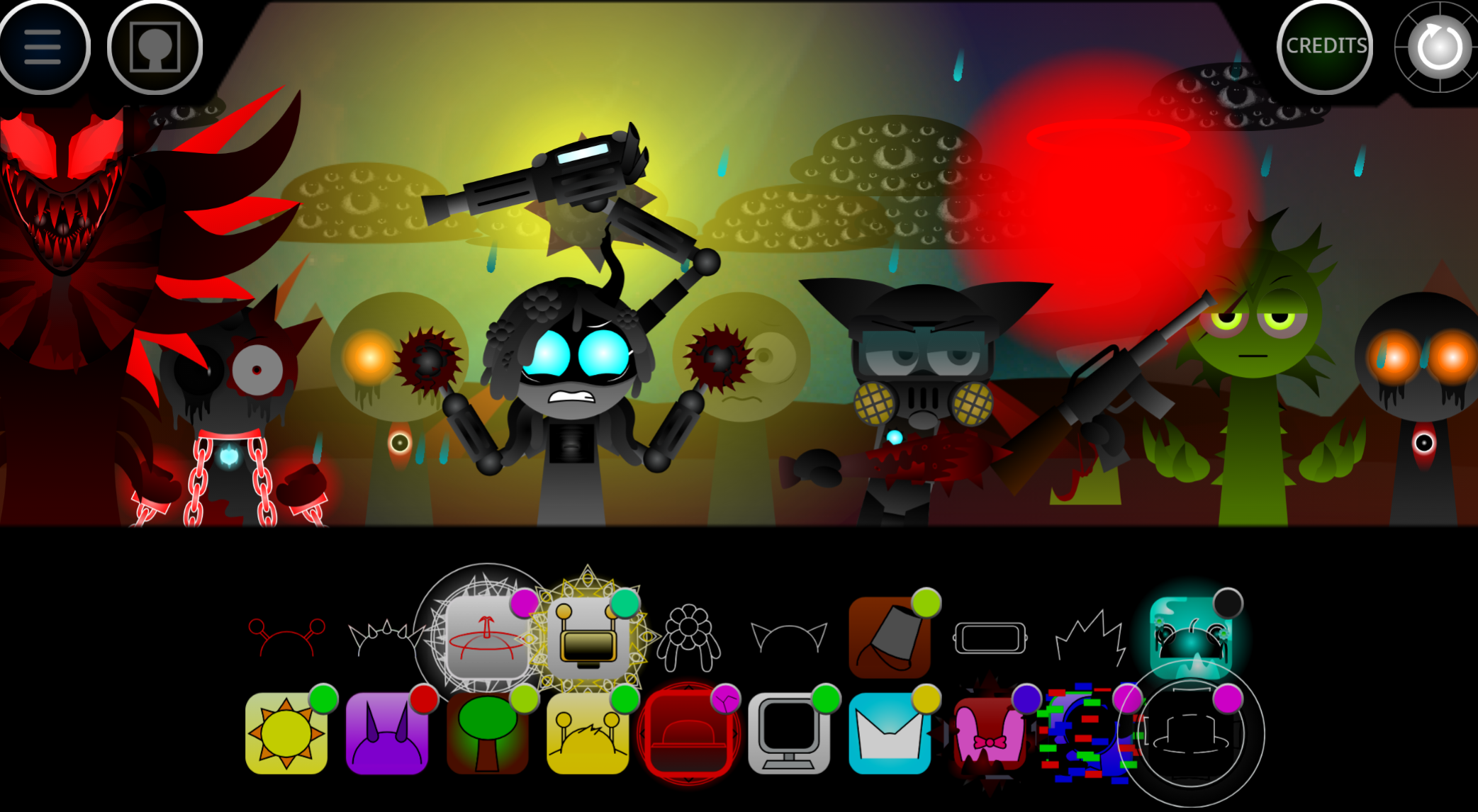
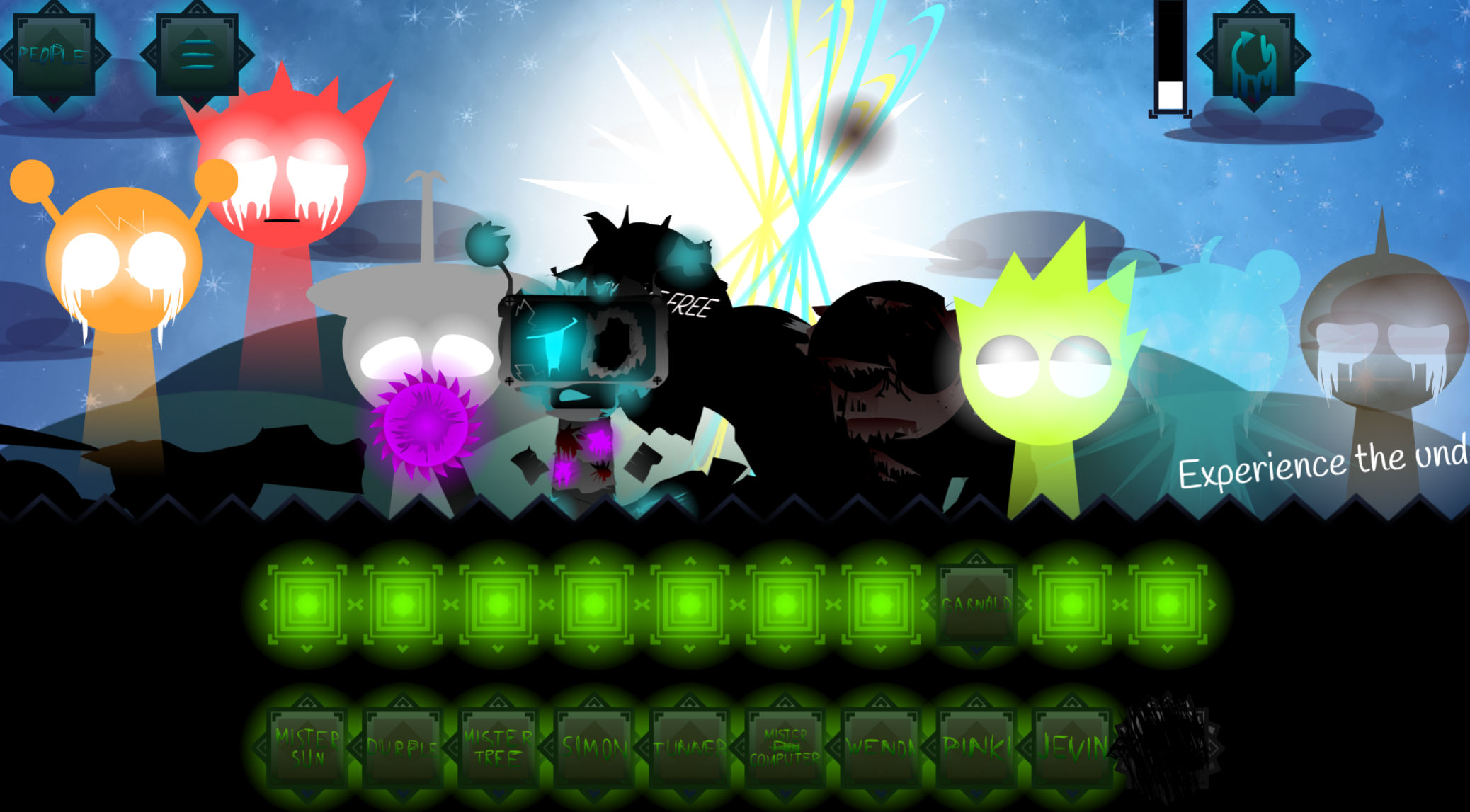
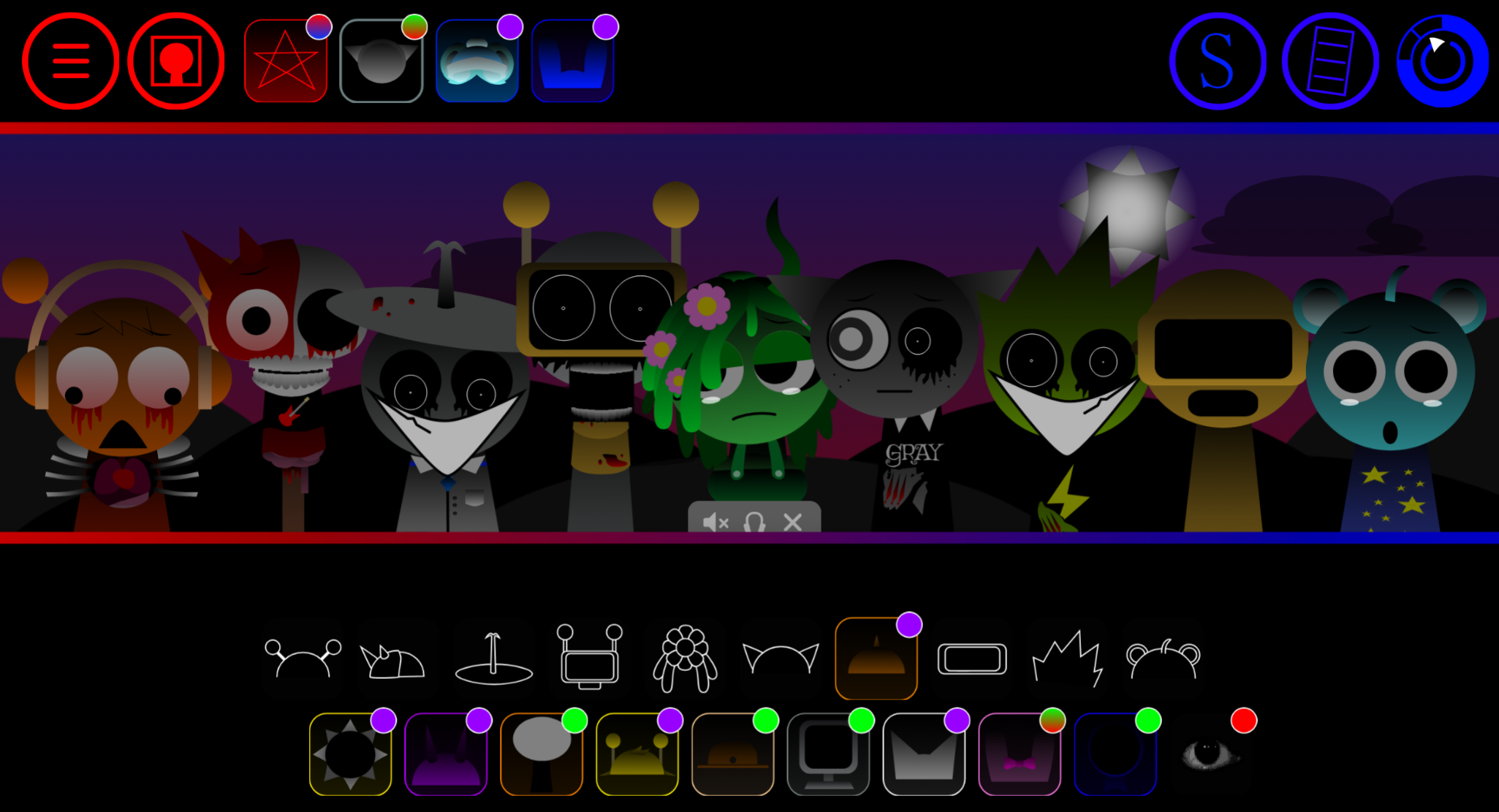
Sprunkilarity Boykisser112312s Take** is a fan-made browser mod of Sprunki that leans into darker, horror-inspired visuals and sound design, distinguishing itself from lighter reskins through its committed aesthetic shift.
This article walks through the core gameplay mechanics, beginner-friendly tips for navigating the mod’s unique character roster, and practical details about sound layering and unlockable sequences that define the Take experience.
Sprunkilarity Boykisser112312’s Take: Beginner’s Guide
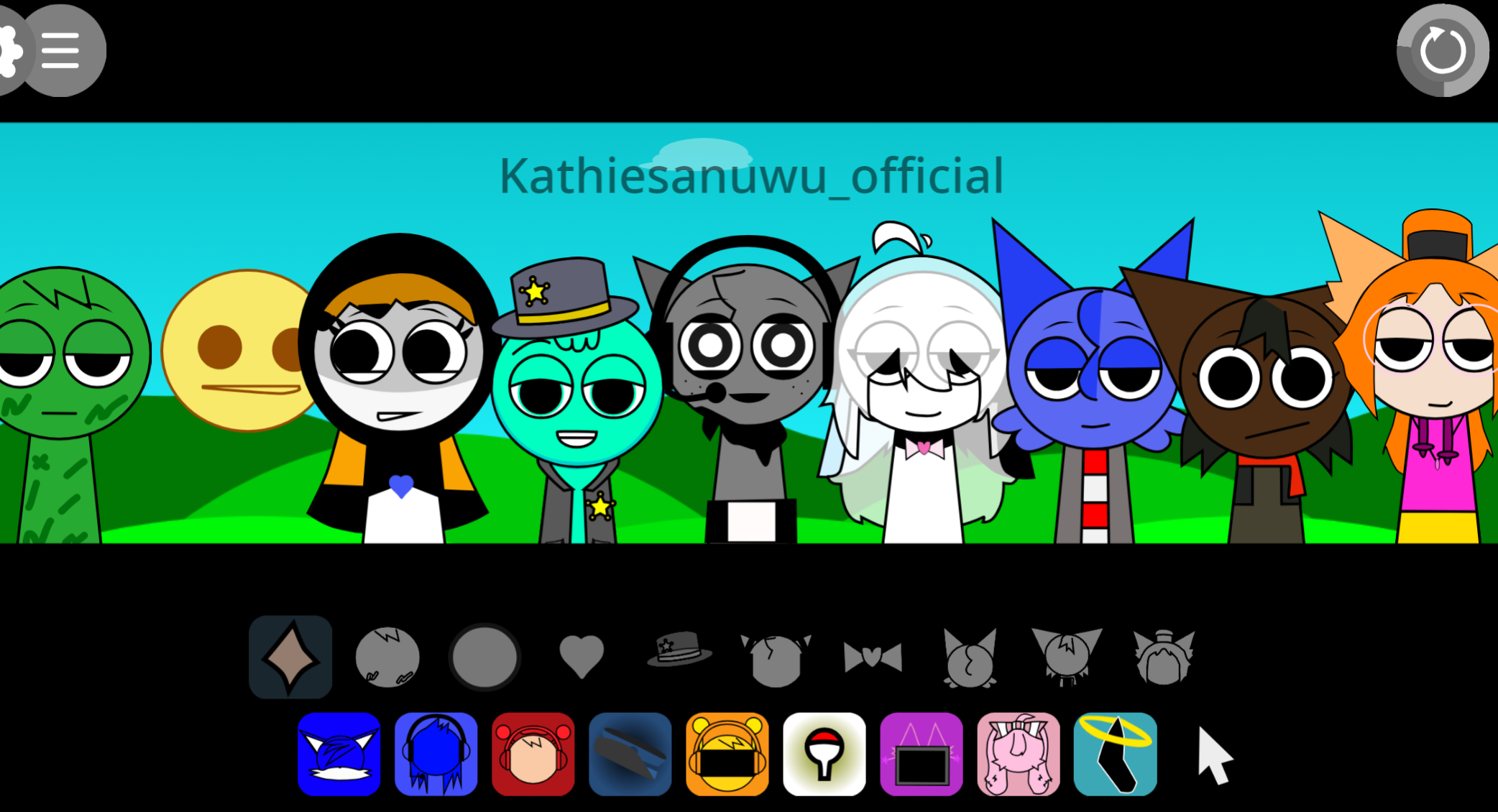
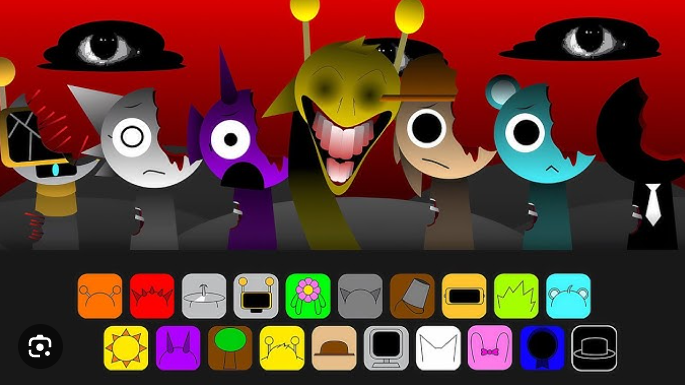
Sprunkilarity Boykisser112312’s Take is a fan-made Sprunki browser mod with a darker, horror-leaning style. To Play, drag icons onto the stage and build a track from a fixed set of 20 elements. Instead of aiming for clean, pop-like loops, this Take leans into glitch beats, static, warped vocals, and unstable textures. The goal is tension rather than harmony.
For a Beginner, the best way to Start is small: add two or three icons first and listen to how each sound changes the quiet opening space. Because the mix can turn muddy fast, swap parts in and out before filling every slot. Small changes can make the whole arrangement feel heavier, rougher, or more distorted.
This version works best if you enjoy eerie audio and trial-and-error experimentation. Since Sprunkilarity runs in the browser on gosprunki.com, testing combinations is quick, making exploration the main way to learn. There is also a recognizable Boykisser bonus element for players familiar with the wider mod scene.
How to Start Mixing
The core of Mixing here is simple: place characters, hear the track evolve in real time, and adjust by feel. Each icon adds a different layer, and the strongest setups usually come from building mood gradually rather than stacking everything at once.
Start with two or three elements.
This makes it easier to hear what each beat, vocal, or static layer is doing.
Build a base, then swap pieces.
If a sound is not helping the mood, replace it quickly instead of forcing it to fit.
Listen for pressure, not polish.
In this Take, awkward combinations can work if they create the right uneasy atmosphere.
Use the Boykisser bonus as an accent.
It stands out more as a finishing touch than as the center of the whole mix.
Related Games
- Sprunkilarity Tylermc27s take — This is the closest follow-up because it uses the same Sprunkilarity format of arranging characters into eerie, glitch-heavy sound layers while exploring another creator’s dark remix of the formula.
- Sprunki Definitive Phase 9 Fan Made — Its fan-made definitive roster makes sense after Boykisser112312’s Take because the article specifically points to a recognizable Boykisser bonus tied to the definitive branch of the Sprunki community.
- Sprunki 5 shifted Nikis Take Phase 3 Update — Another personalized “take” is a strong next click if you want to compare how different modders reshape Sprunki’s core drag-and-drop music gameplay into a more stylized, phase-based remix.
Pro Mixing Tips
Start thin, then add weight.
A sparse opening makes it easier to notice which layers deepen the mood and which only add noise.
Lean into broken rhythm.
If the track sounds too neat, try rougher glitch beats or harsher static to make it feel more unstable.
Test placement for vocal tension.
Character order can change how warped vocals hit, so move parts around until they create pressure instead of fading into the background.
Swap fast and judge by feel.
Browser play makes rapid testing easy, so treat every version like a rough draft until the mix sounds tense without becoming completely muddy.
Discuss Sprunki