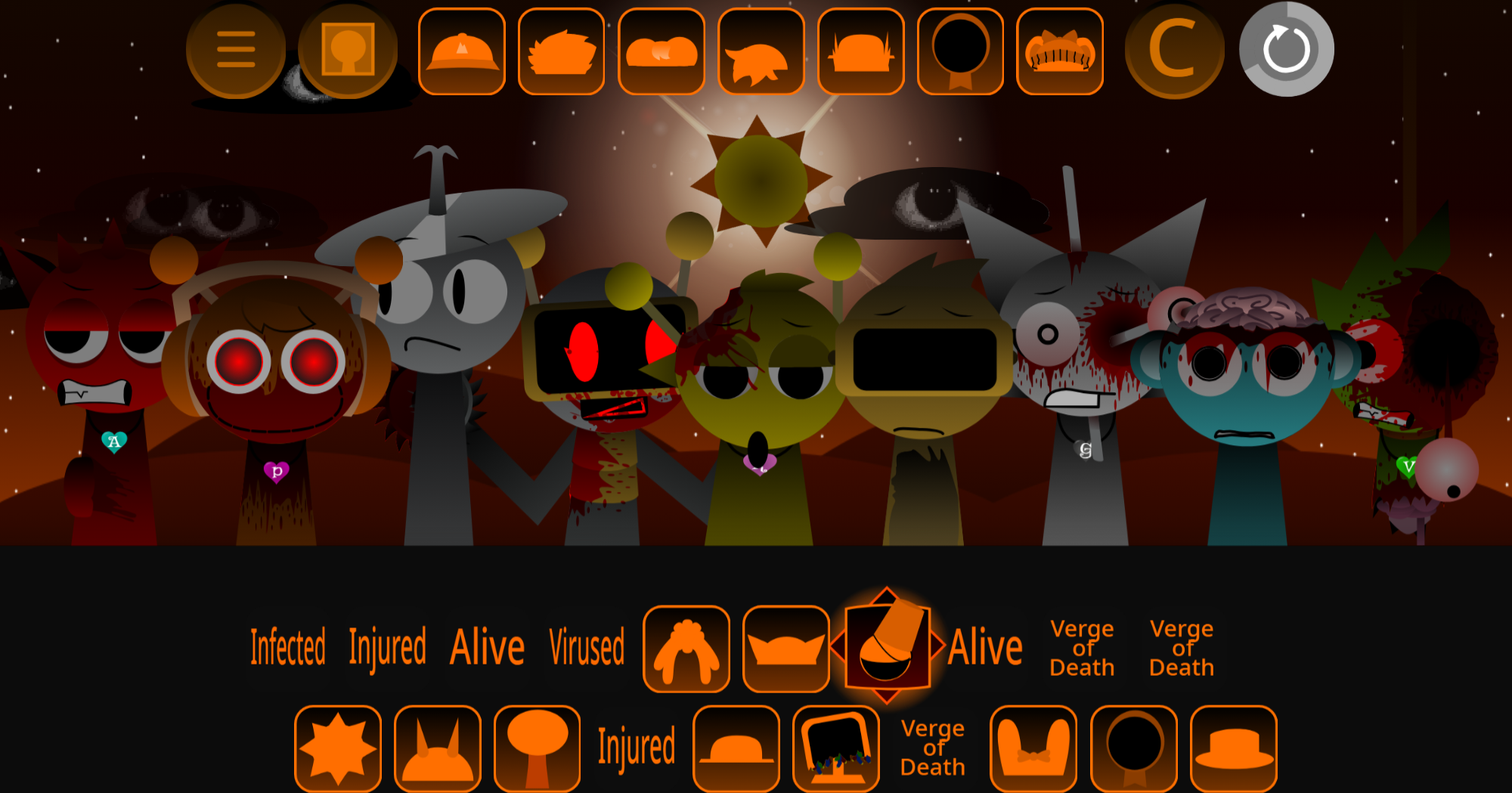
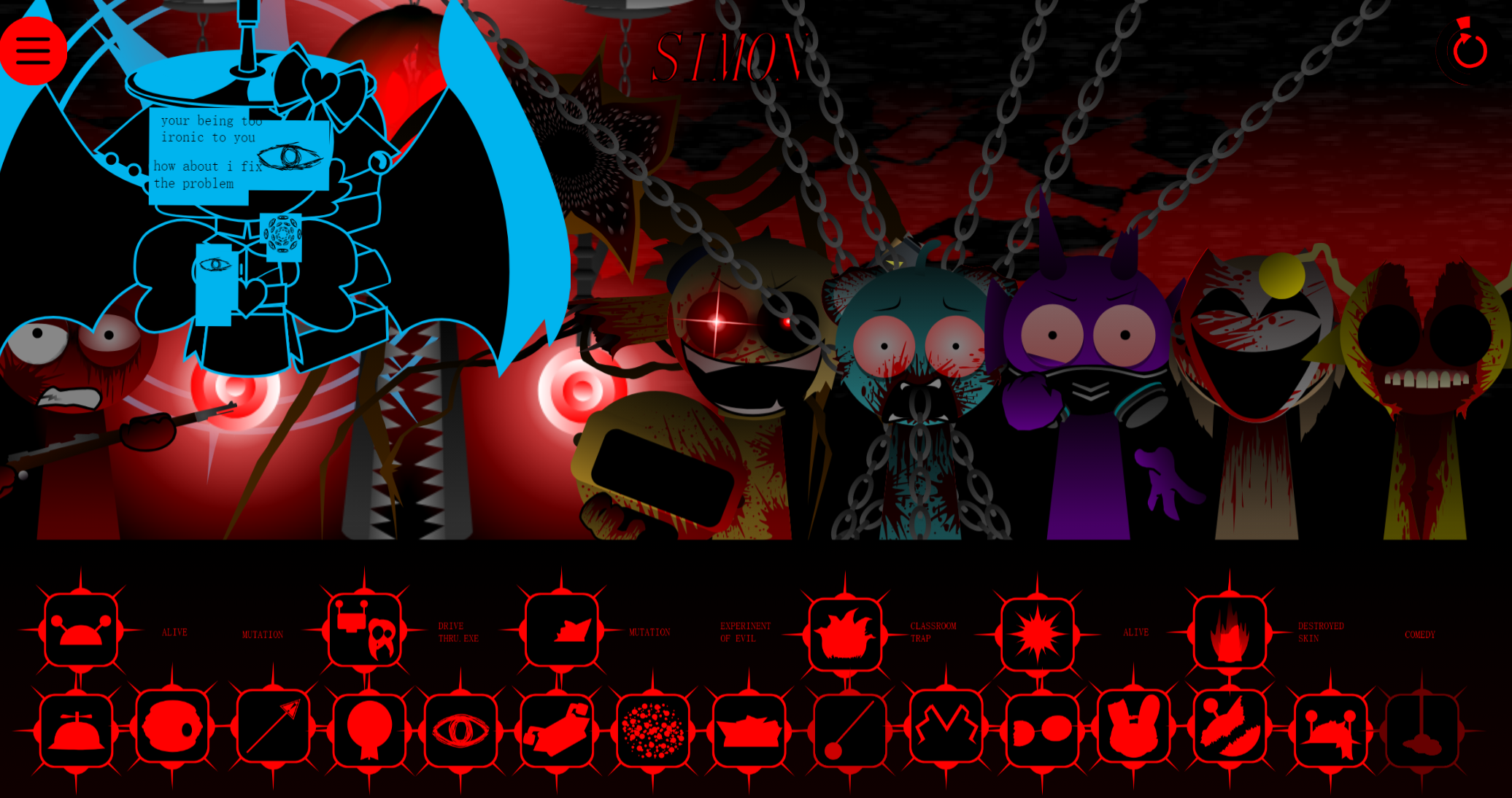
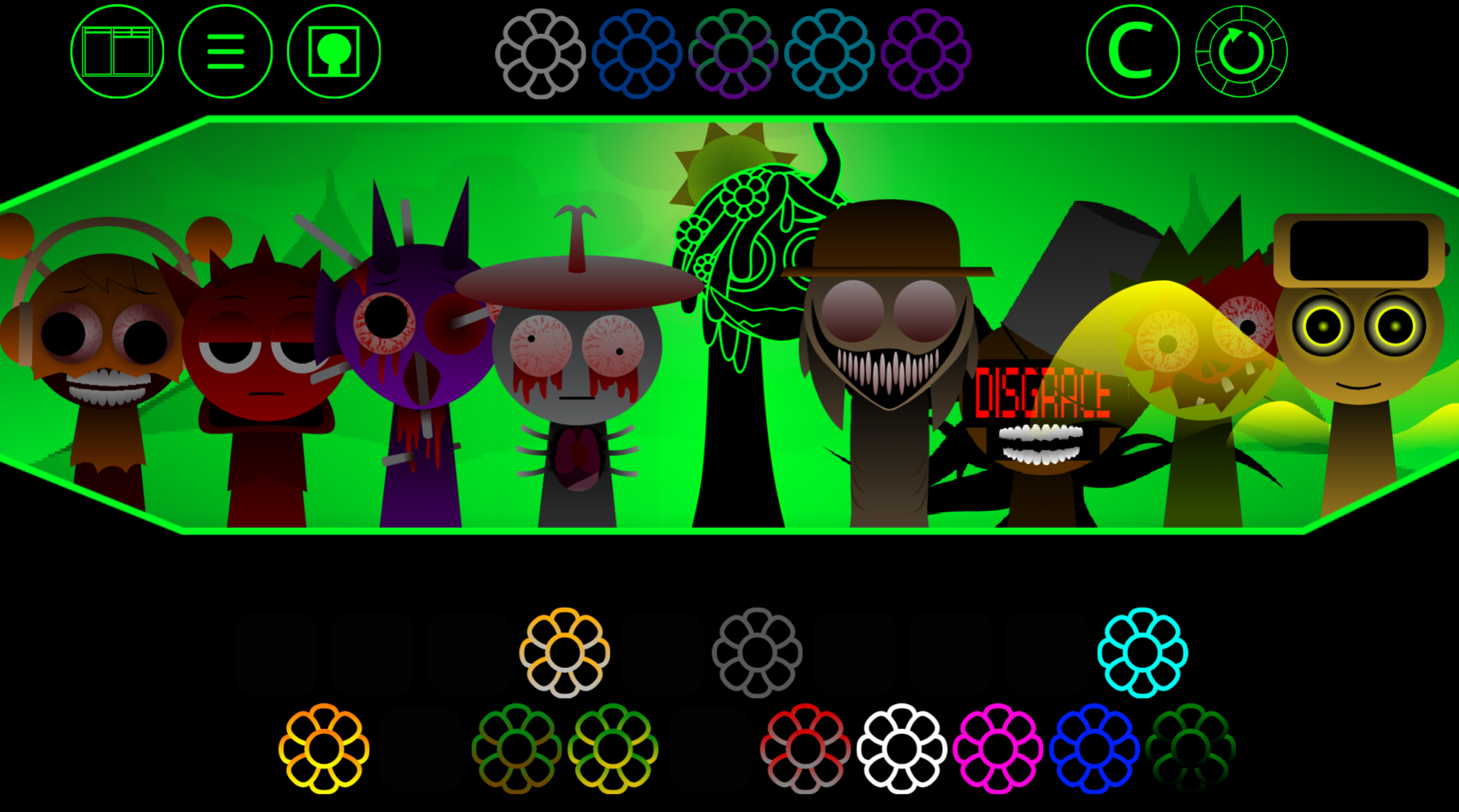
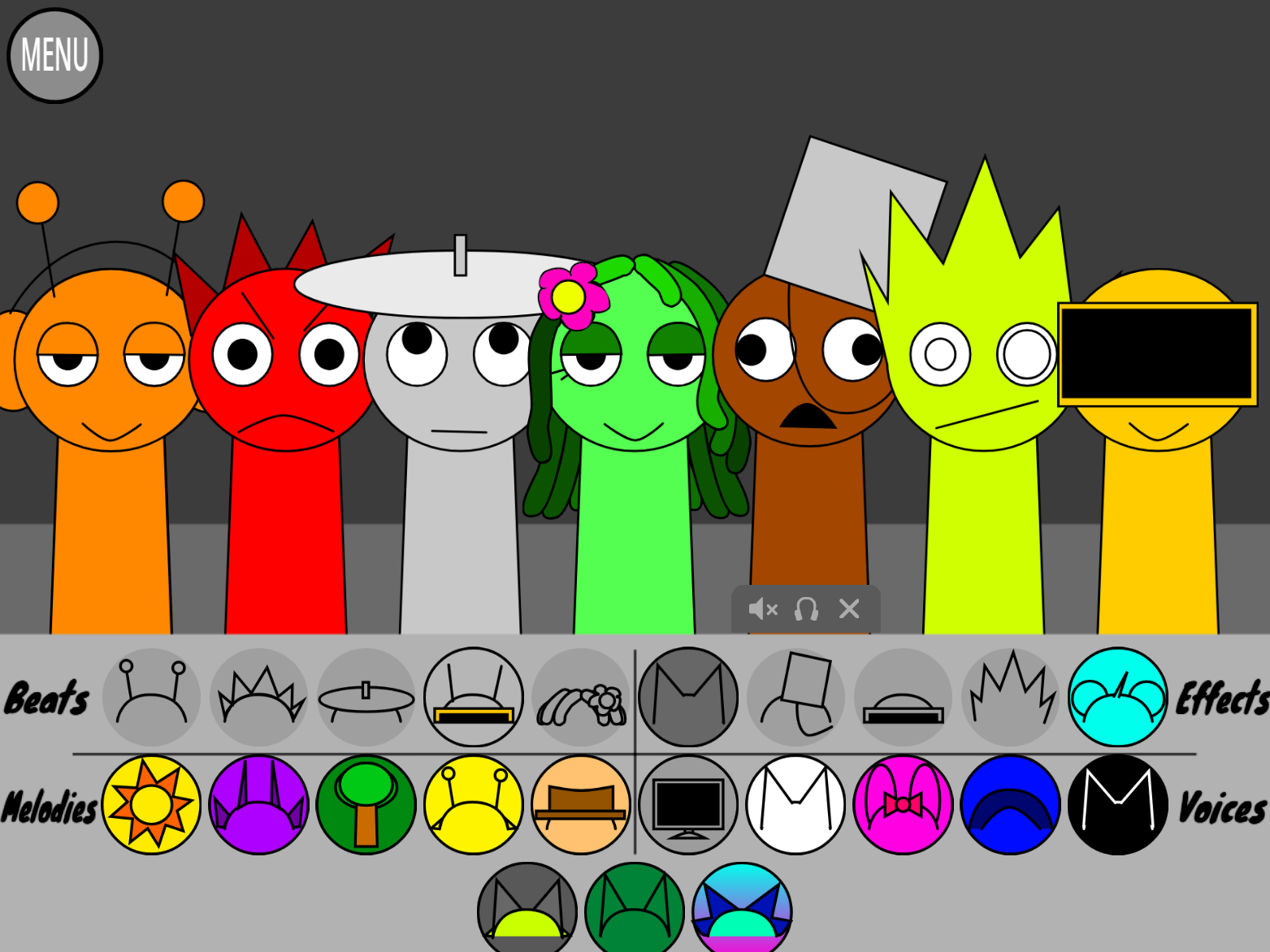
Kerfuffle Ziblets is a browser-playable mod that extends Incredibox Ziblets with community-submitted musical content built on the same character-layering foundation.
This article covers what the mod adds to the original experience, how the community submission process works, and the practical steps to play it in your browser. You’ll learn which musical elements differentiate Kerfuffle from the base Ziblets version and how to navigate the interface if you’re already familiar with standard Incredibox mechanics.
The focus stays on concrete mechanics and access details rather than subjective claims about quality or appeal.
Kerfuffle - Ziblets Mod | Play Online on gosprunki.com
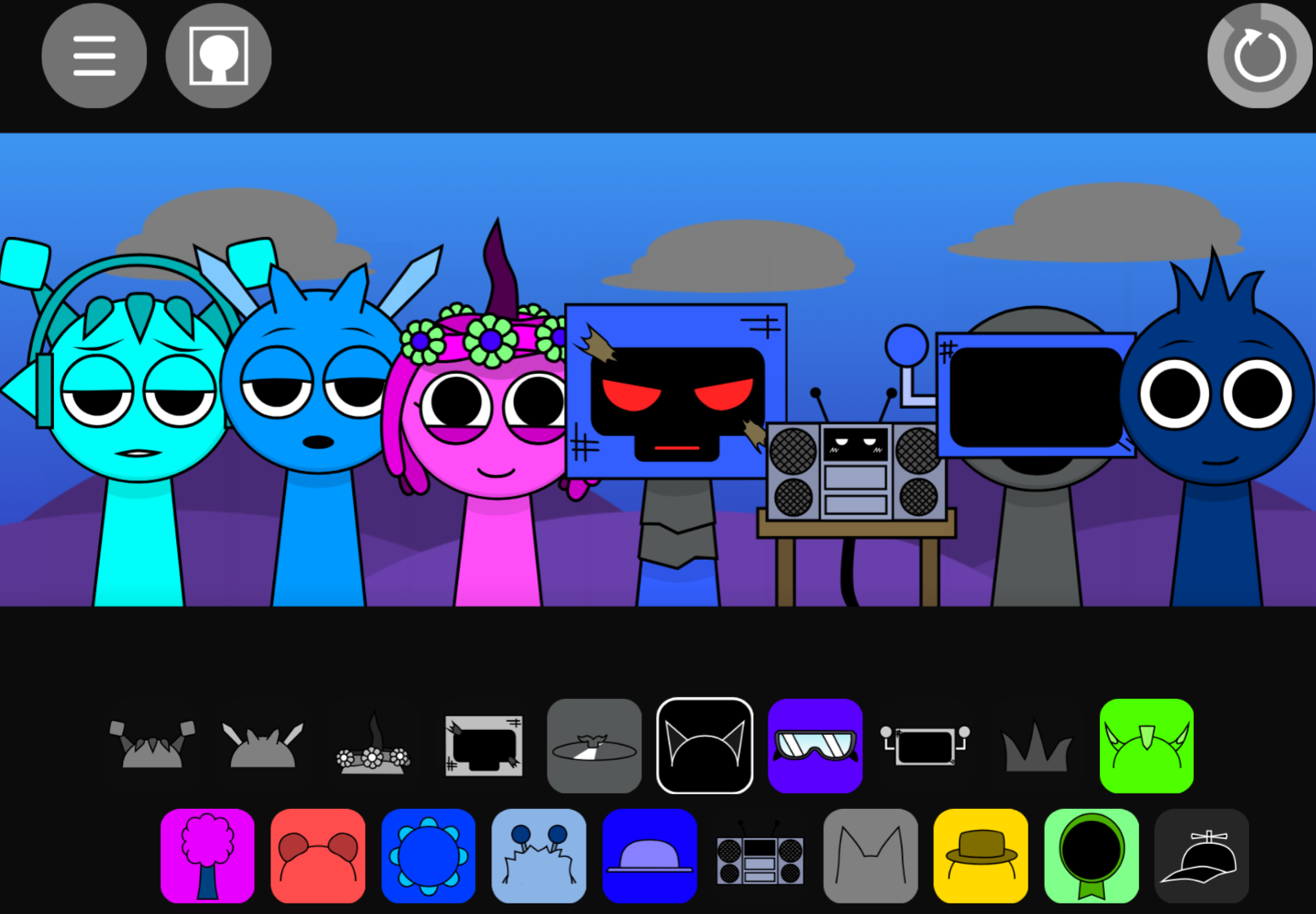
Kerfuffle - Ziblets is a browser-playable, community-submitted musical project built on the character-layering foundation of Incredibox Ziblets. Players arrange animated performers on a stage to build tracks from punchy percussion, quirky vocal chops, and bright melodic hooks.
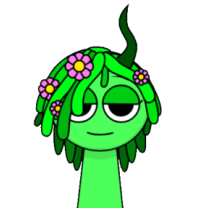
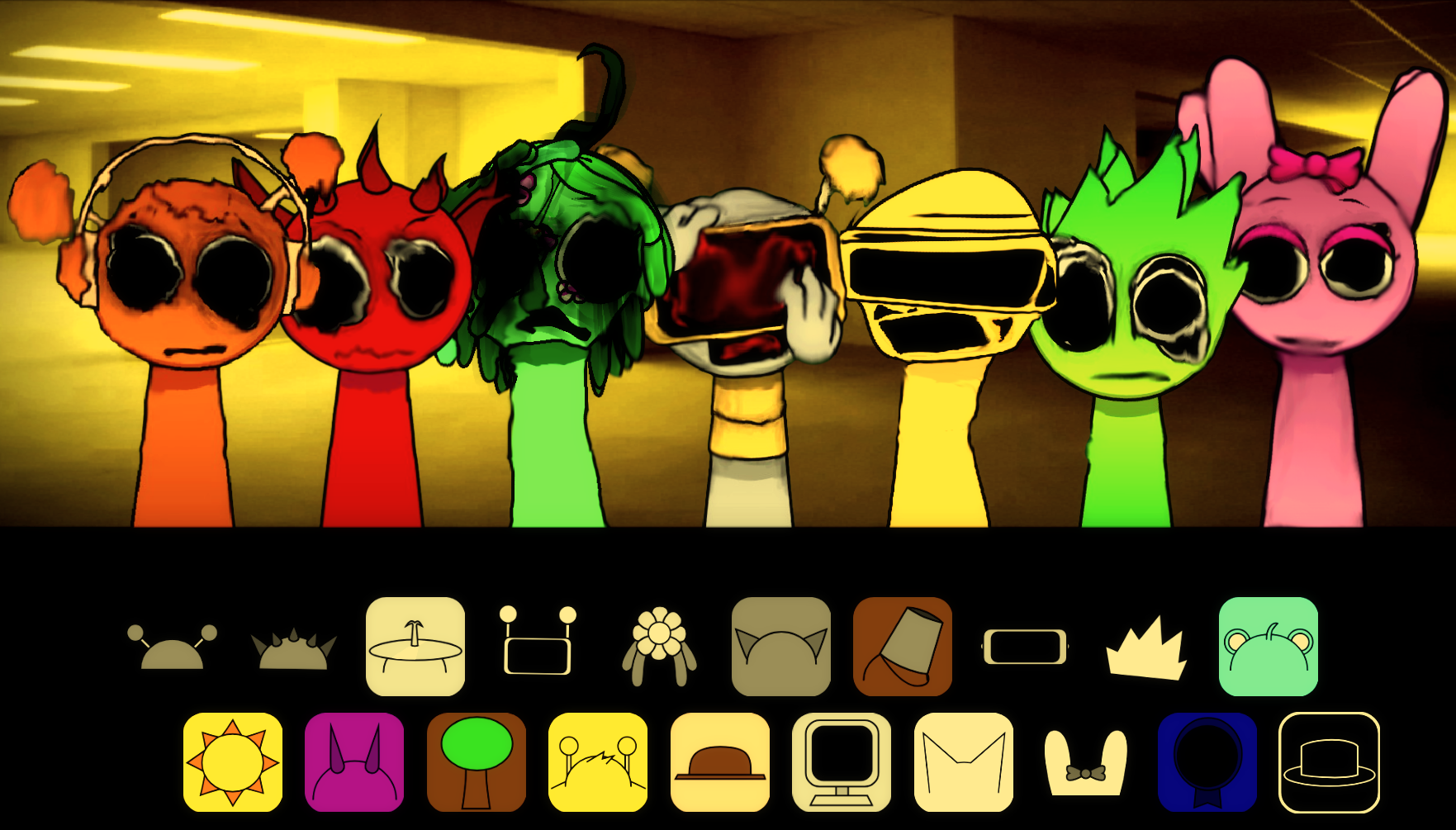
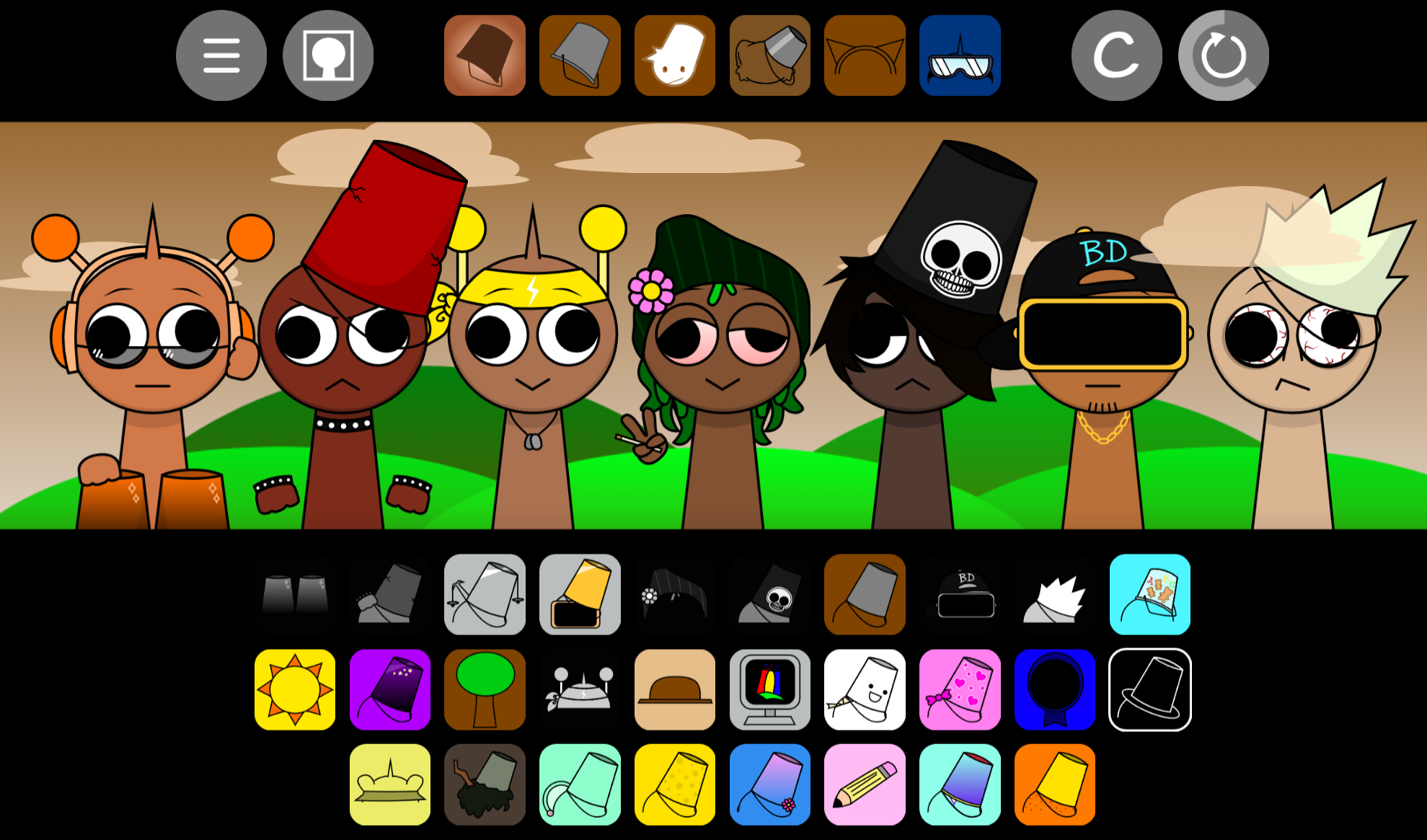
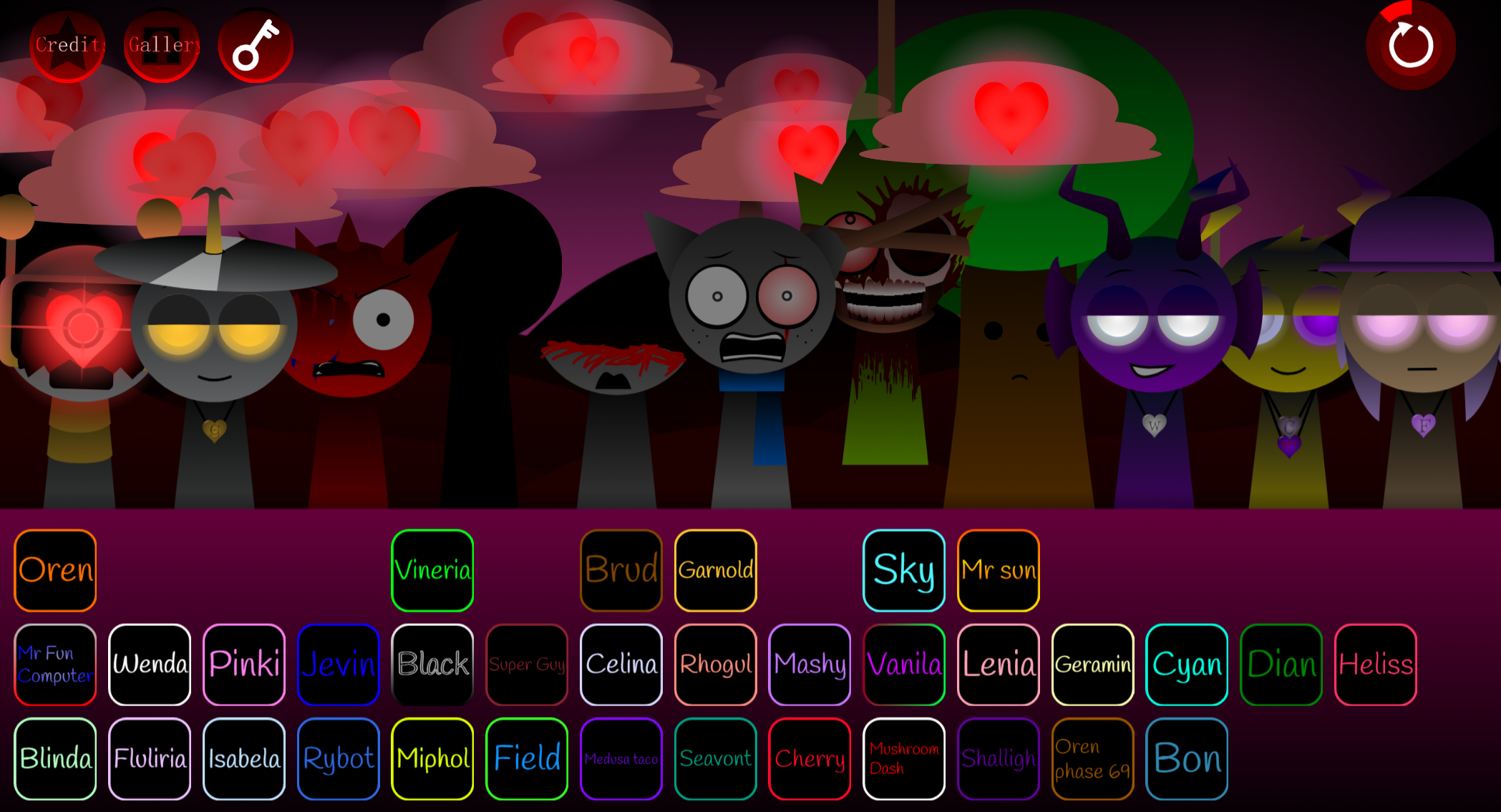
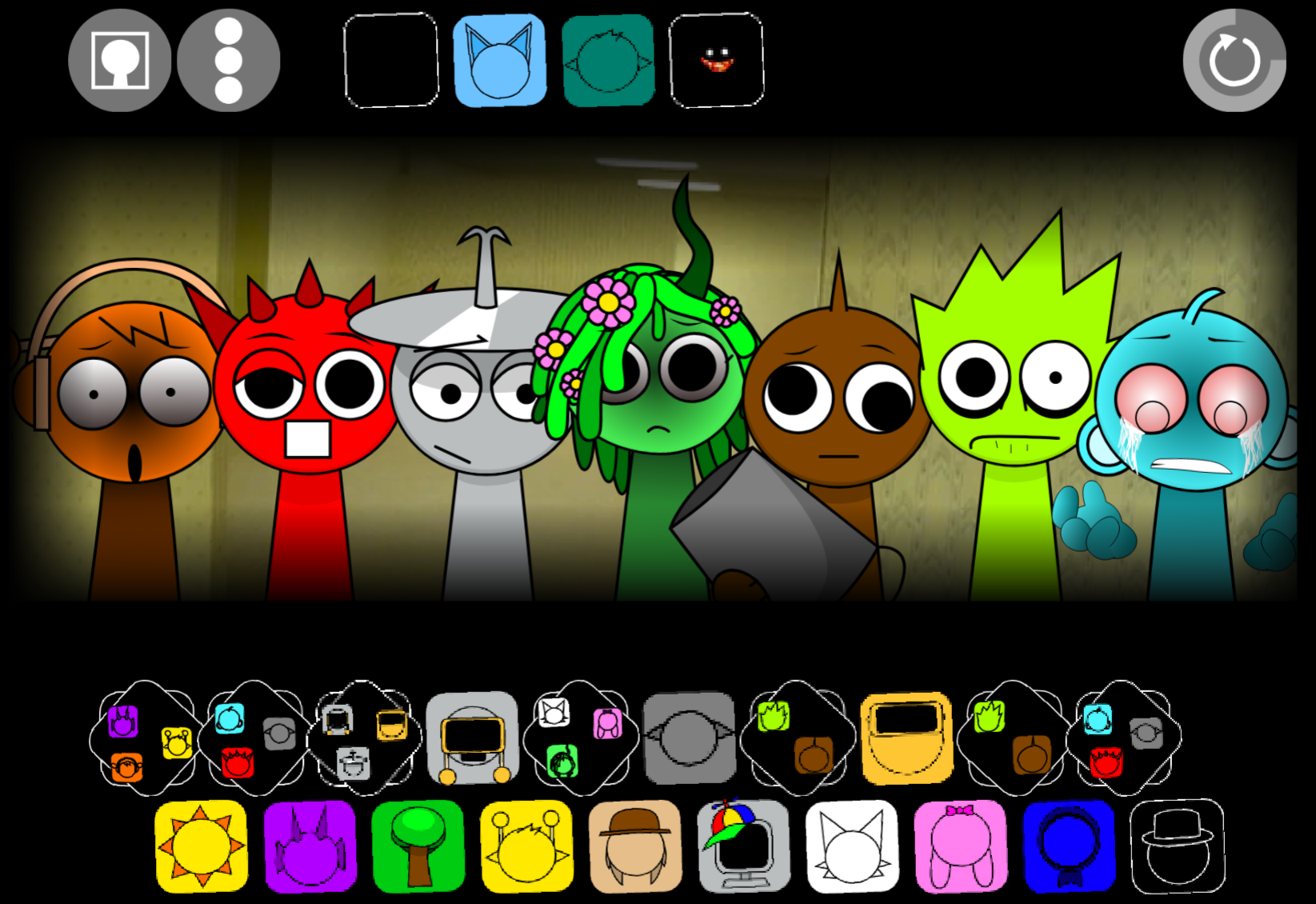
The cast includes Austin, Lyle, Quinn, Ashley, Oliver, and R.E.U.B.E.N., each contributing distinct visual designs, vocal personalities, and recognizable loops. Changing the lineup alters both the sound and the stage’s energy.
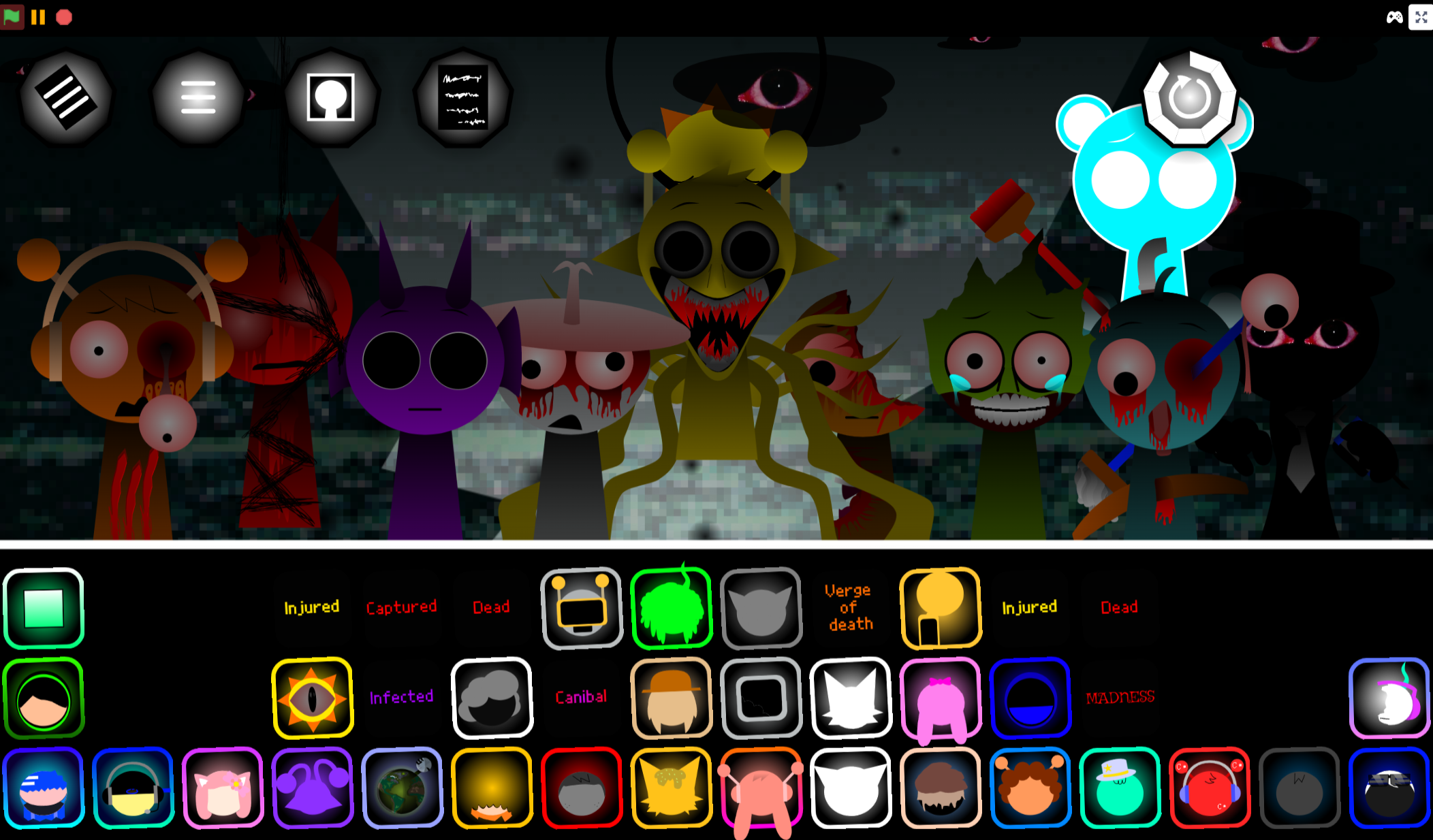
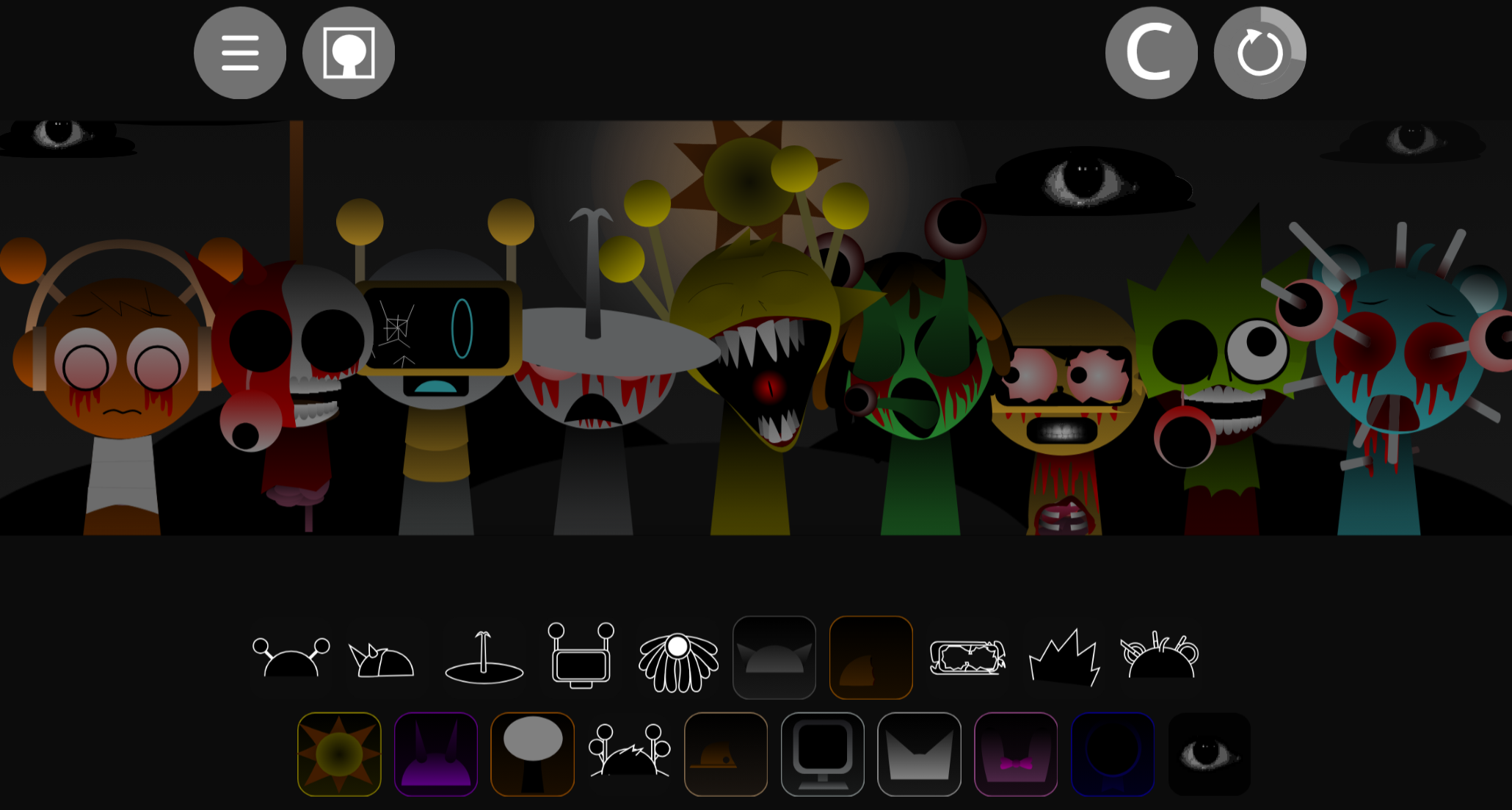
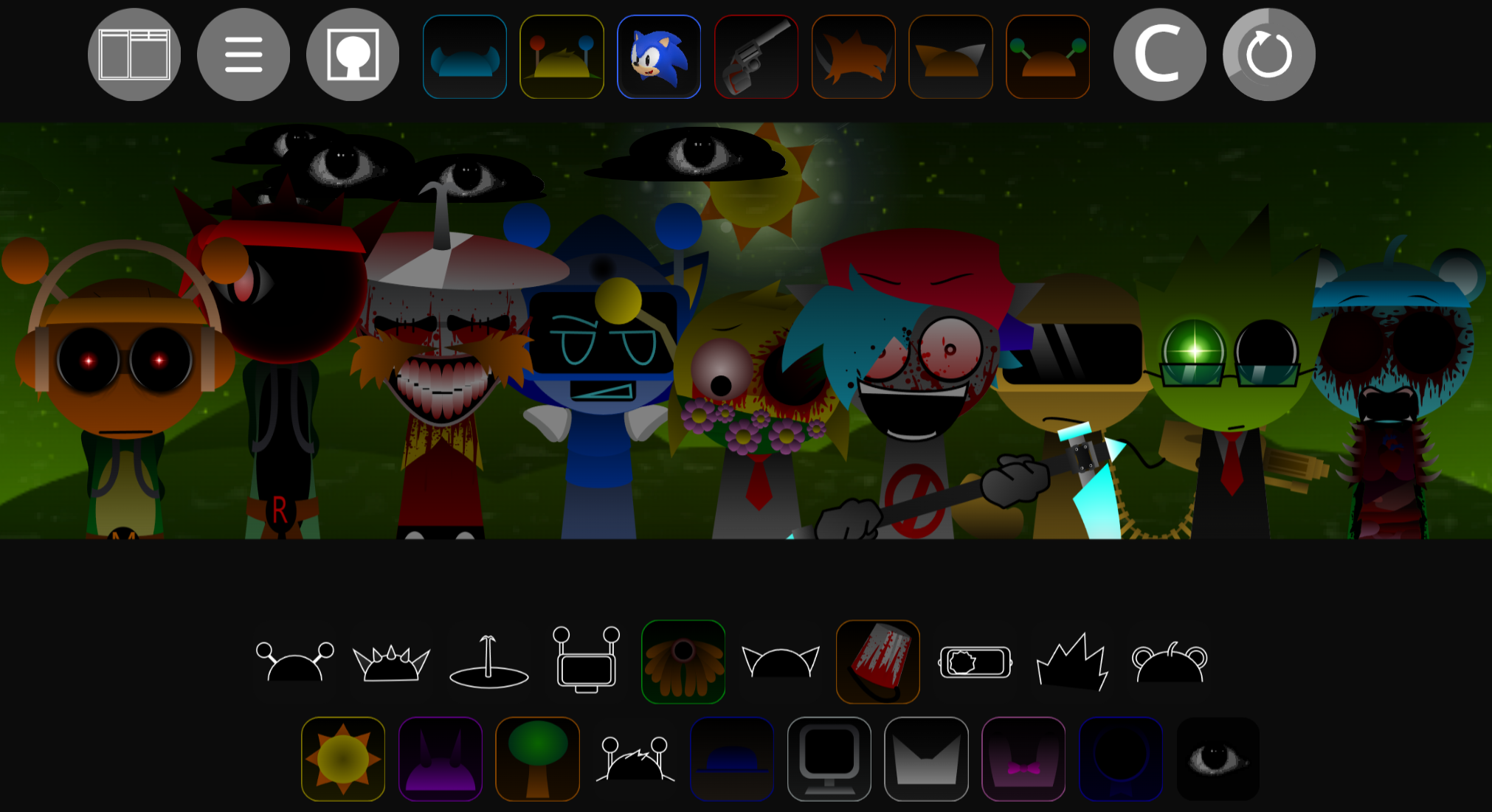
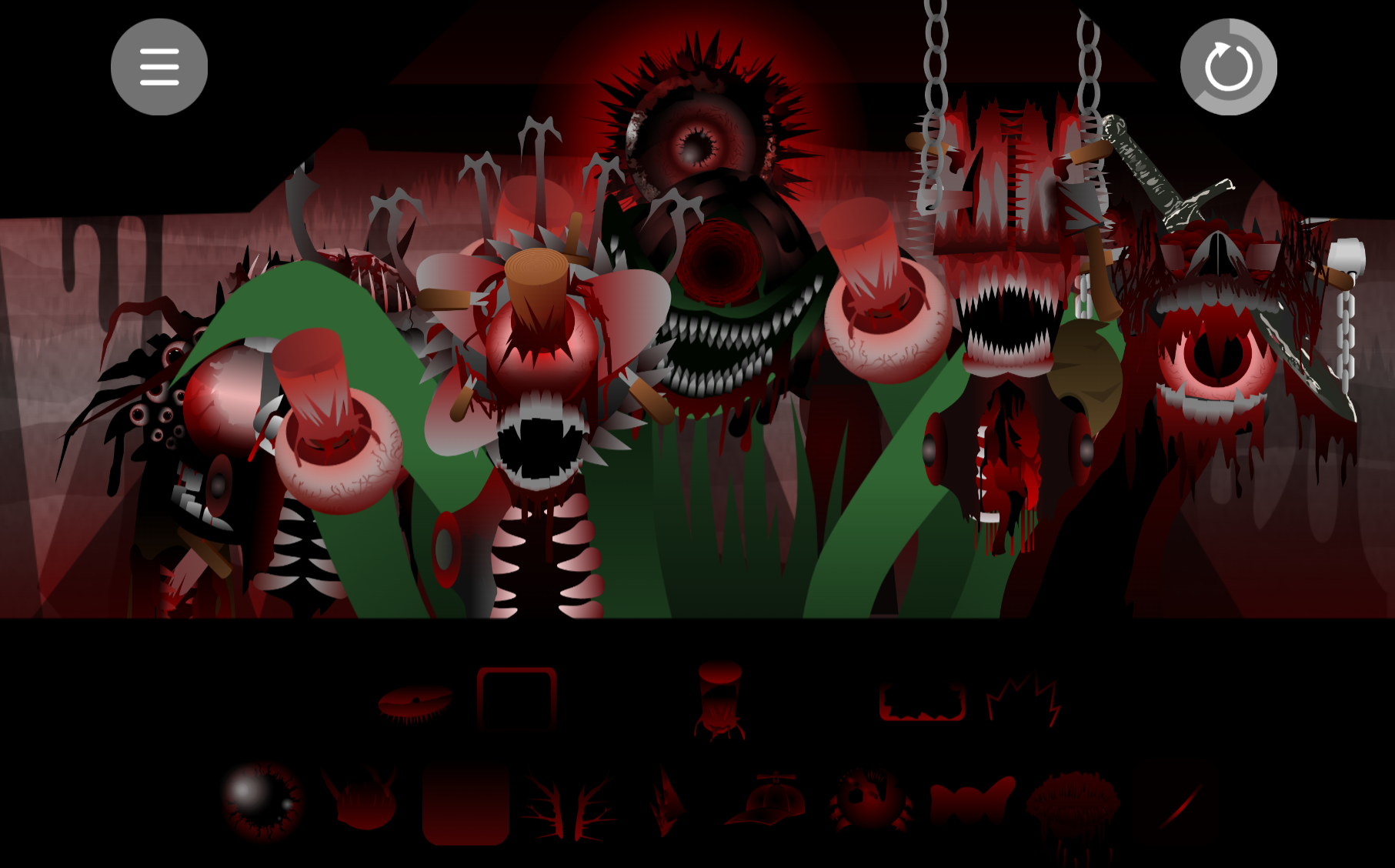
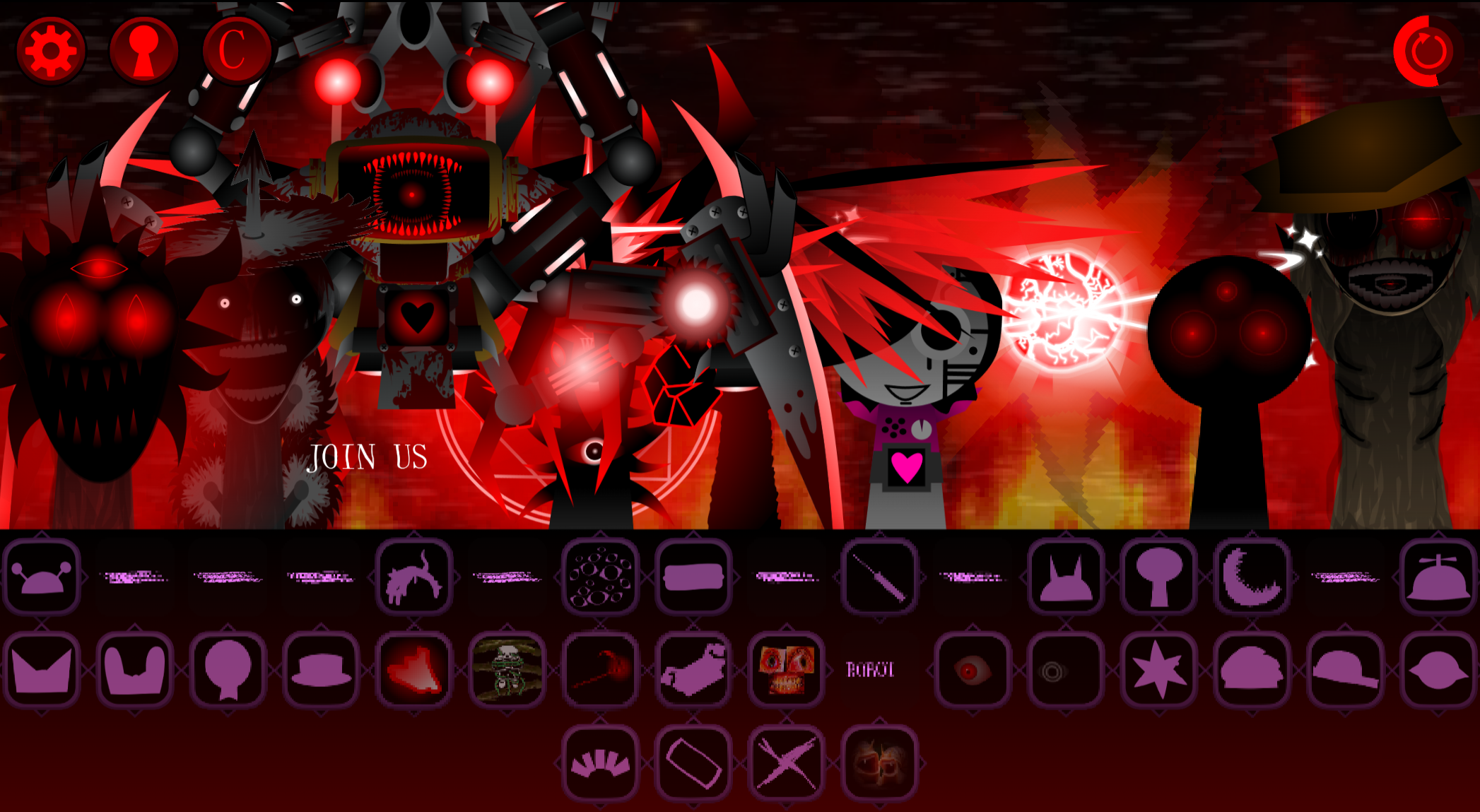
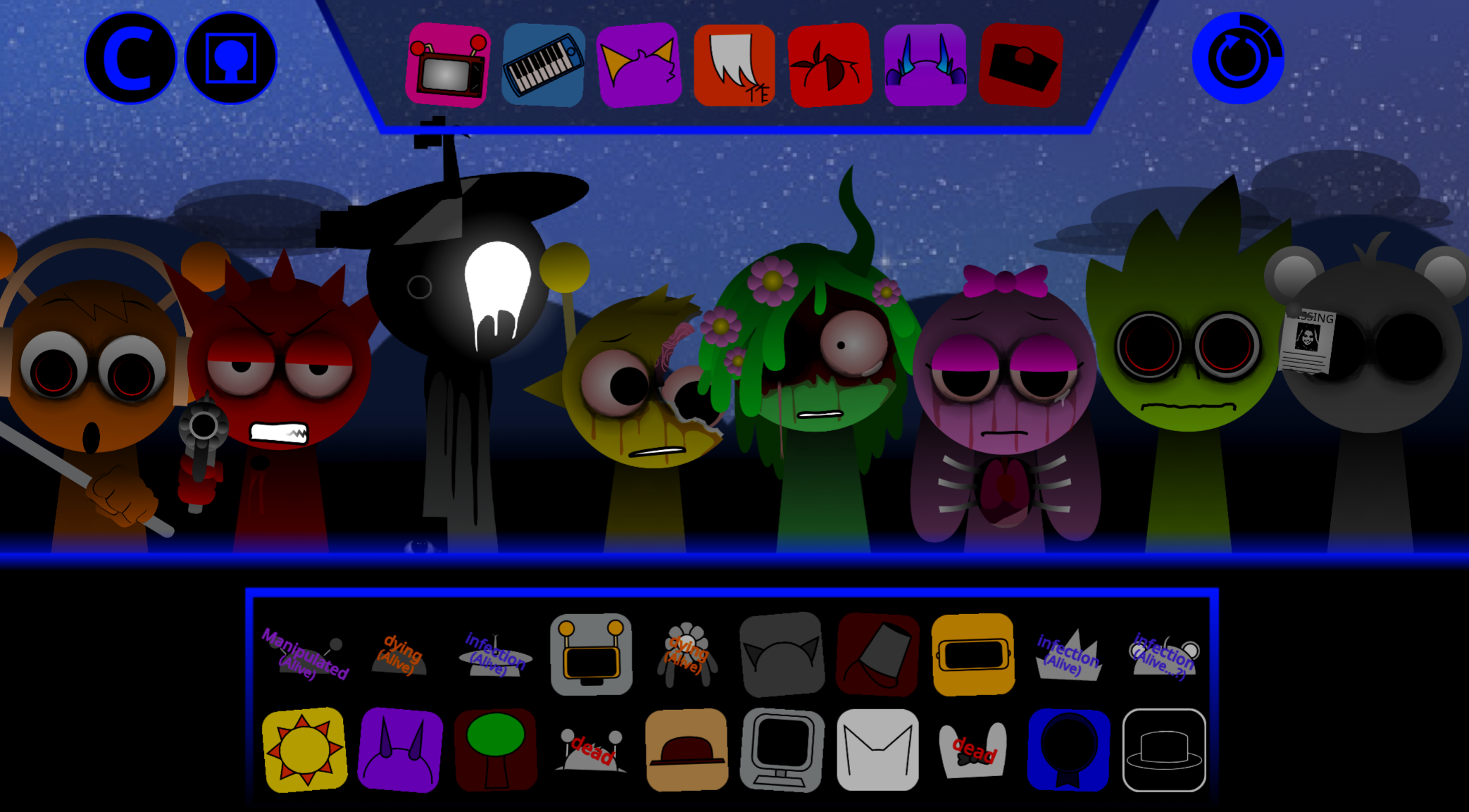
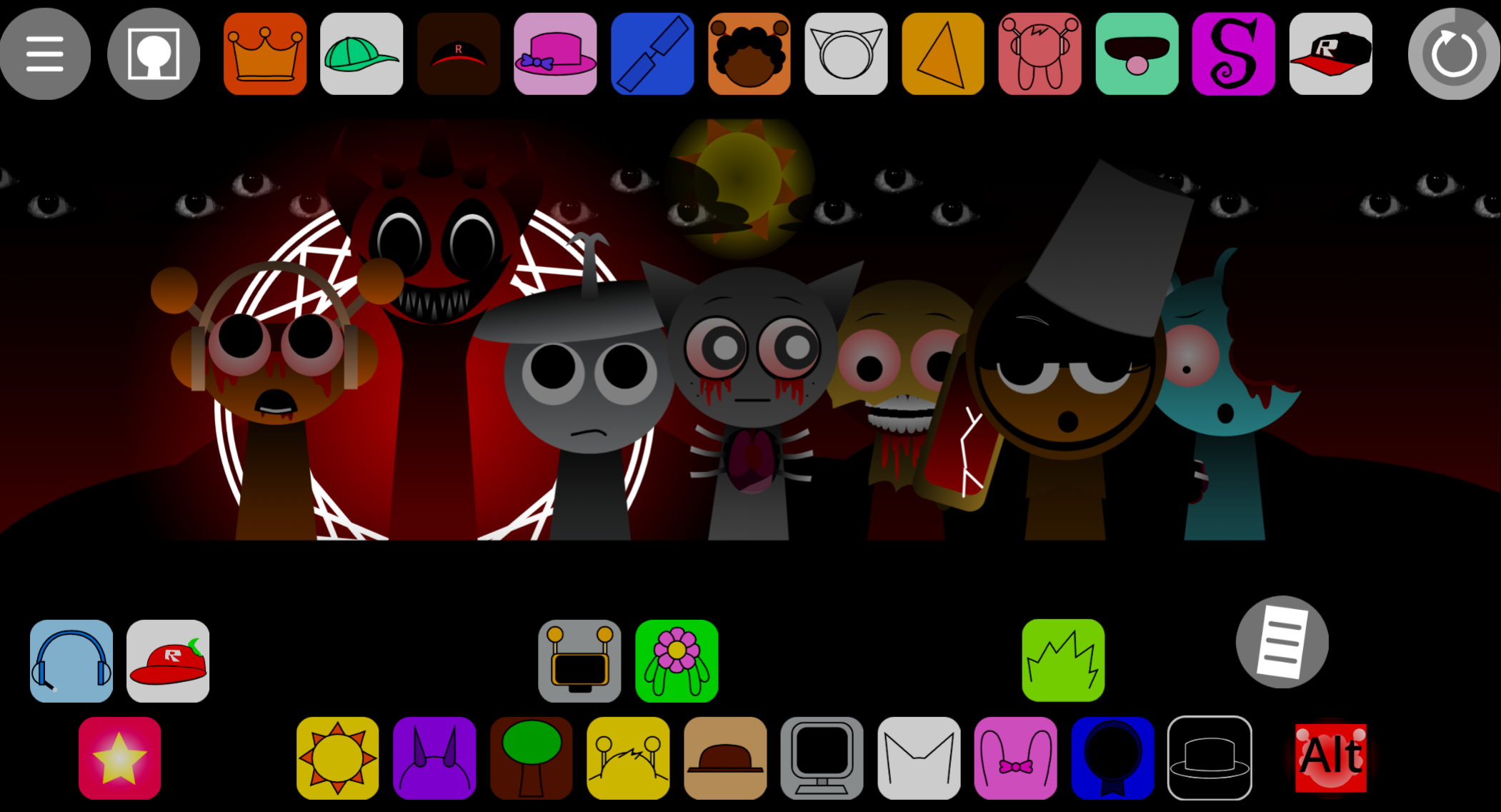
The presentation begins with expressive, Saturday-morning-cartoon antics, but certain arrangements can shift it into an eerie alternate phase filled with surreal transformations.
Created by @garrywillems, Kerfuffle received a refreshed HD update, while early versions were released as open source.
What Is “Kerfuffle” - Ziblets?
Kerfuffle - Ziblets is about testing combinations. Each character adds a musical layer—a beat, effect, melody, or vocal part—and the resulting arrangement becomes a busy, animated track shaped by the personalities on stage.
The cheerful surface is only part of its identity. Bright hooks and colorful characters can give way to uncanny imagery when the right arrangements are explored, with some performers taking on alternate forms.
How to Play “Kerfuffle” - Ziblets
Begin by building a small arrangement and listening to how the layers fit together. Austin, Lyle, Quinn, and Ashley provide recognizable rhythmic and vocal elements, while other characters can change the texture, mood, and visual character of the mix.
Change one part at a time:
- Add a few characters to establish percussion, vocals, and melody.
- Listen for how the loops lock together or compete for attention.
- Swap performers to hear how a different lineup changes the track.
- Watch for changes in the stage atmosphere as the arrangement develops.
The project is playable directly in a web browser.
Arrangement & Phase Guide
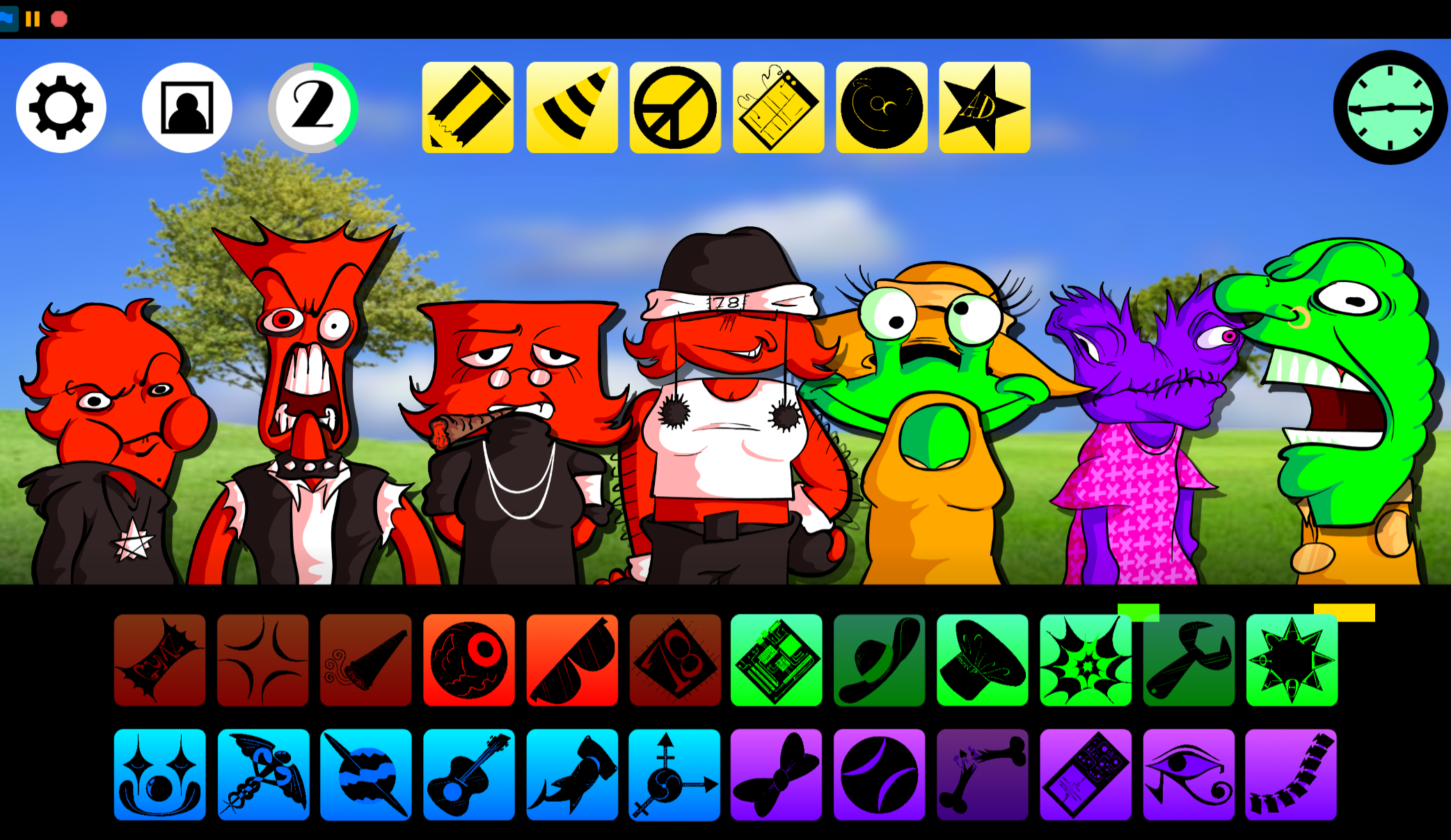
Drag Ziblet icons onto the stage performers to add individual beats, effects, melodies, and vocal layers. Build the normal-stage mix first, then vary the active lineup while watching the mystery icon counter near the top-left of the screen.
Specific character combinations raise that counter. The exact combinations are not signposted.
- When the counter reaches 5, it changes into an exclamation mark.
- Click the exclamation mark to enter the surreal horror phase.
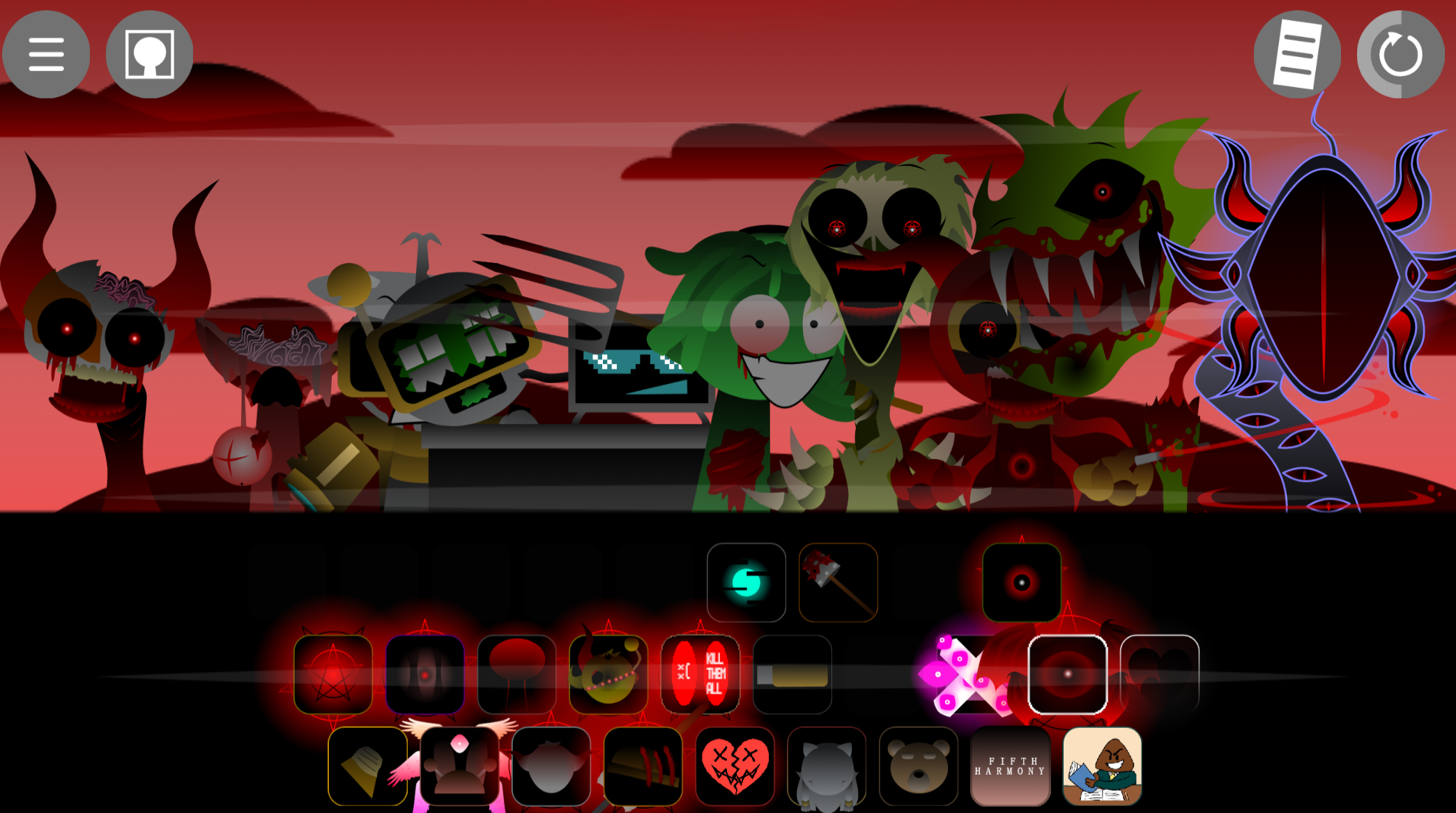
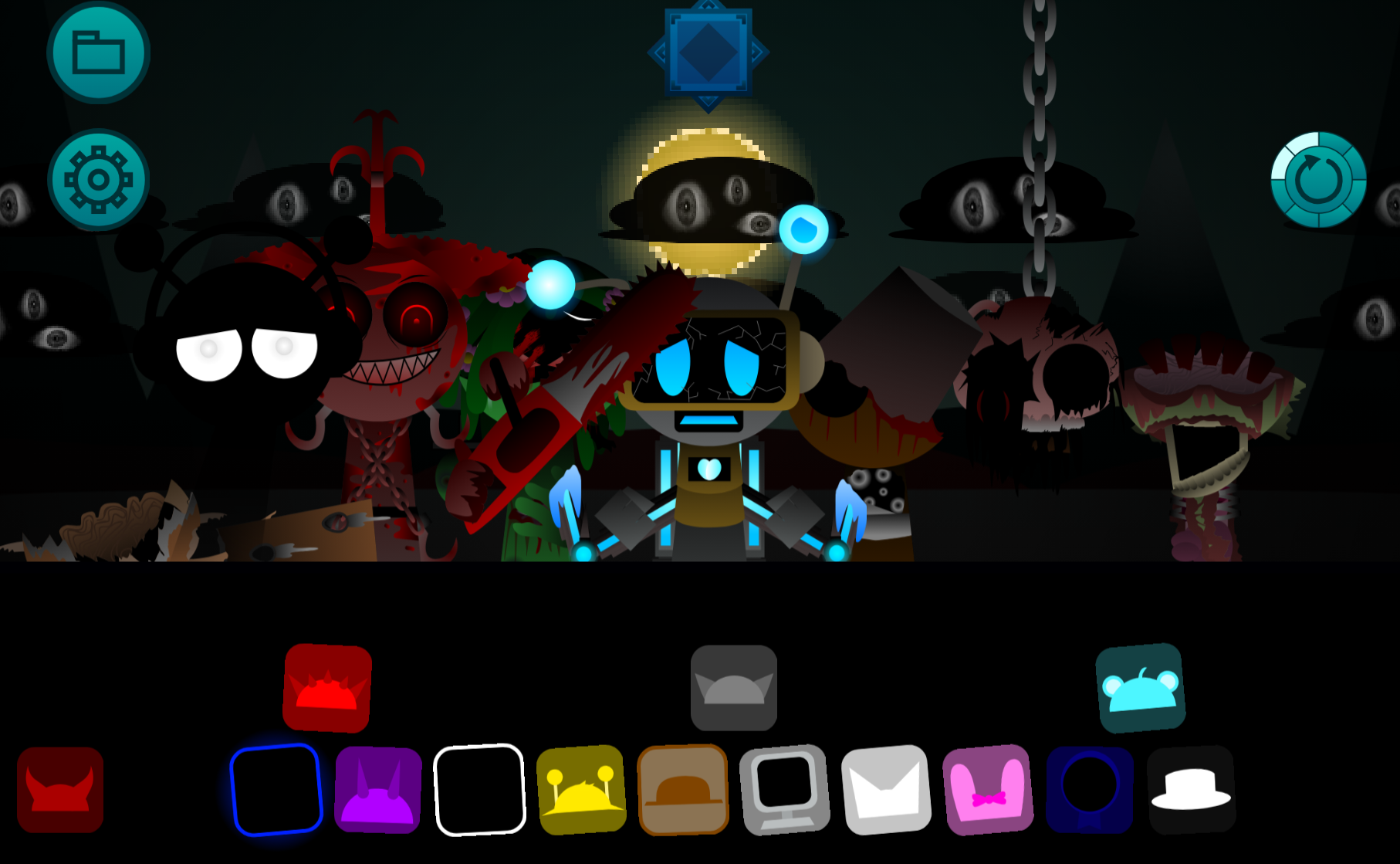
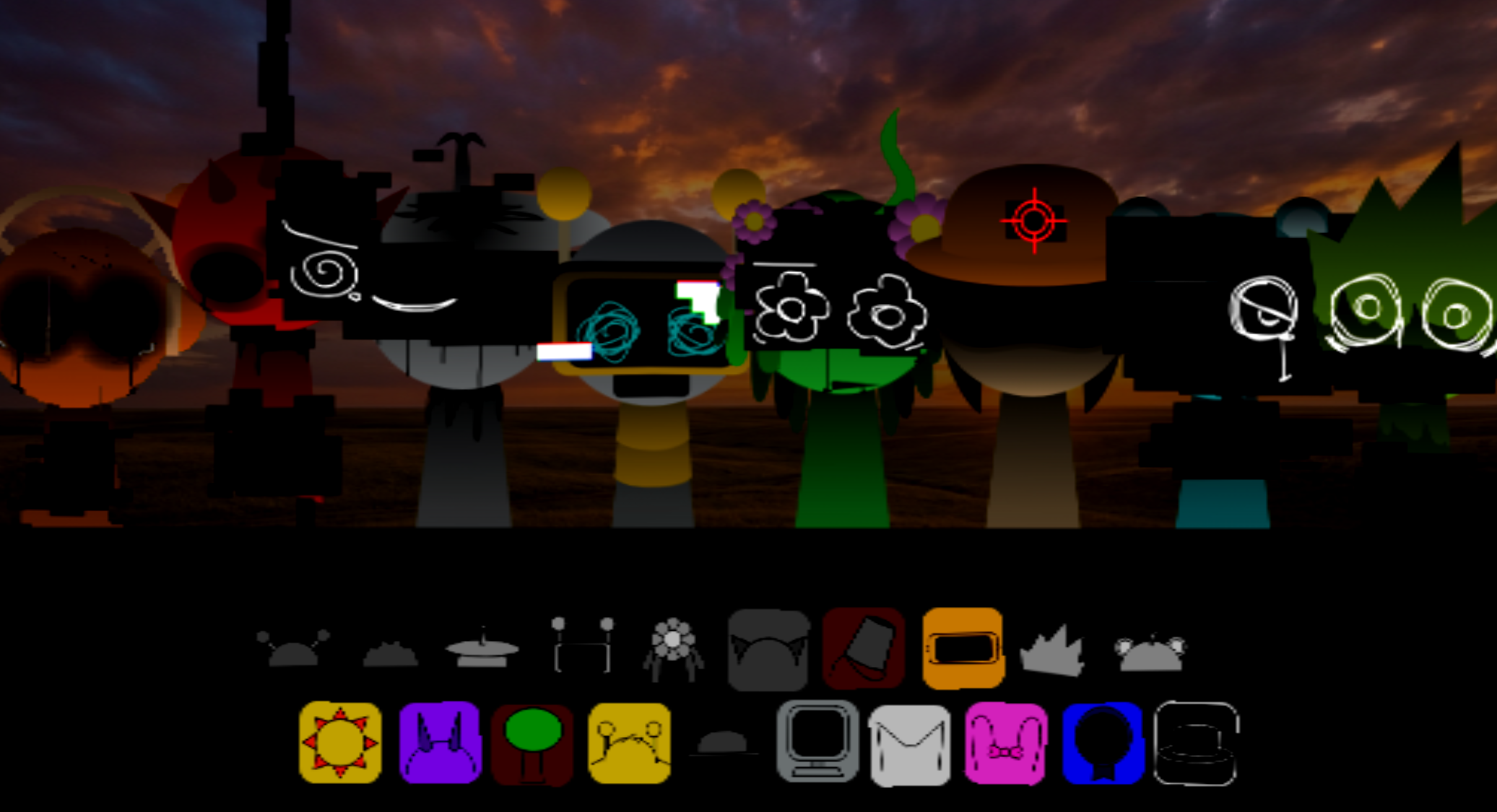
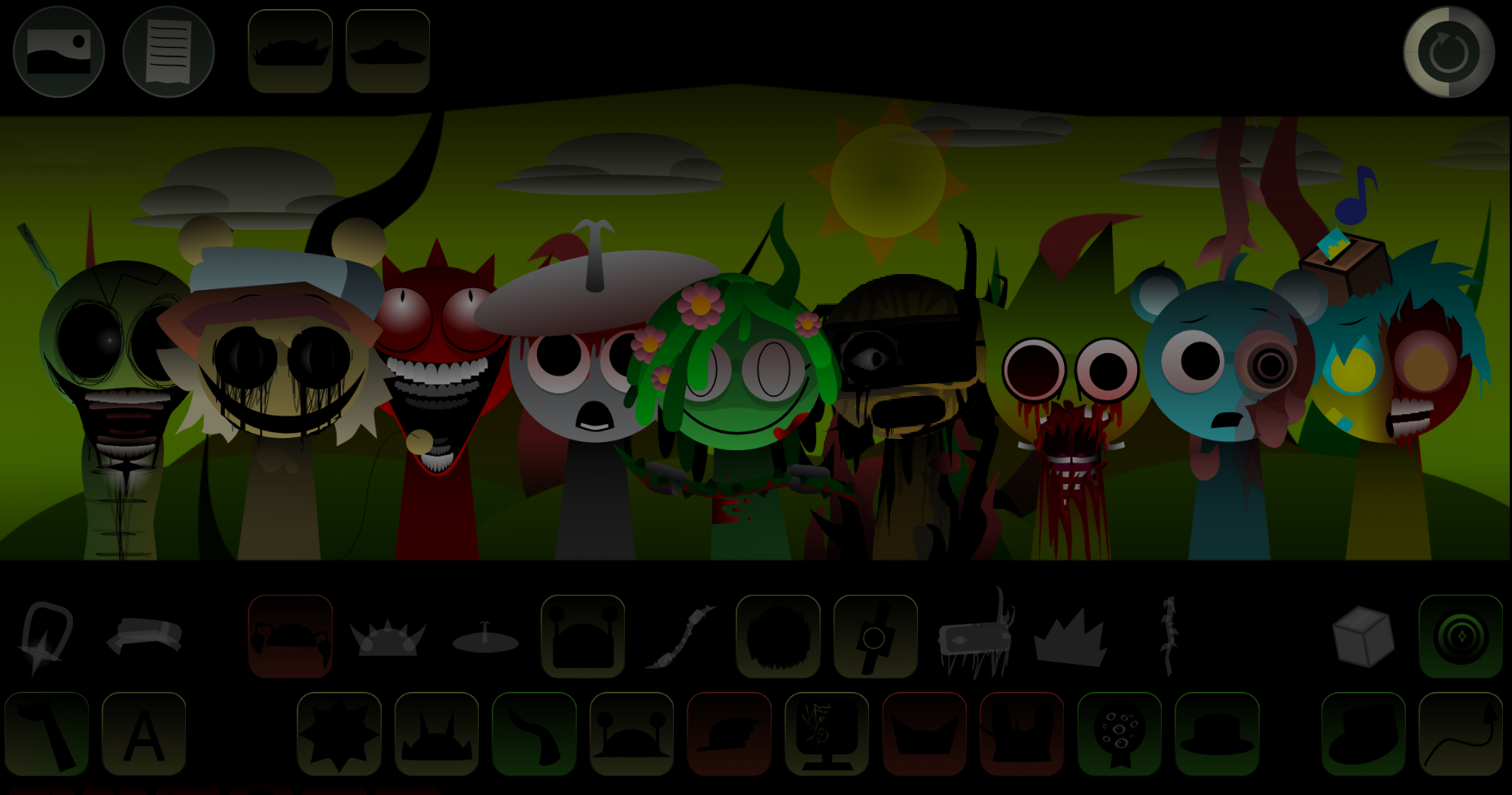
- In this alternate phase, some characters change into unsettling forms, including realistic body swaps and other transformed designs.
- To return without reloading, click the blue flag icon twice. One click may not fully restore the normal presentation.
Features of “Kerfuffle” - Ziblets
- Character-led music layering: Arrange animated performers to combine beats, effects, melodies, and vocal parts into a single track.
- Distinct musical personalities: Oliver, R.E.U.B.E.N, Austin, Lyle, Quinn, and Ashley bring recognizable loops alongside expressive visual designs.
- Bright, mixed sound palette: Punchy percussion, playful vocal samples, and melodic hooks keep the early arrangements energetic and cartoon-like.
- Surreal phase shift: Some combinations move the presentation from colorful animation into erie transformations and uncanny alternate forms.
- Browser-ready HD presentation: The project includes a refreshed HD update.
Audio & Visual Highlights
The normal stage uses bouncing, bug-eyed performers and a classic Saturday-morning-cartoon feel. Oliver’s hammerhead-shark silhouette and R.E.U.B.E.N.’s robotic gaze help make the cast visually distinct even before their loops are heard.
The sound is personality-based: rhythmic figures such as Austin, Lyle, Quinn, and Ashley help establish the musical foundation, while vocal chops and melodic parts make the arrangement feel less like a static backing track and more like a strange performance.
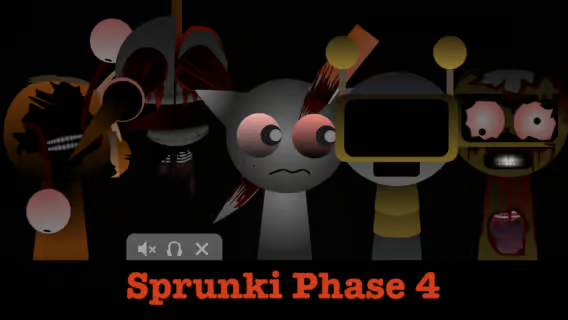
The alternate phase disrupts that bright style. Some characters can abruptly become jarring, photorealistic bodies, turning the mod’s animated humor toward something more unsettling.
Performance Advice
Kerfuffle does not follow a score-focused approach. Arrangements work best when they balance contrasting layers rather than filling the stage immediately.
Start with rhythm-focused loops, then add vocals or melody to give the track shape. If the mix becomes too busy, remove or replace one character rather than changing everything at once. This makes it easier to identify which performer is responsible for a particular rhythmic, vocal, or melodic change.
Because arrangements can also affect the visual atmosphere, experimentation serves two purposes: refining the music and uncovering when the cheerful stage begins to shift toward its eerie second act.
Related Games
- Sprunki New Hd Edition — Its sharper HD presentation and character-based loop mixing make it a fitting follow-up for players drawn to Kerfuffle Ziblets’ refreshed visuals and layered cartoon soundscapes.
Can I Play This Without Installing Anything?
Yes. Kerfuffle - Ziblets is playable directly in a web browser on gosprunki.com, making it suited to short experimentation sessions as well as longer attempts to discover unusual combinations. The appeal lies in the contrast: one arrangement may feel colorful, busy, and mischievous; another may bring out the project’s unsettling alternate forms.


Discuss Sprunki