
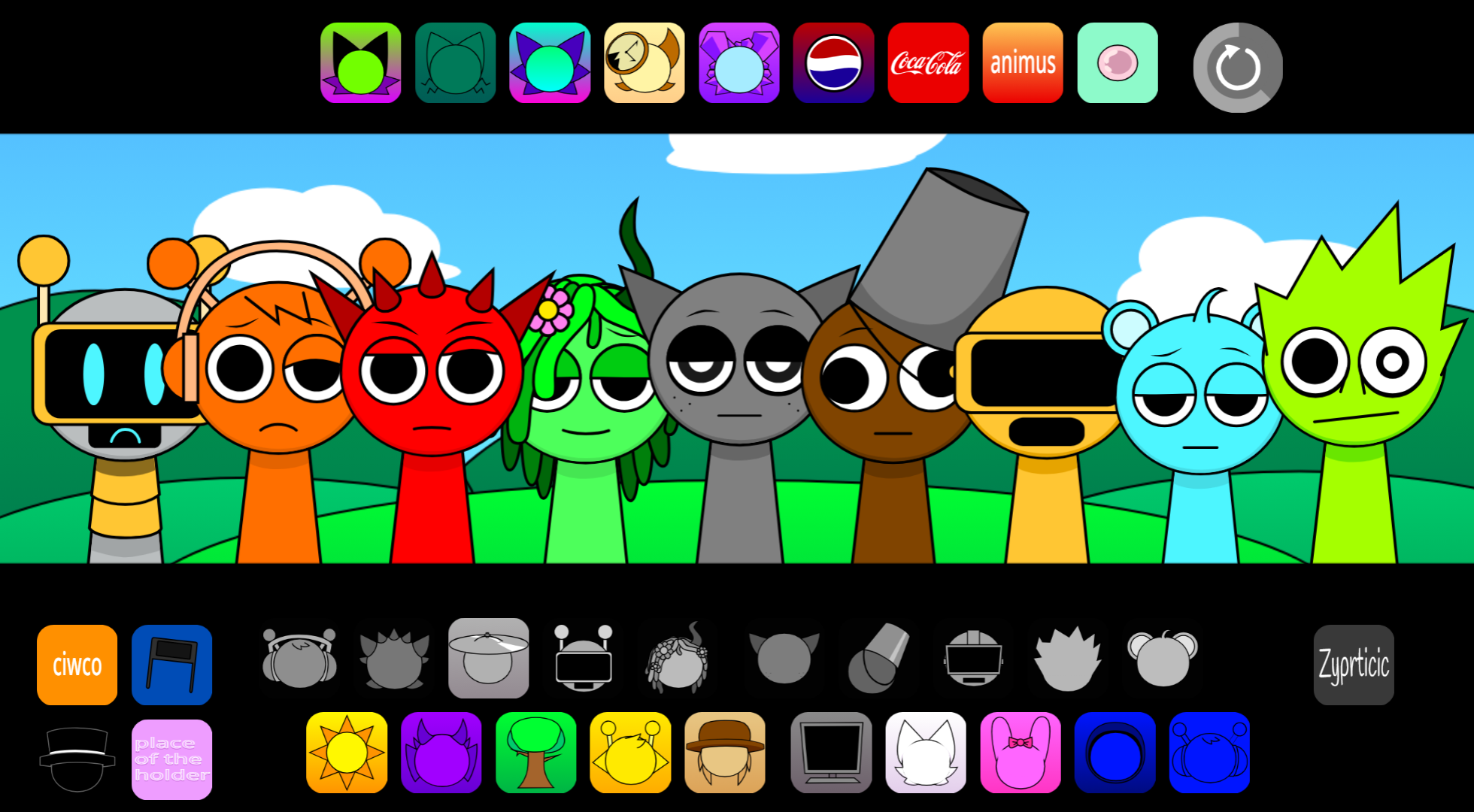



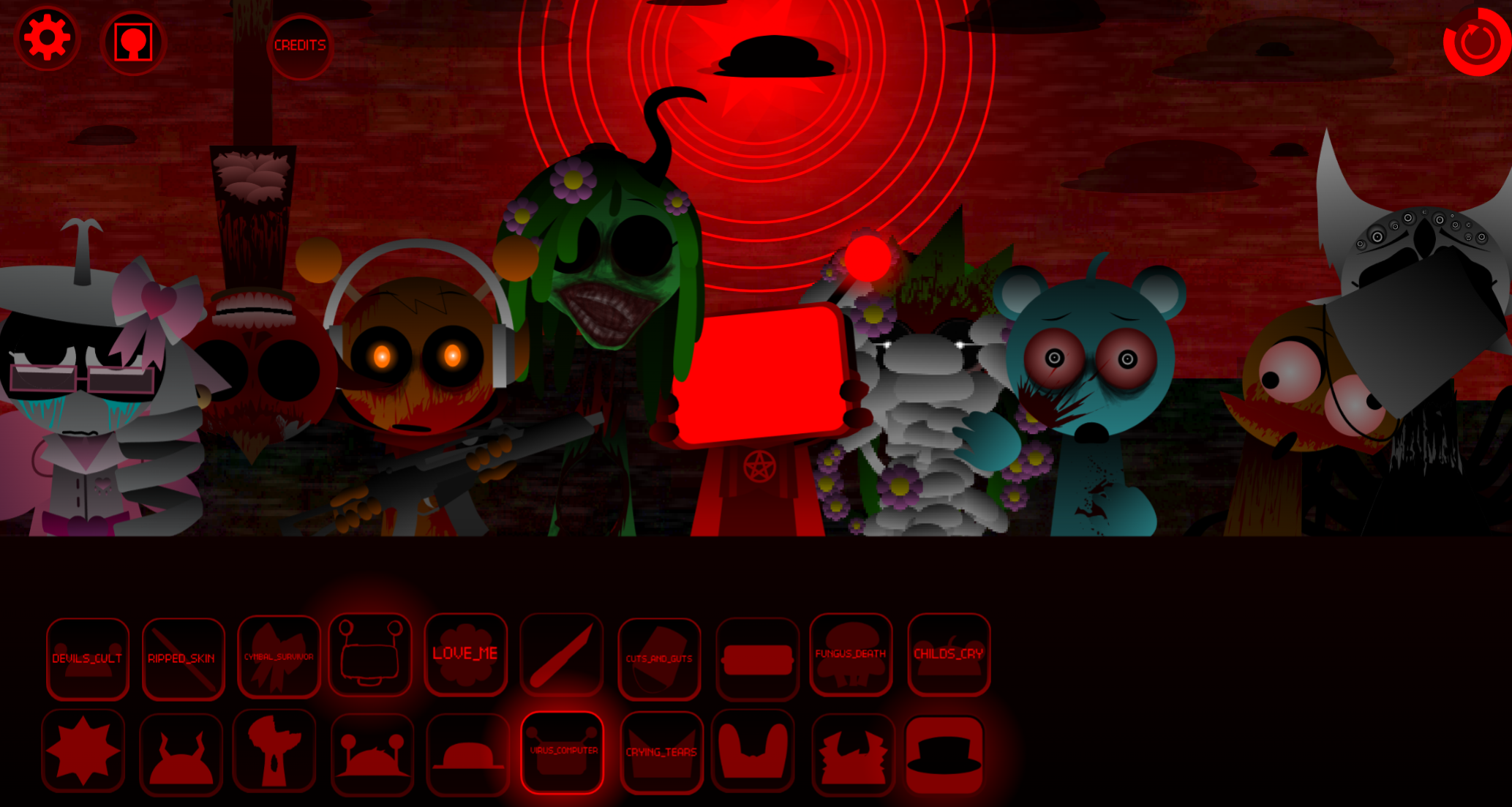
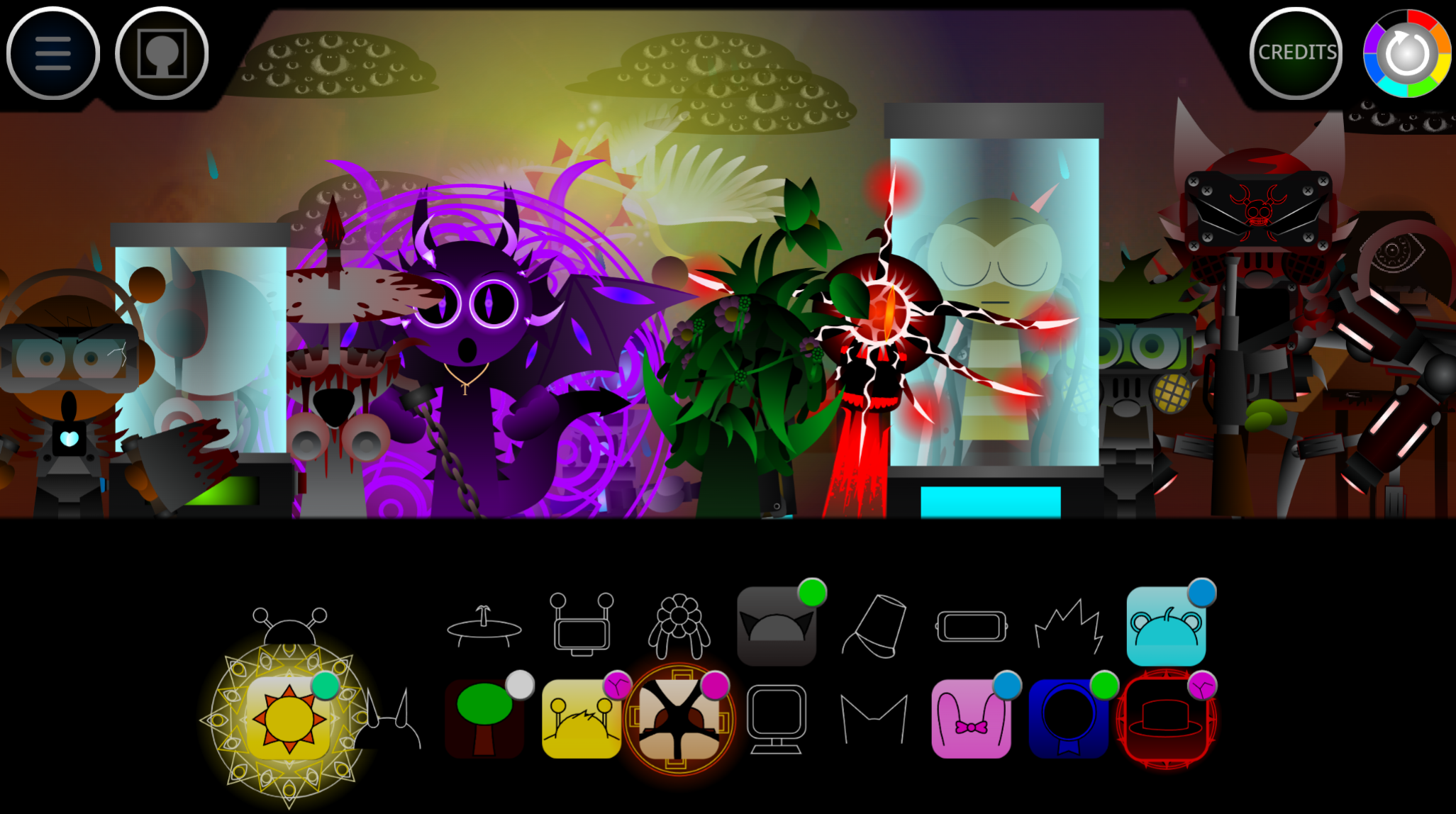

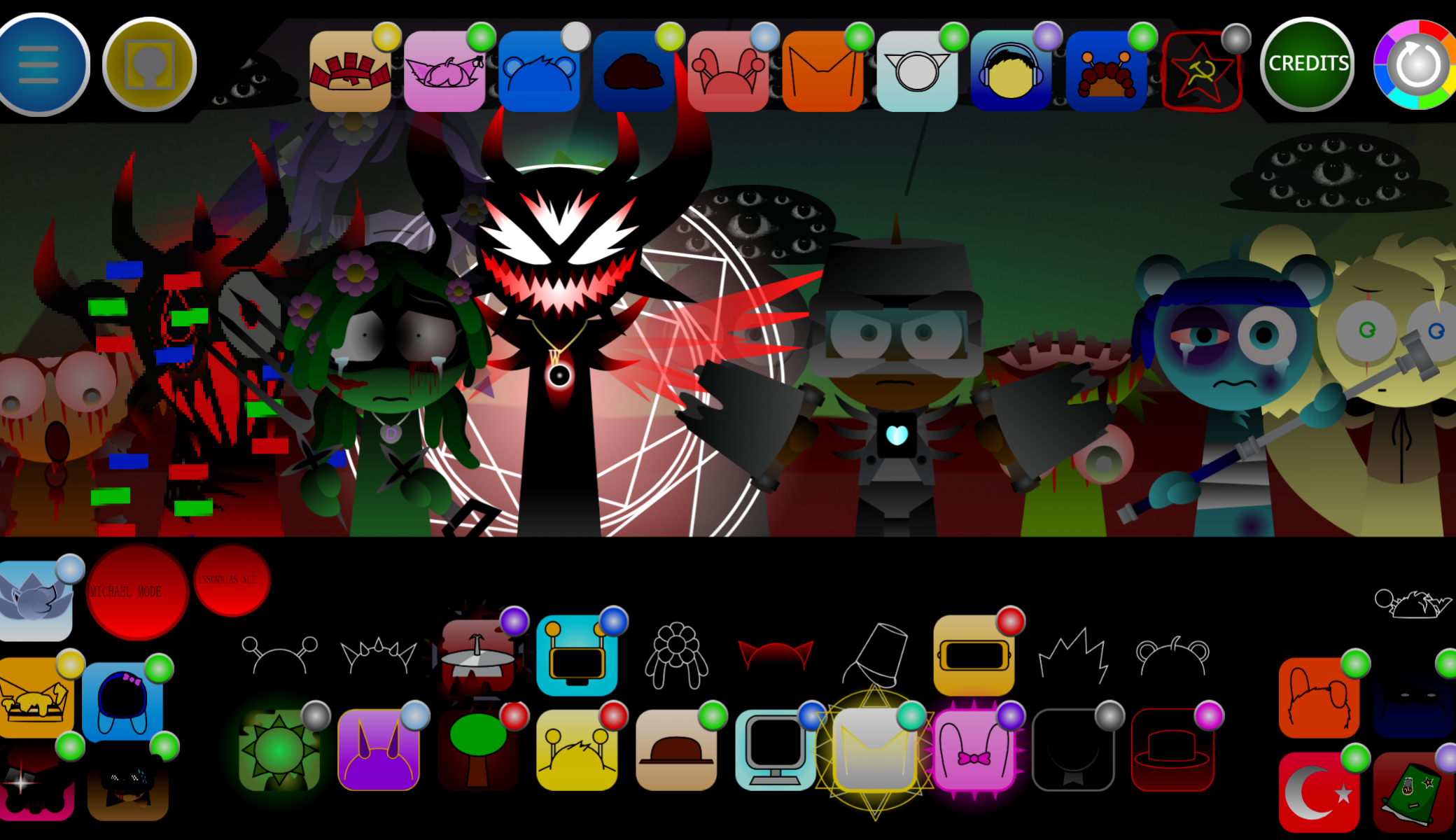
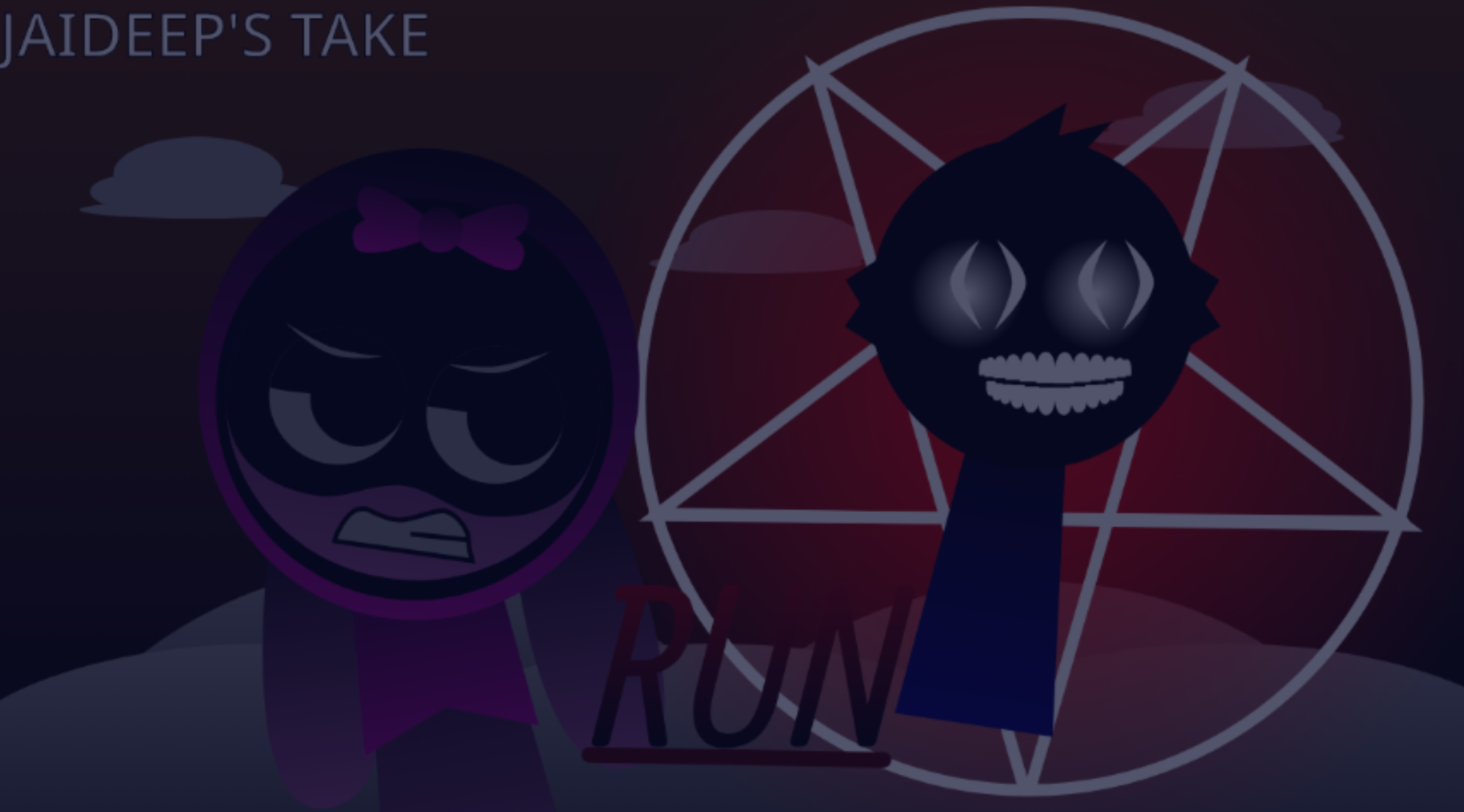

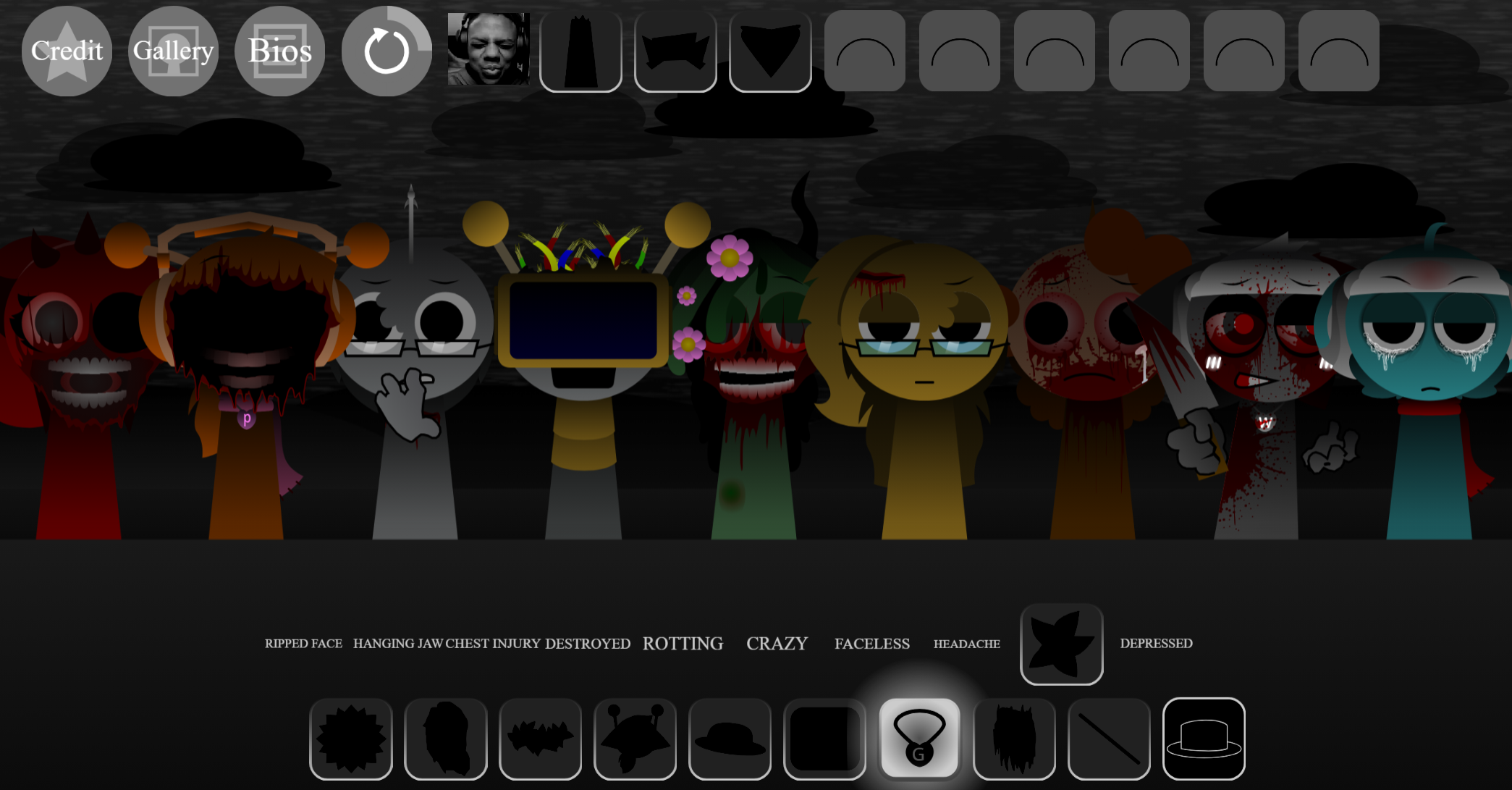
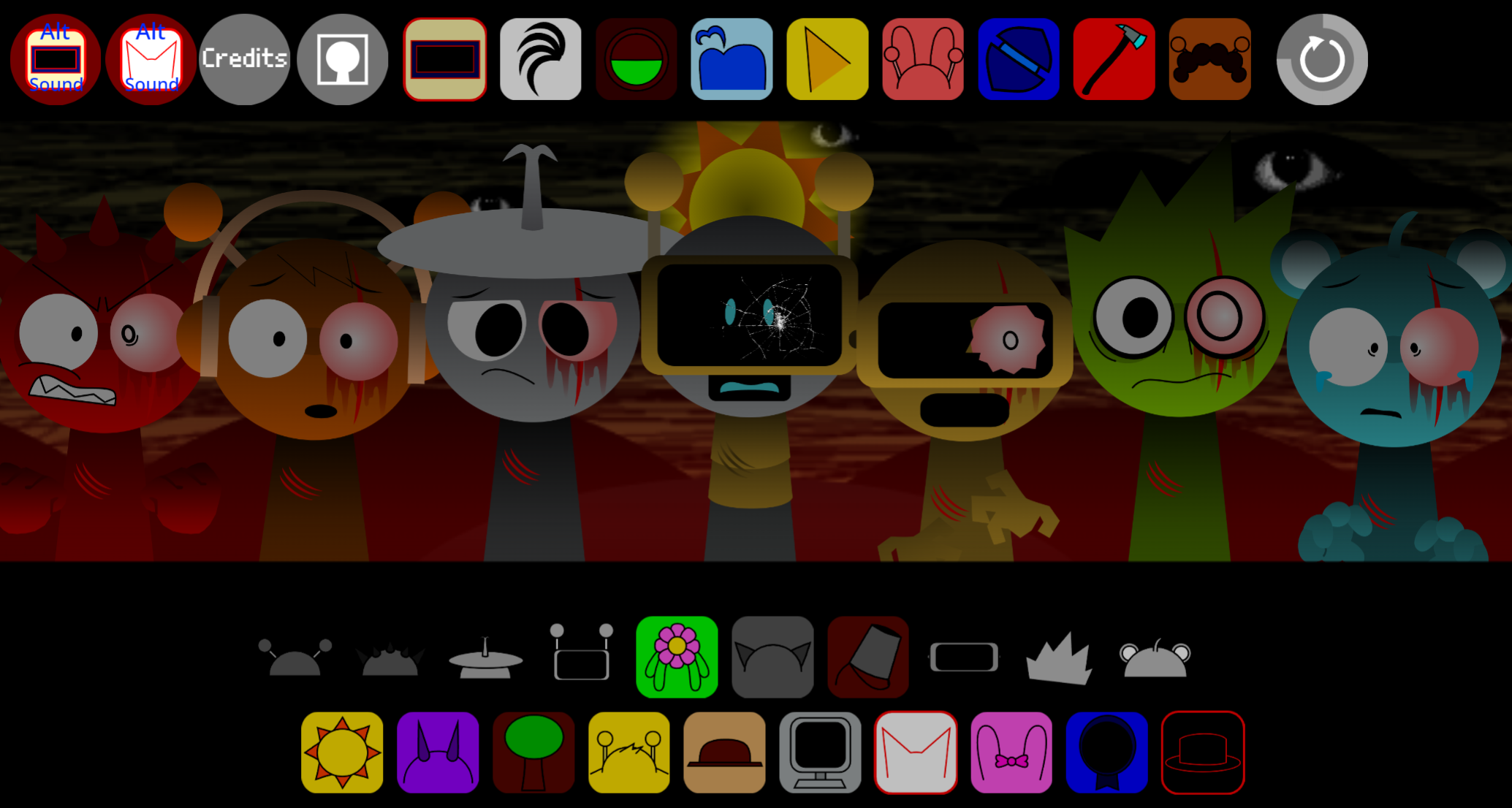
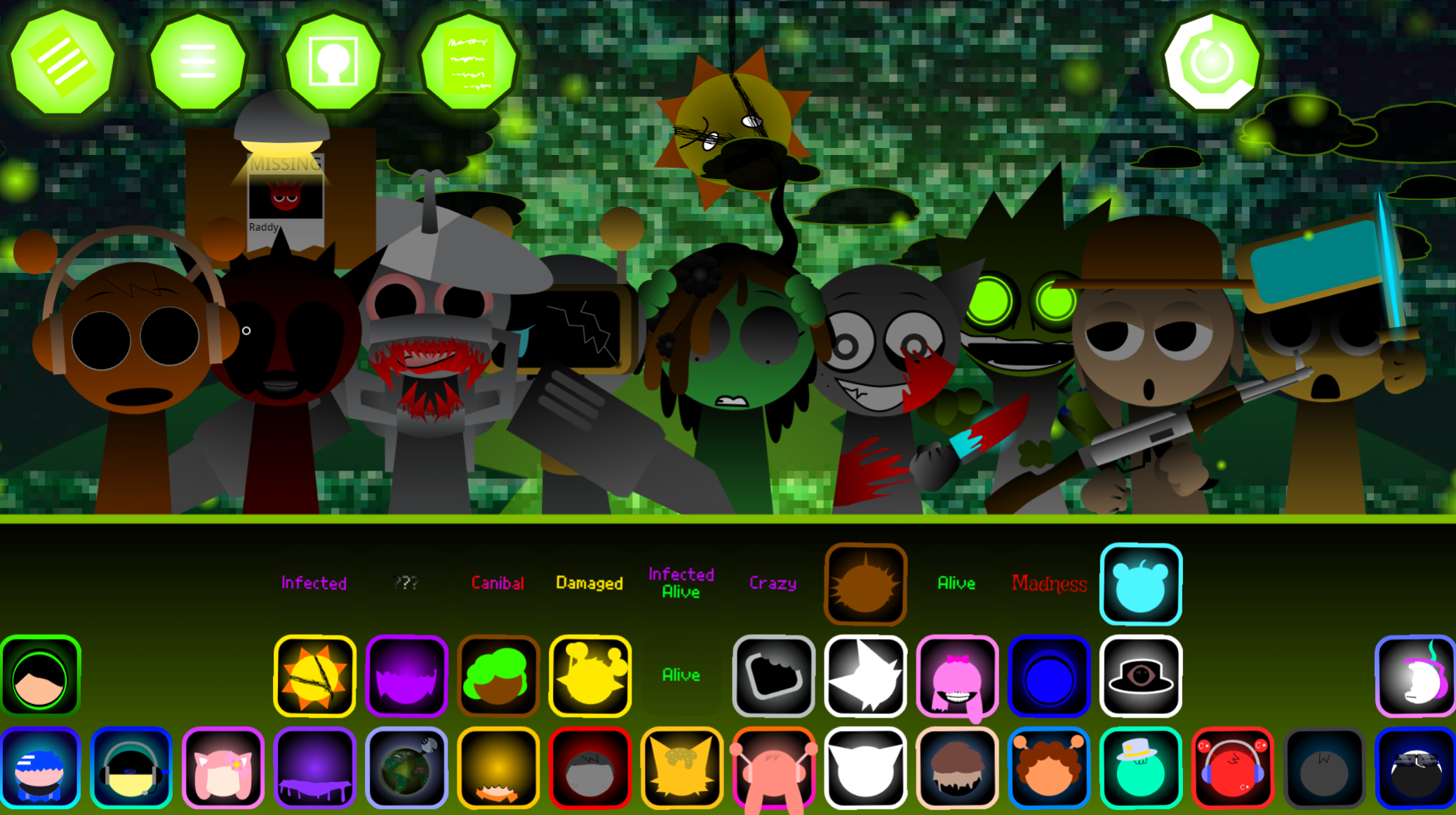
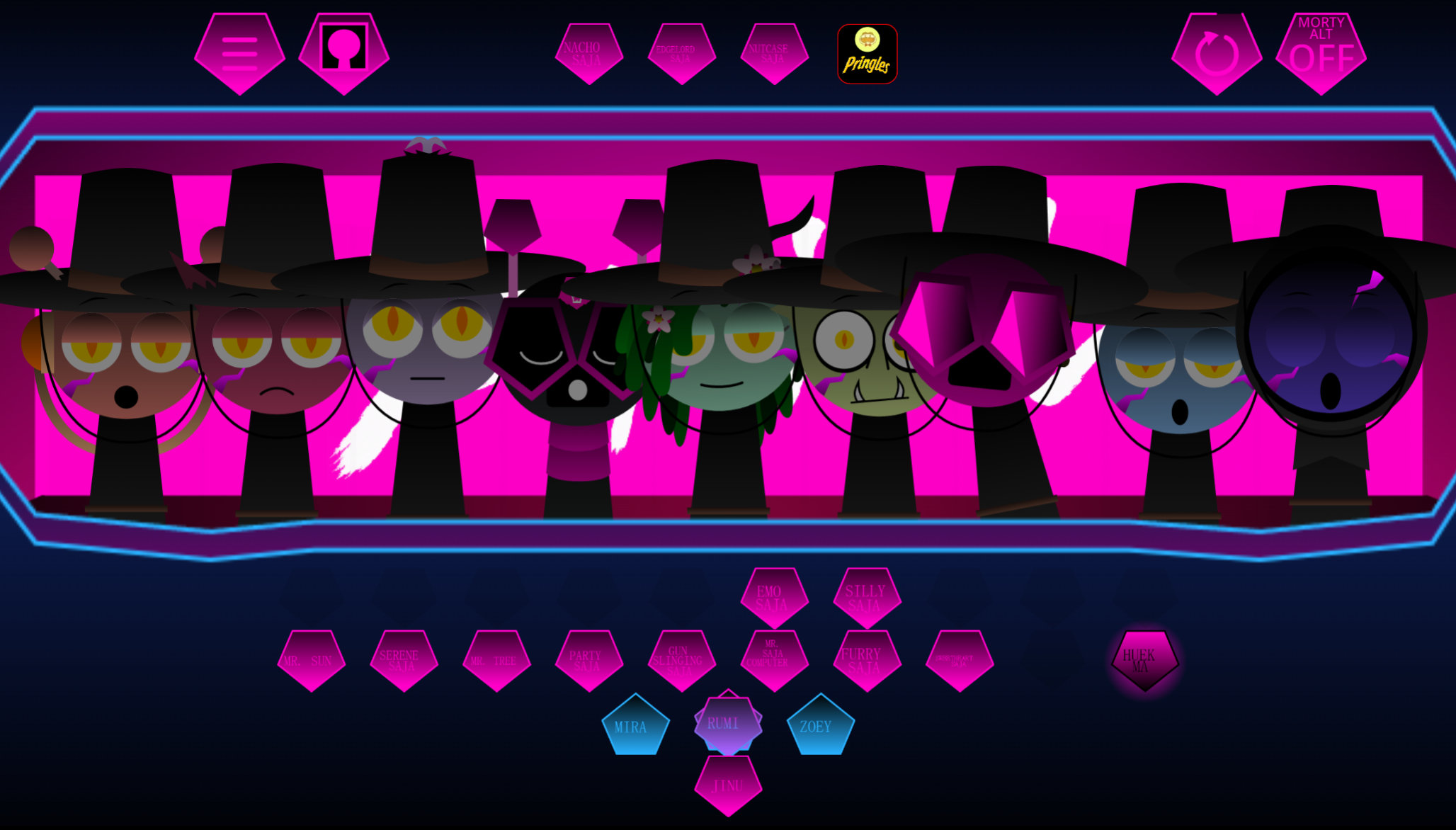
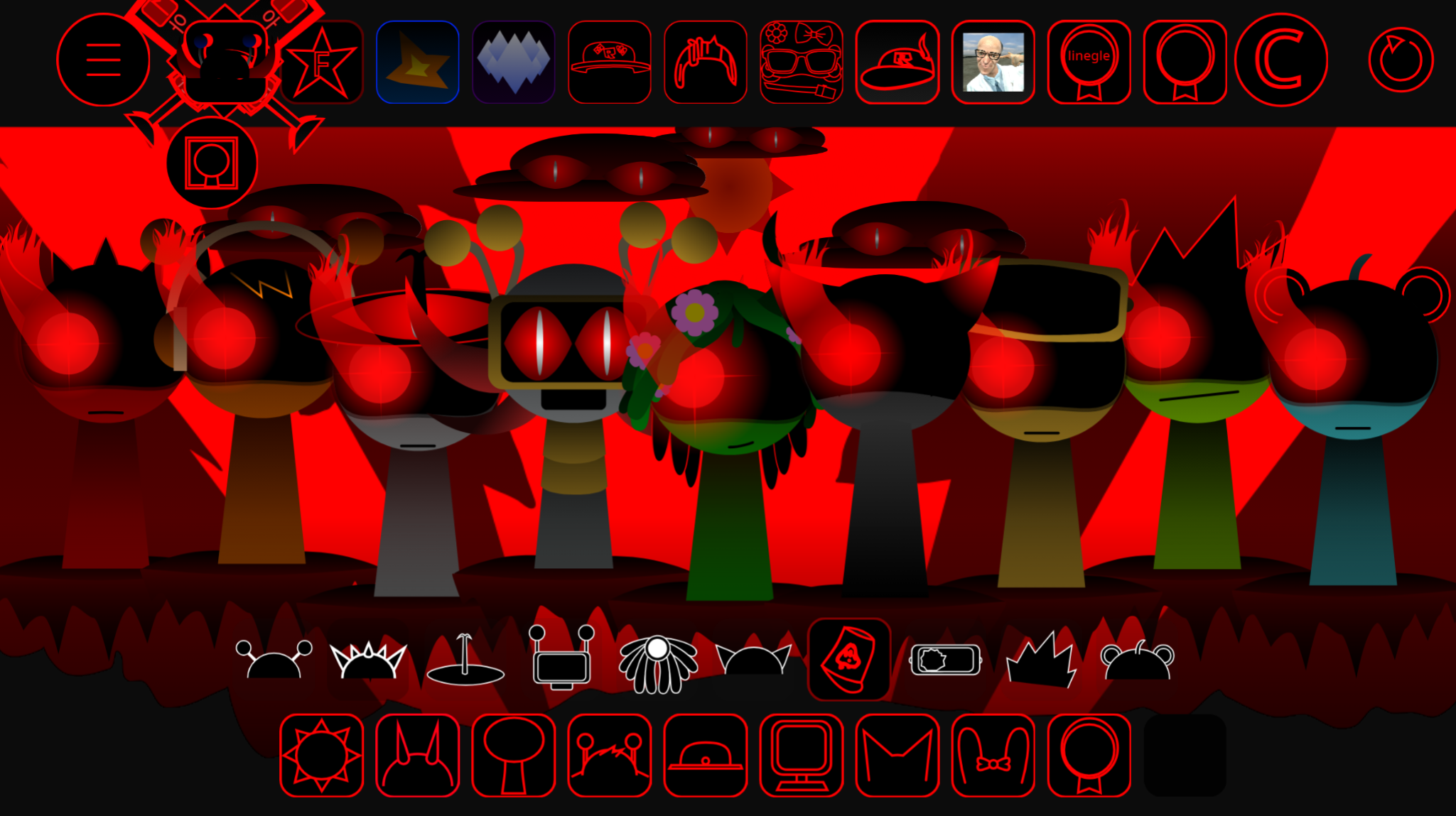
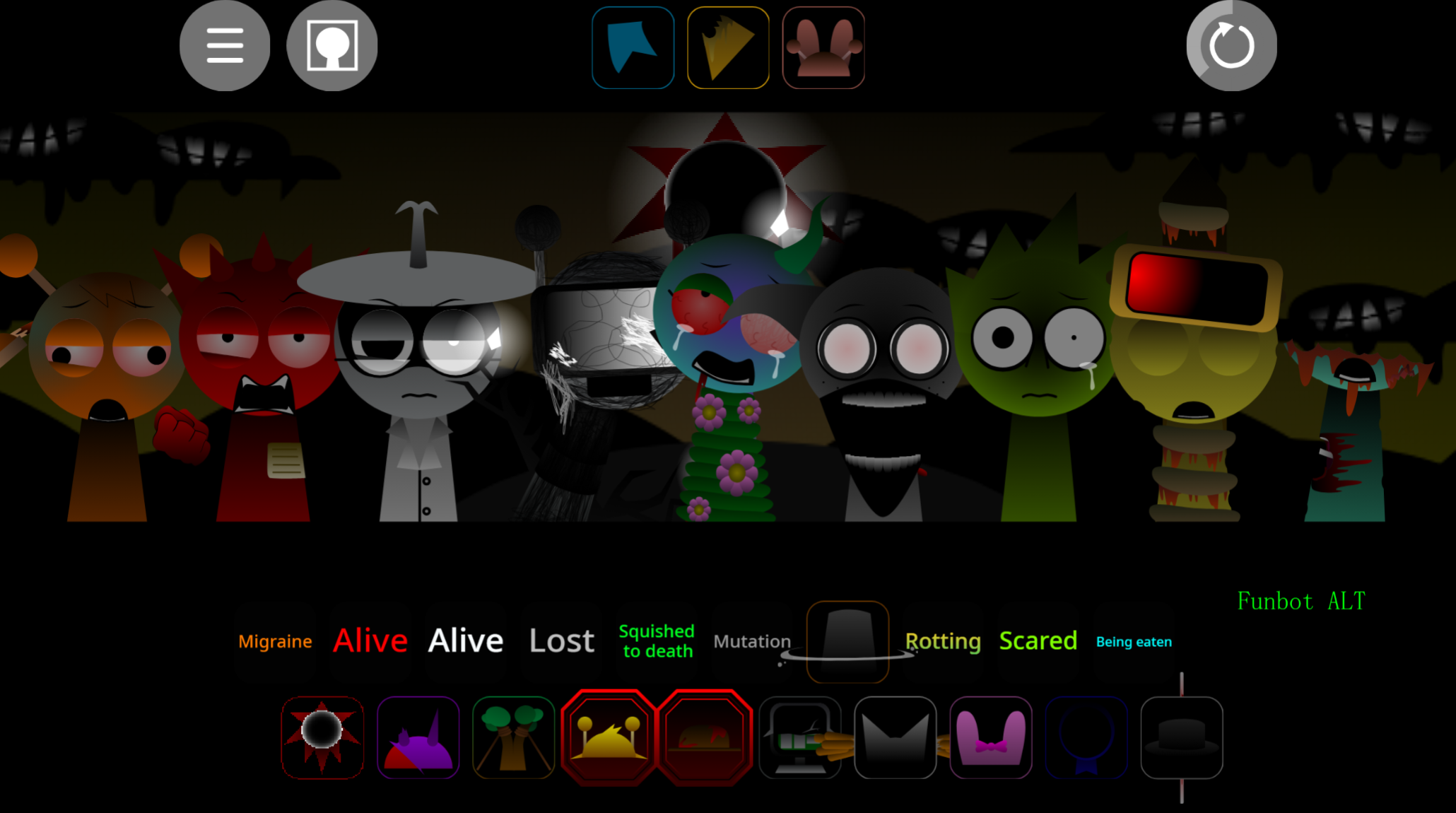
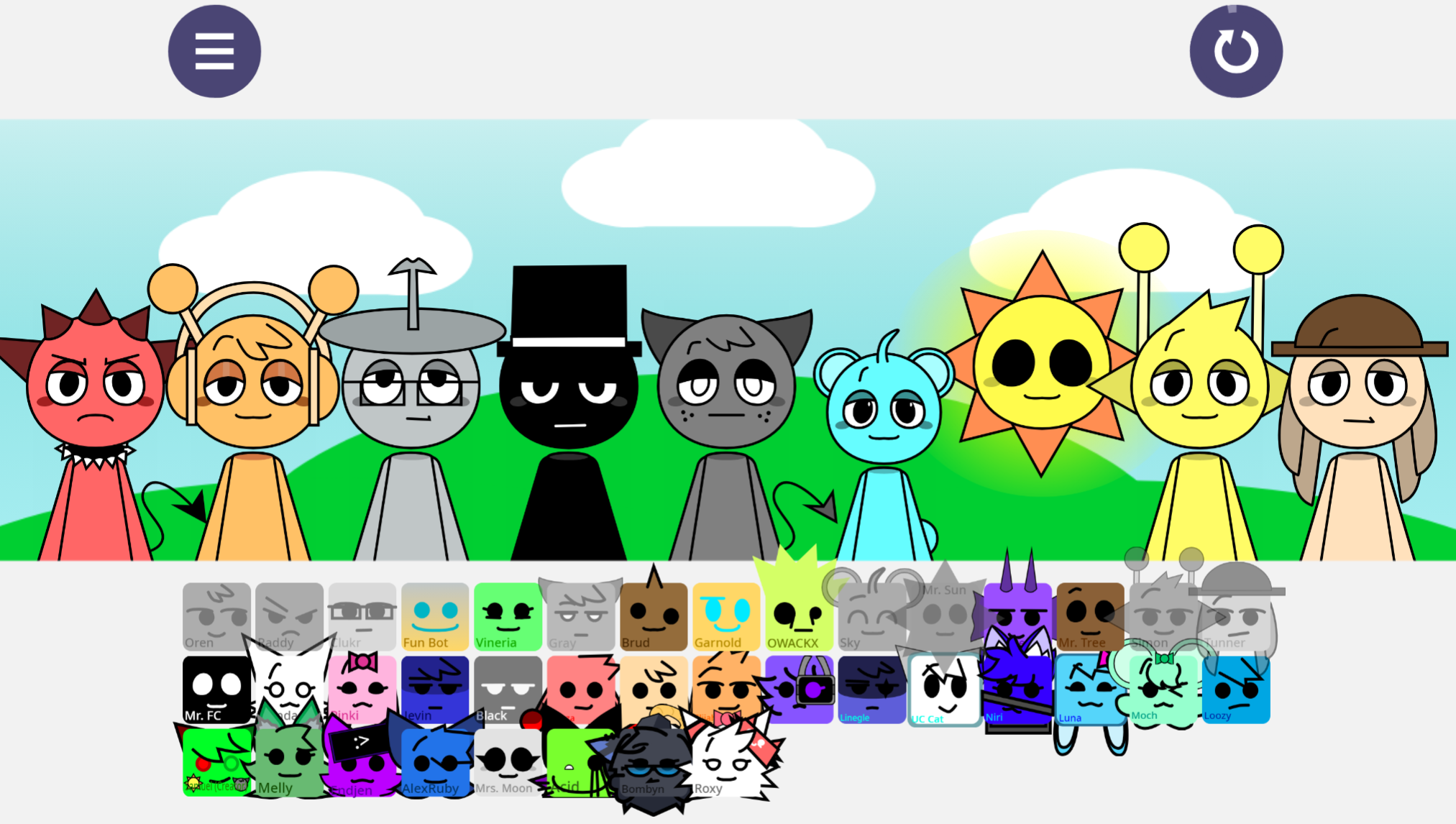
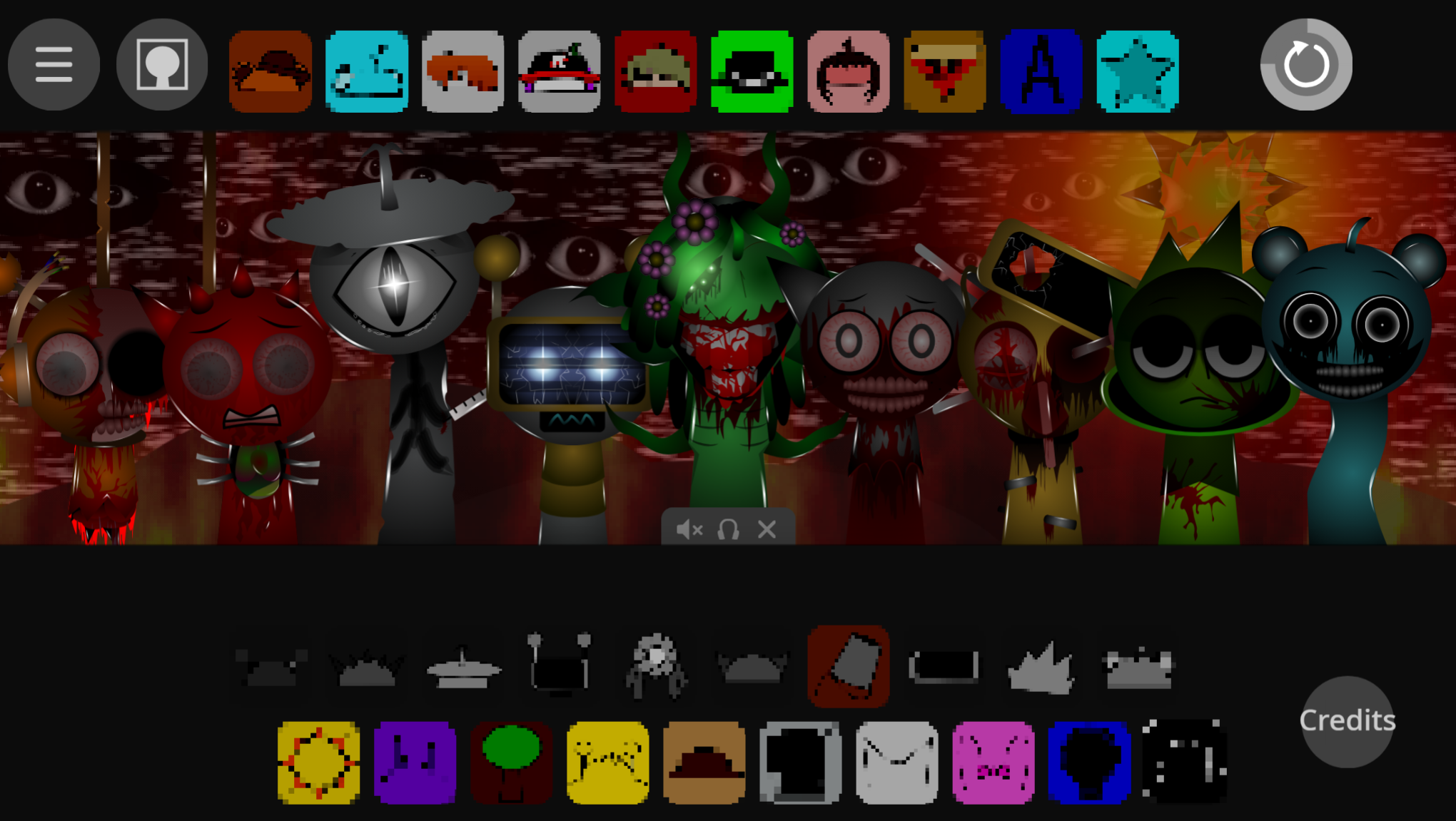
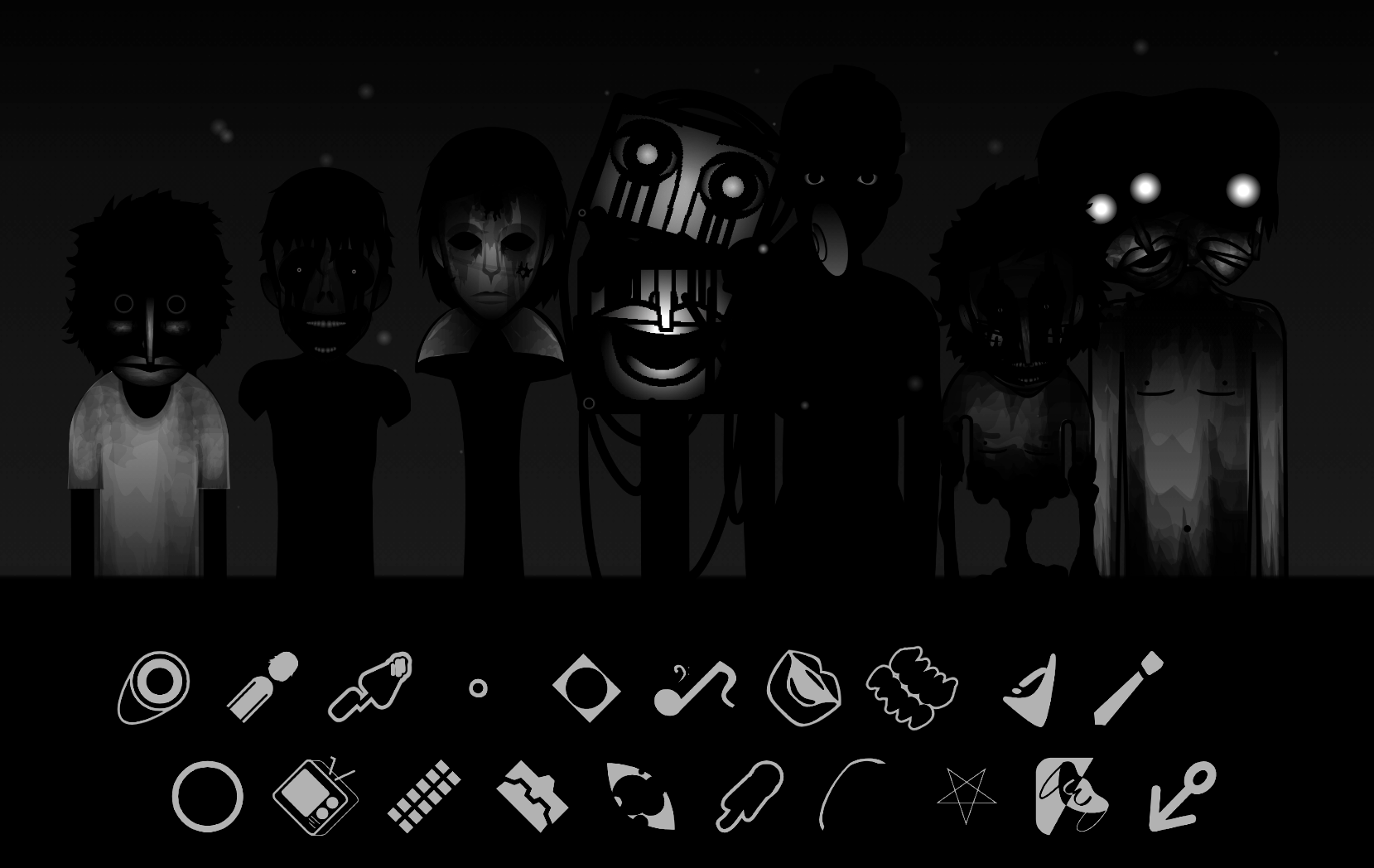
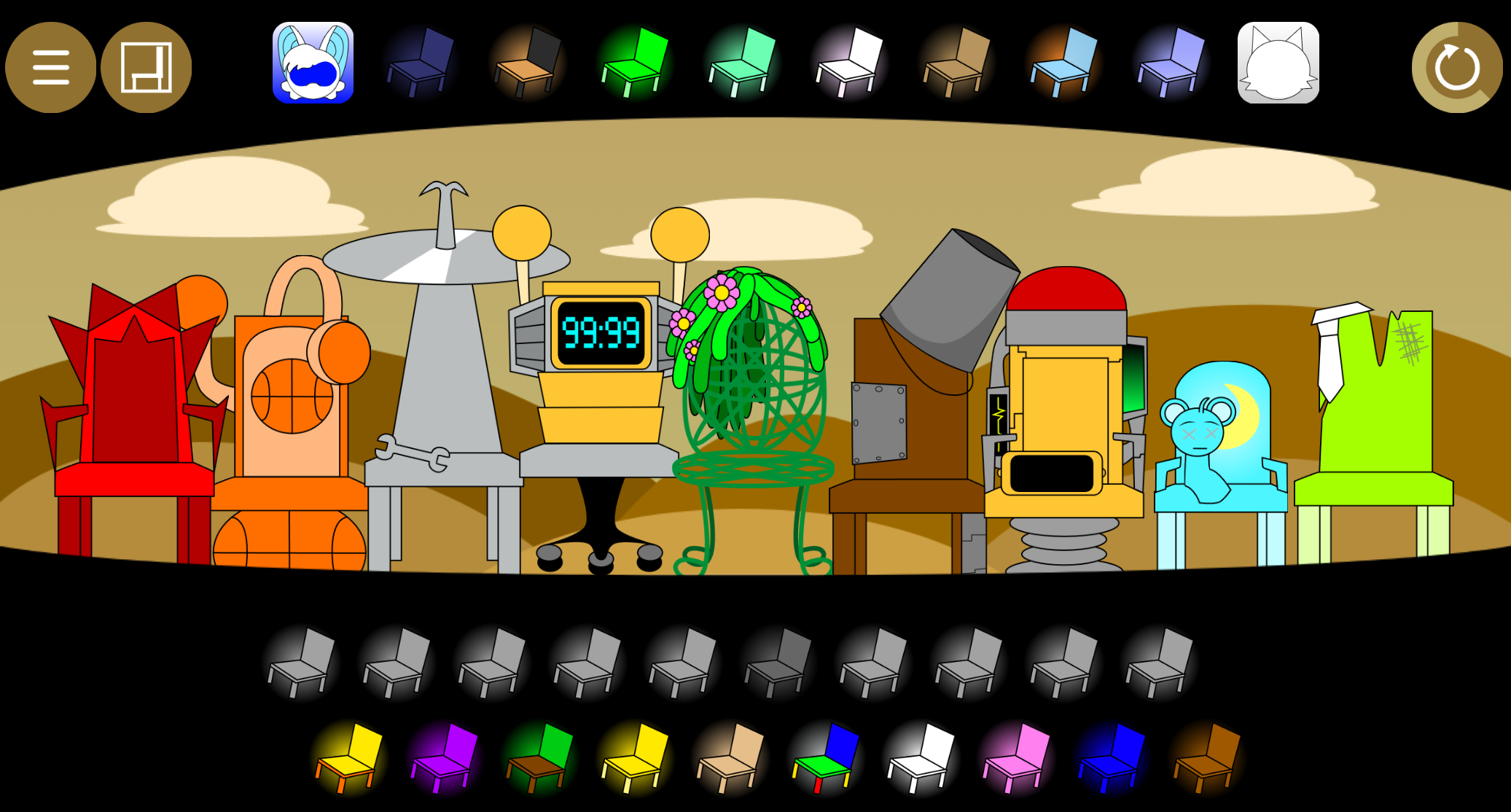
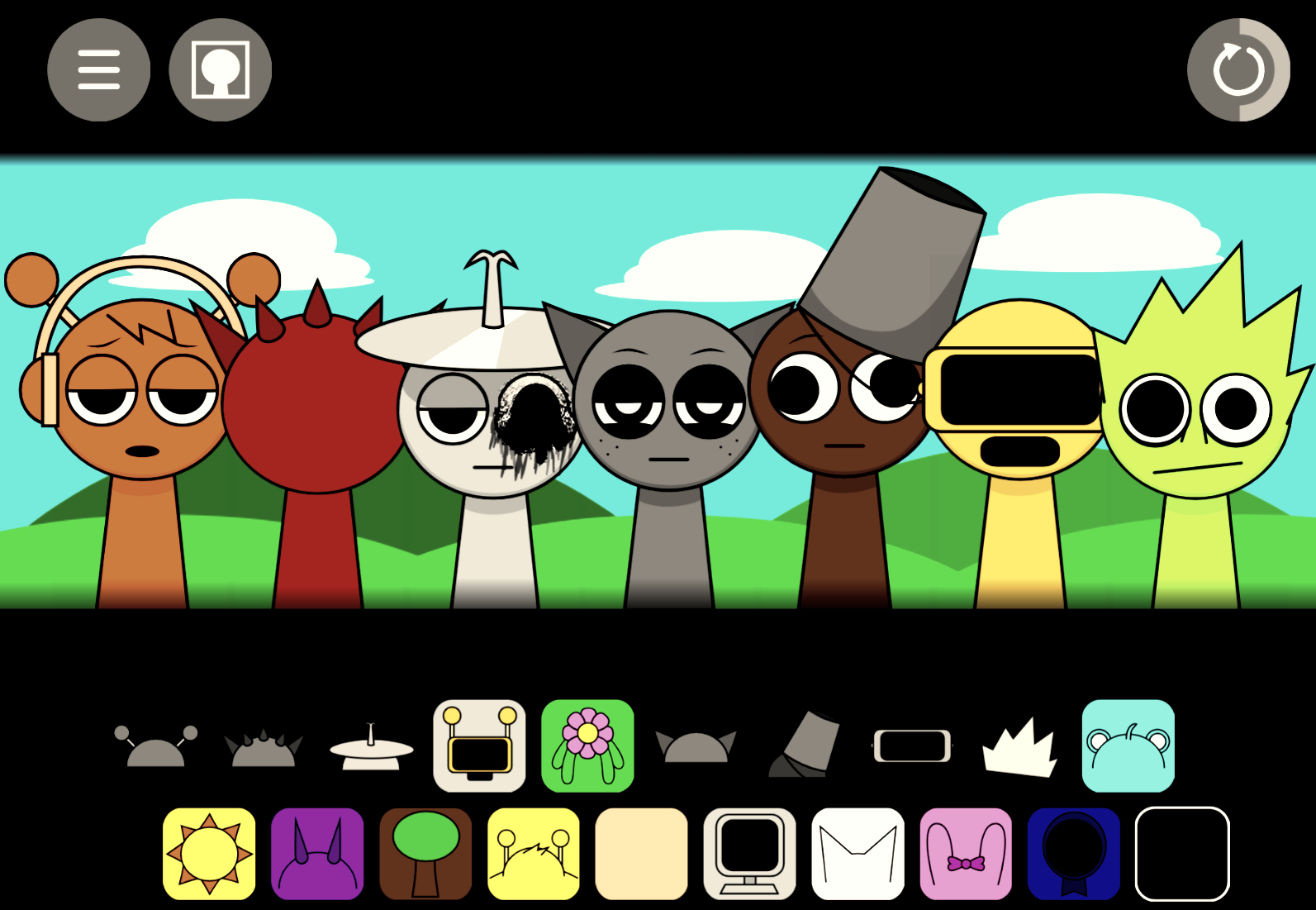

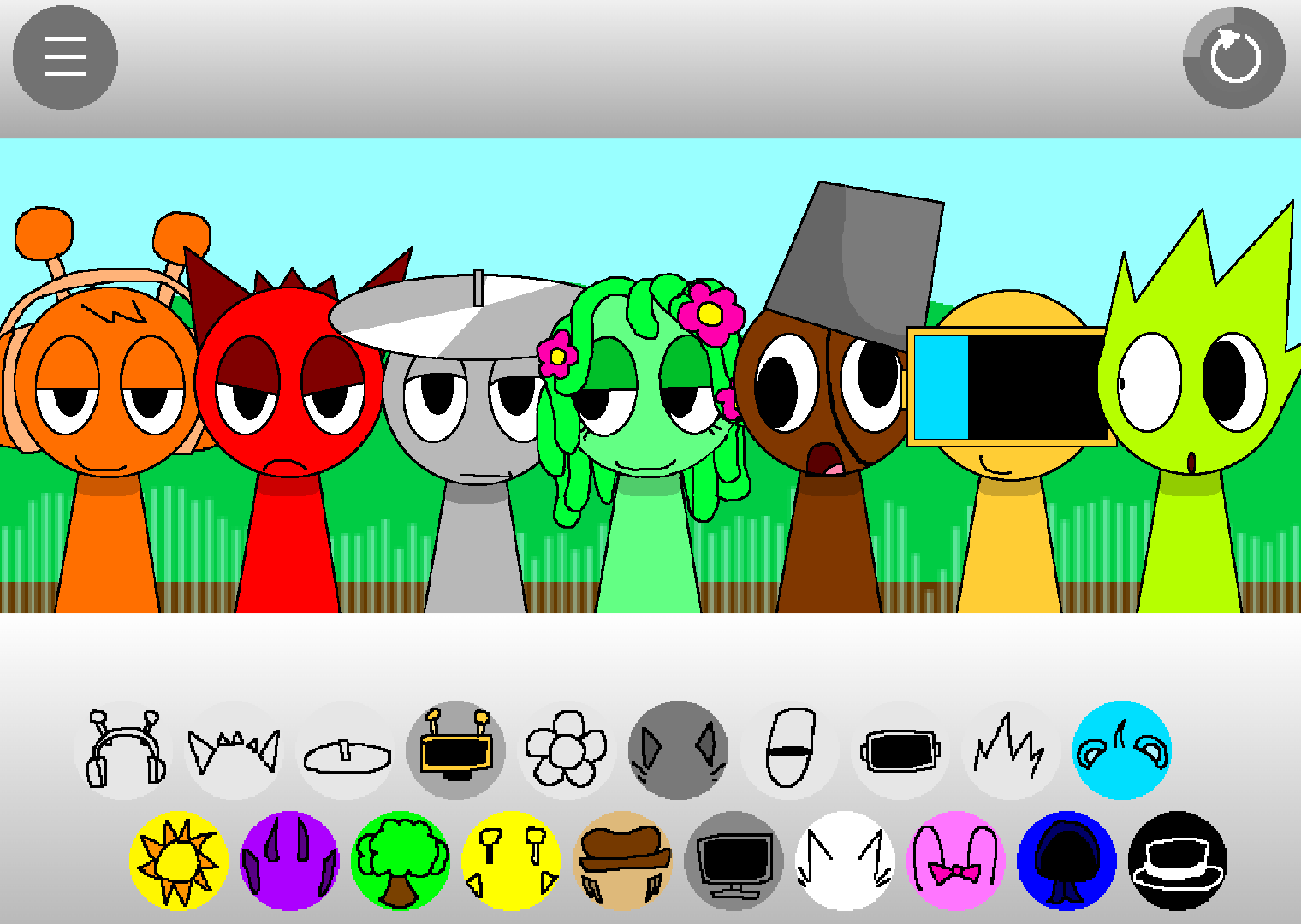
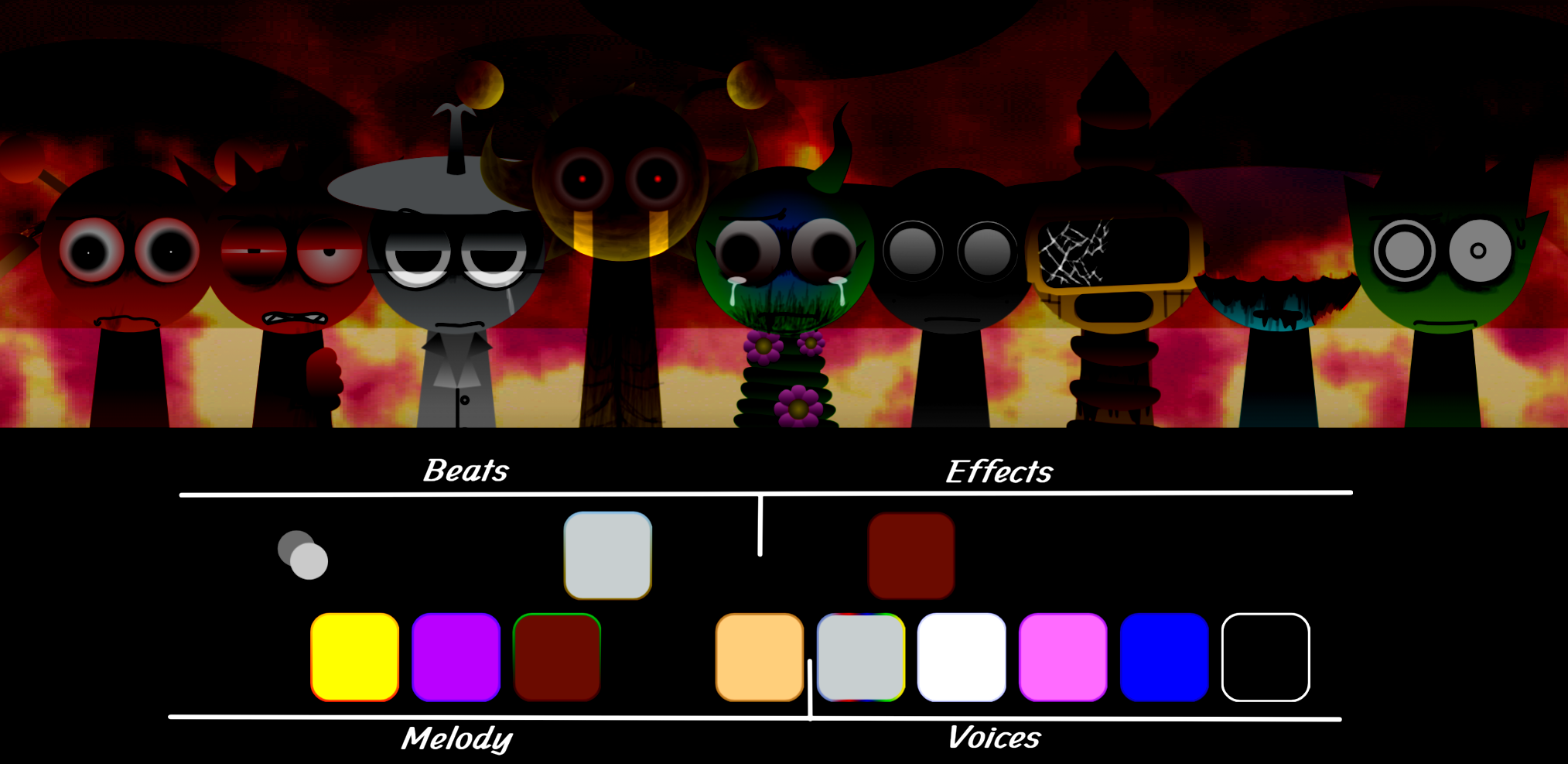
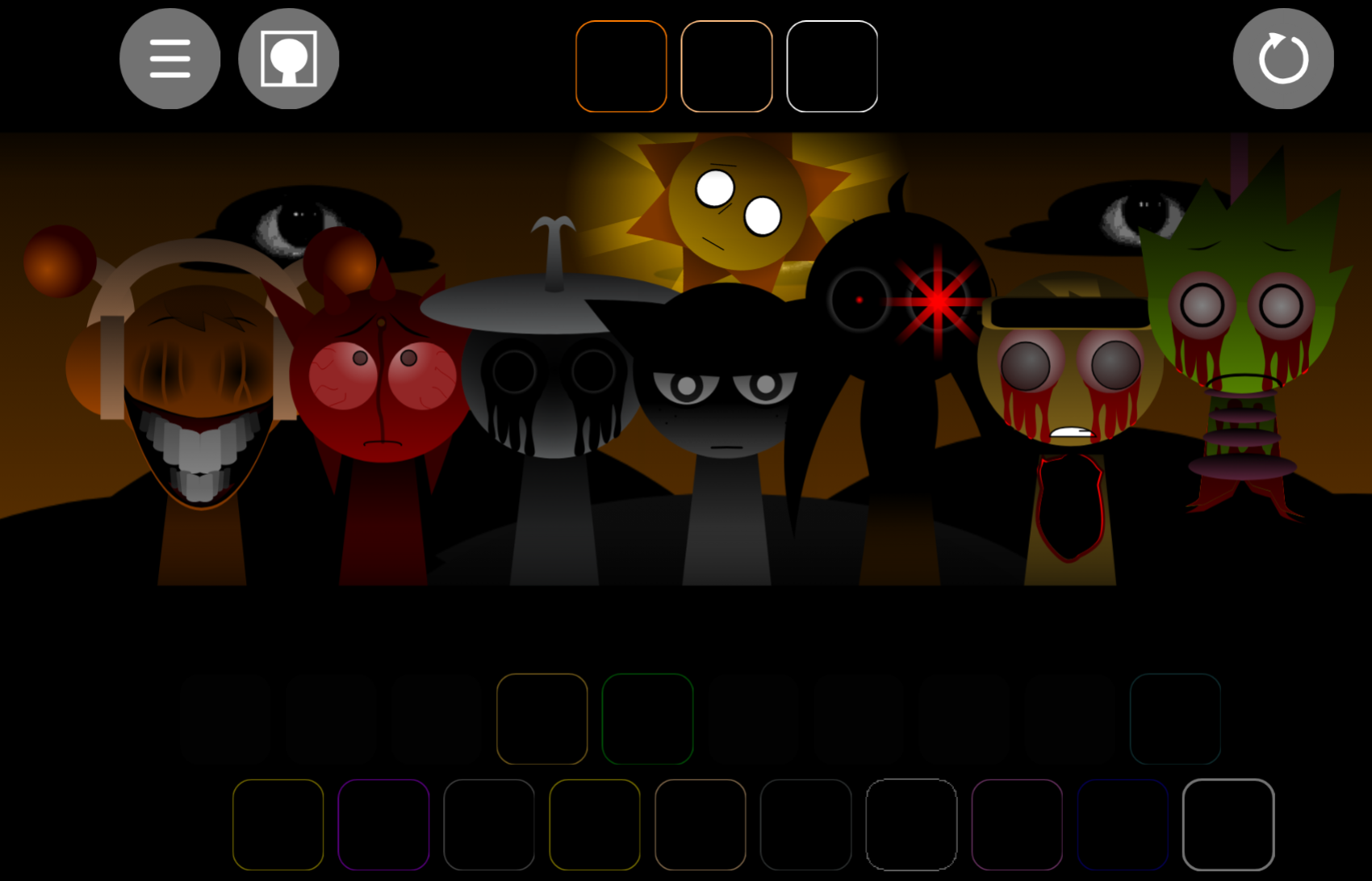
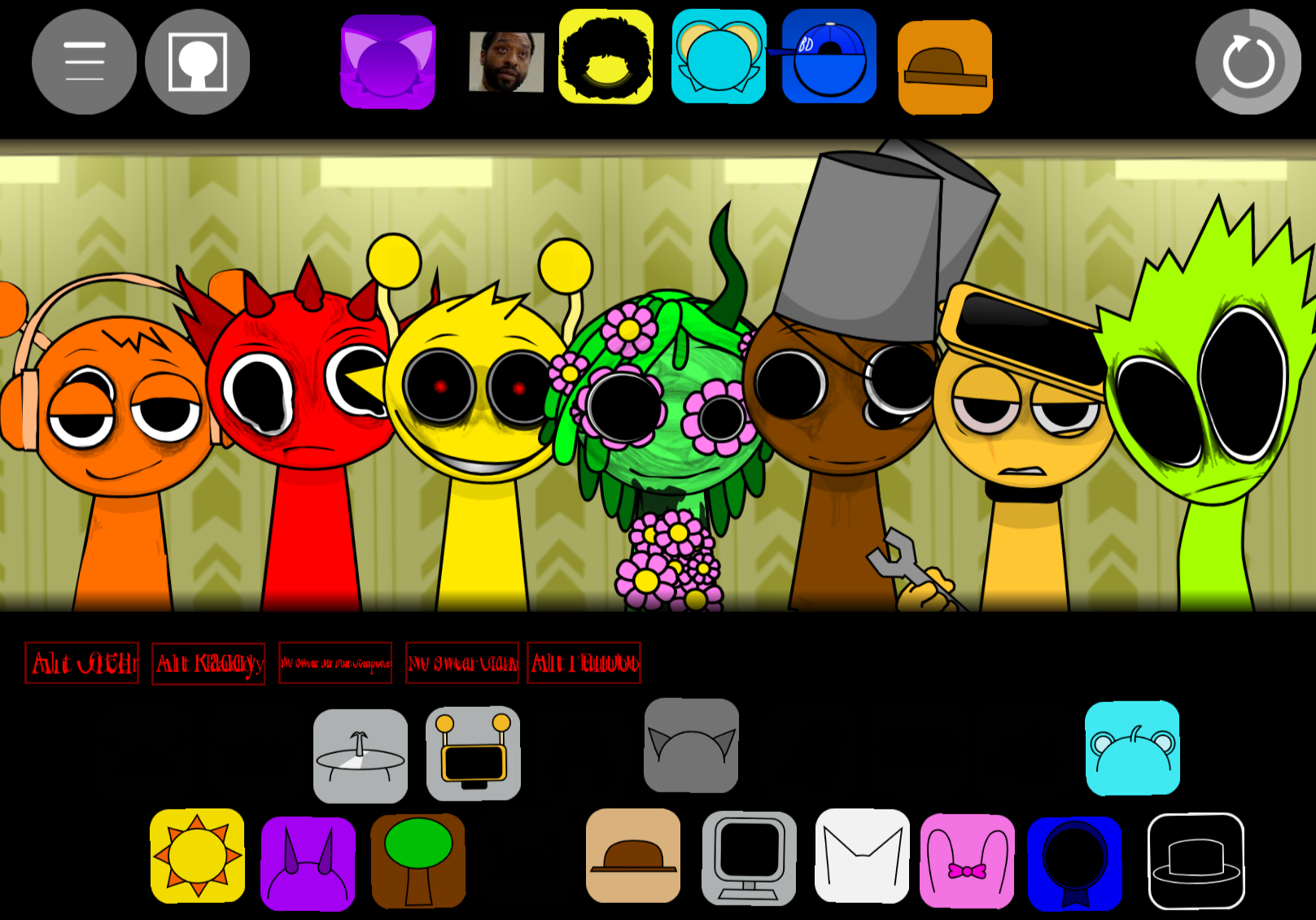
Sprunki Gavins Realm is a music-mixing mod that adds Gavin-themed characters and sounds to the Sprunki framework, and the most effective mixing approach is restraint—using fewer layers to let each sound breathe.
This article walks through the core mechanics that matter most: which character combinations produce clean loops, how to layer without mud, and when to pull sounds out instead of adding more. You’ll find play-focused answers on timing, character selection, and the specific mixing decisions that separate clutered tracks from polished ones.
The Realm’s expanded sound palette rewards players who treat each Gavin character as a distinct voice rather than stacking everything at once, and the practical details here focus on building mixes that hold together from the first loop.
What Is Sprunki Gavin’s Realm?
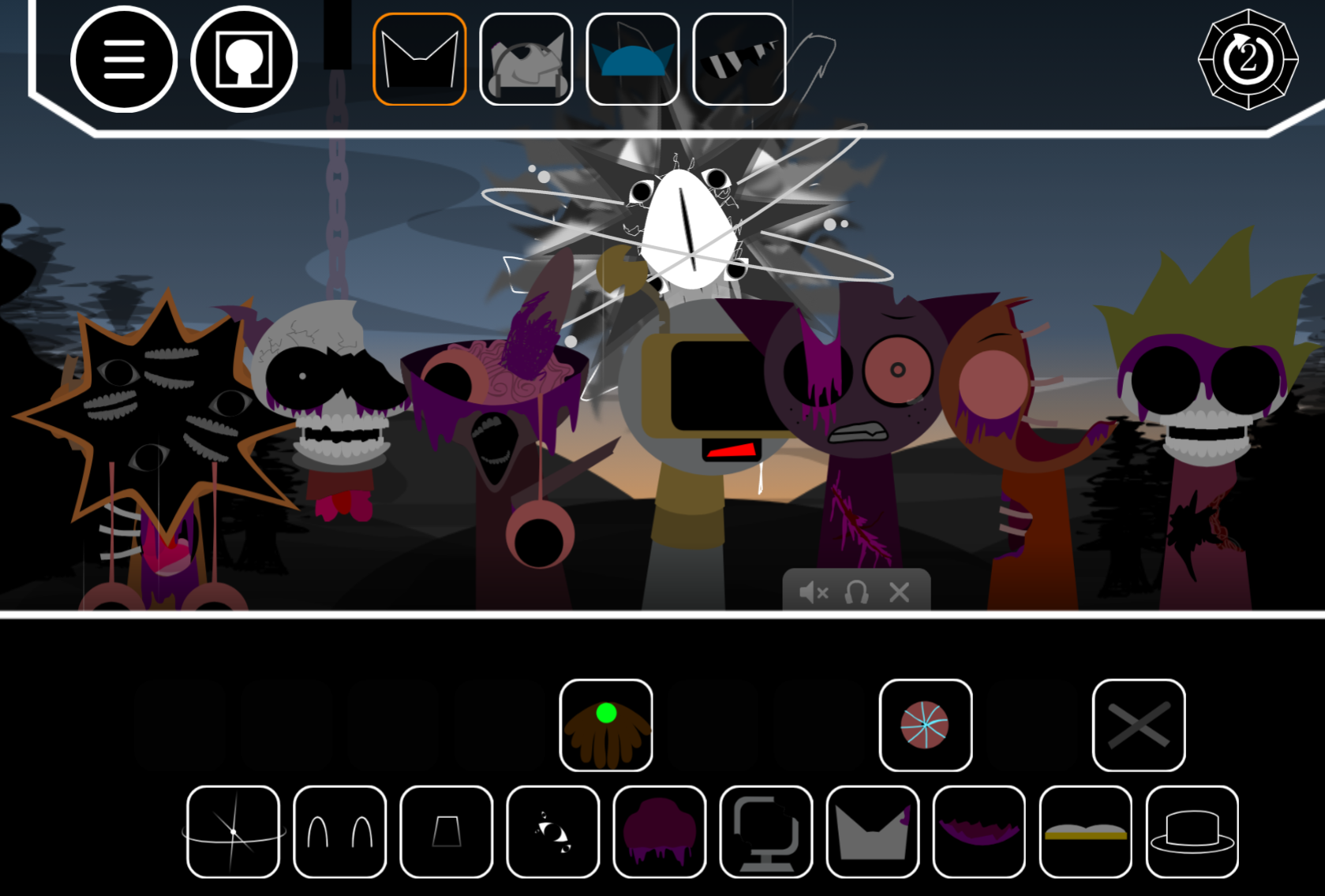
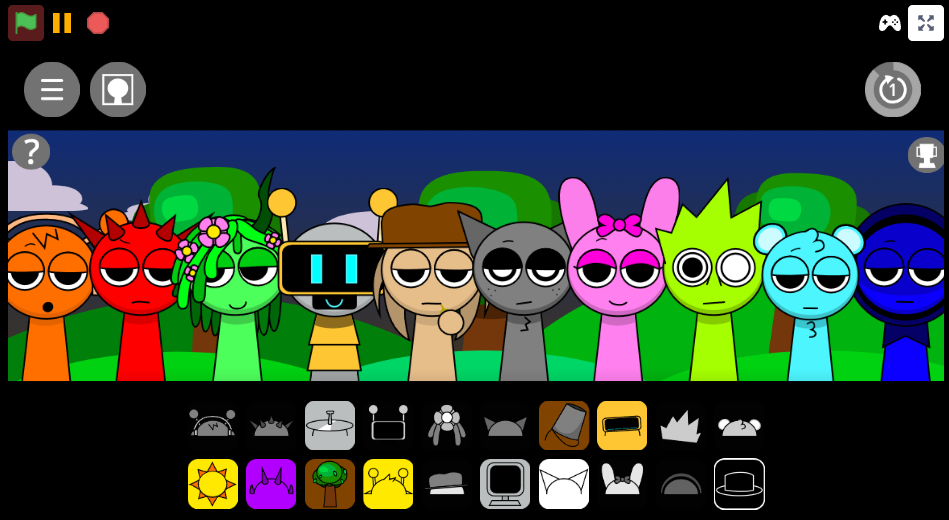
Sprunki Gavin’s Realm is an OC-focused Sprunki mod built around Gavin, a fan-made character from Pyramixed. You drag sound icons onto the on-screen cast, each loop starts playing immediately, and the full Mix updates in real time as you add, remove, or swap parts. The structure is straightforward: instant feedback, no heavy progression, just a focused remix space where small changes matter.
The main appeal comes from the Characters themselves—their sounds, animations, and how their identities shape the track. Rather than the standard Sprunki cast, Gavins Realm uses a custom Realm roster where personality drives the sound design. Gavin’s link to Pyramixed gives the mod clear community lineage, which matters for players who follow OC-centered Sprunki projects.
It fits into the wider world of realm-style fan mods, where creators use a shared music-mixing framework but rebuild it around a new cast and tone.
Why Play Sprunki Gavin’s Realm?
The strongest reason to Play it is response speed. Drop in a character, hear the loop change instantly, then test another combination without rebuilding from scratch. That makes Gavin’s Realm good for short, experimental sessions where you want to compare ideas fast.
The balance between simplicity and replay value works:
- controls are easy to read
- the cast splits across useful sound roles like beats, effects, melodies, and vocals
- a single swap can noticeably change mood or rhythm
- a hidden secret can shift the tone and keep sessions from feeling static
The challenge is not learning a difficult system; it is hearing when a combination actually works.
How to Play Sprunki Gavin’s Realm
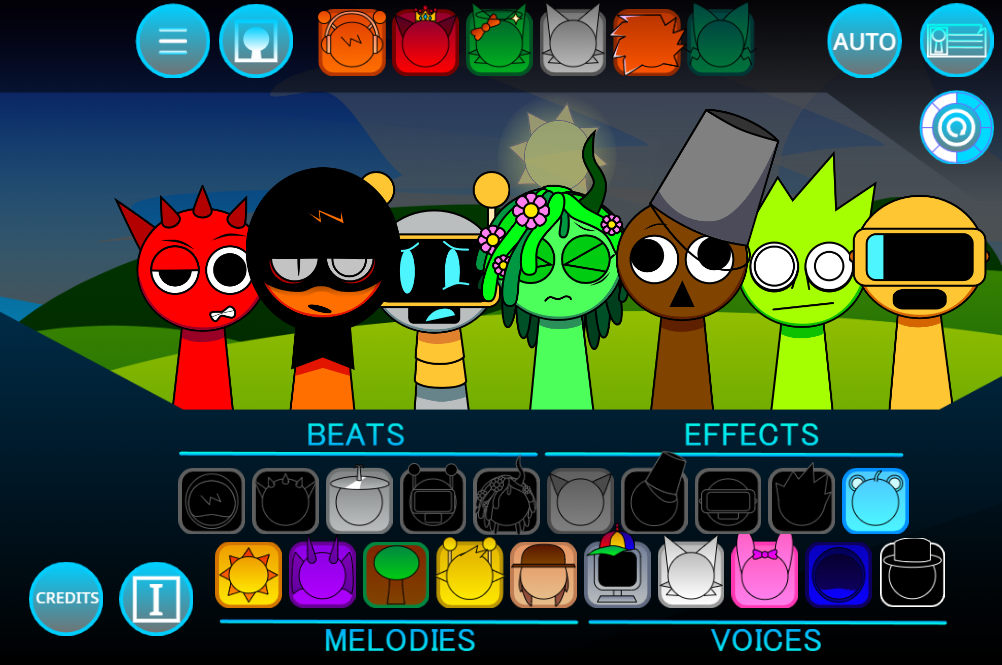
To play Sprunki Gavin’s Realm, drag Characters into empty slots and build a looping track from their sounds. Each one begins performing right away.
Begin with 2–3 characters.
A smaller opening setup makes it easier to hear what Gavin’s Realm is doing with its OC-based sound palette and keeps the loop from turning muddy.
Build across sound types.
Use a spread of beats, effects, melodies, and vocals instead of stacking similar parts. Track quality comes from how layers interact.
Watch the active animations.
Visual feedback helps you track which sounds are live, making the board easier to read during quick remix sessions.
Swap one part before restarting everything.
One character change can alter balance, rhythm, or mood more than expected. If something feels off, replace a single layer first.
Use the control tools freely.
Mute a character to isolate its sound, remove it with the X, or restart if the arrangement drifts. Once you reach 4–5 active parts, these tools become more important.
How to Mix in the Realm
The Mixing loop is simple: assign sounds, listen for balance, and test combinations until the arrangement feels cohesive. Mix quality depends less on using every slot and more on giving each layer a clear purpose.
Place icons on the polos with intent
Each icon activates a loop, so decide what role that sound should play. In this Realm, cast selection matters more than complexity because each OC has a distinct tone.
Listen for contrast that locks together
Some pairings feel clean immediately; others fight for the same rhythmic or melodic space. Compare percussion against melody, melody against vocals, texture against the core beat. The best mixes come from contrast that still sounds unified.
Use animation as feedback
When a loop triggers, its character animation triggers too. That visual cue helps when testing several OCs quickly and trying to remember which layer is creating the problem or highlight.
Replace weak layers instead of forcing bad combinations
If a section feels crowded or awkward, swap one OC out. Gavins Realm is built around personality-driven sound sets, so the fun comes from testing how different Characters behave inside the same loop.
Sprunki Gavin’s Realm Guide: OC Characters and Mix Tips
The smartest way to handle OC Characters is to treat them as sound roles inside a tight roster. Gavin is the central reference point, but the gameplay value comes from how the surrounding cast layers around him.
Sort the roster by function as you build:
- one Character for the beat
- one for melody
- one for texture or effects
- one for vocal color or support
That approach works because Gavin’s Realm is less about feature sprawl and more about hearing how individual identities change the loop.
Theme matching helps. Since this version is built around custom Characters rather than the standard Sprunki cast, tracks usually sound better when selected sounds share a compatible mood. You can still use contrast, but forcing clashing tones rarely produces clean results.
If your mix starts to blur, check for overlap first. Two OCs competing in the same rhythmic space can flatten the groove faster than an obviously bad sound. Switching one slot often does more than adding another layer.
Volume control is another place where tracks improve. After your core loop is set, lower the louder parts slightly and let support sounds sit behind the lead. The OC designs already carry personality, and too much processing can smear what makes Gavin’s Realm recognizable.
Pro Mixing Tips
The most reliable Pro Mixing Tips for Sprunki Gavins Realm are built around restraint. Controlled Mixing usually beats maximum density.
Keep the first loop lean.
Start with 2–3 active parts. Once you push toward 4–5 layers, definition can drop fast if too many sounds compete for the same space.
Give every sound a job.
Beats handle rhythm, effects add texture, melodies carry the main line, vocals add color. If a track feels mesy, check whether two layers are doing the same work.
Change one character at a time.
A single swap can shift the mood of the whole loop. Testing changes one by one makes it easier to hear what actually improved the track.
Use mute and removal aggressively.
Mute to isolate a problem sound, use the X to clear clutter, restart when the arrangement loses direction. Those tools are faster than trying to rescue a crowded loop by ear.
Aim for balance, not maximum variety.
The best tracks in Gavin’s Realm usually come from a small group of sounds that lock together cleanly and leave room for the lead element to stand out.
Related Games
- Sprunki With Fan Character — This is a strong follow-up because it also revolves around mixing with fan-made characters, letting you compare how OC-focused sound sets and visuals change the feel of a standard Sprunki session.
- Sprunki But Beans Realm — It matches Gavin’s Realm closely through the same realm-style structure, making it useful for seeing how a different themed roster alters the loop layering and animation style.
- Sprunki Simons Realm OC — This fits the article’s OC angle well by centering another specific character realm, so players can directly compare how individual OC identity drives the roster, sounds, and remix choices.
Does the Hidden Secret Add Replay Value?
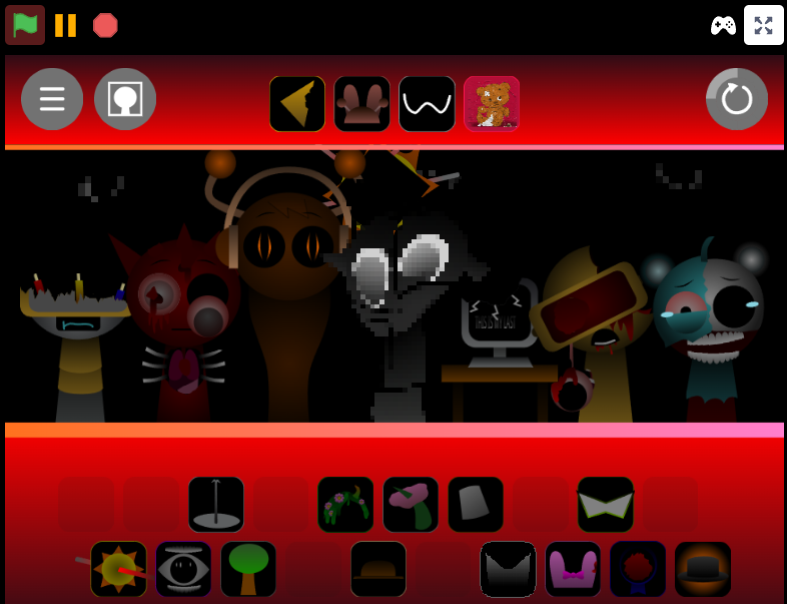
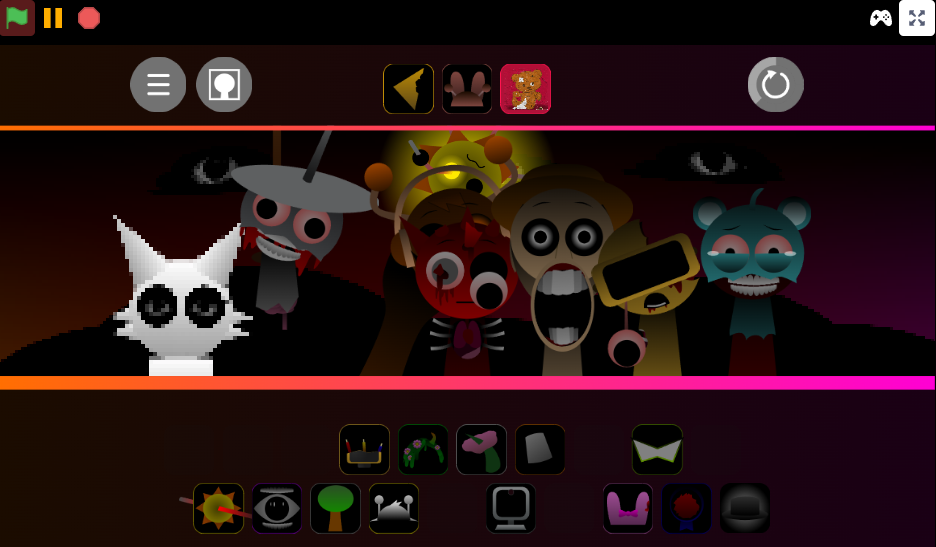
One reason players return to Sprunki Gavin’s Realm is that it is not only a straightforward loop-builder. A hidden secret can change the tone of the session, adding discovery beyond basic arrangement.
That secret works best when treated as part of experimentation rather than a final goal. Build a clean loop first, learn how the roster behaves, then push combinations to see what else the Realm reveals.
For players who enjoy OC-driven Sprunki mods with a visible Pyramixed connection, that small discovery angle adds replay value without changing the core focus on responsive, hands-on mixing.
![Sprunki SIMON TIME [Extras] 13+](/assets/img/sprunki-simon-time-extras-13.jpg)
Discuss Sprunki