
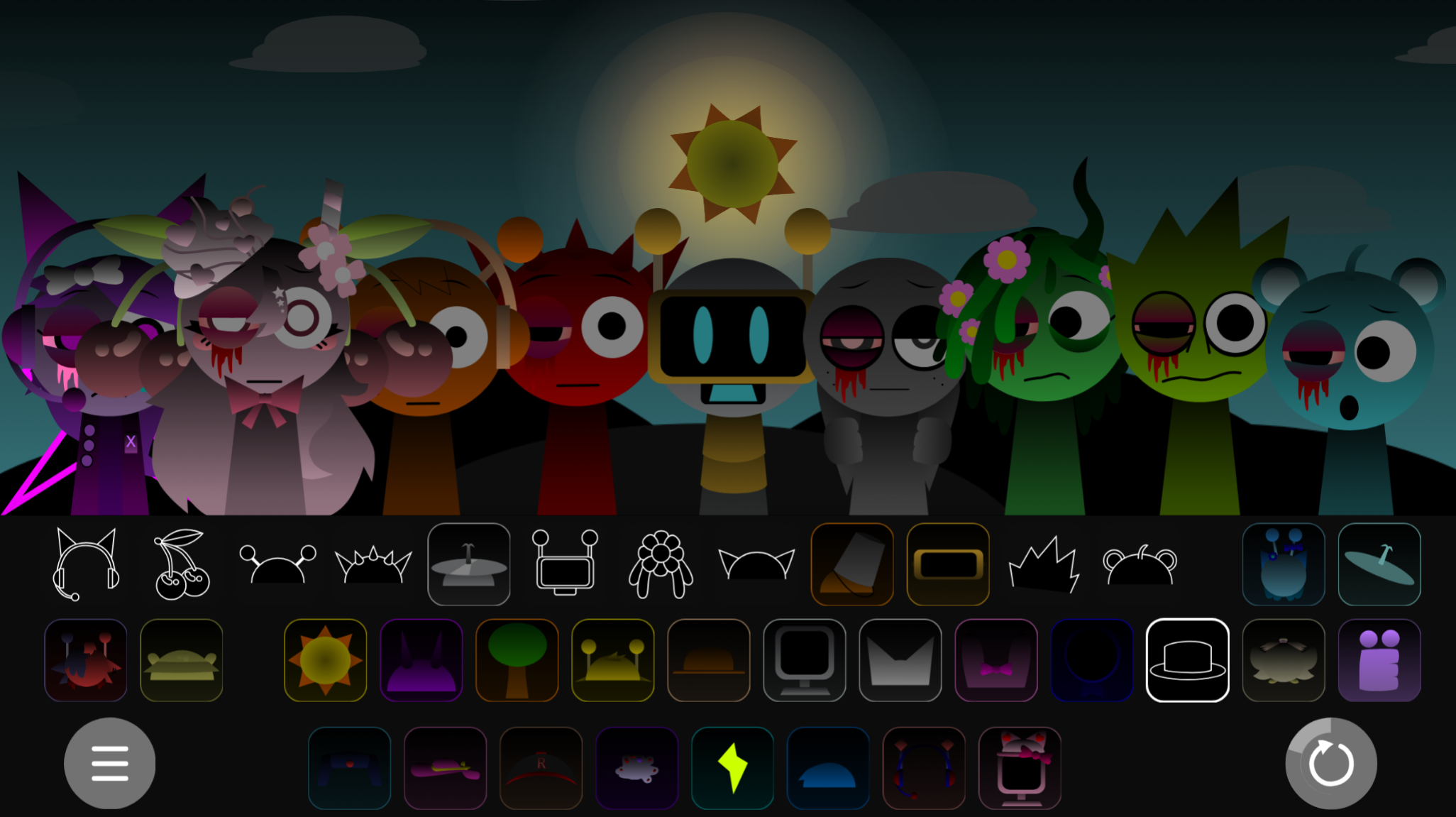



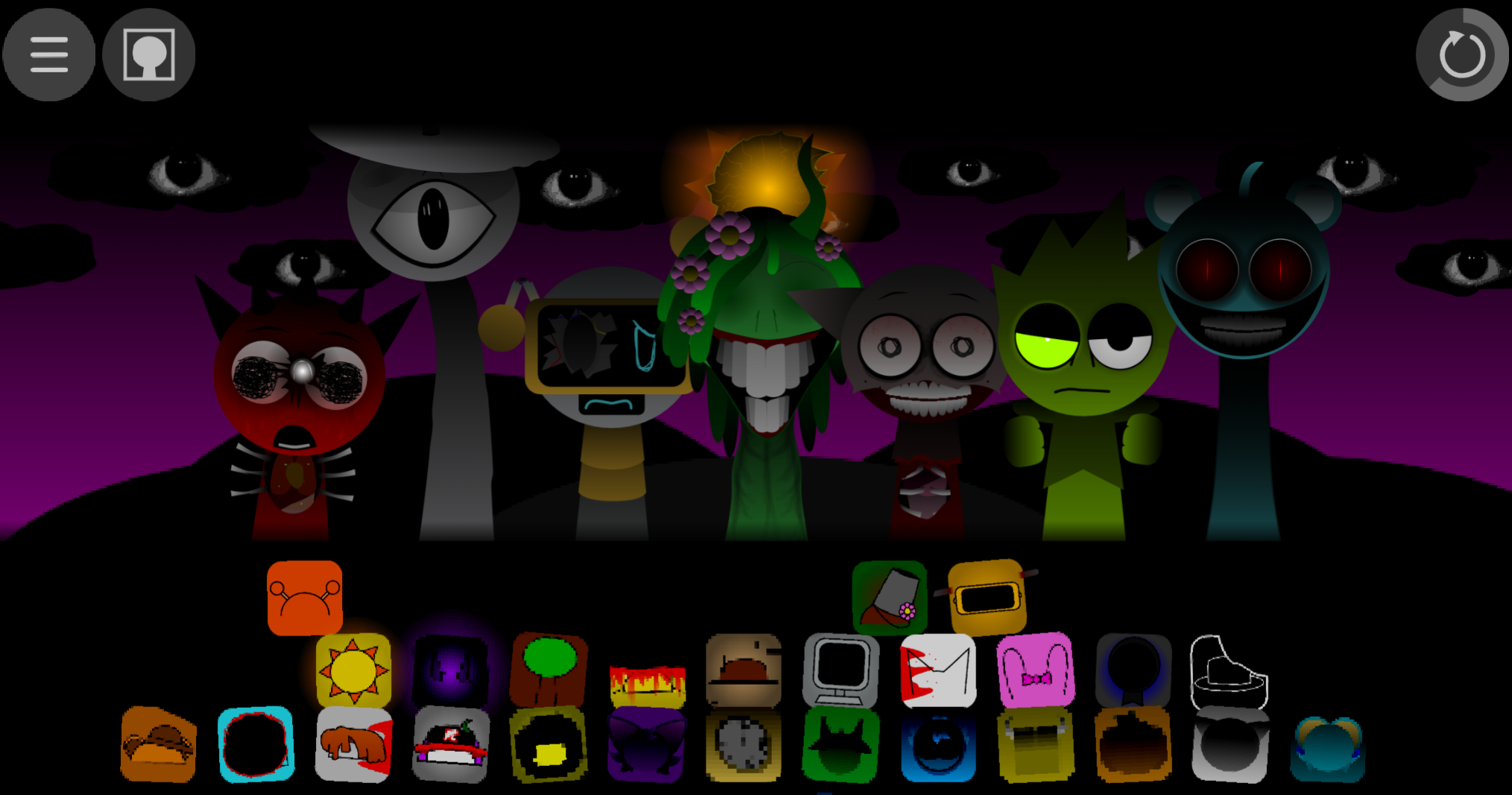
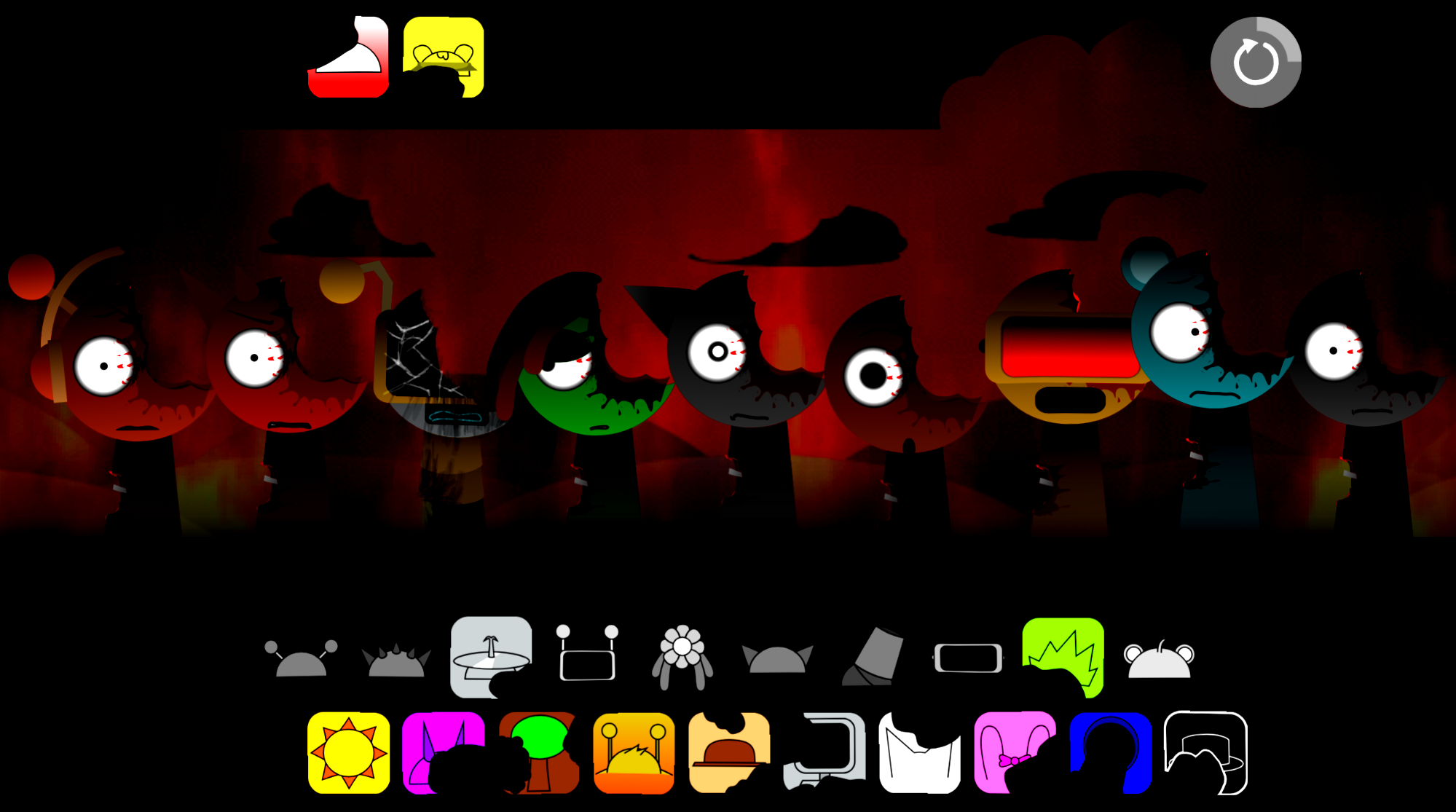
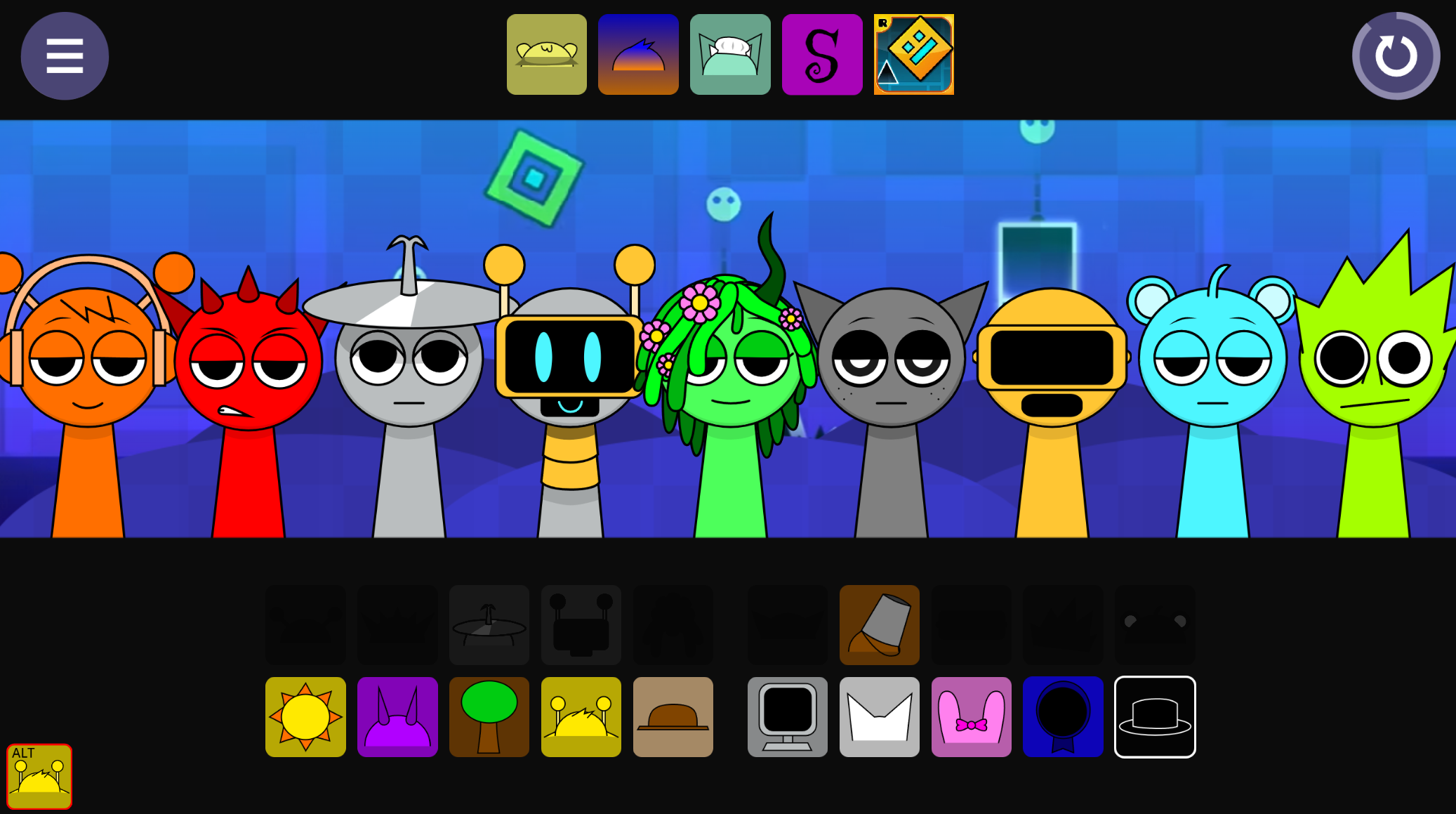
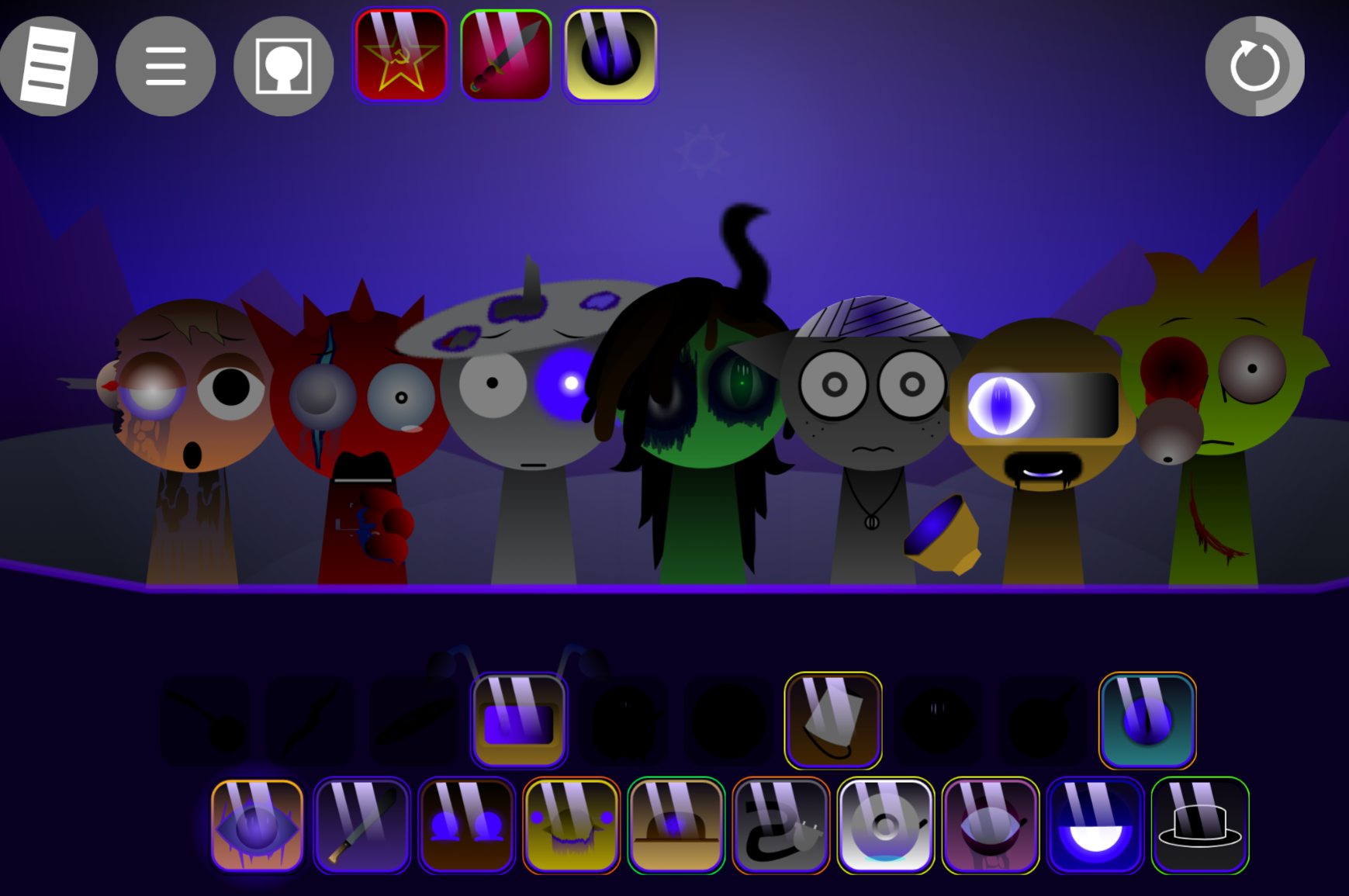
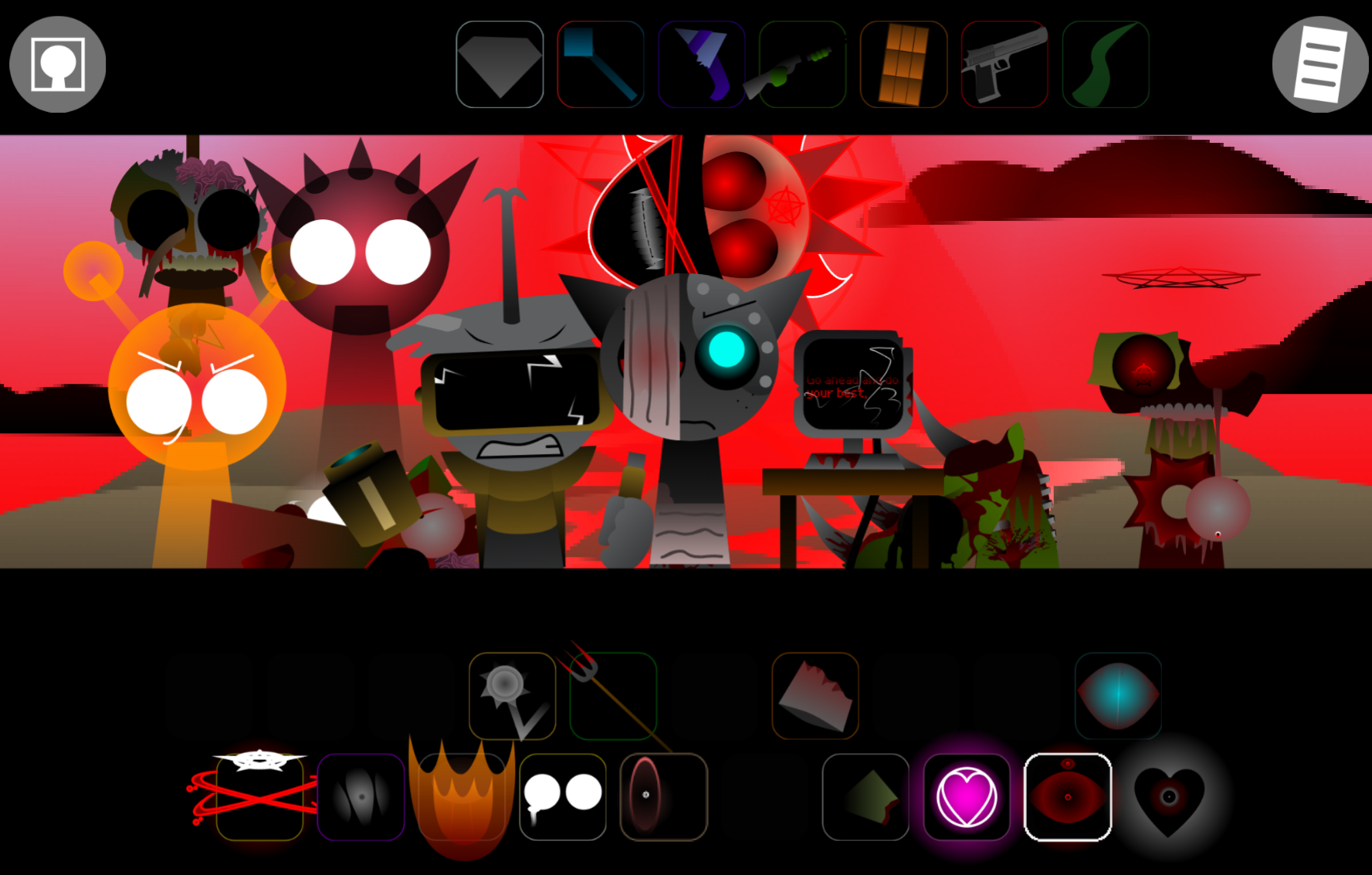
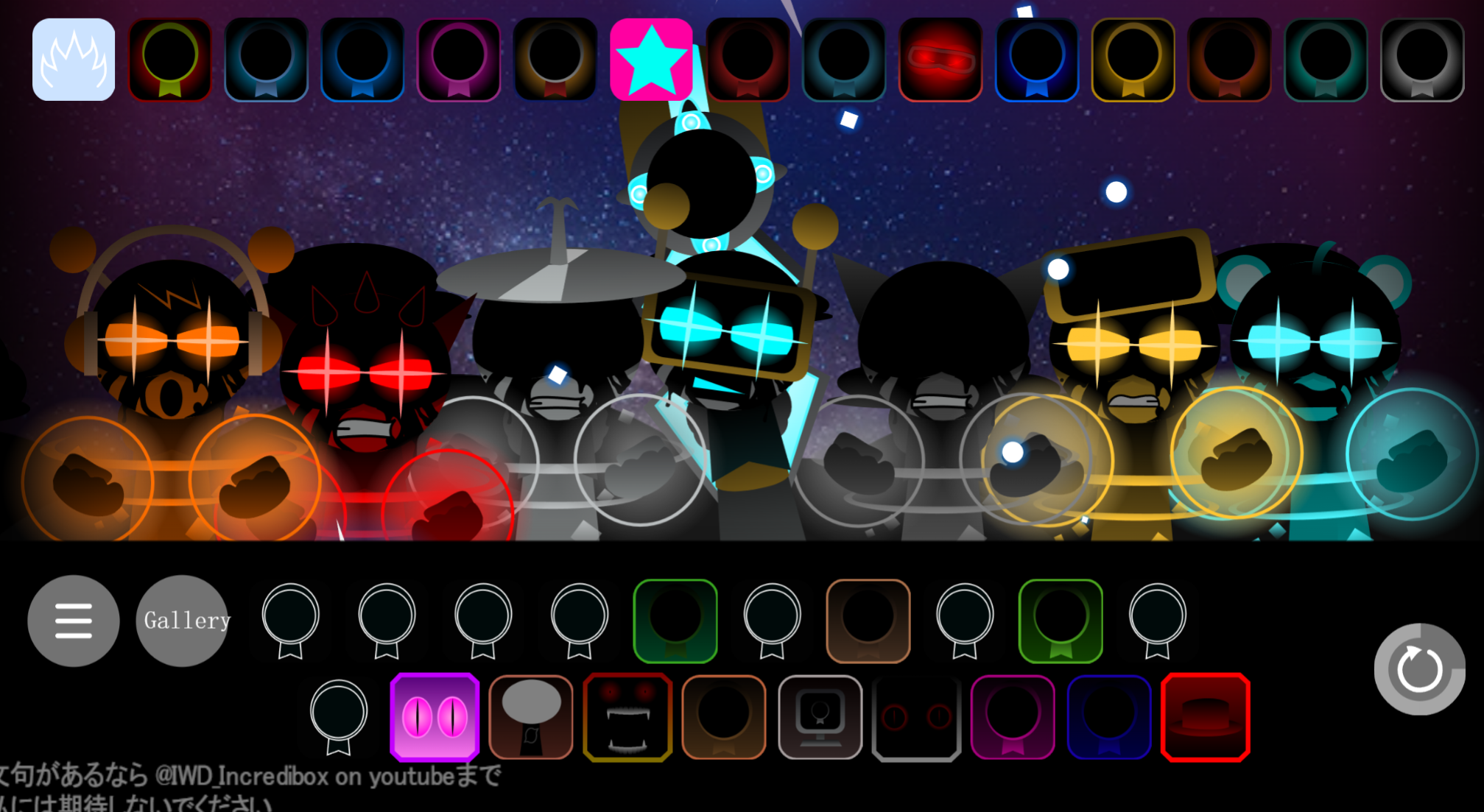
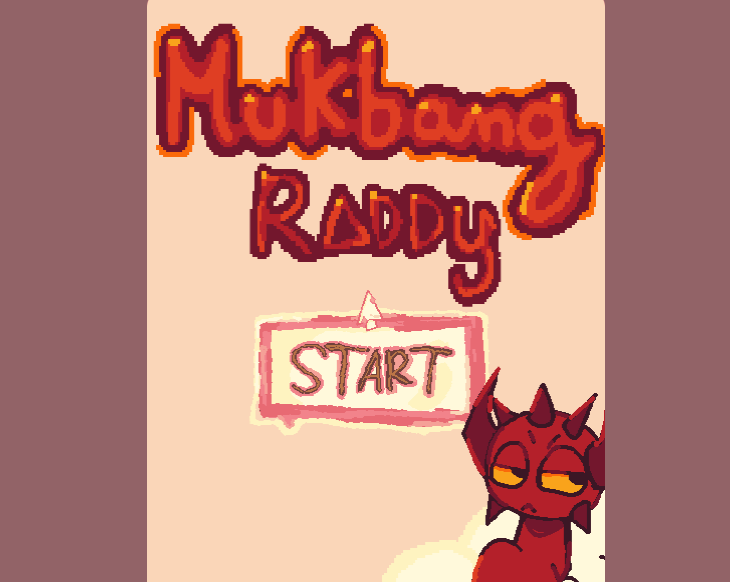
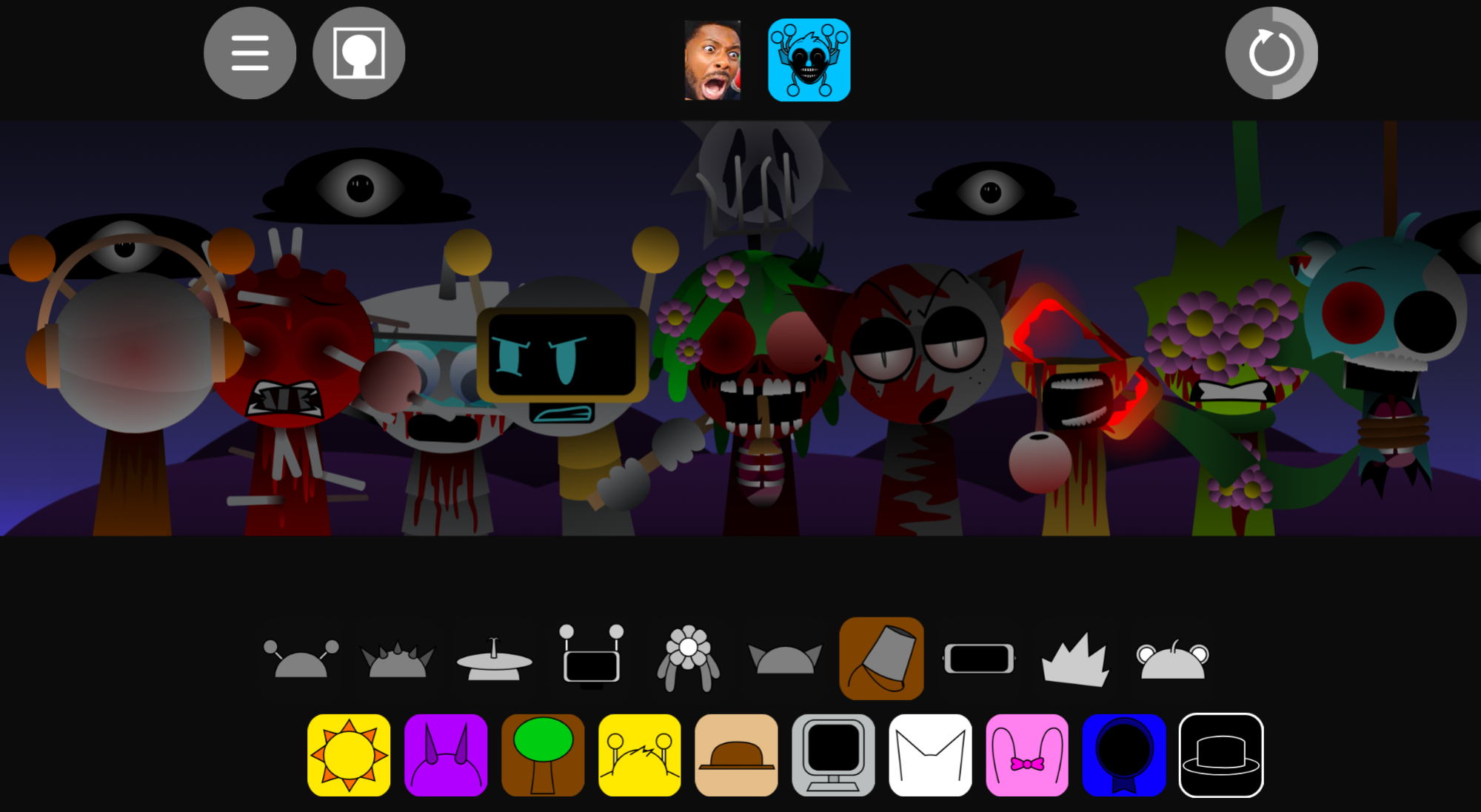
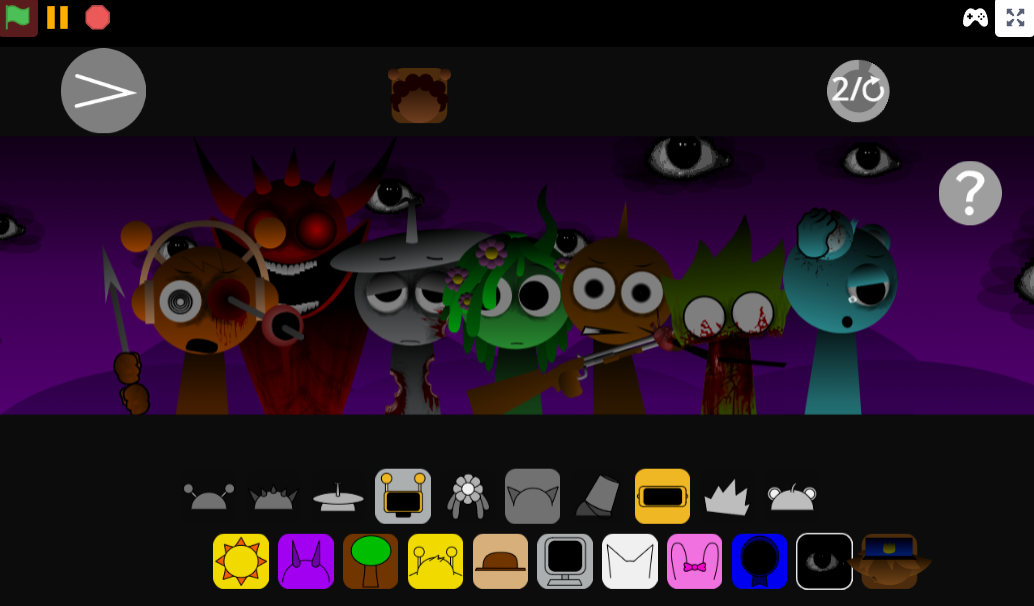
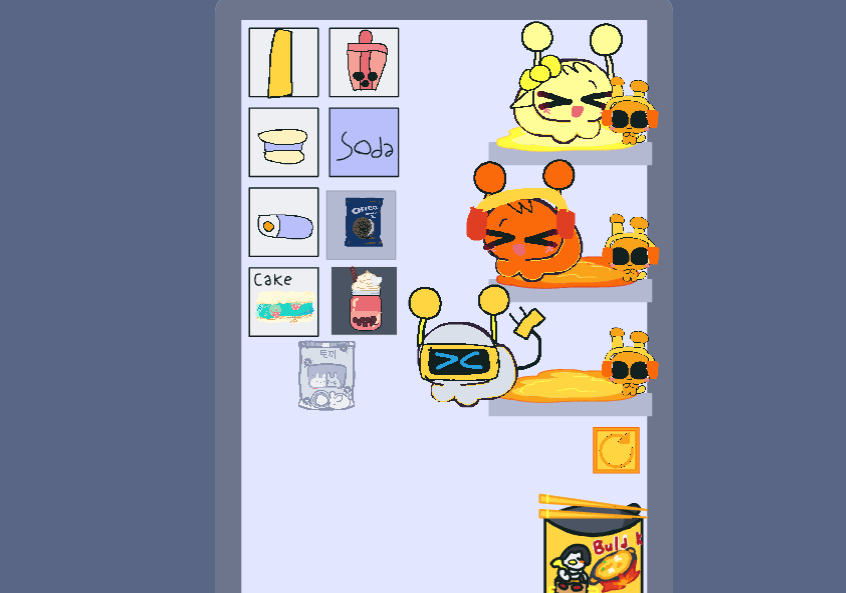
Sprunki The Roma Treatment is a V5.0 mod playable on gosprunki.com and other Cocrea-linked platforms, where players assign character sound icons to build layered tracks.
This article breaks down the features that separate The Roma Treatment from standard Sprunki variants—focusing on what “Roma” and “Treatment” actually change in practice, not marketing claims. You’ll see concrete examples of the key visual shifts, sound palette adjustments, and character roster changes that define this version.
Each section isolates a specific feature layer, explains how it works in the mix interface, and shows why it matters for track-building flow.
What Is Sprunki The Roma Treatment?
Sprunki The Roma Treatment is a fan-made mod centered on Roma Lapin’s loss of control after Wenda brainwashes him and turns him against the cast. Created by RLapkin111—also known as Roma Lapin—the mod uses the familiar drag-and-drop loop-building system while adding narrative tension through altered character designs, distorted audio, and a fractured roster.
Players build tracks by assigning character sound icons to the mix. The roster is organized into five roles: Beats establish rhythm, Effects add texture and distortion, Melodies shape musical direction, Vocals introduce character-driven loops, and Bonuses provide extra sounds and variations.
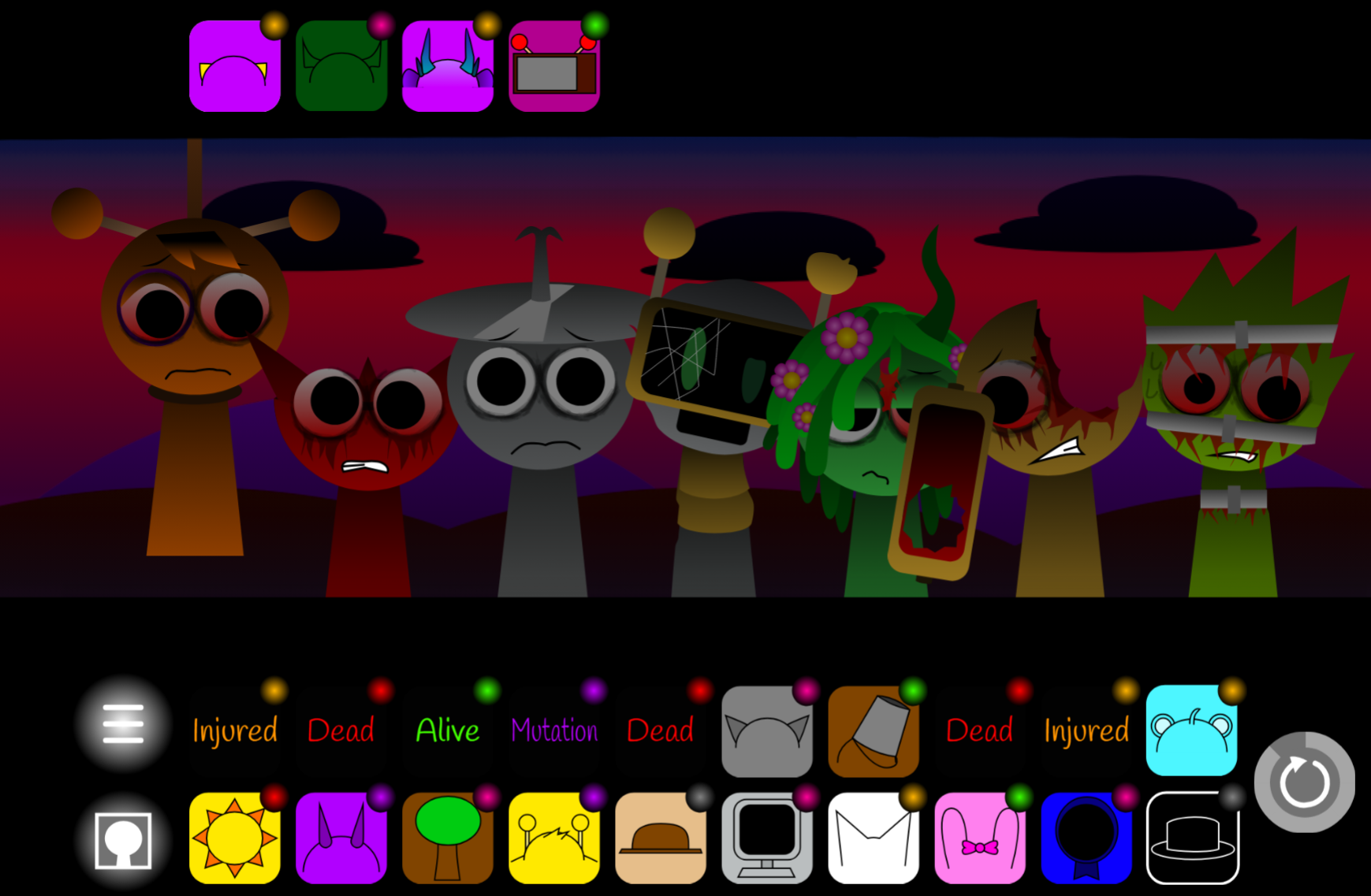
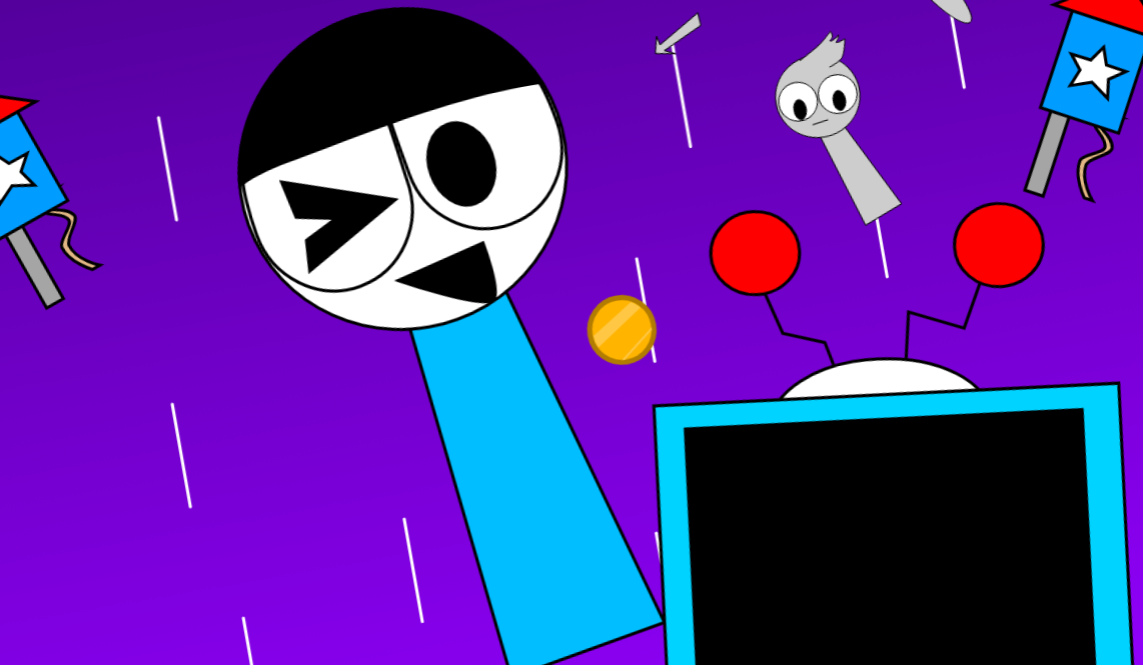
Several characters survive Roma’s rampage: Fun Bot, Mr. Sun, Mr. Fun Computer, Medusa Taco, and Yoshka. Their presence creates a thread of resistance within a mod otherwise shaped by chaos and Roma’s struggle to break Wenda’s control.
Key Features of the Roma Treatment
The main Roma Treatment runs at 190 BPM, giving beats, effects, melodies, and vocals relentless momentum. Dense arrangements can become unstable quickly, which suits the mod’s story of pressure and loss of control.
Role-Based Mixing
The separation of sounds into Beats, Effects, Melodies, Vocals, and Bonuses keeps the interface readable even when a track grows crowded. Players can begin with a simple rhythmic loop, isolate a melodic line, or test vocal layers before committing to a full arrangement.
A player can build a controlled composition from a steady beat and melody, or deliberately interrupt that balance with distorted effects and harsher vocal loops.
Normal Mode and Horror Mode
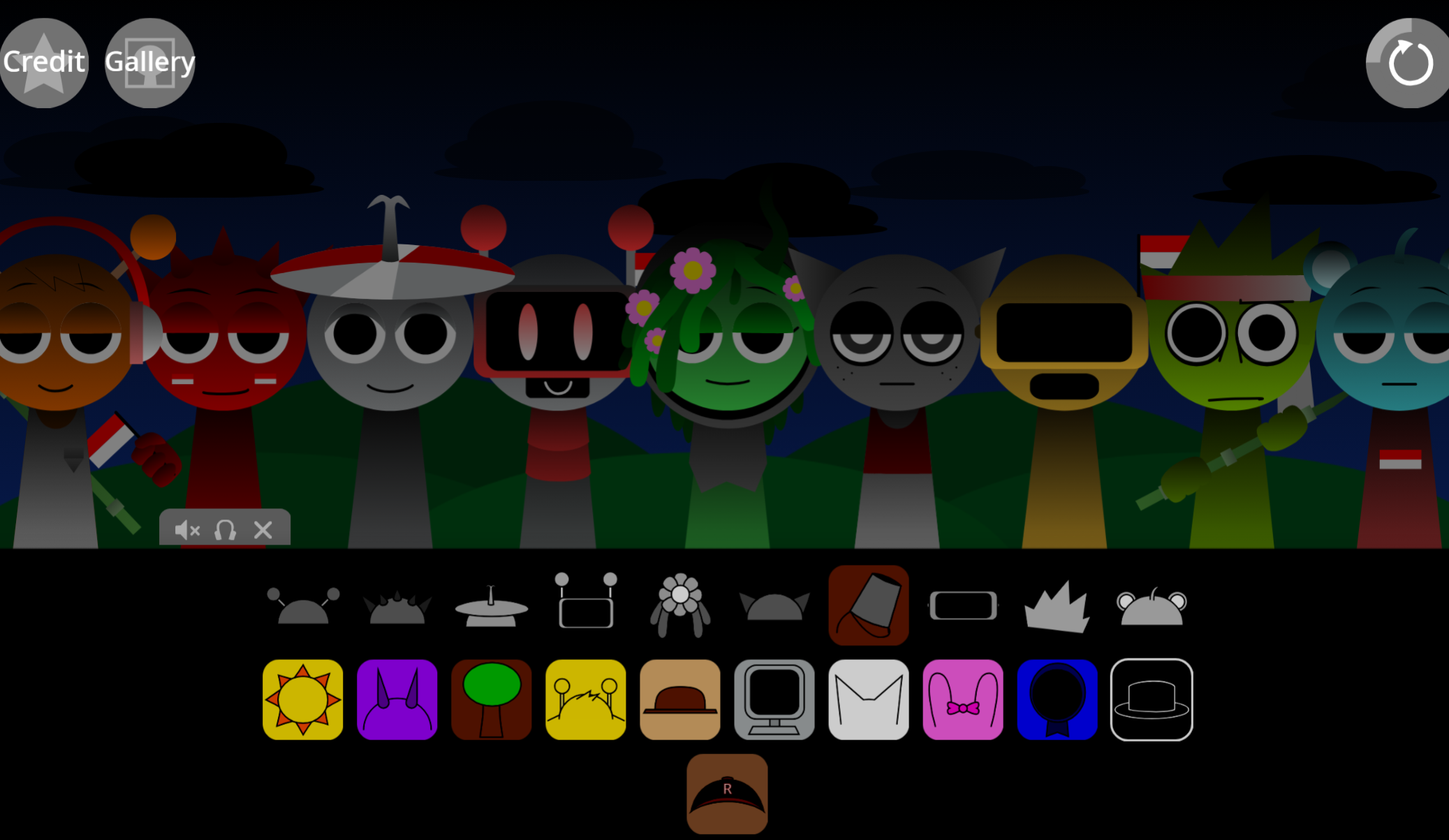
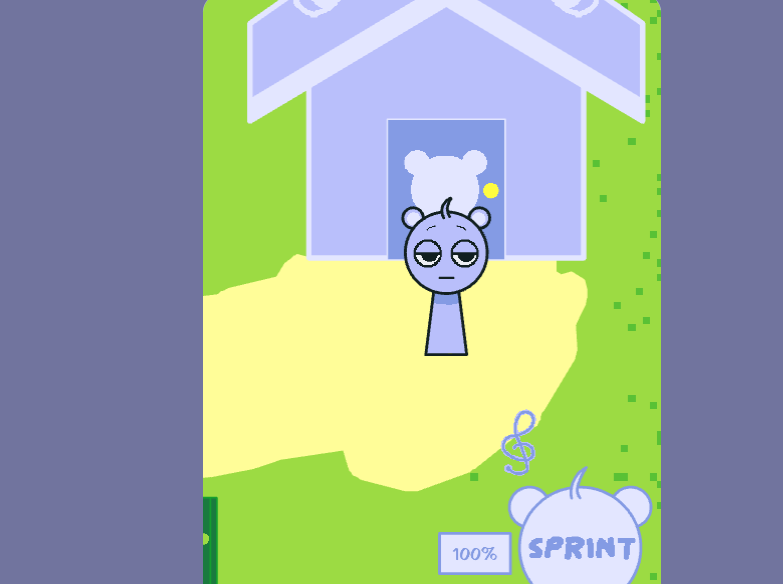
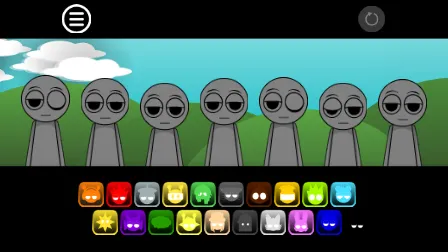
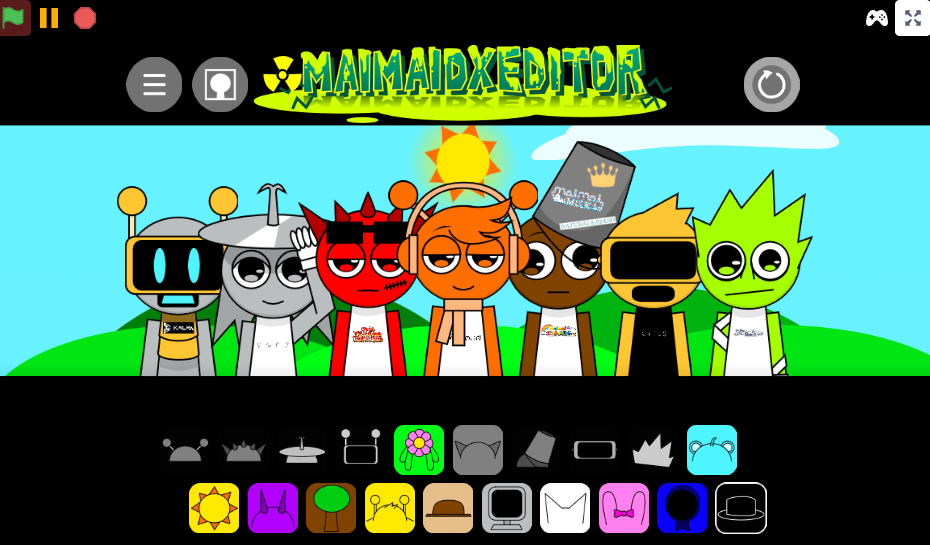
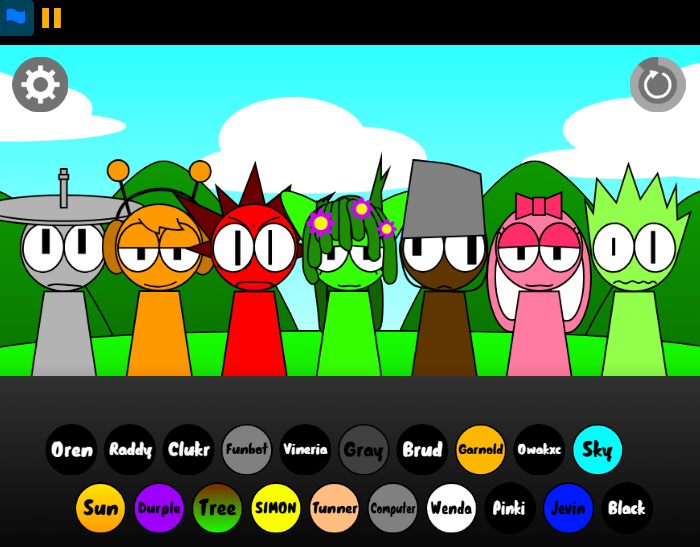
Normal Mode keeps the bright, cartoon-like surface associated with Sprunki, presenting the cast in a familiar setting even as narrative tension remains present.
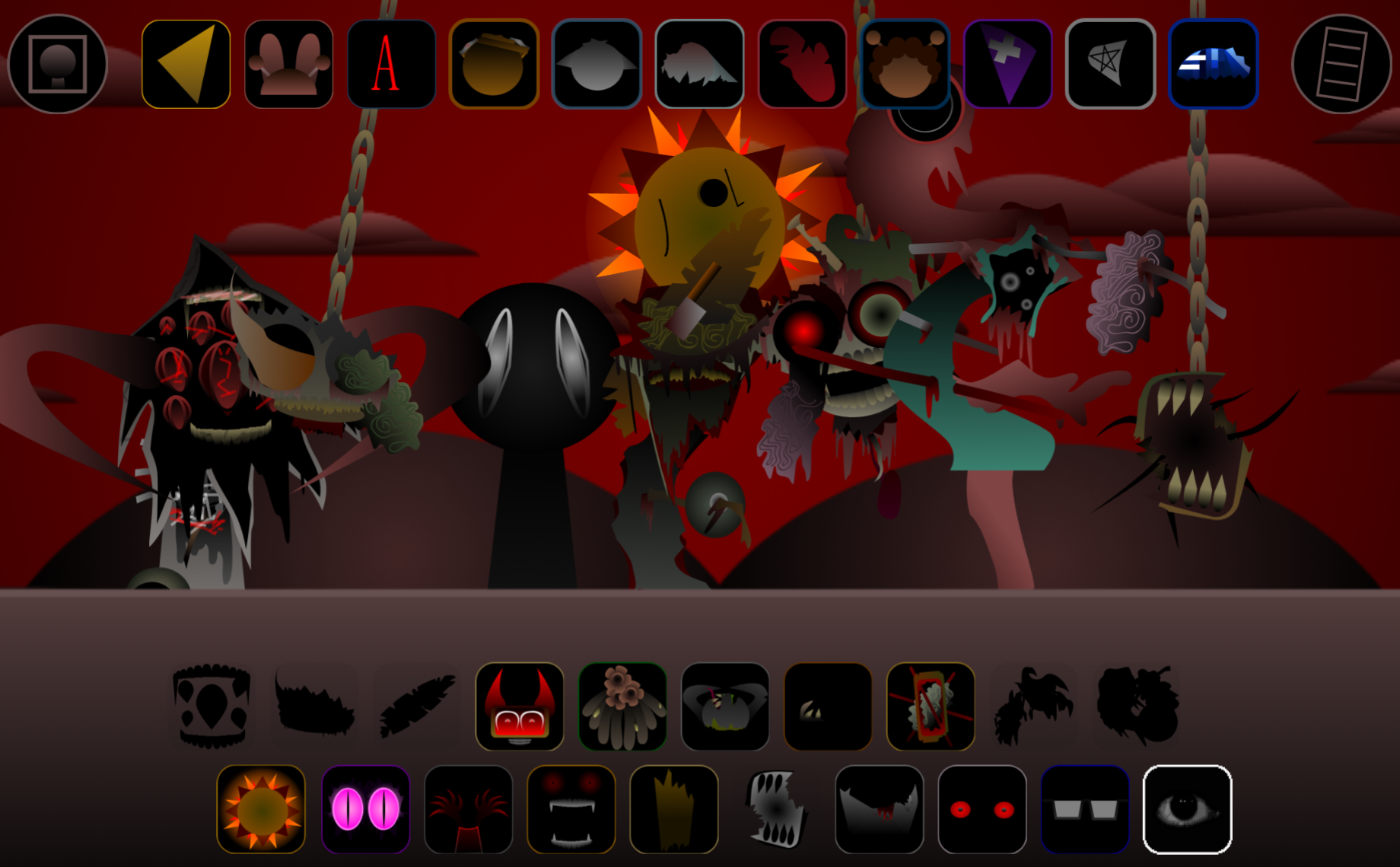
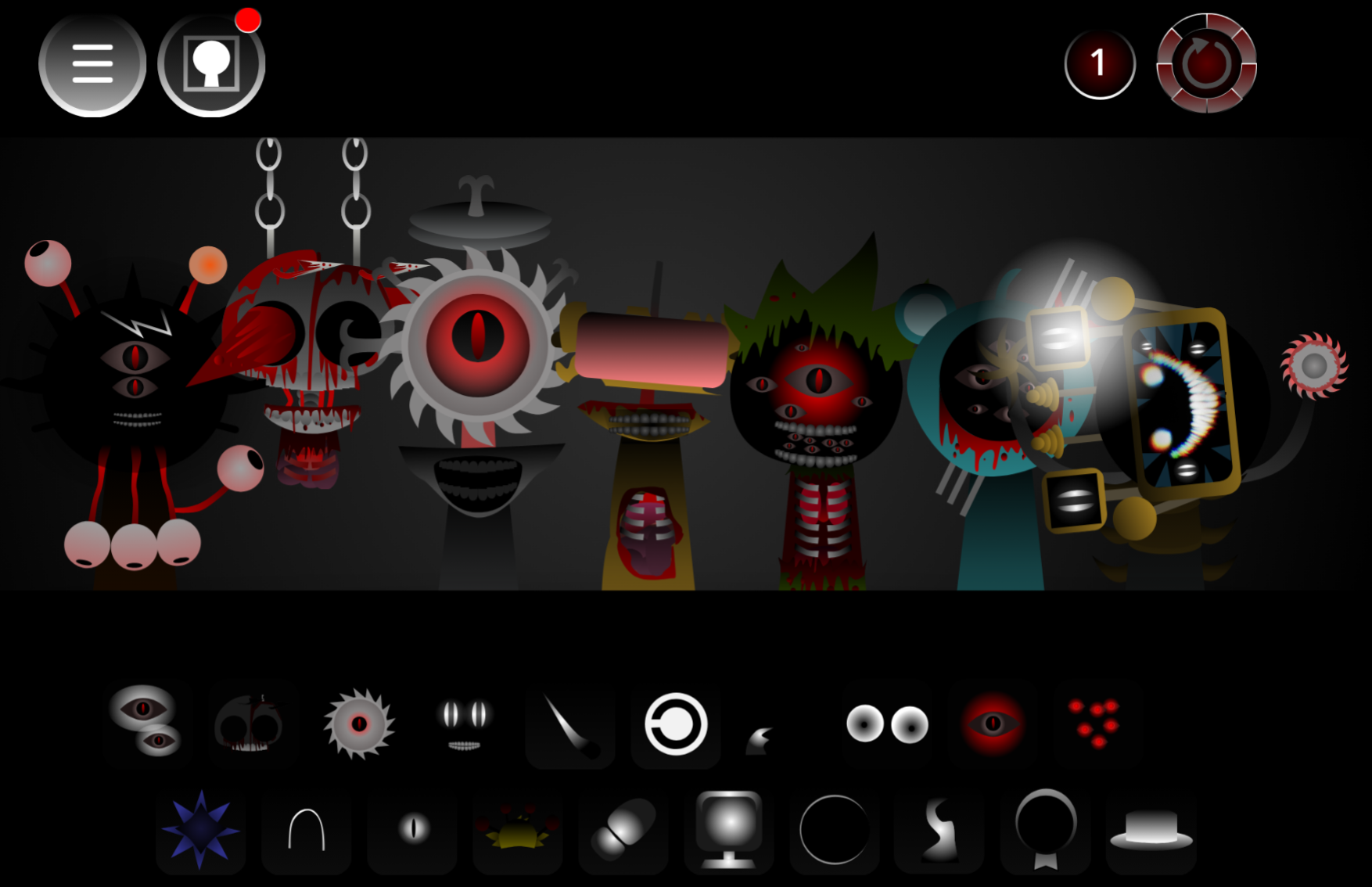
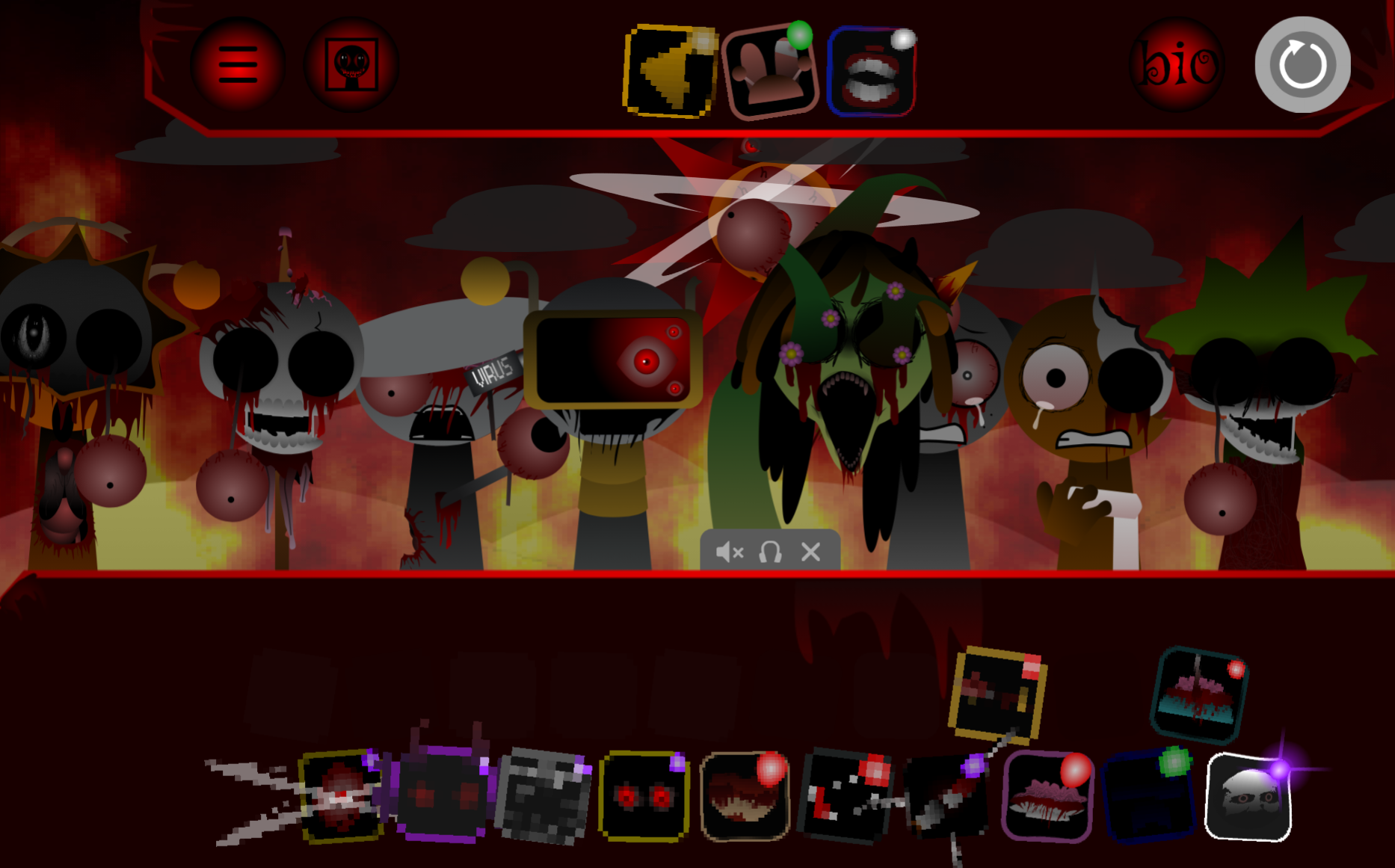
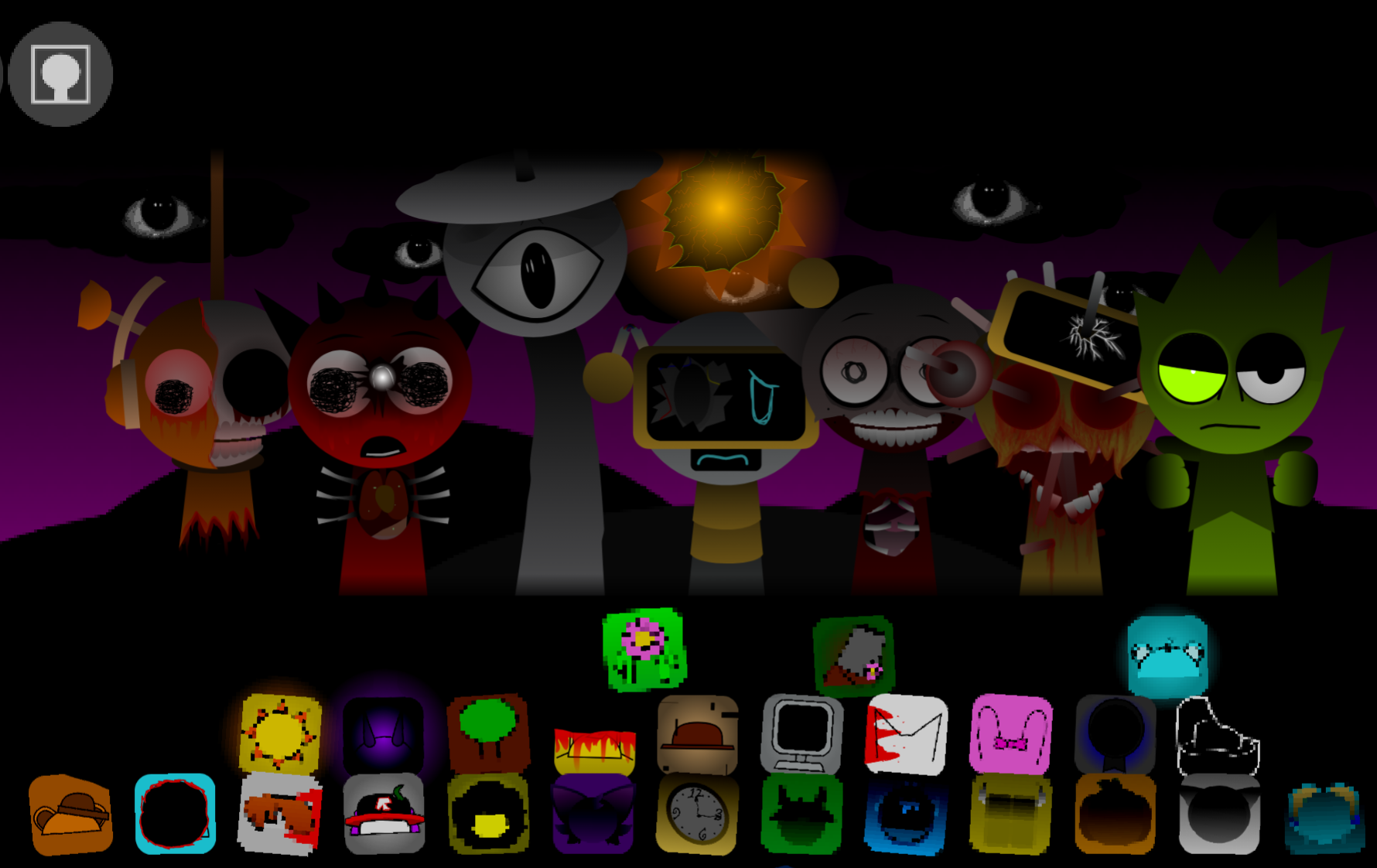
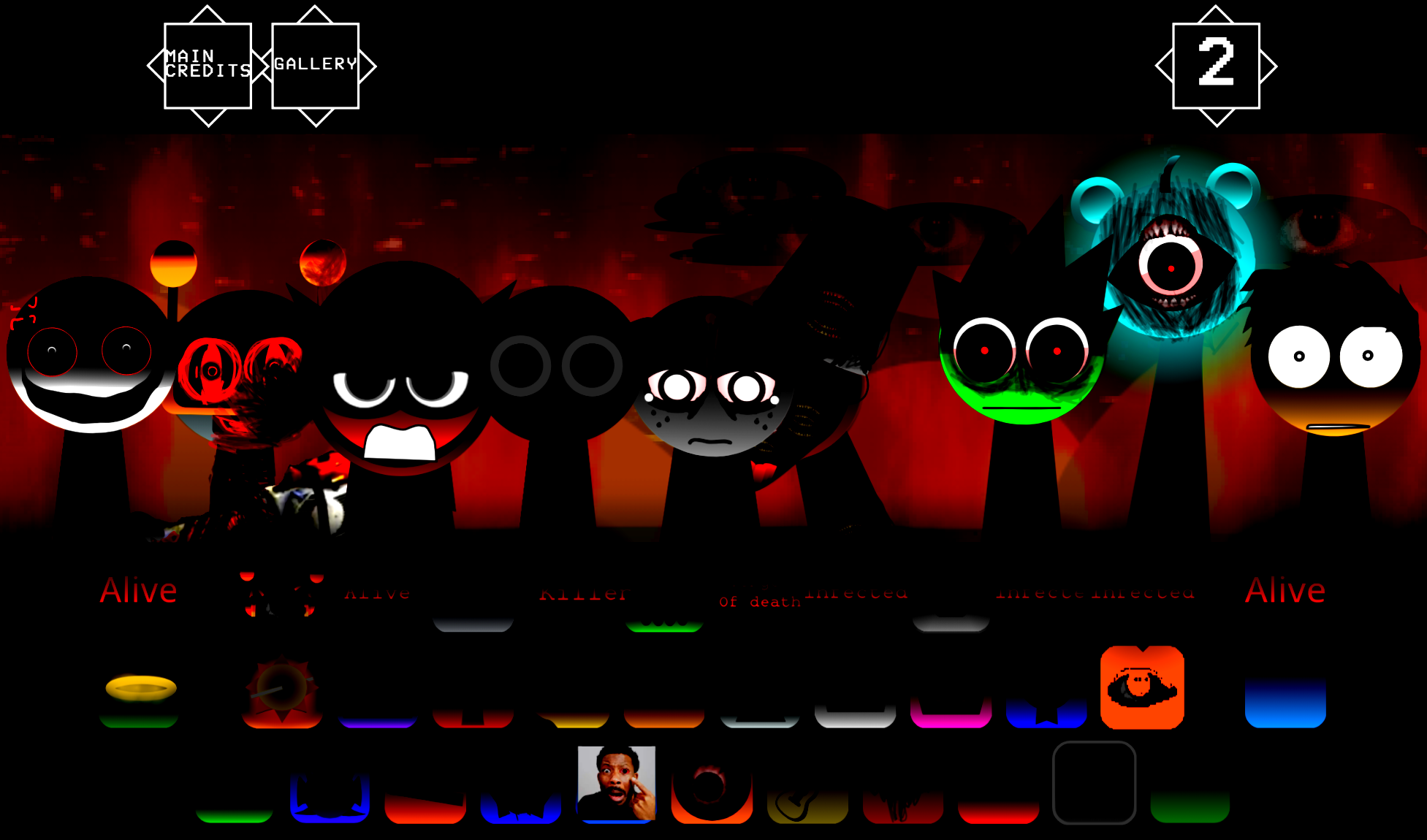
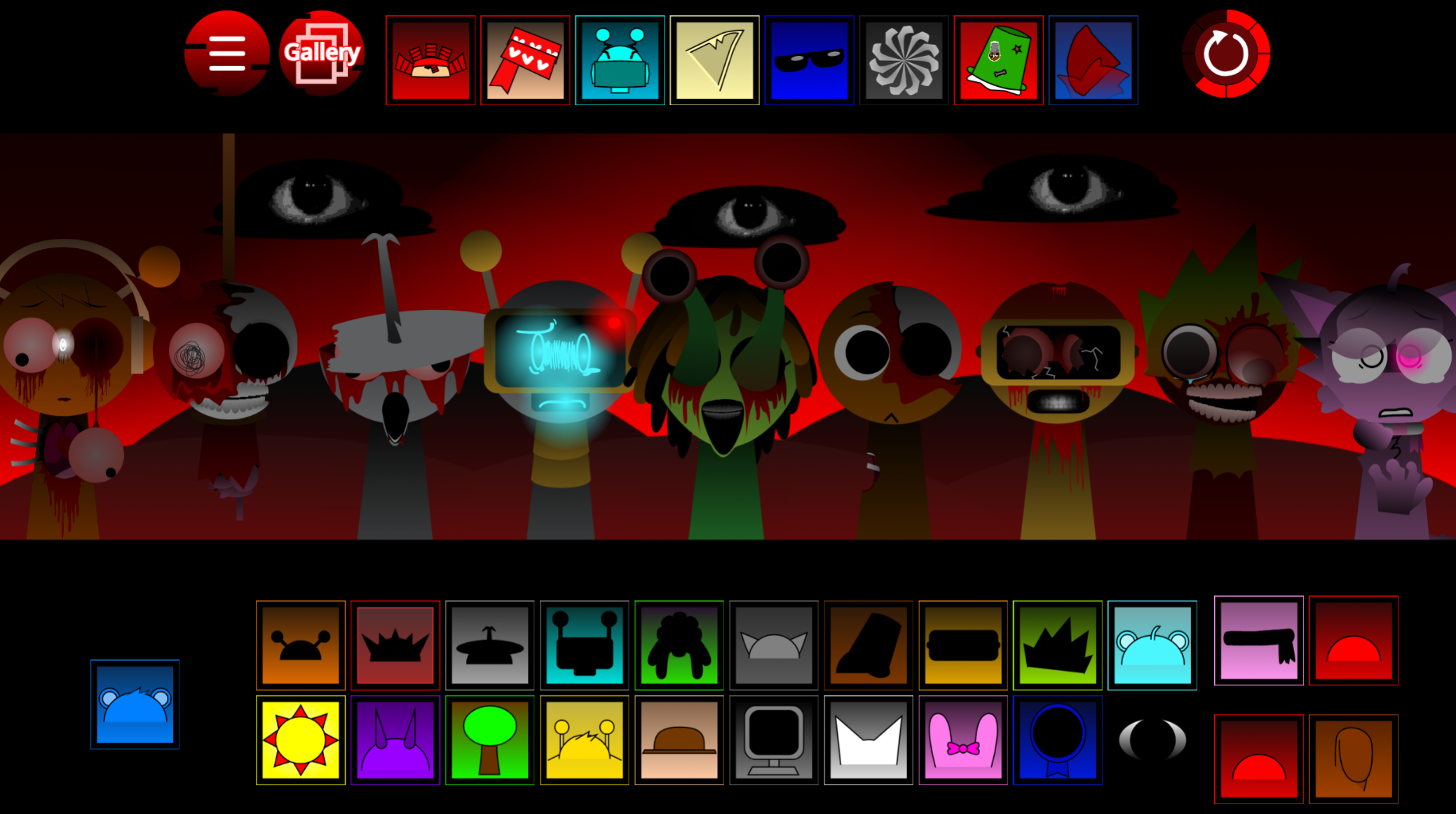
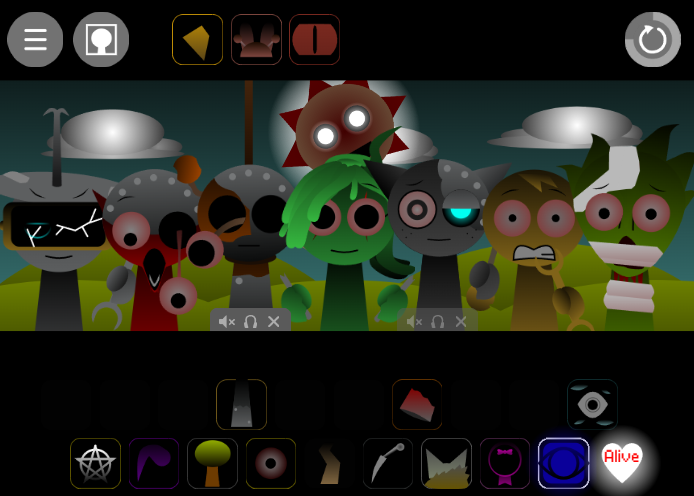
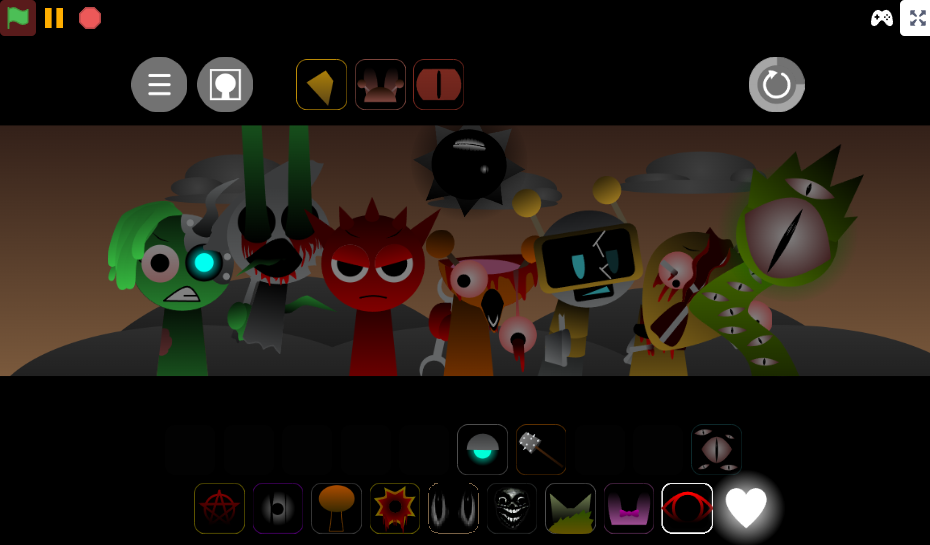
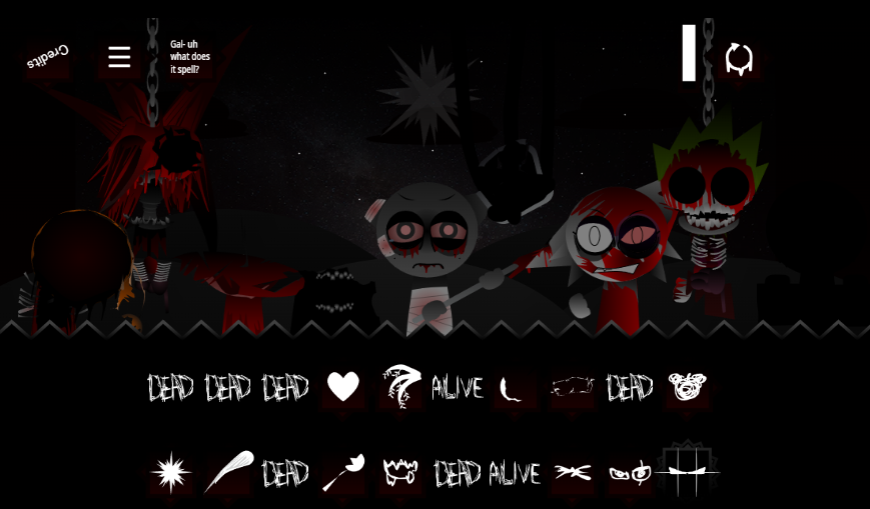
Horror Mode reveals the consequences of Roma’s rampage. Character designs become altered, scenes feature blood-splattered imagery, and the audio shifts toward distorted, discordant loops. Its sound palette includes adapted Amen Breaks, reinforcing the harsher, more fractured feel of the mix.
Switching modes changes the emotional texture of the track, from deceptively playful experimentation to a more violent and unstable soundscape.
The Aftermath Version
The mod also includes Aftermath, a separate version using the same sound-role structure but a distinct character selection and set of combinations.
Where the main Treatment moves at 190 BPM, Aftermath slows to 110 BPM. This tempo shift changes how players approach arrangement: there is more room to hear individual melodies, rebalance vocals, and introduce effects without immediately crowding the beat.
Aftermath functions as a more measured, haunted phase of the concept—one that reflects the emotional fallout of the main version’s chaos rather than simply repeating the original lineup at a slower speed.
Play V5.0 Online
Sprunki The Roma Treatment V5.0 is playable online through Sprunki/Cocrea-linked mod pages, including gosprunki.com. The release is credited to @RomaLapin, @MedusaTacoOfficial, and @2z1ab.
The browser-based format keeps the core interaction immediate: select a character icon, drag it into the mix area, and listen as its loop joins the current composition. Individual choices can create a rhythmic track, an uneasy vocal piece, or a deliberately overloaded arrangement.
Certain character combinations reveal hidden material, including bonus events, unique animations, character interactions, concealed visual effects, and alternate-feeling combinations across the main Treatment and Aftermath sets.
How to Play Sprunki The Roma Treatment
Choose a sound role.
Start by selecting a character from Beats, Effects, Melodies, Vocals, or Bonuses. A beat is usually the strongest first choice because it establishes the pulse of the composition.
Drag characters into the mix.
Drop a sound icon into the active mix area to add its loop. Continue adding characters one at a time rather than filling every space immediately.
Build from rhythm to atmosphere.
Add effects after the initial beat, then introduce melodies and vocals. This sequence makes it easier to hear what each new layer contributes.
Rearrange and test combinations.
Swap characters, remove layers, and compare different role combinations. A controlled rhythm can become more unsettling when interrupted by a distorted effect or an aggressive vocal loop.
Use Bonuses after the core mix is established.
Bonus characters add density, variation, and hidden-event potential. They work best as additions to an already functioning arrangement rather than as the starting point.
Explore Aftermath separately.
Move to the 110 BPM Aftermath version when you want a slower, more deliberate mixing pace. Its alternate sound set rewards experimentation with different melodic and vocal balances.
Survival & Mixing Tips
At 190 BPM, the main Roma Treatment rewards purposeful layering over stacking every available icon.
-
Set the beat first. Rhythm is the support structure of the track. Establish a dependable beat before adding competing effects or vocals.
-
Build by character group. Add Beats first, then Effects, Melodies, and Vocals. Working through the menu categories makes it easier to identify whether a new layer strengthens the mix or only adds noise.
-
Leave space between major sounds. A crowded arrangement can lose its identity at high speed. Let a melody or vocal line remain audible before adding another dominant loop.
-
Treat Bonuses as pressure, not a foundation. Bonus sounds are most effective once the main loop feels complete. Adding them too early can bury cleaner rhythmic or melodic elements.
-
Use Horror Mode for harsher experimentation. Horror Mode’s distorted audio and altered presentation suit more chaotic combinations, especially if you want the mix to mirror Roma’s unraveling.
-
Use Aftermath for control. The 110 BPM Aftermath set provides more room to isolate a melody, test a vocal line, or rebalance effects. Its atmosphere remains haunted, but its slower pacing makes it the more forgiving place to refine a composition.
Related Games
- Sprunki Mr. Fun Computer Treatment — This character-focused Treatment mod is a natural follow-up for players interested in Roma’s spared ally Mr. Fun Computer and the series’ darker transformed-character storytelling.
- Sprunki Mr Sun Takes Over Phase 3 — Its takeover narrative offers another ominous Sprunki scenario centered on a key survivor from Roma Treatment’s rampage, extending the appeal of corrupted lore and horror presentation.
- Attack Mr Fun Computer Retake — Players drawn to the attacks on Roma’s cast can explore a related conflict built around Mr. Fun Computer, adding a more direct story-adjacent continuation to the mod’s chaos.
Enjoy!
Discuss Sprunki