
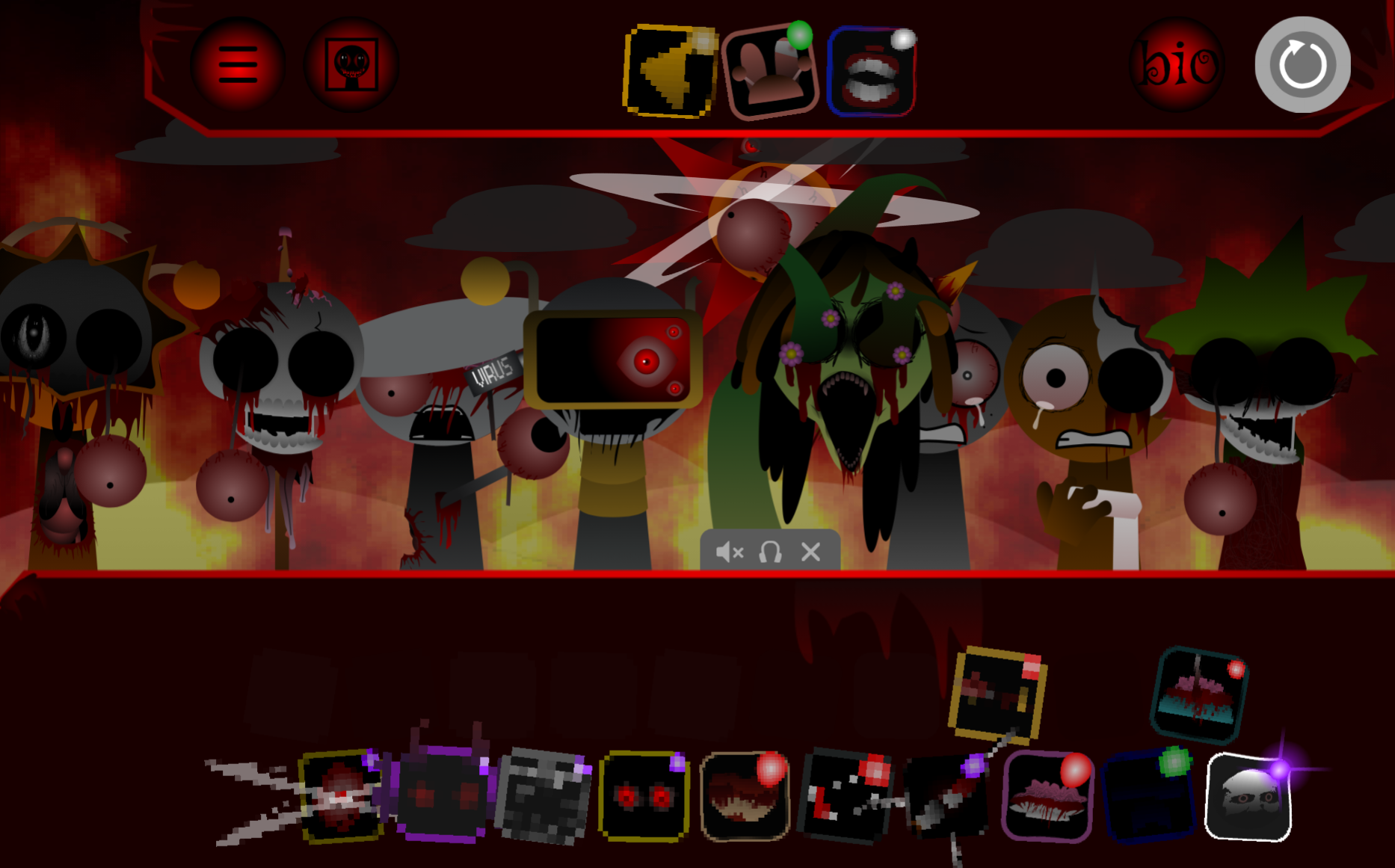



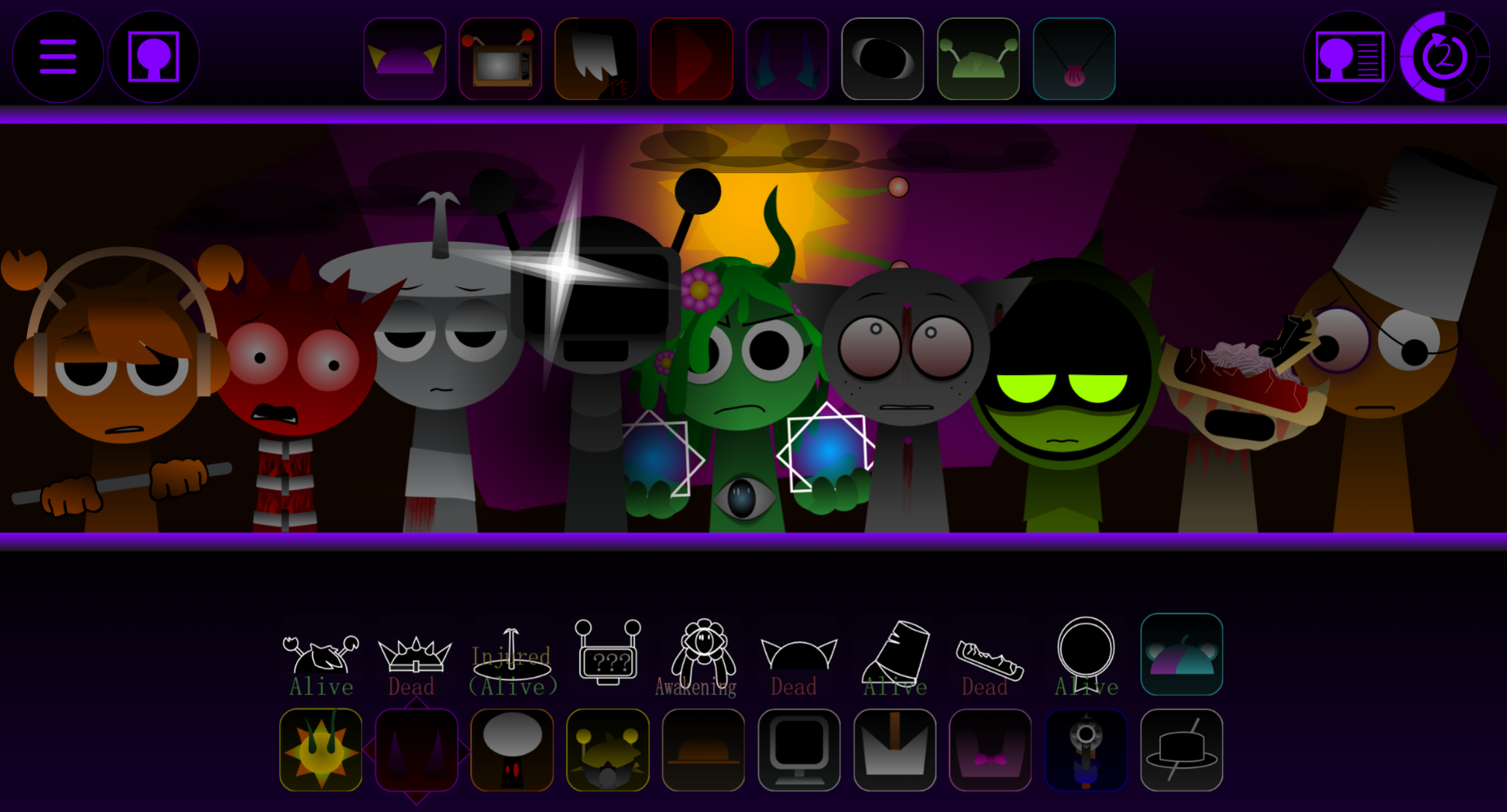
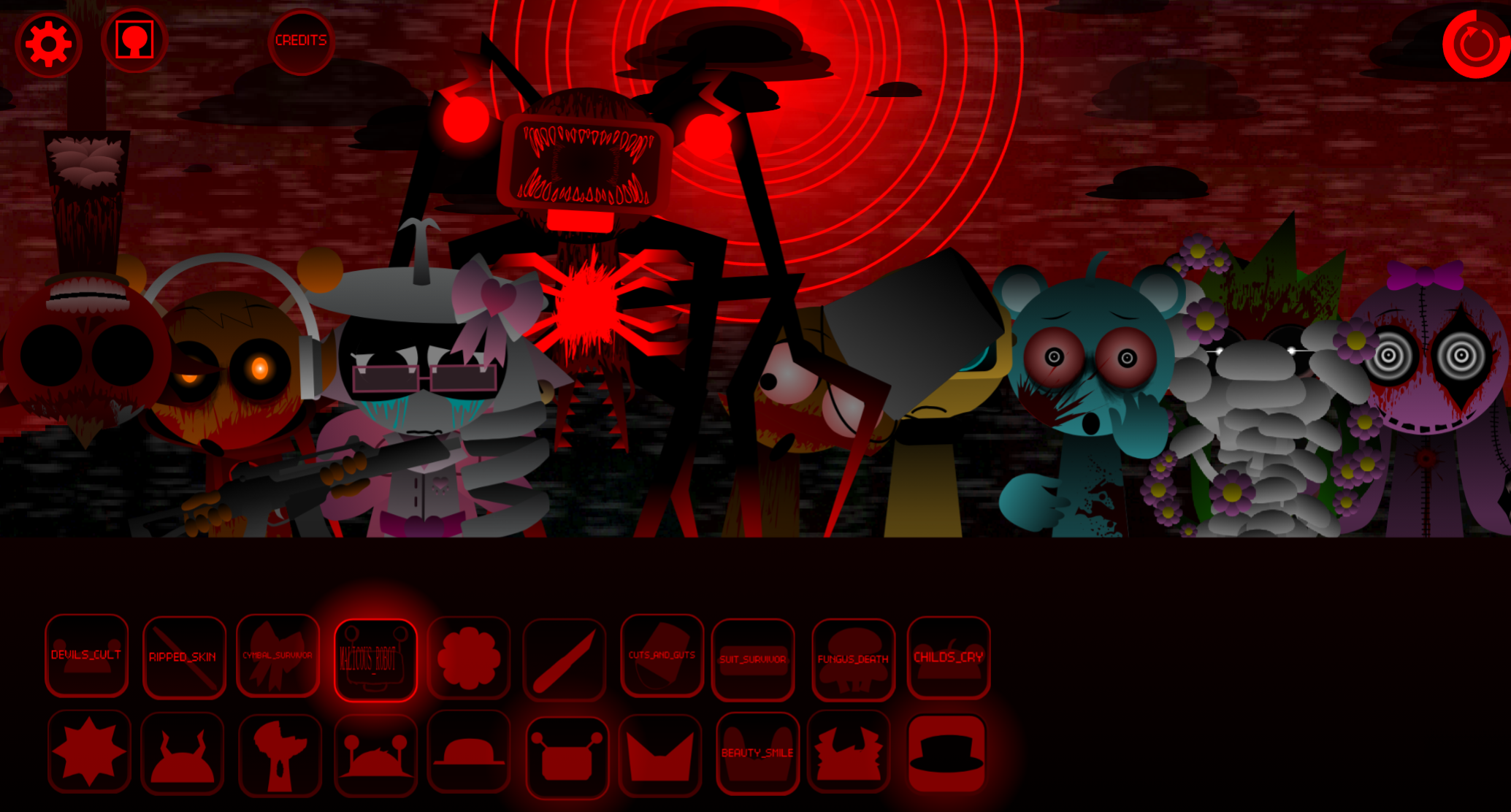


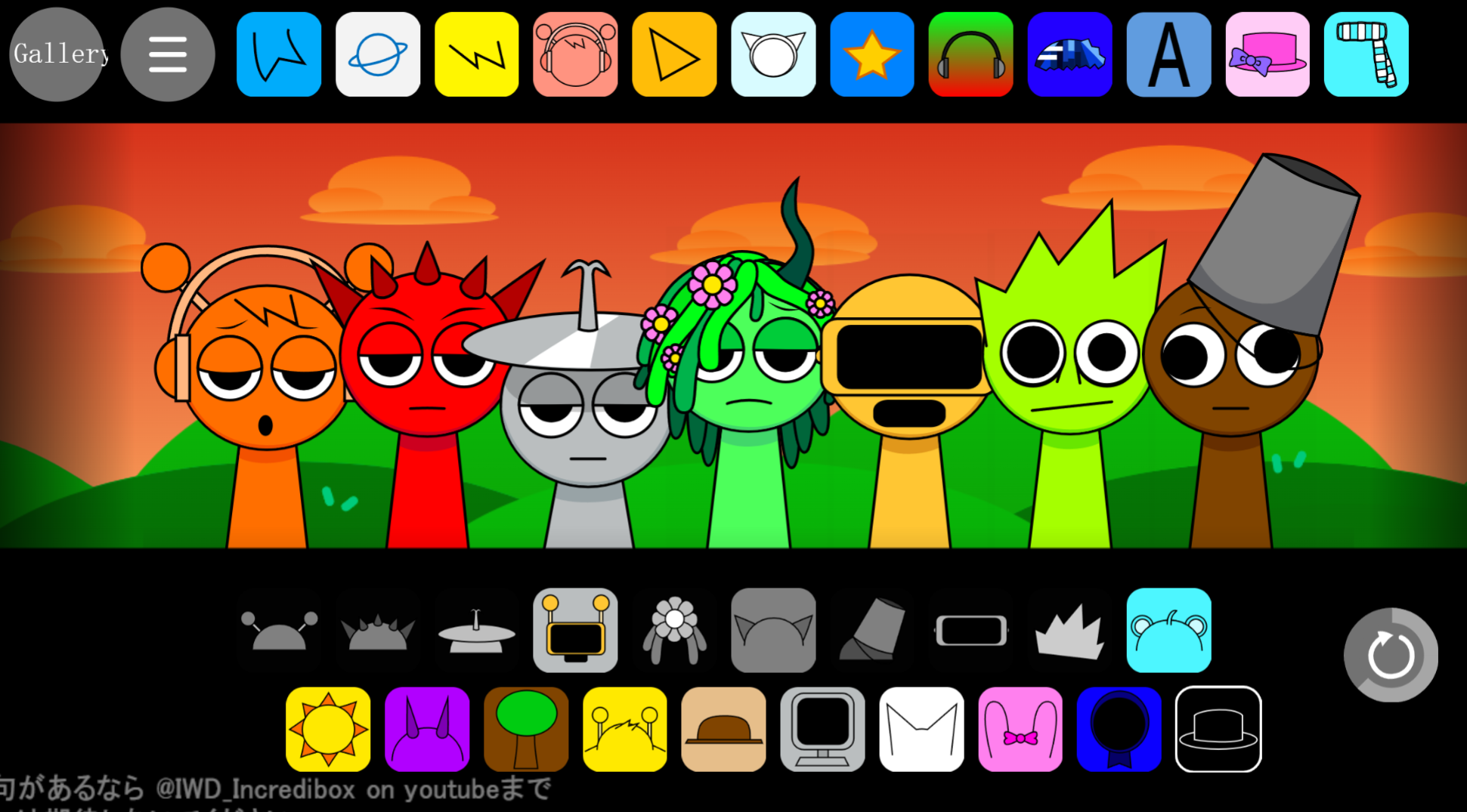
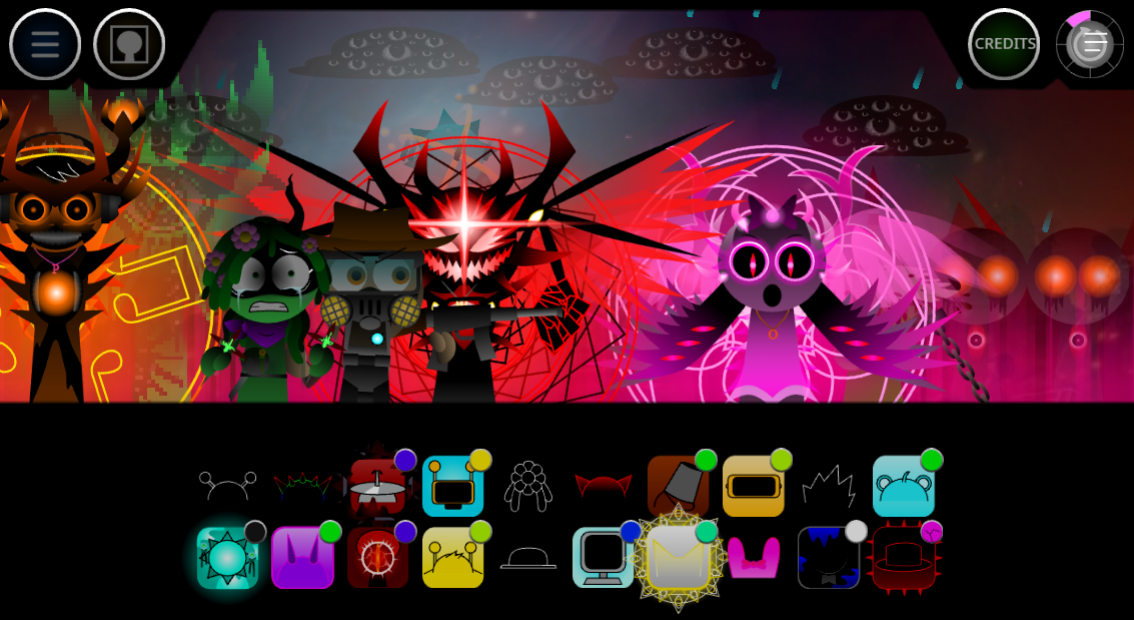
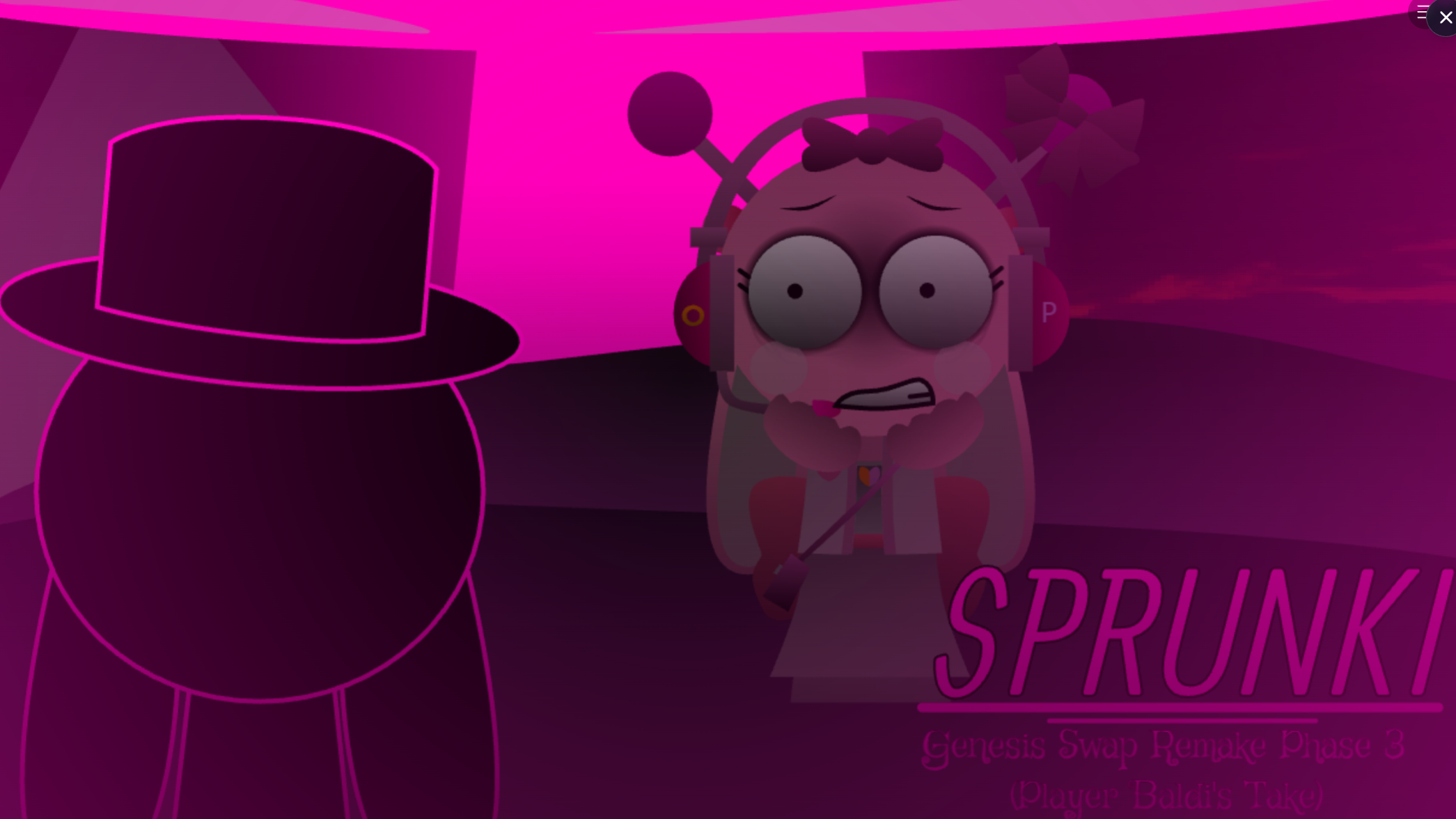
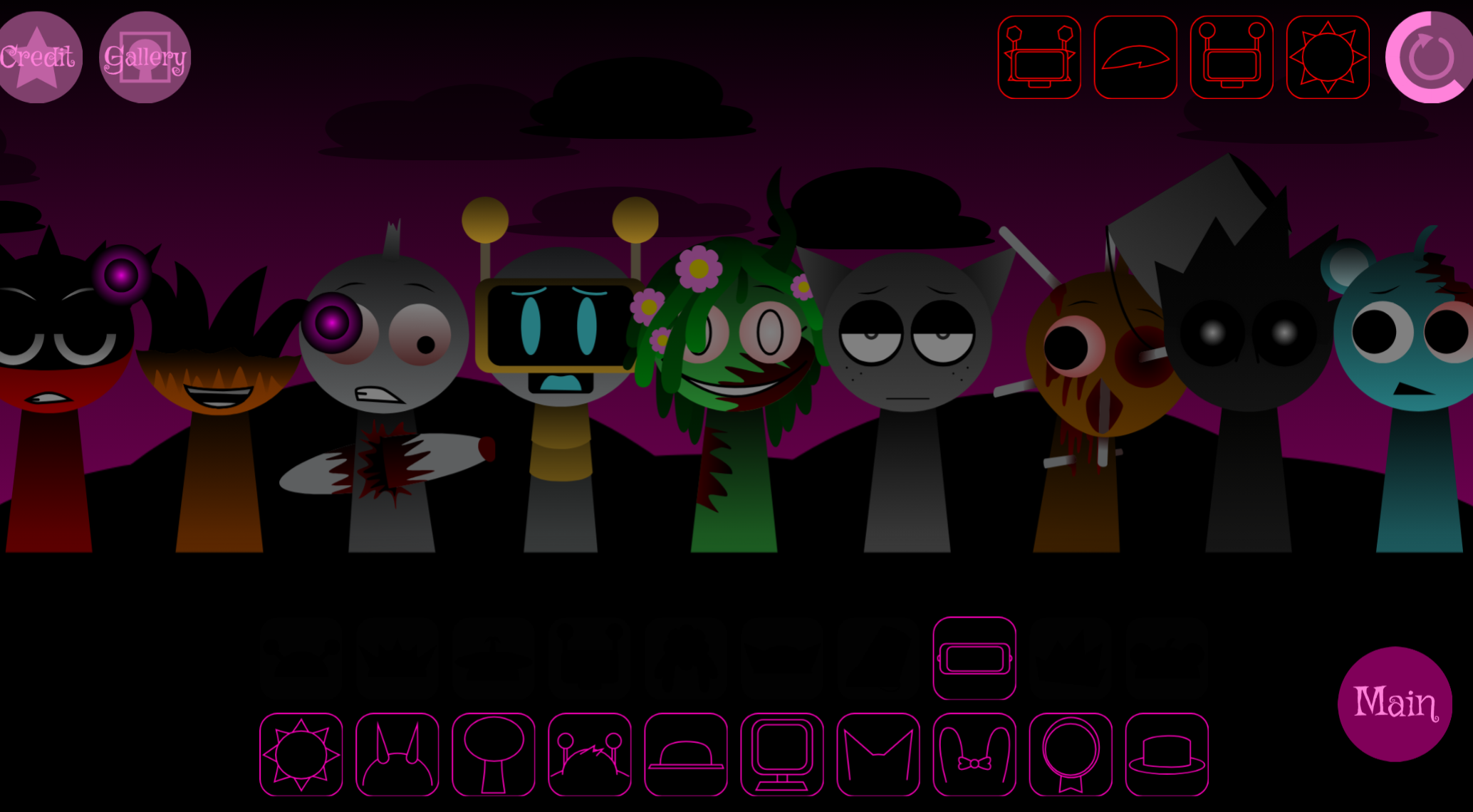
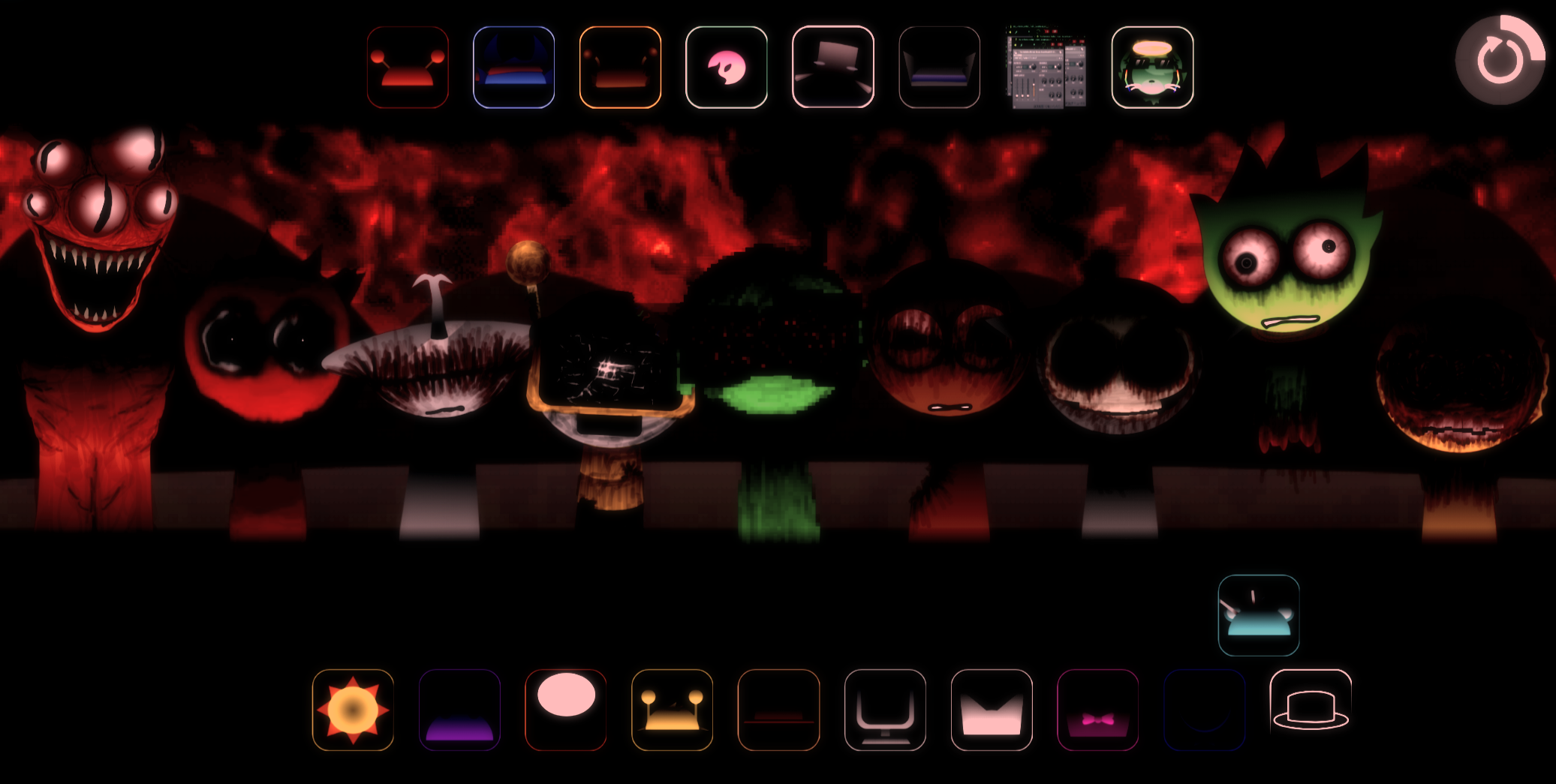
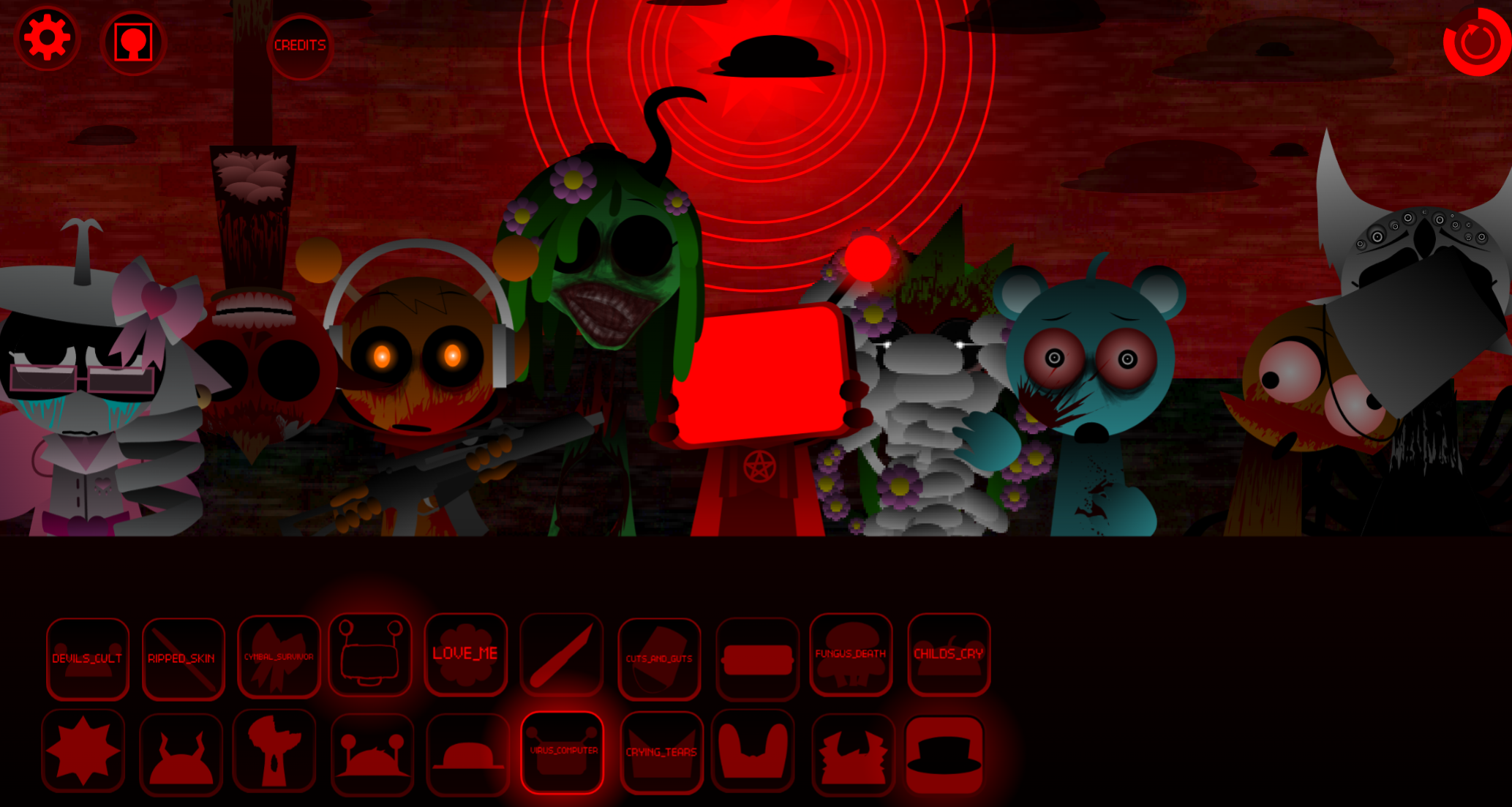
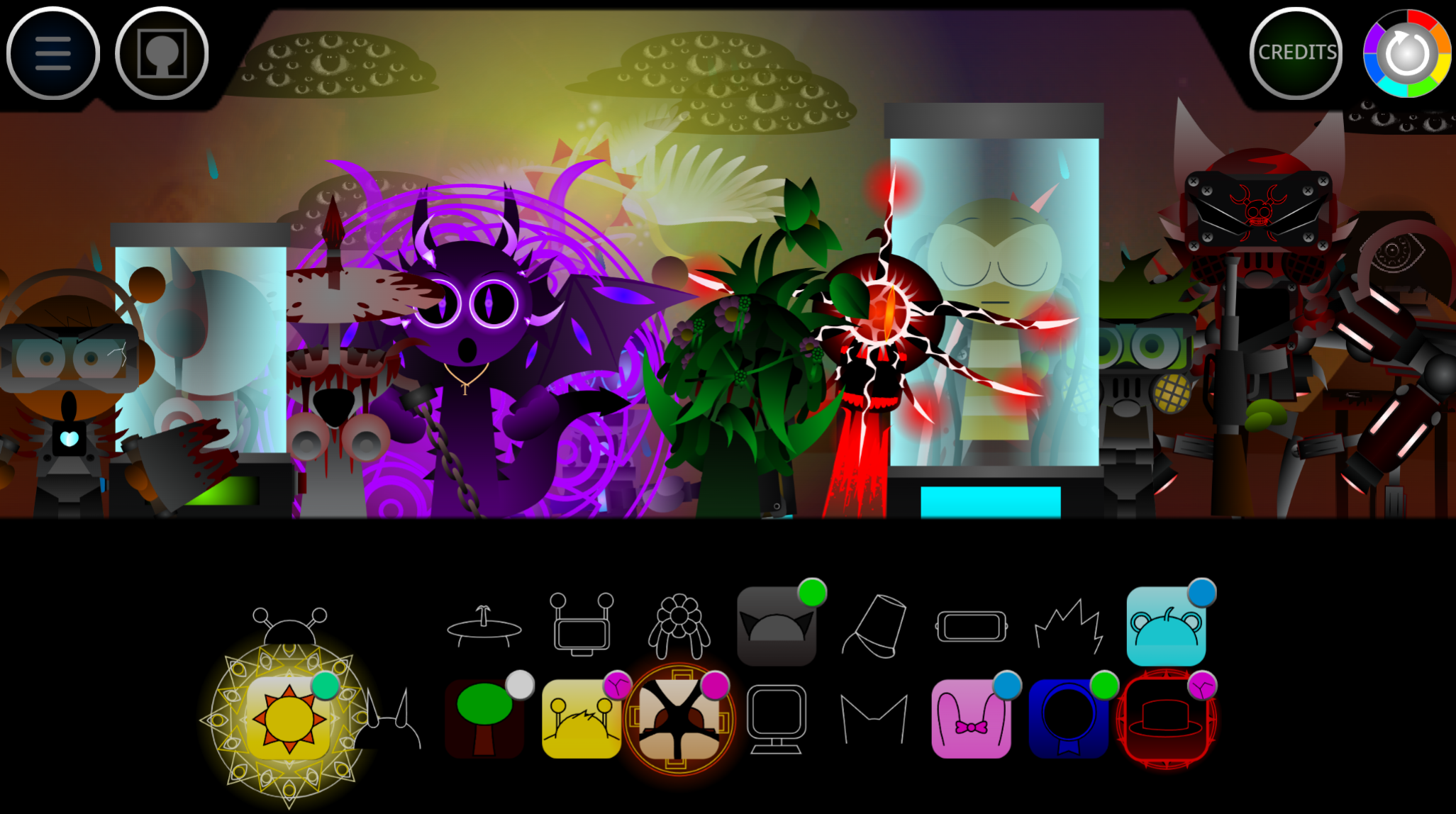

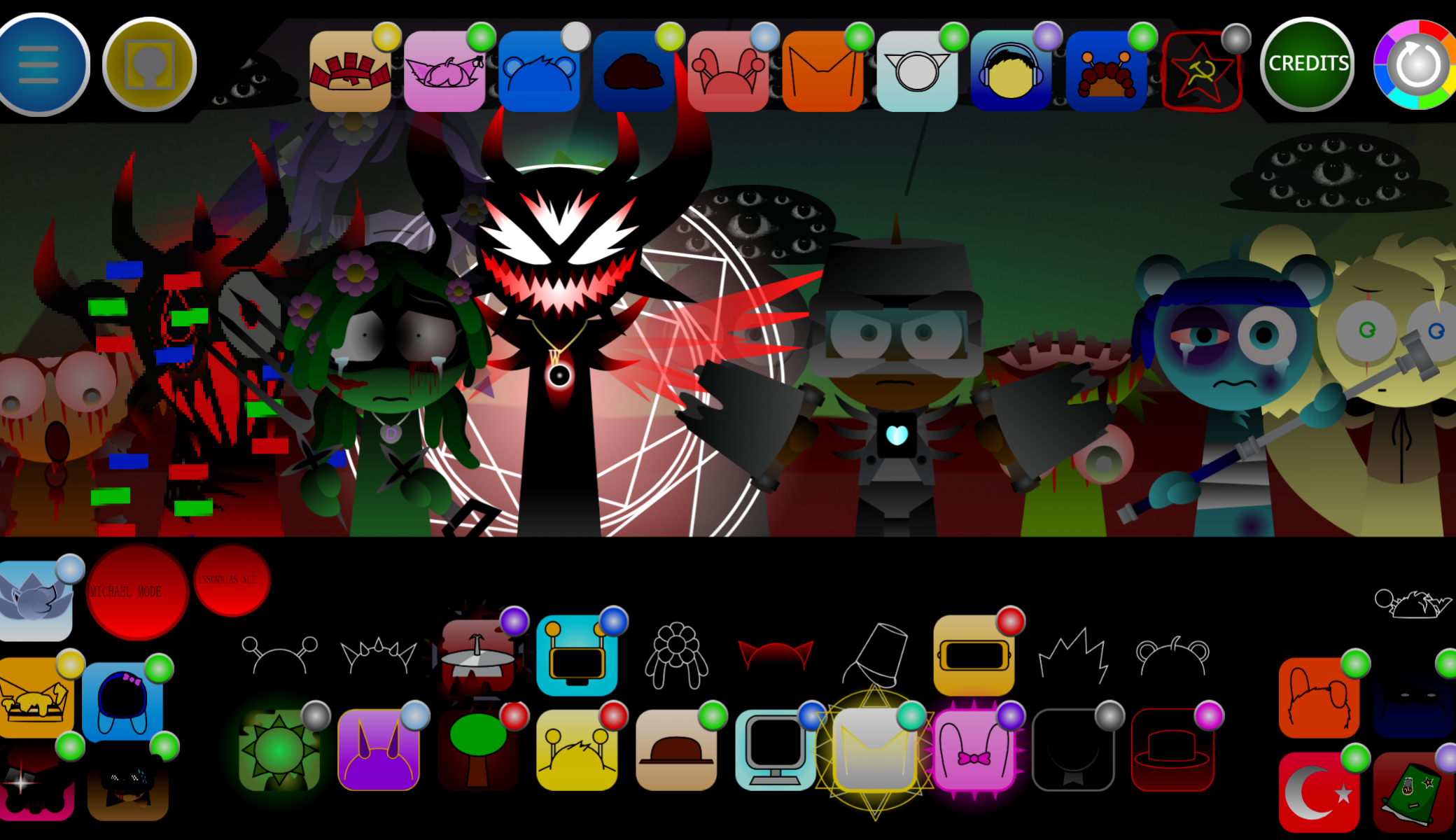
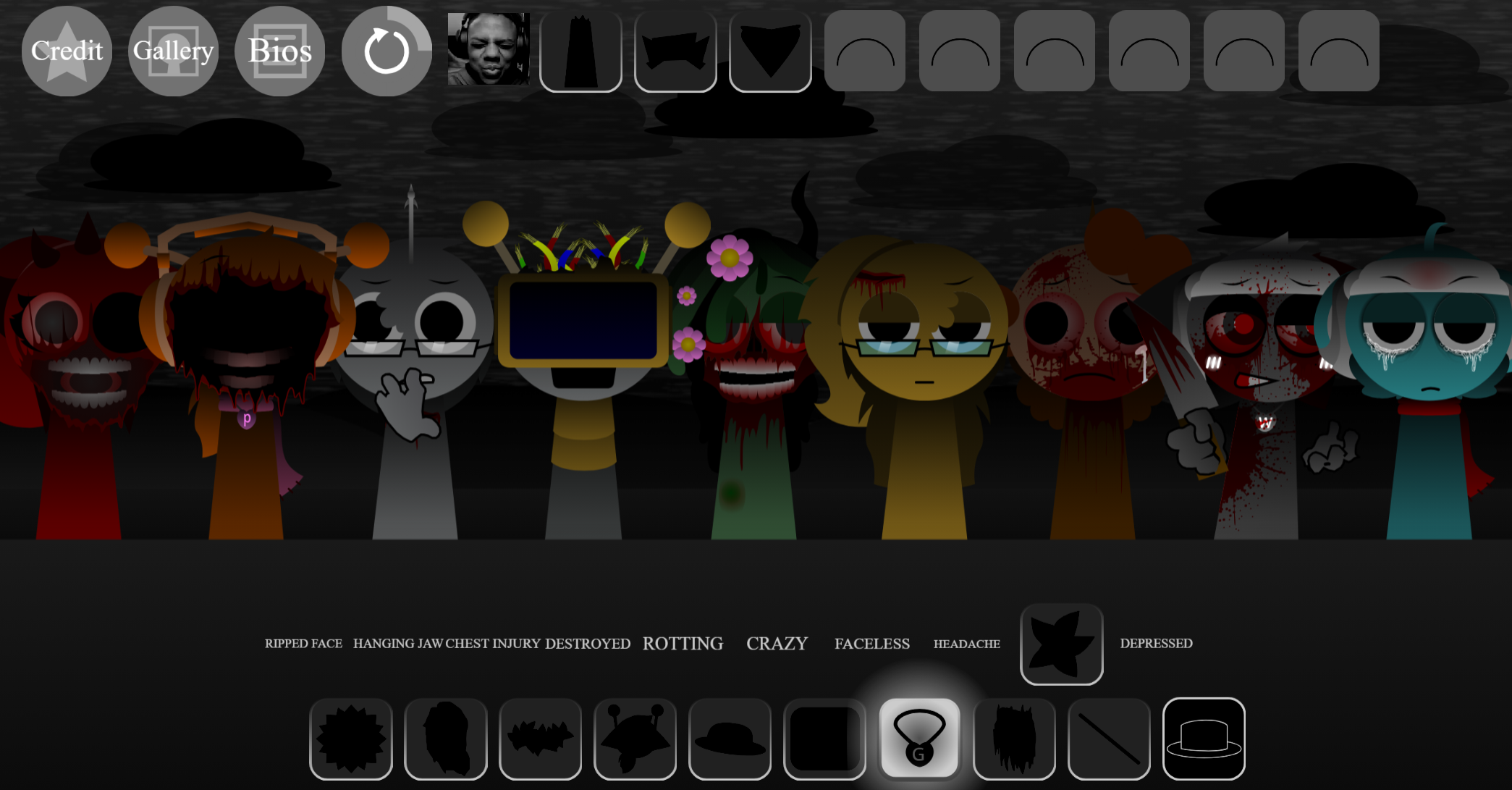
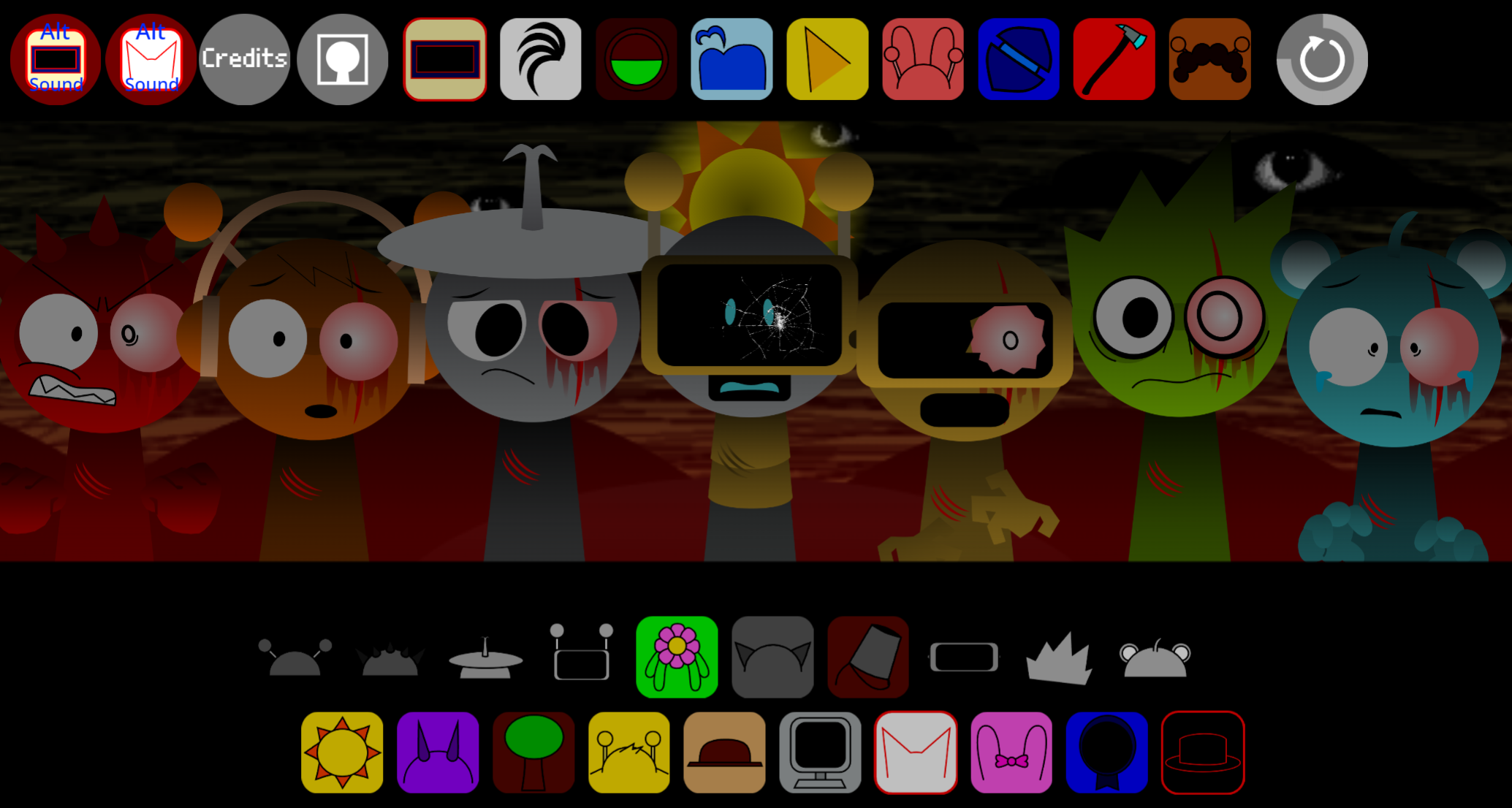
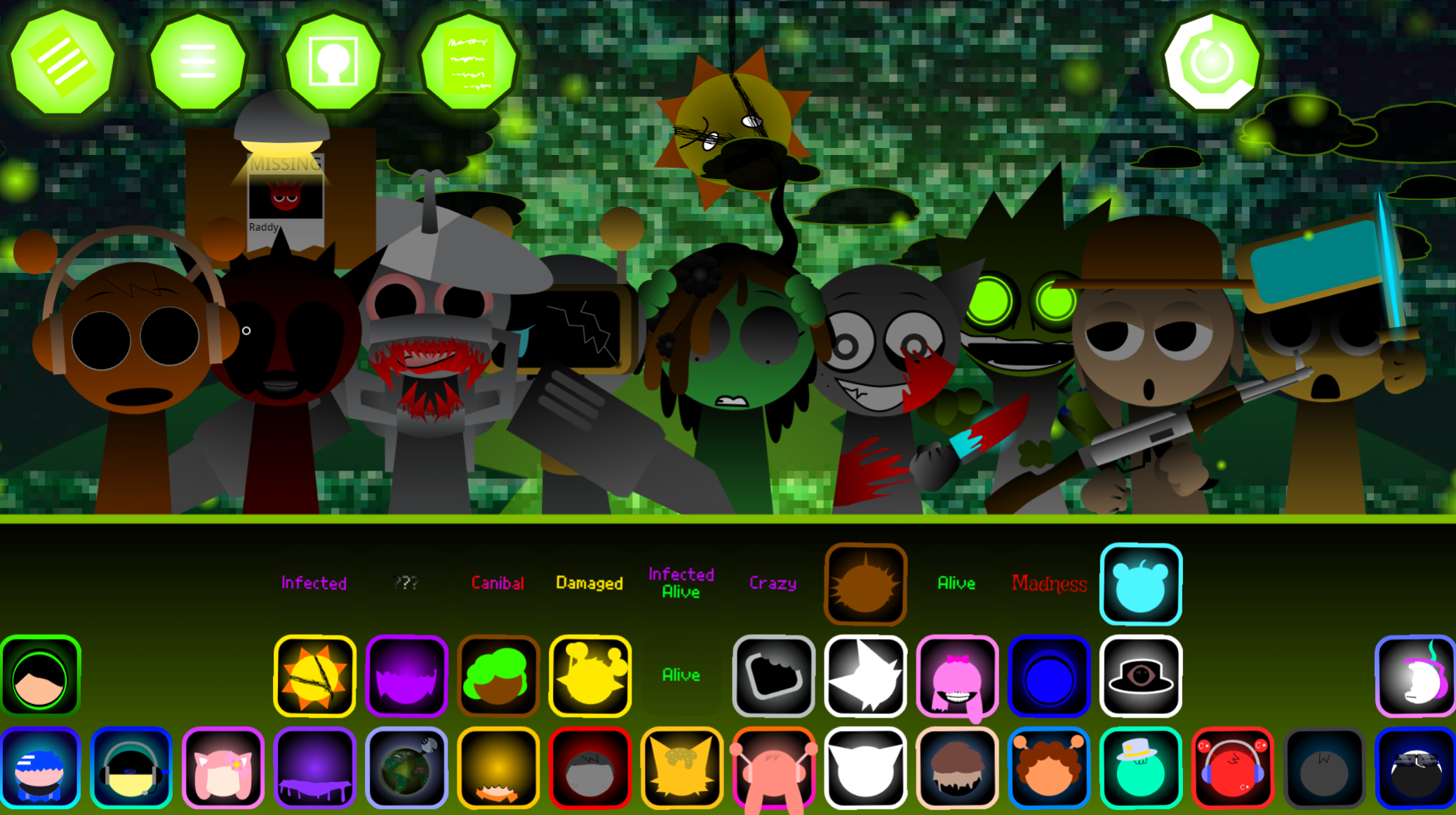
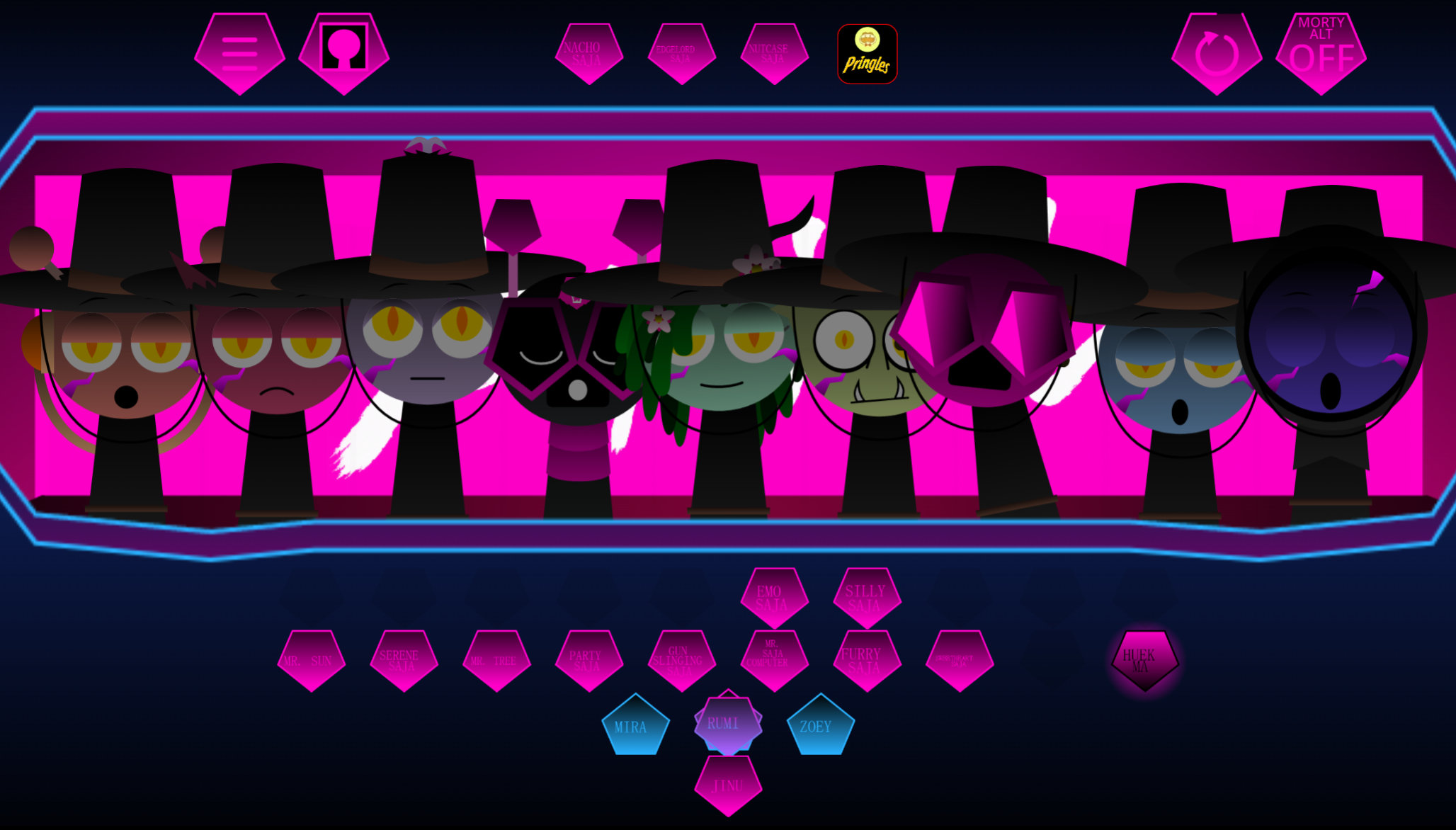
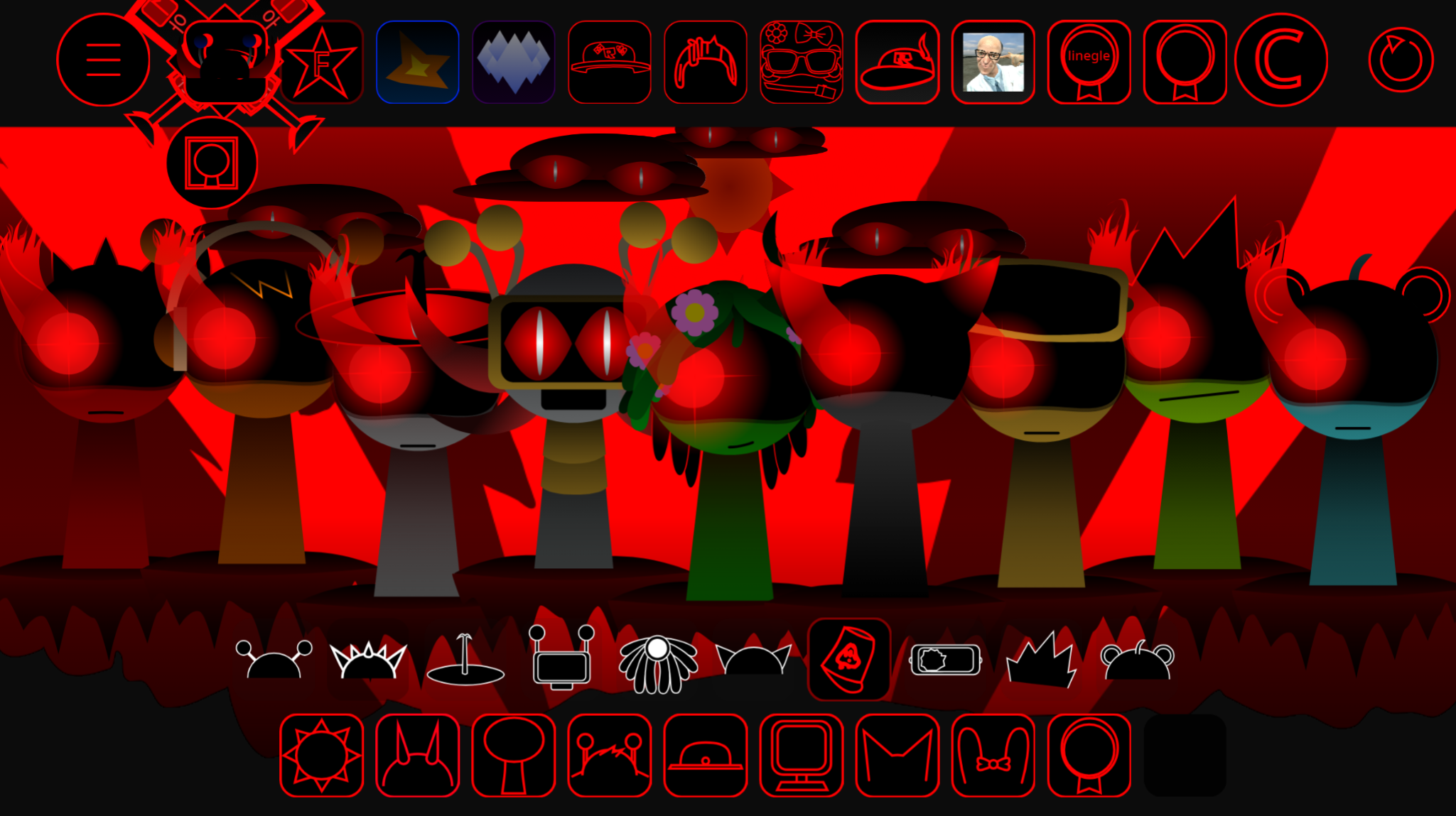
Sprunki Gore Galore Anniversary Edition Phase 4 is a browser-based music mod that layers pixel-horror visuals over the series’ drag-and-drop mixing mechanics, marking a fourth iteration that leans into visceral aesthetics rather than polish.
The “Anniversary Edition” label signals a retrospective milestone, while “Phase 4” positions it as part of an ongoing sequence—two naming choices that set it apart from one-off variants.
This article breaks down the specific features that justify those designations: the gore-focused character animations, the phase-based progression system, and the anniversary callbacks embedded in sound design and UI.
What makes this version worth examining is how it uses “Edition” and “Anniversary” to frame incremental changes as a distinct experience.
What Is Sprunki - Gore Galore Anniversary Edition Phase 4?
Sprunki - Gore Galore Anniversary Edition Phase 4 is a browser-based music mod that transforms the series’ drag-and-drop mixing into a pixel-horror performance.
This Anniversary V2.0 expansion, developed by @Zman_jimothy from FootlongNachos’ original Phase 4 concept, lets players construct tracks from character-linked beats, melodies, vocals, and effects. Each sound layer triggers synchronized blood-soaked animations that pulse with the music.
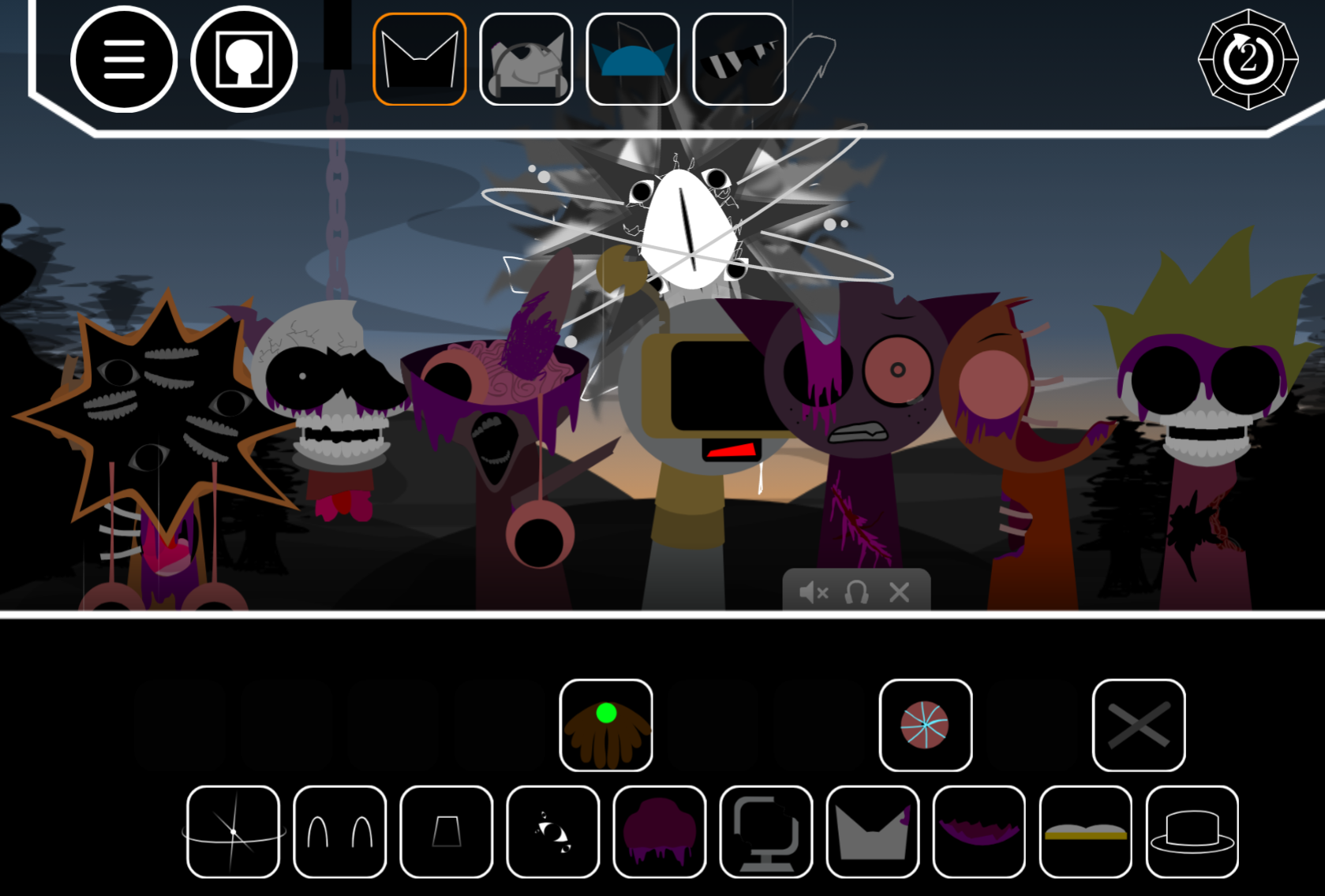
Characters like Wenda and Mroona each contribute a separate loop or texture. Heavy drumbeats, rumbling synthesizers, distorted effects, and abrasive horror cues create darker industrial edge than standard Sprunki arrangements. Active layers directly affect the stage animations, making every composition a reactive visual display.
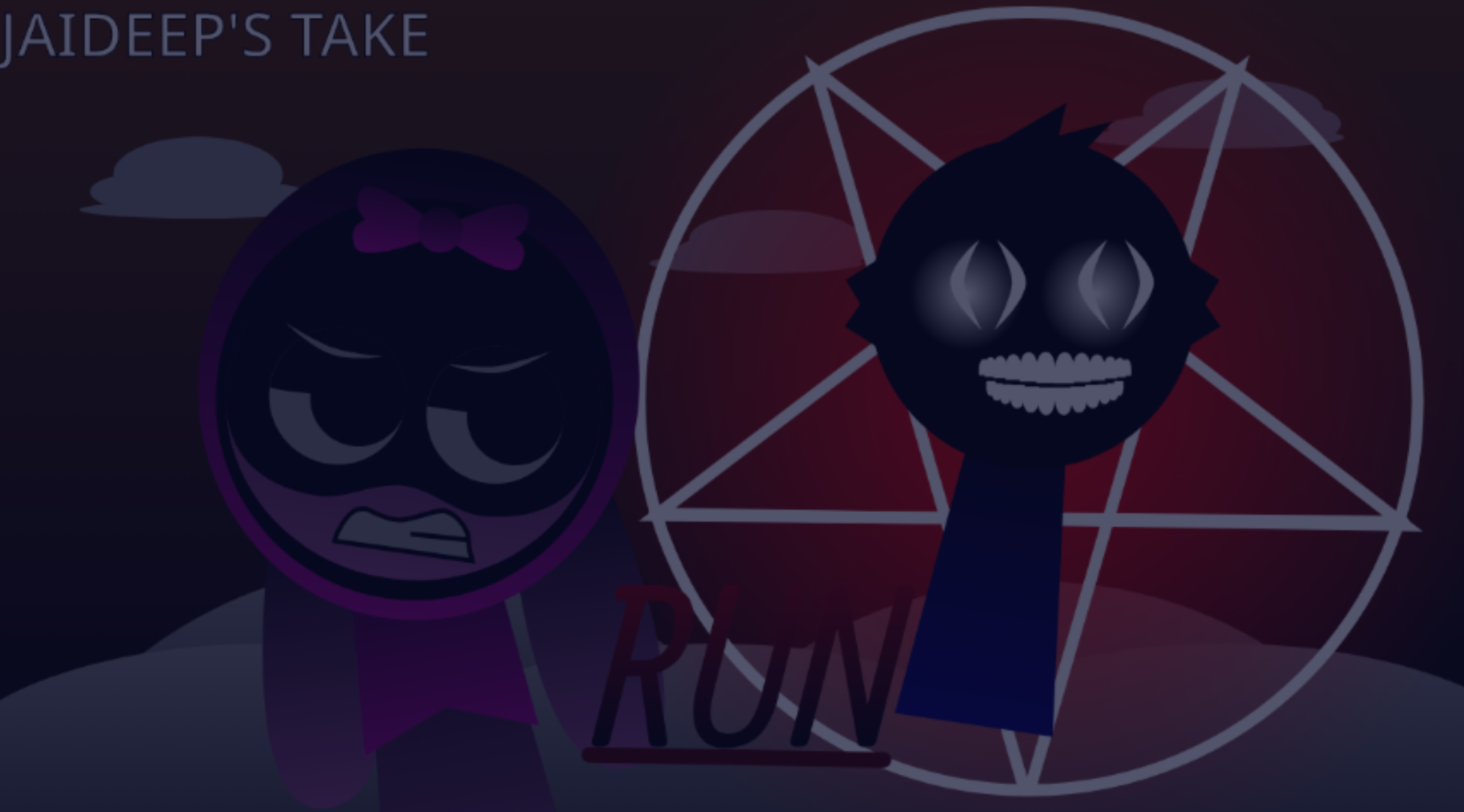
The Edition includes character skins, extra sound packs, hidden characters, and concealed visual details. Some players report discovering a flashing “RUN” message that adds psychological tension to the beat-building format.
Anniversary Edition Features
-
Character-driven sound layering: Drag sound icons onto the cast to activate individual rhythms, vocal textures, melodies, or effects. Layering different characters builds a full composition without music-production experience.
-
Gore Showcase mode: Places greater emphasis on the mod’s retro-horror visuals. Damage effects and stage reactions pulse alongside active music layers.
-
Skins and hidden content: Switch character skins to change the cast’s presentation. Hidden characters and additional sound packs expand possible combinations. Eerie details like the “RUN” flash reward experimentation.
-
Mix control: Volume and effect adjustments help separate the main rhythm from harsher textures, turning chaotic arrangements into controlled tracks.
-
Saving and sharing: Save finished Gore Beats or share them with the Sprunki community.
How to Play Sprunki - Gore Galore Anniversary Edition Phase 4
-
Choose a sound layer: Select a beat, melody, effect, vocal, or character loop. Heavy percussion and low synth textures work as starting points.
-
Drag characters into the mix: Drop sound icons onto on-screen performers. Each placement activates a distinct layer.
-
Test different combinations: Swap characters, change the order, or remove layers that don’t fit. Different pairings may expose hidden visual cues.
-
Refine the balance: Adjust volume levels and effects so important percussion, melodies, or horror sounds remain audible.
-
Save or share: Preserve a finished mix or share it with the community.
How to Mix Your Gore Beats
A strong Gore Beats mix starts with structure before adding chaos.
-
Establish the foundation: Begin with a heavy drumbeat or rumbling bass-synth layer for a consistent pulse.
-
Add contrast: Introduce a sharper effect, vocal texture, or melody rather than stacking similar percussion. A screeching sound works as an accent above low-end synths; a melodic loop brings shape to harsher mixes.
-
Stack gradually: Add one character at a time and listen to how its loop interacts with existing parts. Remove layers that mudy the beat instead of forcing the combination.
-
Use volume to control the clash: Pull back effects that overpower the rhythm, or raise a key sound to make it the track’s hook.
Survival & Mixing Tips
-
Build in layers, not all at once: Heavy percussion, a low synth, and a distinct effect or vocal create more definition than several competing beats.
-
Experiment with placement: The drag-and-drop system supports quick trials. Swap characters, remove weak layers, and test different sequences to uncover better rhythmic tension.
-
Watch for hidden discoveries: Gore Showcase mode, alternate skins, concealed characters, extra sound packs, and unsettling details like the flashing “RUN” message give reasons to revisit combinations.
-
Don’t over-polish early: The format rewards iteration. Save mixes with a promising core, then return later to improve pacing, layer selection, and volume balance.
Related Games
- Sprunki Phase 4 Gore Galore — Experience the original Phase 4 Gore Galore foundation to compare its grim rhythmic character transformations and sound layering with the Anniversary Edition’s expanded V2.0 content.
- Sprunki Phase 4 Gore Galore Reversed — This reversed variation offers a compelling next step for players who want the same pixel-horror sound palette rearranged into unfamiliar, unsettling musical patterns.
- Sprunki Phase 4 Gore Galore But Alive — Its “But Alive” premise directly revisits Gore Galore’s mutilated cast, making it a natural follow-up for exploring an alternate visual treatment of the mod’s horror-driven composition gameplay.
Enjoy!

Discuss Sprunki