



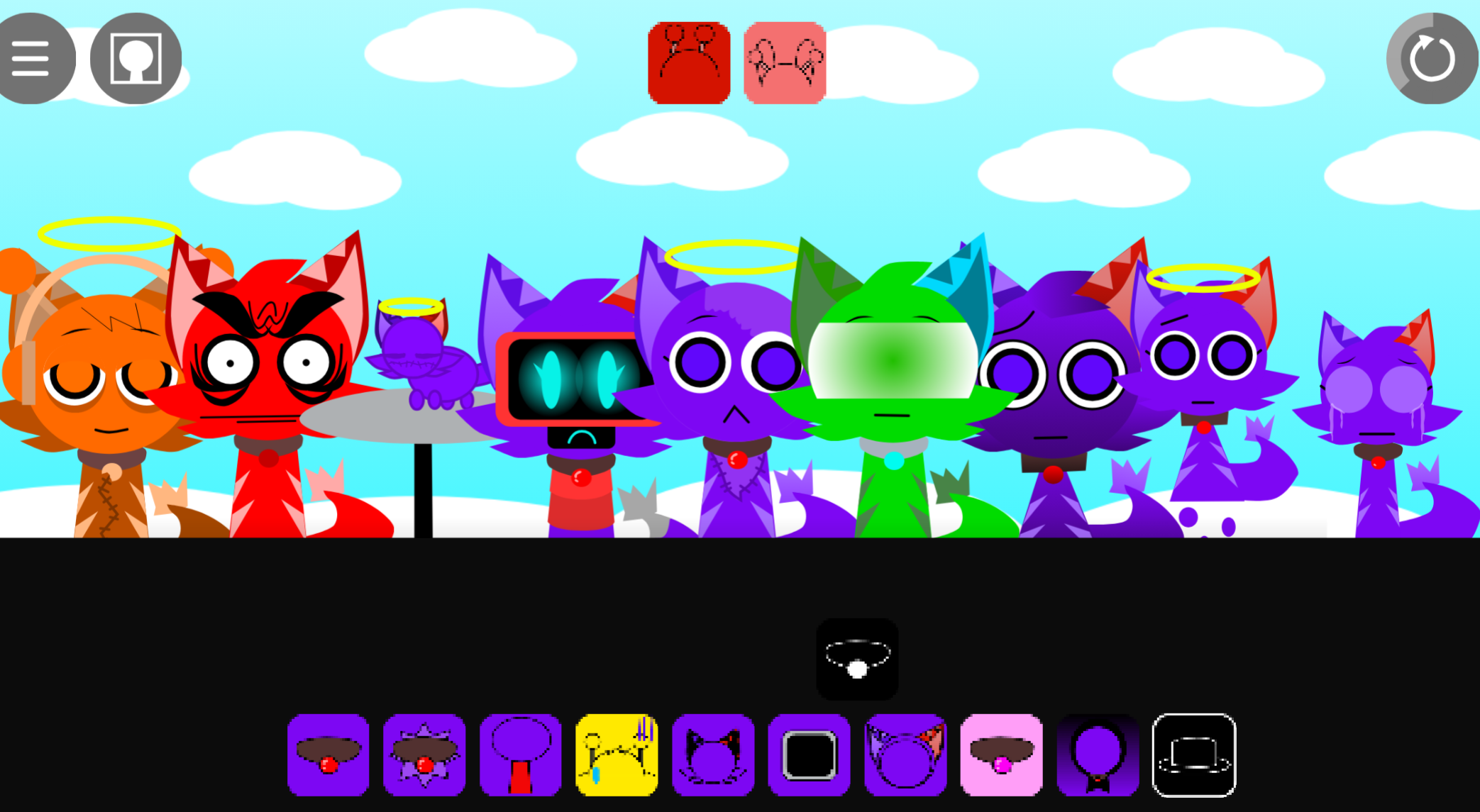
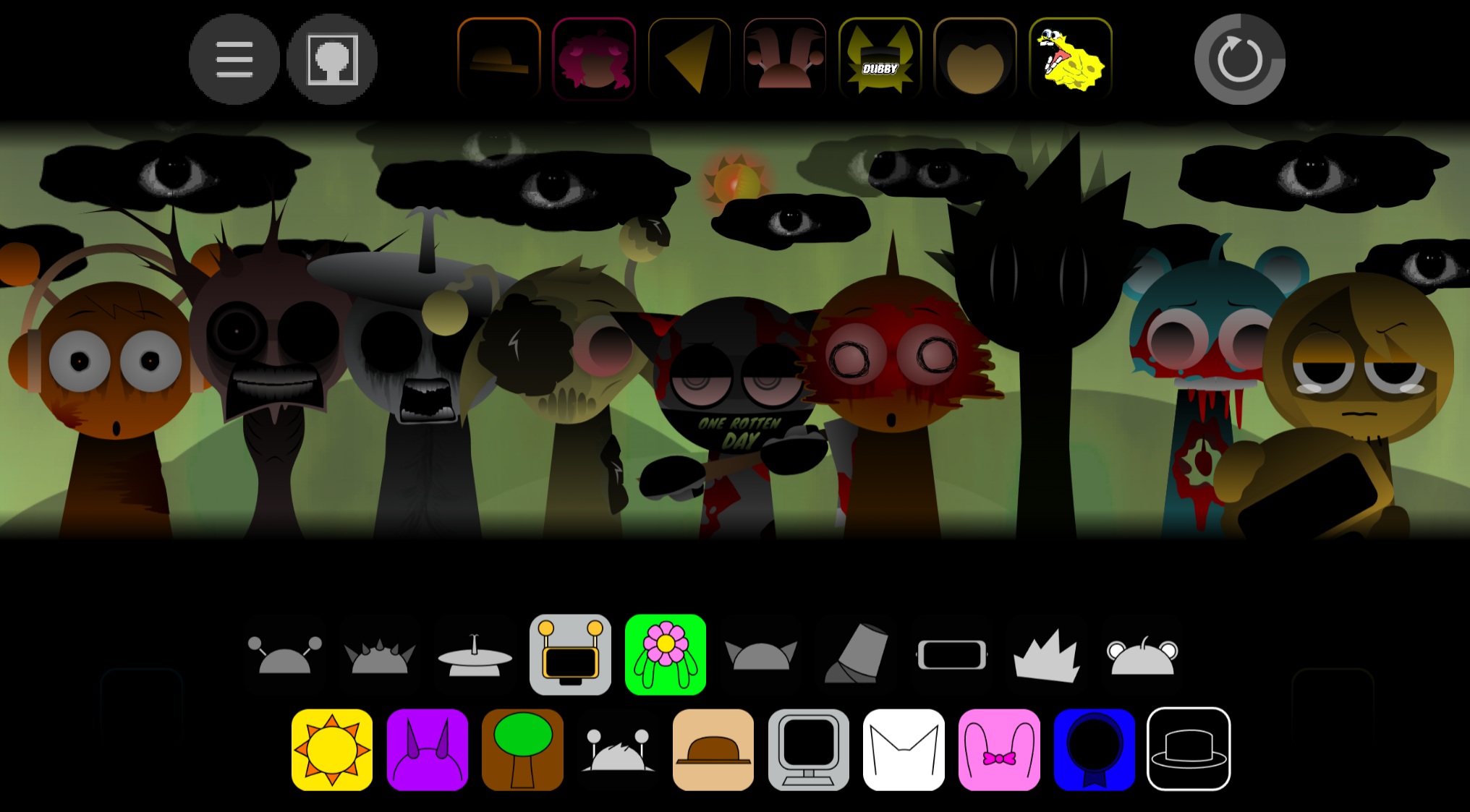
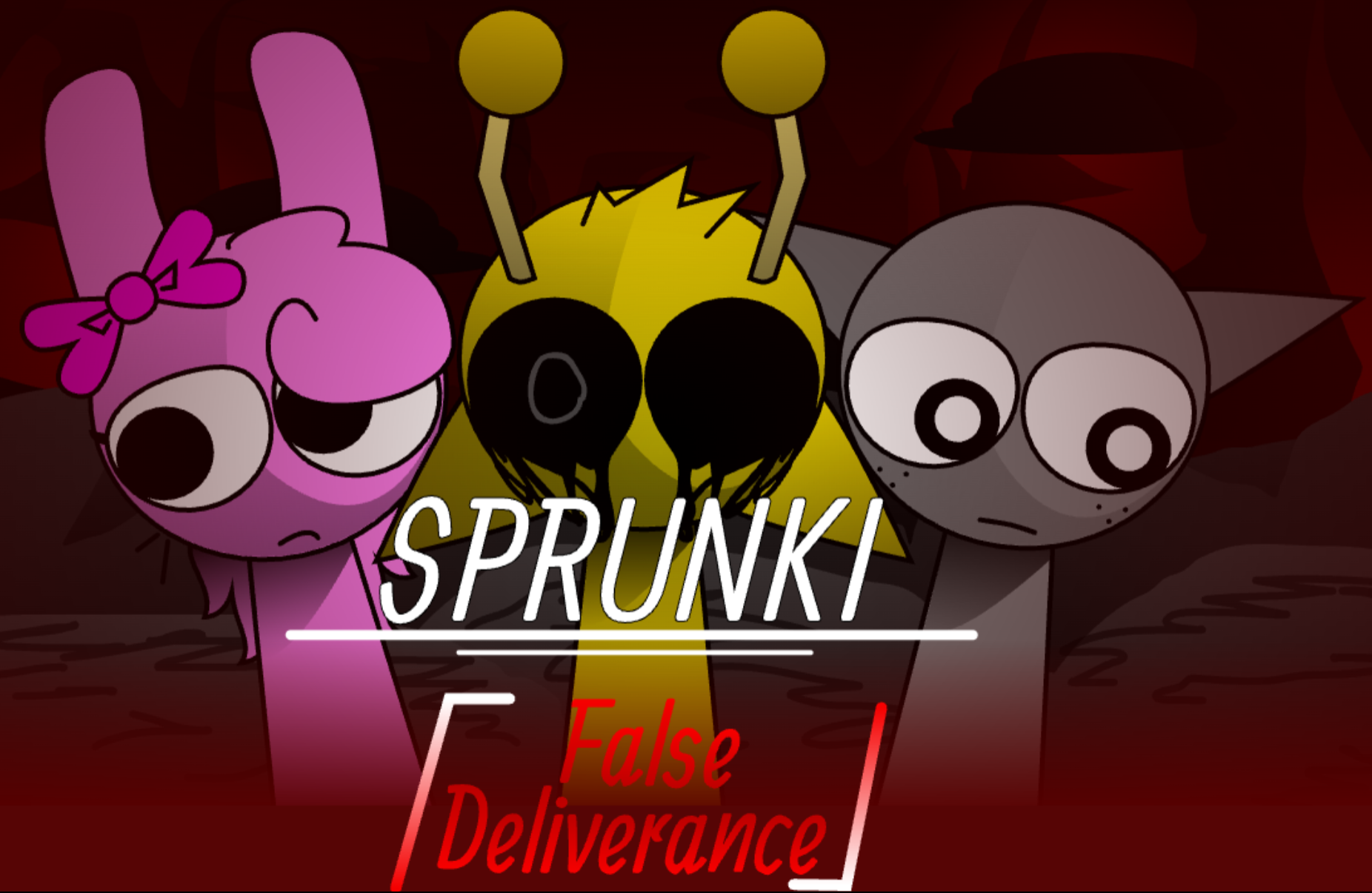
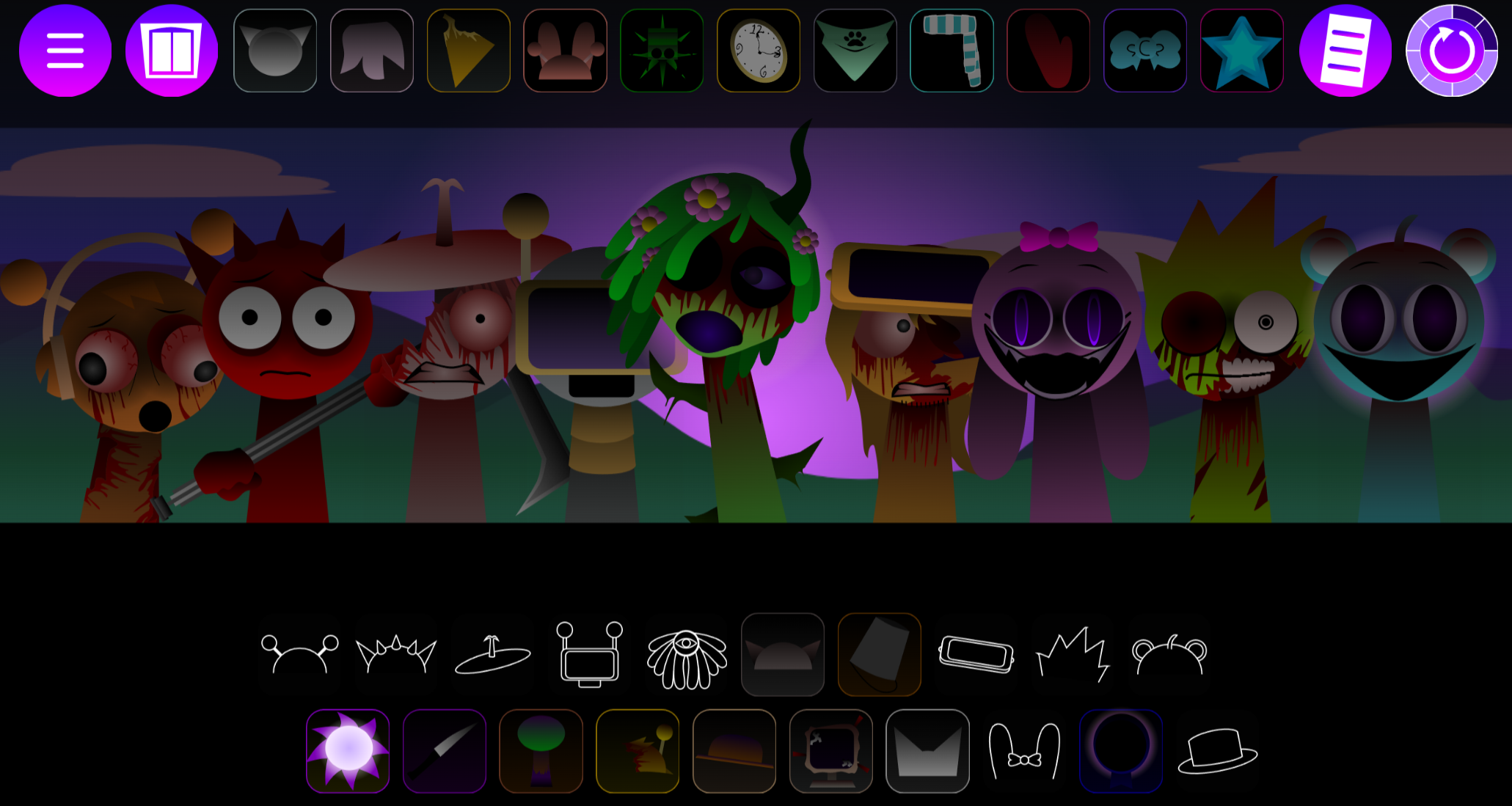
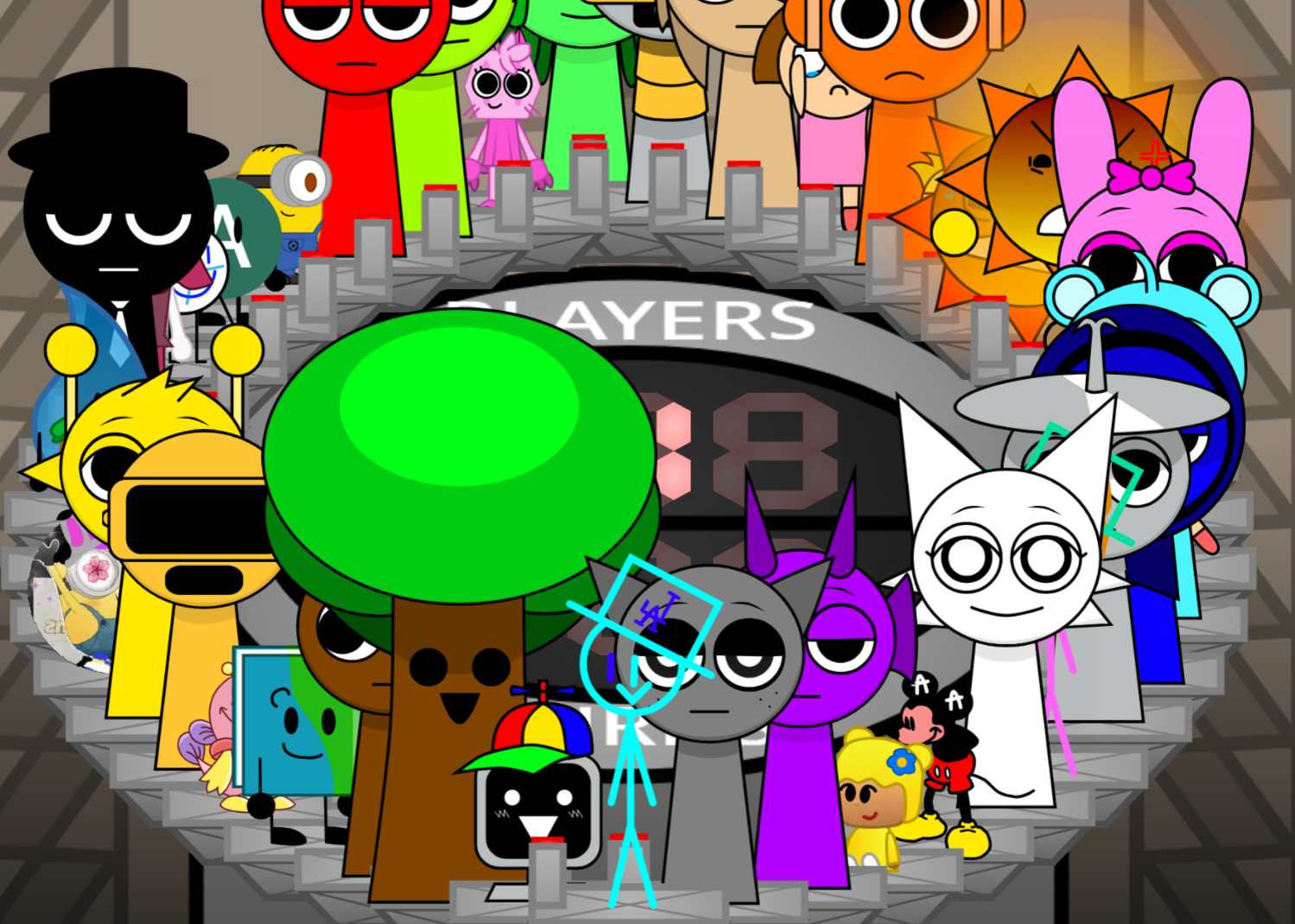
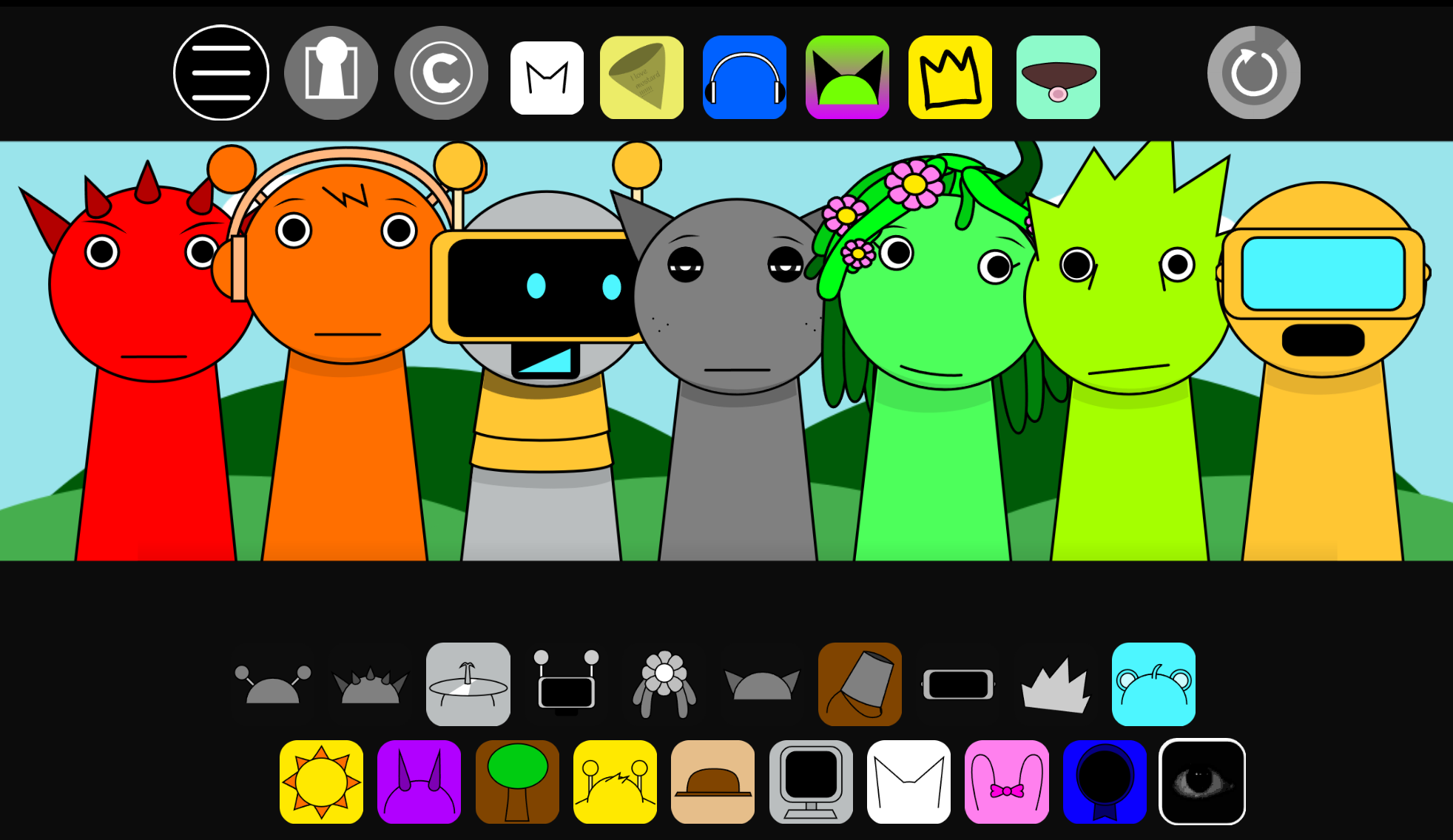
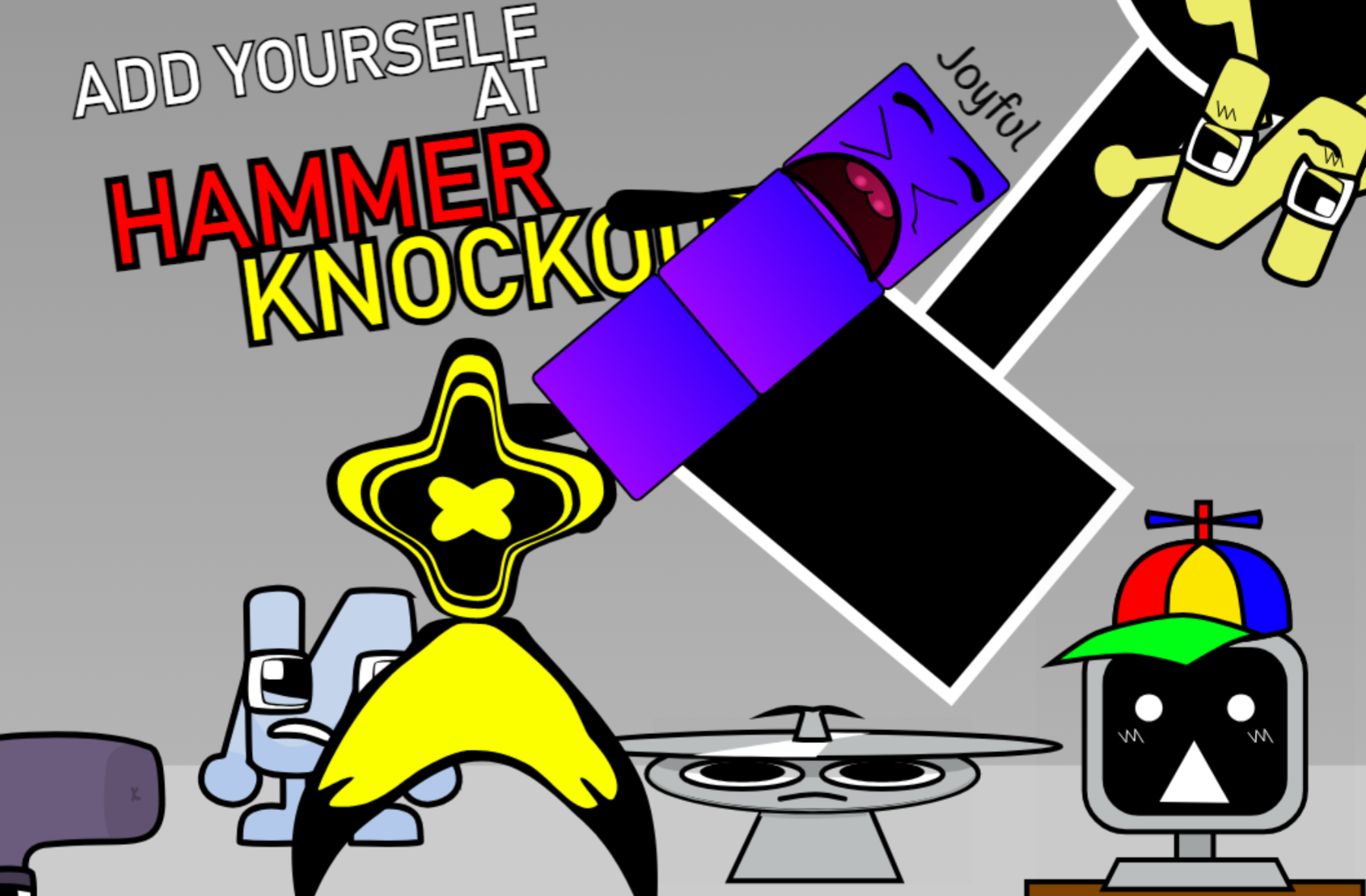
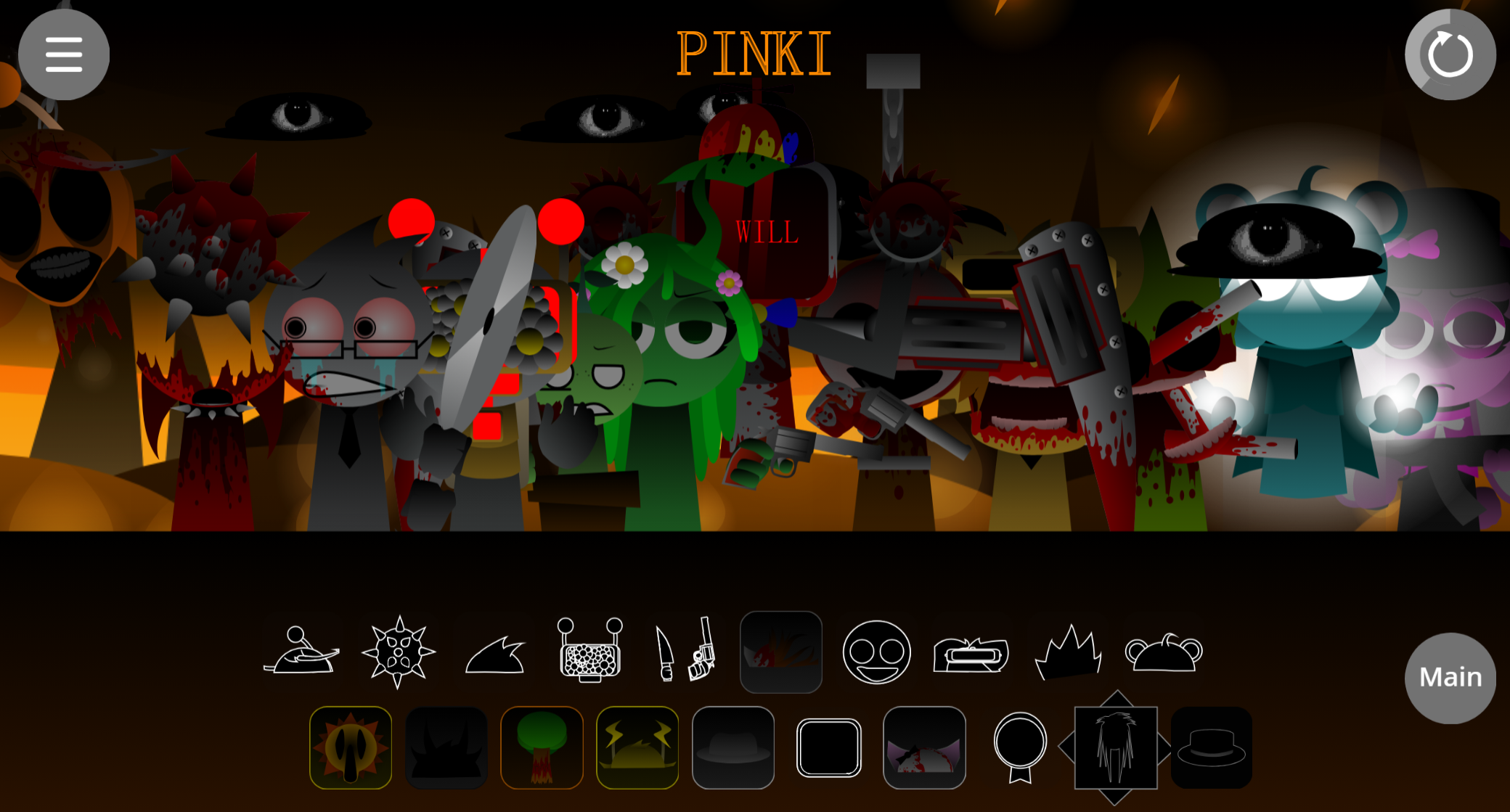
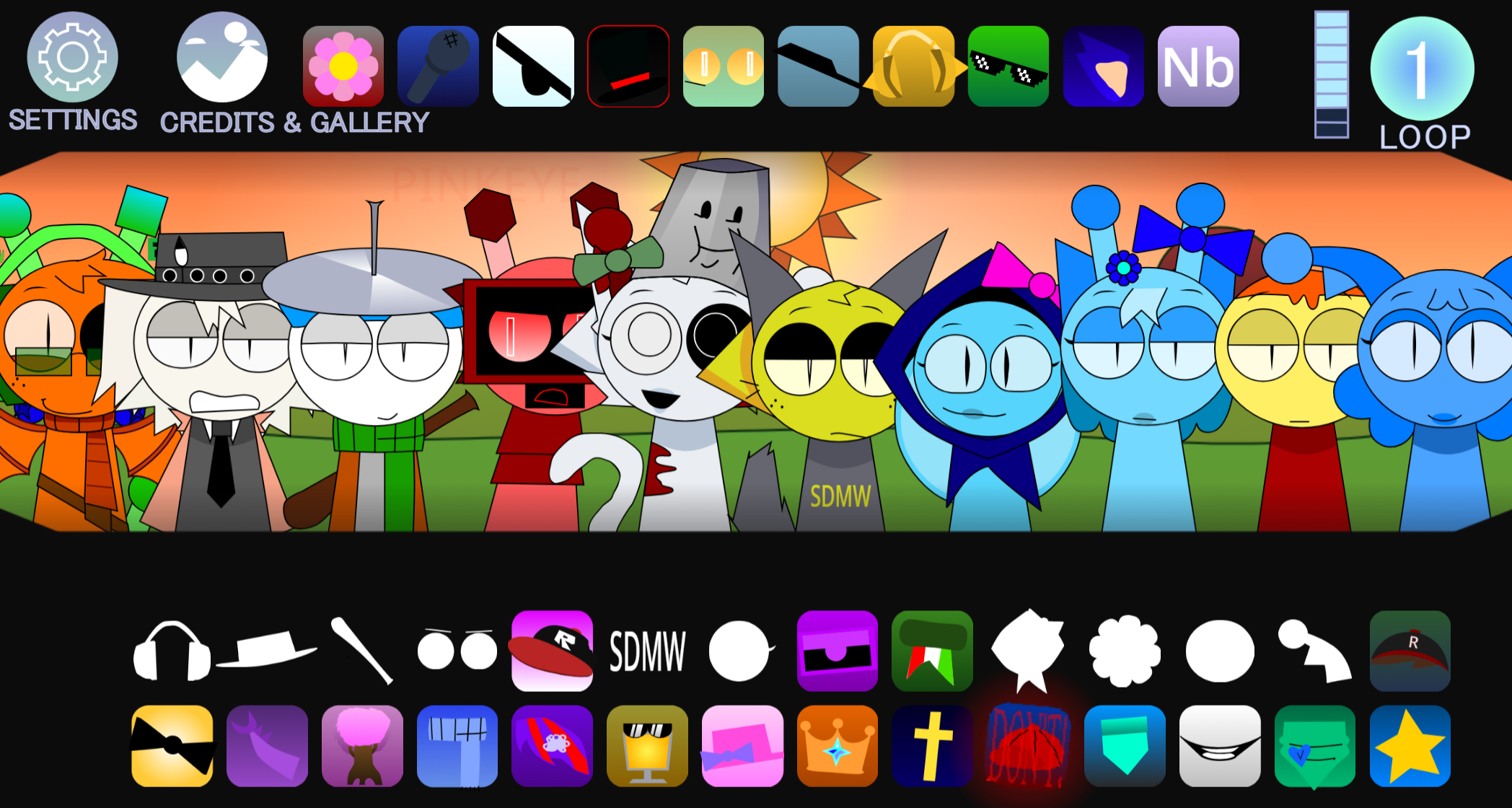
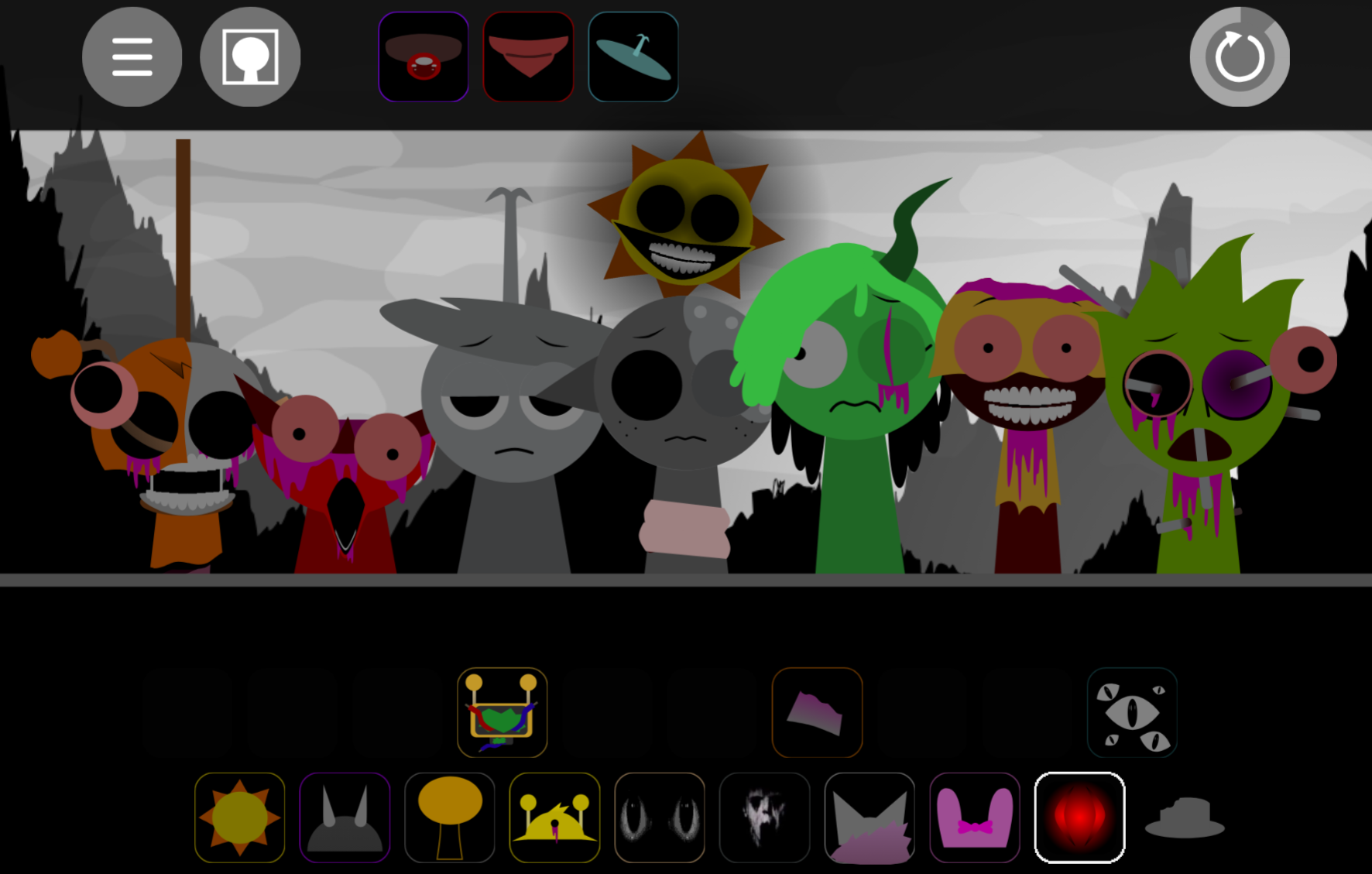
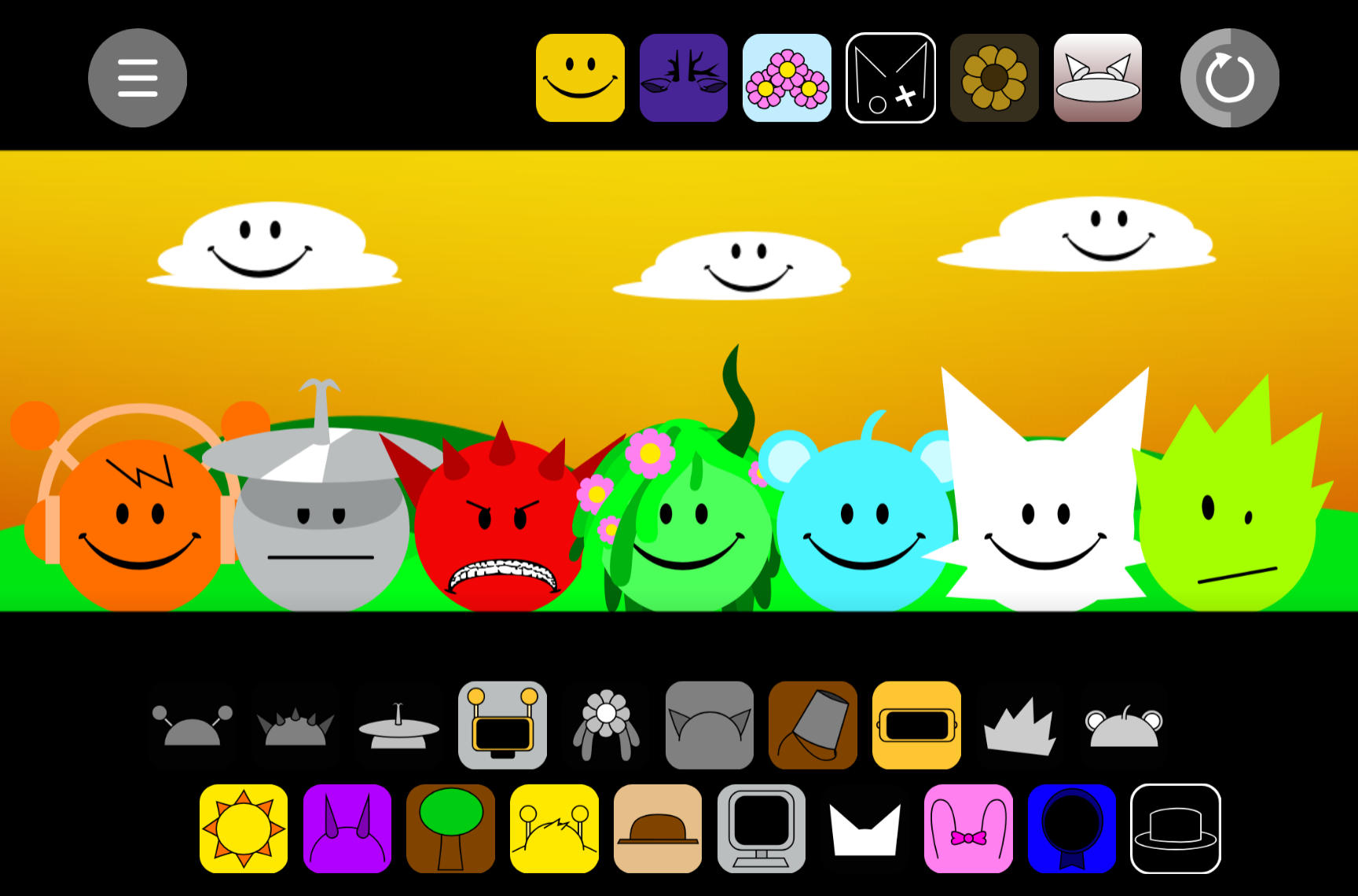
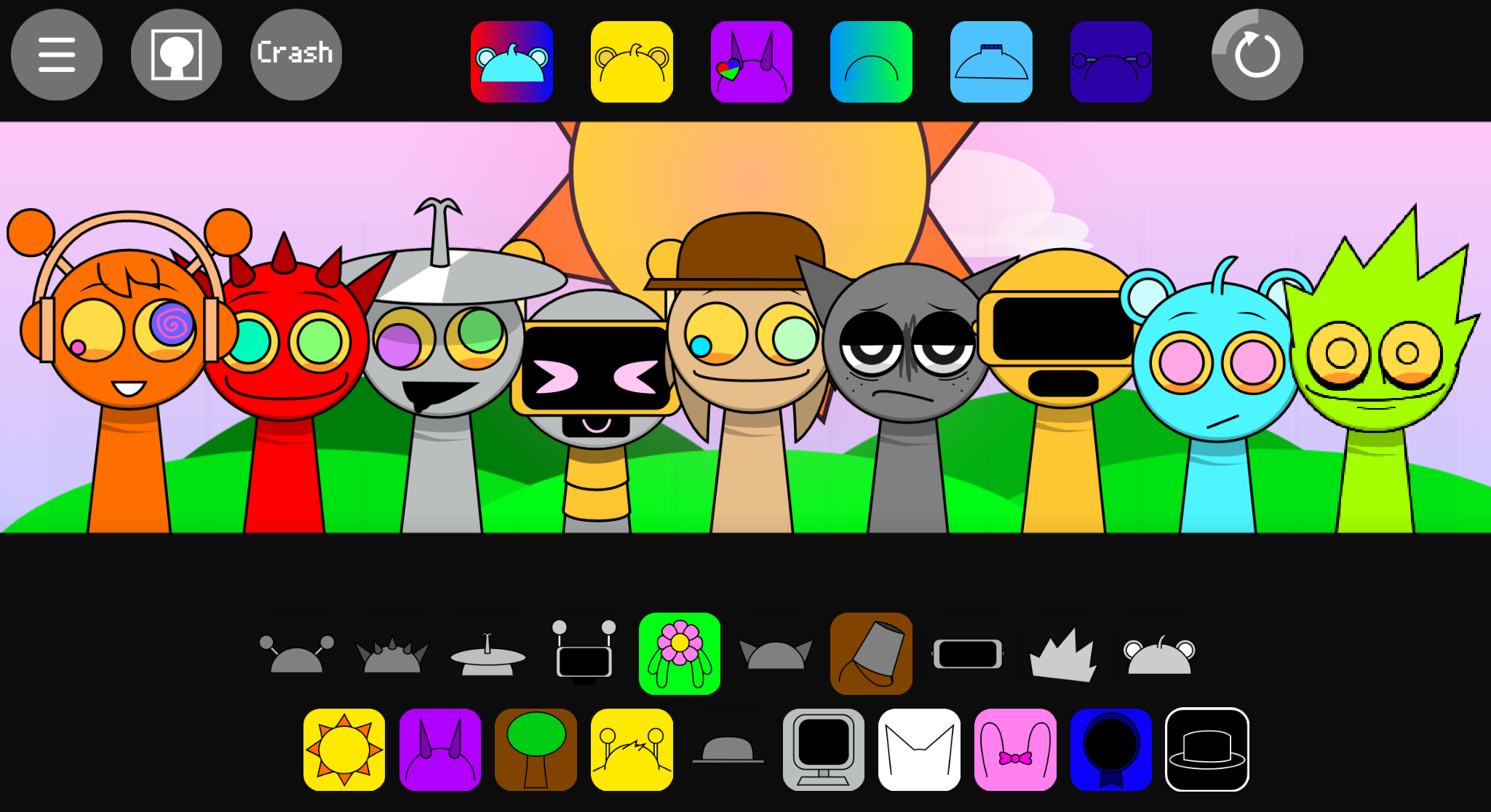
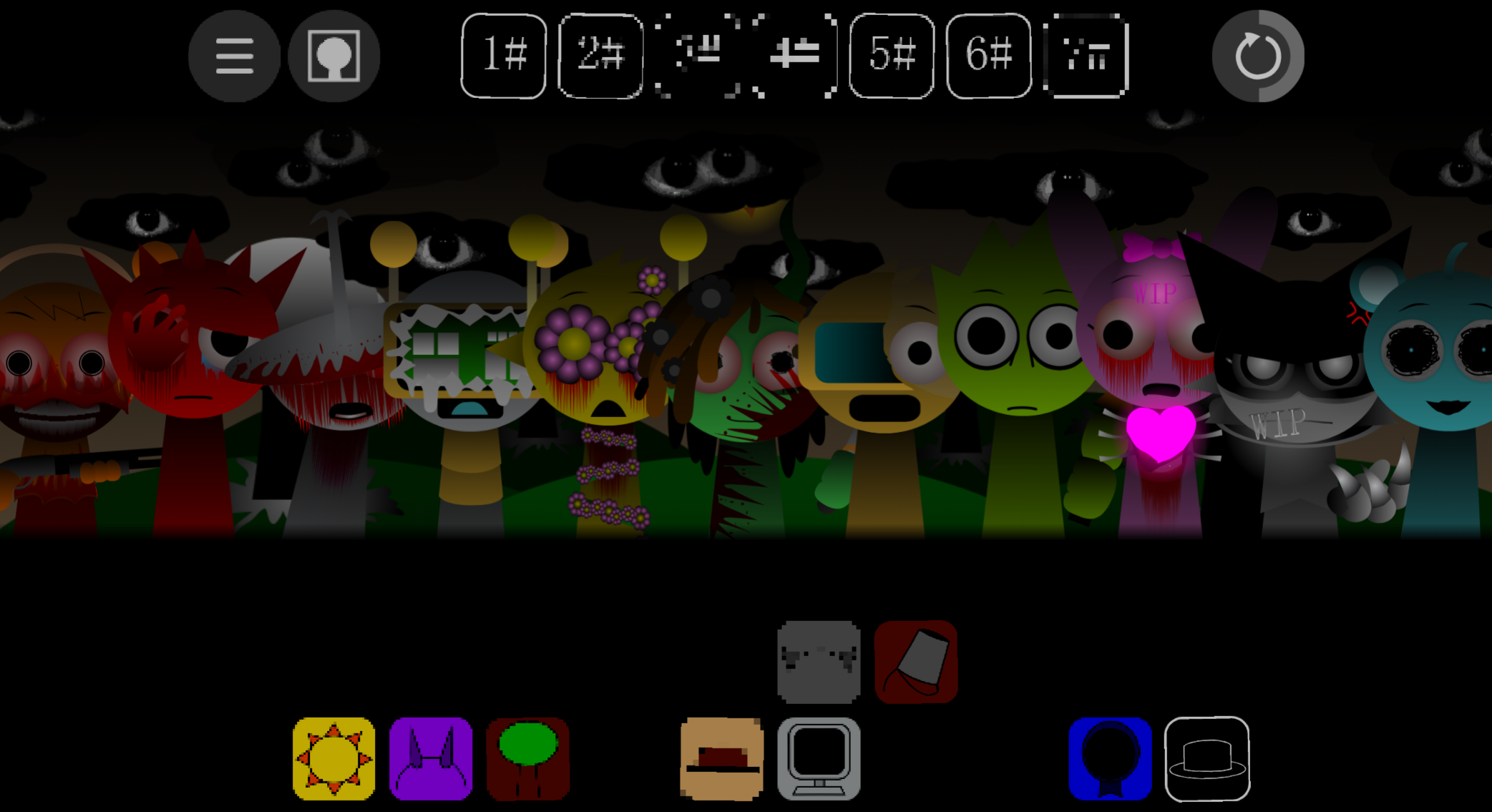
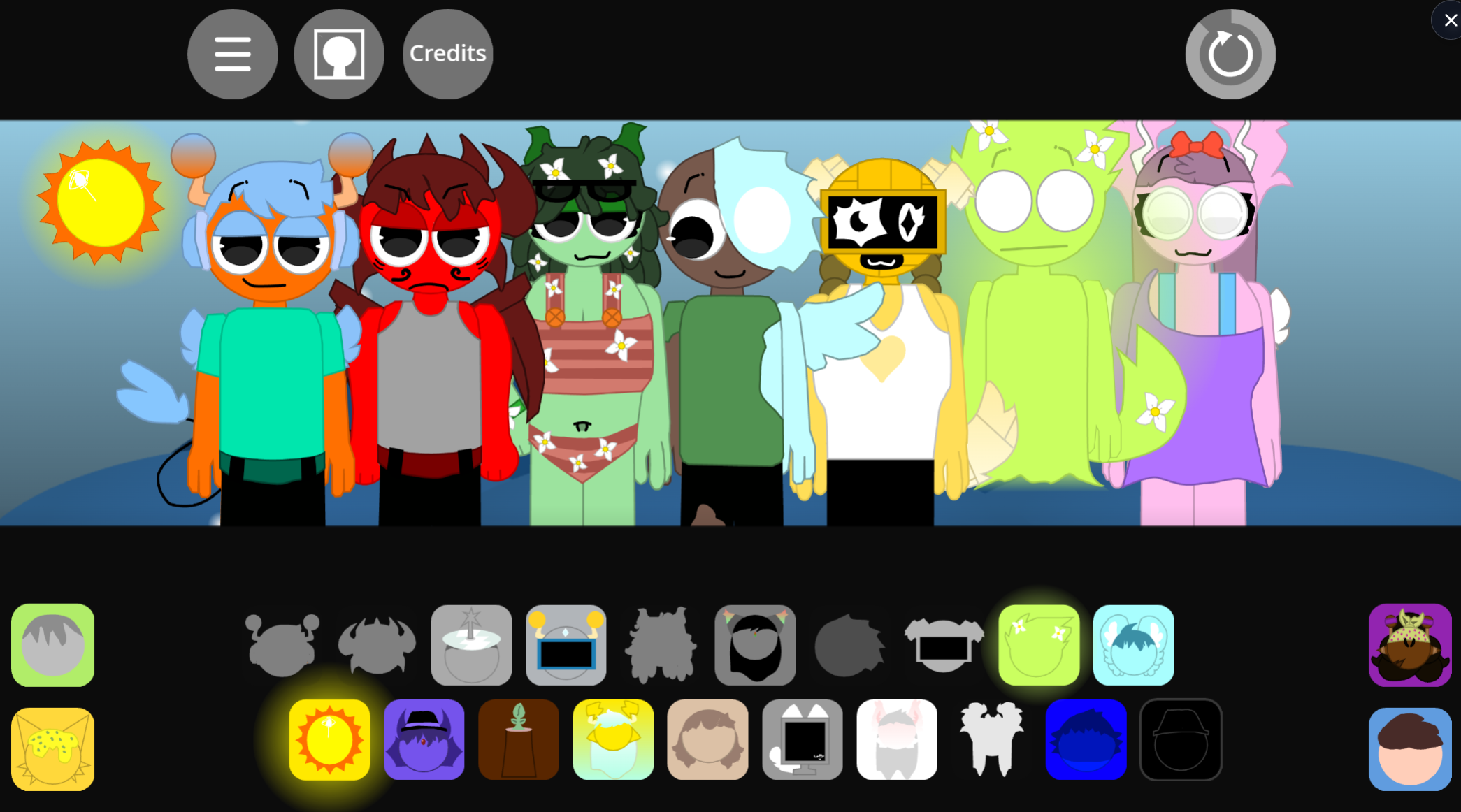
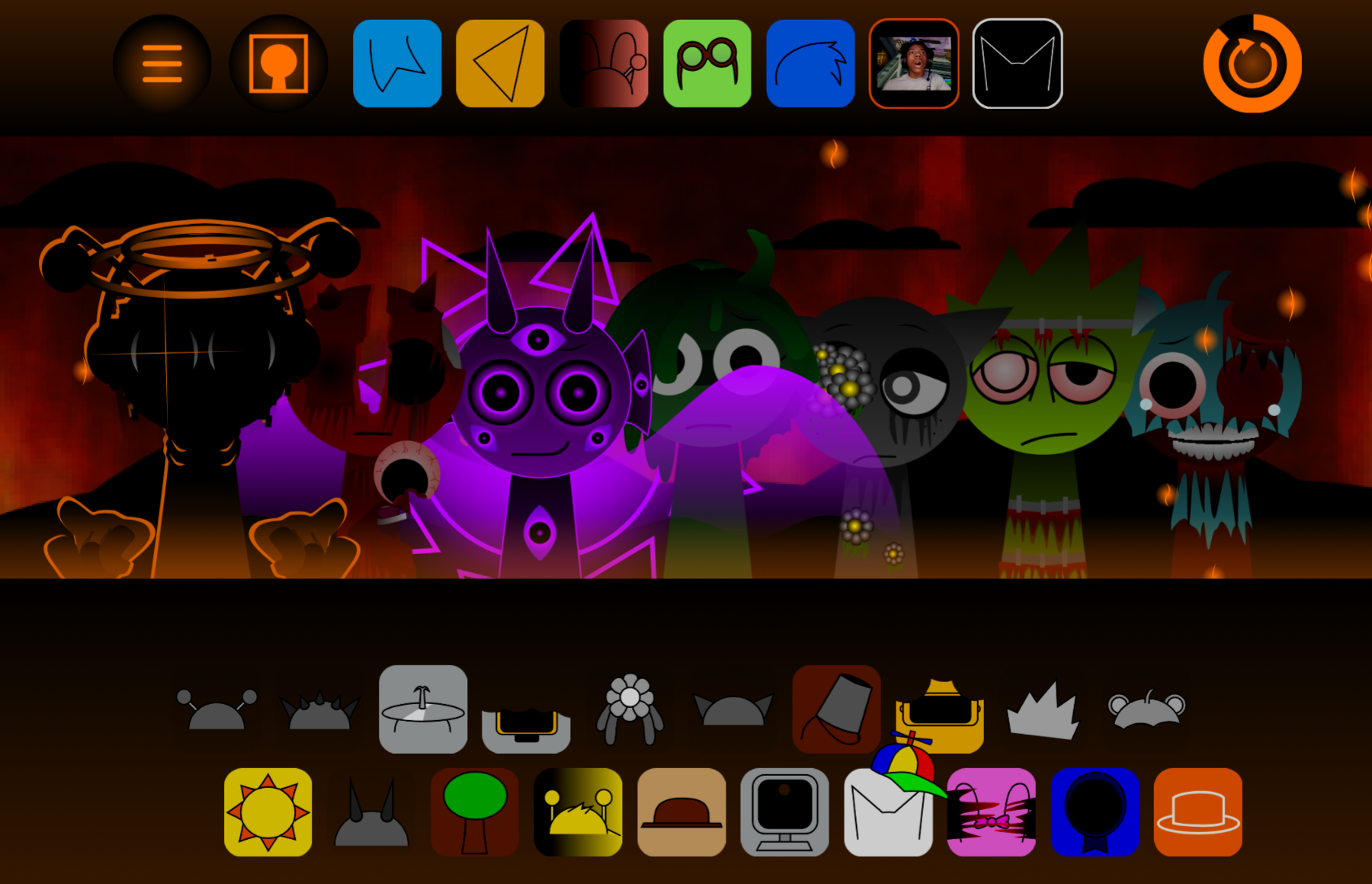
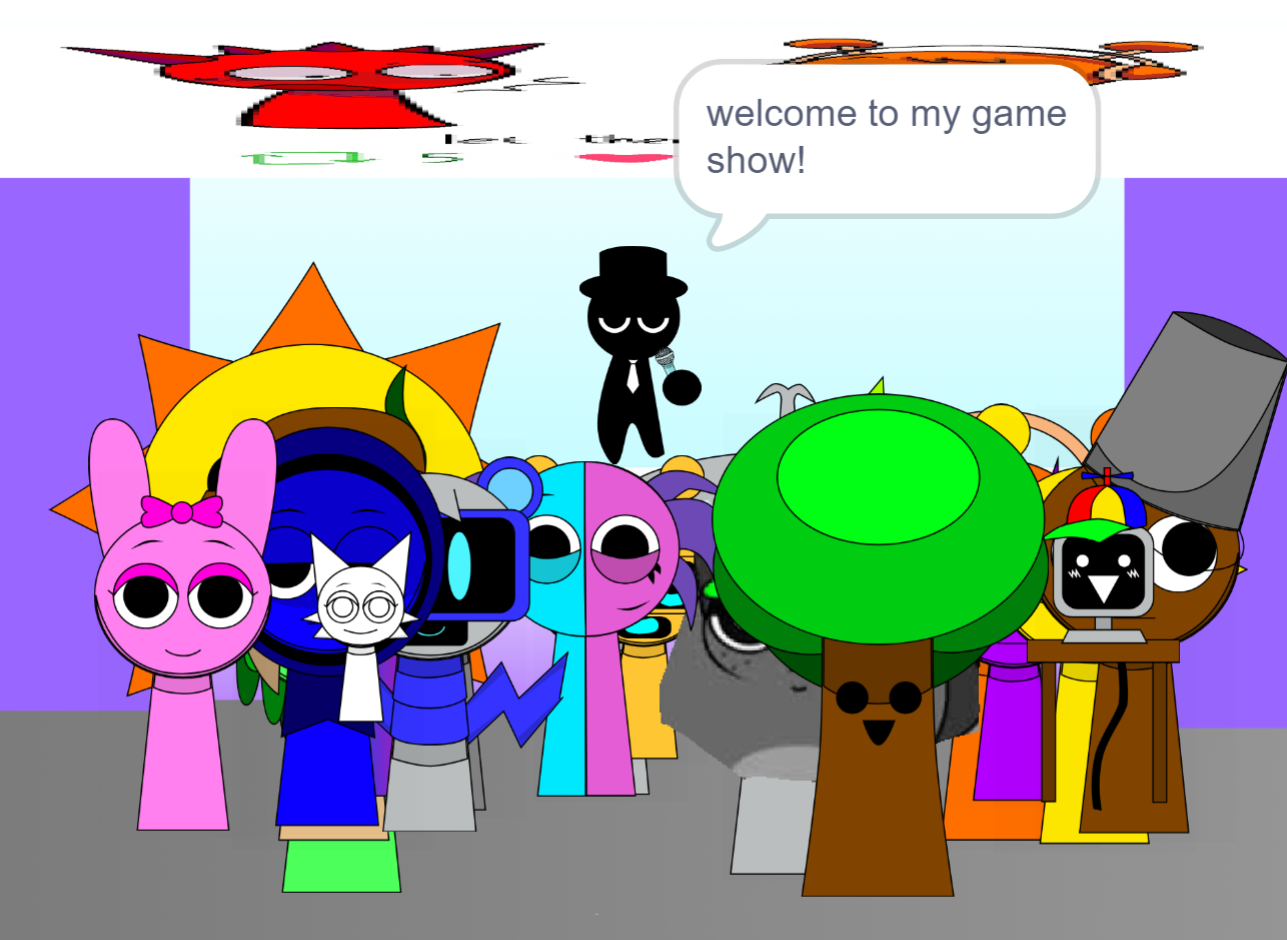
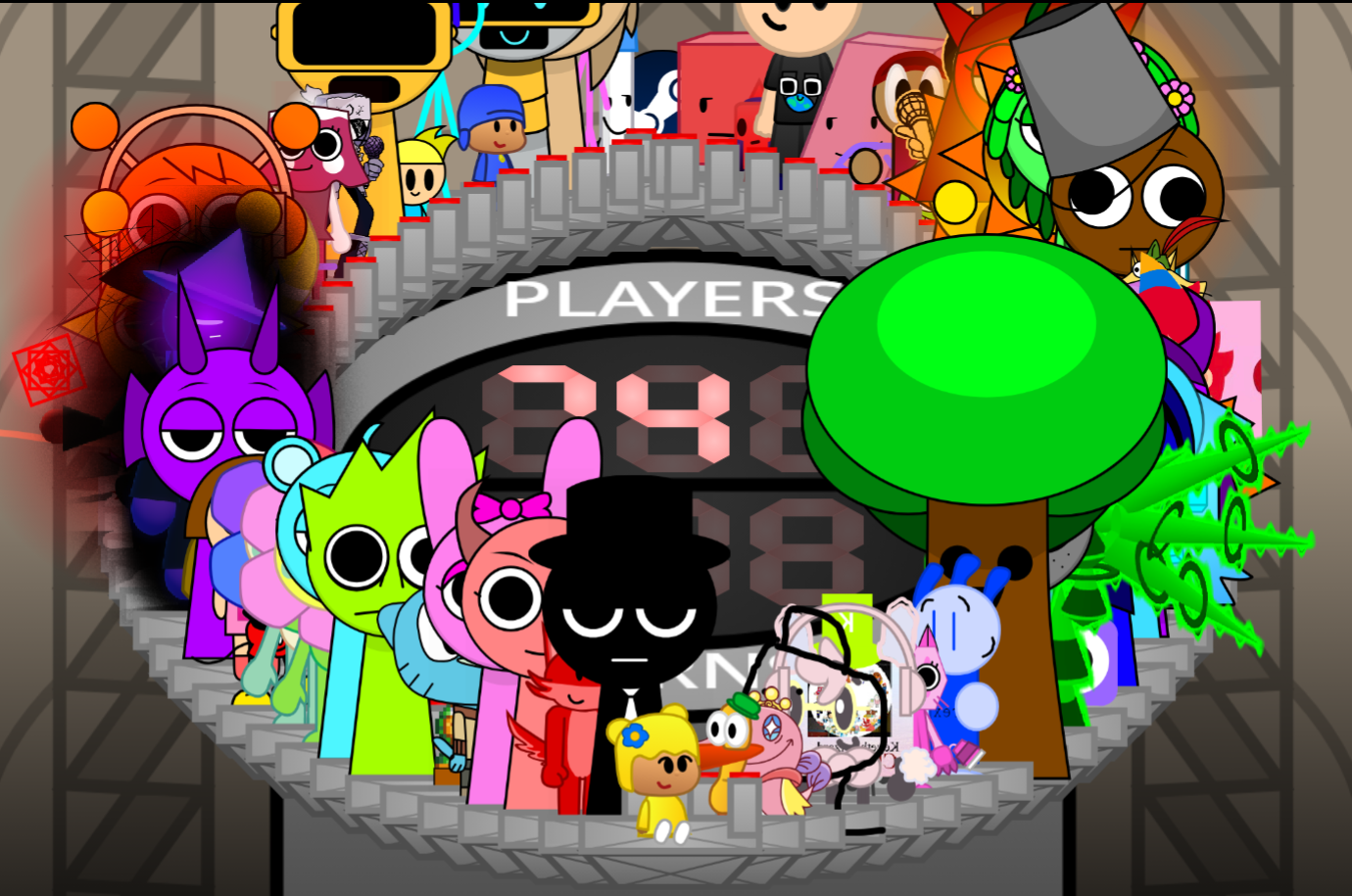
Sprunki Phase 9 Turned Tables takes the drag-and-drop music creation format from earlier Sprunki phases and adds direct gameplay mechanics—platforming sections, audio-guided hazards, and boss fights that respond to the music you build.
Players still select sound icons and place them on musical avatars to layer beats, melodies, vocals, and effects into a live track, but now those choices affect how levels unfold and what obstacles appear. This article covers the most useful gameplay answers: how the music-driven mechanics work, what changes from standard Sprunki phases, and the practical details players typically need when starting Phase 9.
The focus stays on clear explanations of systems, unlocks, and strategies rather than broad overviews.
Sprunki Phase 9 Turned Tables - Play the Carnage Saga Mod
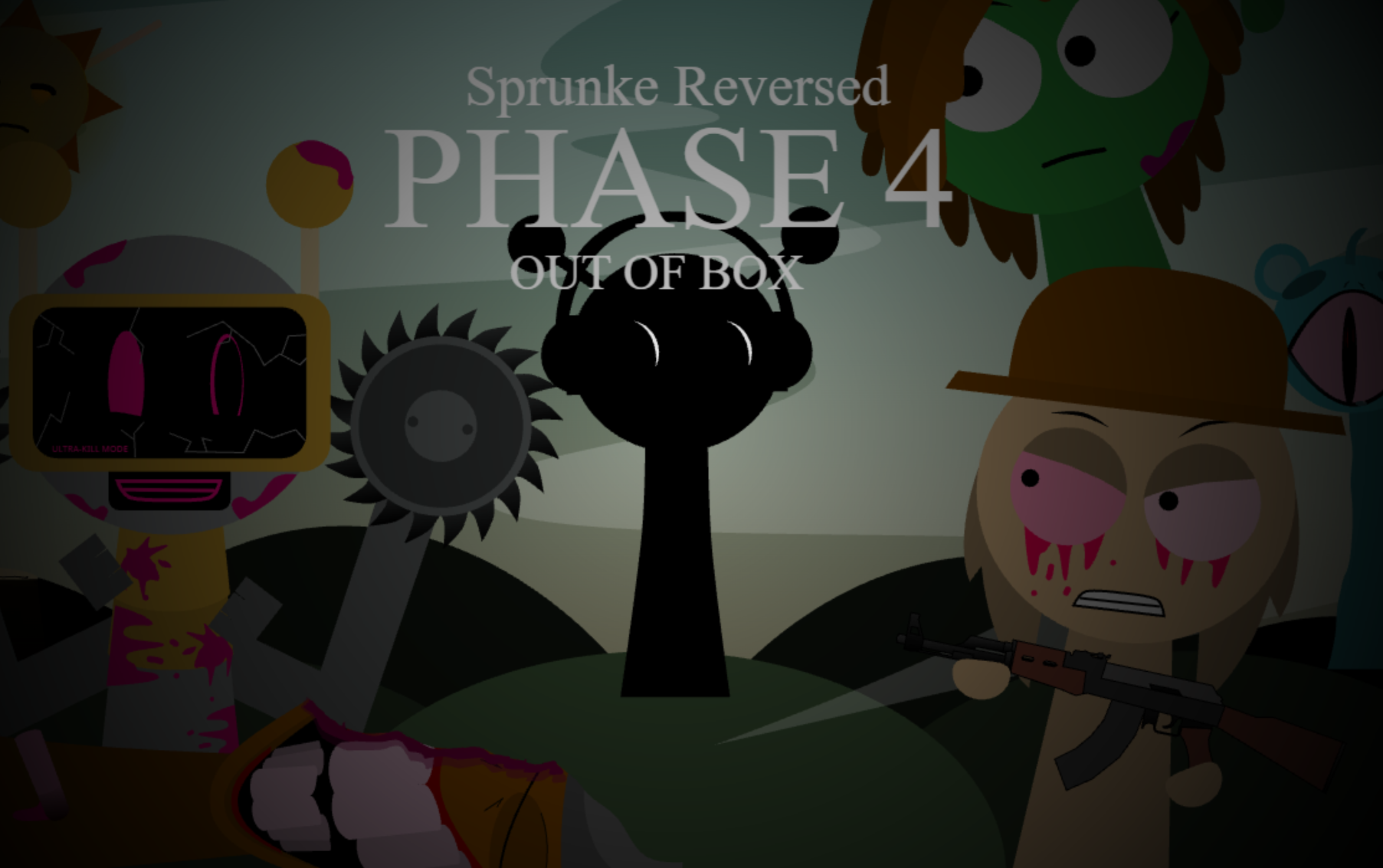
Sprunki Phase 9 Turned Tables is a fan-made Carnage Saga mod that turns Sprunki’s drag-and-drop beat building into a surreal electronic run with platforming, horror transformations, and boss encounters. As the ninth and third-to-last Phase in the saga, it follows @uc990222’s A Dose of Hope interpretation.
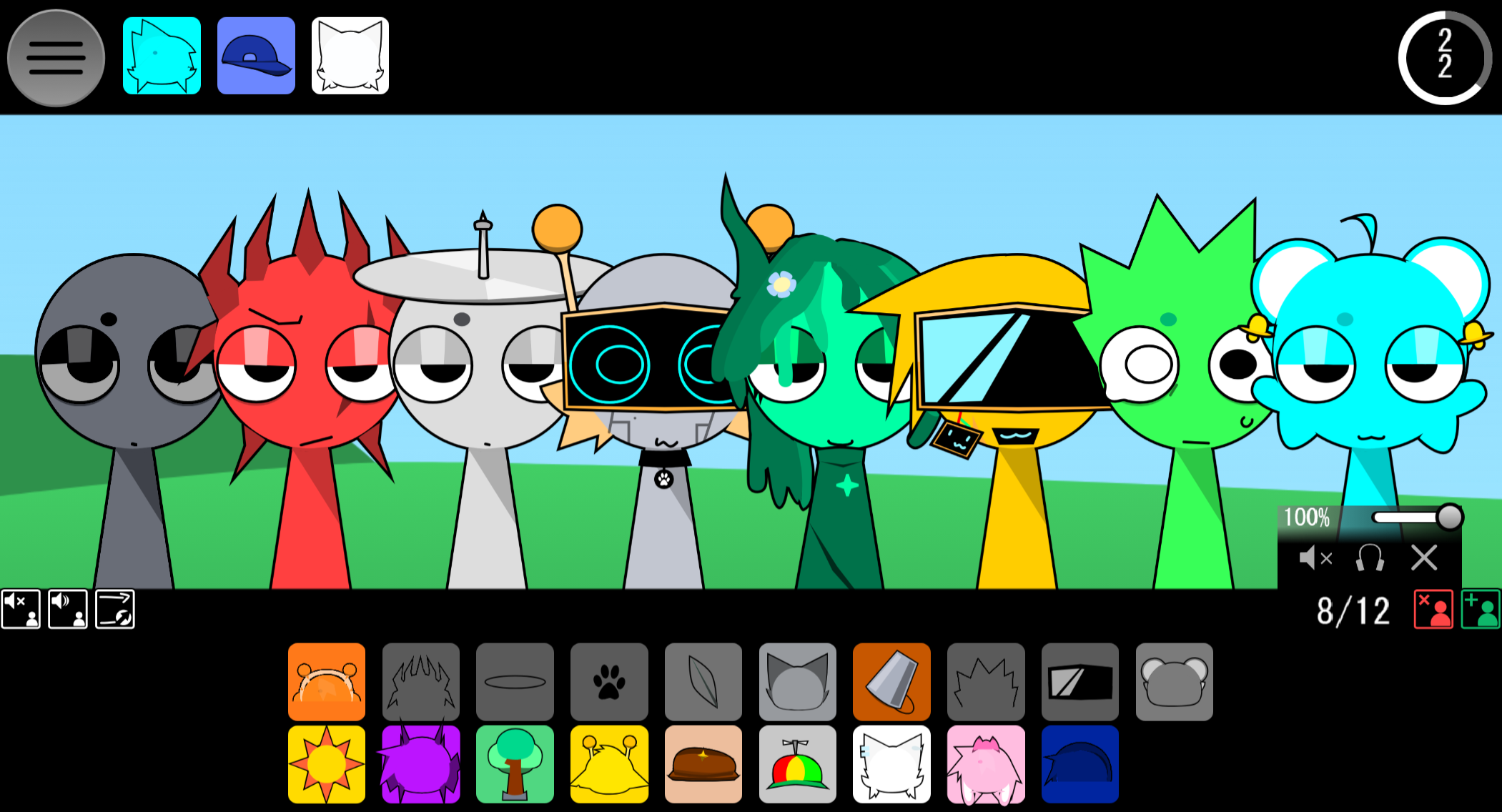
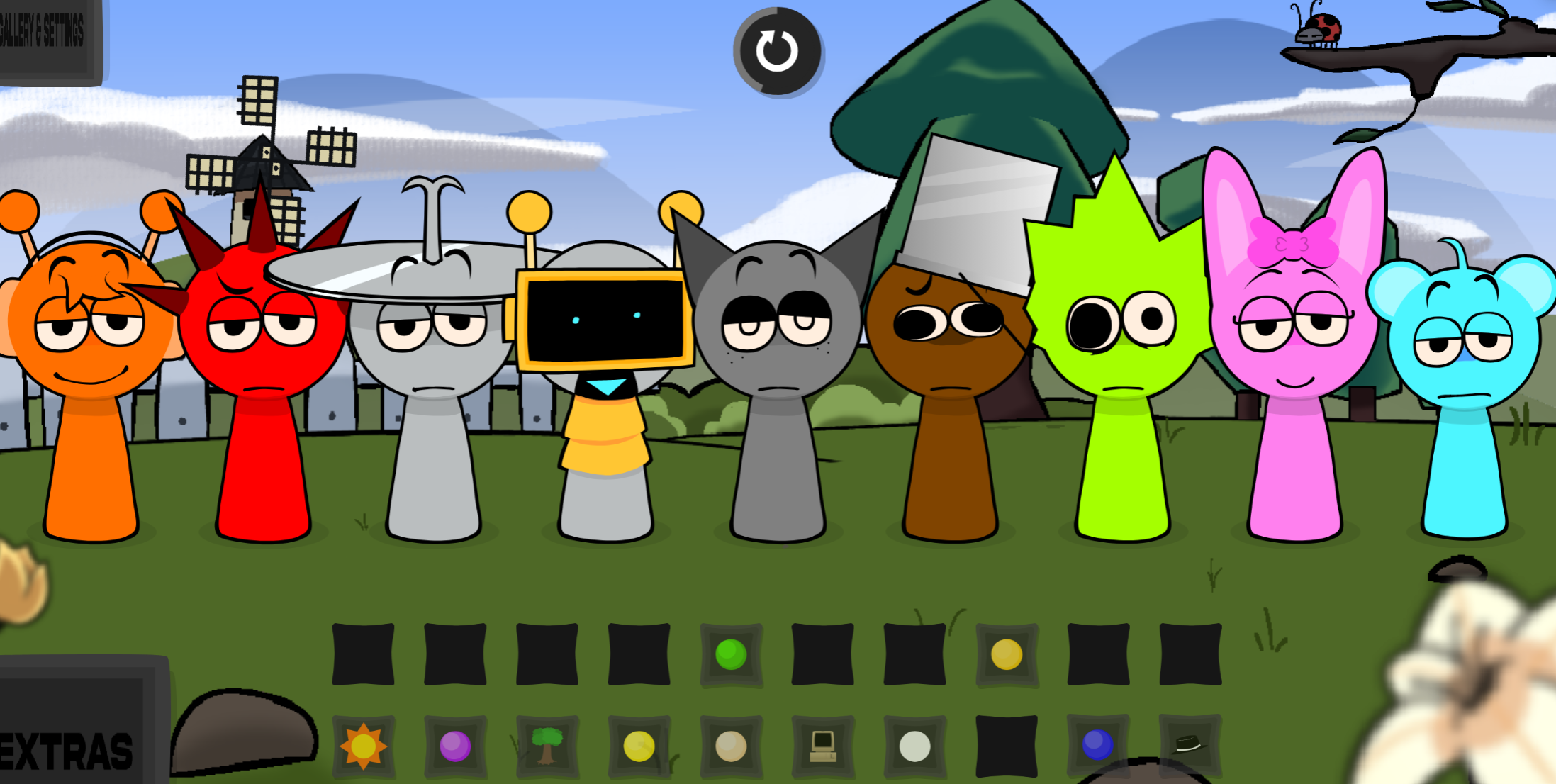
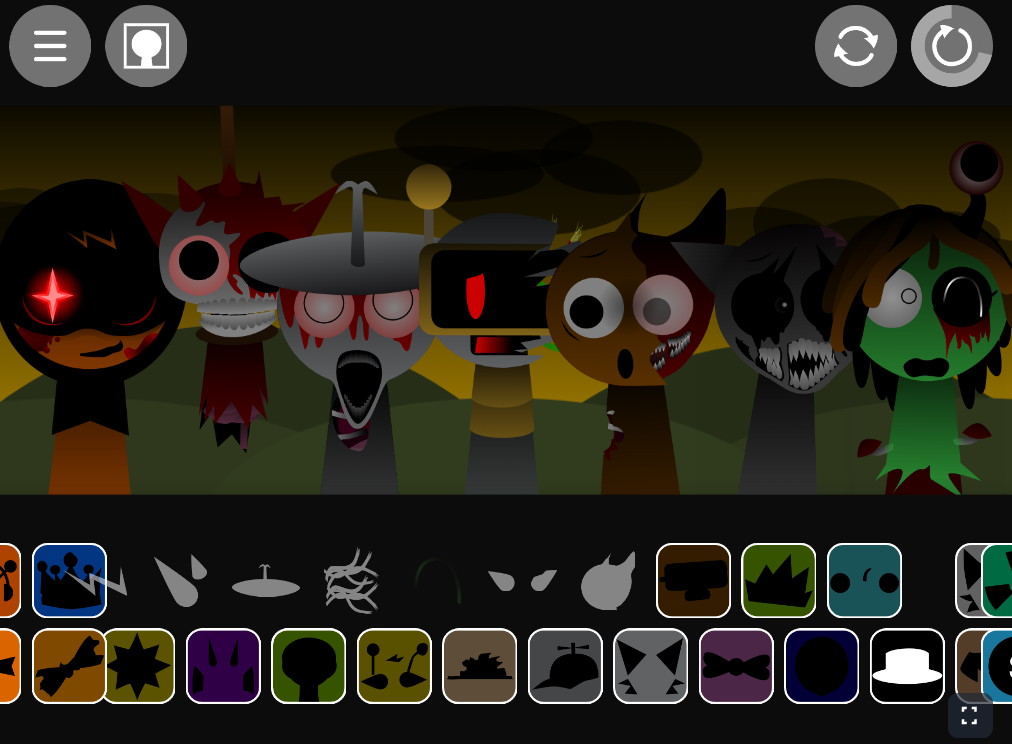
Players select sound icons and place them on musical avatars to add beats, melodies, vocals, and effects to a live track. Each combination immediately changes the mix, while volume and effect adjustments help keep the arrangement balanced. Progress through platforming sections unlocks additional layers, making exploration part of the music-making process.
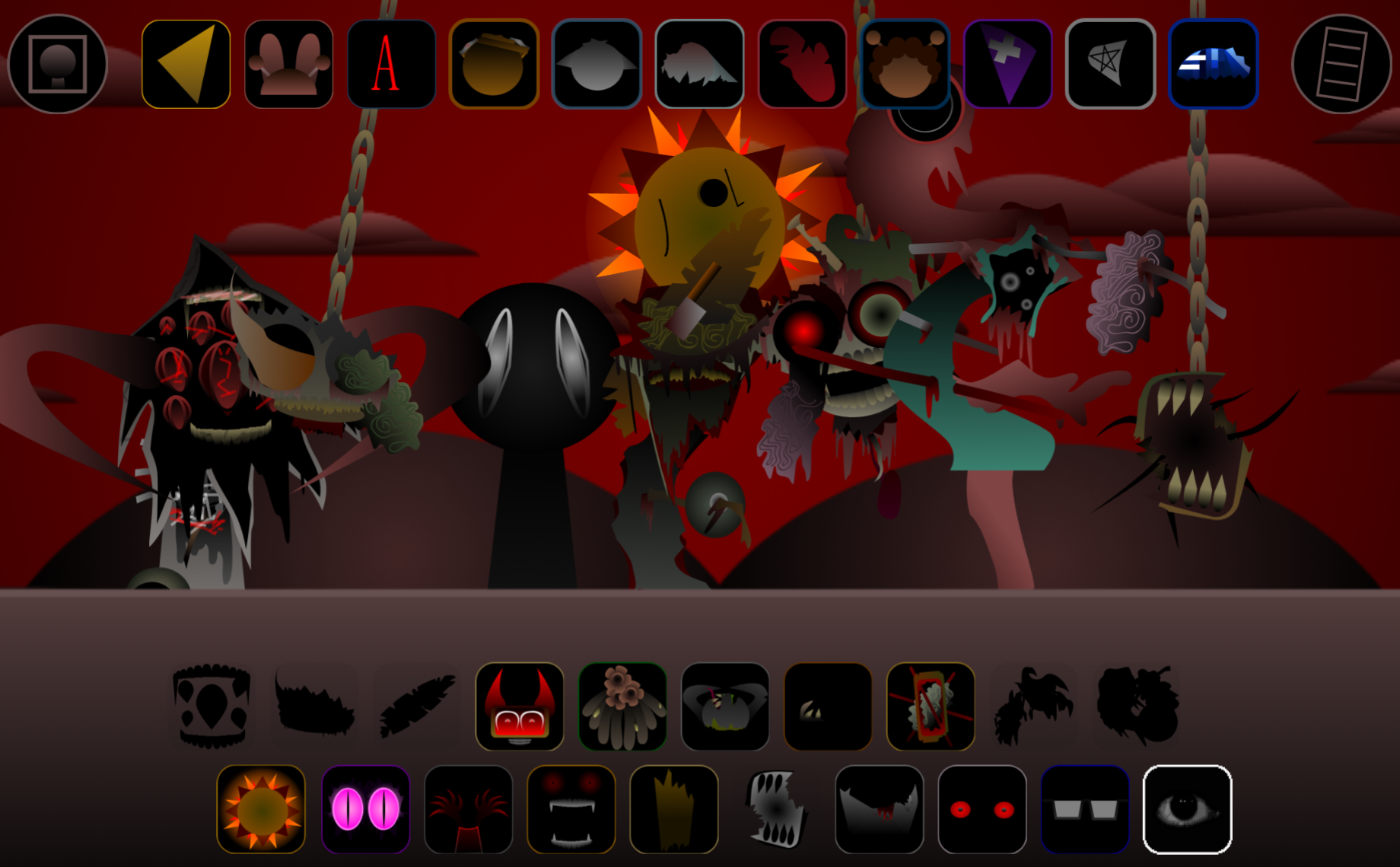
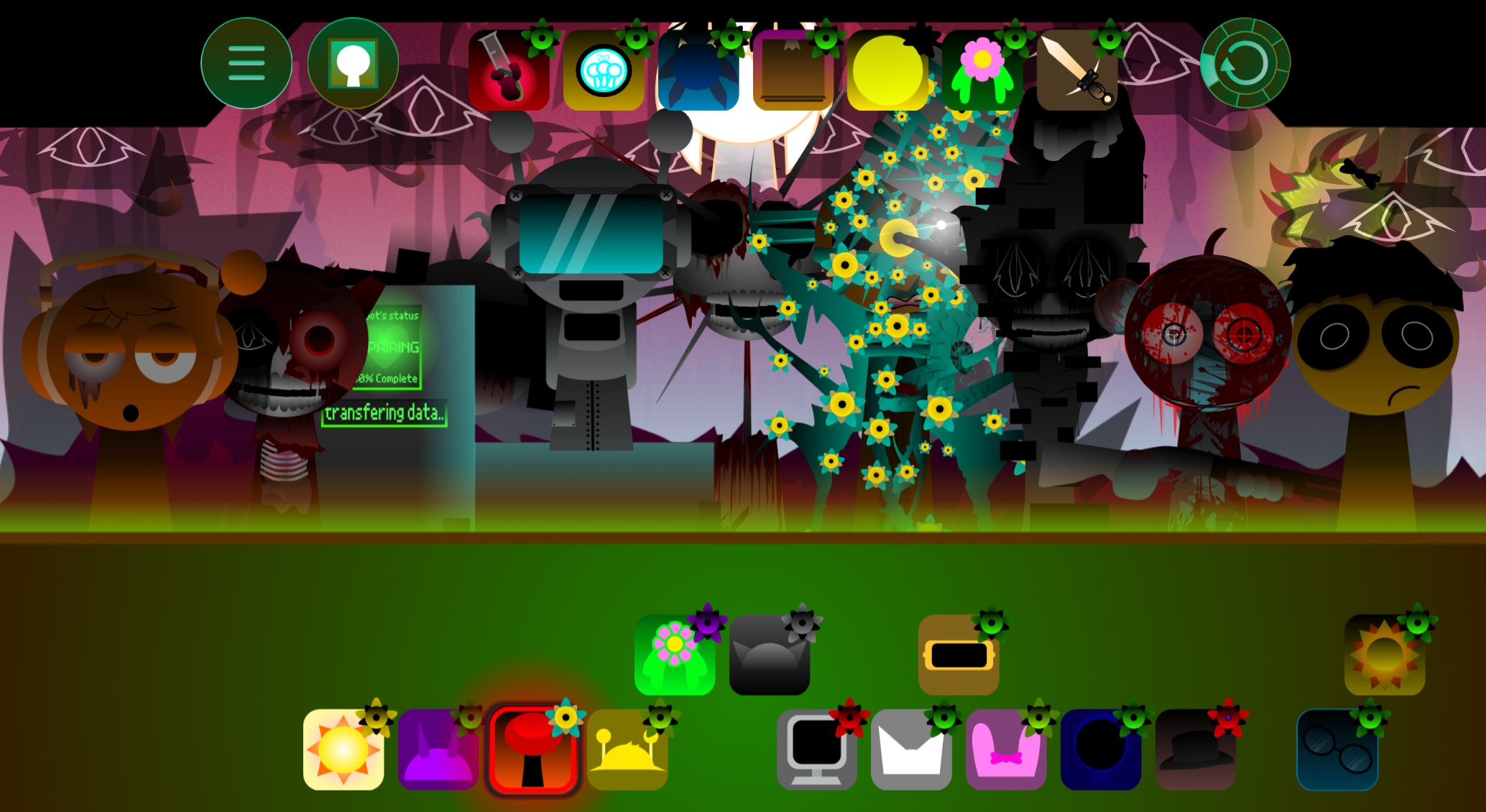
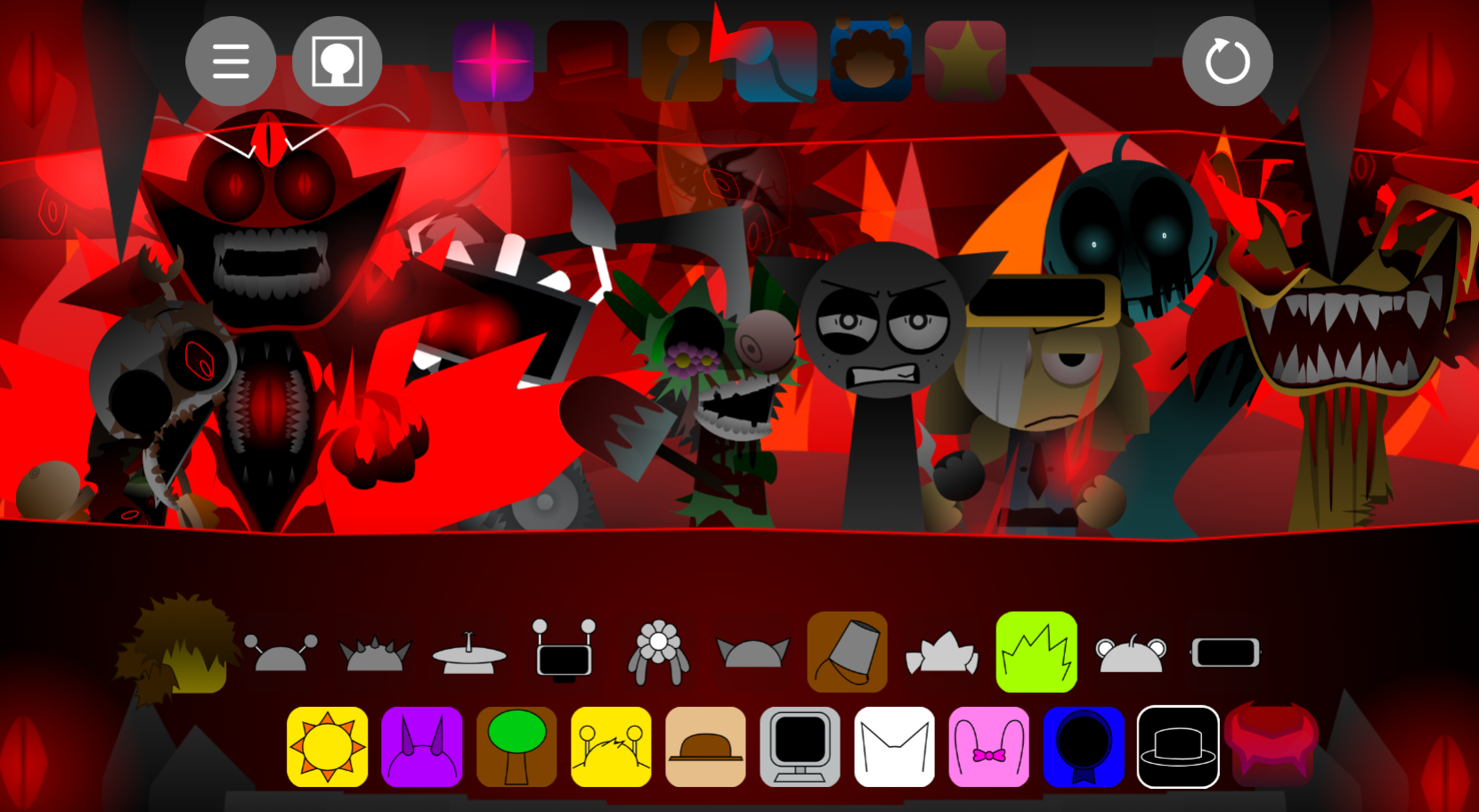
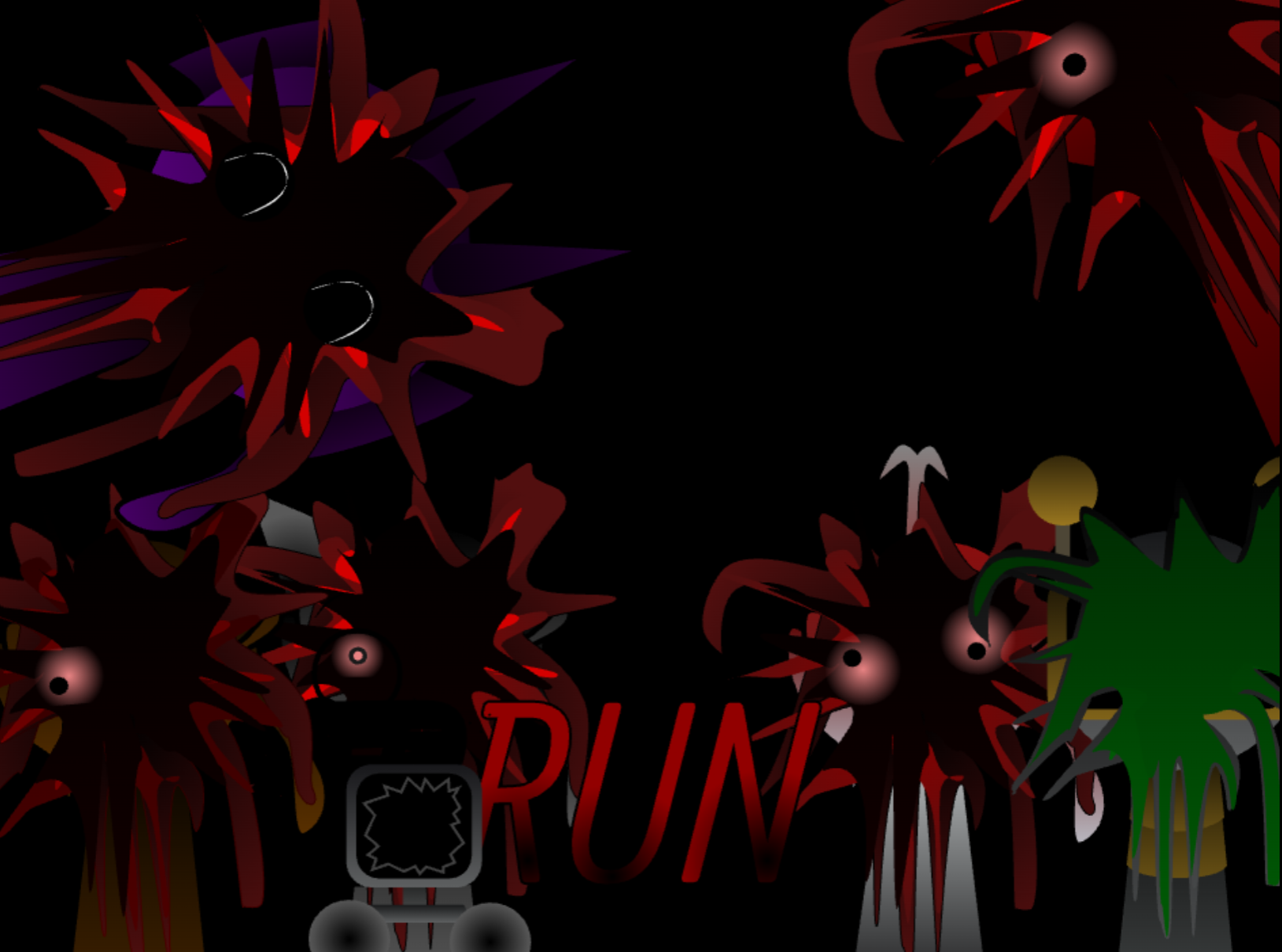
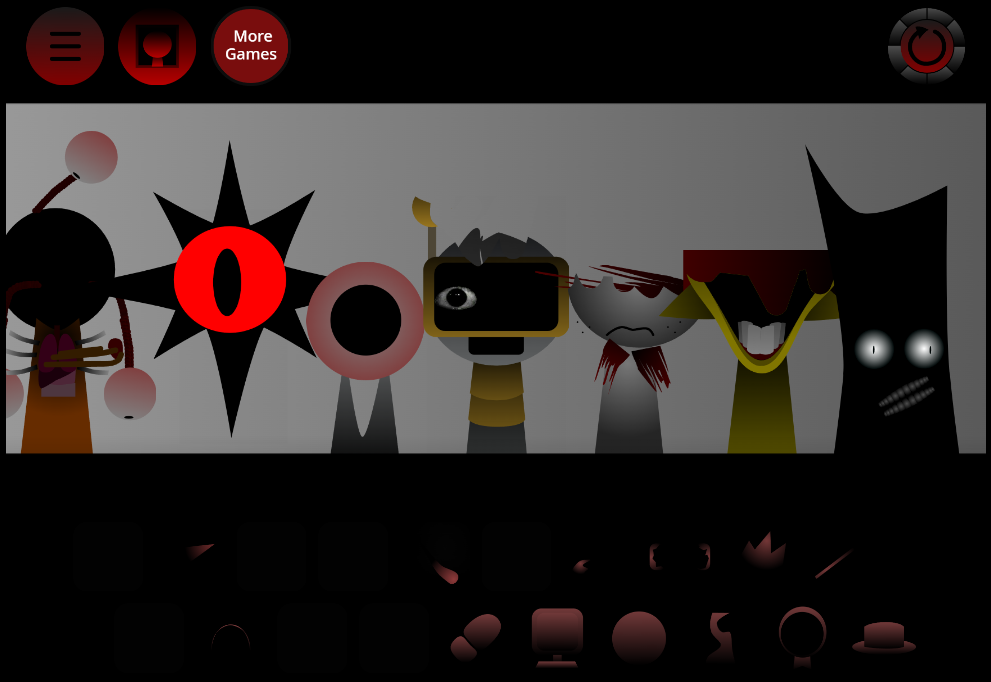
The central idea is its changing atmosphere. Bright scenes pulse with the soundtrack, then deform into eerie chapters where grey avatars take warped forms and dreamlike color gives way to unsettling abstract imagery. At major level ends, the custom mix becomes part of the boss fight: use assembled layers to weaken the threat while dodging hazards synchronized to the audio.
V1.0 was developed by @F1v8or with Footlong Nachos, UC Cat, Niki, and Mr. A (Basher). The mod is available through Sprunki game collections, including gosprunki.com and Sprunkin.com.
How to Play Sprunki Phase 9 Turned Tables
The Phase uses the familiar Incredibox-style Sprunki format, but its sound selection, progression, and darker transformations distinguish it from a standard mixing session.
-
Choose sound elements. Drag icons onto the available characters to add beats, melodies, effects, and vocal parts. Every placement alters the composition immediately.
-
Build the track in layers. Start with a steady rhythm, then add melodic and atmospheric loops around it. A simple foundation makes it easier to hear how each new character changes the arrangement.
-
Adapt as the tables turn. Swap or remove layers when the mix becomes crowded. As platforming sections and hostile sequences introduce new pressure, a readable track helps players respond to rhythm-based cues.
-
Use the mix during encounters. In boss sections, musical layers are more than background sound. Keep building an effective arrangement while watching for obstacles timed to the beat.
-
Save and share finished tracks. Strong mixes can be preserved and shared for community feedback or revisited as a starting point for new runs.
Survival & Mixing Tips
Survival depends on keeping the soundtrack clear when the environment becomes hostile. A controlled arrangement makes rhythmic cues easier to follow during dodges and boss encounters.
-
Start sparse. Establish the pulse with only a few beat-and-loop characters before filling more slots. A dependable rhythm is easier to follow than a crowded wall of sound.
-
Layer with a purpose. Add melodies to define the mood, then use effects to emphasize transitions or the Phase’s eerie sections without burying the core beat.
-
Test alternate arrangements. Different character combinations can change the entire composition. If the track loses momentum, remove a layer before introducing another.
-
Balance the sound. Adjust volume and effects so one loop does not overwhelm the rest. Clear audio makes critical movement and boss cues more noticeable.
-
Save strong runs. Preserve mixes that support clean survival, then share them to see which arrangements other players find effective during the mod’s horror turns.
Key Features of the Turned Tables Mod
-
Reactive music creation: Every icon placed on a character adds a part to a custom electronic track.
-
Progression-based sound layers: Platforming sections unlock new musical options, expanding the mix as the run advances.
-
Rhythm-driven environments: Stages pulse and deform with the music, while hazards require movement timed to audio cues.
-
Dream-to-horror transformation: Neon scenes and grey avatars shift into warped forms, unsettling colors, and abstract horror imagery.
-
Boss encounters shaped by the mix: Players use their assembled layers to weaken bosses while avoiding synchronized obstacles.
-
Track saving and sharing: Completed compositions can be kept and shared with the Sprunki community.
Related Games
- Sprunki Phase 9 A Dose of Hope Fanmade — Explore the original Phase 9 interpretation that inspired Turned Tables to compare its hopeful musical direction with this mod’s escalating horror transformation.
- Sprunki Phase 12 Definitive The End — Continue into a later, finale-themed Sprunki phase for another dark, story-adjacent remix experience after confronting Turned Tables’ Carnage Saga chaos.
What Makes This Phase Different?
Sprunki Phase 9 Turned Tables retains the accessible drag-and-drop format while giving the music a direct gameplay role through platforming, audio-guided hazards, and boss fights. The contrast between vivid electronic dreamscapes and distorted horror chapters gives the mod a darker identity than earlier Phases, while the expanding sound layers reward both experimentation and survival-focused mixing. For players moving through Sprunki Phase 1 to Phase 10, it marks a distinctive shift in how the soundtrack drives both atmosphere and action.
Discuss Sprunki