







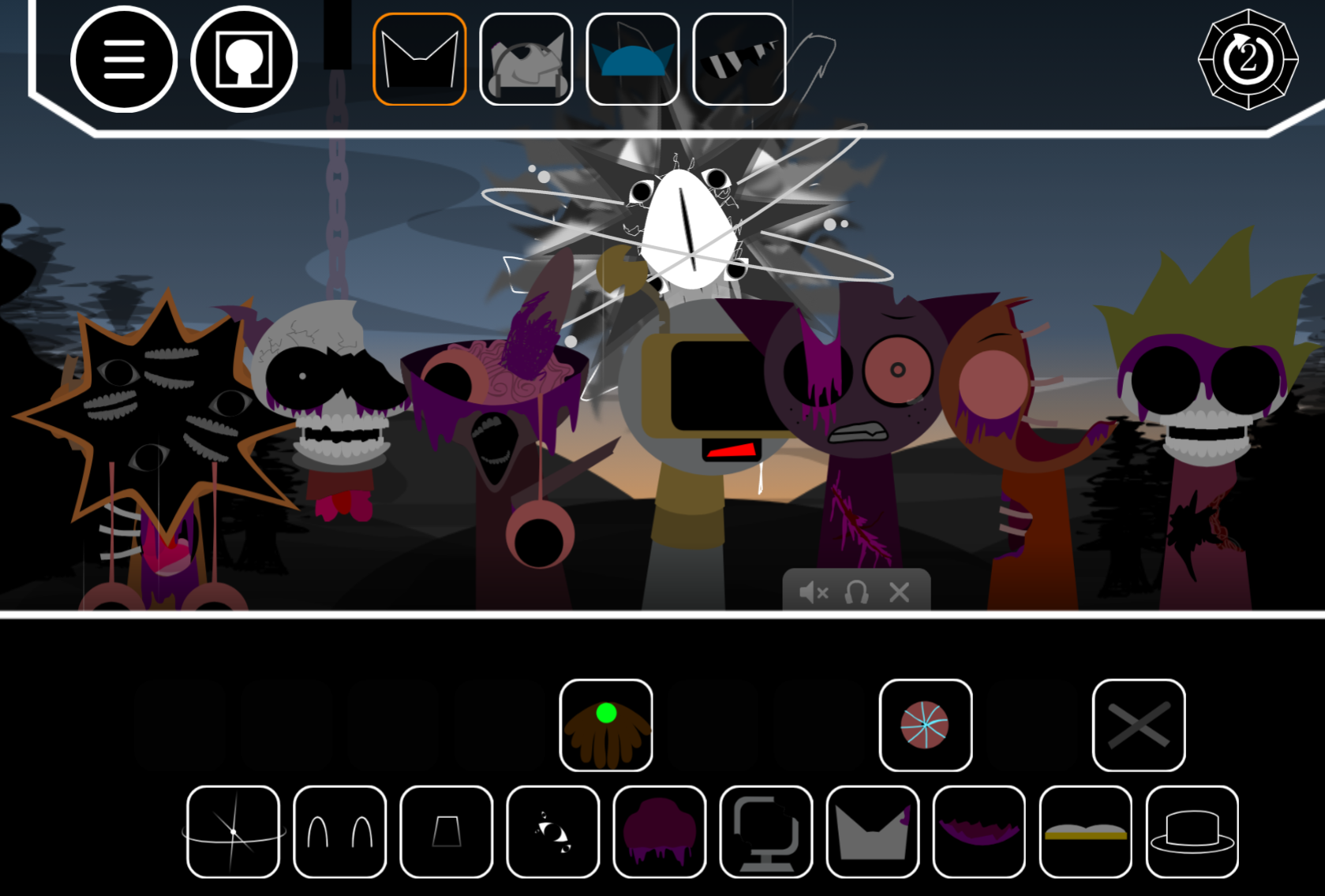
Attack Mr Fun Computer Retake is a browser-based interactive sandbox where you click buttons to spawn objects—hammers, bombs, saws—and drag them onto a glitchy computer character named Mr. Fun to trigger animations and sound effects.
Unlike typical clicker games, there are no scores or objectives; the entire experience centers on experimenting with two scenes (normal and corrupted modes) to see how Mr. Fun reacts to each item.
Attack Mr Fun Computer Retake
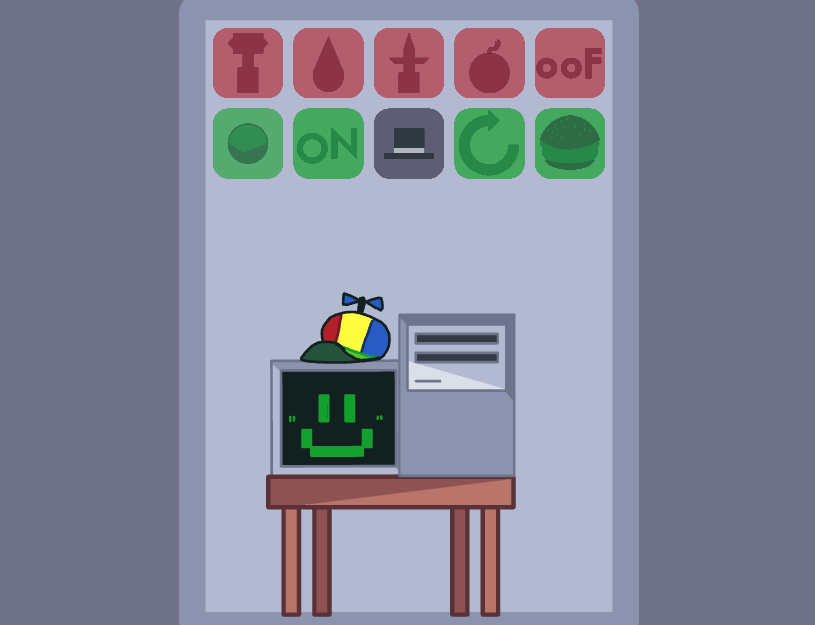
Attack Mr Fun Computer Retake is an interactive browser sandbox where you click buttons to spawn items, drag them onto Mr. Fun Computer, and watch him react. Developed by @hafizarrasy and playable on gosprunki.com, it’s a digital toy built around cause-and-effect experimentation rather than win conditions or scoring.
The premise is direct: you have a control panel of icons, a computer character at a desk, and the freedom to test what happens when you feed him, attack him, or overload his system. Reactions range from cheerful animations to visual corruption and glitching, giving the experience a light horror edge common in Sprunki mods.
How to Play
Playing requires only mouse or touch input. Click a button to spawn an item, then drag it toward Mr. Fun Computer to trigger a reaction.
Interactive Controls
| Action Type | Icon Examples | Resulting Interaction |
|---|---|---|
| Aggressive Items | Hammer, Spikes, Bomb, “Oof” | Physical reactions, distress, or damage visuals |
| Environmental | Water Drops, Fire | Elemental reactions on the computer screen |
| Functional Items | Hamburger, Ball, ON Switch | Feeding or toggling system states |
| System Controls | Computer Icon, Refresh | Switches between scenes or resets the layout |
The game has no health bar or timer, but certain interactions can push Mr. Fun Computer into visual states like the “worn face” or Phase 3 corruption. Players often test high-click rates to see if they can overload the system or trigger stranger reactions.
Visuals and Atmosphere
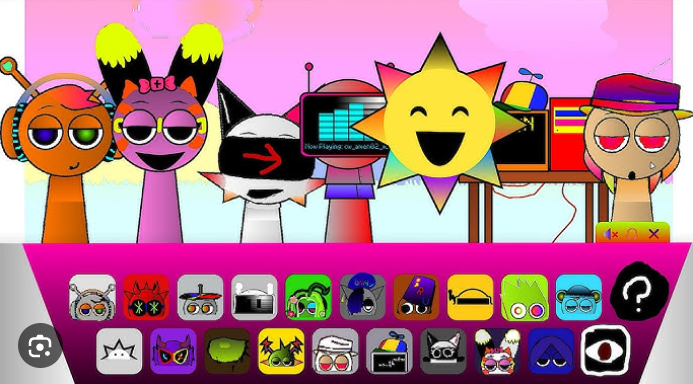
The interface splits red buttons (attacks or hazards) and green buttons (items and functions), making navigation easy. Sound effects provide immediate auditory feedback for every click and collision, which makes dragging a hammer across the screen feel satisfyingly impactful.
The aesthetic is minimalist. The game uses two main scenes, and while the visuals are simple, the character reactions carry the experience. The tone is quirky and mischievous, with a light horror edge when glitches stack up, but it stays playful rather than dark.
Related Games
- Sprunki Mr. Fun Computer Treatment — This is the closest follow-up because it keeps the focus on Mr. Fun Computer as an interactive Sprunki character with transformation-style reactions.
- Sprunki Effects Attack — Its appeal overlaps with the button-triggered chaos of Attack Mr. Fun Computer Retake, letting players experiment with effects and reactions rather than pursue a traditional win state.
- Adopt Fun Computer Sprunki — This works as a softer companion pick because it keeps the Fun Computer character but shifts the interaction from attacking and glitching to caring and playful experimentation.
What Makes This Retake Stand Out
Unlike structured rhythm games in the Sprunki franchise, this version focuses on sandbox chaos. The UI acts as a prankster’s control panel where the main question is “What does this button do?”
- Visual Feedback and Corruption: Mr. Fun Computer’s screen face changes based on your actions, moving from cheerful green to sweating, shaking, or full glitching. The hand-drawn art style feels expressive rather than polished.
- No Rules: You can set off multiple items at once to see how the computer reacts. Community jokes about “installing malware” or overloading the screen with thousands of nukes reflect the tone.
- Crossover Appeal: For Sprunki and Castle community fans, this “Retake” version offers a way to interact with Mr. Fun Computer outside of music-mixing contexts.
- Quick Sessions: No tutorial or leveling system means it works as a two-minute distraction, functioning like a digital fidget toy.
Enjoy!
Discuss Sprunki