




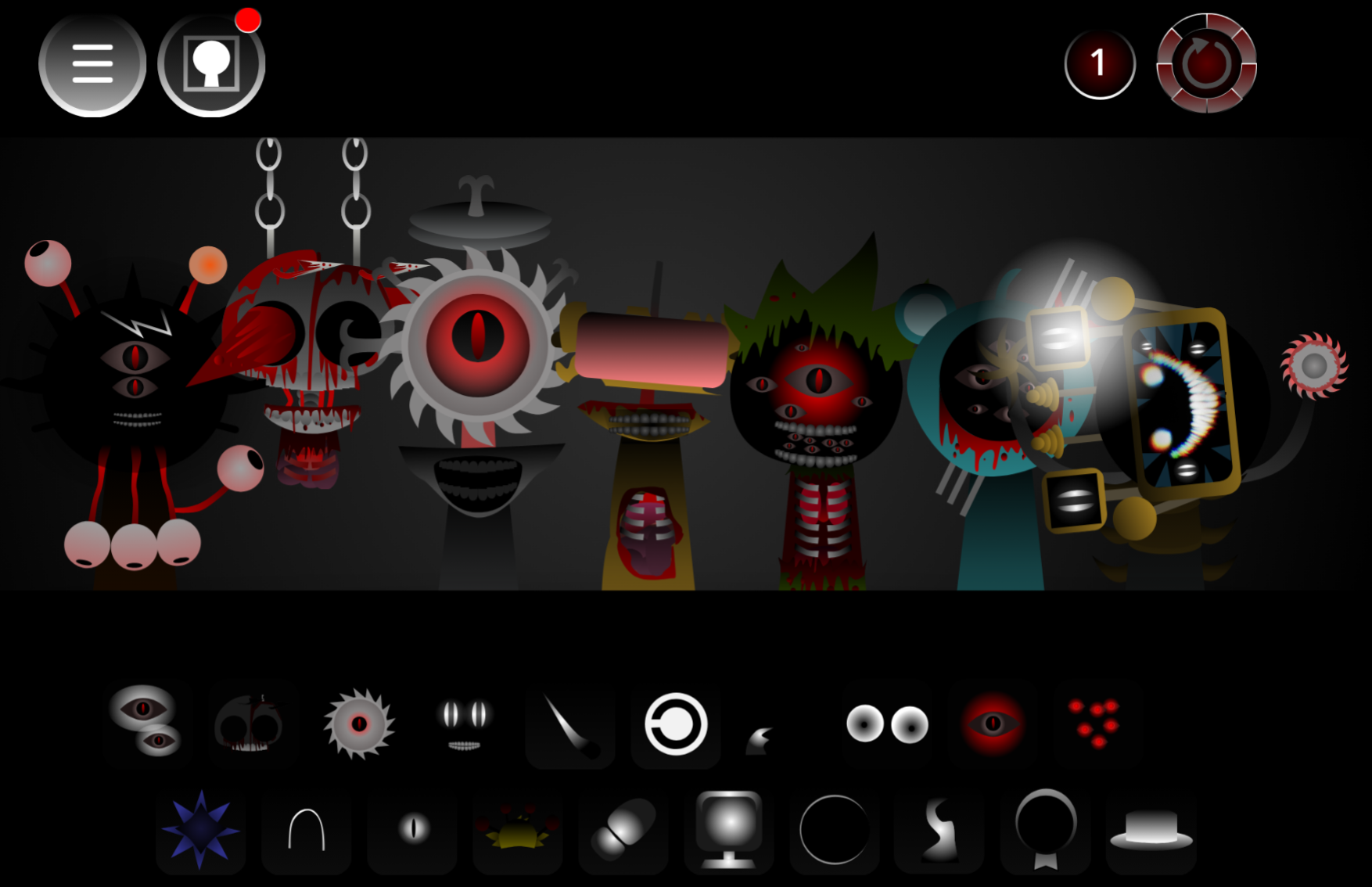
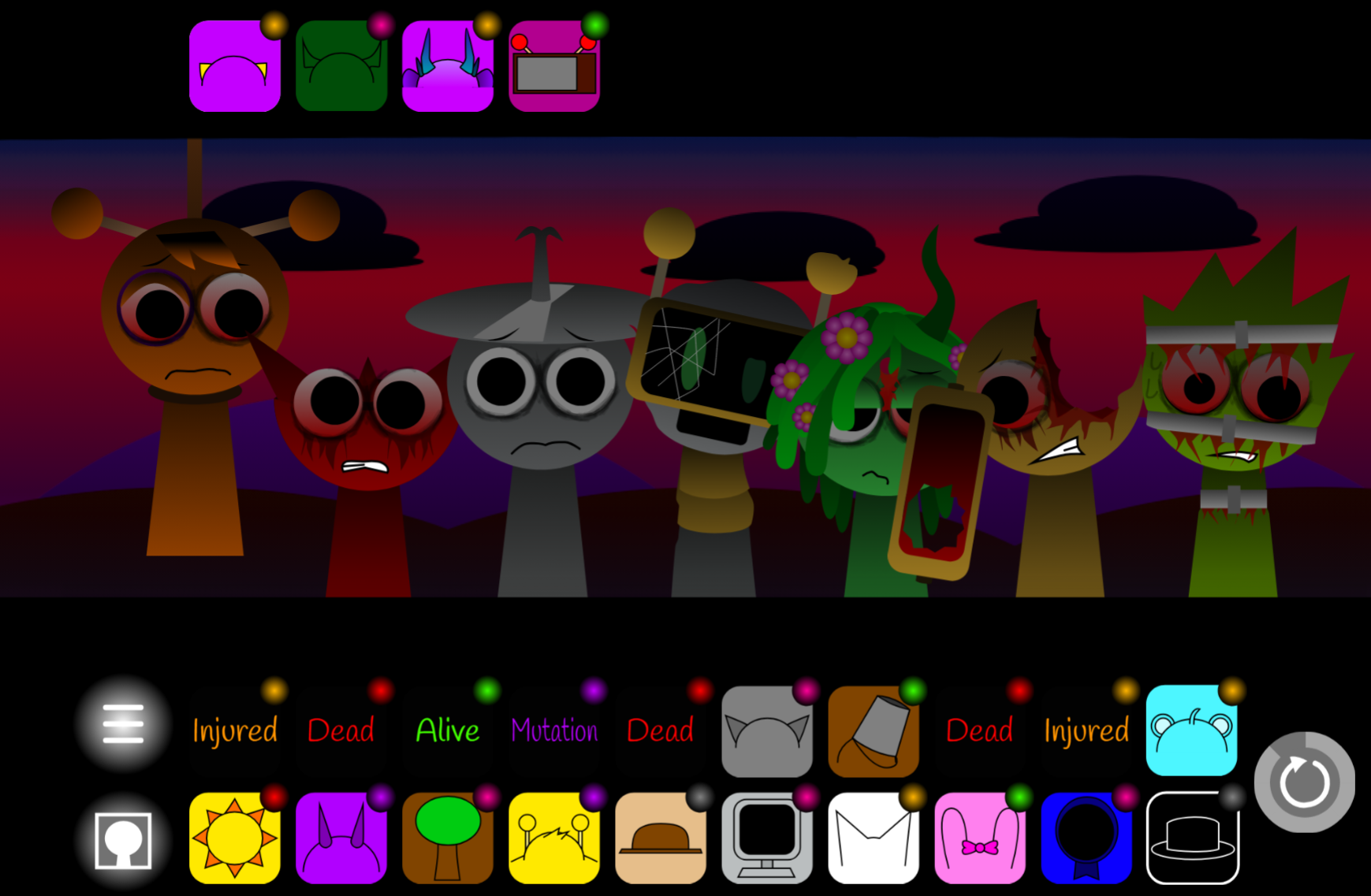
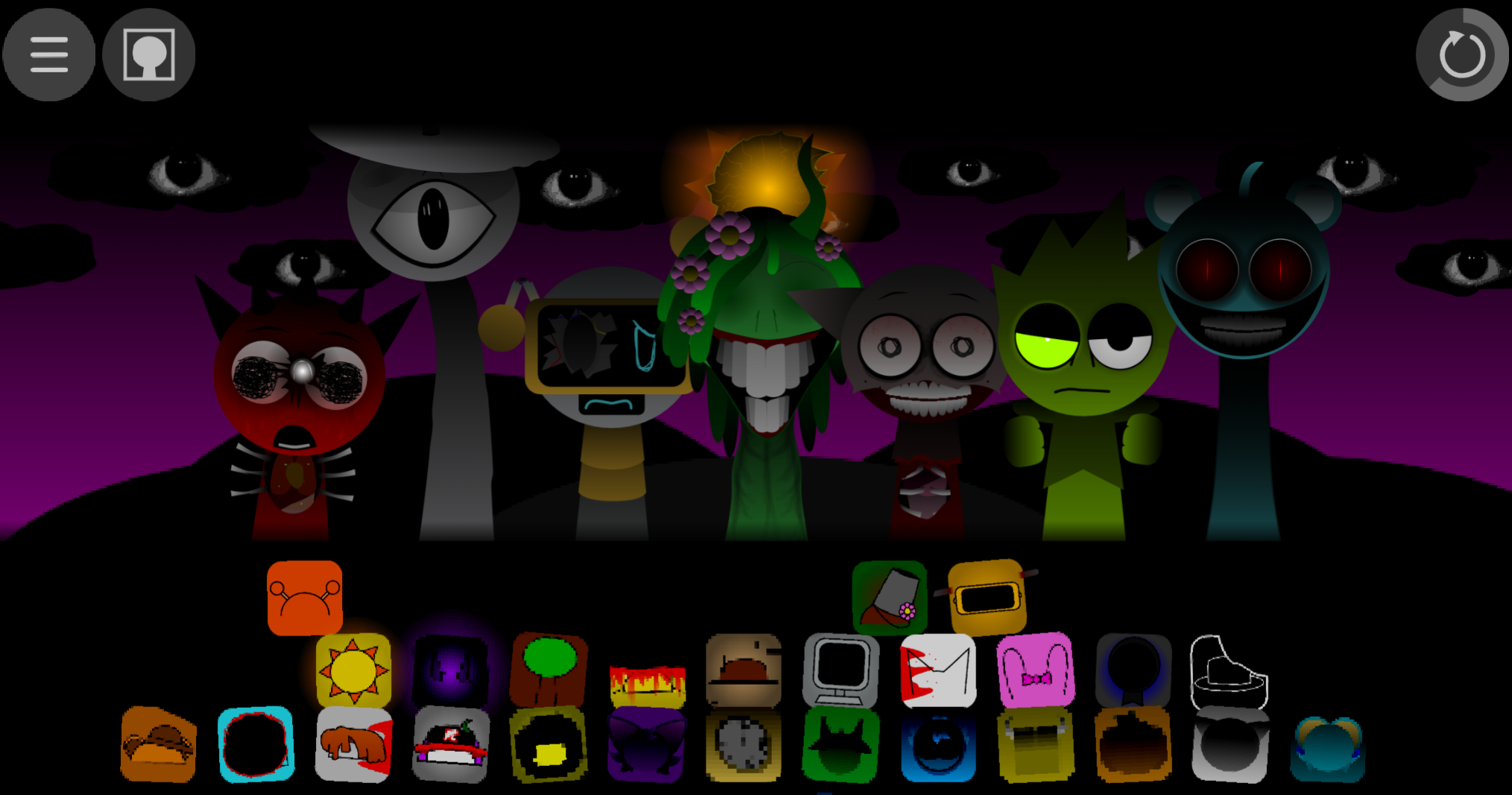
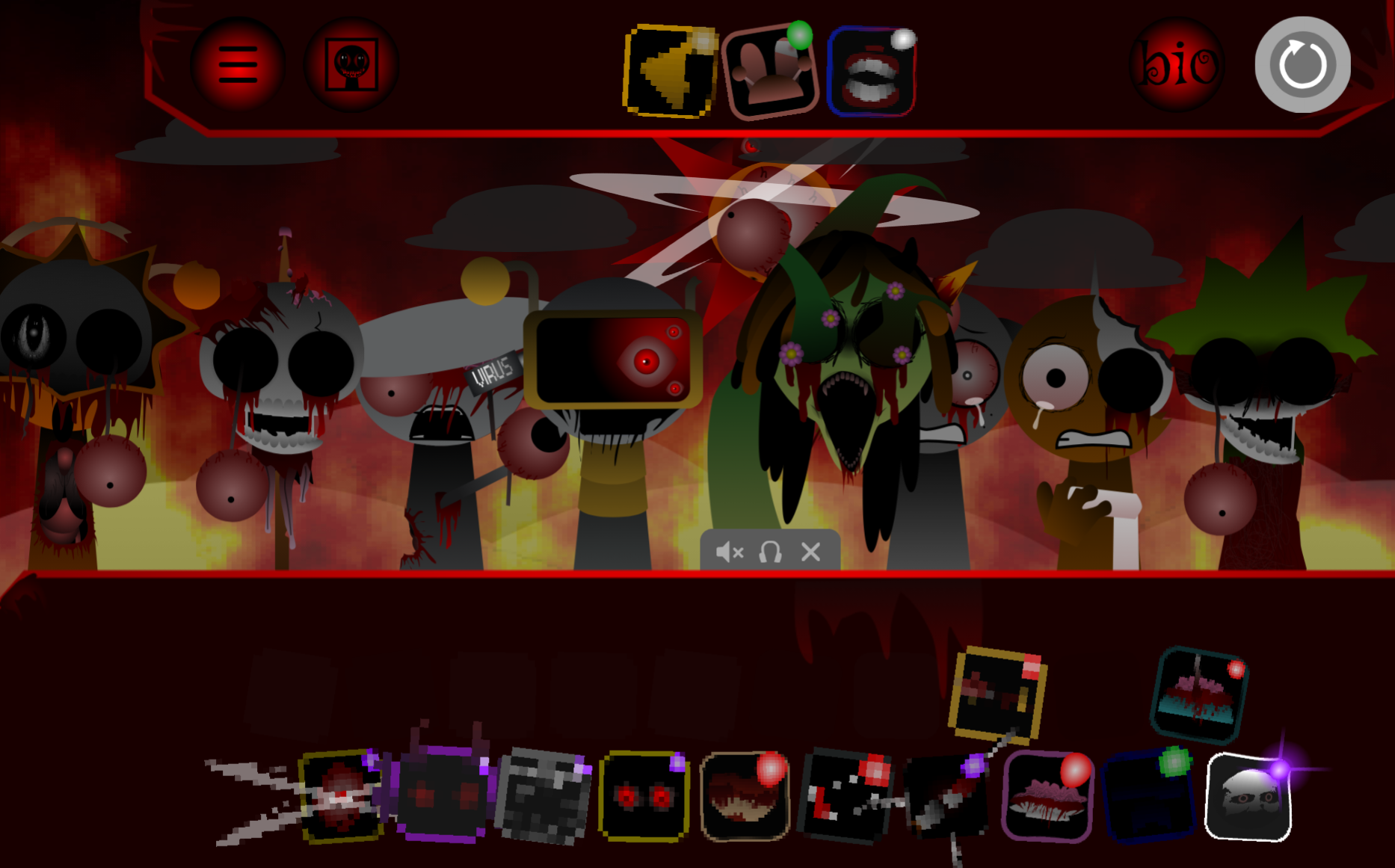
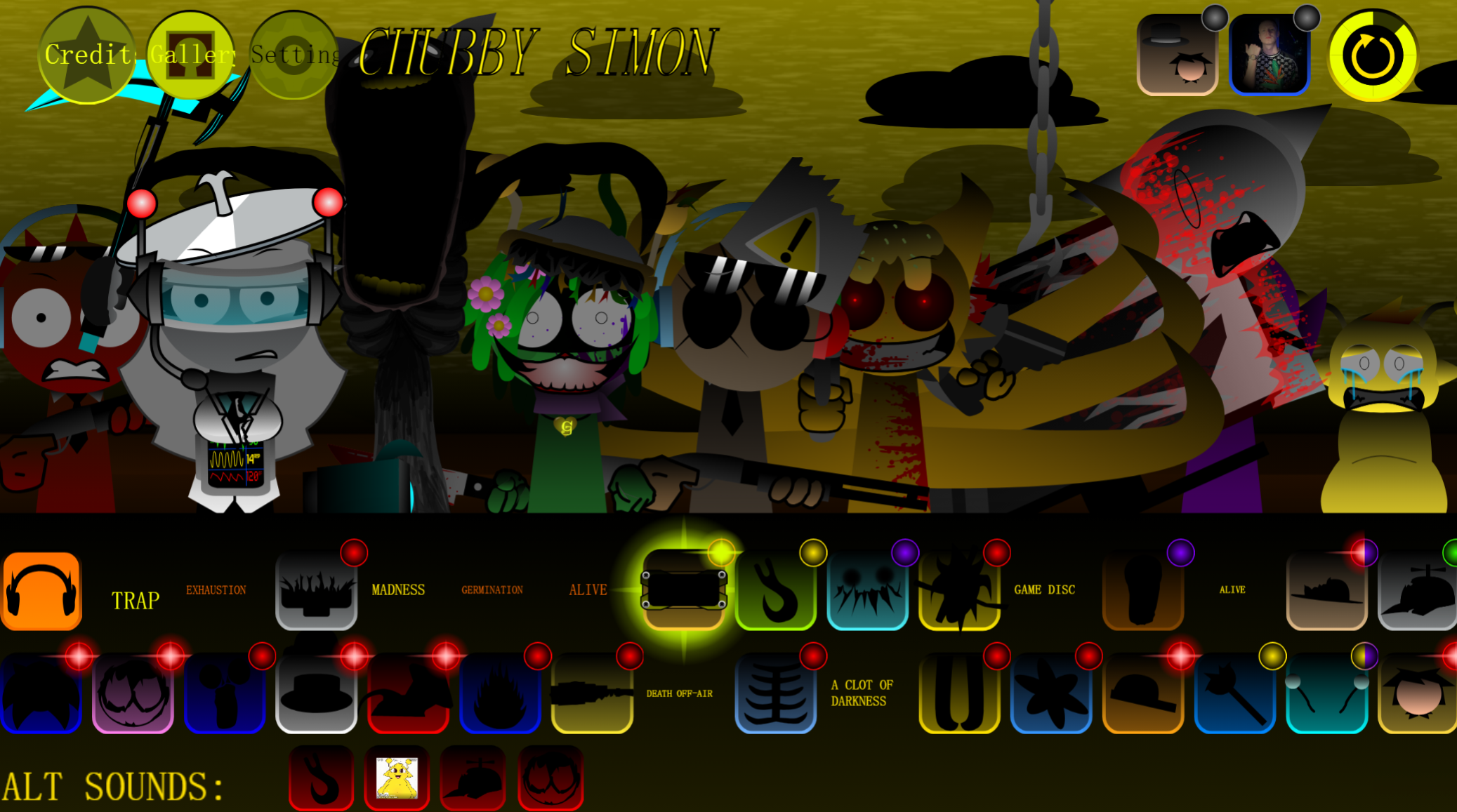
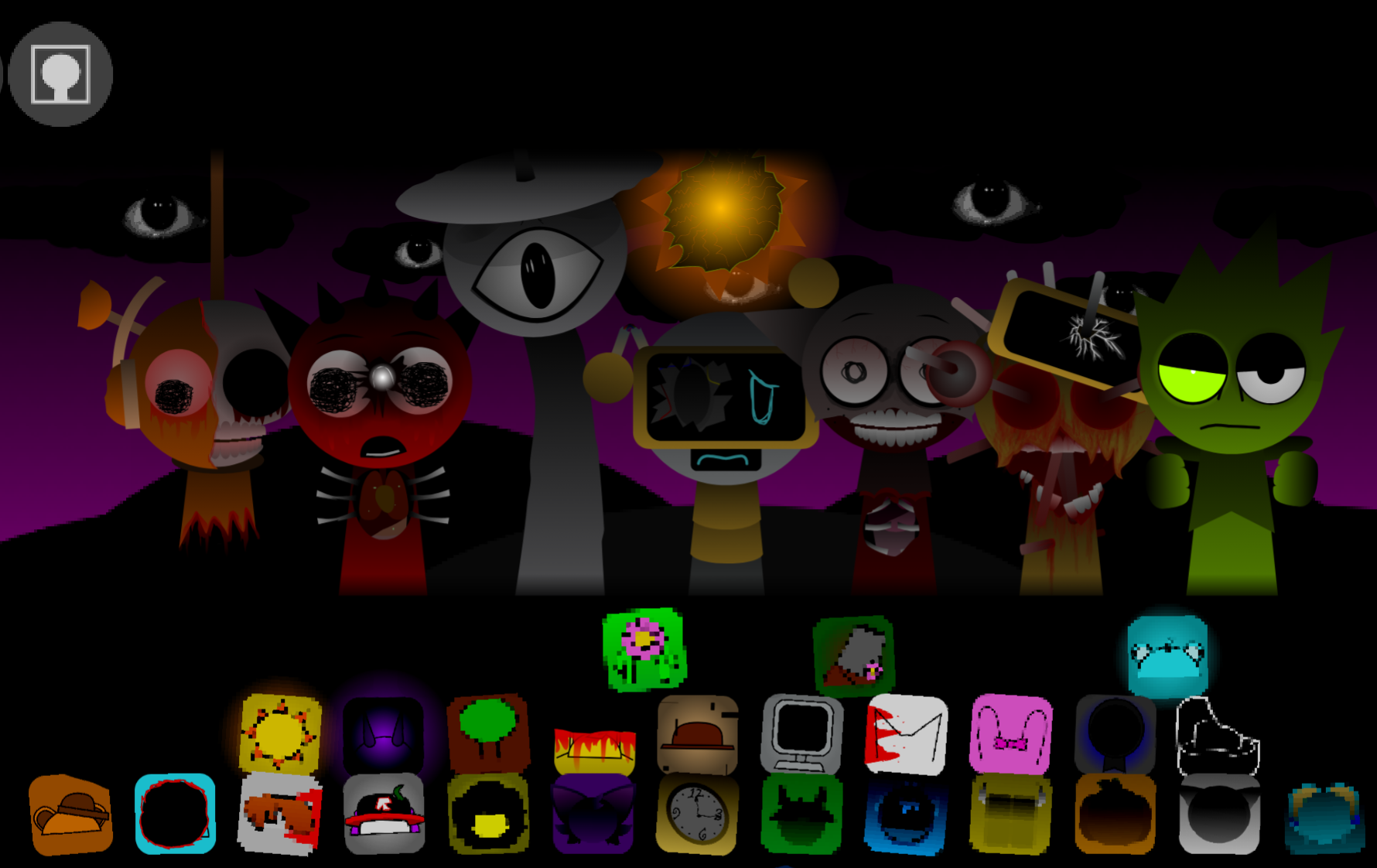
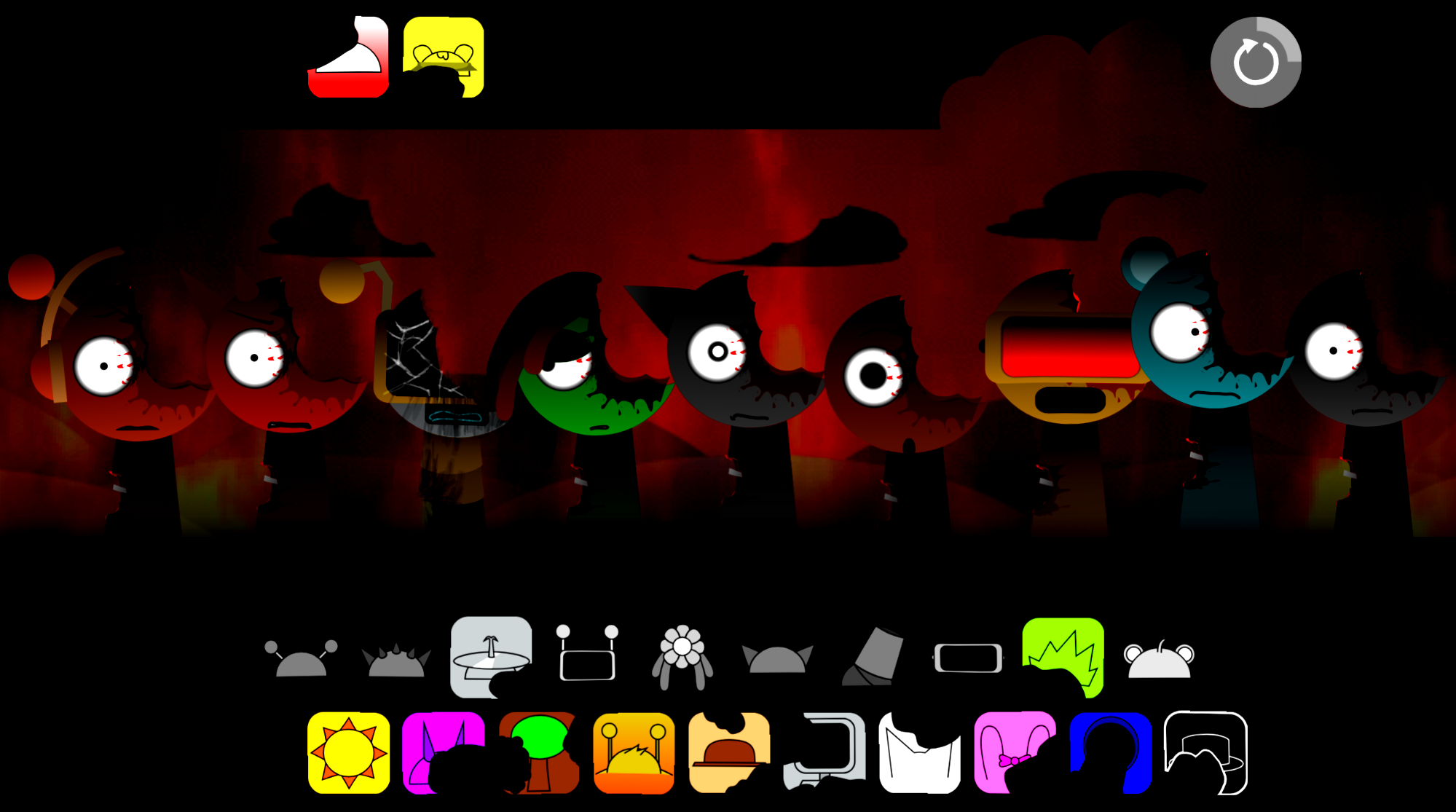
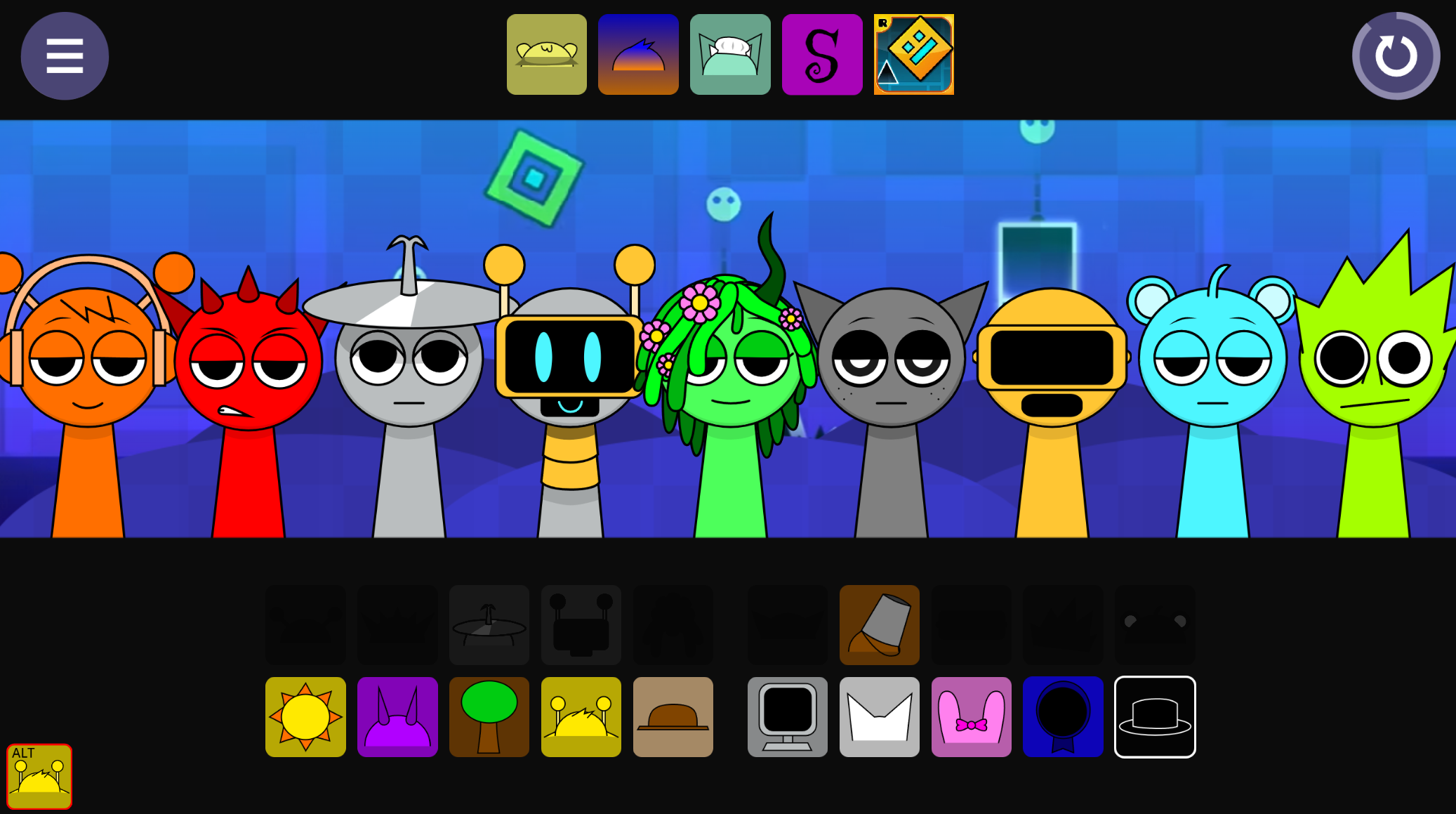
AY in Bungee Jumping 2 20 Sprunkies refers to a specific mechanic within the game where players trigger automated bungee sequences rather than controlling jumps manually.
The AY system activates when Sprunkies characters reach designated jump points, initiating a scripted descent and rebound animation that players observe rather than execute. This article breaks down how the AY mechanic functions during bungee sequences, which Sprunkies characters interact with it, and how it affects the timing and scoring of each jump.
Understanding AY clarifies why players see consistent bungee behavior across different runs and why direct movement input doesn’t alter the core jumping action once triggered.
What Is AY in Bungee Jumping 2: 20 Sprunkies?
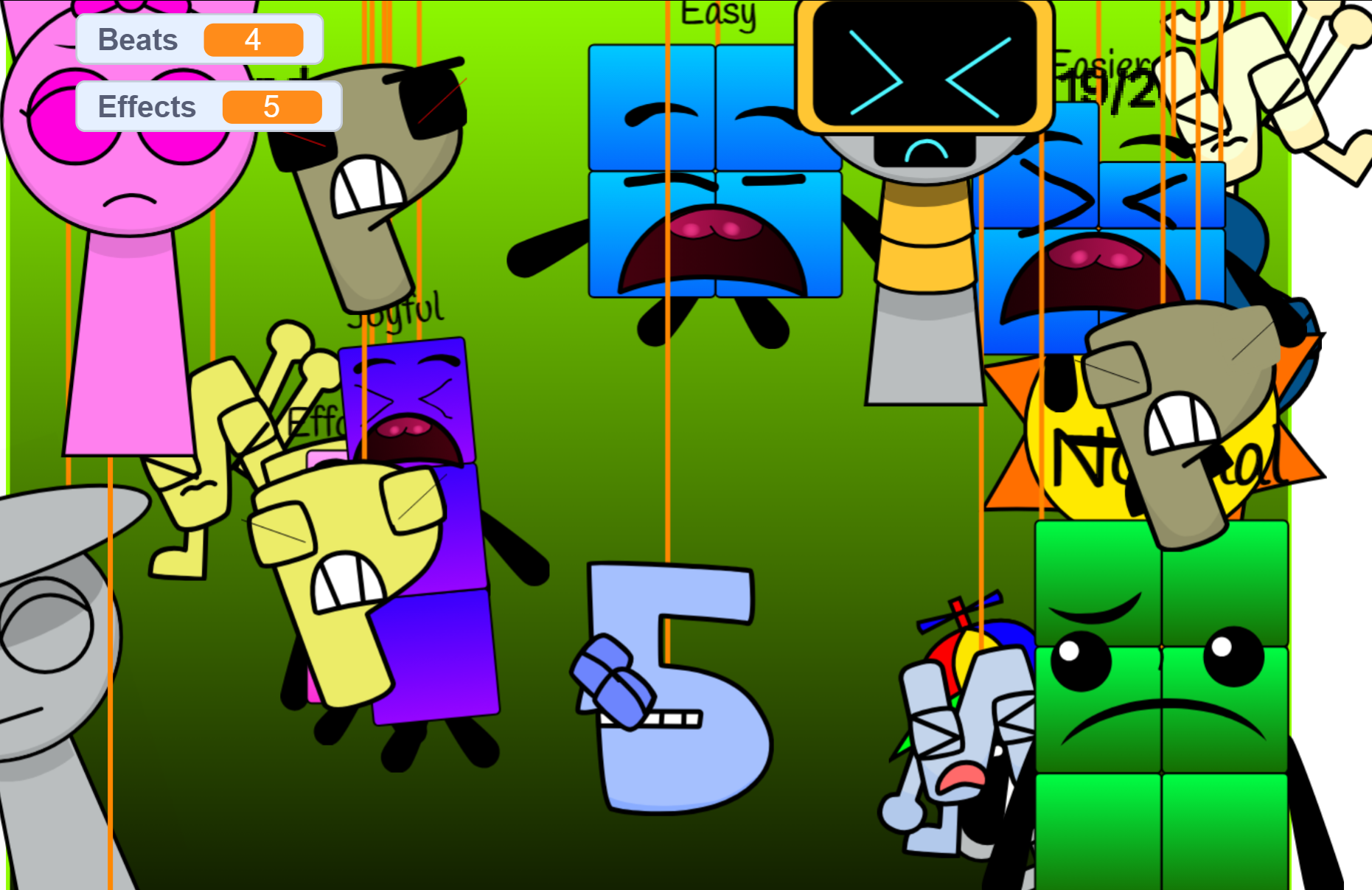
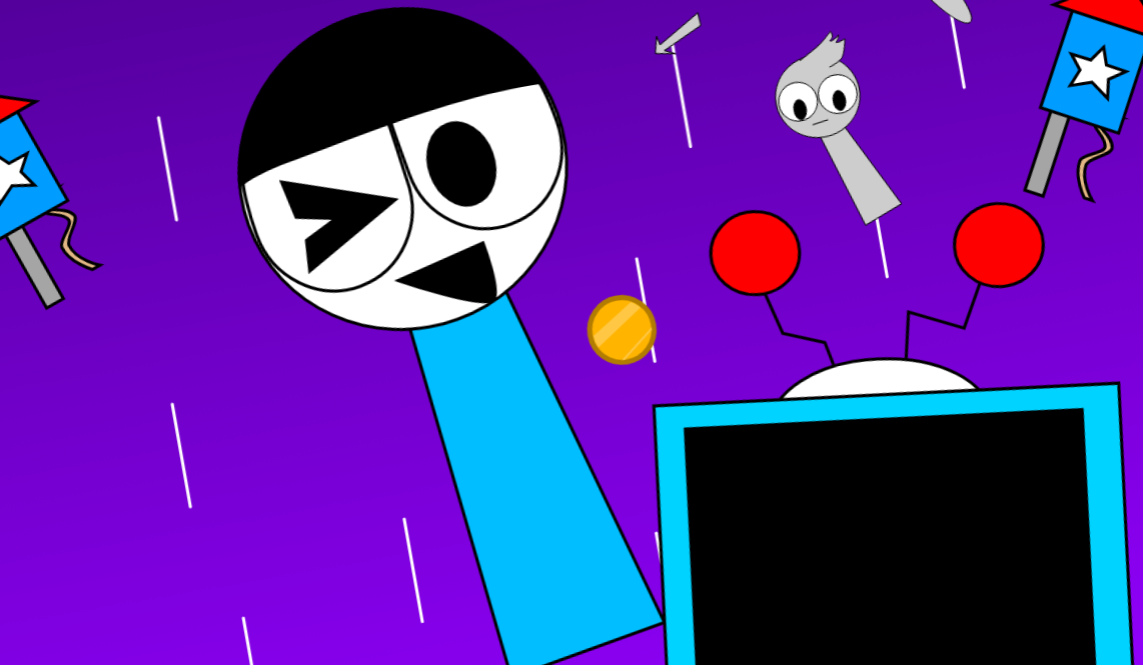
AY in Bungee Jumping 2: 20 Sprunkies is a Scratch project that runs an automated survival tournament. Twenty Sprunki-themed characters start above an open pit. After a “3, 2, 1, JUMP!” countdown, each contestant drops with randomized downward force. Characters that fall past the bottom boundary are eliminated.
Those that stop short bounce back up and continue to the next round. The process repeats until one character remains or all surviving contestants fall simultaneously, triggering a draw. Players do not control movement or jumping. The interaction is choosing a contestant to follow and watching the randomized physics determine who survives.
AY stands for Add Yourself, a Scratch remix format that lets creators duplicate a template sprite and replace it with custom character art, costumes, and sound clips.
The project was originally titled Bungee Jumping 2 but every 2here friends are there and created by @BfdiaBBQSauce1243. This20-character edition is one variant in a broader community series that includes 10-, 26-, and 63-contestant versions.
How to Play AY in Bungee Jumping 2: 20 Sprunkies
- Open the project page. Launch the20 Sprunkies version in a Scratch-compatible browser.
- Pick a contestant to track. Twenty characters begin the match. Choose one to follow.
- Wait for the countdown. Each drop starts automatically after the jump prompt.
- Watch the results. Characters that stay above the lower boundary advance. Those that cross it are eliminated.
The outcome is randomized. You cannot influence a character’s survival.
Automated Tournament Structure
Every match follows a fixed sequence. The top of the screen shows the current round number and how many contestants remain active. The countdown executes, then the project applies a newly randomized downward force to each sprite.
Elimination: Characters that travel past the bottom edge are permanently removed.
Survival: Characters whose momentum stops before the boundary bounce back to the upper assembly area and display relieved or neutral animations.
Draw State: If all remaining characters fall in the same round, the match ends in a tie.
After survivors regroup, the round counter advances and a new countdown begins. The loop continues until one character remains or a draw is triggered. A complete playthrough documented in review materials lasted approximately 13 minutes, but match length varies depending on how many contestants survive each drop.
The 20-Character Roster
The lineup includes:
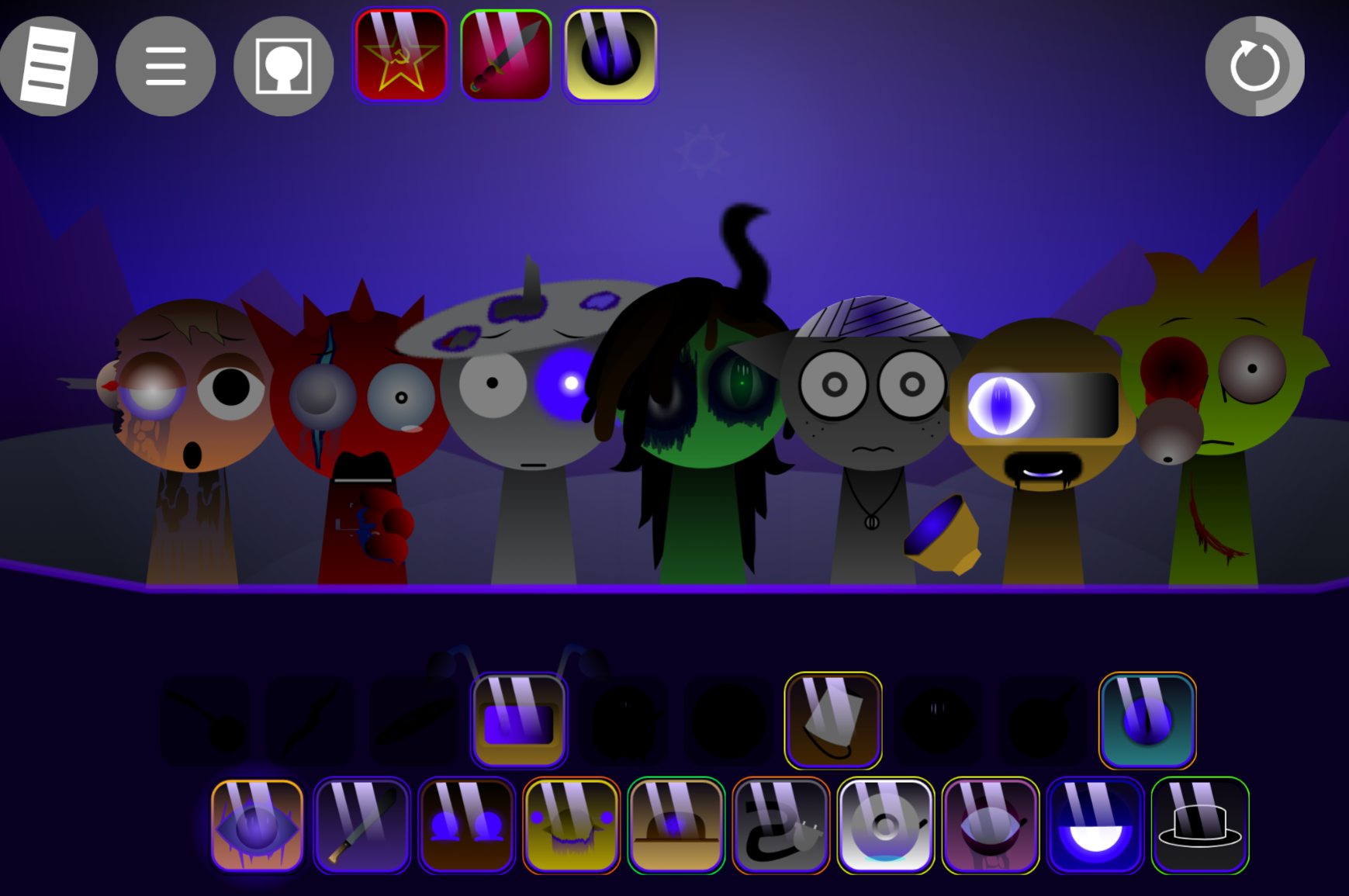
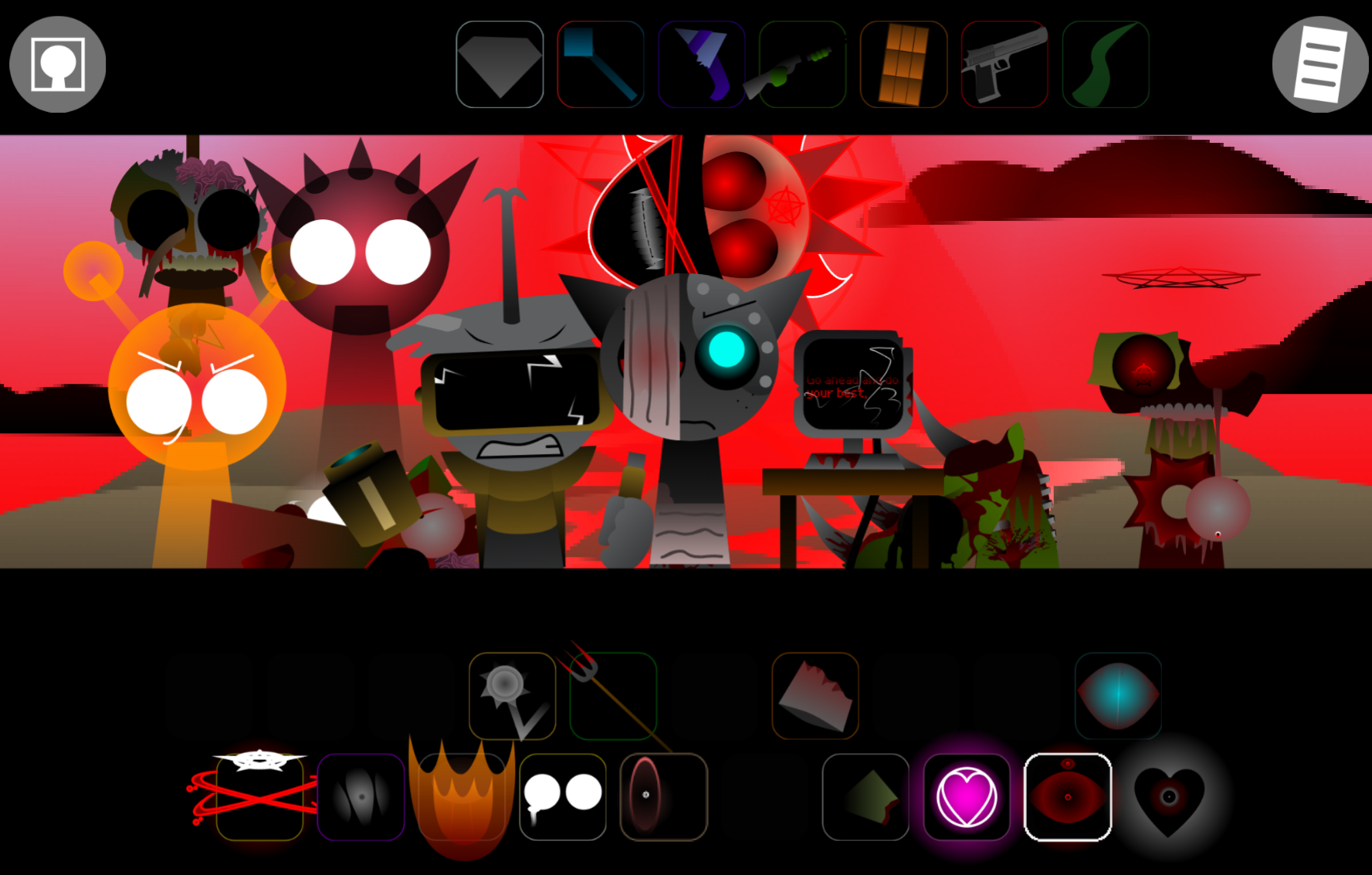
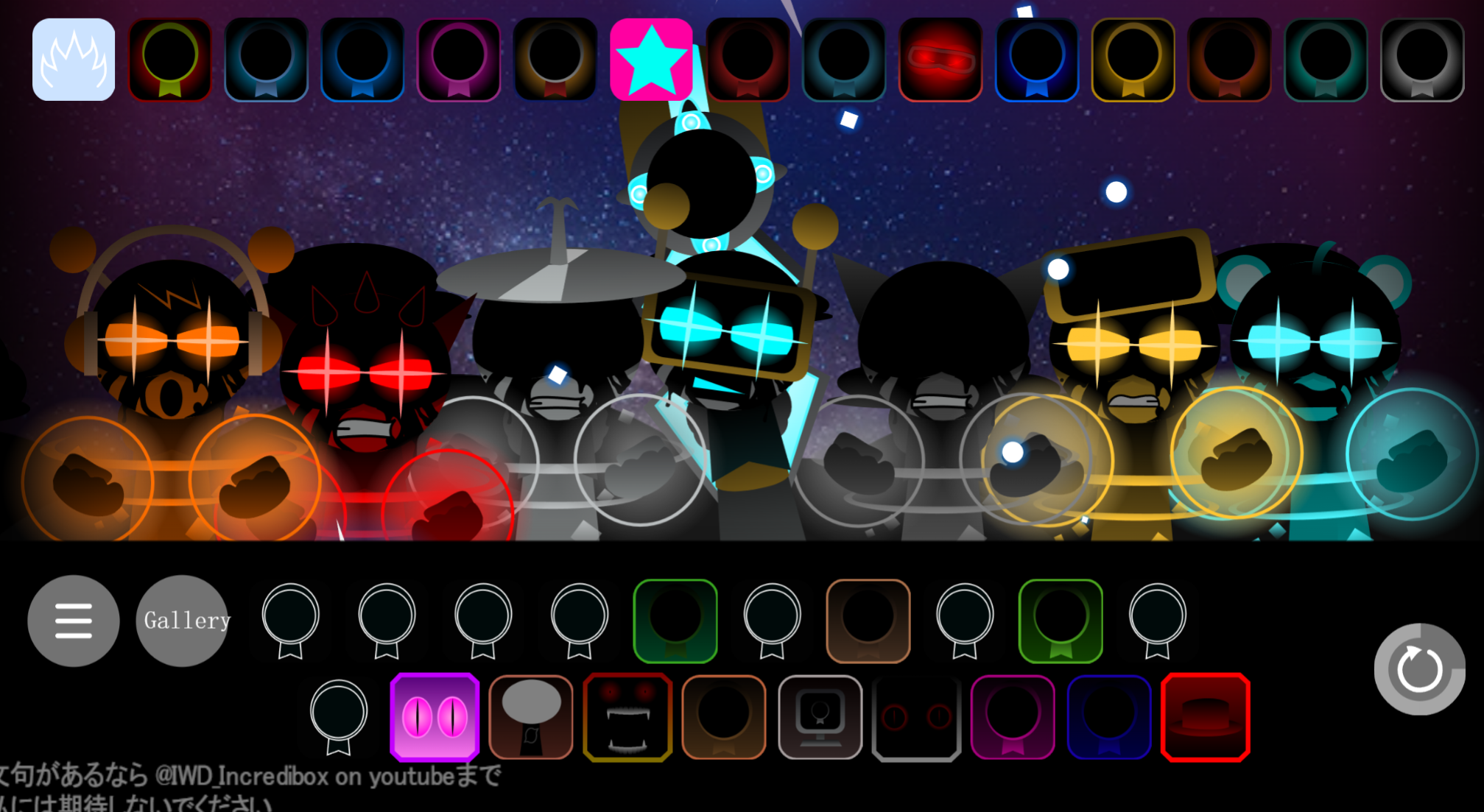
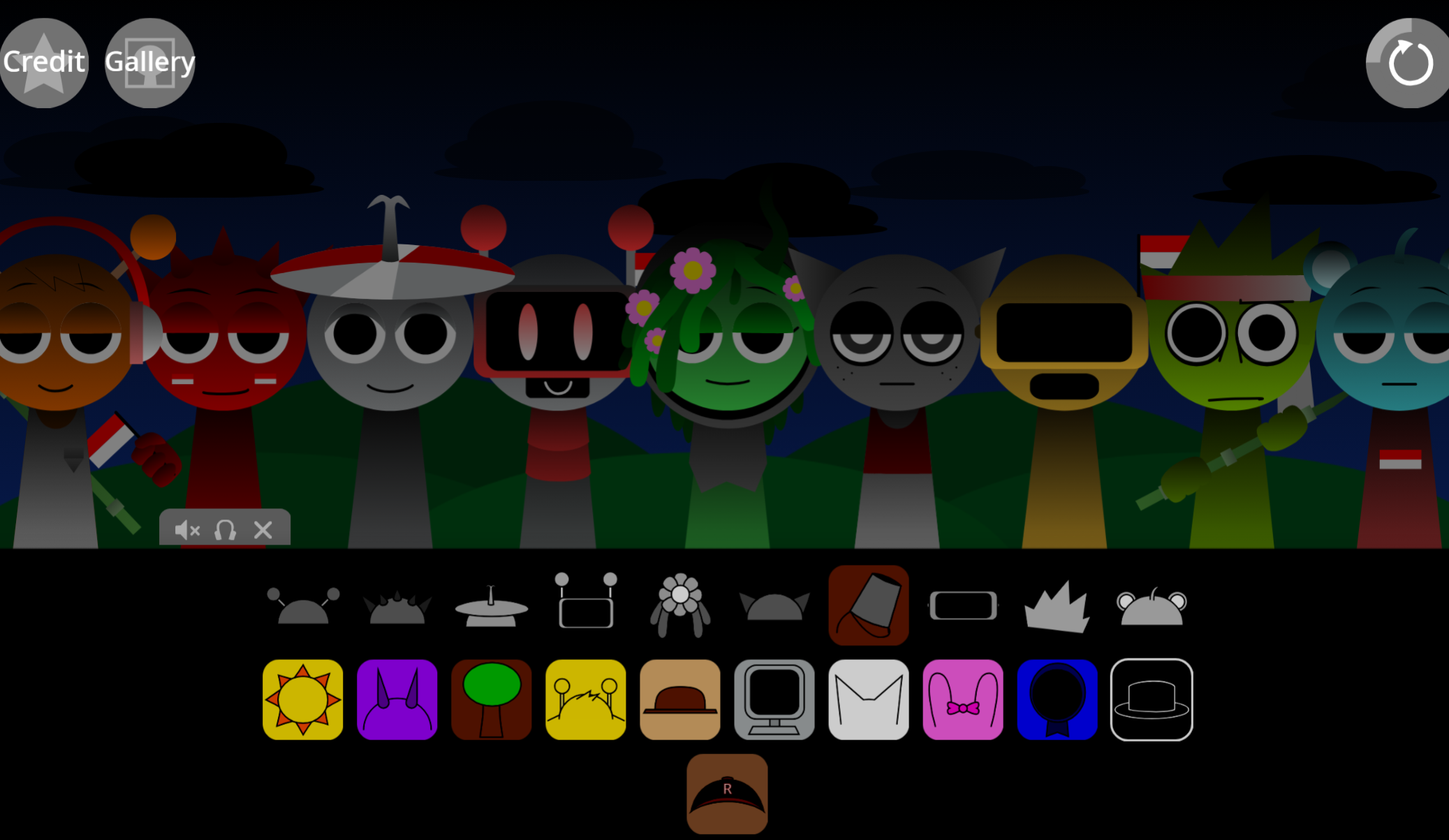
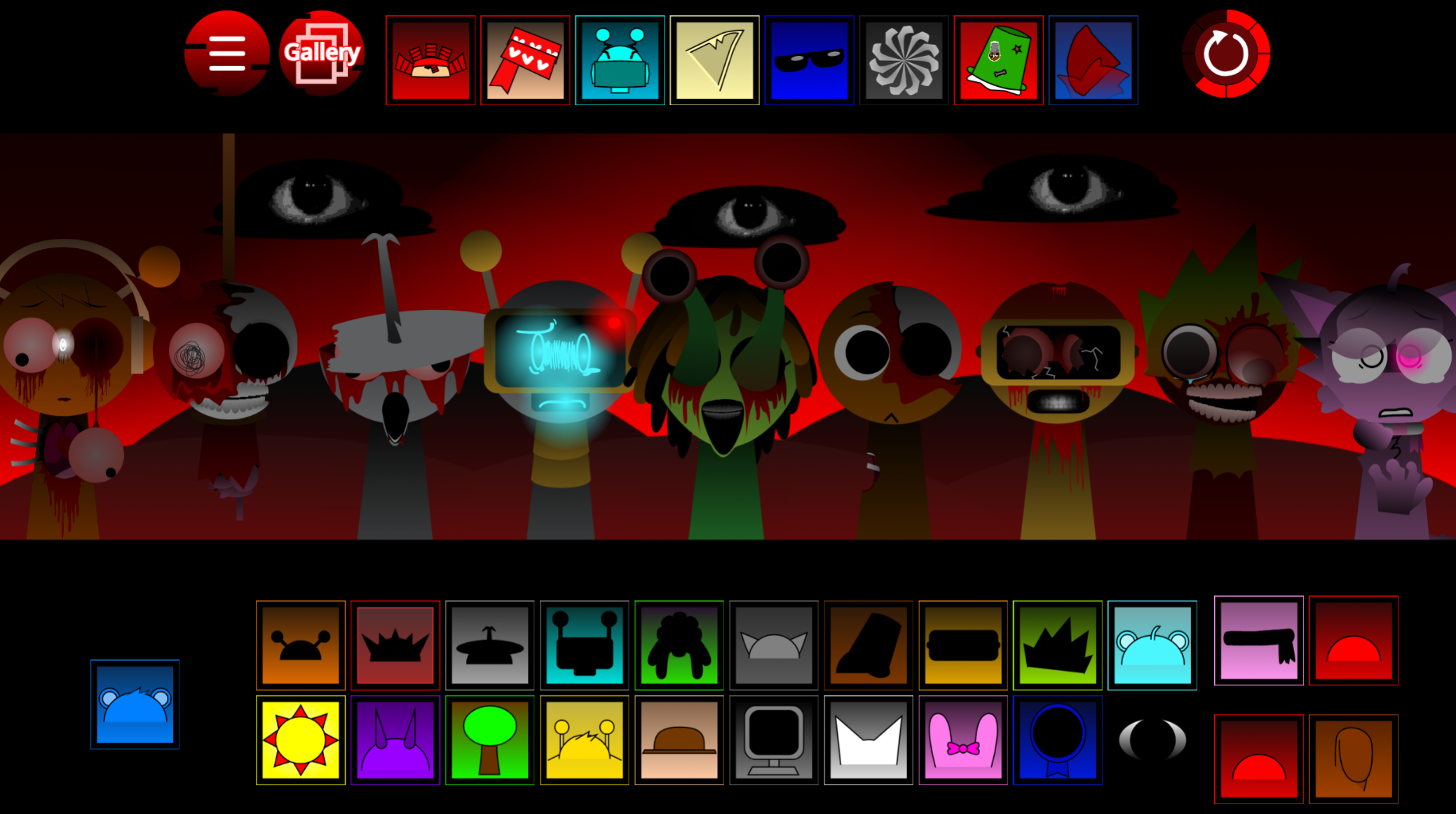
Er, Evil Er, Beh, Fun Bot, Pinki, Yellow Er, Geh, Normal, Joyful, I, Easy, Mr. Fun Computer, Effortless, Easier, Mr. Sun, Clukr, Veh, Mustard Veh, Ekrat Kaye, Mustard Eee
Several entries belong to character families. Easy, Easier, and Efortless form a three-part progression. Er, Yellow Er, and Evil Er are color and thematic variants of a single design. Sprunki figures such as Pinki, Clukr, Fun Bot, Mr. Sun, and Mr. Fun Computer connect the project to broader Scratch community character trends.
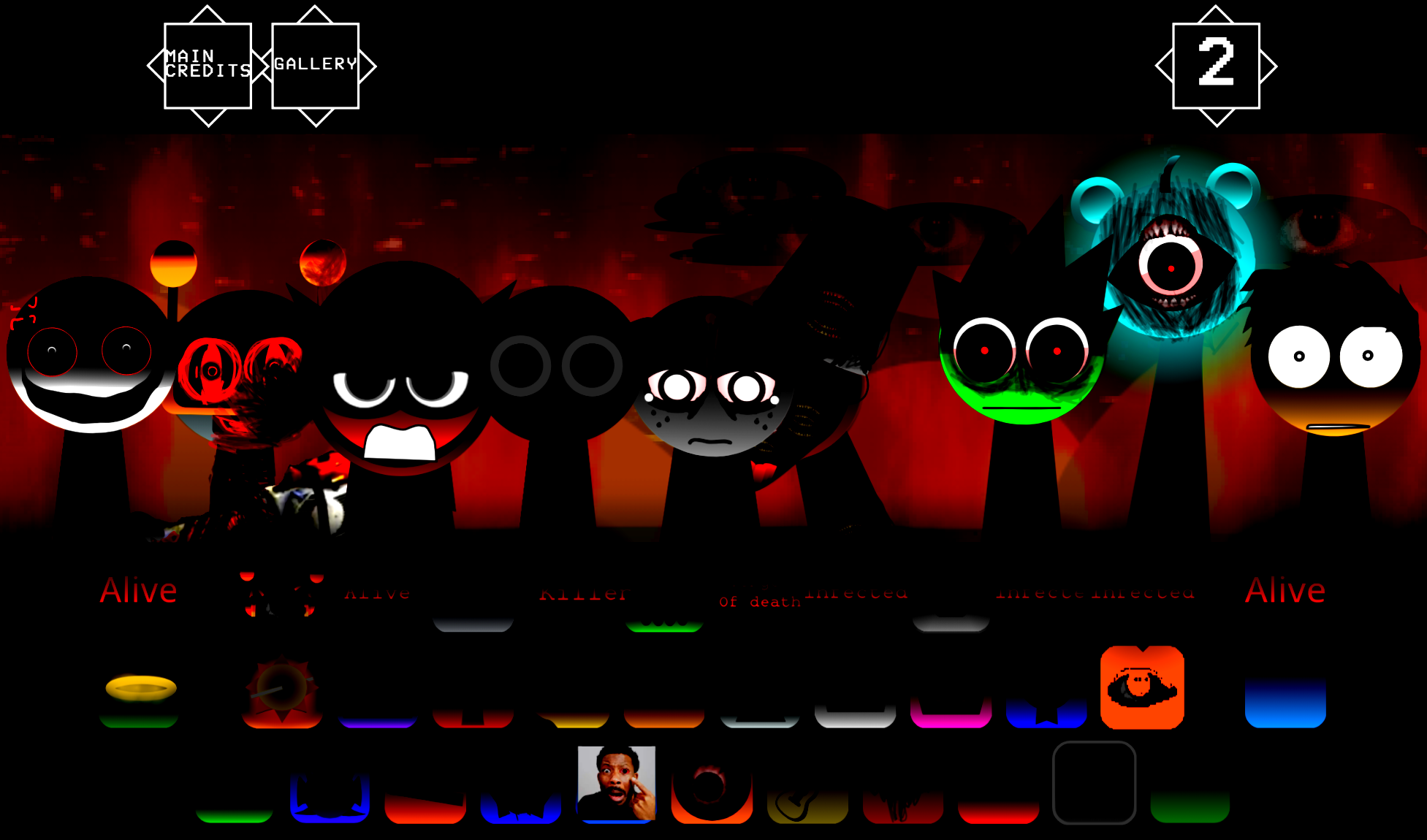
In early rounds, 20 large sprites with overhead text tags create heavy visual overlap. Characters obscure one another during the initial plunge. As eliminations thin the roster, spacing improves and individual sprites become easier to track.
Custom Animations and Audio
Each contestant includes tailored visual expressions and audio assets tied to movement status:
Plunging: Falling costumes display as characters descend.
Near-Miss Panic: Characters that stop just short of the boundary switch to worried expressions.
Relief and Bouncing: Sprites that land safely display relieved or neutral bounce animations.
Celebration: Survivors execute victory poses when returning to the upper zone.
Winner Sequence: The final remaining character performs an individual victory animation with custom audio.
Audio cues structure the tournament atmosphere. Whistles and countdown sounds build tension. Mechanical or elastic boing effects play when characters bounce back. Distinct falling noises signal eliminations. The soundtrack switches between tracks for the introduction, main rounds, and results display. Many contestants carry personalized sound clips for falling, worrying, landing, and winning.
Scratch Remix Architecture
AY in Bungee Jumping 2: 20 Sprunkies operates as part of an ongoing remix chain. The Add Yourself format invites creators to fork the project and add custom characters. The workflow for remixers:
- Duplicate the template sprite labeled “Player0.”
- Replace every costume with custom character art for drop, worry, bounce, and win states.
- Replace default sound clips in the sprite’s “Voice” category with custom vocalizations.
- Update the character name string.
- Optionally modify the thumbnail or musical track.
Project rules require contributors to maintain existing scripts and credit @-Rex- for the Pen Text Engine++ asset used to render text elements. This open remix design gives the project utility within Scratch community spaces.
Controls
- Browser access: Play directly online through the project page.
- No movement inputs: There are no controls for steering, jumping, balancing, or altering fall physics.
- Spectator interaction: Select a contestant to follow and observe the automated rounds.
Gameplay Tips
Focus on one recognizable character rather than tracking the entire roster. Early rounds are difficult to read because large sprites overlap during the initial drop. Once several contestants are eliminated, remaining characters become easier to follow.
Players expecting a skill-based platformer may find the lack of direct control limiting. The appeal comes from unpredictable outcomes, repeated rounds, and seeing which character survives the tournament.
Related Games
- AY in Tick Drop but Sprunkies — This Sprunkies-focused AY tournament offers another spectator-driven randomized elimination format for readers who want to watch the same character community face a different drop-based hazard.
- AY in Tick Drop 26 Players Tvokids — Its larger 26-contestant Tick Drop setup closely matches Bungee Jumping 2’s countdown, mass-roster, and survival-tournament appeal.
- AY in Searopes Sprunkies but Oren Never Loses Any Life — The rope-centered Sprunkies scenario is a fitting follow-up for readers interested in AY remixes that alter survival rules around a specific contestant.
Common Questions
What does AY mean?
AY stands for Add Yourself, a Scratch remix framework where users duplicate a template sprite and replace it with custom character art, costumes, and sound.
Is AY a separate gameplay mode?
No. AY identifies the collaborative remix structure, not a different control scheme or game mode.
Is Bungee Jumping 2: 20 Sprunkies downloadable?
No. It runs as a browser-based Scratch project.
Why does AY appear on related Sprunkies projects?
Creators retain the core structure while changing the character roster, sprites, and themed assets. The AY label is reused across community variants.
Can players control their Sprunki during a match?
No. The jump sequence, physics, and eliminations run automatically.
Discuss Sprunki