



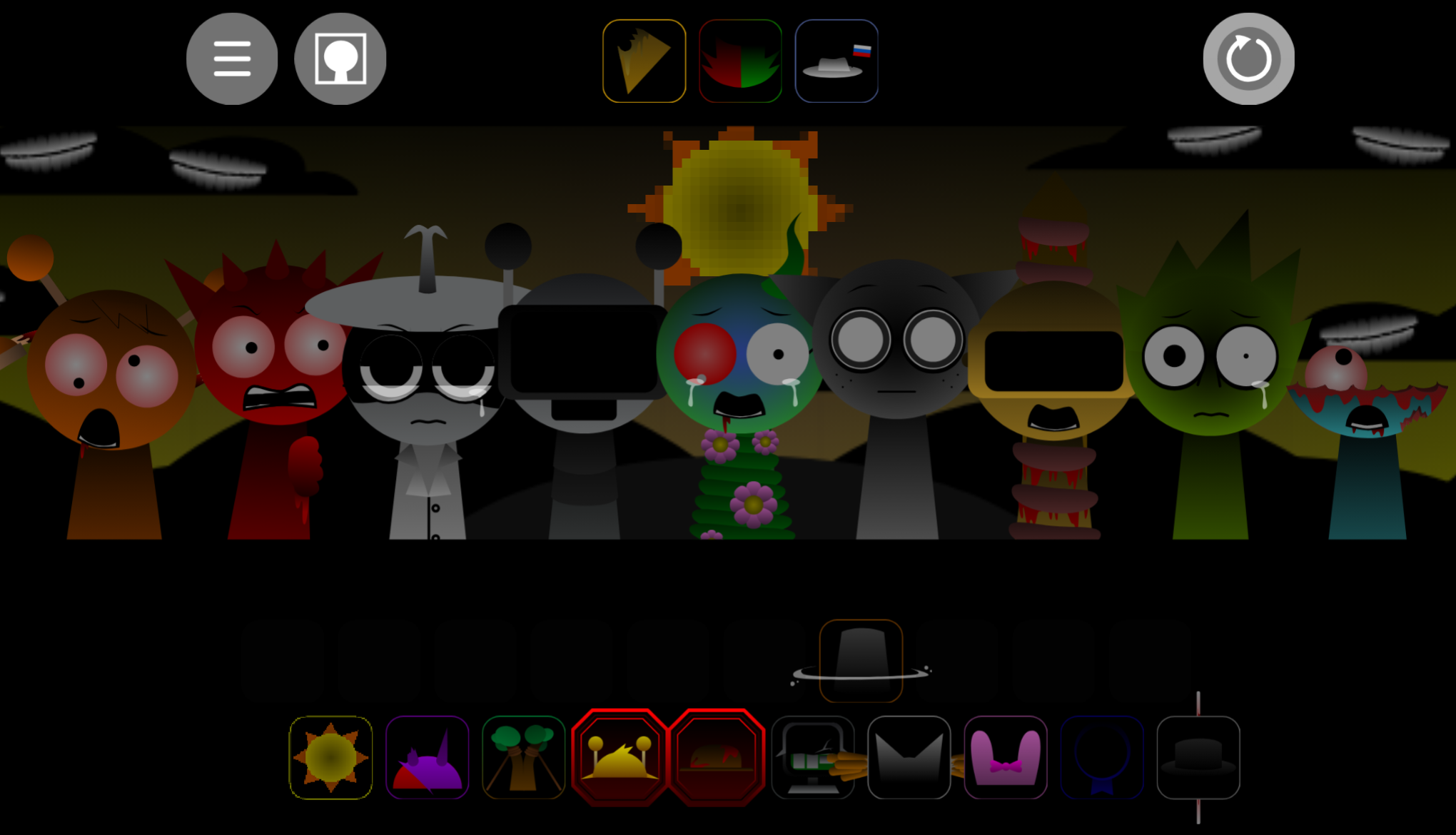
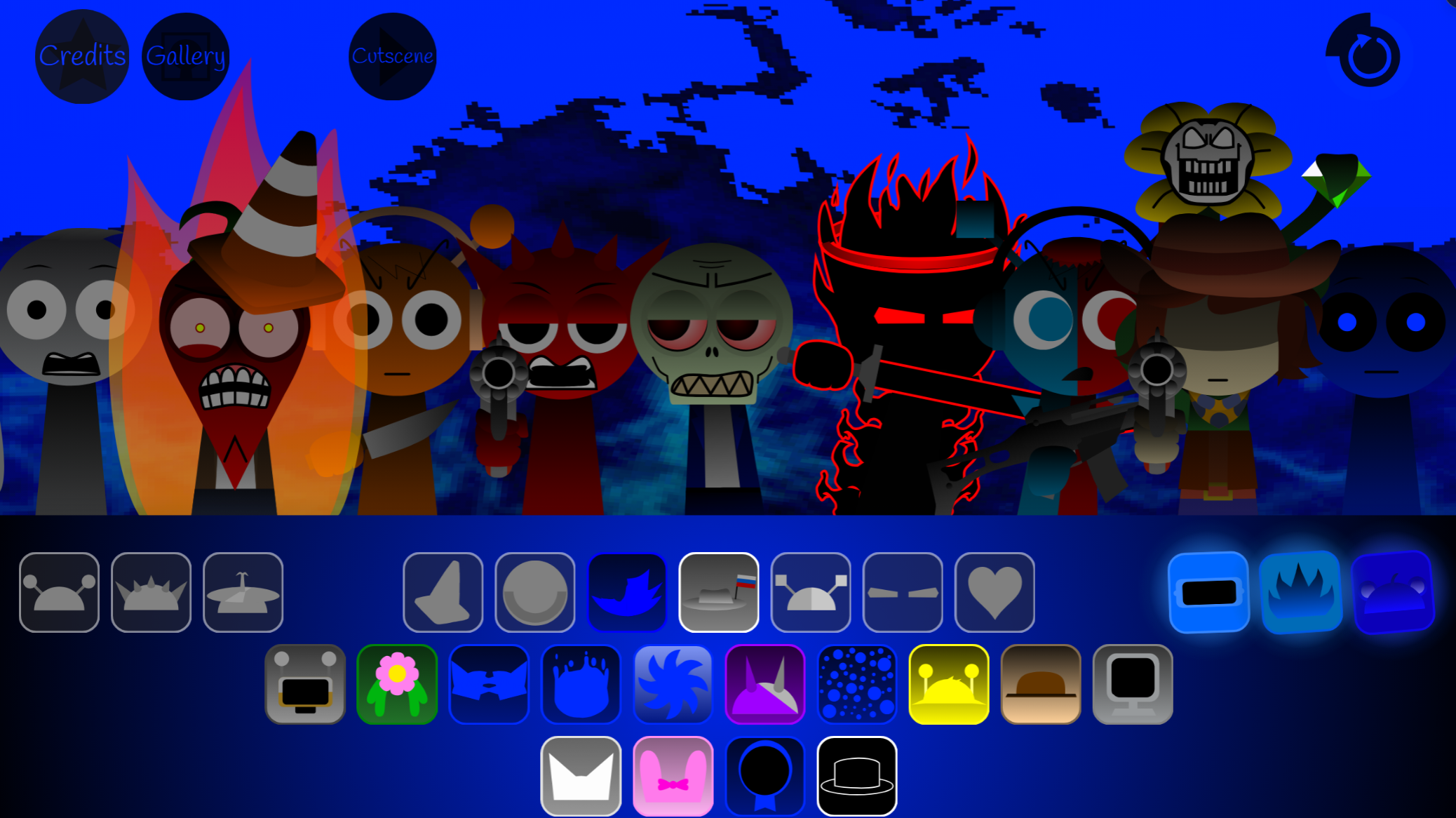
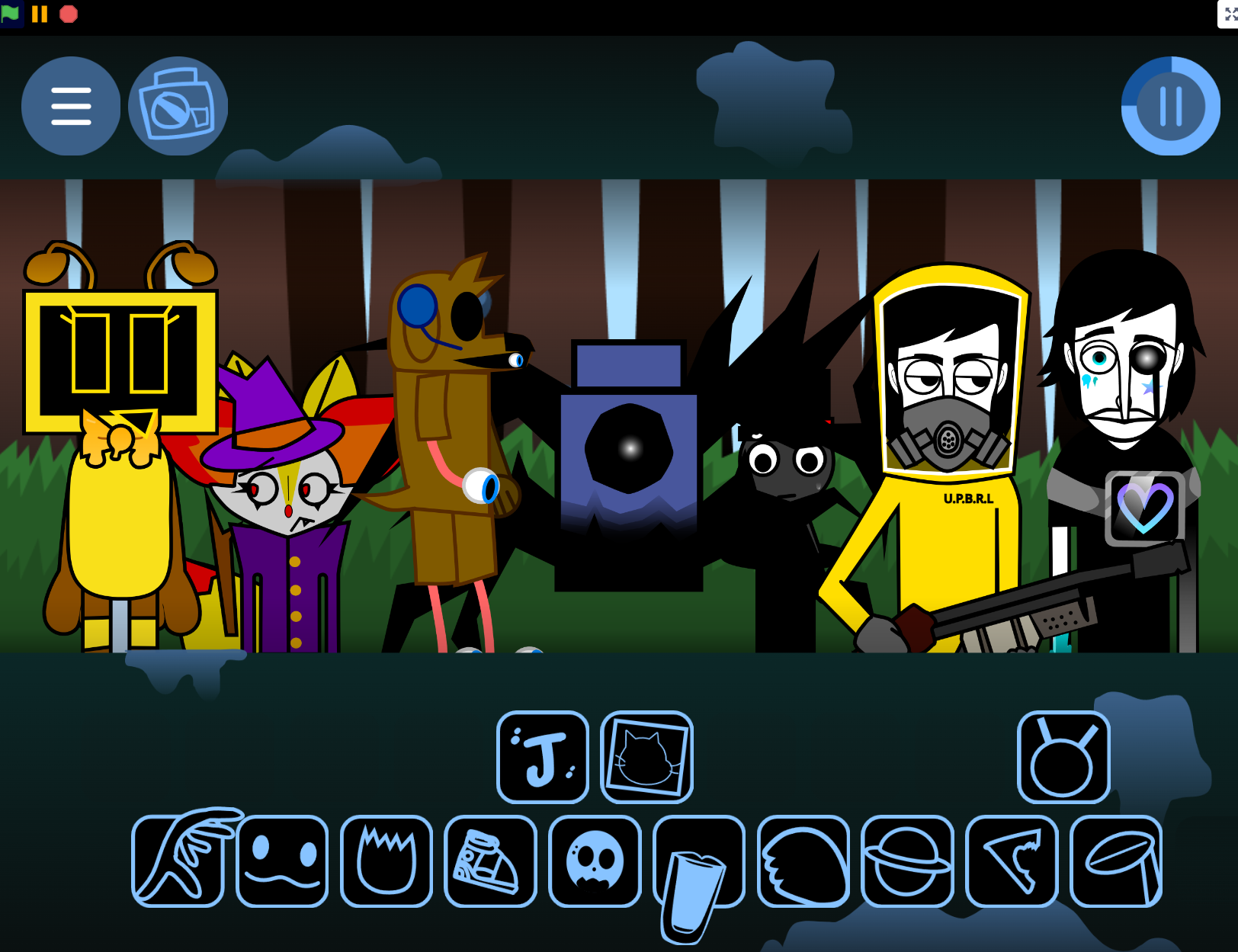
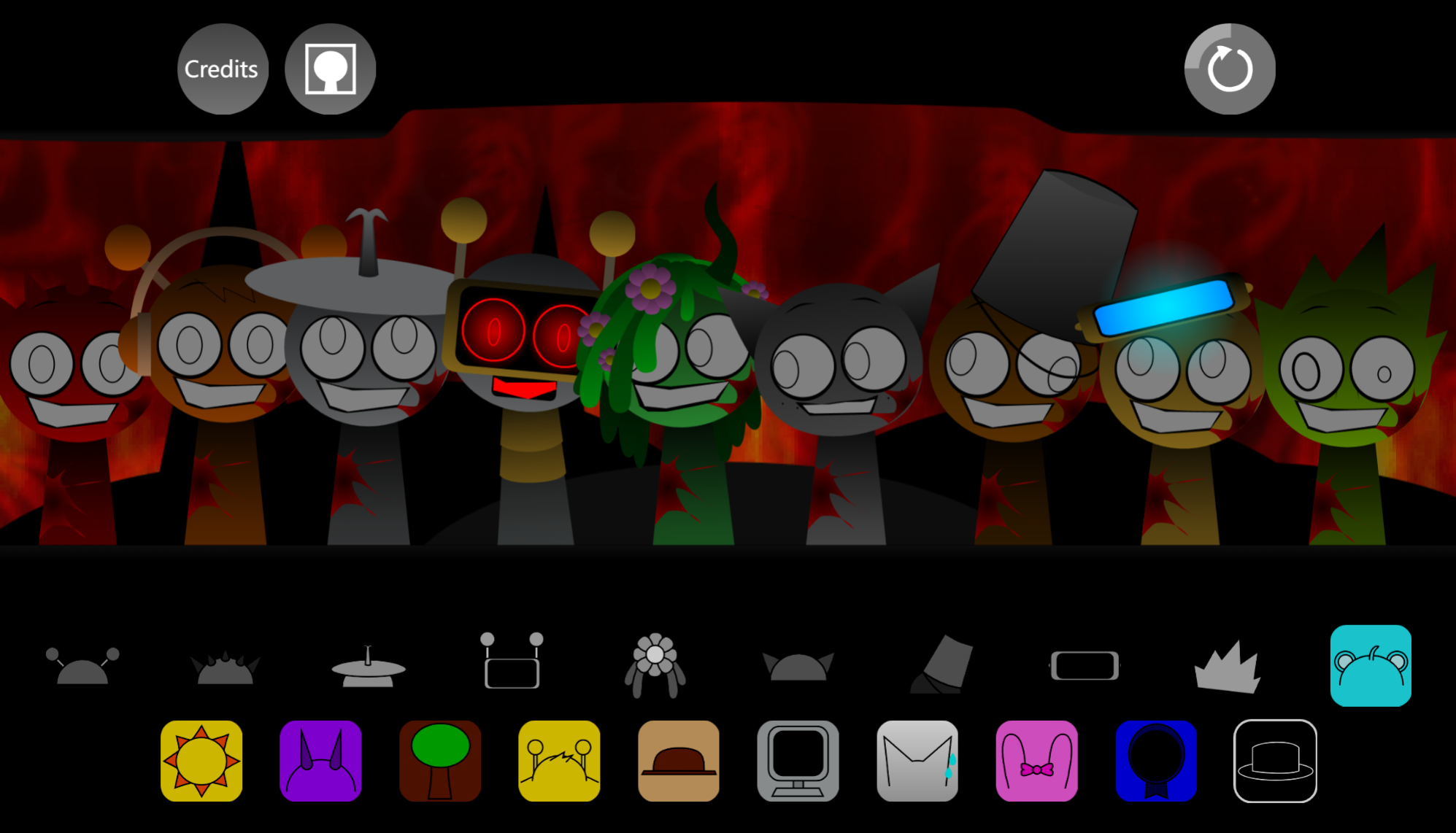
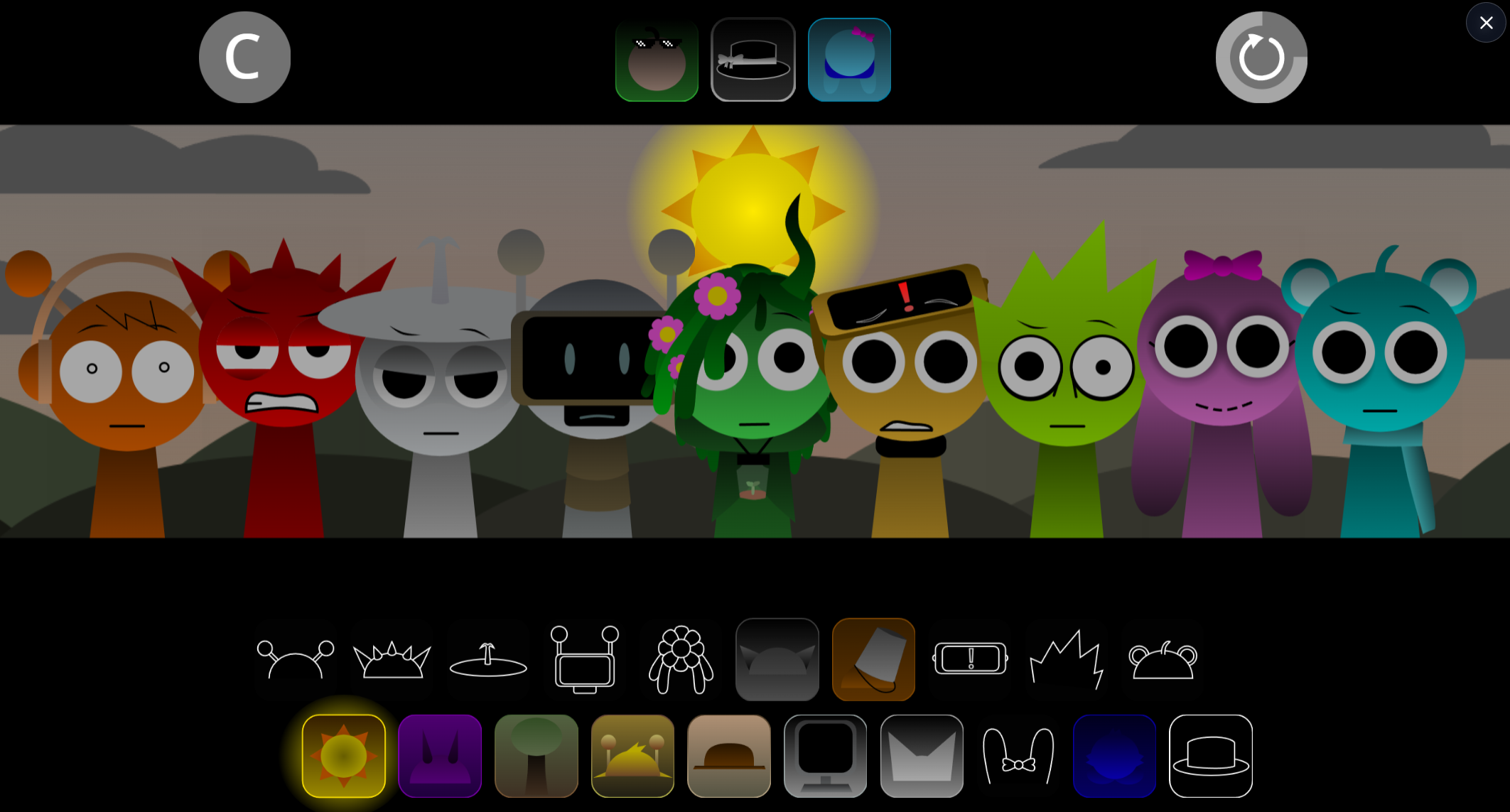
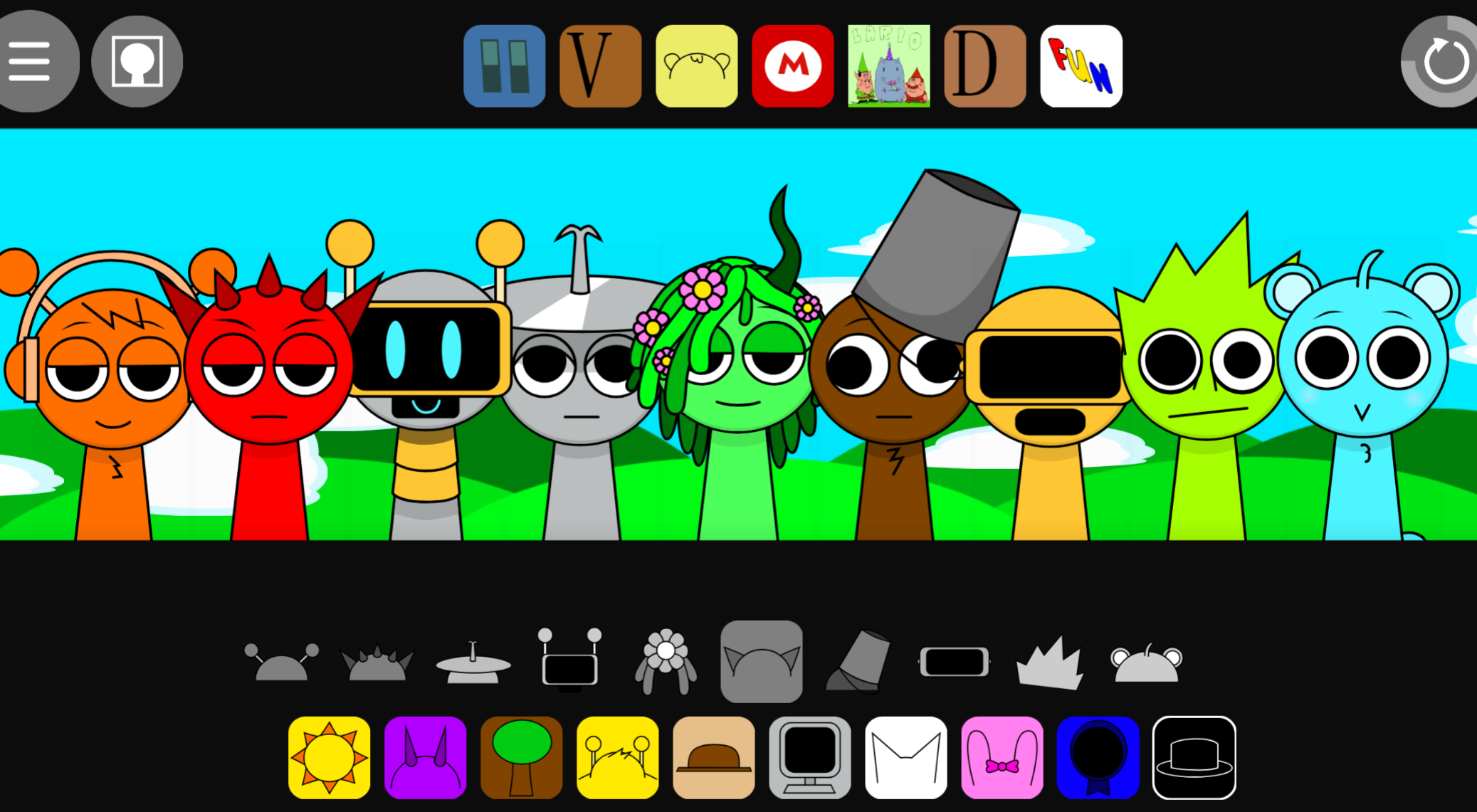
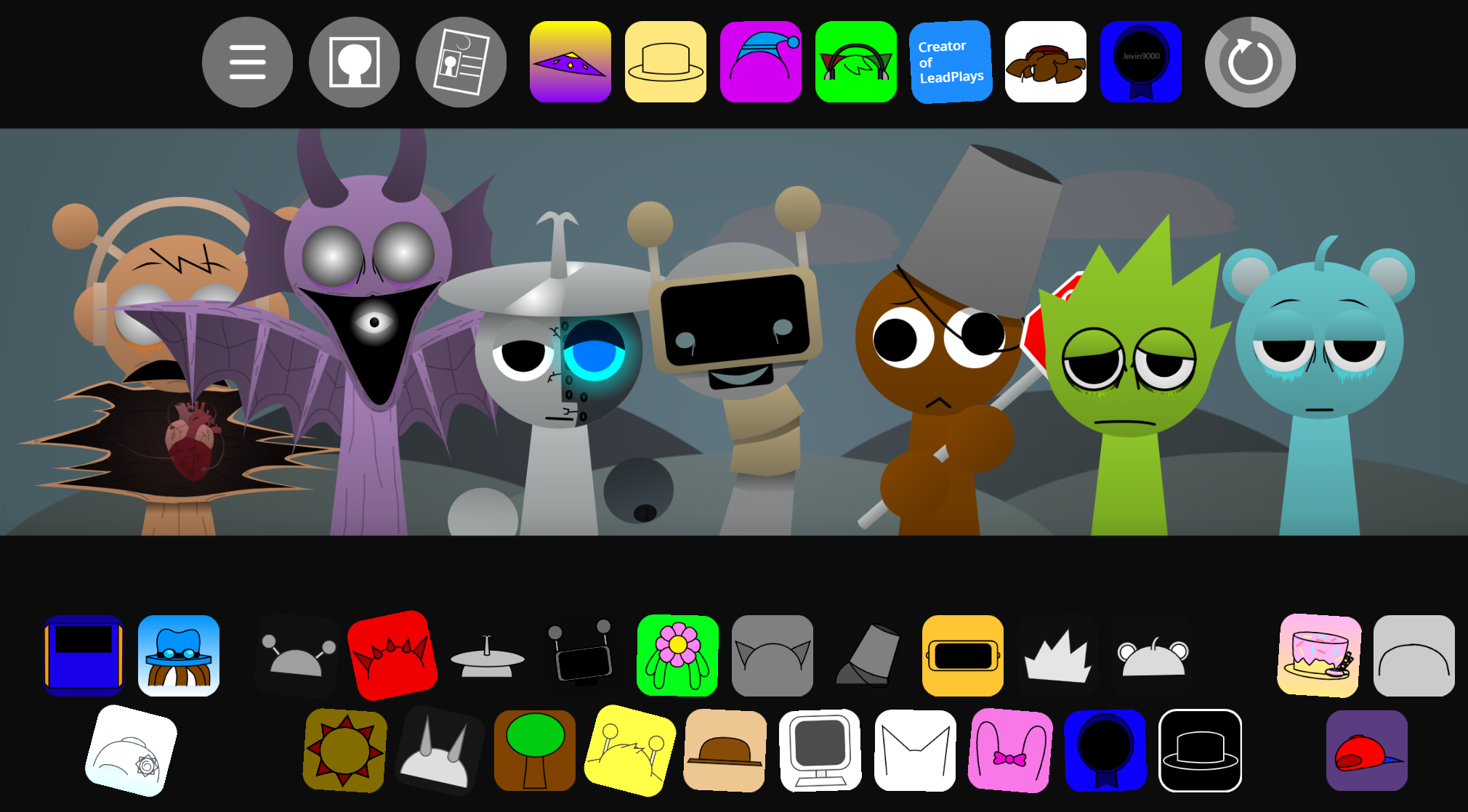

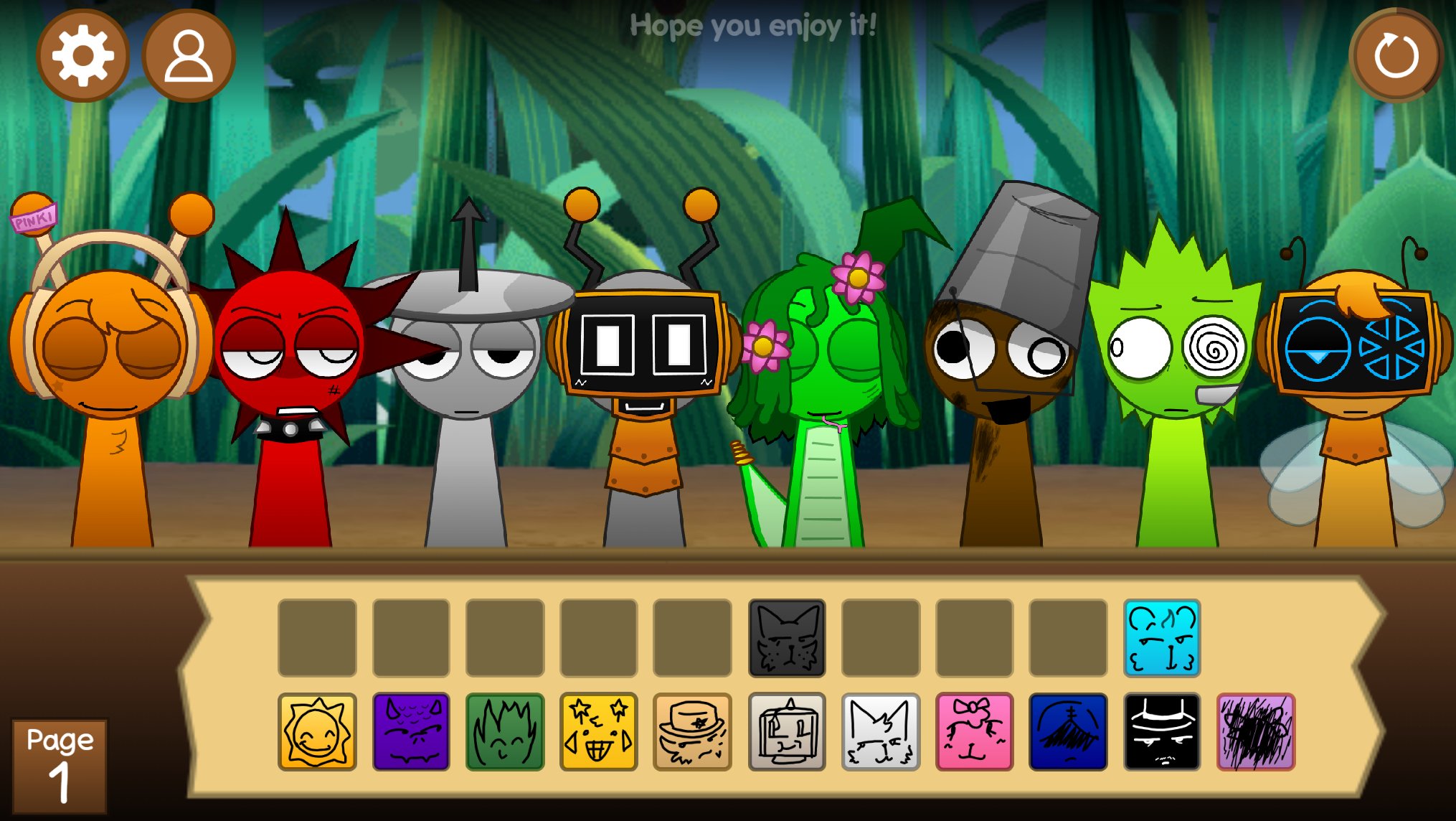
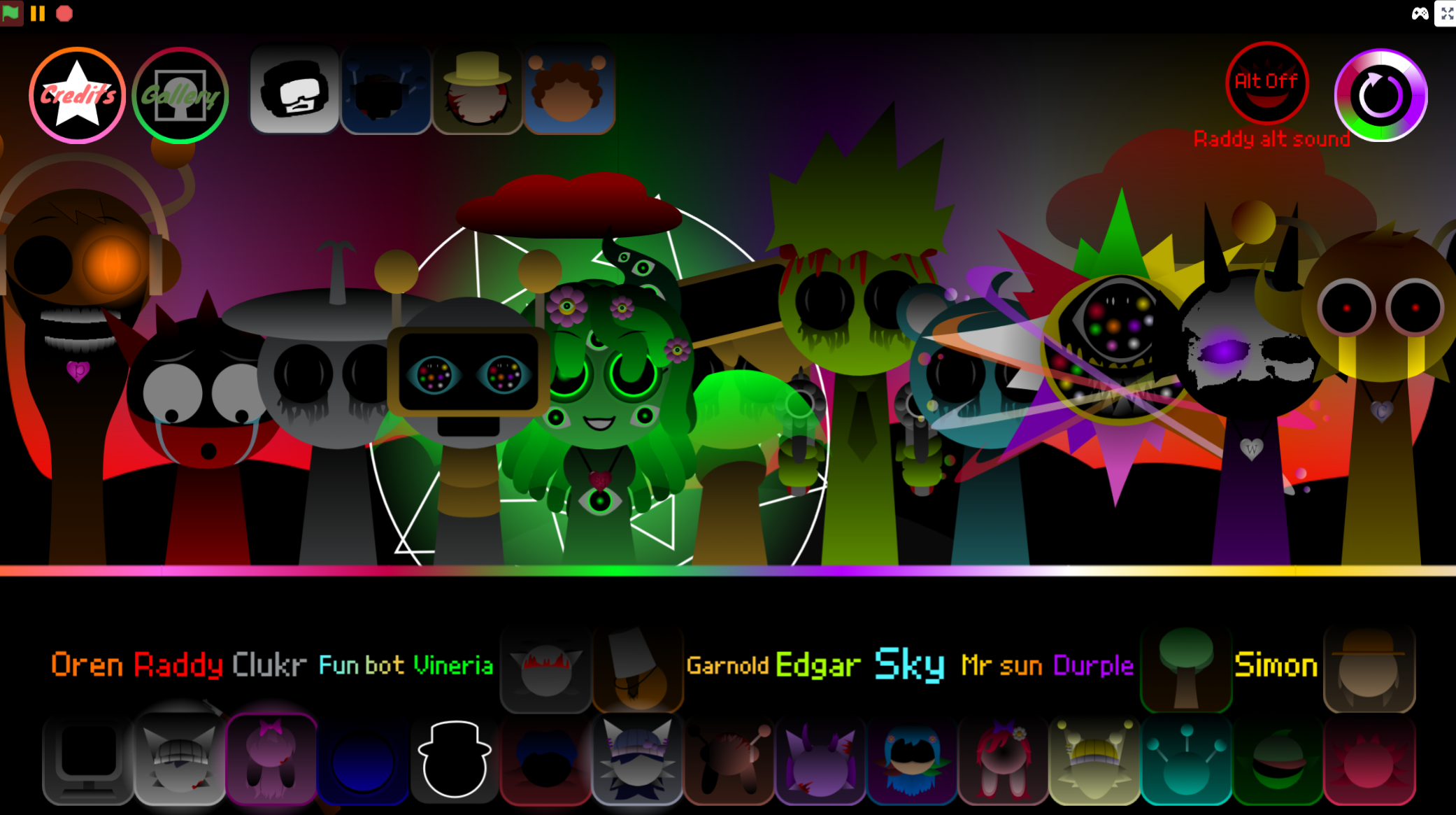
Sprunki Jevin Treatment Phase 6 is a browser-based music-creation mod where you drag and drop characters onto a stage to build layered sound arrangements.
This phase stands out in the Sprunki series by introducing the “Jevin Treatment” mechanic—a set of character transformations and sound modifications that shift the mod’s atmosphere from playful experimentation to darker, more textured compositions. Each character in Phase 6 carries altered visuals and audio loops that respond to specific placement patterns on the stage.
This article walks through how the Treatment mechanic works, which characters unlock unique sound combinations, and how Phase 6 fits into the broader Sprunki mod timeline.
Sprunki Jevin Treatment Phase 6
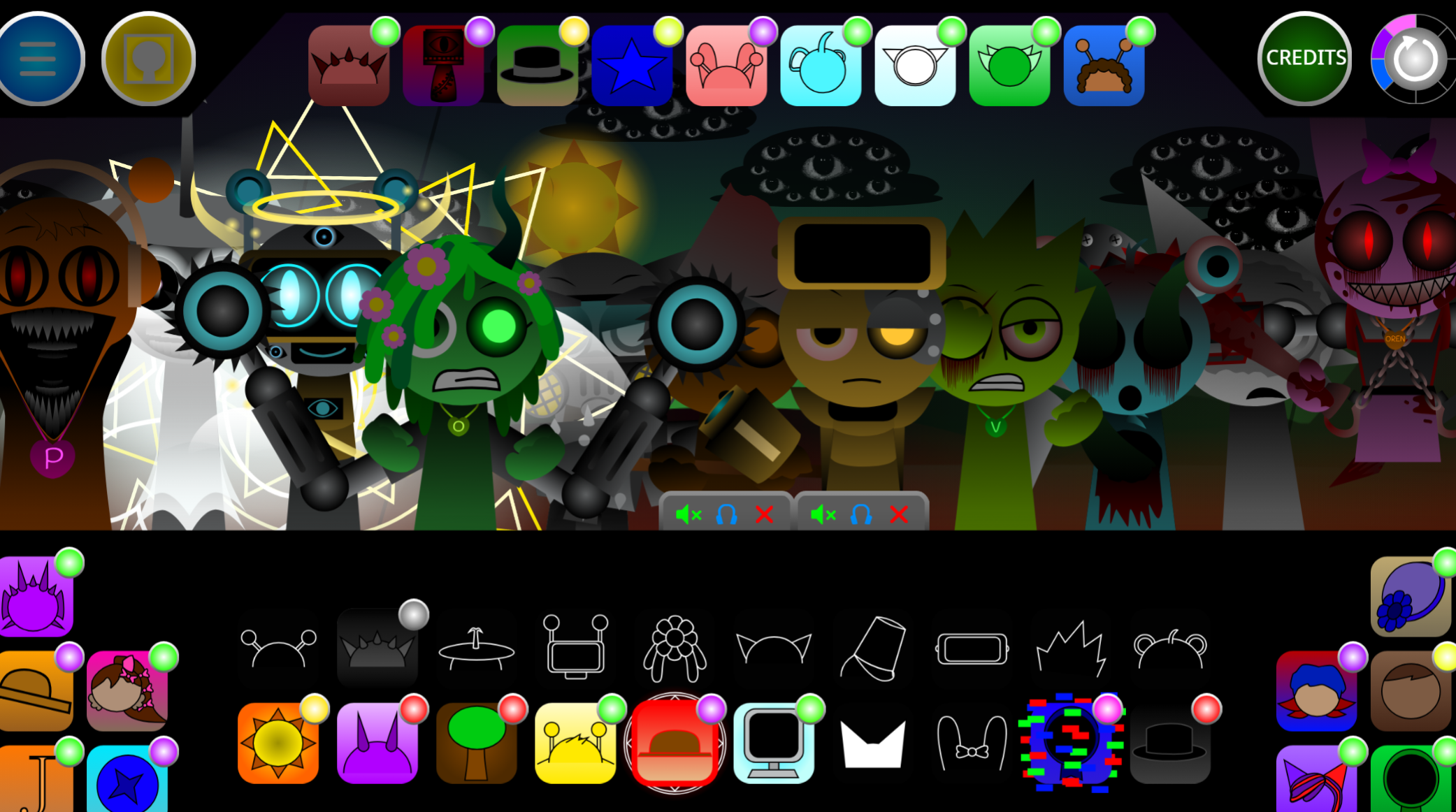
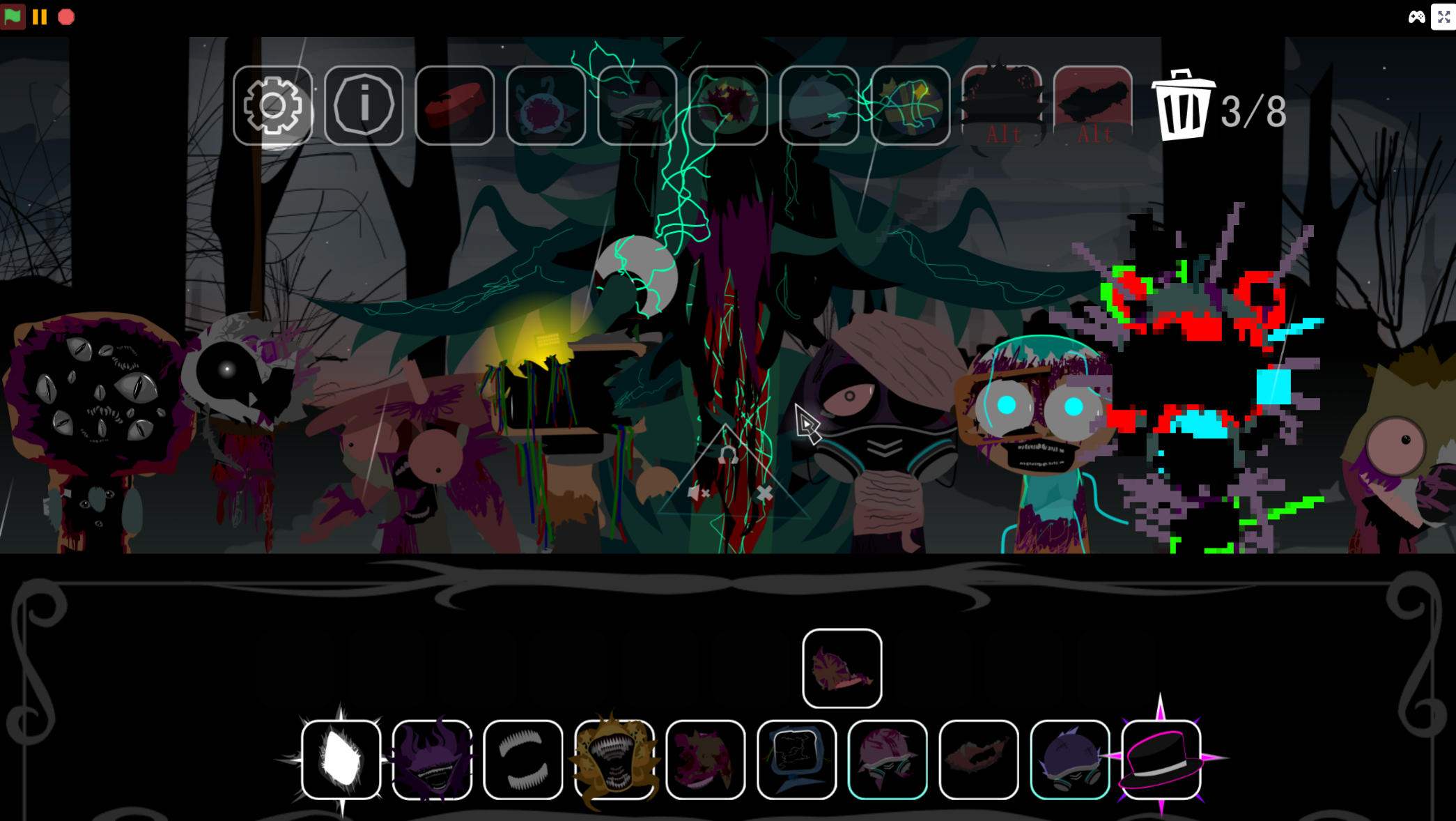
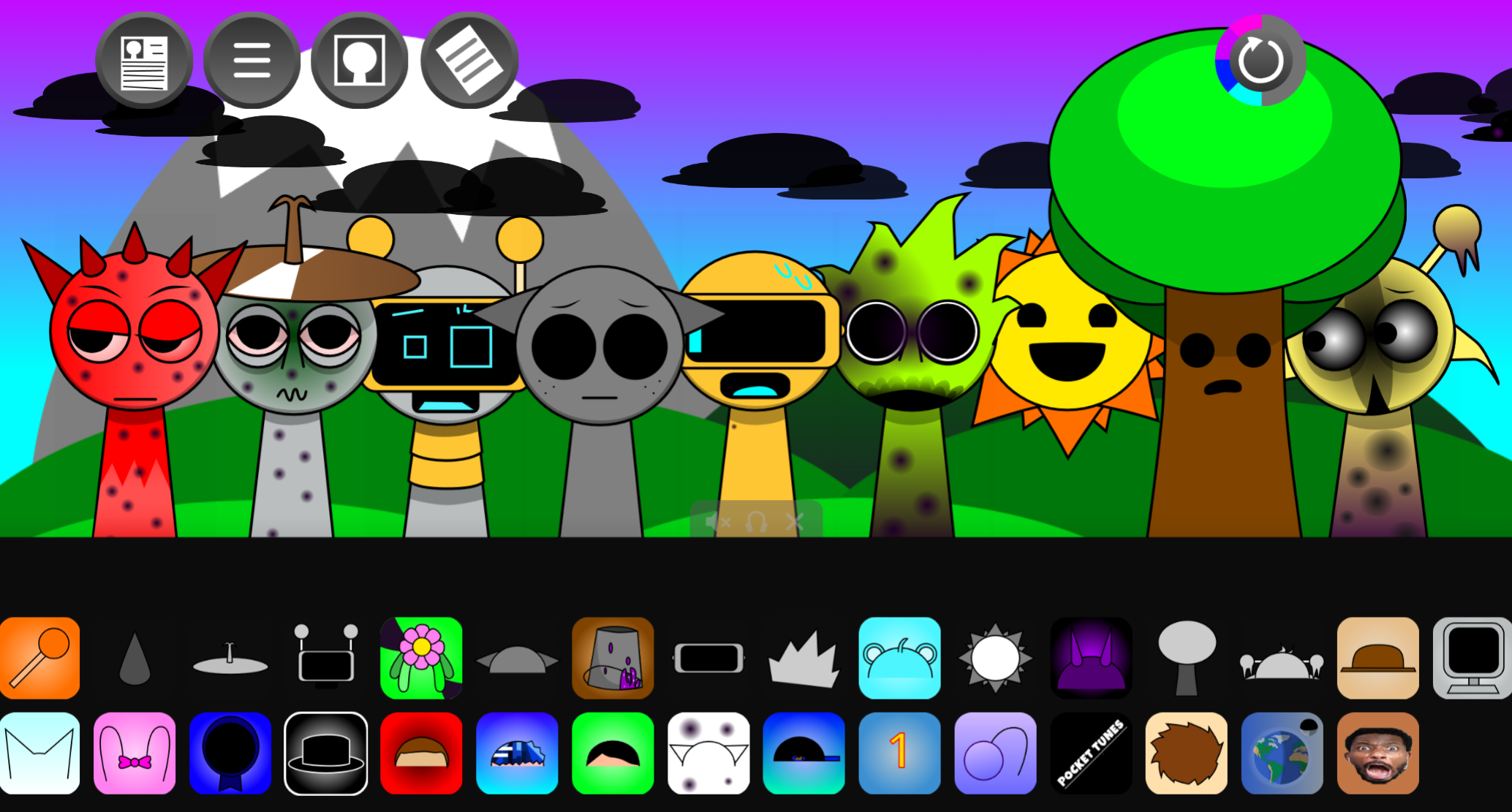
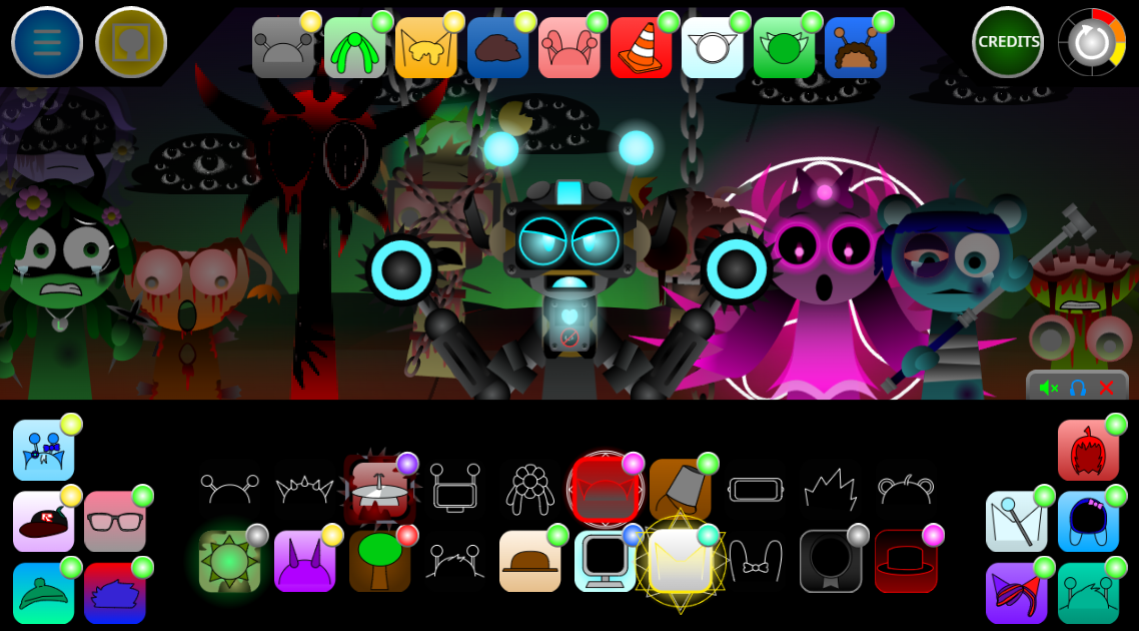
Sprunki Jevin Treatment Phase 6 is a browser-based music-creation mod where players drag and drop characters onto a stage to build layered sound arrangements. Jevin, the 19th character and fourth vocal in the Phase 6 lineup, anchors the mix with his male choir vocal. The mod follows Incredibox-style mixing: each character activates a distinct beat, melody, effect, or vocal loop that can be combined into an original track.
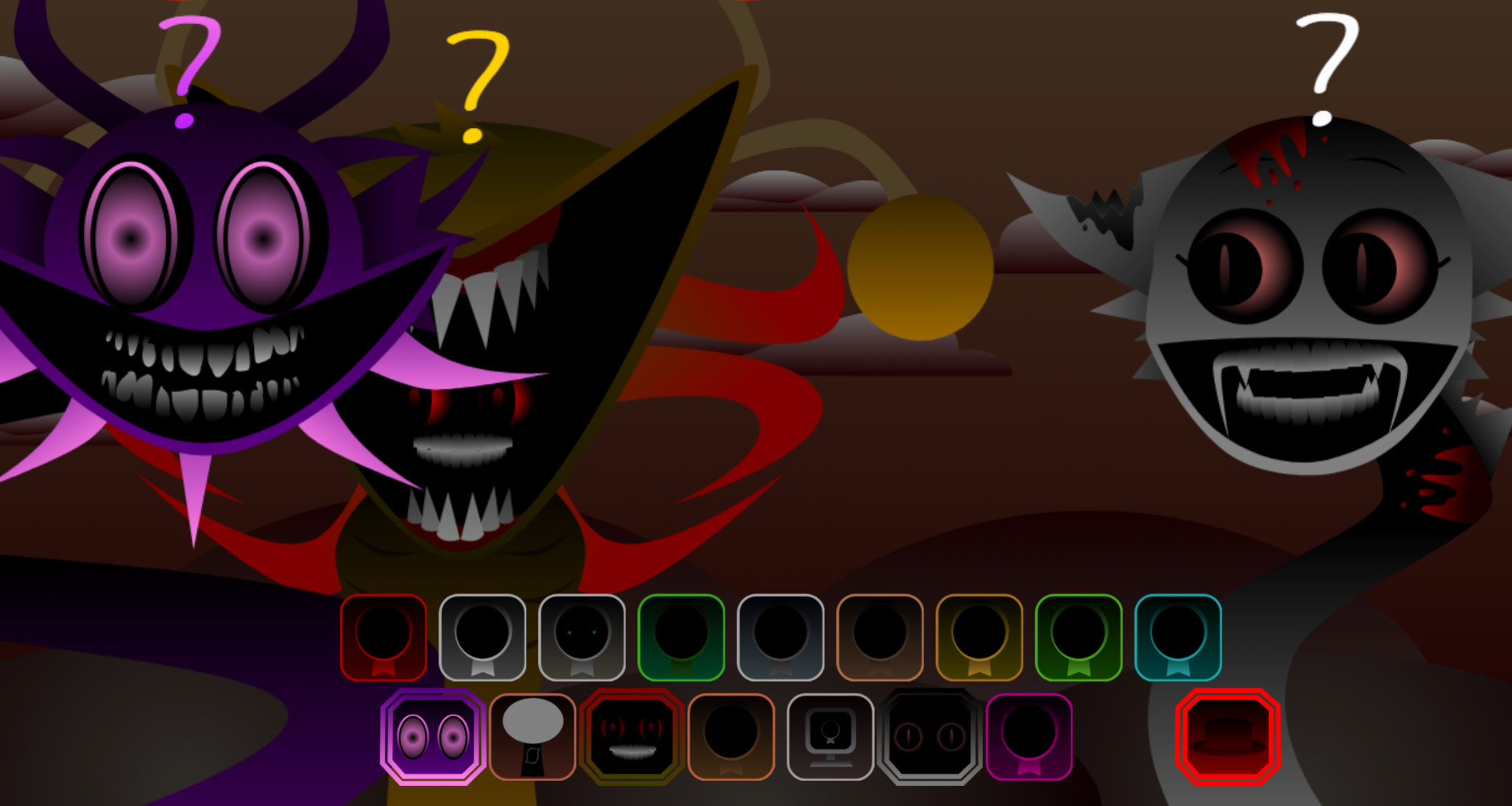
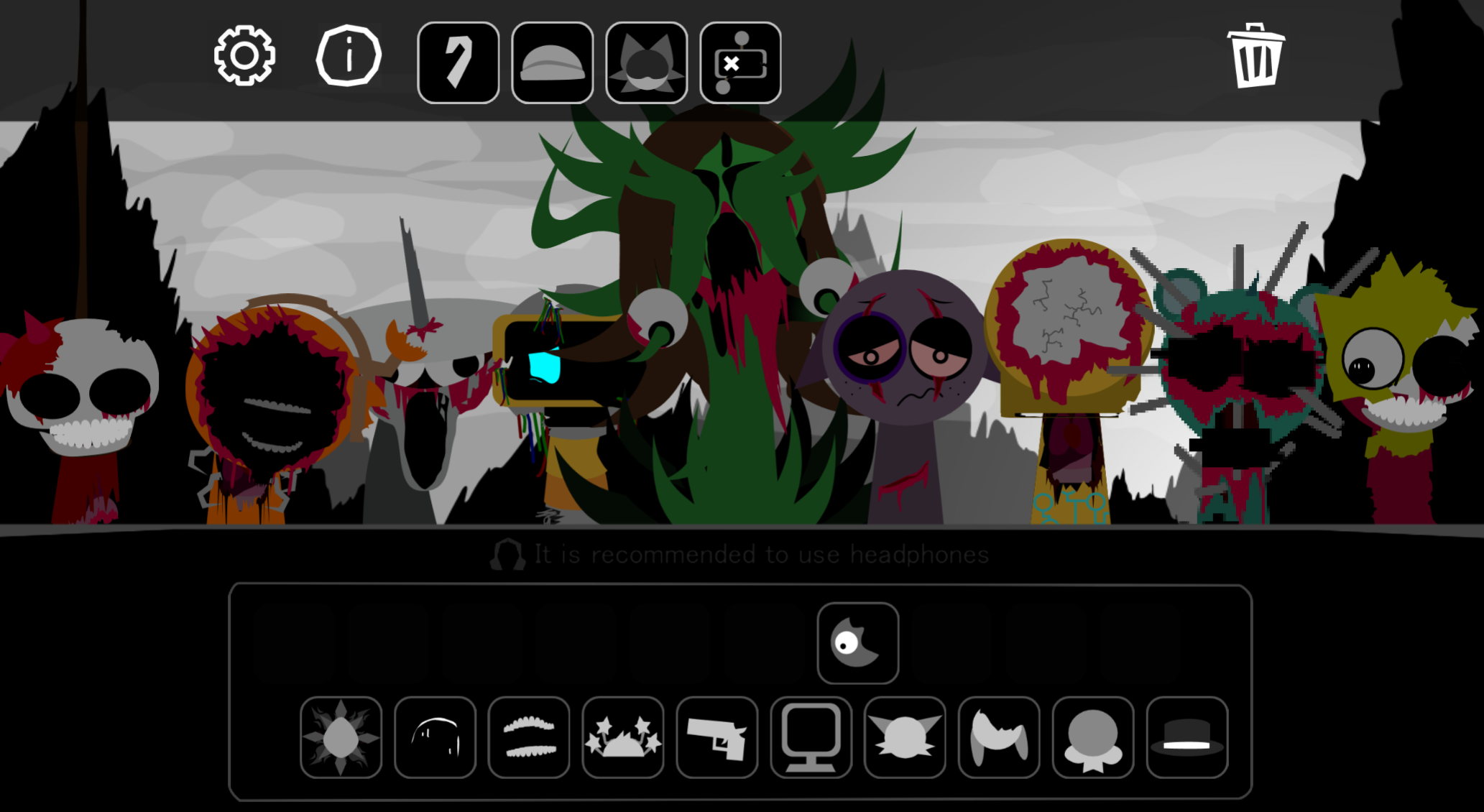
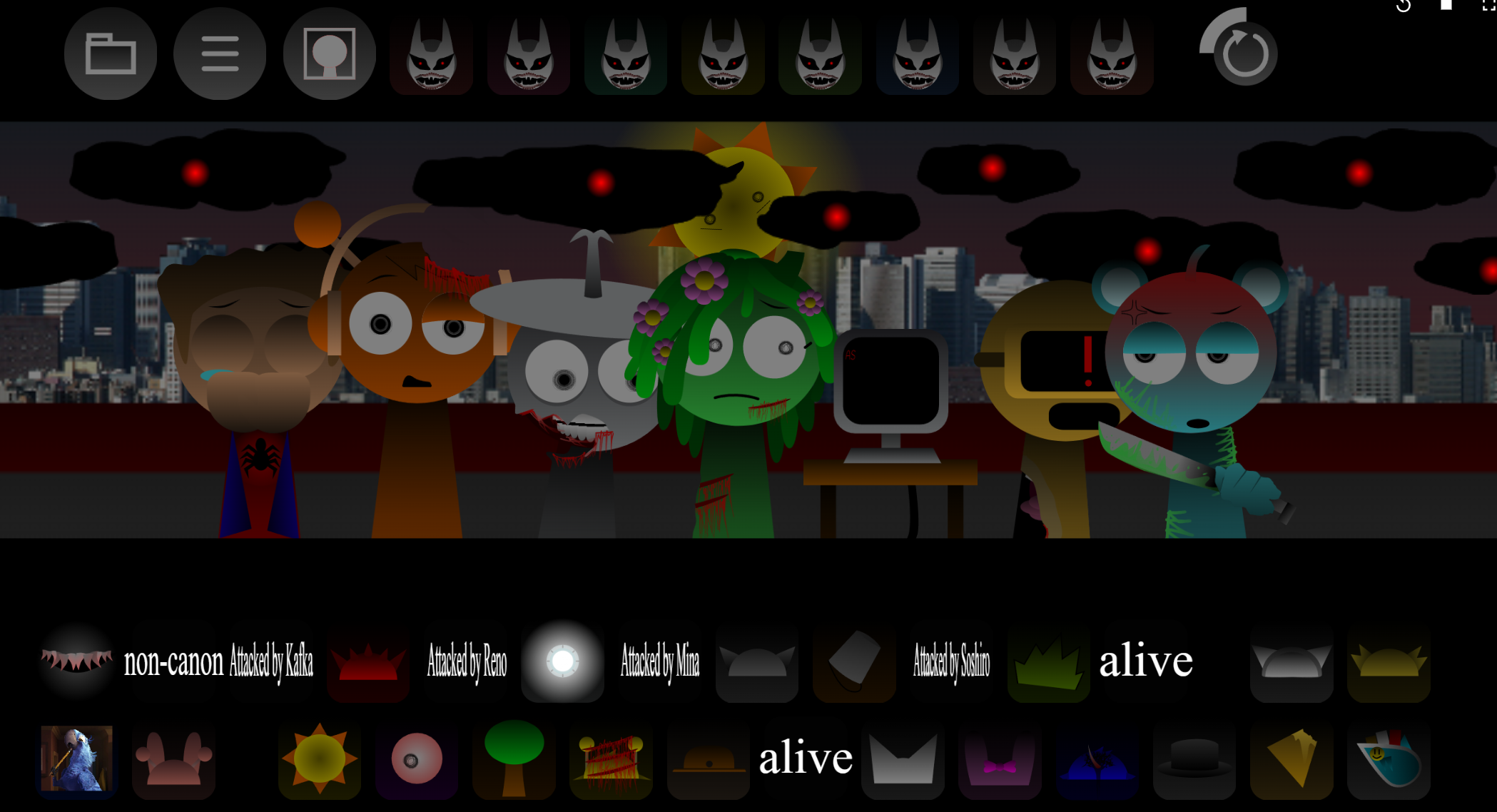
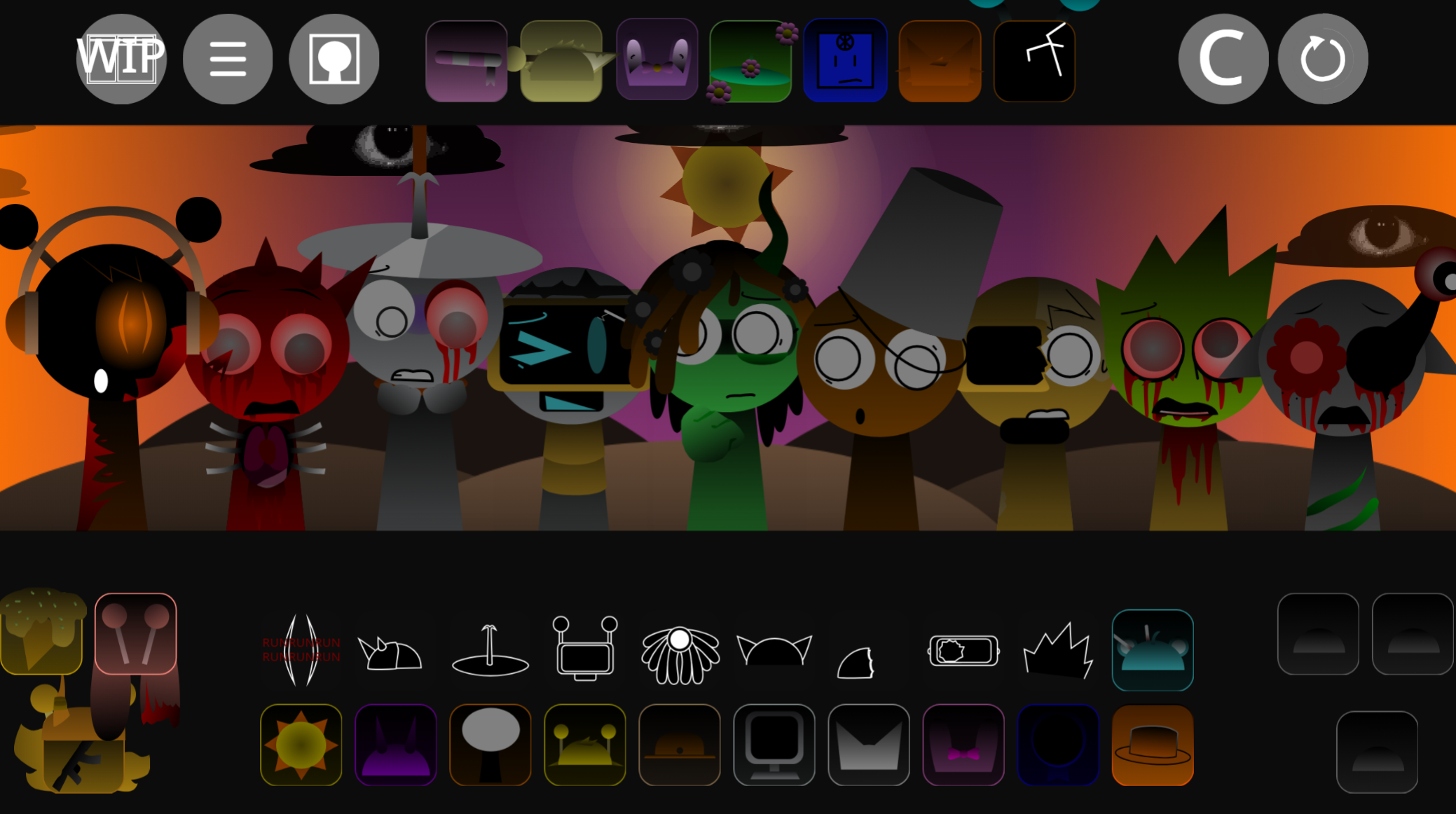
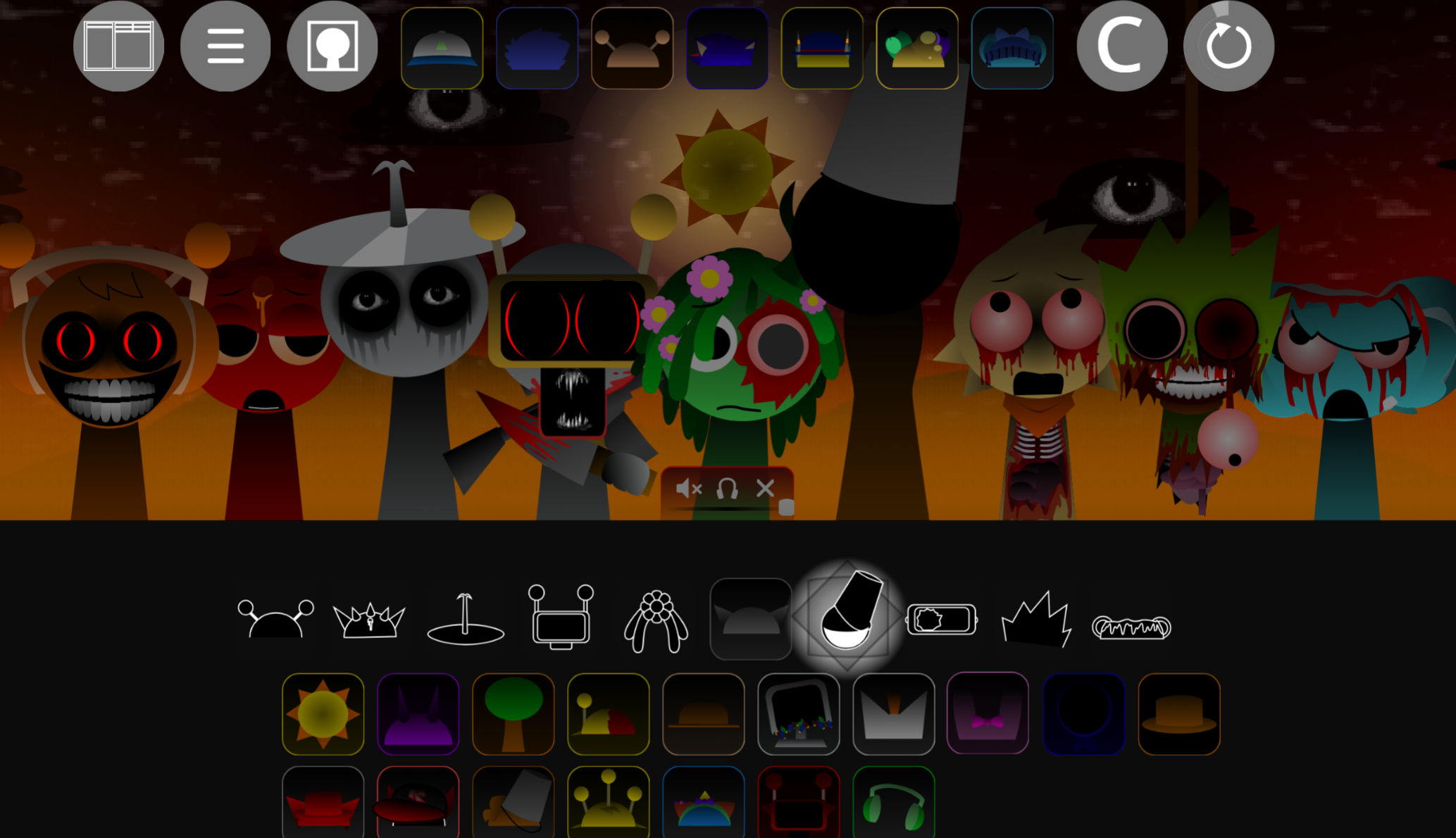
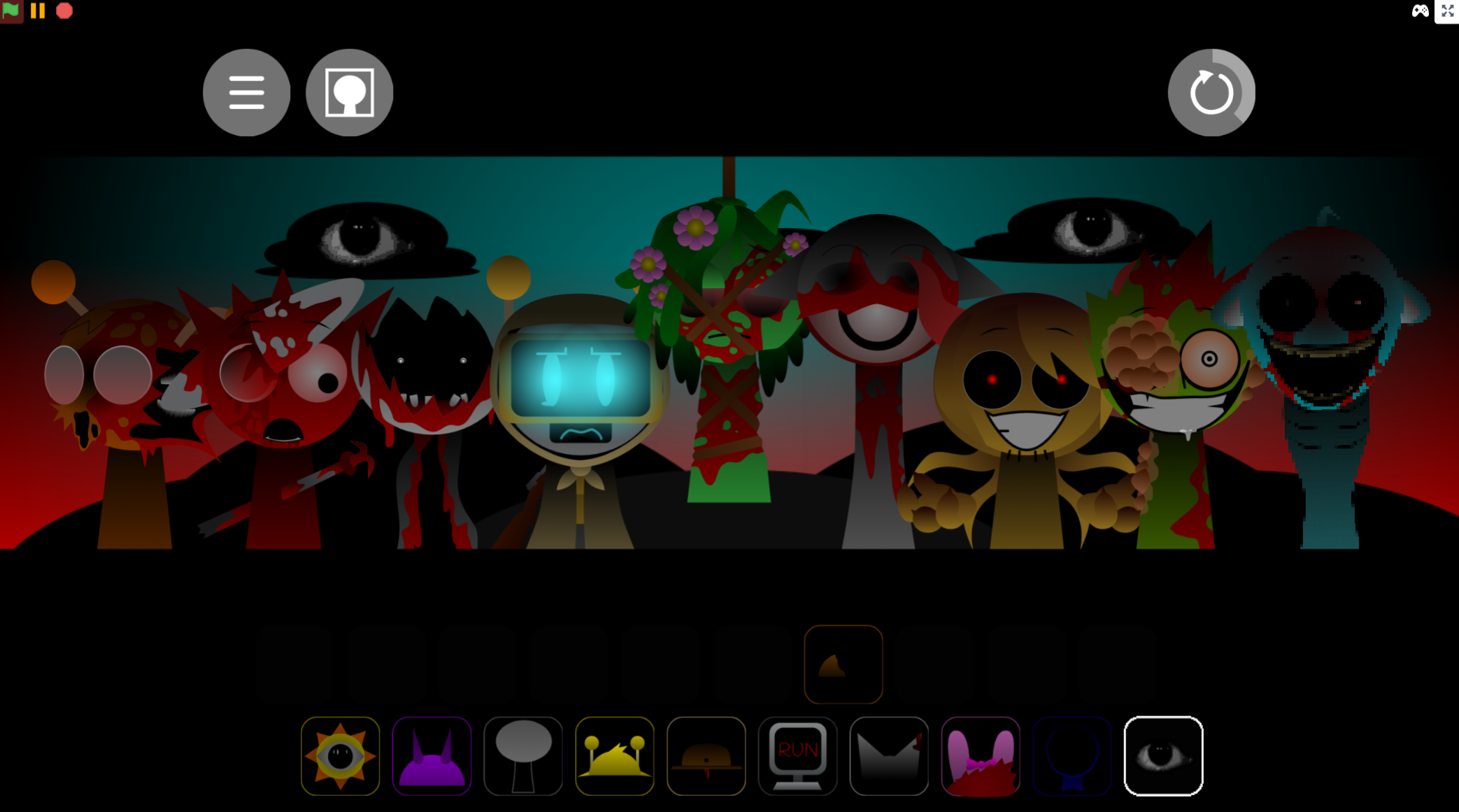
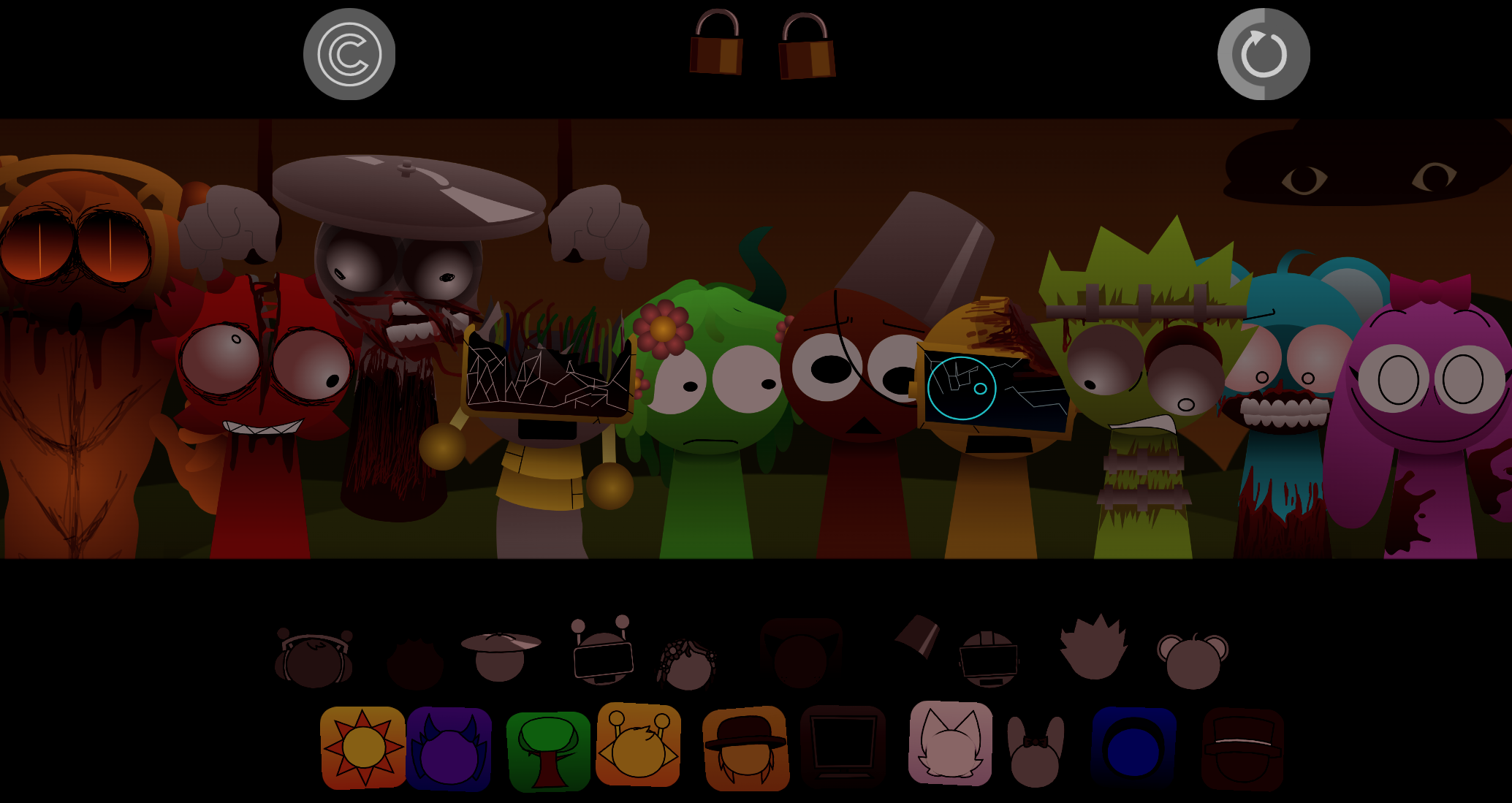
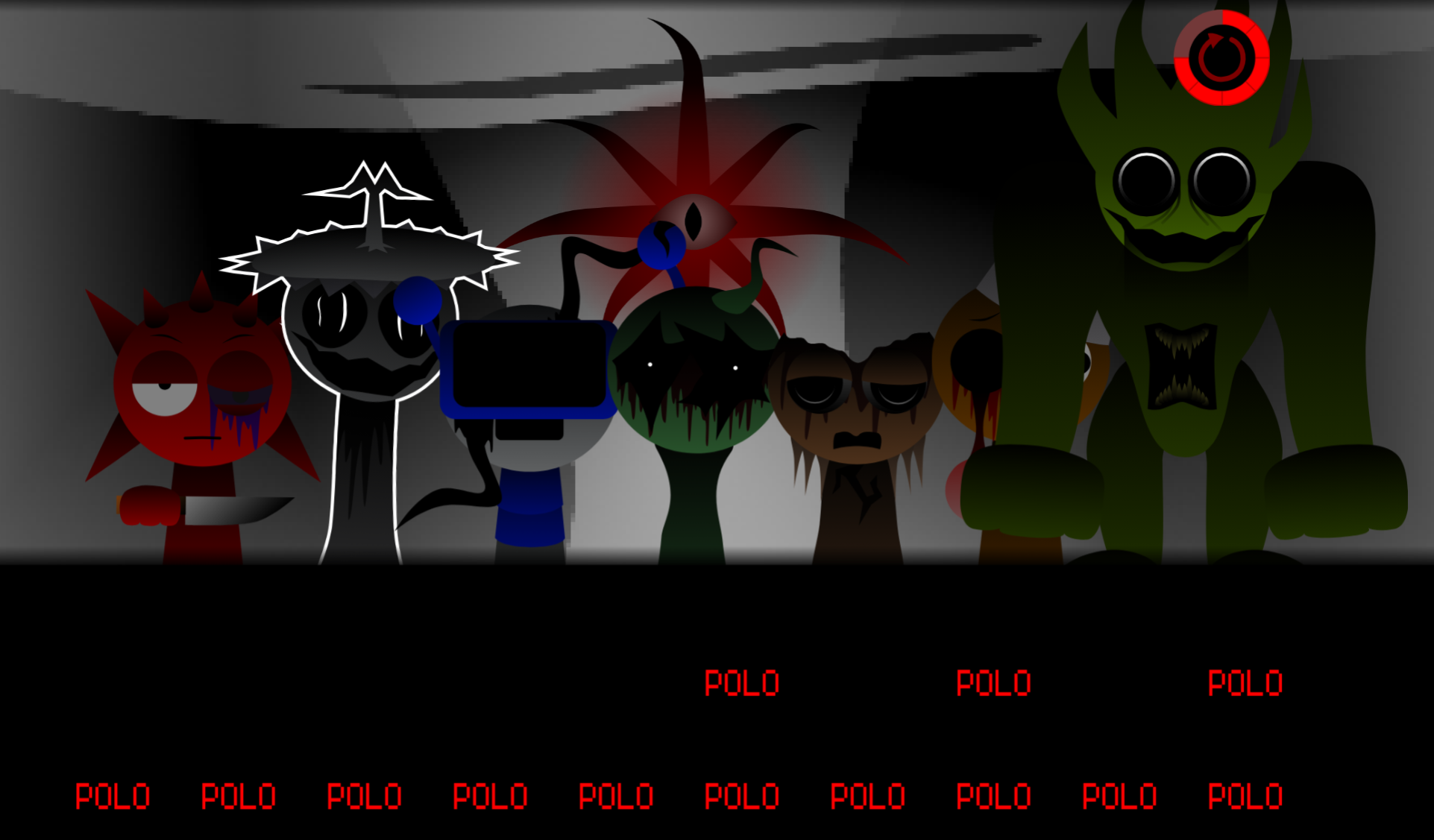
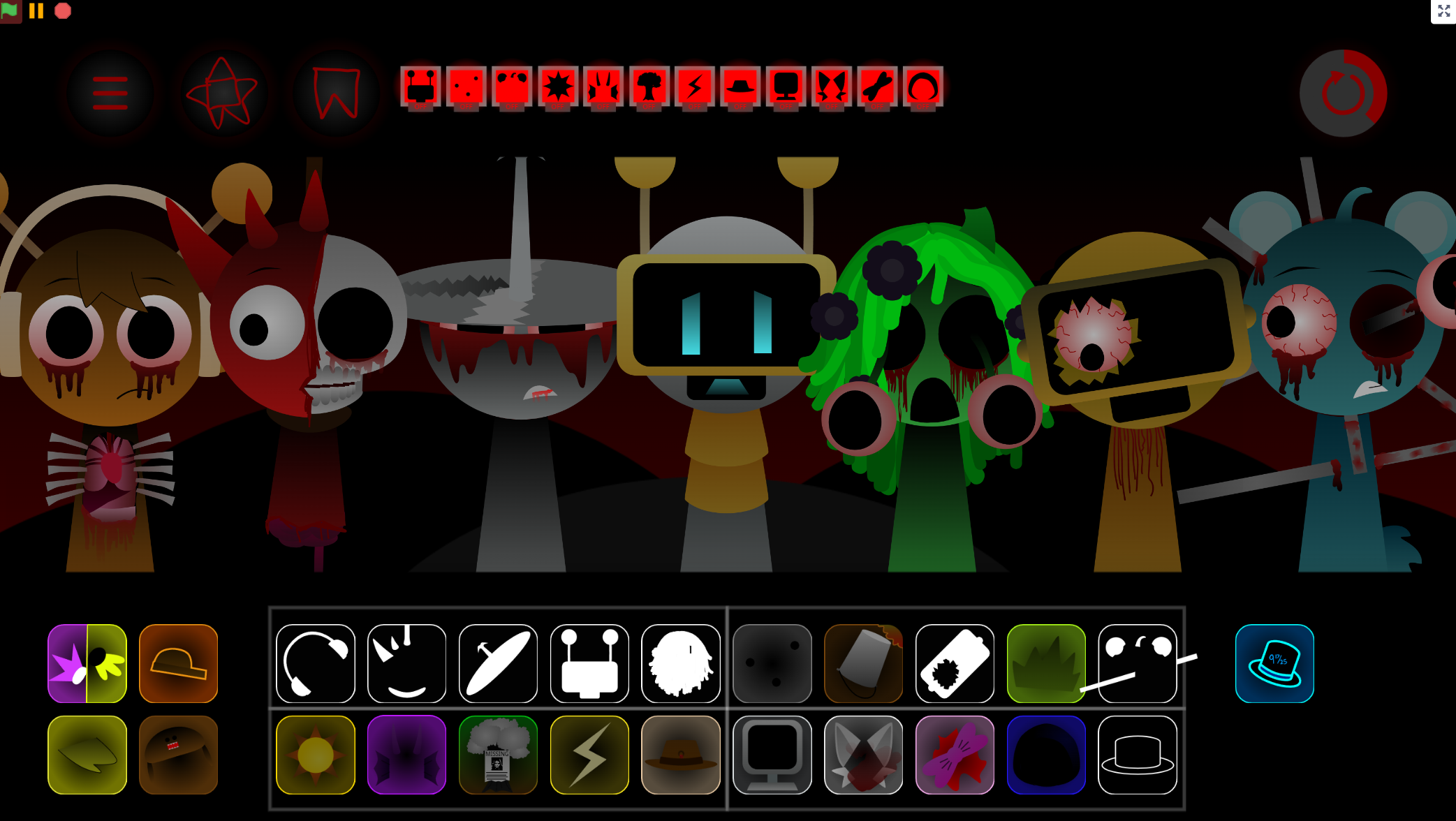
The Treatment narrative frames the experience: Jevin has foreseen Black’s plan to assassinate the other Sprunkis and grants immunity to everyone except Black. The stage sits under a dim blood-red glow, with a grayscale palette and performers who may shift form or lose their expected behavior as the arrangement grows. Jevin Ghost, Jevin Puppet, and other variants supply separate musical textures, and certain character combinations unlock hidden visual and audio effects.
Version 3.0 was developed by Muskmelon, with contributions from @arthur_blueyboy and @TangerYT. The release followed visible creator strain—Muskmelon’s statement, “I give up. I fucking give up,” became part of the mod’s community conversation, with players like Crasher asking, “Tired of all the demand for this huh?” Despite the development pressure, reception was enthusiastic, with Mr. Plant celebrating the release as “PEAKK.” The finished mod is playable for free through gosprunki.com, with browser-based mixing, saving, and sharing options.
How to Play Jevin Treatment Phase 6
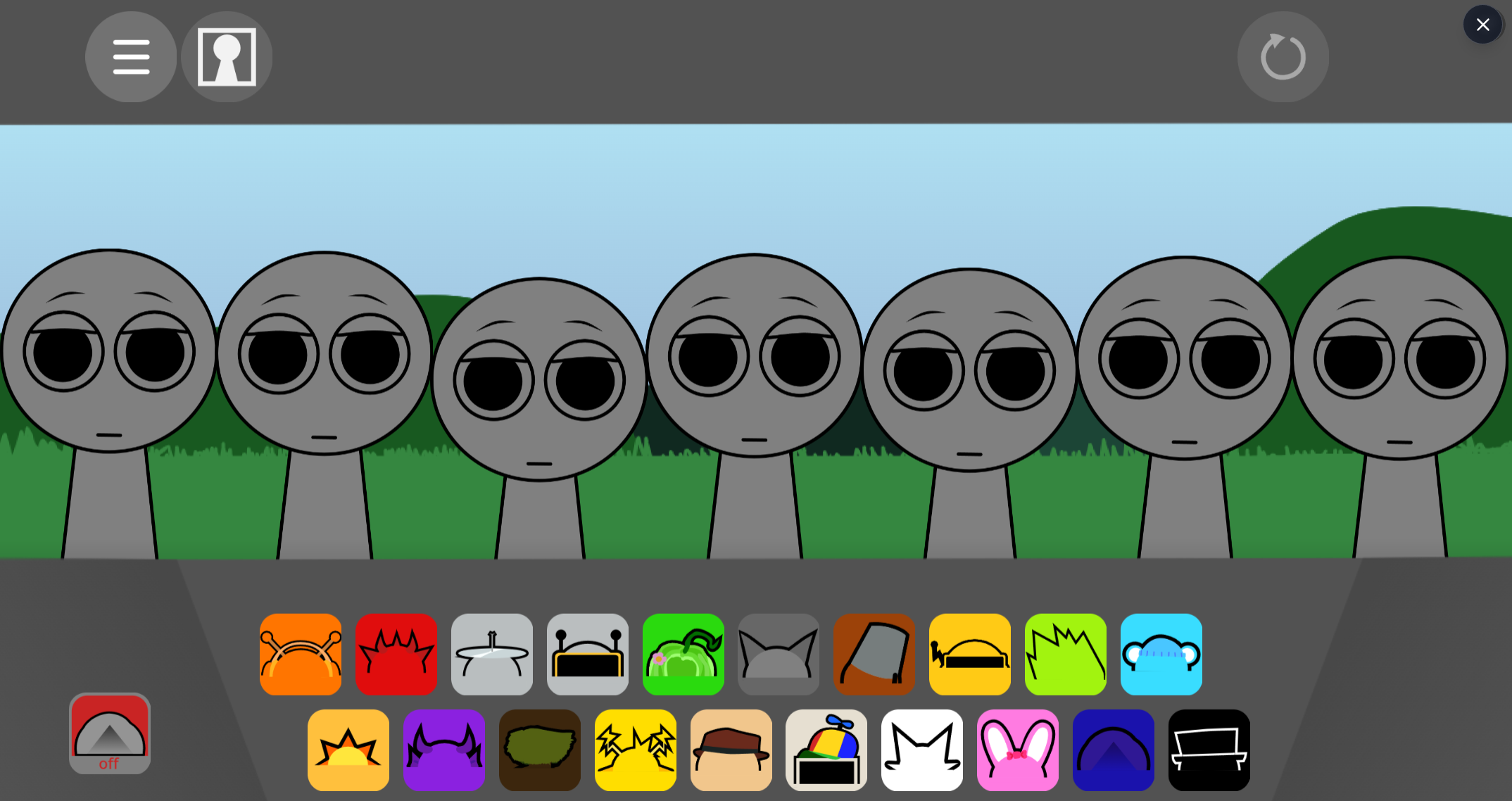
Start with the available character sounds and build an arrangement gradually.
-
Test sounds individually. Place one performer at a time to identify whether it contributes a beat, melody, effect, or vocal. This makes it easier to hear what Jevin, Jevin Ghost, and Jevin Puppet add separately.
-
Build a rhythmic foundation. Add beat-oriented loops before crowding the stage with vocals and atmospheric effects. A stable pulse gives darker melodic parts room to stand out.
-
Add Jevin’s choir vocal. Jevin’s male choir sound works as an emotional center. Place it after establishing the rhythm, then listen to how its sustained tone changes beside different variants.
-
Swap and remove characters freely. Replacing a performer changes the mix immediately. Sparse arrangements can preserve tension better than a wall of overlapping loops.
-
Try unusual combinations. Hidden audiovisual effects, new tonal turns, and special melodies may appear through specific pairings. Experiment with order as well as selection.
-
Refine, save, and share. Adjust volume and effects to ensure delicate melodies are not buried by heavier beats. Save a completed mix to revisit or share it with other players.
Key Features
-
Jevin-focused sound layers: Jevin’s male choir vocals anchor the mix, while Jevin Ghost and Jevin Puppet provide distinct beats, melodies, or effects.
-
Combination-driven atmosphere: Character pairings can trigger hidden visual and audio effects, tying musical experimentation to the Phase’s fractured Treatment mood.
-
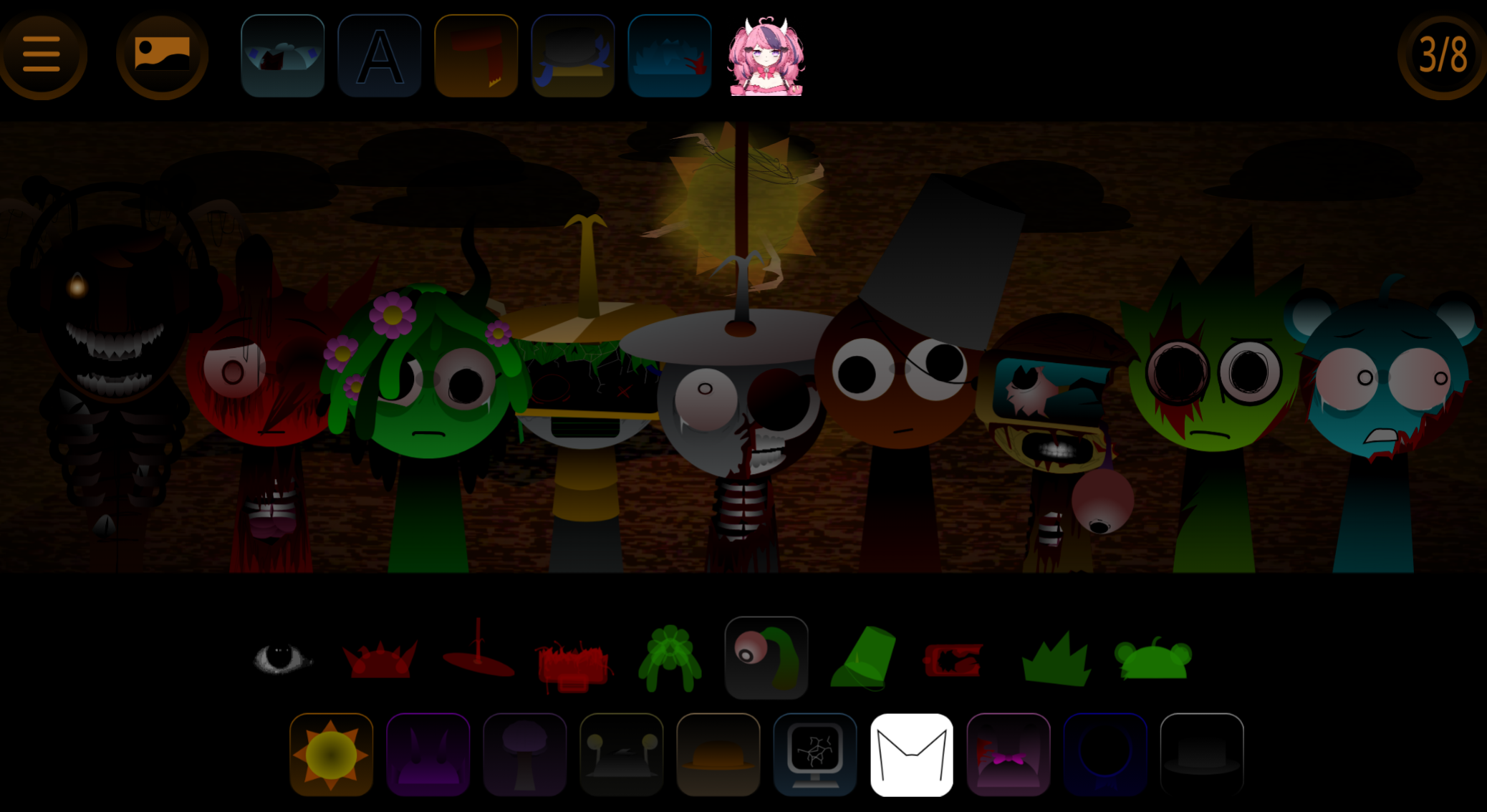
Darker Sprunki presentation: Blood-red glow, grayscale stage, and changing character behavior give the drag-and-drop format a surreal horror tone.
-
Accessible music creation: No music theory required. Players create layered tracks by selecting characters and placing them on the stage.
-
Mix and presentation control: Volume adjustments, effects, customizable visuals, and a broad sound selection support deliberate arrangements. Finished creations can be saved and shared.
-
Free browser play: The V3.0 mod runs through a browser on gosprunki.com without installation or paid upgrades, and works on mobile devices.
Tips for Restoring the Music
Restoring the music means bringing order to a deliberately unstable soundscape. Focus on structure before chasing every hidden effect.
- Start with the rhythmic core. Establish a beat first so the mix has a clear pulse.
- Layer vocals carefully. Add Jevin after the foundation is stable; his choir voice can unify otherwise disconnected sounds.
- Use variants with intent. Test Jevin Ghost, Jevin Puppet, and other figures in several combinations. Their placement changes the balance between tension, melody, and effects.
- Listen for missing details. If a melody disappears under a heavier loop, lower the beat or remove an effect rather than adding more sounds.
- Check pairings before saving. Some combinations reveal hidden audio or visual changes, so test alternatives before settling on a restored arrangement.
Related Games
- Sprunki 2P Jevin Treatment — This Jevin-focused follow-up preserves the character’s treatment-themed atmosphere while adding a two-player angle for collaborative dark music mixing.
- Sprunki Wenda Treatment Phase 6 — Explore the parallel Phase 6 chapter in the fractured Wenda Treatment world, whose psychological horror aesthetic directly complements Jevin’s effort to protect the Sprunkis.
- Sprunki Wenda Treatment Phase 3 — This earlier Wenda Treatment phase offers useful context for players drawn to the article’s ominous lore, grayscale presentation, and evolving character-centered sound loops.
Enjoy!
Discuss Sprunki