
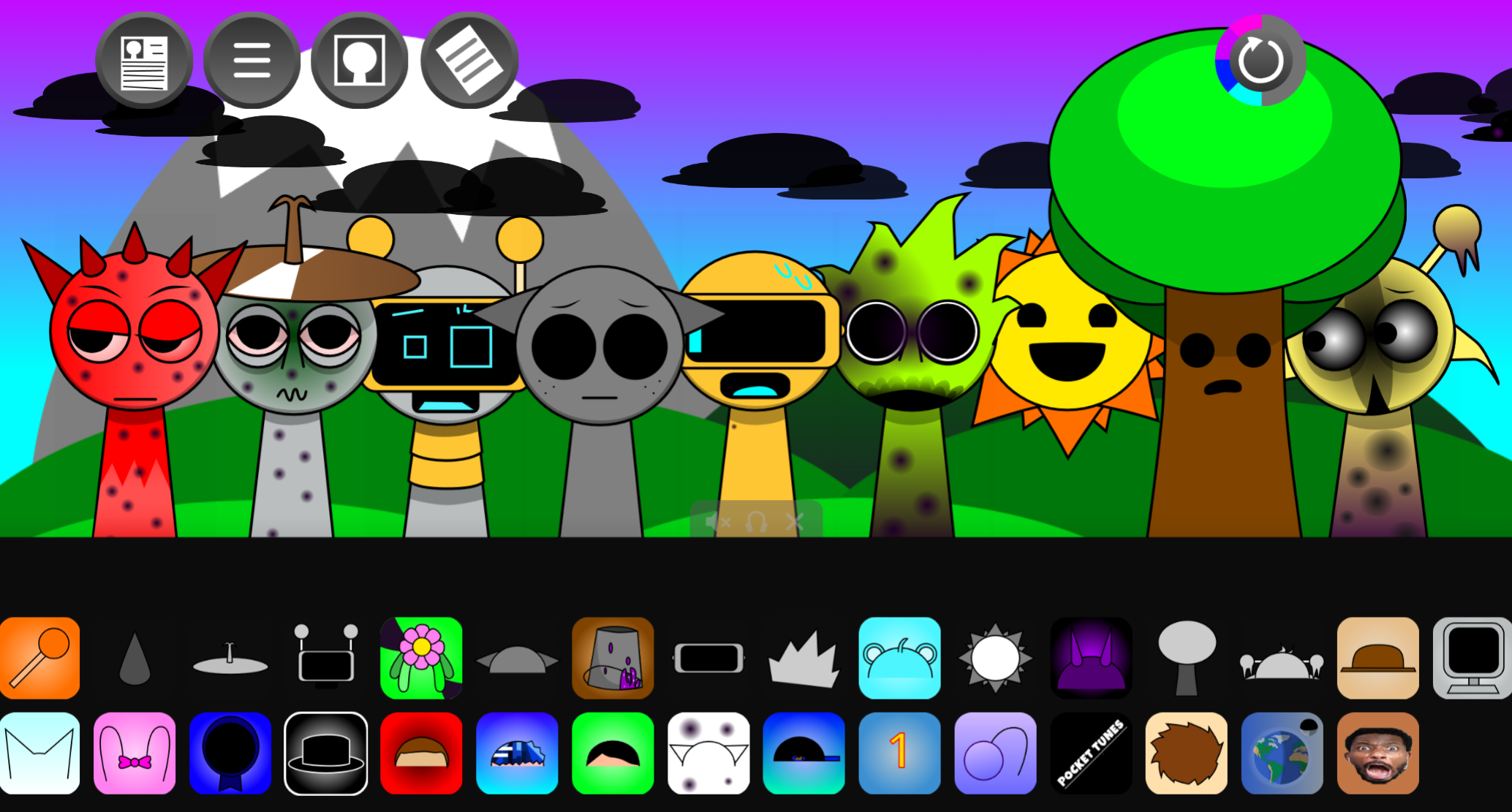



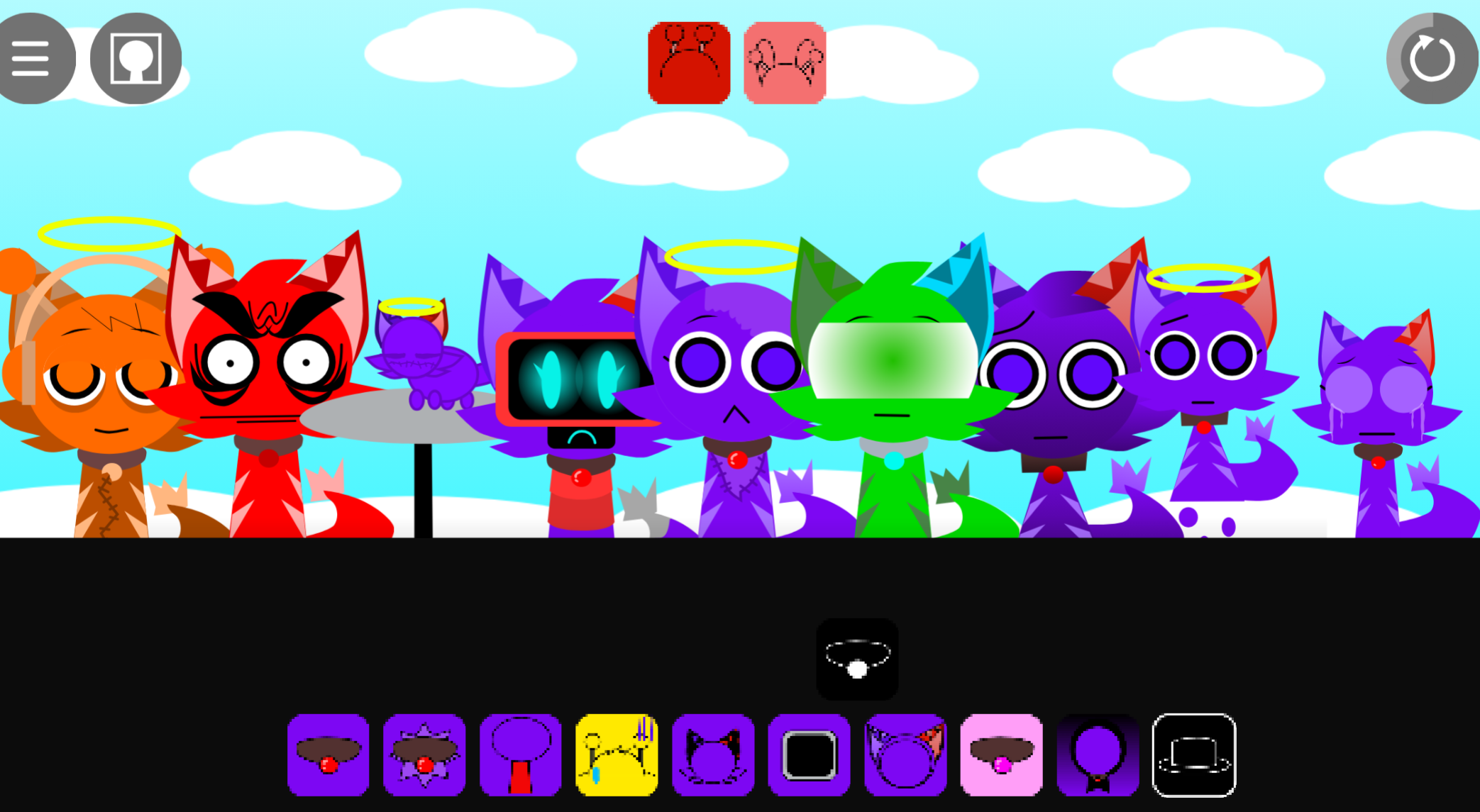
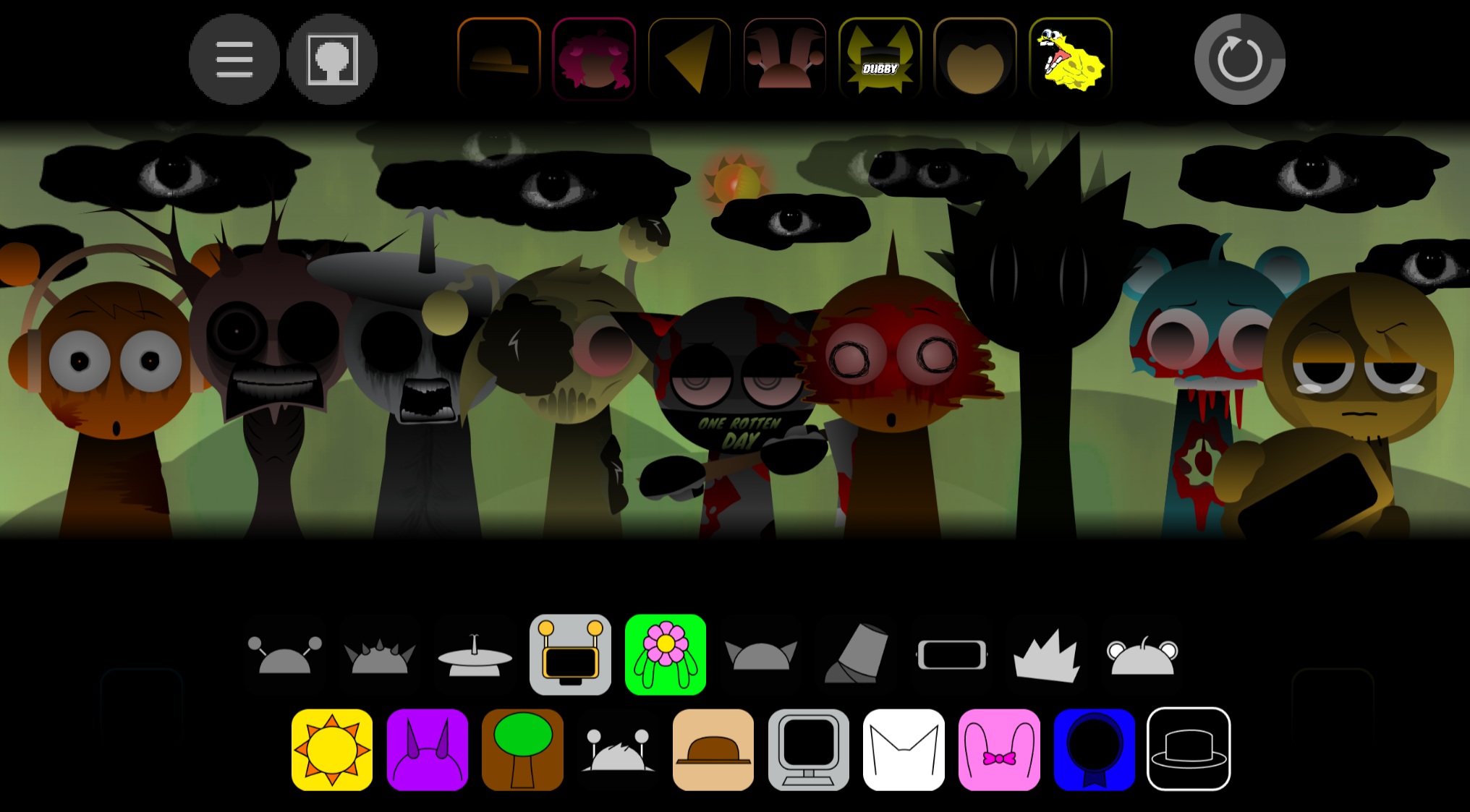
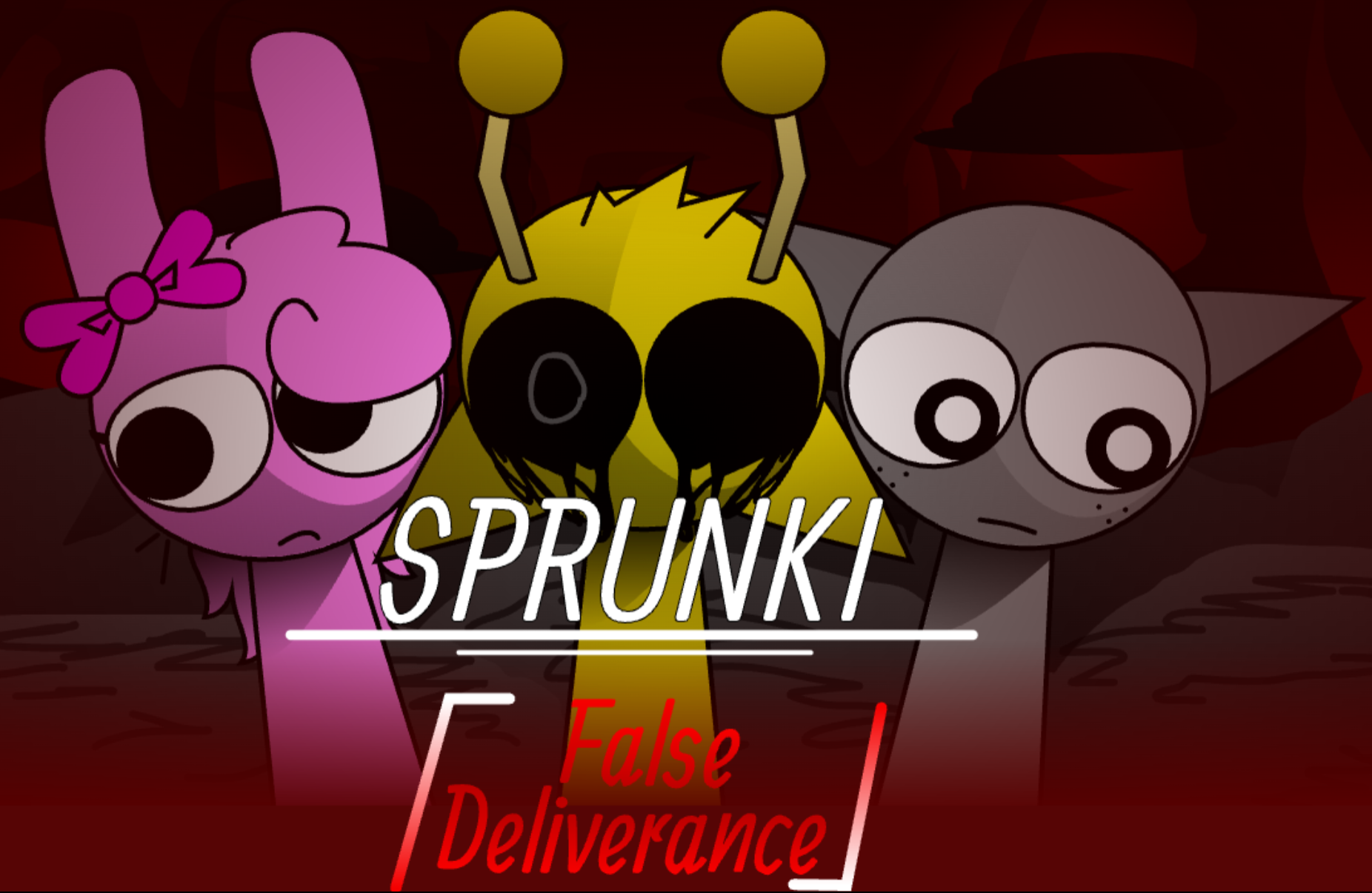
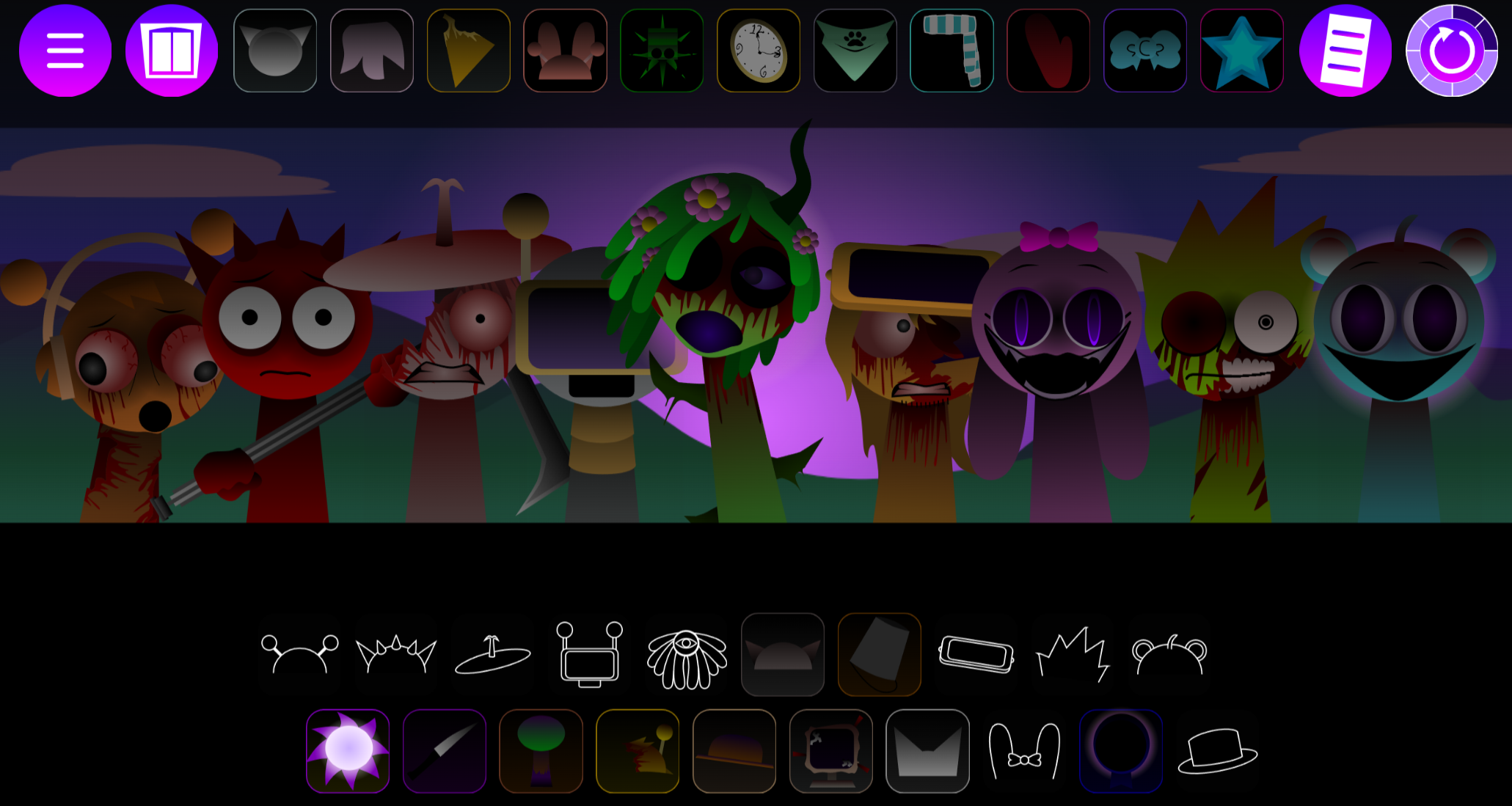
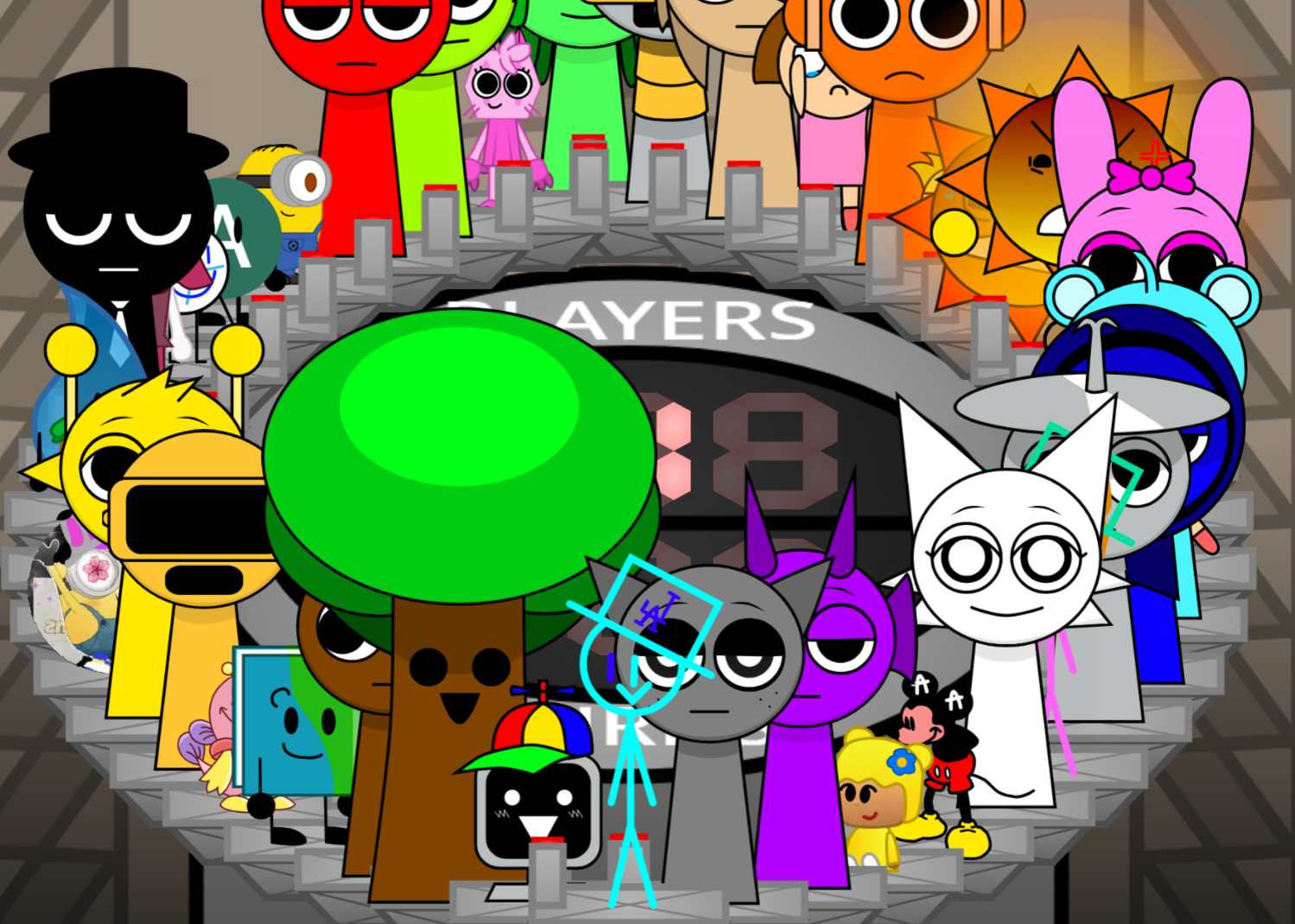
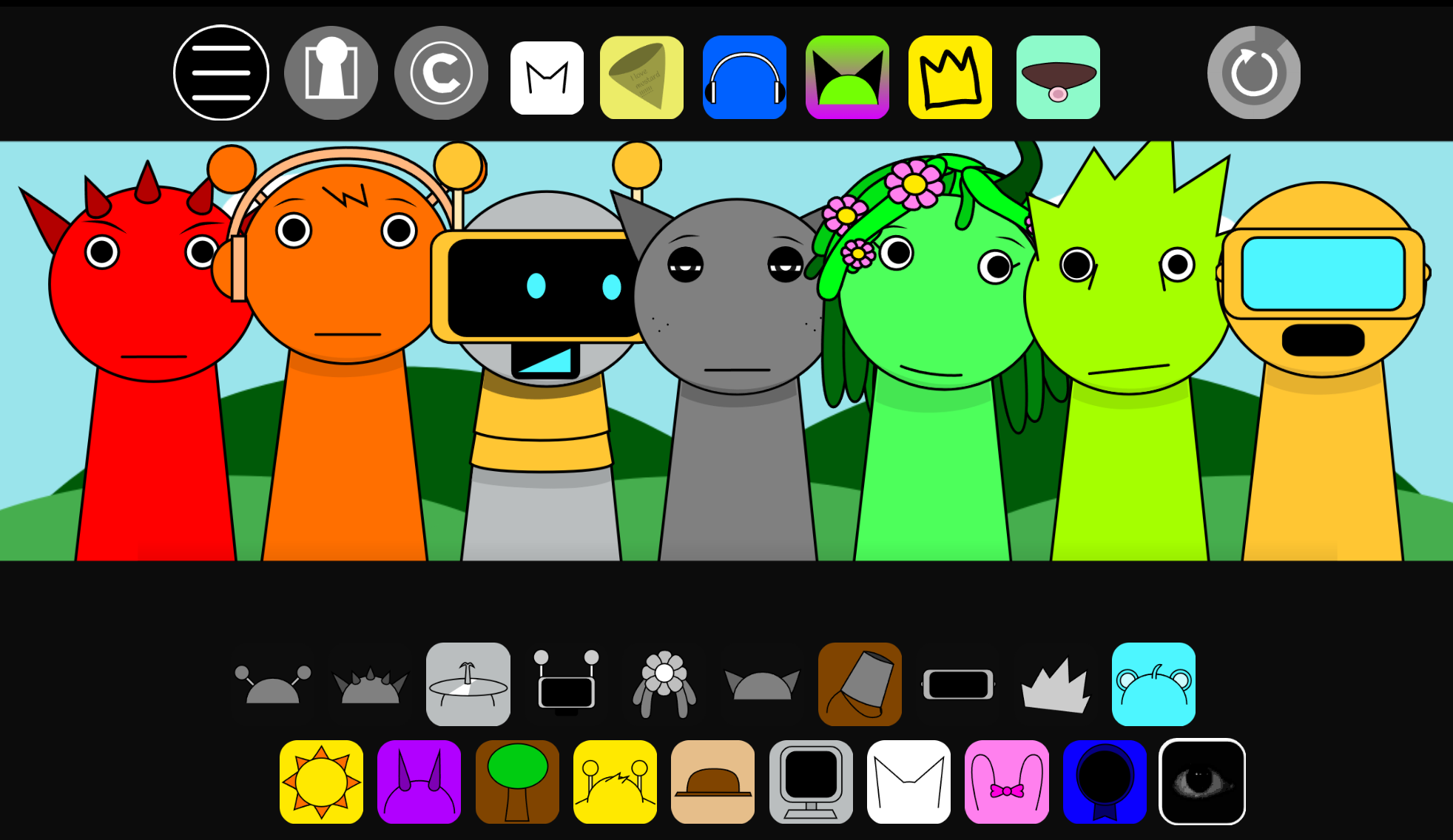
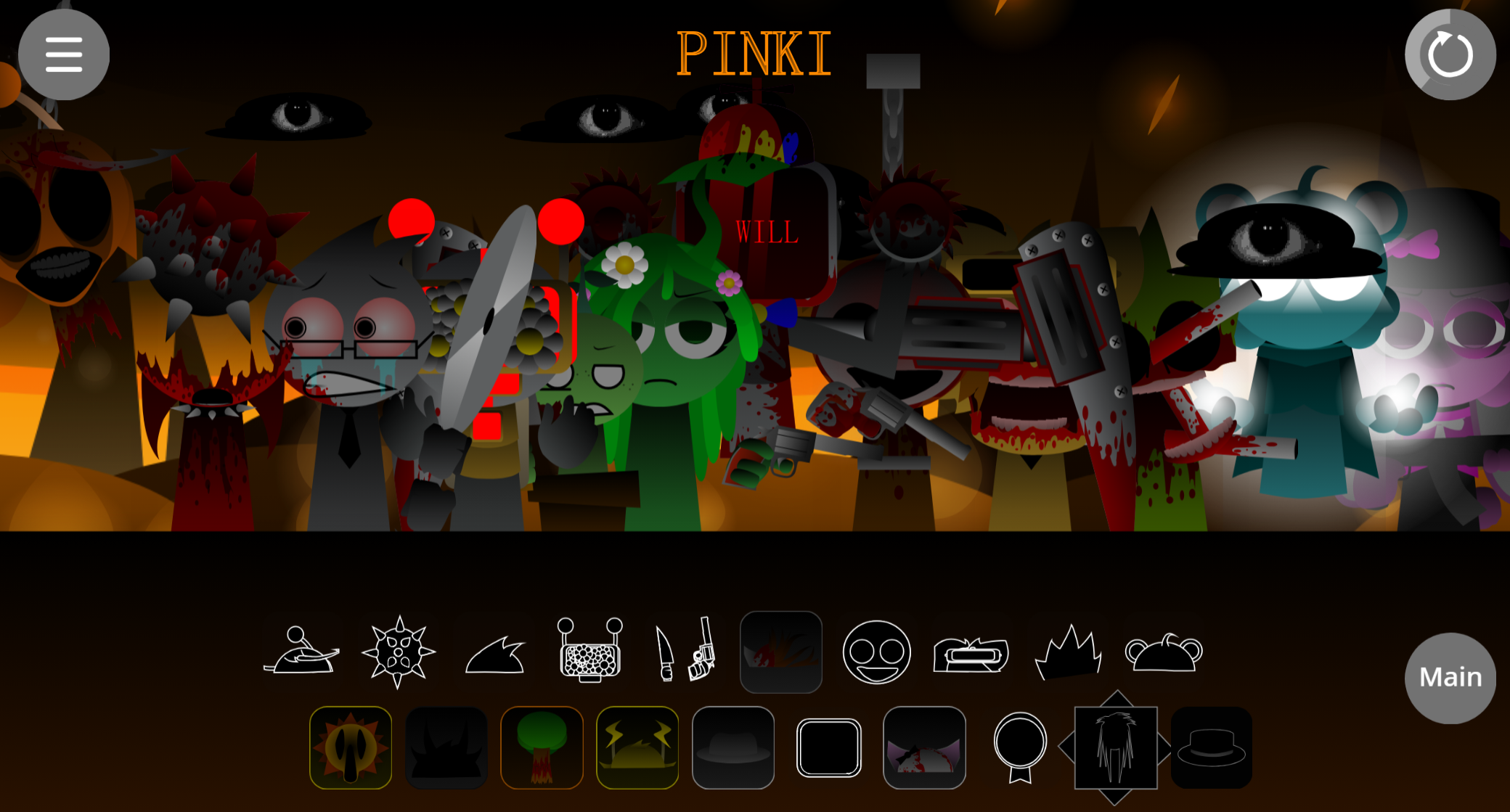
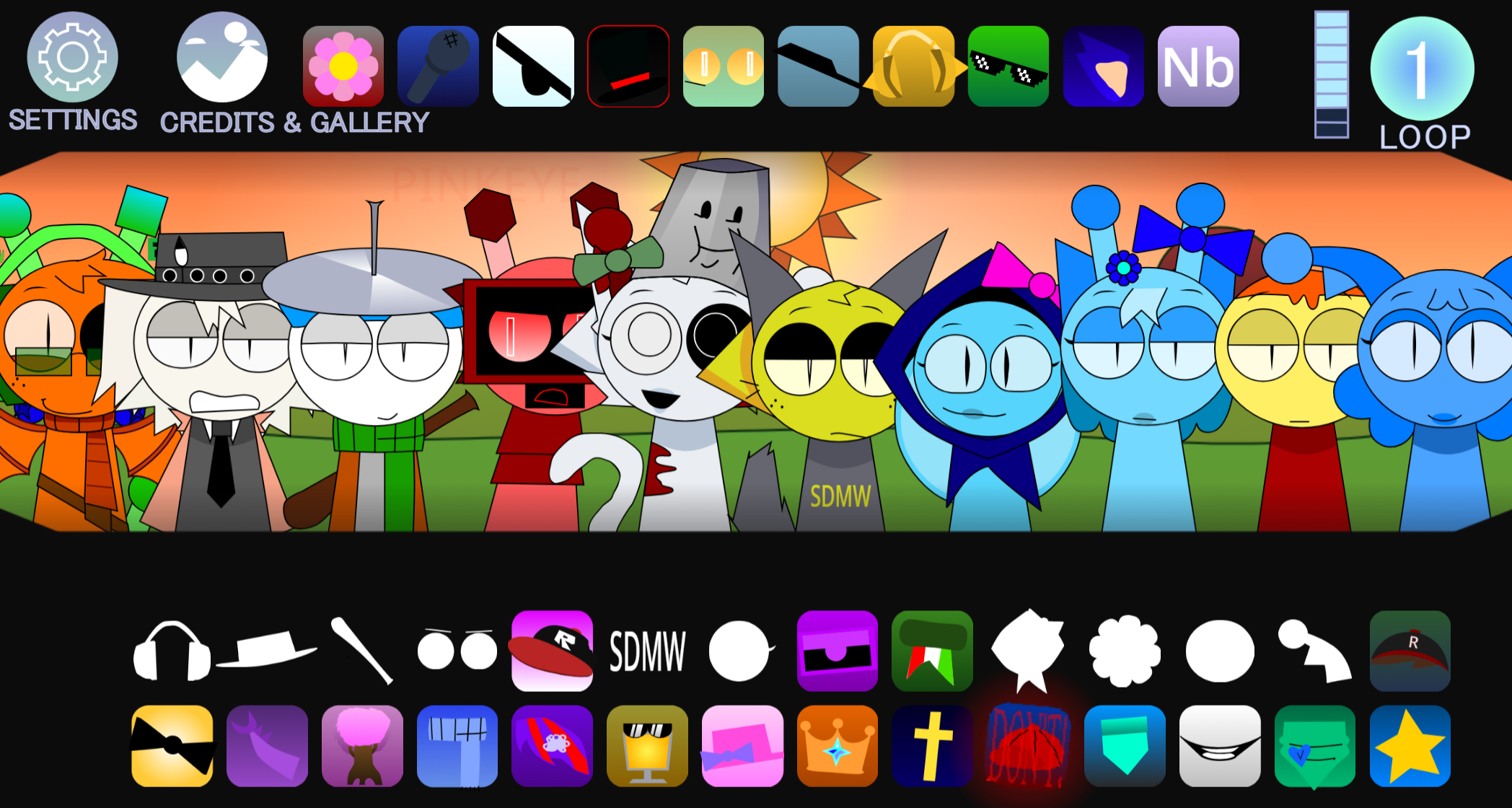
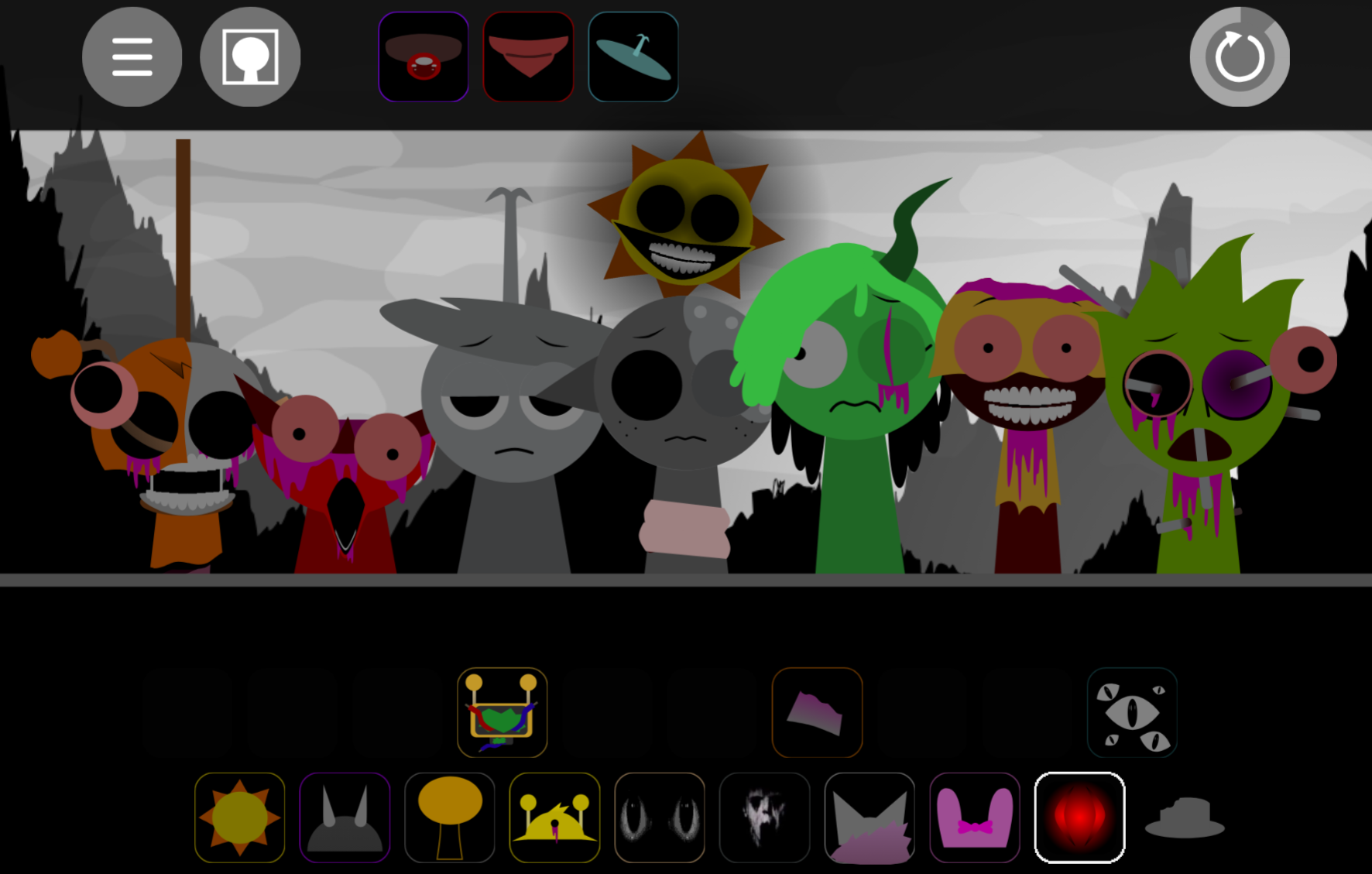
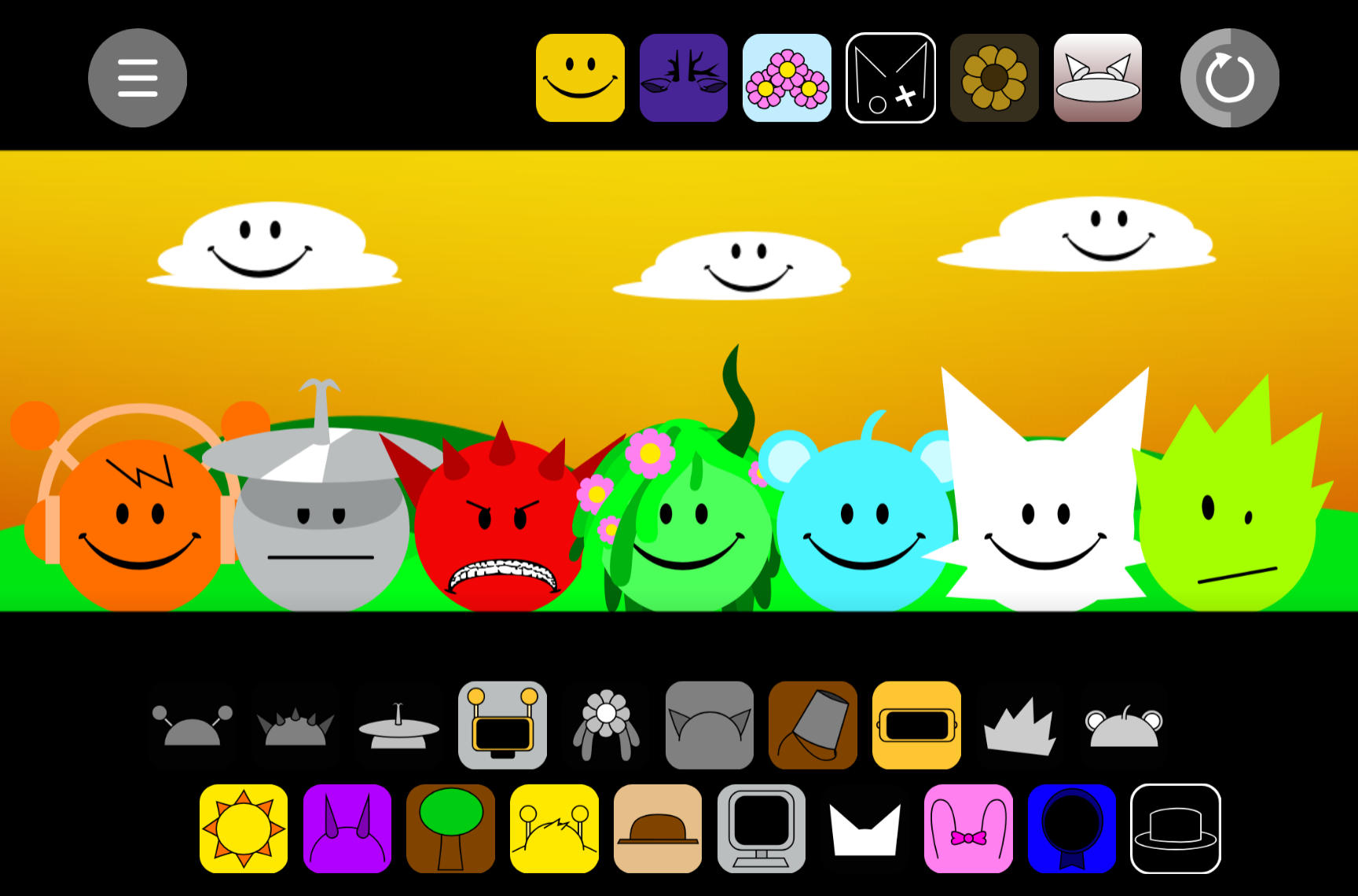
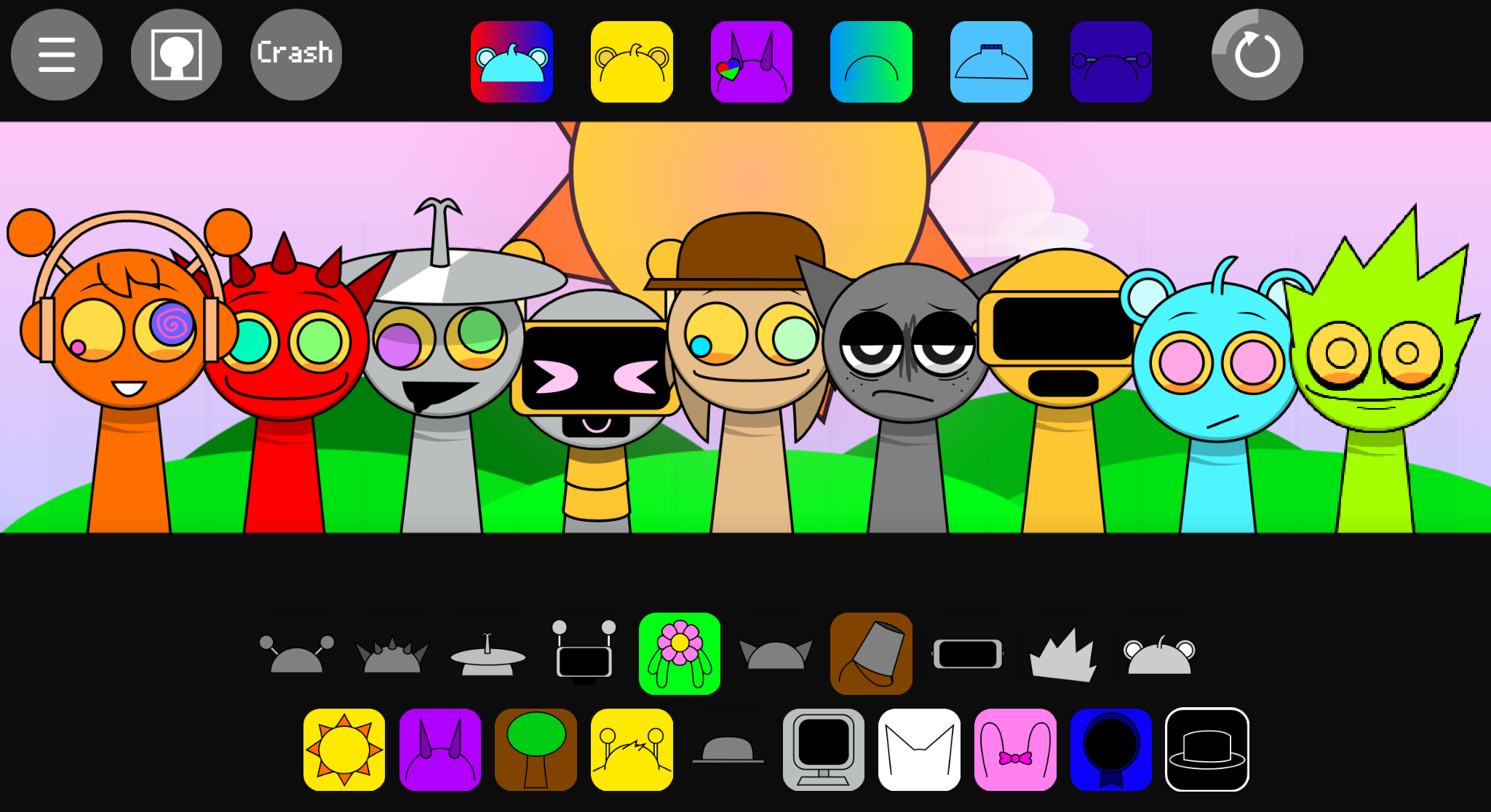
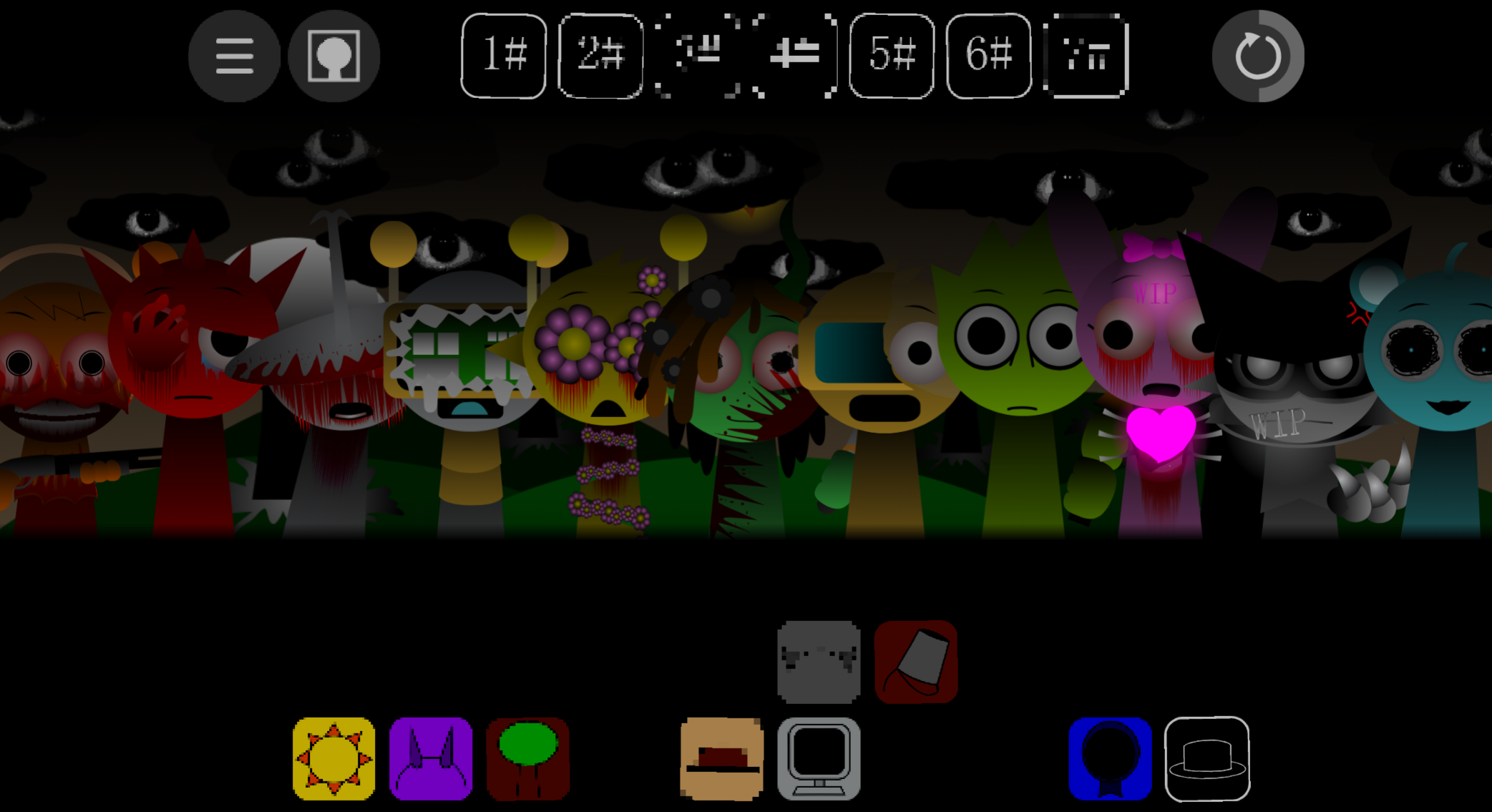
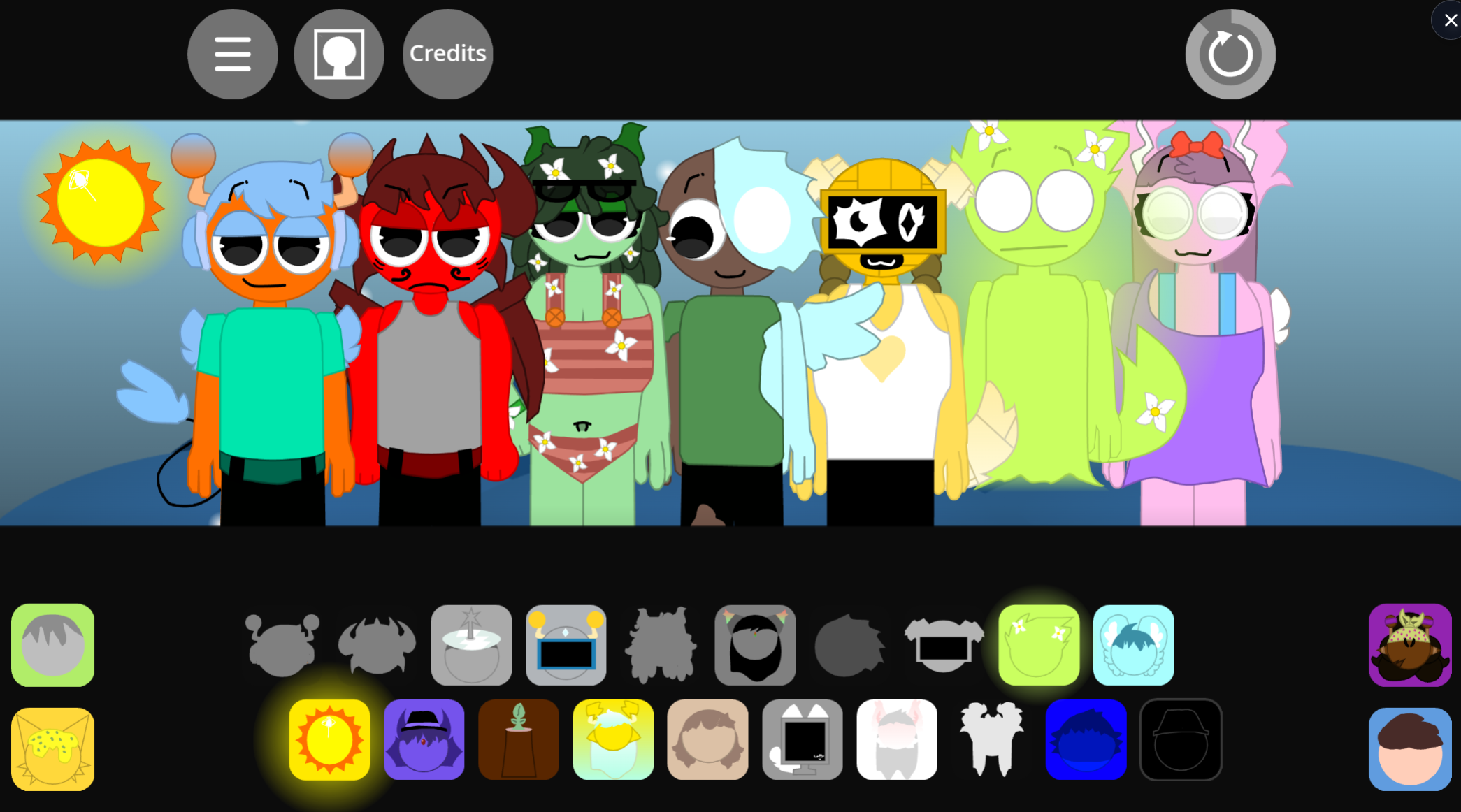
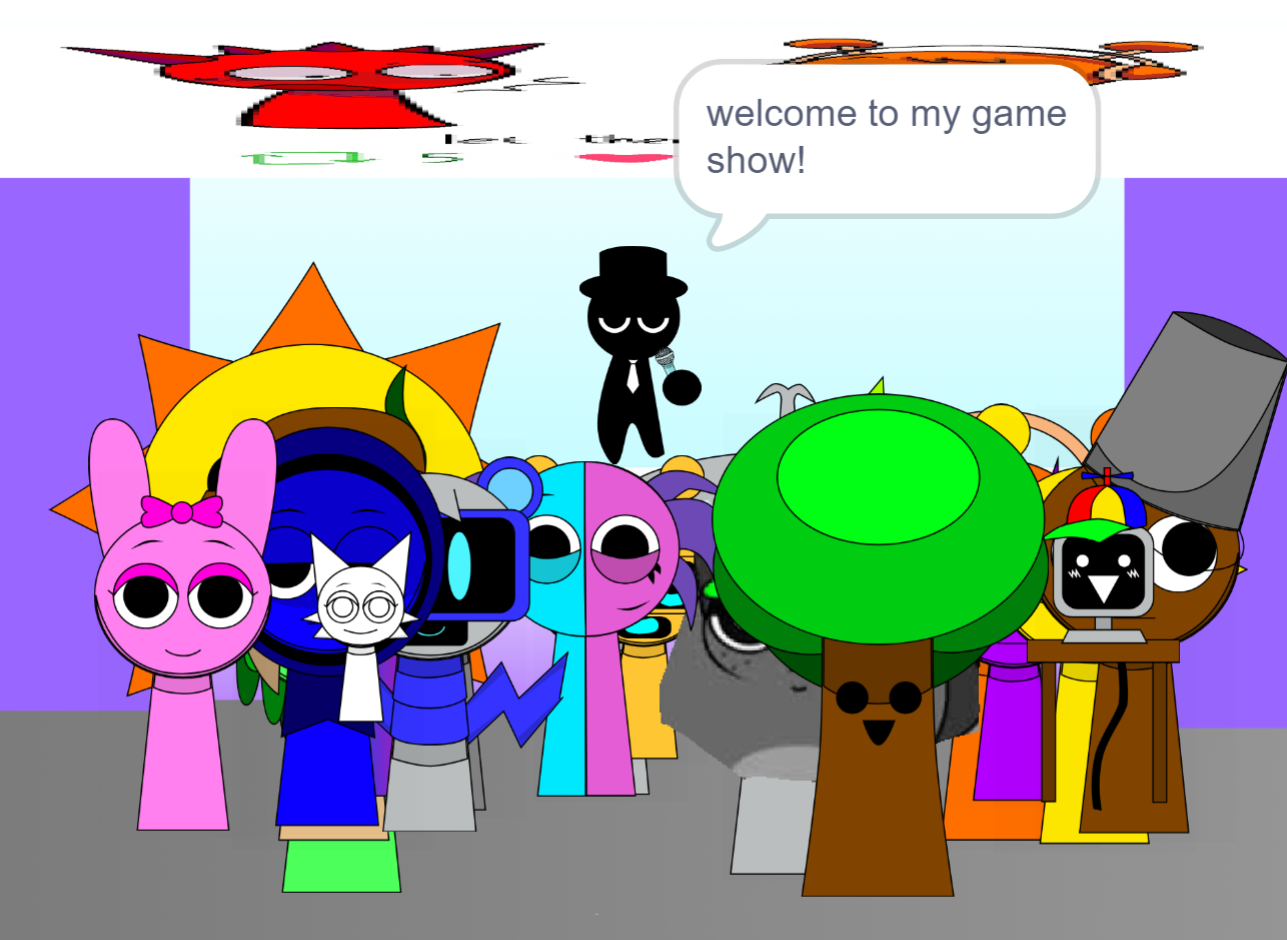

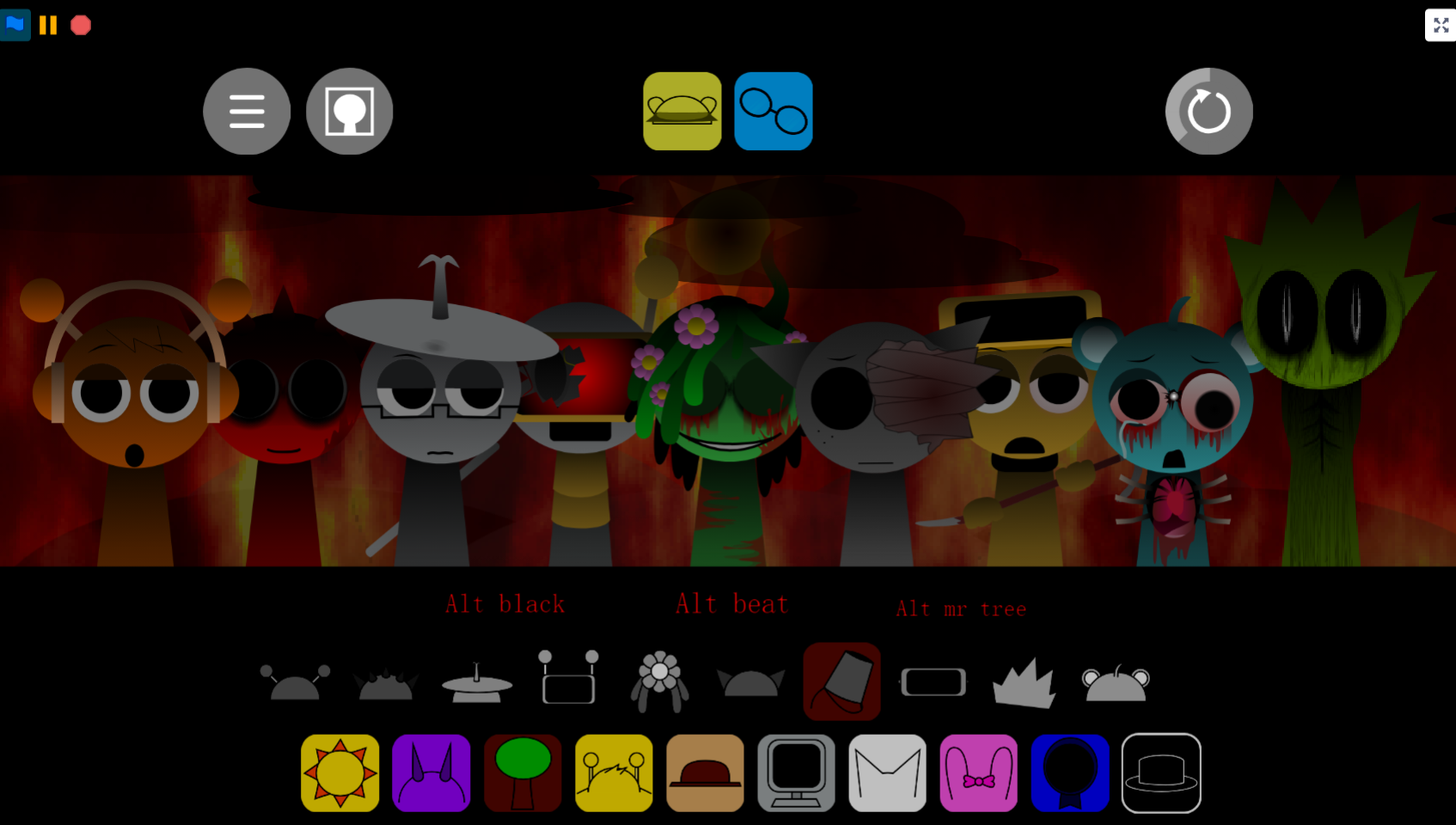

Sprunki Storm Infection Phase 3 is a fan-made Incredibox mod by creator Khalifa-blue-plazma that wraps post-apocalyptic storytelling around the core music-mixing mechanics you already know.
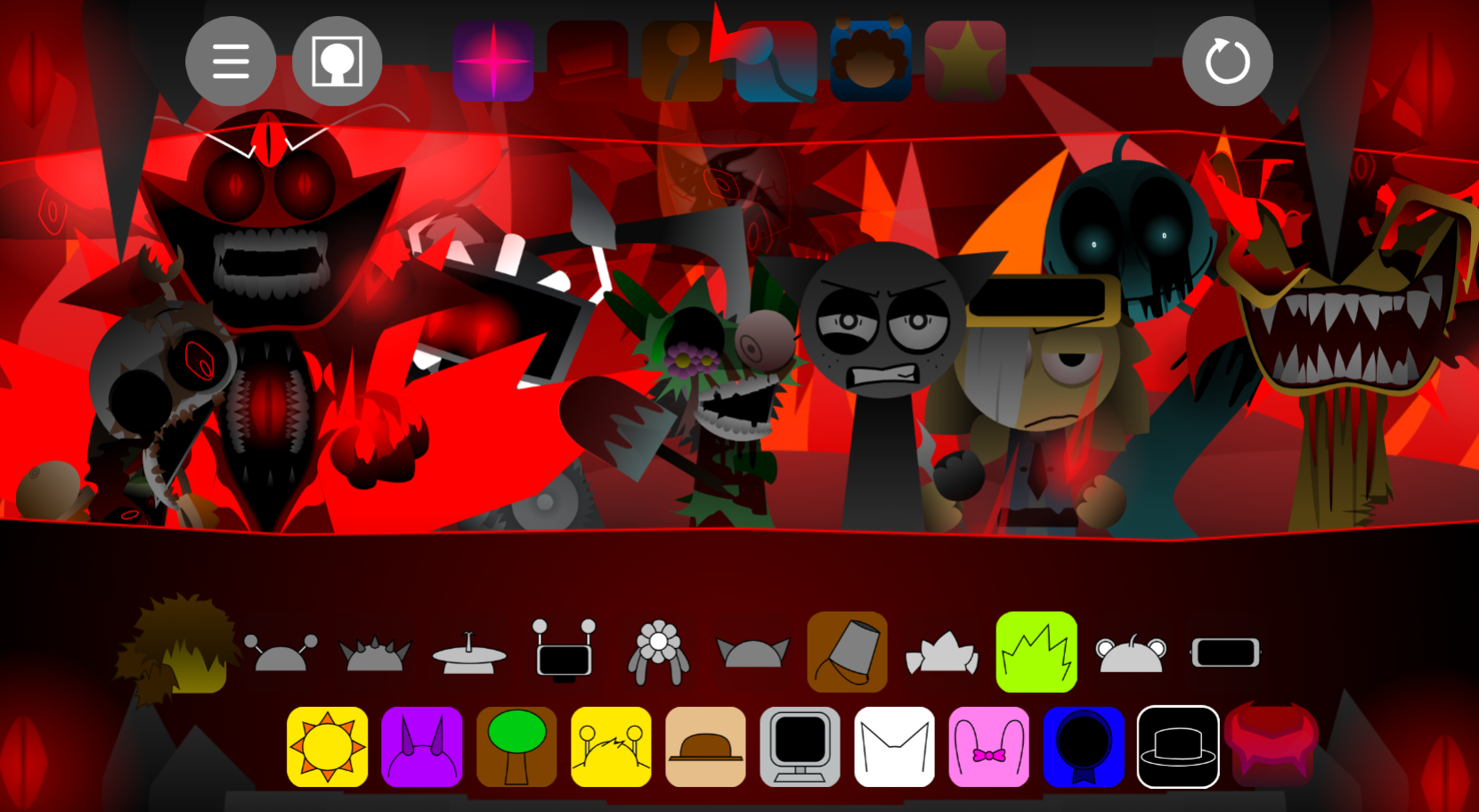
You drag sound-producing characters onto a stage to layer beats, melodies, and effects, but this version adds darker visuals, infection-themed character designs, and atmospheric sound packs that shift the tone from playful to erie.
This article walks through the gameplay loop, explains how the mechanics work in Phase 3, covers what makes this iteration different from earlier Storm Infection phases, and shows you where to play it online without downloads or sign-ups.
The focus stays practical: what you click, what changes when you unlock infected characters, and which browser limitations might affect playback.
Sprunki Storm Infection Phase 3
Sprunki Storm Infection Phase 3 is a fan-made Incredibox mod by creator Khalifa-blue-plazma that layers post-apocalyptic storytelling over familiar music-mixing mechanics. Players drag sound icons onto characters to build tracks, but the setting has shifted: a catastrophic Storm and Infection have devastated the world, leaving survivors grieving, rebuilding, and navigating an uncertain recovery.
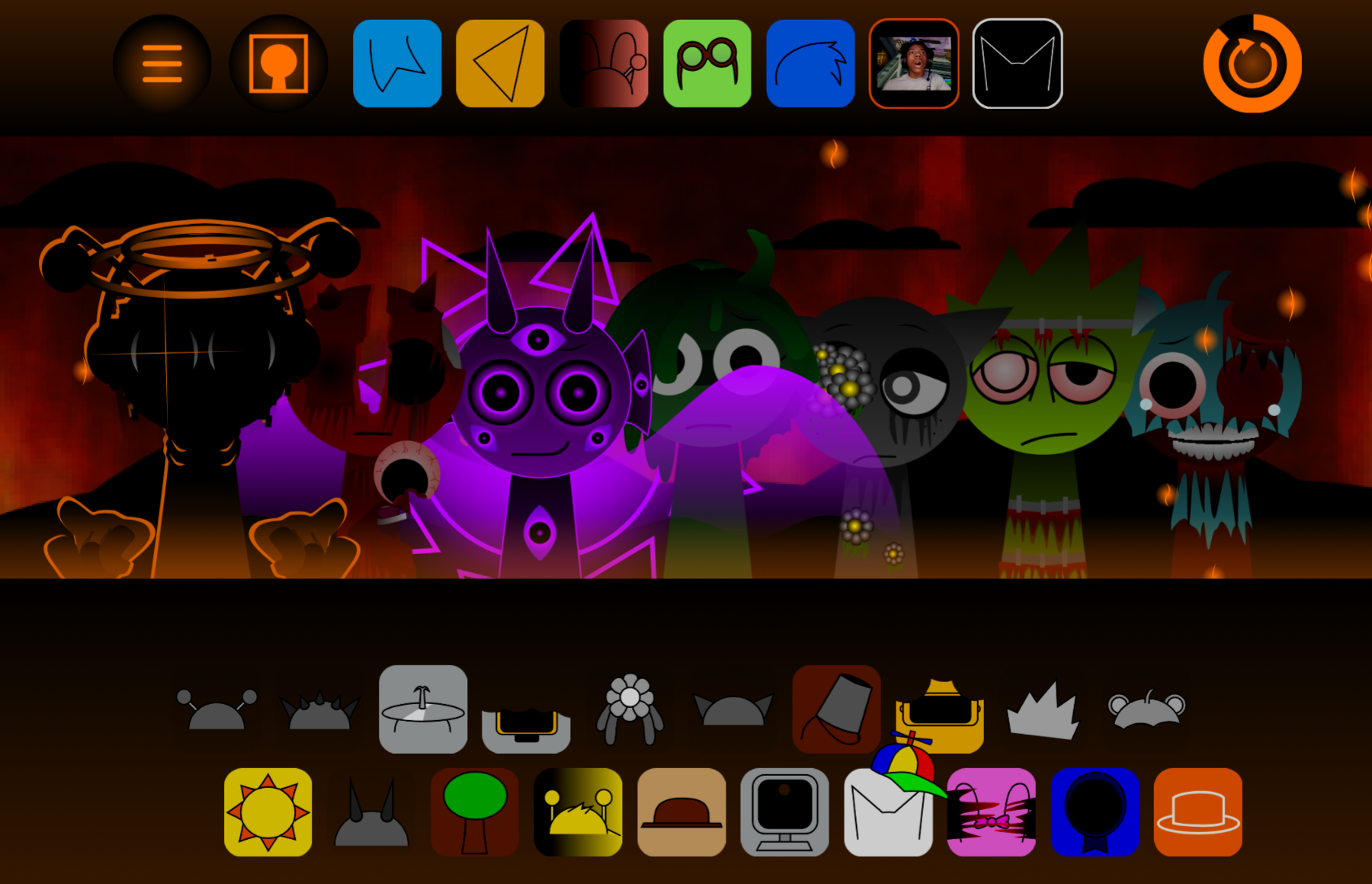
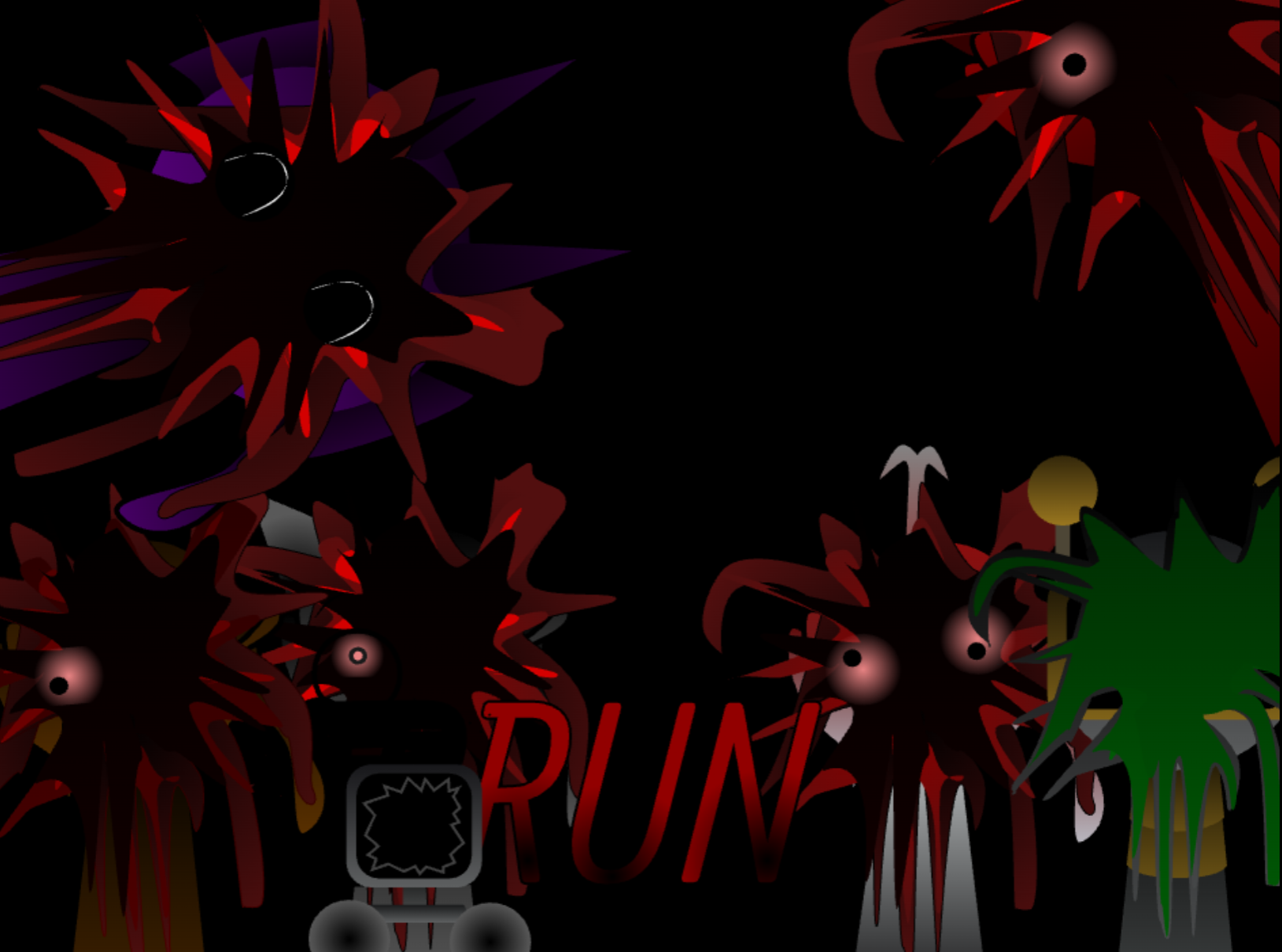
The Infection is fading but not gone. Purple skies, looming clouds, and a multi-eyed storm entity signal that danger persists. A dedicated Lore menu tracks character fates—who survived, who fell, who’s healing—making each sound choice feel connected to loss, medical effort, or fractured relationships.
Funbot destroyed both infection sources but carries the weight of sacrifices made. Clukr works as the group’s medic, creating serums to heal injuries and restore what the outbreak damaged. Hanif’s decision to kill Oren—believing he was already lost—has left Pinki devastated and the group divided.
The mod plays free in a browser with no download or account required, offering accessible gameplay with narrative depth rarely seen in rhythm-based fan projects.
Gameplay Mechanics: How to Play
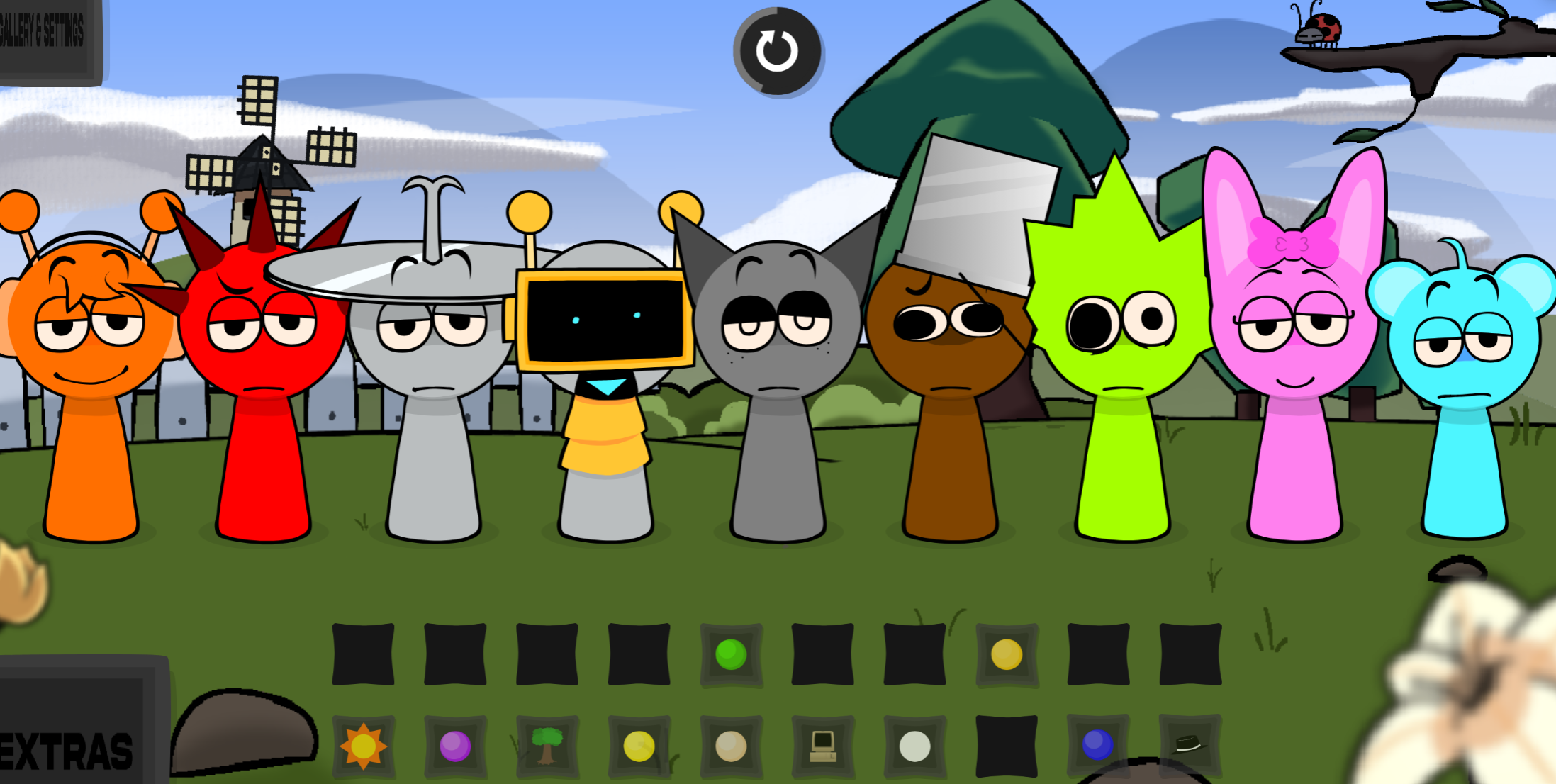
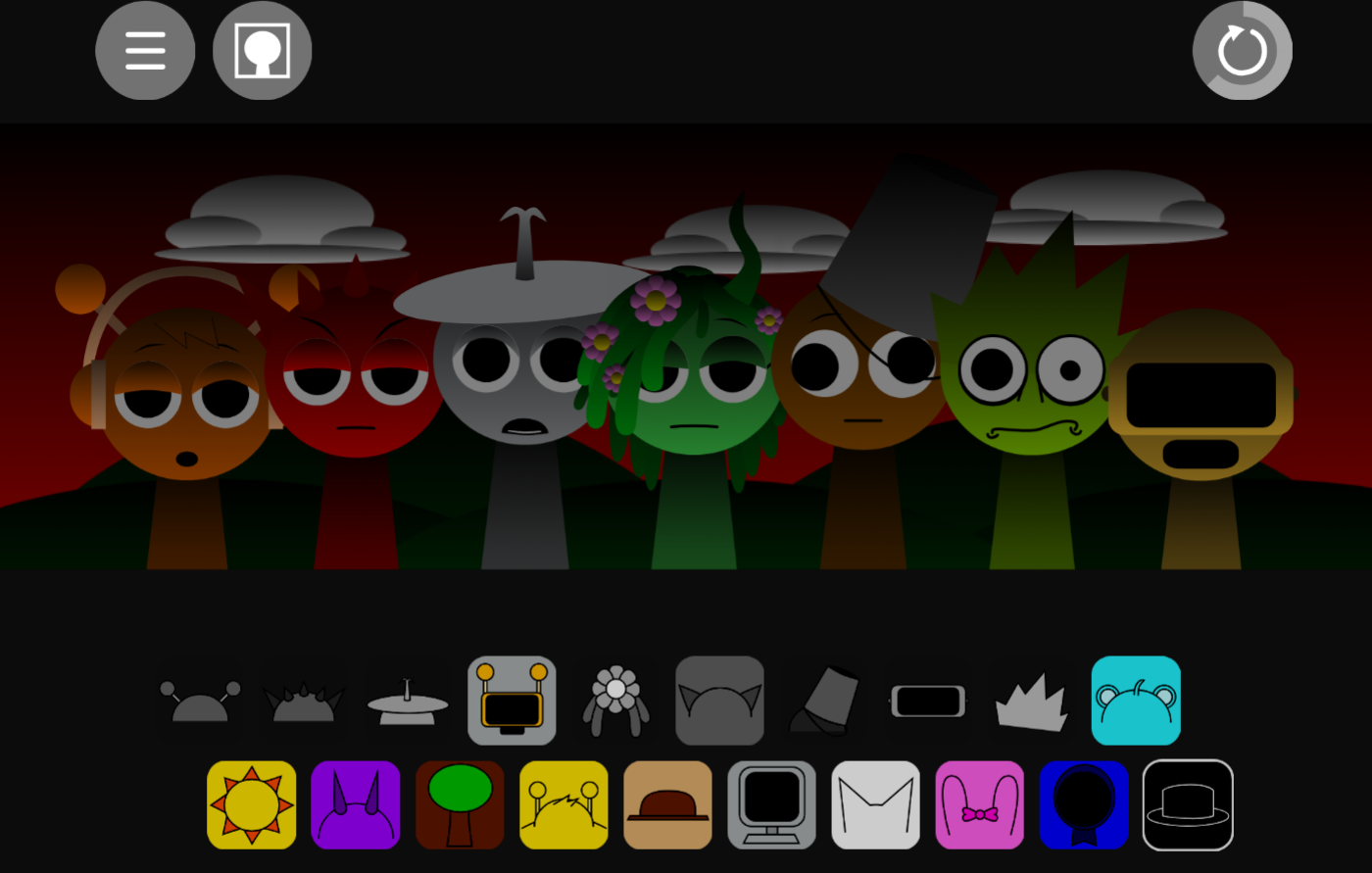
Gameplay follows the Incredibox formula: drag sound icons from the bottom onto blank avatars to layer a track. There are no reflex tests or complex controls—just selection, layering, and removal until the mix matches the storm-ravaged tone of Phase 3.
Choose an icon and assign it to an avatar.
Each icon represents one audio stem: bass, percussion, melody, glitched effects, damaged vocals, or atmospheric texture.
Build in layers.
Start with a beat or bass pulse, then add effects and melodies before introducing voices. A stable rhythm beneath distorted sounds or eerie vocals often produces the strongest Storm Infection atmosphere.
Swap sounds as the mix evolves.
No arrangement is required. If a part overwhelms the composition, remove it and try another icon. Strong mixes often emerge from testing contrasts.
Look for hidden interactions.
Certain icon combinations, clouds, or character clicks trigger animated cutscenes. One notable discovery is the purple monster’s dramatic “FOOSH!!!” appearance. These secrets reward exploration and tie mixing to the mod’s story.
The audio palette supports experimentation: pulsating bass, erratic drums, somber melodies, and glitched vocals let you shift from quiet ambient openings to full corrupted rhythm storms.
Tips for Building Your Mix
To get the most out of Phase 3’s audio engine, approach composition with the story in mind.
- Build the Storm first: Start with darker ambient icons—spiked circles, eye icons—to set the foundational tone of lingering infection and create a brooding atmosphere.
- Introduce the Survivors: Layer in melodic icons associated with characters like Sky or Clukr. These brighter sounds represent hope cutting through the storm.
- Find hidden triggers: Actively click around the screen. The game warns “Something will happened if u click an odd cloud.” Finding visual Easter eggs reveals the mod’s full scope.
- Read the Lore first: Knowing that Jevin can see again or that Kaloyan is traumatized but parasite-free changes how you perceive their audio tracks.
Related Games
- Sprunki Wither Storm Infection — Continue the storm-and-infection horror theme with another Sprunki music mod centered on an ominous spreading threat.
- Sprunki Definitive Phase 9 Fan Made — Explore another phase-based fan project for expanded character designs, evolving sounds, and lore-focused progression beyond Phase 3.
Does the Infection Actually End in Phase 3?
Phase 3 marks recovery, not resolution. The Infection has subsided and both sources have been destroyed, but the purple storm entity still loms, characters remain damaged or traumatized, and conflicts like Hanif’s choice linger unresolved. The mod treats survival as an ongoing process rather than a clean ending, which gives the music—and the story—room to remainense even as rebuilding begins.
Discuss Sprunki