
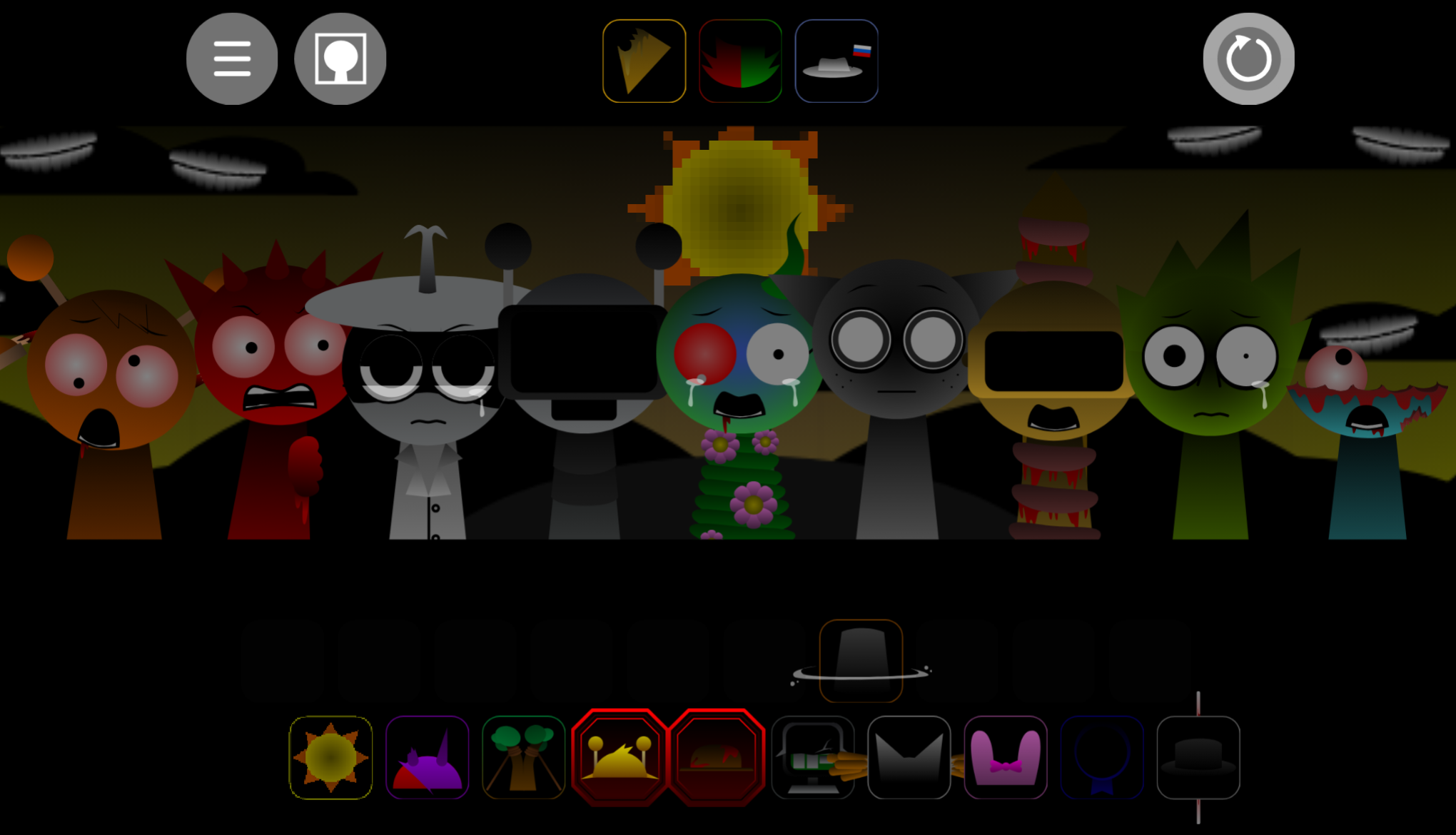



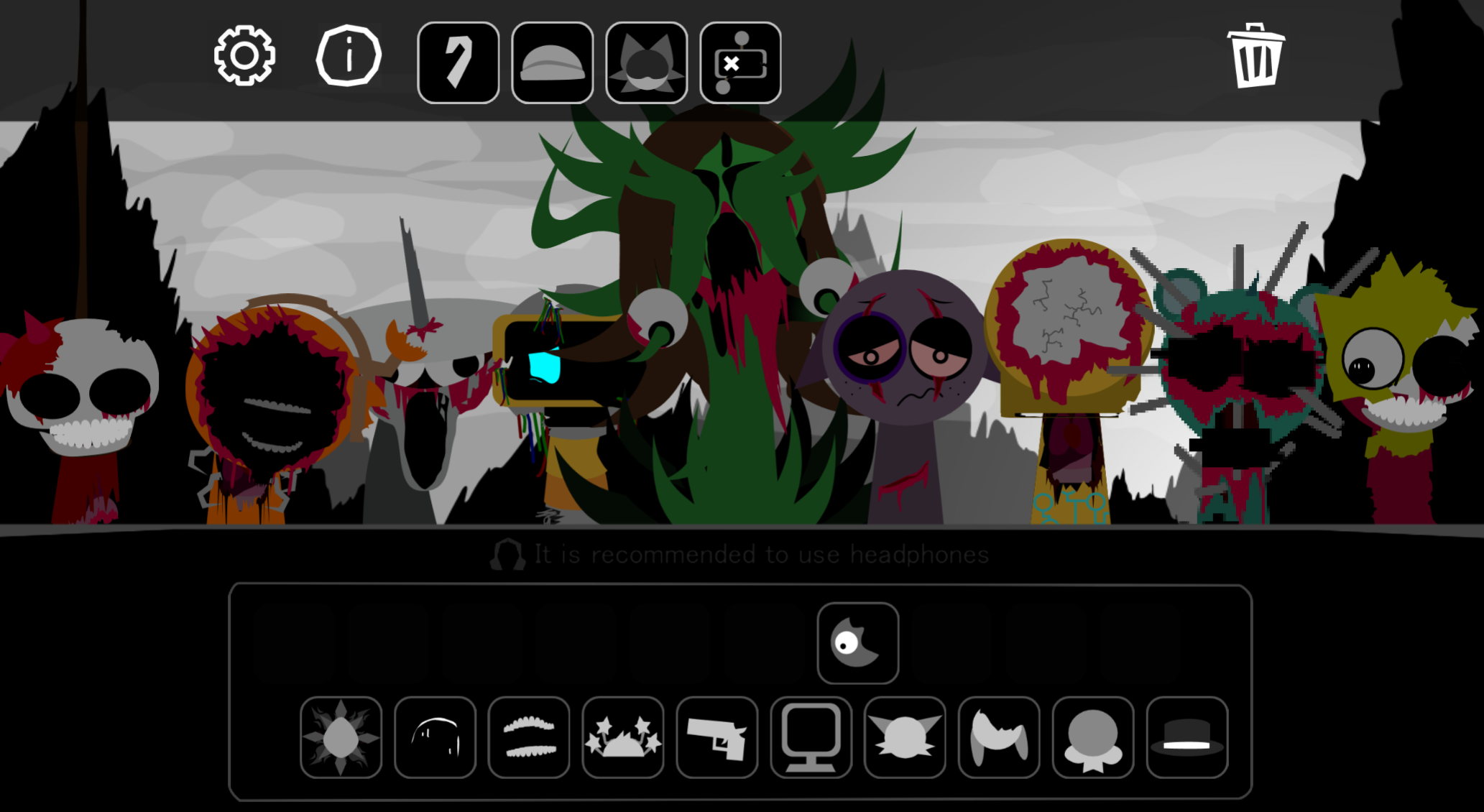
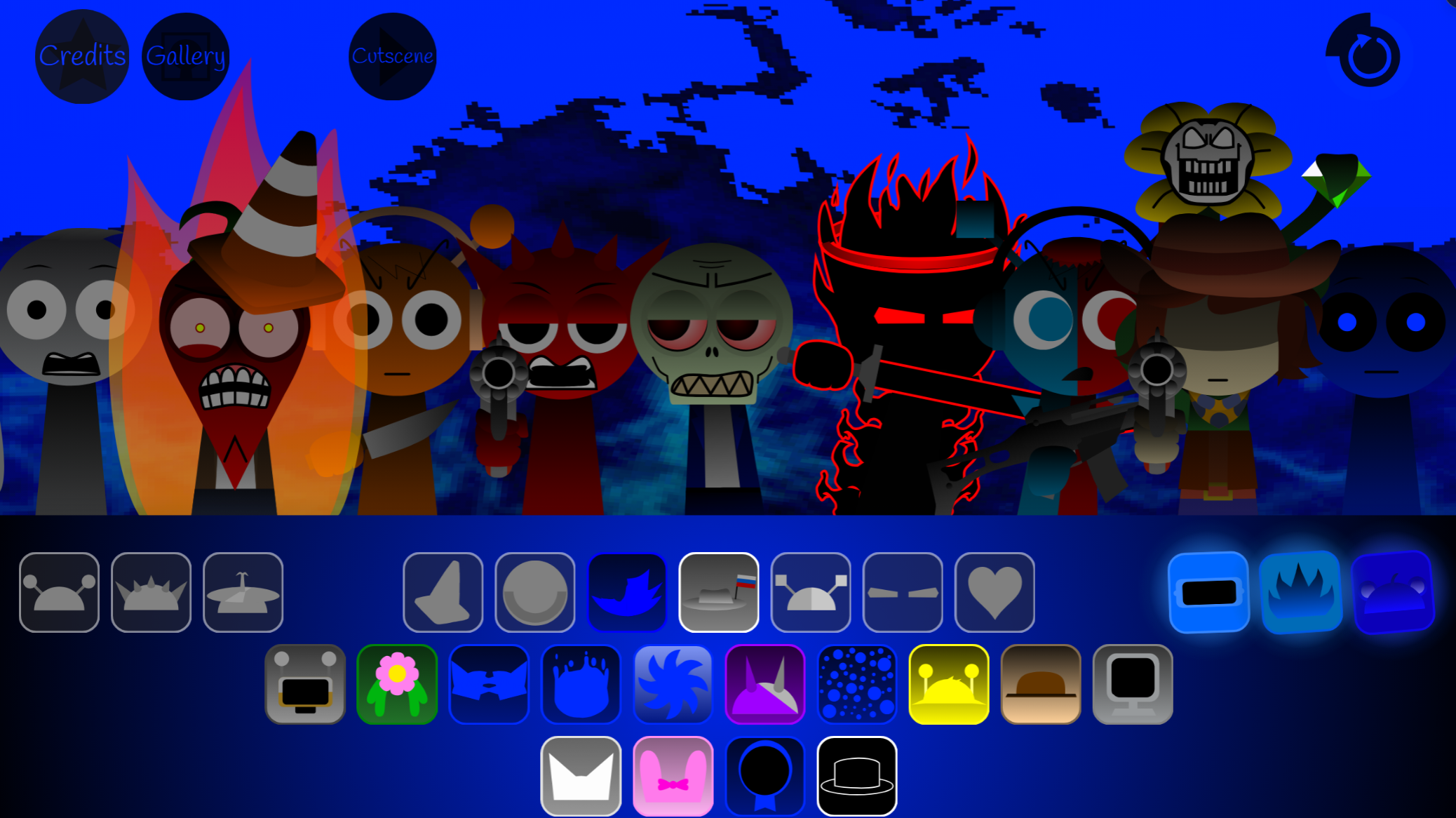
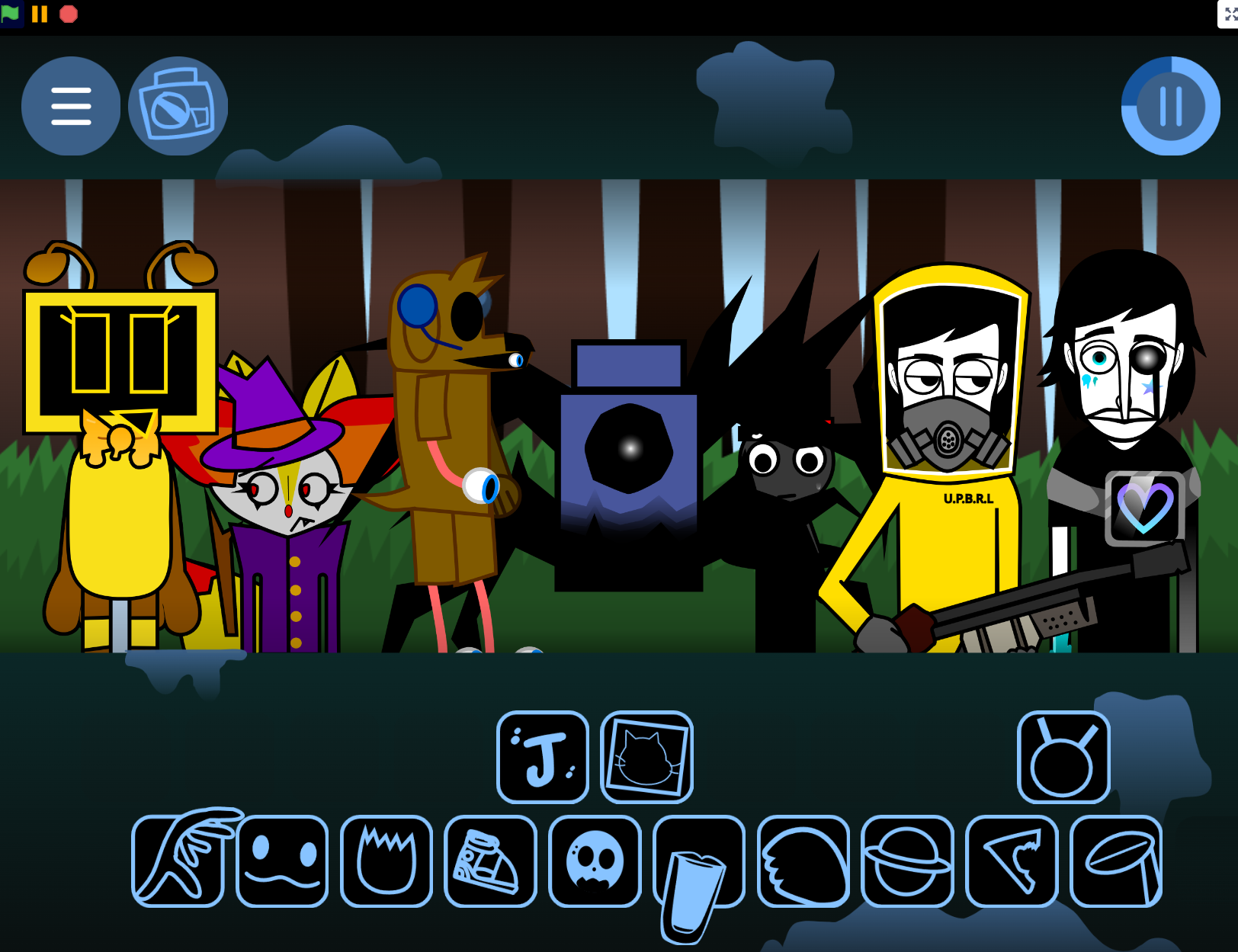
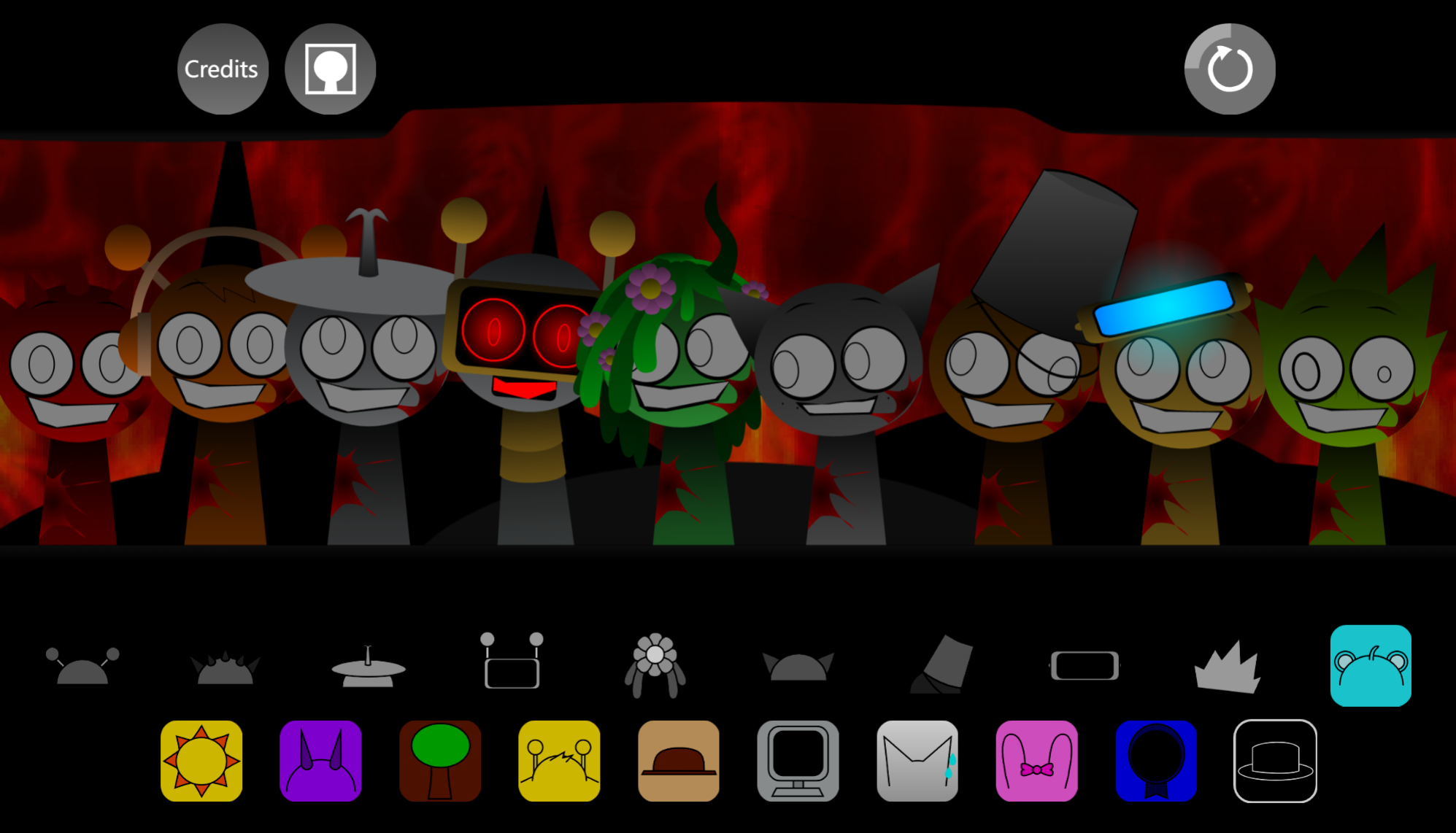
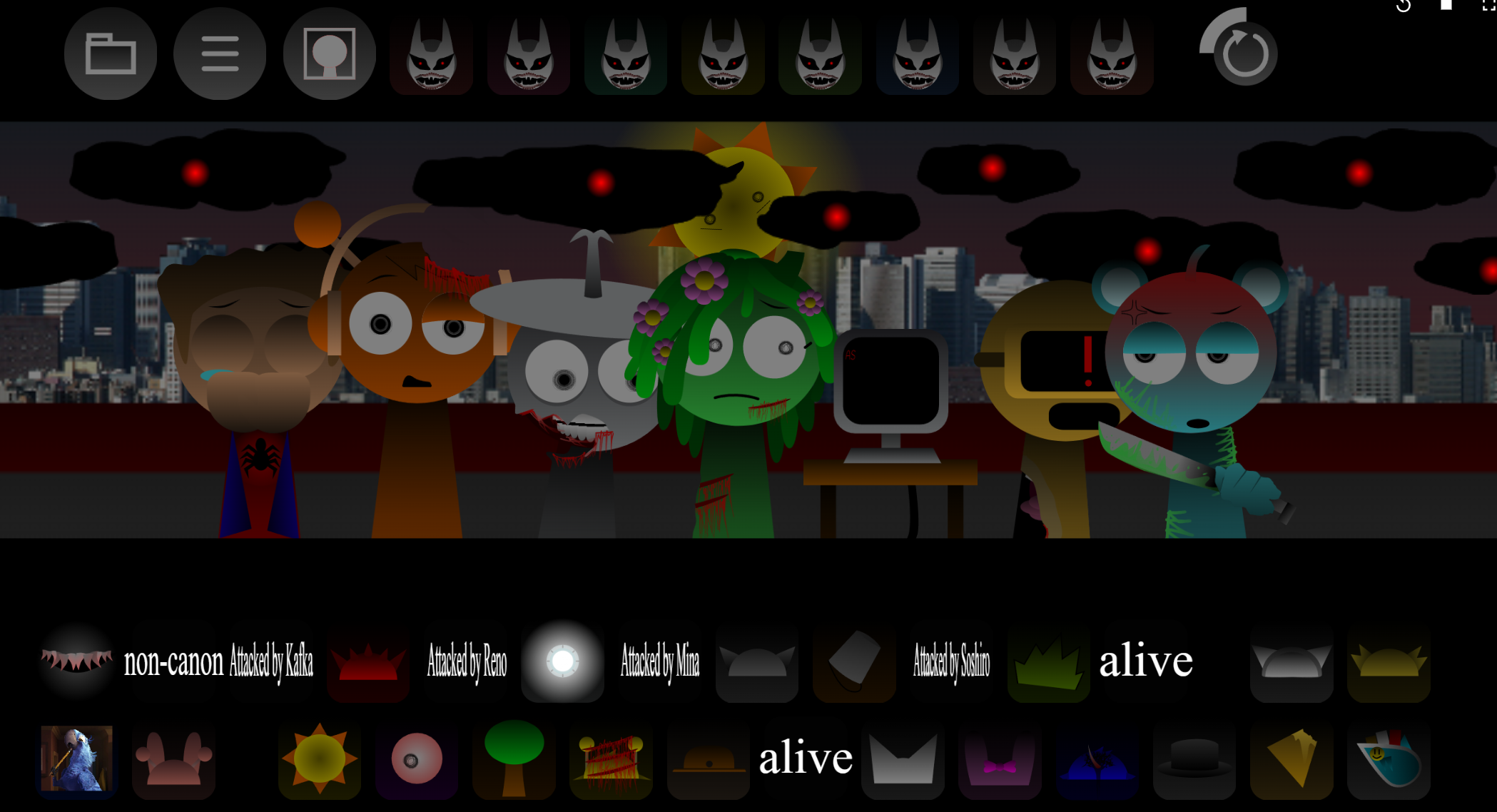
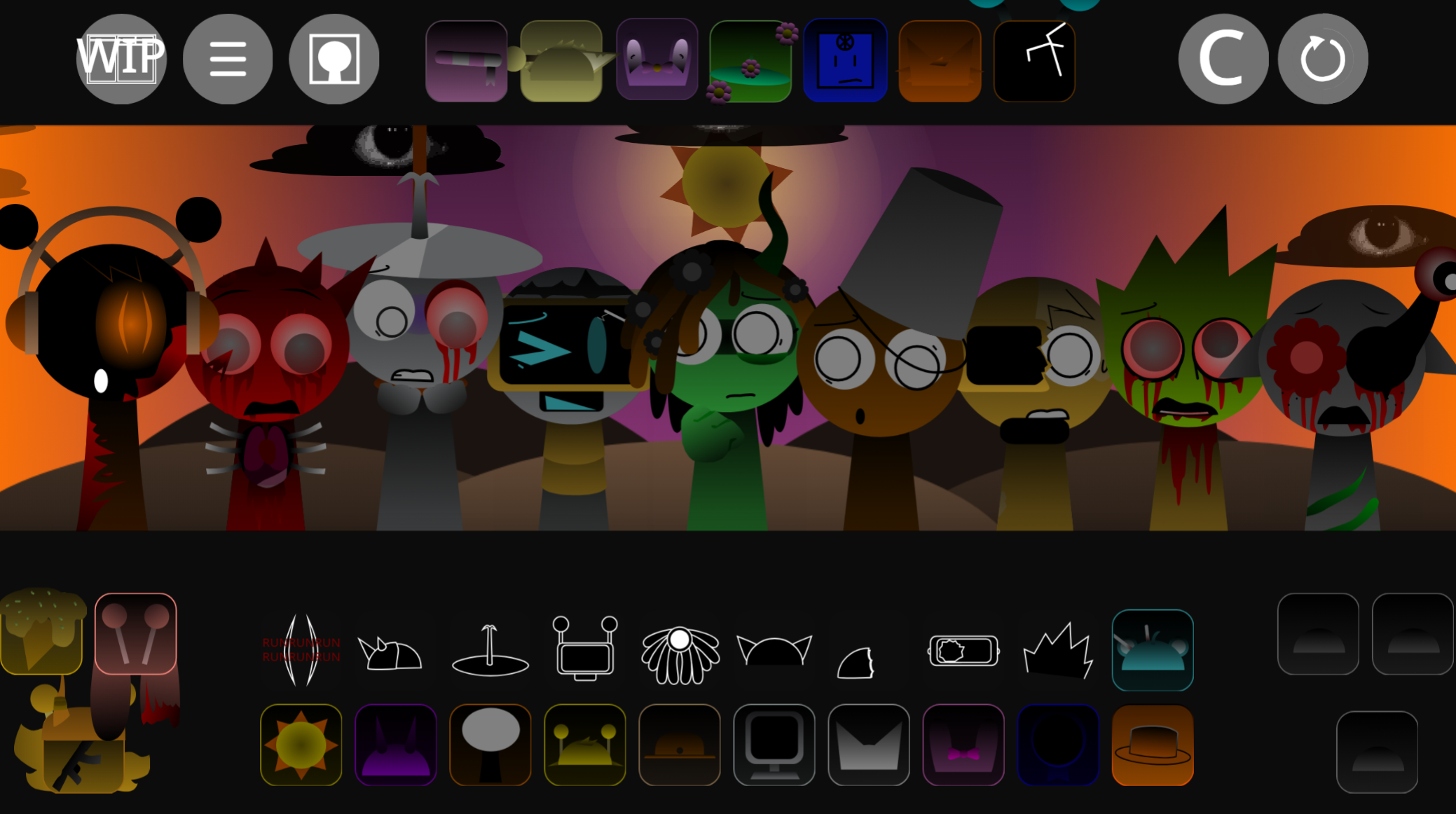
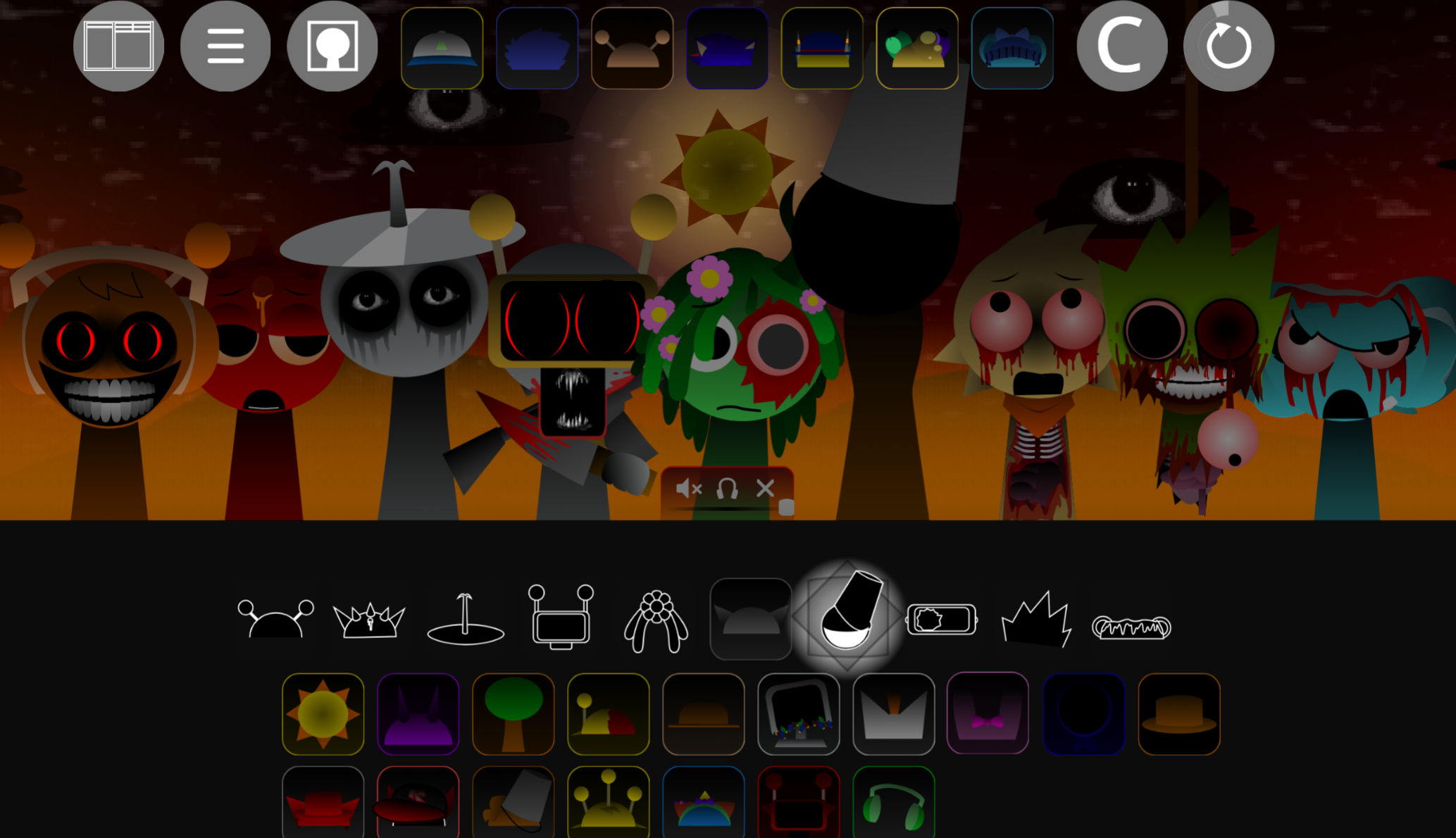
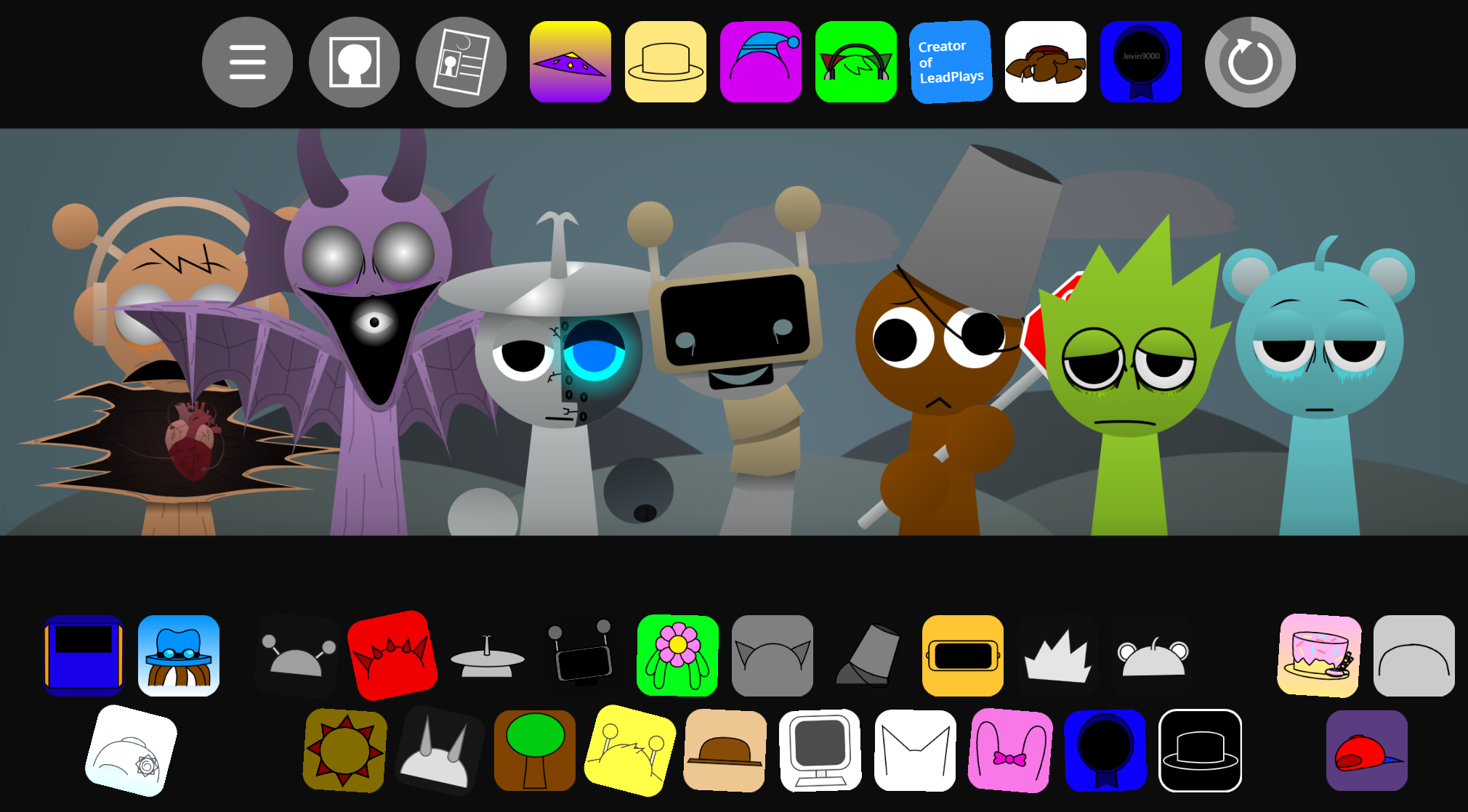
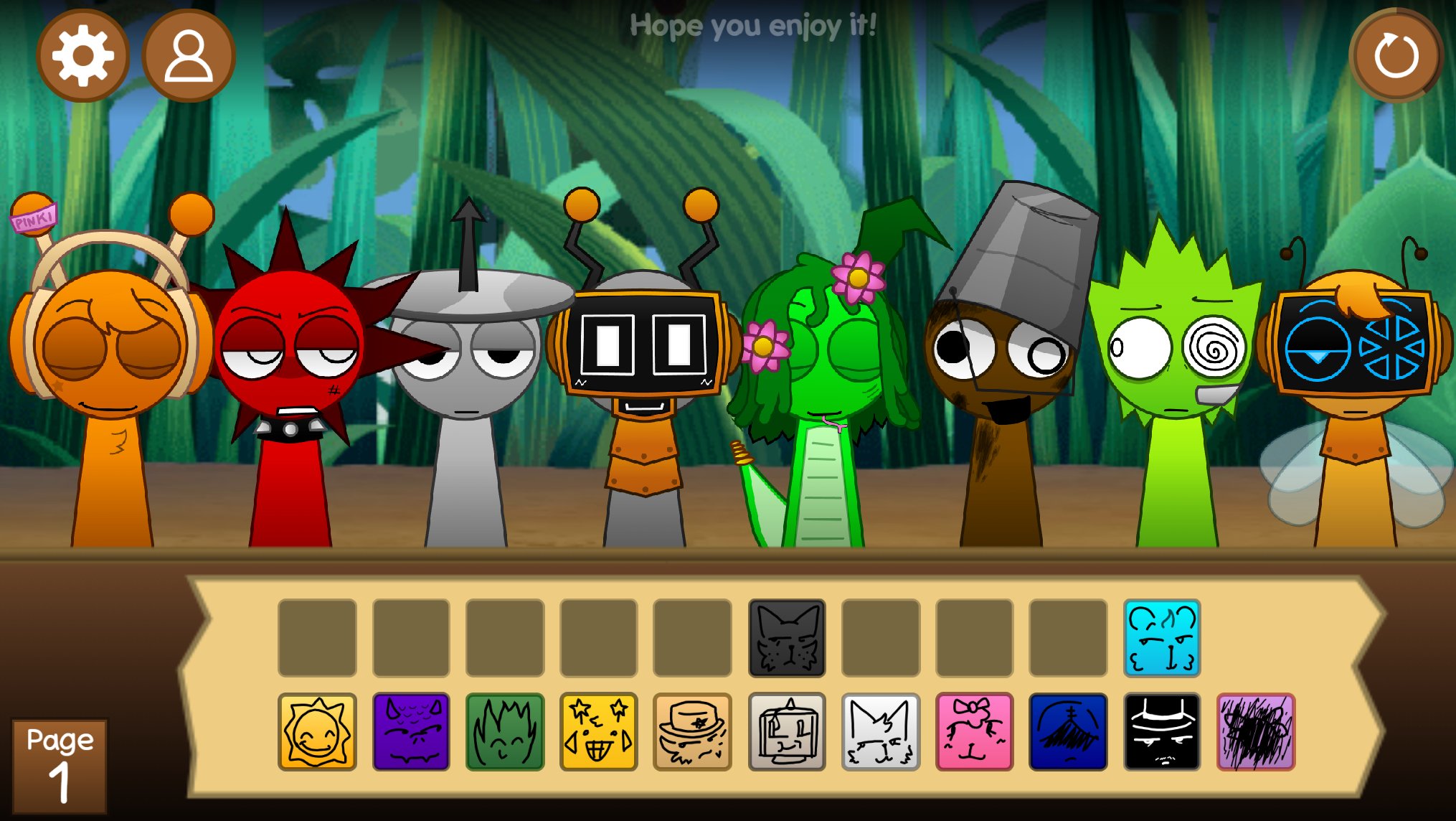
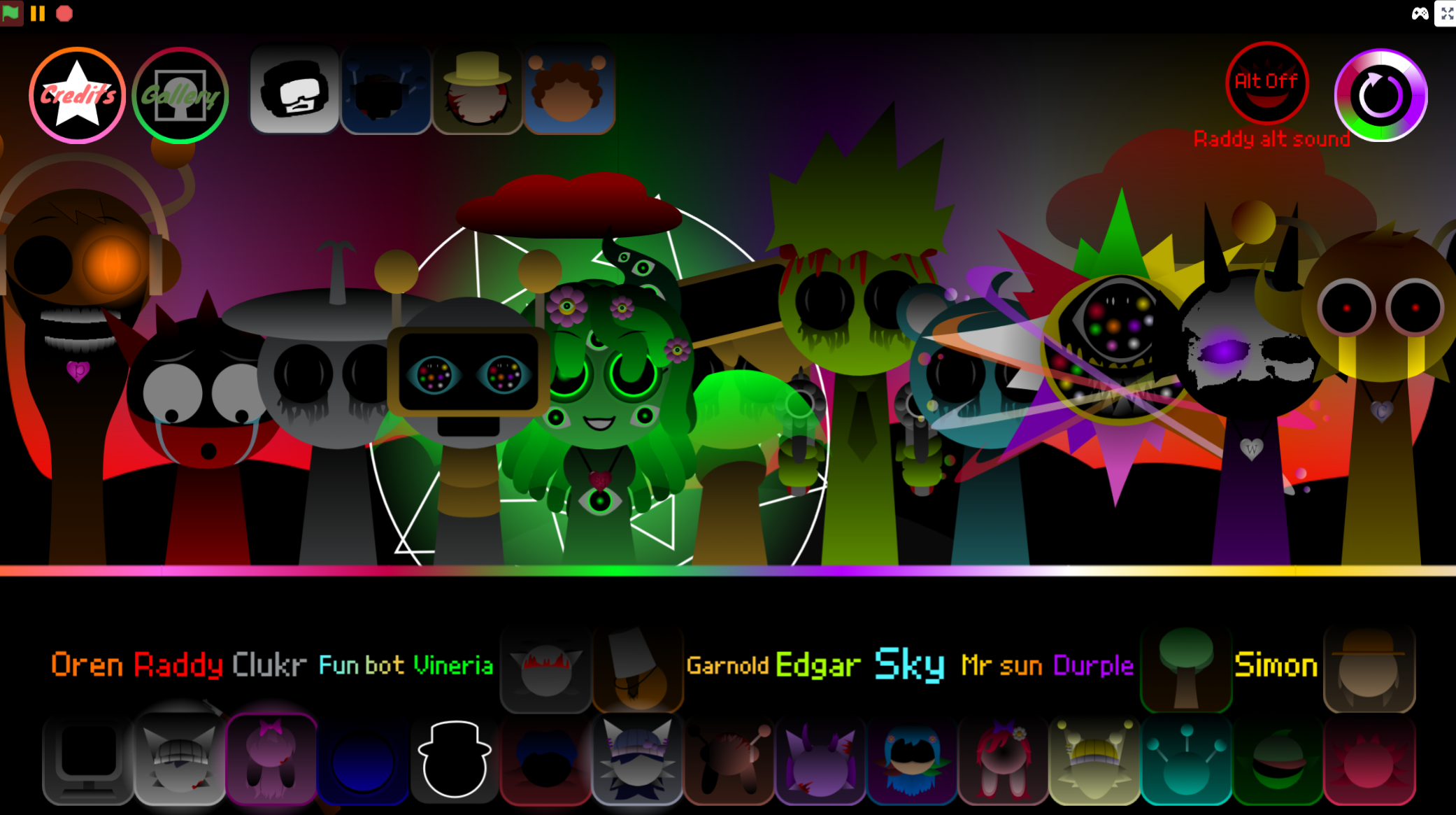
Sprunki Rareshifted (Fedoki’s Take) is a browser-based music creation mod playable through gosprunki.com, where you drag character icons onto blank silhouettes to layer sounds into full tracks.
This version by Fedoki reimagines the original Sprunki format with altered character designs, shifted sound palettes, and a darker visual tone that changes how loops interact. The mod keeps the core drag-and-drop mechanic but introduces rare character variants and reworked audio samples that reward experimentation.
This article covers what makes Fedoki’s Rareshifted version distinct from other Sprunki mods, which characters and sounds define its identity, and how the interface guides you through building tracks without prior music software experience.
Sprunki Rareshifted (Fedoki’s Take) - Play the Dark Mod Online
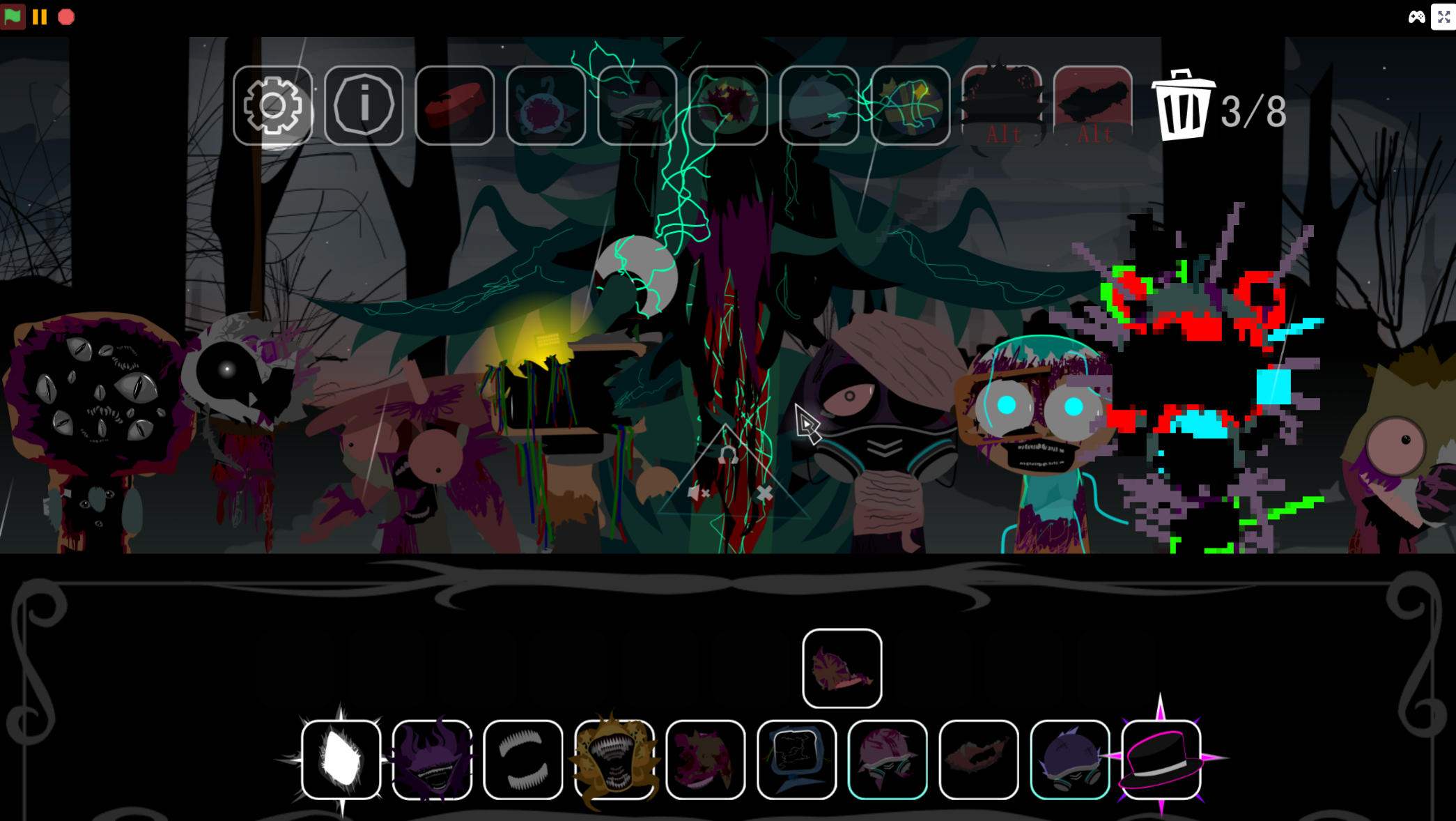
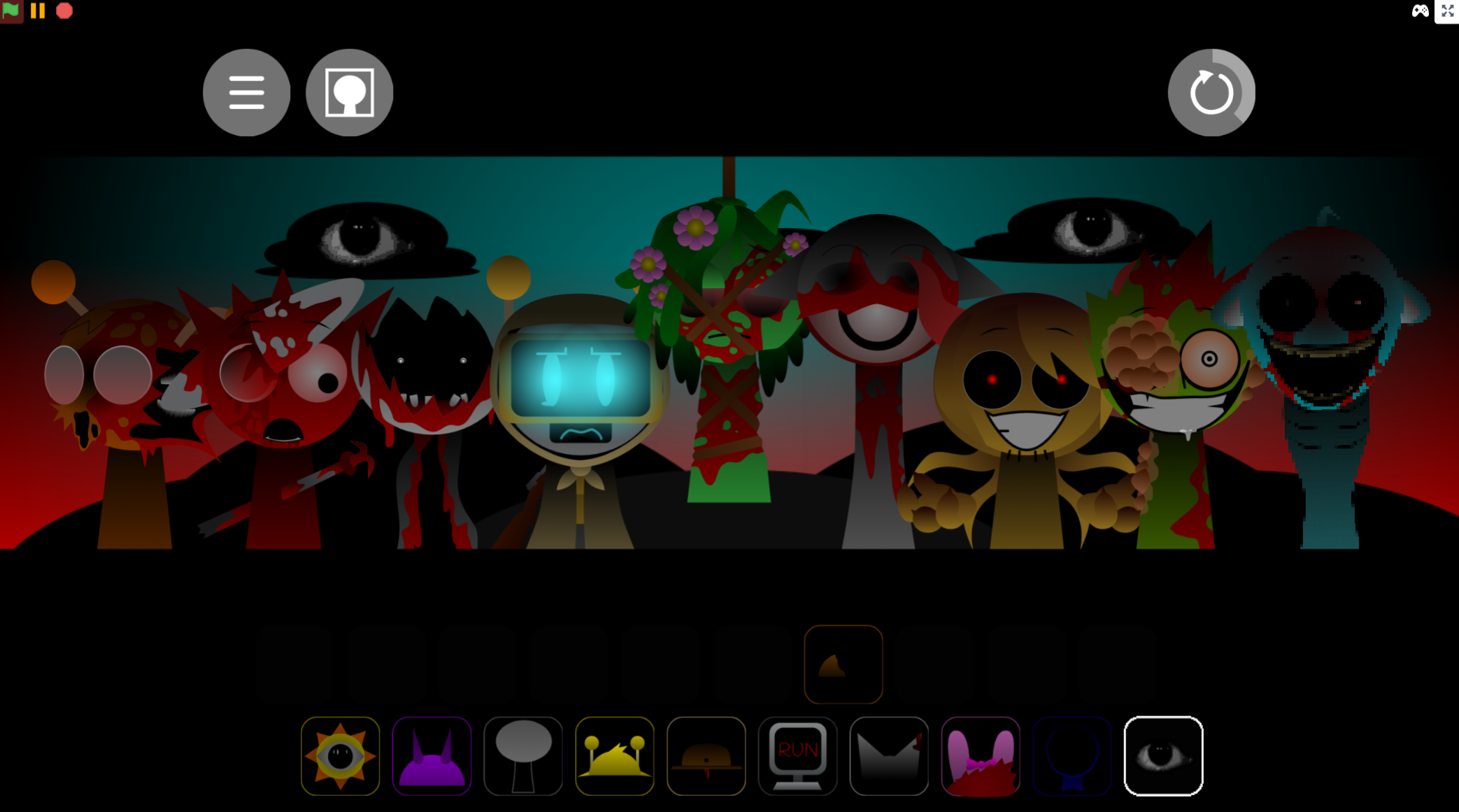
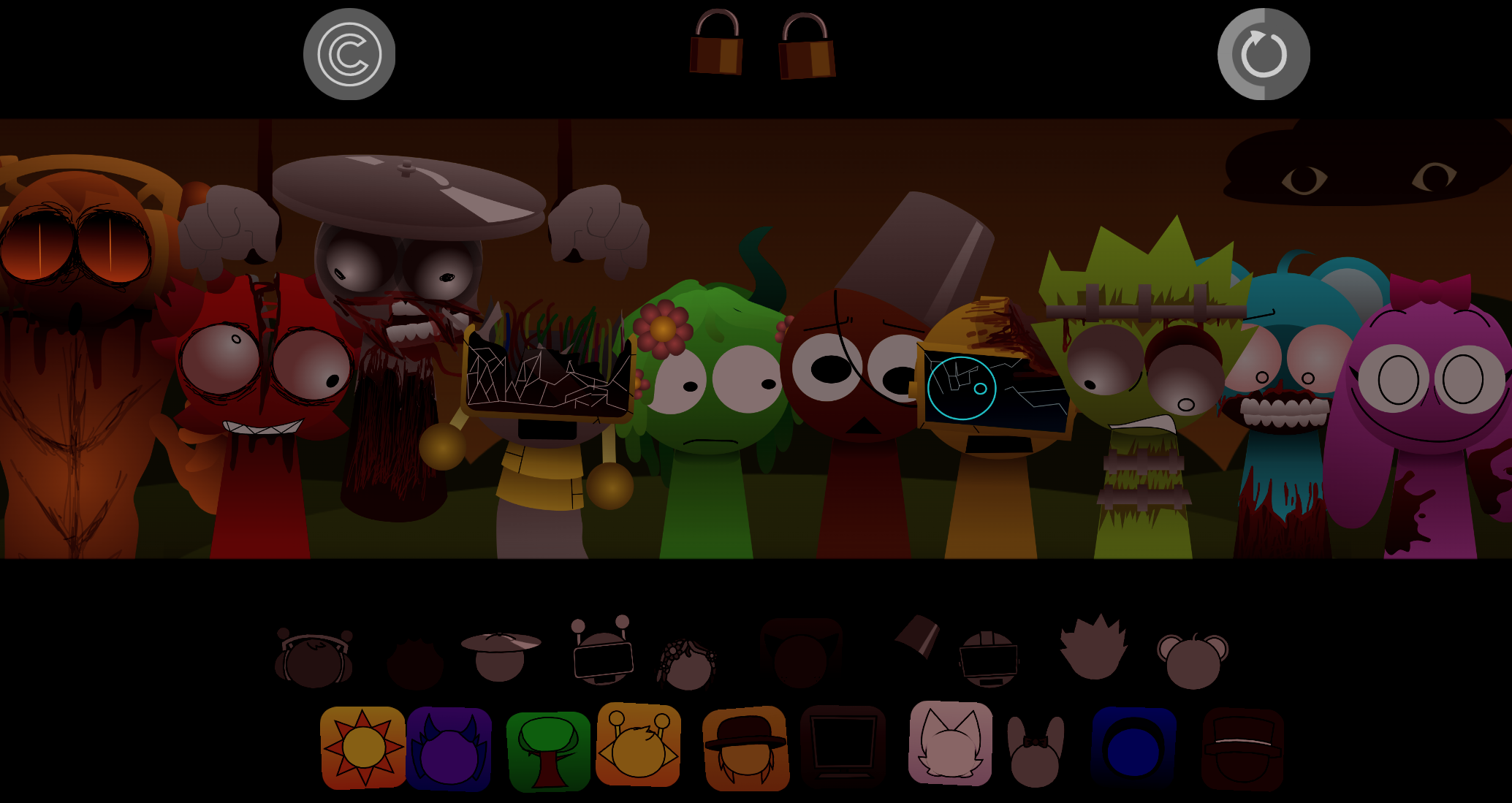
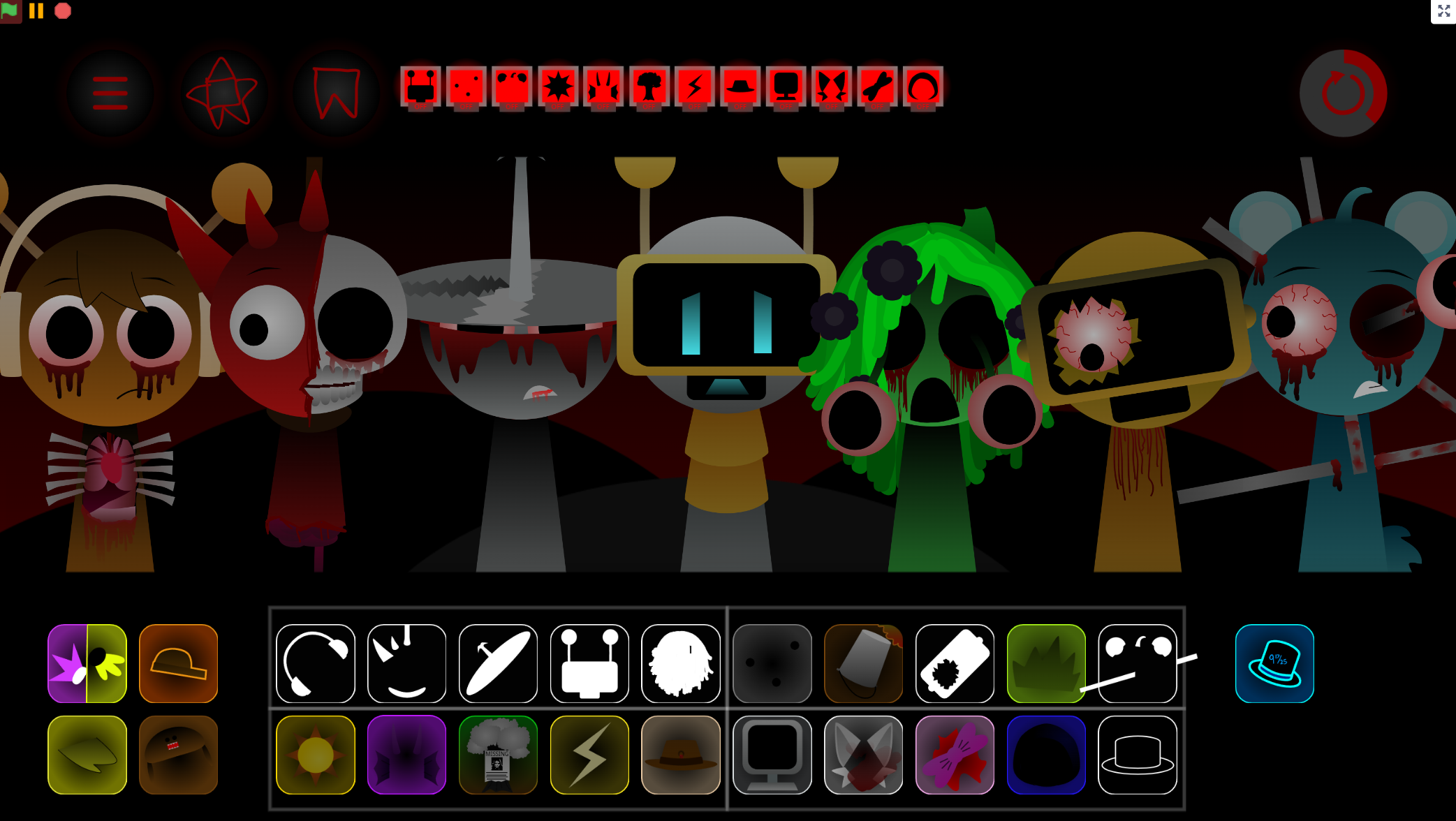
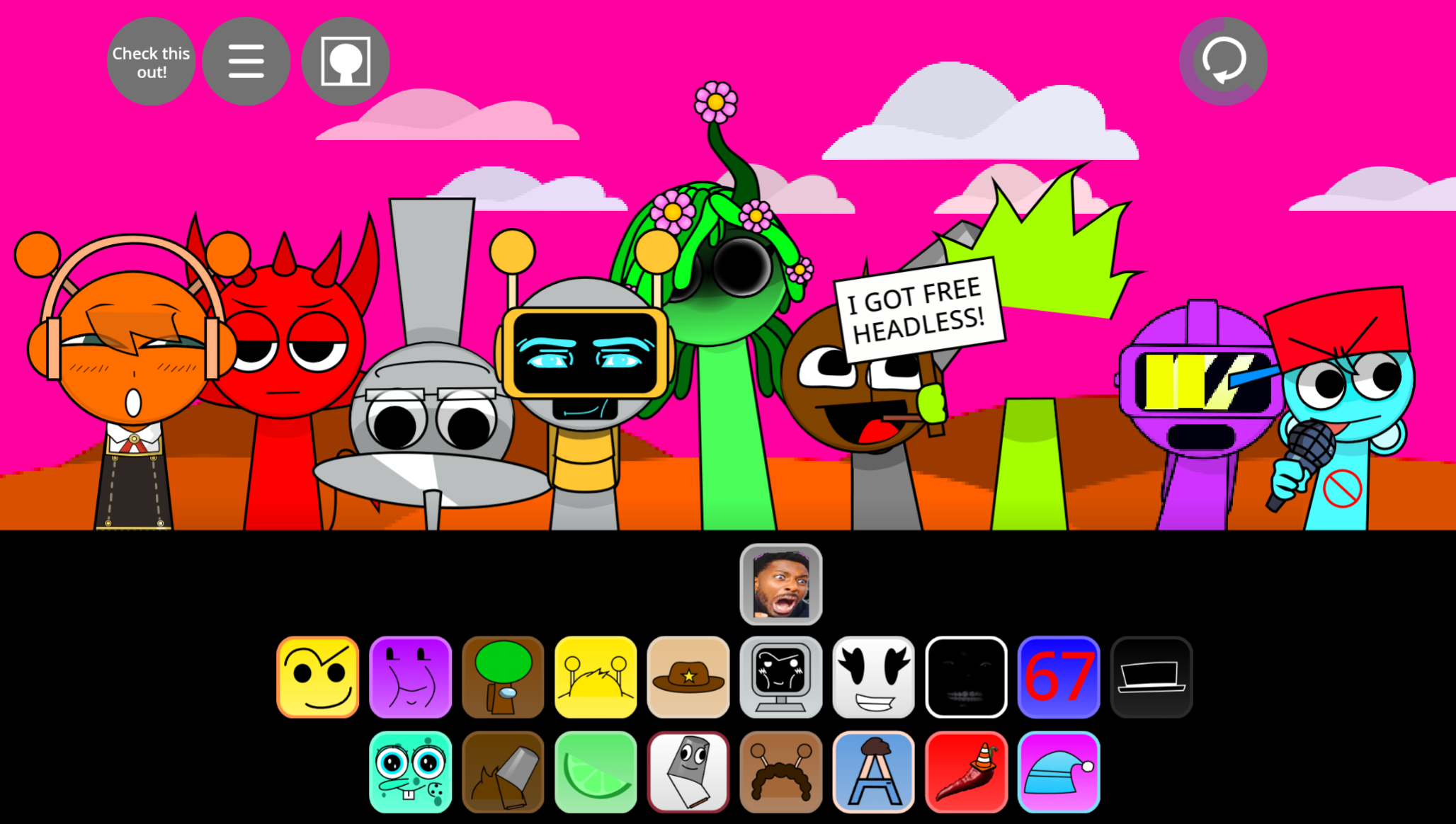
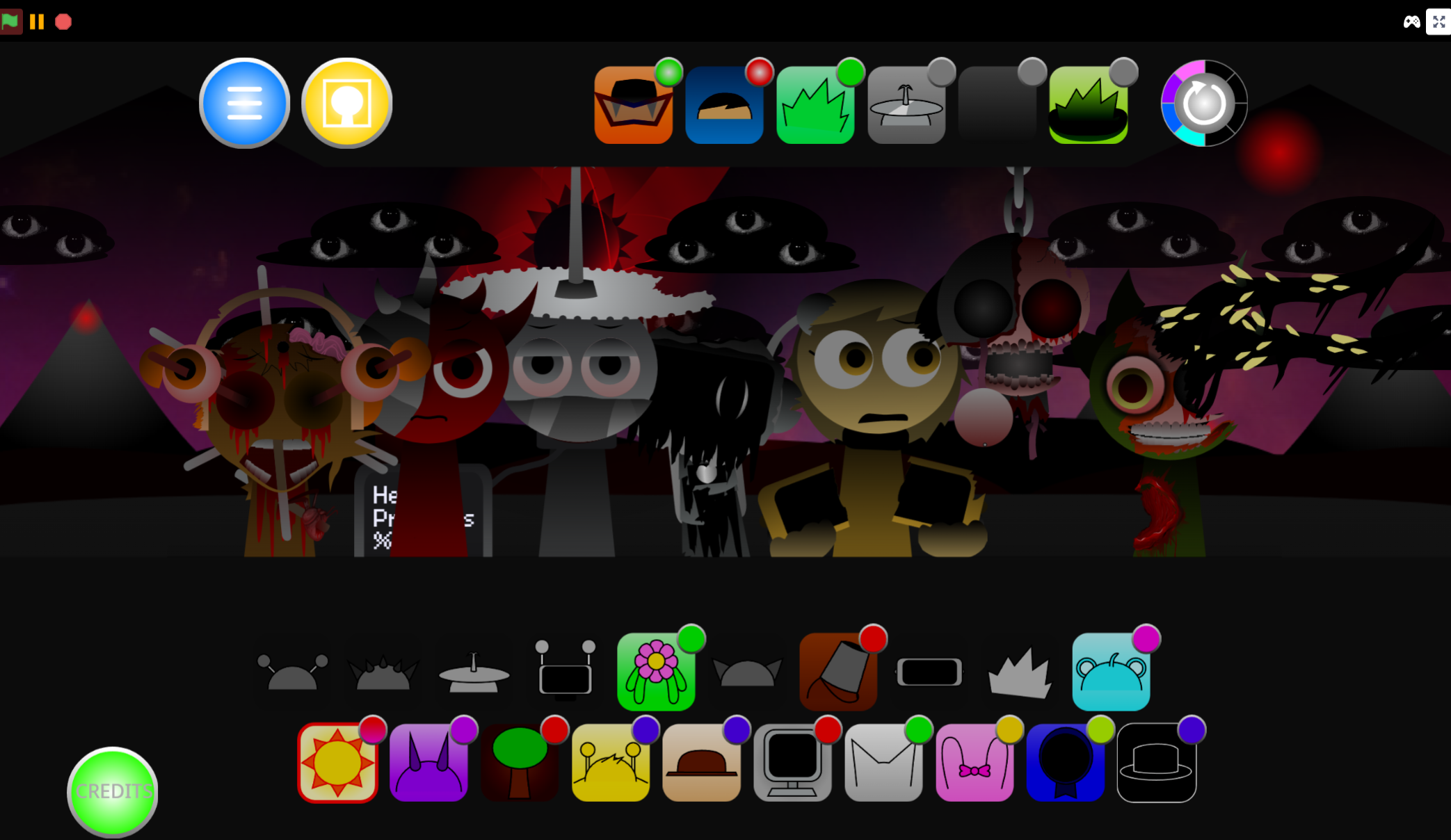
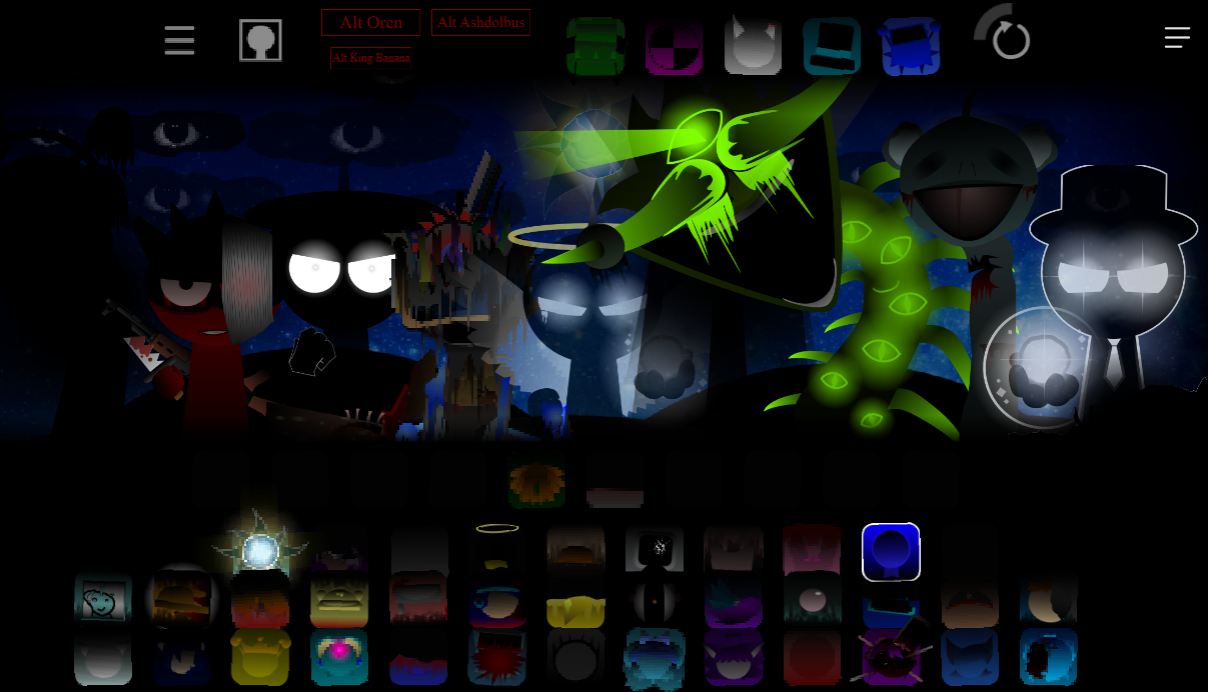
Sprunki Rareshifted (Fedoki’s Take) is a browser-based music mod where players drag character icons onto blank silhouettes to build layered tracks. Each placement transforms a shadow figure into an altered Rareshifted design and adds a corresponding sound loop—heavy bass, gloomy melody, distorted vocal, fractured rhythm, or abrasive effect.
Created by @Fedoki as a personal interpretation of @FootLongNachos’s original Sprunki Rareshifted concept, the mod explores the “Rare Shift”: anomaly that rearranges characters, roles, and sounds into an unstable alternate reality. Familiar figures no longer fill their expected musical roles, so each placement changes both the stage appearance and the mix direction.
Version 4.0 adds what Fedoki describes as “an additional layer of chaos” to the shifted universe. The drag-and-drop format remains straightforward, but the atmosphere grows more unsettling as loops accumulate and unexpected combinations emerge. The mod is playable online through gosprunki.com.
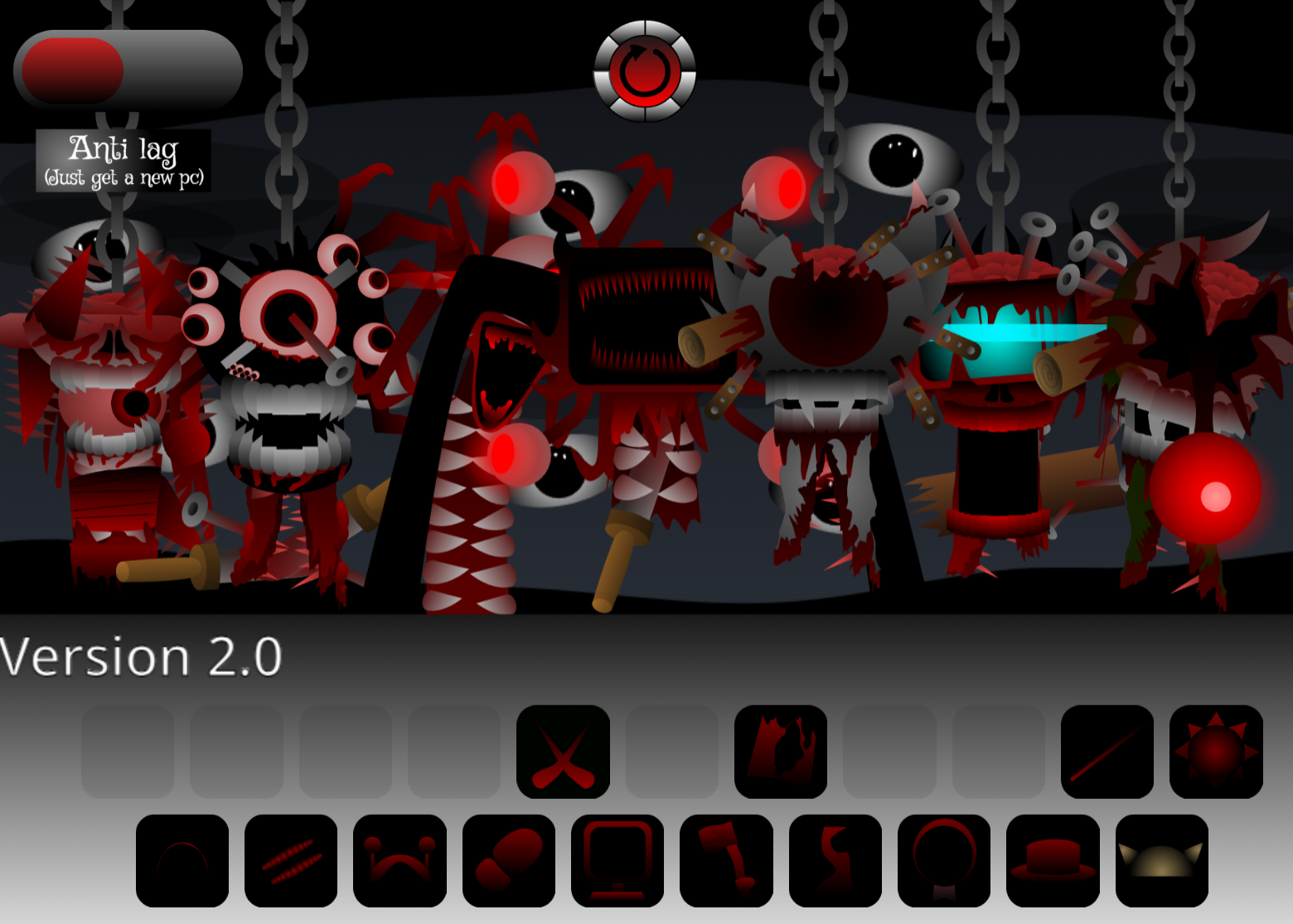
The stage itself is covered in heavy shadow and fog, with faceless silhouettes waiting in the gloom. The visual presentation reinforces the sense that the cast’s identities have been unsettled by the Rare Shift.
How to Play Sprunki Rareshifted (Fedoki’s Take)
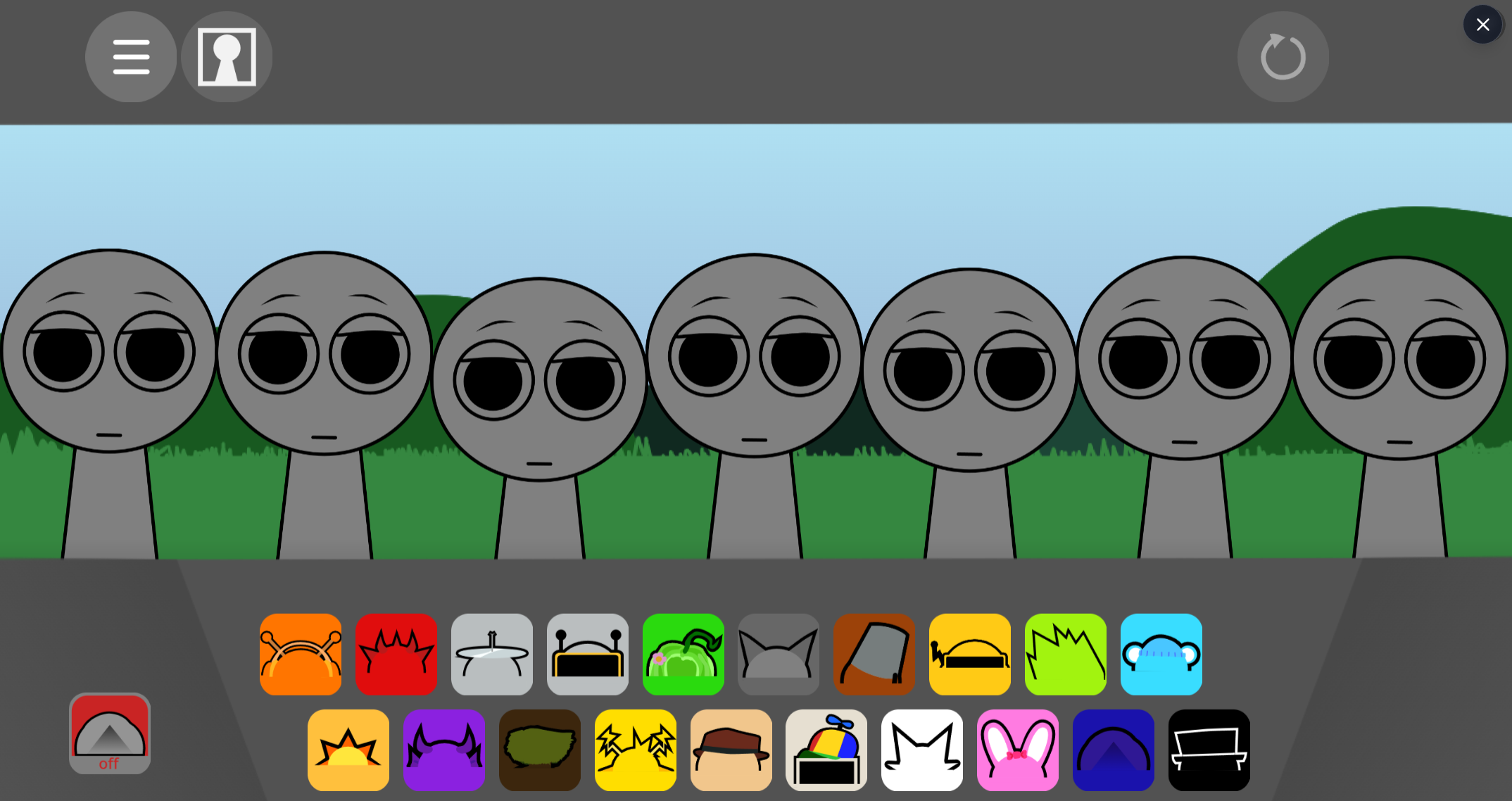
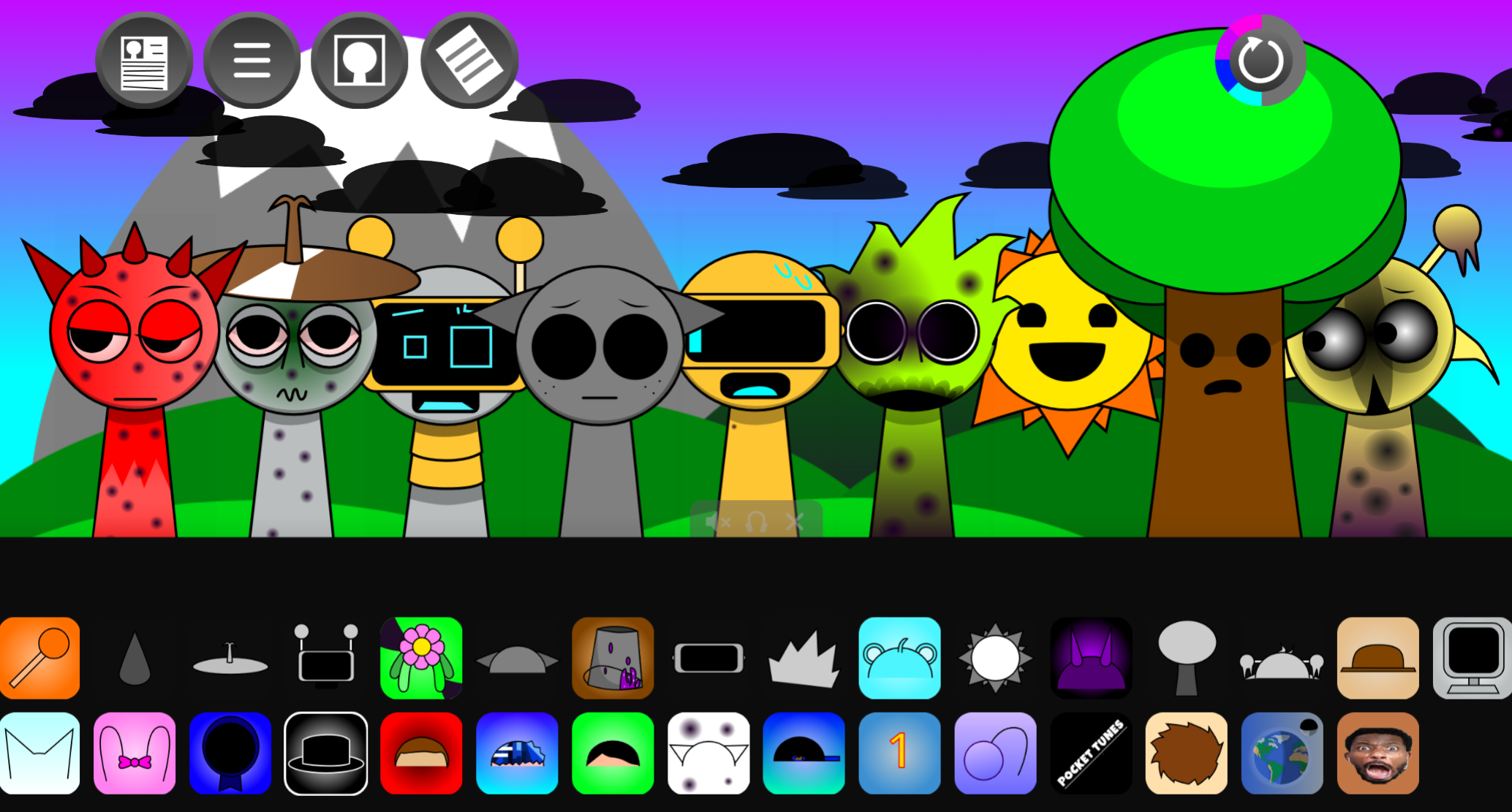
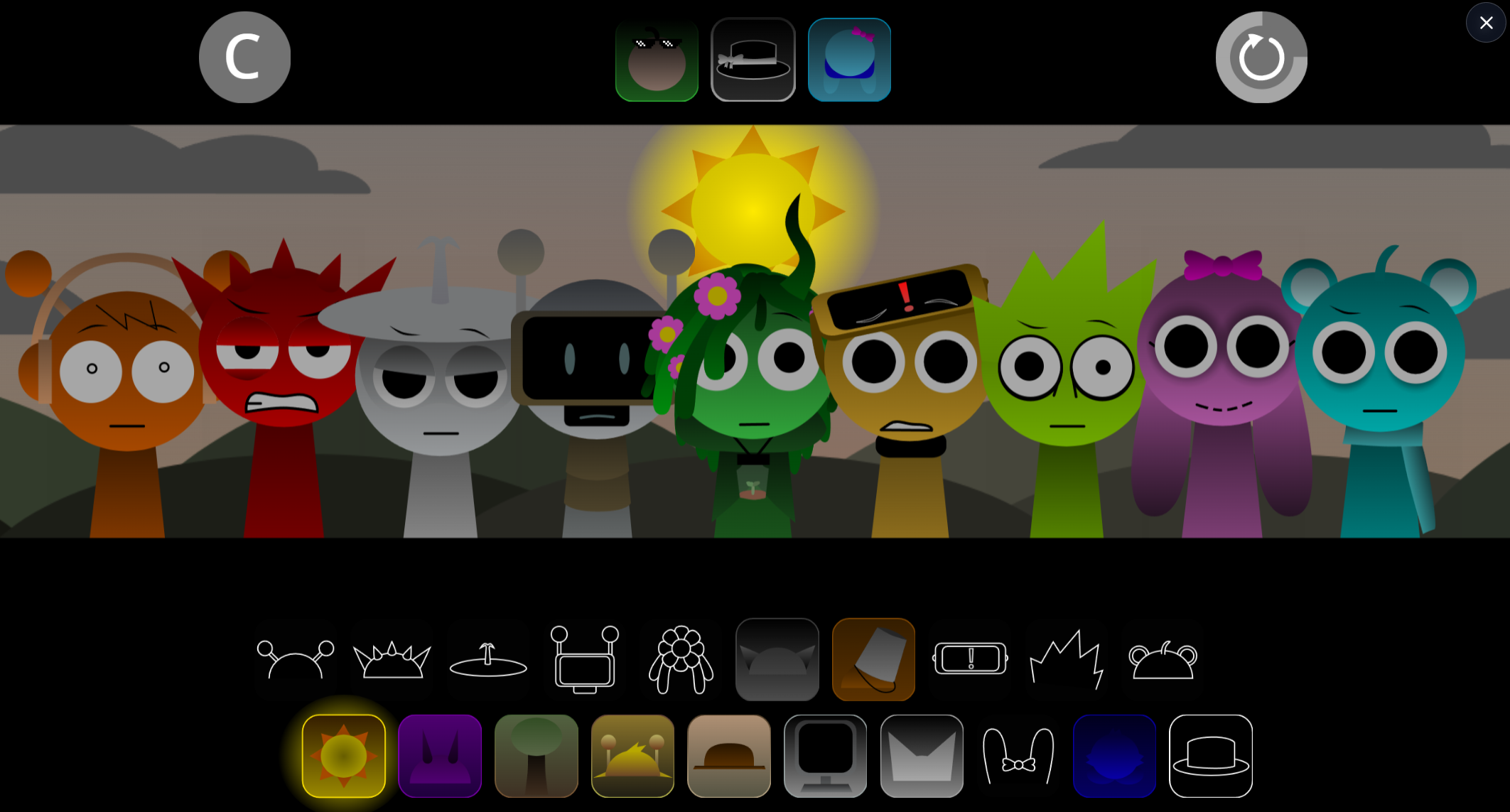
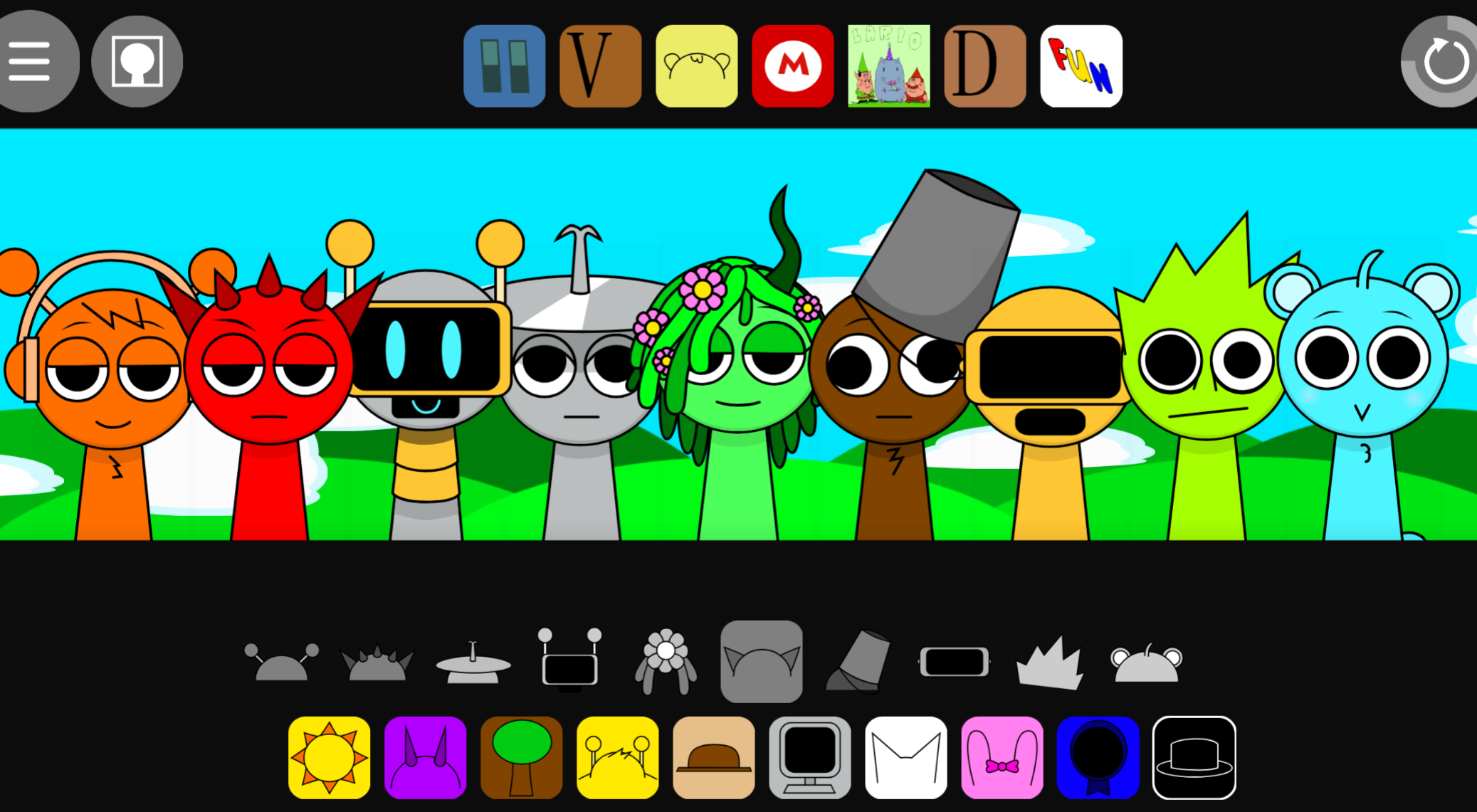
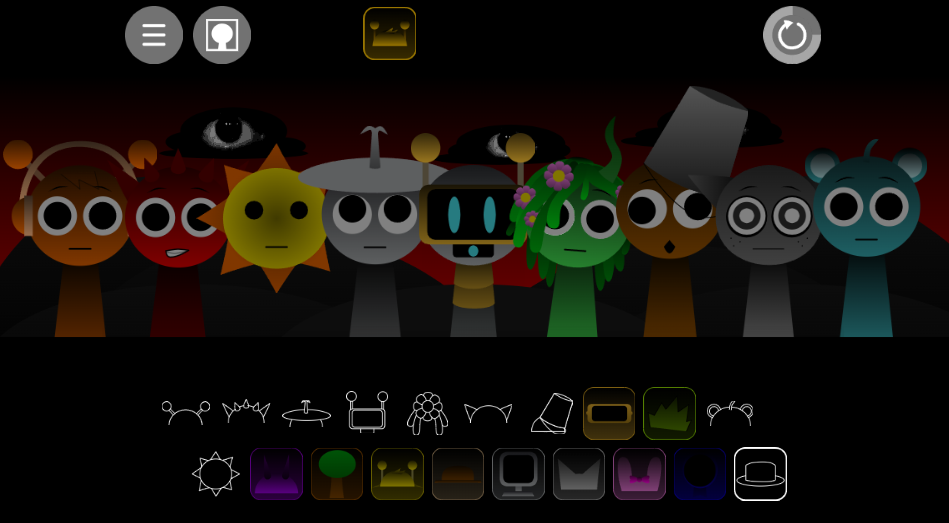
Drag a character icon from the lineup onto an empty stage figure. The silhouette changes into its Rareshifted form immediately, and its loop joins the soundscape.
Build the mix gradually:
- Add a foundation. Begin with a beat or bass layer to give the arrangement weight.
- Introduce melodic space. Add gloomy melodies or lighter effects to establish contrast around the rhythm.
- Layer warped vocals carefully. Distorted vocal parts can give the mix its strongest personality, but they are often more effective after the core rhythm is clear.
- Rearrange the stage. Placement affects the composition. Left-shifted positions can produce unstable pitch, warped voices, and more eerie tonal behavior.
- Refine active tracks. Click a character already on stage to mute, solo, or remove its loop without dismantling the rest of the arrangement.
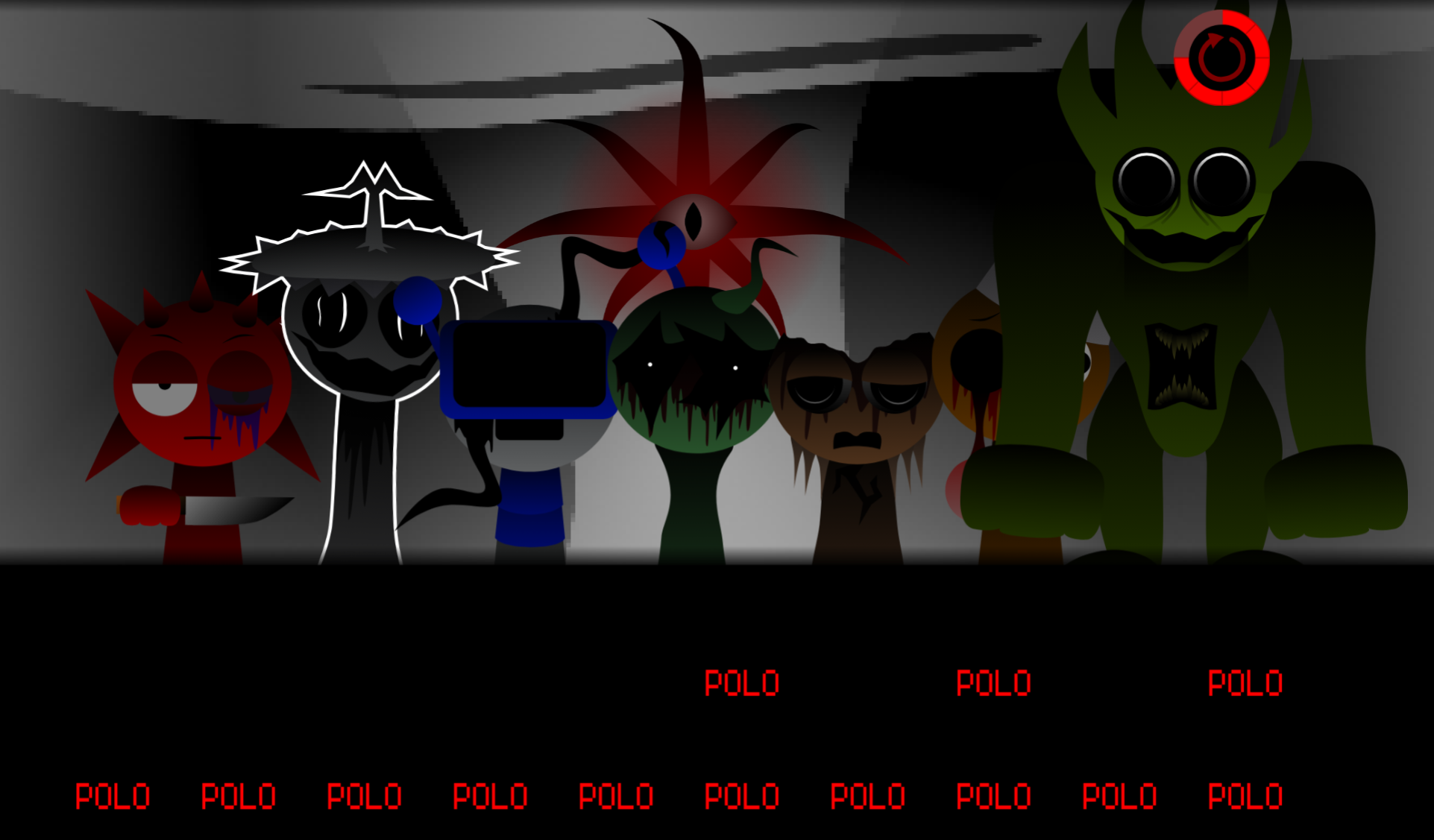
Switch between Normal and Horror modes for different levels of visual and audio tension. For the hidden escalation, drag the special dark icon onto the characters to activate spooky mode, which pushes the imagery and sound into a harsher horror presentation.
What Makes Fedoki’s Take Different?
The reshuffled roster is the central creative mechanic. Rareshifted characters are not visual replacements: their unusual alternate fates determine what they contribute musically. A familiar face may arrive as a bass source, an eerie melody, a broken vocal texture, or an unexpected rhythmic part.
This role-swapping approach creates alternate-universe tension. The mix can begin with recognizable Sprunki-style loop building, then become increasingly confused, distorted, and uneasy as more altered performers enter. Each swap matters visually and musically, and the arrangement can shift from controlled and catchy to dense, fractured, and unsettling through small changes in character selection or placement.
Features of Sprunki Rareshifted (Fedoki’s Take)
- Rareshifted character roster: Dragging an icon onto a silhouette reveals an unusual alternate character fate and adds a corresponding bassline, melody, vocal, beat, or effect.
- Dark atmospheric presentation: Heavy shadow, fog, blank figures, and distorted designs give the stage a horror-leaning identity.
- Fedoki’s interpretation of Rareshifted: A personal take on @FootLongNachos’s original concept, emphasizing offbeat roles and unstable character outcomes.
- Drag-and-drop music creation: Add, rearrange, and combine performers directly on the stage to build a layered track.
- Track controls: Click active characters to mute, solo, or remove individual loops for easier testing and control of crowded arrangements.
- Normal and Horror modes: Shift the overall presentation between lighter and more intense visual-audio states.
- Hidden spooky mode: Use the special dark icon on characters to trigger a sharper horror transformation with intensified sound and visuals.
- Version 4.0: Fedoki’s first fully completed solo mod in a long time, expanding the distorted, unpredictable premise.
Atmospheric Mixing Tips
The strongest Sprunki Rareshifted mixes leave room for contrast. Add characters one at a time and listen for whether each loop steadies the composition, deepens the atmosphere, or pushes it into deliberate instability.
- Start sparse. Establish a raw beat or heavy bass before filling the stage. A sparse beginning makes each later melody, vocal, or effect easier to hear.
- Use placement as an effect. Move performers deliberately, especially toward left-shifted positions. Small positional changes may introduce pitch wobble, warped vocals, or a more unstable tonal quality.
- Balance weight with space. Pair heavy bass with sparse melodies or fractured effects instead of immediately occupying every slot. Empty space allows distorted sounds to register clearly.
- Test in passes. Build a basic loop, then use solo to identify each character’s contribution. Use mute to compare alternatives, and remove any sound that masks a stronger part.
- Create tension through delayed additions. Hold back a vocal or abrasive effect until the main beat is established; adding it later can make the shift feel more dramatic without making the arrangement muddy.
- Use spooky mode as a final turn. Build a coherent Normal-mode mix first, then trigger the hidden dark-icon transformation when you want the composition to become more fractured and horror-focused.
Related Games
- Sprunki Anti Shifted Phase 4 Fedokis Take — Another Fedoki-created shifted-universe mod, it is the most direct follow-up for players who want to explore a contrasting “anti-shifted” take on the same distorted Sprunki formula.
- Sprunki Rareshifted Phase 1.5 Player Baldis Take — This alternate Rareshifted interpretation continues the shadowy, transformed-character aesthetic while offering a different creator’s variation on its eerie music-mixing premise.
- Sprunki dark mode treatment — Its dark-focused presentation makes it a natural next play for readers drawn to the foggy stage, horror transformation, and gloomy audio atmosphere of Fedoki’s Take.
Enjoy!

Discuss Sprunki