
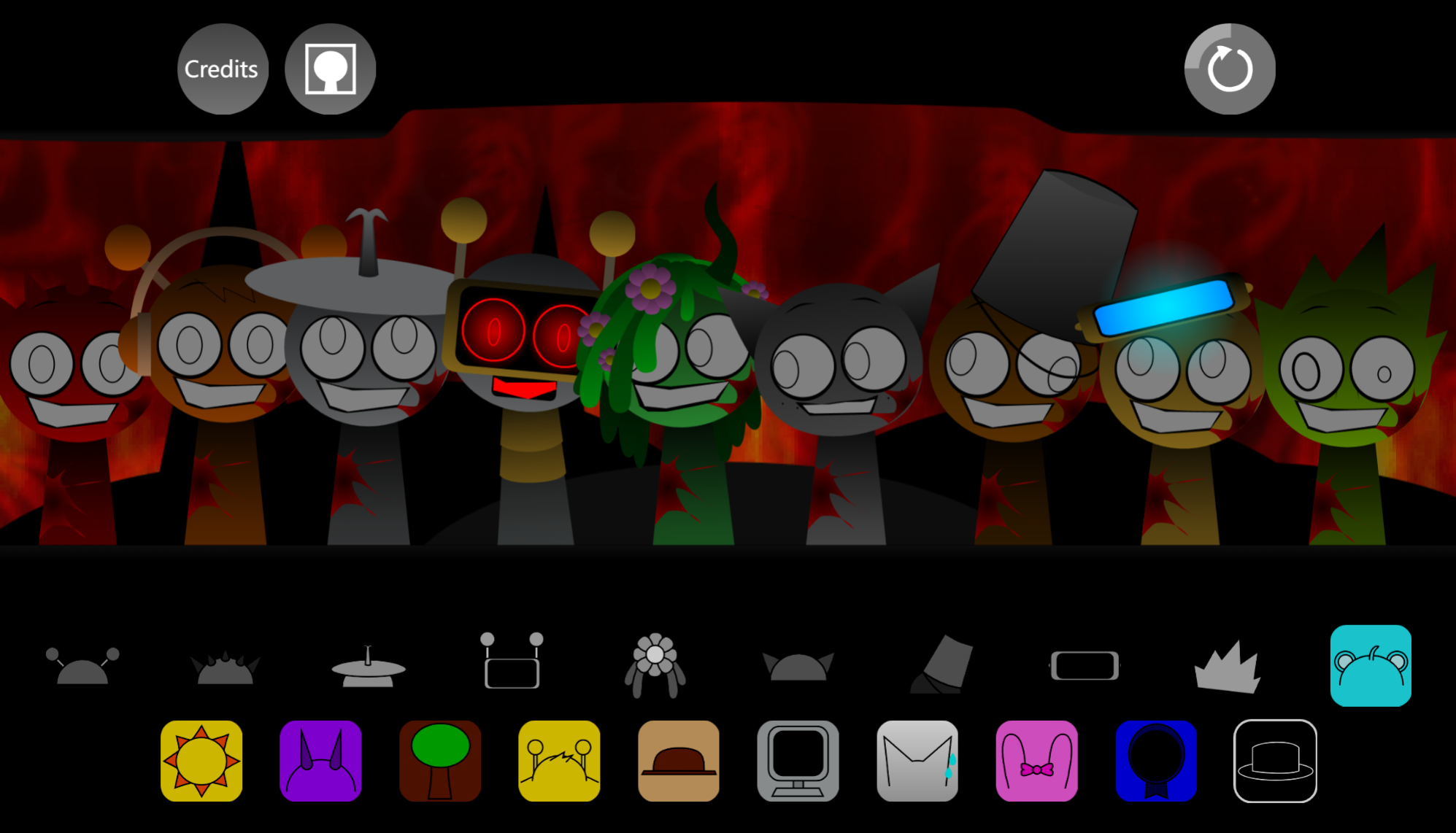



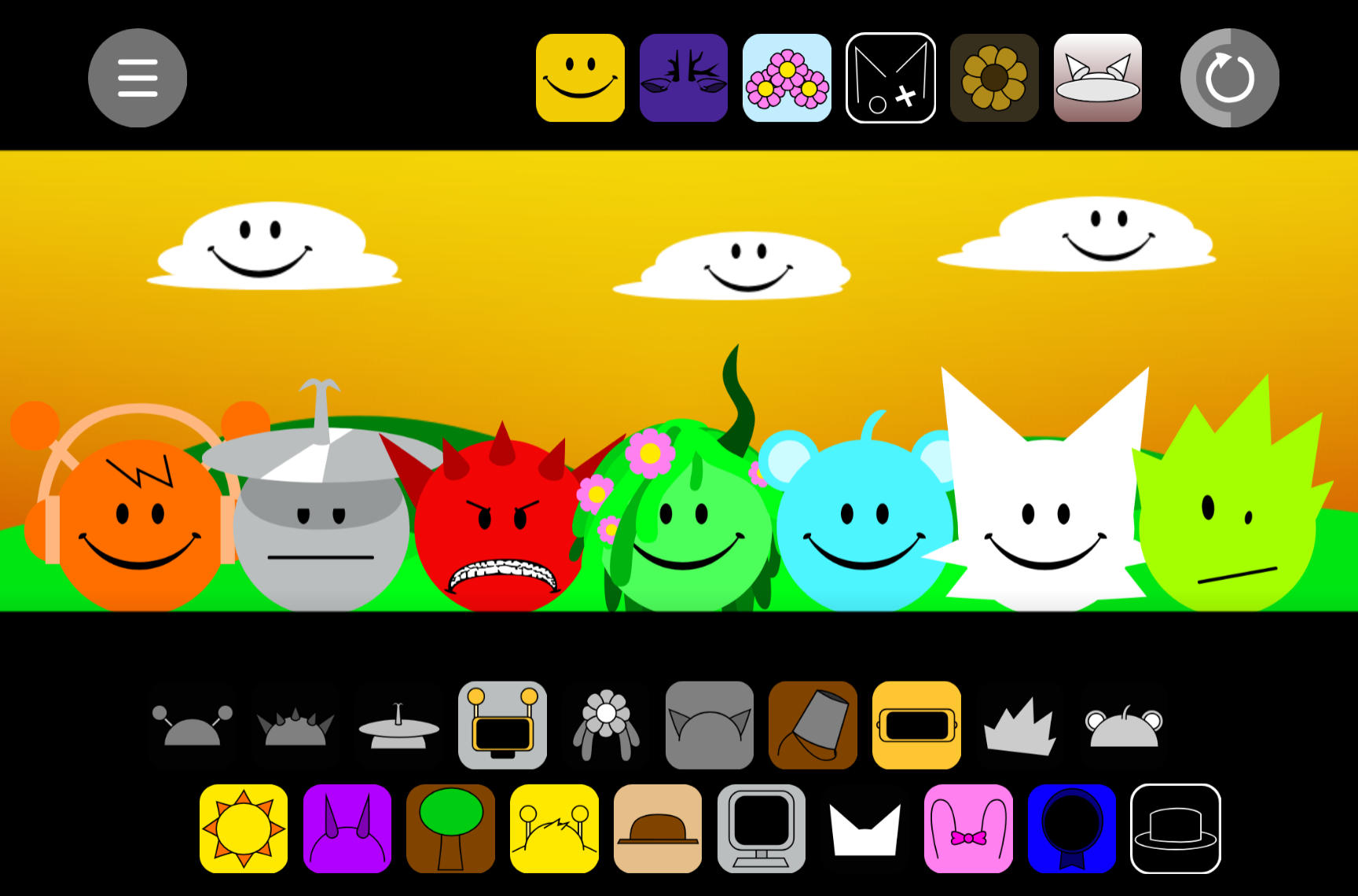
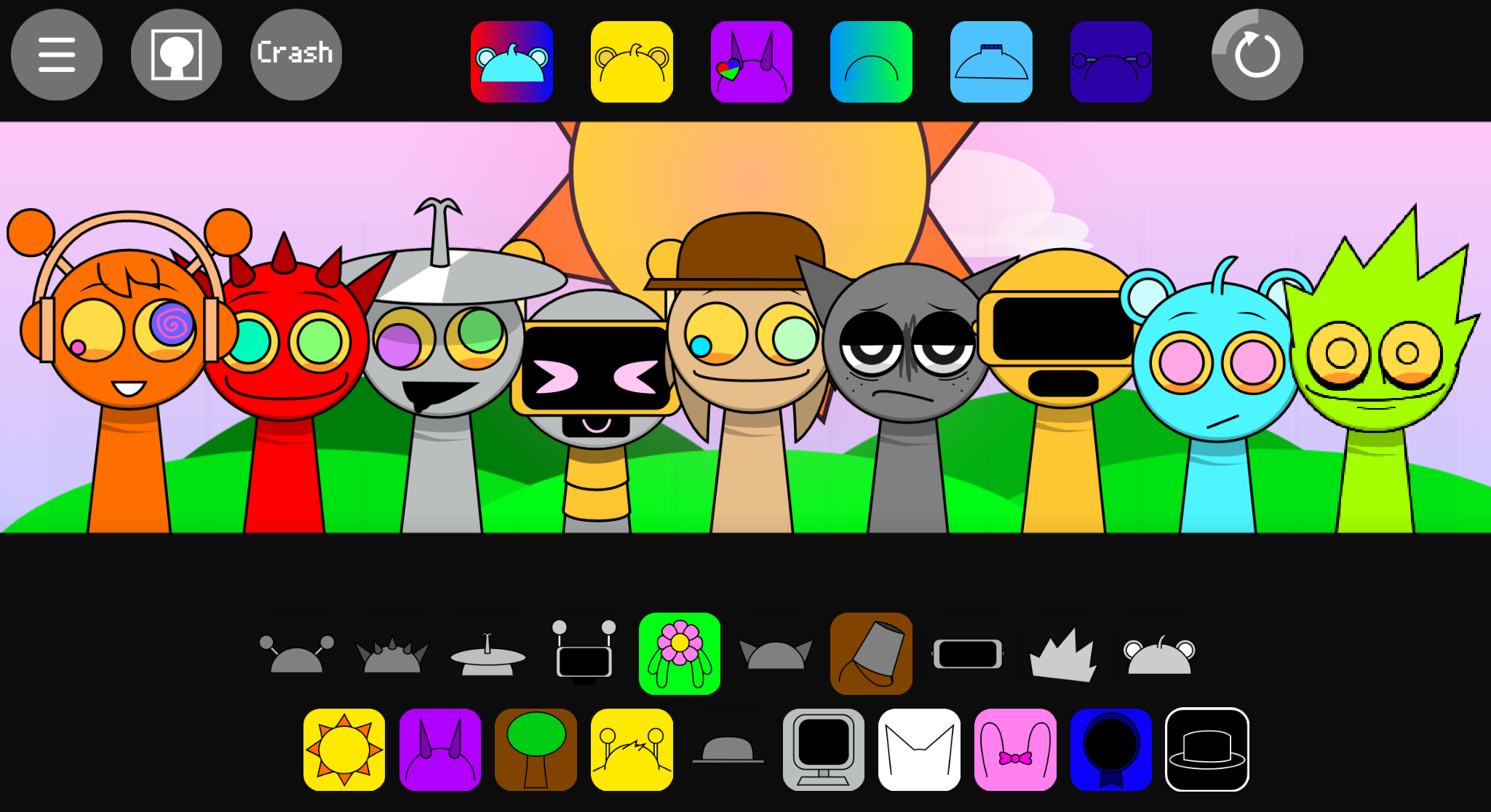
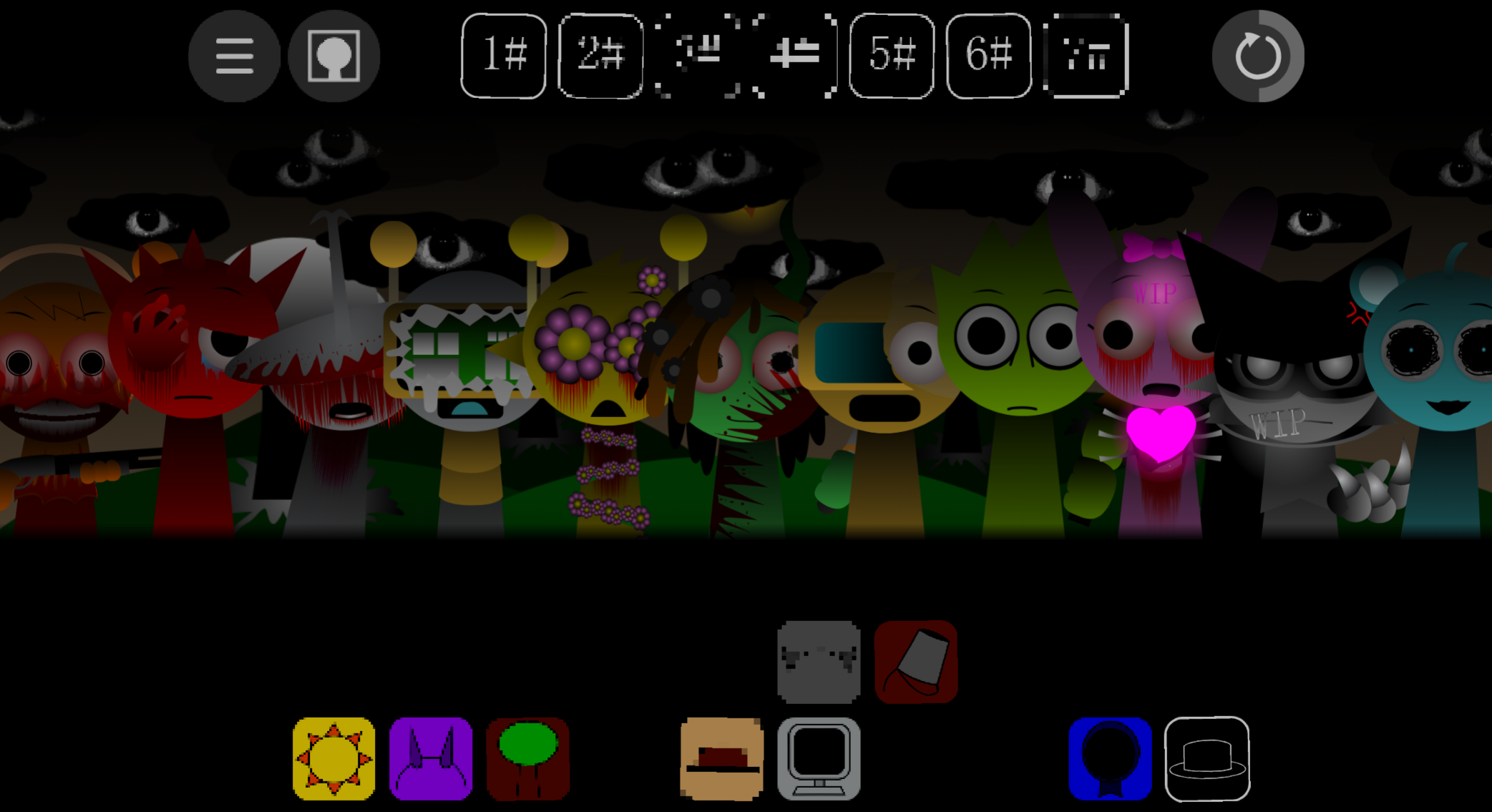
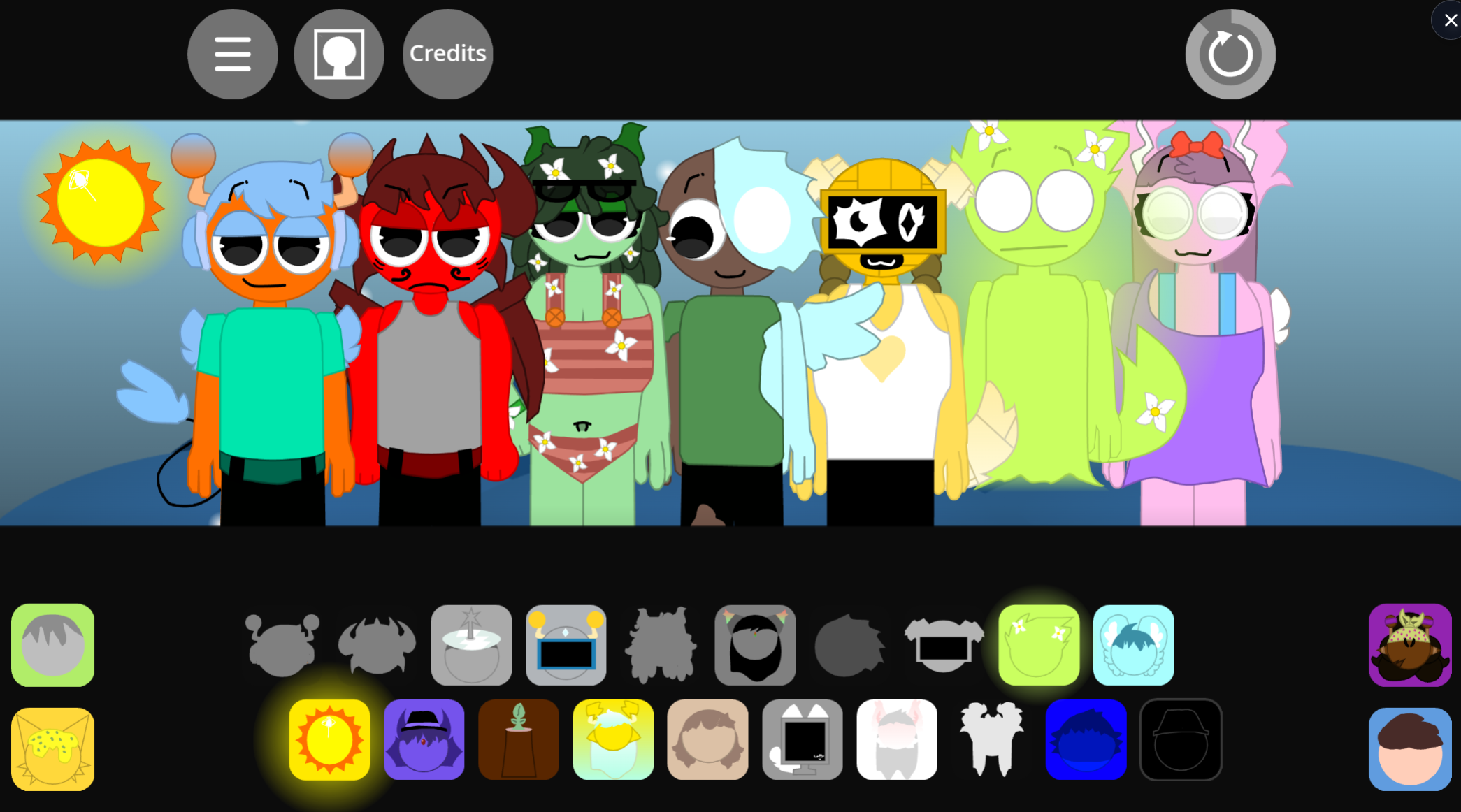
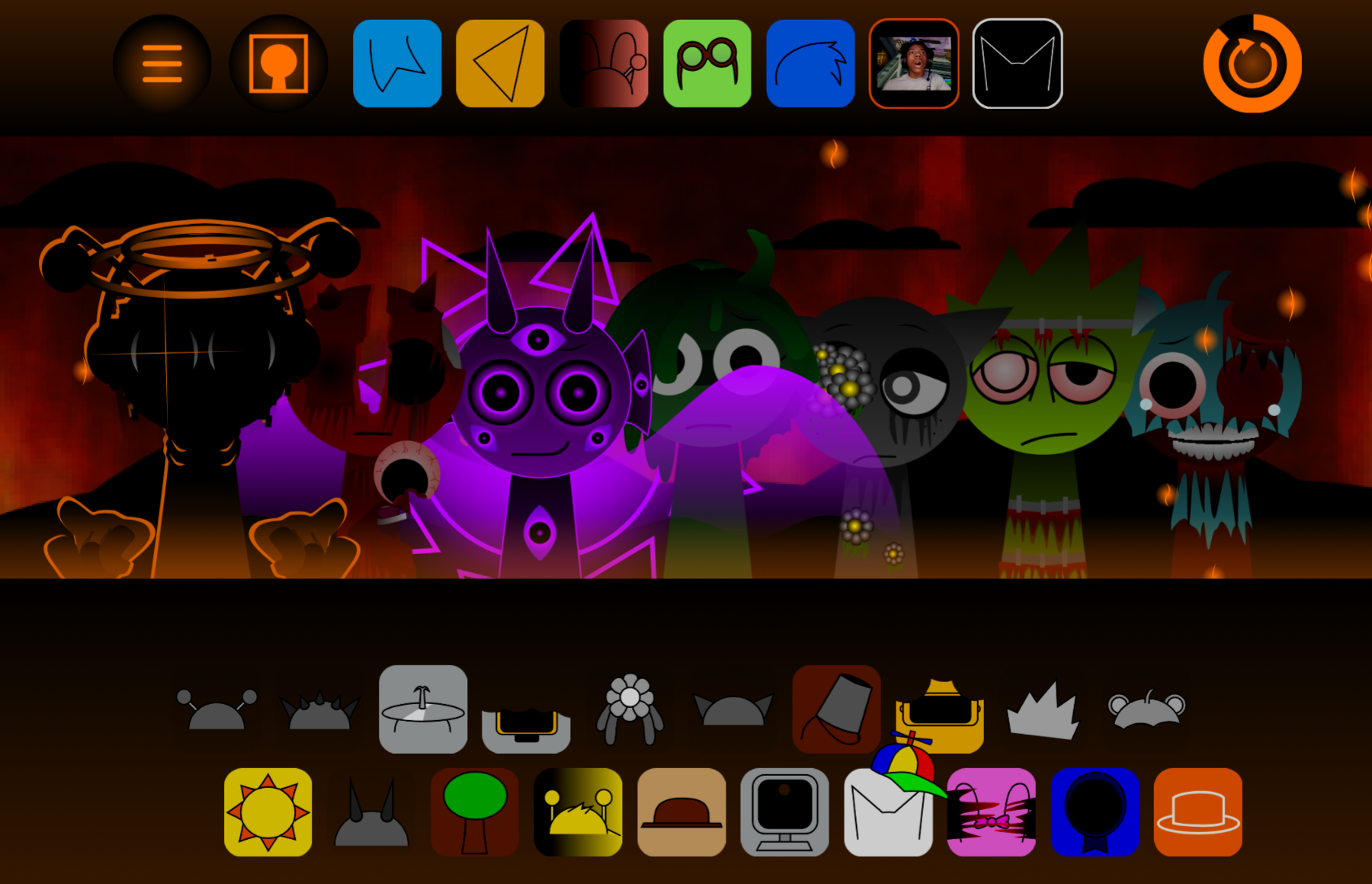
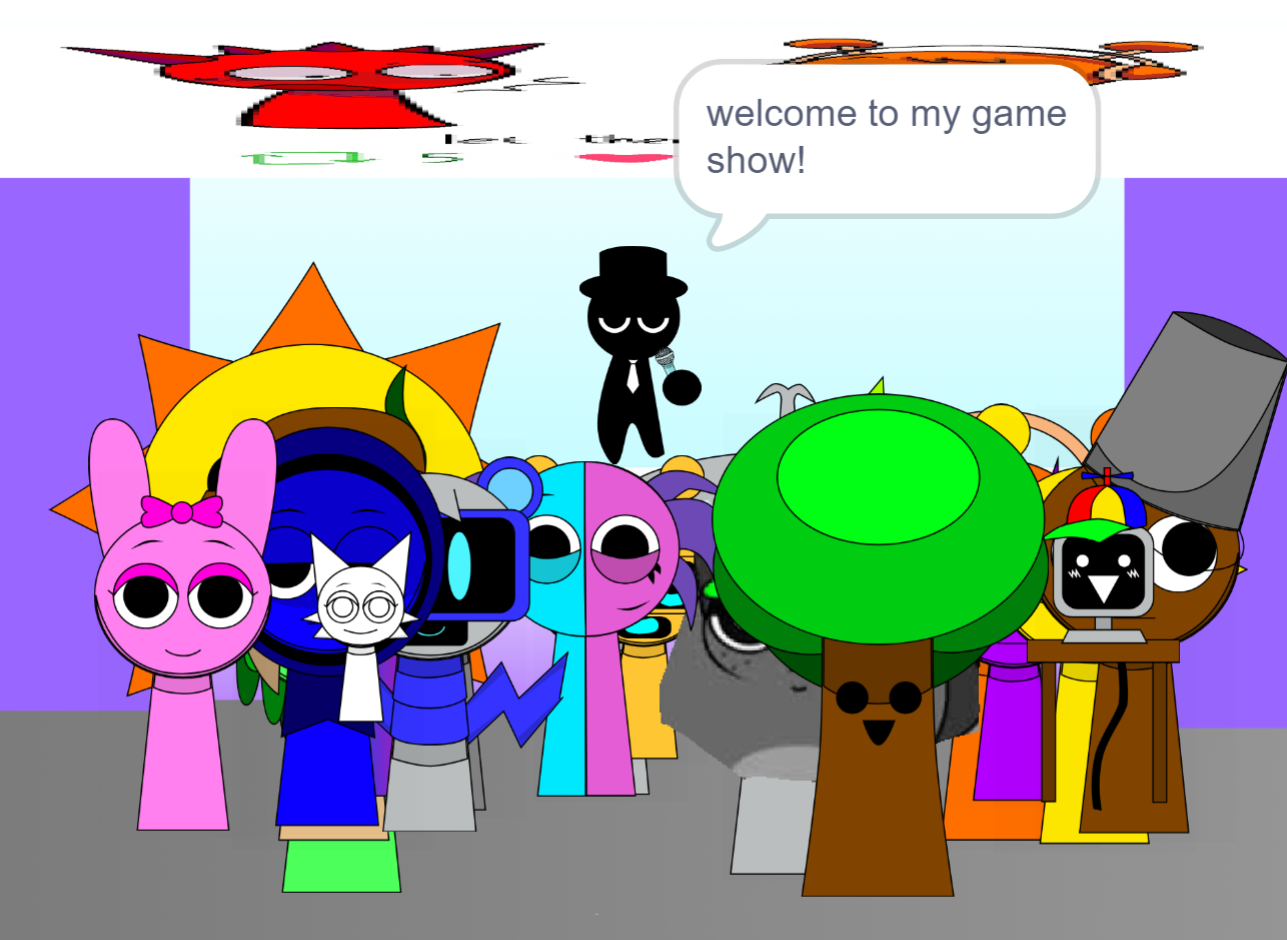
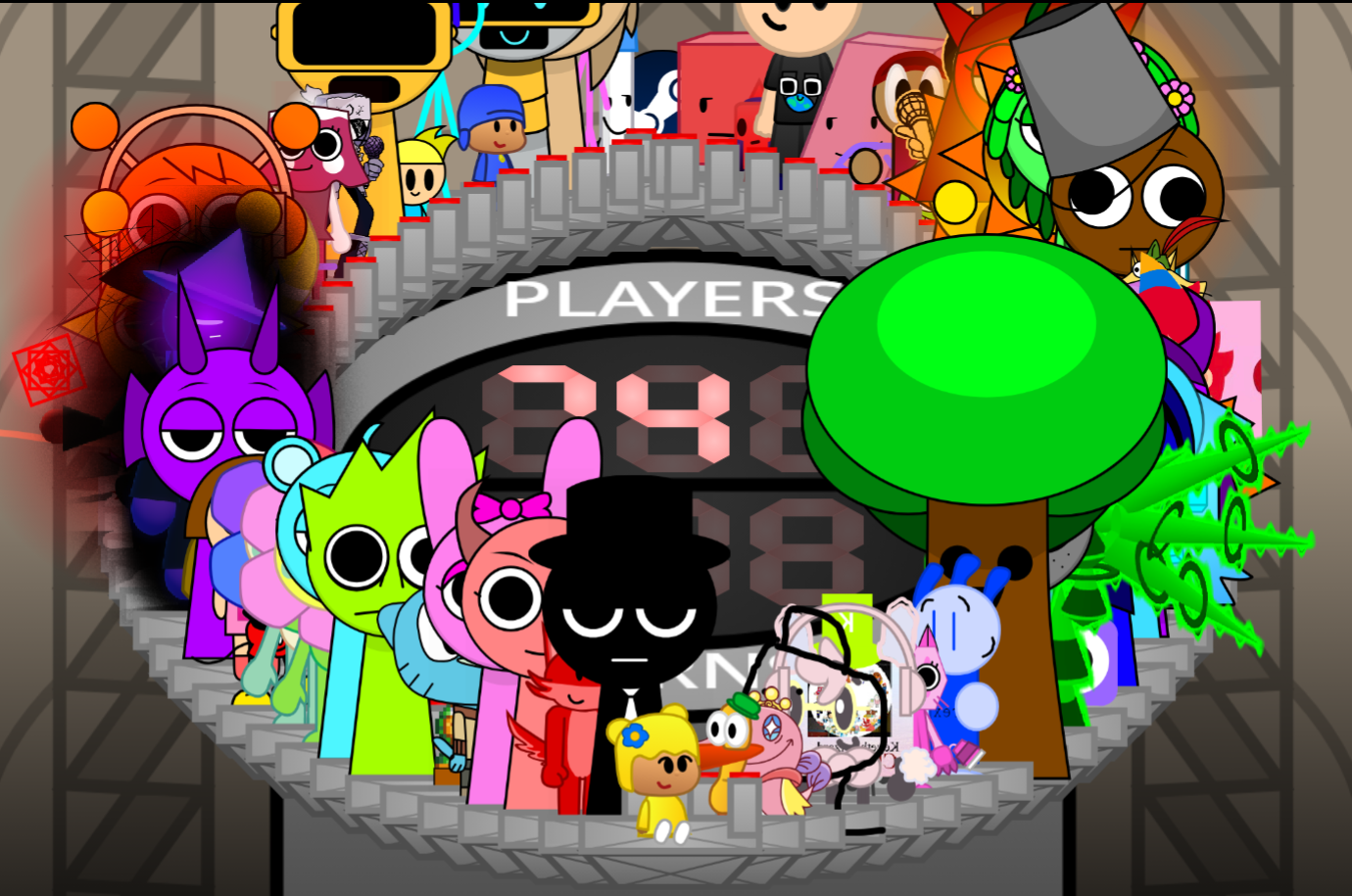
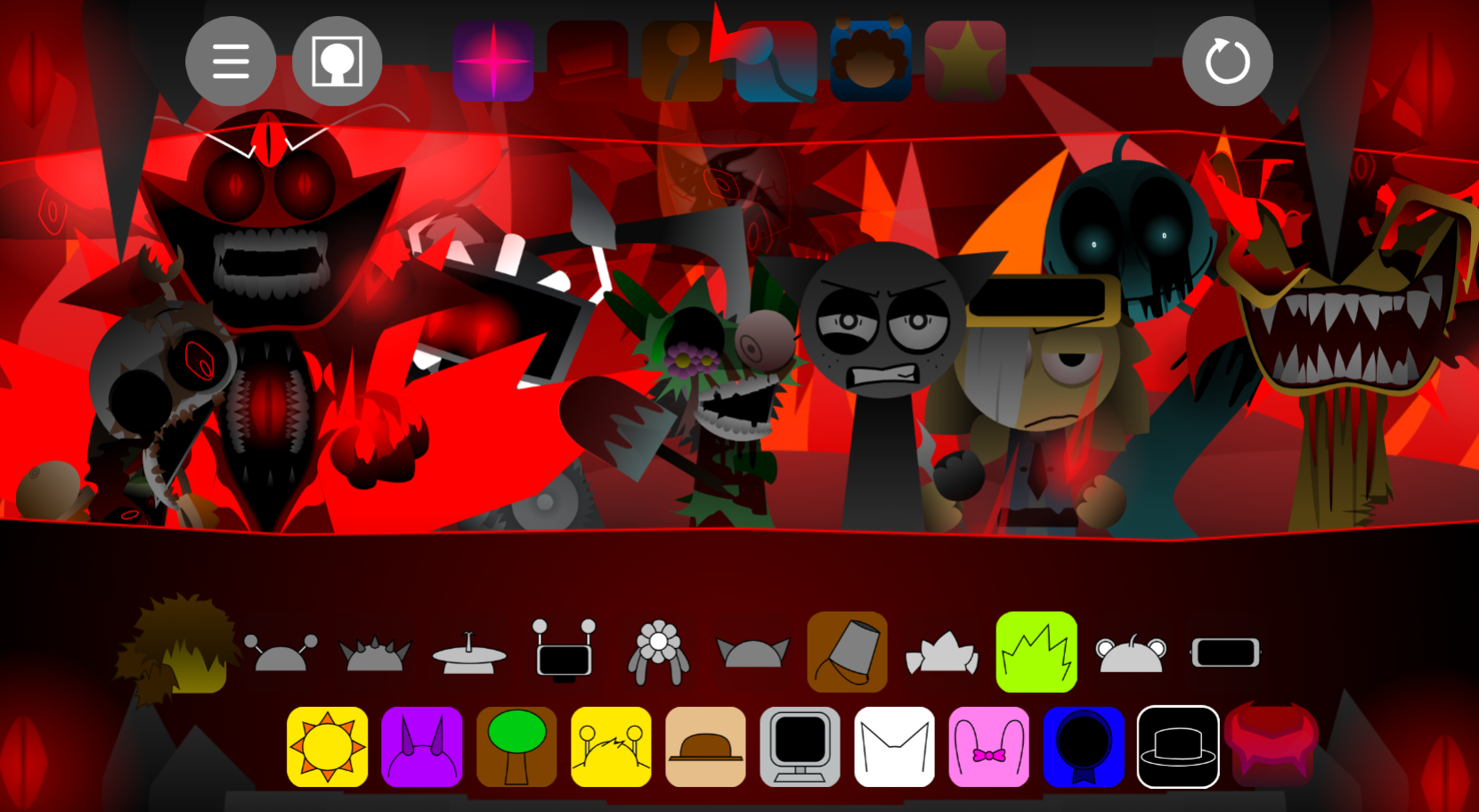
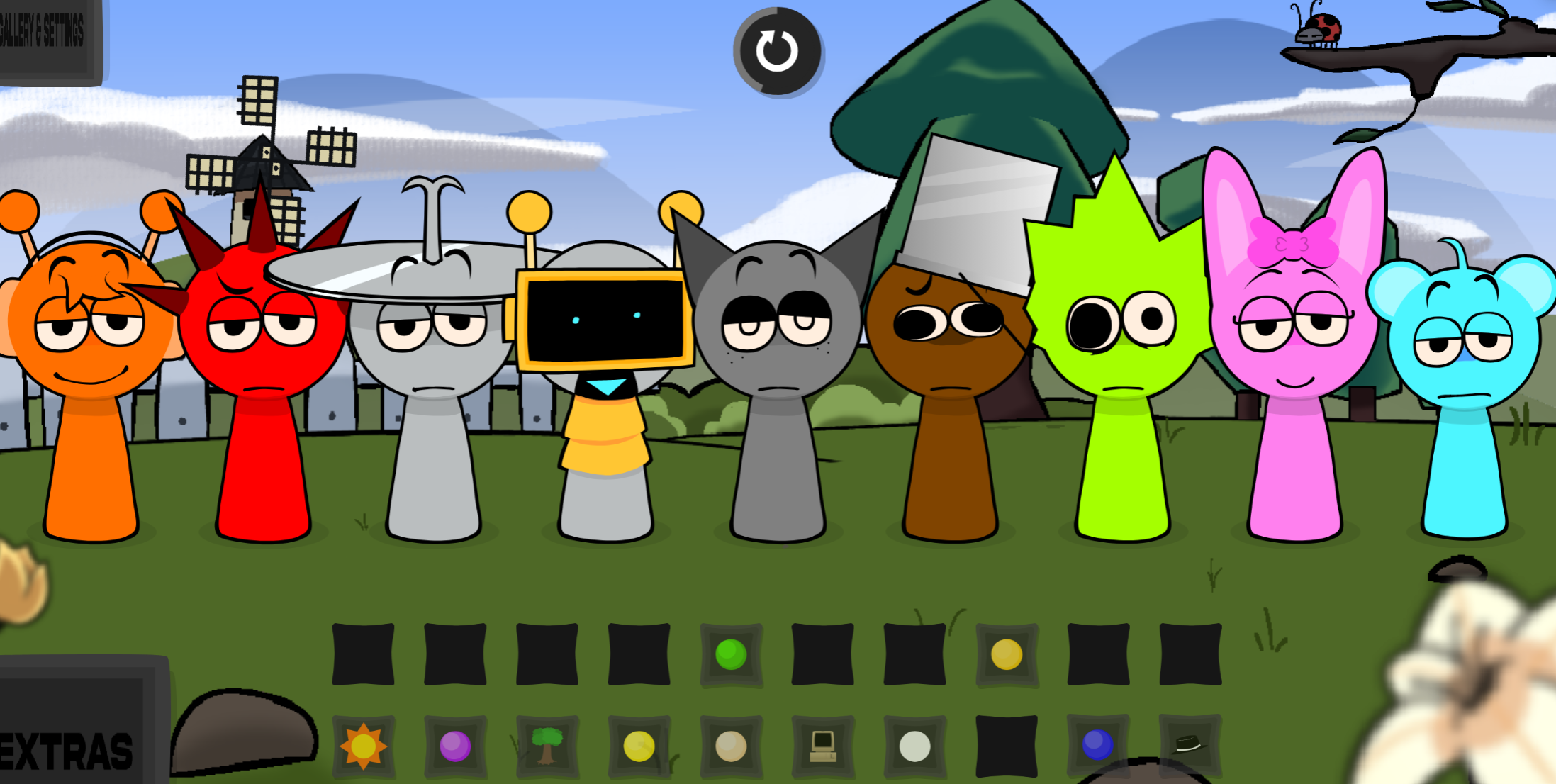
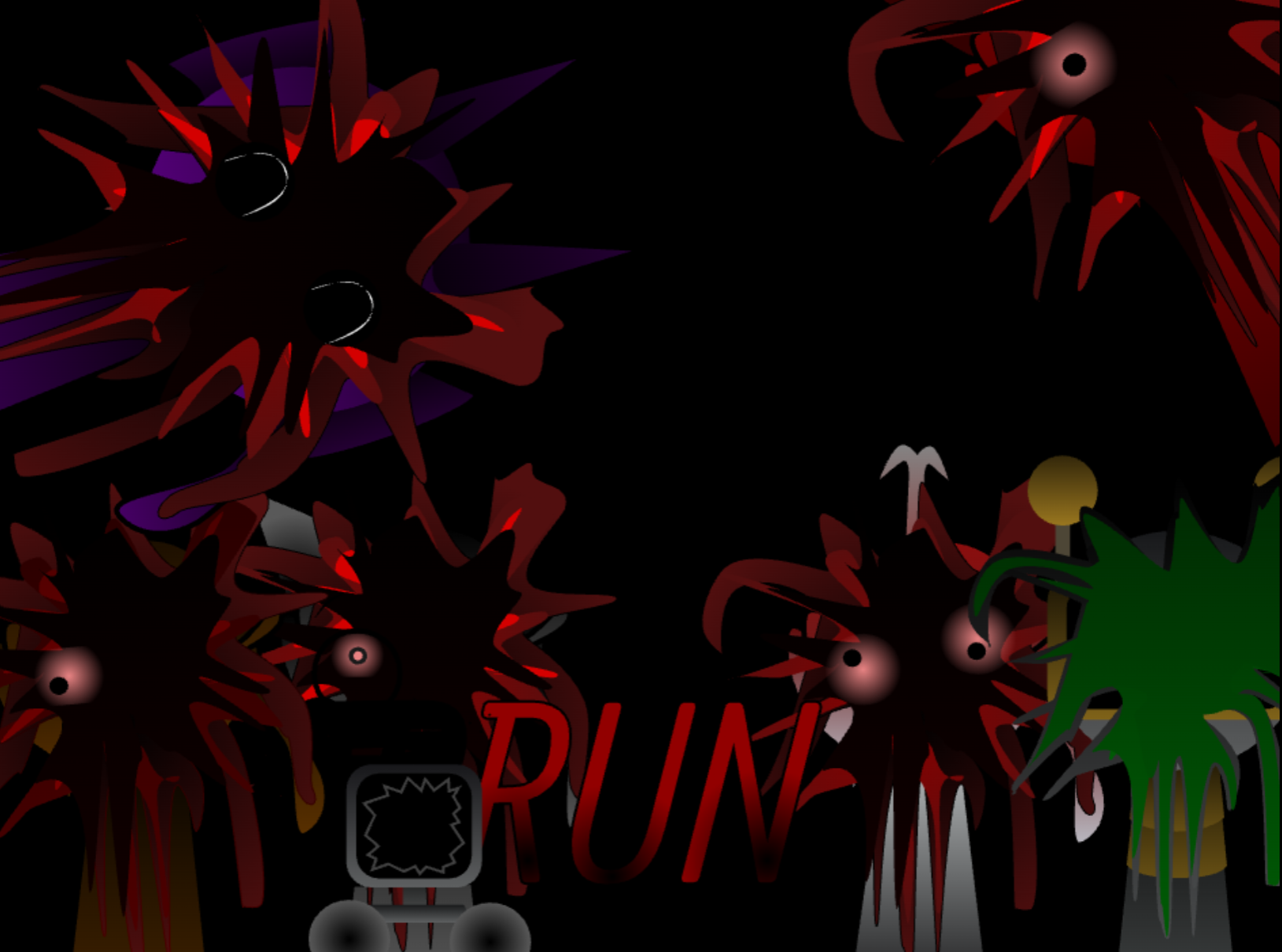
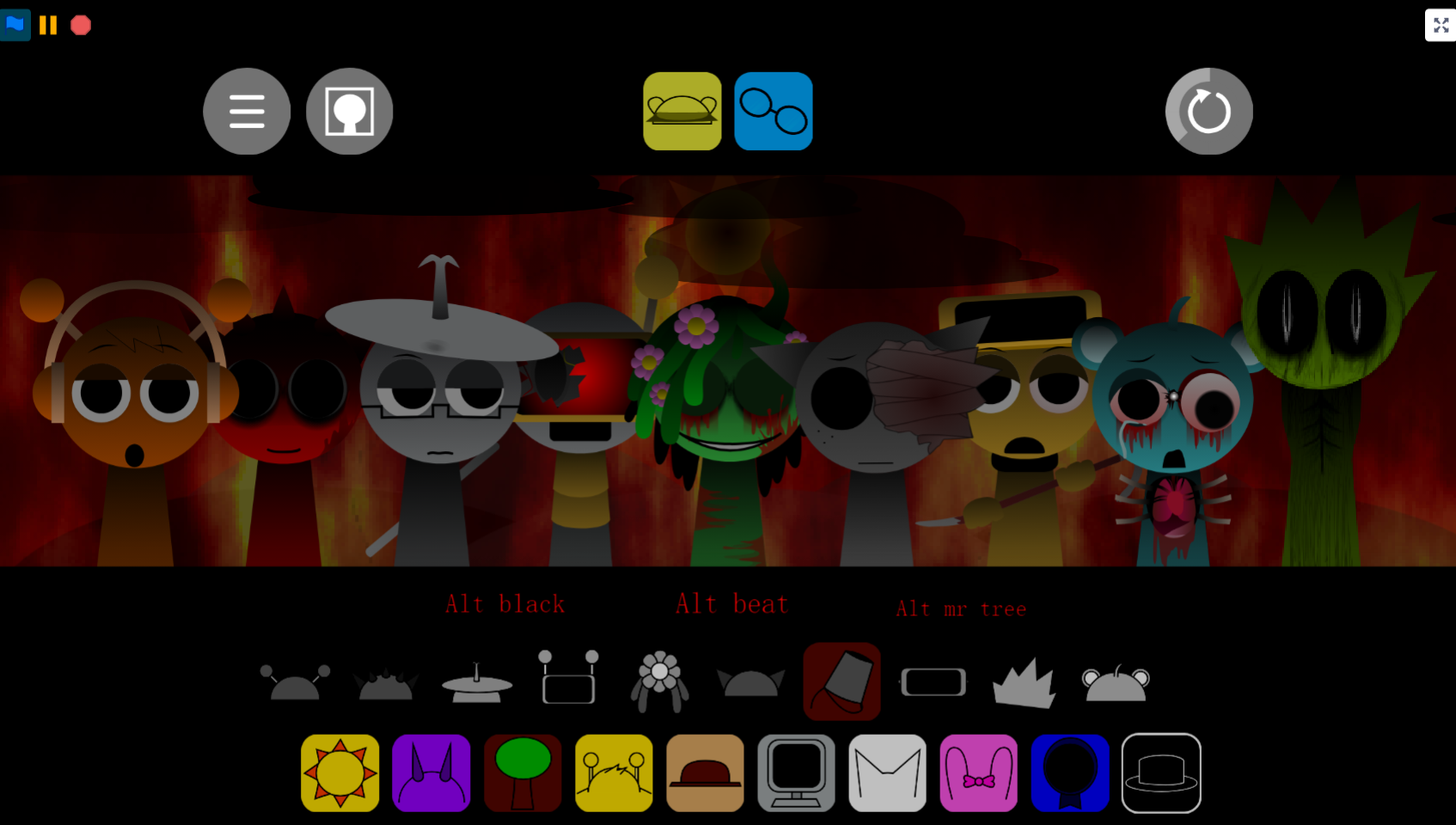
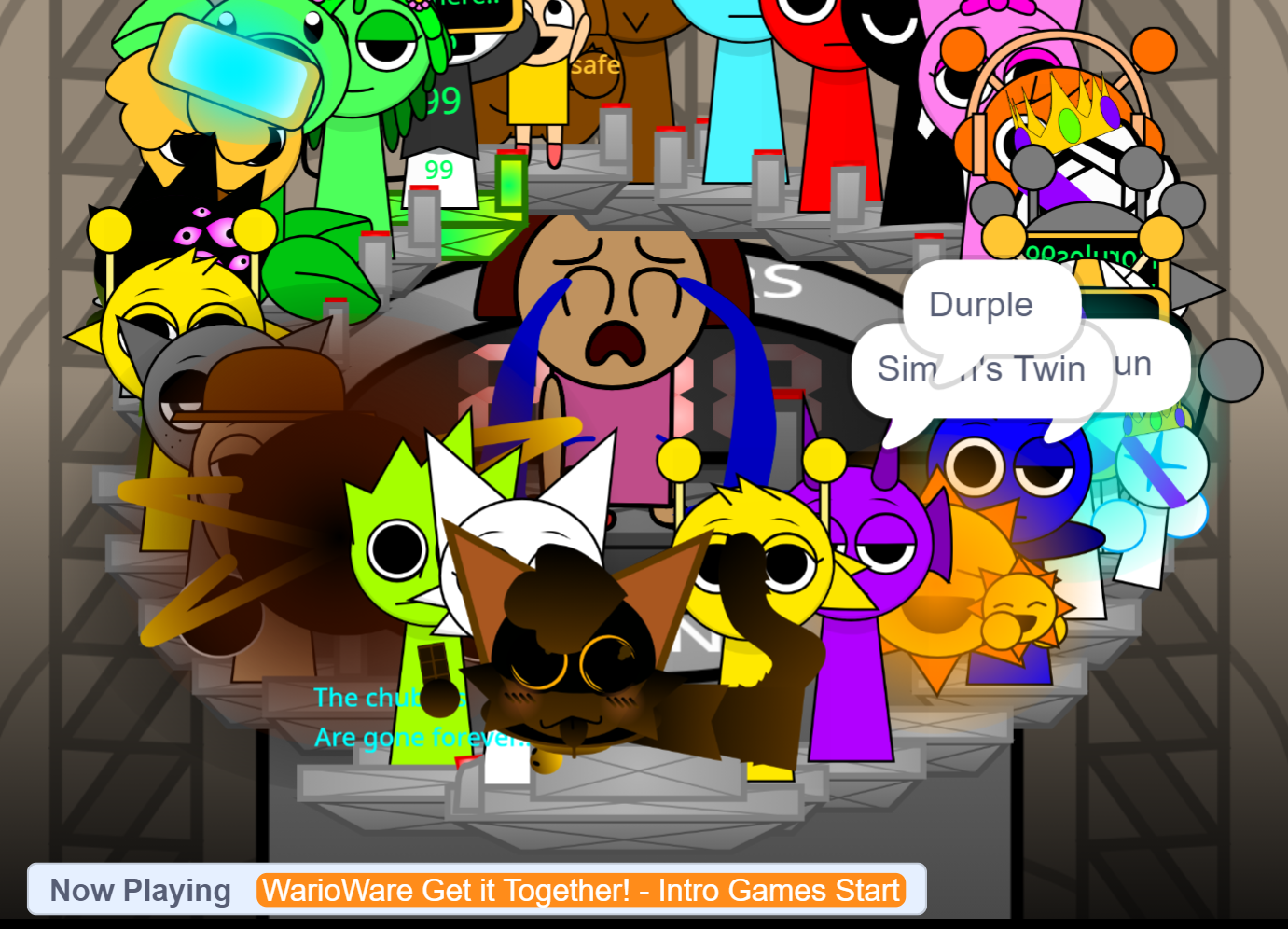
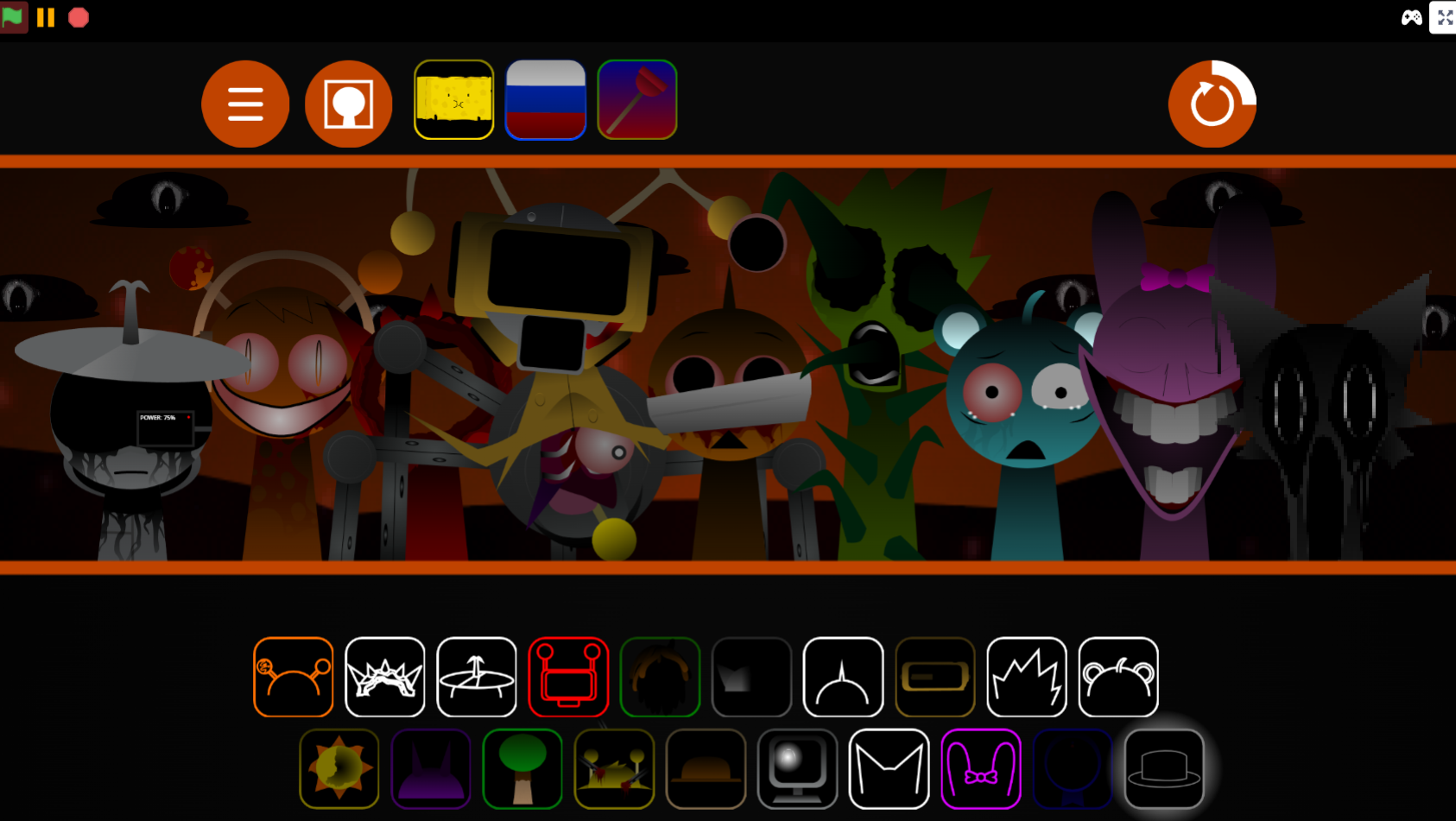
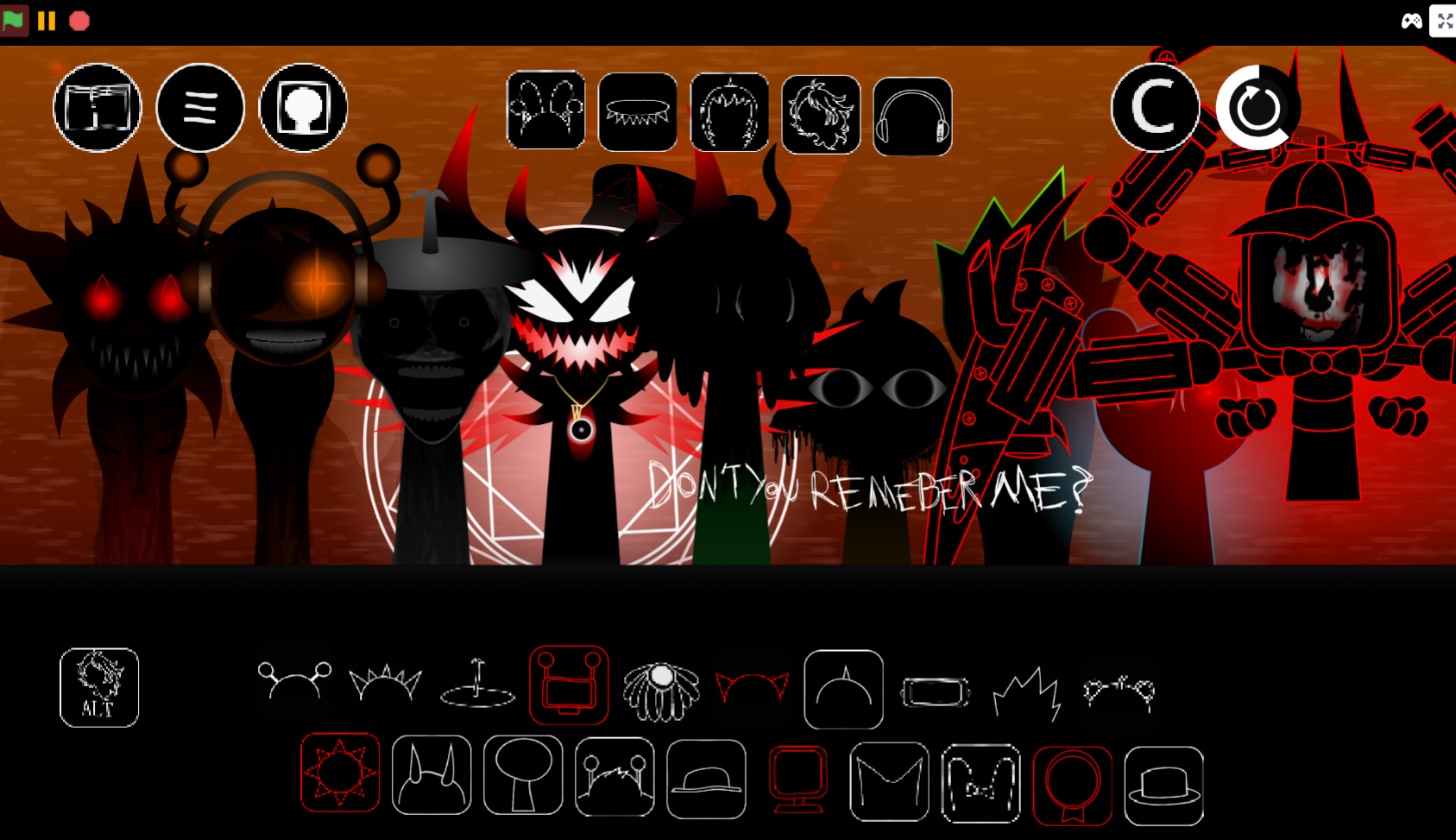
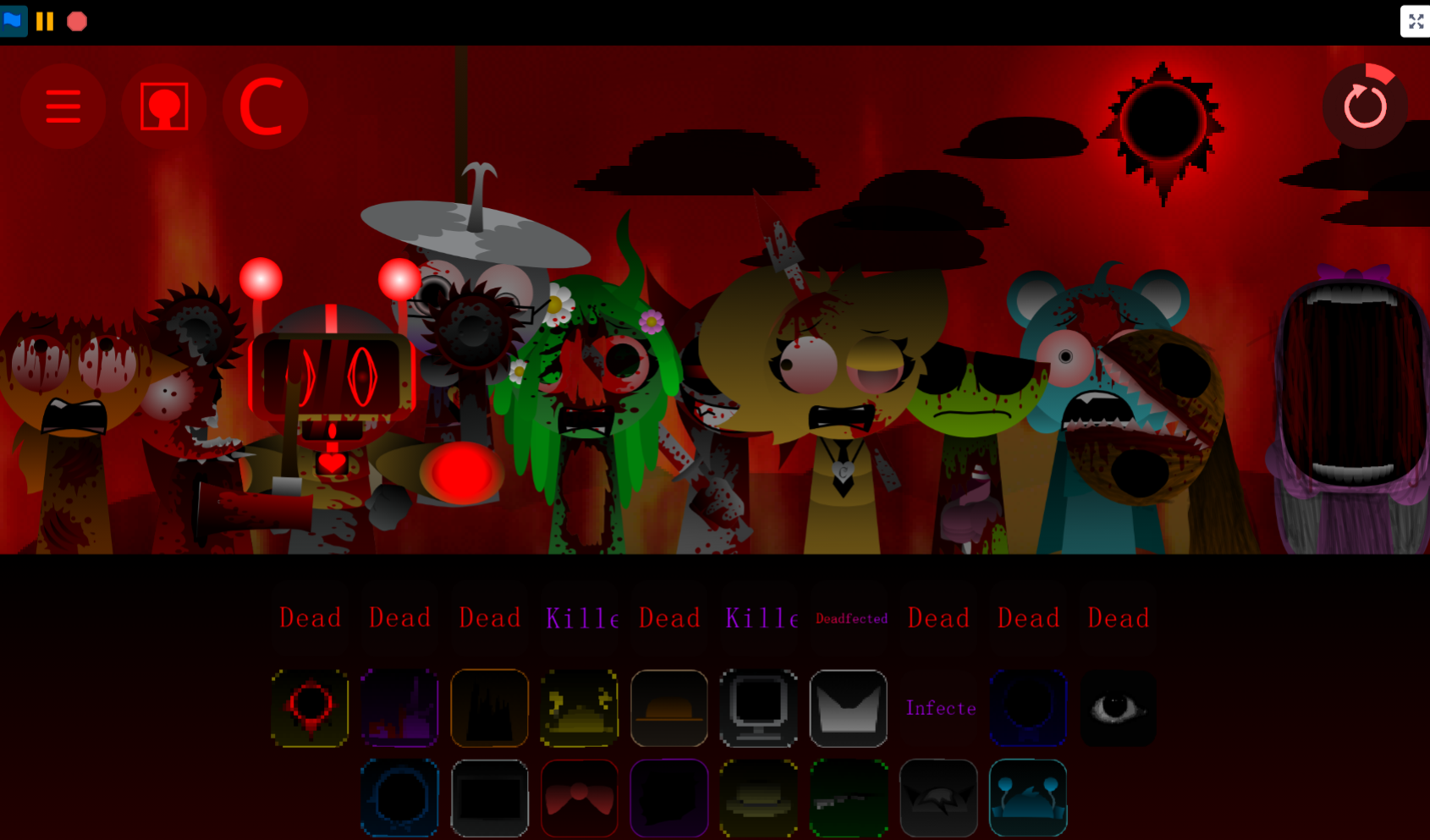
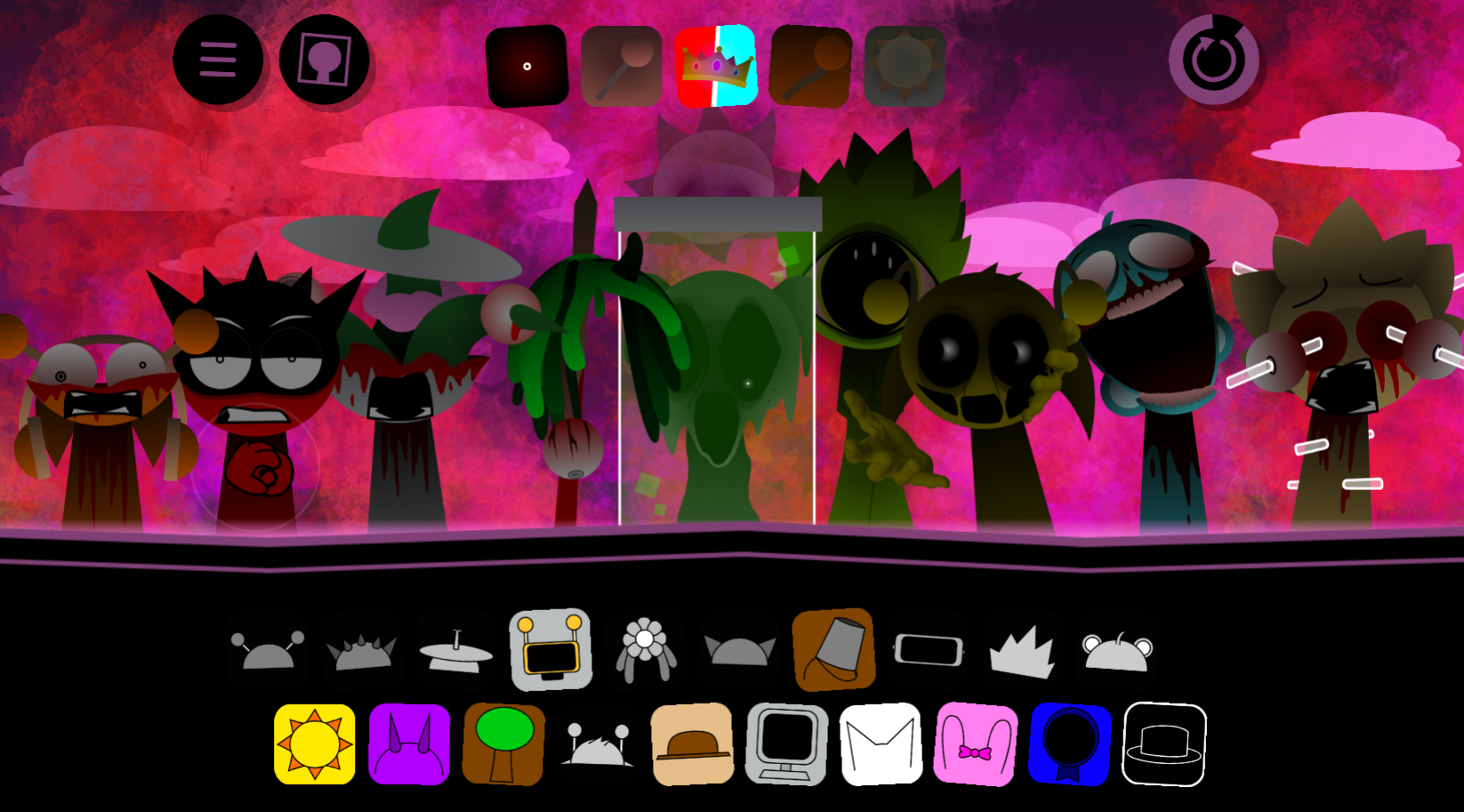
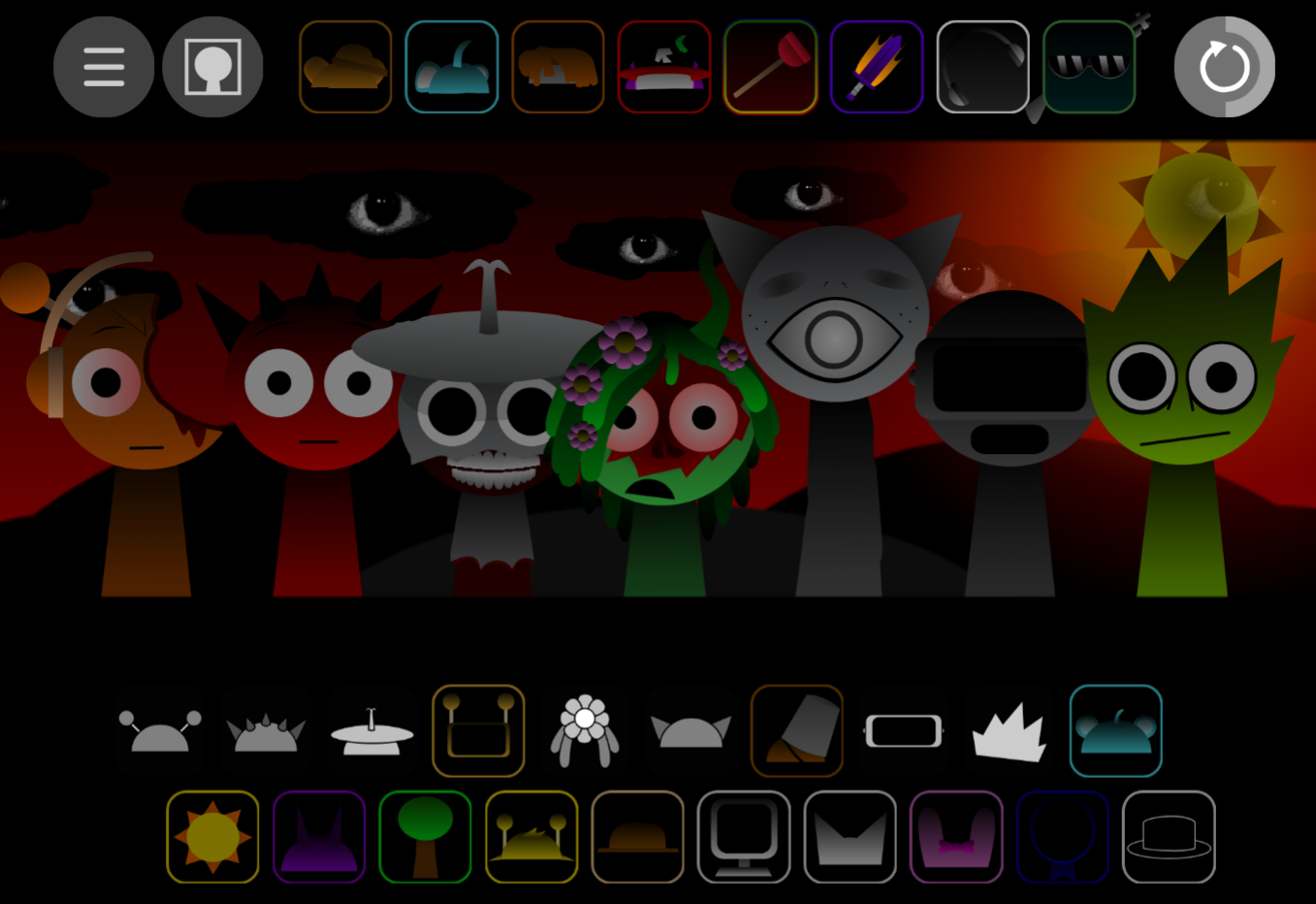
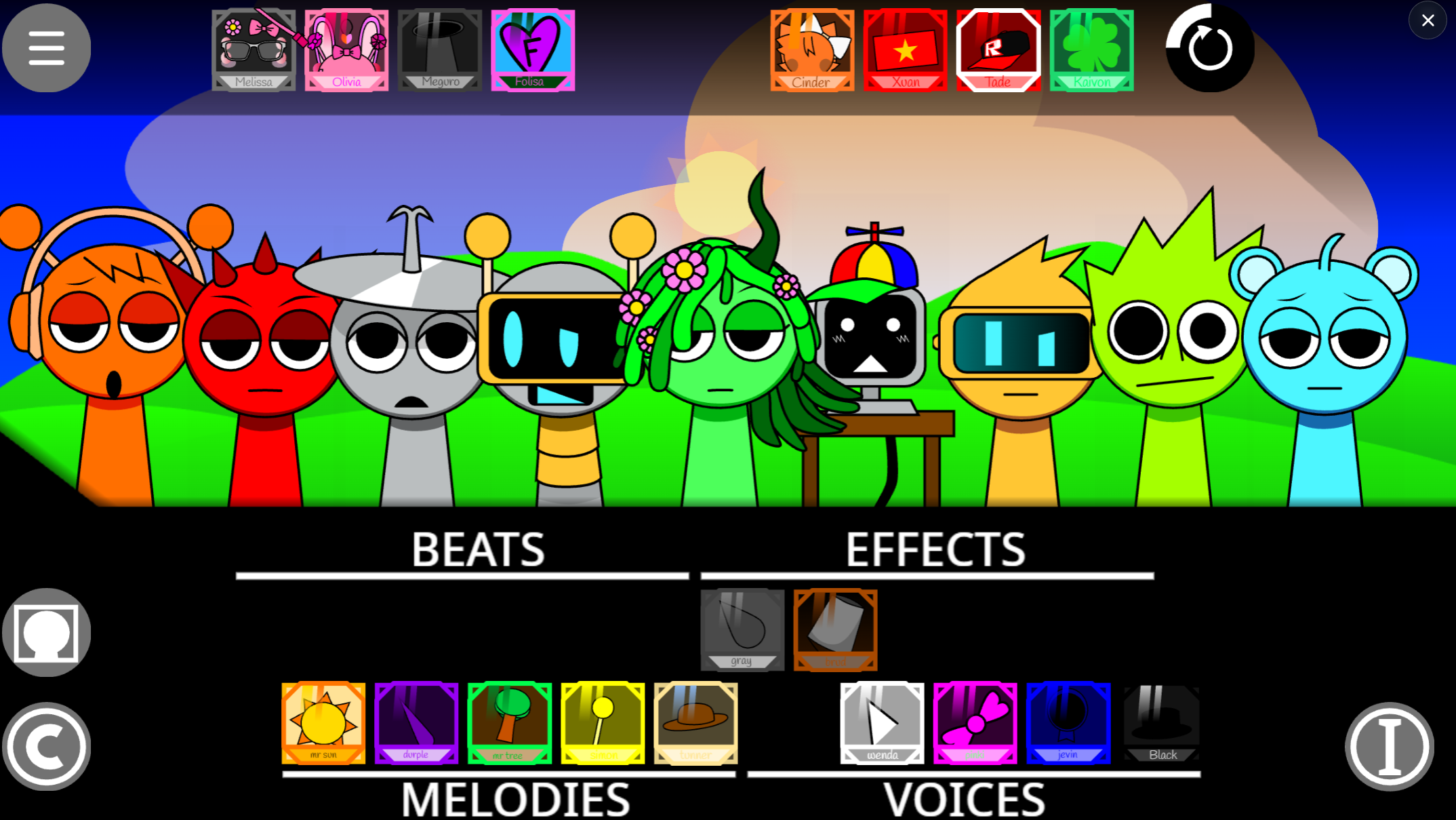
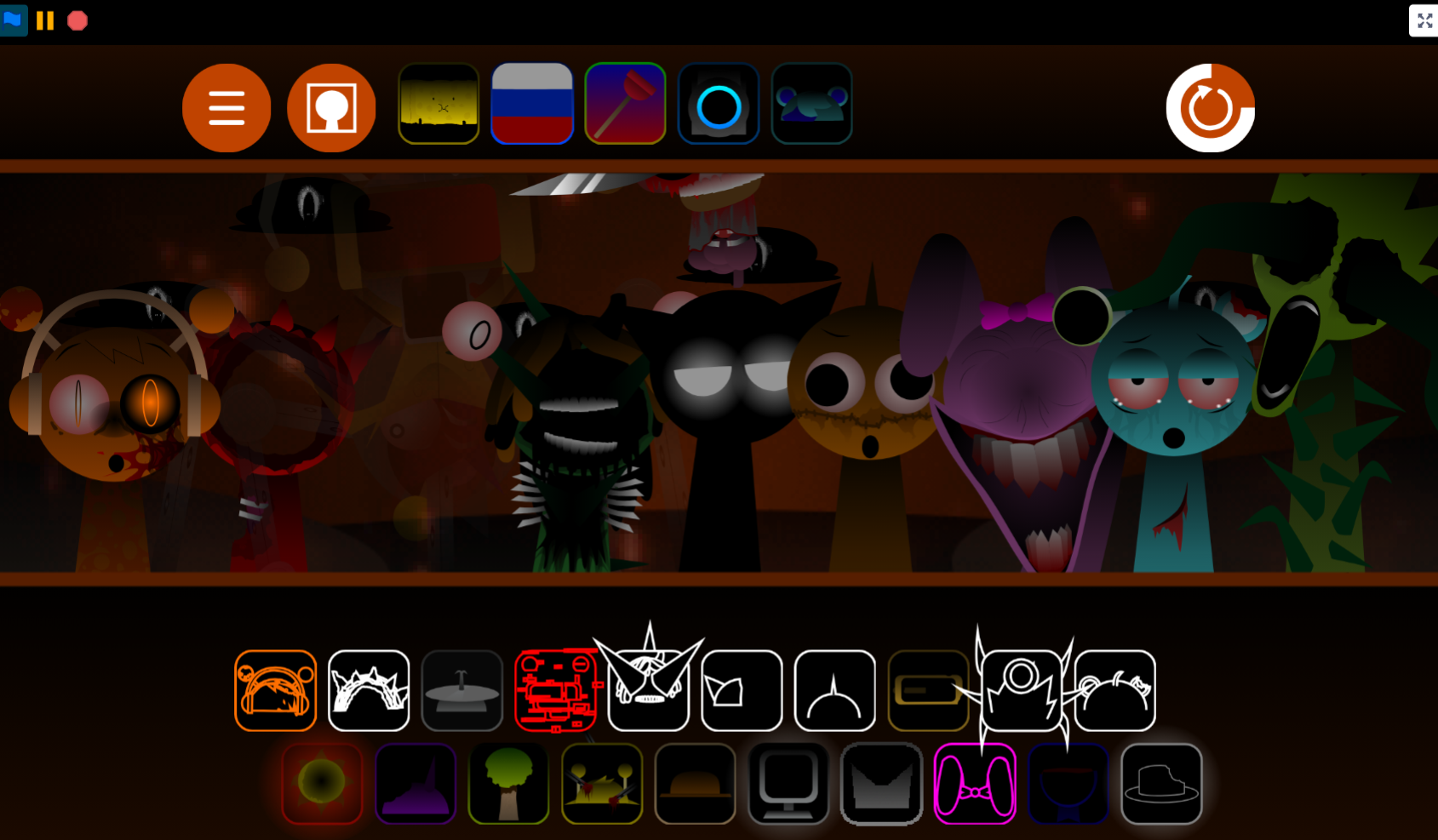
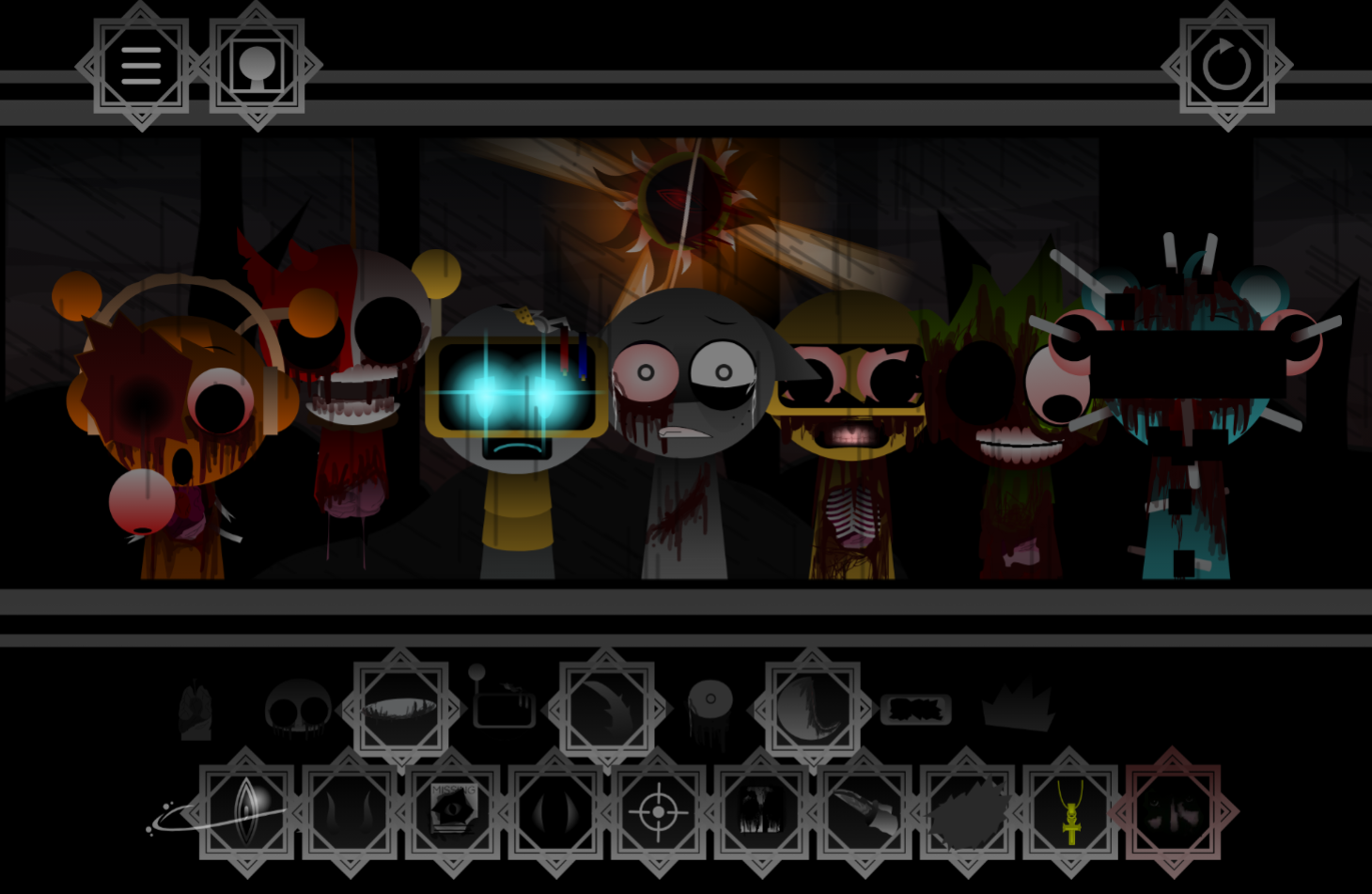
Incredibox Sprunki Wenda Treatment Phase 3 is a fan-made modification of the popular music creation game Incredibox, featuring the character Wenda in a distinct third-phase visual and audio style.
The treatment phases in Sprunki mods typically transform characters with darker, horror-influenced aesthetics while maintaining the core drag-and-drop beatboxing mechanics that made Incredibox accessible to players of all ages. What sets Phase 3 apart is how it balances the mod’s signature unsettling atmosphere with playable musical loops—Wenda’s sounds integrate into full compositions without breaking the rhythm-building flow that keeps players experimenting.
This article walks through what Phase 3 actually changes, how Wenda’s character fits into the broader Sprunki narrative, and which combinations produce the most coherent tracks when you’re ready to play beyond the visual shock value.
What Is Incredibox - Sprunki (Wenda Treatment Phase 3)?
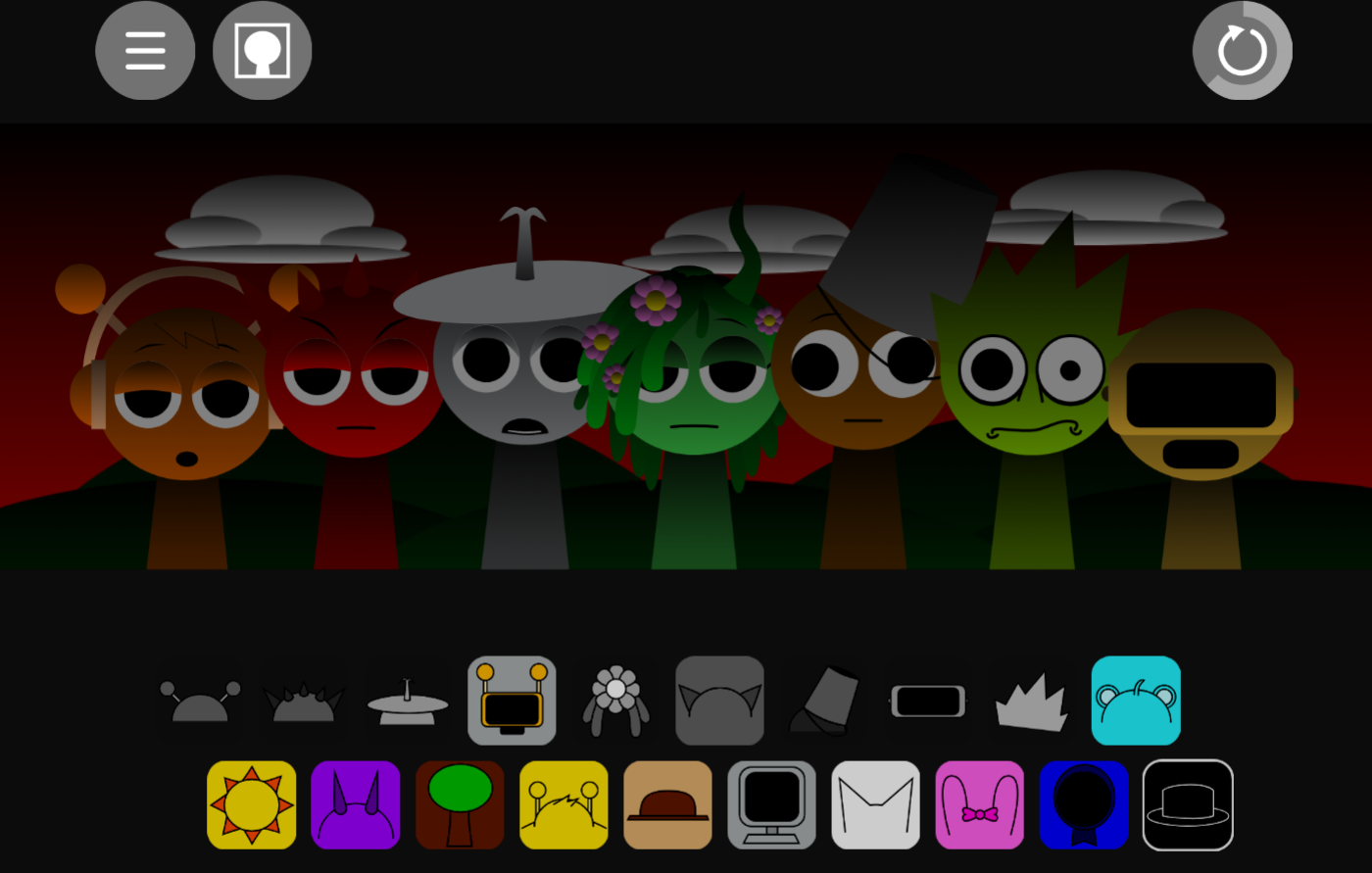
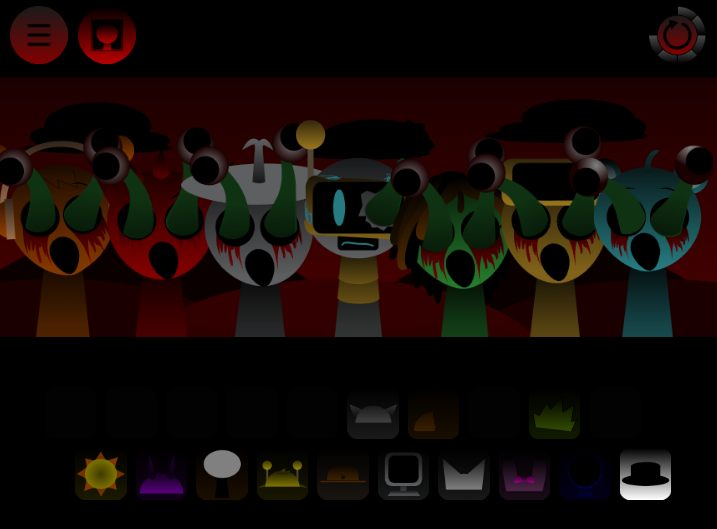
Incredibox Sprunki: Wenda Treatment Phase 3 is a fan-made Sprunki mod by SammyTheOrangeGuy that uses the Incredibox format of assigning sound icons to performers, but shifts the presentation toward darker, glitchier territory. You drag audio icons onto seven cartoon beatboxers, building tracks from distorted vocals, low hums, erie effects, and heavy rhythms instead of the usual cheerful loops.
Phase 3 belongs to the wider Wenda Treatment line and centers on Characters, Sounds, a Gallery, and Bonuses. The Bonuses section is described as a “what-if” area with optional or speculative material outside the main phase. Documentation is still under construction, so not every sound or character detail is fully explained. Approach it as an exploratory phase: place audio layers, watch the visual reactions, and create a track that fits the unsettling mood.
This HTML5 mod was created by SammyTheOrangeGuyAgain and Mr.Simon! as a story-driven phase variant focusing on Wenda’s eerie lore. It fits into the community’s love for dark, atmospheric music-mixing games that push beyond the original formula. The mod is officially discontinued, meaning what you see is the final version with no future updates planned.
How to Play Incredibox - Sprunki (Wenda Treatment Phase 3)
Open the Wenda Treatment Phase 3 mod and start by listening to available loops—notice the distorted rhythms, glitchy effects, and eerie vocals that define the phase.
Drag a sound icon onto a character.
Each icon activates a beat, voice, or effect and changes that performer’s animation. Character visuals help you track which sound is active.
Build the track gradually.
Start with a steady beat or simple loop, then add a contrasting layer. A vocal may work over a heavy rhythm, while a strange effect adds tension without overwhelming the mix.
Swap and remove sounds as needed.
If the track becomes too crowded, remove one layer before adding more. Leaving room for the most memorable sound often works better than using every slot.
Explore the extra sections.
The Characters, Sounds, and Gallery areas offer a closer look at the cast, audio assets, and visual material. The Bonuses menu may contain alternate content connected to the Wenda Treatment idea.
There are no objective-based progression systems. Your main goal is experimentation: test combinations, refine the arrangement, and find the version of the dark Wenda sound you prefer. Once you craft a track you like, use the share button in the top right corner to generate a custom link.
Features of Wenda Treatment Phase 3
Dark Wenda-focused sound design:
Emphasizes unsettling loops, distorted vocals, low tones, and glitchy rhythm layers with a more ominous mood than standard Sprunki mixes.
Character-driven presentation:
Wenda remains central to the phase’s identity, while animations make each activated part feel connected to a particular character rather than anonymous sound slots.
Dedicated Sounds and Gallery sections:
Separate areas let you compare sound layers, character designs, and imagery beyond the main mixing screen.
”What-if” Bonuses area:
Contains alternate or hypothetical material rather than only core Phase 3 content.
Manual mixing without autoplay:
No automated shortcuts, extra rewards, or leaderboards. You manually swap icons to find the balance of eerie noise and steady rhythm.
An evolving fan project:
Reference material remains under construction, so the known feature list may expand over time.
Beginner Mixing Guide
For Beginners, avoid filling every slot immediately. Let one stable sound establish direction, then use a few carefully chosen layers to create contrast.
Choose a base layer.
Find the beat, drone, or loop that feels most stable. Let it play alone so you understand its rhythm and mood.
Add one contrasting part.
Pair the base with a vocal, effect, or second rhythm that changes the texture. A simple beat with a distorted voice can be more effective than several competing sounds.
Build around the standout sound.
If a creepy effect or glitchy vocal is the most interesting element, make that the center. Add supporting parts instead of burying it beneath noise.
Watch the characters while you listen.
Animations are useful cues. They show which performer carries each sound and strengthen the visual side of the Wenda Treatment atmosphere.
Use trial and error.
Try changes, remove layers that clash, and keep the arrangement that produces the tense, distorted mood you want.
A clean track can use only two or three layers. In this phase, restraint often makes the eerie details easier to hear. Players who want to track the evolving glitch themes often compare this to Sprunki Wenda Treatment Phase 4. You can play around with different combinations on gosprunki.com to see how visual cues match up with the eerie audio layers.
Related Games
- Sprunki Wenda Treatment Phase 3 — Play the featured glitch-horror music mod to manually layer distorted beats and follow Wenda’s Phase 3 storyline firsthand.
- Sprunke: Wenda Treatment OC remix — This Wenda Treatment character remix is a natural follow-up for players who want another fan-made take on the same eerie, distortion-driven lore.
- Sprunki Phase 3 Reimagined New Start — Its reworked Phase 3 setting offers a closely related route for comparing how different Sprunki mods reinterpret dark story phases and sound combinations.
Enjoy!

Discuss Sprunki