
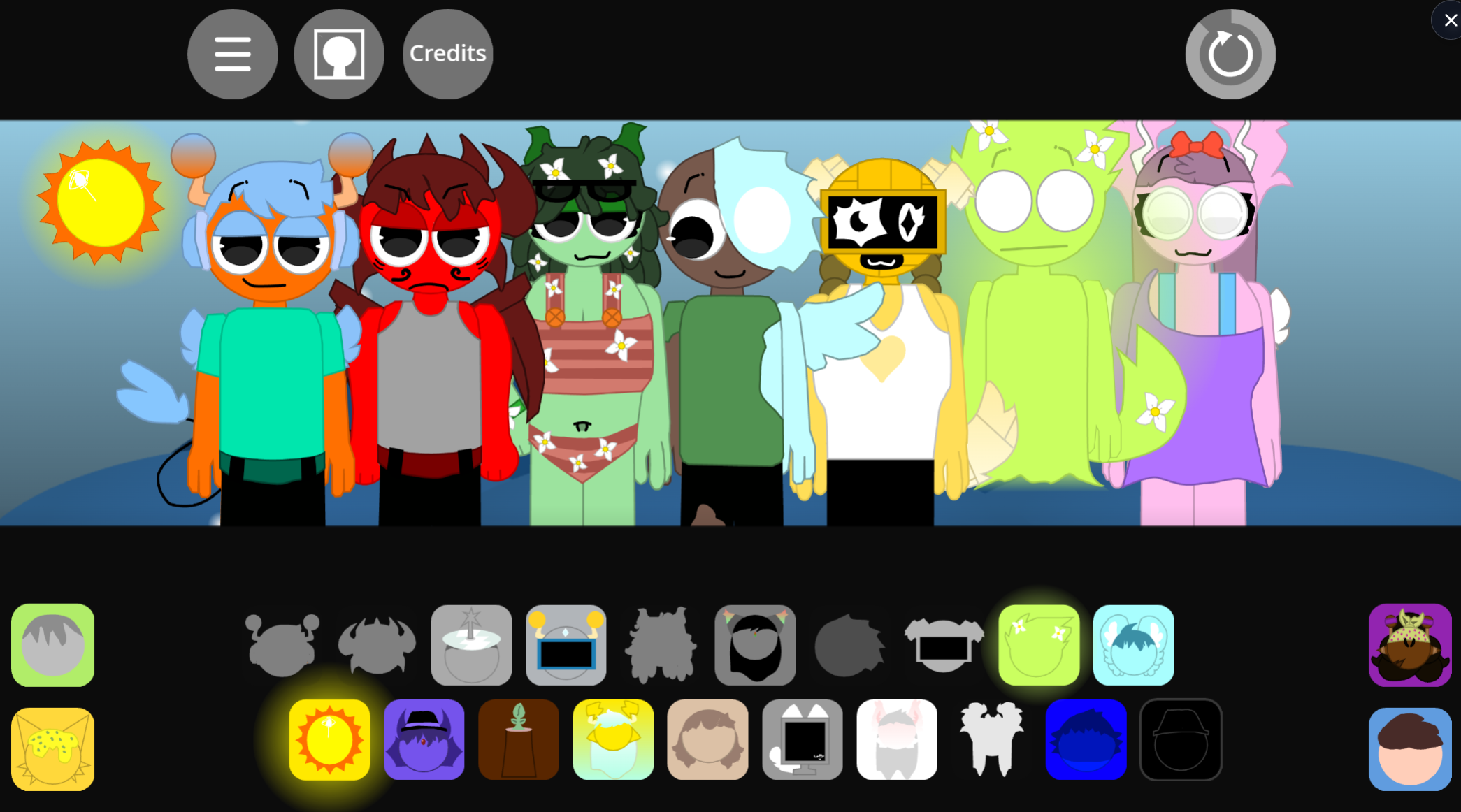



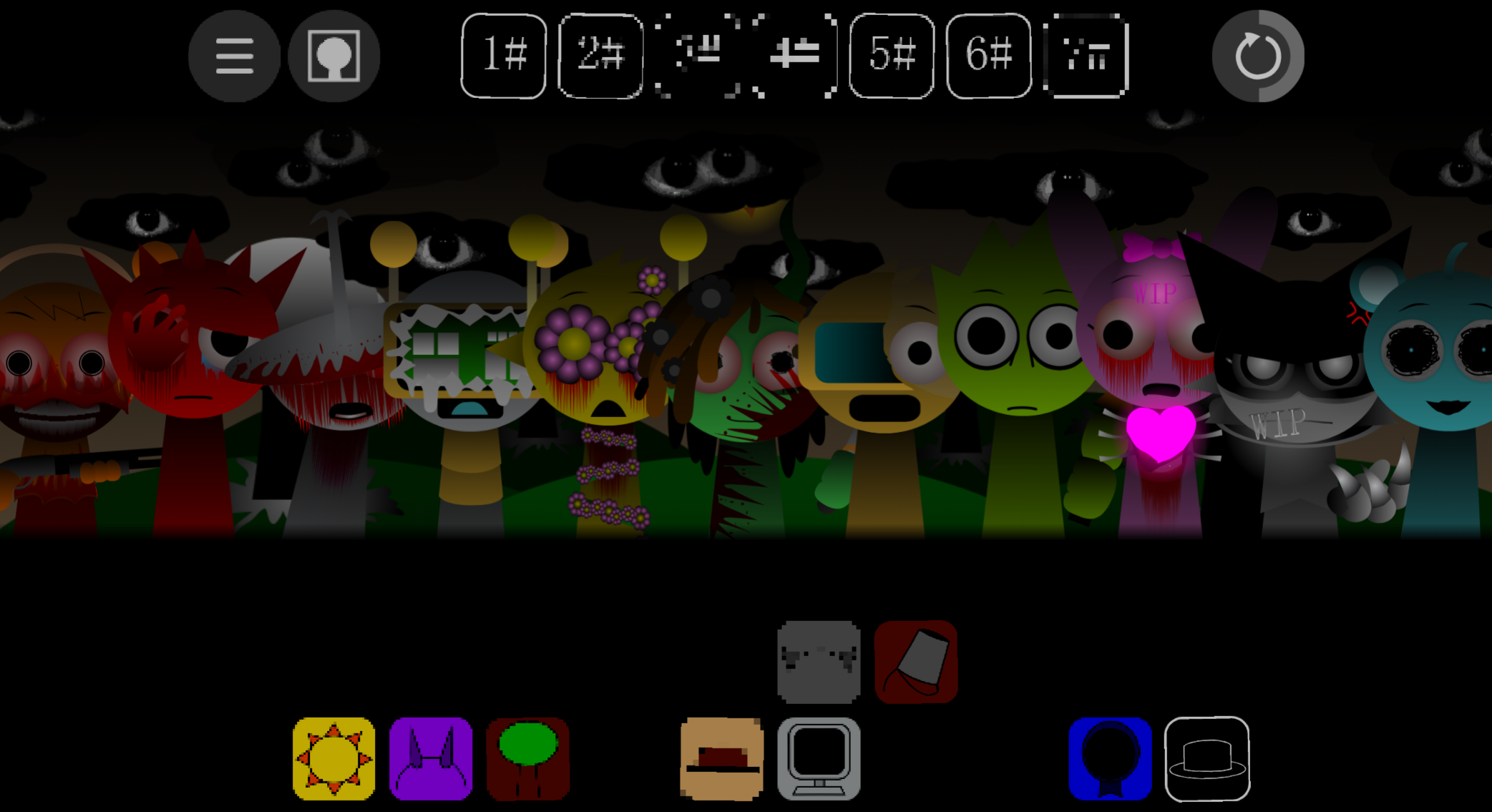
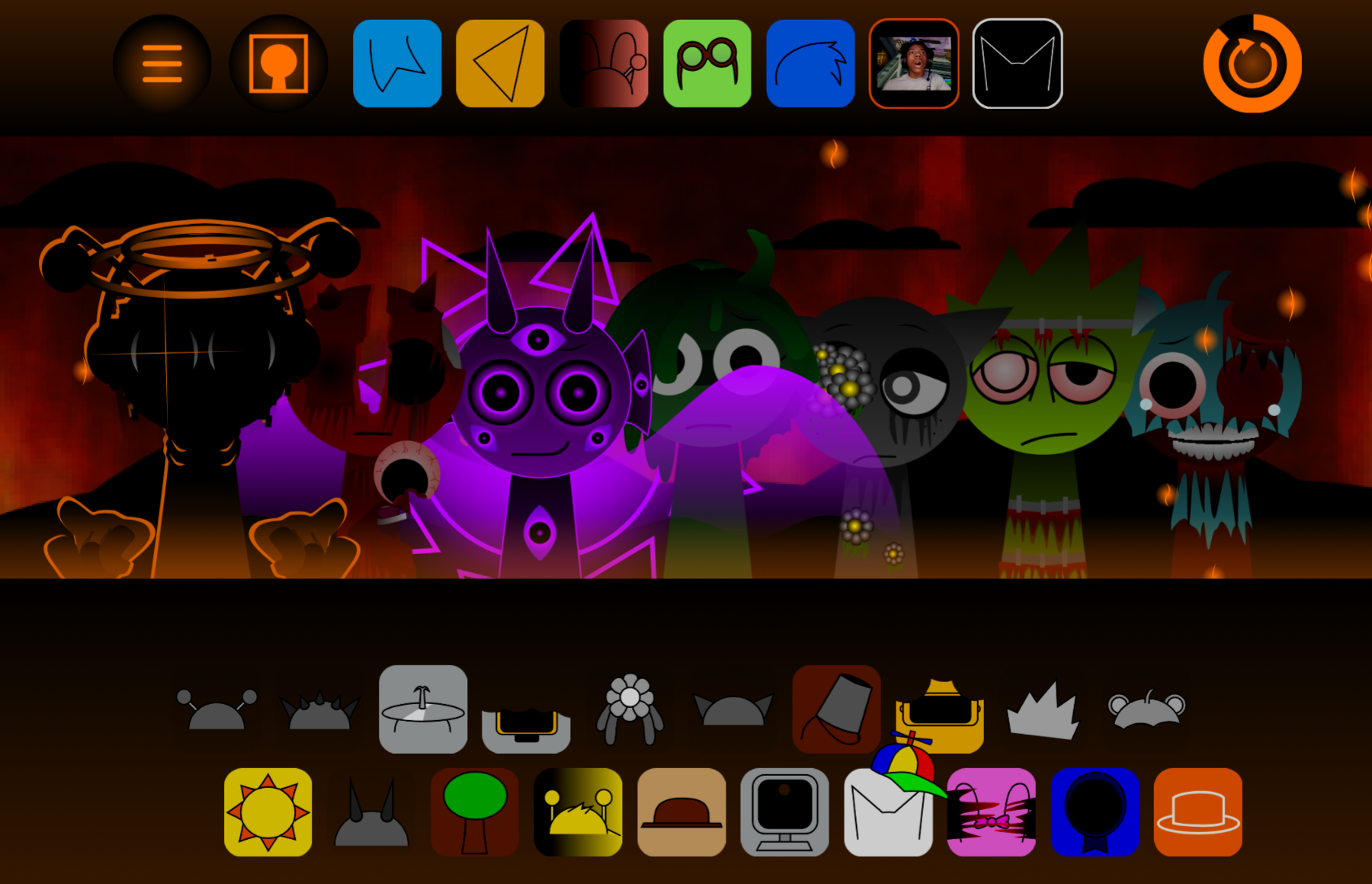
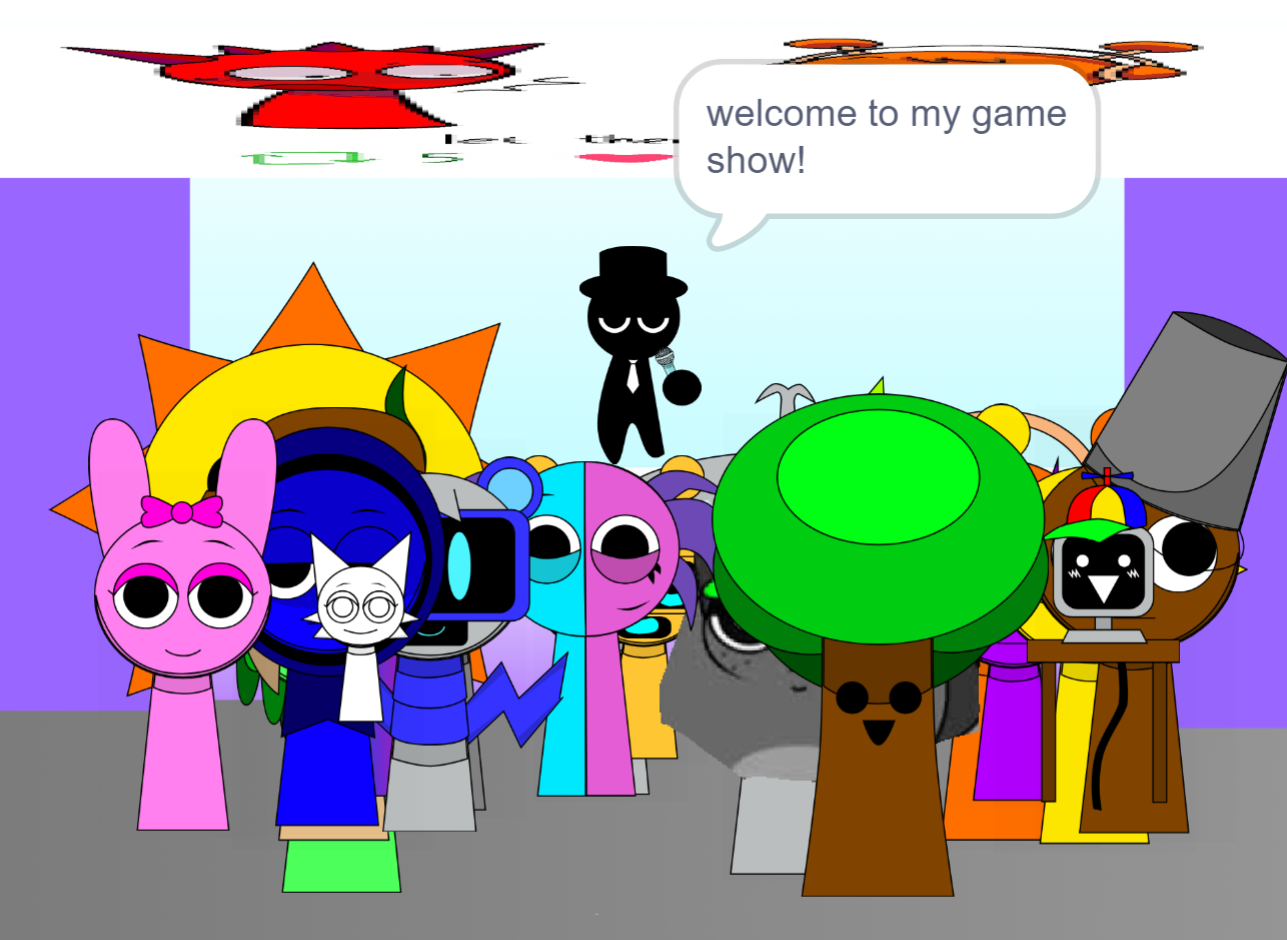
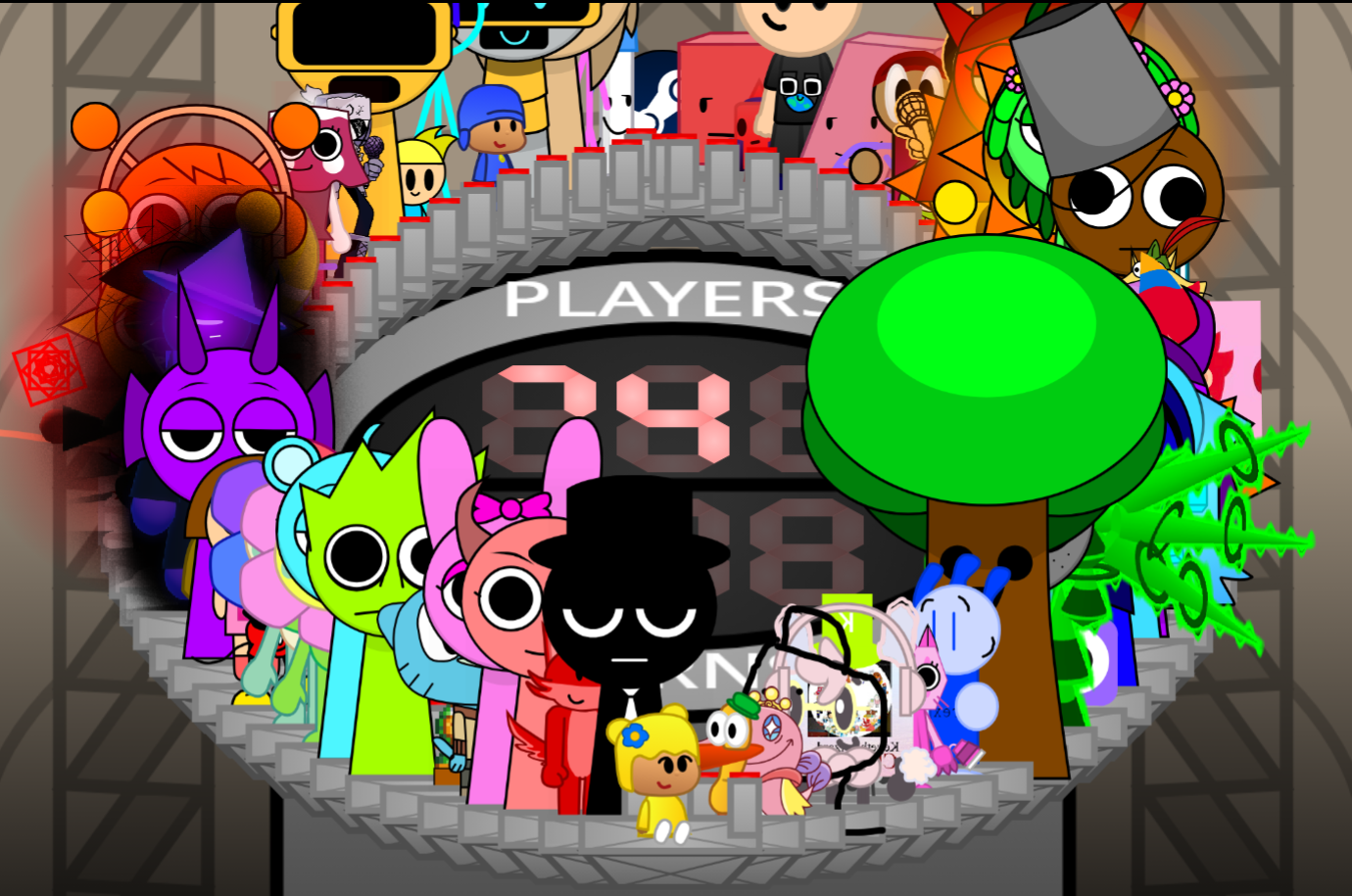
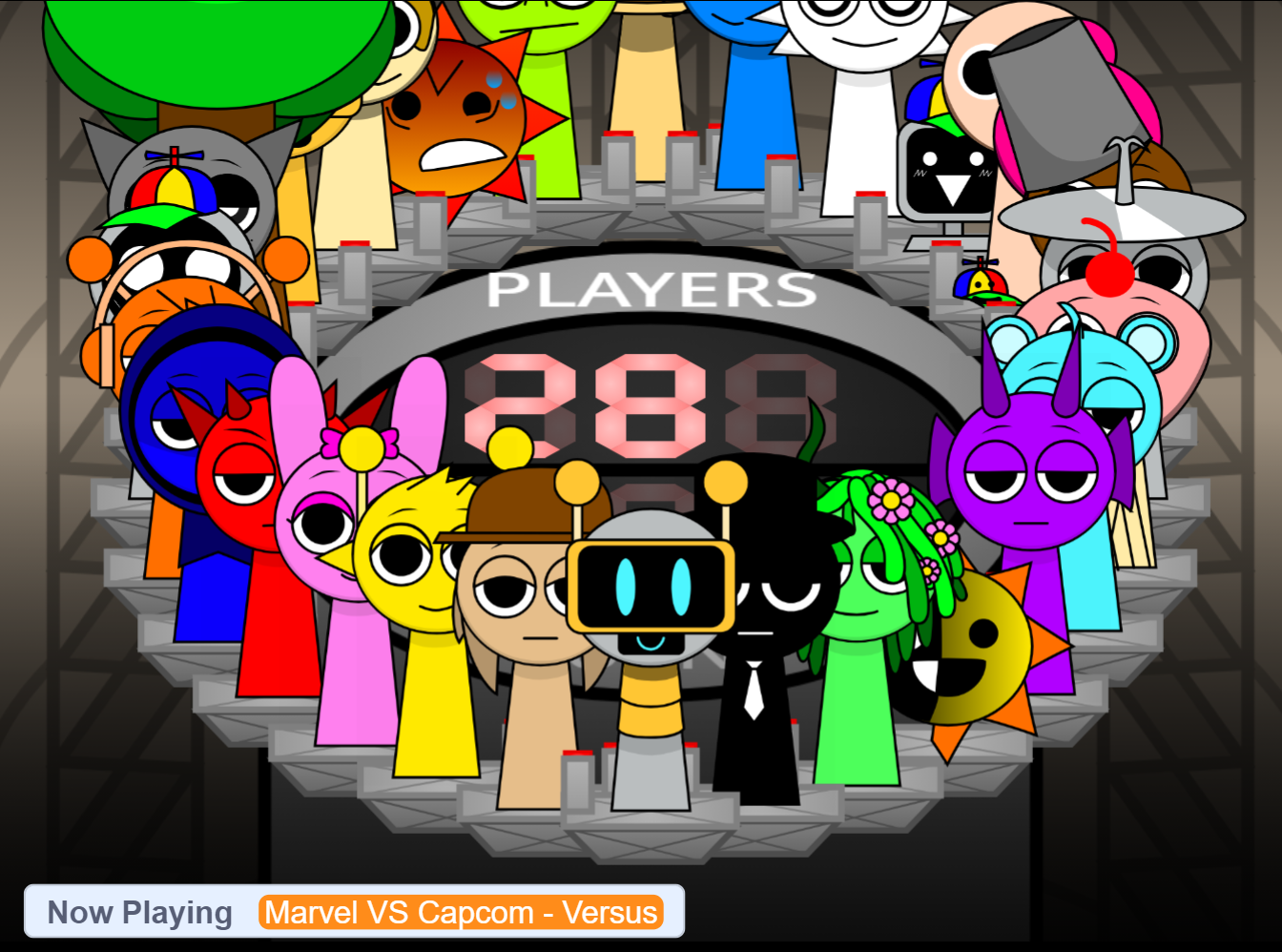
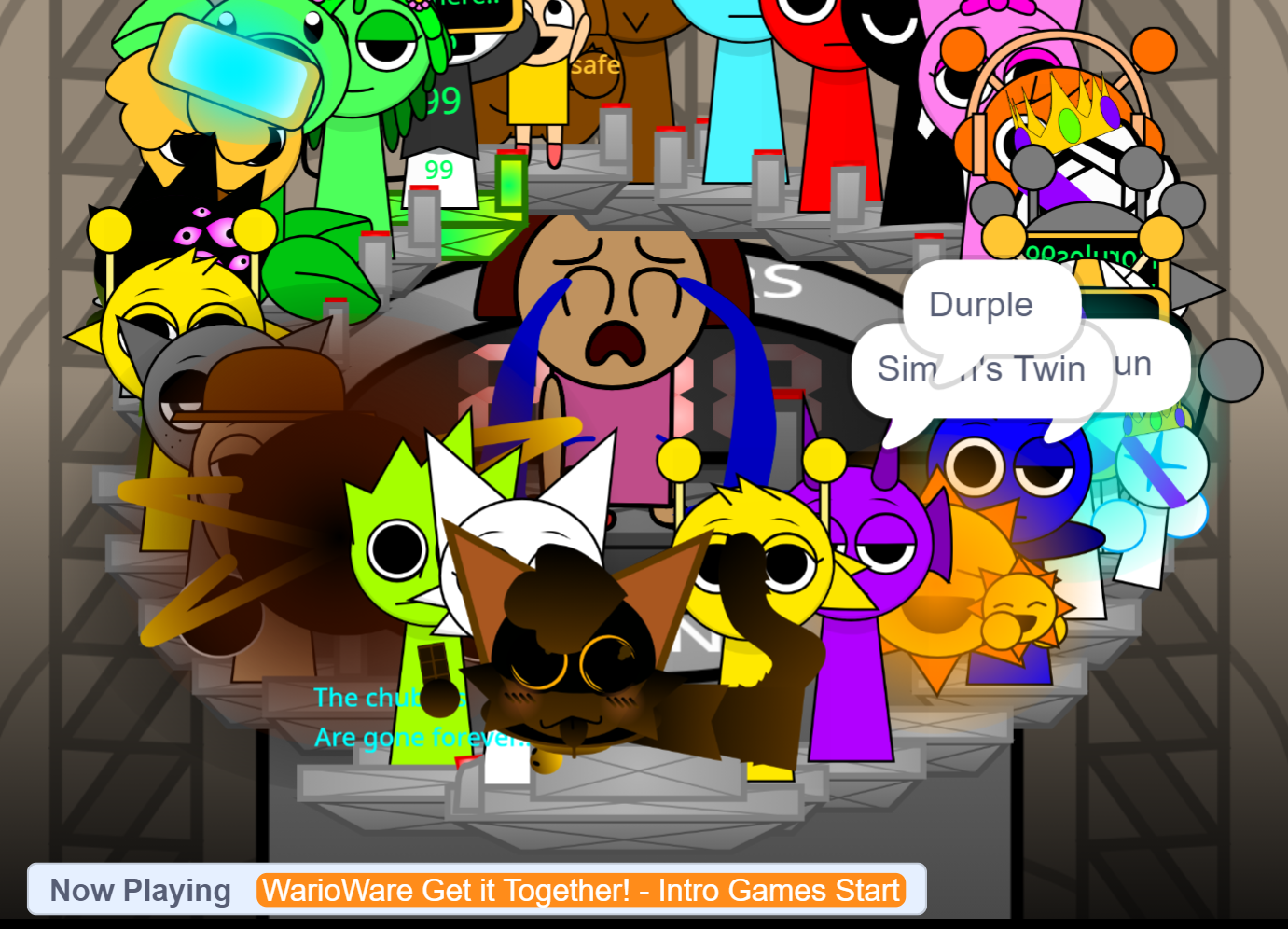
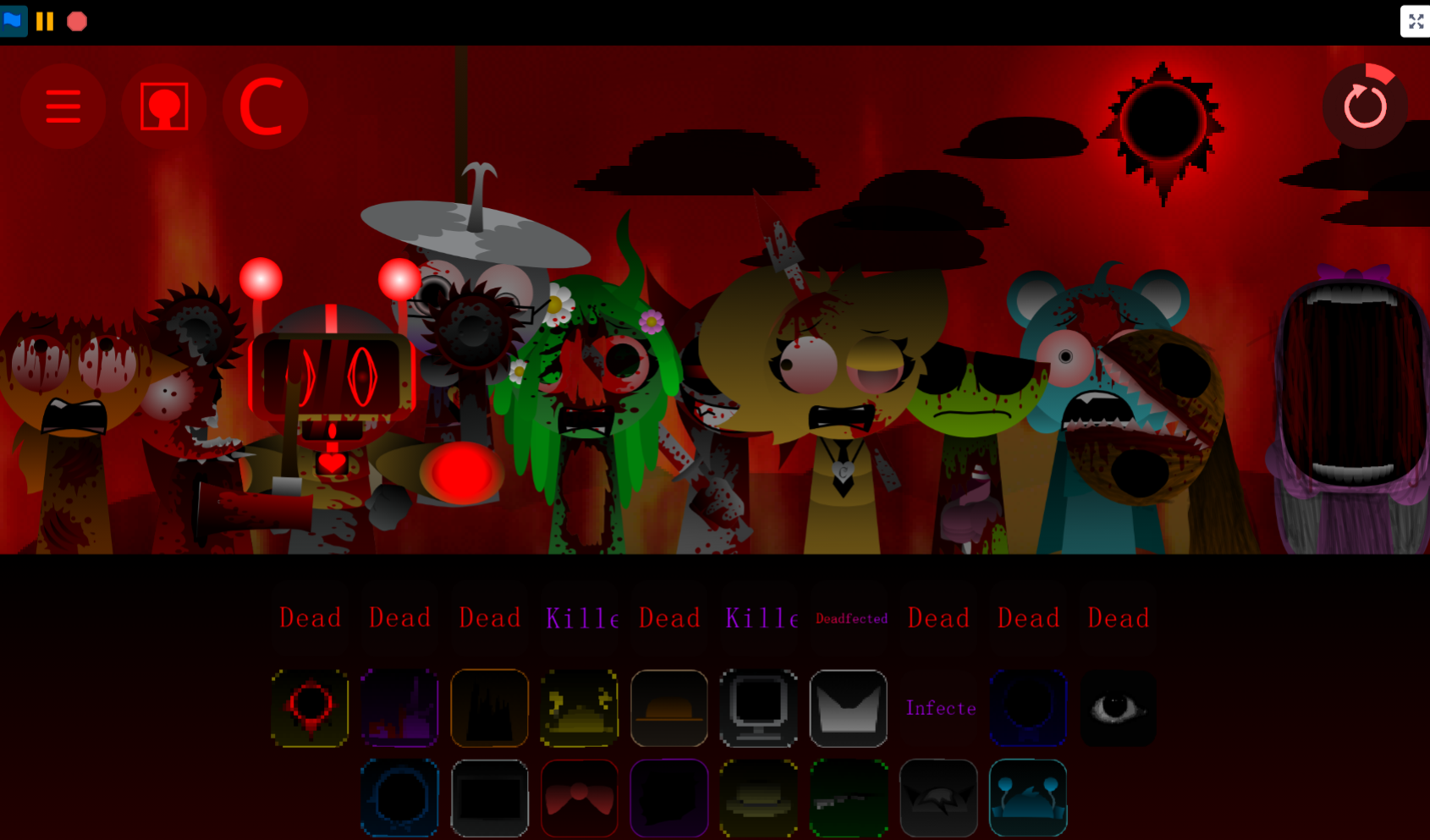
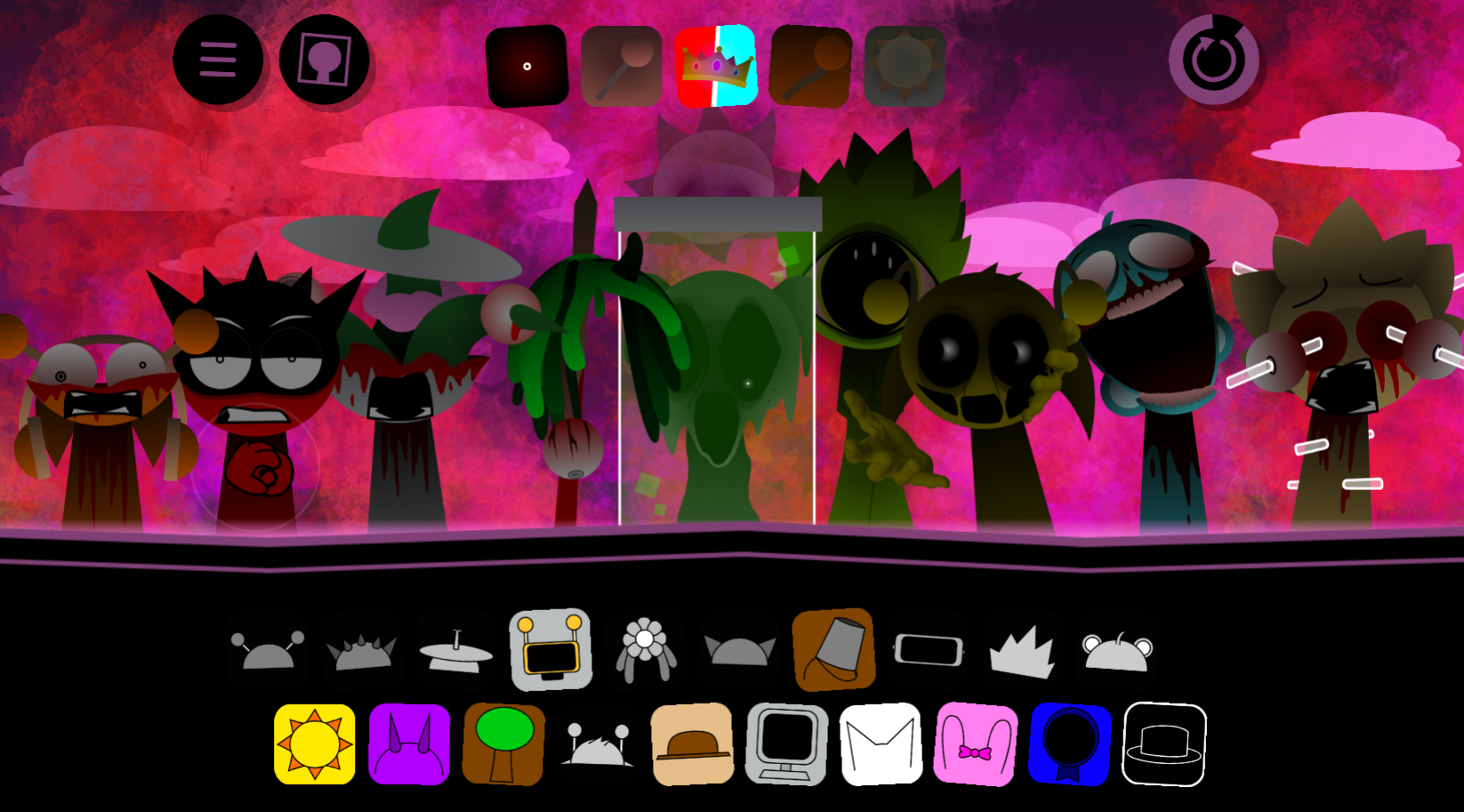
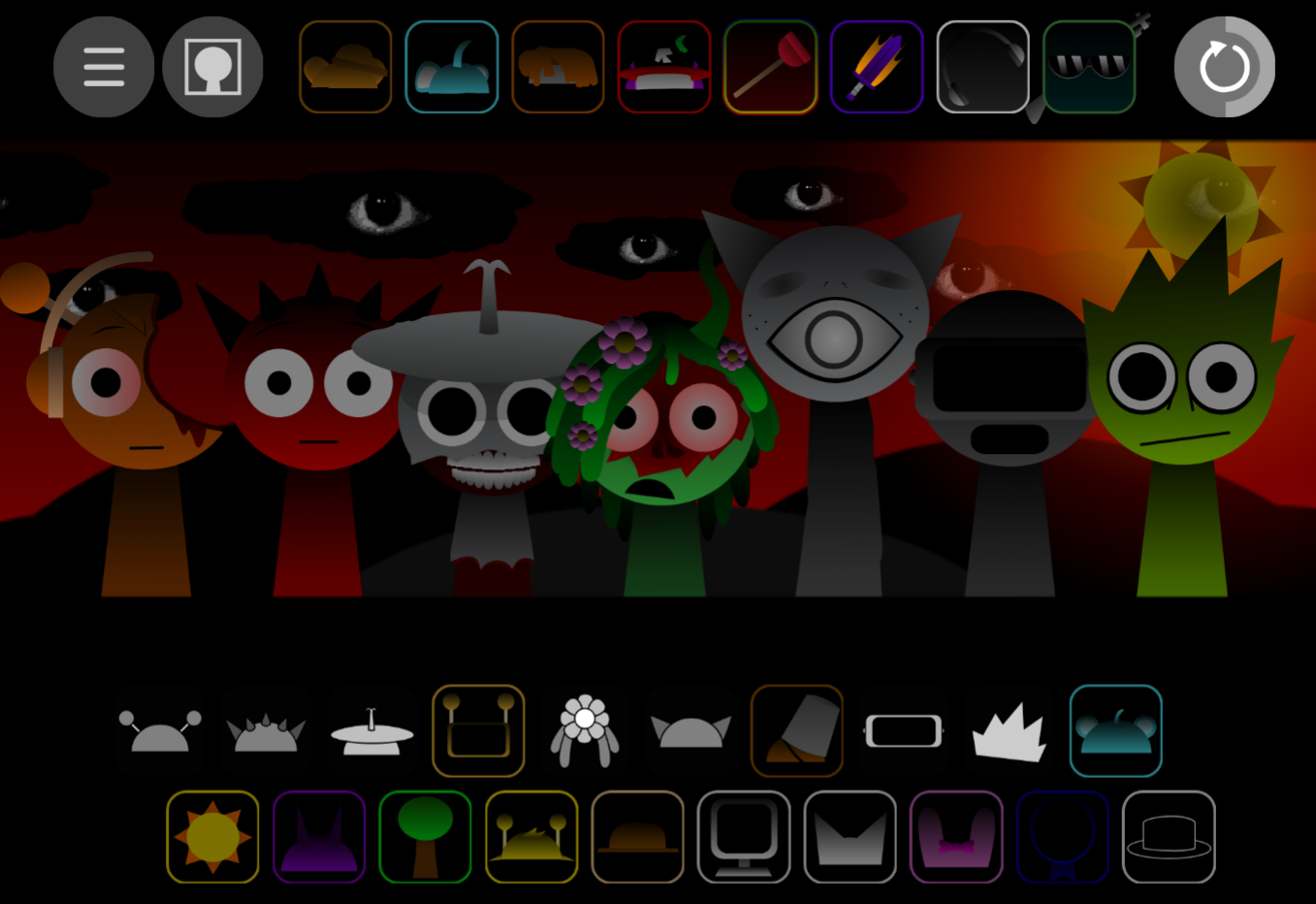
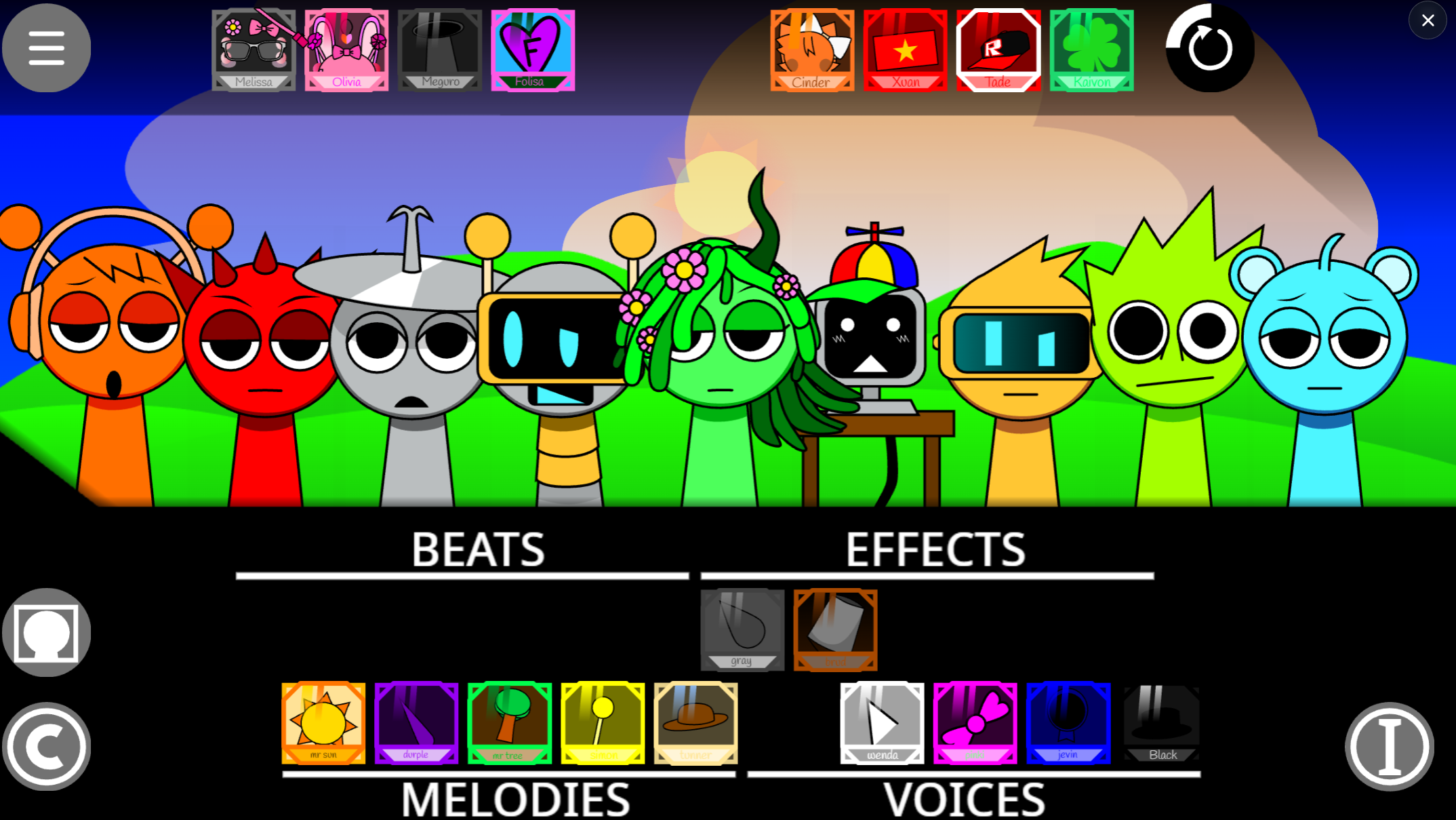
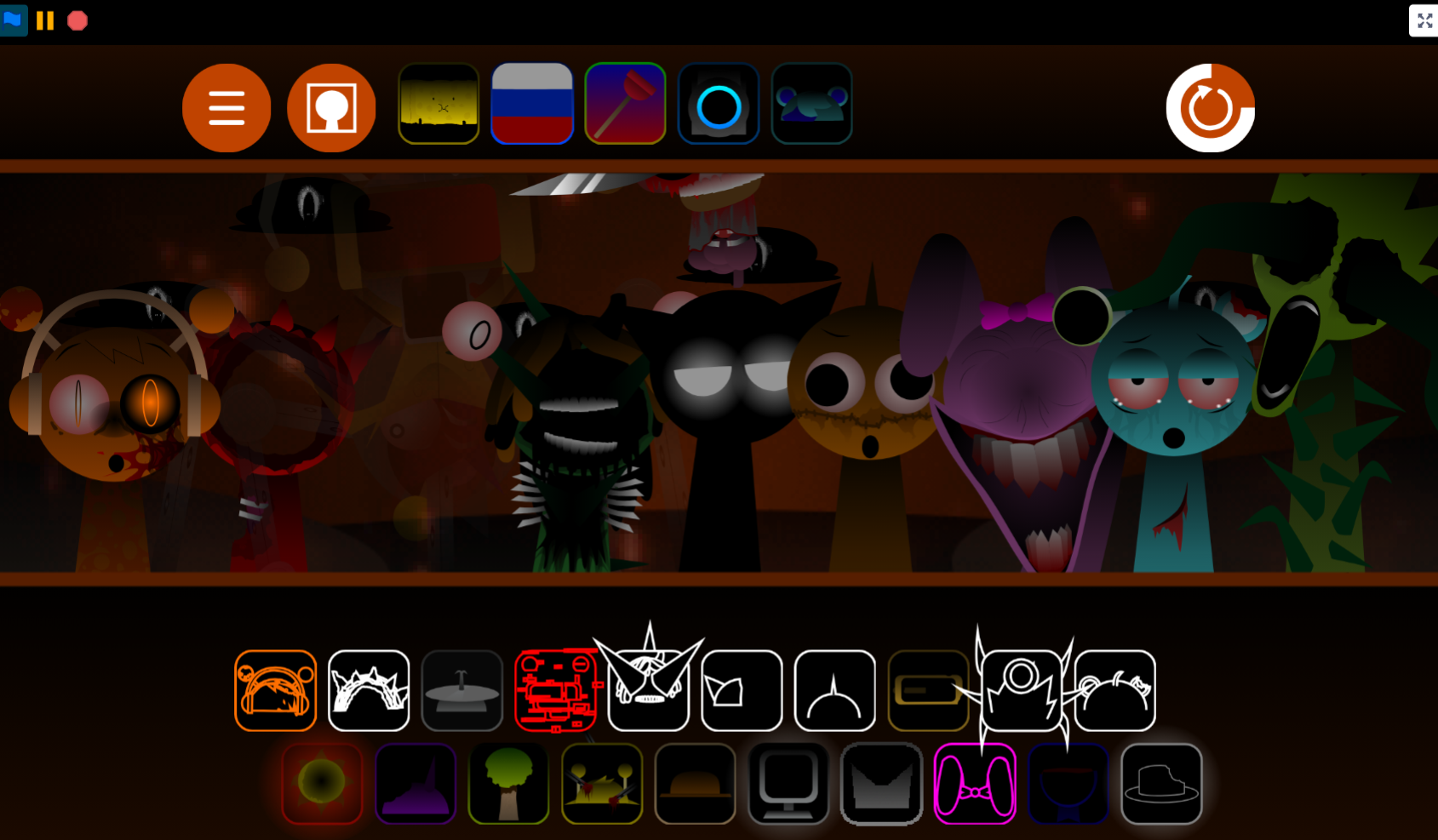
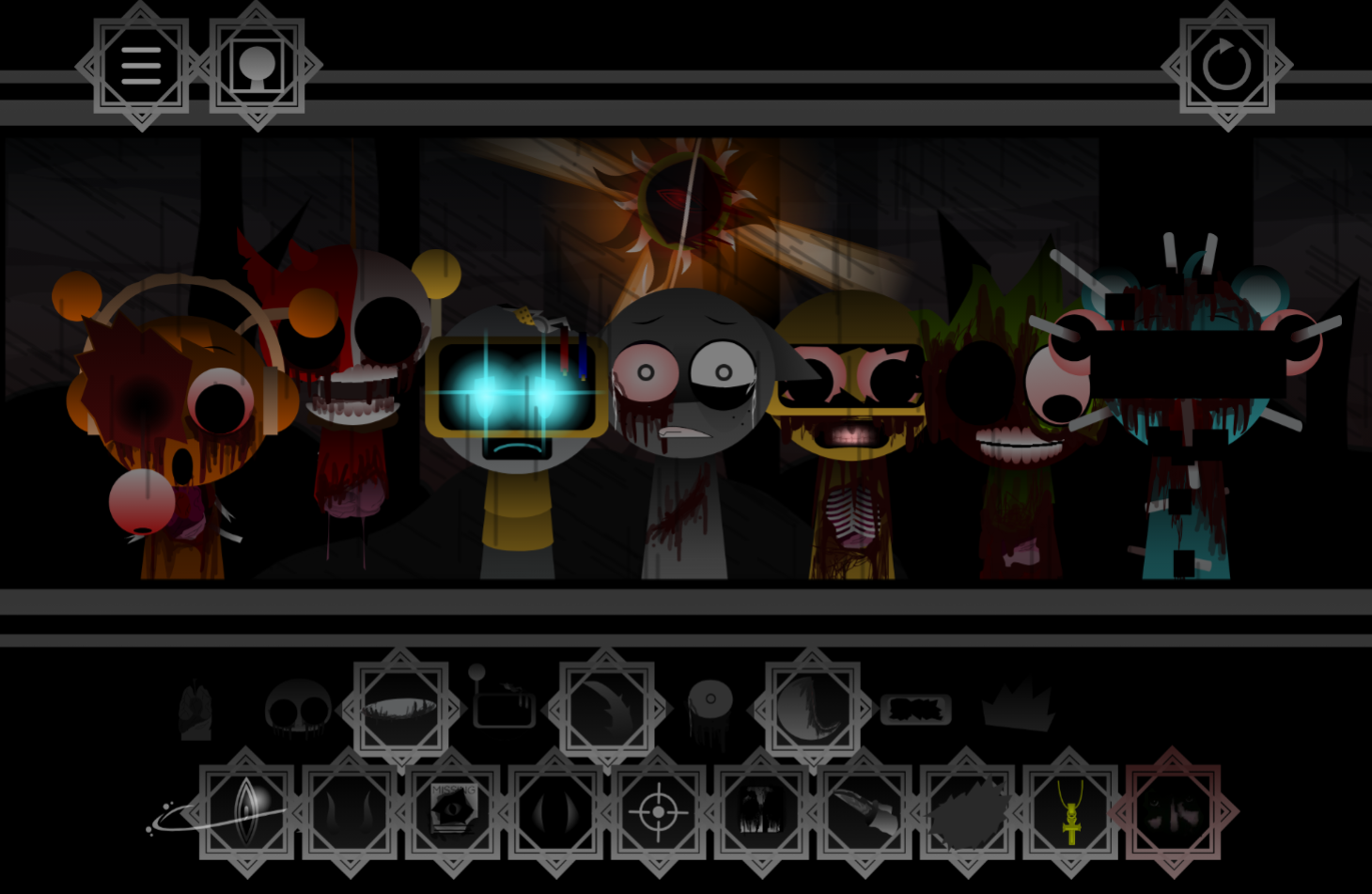
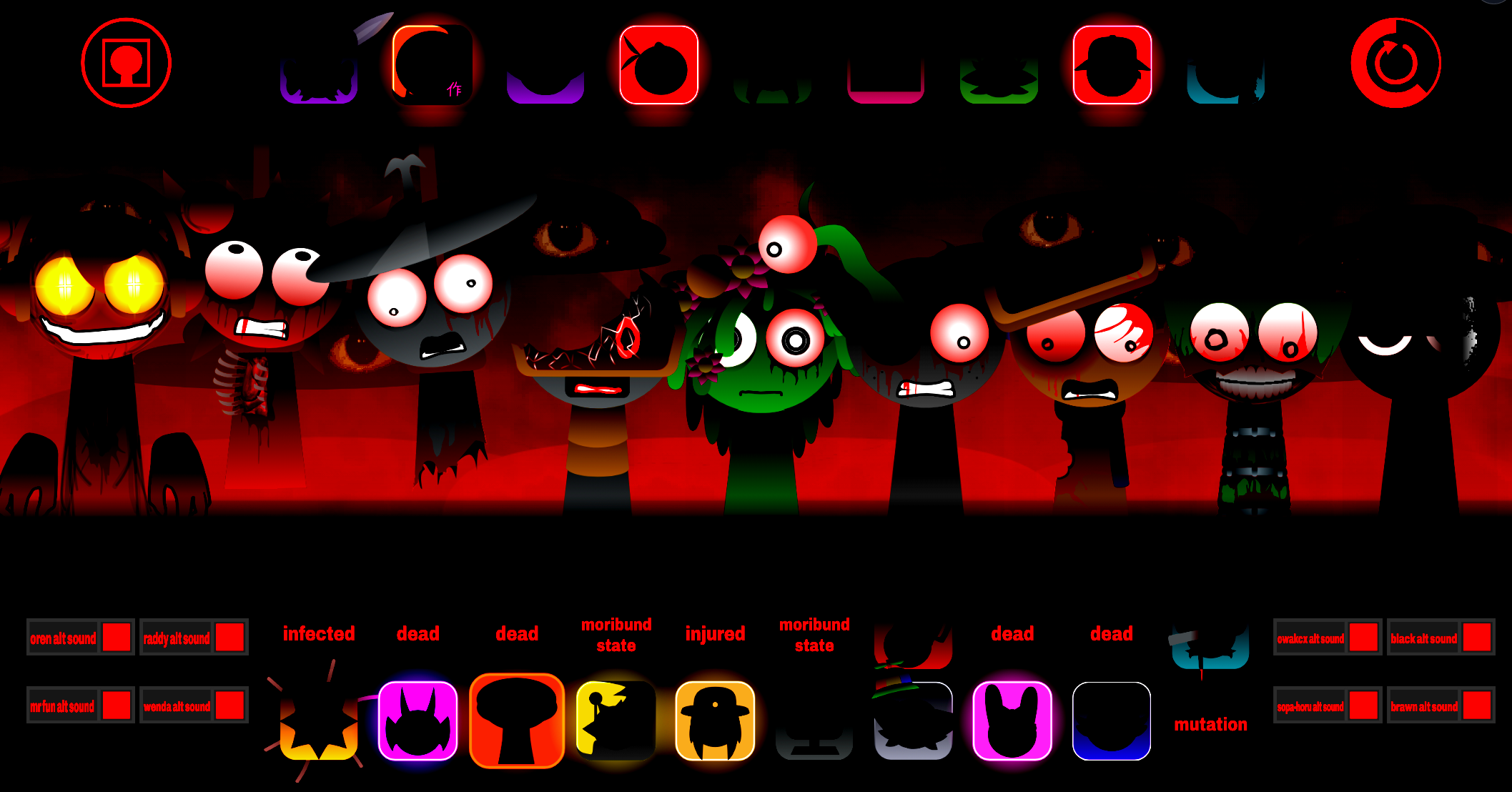
Sprunki Eternal DEMO is an online music creation game where you drag sound icons onto a board to build layered tracks.
You play directly through gosprunki.com without downloads, combining vocals, beats, and melodies by assigning each sound to a character on screen. This article walks through what makes Eternal different from other Sprunki mods, how the drag-and-drop interface works in practice, and which sound combinations unlock hidden animations.
The demo gives you a working slice of the full Eternal experience—enough characters and sounds to experiment with dark, atmospheric compositions but not the complete roster.
Sprunki Eternal DEMO
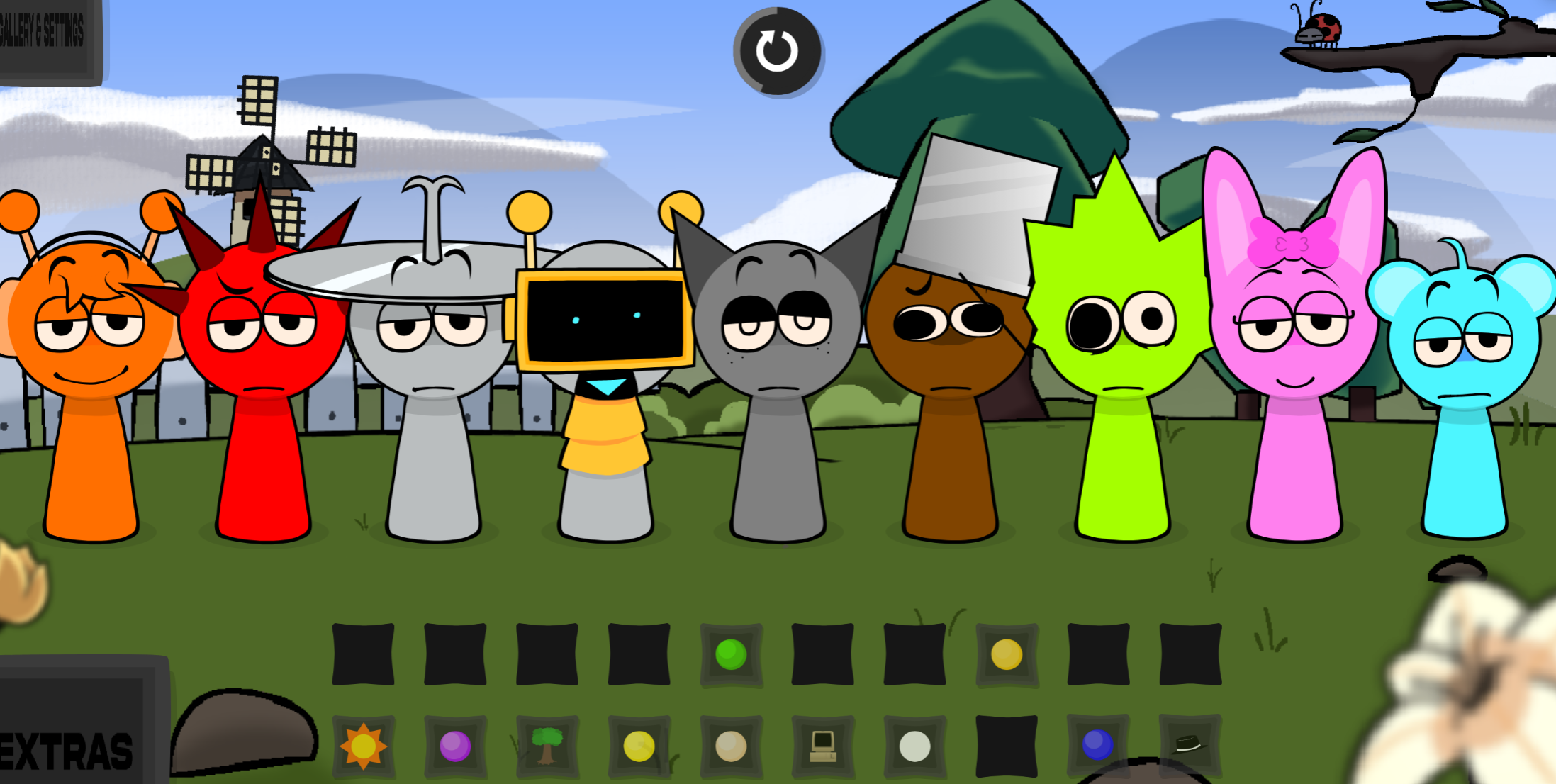
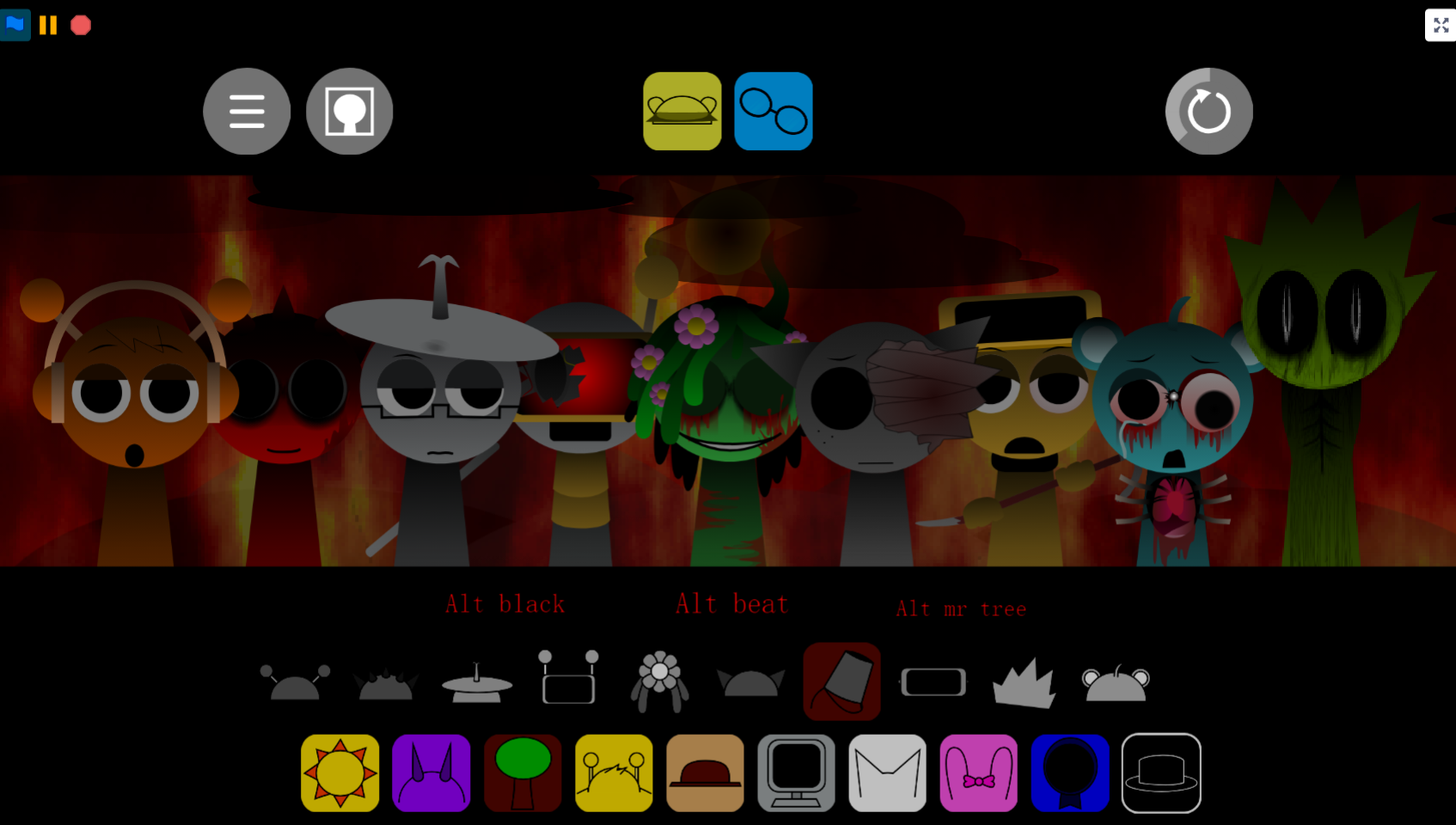
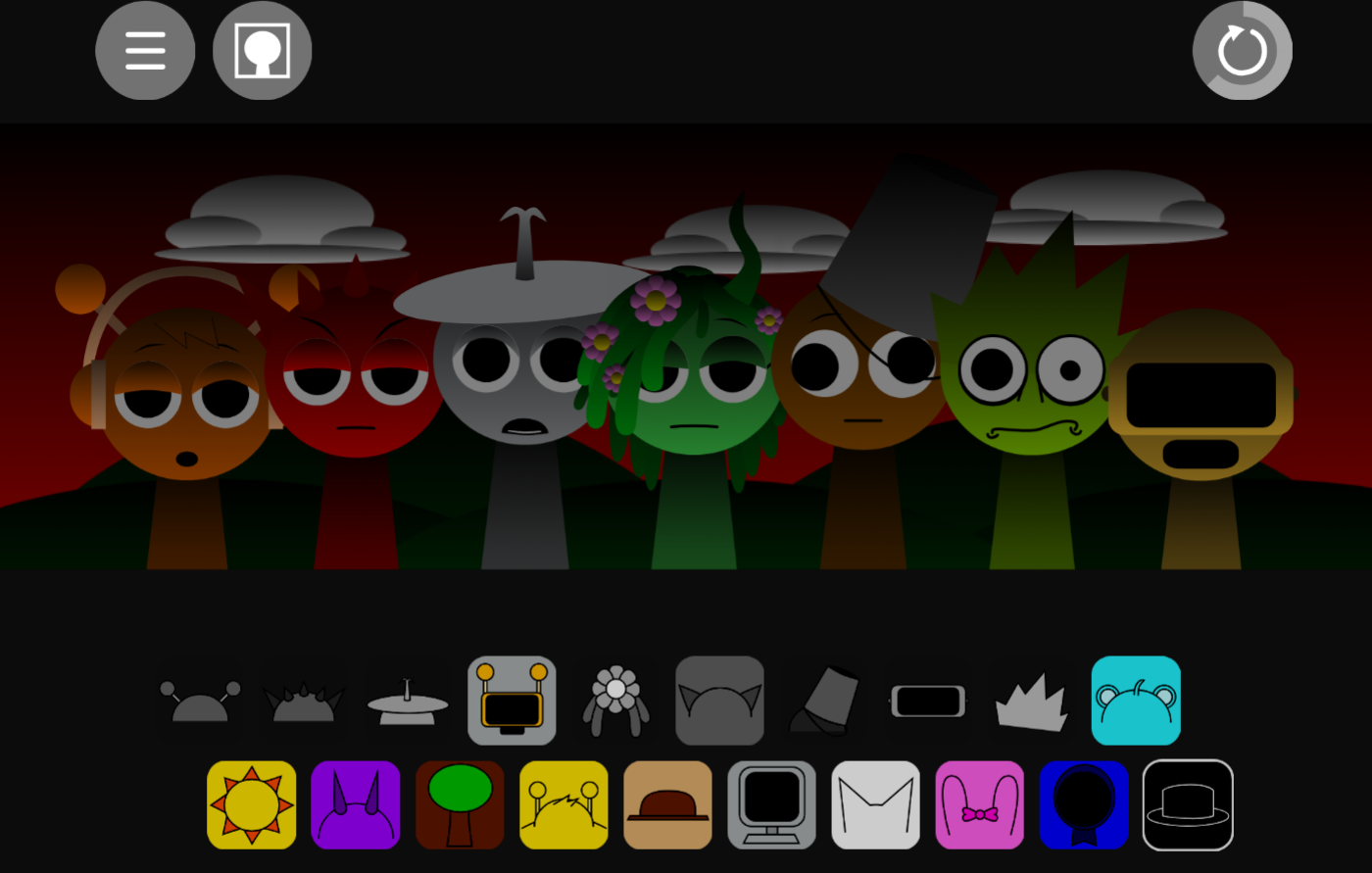
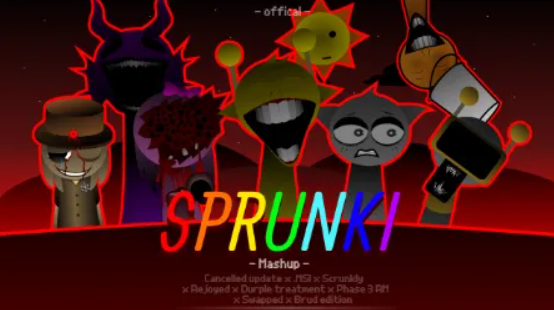
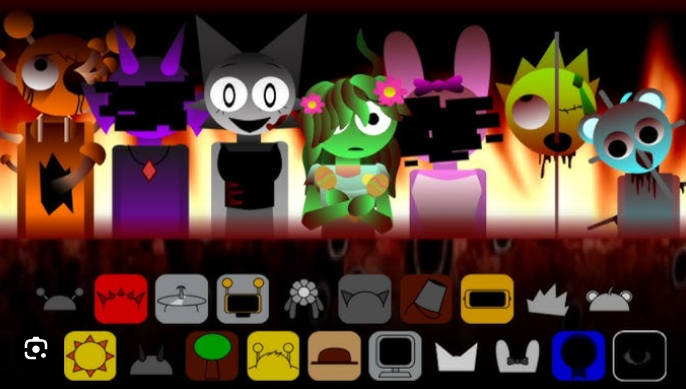
Sprunki Eternal - DEMO is a community-made music mod that shifts the familiar Sprunki rhythm-box format into darker, more suspenseful territory. Seven characters—Mr. Sun, Mr. Plant, Derple, Simon, Pinky, Ratty, and Clucker—supply beats, vocals, and effects ranging from catchy loops to uneasy, dissonant textures.
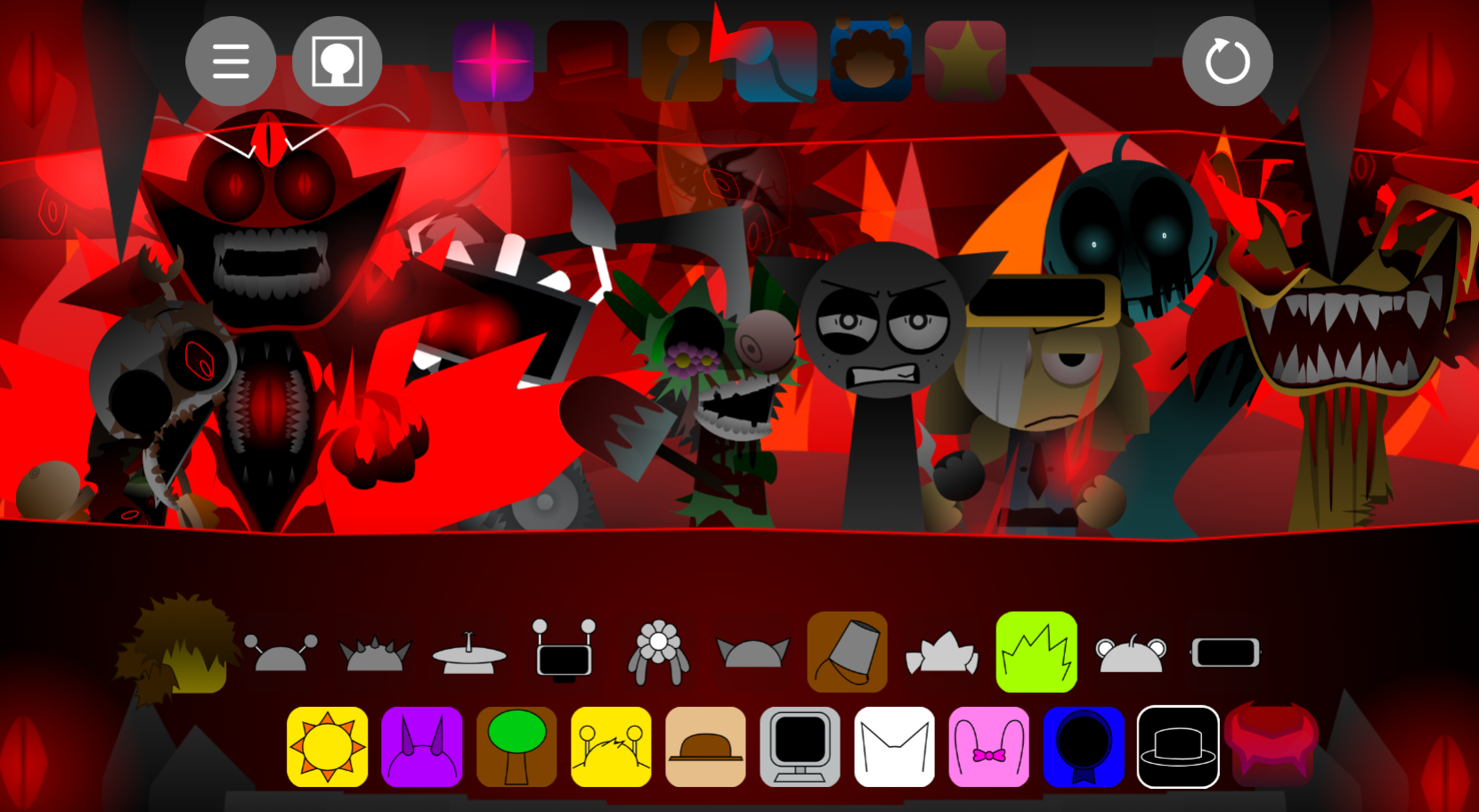
Players drag sound icons onto the board to build layered arrangements, using the same core mechanic as other Sprunki mods but with stark visual changes, abrupt audio jolts, and hints of hidden horror scenes.
Crafted by @Smiler_E (with @Smiler55 credited in showcases and JevinFromPluto named as inspiration), the build is listed as V2.0, dated 2026/10/04 21:10, and playable online through gosprunki.com.
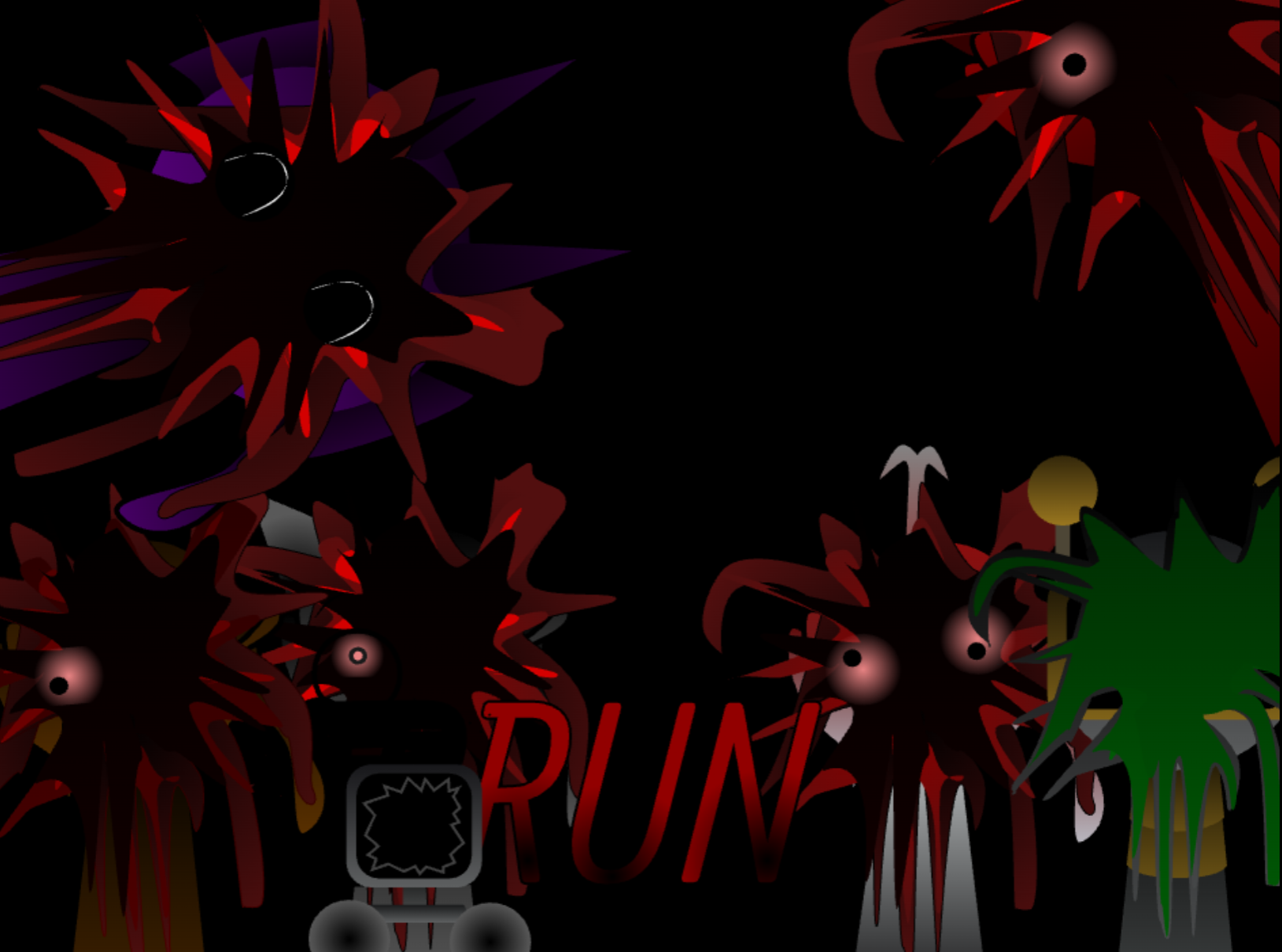
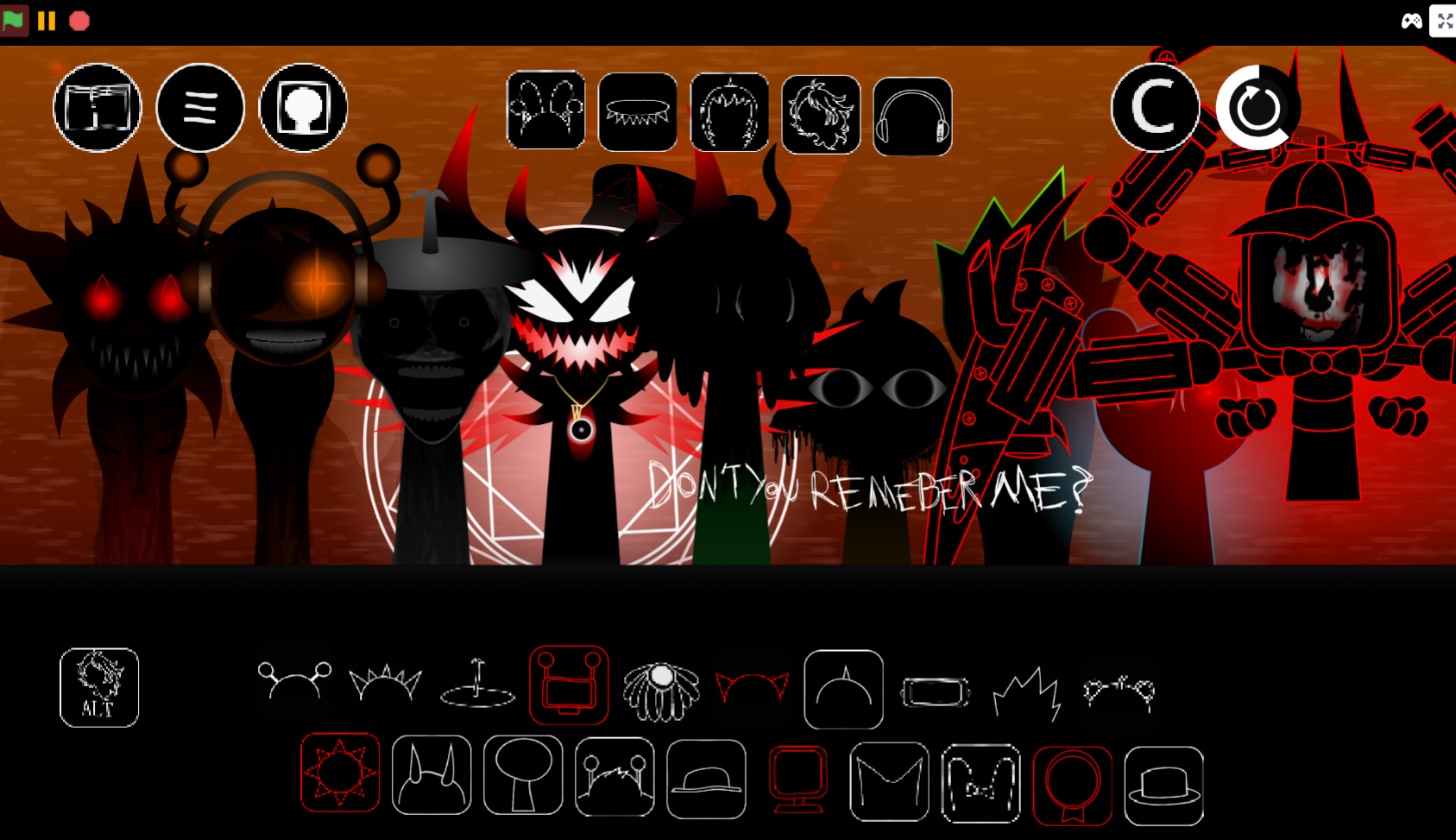
The demo replaces much of Sprunki’s usual bright simplicity with suspenseful undertones and visual alterations. As a demo, it feels less like a finished release than an early look at an idea still taking shape, hinting at deeper multi-phase developments and secret cinematic transitions to come.
How to Play Sprunki Eternal DEMO
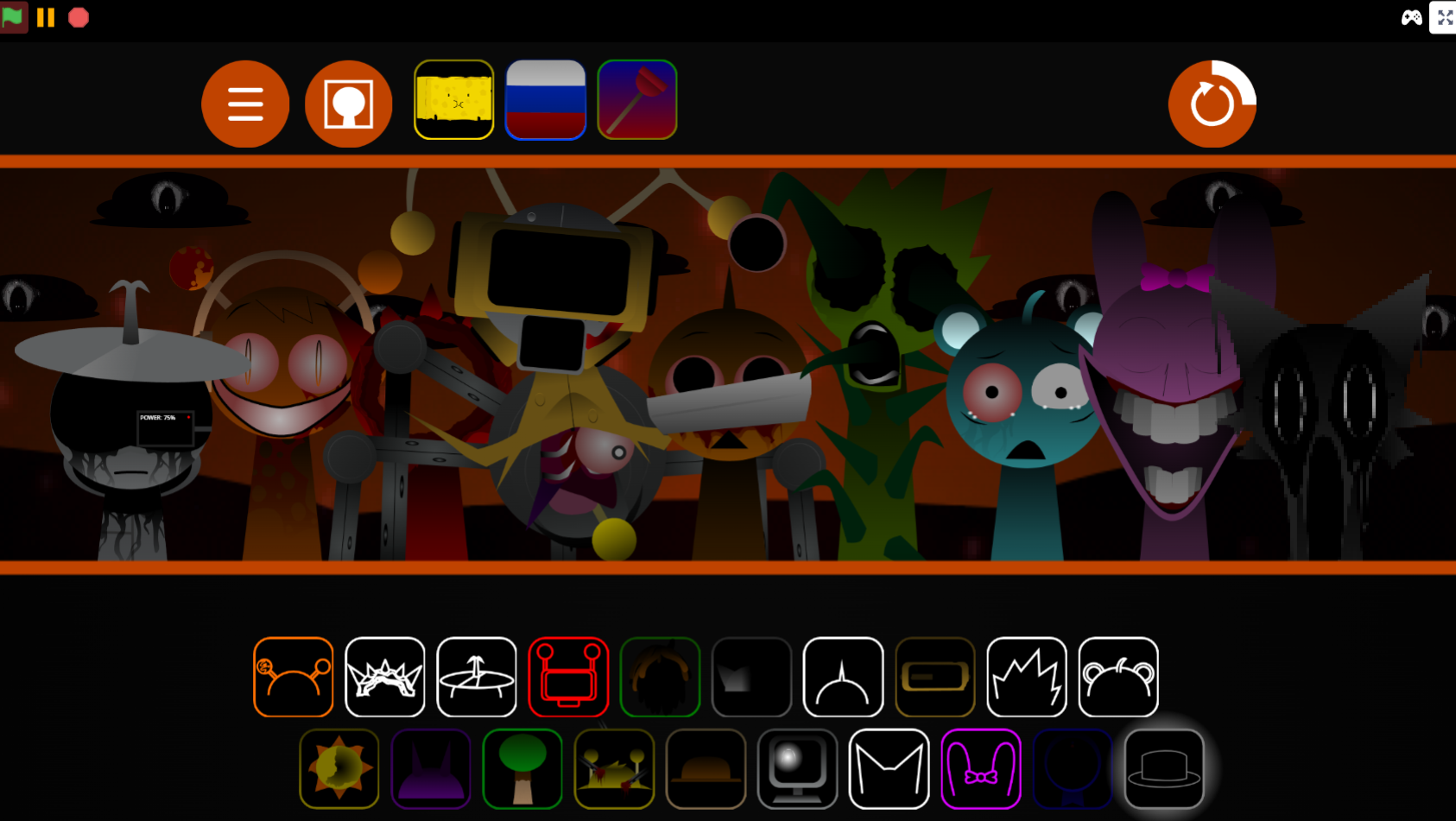
Play Sprunki Eternal DEMO online through gosprunki.com by dragging available sound icons onto the board. Each character adds a looping musical part, letting the arrangement develop from a simple rhythm into a fuller, more unstable sound mix.
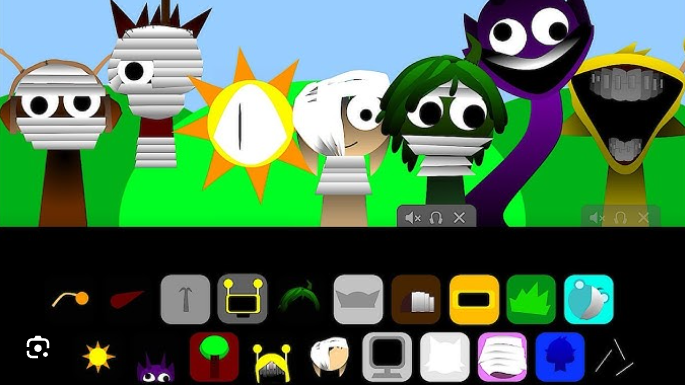
- Drag characters onto the board. Add Mr. Sun, Mr. Plant, Derple, Simon, Pinky, Ratty, or Clucker to introduce their beats, voices, and textures.
- Build the mix gradually. Start with one or two layers, then add more sounds to hear whether the rhythm stays clean or becomes deliberately crowded and uneasy.
- Use mute and solo controls. Mute removes a character from the active sound without clearing the figure; solo isolates that character’s contribution from the rest of the arrangement.
- Treat pause as a reset. The pause button stops and clears active loops, returning the soundstage to silence for another attempt.
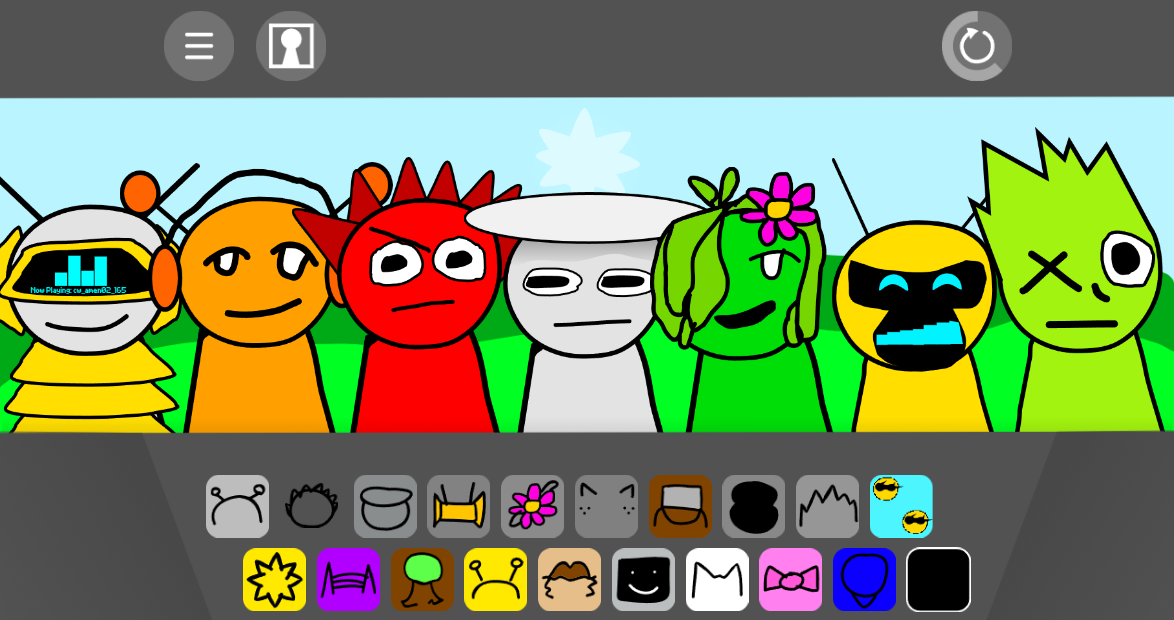
The interface has a slightly top-heavy layout. Extra and gallery icons appear above the character area and can press visually close to the slots used for mixing, so careful placement helps avoid accidental actions.
Sound Mixing and Character Combinations
Sound mixing in Sprunki Eternal DEMO depends on testing character combinations rather than finding a single required sequence. Each figure contributes a custom loop, and the effect of a lineup changes as beats, vocals, and harsher effects begin to overlap.
For a more controlled arrangement, add layers slowly and use solo mode to identify where a particular rhythm, vocal line, or unsettling texture enters the track. If a sound crowds the mix, mute it and compare the result before removing or replacing it. The reset-style pause control reinforces this experimental approach: each stopped performance becomes a clean opportunity to try a different arrangement.
The result can range from restrained rhythmic patterns to overloaded soundscapes where familiar Sprunki loops take on a more ominous edge.
Core Demo Features
- Seven-character roster: Mr. Sun, Mr. Plant, Derple, Simon, Pinky, Ratty, and Clucker each provide distinct musical cues.
- Layered music creation: Drag-and-drop loops let players assemble beats, vocals, and effects in real time.
- Mute and solo controls: Useful for separating individual parts of a crowded arrangement.
- Extra and gallery menu icons: Additional interface options positioned above the main character slots.
- Altered visual and audio tone: Stark design changes, sudden sound jolts, and suspenseful undertones distinguish Eternal from brighter Sprunki variations.
- Hints of more to come: The demo suggests a larger horror-oriented or cinematic direction without fully revealing every transition or phase.
Related Games
- Sprunki Mr.Sun takes over — Mr. Sun is one of Eternal DEMO’s altered performers, making this takeover-themed mod a direct follow-up for players interested in his darker reinterpretation.
- Sprunki Mr Sun Takes Over Phase 3 — Its Phase 3 framing suits readers looking to continue from Eternal DEMO’s hinted multi-phase horror progression and uncover a more escalated Mr. Sun storyline.
Why Try Sprunki Eternal - DEMO?
The demo offers a low-commitment way to explore a stranger, darker take on Sprunki before a larger release. Browser-based availability through gosprunki.com makes it easy to test the music system directly, while listings through itch.io’s Sprunki game collection indicate availability across Windows, macOS, Linux, Android, and iOS where the relevant build is provided.
For players interested in community-made Sprunki mods, Eternal works best as an experiment: a compact board for testing altered harmonies, uneasy character combinations, and the fragments of a larger idea waiting behind the music.
Discuss Sprunki