



Sprunki Reborn is a mod in the Incredibox-inspired Sprunki saga that layers horror aesthetics over the drag-and-drop music creation format.
Players drag character icons onto a stage to build tracks from beats, melodies, vocals, and effects, then test unusual combinations—moving characters, trying different layer orders, and mixing unexpected icons—to unlock hidden features and trigger horror-mode shifts. This article breaks down the specific features and design details that separate Reborn from generic variants in the series.
The breakdown covers how Reborn’s visual shifts signal unlockable content, which icon combinations consistently trigger transformations, and how the key system gates progression without requiring external purchases.
What Is Sprunki: Reborn?
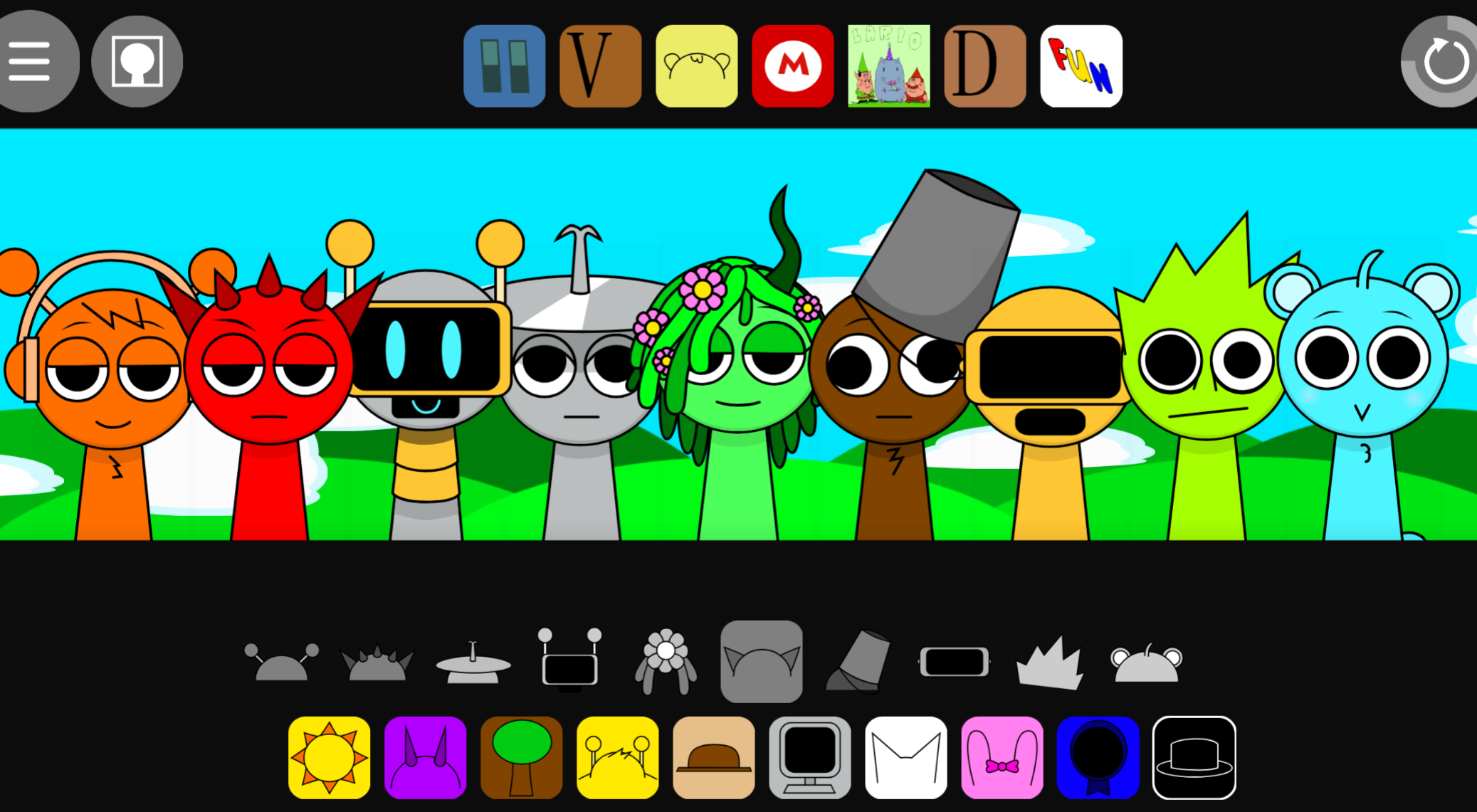
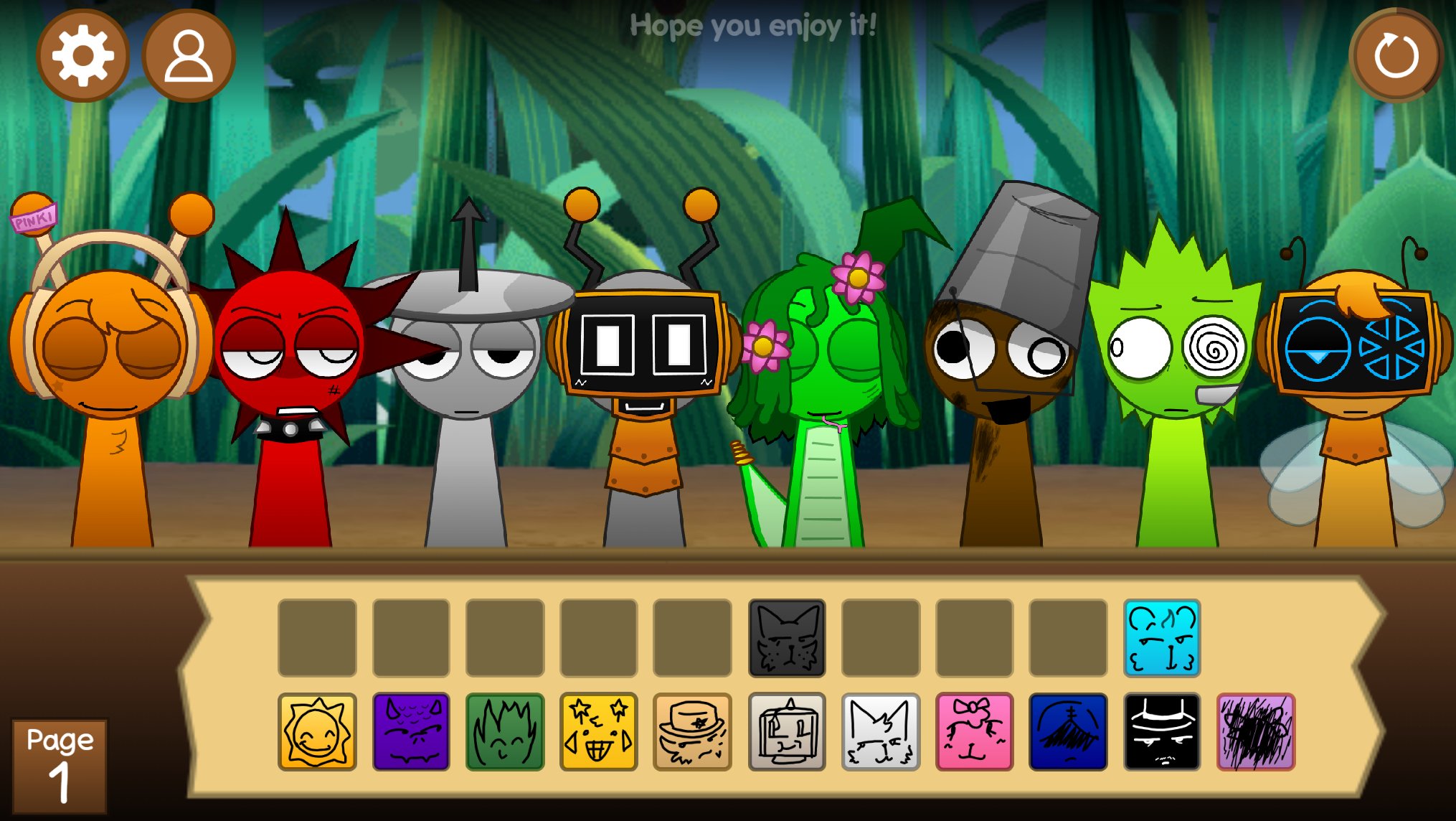
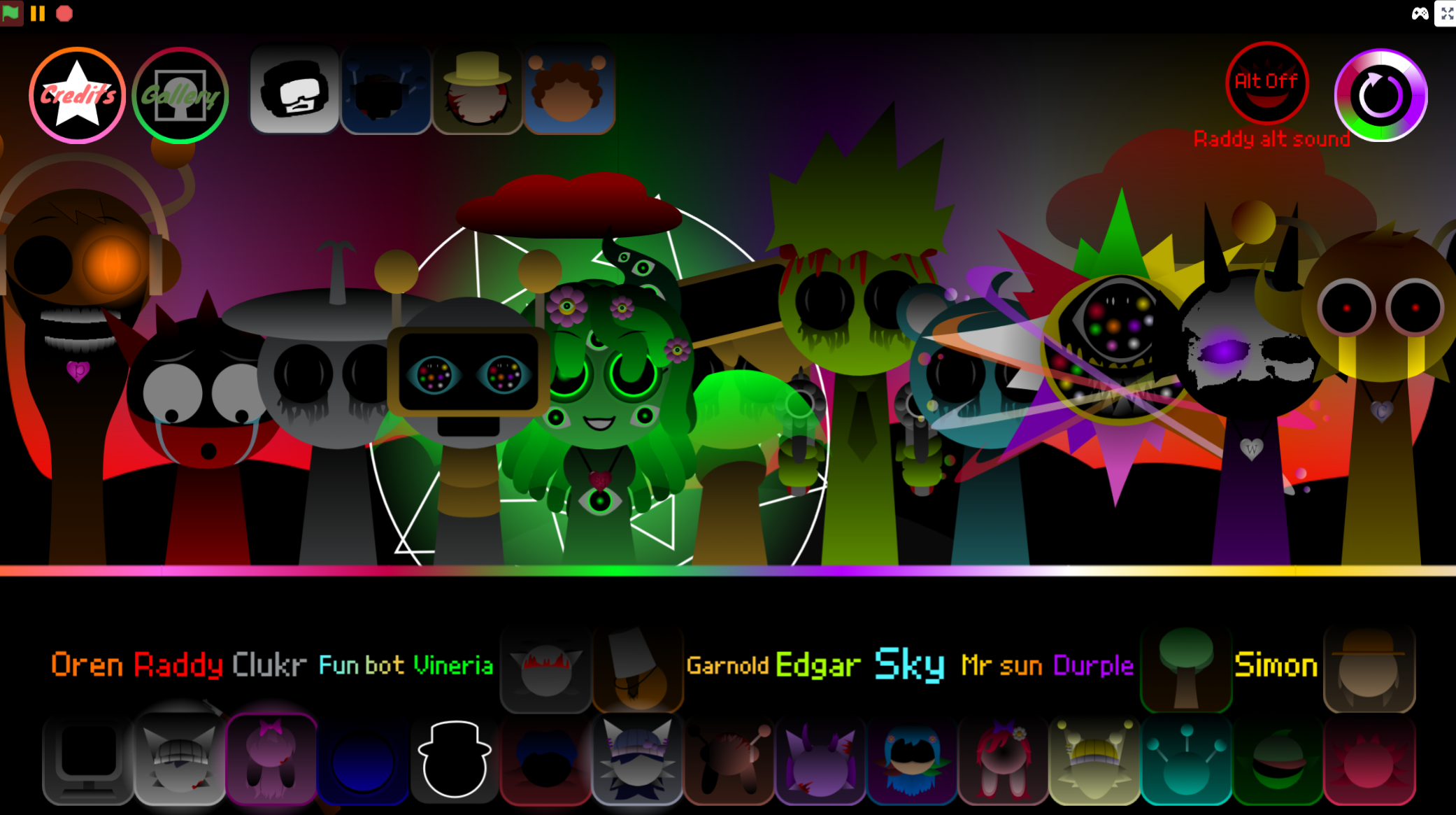
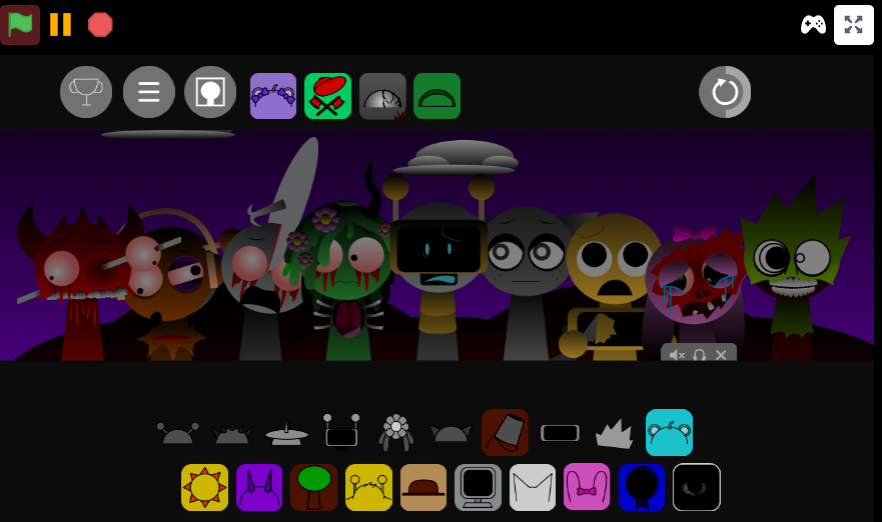
Sprunki: Reborn V3.0 is a community mod that refreshes the Sprunki Phase 4 music-making formula. Players drag character icons onto a stage to layer beats, melodies, vocals, and effects into loping tracks. The mod keeps the accessible drag-and-drop structure while adding redesigned characters, smoother animation, and a hidden horror mode that transforms the cheerful stage into something distorted and unsettling.
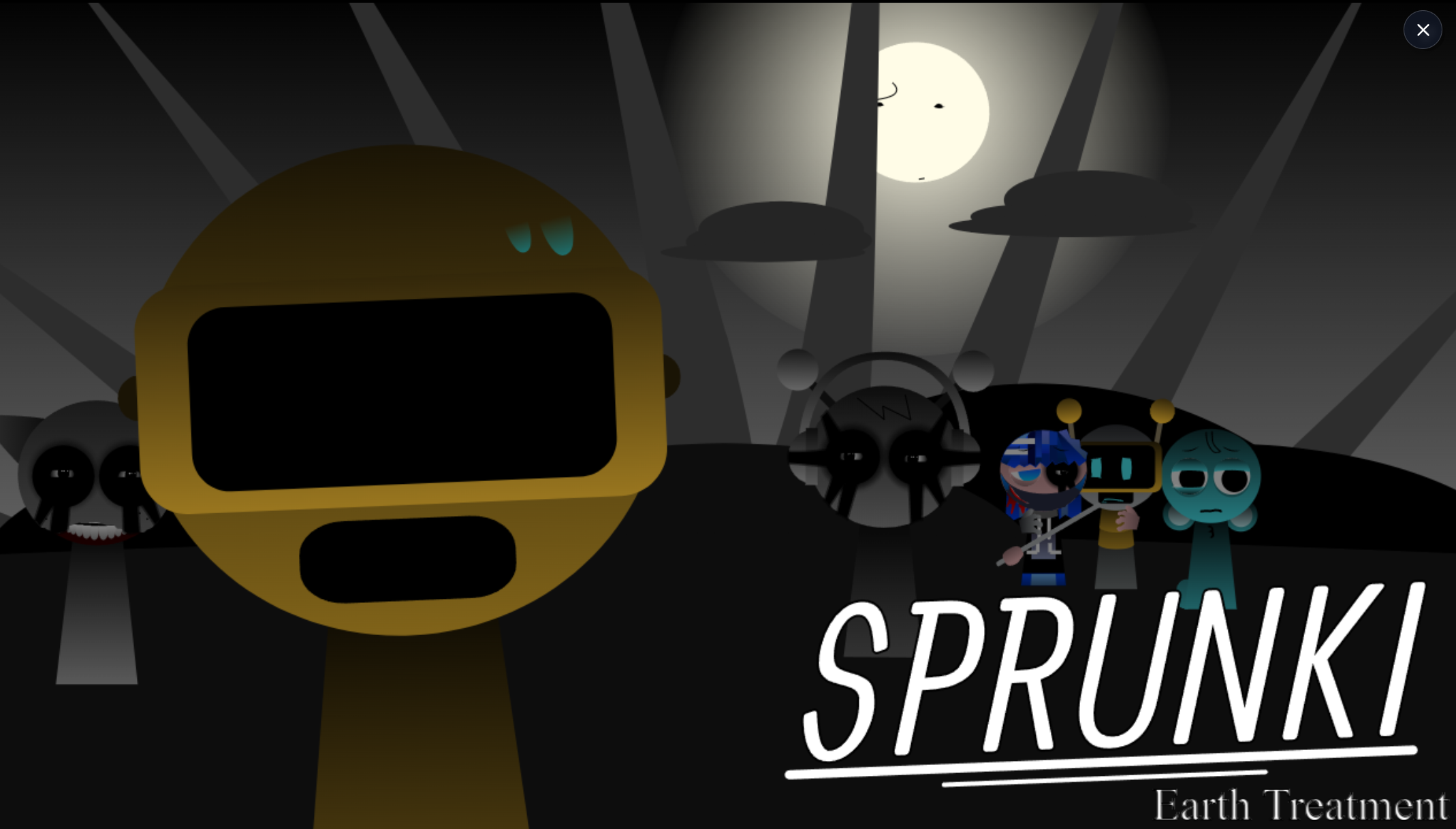
Created by @Redd, @Mochis, @skoller, and @Jamessakalauskas, Reborn V3.0 launches the “Noiseborn saga.” It is playable on gosprunki.com, where the community has praised its sound design, which the team produced in FL Studio Mobile.
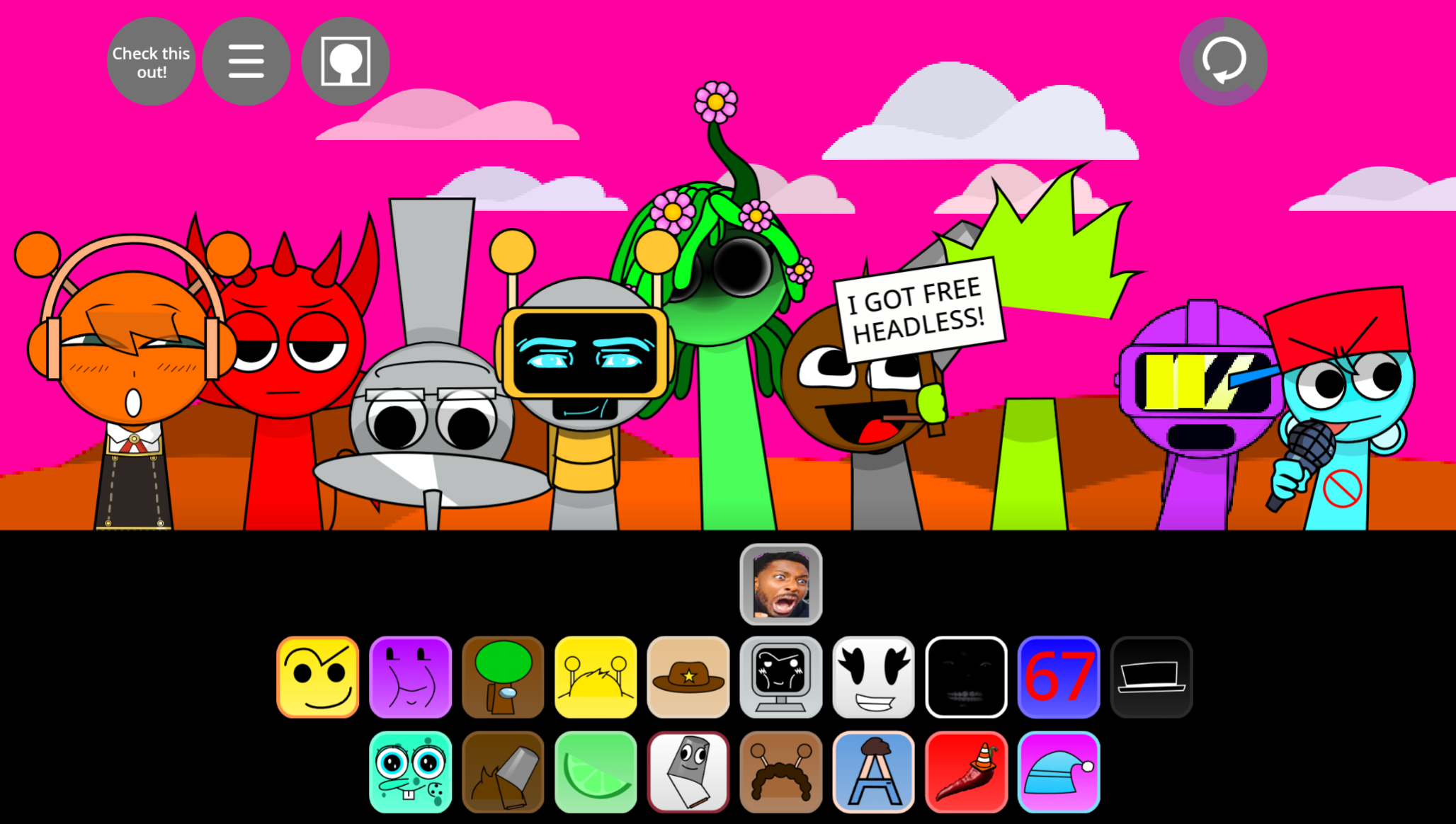
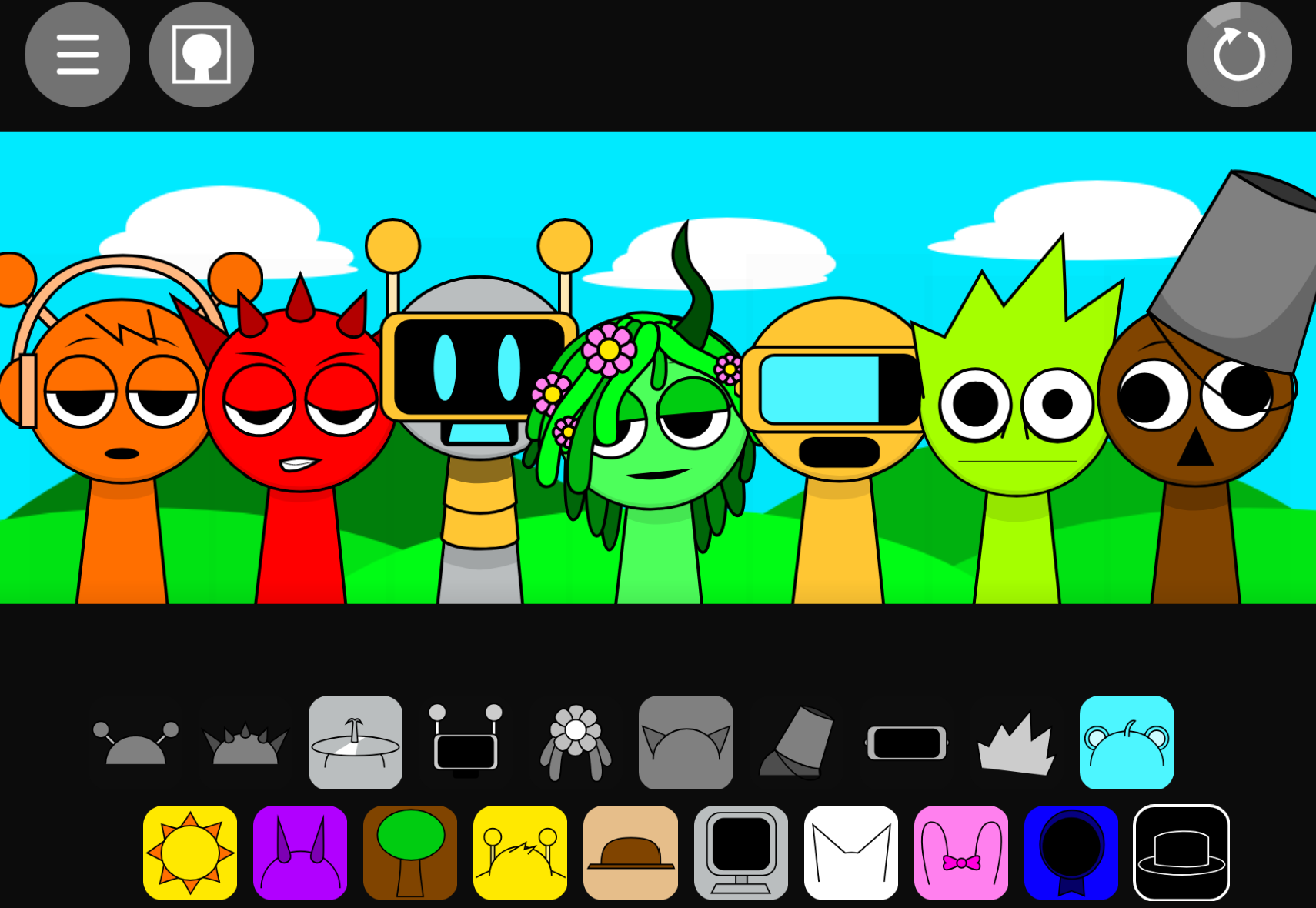
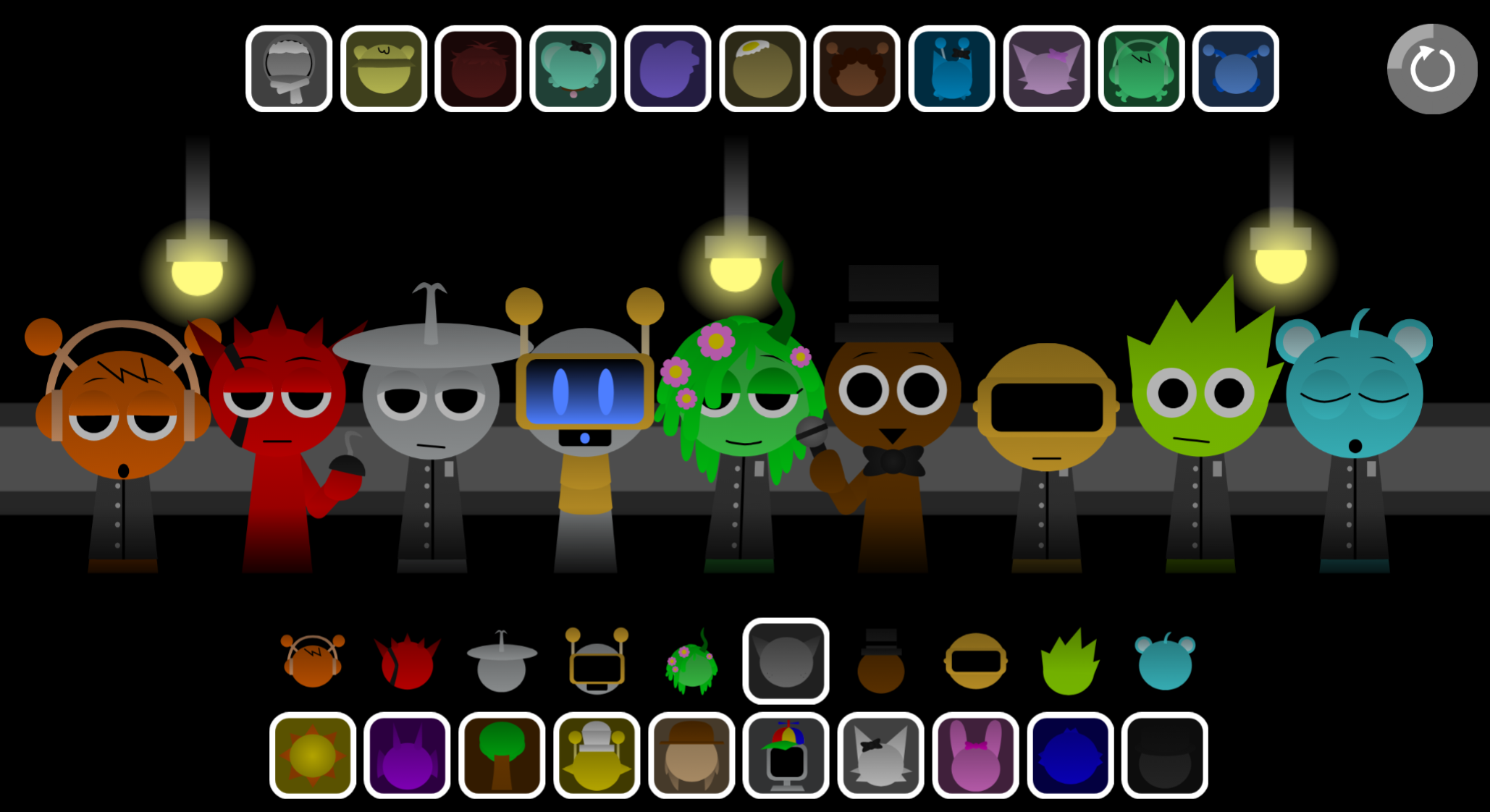
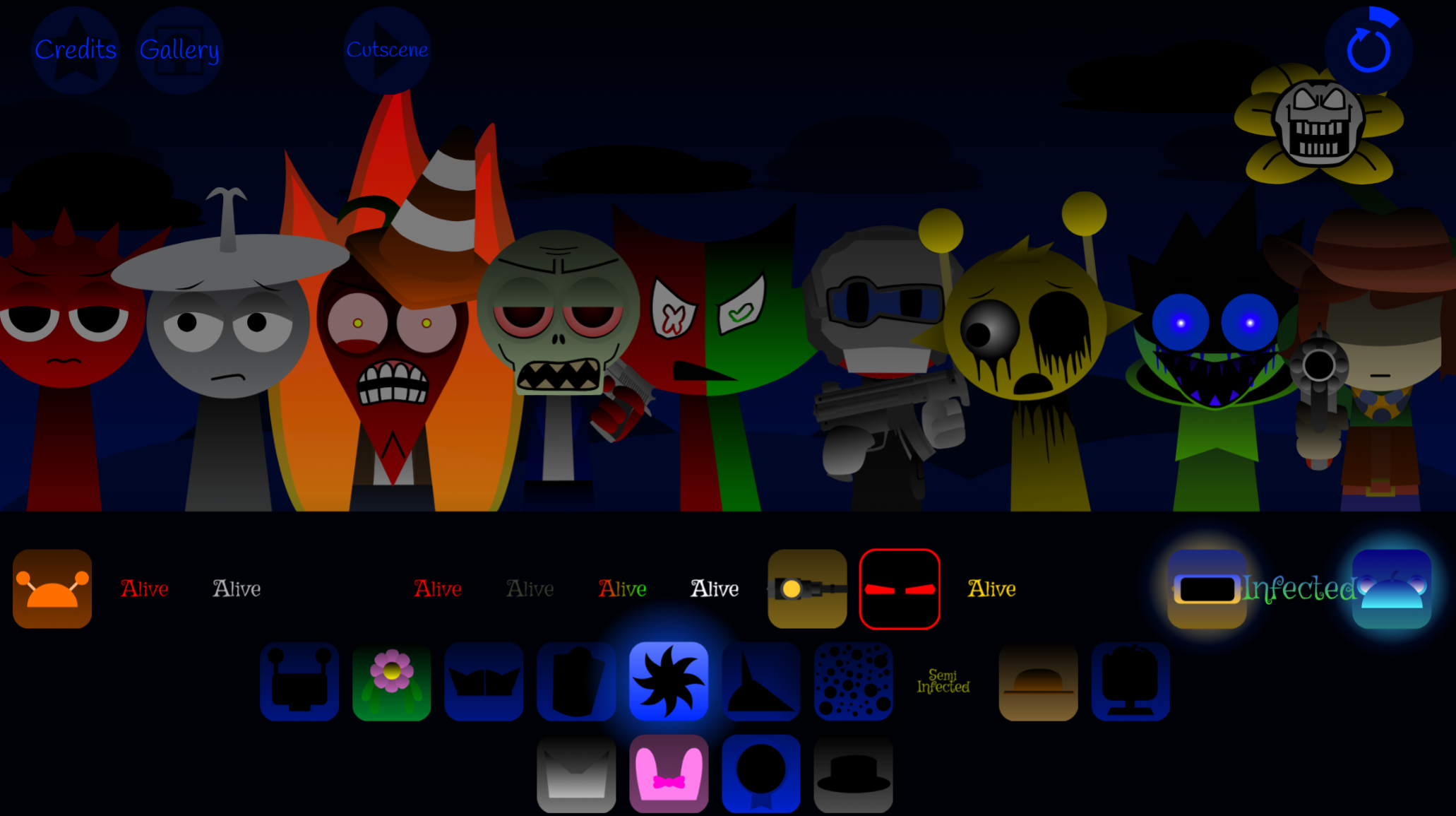
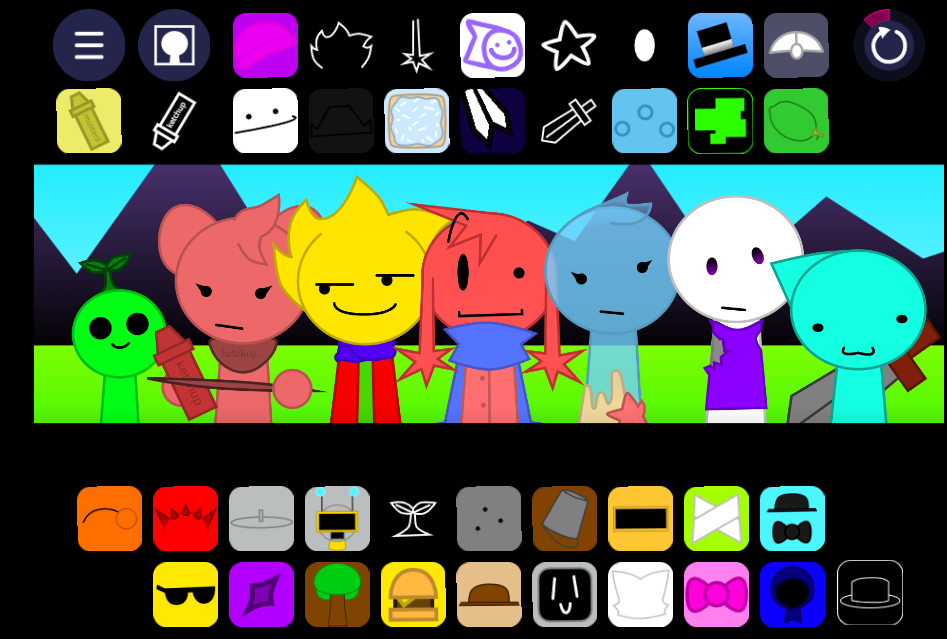
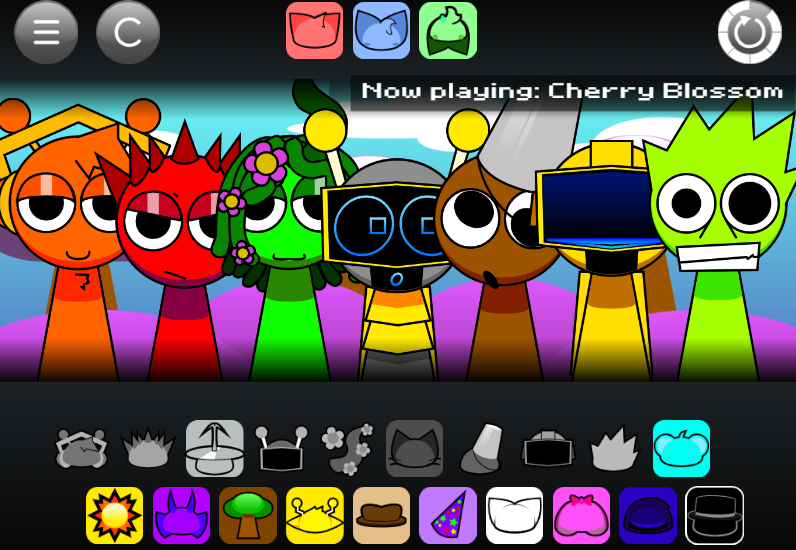
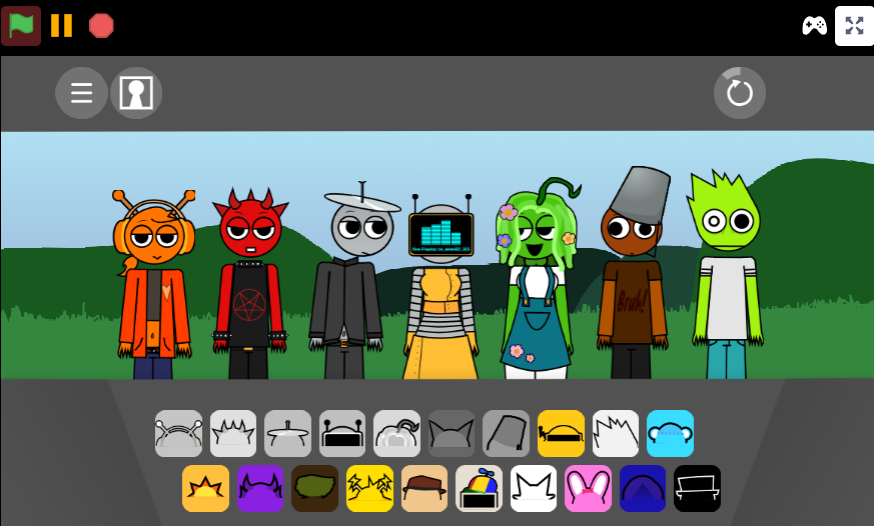
The Game begins as a bright composition space. Updated characters such as Mr. Sun, Durple, and Mr. Tree bob to the rhythm, turning each sound into part of a visible performance. The central appeal is experimentation: swap one character and the track shifts immediately, encouraging players to test combinations rather than follow a fixed path.
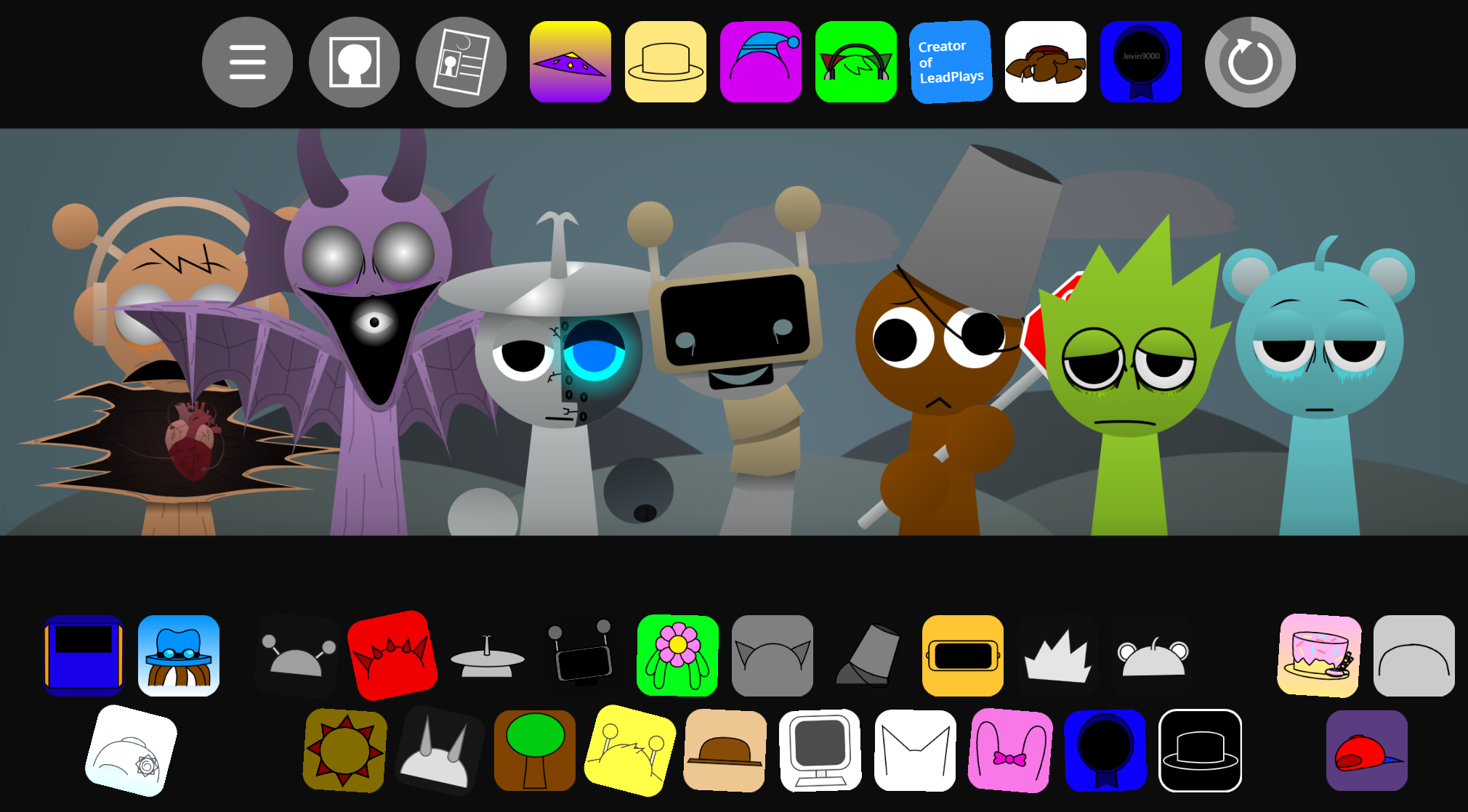
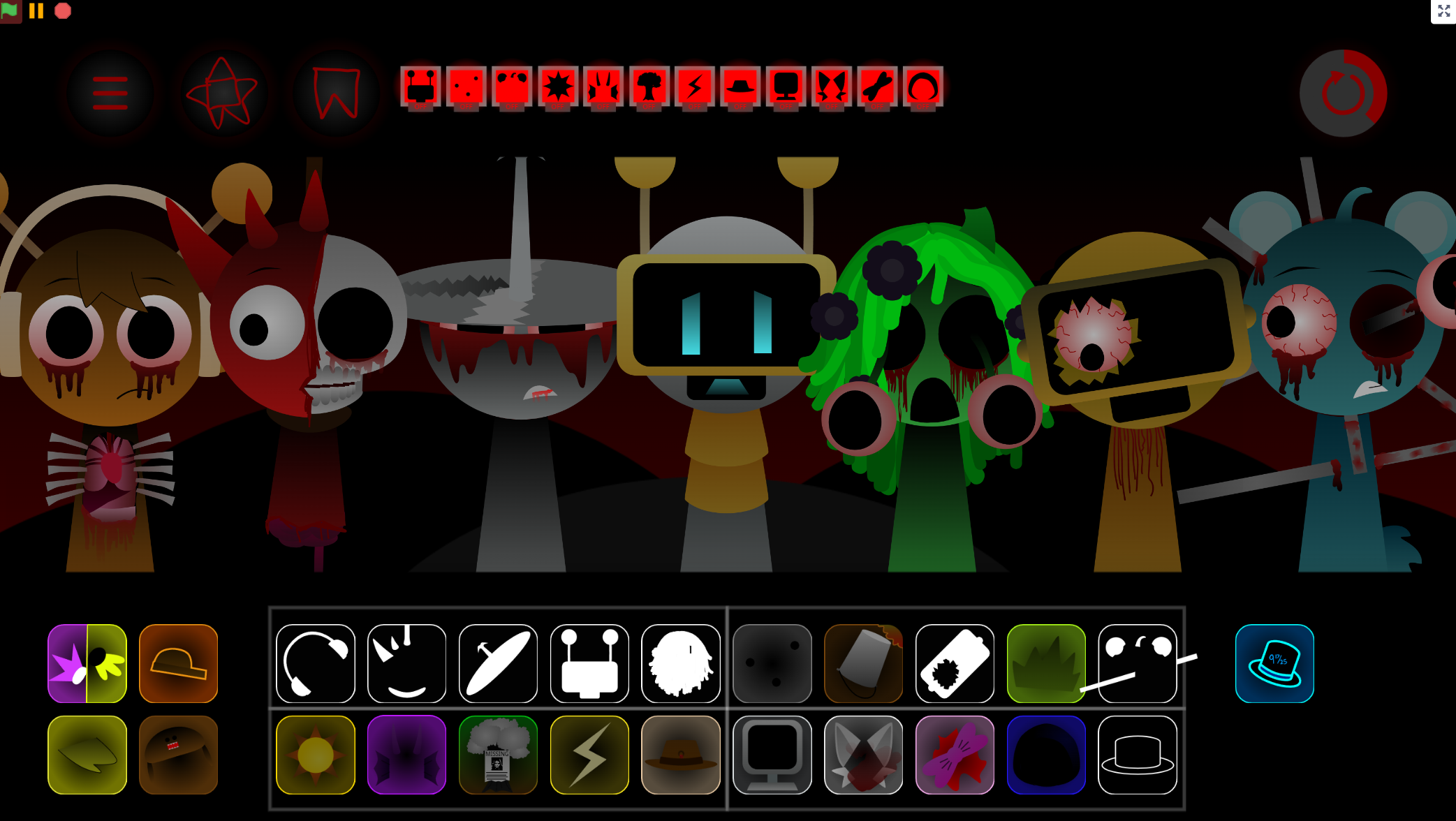
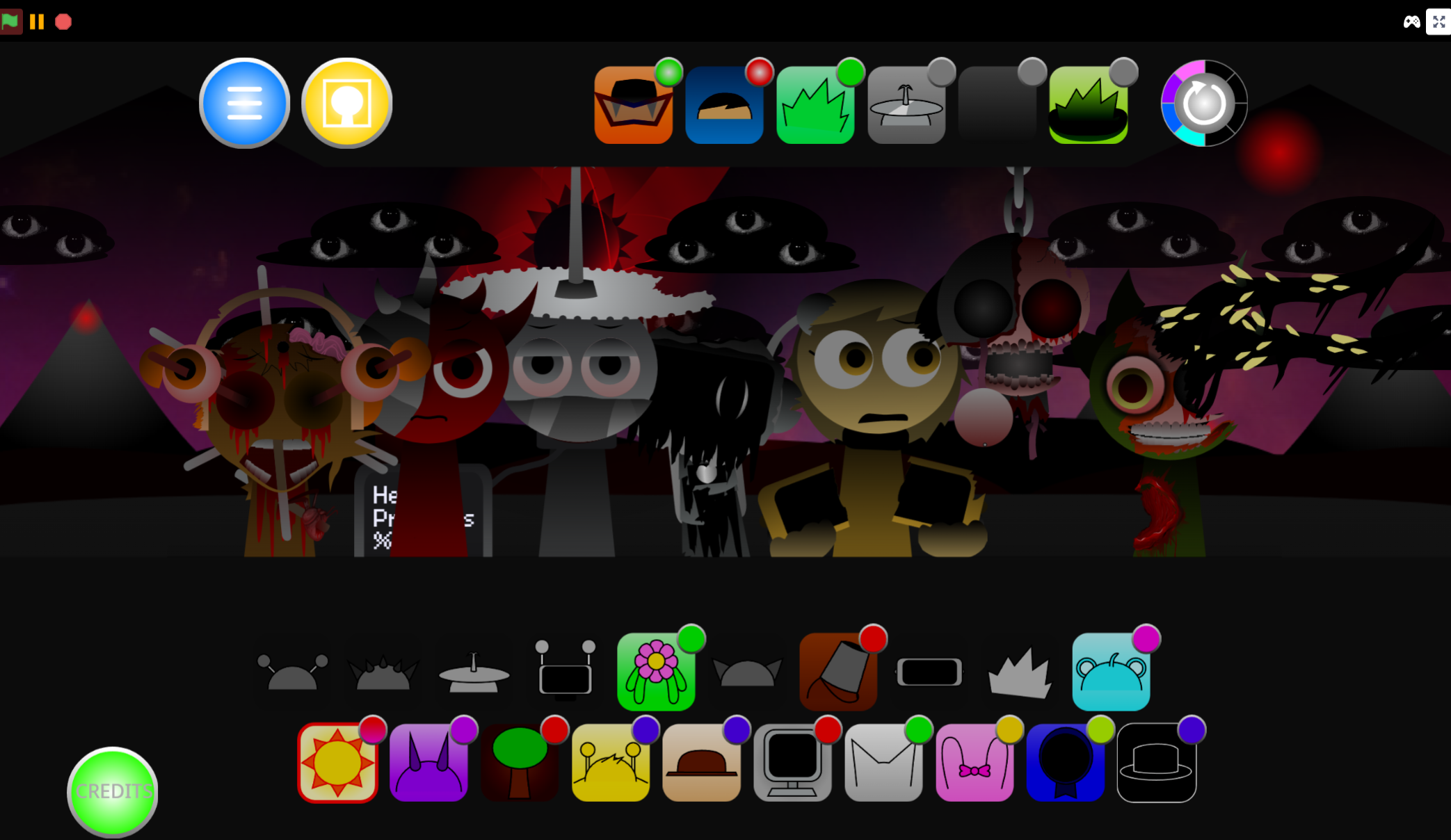
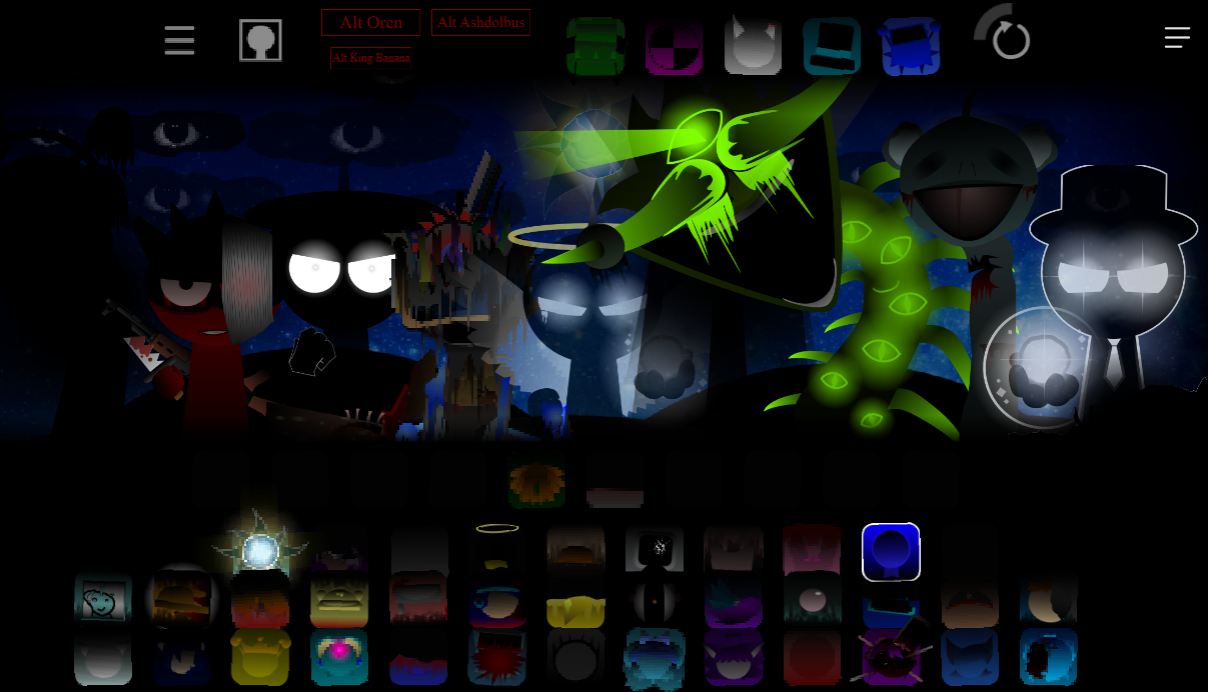
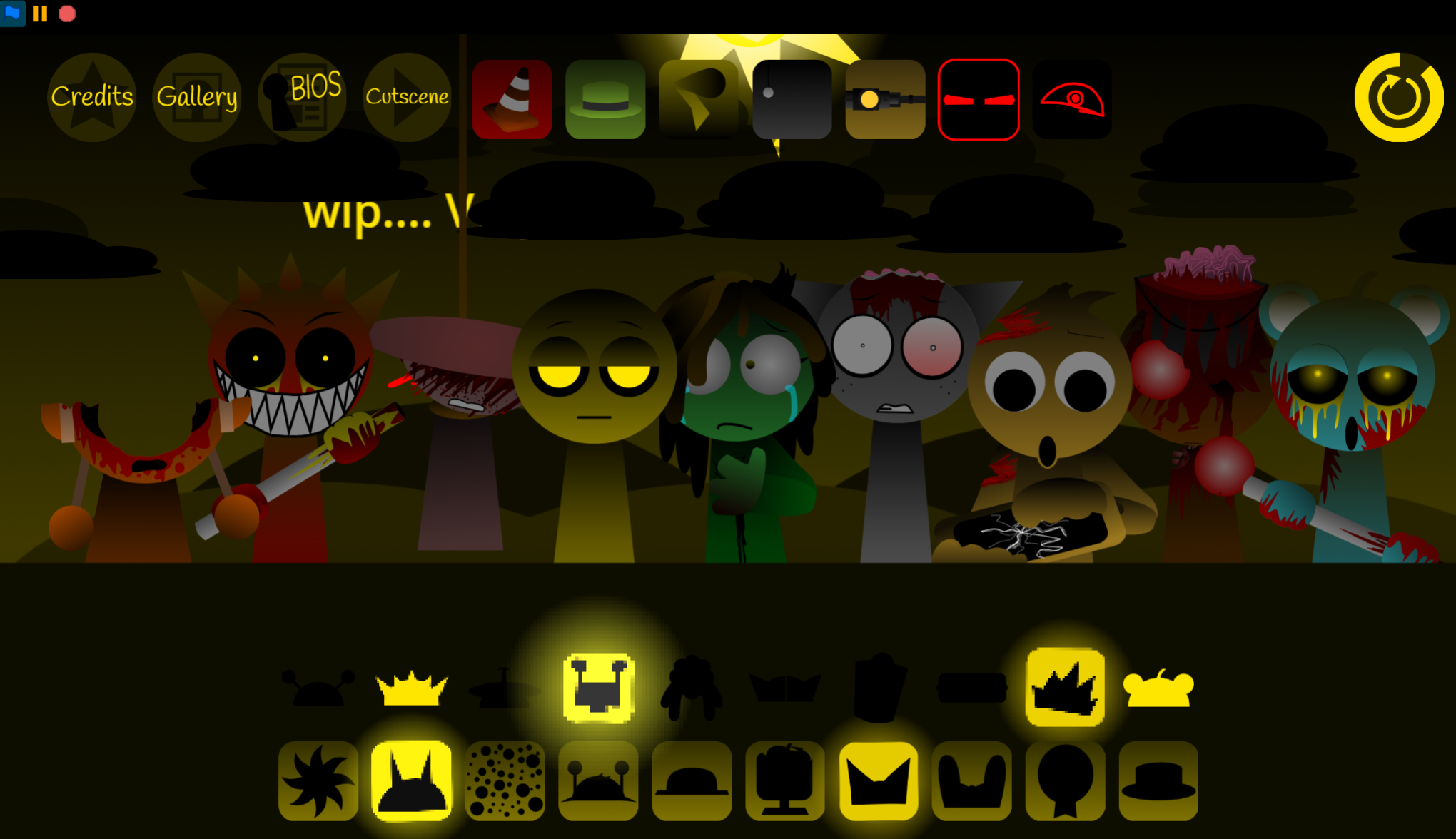
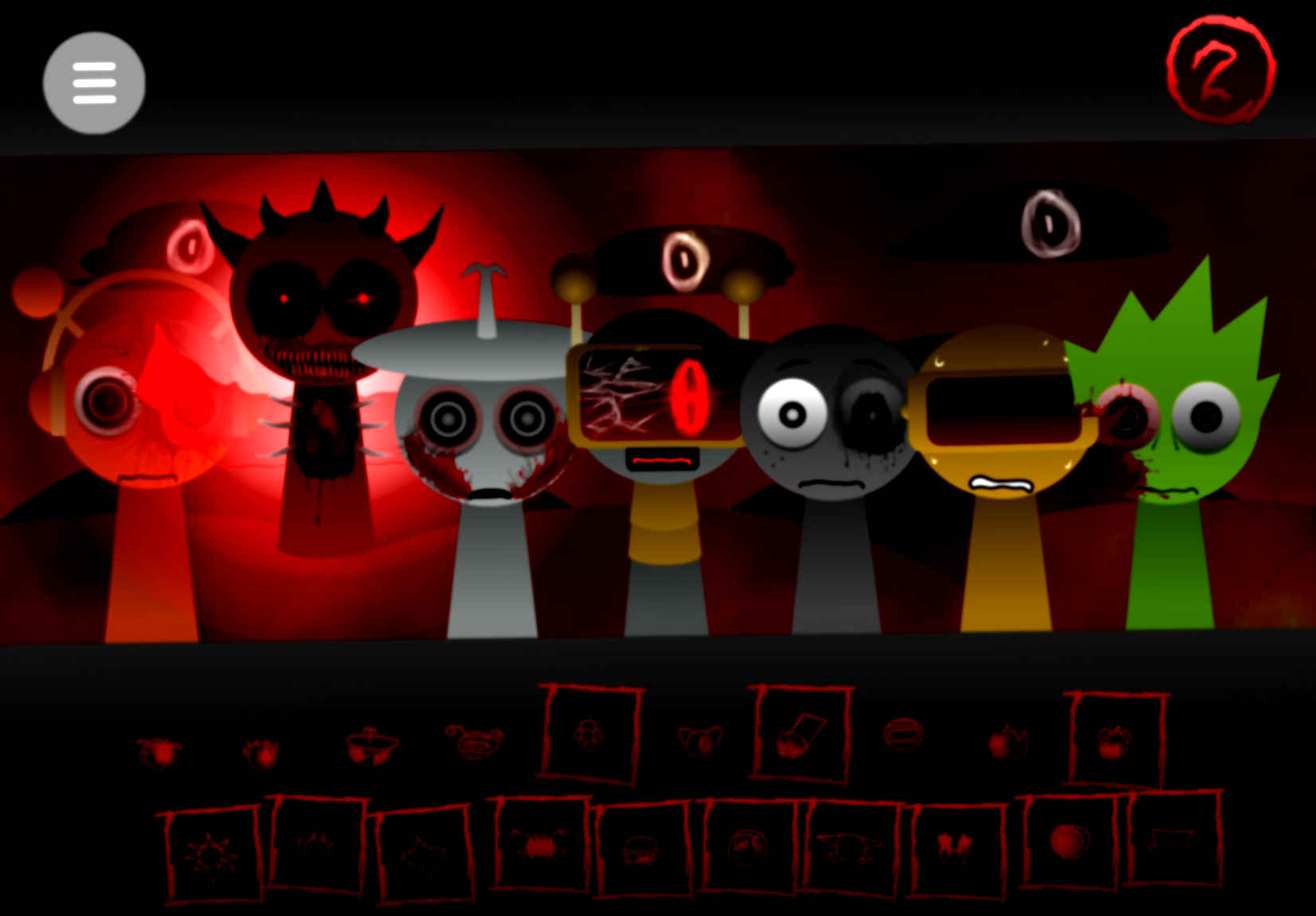
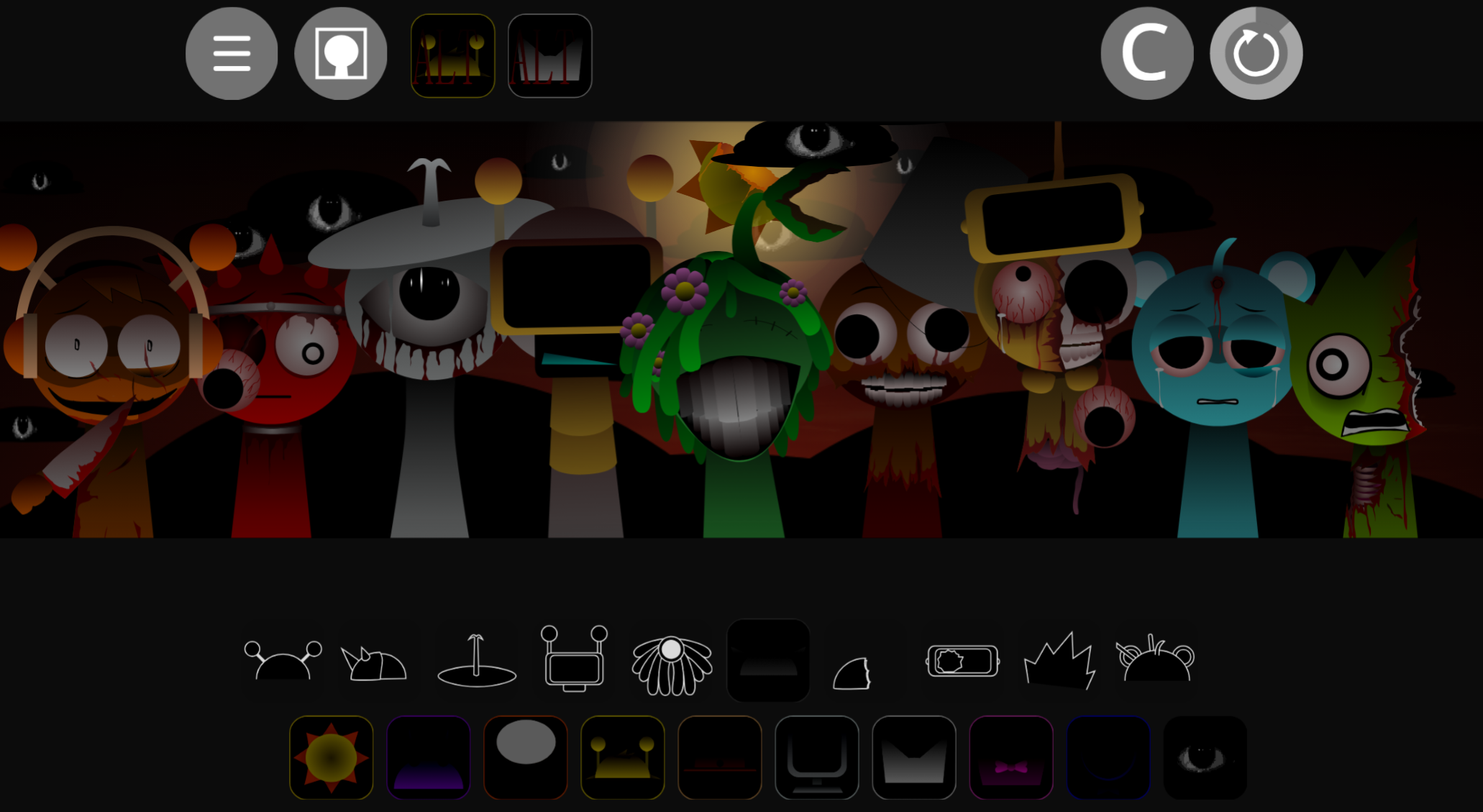
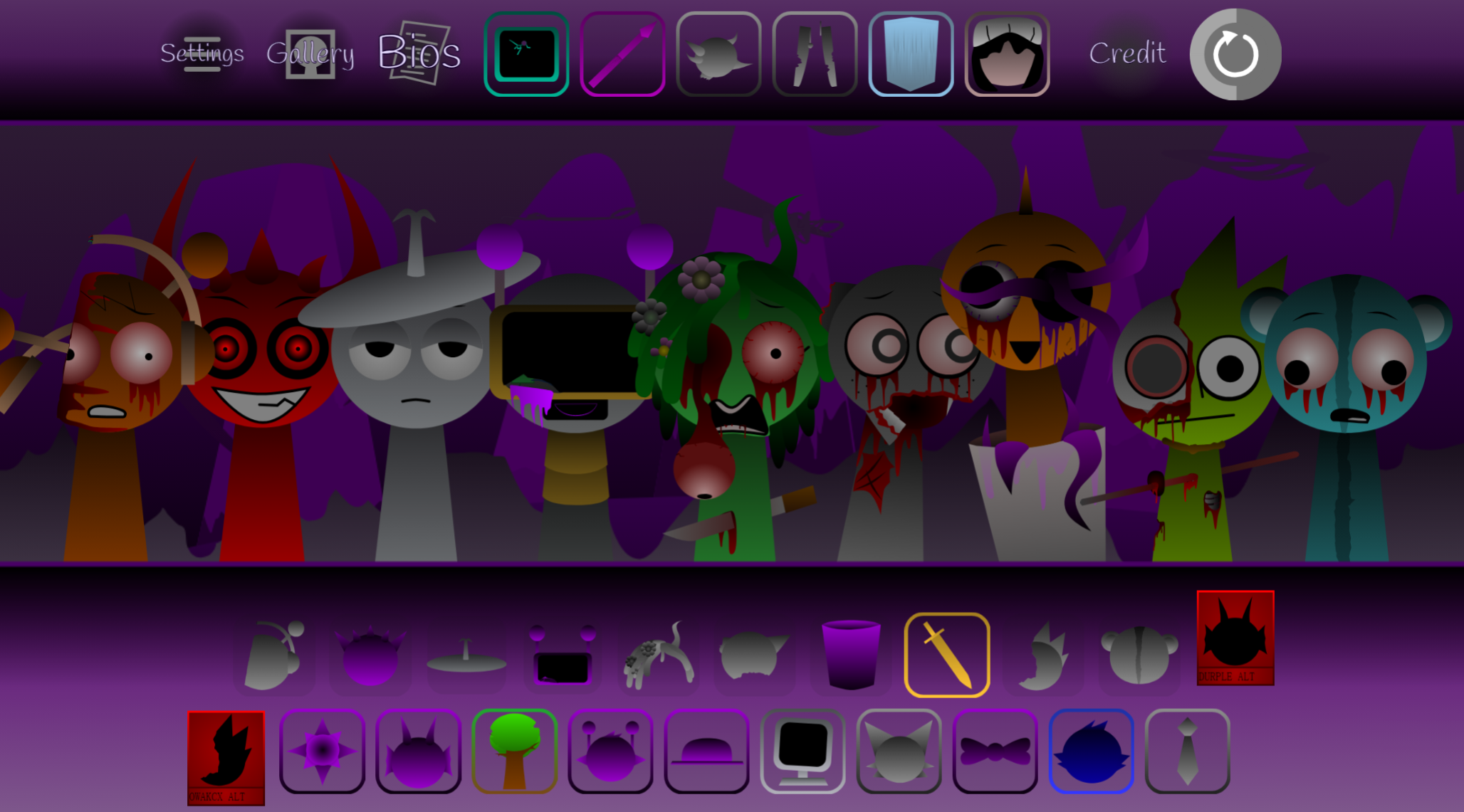
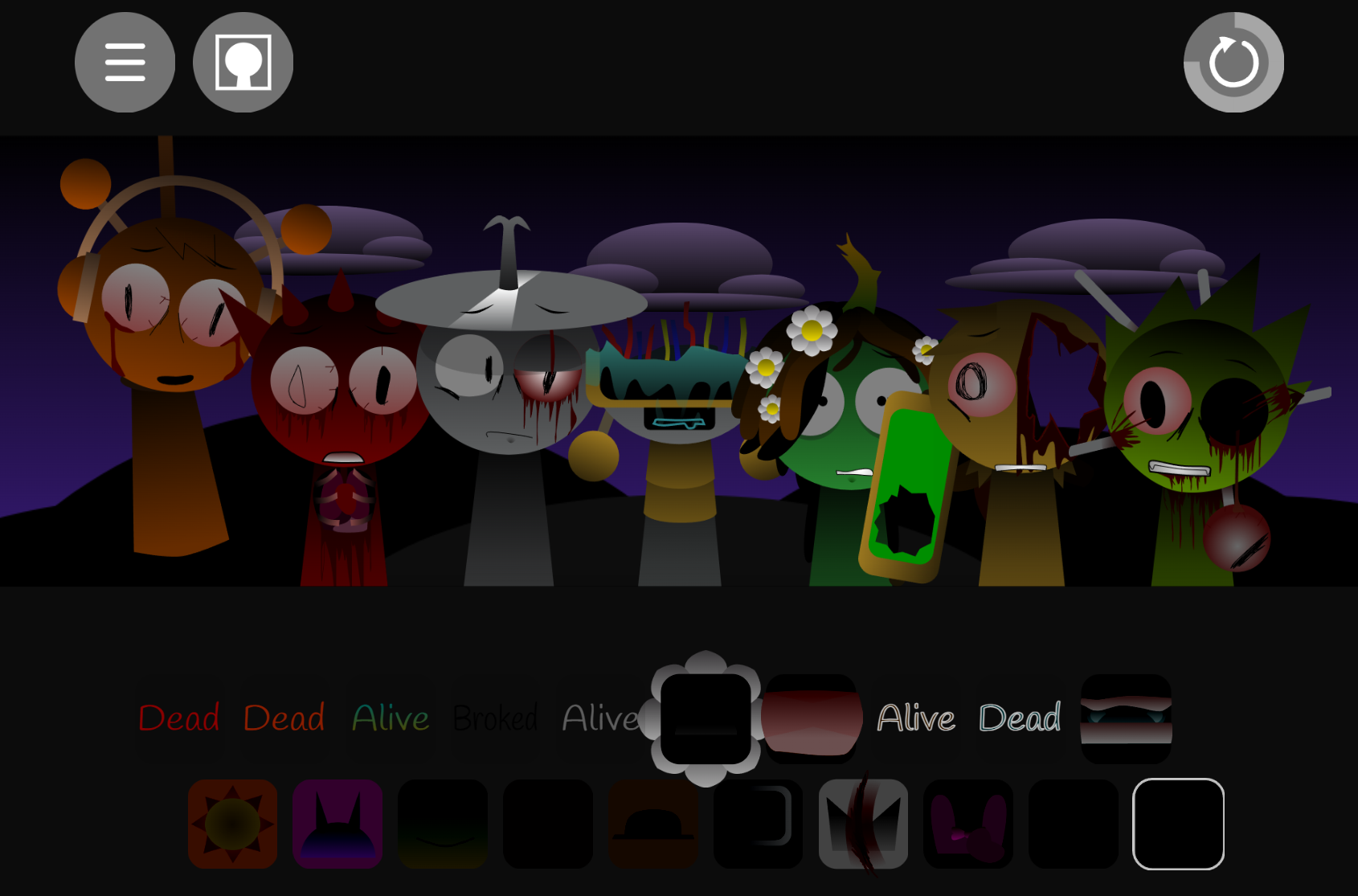
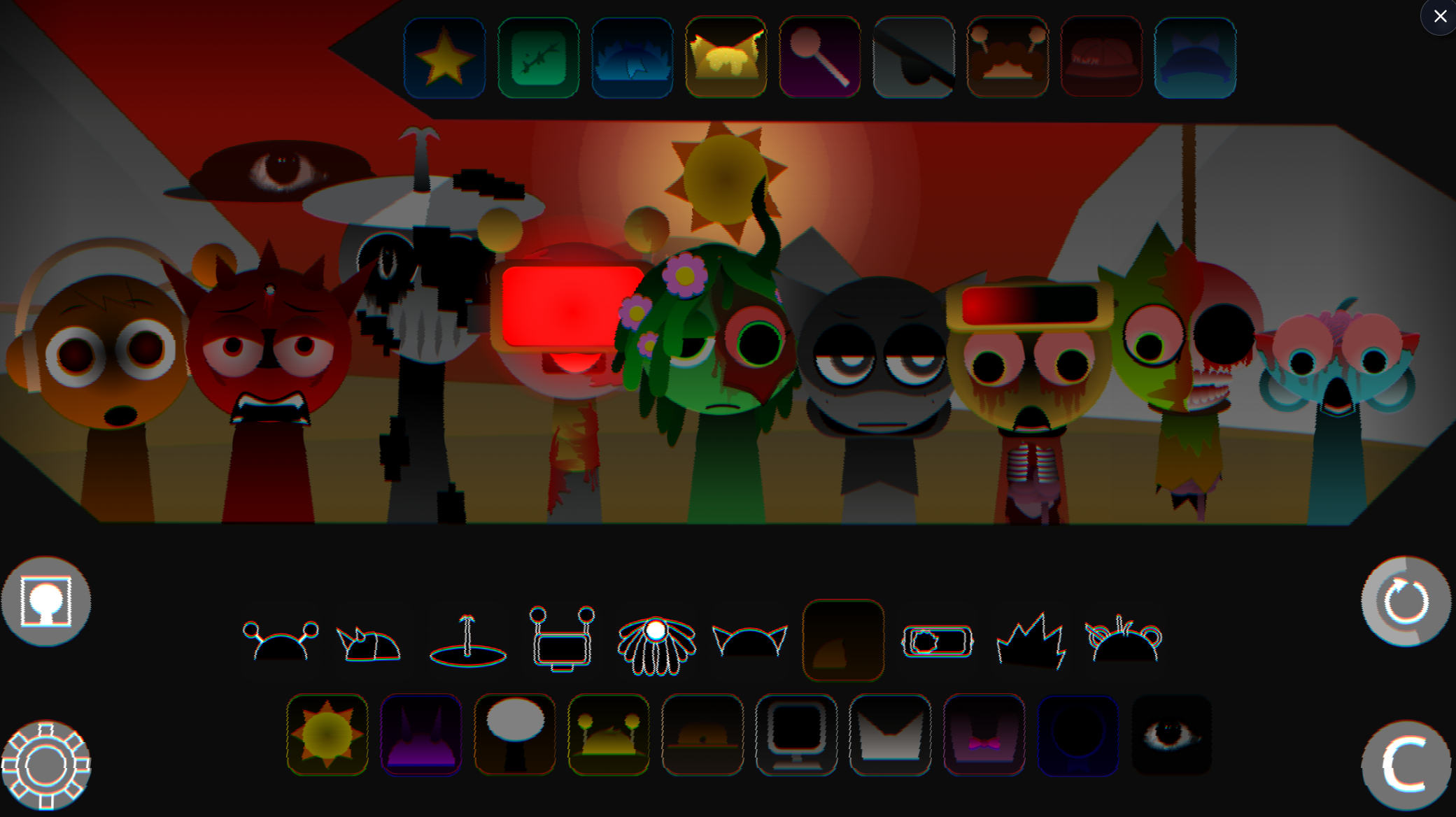
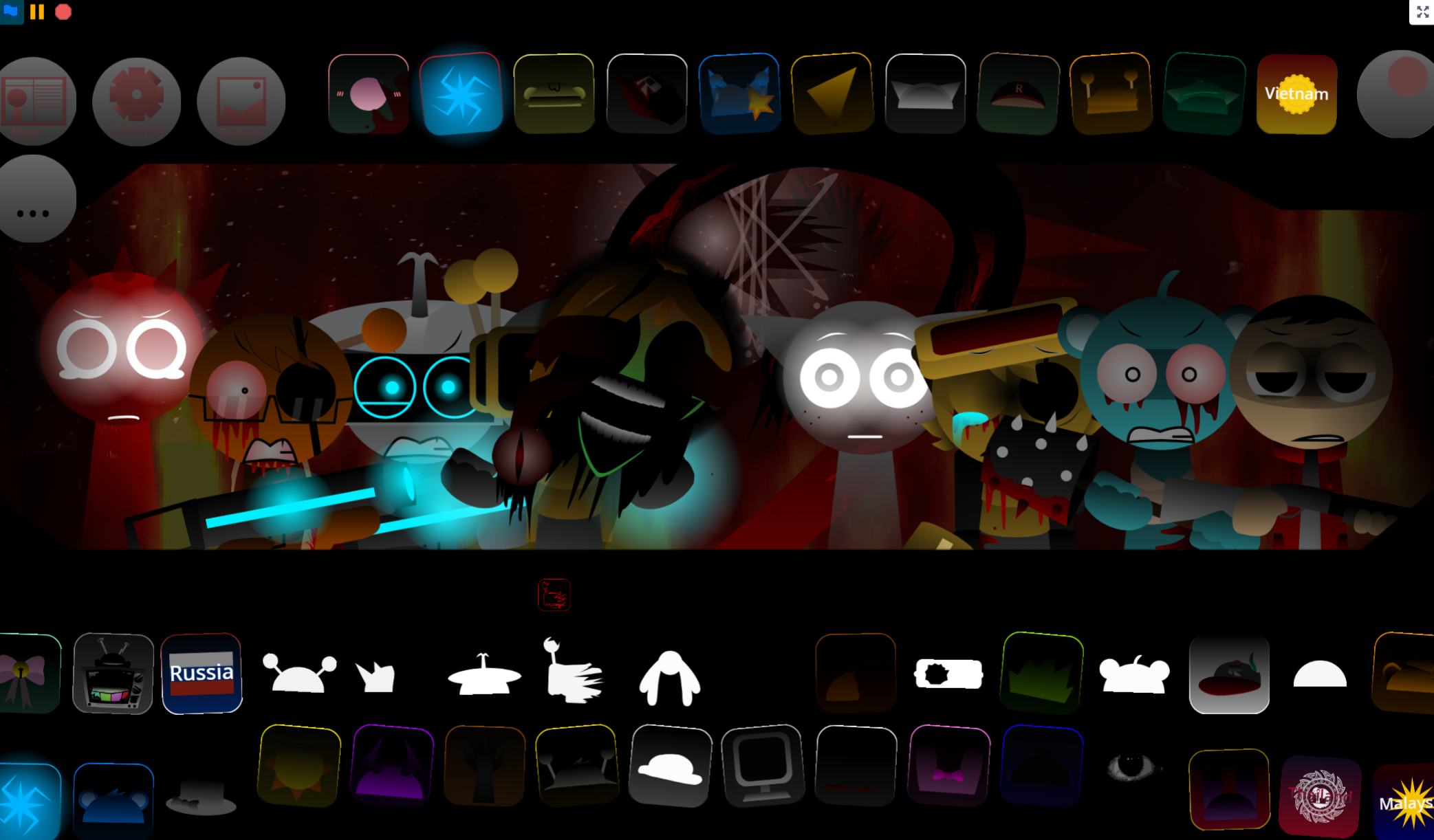
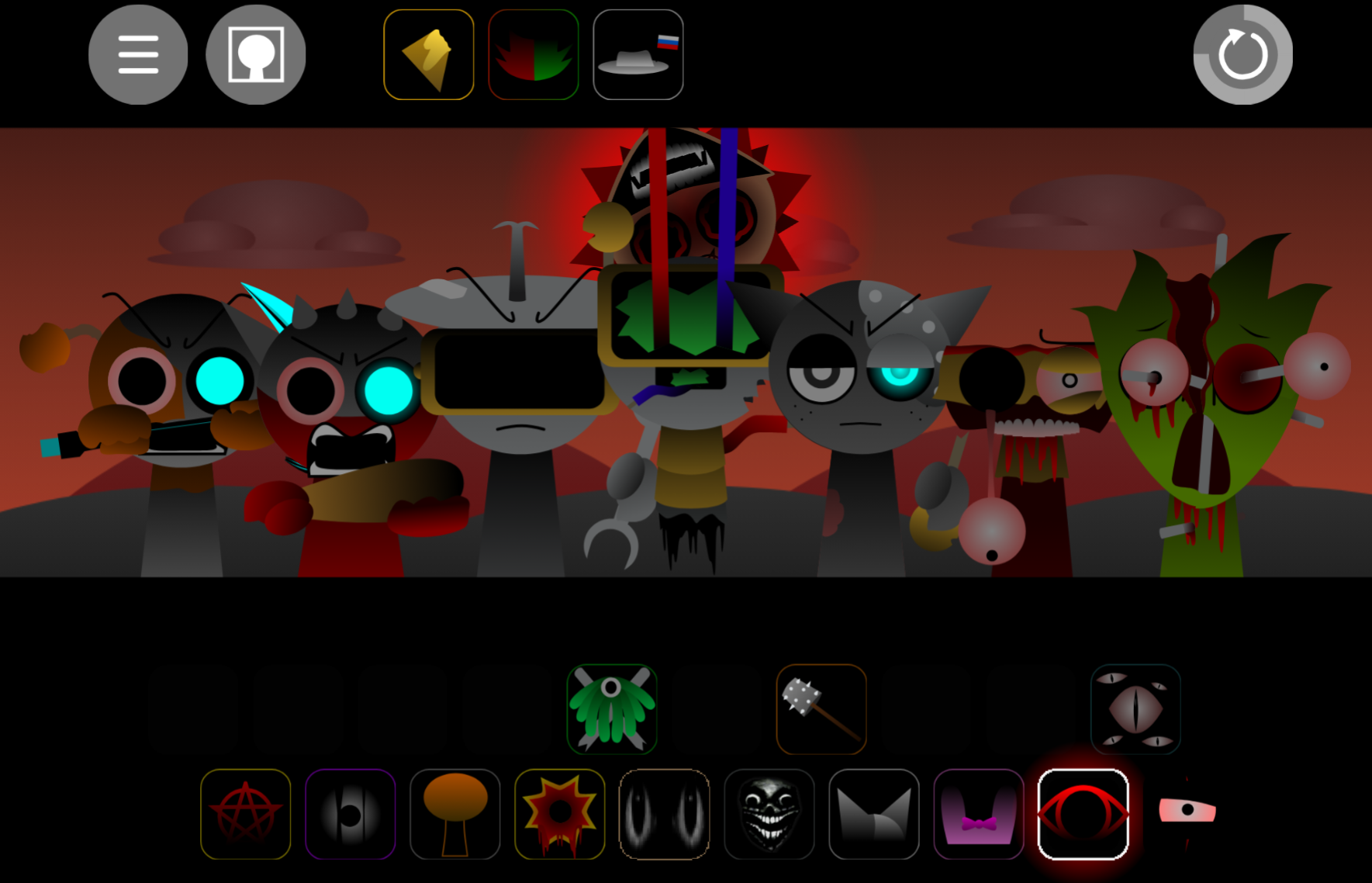
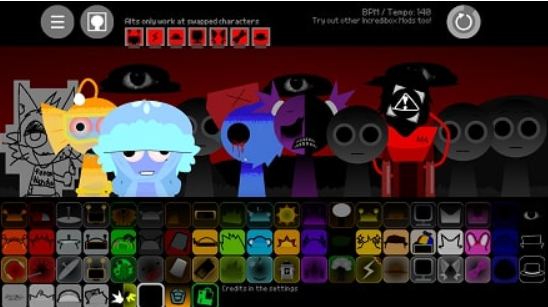
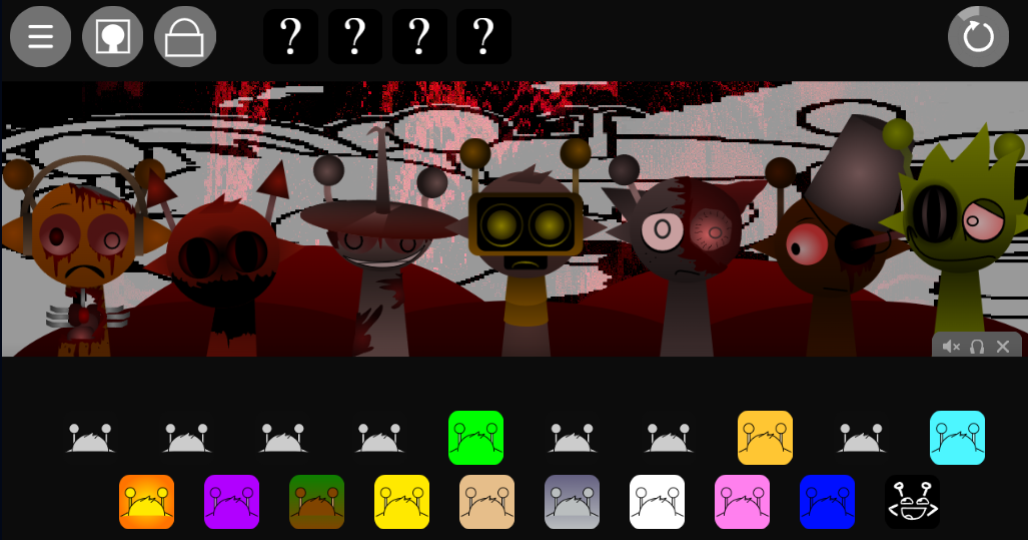
Certain interactions trigger horror mode, shifting visuals, character designs, and audio into a darker state. Black is one of the clearest signals: his icon becomes a single staring eye beside the warning, “Don’t mess with me yet…”
Key Features of the Reborn Saga
- Layered music creation. Every character contributes a distinct sound. Placing, removing, or replacing an icon changes the loop immediately, making it easy to build anything from a sparse rhythm to a dense arrangement.
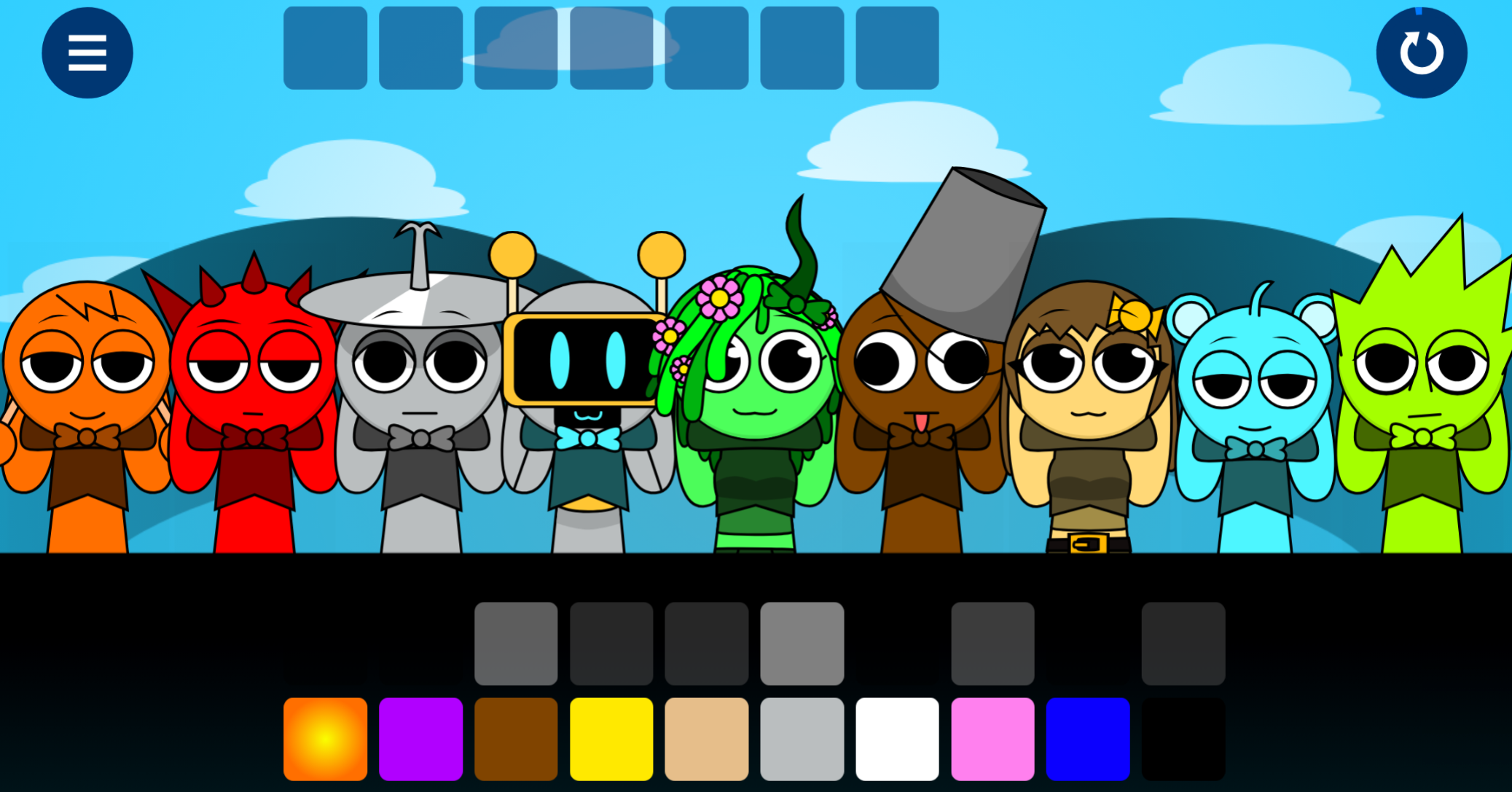
- Redesigned Sprunki cast. Familiar performers receive refreshed visuals, polished movement, and more active rhythm responses. Characters animate with the beat rather than standing as static sound slots.
- Bright normal mode. Standard mode uses colorful backgrounds, upbeat motion, and clean rhythmic layers—a straightforward creative space for building and refining mixes.
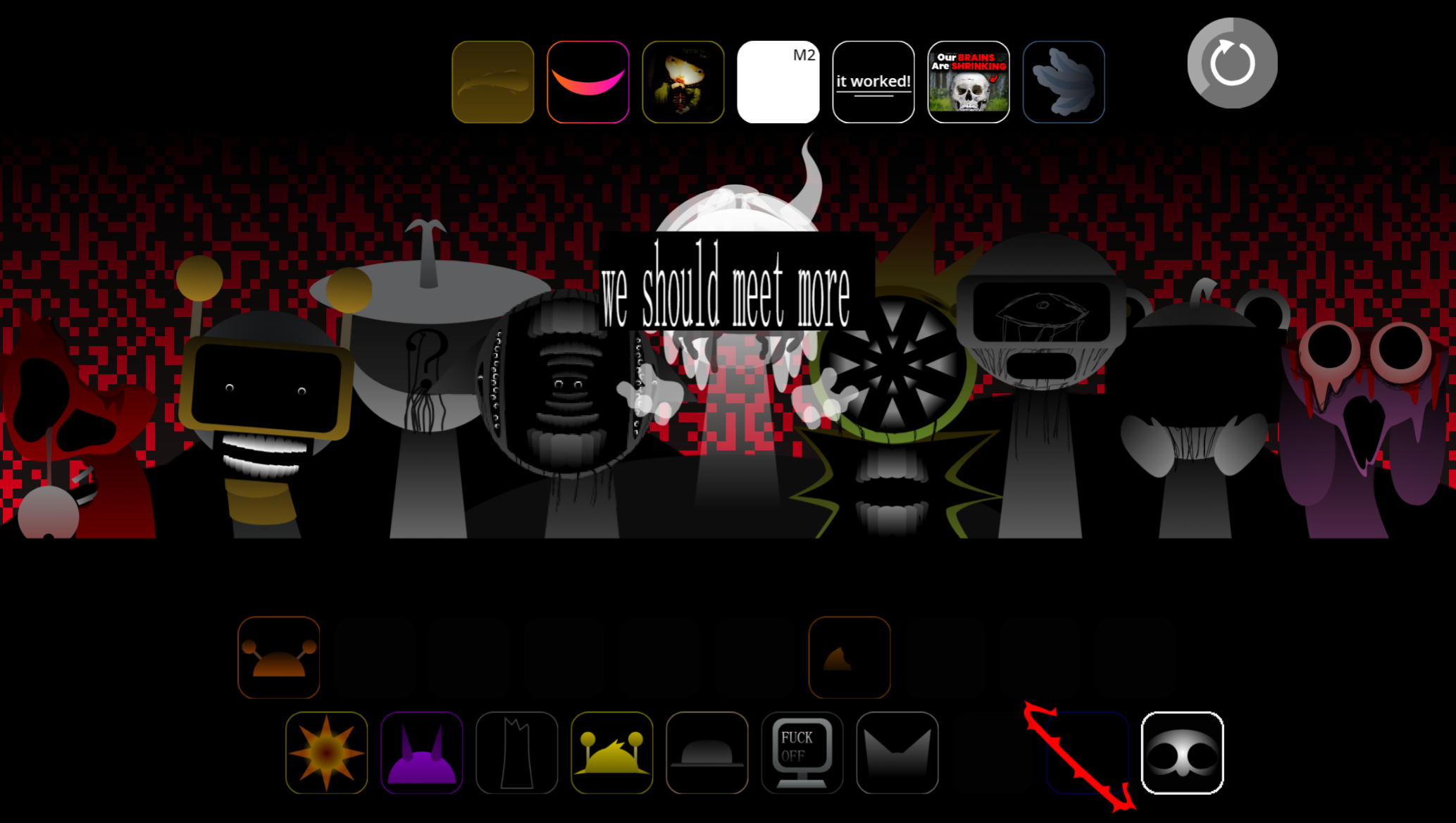
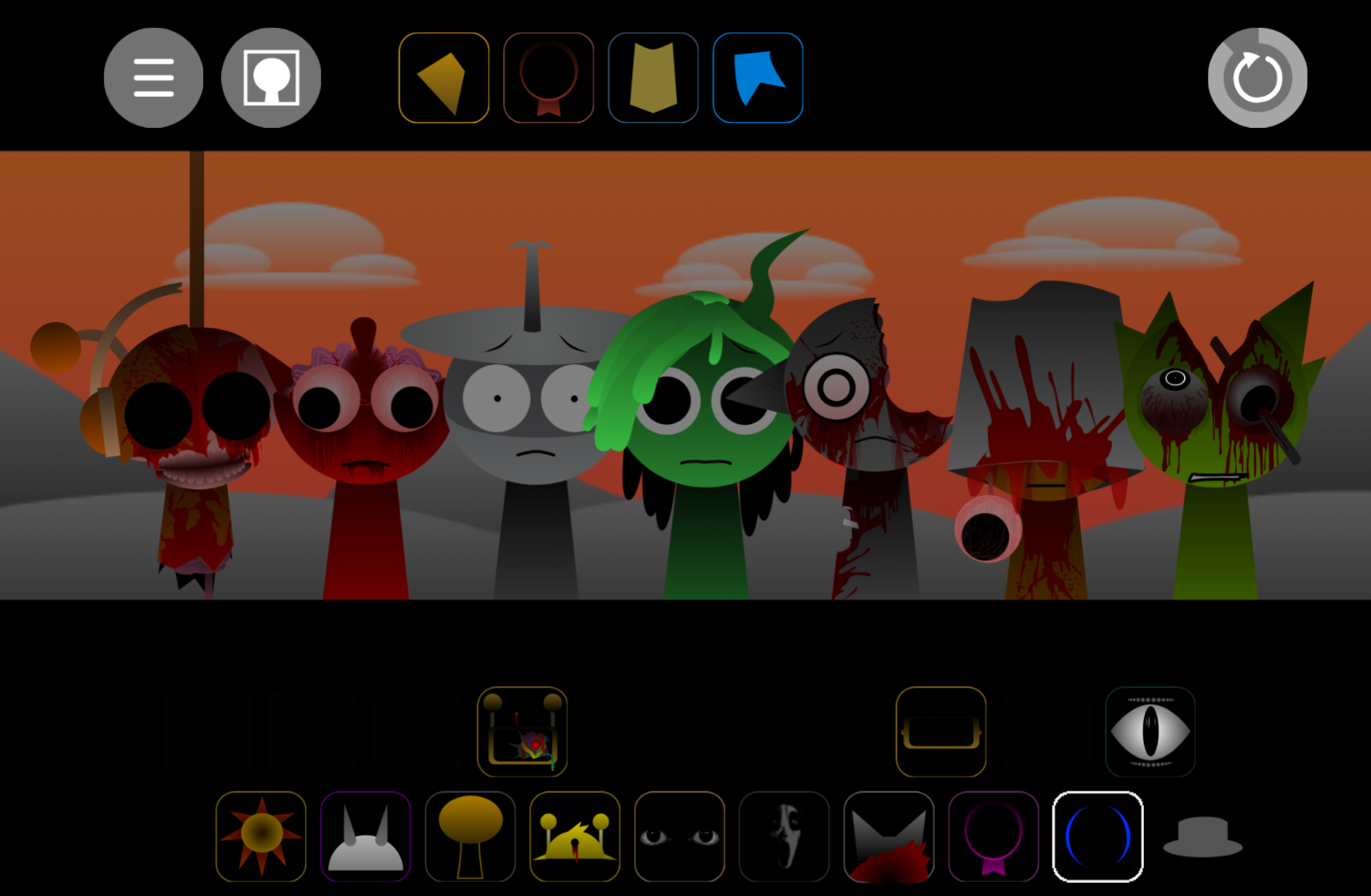
- Horror-mode transformations. The cheerful presentation can fracture into damaged imagery, altered character states, and distorted musical layers. The soundscape shifts with the stage, giving discovered transformations deliberate impact.
- Hidden combinations and secret animations. Unusual character pairings reveal surprises, special effects, or animations. Replay value comes from uncovering what the first successful loop does not expose.
How to Play Sprunki: Reborn
Start with a rhythm.
Drag a beat-focused character onto the stage to establish the track’s foundation. Listen to the loop before adding more elements.
Add melody, vocals, and effects.
Place complementary characters around the initial beat. Melodic sounds give direction, while vocal-like parts and effects add texture.
Swap characters to reshape the mix.
Replacing one performer can make the track brighter, darker, or more spacious without requiring a complete restart.
Test unusual combinations.
Move characters, try different layer orders, and combine unexpected icons to search for hidden features and horror-mode shifts.
Save and share your track.
Keep mixes that capture a distinct mood, whether a clean loop or a distorted arrangement uncovered through exploration.
Tips for Aspiring Mixers
- Build from the bottom up. Start with steady percussion, then add melody and supporting effects. This gives the track a clear center before it becomes complex.
- Choose sounds for mood. Pair bright rhythmic elements for an upbeat mix, or use sparser, tense layers for a darker atmosphere.
- Leave room in the loop. Filling every slot can bury interesting details. A cleaner arrangement often makes the beat and melodic hooks more memorable.
- Experiment with placement order. Add a beat before a vocal-like sound, then rebuild the pairing in a different sequence. Reborn’s responsive format makes these tests quick and may expose unexpected audio interactions.
- Share the strongest results. Community feedback can help identify combinations worth revisiting, especially when another player notices a sound pairing or hidden detail You missed.
Related Games
- Sprunki dark mode treatment — Its darker treatment makes it a natural follow-up for players drawn to Reborn’s hidden horror-mode transformations, ominous visual shifts, and distorted soundscape.
- Sprunki Mr Sun treatment Nikis take — This character-focused take directly extends the article’s interest in Mr. Sun, letting players explore another reinterpretation of one of Reborn’s most recognizable cheerful-yet-unsettling performers.
Why Does the Dual-Mode Design Matter?
Reborn’s defining feature is the tension between its two states: bright rhythm-making on one side, distorted horror imagery and audio on the other. Longtime Sprunki players return to the accessible Phase structure of choosing, placing, and adjusting performers, while newer players get a polished entry point with richer movement, updated character art, and more deliberate sound design. Whether approached as a casual music Game, a search for hidden transformations, or a challenge to make the strongest possible loop, Reborn gives each character choice weight.
Discuss Sprunki