
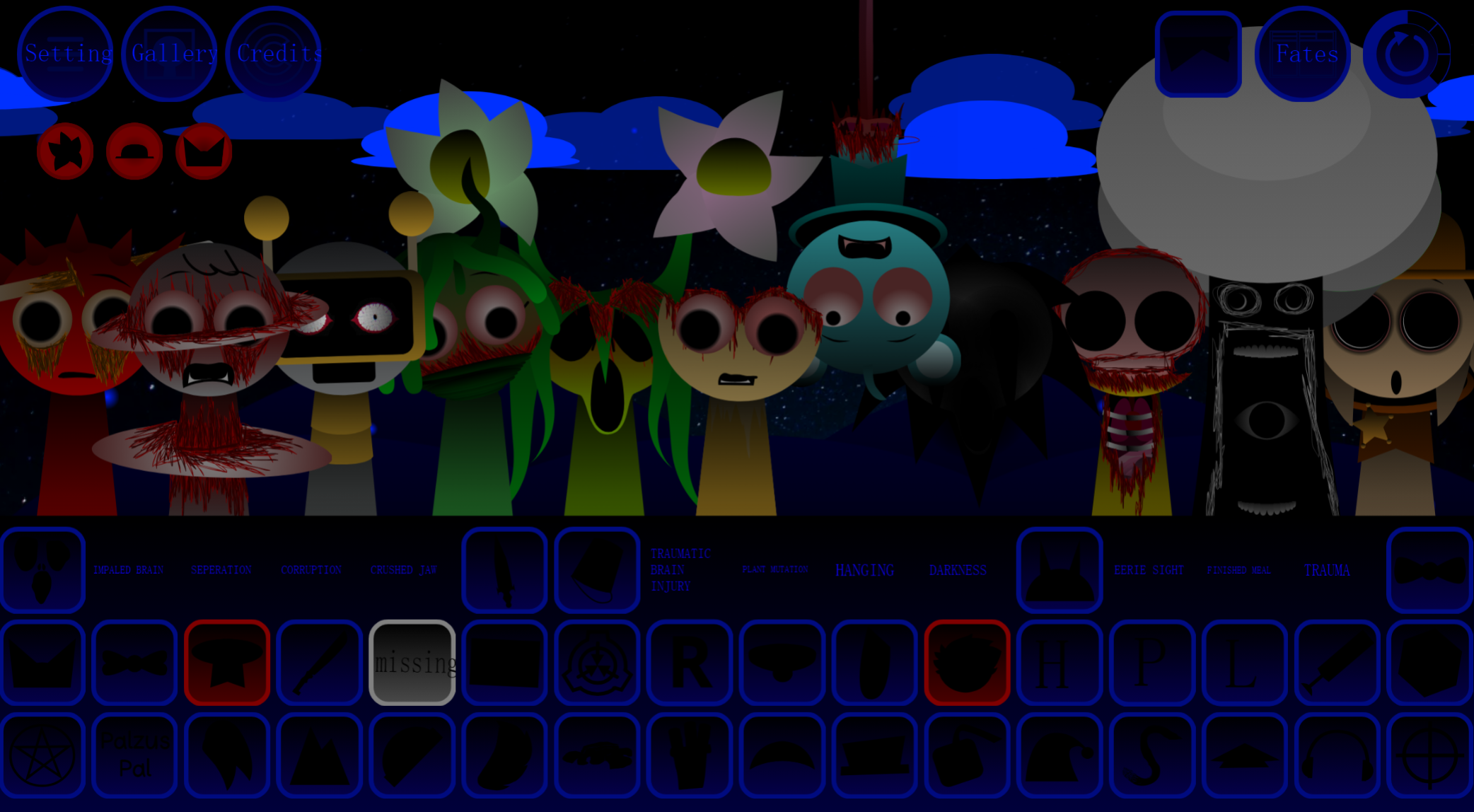



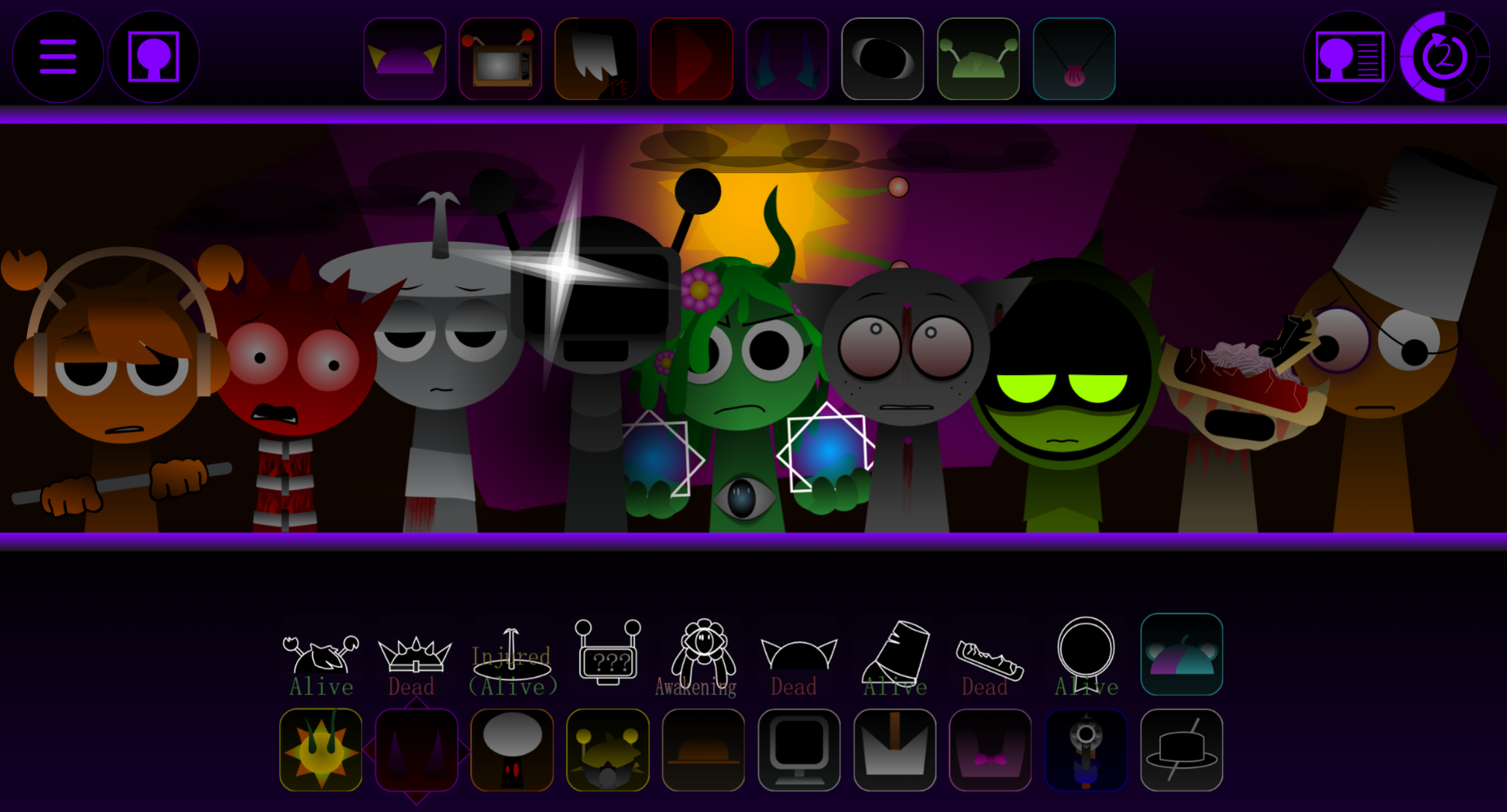
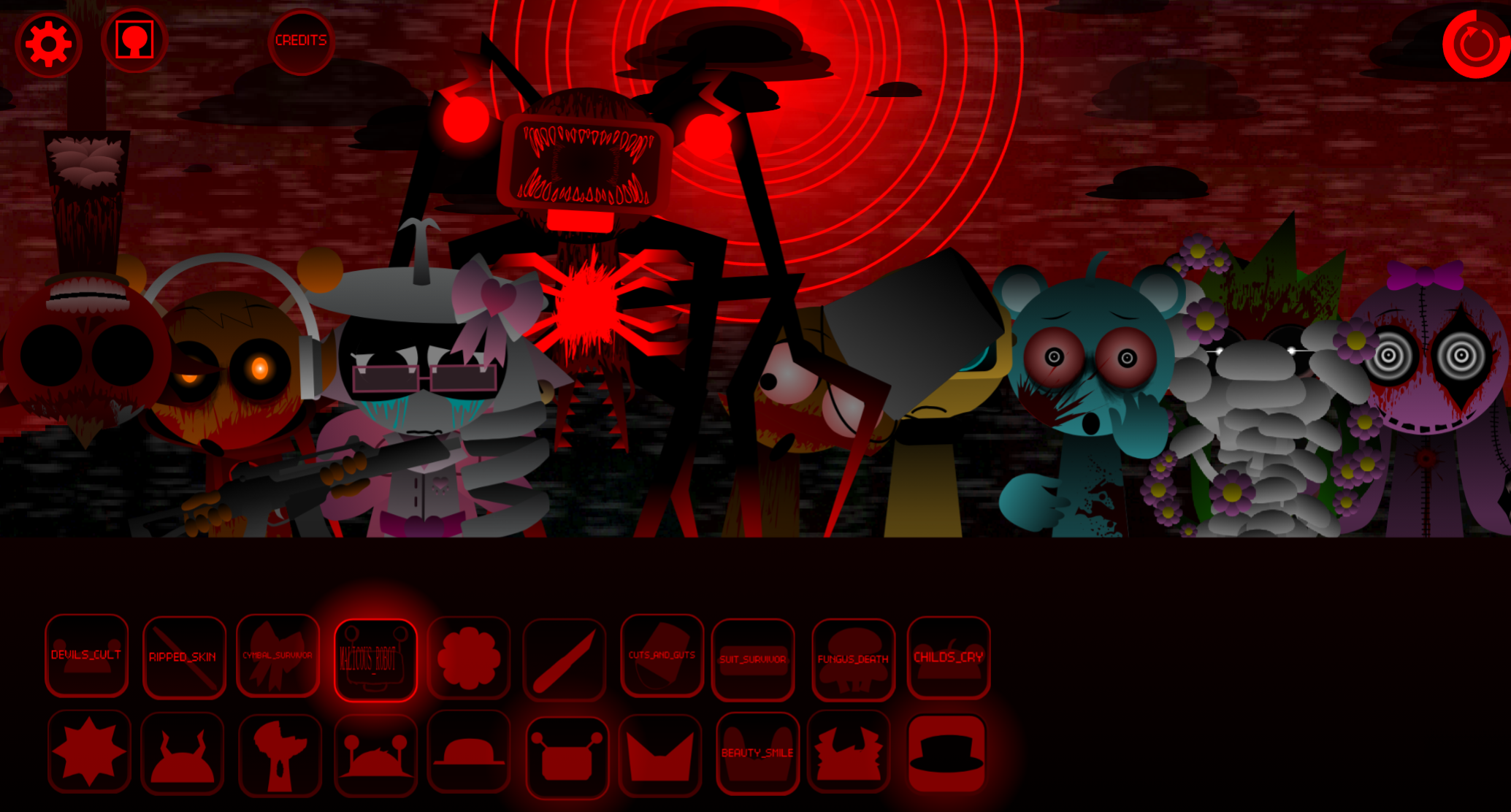


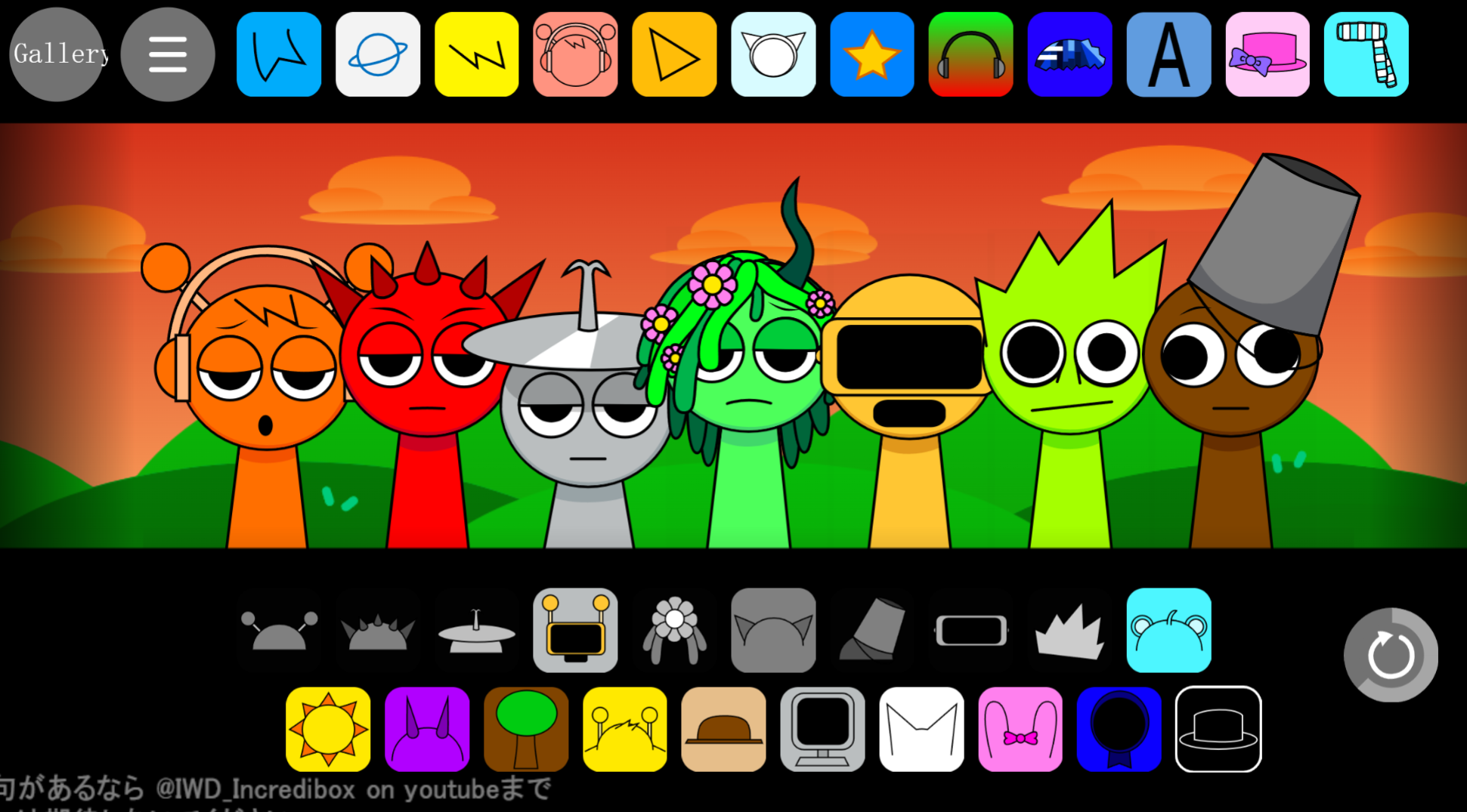
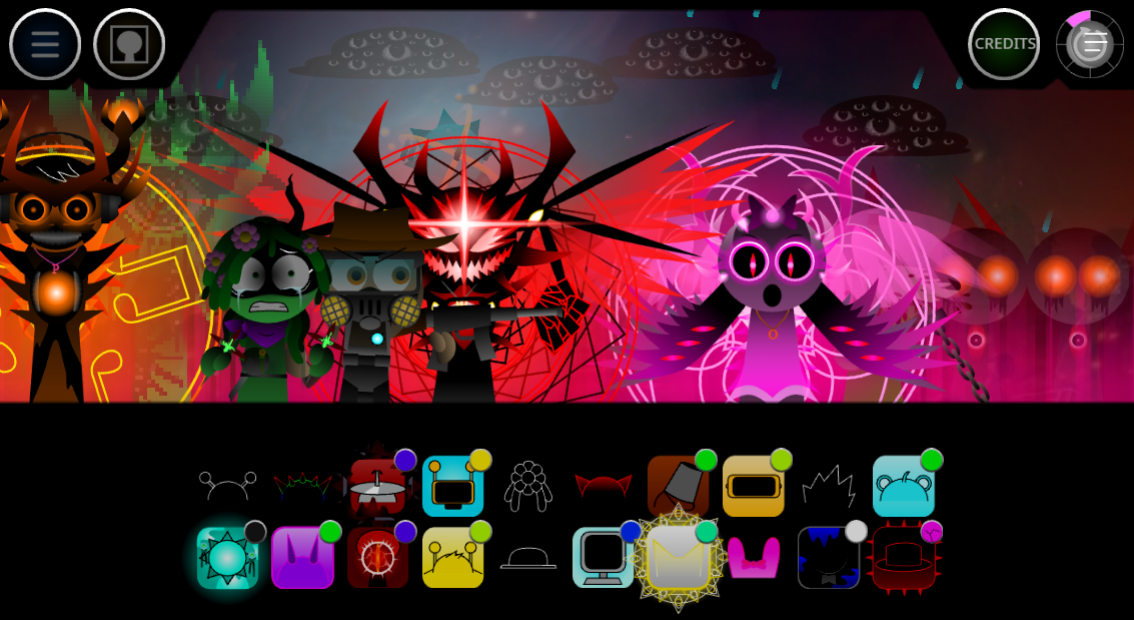
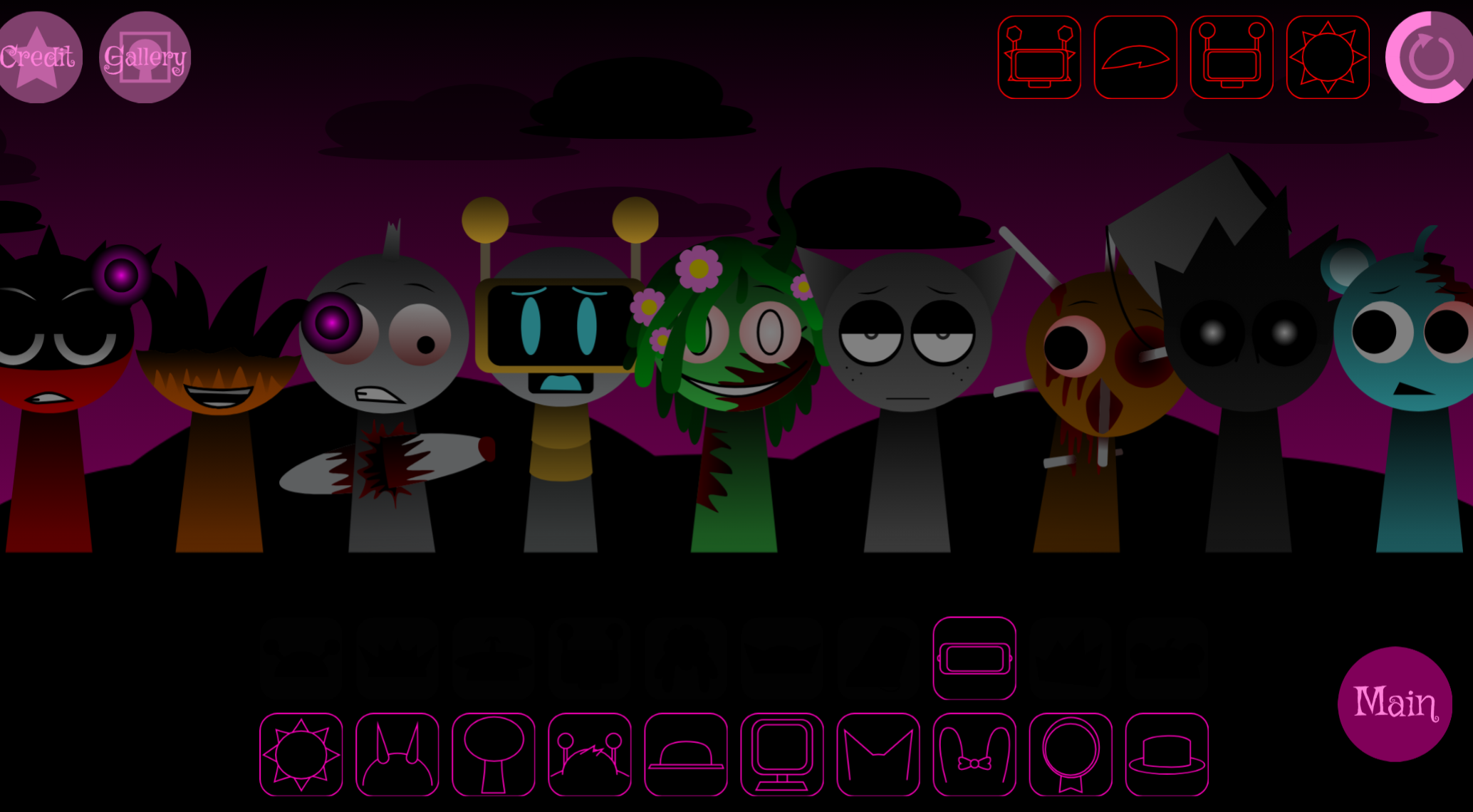
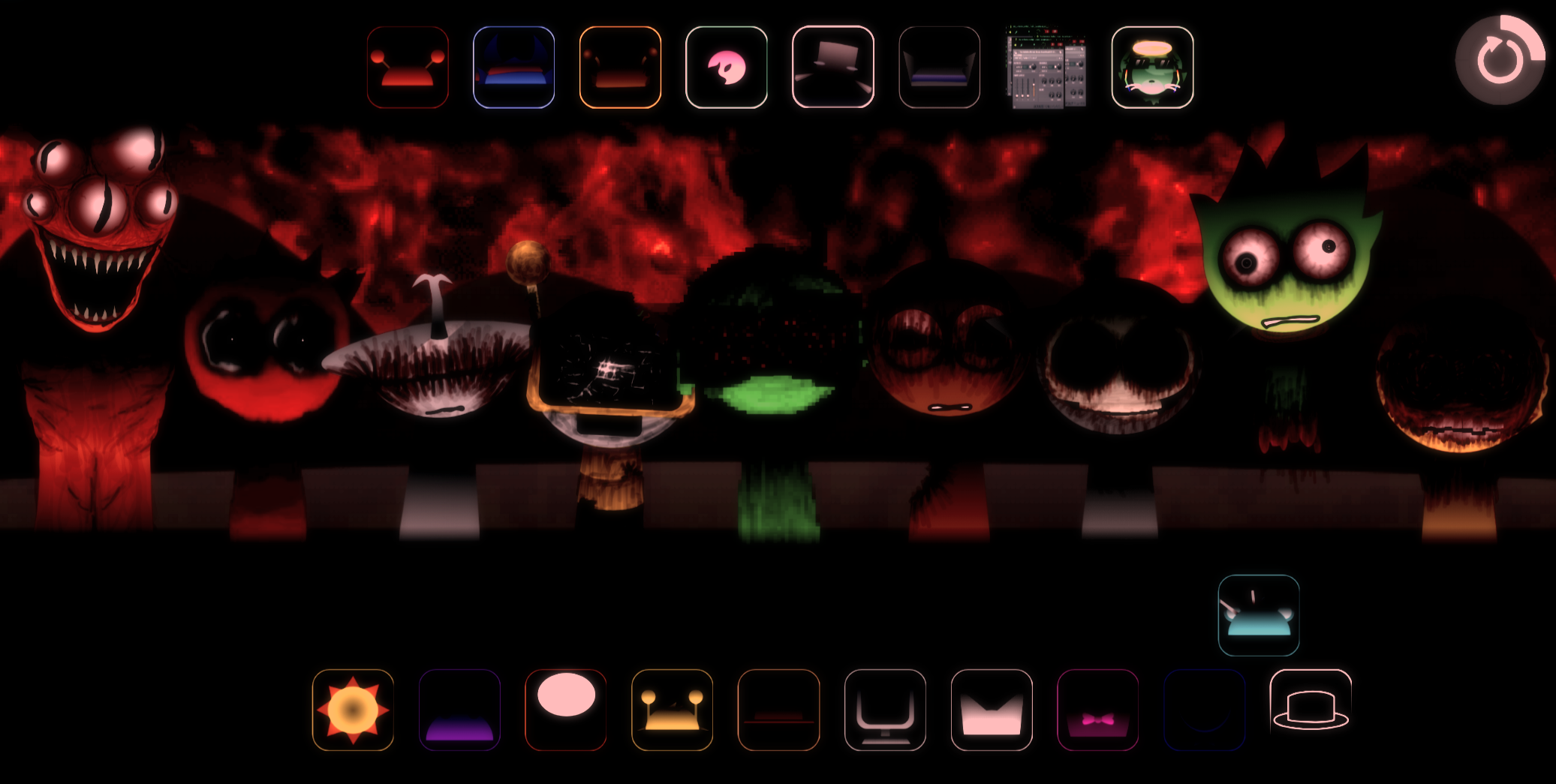
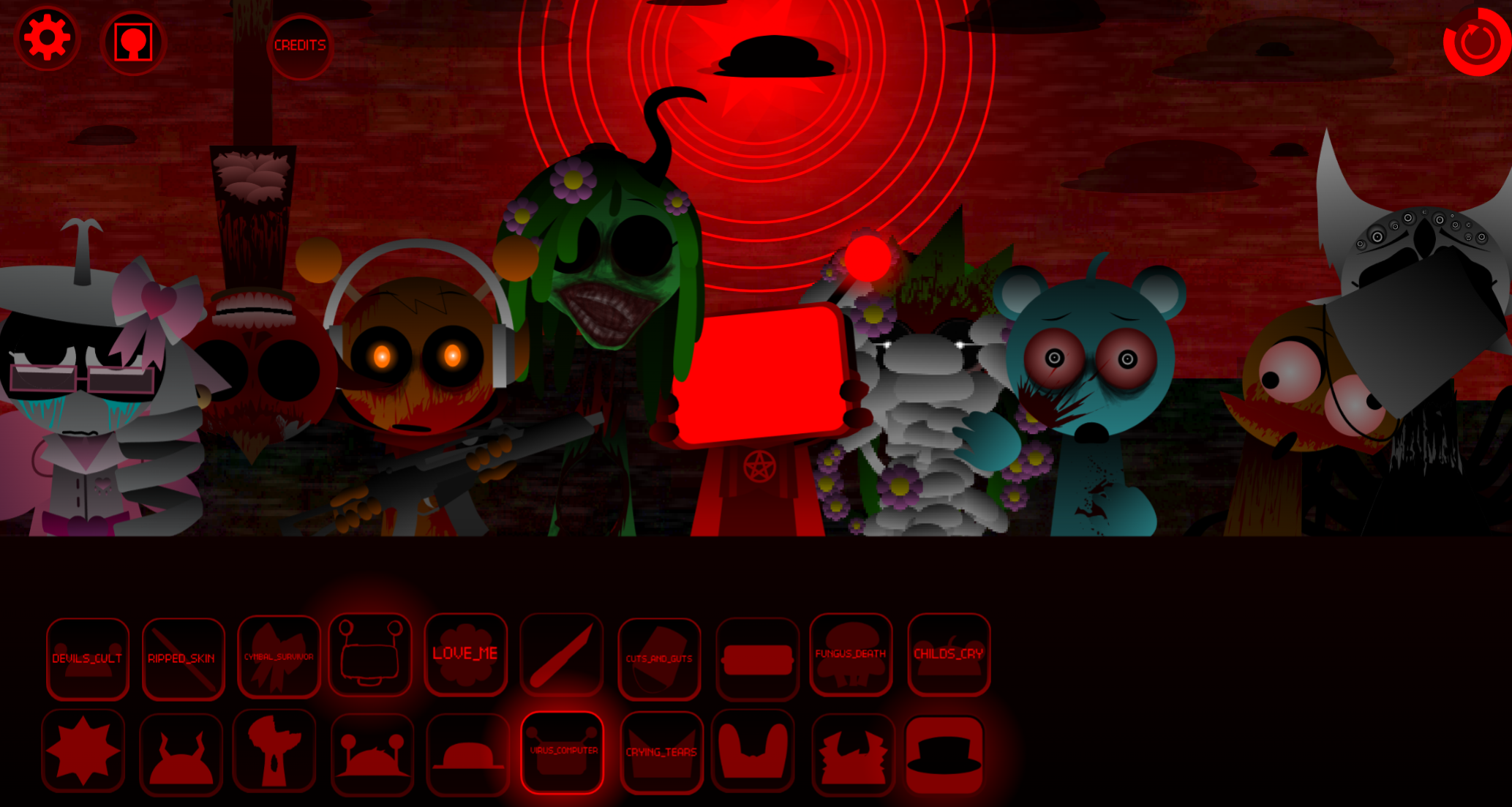
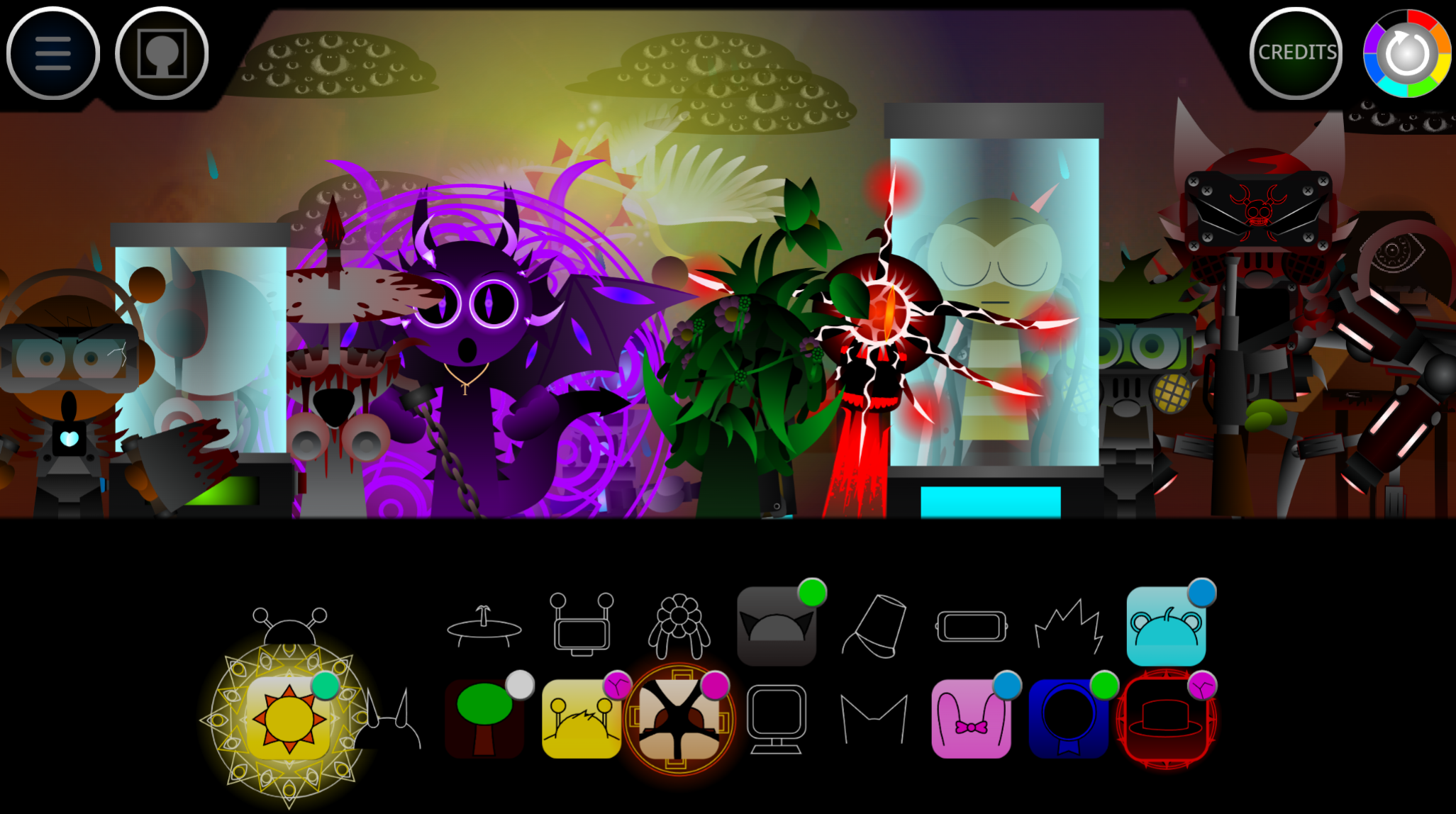

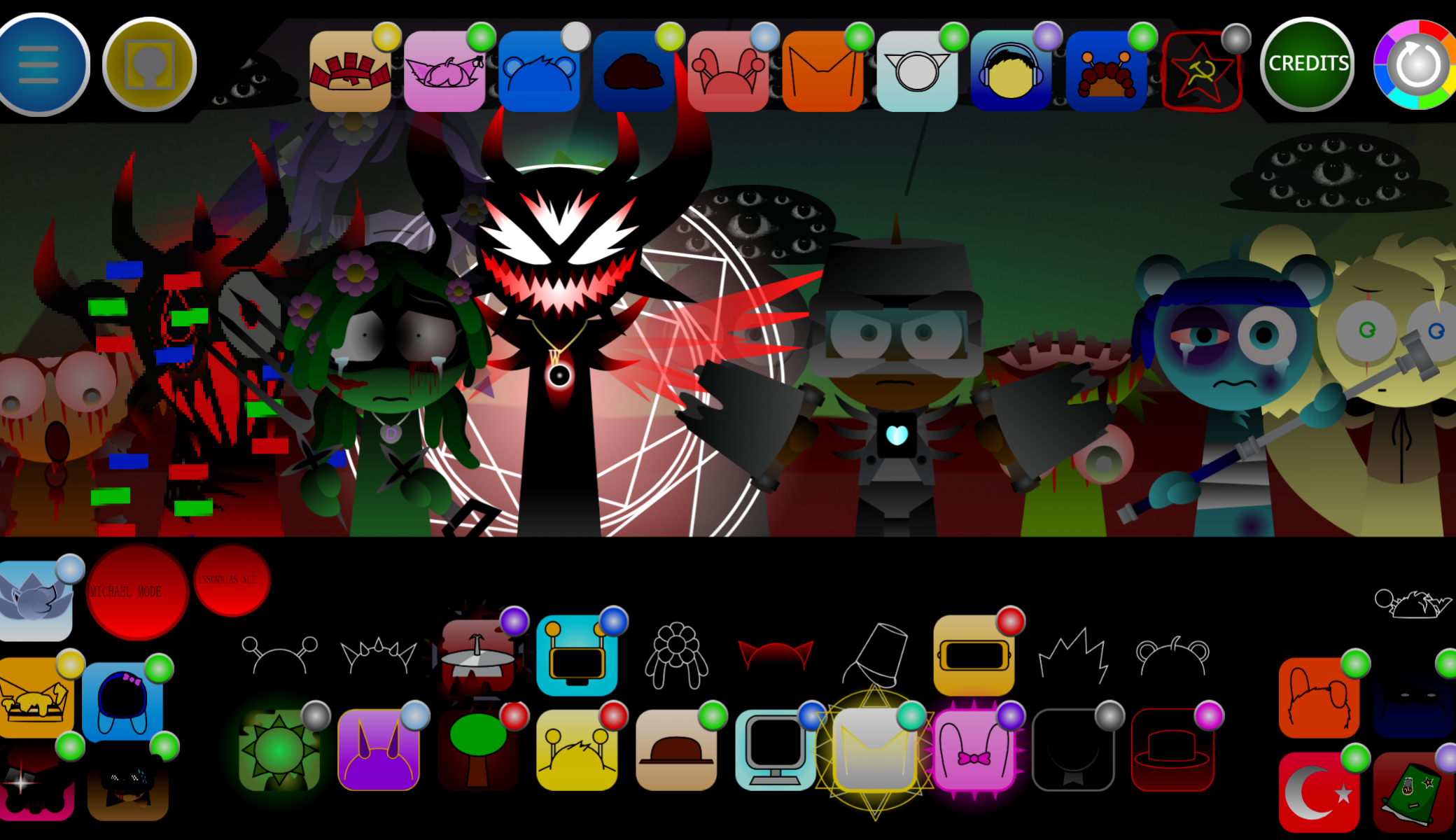
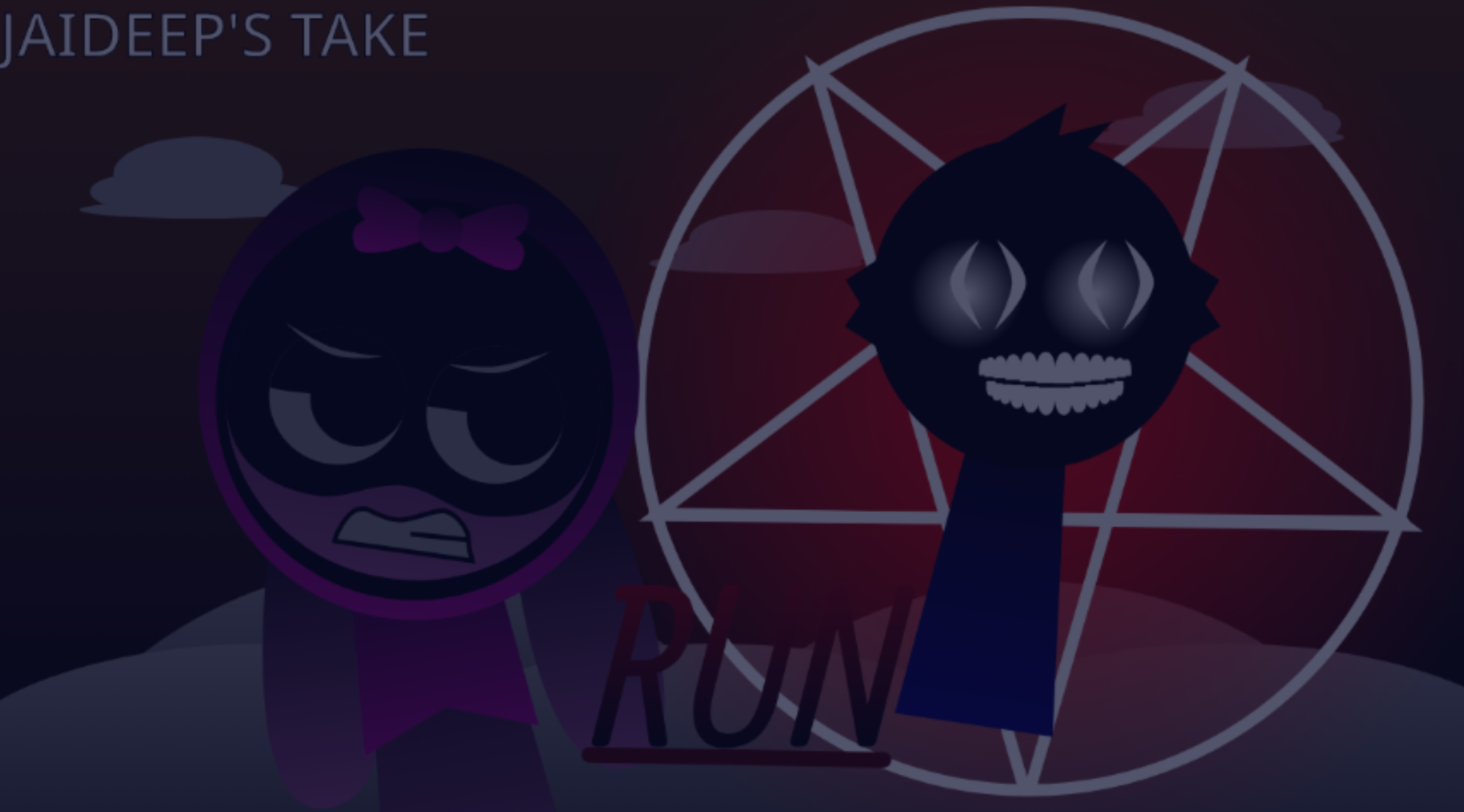
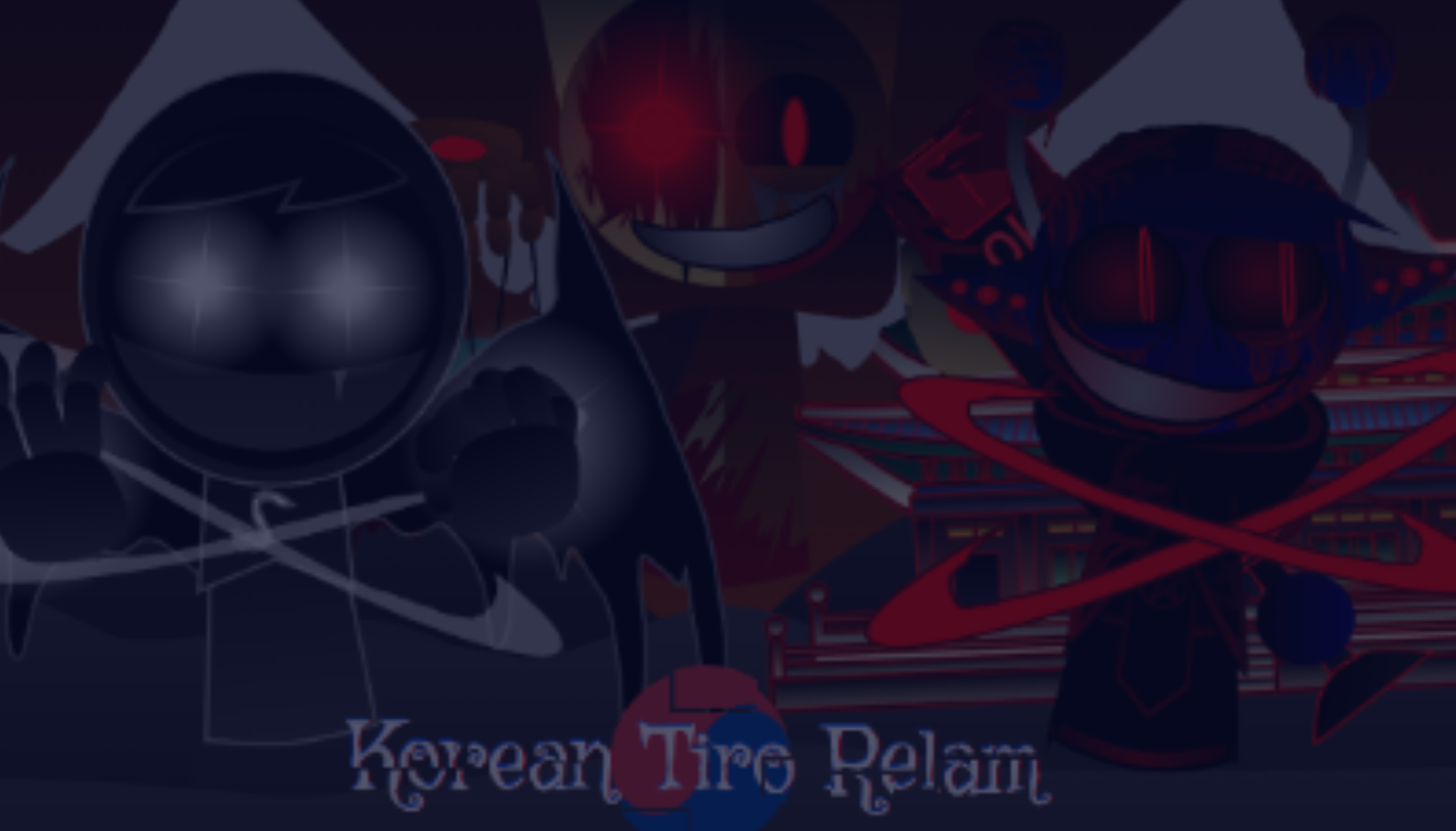
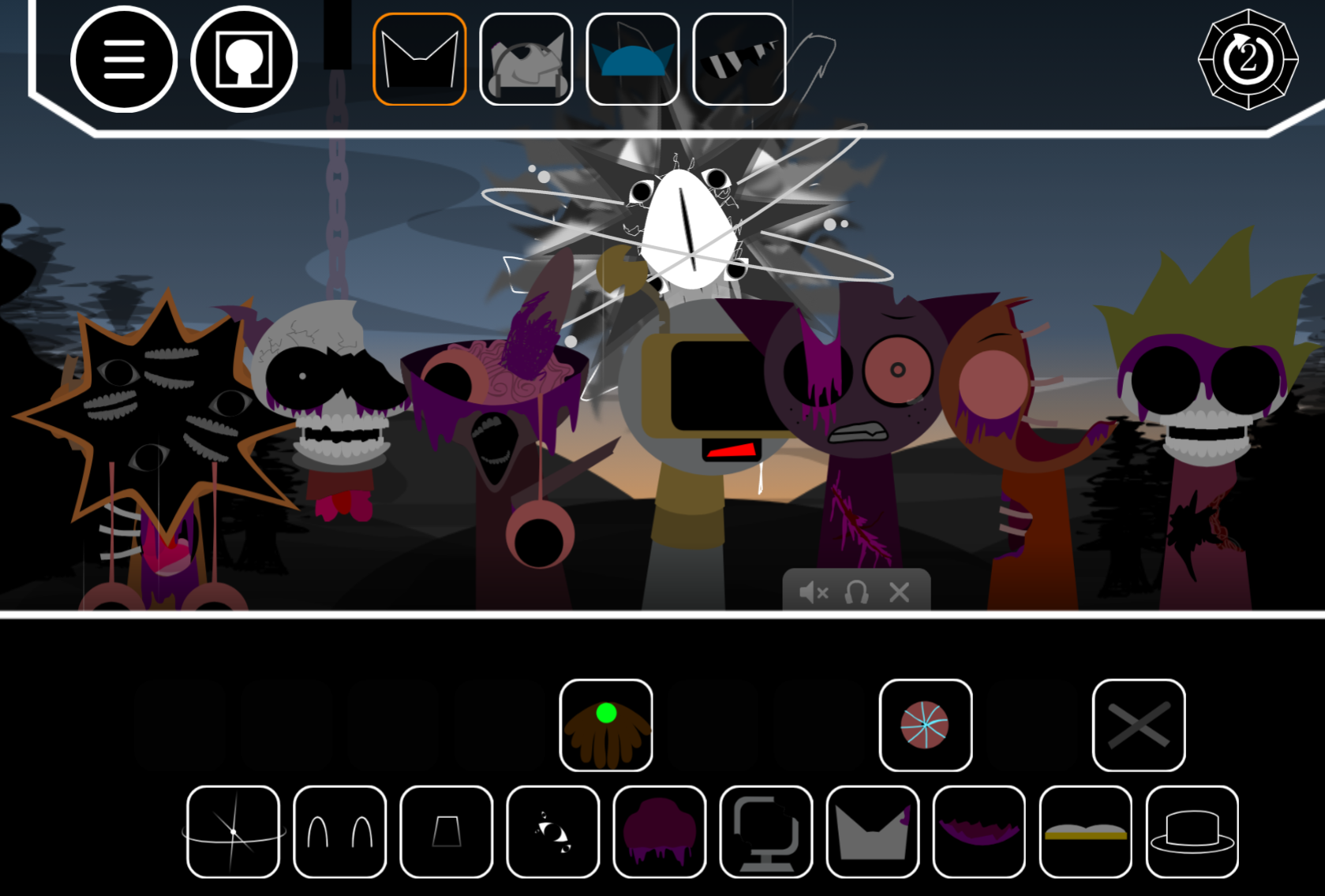
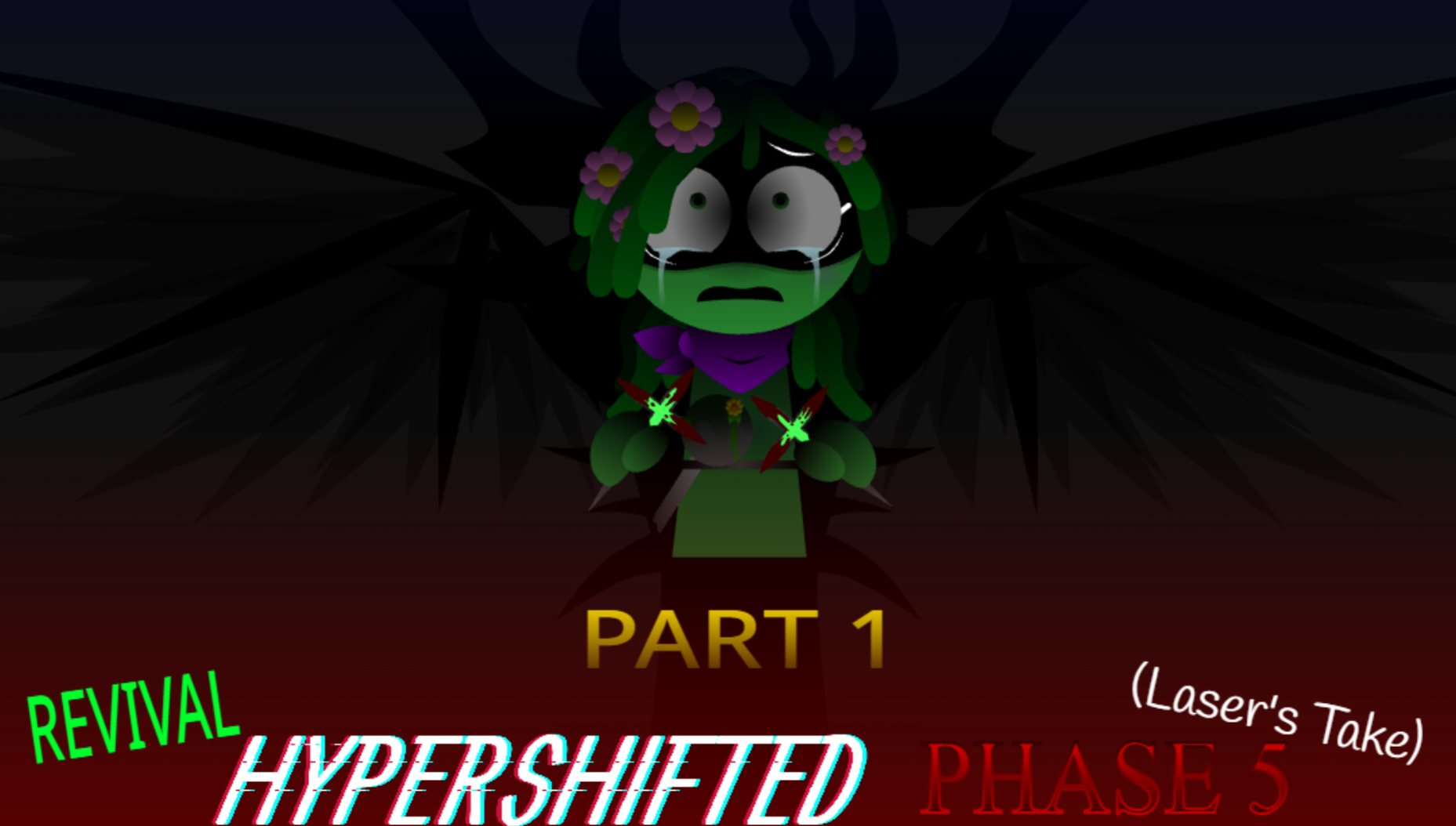
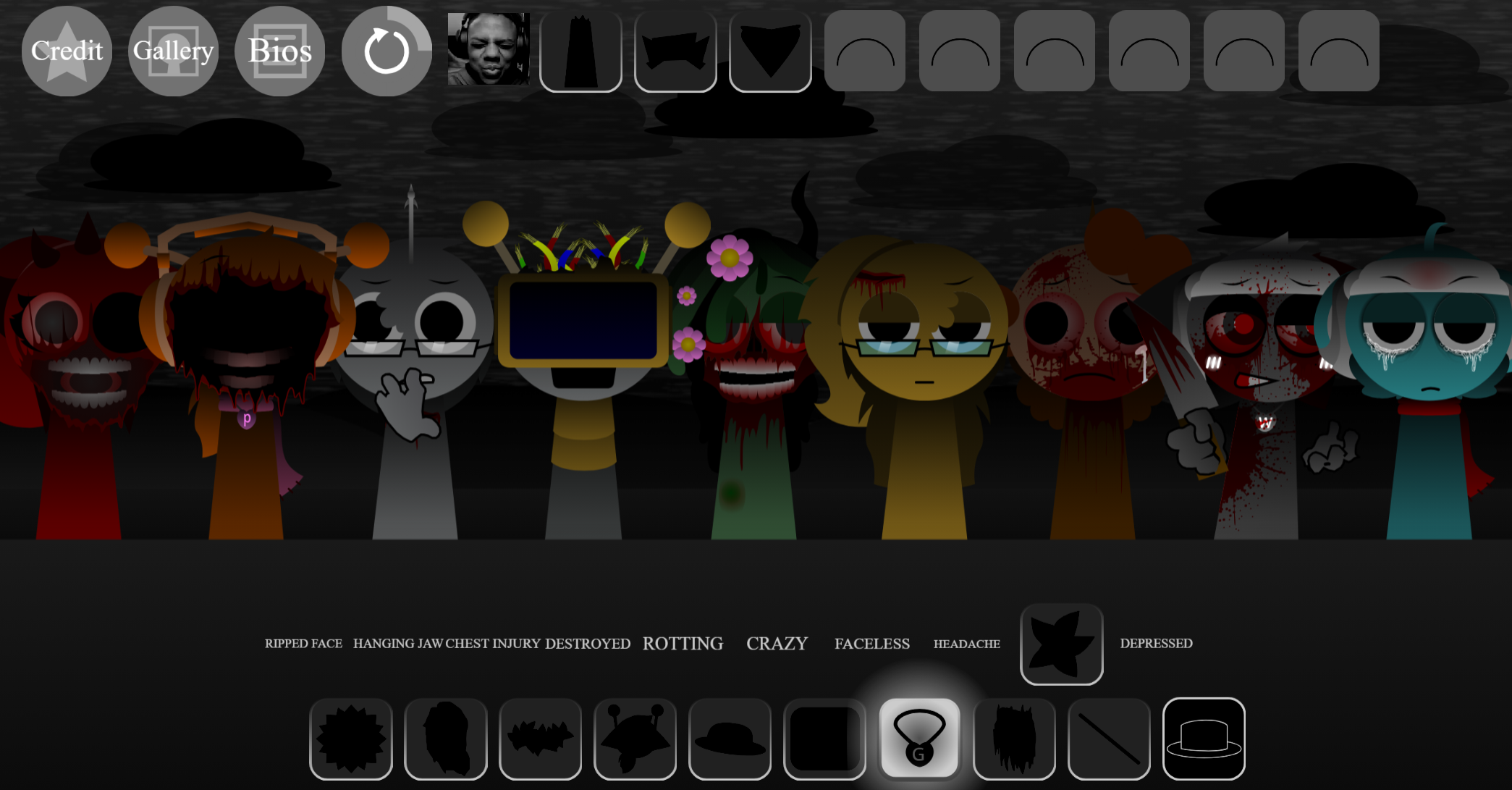
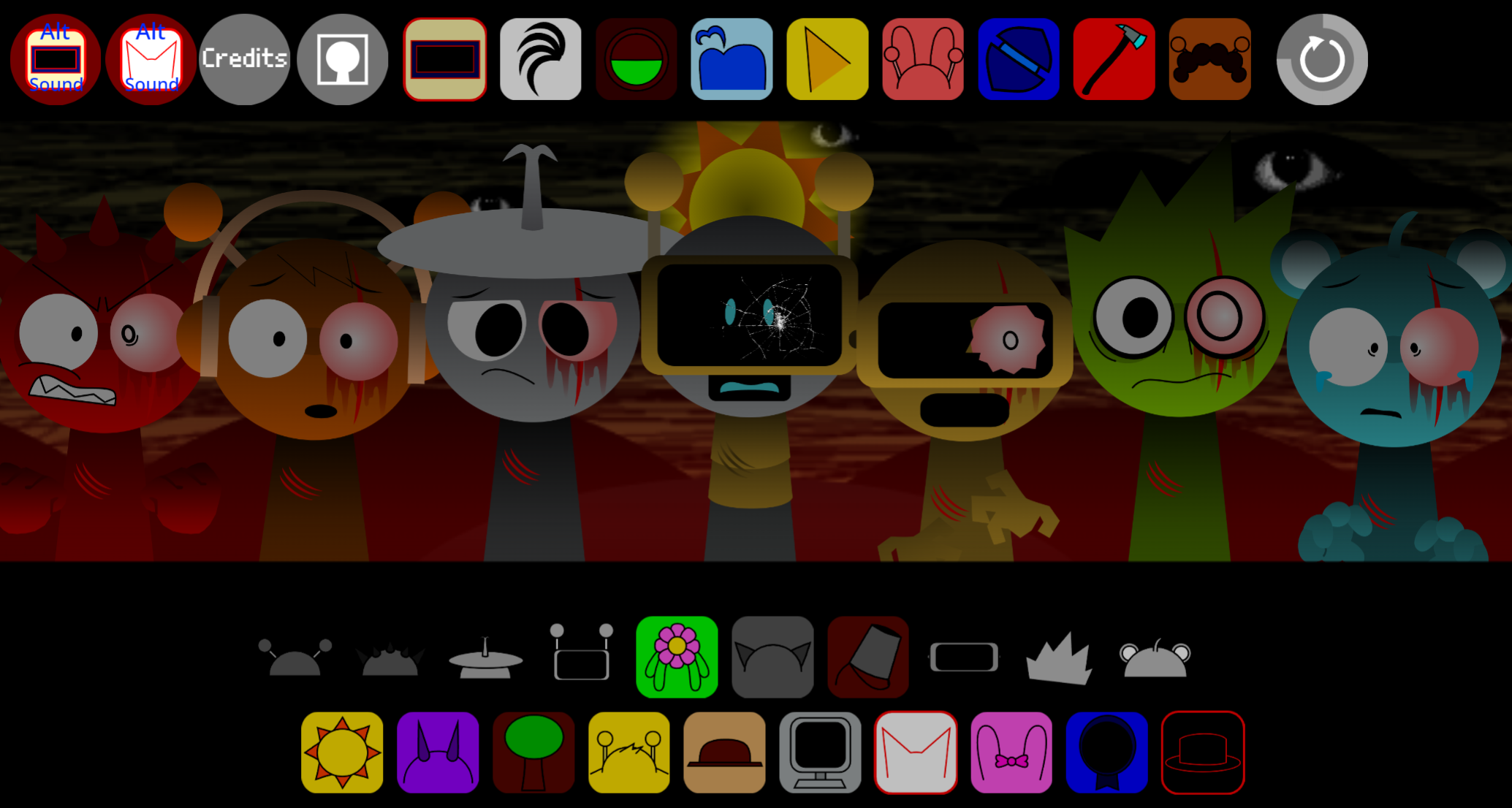
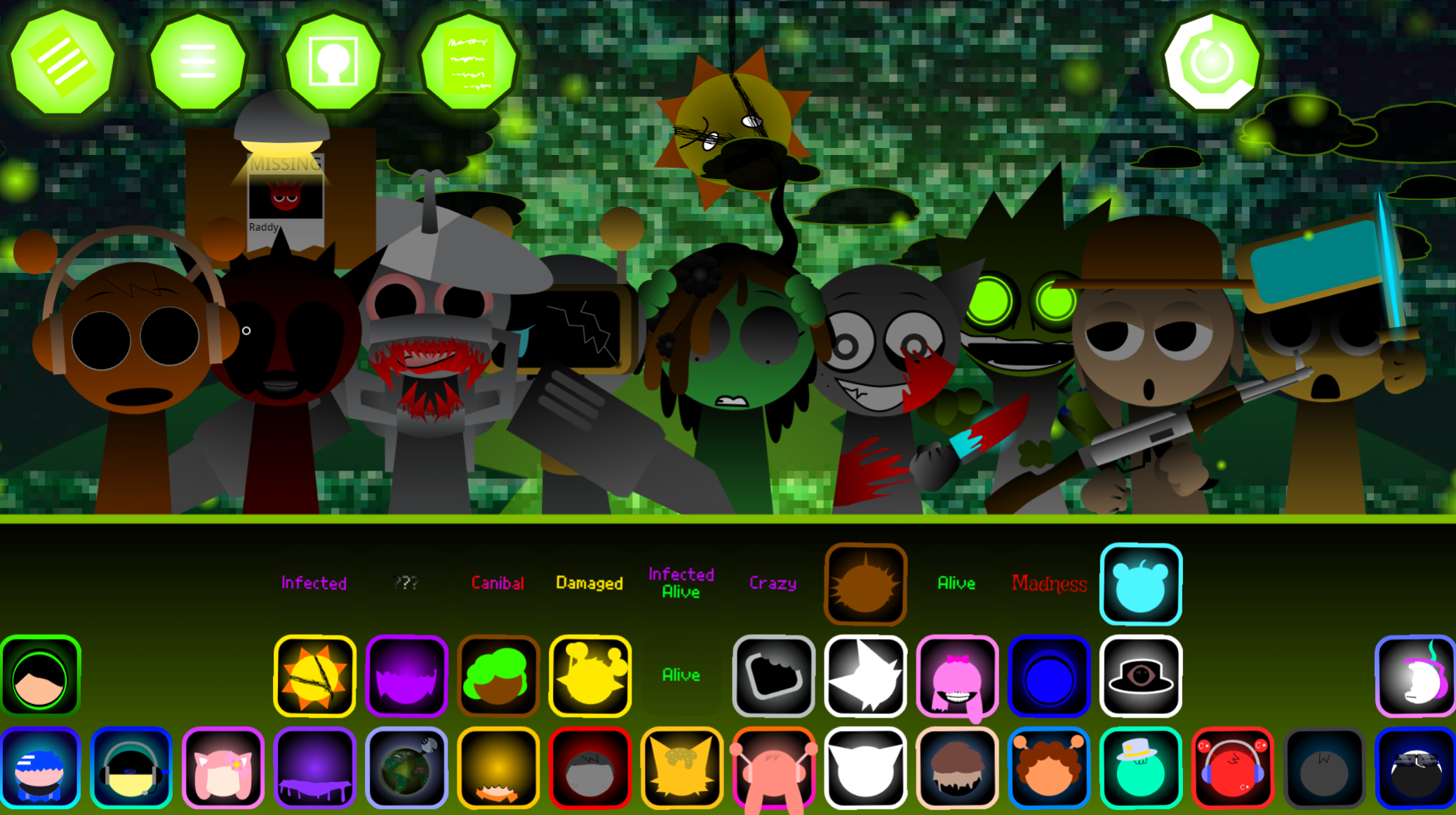
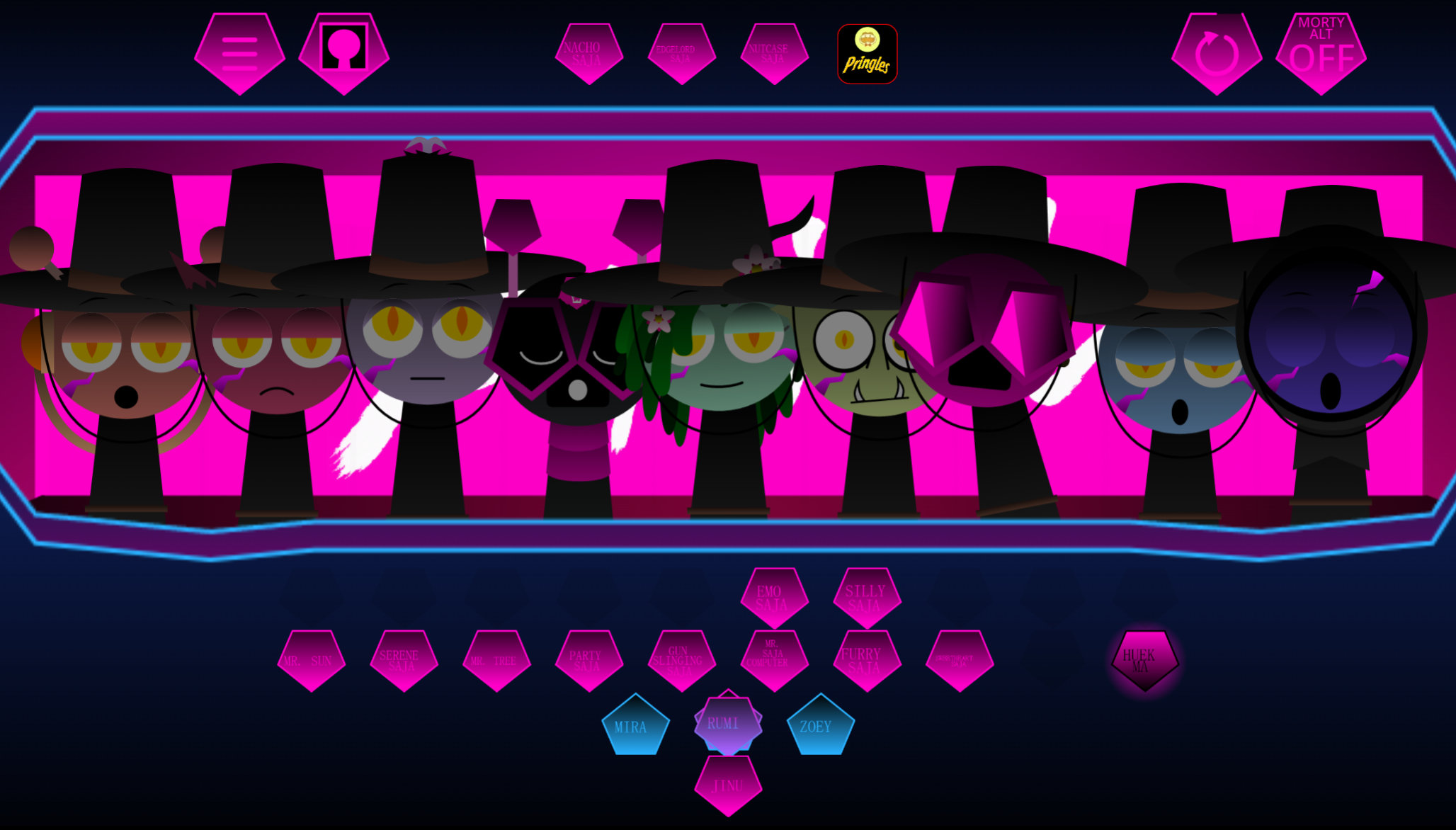
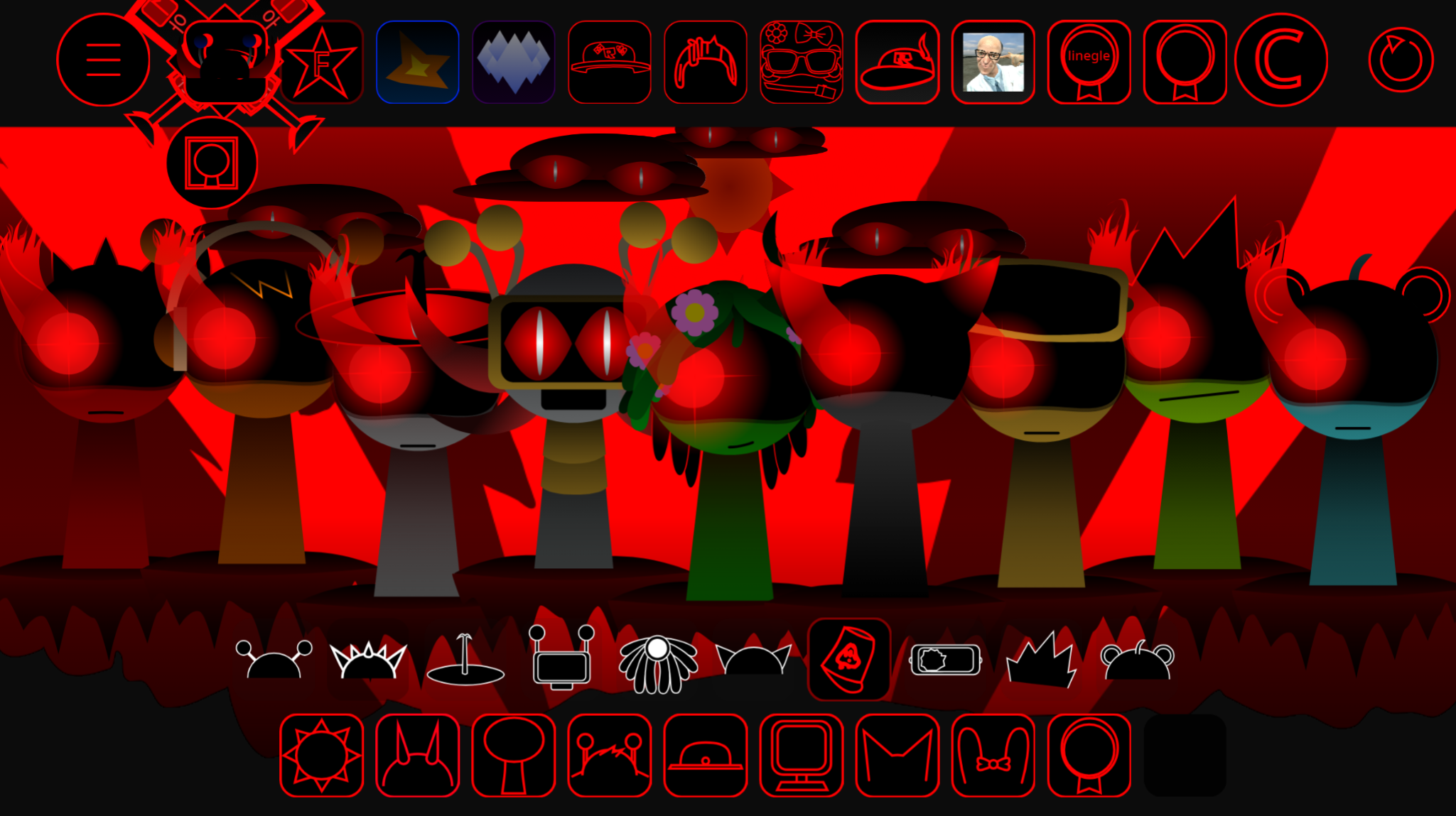
Sprunki Swapped MrJevinBois Take is a fan-made mod by MrJevinBOI that rearranges character roles, sounds, and visuals across the Sprunki music sandbox.
Each character slot gets swapped with another, so the drag-and-drop positions you’re used to now trigger different loops, effects, and animations. This article walks through what the swap changes, how it affects your beat-building flow, and where to play the mod online without downloads.
The core appeal is hearing familiar Sprunki sounds in unfamiliar slots—basslines where vocals used to sit, percussion where melodies played.
Sprunki Swapped MrJevinBois Take - Play the Inverted Music Mod
Sprunki Swapped MrJevinBois Take is a fan-made mod by MrJevinBOI that rearanges character roles, sounds, and visuals across the Sprunki music sandbox.
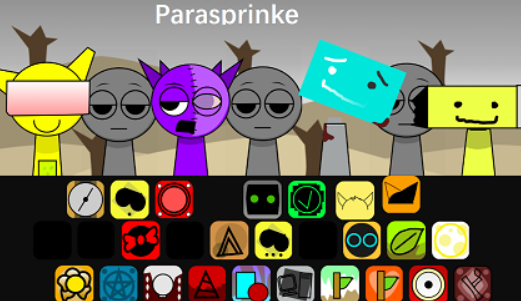
Playable in-browser on gosprunki.com, it swaps musical identities across the lineup: Clukr trades with Jevin, Raddy mirrors Sky, Gray exchanges with Wenda, and Mr Fun Bot takes on Garnold’s sound role.
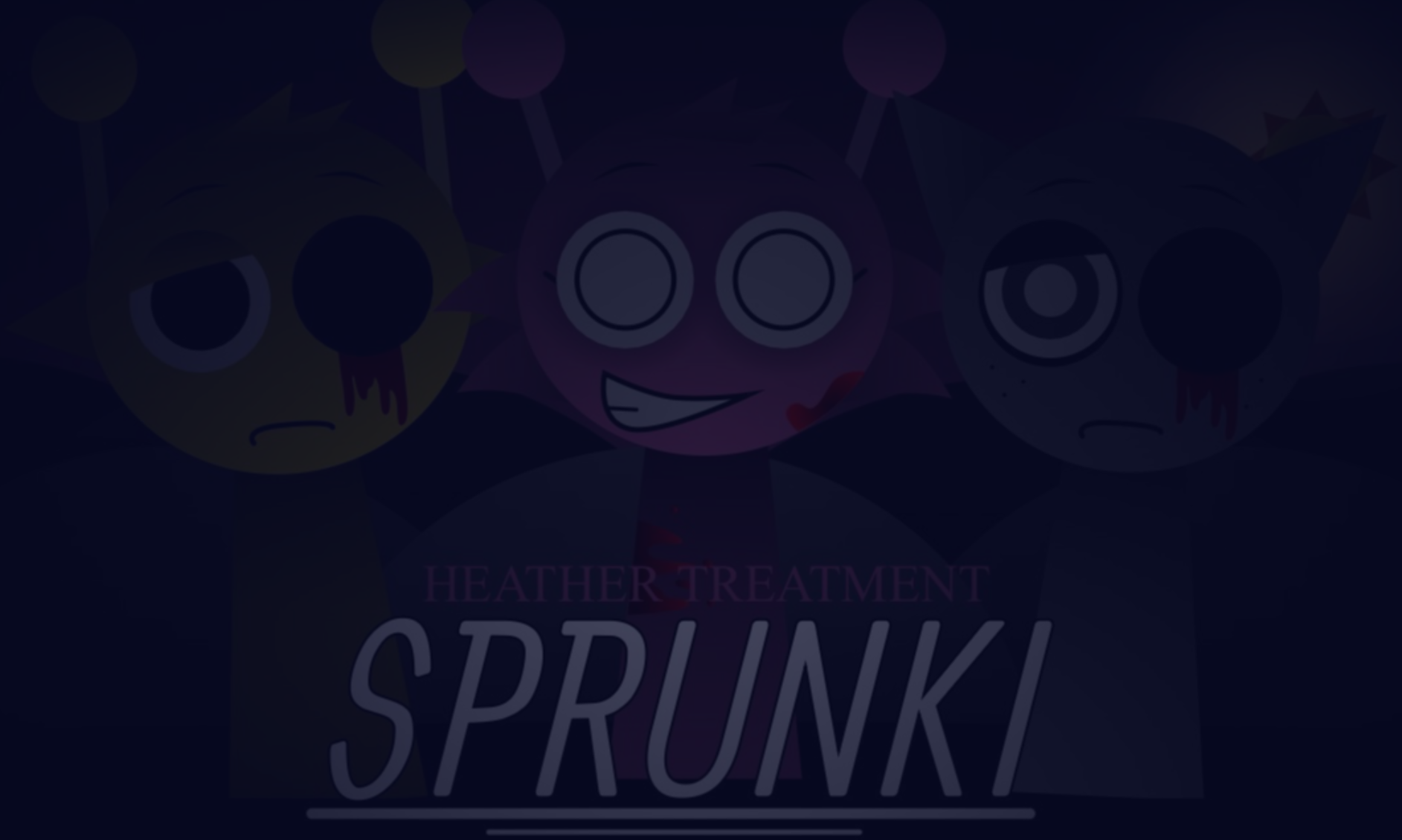
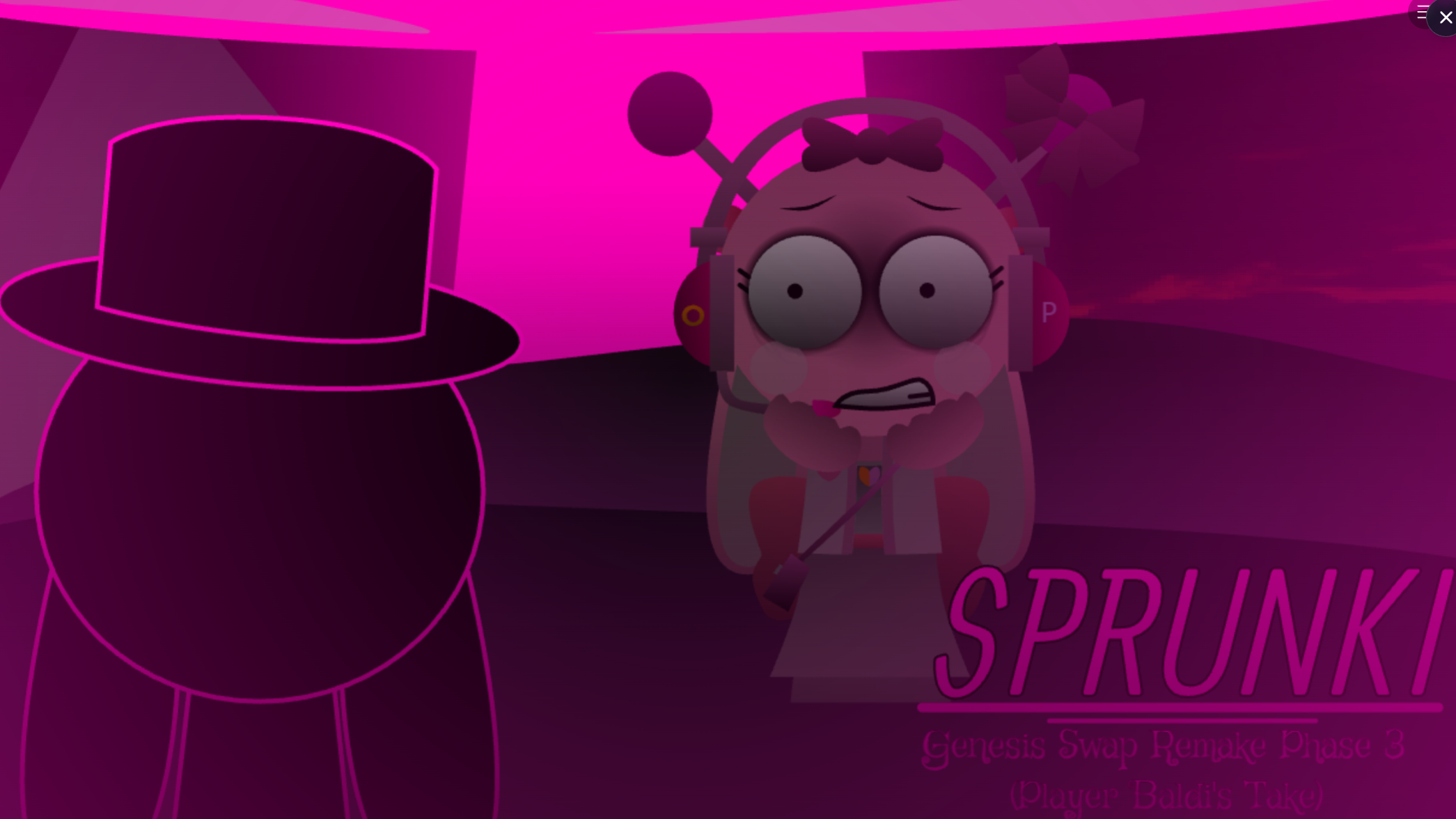
Wenda appears on the loading screen, signaling the reversed setup. The upside-down interface, mirrored harmonies, and backward-leaning tones turn familiar mixing into a small puzzle. Players can use Swap presets for quick starting combinations, layer inverted audio, and click the flag again to trigger Phase 3.
The mod also includes eccentric details like a weird kick noise. Core music creation remains hands-on, but the swapped identities and reverse logic encourage experimentation over habit.
Features of Sprunki Swapped MrJevinBois Take
- Swapped character identities and sounds: Clukr/Jevin, Raddy/Sky, Gray/Wenda, and Mr Fun Bot/Garnold exchanges.
- Inverted presentation: Upside-down interface and altered visual cues.
- Swap presets: Quick starting combinations for testing rearranged sound logic.
- Reverse-style music mixing: Inverted tones, mirrored harmonies, and unusual beats.
- Phase 3 interaction: Clicking the flag again triggers Phase 3.
- Browser play on gosprunki.com: No extra setup required.
How to Play Sprunki Swapped MrJevinBois Take
Open the mod on gosprunki.com and build a track while keeping in mind that character roles and sounds have been rearranged.
Start with the Swap presets.
Try the Swap options to hear how the mod changes familiar combinations before creating your own mix.
Add layers gradually.
The inverted panel and reverse-leaning audio make usual instincts less reliable. Add characters one at a time and listen for interactions between mirrored harmonies, altered tones, and unusual rhythm details.
Experiment instead of following a fixed pattern.
Swapped identities mean conventional combinations can produce different results. Treat each lineup as an opportunity to discover a new arrangement.
Click the flag again to test Phase 3.
Clicking the flag a second time may trigger Phase 3, unlocking another part of the experience.
Related Games
- Sprunked Upside Down — Its inverted presentation and disorienting upside-down concept directly complement MrJevinBOI’s reverse-interface, mirror-dimension music experiment.
- Sprunki Swapped Retextured New Sounds — This alternate Swapped mod is a natural follow-up for players who want more character-role exchanges, redesigned visuals, and fresh sound combinations.
Why Play Sprunki Swapped MrJevinBois Take?
MrJevinBOI’s Take suits players who enjoy experimental Sprunki mods. The altered pairings, upside-down cues, and quirky audio touches make trial and error part of the experience. For fans of Sprunki and Swapped mods, it offers a playable variation that uses reverse logic without abandoning the music-mixing format.
Discuss Sprunki