
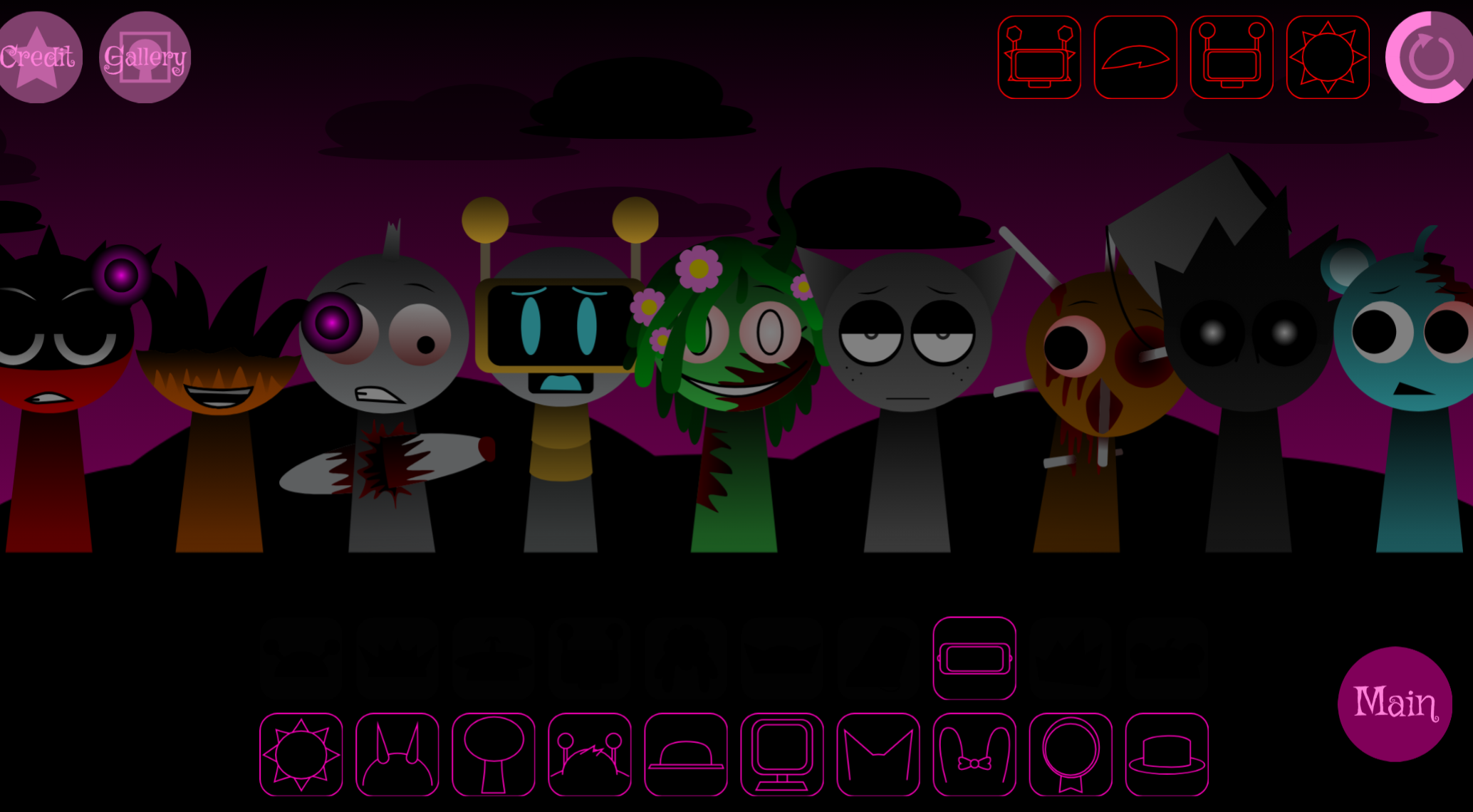



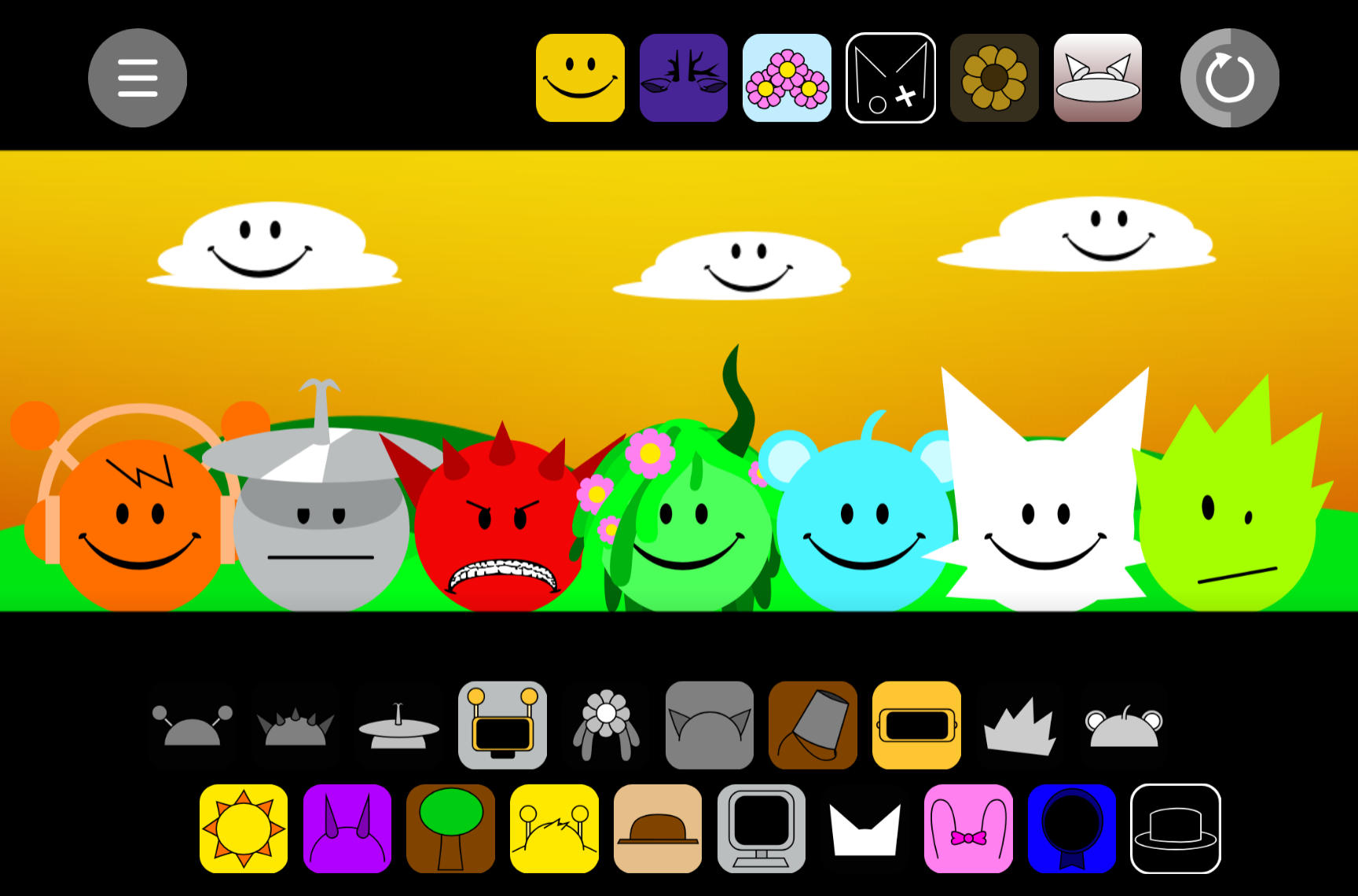
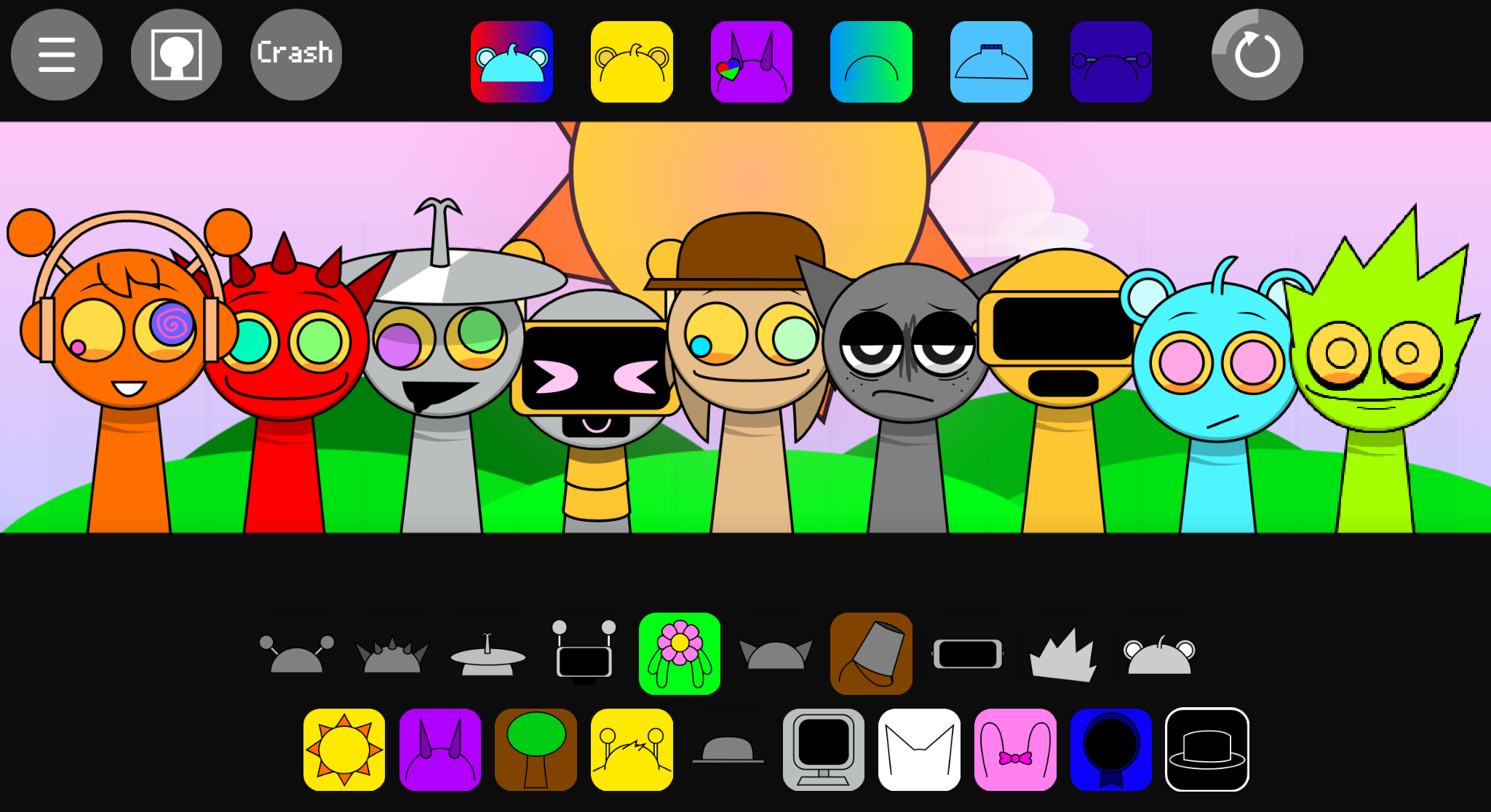
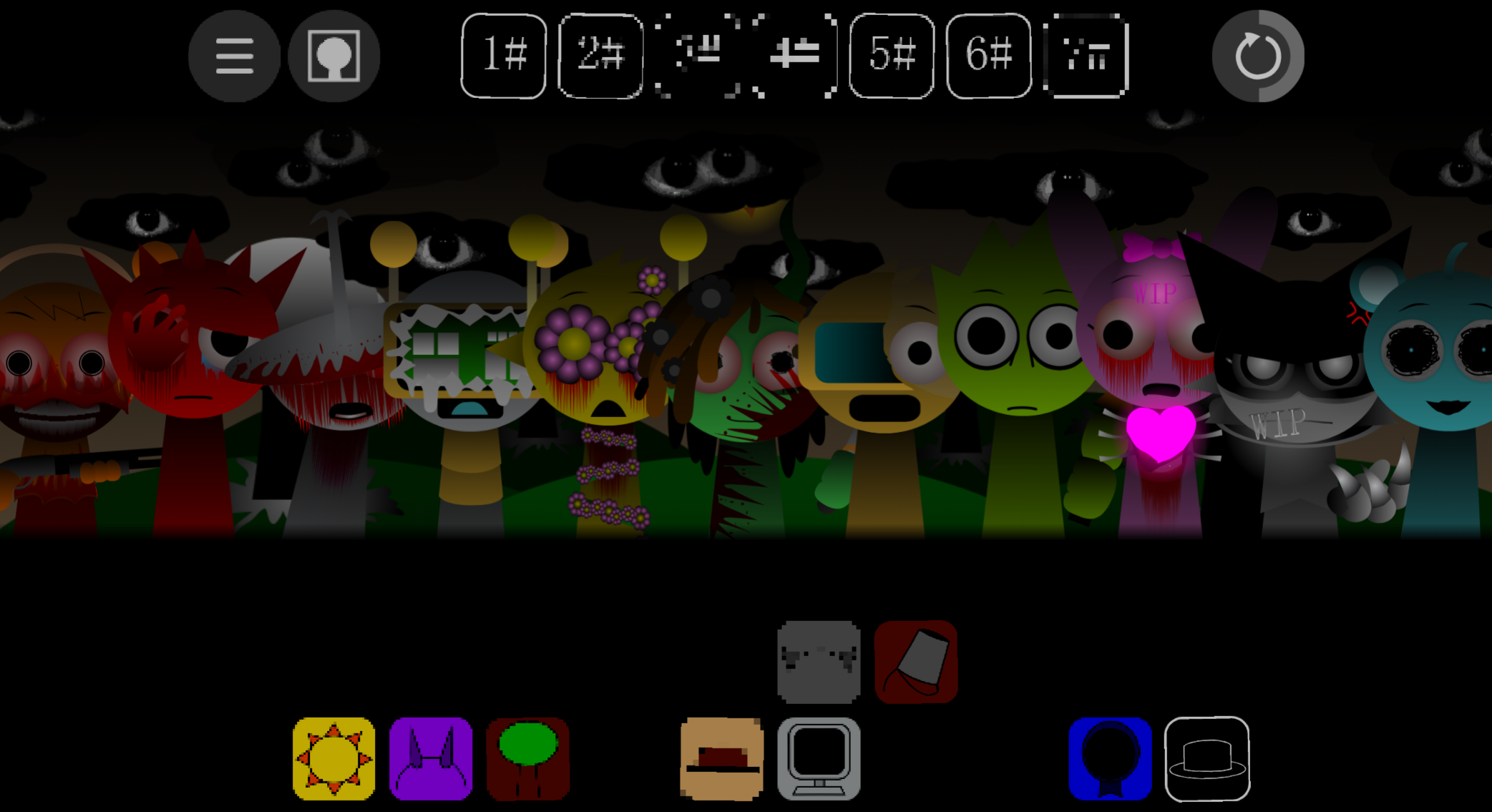
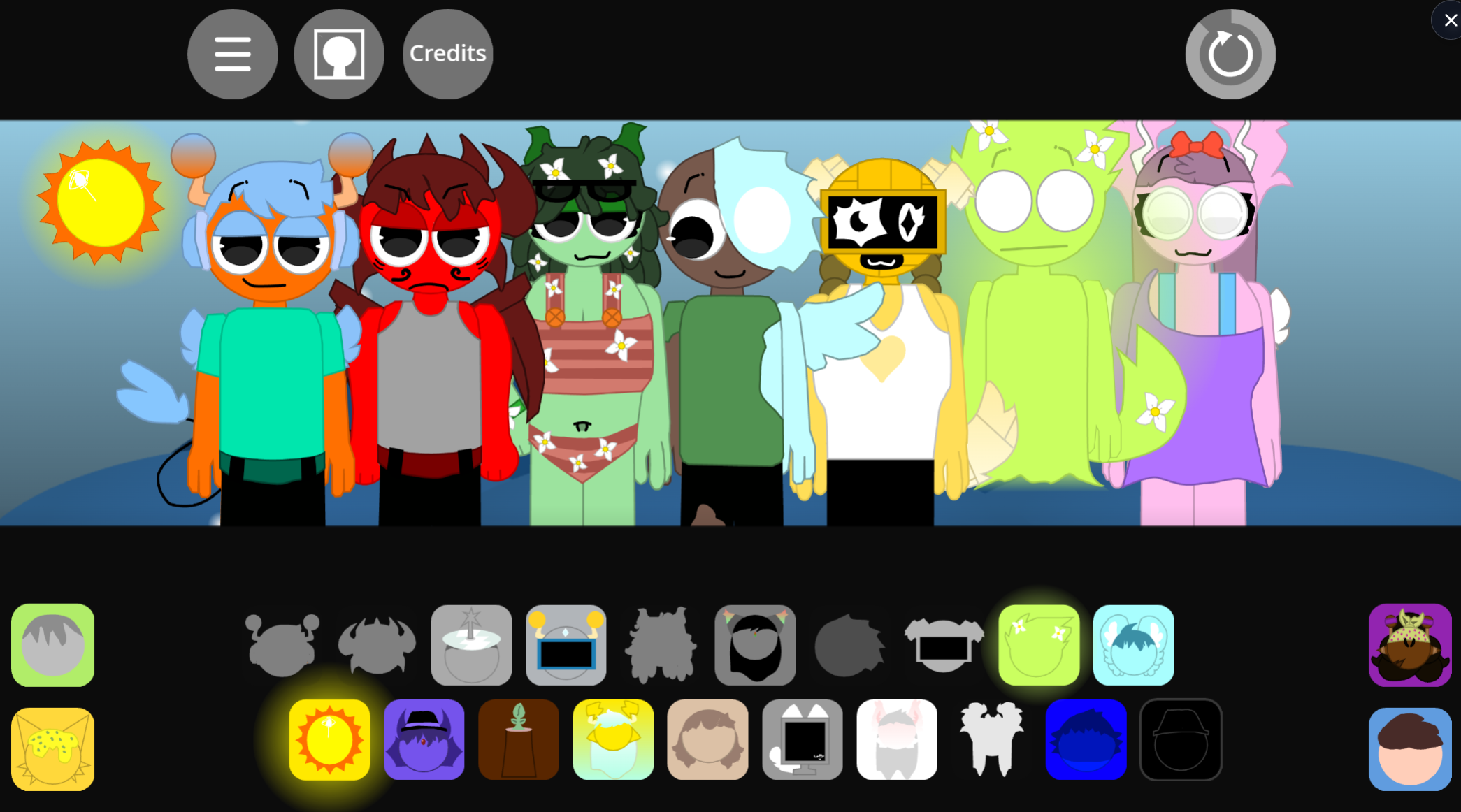
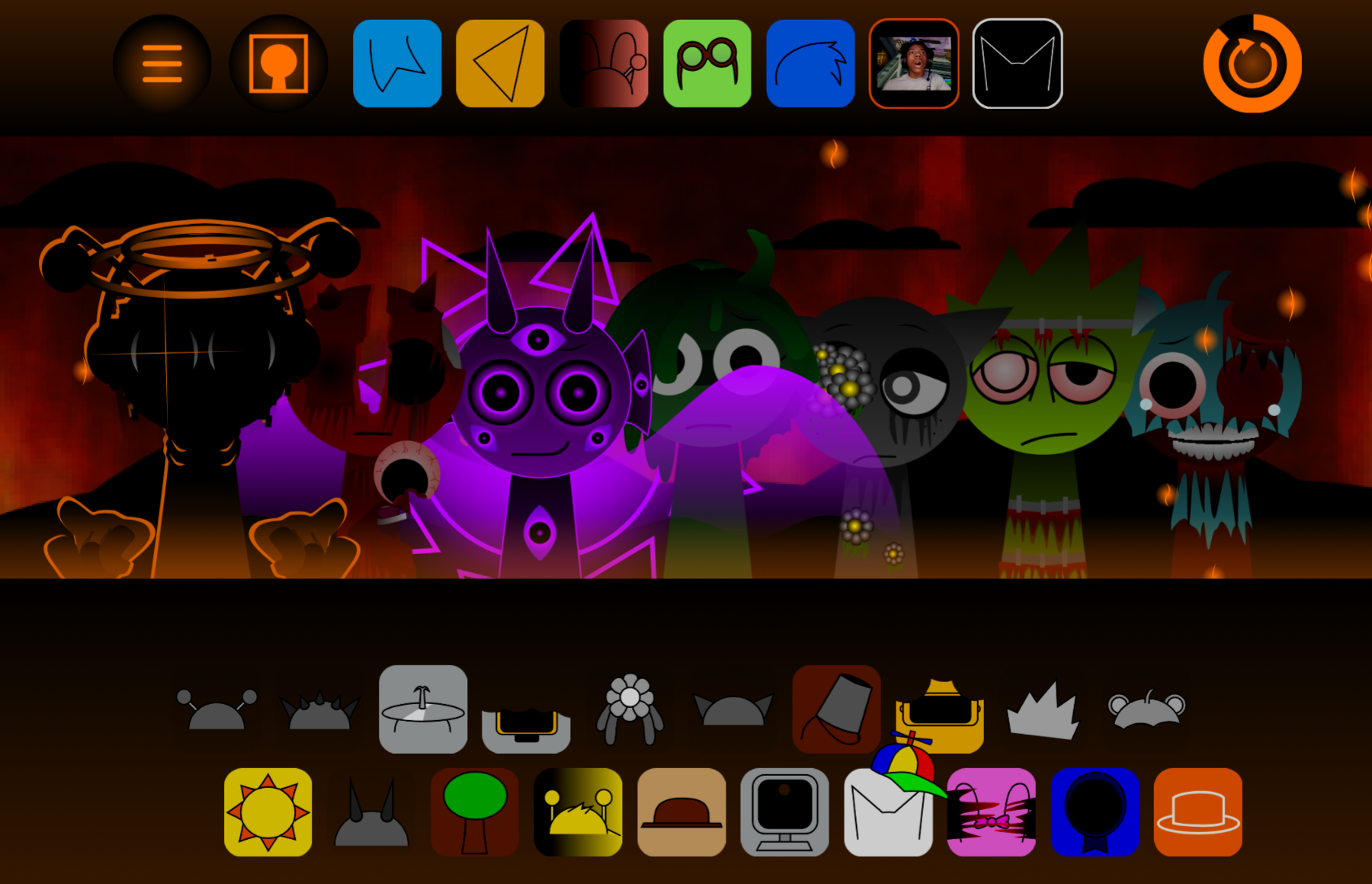
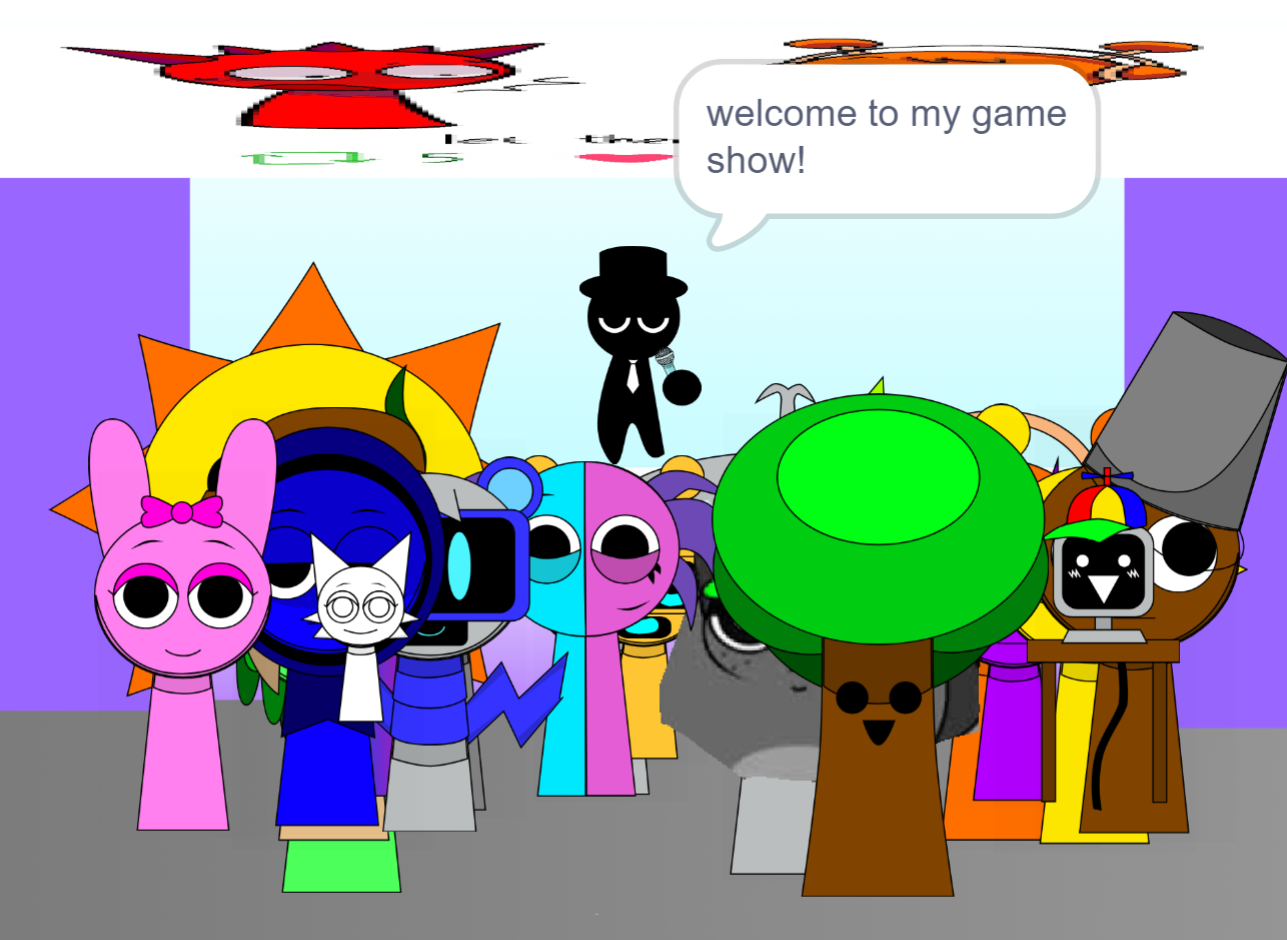
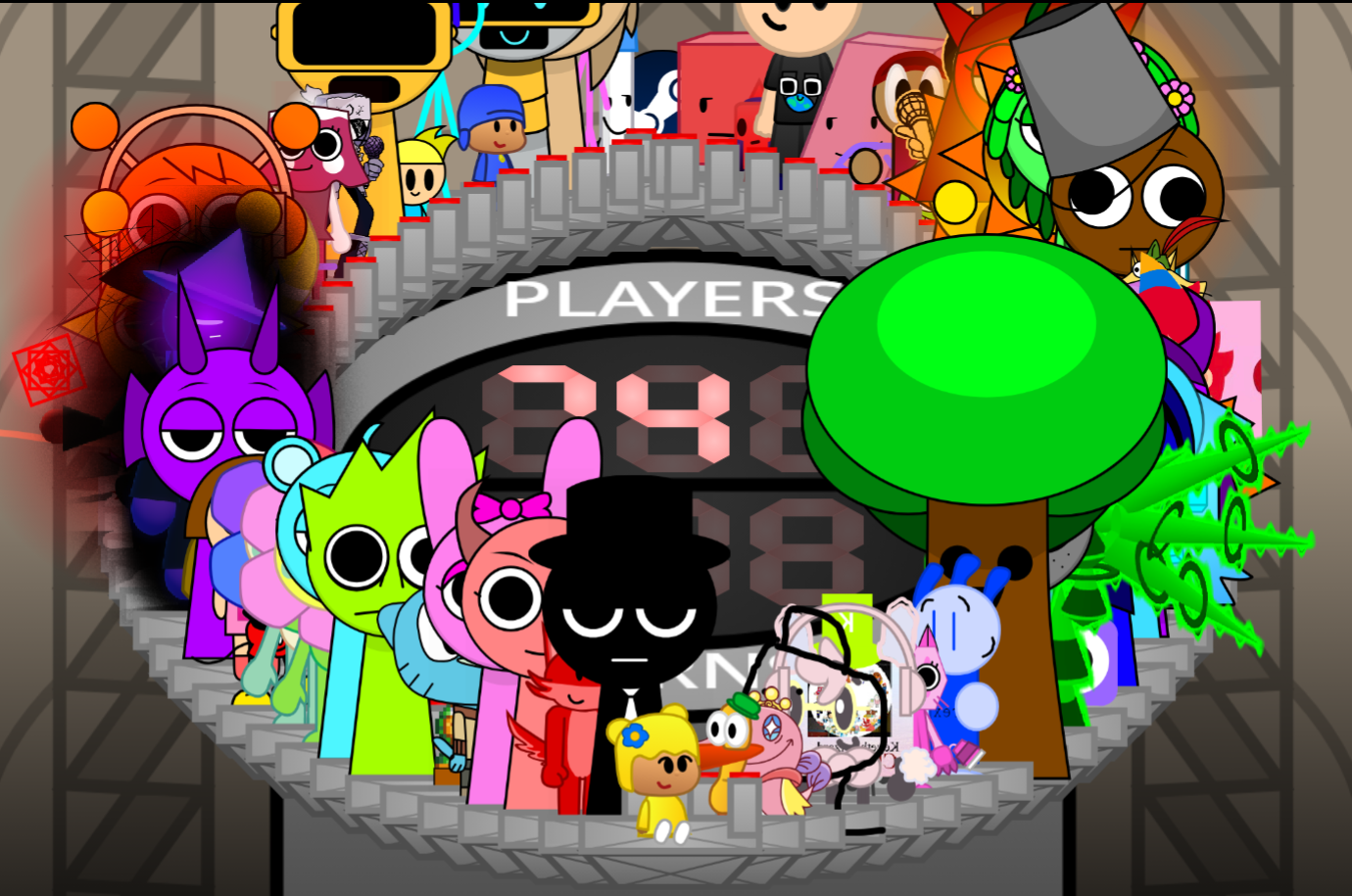
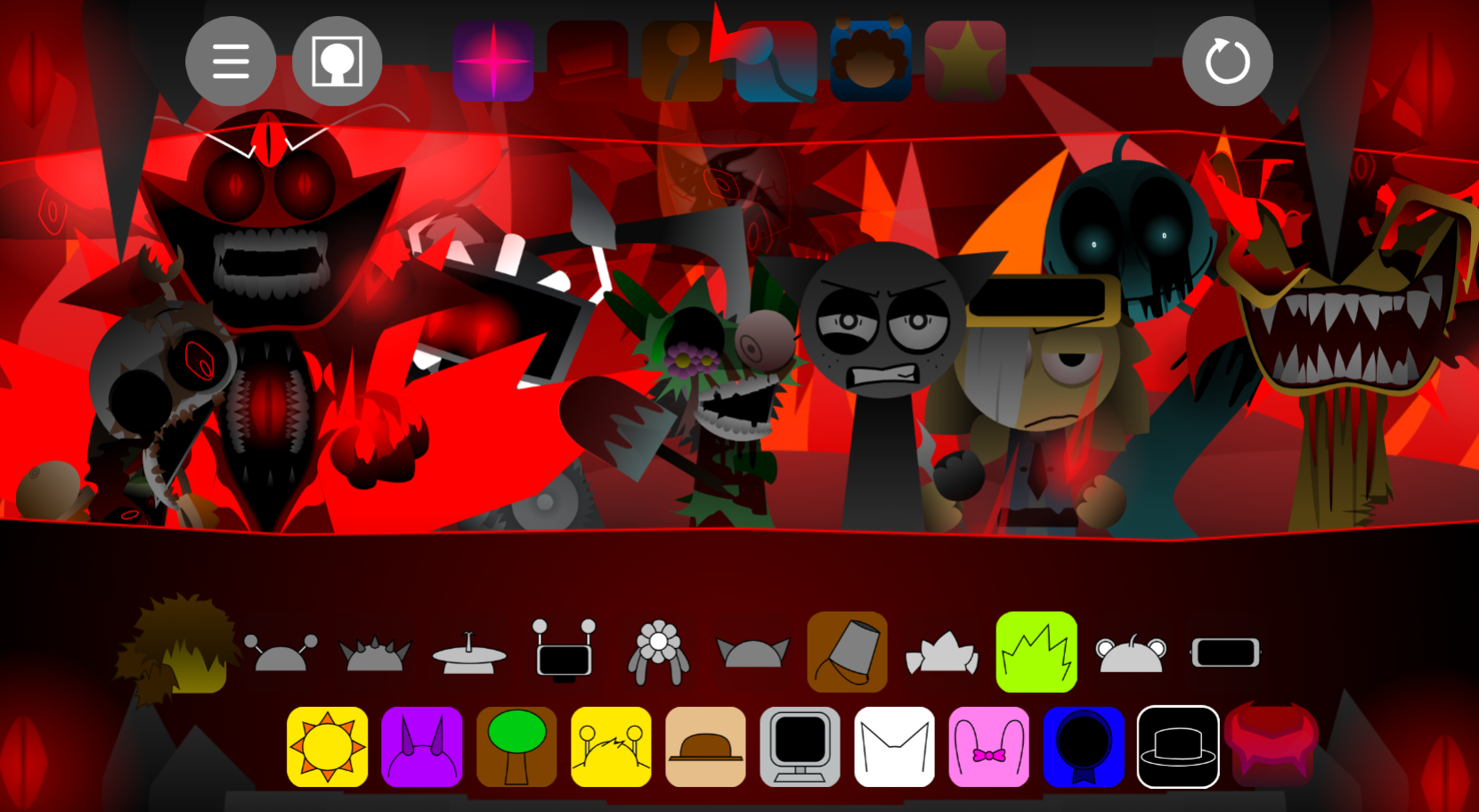
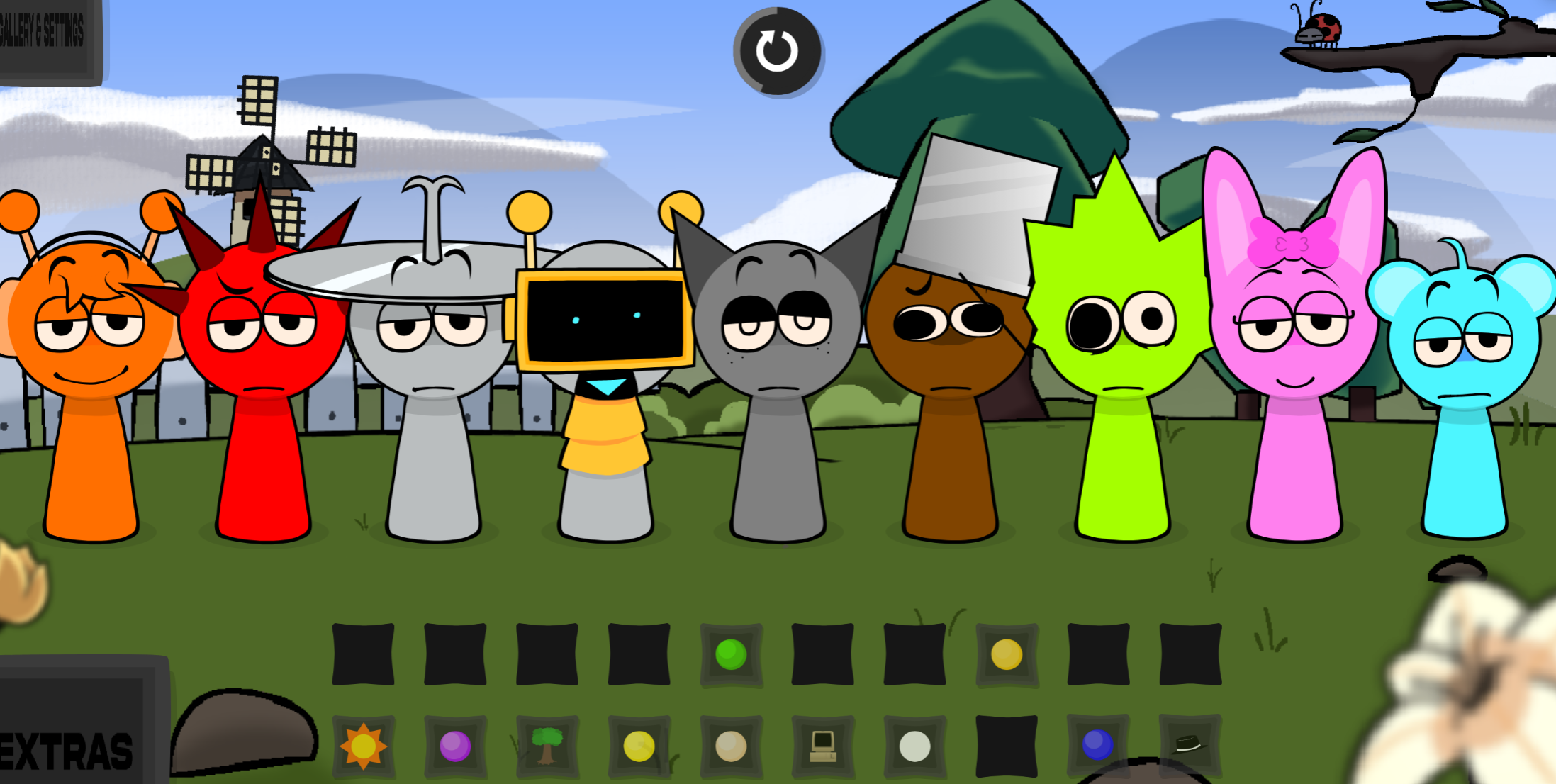
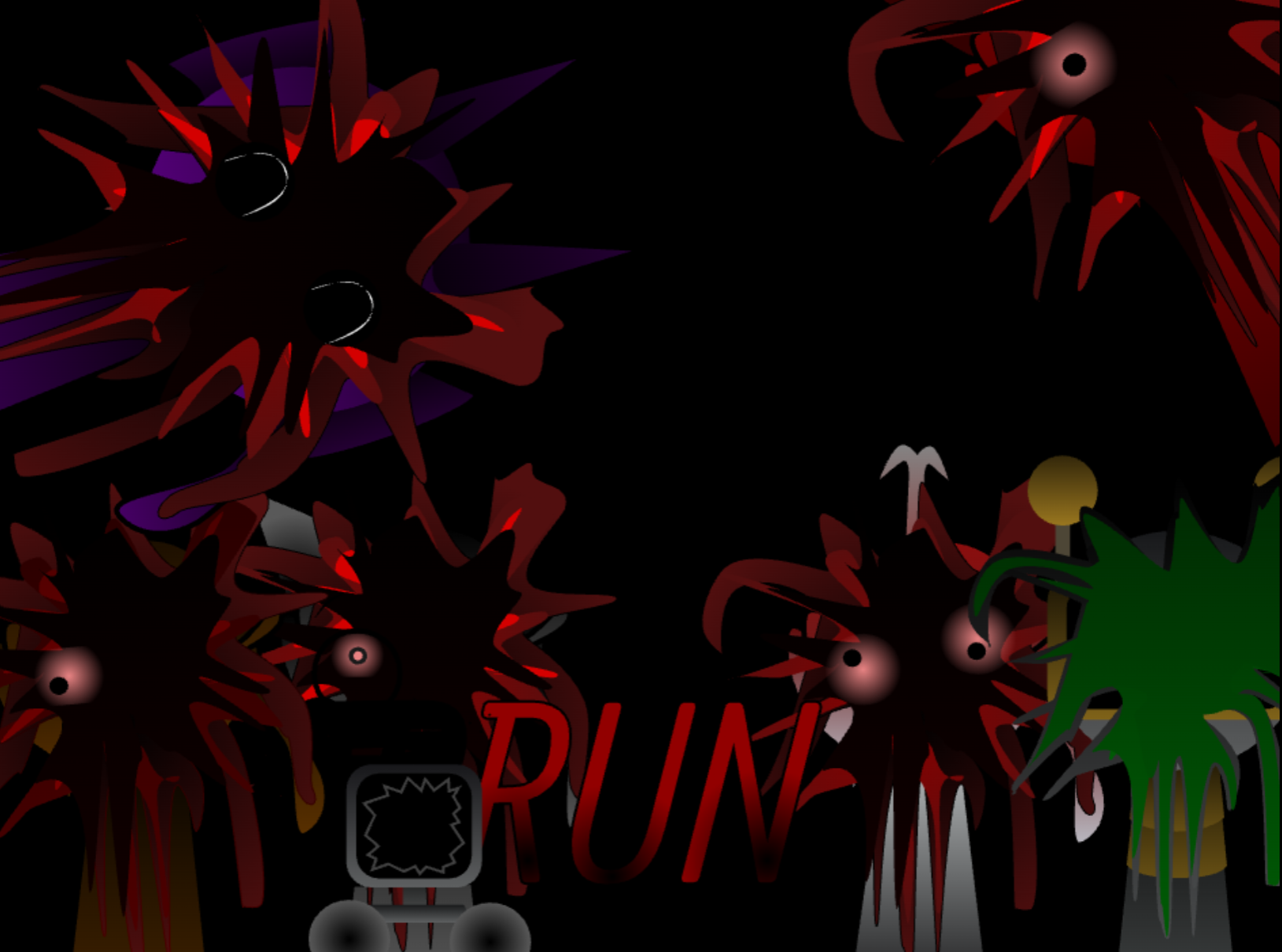

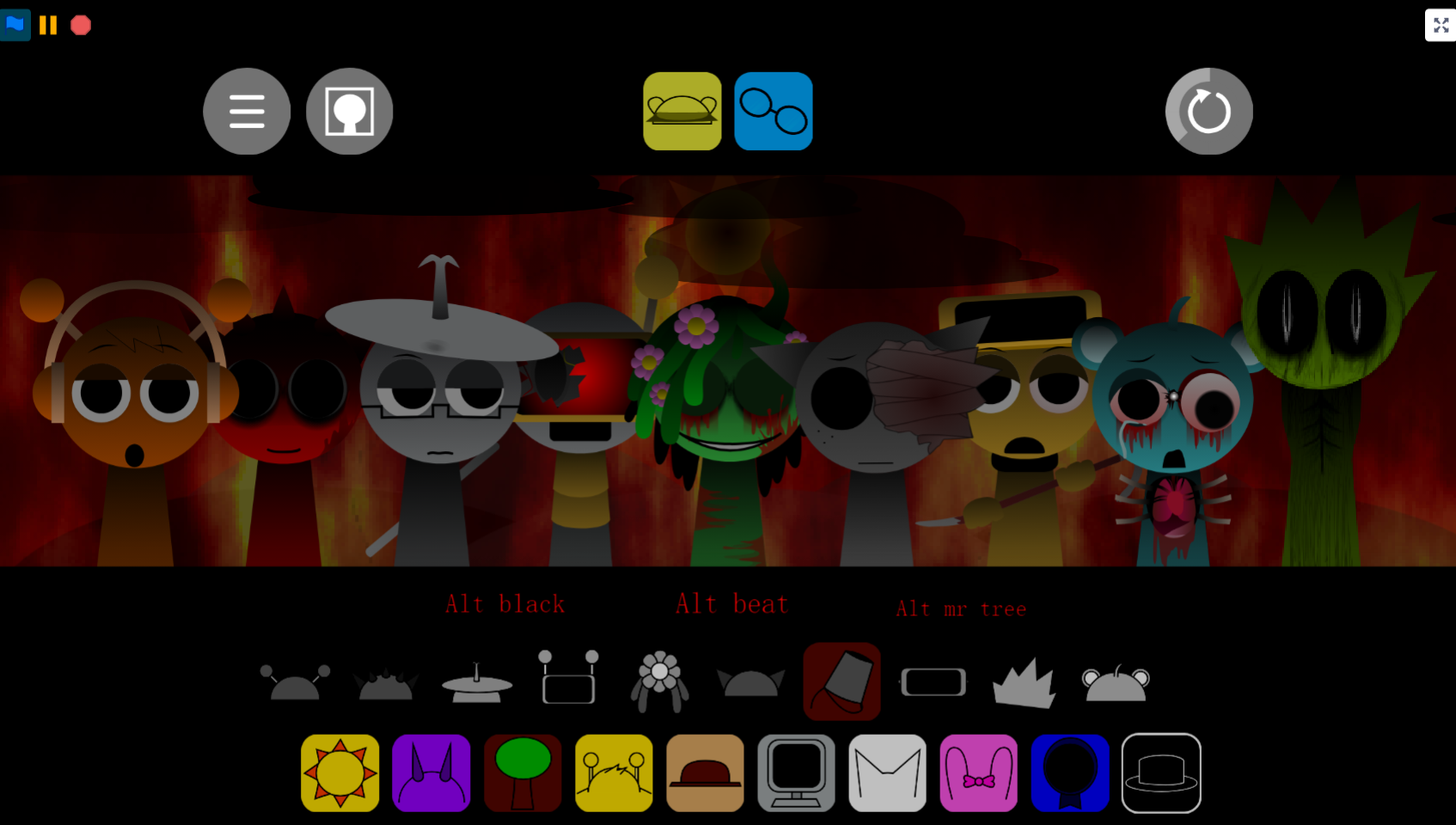

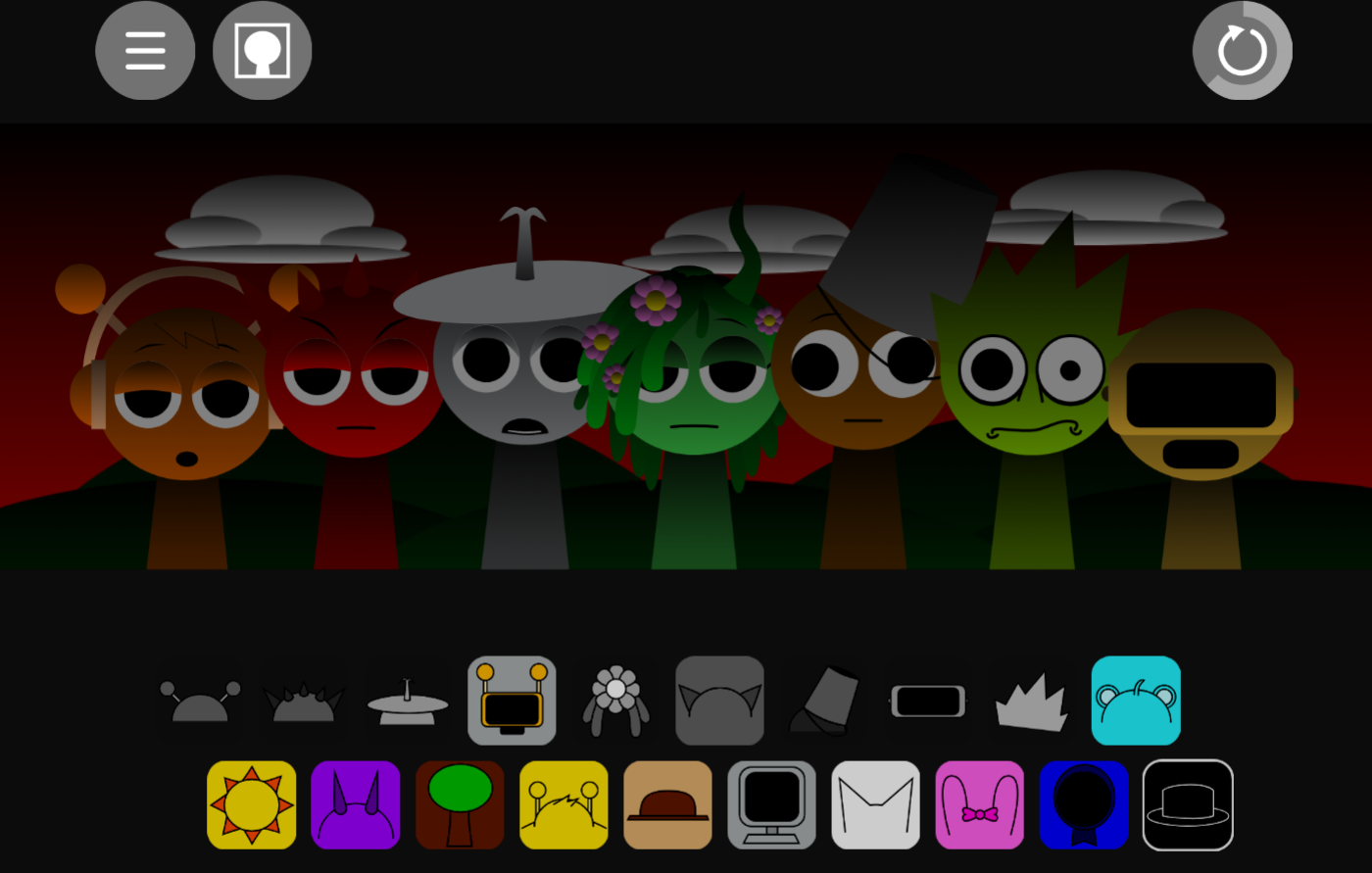
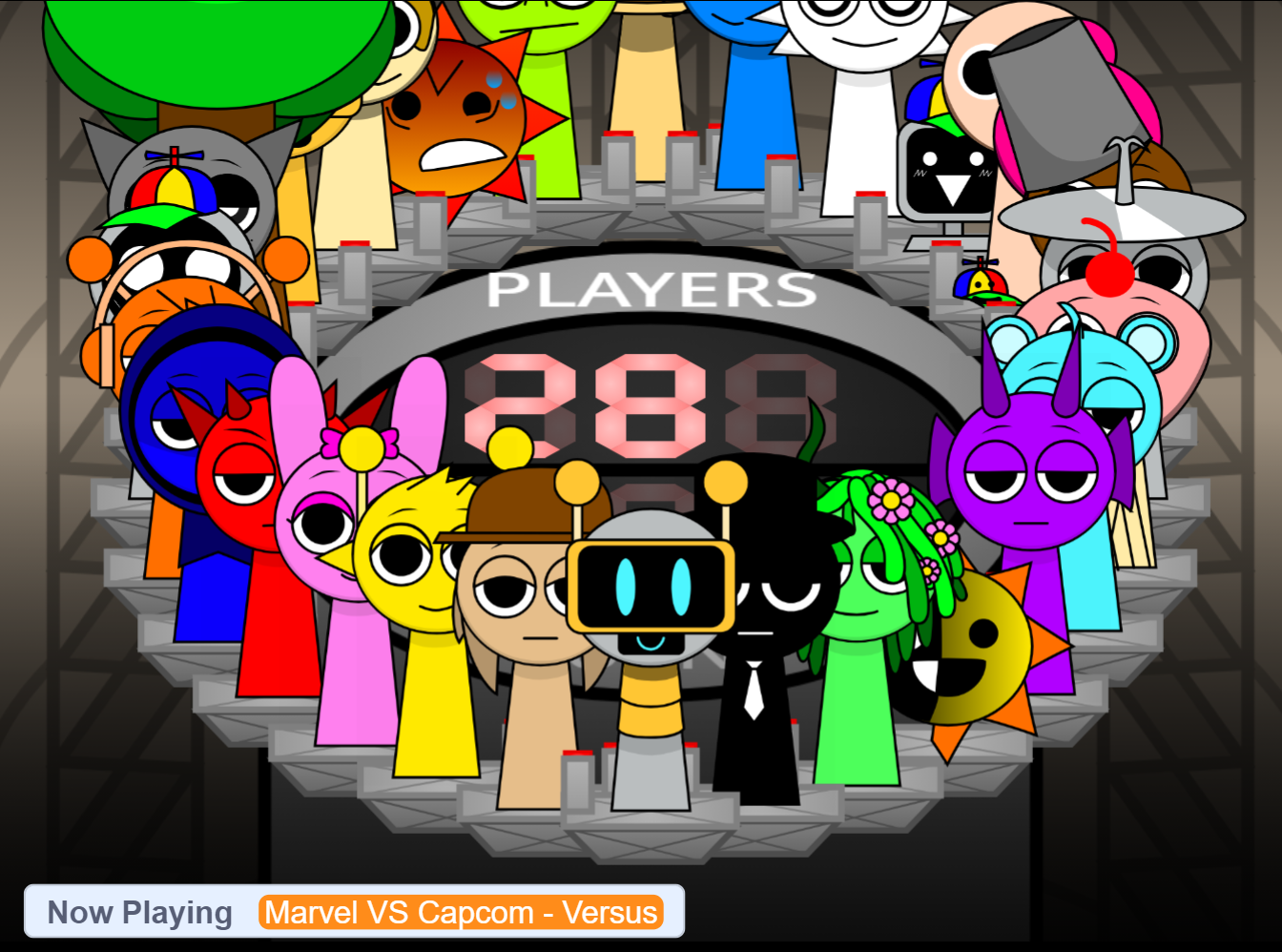

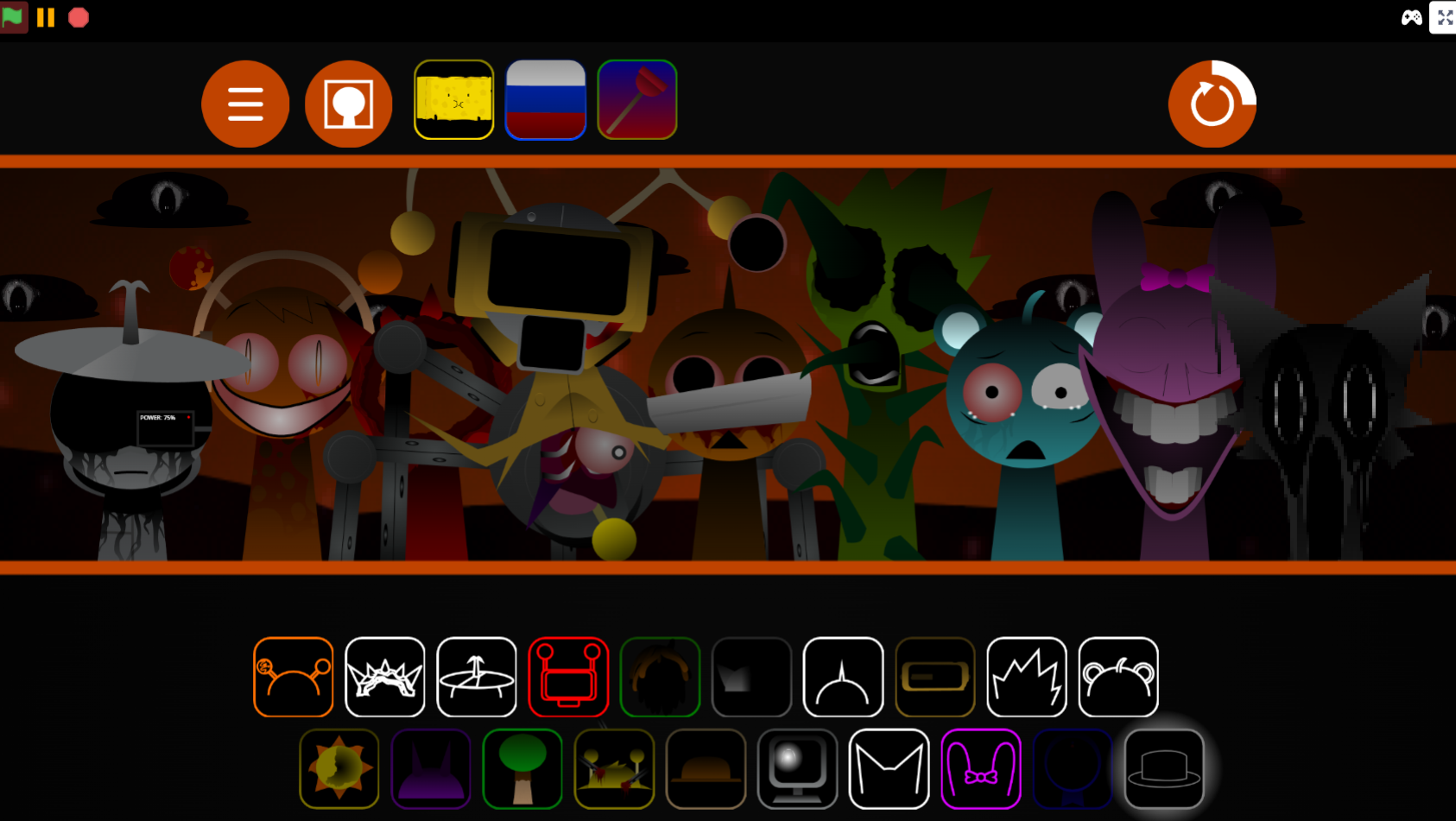
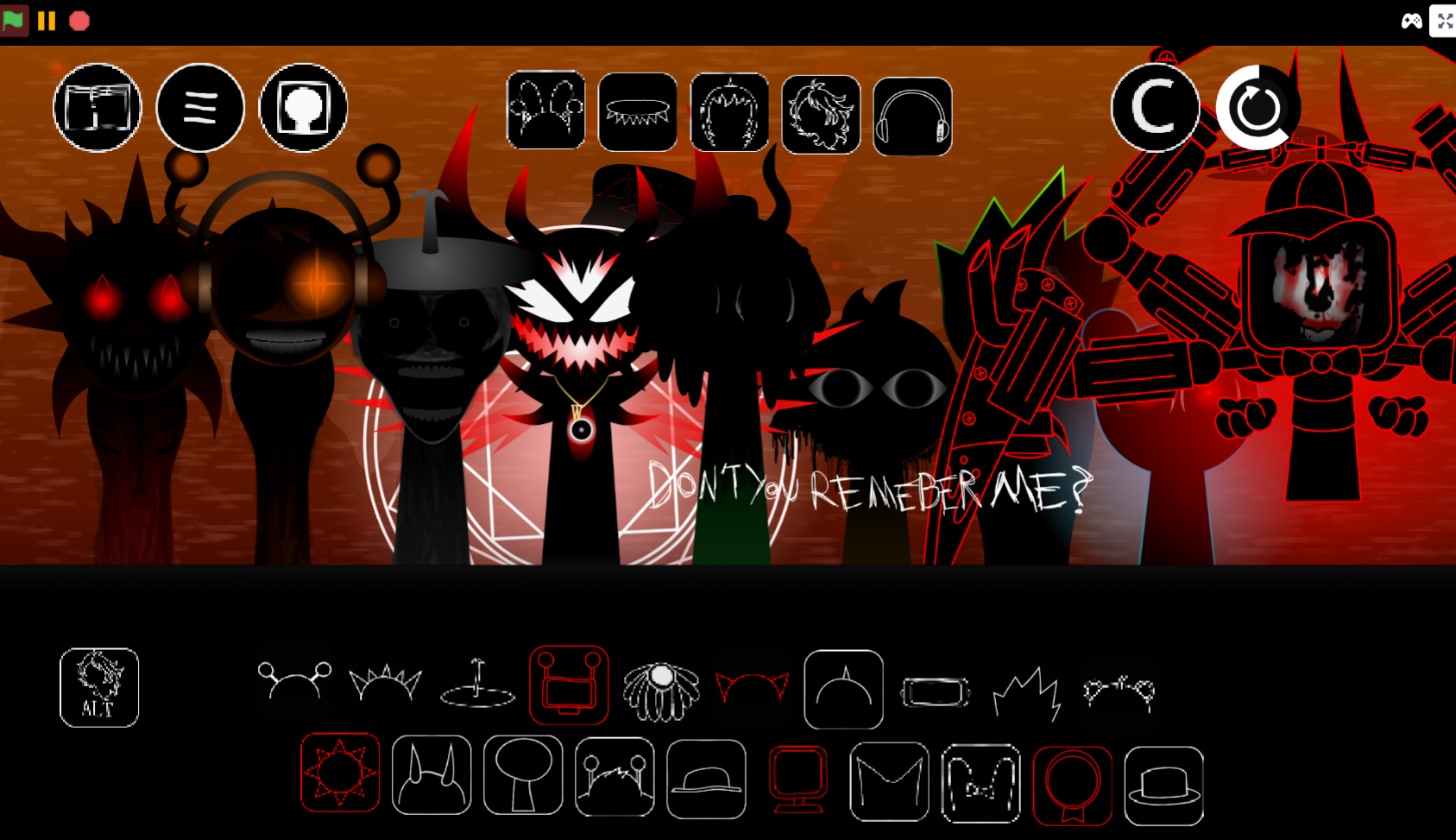
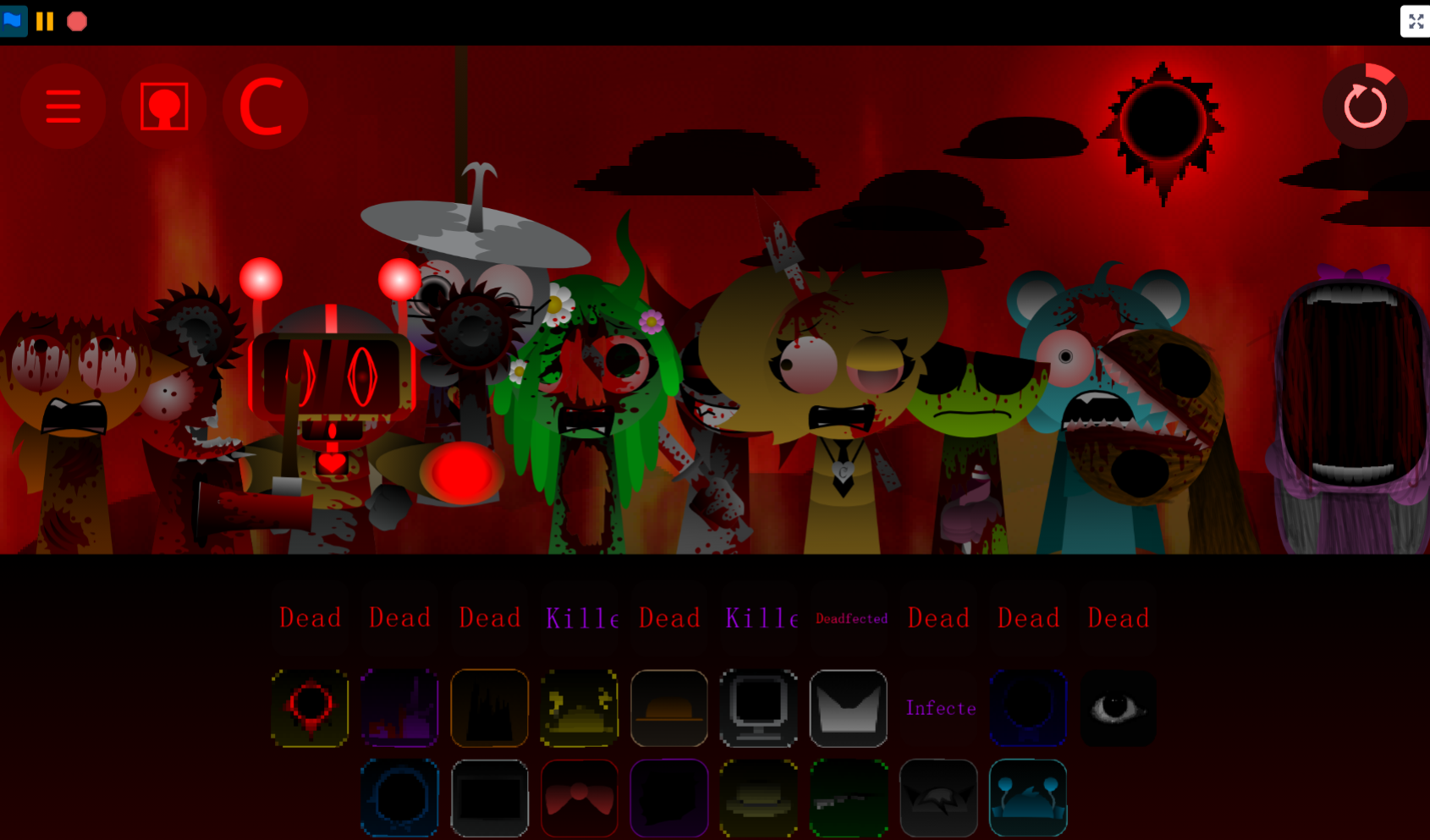
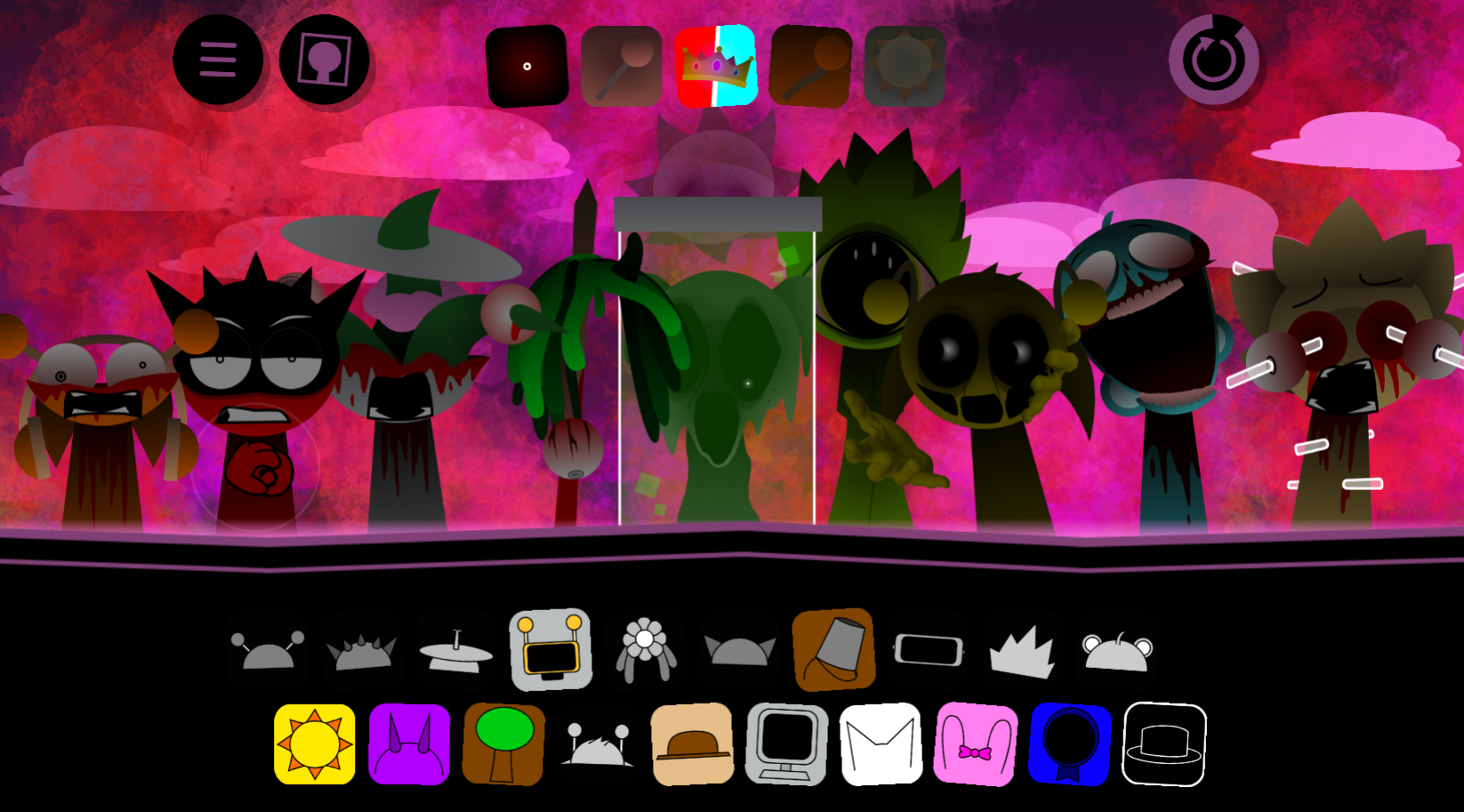
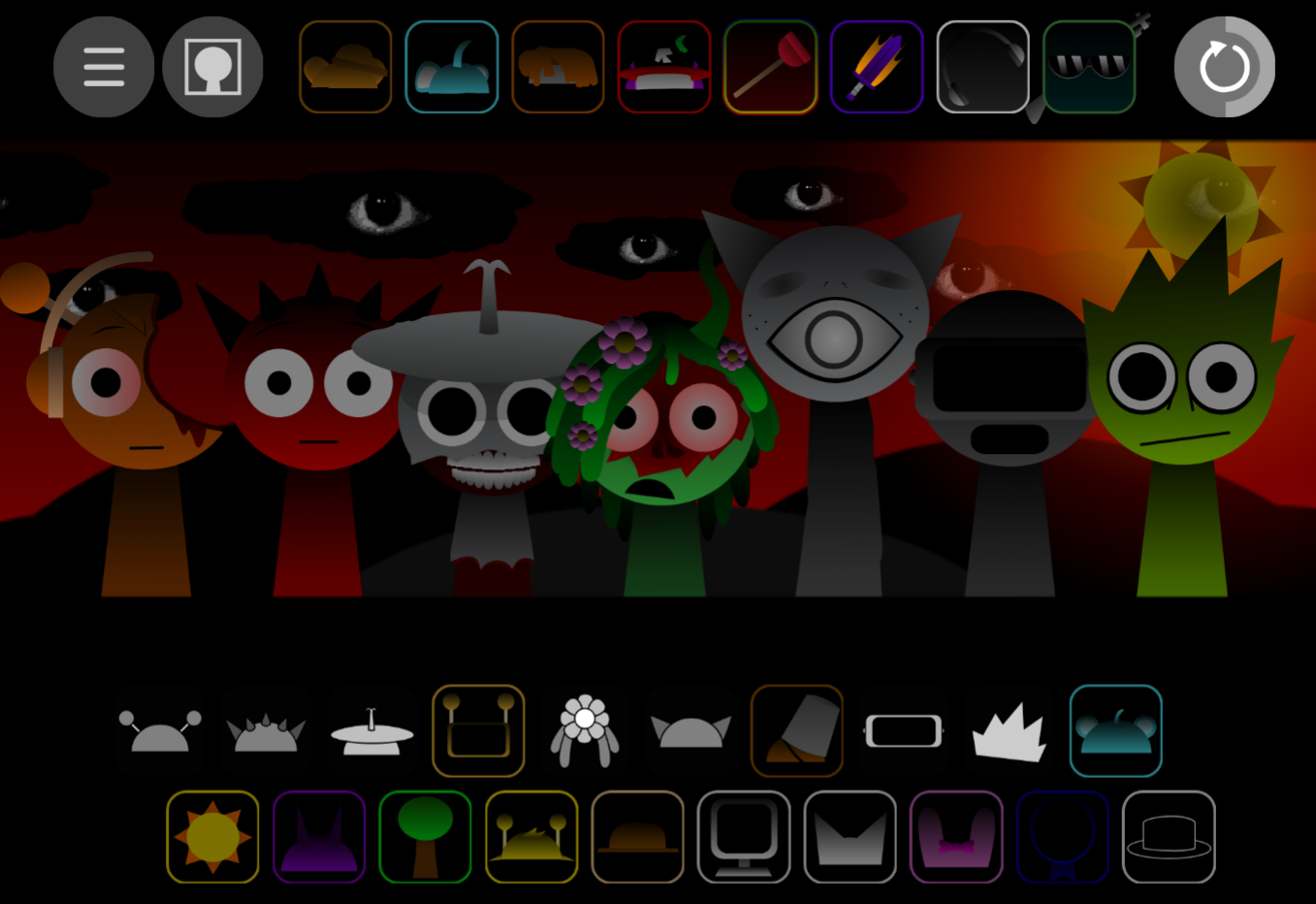
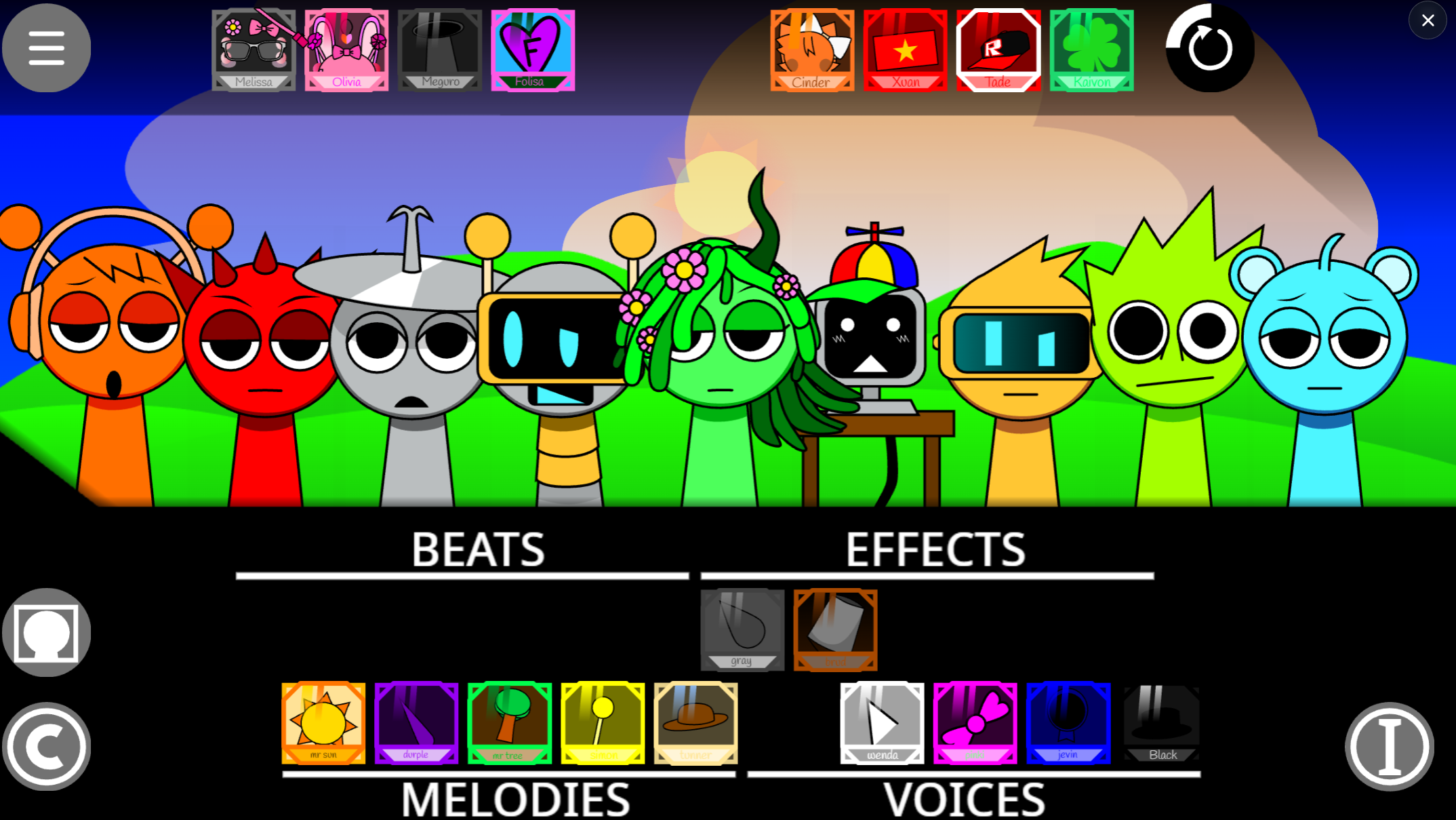
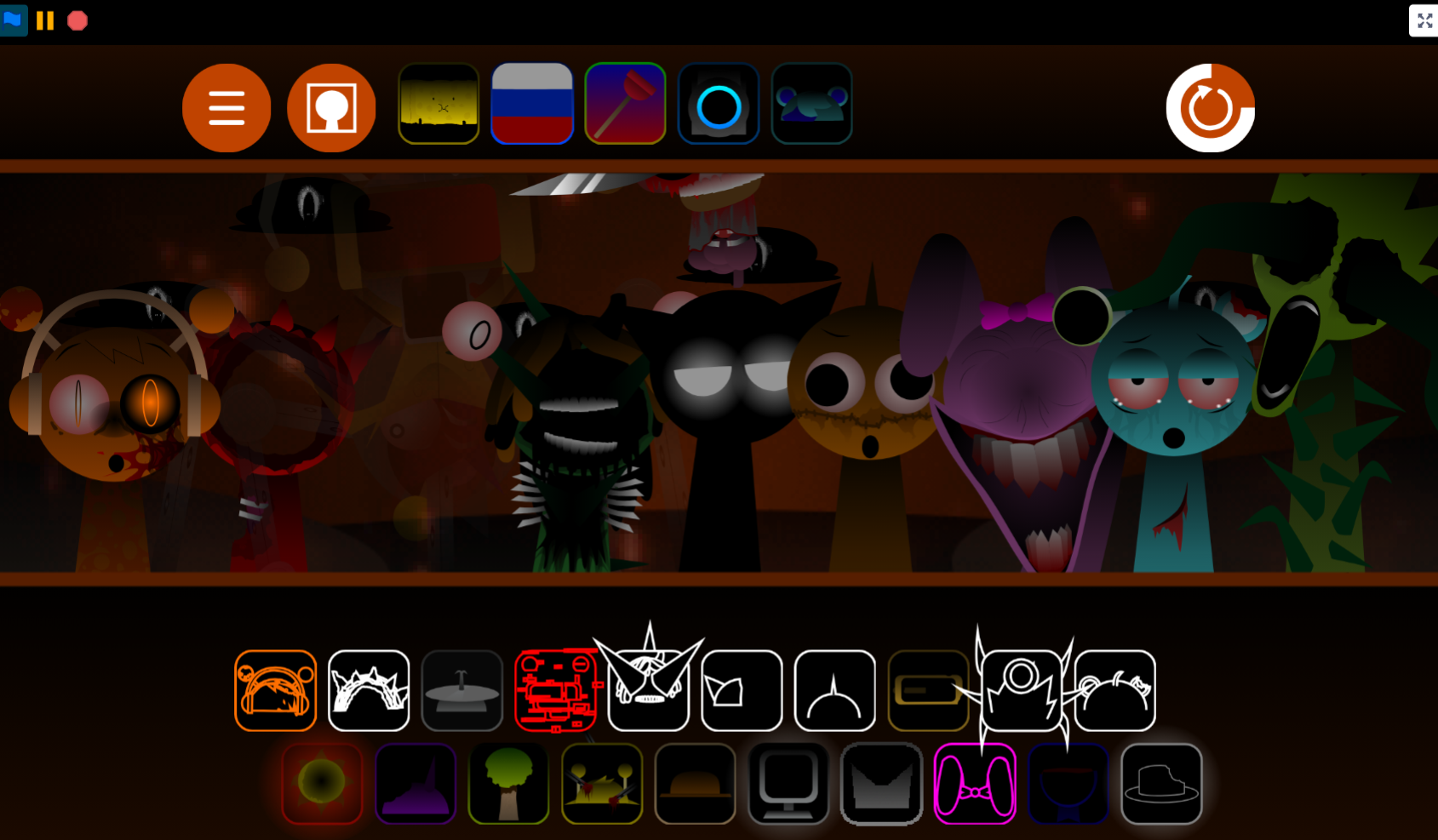
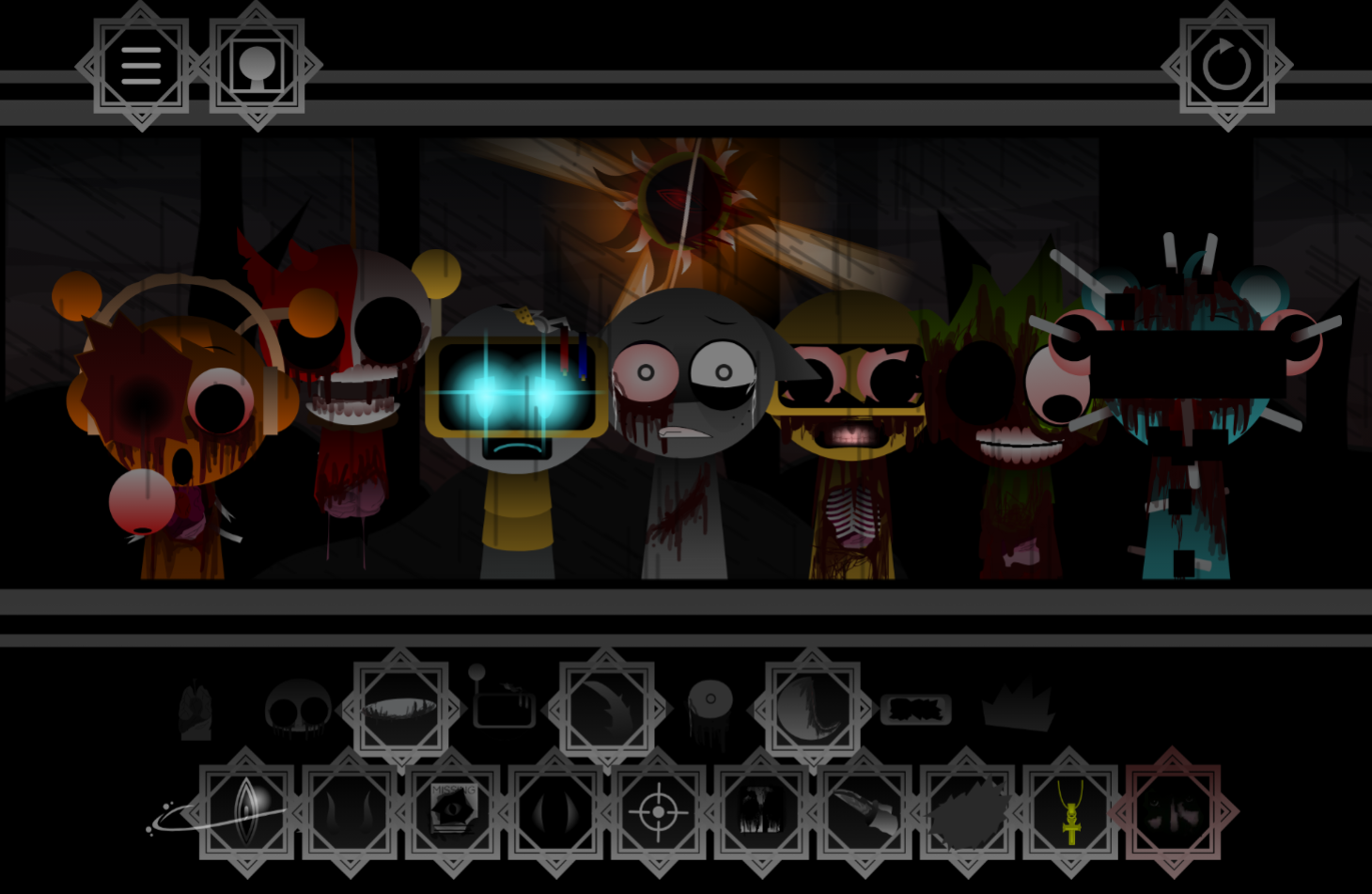
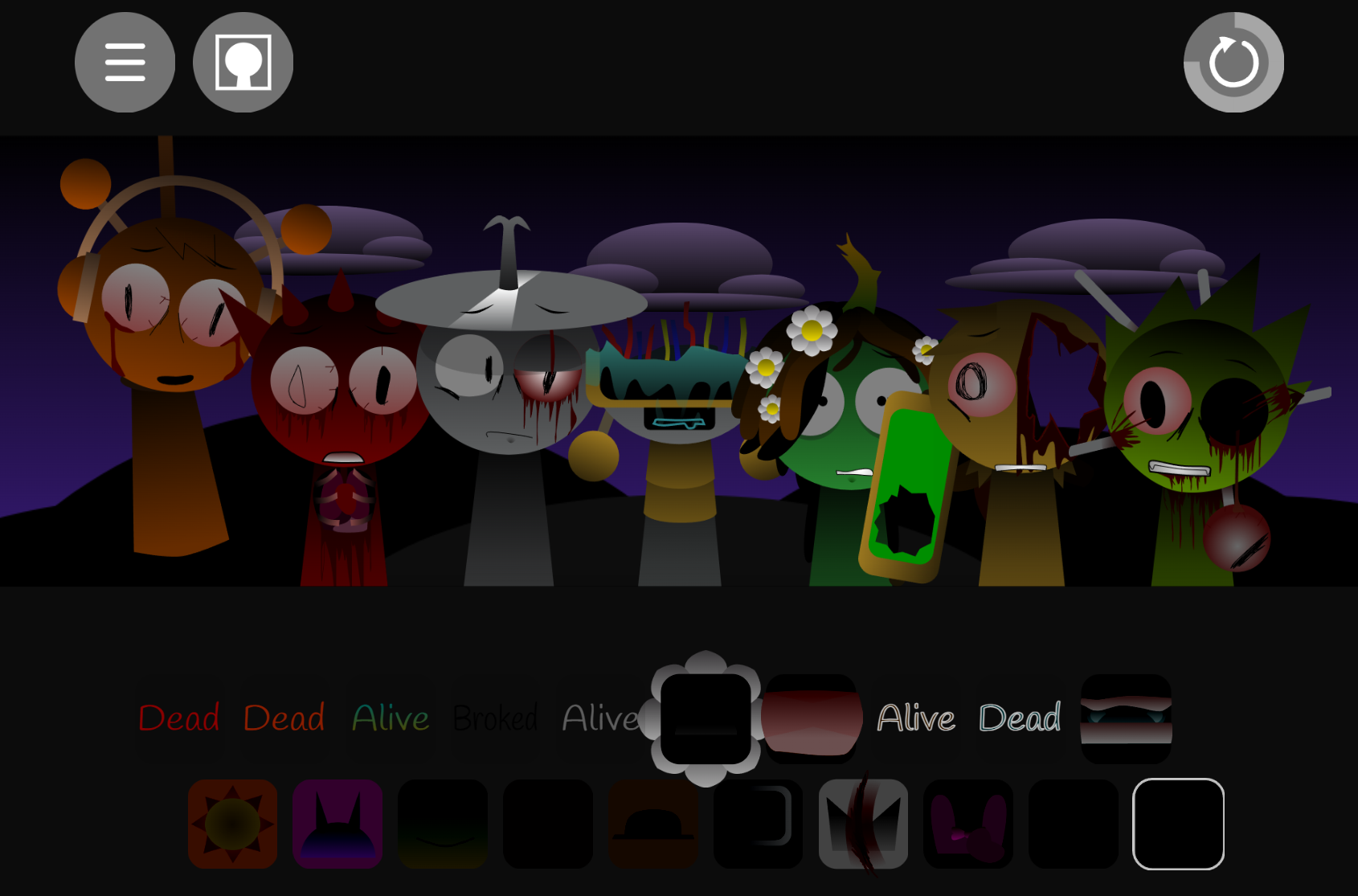
Sprunki Genesis Swap Remake is a sound-swap mod that reassigns each character’s original audio role, creating new layering possibilities within the familiar Incredibox-style interface.
This article covers the clearest gameplay answers: how the swap changes your mixing strategy, which character slots now handle melody versus rhythm, and what practical differences you’ll notice when building arrangements. The core loop remains accessible—place characters on stage and layer their remapped sounds into a live mix—but the swapped roles require different instincts for balance and timing.
We focus on the mechanics that affect how you play, the details that clarify what changed from the original Genesis version, and the specifics that help you adapt your approach without guessing.
Sprunki Genesis Swap Remake
Sprunki Genesis Swap Remake V1.0 is a sound-swap mod where each character’s audio role has been reassigned. A figure that normally provides a beat may now trigger a vocal loop or synth effect, turning every stage placement into an exercise in discovery rather than prediction. The core mechanic—drag characters to build a live mix—remains intact, but the audio identity behind each familiar face has changed.
Created by @Muhammadcarlyt, this V1.0 release refines the Genesis Swap concept with a smoother interface, clearer audio layering, a swap chart, fact cards, and both open creation and timed challenge modes. It is available on gosprunki.com.
How to Play Sprunki Genesis Swap Remake
The gameplay loop stays accessible: place characters on the stage and layer their sounds into a live arrangement. The twist is that Genesis Swap reassigns each character’s audio role, so listening before assuming is essential.
- Choose a character and place it on the stage. Each adds a musical layer—rhythm, melody, voice, synth, or effect.
- Build the track gradually. Start with two or three characters, then add layers one at a time to hear how each swapped sound affects the mix.
- Test unexpected placements. A reliable original combination may now produce a completely different rhythm, vocal texture, or electronic pattern.
- Use the swap chart. When a character produces an unfamiliar sound, the chart identifies the reassigned role and turns surprise into a mixing decision.
- Read the fact cards. These provide lore connected to Samuel, Jayz, Saturn, Vineria, and Pinki.
- Choose a mode. Standard creation supports open-ended mixing; timed challenge modes add speed and timing tests.
The clearer layering in V1.0 makes it easier to replace one part of a busy arrangement. Remove a character, add another, and listen to how the balance shifts.
Sound Swap Mechanics
The defining mechanic is role reassignment. Familiar characters retain their appearances, but their audio functions have been exchanged. A figure expected to provide percussion may instead introduce a voice loop; a character associated with vocals may carry a synth or effect layer.
This turns character selection into an audio puzzle. Instead of rebuilding a known mix from memory, players discover what each reassigned role does within the current track. Strong results often come from testing contrast: pairing an unexpected vocal with a steady rhythm, replacing a crowded electronic layer with a new percussion part, or using a swapped effect to shift atmosphere without altering the whole arrangement.
The swap chart gives the system structure without eliminating discovery. Across ten original characters, it records key exchanges including:
- Oren swapping roles with Clukr
- Raddy swapping roles with Jevin
- Vineria swapping roles with Wenda
These pairings explain why established habits may not work in the Remake. Players familiar with the original cast can use the chart to identify a sound’s source, then build around its new function.
Character Pairings and Creative Combinations
Character pairings work best when treated as combinations of musical functions rather than familiar faces. Since visual identity and sound identity no longer match as expected, a strong mix may come from characters that would not normally be grouped together.
Try using the swap system in stages:
- Find a foundation first. Identify which swapped characters provide the most useful beat or low-end layer.
- Add one contrasting part. Introduce a vocal, synth, or effect that changes texture without overwhelming the rhythm.
- Compare replacements directly. If a layer feels too busy, remove it and test another character in the same slot. The changed role may solve the balance issue immediately.
- Keep unusual pairings long enough to evaluate them. An unfamiliar loop can sound awkward alone but become effective once the rest of the arrangement supports it.
The roster includes community-created bonus roles such as Jenny, Angerbot, and Jaideep, which broaden available combinations beyond the primary Genesis exchanges. Mochi is another character worth testing for players exploring how widely the swapped-role approach affects the roster.
Fact cards provide another layer of incentive to revisit pairings. Details involving Samuel, Jayz, Saturn, Vineria, and Pinki connect the altered roles to the mod’s light mystery storyline rather than treating them as purely random sound substitutions.
Remixing Tips
Because the Remake is built around changed expectations, the most effective approach is deliberate experimentation.
- Start with recognizable characters, but trust the audio. Familiarity helps notice the swap, not predict the result. Listen closely to identify what the character now contributes.
- Build in small groups. Two or three loops reveal more about timing and texture than filling the stage immediately. Once the core groove works, expand it.
- Use the swap chart as a creative tool. Knowing an exchanged role can suggest new pairings that character appearances would not otherwise imply.
- Make room for contrast. If the mix already has dense percussion, test a character that adds a lighter vocal or electronic layer instead of another busy part.
- Rework the arrangement through substitution. Rather than restarting a track, replace a single character and compare the before-and-after sound. This is one of the fastest ways to learn the mechanics.
- Try timed challenge modes after learning the roles. Once the main swaps are familiar, the challenge format tests speed, timing, and quick decision-making.
Related Games
- Sprunki Swapped Retextured New Sounds — Its redesigned visuals and replacement sound set make it a natural next play for experimenting with how swapped character roles reshape a familiar Sprunki mix.
- Sprunki Swap But I Remake — This remake-focused swap mod extends the same appeal of rediscovering character audio assignments through altered beats, vocals, and layered combinations.
- Sprunki Genesis Swap Remake Phase 3 Player Baldis Take — As a Phase 3 take on the Genesis Swap Remake concept, it offers a closely related variation for players who want another interpretation of the swapped-sound roster.
What makes the V1.0 release distinct?
Genesis Swap Remake is designed for players who enjoy the original cast but want a different creative problem from the usual music-making loop. The Remake preserves recognizable characters while changing the assumptions behind them, so even a routine lineup can produce a new arrangement.
Muhammadcarlyt handled direction, design, animation, coding, and beat making, while Sucher provided composition. Combined with the swap chart, story-focused fact cards, bonus characters, and selectable modes, the V1.0 release offers both an accessible experience and a deeper remixing sandbox for experimenting with Genesis character roles.

Discuss Sprunki