
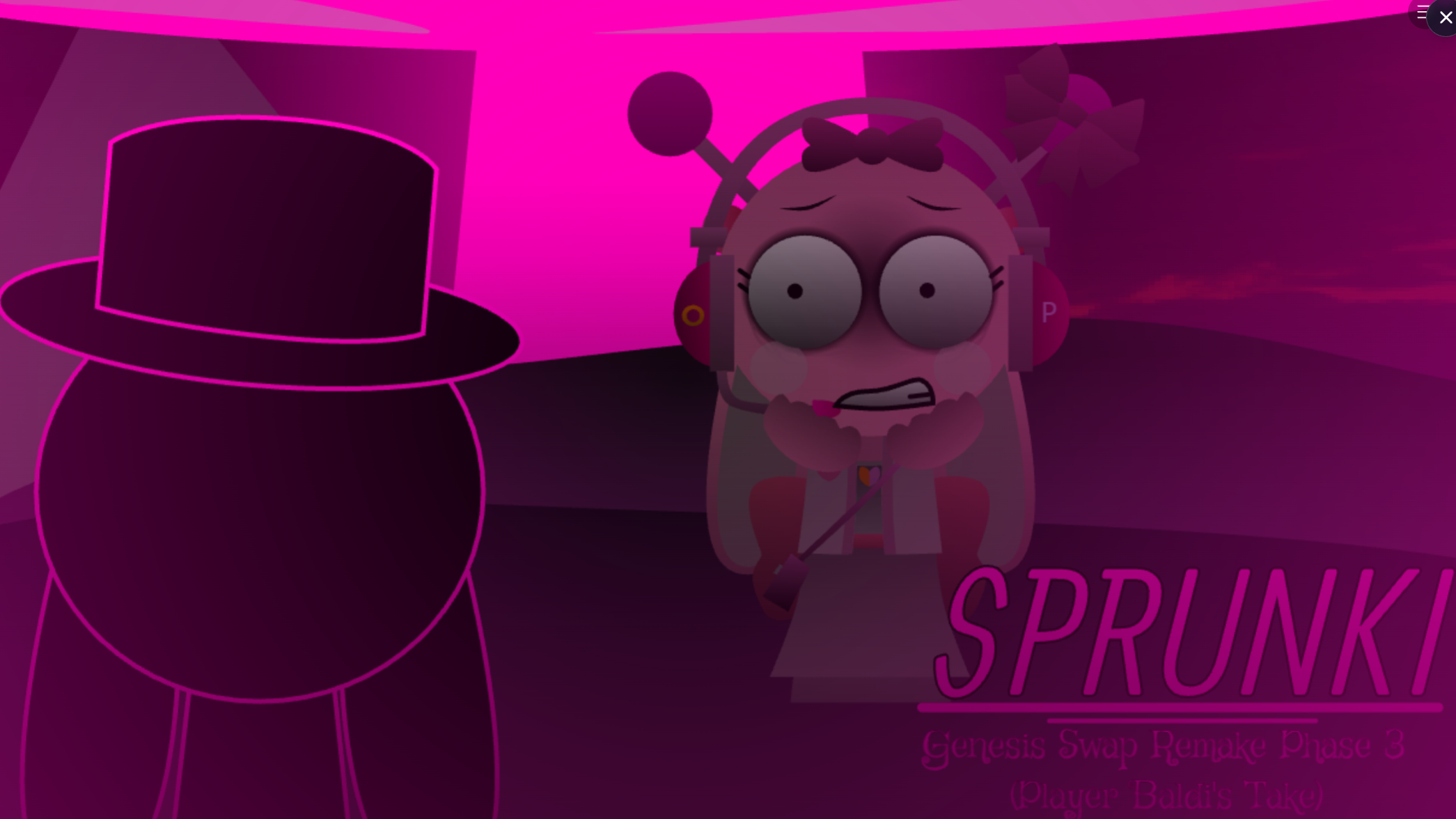



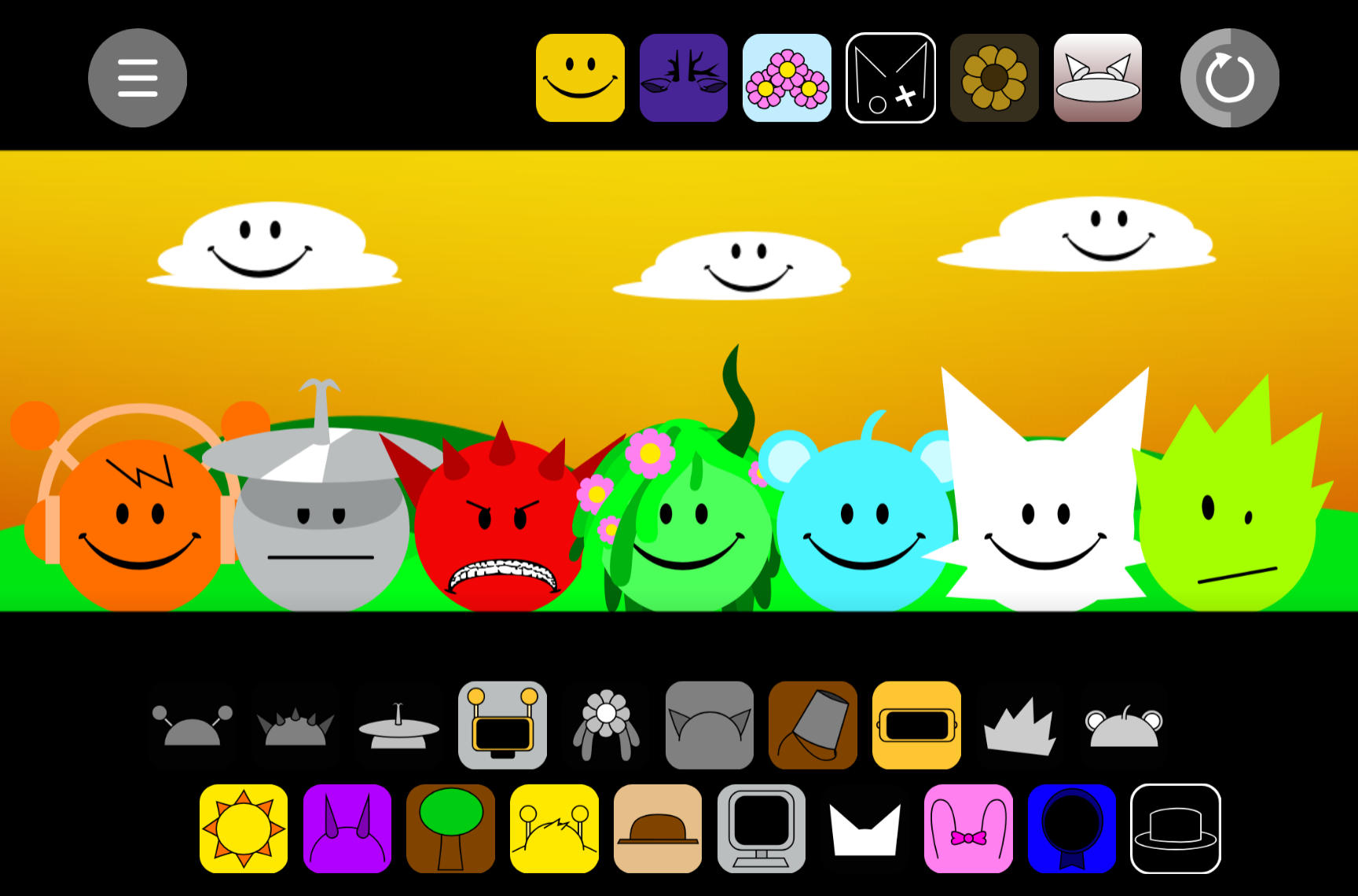
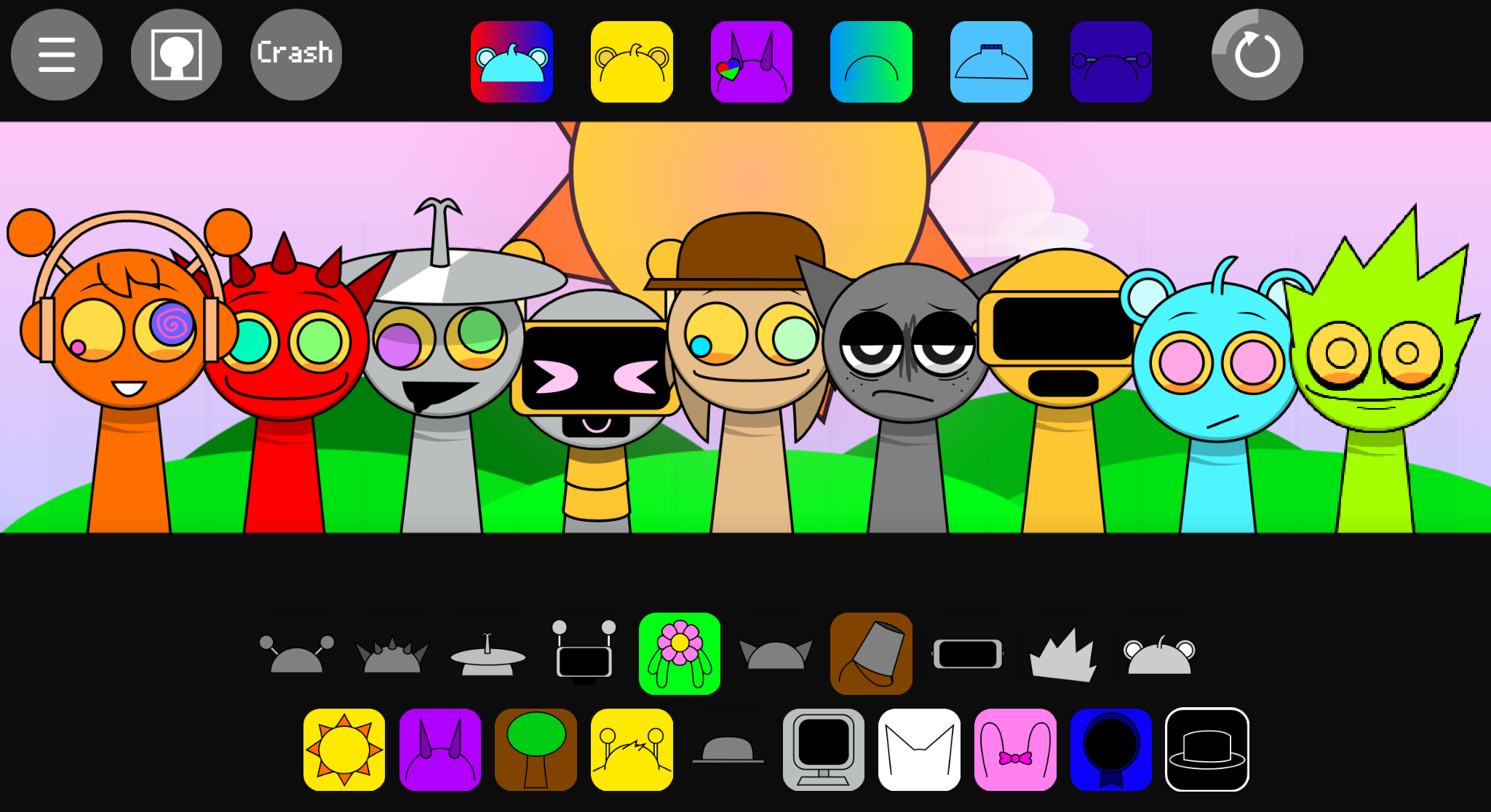
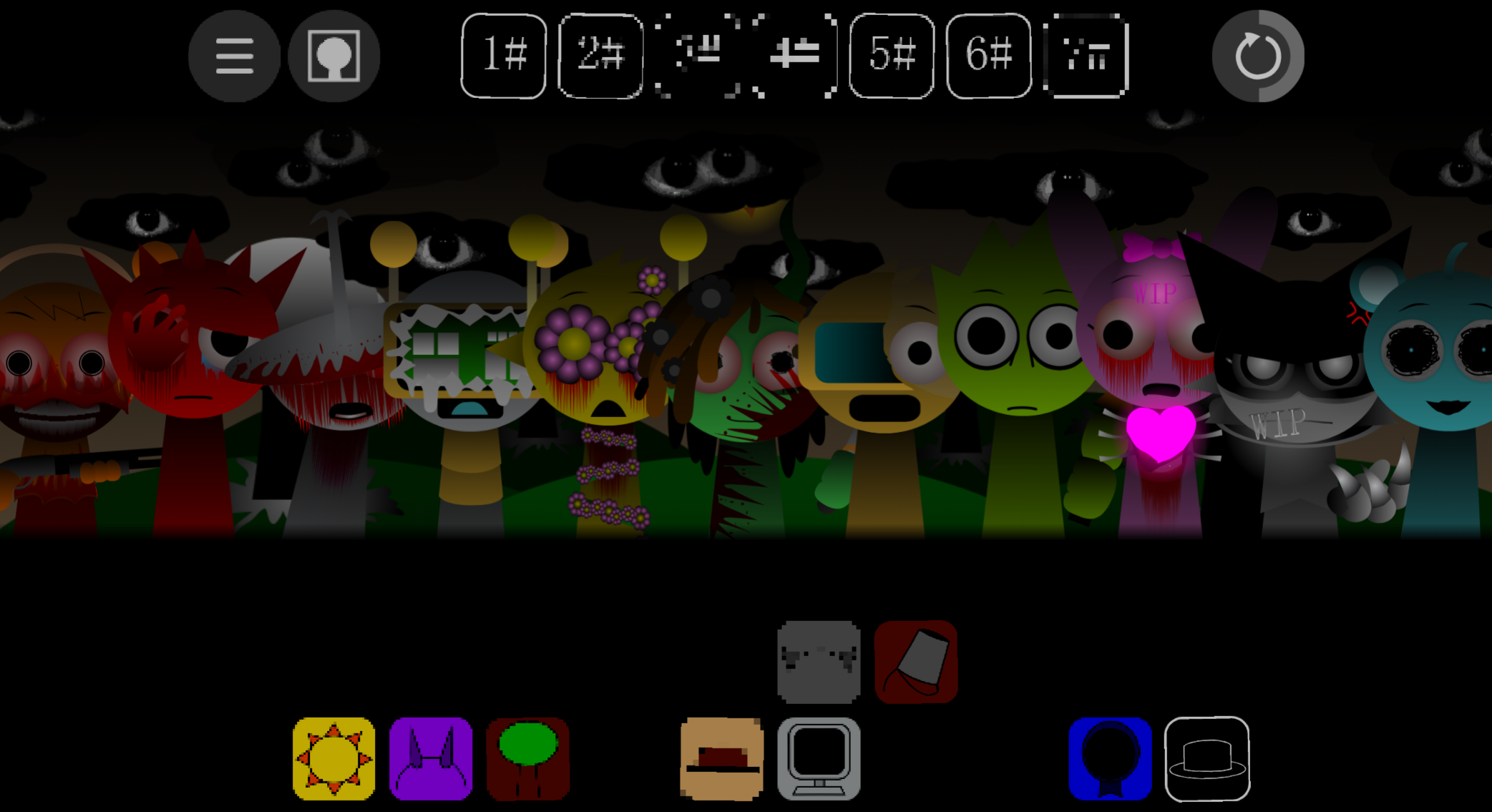
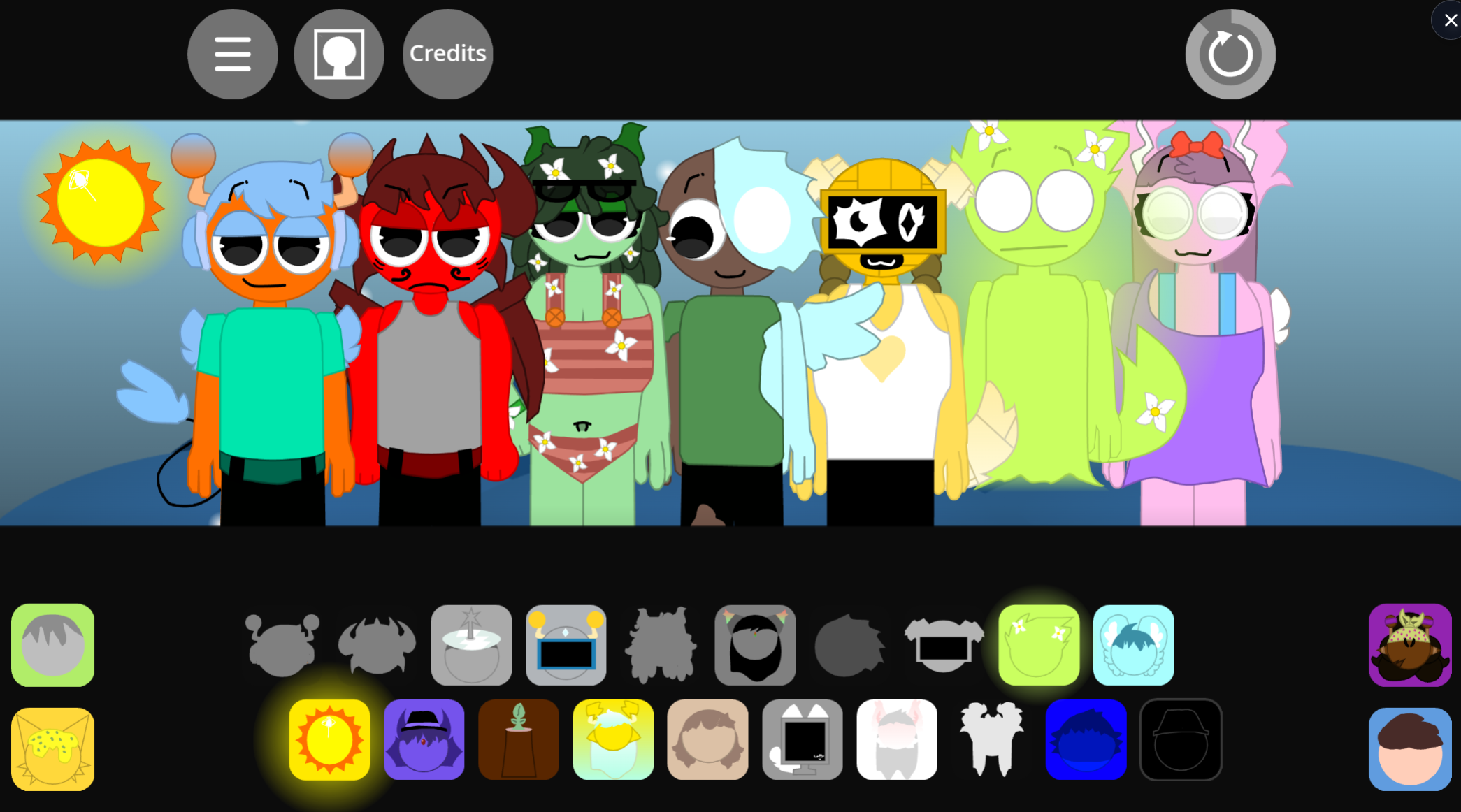
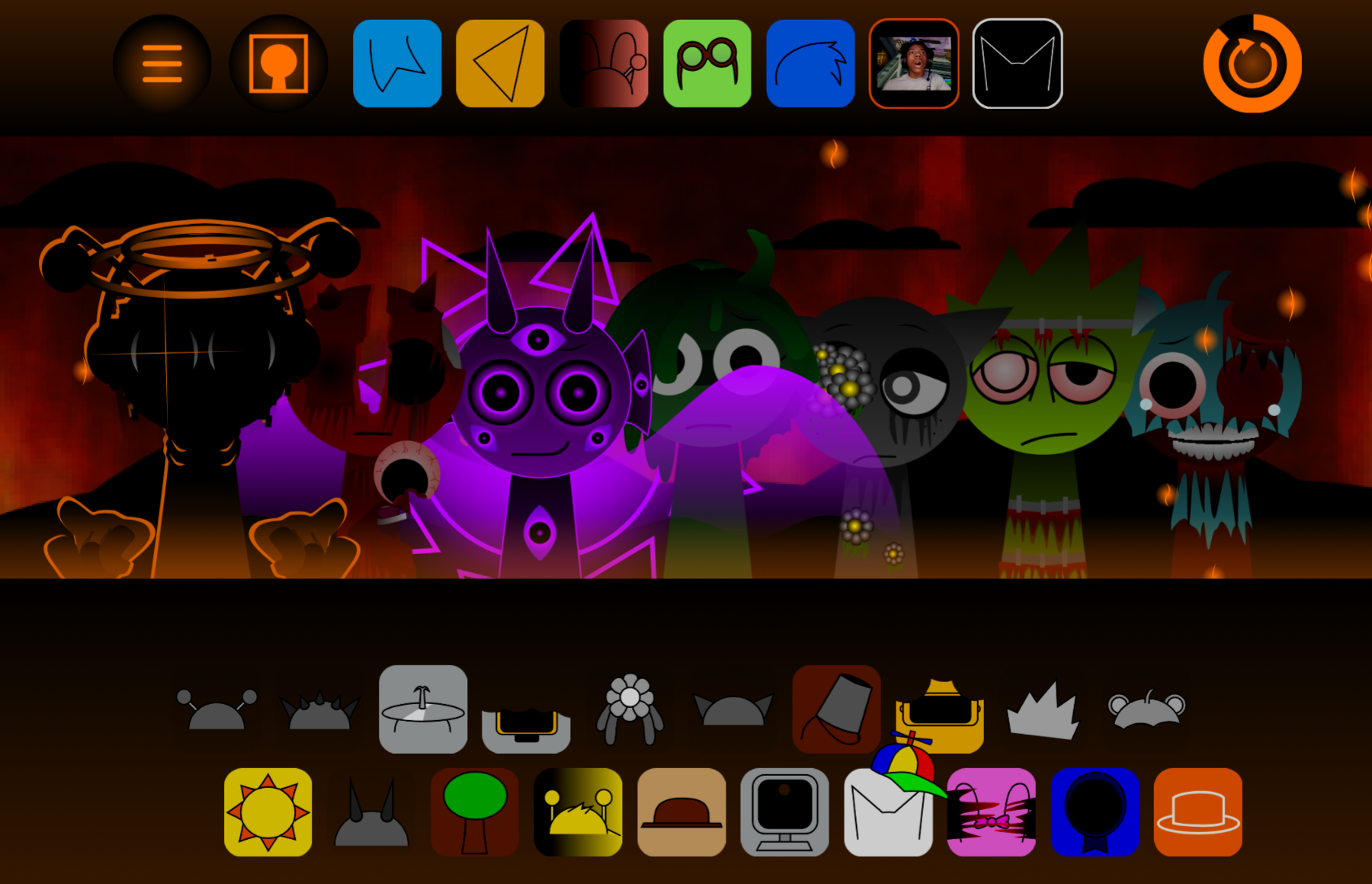
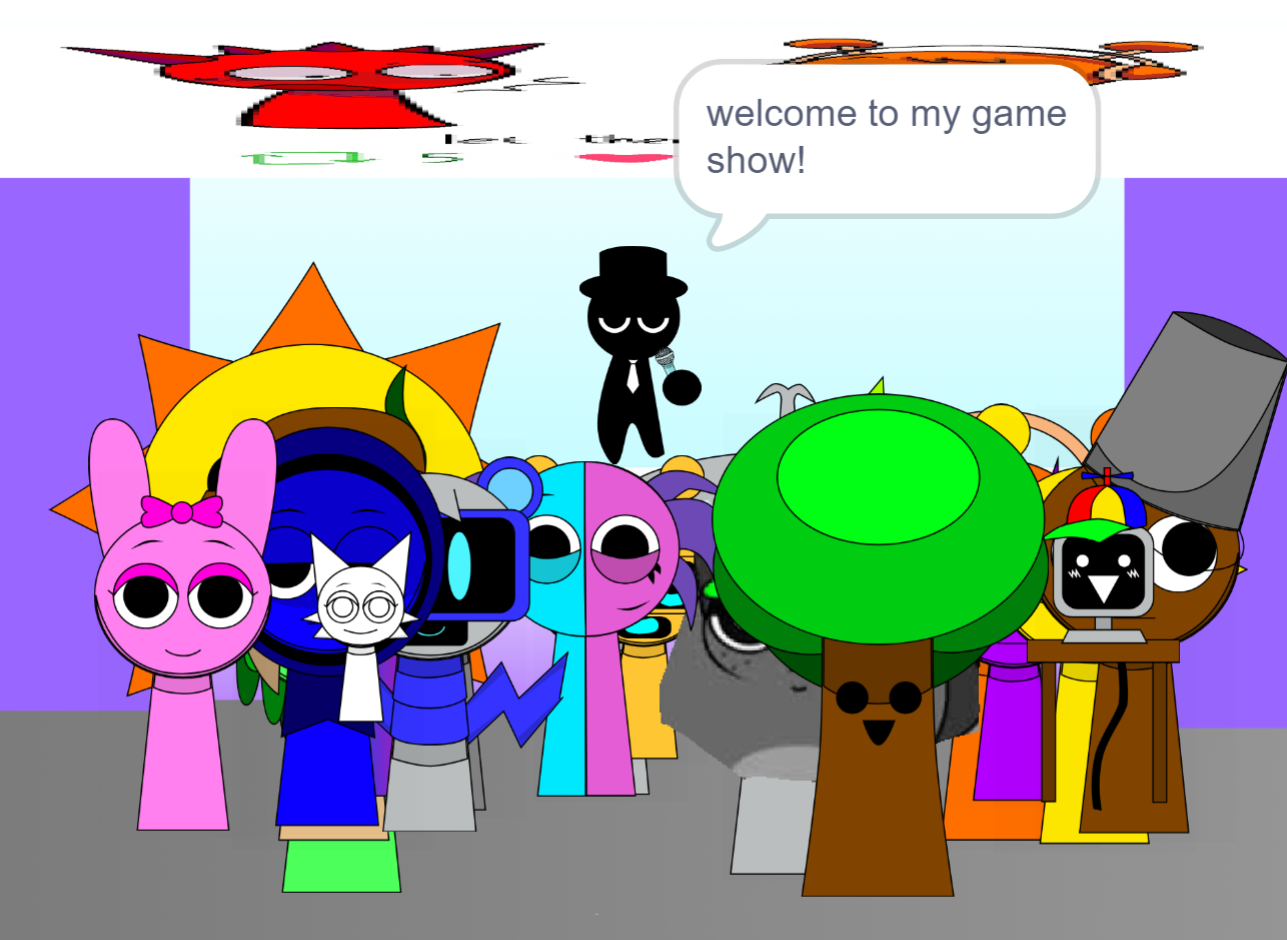
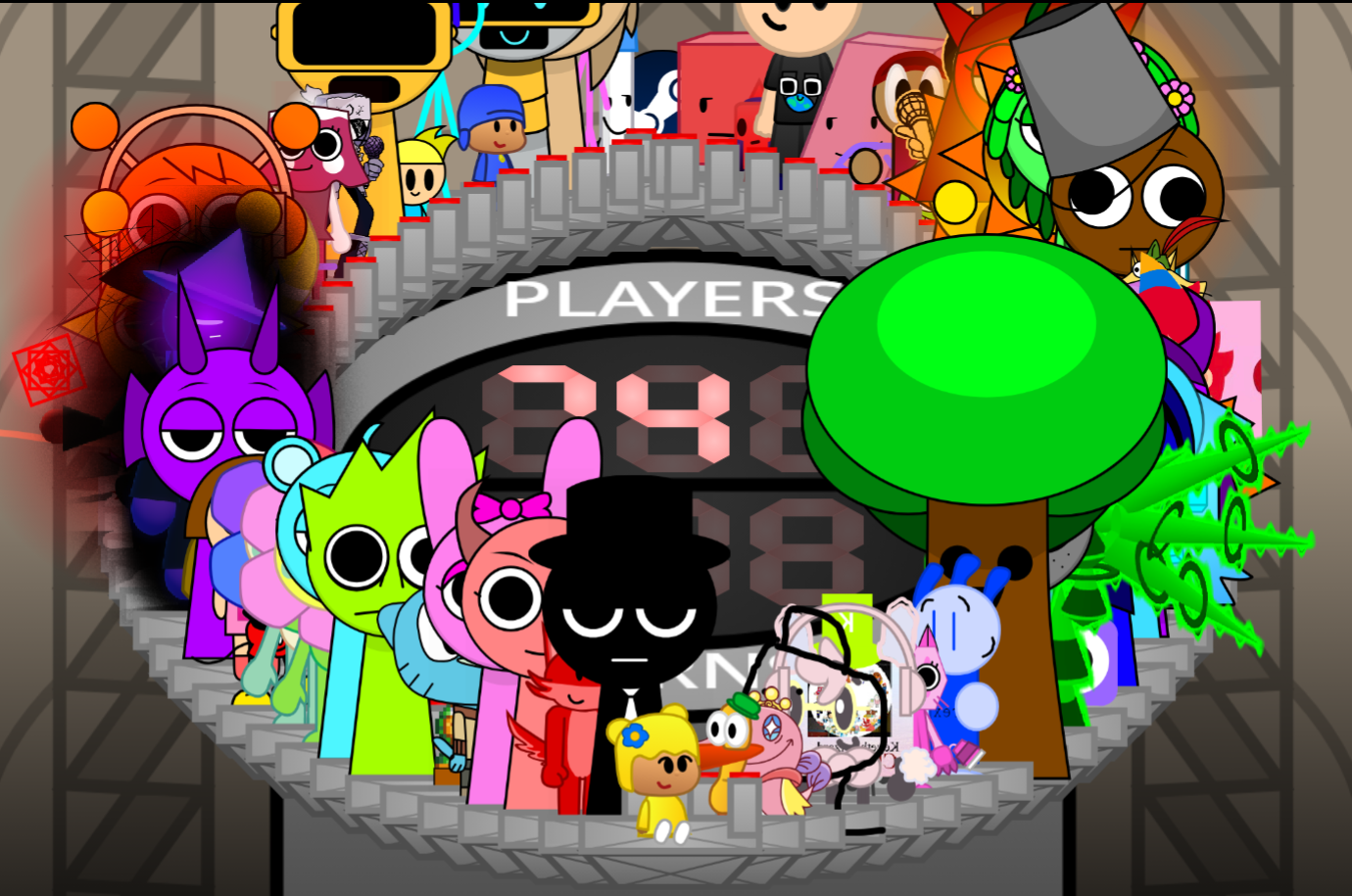
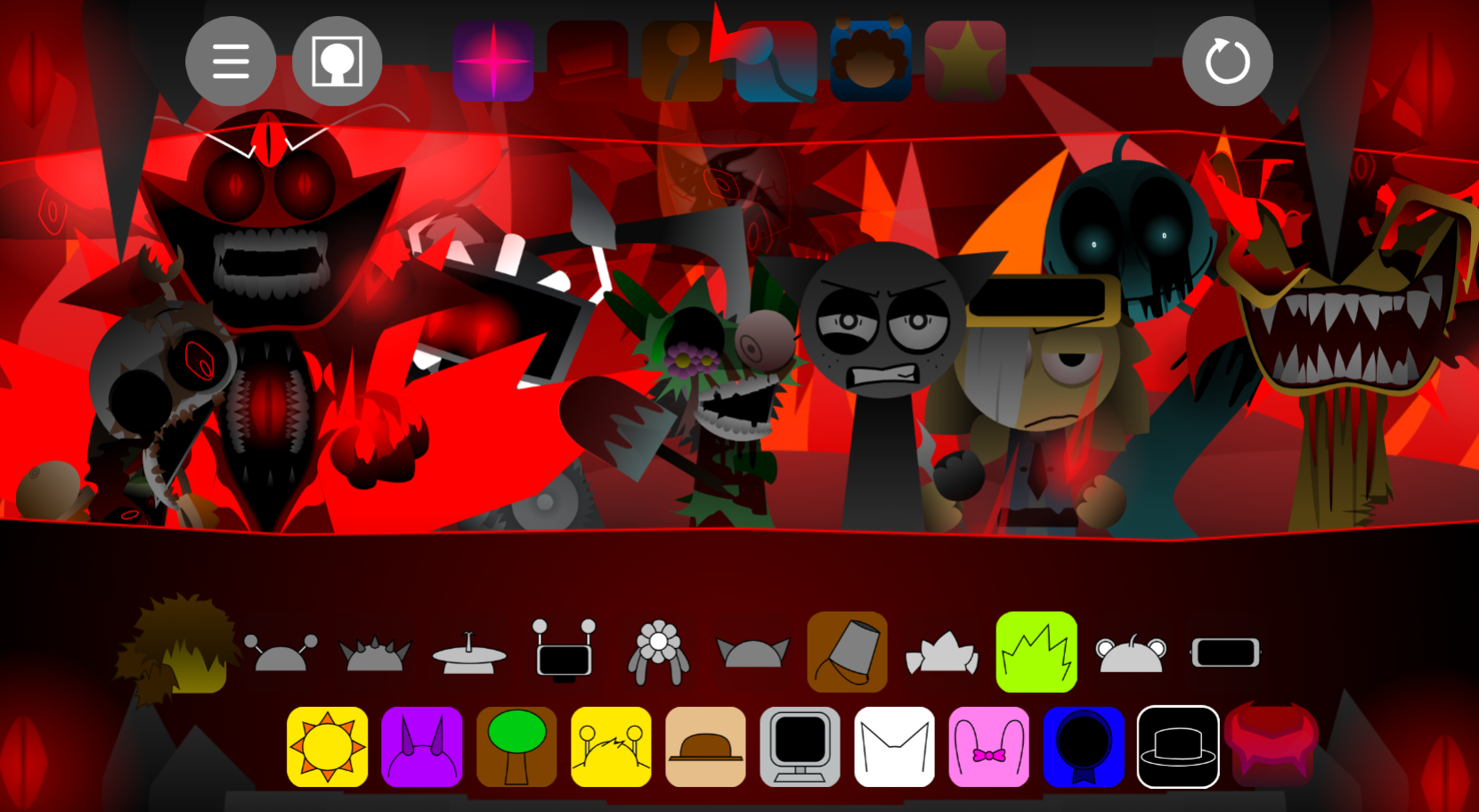
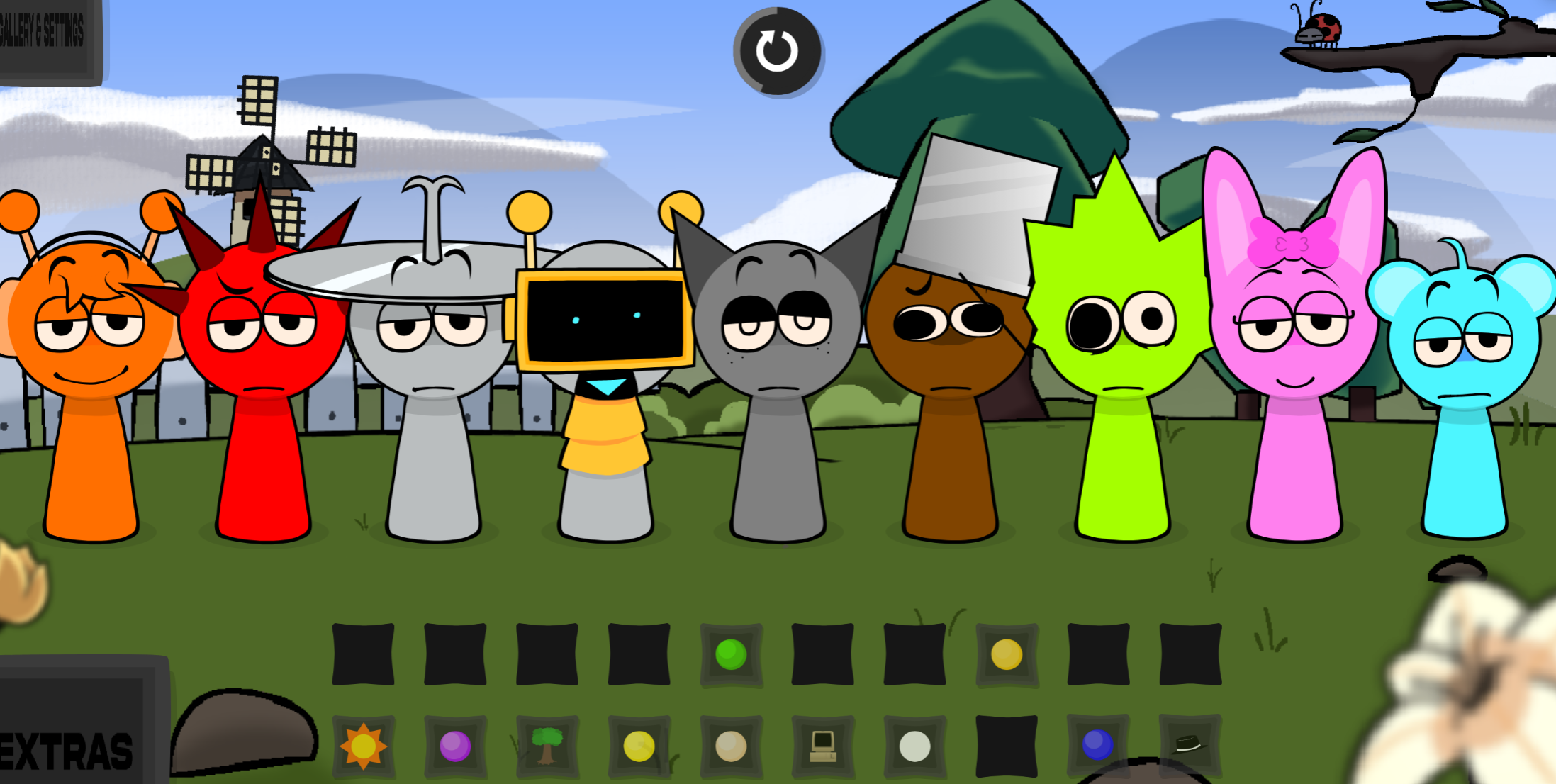
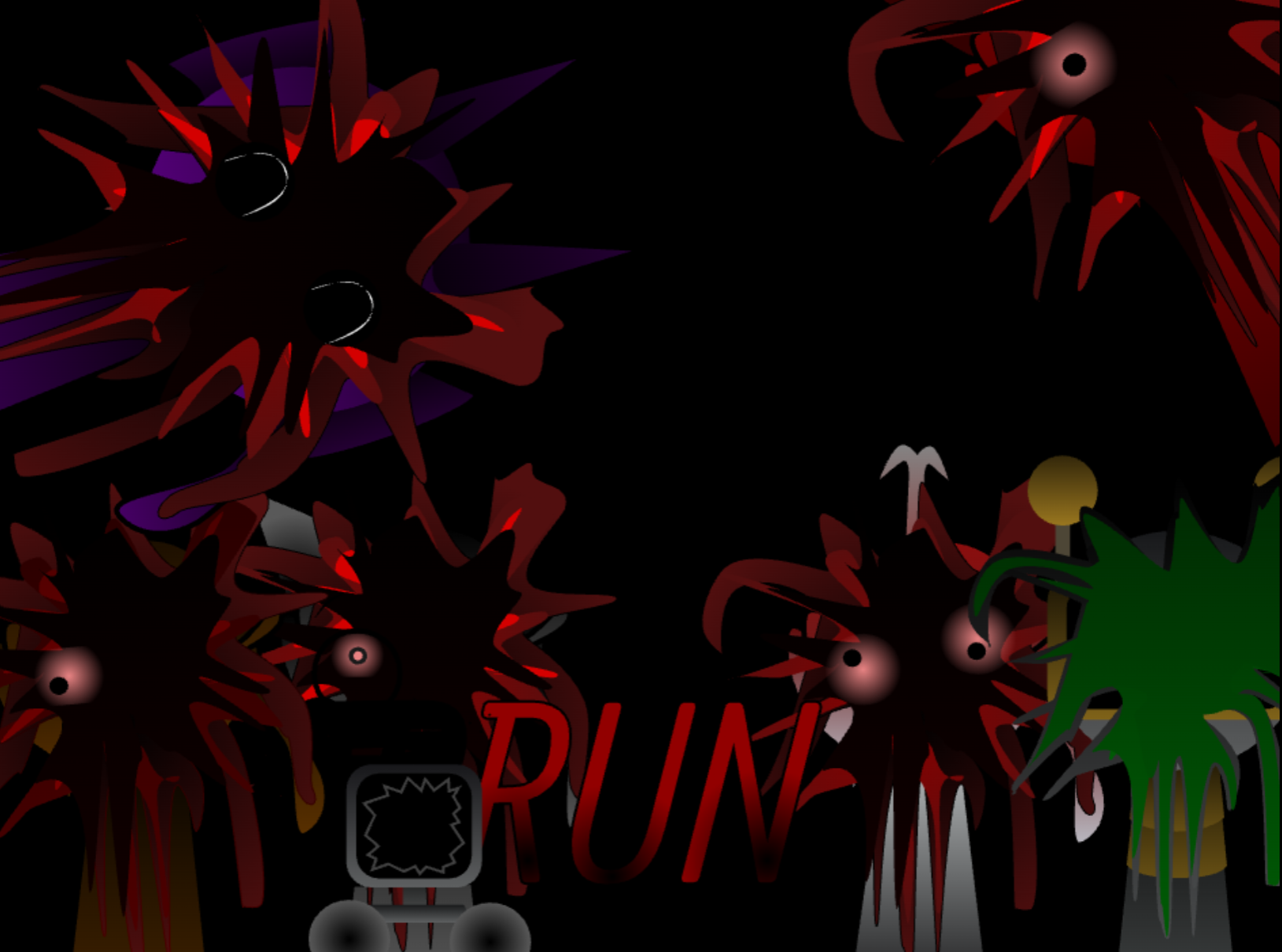

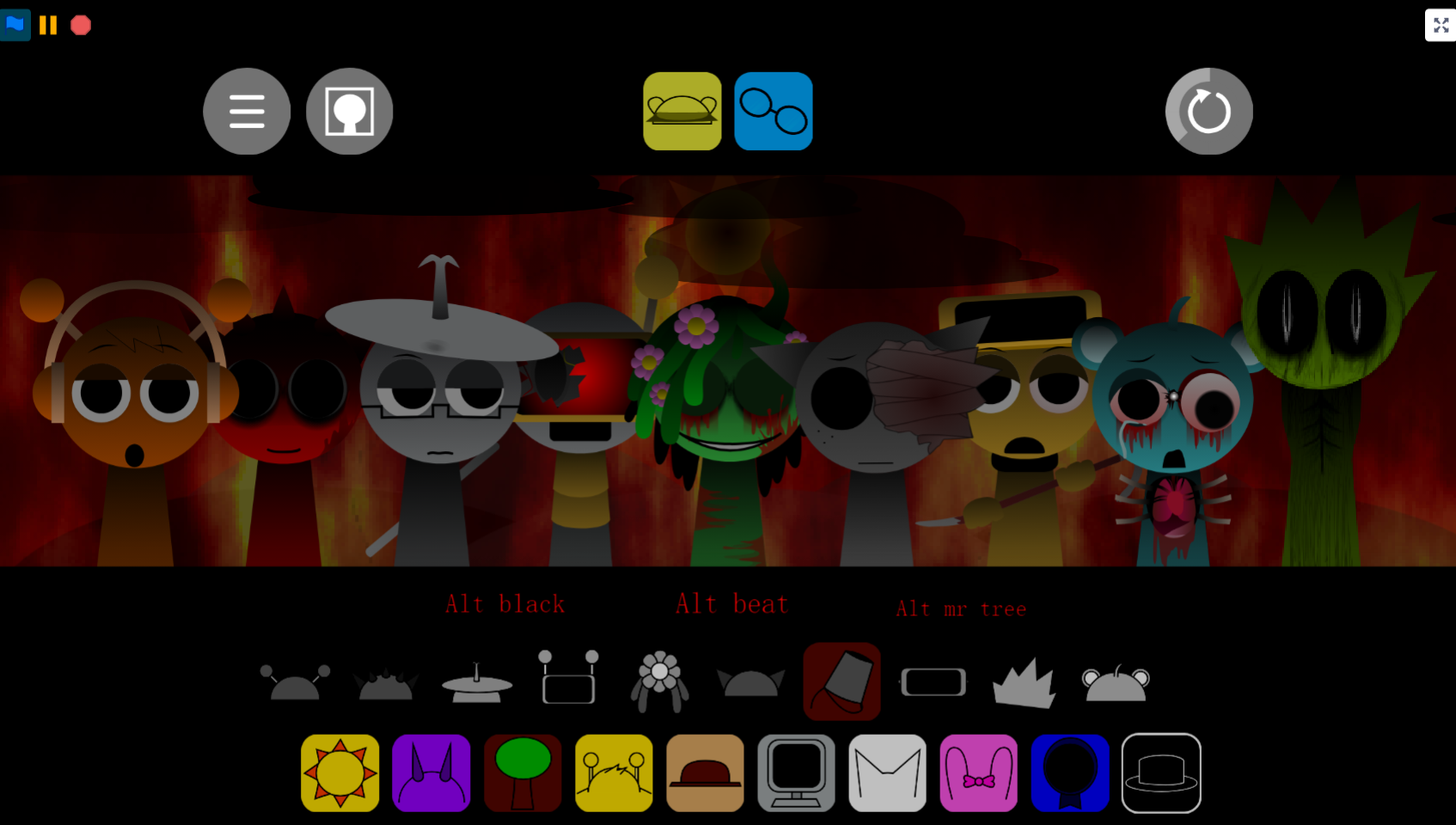

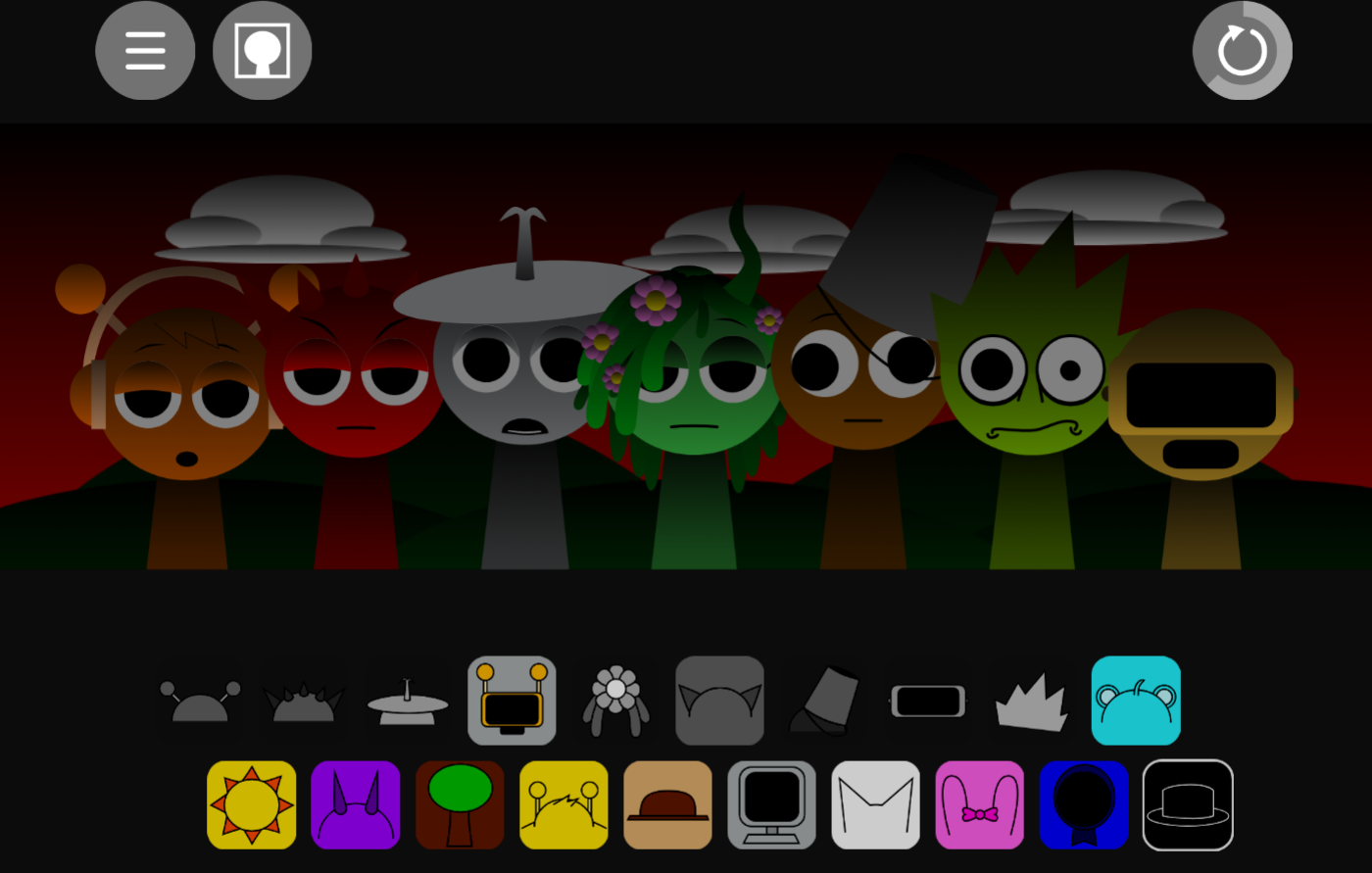
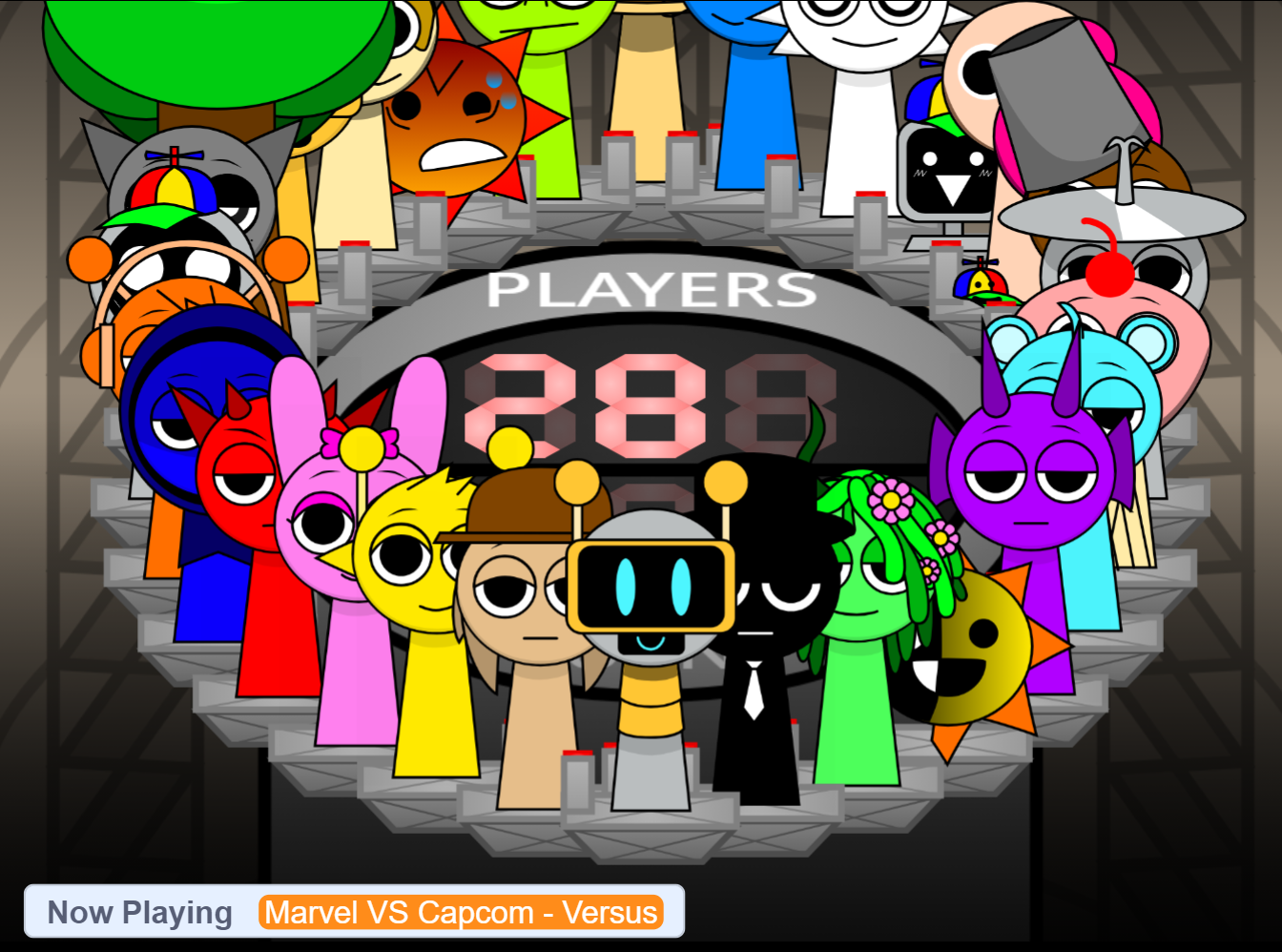
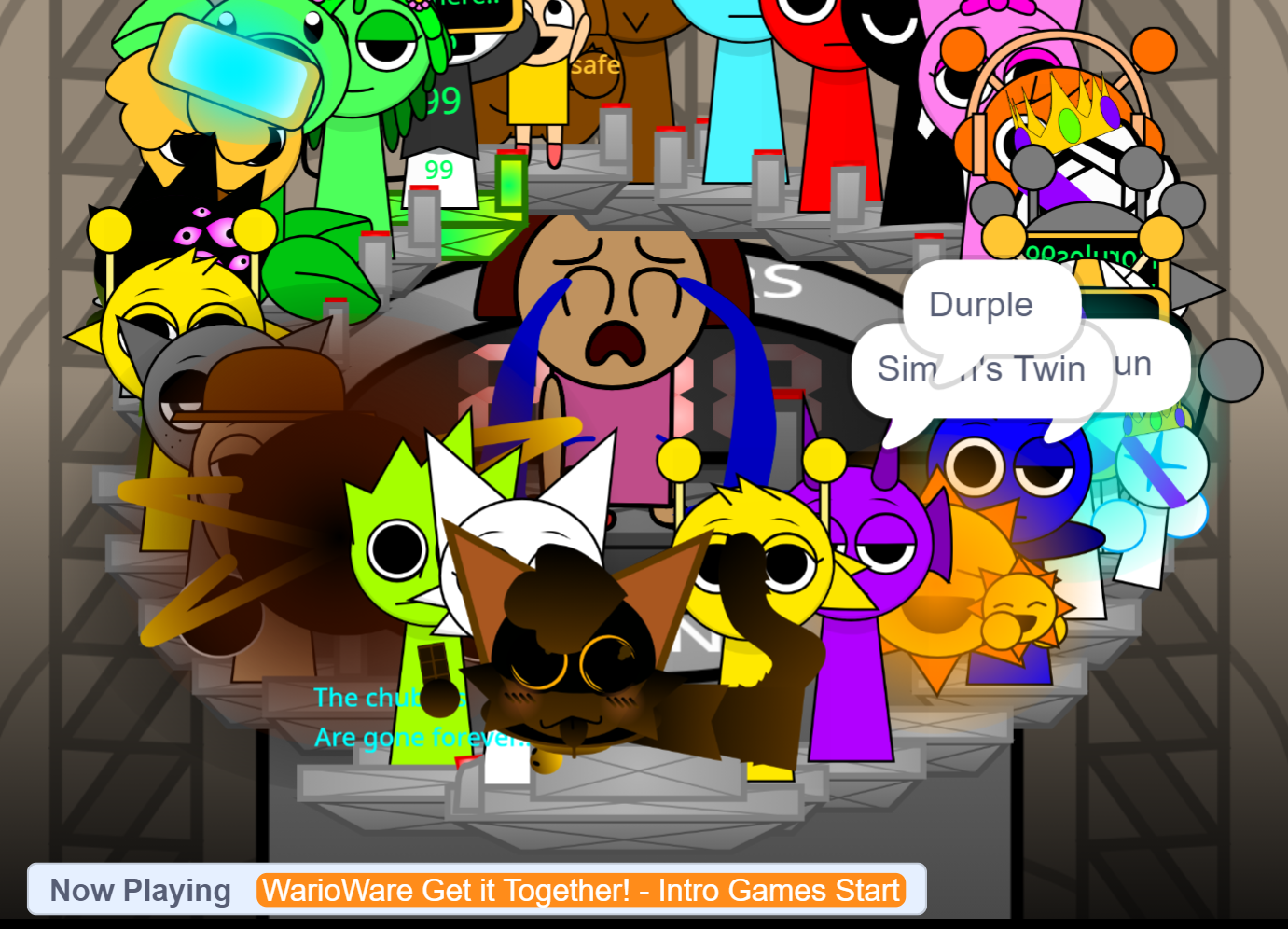
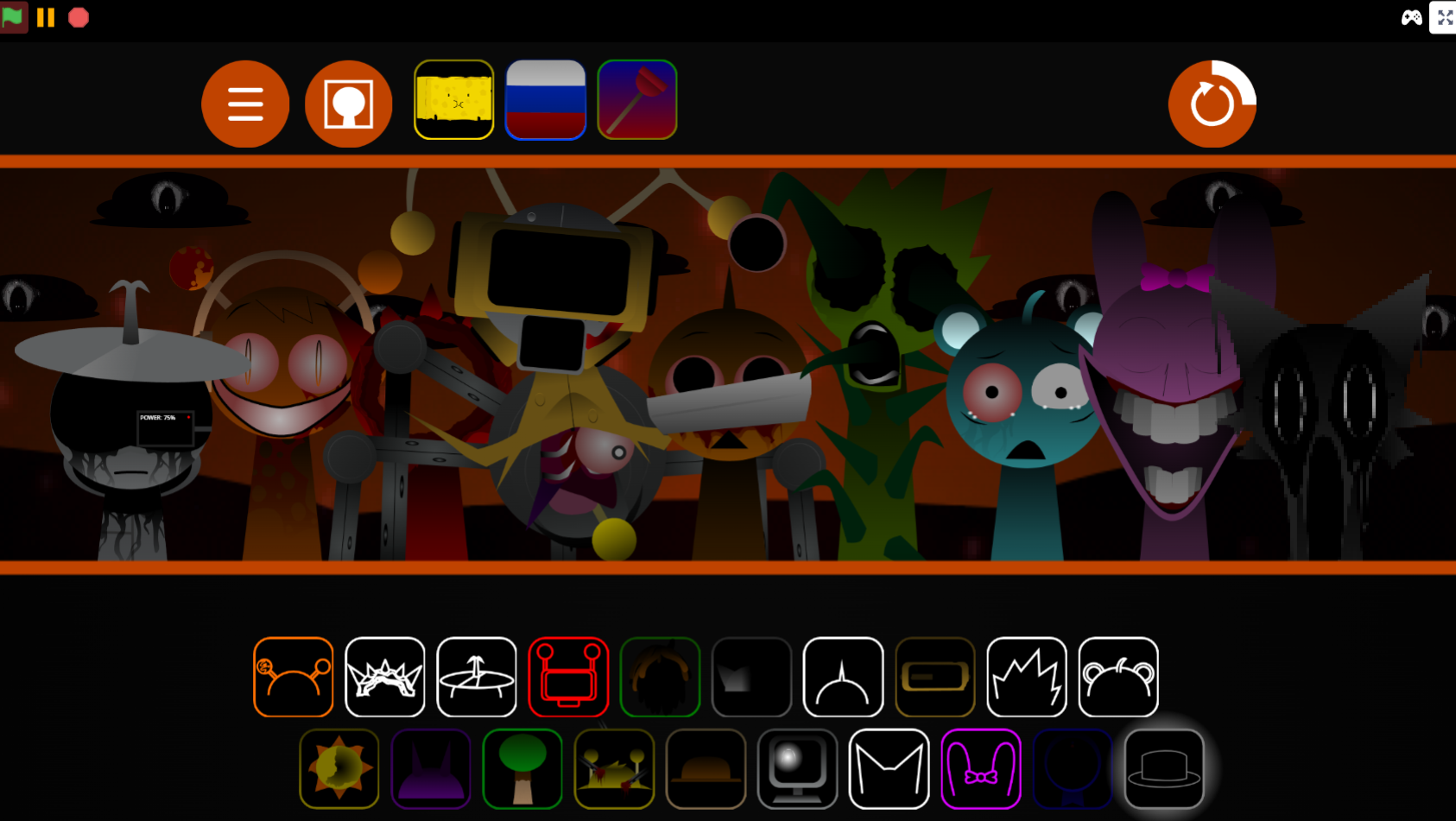
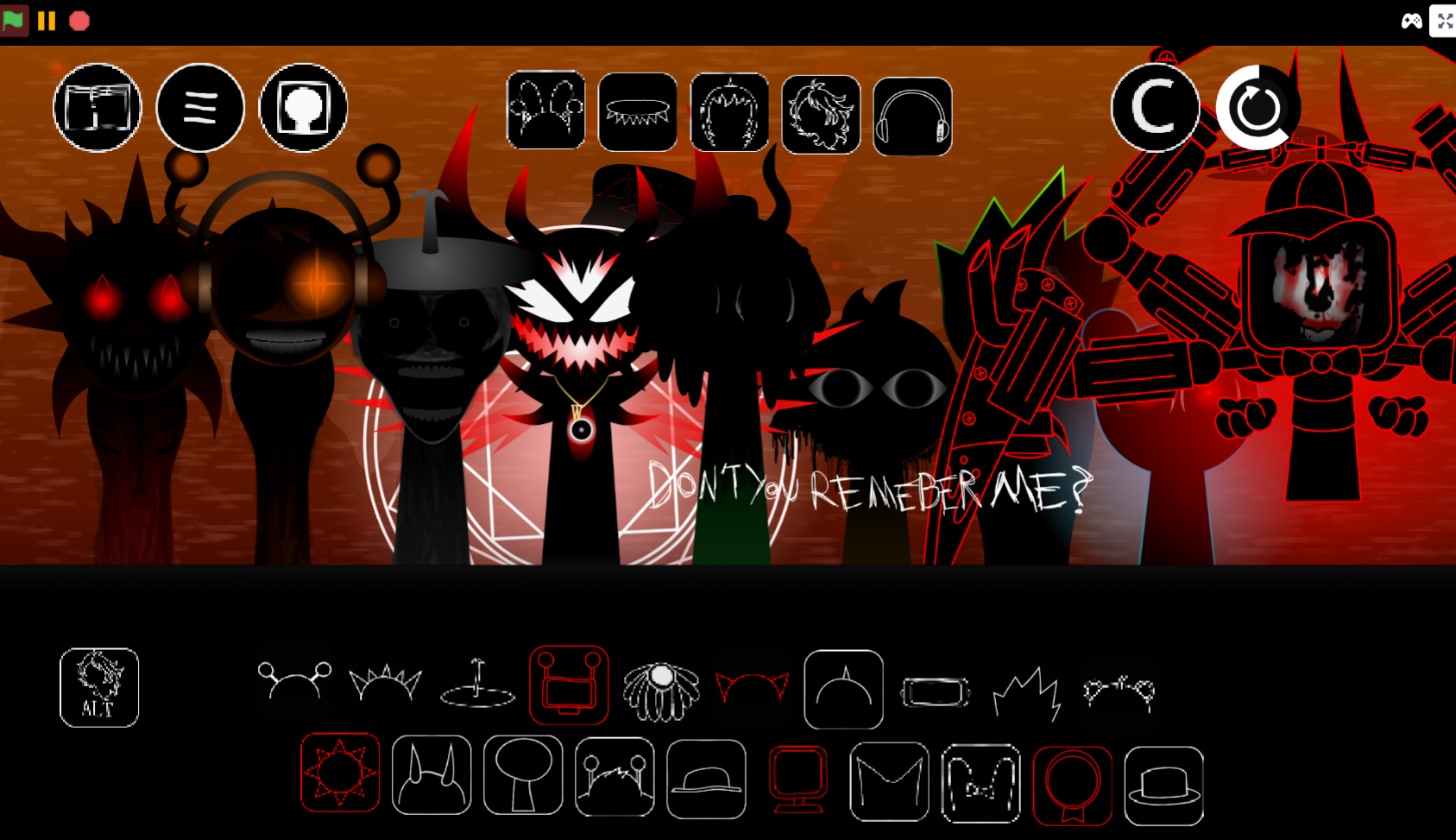
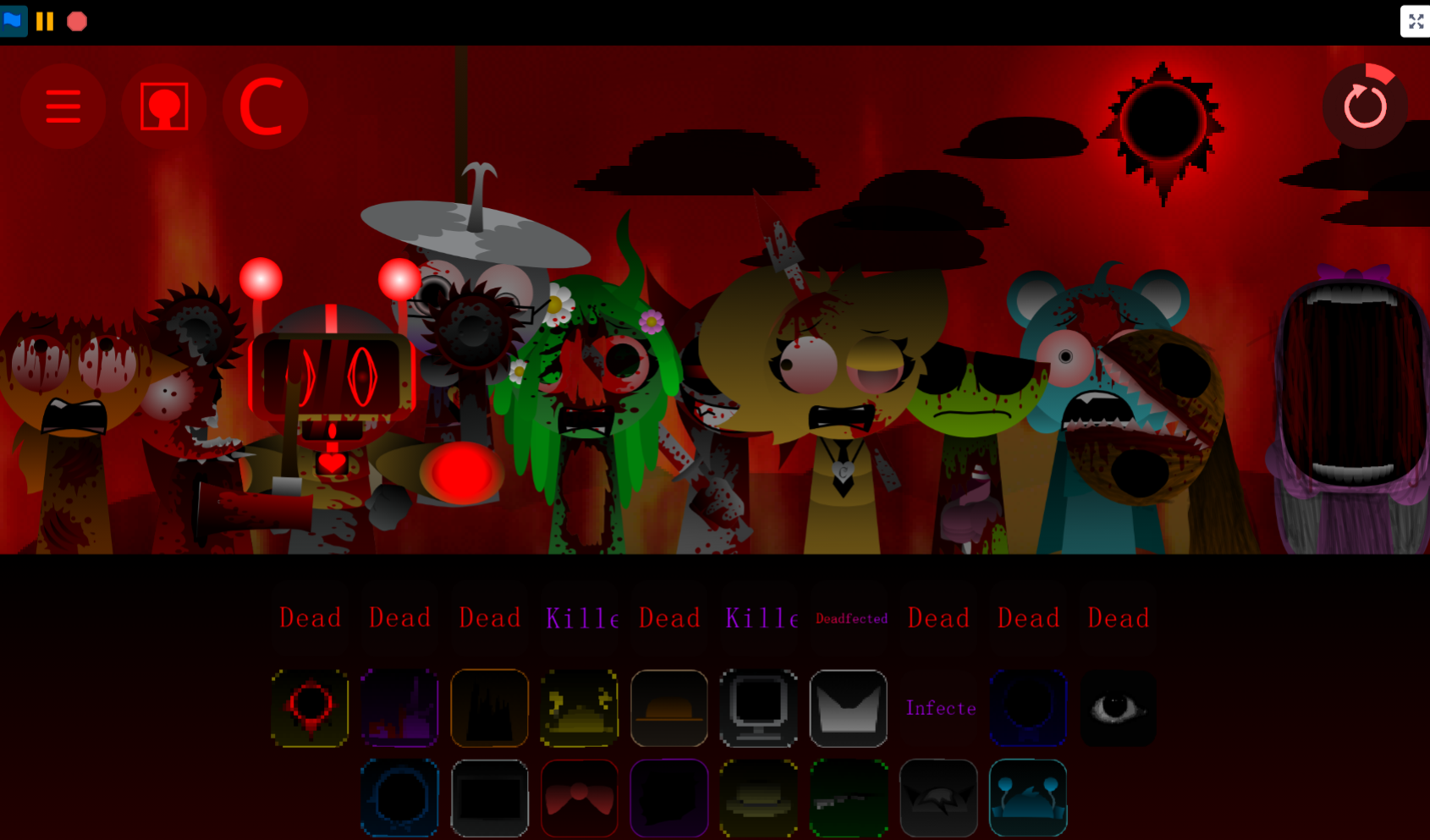
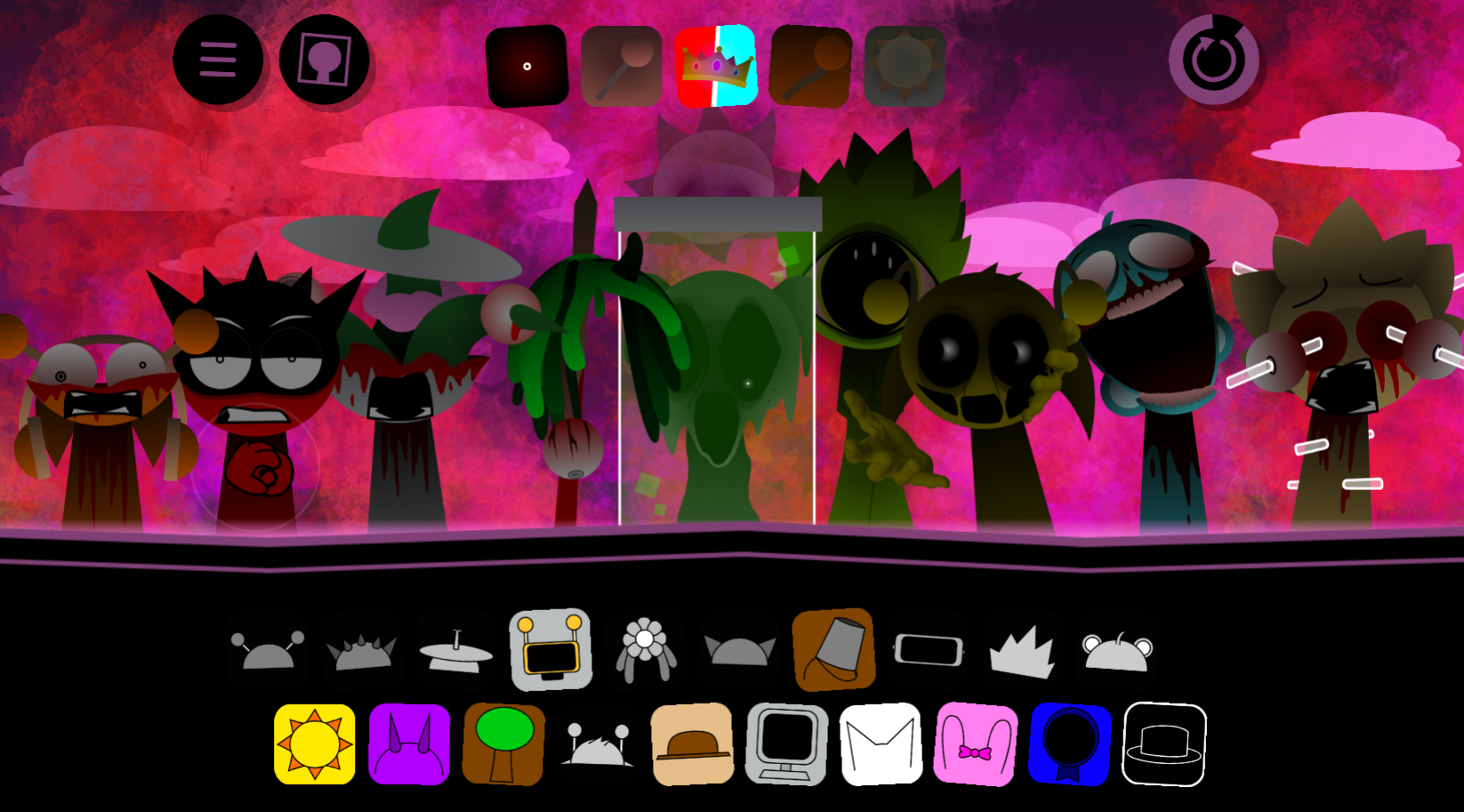
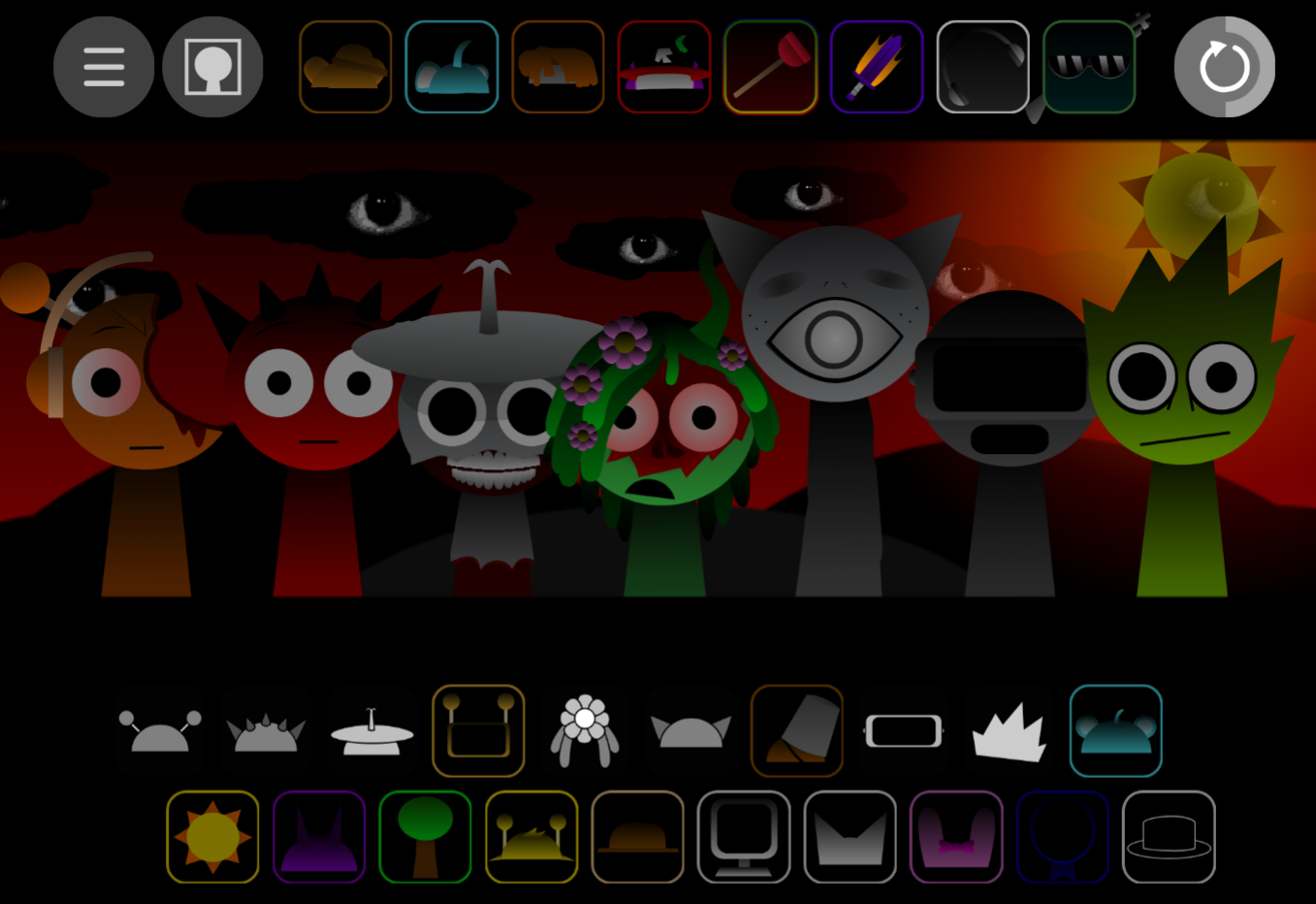
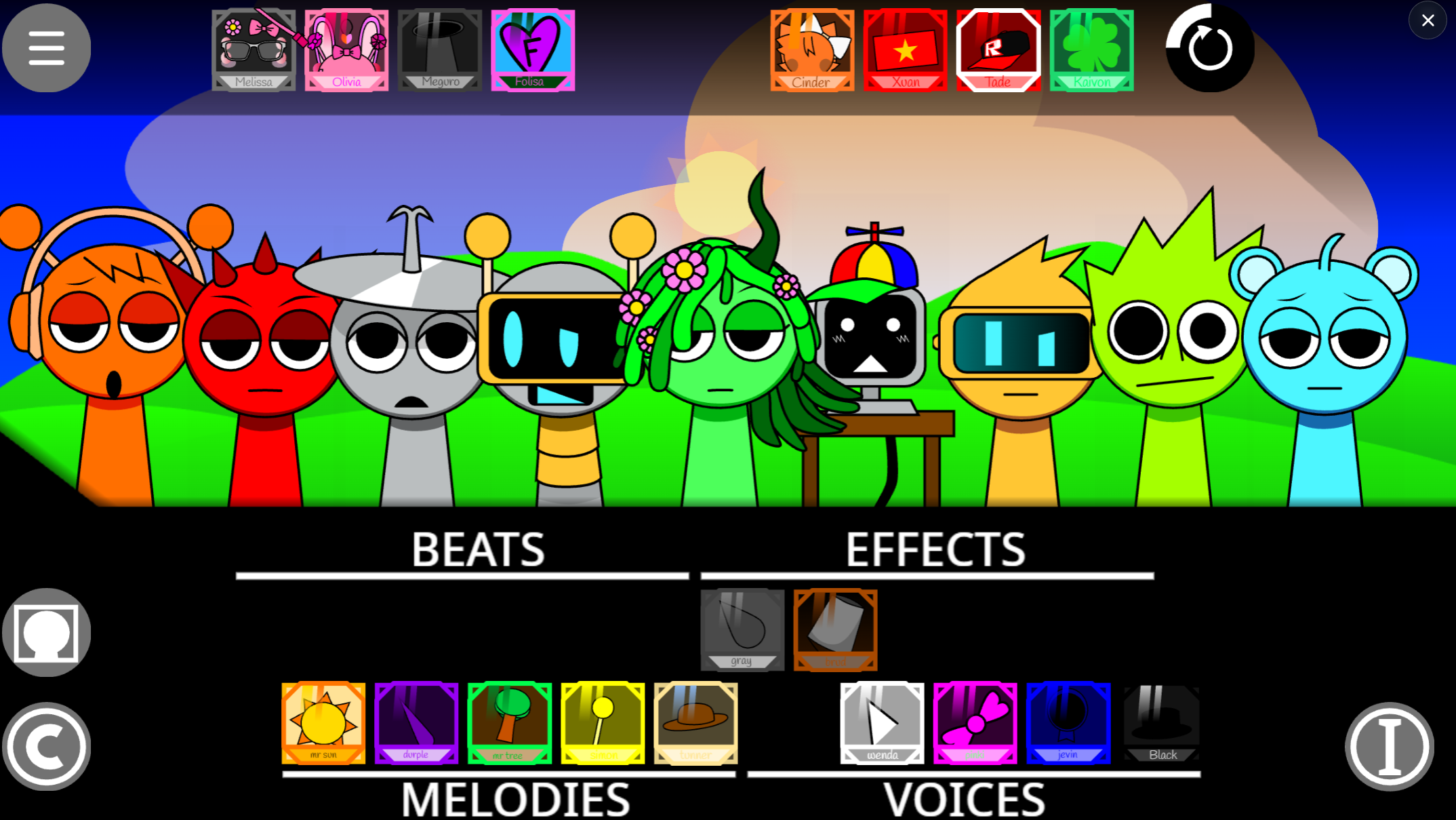
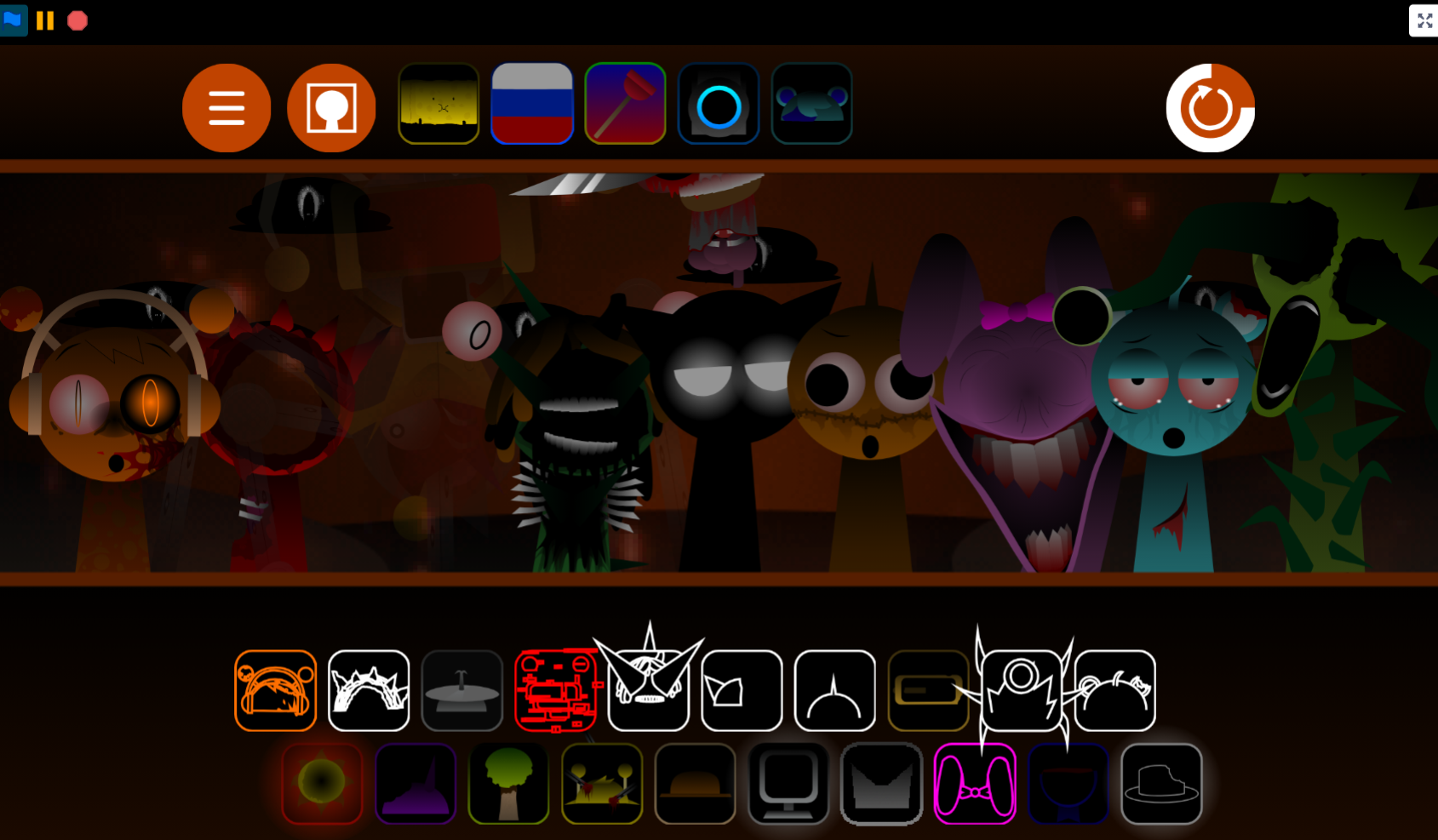
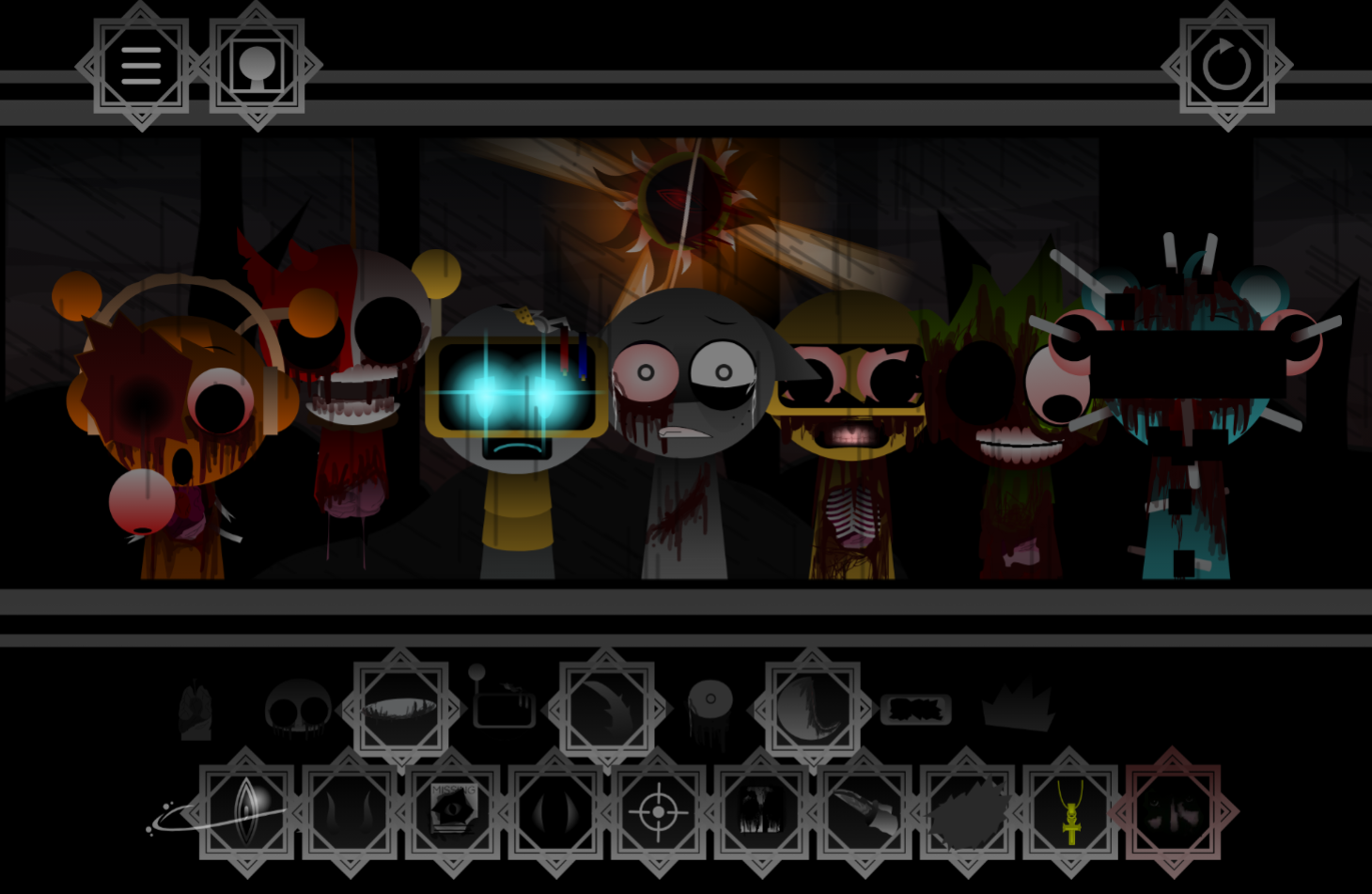
Sprunki Genesis Swap Remake Phase 3 Player Baldis Take is a browser-based fan remake that rewrites Sprunki Phase 3 by swapping character identities, altering visual designs, and adding interactive stage mechanics.
This article walks through what the Genesis Swap approach changes in practice—how swapped roles shift gameplay rhythm, which character redesigns stand out, and how the remake balances familiar Sprunki loops with new interactive layers.
You’ll find breakdowns of the swap mechanic itself, side-by-side comparisons of original versus remade character functions, and concrete examples of stage elements that react to player choices.
The focus stays on mechanics and design decisions that directly affect how the remake plays, not promotional language or surface-level features.
What Is Sprunki Genesis Swap Remake Phase 3 (Player Baldi’s Take)?
Sprunki Genesis Swap Remake Phase 3: Player Baldi’s Take is a browser-based fan remake that reshapes Sprunki Phase 3 through swapped character identities, altered designs, and interactive stage elements.
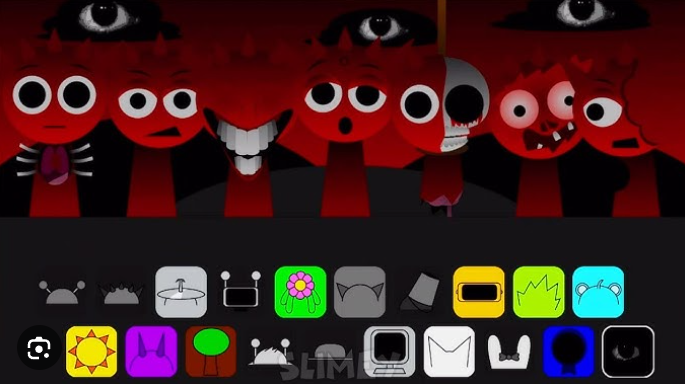
Players drag characters onto the stage to build custom rhythm loops, with each figure supplying a beat, melody, vocal-like sound, effect, or background texture.
Creator @PlayerBaldi notes that background music and character effects can be layered freely, allowing arrangements to shift from sparse loops into denser soundscapes.
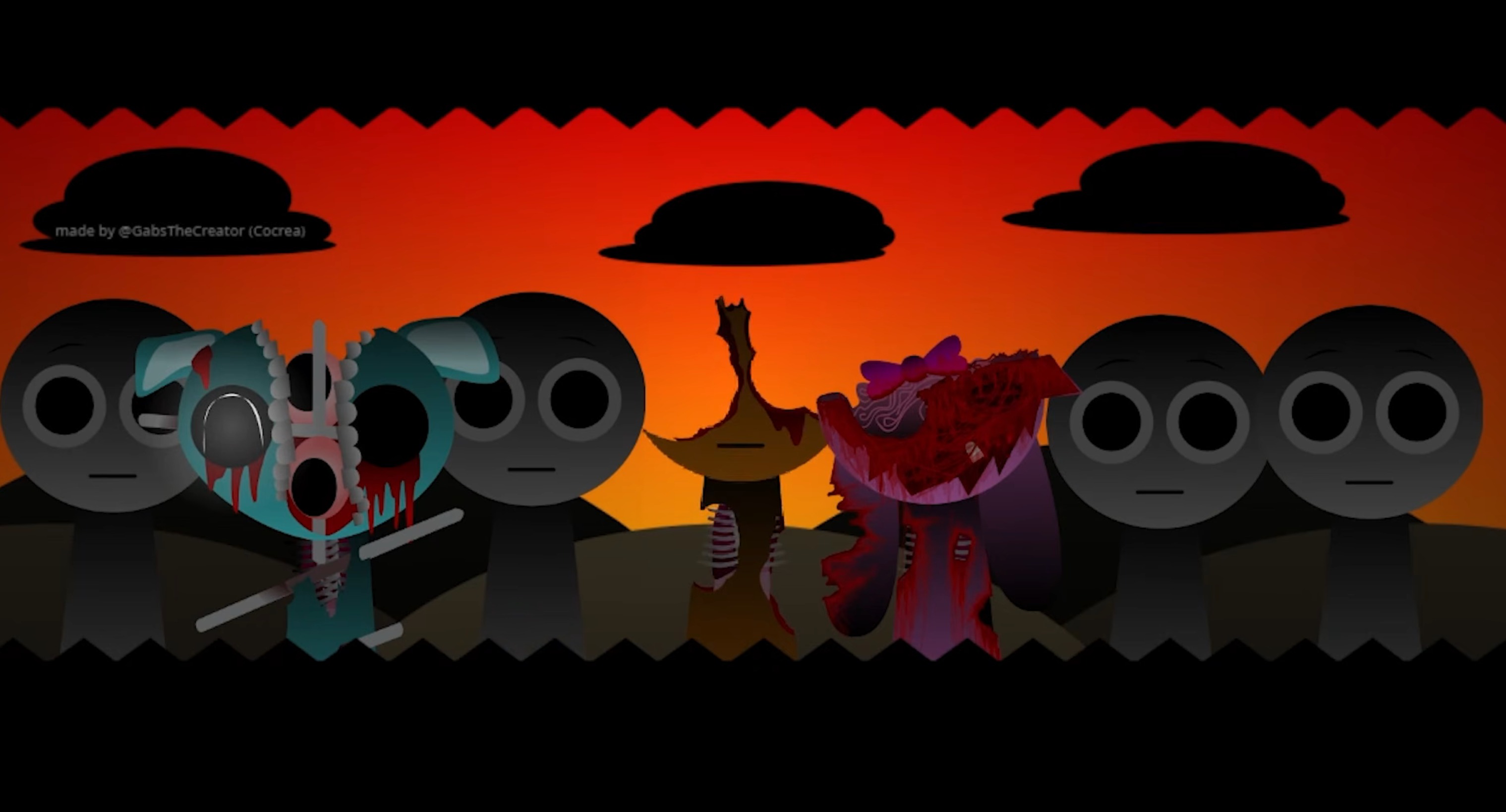
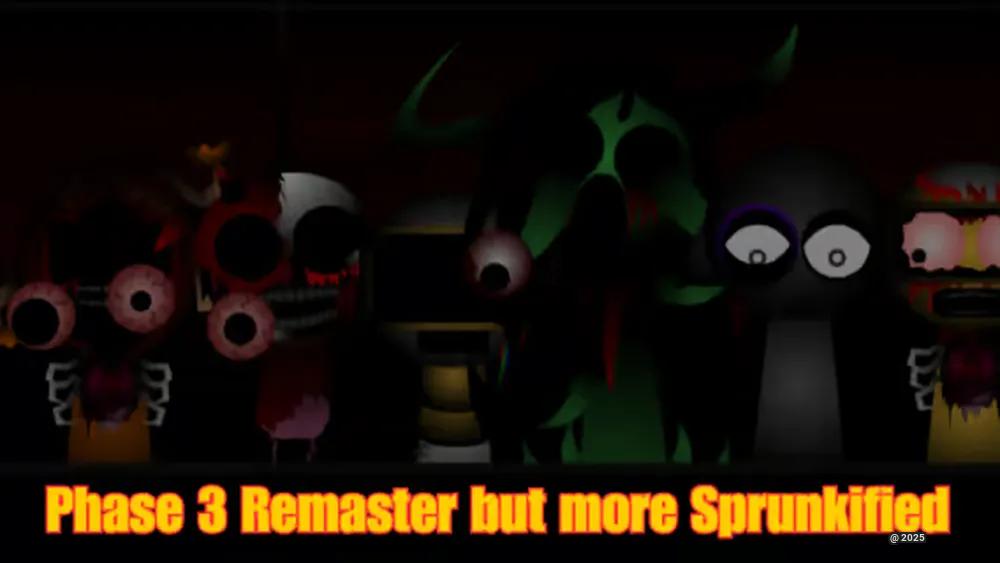
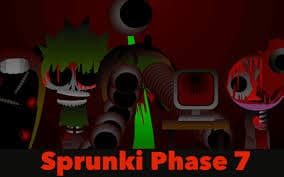
The Genesis Swap treatment transforms the familiar roster: Raddy retains the yellow torso associated with Simon while appearing in a distorted form, and other figures return under altered names with unsettling performance animations.
V1.0 adds refined animations, original character additions, and Swap mechanics that affect musical elements and stage props in real time—pairing rhythm triggers with timed jumps and speed boosts. The game runs free on gosprunki.com without download or installation.
How to Play Sprunki Genesis Swap Remake Phase 3 (Player Baldi’s Take)
-
Open the game and view the roster. Each character represents a separate sound element: percussion, melody, vocals, or effects.
-
Drag characters onto the stage. Placing a character activates its contribution. Start with a beat or rhythmic foundation before adding melodic and atmospheric layers.
-
Build the track gradually. Combine characters to create a fuller loop, listening to how each new sound changes pace, texture, and mood.
-
Use Genesis Swap interactions. The Swap mechanic can affect musical elements and selected stage props, adding an active gameplay component beyond simple character placement.
-
Watch for movement-based interactions. Timed jumps, speed bosts, and environmental obstacles may appear during play, connecting stage movement to the ongoing performance.
-
Adjust, save, and share your mix. Use volume and effect controls to improve balance where available. Finished arrangements can be saved and shared with the Sprunki community.
Features of Sprunki Genesis Swap Remake Phase 3
-
Character-based sound building: Every placed character contributes a distinct audio layer, including beats, melodies, effects, vocals, and background textures.
-
Genesis Swap visual overhaul: Swapped names, altered silhouettes, distorted performance states, and dark redesigns transform the Phase 3 roster.
-
Freely layered background music and effects: Character effects can be combined with background music to produce evolving soundscapes instead of a single fixed composition.
-
Interactive gameplay elements: Swaps can influence music and stage props, while timed jumps and speed boosts introduce movement-focused moments.
-
Refined animations and original additions: V1.0 includes polished animation work, original character additions, and a custom interactive sound library.
-
Browser-based play: The game runs directly in a browser without installation and is suited to desktop and many mobile devices.
Why Play This Genesis Swap Remake?
The contrast between approachable music controls and darker visual presentation sets this remake apart. Players can make mixes through simple drag-and-drop, yet the redesigned Genesis roster gives even familiar musical roles an unfamiliar feel.
It supports more active experimentation than a standard loop builder. Instead of treating the cast as a static soundboard, players can test Swap changes, layer background material with character effects, and respond to stage interactions as the composition develops.
Sound & Gameplay Tips
Sound is usually strongest when the roster is treated as a set of complementary layers rather than a collection of characters to activate all at once.
-
Build the rhythm loop in stages. Start with percussion or a steady beat, then add melody and effect characters one at a time. A sparse mix makes it easier to identify which sound layer is helping or disrupting the track.
-
Test one Swap at a time. Replace a single character instead of changing the entire lineup at once. This makes the impact of each altered beat, melody, or vocal-like effect easier to hear.
-
Leave room for background music. Since background tracks and character effects can be layered together, avoid filling every slot immediately. Space in the arrangement can make the Genesis atmosphere more noticeable.
-
Balance dense mixes carefully. If volume or effect controls are available, lower layers that overpower the central rhythm. A clear beat gives unusual character sounds and distorted effects more impact.
-
Use movement moments deliberately. Timed jumps, boosts, and prop interactions are part of the gameplay rather than distractions from it. Pay attention to when these interactions appear and how they affect the active arrangement.
-
Save successful combinations. Keeping completed mixes makes it easier to compare arrangements, return to effective sound pairings, and share specific ideas with other Sprunki players.
Related Games
- Sprunki Vortex Shifted Remake Phase 3 Player Baldis Take — This is the closest follow-up because it revisits Phase 3 through another Player Baldi swap remake with similarly altered character designs and darker presentation.
- Sprunki Vortex Shifted Phase 1.5 Remake Player Baldis Take — Its earlier Phase 1.5 setting offers a useful comparison for how the Player Baldi swap concept and visual reinterpretations develop before the more intense Phase 3 remake.
- Sprunki Rareshifted Phase 1.5 Player Baldis Take — This related Player Baldi edition extends the article’s focus on unusual character swaps and experimental musical variations within the Sprunki fan-remake scene.
Enjoy!
Discuss Sprunki