
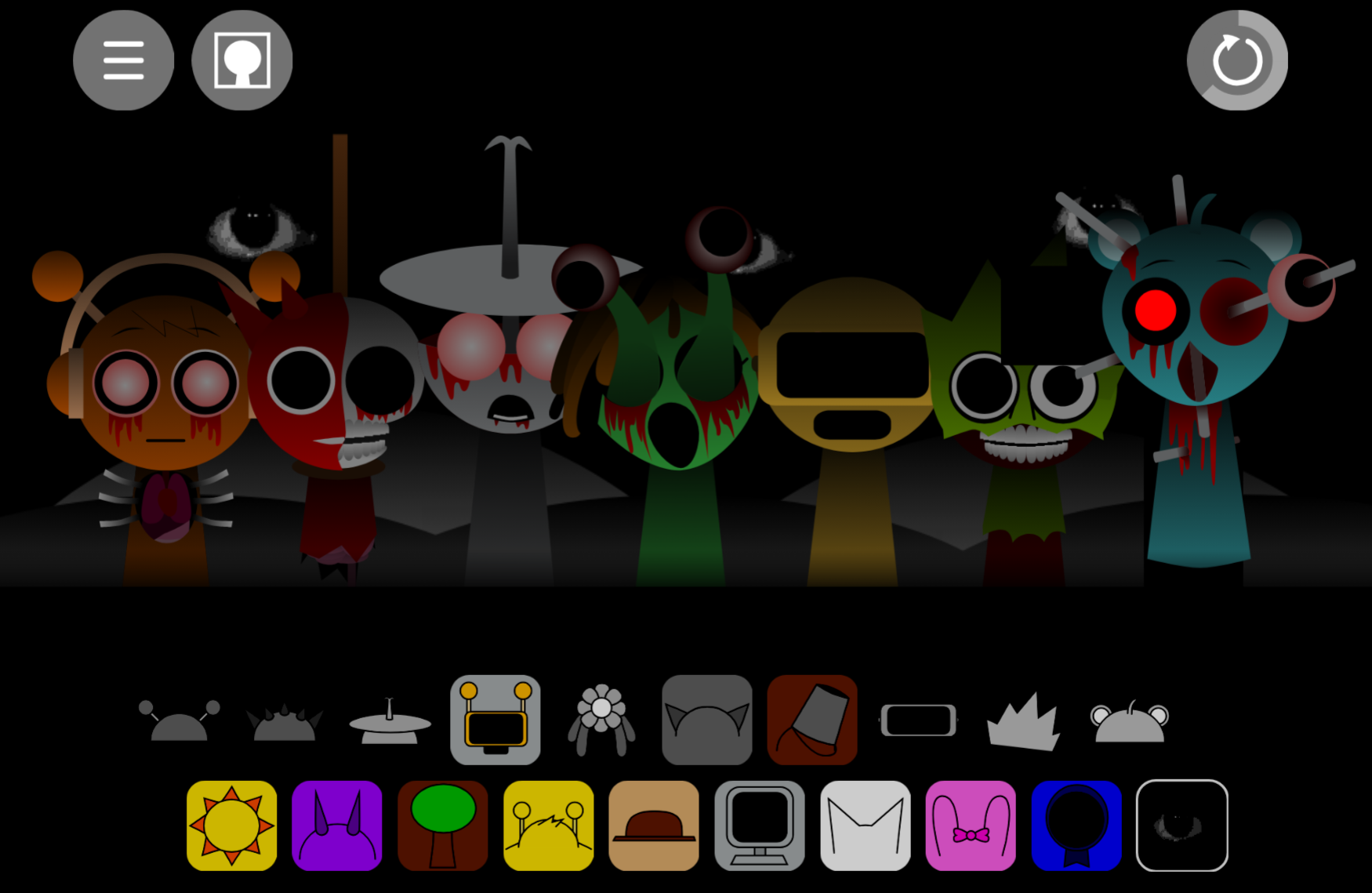



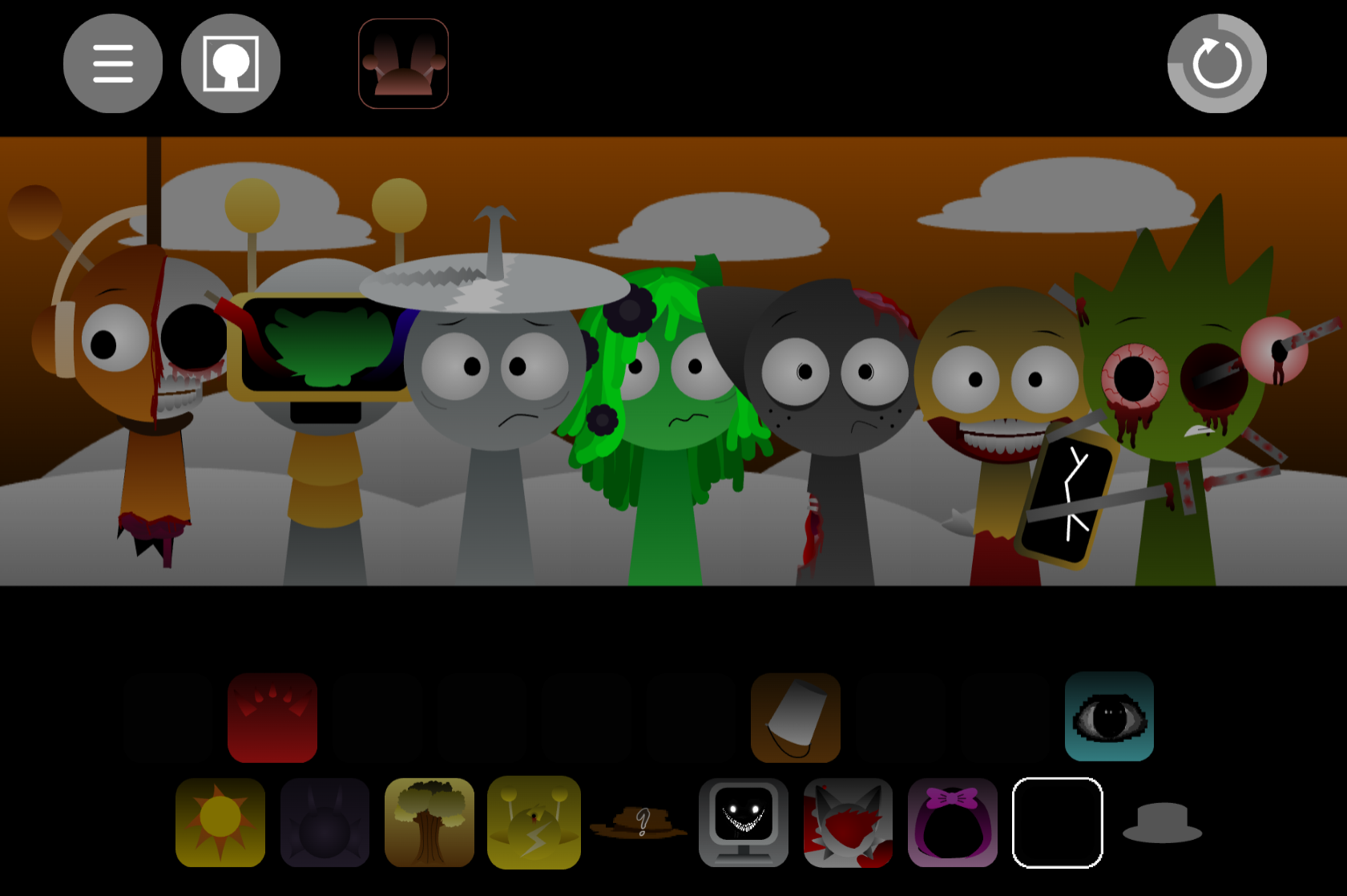
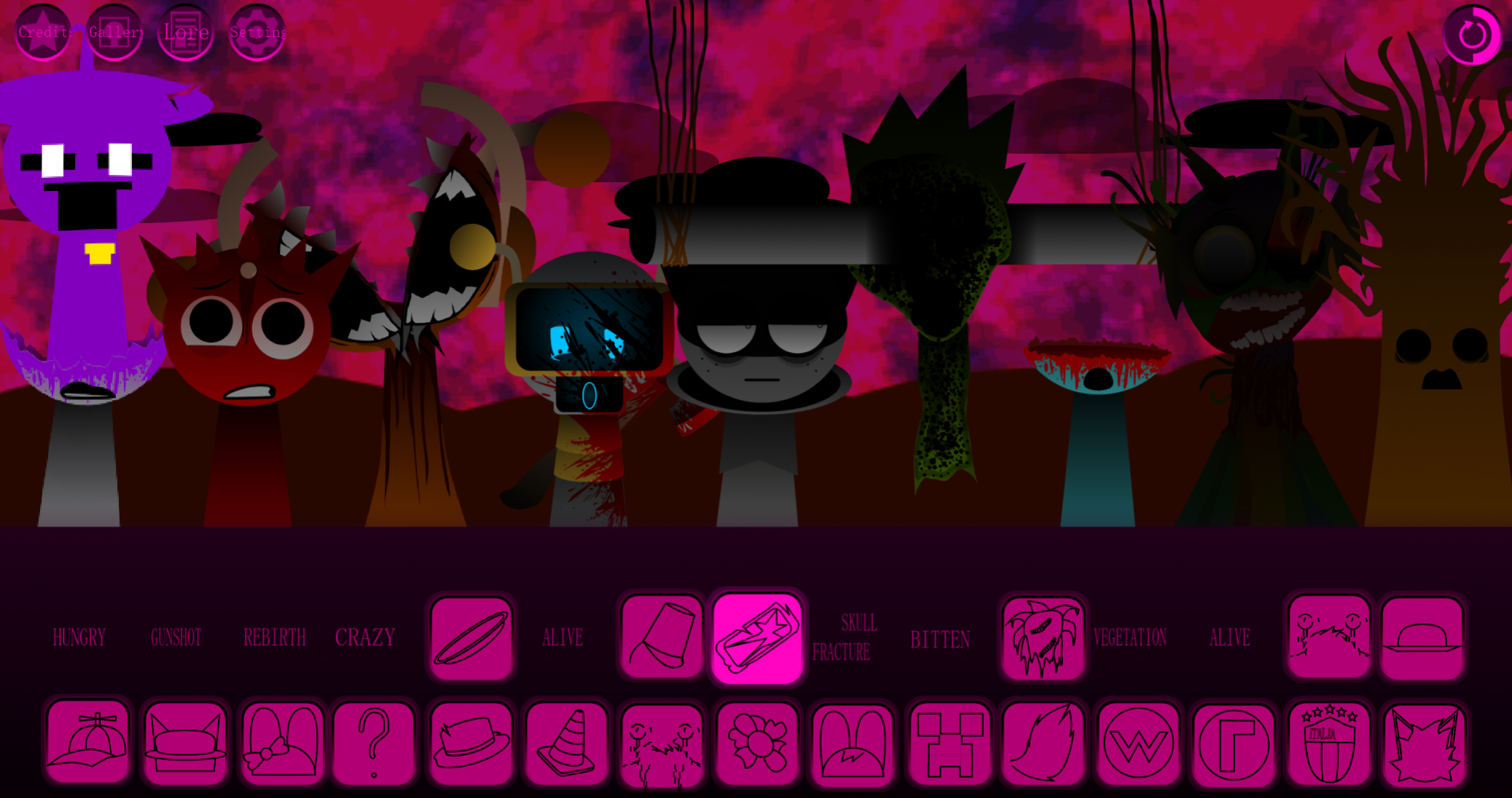
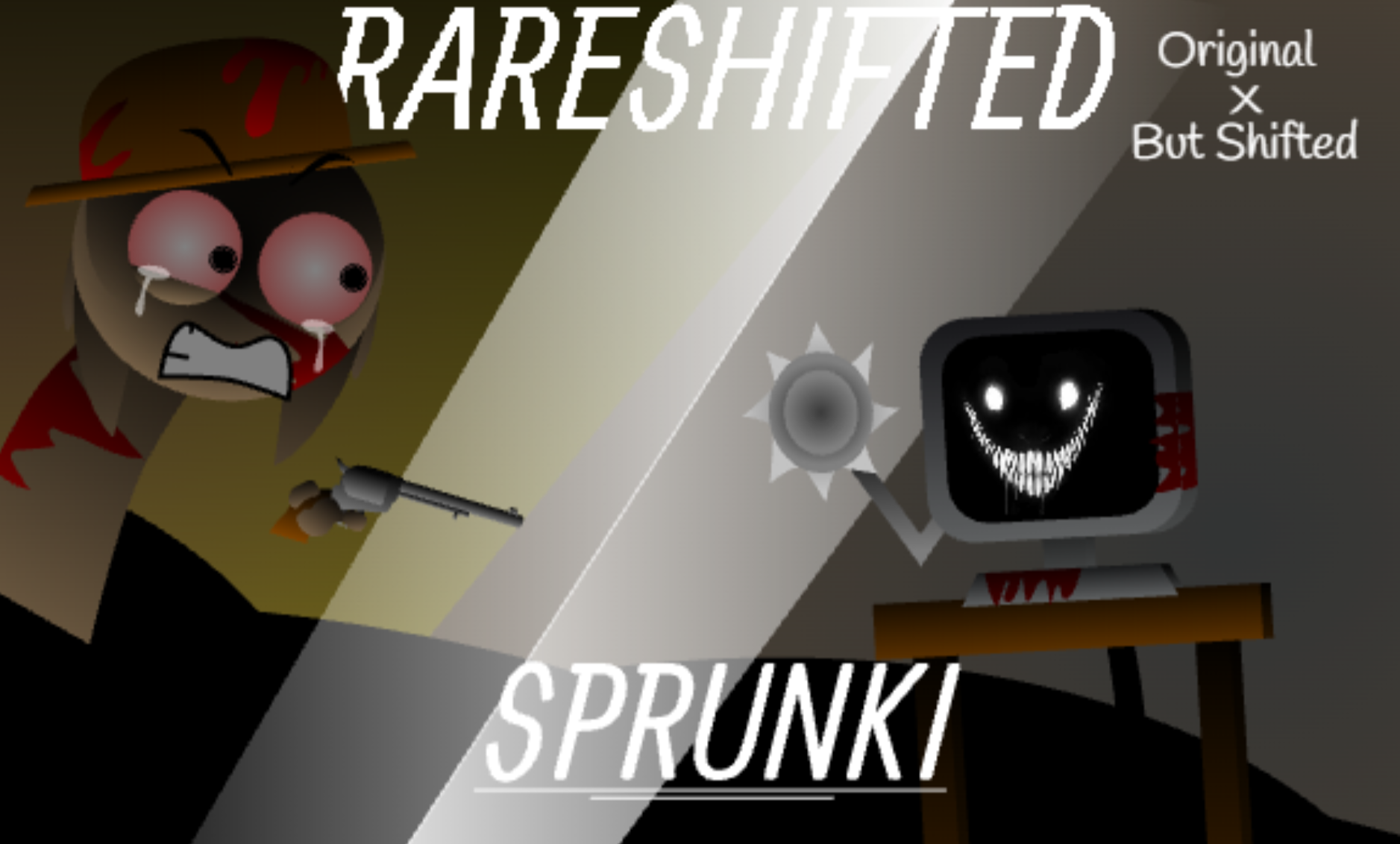



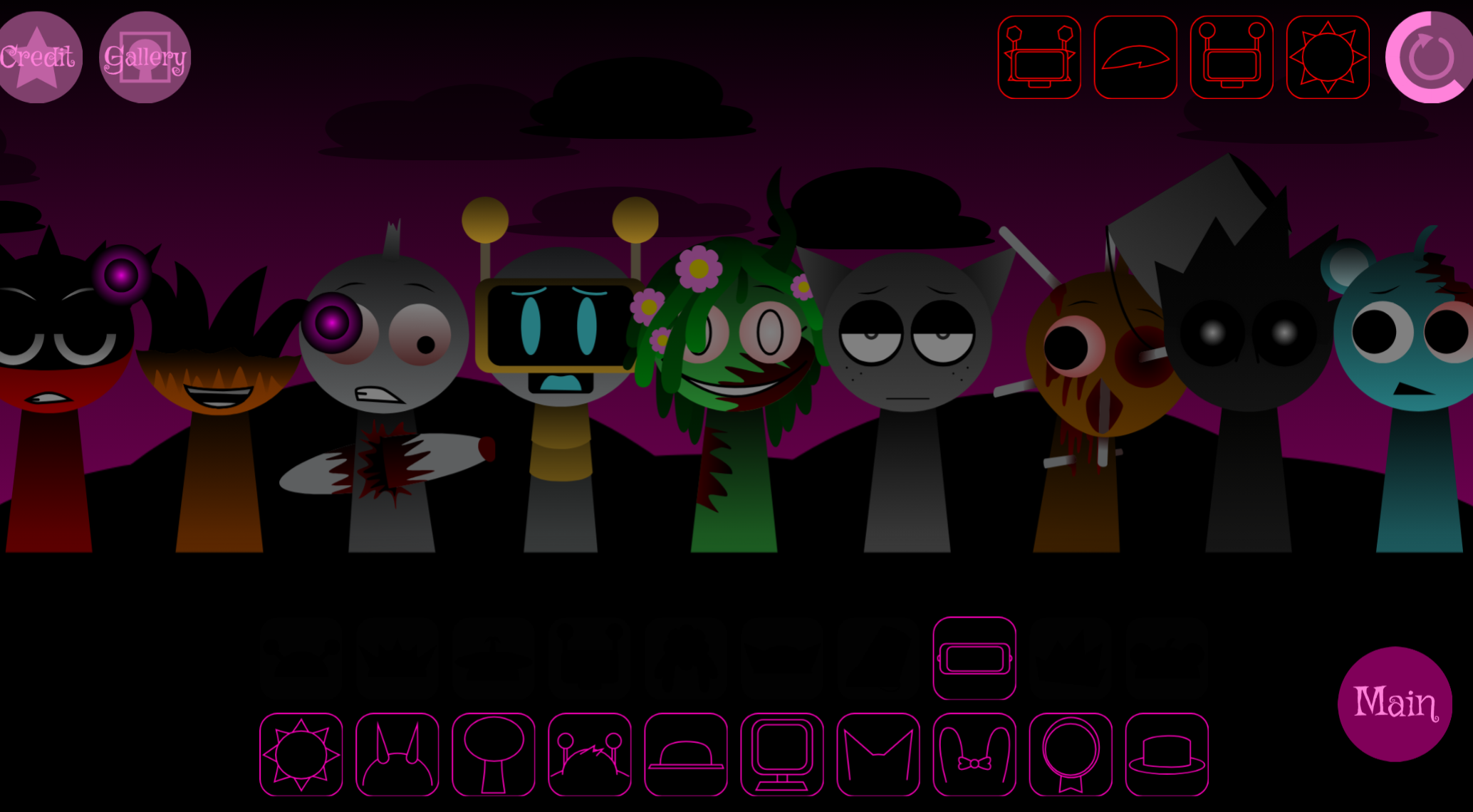
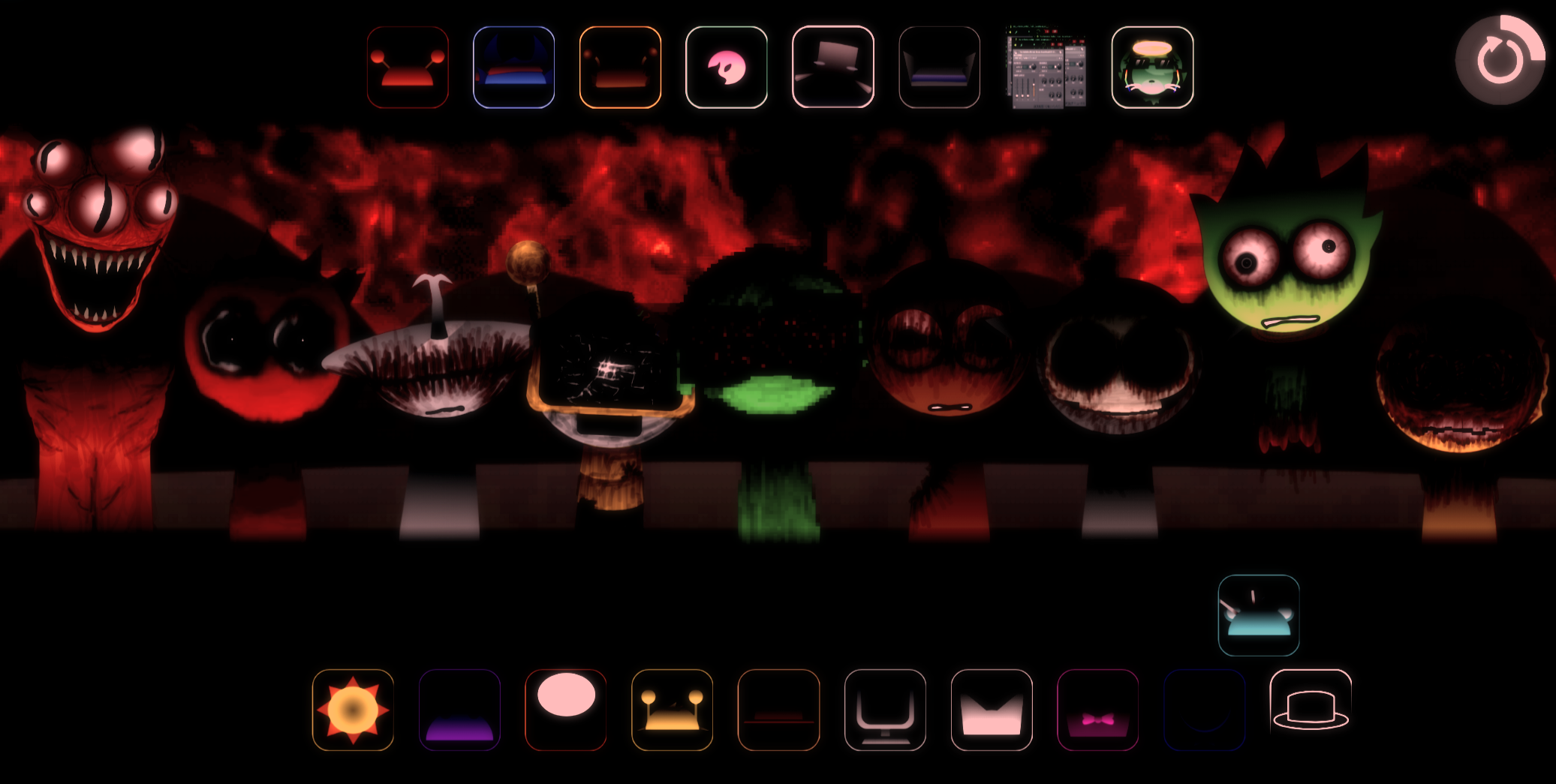
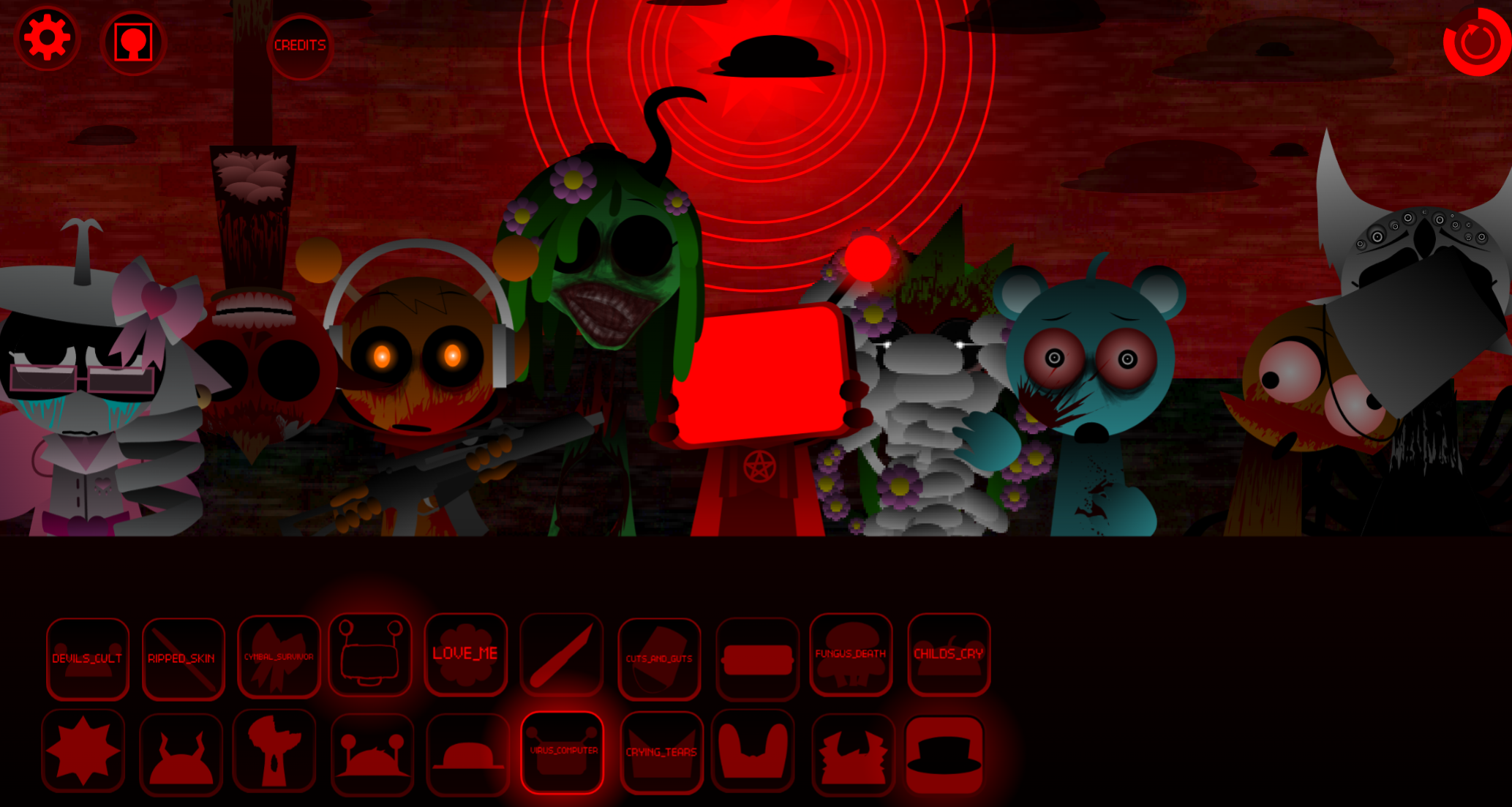
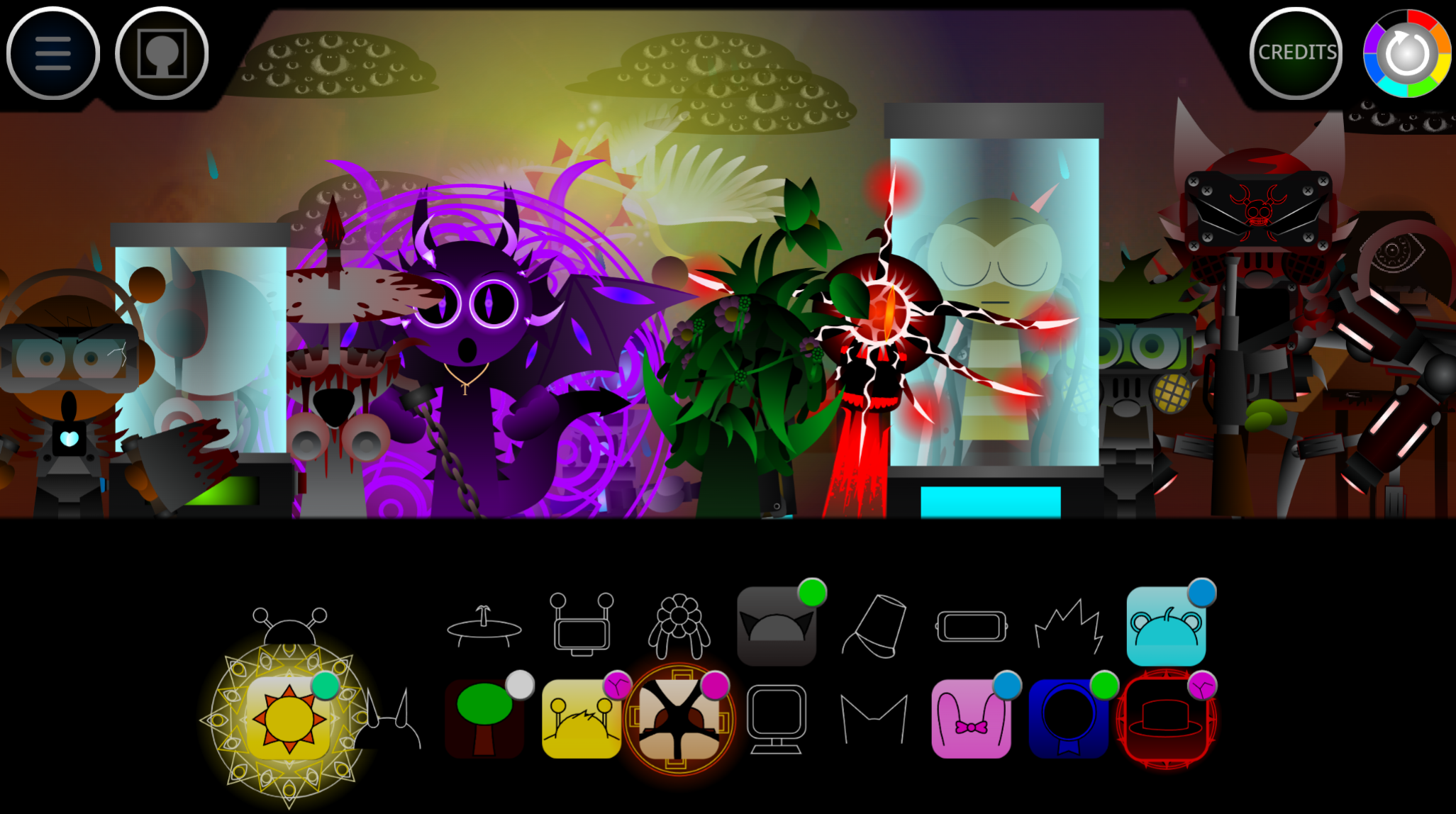
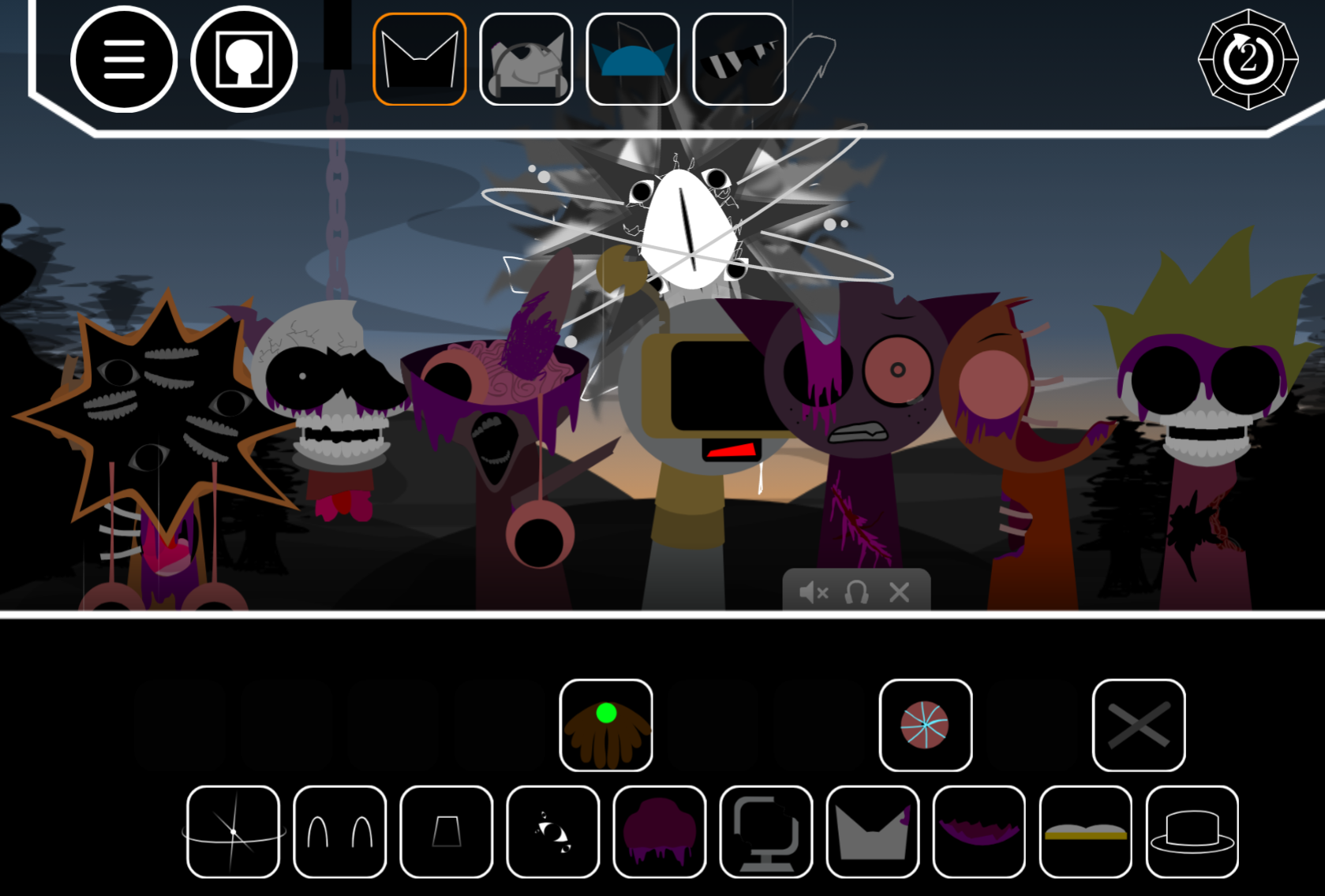
Sprunki Phase 2: The Start marks the second chapter in the Sprunki music creation series, introducing new characters, darker sound palettes, and gameplay mechanics that shift the tone from the original’s playful foundation.
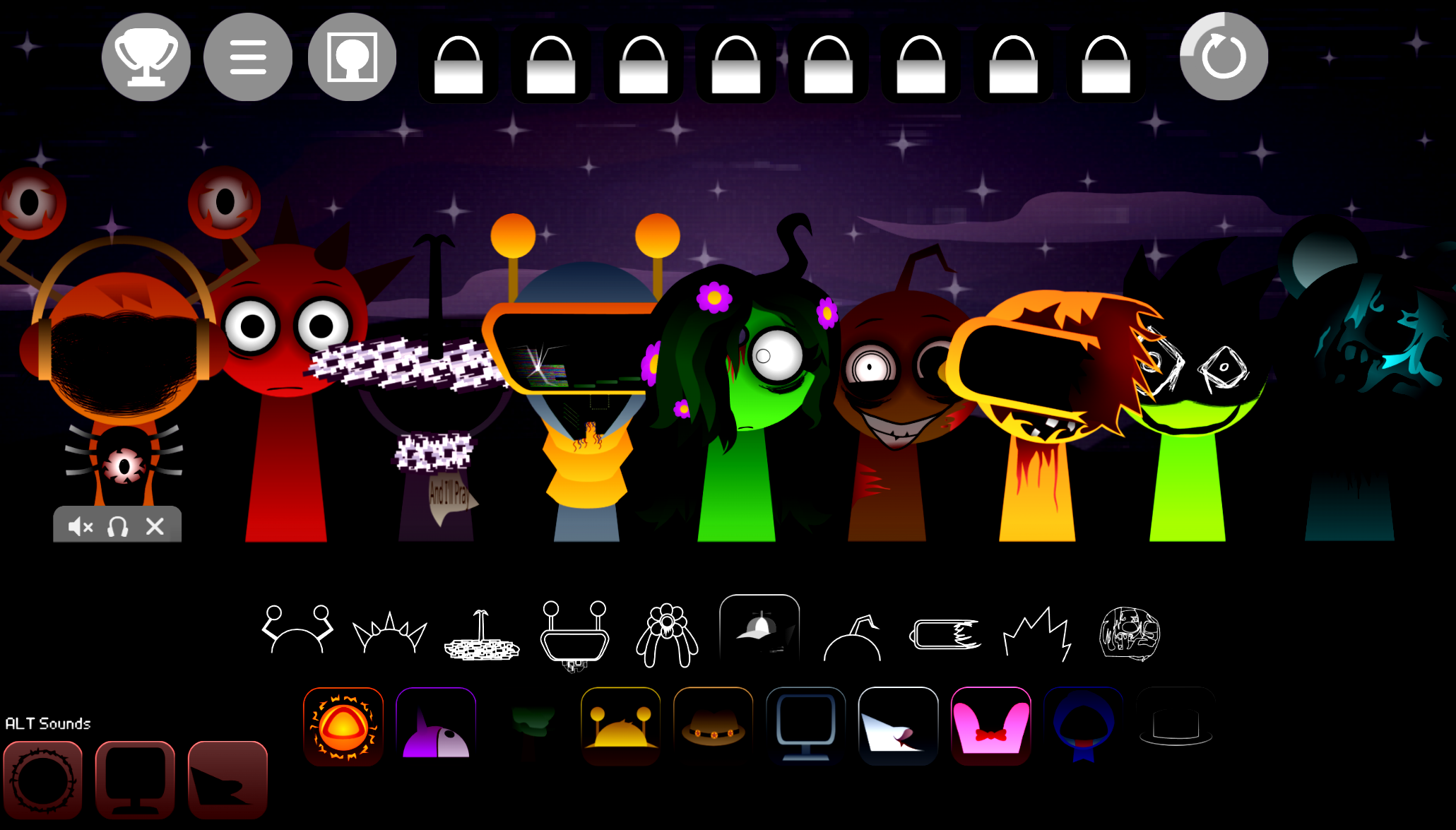
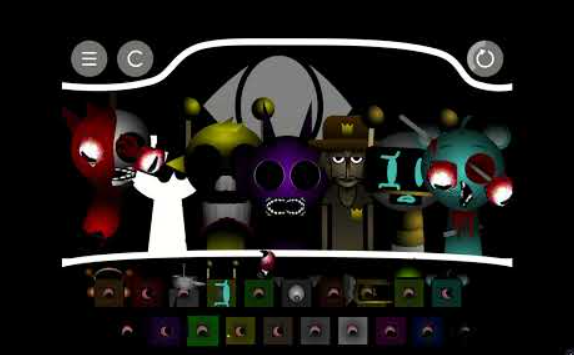
This phase adds seven fresh characters—each with distinct vocal loops and instrumental layers—while retaining the drag-and-drop mixing system that lets players build tracks in real time. The visual style evolves toward muted colors and glitchy animations, signaling a tonal pivot that carries through later phases.
You’ll also find tips for accessing hidden sound combinations and understanding how this phase sets up the narrative arc that unfolds in subsequent installments.
What Is Sprunki Phase 2: The Start?
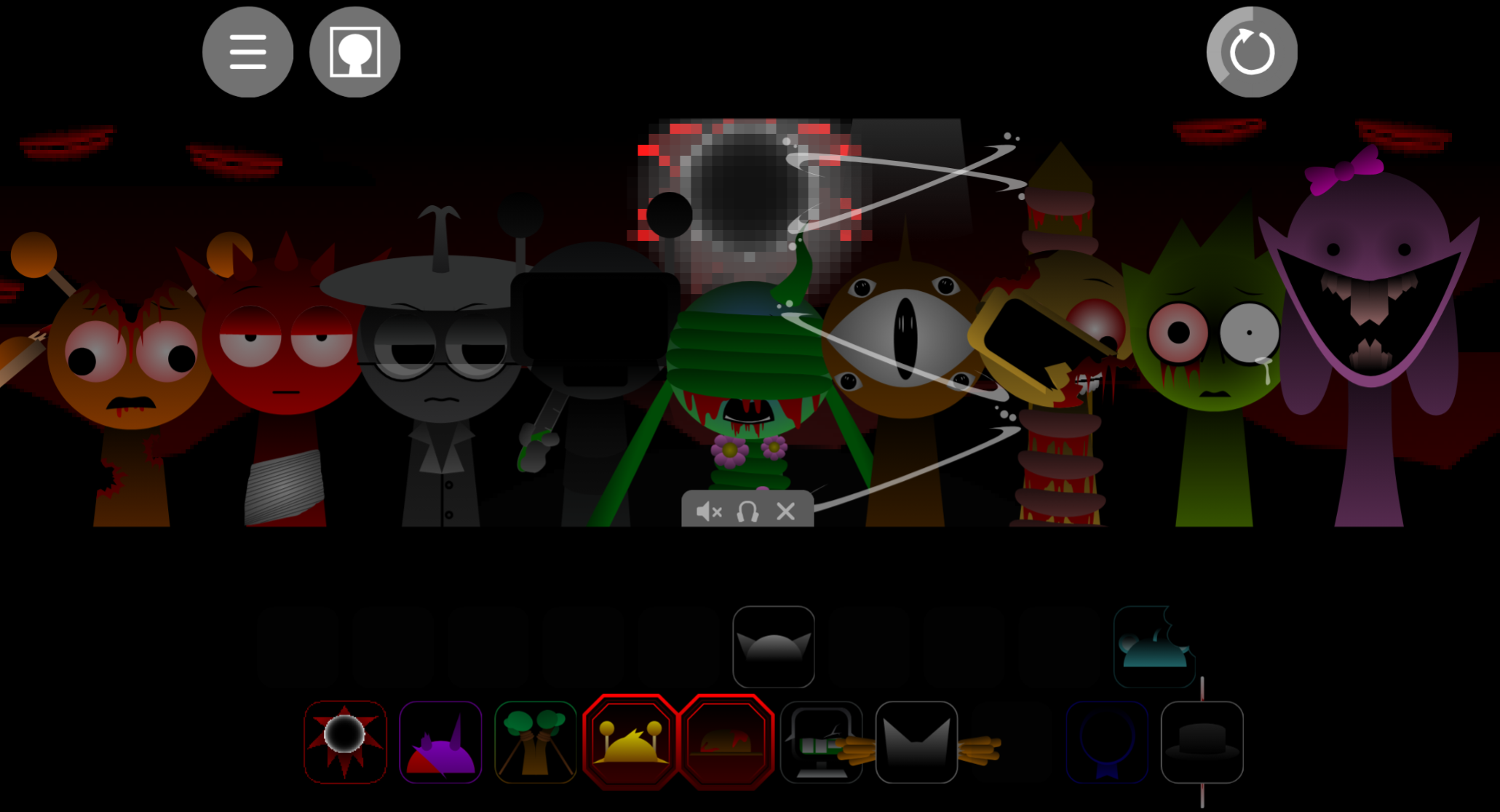
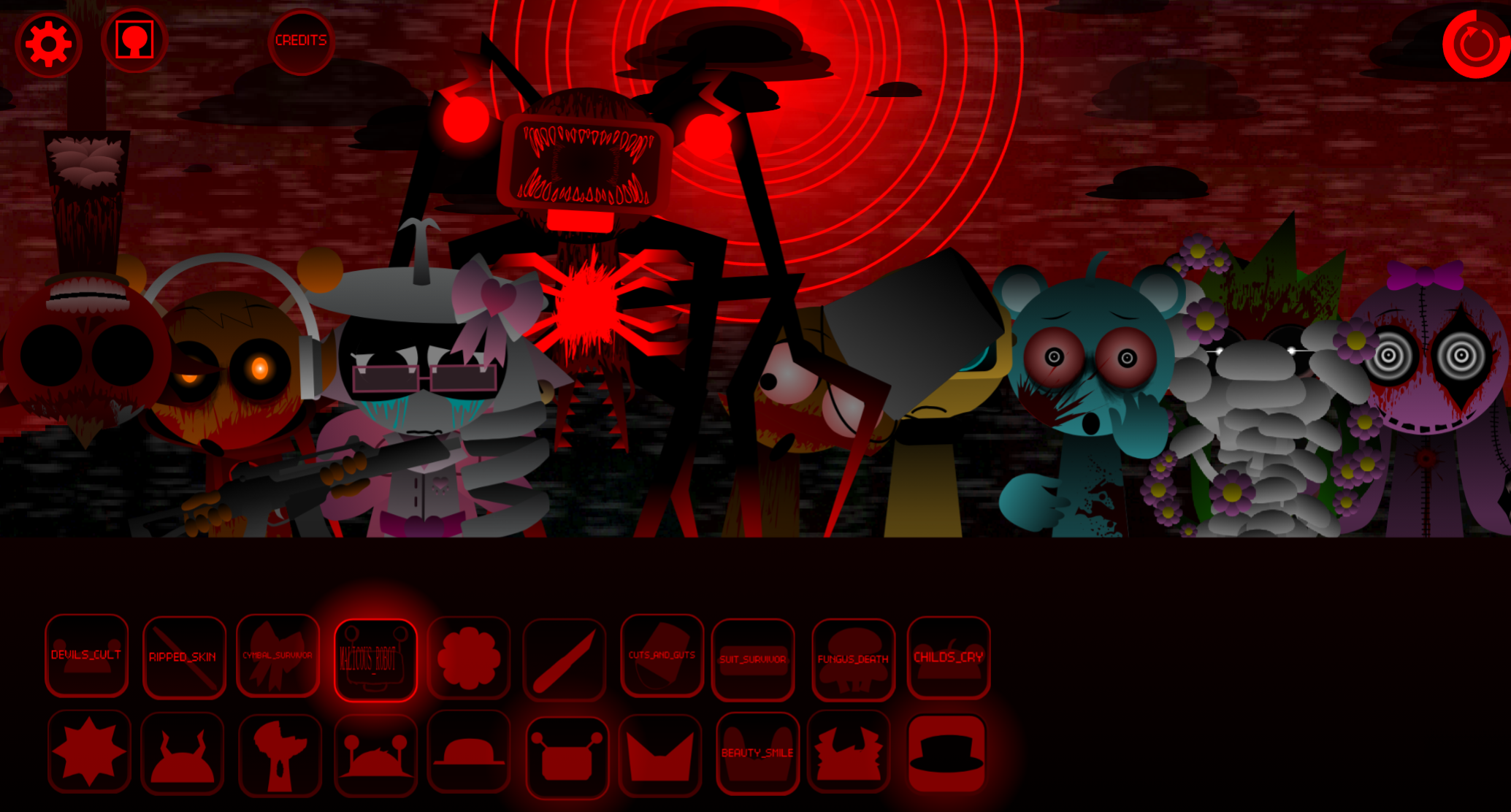
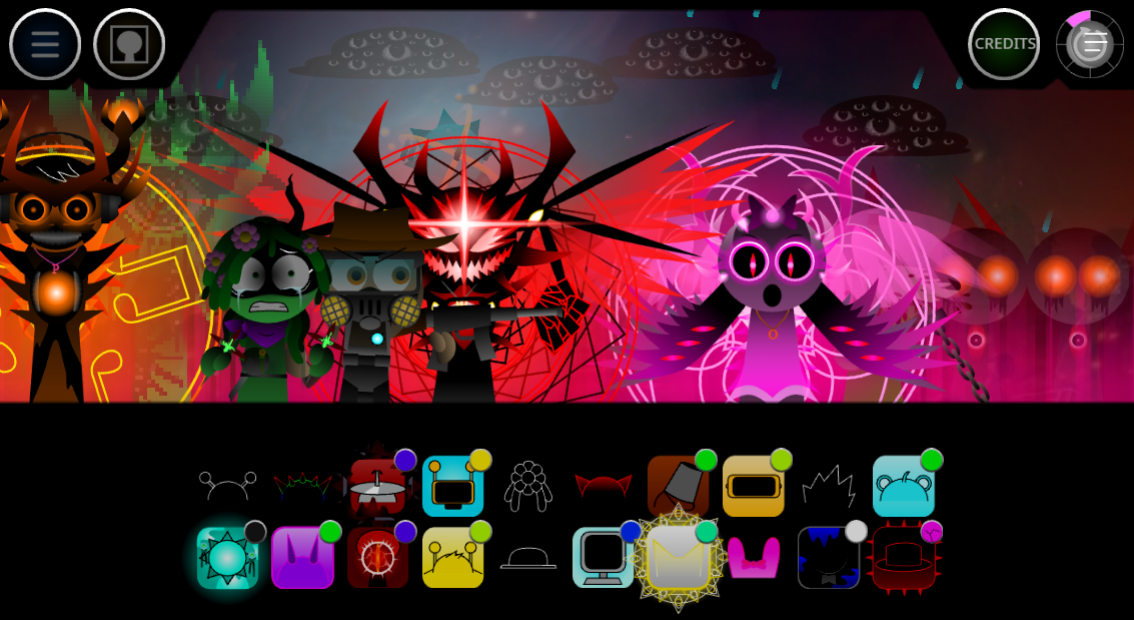
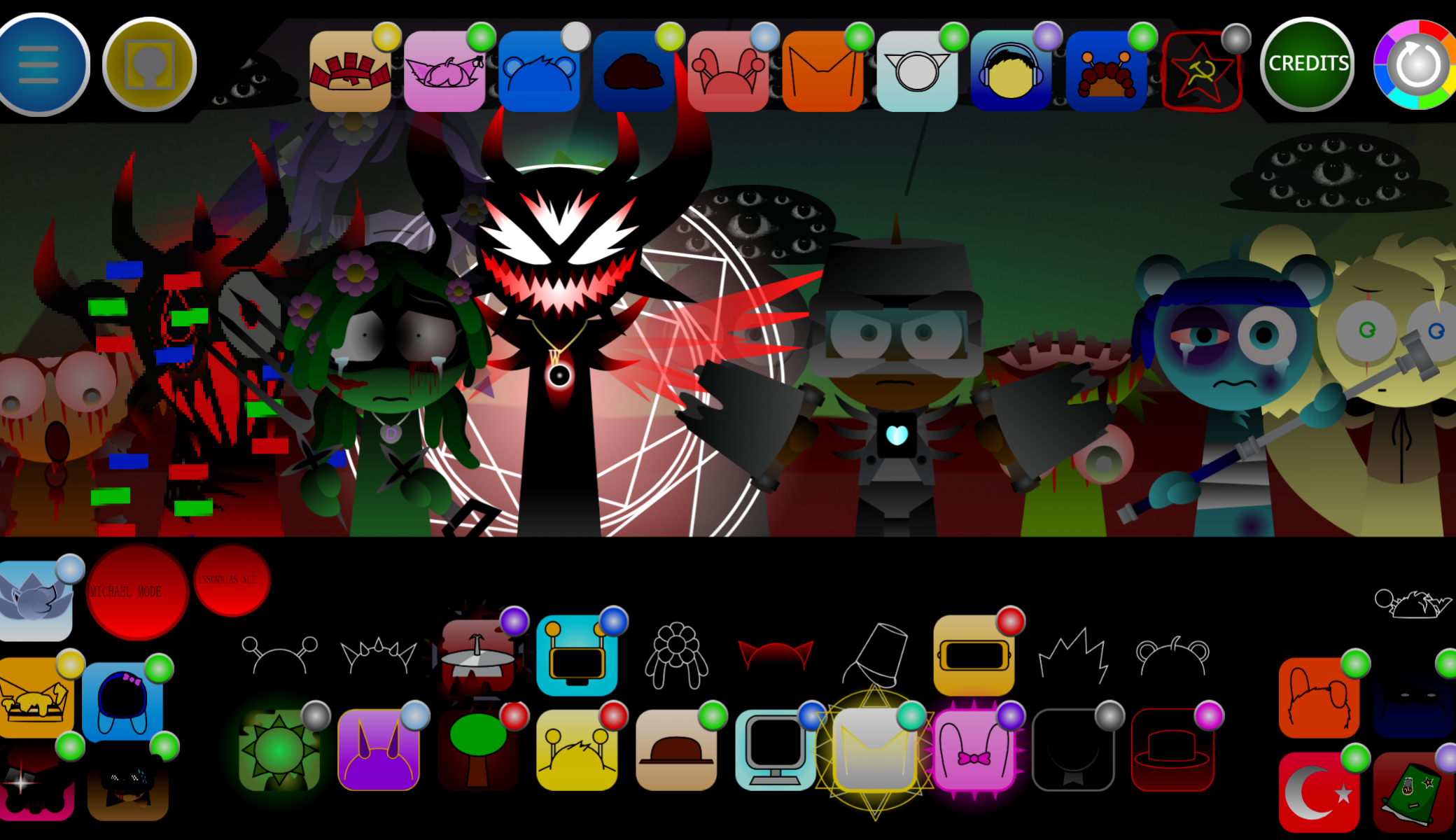
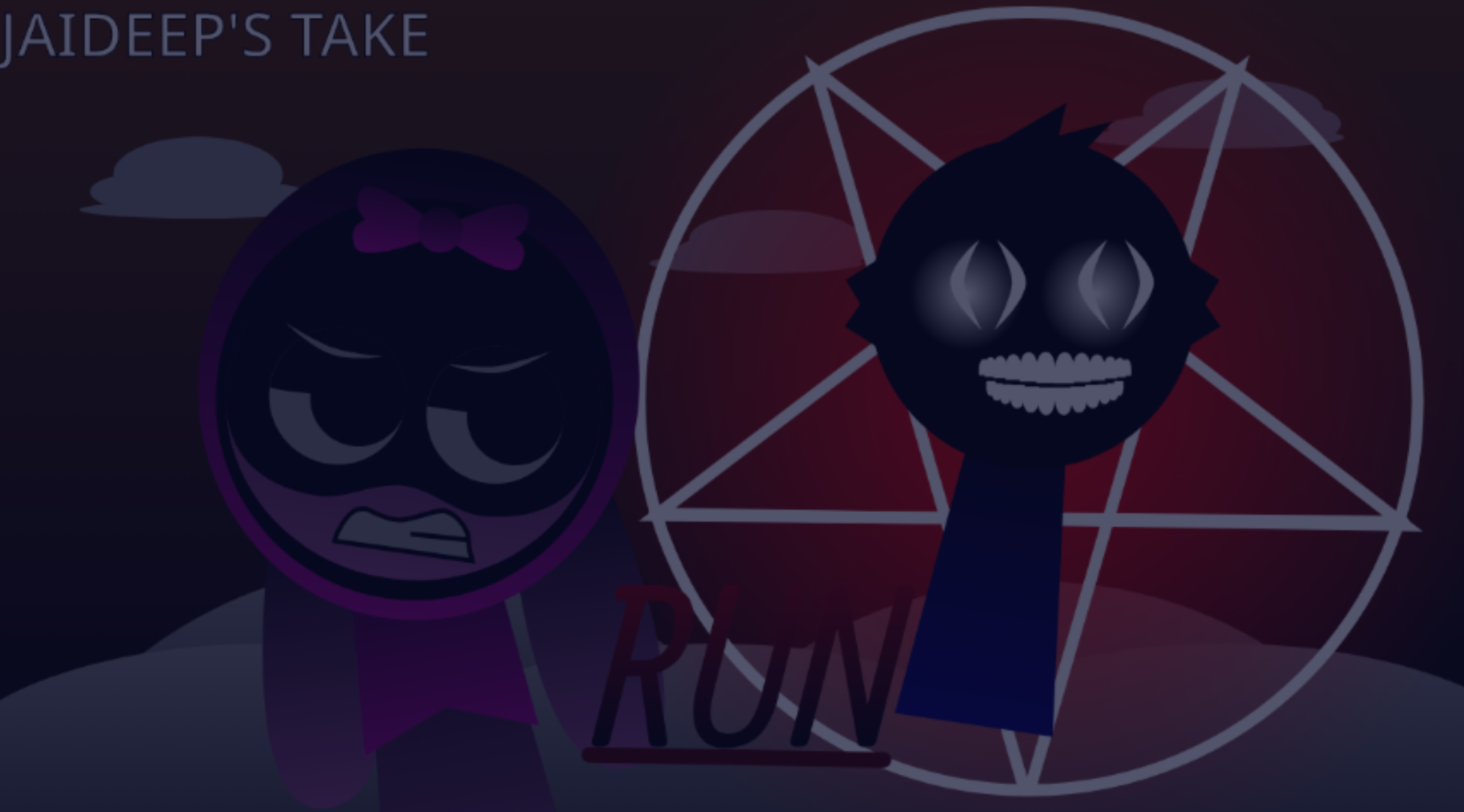
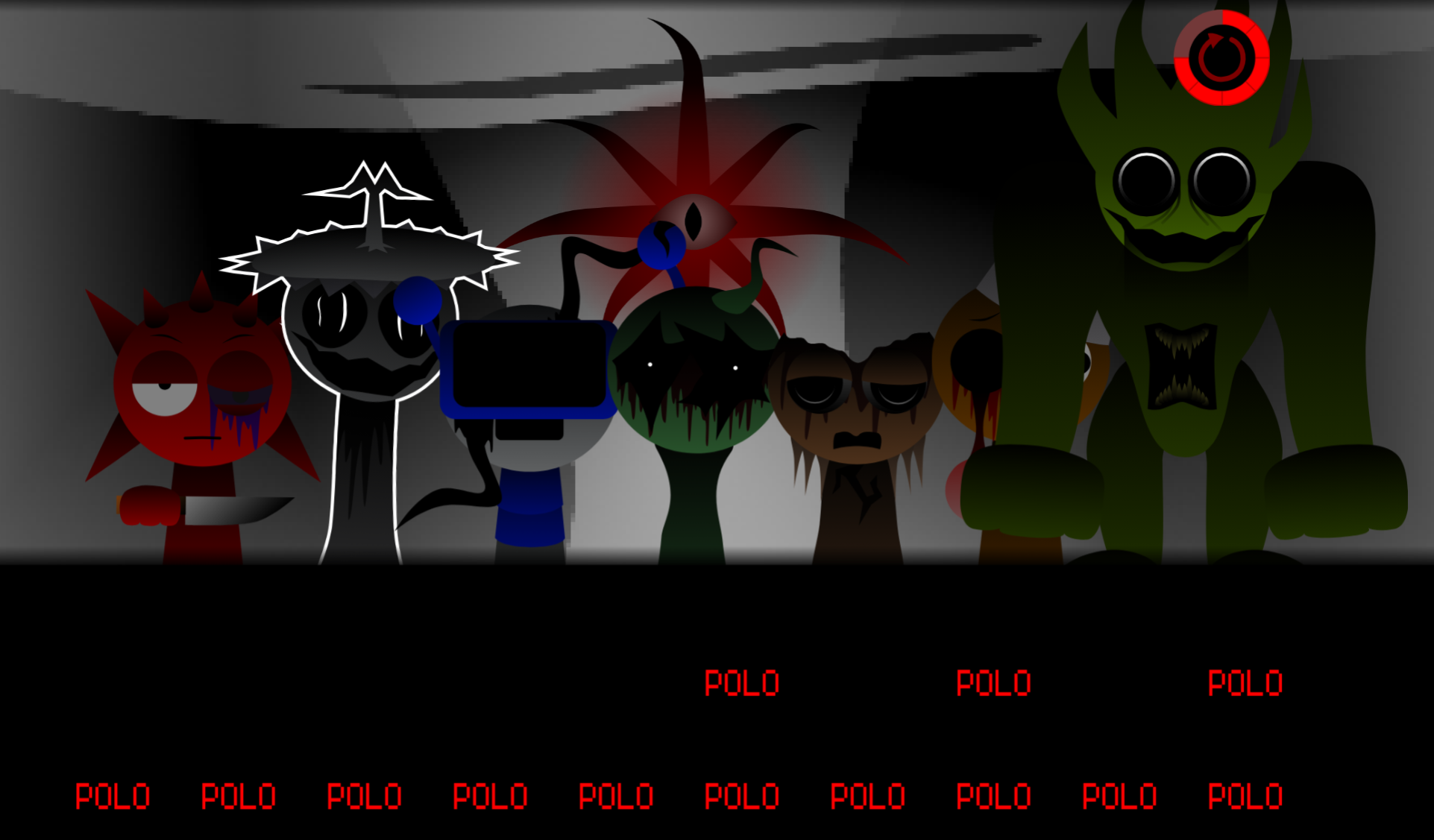
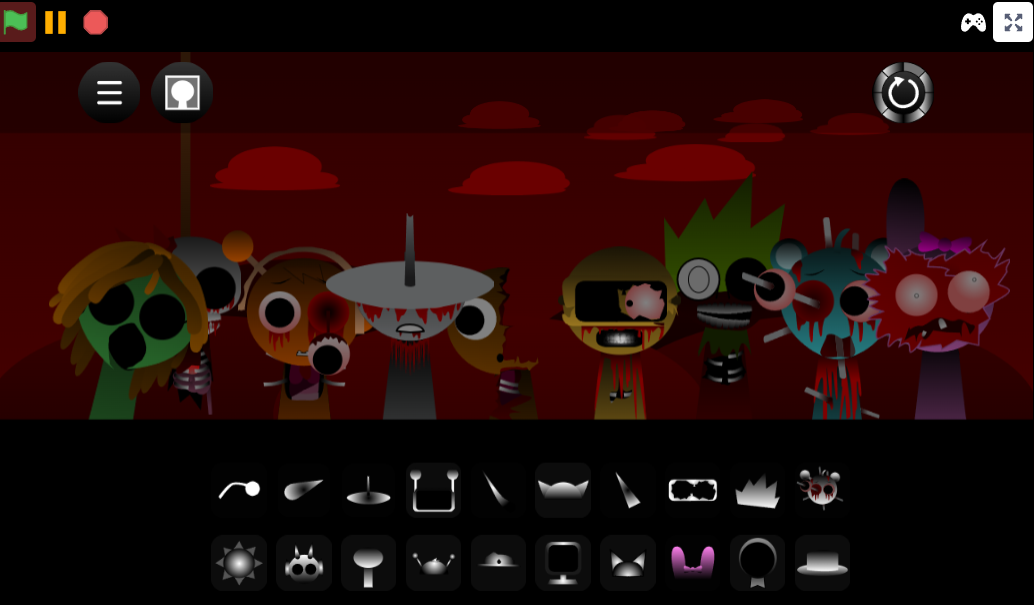
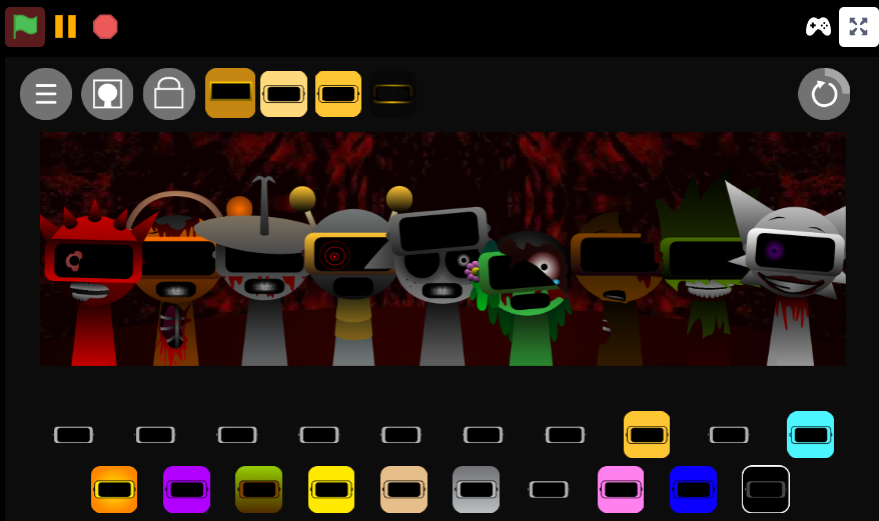
Sprunki Phase 2: The Start is a fan-made mod created by @JaideepSprunkiWorld that pushes the Sprunki music-mixing formula toward corruption and instability. You still drag icons onto the stage and stack sound loops, but the atmosphere shifts into something darker. Character designs appear warped, animations feel grotesque or “off,” and the music often moves from catchy layering into an uneasy soundscape built around distorted visuals, eerie audio, and glitchy loop behavior.
The mod’s name suggests a beginning, but underneath it already looks as if something has gone wrong. Instead of simply building a clean beat, you watch the stage for signs of decay. That tension is what makes Phase 2 feel like a foundation for later horror-leaning Sprunki mods: drag-and-drop music play remains simple, but every icon can feel like a lore hint. The more you add, the more the scene can seem to degrade, as if the loop is becoming less like music and more like a warning.
Why Play Sprunki Phase 2: The Start?
Play Sprunki Phase 2: The Start if you want to see where the darker Sprunki horror style starts becoming a real structure rather than just a creepy remix. It keeps the recognizable rhythm-game flow—placing characters, building loops, testing combinations—but wraps it in horror signals that make each mix feel suspicious.
The hook is how familiar it feels at first. You add a beat, a melody, or a character sound, and the system behaves like standard Sprunki. Then the tone bends. Faces look stranger, movement becomes less comfortable, and the audio begins pushing that “something is wrong here” feeling without completely breaking the music-making loop.
Phase 2 helped shape the crepy-but-playable formula that many later Sprunki recreations, sequels, and spin-offs build on. For new players, The Start is a useful entry point: the controls are easy to understand, but the atmosphere is deep enough to show why players kept digging into the horror phases.
A good first test is simple: play one full loop without changing anything, then replay it while watching the character animations instead of the icons. That is where the mod starts to feel like it is talking back.
How to Play Sprunki Phase 2: The Start
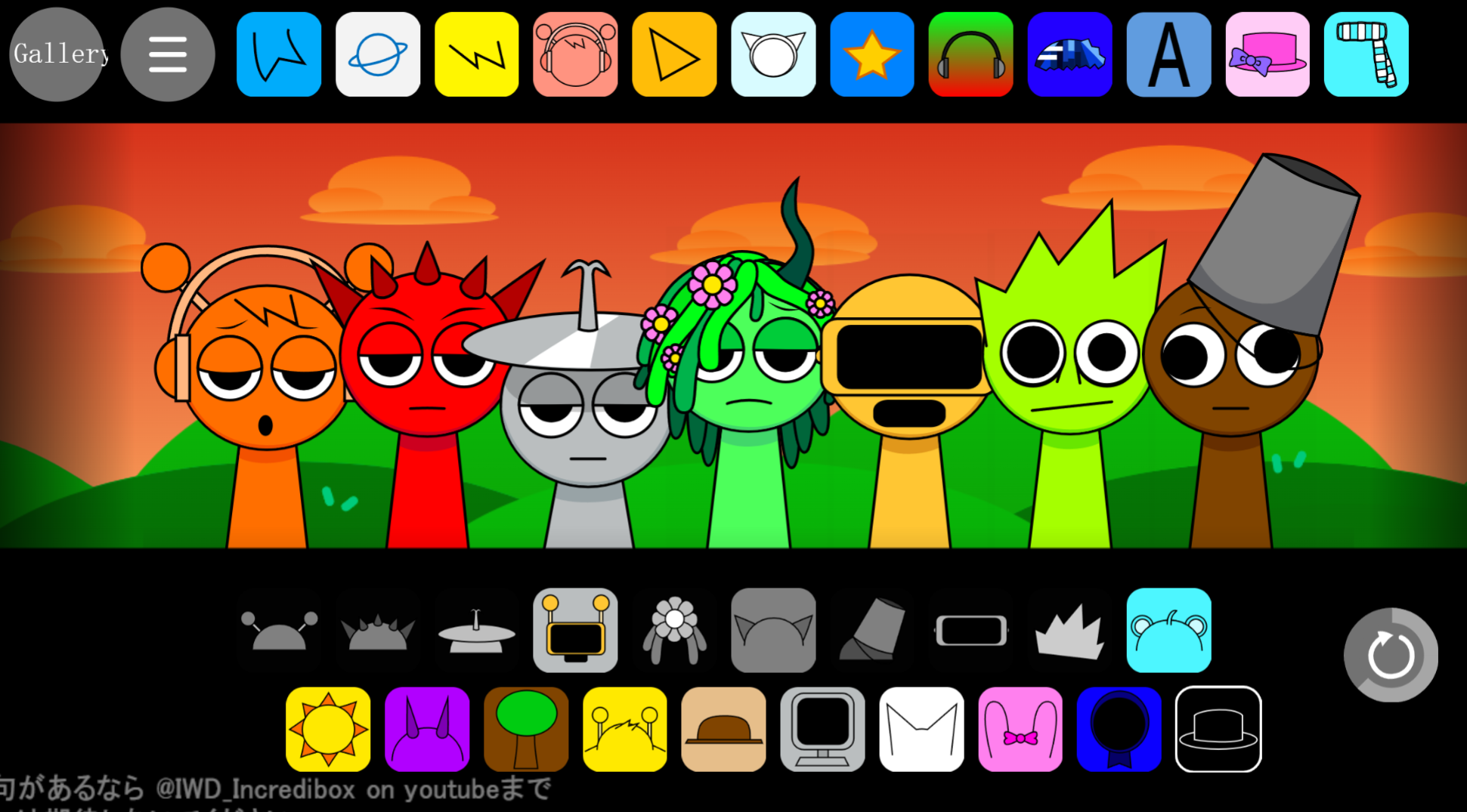
To play Sprunki Phase 2: The Start, treat it as a rhythm-based Sprunki horror mod. Drag characters or icons onto the stage, listen to the loop they create, and watch how the music and unsettling visuals respond together.
The basic method:
- Choose one icon or character first.
- Drop it onto the stage and let its loop play fully.
- Add another sound only after you understand what the first one contributes.
- Keep layering beats, melodies, effects, or voices while watching the character states.
- Remove a character if the mix becomes too chaotic, then rebuild from the baseline.
The mistake many beginners make is filling the stage too quickly. In The Start, a messy mix can hide the details that make the Phase interesting. The horror style comes through rhythm, timing, facial changes, glitchy animation, and audiovisual feedback.
Pay close attention to character states. Some designs may shift in mood, expression, movement, or intensity once they are active. The mod rewards slow testing because each loop can reveal a small “wait, did that just change?” moment.
For the best experience, use headphones, test each character one at a time, and watch carefully near loop resets. That is where many of the unsettling details become easier to notice.
Features of Sprunki Phase 2: The Start
The main feature of Sprunki Phase 2: The Start is its corruption-driven structure. Sound choices, character states, and visual decay feed into each other until the stage seems increasingly unstable.
Corruption that reacts to the mix
Certain loops and icon combinations can make the stage feel more unstable, with visual glitches, distorted animations, and character changes that suggest the Phase is sliding out of control.
Horror built into familiar Sprunki play
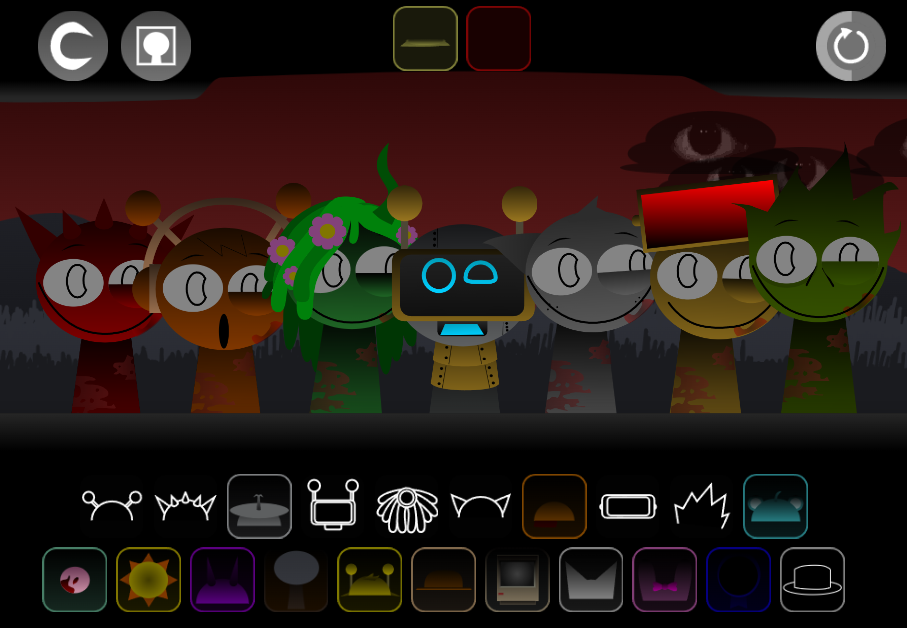
The drag-and-drop setup remains straightforward, so players can focus on testing combinations. Faces, poses, timing, and movement feel colder and stranger, creating the sense that a normal Sprunki session has been infected.
Character redesigns as lore hints
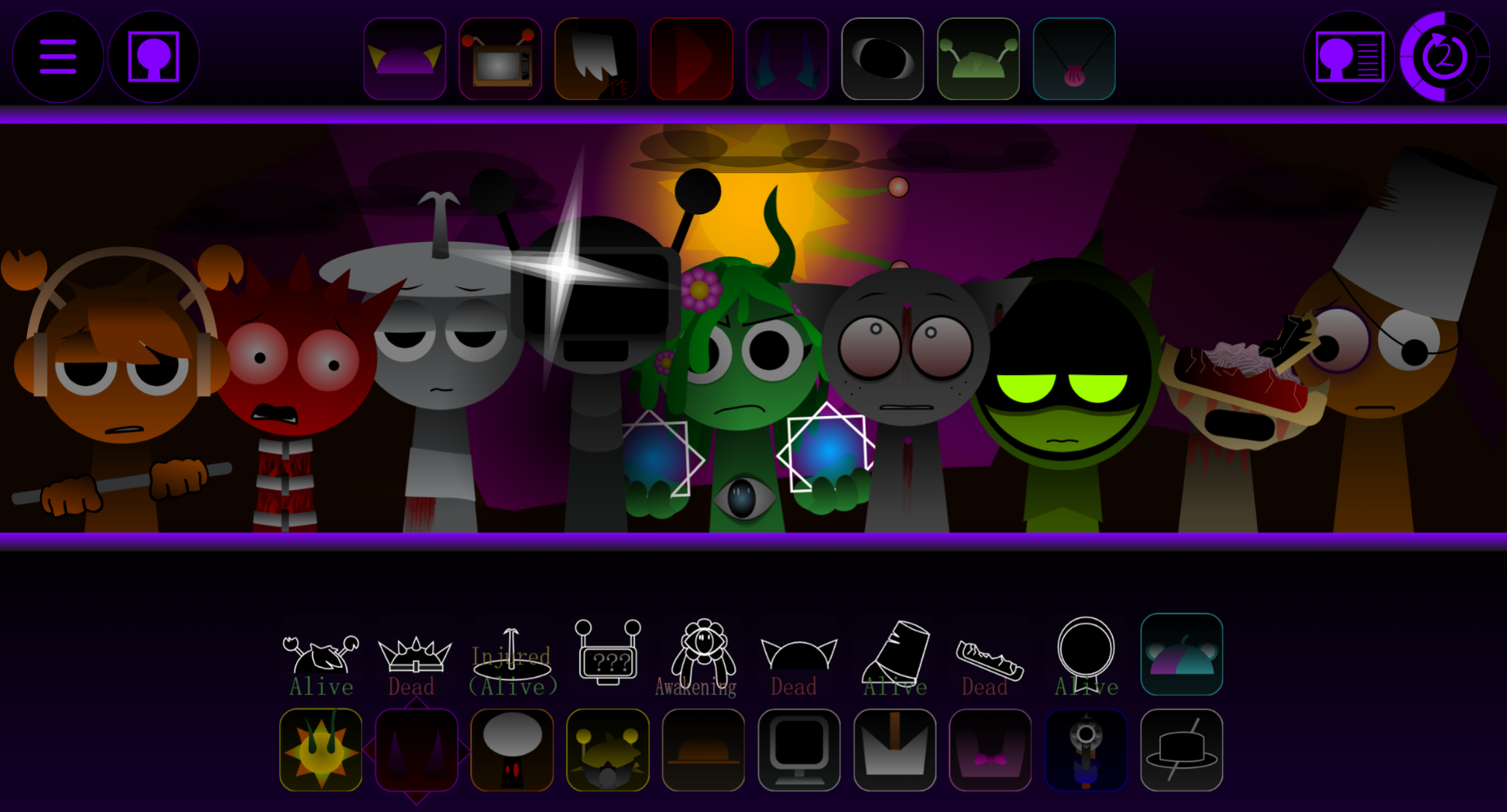
Warped expressions, glitchy movements, and sudden visual shifts suggest early damage spreading through the Sprunkiverse. Characters like Wenda and Simon are caught in a weird loop. Characters act like pieces of environmental storytelling.
Eerie audio and progressive distortion
The mod uses140 bpm and F# minor, making it straightforward to layer beats. Loops often begin with a recognizable shape, then feel less stable as layers build. A rhythm may sound normal alone, but become tense or broken once paired with sharper melodies, deeper bass, or stranger character sounds.
Replay value through small changes
Much of the appeal comes from comparing loops. Add one icon, wait, remove it, then try a different one. The mod encourages players to notice tiny differences instead of rushing toward one final “best” mix.
Sprunki Phase 2: The Start Guide - Master the Loop Glitch
To master the Loop Glitch in Sprunki Phase 2: The Start, treat it as a sound-layer experiment. Build a loop, watch what changes at the reset point, then swap icons until the glitch becomes easier to repeat.
The Loop Glitch is tied to how the sound layers stack. A beat that feels stable on its own may start acting strangely once you add a sharper melody, a deeper bass element, or another character sound that changes the feel of the timing. You are listening and watching for the moment where the loop seems to snap, stutter, or reset differently than expected—like how PropGuy’s face tries to melt at the end of Loop 1, only to snap right back to normal when Loop 2 starts.
Use a clean testing method:
- Start with one rhythm icon and let the loop cycle fully.
- Add one extra sound at a time instead of filling every slot.
- Watch character animations closely when the loop restarts.
- Listen for stutters, timing shifts, or a reset that feels slightly wrong.
- Remove the newest icon if the pattern becomes too chaotic.
- Repeat with a different sound type until the reset behavior stands out.
Patience matters. Do not chase every weird mix at once. Pick two or three characters, drag and drop carefully on gosprunki.com, and compare what happens at the end of each loop. The suspicious behavior usually becomes clearer when the mix is controlled.
Related Games
- Sprunki Phase 3 Reimagined New Start — This is the best follow-up for players who felt Sprunki Phase 2: The Start already hints at Phase 3, because it leans into the “new beginning” idea with a darker, reworked phase presentation.
- Sprunki With Fan Character — This fits the fan-made angle by letting players compare how custom character additions change the mix, visuals, and stage personality after trying JaideepSprunkiWorld’s loop-focused mod.
Common Questions About the Phase 2 Reset
Is Phase 2 still beginner-friendly?
Yes. The basic action is still drag-and-drop loop building, so new players can understand it quickly.
Why does it feel darker than Phase 1?
The reset changes the tone. Visuals, animations, character states, and audio layers push the stage toward a more unsettling horror atmosphere.
Are there new mechanics?
Not always in a huge, obvious way. The bigger change is how the Phase develops through enhanced sounds, transformations, glitches, and a more complex mood.
Is this about lore or gameplay?
Both. The lore-hint feeling comes through gameplay: what you hear, what you drag onto the stage, how characters react, and what changes when the loop resets.
How do I understand the reset quickly?
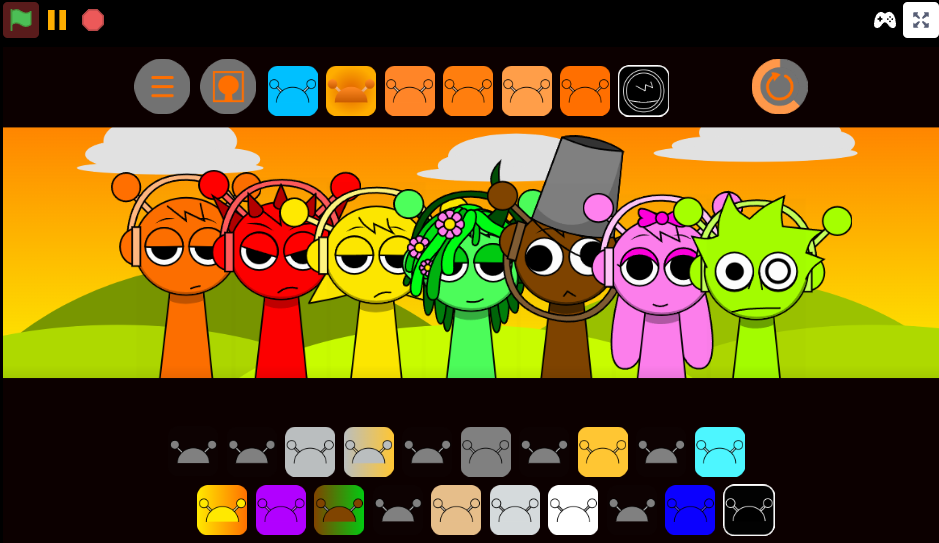
Build a loop similar to one you would use in Phase 1, then compare how it feels in Phase 2. Watch the animations, listen to the layered audio, and notice how the same basic Sprunki structure becomes more distorted in The Start.
Discuss Sprunki