
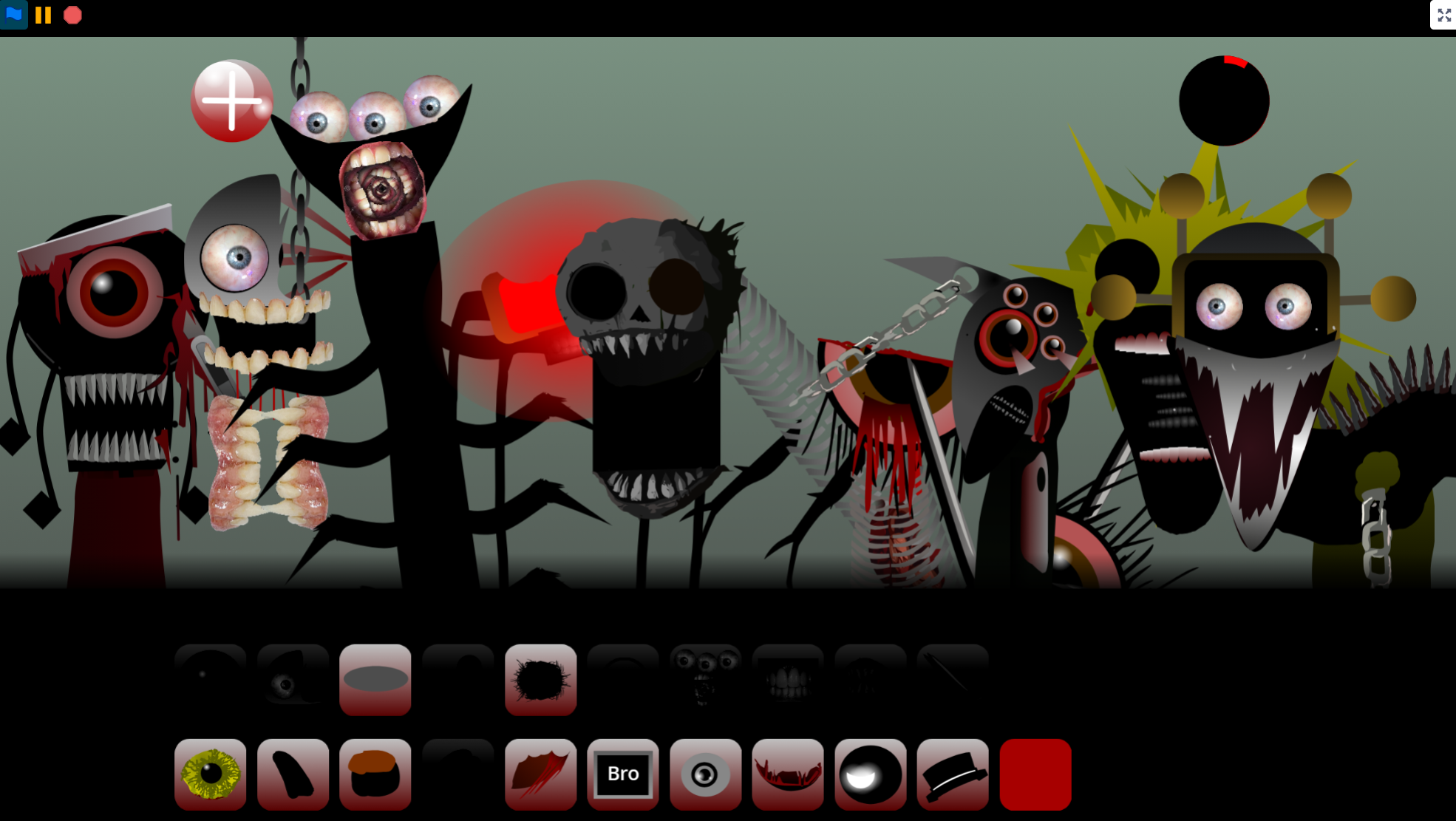




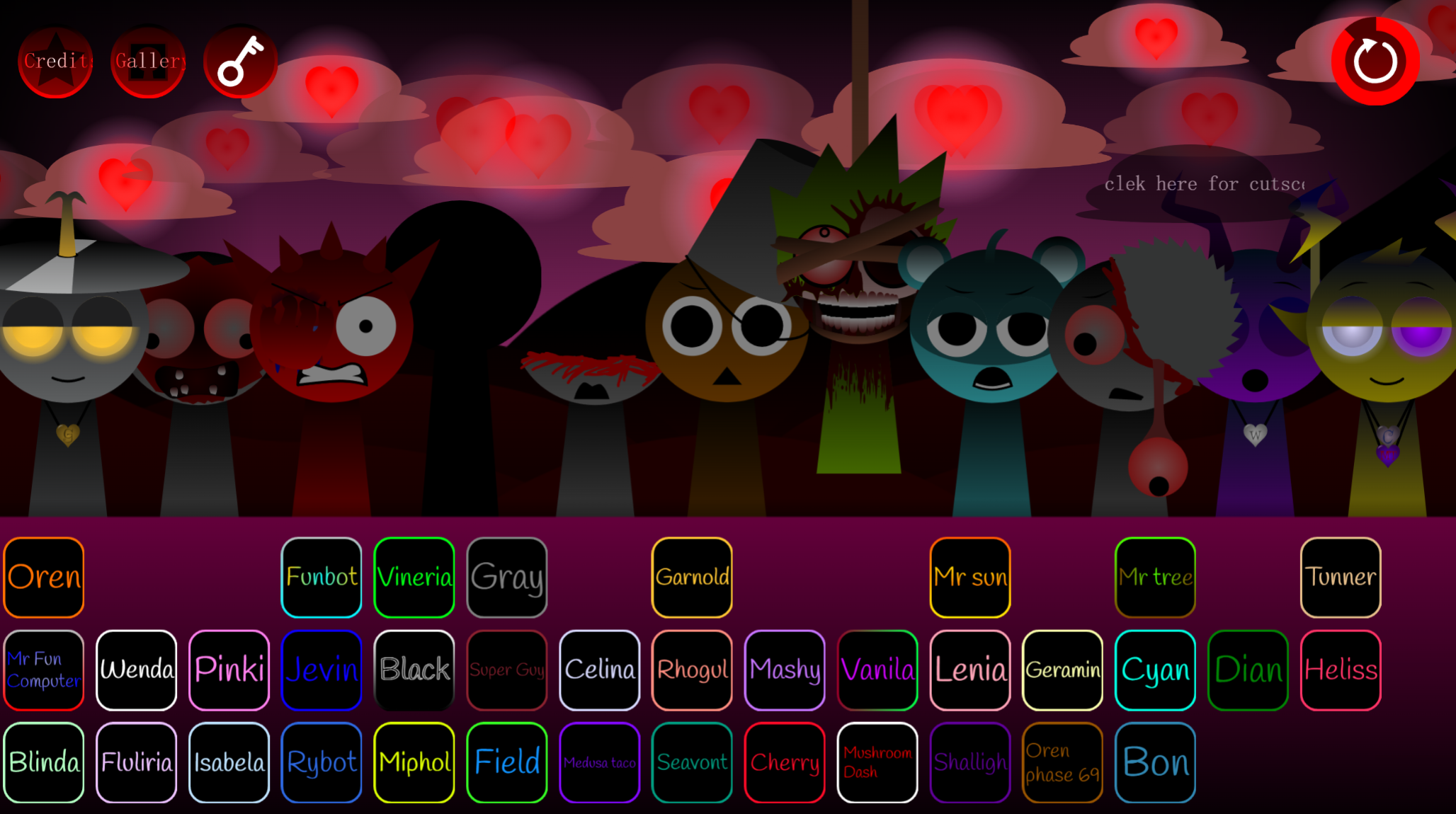
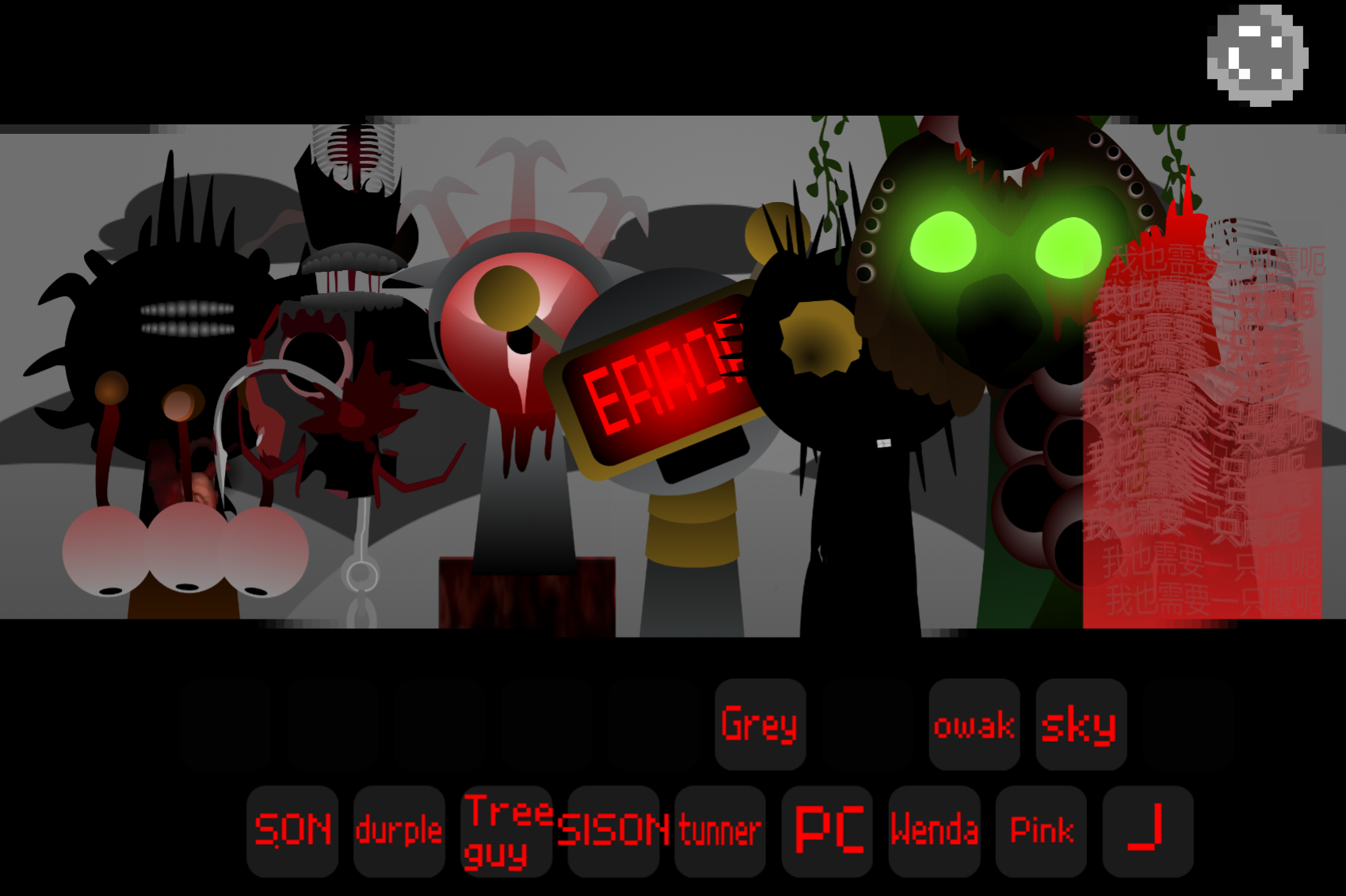
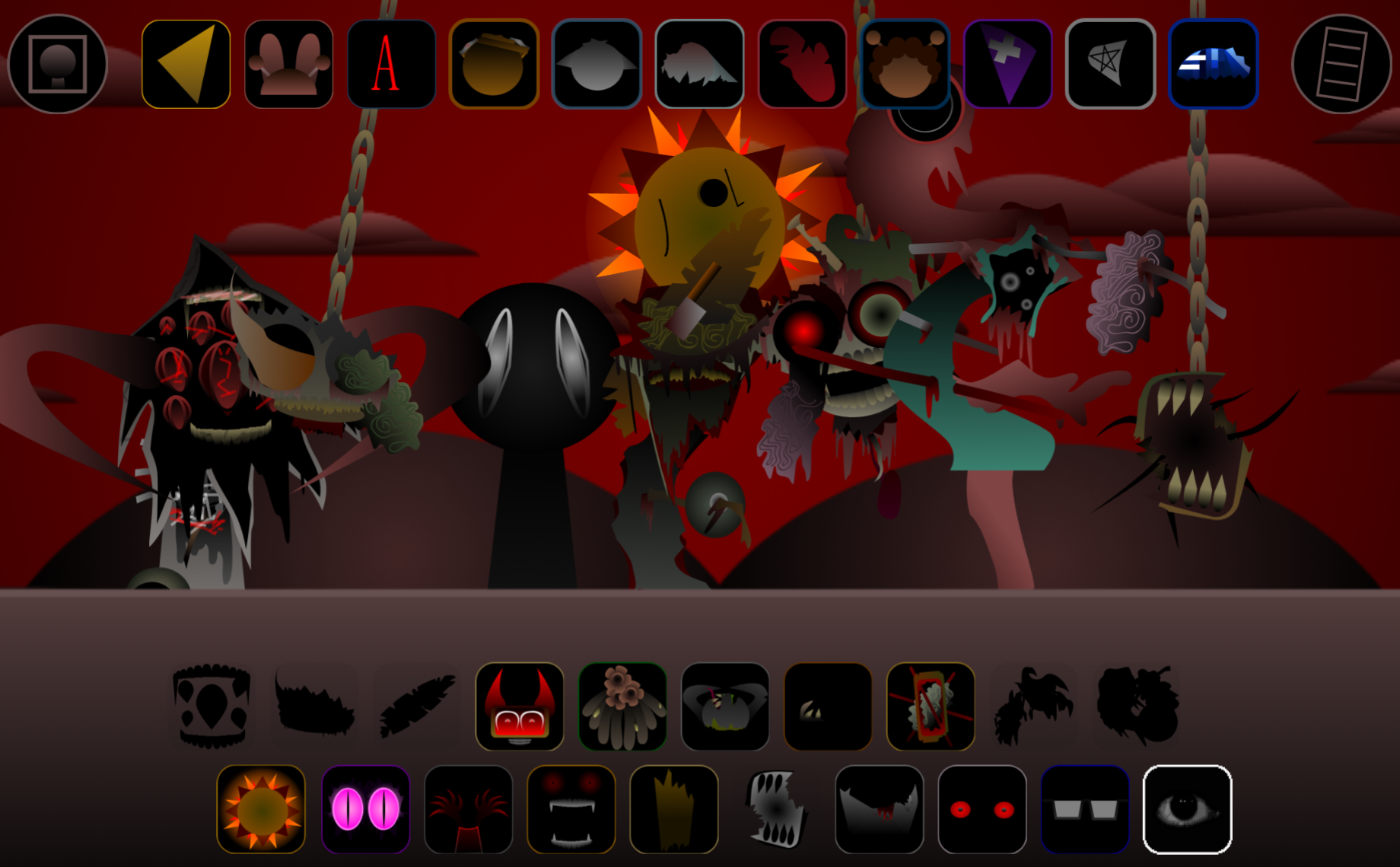
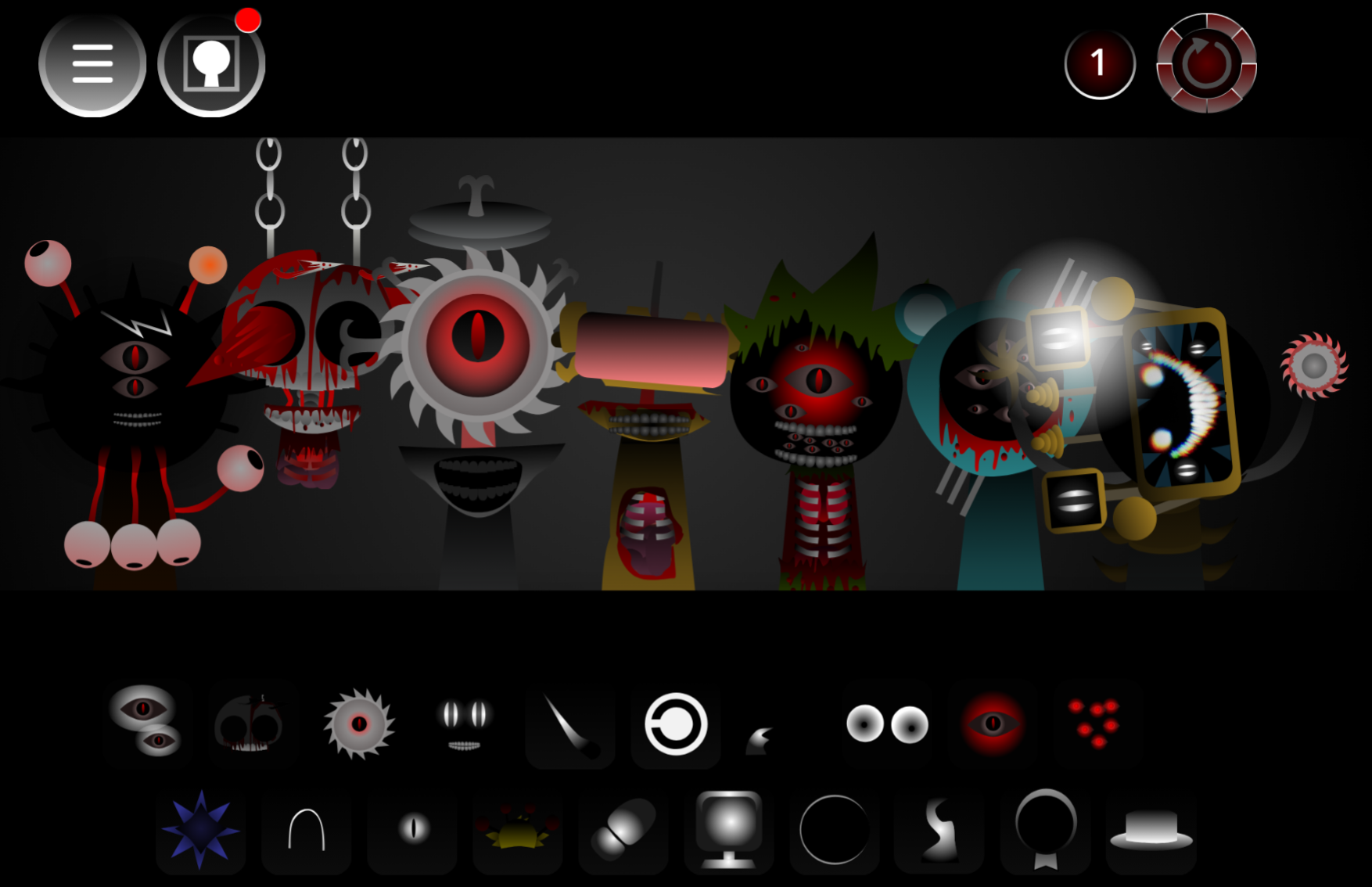
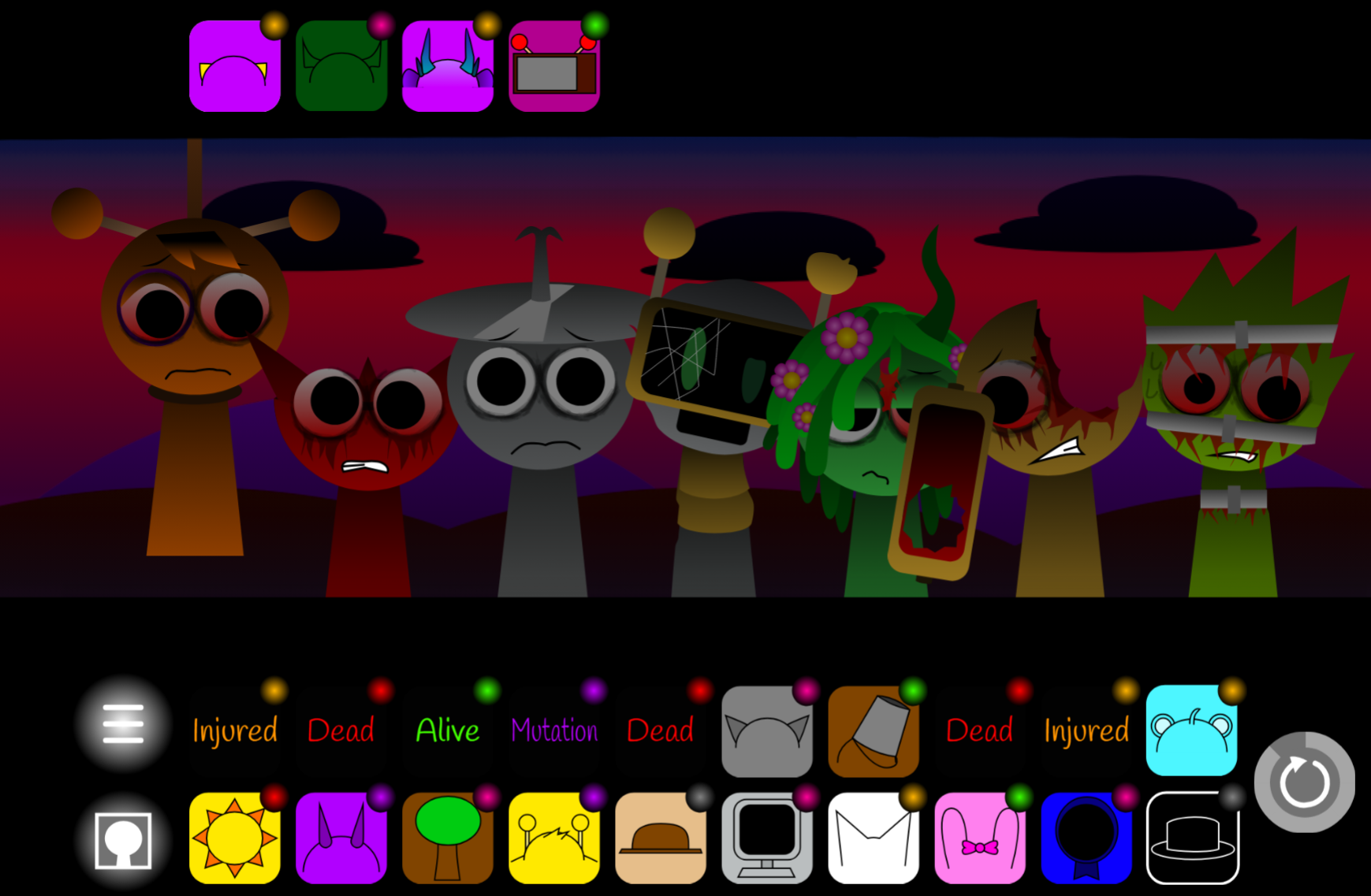
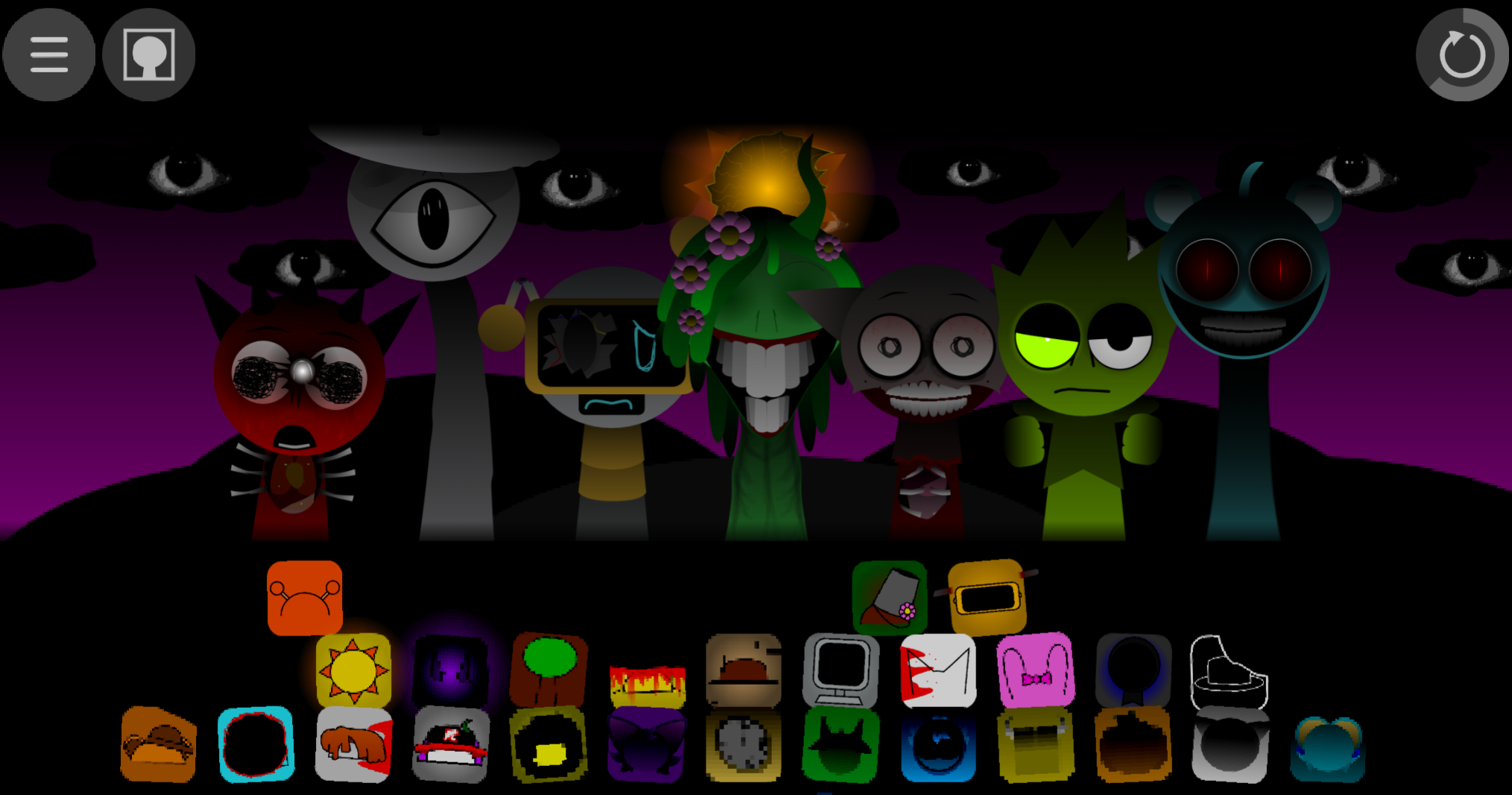
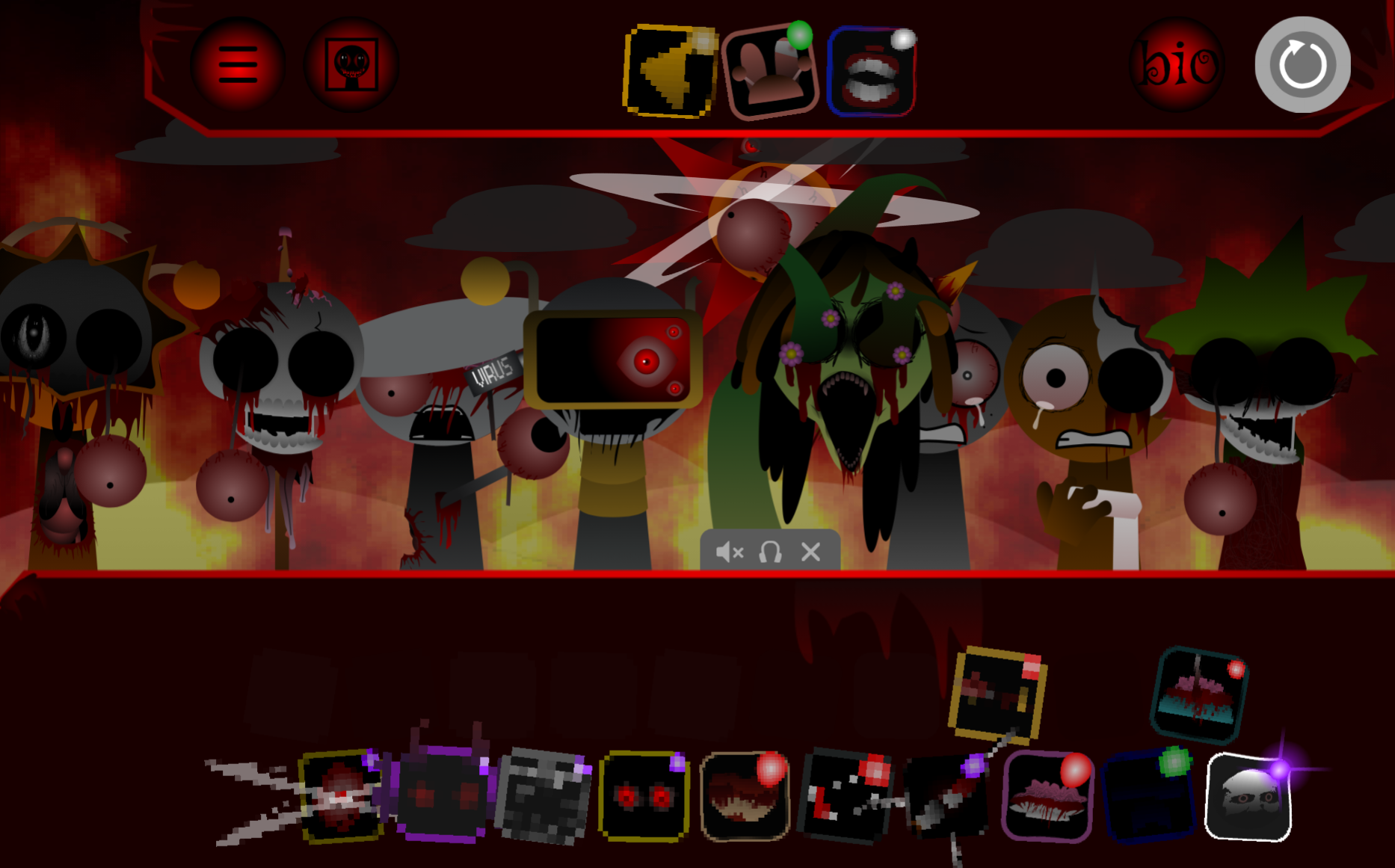
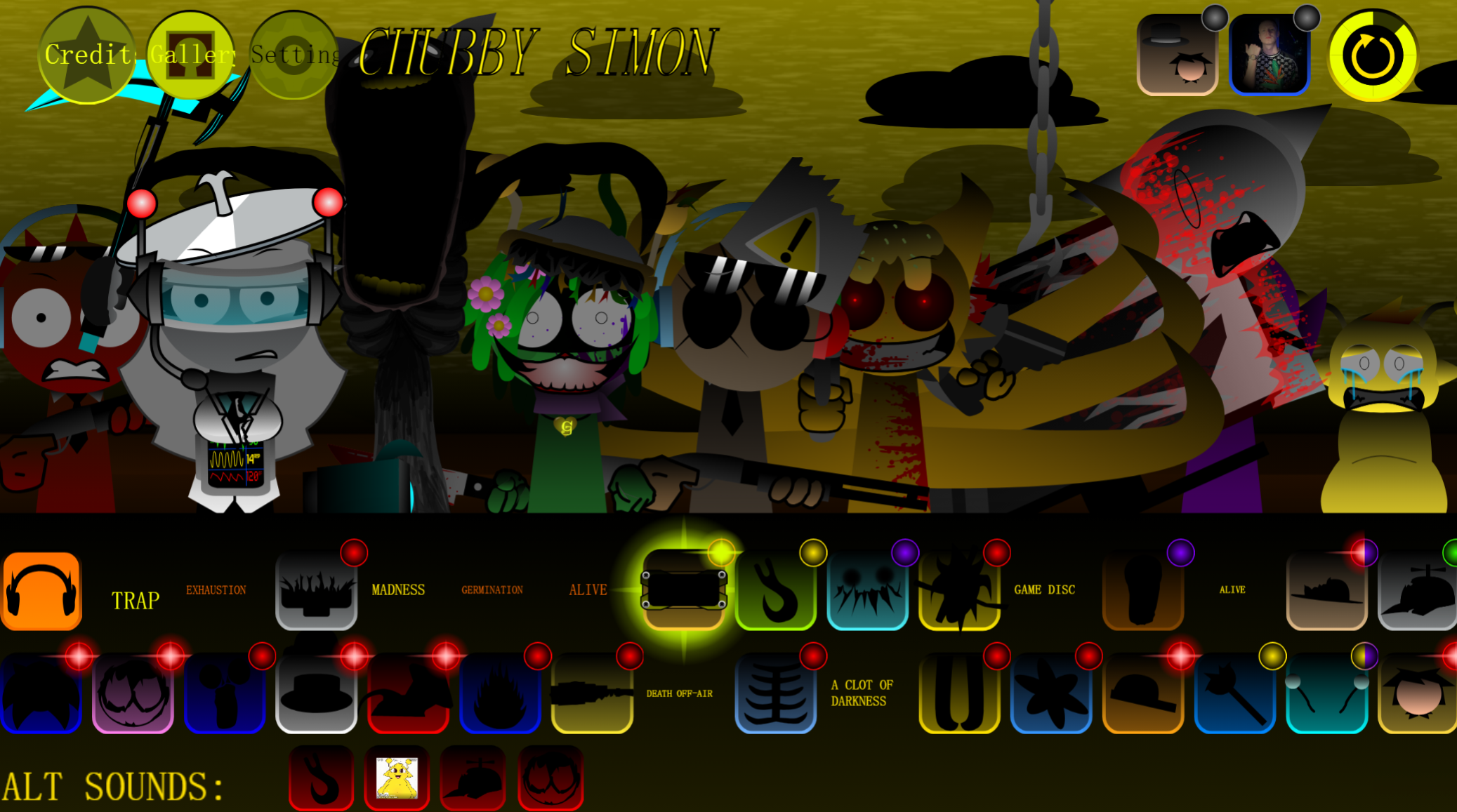
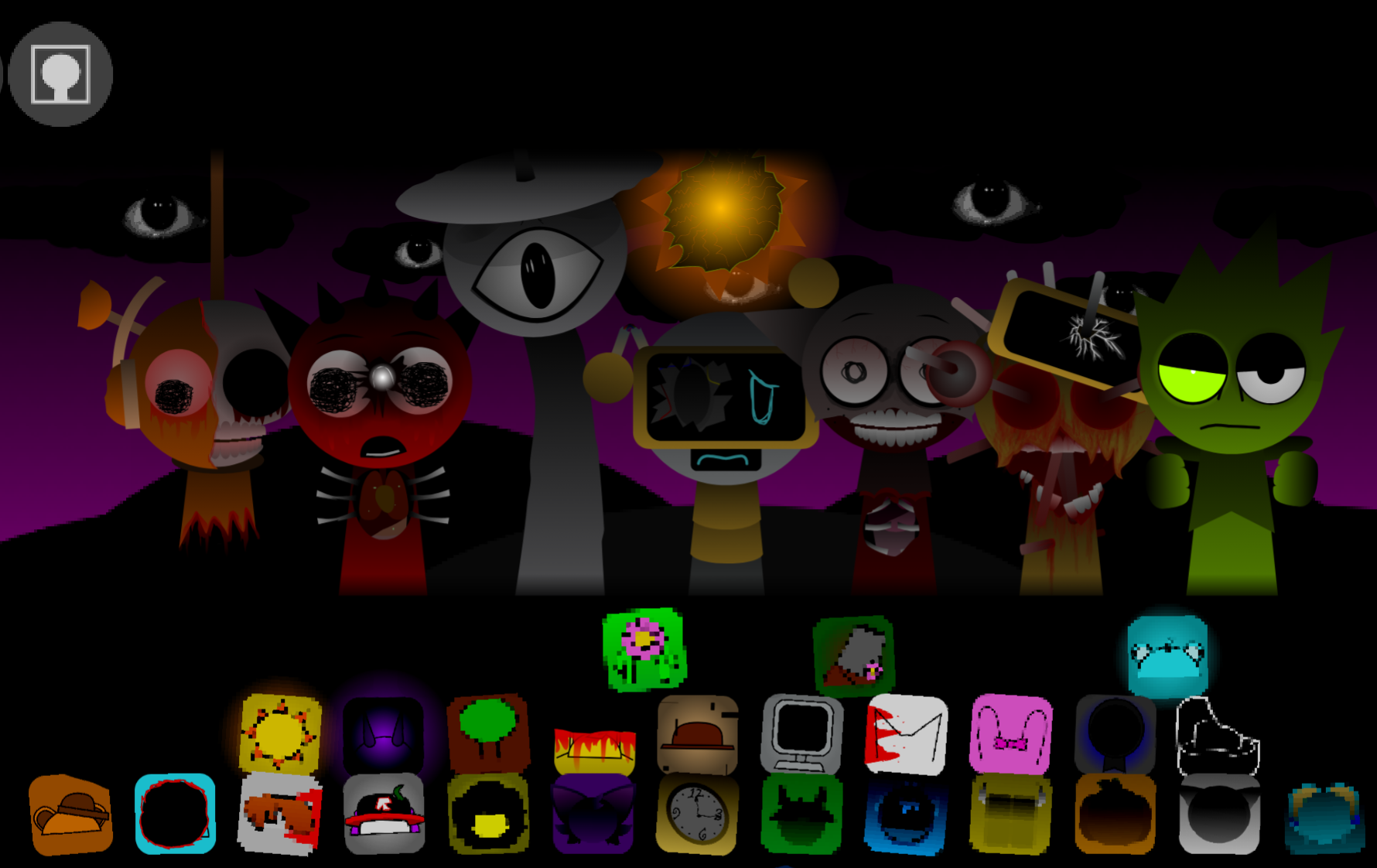
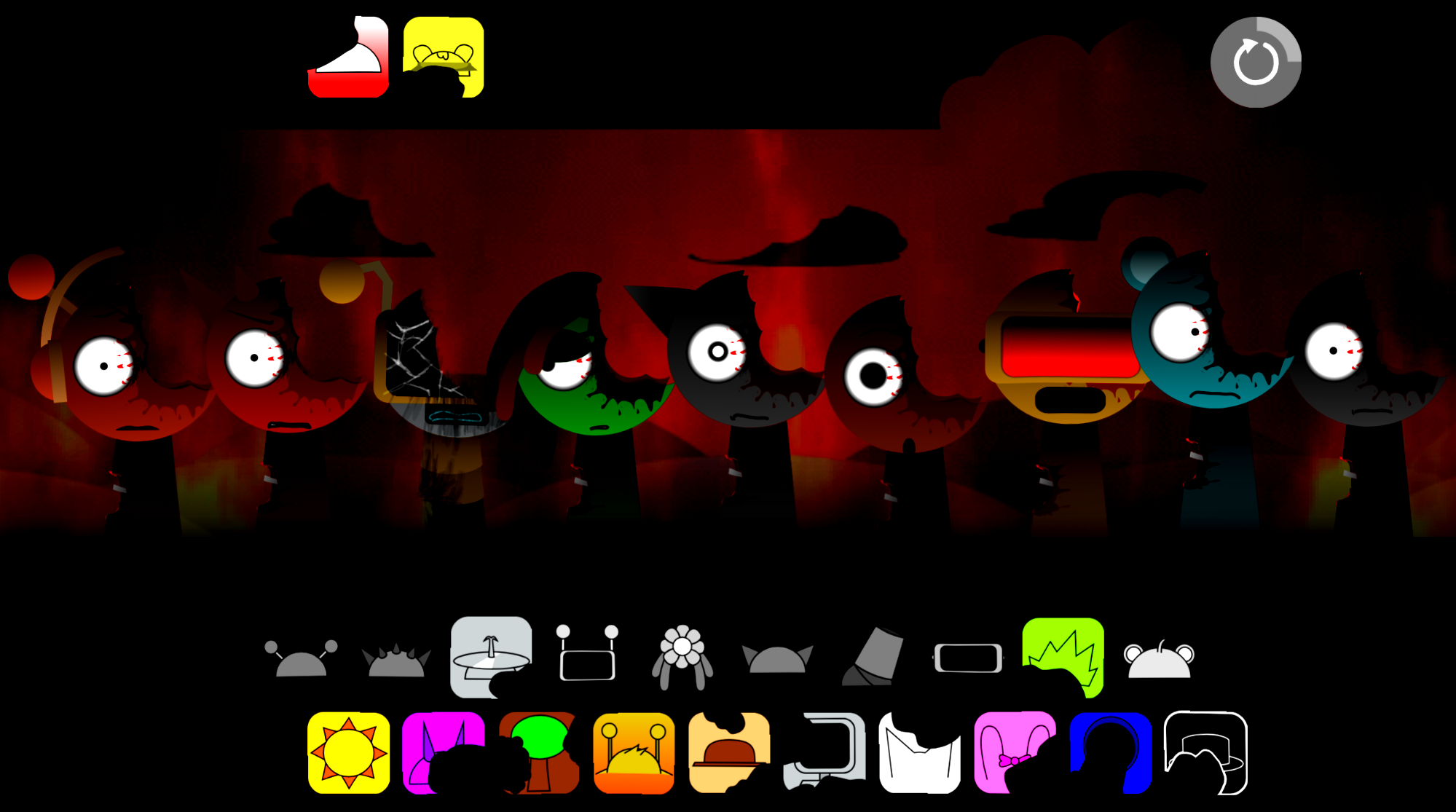
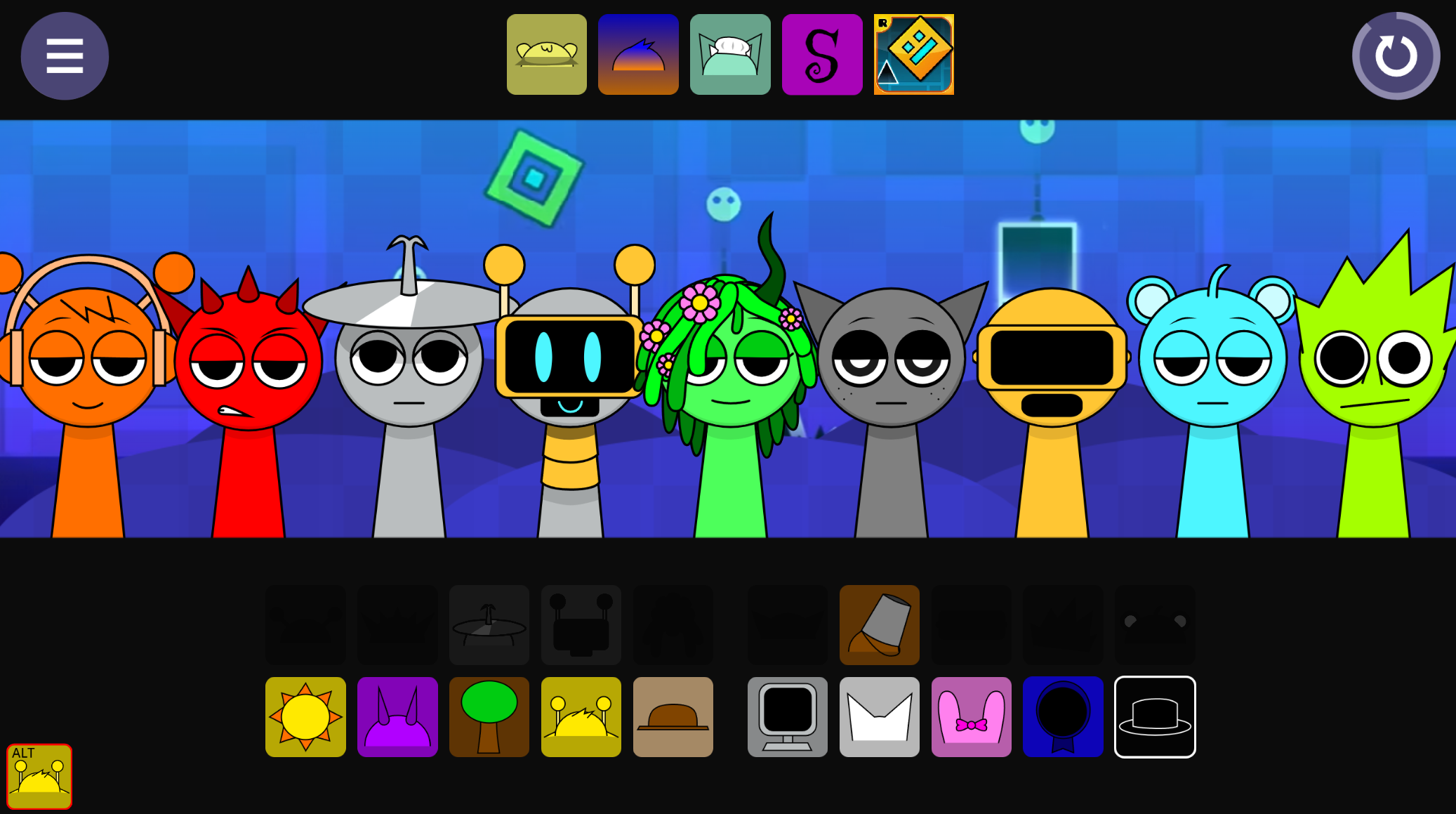
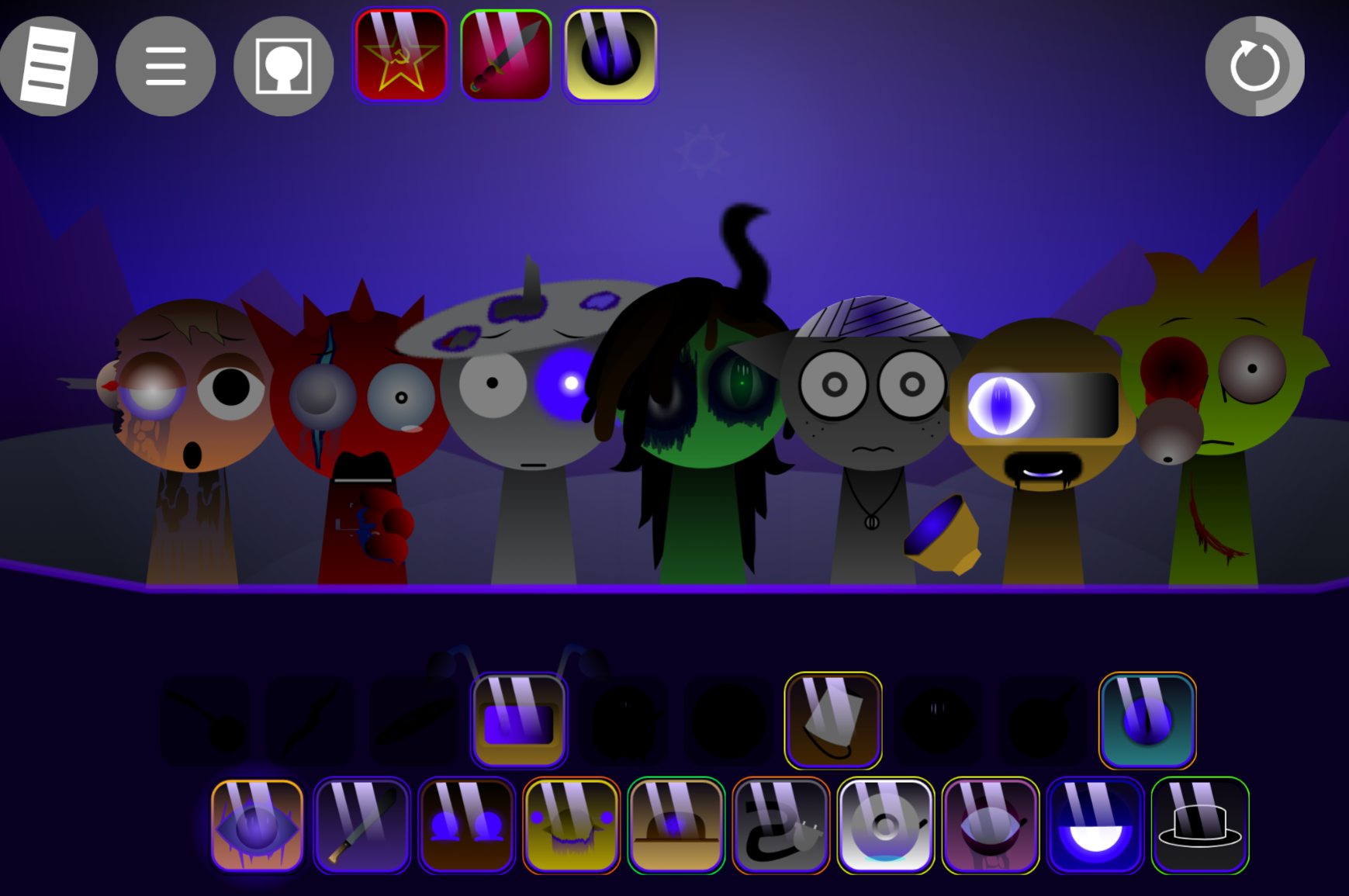
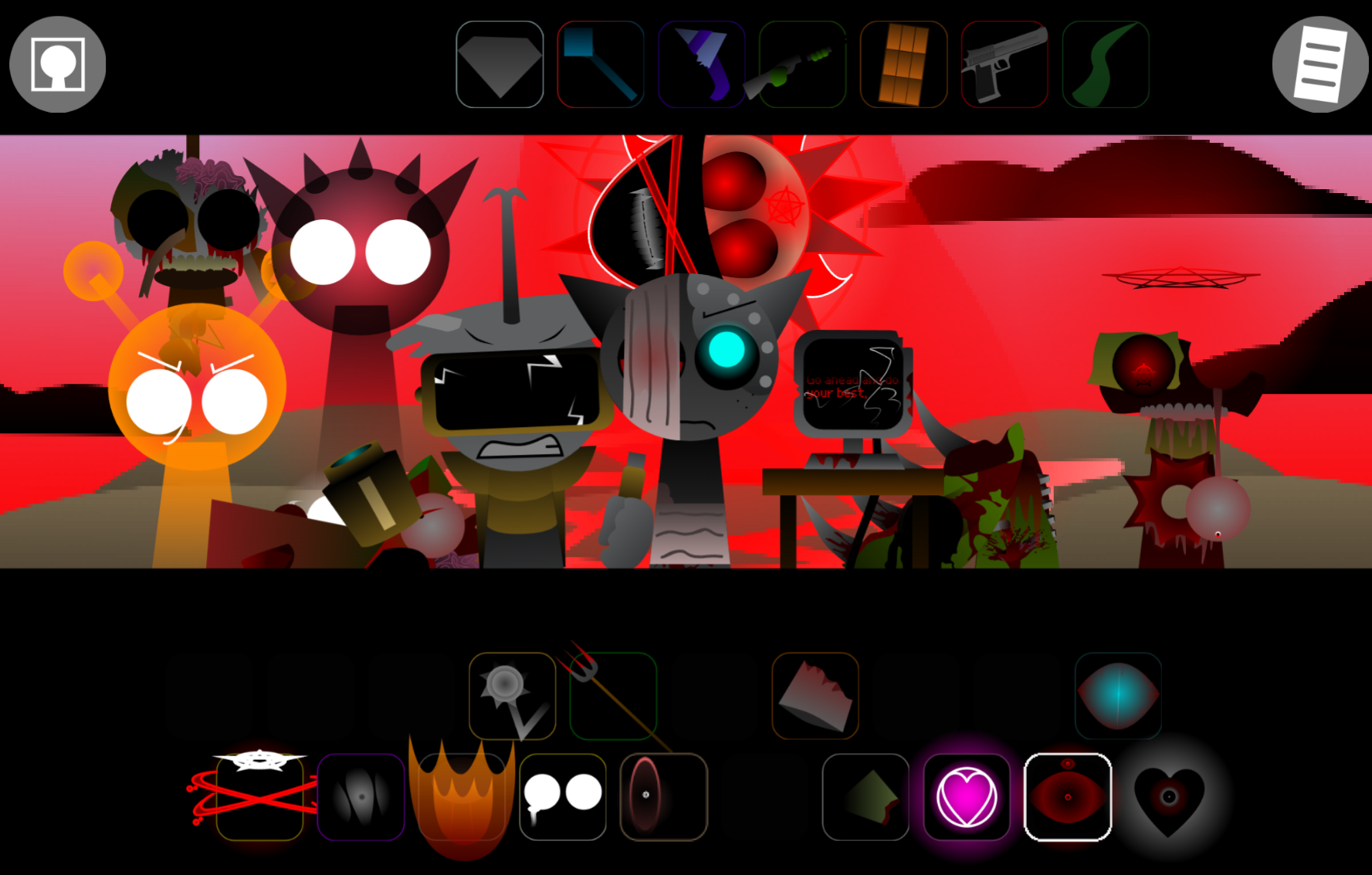
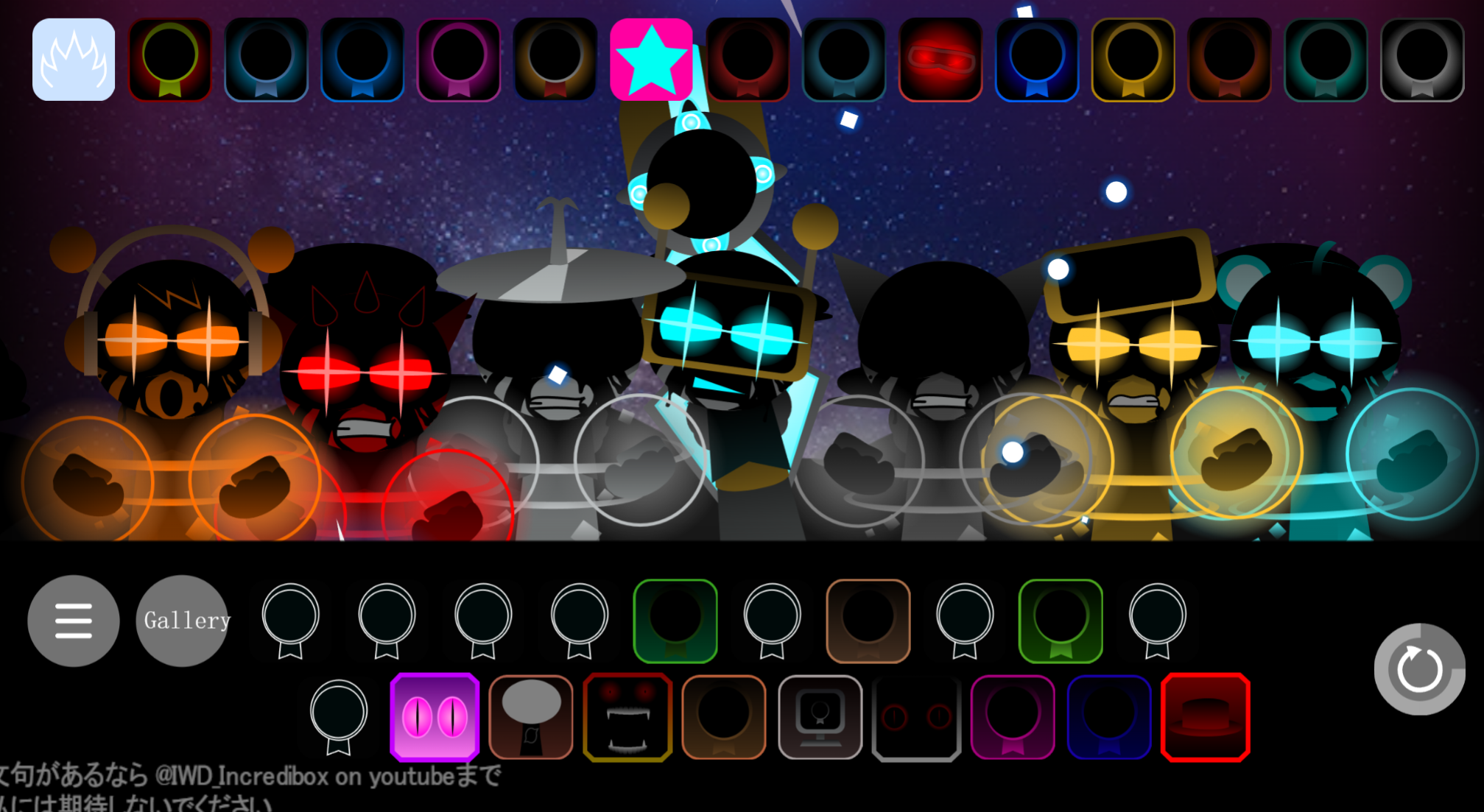
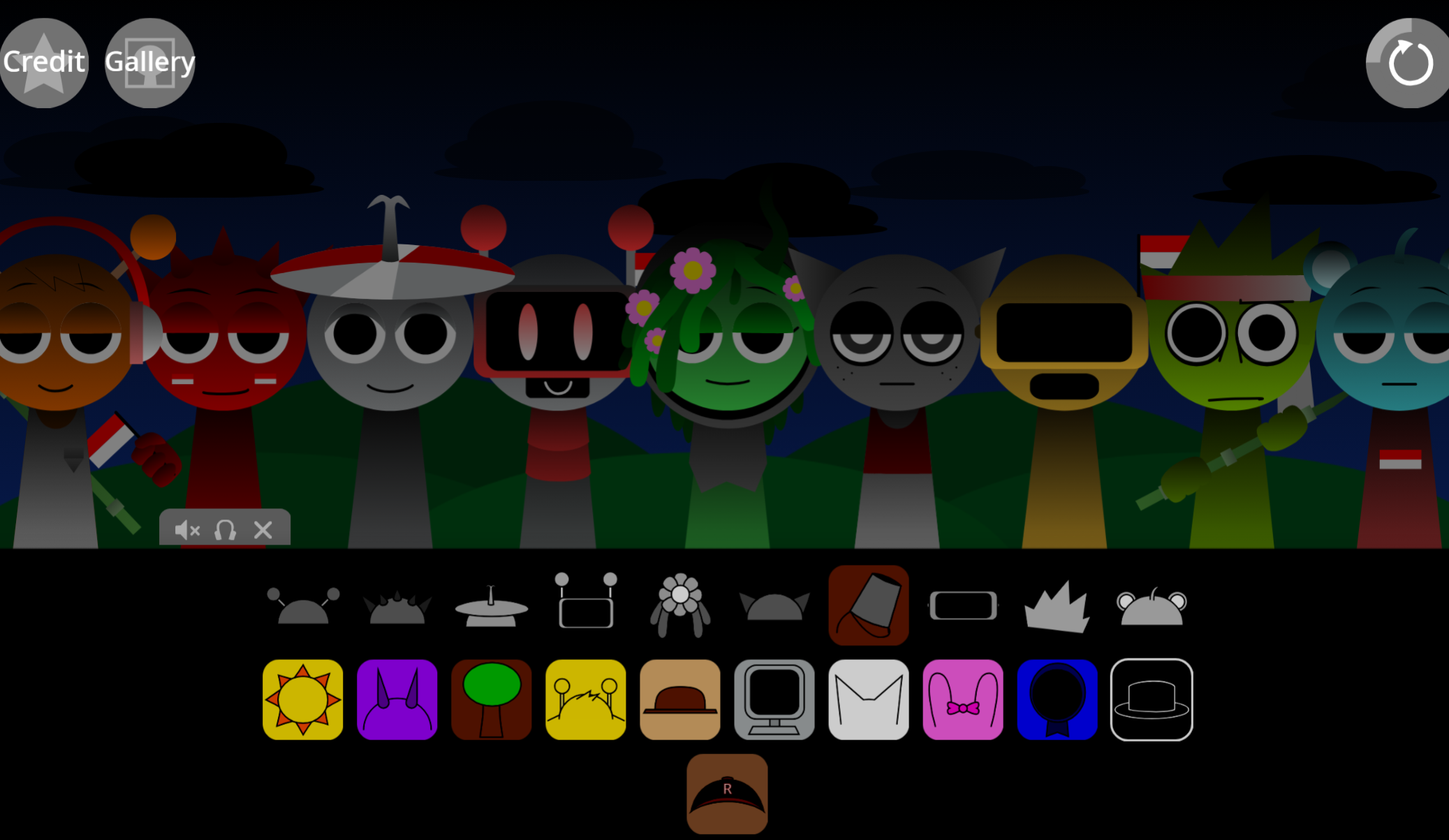
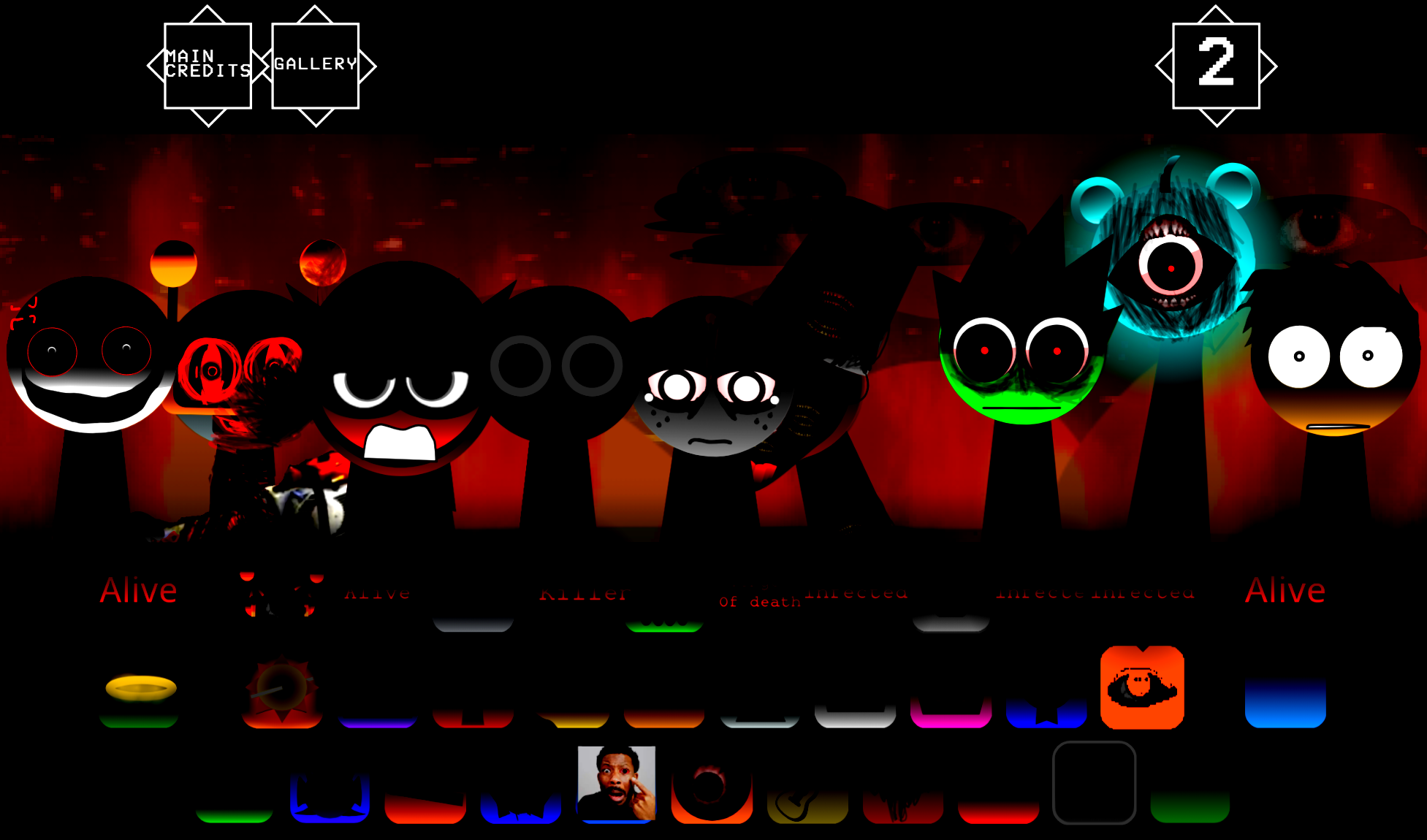
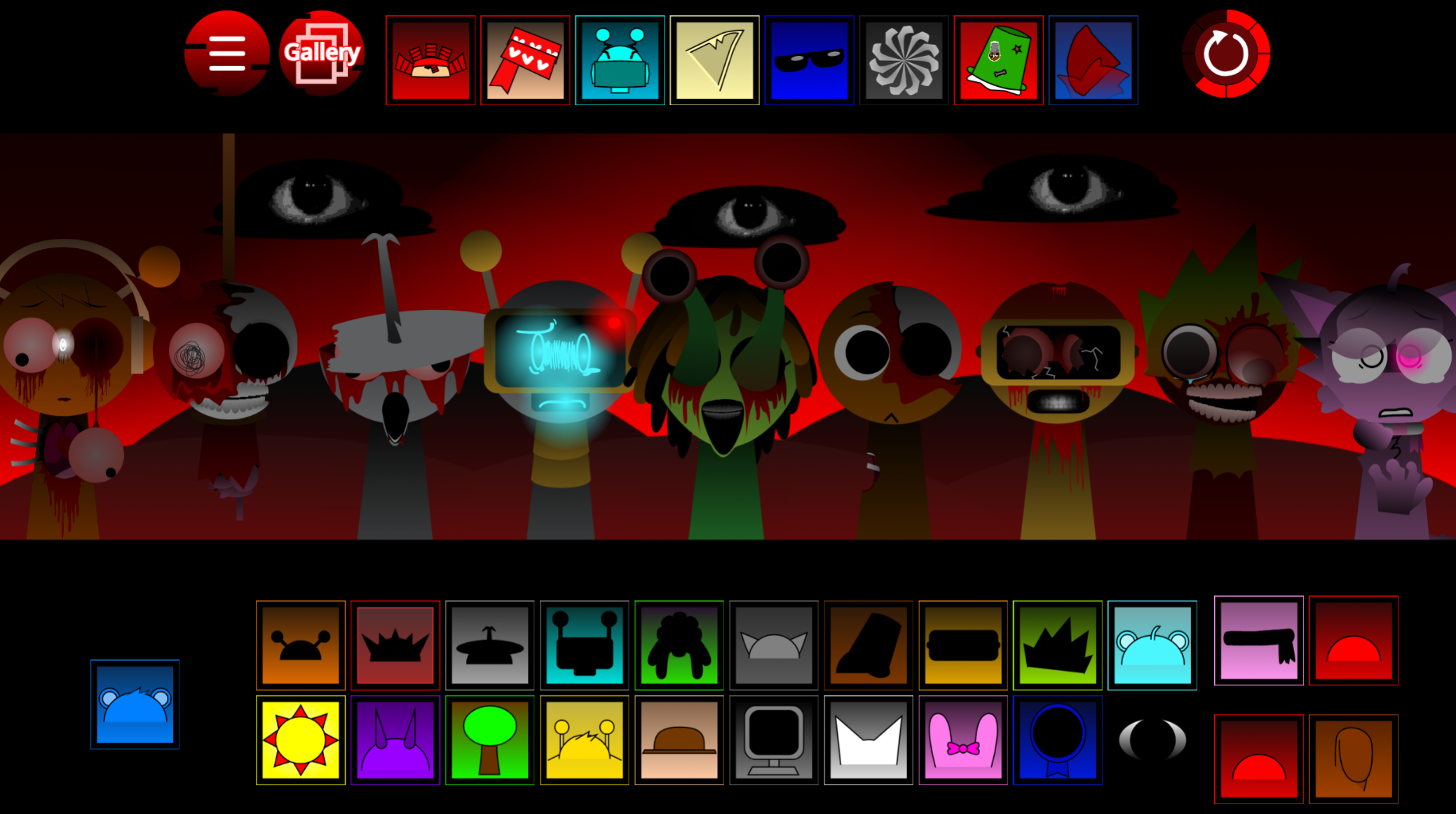
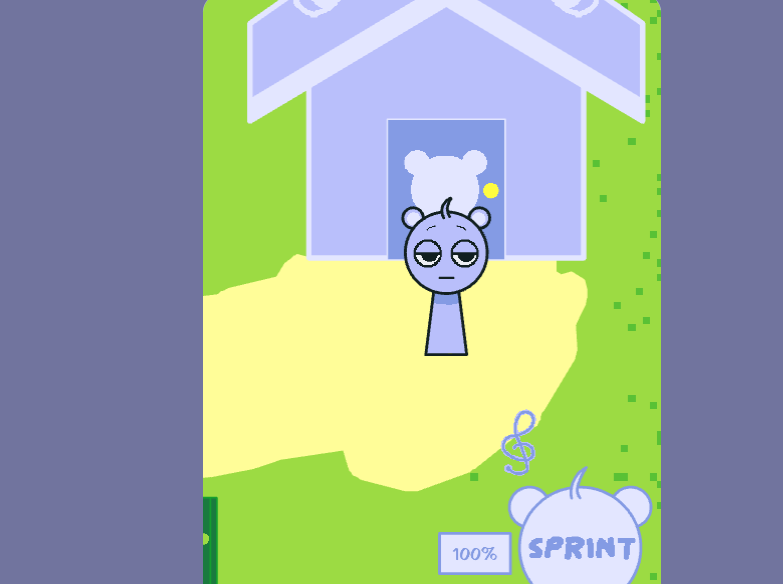
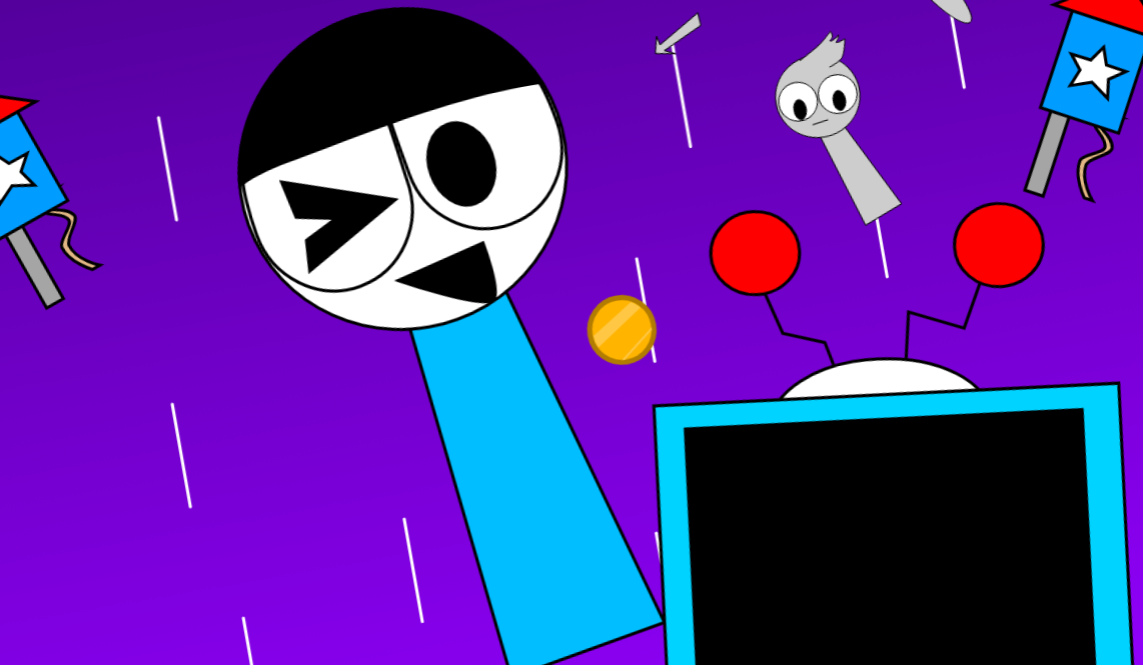
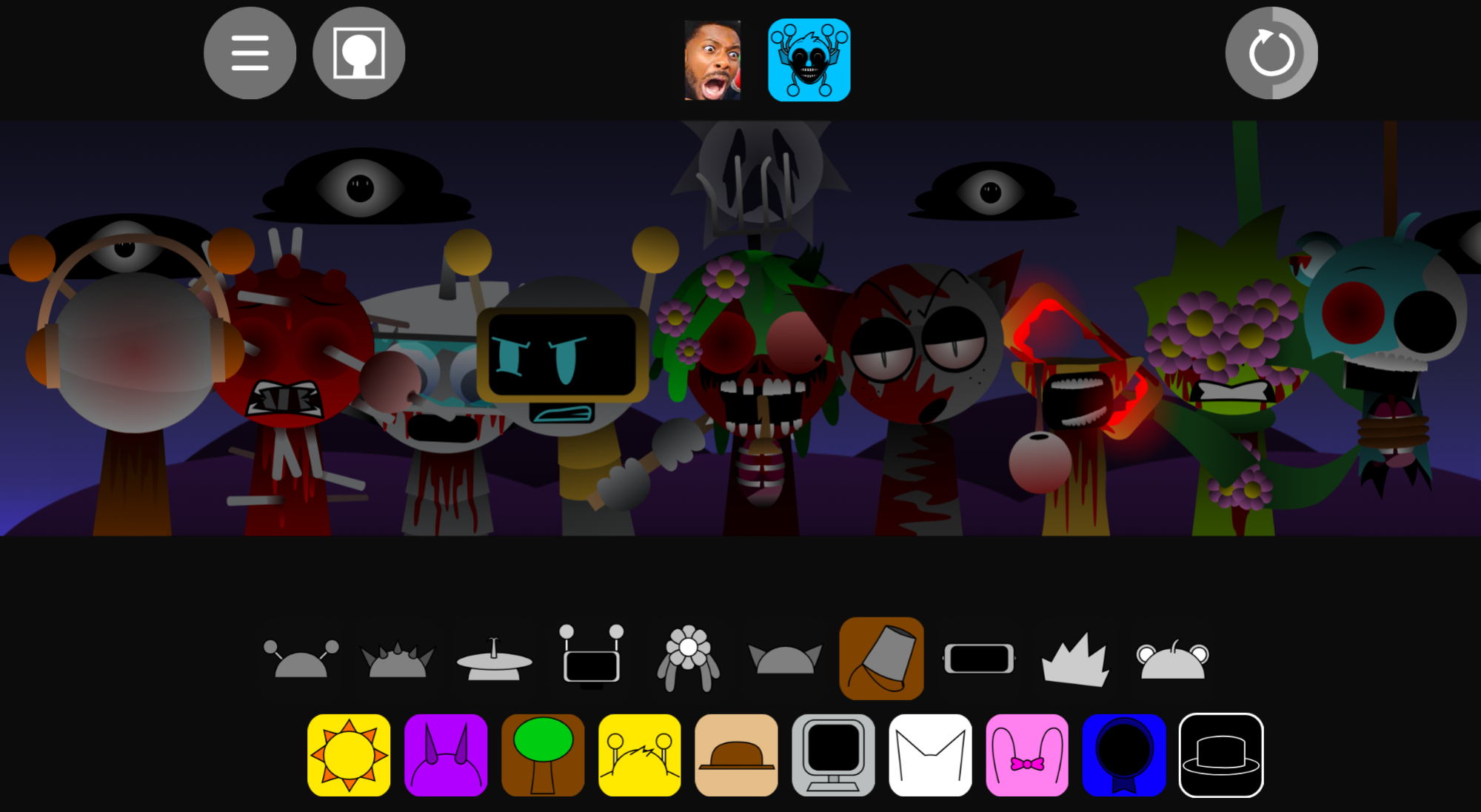
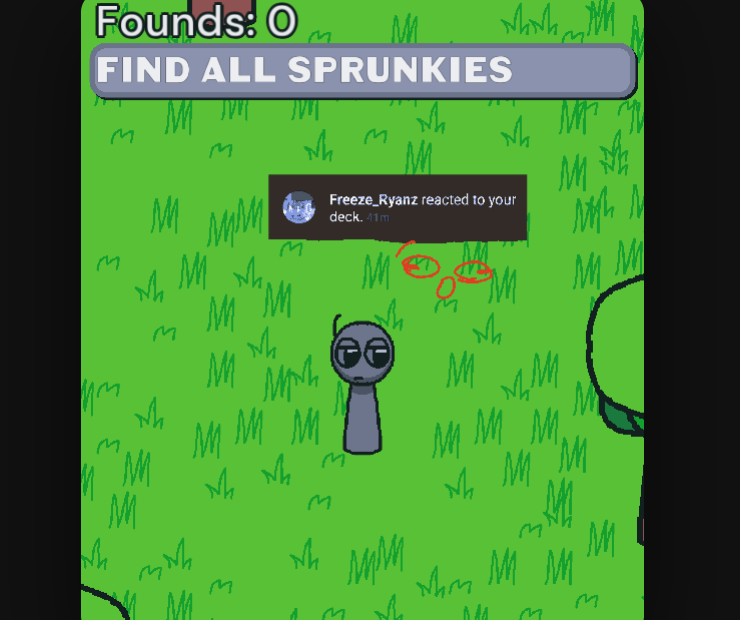
Sprunki Phase 18 Astro Take is a fan-made mod by Simonnico that reimagines Phase 18 with a space-themed aesthetic and custom audio loops.
You play by dragging characters into slots to layer beats, basslines, melodies, vocals, and effects—building tracks through visual experimentation rather than sheet music or timelines. This article covers the clearest gameplay answers: how the drag-and-drop system works, what each character type contributes to your mix, and practical details about unlocking content and saving your compositions.
If you want to understand the mechanics before you start layering sounds, the sections below walk through what matters most when you’re actually playing.
Sprunki Phase 18 Astro Take
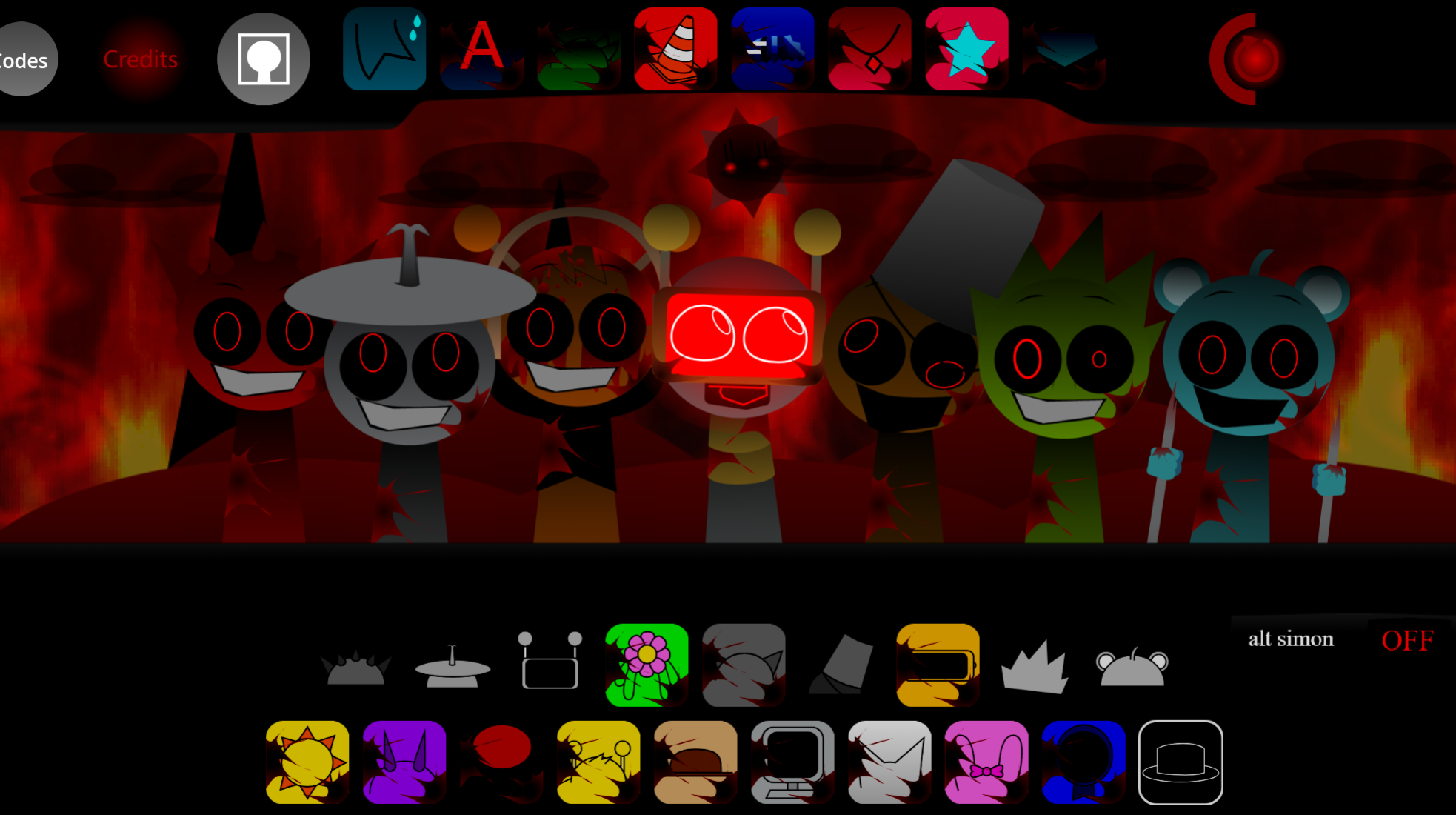
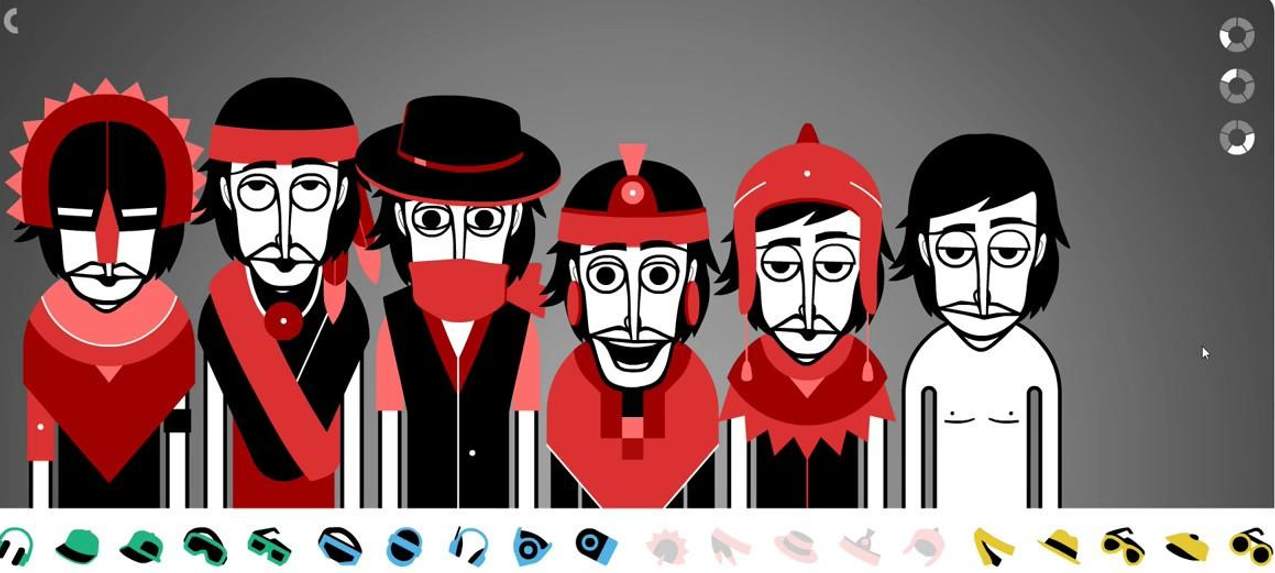
Sprunki Phase 18 Astro Take is a fan-made mod by Simonnico that reimagines Phase 18 with a space-themed aesthetic and custom audio loops. You play by dragging characters into slots to layer beats, basslines, melodies, vocals, and effects. Each character activates immediately, letting you hear how sounds interact real time.
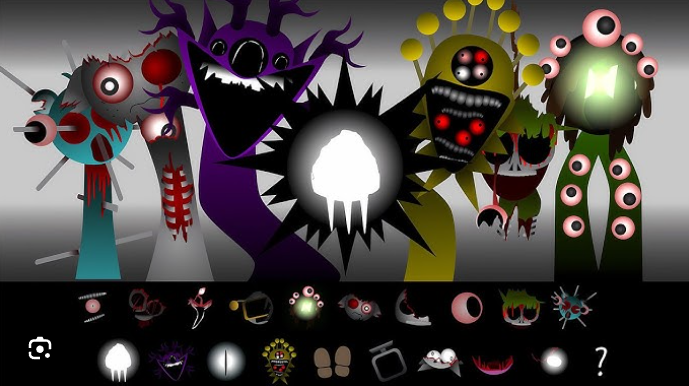
The mod features smoother animations, glitchy synth elements, and a sci-fi atmosphere that differs from the standard Phase 18 templates. Available on gosprunki.com, this V1.0 build focuses on experimentation rather than progression.
Start with 2–3 characters so you can hear what each sound contributes before the mix gets crowded. A beat and bassline hold the groove, while effects, synths, or vocals push the loop toward the Astro-style cosmic sound.
How to Play Sprunki Phase 18 Astro Take
Drag characters into empty slots.
Each one activates a loop immediately.
Build the mix slowly.
Add beats first, then layer melodies, effects, and vocals one at a time.
Listen after every change.
If a bassline feels too heavy or a vocal clashes, remove the character or swap in another.
Adjust levels as needed.
Lower loud layers or bring a melody forward when the soundscape needs balance.
Experiment with unusual combinations.
Astro Take rewards trial and error, and unexpected pairings can create strong rhythms.
How to Mix Cosmic Beats in Astro Take
Start with one beat, one bassline, and one texture. Once the rhythm feels steady, add a melody or vocal to give the track personality.
Beats hold structure, effects fill background space, melodies create hooks, and vocals add character. If the rhythm gets busy, pull one sound out and test a different combo. Listen closely and adjust as the loop evolves.
Practical Tips for Beginners
- Do not flood the track immediately. Too many characters at once make it harder to identify what works.
- Swap sounds often. The mod is built for quick testing, so replace anything that clashes.
- Balance volume when possible. Small adjustments can turn a messy loop into a cleaner sci-fi mix.
- Use headphones. They help catch background effects, vocals, and glitch details.
- Save strong mixes. Share loops with other players for feedback or new ideas.
- Keep testing. Hidden interactions may shift the mood of your track.
Treat Sprunki Phase 18 Astro Take as a sound playground rather than a level system. Play, mix, adjust, and push the beat until the cosmic loop feels right.
Related Games
- Sprunki Phase 18 — This is the clearest follow-up because Astro Take directly reimagines Phase 18’s character-mixing gameplay and lets players compare the fan-made version against the core phase.
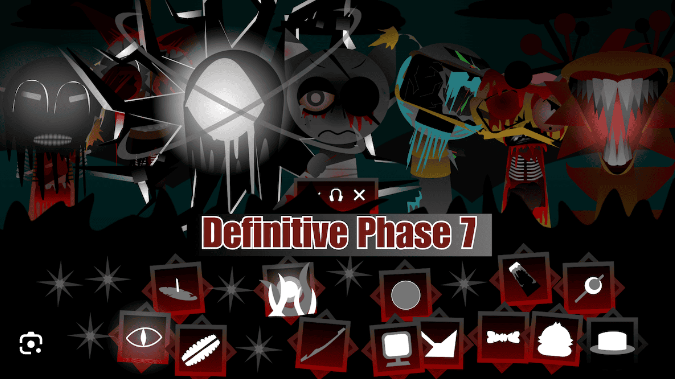
- Sprunki Definitive Phase 9 Fan Made — It matches Astro Take’s appeal as a creator-driven numbered-phase remix with altered sounds, visuals, and loop-building combinations.
- Sprunki New Look — Players who enjoy Astro Take’s refreshed layout and smoother presentation may like this for its emphasis on redesigned Sprunki visuals while keeping the drag-and-drop music format.
Is Sprunki Phase 18 Astro Take Worth Playing?
If you are deciding whether to play it, Sprunki Phase 18 Astro Take is most worth your time when the draw is Sprunki and Phase rather than a generic reskin.
Discuss Sprunki