



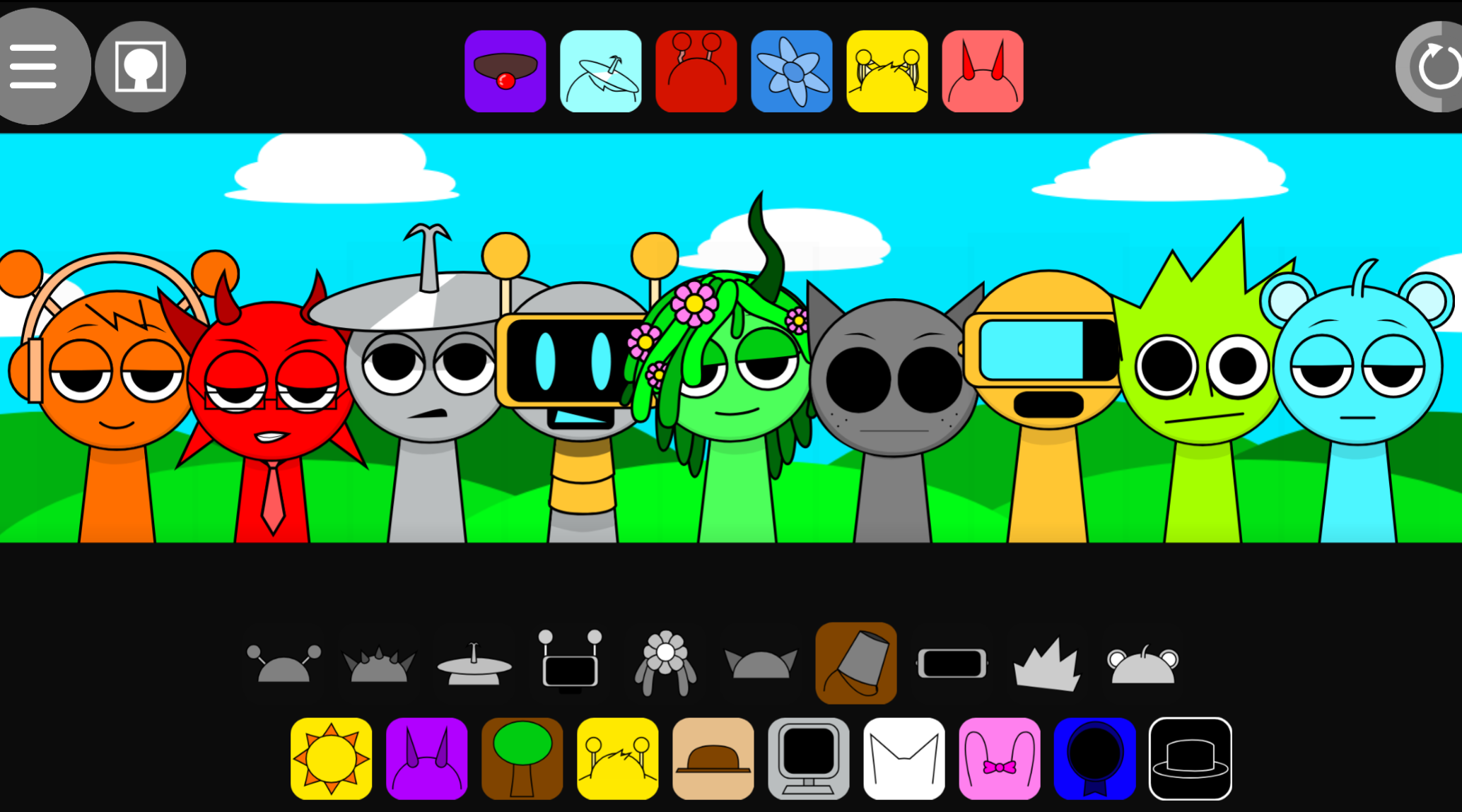
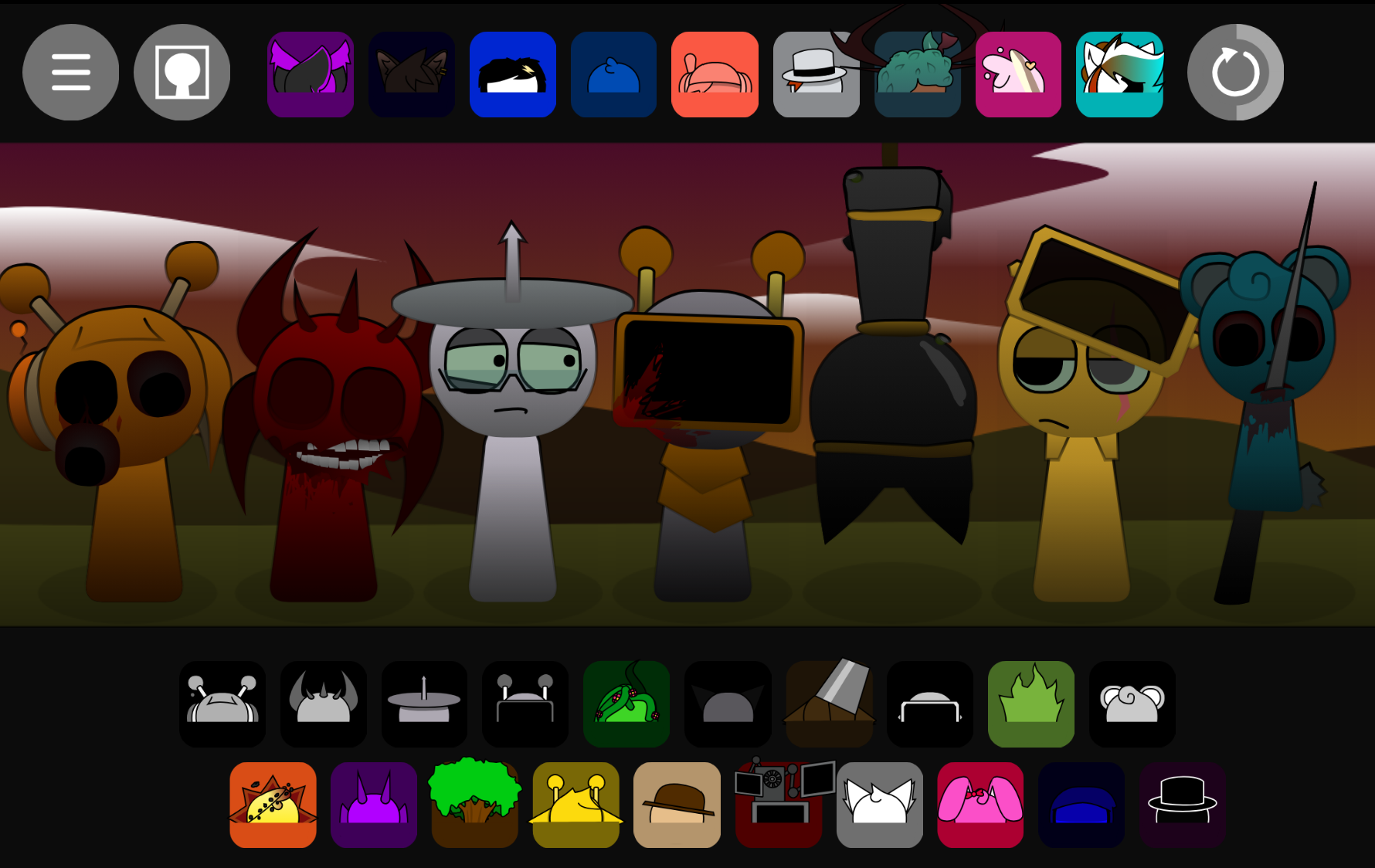
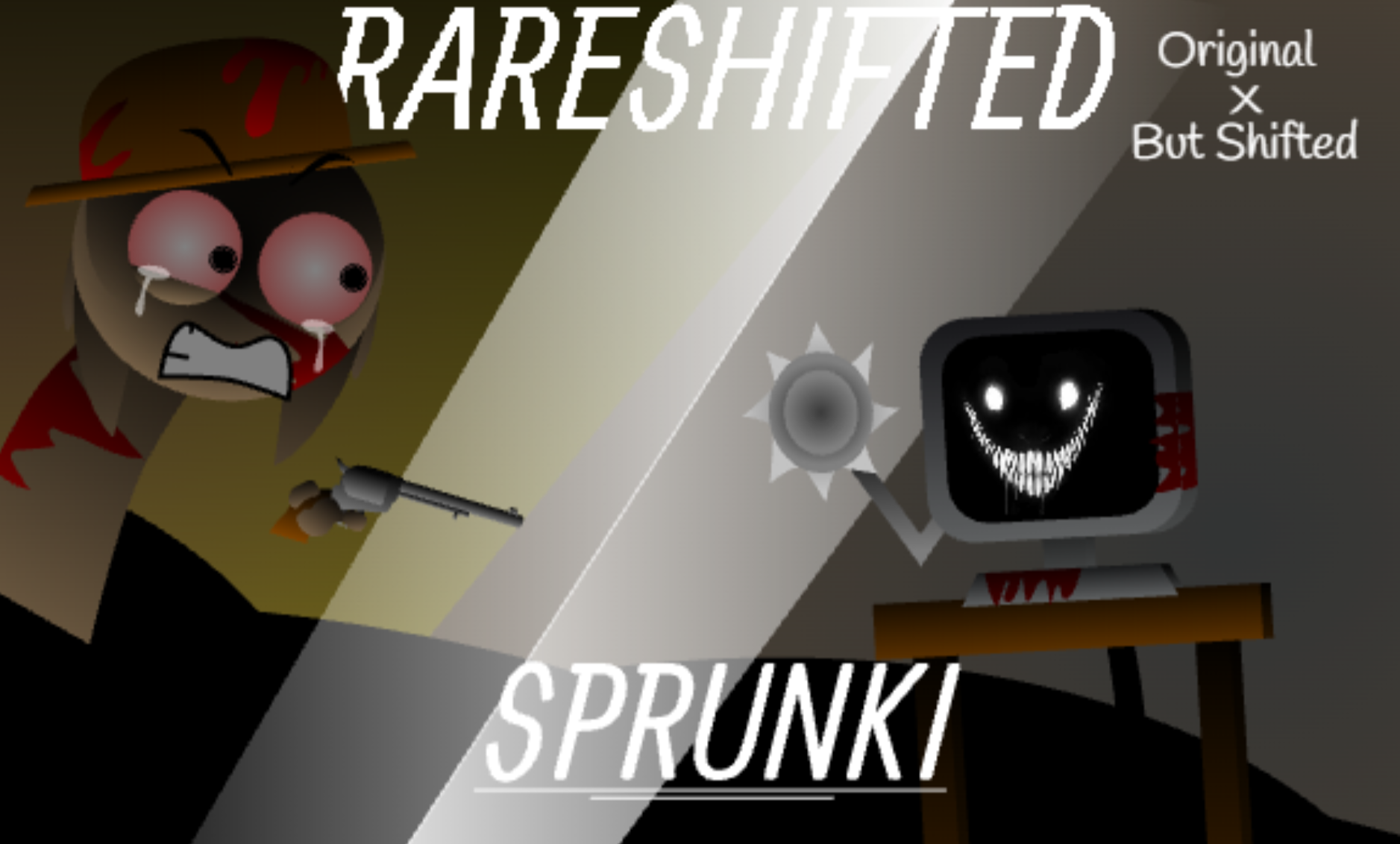



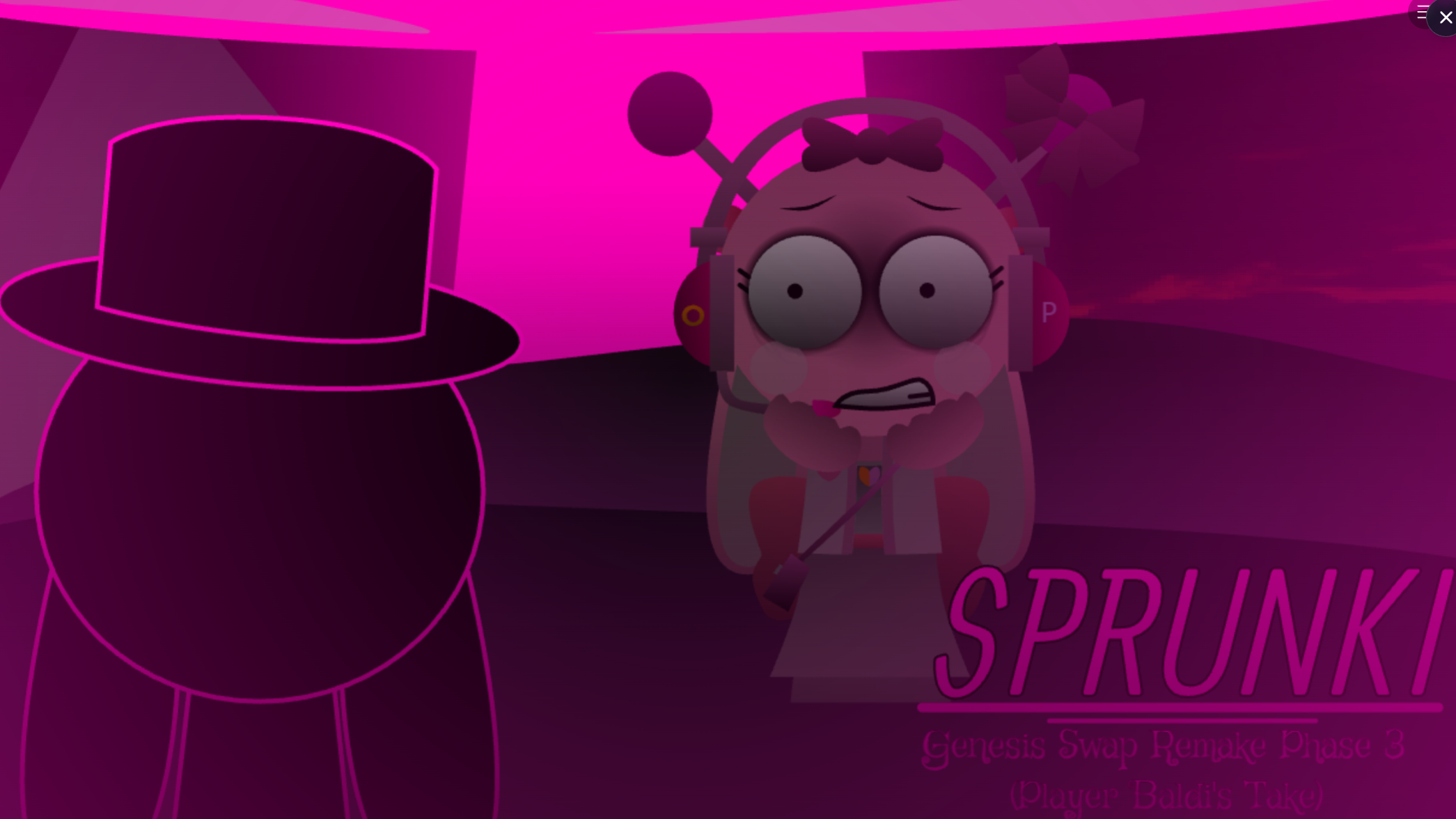
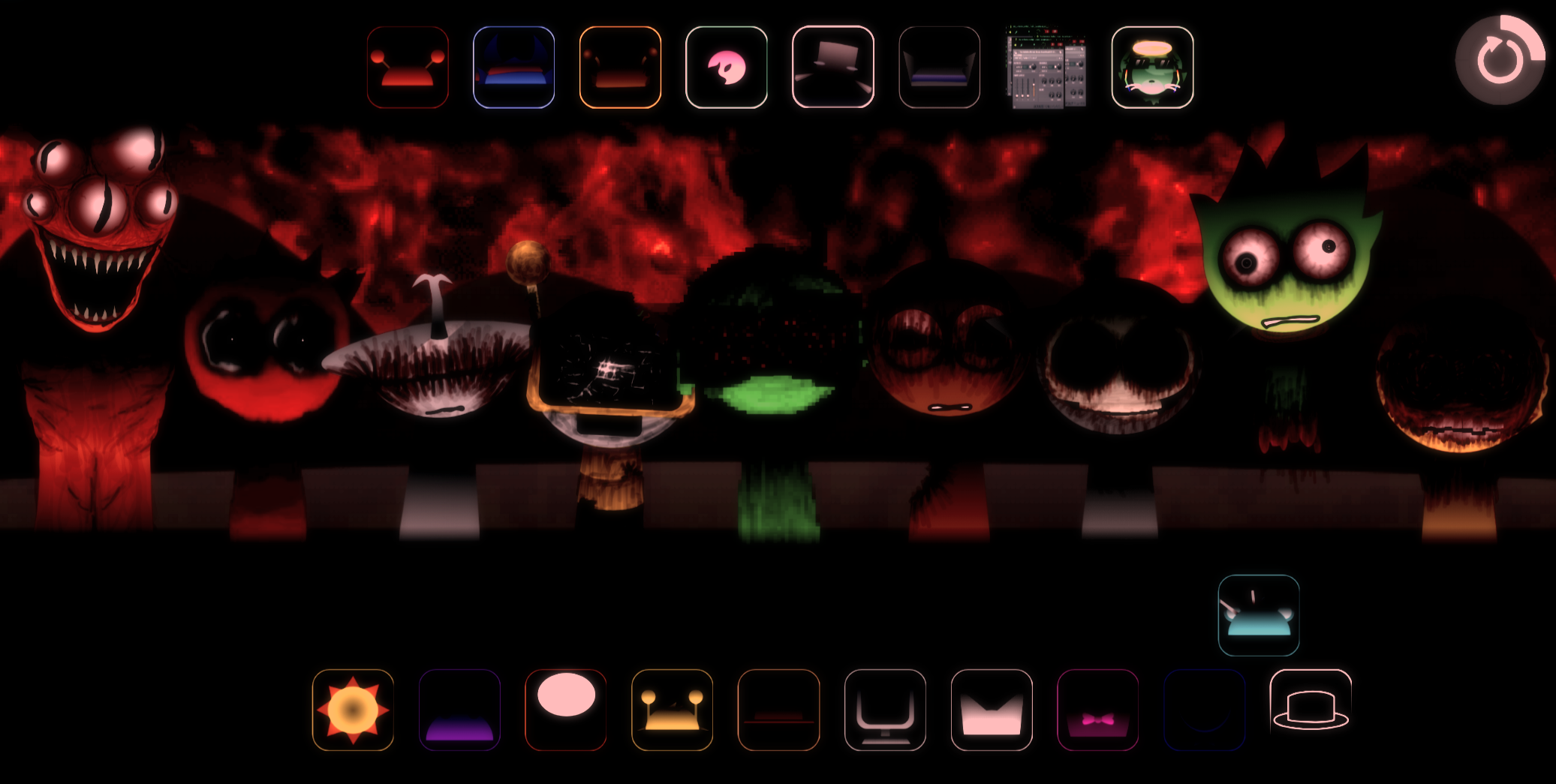
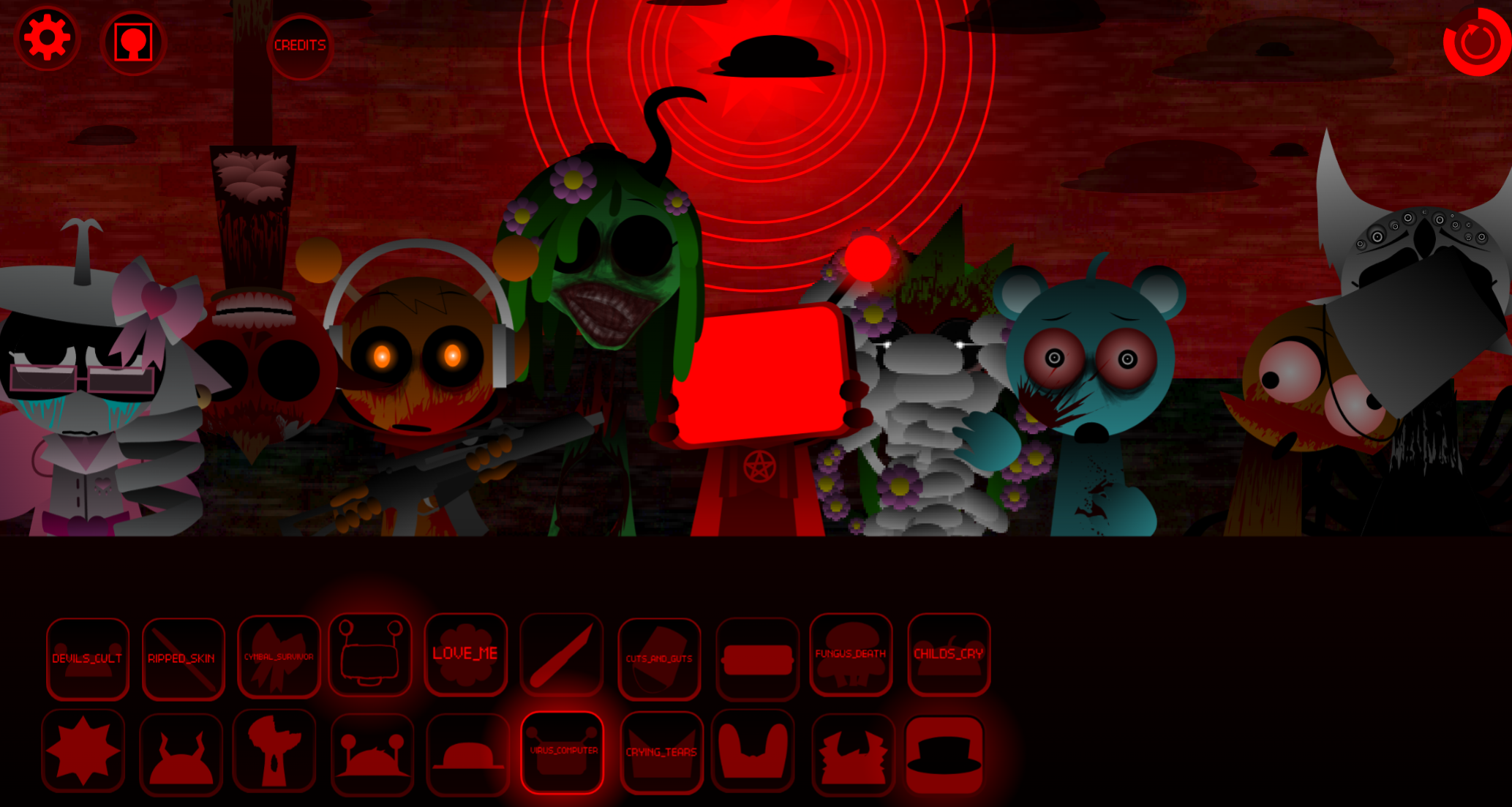
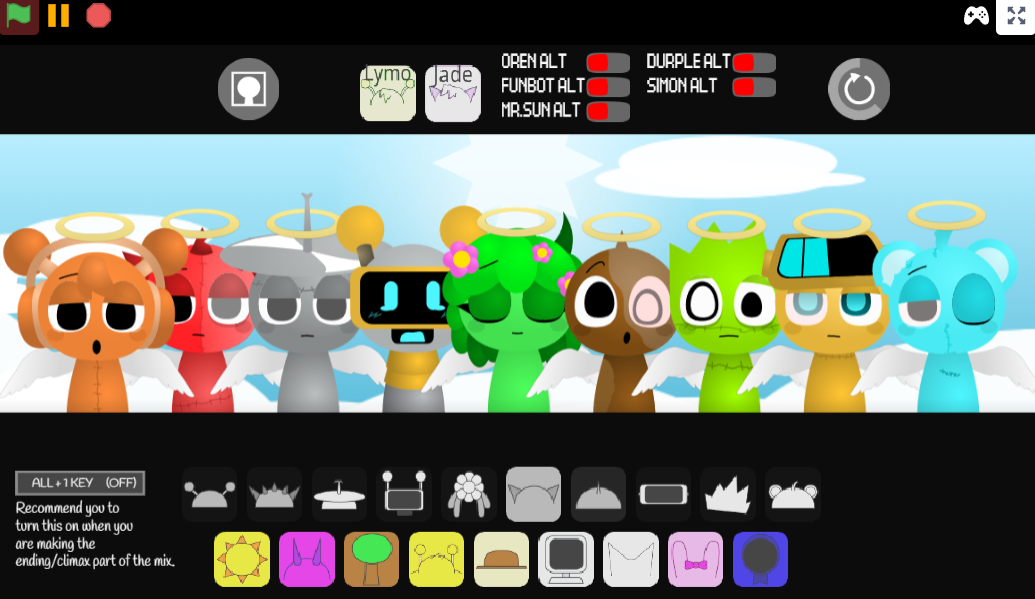
Sprunki HDP E Shifted Chapter 1: Time Two Go Green is a browser-based music-creation mod where players drag characters onto a stage to layer beats, vocals, melodies, and effects into custom arrangements without scores, win conditions, or timers.
The “Shifted” mechanic alters each character’s sound palette when activated, and “Chapter 1: Time Two Go Green” introduces environmental themes that influence the visual design and audio loops. This article explains how the core drag-and-drop system works, what the Shifted mode changes in practice, and which character combinations produce the cleanest layered tracks.
You’ll see how Time Two Go Green’s visual cues guide sound selection, how to activate and reset Shifted states mid-session, and which setups let you build coherent loops fastest.
Sprunki HDP E Shifted Chapter 1: Time Two Go Green
Sprunki HDP E Shifted Chapter 1: Time Two Go Green is a browser-based music-creation mod where players drag characters onto a stage to layer beats, vocals, melodies, and effects into a custom arrangement. No download, score, timer, or win condition is involved—the focus is open-ended composition.
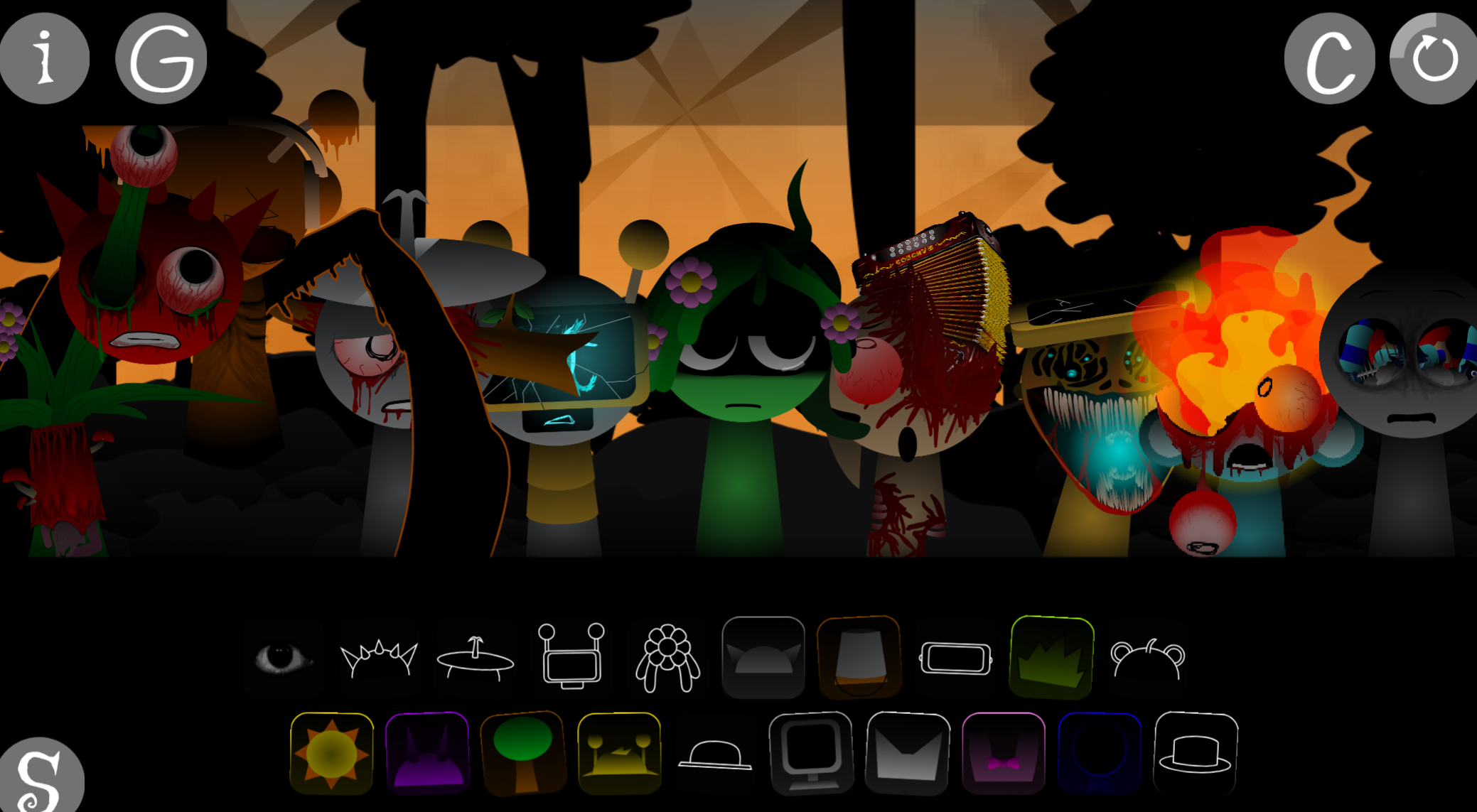
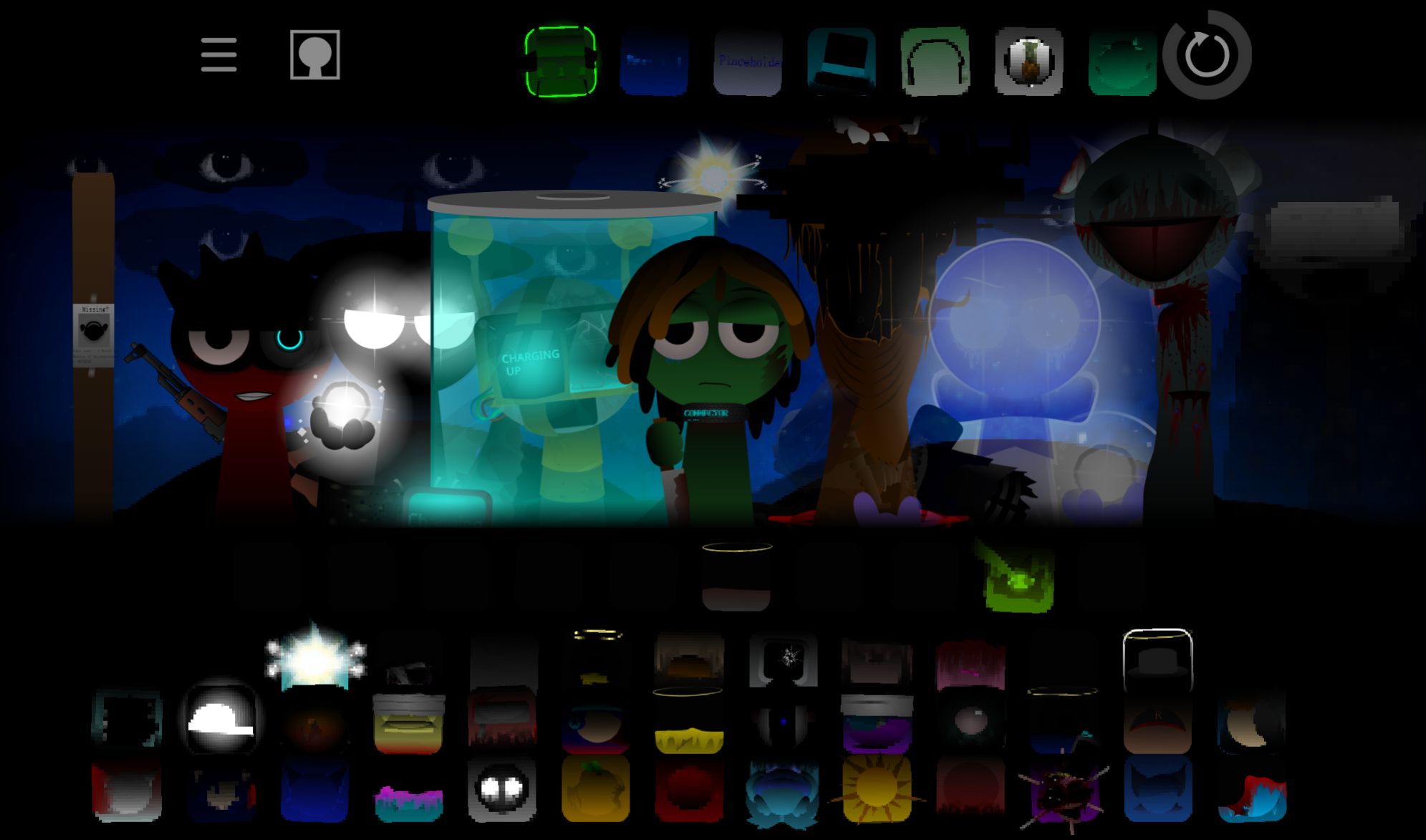
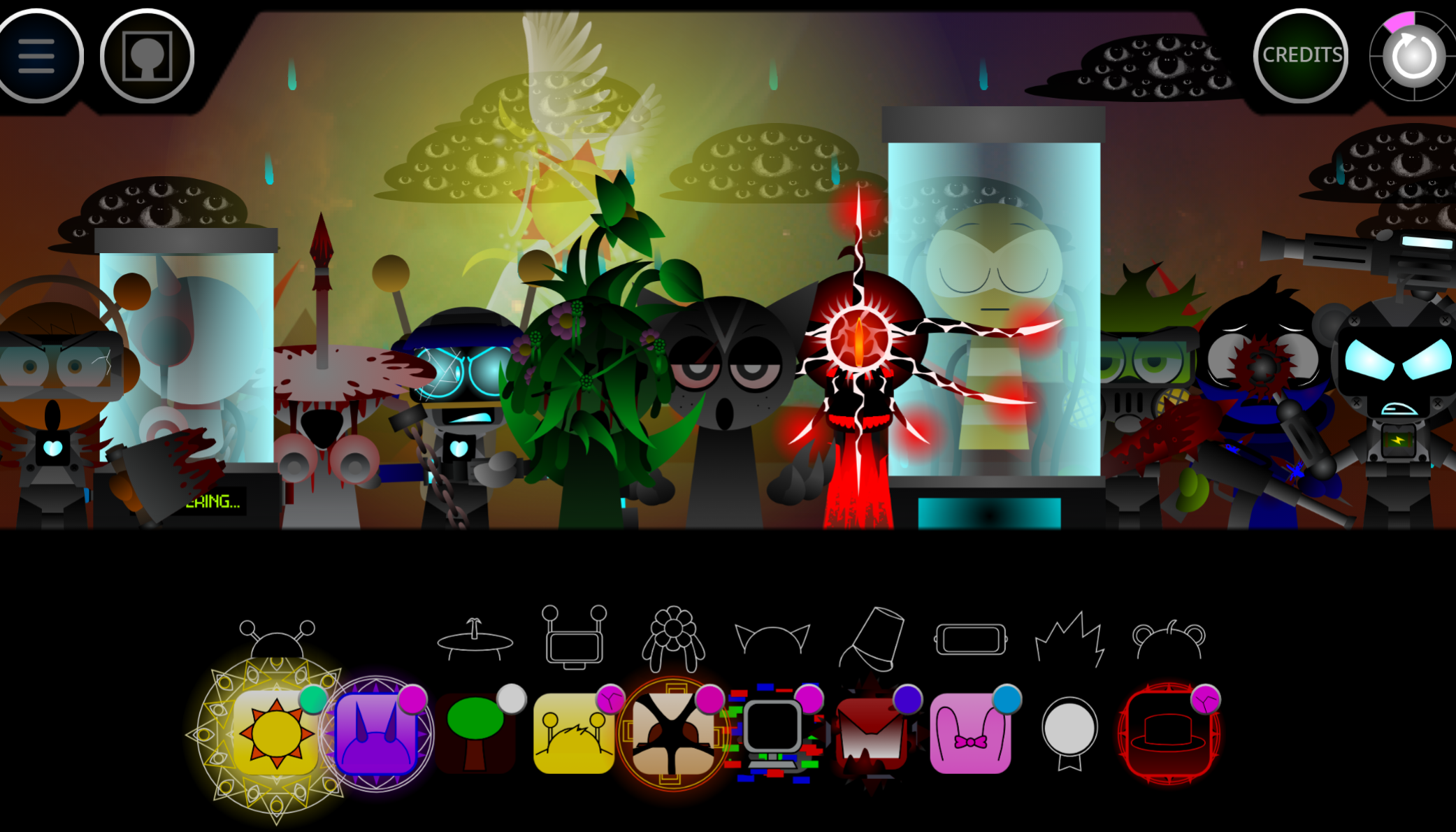
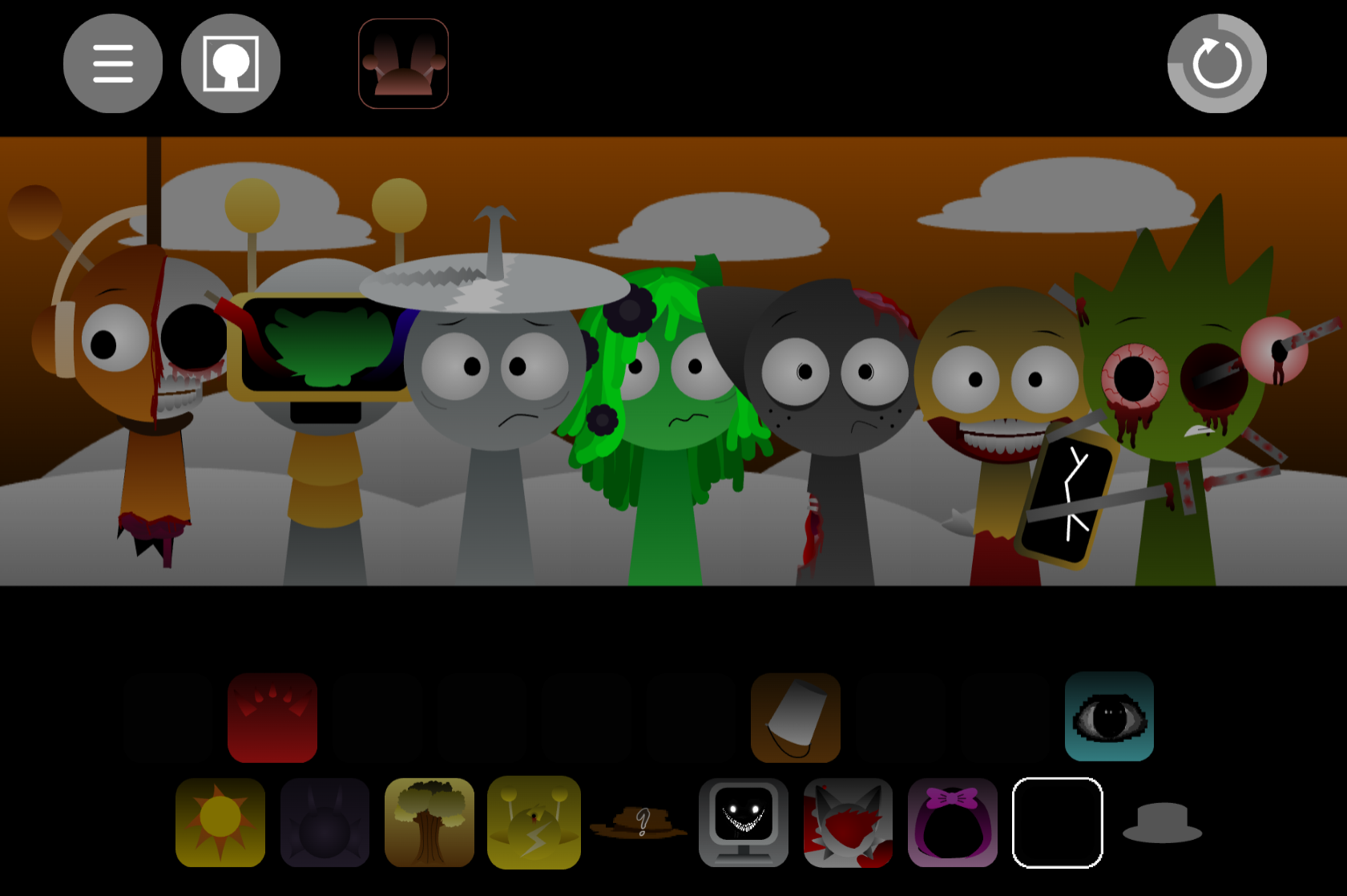
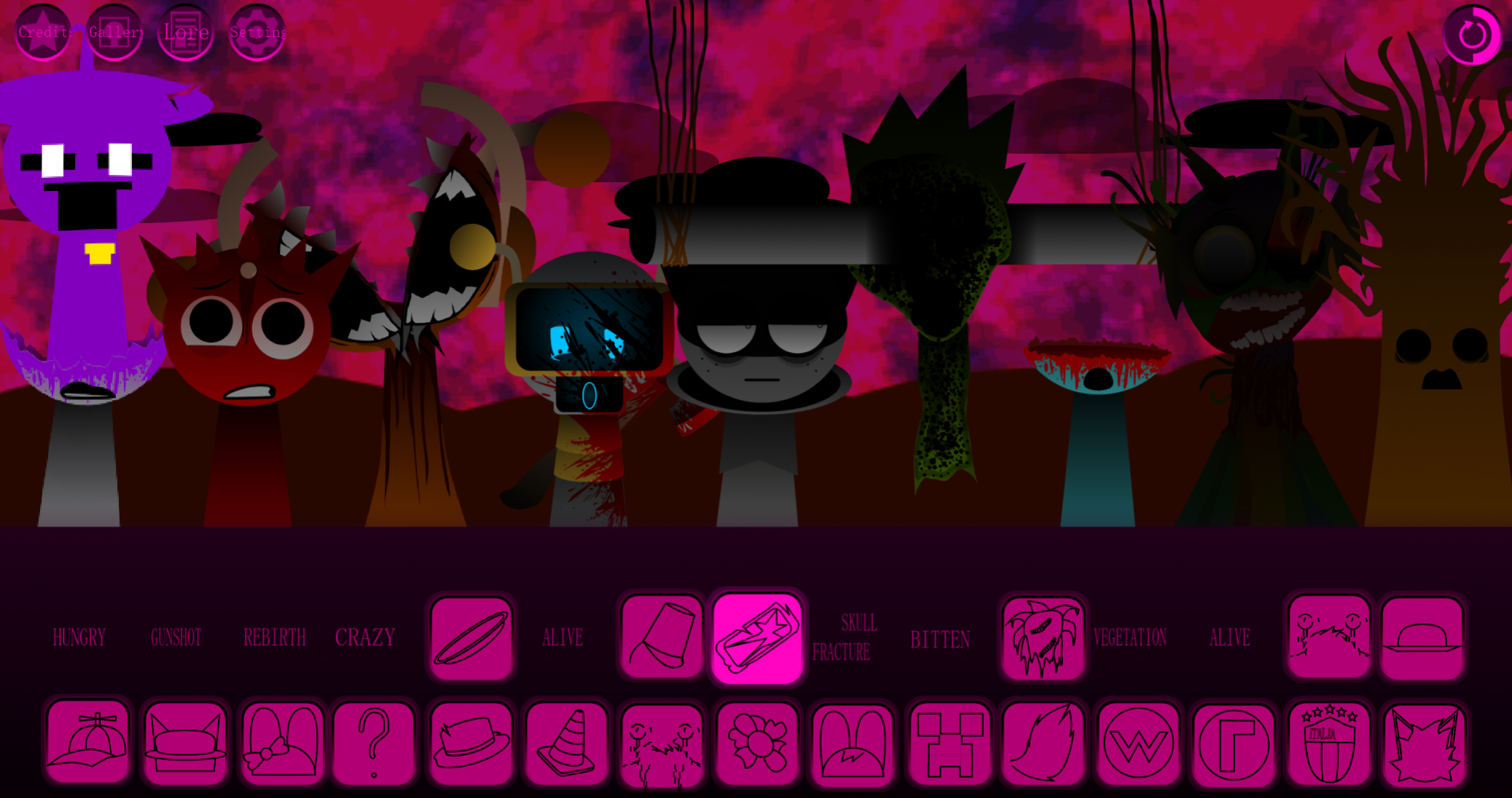
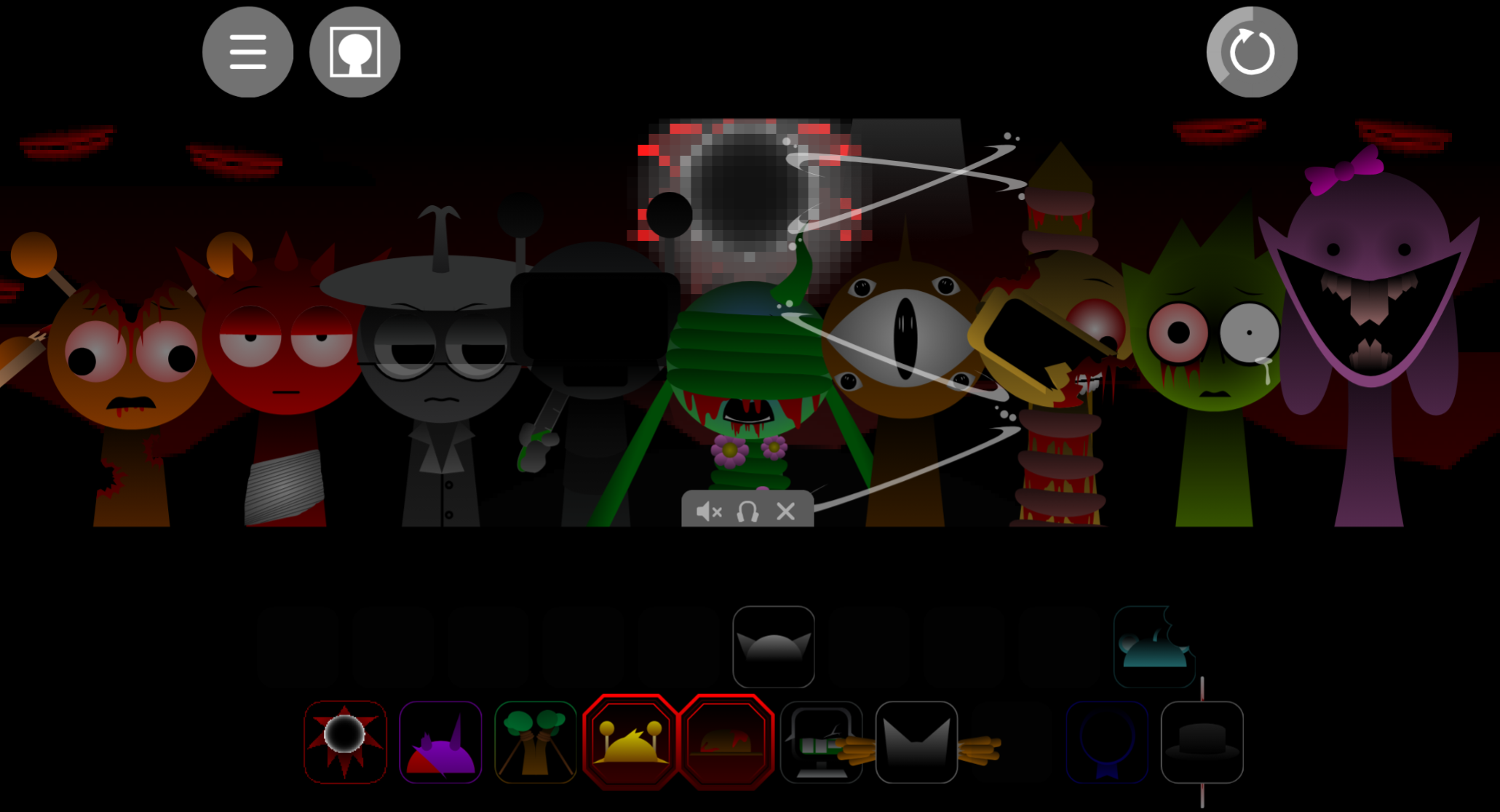
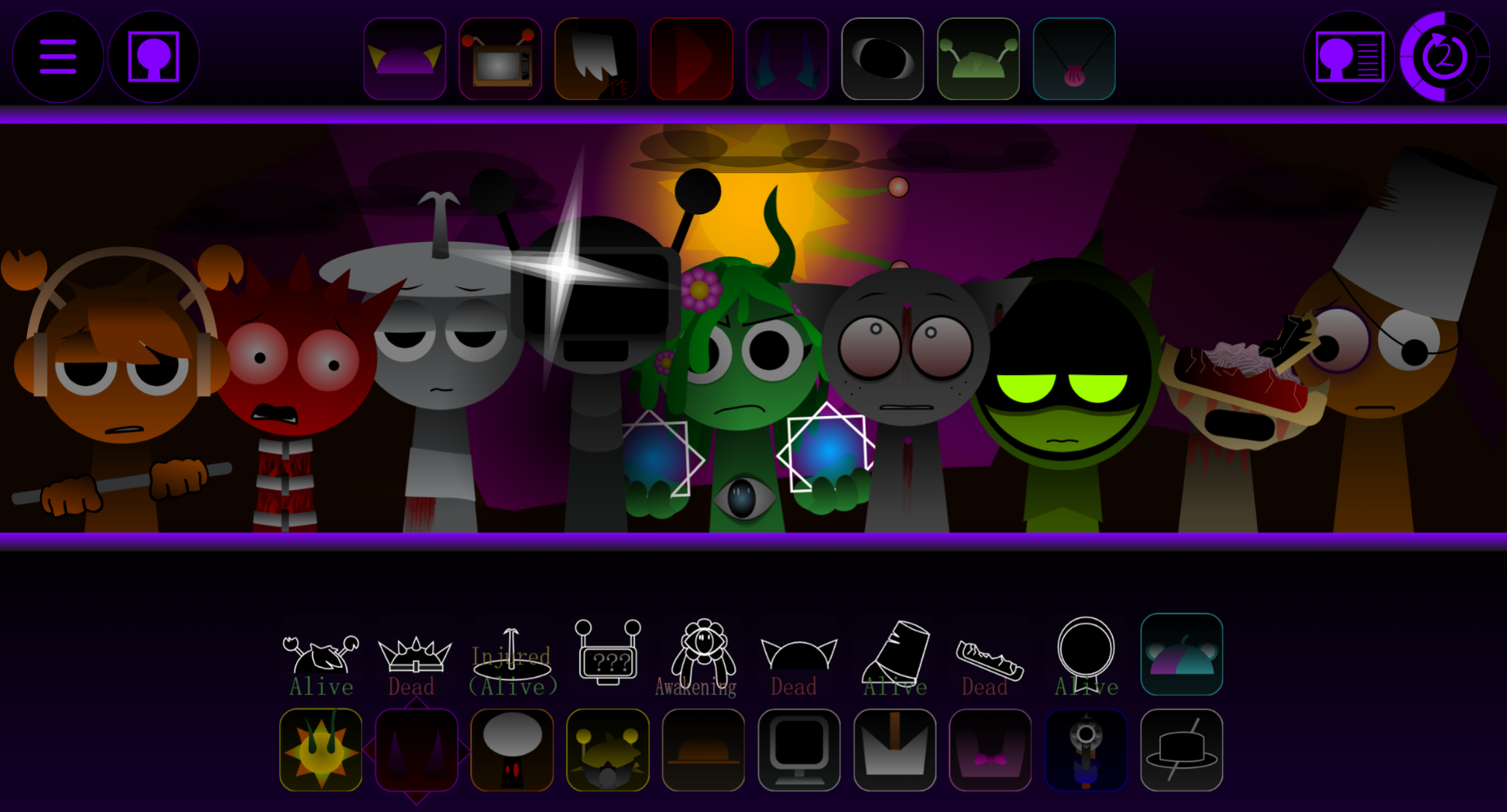
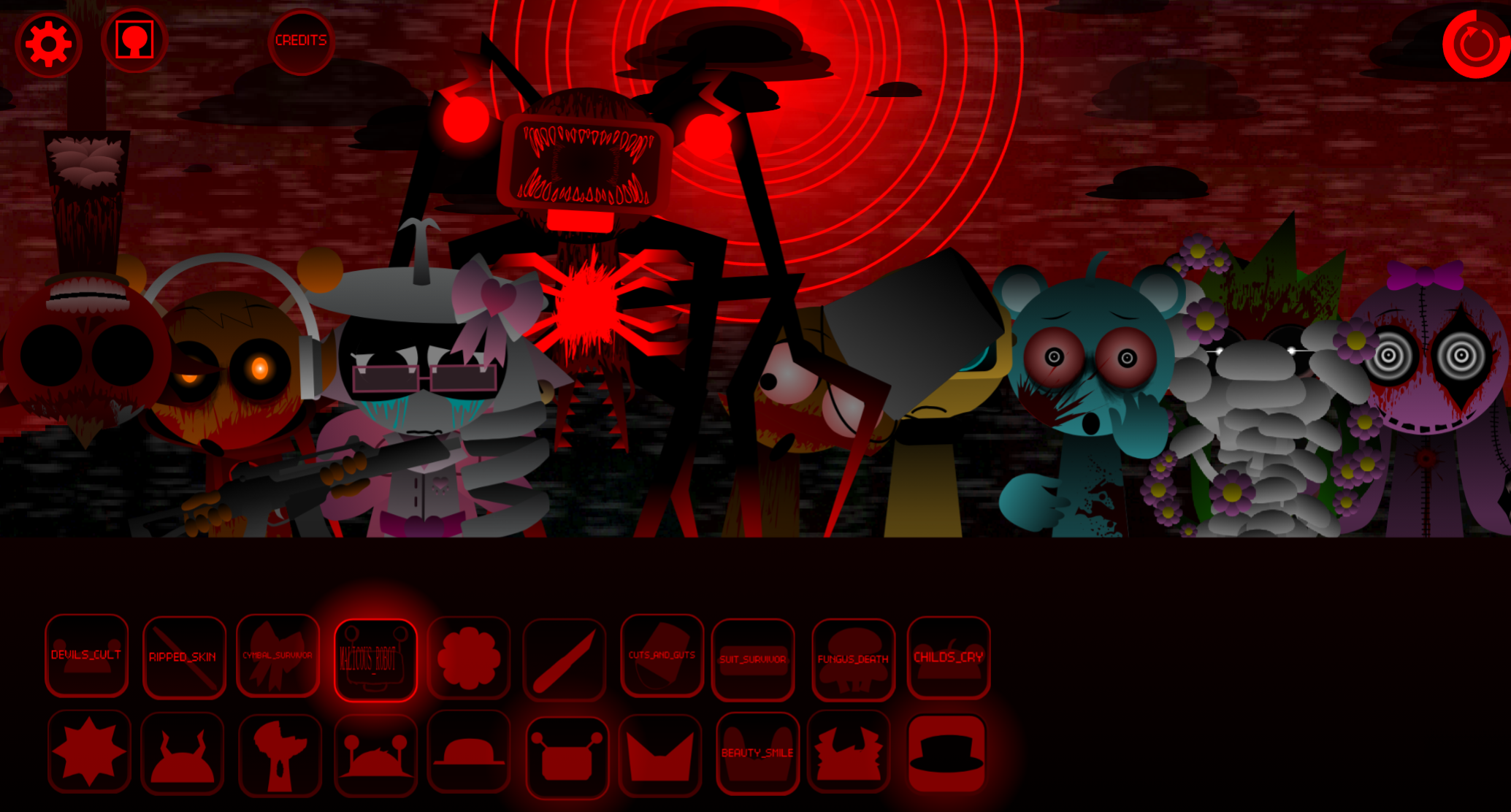
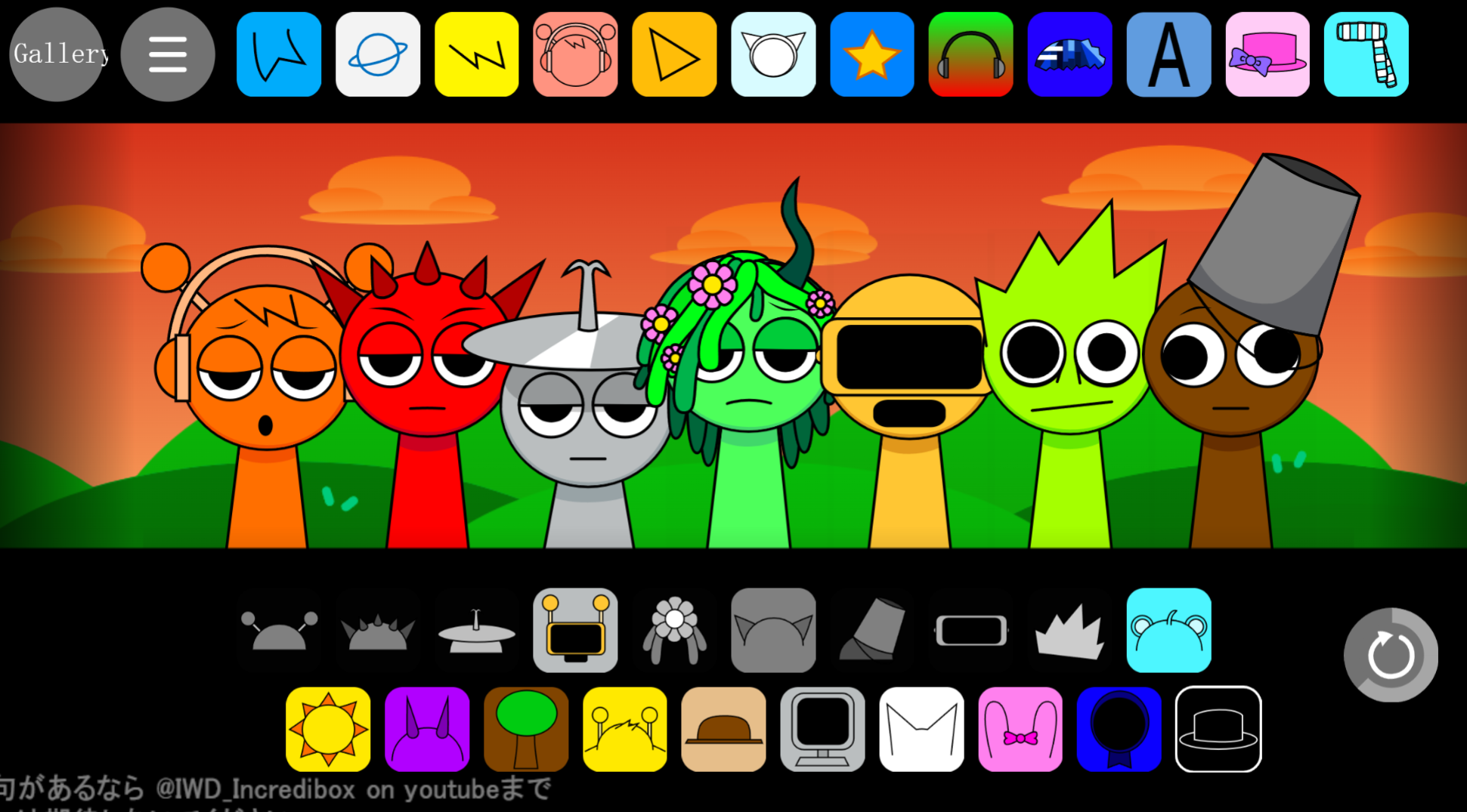
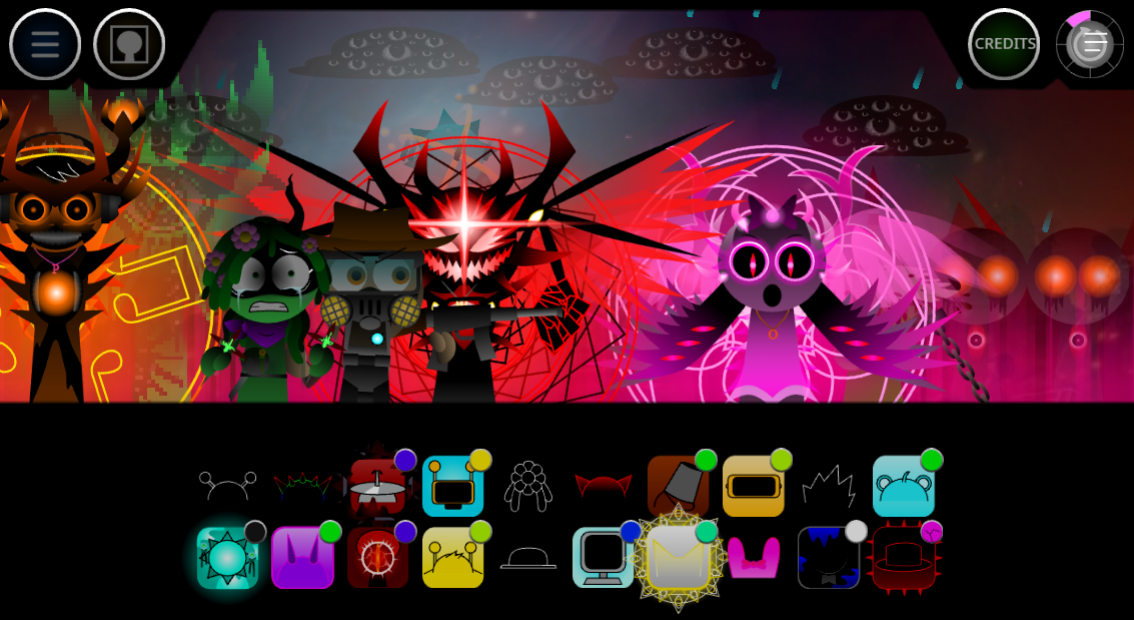
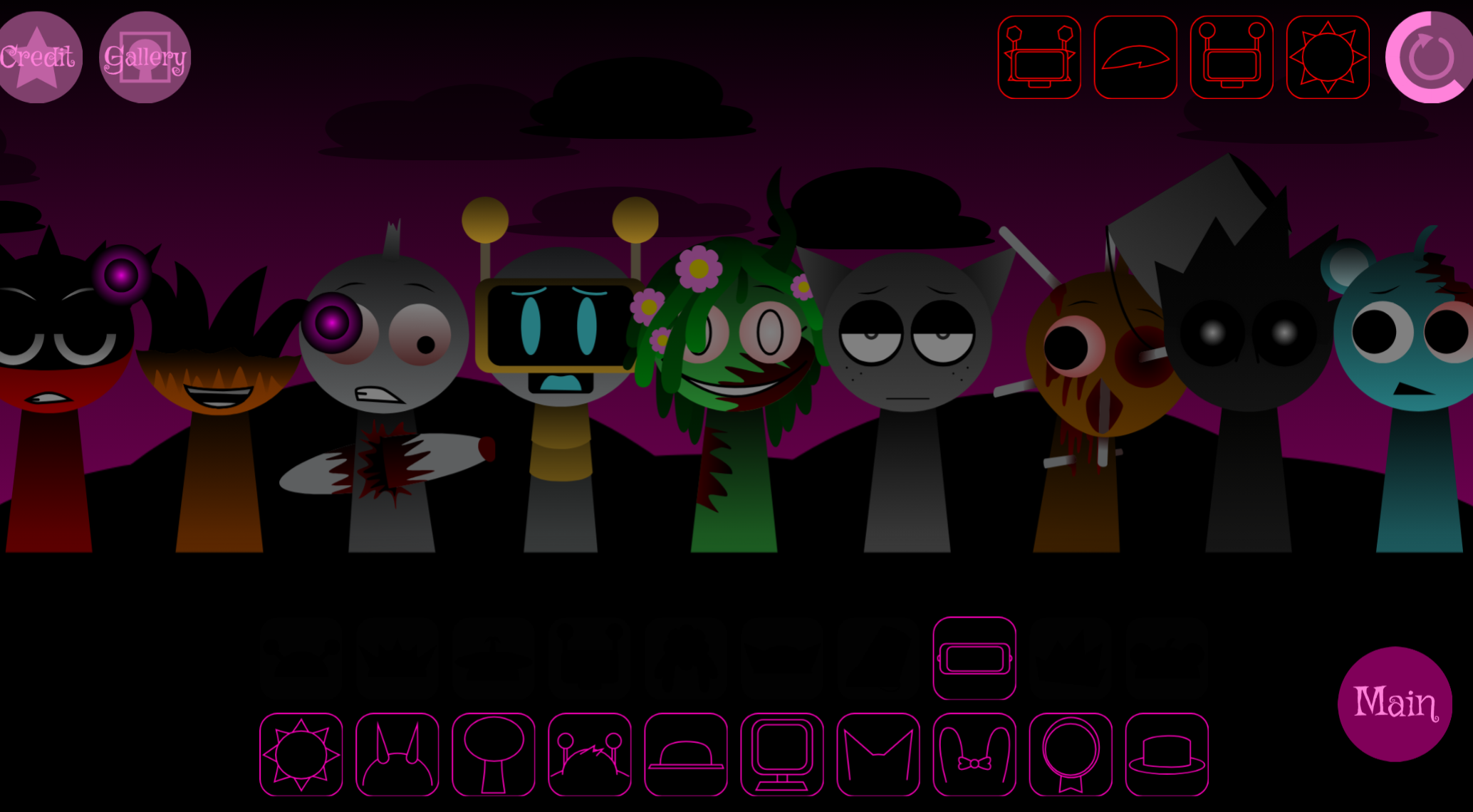
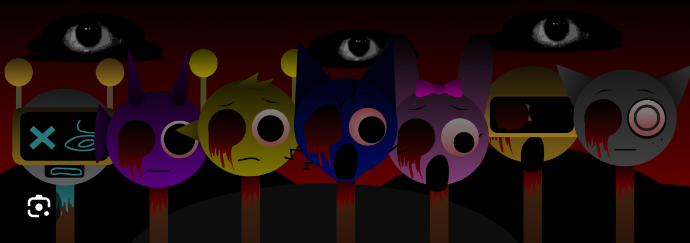
The Chapter uses a grayscale backdrop filled with staring eyes, black character silhouettes, and green-toned styling that replace Sprunki’s typical bright visuals with a moody, secretive atmosphere. A message reading “there are extra characters here btw…” hints at hidden roles within the expanded roster, adding light exploration to the sound-layering process.
Released as V10.0 by a collaborative team including @chimdien, @thisisnotNDMD, @BlueKG, @dangduylongdepzaia, @ReshinakaLUNA, @DucHuu, @gose67, @Brimond20, and @vietjevinoffical, the Chapter represents the group’s Hyper-Diverse-Plenty-Extra Shifted debut.
Player feedback has identified an audio quirk where Oren’s sound loop links unexpectedly across characters on its second repetition. The creators continue refining these technical details and addressing bugs before turning attention toward future chapters.
How to Play Sprunki HDP E Shifted Chapter 1: Time Two Go Green
The game runs in a web browser. Desktop play offers more comfortable drag-and-drop control, though many mobile devices support the experience.
-
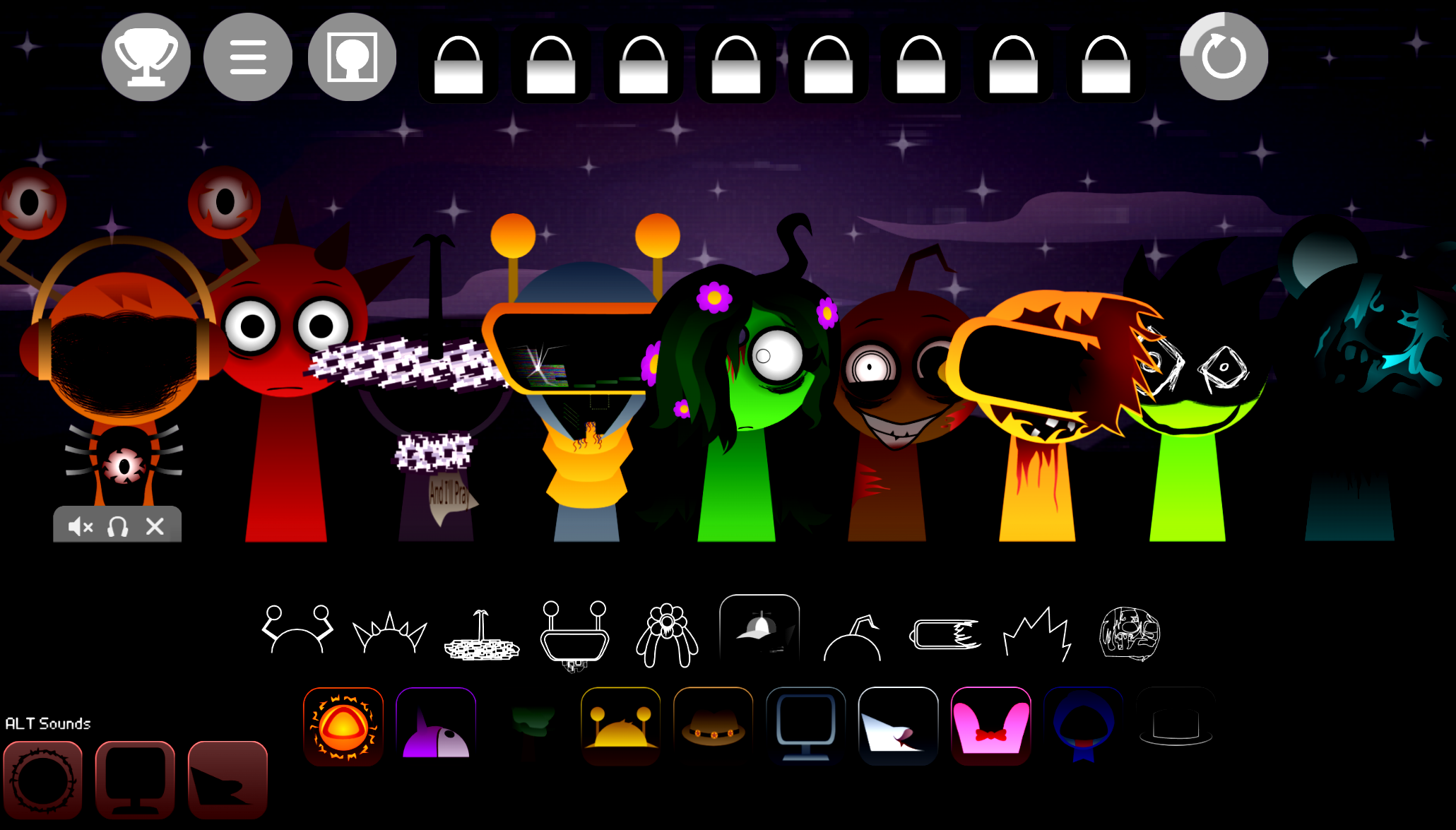
Choose a character from the sound library. Each performs a specific musical role: percussion, vocals, melody, or special effect.
-
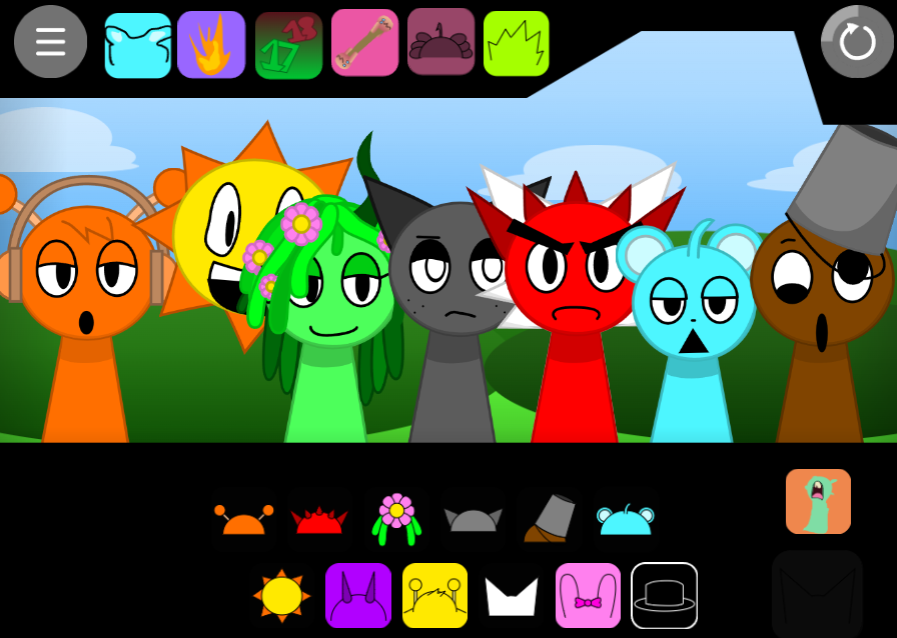
Drag the character onto a black silhouette position. Dropping it activates the loop, which layers with every active part already in the arrangement.
-
Build the track gradually. Start with rhythm, then test vocals, melodic fragments, and effects around it. No required order exists, so swapping characters and restarting ideas is normal.
-
Explore the extra characters. The on-screen note indicates hidden roles are available. Test different placements and combinations to uncover sounds beyond the obvious lineup.
-
Adjust and save the mix. Use available volume, effects, and editing controls to improve balance before saving or sharing. Sessions are assembled individually; real-time collaboration is not included.
Features of Sprunki HDP E Shifted Chapter 1: Time Two Go Green
-
Open-ended character mixing: Drag-and-drop placement activates beats, vocal phrases, melodies, and effects without scores or timed objectives.
-
Dark Shifted stage design: Grayscale screen, staring-eye backdrop, black silhouettes, and green-toned direction create a noticeably more atmospheric version of Sprunki’s usual setup.
-
Hidden expanded roster: Extra characters are hinted at directly through the on-screen message, adding light secret-hunting to the audio creation process.
-
Layer-based composition: Every sound can be evaluated against the existing mix, enabling sparse rhythm-led tracks or denser multi-role arrangements.
-
Community project in refinement: V10.0 marks the team’s debut release. Development continues, including work on reported issues such as Oren’s second-loop behavior.
Exploration & Audio Tips
Exploration works best as a way to learn the sound library rather than search for one correct combination. The Chapter rewards small tests: add a part, listen to its full loop, then decide whether it improves the mix or should be replaced.
-
Introduce one layer at a time. Let each beat, vocal, melody, or effect establish itself before adding another. This makes clashes easier to identify.
-
Build around contrast. A busy rhythm often benefits from a restrained vocal or effect layer. Two dense loops may compete for attention in a mix that already contains several characters.
-
Compare variations rather than overfilling the stage. Remove one sound, replay the arrangement, and notice what changes. A simpler mix can be clearer than one using every available role.
-
Use repeated playback for troubleshooting. Oren’s loop has been reported to link unexpectedly with other characters on its second repetition. Replay a combination before treating an unusual transition as intentional, especially when refining a saved track.
-
Share useful discoveries. Saved mixes can be shared with friends and the Sprunki community, while other players’ arrangements offer practical reference points for hidden characters, sound pairings, and different approaches to the Chapter’s darker audio style.
Related Games
- Sprunki Special Shifted — This Shifted-series entry is the most natural follow-up for players who want another altered Sprunki sound-mixing experience with mod-specific characters and audiovisual twists.
- Sprunki Hyper Shifted Phase 5 Revival Part 1 — Its Hyper Shifted framing directly complements Chapter 1’s HDP Shifted debut, inviting players to explore a more advanced phase of the same remix-driven mod universe.
- Sprunki Mr Black time — The dark, time-focused presentation makes it a fitting next click for readers drawn to Chapter 1’s grayscale stage, ominous eyes, and mysterious narrative atmosphere.
Enjoy!
Discuss Sprunki