



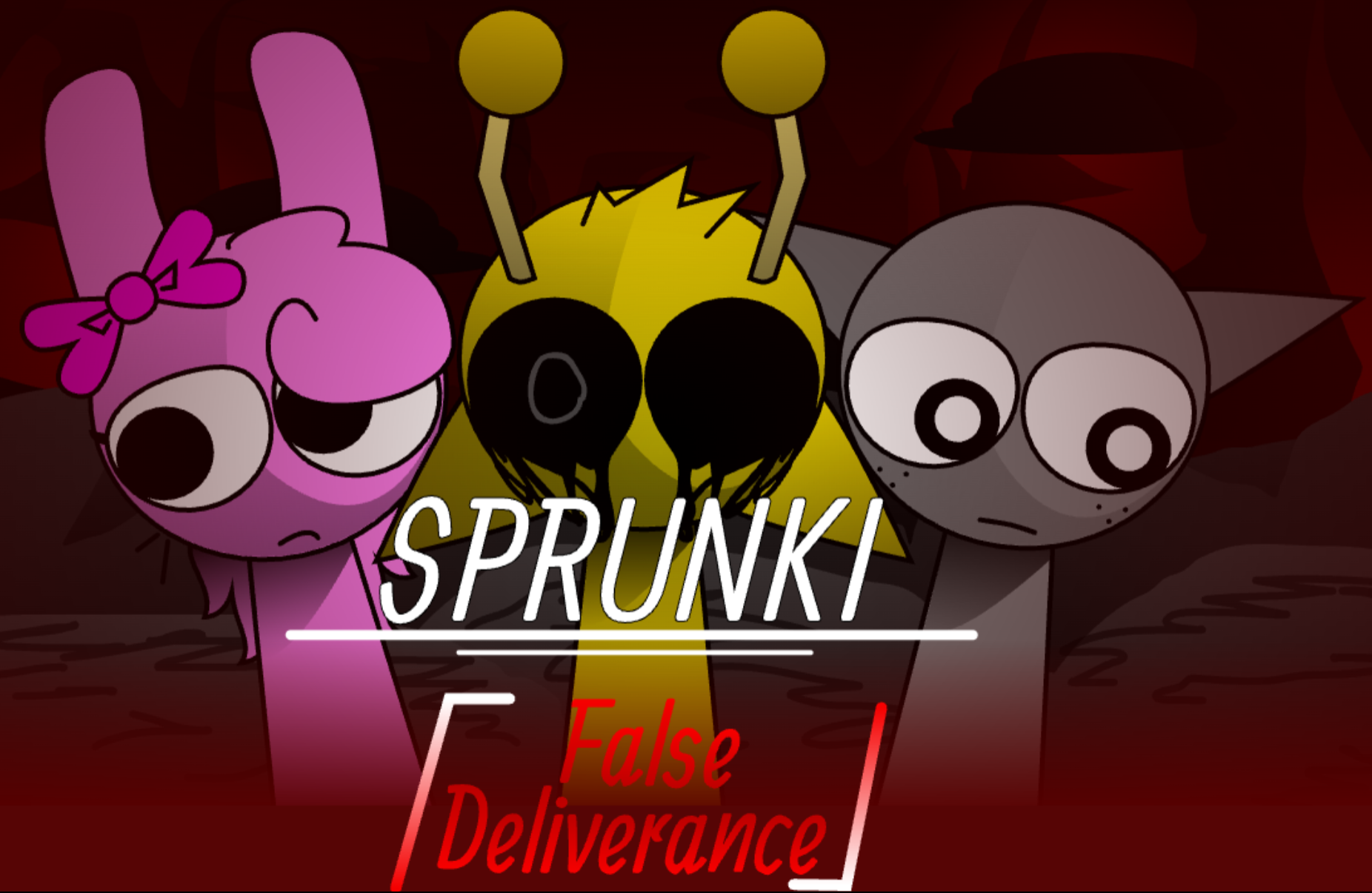
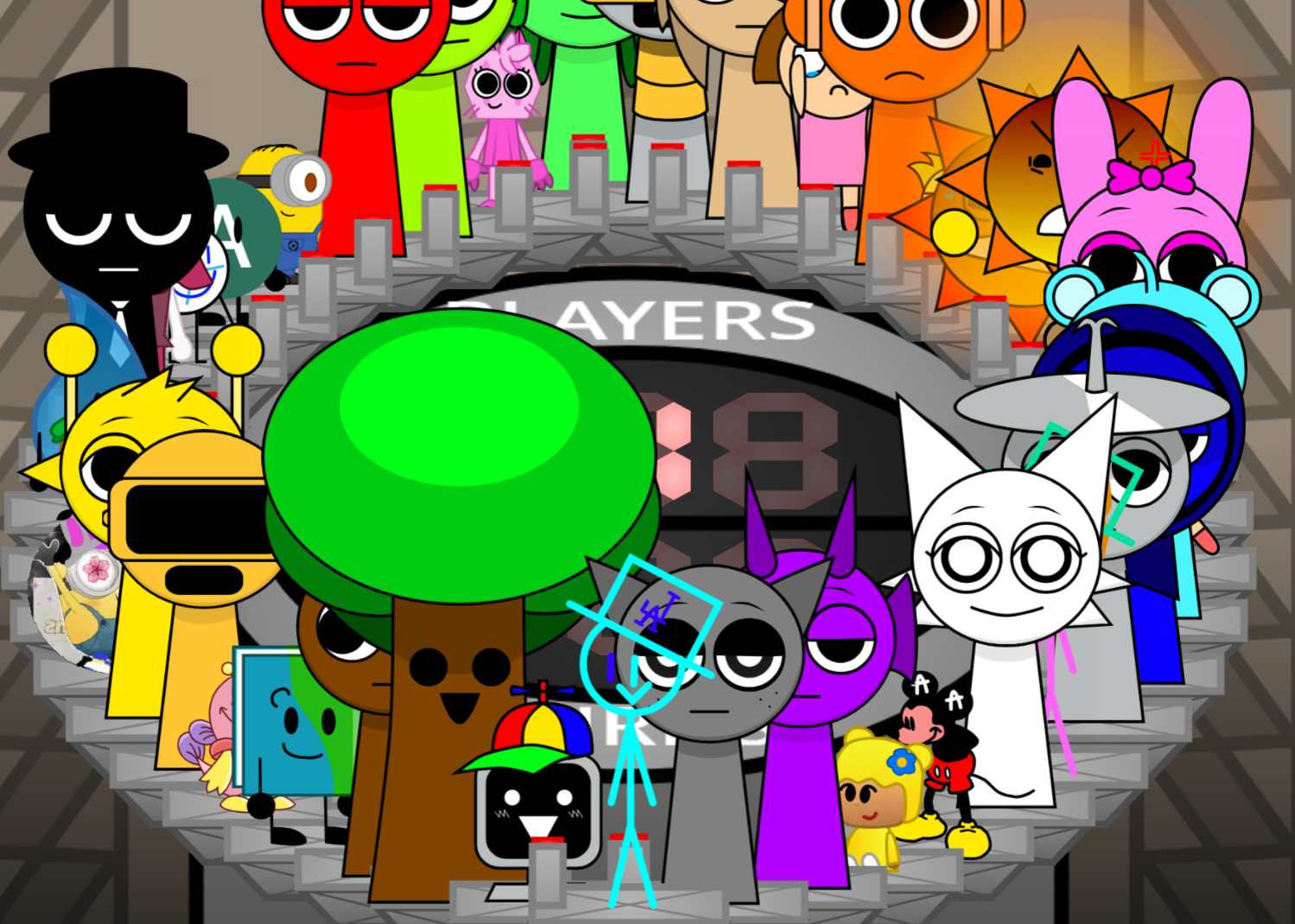
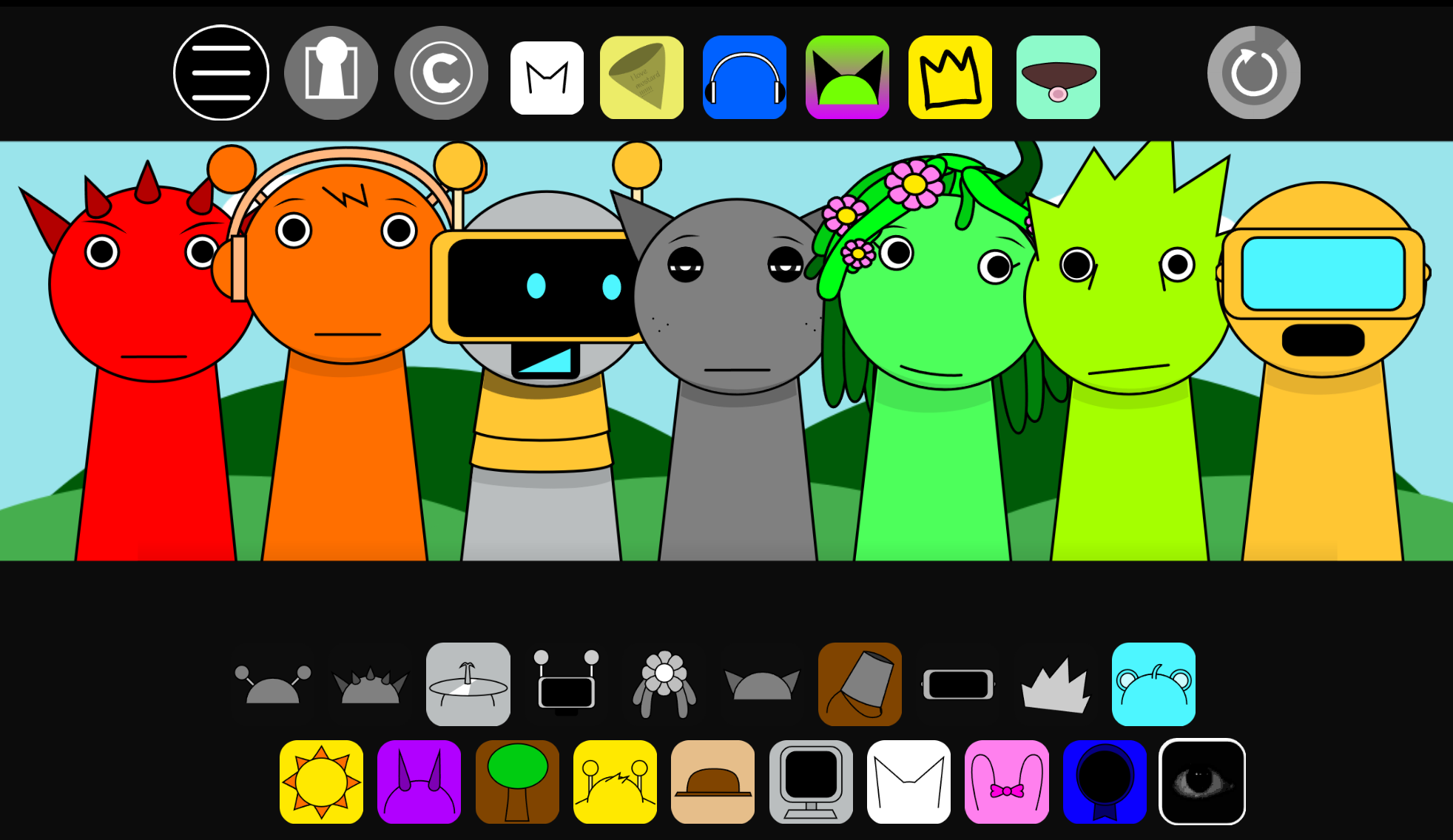
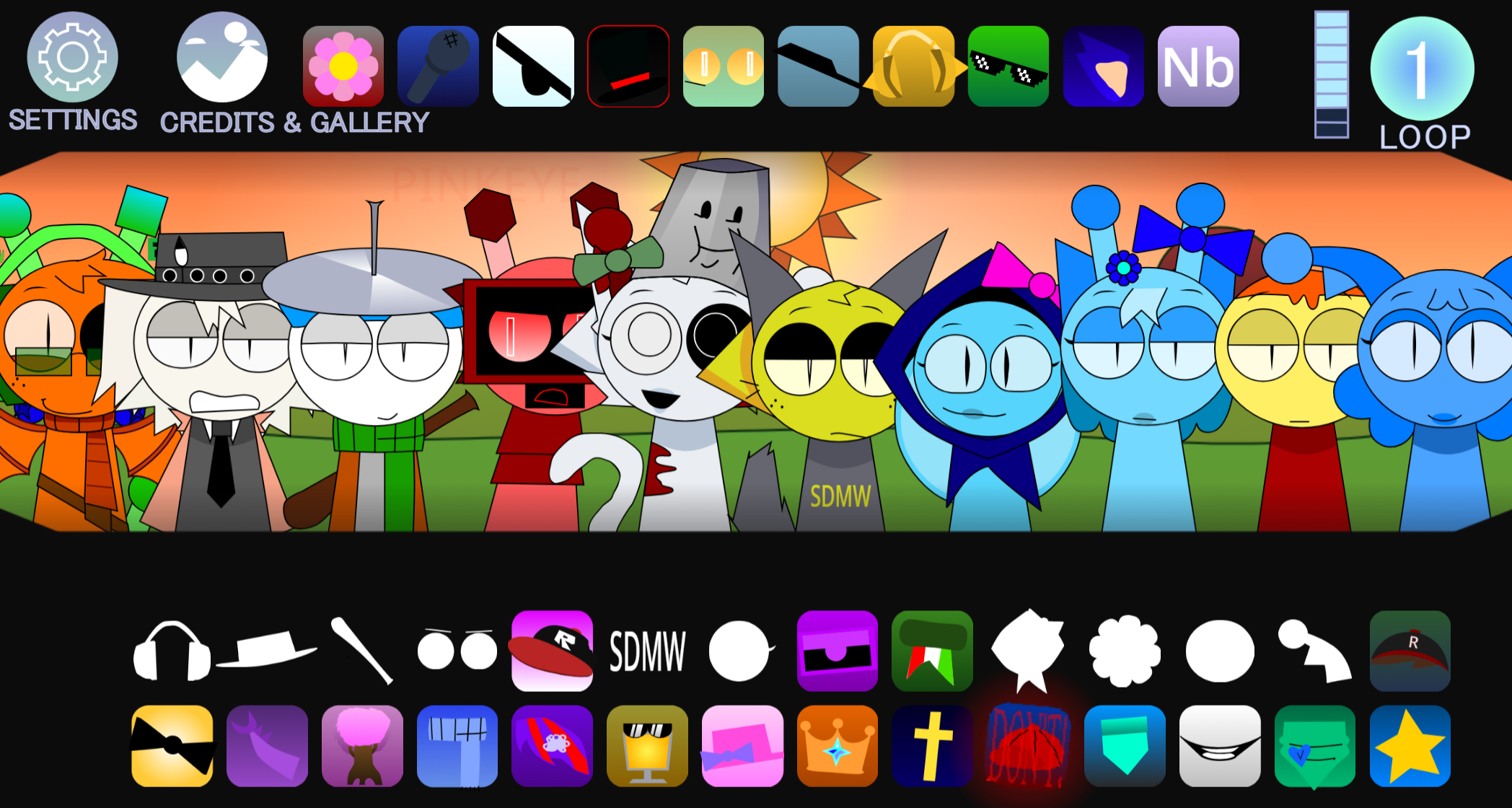
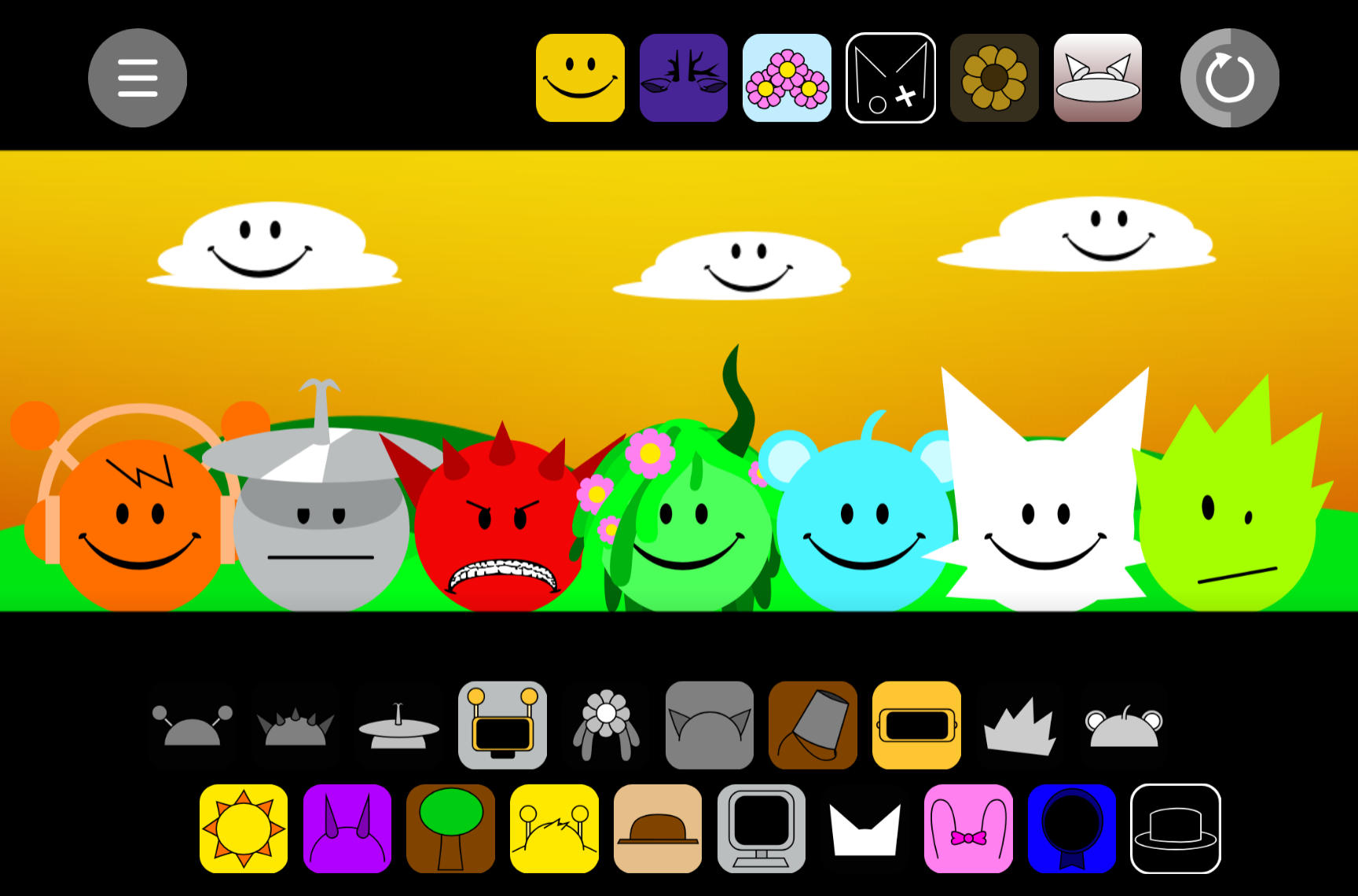
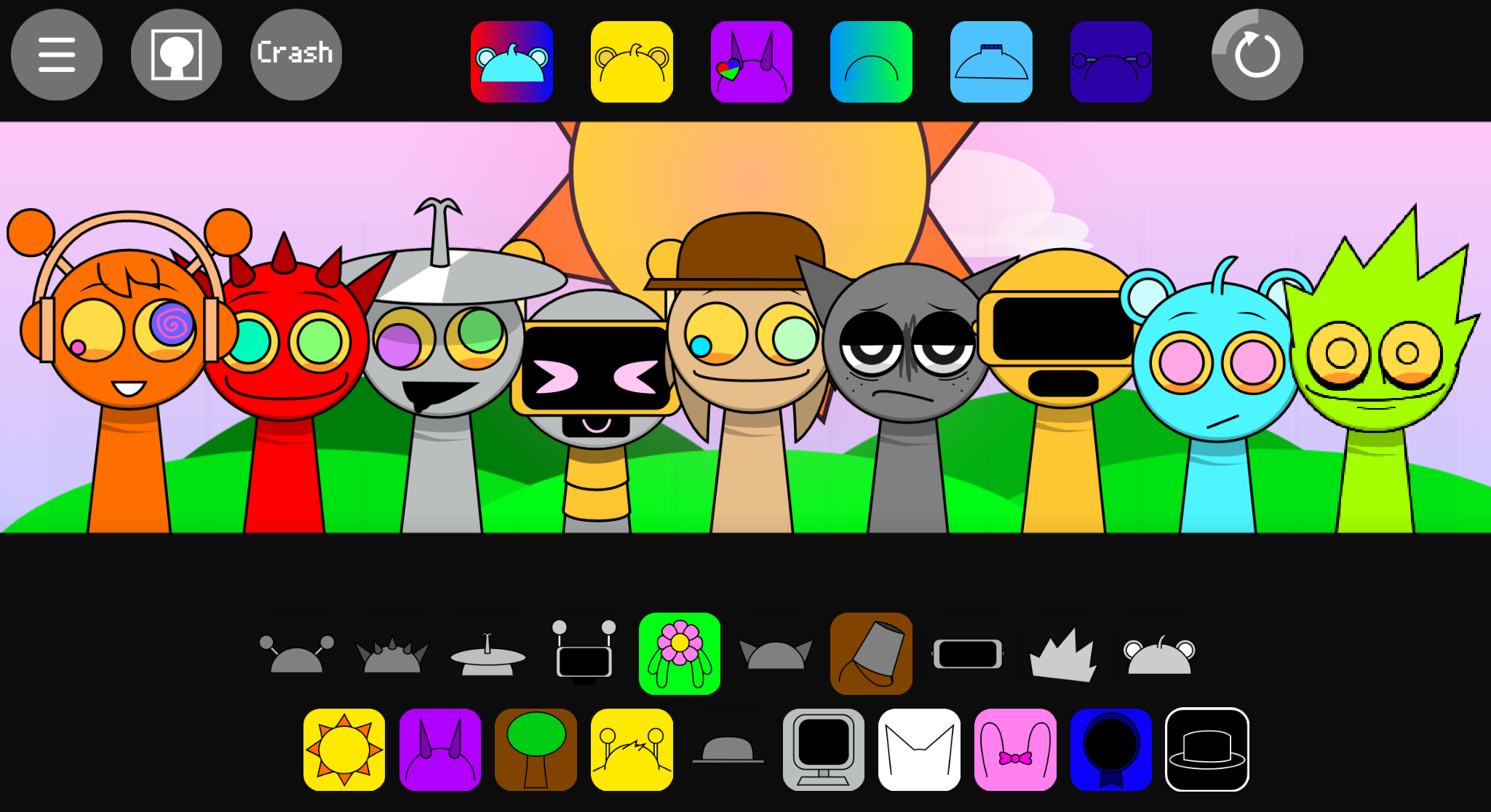
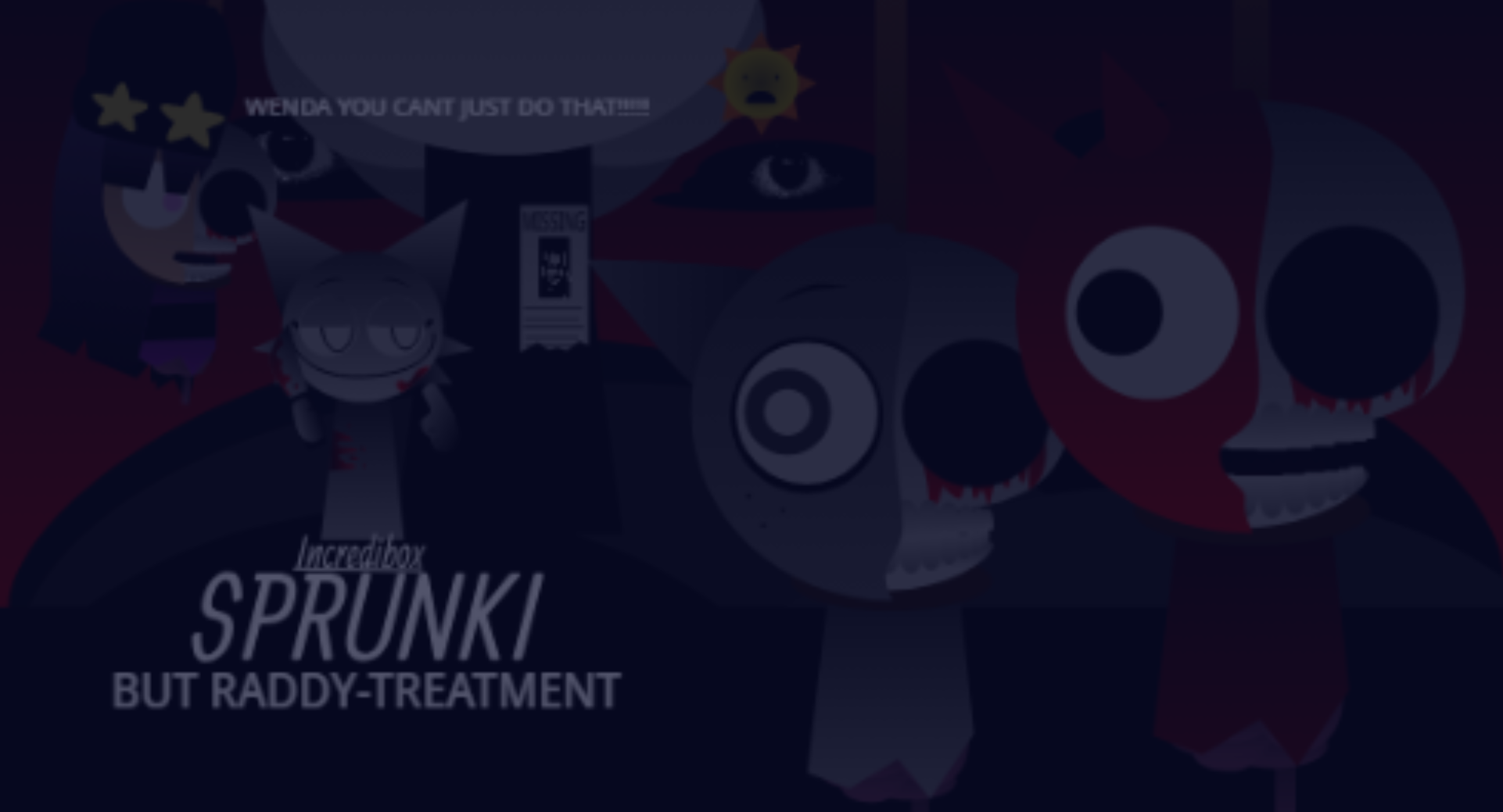
Sprunki Rareshifted Phase 3 Keys Take is a browser-based horror music mixer that reimagines the standard Sprunki format through Key’s distinctive visual style and sound design.
Unlike generic variants that simply reskin characters, this version rebuilds the atmosphere from the ground up—each character carries a specific visual identity tied to darker, more textured audio loops that layer into cohesive horror soundscapes.
This article breaks down the key features that separate Keys Take from other Sprunki mods: the visual overhaul that gives each character a recognizable horror aesthetic, the shift in sound palette toward unsettling tones and rhythms, and the way these elements work together to create a distinct mixing experience.
You’ll see what makes this variant feel purposefully designed rather than assembled from borrowed assets.
Sprunki Rareshifted Phase 3 (Key’s Take): Dark Horror Mixing
Sprunki Rareshifted Phase 3 (Key’s Take) is a browser-based music mixer that transforms the Sprunki format into a horror soundscape. Created by mod author @xybszgr and released as V1.0, it lets players drag corrupted characters onto a rot-stained stage to build layered audio from ominous beats, eerie melodies, and distorted vocals.
There’s no time limit, required sequence, or win condition—progression comes from experimenting with combinations, isolating tracks with solo and mute controls, and discovering how character placements trigger visual reactions.
Unlike Sprunki Definitive Phase 3, Key’s Take prioritizes glitch-heavy unpredictability over structured musical sets, turning each arrangement into an unstable performance where sound and visuals fracture together.
Visual Style & Character Design
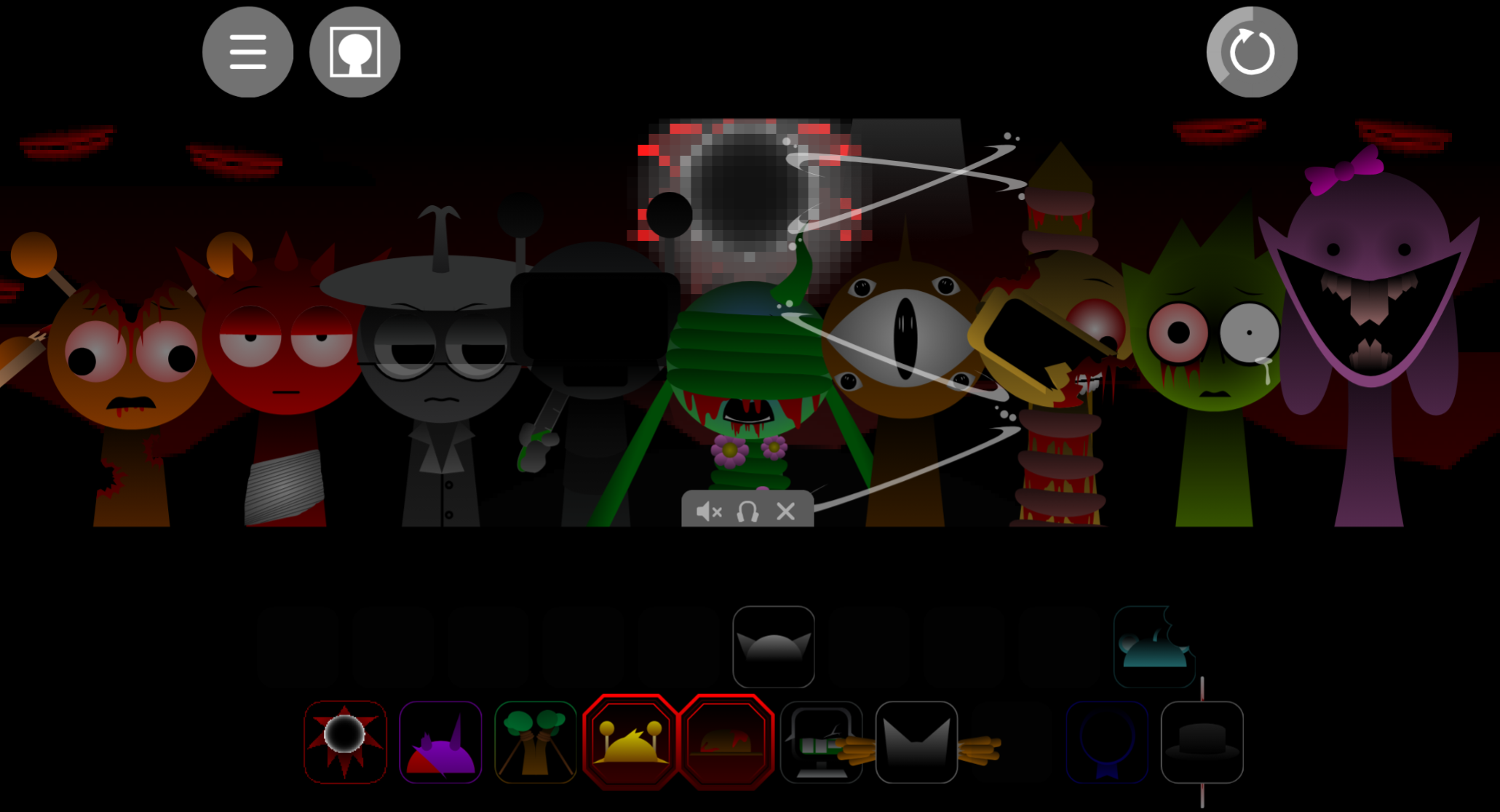
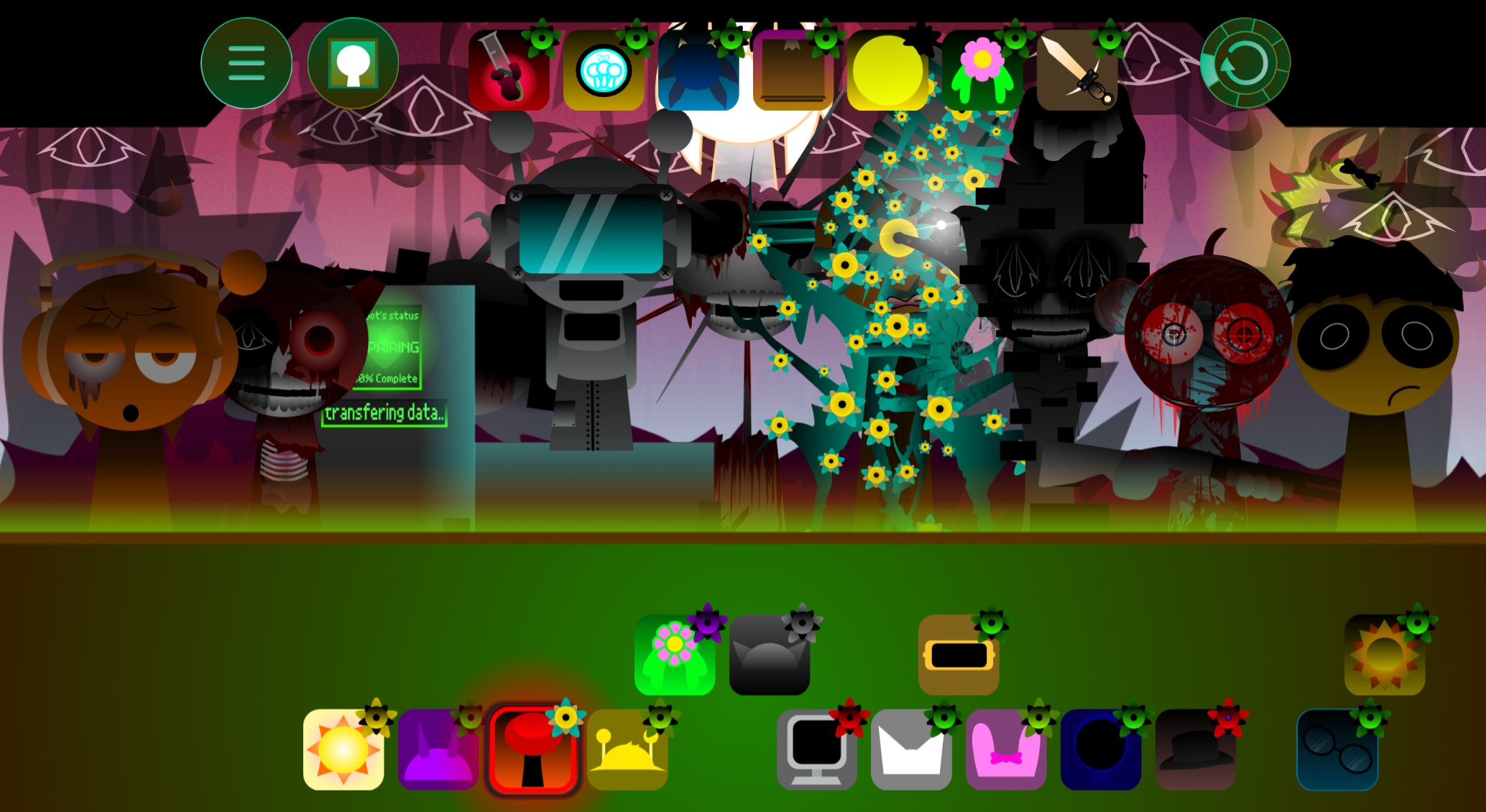
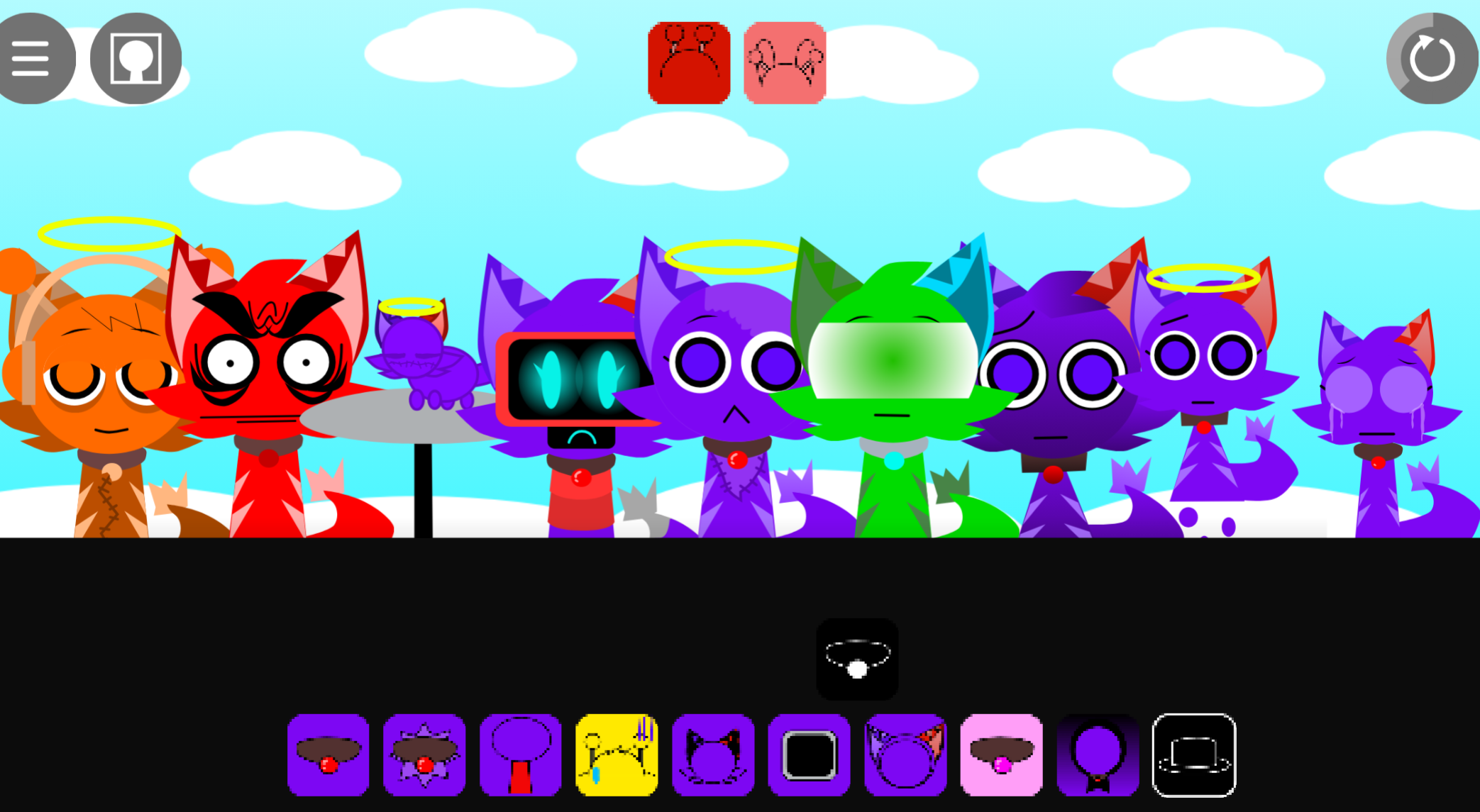
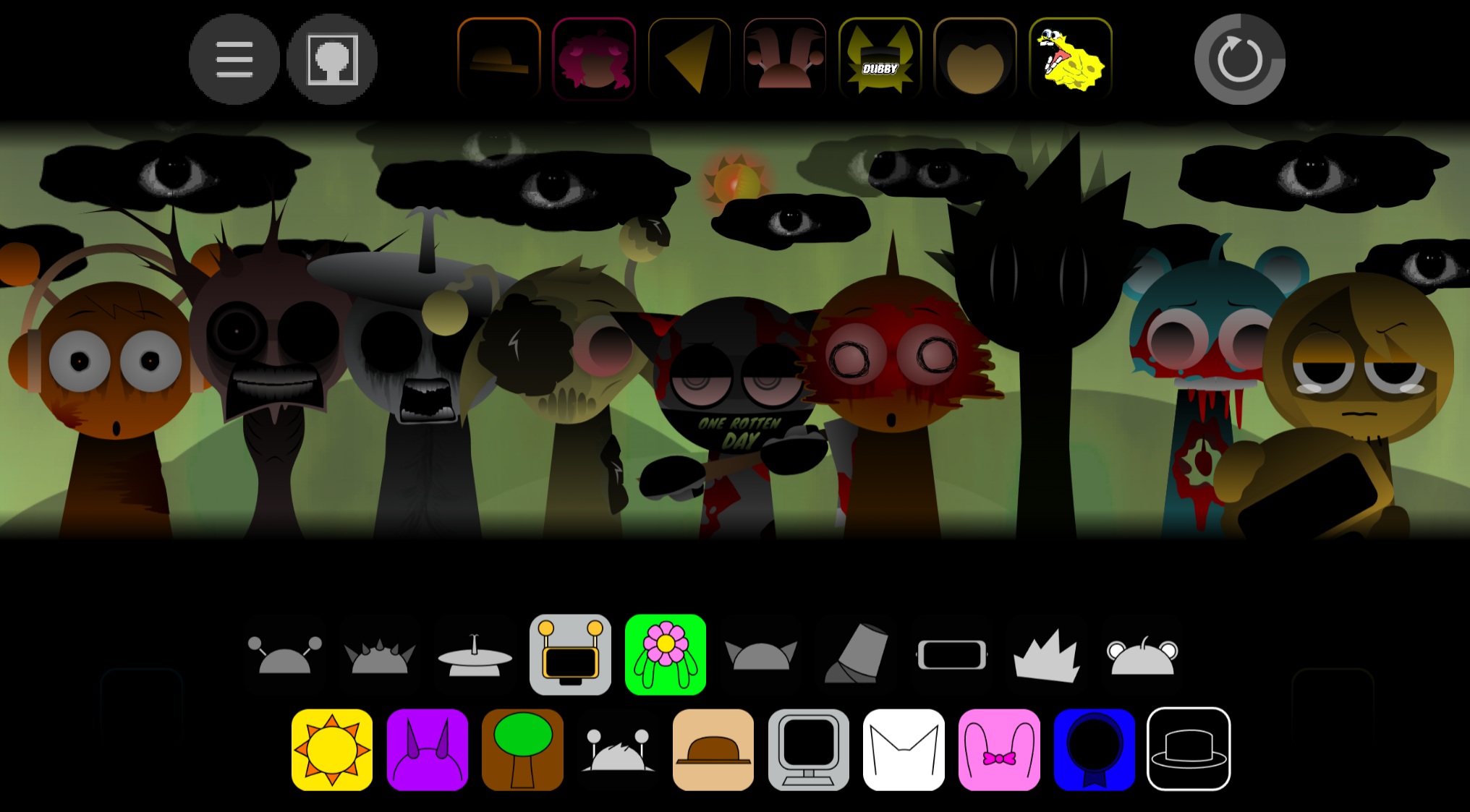
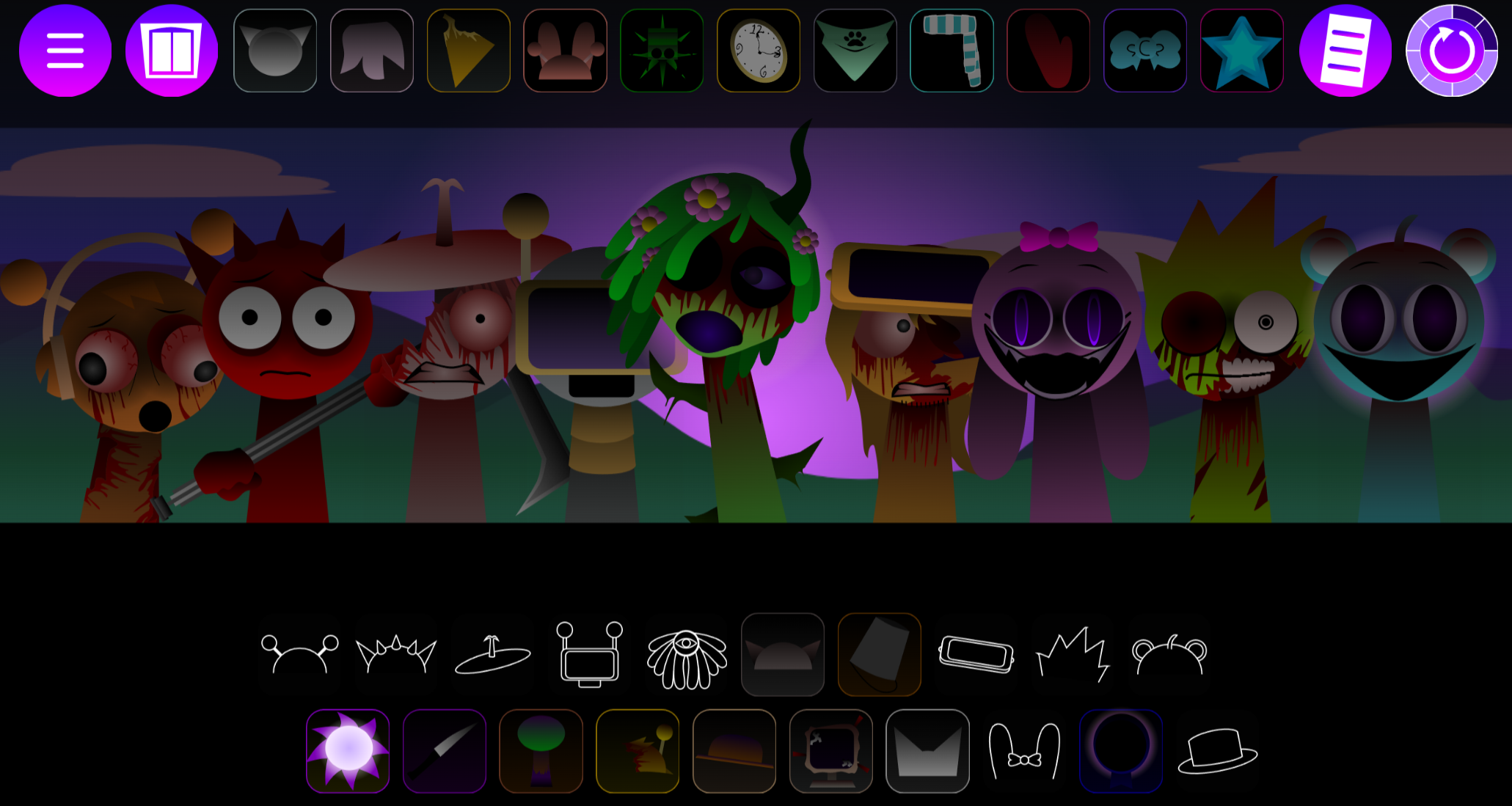
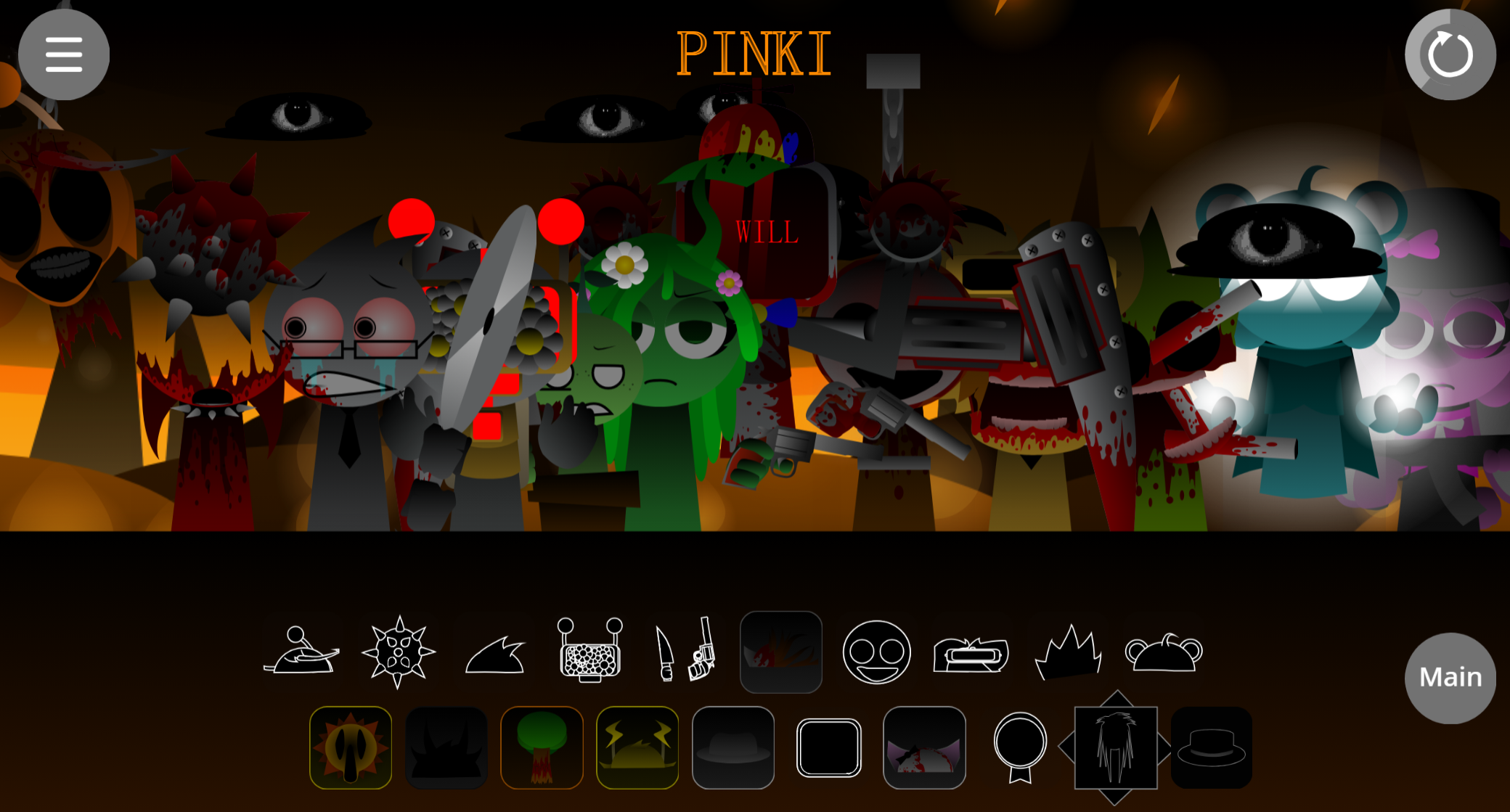
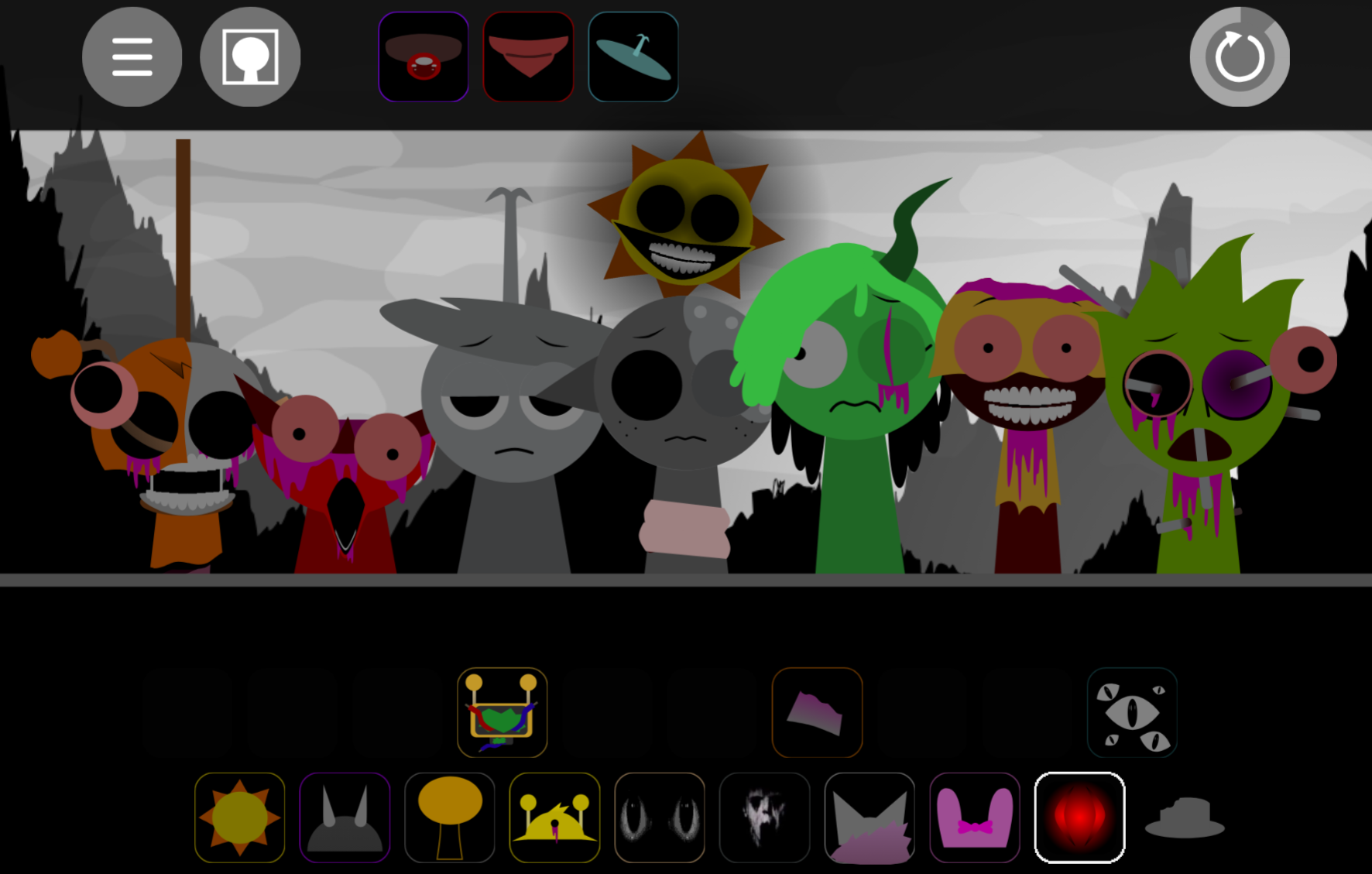
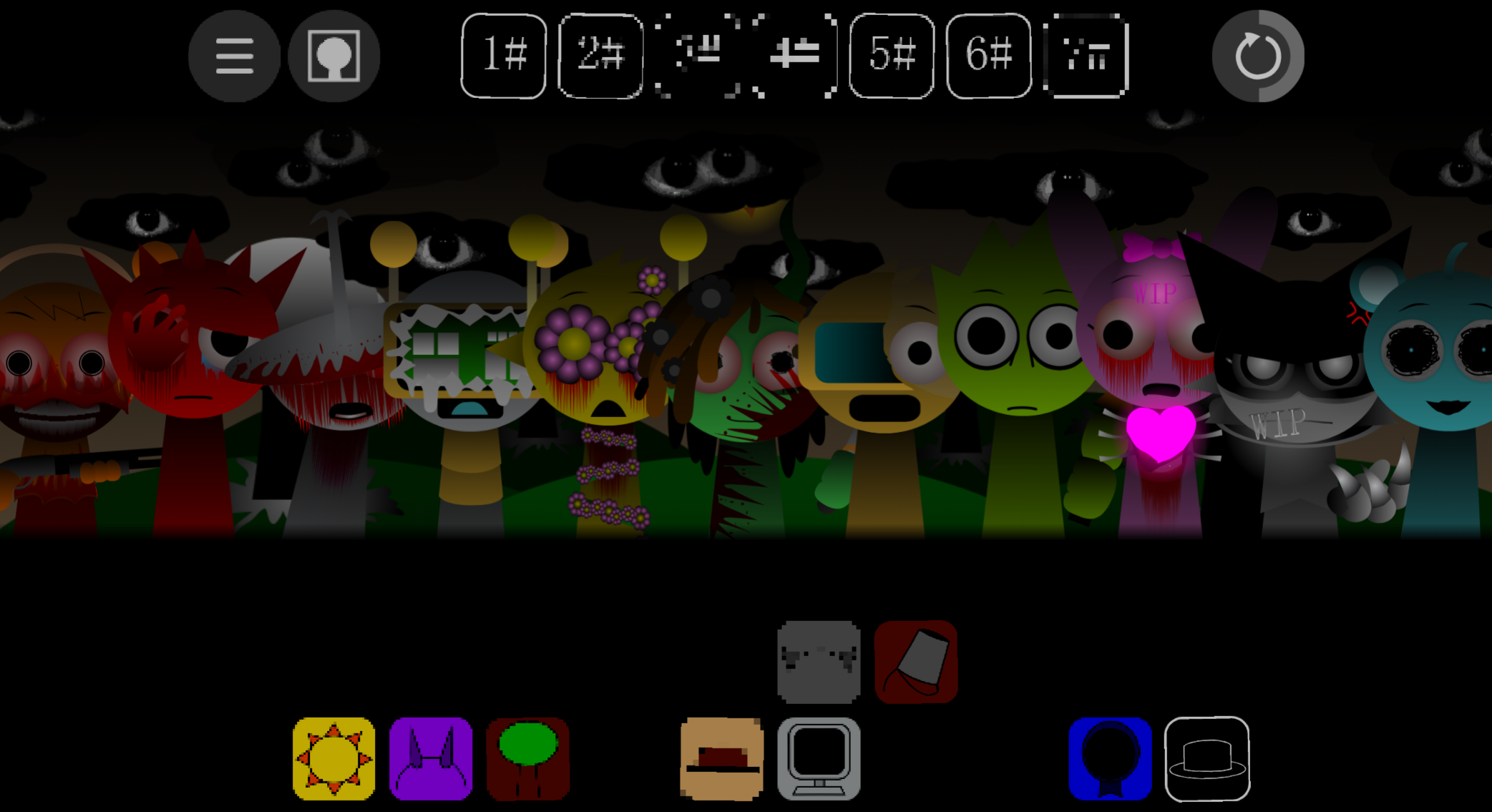
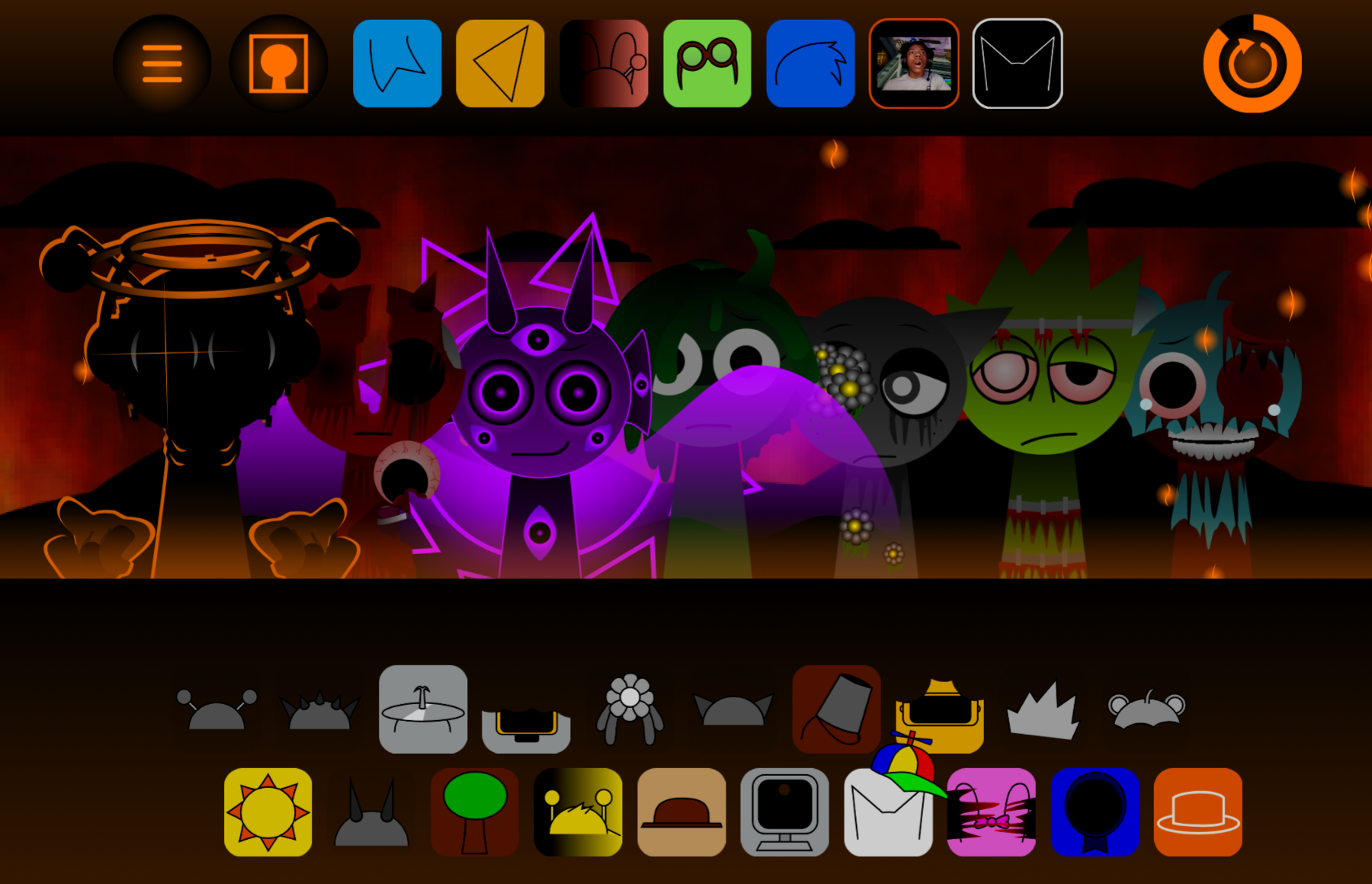
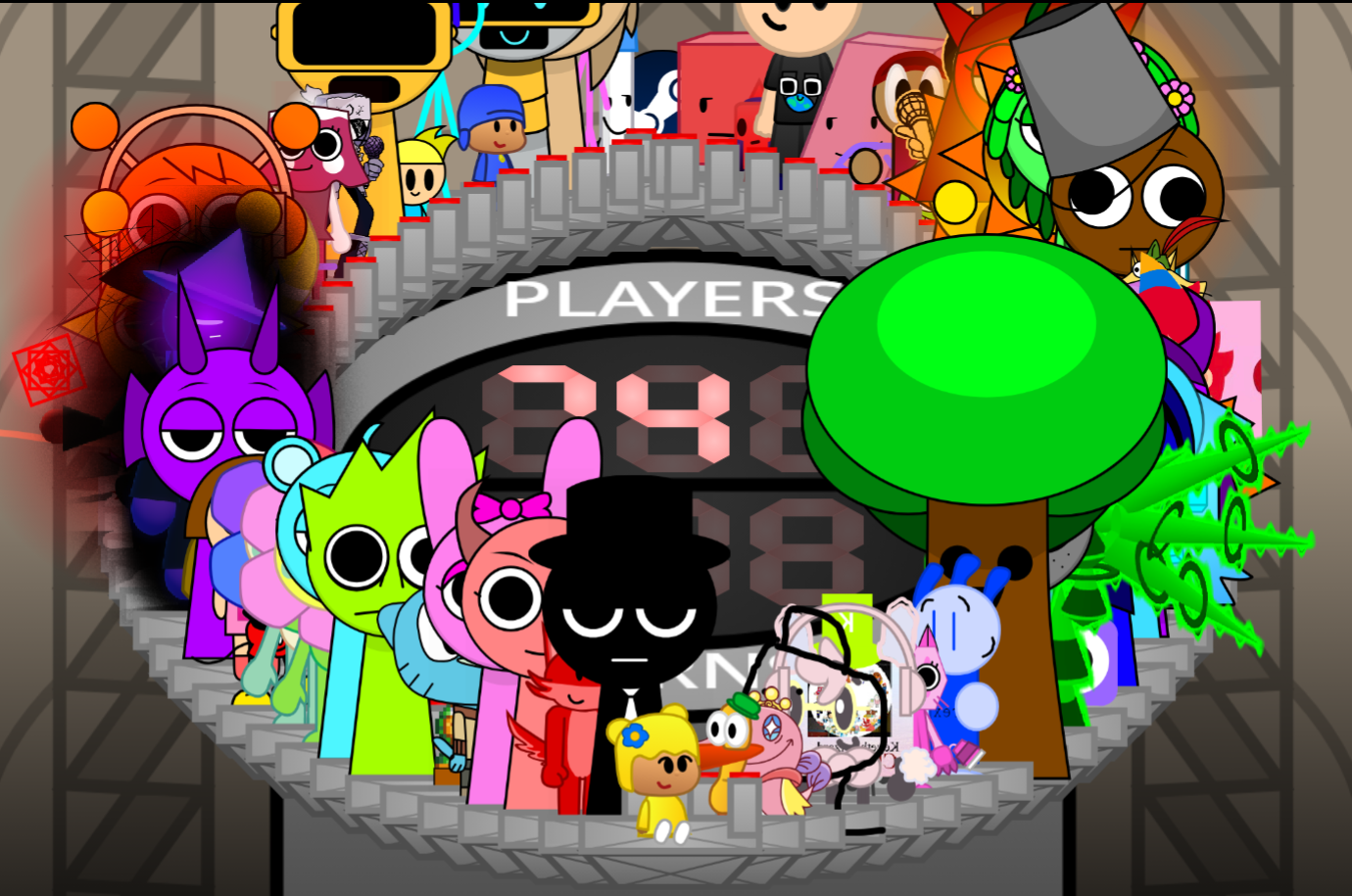
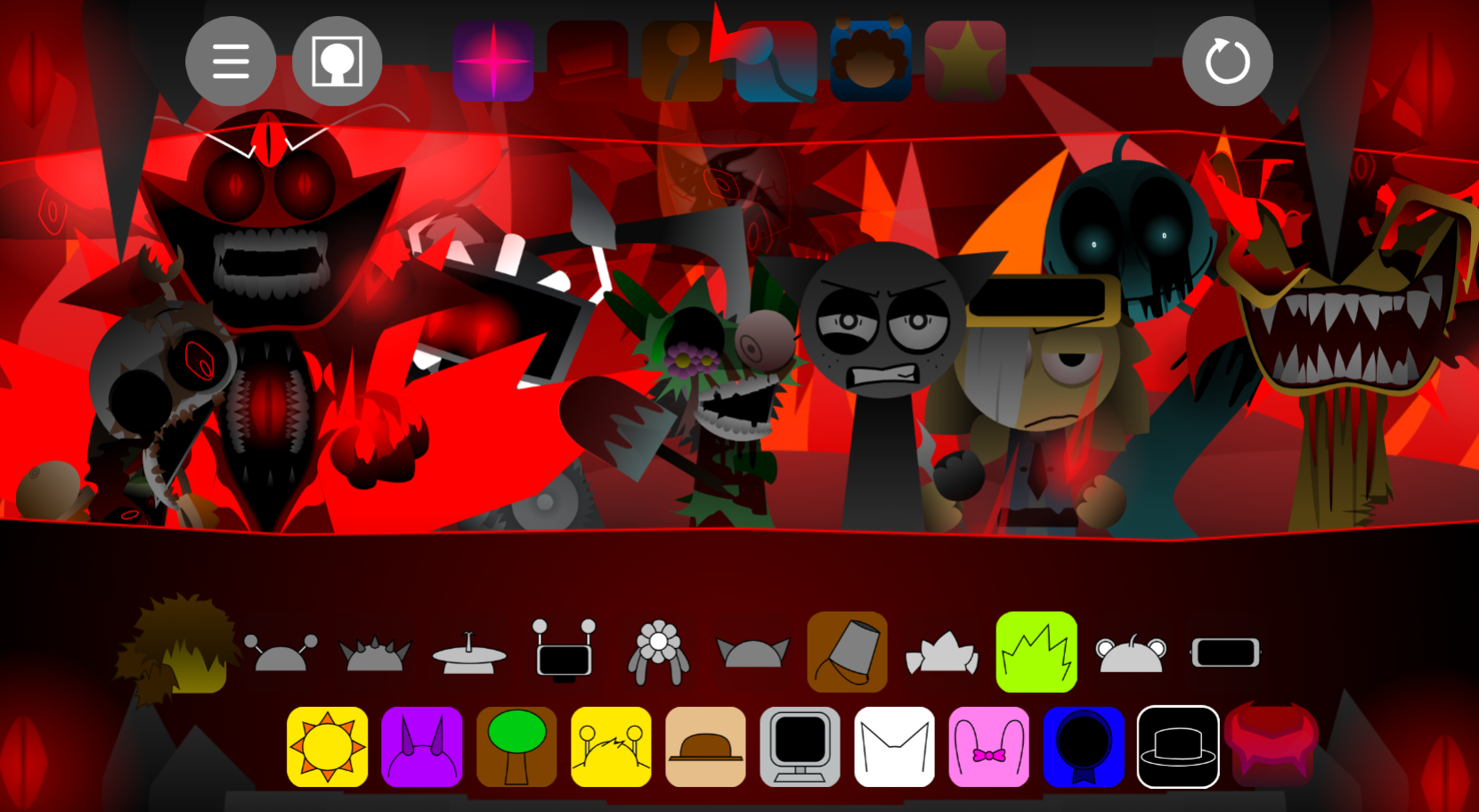
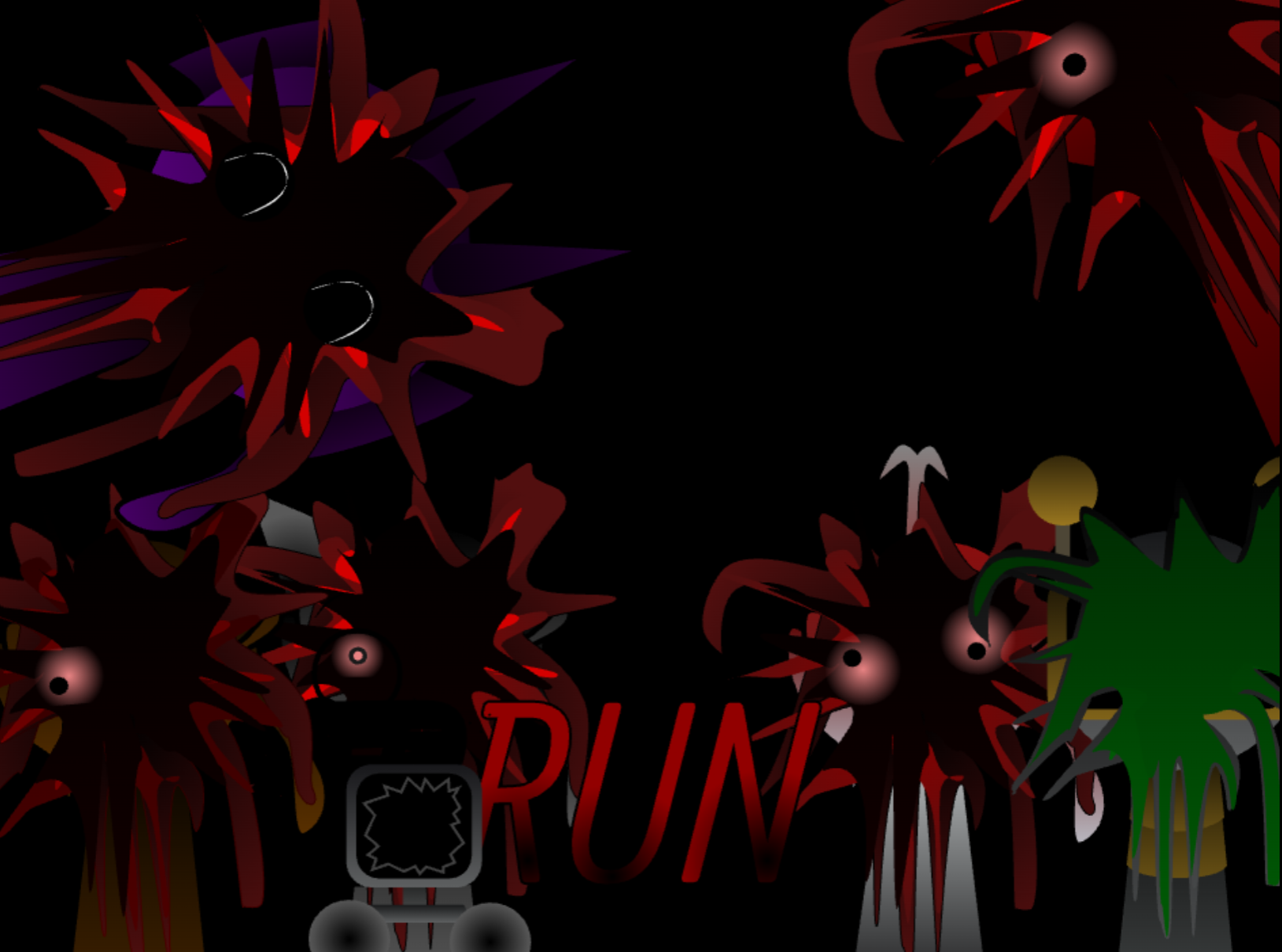
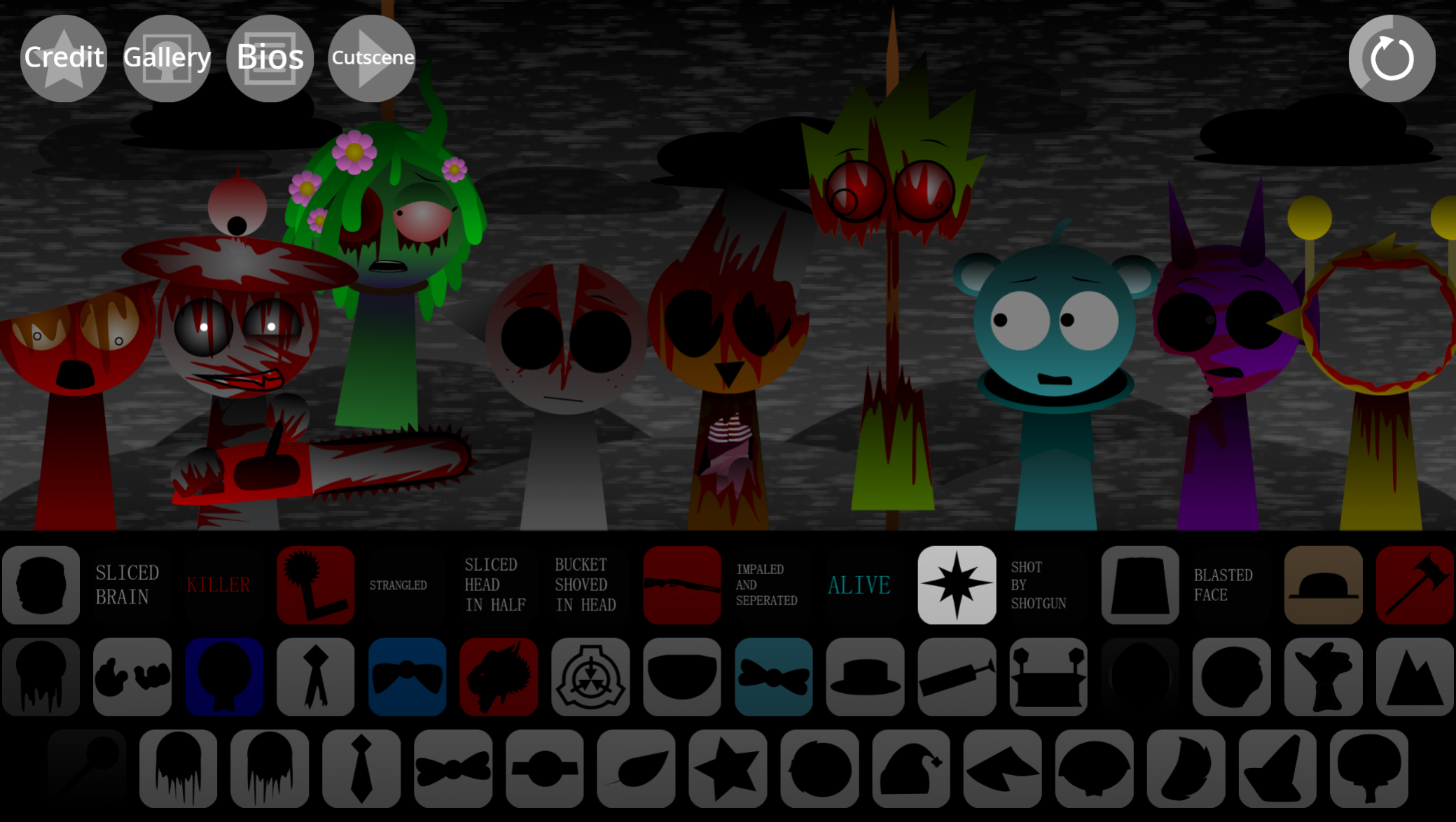
The stage is a Halloween nightmare backdrop where familiar Sprunki performers appear corrupted. Oren manifests in a deeply corrupted state, Rady becomes a gaunt skeletal figure, and Cluckr features wide, terrified eyes.
These altered designs aren’t cosmetic—they inform the mod’s unsettling tone and react to the audio layers you activate.
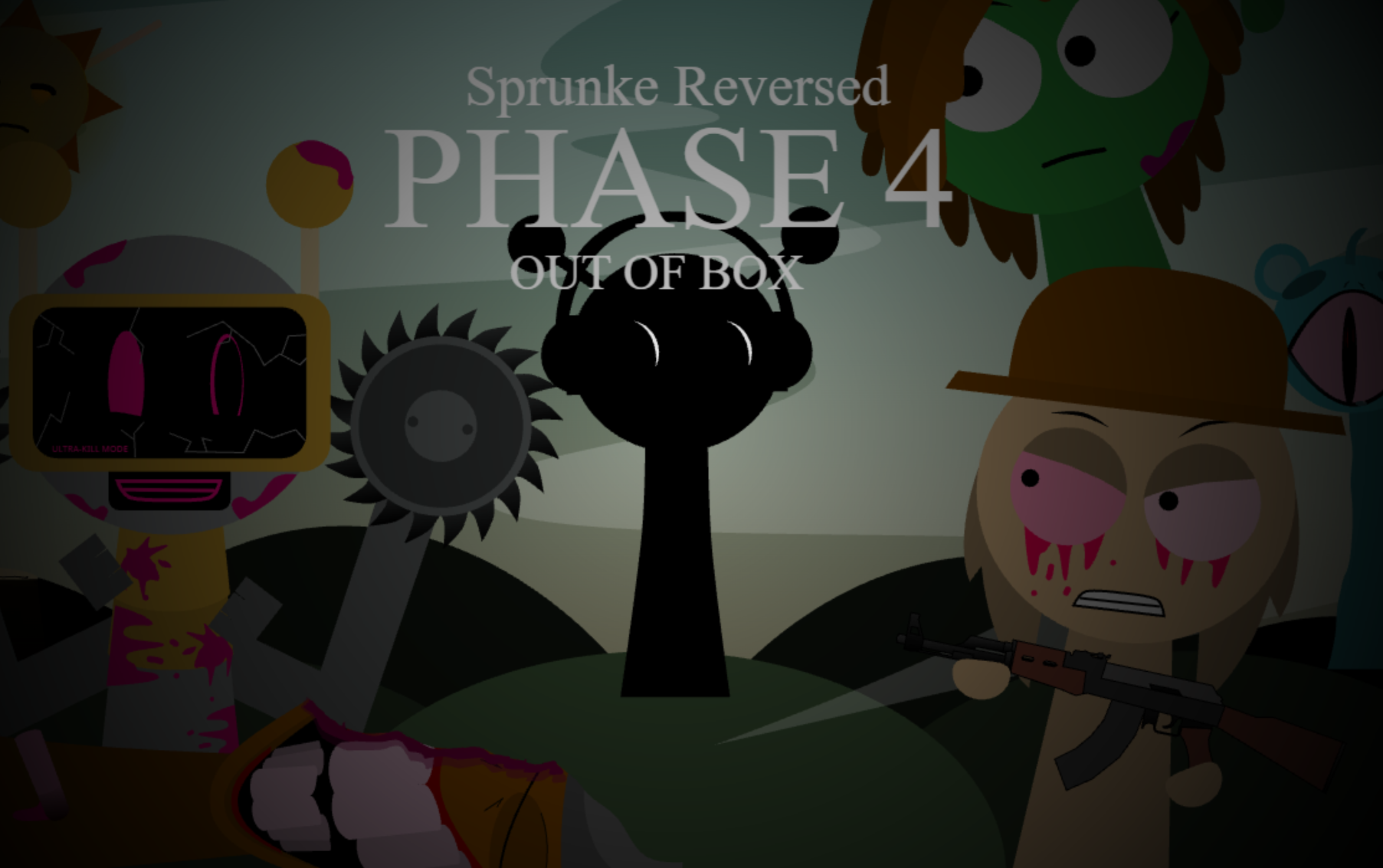
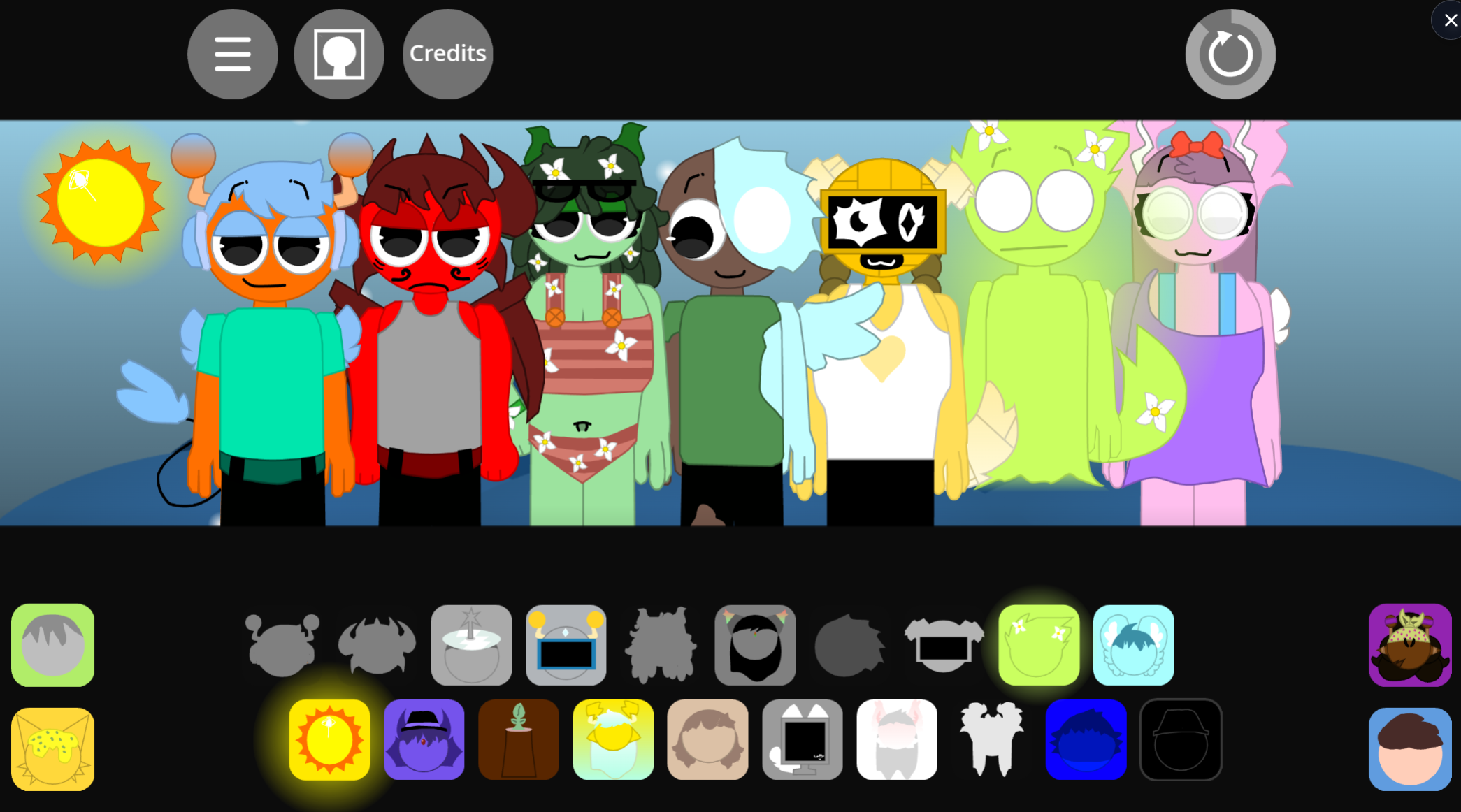
A custom intro and updated gallery visuals distinguish this Key version from earlier Rareshifted iterations. The presentation integrates with the mixing: as you add performers, their visual states shift alongside the darkening soundscape.
How It Works
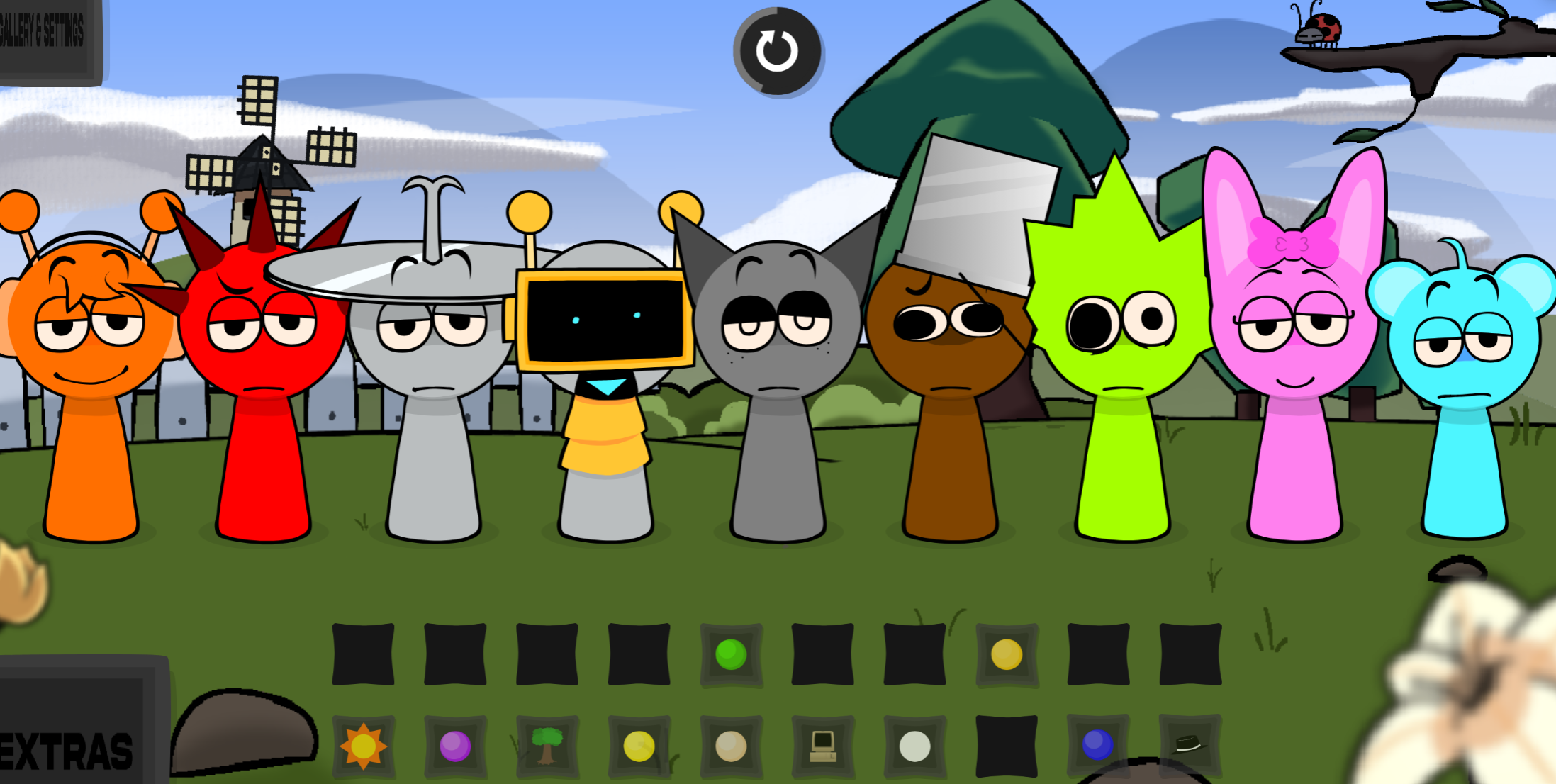
Place sound icons onto the performer lineup to activate musical layers. Each character contributes a different element:
- Ominous rhythmic beats
- Eerie mid-range melodies and atmospheric drones
- Sharp vocal accents
- Glitchy or distorted textures
As sounds combine, the mix can become darker, more chaotic, or unexpectedly cohesive. The stage responds with visual changes that make each arrangement feel like part of an evolving, unstable performance. Solo controls isolate individual tracks, mute buttons silence specific layers without removing them, and a reset clears the entire stage.
Building Arrangements
Start with one layer and add outward. There’s no target pattern, so treat each placement as a test.
- Establish a foundation: Add a beat or tonal piece and observe its rhythm, mood, and visual response.
- Layer contrasting elements: Combine darker percussion with melodic parts and vocal textures.
- Swap to test interactions: Replace a layer when the mix becomes too dense or when a different pairing might trigger a stronger reaction.
- Isolate with solo: Use solo to hear a character’s contribution before committing it to the full arrangement.
- Mute for comparison: Silence individual layers to evaluate the same mix with and without specific sounds.
- Reset when stuck: Clear the stage completely to start a new combination.
The open structure rewards careful listening. A chaotic-sounding arrangement may improve after removing one layer, while another combination can produce more distorted audiovisual results when specific sounds align.
Mixing Strategy
Build deliberately rather than cycling rapidly through options. Adding one layer at a time makes it easier to identify which performer supplies the beat, melody, or vocal accent, and which element is overcrowding the mix.
- Begin with one rhythmic layer before introducing melody or vocals
- Use solo to inspect a character’s contribution in isolation
- Use mute to A/B test the mix with and without a specific sound
- Remove layers or reset instead of forcing an overcrowded pattern to work
- Watch character reactions alongside the audio—corrupted visual states are part of the discovery process
Because the mod runs in a browser, purposeful input preserves rhythm and performance. Make one change at a time, let each sound register, and avoid rapid swapping when evaluating a combination.
Where to Play
Sprunki Rareshifted Phase 3 (Key’s Take) is available on gosprunki.com and runs directly in web browsers without installation. The mod is community-submitted and playable immediately.
Related Games
- Sprunki Rareshifted Phase 3 Arthurs Take — This alternate Phase 3 take offers the closest follow-up for players who want to compare another creator’s reinterpretation of the same corrupted Rareshifted cast and sound-mixing format.
- Sprunki Retake but all sprunki afraid of black-all reactions — Its fear-driven character reactions and darker presentation directly complement Key’s Take’s panic-stricken performers, hidden reactions, and Halloween-horror atmosphere.
- Sprunky Pyramixed Plus Halloween Updated — The Halloween-focused update is a strong next play for fans seeking more spooky visual styling and dark-themed loop experimentation after this horror retake.
Enjoy!

Discuss Sprunki