



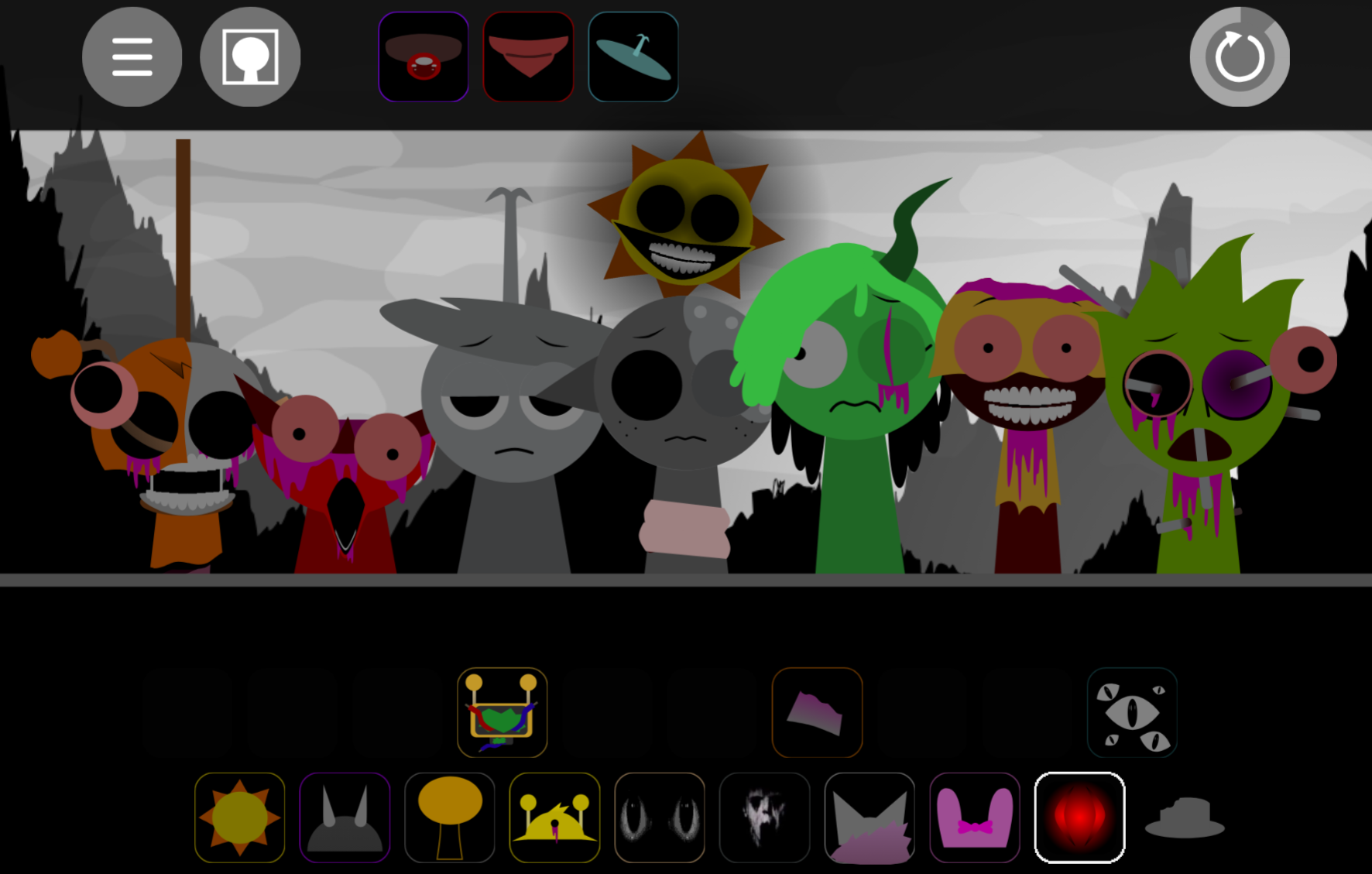
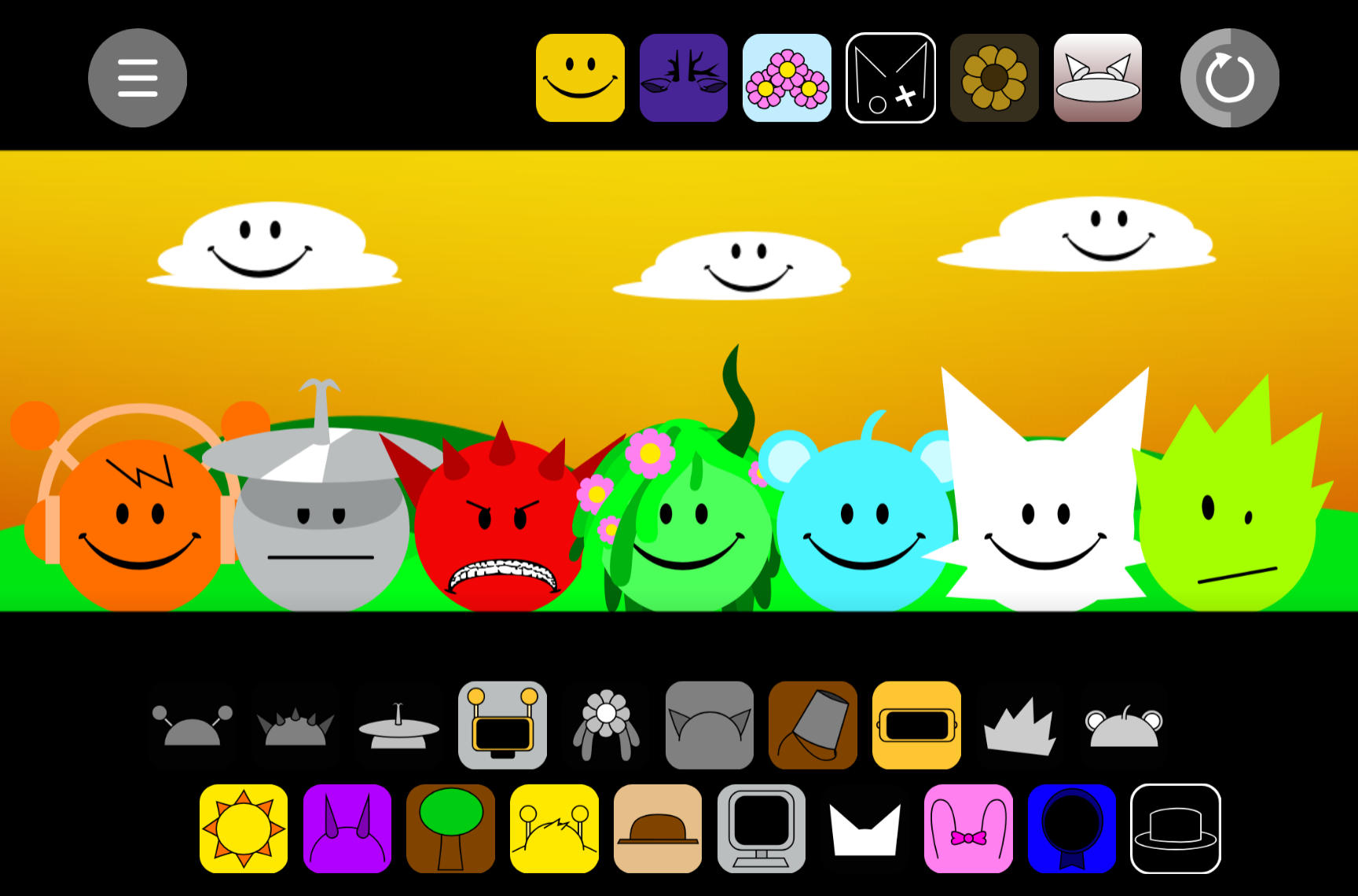
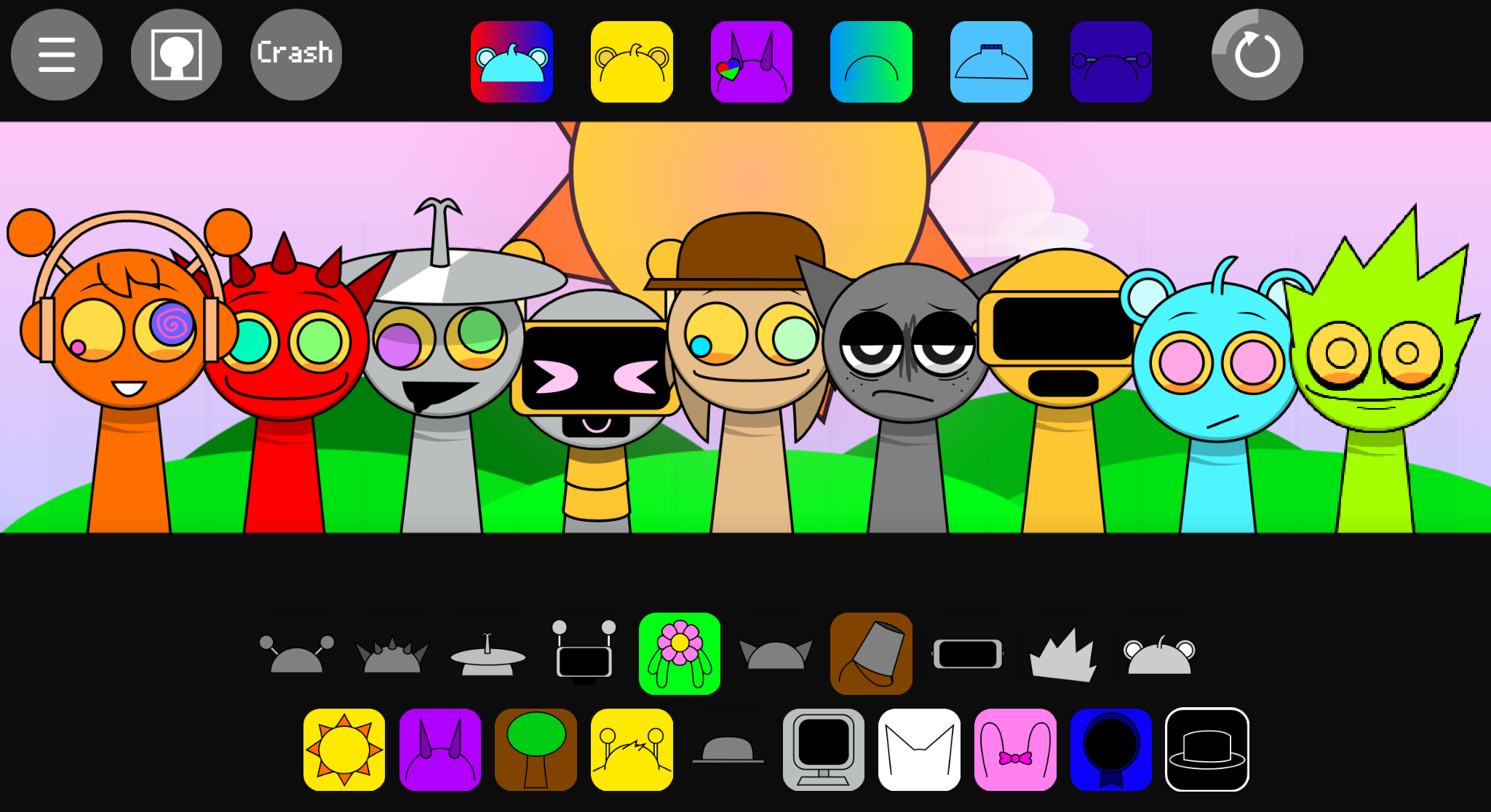
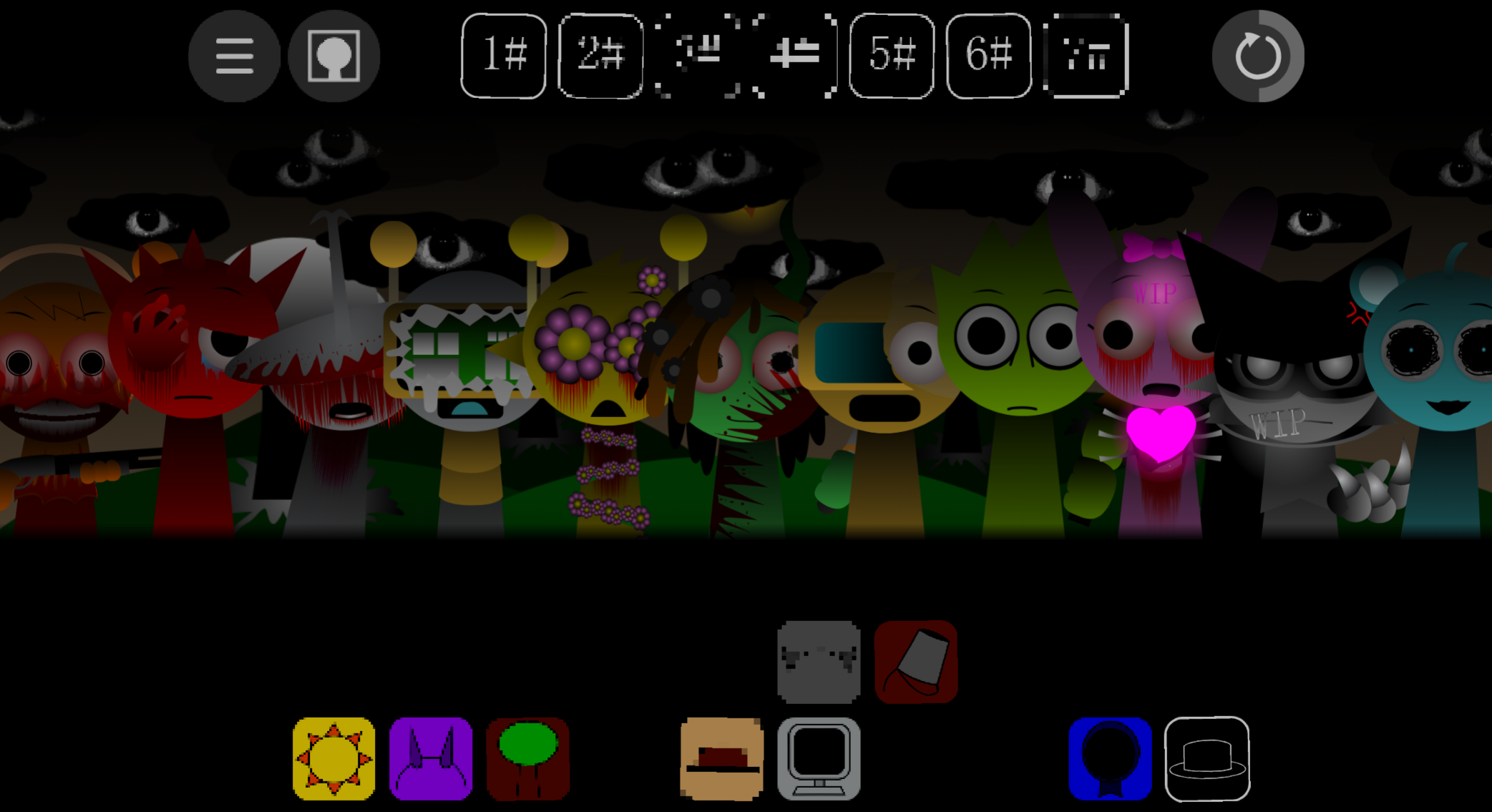
Sprunki Astra is a browser-based music creation game where you drag and drop characters onto a stage to build layered tracks in real time.
This article walks through how to launch Sprunki Astra on PC or mobile via Itch.io, select and layer characters to craft your mix, and use the game’s intuitive controls to record, refine, and share your tracks.
About Sprunki Astra
Sprunki Astra (also titled Incredibox-Sprunki: ASTRA) is a browser-based music mod built on draker’s Fergland Engine by artist and developer Aqi with composers WH47 and UC Cat. Unlike horror-focused Sprunki mods, Astra centers on melody-first composition with studio-grade mixing tools, adjustable stage capacity from 3 to 12 performers, and per-character audio controls including sidechain compression, gate filtering, and stereo spread.
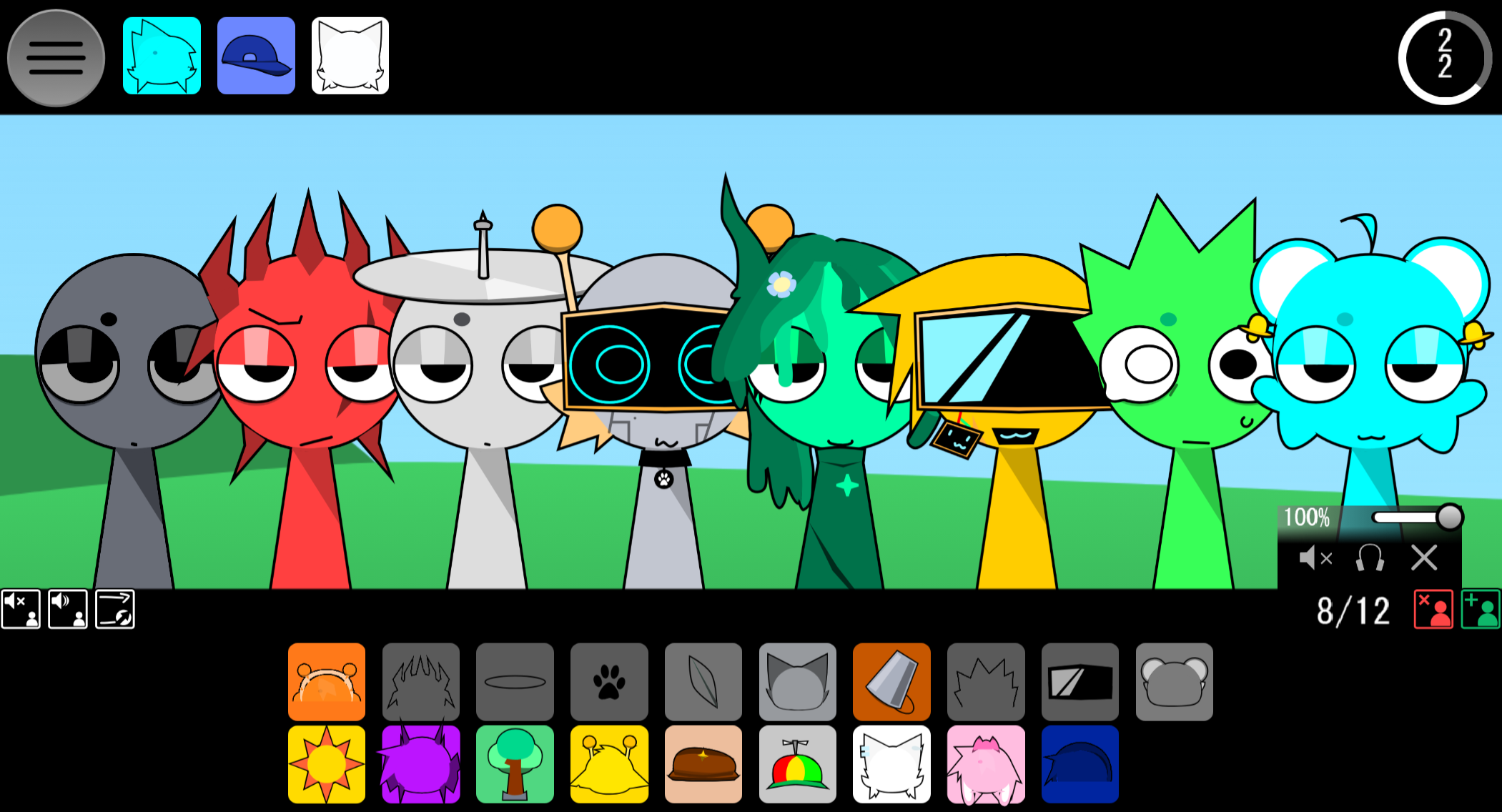
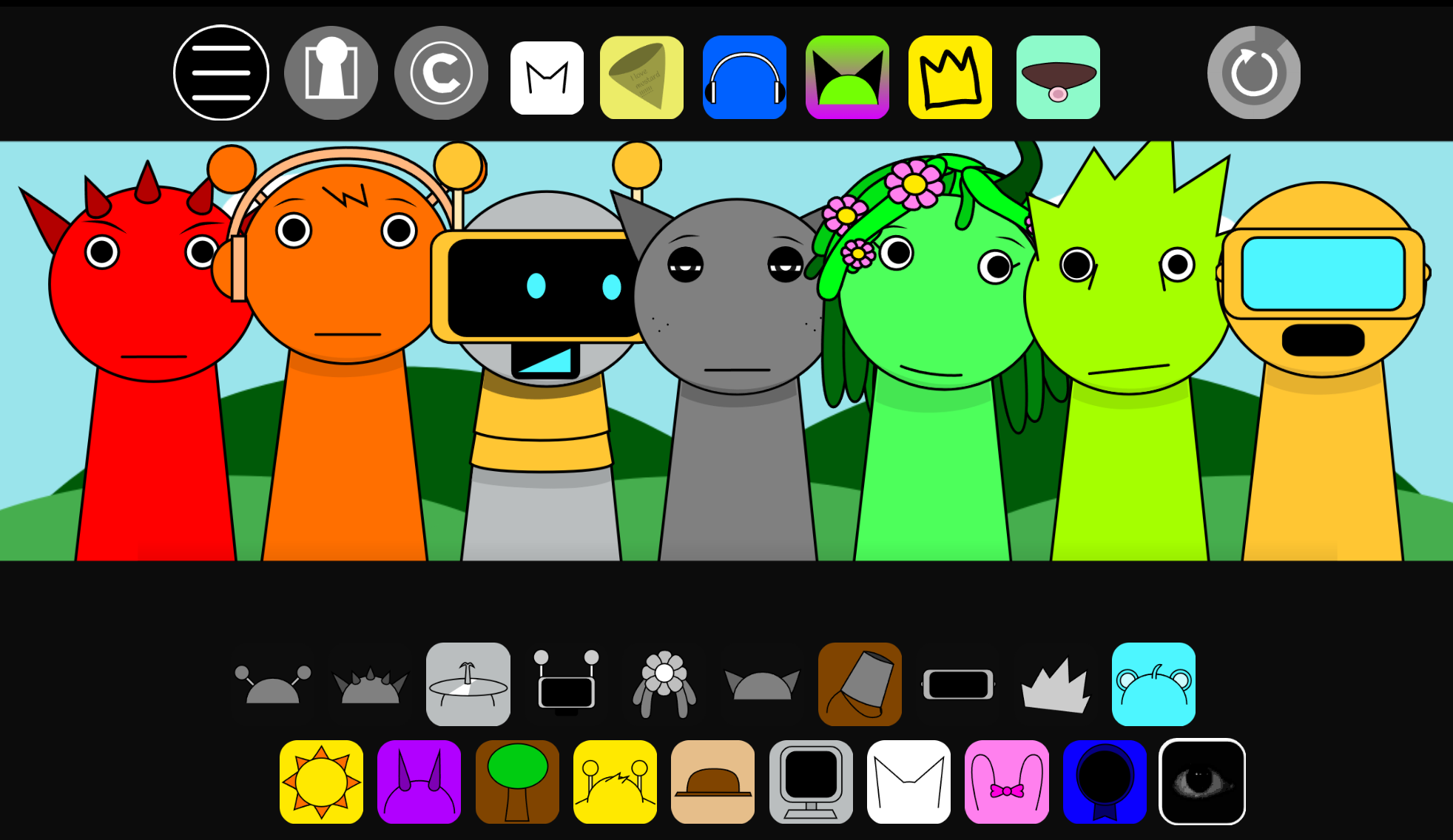
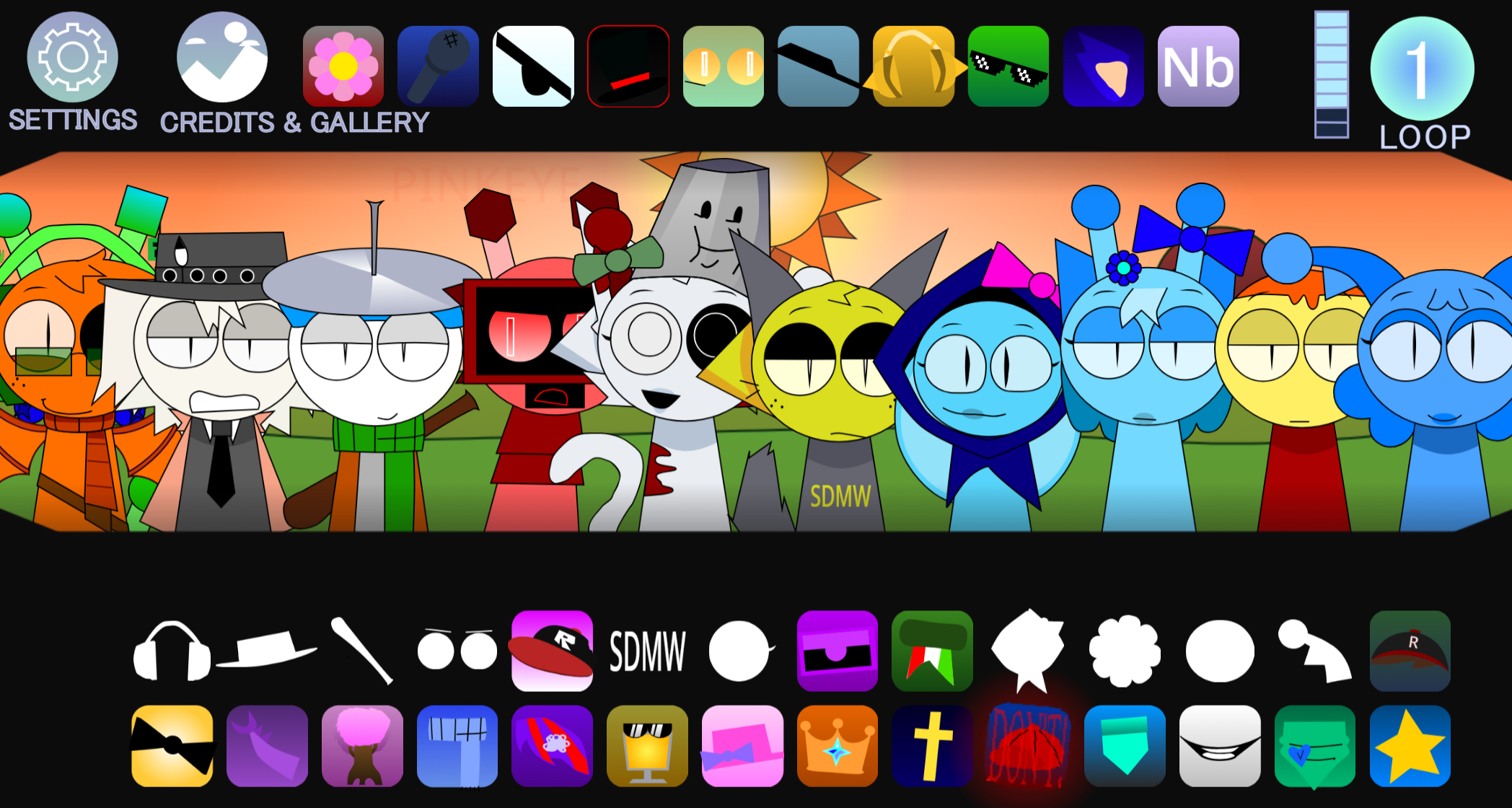
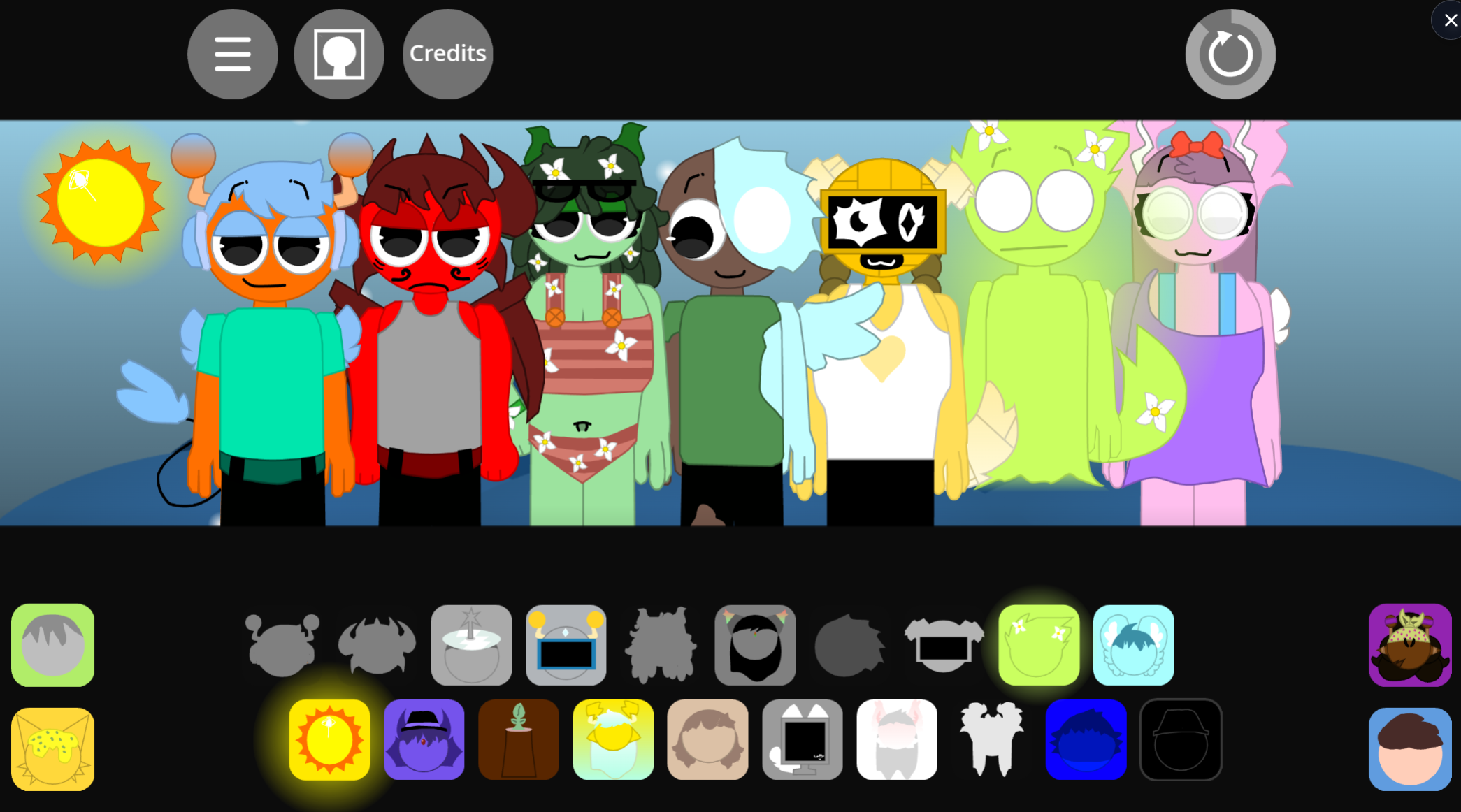
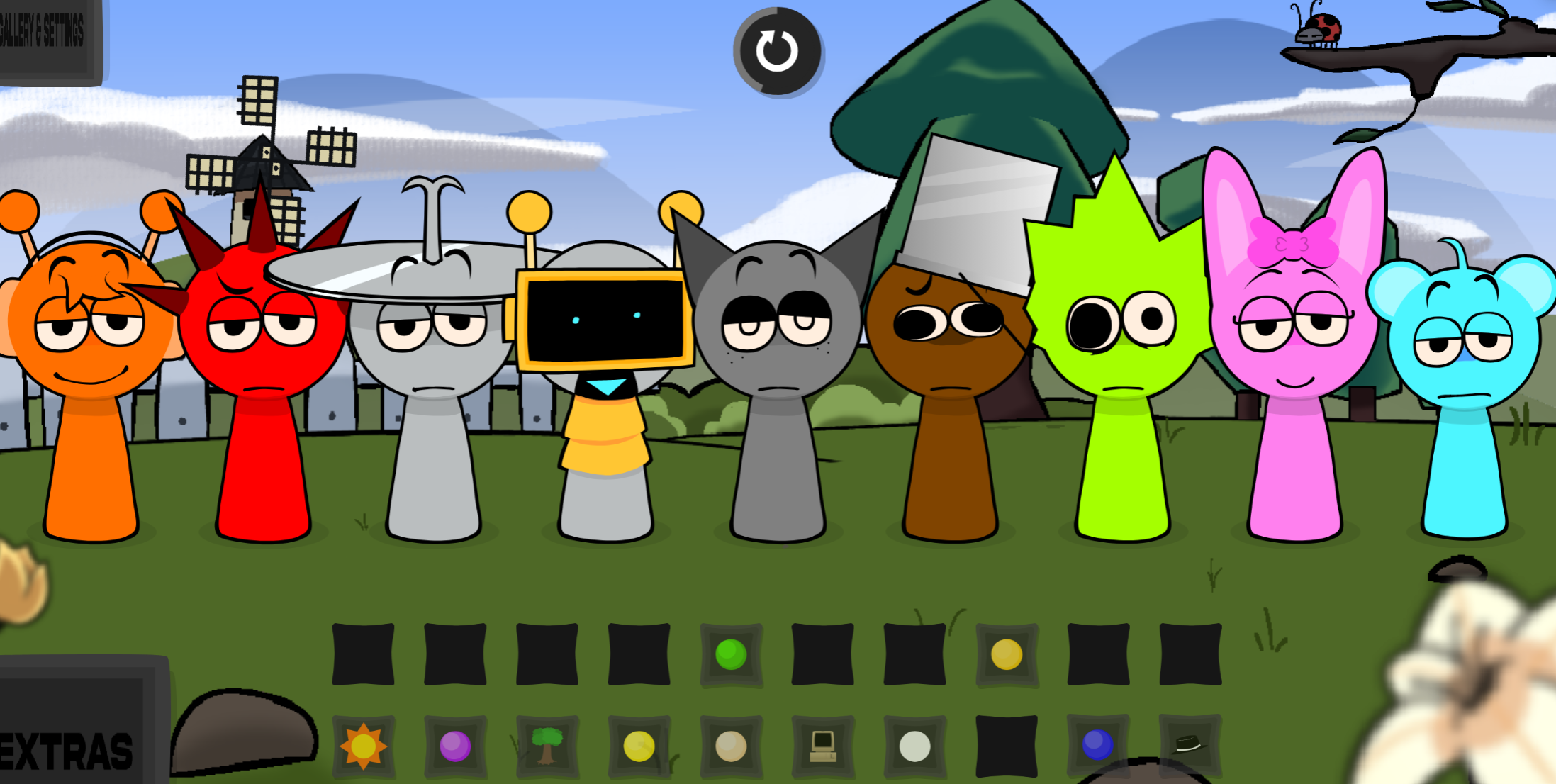
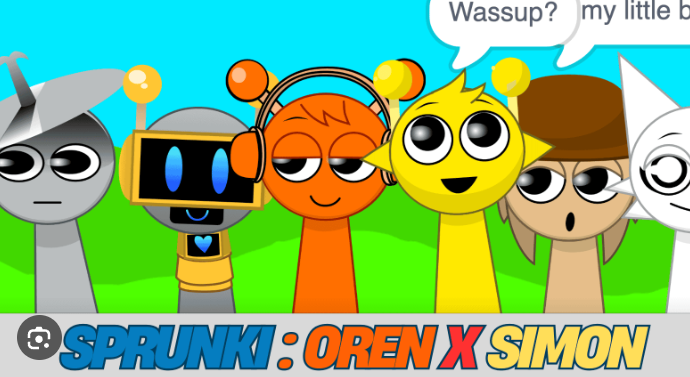
The mod replaces dark infection narratives with a serene setting: rolling green hills, clear skies, and an ensemble cast—Simon, Oren, Tunner, Gray, and others—rendered with anime-inspired dual-highlight eyes and relaxed, beat-responsive animations. The name Astra, Latin for “stars,” reflects this shift toward clarity and collaborative performance.
Sound stems span smooth lo-fi hip-hop beats, acoustic percussion, ambient synth pads, and uplifting vocal chops. Players arrange these loops across a flexible stage, then refine the mix with volume sliders, solo and mute automation, rhythmic gates at 1/8, 1/16, and 1/32 notes, lowpass and highpass filters, and real-time sidechain ducking. The integrated Mix suite records sessions and exports custom .mix files for sharing or re-importing.
Features of Sprunki Astra
-
Adjustable stage capacity: Set between 3 and 12 performer slots in the General menu. Smaller stages suit stripped-back arrangements; larger stages enable dense layering across rhythm, melody, and vocals.
-
Per-character controls: Click an active performer to adjust volume from 0–100%, mute or solo their loop, or choose Fade and Leave for smooth removal at the next cycle.
-
Advanced Mixer (“Nerd Mode”): Enable production controls including sidechain depth and release, rhythmic gate patterns at 1/8, 1/16, and 1/32 notes, lowpass and highpass filters, and stereo spread based on stage position. Create pumping drops, chopped vocal effects, filtered transitions, and wider spatial mixes.
-
Mix recording and export: Hide the interface during playback, record complete sessions, and export .mix files for saving, sharing, or re-importing later.
-
Pre-Mix Start Delay: Set a countdown timer before audio playback begins for clean screen recordings.
-
Serene audiovisual design: Bright, anime-inspired character art with expressive cartoon eyes and tranquil smiles, paired with upbeat but calm musical direction rather than horror transformation systems.
How to Play Sprunki Astra
-
Launch the game: Open Sprunki Astra through Itch.io or Scratch in a browser on PC or mobile.
-
Configure the stage: Select the upper-left menu icon, open the General tab, and choose the number of performer slots (default is 8, adjustable from 3 to 12).
-
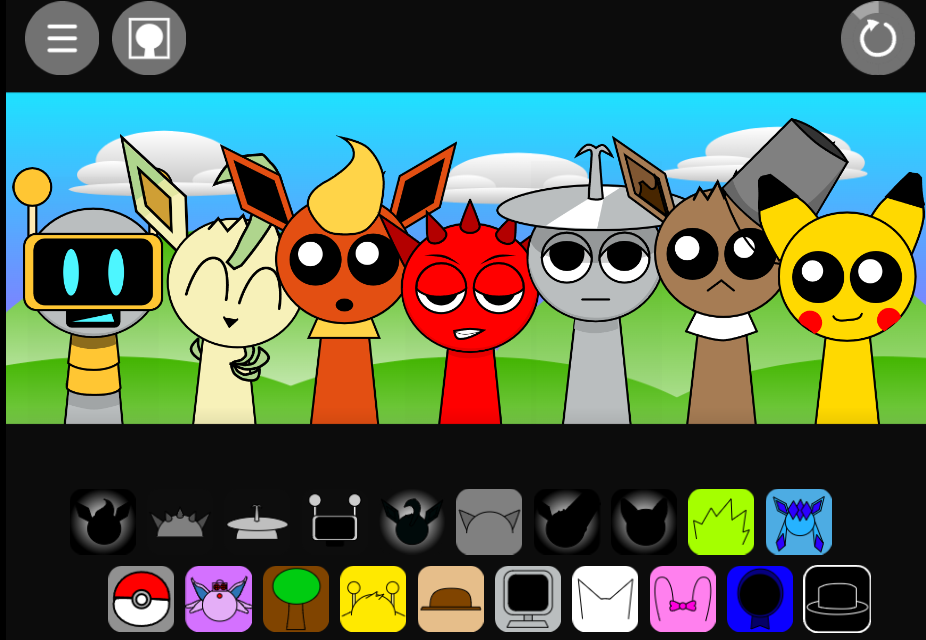
Equip sound badges: Drag a sound icon from the bottom tray onto a host silhouette. The character changes into their Astra outfit and begins looping its assigned beat, melody, effect, or vocal.
-
Build the arrangement: Start with rhythmic foundation elements—crisp kicks and snare snaps—then layer percussion, pads, melodies, and vocals. Listen between additions to identify which parts complement the mix and which compete for space.
-
Fine-tune performers: Click a character to open its control panel. Adjust volume, isolate the loop with Solo, silence it with Mute, or use Fade and Leave for clean removal at the next loop point.
-
Apply Advanced Mixer controls: Enable the mixer in settings to apply sidechain ducking (duck background synths when kick drums hit), gate patterns (slice sustained pads into staccato rhythms), filters (sweep frequency bands for underwater verse transitions), and stereo spread (pan characters across left and right channels based on stage position).
-
Record and export: Navigate to the Mix tab, toggle Hide UI in a mix, and hit Start to record a live performance. Export the .mix file when finished.
Related Games
- Sprunki With Fan Character — This fan-made variation is a natural follow-up for players who enjoy Astra’s community-driven reinterpretation of Sprunki’s musical cast.
- Sprunki Mr Sun Takes Over Phase 3 — Its phase-based takeover premise offers a lore-focused contrast to Astra’s deliberately peaceful, melody-first alternative to horror-centric Sprunki mods.
What Makes Sprunki Astra Different from Other Sprunki Mods?
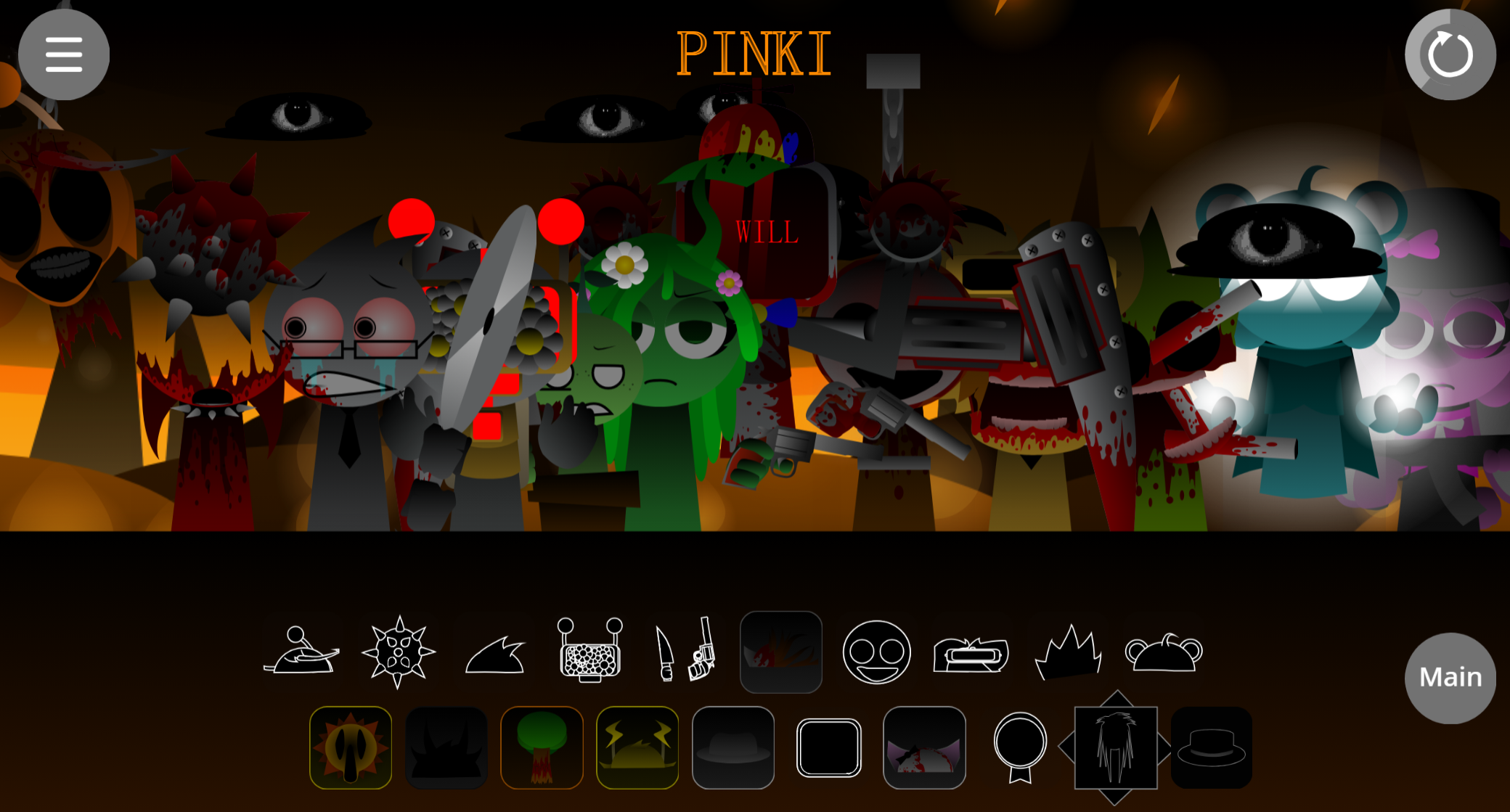
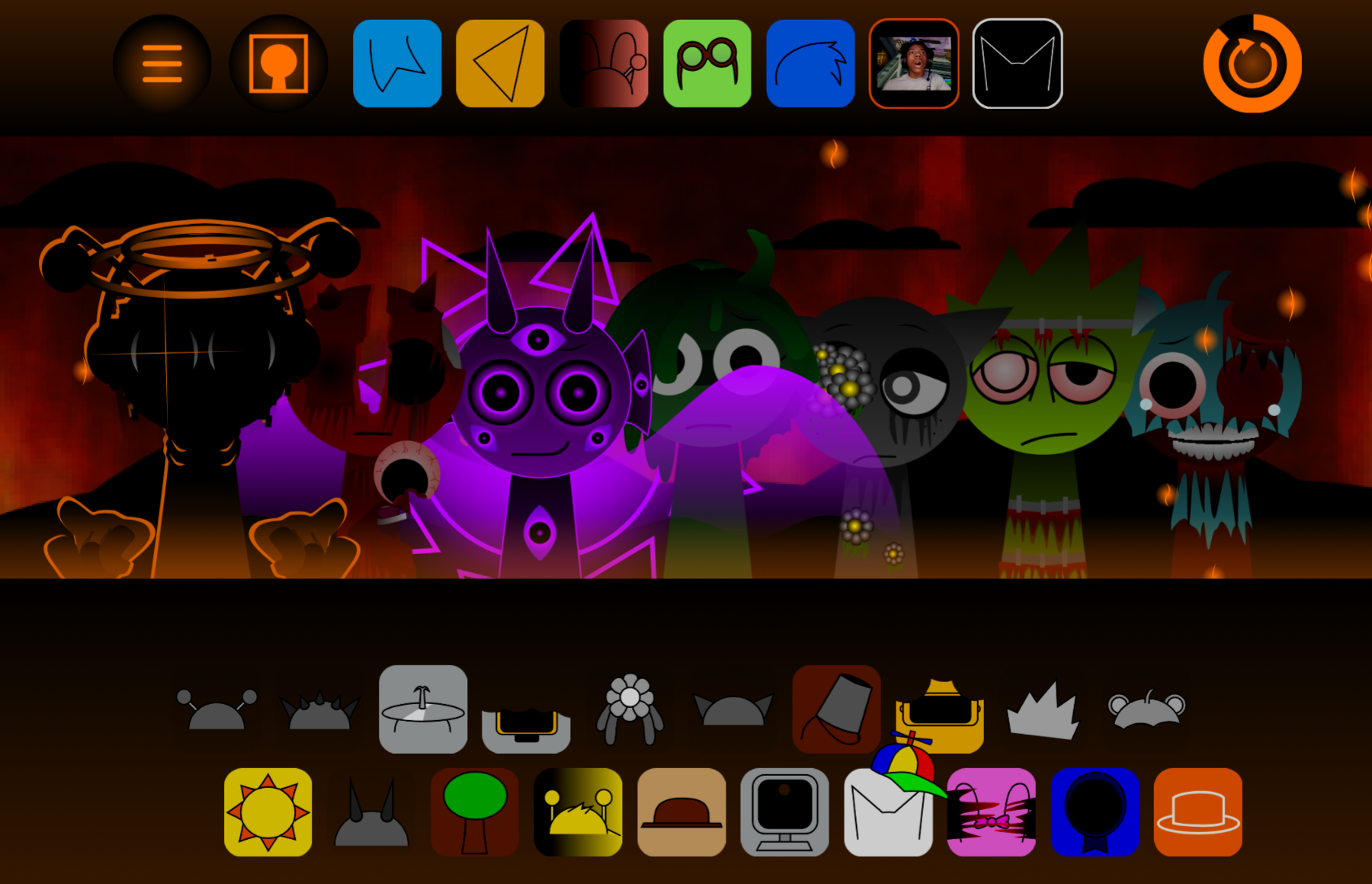
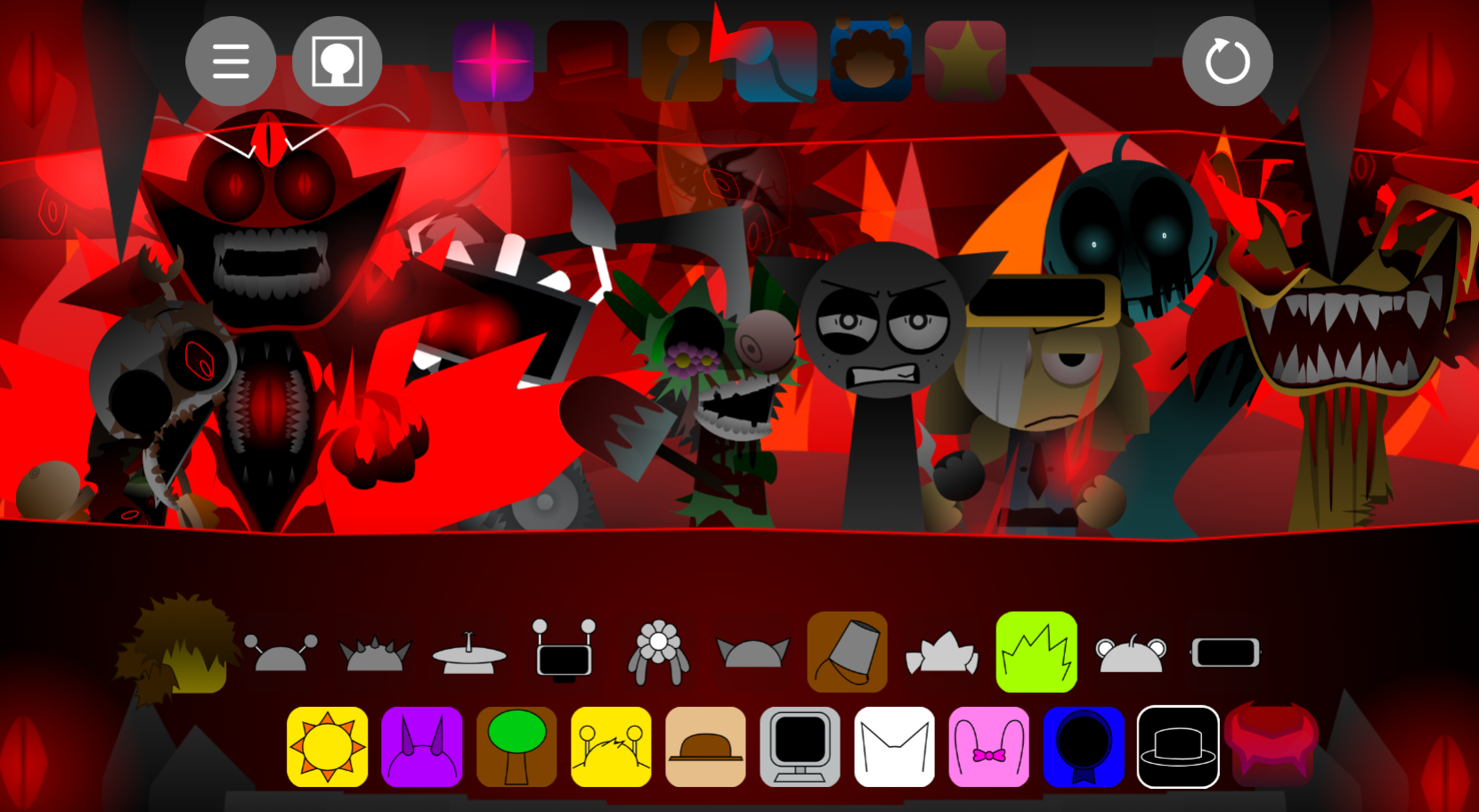
Most Sprunki fan mods prioritize dark infection narratives, analog horror aesthetics, and gory second phases. Sprunki Astra reverses that trend entirely. Creator Aqi designed the mod to “Restore Sprunki” by treating the cast as a collaborative musical ensemble performing in harmony rather than presenting apocalyptic scenarios.
The serene setting replaces trauma-driven expressions with tranquil, relaxed smiles and fluid “squash and stretch” body physics. Character designs adopt stylized, oversized anime eyes with dynamic dual-pupil highlights, making every vocal loop feel heartfelt and alive. Sound design shifts from abrasive metalic shrieks to smooth lo-fi hip-hop beats, crisp acoustic percussion, ambient synth pads, and uplifting vocal chops.
What truly distinguishes Astra is its technical foundation. The Fergland Engine integrates features typically reserved for desktop audio production software: adjustable stage capacity, studio-grade sidechain compression and gate filtering, real-time frequency sweps, and a complete mix recording and file export system. This positions Astra as both a playful music toy and a functional digital audio workstation for browser-based composition.
Discuss Sprunki