
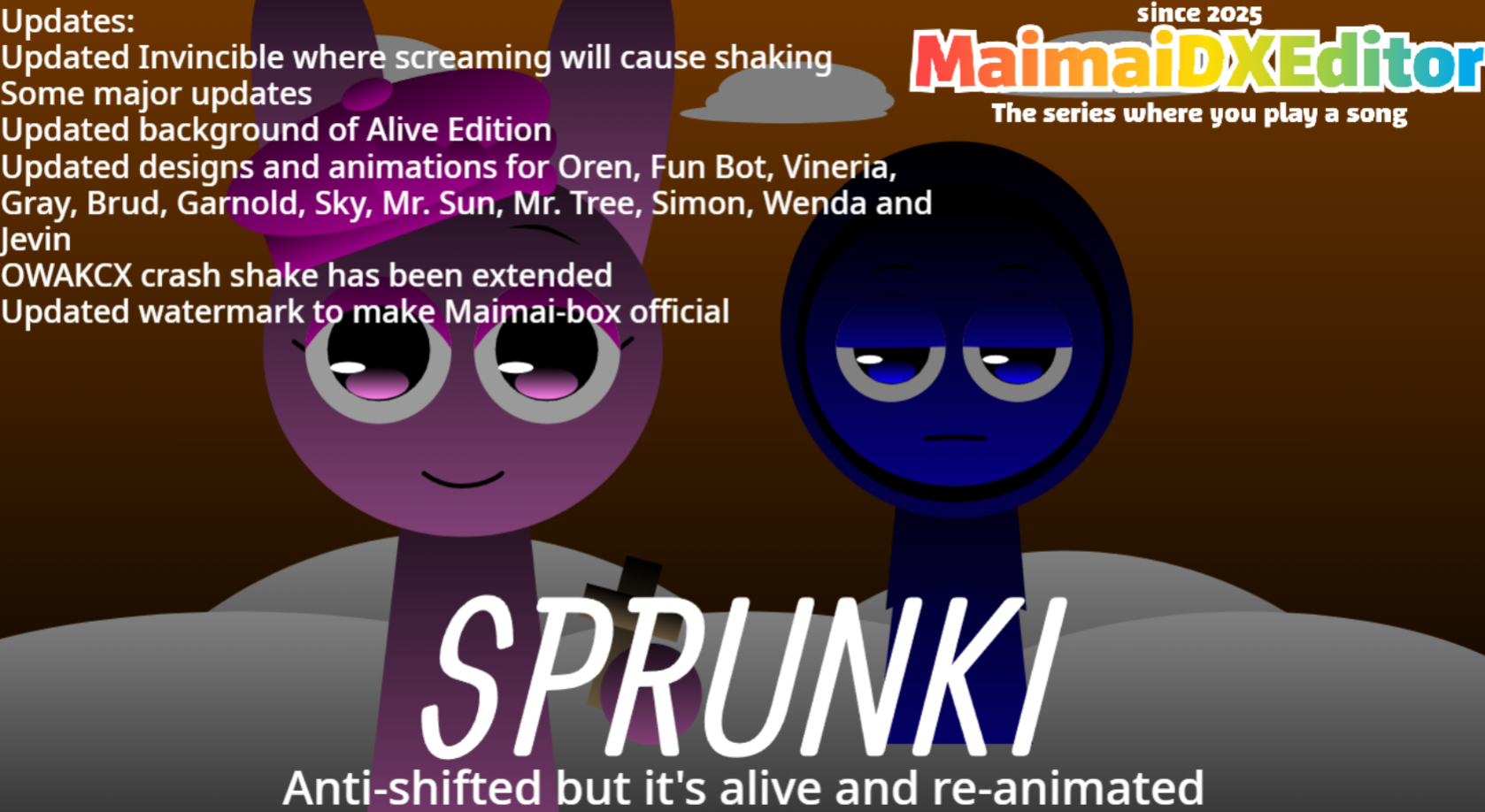



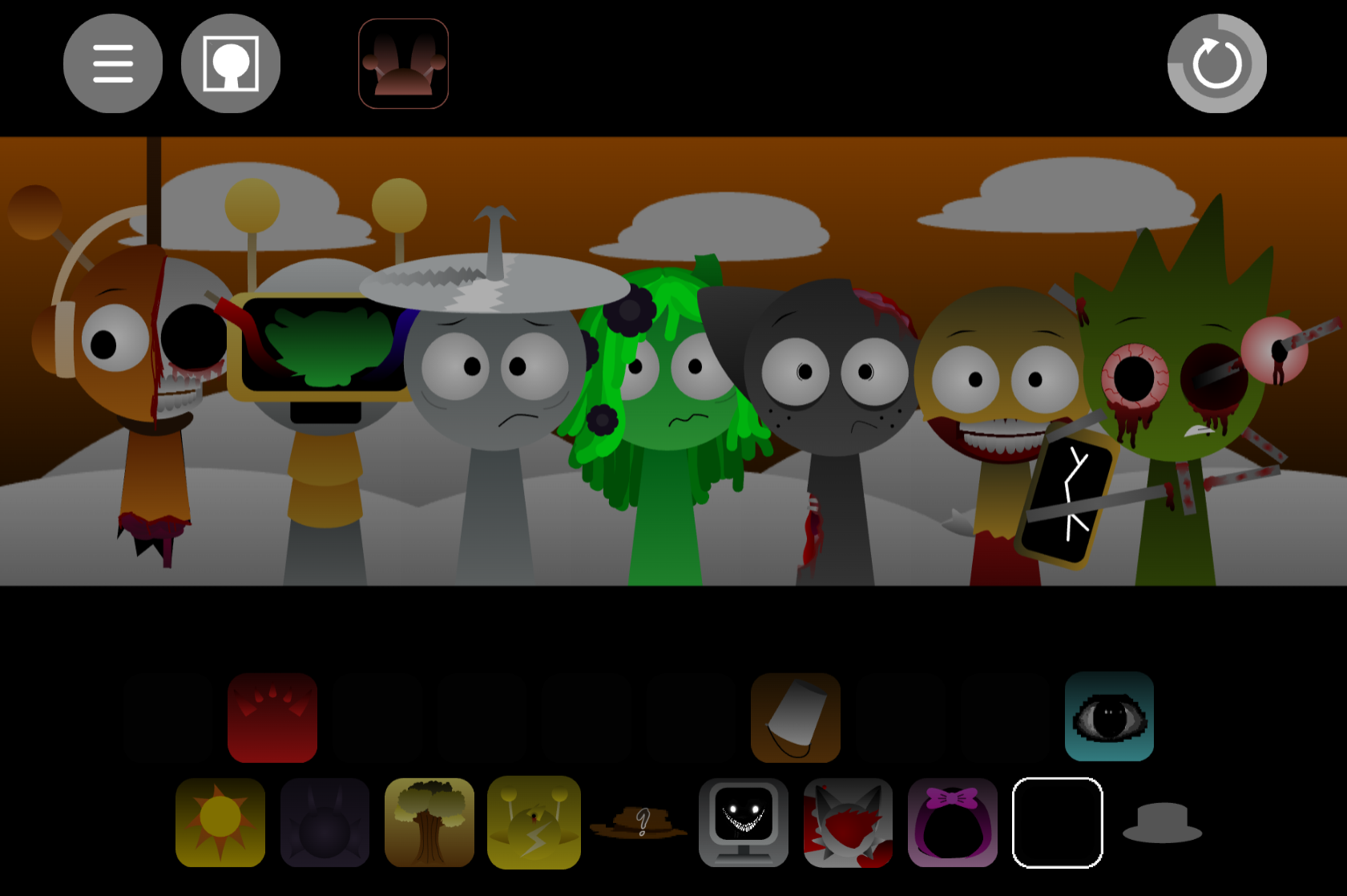
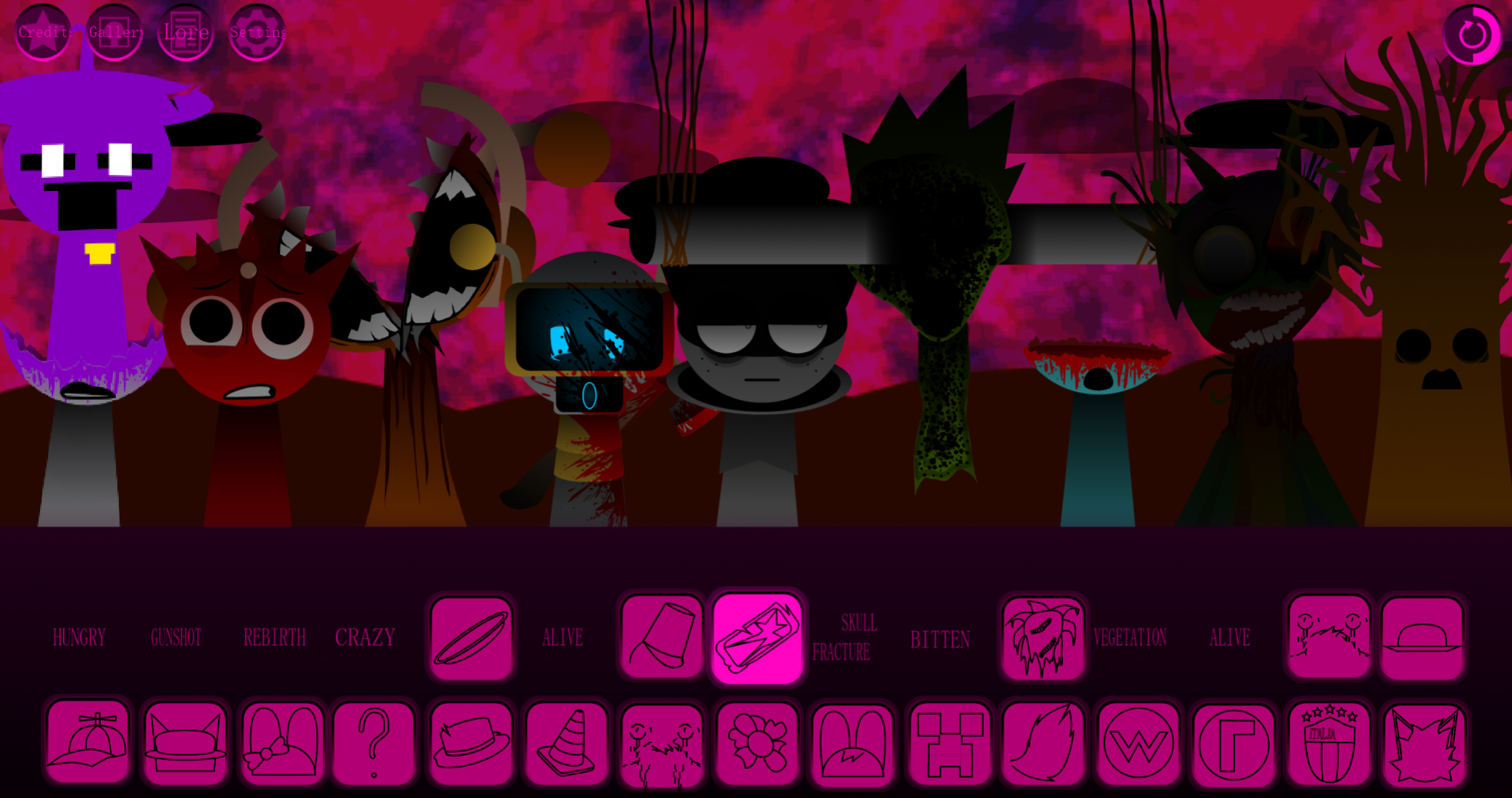

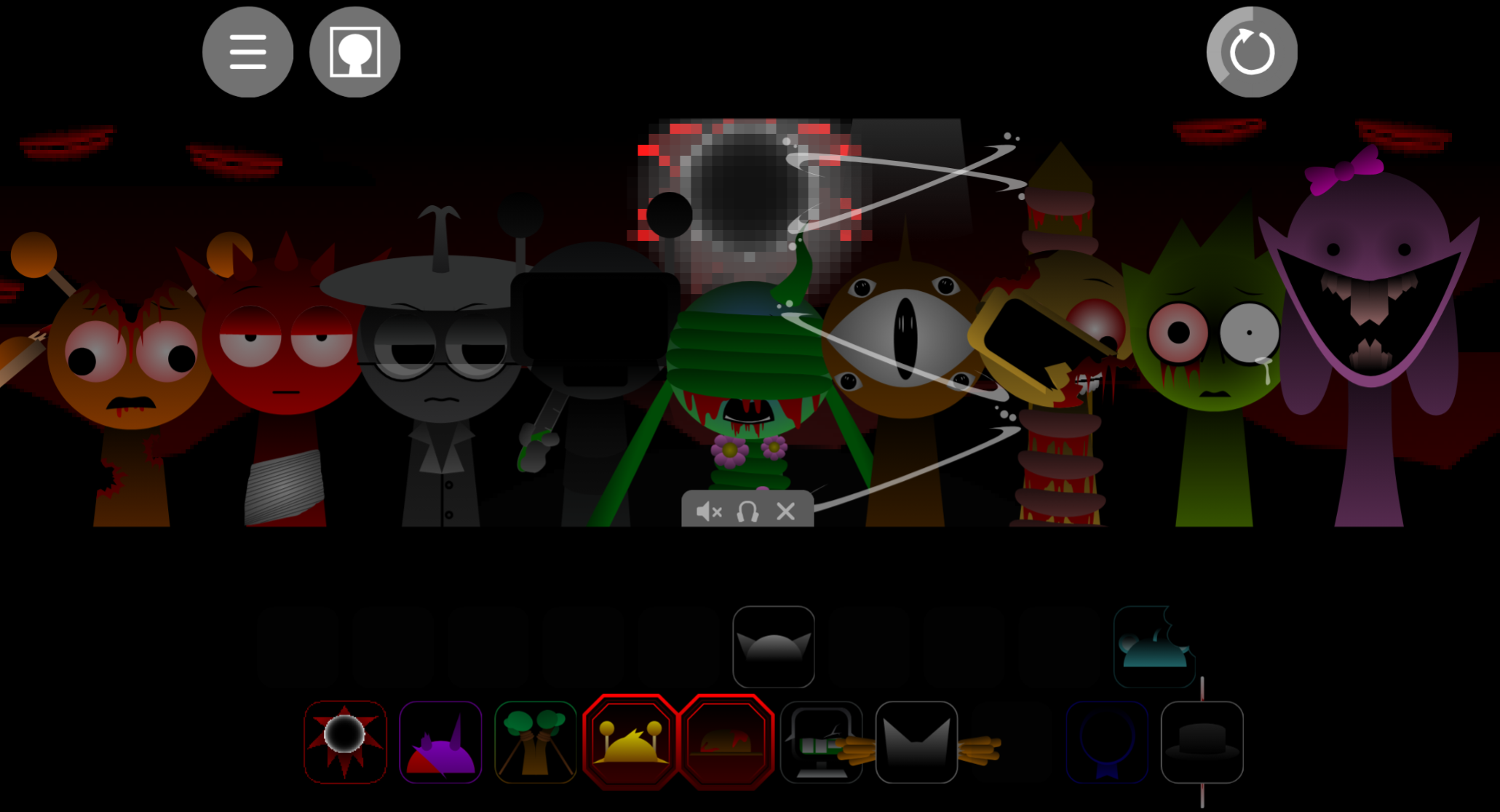
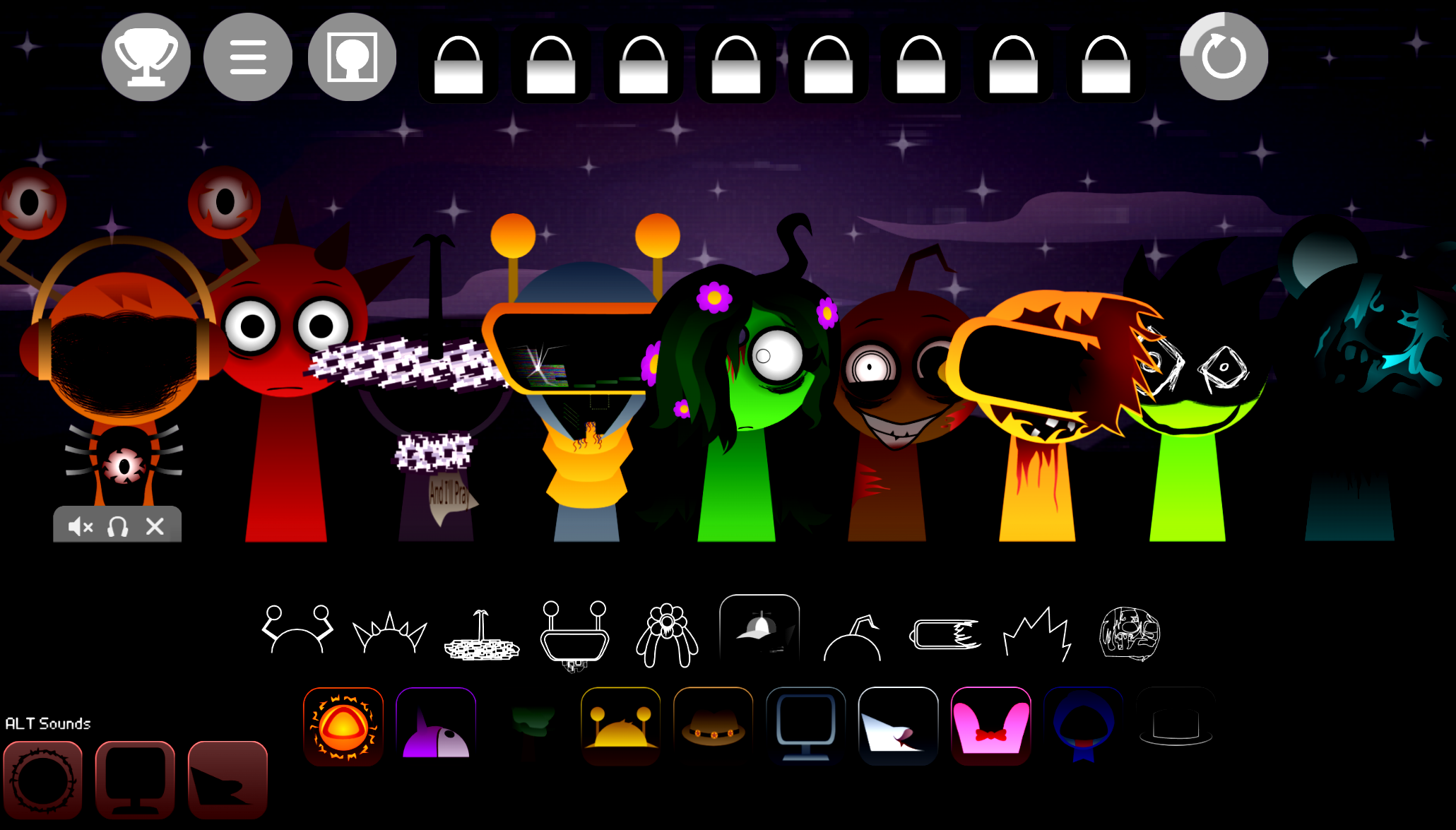
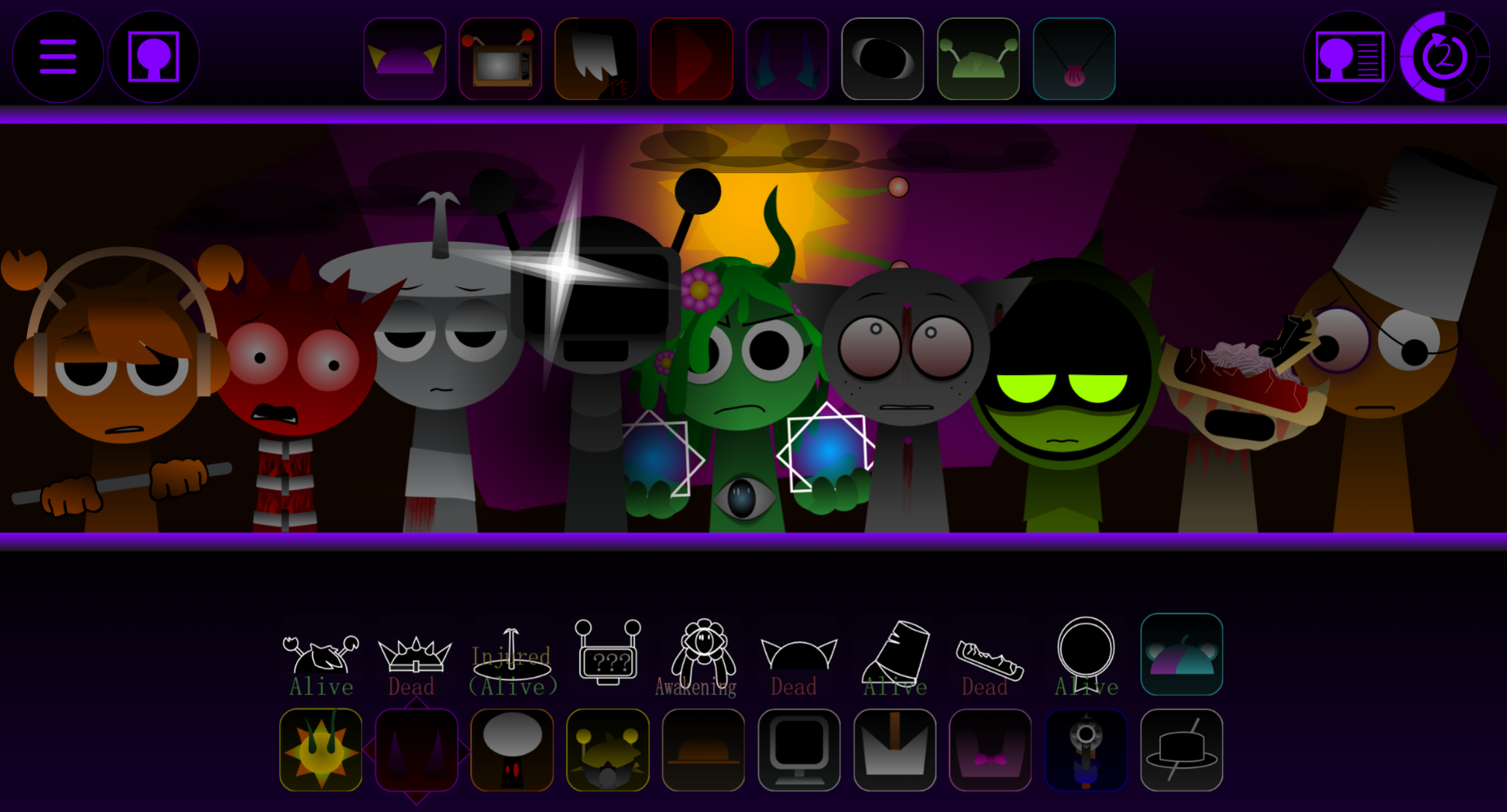
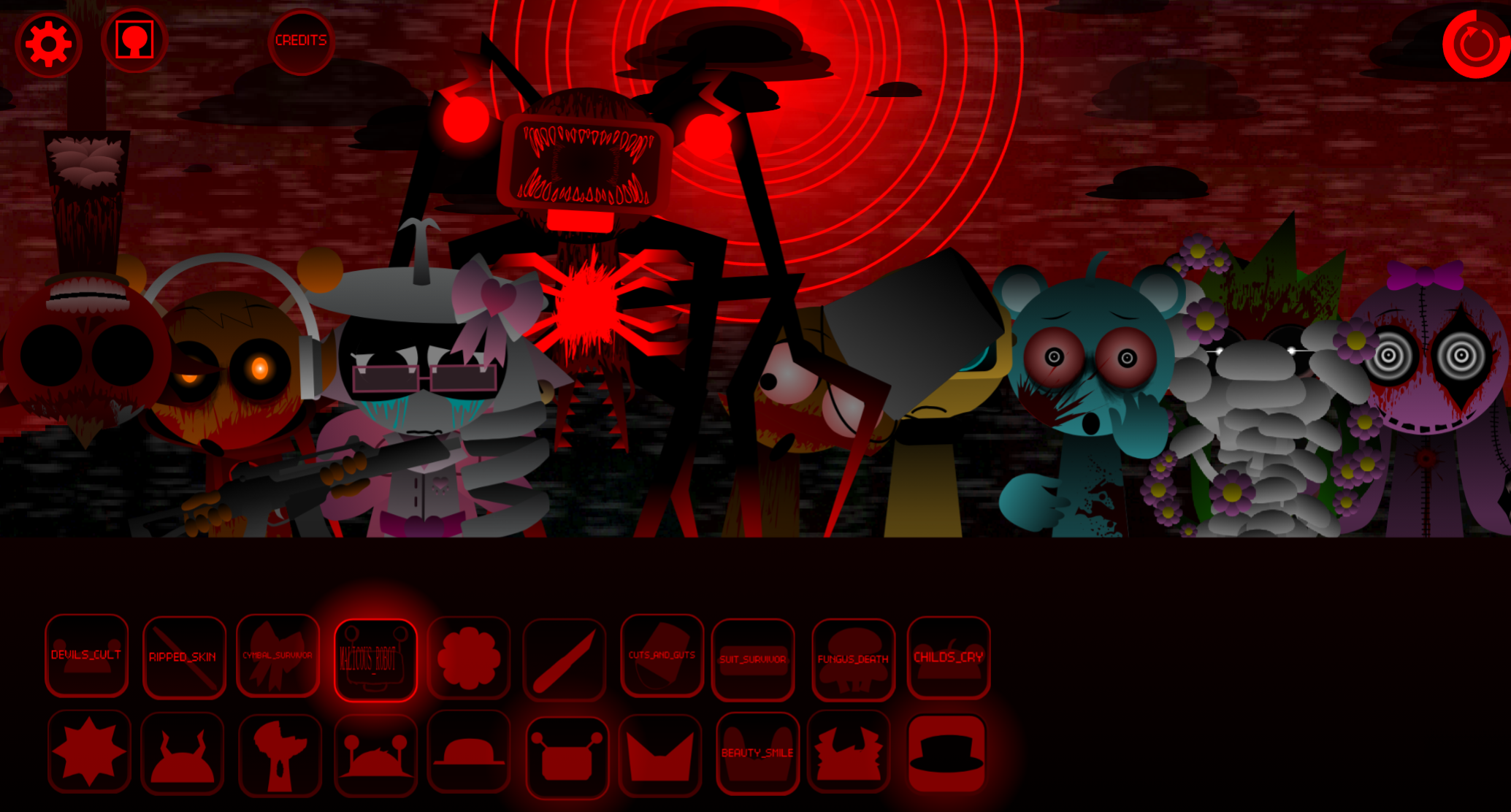


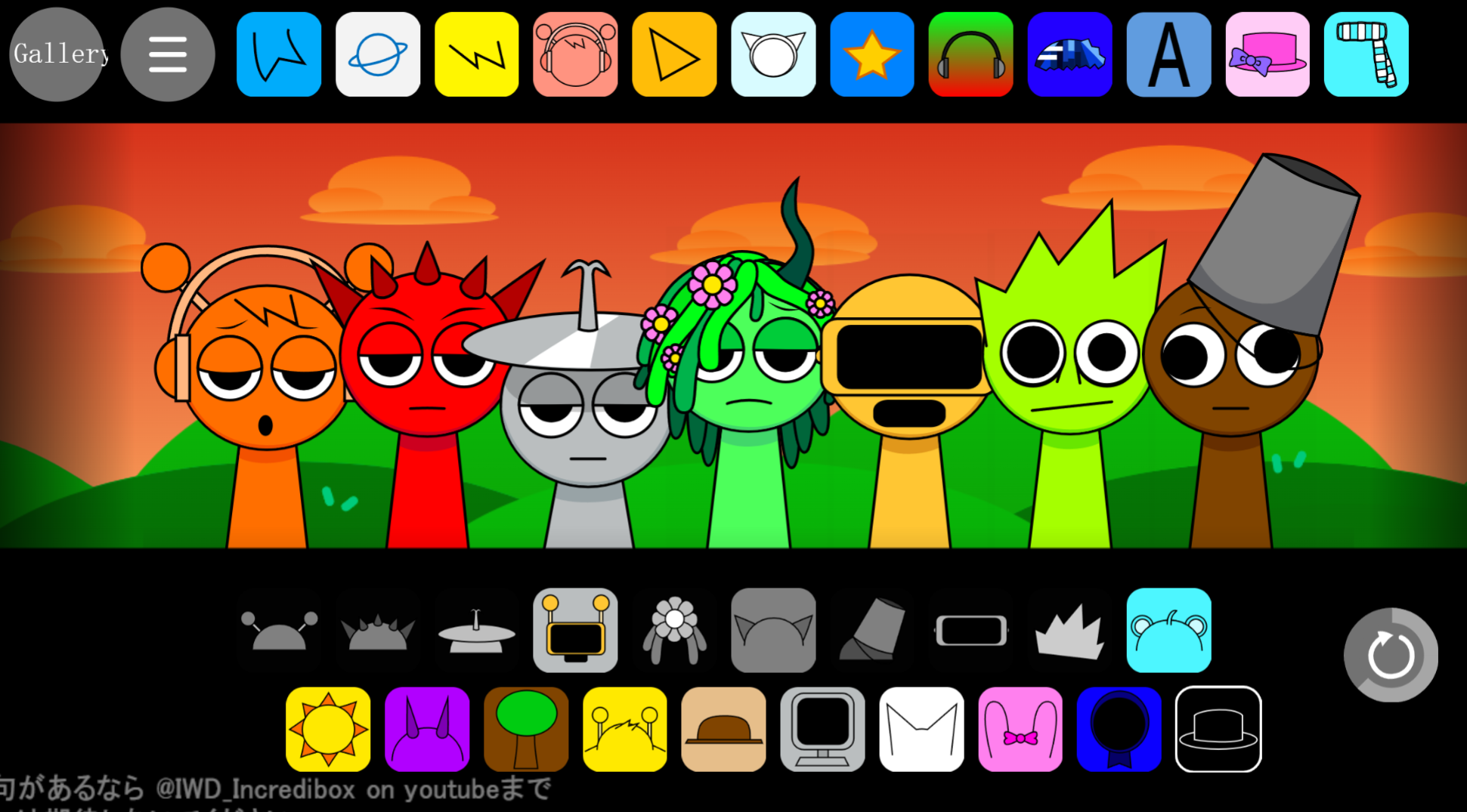
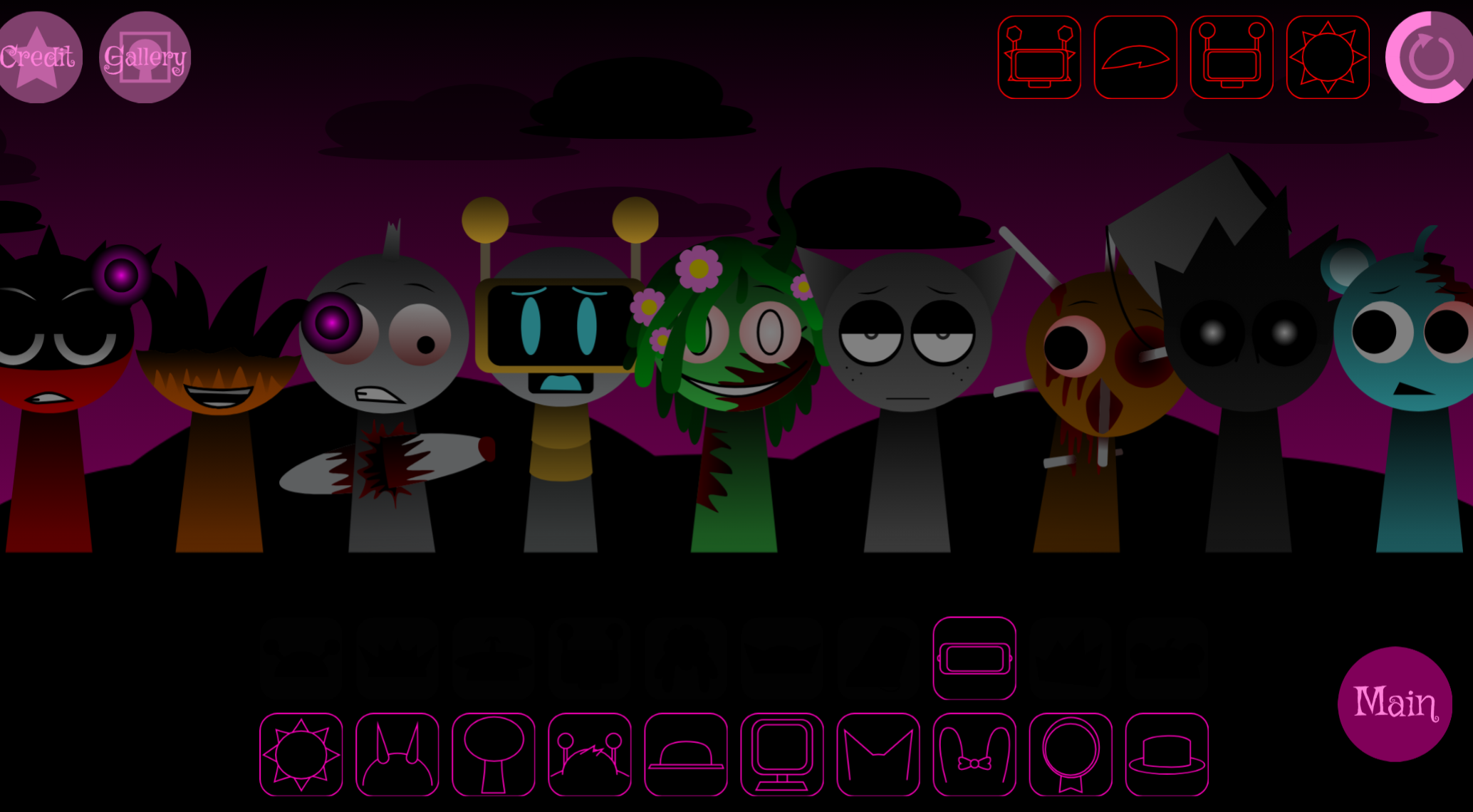
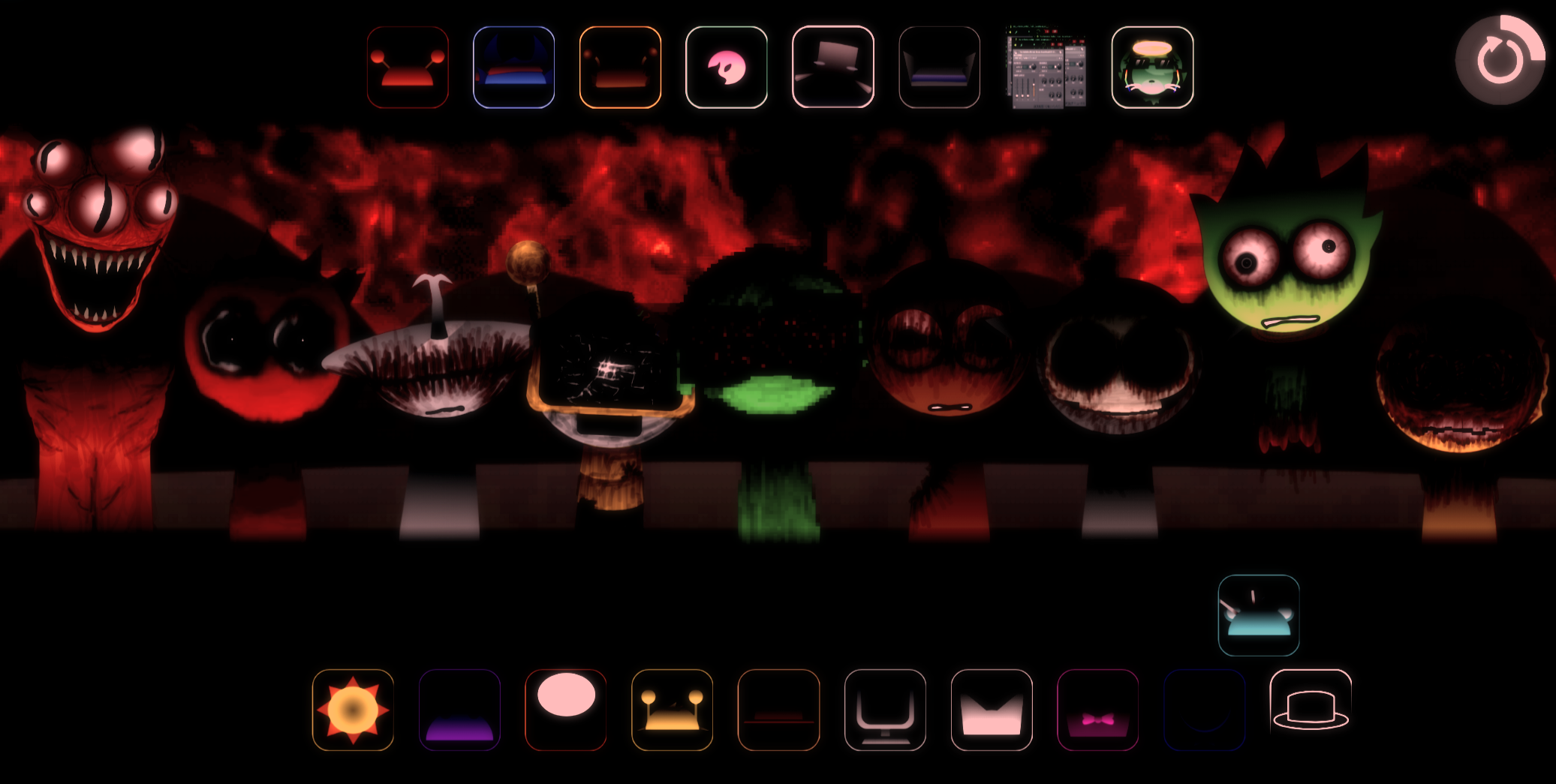
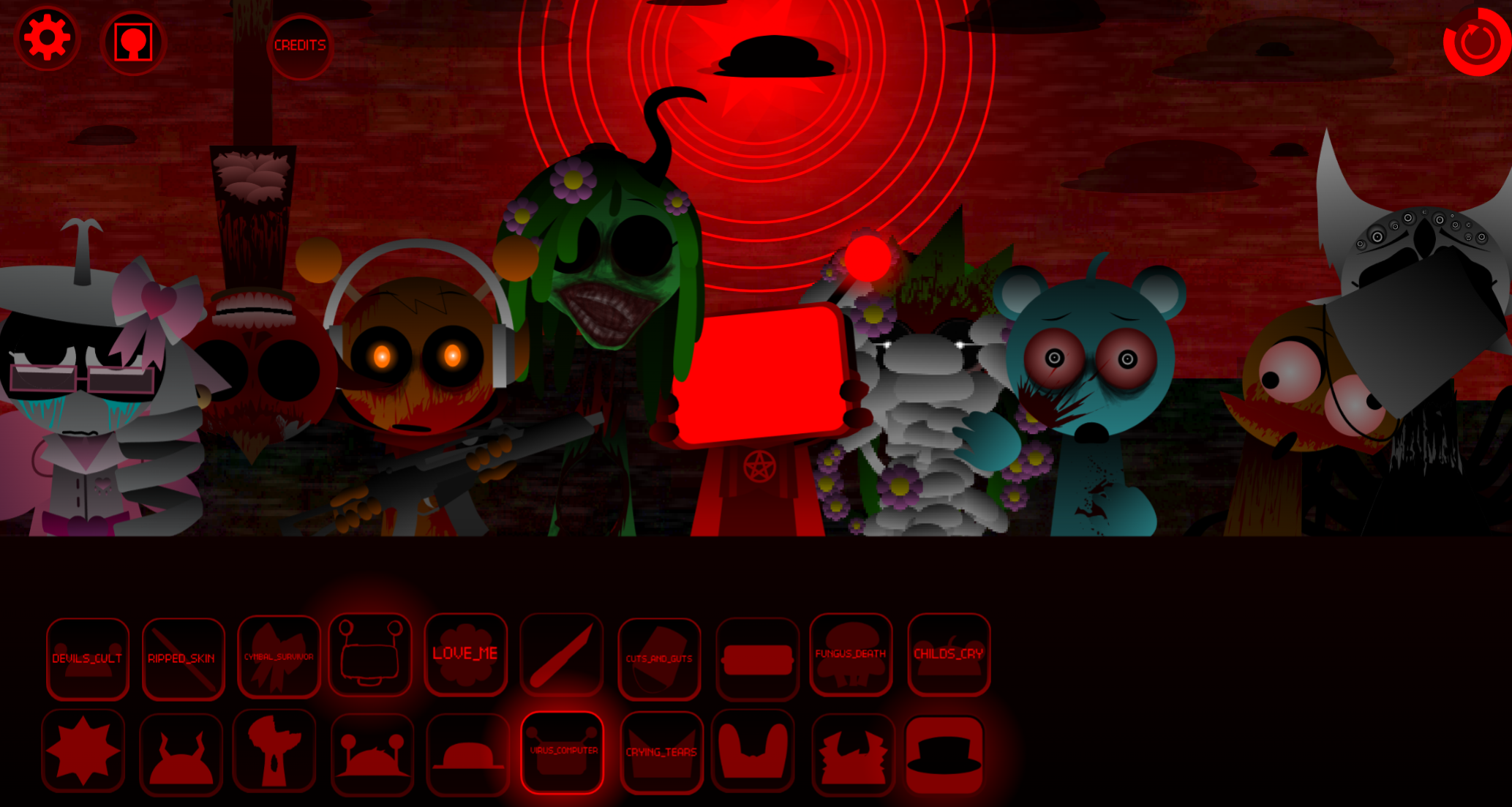
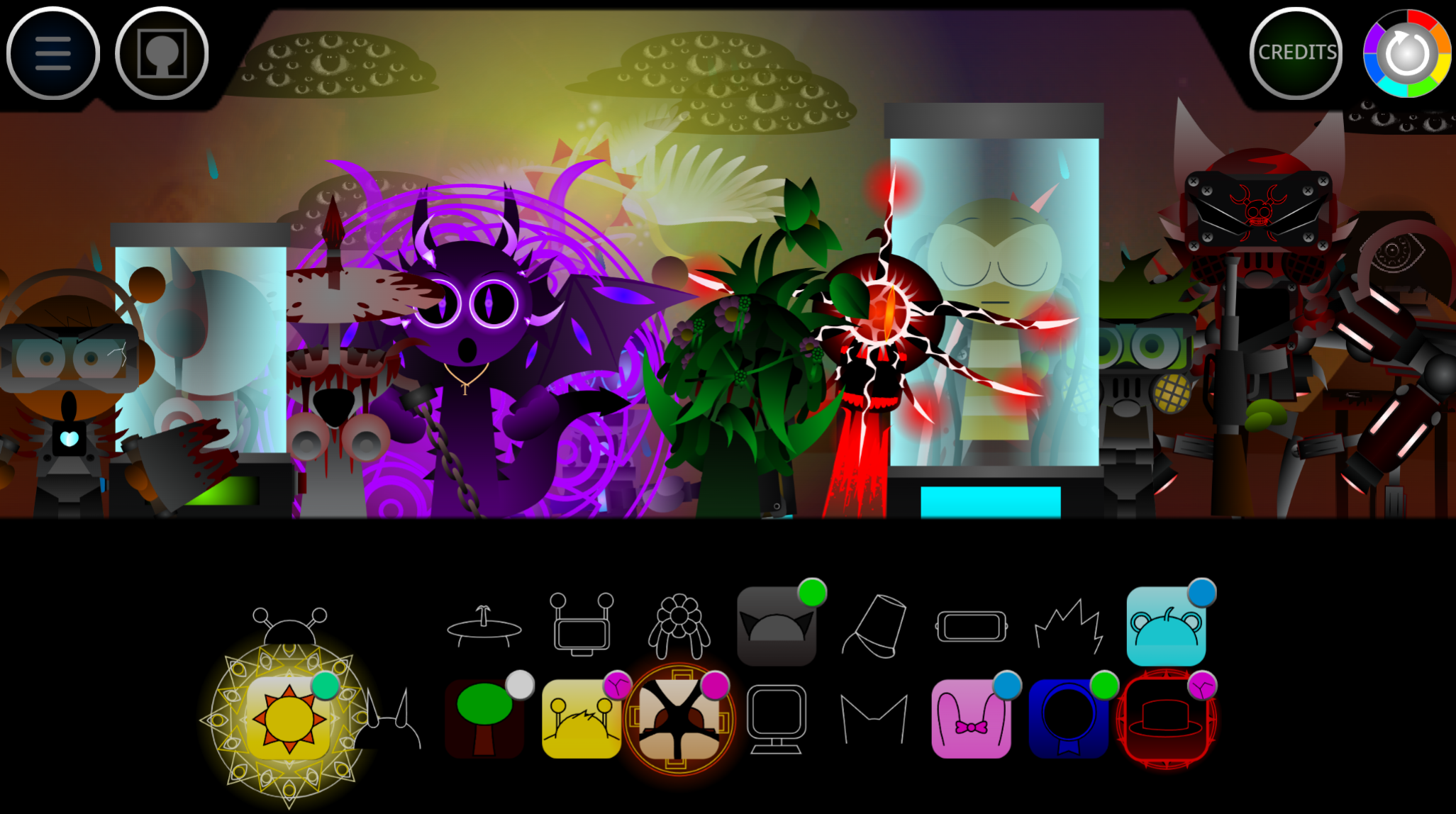

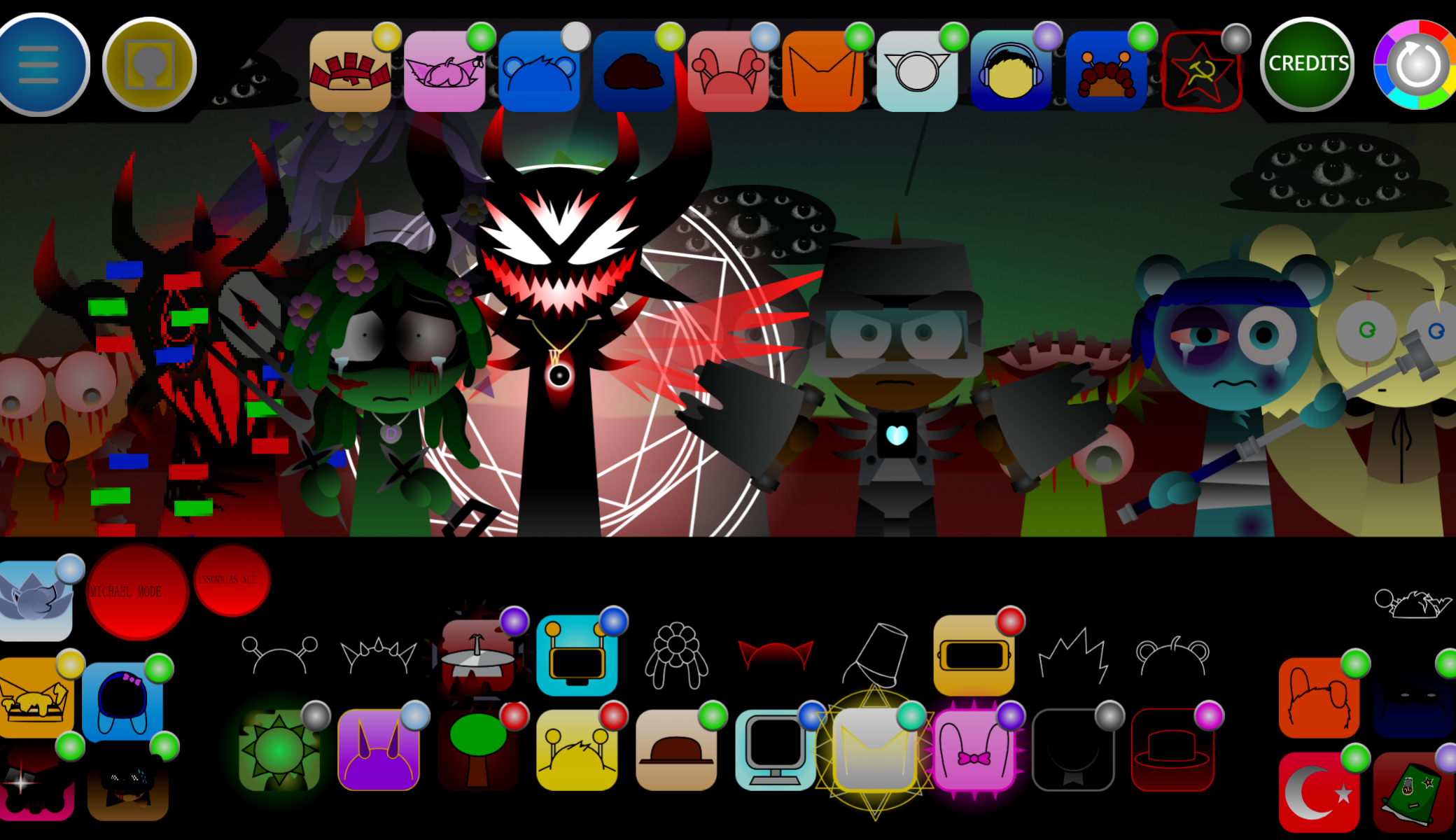
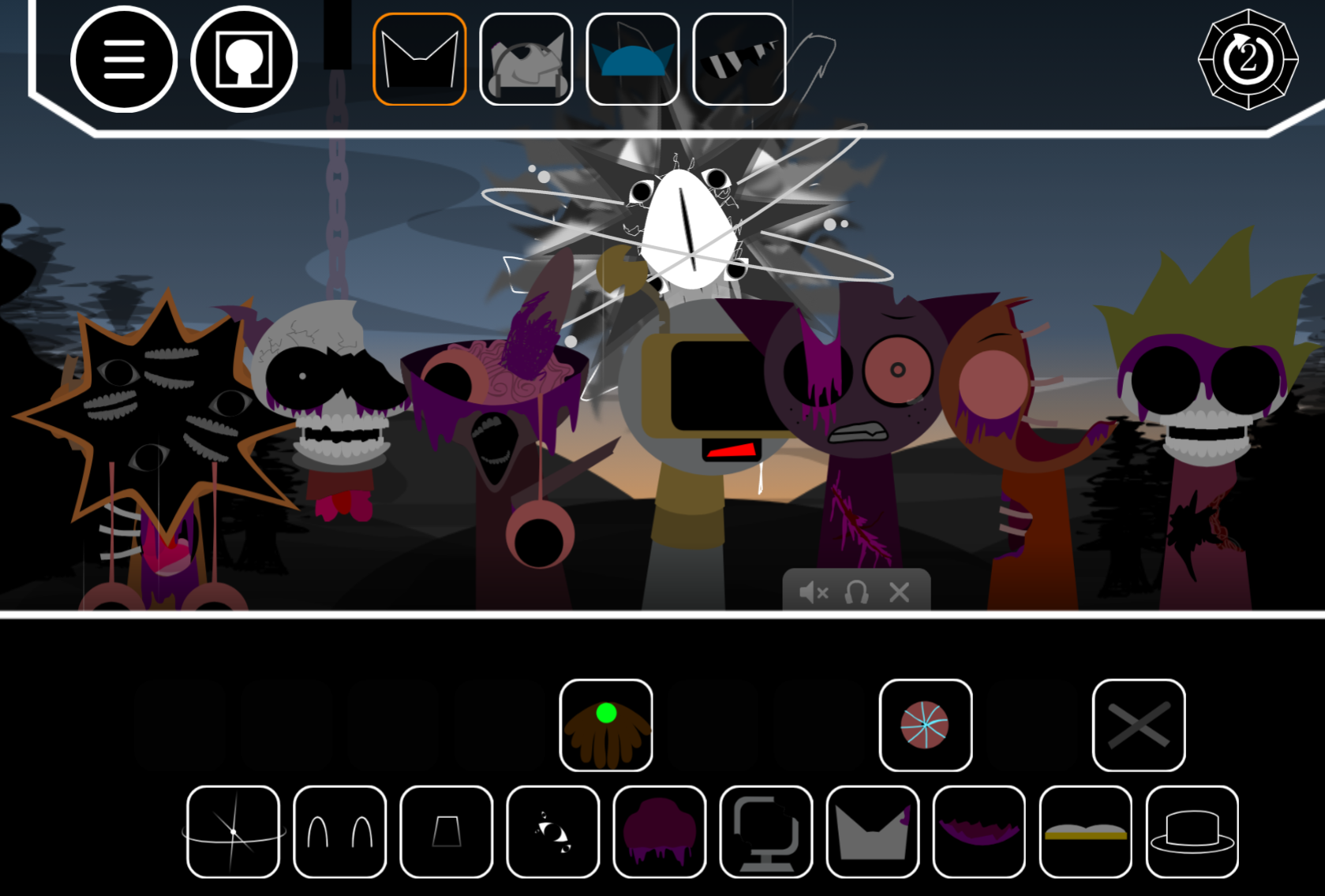
The Sprunki Maimai Box v2 Alive Edition is a real browser-based music creation mod – and it’s taking the fan-made gaming community by storm. This second-generation modification breathes vibrant life into the Sprunki universe, offering players an interactive sound-mixing experience that blends rhythm game culture with the beloved Incredibox framework.
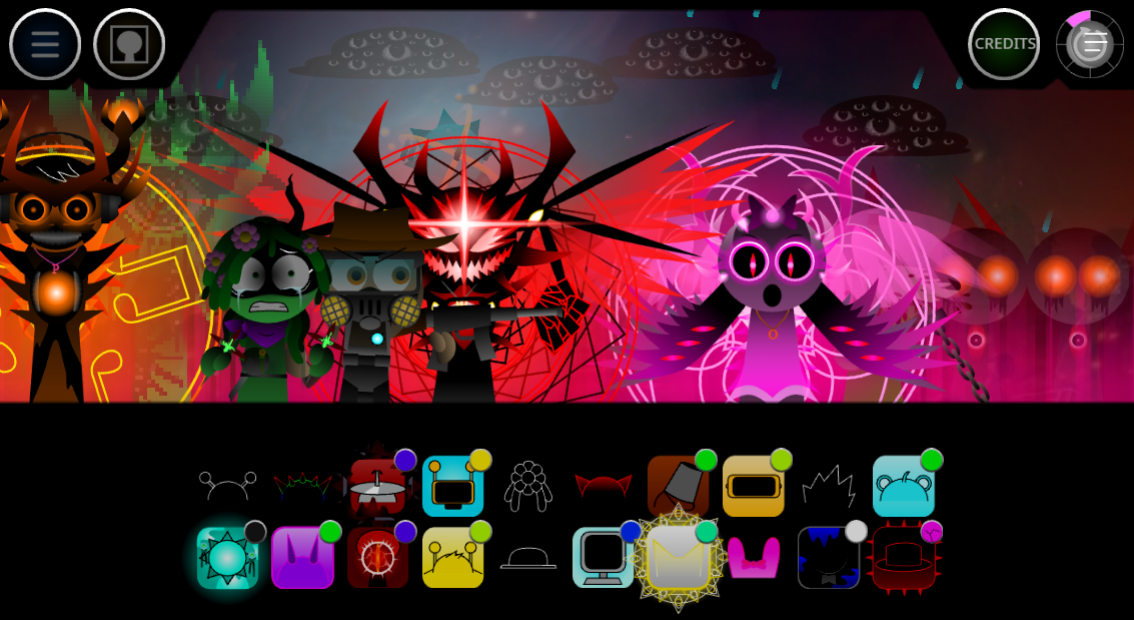
Built by passionate community developers, this edition marks a significant departure from the darker horror themes found in earlier Sprunki mods. Instead, it channels energetic, animated aesthetics that make characters feel genuinely responsive and dynamic. The “Alive” designation isn’t just marketing fluff – it reflects enhanced animations, improved character interactions, and a sound library that pulses with vitality.
What makes this version stand out? Players get access to a refined drag-and-drop interface where each character contributes unique beats, melodies, or effects to your musical composition. The v2 update addresses technical limitations from the original release while expanding the creative toolkit available to music enthusiasts and casual gamers alike.
Key highlights include:
- Browser accessibility – no downloads required, play instantly
- Enhanced character animations reflecting the “Alive” theme
- Expanded sound library with fresh beats and vocal samples
- Community-driven development ensuring regular updates and improvements
- Real-time mixing capabilities for spontaneous music creation
What Is Sprunki Maimai-box v2: Alive Edition?
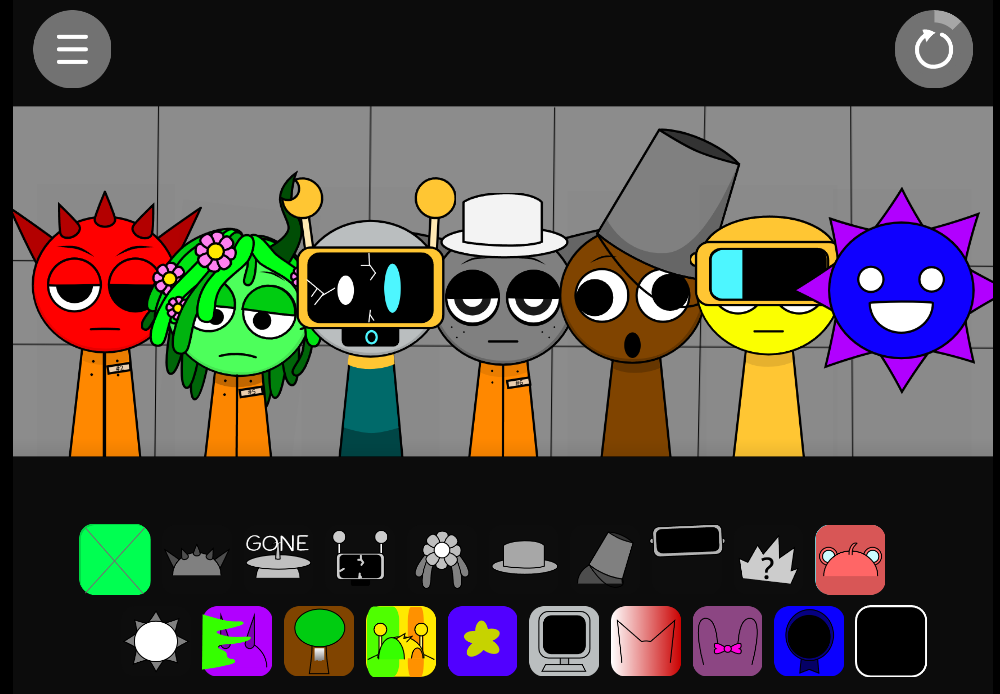
Sprunki Maimai-box v2: Alive Edition is a fan-made music game that brings fresh energy to your browser. It’s built on the Incredibox framework, mixing rhythm game vibes with unique character designs. You’ll find yourself creating beats by dragging colorful characters onto a stage, each one adding their own sound layer to your mix.
This version stands out because it’s the second major update, meaning the creators listened to players like you. They’ve added smoother animations that make characters feel truly alive. The interface runs on HTML5 and JavaScript, so you don’t need downloads or special software. Just open your browser and start making music instantly.
What makes this edition special? The “Alive” tag isn’t just marketing talk. Characters bounce, react, and move with real personality. Unlike darker Sprunki mods, this one embraces vibrant colors and upbeat themes. You’re getting an updated sound library with fresh beats, vocals, and effects that weren’t in v1.
The game lets you layer sounds in real-time. Drop a character, hear their contribution immediately. Swap them out, try new combos, and discover hidden sound patterns. It’s like having a digital band where you’re the conductor. The community behind this mod keeps growing, sharing creations and tips across gaming platforms.
Key aspects you should know:
- Browser-based play means instant access anywhere
- Drag-and-drop controls make it easy for beginners
- Character variety gives you tons of creative options
- Real-time mixing lets you hear changes instantly
- Community support provides endless inspiration
This isn’t an official Incredibox product. It’s made by fans who wanted something different. That grassroots spirit shows in every detail, from character designs to sound choices. You’re playing something crafted with passion, not corporate polish.
Features of Sprunki Maimai-box v2: Alive Edition
Enhanced Visual Experience
The visual upgrade in Sprunki Maimai-box v2: Alive Edition hits differently than older versions. Characters now feature fluid animations that respond to your actions. When you place a character, they don’t just stand there—they groove, bob, and interact with the music you’re building.
The color palette shifts toward brighter, more energetic tones. You’ll notice:
- Vibrant character designs that pop against the backdrop
- Smooth transitions between different animation states
- Responsive feedback when you hover or click
- Dynamic backgrounds that pulse with your beat
Audio Improvements
Sound quality got a major boost. Each character brings unique audio elements:
| Character Type | Sound Role | Example Elements |
|---|---|---|
| Beat Makers | Rhythm foundation | Drums, bass kicks, snares |
| Melody Carriers | Main tunes | Synths, vocals, harmonies |
| Effect Layers | Texture and depth | Scratches, echoes, filters |
The mixing engine handles multiple layers without lag. You can stack up to 20 sounds simultaneously, creating complex compositions that rival professional tracks.
User Interface Updates
Navigation feels intuitive now. The creators removed clunky menus and added quick-access buttons. You’ll find:
- Clear character slots showing what’s active
- Volume controls for individual sound layers
- Save/load functions to preserve your work
- Share buttons for posting creations online
The interface adapts to different screen sizes. Whether you’re on a laptop or tablet, controls stay accessible and responsive.
Community Integration
This version connects you with other players. Built-in features let you:
- Browse top-rated mixes from the community
- Download sound packs created by other users
- Join challenges with specific themes or rules
- Rate and comment on shared creations
The social aspect transforms solo play into a shared experience. You’re not just making music—you’re part of a creative movement.
How to Play Sprunki Maimai-box v2: Alive Edition
Getting Started
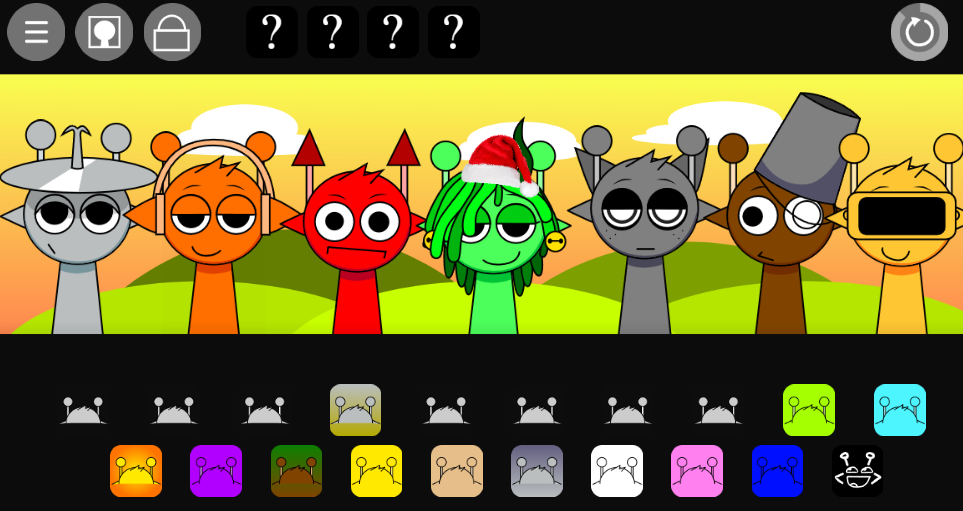
Launch the game through any modern browser. Chrome, Firefox, and Edge all work perfectly. You’ll see a stage area with empty slots and a character lineup below.
Step 1: Choose Your First Character
Click and drag any character from the bottom row. Each one shows a small icon hinting at their sound type. Drums have percussion symbols, singers show musical notes.
Step 2: Place Characters on Stage
Drop your chosen character into an empty slot. They’ll start performing immediately. Listen to how they sound alone before adding more.
Step 3: Build Your Mix
Add characters one by one. Pay attention to how sounds blend:
- Start with a beat maker for rhythm foundation
- Add melody carriers for the main tune
- Layer effects for texture and interest
- Remove characters that clash or overwhelm
Step 4: Experiment Freely
There’s no wrong way to play. Try these techniques:
- Swap characters to find better combinations
- Mute slots temporarily to isolate sounds
- Adjust timing by removing and re-adding characters
- Create patterns by alternating character types
Advanced Techniques
Once you’re comfortable with basics, explore deeper features:
Combo Discovery: Certain character combinations unlock special animations or bonus sounds. The game won’t tell you which ones—you’ve got to experiment. Look for visual cues when characters react to each other.
Rhythm Matching: Pay attention to tempo. Some characters work better together because their beats align naturally. If something sounds off, try different character pairings.
Layer Management: Don’t fill every slot just because you can. Sometimes less is more. A clean mix with five well-chosen characters beats a muddy one with twenty.
Save Your Progress: Hit the save button often. You can return to works-in-progress later or use them as starting points for new creations.
Tips for Better Mixes
- Listen actively to each new addition
- Balance volume levels across all layers
- Create contrast between busy and sparse sections
- Study popular mixes to learn effective patterns
- Share your work to get feedback
The learning curve stays gentle. Within minutes, you’ll create something that sounds good. Within hours, you’ll craft tracks that impress others.
FAQs of Sprunki Maimai-box v2: Alive Edition Game
Is this game free to play?
Yes, it’s completely free. No hidden costs, no premium features locked behind paywalls. The community-driven nature means creators share it freely across gaming platforms.
Do I need to download anything?
Nope. It runs entirely in your browser using HTML5 technology. Just visit the hosting site and start playing. Make sure your browser is updated for best performance.
Can I save my music creations?
Absolutely. The game includes save functions that store your mixes locally. Some versions also let you export audio files or share links to your creations.
What’s different from the original Incredibox?
Sprunki Maimai-box v2: Alive Edition offers unique characters, different sound libraries, and modified visuals. It’s a fan interpretation, not an official sequel. The “Alive” theme brings more energetic, vibrant aesthetics compared to standard Incredibox.
How does v2 improve on v1?
Version 2 adds smoother animations, expanded character rosters, better audio quality, and improved interface design. Bug fixes and performance tweaks make gameplay more stable. Community feedback shaped these updates directly.
Can I play on mobile devices?
Most modern smartphones and tablets support it. The interface adapts to touch controls, though smaller screens might feel cramped. For the best experience, use a device with at least a 7-inch screen.
Are there tutorials available?
The game itself is intuitive enough that you won’t need lengthy tutorials. However, community forums and YouTube channels offer tips, tricks, and inspiration if you want guidance.
Is it safe for kids?
Yes. Unlike some Sprunki mods with horror themes, the Alive Edition focuses on upbeat, colorful content. No scary imagery or inappropriate material appears in this version.
How often does it get updated?
Update frequency depends on the mod creators. Community-driven projects typically see updates when creators have time and new ideas. Follow the official hosting platform for announcements.
Can I create my own characters?
Not within the game itself. However, the modding community sometimes releases tools or guides for creating custom content. Check community forums for resources if you’re interested in contributing.
Similar Games
Final Words
Sprunki Maimai Box v2 Alive Edition transforms casual browser gaming into an expressive musical playground where creativity knows no boundaries. This fan-crafted modification delivers instant access to beat-making magic through simple drag-and-drop mechanics, requiring zero downloads or technical expertise.
The “Alive” designation proves itself through genuinely responsive character animations, vibrant visual energy, and an expanded sound library that pulses with personality.
Players gain immediate control over layered compositions, stacking up to 20 distinct audio elements while watching characters react and groove in real-time.
The interface adapts seamlessly across devices, connecting solo creators with a thriving community of music enthusiasts who share, rate, and remix each other’s work.
Discuss Sprunki