



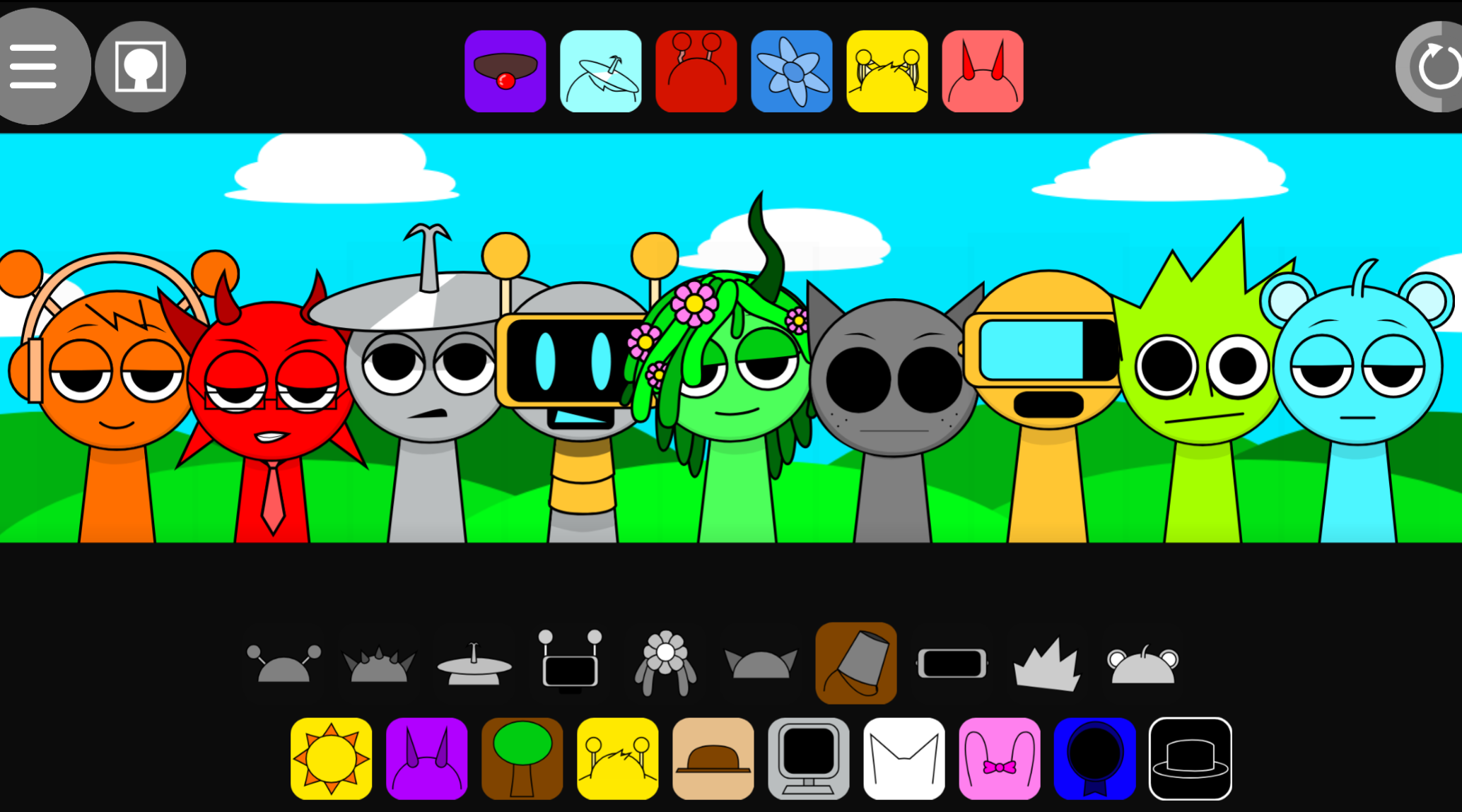
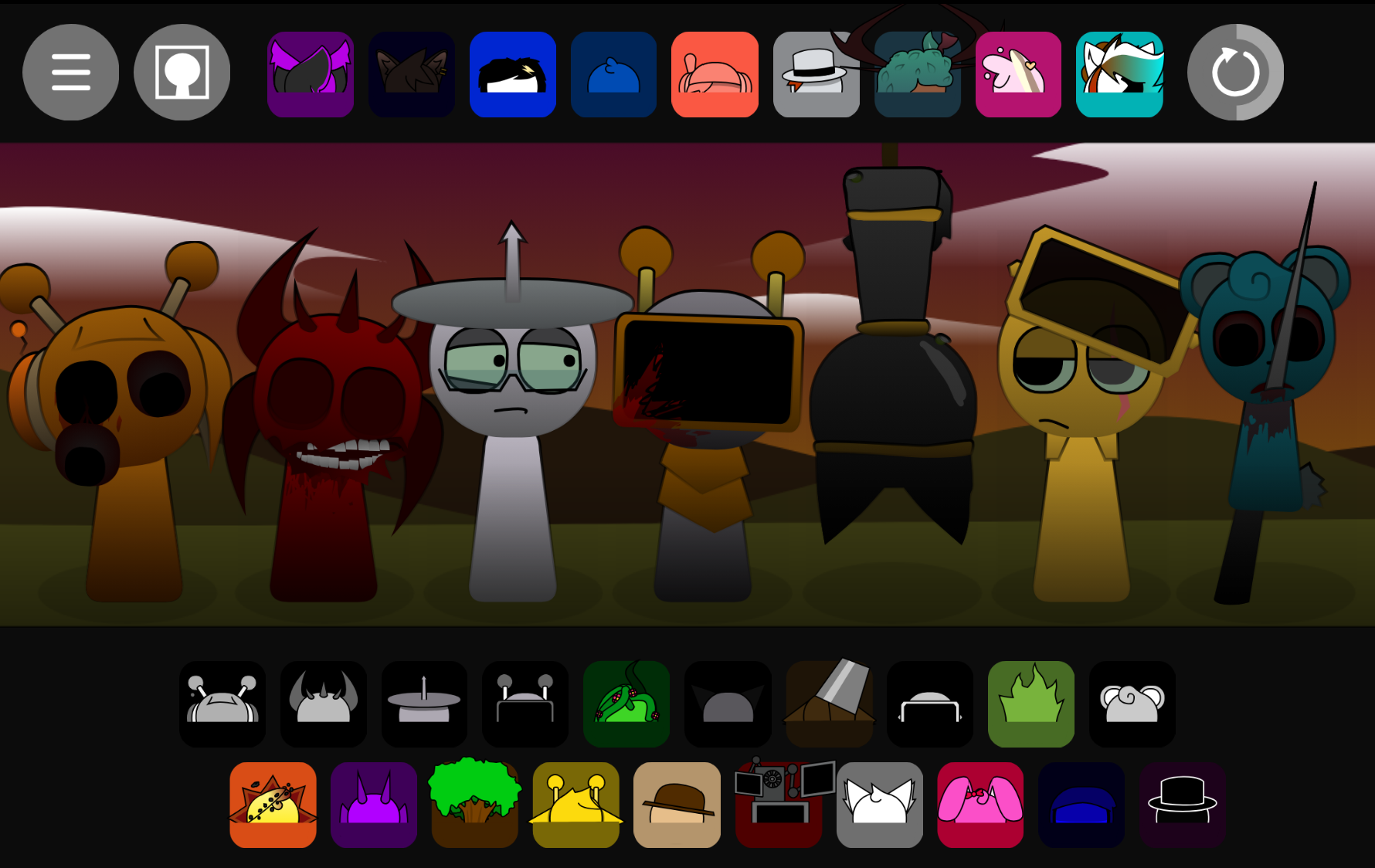
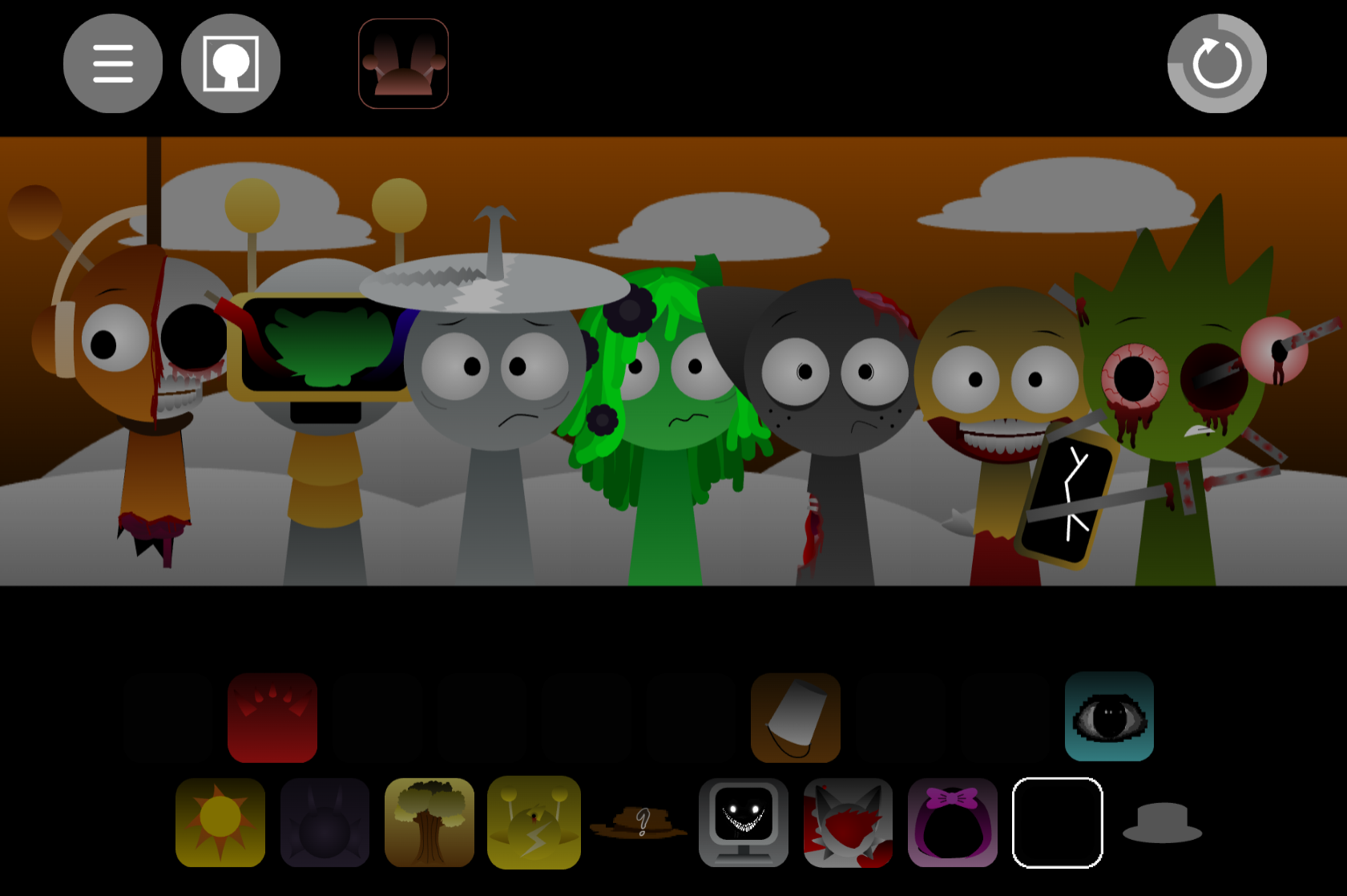
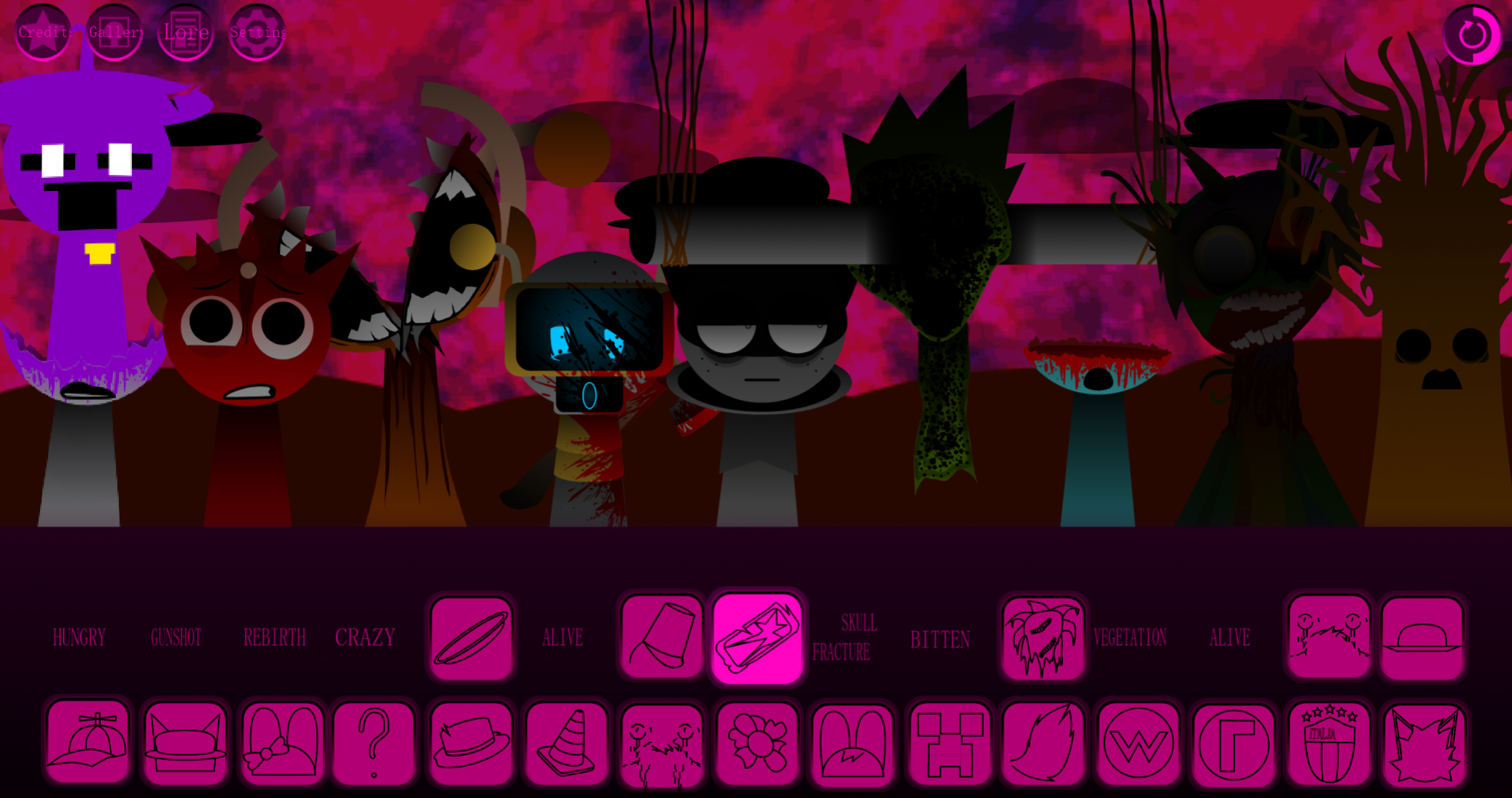

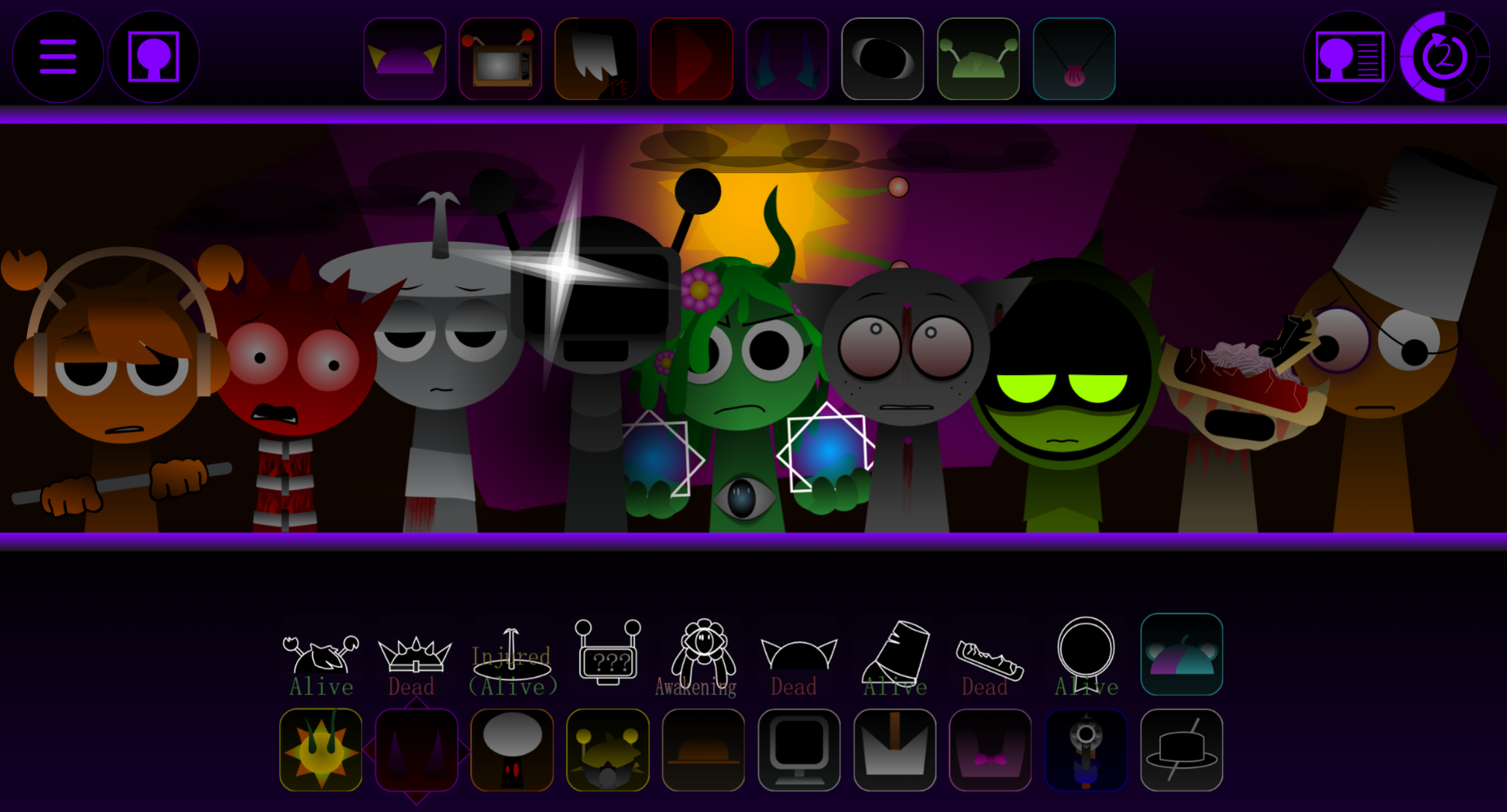
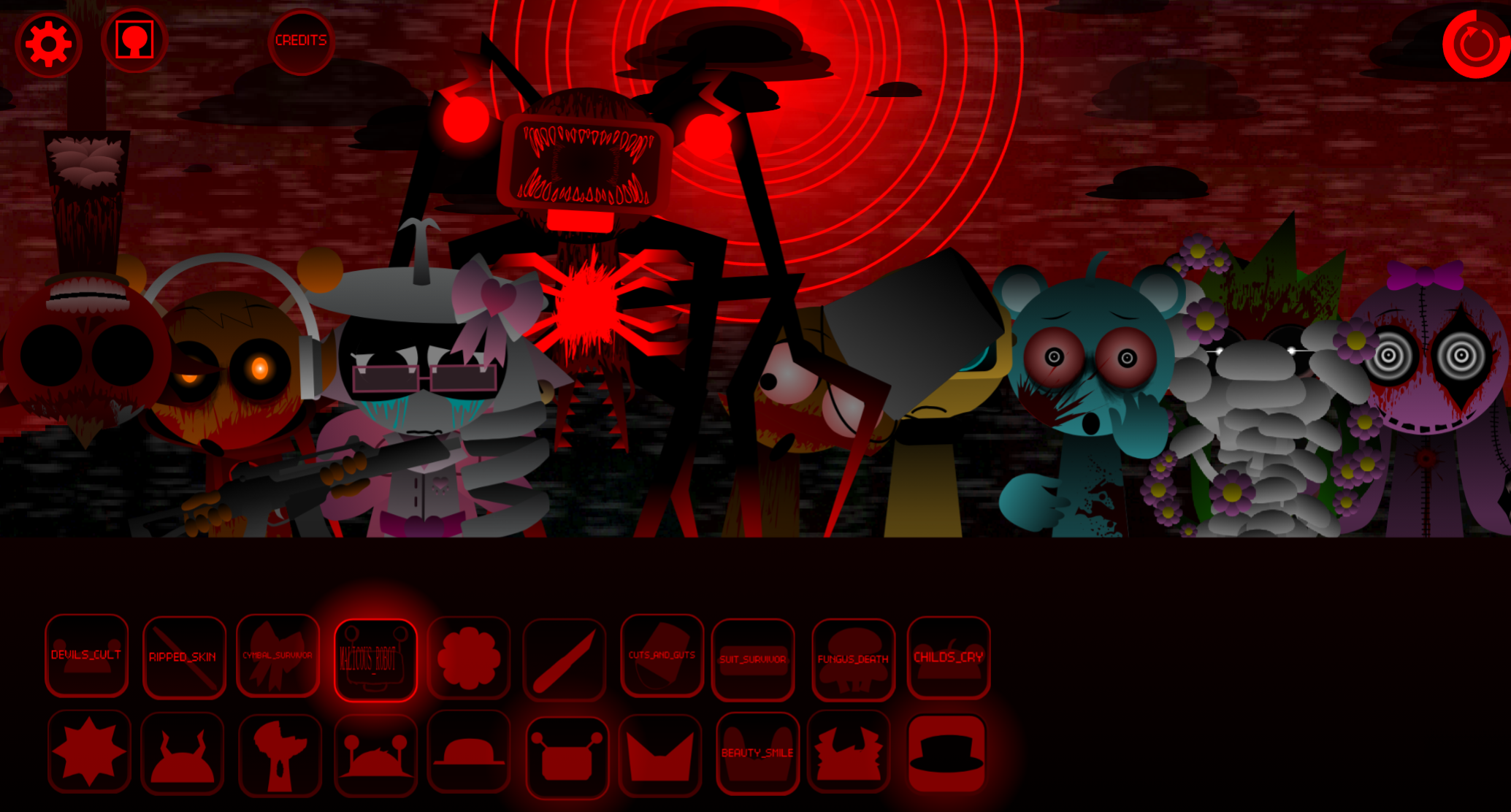


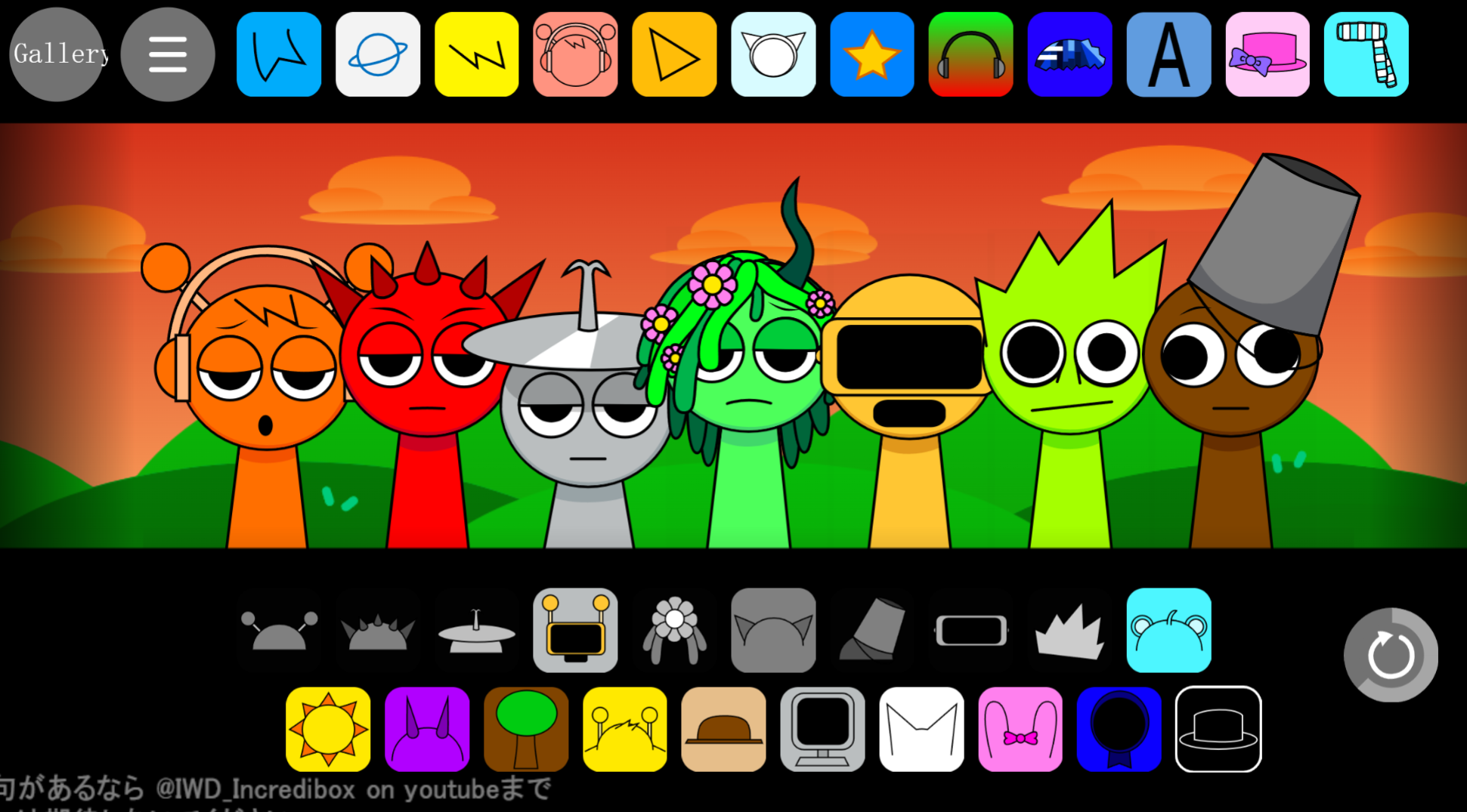
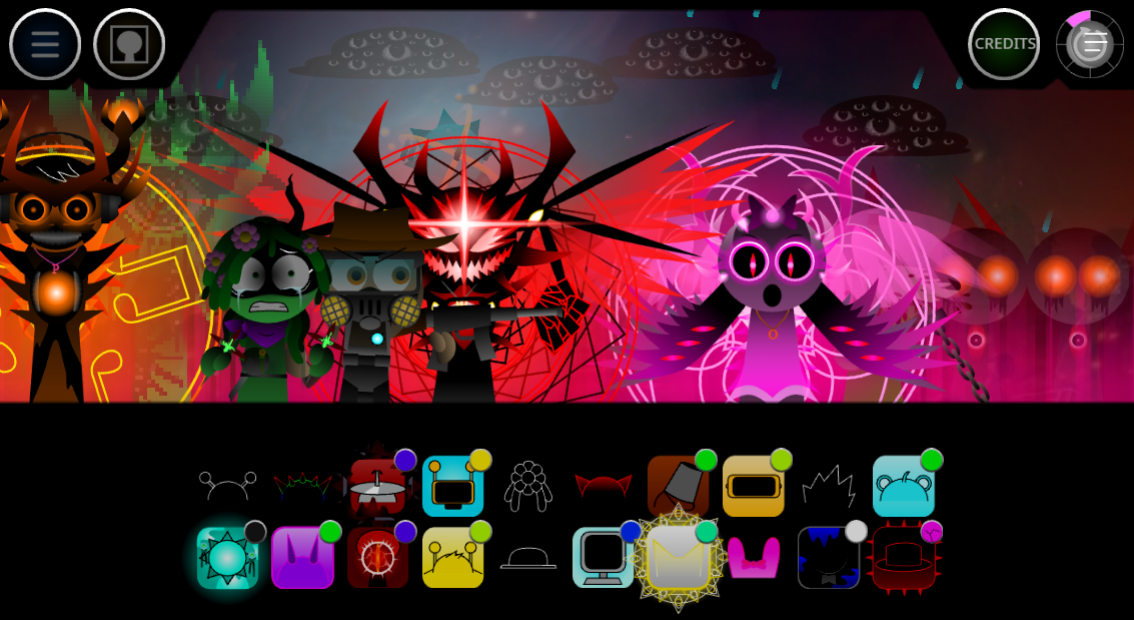
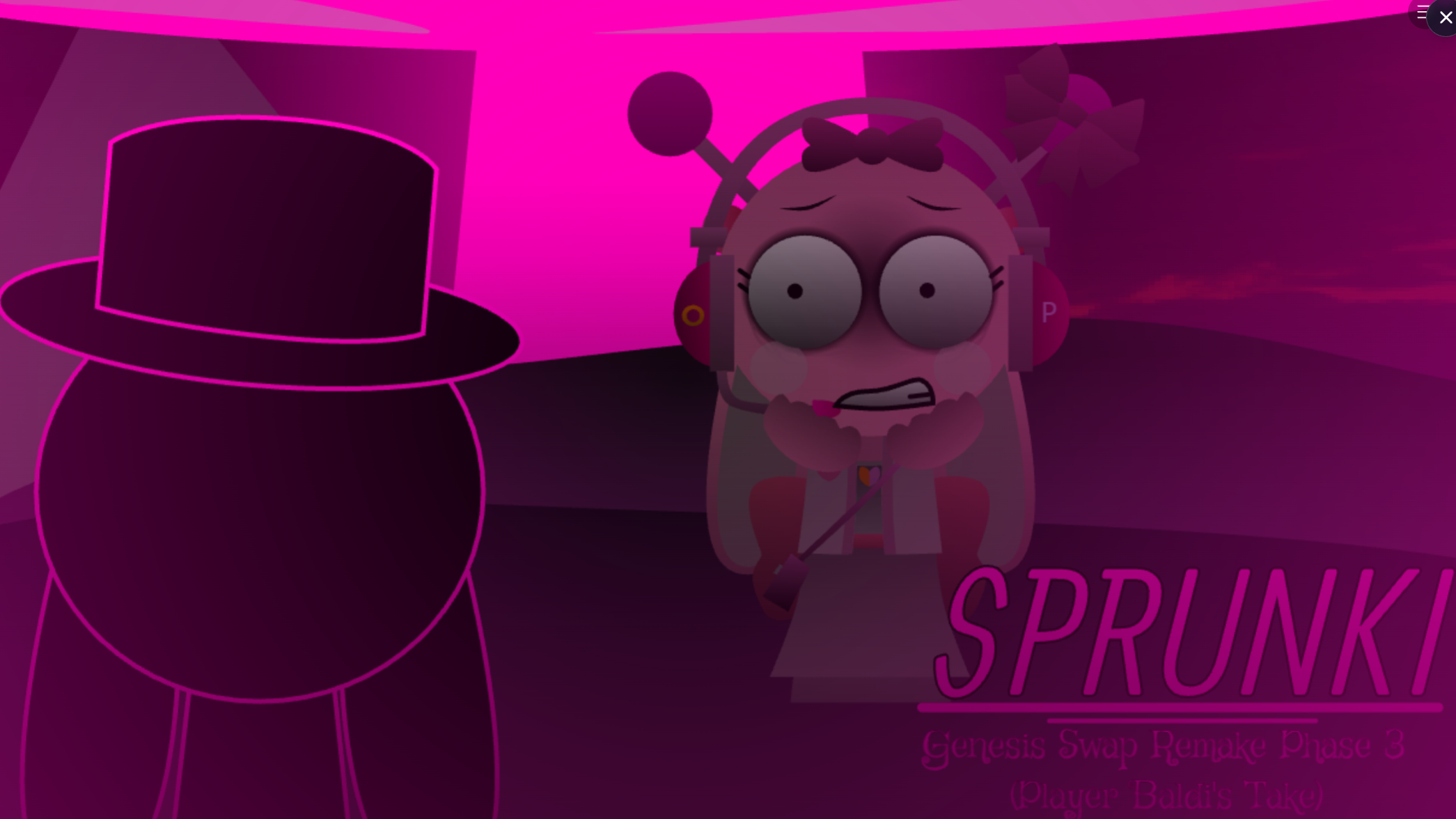
The Incredibox Sprunki Update introduces a collection of atmospheric modes that reshape how players interact with the music creation experience.
Each mode delivers distinct soundscapes and visual themes, letting you switch between erie, upbeat, or experimental tones as you layer beats and melodies. Atmosphere drives the update—every mode carries its own aesthetic and audio palette, so your compositions shift in mood and energy depending on which environment you choose.
This article walks through what the update changes, which modes offer the strongest creative tools, and how to start playing with the new features.
Incredibox - Sprunki (Update)
Incredibox - Sprunki (Update) is a community-made browser music mod that reworks the familiar drag-and-drop format with redesigned characters, new samples, expanded combinations, and a darker alternate presentation.
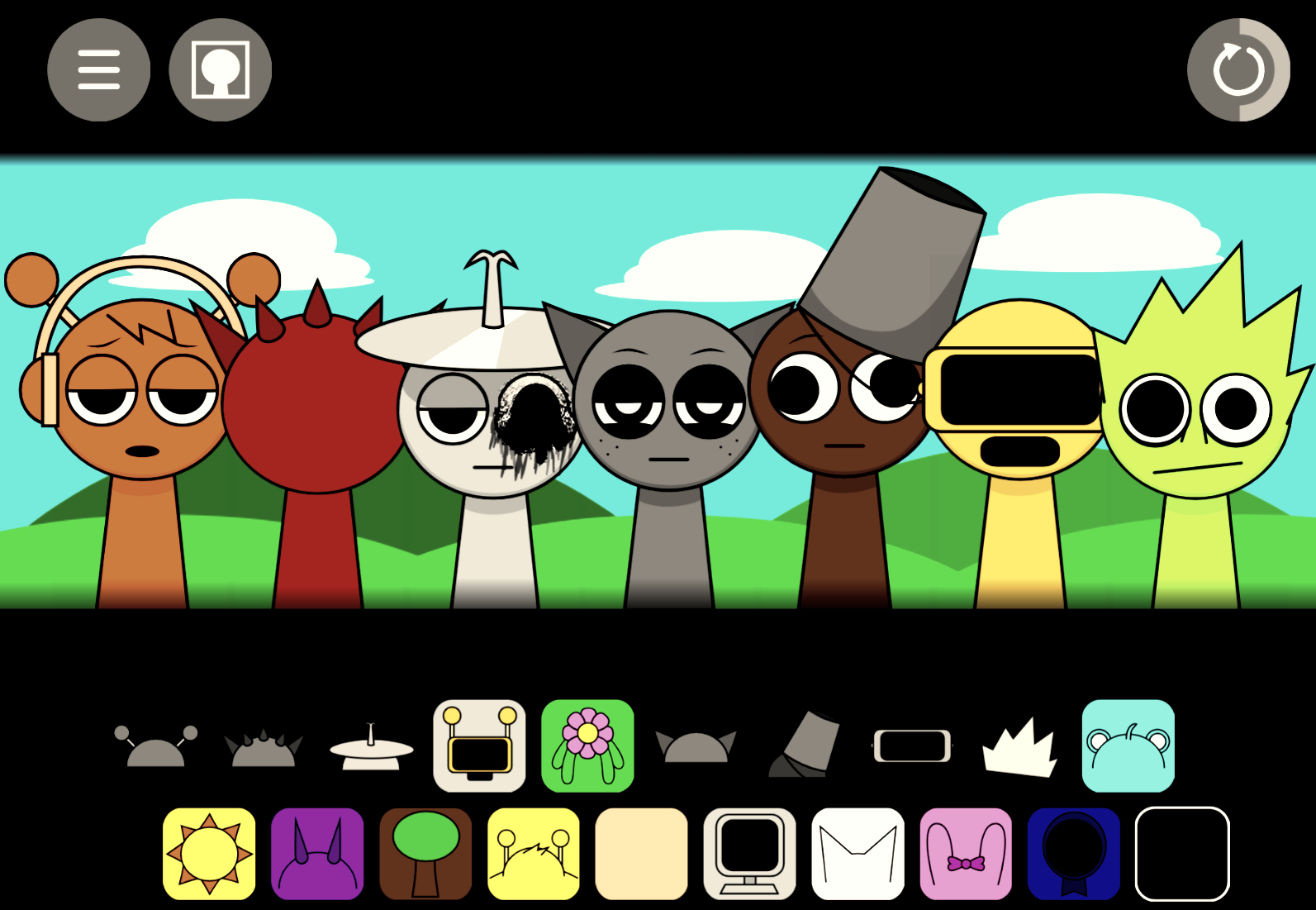
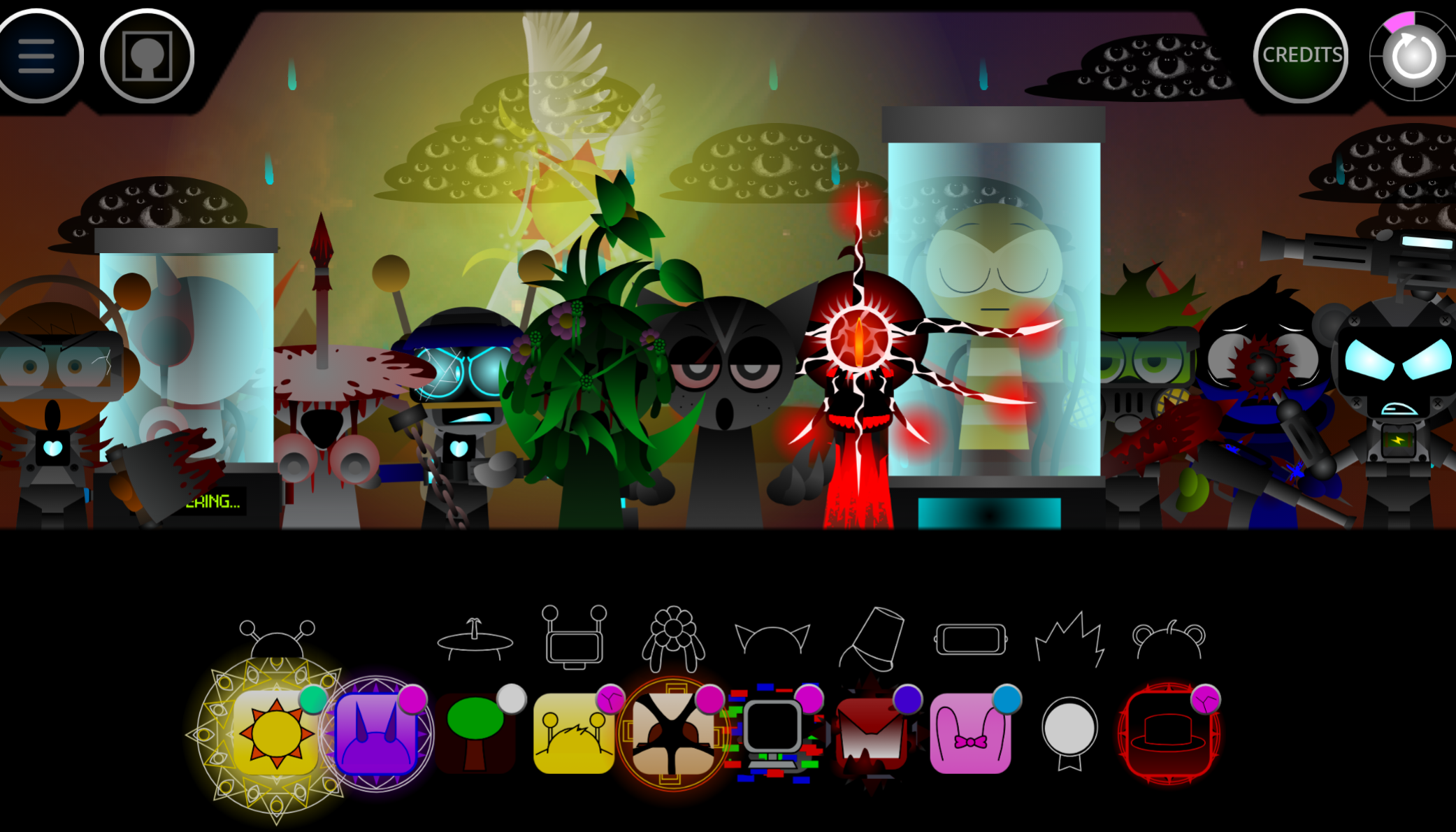
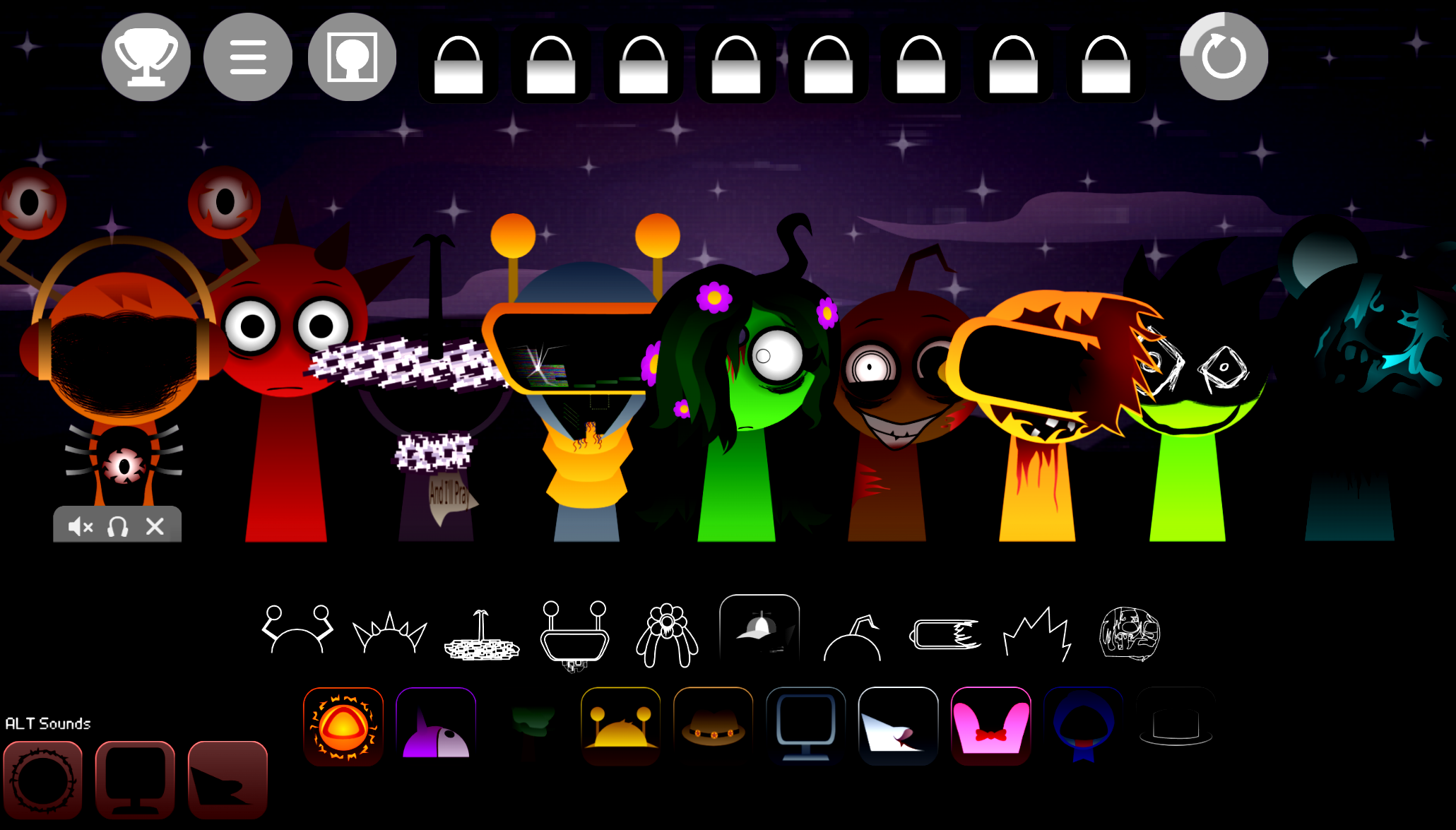
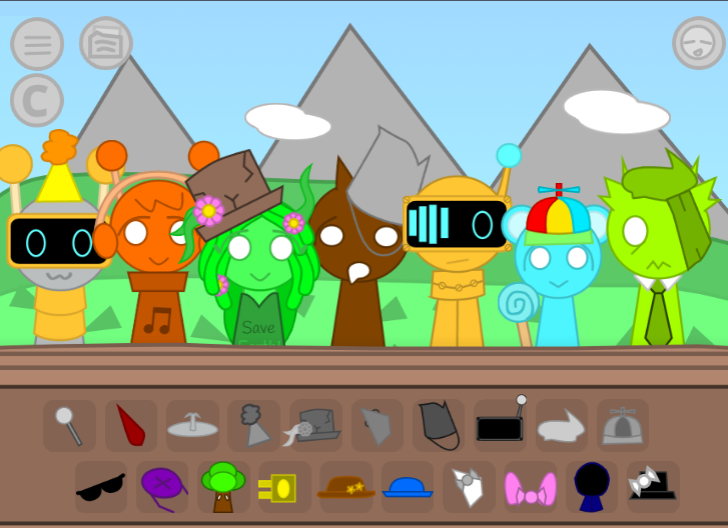
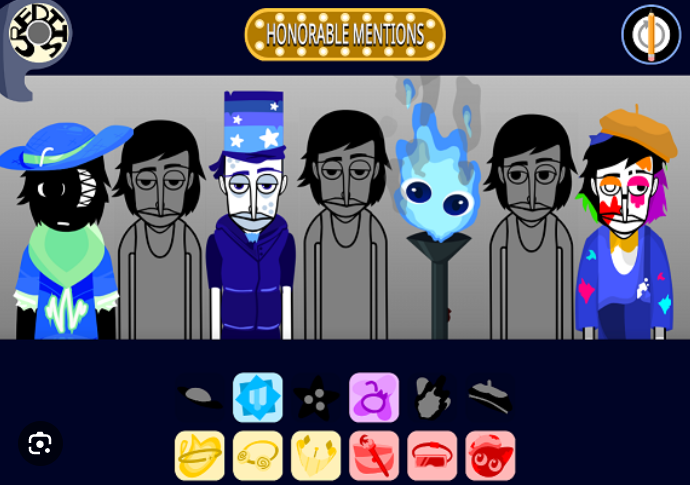
Players assign sound icons to an animated lineup, with each character adding a looping beat, effect, melody, chorus, or vocal part to the mix. The experience runs online through a browser interface, including versions hosted on gosprunki.com, so players can create layered tracks without music-production software. A few icons can form a simple rhythm, while a full lineup can develop into a dense beatbox arrangement.
Created by solo developer @NoobYuh, who handled the visuals, audio, and graphic assets, the Update builds on community-project styles—including influences from Lunyx’s project style and Glitchsphere’s sound design on Mr Sun—while giving Sprunki a more expressive and altered tone. As @NoobYuh clarified, the project was built for fun and to reflect the current state of the fandom rather than as a personal vent.
What’s New in the Sprunki Update
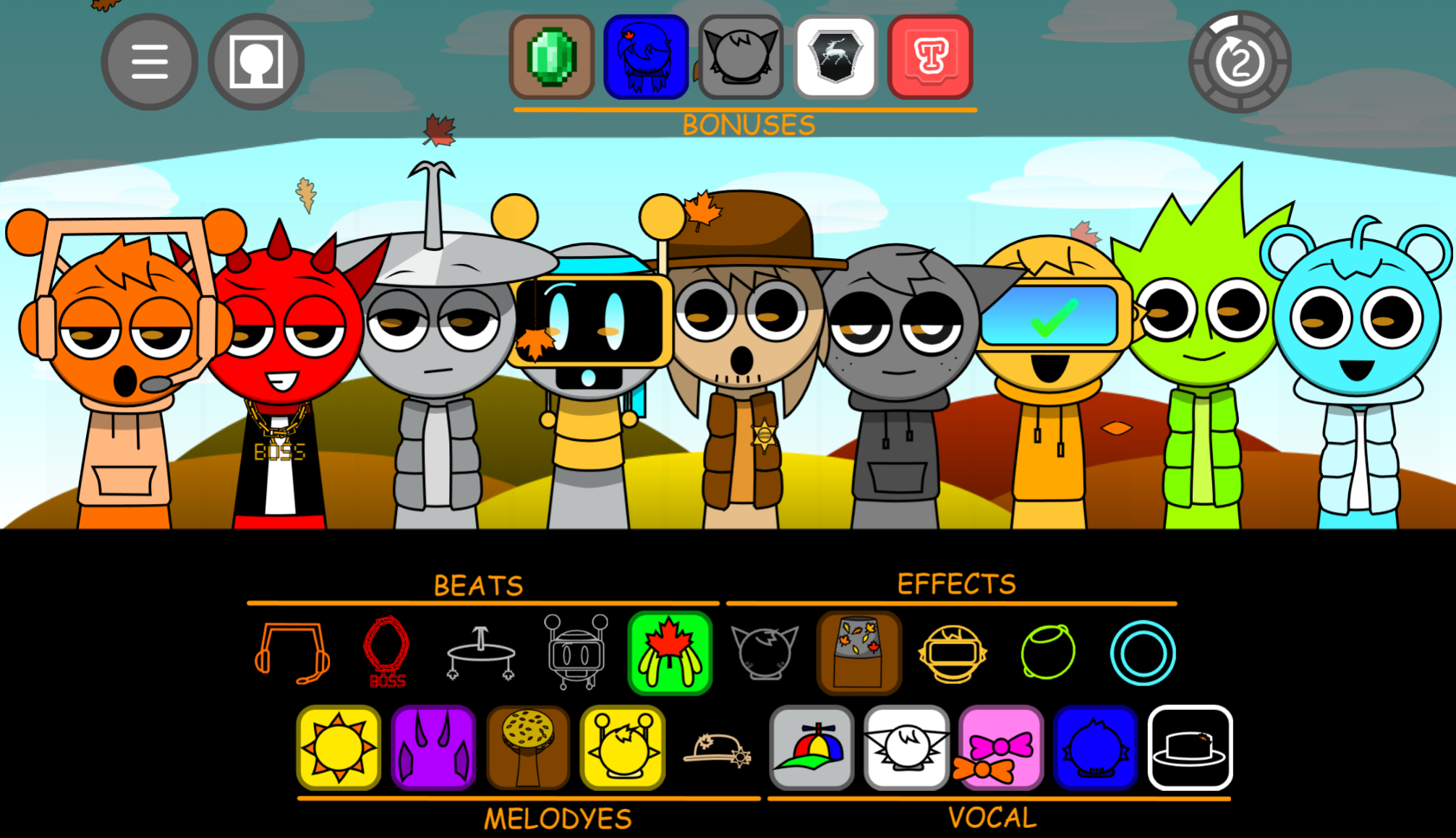
The Update broadens the available musical palette with sounds associated with versions 1 through 9, alongside added mod content. More than 100 characters can be combined, giving players room to create mixes ranging from sparse percussion loops to layered vocal and melodic soundscapes.
New and expanded sound options include:
- Beats and percussion for establishing the track’s pulse
- Effects that change texture and atmosphere
- Melodies and choruses that add musical movement
- Vocal parts for rhythmic or tonal contrast
- Bonus sounds that introduce smaller changes in timing, texture, and arrangement
Expanded style and outfit customization also gives the on-screen lineup a stronger visual identity. Because every sound is tied to a character, changes are heard and seen immediately.
The Update includes Shuffle Mode, which automatically assembles a random sound combination for instant playback—useful as a quick starting point or for discovering combinations that may not emerge through manual selection.
How to Play Incredibox - Sprunki (Update)
Players build a mix by dragging sound icons onto the character lineup. Each assigned character performs its loop continuously.
Build the base layer.
Begin with beat or percussion icons to establish a steady rhythm. Add melodies, effects, choruses, and voices gradually to turn the basic loop into a fuller track.
Experiment with the lineup.
Swap icons between characters to change both the soundscape and the visual ensemble. Removing an icon stops that layer, so arrangements can be adjusted freely.
Use Shuffle Mode.
Select Shuffle Mode to generate a random mix when a manual arrangement feels too predictable or when you want a fast idea to refine.
Save or share a finished mix.
Once the arrangement is complete, it can be saved or shared.
The Darker Sprunki State
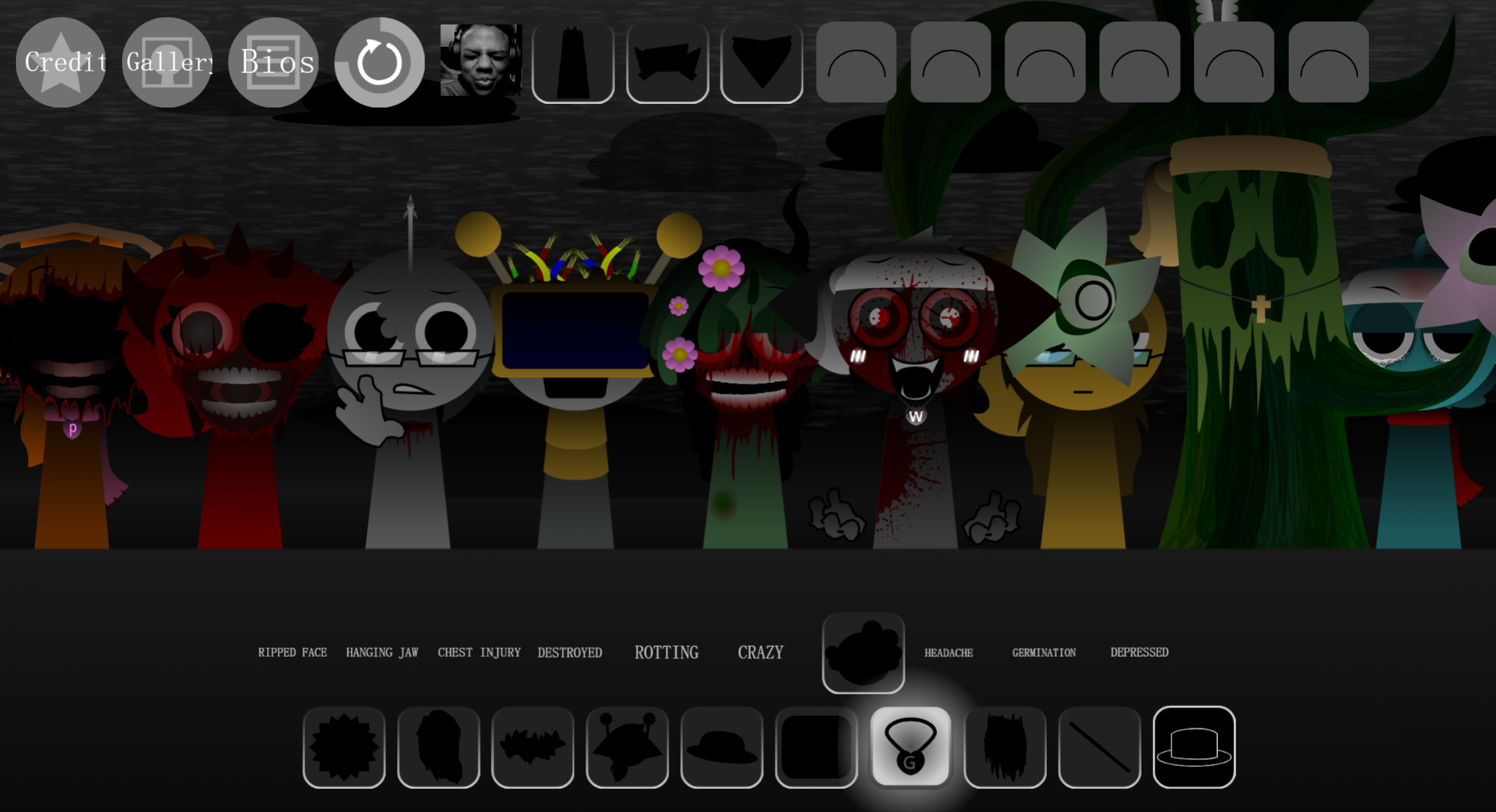
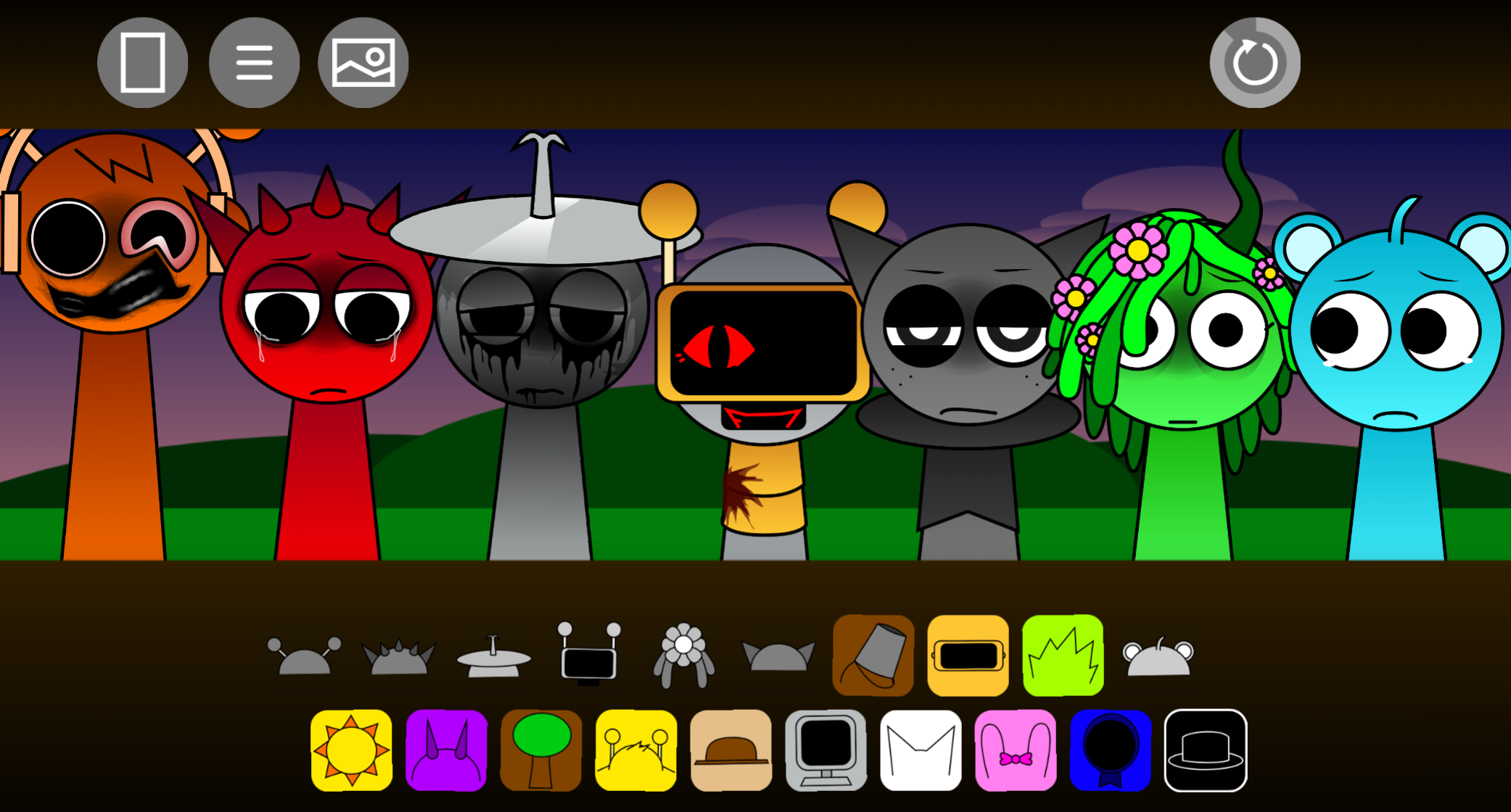
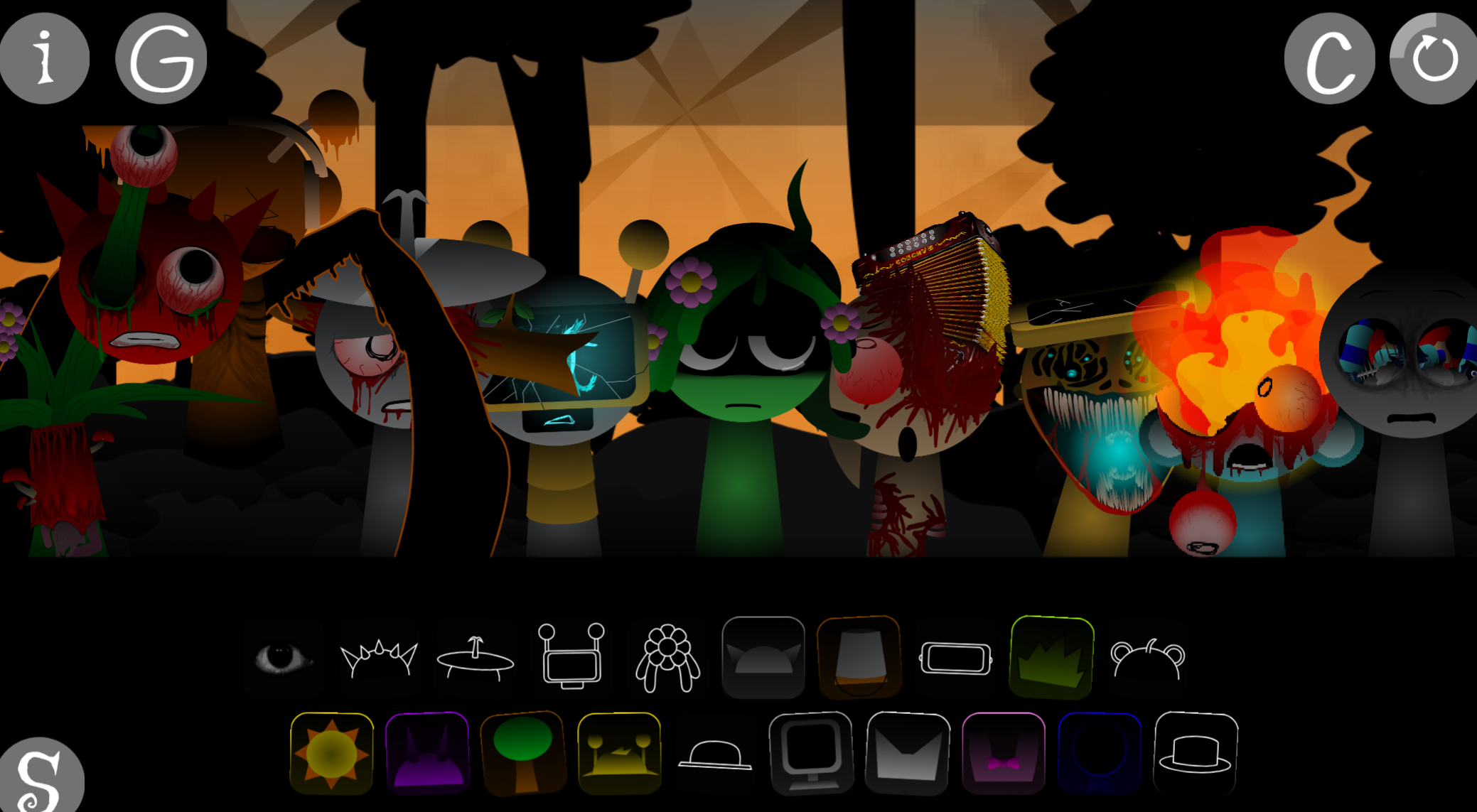
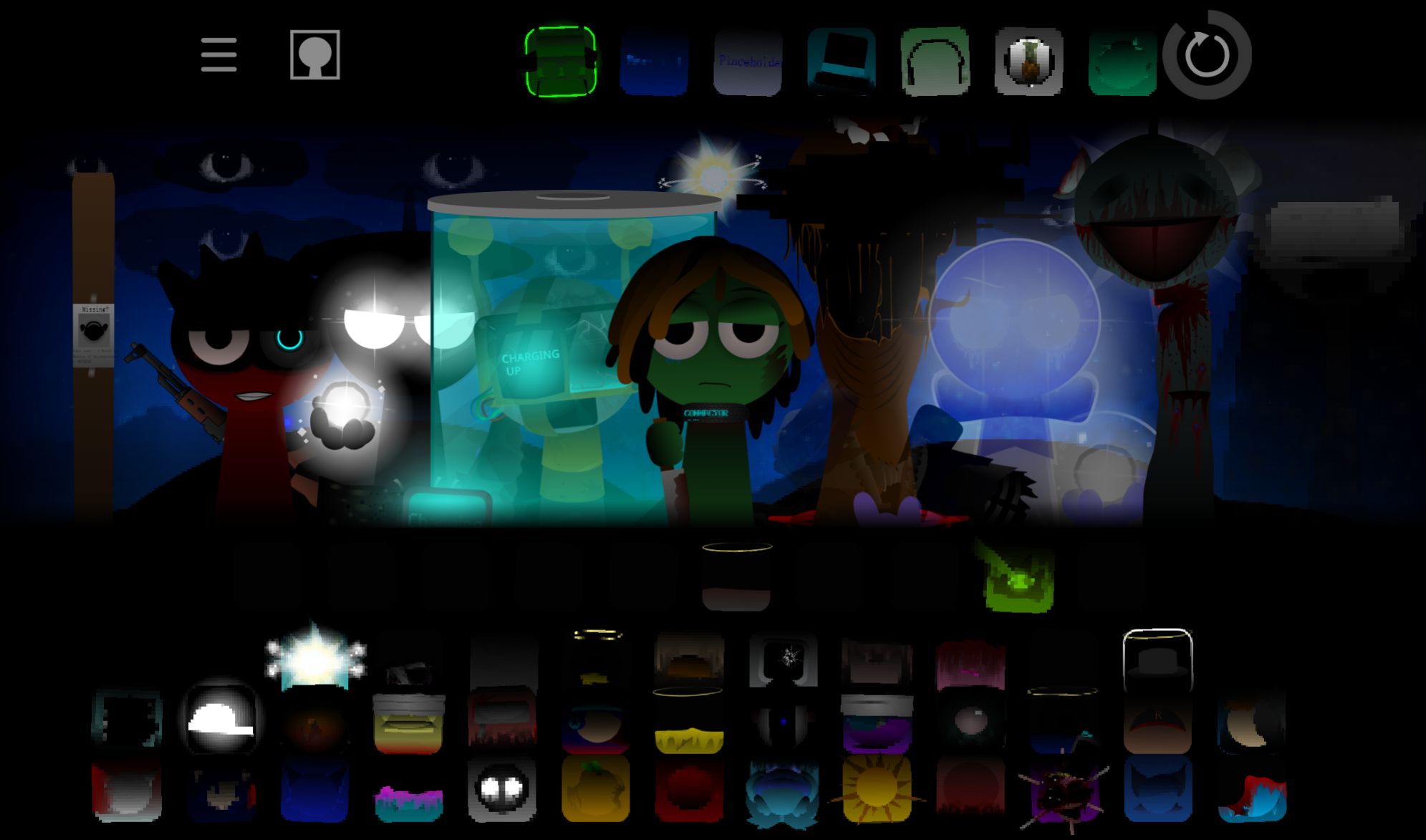
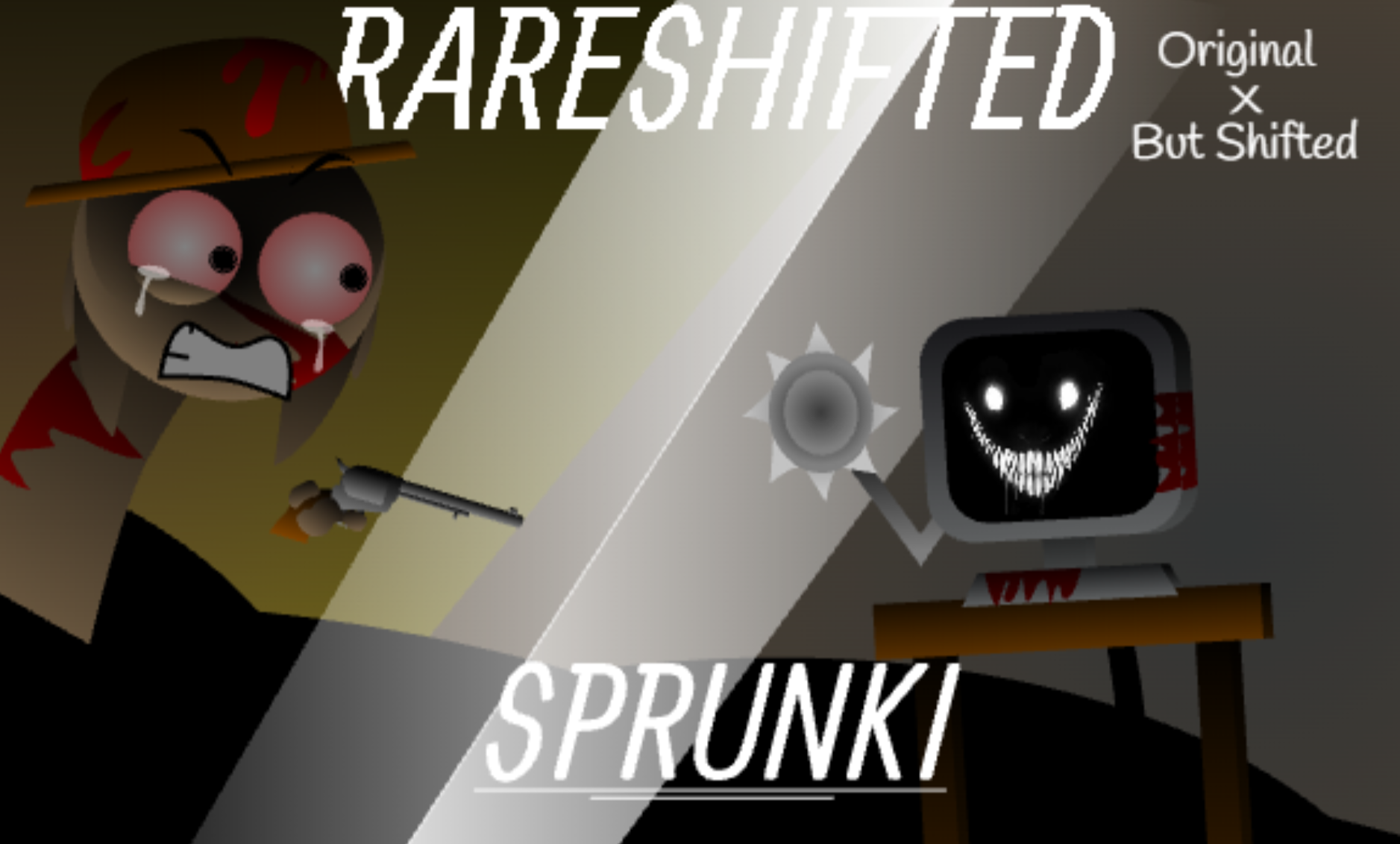
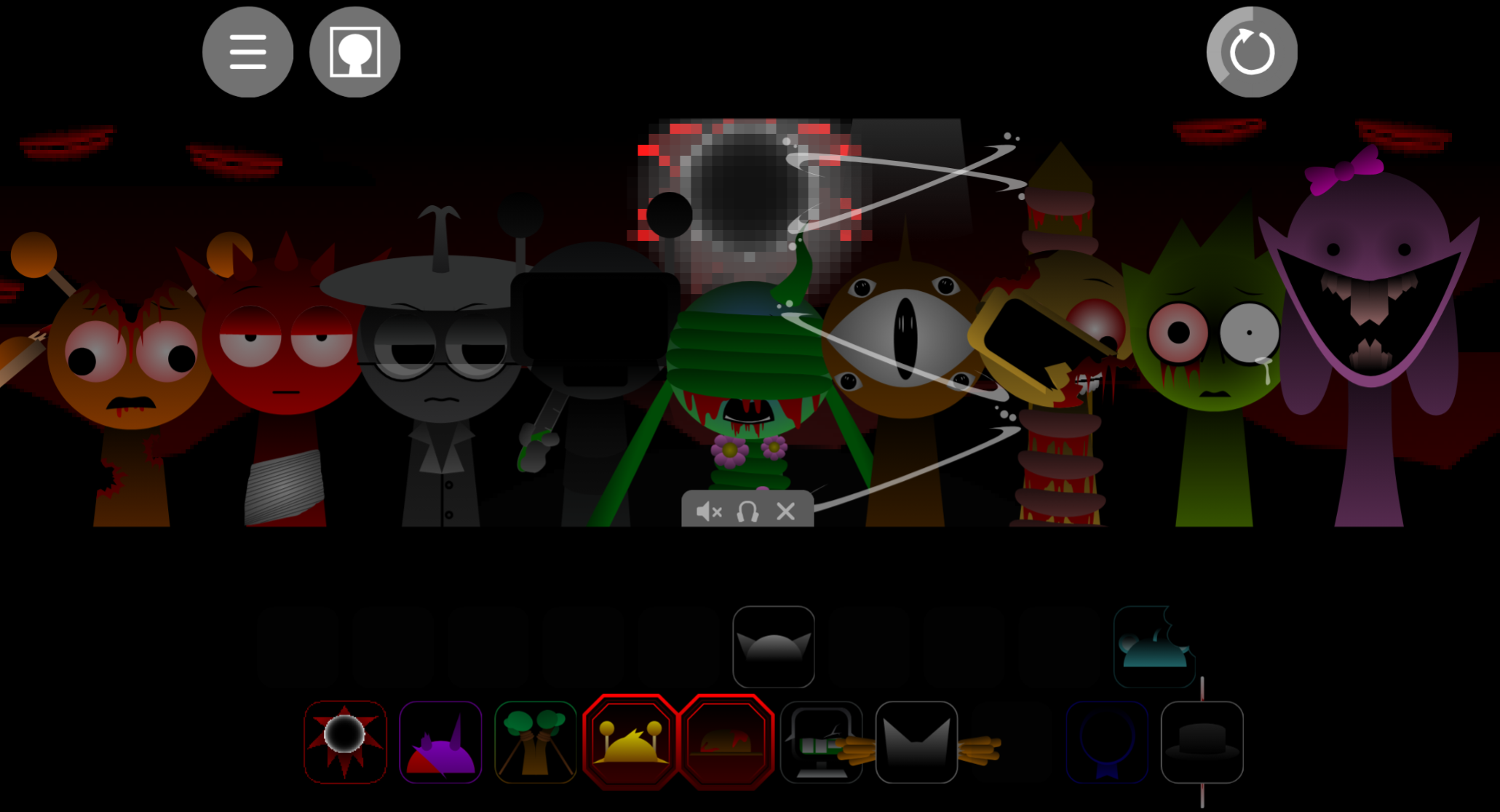
Although standard combinations create lively, rhythmic tracks, the Sprunki Update includes a striking alternate state. Dropping the black top-hat icon onto the stage briefly darkens the screen and transforms the ensemble into a surreal horror-style presentation.
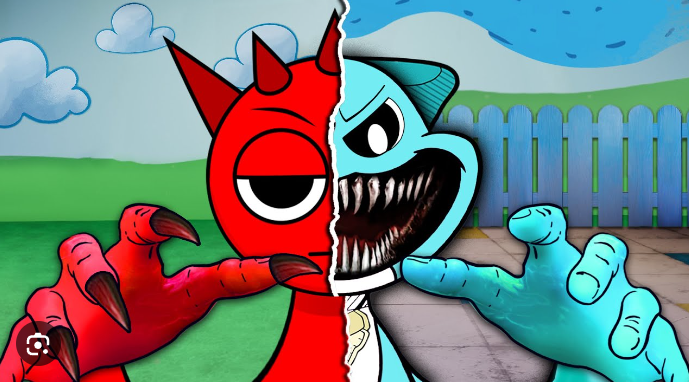
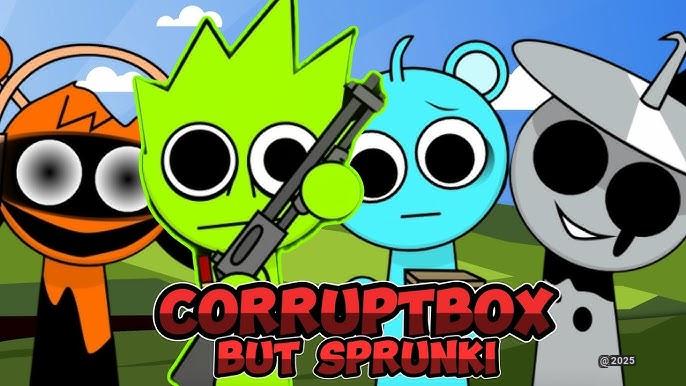
In this mode, character designs become visibly distorted—appearing in altered, traumatized forms—and the lighter soundscape is replaced by more intense audio layers, including acoustic kick samples. The shift gives the mod a sharp contrast between its playful music-building interface and its unsettling visual and sonic variation.
This transformation is one of Sprunki’s distinctive ideas: a familiar Incredibox-style lineup can move from colorful beatboxing into an altered soundscape through a single icon choice.
Related Games
- Sprunki Mr.Sun takes over — Its Mr. Sun-inspired sound design and takeover premise directly connect with the update’s cited Glitchsphere influence and sudden shift into a darker audiovisual mode.
- Sprunki Mr.Sun Time Update — This time-focused update offers a natural follow-up for players interested in how altered character designs and new audio layers reshape Sprunki’s familiar beatmaking format.
- Sprunki Mr Sun Takes Over Phase 3 — Its later-phase horror presentation extends the article’s appeal for transformed performers, unsettling visuals, and more intense mix-building atmosphere.
Why Play Incredibox - Sprunki (Update)?
Incredibox - Sprunki (Update) keeps the immediate, non-technical appeal of Incredibox while offering a larger musical toolbox. Assigning an icon to an avatar triggers its part right away, so players can shape a track through fast experimentation instead of complex production controls. Its range of characters, sound layers, visual customization, and alternate horror-state presentation supports repeated play and unusual contrasts between voices, percussion, melodies, and effects.

Discuss Sprunki