
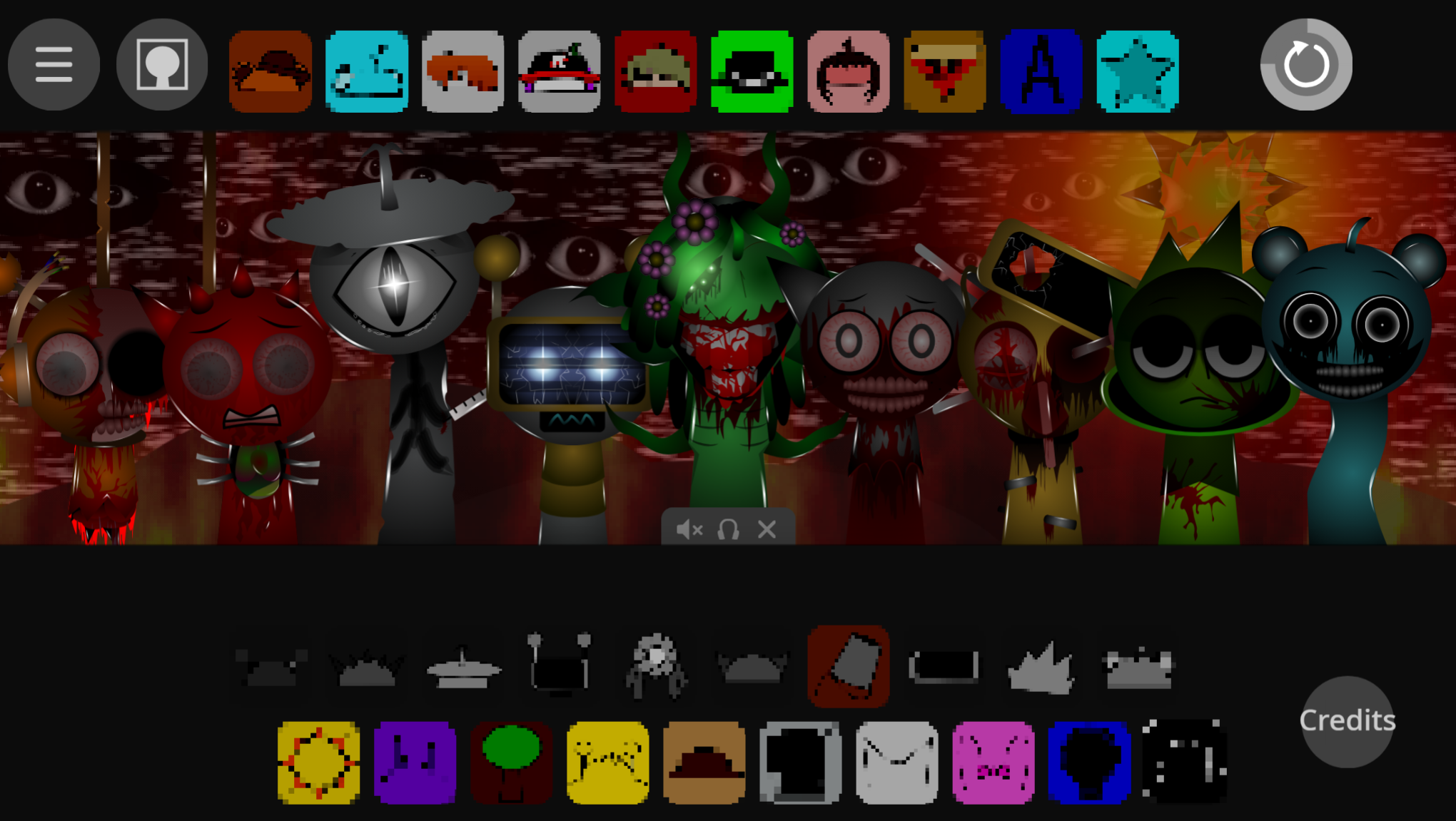



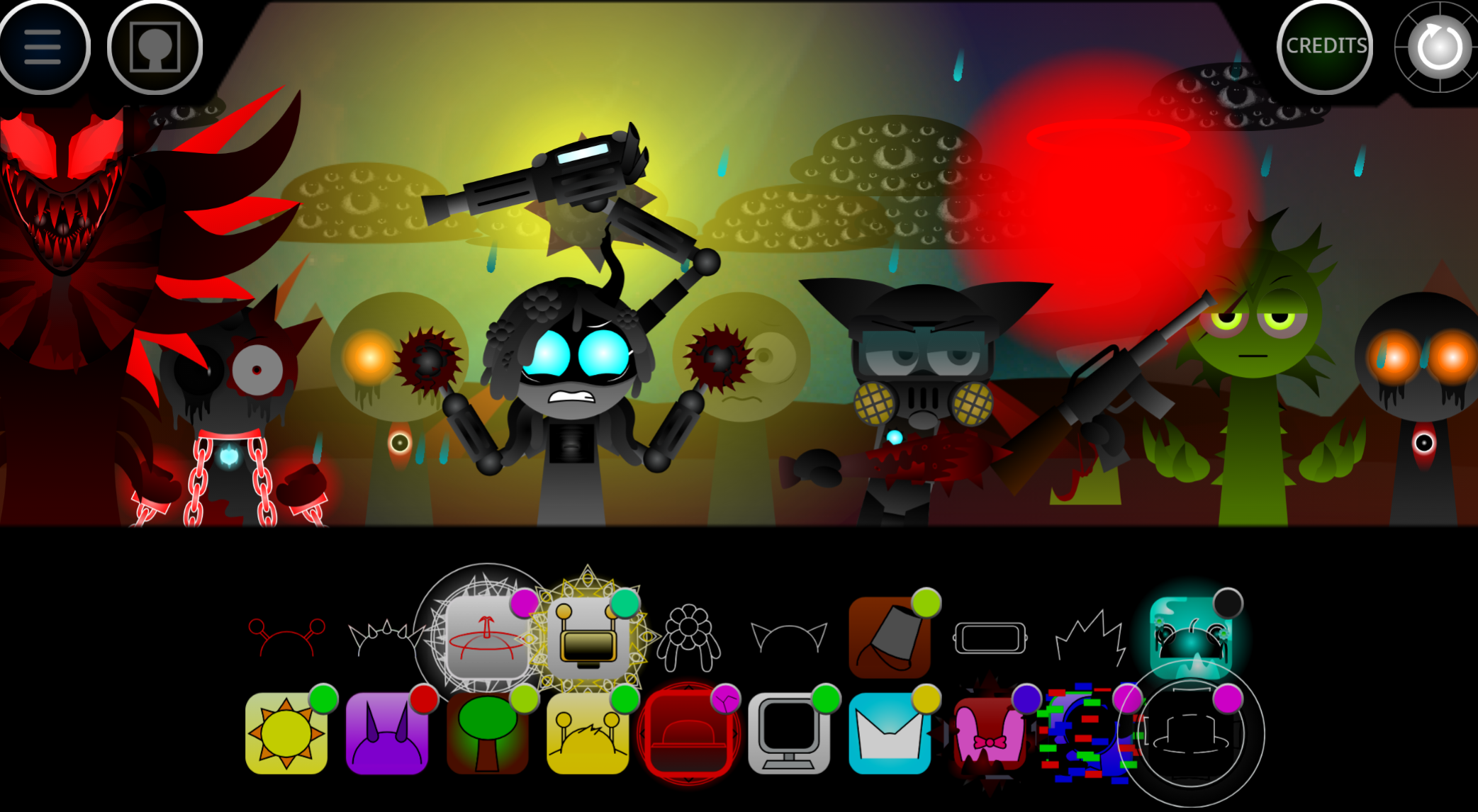
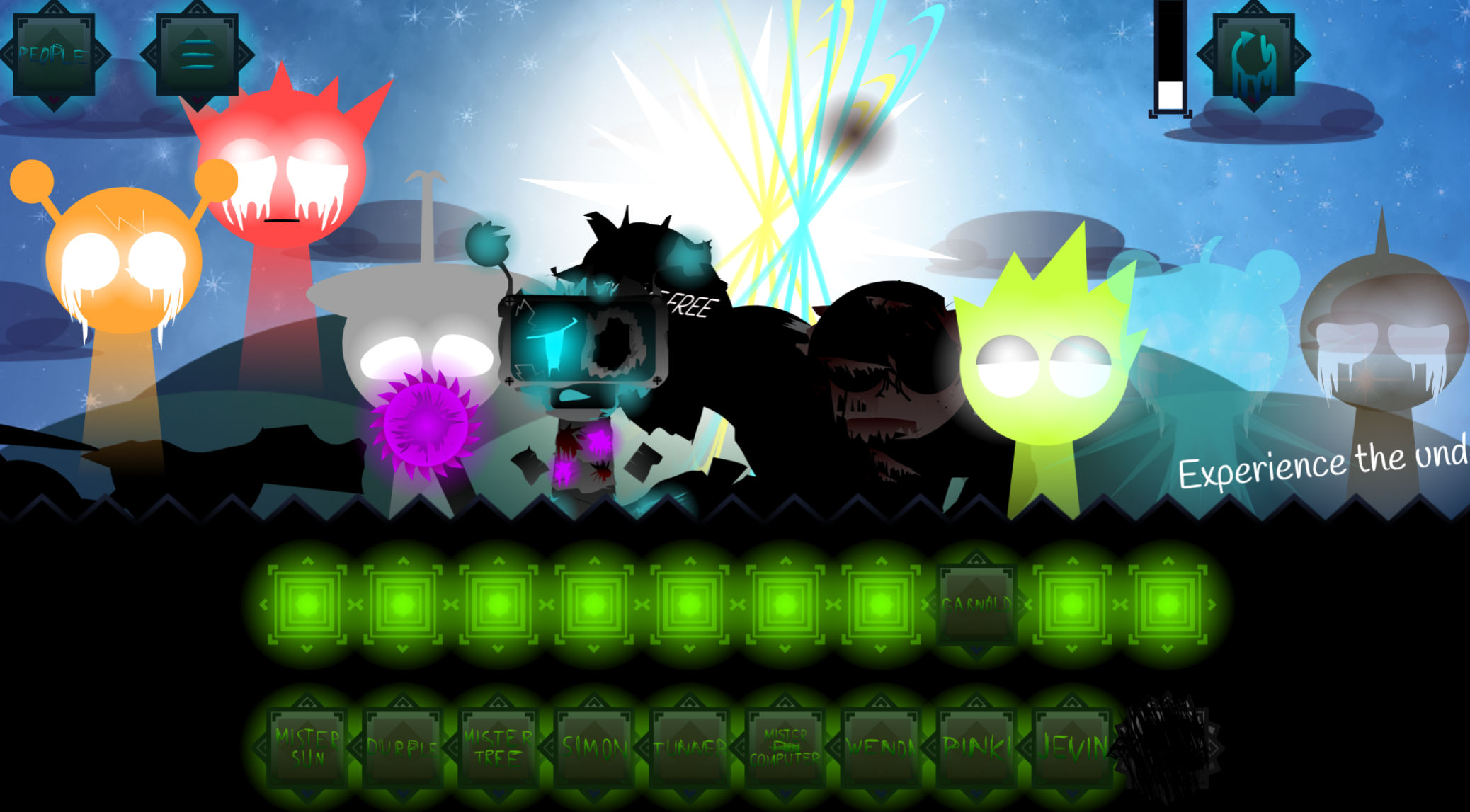
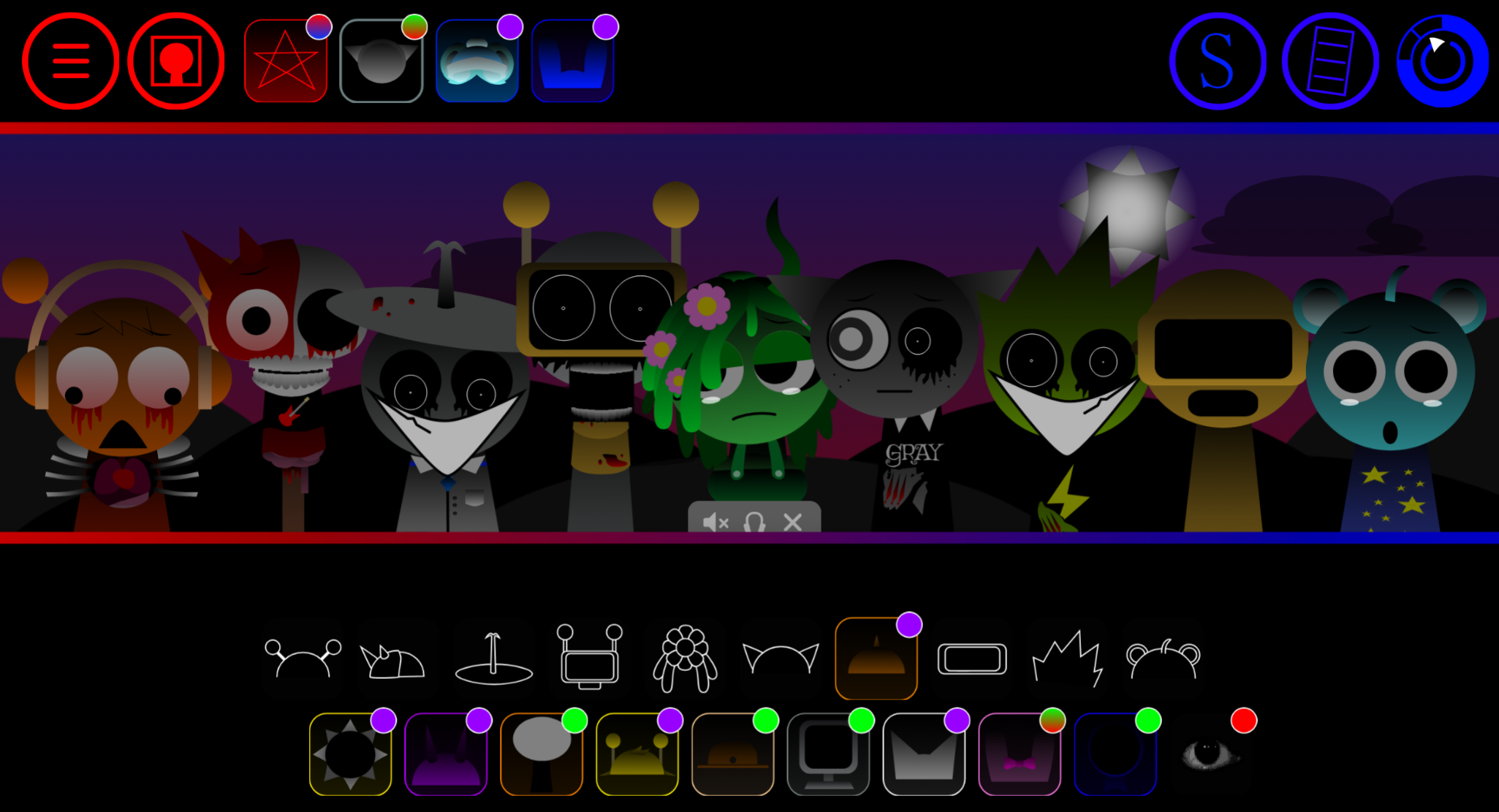
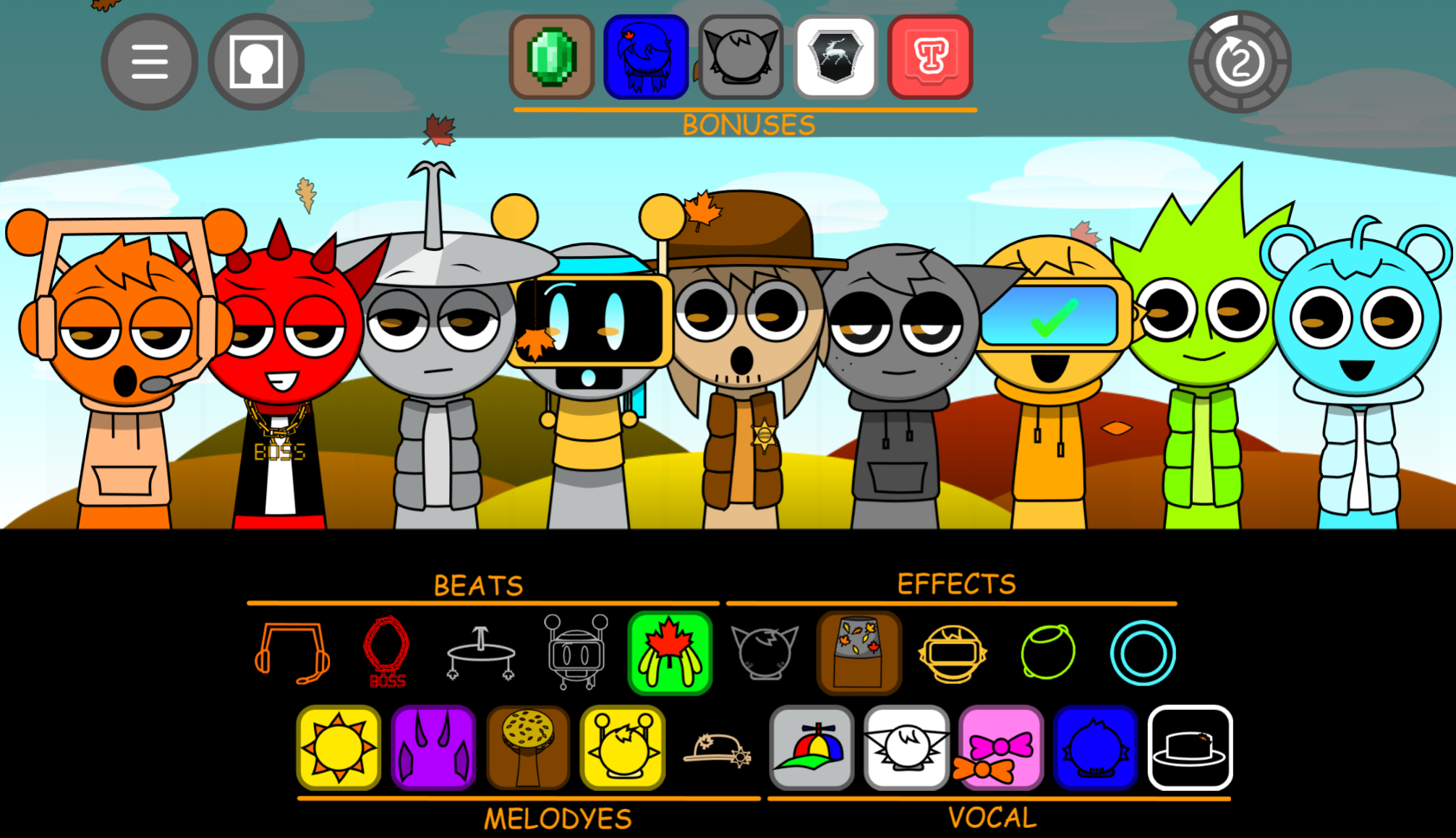
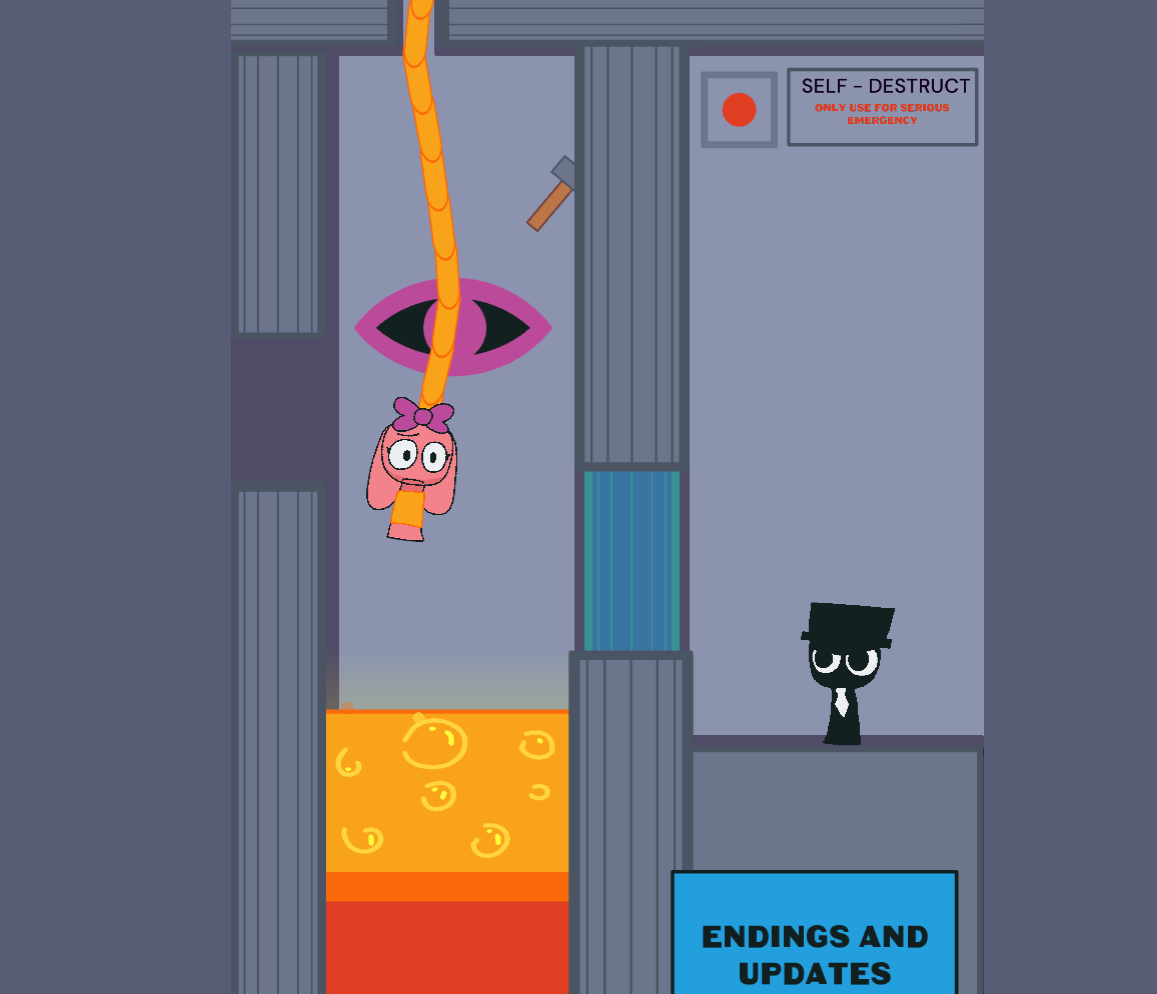
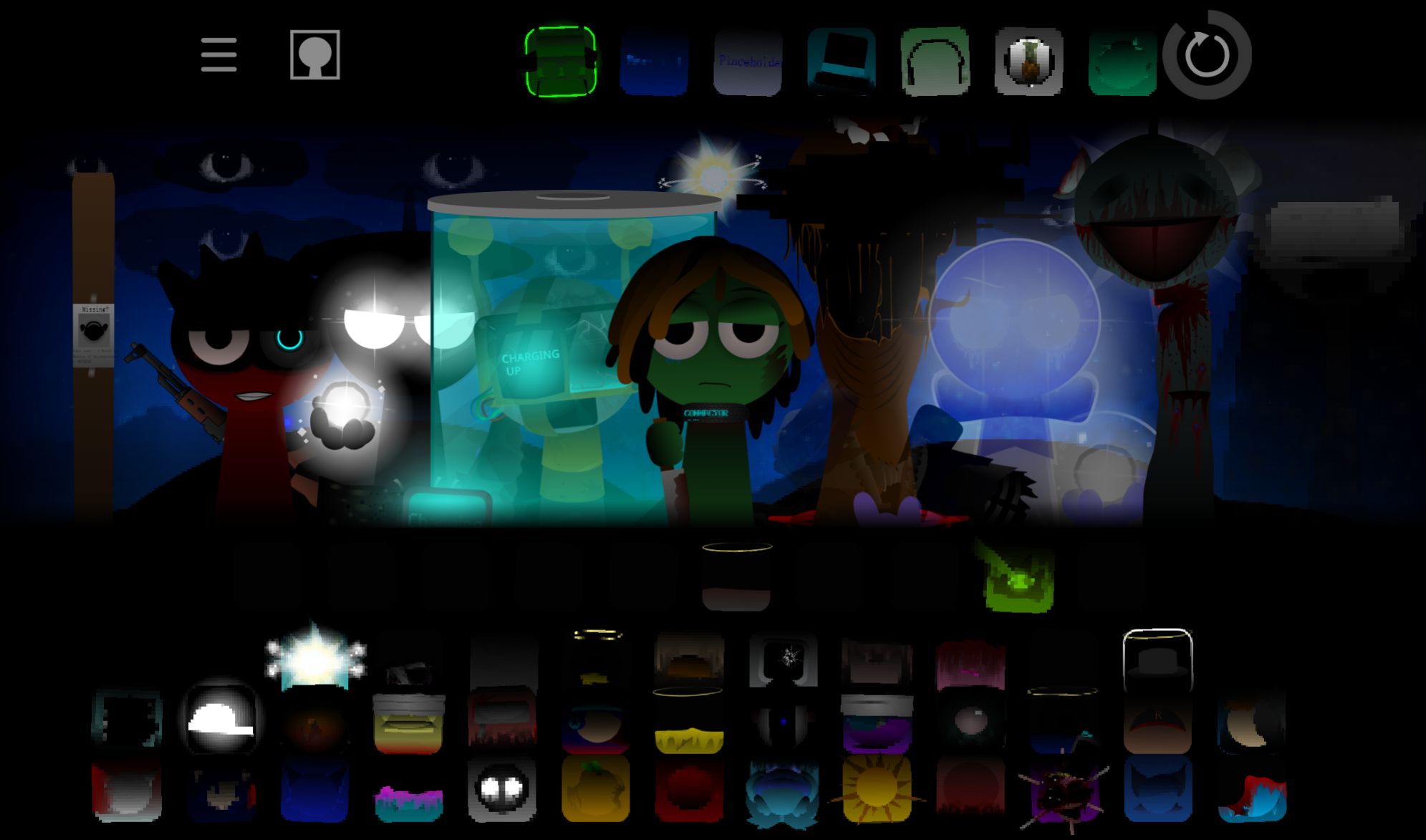
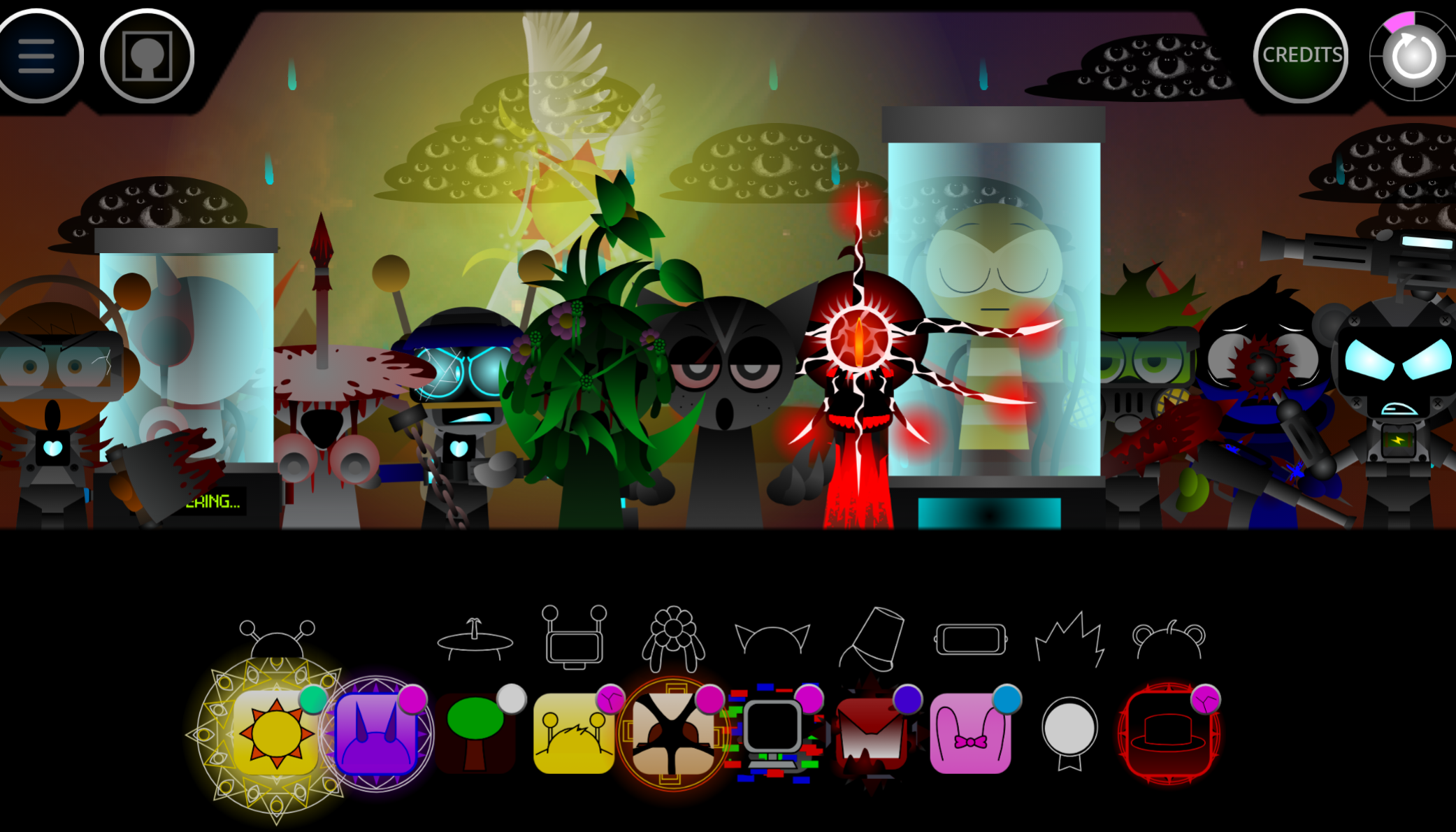
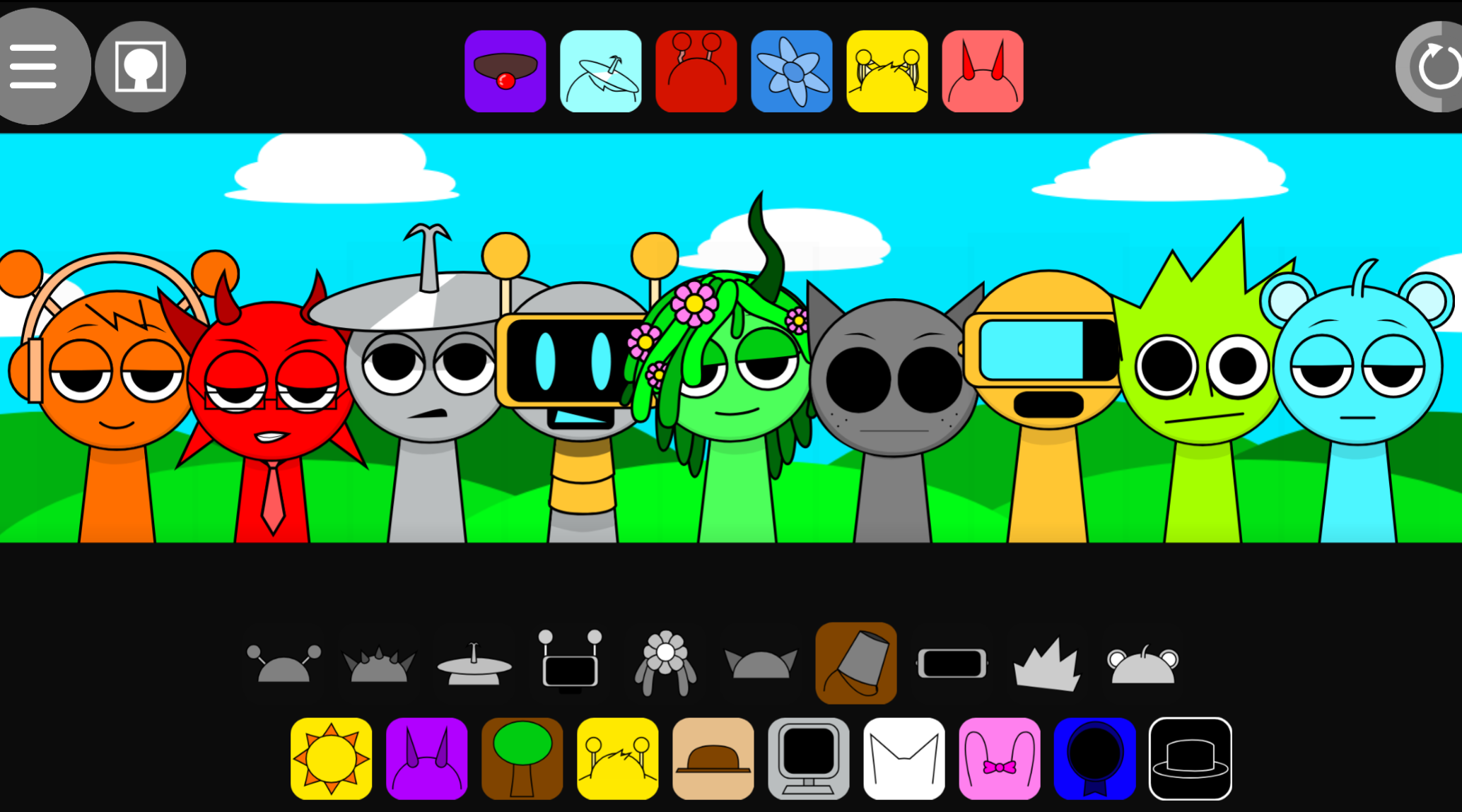
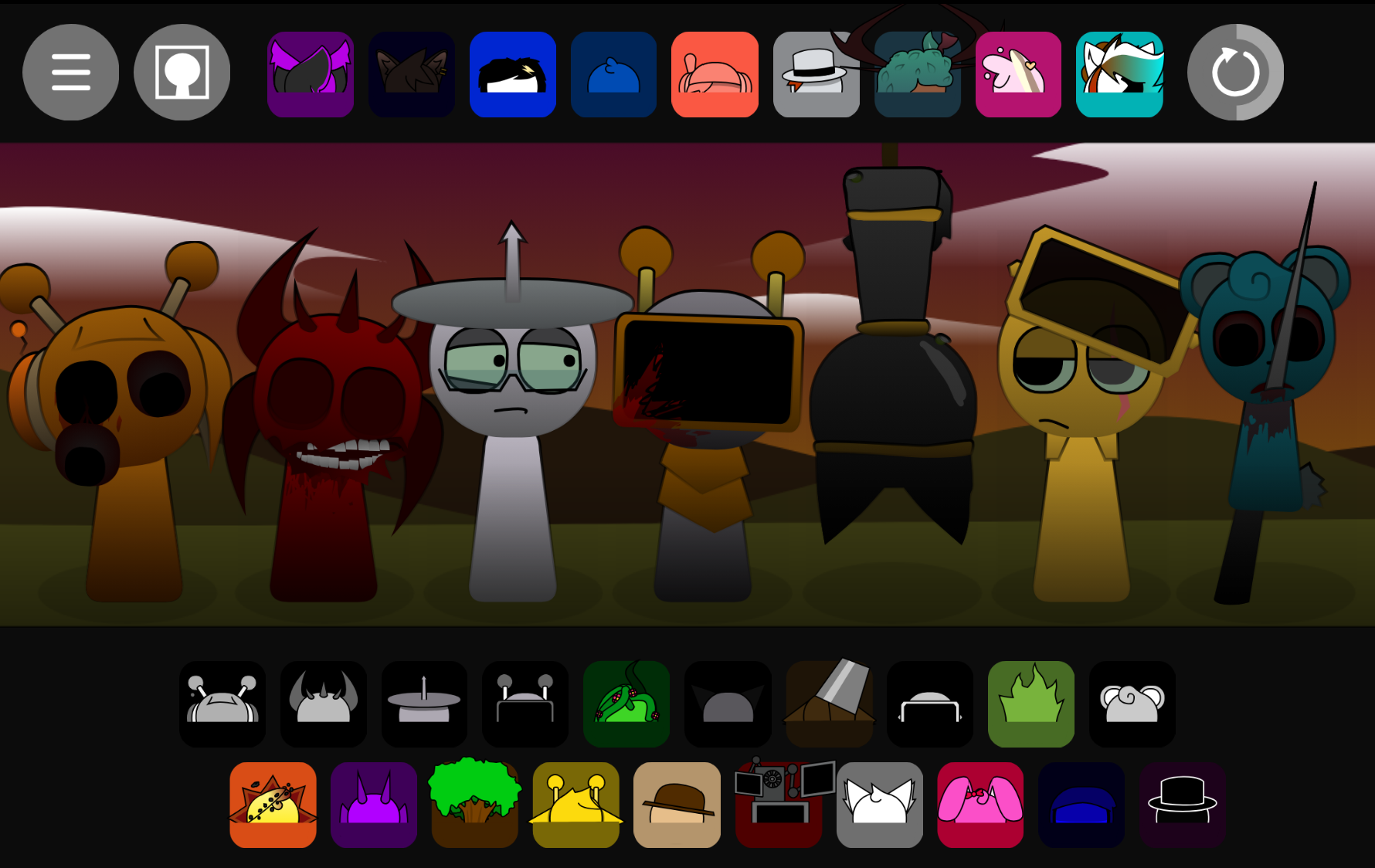
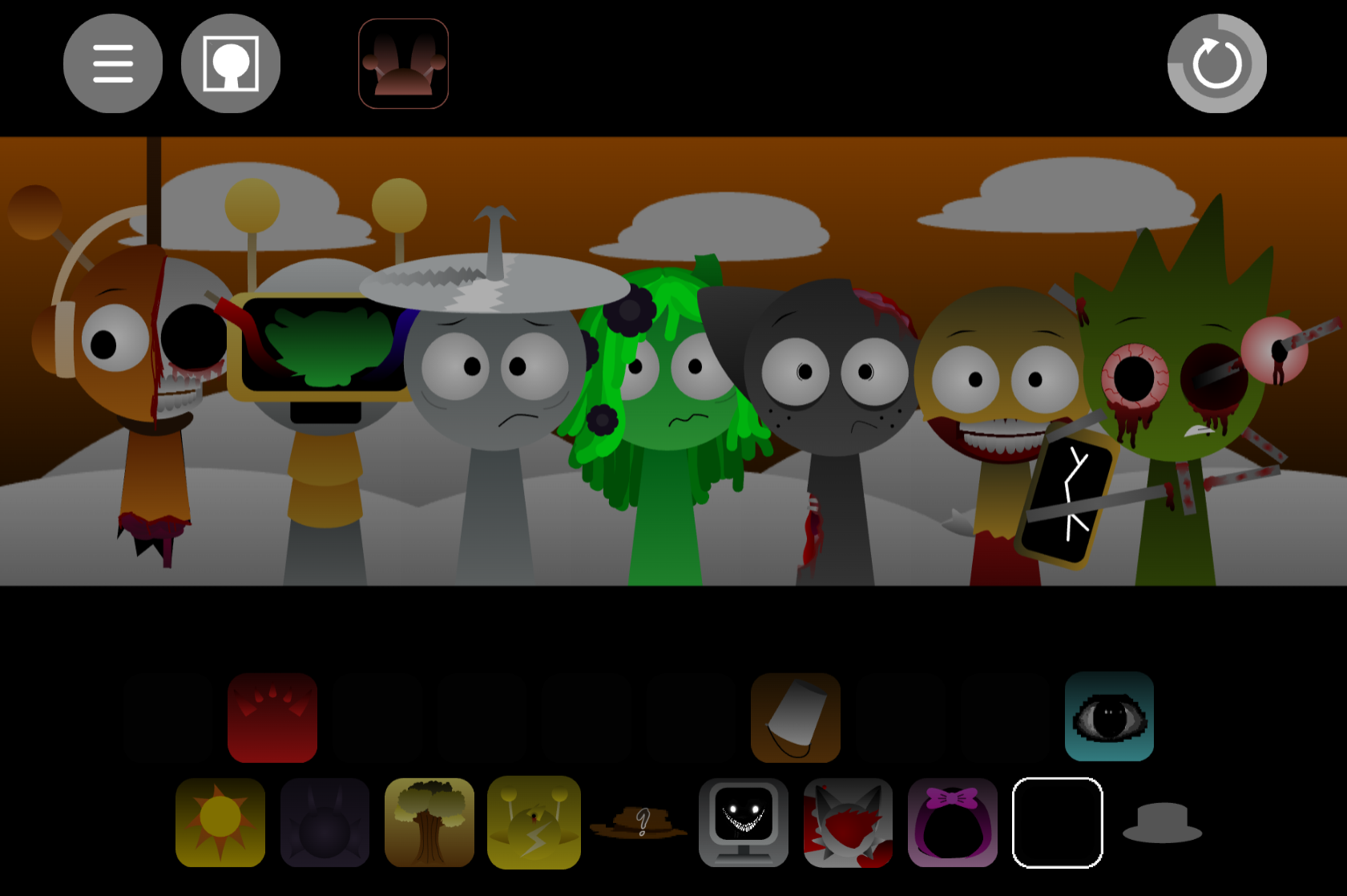
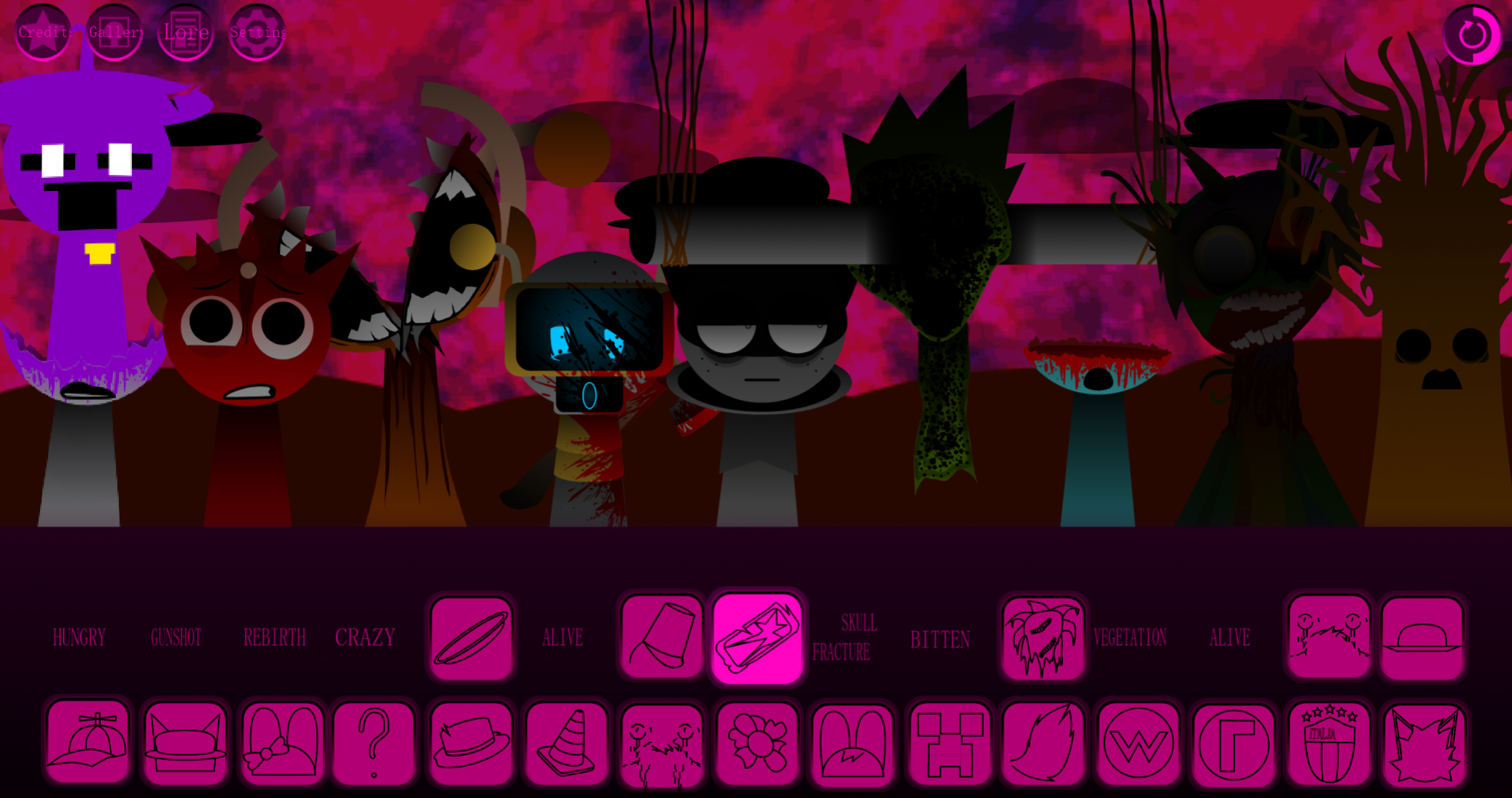
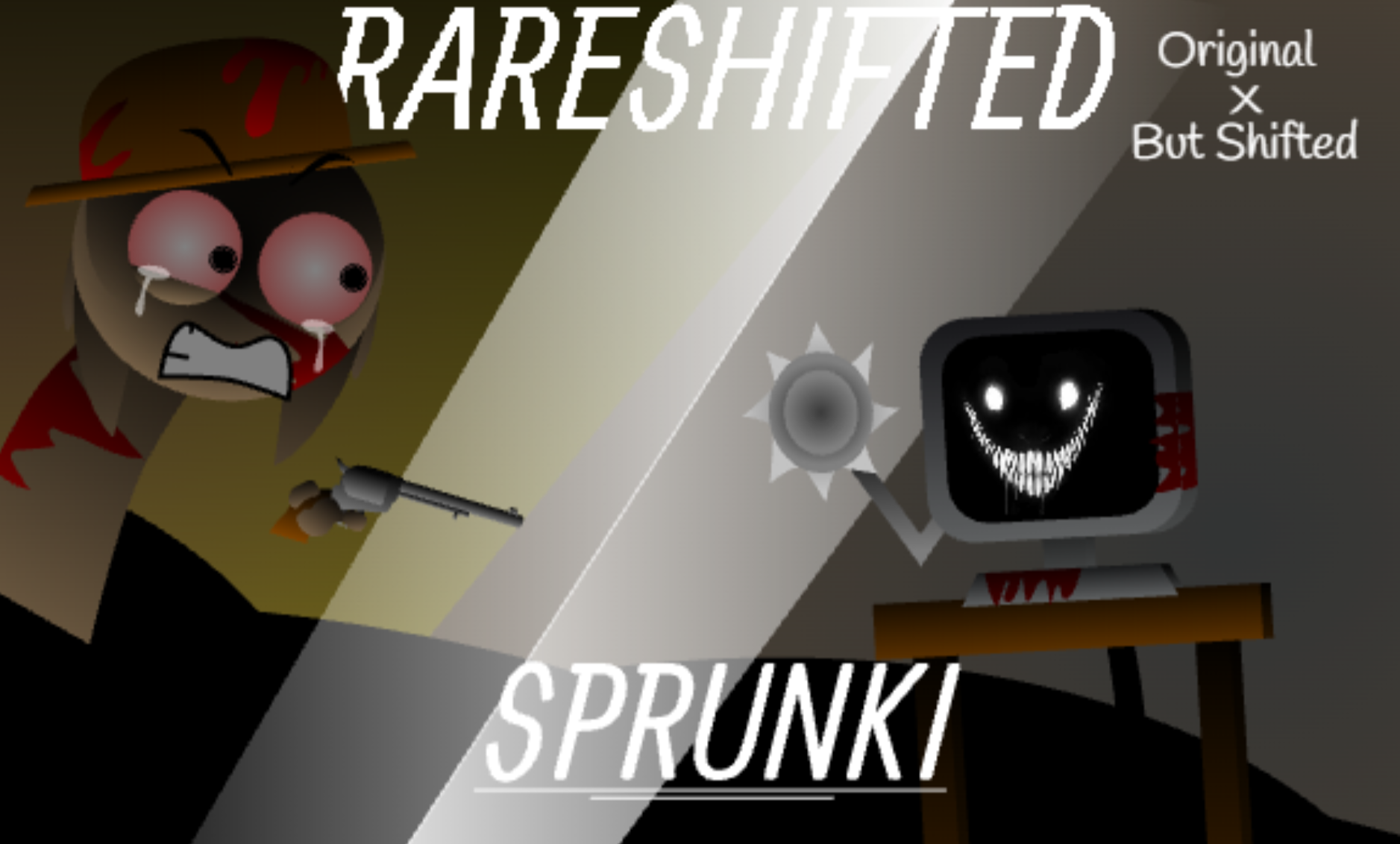

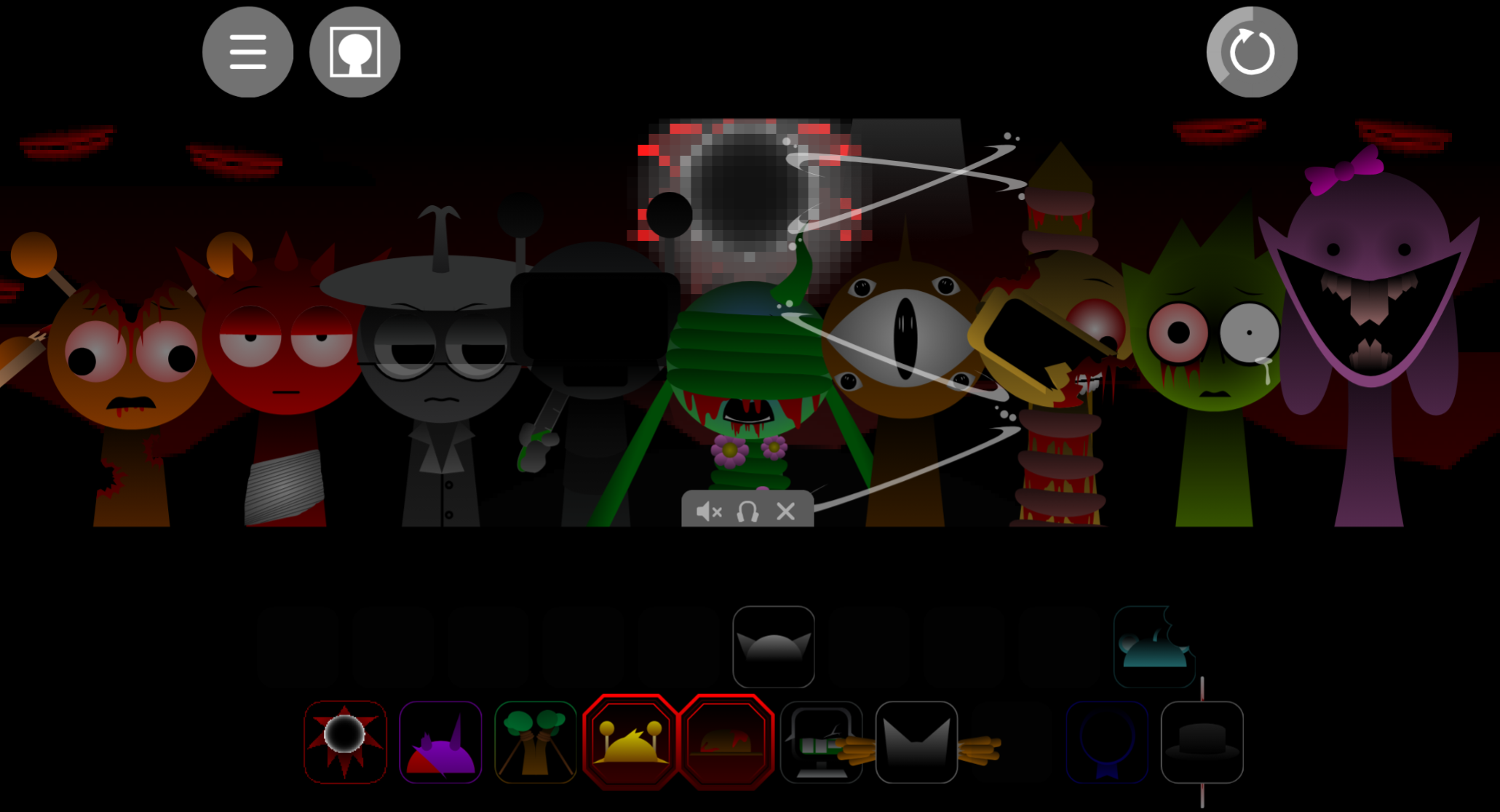
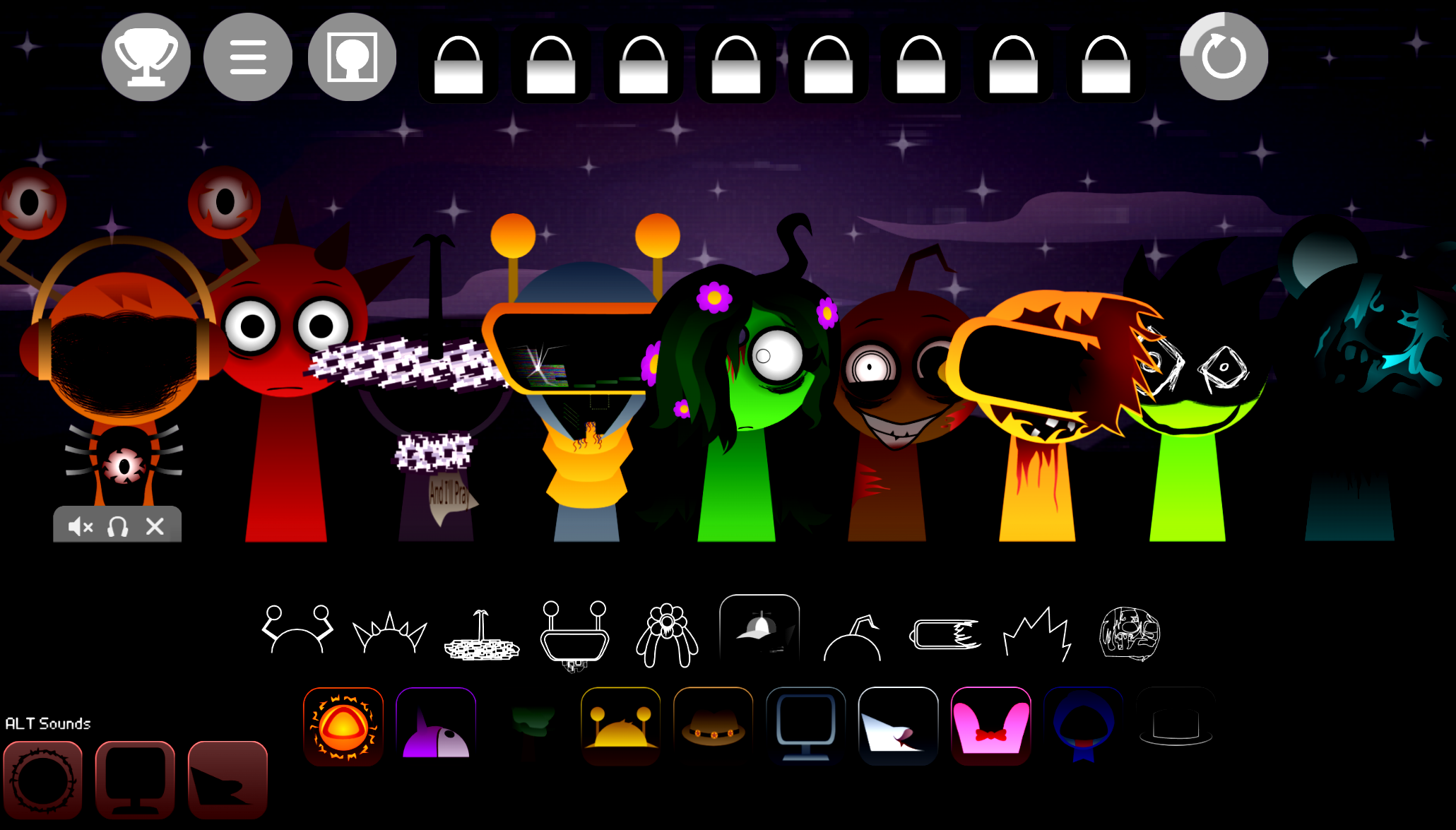
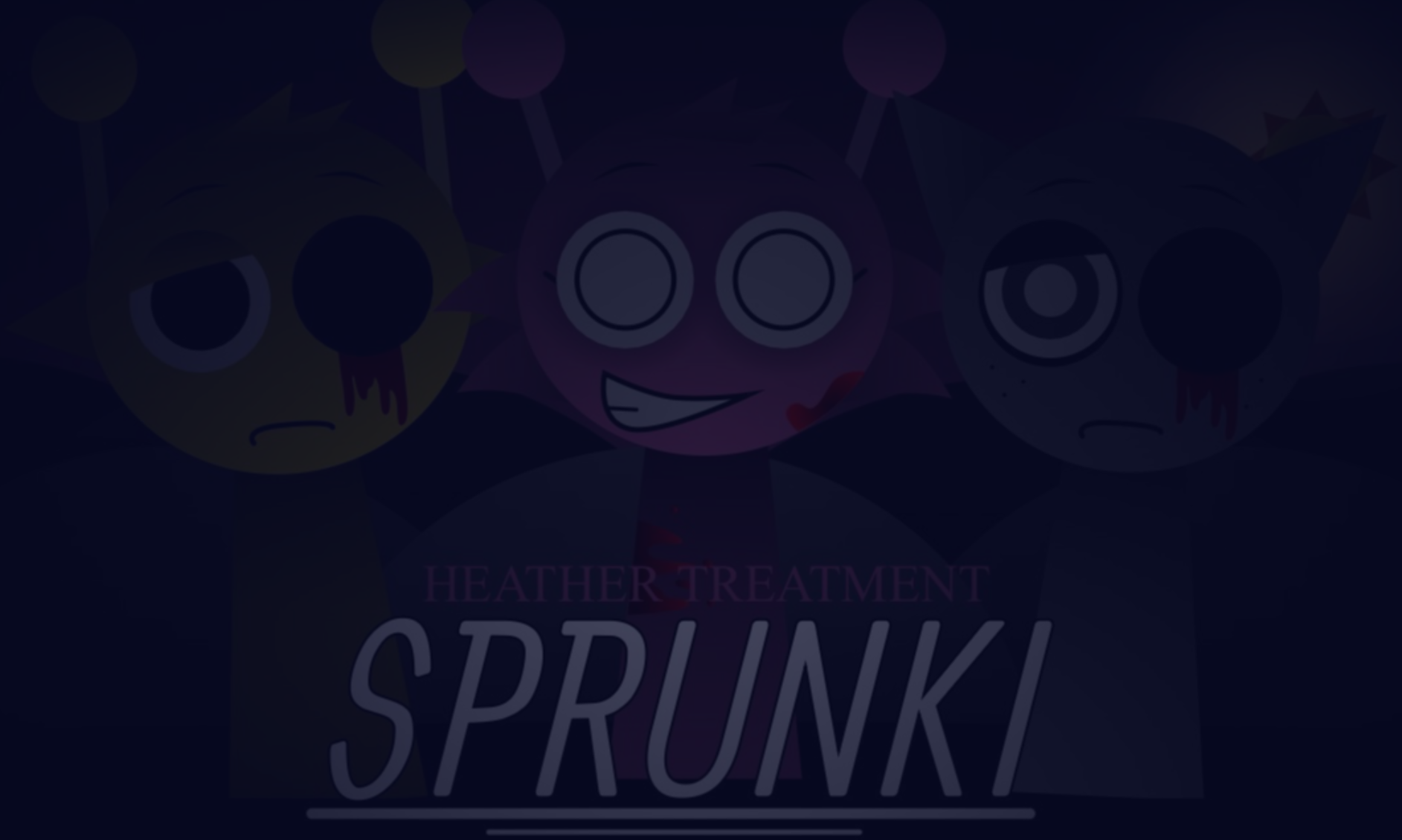
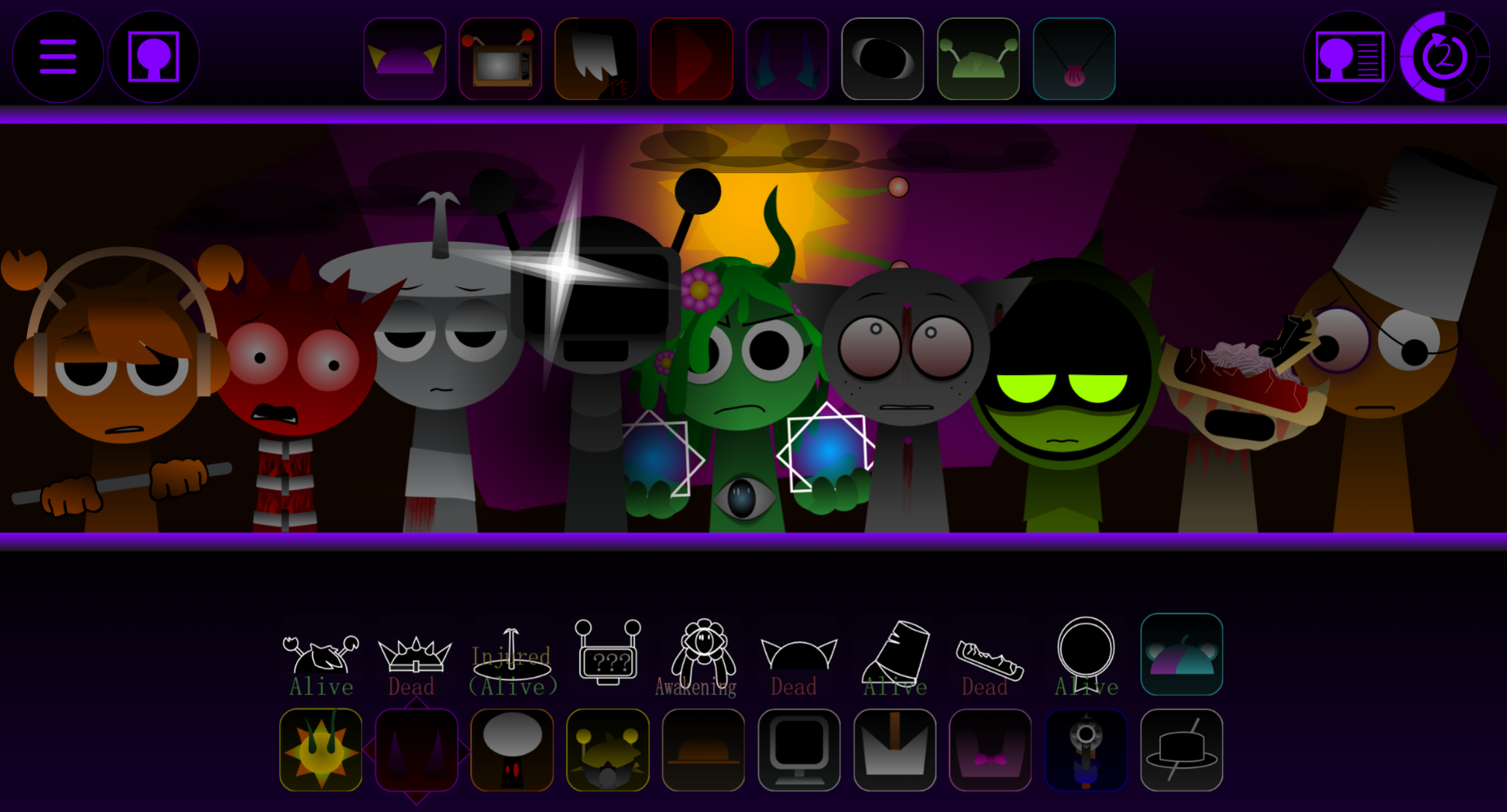
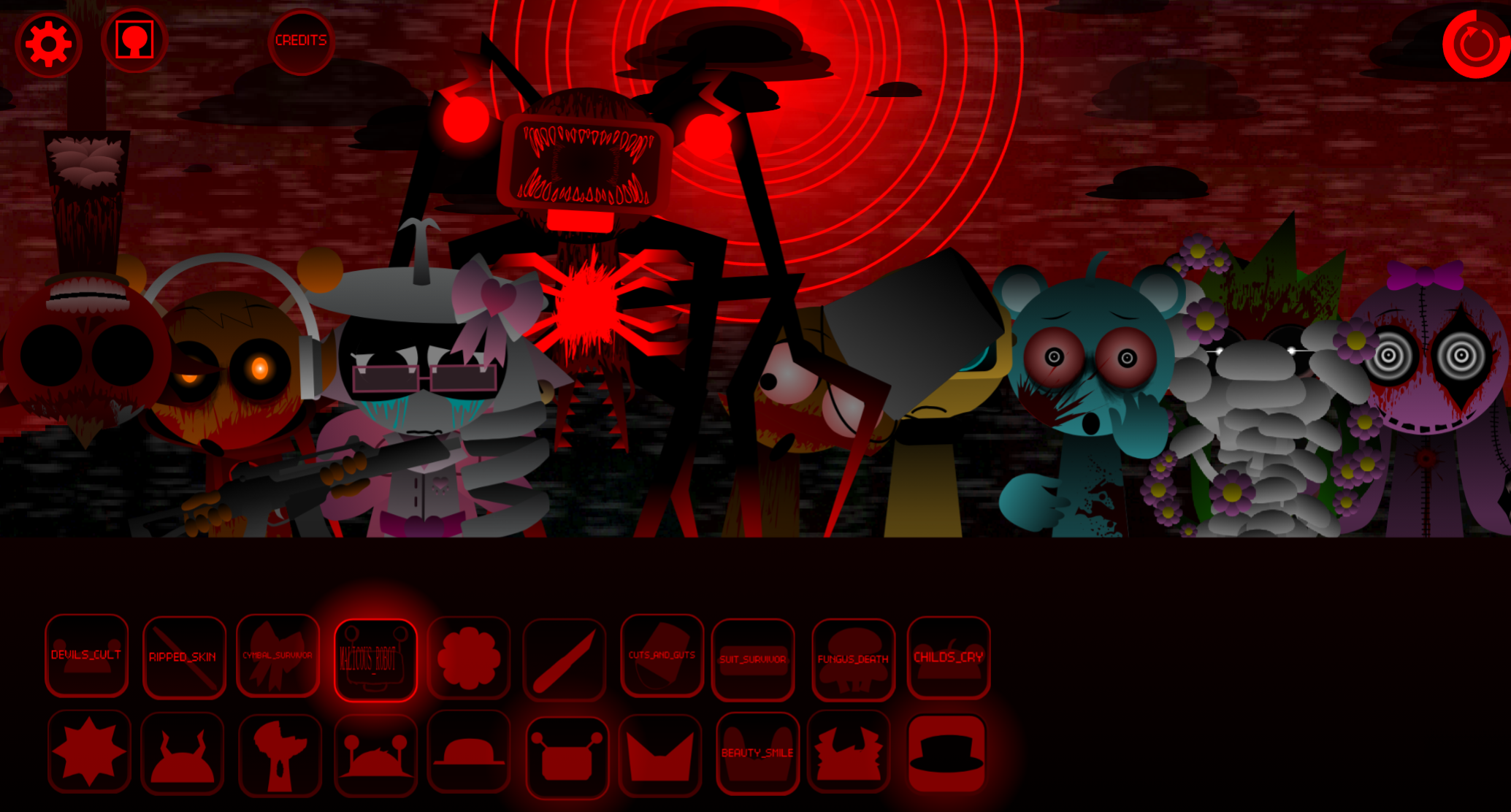


Sprunki Colorshifted Phase 3 Chances Take is a community-submitted mod that reimagines the original Sprunki cast through bold color palette shifts and refreshed sound design, now playable on gosprunki.com.
This Phase 3 iteration builds on earlier Colorshifted experiments by pairing each character’s visual transformation with matching audio tweaks—drums hit harder, melodies shift pitch, and vocal samples layer new textures over familiar loops. Players use the standard drag-and-drop system to assign beats, basslines, melodies, vocal fragments, and effects to each recolored character, discovering how the altered aesthetics influence rhythm and tone.
The mod preserves Sprunki’s intuitive interface while offering a distinct audiovisual experience that rewards experimentation.
What Is Sprunki Colorshifted Phase 3 (Chance’s Take)?
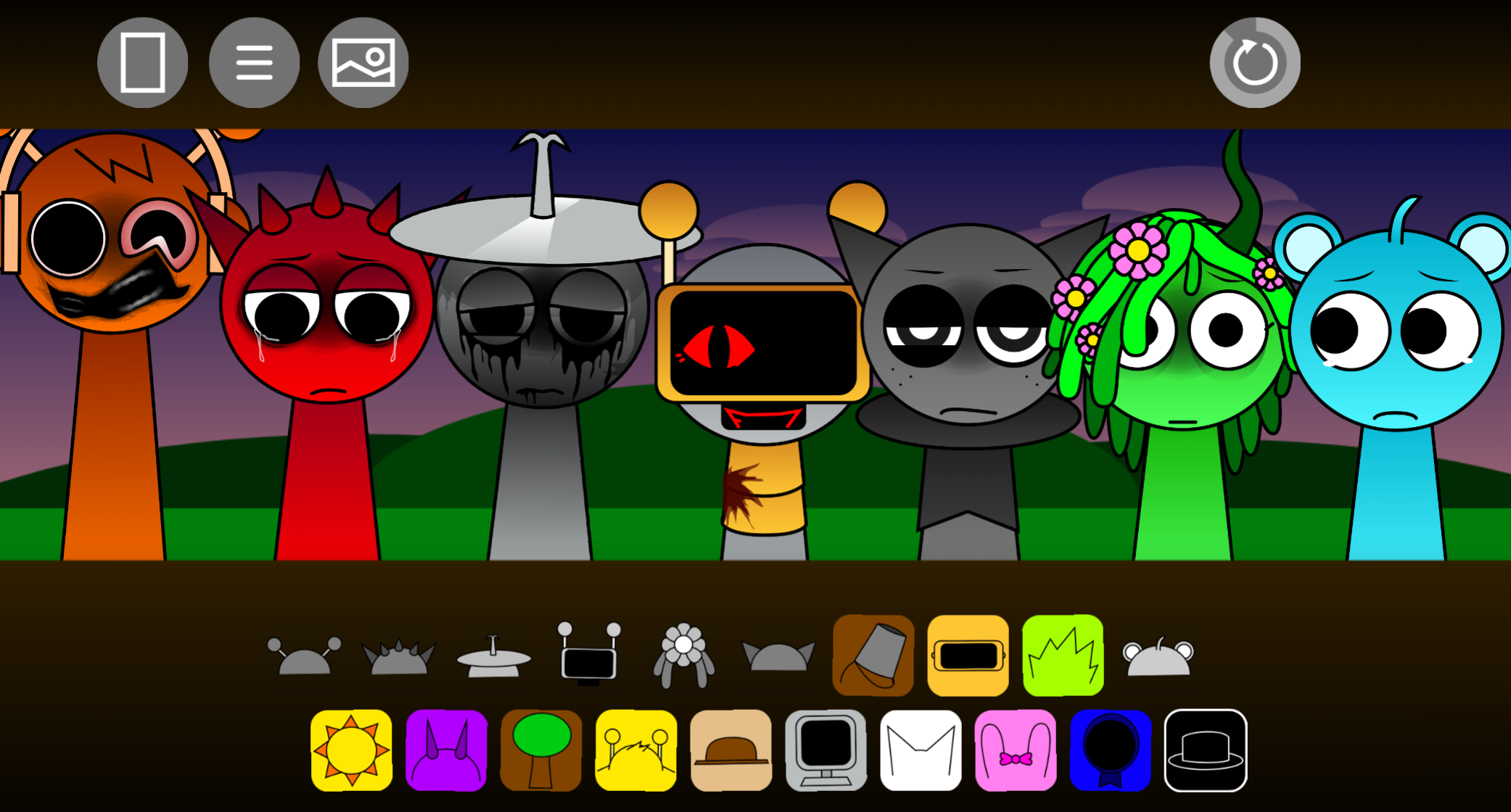
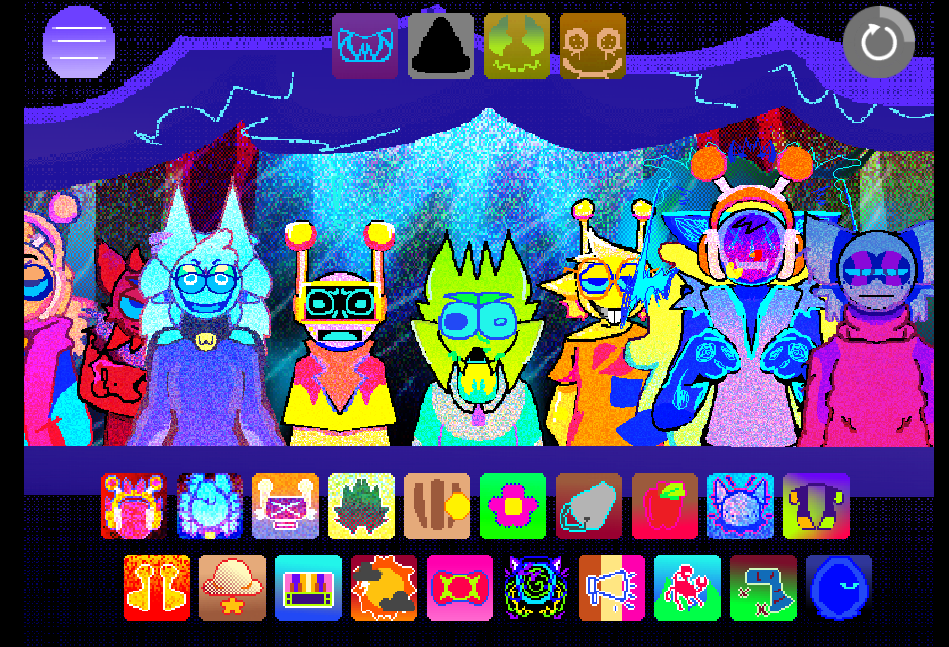
Sprunki Colorshifted Phase 3 (Chance’s Take) V3.0 is a community-made mod that reworks Phase 3’s dark music-mixing format with spectrum-swapped character designs and reactive visuals. Players use the familiar drag-and-drop system: each character supplies a beat, melody, vocal fragment, bassline, or effect. The defining feature is the Colorshifted cast—Oren carries Raddy’s fiery red palette** while Raddy takes on Oren’s warm orange tone. These aren’t static reskins. As characters are placed and loops build, the screen responds through fluid palette transitions and ominous visual pulses.
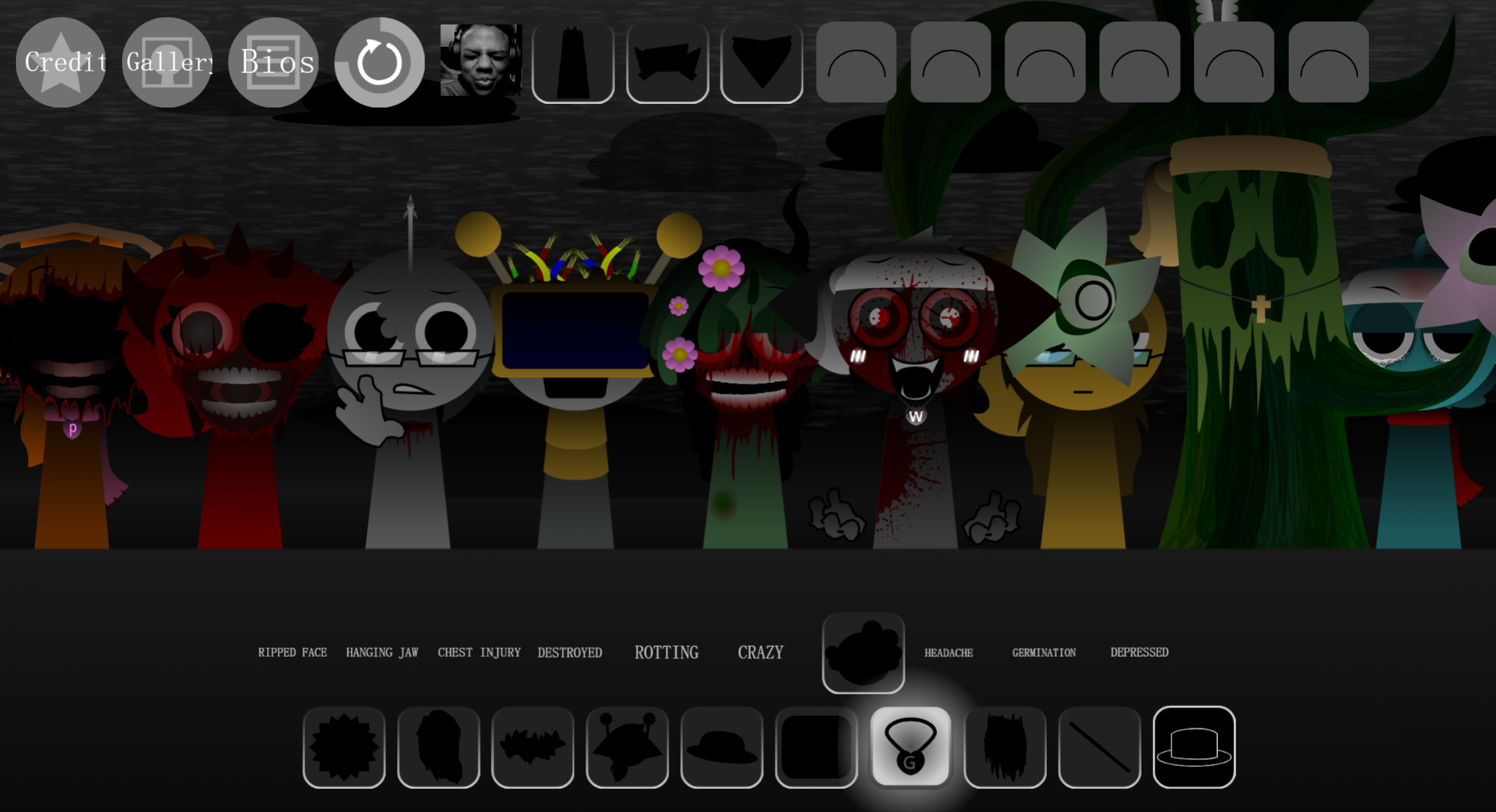
The mod leans into Phase 3’s darker atmosphere through deep basslines, sharp percussion, and eerie vocal chops. Certain arrangements reveal concealed character appearances, unlock visual modes, or expose narrative surprises beneath the mixer interface.
V3.0 features refined visual syncing and remade audio clips. The project was developed by @chancedesignpro, @The_EpokArtem, @ChancesTabletAcc, @HoodedStarBoi, @x0MDW, @touchgrass, @Brudthebread, and @SapnaThakur. Development discussion addressed Tized’s appearance: older design material was used because updated files were unavailable. The project sparked interest from community members like LOLFN7.
How to Play Sprunki Colorshifted Phase 3 (Chance’s Take)
Chance’s Take runs in-browser with no download required. Open the game, choose characters from the available sound options, and drag them onto the stage to activate their loops.
Start with a rhythm foundation.
Place a beat character first, then add bass or percussion. A stable rhythmic layer makes it easier to hear how melodies, vocals, and effects interact.
Add Phase 3 sound layers gradually.
Build around the beat with eerie vocal chops, melodic fragments, deep low-end sounds, and sharp accents. A heavy bassline may work better with a sparse vocal loop than with every available sound playing at once.
Watch the Colorshifted response.
Each added character can trigger real-time color changes and transition animations. The stage becomes increasingly distorted as the arrangement develops.
Rearrange characters to test combinations.
Remove, replace, or reorder loops to find stronger pairings. Different combinations can change the rhythm, alter the atmosphere, and potentially reveal hidden appearances or unlockable visual modes.
Refine the balance.
Use available volume controls or effects to prevent one sound from overwhelming the rest. The most effective mixes leave space between beats, melodies, and effects rather than filling every slot immediately.
Completed compositions can be saved or shared. Desktop browsers generally provide the easiest drag-and-drop editing experience, though many mobile devices can access the mod as well.
Features
Drag-and-drop music building
Character icons act as playable audio components. The format keeps mixing accessible while allowing players to shape a deliberate arrangement.
Spectrum-swapped character designs
The color reversals give the cast a distorted visual identity that supports the mod’s darker Phase atmosphere.
Real-time Colorshifted visuals
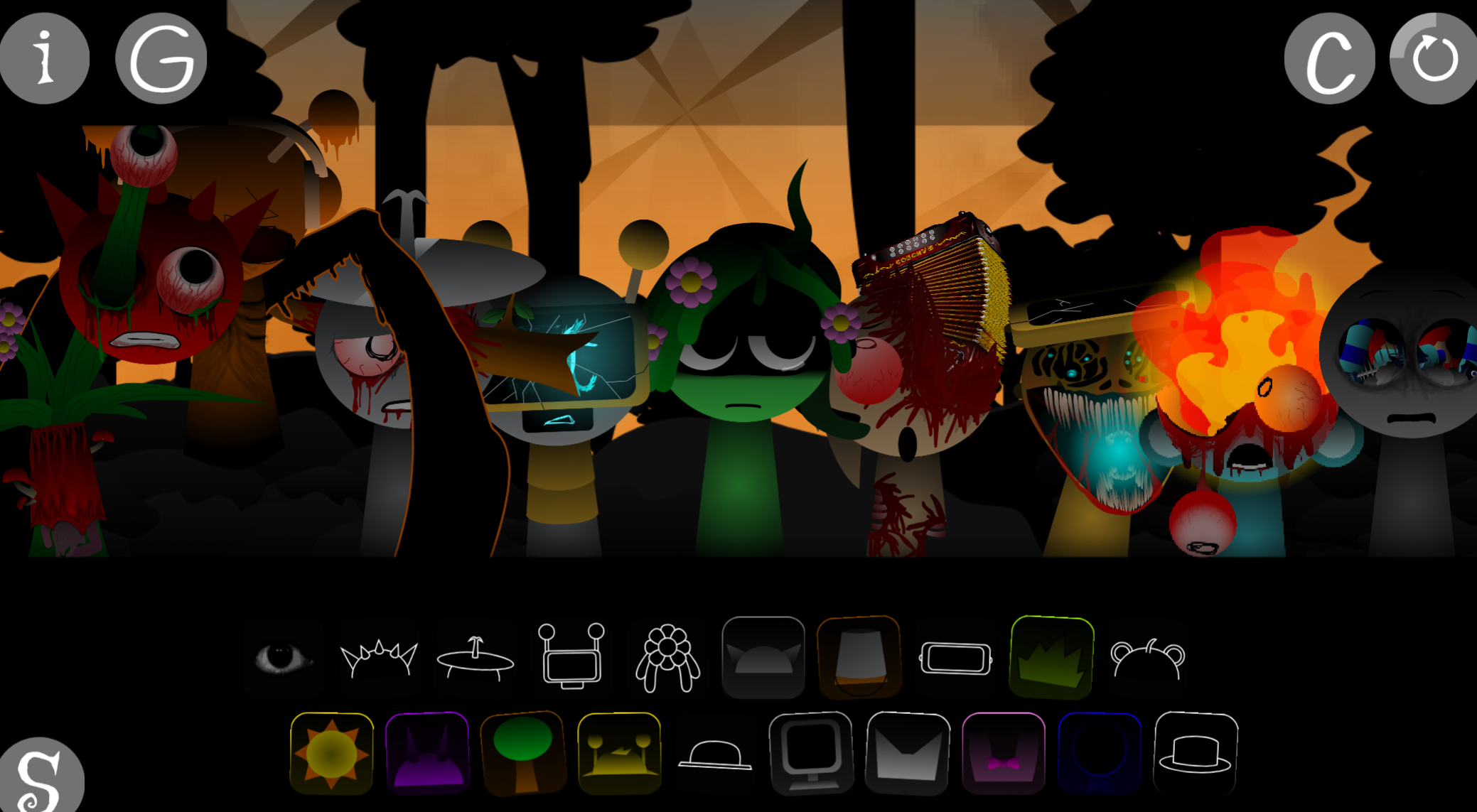
The soundstage reacts to the composition with fluid transitions, shifting palettes, and visual pulses. Audio placement affects both the track and the unstable presentation on screen.
Phase 3 horror styling
Creepy vocal fragments, dark character designs, heavy low-end sounds, and sharp percussion create an ominous tone. Hidden appearances, visual modes, and narrative surprises reward experimentation.
V3.0 audio and syncing improvements
Remade clips and tighter visual synchronization make changes in the mix more noticeable, particularly when layers are added or swapped during playback.
Mix saving and community sharing
Players can preserve compositions and share them with others to compare arrangements, discover combinations, and refine tracks after feedback.
Mixing & Performance Tips
A strong mix usually develops in layers. Start with one dependable beat and give each added character room to be heard before introducing another element.
Build one layer at a time.
Add a beat first, then bass, melody, vocals, or effects. Pause after each placement to hear whether the new loop strengthens the arrangement or merely makes it busier.
Keep the rhythm clear.
Deep basslines and sharp percussion are central to the Phase 3 mood, but too many competing low or rhythmic sounds can blur the groove. If the beat loses impact, remove one layer before adding another.
Use vocal chops as accents.
Creepy vocal fragments are often more effective when they contrast with the instrumental loops. Let a vocal part stand out instead of burying it under every available effect.
Test transitions carefully.
Swap only one character at a time when experimenting. This makes it easier to identify which combination creates a better sound change, visual response, or hidden moment.
Adjust volume before rebuilding.
If one loop dominates the track, reduce its individual volume when that option is available. A small adjustment can restore balance without sacrificing the rest of the composition.
Choose desktop for detailed editing.
Chance’s Take can be accessed on many mobile devices, but a desktop browser is generally smother for repeated drag-and-drop placement, fast rearrangement, and close attention to performance changes.
Related Games
- Sprunki Colorshifted Swapped Phase 3 — Its Phase 3 setting and color-swapped character concept directly extend Chance’s Take’s rainbow-rotation visuals and ominous remix atmosphere.
- Sprunki Vortex Shifted Remake Phase 3 Player Baldis Take — This alternate Phase 3 remix is a natural follow-up for players seeking another darker, visually transformed take on drag-and-drop horror beatmaking.
Where Can You Play It?
Sprunki Colorshifted Phase 3 (Chance’s Take) is available in-browser through gosprunki.com, free to access without a download. Build a track, watch the screen react, and test combinations for new sounds and hidden results.

Discuss Sprunki