
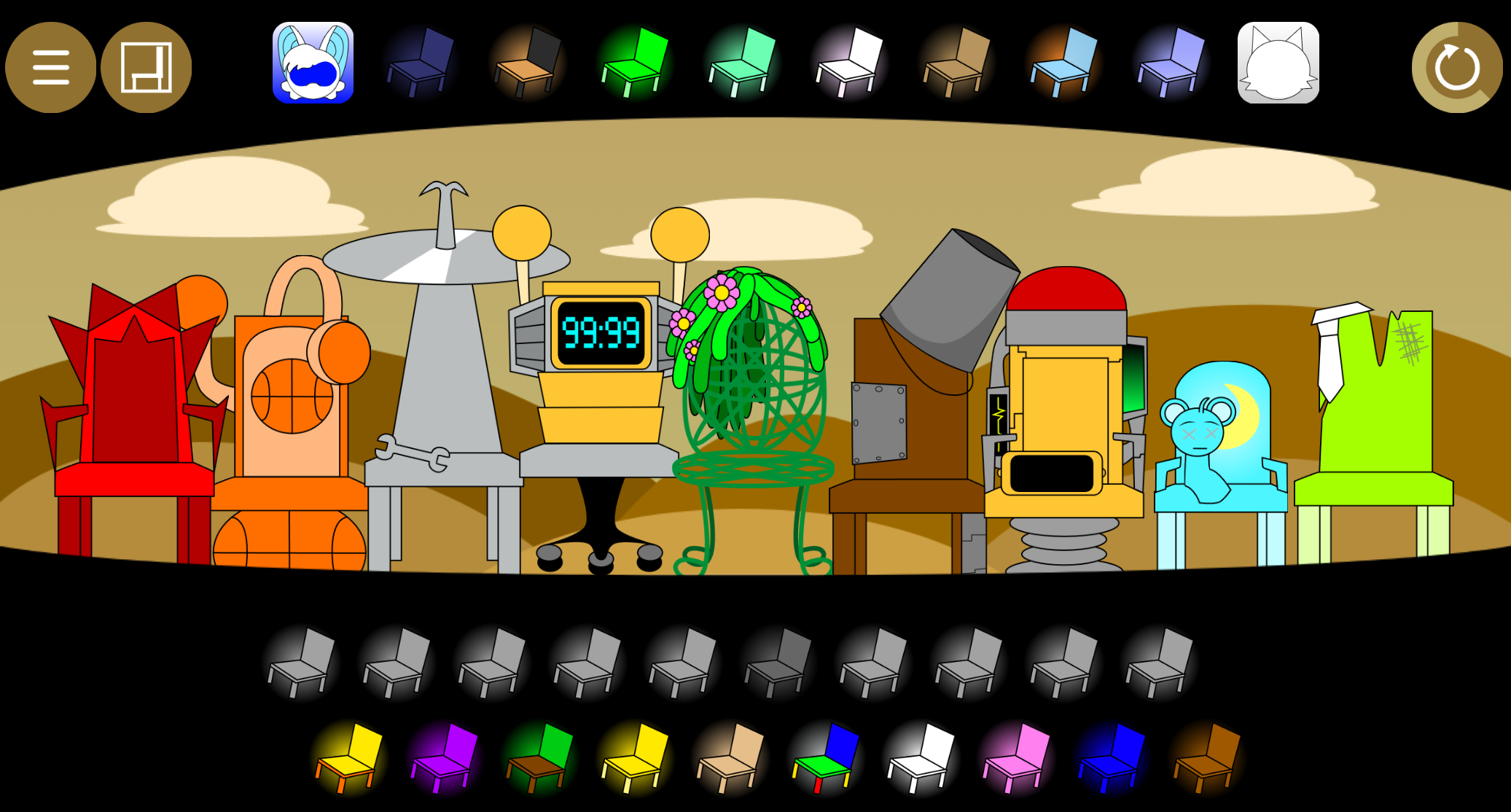



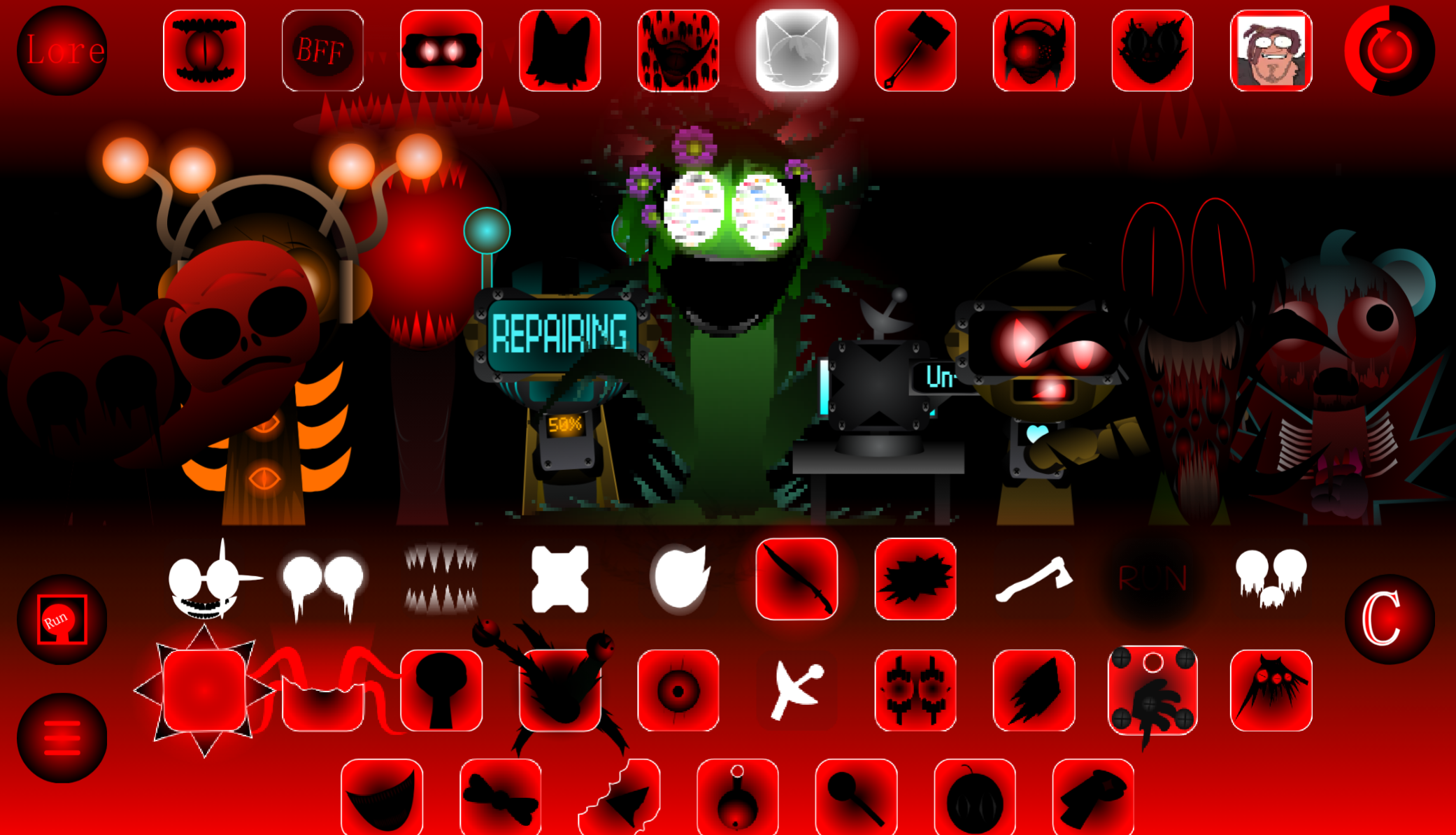
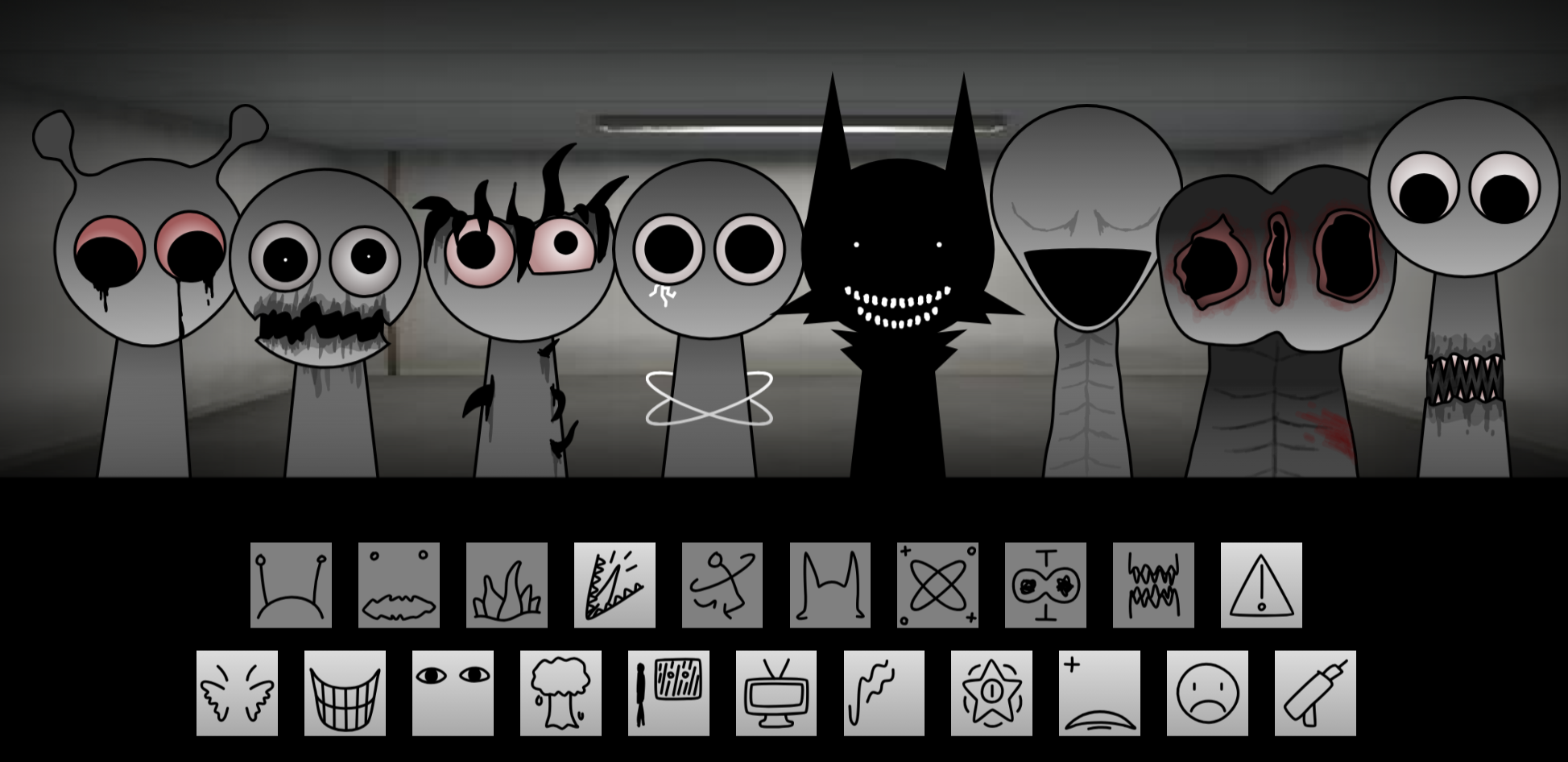
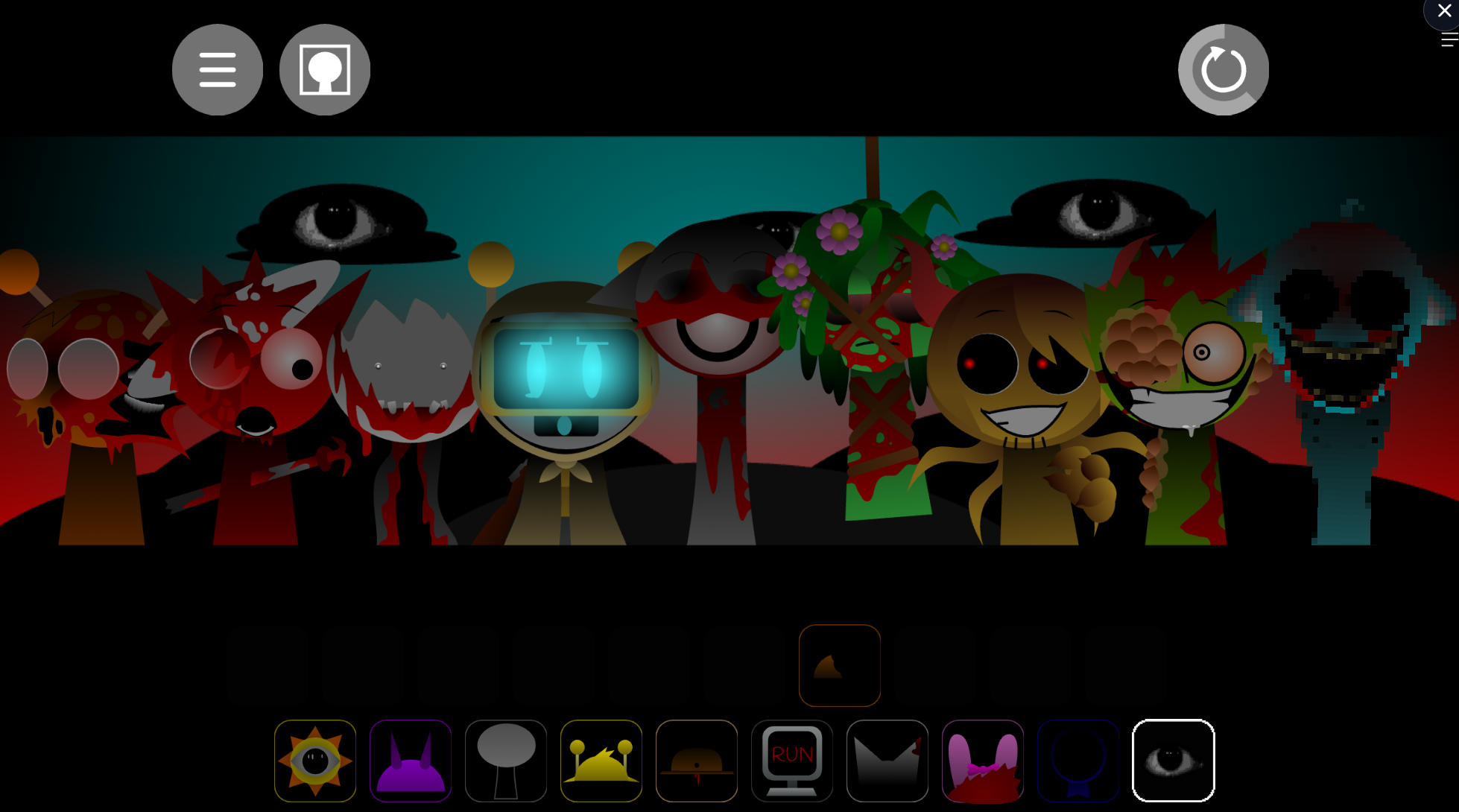
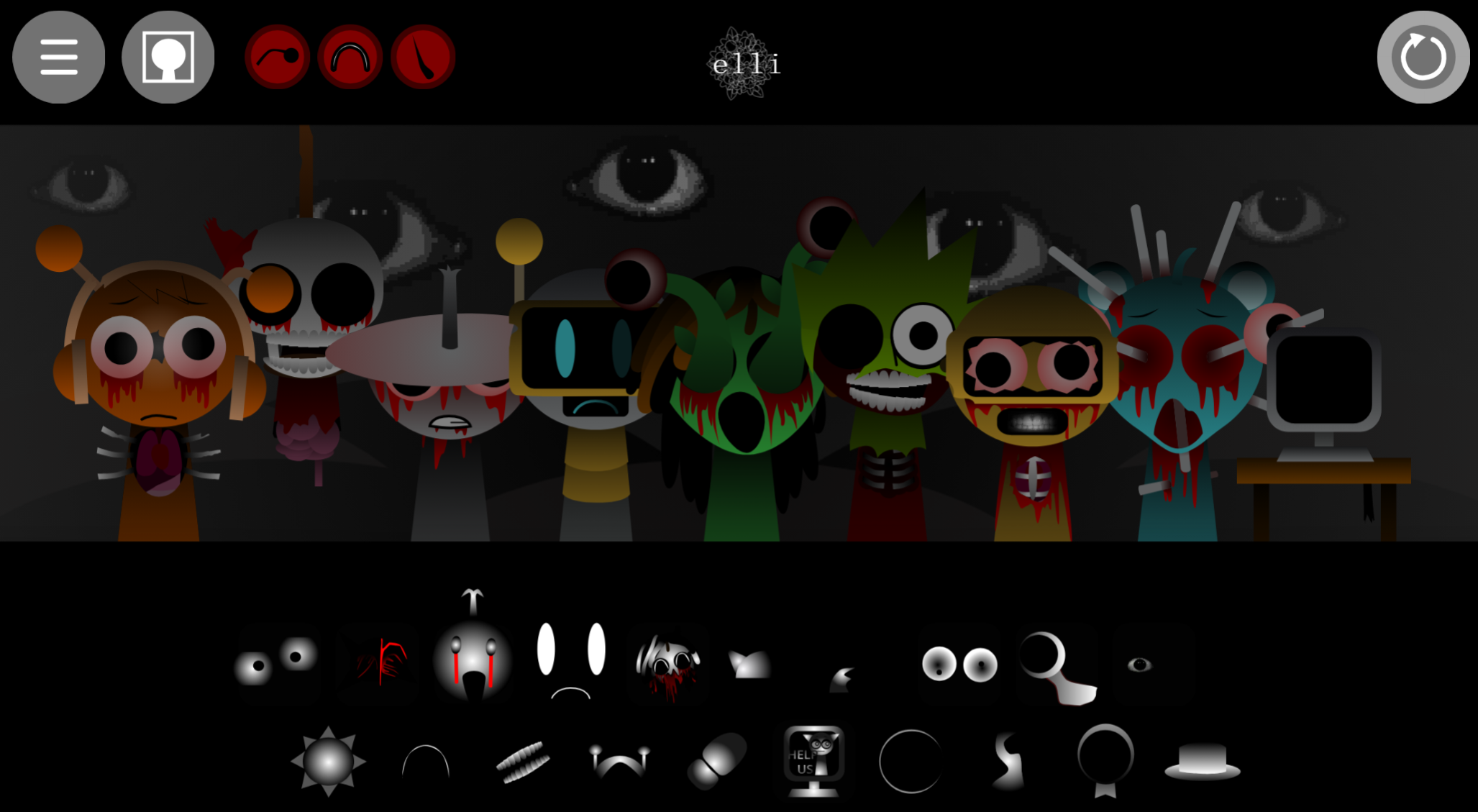
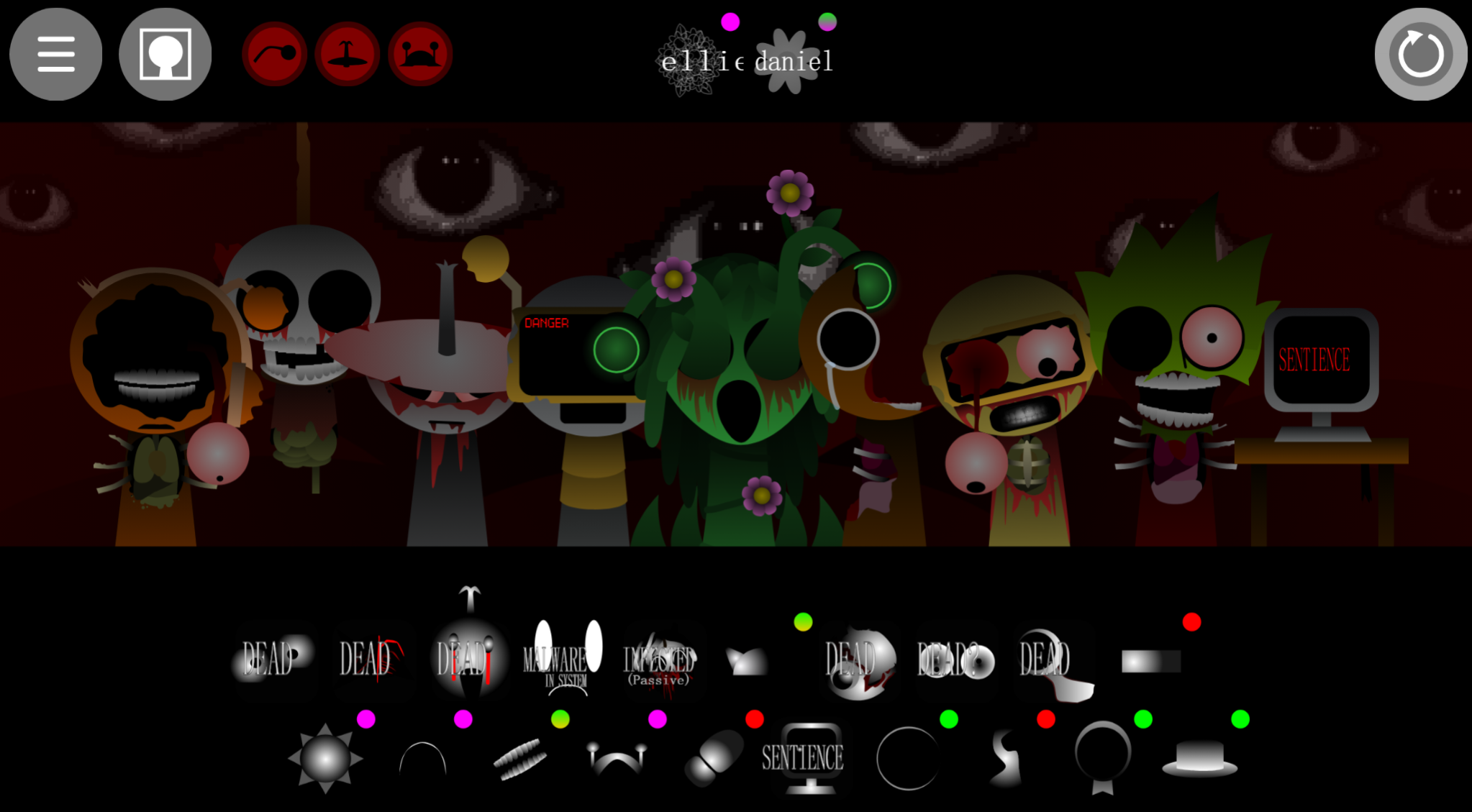
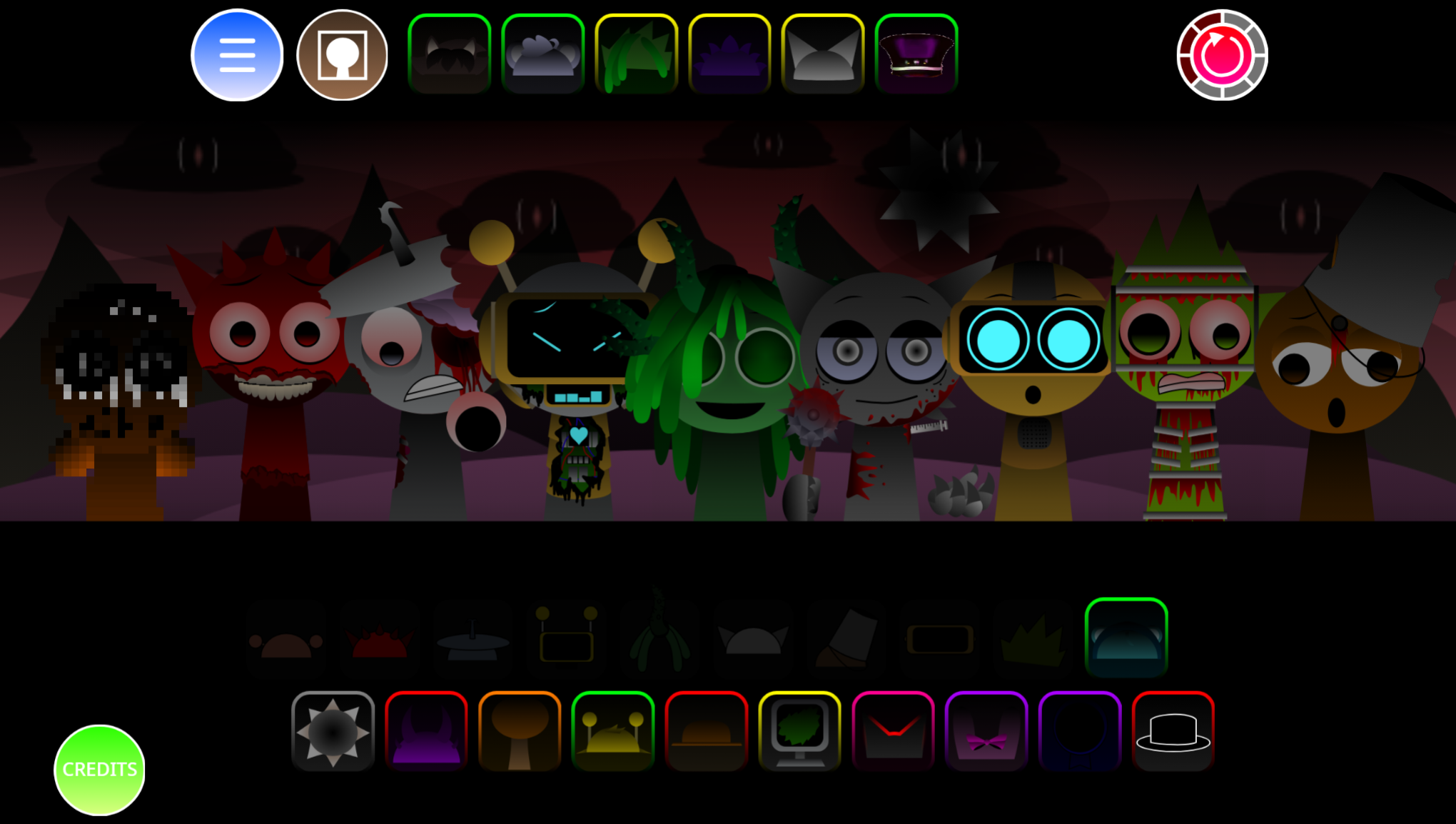
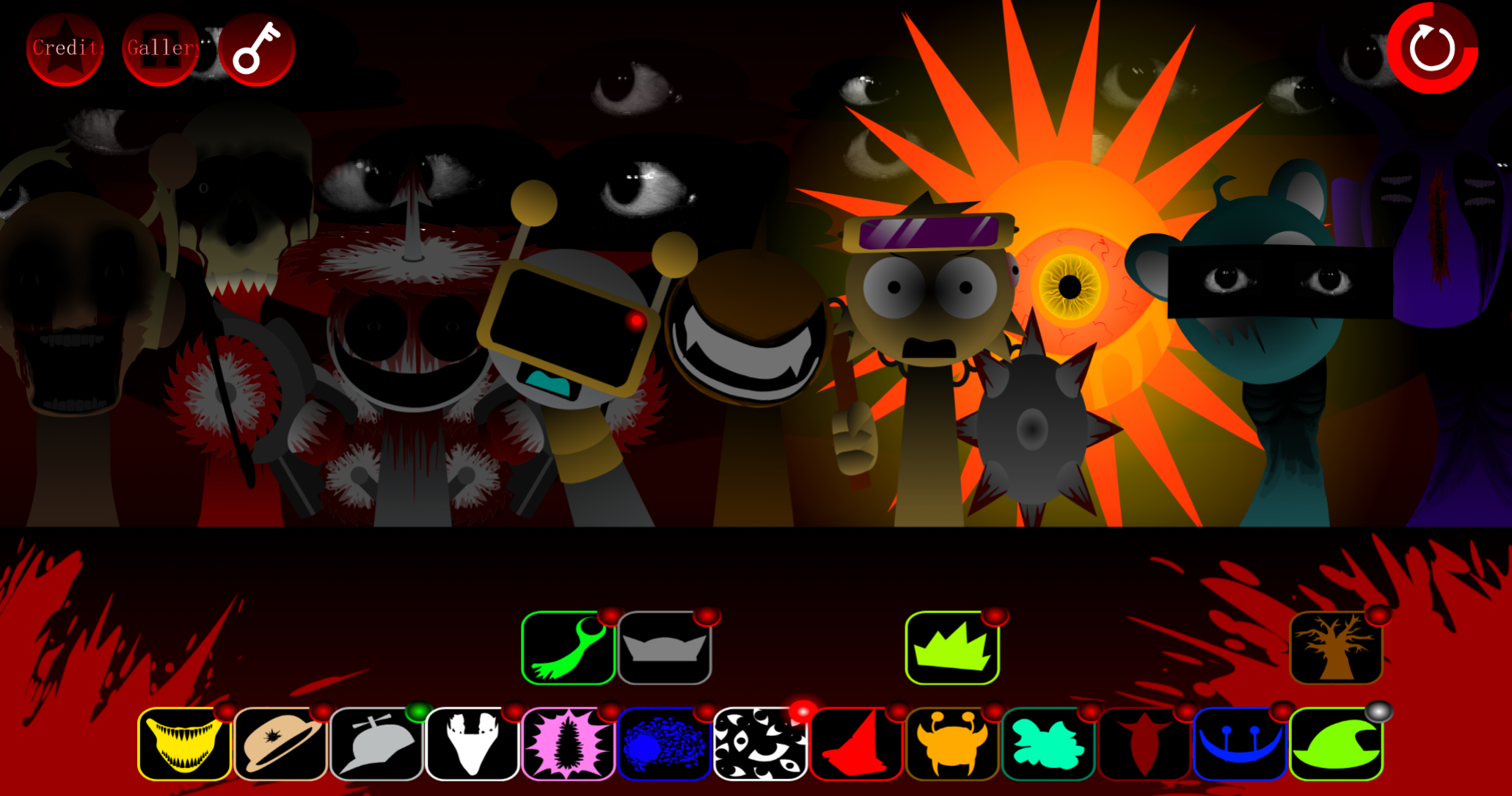
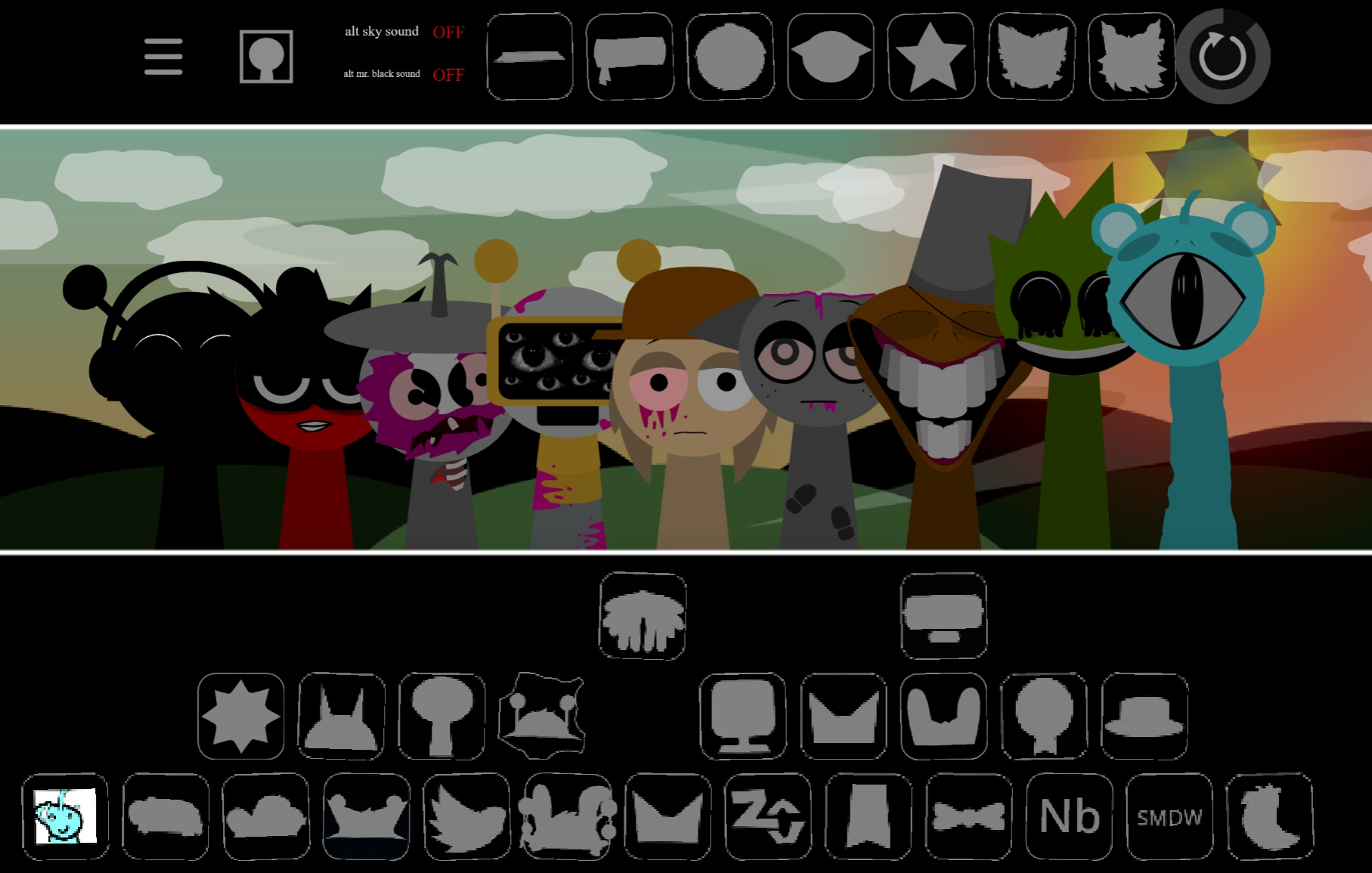
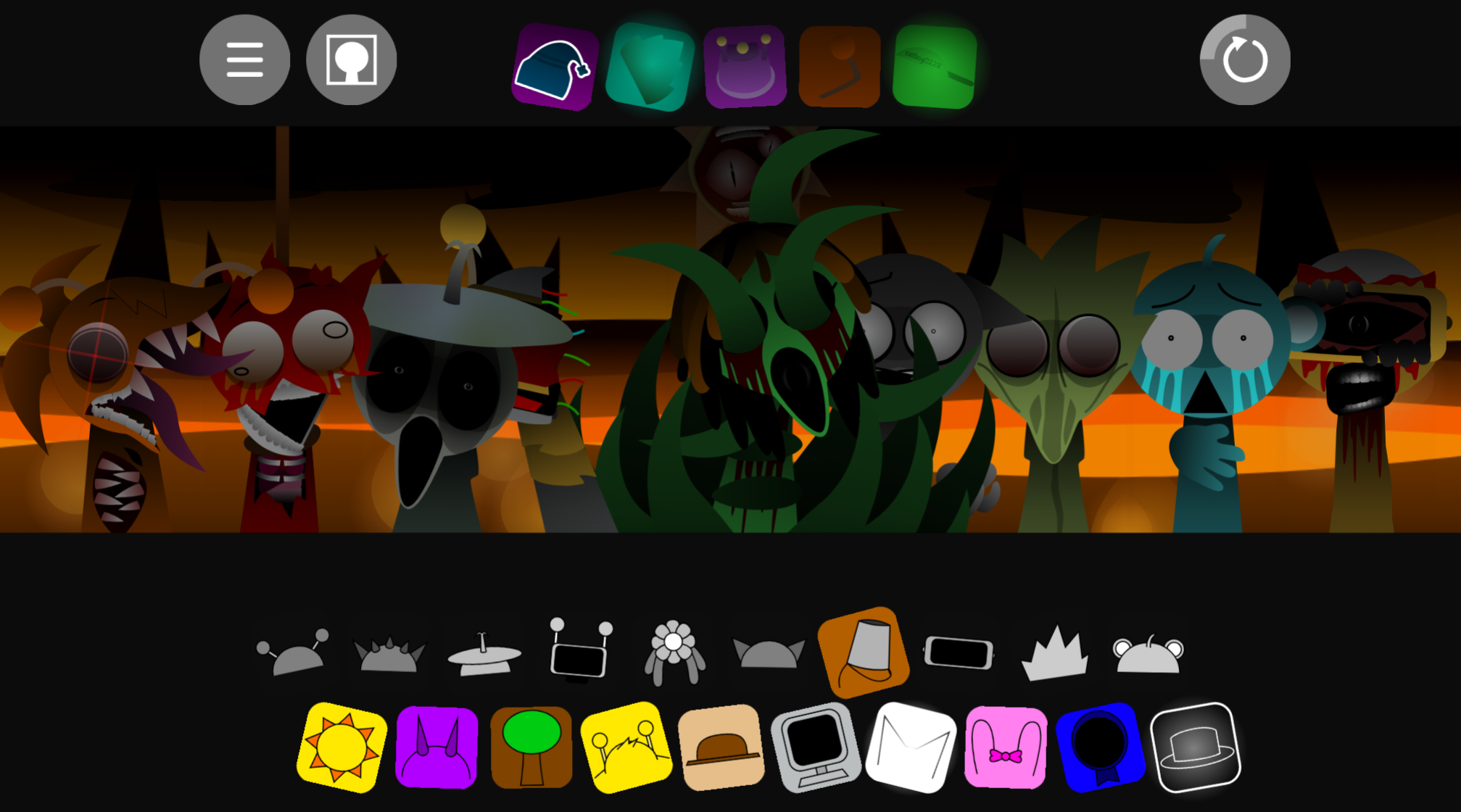
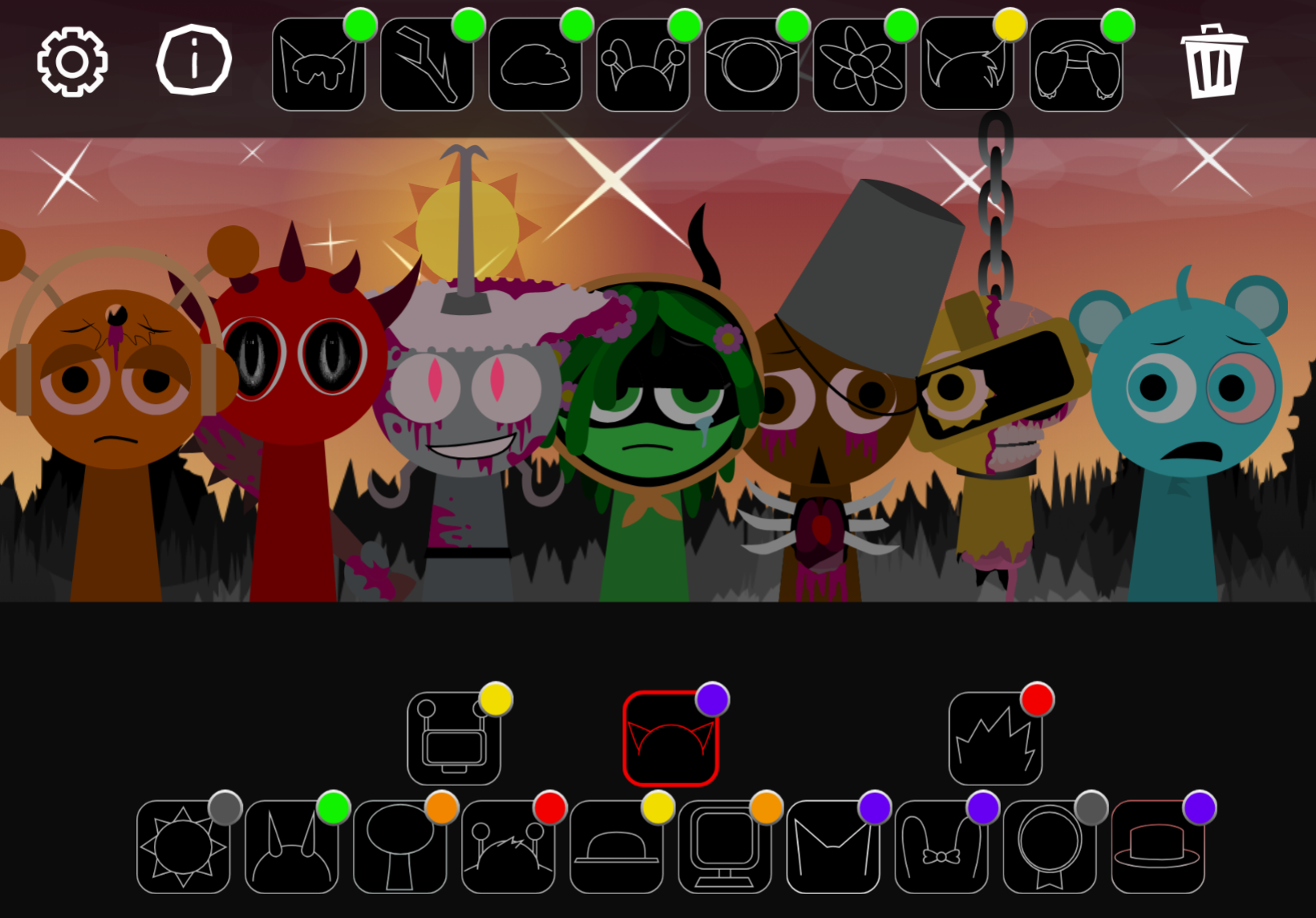
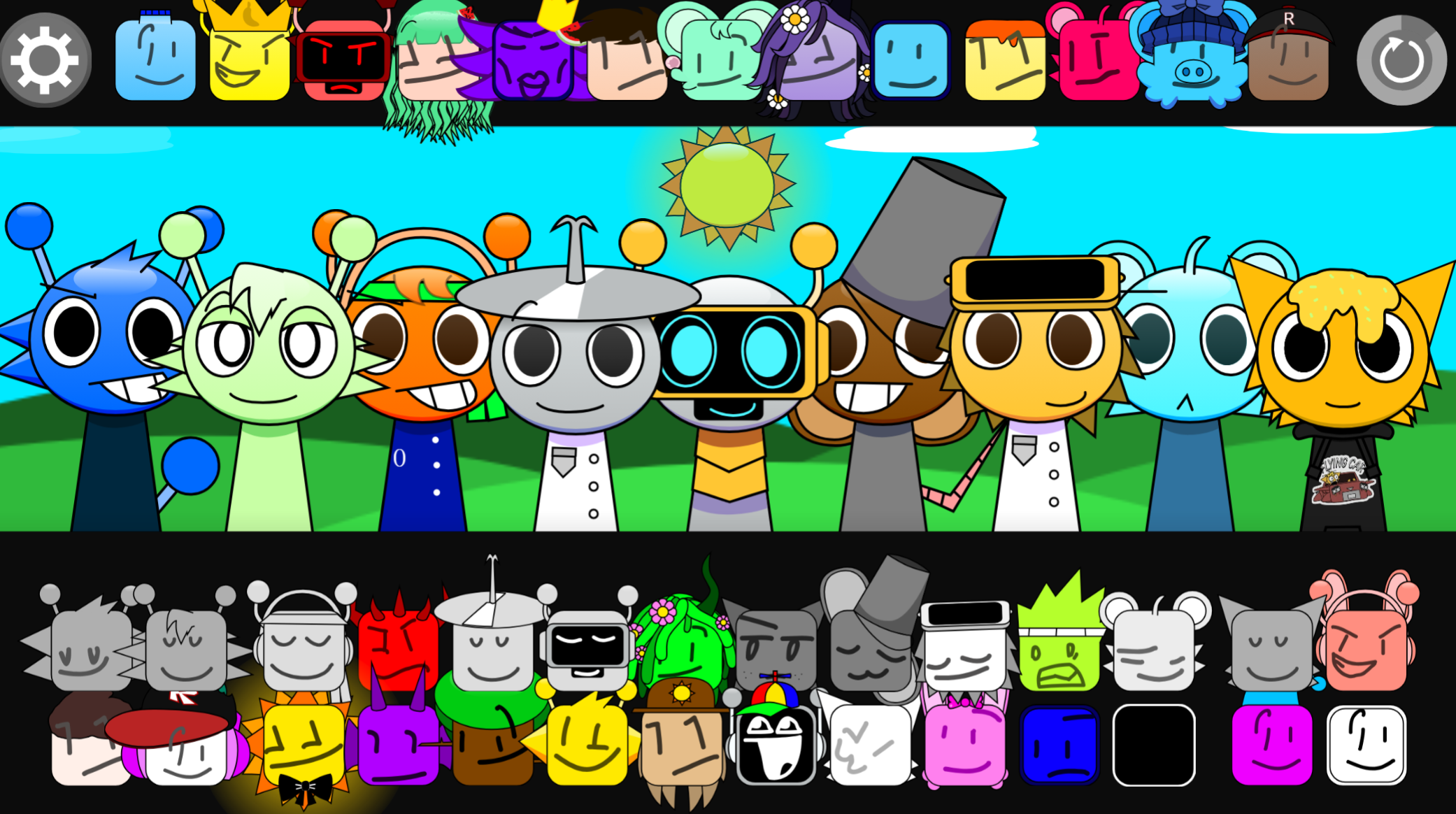
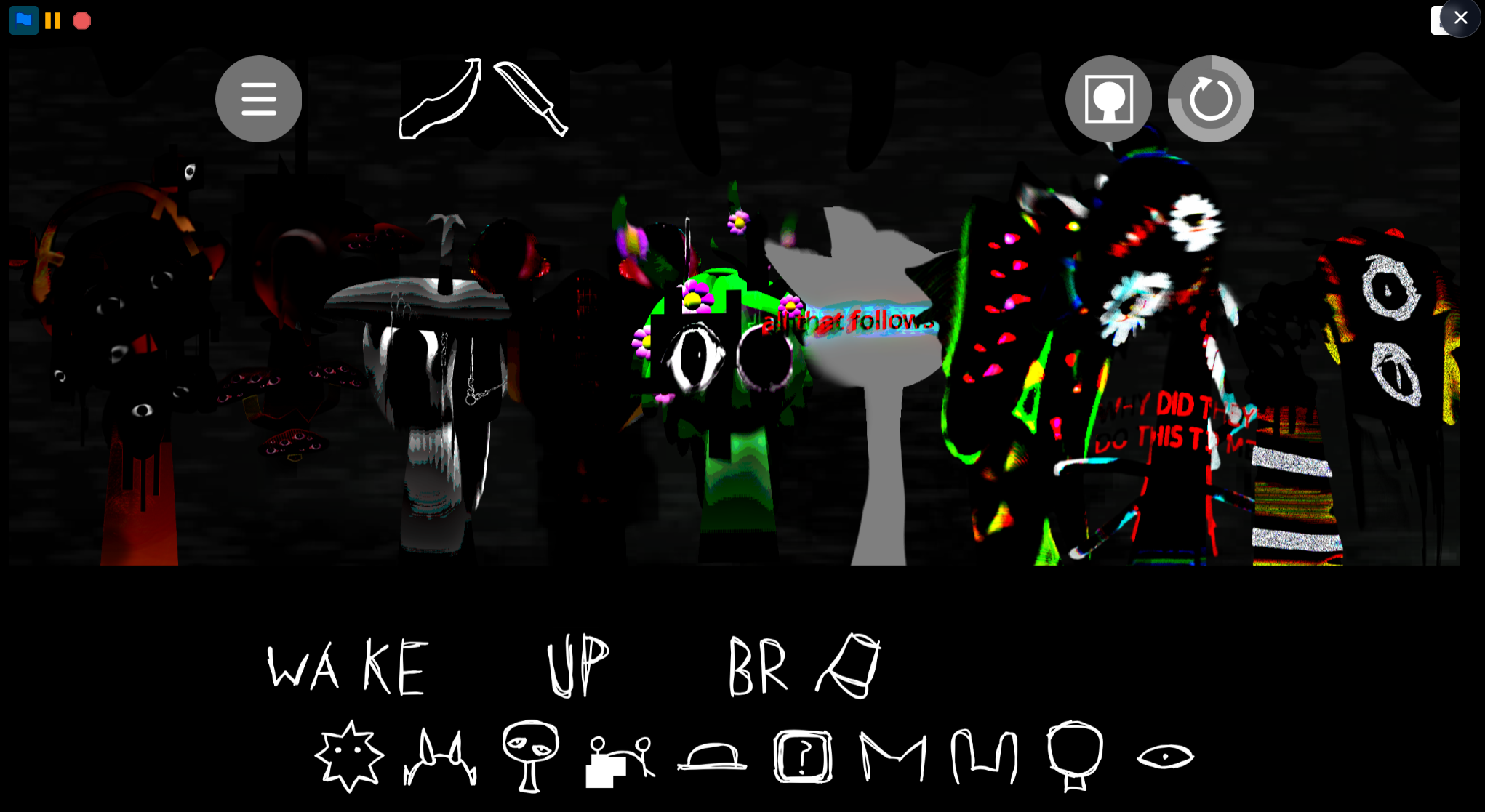
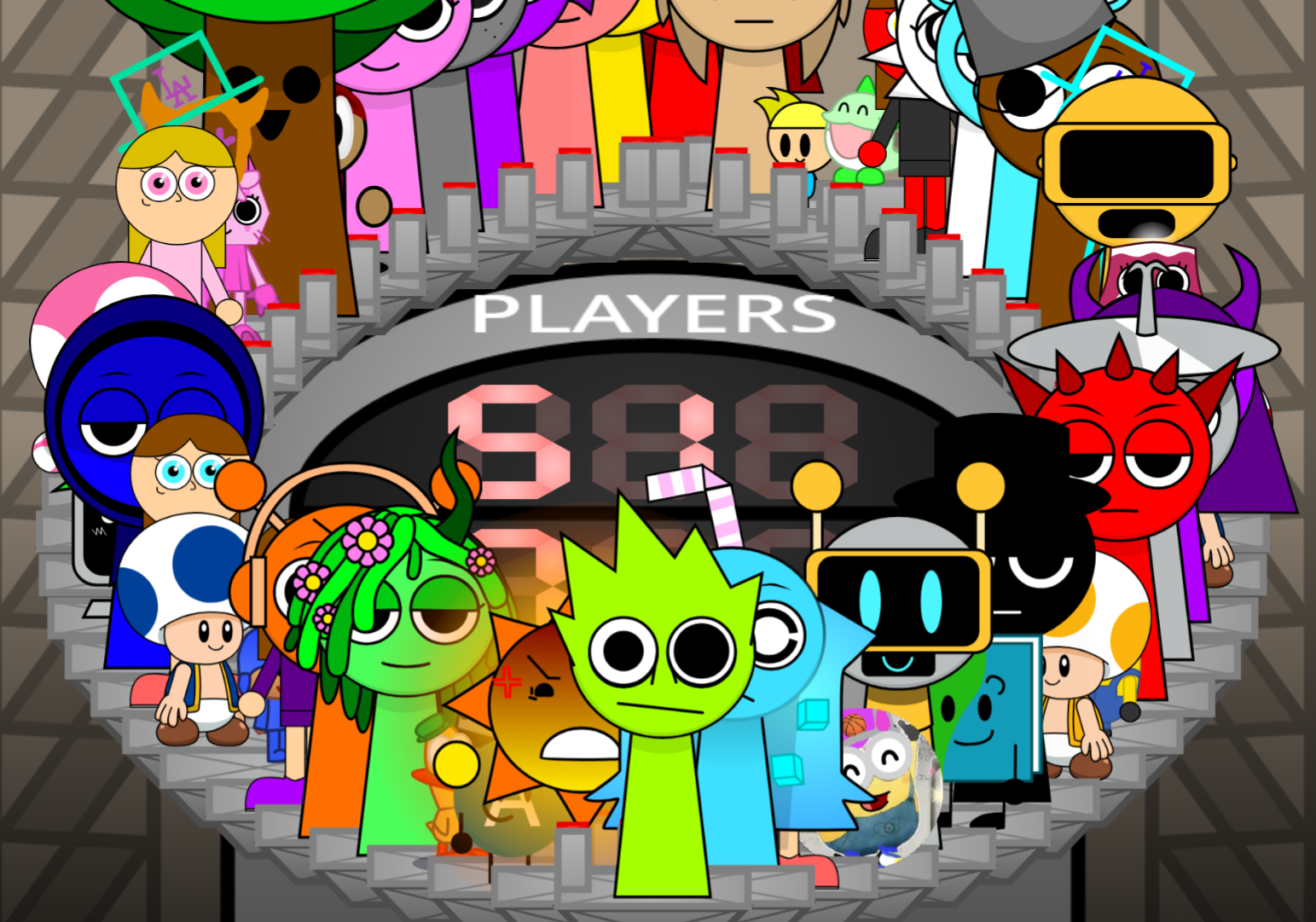
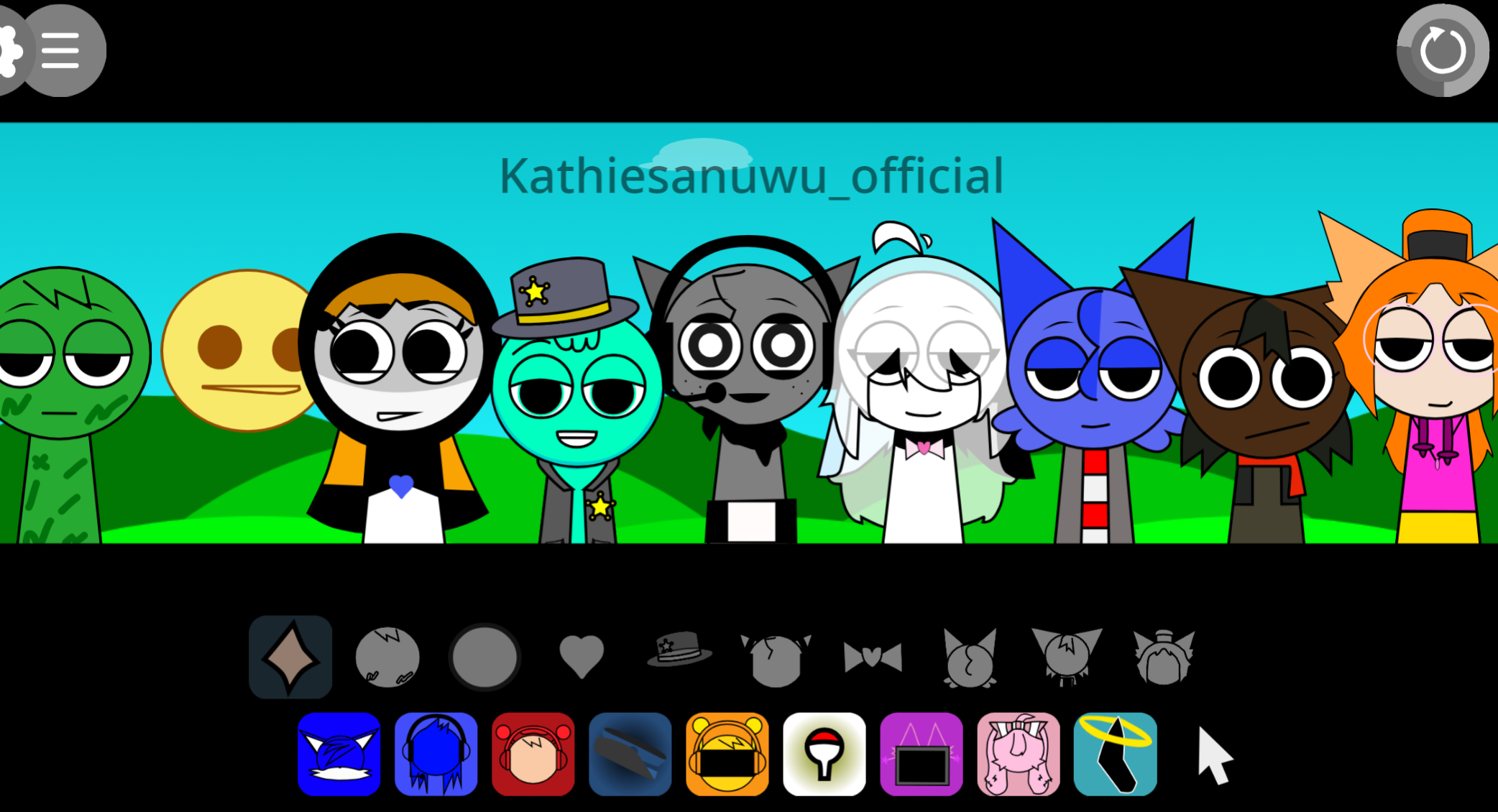
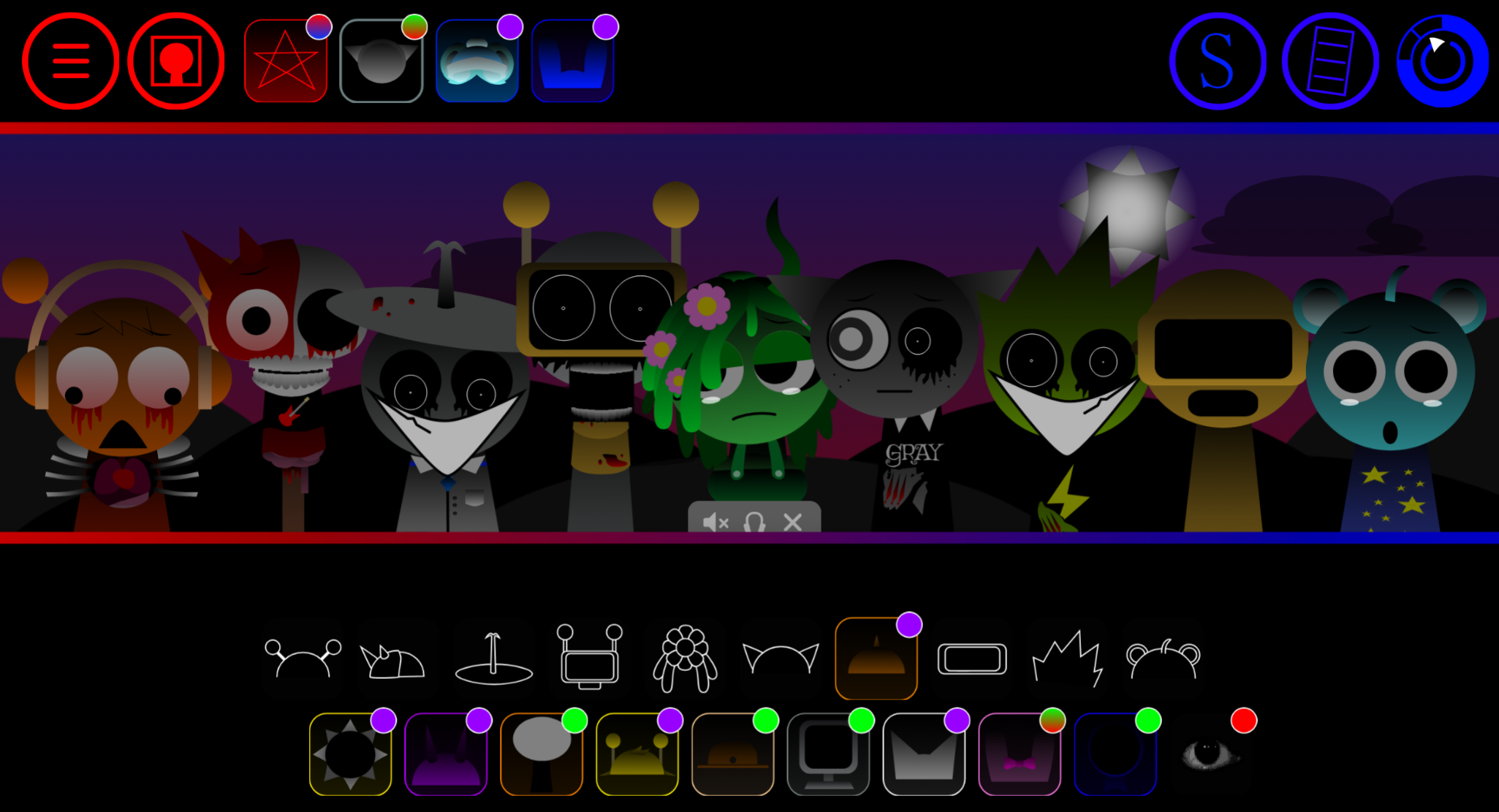
Sprunki Chair is a fan-made mod by @BatLover<3 that replaces the usual Incredibox cast with legless cartoon performers bouncing on coiled springs—each one a variant of the Chair character from Baldi’s Basics.
Players drag sound icons onto these bobing figures to layer beats, melodies, effects, and vocal loops, building tracks through the same mix-and-match mechanics that define the Sprunki series. This article breaks down the game’s modes, the creative possibilities unlocked by its furniture-themed roster, and the specific design choices that set Sprunki Chair apart from other character-swap mods.
You’ll see how the spring-mounted setup changes the visual rhythm and what that means for arranging your mix.
Sprunki Chair - Baldi’s Basics Furniture Crossover Mod
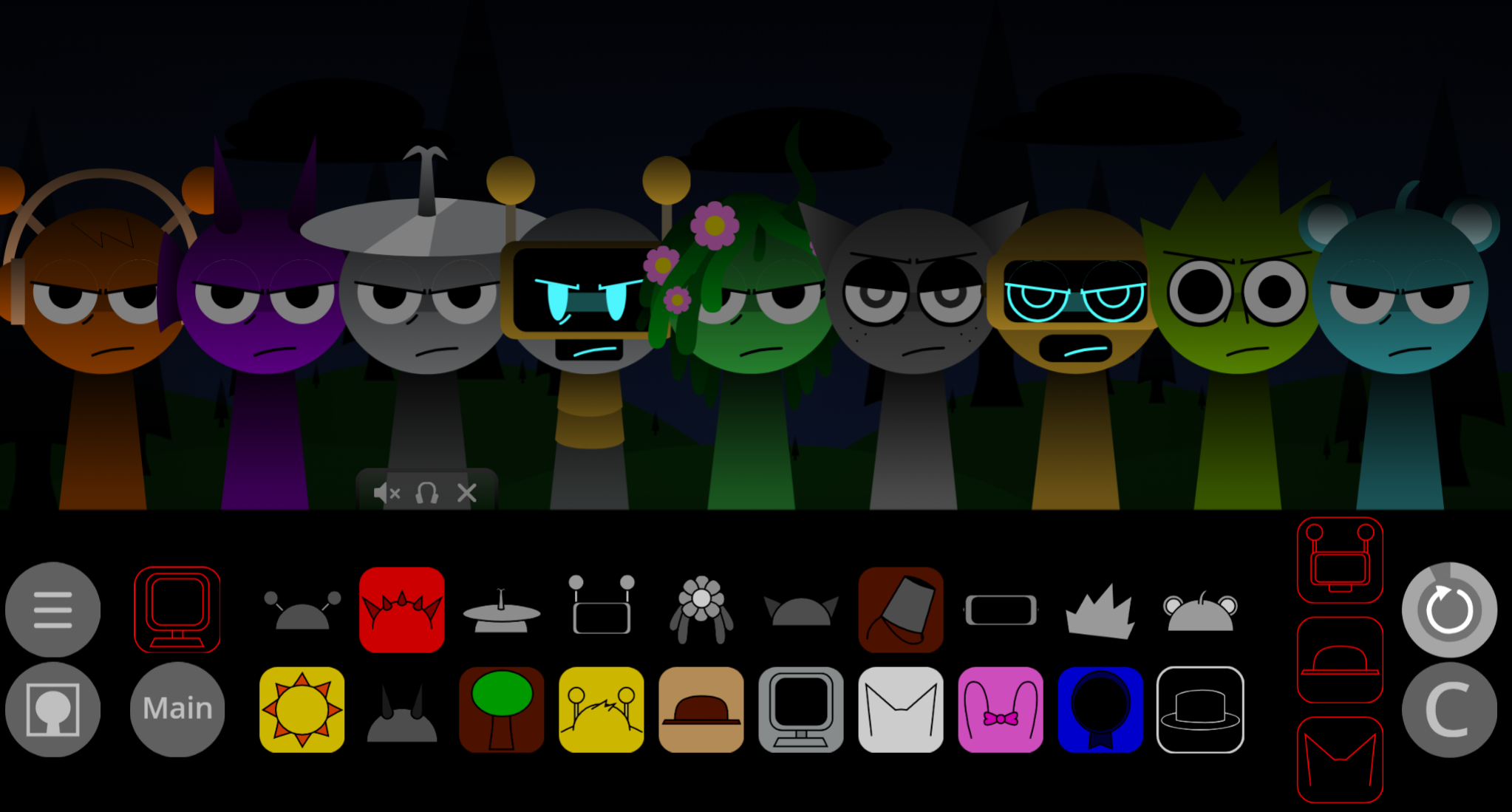
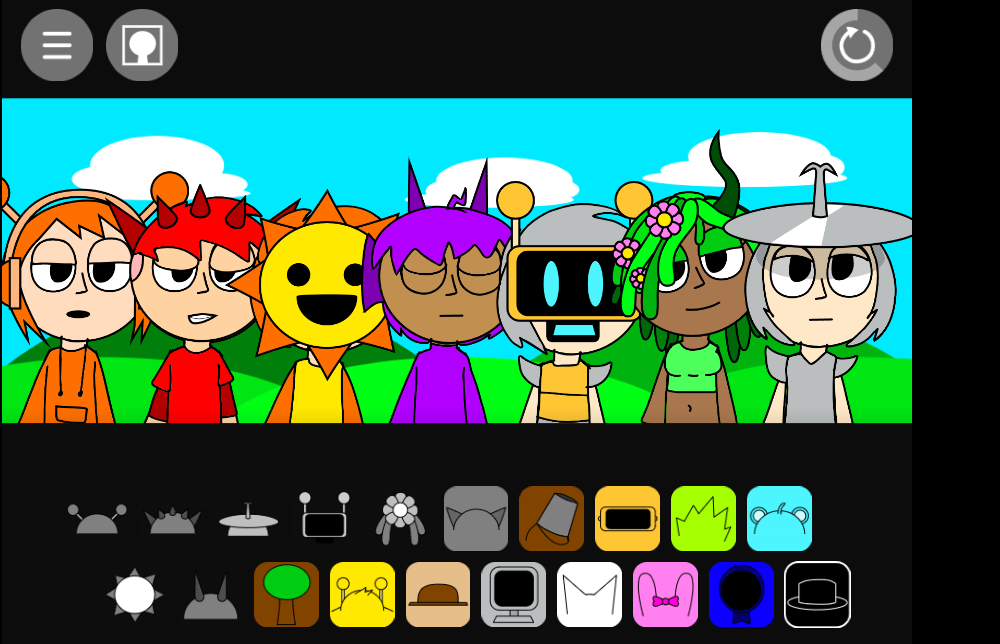
Sprunki Chair is a fan-made mod by @BatLover<3 that centers on a furniture takeover featuring the Chair from Baldi’s Basics. Legless cartoon performers bounce on coiled springs while players drag sound icons onto characters to layer beats, melodies, effects, and vocal loops. The mod keeps the core drag-and-drop system: select a sound, place it on a performer, and add that part to the mix.
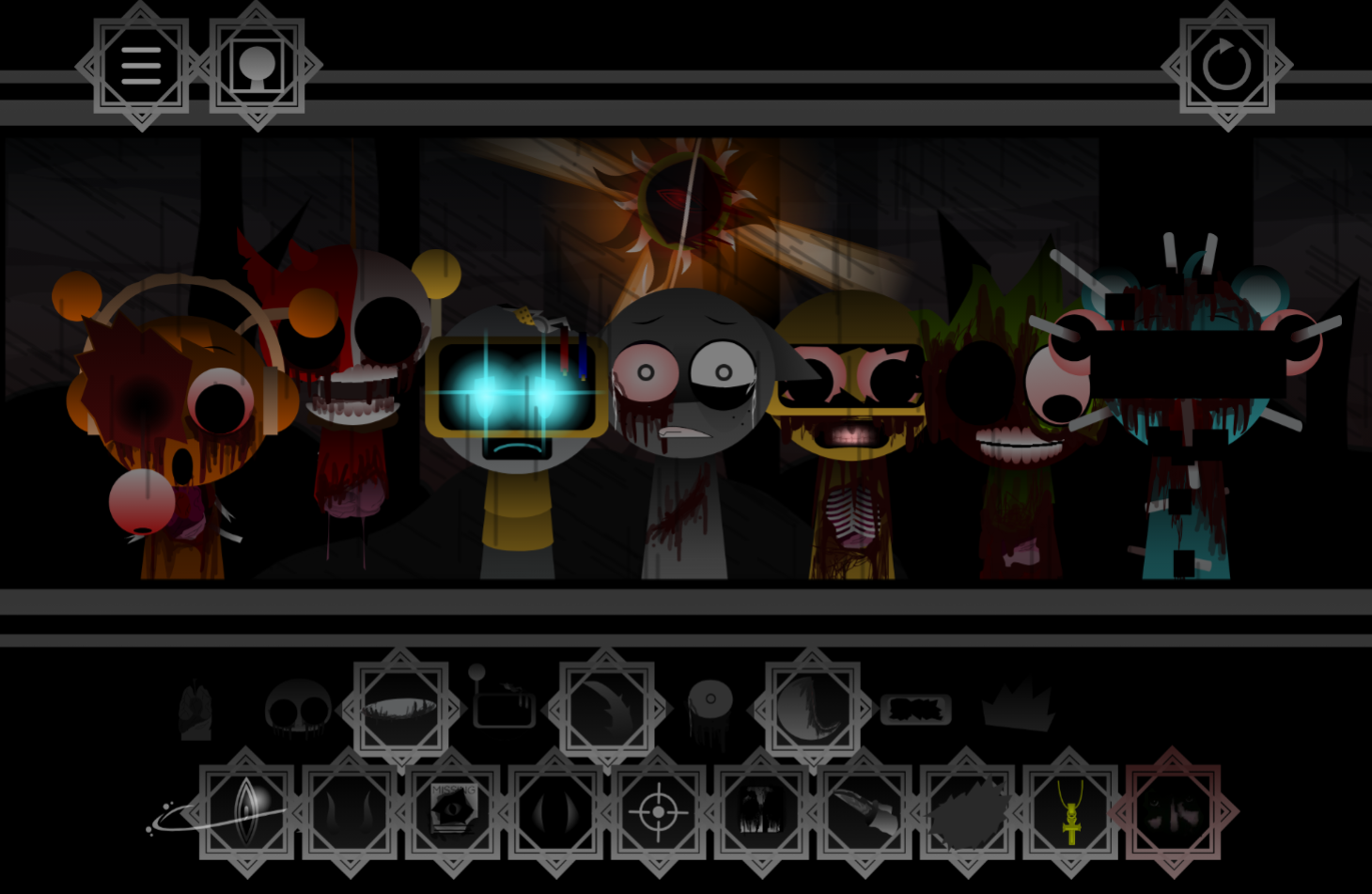
The cast includes furniture-inspired original characters like Sky—a cyan performer with round ears and a single strand of hair whose altered design connects to darker lore involving an earlier attack. The mod shifts between bright, upbeat visuals and a dark mode with distorted designs and eerie soundscapes. Sprunki Chair is playable directly on gosprunki.com.
Key Features
-
Spring-loaded cast: Each character contributes a different sound layer—anchor beats, melodies, vocal phrases, or effects. Character designs tie directly to their musical roles.
-
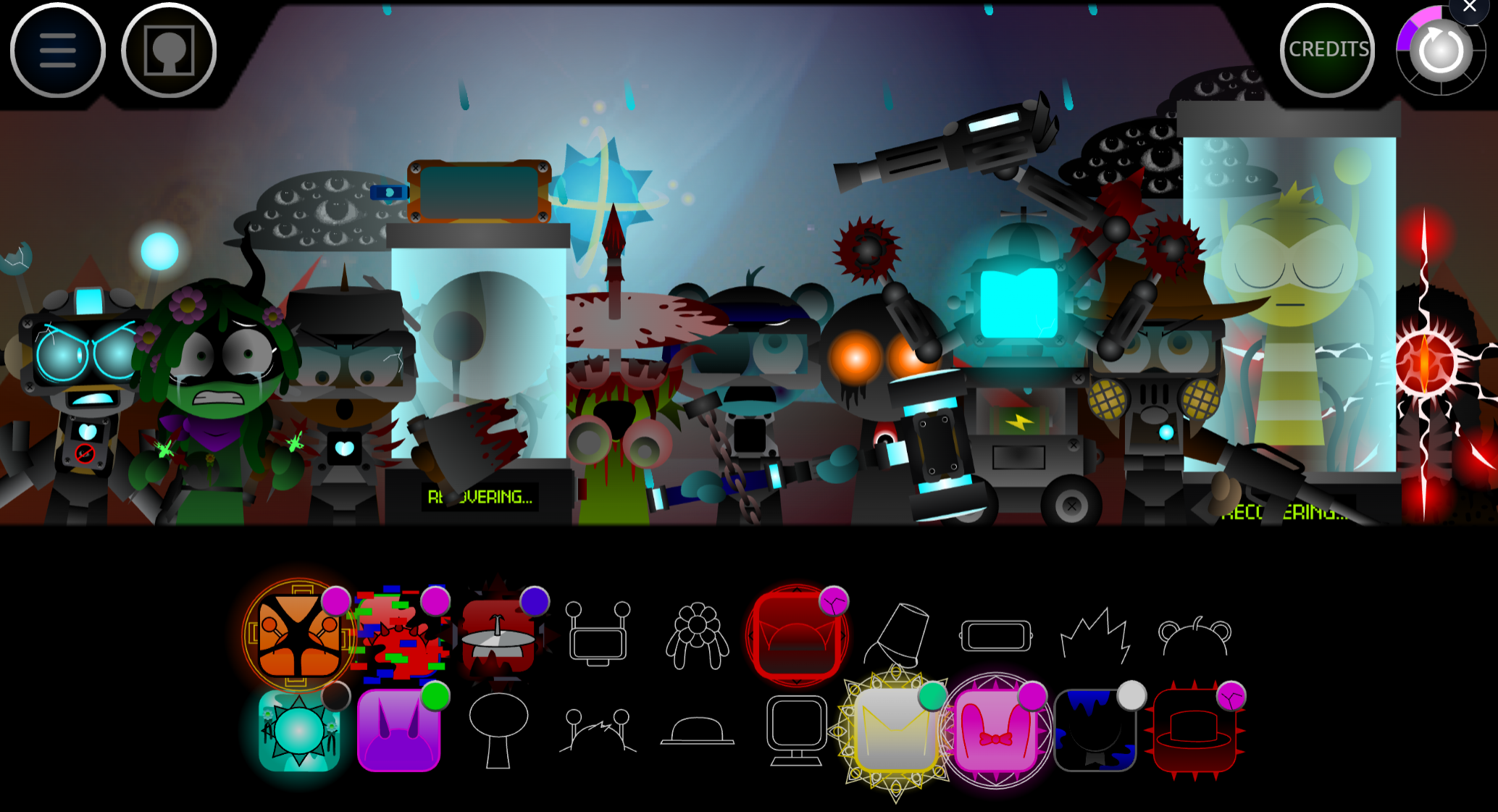
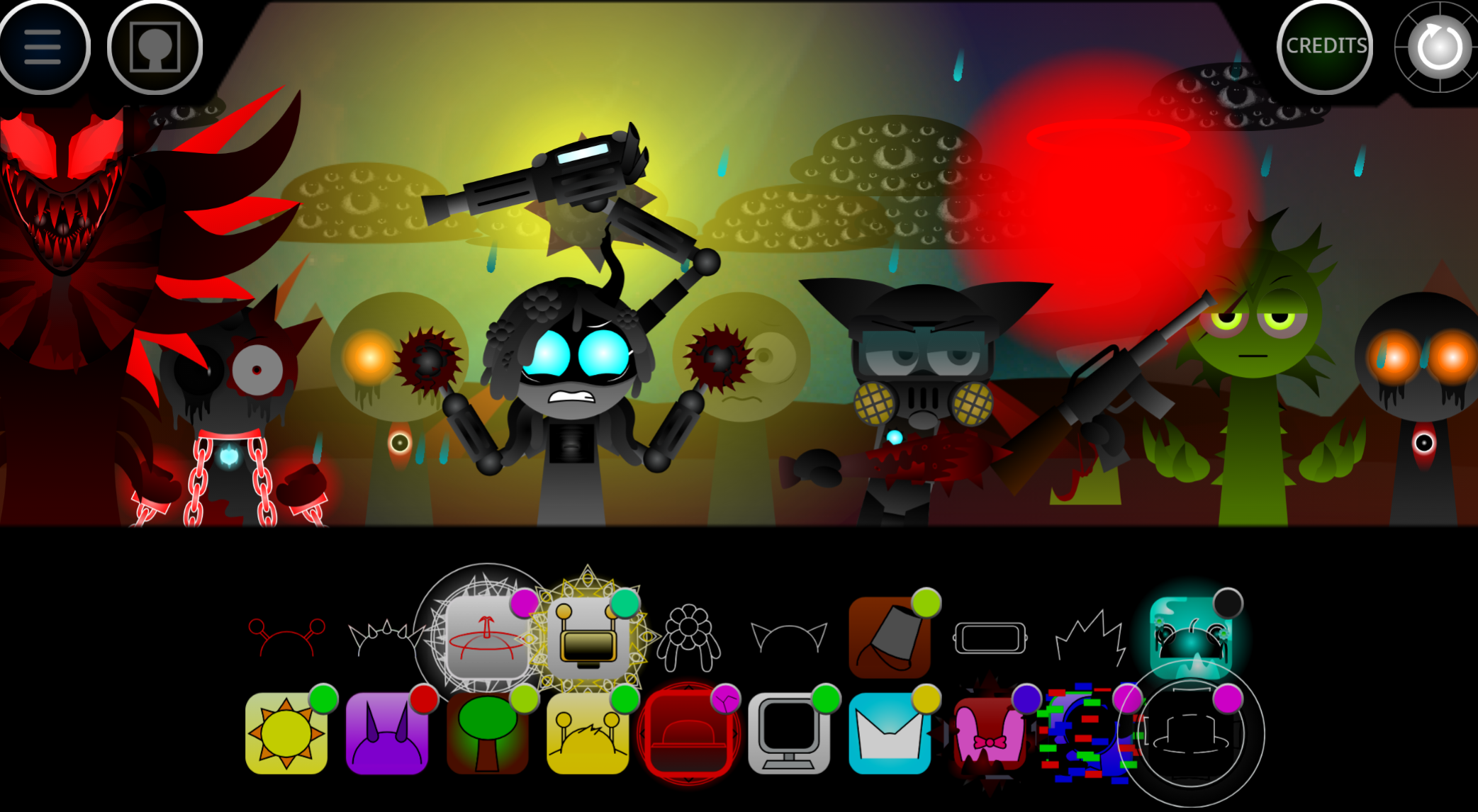
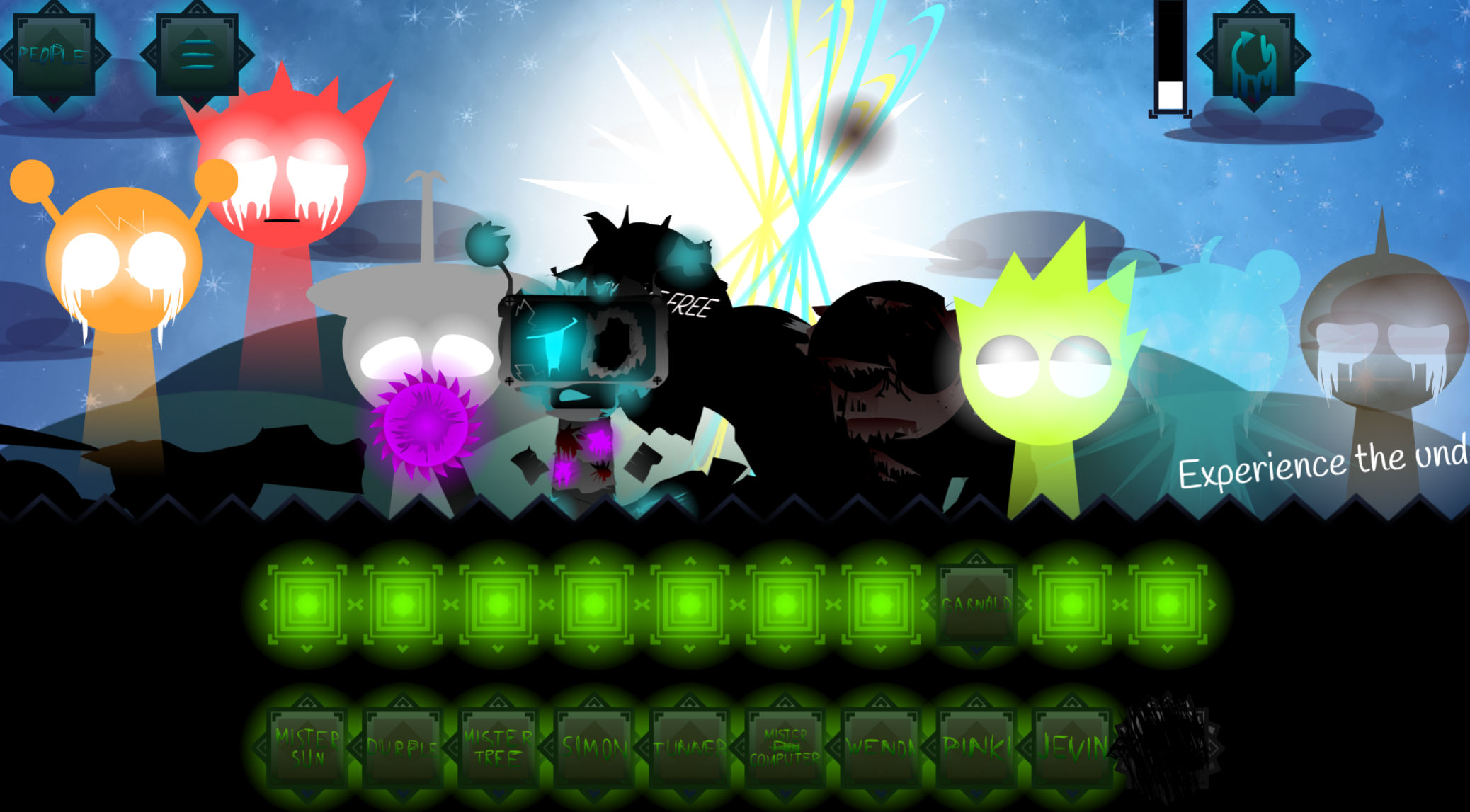
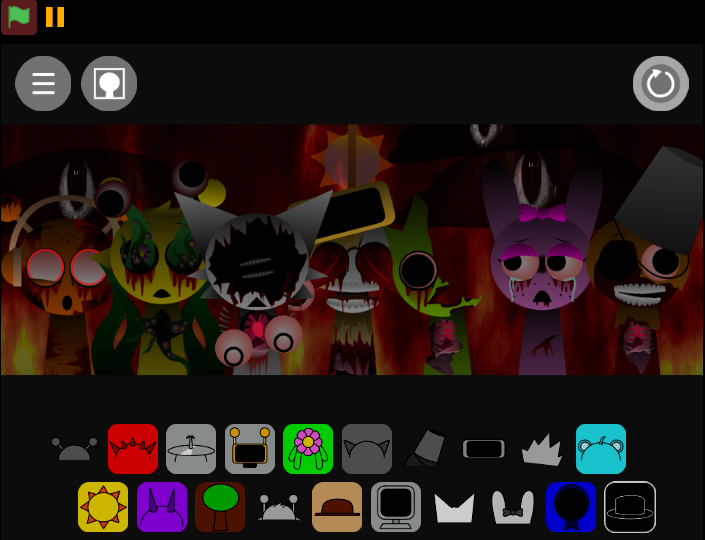
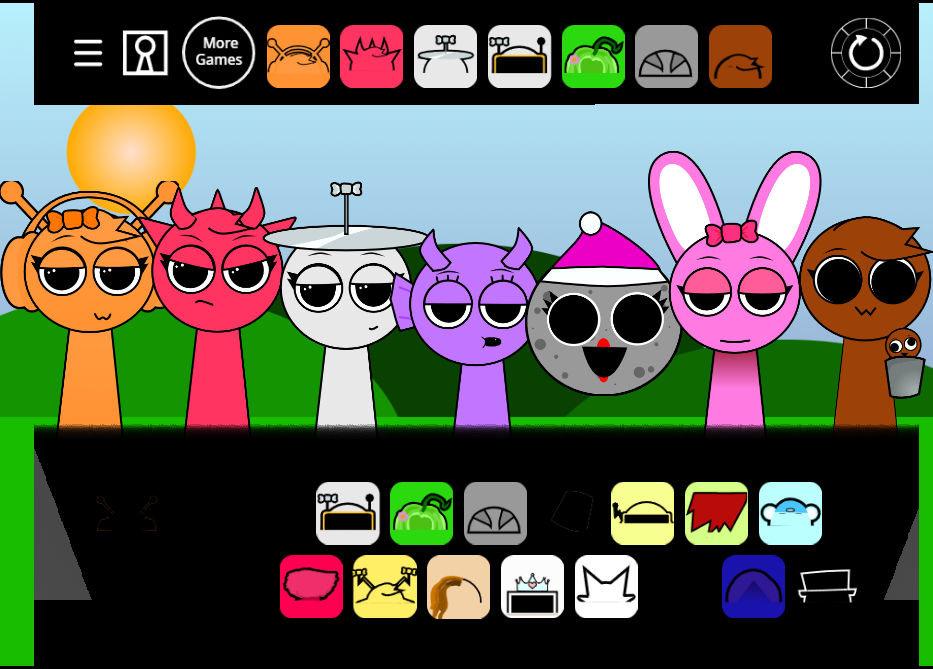
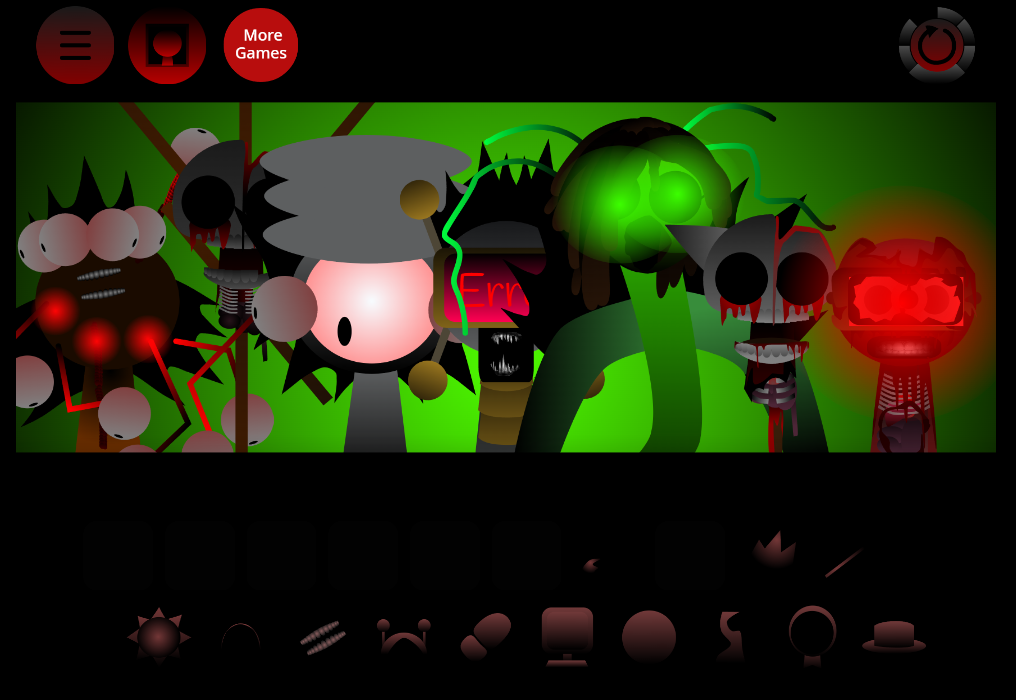
Bright and dark modes: Standard mode uses colorful visuals and upbeat audio. Dark mode changes character designs and shifts the sound palette toward distortion and unsettling atmospheres.
-
Audio controls: Players can mute or solo parts to isolate specific layers and balance a mix. Community testers have noted subtle display glitches in certain character positions when muting or soloing tracks.
Sound Design and Character Roles
Every character has a defined musical purpose. One may establish rhythm, another supplies melody, while others add vocal textures or fill gaps with effects. This role-based structure makes lineup choices matter—swapping performers can tighten percussion, add melodic depth, or introduce stranger vocal elements.
Players adjust volume, apply effects, mute layers, and solo parts to refine balance before saving or sharing. The sound palette changes with the selected theme: brighter sets favor playful, bouncy loops that match the furniture visuals, while darker variants use warped audio, harsher textures, and more unsettling tones.
Game Modes and Creative Possibilities
The main mode is a solo music-creation space for hands-on experimentation. Players drag icons onto the cast to stack sounds and shape custom mixes. There is no real-time multiplayer, though shared tracks can draw community feedback and inspire new combinations.
Players can start with a basic rhythm, test different characters against it, adjust levels, remove clashing parts, and use effects to build more deliberate arrangements.
Additional themes and prompts offer alternatives:
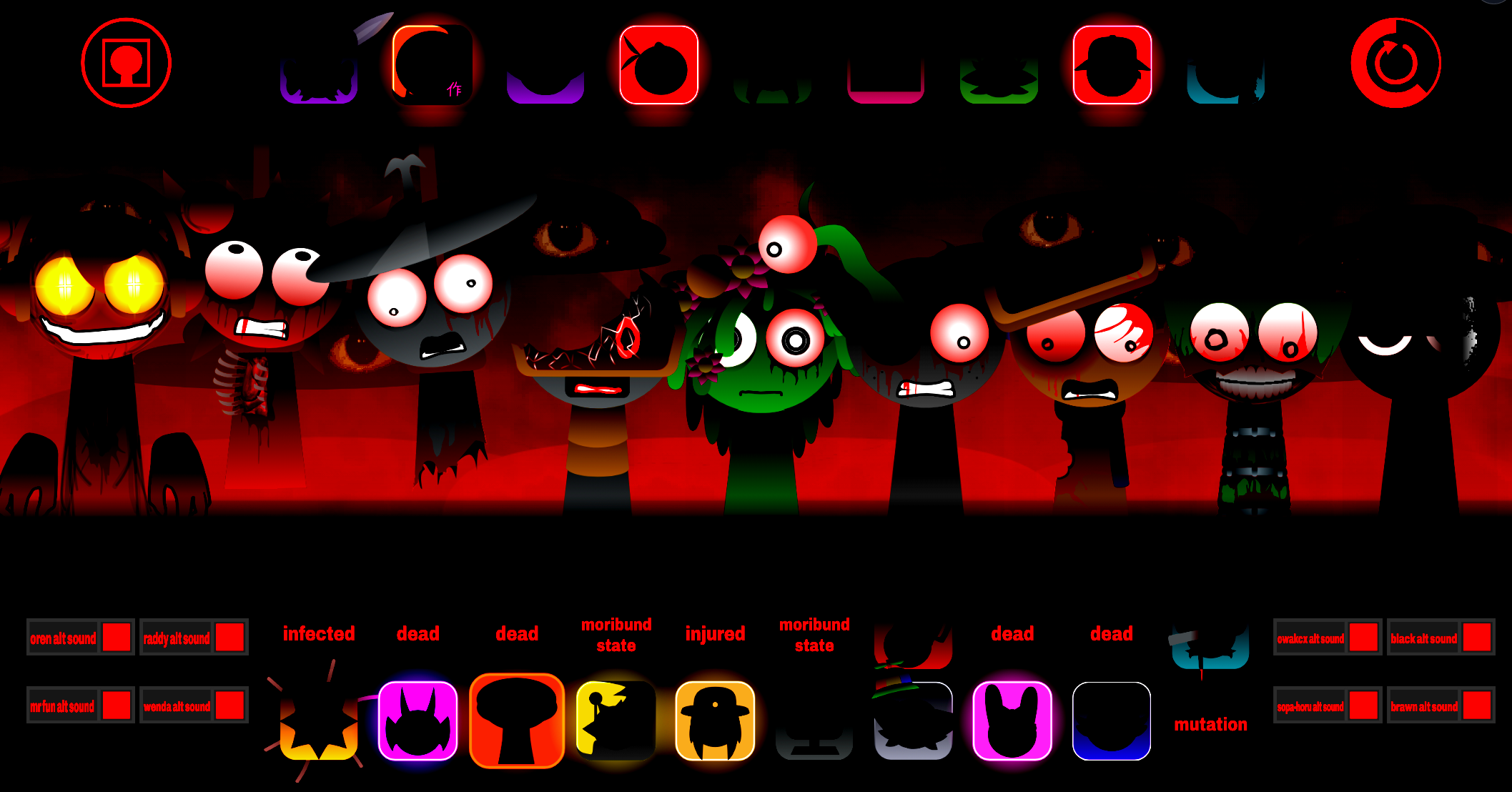
- Infected: Darker theme with distorted audio and ominous visuals.
- Dandy’s World: Separate character designs and musical textures.
- Weekly challenges: Structured prompts for players who want a creative starting point or specific mixing goal.
How to Play Sprunki Chair
-
Open the mod in a browser. Play directly through gosprunki.com.
-
Choose sound icons. Select from available beats, melodies, effects, or vocal loops.
-
Drag icons onto characters. Each placement activates that performer’s sound and adds it to the mix.
-
Build from anchor beat. Start with rhythm, then layer melodic and vocal parts.
-
Swap and refine layers. Remove clashing sounds, try different character roles, and adjust volume or effects.
-
Use mute and solo controls carefully. Isolating parts helps with editing, though minor display glitches may appear in certain positions.
As the mix develops, the Chair-themed stage can shift from bright, playful performance toward darker, distorted presentation depending on mode and sound combinations.
Related Games
- Sprunki Baldi Retake — Continues the Baldi’s Basics crossover appeal central to Sprunki Chair, making it a direct follow-up for players who want more schoolhouse-inspired Sprunki remix characters and sounds.
- Sprunki dark mode treatment — Expands on Sprunki Chair’s shift from cheerful music-making to distorted horror presentation with a dark-mode-focused remix experience.
- Sprunki With Fan Character — Fits players interested in the Chair mod’s original furniture cast and creator-made lore by spotlighting fan-character additions to the familiar drag-and-drop beatbox format.
Enjoy!

Discuss Sprunki