



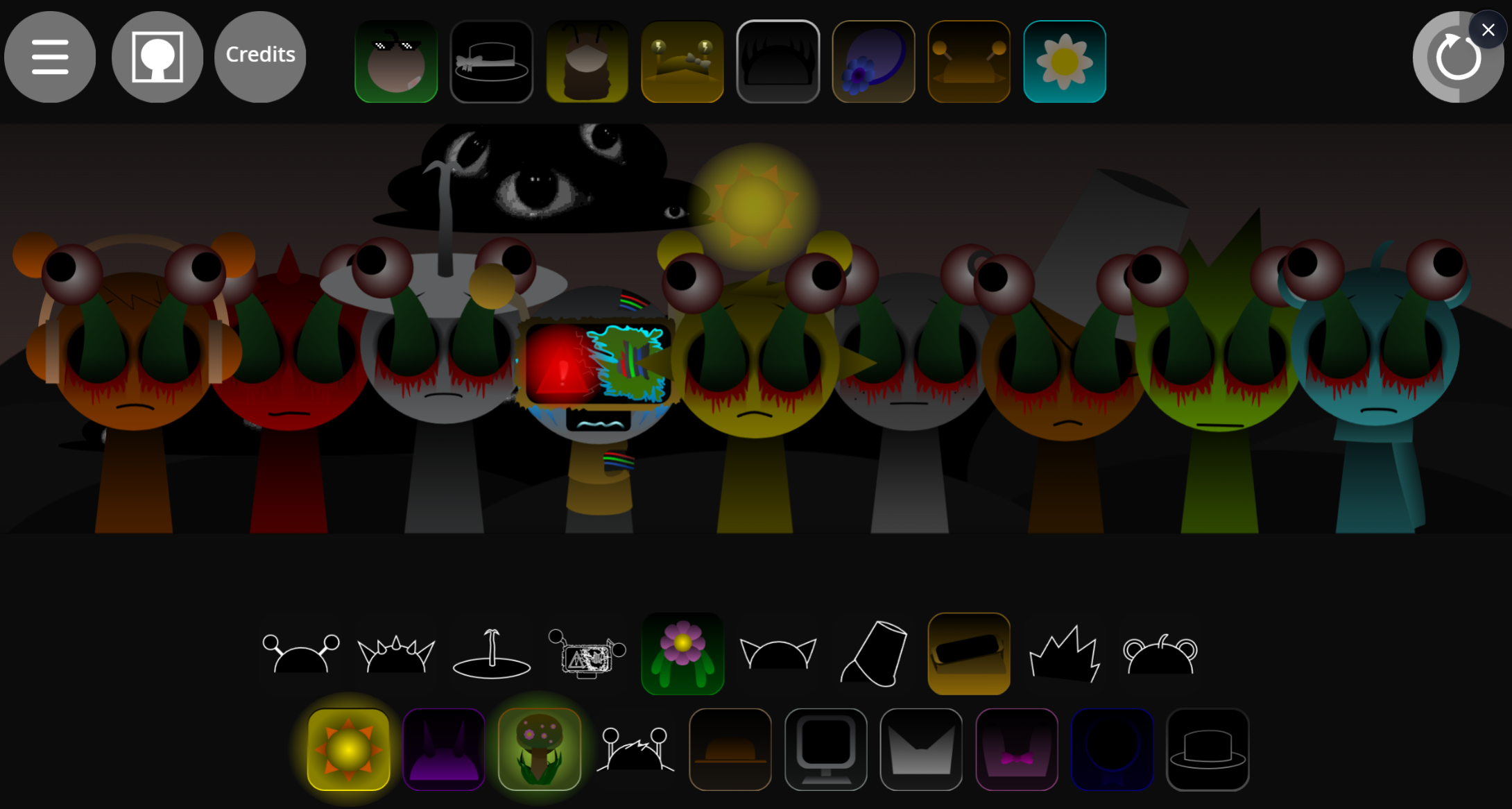
My Talking Tom Cat but with OREN replaces the adorable virtual pet with OREN, a chaotic meme character that transforms the cozy pet sim into an unpredictable parody experience.
This article covers the core mechanics you need to play, how the talking and interaction systems actually work, and what makes this mod different from the original Tom Cat formula—no fluff, just the practical gameplay details that help you jump in and understand what you’re dealing with.
My Talking Tom Cat but with OREN Guide: How to Play & All Buttons
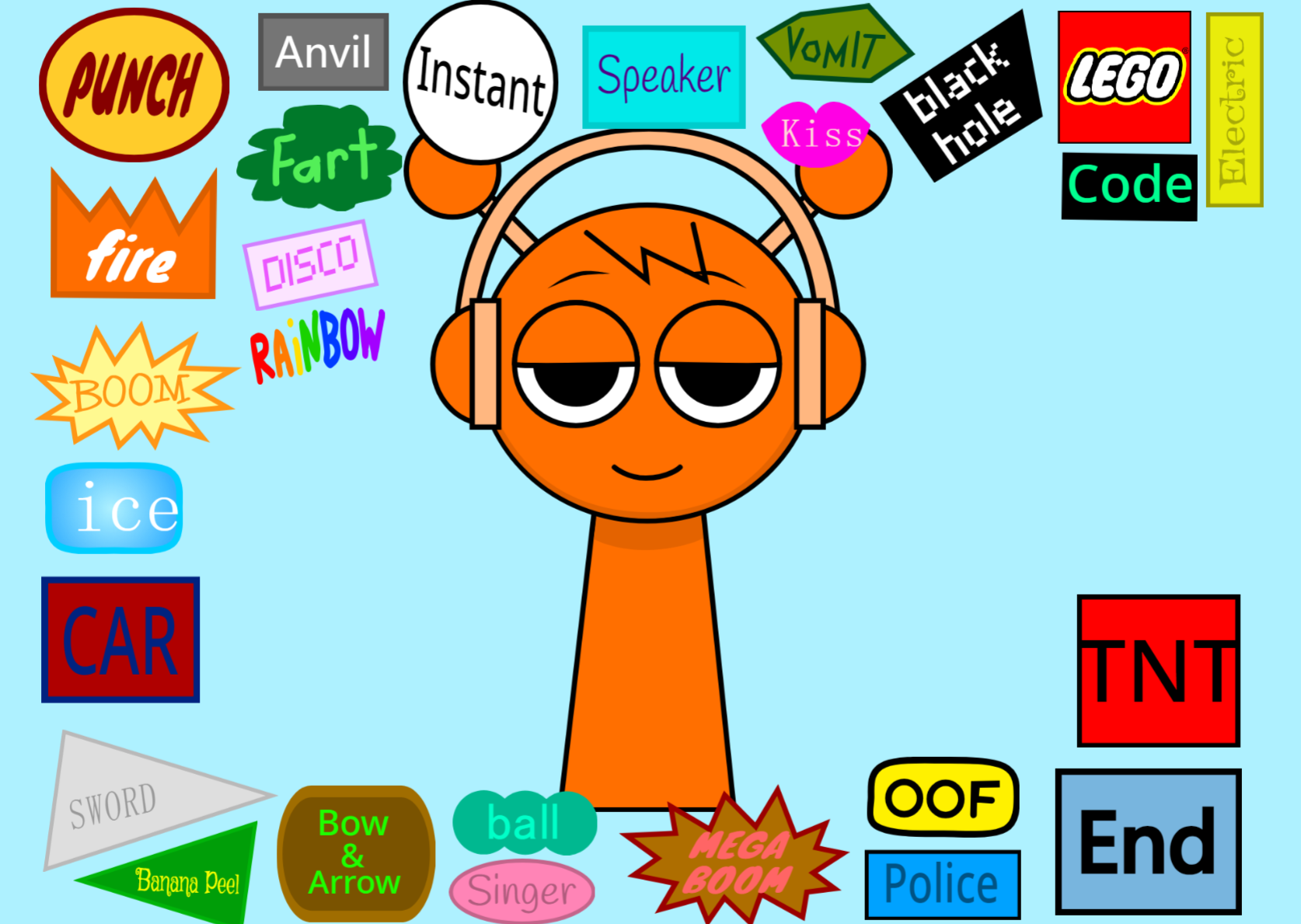
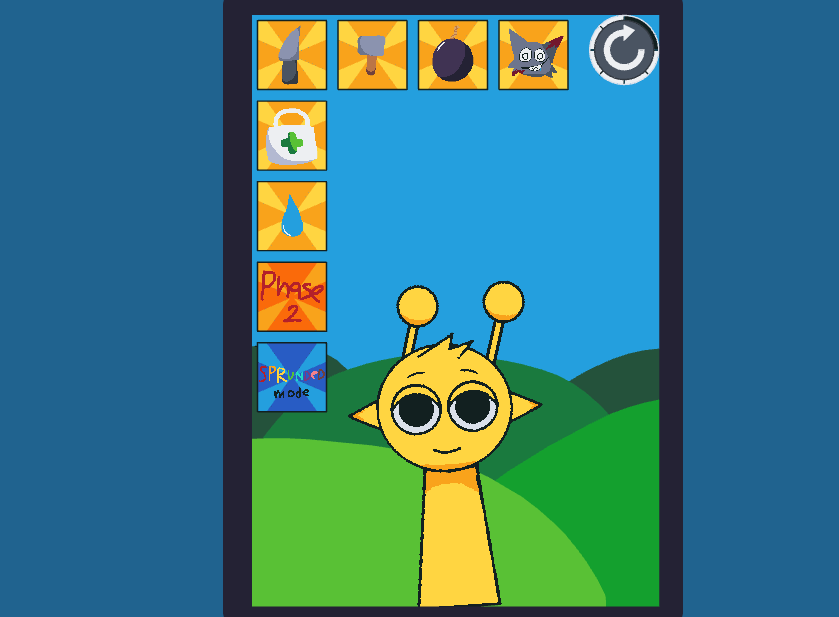
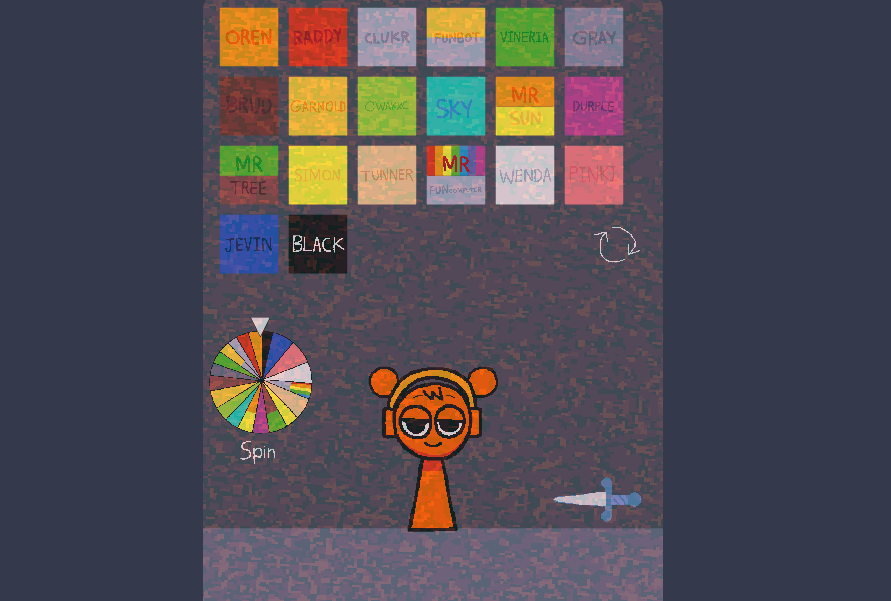
My Talking Tom Cat but with OREN is a fan-made interactive parody where you click action buttons to trigger cartoon disasters on Oren, then tap him to heal and repeat. The game takes the Talking Tom Cat virtual pet format and strips it down to a single loop: press a button, watch the gag—anvil drops, TNT explosions, car hits, freezing effects, speaker blasts—then click Oren to reset him and try the next one.
There is no pet-care system, currency, upgrades, or missions. The goal is discovery: test each icon around Oren’s screen, learn what it does, and watch his exaggerated reactions.
Creator @dityahoooooogaloa designed the loop for instant feedback and stress-free experimentation, crediting donpascua14 for the original assets. The interface is crowded with buttons, but the variety of reactions—from silly noises to police chases—keeps the pace quick. Players looking for more can check out the sequel Sprunki My Talking Oren 2 on gosprunki.com.
How to Trigger Oren’s Funniest Reactions
Press one action icon, let the cartoon chaos play out, then tap Oren directly to recover him before trying the next prank.
For the biggest laughs, start with the most dramatic-looking buttons—anything suggesting impact, noise, or explosions. Anvils and TNT-style blasts deliver obvious slapstick, while other icons create quicker visual jokes, loud effects, or chase-style mayhem.
The fun comes from experimentation, not mastery. You are poking a chaotic control panel and watching Oren survive one ridiculous reaction after another.
Quick Tips for Managing the Chaos
- Scan the buttons instead of smashing randomly. Start on one side of the screen and work across to remember which icon triggers which reaction.
- Use Oren as the reset point. After a gag lands, click Oren to heal or reset him before launching the next disaster.
- Save the loudest disasters for later. TNT, anvils, and car hits feel funnier after testing smaller surprises.
- Play in short bursts. A few minutes of rapid clicking is enough to see plenty of chaos.
- Experiment freely. There is no penalty, only instant feedback and Oren’s disaster-face reactions.
Related Games
- Sprunki Beat Up Durple — This is the closest follow-up if you want the same button-triggered slapstick violence loop, but centered on Durple instead of Oren.
- Sprunki Beat Up Mr Sun — It matches the article’s chaotic interactive-toy appeal by letting players spam attacks and watch exaggerated reactions from another recognizable Sprunki-style character.
- Beat Up Wenda — This fits players who enjoyed the quick “click a gag, see the reaction” structure and want a similarly meme-driven character punishment sandbox.
Is My Talking Tom Cat but with OREN Worth Playing?
If you are deciding whether to play it, My Talking Tom Cat but with OREN is most worth your time when the draw is Talking and Tom rather than a generic reskin.
Discuss Sprunki