
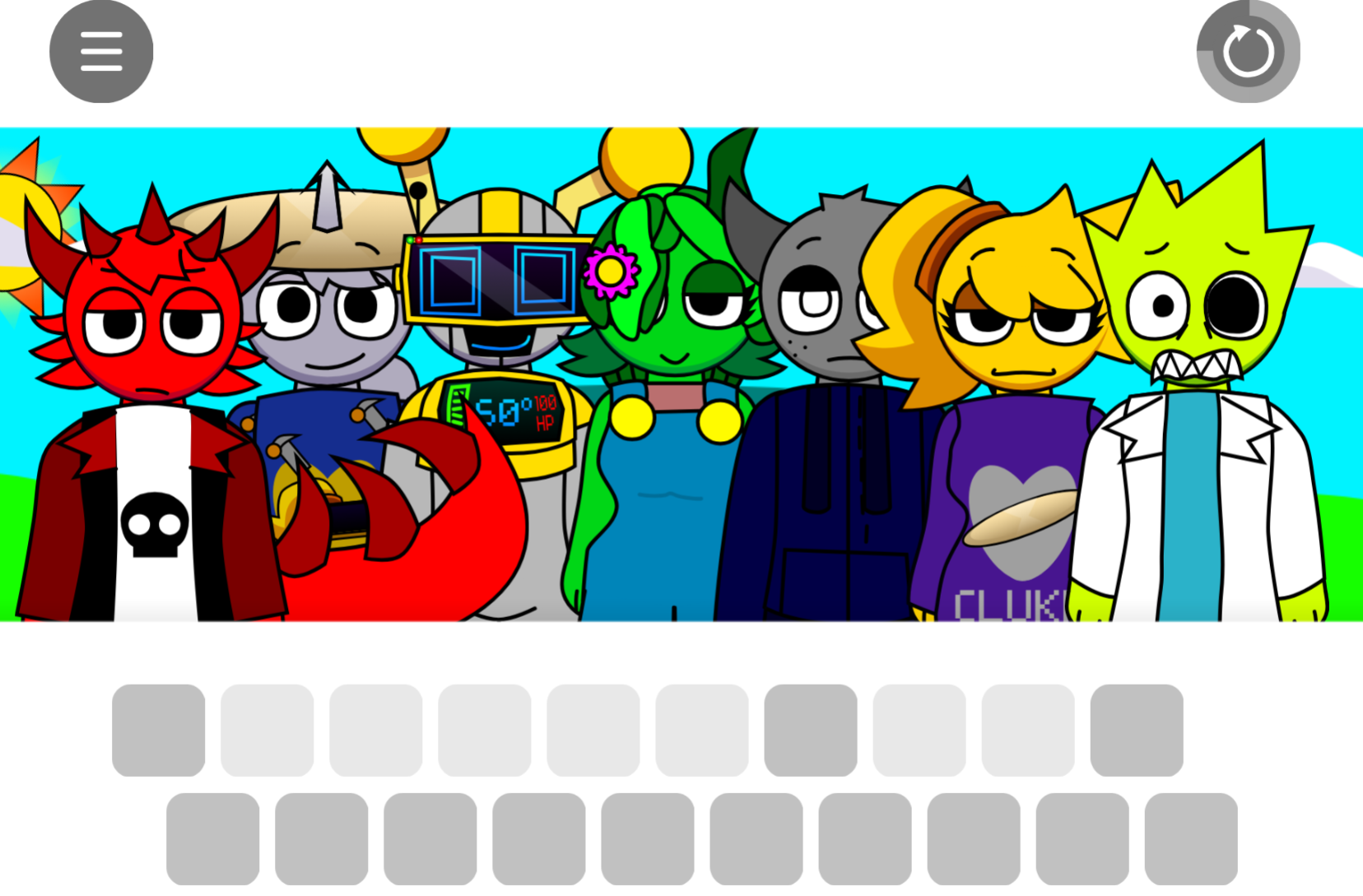



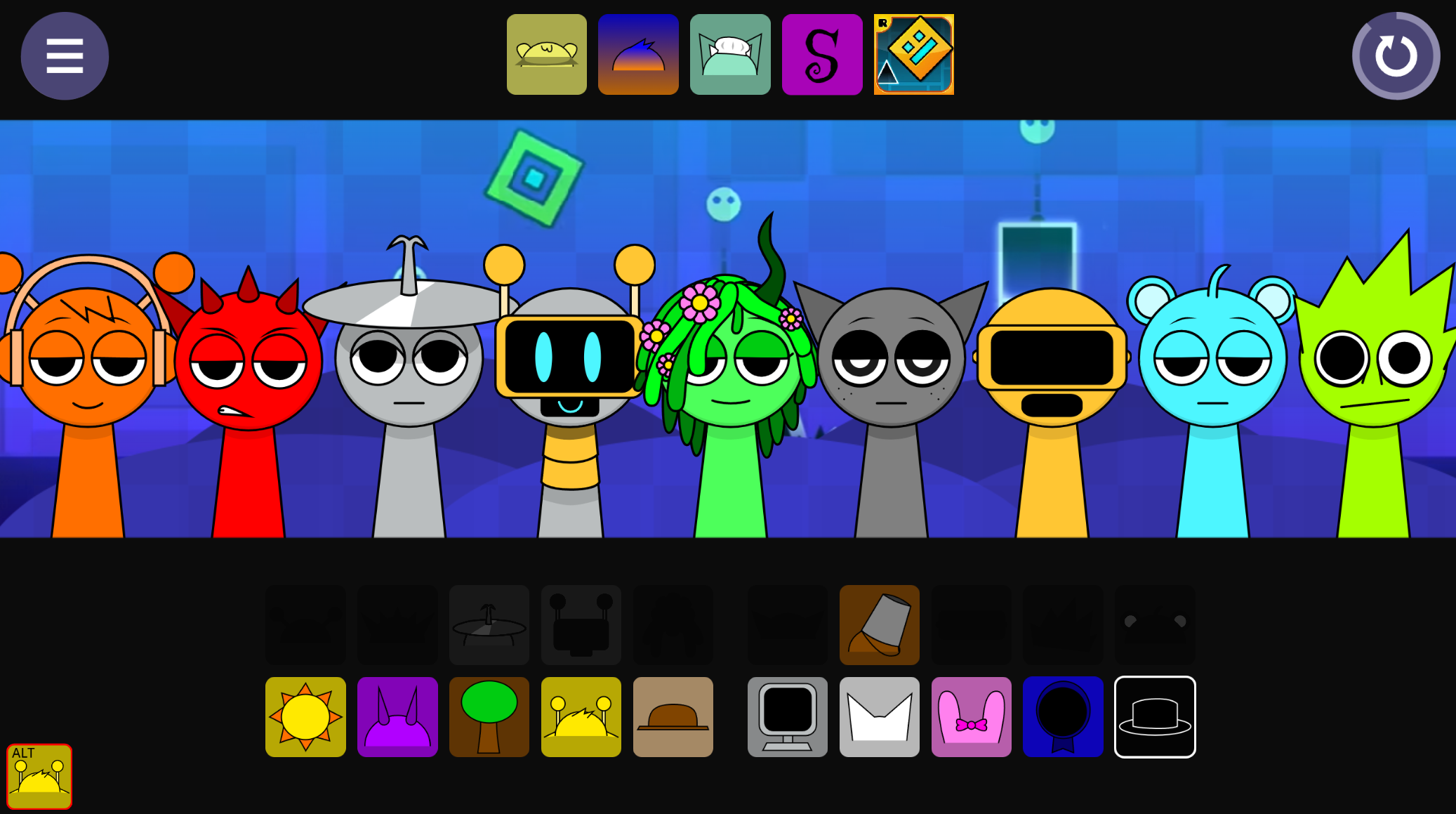
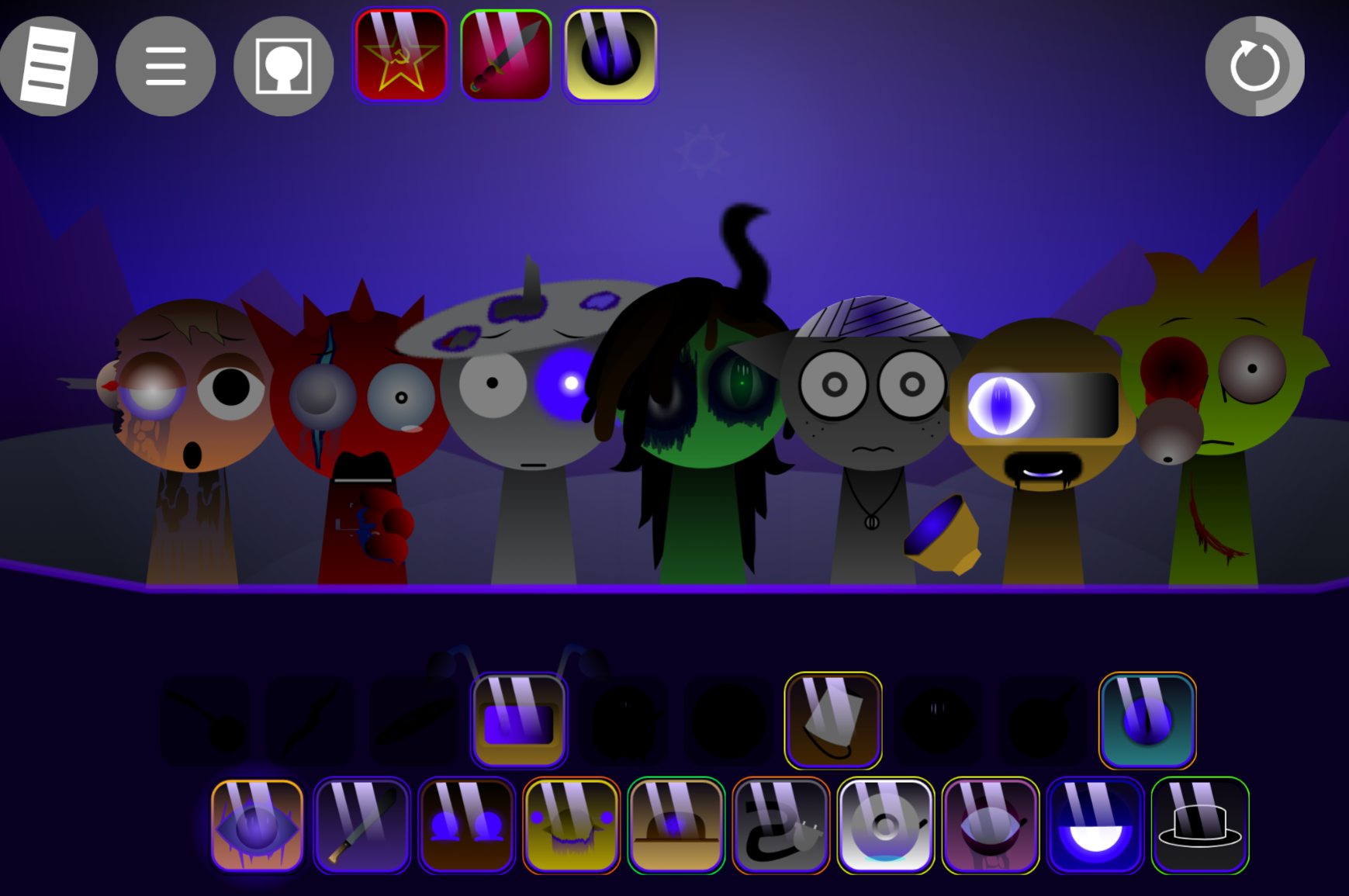
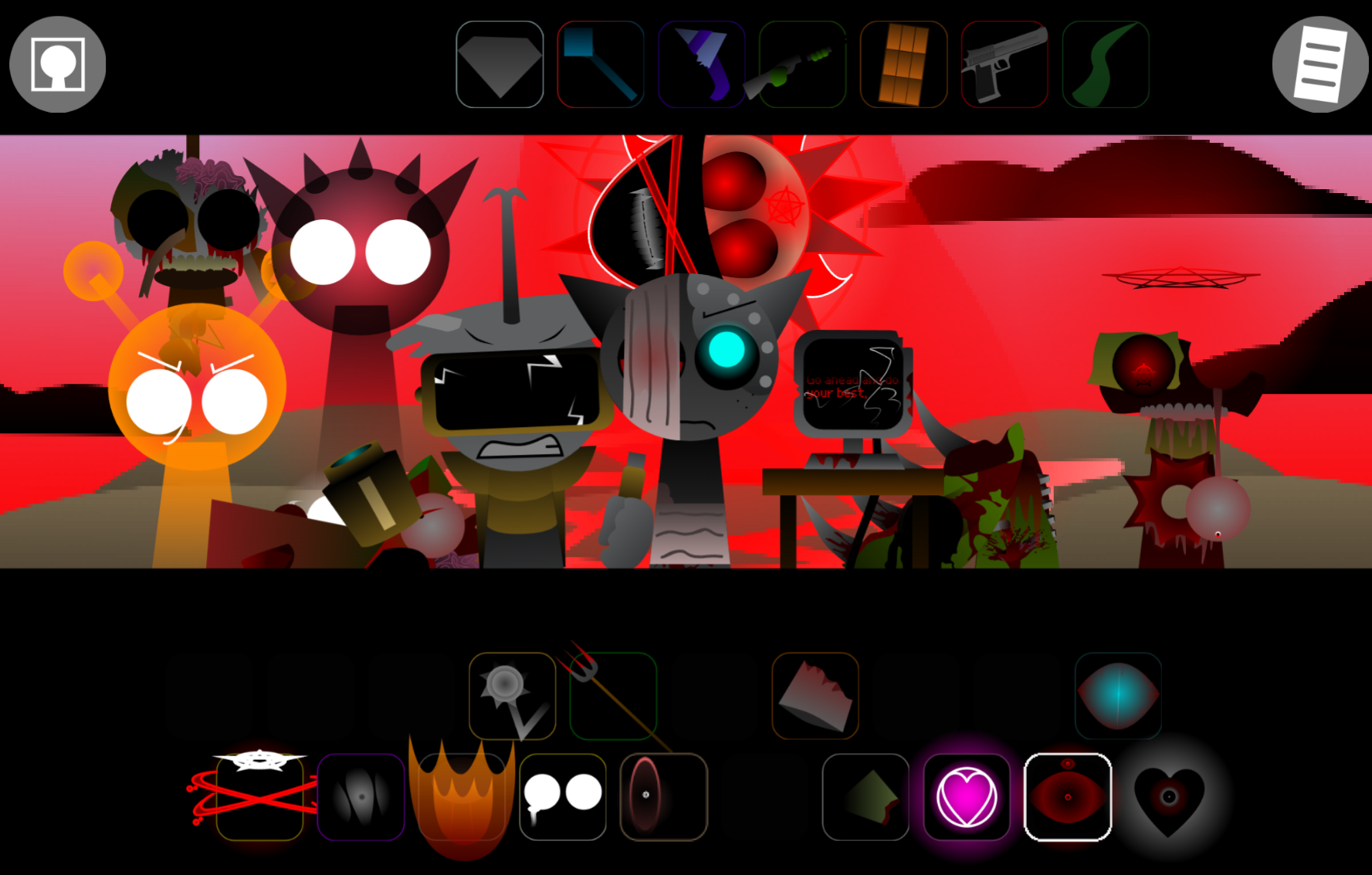
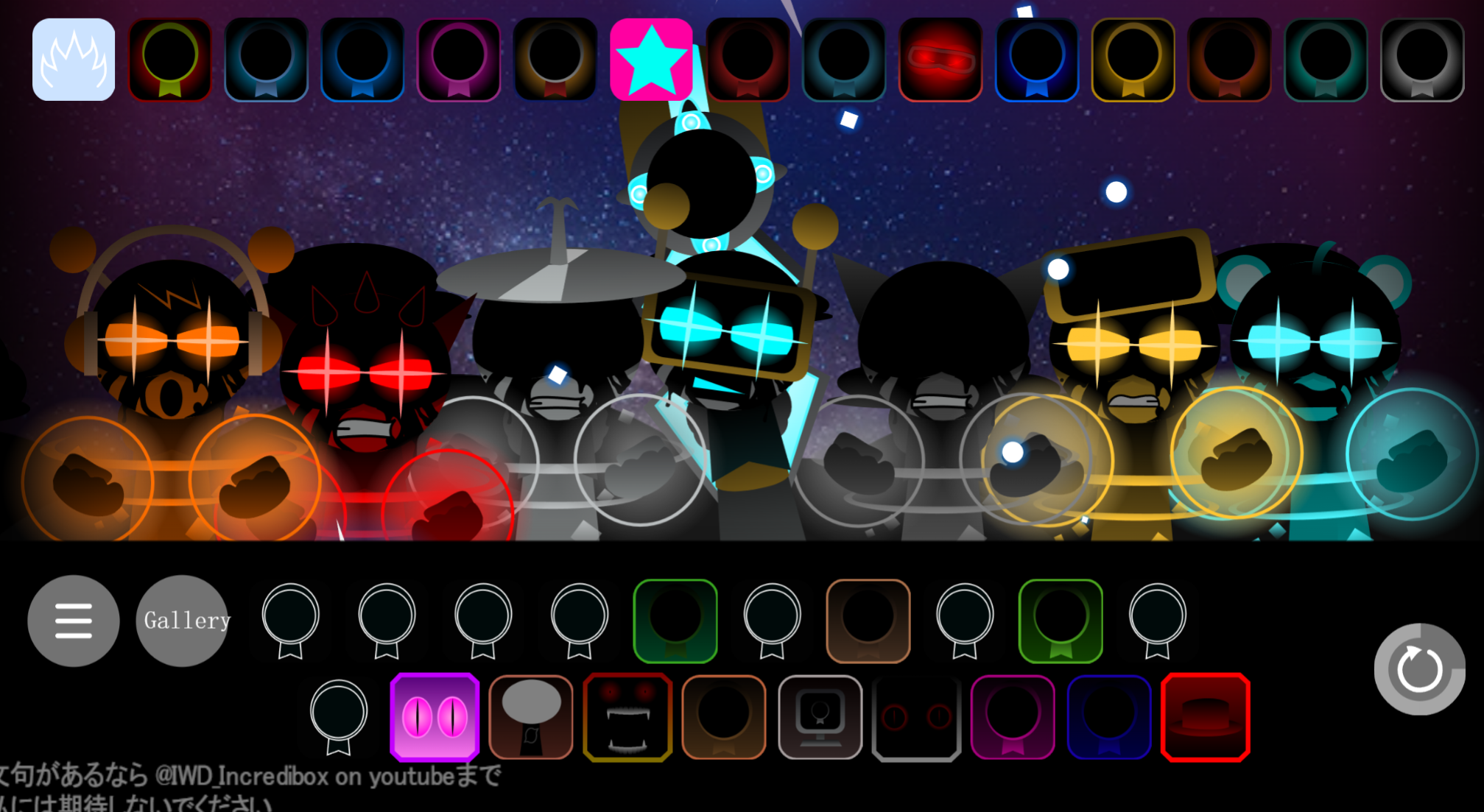
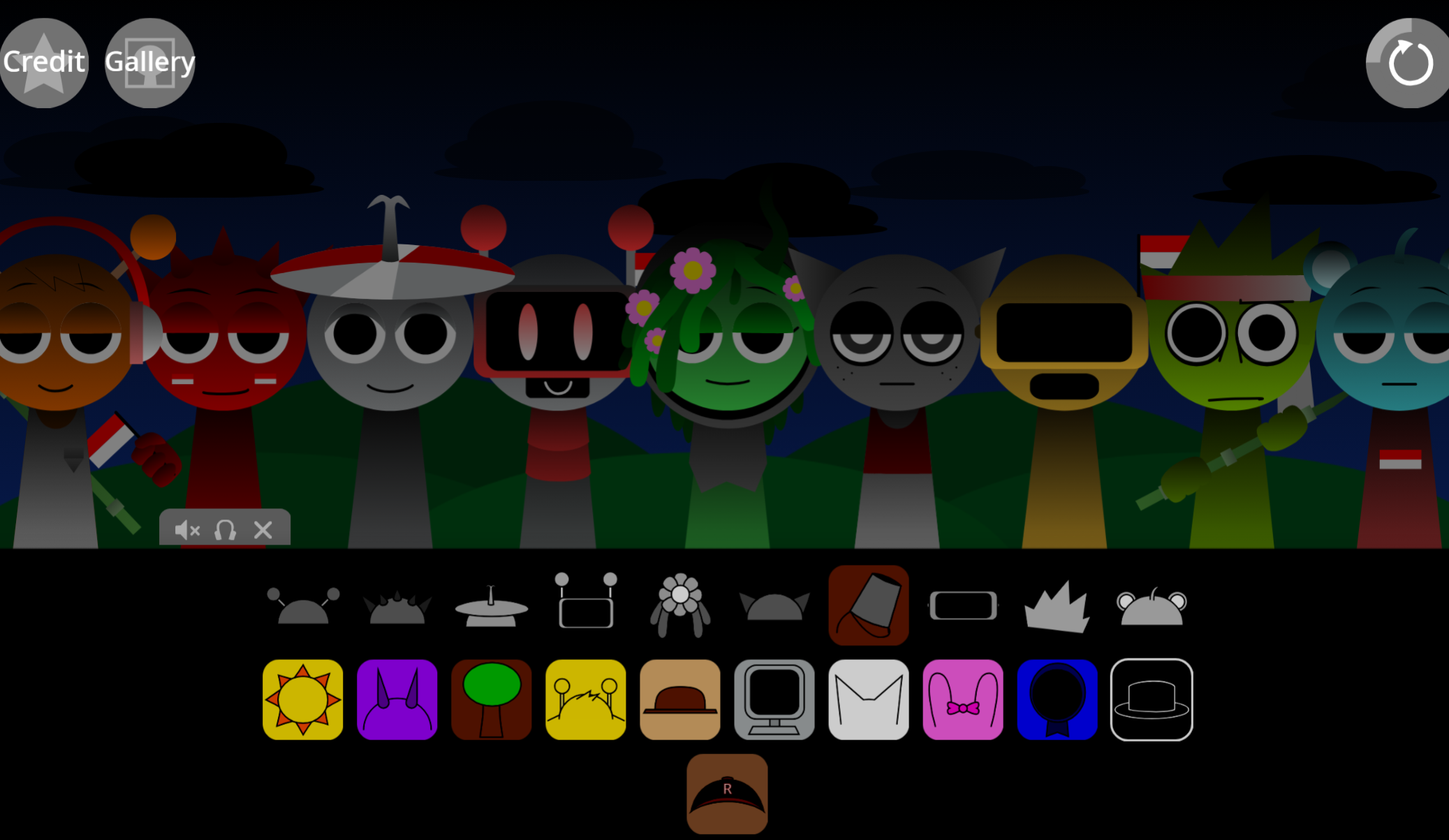
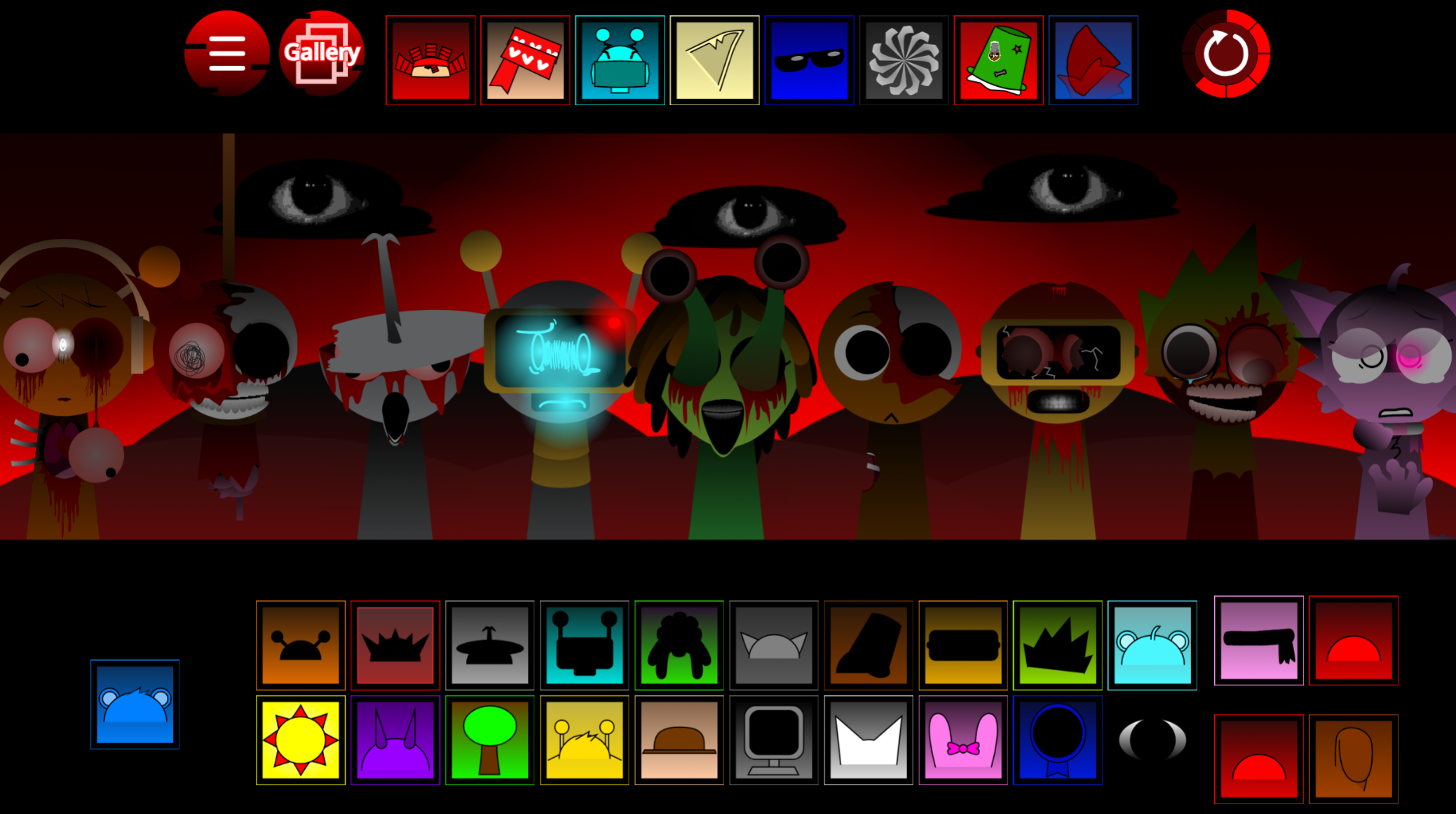
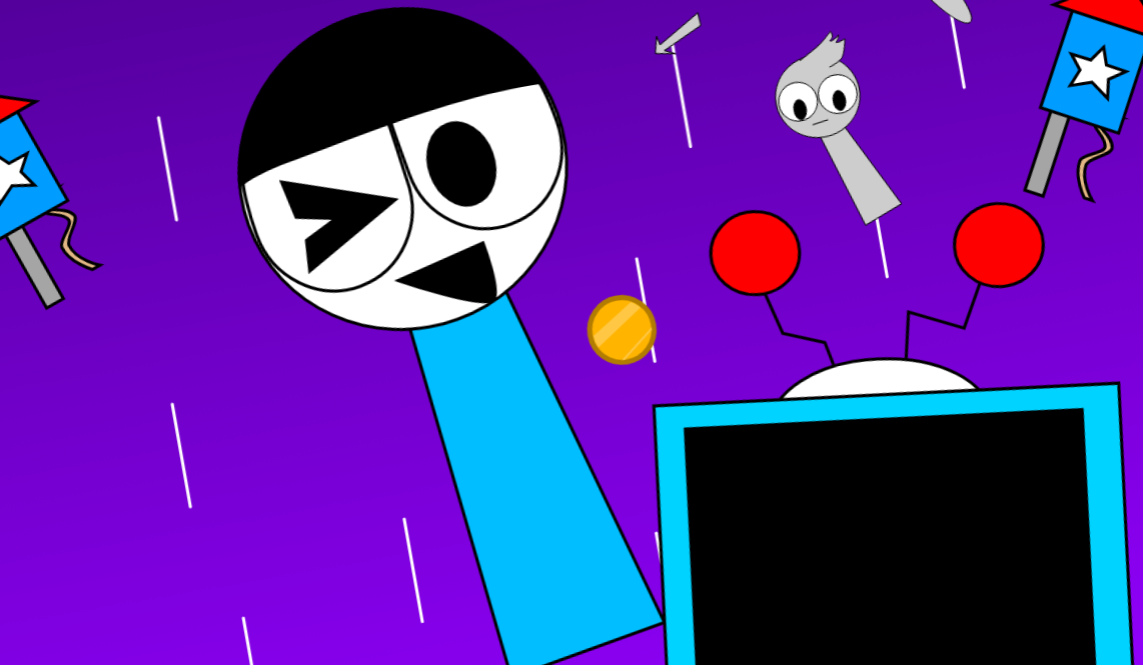
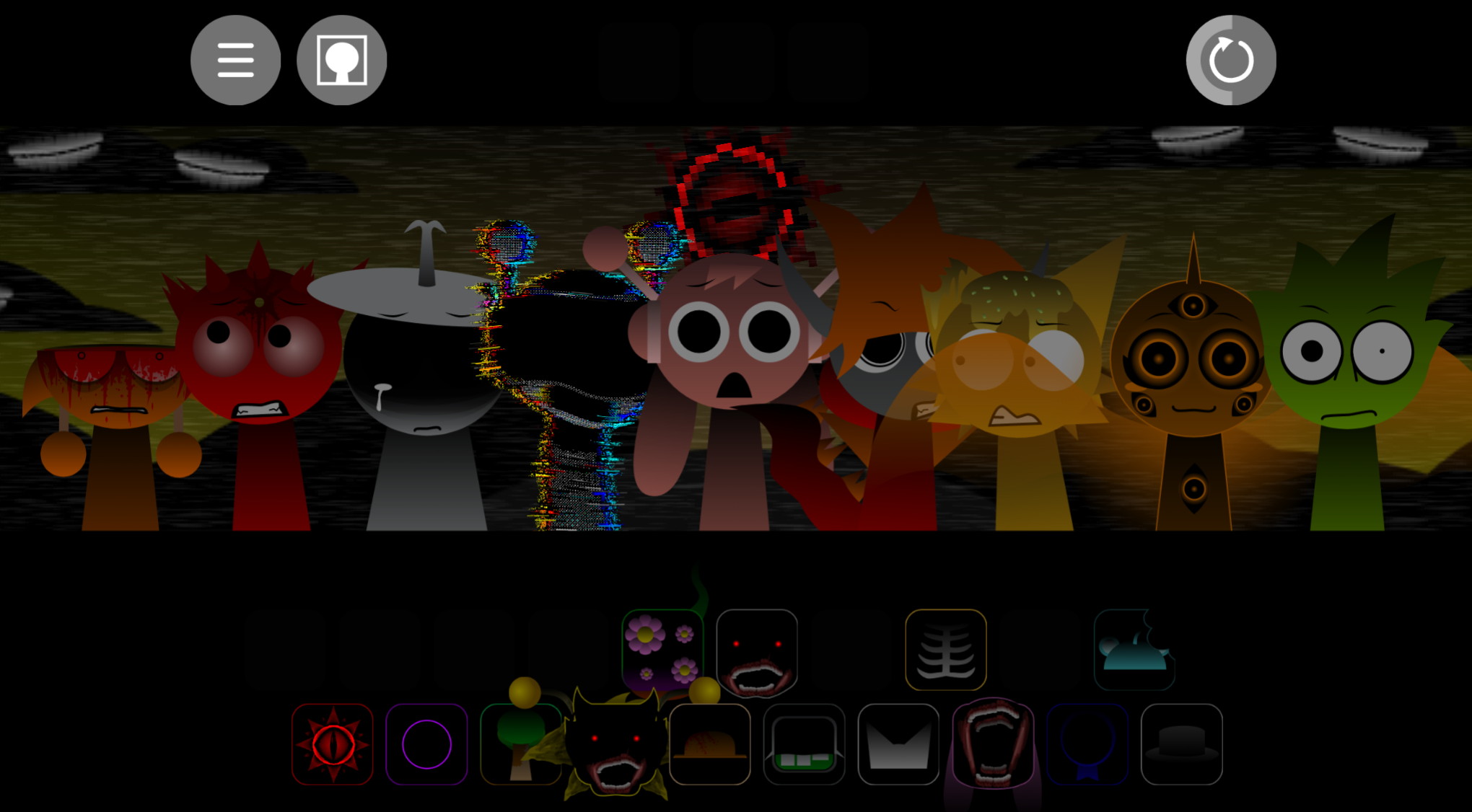
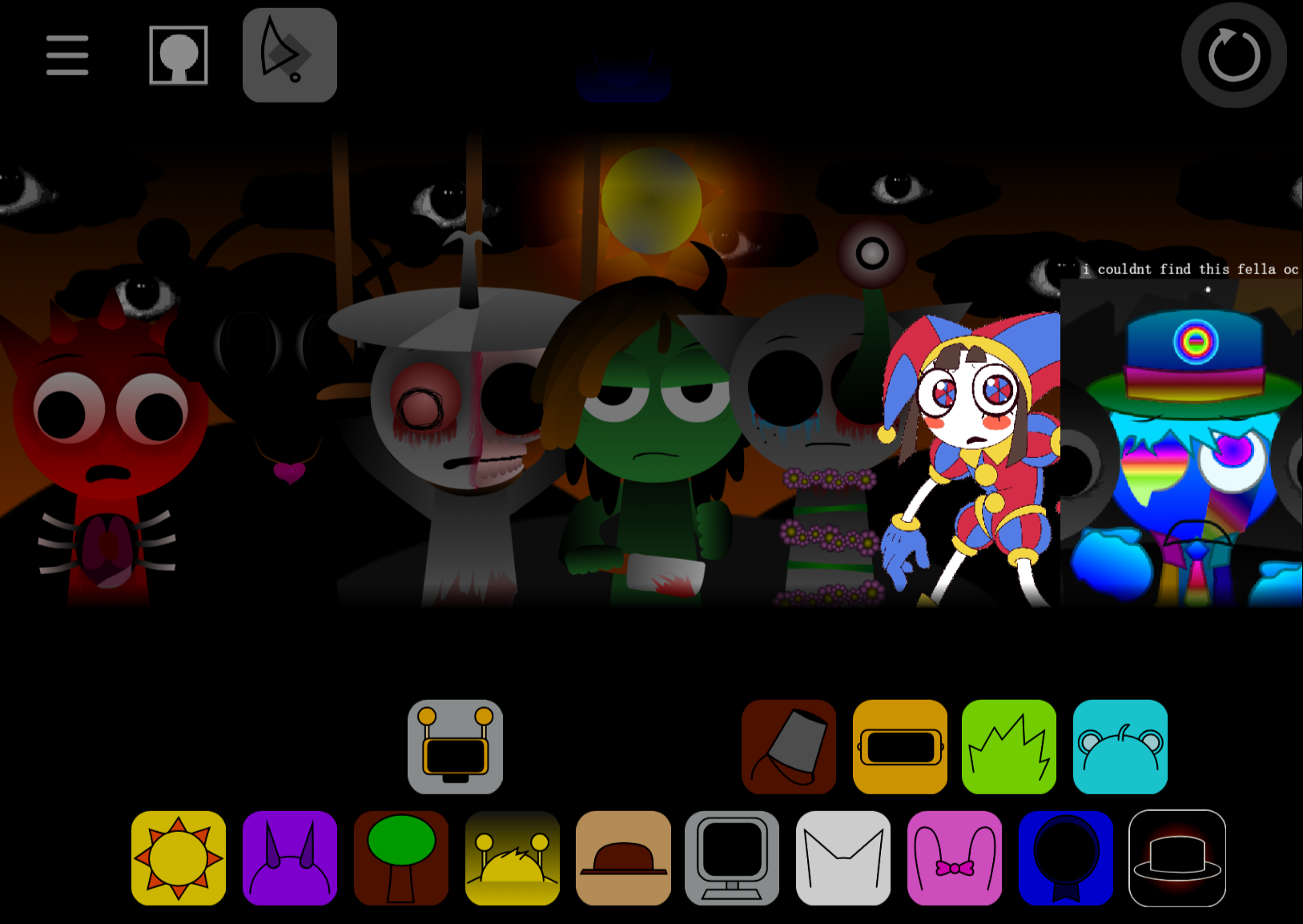
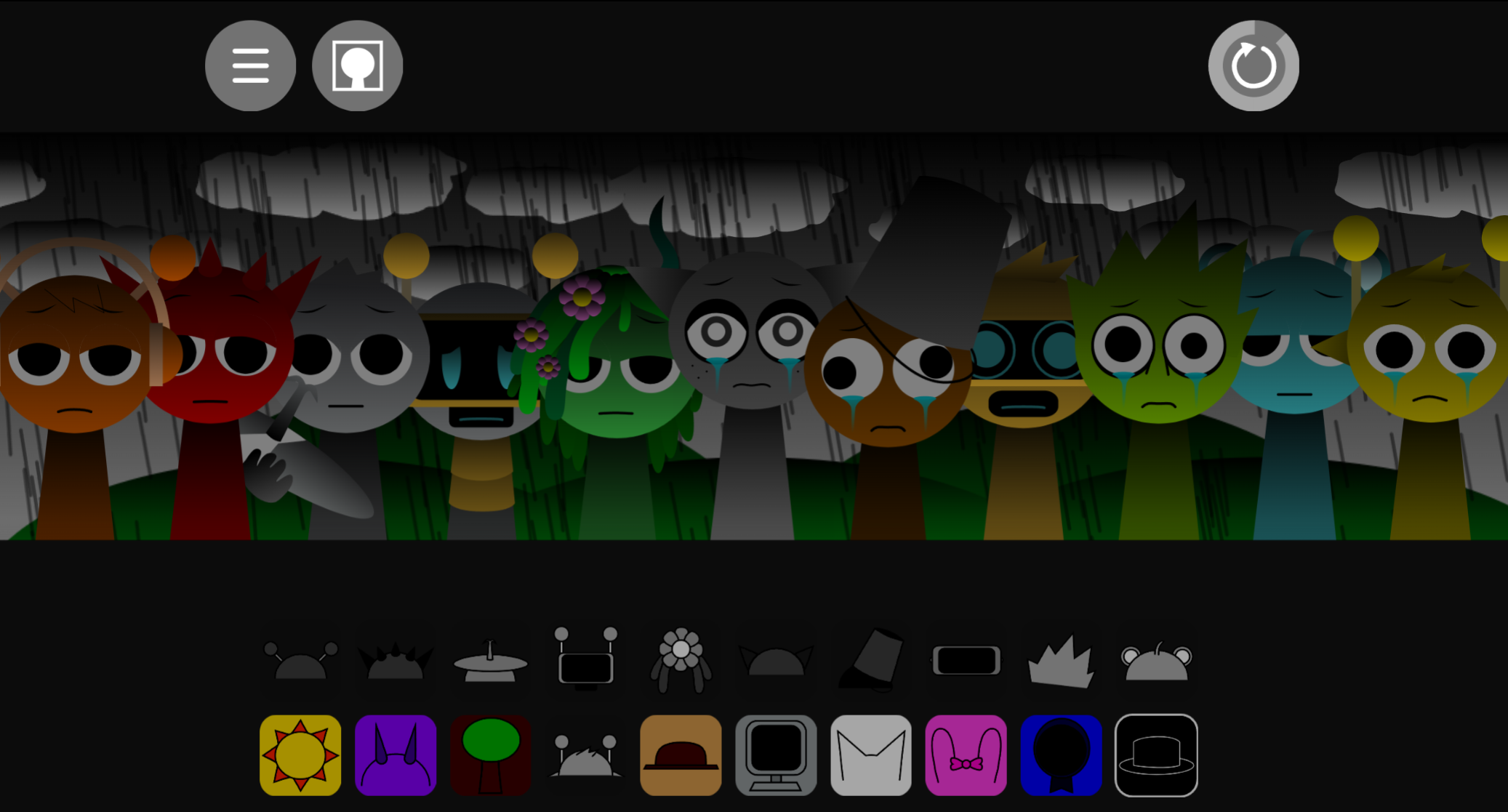
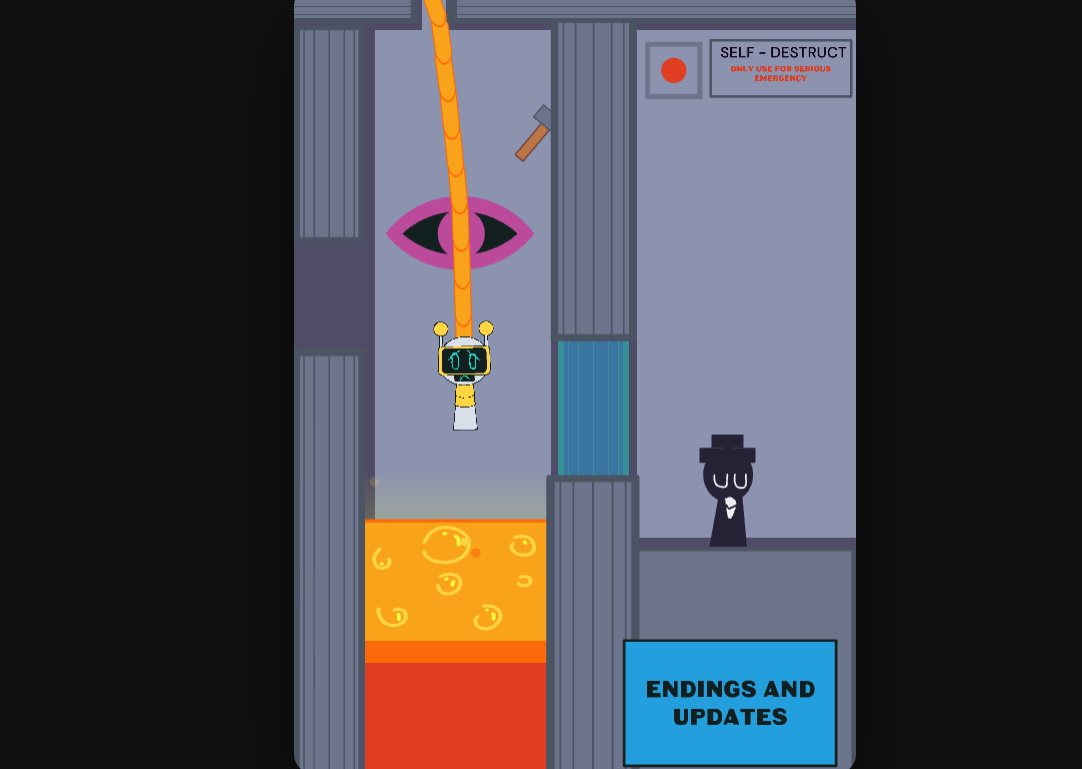
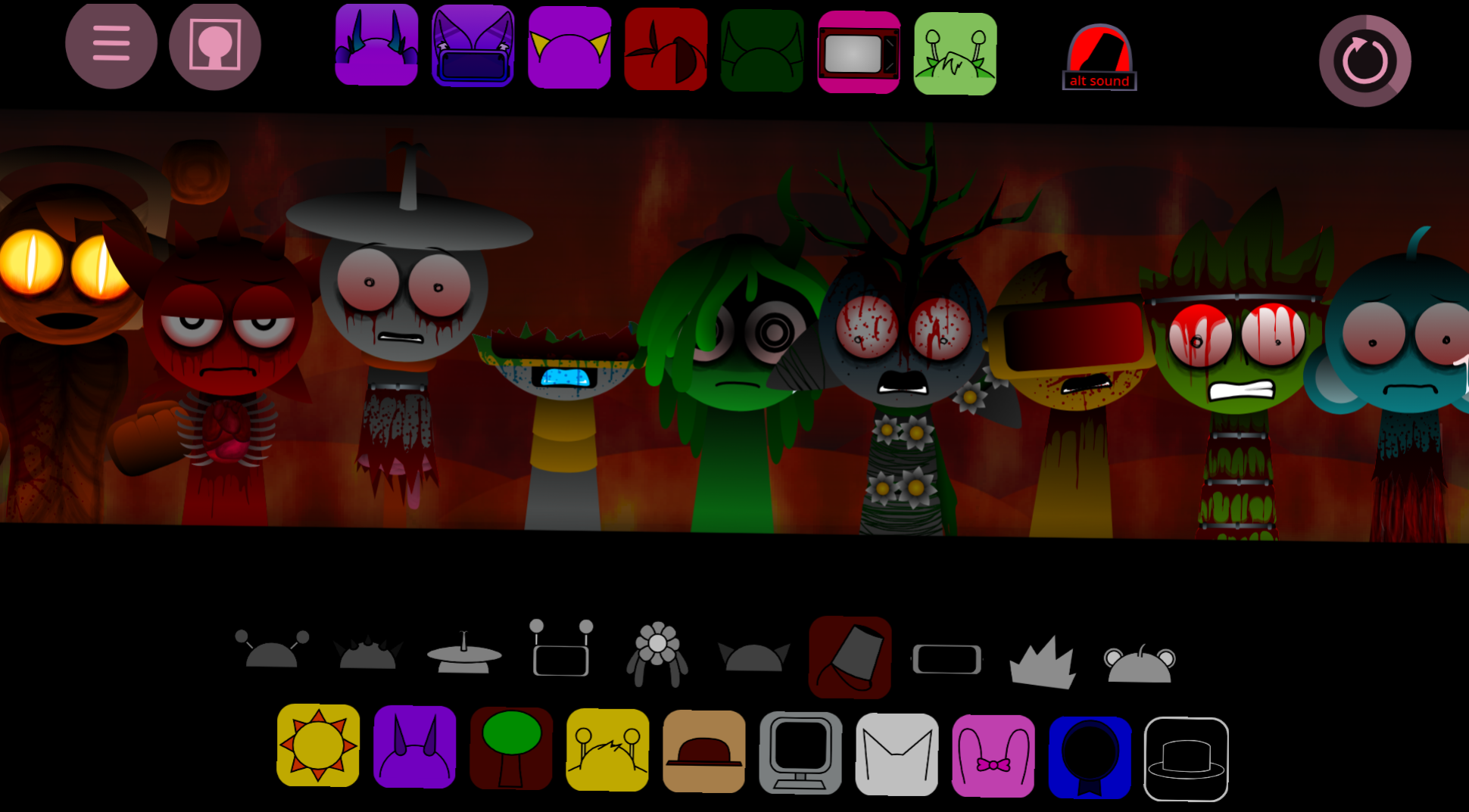
The Mr Fun Computers Sprunki Template Credit if used isn’t just a polite suggestion from creator @CompyCompyPutyputers; it’s a respect-driven practice that keeps the Sprunki modding community thriving. This particular template features a computer monitor character with rectangular eyes that speaks using an FL Studio “Speech” sample — specifically the phrase “Who needs mono rendering” — creating a robotic vocal texture that stands out from typical melodic slots.
Originally shared on cocrea and now playable on GoSprunki.com, this single-character template offers both a normal mode and a horror variant, making it a versatile starting point for creators who want a pre-built vocal without the complexity of a full 20+ character mod.
Here’s what you need to know:
- Attribution protects creators: Proper credit ensures @CompyCompyPutyputers gets recognition for the original design and audio work
- Community standards matter: The Sprunki modding scene relies on transparent sharing and acknowledgment
- Legal clarity: Using templates without credit can lead to takedown requests or community backlash
- It takes seconds: Adding a simple credit line costs nothing but preserves goodwill
How to Play Mr. Fun Computer’s Sprunki Template (Credit if used)
Playing Mr. Fun Computer’s Sprunki Template is straightforward. Drag the character onto the soundboard and it responds immediately with a vocal sound. The template is designed for use on GoSprunki.com, so there’s no installation or configuration required before you start.
Mr. Fun Computer is the 16th slot and the first vocal character in the lineup. This makes it easy to locate and use as a primary sound source in your mix. The character’s sound comes from an edited FL Studio “Speech” sample, including the phrase “Who needs mono rendering.” This gives it a robotic, spoken feel rather than a typical sung or melodic vocal.
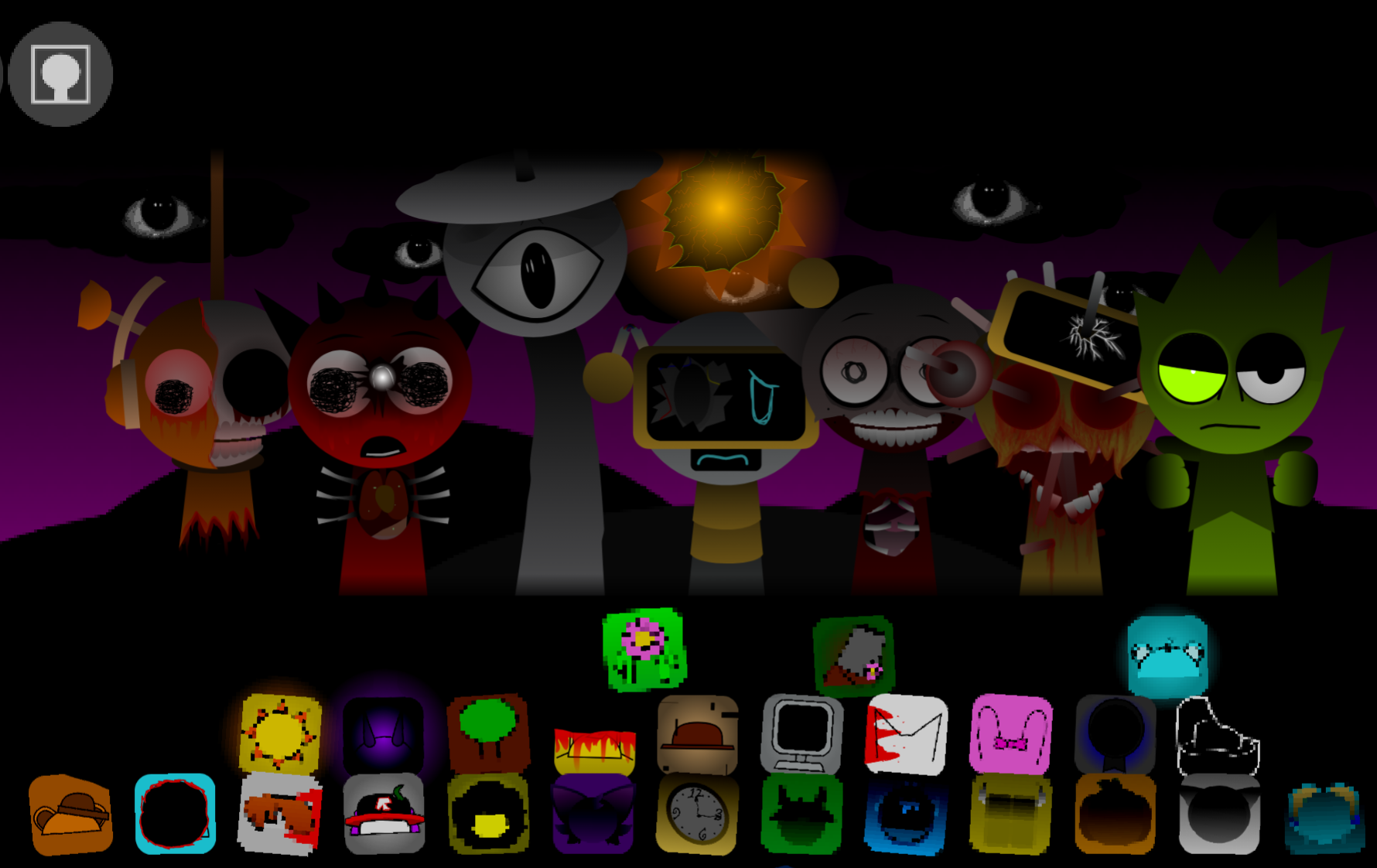
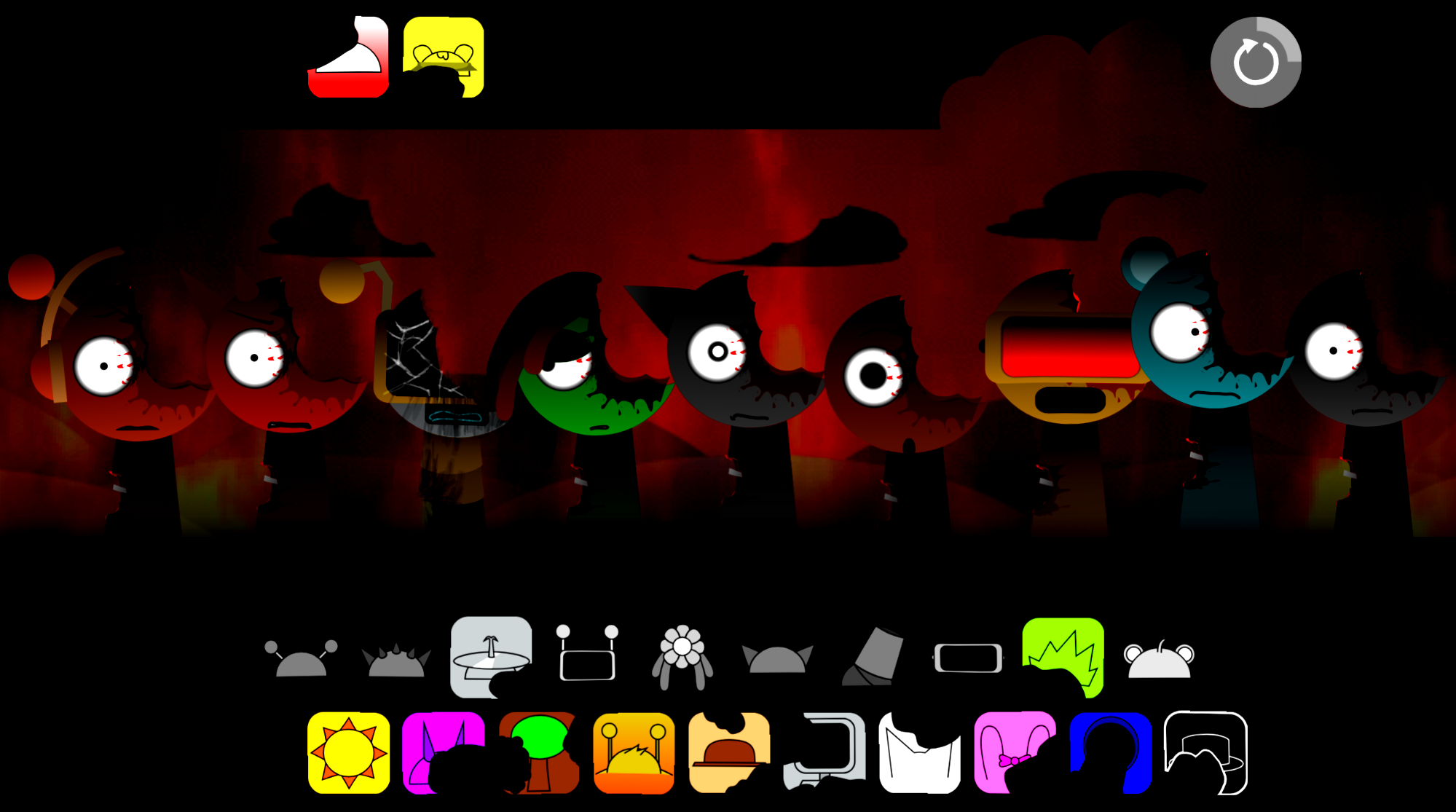
If you switch to the horror variant, the same monitor design changes into a more unsettling version. This lets you toggle between a normal mode and a darker vibe without changing the core vocal slot.
Because this is a template rather than a full mod, the main play experience revolves around experimenting with one built-in vocal character. You won’t be managing a large roster of original characters. Instead, you’ll be working with a single, well-defined vocal that you can layer into your mix alongside other Sprunki characters.
The template is best suited for players who want a quick, ready-made vocal option. If you’re looking for a complex multi-character setup, this won’t meet that need. But if you want a clean starting point with one memorable voice, it’s ready to use immediately.
Features of Mr. Fun Computer’s Sprunki Template (Credit if used)
Mr. Fun Computer’s Sprunki Template is built around a single standout character. You can drag it onto the soundboard and hear it perform right away, with no setup or installation required.
Key features include:
- 16th slot vocal character: Mr. Fun Computer occupies the 16th slot and is presented as the first vocal in the lineup, making it the template’s central audio feature.
- FL Studio “Speech” sample: The character’s sound comes from an edited voice clip, specifically the phrase “Who needs mono rendering,” which gives it a robotic, spoken-word feel instead of a normal melodic or beat-based voice.
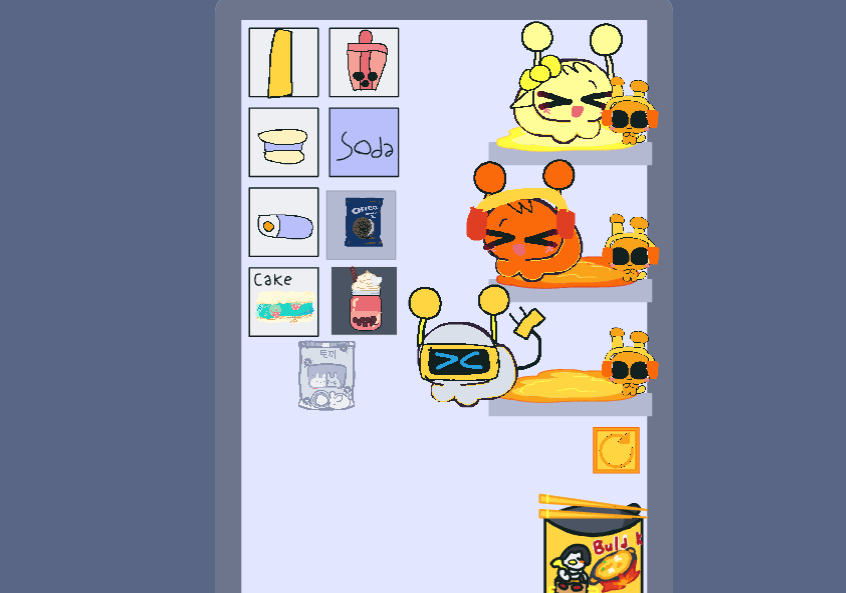
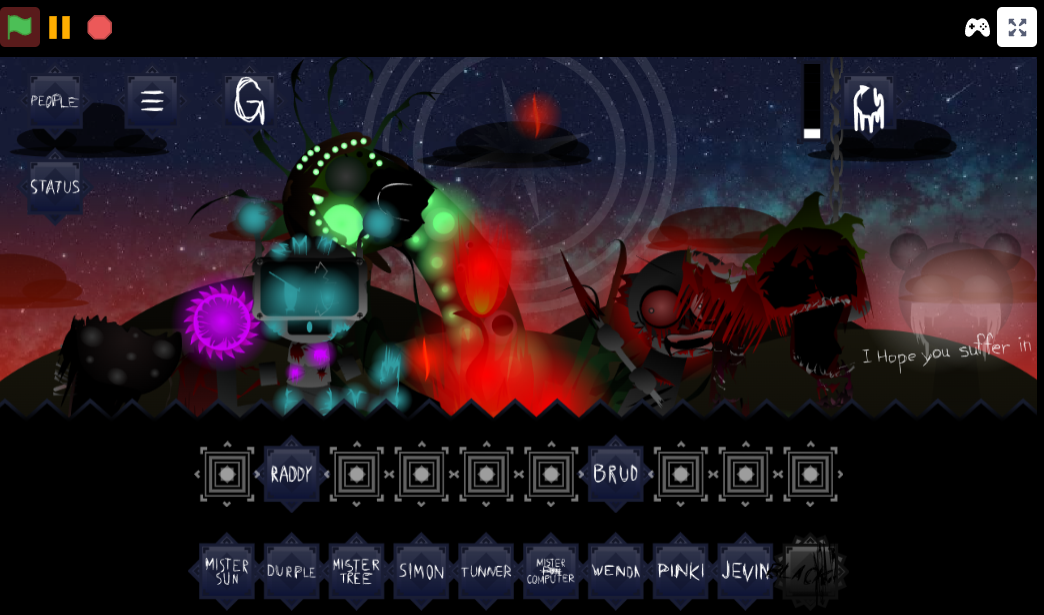
- Distinctive monitor design: The character appears as a computer monitor with rectangular eyes, making it easy to recognize visually among other Sprunki characters.
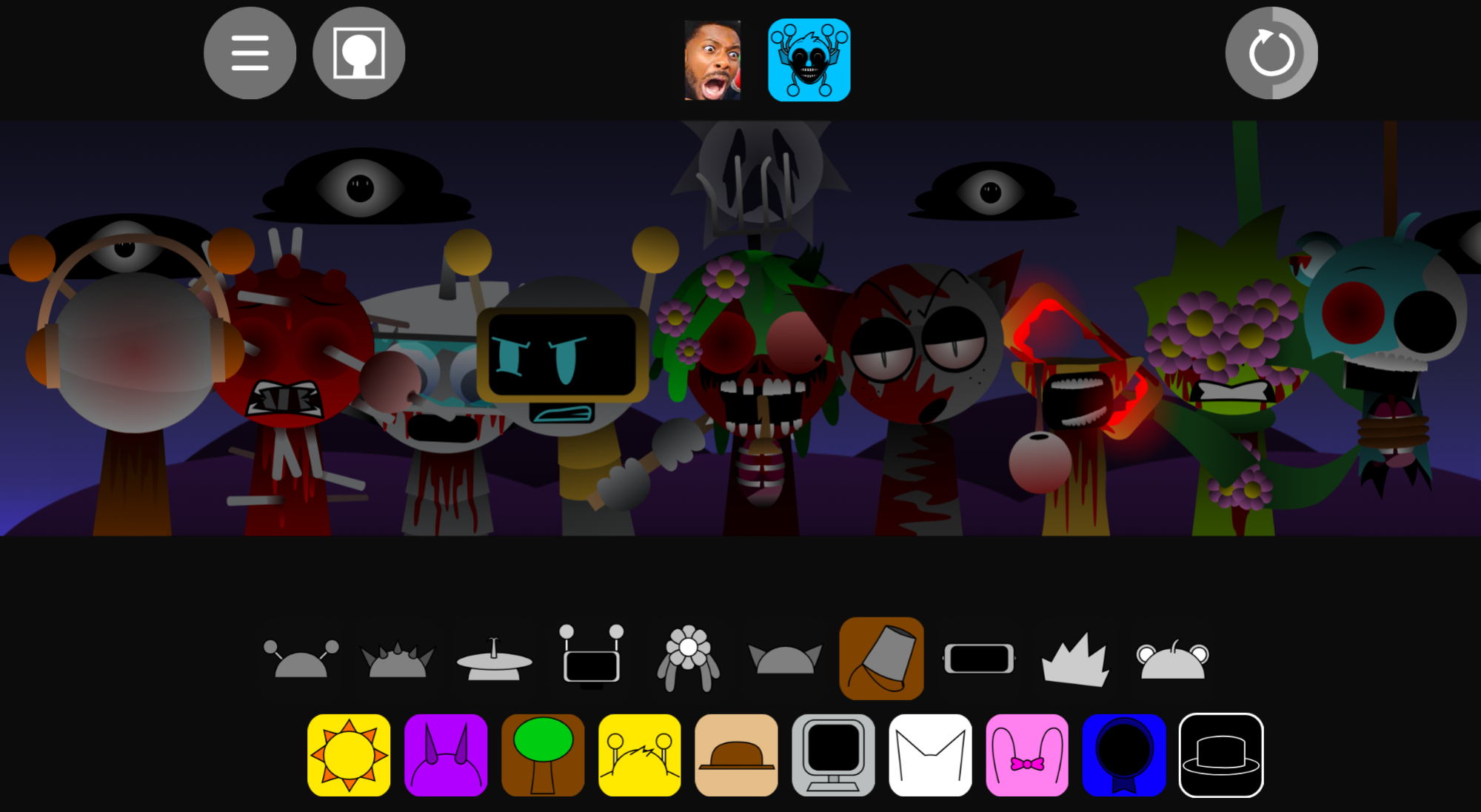
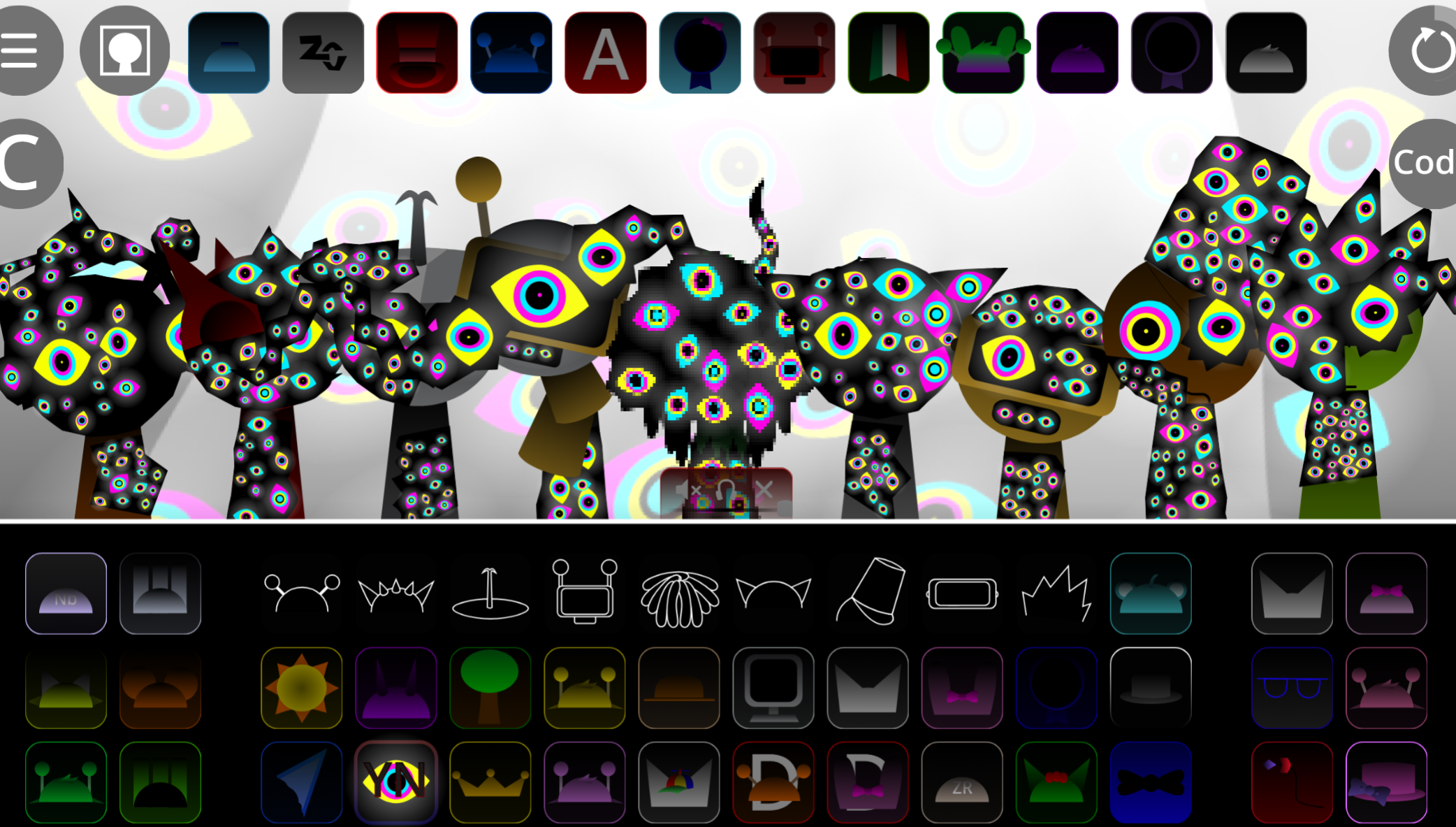
- Horror variant included: The template includes a horror version of the same character, which changes the monitor design into a more unsettling form when you switch modes.
- Ready-to-use template: This is designed as a simple starting point rather than a full mod, so it offers one memorable vocal character without a large roster of original characters.
The template is lightweight by design. It focuses on delivering one well-defined vocal slot rather than building out a complete character set. This makes it useful for players who want to add a distinct voice to their mix without managing multiple new characters.
Because the sound is speech-based rather than melodic, it adds a different texture compared to standard Sprunki vocals. The robotic quality of the “Speech” sample gives Mr. Fun Computer a personality that stands apart from typical sung or hummed vocals.
The horror variant extends the template’s usefulness. You can use the same vocal slot in both a normal and a darker context, which gives you flexibility without needing to load a separate character.
What Is Mr. Fun Computer’s Sprunki Template (Credit if used)?
Mr. Fun Computer’s Sprunki Template (Credit if used) is a Sprunki template created by @CompyCompyPutyputers and first shared on Cocrea. It’s designed around a single featured character rather than a full large mod, making it a focused starting point for players who want a ready-made vocal slot.
The main character is Mr. Fun Computer, a computer monitor with rectangular eyes. It occupies the 16th slot and serves as the first vocal in the lineup. The character’s sound comes from an FL Studio “Speech” voice sample, using an edited clip of the phrase “Who needs mono rendering.” This gives it a robotic, speech-like vocal style that differs from typical melodic or percussion-based sounds.
The template also includes a horror version of the same character. The familiar monitor design shifts into a more unsettling form when you switch to horror mode, so you can use the same vocal slot in different contexts without loading a separate character.
For players, the appeal is immediate usability. The template is ready to use on GoSprunki.com with no install or setup, so you can drag Mr. Fun Computer onto the soundboard and hear it perform right away. This makes it useful for quick mixes and simple setups where you want a distinct vocal character without managing a large roster.
Because the template is marked “Credit if used,” you should credit @CompyCompyPutyputers whenever you use, remix, or share work based on this setup. The creator is clearly identified, and the template is shared with the expectation of attribution.
This template works best as a lightweight starting point. It’s not a large-scale Sprunki mod, so players looking for extensive character options will need to look elsewhere. But if you want one well-defined vocal character ready to go, it delivers that without extra setup.
Similar Games
Final Words
Mr. Fun Computer’s Sprunki Template proves that respecting creators doesn’t require grand gestures—just a simple acknowledgment. This single-character template, featuring a rectangular-eyed monitor that speaks through FL Studio’s robotic “Who needs mono rendering” sample, offers instant usability for anyone building Sprunki mixes. Available on GoSprunki.com with both normal and horror variants, it’s a lightweight solution for adding a distinct vocal without managing complex character rosters.
But here’s the real takeaway: crediting @CompyCompyPutyputers isn’t about legal obligation—it’s about keeping collaborative spaces alive. When you use this template, you’re tapping into a community that thrives on transparent sharing. Skip the credit, and you risk damaging the trust that makes these resources available in the first place.
The template itself is straightforward: drag, drop, and hear the speech-based vocal immediately. No installation, no configuration, just one memorable character ready to layer into your soundboard.
Discuss Sprunki